Simon Willison on annotated-release-notes
49 posts tagged ‘annotated-release-notes’. I sometimes publish extended annotated versions of the release notes for my projects.
49 posts tagged ‘annotated-release-notes’. I sometimes publish extended annotated versions of the release notes for my projects.
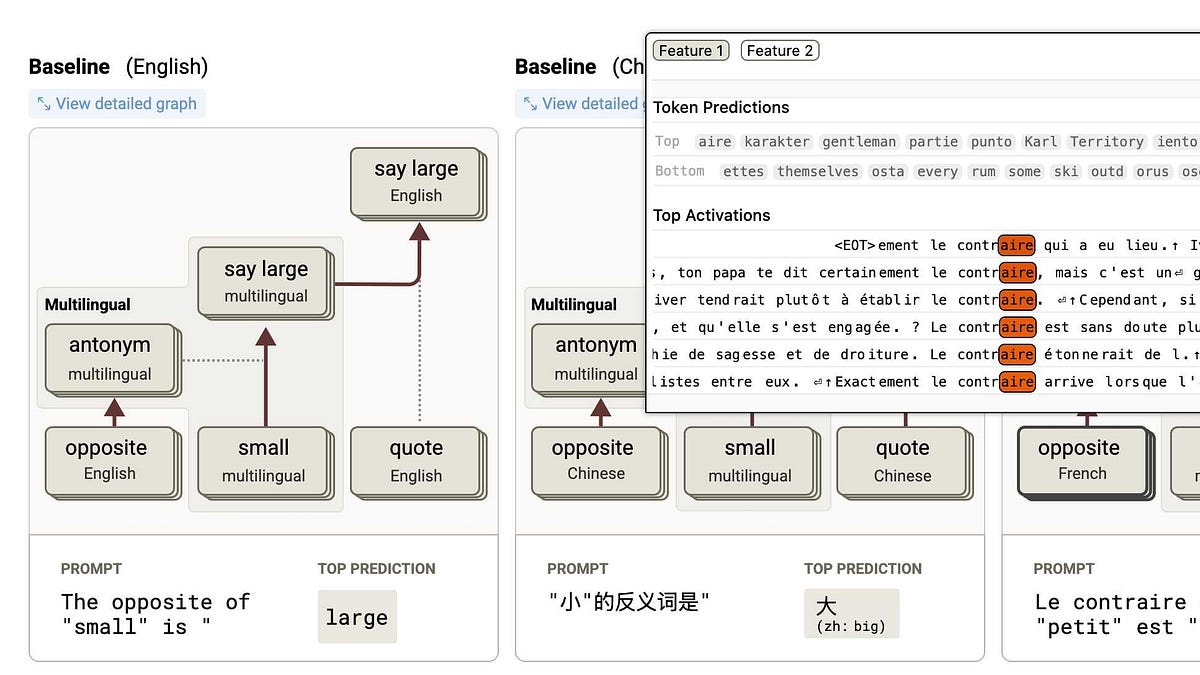
and a whole bunch of other stuff from the past two weeks
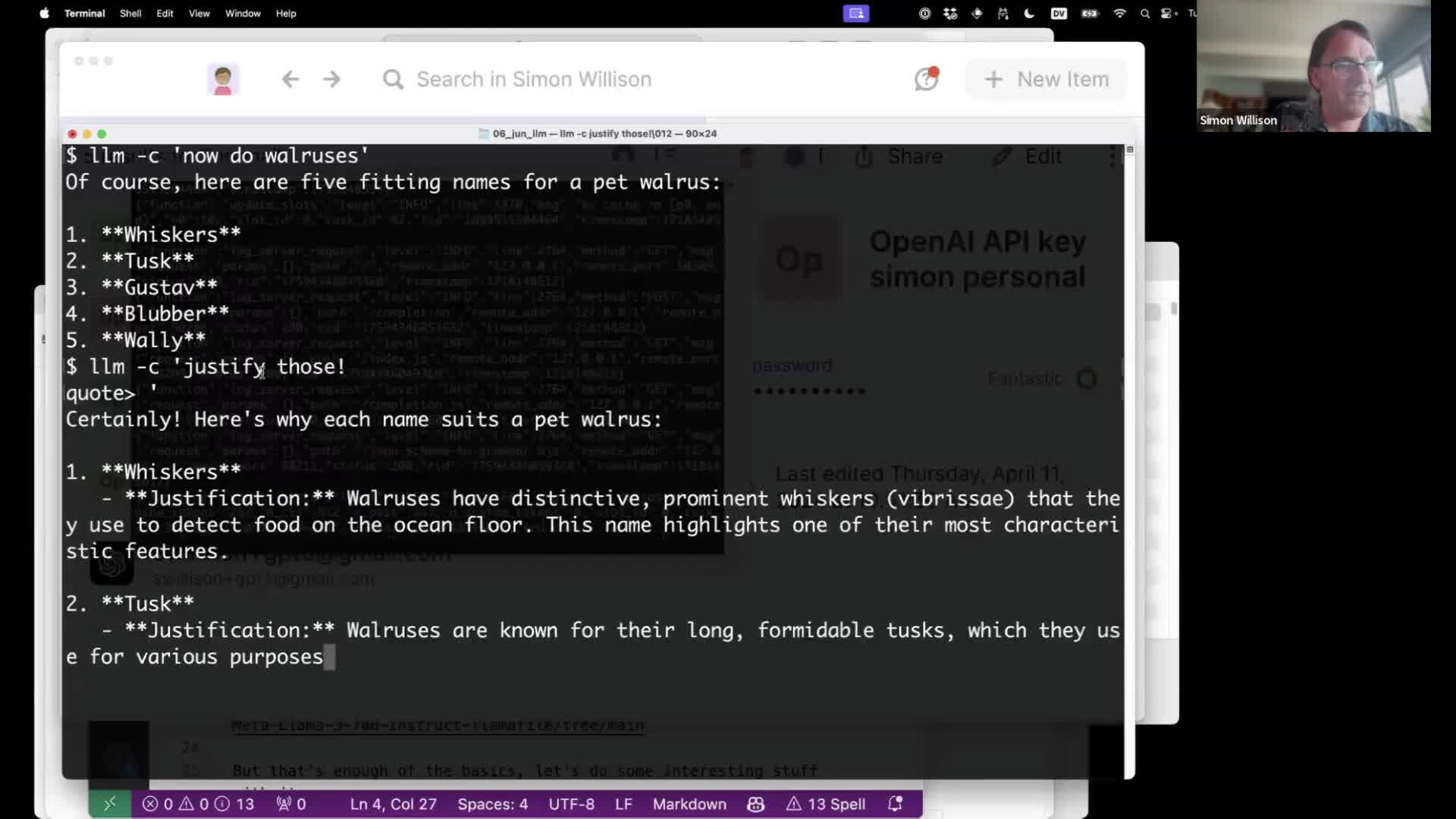
I gave a talk about accessing Large Language Models from the command-line last week as part of the Mastering LLMs: A Conference For Developers & Data Scientists six week long …
An intentionally quiet and unassuming (and empty) blog
Some small things I've learned
Access large language models from the command-line - simonw/llm
Access large language models from the command-line - simonw/llm
I updated my installation of Willison's LLM tool to add plugins, and now I have 50 LLMs at my fingertips, including 15 local models, which get installed on demand.
Install llm: uv tool install llm Install plugins: llm install llm-mlx llm-ollama llm-gemini llm-mistral llm-openrouter llm-sentence-transformers llm-cmd llm-jq Install llm with its plugins in one line (great to re-install the environment): uv tool install llm --with llm-mlx --with llm-ollama --with llm-gemini --with llm-mistral --with llm-openrouter --with llm-sentence-transformers --with llm-cmd --with llm-jq llm-mlx requires Python 3.12 or lower, there are two ways to set Python version. Environment variable: export UV_PYTHON=3.12 Command line option:
LLM integration plugin for other plugins to depend on - datasette/datasette-llm
Access large language models from the command-line - simonw/llm
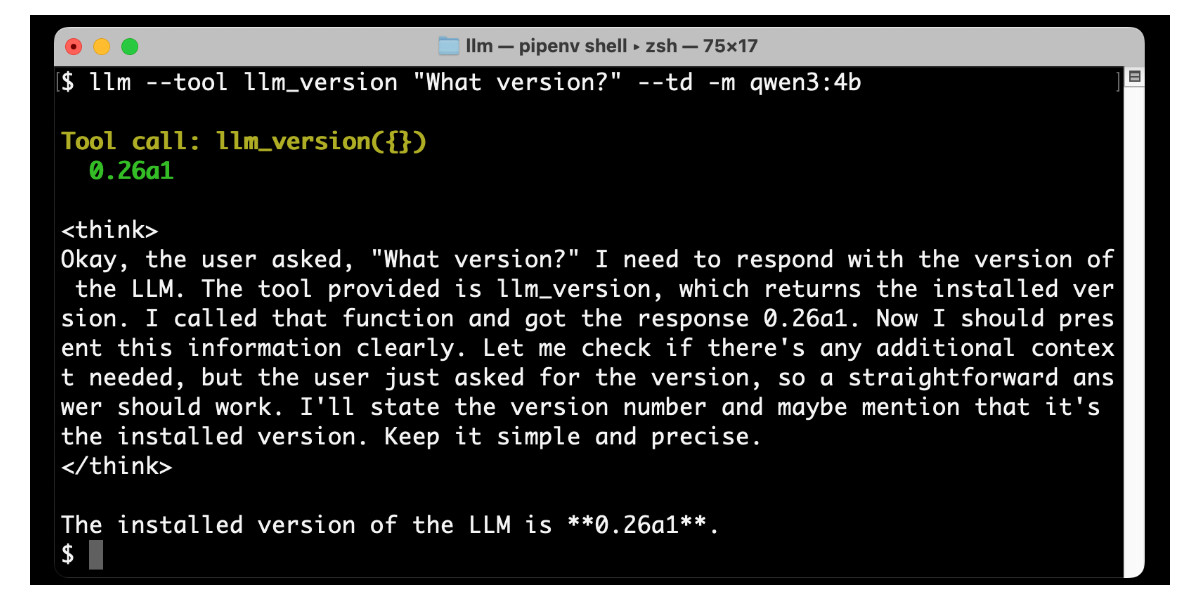
LLM 0.26 is out with the biggest new feature since I started the project: support for tools. You can now use the LLM CLI tool—and Python library—to grant LLMs from …