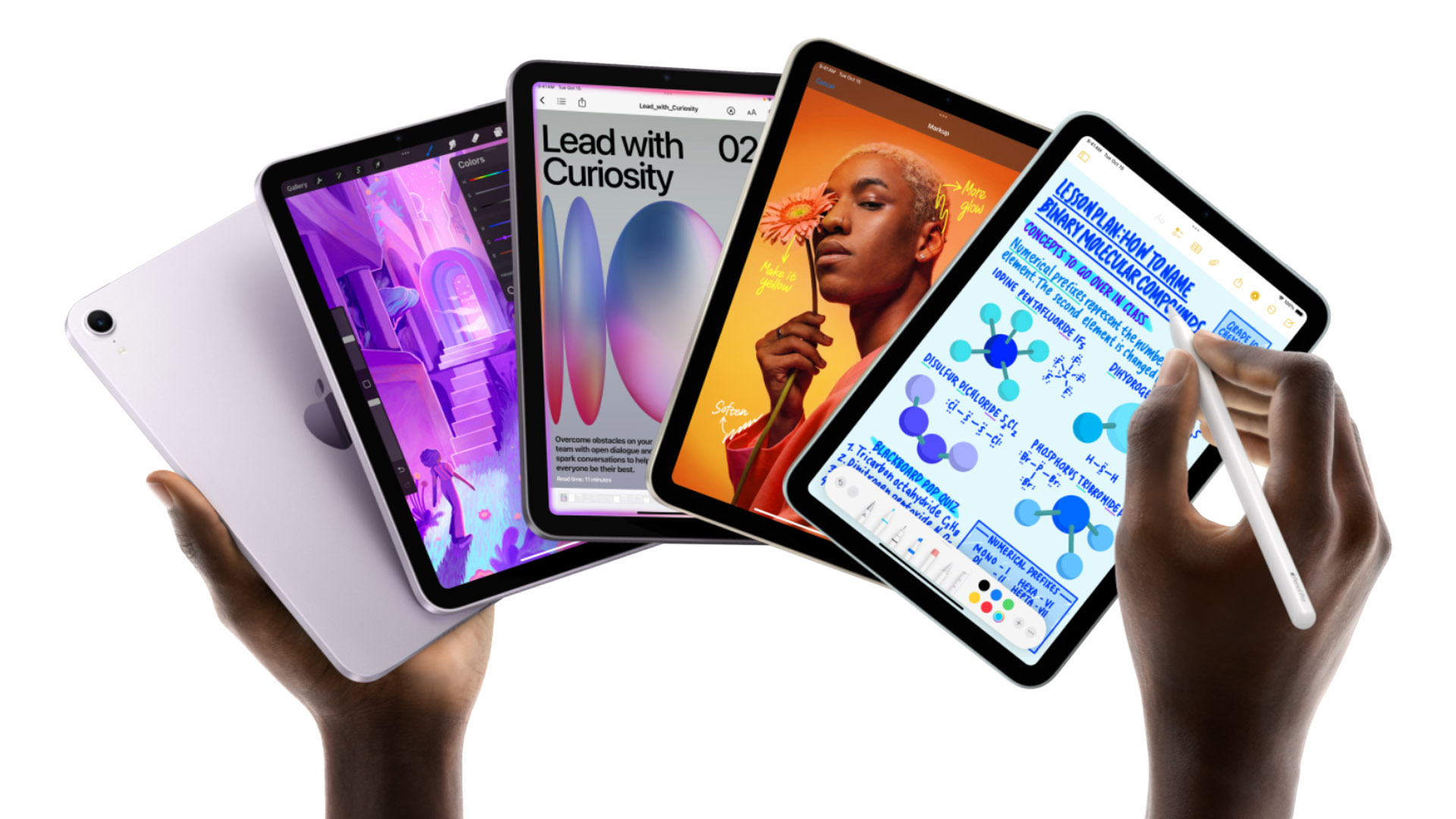
Apple’s newest iPad Air has only been on shelves for about two months, but you can already save a bundle on one: Instead of shelling out $599 for the 11-inch model with 128GB of storage, it can be yours today for $520 at Amazon, a savings of $79 and the best price we’ve seen for this tablet.
This is an excellent tablet, packing plenty of speed and processing power. Equipped with an M4 chip and 12GB of RAM, this 11-inch tablet can tackle everything you want to do. From streaming content to gaming to using photo editing apps, you can use this app for everything and anything you want. It’s even a great tool to use when participating in online meetings because that 12MP front camera with Center Stage will keep the focus on you. Oh, and the Liquid Retina display will look gorgeous in any lighting situation, delivering vibrant colors and great contrast.
The tablet is ready for all the Apple Intelligence upgrades coming this fall and will handle any tasks you need to get done. Plus, you can add an Apple Pencil or Magic Keyboard to boost your productivity even further.
Don’t miss out on the chance to save $80 on an impressively fast tablet that’s at its best discount yet.
Apple holds what has traditionally been referred to as its “Back to School” promotion every year – although it is now referred to by Apple as the “College Student Offer” or “Higher Education Offer” to avoid confusion, because it is only open to students in higher education, along with qualifying educational staff and teachers, rather than school-age children.
As part of the promotion, eligible students can qualify for an incentive when purchasing qualifying Apple products, which are already discounted through Apple’s Education Store. In recent years, these incentives have included free AirPods, a free Apple Pencil and other accessories.
Apple’s “Back to School” deal runs in various regions around the world during the summer break for universities and colleges. The promotion typically ends around a month after the first university semester or term begins in each country, so it will be starting in North America very soon.
Region2026 Start date2026 End Date2026 DealNorth AmericaMid-June (TBC) Mid-September (TBC)Expected: Free/discounted AirPods, Apple Pencil, Keyboards and MiceU.K. & Europe Mid-July (TBC)Mid-October (TBC)Expected: Free/discounted AirPods, Apple Pencil, Keyboards and MiceAustralia January 7, 2026March 11, 2026Confirmed: Free/discounted AirPods, Apple Pencil, Keyboards and Mice
Read on to find out everything you need to know about Apple’s Higher Education promotion this year, including when it is expected to begin in your region, what products and incentives may be included, who qualifies, and how to take advantage of the offer.
Apple’s “Back to school” deal: At a glance
What is Apple’s “Back to School” deal? The 2026 deal is expected to be free AirPods, Apple Pencil, and other accessories with purchases of qualifying Macs and iPads.
When is Apples “Back to School” deal? It is expected to run during June to September in North America, July to October in the U.K. and Europe.
Is this the only student saving from Apple? No, Apple offers a discount on Macs and iPads all year round to qualifying students.
Who qualifies? Verified students in higher education institutions – and their parents.
Who can get Apple’s “Back to School” give-away?
Current and newly accepted higher education students – and their parents
Apple
If you are enrolled at a higher education institution (post-K12 education, such as a university or college), or are the parent of a student who is enrolled, you qualify for Apple’s year-round education pricing as well as the “Back to School” promotion while it is running.
You will need to verify your eligibility before you can access the offer. Prior to May 2026, verifying student status in some countries – including the U.S. – only required an .edu email address and the name of a higher education institution. Apple has since tightened its verification requirements.
As a result, shoppers now need to verify their student status through UNiDAYS (as was already the case in the U.K.). Students are typically required to provide their name, date of birth, and school email address, then search for their institution and wait for their student status to be confirmed.
Apple’s education pricing is not available to parents buying for school-age children, but it is available to parents who are homeschooling their children.
When does Apple’s “Back to School” deal start?
U.S. & Canada: From mid June – end September 2026.
In North America, the “Back to School” deal is expected to run from mid-June through the end of September. Apple has not yet confirmed the official dates, but last year the promotion ran from June 17 to September 30 in the U.S. and Canada, so a mid-June launch is likely again this year.
Because the academic summer break begins and ends later in Europe, the promotion is expected to launch in the U.K. and across Europe in mid-July. In 2025, for example, the offer began on July 10 and ended on October 21.
The deal ran from January 7 to early March 11 this year in the Southern Hemisphere. Similar timings are expected in 2027.
What is Apple’s “Back to School” deal this year?
Free AirPods/Apple Pencil/keyboard/mouse were offered with qualifying purchases in the Australian promotion earlier in 2026.
The same giveaway is expected to launch later in 2026 in North America, the U.K., and Europe.
Foundry
During the Australian promotion, which ran from January 7 to March 11, 2026, Apple offered free or discounted accessories – including AirPods, AirPods Pro, Apple Pencil models, and Apple Keyboard, Mouse, or Trackpad products – with the purchase of qualifying Macs and iPads.
The following products were offered for free or discounted, earlier in 2026:
AirPods 4
AirPods Pro 3
Magic Mouse
Magic Trackpad
Magic Keyboard
Apple Pencil Pro
Magic Keyboard (for iPad Air/iPad Pro)
Apple also offered similar giveaways during its 2025 promotion, and, previously, Apple also included a discount for the AirPods Max.
However, this has not always been the company’s approach. From 2022 to 2024 in the U.S., U.K., and some other regions, Apple instead offered gift cards worth up to $150/£130, depending on the products purchased during the promotional period. While Apple could return to that format, it is not currently expected to do so.
As of May 2026, Apple has yet to officially confirm this year’s promotion in North America or Europe, but the company is widely expected to continue offering AirPods and the other accessories listed above as part of the deal.
Can students qualify for other savings at Apple?
Yes. Apple’s “Back to School” promotion is not the only education-related discount the company offers. Macs and iPads sold through Apple’s Education Store are discounted year-round, so qualifying students and educational institutions can save up to $100/£100 of a Mac or iPad at any time of the year.
The summertime Back to School promotion is offered in addition to these ongoing education discounts. We explain everything you need to know about qualifying for Apple’s education pricing – including how much you can save and how to shop through the Apple Education Store – in our Guide to shopping in the Apple Education Store.
In order to get Apple’s “Back to School” Deal you need to purchase a qualifying Mac or iPad from your local Apple Education Store during the promotional period.
You will need to verify your student status via UNiDAYS, as explained above.
Visit the Apple Education Store for your region using the links below:
Logging in from your university network may help simplify the verification process.
When you purchase a qualifying Mac or iPad, you will then be able to claim the promotional freebie or discounted accessory.
You can choose which of the giveaway product you want to receive when you make your order. In some cases the freebee comes with an additional cost, we include details of how much more you may need to pay in the tables below.
Which products qualify for Apple’s “Back to School” deal this year?
Apple’s Back To School deal in 2025.
Apple
Apple has yet to confirm which products will qualify for the the 2026 promotion in North America, the U.K. and Europe.
However, during the Australian promotion earlier in 2026, the following products qualified:
MacBook Air
MacBook Pro
iMac
iPad Pro
iPad Air
Will Apple include the MacBook Neo in the 2026 “Back to School” promotion?
Since the Australian promotion ended, Apple has launched the MacBook Neo, a new laptop aimed specifically at students.
As for whether Apple will offer free AirPods or other accessories with purchases of the MacBook Neo, we think that is unlikely.
While the new MacBook is clearly targeted at students, we do not expect Apple to include it in the promotion because of its already relatively low starting price.
Will Apple include the Mac mini in the 2026 “Back to School” promotion?
Apple has previously allowed the purchase of a Mac mini to qualify for the promotion, but not in 2025 or, so far, in 2026.
In recent times, the Mac mini has surged in popularity, especially among AI developers looking for a relatively inexpensive Apple Silicon machine capable of handling local AI workloads. This popularity, combined with ongoing global component shortages, has left Mac mini supply constrained as of May 2026, so we do not expect Apple to include it in the “Back to School” promotion.
Apple could also launch an updated Mac mini in the coming months, but even if it does, we still think it is unlikely to be included in the student deal.
Will Apple include the iPad A16 in the 2026 “Back to School” promotion?
Apple has previously allowed entry-level iPads to qualify for its Back to School promotion, but that was not the case in 2025 and, so far, it has not been the case in 2026 either.
With a new entry-level iPad expected later in 2026 – and the current iPad A16 lacking support for Apple Intelligence — our recommendation would be to choose an iPad Air instead.
Will Apple include the iPad mini in the 2026 “Back to School” promotion?
Apple has included the iPad mini in some Back to School promotions in the past. A new iPad mini is expected to launch in 2026 and that may affect Apple’s decision to include it in the deal.
Will Apple include the iPhone in the 2026 “Back to School” promotion?
Apple has never included the iPhone, Apple Watch, or any products other than selected Macs and iPads as qualifying purchases for its “Back to School” promotion.
The additional savings available through Apple’s “Back to School” promotion depend on both the product purchased and the promotional accessory being offered.
In previous promotions, students could save up to $199 by choosing a free Magic Keyboard, up to $179 by selecting AirPods 4 with Active Noise Cancellation, or up to $129 by choosing an Apple Pencil Pro.
If you select one of the more expensive accessories offered as part of the promotion, you typically need to pay the difference above the promotional discount amount. For example, in 2025, choosing AirPods Pro 3 required an additional payment of $70.
Below, you can see the kinds of savings Apple has offered in previous years. Once Apple confirms the 2026 promotion details for North America, the U.K., and Europe, we will update these tables accordingly
U.S. “Back to School” giveaway details: 2025
In summer 2025, U.S. students making the following purchases could either get free Mice, TrackPad, Keyboard, Apple Pencil, or AirPods 4, or get a discount on the price of the AirPods Pro 2 and Magic Keyboard cases for iPad. The terms and conditions of the deal are here: U.S.
BuyGetSavingAdditional spendMacBook Air or MacBook Pro AirPods 4 with ANC$179
AirPods Pro 2 $179$70 Magic Mouse $79 or $99
Magic TrackPad$129 or $149
Magic Keyboard $179 or $199 iMacAirPods 4$179
AirPods Pro 2 $179$70iPad Air or iPad ProApple Pencil Pro $119
AirPods 4$129
AirPods 4 with ANC$129$50 AirPods Pro 2 $129$120 Magic Keyboard for 11-inch iPad Air$119$130 Magic Keyboard for 13-inch iPad Air$119$180 Magic Keyboard for 11-inch iPad Pro$119$160 Magic Keyboard for 13-inch iPad Pro$119$210If you want AirPods Pro you have to pay a little more, but you are still getting $179 off.
U.K. “Back to School” giveaway details: 2025
U.K. students making the following purchases could either get free Mice, TrackPad, Keyboard, Apple Pencil, or AirPods 4, or get a discount on the price of the AirPods Pro 2 and Magic Keyboard cases for iPad. The terms and conditions of the deal are here: U.K.
BuyGetSavingAdditional spendMacBook Air or MacBook Pro AirPods 4 with ANC£179
AirPods Pro 2 £179£100 Magic Mouse £79 or £99
Magic TrackPad£29 or £149
Magic Keyboard $179 or $199 iMacAirPods 4£179
AirPods Pro 2 £179£100iPad Air or iPad ProApple Pencil Pro £119
AirPods 4£129
AirPods 4 with ANC£129£50 AirPods Pro 2 £129£100 Magic Keyboard for 11-inch iPad Air£119£130 Magic Keyboard for 13-inch iPad Air£119£180 Magic Keyboard for 11-inch iPad Pro£119£160 Magic Keyboard for 13-inch iPad Pro£119£210If you want AirPods Pro you have to pay a little more, but you are still getting £179 off.
Australian “Back to School” giveaway details: 2026
In summer 2026, Australian students making the following purchases can either get free Mice, TrackPad, Keyboard, Apple Pencil, or AirPods 4, or get a discount on the education price of the AirPods Pro 3 and Magic Keyboard cases for iPad. The terms and conditions of the Australian deal are here.
BuyGetSavingAdditional spendMacBook Air or MacBook Pro AirPods 4 with ANCA$299
AirPods Pro 3A$299A$130 Magic Mouse A$119 or A$149 Magic TrackPadA$179 or A$209
Magic Keyboard A$249 or A$279 iMacAirPods 4 (with ANC)A$299
AirPods Pro 3 A$299A$130iPad Air or iPad ProApple Pencil Pro $199
AirPods 4A$219
AirPods 4 with ANCA$219A$80 AirPods Pro 3A$219A$210 Magic Keyboard for 11-inch iPad AirA$199A$220 Magic Keyboard for 13-inch iPad AirA$199A$270 Magic Keyboard for 11-inch iPad ProA$199A$270 Magic Keyboard for 13-inch iPad ProA$199A$350If you want AirPods Pro you have to pay a little more, but you are still getting A$130 off.
Europe “Back to School” giveaway details: 2025
European students making the same purchases as those above could either get free Mice, TrackPad, Keyboard, Apple Pencil, or AirPods 4, or get a discount on the price of the AirPods Pro 2 and Magic Keyboard cases for iPad.
French details here. German details here. Spanish details here. Italian details here. Netherlands details here.
India “Back to School” giveaway details: 2025
The 2025 deal in India the Back to University was the same as in the U.S.: AirPods or Apple Pencil discounts.
Brazil and South Korea “Back to School” giveaway details: 2025
In Brazil and South Korea Apple gave away AirPods with Mac purchases and Apple Pencil with iPad purchases from January to March 13, 2024. The deal was the same in 2025.
Other ways to save money on a Mac or iPad
Even with the arrival or the MacBook Neo, a MacBook Air is still a good choice for students.
Foundry
If you don’t qualify for an education discount have a look at these round-ups of the best deals on a new Mac and iPad:
On some Apple products, including the M4 iMac, MacBook Pro, and iPad Pro, a feature called nano-texture glass is available. This is something that was first introduced on Apple’s Pro Display XDR, before coming to other Apple products beginning with the long-discontinued 27-inch iMac. So, what is it, and should you spend hundreds more to have it adorn your screen?
What is nano-texture glass?
Glare is often a problem in brightly lit offices and homes, which can render the large, glossy displays little more than hugely elaborate mirrors. One option it to choose a display with a coating to give it a matte finish, but that is not without disadvantages.
Apple’s solution to the problem is nano-texture glass, which drastically reduces glare while avoiding the frostiness and washed-out colors that are often the compromise made when opting for a matte finish.
It’s all thanks to some clever design and a meticulous process that results in displays that can happily cope with bright light sources. The nano-texture glass surface is etched in such a way as to scatter the light that falls on it so that the image quality isn’t affected and the user experiences no glare and reflections.
How does nano-texture glass work?
One of the main causes of glare is light from lamps, windows, and other sources reflecting back at you due to the smooth surfaces of modern displays. Matte finishes combat this by having some kind of coating on the display that diffuses or breaks down the light due to its more angular surface. Sadly, this works both ways, so the light emanating from the display itself is also altered, resulting in the murkier results that usually accompany the technique.
Apple has taken things to the next level by foregoing a coating and instead physically altering the surface itself through tiny (nano) etchings. The pattern of the etchings means that light rays hitting the display are reflected off at a range of angles, eradicating most of the glare in the process.
The very clever part is that this somehow doesn’t seem to have much of an effect on the onscreen display. Of course, making all those microscopic etches in the glass is a precision job, which is why it costs more. For example, to get nano-texture glass on the iMac, you’ll need to get a higher-end model and pay an additional $200, while the cost for the M5 MacBook Pro is $150 and the M5 iPad Pro is $100 more than the standard glass (though it’s only available with 1TB or 2TB of storage). Add nano-texture glass to your Apple Studio Display and you’ll be paying an extra $300!
Apple
How can I clean nano-texture glass?
One of the quirks of Apple’s new Nano-texture glass display is that the company insists it should only be cleaned using a specific Apple cloth. One is included with every display, but we’re not entirely sure what magic ingredients make it such a special piece of fabric. in a scratch test performed by YourTube channel JerryRigEverything, scratches appeared with little effort on the nano-texture glass and began to file down “like a cheese grater on cheese” with less pressure than regular glass. He also found that regular cloths and paper towels performed well when cleaning the glass.
However, if you’ve just forked out a couple hundred bucks for a high-end display technology, it’s probably a good idea to follow Apple’s instructions and spend a little extra on a high-quality cloth.
How durable is nano-texture glass?
Nano-texture glass is as durable as standard glass. Since it doesn’t have a coating, there shouldn’t be any noticeable wear from regular use, however as noted by JerryRigEverything’s testing above, it does scratch easier than normal glass. His testing found that some objects that left no markings on regular glass created permanent marks on the nano-texture glass.
Which Apple devices have nano-texture glass options?
iPad Pro
The nano-texture glass is available with the 1TB and 2TB iPad Pro models, for an additional $100/£100 on the usual price.
The nano-texture glass is available with all MacBook Pro models, for an additional $150/£150 on the usual price. For some reason, adding nano glass is not an option when buying a MacBook Pro from Amazon.
The main reason for adding on the costly nano-texture glass feature is if you are struggling with glare—for example, if you use your iMac or Studio Display in a room with bright overhead lights or work outside on your iPad Pro. You will lose some contrast at certain angles, but if you’re consistently struggling to see your screen in bright light, or need to be absolutely confident that colors appear accurately, it will definitely be worth the money.
iPad Pro users will be interested in ano-texture glass as it offers a better tactile feel for artists and note-takers that leads to a superior writing and drawing experience by providing a subtle texture that mimics paper better than slippery glass.
Fingerprints and oil smudges on matte displays are also less noticeable compared to glossy displays.
Choosing the right iPad for school isn’t just about specs, it’s about what you’ll actually use it for. If you want a balance of power and portability for classwork and media, the 11-inch iPad Air is an excellent all-rounder. If you prefer something more compact and great for reading and quick notes, the iPad mini fits the bill. And if price matters most, the standard iPad (A16) delivers solid performance without breaking the bank.
Preparing for student life can be exciting and stressful. To make things easier, it’s good to know that you’ve got the right tech to help you with note taking, writing essays, and so you can kick back with Netflix and games when the work is done. The iPad has evolved in recent years to something that can now act as a laptop replacement for many students, with accessories like the Magic Keyboard and Apple Pencil making it one of the most versatile devices you can buy.
The good news is that, yes, students can get money off an iPad when buying from Apple’s education store in their country. Apple offers money off new iPad purchases to students in higher education all year round.
The best time for students to buy a new iPad from Apple is during the summer months because Apple gives qualifying students a free gift such as a pair of AirPods or an Apple Pencil with the purchase of certain iPads and Macs. So, if you’re a student about to start higher education, take advantage of the company’s “Back To School” event which runs during the summer months (between June and September in the U.S. and Canada, from July to October in the U.K and Europe and from January to March in Australia, New Zealand and other southern hemisphere locations). Read our guide to Apple’s Back To School offer.
In the U.K. it has always been necessary to verify your student status via UNiDAYS. In May 2026, Apple implemented UNiDAYS verification requirements for educational discounts across the US, Australia, Hong Kong, Turkey, Canada, and Chile. Prior to this update it was only necessary to provide the name of your educational institution and an .edu email address to qualify for the discount. Apple’s checks are now more stringent. We explain how to verify your student status and get educational pricing in How to get an Apple student discount.
To qualify for a discount you need to meet Apple’s conditions. You either need to be a student in higher education, or a teacher at a teaching institution. The only way to get a discount for a child still at school is to be home educating them or to be a teacher yourself.
If you can’t get a student discount that doesn’t mean you won’t be able to get money off a new iPad though. Below we recommend the best iPads for students, and you will find links to the best prices at resellers where you are, some of which may be bigger discounts than those offered by Apple. Also read our round-up of the best iPad deals.
How much can students save on an iPad?
Students can save as much as $100 in the U.S., £100 in the U.K., $170 in Australia, and $150 in Canada if they buy from the Apple education store.
You may find more money off at a third party reseller, see the best prices in the sections below.
ProductU.S.U.K.AustraliaCanadaiPad (A16) MSRP$349£329$599$499iPad (A16) Student Price$329£309$559$469iPad mini (A17 Pro) MSRP$499£499$799$679iPad mini (A17 Pro) Student Price $449 £449$719$609iPad Air (11-inch, M4) MSRP$599£599$999$799iPad Air (11-inch, M4) Student Price$549£549$919$729iPad Air (13-inch, M4) MSRP$799£799$1,349$1,099iPad Air (13-inch, M4) Student Price$749£749$1,259$1,029iPad Pro (11-inch, M5) MSRP$999£999$1,699$1,399iPad Pro (11-inch, M5) Student Price$899£899$1,529$1,249iPad Pro (13-inch, M5) MSRP$1,299£1,299$2,199$1,799iPad Pro (13-inch, M5) Student Price$1,199£1,199$2,029$1,649Apple’s discounted price for students compared to the usual price.
Best iPad for students
Choosing the best iPad can be difficult, especially with Apple’s current lineup offering a wide range of models at different price points. The latest options include the M4 iPad Air released in March 2026, the M5 iPad Pro introduced in October 2025, the iPad A16 launched in March 2025, and the iPad mini A17 Pro released in October 2024.
For most students, we recommend the 11-inch iPad Air because it strikes an excellent balance between performance, portability, and price. It also supports Apple Intelligence features, making it more future-proof than the standard iPad. Read on to find out whether the iPad Air is the best choice for your needs, or if another iPad model may suit you better.
iPad Air M4: Best iPad for most students
Pros
Laptop-level performance
Lightweight portable design
Apple Pencil support
Cons
Expensive accessories if required
No OLED display
Limited iPadOS multitasking
Price When Reviewed:
$599
Best Prices Today:
Retailer
Price
$519.99
View Deal
$556.5
View Deal
$559
View Deal
$599
View Deal
$599
View Deal
$599.99
View Deal
$635.58
View Deal
Price comparison from over 24,000 stores worldwide
View more prices
Product
Price
Price comparison from Backmarket
Why is the iPad Air a good choice for students?
The iPad Air is widely considered the sweet spot in Apple’s tablet lineup for students, offering an excellent balance of performance, portability, and price. It delivers many of the premium features found in the iPad Pro without the significantly higher cost, making it a versatile option for note-taking, research, creative work, and everyday study tasks.
Note: Having introduced the M4 iPad Air in March 2026, Apple is not expected to update the iPad Air again until late 2027.
Advantages for Students
Laptop-Level Performance: Powered by Apple’s M-series chips, the iPad Air delivers performance comparable to modern MacBooks. It handles demanding tasks with ease, including multitasking, streaming, gaming, web browsing, and productivity apps.
Versatile Study Tools: Support for the Apple Pencil Pro and Magic Keyboard makes the iPad Air ideal for handwritten notes, sketching diagrams, annotating PDFs, and writing essays. With the right accessories, it can comfortably replace a laptop for many students.
Apple Intelligence Support: Unlike the standard iPad, M-series iPad Air models support Apple Intelligence, Apple’s AI-powered suite of tools for writing assistance, summarisation, and research.
Portable Yet Spacious: At just 6.1mm thin and weighing around 460g, the iPad Air is easy to carry between lectures and study sessions. It is available in both 11-inch and 13-inch sizes for students who want either maximum portability or additional screen space for multitasking.
Disadvantages for Students
Accessories Increase the Cost: The iPad Air is expensive once essential accessories like the Magic Keyboard and Apple Pencil are added.
60Hz Display: The LCD display lacks the smoother 120Hz ProMotion technology available on the iPad Pro and some competing tablets.
Missing Premium Features: The iPad Air uses Touch ID instead of Face ID and does not include the OLED display or quad-speaker setup found on higher-end Pro models.
iPadOS Limitations: While powerful, iPadOS still cannot fully replace macOS for every workflow. Advanced multitasking, file management, and professional desktop applications remain more limited compared to a traditional laptop.
How much can students save on the iPad Air?
Higher education students can usually save around $50/£50 through Apple’s Education Store, with occasional promotions that include gift cards or discounted accessories during Back to School periods.
iPad (A16, 2025): Best budget iPad for students
Pros
Affordable student pricing
Excellent battery life
Strong everyday performance
Cons
No AI features
Basic display quality
Limited Pencil support
Price When Reviewed:
$349
Best Prices Today:
Retailer
Price
$319.99
View Deal
$341.5
View Deal
$349
View Deal
$349
View Deal
$349
View Deal
$349.99
View Deal
Price comparison from over 24,000 stores worldwide
View more prices
Product
Price
Price comparison from Backmarket
Why is the iPad A16 a good choice for students?
The iPad A16 is Apple’s most affordable modern iPad and offers excellent value for students who primarily need a device for note-taking, essay writing, research, streaming, and online learning.
Note: Apple is expected to update the iPad A16 in 2026. While the update could arrive in the next few months, it’s more likely to arrive in the October timeframe. If you want to be able to take advantage of Apple Intelligence features we recommend waiting for that update.
Advantages for Students
Strong Everyday Performance: Powered by the A16 Bionic chip, the iPad A16 comfortably handles word processing, note-taking apps, coding, and multitasking. The upgraded 6GB of RAM also improves longevity for future software updates.
More Storage For Less: With this generation, Apple doubled the base storage to 128GB from 64GB, giving students more room for textbooks, downloaded lectures, and apps without increasing the starting price. 64GB was never enough, so it’s excellent news that Apple changed this.
Reliable Battery Life: With over 10 hours of real-world battery life, the iPad A16 can comfortably last through a full day of lectures and studying.
Affordable Entry Point: Starting at $349/£329 – and often discounted further – the iPad A16 is the most accessible way into Apple’s ecosystem. Students can save even more through Apple’s education pricing.
Disadvantages for Students
No Apple Intelligence Support: The iPad A16 is currently the only iPad in Apple’s lineup that does not support Apple Intelligence.
Limited Accessory Support: It does not support the Apple Pencil Pro or second-generation Apple Pencil. Students must use either the first-generation Apple Pencil or the Apple Pencil (USB-C), which lacks pressure sensitivity.
Basic Display Technology: The non-laminated display has a visible air gap between the glass and screen and lacks an anti-reflective coating, making it less ideal in bright environments.
Slow USB-C Speeds: Although it uses USB-C, transfer speeds are limited to USB 2.0, making file transfers significantly slower than on the iPad Air or Pro.
How much can students save on the iPad (A16)?
Higher education students can usually save around $20/£20 through Apple’s Education Store, with annual promotions that include gift cards or discounted accessories during Back to School periods.
iPad mini (A17 Pro, 2024): Best small tablet for students
Pros
Extremely portable size
Great handwritten notes
Powerful compact performance
Cons
Small multitasking screen
Keyboard support limited
Expensive
Price When Reviewed:
$499 (128GB); $599 (256GB); $799 (512GB)
Best Prices Today:
Retailer
Price
$475.1
View Deal
$489
View Deal
$499
View Deal
$499
View Deal
$499
View Deal
$499
View Deal
$499
View Deal
$499.99
View Deal
Price comparison from over 24,000 stores worldwide
View more prices
Product
Price
Price comparison from Backmarket
Why is the iPad mini a good choice for students?
The iPad mini is designed for students who prioritise portability above all else. Compact, lightweight, and powerful, it works particularly well as a digital notebook, e-reader, or travel companion.
Note: Apple is expected to update the iPad mini in 2026. While the update could arrive in the next few months, it’s more likely to arrive in the October timeframe.
Advantages for Students
Ultra-Portable Design: Weighing just 293g, the iPad mini easily fits into small bags or large jacket pockets, making it ideal for commuting students.
Excellent for Note-Taking and Reading: The 8.3-inch display feels natural for handwritten notes, reading textbooks, annotating PDFs, and using the Apple Pencil Pro.
Impressive Performance: Despite its compact size, the A17 Pro chip delivers strong performance and supports Apple Intelligence features for writing and productivity assistance.
Useful Academic Features: The 12MP Ultra Wide front camera with Center Stage improves video calls, while built-in document scanning makes it easy to digitise notes and coursework.
Disadvantages for Students
Small Display for Multitasking: The compact screen can feel cramped when multitasking, working on spreadsheets, or viewing complex documents.
Less Suitable as a Laptop Replacement: The iPad mini lacks support for Apple’s Magic Keyboard and Smart Connector accessories, making long-form writing less convenient, although you can use any Bluetooth keyboard with it.
Higher Price Than the Standard iPad: Although portable, the iPad mini costs significantly more than the entry-level iPad, and many students may find the iPad Air offers better overall value.
60Hz Refresh Rate: Like the iPad Air, the iPad mini lacks the smoother 120Hz ProMotion display found on the iPad Pro.
How much can students save on the iPad mini?
Higher education students can usually save around $50/£50 through Apple’s Education Store, with promotions that include gift cards or discounted accessories taking place during Back to School periods.
11-inch iPad Pro (2025): Best iPad for student power users
Pros
Exceptional creative performance
Stunning OLED display
Premium build quality
Cons
Very expensive overall
iPadOS software limitations
Can overheat heavily
Price When Reviewed:
$999
Best Prices Today:
Retailer
Price
$939
View Deal
$999
View Deal
$999
View Deal
$999
View Deal
$999.99
View Deal
Price comparison from over 24,000 stores worldwide
View more prices
Product
Price
Price comparison from Backmarket
Why is the iPad Pro a good choice for students?
The iPad Pro is designed for students who need maximum performance for demanding creative or technical workloads. It combines desktop-class power with a premium display, advanced accessories, and exceptional portability.
Note: Apple is not expected to update the iPad Pro until 2027.
Advantages for Students
Powerful Desktop-Class Performance: Powered by Apple’s latest M-series chips, the iPad Pro excels in demanding applications like Photoshop, Final Cut Pro, Logic Pro, and 3D design software.
Premium OLED Display: The Ultra Retina XDR OLED display delivers exceptional brightness, contrast, and colour accuracy, making it ideal for creative students working in photography, video editing, or design.
Advanced Apple Pencil Experience: The Apple Pencil Pro offers industry-leading precision for drawing, note-taking, and annotations that traditional laptops cannot replicate.
Highly Portable: The iPad Pro is thinner and lighter than many laptops, making it easy to carry throughout the day while still providing powerful performance.
5G Connectivity and Face ID: Optional 5G support allows students to stay connected without relying on Wi-Fi, while Face ID offers fast and convenient authentication.
Disadvantages for Students
Very Expensive: The cost rises quickly once accessories are added. A fully equipped iPad Pro with the Magic Keyboard and Apple Pencil Pro can cost well over £2,000/$2,000.
iPadOS Limitations: Despite improvements, iPadOS remains less flexible than macOS for professional workflows, advanced file management, and specialised desktop software.
Thermal and Battery Constraints: The ultra-thin design can lead to overheating during intensive tasks like video editing, and battery life may not match a MacBook Air under heavy workloads.
Less Stable Than a Laptop: Using the iPad Pro on a lap can feel awkward compared to a traditional laptop, and the lack of a headphone jack may inconvenience some users.
How much can students save on the 11-inch iPad Pro?
Higher education students can usually save around $100/£100 through Apple’s Education Store, with occasional promotions that include gift cards or discounted accessories during Back to School periods.
There are several factors to consider when choosing the best iPad as a student. For students primarily using their iPad for note-taking, reading, and everyday study tasks, a lightweight and portable device may be the most important feature. However, students looking for a laptop replacement for creative work, multitasking, or long essay writing sessions may benefit from a more powerful model.
The table below highlights the best iPad for different student needs, helping you find the right balance of performance, portability, and value.
Student NeedBest iPadBest iPadNote-takingiPad Air M4Excellent Apple Pencil support, lightweight design, and enough power for multitasking and study apps.Essay WritingiPad Air M4Works well with the Magic Keyboard and offers laptop-level performance for research and writing.Art & DesigniPad ProOLED display, Apple Pencil Pro support, and powerful performance for creative apps.Budget OptioniPad A16Affordable price, strong everyday performance, and great battery life for core student tasks.PortabilityiPad mini A17 ProUltra-compact and lightweight, ideal for commuting, reading, and quick note-taking.Laptop ReplacementiPad ProPowerful enough for demanding workloads with advanced multitasking and premium accessories.Use cases for selecting the best iPad.
iPad vs iPad Air for students
For students deciding between the iPad Air and the standard iPad, the choice depends on whether you prioritize future-proofing and performance or budget-friendly basics. As of May 2026, the iPad Air is generally considered the superior choice for most students due to its support for advanced AI features and more powerful processors.
The standard iPad (A16) remains a strong contender for students on a strict budget, the main drawback as of May 2026 is it’s lack of support for Apple Intelligence features.
Should students buy an iPad or a laptop?
Choosing between an iPad and a laptop depends largely on your specific course requirements, multitasking needs, and preference for portability versus software flexibility. While the iPad has evolved into a versatile device that can act as a laptop replacement for many, the MacBook remains the stronger option for complex multitasking and full desktop software.
Reasons to choose an iPad
The iPad is a strong option for students who prioritize portability, handwritten notes, and a touch-first experience. It is particularly useful for students who need to record lectures and take quick notes.
Portability and Versatility: iPads are significantly lighter than even the thinnest laptops, making them easier to carry between lectures and libraries.
Note-Taking and Creativity: With an Apple Pencil, the tablet becomes a digital art studio or a powerful tool for handwritten notes.
Battery Life: Most models offer around 10 hours of battery life, which is typically enough to last through a full day of classes.
Reasons to choose a laptop
For students with more demanding workflows, a MacBook or Windows laptop is generally the better long-term choice due to its full desktop operating system and broader software support.
Multitasking and Software: Laptops offer superior window management and the ability to run specialized desktop applications that may not be available on iPadOS.
Writing and Research: If you are likely to be typing long essays, the built-in keyboard and larger screen of a laptop are often preferred.
Value for Money: With the introduction of the MacBook Neo in March 2026, the price gap has narrowed. Starting at $499 for students, it competes directly with mid-range iPads.
Take a look at our guide to the best Macs for students to find the best MacBook for your needs, either as well as, or instead of an iPad.
Benefits of Apple Intelligence for students
Apple Intelligence provides a suite of generative AI tools designed to enhance productivity and creativity for students using compatible iPads. These features are natively integrated into iPadOS, allowing students to access them across various apps without needing separate subscriptions.
Apple Intelligence assists students primarily through writing assistance, organization, and creative tools:
Writing Tools: Students can use these features to proofread essays, uncover typos, and adjust the tone of their writing to be more professional or concise. Just don’t use it to write your whole dissertation.
Summarization: The AI can provide summaries of long emails and web pages, helping students quickly digest research materials.
Creative Assistance: Tools like Image Wand and other image generation features allow students to create custom illustrations or emojis for presentations and documents.
iWork Integration: For students using Pages, Numbers, or Keynote, Apple Intelligence can auto-fill tables, generate images for documents, and even create entire slide presentations based on text prompts.
Hardware requirements and compatibility
A critical factor for students is that Apple Intelligence is not available on all iPad models. It requires significant processing power and memory (at least 8GB of unified memory).
Apple Intelligence is restricted to iPads powered by M1 chips or newer, which includes the iPad Air and iPad Pro lines. The iPad mini with A17 Pro chip is also able to support Apple Intelligence.
The standard iPad (updated in March 2025 with the A16 Bionic chip) does not support Apple Intelligence. While the A16 chip is capable of running educational apps and games, it lacks the requirements for Apple’s AI suite.
Usage limits and educational context
Students should be aware that some advanced AI features within the Apple Creator Studio (which includes iWork apps) have monthly usage limits, such as a cap on the number of images or presentations that can be generated.
Additionally, some educational institutions may prefer students not to have access to AI text tools to ensure academic integrity, which is one reason the budget-friendly A16 iPad remains a popular choice for schools.
Beyond AI, students can also benefit from other iPadOS features like Math Notes in the Calculator app, which allows them to scribble formulas with an Apple Pencil and see them solved in real-time.
FAQ
1.
Do iPads run the apps I need?
It is very likely that you can run the apps you need. iPads support Microsoft apps such as Word, Excel and PowerPoint, or for an alternative you can also use Google apps like Google Docs and Sheets. Google Classroom is also supported.
Other common apps used by students, including Notion, OneNote, Evernote, Wolfram Alpha and Khan Academy are supported. And you’ll be able to video conference using Zoom, Teams and other options. That’s in addition to the Apple apps such as Pages and Numbers.
The App Store is heaving with great apps designed specifically for the iPad. Many of those apps will be ideal for students: note-taking apps, apps for converting handwriting to text, apps for recording lectures, timetable management, and of course video calling via Zoom, Teams, FaceTIme and others (so you can stay in touch with mum and dad).
2.
How well does an iPad handle multitasking?
In the past, one of the disadvantages of iPads was that it wasn’t easy to work with multiple apps at the same time in the same way as you do on a computer. Apple introduced Split View as a way to run two apps side by side, and this is a feature offered by most new iPads. You can also have a third app that floats in a window.
The iPad Air and iPad Pro go a step further with Stage Manager, which brings desktop style multitasking to those iPads. There are still some limitations though, for example, some apps don’t run in the background when you aren’t using them.
3.
What iPad screen size is best for students?
The best screen size depends on a number of factors. If you are looking for the ultimate in portability then the iPad mini may be the best option, but a larger screen will be better suited to reading and multitasking.
Your budget will also have an impact on this decision. A 13-inch iPad Air costs more than an 11-inch iPad Air, and much more than a standard iPad.
4.
Is battery life long enough for a school day?
Typically you can expect around ten hours of battery life, which should be enough to get you through a day of lectures.
Note that your battery will last longer if you keep the screen dim and don’t multitask or use draining apps.
5.
Will the iPad sync with my computer?
If your computer is a Mac and you use iCloud it really couldn’t be easier. You can automatically sync your work if you use certain apps, and share files via iCloud Drive. There are some useful features that come from linking up a Mac, iPad and iPhone including Universal Clipboard, so you can copy on one device and paste on another, AirDrop for easy file transfers and you can even use an iPad as a second display for your Mac.
If you don’t use iCloud you can still sync by plugging your iPad into your Mac with the USB C cable. If you are a PC user you can still sync in the same way.
6.
How much storage does a student iPad need?
For most students, 128GB is the standard starting point for an iPad, though your specific needs will depend on whether you plan to store large files locally or rely on cloud services.
Students who want to download movies, store a large collection of games, or work on media-heavy projects without constant file management will require 256GB or more.
As of early 2025, Apple updated its lineup to remove the 64GB entry-level models, which were previously criticized for being insufficient for modern academic use.
There are ways to expand or manage iPad storage. iPads with USB-C ports allow you to add storage drives or memory sticks, while using an iCloud family plan (such as the 2TB tier) can significantly reduce the need for high on-device storage.
Best iPad accessories for students
For students, the best iPad accessories focus on transforming the tablet into a versatile tool for note-taking, essay writing, and creative projects. The right choice often depends on whether you are using the iPad as a primary computer or a portable companion to a Mac.
Keyboards and Cases
A keyboard is essential if you plan to use your iPad for written assessments or as a laptop replacement.
Apple Magic Keyboard: This is widely considered one of the best options for the iPad Pro and Air, though it is expensive.
If you are likely to be typing long essays you might prefer a laptop, but you can always get a iPad keyboard and essentially turn your iPad into a laptop. See the Best iPad Keyboards we’ve tested or use any Bluetooth keyboard.
Styluses for note-taking
The Apple Pencil is a great option for for students, offering precision for drawing and handwritten notes, but you need to check which Apple Pencil works with your iPad as support differs.
Apple Pencil Pro: Supports advanced features and is compatible with the latest iPad Air (M3) and iPad Pro (M4) models. Apple Pencil (USB-C): A more affordable, simpler version that works with the standard iPad (A16) and other modern models. Apple Pencil gen 1: This Apple Pencil is the one you need if you have an iPad A16 and want a pressure sensitive pencil for drawing. Third-Party Styluses: For students on a budget, various third-party styluses offer a cheaper alternative to Apple’s official pencil. See our Best styluses we’ve tested for iPad.
There’s a newer model on shelves, but we still love the M3 iPad, which is basically identical to the M3 model aside from the chip. It comes as no surprise that we absolutely loved it when in our testing, giving it a 4-star rating and our Editors’ Choice award in our review, praising its outstanding performance, great display, and solid battery life. In short, it’s just the right size, speed, and features for just about anyone.
There’s nothing you won’t be able to use this iPad Air for because that M3 chip is more than capable of handling games, streaming apps, creative tools, and more. There’s 256GB of storage space available for all your apps, which should be more than enough, and 10 hours of battery life will easily get you through a day. The best part? This tablet has both Wi-Fi 6E and 5G connectivity, so you’ll be able to use it anywhere you go without needing to run a hotspot off your phone (with a separate wireless charge, usually around $10 a month).
We never know just how long clearance deals will be around, so it’s always best to just snag a great deal like this when you see it. For $599, definitely won’t regret it—but you might if you miss out.
Ever since its 2023 price cut, the entry-level iPad has been one of Apple’s easiest products to recommend. It was affordable, powerful enough for most tasks, and, more importantly, positioned as an alternative to budget laptops for students and casual users.
But now, with the recent introduction of the MacBook Neo, Apple has quietly created a problem for the base model iPad. It no longer seems like the best deal, and many consumers are beginning to wonder if it’s really still worth it. At this point, it seems the iPad really needs its own “MacBook Neo” moment.
When the numbers stop making sense
On paper, the A16 iPad still starts at an appealing price of $349. That’s quite affordable for an Apple tablet that lets you run pretty much any of the apps you can run on a more expensive iPad. For most people who just want a good tablet for casual web browsing, editing documents, or watching movies, this is the iPad to go for.
For $349, you get an 11-inch iPad with 128GB of storage, but no keyboard, trackpad, or Apple Pencil. For many people, this setup is fine. Again, this iPad is aimed at people who just want to use it as a regular tablet. But when you start adding things like more storage and accessories, the picture changes completely.
At $349, Apple’s A16 iPad is a great tablet.
Britta O’Boyle
Let’s say you want your iPad to double as a laptop. The 256GB model costs $449. Then you buy a Magic Keyboard Folio, which costs $249. That brings the total price of the iPad to just under $700. At that point, you’re essentially paying the same price as a higher-tier MacBook Neo configuration ($699) but getting less storage.
And you’re getting even less for your money. The base-model iPad still runs on the A16 chip introduced in 2022, while the MacBook Neo is powered by the significantly more advanced A18 Pro chip. That difference shows up in performance, longevity, and support for the latest features, including Apple Intelligence.
And let’s not forget that a $599 MacBook Neo can run full-fledged desktop software. But if you spend that same amount on an iPad with a keyboard and trackpad, you’ll be limited to using iPad apps available in the App Store.
The Magic Keyboard Folio is excellent, arguably one of the best keyboard cases on the market for the iPad. But at $249, it dramatically changes the value proposition of the base iPad. This iPad is meant to be affordable, but at the same time, Apple is trying to sell you a keyboard that practically doubles the price of the device.
Once you start fitting the iPad as a computer, it gets tough to recommend.
Stephan Wiesend
Many people who buy the entry-level iPad end up opting for third-party accessories because they’re cheaper. But again, this only underscores how Apple’s pricing strategy for the entry-level iPad no longer makes sense. And in that comparison, the MacBook simply makes more sense for most people.
Og course, there’s no denying that the iPad still has some advantages over the Mac. It’s the only Apple device that offers a touchscreen, Apple Pencil support, and a flexible form factor for taking notes and drawing. If that’s what you need, there’s no question about it. The iPad is still the best choice.
But Apple blurred these lines by setting the iPad up as a laptop alternative. That strategy worked when the iPad was clearly cheaper. Now, that advantage is gone.
If you want an iPad for browsing the web, writing, or using pro-level apps, the MacBook Neo outshines the entry-level iPad in almost every way. Yes, you can do those things on an iPad, but you’ll end up spending more and facing more limitations than if you bought a Mac.
An iPad Neo could be the answer
The MacBook Neo isn’t just the newest laptop in Apple’s lineup. It redefines what an entry-level product is. At $599, with a modern chip, 13-inch display, and 256GB of storage, Apple has finally aligned price and value in a way that’s easy to understand.
Now the iPad needs the same treatment. Yes, the entry-level iPad is already cheap, but it could use some meaningful upgrades.
First, this iPad needs more frequent updates with the latest chips. The A16 isn’t bad, but it’s already quite outdated by today’s standards. Luckily, as reported by Macworld, Apple is planning to launch a new base iPad with the A19 chip later this year.
The MacBook Neo has turned the iPad into a tablet-only device.
Foundry
A storage upgrade from 128GB to 256GB on the base model would also be very welcome. The company recently did this with the iPhone 17e, and that would be the right path to take with the iPad. After all, many people use their iPads to download photos, songs, videos, and games.
A significant price reduction on accessories, especially the Magic Keyboard Folio, is also long overdue. The iPad’s starting price of $349 isn’t the problem. But it has become hard to justify the cost of upgrades and accessories.
Perhaps the Neo brand, or at least its spirit, could give the iPad the boost it needs? Maybe it could even have a slightly larger display to better compete with the MacBook Neo. A bigger display would make the iPad feel more like a true laptop alternative.
If there’s one thing the MacBook Neo has shown us, it’s that Apple can deliver a decent entry-level product even in its base configuration with the right compromises. The Neo isn’t the most powerful or advanced Mac, but it’s extremely capable in its own right.
Right now, the base iPad doesn’t have that same clarity. It’s still a great tablet, but the moment you try to turn it into something more, the value starts to fall apart. Apple doesn’t need to reinvent the iPad, but it does need a realignment—and the MacBook Neo is a great place to start.
For years, Adobe Creative Cloud has been an essential part of my workflow. While I’m always writing as a journalist, I’m also constantly editing photos and videos, and Photoshop, Premiere, Lightroom, and other apps have been essential to my work. But like many freelance creators, I started to wonder if paying such a high price for Adobe apps was really worth it.
Even before Apple Creator Studio became a reality, I had already decided to switch from Adobe to Apple and Pixelmator apps (which now belong to Apple). If you’re also wondering whether the switch is worth it, read on as I detail how this decision impacted my workflow and which suite is better.
Adobe made sense, until it didn’t
I’m not here to disparage Adobe apps. There’s a reason why Adobe dominates the industry when it comes to creativity apps. Creative Cloud offers powerful tools that work seamlessly with each other and are widely used in professional environments.
Few things are easier than starting to edit a photo in Lightroom and retouching it in Photoshop with just a few clicks. Plus, if you work in a team, at an agency, or in a corporate environment, Adobe is usually the standard. It’s hard to be the only one using different software when you need to collaborate with others.
But as a solo creator, I started to realize that I wasn’t actually using most of what I was paying for.
Adobe’s Creative Cloud apps are incredibly powerful, but are also very expensive.
Foundry
I’ve been an independent journalist for years, and I also work from home. And as a Mac user, I started to notice that Adobe apps aren’t really optimized to take advantage of all the newer features in Apple hardware and software. All of Adobe’s apps run natively on Apple silicon, of course, but Adobe doesn’t keep up with the latest advancements in hardware or software as Apple does.
And yet, I was locked into a subscription that kept getting more expensive and harder to cancel. Annual plans, cancellation fees, and constant subscription renewals created a sense that I was renting my tools indefinitely, whether I wanted them or not.
Pixelmator Pro replaced Photoshop more easily than expected
There’s no denying that Photoshop is the most powerful image editor on the market. There’s no denying that. But I also realized that I didn’t need all that power most days.
My main use for Photoshop was to create artwork and crop images for my articles, or make templates for social media posts. I’m not a novice user, but I also didn’t really need all of Photoshop’s advanced tools.
Pixelmator Pro is a worthy alternative to Photoshop.
Foundry
I gave other apps such as Affinity Photo a try and ended up choosing Pixelmator Pro as my new image editor. At the time, Apple hadn’t yet acquired the app, and it was only available for Mac, which wasn’t a problem since I prefer working on my Mac anyway.
With Pixelmator Pro, you can work with multiple layers, add shapes, text, and masks, remove backgrounds, adjust colors, apply effects, and more. But one of my favorite features is Super Resolution, which uses AI to restore low-resolution images.
Pixelmator Pro doesn’t have as many tools as Photoshop, but it gets the job done and covers everything I need for retouching, compositing, cropping, and easy exporting to the web and social media. The interface is much cleaner and easier to use than Photoshop’s, which is great for beginners.
And Pixelmator Pro is a great Mac app. It’s built with the latest technologies and runs extremely smoothly on Apple silicon Macs. It became clear to me that I no longer needed Photoshop in my life. It started to feel like overkill.
Photomator is the perfect Lightroom alternative
In order to dump Adobe, I also needed a replacement for Lightroom. Since I was already using Pixelmator Pro, Photomator felt like the best and most natural choice. From the same developers as Pixelmator Pro and now also owned by Apple, Photomator is the perfect app for batch editing photos.
Photomator is an underrated tool for touching up photos.
Foundry
It has all the essential tools for editing photos with color and texture correction, LUT support, automatic subject and background selection, and compatibility with multiple RAW formats. It’s also super easy to use and integrates with the iCloud Photos library, which is a huge plus for me.
Like Pixelmator Pro, Photomator also has some interesting AI-based features, such as Super Resolution, Smart Deband to remove color banding artifacts, Denoise to remove camera noise, and Repair to remove imperfections or entire objects from a photo.
I also find that Photomator runs noticeably faster and smoother on my Mac than Lightroom. Plus, Photomator is available on iPhone and iPad, so I can edit photos right from my phone or retouch them with Apple Pencil on my iPad.
Final Cut Pro is a real upgrade over Premiere
When it comes to video editing, both Final Cut Pro and Premiere Pro offer advanced tools and are widely used in the industry. But for me, Final Cut is much easier to use.
Despite having professional tools for color grading, LUTs, transitions, and effects, Apple designed Final Cut Pro with an interface that makes it look like iMovie. Even if you’ve never edited a video before, you’ll learn how to use it in no time.
Final Cut Pro is superior in many ways to Premiere.
Foundry
Of course, if you’re coming from Adobe Premiere, there’s definitely a learning curve. You have to relearn the interface, menus, keyboard shortcuts, and adjust your workflow. But once you do, you’ll master Final Cut and enjoy some excellent new tools.
My favorite thing about Final Cut Pro over Premiere is the magnetic timeline. You can easily drag and drop videos, images, and audio files onto the timeline to rearrange them as you like, while Premiere is still track-based and much more complex to compose your videos.
Once again, performance is also a key aspect of Final Cut Pro. It runs infinitely better than Adobe Premiere on macOS, and rendering time is also much faster. This really helps speed up my workflow.
How the iPad fits
I switched from Adobe to Apple because I’m more of a Mac person. Still, I have an iPad Pro that helps me work on the go.
Both Apple Creator Studio and Adobe Creative Cloud offer versions of their apps for the iPad, but there are a few things to keep in mind. iPad apps, whether from Apple or Adobe, lack some of the features found in their desktop versions.
With my Adobe subscription, I had access to iPad versions of Photoshop, Lightroom, and even Premiere. They were far from being desktop apps, but still quite useful when my Mac wasn’t around.
Apple Creator Studio is just a few months old and already has some excellent features for the price.
Apple
When it comes to Creator Studio, you’ll find both Final Cut Pro and Pixelmator Pro on the iPad. However, while I love Final Cut Pro on the Mac, the iPad version still feels too basic. The mobile version of Premiere offers more tools (such as using AI to enhance audio) and is even available on the iPhone. I miss that, and it feels like a missed opportunity for Apple.
Pixelmator Pro on iPad has pretty much the same tools available on the Mac, but with some limitations. You can’t open files with a huge number of layers, for example. Meanwhile, Photomator for iPad is also an excellent app, but here’s the thing: It’s not part of Creator Studio, which means you have to buy it separately ($119 or $30/year). Even worse, buying the Mac version doesn’t give you access to the iPad version, so you essentially need to buy it twice.
So if you want to focus on creating on the iPad, Adobe is probably still be the best option. As I previously wrote here on Macworld, Apple hasn’t fully figured out Pro apps for the iPad yet.
The price difference is a no-brainer
Adobe Creative Cloud is powerful, but it’s expensive, especially if you need more than one app. Even the Photography plan with Photoshop and Lightroom adds up over time, and the full Creative Cloud subscription can feel heavy if you’re working independently.
Apple, on the other hand, has a much more appealing deal with Creator Studio. For $12.99 per month or $129 per year, you get access to Final Cut Pro, Pixelmator Pro, Logic Pro, and many other apps. The only downside is that Photomator is not included in the bundle (a lifetime license costs $119).
Adobe, on the other hand, charges $19.99 per month for its Photography plan with only two apps. If you want the full suite, it will cost you $69.99 per month if you commit to a full year or $104.99 on a per-month basis, and canceling incurs hefty fees. For independent creators, the price difference matters a lot—especially when you consider that two months is more than a full year of Creator Studio.
Foundry
Why I don’t regret switching
When I first switched over to Creator Studio, I was afraid of losing important features by ditching Adobe apps. But in reality, Apple apps offer pretty much everything I need and are much more affordable. Final Cut Pro feels faster and more enjoyable to use on a Mac. Pixelmator Pro and Photomator cover everything I need for images without overwhelming me with features I’ll never touch.
Are Adobe apps more advanced in many areas? Absolutely. But for an independent creator working primarily within the Apple ecosystem, they’re not always necessary. I can still do my job, and I no longer pay a fortune for tools I wasn’t fully using.
If that’s the case for you (especially if you have a Mac), you should definitely give switching from Adobe to Apple apps a try.
If you want a new iPad, we’ve got a great deal for you today: This decked-out M3 13-inch iPad Air with extra storage and 5G is down to its absolute best price of $1,149, which means you’re saving an insane $300! That’s the best price we’ve ever seen for this model and one of the best iPad Air discounts of all time.
With the super-fast M3 chip, a maxed-out 1TB of storage, and both Wi-Fi 6E and 5G connectivity. This combo enables you to use your tablet anywhere you go, install tons of apps, and handle all apps, including graphics-intensive tools, with ease. The 13-inch Liquid Retina display is absolutely gorgeous, too, so you’ll love how everything looks, whether you’re playing, binge-watching your favorite shows, or just looking at YouTube vids.
When we reviewed the M3 iPad Air, we gave it a 4-star rating, praising its absolutely outstanding performance, loving the design and display, and finding the extended battery life quite great. And since this model has everything you’ll need, it’ll be your go-to tablet for years to come.
It might not be as fast as the newer M4 version, but there’s no universe in which you’ll get the same amount of storage and 5G connectivity for this price anytime this year. So grab the M3 iPad Air for $1,149 before Amazon sells out and it’s gone forever.
According to a new report, Apple intends to position its incoming CEO as the “face” of the burgeoning foldables market. But that market may not include a foldable iPad, even though that product has been one of his pet projects.
In a dramatic announcement last week, Apple revealed that John Ternus will take over as CEO on September 1, while current boss Tim Cook will simultaneously become chairman of the board. That transition has been years in the planning, and the date was chosen carefully, as Bloomberg reporter Mark Gurman explains in the most recent instalment of his Power On newsletter.
Apple wants its new CEO to hit the ground running, and a start date of September 1 is perfectly calculated to achieve that. It means Ternus’s first quarter as boss will include the financially lucrative holiday period, but more importantly, it means he can take the stage at the yearly iPhone release a week or two after starting the job and stamp his mark on proceedings in front of the world’s media. The flagship reveal this September will be Apple’s first folding phone, expected to be called the iPhone Ultra, and Apple wants Ternus to be associated with that product and that market, from the very beginning.
“As part of Apple’s planning for the transition from Cook to Ternus,” Gurman reports, “the company wanted its new leader to be the one hosting the event to unveil the device–setting him up to become the face of what it believes will be a blockbuster new product category.”
This isn’t as tenuous as it might sound, with the new guy being parachuted in at the last minute to take credit for a project years in the making. On the contrary, Ternus (currently in charge of all hardware engineering at the company) has reportedly been involved with the iPhone Ultra from the start, and Apple intends to make the most of that experience. “The idea that Ternus drove this whole process will be put front and center during the launch period,” says Gurman, who expects the new CEO to be positioned as “the face of the new era.”
The new era of foldables could be an exciting one for Apple, but for the time being, it looks set to be confined to the world of smartphones. Apple has other foldable products in the pipeline, but whether or not they will ever ship remains in doubt. The giant folding iPad, for example, has reportedly been a “priority” for Ternus in his current role, but being the new boss’s pet project gives it no guarantee of making it to market.
So far from launch is the folding iPad, in fact, that Gurman says it “may end up being a wacky experiment that doesn’t see the light of day.” He cites the testimony of multiple anonymous sources who have worked not merely at Apple but on that exact product.
Gurman and his disillusioned sources do not offer any rationale for the giant folding iPad’s dubious prospects or why such a product would ever be commercially viable. However, it’s easy to see why a giany iPad might not be a hit. Apple’s best-selling iPads are the ones that are a) as cheap as possible, and b) roughly 11 inches from corner to corner. The vast majority of iPad users simply want something simple and instant-booting to use when viewing YouTube videos or answering emails on the couch, and have little need for the latest hardware or the budget to pay for it.
The iPad Pro has shown that there is a market for premium and larger tablets, but it remains a small one, and a 20-inch folding iPad would surely cost at least twice as much as even the largest iPad Pro… already a premium niche product. A foldable iPad would be glorious to use, folding down to the size of a normal iPad to fit in a bag, and then expanding to the size of a large laptop for watching movies, but it doesn’t seem like a product that would find a large enough audience. Although perhaps John Ternus, in his new role as the face of foldables, will be able to persuade us all of its advantages.
Later this year, the MacBook Pro is expected to undergo one of its most significant transformations ever with a touchscreen OLED display. At around the same time, the iPhone Fold will bring a tablet-sized screen to Apple’s handset for the first time.
For years, Apple has resisted the temptation to replicate iPad features on its other devices. The iPad Pro can basically mimic a MacBook thanks to its M-series chip, Magic Keyboard, and iPadOS 26, but none of Apple’s other devices can compete with the iPad’s capabilities. The iPhone is too small. The Mac is too keyboard-centric.
However, while Apple’s laptops and tablets have been largely evolving along parallel lines, they’re now seemingly en route to an intersection. The looming strategy shift suggests that Apple is thinking differently behind the scenes. iPads and MacBooks are actively borrowing hardware and software features from each other, and, at this pace, they could realistically become a single product within a few generations.
Similar to how the iPhone rendered the iPod redundant, Apple’s upcoming touchscreen products appear to be starting to dig the iPad’s grave.
A new Pro in town
Over the past few years, Apple’s tablets have gained laptop-like features, allowing users to use them as hybrid desktop machines. The iPad Pro now boasts the latest M5 Mac chip, a landscape-positioned front camera, and support for the Magic Keyboard, which includes a responsive trackpad. The next-gen model could even introduce an advanced thermal management system to sustain more demanding processing. It’s pretty clear that Apple wants the iPad to look and function like a laptop at this point.
Meanwhile, the redesigned MacBook Pro will likely offer a slimmer shell and OLED touchscreen, bringing its form factor closer to an iPad Pro. That’s not to mention that Apple code has revealed in the past that the company is testing 5G-enabled MacBooks, so the overhauled model could potentially pack an in-house cellular modem, too.
A touchscreen MacBook is one step closer to making the iPad Pro irrelevant.
Foundry
So, in terms of hardware, we’re looking at two very similar machines. But hardware isn’t what sets the MacBook and iPad apart; it’s software. iPadOS 26 already introduced a ton of macOS features, including a proper cursor, a menu bar, traffic light buttons, background tasks, more flexible app windows, etc. The operating system now also runs certain desktop-class apps from Apple and third parties, such as pro media editors.
Nevertheless, it’s ultimately a mobile OS that doesn’t support sideloading apps, Mac-only software, terminal commands, extensive file management, and so on. On the other hand, the touchscreen MacBook Pro will reportedly offer a touch-tuned UI that dynamically adapts to user input. The OS will seemingly offer larger buttons when users tap on the display and revert to the classic look when opting for point-and-click input.
In this case, macOS 27 could effectively bridge the software gap between Macs and iPads by offering the best of both worlds: advanced desktop features and a simpler layout for touch controls.
The Neo is the new Air
With the MacBook Neo selling for $599 (or $499 from the education storefront), Apple is enticing students and youngsters to opt for a Mac instead of an iPad as their first school device. For the same price, they can either buy an 11-inch iPad Air or a MacBook Neo. For getting work done, the choice is obvious.
Kids who might have wanted an iPad Air will likely opt for a MacBook Neo now.
Foundry
If the touchscreen Pro is successful, it’s almost certain to expand to the Air and the Neo, making it even harder to justify buying an entry-level iPad. We’ve seen it before with the iPhone X, which started as a higher-end model alongside the iPhone 8, but quickly expanded to cheaper iPhones, such as the iPhone XR and iPhone 11, and eventually the cheapest iPhone 16e.
The same goes for the iPad mini, which is in danger of being eclipsed by the iPhone Fold. For one, iPadOS is increasingly gaining desktop-like features that make more sense on larger screens. And those who want a small book-like tablet will surely opt for an iPhone Fold instead, which is expected to cost roughly what you’d pay for a mini and an iPhone Pro.
A slow demise
It’s likely that the Mac will be around longer than the iPad.
Foundry
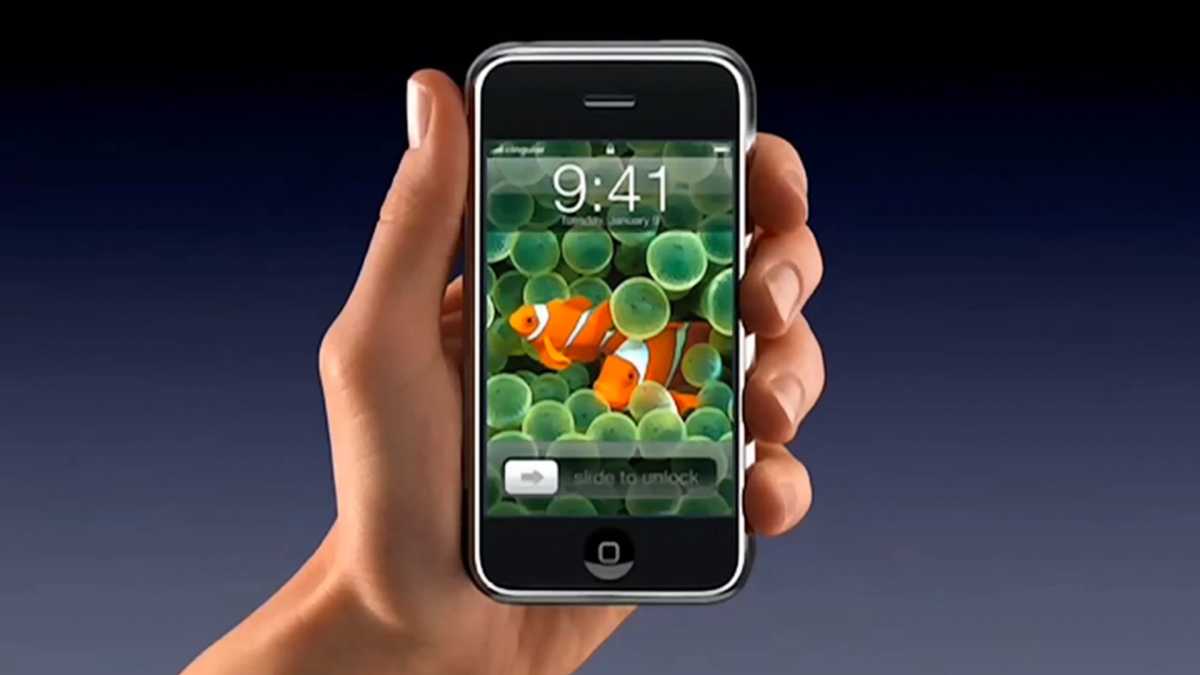
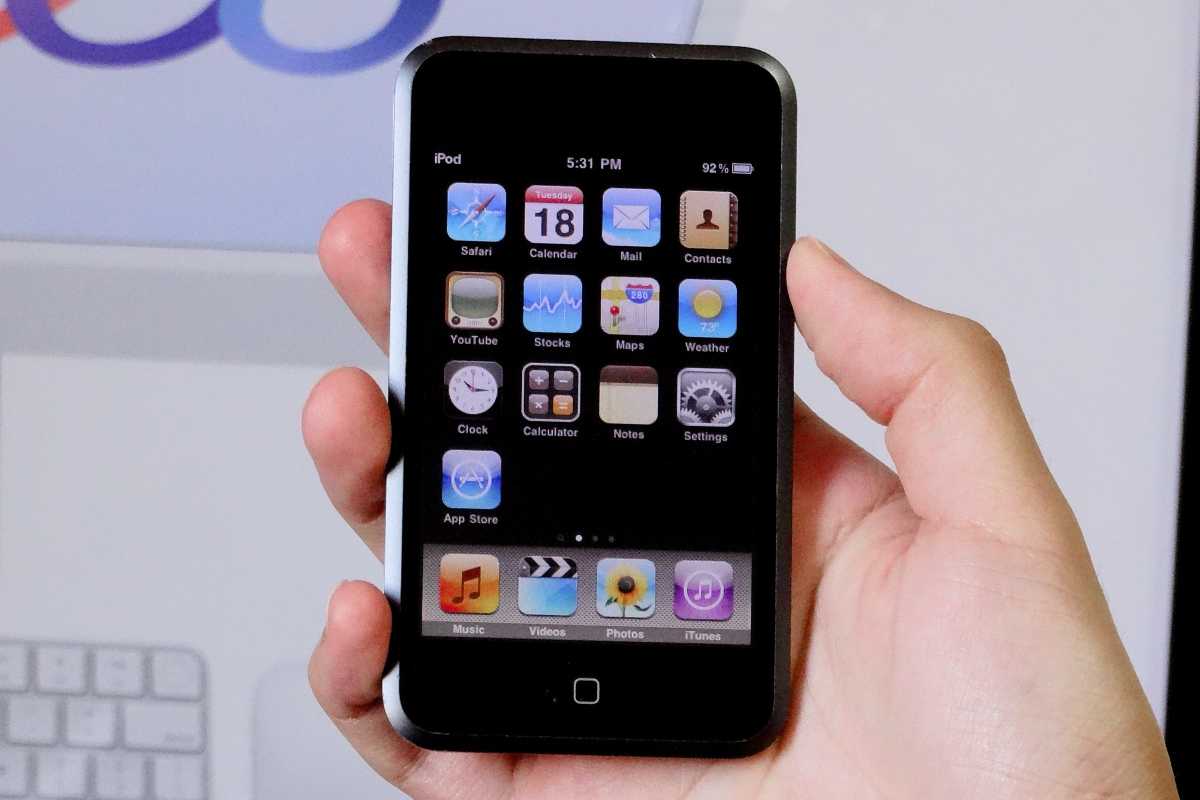
Of course, Apple isn’t just going to suddenly stop making iPads next year. While most of Apple’s revenue comes from iPhones, Services, wearables, and Macs, the iPad continues to dominate the tablet market, and it’s not going anywhere just yet. The touchscreen MacBook Pro launching later this year or in early 2027 is just another step. It took Apple some 15 years to retire the iPod following the original iPhone’s debut, and it will likely take a similar path here.
But the writing is on the wall. After more than 15 years, the iPad is finally facing some serious competition, not from third-party tablet makers but from Apple itself. And as we’ve seen before, that story never ends well.
Apple rarely confirms event dates far in advance, and there’s no guarantee an event will take place within its usual window. That leaves Apple fans – and anyone considering a new Apple device – wondering when the next Apple event will happen and what might be announced.
Based on Apple’s long-established schedule, recent announcements, and reliable industry rumours, we can make informed estimates about when the next keynote is likely and which products could headline it. Read on for a closer look at all of the events Apple is expected to hold in 2026, and what could launch.
When is Apple’s next event?
The next Apple event is the WWDC keynote, starting at 10am PT on Monday June 8.
Apple’s next major scheduled event will be the keynote presentation at the Worldwide Developers Conference (WWDC26), which will take place on June 8, 2026.
Apple is likely to broadcast the event live so that fans can watch Apple executives reveal details of the new features and changes coming to macOS, iOS and other operating systems later in 2026. We also expect the company to provide an update on its AI strategy. While WWDC is primarily a software-focused event, Apple may also unveil some new hardware products.
Usually the WWDC Keynote is hosted by Apple CEO Tim Cook, but with Cook shifting to the role of Chairman and current Apple’s SVP of Hardware Engineering, John Ternus, stepping into the CEO role from September, it is likely we will see more of Ternus at WWDC.
Apple event calendar 2026
TimescaleEvent themeDatesProductsMarch Special Experience2-4 MarchLaunched: iPhone 17e, MacBooks Neo, Pro & Air, iPad AirJuneWWDCJune 8Expected: iOS, macOS, other software, Mac updates, AI newsSeptember[iPhone event]TBCExpected: iPhone 18, new Apple WatchOctober or November[Late fall event]TBCPossible: Macs and iPads?
Apple has already held one “event” in 2026, although not in the traditional sense. On March 4, the company invited select media to hands-on “experiences” in multiple locations. In the run-up to that date, Apple also launched several products via press release, including the iPhone 17e, M4 iPad Air, and MacBook Pro M5 Pro and M5 Max, M5 MacBook Air and the MacBook Neo.
The next confirmed event is WWDC, which begins on June 8. This developer-focused conference opens with a keynote where Apple outlines upcoming changes to its operating systems – and occasionally introduces new hardware.
A second, late-fall event in October or November is possible, though less certain and typically focused on Macs or iPads.
Here’s when the 2026 Apple events might take place.
Foundry
FAQ
1.
What will Apple announce at the next event?
WWDC is Apple’s big developer event at which it reveals plans for the operating systems that run on Apple hardware.
At WWDC 2026 we expect Apple to unveil details of the iOS 27, iPadOS 27, a new macOS, updates to watchOS, tvOS, HomePod software, and an update to Apple’s realityOS.
Apple sometimes announces new hardware at WWDC, usually the high end models targeted at power users, so we could see new Macs.
This could include a new Mac Pro (the current model still utilizing the older M2 Ultra chip). The Mac Studio and Mac mini could also get an update.
2.
What time does the next Apple event start in U.S., U.K and other global time zones
Apple keynotes usually start at 10 am PT. That translates to the following times in the countries where most of our readers live:
U.S.: 10 am PDT, 11 am MDT, 12 pm CDT, 1 pm EDT
Canada: as above, plus 2 pm ADT
U.K.: 6 pm BST
Europe: 7 pm CEST, 8 pm EEST
India: 10:30 pm IST
Australia: next day — 1 am AWST, 2:30 am ACST, 3 am AEST
New Zealand: next day — 5 am NZST
Timings can be slightly different if Apple holds the event during the period of a couple of weeks when the clocks have changed in the U.S. but not elsewhere (in 2026 the clocks will change in the U.S. on March 8 and November 1, while in the U.K. they change on March 29 and October 25).
Sometimes Apple holds events at different times, for example, in October 2023 the event was held in late afternoon in San Francisco, which meant it was midnight in the U.K.
If Apple doesn’t hold an event and instead just issues a press release that usually happens around 8 am PT, 11 am ET and 4 pm U.K. time.
3.
How long do Apple events usually last?
Apple keynotes usually last between one and two hours and feature CEO Tim Cook along with various other Apple executives. WWDC and the September event tend to be longer keynotes; the spring and late-fall events can be slightly shorter.
The September 2024 event was 1 hour 38 minutes.
4.
How often does Apple hold events?
There can be as many as four Apple events in a year:
Spring Event
WWDC in June
iPhone Event in September
Late Fall Event in October
This event calendar is by no means set in stone, though, with the spring and October events being less regular. Some years, Apple doesn’t hold a spring event at all. In 2025 Apple only held two events preferring instead to announce new products via press release.
5.
Does Apple take part in other events?
Apple doesn’t participate in big industry-wide events such as CES, IFA or E3. Instead Apple invites the press and industry professionals to Apple Park to hear all about its latest products and services. Apple calls these ‘events’ and it streams them live online to millions of viewers.
6.
Does Apple ever announce products without an event?
Apple frequently announces products without a keynote event, often opting for press releases or multi-day announcement windows. In recent years, the company has increasingly reserved its large-scale media events for major flagship launches, such as the primary iPhone lineup in September, while using press releases for iterative updates or “chip bumps” that may not warrant a full hour-long presentation.
7.
How to watch an Apple event
Apple events are typically broadcast across several digital platforms, allowing viewers to tune in from almost any device. While the company previously restricted access to its own hardware or the Safari browser, these barriers have been removed in recent years.
You can access live Apple presentations through the following official channels:
YouTube: This is often considered the easiest way to watch. Apple streams its keynotes live on its official YouTube channel, which can be accessed via any web browser or the YouTube app on smartphones, tablets, and smart TVs .
Apple.com: The company hosts a dedicated “Events” page on its official website. For the best experience on a PC, it is recommended to use Microsoft Edge on Windows 10 or later .
Apple TV App: The stream is available within the Apple TV app on iPhone, iPad, Mac, and Apple TV hardware. Keynotes are usually listed in the app’s lineup a day or two before the event begins .
Apple Podcasts: Apple also showcases its events through the Podcasts app on Apple devices, where you can watch the video presentation
You may also like to rune in to our Live Blog which will provide minute-by-minute text updates and analysis as products are announced.
Following the end of the event, detailed breakdowns will also be available on the Macworld Podcast, which can be found on Spotify, Soundcloud, and Apple Podcasts.
When is WWDC 2026, and what will Apple announce?
Foundry
When is the WWDC keynote?
WWDC will open with a keynote on Monday June 8.
WWDC will then run throughout the second week of June, from Monday, June 8 to Friday, June 12.
What Apple could launch at WWDC
WWDC is Apple’s big developer event at which it reveals plans for the operating systems that run on Apple hardware.
In June 2026 we expect Apple to unveil details of the iOS 27, iPadOS 27, a new macOS, updates to watchOS, tvOS, HomePod software, and an update to Apple’s realityOS.
Apple sometimes announces new hardware at WWDC, usually the high end models targeted at power users, so we could see new Macs.
This could include a new Mac Pro (the current model still utilizing the generations-old M2 Ultra chip). The Mac Studio and Mac mini could also get an update.
Following the keynote on the Monday, developer events and sessions will run throughout the week. You can read more about WWDC date, times and everything you need to know in a separate article.
When is the iPhone 18 event and what will launch?
Apple
When is the iPhone event?
Apple’s iPhone launch event has become a regular fixture in September (aside from 2020 event when it was delayed until October – and the early January launches).
In recent years the event has been held on September 9, so we could see Apple make the unveiling in the week of September 7 in 2026, with the event perhaps taking place on September 8 or 9.
What will Apple launch at the September 2026 event?
We can be pretty confident that the iPhone 18 series will launch in late 2026, although there may be some changes to the line up: we may see the iPhone 18 Pro, Pro Max launch in September but the iPhone 18 may be held back until the spring of 2027. There are also rumors of a folding iPhone – aka iPhone Fold launching in September.
Alongside the new iPhone 18 Pro we may see new Apple Watches. In 2026 the Apple Watch Series 12 should get a chip update, since the Series 11 is using the same chip as the Series 10 did. The Apple Watch Ultra 4 is said to be getting a fingerprint scanner.
The last time Apple held a late fall event was October 30, 2023, and before that October 18, 2021. So a late fall event isn’t unprecedented, but it is uncommon. Right now there is no way of knowing if Apple will hold a late fall event in 2026, or indeed, if it ever will again. Usually this event is to launch consumer Macs, but in recent years Apple hasn’t felt the need to hold an event to do that. Nearer the time we will know if there are big things planned that might warrant an event.
What will Apple launch at the late fall 2026 event?
Mac or iPad launches are most likely for an event in this time frame, but Apple hasn’t seen the need to hold an event to launch Macs since the Scary Fast event in 2023 when Apple introduced the M3, M3 Pro and M3 Max in the MacBook Pro. As for iPads, the last time Apple featured an iPad launch at an event was in May 2024, so slightly more recent than Macs, but the new iPads could arrive at the spring event in 2026 meaning there would be no iPad news in the pipeline by the fall.
So far in 2026 Apple has held an ‘experience’, which rather than being an event in the traditional sense, was a chance for journalists to get a look at products Apple had launched in the days prior, including MacBook Neo and iPhons 17e.
In 2025 Apple only held two events. The first was its Worldwide Developers Conference (WWDC) on June 9, at which it introduced the new features coming in the next version of its operating systems, and the second was the huge September 9 Apple Event where it launched new Apple Watches, new AirPods Pro and the new iPhones for 2025.
Apple doesn’t have to hold an event to launch new products though. Prior to WWDC, Apple launched a new iPhone 16e via press release on February 19, a new iPad and iPad Air via press release on March 4, and a new MacBook Air and Mac Studio on March 5.
Apple then went on to launch a new M5 MacBook Pro and M5 iPad Pro in October. No event was held to mark these launches.
In 2024, Apple held three events: one on Tuesday, May 7, at which it launched new iPads, a keynote to kick off WWDC on June 10, and an event on September 9 at which Apple unveiled the new iPhone 16, Apple Watch Series 10 and the AirPods 4. In October 2024 there was no event, but Apple did announce new products (iMac, Mac mini and MacBook Pro) via press release.
In 2023 there were three events: WWDC in June, an iPhone event in September, and Apple’s second fall event on October 30 (or after midnight on October 31 if you weren’t in the U.S.).
In 2022 Apple held three events: a spring event on March 8, WWDC on June 6, and the iPhone 14 launch on September 7. In other years Apple has held four events though.
Foundry
When were Apple’s past events?
Spring Apple events have been held on the following dates:
2026: ‘Experience’ Wednesday March 4
2025: No event
2024: Tuesday May 7
2023: No event
2022: Tuesday March 8
2021: Tuesday April 20
2020: No event
2019: Monday March 25
2018: Tuesday March 27
2017: No event
2016: Monday March 21
2015: Monday March 9
2014: No event
2013: No event
2012: Wednesday March 7
WWDC events have fallen on the following dates:
WWDC 2025: June 9 (9-13)
WWDC 2024: June 10 (10-14)
WWDC 2023: June 5 (5-9)
WWDC 2022: June 6 (6-10)
WWDC 2021: June 7 (7-11)
WWDC 2020: June 22 (22-26)
WWDC 2019: June 3 (3-7)
WWDC 2018: June 4 (4-8)
WWDC 2017: June 5 (5-9)
Here are the past few Apple September event dates:
2025: Tuesday, September 9
2024: Monday, September 9
2023: Tuesday, September 12
2022: Wednesday, September 7
2021: Tuesday, September 14
2020: Tuesday, September 15
2019: Tuesday, September 10
2018: Wednesday, September 12
2017: Tuesday, September 12
In the past, Apple has held a second fall event on the following dates:
2025: No event
2024: No event
2023: Monday, October 30
2022: No event
2021: Monday, October 18
2020: Tuesday, October 13 and Tuesday, November 10
Rumors about Apple’s 2026 iPads point to faster chips and potential display improvements across the range, from the iPad Air (updated in March 2026) to the Pro (last updated in October 2025). Yet for most buyers, the most important update may be coming to the most affordable model.
The entry-level iPad – Apple’s cheapest tablet and the one aimed at students and families – is reportedly set to receive a performance boost that will finally enable Apple Intelligence features in an update that could arrive in mid to late 2026.
The current iPad was released in March 2025, and while it’s a perfectly good iPad for most people, it’s the only iPad that doesn’t support Apple Intelligence. Apple’s 2026 update should address that shortcoming.
Here’s everything you need to know about the new iPad.
What’s new vs 2025 iPad A16: At a glance
2026 iPad predictions2025 iPadLaunch dateMay 2026March 2025Processor A18 (maybe A19) A16 RAM8GB6GBWi-Fi Wi-Fi 7 Wi-Fi 6Bluetooth Bluetooth 6Bluetooth 5.3Apple IntelligenceYesNoDesignUnchangedUnchanged
2026 iPad release date: When will Apple launch the next entry-level iPad?
May launch predicted
In a newsletter at the end of March 2026, Bloomberg’s Mark Gurman said the new entry-level iPad is “on the roadmap for a release in the iOS 26.4 timeframe, which runs until May.” Apple released iOS 26.4 on March 24, so this likely means the device will launch before iOS 26.5 arrives, expected in May.
However, the successor to the iPad A16 could slip to later in 2026. Apple needs to ensure sufficient supply of whichever chip it chooses – likely the A18 or A19 – and may also be waiting for its Apple Intelligence features to be fully ready. This includes ongoing work to improve next-generation Siri, which has reportedly faced development challenges.
A delay is more likely to be strategic than technical. Apple did not update the base iPad during its March 2026 launch event, despite releasing the M4 iPad Air. Holding back the entry-level iPad helps avoid cannibalising sales of more expensive models, and staggered releases like this are typical of Apple’s product strategy.
Should you wait?
We recommend waiting for the 2026 iPad if you’re considering an upgrade. The current model, powered by the A16 chip introduced in March 2025, has felt due a performance boost since it launched due to its lack of support for Apple Intelligence. The next-generation iPad is expected to deliver a meaningful upgrade with a faster chip, more RAM, and support for Apple Intelligence – making it a much more future-proof choice.
2026 iPad chip: Will the new iPad use the A18 or A19 chip?
A18 chip most likely
6-core CPU and 5-core GPU
N1 chip for Wi-Fi 6E/7 and Bluetooth 6
The biggest upgrade coming to the 2026 iPad will be a new processor, but reports are divided on exactly which chip Apple will use.
Most evidence points to the A18 chip, which debuted in the iPhone 16 and 16 Plus in 2024. In March 2026, Bloomberg’s Mark Gurman reported that the new iPad is “ready to go” with an A18, making it the most likely candidate. The A18 would also enable Apple Intelligence, something the current A16-powered iPad cannot support.
However, there is still a possibility that Apple could opt for the A19 chip instead. As we reported in December 2025, a code-leak suggested that Apple had been testing new iPad models (codenamed J581 and J582) equipped with the same A19 chip expected in the iPhone 17 lineup.
For now, the balance of evidence leans toward the A18 as the more realistic choice. Reports of A18 Pro shortages – linked to the popularity of the MacBook Neo – are unlikely to affect supply of the standard A18 chip if Apple chooses to use that in the new iPad.
What to expect
A18 chip: Expected to feature a 6-core CPU and a 5-core GPU, similar to its implementation in recent iPhones. Apple may use a “binned” version with one fewer CPU or GPU core, a common strategy to improve manufacturing yields and differentiate products. The A18 should deliver a 30–40 percent performance boost over the A16, along with 8GB of RAM (up from 6GB), enabling support for Apple Intelligence.
A19 chip: Expected to feature a 6-core CPU and a 5-core GPU in the iPhone 17. Apple could use the same configuration or a slightly reduced “binned” version for the iPad. The A19 would offer an even larger jump—around 50 percent faster than the A16—while also including 8GB of RAM, which is essential for Apple Intelligence features.
Other specs
Apple is also expected to bring its new N1 connectivity chip to the iPad. First introduced with the iPhone 17 lineup, the N1 handles Wi-Fi, Bluetooth, and Thread connectivity. Its inclusion could upgrade the iPad to Wi-Fi 6E or even Wi-Fi 7, along with Bluetooth 6.x, up from the current Wi-Fi 6 and Bluetooth 5.3.
For cellular models, Apple will likely use its in-house C1 modem (or a variant of it), continuing its shift away from third-party suppliers while improving efficiency and integration.
Why does Apple Intelligence matter for the iPad?
Apple Intelligence introduces a range of AI-powered features designed to enhance creativity, productivity, and real-time communication, including:
Image Generation: Tools like Image Playground and Genmoji allow users to create custom visuals and personalized emojis from text prompts.
Live Translation: Integrated into FaceTime and Messages, this feature provides real-time translated captions during calls, effectively giving every user a personal translator.
Photo Editing: The “Clean Up” tool uses AI to identify and remove unwanted background objects from photos, a task that previously required complex manual editing.
Writing Tools: System-wide rewriting, proofreading, and summarization in apps such as Mail and Notes.
Smart Shortcuts: Automation of repetitive tasks using intelligent actions and text summarization.
Priority Management: AI-driven Priority Notifications and Priority Inbox to surface time-sensitive information.
These features require at least 8GB of RAM and a more powerful Neural Engine, which means Apple Intelligence is currently limited to M-series iPads (Air and Pro) and the A17 Pro iPad mini.
By contrast, the standard iPad with the A16 chip – released in March 2025 – does not support Apple Intelligence. This is a notable limitation for long-term value, especially as future versions of iPadOS are expected to rely increasingly on AI-driven features.
2026 iPad display: No OLED or ProMotion
Same 10.9-inch LCD
No OLED display
No ProMotion
While there are reports that the other iPads (mini, Air and Pro) could get new OLED panels with richer colors and deeper contrast in 2026, the base model is unlikely to evolve from its LCD panel.
We expect the upcoming iPad to have the same 11-inch Liquid Retina display 2360-by-1640 display with 500 nits of brightness and 60Hz refresh rate that it has had since 2022.
2026 iPad design: No new design
Apple currently offers the iPad in four colors.
Apple
The A19 iPad is also expected to have the same dimensions: 9.79 x 7.07 x 0.28 inches (248.6 x 179.5 x 7 millimeters) and weigh 1.05 pounds (477 grams).
We haven’t heard anything about new colors, but since Apple hasn’t changed the color palette (blue, pink, yellow, silver) since its original release, it’s possible we get a couple of new options.
2026 iPad cameras: Will Apple update the FaceTime camera?
Britta O’Boyle
12MP rear camera
12MP Center Stage front camera
The current iPad has two 12MP cameras, with the front ‘FaceTime’ camera having support for Center Stage. Apple isn’t expected to make changes to the camera for the upcoming iPad.
However, the company did change the Centre Stage camera with the arrival of the iPhone 17, and the new ‘square’ 18MP camera could be used on the front of the new iPad.
This front-facing camera has a larger, square sensor that supports automatic subject framing, orientation-agnostic capture, and advanced video features. On the iPad the 18MP camera could translate to improved video quality. However, current iPads already support smart framing during video calls so that aspect of the design may not be necessary.
2026 iPad price: Will Apple keep the entry-level iPad affordable?
After launching at $449 in 2022, Apple cut the price of the entry-level iPad to $349 in May 2024, and doubled the starting storage from 64GB to 128GB with the 11th-gen model. However, there are a few factors that could impact pricing this year: tariffs and the rising cost of RAM. Apple has yet to adjust the price of any of its products to reflect these additional costs, so it’s unclear if the iPad will be affected.
There’s a new iPad Air on shelves, which means our eyes are always peeled for a great deal on last year’s model. And today’s Amazon sale can’t be beat: instead of shelling out $849 for an 11-inch iPad Air with 256GB of storage and 5G connectivity, you can save $200 and get one for just $649, the best price we’ve ever seen.
Even though this isn’t the newest model, it’s still an insanely great tablet. With an M3 chip, you’ll get to do everything you could want and then some. Scrolling your social feeds, sending emails, playing games, running image and video editing software, streaming Netflix, and going down YouTube rabbit holes — all of it will fly thanks to this tablet’s incredible performance and 10-hour battery life. And you’ll love doing it, too, because that 11-inch Liquid Retina display looks absolutely gorgeous, delivering accurate colors and great contrast.
With 256GB of storage space, you’ll have tons of space for all those apps you want to install. And since it’s equally important, you’ll be able to enjoy both super-fast Wi-Fi 6E and 5G cellular connectivity so you can use the tablet anywhere you go (with a separate subscription from your wireless carrier). And with the savings here, you can add an Apple Pencil and the Magic Keyboard, without busting your budget.
Snag the A3 iPad Air for $649 — the best price we’ve ever seen — before the stock runs out at Amazon.
It’s already shaping up to be a huge year for Apple, with a wave of new products launching in the first three months of 2026 – including the MacBook Neo and iPhone 17e. And the momentum isn’t slowing. Rumors suggest dozens more devices are on the way, ranging from updated iPhones and Macs to smart home technology and even the long-awaited foldable iPhone.
In this article, we explore the products Apple is expected to release next. Drawing on the latest rumors and industry trends, we break down what could be coming – and why it matters.
What to expect from Apple in 2026
Biggest launches: iPhone Fold, iPhone 18 Pro redesign
Most meaningful upgrades: Under-display Face ID, OLED iPad mini
Big leadership shift: It has been confirmed that John Ternus will replace Tim Cook as CEO in September 2026
Apple’s roadmap for 2026: At a glance
In the fall of 2026, Apple’s roadmap will come under the direction of incoming CEO John Ternus. Current CEO Tim Cook will remain as executive chairman, but the shift from an operations-focused leader to one with deep hardware engineering roots could signal a more product-driven approach – and a renewed emphasis on standout hardware. Ternus will take over as CEO just as Apple is reportedly preparing a major Siri overhaul, alongside potential launches including its first touchscreen MacBook and the iPhone 18 Pro.
ProductExpected releaseKey rumoursShould you wait?iPad miniMid 2026Larger OLED screenYesiPadMid 2026Apple Intelligence supportYesMac miniMid 2026M5 & M5 Pro chip YesMac StudioMid 2026M5 Pro & Max chip YesiPhone 18 Pro & MaxSeptember 2026No notch, under-display Face IDMaybeiPhone FoldSeptember 2026The first foldable iPhoneMaybeApple Watch Series 12September 2026Blood pressure monitoring unlikely NoMacBook Pro M6Late 2026-2027Touch screenNoApple Smart GlassesPreview in late 2026Heads-up displayYesiPhone 18Spring 2027To launch with iPhone 18eNo
Last updated March 27, 2026.
Every New Apple Product Launched in 2026… so far
Here is what Apple has already announced in 2026:
AirPods Max 2: Improved audio and the H2 chip. Find out more here: AirPods Max 2 guide.
MacBook Neo: Apple’s brand new, low-cost Mac laptop. Find out more here: MacBook Neo guide.
MacBook Air M5: Now with the M5 chip. Read about the 2026 MacBook Air here: MacBook Air M5 guide.
Studio Display: Finally gets Thunderbolt 5 and a better webcam.
Studio Display XDR: With mini-LED technology and ProMotion up to 120Hz.
iPhone 17e: The new, entry-level, iPhone replaces the iPhone 16e. Read more here: iPhone 17e guide.
iPad Air M4: The iPad Air now has an M4 chip. Read more here: iPad Air M4 guide.
AirTag 2: Four years on Apple updated the AirTag, read our review here: AirTag 2nd gen review.
And… RIP Mac Pro: Apple has confirmed that it is discontinuing its tower workstation.
Read on to find out what new products to expect at Apple’s next event and throughout 2026.
Every New Apple Product Launching in 2026
In the sections below we’ve split the upcoming new products into categories including Mac, iPad, iPhone, Apple Watch, Home, AirPods, and some new product categories.
What’s happening with AI?
Big changes are coming in 2026 relating to AI, which Apple brands as Apple Intelligence. These changes will be core to iPhone, iPad, and Mac roadmap, and beyond.
Apple’s plans to do more on-device AI powered processing, rather than rely on cloud processing. This will protect user privacy, but will require hardware to have adequate neural processing power and memory to support these local AI features. New hardware coming from Apple in 2026 will be designed with this purpose in mind.
On the software side, Apple has been promising an ovarhaul of Siri for a couple of years now, but 2026 should be the year it comes to fruition. Siri will be transformed from a voice assistant into a AI chatbot-style interface with deeper app integration and contextual awareness.
Apple’s AI push is also expected to expand into new product categories including AI-powered smart glasses and an expanded range of HomePod devices with more advanced home hub functionality.
What new iPhones are coming in 2026 (and should you wait)?
There’s new iPhones coming.
Foundry
Based on current industry analysis and supply chain information, Apple has some significant changes planned for the iPhone in 2026, with updates centered around the iPhone 18 series, the introduction of a foldable iPhone, and the release of iOS 27.
iPhone 18 Pro & Pro Max
September 2026 update expected
The iPhone 18 Pro is expected to launch in September 2026. The iPhone 18 Pro is rumored to be the first to use Apple’s own C1 modem instead of Qualcomm’s. The base model may see a RAM increase to 12GB to better support on-device AI functions. A major redesign is expected, which could include under-display Face ID, a completely hidden notch and the front camera could move to the upper-left corner of the display. Read about the iPhone 18 Pro here: iPhone 18 Pro rumors.
Foldable iPhone
September 2026 introduction possible
This is a wild card! After years of rumors, Apple’s first foldable phone, potentially named the iPhone Fold, is projected to debut in September 2026 alongside the iPhone 18 Pro models. It is expected to be a book-style foldable with a 7.8-inch inner display. Read more here: Apple’s folding iPhone rumors.
iPhone 18
Spring 2027 launch possible
Apple could delay the iPhone 18 and release that handset alongside the iPhone 18e in the spring of 2027, according to some reports.
What new iPads are coming in 2026 (and should you wait)?
Apple doesn’t update the iPads every 12 months, but aside from the iPad Pro, which gained an M5 chip in October 2024, all the remaining iPads could see an update in 2026.
Apple’s 2026 iPad lineup is likely to feature incremental upgrades focused on internal performance improvements rather than major design overhauls. Here’s what to expect:
The iPad Air could get a update soon.
Britta O’Boyle
iPad mini
May 2026 update possible
The current iPad mini (A17 Pro) was released in October 2024, and Apple’s update cycle for this model is generally infrequent. Based on current reports and analysis, the next significant update to the iPad mini is not expected until mid-to-late 2026 at the earliest, with some speculation pointing toward 2027.
One rumored upgrade for the 2026 iPad mini is the transition to an OLED display, which could reduce manufacturing costs and improve battery life. There is also the possibility of a slightly larger screen, with a move from the current 8.3- to 8.7-inches suggested. There is also speculation that a future foldable Apple device could potentially replace the iPad mini line entirely, though this remains uncertain.
Internal code leaks suggest the future iPad mini could be upgraded to an A19 Pro chip, which would provide a significant performance boost over the current A17 Pro. A A18 Pro chip upgrade is also possible. Read our round up of iPad mini rumors.
iPad
May 2026 update possible
When the standard iPad was updated in March 11, 2025, the biggest disappointment was that it featured a A16 chip and therefore didn’t support Apple Intelligence. Apple looks set to rectify that in 2026 with an upgrade to the A18 or A19 chip, with the latter offering 50% better performance. The release timeline for an iPad with an A18 or A19 chip is anticipated for sometime in 2026, in fact, Apple code suggest the company may be planning an update sooner-rather-than-later.
Read more about the 2026 iPad in our rumor round up.
Which Macs are worth waiting for in 2026?
2026 is expected to be a significant year for the Mac, with Apple’s first touchscreen Mac rumored as part of a MacBook Pro redesign. March 3 saw the launch of the M5 MacBook Air and M5 Pro/M5 Max MacBook Pro and March 4 saw Apple introduce the a new entry-level laptop – the $599 MacBook Neo.
Updates to the Mac Studio and Mac mini are expected in 2026. These Macs have become popular for running AI models locally; however, global RAM shortages – driven by AI companies purchasing large amounts of memory for data centres – are having a knock-on effect on availability. Current models are constrained and, in some cases, unavailable, while the release of new models may also be delayed due to ongoing DRAM supply shortages.
The next update for the Mac mini is expected to feature the M5 and M5 Pro chips, with a possible release in June 2026, although this may be pushed back to the end of the year depending on global RAM shortages. Regarding features, there isn’t much specific information about the M5 Mac mini itself, but it’s not expected to be a major departure from the current model, which was released in October 2024, and introduced a significant redesign, shrinking the case to just 5 by 5 inches and upgrading the base RAM to 16GB. Read more here: Mac mini M5 rumors.
Mac Studio
Early-mid 2026 update expected
The current Mac Studio comes in two flavors: the Mac Studio M4 Max and the Mac Studio M3 Ultra. The M3 Ultra is a faster chip than the M4 Max, but just how much faster would an M4 Ultra, or even an M5 Ultra be. Hopefully we won’t have to wait long to find out. Apple is expected to release a new Mac Studio with an M5-series chip, likely in mid-2026, but that date may be pushed further into the future if global RAM shortages continue. Read more here: M5 Mac Studio rumors.
iMac
Possible 2026 update
The current M4 iMac was released in October 2024, so an M5 update might seems timely and could be released in June 2026, alongside other potential M5 Mac updates.
The current iMac design was introduced in 2021 and is not expected to change soon. It is still considered fresh, and its components are not outdated. However, there are calls for Apple to introduce a larger screened iMac, something that has been missed since Apple discontinued the 27-inch model. Many feel that the 24-inch screen is too small. Read about the larger iMac rumors.
Touchscreen MacBook Pro M6
Possible late 2026 introduction
Foundry
There are rumors that the M6 MacBook Pro will get a redesign including a thinner body and a notch-free OLED touchscreen, read the rumors about the M6 MacBook Pro with a touch screen.
Upcoming Apple Watches in 2026
Like clockwork, expect a new Apple Watch in September.
Mahmoud Itani / Foundry
Apple updated all the Apple Watches in September 2025. Launching the Apple Watch Series 11 a new Apple Watch Ultra and a new Apple Watch SE. In 2026 the Apple Watch Series 12 and a new Apple Watch Ultra 4 are expected.
With the Apple Watch rather than hardware changes the real interest tends to be the health and fitness related features. The following capabilities are expected in future iterations:
Non-invasive blood glucose monitoring: This has been a long-rumored feature for the Apple Watch, but it is still considered to be a few years away with the technology unlikely to be ready for a 2026 release.
AI-Powered Health and Fitness Coach: Apple has long been rumored to be working on a sophisticated AI coach. Recent reports from early 2026 suggest this project was “scaled back” to allow individual AI-driven features to ship sooner rather than waiting for a complete overhaul.
Health+ Service Overhaul: There are ongoing rumors regarding a new service tier called “Health+” that would expand upon Fitness+. This service might integrate new AI-powered health features into a single subscription, potentially bundled with hardware purchases.
Daily Readiness and Stress Tracking: Unlike competitors such as the Oura Ring 4 or Garmin, the Apple Watch currently lacks a “daily readiness” score or native stress tracking. Experts suggest these are obvious areas for future software or hardware updates.
Other new features could include Touch ID integration and microLED displays reaching 4,000 nits brightness. A thinner case, magnetic bands, and enhanced AI capabilities could also be on the cards.
Apple Watch Ultra 4
September 2026 update possible
Rumors indicate that the Ultra 4 could have a fingerprint scanner. There may be new sensors coming, but details are sparse.
Apple Watch Series 12
September 2026 update likely
A chip update is likely, but beyond that little is known.
Upcoming Apple Home devices
Mahmoud Itani / Foundry
Apple is expected to significantly expand its smart home ecosystem in 2026 with four major product categories including new devices beyond traditional Apple TV and HomePods.
Key rumored products include a HomeKit security camera with audio monitoring, a HomePad smart hub with 7-inch touchscreen, updated HomePod mini 2, and next-generation Apple TV 4K with A17 Pro chip.
This strategic push aims to help Apple catch up with competitors like Amazon and Google in the smart home market.
We expect Apple’s major push into the smart home market to start around March or April 2026. This initiative will be heavily reliant on a significantly improved Siri, powered by a new large language model, reportedly based on Google’s Gemini AI.
New and updated products are said to include:
New Smart Hub
Possible 2026 introduction
Multiple reports have suggested Apple will launch a smart home hub. Apple is said to be working on a number of HomeHub related products including a device said to mount a camera on a robot arm that can follow you around!
New Smart Display
Possible 2026 introduction
Also rumored is an iPad like smart display that allow you to control your home devices via HomeOS software. This may come with both a speaker base and a wall mount.
HomePod Touch
Possible 2026 introduction
A new HomePod smart speaker with a screen is said to be coming. Read more here: New HomePod rumors.
HomePod mini 2
Probable 2026 introduction
Foundry
A new HomePod mini is also said to be on the way.
Apple TV
Probable 2026 update
Apple TV leaks indicate a rumoured Apple TV is on Apple’s roadmap and that the update will bring Apple Intelligence to the set top box.
Upcoming Vision devices, AR and spatial computing
Apple Smart Glasses
Possible 2026 introduction, 2027 launch
Unlike the bulky Vision Pro headset, the upcoming smart glasses from Apple are expected to follow a form factor similar to the Ray-Ban Meta glasses. This will be Apple’s first product built specifically for “Visual Intelligence.” It will likely handle tasks such as live translations, music playback, phone calls, and turn-by-turn directions. Apple could provide a first glimpse or “preview” of the glasses by the end of 2026.
Vision Pro
Possible 2027 update
Prior to 2026, Apple’s spatial computing strategy has focused on the high-end market, but reports indicate a more affordable version of the headset is in development. Apple has reportedly paused work on a successor to the high-end Vision Pro and will instead release a cheaper Vision Pro.
What Apple launched in 2025
Here’s a quick look at what Apple released in 2025:
February2025: iPhone 16E – the replacement for the iPhone SE and iPhone 14 brought Apple Intelligence support to the entry-level iPhone.
If you’re using an iPhone or iPad, you might assume Apple already has your privacy covered. While Apple’s iCloud Private Relay does add an extra layer of protection by hiding your IP address in Safari, it’s not a complete solution. Private Relay only works in Apple’s Safari browser and doesn’t encrypt all of your internet traffic – which means apps, other browsers and you online activities can be exposed.
That’s where a VPN (virtual private network) comes in. A good VPN encrypts all the data leaving your iPhone or iPad, keeping your browsing private, protecting you on public Wi-Fi, and allowing you to access content that may be restricted in your region or by other factors.
Whether you want stronger privacy, safer travel browsing, or the ability to stream your favourite shows from abroad, choosing the right VPN can make a big difference.
In this guide, we’ve tested and ranked the best VPNs for iPhone and iPad to help you find the right option. We regularly test VPN apps on iOS to ensure they still deliver strong speeds, reliable streaming access and trustworthy privacy protections. We also have a guide to the best VPNs for Mac users that looks specifically that needs on that platform.
At a glance: Feature comparison table
VPNBest ForPrivacy & No-LogsStreaming SupportSpeed & PerformanceDevice LimitEase of Use (iOS App)Free/TrialNordVPNBest overallExcellent (strict no-logs)StrongFast & reliableUp to ~10 devicesVery good30-day refundSurfsharkBest for multiple devicesExcellent (no-logs)GoodFast (unlimited connections)UnlimitedVery good30-day refundExpressVPNBest for ease of useExcellentVery strongVery fast~8 devicesExcellent (simple UI)30-day refundProtonVPNBest for privacyExcellent (privacy-first)ModerateGoodVaries (free/paid tiers)GoodFree tier + refundFastestVPNBest valueModerateGoodDecentVariesBasicTrial/Lifetime optionshide.meBest free tierGoodGoodGoodUp to 10 devicesGoodFree tierPIA (Private Internet Access)Best for customizationGoodModerateGood~10 devicesModerateRefund policyCyberGhostBest for streamingGoodVery goodGoodUp to ~7 devicesVery easy45-day refundClearVPNBest for beginnersVariesVariesVariesVariesEasyRefund/Trial
Best iPad and iPhone VPN 2026: Reviewed & Ranked
We’ve tested many VPN services on Macs and we’ve tested them on iPads and iPhones. The good news is it’s never been easier to find a great VPN for your iPhone or iPad, but they’re not all created equal. Here are our picks.
1. NordVPN – Best VPN for iPhones and iPads
Pros
Extremely easy to use
Very fast connection speeds
Strong security features
Cons
Confusing pricing structure
Expensive long-term commitment
Renewal price increases
Price When Reviewed:
Basic plan from $3.39 a month for 2 years. Usually $12.99 a month.
Best Prices Today:
Retailer
Price
NordVPN (Monthly)
$3.39
View Deal
Price comparison from over 24,000 stores worldwide
Product
Price
Price comparison from Backmarket
Up to 6 devices at once.
Apps for iPhone, iPad, Android, Mac, Windows, Amazon Fire TV and tvOS.
Why we recommend NordVPN: NordVPN offers a superb combination of speed, simplicity, and strong privacy tools, making it an excellent all-round VPN for users who want reliable protection and easy access to geo-restricted content. It’s a fast, simple to use, feature-rich VPN.
NordVPN for Mac is best suited to beginners and general users, particularly those interested in privacy protection and bypassing geo-blocks without complexity. It is ideal for newcomers and requires minimal technical knowledge to get started.
Its main benefits include excellent ease of use, strong security, fast performance, and a wide server network. The app is delightfully simple, with one-click location switching and end-to-end encryption. It also includes tools like malware protection, ad and tracker blocking, and Dark Web monitoring, plus optional extras like insurance features on higher tiers. Speed is a standout, with only about a 12% drop, making it one of the fastest VPNs we’ve tested.
The drawbacks are mainly around pricing and contracts, which are confusing and biased toward long-term plans that may increase on renewal.
Feature-wise, it offers broad device support (Mac, iOS, iPad, etc.), six simultaneous connections, and simple server switching.
Usability is a major strength: it is beginner-friendly, with limited need for configuration. However, that also means less granular control, as the focus is simplicity over advanced tweaking.
Streaming and travel use are strong: it’s a great option for getting around geo-blocking and accessing region-locked content like Netflix libraries. Connections are reliable with a large server range.
Privacy claims include a no-logs policy (audited), Panama jurisdiction, and strong encryption, plus transparency reporting.
Compared to similar apps, NordVPN stands out for speed, ease of use, and features, though pricing is less competitive.
Price When Reviewed:
From $1.88 a month for 2 years + 3 free months. Usually $15.45 a month.
Best Prices Today:
Retailer
Price
Surfshark (Monthly)
$1.88
View Deal
Price comparison from over 24,000 stores worldwide
Product
Price
Price comparison from Backmarket
Unlimited devices.
Apps for iPhone, iPad, Android, Mac, Apple TV, Windows, Chrome, Firefox and Edge extensions.
Why we recommend Surfshark: Surfshark offers a combination of low cost, ease of use, and reliable performance, offering strong privacy tools and effective geo-unblocking without the complexity or high price of many rivals.
Surfshark is best suited to budget-conscious users who want a simple, reliable VPN that works across many devices and can handle streaming and general privacy needs. It appeals particularly to beginners thanks to its straightforward interface and low pricing.
The main benefits are its affordability, wide server network (3,000+ servers in 100 countries), strong privacy focus, and broad app support. It also offers additional tools through higher-tier plans, including antivirus, breach alerts, and data removal services.
Drawbacks include some past performance inconsistency and occasional slowdown, plus the fact that its private search feature can be unreliable.
Features include a VPN connection, kill switch, private search, antivirus (higher tiers), identity tools, and security reports.
It is easy to use and beginner-friendly, with minimal setup required.
Streaming performance is strong: it is capable of bypassing geo-blocks and accessing region-locked content, aided by apps like Apple TV support.
Speed results improved in newer testing, with no noticeable performance drop on modern hardware, though earlier tests showed slowdown. Connection reliability is good overall, with improvements over time.
Privacy claims include a “no logs” approach with minimal temporary data storage, cleared within 15 minutes, plus recent security audits.
Compared to competitors, it stands out mainly for price and value, while still offering comparable core functionality.
Price When Reviewed:
Plans from $3.49 a month for 2 years + 4 free months
Best Prices Today:
Retailer
Price
ExpressVPN (Monthly)
$2.79
View Deal
Price comparison from over 24,000 stores worldwide
Product
Price
Price comparison from Backmarket
Up to 8 devices at once.
Apps for iPhone, iPad, tvOS, Mac, Android, Windows, Chrome, XBox, Playstation, Switch and more.
Why we recommend ExpressVPN: ExpressVPN is a good choice for users who want a fast, dependable VPN that works out of the box, with minimal setup and consistent performance across devices, especially for streaming and everyday privacy.
ExpressVPN is best suited to users who want a simple, fast, and reliable VPN with minimal setup, particularly beginners or those prioritising ease of use over advanced configuration. It’s positioned as a premium but accessible service.
The main benefits are its excellent speeds, straightforward interface, and strong overall performance. It is one of the fastest VPNs we’ve tested, with very little noticeable slowdown in everyday use, making it suitable for streaming and general browsing. Its apps are clean and intuitive, requiring little technical knowledge.
Drawbacks include pricing (still relatively expensive despite new tiers) and a lack of more advanced features compared to some competitors, limiting appeal for power users.
Features include core VPN functionality, a wide server network, and cross-platform apps. On iOS, the app mirrors the simplicity of desktop versions, focusing on quick connection and ease rather than deep configuration. Missing features are mainly advanced tools found in rivals (e.g. more granular controls or specialist privacy options).
Ease of use is a standout strength: it is highly beginner-friendly, with minimal setup and mostly automatic operation. However, this simplicity means the level of control is relatively limited.
Protocols include modern options (e.g. Lightway) alongside standard VPN protocols. Streaming support is strong, aided by high speeds and reliable connections, making it effective for bypassing geo-blocks and travel use. Connections are generally stable with no major performance issues reported.
Privacy-wise, ExpressVPN is a secure, trustworthy service with strong protections.
Compared to similar apps, ExpressVPN stands out for speed and simplicity, but may lag behind competitors offering more features at lower cost
While not the cheapest, ExpressVPN does run discounts, with the best deal being the one-year subscription, which is almost half-price.
Price When Reviewed:
Proton Free; VPN Plus from $2.99 a month for two years. Usually $9.99 a month.
Best Prices Today:
Retailer
Price
Proton Technologies (Monthly)
$2.99
View Deal
Price comparison from over 24,000 stores worldwide
Product
Price
Price comparison from Backmarket
Up to 8 devices at once.
Apps for iPhone, iPad, tvOS, Mac, Android, Windows, and more.
Why we recommend Proton VPN: Proton VPN combines strong speeds, intuitive design, and a genuinely useful free plan, making it one of the easiest and most accessible VPNs to get started with.
Proton VPN strikes a balance between solid performance, ease of use, and a generous free tier, making it particularly well suited to beginners and privacy-conscious users trying a VPN for the first time.
Its main strengths are simplicity, fast performance, and a free plan that lowers the barrier to entry. The service includes core VPN tools such as secure connections and broad cross-platform support, with a focus on usability rather than overwhelming users with complex settings. Performance is consistently fast, with minimal noticeable impact during everyday use.
The interface is clear and easy to navigate, and overall performance is strong enough to compete with top-tier alternatives. Ease of use is a standout feature: Proton VPN is highly beginner-friendly, offering a straightforward experience backed by its accessible free tier.
There are some drawbacks. Setup on macOS can be slightly fiddly, and there are a few minor usability inconveniences, meaning the experience isn’t completely seamless across all platforms.
Compared to similar apps, Proton VPN stands out primarily for its free tier and ease of use, helping it differentiate itself from competitors that rely on paid trials or limited refund periods.
Price When Reviewed:
Lifetime special deal: $25, usually $600 (use code foundryexclusive)
Best Prices Today:
Retailer
Price
FastestVPN (Lifetime payment)
$30
View Deal
Price comparison from over 24,000 stores worldwide
Product
Price
Price comparison from Backmarket
10 devices at once.
Apps for iPhone, iPad, Mac, Android, Windows, and more.
Why we recommend FastestVPN: It is a good option for users seeking an affordable, easy-to-use VPN with solid basic security and streaming support, especially if cost matters more than advanced features or top-tier performance.
FastestVPN is a budget-friendly, beginner-oriented VPN that has improved its feature set and now competes more closely with larger providers. It is well suited to new or casual users who want simple privacy protection and streaming access without paying premium prices.
The main benefits include low cost (including a lifetime plan), solid core security, and ease of use. It offers standard protections such as AES-256 encryption, DNS/IP leak protection, and a no-logs policy, with its Cayman Islands base reinforcing privacy claims. It also supports streaming-optimised servers and allows P2P traffic, making it useful for everyday streaming and downloading.
However, drawbacks include a smaller server network, fewer advanced features, and performance that doesn’t match top VPNs. It lacks the scale and polish of leading competitors and isn’t consistently the fastest despite its name.
FastestVPN includes features such as kill switch, split tunnelling, auto-connect options, and multiple server categories (streaming, P2P, etc.). The interface is simple and beginner-friendly, though settings are relatively basic, meaning limited advanced control compared to more customisable VPNs. It supports WireGuard, OpenVPN, and IKEv2 protocols.
Streaming support is good overall, with dedicated servers and reliable access, though not industry-leading. Device limit is 10 simultaneous connections. Speeds are adequate for typical use but not class-leading, with some inconsistency, especially on distant servers.
Privacy claims include no-logs policy (independently audited), strong encryption, and a privacy-friendly jurisdiction.
Compared to rivals, FastestVPN is cheaper but less powerful, lacking the performance, features, and network size of top-tier services.
FastestVPN is available on Mac as well as Windows, iOS, iPadOS, Android, and more.
Price When Reviewed:
Free tier; from $3.84 per month for 2 years (+2 months extra)
Best Prices Today:
Retailer
Price
Hide.Me (Monthly)
$3.84
View Deal
Price comparison from over 24,000 stores worldwide
Product
Price
Price comparison from Backmarket
Why we recommended Hide.me: Hide.me is a great choice for users wanting a simple, free VPN with solid core features on Apple devices, especially beginners who value ease of use over advanced performance or premium polish.
Hide.me VPN is best suited to casual users or beginners, particularly those seeking a free VPN on Mac or iOS with minimal setup. It balances simplicity with a decent range of features, though it doesn’t fully match premium competitors.
Its main benefits include a clean, user-friendly interface, a generous free tier, and cross-platform support for Apple devices. The app is easy to navigate, making it accessible for beginners, while still offering advanced options like split tunnelling, multiple protocols, and a kill switch. It also includes ad and tracker blocking, and a consistent experience across macOS and iOS.
However, drawbacks include a dated interface, and premium plans that don’t compete well with rivals. Some features are less fully implemented on macOS, and overall polish lags behind top-tier VPNs.
On iOS, key features mirror macOS, focusing on ease of use, secure connections, and core privacy tools, though mobile apps are described as more basic. The software is generally very easy to use and beginner-friendly, but still offers a moderate level of control through settings and protocol choices.
Hide.me supports multiple VPN protocols including WireGuard and OpenVPN.
General performance is solid and connection reliability is good, there are no major usability concerns. Privacy-wise, it is a secure, privacy-focused VPN.
Compared to similar apps, Hide.me stands out for its free plan, but falls behind competitors in premium value and refinement.
Price When Reviewed:
$5.26 a month (€5) flat fee, regardless of commitment length
Best Prices Today:
Retailer
Price
Mullvad
$5.26
View Deal
Price comparison from over 24,000 stores worldwide
Product
Price
Price comparison from Backmarket
700+ servers
5 connections
Available on Mac, Windows, iOS, iPadOS, and Android
Why we recommend it Mullvad VPN: It is a good choice for users who prioritise privacy above all else, offering anonymous sign-up, solid performance, and simple pricing in an easy-to-use package that remains highly competitive overall.
Mullvad VPN is best suited to privacy-focused users who want strong anonymity without complexity. It particularly appeals to those who value minimal personal data use and simple pricing over advanced features or large server networks.
Its main benefits are its strong privacy-first approach, anonymous sign-up process, low flat pricing, solid speeds, and effective ability to bypass geo-blocks for streaming. The service is straightforward and transparent, making it accessible while still delivering reliable performance.
However, the main drawbacks include a relatively small server network and a limit of five simultaneous connections, which is lower than some competitors.
Mullvad is a simple, beginner-friendly, easy-to-understand service, with minimal complexity and a clean approach to pricing and setup. While not deeply customizable, it offers enough control for typical users without overwhelming them.
Mullvad delivers good speeds with no major performance issues, and it performs well for streaming and bypassing geo-blocks, making it competitive despite its smaller infrastructure. The connection is reliable, supporting consistent use.
In terms of privacy, Mullvad stands out by allowing users to sign up anonymously and focusing heavily on protecting user identity, going further than many VPNs in this regard.
Compared to similar apps, Mullvad is positioned as a privacy-first alternative, trading off some features and server scale for stronger anonymity and simplicity.
8. Private Internet Access – Best for customisation
Pros
Strong privacy and security focus
Extensive customisation options available
Excellent value long-term pricing
Cons
Slower speeds than competitors
Interface less intuitive for beginners
Performance can be inconsistent
Price When Reviewed:
From $2.19 a month for 2 years + 2 free months. Usually $11.99 a month.
Best Prices Today:
Retailer
Price
Private Internet Access (Monthly)
$2.19
View Deal
Price comparison from over 24,000 stores worldwide
Product
Price
Price comparison from Backmarket
Unlimited devices.
Apps for iPhone, iPad, Mac, Android, Windows, and more.
Why we recommend Private Internet Access (PIA): We recommend PIA for users who prioritise privacy, flexibility, and value, offering a powerful feature set and strong protection, even if it sacrifices some speed and simplicity compared to leading competitors.
Private Internet Access (PIA) is a VPN well suited to power users and privacy-conscious individuals rather than complete beginners. It has extensive customisation options and a robust feature set, making it particularly appealing to users who want granular control over their VPN configuration.
Its main benefits include strong privacy credentials, a large set of advanced tools, and excellent overall value for money. The service supports unlimited device connections and offers a flexible pricing structure, backed by a 30-day money-back guarantee.
However, the main drawbacks are reduced ease of use and slower speeds compared to some rivals. The interface can feel less intuitive, especially for newcomers, and performance can vary with noticeable download speed loss.
PIA includes a wide range of features and tools, particularly focused on privacy and control, though the review emphasises breadth rather than specific platform features. On iOS, functionality is broadly aligned with other platforms. Some competing VPNs offer more polished or innovative features, so certain cutting-edge tools may be missing.
In terms of usability, it is not the most beginner-friendly, but experienced users will appreciate the level of control available. It includes detailed configuration options that go beyond simpler VPNs.
There is support for OpenVPN and WireGuard protocols. Streaming performance is solid but not class-leading, and while it can unblock content, speeds may impact performance. Unlimited devices are supported, but speed loss is more noticeable than competitors, which can affect streaming and general performance.
PIA’s privacy claims are a major strength, with a strong focus on user anonymity and data protection. Compared to similar apps, it stands out for customisation and value, but lags slightly in speed and ease of use.
Price When Reviewed:
$2.19 a month for 2 years + 2 free months. Usually $12.99 a month.
Best Prices Today:
Retailer
Price
CyberGhost (Monthly)
$2.19
View Deal
Price comparison from over 24,000 stores worldwide
Product
Price
Price comparison from Backmarket
Up to 7 devices at once.
Apps for iPhone, iPad, Apple TV, Mac, Android, Windows and more.
Why we recommend CyberGhost: CyberGhost offers simplicity, reliable performance, and ease of setup, making it an excellent starting point for VPN beginners who want secure browsing without dealing with complex settings.
CyberGhost VPN is suited to beginners or casual users who want a simple, no-fuss VPN on Mac, iPhone, or iPad. It focuses on ease of use rather than advanced functionality, making it a strong entry-level option.
Its main benefits include a very user-friendly interface, a large global server network, and solid all-round performance. The apps are slick and easy to navigate, and the service offers decent speeds alongside reliable access to a wide range of servers.
However, the drawbacks stem from that simplicity: CyberGhost lacks the depth and advanced tools found in more premium VPNs. It prioritises accessibility over customisation, which may frustrate experienced users looking for fine-tuned control.
In terms of features, CyberGhost includes cross-platform apps, a large server network, and straightforward connection tools. On iOS, the experience mirrors the Mac app, focusing on simplicity and quick connections rather than advanced settings.
The VPN is very easy to use and beginner-friendly, with minimal setup required. This simplicity means the level of control is relatively low, with fewer configuration options than rivals.
It offers decent speeds and reliable general performance, though not industry-leading. It is suitable for everyday browsing and streaming, with stable connections and a large server selection helping with geo-block access and travel use.
On privacy, CyberGhost emphasises audited practices and secure infrastructure, aiming to reassure users about data protection.
Compared to similar apps, CyberGhost stands out for simplicity but falls behind more feature-rich competitors, which offer greater speed, control, and advanced tools.
Price When Reviewed:
Three day trial. Currently $44.99 a year, usually $119.88 a year ($9.99 a month).
Best Prices Today:
Retailer
Price
MacPaw (first year, 6 devices)
$44.99
View Deal
Price comparison from over 24,000 stores worldwide
Product
Price
Price comparison from Backmarket
Up to 6 devices at once.
Apps for iPhone, iPad, Mac, Android, Windows.
Why we recommend ClearVPN: ClearVPN is great for users who value simplicity and quick setup over advanced tools, as it provides an easy entry point into VPN use with minimal friction.
ClearVPN is best suited to beginners or casual VPN users who prioritise simplicity over advanced functionality. The app is designed with newcomers in mind, offering a streamlined experience rather than deep customisation, making it less appealing to experienced users.
Its main benefits are ease of use and an attractive, well-designed interface. The app’s clean layout and simple setup make it one of the most accessible VPNs available, while it performs well for bypassing geo-blocks. However, the main drawbacks include a lack of advanced features, a relatively small server network, and slower speeds compared to rivals.
ClearVPN includes core VPN functionality with a focus on guided usage rather than manual control. The iOS experience mirrors this simplicity, prioritising quick connections and ease of navigation. However, it lacks tools like split tunnelling, and other features that more advanced users may expect.
The app is extremely beginner-friendly, requiring minimal setup or technical knowledge. This simplicity comes at the cost of control, as users have fewer configuration options than with competing services.
In terms of performance, ClearVPN is capable but not particularly fast, with noticeable speed reductions compared to top competitors. Despite this, it remains effective for streaming and accessing geo-restricted content. Connection reliability is generally solid, though the limited server count may affect consistency.
Compared to similar apps, ClearVPN stands out for ease of use but falls behind in features and performance.
Price When Reviewed:
From $1.49 per month ( + 3 months extra)
Best Prices Today:
Retailer
Price
PureVPN (Monthly for first year)
$1.49
View Deal
Price comparison from over 24,000 stores worldwide
Product
Price
Price comparison from Backmarket
Up to 6 devices at once.
Apps for iPhone, iPad, Mac, Android, Windows.
Why we recommend PureVPN: We recommend PureVPN for users who want a simple, reliable VPN for streaming and everyday privacy, without needing advanced configuration or deep technical control.
PureVPN is best suited to general users and beginners who want a simple way to access geo-restricted content or secure public Wi-Fi. It is sleek and easy to use, making it approachable for those without technical experience.
Its main benefits include ease of use, a polished interface, and reliable geo-unblocking, making it effective for streaming and accessing region-locked services. It also offers a large server network and broad device compatibility, including Mac, iPhone, and iPad.
The main drawback is its pricing structure, which pushes users toward long-term (two-year) plans that may feel restrictive.
Features include access to thousands of servers, cross-platform apps, and tools aimed at streaming, privacy, and general browsing. On iOS, it mirrors the Mac experience with simple connection options and ease of use.
The app is very beginner-friendly, prioritising simplicity over deep customisation. This means the level of control is moderate, not highly advanced.
PureVPN supports IKEv2, OpenVPN, and WireGuard protocols, though protocol handling is largely automatic.
Streaming support is strong, with reliable geo-unblocking being a key strength. Connection reliability is generally good, and performance is described as fast enough for typical use, with no major issues highlighted.
Compared to competitors, PureVPN is competent but not standout, especially given pricing concerns.
What to consider when choosing the best VPN for iPad
A VPN ideally serves two purposes for the user: obfuscating network traffic and allowing for geo-unblocking.
Still, some VPN options on this list are better at one or the other, so you should lean towards what you need it to do. For example, if you’re looking to anonymise your online activity, you’ll want to find a service that puts your privacy first.
If your main focus is unblocking sites and streaming services around the world, either for accessing new content libraries or because you travel regularly, many services are packed with streaming-focused servers.
That brings us nicely to server count. While some streaming services have hundreds of available server locations, others have thousands, increasing your options substantially.
These sometimes come at a price, though, and budget will naturally be a concern. Many VPN services will aim to tie a user into a longer-term subscription by enticing them with cheaper payments, but you should always check the renewal costs as many will climb steeply after a year or two.
Above all else, it’s important that the VPN works on your device of choice, and while some iPad VPNs are lacking in features compared to their Mac counterparts, you can read our full review for each to find out.
How we test VPNs for iPad and iPhone
To find the best VPNs for iPhone and iPad, Macworld’s experts carry out hands-on testing across Apple devices, combining performance benchmarks with real-world use. Every VPN in this guide has been tested on iPhone, iPad and Mac to ensure it delivers where it matters most: speed, reliability, security and ease of use.
We don’t just rely on lab results. We use each VPN as you would – browsing on mobile data and public Wi-Fi, streaming content from different regions, and switching between devices – to understand how it performs in everyday situations.
Performance and Speed: We run multiple speed tests throughout the day (morning, afternoon and evening) using Ookla Speedtest, first measuring our baseline connection without a VPN. We then connect to servers in the UK, Europe, North America, Asia and Oceania to see how speeds are affected across distances. Results are averaged and expressed as a percentage difference from our normal speeds, giving a realistic indication of performance.
Streaming and geo-unblocking: We test each VPN’s ability to access popular streaming services, including BBC iPlayer and Amazon Prime Video, from different regions. This helps us identify which VPNs reliably bypass geo-restrictions — an important factor for travellers.
Security and Privacy: We examine each provider’s privacy policy to understand what data is collected and how it is used. We also look at company ownership, jurisdiction and track record, as well as independent audits where available. Features such as encryption standards, kill switches and protocols are considered as part of the overall security offering.
Apps and ease of use: We test VPN apps across iPhone, iPad, Mac and Apple TV, focusing on how easy they are to install, connect and use day to day. We assess interface design, connection reliability and how well the apps integrate with Apple’s ecosystem.
Features and compatibility: We consider practical factors such as the number of servers and locations, supported devices, and whether the VPN works across iOS, iPadOS, macOS and tvOS. We also look at additional features like ad blocking and multi-device support.
Price and value: Finally, we weigh pricing against performance and features, taking into account long-term subscription discounts and refund policies to determine overall value. We regularly check and update the pricing.
Why trust Macworld’s advice
We have been testing Mac hardware, software, and services since the 1980s. We put every product through its paces using rigorous benchmarking and hands-on evaluation. We’d never recommend something we wouldn’t use ourselves. We use the software ourselves so our reviews are based on our own experience with the software and include our own insights and unbiassed opinions. Macworld’s VPN specialist Lloyd Coombes has made it his aim to assess every VPN going.
FAQ
1.
Do I need a VPN if I have iCloud Private Relay?
iPhones and iPads don’t include a built-in VPN, but Apple does offer iCloud Private Relay – a feature that adds an extra layer of privacy, though it’s not a full replacement for a VPN.
iCloud Private Relay is a privacy service included with iCloud+ subscriptions that protects your web browsing by encrypting your traffic by routing your Safari traffic through two separate internet relays. The first, operated by Apple, can see your IP address but not the websites you visit. The second, run by the third party, assigns you a temporary IP address and can see the destination website, but not your identity. This split means your IP address is only visible to Apple, not the third-party relay and helps prevent any entity from seeing both who you are and what you’re doing online.
However, Private Relay has important limitations and is not a full VPN replacement. It only works in Safari, meaning traffic from apps and other browsers isn’t protected. It also doesn’t let you choose your virtual location, so it is not designed for streaming or accessing region-locked content.
A VPN, by contrast, encrypts all internet traffic from your device and works across apps, browsers and services. This is especially important if you are on a public Wi-Fi network because where Private Relay will only protect the traffic going via Safari, a VPN protects everything on your device, including games, apps and streaming.
A VPN also allows you to connect to servers in different countries, which can be useful for streaming, travel and avoiding censorship.
To use Private Relay, you’ll need an iCloud+ subscription. While it’s a useful privacy feature, most users will still benefit from a VPN for broader protection and flexibility.
2.
Should I put a VPN on my iPad or iPhone?
A VPN for your iPad or iPhone offers many of the same benefits to putting a VPN on your Mac. If you’re looking to protect your online activity when using iffy coffee shop or train station Wi-Fi, they’ll obfuscate your data so it’s not easy for hackers to gain access.
They can also be used to ‘relocate’ your device to access streaming services from elsewhere.
3.
Can I get a free VPN on my iPhone/iPad?
There are free VPN options, but they tend to have limitations on server locations and speeds, or struggle to break through geoblocks.
A free VPN can be a solid way to get started, letting you do some private browsing in a pinch, but if you’re using them regularly, you’ll soon want to move to a paid option.
Most VPNs cost less than $3/£3 per month if you sign up for a one- or two-year deal. However, once that deal period ends the price can jump, so it’s worth setting a reminder to shop around a month before your subscription runs out so you can search for a better deal, alternatively, you might be able to cancel and sign up with another email address. You may be able to save money if you take a look at our round-up of the best VPN deals.
4.
Is it safe to use a VPN on my iPhone or iPad?
Yes! Since VPN apps are installed through the App Store and are therefore signed off by Apple, you should have no issues.
With that said, if sideloading a VPN via a third-party app store or browser download then you forgo that safety. Everything on this list is found on the App Store.
5.
When should you not use a VPN?
If you’re not looking to unblock Netflix or any other streaming services in your region, then there’s a good chance you won’t need a VPN if you’re at home or on a connection you trust.
For example, if you’re on your home network, you can use your iPad or iPhone without a VPN because your network is a trusted one. If there’s a chance that your network might be compromised, however, then a VPN becomes more important.
On January 27, 2010, Steve Jobs unveiled the very first iPad, boasting a 9.7-inch multitouch display. While it largely functioned like an oversized iPhone, the tablet filled a clear gap for users who wanted to read, browse the web, or play mobile games on a bigger screen. At the time, the iPhone 3GS featured a 3.5-inch display, making it impractical for many of those tasks.
Over the past 16 years, Apple has steadily transformed the iPad into a far more capable device, equipping it with hardware and software features unavailable on both the iPhone and the Mac. This evolution unfolded through a series of key milestones that gradually reshaped what the iPad is, and what it can do.
Cameras
Perhaps the first notable milestone came in 2011, when the iPad 2 launched with very basic front and rear cameras. This change unlocked a couple of handy features, such as support for FaceTime video calls and casual photography. More importantly, it set the stage for future camera technology that would launch in subsequent iPad models.
Today’s iPad Pro is equipped with a LiDAR scanner, support for 4K ProRes video recording, an adaptive flash, Center Stage for automatic subject tracking in video calls, portraits, and much more. Together, these tools allow iPad users to attend online meetings, 3D-map physical spaces, produce social media content, and complete professional tasks with greater reliability. And it all started here.
1st-gen iPad mini
The iPad mini (2012) marked Apple’s first expansion of its tablet lineup. With this launch, the company acknowledged demand for a compact model that fit between the iPhone and the standard iPad.
Following its success, Apple continued to develop the iPad mini, with the next generation widely expected to feature an IP rating for water and dust resistance for the first time, plus an OLED display.
The 2024 iPad mini is a far cry from the 2012 original, but the priority remains portability.
Dominik Tomaszewski / Foundry
1st-gen iPad Air
Just a year after the iPad mini’s debut, Apple unveiled another variant. The iPad Air (2013) brought 64-bit computing to the lineup with the A7 chip—extending the architecture first seen in the iPhone 5s. Despite its performance gains, it was thinner and lighter than the regular iPad, making it more portable and aesthetically pleasing.
Today’s iPad Air continues this trajectory, pairing desktop-class Apple silicon with a slim form factor that can power advanced workflows.
1st-gen iPad Pro
In 2015, Apple introduced the first iPad Pro, a new high-end addition to the lineup aimed at professionals and creatives who required more power and screen real estate. The 12.9-inch iPad Pro was also the first model to support the Apple Pencil, enabling precise illustration and input.
These Pro exclusives eventually expanded to other models, with the iPad Air now offering a 13-inch size and all iPads supporting one of the several Apple Pencil variants.
3rd-gen iPad Pro
The iPad Pro quickly became Apple’s go-to platform for launching new technologies, with Pro exclusives often taking years to reach the more affordable end of the range. One example was the launch of the 2018 iPad Pro, when Apple retired the physical Home button in favor of an edge-to-edge design, replaced Touch ID with Face ID, and abandoned the Lightning port for USB-C.
Today, all iPads share this futuristic design language and port selection, although facial recognition remains exclusive to the Pro edition.
Sidecar helps the iPad and MacBook to work together seamlessly.
Mahmoud Itani / Foundry
Sidecar
The iPad’s milestones haven’t been limited to hardware upgrades. In 2019, Apple introduced Sidecar alongside iPadOS 13 and macOS 10.15, allowing Mac owners to use a nearby iPad as a wireless, touch-enabled secondary display. The feature requires minimal setup and integrates seamlessly into Apple’s ecosystem.
That integration deepened further when Universal Control launched in 2022 as part of iPadOS 15.4 and macOS 12.3. This feature enables users to control their iPads using a Mac’s keyboard and mouse, while also supporting drag-and-drop file transfers between devices. It doesn’t replace Sidecar, which remains available; the two Continuity features serve distinct purposes.
5th-gen iPad Pro
In 2021, Apple released an iPad Pro equipped with the Mac’s M1 chip, thereby obliterating its rivals in performance and efficiency tests. While iPadOS at the time did not fully capitalize on the chipset’s capabilities, the hardware upgrade prepared the tablet for more advanced features introduced in later software updates.
This was also the first iPad to support 5G connectivity, making it an appealing work machine for digital nomads. Today, the iPad Air has similarly transitioned to the M-series chips, and every iPad model offers a 5G purchase option.
Desktop-class apps
Apple’s transition to M-series processors enabled the iPad to handle demanding tasks that were previously reserved for the Mac. Then in 2023, the company brought Final Cut Pro and Logic Pro to iPadOS, offering video editors and music producers a viable alternative to their MacBooks for certain workflows. Third-party developers, such as Adobe and Affinity, have similarly taken advantage of the increased performance, delivering desktop-class creative tools on the tablet.
Apple’s release of Pixelmator Pro on the iPad as part of its Creator Studio bundle signals a broader commitment to professional apps on the platform. Future updates could plausibly introduce deeper functionality or other Pro apps currently exclusive to macOS.
Viewed side on, the M4 iPad Pro is breathtakingly slender.
Mahmoud Itani / Foundry
7th-gen iPad Pro
Arguably, the iPad’s most recent hardware milestone arrived in 2024 with the launch of the M4 iPad Pro. Beyond the performance boost, this model adopted a tandem OLED display, delivering improved color accuracy and true black levels. It’s also Apple’s thinnest device to date… other than the famous Polishing Cloth.
Like previous design overhauls and new features, these changes could eventually trickle down to other iPad models.
Windowed apps
Lastly, Apple significantly transformed the iPad computing experience with iPadOS 26. Released in late 2025, the software update introduced advanced app windowing similar to macOS, along with a menu bar and a redesigned cursor for keyboard-and-mouse use. These changes position the iPad as a more practical laptop alternative for a wider range of workflows.
Multitasking is a breeze on this iPad Pro M4, thanks to the windowing features in iPadOS 26.
For those who need a premium small-screen tablet, the iPad mini is a popular choice. But should you buy one now, or should you wait to see what Apple has in store for the next model?
Most buyers should wait – the next model is expected to bring meaningful upgrades. However, Apple isn’t expected to update the iPad mini until mid-to-late 2026, and that launch date could slip further due to chip demand and wider supply constraints.
Here’s what the latest rumors say about the release date, key upgrades, and whether it’s worth waiting.
2026 iPad mini: Changes at a glance
A18 Pro
N1 and C1X chips
Possible OLED display upgrade
2026 iPad mini release date: When will the new iPad mini launch?
Late 2026 is the most likely launch window
Apple has not officially announced a specific launch date for a new iPad mini. However, industry analysis and leaks suggest that a refresh is likely to occur in mid-to-late 2026. Bloomberg’s Mark Gurman has reported that a new iPad mini featuring an OLED screen is among the devices Apple is expected to launch before the end of 2026.
Several factors could influence the timing of its release and cause delays, though, including:
Erratic release cycle: The iPad mini doesn’t follow a fixed update schedule and can go several years between refreshes. While some reports suggest Apple is aiming for a “sooner-than-later” update to bring it in line with newer chips, its history of two-year (or longer) gaps suggests another update isn’t imminent following the October 2024 model.
Component shortages: Apple’s plans may be affected by demand for the A18 Pro chip expected to power the device. This processor also powers the hugely popular MacBook Neo, which has led to reports that Apple could prioritise these chips for the Neo over the iPad mini. In addition, there are industry-wide supply pressures affecting RAM and other components which Apple CEO Tim Cook alluded to during the company’s first-quarter 2026 results announcement.
2026 iPad mini: Performance and specs
A18 Pro chip
8GB RAM
C1X modem
N1 chip for Wi-Fi 7 and Bluetooth 6
Since it hasn’t been updated in over a year, the 2026 iPad mini will likely get several chip upgrades. With the current iPad mini sporting an A17 Pro with 8GB of RAM and Apple Intelligence support, the 2026 iPad mini is expected to jump to at least the A18 Pro, according to reports.
The A18 Pro has the same number of CPU cores as the A17 Pro (10), but the chip optimizations make the A18 Pro a faster CPU performer. The A18 Pro is available with a 6-core GPU, which is one more GPU core than the A17 Pro. So it’ll benchmark a little better than the existing model but won’t bring a huge speed bump.
The A18 Pro chip will be the main new feature in the upcoming iPad mini
Apple
The popularity of the MacBook Neo may have an impact on the iPad mini. The MacBook Neo also uses an A18 Pro chip, and reports have suggested that the Neo is selling so well that Apple may run out of chips, which could affect the iPad mini.
With the iPhone 17 lineup, Apple released a new N1 chip for wireless connectivity (Wi-Fi 7, Bluetooth 6, and Thread). Apple is expected to gradually roll out the new chip to the iPad line throughout 2026 and 2027, including the iPad mini. In March Apple updated the new M4 iPad Air with the N1. We also expect the cellular version of the iPad mini to get Apple’s C1X modem.
2026 iPad mini: Design and display
OLED display upgrade
Similar design
The new iPad mini has had the same design since its 2021 overhaul, and the 2026 model is expected to keep the same overall look. There’s a strong possibility of new colors, however. Apple currently offers blue, purple, starlight, and space gray, following the previous model’s pink, purple, starlight, and space gray.
However, the display might get a major upgrade. The current iPad mini has the same Liquid Retina Display as the iPad and iPad Air, an LED backlit panel with rounded corners, wide color, and True Tone. Following the iPad Pro’s OLED upgrade in 2024, reports have claimed that the iPad mini will be the next in line to get a Super Retina display.
While it’s not likely to have features like ProMotion and tandem technology found in the iPad Pro, an OLED display would give the iPad mini superior color accuracy, richer blacks, and better brightness.
The M4 iPad Pro’s OLED Display could make its way to the iPad mini next.
Mahmoud Itani / Foundry
2026 iPad mini: Cameras
12MP rear camera
12MP Center Stage front camera
Apple’s iPads all have the same 12MP front camera with Center Stage and 12MP wide-angle rear camera. It’s likely that Apple sticks with the same setup for the new iPad mini, although the front camera could relocate to the landscape edge like the other models. At some point, the iPad lineup will get the same 18MP front camera as the iPhone, but that’s not expected with this update.
Apple is not expected to upgrade the cameras in the next iPad mini.
Foundry
2026 iPad mini: Price
The iPad mini has had the same $499 price tag since its 2021 redesign, and we expect the starting price to remain the same.
However, during Apple’s first quarter 2026 financial results announcement, CEO Tim Cook said that Apple is now “in a supply chase mode” due to industry-wide constraints. Thus, tariffs, the rising cost of RAM, and other increases in supply-chain costs could impact pricing for some higher-end storage options.
When Apple launched Final Cut Pro for iPad almost two years ago, I really wanted it to work. The macOS version already serves me very well, but it would be quite nice to be able to start projects on my iPad and finish them on my Mac if necessary. I tried it back then, ran into its limitations, and moved on.
Now with Apple Creator Studio, I decided to give Final Cut for iPad another try. Two years later, I realize that the problem isn’t just that Final Cut for iPad hasn’t improved. The problem is that Apple still hasn’t figured out how to actually make proper “pro” apps for the iPad.
‘Pro’ apps constrained by iPadOS
Even after its Creator Studio updates, Final Cut Pro for iPad still feels like a secondary, companion experience compared to the Mac app. Many core features are still missing, others are simplified, and some workflows are limited by iPadOS itself.
Final Cut Pro for iPad
Price When Reviewed:
$4.99 per month or $49 annually
Best Prices Today:
$4.99 at Apple (Monthly)
If you expect to have a full Mac experience on the iPad, you’ll likely end up as frustrated as I did. Keyboard shortcuts, essential for speeding up editing, are inconsistent on the iPad. Some work, some don’t, which ruins muscle memory for those already familiar with the Mac version.
Working with the Final Cut Pro library on the iPad isn’t as easy as it is on the Mac.
Foundry
Then there’s file management, which exposes one of iPadOS’s biggest limitations. On the Mac, users can freely reorganize, move, or back up their Final Cut library. You can even create multiple libraries for different projects if you want.
But iPadOS handles file management very differently from macOS. All apps run in a sandbox, so they can’t really access other parts of the system. While this is good for privacy and security, it’s terrible for Final Cut and other pro apps.
For example, if I add a clip from the Photos app to Final Cut on iPad, the file is duplicated because it must be added to the sandboxed Final Cut library. On the Mac, Final Cut can use and edit files in their original locations.
What if you need to back up your library? On the iPad, you can’t. Again, because everything is sandboxed, you can’t really access the data from apps. Instead, you need to export each project manually. But if something goes wrong or gets corrupted, and you need to reinstall the app, chances are you’ll lose all your data.
The iPad hardware isn’t the problem—isn’t the constraints of iPadOS.
Foundry
Powerful hardware, restrictive software
This isn’t just a Final Cut Pro issue or even an iPad issue. The latest iPads are powered by the same chips found inside Macs. However, they are far from having the same capabilities. These problems are the result of all the structural limitations of iPadOS.
Another example is Pixelmator Pro, which was exclusive to the Mac and is now on the iPad for the first time with Creator Studio. The app looks a lot like the Mac version, but due to how iPadOS handles RAM management, it has many more limitations.
For example, the iPad version struggles to handle large files with multiple layers. While working on a document, I hit a warning message telling me I couldn’t add any more layers to my project, something that doesn’t happen on my Mac.
Pixelmator Pro on the iPad pales in comparison to the Mac version.
Foundry
On the iPad, basic features take much longer to arrive, and when they do, they are often limited or implemented in a clunky way. Although iPadOS has had multitasking for years, the ability to keep apps running in the background while they download a file or export a large project was only just added with iPadOS 26.
Still, for some reason, the ability to export videos in the background with Final Cut is only available for iPads with the M3 chip or later (iPad Air and iPad Pro). Even an old Intel Mac lets you export videos in the background.
Mac-like features that are still limited
As iPadOS evolves, Apple has been trying new ways to make it more “pro” and Mac-like. However, the iPad still behaves very differently from a Mac, and in a way that is not very intuitive.
Back to Final Cut, the iPad version now supports external displays, but it’s far from working as well as it does on the Mac. You can’t rearrange the interface and choose what you’ll see on the external display. The only thing the app does is show a preview of the video on the big screen.
Even with the latest improvements, iPadOS continues to hold back the iPad.
Foundry
That’s because support for external displays on the iPad is still quite limited. As an example, although iPadOS 26 added a Menu Bar like on the Mac, there’s no way to keep it always visible on the screen, even on a large monitor. You also can’t do something as basic as resizing the Dock.
And while iPadOS has an API for apps to have multiple windows like on a desktop operating system, Apple’s Pixelmator Pro for iPad is still limited to opening one project at a time.
The Mac is still the clear choice for Pros
These are just a few examples of how Apple itself still limits the iPad to the point that using it as a professional tool is not that appealing.
With Creator Studio, I was really tempted to try to make the iPad more a part of my workflow. But unfortunately, all these restrictions still make the Mac feel easier and simpler to use.
I really hope things change for the better in the future. I get that the iPad needs to be different than the Mac, but it would be great to have more consistency and professional overlap between the two platforms. Until then, if you really have a pro workflow, you should probably stick with the Mac.
At the heart of every Apple device is an Apple processor. Apple has been using its own chips in its iPhones and iPads for more than a decade, while Apple silicon in the Mac is already in its fourth generation.
What’s remarkable about Apple silicon is its performance and power efficiency. But all chips aren’t created equally. Understanding the performance differences between each chip will help with your buying decisions, especially when you’re deciding between iPhone 16 and iPhone 17, or between different MacBook models. Knowing how each chip performs gives you a better idea of what products to buy and whether or not it’s worth your money to step up to a higher model.
Let’s take a look at how the new processors compare with the rest of the processors in the iPhone, iPad, and Mac lineup and see how each performs and what that means to you. For the sake of consistency, we’ve used Geekbench 6 benchmarks. Here’s every chip and how the benchmarks compare with each other.
Before we get into the individual processors, let’s let the chips fall where they may. The Mac section below includes all of the chips, from the M1 to the current chip. If you’re looking for scores of chips that are no longer being used in Apple’s active iPhone or iPad lineups (such as the A12 Bionic), check out the Geekbench Browser.
It’s a somewhat predictable chart, with the fastest Mac chips at the top, followed by a mix of iPads and iPhones. But there are still some fascinating results: owners of the iPad Pro can say their tablet is about as fast as a MacBook Air, and that wouldn’t be much of a reach. And the difference between the $599 iPhone 16e and the $699 iPhone 16 isn’t huge.
If you’re not seeing all the bar chart labels, it may be because your browser font is set larger than the default, or your browser is zoomed in. You’ll need to set the font size and browser view to the default to see all the chart labels (press command and the + or – key).
Let’s look at the specifications of the iPhones currently in Apple’s lineup to understand the differences between them.
ProcessorPerformance coresEfficiency coresGraphics coresNeural EngineMemoryThermal Design PowerDevicesA19 Pro2 at 4.26GHz4 at 2.6GHz616-core12GB12WiPhone 17 Pro iPhone 17 Pro MaxA19 Pro2 at 4.26GHz4 at 2.6GHz516-core12GB12WiPhone AirA192 at 4.26GHz4 at 2.6GHz516-core8GB11WiPhone 17A192 at 4.26GHz4 at 2.6GHz416-core8GB11WiPhone 17eA182 at 4.04GHz4 at 2.2GHz516-core8GB9WiPhone 16Specifications of chips used in current Apple iPhones.
Not surprisingly, the A19 Pro in the iPhone 17 Pro is the fastest. The difference between the A19 Pro and the A19 Pro in the iPhone Air is that the Air has one fewer GPU core. The iPhone 16e has one fewer GPU core than the iPhone 16.
The staggered release of Apple’s iPad lineup creates an odd-looking performance order of CPU and its device.
ProcessorPerformance coresEfficiency coresGraphics coresNeural EngineMemoryTransistorsThermal Design PowerDevicesM54 at 4.42GHz6 at 2.951016-core16GB28 billion14W13″ & 11″ iPad ProM53 at 4.42GHz6 at 2.951016-core12GB28 billion14W13″ & 11″ iPad ProM44 at 3.41GHz4 at 2.59GHz916-core8GB28 billion20W13″ & 11″ iPad AirA17 Pro2 at 3.78GHz4 at 2.11GHz516-core8GB19 billion8WiPad miniA162 at 3.46GHz3 at 2.02GHz416-core6GB11.8 billion6WiPad (11th gen)Specifications of chips used in current Apple iPads.
The M5-equipped iPad Pros are the fastest models, and the gap between them and the iPad and iPad mini is significant. The 11th-gen iPad that was released in the spring of 2025 has an A16, an upgrade from the A14 Bionic in the previous model.
With Apple’s M-series of chips for the Mac, the company’s release schedule involves the base version in the MacBook Air, 13-inch MacBook Pro, Mac mini, and iMac. Apple then modifies it to create higher-end versions.
The latest M-Series chip is the M5, which was released with the new MacBook Pro in the fall of 2025. Apple still offers the M4 Pro and Max MacBook Pro. The M3 Ultra is now in the Mac Studio but the Mac Pro still uses the M2 Ultra. The MacBook Air uses the M4 chip.
ProcessorSuper/Performance coresPerforamnce/Efficiency coresGraphics coresNeural EngineBase memoryTransistorsThermal Design PowerDeviceM5 Max6 at 4.61GHz12 at 4.38GHz4016-core48GB72WMacBook ProM5 Max6 at 4.61GHz12 at 4.38GHz3216-core36GB64WMacBook ProM3 Ultra24 at 4.52GHz8 at 2.59GHz8032-core96GB184 billion140WMac StudioM3 Ultra20 at 4.52GHz8 at 2.59GHz6032-core96GB184 billion140WMac StudioM5 Pro6 at 4.61GHz20 at 4.38GHz2016-core24GBMacBook ProM5 Pro5 at 4.61GHz10 at 4.38GHz1616-core24GBMacBook ProM4 Max12 at 4.52GHz4 at 2.59GHz4016-core48GB95 billion70WMac StudioM4 Max10 at 4.52GHz4 at 2.59GHz3216-core36GB95 billion62WMac StudioM4 Pro10 at 4.52GHz4 at 2.59GHz2016-core24GB46WMac miniM4 Pro8 at 4.52GHz4 at 2.59GHz1616-core24GB38WMac miniM54 at 4.61GHz6 at 3.0GHz1016-core16GB28 billion30W14″ MacBook Pro, MacBook AirM54 at 4.61GHz6 at 3.0GHz916-core16GB28 billion30W13″ MacBook AirM44 at 4.41GHz6 at 2.59GHz1016-core16GB28 billion22WiMac, Mac miniM44 at 4.41GHz4 at 2.59GHz816-core16GB28 billion20WiMacA18 Pro2 at 4.05GHz4 at 2.42GHz516-core8GB20 billion10WMacBook NeoSpecifications of chips used in current Apple Macs.
The M4 Max is a beast of a chip, blazing in both CPU and GPU performance but it’s not the fastest. The M2 Ultra is in the Mac Pro, which has PCIe expansion slots. If you don’t need such slots, you can opt for an M3 Ultra Mac Studio. The M3 Ultra is Apple’s fastest Mac.
The chip that started it all, the good ol’ M1, may seem slow compared to Apple’s more current chips—but that’s not to undermine Apple’s original Mac processor. Remember, the M1 blows past the Intel processors it replaced, resulting in a significant price/performance value.
An iPad experience is so much better when you have the Magic Keyboard, too, especially when you’re working on an iPad Pro. The only downside is that they can get pretty expensive. Well, instead of paying nearly $299 on one, you can grab the Magic Keyboard Case for the 11-inch iPad Pro M4 and M5 for $170 at Amazon’s Woot, a savings of $130 and the best price we’ve seen by a large margin.
While technically new, Woot cautions that this keyboard will arrive in an open box. According to Woot, that means it was either used for a photo sample, a customer return, or a product with damaged packaging. It’s not refurbished and has all been tested to be new, but the box isn’t sealed, and it’s not eligible for Apple’s 1-year warranty (though you will get a 90-day Woot warranty).
If you don’t mind that one catch, the Magic Keyboard Case is a model that works with the 11-inch M4 iPad Pro, but it will work just fine with the new M5 model, which has the same dimensions. It’s a fantastic accessory that magnetically attaches to your iPad and comes with backlit keys and a versatile hinge design that lets you adjust the viewing angle smoothly. It’s designed to fold up and protect your iPad when traveling, and is great for watching videos or working on the go.
So go ahead and take advantage of this deal and get the Apple Magic Keyboard for $170 at Woot. Since this is an Amazon company, your Prime perks cross over.
Apple turns 50 years old this week, not a bad achievement for a scrappy startup formed in Steve Jobs’ family garage. The company has gone on to change the world many times over, but it was the years between 2006 and 2015 that perhaps left the biggest impact.
The decade from 2006 to 2015 marked one of the most transformative periods in Apple’s history. In just 10 years, Apple evolved from a company known for the Mac and iPod into a global technology powerhouse with a tightly integrated ecosystem of hardware, software, and services designed to work seamlessly together.
During this period, Apple made bold moves, launched revolutionary products, and tapped into new markets. By the end of 2015, Apple was no longer just a computer maker or even a phone company. It had become one of the most influential technology companies in the world, setting the stage for the next era of innovation. From Intel-based Macs to the ultra-thin 12-inch MacBook, here are Apple’s top highlights from 2006 to 2015.
The change not only allowed Apple to design thinner and lighter Macs, including the first MacBooks, but also led to cross-platform tools and compatibility such as Boot Camp, which enabled Mac users to run Windows natively for the first time. It was also remarkable how Apple transitioned its entire Mac lineup within a year.
At the time, the move seemed radical, but it helped modernize the Mac and keep it competitive in the rapidly evolving PC landscape.
January 2007: iPhone
Apple
It’s impossible to walk through Apple’s history without stopping at the first iPhone. When Steve Jobs announced the iPhone in 2007, Apple wasn’t just unveiling another new product. It was transforming the entire industry.
The iPhone amazed everyone who watched its unveiling keynote. It was unlike any other smartphone on the market at the time. Physical plastic buttons gave way to a glass-covered multitouch screen. Poor mobile software was replaced by an operating system built on the foundation of macOS. The need for a stylus was eliminated by multitouch.
The iPhone generated a ton of excitement, but it wasn’t exactly an instant hit, and it faced a lot of criticism at the time. The GSM Edge network could be painfully slow. Some found web apps underwhelming, others weren’t sold on the idea of a smartphone without a physical keyboard, and many felt it was too expensive. Still, the device showed tremendous promise.
In just a year, Apple addressed most of the complaints about the iPhone. It doubled the storage capacity, launched a new model with 3G connectivity, and introduced the App Store, which proved to be a turning point not only for Apple, but for many businesses that exist today solely because of the iPhone.
September 2007: iPod touch
Foundry
There’s another factor that has helped the iPhone ecosystem become such a success. Later that same year, Apple introduced the iPod touch, essentially an iPhone without the phone.
Since the iPod touch was much cheaper than an iPhone and didn’t require a carrier contract, it served as a gateway for many people to try out what was then known as iPhone OS. The device gave users access to many of the iPhone’s marquee features—iTunes, Safari, YouTube—over Wi-Fi, without requiring a pricey cellular contract.
For many younger users, the iPod touch became their first Apple device, helping expand Apple’s ecosystem and introducing a new generation to iOS.
July 2008: App Store
Apple
The launch of the App Store in 2008 fundamentally changed the iPhone. While Steve Jobs was initially opposed to the idea of allowing the iPhone to run third-party software, Apple soon realized that it could become a significant source of interest—and revenue.
Before the App Store, jailbreak tools for the iPhone were becoming widespread. Users wanted to install software other than what came pre-installed on the device or was available as a web app. The App Store represented a new business model not only for Apple but also for many independent developers. It quickly became a destination for apps, offering users entirely new categories of utilities and games, and spawned the ubiquitous phrase, “There’s an app for that.”
It’s hard to imagine the world today without apps like Uber or Instagram, and the App Store is what made them possible.
January 2008: MacBook Air
Apple
When Steve Jobs pulled the MacBook Air out of an inter-office envelope at Macworld San Francisco 2008, it was more than a dramatic presentation moment. The MacBook Air introduced a radically thin and lightweight laptop design that eliminated optical drives and prioritized portability.
Although the first model had limitations and was a little pricey, the concept proved hugely influential. Thin-and-light laptops soon became the standard across the entire PC industry. Competitors rushed to build more portable and better-designed laptops to compete with the MacBook Air.
Today’s Macs still incorporate many of the lessons Apple learned from the MacBook Air. And the brand has become so strong that it remains the go-to choice for many people who want a great laptop but don’t need a MacBook Pro.
January 2010: iPad
IDG
Tablets existed before Apple introduced the iPad in 2010, but they had poor battery life and ran clunky PC software that wasn’t optimized for touchscreens. By bringing the iPhone’s multitouch interface to a larger screen, the iPad changed the game.
The original iPad was a sleek sheet of aluminum and glass built on the iPhone’s software, which by then already had a vast ecosystem of optimized apps thanks to the App Store. Apple marketed it as neither a replacement for a MacBook nor an iPhone, but as something in between: A device that was more convenient for browsing the web, reading, and watching videos.
It didn’t take long for the iPad to blow up. Starting at just $499, the device quickly dominated the tablet market and became one of Apple’s fastest-selling products. Perhaps as importantly, the iPad was Apple’s first device to feature a custom-designed Apple processor, the A4, paving the way for many other devices powered by what are now known as Apple Silicon chips.
September 2015: Apple Watch
IDG
Apple expanded its product lineup again in 2014 with the introduction of the Apple Watch. It was the first entirely new product category launched under CEO Tim Cook and was largely shrouded in secrecy, so expectations were high.
It lived up to them. Although Samsung and Pebble were already making smartwatches, none of them looked as sleek or were as easy to use as the Apple Watch. From the moment it arrived, the Apple Watch changed the game and turned the smartwatch from a niche gadget into an indispensable accessory.
While the first version focused on notifications and apps and largely relied on an iPhone to do most of the work, Apple eventually repositioned its Watch as a standalone device focused on health and fitness features. Today, it has become one of the world’s best-selling watches (smart or otherwise) and a key part of the Apple ecosystem.
March 2015: 12-inch MacBook
Image: Dominik Tomaszewski / Foundry
Not content with the ultra-portable MacBook Air, Apple pushed laptop design even further in 2015 with the introduction of the ultra-thin MacBook.
The device introduced several controversial ideas, including a single USB-C port and a new butterfly keyboard mechanism. At the time, these decisions sparked debate among users. Even so, the 12-inch MacBook previewed several trends that would later shape Apple’s laptop lineup, including USB-C connectivity, Force Touch trackpad, and extremely thin designs. The design of the 12-inch MacBook later inspired redesigned versions of Apple’s other laptops.
Although Apple eventually discontinued the 12-inch MacBook, its influence can still be seen on today’s MacBook Air and MacBook Neo.
September 2015: Apple Pencil
When Apple introduced the first iPad Pro, it marked a notable shift in the company’s philosophy. For the first time, Apple positioned its tablet as a creative and productivity platform, with a giant screen that was a legitimate tool for artists, designers, and students.
But the real star was Apple Pencil. With pressure sensitivity, tilt detection, and near-zero latency, Apple Pencil offered a level of precision that made the iPad far more capable for drawing, note-taking, and professional workflows.
Years earlier, Steve Jobs had famously dismissed styluses as an input device for phones, but the Apple Pencil wasn’t meant to replace touch. It unlocked a new way to interact with the iPad and reinforced Apple’s long-term vision of the device as the future of PCs.
This is part four of a five-part series exploring 50 years of Apple product releases. Catch up on what you missed (1976-1985; 1986-1995; 1996-2005), and stay tuned to Macworld tomorrow for the conclusion, 2016-2026.
Typically, after Apple introduces a new major version of its operating system, it stops pushing out the old version to compatible phones. Older phones that are incompatible with the new version continue to get security updates, but newer phones have to jump to the newer operating system to get them.
This has been the case with iOS 18 and iOS 26 (and iPadOS 18 and 26). The latest version of iOS 18, 18.7.7, was available only for the iPhone XS, XR, and iPad 7th generation. Newer devices should move to iOS 26 to get security updates.
A particularly nasty threat called DarkSword, a hacking tool that can seriously compromise devices, has gotten much worse since the code for it appeared on GitHub. This prompted Apple to issue a rare change: an updated version of iOS 18.7.7 (build number 22H340) that will show up as an automatic update for all iPhone users, not just those with older devices.
Currently, iOS 26 is installed on about three in four Apple devices from the last four years, and it offers protection for DarkSword as well. But for the roughly one quarter of users who have resisted updating to iOS 26, this new change will allow their device to stay on iOS 18 and receive an automatic update (if enabled) that will protect them from the threat.
Apple still suggests all users with compatible devices update to iOS 26 or iPadOS 26, which offers its most advanced security and protections from many other threats.
To update your device, open Settings, tap General, then Software Update and follow the on-screen instructions.


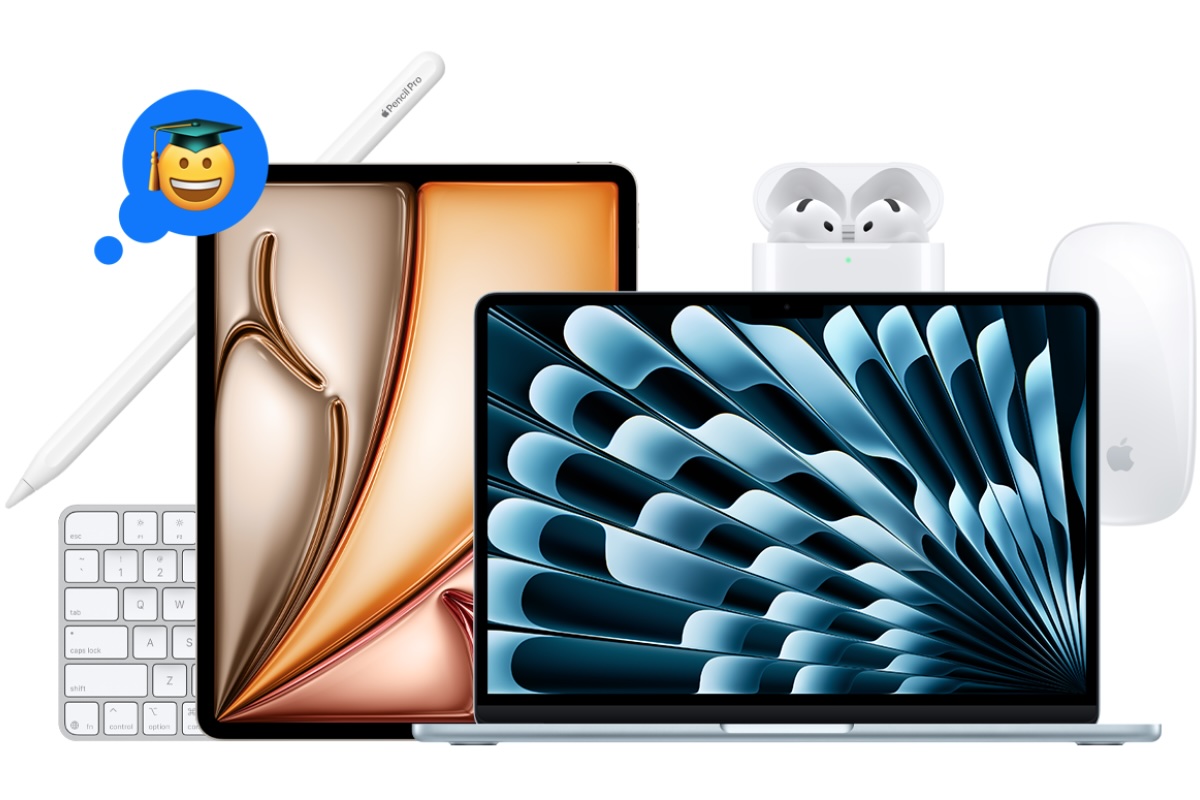
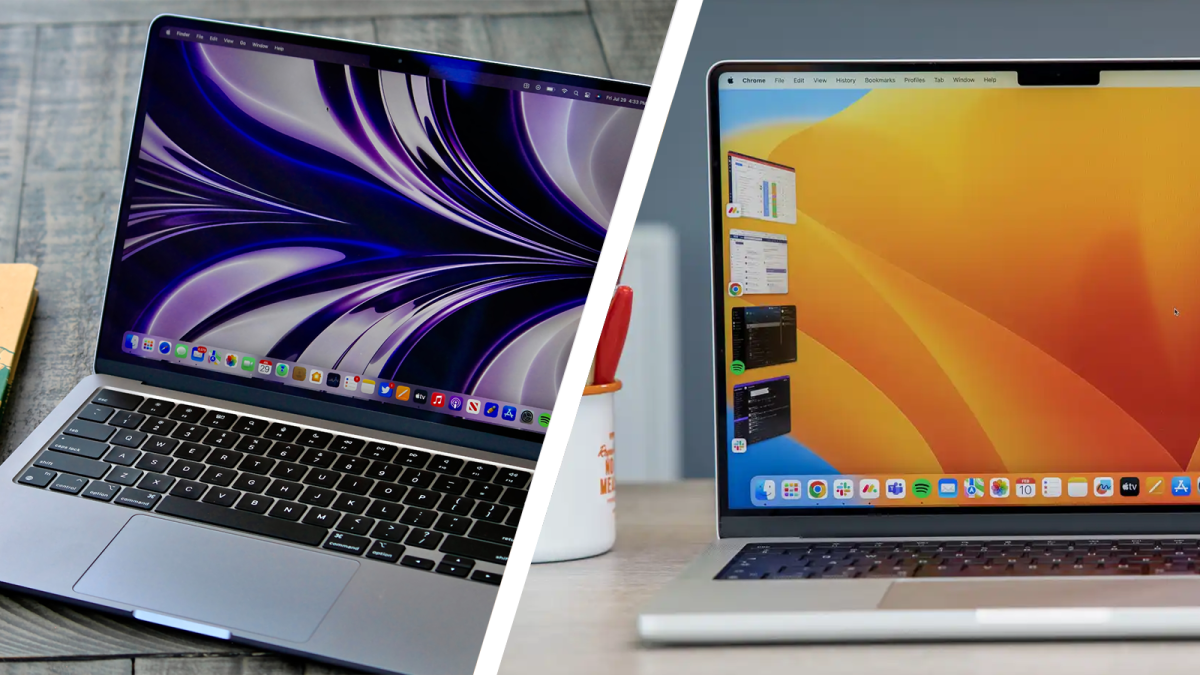


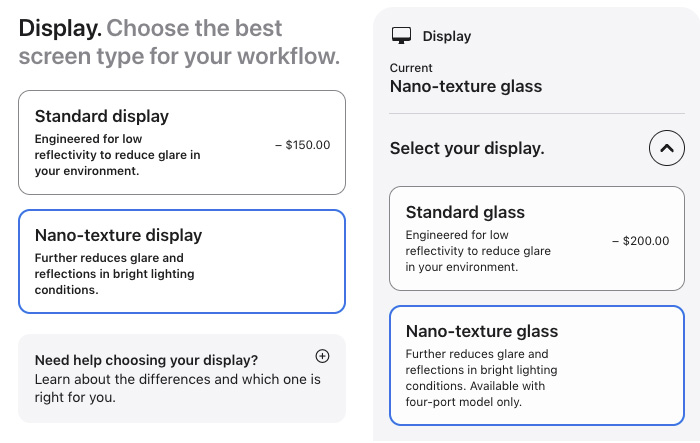

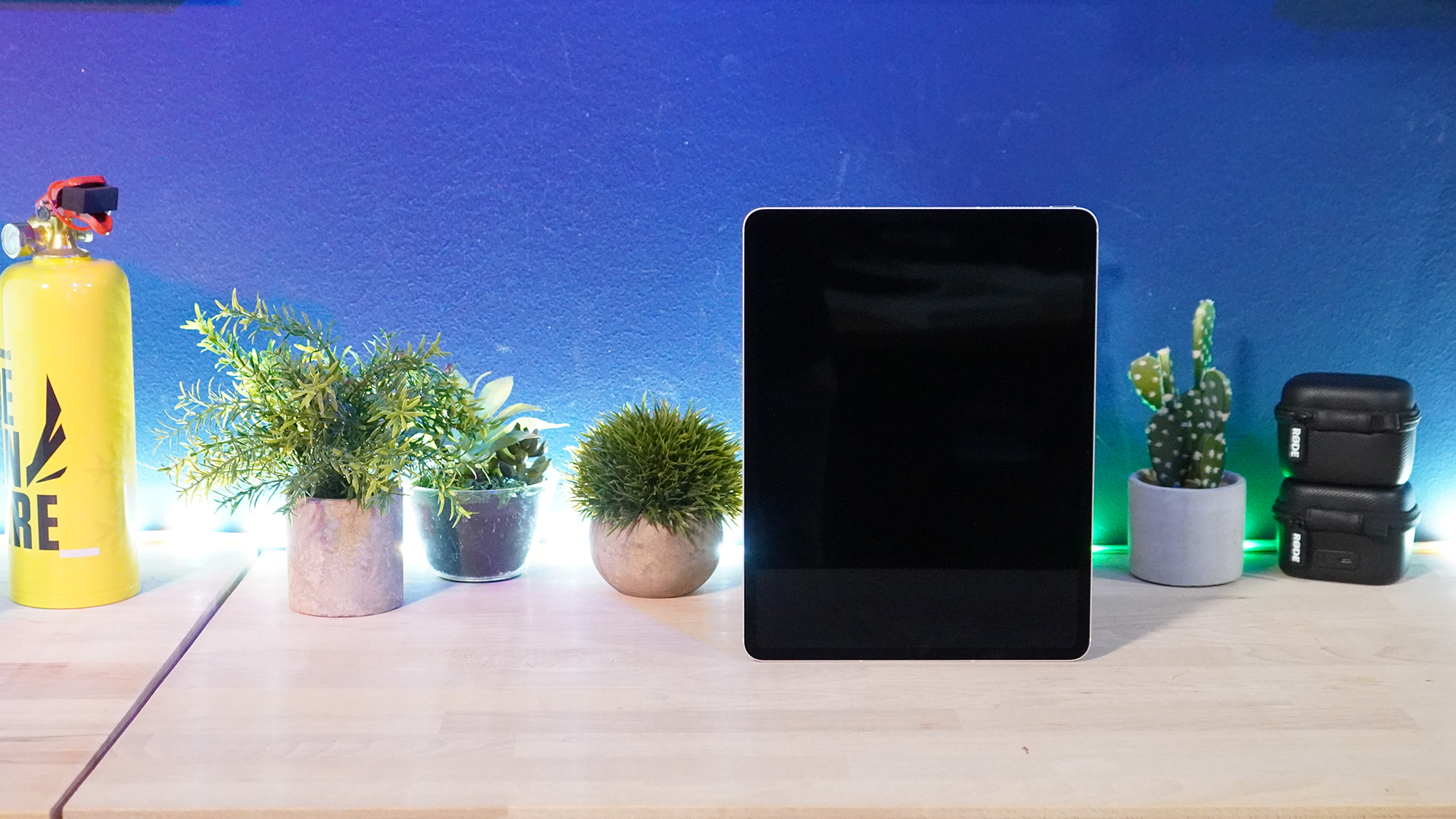
 $519.99
 $556.5
 $559
$559
 $599
$599
 $599
$599
 $599.99
 $635.58
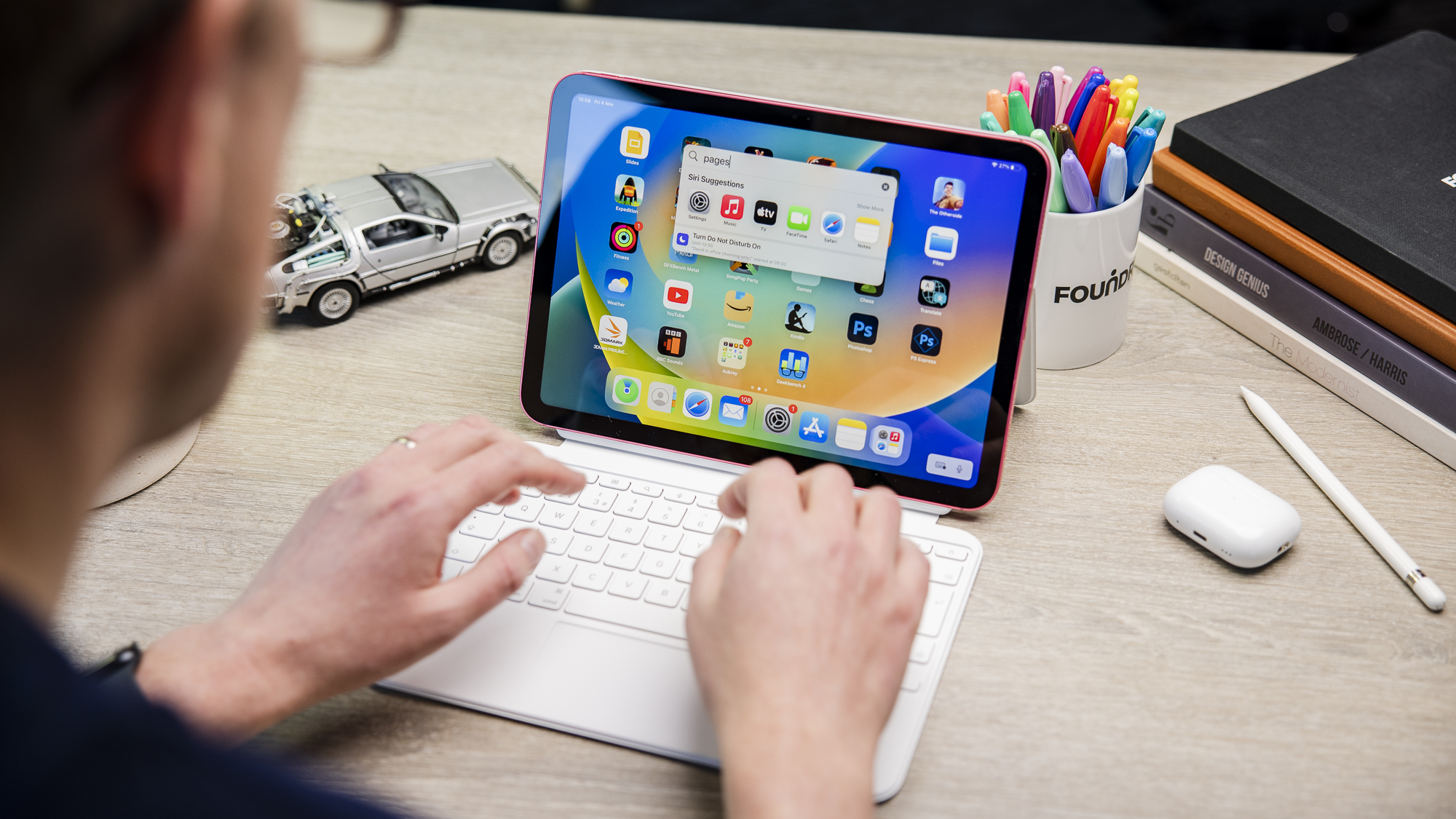

 $499
$499
 $499
$499
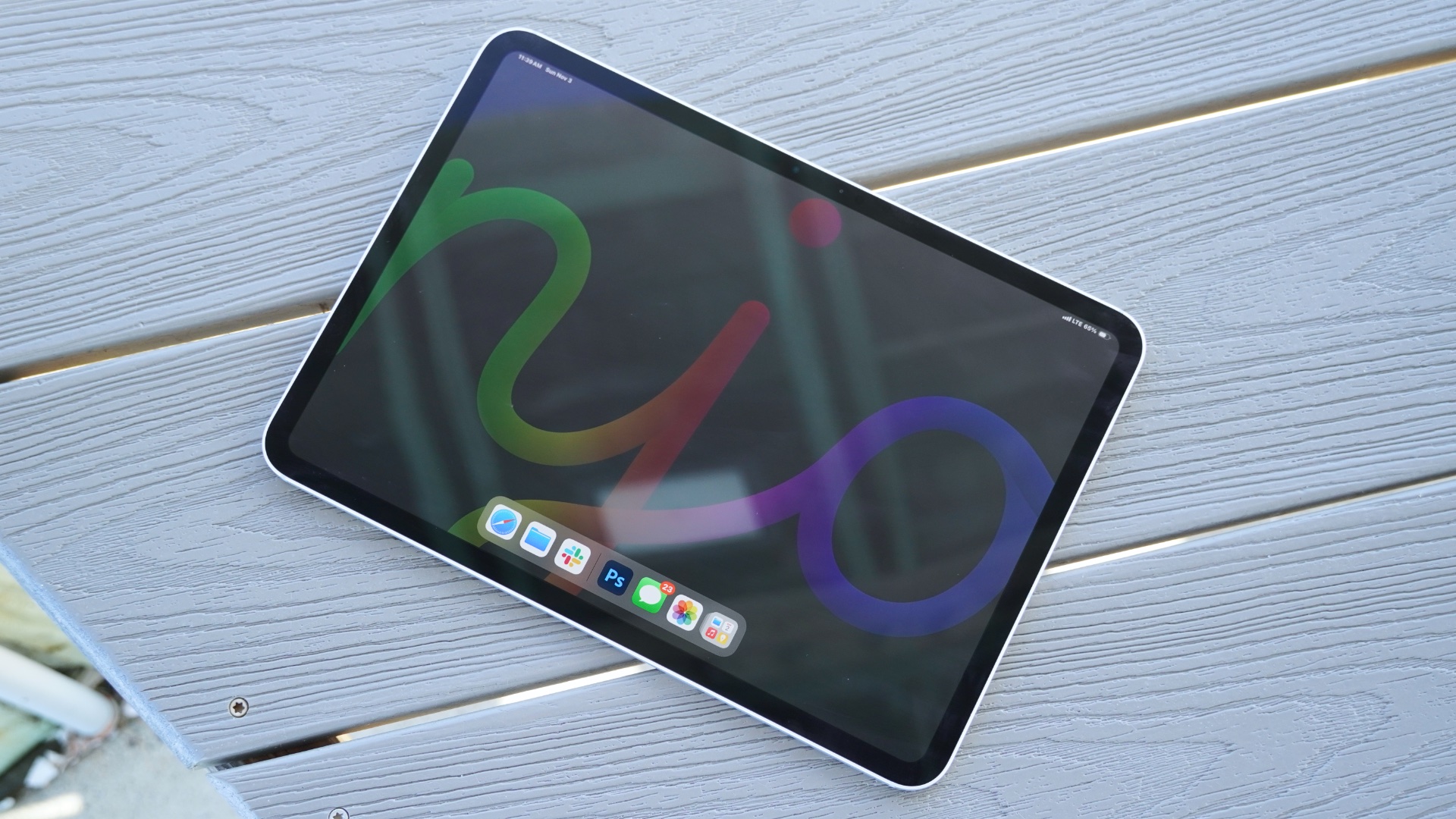

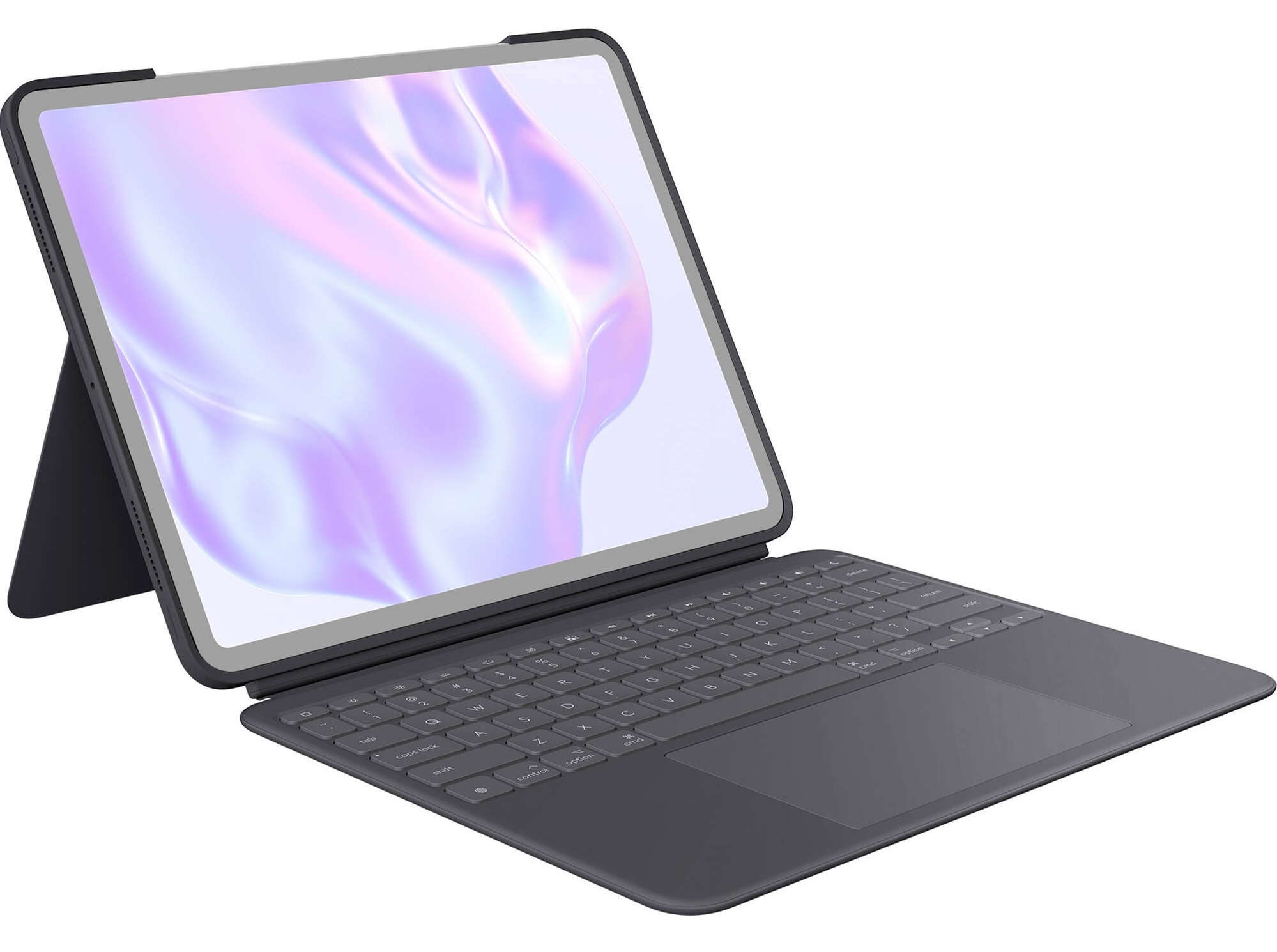
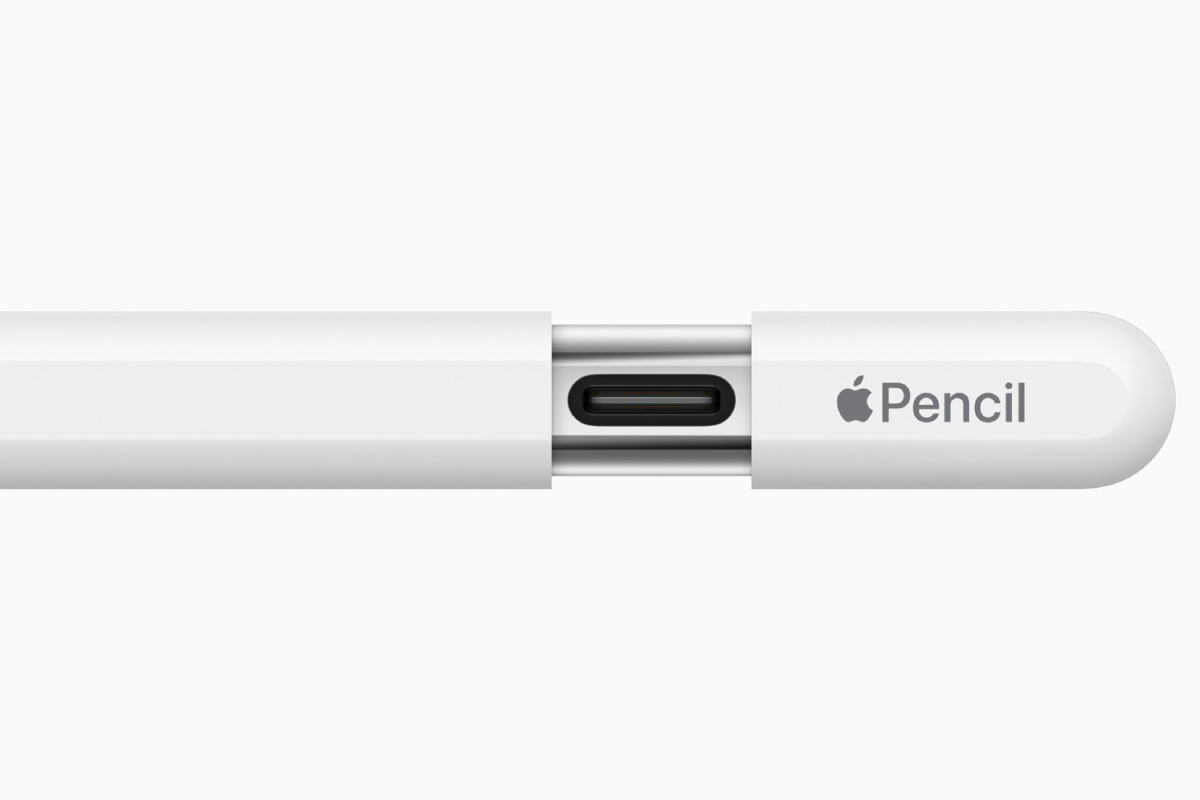 Price When Reviewed:
$79
Best Prices Today:
Price When Reviewed:
$79
Best Prices Today:



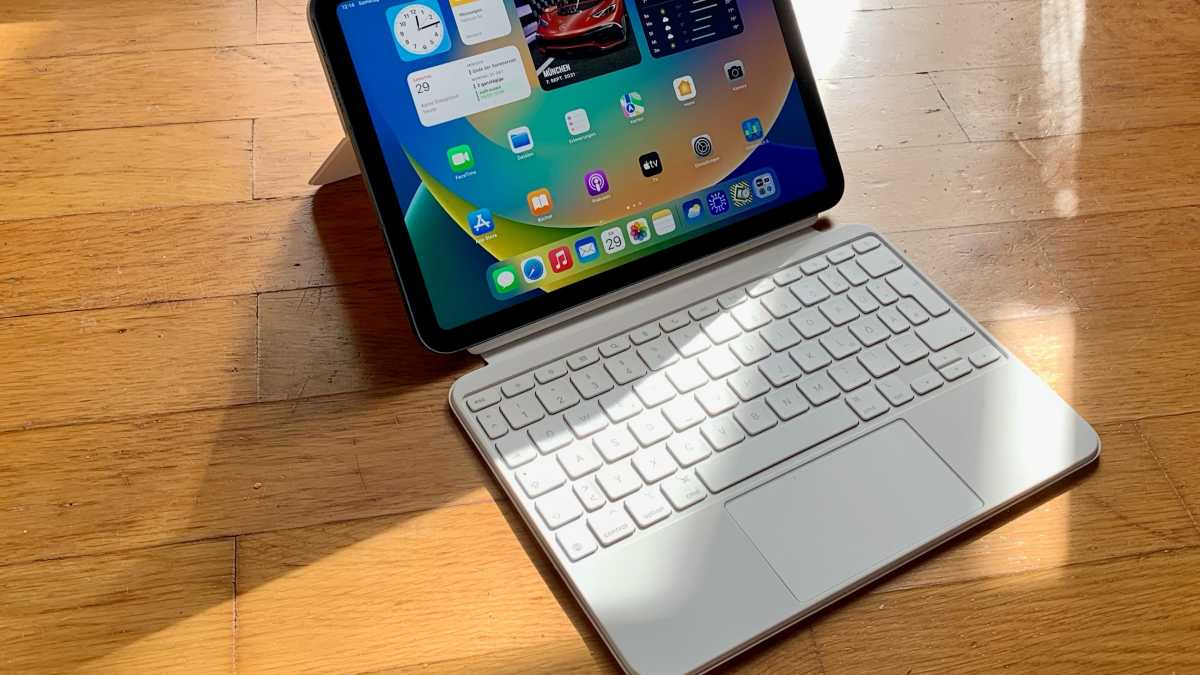
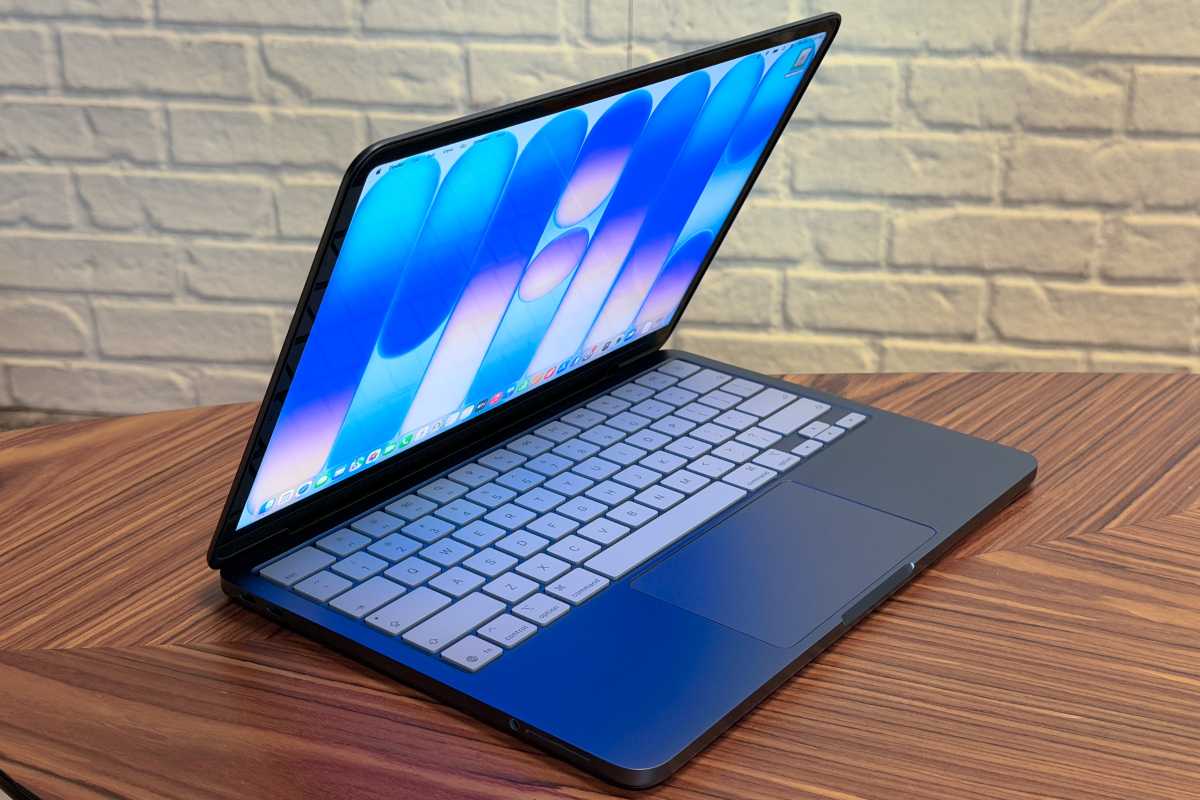

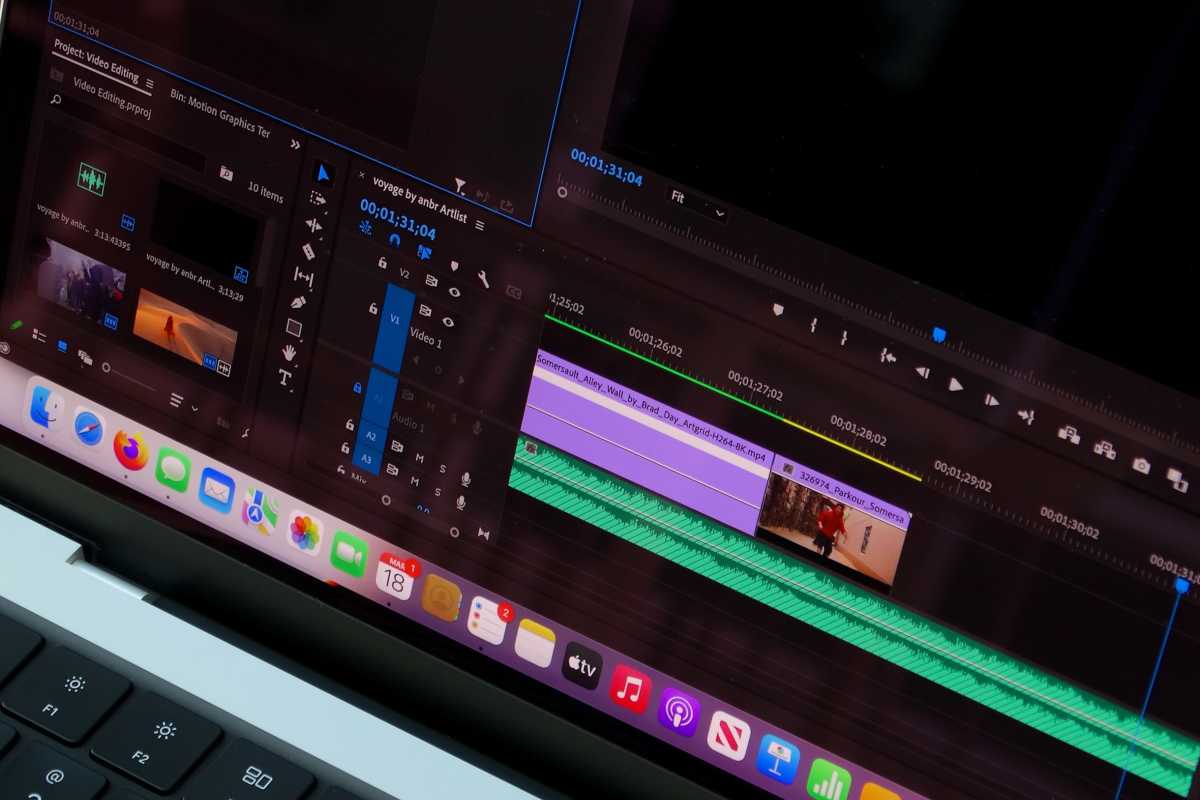
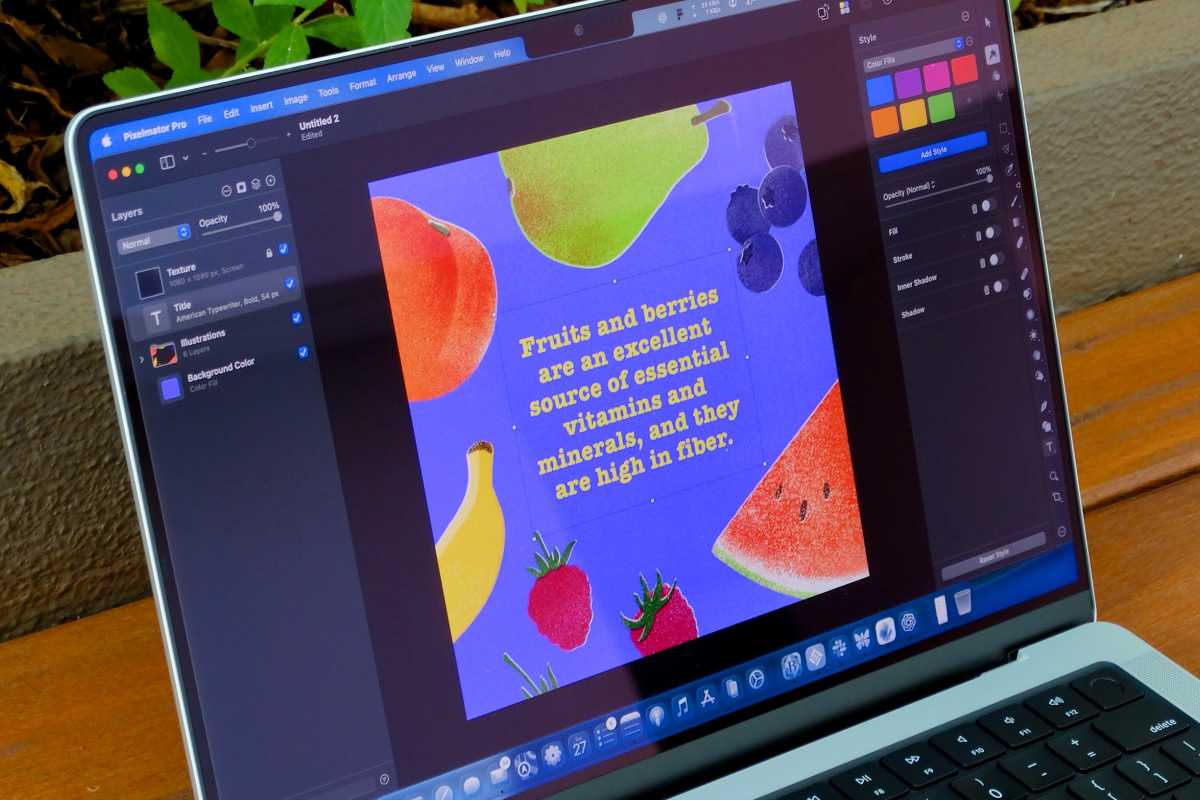
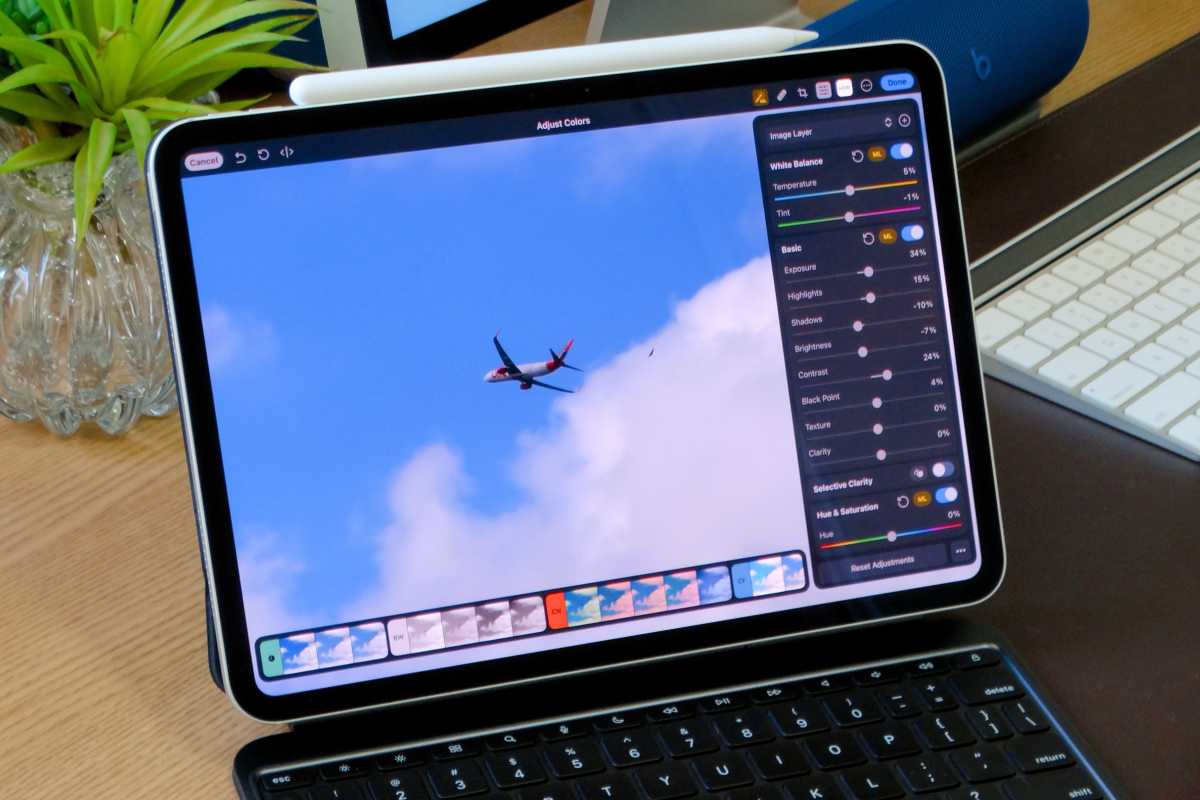
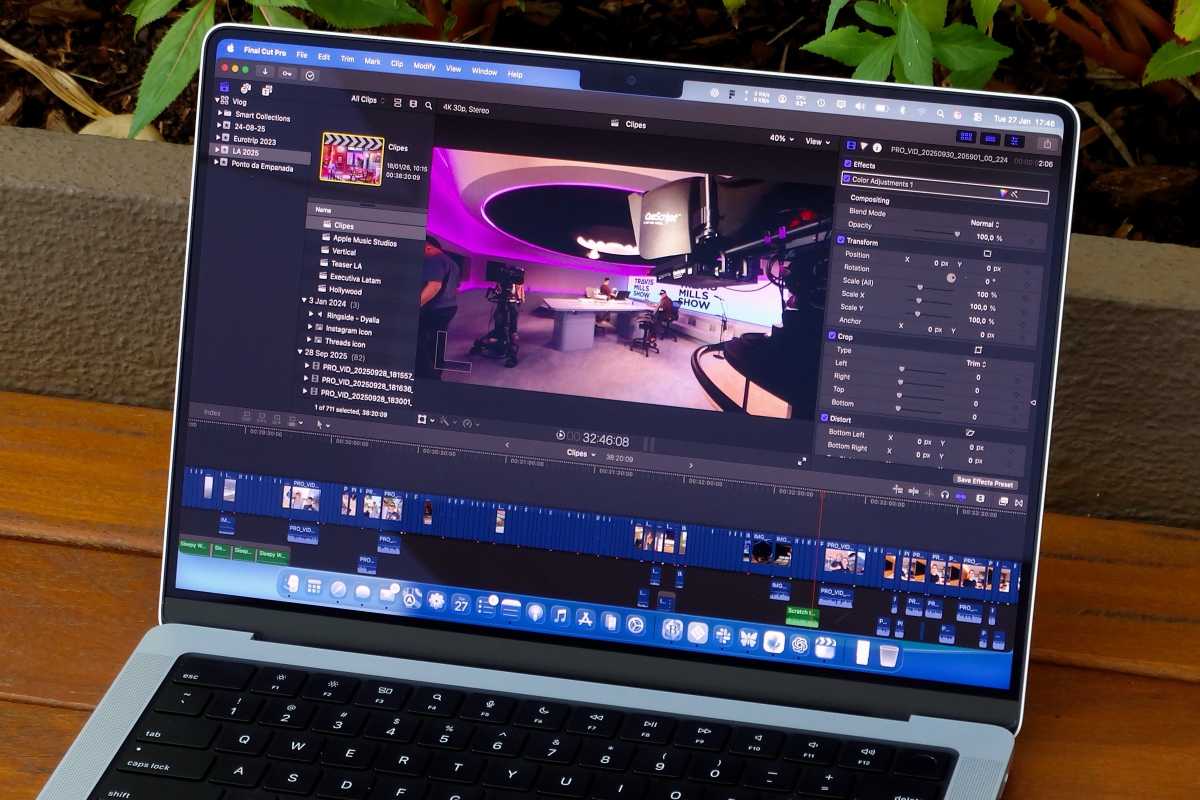
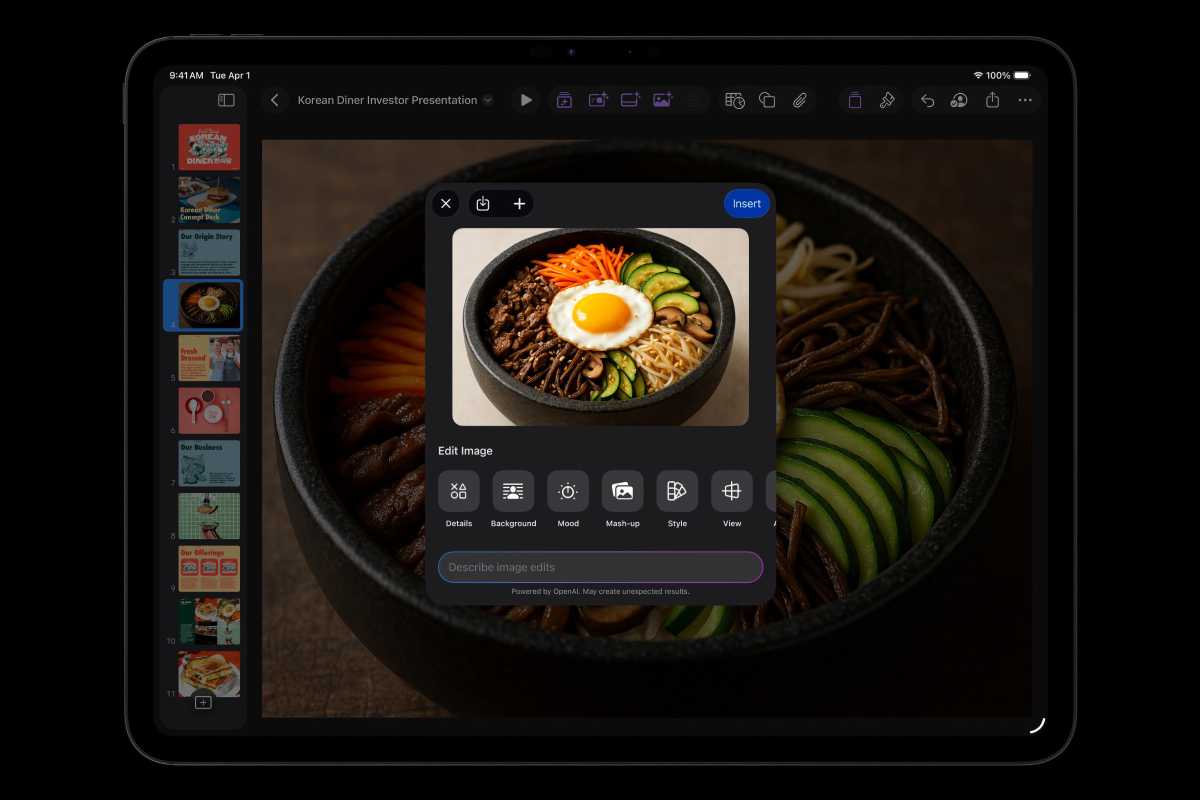




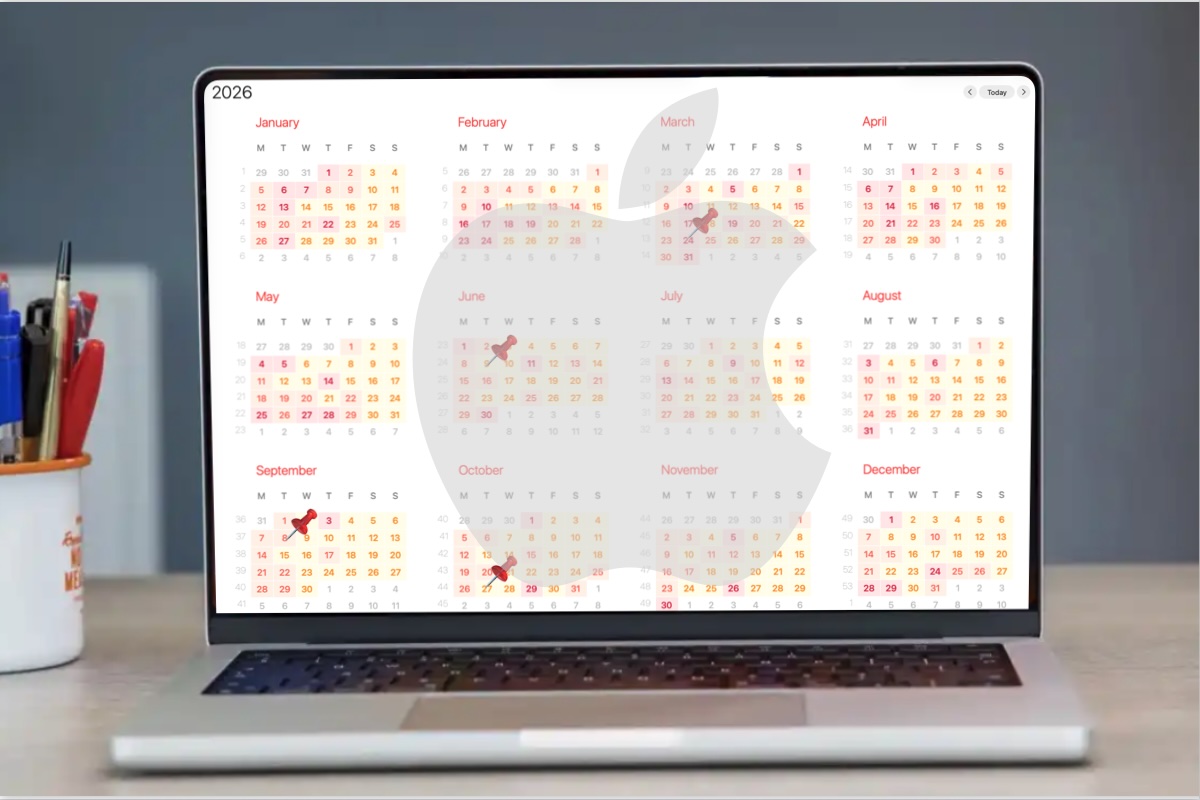

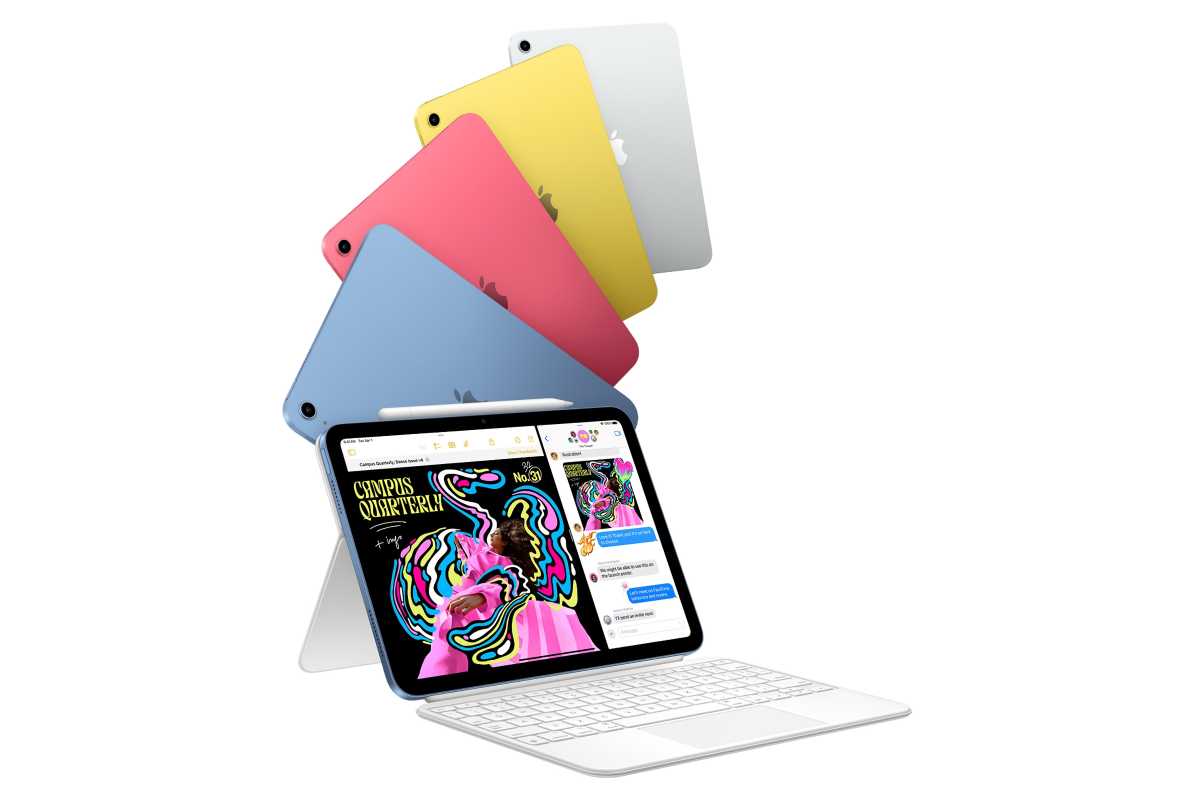
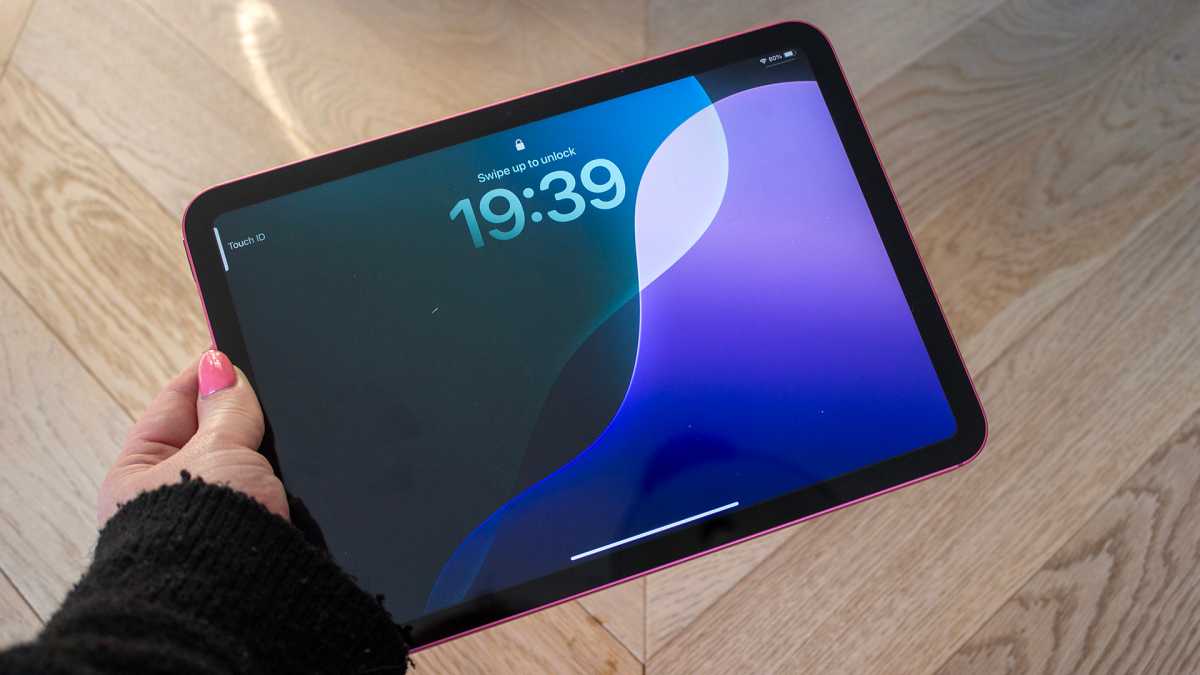


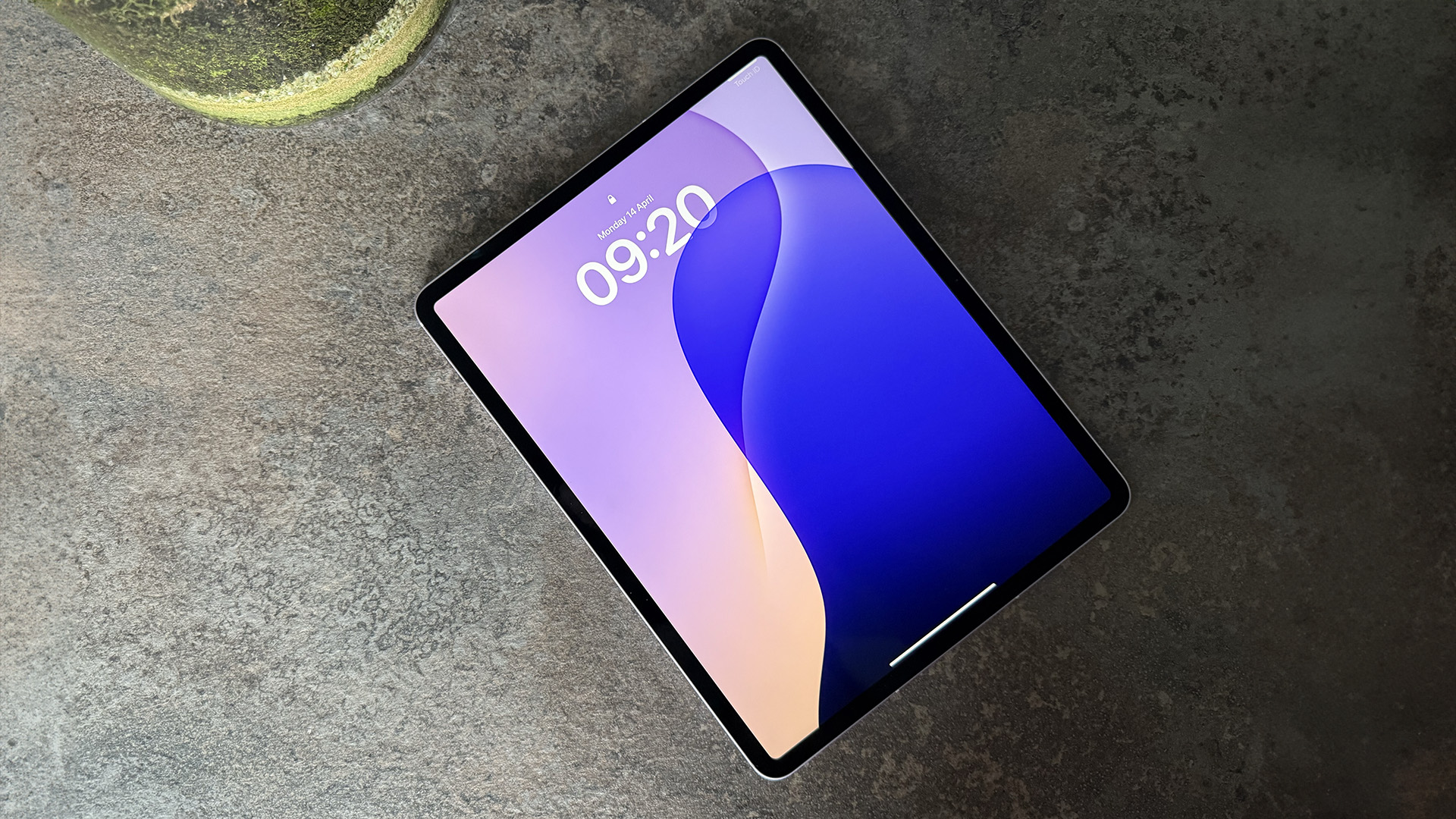
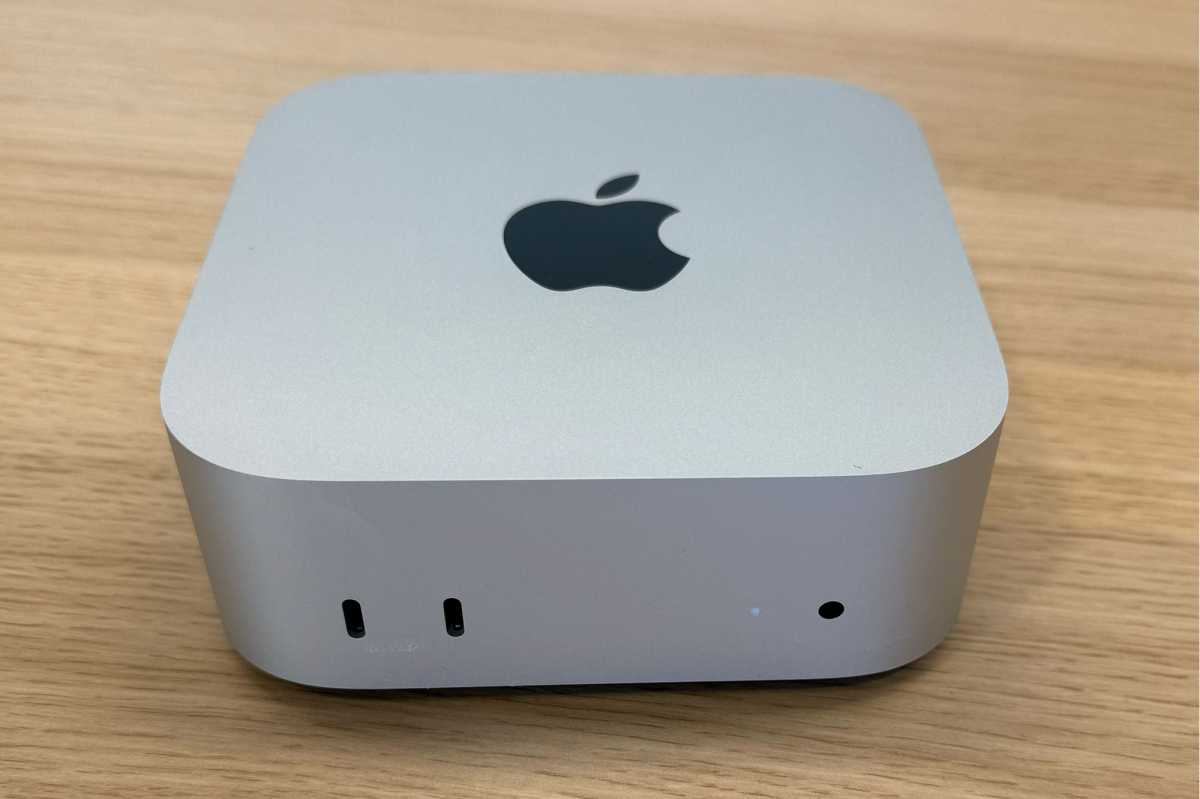
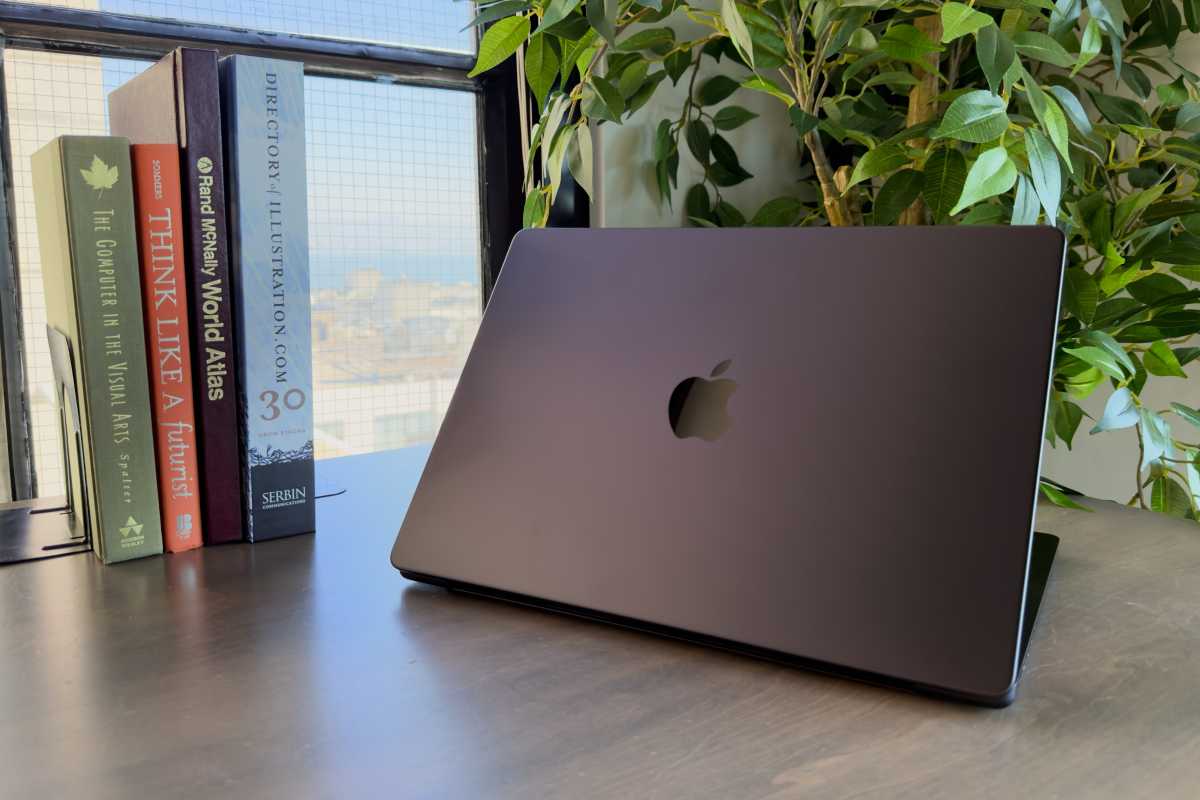

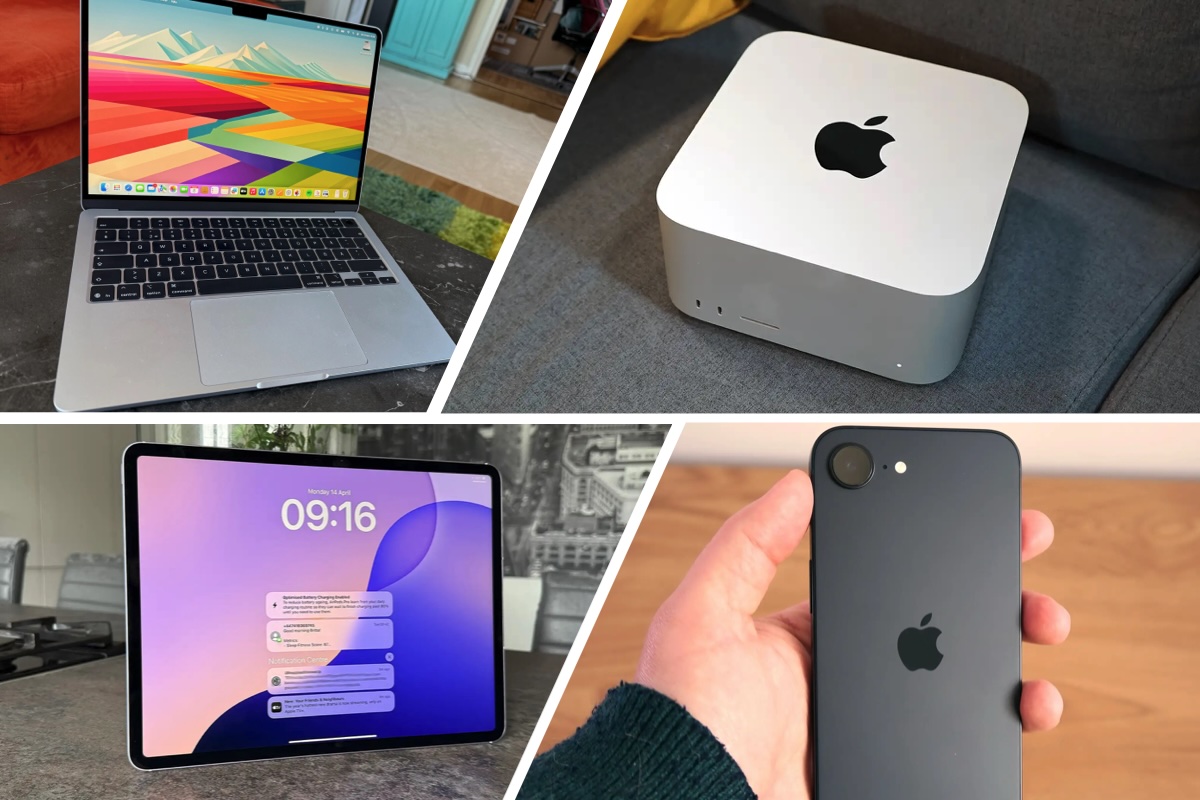




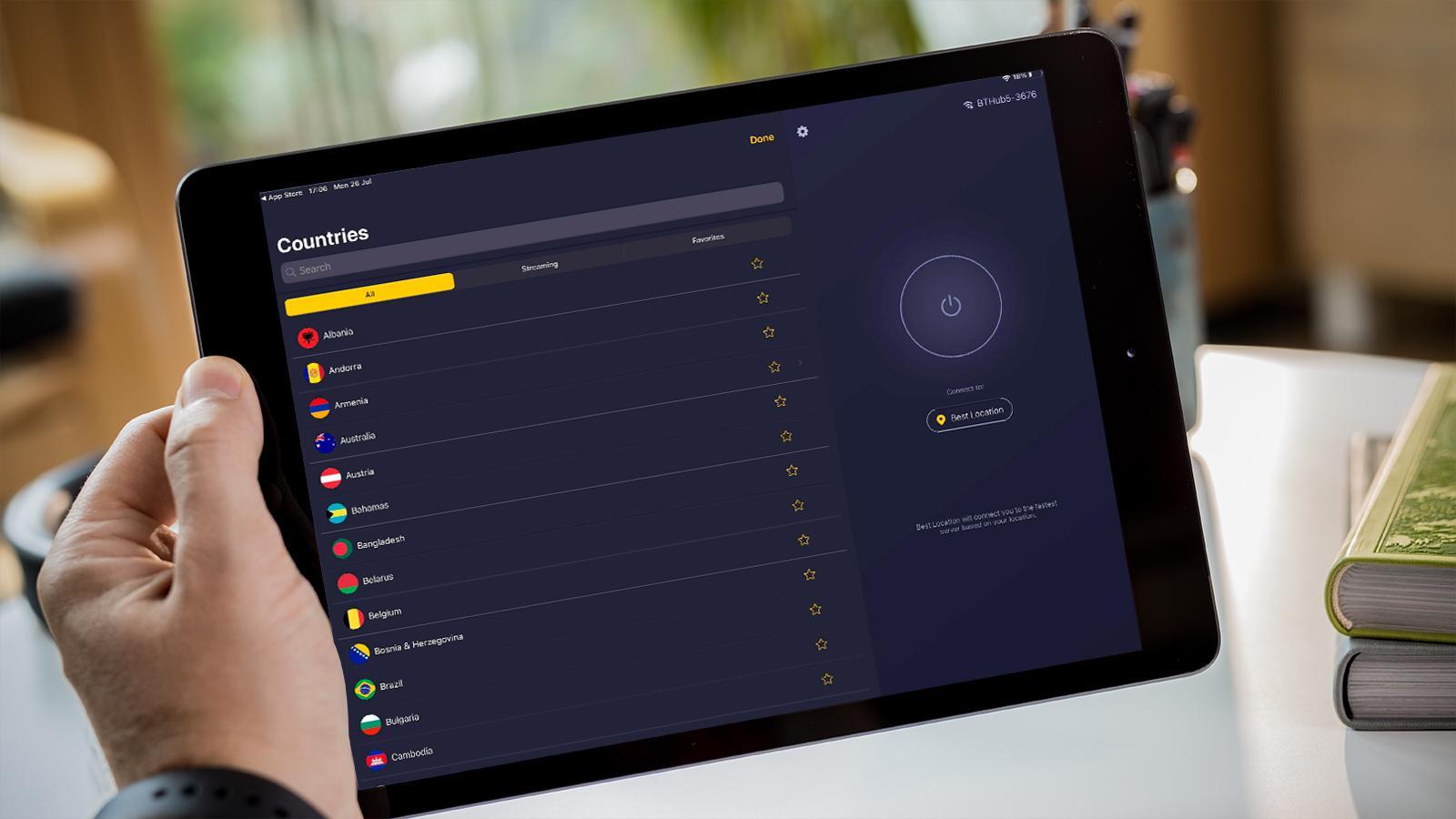

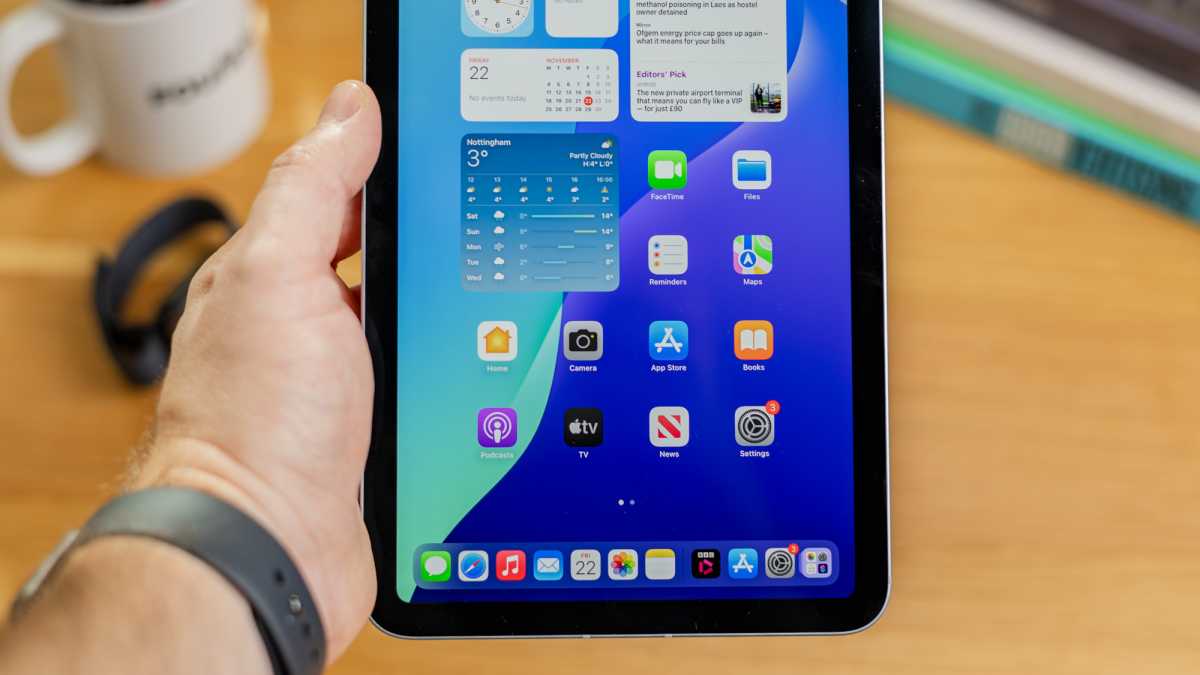
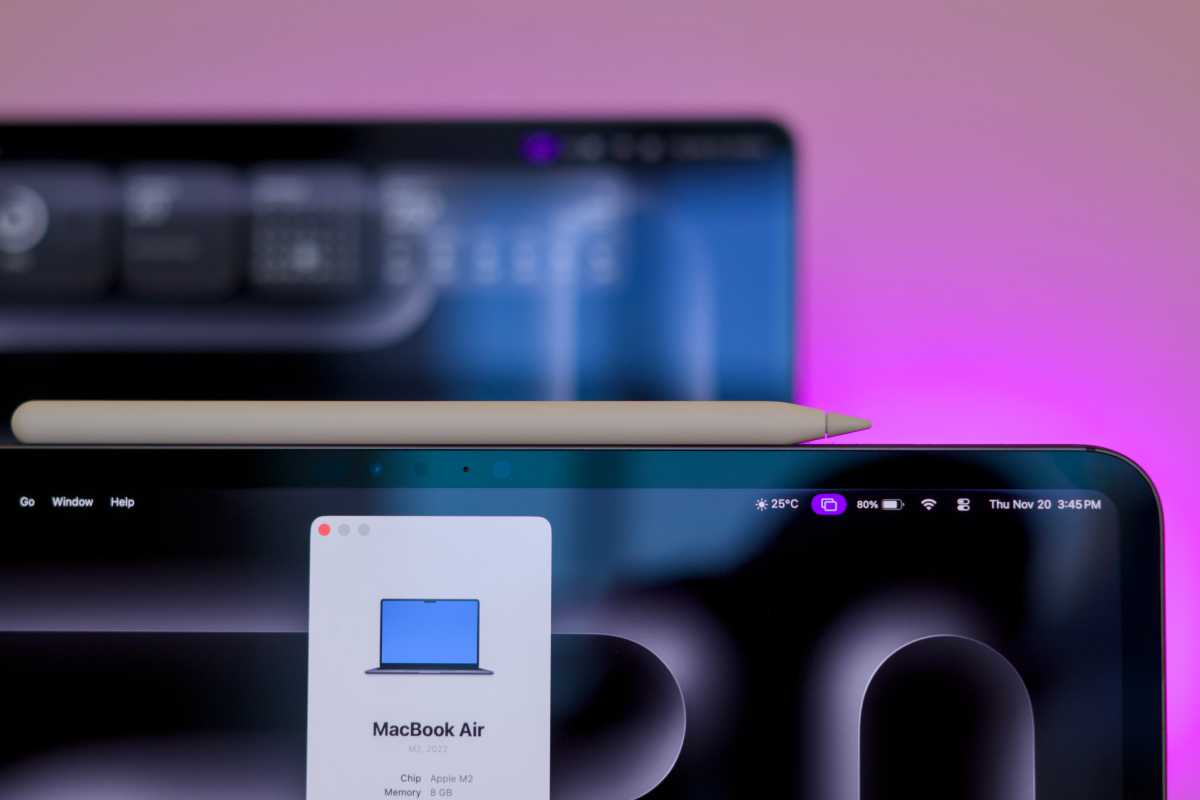
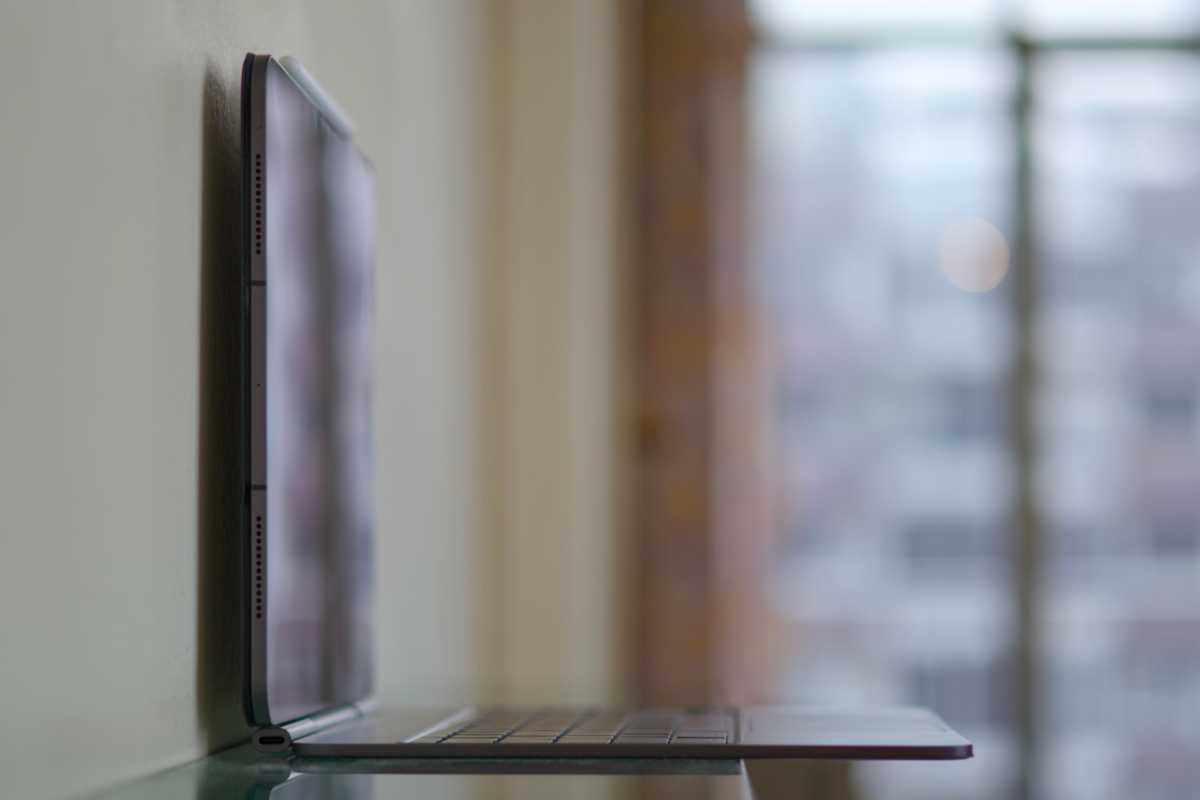
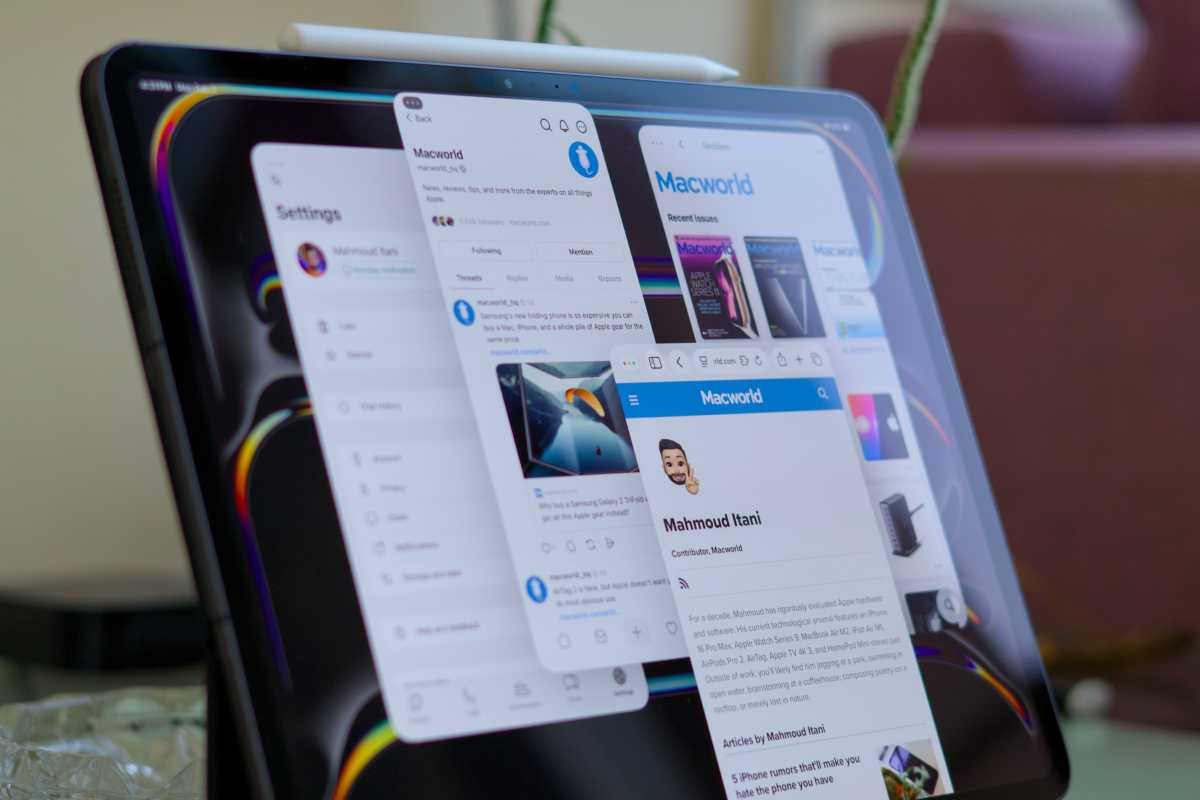

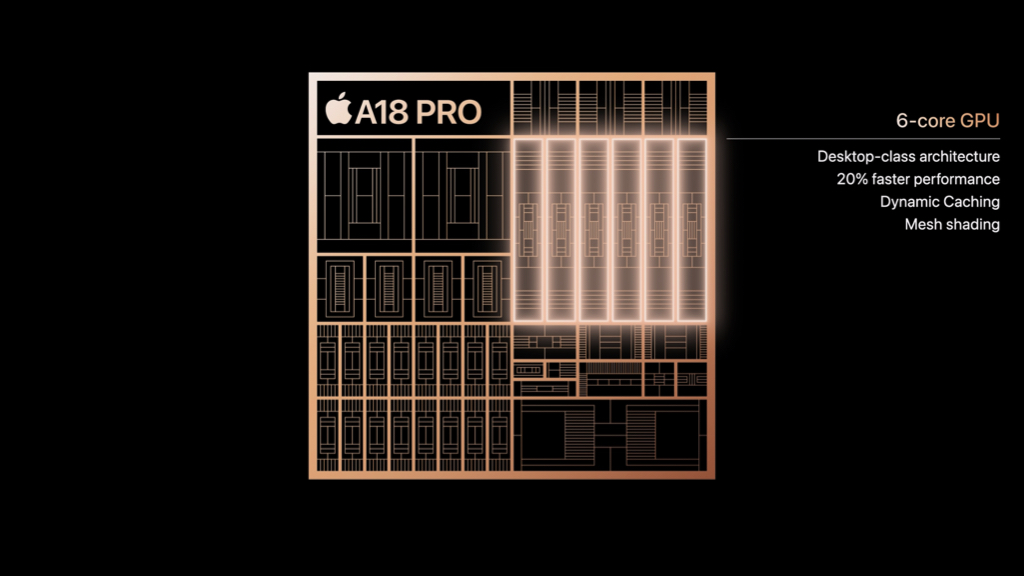
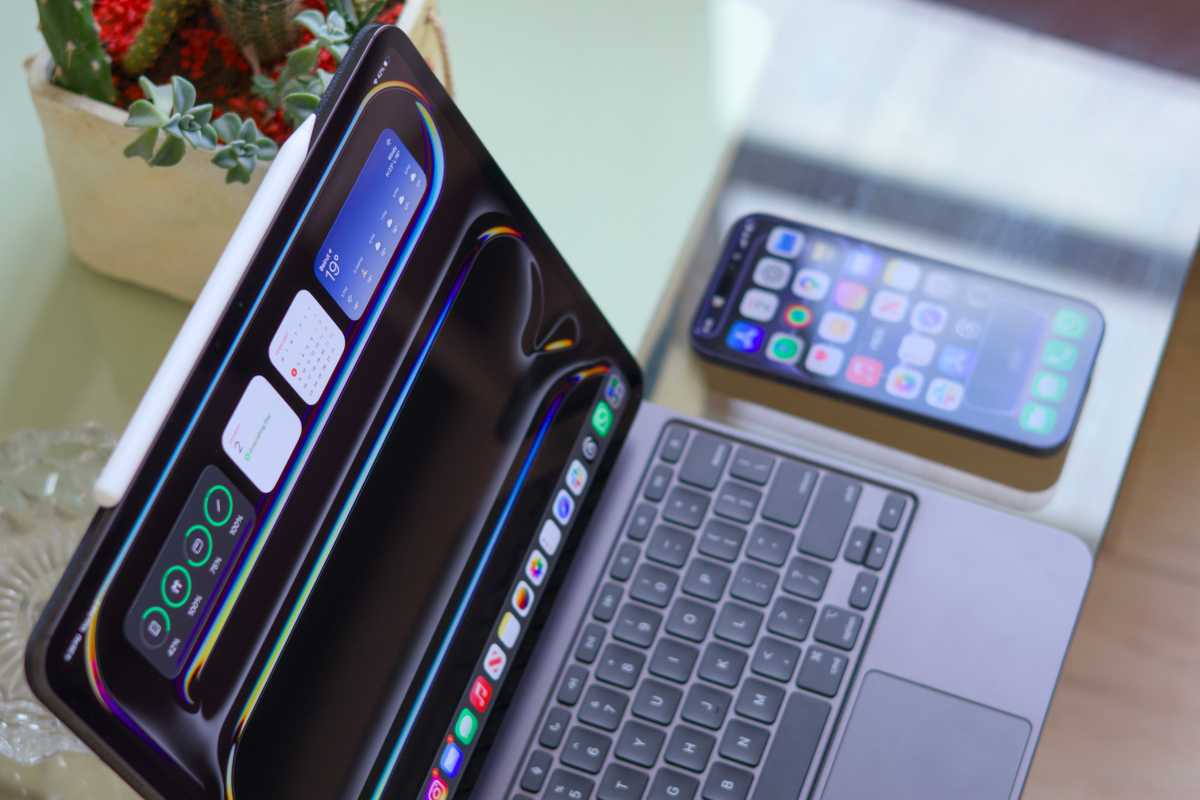
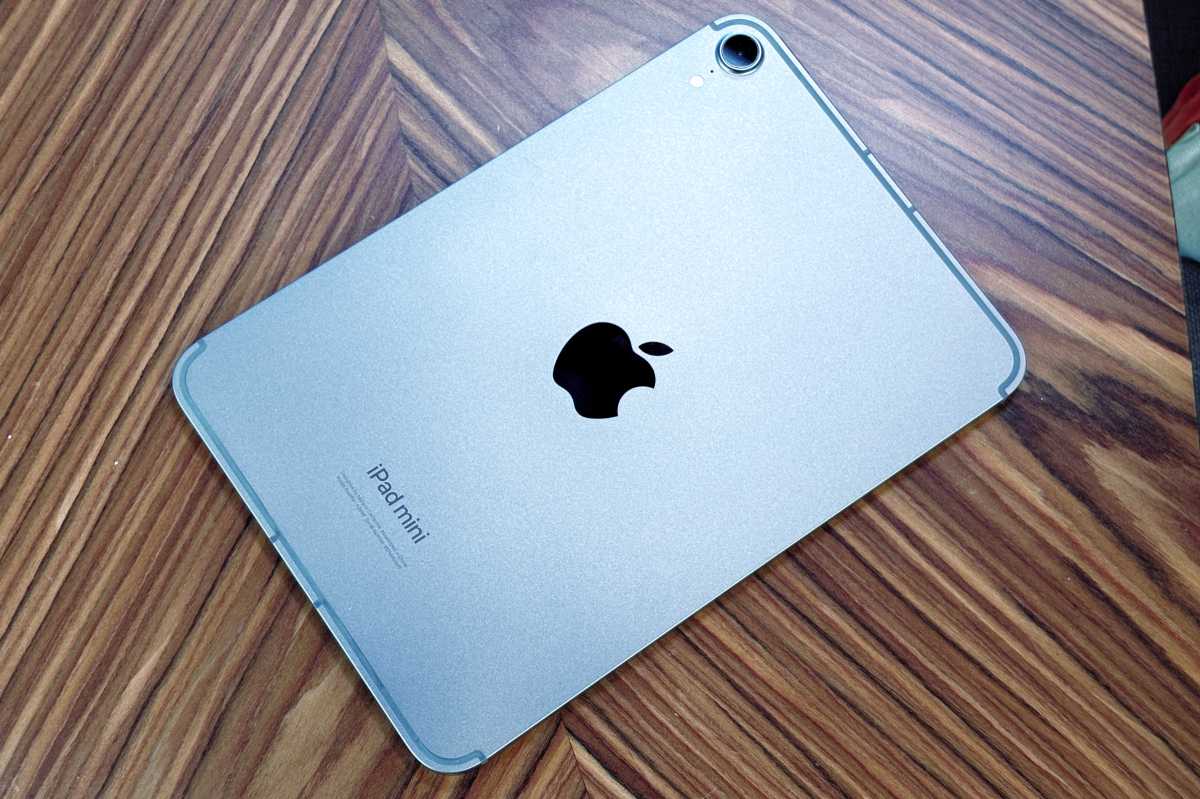

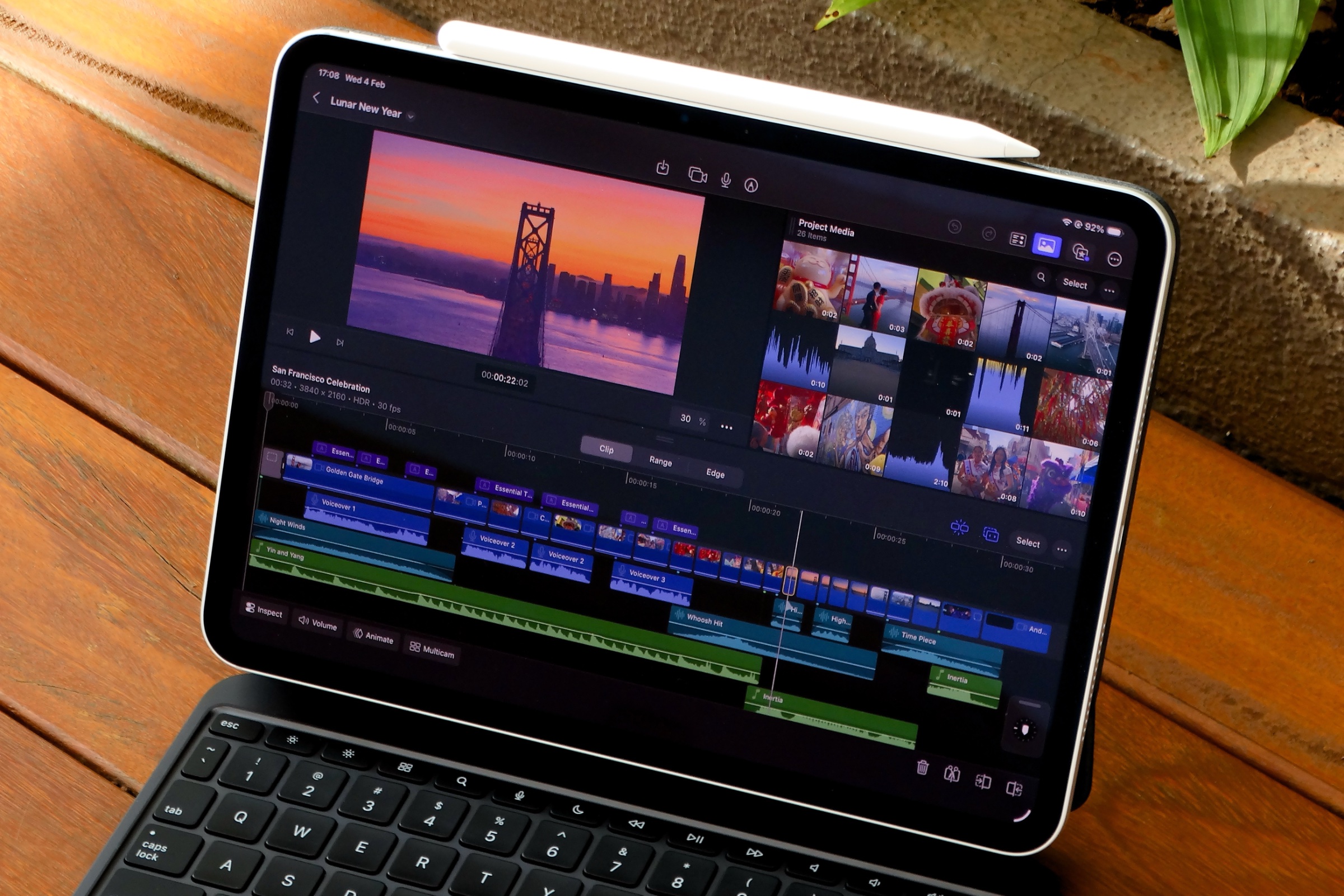 Price When Reviewed:
$4.99 per month or $49 annually
Best Prices Today:
Price When Reviewed:
$4.99 per month or $49 annually
Best Prices Today:
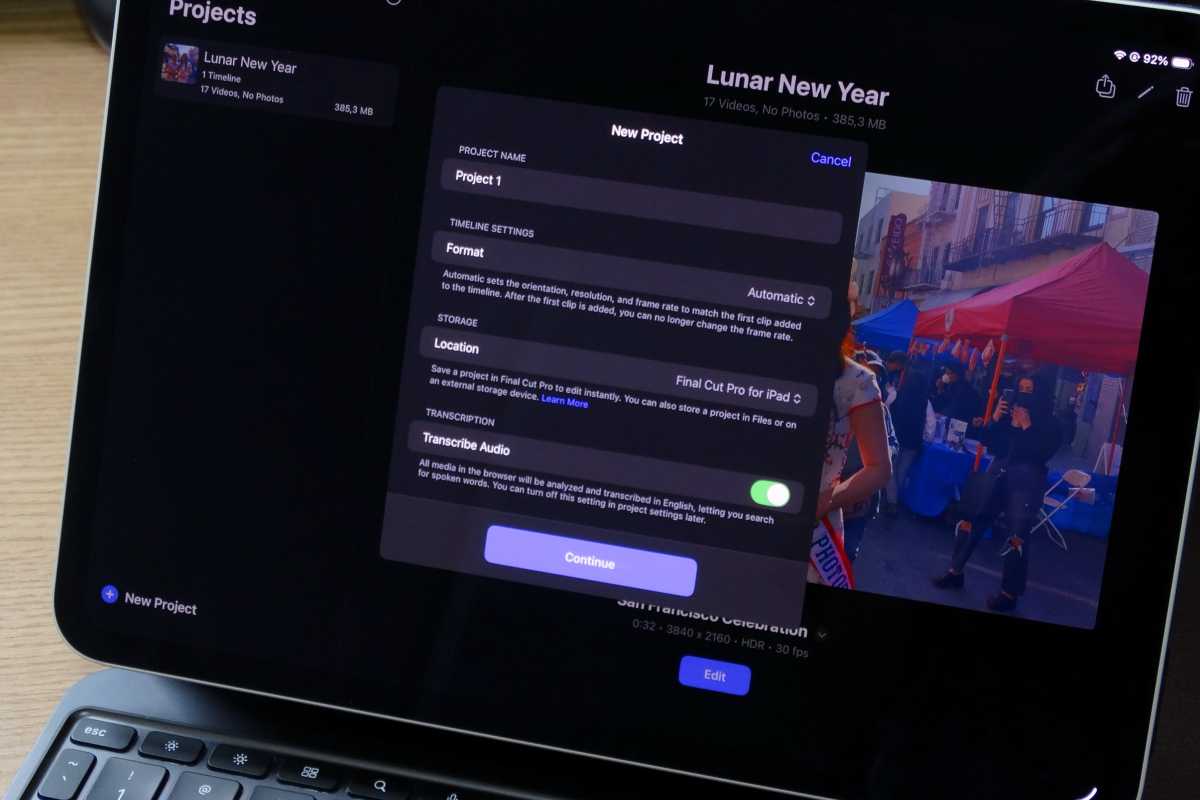
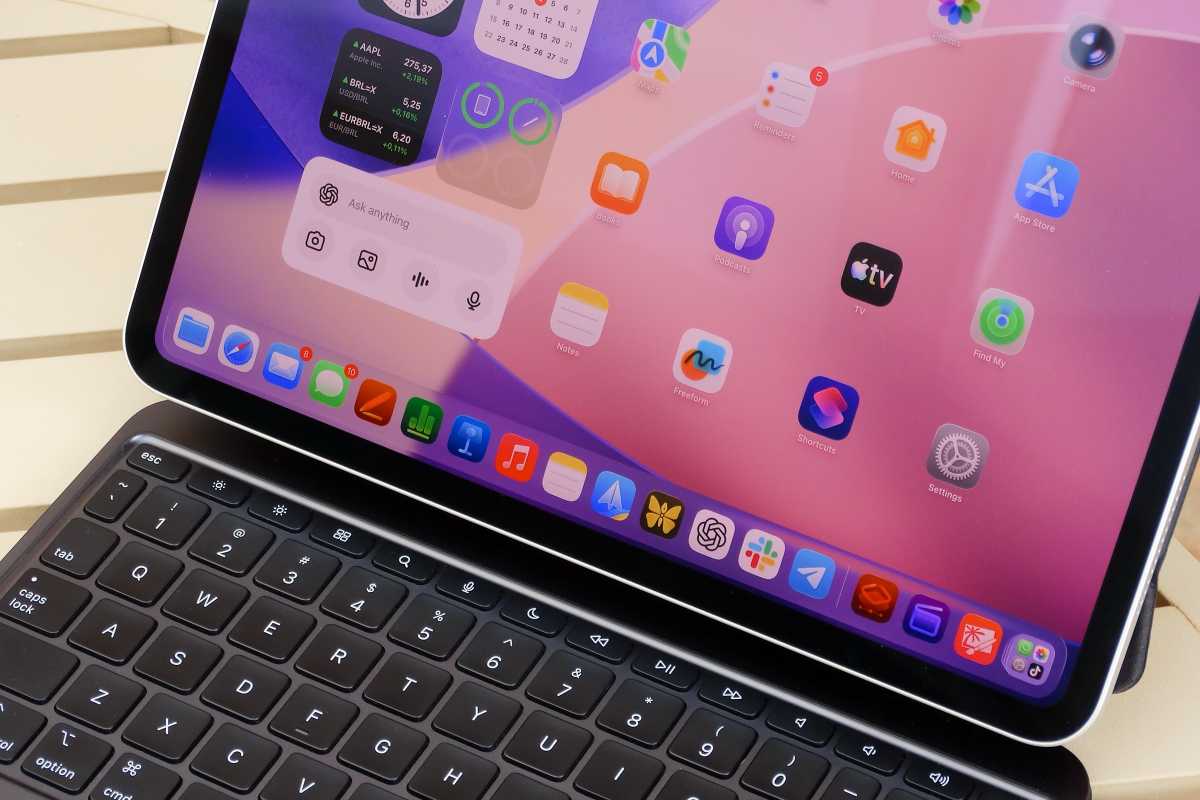
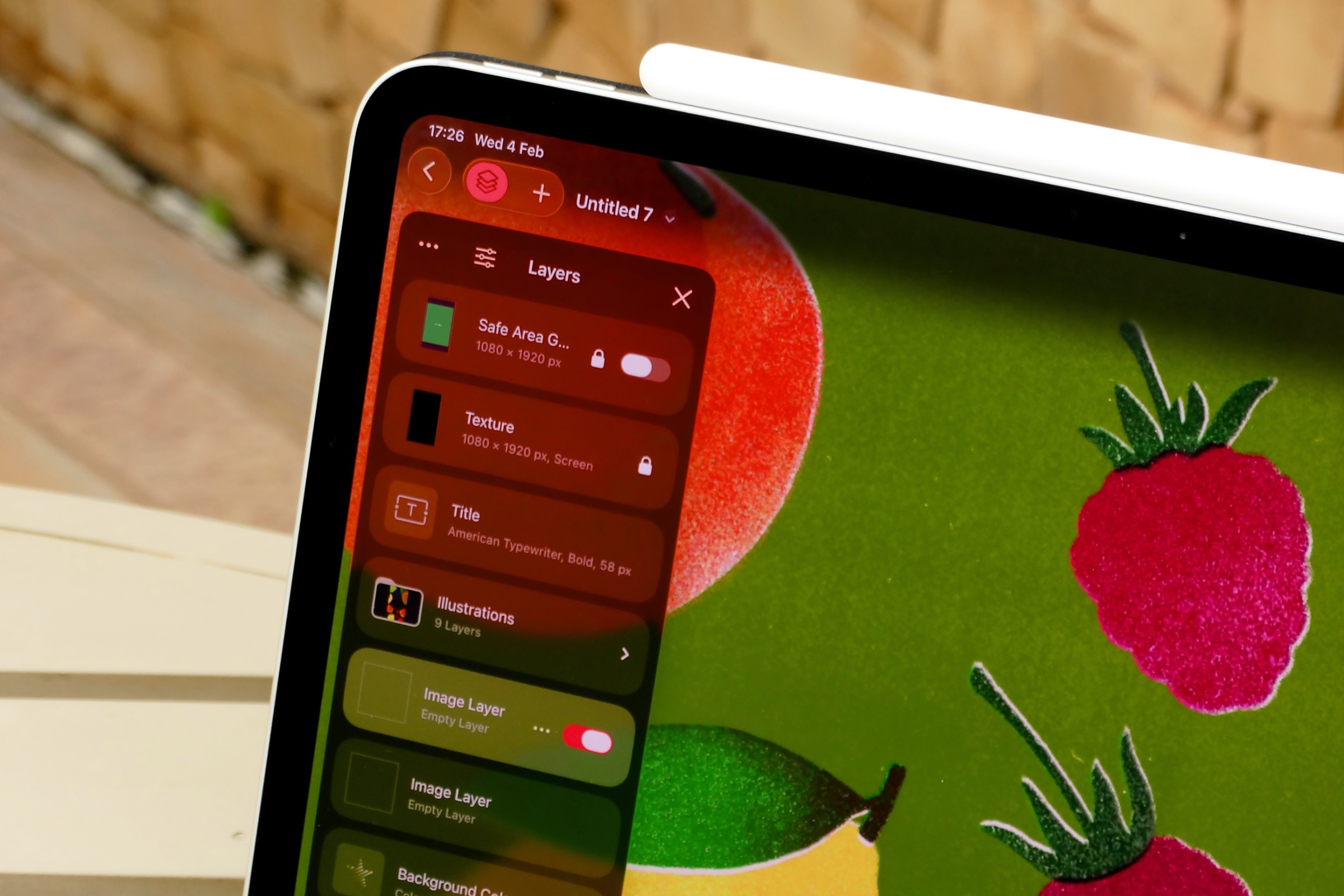 Price When Reviewed:
$12.99 a month, $120.99 a year
Best Prices Today:
Price When Reviewed:
$12.99 a month, $120.99 a year
Best Prices Today: