Macworld is your best source for all things Apple. We give you the scoop on what's new, what's best and how to make the most out of the products you love.
If you’ve ever wanted an early look at new versions of Apple’s operating systems before they officially launch – and maybe even help shape them in the process – Apple’s beta program is worth considering. It offers early access to headline features, interface redesigns, and new tools months before release.
The initiative isn’t limited to developers. Public beta testers can also try upcoming software updates before launch, helping Apple identify bugs and test new features before the operating systems are released to everyone. There are two beta tracks available: the Developer Beta, which offers the earliest access but carries the greatest risk, and the Public Beta, which is generally more stable and aimed at enthusiasts and general users.
Both beta programs are free to access and a paid developer account is no longer required. However, installing beta software should always be approached with caution. Betas can cause crashes, data loss, app compatibility issues, excessive battery drain, and other problems. For that reason, we recommend avoiding installation on a primary device and making a full backup beforehand in case you need to revert to the current public release.
Apple typically unveils the next generation of operating system updates for iPhone, Mac, iPad and Apple Watch at its Worldwide Developers Conference (WWDC) in June, with developer betas arriving shortly afterward and public betas following later in the summer, usually around the beginning of July. With WWDC scheduled for June 8, it will soon be possible to start testing the beta versions of iOS 27 and macOS 27.
In this article, we explain how to join Apple’s beta programs and install the latest test software – and help you decide whether running beta software is worth the risk.
What is Apple’s beta program?
Apple
Apple’s beta program is a voluntary initiative that allows users to test pre-release versions of operating systems and software before they are officially launched to the public. Its primary purpose is to help Apple identify bugs, performance issues, and usability concerns through feedback submitted via the built-in Feedback Assistant app. By participating, testers help improve the stability and quality of upcoming software releases.
The beta process does not end with the major September launch. Apple continues developing “point releases” – such as iOS 26.1 or 26.2 – throughout the year to introduce features that were not ready for the initial release. The company typically issues official software updates roughly every six weeks during an operating system’s lifecycle.
Smaller updates focused on bug fixes and security patches, such as iOS 26.3.1, are often developed and released more quickly. In urgent cases, these updates may bypass the standard beta cycle entirely and roll out directly to users.
Developer Beta vs Public Beta: What’s the difference?
Apple offers two beta tracks across platforms including iOS, iPadOS, macOS, watchOS, tvOS, and visionOS:
Developer Beta: Designed for software developers, this beta version allows early testing of app compatibility with upcoming system changes. Developer betas are released first, typically immediately after Apple’s WWDC keynote. Early access enables developers to prepare their apps for launch and integrate new technologies such as the Game Porting Toolkit 2 and AI-related frameworks.
Public Beta: Aimed at enthusiasts and early adopters, the public beta is usually released days or weeks after the developer beta, often around early July. It is generally more stable, as it includes fixes for major issues identified during the initial developer testing phase. Public beta users can try major updates and new features months before their official release.
FeatureDeveloper BetaPublic BetaRelease timing pre-launchThe first version is released immediately after Apple’s WWDC keynote in June. Apple then rolls out updates every one to two weeks, with releases becoming more frequent as launch approaches.The first public beta usually arrives in early July. Updates typically follow a day or two after the corresponding developer beta release.StabilityGenerally less stable, with more bugs, unfinished features, and performance issues. Early developer builds are primarily intended for testing.Usually more stable because it benefits from fixes identified during the developer beta phase, though bugs and occasional instability can still occur.Feature parityIncludes all features, including experimental APIs, developer tools, and frameworks. Some features may never reach the public beta.Typically includes the same major consumer-facing features, although some developer-focused tools or unfinished features may be delayed or excluded. Target audienceSoftware developers and advanced users testing app compatibility, APIs, and new frameworks ahead of release.Enthusiasts, early adopters, and general users interested in previewing upcoming features before the official launch.Are developer betas worth it?Worthwhile for developers or advanced testers who need immediate access for app development and compatibility testing.A better option for most people who want early access to new features with fewer bugs and a more reliable experience.
Is it safe to install Apple’s beta?
Installing beta software carries risks because it is unfinished by design and intended for testing. Bugs, performance issues, excessive battery drain, overheating, and even the possibility of “bricking” a device are all potential problems.
While anyone can sign up for Apple’s beta program, these pre-release versions are generally not recommended for primary devices or mission-critical data. For most users, the safest option is to wait for the official fall release, when the software is more polished, stable, and fully supported.
The Developer Beta is typically the least stable version, as it is released first and aimed primarily at app developers testing compatibility with new features and APIs.
The Public Beta is usually more reliable because it includes fixes identified during the earlier developer testing phase. However, it is still unfinished software and may contain significant bugs. For users eager to try new features early, the Public Beta is generally the safer choice, though anyone relying on their device for work, study, or everyday reliability is still better off waiting for the final public release.
Common issues reported with beta software include:
Battery drain and overheating: Early beta versions can significantly reduce battery life and cause devices to run hotter than usual during everyday use.
Performance issues: Users may experience lag, slowdowns, freezes, or general system instability.
App crashes: Third-party apps may not work properly or could crash frequently due to compatibility problems.
Bricked devices: A beta update can render a device unusable.
Data loss: Software bugs may corrupt files or force users to perform a factory reset, potentially erasing data.
Connectivity problems: Wi-Fi, Bluetooth, AirDrop, and syncing services can behave unpredictably or stop working altogether.
Higher hardware demands: Older devices may struggle with the performance requirements of unfinished, unoptimized software.
Security risks: Beta software can introduce new vulnerabilities or complicate the delivery of security updates.
Also note that Apple does not provide the same level of support for pre-release software as it does for public releases, which can increase security and stability risks.
How to join Apple’s beta program
It is simple to register and then set your device to accept beta updates.
Foundry
Joining Apple’s beta program is a relatively straightforward process, though the steps differ slightly depending on whether you want to enroll in the Public Beta or the Developer Beta.
How to join Apple’s Public Beta Program
The public beta is accessible to anyone with a valid Apple ID.
Sign in with your Apple ID and agree to the terms and conditions.
Select the operating system you want to test – such as iOS, iPadOS, or macOS – and follow the prompts to enroll your device.
Enable Updates:
On iPhone/iPad: Go to Settings > General > Software Update > Beta Updates and select the Public Beta.
On Mac: Go to System Settings > General > Software Update. Click the information (i) icon next to Beta Updates and choose the Public Beta.
How to join Apple’s Developer Beta Program
Apple now allows anyone with a free developer account to access developer beta builds.
To get a free developer account download the Apple Developer app from the App Store. Tap on Account, select Sign In, and use your standard Apple ID.
Follow the on-screen prompts within the app or on the Apple Developer website to complete the free registration process.
Once registered, enable developer beta updates through your device settings:
On iPhone or iPad: Go to Settings > General > Software Update > Beta Updates and select the Developer Beta.
On Mac: Go to System Settings > General > Software Update, click the information (i) icon next to Beta Updates, and choose the Developer Beta.
Is Apple’s beta program free?
Joining Apple’s beta program is free. While access to the developer beta was previously restricted to those paying a $99/£79 annual fee to join the Apple Developer Program, Apple opened access in 2023 to anyone with a free Apple developer account.
Do you get paid for being an Apple beta tester?
No. This is strictly a voluntary pursuit.
What to do before you install a beta
Before you begin, backup!
Foundry
If you decide to install a beta, it is important to take precautions to protect your data and ensure you can return to a stable version if necessary.
We advise that you:
Use a secondary device: Avoid installing beta software on your primary iPhone, iPad, or work computer. If possible, use an older or spare device instead.
Create a full backup: Back up your device before installing the beta so you can restore your data if something goes wrong. Mac users should use Time Machine, while iPhone and iPad users should create an archived backup on a computer.
Consider a separate installation on Mac: Installing the beta on a separate volume, partition, or external SSD allows you to test the software without affecting your main system or files.
Check available storage: Ensure you have at least 15GB of free space, as beta installers can be large and insufficient storage may cause installation failures.
Backups are especially important because downgrading from a beta often requires completely erasing the drive. Mac users should note that restoring from a Time Machine backup created on a newer beta version of macOS may reinstall that same version rather than reverting to the older OS.
What do Apple beta testers have to do?
Test that your apps work on the upcoming Apple software.
Foundry
Apple beta testers are volunteers who help Apple refine its software before public release. Their primary role is to use pre-release software in everyday scenarios and report any issues they encounter.
Beta testers help Apple identify bugs, improve performance and stability, evaluate new features, and refine the overall user experience before the software’s official release.
Key responsibilities include:
Reporting bugs: Testers use the Feedback Assistant app to submit detailed reports about glitches, crashes, and other “behavioral anomalies” that may not surface during internal testing.
Providing user interface feedback: Testers share insights about confusing design choices, interface inconsistencies, or usability issues.
Testing app compatibility: Testers check whether third-party apps function properly on the new operating system and report compatibility problems.
Submitting diagnostics: Feedback Assistant may collect app crashes and error logs, screenshots, and diagnostic data to help Apple engineers reproduce and resolve issues.
Evaluating performance and stability: Testers monitor system responsiveness, battery life, and reliability across different beta versions.
Reviewing new features: Public beta participants help Apple understand how new features perform in real-world use and how users respond to them.
Testing hardware compatibility: Beta software is often tested across different Mac, iPhone, and iPad models to ensure compatibility with current and upcoming hardware hardware features.
Confidentiality
Participants in the Apple Beta Software Program are bound by a non-disclosure agreement (NDA), which prohibits testers from sharing information about pre-release software with anyone outside the program.
Users must agree to the NDA before accessing beta software. Under the agreement, testers are generally prohibited from publicly discussing the software, posting screenshots, or demonstrating unreleased features.
How to install the beta
Karen Kahn / Foundry
If you want to run the developer or public beta on your device, we have in-depth guides: How to get the macOS beta and How to get the iOS beta for more advice and details of the latest beta version. Here are some at-a-glance instructions.
To install the iOS or iPadOS beta:
Back up your device to ensure your data is safe.
Open the Settings app and navigate to General > Software Update.
Tap on Beta Updates (this may take a few moments to appear after registration).
Select either the iOS Public Beta or iOS Developer Beta.
Return to the main Software Update screen and follow the prompts to download and install the update.
To install the macOS beta:
Back up your Mac.
Go to System Settings > General > Software Update.
Click the (i) info button next to Beta Updates.
Choose the desired beta version (e.g., macOS Tahoe Public Beta) and click Done.
The beta should then appear as an available upgrade; click Upgrade Now to begin the process.
To install the watchOS beta:
Open the Watch app on your paired iPhone.
Select General > Software Update.
Tap Beta Updates and select the watchOS Developer Beta or watchOS Public Beta.
To install the HomePod beta:
Open the Home app on your iPhone.
Go to Home Settings > Software Update.
Select HomePod Beta Updates.
Choose the HomePod mini or HomePod (2nd generation) you want to install the beta on.
How to uninstall the beta
The process for uninstalling beta software depends on your device and whether the final version of the software has already been released.
Once Apple releases the final version of the software, leaving the beta program is relatively simple. You can stop receiving beta updates by disabling them in your settings, and the next available public release will install automatically when it becomes available. For more information, visit Apple’s Unenroll page.
Before the final release, however, reverting to a stable version often requires wiping the device and performing a clean installation of the latest public version of the operating system. Unless your data has been backed up in a compatible format, you may lose any data created while using the beta.
In general, removing a beta is more complicated than installing one, especially if you want to downgrade to an older stable version, which may require a full device reset.
For iPhone and iPad users, the method varies based on your current goal:
To stop receiving future beta updates: If you want to stay on your current version but receive only official public updates moving forward, go to Settings > General > Software Update > Beta Updates and select Off.
To revert to a stable version (Before the final release): If you are running a beta (like the iOS 27 beta) and want to go back to the previous stable version (like iOS 26), you must completely wipe your device and reinstall the official software.
To switch to the final version (After release): Once the official version of the software is launched, you can simply turn off “Beta Updates” in your settings. Your device will then prompt you to install the official non-beta update when it becomes available.
For Mac users, removing a macOS beta, follows a similar logic to iOS but involves different system tools:
Leave the Beta Program: Navigate to System Settings > General > Software Update and click the “i” next to Beta updates to turn them off.
Wipe and Reinstall: To immediately revert to a previous version, you must erase your Mac. You can use the Erase All Content and Settings option in System Settings, then use macOS Recovery to reinstall the stable OS.
Restore Data: After reinstalling the stable OS, you can use Migration Assistant to import your data from a backup made before you installed the beta.
One of the best things you can get these days to ensure your phone survives the day is a power bank. Tiny, compact, and full of power, this Baseus Picogo MagSafe portable charger is nearly 45 percent off right now, bringing the price down to under $40 at Amazon. The price on the page ($42.49) isn’t quite that low, but you’ll get an extra 5 percent off applied at checkout. And some accounts will be able to apply an extra 10 percent code (MEX907A5PD2D) as well.
But whether it’s $40 or $38, you’re getting a fantastic power bank at a fantastic price. It’s so tiny and light, and you’ll barely feel it attached to the back of your phone. The 10,000mAh capacity means you get to recharge your phone about twice over. With 15W max Qi wireless charging, your phone will be back in working order in no time. If you want an even faster charging session, there’s a USB-C port that can deliver 27W of power, but you’ll need to carry a cable with you. We really loved how fast our phones recharged while using this PicoGo model when we reviewed it, giving it a 4-star rating.
Grab this 10,000mAh Baseus Picogo for $30 off while this deal’s still live, and never worry about how much charge your iPhone has left again.
The ultra-thin iPhone Air definitely caught everyone’s attention when it was unveiled last September. It’s the thinnest iPhone ever made, and it gave us a clear glimpse into the future of smartphones. When the new iPhones hit shelves on September 19, everyone was talking about the iPhone Air.
Months later, the reality is that very few people seem to have chosen the iPhone Air over its siblings. People who own it sing its praises, it’s one of the few iPhones to get a no-strings discount, and its design has been hailed as one of Apple’s best. So why hasn’t it been as successful as the other models?
Perception vs perspective
There’s no denying that the iPhone Air is a truly impressive device. Although my daily driver is an iPhone 17 Pro Max, I’ve had the chance to spend some time with the iPhone Air on a few occasions (most recently at an Apple event), and every time I hold it in my hands, I’m amazed by how thin and light it is.
We’re talking about a phone that’s just 5.64 millimeters thick and weighs only 165 grams. By comparison, the 17 Pro Max is 3 millimeters thicker and weighs 233 grams. It’s impossible not to feel the difference.
The design of the iPhone Air is undeniably impressive.
Foundry
The Air is also stunning. The combination of its ultra-slim design and shiny titanium frame screams luxury. Yet, sales of the iPhone Air are far from being a huge success.
Apple itself doesn’t provide details on sales figures for each iPhone model. But during a call with investors last month, both Apple CEO Tim Cook and Apple CFO Kevan Parekh revealed that the iPhone 17 lineup is the most popular in history.
A Chinese leaker known as “Digital Chat Station” recently shared a report providing some insight into iPhone Air sales, and the numbers aren’t encouraging. According to the report, Apple has been struggling to surpass the 1 million mark for iPhone Air units shipped. So far, the company has reportedly sold around 700,000 units of its thinnest iPhone yet, a shockingly low number for a company that moves some 250 million handsets each year.
Dreams vs reality
I’ve always dreamed of an ultra-thin phone. To me, a phone of the future would be a device with an edge-to-edge display that’s thinner than the iPhone 6. The iPhone Air is, in a way, the closest Apple has ever gotten to that vision.
Many people I know want the same thing: thinner, lighter phones. After all, as smartphones have become more powerful, they’ve also become larger, thicker, and heavier. But the overall failure of the iPhone Air has posed a question: Do people prioritize design over functionality, or the other way around?
Once again, the iPhone Air is impressive. But once you actually start spending time with it, you realize its limitations.
The iPhone Air’s single camera is one of its biggest hurdles.
Britta O’Boyle / Foundry
Because it’s so thin, Apple was only able to fit a single rear camera on the iPhone Air. You can’t take ultra-wide or long-range zoom photos with it. That’s not a problem for people who are not into taking photos, but chances are you’ll eventually miss having extra angles for your shots.
The battery is also an issue. After all, there’s no way to fit a huge battery inside an ultra-thin phone. Although Apple claims that the iPhone Air lasts a full day on a single charge, the reality is that this only applies when you’re using your phone for basic tasks. People who work more intensively with their phones end up having to recharge the iPhone Air twice a day.
Also, there are a few other minor limitations, such as the Air having a mono speaker and lacking the vapor chamber found in the iPhone 17 Pro models, which allows the phone to run cooler for longer.
Given the poor sales of the iPhone Air and other thin phones, such as the Galaxy Edge, it seems that people still prefer functionality over design, or at least a balance between the two. Buyers aren’t willing to give up features for a fancy form factor in 2026.
Want vs need
These limitations aren’t a problem for everyone. There are people who really just want a smartphone to do basic things like send messages or browse the web. For those people, an iPhone Air works just fine.
But things get tricky when you start comparing the iPhone Air to the rest of the lineup. Despite all its hardware limitations, the Air starts at $999. That’s only $100 less than the iPhone 17 Pro, which has two extra cameras and a much larger battery.
The iPhone Air’s design makes it significantly more expensive than the base iPhone 17.
Eugen Wegmann
Or, if you’re looking for something a bit more affordable, you can get the base iPhone 17 for just $799. For that price, you’re getting a phone with a 120Hz display, two rear cameras, and longer battery life. Plus, the iPhone 17 weighs just 12 grams more than the iPhone Air.
This makes the iPhone Air seem out of place in the lineup. It’s priced similarly to a Pro model, but offers fewer features than the base iPhone.
Giving up certain features is to be expected when you’re buying an entry-level phone like the iPhone 17e, which also has a single rear camera but costs $599 (and still has a larger battery than the iPhone Air). But with the Air, you’re essentially paying more just to get a thinner phone.
When you weigh the price against everything you’ll be missing out on, the iPhone Air becomes hard to justify.
Is there a future for the iPhone Air?
While the iPhone Air represents the future of smartphone design, the future of the iPhone Air itself is now unclear. If the latest reports are accurate, Apple may be rethinking the Air strategy, and it’s easy to see why.
For years, people said they wanted thinner, lighter phones. Apple delivered exactly that. But in doing so, it also exposed an uncomfortable truth: thinness alone isn’t enough anymore.
The fate of the iPhone Air is uncertain due to its underwhelming sales.
Eugen Wegmann
Many people now rely on smartphones as more than just communication tools, so compromising on things such as battery life or camera quality is simply out of the question. The iPhone Air asks users to prioritize form over function. And while that sounds appealing in theory, it’s a much harder sell in practice, especially at this price point.
Could Apple fix this in the future? Maybe. More advanced technologies could help Apple fit a larger battery or better cameras into its ultra-thin iPhone, or the company could simply make the Air slightly thicker so that it can pack more technology inside.
The iPhone Air is the dream phone. It’s the kind of device that gets people excited, that reminds us of how far technology has come. But when it comes time to actually spend $999, most people wake up from that dream and choose something more practical.
The ultra-thin iPhone Air definitely caught everyone’s attention when it was unveiled last September. It’s the thinnest iPhone ever made, and it gave us a clear glimpse into the future of smartphones. When the new iPhones hit shelves on September 19, everyone was talking about the iPhone Air.
Months later, the reality is that very few people seem to have chosen the iPhone Air over its siblings. People who own it sing its praises, it’s one of the few iPhones to get a no-strings discount, and its design has been hailed as one of Apple’s best. So why hasn’t it been as successful as the other models?
Perception vs perspective
There’s no denying that the iPhone Air is a truly impressive device. Although my daily driver is an iPhone 17 Pro Max, I’ve had the chance to spend some time with the iPhone Air on a few occasions (most recently at an Apple event), and every time I hold it in my hands, I’m amazed by how thin and light it is.
We’re talking about a phone that’s just 5.64 millimeters thick and weighs only 165 grams. By comparison, the 17 Pro Max is 3 millimeters thicker and weighs 233 grams. It’s impossible not to feel the difference.
The design of the iPhone Air is undeniably impressive.
Foundry
The Air is also stunning. The combination of its ultra-slim design and shiny titanium frame screams luxury. Yet, sales of the iPhone Air are far from being a huge success.
Apple itself doesn’t provide details on sales figures for each iPhone model. But during a call with investors last month, both Apple CEO Tim Cook and Apple CFO Kevan Parekh revealed that the iPhone 17 lineup is the most popular in history.
A Chinese leaker known as “Digital Chat Station” recently shared a report providing some insight into iPhone Air sales, and the numbers aren’t encouraging. According to the report, Apple has been struggling to surpass the 1 million mark for iPhone Air units shipped. So far, the company has reportedly sold around 700,000 units of its thinnest iPhone yet, a shockingly low number for a company that moves some 250 million handsets each year.
Dreams vs reality
I’ve always dreamed of an ultra-thin phone. To me, a phone of the future would be a device with an edge-to-edge display that’s thinner than the iPhone 6. The iPhone Air is, in a way, the closest Apple has ever gotten to that vision.
Many people I know want the same thing: thinner, lighter phones. After all, as smartphones have become more powerful, they’ve also become larger, thicker, and heavier. But the overall failure of the iPhone Air has posed a question: Do people prioritize design over functionality, or the other way around?
Once again, the iPhone Air is impressive. But once you actually start spending time with it, you realize its limitations.
The iPhone Air’s single camera is one of its biggest hurdles.
Britta O’Boyle / Foundry
Because it’s so thin, Apple was only able to fit a single rear camera on the iPhone Air. You can’t take ultra-wide or long-range zoom photos with it. That’s not a problem for people who are not into taking photos, but chances are you’ll eventually miss having extra angles for your shots.
The battery is also an issue. After all, there’s no way to fit a huge battery inside an ultra-thin phone. Although Apple claims that the iPhone Air lasts a full day on a single charge, the reality is that this only applies when you’re using your phone for basic tasks. People who work more intensively with their phones end up having to recharge the iPhone Air twice a day.
Also, there are a few other minor limitations, such as the Air having a mono speaker and lacking the vapor chamber found in the iPhone 17 Pro models, which allows the phone to run cooler for longer.
Given the poor sales of the iPhone Air and other thin phones, such as the Galaxy Edge, it seems that people still prefer functionality over design, or at least a balance between the two. Buyers aren’t willing to give up features for a fancy form factor in 2026.
Want vs need
These limitations aren’t a problem for everyone. There are people who really just want a smartphone to do basic things like send messages or browse the web. For those people, an iPhone Air works just fine.
But things get tricky when you start comparing the iPhone Air to the rest of the lineup. Despite all its hardware limitations, the Air starts at $999. That’s only $100 less than the iPhone 17 Pro, which has two extra cameras and a much larger battery.
The iPhone Air’s design makes it significantly more expensive than the base iPhone 17.
Eugen Wegmann
Or, if you’re looking for something a bit more affordable, you can get the base iPhone 17 for just $799. For that price, you’re getting a phone with a 120Hz display, two rear cameras, and longer battery life. Plus, the iPhone 17 weighs just 12 grams more than the iPhone Air.
This makes the iPhone Air seem out of place in the lineup. It’s priced similarly to a Pro model, but offers fewer features than the base iPhone.
Giving up certain features is to be expected when you’re buying an entry-level phone like the iPhone 17e, which also has a single rear camera but costs $599 (and still has a larger battery than the iPhone Air). But with the Air, you’re essentially paying more just to get a thinner phone.
When you weigh the price against everything you’ll be missing out on, the iPhone Air becomes hard to justify.
Is there a future for the iPhone Air?
While the iPhone Air represents the future of smartphone design, the future of the iPhone Air itself is now unclear. If the latest reports are accurate, Apple may be rethinking the Air strategy, and it’s easy to see why.
For years, people said they wanted thinner, lighter phones. Apple delivered exactly that. But in doing so, it also exposed an uncomfortable truth: thinness alone isn’t enough anymore.
The fate of the iPhone Air is uncertain due to its underwhelming sales.
Eugen Wegmann
Many people now rely on smartphones as more than just communication tools, so compromising on things such as battery life or camera quality is simply out of the question. The iPhone Air asks users to prioritize form over function. And while that sounds appealing in theory, it’s a much harder sell in practice, especially at this price point.
Could Apple fix this in the future? Maybe. More advanced technologies could help Apple fit a larger battery or better cameras into its ultra-thin iPhone, or the company could simply make the Air slightly thicker so that it can pack more technology inside.
The iPhone Air is the dream phone. It’s the kind of device that gets people excited, that reminds us of how far technology has come. But when it comes time to actually spend $999, most people wake up from that dream and choose something more practical.
The Macalope has an idea for a new reality TV series: “AI Makeover”. No, it’s not using AI to give our nation’s millions of ugly teenagers much-needed makeovers. It is instead a panel of PR experts advising AI companies how to repair their reputations as garbage companies that product garbage products and turn everything they touch into garbage.
You’d think they’d be doing this themselves, employing crack teams of PR hotshots to make nice with the public and try to represent themselves as just humble purveyors of the kind of technology people want to buy but, as the Musk v. Altman trial clearly shows, they are not.
Almost nobody in this saga seems worth trusting. Some of the most powerful people in tech seem temperamentally incapable of dealing with each other honestly. And if that’s true, it raises a bigger question: Why are they in control of a trillion-dollar industry that’s set to upend people’s lives?
This is exactly what the Macalope has been saying. The problem with AI is not a technological one. It’s a perfectly fine technology when used in the right contexts. No, the problem is that it’s run by people who are trying to will it into a new gold rush so badly that they’re fighting over the gold before anyone’s even made a profit.
Or maybe the infighting is because it’s becoming a real question as to whether or not anyone really wants this stuff. Just look at the headlines.
Seven in 10 Americans oppose constructing data centers for artificial intelligence in their local area, including nearly half, 48%, who are strongly opposed. Barely a quarter favor these projects, with 7% strongly in favor.
In response to this, Ben Thompson suggests (subscription link) AI companies just pay locals in order to offset the costs associated.
It’s at least a better solution than just trying to jam them in, but just allow the Macalope to suggest that if an AI company rolls up to your town hall meeting and says it’ll pay you to put in a data center and you go for it despite all the warning signs, you’d better be darn sure to get the money up front. Just ask Wisconsinites if they’re happy with how the state’s deal with Foxconn went. Answer: It went so badly that they jumped at the chance to have Microsoft put a data center in the empty Foxconn facility, even though we just established that everyone hates data centers.
It’s like nobody ever saw the monorail episode of “The Simpsons”.
If you’d like to receive regular news and updates to your inbox, sign up for our newsletters, including The Macalope and Apple Breakfast, David Price’s weekly, bite-sized roundup of all the latest Apple news and rumors.
Foundry
But the Macalope isn’t sure these are the kinds of people you should do business with. Remember, these are people who have already stolen copyrighted content and when confronted with this fact whine “But if we can’t steal it, we can’t make AI!”
Um… yeah.
“If you don’t let us crush the blood and bones of your children into a slurry in our vast rendering facilities that will be housed in your hometowns and, yes, may run off into your drinking water, how are we going to make Kinderslop, the human nutrition product of the future?!”
Maybe don’t! How about that?!
Getting paid to have a data center in your town might sound kind of like a good deal, but Elon Musk is sadly emblematic of the kinds of people who run AI companies. Do we really need to go back and review the number of things he’s promised over the years that he has not delivered on? The Macalope has never been told he has a word limit on this column but he suspects that would be a way to find out. Again, if Musk wants to pay you to put a data center in your town, make him hand you the money in cash, up front and then get into a car and be driving away at top speed before you sign the deal electronically.
Okay, the Macalope has been hard on AI executives, but he has some good news for them. If you’re an AI exec and you’re worried about that Gallup poll and the potential negative effects of future Gallup polls on your business, it may not be an issue for much longer.
One emerging approach uses AI-generated agents to create “simulated” responses that are designed to simulate how individuals and populations might answer survey questions.
Just… wow.
This sadly on-brand for Gallup which recently said it would stop one particular kind of polling after 88 years, most likely because one person in particular didn’t like the results it was getting.
Certainly, nothing could go wrong in a poll on AI created using AI-simulated responses because it’s not like AI has ever taken drastic action if it felt threatened!
[Anthropic] also acknowledged the AI model was capable of “extreme actions” if it thought its “self-preservation” was threatened.
So weird that AI has an image problem. Just inexplicable.
This brings the Macalope (finally) to an Apple-related point. For more than a year, people have been lambasting the company for making AI promises it didn’t deliver on, and, sure, it shouldn’t make promises it can’t keep. But maybe not delivering more AI into our lives is more of a feature than a bug.
USB-C and its Thunderbolt variant are the most up-to-date standards of the USB connector. They allow data-transfer speeds of up to 80Gbps, can fast-charge devices up to 240W, and conveniently fit in a port either way up—which means that you can wave bye-bye to the age-old USB guessing game of “Which way does it go in?”.
USB-C is no one-trick pony—handling data transfer, video output and power input. You’ll find faster variants of USB-C (called Thunderbolt 3, 4 or 5) on Macs. Each version of Thunderbolt is backwards compatible with USB-C so the adapters reviewed here will all work with modern Macs—from the MacBooks Neo, Air and Pro, through to the desktop iMac, Mac mini and Studio. USB-C’s 5-10Gbps speeds will limit some of Thunderbolt’s more impressive 40 to 80Gbps potential but for most people even 5Gbps is fast enough. If super-fast data transfer is one of your requirements, a number of hubs reviewed below do use Thunderbolt or 40Gbps USB4. Find out more in our Thunderbolt 5 vs Thunderbolt 4 vs Thunderbolt 3 comparison and also our chart at the end showing all the ports of Apple’s recent Macs.
Apple
In general, an “adapter” works with a single port (such as USB-A or Ethernet) while a “hub” gives you multiple ports. If you require even more, then look for a “docking station” or “dock“. Docks usually come with their own power supply, while hubs require a separate USB-C charger if you need a power source. If you’re after a full desktop setup for your MacBook, look out for our recommendations for the best USB-C and Thunderbolt docking stations for MacBooks.
Apple sells its own range of USB-C adapters to HDMI, VGA and more, but they are overpriced and underpowered compared to the premium USB-C hubs and adapters we have reviewed here. We haven’t included the many much cheaper but lower-quality versions you can find online as we recommend only from trusted and tested makers.
Look for each hub’s video capability for connecting to external displays. Most support only one monitor, but some offer two—note that more than two usually requires an extra software install.
Passthrough power will likely also be of interest to MacBook users. 60W Power Delivery (PD) will work even for the 16-inch MacBook Pro (just), but more watts equals a faster charge.
Note that the ports on the MacBook Neo are USB-C and only one of them is properly data-ready at 10Gbps, with the other just for charging. Read more on how the MacBook Neo’s USB-C ports are different. As it has just one data port, a USB-C hub becomes a must for expanding the Neo’s potential—read our roundup of the best MacBook Neo accessories.
Below the list of our favorite USB hubs and adapters, we describe the types of ports you might require from a hub and what to look for in each.
This 9-in-1 hub is bristling with top-end ports and—with an unrivaled 125W of laptop passthrough power—is a great match for larger laptops.
A seven-inch cable connects the hub to your MacBook at 10Gbps and a possible 125W passthrough charging when the hub is connected to a powerful enough USB-C charger—that’s the highest passthrough charging we’ve seen in a USB-C hub. Total power output from the hub to laptop and devices is 140W.
There’s one dedicated 10Gbps USB-C data port, HDMI 2.0 port with 4K 60Hz support, and both SD and MicroSD card readers at fast UHS-II media-transfer speeds. If you need to attach legacy devices there are two USB-A ports, also at 10Gbps. One of these can drive 7.5W of power to the connected device. There’s also a much slower 480Mbps USB 2.0 port that good for a memory stick or mouse/keyboard.
With its extra USB-A port and faster SD card readers, the 9-in-1 Plugable USB-C Hub beats our long-time USB-C hub champ, the Anker 555 8-in-1 USB-C Hub, reviewed below. If you prefer DisplayPort to HDMI the Anker 565 should be considered even with its slower card readers.
Plugable has recently released an even more capable version, the 10-port USBC-10IN1E, reviewed below. that is very similar to the 9-port hub but with 2.5Gb Ethernet and support for a single external display at up to 8K/30Hz, with the option of 4K/144Hz. Choose this model if you need the more pro-level ports, but it’s still a 10Gbps hub. Keep reading if you need a 40Gbps hub.
Price When Reviewed:
$249.95
Best Prices Today:
Retailer
Price
Check on Amazon
Price comparison from over 24,000 stores worldwide
Product
Price
Price comparison from Backmarket
9 Ports: 4x Thunderbolt 5, 2x USB-C, 3x USB-A
Monitors: Up to 4x 6K/60Hz (M5 Max); 2x 6K/60Hz (M4/M5, M1/M2/M3 Pro/Max)
Passthrough power: 90W
USB-C speed to Mac: 80Gbps
Thunderbolt is USB-C on steroids, and Thunderbolt 5 is the latest, fastest and most capable version. Only the most recent top-level Macs have Thunderbolt 5 but it’s backwards compatible all the way back to USB-C so even the MacBook Neo can use it although only at its own 10Gbps bandwidth. Thunderbolt 3 and 4 Macs will be pegged back to 40Gbps, but the CalDigit Element 5 Hub is easily the fastest hub we’ve tested.
Measuring just 4.5 x 2.75 x 1 inches (114 x 70 x 25mm) and weighing a mere 7oz (200g) this hub is dwarfed by the Thunderbolt docking stations but is still a match for them if you add a few inexpensive adapters such as an Ethernet adapter or card reader, for example.
It can connect up to dual 6K or 8K/60Hz extended displays on Macs with dual display support over its single Thunderbolt connection. On M5 Pro the Element 5 Hub can support up to three extended displays and on M5 Max it can support up to four extended displays.
More of a mini dock than a hub and priced much higher than the more standard USB-C hubs reviewed here, it’s the ultimate hub but may be overkill for your requirements.m
The Anker 555 USB-C 8-in-1 Hub is compact and powerful, offering greater specs than some of the other leading options on this list. It’s one of two similar USB-C hubs from the company, and we start with the best-value option.
The 555 offers two USB-C ports—one that supports 85W USB-C Power Delivery, while another supports data transfers up to 10Gbps. You also get speedy 10Gbps transfer rates through two additional USB-A ports, where many rivals max out at 5Gbps.
The Anker 555 is special as it offers an HDMI port that supports 4K 60Hz resolutions, where most are limited to 4K 30Hz. For 4K 60Hz resolution, your device must support DP 1.4. This includes MacBook Neo, MacBook Air (from 2020), and MacBook Pro (from 2018) and iPad Pro (from 2018).
Also included are SD and MicroSD card reader slots. These are rated at UHS-I (104MBps) so not the fastest. If you transfer a lot of data via SD cards, look for a hub with faster UHS-II (312MBps).
The Gigabit Ethernet port is great for those times when Wi-Fi just won’t do.
It’s also incredibly light at just under 4.5oz (130g) and compact so you can take it anywhere. At $49.99 / £79.99 it’s hard to deny this hub’s value for money. In our experience, it does get warm with use but Anker says this is normal.
Anker
The higher-end $69.99 / £89.99 Anker 565 USB-C Hub, shown above, is as fast at 10Gbps plus offers eleven ports instead of the 555’s mere eight, and is equally lightweight at 4.8oz (136g). The extra ports are one USB-A and an audio jack, which isn’t a remarkable boost—but it does include a top-end DisplayPort 1.4 video connection as well as HDMI so offers greater video flexibility. If the inclusion of a native DisplayPort is important to you, then the 565 is a better solution (read our full Anker 565 11-in-1 USB-C Hub review) than maybe even the Plugable 9-in-1 reviewed above.
Uniquely round and magnetic with a coiled USB-C cable, the Satechi OntheGo 7-in-1 calls itself a “Multiport Adapter” but it’s really a hub, boasting seven ports, alongside its integrated 10Gbps USB-C cable. None of the ports are at the very top-end pro level but they are capable enough for most users and with a 2.55-inch (6.5cm) diameter and weighing 2.4oz (68g) it is easily pocketable.
It will clamp to the back of an iPhone—iPhone 15 or later to take advantage of the USB-C—or any surface using the included magnetic 3M Adhesive Ring.
Ugreen 4-in-1 USB 3.0 Hub – Best budget hub for multiple USB-A ports
Pros
Inexpensive
Four 5Gbps USB-A ports
10W device charger
Two cable length options
Cons
Limited to USB-A ports
No passthrough charge to host
Price When Reviewed:
$15.99
Best Prices Today:
Retailer
Price
$9.98
View Deal
$14.99
View Deal
Price comparison from over 24,000 stores worldwide
Product
Price
Price comparison from Backmarket
5 Ports: 1x USB-C, 4x USB-A
USB-C speed to Mac: 5Gbps
If all you need from an adapter is the ability to connect a bunch of legacy USB-A devices to your MacBook, this simple adapter should do the trick.
The Ugreen USB-C 4-port hub is a slim and inexpensive adapter that allows you to add four full-size USB 3.0 ports that can handle data transfer at up to 5Gbps. It has recently been upgraded to feature a further USB-C port that can supply a 10W charge for connected devices, but not the host computer. While all four ports can be used simultaneously, a maximum of two hard drives can be connected at one time.
It looks the part with most modern MacBooks, and is an easy way to connect memory sticks, a printer or other older devices that don’t come with USB-C. It is available with either a short 0.5-foot or 2-foot integrated cable.
Anker USB-C to USB-A Adapter – Best simple USB-C to USB-A adapter
Pros
Simple USB-A adapter
Small
2-pack
Cons
Just the one port
Price When Reviewed:
$15.99
Best Prices Today:
Retailer
Price
$8.98
View Deal
Price comparison from over 24,000 stores worldwide
Product
Price
Price comparison from Backmarket
1 Port: 1x USB-C to USB-A
USB-C speed to Mac: 5Gbps
There’s a misconception that USB-C is an inconvenience for people with a bunch of devices still reliant on legacy USB-A, hence the existence of little adapters like this one from Anker. Products like this are there to help us bridge the gap.
This cute little adapter is simply to allow you to plug in one standard USB-A device or cable at a time, great for using a USB stick, for example. Just don’t misplace it—it’s tiny. If you do lose it, don’t worry as this is sold in a two-pack!
EZQuest USB 4 Dual Display 8-in-1 Hub (Pro Series) – Best native USB-C hub for dual Mac screens
Pros
Two 4K monitors at 60Hz
No extra software required
8x USB-C ports, inc 3x USB4
Cons
Passthrough power only 77W
Price When Reviewed:
$149.99
Best Prices Today:
Retailer
Price
$119.99
View Deal
$119.99
View Deal
EZQuest
$149.99
View Deal
Price comparison from over 24,000 stores worldwide
Product
Price
Price comparison from Backmarket
There are many USB-C hubs with more than one HDMI port but most are restricted to Mirrored Mode (where all external screens show the same image as on the MacBook) or in only partially Extended Mode (where the external displays show a different image to the MacBook but are the same themselves). That’s a Mac limitation only, not the fault of the hubs themselves, which work fine for Windows. Blame Apple.
The EZQuest 8-in-1 Hub is built on Intel’s JHL8140 USB4 chipset that makes a hub-based two-display setup a plug-and-play solution for Mac users. You can connect an 8K monitor at 30Hz or two 4K displays at 60Hz—with no need to install third-party software.
The Satechi Pro Hub Max Adapter, reviewed below, can also support two displays natively but uses two of the MacBook’s Thunderbolt ports to achieve this. The EZQuest is the only single USB-C connection to do this without DisplayLink.
One non-data USB-C port supplies up to 100W to the hub, which distributes it as 77W to the connected laptop and 23W shared between the ports. Other hubs reviewed here offer greater passthrough to your MacBook but 77W should be enough to keep even the MacBook Pro humming while you work.
Even using two of the USB4 ports for displays, the hub has five more 10Gbps data ports spare to connect other devices. That’s the same as you get from EZQuest’s Slim Gen 2 Hub Adapter 6-in-1 (5x 10Gbps USB-C and one PD), which is reviewed below. If you require just one 4K/60Hz display and a bunch of fast USB-C ports this $79 hub might be all you need, but if two displays is in your dreams, go for the 8-in-1.
Base-level M1 and M2 Macs plus the MacBook Neo are sadly hampered by a single-screen limitation. The EZQuest 8-in-1 Hub can’t help these users, who will need to install special DisplayLink or InstantView drivers to support more than one external display; see the Plugable HDMI Adapters reviewed below.
Plugable USB-C Quad 4K HDMI Adapter – Best DisplayLink USB-C hub for up to 4 Mac screens
Pros
Four 4K monitors at 60Hz
100W passthrough charging
Works with even M1/M2 MacBooks
Cons
No other ports
Price When Reviewed:
$124.95
Best Prices Today:
Retailer
Price
$179.95
View Deal
$179.95
View Deal
$179.95
View Deal
$179.95
View Deal
Price comparison from over 24,000 stores worldwide
Product
Price
Price comparison from Backmarket
5 Ports: 4x HDMI, 1x USB-C passthrough charging
Monitors: Up to 4x 4K/60Hz using DisplayLink software
Passthrough power: 100W
USB-C speed to Mac: 5Gbps
Using DisplayLink software—a simple download—the Plugable USB-C Quad 4K HDMI Adapter (USBC-7400H) can support four 4K external displays, all showing a different image to the MacBook and each other—so full Extended Mode, and even on lowly M1/M2 Macs. It also features 100W passthrough USB-C charging. See below this list of hub recommendations for a graphic showing the differences between Mirrored and Extended Modes on the Mac.
Plugable
If you need only two external displays in full Extended Mode, the $89.95 / £109.95 Plugable USB-C Dual HDMI Adapter (USBC-6950M) shown above features two HDMI ports but no passthrough charging.
Satechi Pro Hub Slim Adapter – Best 40Gbps USB4 hub for Mac
Pros
USB4
40Gbps data transfer
7 ports inc 4K/60Hz display HDMI
Cons
Uses two MacBook ports
No device charging from USB-A and USB-C ports
UHS-I card readers
Price When Reviewed:
$79.99
Best Prices Today:
Retailer
Price
$79.99
View Deal
Satechi
$79.99
View Deal
Price comparison from over 24,000 stores worldwide
Product
Price
Price comparison from Backmarket
Monitors: 1x 6K/60Hz via USB4 and 1x 4K/60Hz via HDMI
Passthrough power: 100W
USB-C speed to Mac: 40Gbps
All of the portable USB-C hubs reviewed here are compatible with the Mac’s Thunderbolt 3, 4 and 5 ports, but most feature slower USB-C connections (5Gbps or 10Gbps) compared to Thunderbolt (40Gbps for TB3 and TB4, and 80Gbps with TB5).
The $79.99 Pro Hub Slim, available in either Silver, Space Gray or Midnight, requires a MacBook with two adjacent Thunderbolt ports on one side, but offers 40Gbps bandwidth via its USB4 port. You can connect a 6K/60Hz display using this port, plus a 4K/60Hz display using the HDMI port.
That same port allows for 96W of passthrough charging, and there’s a separate 10Gbps USB-C port plus two 10Gbps USB-A and UHS-I card readers.
Plugable 5-in-1 USB-C Hub – Best budget 40Gbps USB-C hub for Mac
Pros
40Gbps data transfer
6K display at 60Hz via USB-C
5 ports inc Ethernet
Affordable
Cons
Uses two MacBook ports
Price When Reviewed:
$32.95
Best Prices Today:
Retailer
Price
$29.95
View Deal
$29.95
View Deal
$32.95
View Deal
Price comparison from over 24,000 stores worldwide
Product
Price
Price comparison from Backmarket
While not certified as either USB4 or Thunderbolt 4, this compact and very portable 5-in-1 USB-C hub (AMS-5IN1E) offers 40Gbps data-transfer via its USB-C port, and is designed for the 14-inch and 16-inch MacBook Pros introduced after 2021, or MacBook Airs introduced after 2022. A smart cutout keeps access to those MacBooks’ MagSafe charger port.
The inclusion of the 40Gbps USB-C port is useful as the hub uses the two Thunderbolt or USB4 ports in its flush side connection to the MacBook. But, in return, it gives you two 5Gbps USB-A ports (4.5W charging) and Gigabit Ethernet. The audio jack port is also covered but replicated on the hub.
The 40Gbps USB-C port can be used to connect a display up to 6K at 60Hz, or offer passthrough charging at up to 100W.
This is the pro-level version of the 9-port Plugable USBC-9IN1E that we awarded Best Overall USB-C Hub to; see review above. It has the same 10Gbps data-transfer speed and impressive 125W passthrough MacBook charging, but with faster Ethernet (2.5GbE vs 1GbE) and support for either an 8K/30Hz or 4K/144Hz display.
Unless you need multiple external displays or 40Gbps bandwidth, this hub should offer everything you need for a pro setup in a portable form.
The 8K display support is great and the 144Hz 4K refresh rate option will please video professionals and gamers alike.
2.5Gb Ethernet will help future-proof your system, unless you are looking to 10GbE.
This USB-C hub has four USB-C ports but no USB-A. If you no longer have need for old-time USB-A by buying this hub you won’t be wasting money on a port you don’t require. If you have USB-A peripherals, such as an older memory stick, then you should look for a hub with a Type-A USB port.
Three of the USB-C ports offer fast 10Gbps data transfer, and one at 5Gbps. A fifth USB-C port is for attaching a power source, most likely a USB-C wall charger. If the charger is rated at 100W, all that power can be distributed via the hub, including up to 85W PD to the host laptop or tablet. However, aside from the pass-through PD port, none of the USB ports can output power to connected devices.
The EZQuest USB-C Slim Gen 2 Hub Adapter 6-in-1, reviewed here lower down, has four 10Gbps USB-C ports, each with 7.5W device charging, plus two more for 4K/60Hz monitor support and 80W passthrough charging, but it lacks the Ethernet and card reader.
And the SD card reader is also top-notch at 312MBps, compared to some that are UHS-I at 104MBps.
Despite the 8K in its name, the HDMI 2.1 port can support only as high a resolution as an external 4K display at 60Hz refresh rate, as well as display options of 2K/144Hz and 1080p/240Hz. Apple display limitations mean that its potential 8K/30Hz display support is limited to Windows machines.
It’s at the high end for price but you get high-end, premium and future-proof ports for your money.
It is available in Apple MacBook-matching Space Gray, Silver, and Midnight colors.
Price When Reviewed:
$39.95
Best Prices Today:
Retailer
Price
$25.46
View Deal
$29.95
View Deal
$39.95
View Deal
$44.99
View Deal
$49.39
View Deal
Price comparison from over 24,000 stores worldwide
View more prices
Product
Price
Price comparison from Backmarket
1 Port: 5Gb Ethernet USB-C speed to Mac: 5Gbps
For even faster speeds when connected to a supporting network, this one-function adapter adds an inexpensive route to 5Gbps Ethernet. It’s simple yet effective if you need more ports, you’ll pay more for such fast network speeds.
It’s backwards compatible with 1Gb and 2.5Gb networks, so is more future proof than a 2.5Gb adapter if you are always after the fastest data transfers.
The cable is short at 4.7 inches (12cm) but you shouldn’t need any longer for a network adapter.
If you want fast Ethernet but more ports, check out some of the Satechi hubs also reviewed here. Plugable also offers a USB-C to 2.5GbE Adapter, listed lower down this list.
EZQuest USB-C Slim Gen 2 Hub Adapter 6-in-1 – Best hub for most 10Gbps USB-C ports
Pros
Six USB-C ports
4x 10Gbps
4K at 60Hz
80W passthrough
Price When Reviewed:
$79.99
Best Prices Today:
Retailer
Price
$69.99
View Deal
$69.99
View Deal
Price comparison from over 24,000 stores worldwide
Product
Price
Price comparison from Backmarket
6 Ports: 6x USB-C
Monitors: 1x 4K/60Hz via USB-C
Passthrough power: 80W
USB-C speed to Mac: 10Gbps
This USB-C hub loves USB-C so much that it boasts only that type of port, of which there are six—seven if you count the connector that links to the laptop.
Four of these are rated at 10Gbps for data transfer, which is about as fast as you can get before you have to switch up to 40Gbps Thunderbolt as 20GBps USB-C hubs are rare.
Another can link up to an external display up to 4K in resolution and at a action-screen-friendly 60Hz refresh rate. You can either connect direct to a USB-C monitor, or use a USB-C to either DisplayPort or HDMI adapter.
The sixth USB-C port can handle 100W of PD 3.0 power input, 80W of which is reserved for the MacBook if it needs that much. Each of the 10Gbps ports can deliver 7.5W, up to a maximum 15W across all four at the same time.
Satechi 4-In-1 USB-C Hub With 2.5 Gigabit Ethernet
Pros
3x USB-C ports (10Gbps)
2.5G Ethernet
Cons
No passthrough charging
Price When Reviewed:
$44.99
Best Prices Today:
Retailer
Price
Check on Amazon
Price comparison from over 24,000 stores worldwide
Product
Price
Price comparison from Backmarket
4 Ports: 2.5Gb Ethernet, 3x USB-C
USB-C speed to Mac: 10Gbps
There are hubs with more ports but this 4-in-1 USB-C hub offers three fast 10Gbps USB-C ports and very fast 2.5Gb Ethernet.
The Satechi USB-C Multiport Adapter 8K With Ethernet V3, reviewed above, boasts more functionality but at twice the price and with standard 1Gb Ethernet. The Satechi 4-port USB-C Hub, reviewed below, offers an extra USB-C port but none at 10Gbps, and no 2.5Gb Ethernet.
This hub could be in your sweet spot if you need a bunch of fast USB ports and faster Ethernet. There’s no passthrough charging, so you’ll need a spare Thunderbolt port on your MacBook for power.
Plugable 6-port or 10-port USB-C Chargers – Best hubs for multiple USB-C charging ports
Pros
6x or 10x 100W USB-C ports
Priority charging
Cons
No USB-A (if you need it)
Maximum 100W total power
Price When Reviewed:
$79.95
Best Prices Today:
Retailer
Price
$67.96
View Deal
$79.95
View Deal
$79.95
View Deal
$79.95
View Deal
$79.95
View Deal
Price comparison from over 24,000 stores worldwide
View more prices
Product
Price
Price comparison from Backmarket
6 or 10 Ports: 6x or 10x USB-C charging ports
Passthrough power: 100W
USB-C speed to Mac: n/a
This multi-port hub is not for data transfer but is the best for charging multiple USB-C devices up to 100W utilizing clever priority-charging technology that distributes power across all connected devices—prioritized in the order you choose from left to right. As devices reach full charge, the now greater available power is reallocated down the line.
The $79.99 Plugable PS-6CC and $119.99 Plugable PS-10CC can neatly and efficiently charge up to 6 or 10 hungry devices at the same time and at an optimum power distribution without you having to resort to multiple chargers and a desk full of indistinguishable snaking cables.
Satechi 4-Port USB-C Hub with PD – Best budget hub for multiple USB-C ports
Pros
4x USB-C ports
10Gbps
Compact
Cons
Passthrough power only 75W
Price When Reviewed:
$39.99
Best Prices Today:
Retailer
Price
$39.99
View Deal
Satechi
$39.99
View Deal
$39.99
View Deal
Price comparison from over 24,000 stores worldwide
Product
Price
Price comparison from Backmarket
4 Ports: 4x USB-C
Passthrough power: 75W
USB-C speed to Mac: 10Gbps
Sick of hubs that still think USB-A is a thing? If what you want is more USB-C ports, the Satechi 4-Port USB-C Hub With Power Delivery has plenty for you. Each port is USB-C 3.2 Gen 2 so 10Gbps, which has recently been upgraded from 5Gbps. Also upgraded is the PD Power Delivery via the USB-C ports for passthrough charging.
You can save a few bucks by buying the 5Gbps non-PD version but this new model is superior and well worth the few extra dollars.
Startech.com 7-Port USB-C Hub – Best hub for multiple USB-A and -C ports
Pros
7 fast USB ports
65W power supply included
Cons
Only 2x USB-C ports
No passthrough charging to laptop
Price When Reviewed:
$124.99
Best Prices Today:
Retailer
Price
$122.14
View Deal
Startech.com
$124.99
View Deal
$129.52
View Deal
Price comparison from over 24,000 stores worldwide
Product
Price
Price comparison from Backmarket
7 Ports: 2x USB-C, 5x USB-A
USB-C speed to Mac: 10Gbps
If it’s just USB ports you need to add, then you find more than enough on Startech.com’s 7-Port USB-C Hub, although we’d have preferred more USB-C ports, which here are outnumbered by legacy USB-A.
There are five USB-A ports, all rated at a speedy 10Gbps, with one offering 12W of device-charging power. One of the two 10Gbps USB-C ports can also charge connected devices at 12W. The other USB ports each offer a small charge of 4.5W.
Even 12W is not powerful enough to fast charge an iPhone but it’s enough to keep most connected devices powered up.
The hub is self-powered via its 65W power supply.
Hyperdrive Dual 4K HDMI 10-in-1 USB-C Hub – Best dual-4K InstantView hub for M1/M2/M3 Macs
Pros
10 ports
100W PD
4K 60Hz display via HDMI
Supports two displays on M1/M2/M3/Neo MacBook
Cons
UHS-I card readers
Price When Reviewed:
$199.99
Best Prices Today:
Retailer
Price
$149
View Deal
$159.99
View Deal
Hyper
$199.99
View Deal
Price comparison from over 24,000 stores worldwide
Product
Price
Price comparison from Backmarket
Monitors: 1x 4K/60Hz and 1x 4K/30Hz using DisplayLink software
Passthrough power: 100W
USB-C speed to Mac: 5Gbps
This hub has enough different ports to call itself a docking station. It has two HDMI ports, two USB-C ports (one PD and one 5Gbps), SD/microSD/SD readers (UHS-I), two 5Gbps USB-A ports, a 3.5mm audio combo jack for headphones, and Gigabit Ethernet.
It doesn’t have its own power supply but offers passthrough PD charging at a more than healthy 100W.
It’s a great set of ports, but that’s not it’s biggest plus for users of Apple’s plain M1/M2/M3/Neo-based MacBooks, which don’t support more than one external display. The plain M3 MacBooks can connect two displays but only if the MacBook’s lid remains closed. The smarter M4/M5 and M1/M2/M3/M4/M5 Pro and Max chips do support multiple displays.
If that is a problem for you there is a hardware solution in the Hyperdrive Dual 4K HDMI 10-in-1 USB-C Hub, which lets non-Pro/Max Macs connect two external displays. There is some light software installation involved for M1/M2/M3 users, and you need to allow InstantView access to your Privacy settings in System Preferences. There are alternative solutions for adding two or more monitors to an M1, M2, M3 MacBook.
One HDMI port allows for 4K at 60Hz, and the other 4K at 30Hz. If you want two or more 4K screens at 60Hz and are willing to do without the extra USB ports and so on, look at the Plugable Quad and Dual 4K HMDI adapters reviewed earlier in this article. These are cheaper and offer superior display specs.
Plugable USB-C to 2.5Gb Ethernet Adapter – Best simple, budget adapter for 2.5GbE
Pros
2.5G Ethernet
100W passthrough
Price When Reviewed:
£29.95
Best Prices Today:
Retailer
Price
$29.95
View Deal
$29.95
View Deal
$29.95
View Deal
$34.77
View Deal
$44.99
View Deal
Price comparison from over 24,000 stores worldwide
View more prices
Product
Price
Price comparison from Backmarket
1 Port: 1x USB-C, 2.5Gb Ethernet
Passthrough power: 100W
USB-C speed to Mac: 5Gbps
If all you need is a USB-C adapter that will add super-fast Ethernet to your computer, the Plugable USB-C to 2.5Gb Ethernet Adapter offers 2.5x network speeds compared to standard Gigabit Ethernet on supporting networks. A side USB-C port offers 100W passthrough charging to the laptop.
Plugable USB-C to HDMI Multiport Adapter – Budget alternative to Apple AV Multiport Adapter
Pros
Inexpensive AV adapter
4K display via HDMI
Passthrough PD
Cons
4K display at 30Hz
Price When Reviewed:
$29.95
Best Prices Today:
Retailer
Price
$39.95
View Deal
$39.95
View Deal
$39.95
View Deal
$39.95
View Deal
Price comparison from over 24,000 stores worldwide
Product
Price
Price comparison from Backmarket
3 Ports: 1x USB-C, 1x USB-A, 1x HDMI
Monitors: 1x 4K/30Hz avia HDMI
Passthrough power: 100W
USB-C speed to Mac: 5Gbps
Apple got a lot of flack when moving to USB-C because it meant that many of its users had to buy one or more adapters to replicate the ports they were used to, and needed.
It wasn’t so much that we needed adapters, but more to do with the price Apple was charging for its simple USB-C hubs and adapters.
Plugable has a much cheaper alternative, at about a third of the price. And it looks pretty identical.
Aside from the price, the one drawback shared with the Apple version is that the HDMI connection can connect a 4K external display at 30Hz rather than the full 60Hz, which may put off gamers. But otherwise, this is a great alternative at a fraction of the price, and can charge at 60W.
Satechi Stand & Hub Mac Mini M4 – Best USB-C hub for M4 Mac mini
Pros
SSD enclosure option
Three USB-A ports and SD card slot at the front
Housing for NVMe SSD
Eases access to the mini’s power button
Cons
No device charging
Price When Reviewed:
$99.99
Best Prices Today:
Retailer
Price
Check on Amazon
Price comparison from over 24,000 stores worldwide
Product
Price
Price comparison from Backmarket
4 Ports: 3x USB-A, SD Card Reader
USB-C speed to Mac: 10Gbps
We tend to think of hubs for laptops, such as Apple’s MacBooks, which lack more than one or two USB-C ports and so require a dock to add further devices. The Mac Mini and Mac Studio, you’d think, have an army of ports in comparison to Apple’s laptops.
Apple’s latest M4 Mac mini does at least add a couple of USB-C ports and an audio jack at the front—sadly lacking for its earlier M1 and M2 Mac mini models, see below—but it doesn’t have any legacy USB-A ports or card readers.
The Satechi Stand & Hub for the M4 Mac mini adds three USB-A ports—two at 10Gbps and one at 480Mbps—at the front, plus an SD card reader. Inside the Hub is an enclosure that enables you to add an NVMe SSD at up to 4TB NVMe storage—so adding more hidden storage at prices much cheaper than offered by Apple at purchase.
It fits neatly under the mini and, in our tests, didn’t suffer the same Wi-Fi problems as its M1/M2 sibling, although it has three fewer ports.
Before Apple miniaturized the Mac mini even further in 2024, the 2018-2023 Mac mini models boasted two Thunderbolt 3 / USB4 (fast USB-C) ports, two old-school USB-A ports, HDMI 2.0, Gigabit Ethernet, and 3.5mm headphone jack. That sounds like a lot, but Apple accessory specialist Satechi believes the Mini needs maxing.
Satechi’s Type-C Aluminum Stand & Hub for Mac Mini expands these capabilities with seven ports: including a USB-C data port, three USB-A ports, micro/SD card readers, and another 3.5mm headphone jack port. (Note that you can’t charge devices connected to the USB ports, as they are there for syncing and data transfer only.)
The crucial point is that these points are front-facing, and not tucked around the back with the unwieldy and unsightly power supply. It also lifts the Mini off the desk, and its built-in air vents help regulate temperature and encourage airflow.
There is a superior model, the 10Gbps Satechi Stand & Hub For Mac Mini / Studio With NVMe SSD Enclosure, which includes an integrated slot where you can insert an SSD card to add affordable fast storage, accessible when connected to your Mac mini or Mac Studio. Read our Satechi Stand & Hub With SSD Enclosure review.
Both of the Satechi M1/M2 Mac mini Stand Hubs, however, can have a negative impact on the mini’s Wi-Fi signal strength, so it’s recommended to use the wired Ethernet option instead.
HyperDrive 6-in-1 USB-C Hub for 24in iMac – Best hub for iMac
Pros
6 ports
USB-C (10Gbps)
2x USB-A (10Gbps, 7.5W)
4K 60Hz display via HDMI
Color matches your iMac
Cons
UHS-I card reader
24in iMac only
Price When Reviewed:
$79.99
Best Prices Today:
Retailer
Price
$33.97
View Deal
$34.15
View Deal
Hyper
$79.99
View Deal
Price comparison from over 24,000 stores worldwide
Product
Price
Price comparison from Backmarket
You might not think a desktop Mac needs a hub, but the 24in iMac is quite lacking, having either just two Thunderbolt ports on the entry-level model or two Thunderbolt and two USB-C at the top-end. These ports are also all hidden away at the back, which can mean snaking cables all over your desk.
Five of the ports on this hub that clamps to the underside of the iMac are front-facing ports for easy access to memory cards, USB storage, or storage cards. There are two USB-C ports and one USB-A port (all rated at a speedy 10GBps). The USB-A port can charge a phone at 7.5W.
The UHS-I (104MBps) SD and microSD card readers aren’t the fastest but should suffice. Such memory cards are an affordable way of adding portable storage, and will also delight camera users.
At the rear of the hub is an HDMI port that can support an external 4K display at 60Hz.
Hyper also sells a 5-in-1 iMac USB Hub with two USB-C (5Gbps) and three USB-A (5Gbps and one that charges at 7.5W).
Quite brilliantly, the hubs can color-match with your 24in iMac, with 7 iMac color faceplates included.
Plugable USB-C 6-In-1 Mounted Hub for 24in iMac – USB-C hub for iMac
Pros
6 ports
USB-C (10Gbps)
1x USB-A (10Gbps, 4.5W)
2x USB-A (480Mbps)
Cons
UHS-I card reader
24in iMac only
Price When Reviewed:
$63.95
Best Prices Today:
Retailer
Price
Check
Price comparison from over 24,000 stores worldwide
Product
Price
Price comparison from Backmarket
While not as colorful as the HyperDrive 6-in-1 USB-C Hub, this USB-C hub for the 24-inch iMac offers a set of basic ports slung under the iMac screen at a slightly lower price.
It brings four USB ports within easy arm’s reach, so you don’t need to fiddle around at the back of the computer.
It lacks the HyperDrive’s HDMI port but gains an extra USB-A port, although at a slow 480Mbps and with little charging power.
SanDisk Extreme Pro SD Card USB-C Reader – Best USB-C SD Card adapter
Pros
Simple UHS-II SD card reader
Inexpensive
Cons
Requires adapter for microSD cards
Price When Reviewed:
$37.90
Best Prices Today:
Retailer
Price
Check
Price comparison from over 24,000 stores worldwide
Product
Price
Price comparison from Backmarket
1 Port: SD Card Reader
USB-C speed to Mac: 5Gbps
If you’re a digital professional or just a photography enthusiast, chances are you might be slightly peeved that the new MacBook Pro you held out for doesn’t have an SD card slot.
SanDisk is here to save the day. This neat SD card reader is USB-C compatible and will allow Thunderbolt 3 speed transfers of all your high-resolution photos and videos.
SD cards are also a very inexpensive way to add portable storage to your laptop, from 32GB up to 1TB.
Cable Matters USB-C to VGA Adapter – Best USB-C to VGA Adapter
Pros
VGA and HDMI ports
Cons
4K display at 30Hz
Price When Reviewed:
$20.99
Best Prices Today:
Retailer
Price
$16.19
View Deal
$27.75
View Deal
Price comparison from over 24,000 stores worldwide
Product
Price
Price comparison from Backmarket
2 Ports: HDMI, VGA
Monitors: 1x 4K/30Hz via HDMI and 1x HD/60Hz via VGA
USB-C speed to Mac: 10Gbps
This simple adapter makes a USB-C port into a VGA port for older displays and projectors, and also can handle two external displays.
VGA was once the most popular video connector but is seen less these days, being overtaken by DVI, HDMI, DisplayPort and direct USB-C.
It supports HD at 60Hz resolutions via VGA, and 4K at 30Hz through its HDMI port. It isn’t compatible with supporting two displays on an M1/M2/Neo MacBook.
Cable Matters USB-C to DVI Adapter – Best USB-C to DVI Adapter
Pros
DVI port
Cons
HD display only
Price When Reviewed:
$19.99
Best Prices Today:
Retailer
Price
$42.22
View Deal
Price comparison from over 24,000 stores worldwide
Product
Price
Price comparison from Backmarket
1 Port: DVI
Monitors: 1x HD/60Hz via DVI
USB-C speed to Mac: 5Gbps
If you need to connect to a DVI (Digital Visual Interface) display or projector, this adapter does the trick.
It can support resolutions up to 1,920-x-1,080 at 60Hz.
Apple Thunderbolt 3 (USB-C) to Thunderbolt 2 Adapter
Pros
Thunderbolt 2 adapter
Price When Reviewed:
$49
Best Prices Today:
Retailer
Price
$44.99
View Deal
$49
View Deal
$53.99
View Deal
Price comparison from over 24,000 stores worldwide
Product
Price
Price comparison from Backmarket
1 Port: Thunderbolt 2
USB-C speed to Mac: 20Gbps
This adapter is designed to help owners of really quite old Macs smoothly transition to using USB-C. You may well have devices such as hard drives and external displays that use Thunderbolt 2 connections. This little gadget lets you keep using them with your MacBook or new MacBook Pro.
It also allows new Thunderbolt 3, 4 and 5 devices to connect to a Mac with Thunderbolt 2 ports–but to take advantage of it this way round Apple advises you need to be running macOS Sierra or above.
Which extra ports do you need in a hub
Many MacBook users connect their laptop to one or more external displays for greater screen space. You can connect to monitors using USB-C (via adapters to non-USB-C monitors) or better a dedicated video port, such as HDMI or DisplayPort. Check the hub specs to see which displays they support: some are limited to HD displays, others support 4K (also known as UHD) displays. The refresh rate is also important. 4K at 30Hz is fine for most productivity and browsing tasks, but watching video or playing games demands higher refresh rates of at least 60Hz.
You may need some legacy non-reversible USB-A ports, and most adapters and hubs have at least one for your non-USB-C memory sticks and drives. Look for at least USB 3.0, which has a speedy bandwidth of 5Gbps compared to the lamentably sluggish USB 2.0’s 480Mbps.
To fast-charge an iPhone, you need a minimum of 18W and it has to be USB-C, so look for extra USB-C slots with charging power, which are more capable than USB-A.
Other ports to look for in a hub include Ethernet for faster wired Internet access (without the flakiness of Wi-Fi). You can choose from standard Gigabit Ethernet (1000Mbps) or 2.5Gb and even 5Gb and 10Gb Ethernet (2500-10000Mbps), although the faster Ethernet requires the whole network to support that speed.
An SD or microSD card reader is perfect for adding inexpensive portable storage to your system. Card readers come at different speeds: UHS-I at 104MBps, and UHS-II at 312MBps; although some are slower at 60MBps.
Look for hubs that offer passthrough charging, so you can charge your laptop even though you are using up one of the laptop’s USB-C ports for the hub itself. Most don’t ship with a charger, so you’ll need to add your own, and remember that it needs to be a 100W charger to give 85W and above charging if offered by the hub. Lower wattage chargers are fine but will limit the hub’s charging potential. Couple your hub with one of the best Mac USB-C chargers. See how much power your MacBook needs in our advice below the list of recommended hubs and adapters.
You can also buy USB-C adapters for the many older display standards out there, such as VGA and DVI. We’ve picked the best for you below.
Many hubs and docks aren’t compatible with Apple’s SuperDrive CD/DVD drive. We’ve found few dock makers that offers compatibility with the SuperDrive, the Caldigit Thunderbolt Element Hub and OWC Thunderbolt Dock being two that do.
Which ports does each Mac have?
Here are the onboard ports on all of Apple’s current and recent Macs:
MacBook Neo: 2x USB-C (one for 10Gbps data and one for charging), 3.5mm headphone jack
Mac mini M4: 3x Thunderbolt 4, 2x USB-C (10Gbps), HDMI, Gigabit Ethernet, 3.5mm headphone jack
Mac mini M4 Pro: 3x Thunderbolt 5, 2x USB-C (10Gbps), HDMI, Gigabit Ethernet, 3.5mm headphone jack
Mac Studio M4 Pro: 4x Thunderbolt 5, 2x USB-C (10Gbps), 2x USB-A (5Gbps), HDMI, 10Gb Ethernet, SDXC Card Reader (312MBps), 3.5mm headphone jack
Mac Studio M3 Ultra: 6x Thunderbolt 5, 2x USB-A (5Gbps), HDMI, 10Gb Ethernet, SDXC Card Reader (312MBps), 3.5mm headphone jack
Mirrored or Extended Modes for Mac displays
When you attach more than one external display to a Mac you can choose between various setups. Most hubs with more than one video port—usually HDMI—can mirror your MacBook’s screen, but most can at best handle showing a different screen to the Mac but not different to each other when attempting Extended Mode.
For full extended Mode, where each of the screens shows a different image and you treat each as an extension to your workspace—moving your cursor and windows easily between the displays—you will likely need a hub or dock that supports free third-party DisplayLink software, which is easy to download and install. Included above are reviews of the Plugable Dual and Quad HDMI adapters, both of which work with DisplayLink. DisplayLink enables multiple screens even with plain M1 and M2 MacBooks that are technically limited to just one external display.
If you need even more ports than you’ll find on a hub, check our reviews of the best DisplayLink docks.
Baseus
How much power does each MacBook require for smooth running
Check the Power Delivery (PD) charging power each hub or adapter offers connected laptops or iPads.
The MacBook Neo charges at 20W.
The 13in MacBook Air charges at 30W.
The 13in and 14in MacBook Pro and 15in MacBook Air charge at 67W.
The higher-end 14in and 16in MacBook Pro require at least 96W. The 16-inch MacBook Pro prefers 140W.
You can certainly use a charger at lower power, but remember that it will power up slower than when using a higher-wattage charger, and if too low your laptop might run out of juice altogether when maxed out on power-hungry apps and devices.
Most of the products tested here work with non-Apple USB-C laptops too, but you can read Tech Advisor’s more general roundup of the best USB-C hubs.
Also, read our roundups of recommended USB accessories:
PDFs are basically unavoidable at this point — contracts, invoices, forms, resumes, reports, receipts, you name it. What’s less unavoidable is paying a monthly fee every time you need to edit one. PDF Reader Pro cuts out the subscription cycle with a lifetime license that gives you the tools to edit, convert, annotate, organize, and sign PDFs in one place for $39.99 (MSRP $79.99).
PDF Reader Pro can edit text and images directly in a document, insert or replace content, and use bookmarks, search, and night mode to make long reading sessions easier. Markup tools let you highlight, strike out, underline, and comment right on the page.
The app also lets you rearrange pages, merge or split files, rotate, crop, or delete pages, and batch add watermarks, headers, and footers. A batch compressor and encryptor help shrink and protect groups of files at once, and password protection keeps sensitive documents locked down.
For more advanced work, there are tools to create fillable forms with text fields, buttons, radio buttons, and combo boxes. OCR support lets you extract text and turn scanned pages into editable, searchable PDFs, which cuts down on manual typing. You can fill and sign forms, use redaction to permanently block sensitive text, and apply a digital signature that verifies identity and intent.
Whether you’re planning to buy a new Mac or you got one as a gift, your current Mac doesn’t need to end up in a closet. So what do you do with it? If you aren’t planning to give it to a lucky friend or family member, you can trade or sell it to help pay for that new Mac. Here’s how to get every last bit of value out of your old Mac.
Your Mac’s physical condition plays a key role in what you can get in return during a trade-in sale. If you have a Mac that you plan to keep for a while but know that you’re going to eventually trade or sell it when you upgrade, do what you can to take good care of it.
Desktop Macs like the Mac mini and iMac are easy to maintain since they won’t move from their location very much, if at all. Wipe off the dust that accumulates over time. Dust build-up can make your Mac work harder to keep itself cool, so regular dusting also makes sure your Mac runs efficiently. If you have an iMac, make sure your display remains pristine by cleaning your screen with a soft cloth every few weeks. Screen protectors are also available, but they require a great deal of patience and a good amount of skill to put on properly.
Laptop Macs are more prone to damage since they’re meant to be brought with you to work remotely. Use a good quality laptop bag, and always keep in mind that you’re using a pricey investment–we’ve all seen plenty of people at our local coffee shop handle their laptops carelessly. Don’t be that person. Speaking of coffee shops, try to keep beverages and food away from your MacBook in case a spill happens.
Be careful with how you use it. For example, if you’re connecting a USB device, try not to blindly plug it into a port. Feeling around the Mac’s port with a connector can scratch up the case, leaving an unsightly look of wear that can leave a bad impression on someone evaluating your computer.
Keep the original box (you don’t need the shipping box) and documentation. If you have the original cables and adapters, save those, too. People sometimes upgrade to faster chargers or longer cables, so keep the originals with the box. If you don’t have these items, that’s okay, you’ll still be able to trade or sell your Mac. But you’ll probably get more with them, especially if you sell it privately.
Wipe your data from the Mac: The steps
Save your data
When you’re ready to trade or sell your old Mac, make sure you back up the data that’s on it. If you haven’t backed up your Mac previously, we recommend getting an external storage device.
The easiest way to back up is Apple’s built-in Time Machine. Using Time Machine is ideal because you can use it to perform a data restore on your new Mac, which then pulls over all of your old settings, files, and apps, so your new Mac will be configured just like your old one. You can also use a third-party backup service or cloud storage like iCloud or Dropbox to save important files, such as your Documents folder, photos, and media files. You’ll be able to restore those files to your new Mac, but any apps will need to be downloaded from the App Store or the developer’s website. You’ll also need to redo your settings on your new Mac.
Deauthorize your Mac from your Apple ID
This is an important step. Apple tracks what devices you use, and if you don’t sign out, the new owner of your old Mac may not be able to set it up. To sign out, use your iPhone, iPad, or another Mac and go to your Apple ID account at appleid.apple.com, then log in with your username and password. Go to the Devices section of the webpage, where you’ll see a list of devices associated with your Apple ID. Click on the Mac you want to deauthorize, and a pop-up appears. Click the Remove from account button. A confirmation dialog will appear, and you’ll need to confirm that you want to perform this action.
Once that’s done, on the old Mac, make sure it is logged out of iCloud by checking System Preferences/System Settings. You’ll also want to make sure it is logged out of Messages, which you can check in the Messages app.
Foundry
Reset the NVRAM on Intel Macs
Intel Macs use NVRAM to quickly access certain settings. To reset the NVRAM, turn off your Mac. Then hold down the Option, Command, P, and R keys on the keyboard and power on the Mac. Keep holding down those keys as your Mac boots and then boots again. If you hear the boot sound a second time or you see the Apple logo appear, disappear, and then reappear, you can let go of the keys. This isn’t necessary on M-series Macs.
Erase the storage device and reinstall macOS
Make sure your data is saved and you’re connected to Wi-Fi before you proceed with erasing the storage and reinstalling macOS using macOS Recovery. Here’s how to start the process:
On an Intel Mac, hold down the Command+R keys while turning on the computer.
On an M-series Macs, press and hold down the power button while turning it on.
The macOS Recovery menu will appear. You can then use Disk Utility to wipe your Mac’s drive. (Apple has detailed instructions on how to do this for Intel and M-series Macs.) When Disk Utility is finished, quit the app, and then click on Reinstall macOS in the Recovery menu to install the operating system.
The macOS Recovery menu.
Apple
Sell your Mac
Okay, now that your old Mac is ready to go, you need to decide where you’re going to sell it. There are several third-party sites that you can go to, though you may not get as much as you could from selling directly to someone through eBay, Facebook Marketplace, or Craigslist. But selling to a reseller can be ideal if you want to avoid the hassle of dealing with other people. Here are some of the more popular buyback sites and what they offer.
Gazelle buys (and sells) MacBooks only–its website does not appear to allow you to sell them a desktop Mac. After letting them know the condition of your item, they provide a quote that’s good for 30 days and covers shipping. After receiving your Mac, they’ll examine it and may make you a new offer if the Mac doesn’t match the initial evaluation. If you turn down the new offer, you can get your Mac back, but you have to pay for shipping. They pay you with a check, through PayPal, or an Amazon gift card.
Swappa
Swappa is a marketplace where you sell directly to other people. To make sure transactions are secure, Swappa verifies listings, handles PayPal-only payments, and organizes shipping. The fees Swappa charges are included in the posted prices. If you’re hesitant about posting on eBay or Craigslist, Swappa is a good alternative.
Trade in your Mac
You may not get as much as you could by selling your Mac to a person or third-party service, but trade-ins are almost hassle-free and convenient. Trade-ins are also often available when a Mac isn’t in sellable but working condition. You usually get compensated with a gift card, store credit, or credit toward your purchase.
Apple
The trade-in process with Apple is quick and easy. Apple asks a few questions about your machine’s condition (you need to provide the serial number), and then the offer can be applied to a new purchase. Apple will contact you if it needs to revise its offer after inspecting your Mac.
Your trade-in value can be used toward the purchase of a new Mac on Apple.com.
Apple
Amazon
Amazon has a Trade-In program, but as of this writing, it does not seem to be open to Macs of any kind. You can submit iPads, iPhones, or other non-Apple devices, and they pay you with an Amazon gift card. It takes a while to process your trade-in, and you can get more at other sites, but if you shop at Amazon frequently, it’s an attractive service.
Best Buy
Best Buy has a trade-in program, but you’ll need to find your exact model before you can start the process. You get a Best Buy gift card.
Walmart
Walmart has a program in partnership with CExchange, but it’s only for Mac laptops. You get a Walmart eGift card.
Whether you’re planning to buy a new Mac or you got one as a gift, your current Mac doesn’t need to end up in a closet. So what do you do with it? If you aren’t planning to give it to a lucky friend or family member, you can trade or sell it to help pay for that new Mac. Here’s how to get every last bit of value out of your old Mac.
Your Mac’s physical condition plays a key role in what you can get in return during a trade-in sale. If you have a Mac that you plan to keep for a while but know that you’re going to eventually trade or sell it when you upgrade, do what you can to take good care of it.
Desktop Macs like the Mac mini and iMac are easy to maintain since they won’t move from their location very much, if at all. Wipe off the dust that accumulates over time. Dust build-up can make your Mac work harder to keep itself cool, so regular dusting also makes sure your Mac runs efficiently. If you have an iMac, make sure your display remains pristine by cleaning your screen with a soft cloth every few weeks. Screen protectors are also available, but they require a great deal of patience and a good amount of skill to put on properly.
Laptop Macs are more prone to damage since they’re meant to be brought with you to work remotely. Use a good quality laptop bag, and always keep in mind that you’re using a pricey investment–we’ve all seen plenty of people at our local coffee shop handle their laptops carelessly. Don’t be that person. Speaking of coffee shops, try to keep beverages and food away from your MacBook in case a spill happens.
Be careful with how you use it. For example, if you’re connecting a USB device, try not to blindly plug it into a port. Feeling around the Mac’s port with a connector can scratch up the case, leaving an unsightly look of wear that can leave a bad impression on someone evaluating your computer.
Keep the original box (you don’t need the shipping box) and documentation. If you have the original cables and adapters, save those, too. People sometimes upgrade to faster chargers or longer cables, so keep the originals with the box. If you don’t have these items, that’s okay, you’ll still be able to trade or sell your Mac. But you’ll probably get more with them, especially if you sell it privately.
Wipe your data from the Mac: The steps
Save your data
When you’re ready to trade or sell your old Mac, make sure you back up the data that’s on it. If you haven’t backed up your Mac previously, we recommend getting an external storage device.
The easiest way to back up is Apple’s built-in Time Machine. Using Time Machine is ideal because you can use it to perform a data restore on your new Mac, which then pulls over all of your old settings, files, and apps, so your new Mac will be configured just like your old one. You can also use a third-party backup service or cloud storage like iCloud or Dropbox to save important files, such as your Documents folder, photos, and media files. You’ll be able to restore those files to your new Mac, but any apps will need to be downloaded from the App Store or the developer’s website. You’ll also need to redo your settings on your new Mac.
Deauthorize your Mac from your Apple ID
This is an important step. Apple tracks what devices you use, and if you don’t sign out, the new owner of your old Mac may not be able to set it up. To sign out, use your iPhone, iPad, or another Mac and go to your Apple ID account at appleid.apple.com, then log in with your username and password. Go to the Devices section of the webpage, where you’ll see a list of devices associated with your Apple ID. Click on the Mac you want to deauthorize, and a pop-up appears. Click the Remove from account button. A confirmation dialog will appear, and you’ll need to confirm that you want to perform this action.
Once that’s done, on the old Mac, make sure it is logged out of iCloud by checking System Preferences/System Settings. You’ll also want to make sure it is logged out of Messages, which you can check in the Messages app.
Foundry
Reset the NVRAM on Intel Macs
Intel Macs use NVRAM to quickly access certain settings. To reset the NVRAM, turn off your Mac. Then hold down the Option, Command, P, and R keys on the keyboard and power on the Mac. Keep holding down those keys as your Mac boots and then boots again. If you hear the boot sound a second time or you see the Apple logo appear, disappear, and then reappear, you can let go of the keys. This isn’t necessary on M-series Macs.
Erase the storage device and reinstall macOS
Make sure your data is saved and you’re connected to Wi-Fi before you proceed with erasing the storage and reinstalling macOS using macOS Recovery. Here’s how to start the process:
On an Intel Mac, hold down the Command+R keys while turning on the computer.
On an M-series Macs, press and hold down the power button while turning it on.
The macOS Recovery menu will appear. You can then use Disk Utility to wipe your Mac’s drive. (Apple has detailed instructions on how to do this for Intel and M-series Macs.) When Disk Utility is finished, quit the app, and then click on Reinstall macOS in the Recovery menu to install the operating system.
The macOS Recovery menu.
Apple
Sell your Mac
Okay, now that your old Mac is ready to go, you need to decide where you’re going to sell it. There are several third-party sites that you can go to, though you may not get as much as you could from selling directly to someone through eBay, Facebook Marketplace, or Craigslist. But selling to a reseller can be ideal if you want to avoid the hassle of dealing with other people. Here are some of the more popular buyback sites and what they offer.
Gazelle buys (and sells) MacBooks only–its website does not appear to allow you to sell them a desktop Mac. After letting them know the condition of your item, they provide a quote that’s good for 30 days and covers shipping. After receiving your Mac, they’ll examine it and may make you a new offer if the Mac doesn’t match the initial evaluation. If you turn down the new offer, you can get your Mac back, but you have to pay for shipping. They pay you with a check, through PayPal, or an Amazon gift card.
Swappa
Swappa is a marketplace where you sell directly to other people. To make sure transactions are secure, Swappa verifies listings, handles PayPal-only payments, and organizes shipping. The fees Swappa charges are included in the posted prices. If you’re hesitant about posting on eBay or Craigslist, Swappa is a good alternative.
Trade in your Mac
You may not get as much as you could by selling your Mac to a person or third-party service, but trade-ins are almost hassle-free and convenient. Trade-ins are also often available when a Mac isn’t in sellable but working condition. You usually get compensated with a gift card, store credit, or credit toward your purchase.
Apple
The trade-in process with Apple is quick and easy. Apple asks a few questions about your machine’s condition (you need to provide the serial number), and then the offer can be applied to a new purchase. Apple will contact you if it needs to revise its offer after inspecting your Mac.
Your trade-in value can be used toward the purchase of a new Mac on Apple.com.
Apple
Amazon
Amazon has a Trade-In program, but as of this writing, it does not seem to be open to Macs of any kind. You can submit iPads, iPhones, or other non-Apple devices, and they pay you with an Amazon gift card. It takes a while to process your trade-in, and you can get more at other sites, but if you shop at Amazon frequently, it’s an attractive service.
Best Buy
Best Buy has a trade-in program, but you’ll need to find your exact model before you can start the process. You get a Best Buy gift card.
Walmart
Walmart has a program in partnership with CExchange, but it’s only for Mac laptops. You get a Walmart eGift card.
Whether you’re planning to buy a new Mac or you got one as a gift, your current Mac doesn’t need to end up in a closet. So what do you do with it? If you aren’t planning to give it to a lucky friend or family member, you can trade or sell it to help pay for that new Mac. Here’s how to get every last bit of value out of your old Mac.
Your Mac’s physical condition plays a key role in what you can get in return during a trade-in sale. If you have a Mac that you plan to keep for a while but know that you’re going to eventually trade or sell it when you upgrade, do what you can to take good care of it.
Desktop Macs like the Mac mini and iMac are easy to maintain since they won’t move from their location very much, if at all. Wipe off the dust that accumulates over time. Dust build-up can make your Mac work harder to keep itself cool, so regular dusting also makes sure your Mac runs efficiently. If you have an iMac, make sure your display remains pristine by cleaning your screen with a soft cloth every few weeks. Screen protectors are also available, but they require a great deal of patience and a good amount of skill to put on properly.
Laptop Macs are more prone to damage since they’re meant to be brought with you to work remotely. Use a good quality laptop bag, and always keep in mind that you’re using a pricey investment–we’ve all seen plenty of people at our local coffee shop handle their laptops carelessly. Don’t be that person. Speaking of coffee shops, try to keep beverages and food away from your MacBook in case a spill happens.
Be careful with how you use it. For example, if you’re connecting a USB device, try not to blindly plug it into a port. Feeling around the Mac’s port with a connector can scratch up the case, leaving an unsightly look of wear that can leave a bad impression on someone evaluating your computer.
Keep the original box (you don’t need the shipping box) and documentation. If you have the original cables and adapters, save those, too. People sometimes upgrade to faster chargers or longer cables, so keep the originals with the box. If you don’t have these items, that’s okay, you’ll still be able to trade or sell your Mac. But you’ll probably get more with them, especially if you sell it privately.
Wipe your data from the Mac: The steps
Save your data
When you’re ready to trade or sell your old Mac, make sure you back up the data that’s on it. If you haven’t backed up your Mac previously, we recommend getting an external storage device.
The easiest way to back up is Apple’s built-in Time Machine. Using Time Machine is ideal because you can use it to perform a data restore on your new Mac, which then pulls over all of your old settings, files, and apps, so your new Mac will be configured just like your old one. You can also use a third-party backup service or cloud storage like iCloud or Dropbox to save important files, such as your Documents folder, photos, and media files. You’ll be able to restore those files to your new Mac, but any apps will need to be downloaded from the App Store or the developer’s website. You’ll also need to redo your settings on your new Mac.
Deauthorize your Mac from your Apple ID
This is an important step. Apple tracks what devices you use, and if you don’t sign out, the new owner of your old Mac may not be able to set it up. To sign out, use your iPhone, iPad, or another Mac and go to your Apple ID account at appleid.apple.com, then log in with your username and password. Go to the Devices section of the webpage, where you’ll see a list of devices associated with your Apple ID. Click on the Mac you want to deauthorize, and a pop-up appears. Click the Remove from account button. A confirmation dialog will appear, and you’ll need to confirm that you want to perform this action.
Once that’s done, on the old Mac, make sure it is logged out of iCloud by checking System Preferences/System Settings. You’ll also want to make sure it is logged out of Messages, which you can check in the Messages app.
Foundry
Reset the NVRAM on Intel Macs
Intel Macs use NVRAM to quickly access certain settings. To reset the NVRAM, turn off your Mac. Then hold down the Option, Command, P, and R keys on the keyboard and power on the Mac. Keep holding down those keys as your Mac boots and then boots again. If you hear the boot sound a second time or you see the Apple logo appear, disappear, and then reappear, you can let go of the keys. This isn’t necessary on M-series Macs.
Erase the storage device and reinstall macOS
Make sure your data is saved and you’re connected to Wi-Fi before you proceed with erasing the storage and reinstalling macOS using macOS Recovery. Here’s how to start the process:
On an Intel Mac, hold down the Command+R keys while turning on the computer.
On an M-series Macs, press and hold down the power button while turning it on.
The macOS Recovery menu will appear. You can then use Disk Utility to wipe your Mac’s drive. (Apple has detailed instructions on how to do this for Intel and M-series Macs.) When Disk Utility is finished, quit the app, and then click on Reinstall macOS in the Recovery menu to install the operating system.
The macOS Recovery menu.
Apple
Sell your Mac
Okay, now that your old Mac is ready to go, you need to decide where you’re going to sell it. There are several third-party sites that you can go to, though you may not get as much as you could from selling directly to someone through eBay, Facebook Marketplace, or Craigslist. But selling to a reseller can be ideal if you want to avoid the hassle of dealing with other people. Here are some of the more popular buyback sites and what they offer.
Gazelle buys (and sells) MacBooks only–its website does not appear to allow you to sell them a desktop Mac. After letting them know the condition of your item, they provide a quote that’s good for 30 days and covers shipping. After receiving your Mac, they’ll examine it and may make you a new offer if the Mac doesn’t match the initial evaluation. If you turn down the new offer, you can get your Mac back, but you have to pay for shipping. They pay you with a check, through PayPal, or an Amazon gift card.
Swappa
Swappa is a marketplace where you sell directly to other people. To make sure transactions are secure, Swappa verifies listings, handles PayPal-only payments, and organizes shipping. The fees Swappa charges are included in the posted prices. If you’re hesitant about posting on eBay or Craigslist, Swappa is a good alternative.
Trade in your Mac
You may not get as much as you could by selling your Mac to a person or third-party service, but trade-ins are almost hassle-free and convenient. Trade-ins are also often available when a Mac isn’t in sellable but working condition. You usually get compensated with a gift card, store credit, or credit toward your purchase.
Apple
The trade-in process with Apple is quick and easy. Apple asks a few questions about your machine’s condition (you need to provide the serial number), and then the offer can be applied to a new purchase. Apple will contact you if it needs to revise its offer after inspecting your Mac.
Your trade-in value can be used toward the purchase of a new Mac on Apple.com.
Apple
Amazon
Amazon has a Trade-In program, but as of this writing, it does not seem to be open to Macs of any kind. You can submit iPads, iPhones, or other non-Apple devices, and they pay you with an Amazon gift card. It takes a while to process your trade-in, and you can get more at other sites, but if you shop at Amazon frequently, it’s an attractive service.
Best Buy
Best Buy has a trade-in program, but you’ll need to find your exact model before you can start the process. You get a Best Buy gift card.
Walmart
Walmart has a program in partnership with CExchange, but it’s only for Mac laptops. You get a Walmart eGift card.
Apple’s expanded use of AI in iOS and iPadOS 27 will include writing tools that can check your grammar, custom shortcut creation using natural language, and AI-generated wallpapers, according to a report from Mark Gurman at Bloomberg.
The tools are part of an expanded use of AI throughout iOS, iPadOS, and macOS, including an all-new conversational Siri powered by an entirely new language model.
Apple wants to make Writing Tools, now two years old, more discoverable. There may be a “Write with Siri” button at the top of the keyboard, and a “Help Me Write” option if you invoke Siri while the cursor is in a text field. Among the new features will be a grammar checker, similar in function to Grammarly, that will display original and suggested text in a translucent menu that slides up from the bottom of the screen.
For some time now, Apple has been working on AI-powered Shortcut creation, and it is apparently ready to be included in the OS. Instead of creating scripts in the Shortcuts app to make your own shortcut, you’ll be able to use natural language to describe what you want your shortcut to do.
Finally, the report says we can expect a new option in the wallpaper picker that allows users to generate one using the Image Playground app, which is also expected to get a major overhaul with improved image generation capabilities. Google has promoted a similar feature in its Pixel phones since 2023.
For more on what we expect Apple to announce at WWDC, check out our iOS 27 guide.
Apple just sent out its media invitations to the WWDC 26 keynote, which takes place at 10 a.m. Pacific Time on June 8. The media will gather at Apple Park to watch the same video that Apple streams on Apple TV, the Apple website, and YouTube, with introductions by Apple execs like Tim Cook and incoming CEO John Ternus.
In addition to the invitations to the media, Apple has published the schedule of events for WWDC. It begins, as always, with the keynote presentation followed by the Platforms State of the Union, with additional developer sessions and group labs and such following all week long. Developers can find the schedule for those on the developer site, but don’t look for details on unannounced features there just yet. Apple fills in the schedule for those later.
The invitation features the Swift logo glowing brightly on a dark background. It’s not unusual for Apple to feature Swift at a developer event, and there are always big updates for Swift users at WWDC, but this placement is especially prominent. Apple may have big things in store for Swift this year.
Apple events are usually accompanied by a tagline, usually some play on words that gives a clue about an expected new feature to be announced. “Coming Bright Up” is the tagline this time, and our best guess about its meaning is the same as when the WWDC 26 date and logo were first announced with brightly glowing text: Siri is expected to get a major overhaul with a new interface to match, and a key part of that interface will be a glowing dynamic island when Siri is in use.
The brightly glowing interface convention may be used for other Apple Intelligence features as well—iOS 27 is expected to get improved AI for visual intelligence, writing tools, photo editing, and more.
Apple just sent out its media invitations to the WWDC 26 keynote, which takes place at 10 a.m. Pacific Time on June 8. The media will gather at Apple Park to watch the same video that Apple streams on Apple TV, the Apple website, and YouTube, with introductions by Apple execs like Tim Cook and incoming CEO John Ternus.
In addition to the invitations to the media, Apple has published the schedule of events for WWDC. It begins, as always, with the keynote presentation followed by the Platforms State of the Union, with additional developer sessions and group labs and such following all week long. Developers can find the schedule for those on the developer site, but don’t look for details on unannounced features there just yet. Apple fills in the schedule for those later.
The invitation features the Swift logo glowing brightly on a dark background. It’s not unusual for Apple to feature Swift at a developer event, and there are always big updates for Swift users at WWDC, but this placement is especially prominent. Apple may have big things in store for Swift this year.
Apple events are usually accompanied by a tagline, usually some play on words that gives a clue about an expected new feature to be announced. “Coming Bright Up” is the tagline this time, and our best guess about its meaning is the same as when the WWDC 26 date and logo were first announced with brightly glowing text: Siri is expected to get a major overhaul with a new interface to match, and a key part of that interface will be a glowing dynamic island when Siri is in use.
The brightly glowing interface convention may be used for other Apple Intelligence features as well—iOS 27 is expected to get improved AI for visual intelligence, writing tools, photo editing, and more.
Apple just sent out its media invitations to the WWDC 26 keynote, which takes place at 10 a.m. Pacific Time on June 8. The media will gather at Apple Park to watch the same video that Apple streams on Apple TV, the Apple website, and YouTube, with introductions by Apple execs like Tim Cook and incoming CEO John Ternus.
In addition to the invitations to the media, Apple has published the schedule of events for WWDC. It begins, as always, with the keynote presentation followed by the Platforms State of the Union, with additional developer sessions and group labs and such following all week long. Developers can find the schedule for those on the developer site, but don’t look for details on unannounced features there just yet. Apple fills in the schedule for those later.
The invitation features the Swift logo glowing brightly on a dark background. It’s not unusual for Apple to feature Swift at a developer event, and there are always big updates for Swift users at WWDC, but this placement is especially prominent. Apple may have big things in store for Swift this year.
Apple events are usually accompanied by a tagline, usually some play on words that gives a clue about an expected new feature to be announced. “Coming Bright Up” is the tagline this time, and our best guess about its meaning is the same as when the WWDC 26 date and logo were first announced with brightly glowing text: Siri is expected to get a major overhaul with a new interface to match, and a key part of that interface will be a glowing dynamic island when Siri is in use.
The brightly glowing interface convention may be used for other Apple Intelligence features as well—iOS 27 is expected to get improved AI for visual intelligence, writing tools, photo editing, and more.
Apple just sent out its media invitations to the WWDC 26 keynote, which takes place at 10 a.m. Pacific Time on June 8. The media will gather at Apple Park to watch the same video that Apple streams on Apple TV, the Apple website, and YouTube, with introductions by Apple execs like Tim Cook and incoming CEO John Ternus.
In addition to the invitations to the media, Apple has published the schedule of events for WWDC. It begins, as always, with the keynote presentation followed by the Platforms State of the Union, with additional developer sessions and group labs and such following all week long. Developers can find the schedule for those on the developer site, but don’t look for details on unannounced features there just yet. Apple fills in the schedule for those later.
The invitation features the Swift logo glowing brightly on a dark background. It’s not unusual for Apple to feature Swift at a developer event, and there are always big updates for Swift users at WWDC, but this placement is especially prominent. Apple may have big things in store for Swift this year.
Apple events are usually accompanied by a tagline, usually some play on words that gives a clue about an expected new feature to be announced. “Coming Bright Up” is the tagline this time, and our best guess about its meaning is the same as when the WWDC 26 date and logo were first announced with brightly glowing text: Siri is expected to get a major overhaul with a new interface to match, and a key part of that interface will be a glowing dynamic island when Siri is in use.
The brightly glowing interface convention may be used for other Apple Intelligence features as well—iOS 27 is expected to get improved AI for visual intelligence, writing tools, photo editing, and more.
Apple announced a new promotion this week that seems too good to be true: Sign up for a new Apple Card and get a pair of AirPods Pro 3 for free. That sounds great (no pun intended), but take a closer look at the fine print, and it’s not nearly as generous as it seems.
To start, notice that you don’t actually get AirPods Pro 3 free. You have to buy them, and then you eventually get reimbursed by Apple. It says as much right in the big banner at the top of the Apple Card signup page.
For a limited time, earn back the cost of AirPods Pro 3, up to $250 total Bonus Daily Cash. Get a new Apple Card and buy AirPods Pro 3 at Apple by June 15. Starting July 1, each month you make 10+ purchases you’ll earn $25 Bonus Daily Cash, through April 30, 2027.*
Apple
Oh, what’s that? An asterisk? Let’s just scroll down to the fine print and find out what that asterisk is all about…
Obviously, this is a promotion to get new applicants, so it doesn’t apply to anyone who already has an Apple Card. If you’re new to Apple Card, you have to apply for a new Apple Card, be approved, and then use that Apple Card to buy AirPods Pro 3 directly from Apple by June 15. You will then earn $250 in “bonus Daily Cash” equal to the cost of your AirPods Pro 3, minus sales tax and any other fees (you’re on the hook for that). Also, the AirPods need to be new, so you can’t buy a refurbished set, or different AirPods, or buy in bulk.
You can, however, use the various purchase options tied to Apple Card, including paying in installments, and a trade-in offer won’t affect your eligibility.
Daily Cash is one of Apple’s signature features, where the cashback you earn is deposited into a virtual Apple Cash card or the Apple Card’s high-yield savings account each day as your purchases clear. Most Apple Pay purchases give you 2-3 percent cash back.
So the cost of the AirPods Pro 3 you purchase will be reimbursed to you as a one-time Daily Cash bonus? No problem, you’ll just pay them off right away and avoid the interest, right? Sorry, it’s paid to you at the rate of $25 per month over 10 months, from July 1, 2026, through April 30, 2027.
What’s more, you have to use your Apple Card to make at least 10 purchases each month (of at least $0.01). If you use the Apple Card Family feature to add family members to your account with other family members, their purchases will not count toward the 10 you need to make. You’ll also need to watch out for multiple purchases from a single vendor that get bundled into a single purchase. The App Store does this: make several in-app purchases within one or two days, and your card will usually be billed only once. Those bundle purchases only count as a single transaction for this.
The $25 of bonus daily cash is earned and deposited in your account after your 10th purchase each month. The fine print does not say what happens if you make fewer than 10 purchases in a month, but it would appear that you simply don’t get your $25 that month, but you can resume getting the $25 bonus in future months by making 10 or more purchases. You’ll just run out of time to get your full $250 back before the promotion ends.
In short, you don’t actually get a free pair of AirPods Pro 3. You have to buy them first, and then you need to make a lot of purchases with your new Apple Card every month for almost a year to get paid back the purchase price.
As is always the case with credit cards, nothing is actually free; the bank will extract the value of whatever you think you’re getting for free one way or the other.
Apple Card is a perfectly reasonable cashback credit card with no fees, especially if you buy a lot of Apple stuff. If you were going to get an Apple Card anyway and you know you are going to use it about three times a week for the next year, and you can pay off those AirPods Pro 3 before you start racking up monthly interest, then there’s no reason not to take advantage of this offer. But the stipulations and conditions on this promotion should probably not convince anyone to get Apple Card that wasn’t already going to do it anyway.
Apple announced a new promotion this week that seems too good to be true: Sign up for a new Apple Card and get a pair of AirPods Pro 3 for free. That sounds great (no pun intended), but take a closer look at the fine print, and it’s not nearly as generous as it seems.
To start, notice that you don’t actually get AirPods Pro 3 free. You have to buy them, and then you eventually get reimbursed by Apple. It says as much right in the big banner at the top of the Apple Card signup page.
For a limited time, earn back the cost of AirPods Pro 3, up to $250 total Bonus Daily Cash. Get a new Apple Card and buy AirPods Pro 3 at Apple by June 15. Starting July 1, each month you make 10+ purchases you’ll earn $25 Bonus Daily Cash, through April 30, 2027.*
Apple
Oh, what’s that? An asterisk? Let’s just scroll down to the fine print and find out what that asterisk is all about…
Obviously, this is a promotion to get new applicants, so it doesn’t apply to anyone who already has an Apple Card. If you’re new to Apple Card, you have to apply for a new Apple Card, be approved, and then use that Apple Card to buy AirPods Pro 3 directly from Apple by June 15. You will then earn $250 in “bonus Daily Cash” equal to the cost of your AirPods Pro 3, minus sales tax and any other fees (you’re on the hook for that). Also, the AirPods need to be new, so you can’t buy a refurbished set, or different AirPods, or buy in bulk.
You can, however, use the various purchase options tied to Apple Card, including paying in installments, and a trade-in offer won’t affect your eligibility.
Daily Cash is one of Apple’s signature features, where the cashback you earn is deposited into a virtual Apple Cash card or the Apple Card’s high-yield savings account each day as your purchases clear. Most Apple Pay purchases give you 2-3 percent cash back.
So the cost of the AirPods Pro 3 you purchase will be reimbursed to you as a one-time Daily Cash bonus? No problem, you’ll just pay them off right away and avoid the interest, right? Sorry, it’s paid to you at the rate of $25 per month over 10 months, from July 1, 2026, through April 30, 2027.
What’s more, you have to use your Apple Card to make at least 10 purchases each month (of at least $0.01). If you use the Apple Card Family feature to add family members to your account with other family members, their purchases will not count toward the 10 you need to make. You’ll also need to watch out for multiple purchases from a single vendor that get bundled into a single purchase. The App Store does this: make several in-app purchases within one or two days, and your card will usually be billed only once. Those bundle purchases only count as a single transaction for this.
The $25 of bonus daily cash is earned and deposited in your account after your 10th purchase each month. The fine print does not say what happens if you make fewer than 10 purchases in a month, but it would appear that you simply don’t get your $25 that month, but you can resume getting the $25 bonus in future months by making 10 or more purchases. You’ll just run out of time to get your full $250 back before the promotion ends.
In short, you don’t actually get a free pair of AirPods Pro 3. You have to buy them first, and then you need to make a lot of purchases with your new Apple Card every month for almost a year to get paid back the purchase price.
As is always the case with credit cards, nothing is actually free; the bank will extract the value of whatever you think you’re getting for free one way or the other.
Apple Card is a perfectly reasonable cashback credit card with no fees, especially if you buy a lot of Apple stuff. If you were going to get an Apple Card anyway and you know you are going to use it about three times a week for the next year, and you can pay off those AirPods Pro 3 before you start racking up monthly interest, then there’s no reason not to take advantage of this offer. But the stipulations and conditions on this promotion should probably not convince anyone to get Apple Card that wasn’t already going to do it anyway.
Apple announced a new promotion this week that seems too good to be true: Sign up for a new Apple Card and get a pair of AirPods Pro 3 for free. That sounds great (no pun intended), but take a closer look at the fine print, and it’s not nearly as generous as it seems.
To start, notice that you don’t actually get AirPods Pro 3 free. You have to buy them, and then you eventually get reimbursed by Apple. It says as much right in the big banner at the top of the Apple Card signup page.
For a limited time, earn back the cost of AirPods Pro 3, up to $250 total Bonus Daily Cash. Get a new Apple Card and buy AirPods Pro 3 at Apple by June 15. Starting July 1, each month you make 10+ purchases you’ll earn $25 Bonus Daily Cash, through April 30, 2027.*
Apple
Oh, what’s that? An asterisk? Let’s just scroll down to the fine print and find out what that asterisk is all about…
Obviously, this is a promotion to get new applicants, so it doesn’t apply to anyone who already has an Apple Card. If you’re new to Apple Card, you have to apply for a new Apple Card, be approved, and then use that Apple Card to buy AirPods Pro 3 directly from Apple by June 15. You will then earn $250 in “bonus Daily Cash” equal to the cost of your AirPods Pro 3, minus sales tax and any other fees (you’re on the hook for that). Also, the AirPods need to be new, so you can’t buy a refurbished set, or different AirPods, or buy in bulk.
You can, however, use the various purchase options tied to Apple Card, including paying in installments, and a trade-in offer won’t affect your eligibility.
Daily Cash is one of Apple’s signature features, where the cashback you earn is deposited into a virtual Apple Cash card or the Apple Card’s high-yield savings account each day as your purchases clear. Most Apple Pay purchases give you 2-3 percent cash back.
So the cost of the AirPods Pro 3 you purchase will be reimbursed to you as a one-time Daily Cash bonus? No problem, you’ll just pay them off right away and avoid the interest, right? Sorry, it’s paid to you at the rate of $25 per month over 10 months, from July 1, 2026, through April 30, 2027.
What’s more, you have to use your Apple Card to make at least 10 purchases each month (of at least $0.01). If you use the Apple Card Family feature to add family members to your account with other family members, their purchases will not count toward the 10 you need to make. You’ll also need to watch out for multiple purchases from a single vendor that get bundled into a single purchase. The App Store does this: make several in-app purchases within one or two days, and your card will usually be billed only once. Those bundle purchases only count as a single transaction for this.
The $25 of bonus daily cash is earned and deposited in your account after your 10th purchase each month. The fine print does not say what happens if you make fewer than 10 purchases in a month, but it would appear that you simply don’t get your $25 that month, but you can resume getting the $25 bonus in future months by making 10 or more purchases. You’ll just run out of time to get your full $250 back before the promotion ends.
In short, you don’t actually get a free pair of AirPods Pro 3. You have to buy them first, and then you need to make a lot of purchases with your new Apple Card every month for almost a year to get paid back the purchase price.
As is always the case with credit cards, nothing is actually free; the bank will extract the value of whatever you think you’re getting for free one way or the other.
Apple Card is a perfectly reasonable cashback credit card with no fees, especially if you buy a lot of Apple stuff. If you were going to get an Apple Card anyway and you know you are going to use it about three times a week for the next year, and you can pay off those AirPods Pro 3 before you start racking up monthly interest, then there’s no reason not to take advantage of this offer. But the stipulations and conditions on this promotion should probably not convince anyone to get Apple Card that wasn’t already going to do it anyway.
Apple announced a new promotion this week that seems too good to be true: Sign up for a new Apple Card and get a pair of AirPods Pro 3 for free. That sounds great (no pun intended), but take a closer look at the fine print, and it’s not nearly as generous as it seems.
To start, notice that you don’t actually get AirPods Pro 3 free. You have to buy them, and then you eventually get reimbursed by Apple. It says as much right in the big banner at the top of the Apple Card signup page.
For a limited time, earn back the cost of AirPods Pro 3, up to $250 total Bonus Daily Cash. Get a new Apple Card and buy AirPods Pro 3 at Apple by June 15. Starting July 1, each month you make 10+ purchases you’ll earn $25 Bonus Daily Cash, through April 30, 2027.*
Apple
Oh, what’s that? An asterisk? Let’s just scroll down to the fine print and find out what that asterisk is all about…
Obviously, this is a promotion to get new applicants, so it doesn’t apply to anyone who already has an Apple Card. If you’re new to Apple Card, you have to apply for a new Apple Card, be approved, and then use that Apple Card to buy AirPods Pro 3 directly from Apple by June 15. You will then earn $250 in “bonus Daily Cash” equal to the cost of your AirPods Pro 3, minus sales tax and any other fees (you’re on the hook for that). Also, the AirPods need to be new, so you can’t buy a refurbished set, or different AirPods, or buy in bulk.
You can, however, use the various purchase options tied to Apple Card, including paying in installments, and a trade-in offer won’t affect your eligibility.
Daily Cash is one of Apple’s signature features, where the cashback you earn is deposited into a virtual Apple Cash card or the Apple Card’s high-yield savings account each day as your purchases clear. Most Apple Pay purchases give you 2-3 percent cash back.
So the cost of the AirPods Pro 3 you purchase will be reimbursed to you as a one-time Daily Cash bonus? No problem, you’ll just pay them off right away and avoid the interest, right? Sorry, it’s paid to you at the rate of $25 per month over 10 months, from July 1, 2026, through April 30, 2027.
What’s more, you have to use your Apple Card to make at least 10 purchases each month (of at least $0.01). If you use the Apple Card Family feature to add family members to your account with other family members, their purchases will not count toward the 10 you need to make. You’ll also need to watch out for multiple purchases from a single vendor that get bundled into a single purchase. The App Store does this: make several in-app purchases within one or two days, and your card will usually be billed only once. Those bundle purchases only count as a single transaction for this.
The $25 of bonus daily cash is earned and deposited in your account after your 10th purchase each month. The fine print does not say what happens if you make fewer than 10 purchases in a month, but it would appear that you simply don’t get your $25 that month, but you can resume getting the $25 bonus in future months by making 10 or more purchases. You’ll just run out of time to get your full $250 back before the promotion ends.
In short, you don’t actually get a free pair of AirPods Pro 3. You have to buy them first, and then you need to make a lot of purchases with your new Apple Card every month for almost a year to get paid back the purchase price.
As is always the case with credit cards, nothing is actually free; the bank will extract the value of whatever you think you’re getting for free one way or the other.
Apple Card is a perfectly reasonable cashback credit card with no fees, especially if you buy a lot of Apple stuff. If you were going to get an Apple Card anyway and you know you are going to use it about three times a week for the next year, and you can pay off those AirPods Pro 3 before you start racking up monthly interest, then there’s no reason not to take advantage of this offer. But the stipulations and conditions on this promotion should probably not convince anyone to get Apple Card that wasn’t already going to do it anyway.
Sure, there are new AirTags available, but the older model is just as reliable for tracking stuff. So why pay $99 for a four-pack when you can get a pack of 1st-gen AirTags for $57? But wait, today only returning Woot customers can use the SAVETWENTY coupon code at checkout to get an extra 20 percent off the pricea nd bring them down to less than $46. Even better, new customers can get 30 percent off until the end of today for a final price of $39.90, a ridiculous price that we might not ever see again.
AirTags are such useful tools to have at your disposal, allowing you to keep track of keys, wallets, luggage, pets, and so on. Just pop open the Find My app, and you’ll immediately know where to find your things. Picture this — it’s early morning, you overslept, you’re juggling your laptop bag, phone, jacket, trying to get your shoes on, and you cannot find your keys. Instead of wasting even more time, you can open the app and make the AirTag ring so you can find them in a blink.
If you lose them out of Bluetooth range, the AirTags can ping off other iOS devices, so you always know where your luggage is. Whatever way you’re going to use these tiny little things, they’ll be useful to have. So hurry up and get some AirTags at a price so low we’ll probably never see it again.
Apple’s newest iPad Air has only been on shelves for about two months, but you can already save a bundle on one: Instead of shelling out $599 for the 11-inch model with 128GB of storage, it can be yours today for $520 at Amazon, a savings of $79 and the best price we’ve seen for this tablet.
This is an excellent tablet, packing plenty of speed and processing power. Equipped with an M4 chip and 12GB of RAM, this 11-inch tablet can tackle everything you want to do. From streaming content to gaming to using photo editing apps, you can use this app for everything and anything you want. It’s even a great tool to use when participating in online meetings because that 12MP front camera with Center Stage will keep the focus on you. Oh, and the Liquid Retina display will look gorgeous in any lighting situation, delivering vibrant colors and great contrast.
The tablet is ready for all the Apple Intelligence upgrades coming this fall and will handle any tasks you need to get done. Plus, you can add an Apple Pencil or Magic Keyboard to boost your productivity even further.
Don’t miss out on the chance to save $80 on an impressively fast tablet that’s at its best discount yet.
Apple’s newest iPad Air has only been on shelves for about two months, but you can already save a bundle on one: Instead of shelling out $599 for the 11-inch model with 128GB of storage, it can be yours today for $520 at Amazon, a savings of $79 and the best price we’ve seen for this tablet.
This is an excellent tablet, packing plenty of speed and processing power. Equipped with an M4 chip and 12GB of RAM, this 11-inch tablet can tackle everything you want to do. From streaming content to gaming to using photo editing apps, you can use this app for everything and anything you want. It’s even a great tool to use when participating in online meetings because that 12MP front camera with Center Stage will keep the focus on you. Oh, and the Liquid Retina display will look gorgeous in any lighting situation, delivering vibrant colors and great contrast.
The tablet is ready for all the Apple Intelligence upgrades coming this fall and will handle any tasks you need to get done. Plus, you can add an Apple Pencil or Magic Keyboard to boost your productivity even further.
Don’t miss out on the chance to save $80 on an impressively fast tablet that’s at its best discount yet.
Apple’s newest iPad Air has only been on shelves for about two months, but you can already save a bundle on one: Instead of shelling out $599 for the 11-inch model with 128GB of storage, it can be yours today for $520 at Amazon, a savings of $79 and the best price we’ve seen for this tablet.
This is an excellent tablet, packing plenty of speed and processing power. Equipped with an M4 chip and 12GB of RAM, this 11-inch tablet can tackle everything you want to do. From streaming content to gaming to using photo editing apps, you can use this app for everything and anything you want. It’s even a great tool to use when participating in online meetings because that 12MP front camera with Center Stage will keep the focus on you. Oh, and the Liquid Retina display will look gorgeous in any lighting situation, delivering vibrant colors and great contrast.
The tablet is ready for all the Apple Intelligence upgrades coming this fall and will handle any tasks you need to get done. Plus, you can add an Apple Pencil or Magic Keyboard to boost your productivity even further.
Don’t miss out on the chance to save $80 on an impressively fast tablet that’s at its best discount yet.
Apple’s newest iPad Air has only been on shelves for about two months, but you can already save a bundle on one: Instead of shelling out $599 for the 11-inch model with 128GB of storage, it can be yours today for $520 at Amazon, a savings of $79 and the best price we’ve seen for this tablet.
This is an excellent tablet, packing plenty of speed and processing power. Equipped with an M4 chip and 12GB of RAM, this 11-inch tablet can tackle everything you want to do. From streaming content to gaming to using photo editing apps, you can use this app for everything and anything you want. It’s even a great tool to use when participating in online meetings because that 12MP front camera with Center Stage will keep the focus on you. Oh, and the Liquid Retina display will look gorgeous in any lighting situation, delivering vibrant colors and great contrast.
The tablet is ready for all the Apple Intelligence upgrades coming this fall and will handle any tasks you need to get done. Plus, you can add an Apple Pencil or Magic Keyboard to boost your productivity even further.
Don’t miss out on the chance to save $80 on an impressively fast tablet that’s at its best discount yet.
With Apple’s long-awaited Siri revamp set to finally launch as part of iOS 27 this summer, a new report has revealed one of the main issues which has caused the delay, and how the company will spin this into a competitive advantage.
In the latest edition of his Power On newsletter, Bloomberg reporter Mark Gurman claims that Apple’s focus on user privacy has held back its ability to develop industry-leading AI tech. He cites the company’s self-imposed “more restrictive approach to collecting, analyzing, and using customer information to train models and improve features” as a major factor in its failure to catch up with rivals.
“Rather than broadly tapping into real user data, it often relies on techniques such as synthetic data generation,” Gurman explains. “Apple argues that consumers shouldn’t need to give up their personal data to get top-notch AI features. [But] in practice, this hasn’t always worked out.”
The result, as well as a slower development cycle, has been an Apple AI platform whose features are shallower and less functional than those of rival companies such as OpenAI, Google, and Anthropic. The company has attempted to solve both problems by patching AI tech made by other companies into its products, principally Google Gemini and ChatGPT, which comes with its own issues. Namely, can other companies be trusted to safeguard user data as carefully as Apple?
Apple doesn’t prioritise privacy out of the goodness of its heart. It understands many of its users distrust the way their data is harvested and sold by software companies, and the way their activity online is tracked and used for personalised advertising. Apple identified an underserved demographic (privacy-conscious users) and created a unique selling point for itself. Working with companies that don’t have the same philosophy risks tarnishing Apple’s pro-privacy reputation.
According to Gurman, the revamped Siri (which we already understand will exist as a standalone app for the first time) will attempt to maintain its privacy credentials by offering a unique feature: it will automatically delete the history of interactions with the user, much as Messages can be set to delete messages after 30 days or a year. Some other AI chatbots allow the user to delete chat history or temporarily work in an untracked incognito mode, but Apple will reportedly make this the default.
“Apple’s position is that such protections should be built into the system itself,” he explains, “rather than treated as an optional setting users have to manually enable.”
Like the company’s other pro-privacy policies, this could come at a price. Chatbots use chat histories as a source of context about the user and a shortcut to quicker and more knowledgeable responses to queries. Siri may therefore struggle to keep up with rivals, even in its revamped iOS 27 form–but as Gurman notes, it will be able to point to the system’s superior privacy options as both excuse and compensation for any shortfalls in performance.
The revamped version of Siri is expected to be announced as part of iOS 27 at WWDC this coming June. For all the latest news and rumors, bookmark our regularly updated iOS 27 superguide.
Apple holds what has traditionally been referred to as its “Back to School” promotion every year – although it is now referred to by Apple as the “College Student Offer” or “Higher Education Offer” to avoid confusion, because it is only open to students in higher education, along with qualifying educational staff and teachers, rather than school-age children.
As part of the promotion, eligible students can qualify for an incentive when purchasing qualifying Apple products, which are already discounted through Apple’s Education Store. In recent years, these incentives have included free AirPods, a free Apple Pencil and other accessories.
Apple’s “Back to School” deal runs in various regions around the world during the summer break for universities and colleges. The promotion typically ends around a month after the first university semester or term begins in each country, so it will be starting in North America very soon.
Region2026 Start date2026 End Date2026 DealNorth AmericaMid-June (TBC) Mid-September (TBC)Expected: Free/discounted AirPods, Apple Pencil, Keyboards and MiceU.K. & Europe Mid-July (TBC)Mid-October (TBC)Expected: Free/discounted AirPods, Apple Pencil, Keyboards and MiceAustralia January 7, 2026March 11, 2026Confirmed: Free/discounted AirPods, Apple Pencil, Keyboards and Mice
Read on to find out everything you need to know about Apple’s Higher Education promotion this year, including when it is expected to begin in your region, what products and incentives may be included, who qualifies, and how to take advantage of the offer.
Apple’s “Back to school” deal: At a glance
What is Apple’s “Back to School” deal? The 2026 deal is expected to be free AirPods, Apple Pencil, and other accessories with purchases of qualifying Macs and iPads.
When is Apples “Back to School” deal? It is expected to run during June to September in North America, July to October in the U.K. and Europe.
Is this the only student saving from Apple? No, Apple offers a discount on Macs and iPads all year round to qualifying students.
Who qualifies? Verified students in higher education institutions – and their parents.
Who can get Apple’s “Back to School” give-away?
Current and newly accepted higher education students – and their parents
Apple
If you are enrolled at a higher education institution (post-K12 education, such as a university or college), or are the parent of a student who is enrolled, you qualify for Apple’s year-round education pricing as well as the “Back to School” promotion while it is running.
You will need to verify your eligibility before you can access the offer. Prior to May 2026, verifying student status in some countries – including the U.S. – only required an .edu email address and the name of a higher education institution. Apple has since tightened its verification requirements.
As a result, shoppers now need to verify their student status through UNiDAYS (as was already the case in the U.K.). Students are typically required to provide their name, date of birth, and school email address, then search for their institution and wait for their student status to be confirmed.
Apple’s education pricing is not available to parents buying for school-age children, but it is available to parents who are homeschooling their children.
When does Apple’s “Back to School” deal start?
U.S. & Canada: From mid June – end September 2026.
In North America, the “Back to School” deal is expected to run from mid-June through the end of September. Apple has not yet confirmed the official dates, but last year the promotion ran from June 17 to September 30 in the U.S. and Canada, so a mid-June launch is likely again this year.
Because the academic summer break begins and ends later in Europe, the promotion is expected to launch in the U.K. and across Europe in mid-July. In 2025, for example, the offer began on July 10 and ended on October 21.
The deal ran from January 7 to early March 11 this year in the Southern Hemisphere. Similar timings are expected in 2027.
What is Apple’s “Back to School” deal this year?
Free AirPods/Apple Pencil/keyboard/mouse were offered with qualifying purchases in the Australian promotion earlier in 2026.
The same giveaway is expected to launch later in 2026 in North America, the U.K., and Europe.
Foundry
During the Australian promotion, which ran from January 7 to March 11, 2026, Apple offered free or discounted accessories – including AirPods, AirPods Pro, Apple Pencil models, and Apple Keyboard, Mouse, or Trackpad products – with the purchase of qualifying Macs and iPads.
The following products were offered for free or discounted, earlier in 2026:
AirPods 4
AirPods Pro 3
Magic Mouse
Magic Trackpad
Magic Keyboard
Apple Pencil Pro
Magic Keyboard (for iPad Air/iPad Pro)
Apple also offered similar giveaways during its 2025 promotion, and, previously, Apple also included a discount for the AirPods Max.
However, this has not always been the company’s approach. From 2022 to 2024 in the U.S., U.K., and some other regions, Apple instead offered gift cards worth up to $150/£130, depending on the products purchased during the promotional period. While Apple could return to that format, it is not currently expected to do so.
As of May 2026, Apple has yet to officially confirm this year’s promotion in North America or Europe, but the company is widely expected to continue offering AirPods and the other accessories listed above as part of the deal.
Can students qualify for other savings at Apple?
Yes. Apple’s “Back to School” promotion is not the only education-related discount the company offers. Macs and iPads sold through Apple’s Education Store are discounted year-round, so qualifying students and educational institutions can save up to $100/£100 of a Mac or iPad at any time of the year.
The summertime Back to School promotion is offered in addition to these ongoing education discounts. We explain everything you need to know about qualifying for Apple’s education pricing – including how much you can save and how to shop through the Apple Education Store – in our Guide to shopping in the Apple Education Store.
In order to get Apple’s “Back to School” Deal you need to purchase a qualifying Mac or iPad from your local Apple Education Store during the promotional period.
You will need to verify your student status via UNiDAYS, as explained above.
Visit the Apple Education Store for your region using the links below:
Logging in from your university network may help simplify the verification process.
When you purchase a qualifying Mac or iPad, you will then be able to claim the promotional freebie or discounted accessory.
You can choose which of the giveaway product you want to receive when you make your order. In some cases the freebee comes with an additional cost, we include details of how much more you may need to pay in the tables below.
Which products qualify for Apple’s “Back to School” deal this year?
Apple’s Back To School deal in 2025.
Apple
Apple has yet to confirm which products will qualify for the the 2026 promotion in North America, the U.K. and Europe.
However, during the Australian promotion earlier in 2026, the following products qualified:
MacBook Air
MacBook Pro
iMac
iPad Pro
iPad Air
Will Apple include the MacBook Neo in the 2026 “Back to School” promotion?
Since the Australian promotion ended, Apple has launched the MacBook Neo, a new laptop aimed specifically at students.
As for whether Apple will offer free AirPods or other accessories with purchases of the MacBook Neo, we think that is unlikely.
While the new MacBook is clearly targeted at students, we do not expect Apple to include it in the promotion because of its already relatively low starting price.
Will Apple include the Mac mini in the 2026 “Back to School” promotion?
Apple has previously allowed the purchase of a Mac mini to qualify for the promotion, but not in 2025 or, so far, in 2026.
In recent times, the Mac mini has surged in popularity, especially among AI developers looking for a relatively inexpensive Apple Silicon machine capable of handling local AI workloads. This popularity, combined with ongoing global component shortages, has left Mac mini supply constrained as of May 2026, so we do not expect Apple to include it in the “Back to School” promotion.
Apple could also launch an updated Mac mini in the coming months, but even if it does, we still think it is unlikely to be included in the student deal.
Will Apple include the iPad A16 in the 2026 “Back to School” promotion?
Apple has previously allowed entry-level iPads to qualify for its Back to School promotion, but that was not the case in 2025 and, so far, it has not been the case in 2026 either.
With a new entry-level iPad expected later in 2026 – and the current iPad A16 lacking support for Apple Intelligence — our recommendation would be to choose an iPad Air instead.
Will Apple include the iPad mini in the 2026 “Back to School” promotion?
Apple has included the iPad mini in some Back to School promotions in the past. A new iPad mini is expected to launch in 2026 and that may affect Apple’s decision to include it in the deal.
Will Apple include the iPhone in the 2026 “Back to School” promotion?
Apple has never included the iPhone, Apple Watch, or any products other than selected Macs and iPads as qualifying purchases for its “Back to School” promotion.
The additional savings available through Apple’s “Back to School” promotion depend on both the product purchased and the promotional accessory being offered.
In previous promotions, students could save up to $199 by choosing a free Magic Keyboard, up to $179 by selecting AirPods 4 with Active Noise Cancellation, or up to $129 by choosing an Apple Pencil Pro.
If you select one of the more expensive accessories offered as part of the promotion, you typically need to pay the difference above the promotional discount amount. For example, in 2025, choosing AirPods Pro 3 required an additional payment of $70.
Below, you can see the kinds of savings Apple has offered in previous years. Once Apple confirms the 2026 promotion details for North America, the U.K., and Europe, we will update these tables accordingly
U.S. “Back to School” giveaway details: 2025
In summer 2025, U.S. students making the following purchases could either get free Mice, TrackPad, Keyboard, Apple Pencil, or AirPods 4, or get a discount on the price of the AirPods Pro 2 and Magic Keyboard cases for iPad. The terms and conditions of the deal are here: U.S.
BuyGetSavingAdditional spendMacBook Air or MacBook Pro AirPods 4 with ANC$179
AirPods Pro 2 $179$70 Magic Mouse $79 or $99
Magic TrackPad$129 or $149
Magic Keyboard $179 or $199 iMacAirPods 4$179
AirPods Pro 2 $179$70iPad Air or iPad ProApple Pencil Pro $119
AirPods 4$129
AirPods 4 with ANC$129$50 AirPods Pro 2 $129$120 Magic Keyboard for 11-inch iPad Air$119$130 Magic Keyboard for 13-inch iPad Air$119$180 Magic Keyboard for 11-inch iPad Pro$119$160 Magic Keyboard for 13-inch iPad Pro$119$210If you want AirPods Pro you have to pay a little more, but you are still getting $179 off.
U.K. “Back to School” giveaway details: 2025
U.K. students making the following purchases could either get free Mice, TrackPad, Keyboard, Apple Pencil, or AirPods 4, or get a discount on the price of the AirPods Pro 2 and Magic Keyboard cases for iPad. The terms and conditions of the deal are here: U.K.
BuyGetSavingAdditional spendMacBook Air or MacBook Pro AirPods 4 with ANC£179
AirPods Pro 2 £179£100 Magic Mouse £79 or £99
Magic TrackPad£29 or £149
Magic Keyboard $179 or $199 iMacAirPods 4£179
AirPods Pro 2 £179£100iPad Air or iPad ProApple Pencil Pro £119
AirPods 4£129
AirPods 4 with ANC£129£50 AirPods Pro 2 £129£100 Magic Keyboard for 11-inch iPad Air£119£130 Magic Keyboard for 13-inch iPad Air£119£180 Magic Keyboard for 11-inch iPad Pro£119£160 Magic Keyboard for 13-inch iPad Pro£119£210If you want AirPods Pro you have to pay a little more, but you are still getting £179 off.
Australian “Back to School” giveaway details: 2026
In summer 2026, Australian students making the following purchases can either get free Mice, TrackPad, Keyboard, Apple Pencil, or AirPods 4, or get a discount on the education price of the AirPods Pro 3 and Magic Keyboard cases for iPad. The terms and conditions of the Australian deal are here.
BuyGetSavingAdditional spendMacBook Air or MacBook Pro AirPods 4 with ANCA$299
AirPods Pro 3A$299A$130 Magic Mouse A$119 or A$149 Magic TrackPadA$179 or A$209
Magic Keyboard A$249 or A$279 iMacAirPods 4 (with ANC)A$299
AirPods Pro 3 A$299A$130iPad Air or iPad ProApple Pencil Pro $199
AirPods 4A$219
AirPods 4 with ANCA$219A$80 AirPods Pro 3A$219A$210 Magic Keyboard for 11-inch iPad AirA$199A$220 Magic Keyboard for 13-inch iPad AirA$199A$270 Magic Keyboard for 11-inch iPad ProA$199A$270 Magic Keyboard for 13-inch iPad ProA$199A$350If you want AirPods Pro you have to pay a little more, but you are still getting A$130 off.
Europe “Back to School” giveaway details: 2025
European students making the same purchases as those above could either get free Mice, TrackPad, Keyboard, Apple Pencil, or AirPods 4, or get a discount on the price of the AirPods Pro 2 and Magic Keyboard cases for iPad.
French details here. German details here. Spanish details here. Italian details here. Netherlands details here.
India “Back to School” giveaway details: 2025
The 2025 deal in India the Back to University was the same as in the U.S.: AirPods or Apple Pencil discounts.
Brazil and South Korea “Back to School” giveaway details: 2025
In Brazil and South Korea Apple gave away AirPods with Mac purchases and Apple Pencil with iPad purchases from January to March 13, 2024. The deal was the same in 2025.
Other ways to save money on a Mac or iPad
Even with the arrival or the MacBook Neo, a MacBook Air is still a good choice for students.
Foundry
If you don’t qualify for an education discount have a look at these round-ups of the best deals on a new Mac and iPad:
Apple holds what has traditionally been referred to as its “Back to School” promotion every year – although it is now referred to by Apple as the “College Student Offer” or “Higher Education Offer” to avoid confusion, because it is only open to students in higher education, along with qualifying educational staff and teachers, rather than school-age children.
As part of the promotion, eligible students can qualify for an incentive when purchasing qualifying Apple products, which are already discounted through Apple’s Education Store. In recent years, these incentives have included free AirPods, a free Apple Pencil and other accessories.
Apple’s “Back to School” deal runs in various regions around the world during the summer break for universities and colleges. The promotion typically ends around a month after the first university semester or term begins in each country, so it will be starting in North America very soon.
Region2026 Start date2026 End Date2026 DealNorth AmericaMid-June (TBC) Mid-September (TBC)Expected: Free/discounted AirPods, Apple Pencil, Keyboards and MiceU.K. & Europe Mid-July (TBC)Mid-October (TBC)Expected: Free/discounted AirPods, Apple Pencil, Keyboards and MiceAustralia January 7, 2026March 11, 2026Confirmed: Free/discounted AirPods, Apple Pencil, Keyboards and Mice
Read on to find out everything you need to know about Apple’s Higher Education promotion this year, including when it is expected to begin in your region, what products and incentives may be included, who qualifies, and how to take advantage of the offer.
Apple’s “Back to school” deal: At a glance
What is Apple’s “Back to School” deal? The 2026 deal is expected to be free AirPods, Apple Pencil, and other accessories with purchases of qualifying Macs and iPads.
When is Apples “Back to School” deal? It is expected to run during June to September in North America, July to October in the U.K. and Europe.
Is this the only student saving from Apple? No, Apple offers a discount on Macs and iPads all year round to qualifying students.
Who qualifies? Verified students in higher education institutions – and their parents.
Who can get Apple’s “Back to School” give-away?
Current and newly accepted higher education students – and their parents
Apple
If you are enrolled at a higher education institution (post-K12 education, such as a university or college), or are the parent of a student who is enrolled, you qualify for Apple’s year-round education pricing as well as the “Back to School” promotion while it is running.
You will need to verify your eligibility before you can access the offer. Prior to May 2026, verifying student status in some countries – including the U.S. – only required an .edu email address and the name of a higher education institution. Apple has since tightened its verification requirements.
As a result, shoppers now need to verify their student status through UNiDAYS (as was already the case in the U.K.). Students are typically required to provide their name, date of birth, and school email address, then search for their institution and wait for their student status to be confirmed.
Apple’s education pricing is not available to parents buying for school-age children, but it is available to parents who are homeschooling their children.
When does Apple’s “Back to School” deal start?
U.S. & Canada: From mid June – end September 2026.
In North America, the “Back to School” deal is expected to run from mid-June through the end of September. Apple has not yet confirmed the official dates, but last year the promotion ran from June 17 to September 30 in the U.S. and Canada, so a mid-June launch is likely again this year.
Because the academic summer break begins and ends later in Europe, the promotion is expected to launch in the U.K. and across Europe in mid-July. In 2025, for example, the offer began on July 10 and ended on October 21.
The deal ran from January 7 to early March 11 this year in the Southern Hemisphere. Similar timings are expected in 2027.
What is Apple’s “Back to School” deal this year?
Free AirPods/Apple Pencil/keyboard/mouse were offered with qualifying purchases in the Australian promotion earlier in 2026.
The same giveaway is expected to launch later in 2026 in North America, the U.K., and Europe.
Foundry
During the Australian promotion, which ran from January 7 to March 11, 2026, Apple offered free or discounted accessories – including AirPods, AirPods Pro, Apple Pencil models, and Apple Keyboard, Mouse, or Trackpad products – with the purchase of qualifying Macs and iPads.
The following products were offered for free or discounted, earlier in 2026:
AirPods 4
AirPods Pro 3
Magic Mouse
Magic Trackpad
Magic Keyboard
Apple Pencil Pro
Magic Keyboard (for iPad Air/iPad Pro)
Apple also offered similar giveaways during its 2025 promotion, and, previously, Apple also included a discount for the AirPods Max.
However, this has not always been the company’s approach. From 2022 to 2024 in the U.S., U.K., and some other regions, Apple instead offered gift cards worth up to $150/£130, depending on the products purchased during the promotional period. While Apple could return to that format, it is not currently expected to do so.
As of May 2026, Apple has yet to officially confirm this year’s promotion in North America or Europe, but the company is widely expected to continue offering AirPods and the other accessories listed above as part of the deal.
Can students qualify for other savings at Apple?
Yes. Apple’s “Back to School” promotion is not the only education-related discount the company offers. Macs and iPads sold through Apple’s Education Store are discounted year-round, so qualifying students and educational institutions can save up to $100/£100 of a Mac or iPad at any time of the year.
The summertime Back to School promotion is offered in addition to these ongoing education discounts. We explain everything you need to know about qualifying for Apple’s education pricing – including how much you can save and how to shop through the Apple Education Store – in our Guide to shopping in the Apple Education Store.
In order to get Apple’s “Back to School” Deal you need to purchase a qualifying Mac or iPad from your local Apple Education Store during the promotional period.
You will need to verify your student status via UNiDAYS, as explained above.
Visit the Apple Education Store for your region using the links below:
Logging in from your university network may help simplify the verification process.
When you purchase a qualifying Mac or iPad, you will then be able to claim the promotional freebie or discounted accessory.
You can choose which of the giveaway product you want to receive when you make your order. In some cases the freebee comes with an additional cost, we include details of how much more you may need to pay in the tables below.
Which products qualify for Apple’s “Back to School” deal this year?
Apple’s Back To School deal in 2025.
Apple
Apple has yet to confirm which products will qualify for the the 2026 promotion in North America, the U.K. and Europe.
However, during the Australian promotion earlier in 2026, the following products qualified:
MacBook Air
MacBook Pro
iMac
iPad Pro
iPad Air
Will Apple include the MacBook Neo in the 2026 “Back to School” promotion?
Since the Australian promotion ended, Apple has launched the MacBook Neo, a new laptop aimed specifically at students.
As for whether Apple will offer free AirPods or other accessories with purchases of the MacBook Neo, we think that is unlikely.
While the new MacBook is clearly targeted at students, we do not expect Apple to include it in the promotion because of its already relatively low starting price.
Will Apple include the Mac mini in the 2026 “Back to School” promotion?
Apple has previously allowed the purchase of a Mac mini to qualify for the promotion, but not in 2025 or, so far, in 2026.
In recent times, the Mac mini has surged in popularity, especially among AI developers looking for a relatively inexpensive Apple Silicon machine capable of handling local AI workloads. This popularity, combined with ongoing global component shortages, has left Mac mini supply constrained as of May 2026, so we do not expect Apple to include it in the “Back to School” promotion.
Apple could also launch an updated Mac mini in the coming months, but even if it does, we still think it is unlikely to be included in the student deal.
Will Apple include the iPad A16 in the 2026 “Back to School” promotion?
Apple has previously allowed entry-level iPads to qualify for its Back to School promotion, but that was not the case in 2025 and, so far, it has not been the case in 2026 either.
With a new entry-level iPad expected later in 2026 – and the current iPad A16 lacking support for Apple Intelligence — our recommendation would be to choose an iPad Air instead.
Will Apple include the iPad mini in the 2026 “Back to School” promotion?
Apple has included the iPad mini in some Back to School promotions in the past. A new iPad mini is expected to launch in 2026 and that may affect Apple’s decision to include it in the deal.
Will Apple include the iPhone in the 2026 “Back to School” promotion?
Apple has never included the iPhone, Apple Watch, or any products other than selected Macs and iPads as qualifying purchases for its “Back to School” promotion.
The additional savings available through Apple’s “Back to School” promotion depend on both the product purchased and the promotional accessory being offered.
In previous promotions, students could save up to $199 by choosing a free Magic Keyboard, up to $179 by selecting AirPods 4 with Active Noise Cancellation, or up to $129 by choosing an Apple Pencil Pro.
If you select one of the more expensive accessories offered as part of the promotion, you typically need to pay the difference above the promotional discount amount. For example, in 2025, choosing AirPods Pro 3 required an additional payment of $70.
Below, you can see the kinds of savings Apple has offered in previous years. Once Apple confirms the 2026 promotion details for North America, the U.K., and Europe, we will update these tables accordingly
U.S. “Back to School” giveaway details: 2025
In summer 2025, U.S. students making the following purchases could either get free Mice, TrackPad, Keyboard, Apple Pencil, or AirPods 4, or get a discount on the price of the AirPods Pro 2 and Magic Keyboard cases for iPad. The terms and conditions of the deal are here: U.S.
BuyGetSavingAdditional spendMacBook Air or MacBook Pro AirPods 4 with ANC$179
AirPods Pro 2 $179$70 Magic Mouse $79 or $99
Magic TrackPad$129 or $149
Magic Keyboard $179 or $199 iMacAirPods 4$179
AirPods Pro 2 $179$70iPad Air or iPad ProApple Pencil Pro $119
AirPods 4$129
AirPods 4 with ANC$129$50 AirPods Pro 2 $129$120 Magic Keyboard for 11-inch iPad Air$119$130 Magic Keyboard for 13-inch iPad Air$119$180 Magic Keyboard for 11-inch iPad Pro$119$160 Magic Keyboard for 13-inch iPad Pro$119$210If you want AirPods Pro you have to pay a little more, but you are still getting $179 off.
U.K. “Back to School” giveaway details: 2025
U.K. students making the following purchases could either get free Mice, TrackPad, Keyboard, Apple Pencil, or AirPods 4, or get a discount on the price of the AirPods Pro 2 and Magic Keyboard cases for iPad. The terms and conditions of the deal are here: U.K.
BuyGetSavingAdditional spendMacBook Air or MacBook Pro AirPods 4 with ANC£179
AirPods Pro 2 £179£100 Magic Mouse £79 or £99
Magic TrackPad£29 or £149
Magic Keyboard $179 or $199 iMacAirPods 4£179
AirPods Pro 2 £179£100iPad Air or iPad ProApple Pencil Pro £119
AirPods 4£129
AirPods 4 with ANC£129£50 AirPods Pro 2 £129£100 Magic Keyboard for 11-inch iPad Air£119£130 Magic Keyboard for 13-inch iPad Air£119£180 Magic Keyboard for 11-inch iPad Pro£119£160 Magic Keyboard for 13-inch iPad Pro£119£210If you want AirPods Pro you have to pay a little more, but you are still getting £179 off.
Australian “Back to School” giveaway details: 2026
In summer 2026, Australian students making the following purchases can either get free Mice, TrackPad, Keyboard, Apple Pencil, or AirPods 4, or get a discount on the education price of the AirPods Pro 3 and Magic Keyboard cases for iPad. The terms and conditions of the Australian deal are here.
BuyGetSavingAdditional spendMacBook Air or MacBook Pro AirPods 4 with ANCA$299
AirPods Pro 3A$299A$130 Magic Mouse A$119 or A$149 Magic TrackPadA$179 or A$209
Magic Keyboard A$249 or A$279 iMacAirPods 4 (with ANC)A$299
AirPods Pro 3 A$299A$130iPad Air or iPad ProApple Pencil Pro $199
AirPods 4A$219
AirPods 4 with ANCA$219A$80 AirPods Pro 3A$219A$210 Magic Keyboard for 11-inch iPad AirA$199A$220 Magic Keyboard for 13-inch iPad AirA$199A$270 Magic Keyboard for 11-inch iPad ProA$199A$270 Magic Keyboard for 13-inch iPad ProA$199A$350If you want AirPods Pro you have to pay a little more, but you are still getting A$130 off.
Europe “Back to School” giveaway details: 2025
European students making the same purchases as those above could either get free Mice, TrackPad, Keyboard, Apple Pencil, or AirPods 4, or get a discount on the price of the AirPods Pro 2 and Magic Keyboard cases for iPad.
French details here. German details here. Spanish details here. Italian details here. Netherlands details here.
India “Back to School” giveaway details: 2025
The 2025 deal in India the Back to University was the same as in the U.S.: AirPods or Apple Pencil discounts.
Brazil and South Korea “Back to School” giveaway details: 2025
In Brazil and South Korea Apple gave away AirPods with Mac purchases and Apple Pencil with iPad purchases from January to March 13, 2024. The deal was the same in 2025.
Other ways to save money on a Mac or iPad
Even with the arrival or the MacBook Neo, a MacBook Air is still a good choice for students.
Foundry
If you don’t qualify for an education discount have a look at these round-ups of the best deals on a new Mac and iPad:
Apple holds what has traditionally been referred to as its “Back to School” promotion every year – although it is now referred to by Apple as the “College Student Offer” or “Higher Education Offer” to avoid confusion, because it is only open to students in higher education, along with qualifying educational staff and teachers, rather than school-age children.
As part of the promotion, eligible students can qualify for an incentive when purchasing qualifying Apple products, which are already discounted through Apple’s Education Store. In recent years, these incentives have included free AirPods, a free Apple Pencil and other accessories.
Apple’s “Back to School” deal runs in various regions around the world during the summer break for universities and colleges. The promotion typically ends around a month after the first university semester or term begins in each country, so it will be starting in North America very soon.
Region2026 Start date2026 End Date2026 DealNorth AmericaMid-June (TBC) Mid-September (TBC)Expected: Free/discounted AirPods, Apple Pencil, Keyboards and MiceU.K. & Europe Mid-July (TBC)Mid-October (TBC)Expected: Free/discounted AirPods, Apple Pencil, Keyboards and MiceAustralia January 7, 2026March 11, 2026Confirmed: Free/discounted AirPods, Apple Pencil, Keyboards and Mice
Read on to find out everything you need to know about Apple’s Higher Education promotion this year, including when it is expected to begin in your region, what products and incentives may be included, who qualifies, and how to take advantage of the offer.
Apple’s “Back to school” deal: At a glance
What is Apple’s “Back to School” deal? The 2026 deal is expected to be free AirPods, Apple Pencil, and other accessories with purchases of qualifying Macs and iPads.
When is Apples “Back to School” deal? It is expected to run during June to September in North America, July to October in the U.K. and Europe.
Is this the only student saving from Apple? No, Apple offers a discount on Macs and iPads all year round to qualifying students.
Who qualifies? Verified students in higher education institutions – and their parents.
Who can get Apple’s “Back to School” give-away?
Current and newly accepted higher education students – and their parents
Apple
If you are enrolled at a higher education institution (post-K12 education, such as a university or college), or are the parent of a student who is enrolled, you qualify for Apple’s year-round education pricing as well as the “Back to School” promotion while it is running.
You will need to verify your eligibility before you can access the offer. Prior to May 2026, verifying student status in some countries – including the U.S. – only required an .edu email address and the name of a higher education institution. Apple has since tightened its verification requirements.
As a result, shoppers now need to verify their student status through UNiDAYS (as was already the case in the U.K.). Students are typically required to provide their name, date of birth, and school email address, then search for their institution and wait for their student status to be confirmed.
Apple’s education pricing is not available to parents buying for school-age children, but it is available to parents who are homeschooling their children.
When does Apple’s “Back to School” deal start?
U.S. & Canada: From mid June – end September 2026.
In North America, the “Back to School” deal is expected to run from mid-June through the end of September. Apple has not yet confirmed the official dates, but last year the promotion ran from June 17 to September 30 in the U.S. and Canada, so a mid-June launch is likely again this year.
Because the academic summer break begins and ends later in Europe, the promotion is expected to launch in the U.K. and across Europe in mid-July. In 2025, for example, the offer began on July 10 and ended on October 21.
The deal ran from January 7 to early March 11 this year in the Southern Hemisphere. Similar timings are expected in 2027.
What is Apple’s “Back to School” deal this year?
Free AirPods/Apple Pencil/keyboard/mouse were offered with qualifying purchases in the Australian promotion earlier in 2026.
The same giveaway is expected to launch later in 2026 in North America, the U.K., and Europe.
Foundry
During the Australian promotion, which ran from January 7 to March 11, 2026, Apple offered free or discounted accessories – including AirPods, AirPods Pro, Apple Pencil models, and Apple Keyboard, Mouse, or Trackpad products – with the purchase of qualifying Macs and iPads.
The following products were offered for free or discounted, earlier in 2026:
AirPods 4
AirPods Pro 3
Magic Mouse
Magic Trackpad
Magic Keyboard
Apple Pencil Pro
Magic Keyboard (for iPad Air/iPad Pro)
Apple also offered similar giveaways during its 2025 promotion, and, previously, Apple also included a discount for the AirPods Max.
However, this has not always been the company’s approach. From 2022 to 2024 in the U.S., U.K., and some other regions, Apple instead offered gift cards worth up to $150/£130, depending on the products purchased during the promotional period. While Apple could return to that format, it is not currently expected to do so.
As of May 2026, Apple has yet to officially confirm this year’s promotion in North America or Europe, but the company is widely expected to continue offering AirPods and the other accessories listed above as part of the deal.
Can students qualify for other savings at Apple?
Yes. Apple’s “Back to School” promotion is not the only education-related discount the company offers. Macs and iPads sold through Apple’s Education Store are discounted year-round, so qualifying students and educational institutions can save up to $100/£100 of a Mac or iPad at any time of the year.
The summertime Back to School promotion is offered in addition to these ongoing education discounts. We explain everything you need to know about qualifying for Apple’s education pricing – including how much you can save and how to shop through the Apple Education Store – in our Guide to shopping in the Apple Education Store.
In order to get Apple’s “Back to School” Deal you need to purchase a qualifying Mac or iPad from your local Apple Education Store during the promotional period.
You will need to verify your student status via UNiDAYS, as explained above.
Visit the Apple Education Store for your region using the links below:
Logging in from your university network may help simplify the verification process.
When you purchase a qualifying Mac or iPad, you will then be able to claim the promotional freebie or discounted accessory.
You can choose which of the giveaway product you want to receive when you make your order. In some cases the freebee comes with an additional cost, we include details of how much more you may need to pay in the tables below.
Which products qualify for Apple’s “Back to School” deal this year?
Apple’s Back To School deal in 2025.
Apple
Apple has yet to confirm which products will qualify for the the 2026 promotion in North America, the U.K. and Europe.
However, during the Australian promotion earlier in 2026, the following products qualified:
MacBook Air
MacBook Pro
iMac
iPad Pro
iPad Air
Will Apple include the MacBook Neo in the 2026 “Back to School” promotion?
Since the Australian promotion ended, Apple has launched the MacBook Neo, a new laptop aimed specifically at students.
As for whether Apple will offer free AirPods or other accessories with purchases of the MacBook Neo, we think that is unlikely.
While the new MacBook is clearly targeted at students, we do not expect Apple to include it in the promotion because of its already relatively low starting price.
Will Apple include the Mac mini in the 2026 “Back to School” promotion?
Apple has previously allowed the purchase of a Mac mini to qualify for the promotion, but not in 2025 or, so far, in 2026.
In recent times, the Mac mini has surged in popularity, especially among AI developers looking for a relatively inexpensive Apple Silicon machine capable of handling local AI workloads. This popularity, combined with ongoing global component shortages, has left Mac mini supply constrained as of May 2026, so we do not expect Apple to include it in the “Back to School” promotion.
Apple could also launch an updated Mac mini in the coming months, but even if it does, we still think it is unlikely to be included in the student deal.
Will Apple include the iPad A16 in the 2026 “Back to School” promotion?
Apple has previously allowed entry-level iPads to qualify for its Back to School promotion, but that was not the case in 2025 and, so far, it has not been the case in 2026 either.
With a new entry-level iPad expected later in 2026 – and the current iPad A16 lacking support for Apple Intelligence — our recommendation would be to choose an iPad Air instead.
Will Apple include the iPad mini in the 2026 “Back to School” promotion?
Apple has included the iPad mini in some Back to School promotions in the past. A new iPad mini is expected to launch in 2026 and that may affect Apple’s decision to include it in the deal.
Will Apple include the iPhone in the 2026 “Back to School” promotion?
Apple has never included the iPhone, Apple Watch, or any products other than selected Macs and iPads as qualifying purchases for its “Back to School” promotion.
The additional savings available through Apple’s “Back to School” promotion depend on both the product purchased and the promotional accessory being offered.
In previous promotions, students could save up to $199 by choosing a free Magic Keyboard, up to $179 by selecting AirPods 4 with Active Noise Cancellation, or up to $129 by choosing an Apple Pencil Pro.
If you select one of the more expensive accessories offered as part of the promotion, you typically need to pay the difference above the promotional discount amount. For example, in 2025, choosing AirPods Pro 3 required an additional payment of $70.
Below, you can see the kinds of savings Apple has offered in previous years. Once Apple confirms the 2026 promotion details for North America, the U.K., and Europe, we will update these tables accordingly
U.S. “Back to School” giveaway details: 2025
In summer 2025, U.S. students making the following purchases could either get free Mice, TrackPad, Keyboard, Apple Pencil, or AirPods 4, or get a discount on the price of the AirPods Pro 2 and Magic Keyboard cases for iPad. The terms and conditions of the deal are here: U.S.
BuyGetSavingAdditional spendMacBook Air or MacBook Pro AirPods 4 with ANC$179
AirPods Pro 2 $179$70 Magic Mouse $79 or $99
Magic TrackPad$129 or $149
Magic Keyboard $179 or $199 iMacAirPods 4$179
AirPods Pro 2 $179$70iPad Air or iPad ProApple Pencil Pro $119
AirPods 4$129
AirPods 4 with ANC$129$50 AirPods Pro 2 $129$120 Magic Keyboard for 11-inch iPad Air$119$130 Magic Keyboard for 13-inch iPad Air$119$180 Magic Keyboard for 11-inch iPad Pro$119$160 Magic Keyboard for 13-inch iPad Pro$119$210If you want AirPods Pro you have to pay a little more, but you are still getting $179 off.
U.K. “Back to School” giveaway details: 2025
U.K. students making the following purchases could either get free Mice, TrackPad, Keyboard, Apple Pencil, or AirPods 4, or get a discount on the price of the AirPods Pro 2 and Magic Keyboard cases for iPad. The terms and conditions of the deal are here: U.K.
BuyGetSavingAdditional spendMacBook Air or MacBook Pro AirPods 4 with ANC£179
AirPods Pro 2 £179£100 Magic Mouse £79 or £99
Magic TrackPad£29 or £149
Magic Keyboard $179 or $199 iMacAirPods 4£179
AirPods Pro 2 £179£100iPad Air or iPad ProApple Pencil Pro £119
AirPods 4£129
AirPods 4 with ANC£129£50 AirPods Pro 2 £129£100 Magic Keyboard for 11-inch iPad Air£119£130 Magic Keyboard for 13-inch iPad Air£119£180 Magic Keyboard for 11-inch iPad Pro£119£160 Magic Keyboard for 13-inch iPad Pro£119£210If you want AirPods Pro you have to pay a little more, but you are still getting £179 off.
Australian “Back to School” giveaway details: 2026
In summer 2026, Australian students making the following purchases can either get free Mice, TrackPad, Keyboard, Apple Pencil, or AirPods 4, or get a discount on the education price of the AirPods Pro 3 and Magic Keyboard cases for iPad. The terms and conditions of the Australian deal are here.
BuyGetSavingAdditional spendMacBook Air or MacBook Pro AirPods 4 with ANCA$299
AirPods Pro 3A$299A$130 Magic Mouse A$119 or A$149 Magic TrackPadA$179 or A$209
Magic Keyboard A$249 or A$279 iMacAirPods 4 (with ANC)A$299
AirPods Pro 3 A$299A$130iPad Air or iPad ProApple Pencil Pro $199
AirPods 4A$219
AirPods 4 with ANCA$219A$80 AirPods Pro 3A$219A$210 Magic Keyboard for 11-inch iPad AirA$199A$220 Magic Keyboard for 13-inch iPad AirA$199A$270 Magic Keyboard for 11-inch iPad ProA$199A$270 Magic Keyboard for 13-inch iPad ProA$199A$350If you want AirPods Pro you have to pay a little more, but you are still getting A$130 off.
Europe “Back to School” giveaway details: 2025
European students making the same purchases as those above could either get free Mice, TrackPad, Keyboard, Apple Pencil, or AirPods 4, or get a discount on the price of the AirPods Pro 2 and Magic Keyboard cases for iPad.
French details here. German details here. Spanish details here. Italian details here. Netherlands details here.
India “Back to School” giveaway details: 2025
The 2025 deal in India the Back to University was the same as in the U.S.: AirPods or Apple Pencil discounts.
Brazil and South Korea “Back to School” giveaway details: 2025
In Brazil and South Korea Apple gave away AirPods with Mac purchases and Apple Pencil with iPad purchases from January to March 13, 2024. The deal was the same in 2025.
Other ways to save money on a Mac or iPad
Even with the arrival or the MacBook Neo, a MacBook Air is still a good choice for students.
Foundry
If you don’t qualify for an education discount have a look at these round-ups of the best deals on a new Mac and iPad:
Apple holds what has traditionally been referred to as its “Back to School” promotion every year – although it is now referred to by Apple as the “College Student Offer” or “Higher Education Offer” to avoid confusion, because it is only open to students in higher education, along with qualifying educational staff and teachers, rather than school-age children.
As part of the promotion, eligible students can qualify for an incentive when purchasing qualifying Apple products, which are already discounted through Apple’s Education Store. In recent years, these incentives have included free AirPods, a free Apple Pencil and other accessories.
Apple’s “Back to School” deal runs in various regions around the world during the summer break for universities and colleges. The promotion typically ends around a month after the first university semester or term begins in each country, so it will be starting in North America very soon.
Region2026 Start date2026 End Date2026 DealNorth AmericaMid-June (TBC) Mid-September (TBC)Expected: Free/discounted AirPods, Apple Pencil, Keyboards and MiceU.K. & Europe Mid-July (TBC)Mid-October (TBC)Expected: Free/discounted AirPods, Apple Pencil, Keyboards and MiceAustralia January 7, 2026March 11, 2026Confirmed: Free/discounted AirPods, Apple Pencil, Keyboards and Mice
Read on to find out everything you need to know about Apple’s Higher Education promotion this year, including when it is expected to begin in your region, what products and incentives may be included, who qualifies, and how to take advantage of the offer.
Apple’s “Back to school” deal: At a glance
What is Apple’s “Back to School” deal? The 2026 deal is expected to be free AirPods, Apple Pencil, and other accessories with purchases of qualifying Macs and iPads.
When is Apples “Back to School” deal? It is expected to run during June to September in North America, July to October in the U.K. and Europe.
Is this the only student saving from Apple? No, Apple offers a discount on Macs and iPads all year round to qualifying students.
Who qualifies? Verified students in higher education institutions – and their parents.
Who can get Apple’s “Back to School” give-away?
Current and newly accepted higher education students – and their parents
Apple
If you are enrolled at a higher education institution (post-K12 education, such as a university or college), or are the parent of a student who is enrolled, you qualify for Apple’s year-round education pricing as well as the “Back to School” promotion while it is running.
You will need to verify your eligibility before you can access the offer. Prior to May 2026, verifying student status in some countries – including the U.S. – only required an .edu email address and the name of a higher education institution. Apple has since tightened its verification requirements.
As a result, shoppers now need to verify their student status through UNiDAYS (as was already the case in the U.K.). Students are typically required to provide their name, date of birth, and school email address, then search for their institution and wait for their student status to be confirmed.
Apple’s education pricing is not available to parents buying for school-age children, but it is available to parents who are homeschooling their children.
When does Apple’s “Back to School” deal start?
U.S. & Canada: From mid June – end September 2026.
In North America, the “Back to School” deal is expected to run from mid-June through the end of September. Apple has not yet confirmed the official dates, but last year the promotion ran from June 17 to September 30 in the U.S. and Canada, so a mid-June launch is likely again this year.
Because the academic summer break begins and ends later in Europe, the promotion is expected to launch in the U.K. and across Europe in mid-July. In 2025, for example, the offer began on July 10 and ended on October 21.
The deal ran from January 7 to early March 11 this year in the Southern Hemisphere. Similar timings are expected in 2027.
What is Apple’s “Back to School” deal this year?
Free AirPods/Apple Pencil/keyboard/mouse were offered with qualifying purchases in the Australian promotion earlier in 2026.
The same giveaway is expected to launch later in 2026 in North America, the U.K., and Europe.
Foundry
During the Australian promotion, which ran from January 7 to March 11, 2026, Apple offered free or discounted accessories – including AirPods, AirPods Pro, Apple Pencil models, and Apple Keyboard, Mouse, or Trackpad products – with the purchase of qualifying Macs and iPads.
The following products were offered for free or discounted, earlier in 2026:
AirPods 4
AirPods Pro 3
Magic Mouse
Magic Trackpad
Magic Keyboard
Apple Pencil Pro
Magic Keyboard (for iPad Air/iPad Pro)
Apple also offered similar giveaways during its 2025 promotion, and, previously, Apple also included a discount for the AirPods Max.
However, this has not always been the company’s approach. From 2022 to 2024 in the U.S., U.K., and some other regions, Apple instead offered gift cards worth up to $150/£130, depending on the products purchased during the promotional period. While Apple could return to that format, it is not currently expected to do so.
As of May 2026, Apple has yet to officially confirm this year’s promotion in North America or Europe, but the company is widely expected to continue offering AirPods and the other accessories listed above as part of the deal.
Can students qualify for other savings at Apple?
Yes. Apple’s “Back to School” promotion is not the only education-related discount the company offers. Macs and iPads sold through Apple’s Education Store are discounted year-round, so qualifying students and educational institutions can save up to $100/£100 of a Mac or iPad at any time of the year.
The summertime Back to School promotion is offered in addition to these ongoing education discounts. We explain everything you need to know about qualifying for Apple’s education pricing – including how much you can save and how to shop through the Apple Education Store – in our Guide to shopping in the Apple Education Store.
In order to get Apple’s “Back to School” Deal you need to purchase a qualifying Mac or iPad from your local Apple Education Store during the promotional period.
You will need to verify your student status via UNiDAYS, as explained above.
Visit the Apple Education Store for your region using the links below:
Logging in from your university network may help simplify the verification process.
When you purchase a qualifying Mac or iPad, you will then be able to claim the promotional freebie or discounted accessory.
You can choose which of the giveaway product you want to receive when you make your order. In some cases the freebee comes with an additional cost, we include details of how much more you may need to pay in the tables below.
Which products qualify for Apple’s “Back to School” deal this year?
Apple’s Back To School deal in 2025.
Apple
Apple has yet to confirm which products will qualify for the the 2026 promotion in North America, the U.K. and Europe.
However, during the Australian promotion earlier in 2026, the following products qualified:
MacBook Air
MacBook Pro
iMac
iPad Pro
iPad Air
Will Apple include the MacBook Neo in the 2026 “Back to School” promotion?
Since the Australian promotion ended, Apple has launched the MacBook Neo, a new laptop aimed specifically at students.
As for whether Apple will offer free AirPods or other accessories with purchases of the MacBook Neo, we think that is unlikely.
While the new MacBook is clearly targeted at students, we do not expect Apple to include it in the promotion because of its already relatively low starting price.
Will Apple include the Mac mini in the 2026 “Back to School” promotion?
Apple has previously allowed the purchase of a Mac mini to qualify for the promotion, but not in 2025 or, so far, in 2026.
In recent times, the Mac mini has surged in popularity, especially among AI developers looking for a relatively inexpensive Apple Silicon machine capable of handling local AI workloads. This popularity, combined with ongoing global component shortages, has left Mac mini supply constrained as of May 2026, so we do not expect Apple to include it in the “Back to School” promotion.
Apple could also launch an updated Mac mini in the coming months, but even if it does, we still think it is unlikely to be included in the student deal.
Will Apple include the iPad A16 in the 2026 “Back to School” promotion?
Apple has previously allowed entry-level iPads to qualify for its Back to School promotion, but that was not the case in 2025 and, so far, it has not been the case in 2026 either.
With a new entry-level iPad expected later in 2026 – and the current iPad A16 lacking support for Apple Intelligence — our recommendation would be to choose an iPad Air instead.
Will Apple include the iPad mini in the 2026 “Back to School” promotion?
Apple has included the iPad mini in some Back to School promotions in the past. A new iPad mini is expected to launch in 2026 and that may affect Apple’s decision to include it in the deal.
Will Apple include the iPhone in the 2026 “Back to School” promotion?
Apple has never included the iPhone, Apple Watch, or any products other than selected Macs and iPads as qualifying purchases for its “Back to School” promotion.
The additional savings available through Apple’s “Back to School” promotion depend on both the product purchased and the promotional accessory being offered.
In previous promotions, students could save up to $199 by choosing a free Magic Keyboard, up to $179 by selecting AirPods 4 with Active Noise Cancellation, or up to $129 by choosing an Apple Pencil Pro.
If you select one of the more expensive accessories offered as part of the promotion, you typically need to pay the difference above the promotional discount amount. For example, in 2025, choosing AirPods Pro 3 required an additional payment of $70.
Below, you can see the kinds of savings Apple has offered in previous years. Once Apple confirms the 2026 promotion details for North America, the U.K., and Europe, we will update these tables accordingly
U.S. “Back to School” giveaway details: 2025
In summer 2025, U.S. students making the following purchases could either get free Mice, TrackPad, Keyboard, Apple Pencil, or AirPods 4, or get a discount on the price of the AirPods Pro 2 and Magic Keyboard cases for iPad. The terms and conditions of the deal are here: U.S.
BuyGetSavingAdditional spendMacBook Air or MacBook Pro AirPods 4 with ANC$179
AirPods Pro 2 $179$70 Magic Mouse $79 or $99
Magic TrackPad$129 or $149
Magic Keyboard $179 or $199 iMacAirPods 4$179
AirPods Pro 2 $179$70iPad Air or iPad ProApple Pencil Pro $119
AirPods 4$129
AirPods 4 with ANC$129$50 AirPods Pro 2 $129$120 Magic Keyboard for 11-inch iPad Air$119$130 Magic Keyboard for 13-inch iPad Air$119$180 Magic Keyboard for 11-inch iPad Pro$119$160 Magic Keyboard for 13-inch iPad Pro$119$210If you want AirPods Pro you have to pay a little more, but you are still getting $179 off.
U.K. “Back to School” giveaway details: 2025
U.K. students making the following purchases could either get free Mice, TrackPad, Keyboard, Apple Pencil, or AirPods 4, or get a discount on the price of the AirPods Pro 2 and Magic Keyboard cases for iPad. The terms and conditions of the deal are here: U.K.
BuyGetSavingAdditional spendMacBook Air or MacBook Pro AirPods 4 with ANC£179
AirPods Pro 2 £179£100 Magic Mouse £79 or £99
Magic TrackPad£29 or £149
Magic Keyboard $179 or $199 iMacAirPods 4£179
AirPods Pro 2 £179£100iPad Air or iPad ProApple Pencil Pro £119
AirPods 4£129
AirPods 4 with ANC£129£50 AirPods Pro 2 £129£100 Magic Keyboard for 11-inch iPad Air£119£130 Magic Keyboard for 13-inch iPad Air£119£180 Magic Keyboard for 11-inch iPad Pro£119£160 Magic Keyboard for 13-inch iPad Pro£119£210If you want AirPods Pro you have to pay a little more, but you are still getting £179 off.
Australian “Back to School” giveaway details: 2026
In summer 2026, Australian students making the following purchases can either get free Mice, TrackPad, Keyboard, Apple Pencil, or AirPods 4, or get a discount on the education price of the AirPods Pro 3 and Magic Keyboard cases for iPad. The terms and conditions of the Australian deal are here.
BuyGetSavingAdditional spendMacBook Air or MacBook Pro AirPods 4 with ANCA$299
AirPods Pro 3A$299A$130 Magic Mouse A$119 or A$149 Magic TrackPadA$179 or A$209
Magic Keyboard A$249 or A$279 iMacAirPods 4 (with ANC)A$299
AirPods Pro 3 A$299A$130iPad Air or iPad ProApple Pencil Pro $199
AirPods 4A$219
AirPods 4 with ANCA$219A$80 AirPods Pro 3A$219A$210 Magic Keyboard for 11-inch iPad AirA$199A$220 Magic Keyboard for 13-inch iPad AirA$199A$270 Magic Keyboard for 11-inch iPad ProA$199A$270 Magic Keyboard for 13-inch iPad ProA$199A$350If you want AirPods Pro you have to pay a little more, but you are still getting A$130 off.
Europe “Back to School” giveaway details: 2025
European students making the same purchases as those above could either get free Mice, TrackPad, Keyboard, Apple Pencil, or AirPods 4, or get a discount on the price of the AirPods Pro 2 and Magic Keyboard cases for iPad.
French details here. German details here. Spanish details here. Italian details here. Netherlands details here.
India “Back to School” giveaway details: 2025
The 2025 deal in India the Back to University was the same as in the U.S.: AirPods or Apple Pencil discounts.
Brazil and South Korea “Back to School” giveaway details: 2025
In Brazil and South Korea Apple gave away AirPods with Mac purchases and Apple Pencil with iPad purchases from January to March 13, 2024. The deal was the same in 2025.
Other ways to save money on a Mac or iPad
Even with the arrival or the MacBook Neo, a MacBook Air is still a good choice for students.
Foundry
If you don’t qualify for an education discount have a look at these round-ups of the best deals on a new Mac and iPad:
Apple holds what has traditionally been referred to as its “Back to School” promotion every year – although it is now referred to by Apple as the “College Student Offer” or “Higher Education Offer” to avoid confusion, because it is only open to students in higher education, along with qualifying educational staff and teachers, rather than school-age children.
As part of the promotion, eligible students can qualify for an incentive when purchasing qualifying Apple products, which are already discounted through Apple’s Education Store. In recent years, these incentives have included free AirPods, a free Apple Pencil and other accessories.
Apple’s “Back to School” deal runs in various regions around the world during the summer break for universities and colleges. The promotion typically ends around a month after the first university semester or term begins in each country, so it will be starting in North America very soon.
Region2026 Start date2026 End Date2026 DealNorth AmericaMid-June (TBC) Mid-September (TBC)Expected: Free/discounted AirPods, Apple Pencil, Keyboards and MiceU.K. & Europe Mid-July (TBC)Mid-October (TBC)Expected: Free/discounted AirPods, Apple Pencil, Keyboards and MiceAustralia January 7, 2026March 11, 2026Confirmed: Free/discounted AirPods, Apple Pencil, Keyboards and Mice
Read on to find out everything you need to know about Apple’s Higher Education promotion this year, including when it is expected to begin in your region, what products and incentives may be included, who qualifies, and how to take advantage of the offer.
Apple’s “Back to school” deal: At a glance
What is Apple’s “Back to School” deal? The 2026 deal is expected to be free AirPods, Apple Pencil, and other accessories with purchases of qualifying Macs and iPads.
When is Apples “Back to School” deal? It is expected to run during June to September in North America, July to October in the U.K. and Europe.
Is this the only student saving from Apple? No, Apple offers a discount on Macs and iPads all year round to qualifying students.
Who qualifies? Verified students in higher education institutions – and their parents.
Who can get Apple’s “Back to School” give-away?
Current and newly accepted higher education students – and their parents
Apple
If you are enrolled at a higher education institution (post-K12 education, such as a university or college), or are the parent of a student who is enrolled, you qualify for Apple’s year-round education pricing as well as the “Back to School” promotion while it is running.
You will need to verify your eligibility before you can access the offer. Prior to May 2026, verifying student status in some countries – including the U.S. – only required an .edu email address and the name of a higher education institution. Apple has since tightened its verification requirements.
As a result, shoppers now need to verify their student status through UNiDAYS (as was already the case in the U.K.). Students are typically required to provide their name, date of birth, and school email address, then search for their institution and wait for their student status to be confirmed.
Apple’s education pricing is not available to parents buying for school-age children, but it is available to parents who are homeschooling their children.
When does Apple’s “Back to School” deal start?
U.S. & Canada: From mid June – end September 2026.
In North America, the “Back to School” deal is expected to run from mid-June through the end of September. Apple has not yet confirmed the official dates, but last year the promotion ran from June 17 to September 30 in the U.S. and Canada, so a mid-June launch is likely again this year.
Because the academic summer break begins and ends later in Europe, the promotion is expected to launch in the U.K. and across Europe in mid-July. In 2025, for example, the offer began on July 10 and ended on October 21.
The deal ran from January 7 to early March 11 this year in the Southern Hemisphere. Similar timings are expected in 2027.
What is Apple’s “Back to School” deal this year?
Free AirPods/Apple Pencil/keyboard/mouse were offered with qualifying purchases in the Australian promotion earlier in 2026.
The same giveaway is expected to launch later in 2026 in North America, the U.K., and Europe.
Foundry
During the Australian promotion, which ran from January 7 to March 11, 2026, Apple offered free or discounted accessories – including AirPods, AirPods Pro, Apple Pencil models, and Apple Keyboard, Mouse, or Trackpad products – with the purchase of qualifying Macs and iPads.
The following products were offered for free or discounted, earlier in 2026:
AirPods 4
AirPods Pro 3
Magic Mouse
Magic Trackpad
Magic Keyboard
Apple Pencil Pro
Magic Keyboard (for iPad Air/iPad Pro)
Apple also offered similar giveaways during its 2025 promotion, and, previously, Apple also included a discount for the AirPods Max.
However, this has not always been the company’s approach. From 2022 to 2024 in the U.S., U.K., and some other regions, Apple instead offered gift cards worth up to $150/£130, depending on the products purchased during the promotional period. While Apple could return to that format, it is not currently expected to do so.
As of May 2026, Apple has yet to officially confirm this year’s promotion in North America or Europe, but the company is widely expected to continue offering AirPods and the other accessories listed above as part of the deal.
Can students qualify for other savings at Apple?
Yes. Apple’s “Back to School” promotion is not the only education-related discount the company offers. Macs and iPads sold through Apple’s Education Store are discounted year-round, so qualifying students and educational institutions can save up to $100/£100 of a Mac or iPad at any time of the year.
The summertime Back to School promotion is offered in addition to these ongoing education discounts. We explain everything you need to know about qualifying for Apple’s education pricing – including how much you can save and how to shop through the Apple Education Store – in our Guide to shopping in the Apple Education Store.
In order to get Apple’s “Back to School” Deal you need to purchase a qualifying Mac or iPad from your local Apple Education Store during the promotional period.
You will need to verify your student status via UNiDAYS, as explained above.
Visit the Apple Education Store for your region using the links below:
Logging in from your university network may help simplify the verification process.
When you purchase a qualifying Mac or iPad, you will then be able to claim the promotional freebie or discounted accessory.
You can choose which of the giveaway product you want to receive when you make your order. In some cases the freebee comes with an additional cost, we include details of how much more you may need to pay in the tables below.
Which products qualify for Apple’s “Back to School” deal this year?
Apple’s Back To School deal in 2025.
Apple
Apple has yet to confirm which products will qualify for the the 2026 promotion in North America, the U.K. and Europe.
However, during the Australian promotion earlier in 2026, the following products qualified:
MacBook Air
MacBook Pro
iMac
iPad Pro
iPad Air
Will Apple include the MacBook Neo in the 2026 “Back to School” promotion?
Since the Australian promotion ended, Apple has launched the MacBook Neo, a new laptop aimed specifically at students.
As for whether Apple will offer free AirPods or other accessories with purchases of the MacBook Neo, we think that is unlikely.
While the new MacBook is clearly targeted at students, we do not expect Apple to include it in the promotion because of its already relatively low starting price.
Will Apple include the Mac mini in the 2026 “Back to School” promotion?
Apple has previously allowed the purchase of a Mac mini to qualify for the promotion, but not in 2025 or, so far, in 2026.
In recent times, the Mac mini has surged in popularity, especially among AI developers looking for a relatively inexpensive Apple Silicon machine capable of handling local AI workloads. This popularity, combined with ongoing global component shortages, has left Mac mini supply constrained as of May 2026, so we do not expect Apple to include it in the “Back to School” promotion.
Apple could also launch an updated Mac mini in the coming months, but even if it does, we still think it is unlikely to be included in the student deal.
Will Apple include the iPad A16 in the 2026 “Back to School” promotion?
Apple has previously allowed entry-level iPads to qualify for its Back to School promotion, but that was not the case in 2025 and, so far, it has not been the case in 2026 either.
With a new entry-level iPad expected later in 2026 – and the current iPad A16 lacking support for Apple Intelligence — our recommendation would be to choose an iPad Air instead.
Will Apple include the iPad mini in the 2026 “Back to School” promotion?
Apple has included the iPad mini in some Back to School promotions in the past. A new iPad mini is expected to launch in 2026 and that may affect Apple’s decision to include it in the deal.
Will Apple include the iPhone in the 2026 “Back to School” promotion?
Apple has never included the iPhone, Apple Watch, or any products other than selected Macs and iPads as qualifying purchases for its “Back to School” promotion.
The additional savings available through Apple’s “Back to School” promotion depend on both the product purchased and the promotional accessory being offered.
In previous promotions, students could save up to $199 by choosing a free Magic Keyboard, up to $179 by selecting AirPods 4 with Active Noise Cancellation, or up to $129 by choosing an Apple Pencil Pro.
If you select one of the more expensive accessories offered as part of the promotion, you typically need to pay the difference above the promotional discount amount. For example, in 2025, choosing AirPods Pro 3 required an additional payment of $70.
Below, you can see the kinds of savings Apple has offered in previous years. Once Apple confirms the 2026 promotion details for North America, the U.K., and Europe, we will update these tables accordingly
U.S. “Back to School” giveaway details: 2025
In summer 2025, U.S. students making the following purchases could either get free Mice, TrackPad, Keyboard, Apple Pencil, or AirPods 4, or get a discount on the price of the AirPods Pro 2 and Magic Keyboard cases for iPad. The terms and conditions of the deal are here: U.S.
BuyGetSavingAdditional spendMacBook Air or MacBook Pro AirPods 4 with ANC$179
AirPods Pro 2 $179$70 Magic Mouse $79 or $99
Magic TrackPad$129 or $149
Magic Keyboard $179 or $199 iMacAirPods 4$179
AirPods Pro 2 $179$70iPad Air or iPad ProApple Pencil Pro $119
AirPods 4$129
AirPods 4 with ANC$129$50 AirPods Pro 2 $129$120 Magic Keyboard for 11-inch iPad Air$119$130 Magic Keyboard for 13-inch iPad Air$119$180 Magic Keyboard for 11-inch iPad Pro$119$160 Magic Keyboard for 13-inch iPad Pro$119$210If you want AirPods Pro you have to pay a little more, but you are still getting $179 off.
U.K. “Back to School” giveaway details: 2025
U.K. students making the following purchases could either get free Mice, TrackPad, Keyboard, Apple Pencil, or AirPods 4, or get a discount on the price of the AirPods Pro 2 and Magic Keyboard cases for iPad. The terms and conditions of the deal are here: U.K.
BuyGetSavingAdditional spendMacBook Air or MacBook Pro AirPods 4 with ANC£179
AirPods Pro 2 £179£100 Magic Mouse £79 or £99
Magic TrackPad£29 or £149
Magic Keyboard $179 or $199 iMacAirPods 4£179
AirPods Pro 2 £179£100iPad Air or iPad ProApple Pencil Pro £119
AirPods 4£129
AirPods 4 with ANC£129£50 AirPods Pro 2 £129£100 Magic Keyboard for 11-inch iPad Air£119£130 Magic Keyboard for 13-inch iPad Air£119£180 Magic Keyboard for 11-inch iPad Pro£119£160 Magic Keyboard for 13-inch iPad Pro£119£210If you want AirPods Pro you have to pay a little more, but you are still getting £179 off.
Australian “Back to School” giveaway details: 2026
In summer 2026, Australian students making the following purchases can either get free Mice, TrackPad, Keyboard, Apple Pencil, or AirPods 4, or get a discount on the education price of the AirPods Pro 3 and Magic Keyboard cases for iPad. The terms and conditions of the Australian deal are here.
BuyGetSavingAdditional spendMacBook Air or MacBook Pro AirPods 4 with ANCA$299
AirPods Pro 3A$299A$130 Magic Mouse A$119 or A$149 Magic TrackPadA$179 or A$209
Magic Keyboard A$249 or A$279 iMacAirPods 4 (with ANC)A$299
AirPods Pro 3 A$299A$130iPad Air or iPad ProApple Pencil Pro $199
AirPods 4A$219
AirPods 4 with ANCA$219A$80 AirPods Pro 3A$219A$210 Magic Keyboard for 11-inch iPad AirA$199A$220 Magic Keyboard for 13-inch iPad AirA$199A$270 Magic Keyboard for 11-inch iPad ProA$199A$270 Magic Keyboard for 13-inch iPad ProA$199A$350If you want AirPods Pro you have to pay a little more, but you are still getting A$130 off.
Europe “Back to School” giveaway details: 2025
European students making the same purchases as those above could either get free Mice, TrackPad, Keyboard, Apple Pencil, or AirPods 4, or get a discount on the price of the AirPods Pro 2 and Magic Keyboard cases for iPad.
French details here. German details here. Spanish details here. Italian details here. Netherlands details here.
India “Back to School” giveaway details: 2025
The 2025 deal in India the Back to University was the same as in the U.S.: AirPods or Apple Pencil discounts.
Brazil and South Korea “Back to School” giveaway details: 2025
In Brazil and South Korea Apple gave away AirPods with Mac purchases and Apple Pencil with iPad purchases from January to March 13, 2024. The deal was the same in 2025.
Other ways to save money on a Mac or iPad
Even with the arrival or the MacBook Neo, a MacBook Air is still a good choice for students.
Foundry
If you don’t qualify for an education discount have a look at these round-ups of the best deals on a new Mac and iPad:
Apple holds what has traditionally been referred to as its “Back to School” promotion every year – although it is now referred to by Apple as the “College Student Offer” or “Higher Education Offer” to avoid confusion, because it is only open to students in higher education, along with qualifying educational staff and teachers, rather than school-age children.
As part of the promotion, eligible students can qualify for an incentive when purchasing qualifying Apple products, which are already discounted through Apple’s Education Store. In recent years, these incentives have included free AirPods, a free Apple Pencil and other accessories.
Apple’s “Back to School” deal runs in various regions around the world during the summer break for universities and colleges. The promotion typically ends around a month after the first university semester or term begins in each country, so it will be starting in North America very soon.
Region2026 Start date2026 End Date2026 DealNorth AmericaMid-June (TBC) Mid-September (TBC)Expected: Free/discounted AirPods, Apple Pencil, Keyboards and MiceU.K. & Europe Mid-July (TBC)Mid-October (TBC)Expected: Free/discounted AirPods, Apple Pencil, Keyboards and MiceAustralia January 7, 2026March 11, 2026Confirmed: Free/discounted AirPods, Apple Pencil, Keyboards and Mice
Read on to find out everything you need to know about Apple’s Higher Education promotion this year, including when it is expected to begin in your region, what products and incentives may be included, who qualifies, and how to take advantage of the offer.
Apple’s “Back to school” deal: At a glance
What is Apple’s “Back to School” deal? The 2026 deal is expected to be free AirPods, Apple Pencil, and other accessories with purchases of qualifying Macs and iPads.
When is Apples “Back to School” deal? It is expected to run during June to September in North America, July to October in the U.K. and Europe.
Is this the only student saving from Apple? No, Apple offers a discount on Macs and iPads all year round to qualifying students.
Who qualifies? Verified students in higher education institutions – and their parents.
Who can get Apple’s “Back to School” give-away?
Current and newly accepted higher education students – and their parents
Apple
If you are enrolled at a higher education institution (post-K12 education, such as a university or college), or are the parent of a student who is enrolled, you qualify for Apple’s year-round education pricing as well as the “Back to School” promotion while it is running.
You will need to verify your eligibility before you can access the offer. Prior to May 2026, verifying student status in some countries – including the U.S. – only required an .edu email address and the name of a higher education institution. Apple has since tightened its verification requirements.
As a result, shoppers now need to verify their student status through UNiDAYS (as was already the case in the U.K.). Students are typically required to provide their name, date of birth, and school email address, then search for their institution and wait for their student status to be confirmed.
Apple’s education pricing is not available to parents buying for school-age children, but it is available to parents who are homeschooling their children.
When does Apple’s “Back to School” deal start?
U.S. & Canada: From mid June – end September 2026.
In North America, the “Back to School” deal is expected to run from mid-June through the end of September. Apple has not yet confirmed the official dates, but last year the promotion ran from June 17 to September 30 in the U.S. and Canada, so a mid-June launch is likely again this year.
Because the academic summer break begins and ends later in Europe, the promotion is expected to launch in the U.K. and across Europe in mid-July. In 2025, for example, the offer began on July 10 and ended on October 21.
The deal ran from January 7 to early March 11 this year in the Southern Hemisphere. Similar timings are expected in 2027.
What is Apple’s “Back to School” deal this year?
Free AirPods/Apple Pencil/keyboard/mouse were offered with qualifying purchases in the Australian promotion earlier in 2026.
The same giveaway is expected to launch later in 2026 in North America, the U.K., and Europe.
Foundry
During the Australian promotion, which ran from January 7 to March 11, 2026, Apple offered free or discounted accessories – including AirPods, AirPods Pro, Apple Pencil models, and Apple Keyboard, Mouse, or Trackpad products – with the purchase of qualifying Macs and iPads.
The following products were offered for free or discounted, earlier in 2026:
AirPods 4
AirPods Pro 3
Magic Mouse
Magic Trackpad
Magic Keyboard
Apple Pencil Pro
Magic Keyboard (for iPad Air/iPad Pro)
Apple also offered similar giveaways during its 2025 promotion, and, previously, Apple also included a discount for the AirPods Max.
However, this has not always been the company’s approach. From 2022 to 2024 in the U.S., U.K., and some other regions, Apple instead offered gift cards worth up to $150/£130, depending on the products purchased during the promotional period. While Apple could return to that format, it is not currently expected to do so.
As of May 2026, Apple has yet to officially confirm this year’s promotion in North America or Europe, but the company is widely expected to continue offering AirPods and the other accessories listed above as part of the deal.
Can students qualify for other savings at Apple?
Yes. Apple’s “Back to School” promotion is not the only education-related discount the company offers. Macs and iPads sold through Apple’s Education Store are discounted year-round, so qualifying students and educational institutions can save up to $100/£100 of a Mac or iPad at any time of the year.
The summertime Back to School promotion is offered in addition to these ongoing education discounts. We explain everything you need to know about qualifying for Apple’s education pricing – including how much you can save and how to shop through the Apple Education Store – in our Guide to shopping in the Apple Education Store.
In order to get Apple’s “Back to School” Deal you need to purchase a qualifying Mac or iPad from your local Apple Education Store during the promotional period.
You will need to verify your student status via UNiDAYS, as explained above.
Visit the Apple Education Store for your region using the links below:
Logging in from your university network may help simplify the verification process.
When you purchase a qualifying Mac or iPad, you will then be able to claim the promotional freebie or discounted accessory.
You can choose which of the giveaway product you want to receive when you make your order. In some cases the freebee comes with an additional cost, we include details of how much more you may need to pay in the tables below.
Which products qualify for Apple’s “Back to School” deal this year?
Apple’s Back To School deal in 2025.
Apple
Apple has yet to confirm which products will qualify for the the 2026 promotion in North America, the U.K. and Europe.
However, during the Australian promotion earlier in 2026, the following products qualified:
MacBook Air
MacBook Pro
iMac
iPad Pro
iPad Air
Will Apple include the MacBook Neo in the 2026 “Back to School” promotion?
Since the Australian promotion ended, Apple has launched the MacBook Neo, a new laptop aimed specifically at students.
As for whether Apple will offer free AirPods or other accessories with purchases of the MacBook Neo, we think that is unlikely.
While the new MacBook is clearly targeted at students, we do not expect Apple to include it in the promotion because of its already relatively low starting price.
Will Apple include the Mac mini in the 2026 “Back to School” promotion?
Apple has previously allowed the purchase of a Mac mini to qualify for the promotion, but not in 2025 or, so far, in 2026.
In recent times, the Mac mini has surged in popularity, especially among AI developers looking for a relatively inexpensive Apple Silicon machine capable of handling local AI workloads. This popularity, combined with ongoing global component shortages, has left Mac mini supply constrained as of May 2026, so we do not expect Apple to include it in the “Back to School” promotion.
Apple could also launch an updated Mac mini in the coming months, but even if it does, we still think it is unlikely to be included in the student deal.
Will Apple include the iPad A16 in the 2026 “Back to School” promotion?
Apple has previously allowed entry-level iPads to qualify for its Back to School promotion, but that was not the case in 2025 and, so far, it has not been the case in 2026 either.
With a new entry-level iPad expected later in 2026 – and the current iPad A16 lacking support for Apple Intelligence — our recommendation would be to choose an iPad Air instead.
Will Apple include the iPad mini in the 2026 “Back to School” promotion?
Apple has included the iPad mini in some Back to School promotions in the past. A new iPad mini is expected to launch in 2026 and that may affect Apple’s decision to include it in the deal.
Will Apple include the iPhone in the 2026 “Back to School” promotion?
Apple has never included the iPhone, Apple Watch, or any products other than selected Macs and iPads as qualifying purchases for its “Back to School” promotion.
The additional savings available through Apple’s “Back to School” promotion depend on both the product purchased and the promotional accessory being offered.
In previous promotions, students could save up to $199 by choosing a free Magic Keyboard, up to $179 by selecting AirPods 4 with Active Noise Cancellation, or up to $129 by choosing an Apple Pencil Pro.
If you select one of the more expensive accessories offered as part of the promotion, you typically need to pay the difference above the promotional discount amount. For example, in 2025, choosing AirPods Pro 3 required an additional payment of $70.
Below, you can see the kinds of savings Apple has offered in previous years. Once Apple confirms the 2026 promotion details for North America, the U.K., and Europe, we will update these tables accordingly
U.S. “Back to School” giveaway details: 2025
In summer 2025, U.S. students making the following purchases could either get free Mice, TrackPad, Keyboard, Apple Pencil, or AirPods 4, or get a discount on the price of the AirPods Pro 2 and Magic Keyboard cases for iPad. The terms and conditions of the deal are here: U.S.
BuyGetSavingAdditional spendMacBook Air or MacBook Pro AirPods 4 with ANC$179
AirPods Pro 2 $179$70 Magic Mouse $79 or $99
Magic TrackPad$129 or $149
Magic Keyboard $179 or $199 iMacAirPods 4$179
AirPods Pro 2 $179$70iPad Air or iPad ProApple Pencil Pro $119
AirPods 4$129
AirPods 4 with ANC$129$50 AirPods Pro 2 $129$120 Magic Keyboard for 11-inch iPad Air$119$130 Magic Keyboard for 13-inch iPad Air$119$180 Magic Keyboard for 11-inch iPad Pro$119$160 Magic Keyboard for 13-inch iPad Pro$119$210If you want AirPods Pro you have to pay a little more, but you are still getting $179 off.
U.K. “Back to School” giveaway details: 2025
U.K. students making the following purchases could either get free Mice, TrackPad, Keyboard, Apple Pencil, or AirPods 4, or get a discount on the price of the AirPods Pro 2 and Magic Keyboard cases for iPad. The terms and conditions of the deal are here: U.K.
BuyGetSavingAdditional spendMacBook Air or MacBook Pro AirPods 4 with ANC£179
AirPods Pro 2 £179£100 Magic Mouse £79 or £99
Magic TrackPad£29 or £149
Magic Keyboard $179 or $199 iMacAirPods 4£179
AirPods Pro 2 £179£100iPad Air or iPad ProApple Pencil Pro £119
AirPods 4£129
AirPods 4 with ANC£129£50 AirPods Pro 2 £129£100 Magic Keyboard for 11-inch iPad Air£119£130 Magic Keyboard for 13-inch iPad Air£119£180 Magic Keyboard for 11-inch iPad Pro£119£160 Magic Keyboard for 13-inch iPad Pro£119£210If you want AirPods Pro you have to pay a little more, but you are still getting £179 off.
Australian “Back to School” giveaway details: 2026
In summer 2026, Australian students making the following purchases can either get free Mice, TrackPad, Keyboard, Apple Pencil, or AirPods 4, or get a discount on the education price of the AirPods Pro 3 and Magic Keyboard cases for iPad. The terms and conditions of the Australian deal are here.
BuyGetSavingAdditional spendMacBook Air or MacBook Pro AirPods 4 with ANCA$299
AirPods Pro 3A$299A$130 Magic Mouse A$119 or A$149 Magic TrackPadA$179 or A$209
Magic Keyboard A$249 or A$279 iMacAirPods 4 (with ANC)A$299
AirPods Pro 3 A$299A$130iPad Air or iPad ProApple Pencil Pro $199
AirPods 4A$219
AirPods 4 with ANCA$219A$80 AirPods Pro 3A$219A$210 Magic Keyboard for 11-inch iPad AirA$199A$220 Magic Keyboard for 13-inch iPad AirA$199A$270 Magic Keyboard for 11-inch iPad ProA$199A$270 Magic Keyboard for 13-inch iPad ProA$199A$350If you want AirPods Pro you have to pay a little more, but you are still getting A$130 off.
Europe “Back to School” giveaway details: 2025
European students making the same purchases as those above could either get free Mice, TrackPad, Keyboard, Apple Pencil, or AirPods 4, or get a discount on the price of the AirPods Pro 2 and Magic Keyboard cases for iPad.
French details here. German details here. Spanish details here. Italian details here. Netherlands details here.
India “Back to School” giveaway details: 2025
The 2025 deal in India the Back to University was the same as in the U.S.: AirPods or Apple Pencil discounts.
Brazil and South Korea “Back to School” giveaway details: 2025
In Brazil and South Korea Apple gave away AirPods with Mac purchases and Apple Pencil with iPad purchases from January to March 13, 2024. The deal was the same in 2025.
Other ways to save money on a Mac or iPad
Even with the arrival or the MacBook Neo, a MacBook Air is still a good choice for students.
Foundry
If you don’t qualify for an education discount have a look at these round-ups of the best deals on a new Mac and iPad:
Apple holds what has traditionally been referred to as its “Back to School” promotion every year – although it is now referred to by Apple as the “College Student Offer” or “Higher Education Offer” to avoid confusion, because it is only open to students in higher education, along with qualifying educational staff and teachers, rather than school-age children.
As part of the promotion, eligible students can qualify for an incentive when purchasing qualifying Apple products, which are already discounted through Apple’s Education Store. In recent years, these incentives have included free AirPods, a free Apple Pencil and other accessories.
Apple’s “Back to School” deal runs in various regions around the world during the summer break for universities and colleges. The promotion typically ends around a month after the first university semester or term begins in each country, so it will be starting in North America very soon.
Region2026 Start date2026 End Date2026 DealNorth AmericaMid-June (TBC) Mid-September (TBC)Expected: Free/discounted AirPods, Apple Pencil, Keyboards and MiceU.K. & Europe Mid-July (TBC)Mid-October (TBC)Expected: Free/discounted AirPods, Apple Pencil, Keyboards and MiceAustralia January 7, 2026March 11, 2026Confirmed: Free/discounted AirPods, Apple Pencil, Keyboards and Mice
Read on to find out everything you need to know about Apple’s Higher Education promotion this year, including when it is expected to begin in your region, what products and incentives may be included, who qualifies, and how to take advantage of the offer.
Apple’s “Back to school” deal: At a glance
What is Apple’s “Back to School” deal? The 2026 deal is expected to be free AirPods, Apple Pencil, and other accessories with purchases of qualifying Macs and iPads.
When is Apples “Back to School” deal? It is expected to run during June to September in North America, July to October in the U.K. and Europe.
Is this the only student saving from Apple? No, Apple offers a discount on Macs and iPads all year round to qualifying students.
Who qualifies? Verified students in higher education institutions – and their parents.
Who can get Apple’s “Back to School” give-away?
Current and newly accepted higher education students – and their parents
Apple
If you are enrolled at a higher education institution (post-K12 education, such as a university or college), or are the parent of a student who is enrolled, you qualify for Apple’s year-round education pricing as well as the “Back to School” promotion while it is running.
You will need to verify your eligibility before you can access the offer. Prior to May 2026, verifying student status in some countries – including the U.S. – only required an .edu email address and the name of a higher education institution. Apple has since tightened its verification requirements.
As a result, shoppers now need to verify their student status through UNiDAYS (as was already the case in the U.K.). Students are typically required to provide their name, date of birth, and school email address, then search for their institution and wait for their student status to be confirmed.
Apple’s education pricing is not available to parents buying for school-age children, but it is available to parents who are homeschooling their children.
When does Apple’s “Back to School” deal start?
U.S. & Canada: From mid June – end September 2026.
In North America, the “Back to School” deal is expected to run from mid-June through the end of September. Apple has not yet confirmed the official dates, but last year the promotion ran from June 17 to September 30 in the U.S. and Canada, so a mid-June launch is likely again this year.
Because the academic summer break begins and ends later in Europe, the promotion is expected to launch in the U.K. and across Europe in mid-July. In 2025, for example, the offer began on July 10 and ended on October 21.
The deal ran from January 7 to early March 11 this year in the Southern Hemisphere. Similar timings are expected in 2027.
What is Apple’s “Back to School” deal this year?
Free AirPods/Apple Pencil/keyboard/mouse were offered with qualifying purchases in the Australian promotion earlier in 2026.
The same giveaway is expected to launch later in 2026 in North America, the U.K., and Europe.
Foundry
During the Australian promotion, which ran from January 7 to March 11, 2026, Apple offered free or discounted accessories – including AirPods, AirPods Pro, Apple Pencil models, and Apple Keyboard, Mouse, or Trackpad products – with the purchase of qualifying Macs and iPads.
The following products were offered for free or discounted, earlier in 2026:
AirPods 4
AirPods Pro 3
Magic Mouse
Magic Trackpad
Magic Keyboard
Apple Pencil Pro
Magic Keyboard (for iPad Air/iPad Pro)
Apple also offered similar giveaways during its 2025 promotion, and, previously, Apple also included a discount for the AirPods Max.
However, this has not always been the company’s approach. From 2022 to 2024 in the U.S., U.K., and some other regions, Apple instead offered gift cards worth up to $150/£130, depending on the products purchased during the promotional period. While Apple could return to that format, it is not currently expected to do so.
As of May 2026, Apple has yet to officially confirm this year’s promotion in North America or Europe, but the company is widely expected to continue offering AirPods and the other accessories listed above as part of the deal.
Can students qualify for other savings at Apple?
Yes. Apple’s “Back to School” promotion is not the only education-related discount the company offers. Macs and iPads sold through Apple’s Education Store are discounted year-round, so qualifying students and educational institutions can save up to $100/£100 of a Mac or iPad at any time of the year.
The summertime Back to School promotion is offered in addition to these ongoing education discounts. We explain everything you need to know about qualifying for Apple’s education pricing – including how much you can save and how to shop through the Apple Education Store – in our Guide to shopping in the Apple Education Store.
In order to get Apple’s “Back to School” Deal you need to purchase a qualifying Mac or iPad from your local Apple Education Store during the promotional period.
You will need to verify your student status via UNiDAYS, as explained above.
Visit the Apple Education Store for your region using the links below:
Logging in from your university network may help simplify the verification process.
When you purchase a qualifying Mac or iPad, you will then be able to claim the promotional freebie or discounted accessory.
You can choose which of the giveaway product you want to receive when you make your order. In some cases the freebee comes with an additional cost, we include details of how much more you may need to pay in the tables below.
Which products qualify for Apple’s “Back to School” deal this year?
Apple’s Back To School deal in 2025.
Apple
Apple has yet to confirm which products will qualify for the the 2026 promotion in North America, the U.K. and Europe.
However, during the Australian promotion earlier in 2026, the following products qualified:
MacBook Air
MacBook Pro
iMac
iPad Pro
iPad Air
Will Apple include the MacBook Neo in the 2026 “Back to School” promotion?
Since the Australian promotion ended, Apple has launched the MacBook Neo, a new laptop aimed specifically at students.
As for whether Apple will offer free AirPods or other accessories with purchases of the MacBook Neo, we think that is unlikely.
While the new MacBook is clearly targeted at students, we do not expect Apple to include it in the promotion because of its already relatively low starting price.
Will Apple include the Mac mini in the 2026 “Back to School” promotion?
Apple has previously allowed the purchase of a Mac mini to qualify for the promotion, but not in 2025 or, so far, in 2026.
In recent times, the Mac mini has surged in popularity, especially among AI developers looking for a relatively inexpensive Apple Silicon machine capable of handling local AI workloads. This popularity, combined with ongoing global component shortages, has left Mac mini supply constrained as of May 2026, so we do not expect Apple to include it in the “Back to School” promotion.
Apple could also launch an updated Mac mini in the coming months, but even if it does, we still think it is unlikely to be included in the student deal.
Will Apple include the iPad A16 in the 2026 “Back to School” promotion?
Apple has previously allowed entry-level iPads to qualify for its Back to School promotion, but that was not the case in 2025 and, so far, it has not been the case in 2026 either.
With a new entry-level iPad expected later in 2026 – and the current iPad A16 lacking support for Apple Intelligence — our recommendation would be to choose an iPad Air instead.
Will Apple include the iPad mini in the 2026 “Back to School” promotion?
Apple has included the iPad mini in some Back to School promotions in the past. A new iPad mini is expected to launch in 2026 and that may affect Apple’s decision to include it in the deal.
Will Apple include the iPhone in the 2026 “Back to School” promotion?
Apple has never included the iPhone, Apple Watch, or any products other than selected Macs and iPads as qualifying purchases for its “Back to School” promotion.
The additional savings available through Apple’s “Back to School” promotion depend on both the product purchased and the promotional accessory being offered.
In previous promotions, students could save up to $199 by choosing a free Magic Keyboard, up to $179 by selecting AirPods 4 with Active Noise Cancellation, or up to $129 by choosing an Apple Pencil Pro.
If you select one of the more expensive accessories offered as part of the promotion, you typically need to pay the difference above the promotional discount amount. For example, in 2025, choosing AirPods Pro 3 required an additional payment of $70.
Below, you can see the kinds of savings Apple has offered in previous years. Once Apple confirms the 2026 promotion details for North America, the U.K., and Europe, we will update these tables accordingly
U.S. “Back to School” giveaway details: 2025
In summer 2025, U.S. students making the following purchases could either get free Mice, TrackPad, Keyboard, Apple Pencil, or AirPods 4, or get a discount on the price of the AirPods Pro 2 and Magic Keyboard cases for iPad. The terms and conditions of the deal are here: U.S.
BuyGetSavingAdditional spendMacBook Air or MacBook Pro AirPods 4 with ANC$179
AirPods Pro 2 $179$70 Magic Mouse $79 or $99
Magic TrackPad$129 or $149
Magic Keyboard $179 or $199 iMacAirPods 4$179
AirPods Pro 2 $179$70iPad Air or iPad ProApple Pencil Pro $119
AirPods 4$129
AirPods 4 with ANC$129$50 AirPods Pro 2 $129$120 Magic Keyboard for 11-inch iPad Air$119$130 Magic Keyboard for 13-inch iPad Air$119$180 Magic Keyboard for 11-inch iPad Pro$119$160 Magic Keyboard for 13-inch iPad Pro$119$210If you want AirPods Pro you have to pay a little more, but you are still getting $179 off.
U.K. “Back to School” giveaway details: 2025
U.K. students making the following purchases could either get free Mice, TrackPad, Keyboard, Apple Pencil, or AirPods 4, or get a discount on the price of the AirPods Pro 2 and Magic Keyboard cases for iPad. The terms and conditions of the deal are here: U.K.
BuyGetSavingAdditional spendMacBook Air or MacBook Pro AirPods 4 with ANC£179
AirPods Pro 2 £179£100 Magic Mouse £79 or £99
Magic TrackPad£29 or £149
Magic Keyboard $179 or $199 iMacAirPods 4£179
AirPods Pro 2 £179£100iPad Air or iPad ProApple Pencil Pro £119
AirPods 4£129
AirPods 4 with ANC£129£50 AirPods Pro 2 £129£100 Magic Keyboard for 11-inch iPad Air£119£130 Magic Keyboard for 13-inch iPad Air£119£180 Magic Keyboard for 11-inch iPad Pro£119£160 Magic Keyboard for 13-inch iPad Pro£119£210If you want AirPods Pro you have to pay a little more, but you are still getting £179 off.
Australian “Back to School” giveaway details: 2026
In summer 2026, Australian students making the following purchases can either get free Mice, TrackPad, Keyboard, Apple Pencil, or AirPods 4, or get a discount on the education price of the AirPods Pro 3 and Magic Keyboard cases for iPad. The terms and conditions of the Australian deal are here.
BuyGetSavingAdditional spendMacBook Air or MacBook Pro AirPods 4 with ANCA$299
AirPods Pro 3A$299A$130 Magic Mouse A$119 or A$149 Magic TrackPadA$179 or A$209
Magic Keyboard A$249 or A$279 iMacAirPods 4 (with ANC)A$299
AirPods Pro 3 A$299A$130iPad Air or iPad ProApple Pencil Pro $199
AirPods 4A$219
AirPods 4 with ANCA$219A$80 AirPods Pro 3A$219A$210 Magic Keyboard for 11-inch iPad AirA$199A$220 Magic Keyboard for 13-inch iPad AirA$199A$270 Magic Keyboard for 11-inch iPad ProA$199A$270 Magic Keyboard for 13-inch iPad ProA$199A$350If you want AirPods Pro you have to pay a little more, but you are still getting A$130 off.
Europe “Back to School” giveaway details: 2025
European students making the same purchases as those above could either get free Mice, TrackPad, Keyboard, Apple Pencil, or AirPods 4, or get a discount on the price of the AirPods Pro 2 and Magic Keyboard cases for iPad.
French details here. German details here. Spanish details here. Italian details here. Netherlands details here.
India “Back to School” giveaway details: 2025
The 2025 deal in India the Back to University was the same as in the U.S.: AirPods or Apple Pencil discounts.
Brazil and South Korea “Back to School” giveaway details: 2025
In Brazil and South Korea Apple gave away AirPods with Mac purchases and Apple Pencil with iPad purchases from January to March 13, 2024. The deal was the same in 2025.
Other ways to save money on a Mac or iPad
Even with the arrival or the MacBook Neo, a MacBook Air is still a good choice for students.
Foundry
If you don’t qualify for an education discount have a look at these round-ups of the best deals on a new Mac and iPad:
Apple holds what has traditionally been referred to as its “Back to School” promotion every year – although it is now referred to by Apple as the “College Student Offer” or “Higher Education Offer” to avoid confusion, because it is only open to students in higher education, along with qualifying educational staff and teachers, rather than school-age children.
As part of the promotion, eligible students can qualify for an incentive when purchasing qualifying Apple products, which are already discounted through Apple’s Education Store. In recent years, these incentives have included free AirPods, a free Apple Pencil and other accessories.
Apple’s “Back to School” deal runs in various regions around the world during the summer break for universities and colleges. The promotion typically ends around a month after the first university semester or term begins in each country, so it will be starting in North America very soon.
Region2026 Start date2026 End Date2026 DealNorth AmericaMid-June (TBC) Mid-September (TBC)Expected: Free/discounted AirPods, Apple Pencil, Keyboards and MiceU.K. & Europe Mid-July (TBC)Mid-October (TBC)Expected: Free/discounted AirPods, Apple Pencil, Keyboards and MiceAustralia January 7, 2026March 11, 2026Confirmed: Free/discounted AirPods, Apple Pencil, Keyboards and Mice
Read on to find out everything you need to know about Apple’s Higher Education promotion this year, including when it is expected to begin in your region, what products and incentives may be included, who qualifies, and how to take advantage of the offer.
Apple’s “Back to school” deal: At a glance
What is Apple’s “Back to School” deal? The 2026 deal is expected to be free AirPods, Apple Pencil, and other accessories with purchases of qualifying Macs and iPads.
When is Apples “Back to School” deal? It is expected to run during June to September in North America, July to October in the U.K. and Europe.
Is this the only student saving from Apple? No, Apple offers a discount on Macs and iPads all year round to qualifying students.
Who qualifies? Verified students in higher education institutions – and their parents.
Who can get Apple’s “Back to School” give-away?
Current and newly accepted higher education students – and their parents
Apple
If you are enrolled at a higher education institution (post-K12 education, such as a university or college), or are the parent of a student who is enrolled, you qualify for Apple’s year-round education pricing as well as the “Back to School” promotion while it is running.
You will need to verify your eligibility before you can access the offer. Prior to May 2026, verifying student status in some countries – including the U.S. – only required an .edu email address and the name of a higher education institution. Apple has since tightened its verification requirements.
As a result, shoppers now need to verify their student status through UNiDAYS (as was already the case in the U.K.). Students are typically required to provide their name, date of birth, and school email address, then search for their institution and wait for their student status to be confirmed.
Apple’s education pricing is not available to parents buying for school-age children, but it is available to parents who are homeschooling their children.
When does Apple’s “Back to School” deal start?
U.S. & Canada: From mid June – end September 2026.
In North America, the “Back to School” deal is expected to run from mid-June through the end of September. Apple has not yet confirmed the official dates, but last year the promotion ran from June 17 to September 30 in the U.S. and Canada, so a mid-June launch is likely again this year.
Because the academic summer break begins and ends later in Europe, the promotion is expected to launch in the U.K. and across Europe in mid-July. In 2025, for example, the offer began on July 10 and ended on October 21.
The deal ran from January 7 to early March 11 this year in the Southern Hemisphere. Similar timings are expected in 2027.
What is Apple’s “Back to School” deal this year?
Free AirPods/Apple Pencil/keyboard/mouse were offered with qualifying purchases in the Australian promotion earlier in 2026.
The same giveaway is expected to launch later in 2026 in North America, the U.K., and Europe.
Foundry
During the Australian promotion, which ran from January 7 to March 11, 2026, Apple offered free or discounted accessories – including AirPods, AirPods Pro, Apple Pencil models, and Apple Keyboard, Mouse, or Trackpad products – with the purchase of qualifying Macs and iPads.
The following products were offered for free or discounted, earlier in 2026:
AirPods 4
AirPods Pro 3
Magic Mouse
Magic Trackpad
Magic Keyboard
Apple Pencil Pro
Magic Keyboard (for iPad Air/iPad Pro)
Apple also offered similar giveaways during its 2025 promotion, and, previously, Apple also included a discount for the AirPods Max.
However, this has not always been the company’s approach. From 2022 to 2024 in the U.S., U.K., and some other regions, Apple instead offered gift cards worth up to $150/£130, depending on the products purchased during the promotional period. While Apple could return to that format, it is not currently expected to do so.
As of May 2026, Apple has yet to officially confirm this year’s promotion in North America or Europe, but the company is widely expected to continue offering AirPods and the other accessories listed above as part of the deal.
Can students qualify for other savings at Apple?
Yes. Apple’s “Back to School” promotion is not the only education-related discount the company offers. Macs and iPads sold through Apple’s Education Store are discounted year-round, so qualifying students and educational institutions can save up to $100/£100 of a Mac or iPad at any time of the year.
The summertime Back to School promotion is offered in addition to these ongoing education discounts. We explain everything you need to know about qualifying for Apple’s education pricing – including how much you can save and how to shop through the Apple Education Store – in our Guide to shopping in the Apple Education Store.
In order to get Apple’s “Back to School” Deal you need to purchase a qualifying Mac or iPad from your local Apple Education Store during the promotional period.
You will need to verify your student status via UNiDAYS, as explained above.
Visit the Apple Education Store for your region using the links below:
Logging in from your university network may help simplify the verification process.
When you purchase a qualifying Mac or iPad, you will then be able to claim the promotional freebie or discounted accessory.
You can choose which of the giveaway product you want to receive when you make your order. In some cases the freebee comes with an additional cost, we include details of how much more you may need to pay in the tables below.
Which products qualify for Apple’s “Back to School” deal this year?
Apple’s Back To School deal in 2025.
Apple
Apple has yet to confirm which products will qualify for the the 2026 promotion in North America, the U.K. and Europe.
However, during the Australian promotion earlier in 2026, the following products qualified:
MacBook Air
MacBook Pro
iMac
iPad Pro
iPad Air
Will Apple include the MacBook Neo in the 2026 “Back to School” promotion?
Since the Australian promotion ended, Apple has launched the MacBook Neo, a new laptop aimed specifically at students.
As for whether Apple will offer free AirPods or other accessories with purchases of the MacBook Neo, we think that is unlikely.
While the new MacBook is clearly targeted at students, we do not expect Apple to include it in the promotion because of its already relatively low starting price.
Will Apple include the Mac mini in the 2026 “Back to School” promotion?
Apple has previously allowed the purchase of a Mac mini to qualify for the promotion, but not in 2025 or, so far, in 2026.
In recent times, the Mac mini has surged in popularity, especially among AI developers looking for a relatively inexpensive Apple Silicon machine capable of handling local AI workloads. This popularity, combined with ongoing global component shortages, has left Mac mini supply constrained as of May 2026, so we do not expect Apple to include it in the “Back to School” promotion.
Apple could also launch an updated Mac mini in the coming months, but even if it does, we still think it is unlikely to be included in the student deal.
Will Apple include the iPad A16 in the 2026 “Back to School” promotion?
Apple has previously allowed entry-level iPads to qualify for its Back to School promotion, but that was not the case in 2025 and, so far, it has not been the case in 2026 either.
With a new entry-level iPad expected later in 2026 – and the current iPad A16 lacking support for Apple Intelligence — our recommendation would be to choose an iPad Air instead.
Will Apple include the iPad mini in the 2026 “Back to School” promotion?
Apple has included the iPad mini in some Back to School promotions in the past. A new iPad mini is expected to launch in 2026 and that may affect Apple’s decision to include it in the deal.
Will Apple include the iPhone in the 2026 “Back to School” promotion?
Apple has never included the iPhone, Apple Watch, or any products other than selected Macs and iPads as qualifying purchases for its “Back to School” promotion.
The additional savings available through Apple’s “Back to School” promotion depend on both the product purchased and the promotional accessory being offered.
In previous promotions, students could save up to $199 by choosing a free Magic Keyboard, up to $179 by selecting AirPods 4 with Active Noise Cancellation, or up to $129 by choosing an Apple Pencil Pro.
If you select one of the more expensive accessories offered as part of the promotion, you typically need to pay the difference above the promotional discount amount. For example, in 2025, choosing AirPods Pro 3 required an additional payment of $70.
Below, you can see the kinds of savings Apple has offered in previous years. Once Apple confirms the 2026 promotion details for North America, the U.K., and Europe, we will update these tables accordingly
U.S. “Back to School” giveaway details: 2025
In summer 2025, U.S. students making the following purchases could either get free Mice, TrackPad, Keyboard, Apple Pencil, or AirPods 4, or get a discount on the price of the AirPods Pro 2 and Magic Keyboard cases for iPad. The terms and conditions of the deal are here: U.S.
BuyGetSavingAdditional spendMacBook Air or MacBook Pro AirPods 4 with ANC$179
AirPods Pro 2 $179$70 Magic Mouse $79 or $99
Magic TrackPad$129 or $149
Magic Keyboard $179 or $199 iMacAirPods 4$179
AirPods Pro 2 $179$70iPad Air or iPad ProApple Pencil Pro $119
AirPods 4$129
AirPods 4 with ANC$129$50 AirPods Pro 2 $129$120 Magic Keyboard for 11-inch iPad Air$119$130 Magic Keyboard for 13-inch iPad Air$119$180 Magic Keyboard for 11-inch iPad Pro$119$160 Magic Keyboard for 13-inch iPad Pro$119$210If you want AirPods Pro you have to pay a little more, but you are still getting $179 off.
U.K. “Back to School” giveaway details: 2025
U.K. students making the following purchases could either get free Mice, TrackPad, Keyboard, Apple Pencil, or AirPods 4, or get a discount on the price of the AirPods Pro 2 and Magic Keyboard cases for iPad. The terms and conditions of the deal are here: U.K.
BuyGetSavingAdditional spendMacBook Air or MacBook Pro AirPods 4 with ANC£179
AirPods Pro 2 £179£100 Magic Mouse £79 or £99
Magic TrackPad£29 or £149
Magic Keyboard $179 or $199 iMacAirPods 4£179
AirPods Pro 2 £179£100iPad Air or iPad ProApple Pencil Pro £119
AirPods 4£129
AirPods 4 with ANC£129£50 AirPods Pro 2 £129£100 Magic Keyboard for 11-inch iPad Air£119£130 Magic Keyboard for 13-inch iPad Air£119£180 Magic Keyboard for 11-inch iPad Pro£119£160 Magic Keyboard for 13-inch iPad Pro£119£210If you want AirPods Pro you have to pay a little more, but you are still getting £179 off.
Australian “Back to School” giveaway details: 2026
In summer 2026, Australian students making the following purchases can either get free Mice, TrackPad, Keyboard, Apple Pencil, or AirPods 4, or get a discount on the education price of the AirPods Pro 3 and Magic Keyboard cases for iPad. The terms and conditions of the Australian deal are here.
BuyGetSavingAdditional spendMacBook Air or MacBook Pro AirPods 4 with ANCA$299
AirPods Pro 3A$299A$130 Magic Mouse A$119 or A$149 Magic TrackPadA$179 or A$209
Magic Keyboard A$249 or A$279 iMacAirPods 4 (with ANC)A$299
AirPods Pro 3 A$299A$130iPad Air or iPad ProApple Pencil Pro $199
AirPods 4A$219
AirPods 4 with ANCA$219A$80 AirPods Pro 3A$219A$210 Magic Keyboard for 11-inch iPad AirA$199A$220 Magic Keyboard for 13-inch iPad AirA$199A$270 Magic Keyboard for 11-inch iPad ProA$199A$270 Magic Keyboard for 13-inch iPad ProA$199A$350If you want AirPods Pro you have to pay a little more, but you are still getting A$130 off.
Europe “Back to School” giveaway details: 2025
European students making the same purchases as those above could either get free Mice, TrackPad, Keyboard, Apple Pencil, or AirPods 4, or get a discount on the price of the AirPods Pro 2 and Magic Keyboard cases for iPad.
French details here. German details here. Spanish details here. Italian details here. Netherlands details here.
India “Back to School” giveaway details: 2025
The 2025 deal in India the Back to University was the same as in the U.S.: AirPods or Apple Pencil discounts.
Brazil and South Korea “Back to School” giveaway details: 2025
In Brazil and South Korea Apple gave away AirPods with Mac purchases and Apple Pencil with iPad purchases from January to March 13, 2024. The deal was the same in 2025.
Other ways to save money on a Mac or iPad
Even with the arrival or the MacBook Neo, a MacBook Air is still a good choice for students.
Foundry
If you don’t qualify for an education discount have a look at these round-ups of the best deals on a new Mac and iPad:
Apple holds what has traditionally been referred to as its “Back to School” promotion every year – although it is now referred to by Apple as the “College Student Offer” or “Higher Education Offer” to avoid confusion, because it is only open to students in higher education, along with qualifying educational staff and teachers, rather than school-age children.
As part of the promotion, eligible students can qualify for an incentive when purchasing qualifying Apple products, which are already discounted through Apple’s Education Store. In recent years, these incentives have included free AirPods, a free Apple Pencil and other accessories.
Apple’s “Back to School” deal runs in various regions around the world during the summer break for universities and colleges. The promotion typically ends around a month after the first university semester or term begins in each country, so it will be starting in North America very soon.
Region2026 Start date2026 End Date2026 DealNorth AmericaMid-June (TBC) Mid-September (TBC)Expected: Free/discounted AirPods, Apple Pencil, Keyboards and MiceU.K. & Europe Mid-July (TBC)Mid-October (TBC)Expected: Free/discounted AirPods, Apple Pencil, Keyboards and MiceAustralia January 7, 2026March 11, 2026Confirmed: Free/discounted AirPods, Apple Pencil, Keyboards and Mice
Read on to find out everything you need to know about Apple’s Higher Education promotion this year, including when it is expected to begin in your region, what products and incentives may be included, who qualifies, and how to take advantage of the offer.
Apple’s “Back to school” deal: At a glance
What is Apple’s “Back to School” deal? The 2026 deal is expected to be free AirPods, Apple Pencil, and other accessories with purchases of qualifying Macs and iPads.
When is Apples “Back to School” deal? It is expected to run during June to September in North America, July to October in the U.K. and Europe.
Is this the only student saving from Apple? No, Apple offers a discount on Macs and iPads all year round to qualifying students.
Who qualifies? Verified students in higher education institutions – and their parents.
Who can get Apple’s “Back to School” give-away?
Current and newly accepted higher education students – and their parents
Apple
If you are enrolled at a higher education institution (post-K12 education, such as a university or college), or are the parent of a student who is enrolled, you qualify for Apple’s year-round education pricing as well as the “Back to School” promotion while it is running.
You will need to verify your eligibility before you can access the offer. Prior to May 2026, verifying student status in some countries – including the U.S. – only required an .edu email address and the name of a higher education institution. Apple has since tightened its verification requirements.
As a result, shoppers now need to verify their student status through UNiDAYS (as was already the case in the U.K.). Students are typically required to provide their name, date of birth, and school email address, then search for their institution and wait for their student status to be confirmed.
Apple’s education pricing is not available to parents buying for school-age children, but it is available to parents who are homeschooling their children.
When does Apple’s “Back to School” deal start?
U.S. & Canada: From mid June – end September 2026.
In North America, the “Back to School” deal is expected to run from mid-June through the end of September. Apple has not yet confirmed the official dates, but last year the promotion ran from June 17 to September 30 in the U.S. and Canada, so a mid-June launch is likely again this year.
Because the academic summer break begins and ends later in Europe, the promotion is expected to launch in the U.K. and across Europe in mid-July. In 2025, for example, the offer began on July 10 and ended on October 21.
The deal ran from January 7 to early March 11 this year in the Southern Hemisphere. Similar timings are expected in 2027.
What is Apple’s “Back to School” deal this year?
Free AirPods/Apple Pencil/keyboard/mouse were offered with qualifying purchases in the Australian promotion earlier in 2026.
The same giveaway is expected to launch later in 2026 in North America, the U.K., and Europe.
Foundry
During the Australian promotion, which ran from January 7 to March 11, 2026, Apple offered free or discounted accessories – including AirPods, AirPods Pro, Apple Pencil models, and Apple Keyboard, Mouse, or Trackpad products – with the purchase of qualifying Macs and iPads.
The following products were offered for free or discounted, earlier in 2026:
AirPods 4
AirPods Pro 3
Magic Mouse
Magic Trackpad
Magic Keyboard
Apple Pencil Pro
Magic Keyboard (for iPad Air/iPad Pro)
Apple also offered similar giveaways during its 2025 promotion, and, previously, Apple also included a discount for the AirPods Max.
However, this has not always been the company’s approach. From 2022 to 2024 in the U.S., U.K., and some other regions, Apple instead offered gift cards worth up to $150/£130, depending on the products purchased during the promotional period. While Apple could return to that format, it is not currently expected to do so.
As of May 2026, Apple has yet to officially confirm this year’s promotion in North America or Europe, but the company is widely expected to continue offering AirPods and the other accessories listed above as part of the deal.
Can students qualify for other savings at Apple?
Yes. Apple’s “Back to School” promotion is not the only education-related discount the company offers. Macs and iPads sold through Apple’s Education Store are discounted year-round, so qualifying students and educational institutions can save up to $100/£100 of a Mac or iPad at any time of the year.
The summertime Back to School promotion is offered in addition to these ongoing education discounts. We explain everything you need to know about qualifying for Apple’s education pricing – including how much you can save and how to shop through the Apple Education Store – in our Guide to shopping in the Apple Education Store.
In order to get Apple’s “Back to School” Deal you need to purchase a qualifying Mac or iPad from your local Apple Education Store during the promotional period.
You will need to verify your student status via UNiDAYS, as explained above.
Visit the Apple Education Store for your region using the links below:
Logging in from your university network may help simplify the verification process.
When you purchase a qualifying Mac or iPad, you will then be able to claim the promotional freebie or discounted accessory.
You can choose which of the giveaway product you want to receive when you make your order. In some cases the freebee comes with an additional cost, we include details of how much more you may need to pay in the tables below.
Which products qualify for Apple’s “Back to School” deal this year?
Apple’s Back To School deal in 2025.
Apple
Apple has yet to confirm which products will qualify for the the 2026 promotion in North America, the U.K. and Europe.
However, during the Australian promotion earlier in 2026, the following products qualified:
MacBook Air
MacBook Pro
iMac
iPad Pro
iPad Air
Will Apple include the MacBook Neo in the 2026 “Back to School” promotion?
Since the Australian promotion ended, Apple has launched the MacBook Neo, a new laptop aimed specifically at students.
As for whether Apple will offer free AirPods or other accessories with purchases of the MacBook Neo, we think that is unlikely.
While the new MacBook is clearly targeted at students, we do not expect Apple to include it in the promotion because of its already relatively low starting price.
Will Apple include the Mac mini in the 2026 “Back to School” promotion?
Apple has previously allowed the purchase of a Mac mini to qualify for the promotion, but not in 2025 or, so far, in 2026.
In recent times, the Mac mini has surged in popularity, especially among AI developers looking for a relatively inexpensive Apple Silicon machine capable of handling local AI workloads. This popularity, combined with ongoing global component shortages, has left Mac mini supply constrained as of May 2026, so we do not expect Apple to include it in the “Back to School” promotion.
Apple could also launch an updated Mac mini in the coming months, but even if it does, we still think it is unlikely to be included in the student deal.
Will Apple include the iPad A16 in the 2026 “Back to School” promotion?
Apple has previously allowed entry-level iPads to qualify for its Back to School promotion, but that was not the case in 2025 and, so far, it has not been the case in 2026 either.
With a new entry-level iPad expected later in 2026 – and the current iPad A16 lacking support for Apple Intelligence — our recommendation would be to choose an iPad Air instead.
Will Apple include the iPad mini in the 2026 “Back to School” promotion?
Apple has included the iPad mini in some Back to School promotions in the past. A new iPad mini is expected to launch in 2026 and that may affect Apple’s decision to include it in the deal.
Will Apple include the iPhone in the 2026 “Back to School” promotion?
Apple has never included the iPhone, Apple Watch, or any products other than selected Macs and iPads as qualifying purchases for its “Back to School” promotion.
The additional savings available through Apple’s “Back to School” promotion depend on both the product purchased and the promotional accessory being offered.
In previous promotions, students could save up to $199 by choosing a free Magic Keyboard, up to $179 by selecting AirPods 4 with Active Noise Cancellation, or up to $129 by choosing an Apple Pencil Pro.
If you select one of the more expensive accessories offered as part of the promotion, you typically need to pay the difference above the promotional discount amount. For example, in 2025, choosing AirPods Pro 3 required an additional payment of $70.
Below, you can see the kinds of savings Apple has offered in previous years. Once Apple confirms the 2026 promotion details for North America, the U.K., and Europe, we will update these tables accordingly
U.S. “Back to School” giveaway details: 2025
In summer 2025, U.S. students making the following purchases could either get free Mice, TrackPad, Keyboard, Apple Pencil, or AirPods 4, or get a discount on the price of the AirPods Pro 2 and Magic Keyboard cases for iPad. The terms and conditions of the deal are here: U.S.
BuyGetSavingAdditional spendMacBook Air or MacBook Pro AirPods 4 with ANC$179
AirPods Pro 2 $179$70 Magic Mouse $79 or $99
Magic TrackPad$129 or $149
Magic Keyboard $179 or $199 iMacAirPods 4$179
AirPods Pro 2 $179$70iPad Air or iPad ProApple Pencil Pro $119
AirPods 4$129
AirPods 4 with ANC$129$50 AirPods Pro 2 $129$120 Magic Keyboard for 11-inch iPad Air$119$130 Magic Keyboard for 13-inch iPad Air$119$180 Magic Keyboard for 11-inch iPad Pro$119$160 Magic Keyboard for 13-inch iPad Pro$119$210If you want AirPods Pro you have to pay a little more, but you are still getting $179 off.
U.K. “Back to School” giveaway details: 2025
U.K. students making the following purchases could either get free Mice, TrackPad, Keyboard, Apple Pencil, or AirPods 4, or get a discount on the price of the AirPods Pro 2 and Magic Keyboard cases for iPad. The terms and conditions of the deal are here: U.K.
BuyGetSavingAdditional spendMacBook Air or MacBook Pro AirPods 4 with ANC£179
AirPods Pro 2 £179£100 Magic Mouse £79 or £99
Magic TrackPad£29 or £149
Magic Keyboard $179 or $199 iMacAirPods 4£179
AirPods Pro 2 £179£100iPad Air or iPad ProApple Pencil Pro £119
AirPods 4£129
AirPods 4 with ANC£129£50 AirPods Pro 2 £129£100 Magic Keyboard for 11-inch iPad Air£119£130 Magic Keyboard for 13-inch iPad Air£119£180 Magic Keyboard for 11-inch iPad Pro£119£160 Magic Keyboard for 13-inch iPad Pro£119£210If you want AirPods Pro you have to pay a little more, but you are still getting £179 off.
Australian “Back to School” giveaway details: 2026
In summer 2026, Australian students making the following purchases can either get free Mice, TrackPad, Keyboard, Apple Pencil, or AirPods 4, or get a discount on the education price of the AirPods Pro 3 and Magic Keyboard cases for iPad. The terms and conditions of the Australian deal are here.
BuyGetSavingAdditional spendMacBook Air or MacBook Pro AirPods 4 with ANCA$299
AirPods Pro 3A$299A$130 Magic Mouse A$119 or A$149 Magic TrackPadA$179 or A$209
Magic Keyboard A$249 or A$279 iMacAirPods 4 (with ANC)A$299
AirPods Pro 3 A$299A$130iPad Air or iPad ProApple Pencil Pro $199
AirPods 4A$219
AirPods 4 with ANCA$219A$80 AirPods Pro 3A$219A$210 Magic Keyboard for 11-inch iPad AirA$199A$220 Magic Keyboard for 13-inch iPad AirA$199A$270 Magic Keyboard for 11-inch iPad ProA$199A$270 Magic Keyboard for 13-inch iPad ProA$199A$350If you want AirPods Pro you have to pay a little more, but you are still getting A$130 off.
Europe “Back to School” giveaway details: 2025
European students making the same purchases as those above could either get free Mice, TrackPad, Keyboard, Apple Pencil, or AirPods 4, or get a discount on the price of the AirPods Pro 2 and Magic Keyboard cases for iPad.
French details here. German details here. Spanish details here. Italian details here. Netherlands details here.
India “Back to School” giveaway details: 2025
The 2025 deal in India the Back to University was the same as in the U.S.: AirPods or Apple Pencil discounts.
Brazil and South Korea “Back to School” giveaway details: 2025
In Brazil and South Korea Apple gave away AirPods with Mac purchases and Apple Pencil with iPad purchases from January to March 13, 2024. The deal was the same in 2025.
Other ways to save money on a Mac or iPad
Even with the arrival or the MacBook Neo, a MacBook Air is still a good choice for students.
Foundry
If you don’t qualify for an education discount have a look at these round-ups of the best deals on a new Mac and iPad:
Apple holds what has traditionally been referred to as its “Back to School” promotion every year – although it is now referred to by Apple as the “College Student Offer” or “Higher Education Offer” to avoid confusion, because it is only open to students in higher education, along with qualifying educational staff and teachers, rather than school-age children.
As part of the promotion, eligible students can qualify for an incentive when purchasing qualifying Apple products, which are already discounted through Apple’s Education Store. In recent years, these incentives have included free AirPods, a free Apple Pencil and other accessories.
Apple’s “Back to School” deal runs in various regions around the world during the summer break for universities and colleges. The promotion typically ends around a month after the first university semester or term begins in each country, so it will be starting in North America very soon.
Region2026 Start date2026 End Date2026 DealNorth AmericaMid-June (TBC) Mid-September (TBC)Expected: Free/discounted AirPods, Apple Pencil, Keyboards and MiceU.K. & Europe Mid-July (TBC)Mid-October (TBC)Expected: Free/discounted AirPods, Apple Pencil, Keyboards and MiceAustralia January 7, 2026March 11, 2026Confirmed: Free/discounted AirPods, Apple Pencil, Keyboards and Mice
Read on to find out everything you need to know about Apple’s Higher Education promotion this year, including when it is expected to begin in your region, what products and incentives may be included, who qualifies, and how to take advantage of the offer.
Apple’s “Back to school” deal: At a glance
What is Apple’s “Back to School” deal? The 2026 deal is expected to be free AirPods, Apple Pencil, and other accessories with purchases of qualifying Macs and iPads.
When is Apples “Back to School” deal? It is expected to run during June to September in North America, July to October in the U.K. and Europe.
Is this the only student saving from Apple? No, Apple offers a discount on Macs and iPads all year round to qualifying students.
Who qualifies? Verified students in higher education institutions – and their parents.
Who can get Apple’s “Back to School” give-away?
Current and newly accepted higher education students – and their parents
Apple
If you are enrolled at a higher education institution (post-K12 education, such as a university or college), or are the parent of a student who is enrolled, you qualify for Apple’s year-round education pricing as well as the “Back to School” promotion while it is running.
You will need to verify your eligibility before you can access the offer. Prior to May 2026, verifying student status in some countries – including the U.S. – only required an .edu email address and the name of a higher education institution. Apple has since tightened its verification requirements.
As a result, shoppers now need to verify their student status through UNiDAYS (as was already the case in the U.K.). Students are typically required to provide their name, date of birth, and school email address, then search for their institution and wait for their student status to be confirmed.
Apple’s education pricing is not available to parents buying for school-age children, but it is available to parents who are homeschooling their children.
When does Apple’s “Back to School” deal start?
U.S. & Canada: From mid June – end September 2026.
In North America, the “Back to School” deal is expected to run from mid-June through the end of September. Apple has not yet confirmed the official dates, but last year the promotion ran from June 17 to September 30 in the U.S. and Canada, so a mid-June launch is likely again this year.
Because the academic summer break begins and ends later in Europe, the promotion is expected to launch in the U.K. and across Europe in mid-July. In 2025, for example, the offer began on July 10 and ended on October 21.
The deal ran from January 7 to early March 11 this year in the Southern Hemisphere. Similar timings are expected in 2027.
What is Apple’s “Back to School” deal this year?
Free AirPods/Apple Pencil/keyboard/mouse were offered with qualifying purchases in the Australian promotion earlier in 2026.
The same giveaway is expected to launch later in 2026 in North America, the U.K., and Europe.
Foundry
During the Australian promotion, which ran from January 7 to March 11, 2026, Apple offered free or discounted accessories – including AirPods, AirPods Pro, Apple Pencil models, and Apple Keyboard, Mouse, or Trackpad products – with the purchase of qualifying Macs and iPads.
The following products were offered for free or discounted, earlier in 2026:
AirPods 4
AirPods Pro 3
Magic Mouse
Magic Trackpad
Magic Keyboard
Apple Pencil Pro
Magic Keyboard (for iPad Air/iPad Pro)
Apple also offered similar giveaways during its 2025 promotion, and, previously, Apple also included a discount for the AirPods Max.
However, this has not always been the company’s approach. From 2022 to 2024 in the U.S., U.K., and some other regions, Apple instead offered gift cards worth up to $150/£130, depending on the products purchased during the promotional period. While Apple could return to that format, it is not currently expected to do so.
As of May 2026, Apple has yet to officially confirm this year’s promotion in North America or Europe, but the company is widely expected to continue offering AirPods and the other accessories listed above as part of the deal.
Can students qualify for other savings at Apple?
Yes. Apple’s “Back to School” promotion is not the only education-related discount the company offers. Macs and iPads sold through Apple’s Education Store are discounted year-round, so qualifying students and educational institutions can save up to $100/£100 of a Mac or iPad at any time of the year.
The summertime Back to School promotion is offered in addition to these ongoing education discounts. We explain everything you need to know about qualifying for Apple’s education pricing – including how much you can save and how to shop through the Apple Education Store – in our Guide to shopping in the Apple Education Store.
In order to get Apple’s “Back to School” Deal you need to purchase a qualifying Mac or iPad from your local Apple Education Store during the promotional period.
You will need to verify your student status via UNiDAYS, as explained above.
Visit the Apple Education Store for your region using the links below:
Logging in from your university network may help simplify the verification process.
When you purchase a qualifying Mac or iPad, you will then be able to claim the promotional freebie or discounted accessory.
You can choose which of the giveaway product you want to receive when you make your order. In some cases the freebee comes with an additional cost, we include details of how much more you may need to pay in the tables below.
Which products qualify for Apple’s “Back to School” deal this year?
Apple’s Back To School deal in 2025.
Apple
Apple has yet to confirm which products will qualify for the the 2026 promotion in North America, the U.K. and Europe.
However, during the Australian promotion earlier in 2026, the following products qualified:
MacBook Air
MacBook Pro
iMac
iPad Pro
iPad Air
Will Apple include the MacBook Neo in the 2026 “Back to School” promotion?
Since the Australian promotion ended, Apple has launched the MacBook Neo, a new laptop aimed specifically at students.
As for whether Apple will offer free AirPods or other accessories with purchases of the MacBook Neo, we think that is unlikely.
While the new MacBook is clearly targeted at students, we do not expect Apple to include it in the promotion because of its already relatively low starting price.
Will Apple include the Mac mini in the 2026 “Back to School” promotion?
Apple has previously allowed the purchase of a Mac mini to qualify for the promotion, but not in 2025 or, so far, in 2026.
In recent times, the Mac mini has surged in popularity, especially among AI developers looking for a relatively inexpensive Apple Silicon machine capable of handling local AI workloads. This popularity, combined with ongoing global component shortages, has left Mac mini supply constrained as of May 2026, so we do not expect Apple to include it in the “Back to School” promotion.
Apple could also launch an updated Mac mini in the coming months, but even if it does, we still think it is unlikely to be included in the student deal.
Will Apple include the iPad A16 in the 2026 “Back to School” promotion?
Apple has previously allowed entry-level iPads to qualify for its Back to School promotion, but that was not the case in 2025 and, so far, it has not been the case in 2026 either.
With a new entry-level iPad expected later in 2026 – and the current iPad A16 lacking support for Apple Intelligence — our recommendation would be to choose an iPad Air instead.
Will Apple include the iPad mini in the 2026 “Back to School” promotion?
Apple has included the iPad mini in some Back to School promotions in the past. A new iPad mini is expected to launch in 2026 and that may affect Apple’s decision to include it in the deal.
Will Apple include the iPhone in the 2026 “Back to School” promotion?
Apple has never included the iPhone, Apple Watch, or any products other than selected Macs and iPads as qualifying purchases for its “Back to School” promotion.
The additional savings available through Apple’s “Back to School” promotion depend on both the product purchased and the promotional accessory being offered.
In previous promotions, students could save up to $199 by choosing a free Magic Keyboard, up to $179 by selecting AirPods 4 with Active Noise Cancellation, or up to $129 by choosing an Apple Pencil Pro.
If you select one of the more expensive accessories offered as part of the promotion, you typically need to pay the difference above the promotional discount amount. For example, in 2025, choosing AirPods Pro 3 required an additional payment of $70.
Below, you can see the kinds of savings Apple has offered in previous years. Once Apple confirms the 2026 promotion details for North America, the U.K., and Europe, we will update these tables accordingly
U.S. “Back to School” giveaway details: 2025
In summer 2025, U.S. students making the following purchases could either get free Mice, TrackPad, Keyboard, Apple Pencil, or AirPods 4, or get a discount on the price of the AirPods Pro 2 and Magic Keyboard cases for iPad. The terms and conditions of the deal are here: U.S.
BuyGetSavingAdditional spendMacBook Air or MacBook Pro AirPods 4 with ANC$179
AirPods Pro 2 $179$70 Magic Mouse $79 or $99
Magic TrackPad$129 or $149
Magic Keyboard $179 or $199 iMacAirPods 4$179
AirPods Pro 2 $179$70iPad Air or iPad ProApple Pencil Pro $119
AirPods 4$129
AirPods 4 with ANC$129$50 AirPods Pro 2 $129$120 Magic Keyboard for 11-inch iPad Air$119$130 Magic Keyboard for 13-inch iPad Air$119$180 Magic Keyboard for 11-inch iPad Pro$119$160 Magic Keyboard for 13-inch iPad Pro$119$210If you want AirPods Pro you have to pay a little more, but you are still getting $179 off.
U.K. “Back to School” giveaway details: 2025
U.K. students making the following purchases could either get free Mice, TrackPad, Keyboard, Apple Pencil, or AirPods 4, or get a discount on the price of the AirPods Pro 2 and Magic Keyboard cases for iPad. The terms and conditions of the deal are here: U.K.
BuyGetSavingAdditional spendMacBook Air or MacBook Pro AirPods 4 with ANC£179
AirPods Pro 2 £179£100 Magic Mouse £79 or £99
Magic TrackPad£29 or £149
Magic Keyboard $179 or $199 iMacAirPods 4£179
AirPods Pro 2 £179£100iPad Air or iPad ProApple Pencil Pro £119
AirPods 4£129
AirPods 4 with ANC£129£50 AirPods Pro 2 £129£100 Magic Keyboard for 11-inch iPad Air£119£130 Magic Keyboard for 13-inch iPad Air£119£180 Magic Keyboard for 11-inch iPad Pro£119£160 Magic Keyboard for 13-inch iPad Pro£119£210If you want AirPods Pro you have to pay a little more, but you are still getting £179 off.
Australian “Back to School” giveaway details: 2026
In summer 2026, Australian students making the following purchases can either get free Mice, TrackPad, Keyboard, Apple Pencil, or AirPods 4, or get a discount on the education price of the AirPods Pro 3 and Magic Keyboard cases for iPad. The terms and conditions of the Australian deal are here.
BuyGetSavingAdditional spendMacBook Air or MacBook Pro AirPods 4 with ANCA$299
AirPods Pro 3A$299A$130 Magic Mouse A$119 or A$149 Magic TrackPadA$179 or A$209
Magic Keyboard A$249 or A$279 iMacAirPods 4 (with ANC)A$299
AirPods Pro 3 A$299A$130iPad Air or iPad ProApple Pencil Pro $199
AirPods 4A$219
AirPods 4 with ANCA$219A$80 AirPods Pro 3A$219A$210 Magic Keyboard for 11-inch iPad AirA$199A$220 Magic Keyboard for 13-inch iPad AirA$199A$270 Magic Keyboard for 11-inch iPad ProA$199A$270 Magic Keyboard for 13-inch iPad ProA$199A$350If you want AirPods Pro you have to pay a little more, but you are still getting A$130 off.
Europe “Back to School” giveaway details: 2025
European students making the same purchases as those above could either get free Mice, TrackPad, Keyboard, Apple Pencil, or AirPods 4, or get a discount on the price of the AirPods Pro 2 and Magic Keyboard cases for iPad.
French details here. German details here. Spanish details here. Italian details here. Netherlands details here.
India “Back to School” giveaway details: 2025
The 2025 deal in India the Back to University was the same as in the U.S.: AirPods or Apple Pencil discounts.
Brazil and South Korea “Back to School” giveaway details: 2025
In Brazil and South Korea Apple gave away AirPods with Mac purchases and Apple Pencil with iPad purchases from January to March 13, 2024. The deal was the same in 2025.
Other ways to save money on a Mac or iPad
Even with the arrival or the MacBook Neo, a MacBook Air is still a good choice for students.
Foundry
If you don’t qualify for an education discount have a look at these round-ups of the best deals on a new Mac and iPad:
Apple, for all its stagecraft and marketing savvy, often seems to get the best PR when it’s not in the spotlight. Attention brings criticism, and the afterglow of an Apple event, tech columnists and TikTok trolls alike line up to dunk on the iPhone Air’s plateau, say, or the Mac Pro’s wheels. But watch the vibe change when another company takes its turn on the stage.
The critics and memers gave the MacBook Neo a comparatively easy ride when it turned up at the start of March. But last week, a week in which Apple made no announcements about the product and implemented no special marketing efforts, was perhaps its best yet, thanks to Google and Microsoft’s clumsy efforts to take it down. We’re not owned, they both insisted, while slowly shrinking and turning into a corncob.
Google started things off by unveiling the Googlebook, a Gemini-pushing device which my colleague on PC World astutely calls the world’s first anti-personal computer. The software philosophy behind the Googlebook is AI-first, but its design and hardware approach are clearly Neo-second: an obvious attempt to recapture the lightning which Apple bottled so successfully a couple of months ago.
We don’t yet know any tech specs, and Google promises something “premium” to sit above the Chromebook. But such terms are relative, and we should remember that Chromebooks can be had for less than $200. Given the new device’s role as an AI delivery system and Android emulator, it seems unlikely that Acer, Dell, and the rest will cram it with top-tier componentry. Expect something sleek, lightweight, but affordable; $599 has a nice ring to it.
While Google was flattering Apple with imitation, Microsoft was performatively insisting that the MacBook Neo isn’t a big deal at all. Hilariously, the company went to the trouble of commissioning a super-serious and definitely unbiased whitepaper on the subject. It turns out that we were all sadly mistaken, and the Neo isn’t an excellent budget laptop after all. Much better, our researchers explain, to plump for (checks notes) laptops which are way more expensive, made of plastic, stuffed with bloatware, or all of the above.
I could spend a whole column talking about the silliness of the whitepaper–indeed, I strongly recommend that you read Roman Loyola’s polite demolition of its claims–but the real problem is not so much that the study is wrong. It’s that Microsoft thought commissioning and publishing the study would help. If you have to commission whitepapers to tell people not to buy your rival’s laptops, you’ve already lost. And paying researchers to prove something isn’t a big deal, rather shows that you think it is.
But perhaps all this foolishness shouldn’t have come as a surprise. The MacBook Neo has done a good job of selling itself to budget laptop buyers, but it’s done a far better job of getting under the skin of rival tech companies. Right from the start, comparisons showed that the machine was performing better at a role traditionally filled by Windows machines, and PC makers have been panicking ever since.
The funniest part is that the industry can’t decide whether the Neo is good, and therefore worth copying, or bad, and therefore not a threat. Sometimes you’ll find a PC maker unable to decide between these two mutually exclusive positions. Shortly after the Neo launch, Asus CEO S.Y. Hsu admitted it was “a shock to the entire industry” and that the whole PC ecosystem had been talking about how to compete with it. But a few sentences later, he was insisting that, actually, the Neo is just a content consumption device that won’t have much of an impact. You can’t have it both ways, I’m afraid.
Ultimately, the response of PC makers (and PC operating system makers) to the launch of the MacBook Neo reflects a difference in philosophy at the most fundamental level. Apple’s rivals find it fascinating. They don’t quite understand how it works or how it has achieved what it has, which is why no other company has been able to replicate the Apple formula. But they can’t stop watching. And again and again, they find themselves unable to resist the temptation of making Apple the subject of their own marketing.
Apple, on the other hand, spends its time focusing on itself. It’s aware of other companies and their products, and of course, like all tech companies, it uses the developments and innovations of others to spur on its own work. It acquires other companies and hires their staff. But it views rival products as a starting point: something to surpass, not to imitate. And that’s why the company makes products that are worth imitating, and which customers want to buy without the influence of silly whitepapers.
Foundry
Welcome to our weekly Apple Breakfast column, which includes all the Apple news you missed last week in a handy bite-sized roundup. We call it Apple Breakfast because we think it goes great with a Monday morning cup of coffee or tea, but it’s cool if you want to give it a read during lunch or dinner hours too.
Trending: Top stories
Good news: Google didn’t copy Liquid Glass. Bad news: It did something even worse.
And with that, we’re done for this week’s Apple Breakfast. If you’d like to get regular roundups, sign up for our newsletters, including our new email from The Macalope–an irreverent, humorous take on the latest news and rumors from a half-man, half-mythical Mac beast. You can also follow us on Facebook, Threads, Bluesky, or X for discussion of breaking Apple news stories. See you next Monday, and stay Appley.
There’s a point where “good enough” free productivity apps start becoming annoying. Formatting breaks. Excel files possessed. PowerPoint presentations suddenly look different on someone else’s computer.
This Microsoft Office Home & Business 2019 for Mac deal can help restore order to your digital life. It’s on sale for a one-time $29.97 payment (reg. $229), which gets you lifetime access to Word, Excel, PowerPoint, Outlook, OneNote, and Teams Classic on one Mac device.
Instead of adding another subscription to the monthly pile, you pay once and keep using the apps you already know. No recurring fees. No “your subscription has expired” jump scare six months from now.
This version was redesigned specifically for Mac users, too, with Retina display optimization, full-screen support, and smoother macOS integration. So it still feels modern despite being Office 2019.
It’s also ideal for people who regularly work with Microsoft file formats for school, remote work, business, freelancing, or side projects. Because while free alternatives exist, they don’t usually work as well as the real deal.
TL;DR: This Grade A+ refurb HP EliteBook 840 G8 gives you a business-class laptop with 16GB RAM, a 512GB SSD, Wi-Fi 6, and Windows 11 Pro for just $359.99 (reg. $899.98).
This Premium Grade A refurbished EliteBook is $359.99 (reg. $899.98), and it’s one of those purchases that feel less like bargain hunting and more like knowing a shopping hack.
The 14-inch Full HD display looks sharp, and the backlit keyboard plus 15.75-hour battery life make this a genuinely good remote-work or travel laptop. It also includes Windows 11 Pro, Wi-Fi 6, Bluetooth 5.0, USB-C connectivity, and Intel Iris Xe graphics.
A Grade A+ refurbished rating means near-mint condition, and is the highest quality of refurbished electronics.
For people who care more about performance-per-dollar than chasing the newest shiny thing, this is a smart pickup.
Down from $448.99, you can now get lifetime access to Windows 11 Pro and Microsoft Office for $135.
Last year, Microsoft ended support for Windows 10 and raised the price for Microsoft 365 to $99.99 per year. If you want a smart way to secure your computer and get out of constant subscription fees, right now, you can get Microsoft Office 2024 and Windows 11 Pro for life on sale for $134.97.
This bundle gives you two lifetime licenses, one for Microsoft Office and one for Windows 11 Pro. The Office license works for Mac or PC and includes
Word
Excel
PowerPoint
Outlook
OneNote
These are recently updated versions of the same core apps you get from Microsoft 365, complete with the new AI integrations for data analysis and content creation. PowerPoint even has new ways to record presentations.
Windows 11 Pro does a lot more than reintroduce security updates to your machine. You’ll also get access to a refined interface with snap layout, along with new security tools like BitLocker device encryption, Hyper-V, and TPM 2.0.
Both of these licenses last for life without any recurring costs, so while they may be more expensive than a single month of Microsoft 365, they cost a lot less than you’d end up paying in the long run.
This compact 10Gbps 8-port hub boasts USB4 for unmatched dual-display support with no extra software installation required.
Price When Reviewed
This value will show the geolocated pricing text for product undefined
Best Pricing Today
Price When Reviewed
$149.99
Best Prices Today: EZQuest USB 4 Dual Display 8-in-1 Hub (Pro Series)
Retailer
Price
$119.99
View Deal
$119.99
View Deal
EZQuest
$149.99
View Deal
Price comparison from over 24,000 stores worldwide
Product
Price
Price comparison from Backmarket
This lightweight, compact hub bristles with USB-C ports and uses the latest Intel tech to offer dual-display support without the need for DisplayLink or any other third-party software install.
The alternative for users seeking dual-display support on Mac without software dependency is usually a Thunderbolt dock, which cost over twice the price of this portable hub.
No-nonsense USB-C
To properly expand your pro Mac system you need ports—a lot of ports, and there simply aren’t enough of them on any Mac.
The Mac Studio has 12 top-end ports, the Mac mini 8, and MacBook Pro 6. At the other end of the Mac scale, the MacBook Neo has just two and one of them is for charging only.
You can add more ports by connecting your Mac to a hub or docking station. A hub usually has just one or two types of port (usually USB), while a dock should be packed with all sorts—the iVanky FusionDock Ultra has 26 ports including USB, Thunderbolt, card readers, 10Gb Ethernet, audio and video ports.
USB-C is such a strong connection because it can handle just about everything, if its ports are up to scratch. Too many hubs look like they have a lot to offer but fall down on weak charging power output and slow data transfer.
The EZQuest USB 4 Dual Display 8-in-1 Hub (Pro Series) cares not a jot for card readers, networking or audio ports. Instead, it has nearly every edge covered in Type-C connectors. These can be used to connect up to two 4K monitors or multiple devices and adapters—so can easily (at a cost) be turned into fast Ethernet or portable storage connections as you wish.
Simon Jary
Specs in full
10Gbps USB-C to host (77W to laptop)
4x USB-C (10Gbps, 7.5W)
1x USB-C (100W passthrough)
3x USB4 (10Gbps, 15W)
Seven Type-C ports offer a lot of expansion to a MacBook with just two or three Thunderbolt ports. The MacBook Neo has just the one operational USB-C port for data—connect the EZQuest 8-in-1 Hub, and your system is immediately and massively upgraded.
The MacBook Air has two Thunderbolt 4 ports, and the MacBook Pro three Thunderbolt 4 or 5, depending on the model.
On the desktop side: the iMac has two or four Thunderbolt ports, the Mac mini has two USB-C and three Thunderbolt, and the Mac Studio has six USB-C/Thunderbolt available.
Six sounds a lot but Studio users are professionals who are likely to demand further expansion possibilities.
Simon Jary
USB4 beats USB-C for display support
These use the same Type-C connector but have different abilities.
USB4 is more functional and can support bandwidths of up to 40Gbps, but is also found at 10Gbps and 20Gbps. The implementation here is limited to 10Gbps, which is the same speed as the connection between the hub and the computer. There would be little point having 40Gbps ports if the data is then throttled between the hub and the host.
When designing this product, EZQuest prioritized dual-display performance and 8K single-display capability over full 40Gbps data throughput, with the goal to deliver pro display functionality at a competitive price point.
The benefit of USB4 in this hub is its ability to pass video data from the computer to one or two displays connected to the hub. Many variants of USB-C don’t support video streams.
Each of the three USB4 ports can handle up to an 8K display at a 30Hz refresh rate, although only one at a time. A more likely scenario is for the hub to be linked to 4K screens at 60Hz. Many hubs include an HDMI port for this purpose, but EZQuest’s solution is USB4 that supports a DisplayLink connection but using a Type-C cable.
We’ve tested the best USB-C hubs, and the EZQuest 8-in-1 Pro Hub is the only non-40Gbps unit to support two displays without needing an extra software installation.
If your model of Mac supports it, this hub can connect two 4K/60Hz displays using two of the three USB4 ports. Only the MacBook Neo and MacBooks based on the older base M1 and M2 chips are limited to one display—to get around that limitation you do need to use a special DisplayLink dock.
Using the hub, direct connections are possible using USB-C but monitors without that connection will require USB-C to HDMI or DisplayPort adapters. Make sure you connect using a video-capable USB-C cable: we’ve rounded up the best USB-C cables for you to choose from.
Simon Jary
Power outputs
There are six USB-C ports, with one being the upstream connection to the computer and one linking with a charger to passthrough power to the laptop and devices.
The hub can take in 100W of power and then offers up to 77W for the connected MacBook and 23W to be shared among the devices plugged into the hub’s ports. Each of the four downstream USB-C ports has the potential to output 7.5W of power, and each of the three USB4 ports support 15W, but the maximum port output is a shared 23W.
External SSD drives, for example, require only a minimal 1W when idle but high-performance NVMe drives might demand up to 11W during heavy read/write. 23W therefore should be ample to keep a couple of SSDs operating at full pelt.
77W to the laptop is light compared to some other hubs, such as Plugable’s 10-in-1 USB-C Hub (USBC-10IN1E) that supports 140W in and 125W to the connected laptop. That hub is, however, more limited to device charging with their USB-C ports pegged back at 7.5W compared the EZQuest hub’s 15W USB4 ports. It’s also a one-display solution via HDMI.
77W is enough to keep any MacBook charged unless it’s running at full processing capacity. More power means faster charging.
23W is not enough to charge a second MacBook and 15W is not at the level to fast-charge an iPhone or iPad. For such charging requirements, we recommend you use a direct USB-C charger. If connecting the hub to a MacBook we recommend a 100W charger, although an Air or Neo would be fine with 65W or even 45W at a push.
That said, an iPhone or iPad will certainly charge at 15W, just mot as quickly as it would with more power coming in.
Simon Jary
Design
A docking station with its own power supply can be cumbersome. The EZQuest 8-in-1 Hub is much more portable, although you’ll need to bring your own wall charger.
It is a little smaller than a standard USB-C hub, measuring 5.5 x 1.7 x 0.4 inches (140 x 43 x 11mm). At 2.36 oz (67g) it’s incredibly light.
The ports are clearly labelled, which is a help when they are all exactly the same shape!
The hub comes with a chunky 20-inch (50cm) detachable USB4 cable.
Hub rivals
An alternative would be the $75 Plugable 10-in-1 USB-C Hub (USBC-10IN1E) that puts 10 pro ports on a longer hub body with built-in cable, including more powerful 125W passthrough charging. This is more of a hub/dock mix with specialist ports, including a fast 2.5Gb Ethernet port, dedicated HDMI port and card readers.
The EZQuest Hub’s USB4 ports are more capable in terms of video, with the support for dual monitors, lacking from the Plugable’s single HDMI port—although that hub can reach a 144Hz refresh rate if the connected Mac has at least an M3, Pro or Max chip.
While the 8-in-1 Hub lacks card readers and Ethernet, you can add adapters to the ports that will enable this, although these will of course cost you extra.
You can buy Thunderbolt hubs that support software-free dual-display support—for example the CalDigit Thunderbolt 5 Element Hub, but at $249 it costs an extra $100 on the EZQuest. Drop to Thunderbolt 4, and the $179 CalDigit Thunderbolt 4 Element Hub is closer in price and boasts three downstream TB4 ports and four USB-A. Its 60W power to the laptop is even less than the EZQuest hub, though, and we think four USB-A is overkill these days in the world of USB-C.
The EZQuest USB 4 Dual Display 8-in-1 Hub (Pro Series) is priced at $149.99. That looks pricey for a hub but remember it offers a single 8K or driverless dual 4K monitor support that is lacking at anything near this price and portability.
If you want the very top-end of the port business you must go full-in with a docking station, but these are rarely portable and often costs hundreds.
Should you buy the EZQuest USB 4 Dual Display 8-in-1 Hub (Pro Series)?
With eight 10Gbps USB-C ports offering software-free dual-display video and passthrough charging, this super-portable hub is focused on connection flexibility rather than being a half-dock that decides for you what it thinks is the best solution.
TL;DR: The BlockChance™ Bitcoin Ticket Miner is a compact, silent solo-mining device with a touchscreen display, Wi-Fi support, and 1,000 KH/s hashing power for $59.99 with free shipping.
There’s something undeniably funny—and also kind of amazing—about the idea that a tiny gadget sitting on your desk could technically mine an entire Bitcoin block. But that’s the idea behind the BlockChance™ Bitcoin Ticket Miner.
Right now, it’s available for $59.99 (reg. $149.99) with free shipping, giving Bitcoin fans, hobbyists, tinkerers, and crypto-curious people a way to participate in solo-mining.
Instead of mining tiny fractions of Bitcoin through massive mining pools, BlockChance works more like a probability game. It continuously submits solo-mining “tickets” for a chance to land a full Bitcoin block reward.
If one of your goals is to feel a little more on top of everything — your work, your personal projects, your side hustles — Microsoft Project 2021 Professional is a tool that will definitely make a huge difference.
And because this lifetime license is only $14.97 (MSRP $249.99), it’s an easy upgrade for anyone looking to be more productive without investing in something complicated or expensive.
One of the standout features is its ability to generate clean, visual timelines. If you’ve ever struggled to explain a project’s scope in an email, this alone is worth the download.
Built-in reporting tools also help you spot bottlenecks, compare scenarios, and adjust your workload before things get overwhelming. You can even sync with Project Online or Project Server if your workplace uses them.
Wired CarPlay works fine until you’re juggling a phone, a charger, and a cable every time you get in the car. This compact adapter plugs into your car’s USB port and converts your factory wired CarPlay into a fully wireless setup, and it’s on sale for $34.99 right now (reg. $59.99).
Setup is a one-time thing. Pair once via Bluetooth, and the adapter auto-reconnects in under three seconds every time you start the car. No app required, no reconfiguring, nothing. Navigation, music, calls, voice assistants, and all your factory controls, including the touchscreen, steering wheel buttons, rotary knobs, and voice commands, work exactly as they did before.
The dual-band setup runs on both 2.4GHz and 5GHz Wi-Fi, which keeps the connection stable and fast rather than dropping out on longer drives. At just 1.2 inches across with a flush-fit profile, it sits smaller than most adapters and doesn’t stick out awkwardly from the dash. Built-in overheat, surge, and short-circuit protection mean it handles real driving conditions without issues.
The Mini Wireless CarPlay Adapter works with iPhone 6 or later and more than 1,000 vehicle models, and you can pick one up now for only $35.
Mini Wireless CarPlay/Android Auto AdapterSee Deal
If you ever go to a local supermarket or convenience store to buy an Apple gift card, you may think twice after reading a new report from New Hampshire Public Radio. The state of New Hampshire in the U.S. appears to be the center of a global criminal operation that involves stolen Apple gift cards, huge quantities of Apple hardware bought with those cards, and sales of the gear to gray-market importers who then sell the devices overseas.
The N.H. operation started with the theft of Apple gift cards in retail outlets. The cards were carefully opened so the PIN and other vital statistics could be recorded, but otherwise looked unused. Then the cards are repackaged and placed back in the stores. When the card was activated with a balance, the organization was notified, took the money from the card, and then used it to buy Apple products, such as iPhones and MacBooks.
The Apple products were bought in New Hampshire because the state doesn’t charge sales tax, which allowed the organization to make the most of the stolen money. The products were then shipped to a warehouse in New Hampshire, where the devices were repackaged and sold to gray-market importers in China, Dubai, or South America, who then turned around and sold the devices to individuals or other outlets.
According to the report, police in New Hampshire partnered with the U.S. Department of Homeland Security to crack down on the operation that was run by Chinese nationals and involved hundreds of millions of dollars. In one bust, a New Hampshire warehouse housed 4,000 iPhones, estimated to be valued at $8 to $9 million. Nearly 20 people have been charged, with charges including wire fraud, stealing gift cards, and receiving stolen property. The report also states that Apple fully cooperated in the investigation, though it did not comment on NHPR’s article.
NHPR’s report is compelling, explaining in detail how the scam works, the process of laundering the purchases, some of the problems that have arisen in court, and how one person was murdered during a robbery of a warehouse. I encourage you to give it a read.
How to protect yourself from gift card scams
In 2024, the Federal Trade Commission reported that losses from gift and prepaid card scams totaled over $212 million, and the number of scams continues to rise. The FTC has a website that explains how gift card scams work, the common types of scams, and what to do if you think you’ve been scammed.
Apple
There are also several things you can do to protect yourself. It’s convenient to buy a gift card from a retail store, but if you can avoid it, you minimize your risk. Many stores allow you to buy gift cards online, which requires you to send an email address for the recipient, and the store sends a redemption code that the recipient can use when making a purchase. Don’t buy from online auctions, since the cards could be stolen. Buy directly when you can–Apple sells gift cards online.
But sometimes you can’t avoid buying a gift card from a store. If you need to, there are a few things you can do to minimize your risk. The FTC recommends the following:
Stick to stores you know and trust. Avoid buying from online auction sites because the gift cards may be fake or stolen.
Inspect the gift card before you buy it. Make sure the protective stickers are on the card and that it doesn’t look like someone tampered with them. Also check that the PIN number on the back isn’t showing. Pick a different gift card if you spot a problem and show the tampered card to a cashier or manager.
Always keep a copy of the gift card and store receipt. Take a picture of the gift card and store receipt with your phone. The number on the gift card and store receipt will help you file a report with the gift card company if you lose the gift card or if you need to report fraud.
If you ever go to a local supermarket or convenience store to buy an Apple gift card, you may think twice after reading a new report from New Hampshire Public Radio. The state of New Hampshire in the U.S. appears to be the center of a global criminal operation that involves stolen Apple gift cards, huge quantities of Apple hardware bought with those cards, and sales of the gear to gray-market importers who then sell the devices overseas.
The N.H. operation started with the theft of Apple gift cards in retail outlets. The cards were carefully opened so the PIN and other vital statistics could be recorded, but otherwise looked unused. Then the cards are repackaged and placed back in the stores. When the card was activated with a balance, the organization was notified, took the money from the card, and then used it to buy Apple products, such as iPhones and MacBooks.
The Apple products were bought in New Hampshire because the state doesn’t charge sales tax, which allowed the organization to make the most of the stolen money. The products were then shipped to a warehouse in New Hampshire, where the devices were repackaged and sold to gray-market importers in China, Dubai, or South America, who then turned around and sold the devices to individuals or other outlets.
According to the report, police in New Hampshire partnered with the U.S. Department of Homeland Security to crack down on the operation that was run by Chinese nationals and involved hundreds of millions of dollars. In one bust, a New Hampshire warehouse housed 4,000 iPhones, estimated to be valued at $8 to $9 million. Nearly 20 people have been charged, with charges including wire fraud, stealing gift cards, and receiving stolen property. The report also states that Apple fully cooperated in the investigation, though it did not comment on NHPR’s article.
NHPR’s report is compelling, explaining in detail how the scam works, the process of laundering the purchases, some of the problems that have arisen in court, and how one person was murdered during a robbery of a warehouse. I encourage you to give it a read.
How to protect yourself from gift card scams
In 2024, the Federal Trade Commission reported that losses from gift and prepaid card scams totaled over $212 million, and the number of scams continues to rise. The FTC has a website that explains how gift card scams work, the common types of scams, and what to do if you think you’ve been scammed.
Apple
There are also several things you can do to protect yourself. It’s convenient to buy a gift card from a retail store, but if you can avoid it, you minimize your risk. Many stores allow you to buy gift cards online, which requires you to send an email address for the recipient, and the store sends a redemption code that the recipient can use when making a purchase. Don’t buy from online auctions, since the cards could be stolen. Buy directly when you can–Apple sells gift cards online.
But sometimes you can’t avoid buying a gift card from a store. If you need to, there are a few things you can do to minimize your risk. The FTC recommends the following:
Stick to stores you know and trust. Avoid buying from online auction sites because the gift cards may be fake or stolen.
Inspect the gift card before you buy it. Make sure the protective stickers are on the card and that it doesn’t look like someone tampered with them. Also check that the PIN number on the back isn’t showing. Pick a different gift card if you spot a problem and show the tampered card to a cashier or manager.
Always keep a copy of the gift card and store receipt. Take a picture of the gift card and store receipt with your phone. The number on the gift card and store receipt will help you file a report with the gift card company if you lose the gift card or if you need to report fraud.
If you ever go to a local supermarket or convenience store to buy an Apple gift card, you may think twice after reading a new report from New Hampshire Public Radio. The state of New Hampshire in the U.S. appears to be the center of a global criminal operation that involves stolen Apple gift cards, huge quantities of Apple hardware bought with those cards, and sales of the gear to gray-market importers who then sell the devices overseas.
The N.H. operation started with the theft of Apple gift cards in retail outlets. The cards were carefully opened so the PIN and other vital statistics could be recorded, but otherwise looked unused. Then the cards are repackaged and placed back in the stores. When the card was activated with a balance, the organization was notified, took the money from the card, and then used it to buy Apple products, such as iPhones and MacBooks.
The Apple products were bought in New Hampshire because the state doesn’t charge sales tax, which allowed the organization to make the most of the stolen money. The products were then shipped to a warehouse in New Hampshire, where the devices were repackaged and sold to gray-market importers in China, Dubai, or South America, who then turned around and sold the devices to individuals or other outlets.
According to the report, police in New Hampshire partnered with the U.S. Department of Homeland Security to crack down on the operation that was run by Chinese nationals and involved hundreds of millions of dollars. In one bust, a New Hampshire warehouse housed 4,000 iPhones, estimated to be valued at $8 to $9 million. Nearly 20 people have been charged, with charges including wire fraud, stealing gift cards, and receiving stolen property. The report also states that Apple fully cooperated in the investigation, though it did not comment on NHPR’s article.
NHPR’s report is compelling, explaining in detail how the scam works, the process of laundering the purchases, some of the problems that have arisen in court, and how one person was murdered during a robbery of a warehouse. I encourage you to give it a read.
How to protect yourself from gift card scams
In 2024, the Federal Trade Commission reported that losses from gift and prepaid card scams totaled over $212 million, and the number of scams continues to rise. The FTC has a website that explains how gift card scams work, the common types of scams, and what to do if you think you’ve been scammed.
Apple
There are also several things you can do to protect yourself. It’s convenient to buy a gift card from a retail store, but if you can avoid it, you minimize your risk. Many stores allow you to buy gift cards online, which requires you to send an email address for the recipient, and the store sends a redemption code that the recipient can use when making a purchase. Don’t buy from online auctions, since the cards could be stolen. Buy directly when you can–Apple sells gift cards online.
But sometimes you can’t avoid buying a gift card from a store. If you need to, there are a few things you can do to minimize your risk. The FTC recommends the following:
Stick to stores you know and trust. Avoid buying from online auction sites because the gift cards may be fake or stolen.
Inspect the gift card before you buy it. Make sure the protective stickers are on the card and that it doesn’t look like someone tampered with them. Also check that the PIN number on the back isn’t showing. Pick a different gift card if you spot a problem and show the tampered card to a cashier or manager.
Always keep a copy of the gift card and store receipt. Take a picture of the gift card and store receipt with your phone. The number on the gift card and store receipt will help you file a report with the gift card company if you lose the gift card or if you need to report fraud.
If you ever go to a local supermarket or convenience store to buy an Apple gift card, you may think twice after reading a new report from New Hampshire Public Radio. The state of New Hampshire in the U.S. appears to be the center of a global criminal operation that involves stolen Apple gift cards, huge quantities of Apple hardware bought with those cards, and sales of the gear to gray-market importers who then sell the devices overseas.
The N.H. operation started with the theft of Apple gift cards in retail outlets. The cards were carefully opened so the PIN and other vital statistics could be recorded, but otherwise looked unused. Then the cards are repackaged and placed back in the stores. When the card was activated with a balance, the organization was notified, took the money from the card, and then used it to buy Apple products, such as iPhones and MacBooks.
The Apple products were bought in New Hampshire because the state doesn’t charge sales tax, which allowed the organization to make the most of the stolen money. The products were then shipped to a warehouse in New Hampshire, where the devices were repackaged and sold to gray-market importers in China, Dubai, or South America, who then turned around and sold the devices to individuals or other outlets.
According to the report, police in New Hampshire partnered with the U.S. Department of Homeland Security to crack down on the operation that was run by Chinese nationals and involved hundreds of millions of dollars. In one bust, a New Hampshire warehouse housed 4,000 iPhones, estimated to be valued at $8 to $9 million. Nearly 20 people have been charged, with charges including wire fraud, stealing gift cards, and receiving stolen property. The report also states that Apple fully cooperated in the investigation, though it did not comment on NHPR’s article.
NHPR’s report is compelling, explaining in detail how the scam works, the process of laundering the purchases, some of the problems that have arisen in court, and how one person was murdered during a robbery of a warehouse. I encourage you to give it a read.
How to protect yourself from gift card scams
In 2024, the Federal Trade Commission reported that losses from gift and prepaid card scams totaled over $212 million, and the number of scams continues to rise. The FTC has a website that explains how gift card scams work, the common types of scams, and what to do if you think you’ve been scammed.
Apple
There are also several things you can do to protect yourself. It’s convenient to buy a gift card from a retail store, but if you can avoid it, you minimize your risk. Many stores allow you to buy gift cards online, which requires you to send an email address for the recipient, and the store sends a redemption code that the recipient can use when making a purchase. Don’t buy from online auctions, since the cards could be stolen. Buy directly when you can–Apple sells gift cards online.
But sometimes you can’t avoid buying a gift card from a store. If you need to, there are a few things you can do to minimize your risk. The FTC recommends the following:
Stick to stores you know and trust. Avoid buying from online auction sites because the gift cards may be fake or stolen.
Inspect the gift card before you buy it. Make sure the protective stickers are on the card and that it doesn’t look like someone tampered with them. Also check that the PIN number on the back isn’t showing. Pick a different gift card if you spot a problem and show the tampered card to a cashier or manager.
Always keep a copy of the gift card and store receipt. Take a picture of the gift card and store receipt with your phone. The number on the gift card and store receipt will help you file a report with the gift card company if you lose the gift card or if you need to report fraud.
If you’re in the market for a laptop upgrade, you’ll want to get as much RAM and storage as you can without destroying your budget. Today’s deal does just that, bringing the price of an M5 MacBook Pro with 32GB of RAM and 1TB of storage to just $1,799 at Amazon, a massive $300 savings.
This $300 discount is the best we’ve seen for this particular MacBook configuration. And what more could you ask for? This laptop features the powerful M5 chip boosted by 32GB of unified memory on board. This combo will breeze through any of the tasks you have to complete, whether you’re merely sending emails, coding, or editing complex videos. This MacBook also offers maximum connectivity with Thunderbolt 5 ports, an HDMI port, an SDXC card slot, as well as reliable MagSafe 3 charging, along with a headphone jack.
When it comes to storage space, you’ll have plenty of room for all those files you need to keep because this configuration also includes a 1TB SSD that offers both quick transfer times and boot times. With a 14.2-inch Liquid Retina XDR display, you’ll love streaming content in your downtime, while also taking advantage of fantastic color accuracy when editing images and brilliant HDR for videos.
Don’t miss out on this impressive discount for one of Apple’s best laptop configurations and get the M5 MacBook Pro for $1,799.
With WWDC less than a month away, Apple has officially released iOS 26.5 to all iPhone users, and while it isn’t a major update, it introduces many long-awaited tweaks and improvements, as well as new options for customizing the look of your iPhone or iPad.
One of the most notable additions in iOS 26.5 is support for end-to-end encrypted RCS messaging in the Messages app. While it’s still technically labeled as a beta feature and limited to supported carriers, it’s the first step toward iPhone users being able to chat securely with their Android friends.
Apple had previously tested encrypted RCS during the iOS 26.4 beta cycle, but the feature didn’t make it into the general release. Now, it’s officially rolling out to users.
iOS 26.5 brings encryption to RCS messages for the first time.
Foundry
RCS already brings iMessage-like improvements such as better media quality, typing indicators, and read receipts when messaging Android users. With end-to-end encryption, Apple is closing one of the biggest privacy gaps between iPhone and cross-platform conversations.
That said, availability will vary depending on carrier support, so not everyone will see it right away. However, all three major carriers (Verizon, AT&T, and T-Mobile) are already beta-testing it, so it shouldn’t be long. You can enable encrypted RCS messages by going to Settings > Apps > Messages > RCS Messaging.
Pride Luminance wallpaper
As part of its annual Pride collection, Apple is introducing a new “Pride Luminance” wallpaper in iOS 26.5. There’s nothing new about that—Apple has released a new wallpaper to celebrate Pride Month for years—but this year’s design takes it to a new level.
Pride Luminance isn’t just a static background. The wallpaper dynamically refracts colors as you move or unlock your iPhone, creating a subtle animated effect.
Apple’s Pride Luminance wallpaper is as customizable as it is gorgeous.
Foundry
More interestingly, it’s highly customizable. Users can create their own version of the wallpaper by choosing from up to 12 different colors, making it one of the most flexible system wallpapers Apple has ever made.
Not only that, but Apple Watch users will also find a new Pride Luminance watch face in watchOS 26.5 that perfectly matches the new wallpaper.
Apple Maps gets Suggested Places (and ads)
iOS 26.5 paves the way for ads in Apple’s Maps app.
Foundry
iOS 26.5 also introduces a new “Suggested Places” feature in Apple Maps. This section shows recommendations based on what’s trending nearby, along with your recent searches. On the surface, it’s a discovery feature designed to help users find new restaurants, shops, and points of interest.
But it also marks something more significant: the introduction of ads in Apple Maps.
Businesses can now pay to have their locations promoted in search results, meaning some of the suggestions you see may be sponsored. According to the company, privacy remains a top priority. Ads won’t be linked to users, and advertisers won’t be able to target specific groups of users, Apple promises.
Apple hasn’t made a big deal about this in its release notes, but it represents a notable shift for the platform.
Easier accessory pairing via USB-C
Pairing your Magic accessories with an iPhone or iPad is a little easier in iOS 26.5.
Foundry
Another small but very practical improvement is a new way to pair Apple accessories such as the Magic Mouse and Magic Keyboard.
With iOS 26.5, you can simply connect these devices to your iPhone or iPad using a USB-C cable, and they’ll automatically pair. After that, you can disconnect the cable, and they continue working wirelessly over Bluetooth.
It’s a simple change, but one that removes friction, especially for users who rely on these accessories with multiple devices.
Improvements for switching from iPhone to Android
Following the introduction of a new tool that makes it easier to transfer data from an iPhone to an Android device with iOS 26.3, Apple is now giving users a little more choice.
With iOS 26.5, the iPhone-to-Android transfer process now lets users choose which message attachments they want to keep for more control over what gets moved, instead of forcing a full transfer of all media.
EU-exclusive features continue to expand
As expected, iOS 26.5 includes additional region-specific changes for the European Union.
With this update, users can mirror not only notifications but also Live Activities to non-Apple devices. iOS 26.5 also extends the same AirPods quick-pairing experience to third-party accessories.
Unfortunately, since this is a requirement under EU law, these features aren’t available to iPhone users in the rest of the world.
App marketplaces are coming to Brazil
Users in Brazil will soon be able to access third-party app marketplaces.
Foundry
Following similar changes in the EU and Japan, iOS 26.5 lays the groundwork for alternative app marketplaces in Brazil.
While the feature isn’t live for users yet, the update includes the necessary system support for third-party app distribution outside the App Store. That means iPhone users in Brazil will soon be able to download apps from alternative app stores, another international change driven by local regulatory changes.
Update your iPhone right now
In addition to these features, iOS 26.5 also includes bug fixes, performance improvements, and security updates. That’s why it’s always important to keep your devices updated with the latest software.
That said, this is likely the last iOS 26 update ahead of WWDC 2026, where Apple is expected to give a sneak peek at what’s coming in iOS 27.
You can install iOS 26.5 by going to Settings > General > Software Update. The update is available for iPhone 11 and later.
With WWDC less than a month away, Apple has officially released iOS 26.5 to all iPhone users, and while it isn’t a major update, it introduces many long-awaited tweaks and improvements, as well as new options for customizing the look of your iPhone or iPad.
One of the most notable additions in iOS 26.5 is support for end-to-end encrypted RCS messaging in the Messages app. While it’s still technically labeled as a beta feature and limited to supported carriers, it’s the first step toward iPhone users being able to chat securely with their Android friends.
Apple had previously tested encrypted RCS during the iOS 26.4 beta cycle, but the feature didn’t make it into the general release. Now, it’s officially rolling out to users.
iOS 26.5 brings encryption to RCS messages for the first time.
Foundry
RCS already brings iMessage-like improvements such as better media quality, typing indicators, and read receipts when messaging Android users. With end-to-end encryption, Apple is closing one of the biggest privacy gaps between iPhone and cross-platform conversations.
That said, availability will vary depending on carrier support, so not everyone will see it right away. However, all three major carriers (Verizon, AT&T, and T-Mobile) are already beta-testing it, so it shouldn’t be long. You can enable encrypted RCS messages by going to Settings > Apps > Messages > RCS Messaging.
Pride Luminance wallpaper
As part of its annual Pride collection, Apple is introducing a new “Pride Luminance” wallpaper in iOS 26.5. There’s nothing new about that—Apple has released a new wallpaper to celebrate Pride Month for years—but this year’s design takes it to a new level.
Pride Luminance isn’t just a static background. The wallpaper dynamically refracts colors as you move or unlock your iPhone, creating a subtle animated effect.
Apple’s Pride Luminance wallpaper is as customizable as it is gorgeous.
Foundry
More interestingly, it’s highly customizable. Users can create their own version of the wallpaper by choosing from up to 12 different colors, making it one of the most flexible system wallpapers Apple has ever made.
Not only that, but Apple Watch users will also find a new Pride Luminance watch face in watchOS 26.5 that perfectly matches the new wallpaper.
Apple Maps gets Suggested Places (and ads)
iOS 26.5 paves the way for ads in Apple’s Maps app.
Foundry
iOS 26.5 also introduces a new “Suggested Places” feature in Apple Maps. This section shows recommendations based on what’s trending nearby, along with your recent searches. On the surface, it’s a discovery feature designed to help users find new restaurants, shops, and points of interest.
But it also marks something more significant: the introduction of ads in Apple Maps.
Businesses can now pay to have their locations promoted in search results, meaning some of the suggestions you see may be sponsored. According to the company, privacy remains a top priority. Ads won’t be linked to users, and advertisers won’t be able to target specific groups of users, Apple promises.
Apple hasn’t made a big deal about this in its release notes, but it represents a notable shift for the platform.
Easier accessory pairing via USB-C
Pairing your Magic accessories with an iPhone or iPad is a little easier in iOS 26.5.
Foundry
Another small but very practical improvement is a new way to pair Apple accessories such as the Magic Mouse and Magic Keyboard.
With iOS 26.5, you can simply connect these devices to your iPhone or iPad using a USB-C cable, and they’ll automatically pair. After that, you can disconnect the cable, and they continue working wirelessly over Bluetooth.
It’s a simple change, but one that removes friction, especially for users who rely on these accessories with multiple devices.
Improvements for switching from iPhone to Android
Following the introduction of a new tool that makes it easier to transfer data from an iPhone to an Android device with iOS 26.3, Apple is now giving users a little more choice.
With iOS 26.5, the iPhone-to-Android transfer process now lets users choose which message attachments they want to keep for more control over what gets moved, instead of forcing a full transfer of all media.
EU-exclusive features continue to expand
As expected, iOS 26.5 includes additional region-specific changes for the European Union.
With this update, users can mirror not only notifications but also Live Activities to non-Apple devices. iOS 26.5 also extends the same AirPods quick-pairing experience to third-party accessories.
Unfortunately, since this is a requirement under EU law, these features aren’t available to iPhone users in the rest of the world.
App marketplaces are coming to Brazil
Users in Brazil will soon be able to access third-party app marketplaces.
Foundry
Following similar changes in the EU and Japan, iOS 26.5 lays the groundwork for alternative app marketplaces in Brazil.
While the feature isn’t live for users yet, the update includes the necessary system support for third-party app distribution outside the App Store. That means iPhone users in Brazil will soon be able to download apps from alternative app stores, another international change driven by local regulatory changes.
Update your iPhone right now
In addition to these features, iOS 26.5 also includes bug fixes, performance improvements, and security updates. That’s why it’s always important to keep your devices updated with the latest software.
That said, this is likely the last iOS 26 update ahead of WWDC 2026, where Apple is expected to give a sneak peek at what’s coming in iOS 27.
You can install iOS 26.5 by going to Settings > General > Software Update. The update is available for iPhone 11 and later.
With WWDC less than a month away, Apple has officially released iOS 26.5 to all iPhone users, and while it isn’t a major update, it introduces many long-awaited tweaks and improvements, as well as new options for customizing the look of your iPhone or iPad.
One of the most notable additions in iOS 26.5 is support for end-to-end encrypted RCS messaging in the Messages app. While it’s still technically labeled as a beta feature and limited to supported carriers, it’s the first step toward iPhone users being able to chat securely with their Android friends.
Apple had previously tested encrypted RCS during the iOS 26.4 beta cycle, but the feature didn’t make it into the general release. Now, it’s officially rolling out to users.
iOS 26.5 brings encryption to RCS messages for the first time.
Foundry
RCS already brings iMessage-like improvements such as better media quality, typing indicators, and read receipts when messaging Android users. With end-to-end encryption, Apple is closing one of the biggest privacy gaps between iPhone and cross-platform conversations.
That said, availability will vary depending on carrier support, so not everyone will see it right away. However, all three major carriers (Verizon, AT&T, and T-Mobile) are already beta-testing it, so it shouldn’t be long. You can enable encrypted RCS messages by going to Settings > Apps > Messages > RCS Messaging.
Pride Luminance wallpaper
As part of its annual Pride collection, Apple is introducing a new “Pride Luminance” wallpaper in iOS 26.5. There’s nothing new about that—Apple has released a new wallpaper to celebrate Pride Month for years—but this year’s design takes it to a new level.
Pride Luminance isn’t just a static background. The wallpaper dynamically refracts colors as you move or unlock your iPhone, creating a subtle animated effect.
Apple’s Pride Luminance wallpaper is as customizable as it is gorgeous.
Foundry
More interestingly, it’s highly customizable. Users can create their own version of the wallpaper by choosing from up to 12 different colors, making it one of the most flexible system wallpapers Apple has ever made.
Not only that, but Apple Watch users will also find a new Pride Luminance watch face in watchOS 26.5 that perfectly matches the new wallpaper.
Apple Maps gets Suggested Places (and ads)
iOS 26.5 paves the way for ads in Apple’s Maps app.
Foundry
iOS 26.5 also introduces a new “Suggested Places” feature in Apple Maps. This section shows recommendations based on what’s trending nearby, along with your recent searches. On the surface, it’s a discovery feature designed to help users find new restaurants, shops, and points of interest.
But it also marks something more significant: the introduction of ads in Apple Maps.
Businesses can now pay to have their locations promoted in search results, meaning some of the suggestions you see may be sponsored. According to the company, privacy remains a top priority. Ads won’t be linked to users, and advertisers won’t be able to target specific groups of users, Apple promises.
Apple hasn’t made a big deal about this in its release notes, but it represents a notable shift for the platform.
Easier accessory pairing via USB-C
Pairing your Magic accessories with an iPhone or iPad is a little easier in iOS 26.5.
Foundry
Another small but very practical improvement is a new way to pair Apple accessories such as the Magic Mouse and Magic Keyboard.
With iOS 26.5, you can simply connect these devices to your iPhone or iPad using a USB-C cable, and they’ll automatically pair. After that, you can disconnect the cable, and they continue working wirelessly over Bluetooth.
It’s a simple change, but one that removes friction, especially for users who rely on these accessories with multiple devices.
Improvements for switching from iPhone to Android
Following the introduction of a new tool that makes it easier to transfer data from an iPhone to an Android device with iOS 26.3, Apple is now giving users a little more choice.
With iOS 26.5, the iPhone-to-Android transfer process now lets users choose which message attachments they want to keep for more control over what gets moved, instead of forcing a full transfer of all media.
EU-exclusive features continue to expand
As expected, iOS 26.5 includes additional region-specific changes for the European Union.
With this update, users can mirror not only notifications but also Live Activities to non-Apple devices. iOS 26.5 also extends the same AirPods quick-pairing experience to third-party accessories.
Unfortunately, since this is a requirement under EU law, these features aren’t available to iPhone users in the rest of the world.
App marketplaces are coming to Brazil
Users in Brazil will soon be able to access third-party app marketplaces.
Foundry
Following similar changes in the EU and Japan, iOS 26.5 lays the groundwork for alternative app marketplaces in Brazil.
While the feature isn’t live for users yet, the update includes the necessary system support for third-party app distribution outside the App Store. That means iPhone users in Brazil will soon be able to download apps from alternative app stores, another international change driven by local regulatory changes.
Update your iPhone right now
In addition to these features, iOS 26.5 also includes bug fixes, performance improvements, and security updates. That’s why it’s always important to keep your devices updated with the latest software.
That said, this is likely the last iOS 26 update ahead of WWDC 2026, where Apple is expected to give a sneak peek at what’s coming in iOS 27.
You can install iOS 26.5 by going to Settings > General > Software Update. The update is available for iPhone 11 and later.
With WWDC less than a month away, Apple has officially released iOS 26.5 to all iPhone users, and while it isn’t a major update, it introduces many long-awaited tweaks and improvements, as well as new options for customizing the look of your iPhone or iPad.
One of the most notable additions in iOS 26.5 is support for end-to-end encrypted RCS messaging in the Messages app. While it’s still technically labeled as a beta feature and limited to supported carriers, it’s the first step toward iPhone users being able to chat securely with their Android friends.
Apple had previously tested encrypted RCS during the iOS 26.4 beta cycle, but the feature didn’t make it into the general release. Now, it’s officially rolling out to users.
iOS 26.5 brings encryption to RCS messages for the first time.
Foundry
RCS already brings iMessage-like improvements such as better media quality, typing indicators, and read receipts when messaging Android users. With end-to-end encryption, Apple is closing one of the biggest privacy gaps between iPhone and cross-platform conversations.
That said, availability will vary depending on carrier support, so not everyone will see it right away. However, all three major carriers (Verizon, AT&T, and T-Mobile) are already beta-testing it, so it shouldn’t be long. You can enable encrypted RCS messages by going to Settings > Apps > Messages > RCS Messaging.
Pride Luminance wallpaper
As part of its annual Pride collection, Apple is introducing a new “Pride Luminance” wallpaper in iOS 26.5. There’s nothing new about that—Apple has released a new wallpaper to celebrate Pride Month for years—but this year’s design takes it to a new level.
Pride Luminance isn’t just a static background. The wallpaper dynamically refracts colors as you move or unlock your iPhone, creating a subtle animated effect.
Apple’s Pride Luminance wallpaper is as customizable as it is gorgeous.
Foundry
More interestingly, it’s highly customizable. Users can create their own version of the wallpaper by choosing from up to 12 different colors, making it one of the most flexible system wallpapers Apple has ever made.
Not only that, but Apple Watch users will also find a new Pride Luminance watch face in watchOS 26.5 that perfectly matches the new wallpaper.
Apple Maps gets Suggested Places (and ads)
iOS 26.5 paves the way for ads in Apple’s Maps app.
Foundry
iOS 26.5 also introduces a new “Suggested Places” feature in Apple Maps. This section shows recommendations based on what’s trending nearby, along with your recent searches. On the surface, it’s a discovery feature designed to help users find new restaurants, shops, and points of interest.
But it also marks something more significant: the introduction of ads in Apple Maps.
Businesses can now pay to have their locations promoted in search results, meaning some of the suggestions you see may be sponsored. According to the company, privacy remains a top priority. Ads won’t be linked to users, and advertisers won’t be able to target specific groups of users, Apple promises.
Apple hasn’t made a big deal about this in its release notes, but it represents a notable shift for the platform.
Easier accessory pairing via USB-C
Pairing your Magic accessories with an iPhone or iPad is a little easier in iOS 26.5.
Foundry
Another small but very practical improvement is a new way to pair Apple accessories such as the Magic Mouse and Magic Keyboard.
With iOS 26.5, you can simply connect these devices to your iPhone or iPad using a USB-C cable, and they’ll automatically pair. After that, you can disconnect the cable, and they continue working wirelessly over Bluetooth.
It’s a simple change, but one that removes friction, especially for users who rely on these accessories with multiple devices.
Improvements for switching from iPhone to Android
Following the introduction of a new tool that makes it easier to transfer data from an iPhone to an Android device with iOS 26.3, Apple is now giving users a little more choice.
With iOS 26.5, the iPhone-to-Android transfer process now lets users choose which message attachments they want to keep for more control over what gets moved, instead of forcing a full transfer of all media.
EU-exclusive features continue to expand
As expected, iOS 26.5 includes additional region-specific changes for the European Union.
With this update, users can mirror not only notifications but also Live Activities to non-Apple devices. iOS 26.5 also extends the same AirPods quick-pairing experience to third-party accessories.
Unfortunately, since this is a requirement under EU law, these features aren’t available to iPhone users in the rest of the world.
App marketplaces are coming to Brazil
Users in Brazil will soon be able to access third-party app marketplaces.
Foundry
Following similar changes in the EU and Japan, iOS 26.5 lays the groundwork for alternative app marketplaces in Brazil.
While the feature isn’t live for users yet, the update includes the necessary system support for third-party app distribution outside the App Store. That means iPhone users in Brazil will soon be able to download apps from alternative app stores, another international change driven by local regulatory changes.
Update your iPhone right now
In addition to these features, iOS 26.5 also includes bug fixes, performance improvements, and security updates. That’s why it’s always important to keep your devices updated with the latest software.
That said, this is likely the last iOS 26 update ahead of WWDC 2026, where Apple is expected to give a sneak peek at what’s coming in iOS 27.
You can install iOS 26.5 by going to Settings > General > Software Update. The update is available for iPhone 11 and later.
The Era 100 SL provides a good alternative to Apple’s HomePod at a competitive price. The compact speaker packs a powerful punch, with a clear, detailed sound, and its AirPlay support ensures that it works well with Apple devices, as well as AirPlay speakers from other manufacturers.
Price When Reviewed
This value will show the geolocated pricing text for product undefined
Best Pricing Today
Price When Reviewed
$189
Best Prices Today: Sonos Era 100 SL
Retailer
Price
$189
View Deal
$189
View Deal
$189
View Deal
Price comparison from over 24,000 stores worldwide
Product
Price
Price comparison from Backmarket
The Sonos Era 100 SL is a compact wireless smart speaker designed to deliver premium sound quality at a more affordable price point. Built as a simplified version of the original Era 100, it removes voice assistant and microphone features while retaining the same powerful audio performance, sleek design, and wireless connectivity options.
The lower price tag of the Era 100 SL is intended to attract new users who may not have owned any Sonos speakers before. However, it can also be used in conjunction with other Sonos products, such as its soundbars and subwoofers, providing an affordable upgrade path for Sonos fans who may want to expand their existing multi-room or home cinema set-up.
One of the biggest drawbacks of the Sonos Era 100 SL is that its USB-C port cannot be used for direct audio input from devices like laptops, phones, or tablets, meaning users who want a wired connection must purchase a separate Sonos adaptor – an inconvenience that mainly affects people who prefer wired audio setups or want to connect non-wireless devices easily.
What’s different in the Era 100 SL vs Era 100
The original Sonos Era 100 was launched a couple of years ago, with a £249/$249 price tag that pitched it right up against Apple’s HomePod. The Era 100 is still available, but Sonos has just launched a new model called the Era 100 SL that aims to provide a “more accessible” – i.e. cheaper – option at just $189/£169.
As the name suggests, the Era 100 SL is very similar to the earlier Era 100 (which remains on sale, now at a reduced price of $219.00/£199). Available in black or white, the two speakers are virtually identical, with the Era 100 SL standing 183mm high, 120mm wide and 131mm deep. The Era 100 SL is fractionally lighter, though, as it omits the microphone and voice control features of the Era 100, which reduces the weight of the speaker by a few grams to 1.95kg.
The Era 100 SL also has the same internal set-up as its predecessor, with a pair of tweeters handling the higher frequencies, while a single woofer looks after the mid-range and bass. Each of the drivers has its own amplifier, although Sonos doesn’t provide specific details for the amplifier output.
FeatureOriginal Era 100Era 100 SLPrice$249 / £249 at launch, now reduced to $219 / £199$189 / £169 Voice Assistant / MicrophonesYesNoWeightSlightly heavier1.95kgTarget AudiencePremium smart speaker buyersBudget-conscious buyers / Apple users
What features does the Era 100 SL offer?
Sonos Era 100 SL Port.
Like all Sonos speakers, the Era 100 SL is primarily designed for wireless audio, supporting Bluetooth and dual-band wi-fi on the 2.4GHz and 5GHz bands. And, as always, it supports AirPlay 2 for Apple devices, allowing it to work alongside Apple’s HomePods and other AirPlay speakers as part of a multi-room audio system. The Era 100 SL doesn’t support Dolby Atmos or spatial audio, but it is possible to pair two Era 100 SL speakers together to create a stereo system, or use them with a soundbar as part of a surround-sound system for your TV.
Wired connections are more limited, though. There is a USB-C port on the back of the speaker, but this can’t be used to provide a wired connection from a USB-C port on your Mac or mobile devices. If you want to use a wired connection then you’ll have to buy a separate adaptor from Sonos, which costs $19.00/£19.00 for a basic adaptor with a 3.5mm audio connector, or $39.00 for a ‘combo’ adaptor that includes both a 3.5mm connector and an Ethernet interface for a wired network (although the 3.5mm and Ethernet cables are not included).Our only other complaint is that the power connector is recessed into the base of the speaker, which means that you have to use the special ‘angled power cable’ provided by Sonos and can’t simply use a standard power cable if you misplace the Sonos cable.
How does it sound?
Unsurprisingly, the Era 100 SL sounds very similar to its predecessor, providing very good sound quality for such a compact speaker. Despite the compact design, it works a treat with the atmospheric electronics of Madonna’s Frozen, creating a relaxed, spacious soundstage for the song’s ambient sounds. There’s a smooth tone to the opening strings, and the Era 100 SL picks out all the little details in the track, such as the jangling percussion and the gentle electronic chimes.
It’s got some muscle too, allowing the drums to crack like a whip as they kick us into the chorus, and the bass drum anchors the sound, while Madonna’s multi-tracked vocal floats gently above it all. That power really comes in handy for the raucous rock/dance mash-up of Sturgill Simpson’s Sing Along, and I’m worried about upsetting the neighbours even with the speaker cruising along at just 60% of maximum volume.
There’s a big, echoing sound to the fuzzy guitar riffs, while the electronic keyboards fizz along with infectious energy and, again, there’s a weighty sound from the bass drum that holds the whole song together. Admittedly, the bass drop at the end of the song could be a little firmer, but bass output is always a weakness with compact speakers such as this, and the Era 100 SL provides good sound quality for a speaker in this price range.
Should you buy the Sonos Era 100 SL?
If you simply want a Bluetooth speaker for use with mobile devices, then there are certainly cheaper options available that can match the sound quality of the Era 100 SL. But, for Apple users, it’s the AirPlay support that stands out, allowing the Era 100 SL to quickly and easily work with all your Apple devices and apps, as well as working with other AirPlay speakers as part of a multi-room audio system.
The Era 100 SL provides a good alternative to Apple’s HomePod at a competitive price. The compact speaker packs a powerful punch, with a clear, detailed sound, and its AirPlay support ensures that it works well with Apple devices, as well as AirPlay speakers from other manufacturers.
Price When Reviewed
This value will show the geolocated pricing text for product undefined
Best Pricing Today
Price When Reviewed
$189
Best Prices Today: Sonos Era 100 SL
Retailer
Price
$189
View Deal
$189
View Deal
$189
View Deal
Price comparison from over 24,000 stores worldwide
Product
Price
Price comparison from Backmarket
The Sonos Era 100 SL is a compact wireless smart speaker designed to deliver premium sound quality at a more affordable price point. Built as a simplified version of the original Era 100, it removes voice assistant and microphone features while retaining the same powerful audio performance, sleek design, and wireless connectivity options.
The lower price tag of the Era 100 SL is intended to attract new users who may not have owned any Sonos speakers before. However, it can also be used in conjunction with other Sonos products, such as its soundbars and subwoofers, providing an affordable upgrade path for Sonos fans who may want to expand their existing multi-room or home cinema set-up.
One of the biggest drawbacks of the Sonos Era 100 SL is that its USB-C port cannot be used for direct audio input from devices like laptops, phones, or tablets, meaning users who want a wired connection must purchase a separate Sonos adaptor – an inconvenience that mainly affects people who prefer wired audio setups or want to connect non-wireless devices easily.
What’s different in the Era 100 SL vs Era 100
The original Sonos Era 100 was launched a couple of years ago, with a £249/$249 price tag that pitched it right up against Apple’s HomePod. The Era 100 is still available, but Sonos has just launched a new model called the Era 100 SL that aims to provide a “more accessible” – i.e. cheaper – option at just $189/£169.
As the name suggests, the Era 100 SL is very similar to the earlier Era 100 (which remains on sale, now at a reduced price of $219.00/£199). Available in black or white, the two speakers are virtually identical, with the Era 100 SL standing 183mm high, 120mm wide and 131mm deep. The Era 100 SL is fractionally lighter, though, as it omits the microphone and voice control features of the Era 100, which reduces the weight of the speaker by a few grams to 1.95kg.
The Era 100 SL also has the same internal set-up as its predecessor, with a pair of tweeters handling the higher frequencies, while a single woofer looks after the mid-range and bass. Each of the drivers has its own amplifier, although Sonos doesn’t provide specific details for the amplifier output.
FeatureOriginal Era 100Era 100 SLPrice$249 / £249 at launch, now reduced to $219 / £199$189 / £169 Voice Assistant / MicrophonesYesNoWeightSlightly heavier1.95kgTarget AudiencePremium smart speaker buyersBudget-conscious buyers / Apple users
What features does the Era 100 SL offer?
Sonos Era 100 SL Port.
Like all Sonos speakers, the Era 100 SL is primarily designed for wireless audio, supporting Bluetooth and dual-band wi-fi on the 2.4GHz and 5GHz bands. And, as always, it supports AirPlay 2 for Apple devices, allowing it to work alongside Apple’s HomePods and other AirPlay speakers as part of a multi-room audio system. The Era 100 SL doesn’t support Dolby Atmos or spatial audio, but it is possible to pair two Era 100 SL speakers together to create a stereo system, or use them with a soundbar as part of a surround-sound system for your TV.
Wired connections are more limited, though. There is a USB-C port on the back of the speaker, but this can’t be used to provide a wired connection from a USB-C port on your Mac or mobile devices. If you want to use a wired connection then you’ll have to buy a separate adaptor from Sonos, which costs $19.00/£19.00 for a basic adaptor with a 3.5mm audio connector, or $39.00 for a ‘combo’ adaptor that includes both a 3.5mm connector and an Ethernet interface for a wired network (although the 3.5mm and Ethernet cables are not included).Our only other complaint is that the power connector is recessed into the base of the speaker, which means that you have to use the special ‘angled power cable’ provided by Sonos and can’t simply use a standard power cable if you misplace the Sonos cable.
How does it sound?
Unsurprisingly, the Era 100 SL sounds very similar to its predecessor, providing very good sound quality for such a compact speaker. Despite the compact design, it works a treat with the atmospheric electronics of Madonna’s Frozen, creating a relaxed, spacious soundstage for the song’s ambient sounds. There’s a smooth tone to the opening strings, and the Era 100 SL picks out all the little details in the track, such as the jangling percussion and the gentle electronic chimes.
It’s got some muscle too, allowing the drums to crack like a whip as they kick us into the chorus, and the bass drum anchors the sound, while Madonna’s multi-tracked vocal floats gently above it all. That power really comes in handy for the raucous rock/dance mash-up of Sturgill Simpson’s Sing Along, and I’m worried about upsetting the neighbours even with the speaker cruising along at just 60% of maximum volume.
There’s a big, echoing sound to the fuzzy guitar riffs, while the electronic keyboards fizz along with infectious energy and, again, there’s a weighty sound from the bass drum that holds the whole song together. Admittedly, the bass drop at the end of the song could be a little firmer, but bass output is always a weakness with compact speakers such as this, and the Era 100 SL provides good sound quality for a speaker in this price range.
Should you buy the Sonos Era 100 SL?
If you simply want a Bluetooth speaker for use with mobile devices, then there are certainly cheaper options available that can match the sound quality of the Era 100 SL. But, for Apple users, it’s the AirPlay support that stands out, allowing the Era 100 SL to quickly and easily work with all your Apple devices and apps, as well as working with other AirPlay speakers as part of a multi-room audio system.
The Era 100 SL provides a good alternative to Apple’s HomePod at a competitive price. The compact speaker packs a powerful punch, with a clear, detailed sound, and its AirPlay support ensures that it works well with Apple devices, as well as AirPlay speakers from other manufacturers.
Price When Reviewed
This value will show the geolocated pricing text for product undefined
Best Pricing Today
Price When Reviewed
$189
Best Prices Today: Sonos Era 100 SL
Retailer
Price
$189
View Deal
$189
View Deal
$189
View Deal
Price comparison from over 24,000 stores worldwide
Product
Price
Price comparison from Backmarket
The Sonos Era 100 SL is a compact wireless smart speaker designed to deliver premium sound quality at a more affordable price point. Built as a simplified version of the original Era 100, it removes voice assistant and microphone features while retaining the same powerful audio performance, sleek design, and wireless connectivity options.
The lower price tag of the Era 100 SL is intended to attract new users who may not have owned any Sonos speakers before. However, it can also be used in conjunction with other Sonos products, such as its soundbars and subwoofers, providing an affordable upgrade path for Sonos fans who may want to expand their existing multi-room or home cinema set-up.
One of the biggest drawbacks of the Sonos Era 100 SL is that its USB-C port cannot be used for direct audio input from devices like laptops, phones, or tablets, meaning users who want a wired connection must purchase a separate Sonos adaptor – an inconvenience that mainly affects people who prefer wired audio setups or want to connect non-wireless devices easily.
What’s different in the Era 100 SL vs Era 100
The original Sonos Era 100 was launched a couple of years ago, with a £249/$249 price tag that pitched it right up against Apple’s HomePod. The Era 100 is still available, but Sonos has just launched a new model called the Era 100 SL that aims to provide a “more accessible” – i.e. cheaper – option at just $189/£169.
As the name suggests, the Era 100 SL is very similar to the earlier Era 100 (which remains on sale, now at a reduced price of $219.00/£199). Available in black or white, the two speakers are virtually identical, with the Era 100 SL standing 183mm high, 120mm wide and 131mm deep. The Era 100 SL is fractionally lighter, though, as it omits the microphone and voice control features of the Era 100, which reduces the weight of the speaker by a few grams to 1.95kg.
The Era 100 SL also has the same internal set-up as its predecessor, with a pair of tweeters handling the higher frequencies, while a single woofer looks after the mid-range and bass. Each of the drivers has its own amplifier, although Sonos doesn’t provide specific details for the amplifier output.
FeatureOriginal Era 100Era 100 SLPrice$249 / £249 at launch, now reduced to $219 / £199$189 / £169 Voice Assistant / MicrophonesYesNoWeightSlightly heavier1.95kgTarget AudiencePremium smart speaker buyersBudget-conscious buyers / Apple users
What features does the Era 100 SL offer?
Sonos Era 100 SL Port.
Like all Sonos speakers, the Era 100 SL is primarily designed for wireless audio, supporting Bluetooth and dual-band wi-fi on the 2.4GHz and 5GHz bands. And, as always, it supports AirPlay 2 for Apple devices, allowing it to work alongside Apple’s HomePods and other AirPlay speakers as part of a multi-room audio system. The Era 100 SL doesn’t support Dolby Atmos or spatial audio, but it is possible to pair two Era 100 SL speakers together to create a stereo system, or use them with a soundbar as part of a surround-sound system for your TV.
Wired connections are more limited, though. There is a USB-C port on the back of the speaker, but this can’t be used to provide a wired connection from a USB-C port on your Mac or mobile devices. If you want to use a wired connection then you’ll have to buy a separate adaptor from Sonos, which costs $19.00/£19.00 for a basic adaptor with a 3.5mm audio connector, or $39.00 for a ‘combo’ adaptor that includes both a 3.5mm connector and an Ethernet interface for a wired network (although the 3.5mm and Ethernet cables are not included).Our only other complaint is that the power connector is recessed into the base of the speaker, which means that you have to use the special ‘angled power cable’ provided by Sonos and can’t simply use a standard power cable if you misplace the Sonos cable.
How does it sound?
Unsurprisingly, the Era 100 SL sounds very similar to its predecessor, providing very good sound quality for such a compact speaker. Despite the compact design, it works a treat with the atmospheric electronics of Madonna’s Frozen, creating a relaxed, spacious soundstage for the song’s ambient sounds. There’s a smooth tone to the opening strings, and the Era 100 SL picks out all the little details in the track, such as the jangling percussion and the gentle electronic chimes.
It’s got some muscle too, allowing the drums to crack like a whip as they kick us into the chorus, and the bass drum anchors the sound, while Madonna’s multi-tracked vocal floats gently above it all. That power really comes in handy for the raucous rock/dance mash-up of Sturgill Simpson’s Sing Along, and I’m worried about upsetting the neighbours even with the speaker cruising along at just 60% of maximum volume.
There’s a big, echoing sound to the fuzzy guitar riffs, while the electronic keyboards fizz along with infectious energy and, again, there’s a weighty sound from the bass drum that holds the whole song together. Admittedly, the bass drop at the end of the song could be a little firmer, but bass output is always a weakness with compact speakers such as this, and the Era 100 SL provides good sound quality for a speaker in this price range.
Should you buy the Sonos Era 100 SL?
If you simply want a Bluetooth speaker for use with mobile devices, then there are certainly cheaper options available that can match the sound quality of the Era 100 SL. But, for Apple users, it’s the AirPlay support that stands out, allowing the Era 100 SL to quickly and easily work with all your Apple devices and apps, as well as working with other AirPlay speakers as part of a multi-room audio system.
The Era 100 SL provides a good alternative to Apple’s HomePod at a competitive price. The compact speaker packs a powerful punch, with a clear, detailed sound, and its AirPlay support ensures that it works well with Apple devices, as well as AirPlay speakers from other manufacturers.
Price When Reviewed
This value will show the geolocated pricing text for product undefined
Best Pricing Today
Price When Reviewed
$189
Best Prices Today: Sonos Era 100 SL
Retailer
Price
$189
View Deal
$189
View Deal
$189
View Deal
Price comparison from over 24,000 stores worldwide
Product
Price
Price comparison from Backmarket
The Sonos Era 100 SL is a compact wireless smart speaker designed to deliver premium sound quality at a more affordable price point. Built as a simplified version of the original Era 100, it removes voice assistant and microphone features while retaining the same powerful audio performance, sleek design, and wireless connectivity options.
The lower price tag of the Era 100 SL is intended to attract new users who may not have owned any Sonos speakers before. However, it can also be used in conjunction with other Sonos products, such as its soundbars and subwoofers, providing an affordable upgrade path for Sonos fans who may want to expand their existing multi-room or home cinema set-up.
One of the biggest drawbacks of the Sonos Era 100 SL is that its USB-C port cannot be used for direct audio input from devices like laptops, phones, or tablets, meaning users who want a wired connection must purchase a separate Sonos adaptor – an inconvenience that mainly affects people who prefer wired audio setups or want to connect non-wireless devices easily.
What’s different in the Era 100 SL vs Era 100
The original Sonos Era 100 was launched a couple of years ago, with a £249/$249 price tag that pitched it right up against Apple’s HomePod. The Era 100 is still available, but Sonos has just launched a new model called the Era 100 SL that aims to provide a “more accessible” – i.e. cheaper – option at just $189/£169.
As the name suggests, the Era 100 SL is very similar to the earlier Era 100 (which remains on sale, now at a reduced price of $219.00/£199). Available in black or white, the two speakers are virtually identical, with the Era 100 SL standing 183mm high, 120mm wide and 131mm deep. The Era 100 SL is fractionally lighter, though, as it omits the microphone and voice control features of the Era 100, which reduces the weight of the speaker by a few grams to 1.95kg.
The Era 100 SL also has the same internal set-up as its predecessor, with a pair of tweeters handling the higher frequencies, while a single woofer looks after the mid-range and bass. Each of the drivers has its own amplifier, although Sonos doesn’t provide specific details for the amplifier output.
FeatureOriginal Era 100Era 100 SLPrice$249 / £249 at launch, now reduced to $219 / £199$189 / £169 Voice Assistant / MicrophonesYesNoWeightSlightly heavier1.95kgTarget AudiencePremium smart speaker buyersBudget-conscious buyers / Apple users
What features does the Era 100 SL offer?
Sonos Era 100 SL Port.
Like all Sonos speakers, the Era 100 SL is primarily designed for wireless audio, supporting Bluetooth and dual-band wi-fi on the 2.4GHz and 5GHz bands. And, as always, it supports AirPlay 2 for Apple devices, allowing it to work alongside Apple’s HomePods and other AirPlay speakers as part of a multi-room audio system. The Era 100 SL doesn’t support Dolby Atmos or spatial audio, but it is possible to pair two Era 100 SL speakers together to create a stereo system, or use them with a soundbar as part of a surround-sound system for your TV.
Wired connections are more limited, though. There is a USB-C port on the back of the speaker, but this can’t be used to provide a wired connection from a USB-C port on your Mac or mobile devices. If you want to use a wired connection then you’ll have to buy a separate adaptor from Sonos, which costs $19.00/£19.00 for a basic adaptor with a 3.5mm audio connector, or $39.00 for a ‘combo’ adaptor that includes both a 3.5mm connector and an Ethernet interface for a wired network (although the 3.5mm and Ethernet cables are not included).Our only other complaint is that the power connector is recessed into the base of the speaker, which means that you have to use the special ‘angled power cable’ provided by Sonos and can’t simply use a standard power cable if you misplace the Sonos cable.
How does it sound?
Unsurprisingly, the Era 100 SL sounds very similar to its predecessor, providing very good sound quality for such a compact speaker. Despite the compact design, it works a treat with the atmospheric electronics of Madonna’s Frozen, creating a relaxed, spacious soundstage for the song’s ambient sounds. There’s a smooth tone to the opening strings, and the Era 100 SL picks out all the little details in the track, such as the jangling percussion and the gentle electronic chimes.
It’s got some muscle too, allowing the drums to crack like a whip as they kick us into the chorus, and the bass drum anchors the sound, while Madonna’s multi-tracked vocal floats gently above it all. That power really comes in handy for the raucous rock/dance mash-up of Sturgill Simpson’s Sing Along, and I’m worried about upsetting the neighbours even with the speaker cruising along at just 60% of maximum volume.
There’s a big, echoing sound to the fuzzy guitar riffs, while the electronic keyboards fizz along with infectious energy and, again, there’s a weighty sound from the bass drum that holds the whole song together. Admittedly, the bass drop at the end of the song could be a little firmer, but bass output is always a weakness with compact speakers such as this, and the Era 100 SL provides good sound quality for a speaker in this price range.
Should you buy the Sonos Era 100 SL?
If you simply want a Bluetooth speaker for use with mobile devices, then there are certainly cheaper options available that can match the sound quality of the Era 100 SL. But, for Apple users, it’s the AirPlay support that stands out, allowing the Era 100 SL to quickly and easily work with all your Apple devices and apps, as well as working with other AirPlay speakers as part of a multi-room audio system.
The MacBook Neo has certainly created a lot of attention for Apple and the Mac. But if you’re on the outside (a.k.a. a dedicated Windows PC user) looking in, you probably shrugged it all off as the usual Apple hype.
But Microsoft seems to be convinced that the hype is real, because it recently “commissioned” a report by Signal65 to convince everyone that Windows PCs are the better value. Presented as a serious whitepaper, “Windows 11 PCs Compared to MacBook Neo” takes the MacBook Neo and compares it to four different Windows laptops, and explains the “total value each system brings to the table.”
Two of the laptops in Sigal65’s report, the Lenovo Yoga 7i and the HP OmniBook X Flip, are priced at $1,199 and $949, respectively. “The Yoga 7i occupies a category the MacBook Neo does not compete in,” says the report, which also concludes that the Yoga’s and OmniBook’s actual market is the same as the MacBook Air. It’s not clear why they’re even in the study, so let’s move on.
The other two PC laptops are the HP OmniBook 5 and the Lenovo IdeaPad Slim 3x, $599 and $449, respectively, according to the study (though we couldn’t find the IdeaPad for that price). Both laptops are 16-inch models, and the large form factors play a role in their ability to outperform the 13-inch MacBook Neo. For example, the report touts the battery advantage these PC laptops have over the Neo, but the report fails to mention that the OmniBook 5’s 60 watt-hour battery and the IdeaPad Slim’s 52 watt-hour battery are much larger than the Neo’s 36.5-watt-hour battery. If anything, it’s a relief that those bigger batteries offer longer life.
The MacBook Neo’s all aluminum case is actually a turn-off for many PC users.
Foundry
Of course, Signal65’s benchmarks show the PC laptops outperforming the MacBook Neo in most of its tests. And it also points out how they offer better specs: more ports, more storage, and more robust external display support. Advantage to the PCs in these aspects. As for the contention that the 16GB of RAM in these PCs is better than the Neo’s 8GB, PCWorld rightfully points out that “extra memory may not give as much of a performance boost as you’d hope in Windows 11.”
When it comes to the display, our sister site, PCWorld, said the IdeaPad Slim 3X’s display “is the weakest part of the experience,” and that “in real life, it feels not just unusually dim, but also dull.” As for the LED display on the OmniBook 5, PCWorld reported that “the contrast ratio is limited and darker scenes in movies and games can look washed out. Brightness is mediocre; it’s enough in many situations, but a sunlit window can begin to overwhelm the display. Outdoor use is largely out of the question.” So, bigger isn’t necessarily better.
And there’s one major aspect that the report doesn’t cover at all, and that’s the build quality of these laptops. The OmniBook 5 case is completely made of plastic, while the IdeaPad Slim 3X offers a combination of aluminum and plastic. (PC users love plastic, apparently.) Meanwhile, the MacBook Neo offers an all-aluminum case in four fun colors and a top-notch display that looks as good or better than displays in more expensive laptops.
Would you be willing to sacrifice a little bit of processing speed for a display that’s a pleasure to use and construction that’s equally beautiful and durable? Apple understands that a lot of people would. Microsoft, meanwhile, wants you to read a whole paper on why it doesn’t matter.
The ‘platform advantage’
Then there’s the “platform advantage” offered by Copilot+ and Windows 11. Which, I guess, is because Windows is the dominant operating system in business. Windows certainly has an advantage with “bloatware, ads, and other grossness” (those are the words of PCWorld). In their review of the IdeaPad Slim 3X, PCWorld found that the laptop’s “software is a bit obnoxious out of the box, as it tends to be on consumer Lenovo laptops. For example, McAfee antivirus pops up and encourages you to buy a subscription.” That’s a “platform advantage” I can live without.
If you’re concerned about Apple’s absence in the AI space, just look at the criticism of Microsoft Copilot. Apple has time to catch up.
Microsoft
As for Copilot, PCWorld recently called it “the new Internet Explorer,” which isn’t a compliment, in case you’re too young to remember Internet Explorer. Another PCWorld article opines that “Copilot just seems like a garbage buffet of artificial stupidity, licensing issues, and design decisions that don’t put users first.” Yikes. I mean, what do you expect from something Microsoft says is intended solely for “entertainment purposes”?
The report also describes the “value” that Microsoft offers to college students, which includes a free year of Microsoft 365 Premium. That sounds like a good deal, until you realize that Apple includes its own iWork apps on every Mac for free. Also, many colleges and universities already offer free access to Office 365, regardless of whether you’re using Windows or a Mac. Plus, there’s Google Workspace, Libre Office, or some other online office suite. Overall, the value of Office 365 isn’t really a benefit.
The laptops also include free year-long access to Xbox Game Pass Ultimate, but after that, you need to pay $23 per month to keep it. Students can also get a free Xbox Design Lab Wireless Controller. Okay, I’ll admit Apple can’t compete with PC’s dominance in games, and PCs have an advantage here. But try gaming on one of these laptops, I’ll wait.
But let’s not be too harsh on Microsoft; after all, as PCWorld puts it, “The $600 MacBook Neo is Microsoft’s nightmare,” and it needed to do something to respond to the MacBook Neo hype. But if you need to publish a dubious whitepaper to convince people that your laptops aren’t terrible, well, you might have a bigger problem.
Using rechargeable batteries makes a lot of sense. We are happy to do this with our high-tech gadgets—laptop, phone, wireless keyboard and so on—but a lot of other consumer electronics rely on old-school alkaline cylindrical batteries, usually AA or AAA.
Items such as LED flashlights, blood pressure monitors, wireless gaming controllers and children’s toys typically eat through standard batteries.
When your standard batteries are done you should be taking them to be properly recycled to prevent their toxic chemicals from leaking into landfills and water sources.
It makes better environmental and financial sense to buy rechargeable batteries that you can refill when they run out rather than having to dispose of them and go out to buy some more. Those batteries are mostly of the Nickel-Metal Hydride (NiMH) variety that allows for recharging unlike cheapo alkaline. The problem is that they require a special dock for charging.
USB-C BATTERIES
Swap your old batteries for these USB-C rechargeables
BUY HERE
(function () {
document.querySelector("#sticky-promo-block a").addEventListener("click", function(e) {
const debug = document.location.host.search(/lndo.site|go-vip.net/) !== -1;
const text = this.closest("#sticky-promo-block").querySelector("p.promo-title").textContent;
const data = {
event: "stickyConversionUnitClick",
eventCategory: "Sticky Conversion",
eventAction: "Click",
eventLabel: text
};
if(debug)console.log("Sticky Conversion CLick - pushing to dataLayer: ", data);
dataLayer.push(data);
return true;
});
})();
On the left, my old-school battery recharging dock. On the right, batteries that simply recharge via USB-C.
Simon Jary
For a long time, I’ve owned an Energizer battery charger, a dedicated dock that you insert the compatible rechargeable batteries into when they need refilling. This isn’t difficult but the bulky dock needs a decent amount of space to be stored, and it’s usually hidden behind a bunch of other everyday utilities.
These older NiMH rechargeable batteries quickly lose their charge while sitting in a drawer. Superior Lithium-Ion batteries have a lower self-discharge and hold a strong and consistent voltage while in use.
I have now taken my box of NiMH rechargeable batteries to be recycled as I’ve started using high-performance Lithium-Ion batteries that can be recharged via USB-C—so there’s no need for a bulky charging dock. Each battery has a built-in USB-C port and a smart LED battery-life indicator that lets you know when the power is topped up and ready to go.
The brand of eco-friendly rechargeable battery I use is Statik, which sells USB-C rechargeable Lithium-Ion AA and AAA batteries in packs of 4 ($25.99), 8 ($42.99), or 12 ($55.99) at its online store.
Depending on your USB power source, AAA batteries should fully charge in under one hour, and AA batteries in under two hours.
Statik
Statik includes a 4-to-1 charging splitter cable so you can plug up to four batteries directly into a standard USB wall adapter, power bank or even laptop—just like charging your phone. Note that you need to use a USB-A to USB-C cable rather than USB-C to USB-C due to technical details I won’t bore you with here.
Each Statik AA High-Density Lithium-Ion battery has a capacity of 2,800mWh, with the smaller AAA at a lower 850mAh. They should be good for over 1,200 charging cycles, saving you and the planet thousands of disposables.
One of the best ways to charge your Apple gadgets at home and on the road is, hands-down, this Anker Prime 3-in-1 charging station. Even better, you can get it for 30 percent off today, bringing the price down to its lowest yet — $105.
This fold-up charger features three parts. First, there’s the larger magnetic pad where you can place your phone. It’s angled just right to allow you to still check out your notifications or scroll social media while it’s charging. Then, there’s the dedicated Apple Watch charger that allows you to “hang” the watch on it. And just beneath it, you’ll find the AirPods charger pad.
Built for speed, this Anker device uses advanced Qi2.2 technology, which means it can deliver up to 25W of wireless charging, quickly recharging an iPhone 17 Pro from 0 to 50 percent battery in under half an hour. The charging station comes with a 45W USB-C charger and a 5ft cable, so you’ll be able to plug this in wherever you go. And the best part is that the whole device folds on itself, so it’s uber easy to pack and carry with you on vacation, for instance.
Don’t miss out on the chance to get this compact 3-in-1 Anker Prime charging station while it’s still on sale for $105.
Good news, everyone: Google hasn’t copied Apple’s Liquid Glass interface design after all, despite hinting at this in promotional materials. All the Android users who pushed back so vehemently will doubtless be pleased, although it’s debatable whether the thing it actually announced is much better. Instead of copying Apple’s surface aesthetic, Google has copied its unhealthy obsession with system-wide AI.
This year, the company has revealed, Android will transition “from an operating system into an intelligence system.” Its Gemini AI tech will be integrated at all levels: automating tasks across apps, offering autofill suggestions, converting natural speech to more polished text, and acting as a gatekeeper for web browsing. Whenever you turn on an Android device with the new OS, you’ll be confronted by a pushy AI assistant offering to do everything for you.
Google calls this setup Gemini Intelligence, which feels a bit on the nose. I’m not sure why it didn’t go the whole hog and call it Gapple Gintelligence. But a lack of originality is par for the course from Apple’s rivals. Google is just being unoriginal in an unexpected way.
Gemini Intelligence is coming to Android phones later this year.
Google
To be clear, I wouldn’t for a second accuse Google of copying Apple’s AI technology. Apple came late to the AI party and still hasn’t caught up, whether because of wise patience or just a frustrating lack of R&D success. Right now, Gemini is objectively better than Apple Intelligence. What Google is copying–and where it’s making a strategic error, in my view–is Apple’s structural and presentational approach to AI. Which is to say, shoving it down users’ throats at every opportunity.
Some users, I suspect, will find this approach alienating: Most people simply do not love AI as universally and uncritically as C-suite tech executives. As things stand, the (admittedly significant) proportion of Android users who are fascinated by AI can seek out the relevant apps and services and play with them to their hearts’ content, but the skeptics are left in peace. Integrating Gemini at the system level forces it upon everyone’s attention and feels like a company pushing its own agenda rather than helping users with theirs. Speaking as an iPhone and HomePod owner, I can certainly confirm that an overeager AI assistant is deeply off-putting.
Get ready for AI all over your Android devices.
Credit: Google
Considering the matter from a societal rather than individual perspective, broad AI integration is worrying because, as a colleague neatly phrased it, this reduces the intentionality of using the technology. Instead of hitting a roadblock, struggling for a moment to get past it, deciding to use AI, and then doing so, we are rushed from the first to the last stage. It reduces the friction in the process, and in this case friction is good because it encourages the user to consider whether AI is the right tool and whether they could accomplish the task themselves. Not to mention priming them to watch out for hallucinations (which may be particularly important with Gemini Intelligence’s unproven agents).
This isn’t exactly a startling insight, but it’s entirely absent from Google’s (and Apple’s) pronouncements on the topic, so here we go: AI is kind of bad for us. It diminishes critical thinking, spreads misinformation, puts people out of work, creates revenge porn, harms the environment, fills social media and art sites with boring slop, and pushes up the price of tech hardware. I’m not going to say we all should stop using AI, because that genie is out of the bottle. But at the very least, we should use it thoughtfully, with respect for what it costs and awareness of its limitations. Not just because that’s the first option on our phone screens.
So no, I’m not impressed by Gemini Intelligence. But at least Android won’t have those horrible transparency effects. Chin up, everyone.
The Mac mini appeals to both budget-conscious consumers and creative professionals. More recently, it has also become a highly popular platform for AI development and local model execution, thanks to its unique combination of high-bandwidth unified memory, impressive power efficiency, and compact form factor – perfect for scalable stacks of computing power.
Its recent surge in popularity has been driven largely by the exceptional performance-to-price ratio of Apple silicon. Unfortunately, growing demand from AI developers, combined with ongoing component shortages, has led to extremely limited Mac mini availability, and as of mid May 2026, wait times are stretching into months. As a result, finding one in stock at a reasonable price can be difficult – although we have found Mac mini models available to buy in the U.K.
There is another reason why those looking to purchase a Mac mini should consider waiting: Apple is widely expected to refresh the Mac mini with M5 series chips in the near future. If you can afford to wait, that would be our recommendation.
However, if you need a Mac mini sooner and manage to find one available, we can help you decide whether it’s worth buying, what a fair price would be, and whether you’d still be better off waiting for the next generation.
Buy now if:
You need a desktop Mac immediately
Retail discounts are strong
You want best-value Apple desktop
Wait if:
New Apple Silicon generation is expected soon
You want longer lifespan from your purchase
Bottom line:
The M4 Mac mini is still an excellent purchase, but the expected M5 refresh makes waiting sensible if urgency is low.
Whether now is a good time to buy a Mac mini depends largely on how urgently you need one. The current M4 and M4 Pro Mac mini (reviewed here) are excellent machines with outstanding performance, efficiency, and value for money, but they are becoming increasingly difficult to find in stock. At the same time, expectations are growing that Apple is preparing to refresh the lineup with M5 and M5 Pro models.
Apple last updated the Mac mini in October 2024, introducing the M4 generation alongside the desktop’s first major redesign in 14 years, reducing the chassis to an ultra-compact 5-by-5-inch form factor. Historically, Apple has refreshed the Mac mini on an approximately two-year cycle, which puts the current lineup close to the expected window for an update.
Rumors initially suggested the next Mac mini could arrive in the first half of 2026, potentially at Apple’s Worldwide Developers Conference (WWDC) in June. However, severe shortages affecting the current M4 models may complicate Apple’s timeline. As mentioned above, demand from AI developers and memory supply constraints have created unusually long wait times for some configurations. As a result, the M5 Mac mini may not arrive until later in 2026 – and some reports now suggest it could even slip into 2027.
If you can find an M4 Mac mini at a reasonable price and need a machine immediately, it is still an easy recommendation. However, if you can afford to wait, it may be worth holding off to see what Apple announces next.
When is the next Mac mini expected?
The next Mac mini is widely expected to launch sometime in 2026. Earlier rumors suggested Apple was targeting the first half of the year, with WWDC in June seen as the most likely announcement window.
Several factors support the idea that a refresh is approaching. As mentioned, M4 Mac mini inventory has become increasingly limited, with some higher-end configurations facing shipping delays of several weeks. Historically, declining inventory levels at Apple and third-party retailers have preceded a hardware refresh as existing stock is cleared ahead of a new release.
That said, the same factors driving those shortages may also delay the next-generation Mac mini launch. The strong AI-related demand and memory supply issues have put unusual pressure on Mac mini availability, particularly for higher-memory models favored by AI developers. Because of this, while an M5 Mac mini still appears likely for 2026, there is growing speculation that Apple’s schedule could slip into late 2026 or even 2027.
How much should you pay for Mac mini?
The Mac mini is occasionally discounted by third-party retailers. If you can find one on sale – particularly higher-memory configurations or remaining 256GB M4 models – it may still be a worthwhile purchase even with an M5 refresh on the horizon.
In the U.S. Amazon has previously dropped the price of the $599 Mac mini to $469 (in July 2025), while the $799 model has previously dropped to $669 (November 2025).
We have also seen Amazon U.K. drop the price of the Mac mini from £799 to £689.99 (in October 2025). While the £599 model had seen a price drop to £499 in November 2025.
However, at the moment there is little to no stock in the U.S. and, where stock is available, delivery times are long.
We can’t find a Mac mini available in the U.S. Amazon only has old refurbished models in stock currently.
In the U.K. we have seen the £799 Mac mini on Amazon U.K. and KRCS. Amazon even has it available for next-day delivery. So if you are U.K. based and need to buy one we recommend doing so before stock runs out. Due to the shortages the price is not being discounted by Amazon. KRCS has a discount but the wait is weeks.
Excellent value: The Mac mini remains one of the most versatile and cost-effective ways to enter the macOS ecosystem. Although Apple removed the previous entry-level configuration – raising the starting price from $599 to $799 – the Mac mini still delivers excellent performance per dollar. That balance of price, power, and efficiency is one of the main reasons for the desktop’s growing popularity. It also offers access to professional-grade performance for significantly less cash than a similarly specced MacBook Pro.
Long software support window: Even if Apple introduces an M5 Mac mini in the near future, the current M4 generation is still expected to receive many years of macOS updates and security support. Buyers should still get a long usable lifespan out of today’s models.
Compact desktop footprint: The Mac mini’s ultra-compact 5-inch square design makes it one of the most space-efficient desktop computers available. It fits easily under monitors, in small offices, or in minimalist workstation setups. Its compact form factor also makes it particularly attractive for server racks, home labs, and multi-machine deployments.
Retail discounts and refurbished deals: Despite already offering strong value at full price, the Mac mini is occasionally discounted by third-party retailers. If you can find a Mac mini deal – particularly higher-memory configurations or remaining 256GB M4 models – it may still be a worthwhile purchase even with an M5 refresh on the horizon. The Apple Refurbished Store can offer even better value, assuming stock is available. In the past, we have seen the M4 Mac mini discounted by around $100/£100, while M4 Pro models have dropped by approximately $200/£210. If deals like these reappear, they are likely worth considering.
What are the biggest reasons not to buy Mac mini?
One big reason not to buy one: you can’t.
Foundry
Upcoming M5 models: The strongest reason to wait is the expected arrival of Mac mini models powered by Apple’s M5 and M5 Pro chips. While the current M4 generation is already extremely popular for local AI workloads and development, the M5 is expected to deliver further gains in AI performance, efficiency, and memory handling, as it has with the MacBook Pro.
Supply shortages: Availability remains a major issue. Buyers may face wait times of three to four weeks for entry-level models, while higher-spec configurations can take considerably longer – in some cases up to 10 weeks to ship. Limited stock also makes it harder to find discounts or preferred configurations.
What should you avoid when buying a Mac mini?
Intel: Avoid Intel-powered Mac mini models – when shopping for a refurbished Mac mini, prioritize models with Apple Silicon (M-series chips).
Low RAM: We advise avoiding 8GB RAM models if possible, as newer generations now start with 16GB as the base standard.
Check status: Additionally, ensure the device is not classified as “Vintage” or “Obsolete,” as Apple typically stops providing parts for repairs after seven to ten years.
Is Mac mini right for you?
Is the Mac mini the best choice for you? There are a number of trade-offs to consider.
FeatureConsiderationPortabilityNot portable; requires separate monitor, keyboard, and mouse.ConnectivityLacks USB-A ports; may require adapters for older accessories. The M4 Pro Mac mini features three Thunderbolt 5 ports, while the standard M4 model uses Thunderbolt 4. UpgradabilityRAM and storage are soldered and cannot be upgraded after purchase.
Which Mac mini to buy
Choosing the right Mac mini depends heavily on your performance needs and budget, especially following recent changes to Apple’s lineup. While the M4 and M4 Pro models remain the current generation, a global component shortage has significantly impacted availability and pricing.
In May 2026, Apple effectively increased the starting price of the Mac mini by discontinuing the entry-level 256GB storage configuration. As of May 2026, that model is no longer available to buy, although in time it may be available as a refurbished option.
With the 256GB Mac mini out of the equation, which Mac mini should you choose?
For General Use and Students: The M4 Mac mini is the best-value option for home offices, schoolwork, and everyday tasks. It features a 10-core CPU and 10-core GPU, providing excellent performance for its price. Students can still access an education discount, bringing the starting price down to $699.
For Creative Professionals: The M4 Pro Mac mini is recommended for demanding workloads like video editing, 3D rendering, and coding . It offers a 12-core CPU, a 16-core GPU, and supports Thunderbolt 5, which provides significantly higher bandwidth for professional peripherals.
For AI Development: The Mac mini has become a popular platform for local AI execution due to its unified memory and power efficiency . For these tasks, experts recommend configuring the machine with at least 24GB of RAM, as memory cannot be upgraded after purchase.
ChipSSDRAMStarting priceBest ForMac mini M4256GB16GBWas: $599/£599DiscontinuedMac mini M4512GB, 1TB, 2TB16GB, 24GBFrom: $799/£799Students, photographers, designers, creators, home office workers, Intel Mac upgradersMac mini M4 Pro512GB, 1TB, 2TB, 4TB, 8TB24GB, 48GB, From: $1,399/£1,399Best for AI users, developers and power users,
Mac mini vs Mac Studio: Which should you buy?
The Mac Studio is an even more powerful option.
Thomas Bergbold
The choice between the Mac mini and the Mac Studio largely comes down to whether you prioritize value or maximum performance.
The Mac mini offers some of the best value in Apple’s desktop lineup. Even the standard M4 model delivers impressive performance for everyday computing, creative work, software development, and local AI tasks, while the M4 Pro configuration provides power for more demanding workloads.
The Mac Studio is designed for users who need workstation-class performance. Following the discontinuation of the Mac Pro, it is now effectively Apple’s most powerful desktop. Starting at $1,999/£1,999 for the M4 Max configuration, the Mac Studio also represents the most affordable way to get a Max-series Apple Silicon chip. It is well suited to professional video production, large AI models, 3D rendering, and other heavily multi-threaded or GPU-intensive workflows.
For most users, the Mac mini is a better value purchase. However, if your workloads demand high performance, more memory and a more powerful GPU, the Mac Studio is the better choice.
Mac mini vs MacBook Neo: Which is better value?
Thomas Armbrüster
Before the introduction of the MacBook Neo, the Mac mini was Apple’s least expensive Mac. That is no longer the case – particularly now Apple has removed the entry-level $599/£599 Mac mini configuration from the lineup.
The MacBook Neo is now Apple’s most affordable Mac, starting at $599/£599. It is designed as an entry-level Mac and is powered by the A18 Pro chip originally used for the iPhone 16 Pro. The focus is on portability, battery life, and affordability rather than performance.
The Mac mini, by contrast, remains Apple’s best-value desktop Mac for users who already own a monitor, keyboard, and mouse. Thanks to its M4 and M4 Pro chips, active cooling system, and greater performance, it is better suited to demanding workloads such as coding, creative applications, multitasking, and local AI development.
Should you buy a refurbished Mac mini?
Buying a refurbished Mac mini is a practical and cost-effective way to acquire a high-quality computer at a significantly lower price point than a brand-new model. While it offers substantial savings, the decision depends on your budget, performance needs, and where you choose to shop.
Savings typically range from 15% to 30% off the original retail price.
Benefits of buying refurbished include:
Rigorous Testing: Official refurbished units undergo full functional testing, thorough cleaning, and inspection to meet the same standards as new products.
Warranty and Support: Apple includes a one-year limited warranty, 90 days of technical support, and eligibility for AppleCare.
Like-New Condition: Devices are visually indistinguishable from new models and come repackaged in a new box with all original accessories
However, there are drawbacks:
While refurbished models are reliable, there are several factors to consider before purchasing:
Limited Availability: Stock depends on returns and trade-ins, meaning you may not find the exact configuration, RAM, or storage you want.
The Intel Trap: Many third-party marketplaces sell older Intel-based Mac minis. These lack the performance of Apple Silicon (M1, M2, M3, M4) and will lose software support much sooner.
Inconsistent Standards: While Apple has strict testing, third-party sellers may have varying refurbishment standards and shorter warranties
Where to buy a refurbished Mac mini
The best place to shop for refurbished Macs is Apple’s Certified Refurbished Store where earlier in 2026 we saw the M4 Mac mini discounted by around $90/£90, while the M4 Pro model has also seen price cuts. However, as of mid May 2026, Apple has no refurbished Mac mini in stock.
On the other hand, we would avoid buying refurbished from Amazon. As of May 2026, Amazon U.S. has only 2020 refurbished Mac mini on sale which we don’t recommend buying. We’ve also seen used listings for the discontinued 256GB model, but due to scarcity these are even higher than the original price.
Formatting an SD card on a Mac can feel like permanent data loss—but in many cases, your files are still recoverable. Whether you accidentally formatted the card during a camera setup, encountered a file system error that forced a format, or simply erased the card to reuse it, understanding your recovery options is critical.
This 2026 guide draws on EaseUS’s years of hands-on Mac SD card recovery experience and testing across all modern macOS versions.
Method 1. Recover data from a formatted SD card on a Mac with software
Best for: Most users, highest recovery success rate
Difficulty: Easy
Success rate: High when data is not overwritten
Specialized data recovery tools are the gold standard for recovering data from formatted SD cards on Mac. EaseUS Data Recovery Wizard for Mac can help you find lost data from the SD cards with a single click.
It can bypass the missing file system index and scan the card sector by sector to identify and rebuild lost files, such as photos, videos, and documents. Unlike macOS built-in tools, it specializes in external storage such as SD cards and supports all common formats, including ExFAT, FAT32, the default for SD cards used with cameras and mobile devices.
Step 1. Select the SD Card
Open the EaseUS Data Recovery Wizard. Select “SD Card” and click “Search for lost data” after selecting the original location of your lost data.
EaseUS
Step 2. Choose scanned files
After the scan, click “Type” and expand the folder you want. Click on the file type you lost.
EaseUS
Step 3. Preview and recover data from a formatted SD card
Double-click to preview your lost data, select the appropriate version, and click “Recover” to save it to a different secure location on your Mac.
EaseUS
Method 2. Restore from a Backup (Time Machine / Cloud)
Best for: Users with active backups
Difficulty: Very easy (built-in Mac tools)
Success rate: High if the backup is complete and up-to-date
Time Machine is Mac’s built-in backup tool that automatically saves copies of files from connected drives, including SD cards, if you enabled backups for them. To restore data from Time Machine on Mac:
Step 1. Connect your Time Machine backup drive to your Mac.
Step 2. Open the folder where your SD card files were stored.
Step 3. Launch Time Machine from the menu bar by clicking the clock icon or via Spotlight.
Step 4. Use the timeline on the right side of the screen to navigate to a backup date prior to when you formatted the SD card.
Step 5. Select the files or entire folder you want to restore, then click “Restore.” The files will be saved back to their original location.
EaseUS
Finder on Mac has a built-in search feature that lets you find files in any folder on your Mac. It is helpful when you want to retrieve vanishing desktop files orshow hidden files on a Mac.
Step 1. Open the Finder and click the Search icon in the upper right corner.
Step 2. Enter the name of the file. The finder will begin searching automatically.
Step 3. If you do not know the name of the missing Excel file, you can instruct Finder to display all Excel files stored on your Mac by typing “.xls” or “.”xlsx” and picking the Microsoft Excel Workbook under Kinds.
Method 3. Use macOS Terminal
Best for: Advanced users with technical experience
Difficulty: High
Success rate: Low–moderate
Mac’s Terminal includes tools like diskutil and dd that can attempt basic recovery, but they are not designed for formatted SD cards and have critical drawbacks.
Unlike professional software, they offer no file preview, no selective recovery, and a high risk of overwriting data if you enter commands incorrectly.
Step 1. Open Terminal (Applications > Utilities > Terminal).
Step 2. Type diskutil list to identify your SD card (look for its size, e.g., “64GB”) and note its identifier (e.g., /dev/disk2).
Step 3. Use diskutil repairDisk /dev/disk2 to repair minor file system errors (this may restore visibility to some files).
For raw recovery, use tools like PhotoRec (open-source, run via Terminal) to scan the card.
Why can formatted SD card data still be recovered
Many Mac users assume formatting erases all data instantly, but that’s not how modern storage works. When you format an SD card on your Mac, the system performs a “quick format” by default, which is designed for speed rather than secure erasure.
Instead, it only removes the file system index. Think of this as tearing out the table of contents from a book – the pages are still there, but you can’t find them without the index. However, it leaves the underlying data fully intact until new files are written over the old sectors.
This is why recovery remains possible. First, you stopped using the SD card immediately after formatting. Every time you take a photo, save a file, or even transfer data to the card, you risk overwriting existing data. Second, no new files were written to the card post-format.
Even a small new file can overwrite critical sectors of a large video or RAW photo. Third, the format was a “quick format” rather than a secure erase. macOS offers a “secure format” option in Disk Utility that overwrites data multiple times, making recovery nearly impossible, but most users perform quick formats by accident.
Recover data from a formatted SD card FAQs
1.
Can I recover files after formatting an SD card on a Mac for free?
Yes, but with limitations. Free tools like PhotoRec can recover small amounts of data, but they lack a graphical interface and preview features. Some paid tools like EaseUS offer 2GB of free recovery, which is enough for photos and small documents.
2.
How long does SD card recovery take?
Quick scan: 2–5 minutes (scans only file tables; not useful for formatted cards).
Deep scan: 30 minutes to 4 hours (depends on card size – 128GB cards take 1–2 hours, 256GB+ take longer).
Recovery time: 10-30 minutes (depends on number and size of files).
3.
Is formatted SD card recovery safe?
Yes, if you use read-only recovery tools and avoid writing new data to the card. Professional software only reads the card’s sectors; it never modifies or deletes data. The only risk comes from user error.
Final Thoughts
Recovering data from a formatted SD card on a Mac is not only possible. It’s often successful if handled correctly. The key takeaways are simple: stop using the card immediately, prioritize professional recovery software for the highest success rate, and always back up your data to avoid future loss.
With WWDC just weeks away, the rumors about macOS 27 are starting to fly. On June 8, Apple will officially reveal the follow-up to macOS 27 Tahoe, followed by a months-long beta cycle, and the official release of the new operating system in the fall.
As for what to expect, since the development is all in-house at Apple, leaks aren’t as prevalent as hardware, so a lot of the features are seen for the first time at the WWDC keynote. However, we’ve heard about big changes to how Siri is implemented, along with tweaks to the Liquid Glass UI that was released with macOS Tahoe.
We can also draw some conclusions based on Apple’s hardware plans. For example, Apple is rumored to release its first touchscreen MacBook Pro during the macOS 27 cycle, so it’s possible that macOS 27 could bring major interface changes related to the new machine. Leading up to WWDC, stay tuned to this page as we track all the latest macOS 27 rumors.
What’s coming in macOS 27: At a Glance
Liquid Glass UI refinements
Touchscreen features
New Apple Intelligence features
New chatbot-style Siri based on Gemini technology
M-series Mac support only
Security updates and bug fixes
macOS 27 release date: When will macOS 27 be available?
First developer beta: June 8, 2026
First public beta: July 2026
Final version: September 2026
Apple will debut macOS 27 at WWDC26. Apple’s Keynote presentation will be on June 8, 2026, and it will highlight the key features. Apple also holds a “Platforms State of the Union” session that goes into greater detail on the features and how they are implemented, but the session is for developers, so it’s quite technical.
Apple will release a developer beta at WWDC, followed by a public beta in July. The beta cycle includes several iterations as Apple refines the software. Here’s how you can participate in the beta program.
Apple is usually ready to release the official version of macOS in the fall. In recent years, Apple has released macOS at the same time as iOS. The iOS release has been happening during the second week of September, so Monday, September 14, is our guess as to when macOS 27 becomes available to everyone.
However, Apple has occasionally released macOS at a different time than iOS, delaying it for a few weeks. Here is a history of release dates for macOS:
macOS 26 Tahoe: September 15, 2025
macOS 15 Sequoia: September 16, 2024
macOS 14 Sonoma: September 26, 2023
macOS 13 Ventura: October 25, 2022
macOS 12 Monterey: October 25, 2021
macOS 11 Big Sur: November 19, 2020
macOS 10.15 Catalina: October 7, 2019
macOS 10.14 Mojave: September 24, 2018
macOS 10.13 High Sierra: September 25, 2017
macOS 10.12 Sierra: September 20, 2016
macOS 27 compatibility: Which Macs will get macOS 27?
macOS 27 ends support for Intel Macs
With the release of macOS 26 Tahoe last year, Apple announced that it would be the last version that supports Macs with Intel processors. That means when macOS 27 is released, you’ll need a Mac with an M1 processor or later to install it.
The MacBook Neo and other Macs in Apple’s current lineup will all be compatible with macOS 27.
Foundry
OnlyM-series Macs will be able to run macOS 27. The list of supported Macs is expected to look like this:
MacBook Neo (A18 Pro/2026 and later)
MacBook Air (M1/2020 and later)
MacBook Pro (M1/2020 and later)
iMac (M1/2021 and later)
Mac mini (M1/2020 and later)
Mac Studio (M1/2022 and later)
Mac Pro (M2/2023 and later)
Users should also take note that macOS 27 will be released about six years after the first M1 Macs were released in November 2020. Apple’s macOS support cycle usually runs about seven years; after that, Apple starts the deprecation process that eventually leads to the end of support for the device. Apple has not stated if macOS 27 will be the last or next-to-last version of macOS that M1 Macs can support, but it’s possible that the first Apple silicon Macs could get cut off next year.
macOS 27 performance: Stability improvements
Main focus on stability
macOS and the rest of the OS 26 releases last year introduced some of the biggest changes that Apple has made to its operating systems in recent history. Since it was such a big release, it follows that the xOS 27 releases this June won’t include a ton of feature changes.
According to Bloomberg’s Mark Gurman, Apple “is focused on improving the software’s quality and underlying performance… Engineering teams are now combing through Apple’s operating systems, hunting for bloat to cut, bugs to eliminate, and any opportunity to meaningfully boost performance and overall quality.”
In this case, Apple seems to be taking a cue from its release of Mac OS X Snow Leopard in 2009, which focused on stability and performance following 2007’s Mac OS X Leopard.
macOS 27 Apple Intelligence: Will Siri finally get an upgrade?
Siri app
Chatbot upgrades
Google Gemini foundational model
The main spotlight at WWDC26 is expected to revolve around upgrades to Siri. Along with the original Apple Intelligence-based features we haven’t gotten yet, namely contextual awareness and app intents, reports have said that Apple plans a further “AI reboot” of Siri, which includes a new interface, a chatbot, a standalone app, and the technical implementation of Google Gemini as the foundational model. Details are somewhat light, but expect a major overhaul of Apple’s digital assistant. Learn more about the new Siri features.
However, the reports we’ve read about the new Siri almost always reference it as part of iOS 27, as Siri is primarily marketed as an iPhone feature. That doesn’t mean it won’t be a major component of macOS 27—it certainly will be—but the reports here reference iOS 27 rather than macOS 27.
Siri will undergo an “AI reboot.”
Foundry
It’s in Apple’s best interest–given that Siri is already delayed–to update Siri on macOS 27 with the same features as iOS 27. That hasn’t always happened—for example, in 2019, Apple finally updated Siri in Mac OS 10.15 so that it can set alarms and timers, something Siri on iPhone has done from its start in 2011—but in recent years, Siri has received feature parity across iPhones, iPads, and Macs.
Along with the new Siri, reports claim that iOS 27 will have a lot of new Apple Intelligence features, and while many of those features are iPhone specific, there are several that are likely to make their way into macOS 27. Some Apple Intelligence features that could be in macOS 27 include:
macOS 27 UI: Liquid Glass tweaks and touchscreen elements
Liquid Glass refinements
Touchscreen MacBook Pro preparation
Dynamic Island
With macOS 26, Apple introduced a major revamp of the macOS interface, based on Liquid Glass. It’s not going anywhere, but Apple will use macOS 27 to make refinements. Gurman reported that macOS 27 will address “transparency quirks” and other design issues. The changes will “make Liquid Glass look the way Apple’s design team intended it to from the start,” according to the report.
Dynamic Island on the Mac will more closely mirror that on the iPhone.
Foundry
Additionally, Apple is expected to release a touchscreen MacBook Pro sometime during the macOS 27 cycle, which will include UI elements for touch. Gurman said in a report that macOS 27 will offer a “refreshed, dynamic user interface that can shift between being optimized for touch or point-and-click input.” A new menu will appear with touch controls when the user touches the screen, and menu items will expand to make touching them easier. Gurman also said that these new laptops will have a Dynamic Island similar to the one on the iPhone. It will not have Face ID, however.
It’s unclear whether macOS 27 will feature visible interface changes to accommodate the new touchscreen MacBook or if the interface will contain hidden elements that adjust for touch input.
macOS 27 name: Which California landmark will macOS 27 get?
With macOS, Apple gives it a name that refers to an association in California. It’s a tradition that started in 2013 with OS X 10.9 Mavericks (referring to the surf break in the Half Moon Bay area). Here is a list of the names since then:
10.9 Mavericks
10.10 Yosemite
10.11 El Capitan
macOS 10.12 Sierra
macOS 10.13 High Sierra
macOS 10.14 Mojave
macOS 10.15 Catalina
macOS 11 Big Sur
macOS 12 Monterey
macOS 13 Ventura
macOS 14 Sonoma
macOS 15 Sequoia
macOS 26 Tahoe
Three years ago, a list of names that Apple had trademarked was posted to X. Here is that list of (then) trademarked named that have not yet been used:
Condor
Diablo
Farallon
Grizzly
Mammoth
Miramar
Pacific
Redwood
Redtail
Rincon
Shasta
Skyline
Tiburon
It’s not clear if the trademark has expired on any of these names. However, it’s worth noting that the name “Big Sur” had expired before Apple decided to use it for macOS 11.
Even dedicated Apple fans usually end up needing a Windows PC at some point in life. Maybe it’s the office laptop. Maybe there’s one desktop at home handling spreadsheets, schoolwork, taxes, 3D printing projects, or all the random software that somehow still only exists on Windows.
Right now, Microsoft Windows 11 Pro is available for just $9.97 (reg. $199) through May 18, which is an upgrade that can immediately improve daily use.
The biggest difference is how much cleaner and smoother everything feels. Snap Layouts make multitasking less chaotic, virtual desktops help organize work and personal projects.
Then there’s Copilot, Microsoft’s built-in AI assistant. It can summarize webpages, answer questions, help brainstorm ideas, generate writing prompts, and even assist with coding tasks directly inside Windows.
And because this is the Pro version, you also get access to professional-grade features like Hyper-V virtualization and Azure AD support.
Apple released macOS 26.5 earlier this week, and it’s mostly filled with security updates, to go along with Maps’ Suggested Places and RCS end-to-end encryption. However, Apple added a new option for desktop Mac owners who think it’s too difficult to reach their Mac’s power button.
In the Energy section of System Settings for the Mac mini, iMac, and Mac Studio, there’s a new option labeled “Start up when power is connected.” According to an Apple support document, “Your Mac will now automatically turn on whenever you connect it to power, such as when plugging it into a power outlet or restoring power using an external power switch.”
Foundry
This new option is meant to address complaints about the Mac mini’s power button, which is located under the computer. You have to lift the computer slightly to access the button, which is awkward and a problem when the Mac mini is placed in a chassis or mounted in a specific way, as is somewhat common with the Mac mini due to its small size.
This option also allows users to use switches and other assistive accessories to control the power. Unsupported Macs will see the old option to “Start up automatically after a power failure.”
To install the macOS 26.5 update, go to System Settings > General > Software Update. The Mac will need to restart, and the installation takes several minutes.
Apple released macOS 26.5 earlier this week, and it’s mostly filled with security updates, to go along with Maps’ Suggested Places and RCS end-to-end encryption. However, Apple added a new option for desktop Mac owners who think it’s too difficult to reach their Mac’s power button.
In the Energy section of System Settings for the Mac mini, iMac, and Mac Studio, there’s a new option labeled “Start up when power is connected.” According to an Apple support document, “Your Mac will now automatically turn on whenever you connect it to power, such as when plugging it into a power outlet or restoring power using an external power switch.”
Foundry
This new option is meant to address complaints about the Mac mini’s power button, which is located under the computer. You have to lift the computer slightly to access the button, which is awkward and a problem when the Mac mini is placed in a chassis or mounted in a specific way, as is somewhat common with the Mac mini due to its small size.
This option also allows users to use switches and other assistive accessories to control the power. Unsupported Macs will see the old option to “Start up automatically after a power failure.”
To install the macOS 26.5 update, go to System Settings > General > Software Update. The Mac will need to restart, and the installation takes several minutes.
Apple released macOS 26.5 earlier this week, and it’s mostly filled with security updates, to go along with Maps’ Suggested Places and RCS end-to-end encryption. However, Apple added a new option for desktop Mac owners who think it’s too difficult to reach their Mac’s power button.
In the Energy section of System Settings for the Mac mini, iMac, and Mac Studio, there’s a new option labeled “Start up when power is connected.” According to an Apple support document, “Your Mac will now automatically turn on whenever you connect it to power, such as when plugging it into a power outlet or restoring power using an external power switch.”
Foundry
This new option is meant to address complaints about the Mac mini’s power button, which is located under the computer. You have to lift the computer slightly to access the button, which is awkward and a problem when the Mac mini is placed in a chassis or mounted in a specific way, as is somewhat common with the Mac mini due to its small size.
This option also allows users to use switches and other assistive accessories to control the power. Unsupported Macs will see the old option to “Start up automatically after a power failure.”
To install the macOS 26.5 update, go to System Settings > General > Software Update. The Mac will need to restart, and the installation takes several minutes.
Getting a brand new iPhone is absolutely fantastic, but budgets are tight these days. So, if you don’t care that someone tried out the phone before you did, a Renewed Premium iPhone 16e is only going to cost you $484 at Amazon right now, more than $200 off its original $699 retail price.
This refurbished phone was marked as “Premium,” which means there are no visible scratches or dents from 12 inches away, the battery has at least 90 percent health, and it comes with all its accessories. Amazon even offers a 30-day return policy and a 12-month warranty. The phone is also fully unlocked, so you won’t have to worry about connecting it to any specific network.
The iPhone 16e isn’t Apple’s newest phone, but it’s still a stellar budget-friendly phone with a 6.1-inch XDR OLED display, 1,200 nits of peak brightness, and an excellent battery. The A16 chip under the hood means this phone is perfectly ready for any Apple Intelligence tasks and then some. Plus, it’s also super fast to launch apps, swap between them, and generally do your bidding, and you’ll get support for years and years to come.
When we reviewed this phone last year, we praised its performance and battery life, as well as its Apple Intelligence support, but balked a bit at the price, which is why we love this deal so much. So, if you’ve been searching for a decently-priced iPhone, this near-perfect renewed 16e for $484 is a fantastic pick.
Getting a brand new iPhone is absolutely fantastic, but budgets are tight these days. So, if you don’t care that someone tried out the phone before you did, a Renewed Premium iPhone 16e is only going to cost you $484 at Amazon right now, more than $200 off its original $699 retail price.
This refurbished phone was marked as “Premium,” which means there are no visible scratches or dents from 12 inches away, the battery has at least 90 percent health, and it comes with all its accessories. Amazon even offers a 30-day return policy and a 12-month warranty. The phone is also fully unlocked, so you won’t have to worry about connecting it to any specific network.
The iPhone 16e isn’t Apple’s newest phone, but it’s still a stellar budget-friendly phone with a 6.1-inch XDR OLED display, 1,200 nits of peak brightness, and an excellent battery. The A16 chip under the hood means this phone is perfectly ready for any Apple Intelligence tasks and then some. Plus, it’s also super fast to launch apps, swap between them, and generally do your bidding, and you’ll get support for years and years to come.
When we reviewed this phone last year, we praised its performance and battery life, as well as its Apple Intelligence support, but balked a bit at the price, which is why we love this deal so much. So, if you’ve been searching for a decently-priced iPhone, this near-perfect renewed 16e for $484 is a fantastic pick.
Getting a brand new iPhone is absolutely fantastic, but budgets are tight these days. So, if you don’t care that someone tried out the phone before you did, a Renewed Premium iPhone 16e is only going to cost you $484 at Amazon right now, more than $200 off its original $699 retail price.
This refurbished phone was marked as “Premium,” which means there are no visible scratches or dents from 12 inches away, the battery has at least 90 percent health, and it comes with all its accessories. Amazon even offers a 30-day return policy and a 12-month warranty. The phone is also fully unlocked, so you won’t have to worry about connecting it to any specific network.
The iPhone 16e isn’t Apple’s newest phone, but it’s still a stellar budget-friendly phone with a 6.1-inch XDR OLED display, 1,200 nits of peak brightness, and an excellent battery. The A16 chip under the hood means this phone is perfectly ready for any Apple Intelligence tasks and then some. Plus, it’s also super fast to launch apps, swap between them, and generally do your bidding, and you’ll get support for years and years to come.
When we reviewed this phone last year, we praised its performance and battery life, as well as its Apple Intelligence support, but balked a bit at the price, which is why we love this deal so much. So, if you’ve been searching for a decently-priced iPhone, this near-perfect renewed 16e for $484 is a fantastic pick.
The MacBook Neo was a brilliant idea, and Apple deserves every bit of success that followed. But that doesn’t mean you can apply the same formula to other products without thinking it through properly, and I fear that all this talk of an iPhone Neo misses the point.
What made the MacBook Neo so appealing to customers? It was an excellent laptop at a great price, with a fun and unique look and a finely balanced set of specs. It compromised in the areas where compromise was acceptable (the trackpad, multi-core performance), and excelled in the ones where it wasn’t (look and feel, the screen, everyday performance). This all sounds simple, but it’s not.
For a start, context matters. Think of the Mac range before the Neo came along. The cheapest Mac overall was a $599 Mac mini, not including a monitor or keyboard. As for the cheapest Mac laptop, this had been $999, and went up to $1,099 the day before the Neo’s launch. Very few pundits thought $599 was a realistic price for Apple to aim for (my guess was between $699 and $799), and those negative expectations made the product look like an absolute bargain when it was announced.
Then let’s consider how Apple achieved that low price. One key element was using A18 Pro chips that were made for the iPhone 16 Pro but ended up in an unused bin due to defective GPU cores. Those binned processors were very little use to Apple, so they’re essentially free parts: it was a clever economy, the tech equivalent of flushing the toilet with water you’ve already used to wash your hands. But what happens if everyone loves your new plumbing system and starts to flush more often than they wash? You’ve got yourself a problem.
Rather oddly, for a product designed to appeal to a wide audience, the MacBook Neo isn’t really scalable: the more successful it becomes, the less sense it makes from an economic perspective. Binned chips aren’t something you choose to make; they’re an accidental byproduct of other processes. If demand explodes and you have to fill the shortfall with non-binned chips (potentially disabling a single core via software for consistency), costs go up. And that’s aside from other component costs rising at the same time, thanks to the memory crisis, another thing for which we can thank the AI bubble.
What would happen if Apple applied the Neo formula to the smartphone space? Let’s imagine, as 9to5Mac does in its plea to John Ternus, that next fall’s iPhone 18e is rebranded as or accompanied by an iPhone Neo. What would that product look like?
It would, of course, be cheap. Not “cheap” like the $599 17e, which 9to5Mac calls “exactly in line with what you’d expect from Apple.” This would sit below that tier, let’s say around $399… a number which may ring some bells, because it’s the original price of the first iPhone SE. Apple has done this before.
To be fair, this wouldn’t be a remake of the SE, which was all about cramming up-to-date components into an old chassis. The Neo formula stresses the importance of an attractive design and looks to make sacrifices in other areas. So our iPhone Neo would look like a modern iPhone but feature older parts: maybe an A17 processor, an LCD screen, a 12MP camera, and similar outdated specs.
Would that be popular? Perhaps, and perhaps not. For one thing, we’d need to bear in mind that the context is different. Mac buyers were pleasantly surprised by the Neo’s price tag, which was unprecedented; whereas a $399 iPhone is, well, precedented. In fact, iPhones could be had for only slightly more than that (a mere $429) as recently as February last year. Nobody is going to be blown away by the idea of a $399 iPhone, particularly after the success of the MBN and the articles demanding a similarly budget-friendly iPhone.
A breath of fresh air: The indigo MacBook Neo.
Foundry
On the looks front, too, the context is different. The blush, citrus, and indigo color finishes of the MBN arrived as a breath of fresh air, an antidote to the aesthetic conservatism of the rest of the MacBook range. Apple identified an unoccupied niche and occupied it. But we’ve had colorful iPhones before. Sure, the Pro models display a sad and inexplicable lack of fun, but the iPhone 17 comes in sage and lavender, and the iPhone 16 in teal and pink. Color-starved Mac users needed a Neo model in a way that similarly inclined iPhone users do not.
But most fundamentally, I doubt Apple’s ability to deliver an externally attractive $399 iPhone in the current market without making serious compromises on the inside. We don’t officially know why the company discontinued the iPhone SE line last year, but the profit margin at that price was almost certainly a factor. Components are now more expensive in general, and using a binned processor would only help to a limited extent. Apple already uses them in the Neo, iPad mini, iPhone 17e, and other products, and budget smartphones generally sell in higher numbers than laptops, so we would quickly reach a point where the “free” chips start to run out, and the savings are lost.
Do I think customers like the idea of a $399 iPhone Neo? Of course. But do I think they would like the actual iPhone Apple would make at that price, reflecting component costs and the need to make a profit? No. Steve Jobs famously said that innovation is saying no to 1,000 things: turning down good ideas and focusing on the right ideas. The iPhone Neo is a lovely idea, but someone needs to say no.
The MacBook Neo was a brilliant idea, and Apple deserves every bit of success that followed. But that doesn’t mean you can apply the same formula to other products without thinking it through properly, and I fear that all this talk of an iPhone Neo misses the point.
What made the MacBook Neo so appealing to customers? It was an excellent laptop at a great price, with a fun and unique look and a finely balanced set of specs. It compromised in the areas where compromise was acceptable (the trackpad, multi-core performance), and excelled in the ones where it wasn’t (look and feel, the screen, everyday performance). This all sounds simple, but it’s not.
For a start, context matters. Think of the Mac range before the Neo came along. The cheapest Mac overall was a $599 Mac mini, not including a monitor or keyboard. As for the cheapest Mac laptop, this had been $999, and went up to $1,099 the day before the Neo’s launch. Very few pundits thought $599 was a realistic price for Apple to aim for (my guess was between $699 and $799), and those negative expectations made the product look like an absolute bargain when it was announced.
Then let’s consider how Apple achieved that low price. One key element was using A18 Pro chips that were made for the iPhone 16 Pro but ended up in an unused bin due to defective GPU cores. Those binned processors were very little use to Apple, so they’re essentially free parts: it was a clever economy, the tech equivalent of flushing the toilet with water you’ve already used to wash your hands. But what happens if everyone loves your new plumbing system and starts to flush more often than they wash? You’ve got yourself a problem.
Rather oddly, for a product designed to appeal to a wide audience, the MacBook Neo isn’t really scalable: the more successful it becomes, the less sense it makes from an economic perspective. Binned chips aren’t something you choose to make; they’re an accidental byproduct of other processes. If demand explodes and you have to fill the shortfall with non-binned chips (potentially disabling a single core via software for consistency), costs go up. And that’s aside from other component costs rising at the same time, thanks to the memory crisis, another thing for which we can thank the AI bubble.
What would happen if Apple applied the Neo formula to the smartphone space? Let’s imagine, as 9to5Mac does in its plea to John Ternus, that next fall’s iPhone 18e is rebranded as or accompanied by an iPhone Neo. What would that product look like?
It would, of course, be cheap. Not “cheap” like the $599 17e, which 9to5Mac calls “exactly in line with what you’d expect from Apple.” This would sit below that tier, let’s say around $399… a number which may ring some bells, because it’s the original price of the first iPhone SE. Apple has done this before.
To be fair, this wouldn’t be a remake of the SE, which was all about cramming up-to-date components into an old chassis. The Neo formula stresses the importance of an attractive design and looks to make sacrifices in other areas. So our iPhone Neo would look like a modern iPhone but feature older parts: maybe an A17 processor, an LCD screen, a 12MP camera, and similar outdated specs.
Would that be popular? Perhaps, and perhaps not. For one thing, we’d need to bear in mind that the context is different. Mac buyers were pleasantly surprised by the Neo’s price tag, which was unprecedented; whereas a $399 iPhone is, well, precedented. In fact, iPhones could be had for only slightly more than that (a mere $429) as recently as February last year. Nobody is going to be blown away by the idea of a $399 iPhone, particularly after the success of the MBN and the articles demanding a similarly budget-friendly iPhone.
A breath of fresh air: The indigo MacBook Neo.
Foundry
On the looks front, too, the context is different. The blush, citrus, and indigo color finishes of the MBN arrived as a breath of fresh air, an antidote to the aesthetic conservatism of the rest of the MacBook range. Apple identified an unoccupied niche and occupied it. But we’ve had colorful iPhones before. Sure, the Pro models display a sad and inexplicable lack of fun, but the iPhone 17 comes in sage and lavender, and the iPhone 16 in teal and pink. Color-starved Mac users needed a Neo model in a way that similarly inclined iPhone users do not.
But most fundamentally, I doubt Apple’s ability to deliver an externally attractive $399 iPhone in the current market without making serious compromises on the inside. We don’t officially know why the company discontinued the iPhone SE line last year, but the profit margin at that price was almost certainly a factor. Components are now more expensive in general, and using a binned processor would only help to a limited extent. Apple already uses them in the Neo, iPad mini, iPhone 17e, and other products, and budget smartphones generally sell in higher numbers than laptops, so we would quickly reach a point where the “free” chips start to run out, and the savings are lost.
Do I think customers like the idea of a $399 iPhone Neo? Of course. But do I think they would like the actual iPhone Apple would make at that price, reflecting component costs and the need to make a profit? No. Steve Jobs famously said that innovation is saying no to 1,000 things: turning down good ideas and focusing on the right ideas. The iPhone Neo is a lovely idea, but someone needs to say no.
The MacBook Neo was a brilliant idea, and Apple deserves every bit of success that followed. But that doesn’t mean you can apply the same formula to other products without thinking it through properly, and I fear that all this talk of an iPhone Neo misses the point.
What made the MacBook Neo so appealing to customers? It was an excellent laptop at a great price, with a fun and unique look and a finely balanced set of specs. It compromised in the areas where compromise was acceptable (the trackpad, multi-core performance), and excelled in the ones where it wasn’t (look and feel, the screen, everyday performance). This all sounds simple, but it’s not.
For a start, context matters. Think of the Mac range before the Neo came along. The cheapest Mac overall was a $599 Mac mini, not including a monitor or keyboard. As for the cheapest Mac laptop, this had been $999, and went up to $1,099 the day before the Neo’s launch. Very few pundits thought $599 was a realistic price for Apple to aim for (my guess was between $699 and $799), and those negative expectations made the product look like an absolute bargain when it was announced.
Then let’s consider how Apple achieved that low price. One key element was using A18 Pro chips that were made for the iPhone 16 Pro but ended up in an unused bin due to defective GPU cores. Those binned processors were very little use to Apple, so they’re essentially free parts: it was a clever economy, the tech equivalent of flushing the toilet with water you’ve already used to wash your hands. But what happens if everyone loves your new plumbing system and starts to flush more often than they wash? You’ve got yourself a problem.
Rather oddly, for a product designed to appeal to a wide audience, the MacBook Neo isn’t really scalable: the more successful it becomes, the less sense it makes from an economic perspective. Binned chips aren’t something you choose to make; they’re an accidental byproduct of other processes. If demand explodes and you have to fill the shortfall with non-binned chips (potentially disabling a single core via software for consistency), costs go up. And that’s aside from other component costs rising at the same time, thanks to the memory crisis, another thing for which we can thank the AI bubble.
What would happen if Apple applied the Neo formula to the smartphone space? Let’s imagine, as 9to5Mac does in its plea to John Ternus, that next fall’s iPhone 18e is rebranded as or accompanied by an iPhone Neo. What would that product look like?
It would, of course, be cheap. Not “cheap” like the $599 17e, which 9to5Mac calls “exactly in line with what you’d expect from Apple.” This would sit below that tier, let’s say around $399… a number which may ring some bells, because it’s the original price of the first iPhone SE. Apple has done this before.
To be fair, this wouldn’t be a remake of the SE, which was all about cramming up-to-date components into an old chassis. The Neo formula stresses the importance of an attractive design and looks to make sacrifices in other areas. So our iPhone Neo would look like a modern iPhone but feature older parts: maybe an A17 processor, an LCD screen, a 12MP camera, and similar outdated specs.
Would that be popular? Perhaps, and perhaps not. For one thing, we’d need to bear in mind that the context is different. Mac buyers were pleasantly surprised by the Neo’s price tag, which was unprecedented; whereas a $399 iPhone is, well, precedented. In fact, iPhones could be had for only slightly more than that (a mere $429) as recently as February last year. Nobody is going to be blown away by the idea of a $399 iPhone, particularly after the success of the MBN and the articles demanding a similarly budget-friendly iPhone.
A breath of fresh air: The indigo MacBook Neo.
Foundry
On the looks front, too, the context is different. The blush, citrus, and indigo color finishes of the MBN arrived as a breath of fresh air, an antidote to the aesthetic conservatism of the rest of the MacBook range. Apple identified an unoccupied niche and occupied it. But we’ve had colorful iPhones before. Sure, the Pro models display a sad and inexplicable lack of fun, but the iPhone 17 comes in sage and lavender, and the iPhone 16 in teal and pink. Color-starved Mac users needed a Neo model in a way that similarly inclined iPhone users do not.
But most fundamentally, I doubt Apple’s ability to deliver an externally attractive $399 iPhone in the current market without making serious compromises on the inside. We don’t officially know why the company discontinued the iPhone SE line last year, but the profit margin at that price was almost certainly a factor. Components are now more expensive in general, and using a binned processor would only help to a limited extent. Apple already uses them in the Neo, iPad mini, iPhone 17e, and other products, and budget smartphones generally sell in higher numbers than laptops, so we would quickly reach a point where the “free” chips start to run out, and the savings are lost.
Do I think customers like the idea of a $399 iPhone Neo? Of course. But do I think they would like the actual iPhone Apple would make at that price, reflecting component costs and the need to make a profit? No. Steve Jobs famously said that innovation is saying no to 1,000 things: turning down good ideas and focusing on the right ideas. The iPhone Neo is a lovely idea, but someone needs to say no.
On some Apple products, including the M4 iMac, MacBook Pro, and iPad Pro, a feature called nano-texture glass is available. This is something that was first introduced on Apple’s Pro Display XDR, before coming to other Apple products beginning with the long-discontinued 27-inch iMac. So, what is it, and should you spend hundreds more to have it adorn your screen?
What is nano-texture glass?
Glare is often a problem in brightly lit offices and homes, which can render the large, glossy displays little more than hugely elaborate mirrors. One option it to choose a display with a coating to give it a matte finish, but that is not without disadvantages.
Apple’s solution to the problem is nano-texture glass, which drastically reduces glare while avoiding the frostiness and washed-out colors that are often the compromise made when opting for a matte finish.
It’s all thanks to some clever design and a meticulous process that results in displays that can happily cope with bright light sources. The nano-texture glass surface is etched in such a way as to scatter the light that falls on it so that the image quality isn’t affected and the user experiences no glare and reflections.
How does nano-texture glass work?
One of the main causes of glare is light from lamps, windows, and other sources reflecting back at you due to the smooth surfaces of modern displays. Matte finishes combat this by having some kind of coating on the display that diffuses or breaks down the light due to its more angular surface. Sadly, this works both ways, so the light emanating from the display itself is also altered, resulting in the murkier results that usually accompany the technique.
Apple has taken things to the next level by foregoing a coating and instead physically altering the surface itself through tiny (nano) etchings. The pattern of the etchings means that light rays hitting the display are reflected off at a range of angles, eradicating most of the glare in the process.
The very clever part is that this somehow doesn’t seem to have much of an effect on the onscreen display. Of course, making all those microscopic etches in the glass is a precision job, which is why it costs more. For example, to get nano-texture glass on the iMac, you’ll need to get a higher-end model and pay an additional $200, while the cost for the M5 MacBook Pro is $150 and the M5 iPad Pro is $100 more than the standard glass (though it’s only available with 1TB or 2TB of storage). Add nano-texture glass to your Apple Studio Display and you’ll be paying an extra $300!
Apple
How can I clean nano-texture glass?
One of the quirks of Apple’s new Nano-texture glass display is that the company insists it should only be cleaned using a specific Apple cloth. One is included with every display, but we’re not entirely sure what magic ingredients make it such a special piece of fabric. in a scratch test performed by YourTube channel JerryRigEverything, scratches appeared with little effort on the nano-texture glass and began to file down “like a cheese grater on cheese” with less pressure than regular glass. He also found that regular cloths and paper towels performed well when cleaning the glass.
However, if you’ve just forked out a couple hundred bucks for a high-end display technology, it’s probably a good idea to follow Apple’s instructions and spend a little extra on a high-quality cloth.
How durable is nano-texture glass?
Nano-texture glass is as durable as standard glass. Since it doesn’t have a coating, there shouldn’t be any noticeable wear from regular use, however as noted by JerryRigEverything’s testing above, it does scratch easier than normal glass. His testing found that some objects that left no markings on regular glass created permanent marks on the nano-texture glass.
Which Apple devices have nano-texture glass options?
iPad Pro
The nano-texture glass is available with the 1TB and 2TB iPad Pro models, for an additional $100/£100 on the usual price.
The nano-texture glass is available with all MacBook Pro models, for an additional $150/£150 on the usual price. For some reason, adding nano glass is not an option when buying a MacBook Pro from Amazon.
The main reason for adding on the costly nano-texture glass feature is if you are struggling with glare—for example, if you use your iMac or Studio Display in a room with bright overhead lights or work outside on your iPad Pro. You will lose some contrast at certain angles, but if you’re consistently struggling to see your screen in bright light, or need to be absolutely confident that colors appear accurately, it will definitely be worth the money.
iPad Pro users will be interested in ano-texture glass as it offers a better tactile feel for artists and note-takers that leads to a superior writing and drawing experience by providing a subtle texture that mimics paper better than slippery glass.
Fingerprints and oil smudges on matte displays are also less noticeable compared to glossy displays.
On some Apple products, including the M4 iMac, MacBook Pro, and iPad Pro, a feature called nano-texture glass is available. This is something that was first introduced on Apple’s Pro Display XDR, before coming to other Apple products beginning with the long-discontinued 27-inch iMac. So, what is it, and should you spend hundreds more to have it adorn your screen?
What is nano-texture glass?
Glare is often a problem in brightly lit offices and homes, which can render the large, glossy displays little more than hugely elaborate mirrors. One option it to choose a display with a coating to give it a matte finish, but that is not without disadvantages.
Apple’s solution to the problem is nano-texture glass, which drastically reduces glare while avoiding the frostiness and washed-out colors that are often the compromise made when opting for a matte finish.
It’s all thanks to some clever design and a meticulous process that results in displays that can happily cope with bright light sources. The nano-texture glass surface is etched in such a way as to scatter the light that falls on it so that the image quality isn’t affected and the user experiences no glare and reflections.
How does nano-texture glass work?
One of the main causes of glare is light from lamps, windows, and other sources reflecting back at you due to the smooth surfaces of modern displays. Matte finishes combat this by having some kind of coating on the display that diffuses or breaks down the light due to its more angular surface. Sadly, this works both ways, so the light emanating from the display itself is also altered, resulting in the murkier results that usually accompany the technique.
Apple has taken things to the next level by foregoing a coating and instead physically altering the surface itself through tiny (nano) etchings. The pattern of the etchings means that light rays hitting the display are reflected off at a range of angles, eradicating most of the glare in the process.
The very clever part is that this somehow doesn’t seem to have much of an effect on the onscreen display. Of course, making all those microscopic etches in the glass is a precision job, which is why it costs more. For example, to get nano-texture glass on the iMac, you’ll need to get a higher-end model and pay an additional $200, while the cost for the M5 MacBook Pro is $150 and the M5 iPad Pro is $100 more than the standard glass (though it’s only available with 1TB or 2TB of storage). Add nano-texture glass to your Apple Studio Display and you’ll be paying an extra $300!
Apple
How can I clean nano-texture glass?
One of the quirks of Apple’s new Nano-texture glass display is that the company insists it should only be cleaned using a specific Apple cloth. One is included with every display, but we’re not entirely sure what magic ingredients make it such a special piece of fabric. in a scratch test performed by YourTube channel JerryRigEverything, scratches appeared with little effort on the nano-texture glass and began to file down “like a cheese grater on cheese” with less pressure than regular glass. He also found that regular cloths and paper towels performed well when cleaning the glass.
However, if you’ve just forked out a couple hundred bucks for a high-end display technology, it’s probably a good idea to follow Apple’s instructions and spend a little extra on a high-quality cloth.
How durable is nano-texture glass?
Nano-texture glass is as durable as standard glass. Since it doesn’t have a coating, there shouldn’t be any noticeable wear from regular use, however as noted by JerryRigEverything’s testing above, it does scratch easier than normal glass. His testing found that some objects that left no markings on regular glass created permanent marks on the nano-texture glass.
Which Apple devices have nano-texture glass options?
iPad Pro
The nano-texture glass is available with the 1TB and 2TB iPad Pro models, for an additional $100/£100 on the usual price.
The nano-texture glass is available with all MacBook Pro models, for an additional $150/£150 on the usual price. For some reason, adding nano glass is not an option when buying a MacBook Pro from Amazon.
The main reason for adding on the costly nano-texture glass feature is if you are struggling with glare—for example, if you use your iMac or Studio Display in a room with bright overhead lights or work outside on your iPad Pro. You will lose some contrast at certain angles, but if you’re consistently struggling to see your screen in bright light, or need to be absolutely confident that colors appear accurately, it will definitely be worth the money.
iPad Pro users will be interested in ano-texture glass as it offers a better tactile feel for artists and note-takers that leads to a superior writing and drawing experience by providing a subtle texture that mimics paper better than slippery glass.
Fingerprints and oil smudges on matte displays are also less noticeable compared to glossy displays.
On some Apple products, including the M4 iMac, MacBook Pro, and iPad Pro, a feature called nano-texture glass is available. This is something that was first introduced on Apple’s Pro Display XDR, before coming to other Apple products beginning with the long-discontinued 27-inch iMac. So, what is it, and should you spend hundreds more to have it adorn your screen?
What is nano-texture glass?
Glare is often a problem in brightly lit offices and homes, which can render the large, glossy displays little more than hugely elaborate mirrors. One option it to choose a display with a coating to give it a matte finish, but that is not without disadvantages.
Apple’s solution to the problem is nano-texture glass, which drastically reduces glare while avoiding the frostiness and washed-out colors that are often the compromise made when opting for a matte finish.
It’s all thanks to some clever design and a meticulous process that results in displays that can happily cope with bright light sources. The nano-texture glass surface is etched in such a way as to scatter the light that falls on it so that the image quality isn’t affected and the user experiences no glare and reflections.
How does nano-texture glass work?
One of the main causes of glare is light from lamps, windows, and other sources reflecting back at you due to the smooth surfaces of modern displays. Matte finishes combat this by having some kind of coating on the display that diffuses or breaks down the light due to its more angular surface. Sadly, this works both ways, so the light emanating from the display itself is also altered, resulting in the murkier results that usually accompany the technique.
Apple has taken things to the next level by foregoing a coating and instead physically altering the surface itself through tiny (nano) etchings. The pattern of the etchings means that light rays hitting the display are reflected off at a range of angles, eradicating most of the glare in the process.
The very clever part is that this somehow doesn’t seem to have much of an effect on the onscreen display. Of course, making all those microscopic etches in the glass is a precision job, which is why it costs more. For example, to get nano-texture glass on the iMac, you’ll need to get a higher-end model and pay an additional $200, while the cost for the M5 MacBook Pro is $150 and the M5 iPad Pro is $100 more than the standard glass (though it’s only available with 1TB or 2TB of storage). Add nano-texture glass to your Apple Studio Display and you’ll be paying an extra $300!
Apple
How can I clean nano-texture glass?
One of the quirks of Apple’s new Nano-texture glass display is that the company insists it should only be cleaned using a specific Apple cloth. One is included with every display, but we’re not entirely sure what magic ingredients make it such a special piece of fabric. in a scratch test performed by YourTube channel JerryRigEverything, scratches appeared with little effort on the nano-texture glass and began to file down “like a cheese grater on cheese” with less pressure than regular glass. He also found that regular cloths and paper towels performed well when cleaning the glass.
However, if you’ve just forked out a couple hundred bucks for a high-end display technology, it’s probably a good idea to follow Apple’s instructions and spend a little extra on a high-quality cloth.
How durable is nano-texture glass?
Nano-texture glass is as durable as standard glass. Since it doesn’t have a coating, there shouldn’t be any noticeable wear from regular use, however as noted by JerryRigEverything’s testing above, it does scratch easier than normal glass. His testing found that some objects that left no markings on regular glass created permanent marks on the nano-texture glass.
Which Apple devices have nano-texture glass options?
iPad Pro
The nano-texture glass is available with the 1TB and 2TB iPad Pro models, for an additional $100/£100 on the usual price.
The nano-texture glass is available with all MacBook Pro models, for an additional $150/£150 on the usual price. For some reason, adding nano glass is not an option when buying a MacBook Pro from Amazon.
The main reason for adding on the costly nano-texture glass feature is if you are struggling with glare—for example, if you use your iMac or Studio Display in a room with bright overhead lights or work outside on your iPad Pro. You will lose some contrast at certain angles, but if you’re consistently struggling to see your screen in bright light, or need to be absolutely confident that colors appear accurately, it will definitely be worth the money.
iPad Pro users will be interested in ano-texture glass as it offers a better tactile feel for artists and note-takers that leads to a superior writing and drawing experience by providing a subtle texture that mimics paper better than slippery glass.
Fingerprints and oil smudges on matte displays are also less noticeable compared to glossy displays.
On some Apple products, including the M4 iMac, MacBook Pro, and iPad Pro, a feature called nano-texture glass is available. This is something that was first introduced on Apple’s Pro Display XDR, before coming to other Apple products beginning with the long-discontinued 27-inch iMac. So, what is it, and should you spend hundreds more to have it adorn your screen?
What is nano-texture glass?
Glare is often a problem in brightly lit offices and homes, which can render the large, glossy displays little more than hugely elaborate mirrors. One option it to choose a display with a coating to give it a matte finish, but that is not without disadvantages.
Apple’s solution to the problem is nano-texture glass, which drastically reduces glare while avoiding the frostiness and washed-out colors that are often the compromise made when opting for a matte finish.
It’s all thanks to some clever design and a meticulous process that results in displays that can happily cope with bright light sources. The nano-texture glass surface is etched in such a way as to scatter the light that falls on it so that the image quality isn’t affected and the user experiences no glare and reflections.
How does nano-texture glass work?
One of the main causes of glare is light from lamps, windows, and other sources reflecting back at you due to the smooth surfaces of modern displays. Matte finishes combat this by having some kind of coating on the display that diffuses or breaks down the light due to its more angular surface. Sadly, this works both ways, so the light emanating from the display itself is also altered, resulting in the murkier results that usually accompany the technique.
Apple has taken things to the next level by foregoing a coating and instead physically altering the surface itself through tiny (nano) etchings. The pattern of the etchings means that light rays hitting the display are reflected off at a range of angles, eradicating most of the glare in the process.
The very clever part is that this somehow doesn’t seem to have much of an effect on the onscreen display. Of course, making all those microscopic etches in the glass is a precision job, which is why it costs more. For example, to get nano-texture glass on the iMac, you’ll need to get a higher-end model and pay an additional $200, while the cost for the M5 MacBook Pro is $150 and the M5 iPad Pro is $100 more than the standard glass (though it’s only available with 1TB or 2TB of storage). Add nano-texture glass to your Apple Studio Display and you’ll be paying an extra $300!
Apple
How can I clean nano-texture glass?
One of the quirks of Apple’s new Nano-texture glass display is that the company insists it should only be cleaned using a specific Apple cloth. One is included with every display, but we’re not entirely sure what magic ingredients make it such a special piece of fabric. in a scratch test performed by YourTube channel JerryRigEverything, scratches appeared with little effort on the nano-texture glass and began to file down “like a cheese grater on cheese” with less pressure than regular glass. He also found that regular cloths and paper towels performed well when cleaning the glass.
However, if you’ve just forked out a couple hundred bucks for a high-end display technology, it’s probably a good idea to follow Apple’s instructions and spend a little extra on a high-quality cloth.
How durable is nano-texture glass?
Nano-texture glass is as durable as standard glass. Since it doesn’t have a coating, there shouldn’t be any noticeable wear from regular use, however as noted by JerryRigEverything’s testing above, it does scratch easier than normal glass. His testing found that some objects that left no markings on regular glass created permanent marks on the nano-texture glass.
Which Apple devices have nano-texture glass options?
iPad Pro
The nano-texture glass is available with the 1TB and 2TB iPad Pro models, for an additional $100/£100 on the usual price.
The nano-texture glass is available with all MacBook Pro models, for an additional $150/£150 on the usual price. For some reason, adding nano glass is not an option when buying a MacBook Pro from Amazon.
The main reason for adding on the costly nano-texture glass feature is if you are struggling with glare—for example, if you use your iMac or Studio Display in a room with bright overhead lights or work outside on your iPad Pro. You will lose some contrast at certain angles, but if you’re consistently struggling to see your screen in bright light, or need to be absolutely confident that colors appear accurately, it will definitely be worth the money.
iPad Pro users will be interested in ano-texture glass as it offers a better tactile feel for artists and note-takers that leads to a superior writing and drawing experience by providing a subtle texture that mimics paper better than slippery glass.
Fingerprints and oil smudges on matte displays are also less noticeable compared to glossy displays.
On some Apple products, including the M4 iMac, MacBook Pro, and iPad Pro, a feature called nano-texture glass is available. This is something that was first introduced on Apple’s Pro Display XDR, before coming to other Apple products beginning with the long-discontinued 27-inch iMac. So, what is it, and should you spend hundreds more to have it adorn your screen?
What is nano-texture glass?
Glare is often a problem in brightly lit offices and homes, which can render the large, glossy displays little more than hugely elaborate mirrors. One option it to choose a display with a coating to give it a matte finish, but that is not without disadvantages.
Apple’s solution to the problem is nano-texture glass, which drastically reduces glare while avoiding the frostiness and washed-out colors that are often the compromise made when opting for a matte finish.
It’s all thanks to some clever design and a meticulous process that results in displays that can happily cope with bright light sources. The nano-texture glass surface is etched in such a way as to scatter the light that falls on it so that the image quality isn’t affected and the user experiences no glare and reflections.
How does nano-texture glass work?
One of the main causes of glare is light from lamps, windows, and other sources reflecting back at you due to the smooth surfaces of modern displays. Matte finishes combat this by having some kind of coating on the display that diffuses or breaks down the light due to its more angular surface. Sadly, this works both ways, so the light emanating from the display itself is also altered, resulting in the murkier results that usually accompany the technique.
Apple has taken things to the next level by foregoing a coating and instead physically altering the surface itself through tiny (nano) etchings. The pattern of the etchings means that light rays hitting the display are reflected off at a range of angles, eradicating most of the glare in the process.
The very clever part is that this somehow doesn’t seem to have much of an effect on the onscreen display. Of course, making all those microscopic etches in the glass is a precision job, which is why it costs more. For example, to get nano-texture glass on the iMac, you’ll need to get a higher-end model and pay an additional $200, while the cost for the M5 MacBook Pro is $150 and the M5 iPad Pro is $100 more than the standard glass (though it’s only available with 1TB or 2TB of storage). Add nano-texture glass to your Apple Studio Display and you’ll be paying an extra $300!
Apple
How can I clean nano-texture glass?
One of the quirks of Apple’s new Nano-texture glass display is that the company insists it should only be cleaned using a specific Apple cloth. One is included with every display, but we’re not entirely sure what magic ingredients make it such a special piece of fabric. in a scratch test performed by YourTube channel JerryRigEverything, scratches appeared with little effort on the nano-texture glass and began to file down “like a cheese grater on cheese” with less pressure than regular glass. He also found that regular cloths and paper towels performed well when cleaning the glass.
However, if you’ve just forked out a couple hundred bucks for a high-end display technology, it’s probably a good idea to follow Apple’s instructions and spend a little extra on a high-quality cloth.
How durable is nano-texture glass?
Nano-texture glass is as durable as standard glass. Since it doesn’t have a coating, there shouldn’t be any noticeable wear from regular use, however as noted by JerryRigEverything’s testing above, it does scratch easier than normal glass. His testing found that some objects that left no markings on regular glass created permanent marks on the nano-texture glass.
Which Apple devices have nano-texture glass options?
iPad Pro
The nano-texture glass is available with the 1TB and 2TB iPad Pro models, for an additional $100/£100 on the usual price.
The nano-texture glass is available with all MacBook Pro models, for an additional $150/£150 on the usual price. For some reason, adding nano glass is not an option when buying a MacBook Pro from Amazon.
The main reason for adding on the costly nano-texture glass feature is if you are struggling with glare—for example, if you use your iMac or Studio Display in a room with bright overhead lights or work outside on your iPad Pro. You will lose some contrast at certain angles, but if you’re consistently struggling to see your screen in bright light, or need to be absolutely confident that colors appear accurately, it will definitely be worth the money.
iPad Pro users will be interested in ano-texture glass as it offers a better tactile feel for artists and note-takers that leads to a superior writing and drawing experience by providing a subtle texture that mimics paper better than slippery glass.
Fingerprints and oil smudges on matte displays are also less noticeable compared to glossy displays.
On some Apple products, including the M4 iMac, MacBook Pro, and iPad Pro, a feature called nano-texture glass is available. This is something that was first introduced on Apple’s Pro Display XDR, before coming to other Apple products beginning with the long-discontinued 27-inch iMac. So, what is it, and should you spend hundreds more to have it adorn your screen?
What is nano-texture glass?
Glare is often a problem in brightly lit offices and homes, which can render the large, glossy displays little more than hugely elaborate mirrors. One option it to choose a display with a coating to give it a matte finish, but that is not without disadvantages.
Apple’s solution to the problem is nano-texture glass, which drastically reduces glare while avoiding the frostiness and washed-out colors that are often the compromise made when opting for a matte finish.
It’s all thanks to some clever design and a meticulous process that results in displays that can happily cope with bright light sources. The nano-texture glass surface is etched in such a way as to scatter the light that falls on it so that the image quality isn’t affected and the user experiences no glare and reflections.
How does nano-texture glass work?
One of the main causes of glare is light from lamps, windows, and other sources reflecting back at you due to the smooth surfaces of modern displays. Matte finishes combat this by having some kind of coating on the display that diffuses or breaks down the light due to its more angular surface. Sadly, this works both ways, so the light emanating from the display itself is also altered, resulting in the murkier results that usually accompany the technique.
Apple has taken things to the next level by foregoing a coating and instead physically altering the surface itself through tiny (nano) etchings. The pattern of the etchings means that light rays hitting the display are reflected off at a range of angles, eradicating most of the glare in the process.
The very clever part is that this somehow doesn’t seem to have much of an effect on the onscreen display. Of course, making all those microscopic etches in the glass is a precision job, which is why it costs more. For example, to get nano-texture glass on the iMac, you’ll need to get a higher-end model and pay an additional $200, while the cost for the M5 MacBook Pro is $150 and the M5 iPad Pro is $100 more than the standard glass (though it’s only available with 1TB or 2TB of storage). Add nano-texture glass to your Apple Studio Display and you’ll be paying an extra $300!
Apple
How can I clean nano-texture glass?
One of the quirks of Apple’s new Nano-texture glass display is that the company insists it should only be cleaned using a specific Apple cloth. One is included with every display, but we’re not entirely sure what magic ingredients make it such a special piece of fabric. in a scratch test performed by YourTube channel JerryRigEverything, scratches appeared with little effort on the nano-texture glass and began to file down “like a cheese grater on cheese” with less pressure than regular glass. He also found that regular cloths and paper towels performed well when cleaning the glass.
However, if you’ve just forked out a couple hundred bucks for a high-end display technology, it’s probably a good idea to follow Apple’s instructions and spend a little extra on a high-quality cloth.
How durable is nano-texture glass?
Nano-texture glass is as durable as standard glass. Since it doesn’t have a coating, there shouldn’t be any noticeable wear from regular use, however as noted by JerryRigEverything’s testing above, it does scratch easier than normal glass. His testing found that some objects that left no markings on regular glass created permanent marks on the nano-texture glass.
Which Apple devices have nano-texture glass options?
iPad Pro
The nano-texture glass is available with the 1TB and 2TB iPad Pro models, for an additional $100/£100 on the usual price.
The nano-texture glass is available with all MacBook Pro models, for an additional $150/£150 on the usual price. For some reason, adding nano glass is not an option when buying a MacBook Pro from Amazon.
The main reason for adding on the costly nano-texture glass feature is if you are struggling with glare—for example, if you use your iMac or Studio Display in a room with bright overhead lights or work outside on your iPad Pro. You will lose some contrast at certain angles, but if you’re consistently struggling to see your screen in bright light, or need to be absolutely confident that colors appear accurately, it will definitely be worth the money.
iPad Pro users will be interested in ano-texture glass as it offers a better tactile feel for artists and note-takers that leads to a superior writing and drawing experience by providing a subtle texture that mimics paper better than slippery glass.
Fingerprints and oil smudges on matte displays are also less noticeable compared to glossy displays.
I’m realizing apples marketing problem in real time at home when it comes to AirPods. My wife’s coworker is convinced that the AirPods 4 are better than the AirPods Pro 3 because of the numbering scheme. She said her coworker wanted the language translation of the AirPods 4 which I had to scratch my head for a second because they are available on the AirPods Pro 3.
Reese M. via email
The executives running Apple have a fiduciary obligation to grow revenue and profit. If Apple could double in size over the next five years without shipping a single new product, that’s the choice they’d be obligated to make. The same logic applies to the pricing decisions you (rightly) call outrageous on memory and storage upgrades — if that pricing maximizes profit, they’re legally obligated to charge it. It’s worth keeping that frame in mind when grading them on “new products” or “fair pricing.”
John F. via email
My friend, who is 27, informed me a lot of people in his generation are tired of paying for streaming services like Spotify or Apple Music. They want to own their music and not rent their albums. I own at three 40GB iPods and a 4GB Nano. He encouraged me to hang on to them because they are worth a lot, assuming they are still working. Have any of you heard of this iPod revival? Younger people want to disconnect from the internet to enjoy their music and enjoy the feeling of owning the music not tied to a streaming service.
I’m realizing apples marketing problem in real time at home when it comes to AirPods. My wife’s coworker is convinced that the AirPods 4 are better than the AirPods Pro 3 because of the numbering scheme. She said her coworker wanted the language translation of the AirPods 4 which I had to scratch my head for a second because they are available on the AirPods Pro 3.
Reese M. via email
The executives running Apple have a fiduciary obligation to grow revenue and profit. If Apple could double in size over the next five years without shipping a single new product, that’s the choice they’d be obligated to make. The same logic applies to the pricing decisions you (rightly) call outrageous on memory and storage upgrades — if that pricing maximizes profit, they’re legally obligated to charge it. It’s worth keeping that frame in mind when grading them on “new products” or “fair pricing.”
John F. via email
My friend, who is 27, informed me a lot of people in his generation are tired of paying for streaming services like Spotify or Apple Music. They want to own their music and not rent their albums. I own at three 40GB iPods and a 4GB Nano. He encouraged me to hang on to them because they are worth a lot, assuming they are still working. Have any of you heard of this iPod revival? Younger people want to disconnect from the internet to enjoy their music and enjoy the feeling of owning the music not tied to a streaming service.
I’m realizing apples marketing problem in real time at home when it comes to AirPods. My wife’s coworker is convinced that the AirPods 4 are better than the AirPods Pro 3 because of the numbering scheme. She said her coworker wanted the language translation of the AirPods 4 which I had to scratch my head for a second because they are available on the AirPods Pro 3.
Reese M. via email
The executives running Apple have a fiduciary obligation to grow revenue and profit. If Apple could double in size over the next five years without shipping a single new product, that’s the choice they’d be obligated to make. The same logic applies to the pricing decisions you (rightly) call outrageous on memory and storage upgrades — if that pricing maximizes profit, they’re legally obligated to charge it. It’s worth keeping that frame in mind when grading them on “new products” or “fair pricing.”
John F. via email
My friend, who is 27, informed me a lot of people in his generation are tired of paying for streaming services like Spotify or Apple Music. They want to own their music and not rent their albums. I own at three 40GB iPods and a 4GB Nano. He encouraged me to hang on to them because they are worth a lot, assuming they are still working. Have any of you heard of this iPod revival? Younger people want to disconnect from the internet to enjoy their music and enjoy the feeling of owning the music not tied to a streaming service.
The Apple Watch is by far the most popular smartwatch on the planet. It offers a wide range of health sensors, integration with other Apple products, and advanced features that replicate a basic iPhone. Today, users can rely on the cellular-enabled model to independently call and text others, stream music, record workouts, view notes, and much more. While the technology packed in this tiny form factor is undoubtedly impressive, it can feel overwhelming.
Fitness trackers are a solid smartwatch replacement for users interested in collecting health data and nothing else. Google just launched the Fitbit Air, featuring stress-free battery life, support for various data types, and an alluring $99.99 price tag. Products like Whoop and Oura have been growing in popularity. Meanwhile, Apple’s cheapest alternative is the Apple Watch SE, which requires daily charging and starts at $249. A screen-less “Apple Watch Neo” would complement the company’s lineup, compete directly against Fitbit and Whoop, and act as a gateway to the higher-end smartwatches.
Always-off display
Every few years, the Apple Watch’s display just a little bit bigger, adapting to the increasing complexity of watchOS and its on-screen elements. It’s time to think differently and offer a completely screen-less model for users opposed to the regular evolution.
The always-on display technology has become standard on Apple’s flagship iPhones, letting users easily glance at the date, time, notifications, and widgets. For many of us, that’s sufficient to stay up to date throughout the day. And given that your iPhone and Mac can show all that information as well, there’s little need to have them duplicated on our wrists.
No screen means smaller, lighter, more comfortable, and longer battery life.
Google
That’s not to say that Apple should completely eliminate the watch’s display. Many users appreciate the Apple Watch’s advanced utility, including the constant notification buzzing. But a simpler, standalone screen-less variant would cater to customers suffering from screen fatigue.
Charging forward
Users typically need to charge their Apple Watches daily—a recurring stressor that the Mindfulness app does little to alleviate. It’s particularly problematic for those tracking their sleep, who can’t just charge their watches overnight. Instead, they have to dedicate time during the day to ensure that the watch is sufficiently charged before bed.
Without a screen, you can charge a Whoop while you wear it. And only once a week!
Foundry
In contrast, the new Fitbit Air and Whoop last for a full week, eliminating a daily task from your routine. And if by any chance you forget about charging it once a week, a 5-minute top-up can provide power for a full day of use—making it effortless to avoid tracking interruptions.
Monitor-less monitoring
One would assume that the Apple Watch—considering its bulk—would collect more health and fitness data types. While, yes, there are certain smartwatch exclusives, such as the ECG sensor, Google’s Fitbit Air supports most of the relevant metrics users need.
Google
These include activity tracking, exercise modes, daily readiness score, cardio load, active zone minutes, calorie burn, goals, heart rate (including irregularities), stress management, skin temperature, sleep insights, and the (long) list goes on… Despite its sleek design, the Fitbit Air is a comprehensive fitness tracker that monitors more values than you’d expect.
Wrist rest
Another smartwatch annoyance is the above-mentioned bulk. Many users find it awkward to sleep while wearing their Apple Watches but are pushed to do so for overnight data collection. Plus, you’ve got to stay aware of your wrist’s movements throughout the day to avoid smashing its display against a rough surface. In general, the Apple Watch requires more care and is less durable, comfortable, and practical than wristbands like Fitbit. Fitness trackers are liberating in comparison.
Smaller, lighter, thinner fitness trackers are easier to wear while you sleep.
Google
A new Neo
One could argue that uninterested users can turn off most of the Apple Watch’s smart features to preserve battery, minimize distractions, and treat it as a basic fitness tracker. That doesn’t address its price tag, which starts at $249 for the SE model or $399 for the regular one. Given that the Fitbit Air costs just $100 and works with iOS, Google could attract budget-conscious iPhone users who can’t justify buying an Apple Watch SE.
An “Apple Watch Neo” that drops the display wouldn’t cannibalize standard Watch sales, as it’ll miss out on a ton of handy perks that power users depend on. Some of the watchOS features it would miss out on include music playback via AirPods, Maps, iMessage, and of course notification mirroring. A basic Neo fitness tracker would attract those currently seeking third-party options and potentially convert them to flagship Apple Watch users when they’re ready to unlock the wearable’s full potential.
Regardless of its exact specs and price, there’s no denying that a dedicated fitness tracker is missing from Apple’s product line. This is particularly surprising, as Apple has long been invested in personal health and continues to expand upon its established foundation. With its main rivals, Google and Samsung, offering simpler form factors through wristbands and smart rings, Apple is ignoring a significant, untapped market. A heart rate sensor in AirPods Pro 3 is not a sufficient substitute.
The Apple Watch is by far the most popular smartwatch on the planet. It offers a wide range of health sensors, integration with other Apple products, and advanced features that replicate a basic iPhone. Today, users can rely on the cellular-enabled model to independently call and text others, stream music, record workouts, view notes, and much more. While the technology packed in this tiny form factor is undoubtedly impressive, it can feel overwhelming.
Fitness trackers are a solid smartwatch replacement for users interested in collecting health data and nothing else. Google just launched the Fitbit Air, featuring stress-free battery life, support for various data types, and an alluring $99.99 price tag. Products like Whoop and Oura have been growing in popularity. Meanwhile, Apple’s cheapest alternative is the Apple Watch SE, which requires daily charging and starts at $249. A screen-less “Apple Watch Neo” would complement the company’s lineup, compete directly against Fitbit and Whoop, and act as a gateway to the higher-end smartwatches.
Always-off display
Every few years, the Apple Watch’s display just a little bit bigger, adapting to the increasing complexity of watchOS and its on-screen elements. It’s time to think differently and offer a completely screen-less model for users opposed to the regular evolution.
The always-on display technology has become standard on Apple’s flagship iPhones, letting users easily glance at the date, time, notifications, and widgets. For many of us, that’s sufficient to stay up to date throughout the day. And given that your iPhone and Mac can show all that information as well, there’s little need to have them duplicated on our wrists.
No screen means smaller, lighter, more comfortable, and longer battery life.
Google
That’s not to say that Apple should completely eliminate the watch’s display. Many users appreciate the Apple Watch’s advanced utility, including the constant notification buzzing. But a simpler, standalone screen-less variant would cater to customers suffering from screen fatigue.
Charging forward
Users typically need to charge their Apple Watches daily—a recurring stressor that the Mindfulness app does little to alleviate. It’s particularly problematic for those tracking their sleep, who can’t just charge their watches overnight. Instead, they have to dedicate time during the day to ensure that the watch is sufficiently charged before bed.
Without a screen, you can charge a Whoop while you wear it. And only once a week!
Foundry
In contrast, the new Fitbit Air and Whoop last for a full week, eliminating a daily task from your routine. And if by any chance you forget about charging it once a week, a 5-minute top-up can provide power for a full day of use—making it effortless to avoid tracking interruptions.
Monitor-less monitoring
One would assume that the Apple Watch—considering its bulk—would collect more health and fitness data types. While, yes, there are certain smartwatch exclusives, such as the ECG sensor, Google’s Fitbit Air supports most of the relevant metrics users need.
Google
These include activity tracking, exercise modes, daily readiness score, cardio load, active zone minutes, calorie burn, goals, heart rate (including irregularities), stress management, skin temperature, sleep insights, and the (long) list goes on… Despite its sleek design, the Fitbit Air is a comprehensive fitness tracker that monitors more values than you’d expect.
Wrist rest
Another smartwatch annoyance is the above-mentioned bulk. Many users find it awkward to sleep while wearing their Apple Watches but are pushed to do so for overnight data collection. Plus, you’ve got to stay aware of your wrist’s movements throughout the day to avoid smashing its display against a rough surface. In general, the Apple Watch requires more care and is less durable, comfortable, and practical than wristbands like Fitbit. Fitness trackers are liberating in comparison.
Smaller, lighter, thinner fitness trackers are easier to wear while you sleep.
Google
A new Neo
One could argue that uninterested users can turn off most of the Apple Watch’s smart features to preserve battery, minimize distractions, and treat it as a basic fitness tracker. That doesn’t address its price tag, which starts at $249 for the SE model or $399 for the regular one. Given that the Fitbit Air costs just $100 and works with iOS, Google could attract budget-conscious iPhone users who can’t justify buying an Apple Watch SE.
An “Apple Watch Neo” that drops the display wouldn’t cannibalize standard Watch sales, as it’ll miss out on a ton of handy perks that power users depend on. Some of the watchOS features it would miss out on include music playback via AirPods, Maps, iMessage, and of course notification mirroring. A basic Neo fitness tracker would attract those currently seeking third-party options and potentially convert them to flagship Apple Watch users when they’re ready to unlock the wearable’s full potential.
Regardless of its exact specs and price, there’s no denying that a dedicated fitness tracker is missing from Apple’s product line. This is particularly surprising, as Apple has long been invested in personal health and continues to expand upon its established foundation. With its main rivals, Google and Samsung, offering simpler form factors through wristbands and smart rings, Apple is ignoring a significant, untapped market. A heart rate sensor in AirPods Pro 3 is not a sufficient substitute.
The Apple Watch is by far the most popular smartwatch on the planet. It offers a wide range of health sensors, integration with other Apple products, and advanced features that replicate a basic iPhone. Today, users can rely on the cellular-enabled model to independently call and text others, stream music, record workouts, view notes, and much more. While the technology packed in this tiny form factor is undoubtedly impressive, it can feel overwhelming.
Fitness trackers are a solid smartwatch replacement for users interested in collecting health data and nothing else. Google just launched the Fitbit Air, featuring stress-free battery life, support for various data types, and an alluring $99.99 price tag. Products like Whoop and Oura have been growing in popularity. Meanwhile, Apple’s cheapest alternative is the Apple Watch SE, which requires daily charging and starts at $249. A screen-less “Apple Watch Neo” would complement the company’s lineup, compete directly against Fitbit and Whoop, and act as a gateway to the higher-end smartwatches.
Always-off display
Every few years, the Apple Watch’s display just a little bit bigger, adapting to the increasing complexity of watchOS and its on-screen elements. It’s time to think differently and offer a completely screen-less model for users opposed to the regular evolution.
The always-on display technology has become standard on Apple’s flagship iPhones, letting users easily glance at the date, time, notifications, and widgets. For many of us, that’s sufficient to stay up to date throughout the day. And given that your iPhone and Mac can show all that information as well, there’s little need to have them duplicated on our wrists.
No screen means smaller, lighter, more comfortable, and longer battery life.
Google
That’s not to say that Apple should completely eliminate the watch’s display. Many users appreciate the Apple Watch’s advanced utility, including the constant notification buzzing. But a simpler, standalone screen-less variant would cater to customers suffering from screen fatigue.
Charging forward
Users typically need to charge their Apple Watches daily—a recurring stressor that the Mindfulness app does little to alleviate. It’s particularly problematic for those tracking their sleep, who can’t just charge their watches overnight. Instead, they have to dedicate time during the day to ensure that the watch is sufficiently charged before bed.
Without a screen, you can charge a Whoop while you wear it. And only once a week!
Foundry
In contrast, the new Fitbit Air and Whoop last for a full week, eliminating a daily task from your routine. And if by any chance you forget about charging it once a week, a 5-minute top-up can provide power for a full day of use—making it effortless to avoid tracking interruptions.
Monitor-less monitoring
One would assume that the Apple Watch—considering its bulk—would collect more health and fitness data types. While, yes, there are certain smartwatch exclusives, such as the ECG sensor, Google’s Fitbit Air supports most of the relevant metrics users need.
Google
These include activity tracking, exercise modes, daily readiness score, cardio load, active zone minutes, calorie burn, goals, heart rate (including irregularities), stress management, skin temperature, sleep insights, and the (long) list goes on… Despite its sleek design, the Fitbit Air is a comprehensive fitness tracker that monitors more values than you’d expect.
Wrist rest
Another smartwatch annoyance is the above-mentioned bulk. Many users find it awkward to sleep while wearing their Apple Watches but are pushed to do so for overnight data collection. Plus, you’ve got to stay aware of your wrist’s movements throughout the day to avoid smashing its display against a rough surface. In general, the Apple Watch requires more care and is less durable, comfortable, and practical than wristbands like Fitbit. Fitness trackers are liberating in comparison.
Smaller, lighter, thinner fitness trackers are easier to wear while you sleep.
Google
A new Neo
One could argue that uninterested users can turn off most of the Apple Watch’s smart features to preserve battery, minimize distractions, and treat it as a basic fitness tracker. That doesn’t address its price tag, which starts at $249 for the SE model or $399 for the regular one. Given that the Fitbit Air costs just $100 and works with iOS, Google could attract budget-conscious iPhone users who can’t justify buying an Apple Watch SE.
An “Apple Watch Neo” that drops the display wouldn’t cannibalize standard Watch sales, as it’ll miss out on a ton of handy perks that power users depend on. Some of the watchOS features it would miss out on include music playback via AirPods, Maps, iMessage, and of course notification mirroring. A basic Neo fitness tracker would attract those currently seeking third-party options and potentially convert them to flagship Apple Watch users when they’re ready to unlock the wearable’s full potential.
Regardless of its exact specs and price, there’s no denying that a dedicated fitness tracker is missing from Apple’s product line. This is particularly surprising, as Apple has long been invested in personal health and continues to expand upon its established foundation. With its main rivals, Google and Samsung, offering simpler form factors through wristbands and smart rings, Apple is ignoring a significant, untapped market. A heart rate sensor in AirPods Pro 3 is not a sufficient substitute.
A lot of Mac users don’t remember a time before Mac OS X (or macOS, or OS X, depending on the era), but before OS X arrived on the scene, the Mac ran on an entirely different operating system, the classic Mac OS, which was with us from the Mac’s launch in 1984 through the funeral Steve Jobs held for Mac OS 9 in 2002.
The original Mac OS evolved a lot across those 18 years. And perhaps its single most important update, System 7, arrived 35 years ago this month, in May of 1991.
It seems like a footnote now, but so much of what we take for granted on the Mac today was introduced in System 7. Take it from someone who was there–I wanted System 7 so badly, I downloaded a load of floppy disk images across my college computer network so I could install it. And I wasn’t disappointed by what I got. System 7 really did show the way to the future of the Mac.
Seven-year itch
As amazing as the original Mac operating system was, it was largely conceived of in the early 1980s and designed for extremely limited hardware. Even seven years after the first Mac shipped, it had only evolved in some limited ways. By the early 1990s, support for color displays had arrived, though the Mac was hardly what you’d call a colorful interface. Multitasking of a sort arrived, thanks to software called Switcher and later MultiFinder, but it was a severely constrained add-on.
Macs at the time had very little memory, which limited what they could do.
Foundry
And then came System 7.
Let’s start with multitasking. Early Macs had so little memory that it was a miracle they could run one program (plus the Finder), let alone more than one at a time. Some clever hacks let you run more than one app on some Macs with a lot of memory, but it wasn’t until System 7 that the Mac embraced the concept that you could run as many apps as would fit in your Mac’s RAM.
Apple added an Application menu to the menu bar, which indicated the currently open app, the forerunner of the modern macOS menu item that does the same thing. System 7 also introduced virtual memory, which allowed the system to use some disk space to save out memory and also dynamically allocate memory to the programs that really needed it.
I can’t underscore how much of a productivity boost this was. Before multitasking, copying data between multiple apps really was often an exercise of copying, saving, quitting, opening the next app, and pasting. If that seems archaic, let me assure you that you’re also imagining every step of that process happening at least ten times faster than it actually did.
System 7 was the first Mac operating system that supported multitasking. It had an application menu in the upper right corner of the Finder for switching apps.
Foundry
With more programs running, there were also more problems. Now you didn’t need to worry about a bug in one program, but in any of the programs you were running. Fortunately, System 7 also introduced the Force Quit command, activated by pressing Command-Option-Shift-Escape. (Today, we use the more modern Command-Option-Escape.) However, since the Mac wouldn’t get true memory protection until OS X arrived, Apple strongly encouraged you to immediately close all apps and reboot your Mac if you ever had to force quit an app.
Find it in Finder, finally
One of the jokes of the early Mac era was that the one thing the Finder app couldn’t do was find anything. While Spotlight was years away, System 7 did introduce a proper Find command, which let you search for files on your hard drive by name. This was an enormous productivity boost at the time, and charted a course that would eventually lead to Spotlight itself.
To this day, Finder windows in list view display folders with an indicator to the left that, when clicked, rotates and exposes the contents of that folder. That’s another System 7 innovation. We also still have the ability, introduced in System 7, to create an alias of a file in a different location.
In previous versions of Mac OS, copying a file was entirely modal. You had to sit and watch as the files were copied. In System 7, you could switch to other apps and continue to work while the copy concluded. macOS Tahoe introduced the ability to tag individual files with custom colors–or should I say reintroduced, since that feature was also part of System 7.
System 7’s Balloon Help could be both helpful and annoying.
Foundry
A trash can that sits there, full of stuff that you can fish out if need be, until you finally choose to empty it? System 7. And how about the ability to share some or all of your hard drive over the network, to other Macs? The fundamental concept of file sharing was also introduced in System 7, bringing an end to a bunch of very weird hacks that let Macs send files to one another over local networks.
AppleScript feels close to retirement these days, and actually didn’t premiere in System 7.0–it arrived a little later, in 7.1.1. But the infrastructure that works to this day to let apps communicate with one another, Apple Events, was introduced in System 7.
Basically, every Mac app has a Help menu at the very end of the menu bar; that was a System 7 innovation, along with a concept called Balloon Help, which was basically floating “tool tips” that could be turned off at a system level.
Finally, here’s a simple bit of Mac body language that so many of us have internalized, but just wasn’t there until 1991: If you drag a file on top of an app icon, that file opens in that app. Yep, something that simple wasn’t a part of the original Mac OS–it was a System 7 innovation.
What we left behind
It’s not all groundbreaking features, of course. A bunch of System 7 stuff died on the vine or gave way to very different ways of approaching computer interfaces in the years to come.
In the early days, the Apple menu was a place for a very specific, regimented set of menu items. Today, it’s similarly locked down. But in the System 7 era, the Apple Menu was literally just the contents of a folder, located inside the System Folder, called Apple Menu Items. You could put pretty much anything in there, and it would be easily accessible from the Apple Menu.
Similarly, the Mac’s original Control Panel was an app full of little tiles that let you do things like adjust the volume. Today’s System Settings app (and its OS X predecessor, System Preferences) is similarly a single app that offers every setting in a series of sub-sections. System 7 went the other way, exploding that original Control Panel into a folder that was full of individual Control Panel items that opened more or less like apps.
System 7 also introduced Extensions, which were the next generation of “INITs,” or software patches that loaded when you booted your Mac and modified the system in some way. I remember being really excited about Extensions, but they added enormous instability to the system. One of the first Extensions was Extensions Manager, which let you choose which Extensions to load in order to help troubleshoot which ones might be crashing your Mac. Eventually, an extremely popular program called Conflict Catcher would help users do the same.
Since the Apple Menu in System 7 was a folder, you could put items in it to customize the menu.
Foundry
Suffice it to say that Apple doesn’t put up with that level of hacking of the system anymore. And for good reason.
End of an era
System 7 was really amazing (web emulators are available for you to try System 7), but it was also a symptom of a growing disease that would plague 1990s Apple. The project was created by a software group nicknamed the Blue Meanies, a reference to the Beatles’ “Yellow Submarine.” They got that name because when Apple engineers were figuring out what features to build for the future of Mac OS, they wrote down more achievable jobs on blue index cards, and long-term goals on pink and red index cards.
The team in charge of implementing the near-term features on the blue cards became the Blue Meanies, and System 7 was the result. The long-term stuff was so far out there that ultimately, the Pink group got spun out of Apple into a next-gen operating system company called Taligent, a joint venture with IBM. It never shipped.
The Yellow stuff included some vital stuff, like protected memory and pre-emptive multitasking, that would eventually become a part of a project called Copland, which was destined to be Mac OS 8 up until the moment when it failed to ship and was literally broken up into parts, some of which shipped, most of which didn’t. The failure of Copland led, eventually, to Apple’s purchase of NeXT, and the arrival of both Steve Jobs and the future Mac OS X at Apple.
So yes, Classic Mac OS was showing its age. But System 7 helped breathe life into it, long enough for it to get to the point where it was worth replacing with something new. 35 years later, it’s clear that Mac users still owe a lot to the Blue Meanies.
A lot of Mac users don’t remember a time before Mac OS X (or macOS, or OS X, depending on the era), but before OS X arrived on the scene, the Mac ran on an entirely different operating system, the classic Mac OS, which was with us from the Mac’s launch in 1984 through the funeral Steve Jobs held for Mac OS 9 in 2002.
The original Mac OS evolved a lot across those 18 years. And perhaps its single most important update, System 7, arrived 35 years ago this month, in May of 1991.
It seems like a footnote now, but so much of what we take for granted on the Mac today was introduced in System 7. Take it from someone who was there–I wanted System 7 so badly, I downloaded a load of floppy disk images across my college computer network so I could install it. And I wasn’t disappointed by what I got. System 7 really did show the way to the future of the Mac.
Seven-year itch
As amazing as the original Mac operating system was, it was largely conceived of in the early 1980s and designed for extremely limited hardware. Even seven years after the first Mac shipped, it had only evolved in some limited ways. By the early 1990s, support for color displays had arrived, though the Mac was hardly what you’d call a colorful interface. Multitasking of a sort arrived, thanks to software called Switcher and later MultiFinder, but it was a severely constrained add-on.
Macs at the time had very little memory, which limited what they could do.
Foundry
And then came System 7.
Let’s start with multitasking. Early Macs had so little memory that it was a miracle they could run one program (plus the Finder), let alone more than one at a time. Some clever hacks let you run more than one app on some Macs with a lot of memory, but it wasn’t until System 7 that the Mac embraced the concept that you could run as many apps as would fit in your Mac’s RAM.
Apple added an Application menu to the menu bar, which indicated the currently open app, the forerunner of the modern macOS menu item that does the same thing. System 7 also introduced virtual memory, which allowed the system to use some disk space to save out memory and also dynamically allocate memory to the programs that really needed it.
I can’t underscore how much of a productivity boost this was. Before multitasking, copying data between multiple apps really was often an exercise of copying, saving, quitting, opening the next app, and pasting. If that seems archaic, let me assure you that you’re also imagining every step of that process happening at least ten times faster than it actually did.
System 7 was the first Mac operating system that supported multitasking. It had an application menu in the upper right corner of the Finder for switching apps.
Foundry
With more programs running, there were also more problems. Now you didn’t need to worry about a bug in one program, but in any of the programs you were running. Fortunately, System 7 also introduced the Force Quit command, activated by pressing Command-Option-Shift-Escape. (Today, we use the more modern Command-Option-Escape.) However, since the Mac wouldn’t get true memory protection until OS X arrived, Apple strongly encouraged you to immediately close all apps and reboot your Mac if you ever had to force quit an app.
Find it in Finder, finally
One of the jokes of the early Mac era was that the one thing the Finder app couldn’t do was find anything. While Spotlight was years away, System 7 did introduce a proper Find command, which let you search for files on your hard drive by name. This was an enormous productivity boost at the time, and charted a course that would eventually lead to Spotlight itself.
To this day, Finder windows in list view display folders with an indicator to the left that, when clicked, rotates and exposes the contents of that folder. That’s another System 7 innovation. We also still have the ability, introduced in System 7, to create an alias of a file in a different location.
In previous versions of Mac OS, copying a file was entirely modal. You had to sit and watch as the files were copied. In System 7, you could switch to other apps and continue to work while the copy concluded. macOS Tahoe introduced the ability to tag individual files with custom colors–or should I say reintroduced, since that feature was also part of System 7.
System 7’s Balloon Help could be both helpful and annoying.
Foundry
A trash can that sits there, full of stuff that you can fish out if need be, until you finally choose to empty it? System 7. And how about the ability to share some or all of your hard drive over the network, to other Macs? The fundamental concept of file sharing was also introduced in System 7, bringing an end to a bunch of very weird hacks that let Macs send files to one another over local networks.
AppleScript feels close to retirement these days, and actually didn’t premiere in System 7.0–it arrived a little later, in 7.1.1. But the infrastructure that works to this day to let apps communicate with one another, Apple Events, was introduced in System 7.
Basically, every Mac app has a Help menu at the very end of the menu bar; that was a System 7 innovation, along with a concept called Balloon Help, which was basically floating “tool tips” that could be turned off at a system level.
Finally, here’s a simple bit of Mac body language that so many of us have internalized, but just wasn’t there until 1991: If you drag a file on top of an app icon, that file opens in that app. Yep, something that simple wasn’t a part of the original Mac OS–it was a System 7 innovation.
What we left behind
It’s not all groundbreaking features, of course. A bunch of System 7 stuff died on the vine or gave way to very different ways of approaching computer interfaces in the years to come.
In the early days, the Apple menu was a place for a very specific, regimented set of menu items. Today, it’s similarly locked down. But in the System 7 era, the Apple Menu was literally just the contents of a folder, located inside the System Folder, called Apple Menu Items. You could put pretty much anything in there, and it would be easily accessible from the Apple Menu.
Similarly, the Mac’s original Control Panel was an app full of little tiles that let you do things like adjust the volume. Today’s System Settings app (and its OS X predecessor, System Preferences) is similarly a single app that offers every setting in a series of sub-sections. System 7 went the other way, exploding that original Control Panel into a folder that was full of individual Control Panel items that opened more or less like apps.
System 7 also introduced Extensions, which were the next generation of “INITs,” or software patches that loaded when you booted your Mac and modified the system in some way. I remember being really excited about Extensions, but they added enormous instability to the system. One of the first Extensions was Extensions Manager, which let you choose which Extensions to load in order to help troubleshoot which ones might be crashing your Mac. Eventually, an extremely popular program called Conflict Catcher would help users do the same.
Since the Apple Menu in System 7 was a folder, you could put items in it to customize the menu.
Foundry
Suffice it to say that Apple doesn’t put up with that level of hacking of the system anymore. And for good reason.
End of an era
System 7 was really amazing (web emulators are available for you to try System 7), but it was also a symptom of a growing disease that would plague 1990s Apple. The project was created by a software group nicknamed the Blue Meanies, a reference to the Beatles’ “Yellow Submarine.” They got that name because when Apple engineers were figuring out what features to build for the future of Mac OS, they wrote down more achievable jobs on blue index cards, and long-term goals on pink and red index cards.
The team in charge of implementing the near-term features on the blue cards became the Blue Meanies, and System 7 was the result. The long-term stuff was so far out there that ultimately, the Pink group got spun out of Apple into a next-gen operating system company called Taligent, a joint venture with IBM. It never shipped.
The Yellow stuff included some vital stuff, like protected memory and pre-emptive multitasking, that would eventually become a part of a project called Copland, which was destined to be Mac OS 8 up until the moment when it failed to ship and was literally broken up into parts, some of which shipped, most of which didn’t. The failure of Copland led, eventually, to Apple’s purchase of NeXT, and the arrival of both Steve Jobs and the future Mac OS X at Apple.
So yes, Classic Mac OS was showing its age. But System 7 helped breathe life into it, long enough for it to get to the point where it was worth replacing with something new. 35 years later, it’s clear that Mac users still owe a lot to the Blue Meanies.
A lot of Mac users don’t remember a time before Mac OS X (or macOS, or OS X, depending on the era), but before OS X arrived on the scene, the Mac ran on an entirely different operating system, the classic Mac OS, which was with us from the Mac’s launch in 1984 through the funeral Steve Jobs held for Mac OS 9 in 2002.
The original Mac OS evolved a lot across those 18 years. And perhaps its single most important update, System 7, arrived 35 years ago this month, in May of 1991.
It seems like a footnote now, but so much of what we take for granted on the Mac today was introduced in System 7. Take it from someone who was there–I wanted System 7 so badly, I downloaded a load of floppy disk images across my college computer network so I could install it. And I wasn’t disappointed by what I got. System 7 really did show the way to the future of the Mac.
Seven-year itch
As amazing as the original Mac operating system was, it was largely conceived of in the early 1980s and designed for extremely limited hardware. Even seven years after the first Mac shipped, it had only evolved in some limited ways. By the early 1990s, support for color displays had arrived, though the Mac was hardly what you’d call a colorful interface. Multitasking of a sort arrived, thanks to software called Switcher and later MultiFinder, but it was a severely constrained add-on.
Macs at the time had very little memory, which limited what they could do.
Foundry
And then came System 7.
Let’s start with multitasking. Early Macs had so little memory that it was a miracle they could run one program (plus the Finder), let alone more than one at a time. Some clever hacks let you run more than one app on some Macs with a lot of memory, but it wasn’t until System 7 that the Mac embraced the concept that you could run as many apps as would fit in your Mac’s RAM.
Apple added an Application menu to the menu bar, which indicated the currently open app, the forerunner of the modern macOS menu item that does the same thing. System 7 also introduced virtual memory, which allowed the system to use some disk space to save out memory and also dynamically allocate memory to the programs that really needed it.
I can’t underscore how much of a productivity boost this was. Before multitasking, copying data between multiple apps really was often an exercise of copying, saving, quitting, opening the next app, and pasting. If that seems archaic, let me assure you that you’re also imagining every step of that process happening at least ten times faster than it actually did.
System 7 was the first Mac operating system that supported multitasking. It had an application menu in the upper right corner of the Finder for switching apps.
Foundry
With more programs running, there were also more problems. Now you didn’t need to worry about a bug in one program, but in any of the programs you were running. Fortunately, System 7 also introduced the Force Quit command, activated by pressing Command-Option-Shift-Escape. (Today, we use the more modern Command-Option-Escape.) However, since the Mac wouldn’t get true memory protection until OS X arrived, Apple strongly encouraged you to immediately close all apps and reboot your Mac if you ever had to force quit an app.
Find it in Finder, finally
One of the jokes of the early Mac era was that the one thing the Finder app couldn’t do was find anything. While Spotlight was years away, System 7 did introduce a proper Find command, which let you search for files on your hard drive by name. This was an enormous productivity boost at the time, and charted a course that would eventually lead to Spotlight itself.
To this day, Finder windows in list view display folders with an indicator to the left that, when clicked, rotates and exposes the contents of that folder. That’s another System 7 innovation. We also still have the ability, introduced in System 7, to create an alias of a file in a different location.
In previous versions of Mac OS, copying a file was entirely modal. You had to sit and watch as the files were copied. In System 7, you could switch to other apps and continue to work while the copy concluded. macOS Tahoe introduced the ability to tag individual files with custom colors–or should I say reintroduced, since that feature was also part of System 7.
System 7’s Balloon Help could be both helpful and annoying.
Foundry
A trash can that sits there, full of stuff that you can fish out if need be, until you finally choose to empty it? System 7. And how about the ability to share some or all of your hard drive over the network, to other Macs? The fundamental concept of file sharing was also introduced in System 7, bringing an end to a bunch of very weird hacks that let Macs send files to one another over local networks.
AppleScript feels close to retirement these days, and actually didn’t premiere in System 7.0–it arrived a little later, in 7.1.1. But the infrastructure that works to this day to let apps communicate with one another, Apple Events, was introduced in System 7.
Basically, every Mac app has a Help menu at the very end of the menu bar; that was a System 7 innovation, along with a concept called Balloon Help, which was basically floating “tool tips” that could be turned off at a system level.
Finally, here’s a simple bit of Mac body language that so many of us have internalized, but just wasn’t there until 1991: If you drag a file on top of an app icon, that file opens in that app. Yep, something that simple wasn’t a part of the original Mac OS–it was a System 7 innovation.
What we left behind
It’s not all groundbreaking features, of course. A bunch of System 7 stuff died on the vine or gave way to very different ways of approaching computer interfaces in the years to come.
In the early days, the Apple menu was a place for a very specific, regimented set of menu items. Today, it’s similarly locked down. But in the System 7 era, the Apple Menu was literally just the contents of a folder, located inside the System Folder, called Apple Menu Items. You could put pretty much anything in there, and it would be easily accessible from the Apple Menu.
Similarly, the Mac’s original Control Panel was an app full of little tiles that let you do things like adjust the volume. Today’s System Settings app (and its OS X predecessor, System Preferences) is similarly a single app that offers every setting in a series of sub-sections. System 7 went the other way, exploding that original Control Panel into a folder that was full of individual Control Panel items that opened more or less like apps.
System 7 also introduced Extensions, which were the next generation of “INITs,” or software patches that loaded when you booted your Mac and modified the system in some way. I remember being really excited about Extensions, but they added enormous instability to the system. One of the first Extensions was Extensions Manager, which let you choose which Extensions to load in order to help troubleshoot which ones might be crashing your Mac. Eventually, an extremely popular program called Conflict Catcher would help users do the same.
Since the Apple Menu in System 7 was a folder, you could put items in it to customize the menu.
Foundry
Suffice it to say that Apple doesn’t put up with that level of hacking of the system anymore. And for good reason.
End of an era
System 7 was really amazing (web emulators are available for you to try System 7), but it was also a symptom of a growing disease that would plague 1990s Apple. The project was created by a software group nicknamed the Blue Meanies, a reference to the Beatles’ “Yellow Submarine.” They got that name because when Apple engineers were figuring out what features to build for the future of Mac OS, they wrote down more achievable jobs on blue index cards, and long-term goals on pink and red index cards.
The team in charge of implementing the near-term features on the blue cards became the Blue Meanies, and System 7 was the result. The long-term stuff was so far out there that ultimately, the Pink group got spun out of Apple into a next-gen operating system company called Taligent, a joint venture with IBM. It never shipped.
The Yellow stuff included some vital stuff, like protected memory and pre-emptive multitasking, that would eventually become a part of a project called Copland, which was destined to be Mac OS 8 up until the moment when it failed to ship and was literally broken up into parts, some of which shipped, most of which didn’t. The failure of Copland led, eventually, to Apple’s purchase of NeXT, and the arrival of both Steve Jobs and the future Mac OS X at Apple.
So yes, Classic Mac OS was showing its age. But System 7 helped breathe life into it, long enough for it to get to the point where it was worth replacing with something new. 35 years later, it’s clear that Mac users still owe a lot to the Blue Meanies.
Many Mac users want to turn their MacBook into a desktop-style workstation, using an external display, keyboard, and mouse with the lid closed – a setup often called clamshell mode.
Running a MacBook this way can make sense for several reasons, from supporting multiple external monitors on certain Apple-silicon models to freeing up desk space and improving ergonomics. Others may want their Mac to keep working with the lid closed while it downloads files, runs backups, plays music, or so you can keep your AI agents running.
The problem is that macOS is designed to put a MacBook to sleep as soon as you close the lid. Apple does support clamshell mode (or closed-display mode), which lets you use a MacBook like a desktop by connecting an external display, keyboard, and mouse while the lid is closed. However, this setup comes with strict requirements: clamshell mode won’t work without an external monitor, and it can introduce performance or thermal trade-offs. If those limitations don’t suit your needs, there are alternative approaches – including third-party apps and system settings – that can keep a Mac awake with the lid closed. Just ensure that if your Mac is running in clamshell mode you do not put it inside a bag or enclosed space as it is likely to get hot.
Why would you want to use a MacBook with the lid closed?
Using a MacBook with the lid closed.
Petter Ahrnstedt
There are several functional and technical reasons why you might choose to operate your MacBook with the lid closed.
Multi-Monitor Support: One common reason to use clamshell mode is to maximise external display support. For example, on some earlier base-model Apple Silicon MacBooks, including the M3 MacBook Air and certain 14-inch M3 MacBook Pro models, dual external display support is only available when the built-in display is closed. When running macOS Sonoma 14.6 or later, these systems can support up to two external displays – but only in clamshell mode because the internal display is disabled, freeing hardware resources to power a second external monitor.
Desk Organization and Ergonomics: Using a MacBook in clamshell mode allows you to move it out of the way to free up physical desk space, perhaps tucking the laptop into a vertical stand or a docking station, significantly reducing its footprint on your desk. This is particularly useful if you prefer using a full-sized mechanical keyboard and a dedicated mouse rather than the built-in laptop peripherals.
Uninterrupted Background Tasks: You may want to close the lid while the Mac is busy with long-running tasks, such as downloading large software updates, syncing a Time Machine backup, or playing music during a DJ set, or keeping AI agents running.
Normally, closing the lid puts the Mac to sleep, but specific settings or third-party apps like Amphetamine can keep the system active for these tasks.
Apple doesn’t officially support disabling sleep when the lid is closed without an external monitor and power source by default, but there are workarounds.
MacBooks are designed to enter a sleep state when the lid is closed primarily to manage power consumption and protect the hardware. This automatic transition helps preserve battery life and prevents the device from overheating while stored in a confined space like a backpack.
The reasons for this behavior include:
Power Management: Closing the lid triggers a standby mode that significantly reduces power usage. For instance, newer memory standards like LPCAMM2 can reduce standby power usage by up to 80% compared to older modules.
Hardware Protection: If a MacBook remains active while closed in a bag, it can overheat and become really hot because it is still processing tasks without adequate ventilation.
Automatic Updates: While asleep, macOS may occasionally wake the system to install updates or sync data, though this can sometimes lead to the device becoming unexpectedly warm if it doesn’t return to sleep properly.
What do I need to use a MacBook with the lid closed: Clamshell Mode
You’ll need an external monitor (or two), a mouse and keyboard to use a MacBook with the lid closed.
Foundry
To operate your MacBook with the lid closed, you must have specific external hardware connected and meet the following requirements:
Power Source: Apple’s recommended setup for using a MacBook in closed-display (clamshell) mode is to connect an external display, a power adapter, and an external keyboard and mouse or trackpad. While some newer MacBook models — particularly Apple Silicon systems — may continue to operate with the lid closed while running on battery power, this behaviour can vary depending on the Mac model, macOS version, and connected peripherals. For the most reliable and fully supported clamshell-mode experience, Apple recommends keeping the MacBook connected to power.
External Display: The Mac must be connected to an external monitor.
External Peripherals: You must have an external keyboard and mouse (wired or Bluetooth) to wake and control the computer.
Up-to-date software: Using a MacBook with the lid closed is a lot simpler than it used to be if you are using a newer Mac and a newer version of the Mac operating system. In fact, if you are experiencing issues using your Mac with the lid closed then it is likely that you could address this by updating your Mac to a recent version of macOS, assuming your Mac supports it (see our macOS compatibility checker). Newer versions of macOS have made this process much smoother, resolving many of the bugs that plagued older Intel-based MacBooks.
How to use a MacBook with the lid closed
Follow these steps to use your laptop as a desktop computer by connecting it to external peripherals while the built-in display is shut.
Connect a keyboard, monitor and mouse to your MacBook. If you are using a Bluetooth mouse and keyboard, make sure that Bluetooth is enabled and that the peripherals are paired with the Mac.
Turn on the laptop.
Wait for your macOS desktop to appear on the external monitor.
After your Mac notebook’s Desktop appears on the external display, close the computer’s lid.
Your external monitor may flash off for a moment, but it will then show your Desktop (if this doesn’t automatically happen you may need to wake your Mac by pressing a key on the external keyboard or moving the mouse).
You may find that your MacBook needs to be plugged in via the power adapter for the screen to appear on the external monitor, but ours didn’t.
But even with these settings, if you aren’t attached to an external monitor closing the lid will cause the Mac to sleep.
What if you don’t want to plug in an external display? Read on…
How to stop a MacBook from sleeping when the lid is closed
Suppose you don’t want your MacBook to sleep when you close the lid? Maybe it is busy downloading something and you don’t want it to stop, but you need to carry it somewhere. Or maybe you’ve left it downloading an update overnight or syncing your Time Machine backup, and you’d prefer not to see the backlit keyboard. In another scenario you might want to play music from the MacBook without having to have the lid open – something likely to appeal to a few DJs.
The problem is that your Mac will go to sleep when you close the lid if it’s not plugged in and connected to an external display.
To stop a MacBook from sleeping when the lid is closed – specifically when it is running on battery power and not connected to an external monitor – you generally need to use third-party software or advanced system commands. By default, macOS is designed to enter sleep mode in this state to preserve battery life and prevent overheating.
Option 1: Use a Third-Party App like Amphetamine
The most reliable way to achieve this is through free utilities designed to override macOS sleep settings.
As noted in our round up of the best free Mac apps, Amphetamine will keep your Mac awake. Featuring a menu bar-based interface, the app lets you temporarily override your Mac’s sleep schedule (even when your MacBook’s lid is closed) and even adds a few useful features like activating only when connected to specific Wi-Fi networks and keeping only certain drives awake.
We recommend: Amphetamine
Price When Reviewed:
Free
Best Prices Today:
Free at Mac App Store
To configure Amphetamine for this specific scenario, follow these steps:
Download and open Amphetamine (it’s on the Mac App Store).
Click the pill-shaped icon in your menu bar
Select Quick Settings.
In the Session Defaults section, uncheck the box for “Allow system sleep when display is closed”.
Start a new session using ” “Indefinitely” or “While File is Downloading” or “While App is Running”) to keep the Mac awake after closing the lid.
Your Mac may need to be plugged in while the download continues.
Alternatively, Caffeinated is a paid app available on the Mac App Store here for $3.99/£4.49, this app also overrides the Energy Saver settings to keep your Mac awake, preventing your Mac from going to sleep.
Option 2: Use a dongle
You can use a dummy display plug that tricks your MacBook into thinking it’s connected to an external display, thus putting your MacBook in clamshell mode and keeping it running.
If you prefer not to install third-party software, you can use the Terminal to disable sleep mode entirely.
Open Terminal.
Enter the following command: sudo pmset -a disablesleep 1
That should stop your Mac sleeping.
Please note that using this command will prevent the Mac from sleeping in all scenarios until you reverse it by entering: sudo pmset -a disablesleep 0
Option 4: Older macOS versions only
In macOS Monterey and older it was possible to stop the Mac sleeping with the lid shut. Unfortunately, later versions of macOS are designed to enter sleep mode in this state to preserve battery life and prevent overheating.
Open System Preferences.
Go to Battery (or Energy Saver).
Select “Prevent your Mac from automatically sleeping when the display is off.”
How to play music with your Mac’s lid closed
You can use the free Amphetamine app (mentioned above) to keep your Mac awake while the display is closed, here’s how:
Once installed on a Mac you will find a pill-shaped icon in the menu bar at the top of the screen. You can choose from options such as Start New Session While File is Downloading or While App is Running.
If you want to keep Music (or what app you are using) running with the lid closed, first, you need to have that app open. Then follow these steps:
Click on the Amphetamine icon in the menu bar.
Click on Quick Settings.
In the Session Defaults section, deselect “Allow system sleep when display is closed.”
Go back to the main menu and select While App is Running and pick Music or the app you are using. If your app is not open, it will not appear in the list. Only apps that are running appear.
You will now be able to shut your Mac’s lid and continue listening to Music.
Foundry
How to continue a download with a MacBook lid closed
Foundry
By default, macOS puts your MacBook to sleep when you close the lid. In sleep mode, most apps stop running, which means regular downloads in Safari, Chrome, Steam, or other apps will usually pause.
To keep downloads running with the lid closed, you need to prevent your Mac from fully sleeping.
Your best option is to use a third-party app, like Amphetamine. Follow the steps in the section above and start a session by selecting While File is Downloading or While App is Running (selecting your browser or download manager).
Another option is to enable “Wake for network access” in your macOS settings. However, while this feature allows your Mac to wake from sleep for certain background network activities, such as iCloud syncing, Time Machine backups, software updates, and remote access, it won’t maintain downloads in browsers of third-party apps once the Mac is sleeping.
In macOS Ventura and later
Open System Settings.
Go to Battery.
Click on Options.
Choose “Wake for network access”. If you want to take your Mac with you then select “Always”, rather than “Only on Power Adapter”.
Ensure your Mac can Wake for Network Access.
Foundry
With “Wake for network access” enabled the following may continue (but that isn’t guaranteed):
macOS updates
iCloud files and photos sync
Time Machine network backups
some Apple background services
With a utility such as Amphetamine preventing sleep the following downloads can continue:
One related problem you might come across if you are using your Mac with the lid closed is that when it comes to turning your Mac on it would seem that you have to open the lid to press the power switch… Luckily there is a workaround for that scenario that you might find useful.
If your setup means your MacBook is attached to a display you will be able to use it without having the display open – but what about when you need to turn it on? At that point, you will need to open the lid to press the Power button right? Not necessarily.
It’s easy to wake your MacBook from sleep without opening the lid. Just click or move the mouse or tap on the keyboard. But what if you want to start the Mac up without opening the lid to reveal the power button?
Can it be done? It can! (Sort of)
macOS Ventura and later
In older versions of macOS it was possible to set your Mac to switch on and off at certain times of the day. Unfortunately, this is no longer as simple to set up.
To schedule your Mac to turn on or off in macOS Ventura or later you need to use Terminal. Follow these steps:
Open Terminal.
enter one of the following pmset commands: pmset -g sched (See the current schedule). sudo pmset repeat wake M 8:00:00 (Schedule your Mac to wake at 8:00 a.m. every Monday.) sudo pmset repeat cancel (Cancel the current schedule.)
There is a setting in Monterey and older that lets you set your Mac to switch on at a particular time.
Open System Preferences.
Click Battery (or Energy Saver in older versions).
Click Schedule.
Now click beside Start Up or Wake and choose the days and times you want your Mac to start up. Note that the Mac will only turn on when it is plugged into power–you could just leave the Mac unplugged, and then when you want it to start up, simply plug it in.
Foundry
FAQ
1.
Can a MacBook run with the lid closed without an external monitor?
By default, a MacBook is designed to enter sleep mode as soon as the lid is closed to preserve battery life and prevent overheating. Apple does support a closed-display mode (aka clamshell mode), but with hardware requirements that typically include an external monitor. However, there is third-party software, such as Amphetamine, that will allow you to override the default sleep schedule, keeping the system active even when the lid is shut and no external display is present.
2.
Is it safe to stop a MacBook sleeping with the lid closed?
Yes, you can prevent your MacBook from sleeping with the lid closed, but whether it’s safe depends on how you do it and what you’re doing. The primary risk is overheating, as closing the lid can trap heat. However, there are safe, Apple-supported ways to use your MacBook with the lid closed, as well as workarounds that carry some risks.
3.
Why does my external monitor turn off when I close my MacBook?
Your MacBook’s external monitor turns off when you close the lid because macOS is designed to put the laptop to sleep by default as soon as the lid is shut. This is a power-saving feature.
4.
Can I use clamshell mode on battery power instead of plugging in the charger?
In some cases, yes. Certain newer MacBook models – particularly Apple Silicon models – may continue to operate in clamshell mode while running on battery power. However, Apple’s recommended and officially supported setup for closed-display includes connecting the MacBook to a power adapter.
Behaviour on battery power can vary depending on the Mac model, macOS version, and connected peripherals, so using external power is the most reliable configuration for clamshell mode.
5.
What’s the difference between sleep mode, clamshell mode, and preventing sleep on a MacBook?
The primary difference between these modes lies in how the MacBook manages its power, display, and background tasks when the lid is closed.
Sleep Mode: Sleep mode is the default state for a MacBook when the lid is closed. In this state, the system pauses most operations to conserve battery life.
Clamshell Mode: This mode allows you to use your MacBook as a desktop workstation while the lid is closed. This mode is officially supported by Apple but requires specific external hardware to function, including an external display, a power source, and external peripherals like a keyboard and mouse.
Preventing Sleep: In some cases you might want to keep a MacBook fully active even when the lid is closed, without necessarily meeting the strict hardware requirements of clamshell mode. Since macOS doesn’t support this you need a third-party app, or you could plug in a dongle that makes your Mac think you have a display plugged in.
Many Mac users want to turn their MacBook into a desktop-style workstation, using an external display, keyboard, and mouse with the lid closed – a setup often called clamshell mode.
Running a MacBook this way can make sense for several reasons, from supporting multiple external monitors on certain Apple-silicon models to freeing up desk space and improving ergonomics. Others may want their Mac to keep working with the lid closed while it downloads files, runs backups, plays music, or so you can keep your AI agents running.
The problem is that macOS is designed to put a MacBook to sleep as soon as you close the lid. Apple does support clamshell mode (or closed-display mode), which lets you use a MacBook like a desktop by connecting an external display, keyboard, and mouse while the lid is closed. However, this setup comes with strict requirements: clamshell mode won’t work without an external monitor, and it can introduce performance or thermal trade-offs. If those limitations don’t suit your needs, there are alternative approaches – including third-party apps and system settings – that can keep a Mac awake with the lid closed. Just ensure that if your Mac is running in clamshell mode you do not put it inside a bag or enclosed space as it is likely to get hot.
Why would you want to use a MacBook with the lid closed?
Using a MacBook with the lid closed.
Petter Ahrnstedt
There are several functional and technical reasons why you might choose to operate your MacBook with the lid closed.
Multi-Monitor Support: One common reason to use clamshell mode is to maximise external display support. For example, on some earlier base-model Apple Silicon MacBooks, including the M3 MacBook Air and certain 14-inch M3 MacBook Pro models, dual external display support is only available when the built-in display is closed. When running macOS Sonoma 14.6 or later, these systems can support up to two external displays – but only in clamshell mode because the internal display is disabled, freeing hardware resources to power a second external monitor.
Desk Organization and Ergonomics: Using a MacBook in clamshell mode allows you to move it out of the way to free up physical desk space, perhaps tucking the laptop into a vertical stand or a docking station, significantly reducing its footprint on your desk. This is particularly useful if you prefer using a full-sized mechanical keyboard and a dedicated mouse rather than the built-in laptop peripherals.
Uninterrupted Background Tasks: You may want to close the lid while the Mac is busy with long-running tasks, such as downloading large software updates, syncing a Time Machine backup, or playing music during a DJ set, or keeping AI agents running.
Normally, closing the lid puts the Mac to sleep, but specific settings or third-party apps like Amphetamine can keep the system active for these tasks.
Apple doesn’t officially support disabling sleep when the lid is closed without an external monitor and power source by default, but there are workarounds.
MacBooks are designed to enter a sleep state when the lid is closed primarily to manage power consumption and protect the hardware. This automatic transition helps preserve battery life and prevents the device from overheating while stored in a confined space like a backpack.
The reasons for this behavior include:
Power Management: Closing the lid triggers a standby mode that significantly reduces power usage. For instance, newer memory standards like LPCAMM2 can reduce standby power usage by up to 80% compared to older modules.
Hardware Protection: If a MacBook remains active while closed in a bag, it can overheat and become really hot because it is still processing tasks without adequate ventilation.
Automatic Updates: While asleep, macOS may occasionally wake the system to install updates or sync data, though this can sometimes lead to the device becoming unexpectedly warm if it doesn’t return to sleep properly.
What do I need to use a MacBook with the lid closed: Clamshell Mode
You’ll need an external monitor (or two), a mouse and keyboard to use a MacBook with the lid closed.
Foundry
To operate your MacBook with the lid closed, you must have specific external hardware connected and meet the following requirements:
Power Source: Apple’s recommended setup for using a MacBook in closed-display (clamshell) mode is to connect an external display, a power adapter, and an external keyboard and mouse or trackpad. While some newer MacBook models — particularly Apple Silicon systems — may continue to operate with the lid closed while running on battery power, this behaviour can vary depending on the Mac model, macOS version, and connected peripherals. For the most reliable and fully supported clamshell-mode experience, Apple recommends keeping the MacBook connected to power.
External Display: The Mac must be connected to an external monitor.
External Peripherals: You must have an external keyboard and mouse (wired or Bluetooth) to wake and control the computer.
Up-to-date software: Using a MacBook with the lid closed is a lot simpler than it used to be if you are using a newer Mac and a newer version of the Mac operating system. In fact, if you are experiencing issues using your Mac with the lid closed then it is likely that you could address this by updating your Mac to a recent version of macOS, assuming your Mac supports it (see our macOS compatibility checker). Newer versions of macOS have made this process much smoother, resolving many of the bugs that plagued older Intel-based MacBooks.
How to use a MacBook with the lid closed
Follow these steps to use your laptop as a desktop computer by connecting it to external peripherals while the built-in display is shut.
Connect a keyboard, monitor and mouse to your MacBook. If you are using a Bluetooth mouse and keyboard, make sure that Bluetooth is enabled and that the peripherals are paired with the Mac.
Turn on the laptop.
Wait for your macOS desktop to appear on the external monitor.
After your Mac notebook’s Desktop appears on the external display, close the computer’s lid.
Your external monitor may flash off for a moment, but it will then show your Desktop (if this doesn’t automatically happen you may need to wake your Mac by pressing a key on the external keyboard or moving the mouse).
You may find that your MacBook needs to be plugged in via the power adapter for the screen to appear on the external monitor, but ours didn’t.
But even with these settings, if you aren’t attached to an external monitor closing the lid will cause the Mac to sleep.
What if you don’t want to plug in an external display? Read on…
How to stop a MacBook from sleeping when the lid is closed
Suppose you don’t want your MacBook to sleep when you close the lid? Maybe it is busy downloading something and you don’t want it to stop, but you need to carry it somewhere. Or maybe you’ve left it downloading an update overnight or syncing your Time Machine backup, and you’d prefer not to see the backlit keyboard. In another scenario you might want to play music from the MacBook without having to have the lid open – something likely to appeal to a few DJs.
The problem is that your Mac will go to sleep when you close the lid if it’s not plugged in and connected to an external display.
To stop a MacBook from sleeping when the lid is closed – specifically when it is running on battery power and not connected to an external monitor – you generally need to use third-party software or advanced system commands. By default, macOS is designed to enter sleep mode in this state to preserve battery life and prevent overheating.
Option 1: Use a Third-Party App like Amphetamine
The most reliable way to achieve this is through free utilities designed to override macOS sleep settings.
As noted in our round up of the best free Mac apps, Amphetamine will keep your Mac awake. Featuring a menu bar-based interface, the app lets you temporarily override your Mac’s sleep schedule (even when your MacBook’s lid is closed) and even adds a few useful features like activating only when connected to specific Wi-Fi networks and keeping only certain drives awake.
We recommend: Amphetamine
Price When Reviewed:
Free
Best Prices Today:
Free at Mac App Store
To configure Amphetamine for this specific scenario, follow these steps:
Download and open Amphetamine (it’s on the Mac App Store).
Click the pill-shaped icon in your menu bar
Select Quick Settings.
In the Session Defaults section, uncheck the box for “Allow system sleep when display is closed”.
Start a new session using ” “Indefinitely” or “While File is Downloading” or “While App is Running”) to keep the Mac awake after closing the lid.
Your Mac may need to be plugged in while the download continues.
Alternatively, Caffeinated is a paid app available on the Mac App Store here for $3.99/£4.49, this app also overrides the Energy Saver settings to keep your Mac awake, preventing your Mac from going to sleep.
Option 2: Use a dongle
You can use a dummy display plug that tricks your MacBook into thinking it’s connected to an external display, thus putting your MacBook in clamshell mode and keeping it running.
If you prefer not to install third-party software, you can use the Terminal to disable sleep mode entirely.
Open Terminal.
Enter the following command: sudo pmset -a disablesleep 1
That should stop your Mac sleeping.
Please note that using this command will prevent the Mac from sleeping in all scenarios until you reverse it by entering: sudo pmset -a disablesleep 0
Option 4: Older macOS versions only
In macOS Monterey and older it was possible to stop the Mac sleeping with the lid shut. Unfortunately, later versions of macOS are designed to enter sleep mode in this state to preserve battery life and prevent overheating.
Open System Preferences.
Go to Battery (or Energy Saver).
Select “Prevent your Mac from automatically sleeping when the display is off.”
How to play music with your Mac’s lid closed
You can use the free Amphetamine app (mentioned above) to keep your Mac awake while the display is closed, here’s how:
Once installed on a Mac you will find a pill-shaped icon in the menu bar at the top of the screen. You can choose from options such as Start New Session While File is Downloading or While App is Running.
If you want to keep Music (or what app you are using) running with the lid closed, first, you need to have that app open. Then follow these steps:
Click on the Amphetamine icon in the menu bar.
Click on Quick Settings.
In the Session Defaults section, deselect “Allow system sleep when display is closed.”
Go back to the main menu and select While App is Running and pick Music or the app you are using. If your app is not open, it will not appear in the list. Only apps that are running appear.
You will now be able to shut your Mac’s lid and continue listening to Music.
Foundry
How to continue a download with a MacBook lid closed
Foundry
By default, macOS puts your MacBook to sleep when you close the lid. In sleep mode, most apps stop running, which means regular downloads in Safari, Chrome, Steam, or other apps will usually pause.
To keep downloads running with the lid closed, you need to prevent your Mac from fully sleeping.
Your best option is to use a third-party app, like Amphetamine. Follow the steps in the section above and start a session by selecting While File is Downloading or While App is Running (selecting your browser or download manager).
Another option is to enable “Wake for network access” in your macOS settings. However, while this feature allows your Mac to wake from sleep for certain background network activities, such as iCloud syncing, Time Machine backups, software updates, and remote access, it won’t maintain downloads in browsers of third-party apps once the Mac is sleeping.
In macOS Ventura and later
Open System Settings.
Go to Battery.
Click on Options.
Choose “Wake for network access”. If you want to take your Mac with you then select “Always”, rather than “Only on Power Adapter”.
Ensure your Mac can Wake for Network Access.
Foundry
With “Wake for network access” enabled the following may continue (but that isn’t guaranteed):
macOS updates
iCloud files and photos sync
Time Machine network backups
some Apple background services
With a utility such as Amphetamine preventing sleep the following downloads can continue:
One related problem you might come across if you are using your Mac with the lid closed is that when it comes to turning your Mac on it would seem that you have to open the lid to press the power switch… Luckily there is a workaround for that scenario that you might find useful.
If your setup means your MacBook is attached to a display you will be able to use it without having the display open – but what about when you need to turn it on? At that point, you will need to open the lid to press the Power button right? Not necessarily.
It’s easy to wake your MacBook from sleep without opening the lid. Just click or move the mouse or tap on the keyboard. But what if you want to start the Mac up without opening the lid to reveal the power button?
Can it be done? It can! (Sort of)
macOS Ventura and later
In older versions of macOS it was possible to set your Mac to switch on and off at certain times of the day. Unfortunately, this is no longer as simple to set up.
To schedule your Mac to turn on or off in macOS Ventura or later you need to use Terminal. Follow these steps:
Open Terminal.
enter one of the following pmset commands: pmset -g sched (See the current schedule). sudo pmset repeat wake M 8:00:00 (Schedule your Mac to wake at 8:00 a.m. every Monday.) sudo pmset repeat cancel (Cancel the current schedule.)
There is a setting in Monterey and older that lets you set your Mac to switch on at a particular time.
Open System Preferences.
Click Battery (or Energy Saver in older versions).
Click Schedule.
Now click beside Start Up or Wake and choose the days and times you want your Mac to start up. Note that the Mac will only turn on when it is plugged into power–you could just leave the Mac unplugged, and then when you want it to start up, simply plug it in.
Foundry
FAQ
1.
Can a MacBook run with the lid closed without an external monitor?
By default, a MacBook is designed to enter sleep mode as soon as the lid is closed to preserve battery life and prevent overheating. Apple does support a closed-display mode (aka clamshell mode), but with hardware requirements that typically include an external monitor. However, there is third-party software, such as Amphetamine, that will allow you to override the default sleep schedule, keeping the system active even when the lid is shut and no external display is present.
2.
Is it safe to stop a MacBook sleeping with the lid closed?
Yes, you can prevent your MacBook from sleeping with the lid closed, but whether it’s safe depends on how you do it and what you’re doing. The primary risk is overheating, as closing the lid can trap heat. However, there are safe, Apple-supported ways to use your MacBook with the lid closed, as well as workarounds that carry some risks.
3.
Why does my external monitor turn off when I close my MacBook?
Your MacBook’s external monitor turns off when you close the lid because macOS is designed to put the laptop to sleep by default as soon as the lid is shut. This is a power-saving feature.
4.
Can I use clamshell mode on battery power instead of plugging in the charger?
In some cases, yes. Certain newer MacBook models – particularly Apple Silicon models – may continue to operate in clamshell mode while running on battery power. However, Apple’s recommended and officially supported setup for closed-display includes connecting the MacBook to a power adapter.
Behaviour on battery power can vary depending on the Mac model, macOS version, and connected peripherals, so using external power is the most reliable configuration for clamshell mode.
5.
What’s the difference between sleep mode, clamshell mode, and preventing sleep on a MacBook?
The primary difference between these modes lies in how the MacBook manages its power, display, and background tasks when the lid is closed.
Sleep Mode: Sleep mode is the default state for a MacBook when the lid is closed. In this state, the system pauses most operations to conserve battery life.
Clamshell Mode: This mode allows you to use your MacBook as a desktop workstation while the lid is closed. This mode is officially supported by Apple but requires specific external hardware to function, including an external display, a power source, and external peripherals like a keyboard and mouse.
Preventing Sleep: In some cases you might want to keep a MacBook fully active even when the lid is closed, without necessarily meeting the strict hardware requirements of clamshell mode. Since macOS doesn’t support this you need a third-party app, or you could plug in a dongle that makes your Mac think you have a display plugged in.
Many Mac users want to turn their MacBook into a desktop-style workstation, using an external display, keyboard, and mouse with the lid closed – a setup often called clamshell mode.
Running a MacBook this way can make sense for several reasons, from supporting multiple external monitors on certain Apple-silicon models to freeing up desk space and improving ergonomics. Others may want their Mac to keep working with the lid closed while it downloads files, runs backups, plays music, or so you can keep your AI agents running.
The problem is that macOS is designed to put a MacBook to sleep as soon as you close the lid. Apple does support clamshell mode (or closed-display mode), which lets you use a MacBook like a desktop by connecting an external display, keyboard, and mouse while the lid is closed. However, this setup comes with strict requirements: clamshell mode won’t work without an external monitor, and it can introduce performance or thermal trade-offs. If those limitations don’t suit your needs, there are alternative approaches – including third-party apps and system settings – that can keep a Mac awake with the lid closed. Just ensure that if your Mac is running in clamshell mode you do not put it inside a bag or enclosed space as it is likely to get hot.
Why would you want to use a MacBook with the lid closed?
Using a MacBook with the lid closed.
Petter Ahrnstedt
There are several functional and technical reasons why you might choose to operate your MacBook with the lid closed.
Multi-Monitor Support: One common reason to use clamshell mode is to maximise external display support. For example, on some earlier base-model Apple Silicon MacBooks, including the M3 MacBook Air and certain 14-inch M3 MacBook Pro models, dual external display support is only available when the built-in display is closed. When running macOS Sonoma 14.6 or later, these systems can support up to two external displays – but only in clamshell mode because the internal display is disabled, freeing hardware resources to power a second external monitor.
Desk Organization and Ergonomics: Using a MacBook in clamshell mode allows you to move it out of the way to free up physical desk space, perhaps tucking the laptop into a vertical stand or a docking station, significantly reducing its footprint on your desk. This is particularly useful if you prefer using a full-sized mechanical keyboard and a dedicated mouse rather than the built-in laptop peripherals.
Uninterrupted Background Tasks: You may want to close the lid while the Mac is busy with long-running tasks, such as downloading large software updates, syncing a Time Machine backup, or playing music during a DJ set, or keeping AI agents running.
Normally, closing the lid puts the Mac to sleep, but specific settings or third-party apps like Amphetamine can keep the system active for these tasks.
Apple doesn’t officially support disabling sleep when the lid is closed without an external monitor and power source by default, but there are workarounds.
MacBooks are designed to enter a sleep state when the lid is closed primarily to manage power consumption and protect the hardware. This automatic transition helps preserve battery life and prevents the device from overheating while stored in a confined space like a backpack.
The reasons for this behavior include:
Power Management: Closing the lid triggers a standby mode that significantly reduces power usage. For instance, newer memory standards like LPCAMM2 can reduce standby power usage by up to 80% compared to older modules.
Hardware Protection: If a MacBook remains active while closed in a bag, it can overheat and become really hot because it is still processing tasks without adequate ventilation.
Automatic Updates: While asleep, macOS may occasionally wake the system to install updates or sync data, though this can sometimes lead to the device becoming unexpectedly warm if it doesn’t return to sleep properly.
What do I need to use a MacBook with the lid closed: Clamshell Mode
You’ll need an external monitor (or two), a mouse and keyboard to use a MacBook with the lid closed.
Foundry
To operate your MacBook with the lid closed, you must have specific external hardware connected and meet the following requirements:
Power Source: Apple’s recommended setup for using a MacBook in closed-display (clamshell) mode is to connect an external display, a power adapter, and an external keyboard and mouse or trackpad. While some newer MacBook models — particularly Apple Silicon systems — may continue to operate with the lid closed while running on battery power, this behaviour can vary depending on the Mac model, macOS version, and connected peripherals. For the most reliable and fully supported clamshell-mode experience, Apple recommends keeping the MacBook connected to power.
External Display: The Mac must be connected to an external monitor.
External Peripherals: You must have an external keyboard and mouse (wired or Bluetooth) to wake and control the computer.
Up-to-date software: Using a MacBook with the lid closed is a lot simpler than it used to be if you are using a newer Mac and a newer version of the Mac operating system. In fact, if you are experiencing issues using your Mac with the lid closed then it is likely that you could address this by updating your Mac to a recent version of macOS, assuming your Mac supports it (see our macOS compatibility checker). Newer versions of macOS have made this process much smoother, resolving many of the bugs that plagued older Intel-based MacBooks.
How to use a MacBook with the lid closed
Follow these steps to use your laptop as a desktop computer by connecting it to external peripherals while the built-in display is shut.
Connect a keyboard, monitor and mouse to your MacBook. If you are using a Bluetooth mouse and keyboard, make sure that Bluetooth is enabled and that the peripherals are paired with the Mac.
Turn on the laptop.
Wait for your macOS desktop to appear on the external monitor.
After your Mac notebook’s Desktop appears on the external display, close the computer’s lid.
Your external monitor may flash off for a moment, but it will then show your Desktop (if this doesn’t automatically happen you may need to wake your Mac by pressing a key on the external keyboard or moving the mouse).
You may find that your MacBook needs to be plugged in via the power adapter for the screen to appear on the external monitor, but ours didn’t.
But even with these settings, if you aren’t attached to an external monitor closing the lid will cause the Mac to sleep.
What if you don’t want to plug in an external display? Read on…
How to stop a MacBook from sleeping when the lid is closed
Suppose you don’t want your MacBook to sleep when you close the lid? Maybe it is busy downloading something and you don’t want it to stop, but you need to carry it somewhere. Or maybe you’ve left it downloading an update overnight or syncing your Time Machine backup, and you’d prefer not to see the backlit keyboard. In another scenario you might want to play music from the MacBook without having to have the lid open – something likely to appeal to a few DJs.
The problem is that your Mac will go to sleep when you close the lid if it’s not plugged in and connected to an external display.
To stop a MacBook from sleeping when the lid is closed – specifically when it is running on battery power and not connected to an external monitor – you generally need to use third-party software or advanced system commands. By default, macOS is designed to enter sleep mode in this state to preserve battery life and prevent overheating.
Option 1: Use a Third-Party App like Amphetamine
The most reliable way to achieve this is through free utilities designed to override macOS sleep settings.
As noted in our round up of the best free Mac apps, Amphetamine will keep your Mac awake. Featuring a menu bar-based interface, the app lets you temporarily override your Mac’s sleep schedule (even when your MacBook’s lid is closed) and even adds a few useful features like activating only when connected to specific Wi-Fi networks and keeping only certain drives awake.
We recommend: Amphetamine
Price When Reviewed:
Free
Best Prices Today:
Free at Mac App Store
To configure Amphetamine for this specific scenario, follow these steps:
Download and open Amphetamine (it’s on the Mac App Store).
Click the pill-shaped icon in your menu bar
Select Quick Settings.
In the Session Defaults section, uncheck the box for “Allow system sleep when display is closed”.
Start a new session using ” “Indefinitely” or “While File is Downloading” or “While App is Running”) to keep the Mac awake after closing the lid.
Your Mac may need to be plugged in while the download continues.
Alternatively, Caffeinated is a paid app available on the Mac App Store here for $3.99/£4.49, this app also overrides the Energy Saver settings to keep your Mac awake, preventing your Mac from going to sleep.
Option 2: Use a dongle
You can use a dummy display plug that tricks your MacBook into thinking it’s connected to an external display, thus putting your MacBook in clamshell mode and keeping it running.
If you prefer not to install third-party software, you can use the Terminal to disable sleep mode entirely.
Open Terminal.
Enter the following command: sudo pmset -a disablesleep 1
That should stop your Mac sleeping.
Please note that using this command will prevent the Mac from sleeping in all scenarios until you reverse it by entering: sudo pmset -a disablesleep 0
Option 4: Older macOS versions only
In macOS Monterey and older it was possible to stop the Mac sleeping with the lid shut. Unfortunately, later versions of macOS are designed to enter sleep mode in this state to preserve battery life and prevent overheating.
Open System Preferences.
Go to Battery (or Energy Saver).
Select “Prevent your Mac from automatically sleeping when the display is off.”
How to play music with your Mac’s lid closed
You can use the free Amphetamine app (mentioned above) to keep your Mac awake while the display is closed, here’s how:
Once installed on a Mac you will find a pill-shaped icon in the menu bar at the top of the screen. You can choose from options such as Start New Session While File is Downloading or While App is Running.
If you want to keep Music (or what app you are using) running with the lid closed, first, you need to have that app open. Then follow these steps:
Click on the Amphetamine icon in the menu bar.
Click on Quick Settings.
In the Session Defaults section, deselect “Allow system sleep when display is closed.”
Go back to the main menu and select While App is Running and pick Music or the app you are using. If your app is not open, it will not appear in the list. Only apps that are running appear.
You will now be able to shut your Mac’s lid and continue listening to Music.
Foundry
How to continue a download with a MacBook lid closed
Foundry
By default, macOS puts your MacBook to sleep when you close the lid. In sleep mode, most apps stop running, which means regular downloads in Safari, Chrome, Steam, or other apps will usually pause.
To keep downloads running with the lid closed, you need to prevent your Mac from fully sleeping.
Your best option is to use a third-party app, like Amphetamine. Follow the steps in the section above and start a session by selecting While File is Downloading or While App is Running (selecting your browser or download manager).
Another option is to enable “Wake for network access” in your macOS settings. However, while this feature allows your Mac to wake from sleep for certain background network activities, such as iCloud syncing, Time Machine backups, software updates, and remote access, it won’t maintain downloads in browsers of third-party apps once the Mac is sleeping.
In macOS Ventura and later
Open System Settings.
Go to Battery.
Click on Options.
Choose “Wake for network access”. If you want to take your Mac with you then select “Always”, rather than “Only on Power Adapter”.
Ensure your Mac can Wake for Network Access.
Foundry
With “Wake for network access” enabled the following may continue (but that isn’t guaranteed):
macOS updates
iCloud files and photos sync
Time Machine network backups
some Apple background services
With a utility such as Amphetamine preventing sleep the following downloads can continue:
One related problem you might come across if you are using your Mac with the lid closed is that when it comes to turning your Mac on it would seem that you have to open the lid to press the power switch… Luckily there is a workaround for that scenario that you might find useful.
If your setup means your MacBook is attached to a display you will be able to use it without having the display open – but what about when you need to turn it on? At that point, you will need to open the lid to press the Power button right? Not necessarily.
It’s easy to wake your MacBook from sleep without opening the lid. Just click or move the mouse or tap on the keyboard. But what if you want to start the Mac up without opening the lid to reveal the power button?
Can it be done? It can! (Sort of)
macOS Ventura and later
In older versions of macOS it was possible to set your Mac to switch on and off at certain times of the day. Unfortunately, this is no longer as simple to set up.
To schedule your Mac to turn on or off in macOS Ventura or later you need to use Terminal. Follow these steps:
Open Terminal.
enter one of the following pmset commands: pmset -g sched (See the current schedule). sudo pmset repeat wake M 8:00:00 (Schedule your Mac to wake at 8:00 a.m. every Monday.) sudo pmset repeat cancel (Cancel the current schedule.)
There is a setting in Monterey and older that lets you set your Mac to switch on at a particular time.
Open System Preferences.
Click Battery (or Energy Saver in older versions).
Click Schedule.
Now click beside Start Up or Wake and choose the days and times you want your Mac to start up. Note that the Mac will only turn on when it is plugged into power–you could just leave the Mac unplugged, and then when you want it to start up, simply plug it in.
Foundry
FAQ
1.
Can a MacBook run with the lid closed without an external monitor?
By default, a MacBook is designed to enter sleep mode as soon as the lid is closed to preserve battery life and prevent overheating. Apple does support a closed-display mode (aka clamshell mode), but with hardware requirements that typically include an external monitor. However, there is third-party software, such as Amphetamine, that will allow you to override the default sleep schedule, keeping the system active even when the lid is shut and no external display is present.
2.
Is it safe to stop a MacBook sleeping with the lid closed?
Yes, you can prevent your MacBook from sleeping with the lid closed, but whether it’s safe depends on how you do it and what you’re doing. The primary risk is overheating, as closing the lid can trap heat. However, there are safe, Apple-supported ways to use your MacBook with the lid closed, as well as workarounds that carry some risks.
3.
Why does my external monitor turn off when I close my MacBook?
Your MacBook’s external monitor turns off when you close the lid because macOS is designed to put the laptop to sleep by default as soon as the lid is shut. This is a power-saving feature.
4.
Can I use clamshell mode on battery power instead of plugging in the charger?
In some cases, yes. Certain newer MacBook models – particularly Apple Silicon models – may continue to operate in clamshell mode while running on battery power. However, Apple’s recommended and officially supported setup for closed-display includes connecting the MacBook to a power adapter.
Behaviour on battery power can vary depending on the Mac model, macOS version, and connected peripherals, so using external power is the most reliable configuration for clamshell mode.
5.
What’s the difference between sleep mode, clamshell mode, and preventing sleep on a MacBook?
The primary difference between these modes lies in how the MacBook manages its power, display, and background tasks when the lid is closed.
Sleep Mode: Sleep mode is the default state for a MacBook when the lid is closed. In this state, the system pauses most operations to conserve battery life.
Clamshell Mode: This mode allows you to use your MacBook as a desktop workstation while the lid is closed. This mode is officially supported by Apple but requires specific external hardware to function, including an external display, a power source, and external peripherals like a keyboard and mouse.
Preventing Sleep: In some cases you might want to keep a MacBook fully active even when the lid is closed, without necessarily meeting the strict hardware requirements of clamshell mode. Since macOS doesn’t support this you need a third-party app, or you could plug in a dongle that makes your Mac think you have a display plugged in.
The star, of course, was the MacBook Neo, which made a huge splash with its combination of affordability, performance, and quality that can’t be found in a PC laptop. It created hype that lasted several weeks, and for Mac enthusiasts like me, it was nice to revel in the idea that 42 years after it debuted, the Mac is still able to change conventional thinking. All the excitement raised expectations even higher for Mac releases for the rest of 2026.
But it was too good to last. Widespread industry supply constraints finally caught up with Apple, and now it looks like the Mac parade we thought was going to happen this year isn’t going to happen.
The AI effect
AI is “the thing” now in technology, and it’s so overwhelming that it’s at the root of the supply chain shortages. Chip components are being swallowed up by manufacturers for AI infrastructure. The demand is so high that suppliers can’t keep up, and chips of all kinds that should be destined for consumer products are suddenly very difficult and expensive to get.
Macs that are currently in Apple’s lineup are already affected. Apple is resorting to narrowing down the options customers once had when shopping for Macs. The entry-level $599 Mac mini is no longer available, replaced by the $799 model with 512GB, double the storage of the previous $599 model. Both the Mac mini and Mac Studio no longer have their highest RAM configurations (32GB, 128GB, respectively) available. If you order a MacBook Neo from Apple, you still have to wait a week or so, though stock for some color options on Amazon and other third-party retailers has improved to overnight delivery (for now).
The situation looks like it’s going to worsen before it improves. During Apple’s Q2 2026 earnings announcement, CEO Tim Cook said that for the upcoming June quarter, “The majority of our supply constraints will be on several Mac models, given the continued high levels of demand that we’re seeing, and we have less flexibility in the supply chain than we normally would.” Cook also cautioned that stock issues with the Mac mini and the Mac Studio “may take several months to reach supply-demand balance.” That implies that an M5 model isn’t coming anytime soon, and the same could happen to the iMac, as well.
The Mac mini has become so popular with AI enthusiasts that it’s basically sold out.
Foundry
Changing the schedule
More importantly the current crop of Macs, supply chain shortages appear to be seriously impacting Apple’s 2026 Mac roadmap. We thought that Apple would end 2026 with a bang by releasing its first touchscreen MacBook Pro, but Apple may very likely be forced to delay the new laptops until 2027.
The Mac Studio, which was expected to get an M5 upgrade during WWDC, is probably going to be pushed back to October, and it could be pushed back even further. Rumor has it that the M5 Ultra was going to make its debut in the Mac Studio, but this chip requires a ton of RAM. If it’s going to take Apple “several months” for its current Mac Studio supply to catch up, it doesn’t seem likely that it’ll be capable of creating enough supply for a brand-new M5 Max or M5 Ultra Mac Studio.
Updates to the Mac mini and iMac were also expected this year, but we haven’t heard any reports about their time on the schedule. While those Macs don’t need as much RAM as the Mac Studio, it doesn’t seem likely that their release is still on for 2026. Apple could limit the configurations so that those Macs are released this year; the iMac seems to have the best chance of actually being released, since it is usually sold in lower RAM configurations, and iMac unit sales aren’t as high as other Macs.
Out of Apple’s control
If it’s any consolation, the cause of any Mac delays isn’t Apple’s fault or the result of some unexplained decision, like when the company decided not to update the Mac mini from 2014 to 2018. While Apple is doing its best to address the issue, there’s only so much it can do.
These new Macs are going to be released eventually. It’s just that 2026 won’t have the Mac parade we were looking forward to.
The star, of course, was the MacBook Neo, which made a huge splash with its combination of affordability, performance, and quality that can’t be found in a PC laptop. It created hype that lasted several weeks, and for Mac enthusiasts like me, it was nice to revel in the idea that 42 years after it debuted, the Mac is still able to change conventional thinking. All the excitement raised expectations even higher for Mac releases for the rest of 2026.
But it was too good to last. Widespread industry supply constraints finally caught up with Apple, and now it looks like the Mac parade we thought was going to happen this year isn’t going to happen.
The AI effect
AI is “the thing” now in technology, and it’s so overwhelming that it’s at the root of the supply chain shortages. Chip components are being swallowed up by manufacturers for AI infrastructure. The demand is so high that suppliers can’t keep up, and chips of all kinds that should be destined for consumer products are suddenly very difficult and expensive to get.
Macs that are currently in Apple’s lineup are already affected. Apple is resorting to narrowing down the options customers once had when shopping for Macs. The entry-level $599 Mac mini is no longer available, replaced by the $799 model with 512GB, double the storage of the previous $599 model. Both the Mac mini and Mac Studio no longer have their highest RAM configurations (32GB, 128GB, respectively) available. If you order a MacBook Neo from Apple, you still have to wait a week or so, though stock for some color options on Amazon and other third-party retailers has improved to overnight delivery (for now).
The situation looks like it’s going to worsen before it improves. During Apple’s Q2 2026 earnings announcement, CEO Tim Cook said that for the upcoming June quarter, “The majority of our supply constraints will be on several Mac models, given the continued high levels of demand that we’re seeing, and we have less flexibility in the supply chain than we normally would.” Cook also cautioned that stock issues with the Mac mini and the Mac Studio “may take several months to reach supply-demand balance.” That implies that an M5 model isn’t coming anytime soon, and the same could happen to the iMac, as well.
The Mac mini has become so popular with AI enthusiasts that it’s basically sold out.
Foundry
Changing the schedule
More importantly the current crop of Macs, supply chain shortages appear to be seriously impacting Apple’s 2026 Mac roadmap. We thought that Apple would end 2026 with a bang by releasing its first touchscreen MacBook Pro, but Apple may very likely be forced to delay the new laptops until 2027.
The Mac Studio, which was expected to get an M5 upgrade during WWDC, is probably going to be pushed back to October, and it could be pushed back even further. Rumor has it that the M5 Ultra was going to make its debut in the Mac Studio, but this chip requires a ton of RAM. If it’s going to take Apple “several months” for its current Mac Studio supply to catch up, it doesn’t seem likely that it’ll be capable of creating enough supply for a brand-new M5 Max or M5 Ultra Mac Studio.
Updates to the Mac mini and iMac were also expected this year, but we haven’t heard any reports about their time on the schedule. While those Macs don’t need as much RAM as the Mac Studio, it doesn’t seem likely that their release is still on for 2026. Apple could limit the configurations so that those Macs are released this year; the iMac seems to have the best chance of actually being released, since it is usually sold in lower RAM configurations, and iMac unit sales aren’t as high as other Macs.
Out of Apple’s control
If it’s any consolation, the cause of any Mac delays isn’t Apple’s fault or the result of some unexplained decision, like when the company decided not to update the Mac mini from 2014 to 2018. While Apple is doing its best to address the issue, there’s only so much it can do.
These new Macs are going to be released eventually. It’s just that 2026 won’t have the Mac parade we were looking forward to.
The star, of course, was the MacBook Neo, which made a huge splash with its combination of affordability, performance, and quality that can’t be found in a PC laptop. It created hype that lasted several weeks, and for Mac enthusiasts like me, it was nice to revel in the idea that 42 years after it debuted, the Mac is still able to change conventional thinking. All the excitement raised expectations even higher for Mac releases for the rest of 2026.
But it was too good to last. Widespread industry supply constraints finally caught up with Apple, and now it looks like the Mac parade we thought was going to happen this year isn’t going to happen.
The AI effect
AI is “the thing” now in technology, and it’s so overwhelming that it’s at the root of the supply chain shortages. Chip components are being swallowed up by manufacturers for AI infrastructure. The demand is so high that suppliers can’t keep up, and chips of all kinds that should be destined for consumer products are suddenly very difficult and expensive to get.
Macs that are currently in Apple’s lineup are already affected. Apple is resorting to narrowing down the options customers once had when shopping for Macs. The entry-level $599 Mac mini is no longer available, replaced by the $799 model with 512GB, double the storage of the previous $599 model. Both the Mac mini and Mac Studio no longer have their highest RAM configurations (32GB, 128GB, respectively) available. If you order a MacBook Neo from Apple, you still have to wait a week or so, though stock for some color options on Amazon and other third-party retailers has improved to overnight delivery (for now).
The situation looks like it’s going to worsen before it improves. During Apple’s Q2 2026 earnings announcement, CEO Tim Cook said that for the upcoming June quarter, “The majority of our supply constraints will be on several Mac models, given the continued high levels of demand that we’re seeing, and we have less flexibility in the supply chain than we normally would.” Cook also cautioned that stock issues with the Mac mini and the Mac Studio “may take several months to reach supply-demand balance.” That implies that an M5 model isn’t coming anytime soon, and the same could happen to the iMac, as well.
The Mac mini has become so popular with AI enthusiasts that it’s basically sold out.
Foundry
Changing the schedule
More importantly the current crop of Macs, supply chain shortages appear to be seriously impacting Apple’s 2026 Mac roadmap. We thought that Apple would end 2026 with a bang by releasing its first touchscreen MacBook Pro, but Apple may very likely be forced to delay the new laptops until 2027.
The Mac Studio, which was expected to get an M5 upgrade during WWDC, is probably going to be pushed back to October, and it could be pushed back even further. Rumor has it that the M5 Ultra was going to make its debut in the Mac Studio, but this chip requires a ton of RAM. If it’s going to take Apple “several months” for its current Mac Studio supply to catch up, it doesn’t seem likely that it’ll be capable of creating enough supply for a brand-new M5 Max or M5 Ultra Mac Studio.
Updates to the Mac mini and iMac were also expected this year, but we haven’t heard any reports about their time on the schedule. While those Macs don’t need as much RAM as the Mac Studio, it doesn’t seem likely that their release is still on for 2026. Apple could limit the configurations so that those Macs are released this year; the iMac seems to have the best chance of actually being released, since it is usually sold in lower RAM configurations, and iMac unit sales aren’t as high as other Macs.
Out of Apple’s control
If it’s any consolation, the cause of any Mac delays isn’t Apple’s fault or the result of some unexplained decision, like when the company decided not to update the Mac mini from 2014 to 2018. While Apple is doing its best to address the issue, there’s only so much it can do.
These new Macs are going to be released eventually. It’s just that 2026 won’t have the Mac parade we were looking forward to.
Choosing the right iPad for school isn’t just about specs, it’s about what you’ll actually use it for. If you want a balance of power and portability for classwork and media, the 11-inch iPad Air is an excellent all-rounder. If you prefer something more compact and great for reading and quick notes, the iPad mini fits the bill. And if price matters most, the standard iPad (A16) delivers solid performance without breaking the bank.
Preparing for student life can be exciting and stressful. To make things easier, it’s good to know that you’ve got the right tech to help you with note taking, writing essays, and so you can kick back with Netflix and games when the work is done. The iPad has evolved in recent years to something that can now act as a laptop replacement for many students, with accessories like the Magic Keyboard and Apple Pencil making it one of the most versatile devices you can buy.
The good news is that, yes, students can get money off an iPad when buying from Apple’s education store in their country. Apple offers money off new iPad purchases to students in higher education all year round.
The best time for students to buy a new iPad from Apple is during the summer months because Apple gives qualifying students a free gift such as a pair of AirPods or an Apple Pencil with the purchase of certain iPads and Macs. So, if you’re a student about to start higher education, take advantage of the company’s “Back To School” event which runs during the summer months (between June and September in the U.S. and Canada, from July to October in the U.K and Europe and from January to March in Australia, New Zealand and other southern hemisphere locations). Read our guide to Apple’s Back To School offer.
In the U.K. it has always been necessary to verify your student status via UNiDAYS. In May 2026, Apple implemented UNiDAYS verification requirements for educational discounts across the US, Australia, Hong Kong, Turkey, Canada, and Chile. Prior to this update it was only necessary to provide the name of your educational institution and an .edu email address to qualify for the discount. Apple’s checks are now more stringent. We explain how to verify your student status and get educational pricing in How to get an Apple student discount.
To qualify for a discount you need to meet Apple’s conditions. You either need to be a student in higher education, or a teacher at a teaching institution. The only way to get a discount for a child still at school is to be home educating them or to be a teacher yourself.
If you can’t get a student discount that doesn’t mean you won’t be able to get money off a new iPad though. Below we recommend the best iPads for students, and you will find links to the best prices at resellers where you are, some of which may be bigger discounts than those offered by Apple. Also read our round-up of the best iPad deals.
How much can students save on an iPad?
Students can save as much as $100 in the U.S., £100 in the U.K., $170 in Australia, and $150 in Canada if they buy from the Apple education store.
You may find more money off at a third party reseller, see the best prices in the sections below.
ProductU.S.U.K.AustraliaCanadaiPad (A16) MSRP$349£329$599$499iPad (A16) Student Price$329£309$559$469iPad mini (A17 Pro) MSRP$499£499$799$679iPad mini (A17 Pro) Student Price $449 £449$719$609iPad Air (11-inch, M4) MSRP$599£599$999$799iPad Air (11-inch, M4) Student Price$549£549$919$729iPad Air (13-inch, M4) MSRP$799£799$1,349$1,099iPad Air (13-inch, M4) Student Price$749£749$1,259$1,029iPad Pro (11-inch, M5) MSRP$999£999$1,699$1,399iPad Pro (11-inch, M5) Student Price$899£899$1,529$1,249iPad Pro (13-inch, M5) MSRP$1,299£1,299$2,199$1,799iPad Pro (13-inch, M5) Student Price$1,199£1,199$2,029$1,649Apple’s discounted price for students compared to the usual price.
Best iPad for students
Choosing the best iPad can be difficult, especially with Apple’s current lineup offering a wide range of models at different price points. The latest options include the M4 iPad Air released in March 2026, the M5 iPad Pro introduced in October 2025, the iPad A16 launched in March 2025, and the iPad mini A17 Pro released in October 2024.
For most students, we recommend the 11-inch iPad Air because it strikes an excellent balance between performance, portability, and price. It also supports Apple Intelligence features, making it more future-proof than the standard iPad. Read on to find out whether the iPad Air is the best choice for your needs, or if another iPad model may suit you better.
iPad Air M4: Best iPad for most students
Pros
Laptop-level performance
Lightweight portable design
Apple Pencil support
Cons
Expensive accessories if required
No OLED display
Limited iPadOS multitasking
Price When Reviewed:
$599
Best Prices Today:
Retailer
Price
$519.99
View Deal
$556.5
View Deal
$559
View Deal
$599
View Deal
$599
View Deal
$599.99
View Deal
$635.58
View Deal
Price comparison from over 24,000 stores worldwide
View more prices
Product
Price
Price comparison from Backmarket
Why is the iPad Air a good choice for students?
The iPad Air is widely considered the sweet spot in Apple’s tablet lineup for students, offering an excellent balance of performance, portability, and price. It delivers many of the premium features found in the iPad Pro without the significantly higher cost, making it a versatile option for note-taking, research, creative work, and everyday study tasks.
Note: Having introduced the M4 iPad Air in March 2026, Apple is not expected to update the iPad Air again until late 2027.
Advantages for Students
Laptop-Level Performance: Powered by Apple’s M-series chips, the iPad Air delivers performance comparable to modern MacBooks. It handles demanding tasks with ease, including multitasking, streaming, gaming, web browsing, and productivity apps.
Versatile Study Tools: Support for the Apple Pencil Pro and Magic Keyboard makes the iPad Air ideal for handwritten notes, sketching diagrams, annotating PDFs, and writing essays. With the right accessories, it can comfortably replace a laptop for many students.
Apple Intelligence Support: Unlike the standard iPad, M-series iPad Air models support Apple Intelligence, Apple’s AI-powered suite of tools for writing assistance, summarisation, and research.
Portable Yet Spacious: At just 6.1mm thin and weighing around 460g, the iPad Air is easy to carry between lectures and study sessions. It is available in both 11-inch and 13-inch sizes for students who want either maximum portability or additional screen space for multitasking.
Disadvantages for Students
Accessories Increase the Cost: The iPad Air is expensive once essential accessories like the Magic Keyboard and Apple Pencil are added.
60Hz Display: The LCD display lacks the smoother 120Hz ProMotion technology available on the iPad Pro and some competing tablets.
Missing Premium Features: The iPad Air uses Touch ID instead of Face ID and does not include the OLED display or quad-speaker setup found on higher-end Pro models.
iPadOS Limitations: While powerful, iPadOS still cannot fully replace macOS for every workflow. Advanced multitasking, file management, and professional desktop applications remain more limited compared to a traditional laptop.
How much can students save on the iPad Air?
Higher education students can usually save around $50/£50 through Apple’s Education Store, with occasional promotions that include gift cards or discounted accessories during Back to School periods.
iPad (A16, 2025): Best budget iPad for students
Pros
Affordable student pricing
Excellent battery life
Strong everyday performance
Cons
No AI features
Basic display quality
Limited Pencil support
Price When Reviewed:
$349
Best Prices Today:
Retailer
Price
$319.99
View Deal
$341.5
View Deal
$349
View Deal
$349
View Deal
$349
View Deal
$349.99
View Deal
Price comparison from over 24,000 stores worldwide
View more prices
Product
Price
Price comparison from Backmarket
Why is the iPad A16 a good choice for students?
The iPad A16 is Apple’s most affordable modern iPad and offers excellent value for students who primarily need a device for note-taking, essay writing, research, streaming, and online learning.
Note: Apple is expected to update the iPad A16 in 2026. While the update could arrive in the next few months, it’s more likely to arrive in the October timeframe. If you want to be able to take advantage of Apple Intelligence features we recommend waiting for that update.
Advantages for Students
Strong Everyday Performance: Powered by the A16 Bionic chip, the iPad A16 comfortably handles word processing, note-taking apps, coding, and multitasking. The upgraded 6GB of RAM also improves longevity for future software updates.
More Storage For Less: With this generation, Apple doubled the base storage to 128GB from 64GB, giving students more room for textbooks, downloaded lectures, and apps without increasing the starting price. 64GB was never enough, so it’s excellent news that Apple changed this.
Reliable Battery Life: With over 10 hours of real-world battery life, the iPad A16 can comfortably last through a full day of lectures and studying.
Affordable Entry Point: Starting at $349/£329 – and often discounted further – the iPad A16 is the most accessible way into Apple’s ecosystem. Students can save even more through Apple’s education pricing.
Disadvantages for Students
No Apple Intelligence Support: The iPad A16 is currently the only iPad in Apple’s lineup that does not support Apple Intelligence.
Limited Accessory Support: It does not support the Apple Pencil Pro or second-generation Apple Pencil. Students must use either the first-generation Apple Pencil or the Apple Pencil (USB-C), which lacks pressure sensitivity.
Basic Display Technology: The non-laminated display has a visible air gap between the glass and screen and lacks an anti-reflective coating, making it less ideal in bright environments.
Slow USB-C Speeds: Although it uses USB-C, transfer speeds are limited to USB 2.0, making file transfers significantly slower than on the iPad Air or Pro.
How much can students save on the iPad (A16)?
Higher education students can usually save around $20/£20 through Apple’s Education Store, with annual promotions that include gift cards or discounted accessories during Back to School periods.
iPad mini (A17 Pro, 2024): Best small tablet for students
Pros
Extremely portable size
Great handwritten notes
Powerful compact performance
Cons
Small multitasking screen
Keyboard support limited
Expensive
Price When Reviewed:
$499 (128GB); $599 (256GB); $799 (512GB)
Best Prices Today:
Retailer
Price
$475.1
View Deal
$489
View Deal
$499
View Deal
$499
View Deal
$499
View Deal
$499
View Deal
$499
View Deal
$499.99
View Deal
Price comparison from over 24,000 stores worldwide
View more prices
Product
Price
Price comparison from Backmarket
Why is the iPad mini a good choice for students?
The iPad mini is designed for students who prioritise portability above all else. Compact, lightweight, and powerful, it works particularly well as a digital notebook, e-reader, or travel companion.
Note: Apple is expected to update the iPad mini in 2026. While the update could arrive in the next few months, it’s more likely to arrive in the October timeframe.
Advantages for Students
Ultra-Portable Design: Weighing just 293g, the iPad mini easily fits into small bags or large jacket pockets, making it ideal for commuting students.
Excellent for Note-Taking and Reading: The 8.3-inch display feels natural for handwritten notes, reading textbooks, annotating PDFs, and using the Apple Pencil Pro.
Impressive Performance: Despite its compact size, the A17 Pro chip delivers strong performance and supports Apple Intelligence features for writing and productivity assistance.
Useful Academic Features: The 12MP Ultra Wide front camera with Center Stage improves video calls, while built-in document scanning makes it easy to digitise notes and coursework.
Disadvantages for Students
Small Display for Multitasking: The compact screen can feel cramped when multitasking, working on spreadsheets, or viewing complex documents.
Less Suitable as a Laptop Replacement: The iPad mini lacks support for Apple’s Magic Keyboard and Smart Connector accessories, making long-form writing less convenient, although you can use any Bluetooth keyboard with it.
Higher Price Than the Standard iPad: Although portable, the iPad mini costs significantly more than the entry-level iPad, and many students may find the iPad Air offers better overall value.
60Hz Refresh Rate: Like the iPad Air, the iPad mini lacks the smoother 120Hz ProMotion display found on the iPad Pro.
How much can students save on the iPad mini?
Higher education students can usually save around $50/£50 through Apple’s Education Store, with promotions that include gift cards or discounted accessories taking place during Back to School periods.
11-inch iPad Pro (2025): Best iPad for student power users
Pros
Exceptional creative performance
Stunning OLED display
Premium build quality
Cons
Very expensive overall
iPadOS software limitations
Can overheat heavily
Price When Reviewed:
$999
Best Prices Today:
Retailer
Price
$939
View Deal
$999
View Deal
$999
View Deal
$999
View Deal
$999.99
View Deal
Price comparison from over 24,000 stores worldwide
View more prices
Product
Price
Price comparison from Backmarket
Why is the iPad Pro a good choice for students?
The iPad Pro is designed for students who need maximum performance for demanding creative or technical workloads. It combines desktop-class power with a premium display, advanced accessories, and exceptional portability.
Note: Apple is not expected to update the iPad Pro until 2027.
Advantages for Students
Powerful Desktop-Class Performance: Powered by Apple’s latest M-series chips, the iPad Pro excels in demanding applications like Photoshop, Final Cut Pro, Logic Pro, and 3D design software.
Premium OLED Display: The Ultra Retina XDR OLED display delivers exceptional brightness, contrast, and colour accuracy, making it ideal for creative students working in photography, video editing, or design.
Advanced Apple Pencil Experience: The Apple Pencil Pro offers industry-leading precision for drawing, note-taking, and annotations that traditional laptops cannot replicate.
Highly Portable: The iPad Pro is thinner and lighter than many laptops, making it easy to carry throughout the day while still providing powerful performance.
5G Connectivity and Face ID: Optional 5G support allows students to stay connected without relying on Wi-Fi, while Face ID offers fast and convenient authentication.
Disadvantages for Students
Very Expensive: The cost rises quickly once accessories are added. A fully equipped iPad Pro with the Magic Keyboard and Apple Pencil Pro can cost well over £2,000/$2,000.
iPadOS Limitations: Despite improvements, iPadOS remains less flexible than macOS for professional workflows, advanced file management, and specialised desktop software.
Thermal and Battery Constraints: The ultra-thin design can lead to overheating during intensive tasks like video editing, and battery life may not match a MacBook Air under heavy workloads.
Less Stable Than a Laptop: Using the iPad Pro on a lap can feel awkward compared to a traditional laptop, and the lack of a headphone jack may inconvenience some users.
How much can students save on the 11-inch iPad Pro?
Higher education students can usually save around $100/£100 through Apple’s Education Store, with occasional promotions that include gift cards or discounted accessories during Back to School periods.
There are several factors to consider when choosing the best iPad as a student. For students primarily using their iPad for note-taking, reading, and everyday study tasks, a lightweight and portable device may be the most important feature. However, students looking for a laptop replacement for creative work, multitasking, or long essay writing sessions may benefit from a more powerful model.
The table below highlights the best iPad for different student needs, helping you find the right balance of performance, portability, and value.
Student NeedBest iPadBest iPadNote-takingiPad Air M4Excellent Apple Pencil support, lightweight design, and enough power for multitasking and study apps.Essay WritingiPad Air M4Works well with the Magic Keyboard and offers laptop-level performance for research and writing.Art & DesigniPad ProOLED display, Apple Pencil Pro support, and powerful performance for creative apps.Budget OptioniPad A16Affordable price, strong everyday performance, and great battery life for core student tasks.PortabilityiPad mini A17 ProUltra-compact and lightweight, ideal for commuting, reading, and quick note-taking.Laptop ReplacementiPad ProPowerful enough for demanding workloads with advanced multitasking and premium accessories.Use cases for selecting the best iPad.
iPad vs iPad Air for students
For students deciding between the iPad Air and the standard iPad, the choice depends on whether you prioritize future-proofing and performance or budget-friendly basics. As of May 2026, the iPad Air is generally considered the superior choice for most students due to its support for advanced AI features and more powerful processors.
The standard iPad (A16) remains a strong contender for students on a strict budget, the main drawback as of May 2026 is it’s lack of support for Apple Intelligence features.
Should students buy an iPad or a laptop?
Choosing between an iPad and a laptop depends largely on your specific course requirements, multitasking needs, and preference for portability versus software flexibility. While the iPad has evolved into a versatile device that can act as a laptop replacement for many, the MacBook remains the stronger option for complex multitasking and full desktop software.
Reasons to choose an iPad
The iPad is a strong option for students who prioritize portability, handwritten notes, and a touch-first experience. It is particularly useful for students who need to record lectures and take quick notes.
Portability and Versatility: iPads are significantly lighter than even the thinnest laptops, making them easier to carry between lectures and libraries.
Note-Taking and Creativity: With an Apple Pencil, the tablet becomes a digital art studio or a powerful tool for handwritten notes.
Battery Life: Most models offer around 10 hours of battery life, which is typically enough to last through a full day of classes.
Reasons to choose a laptop
For students with more demanding workflows, a MacBook or Windows laptop is generally the better long-term choice due to its full desktop operating system and broader software support.
Multitasking and Software: Laptops offer superior window management and the ability to run specialized desktop applications that may not be available on iPadOS.
Writing and Research: If you are likely to be typing long essays, the built-in keyboard and larger screen of a laptop are often preferred.
Value for Money: With the introduction of the MacBook Neo in March 2026, the price gap has narrowed. Starting at $499 for students, it competes directly with mid-range iPads.
Take a look at our guide to the best Macs for students to find the best MacBook for your needs, either as well as, or instead of an iPad.
Benefits of Apple Intelligence for students
Apple Intelligence provides a suite of generative AI tools designed to enhance productivity and creativity for students using compatible iPads. These features are natively integrated into iPadOS, allowing students to access them across various apps without needing separate subscriptions.
Apple Intelligence assists students primarily through writing assistance, organization, and creative tools:
Writing Tools: Students can use these features to proofread essays, uncover typos, and adjust the tone of their writing to be more professional or concise. Just don’t use it to write your whole dissertation.
Summarization: The AI can provide summaries of long emails and web pages, helping students quickly digest research materials.
Creative Assistance: Tools like Image Wand and other image generation features allow students to create custom illustrations or emojis for presentations and documents.
iWork Integration: For students using Pages, Numbers, or Keynote, Apple Intelligence can auto-fill tables, generate images for documents, and even create entire slide presentations based on text prompts.
Hardware requirements and compatibility
A critical factor for students is that Apple Intelligence is not available on all iPad models. It requires significant processing power and memory (at least 8GB of unified memory).
Apple Intelligence is restricted to iPads powered by M1 chips or newer, which includes the iPad Air and iPad Pro lines. The iPad mini with A17 Pro chip is also able to support Apple Intelligence.
The standard iPad (updated in March 2025 with the A16 Bionic chip) does not support Apple Intelligence. While the A16 chip is capable of running educational apps and games, it lacks the requirements for Apple’s AI suite.
Usage limits and educational context
Students should be aware that some advanced AI features within the Apple Creator Studio (which includes iWork apps) have monthly usage limits, such as a cap on the number of images or presentations that can be generated.
Additionally, some educational institutions may prefer students not to have access to AI text tools to ensure academic integrity, which is one reason the budget-friendly A16 iPad remains a popular choice for schools.
Beyond AI, students can also benefit from other iPadOS features like Math Notes in the Calculator app, which allows them to scribble formulas with an Apple Pencil and see them solved in real-time.
FAQ
1.
Do iPads run the apps I need?
It is very likely that you can run the apps you need. iPads support Microsoft apps such as Word, Excel and PowerPoint, or for an alternative you can also use Google apps like Google Docs and Sheets. Google Classroom is also supported.
Other common apps used by students, including Notion, OneNote, Evernote, Wolfram Alpha and Khan Academy are supported. And you’ll be able to video conference using Zoom, Teams and other options. That’s in addition to the Apple apps such as Pages and Numbers.
The App Store is heaving with great apps designed specifically for the iPad. Many of those apps will be ideal for students: note-taking apps, apps for converting handwriting to text, apps for recording lectures, timetable management, and of course video calling via Zoom, Teams, FaceTIme and others (so you can stay in touch with mum and dad).
2.
How well does an iPad handle multitasking?
In the past, one of the disadvantages of iPads was that it wasn’t easy to work with multiple apps at the same time in the same way as you do on a computer. Apple introduced Split View as a way to run two apps side by side, and this is a feature offered by most new iPads. You can also have a third app that floats in a window.
The iPad Air and iPad Pro go a step further with Stage Manager, which brings desktop style multitasking to those iPads. There are still some limitations though, for example, some apps don’t run in the background when you aren’t using them.
3.
What iPad screen size is best for students?
The best screen size depends on a number of factors. If you are looking for the ultimate in portability then the iPad mini may be the best option, but a larger screen will be better suited to reading and multitasking.
Your budget will also have an impact on this decision. A 13-inch iPad Air costs more than an 11-inch iPad Air, and much more than a standard iPad.
4.
Is battery life long enough for a school day?
Typically you can expect around ten hours of battery life, which should be enough to get you through a day of lectures.
Note that your battery will last longer if you keep the screen dim and don’t multitask or use draining apps.
5.
Will the iPad sync with my computer?
If your computer is a Mac and you use iCloud it really couldn’t be easier. You can automatically sync your work if you use certain apps, and share files via iCloud Drive. There are some useful features that come from linking up a Mac, iPad and iPhone including Universal Clipboard, so you can copy on one device and paste on another, AirDrop for easy file transfers and you can even use an iPad as a second display for your Mac.
If you don’t use iCloud you can still sync by plugging your iPad into your Mac with the USB C cable. If you are a PC user you can still sync in the same way.
6.
How much storage does a student iPad need?
For most students, 128GB is the standard starting point for an iPad, though your specific needs will depend on whether you plan to store large files locally or rely on cloud services.
Students who want to download movies, store a large collection of games, or work on media-heavy projects without constant file management will require 256GB or more.
As of early 2025, Apple updated its lineup to remove the 64GB entry-level models, which were previously criticized for being insufficient for modern academic use.
There are ways to expand or manage iPad storage. iPads with USB-C ports allow you to add storage drives or memory sticks, while using an iCloud family plan (such as the 2TB tier) can significantly reduce the need for high on-device storage.
Best iPad accessories for students
For students, the best iPad accessories focus on transforming the tablet into a versatile tool for note-taking, essay writing, and creative projects. The right choice often depends on whether you are using the iPad as a primary computer or a portable companion to a Mac.
Keyboards and Cases
A keyboard is essential if you plan to use your iPad for written assessments or as a laptop replacement.
Apple Magic Keyboard: This is widely considered one of the best options for the iPad Pro and Air, though it is expensive.
If you are likely to be typing long essays you might prefer a laptop, but you can always get a iPad keyboard and essentially turn your iPad into a laptop. See the Best iPad Keyboards we’ve tested or use any Bluetooth keyboard.
Styluses for note-taking
The Apple Pencil is a great option for for students, offering precision for drawing and handwritten notes, but you need to check which Apple Pencil works with your iPad as support differs.
Apple Pencil Pro: Supports advanced features and is compatible with the latest iPad Air (M3) and iPad Pro (M4) models. Apple Pencil (USB-C): A more affordable, simpler version that works with the standard iPad (A16) and other modern models. Apple Pencil gen 1: This Apple Pencil is the one you need if you have an iPad A16 and want a pressure sensitive pencil for drawing. Third-Party Styluses: For students on a budget, various third-party styluses offer a cheaper alternative to Apple’s official pencil. See our Best styluses we’ve tested for iPad.
Choosing the right iPad for school isn’t just about specs, it’s about what you’ll actually use it for. If you want a balance of power and portability for classwork and media, the 11-inch iPad Air is an excellent all-rounder. If you prefer something more compact and great for reading and quick notes, the iPad mini fits the bill. And if price matters most, the standard iPad (A16) delivers solid performance without breaking the bank.
Preparing for student life can be exciting and stressful. To make things easier, it’s good to know that you’ve got the right tech to help you with note taking, writing essays, and so you can kick back with Netflix and games when the work is done. The iPad has evolved in recent years to something that can now act as a laptop replacement for many students, with accessories like the Magic Keyboard and Apple Pencil making it one of the most versatile devices you can buy.
The good news is that, yes, students can get money off an iPad when buying from Apple’s education store in their country. Apple offers money off new iPad purchases to students in higher education all year round.
The best time for students to buy a new iPad from Apple is during the summer months because Apple gives qualifying students a free gift such as a pair of AirPods or an Apple Pencil with the purchase of certain iPads and Macs. So, if you’re a student about to start higher education, take advantage of the company’s “Back To School” event which runs during the summer months (between June and September in the U.S. and Canada, from July to October in the U.K and Europe and from January to March in Australia, New Zealand and other southern hemisphere locations). Read our guide to Apple’s Back To School offer.
In the U.K. it has always been necessary to verify your student status via UNiDAYS. In May 2026, Apple implemented UNiDAYS verification requirements for educational discounts across the US, Australia, Hong Kong, Turkey, Canada, and Chile. Prior to this update it was only necessary to provide the name of your educational institution and an .edu email address to qualify for the discount. Apple’s checks are now more stringent. We explain how to verify your student status and get educational pricing in How to get an Apple student discount.
To qualify for a discount you need to meet Apple’s conditions. You either need to be a student in higher education, or a teacher at a teaching institution. The only way to get a discount for a child still at school is to be home educating them or to be a teacher yourself.
If you can’t get a student discount that doesn’t mean you won’t be able to get money off a new iPad though. Below we recommend the best iPads for students, and you will find links to the best prices at resellers where you are, some of which may be bigger discounts than those offered by Apple. Also read our round-up of the best iPad deals.
How much can students save on an iPad?
Students can save as much as $100 in the U.S., £100 in the U.K., $170 in Australia, and $150 in Canada if they buy from the Apple education store.
You may find more money off at a third party reseller, see the best prices in the sections below.
ProductU.S.U.K.AustraliaCanadaiPad (A16) MSRP$349£329$599$499iPad (A16) Student Price$329£309$559$469iPad mini (A17 Pro) MSRP$499£499$799$679iPad mini (A17 Pro) Student Price $449 £449$719$609iPad Air (11-inch, M4) MSRP$599£599$999$799iPad Air (11-inch, M4) Student Price$549£549$919$729iPad Air (13-inch, M4) MSRP$799£799$1,349$1,099iPad Air (13-inch, M4) Student Price$749£749$1,259$1,029iPad Pro (11-inch, M5) MSRP$999£999$1,699$1,399iPad Pro (11-inch, M5) Student Price$899£899$1,529$1,249iPad Pro (13-inch, M5) MSRP$1,299£1,299$2,199$1,799iPad Pro (13-inch, M5) Student Price$1,199£1,199$2,029$1,649Apple’s discounted price for students compared to the usual price.
Best iPad for students
Choosing the best iPad can be difficult, especially with Apple’s current lineup offering a wide range of models at different price points. The latest options include the M4 iPad Air released in March 2026, the M5 iPad Pro introduced in October 2025, the iPad A16 launched in March 2025, and the iPad mini A17 Pro released in October 2024.
For most students, we recommend the 11-inch iPad Air because it strikes an excellent balance between performance, portability, and price. It also supports Apple Intelligence features, making it more future-proof than the standard iPad. Read on to find out whether the iPad Air is the best choice for your needs, or if another iPad model may suit you better.
iPad Air M4: Best iPad for most students
Pros
Laptop-level performance
Lightweight portable design
Apple Pencil support
Cons
Expensive accessories if required
No OLED display
Limited iPadOS multitasking
Price When Reviewed:
$599
Best Prices Today:
Retailer
Price
$519.99
View Deal
$556.5
View Deal
$559
View Deal
$599
View Deal
$599
View Deal
$599.99
View Deal
$635.58
View Deal
Price comparison from over 24,000 stores worldwide
View more prices
Product
Price
Price comparison from Backmarket
Why is the iPad Air a good choice for students?
The iPad Air is widely considered the sweet spot in Apple’s tablet lineup for students, offering an excellent balance of performance, portability, and price. It delivers many of the premium features found in the iPad Pro without the significantly higher cost, making it a versatile option for note-taking, research, creative work, and everyday study tasks.
Note: Having introduced the M4 iPad Air in March 2026, Apple is not expected to update the iPad Air again until late 2027.
Advantages for Students
Laptop-Level Performance: Powered by Apple’s M-series chips, the iPad Air delivers performance comparable to modern MacBooks. It handles demanding tasks with ease, including multitasking, streaming, gaming, web browsing, and productivity apps.
Versatile Study Tools: Support for the Apple Pencil Pro and Magic Keyboard makes the iPad Air ideal for handwritten notes, sketching diagrams, annotating PDFs, and writing essays. With the right accessories, it can comfortably replace a laptop for many students.
Apple Intelligence Support: Unlike the standard iPad, M-series iPad Air models support Apple Intelligence, Apple’s AI-powered suite of tools for writing assistance, summarisation, and research.
Portable Yet Spacious: At just 6.1mm thin and weighing around 460g, the iPad Air is easy to carry between lectures and study sessions. It is available in both 11-inch and 13-inch sizes for students who want either maximum portability or additional screen space for multitasking.
Disadvantages for Students
Accessories Increase the Cost: The iPad Air is expensive once essential accessories like the Magic Keyboard and Apple Pencil are added.
60Hz Display: The LCD display lacks the smoother 120Hz ProMotion technology available on the iPad Pro and some competing tablets.
Missing Premium Features: The iPad Air uses Touch ID instead of Face ID and does not include the OLED display or quad-speaker setup found on higher-end Pro models.
iPadOS Limitations: While powerful, iPadOS still cannot fully replace macOS for every workflow. Advanced multitasking, file management, and professional desktop applications remain more limited compared to a traditional laptop.
How much can students save on the iPad Air?
Higher education students can usually save around $50/£50 through Apple’s Education Store, with occasional promotions that include gift cards or discounted accessories during Back to School periods.
iPad (A16, 2025): Best budget iPad for students
Pros
Affordable student pricing
Excellent battery life
Strong everyday performance
Cons
No AI features
Basic display quality
Limited Pencil support
Price When Reviewed:
$349
Best Prices Today:
Retailer
Price
$319.99
View Deal
$341.5
View Deal
$349
View Deal
$349
View Deal
$349
View Deal
$349.99
View Deal
Price comparison from over 24,000 stores worldwide
View more prices
Product
Price
Price comparison from Backmarket
Why is the iPad A16 a good choice for students?
The iPad A16 is Apple’s most affordable modern iPad and offers excellent value for students who primarily need a device for note-taking, essay writing, research, streaming, and online learning.
Note: Apple is expected to update the iPad A16 in 2026. While the update could arrive in the next few months, it’s more likely to arrive in the October timeframe. If you want to be able to take advantage of Apple Intelligence features we recommend waiting for that update.
Advantages for Students
Strong Everyday Performance: Powered by the A16 Bionic chip, the iPad A16 comfortably handles word processing, note-taking apps, coding, and multitasking. The upgraded 6GB of RAM also improves longevity for future software updates.
More Storage For Less: With this generation, Apple doubled the base storage to 128GB from 64GB, giving students more room for textbooks, downloaded lectures, and apps without increasing the starting price. 64GB was never enough, so it’s excellent news that Apple changed this.
Reliable Battery Life: With over 10 hours of real-world battery life, the iPad A16 can comfortably last through a full day of lectures and studying.
Affordable Entry Point: Starting at $349/£329 – and often discounted further – the iPad A16 is the most accessible way into Apple’s ecosystem. Students can save even more through Apple’s education pricing.
Disadvantages for Students
No Apple Intelligence Support: The iPad A16 is currently the only iPad in Apple’s lineup that does not support Apple Intelligence.
Limited Accessory Support: It does not support the Apple Pencil Pro or second-generation Apple Pencil. Students must use either the first-generation Apple Pencil or the Apple Pencil (USB-C), which lacks pressure sensitivity.
Basic Display Technology: The non-laminated display has a visible air gap between the glass and screen and lacks an anti-reflective coating, making it less ideal in bright environments.
Slow USB-C Speeds: Although it uses USB-C, transfer speeds are limited to USB 2.0, making file transfers significantly slower than on the iPad Air or Pro.
How much can students save on the iPad (A16)?
Higher education students can usually save around $20/£20 through Apple’s Education Store, with annual promotions that include gift cards or discounted accessories during Back to School periods.
iPad mini (A17 Pro, 2024): Best small tablet for students
Pros
Extremely portable size
Great handwritten notes
Powerful compact performance
Cons
Small multitasking screen
Keyboard support limited
Expensive
Price When Reviewed:
$499 (128GB); $599 (256GB); $799 (512GB)
Best Prices Today:
Retailer
Price
$475.1
View Deal
$489
View Deal
$499
View Deal
$499
View Deal
$499
View Deal
$499
View Deal
$499
View Deal
$499.99
View Deal
Price comparison from over 24,000 stores worldwide
View more prices
Product
Price
Price comparison from Backmarket
Why is the iPad mini a good choice for students?
The iPad mini is designed for students who prioritise portability above all else. Compact, lightweight, and powerful, it works particularly well as a digital notebook, e-reader, or travel companion.
Note: Apple is expected to update the iPad mini in 2026. While the update could arrive in the next few months, it’s more likely to arrive in the October timeframe.
Advantages for Students
Ultra-Portable Design: Weighing just 293g, the iPad mini easily fits into small bags or large jacket pockets, making it ideal for commuting students.
Excellent for Note-Taking and Reading: The 8.3-inch display feels natural for handwritten notes, reading textbooks, annotating PDFs, and using the Apple Pencil Pro.
Impressive Performance: Despite its compact size, the A17 Pro chip delivers strong performance and supports Apple Intelligence features for writing and productivity assistance.
Useful Academic Features: The 12MP Ultra Wide front camera with Center Stage improves video calls, while built-in document scanning makes it easy to digitise notes and coursework.
Disadvantages for Students
Small Display for Multitasking: The compact screen can feel cramped when multitasking, working on spreadsheets, or viewing complex documents.
Less Suitable as a Laptop Replacement: The iPad mini lacks support for Apple’s Magic Keyboard and Smart Connector accessories, making long-form writing less convenient, although you can use any Bluetooth keyboard with it.
Higher Price Than the Standard iPad: Although portable, the iPad mini costs significantly more than the entry-level iPad, and many students may find the iPad Air offers better overall value.
60Hz Refresh Rate: Like the iPad Air, the iPad mini lacks the smoother 120Hz ProMotion display found on the iPad Pro.
How much can students save on the iPad mini?
Higher education students can usually save around $50/£50 through Apple’s Education Store, with promotions that include gift cards or discounted accessories taking place during Back to School periods.
11-inch iPad Pro (2025): Best iPad for student power users
Pros
Exceptional creative performance
Stunning OLED display
Premium build quality
Cons
Very expensive overall
iPadOS software limitations
Can overheat heavily
Price When Reviewed:
$999
Best Prices Today:
Retailer
Price
$939
View Deal
$999
View Deal
$999
View Deal
$999
View Deal
$999.99
View Deal
Price comparison from over 24,000 stores worldwide
View more prices
Product
Price
Price comparison from Backmarket
Why is the iPad Pro a good choice for students?
The iPad Pro is designed for students who need maximum performance for demanding creative or technical workloads. It combines desktop-class power with a premium display, advanced accessories, and exceptional portability.
Note: Apple is not expected to update the iPad Pro until 2027.
Advantages for Students
Powerful Desktop-Class Performance: Powered by Apple’s latest M-series chips, the iPad Pro excels in demanding applications like Photoshop, Final Cut Pro, Logic Pro, and 3D design software.
Premium OLED Display: The Ultra Retina XDR OLED display delivers exceptional brightness, contrast, and colour accuracy, making it ideal for creative students working in photography, video editing, or design.
Advanced Apple Pencil Experience: The Apple Pencil Pro offers industry-leading precision for drawing, note-taking, and annotations that traditional laptops cannot replicate.
Highly Portable: The iPad Pro is thinner and lighter than many laptops, making it easy to carry throughout the day while still providing powerful performance.
5G Connectivity and Face ID: Optional 5G support allows students to stay connected without relying on Wi-Fi, while Face ID offers fast and convenient authentication.
Disadvantages for Students
Very Expensive: The cost rises quickly once accessories are added. A fully equipped iPad Pro with the Magic Keyboard and Apple Pencil Pro can cost well over £2,000/$2,000.
iPadOS Limitations: Despite improvements, iPadOS remains less flexible than macOS for professional workflows, advanced file management, and specialised desktop software.
Thermal and Battery Constraints: The ultra-thin design can lead to overheating during intensive tasks like video editing, and battery life may not match a MacBook Air under heavy workloads.
Less Stable Than a Laptop: Using the iPad Pro on a lap can feel awkward compared to a traditional laptop, and the lack of a headphone jack may inconvenience some users.
How much can students save on the 11-inch iPad Pro?
Higher education students can usually save around $100/£100 through Apple’s Education Store, with occasional promotions that include gift cards or discounted accessories during Back to School periods.
There are several factors to consider when choosing the best iPad as a student. For students primarily using their iPad for note-taking, reading, and everyday study tasks, a lightweight and portable device may be the most important feature. However, students looking for a laptop replacement for creative work, multitasking, or long essay writing sessions may benefit from a more powerful model.
The table below highlights the best iPad for different student needs, helping you find the right balance of performance, portability, and value.
Student NeedBest iPadBest iPadNote-takingiPad Air M4Excellent Apple Pencil support, lightweight design, and enough power for multitasking and study apps.Essay WritingiPad Air M4Works well with the Magic Keyboard and offers laptop-level performance for research and writing.Art & DesigniPad ProOLED display, Apple Pencil Pro support, and powerful performance for creative apps.Budget OptioniPad A16Affordable price, strong everyday performance, and great battery life for core student tasks.PortabilityiPad mini A17 ProUltra-compact and lightweight, ideal for commuting, reading, and quick note-taking.Laptop ReplacementiPad ProPowerful enough for demanding workloads with advanced multitasking and premium accessories.Use cases for selecting the best iPad.
iPad vs iPad Air for students
For students deciding between the iPad Air and the standard iPad, the choice depends on whether you prioritize future-proofing and performance or budget-friendly basics. As of May 2026, the iPad Air is generally considered the superior choice for most students due to its support for advanced AI features and more powerful processors.
The standard iPad (A16) remains a strong contender for students on a strict budget, the main drawback as of May 2026 is it’s lack of support for Apple Intelligence features.
Should students buy an iPad or a laptop?
Choosing between an iPad and a laptop depends largely on your specific course requirements, multitasking needs, and preference for portability versus software flexibility. While the iPad has evolved into a versatile device that can act as a laptop replacement for many, the MacBook remains the stronger option for complex multitasking and full desktop software.
Reasons to choose an iPad
The iPad is a strong option for students who prioritize portability, handwritten notes, and a touch-first experience. It is particularly useful for students who need to record lectures and take quick notes.
Portability and Versatility: iPads are significantly lighter than even the thinnest laptops, making them easier to carry between lectures and libraries.
Note-Taking and Creativity: With an Apple Pencil, the tablet becomes a digital art studio or a powerful tool for handwritten notes.
Battery Life: Most models offer around 10 hours of battery life, which is typically enough to last through a full day of classes.
Reasons to choose a laptop
For students with more demanding workflows, a MacBook or Windows laptop is generally the better long-term choice due to its full desktop operating system and broader software support.
Multitasking and Software: Laptops offer superior window management and the ability to run specialized desktop applications that may not be available on iPadOS.
Writing and Research: If you are likely to be typing long essays, the built-in keyboard and larger screen of a laptop are often preferred.
Value for Money: With the introduction of the MacBook Neo in March 2026, the price gap has narrowed. Starting at $499 for students, it competes directly with mid-range iPads.
Take a look at our guide to the best Macs for students to find the best MacBook for your needs, either as well as, or instead of an iPad.
Benefits of Apple Intelligence for students
Apple Intelligence provides a suite of generative AI tools designed to enhance productivity and creativity for students using compatible iPads. These features are natively integrated into iPadOS, allowing students to access them across various apps without needing separate subscriptions.
Apple Intelligence assists students primarily through writing assistance, organization, and creative tools:
Writing Tools: Students can use these features to proofread essays, uncover typos, and adjust the tone of their writing to be more professional or concise. Just don’t use it to write your whole dissertation.
Summarization: The AI can provide summaries of long emails and web pages, helping students quickly digest research materials.
Creative Assistance: Tools like Image Wand and other image generation features allow students to create custom illustrations or emojis for presentations and documents.
iWork Integration: For students using Pages, Numbers, or Keynote, Apple Intelligence can auto-fill tables, generate images for documents, and even create entire slide presentations based on text prompts.
Hardware requirements and compatibility
A critical factor for students is that Apple Intelligence is not available on all iPad models. It requires significant processing power and memory (at least 8GB of unified memory).
Apple Intelligence is restricted to iPads powered by M1 chips or newer, which includes the iPad Air and iPad Pro lines. The iPad mini with A17 Pro chip is also able to support Apple Intelligence.
The standard iPad (updated in March 2025 with the A16 Bionic chip) does not support Apple Intelligence. While the A16 chip is capable of running educational apps and games, it lacks the requirements for Apple’s AI suite.
Usage limits and educational context
Students should be aware that some advanced AI features within the Apple Creator Studio (which includes iWork apps) have monthly usage limits, such as a cap on the number of images or presentations that can be generated.
Additionally, some educational institutions may prefer students not to have access to AI text tools to ensure academic integrity, which is one reason the budget-friendly A16 iPad remains a popular choice for schools.
Beyond AI, students can also benefit from other iPadOS features like Math Notes in the Calculator app, which allows them to scribble formulas with an Apple Pencil and see them solved in real-time.
FAQ
1.
Do iPads run the apps I need?
It is very likely that you can run the apps you need. iPads support Microsoft apps such as Word, Excel and PowerPoint, or for an alternative you can also use Google apps like Google Docs and Sheets. Google Classroom is also supported.
Other common apps used by students, including Notion, OneNote, Evernote, Wolfram Alpha and Khan Academy are supported. And you’ll be able to video conference using Zoom, Teams and other options. That’s in addition to the Apple apps such as Pages and Numbers.
The App Store is heaving with great apps designed specifically for the iPad. Many of those apps will be ideal for students: note-taking apps, apps for converting handwriting to text, apps for recording lectures, timetable management, and of course video calling via Zoom, Teams, FaceTIme and others (so you can stay in touch with mum and dad).
2.
How well does an iPad handle multitasking?
In the past, one of the disadvantages of iPads was that it wasn’t easy to work with multiple apps at the same time in the same way as you do on a computer. Apple introduced Split View as a way to run two apps side by side, and this is a feature offered by most new iPads. You can also have a third app that floats in a window.
The iPad Air and iPad Pro go a step further with Stage Manager, which brings desktop style multitasking to those iPads. There are still some limitations though, for example, some apps don’t run in the background when you aren’t using them.
3.
What iPad screen size is best for students?
The best screen size depends on a number of factors. If you are looking for the ultimate in portability then the iPad mini may be the best option, but a larger screen will be better suited to reading and multitasking.
Your budget will also have an impact on this decision. A 13-inch iPad Air costs more than an 11-inch iPad Air, and much more than a standard iPad.
4.
Is battery life long enough for a school day?
Typically you can expect around ten hours of battery life, which should be enough to get you through a day of lectures.
Note that your battery will last longer if you keep the screen dim and don’t multitask or use draining apps.
5.
Will the iPad sync with my computer?
If your computer is a Mac and you use iCloud it really couldn’t be easier. You can automatically sync your work if you use certain apps, and share files via iCloud Drive. There are some useful features that come from linking up a Mac, iPad and iPhone including Universal Clipboard, so you can copy on one device and paste on another, AirDrop for easy file transfers and you can even use an iPad as a second display for your Mac.
If you don’t use iCloud you can still sync by plugging your iPad into your Mac with the USB C cable. If you are a PC user you can still sync in the same way.
6.
How much storage does a student iPad need?
For most students, 128GB is the standard starting point for an iPad, though your specific needs will depend on whether you plan to store large files locally or rely on cloud services.
Students who want to download movies, store a large collection of games, or work on media-heavy projects without constant file management will require 256GB or more.
As of early 2025, Apple updated its lineup to remove the 64GB entry-level models, which were previously criticized for being insufficient for modern academic use.
There are ways to expand or manage iPad storage. iPads with USB-C ports allow you to add storage drives or memory sticks, while using an iCloud family plan (such as the 2TB tier) can significantly reduce the need for high on-device storage.
Best iPad accessories for students
For students, the best iPad accessories focus on transforming the tablet into a versatile tool for note-taking, essay writing, and creative projects. The right choice often depends on whether you are using the iPad as a primary computer or a portable companion to a Mac.
Keyboards and Cases
A keyboard is essential if you plan to use your iPad for written assessments or as a laptop replacement.
Apple Magic Keyboard: This is widely considered one of the best options for the iPad Pro and Air, though it is expensive.
If you are likely to be typing long essays you might prefer a laptop, but you can always get a iPad keyboard and essentially turn your iPad into a laptop. See the Best iPad Keyboards we’ve tested or use any Bluetooth keyboard.
Styluses for note-taking
The Apple Pencil is a great option for for students, offering precision for drawing and handwritten notes, but you need to check which Apple Pencil works with your iPad as support differs.
Apple Pencil Pro: Supports advanced features and is compatible with the latest iPad Air (M3) and iPad Pro (M4) models. Apple Pencil (USB-C): A more affordable, simpler version that works with the standard iPad (A16) and other modern models. Apple Pencil gen 1: This Apple Pencil is the one you need if you have an iPad A16 and want a pressure sensitive pencil for drawing. Third-Party Styluses: For students on a budget, various third-party styluses offer a cheaper alternative to Apple’s official pencil. See our Best styluses we’ve tested for iPad.
Choosing the right iPad for school isn’t just about specs, it’s about what you’ll actually use it for. If you want a balance of power and portability for classwork and media, the 11-inch iPad Air is an excellent all-rounder. If you prefer something more compact and great for reading and quick notes, the iPad mini fits the bill. And if price matters most, the standard iPad (A16) delivers solid performance without breaking the bank.
Preparing for student life can be exciting and stressful. To make things easier, it’s good to know that you’ve got the right tech to help you with note taking, writing essays, and so you can kick back with Netflix and games when the work is done. The iPad has evolved in recent years to something that can now act as a laptop replacement for many students, with accessories like the Magic Keyboard and Apple Pencil making it one of the most versatile devices you can buy.
The good news is that, yes, students can get money off an iPad when buying from Apple’s education store in their country. Apple offers money off new iPad purchases to students in higher education all year round.
The best time for students to buy a new iPad from Apple is during the summer months because Apple gives qualifying students a free gift such as a pair of AirPods or an Apple Pencil with the purchase of certain iPads and Macs. So, if you’re a student about to start higher education, take advantage of the company’s “Back To School” event which runs during the summer months (between June and September in the U.S. and Canada, from July to October in the U.K and Europe and from January to March in Australia, New Zealand and other southern hemisphere locations). Read our guide to Apple’s Back To School offer.
In the U.K. it has always been necessary to verify your student status via UNiDAYS. In May 2026, Apple implemented UNiDAYS verification requirements for educational discounts across the US, Australia, Hong Kong, Turkey, Canada, and Chile. Prior to this update it was only necessary to provide the name of your educational institution and an .edu email address to qualify for the discount. Apple’s checks are now more stringent. We explain how to verify your student status and get educational pricing in How to get an Apple student discount.
To qualify for a discount you need to meet Apple’s conditions. You either need to be a student in higher education, or a teacher at a teaching institution. The only way to get a discount for a child still at school is to be home educating them or to be a teacher yourself.
If you can’t get a student discount that doesn’t mean you won’t be able to get money off a new iPad though. Below we recommend the best iPads for students, and you will find links to the best prices at resellers where you are, some of which may be bigger discounts than those offered by Apple. Also read our round-up of the best iPad deals.
How much can students save on an iPad?
Students can save as much as $100 in the U.S., £100 in the U.K., $170 in Australia, and $150 in Canada if they buy from the Apple education store.
You may find more money off at a third party reseller, see the best prices in the sections below.
ProductU.S.U.K.AustraliaCanadaiPad (A16) MSRP$349£329$599$499iPad (A16) Student Price$329£309$559$469iPad mini (A17 Pro) MSRP$499£499$799$679iPad mini (A17 Pro) Student Price $449 £449$719$609iPad Air (11-inch, M4) MSRP$599£599$999$799iPad Air (11-inch, M4) Student Price$549£549$919$729iPad Air (13-inch, M4) MSRP$799£799$1,349$1,099iPad Air (13-inch, M4) Student Price$749£749$1,259$1,029iPad Pro (11-inch, M5) MSRP$999£999$1,699$1,399iPad Pro (11-inch, M5) Student Price$899£899$1,529$1,249iPad Pro (13-inch, M5) MSRP$1,299£1,299$2,199$1,799iPad Pro (13-inch, M5) Student Price$1,199£1,199$2,029$1,649Apple’s discounted price for students compared to the usual price.
Best iPad for students
Choosing the best iPad can be difficult, especially with Apple’s current lineup offering a wide range of models at different price points. The latest options include the M4 iPad Air released in March 2026, the M5 iPad Pro introduced in October 2025, the iPad A16 launched in March 2025, and the iPad mini A17 Pro released in October 2024.
For most students, we recommend the 11-inch iPad Air because it strikes an excellent balance between performance, portability, and price. It also supports Apple Intelligence features, making it more future-proof than the standard iPad. Read on to find out whether the iPad Air is the best choice for your needs, or if another iPad model may suit you better.
iPad Air M4: Best iPad for most students
Pros
Laptop-level performance
Lightweight portable design
Apple Pencil support
Cons
Expensive accessories if required
No OLED display
Limited iPadOS multitasking
Price When Reviewed:
$599
Best Prices Today:
Retailer
Price
$519.99
View Deal
$556.5
View Deal
$559
View Deal
$599
View Deal
$599
View Deal
$599.99
View Deal
$635.58
View Deal
Price comparison from over 24,000 stores worldwide
View more prices
Product
Price
Price comparison from Backmarket
Why is the iPad Air a good choice for students?
The iPad Air is widely considered the sweet spot in Apple’s tablet lineup for students, offering an excellent balance of performance, portability, and price. It delivers many of the premium features found in the iPad Pro without the significantly higher cost, making it a versatile option for note-taking, research, creative work, and everyday study tasks.
Note: Having introduced the M4 iPad Air in March 2026, Apple is not expected to update the iPad Air again until late 2027.
Advantages for Students
Laptop-Level Performance: Powered by Apple’s M-series chips, the iPad Air delivers performance comparable to modern MacBooks. It handles demanding tasks with ease, including multitasking, streaming, gaming, web browsing, and productivity apps.
Versatile Study Tools: Support for the Apple Pencil Pro and Magic Keyboard makes the iPad Air ideal for handwritten notes, sketching diagrams, annotating PDFs, and writing essays. With the right accessories, it can comfortably replace a laptop for many students.
Apple Intelligence Support: Unlike the standard iPad, M-series iPad Air models support Apple Intelligence, Apple’s AI-powered suite of tools for writing assistance, summarisation, and research.
Portable Yet Spacious: At just 6.1mm thin and weighing around 460g, the iPad Air is easy to carry between lectures and study sessions. It is available in both 11-inch and 13-inch sizes for students who want either maximum portability or additional screen space for multitasking.
Disadvantages for Students
Accessories Increase the Cost: The iPad Air is expensive once essential accessories like the Magic Keyboard and Apple Pencil are added.
60Hz Display: The LCD display lacks the smoother 120Hz ProMotion technology available on the iPad Pro and some competing tablets.
Missing Premium Features: The iPad Air uses Touch ID instead of Face ID and does not include the OLED display or quad-speaker setup found on higher-end Pro models.
iPadOS Limitations: While powerful, iPadOS still cannot fully replace macOS for every workflow. Advanced multitasking, file management, and professional desktop applications remain more limited compared to a traditional laptop.
How much can students save on the iPad Air?
Higher education students can usually save around $50/£50 through Apple’s Education Store, with occasional promotions that include gift cards or discounted accessories during Back to School periods.
iPad (A16, 2025): Best budget iPad for students
Pros
Affordable student pricing
Excellent battery life
Strong everyday performance
Cons
No AI features
Basic display quality
Limited Pencil support
Price When Reviewed:
$349
Best Prices Today:
Retailer
Price
$319.99
View Deal
$341.5
View Deal
$349
View Deal
$349
View Deal
$349
View Deal
$349.99
View Deal
Price comparison from over 24,000 stores worldwide
View more prices
Product
Price
Price comparison from Backmarket
Why is the iPad A16 a good choice for students?
The iPad A16 is Apple’s most affordable modern iPad and offers excellent value for students who primarily need a device for note-taking, essay writing, research, streaming, and online learning.
Note: Apple is expected to update the iPad A16 in 2026. While the update could arrive in the next few months, it’s more likely to arrive in the October timeframe. If you want to be able to take advantage of Apple Intelligence features we recommend waiting for that update.
Advantages for Students
Strong Everyday Performance: Powered by the A16 Bionic chip, the iPad A16 comfortably handles word processing, note-taking apps, coding, and multitasking. The upgraded 6GB of RAM also improves longevity for future software updates.
More Storage For Less: With this generation, Apple doubled the base storage to 128GB from 64GB, giving students more room for textbooks, downloaded lectures, and apps without increasing the starting price. 64GB was never enough, so it’s excellent news that Apple changed this.
Reliable Battery Life: With over 10 hours of real-world battery life, the iPad A16 can comfortably last through a full day of lectures and studying.
Affordable Entry Point: Starting at $349/£329 – and often discounted further – the iPad A16 is the most accessible way into Apple’s ecosystem. Students can save even more through Apple’s education pricing.
Disadvantages for Students
No Apple Intelligence Support: The iPad A16 is currently the only iPad in Apple’s lineup that does not support Apple Intelligence.
Limited Accessory Support: It does not support the Apple Pencil Pro or second-generation Apple Pencil. Students must use either the first-generation Apple Pencil or the Apple Pencil (USB-C), which lacks pressure sensitivity.
Basic Display Technology: The non-laminated display has a visible air gap between the glass and screen and lacks an anti-reflective coating, making it less ideal in bright environments.
Slow USB-C Speeds: Although it uses USB-C, transfer speeds are limited to USB 2.0, making file transfers significantly slower than on the iPad Air or Pro.
How much can students save on the iPad (A16)?
Higher education students can usually save around $20/£20 through Apple’s Education Store, with annual promotions that include gift cards or discounted accessories during Back to School periods.
iPad mini (A17 Pro, 2024): Best small tablet for students
Pros
Extremely portable size
Great handwritten notes
Powerful compact performance
Cons
Small multitasking screen
Keyboard support limited
Expensive
Price When Reviewed:
$499 (128GB); $599 (256GB); $799 (512GB)
Best Prices Today:
Retailer
Price
$475.1
View Deal
$489
View Deal
$499
View Deal
$499
View Deal
$499
View Deal
$499
View Deal
$499
View Deal
$499.99
View Deal
Price comparison from over 24,000 stores worldwide
View more prices
Product
Price
Price comparison from Backmarket
Why is the iPad mini a good choice for students?
The iPad mini is designed for students who prioritise portability above all else. Compact, lightweight, and powerful, it works particularly well as a digital notebook, e-reader, or travel companion.
Note: Apple is expected to update the iPad mini in 2026. While the update could arrive in the next few months, it’s more likely to arrive in the October timeframe.
Advantages for Students
Ultra-Portable Design: Weighing just 293g, the iPad mini easily fits into small bags or large jacket pockets, making it ideal for commuting students.
Excellent for Note-Taking and Reading: The 8.3-inch display feels natural for handwritten notes, reading textbooks, annotating PDFs, and using the Apple Pencil Pro.
Impressive Performance: Despite its compact size, the A17 Pro chip delivers strong performance and supports Apple Intelligence features for writing and productivity assistance.
Useful Academic Features: The 12MP Ultra Wide front camera with Center Stage improves video calls, while built-in document scanning makes it easy to digitise notes and coursework.
Disadvantages for Students
Small Display for Multitasking: The compact screen can feel cramped when multitasking, working on spreadsheets, or viewing complex documents.
Less Suitable as a Laptop Replacement: The iPad mini lacks support for Apple’s Magic Keyboard and Smart Connector accessories, making long-form writing less convenient, although you can use any Bluetooth keyboard with it.
Higher Price Than the Standard iPad: Although portable, the iPad mini costs significantly more than the entry-level iPad, and many students may find the iPad Air offers better overall value.
60Hz Refresh Rate: Like the iPad Air, the iPad mini lacks the smoother 120Hz ProMotion display found on the iPad Pro.
How much can students save on the iPad mini?
Higher education students can usually save around $50/£50 through Apple’s Education Store, with promotions that include gift cards or discounted accessories taking place during Back to School periods.
11-inch iPad Pro (2025): Best iPad for student power users
Pros
Exceptional creative performance
Stunning OLED display
Premium build quality
Cons
Very expensive overall
iPadOS software limitations
Can overheat heavily
Price When Reviewed:
$999
Best Prices Today:
Retailer
Price
$939
View Deal
$999
View Deal
$999
View Deal
$999
View Deal
$999.99
View Deal
Price comparison from over 24,000 stores worldwide
View more prices
Product
Price
Price comparison from Backmarket
Why is the iPad Pro a good choice for students?
The iPad Pro is designed for students who need maximum performance for demanding creative or technical workloads. It combines desktop-class power with a premium display, advanced accessories, and exceptional portability.
Note: Apple is not expected to update the iPad Pro until 2027.
Advantages for Students
Powerful Desktop-Class Performance: Powered by Apple’s latest M-series chips, the iPad Pro excels in demanding applications like Photoshop, Final Cut Pro, Logic Pro, and 3D design software.
Premium OLED Display: The Ultra Retina XDR OLED display delivers exceptional brightness, contrast, and colour accuracy, making it ideal for creative students working in photography, video editing, or design.
Advanced Apple Pencil Experience: The Apple Pencil Pro offers industry-leading precision for drawing, note-taking, and annotations that traditional laptops cannot replicate.
Highly Portable: The iPad Pro is thinner and lighter than many laptops, making it easy to carry throughout the day while still providing powerful performance.
5G Connectivity and Face ID: Optional 5G support allows students to stay connected without relying on Wi-Fi, while Face ID offers fast and convenient authentication.
Disadvantages for Students
Very Expensive: The cost rises quickly once accessories are added. A fully equipped iPad Pro with the Magic Keyboard and Apple Pencil Pro can cost well over £2,000/$2,000.
iPadOS Limitations: Despite improvements, iPadOS remains less flexible than macOS for professional workflows, advanced file management, and specialised desktop software.
Thermal and Battery Constraints: The ultra-thin design can lead to overheating during intensive tasks like video editing, and battery life may not match a MacBook Air under heavy workloads.
Less Stable Than a Laptop: Using the iPad Pro on a lap can feel awkward compared to a traditional laptop, and the lack of a headphone jack may inconvenience some users.
How much can students save on the 11-inch iPad Pro?
Higher education students can usually save around $100/£100 through Apple’s Education Store, with occasional promotions that include gift cards or discounted accessories during Back to School periods.
There are several factors to consider when choosing the best iPad as a student. For students primarily using their iPad for note-taking, reading, and everyday study tasks, a lightweight and portable device may be the most important feature. However, students looking for a laptop replacement for creative work, multitasking, or long essay writing sessions may benefit from a more powerful model.
The table below highlights the best iPad for different student needs, helping you find the right balance of performance, portability, and value.
Student NeedBest iPadBest iPadNote-takingiPad Air M4Excellent Apple Pencil support, lightweight design, and enough power for multitasking and study apps.Essay WritingiPad Air M4Works well with the Magic Keyboard and offers laptop-level performance for research and writing.Art & DesigniPad ProOLED display, Apple Pencil Pro support, and powerful performance for creative apps.Budget OptioniPad A16Affordable price, strong everyday performance, and great battery life for core student tasks.PortabilityiPad mini A17 ProUltra-compact and lightweight, ideal for commuting, reading, and quick note-taking.Laptop ReplacementiPad ProPowerful enough for demanding workloads with advanced multitasking and premium accessories.Use cases for selecting the best iPad.
iPad vs iPad Air for students
For students deciding between the iPad Air and the standard iPad, the choice depends on whether you prioritize future-proofing and performance or budget-friendly basics. As of May 2026, the iPad Air is generally considered the superior choice for most students due to its support for advanced AI features and more powerful processors.
The standard iPad (A16) remains a strong contender for students on a strict budget, the main drawback as of May 2026 is it’s lack of support for Apple Intelligence features.
Should students buy an iPad or a laptop?
Choosing between an iPad and a laptop depends largely on your specific course requirements, multitasking needs, and preference for portability versus software flexibility. While the iPad has evolved into a versatile device that can act as a laptop replacement for many, the MacBook remains the stronger option for complex multitasking and full desktop software.
Reasons to choose an iPad
The iPad is a strong option for students who prioritize portability, handwritten notes, and a touch-first experience. It is particularly useful for students who need to record lectures and take quick notes.
Portability and Versatility: iPads are significantly lighter than even the thinnest laptops, making them easier to carry between lectures and libraries.
Note-Taking and Creativity: With an Apple Pencil, the tablet becomes a digital art studio or a powerful tool for handwritten notes.
Battery Life: Most models offer around 10 hours of battery life, which is typically enough to last through a full day of classes.
Reasons to choose a laptop
For students with more demanding workflows, a MacBook or Windows laptop is generally the better long-term choice due to its full desktop operating system and broader software support.
Multitasking and Software: Laptops offer superior window management and the ability to run specialized desktop applications that may not be available on iPadOS.
Writing and Research: If you are likely to be typing long essays, the built-in keyboard and larger screen of a laptop are often preferred.
Value for Money: With the introduction of the MacBook Neo in March 2026, the price gap has narrowed. Starting at $499 for students, it competes directly with mid-range iPads.
Take a look at our guide to the best Macs for students to find the best MacBook for your needs, either as well as, or instead of an iPad.
Benefits of Apple Intelligence for students
Apple Intelligence provides a suite of generative AI tools designed to enhance productivity and creativity for students using compatible iPads. These features are natively integrated into iPadOS, allowing students to access them across various apps without needing separate subscriptions.
Apple Intelligence assists students primarily through writing assistance, organization, and creative tools:
Writing Tools: Students can use these features to proofread essays, uncover typos, and adjust the tone of their writing to be more professional or concise. Just don’t use it to write your whole dissertation.
Summarization: The AI can provide summaries of long emails and web pages, helping students quickly digest research materials.
Creative Assistance: Tools like Image Wand and other image generation features allow students to create custom illustrations or emojis for presentations and documents.
iWork Integration: For students using Pages, Numbers, or Keynote, Apple Intelligence can auto-fill tables, generate images for documents, and even create entire slide presentations based on text prompts.
Hardware requirements and compatibility
A critical factor for students is that Apple Intelligence is not available on all iPad models. It requires significant processing power and memory (at least 8GB of unified memory).
Apple Intelligence is restricted to iPads powered by M1 chips or newer, which includes the iPad Air and iPad Pro lines. The iPad mini with A17 Pro chip is also able to support Apple Intelligence.
The standard iPad (updated in March 2025 with the A16 Bionic chip) does not support Apple Intelligence. While the A16 chip is capable of running educational apps and games, it lacks the requirements for Apple’s AI suite.
Usage limits and educational context
Students should be aware that some advanced AI features within the Apple Creator Studio (which includes iWork apps) have monthly usage limits, such as a cap on the number of images or presentations that can be generated.
Additionally, some educational institutions may prefer students not to have access to AI text tools to ensure academic integrity, which is one reason the budget-friendly A16 iPad remains a popular choice for schools.
Beyond AI, students can also benefit from other iPadOS features like Math Notes in the Calculator app, which allows them to scribble formulas with an Apple Pencil and see them solved in real-time.
FAQ
1.
Do iPads run the apps I need?
It is very likely that you can run the apps you need. iPads support Microsoft apps such as Word, Excel and PowerPoint, or for an alternative you can also use Google apps like Google Docs and Sheets. Google Classroom is also supported.
Other common apps used by students, including Notion, OneNote, Evernote, Wolfram Alpha and Khan Academy are supported. And you’ll be able to video conference using Zoom, Teams and other options. That’s in addition to the Apple apps such as Pages and Numbers.
The App Store is heaving with great apps designed specifically for the iPad. Many of those apps will be ideal for students: note-taking apps, apps for converting handwriting to text, apps for recording lectures, timetable management, and of course video calling via Zoom, Teams, FaceTIme and others (so you can stay in touch with mum and dad).
2.
How well does an iPad handle multitasking?
In the past, one of the disadvantages of iPads was that it wasn’t easy to work with multiple apps at the same time in the same way as you do on a computer. Apple introduced Split View as a way to run two apps side by side, and this is a feature offered by most new iPads. You can also have a third app that floats in a window.
The iPad Air and iPad Pro go a step further with Stage Manager, which brings desktop style multitasking to those iPads. There are still some limitations though, for example, some apps don’t run in the background when you aren’t using them.
3.
What iPad screen size is best for students?
The best screen size depends on a number of factors. If you are looking for the ultimate in portability then the iPad mini may be the best option, but a larger screen will be better suited to reading and multitasking.
Your budget will also have an impact on this decision. A 13-inch iPad Air costs more than an 11-inch iPad Air, and much more than a standard iPad.
4.
Is battery life long enough for a school day?
Typically you can expect around ten hours of battery life, which should be enough to get you through a day of lectures.
Note that your battery will last longer if you keep the screen dim and don’t multitask or use draining apps.
5.
Will the iPad sync with my computer?
If your computer is a Mac and you use iCloud it really couldn’t be easier. You can automatically sync your work if you use certain apps, and share files via iCloud Drive. There are some useful features that come from linking up a Mac, iPad and iPhone including Universal Clipboard, so you can copy on one device and paste on another, AirDrop for easy file transfers and you can even use an iPad as a second display for your Mac.
If you don’t use iCloud you can still sync by plugging your iPad into your Mac with the USB C cable. If you are a PC user you can still sync in the same way.
6.
How much storage does a student iPad need?
For most students, 128GB is the standard starting point for an iPad, though your specific needs will depend on whether you plan to store large files locally or rely on cloud services.
Students who want to download movies, store a large collection of games, or work on media-heavy projects without constant file management will require 256GB or more.
As of early 2025, Apple updated its lineup to remove the 64GB entry-level models, which were previously criticized for being insufficient for modern academic use.
There are ways to expand or manage iPad storage. iPads with USB-C ports allow you to add storage drives or memory sticks, while using an iCloud family plan (such as the 2TB tier) can significantly reduce the need for high on-device storage.
Best iPad accessories for students
For students, the best iPad accessories focus on transforming the tablet into a versatile tool for note-taking, essay writing, and creative projects. The right choice often depends on whether you are using the iPad as a primary computer or a portable companion to a Mac.
Keyboards and Cases
A keyboard is essential if you plan to use your iPad for written assessments or as a laptop replacement.
Apple Magic Keyboard: This is widely considered one of the best options for the iPad Pro and Air, though it is expensive.
If you are likely to be typing long essays you might prefer a laptop, but you can always get a iPad keyboard and essentially turn your iPad into a laptop. See the Best iPad Keyboards we’ve tested or use any Bluetooth keyboard.
Styluses for note-taking
The Apple Pencil is a great option for for students, offering precision for drawing and handwritten notes, but you need to check which Apple Pencil works with your iPad as support differs.
Apple Pencil Pro: Supports advanced features and is compatible with the latest iPad Air (M3) and iPad Pro (M4) models. Apple Pencil (USB-C): A more affordable, simpler version that works with the standard iPad (A16) and other modern models. Apple Pencil gen 1: This Apple Pencil is the one you need if you have an iPad A16 and want a pressure sensitive pencil for drawing. Third-Party Styluses: For students on a budget, various third-party styluses offer a cheaper alternative to Apple’s official pencil. See our Best styluses we’ve tested for iPad.
There’s a newer model on shelves, but we still love the M3 iPad, which is basically identical to the M3 model aside from the chip. It comes as no surprise that we absolutely loved it when in our testing, giving it a 4-star rating and our Editors’ Choice award in our review, praising its outstanding performance, great display, and solid battery life. In short, it’s just the right size, speed, and features for just about anyone.
There’s nothing you won’t be able to use this iPad Air for because that M3 chip is more than capable of handling games, streaming apps, creative tools, and more. There’s 256GB of storage space available for all your apps, which should be more than enough, and 10 hours of battery life will easily get you through a day. The best part? This tablet has both Wi-Fi 6E and 5G connectivity, so you’ll be able to use it anywhere you go without needing to run a hotspot off your phone (with a separate wireless charge, usually around $10 a month).
We never know just how long clearance deals will be around, so it’s always best to just snag a great deal like this when you see it. For $599, definitely won’t regret it—but you might if you miss out.
There’s a newer model on shelves, but we still love the M3 iPad, which is basically identical to the M3 model aside from the chip. It comes as no surprise that we absolutely loved it when in our testing, giving it a 4-star rating and our Editors’ Choice award in our review, praising its outstanding performance, great display, and solid battery life. In short, it’s just the right size, speed, and features for just about anyone.
There’s nothing you won’t be able to use this iPad Air for because that M3 chip is more than capable of handling games, streaming apps, creative tools, and more. There’s 256GB of storage space available for all your apps, which should be more than enough, and 10 hours of battery life will easily get you through a day. The best part? This tablet has both Wi-Fi 6E and 5G connectivity, so you’ll be able to use it anywhere you go without needing to run a hotspot off your phone (with a separate wireless charge, usually around $10 a month).
We never know just how long clearance deals will be around, so it’s always best to just snag a great deal like this when you see it. For $599, definitely won’t regret it—but you might if you miss out.
There’s a newer model on shelves, but we still love the M3 iPad, which is basically identical to the M3 model aside from the chip. It comes as no surprise that we absolutely loved it when in our testing, giving it a 4-star rating and our Editors’ Choice award in our review, praising its outstanding performance, great display, and solid battery life. In short, it’s just the right size, speed, and features for just about anyone.
There’s nothing you won’t be able to use this iPad Air for because that M3 chip is more than capable of handling games, streaming apps, creative tools, and more. There’s 256GB of storage space available for all your apps, which should be more than enough, and 10 hours of battery life will easily get you through a day. The best part? This tablet has both Wi-Fi 6E and 5G connectivity, so you’ll be able to use it anywhere you go without needing to run a hotspot off your phone (with a separate wireless charge, usually around $10 a month).
We never know just how long clearance deals will be around, so it’s always best to just snag a great deal like this when you see it. For $599, definitely won’t regret it—but you might if you miss out.
Almost 15 years after his death, Apple’s late founder has been selected to appear on a commemorative coin celebrating American innovation and the state of California.
In 2026, as part of the nation’s Semiquincentennial, the US Mint has announced four additions to its American Innovation $1 coin program. These represent the states of Iowa, Wisconsin, California, and Minnesota. Steve Jobs, unsurprisingly, is on the California coin.
The tails side of the California coin depicts a young Steve Jobs sitting in front of what the blurb describes as “a quintessentially northern California landscape of oak-covered rolling hills” and enjoying a quiet moment of reflection. The cross-legged pose is spot-on, as is the turtleneck/jeans/sneakers combo, but based on the publicity pictures, the likeness isn’t perfect. He looks a tiny bit like Princess Diana. The choice of denomination also has a pleasing aptness to it, since for many years, Jobs’ salary at Apple was a nominal $1 a year. (He joked that 50¢ was for showing up, and the other 50¢ was a performance-related bonus.)
There are four phrases inscribed around the picture: California, United States of America, Steve Jobs, and “Make something wonderful.” The latter is a snippet from a 2007 video in which Jobs discusses ways to be as a person. “One of the ways that people express their appreciation to the rest of humanity,” he says, “is to make something wonderful.” It’s a pretty good and very concise distillation of Jobs’ philosophy and best qualities.
The coins can be purchased directly from the U.S. Mint, and, perhaps appropriately for a product with an Apple connection, cost slightly more than you might expect. The cheapest way to get one is a roll of 25 coins for $61 ($2.44 per coin), or you can get 100 for $154.50 ($1.55 per coin). The U.S. Mint ships to most countries for an additional $17.90 shipping fee plus a $2.95 handling fee per item.
For completeness, this year’s other coins celebrate mobile refrigeration (Minnesota), agronomist Norman Borlaug (Iowa), and Cray supercomputers (Wisconsin).
The American Innovation program was announced in 2018 and will eventually include a $1 coin for every state, plus coins for the District of Columbia and each U.S. territory. Previous subjects include naval engineer Raye Montague (Arkansas), agricultural scientist George Washington Carver (Missouri), and the first human lung transplant (Mississippi). In 2027, the Mint will release coins representing Kansas, Nevada, Oregon, and West Virginia.
Almost 15 years after his death, Apple’s late founder has been selected to appear on a commemorative coin celebrating American innovation and the state of California.
In 2026, as part of the nation’s Semiquincentennial, the US Mint has announced four additions to its American Innovation $1 coin program. These represent the states of Iowa, Wisconsin, California, and Minnesota. Steve Jobs, unsurprisingly, is on the California coin.
The tails side of the California coin depicts a young Steve Jobs sitting in front of what the blurb describes as “a quintessentially northern California landscape of oak-covered rolling hills” and enjoying a quiet moment of reflection. The cross-legged pose is spot-on, as is the turtleneck/jeans/sneakers combo, but based on the publicity pictures, the likeness isn’t perfect. He looks a tiny bit like Princess Diana. The choice of denomination also has a pleasing aptness to it, since for many years, Jobs’ salary at Apple was a nominal $1 a year. (He joked that 50¢ was for showing up, and the other 50¢ was a performance-related bonus.)
There are four phrases inscribed around the picture: California, United States of America, Steve Jobs, and “Make something wonderful.” The latter is a snippet from a 2007 video in which Jobs discusses ways to be as a person. “One of the ways that people express their appreciation to the rest of humanity,” he says, “is to make something wonderful.” It’s a pretty good and very concise distillation of Jobs’ philosophy and best qualities.
The coins can be purchased directly from the U.S. Mint, and, perhaps appropriately for a product with an Apple connection, cost slightly more than you might expect. The cheapest way to get one is a roll of 25 coins for $61 ($2.44 per coin), or you can get 100 for $154.50 ($1.55 per coin). The U.S. Mint ships to most countries for an additional $17.90 shipping fee plus a $2.95 handling fee per item.
For completeness, this year’s other coins celebrate mobile refrigeration (Minnesota), agronomist Norman Borlaug (Iowa), and Cray supercomputers (Wisconsin).
The American Innovation program was announced in 2018 and will eventually include a $1 coin for every state, plus coins for the District of Columbia and each U.S. territory. Previous subjects include naval engineer Raye Montague (Arkansas), agricultural scientist George Washington Carver (Missouri), and the first human lung transplant (Mississippi). In 2027, the Mint will release coins representing Kansas, Nevada, Oregon, and West Virginia.
Almost 15 years after his death, Apple’s late founder has been selected to appear on a commemorative coin celebrating American innovation and the state of California.
In 2026, as part of the nation’s Semiquincentennial, the US Mint has announced four additions to its American Innovation $1 coin program. These represent the states of Iowa, Wisconsin, California, and Minnesota. Steve Jobs, unsurprisingly, is on the California coin.
The tails side of the California coin depicts a young Steve Jobs sitting in front of what the blurb describes as “a quintessentially northern California landscape of oak-covered rolling hills” and enjoying a quiet moment of reflection. The cross-legged pose is spot-on, as is the turtleneck/jeans/sneakers combo, but based on the publicity pictures, the likeness isn’t perfect. He looks a tiny bit like Princess Diana. The choice of denomination also has a pleasing aptness to it, since for many years, Jobs’ salary at Apple was a nominal $1 a year. (He joked that 50¢ was for showing up, and the other 50¢ was a performance-related bonus.)
There are four phrases inscribed around the picture: California, United States of America, Steve Jobs, and “Make something wonderful.” The latter is a snippet from a 2007 video in which Jobs discusses ways to be as a person. “One of the ways that people express their appreciation to the rest of humanity,” he says, “is to make something wonderful.” It’s a pretty good and very concise distillation of Jobs’ philosophy and best qualities.
The coins can be purchased directly from the U.S. Mint, and, perhaps appropriately for a product with an Apple connection, cost slightly more than you might expect. The cheapest way to get one is a roll of 25 coins for $61 ($2.44 per coin), or you can get 100 for $154.50 ($1.55 per coin). The U.S. Mint ships to most countries for an additional $17.90 shipping fee plus a $2.95 handling fee per item.
For completeness, this year’s other coins celebrate mobile refrigeration (Minnesota), agronomist Norman Borlaug (Iowa), and Cray supercomputers (Wisconsin).
The American Innovation program was announced in 2018 and will eventually include a $1 coin for every state, plus coins for the District of Columbia and each U.S. territory. Previous subjects include naval engineer Raye Montague (Arkansas), agricultural scientist George Washington Carver (Missouri), and the first human lung transplant (Mississippi). In 2027, the Mint will release coins representing Kansas, Nevada, Oregon, and West Virginia.
Apple has unveiled its 2026 Pride Collection, and as always, it includes a new Apple Watch band and matching wallpaper. To round out the theme, arriving alongside the Pride Edition Sport Loop and matching watch face, iOS 26.5 also introduces a new Pride-themed wallpaper for iPhone and iPad.
Unlike previous iterations of the Pride Wallpaper, this year’s version is highly customizable, so you can make it look exactly the way you want.
Apple’s 2026 Pride Luminance wallpaper
Apple’s new Pride Luminance wallpaper features colorful moving shapes that shift as you interact with your device. Apple says the design was inspired by “the vibrancy, spirit, and individuality of LGBTQ+ communities,” but its colorful, animated style will appeal to a wide array of users. The wallpaper also changes dynamically when users move, lock, or unlock their iPhone.
Like many of Apple’s newer wallpapers, this one was clearly designed with iOS 26’s Liquid Glass interface in mind. The translucent layers and vibrant colors blend nicely with the updated interface introduced last year.
By default, the wallpaper comes with 11 different color presets, all inspired by the flags of the LGBTQ+ community. However, you can also create your own color combination.
Be sure to update your iPhone or iPad first
First of all, make sure your device is updated with the latest software, because the Pride Luminance wallpaper comes with iOS 26.5. To do this, follow the steps below:
Open the Settings app.
Go to the General menu.
Tap Software Update.
If your iPhone or iPad is running the latest software, you’ll see a message saying “iOS is up to date.” If not, you’ll be prompted to install iOS 26.5 (or the latest version available). You must update your device before continuing.
How to enable the new Pride wallpaper in iOS 26.5
Foundry
Once your iPhone or iPad is updated to iOS 26.5, here’s how to find the new wallpaper:
Open the Settings app.
Tap Wallpaper.
Choose Add New Wallpaper.
Scroll down to the Pride section.
Select the new Pride Luminance wallpaper.
Then, you can choose your favorite style. Swipe left or right to see all the available presets. And if you want to customize it with your own color options, swipe until you find “Custom” at the bottom of the list.
Foundry
After that, tap the “Edit” icon that looks like a pencil to choose the colors you want. You can select up to 12 different colors.
Once you’re done customizing it, swipe down to close the color picker. Then tap “Add” and “Set as Wallpaper Pair” to make it your current wallpaper.
Foundry
Add it to your Apple Watch too
If you also have an Apple Watch, you can use the new Pride Luminance watch face to match your iPhone’s wallpaper. Here’s how to do it:
Open the Watch app on your iPhone.
Go to the Face Gallery tab.
Tap New Watch Faces or scroll until you find Pride Collection.
Choose your favorite style.
Customize it, then tap “Add to Watch”.
Once you’ve done that, you’ll find Pride Luminance among your favorite watch faces. Make sure to update your Apple Watch to watchOS 26.5 first.
Foundry
Apple has made a lot of wallpapers and watch faces over the years, but Pride Luminance is easily one of the most fun and customizable ones yet. Between the animated effects, vibrant colors, and support for fully custom palettes, it’s a nice way to give your iPhone, iPad, or Apple Watch a fresh new look with iOS 26.5.
And even if you’re not interested in the yearly Pride Collection itself, the new wallpaper is worth checking out just because of how well it shows off Apple’s Liquid Glass design language.
Apple has unveiled its 2026 Pride Collection, and as always, it includes a new Apple Watch band and matching wallpaper. To round out the theme, arriving alongside the Pride Edition Sport Loop and matching watch face, iOS 26.5 also introduces a new Pride-themed wallpaper for iPhone and iPad.
Unlike previous iterations of the Pride Wallpaper, this year’s version is highly customizable, so you can make it look exactly the way you want.
Apple’s 2026 Pride Luminance wallpaper
Apple’s new Pride Luminance wallpaper features colorful moving shapes that shift as you interact with your device. Apple says the design was inspired by “the vibrancy, spirit, and individuality of LGBTQ+ communities,” but its colorful, animated style will appeal to a wide array of users. The wallpaper also changes dynamically when users move, lock, or unlock their iPhone.
Like many of Apple’s newer wallpapers, this one was clearly designed with iOS 26’s Liquid Glass interface in mind. The translucent layers and vibrant colors blend nicely with the updated interface introduced last year.
By default, the wallpaper comes with 11 different color presets, all inspired by the flags of the LGBTQ+ community. However, you can also create your own color combination.
Be sure to update your iPhone or iPad first
First of all, make sure your device is updated with the latest software, because the Pride Luminance wallpaper comes with iOS 26.5. To do this, follow the steps below:
Open the Settings app.
Go to the General menu.
Tap Software Update.
If your iPhone or iPad is running the latest software, you’ll see a message saying “iOS is up to date.” If not, you’ll be prompted to install iOS 26.5 (or the latest version available). You must update your device before continuing.
How to enable the new Pride wallpaper in iOS 26.5
Foundry
Once your iPhone or iPad is updated to iOS 26.5, here’s how to find the new wallpaper:
Open the Settings app.
Tap Wallpaper.
Choose Add New Wallpaper.
Scroll down to the Pride section.
Select the new Pride Luminance wallpaper.
Then, you can choose your favorite style. Swipe left or right to see all the available presets. And if you want to customize it with your own color options, swipe until you find “Custom” at the bottom of the list.
Foundry
After that, tap the “Edit” icon that looks like a pencil to choose the colors you want. You can select up to 12 different colors.
Once you’re done customizing it, swipe down to close the color picker. Then tap “Add” and “Set as Wallpaper Pair” to make it your current wallpaper.
Foundry
Add it to your Apple Watch too
If you also have an Apple Watch, you can use the new Pride Luminance watch face to match your iPhone’s wallpaper. Here’s how to do it:
Open the Watch app on your iPhone.
Go to the Face Gallery tab.
Tap New Watch Faces or scroll until you find Pride Collection.
Choose your favorite style.
Customize it, then tap “Add to Watch”.
Once you’ve done that, you’ll find Pride Luminance among your favorite watch faces. Make sure to update your Apple Watch to watchOS 26.5 first.
Foundry
Apple has made a lot of wallpapers and watch faces over the years, but Pride Luminance is easily one of the most fun and customizable ones yet. Between the animated effects, vibrant colors, and support for fully custom palettes, it’s a nice way to give your iPhone, iPad, or Apple Watch a fresh new look with iOS 26.5.
And even if you’re not interested in the yearly Pride Collection itself, the new wallpaper is worth checking out just because of how well it shows off Apple’s Liquid Glass design language.
Apple has unveiled its 2026 Pride Collection, and as always, it includes a new Apple Watch band and matching wallpaper. To round out the theme, arriving alongside the Pride Edition Sport Loop and matching watch face, iOS 26.5 also introduces a new Pride-themed wallpaper for iPhone and iPad.
Unlike previous iterations of the Pride Wallpaper, this year’s version is highly customizable, so you can make it look exactly the way you want.
Apple’s 2026 Pride Luminance wallpaper
Apple’s new Pride Luminance wallpaper features colorful moving shapes that shift as you interact with your device. Apple says the design was inspired by “the vibrancy, spirit, and individuality of LGBTQ+ communities,” but its colorful, animated style will appeal to a wide array of users. The wallpaper also changes dynamically when users move, lock, or unlock their iPhone.
Like many of Apple’s newer wallpapers, this one was clearly designed with iOS 26’s Liquid Glass interface in mind. The translucent layers and vibrant colors blend nicely with the updated interface introduced last year.
By default, the wallpaper comes with 11 different color presets, all inspired by the flags of the LGBTQ+ community. However, you can also create your own color combination.
Be sure to update your iPhone or iPad first
First of all, make sure your device is updated with the latest software, because the Pride Luminance wallpaper comes with iOS 26.5. To do this, follow the steps below:
Open the Settings app.
Go to the General menu.
Tap Software Update.
If your iPhone or iPad is running the latest software, you’ll see a message saying “iOS is up to date.” If not, you’ll be prompted to install iOS 26.5 (or the latest version available). You must update your device before continuing.
How to enable the new Pride wallpaper in iOS 26.5
Foundry
Once your iPhone or iPad is updated to iOS 26.5, here’s how to find the new wallpaper:
Open the Settings app.
Tap Wallpaper.
Choose Add New Wallpaper.
Scroll down to the Pride section.
Select the new Pride Luminance wallpaper.
Then, you can choose your favorite style. Swipe left or right to see all the available presets. And if you want to customize it with your own color options, swipe until you find “Custom” at the bottom of the list.
Foundry
After that, tap the “Edit” icon that looks like a pencil to choose the colors you want. You can select up to 12 different colors.
Once you’re done customizing it, swipe down to close the color picker. Then tap “Add” and “Set as Wallpaper Pair” to make it your current wallpaper.
Foundry
Add it to your Apple Watch too
If you also have an Apple Watch, you can use the new Pride Luminance watch face to match your iPhone’s wallpaper. Here’s how to do it:
Open the Watch app on your iPhone.
Go to the Face Gallery tab.
Tap New Watch Faces or scroll until you find Pride Collection.
Choose your favorite style.
Customize it, then tap “Add to Watch”.
Once you’ve done that, you’ll find Pride Luminance among your favorite watch faces. Make sure to update your Apple Watch to watchOS 26.5 first.
Foundry
Apple has made a lot of wallpapers and watch faces over the years, but Pride Luminance is easily one of the most fun and customizable ones yet. Between the animated effects, vibrant colors, and support for fully custom palettes, it’s a nice way to give your iPhone, iPad, or Apple Watch a fresh new look with iOS 26.5.
And even if you’re not interested in the yearly Pride Collection itself, the new wallpaper is worth checking out just because of how well it shows off Apple’s Liquid Glass design language.
Apple has unveiled its 2026 Pride Collection, and as always, it includes a new Apple Watch band and matching wallpaper. To round out the theme, arriving alongside the Pride Edition Sport Loop and matching watch face, iOS 26.5 also introduces a new Pride-themed wallpaper for iPhone and iPad.
Unlike previous iterations of the Pride Wallpaper, this year’s version is highly customizable, so you can make it look exactly the way you want.
Apple’s 2026 Pride Luminance wallpaper
Apple’s new Pride Luminance wallpaper features colorful moving shapes that shift as you interact with your device. Apple says the design was inspired by “the vibrancy, spirit, and individuality of LGBTQ+ communities,” but its colorful, animated style will appeal to a wide array of users. The wallpaper also changes dynamically when users move, lock, or unlock their iPhone.
Like many of Apple’s newer wallpapers, this one was clearly designed with iOS 26’s Liquid Glass interface in mind. The translucent layers and vibrant colors blend nicely with the updated interface introduced last year.
By default, the wallpaper comes with 11 different color presets, all inspired by the flags of the LGBTQ+ community. However, you can also create your own color combination.
Be sure to update your iPhone or iPad first
First of all, make sure your device is updated with the latest software, because the Pride Luminance wallpaper comes with iOS 26.5. To do this, follow the steps below:
Open the Settings app.
Go to the General menu.
Tap Software Update.
If your iPhone or iPad is running the latest software, you’ll see a message saying “iOS is up to date.” If not, you’ll be prompted to install iOS 26.5 (or the latest version available). You must update your device before continuing.
How to enable the new Pride wallpaper in iOS 26.5
Foundry
Once your iPhone or iPad is updated to iOS 26.5, here’s how to find the new wallpaper:
Open the Settings app.
Tap Wallpaper.
Choose Add New Wallpaper.
Scroll down to the Pride section.
Select the new Pride Luminance wallpaper.
Then, you can choose your favorite style. Swipe left or right to see all the available presets. And if you want to customize it with your own color options, swipe until you find “Custom” at the bottom of the list.
Foundry
After that, tap the “Edit” icon that looks like a pencil to choose the colors you want. You can select up to 12 different colors.
Once you’re done customizing it, swipe down to close the color picker. Then tap “Add” and “Set as Wallpaper Pair” to make it your current wallpaper.
Foundry
Add it to your Apple Watch too
If you also have an Apple Watch, you can use the new Pride Luminance watch face to match your iPhone’s wallpaper. Here’s how to do it:
Open the Watch app on your iPhone.
Go to the Face Gallery tab.
Tap New Watch Faces or scroll until you find Pride Collection.
Choose your favorite style.
Customize it, then tap “Add to Watch”.
Once you’ve done that, you’ll find Pride Luminance among your favorite watch faces. Make sure to update your Apple Watch to watchOS 26.5 first.
Foundry
Apple has made a lot of wallpapers and watch faces over the years, but Pride Luminance is easily one of the most fun and customizable ones yet. Between the animated effects, vibrant colors, and support for fully custom palettes, it’s a nice way to give your iPhone, iPad, or Apple Watch a fresh new look with iOS 26.5.
And even if you’re not interested in the yearly Pride Collection itself, the new wallpaper is worth checking out just because of how well it shows off Apple’s Liquid Glass design language.
Apple has unveiled its 2026 Pride Collection, and as always, it includes a new Apple Watch band and matching wallpaper. To round out the theme, arriving alongside the Pride Edition Sport Loop and matching watch face, iOS 26.5 also introduces a new Pride-themed wallpaper for iPhone and iPad.
Unlike previous iterations of the Pride Wallpaper, this year’s version is highly customizable, so you can make it look exactly the way you want.
Apple’s 2026 Pride Luminance wallpaper
Apple’s new Pride Luminance wallpaper features colorful moving shapes that shift as you interact with your device. Apple says the design was inspired by “the vibrancy, spirit, and individuality of LGBTQ+ communities,” but its colorful, animated style will appeal to a wide array of users. The wallpaper also changes dynamically when users move, lock, or unlock their iPhone.
Like many of Apple’s newer wallpapers, this one was clearly designed with iOS 26’s Liquid Glass interface in mind. The translucent layers and vibrant colors blend nicely with the updated interface introduced last year.
By default, the wallpaper comes with 11 different color presets, all inspired by the flags of the LGBTQ+ community. However, you can also create your own color combination.
Be sure to update your iPhone or iPad first
First of all, make sure your device is updated with the latest software, because the Pride Luminance wallpaper comes with iOS 26.5. To do this, follow the steps below:
Open the Settings app.
Go to the General menu.
Tap Software Update.
If your iPhone or iPad is running the latest software, you’ll see a message saying “iOS is up to date.” If not, you’ll be prompted to install iOS 26.5 (or the latest version available). You must update your device before continuing.
How to enable the new Pride wallpaper in iOS 26.5
Foundry
Once your iPhone or iPad is updated to iOS 26.5, here’s how to find the new wallpaper:
Open the Settings app.
Tap Wallpaper.
Choose Add New Wallpaper.
Scroll down to the Pride section.
Select the new Pride Luminance wallpaper.
Then, you can choose your favorite style. Swipe left or right to see all the available presets. And if you want to customize it with your own color options, swipe until you find “Custom” at the bottom of the list.
Foundry
After that, tap the “Edit” icon that looks like a pencil to choose the colors you want. You can select up to 12 different colors.
Once you’re done customizing it, swipe down to close the color picker. Then tap “Add” and “Set as Wallpaper Pair” to make it your current wallpaper.
Foundry
Add it to your Apple Watch too
If you also have an Apple Watch, you can use the new Pride Luminance watch face to match your iPhone’s wallpaper. Here’s how to do it:
Open the Watch app on your iPhone.
Go to the Face Gallery tab.
Tap New Watch Faces or scroll until you find Pride Collection.
Choose your favorite style.
Customize it, then tap “Add to Watch”.
Once you’ve done that, you’ll find Pride Luminance among your favorite watch faces. Make sure to update your Apple Watch to watchOS 26.5 first.
Foundry
Apple has made a lot of wallpapers and watch faces over the years, but Pride Luminance is easily one of the most fun and customizable ones yet. Between the animated effects, vibrant colors, and support for fully custom palettes, it’s a nice way to give your iPhone, iPad, or Apple Watch a fresh new look with iOS 26.5.
And even if you’re not interested in the yearly Pride Collection itself, the new wallpaper is worth checking out just because of how well it shows off Apple’s Liquid Glass design language.
Apple has unveiled its 2026 Pride Collection, and as always, it includes a new Apple Watch band and matching wallpaper. To round out the theme, arriving alongside the Pride Edition Sport Loop and matching watch face, iOS 26.5 also introduces a new Pride-themed wallpaper for iPhone and iPad.
Unlike previous iterations of the Pride Wallpaper, this year’s version is highly customizable, so you can make it look exactly the way you want.
Apple’s 2026 Pride Luminance wallpaper
Apple’s new Pride Luminance wallpaper features colorful moving shapes that shift as you interact with your device. Apple says the design was inspired by “the vibrancy, spirit, and individuality of LGBTQ+ communities,” but its colorful, animated style will appeal to a wide array of users. The wallpaper also changes dynamically when users move, lock, or unlock their iPhone.
Like many of Apple’s newer wallpapers, this one was clearly designed with iOS 26’s Liquid Glass interface in mind. The translucent layers and vibrant colors blend nicely with the updated interface introduced last year.
By default, the wallpaper comes with 11 different color presets, all inspired by the flags of the LGBTQ+ community. However, you can also create your own color combination.
Be sure to update your iPhone or iPad first
First of all, make sure your device is updated with the latest software, because the Pride Luminance wallpaper comes with iOS 26.5. To do this, follow the steps below:
Open the Settings app.
Go to the General menu.
Tap Software Update.
If your iPhone or iPad is running the latest software, you’ll see a message saying “iOS is up to date.” If not, you’ll be prompted to install iOS 26.5 (or the latest version available). You must update your device before continuing.
How to enable the new Pride wallpaper in iOS 26.5
Foundry
Once your iPhone or iPad is updated to iOS 26.5, here’s how to find the new wallpaper:
Open the Settings app.
Tap Wallpaper.
Choose Add New Wallpaper.
Scroll down to the Pride section.
Select the new Pride Luminance wallpaper.
Then, you can choose your favorite style. Swipe left or right to see all the available presets. And if you want to customize it with your own color options, swipe until you find “Custom” at the bottom of the list.
Foundry
After that, tap the “Edit” icon that looks like a pencil to choose the colors you want. You can select up to 12 different colors.
Once you’re done customizing it, swipe down to close the color picker. Then tap “Add” and “Set as Wallpaper Pair” to make it your current wallpaper.
Foundry
Add it to your Apple Watch too
If you also have an Apple Watch, you can use the new Pride Luminance watch face to match your iPhone’s wallpaper. Here’s how to do it:
Open the Watch app on your iPhone.
Go to the Face Gallery tab.
Tap New Watch Faces or scroll until you find Pride Collection.
Choose your favorite style.
Customize it, then tap “Add to Watch”.
Once you’ve done that, you’ll find Pride Luminance among your favorite watch faces. Make sure to update your Apple Watch to watchOS 26.5 first.
Foundry
Apple has made a lot of wallpapers and watch faces over the years, but Pride Luminance is easily one of the most fun and customizable ones yet. Between the animated effects, vibrant colors, and support for fully custom palettes, it’s a nice way to give your iPhone, iPad, or Apple Watch a fresh new look with iOS 26.5.
And even if you’re not interested in the yearly Pride Collection itself, the new wallpaper is worth checking out just because of how well it shows off Apple’s Liquid Glass design language.
Despite what you might think, given the volume of words the Macalope has spilled over the issue, he is extremely tired of talking about AI. He’s honestly pretty tired of talking about a lot of tech topics that pervade our current doomscape.
So this week, let’s take a week off. Instead of talking about AI or the worrisome intersection of tech and politics or the sad collection of billionaires that dominate technology, let’s talk about something fun.
That is… fun.
Apple is not a completely joyless company, but it’s also not a stretch to point out that it’s not really as much fun as it has been in the past. By and large, Apple runs like a well-oiled machine. Events like the WWDC keynote and product introductions are heavily scripted and filmed in advance. The company’s quarterly results have even become a non-event, thanks to everything being a subscription. Software is a subscription, services are a subscription, even buying hardware can easily be done with interest-free loans that make Apple’s revenue as smooth as the sides of Timothée Chalamet’s face, which seem as yet unable to grow facial hair, forcing him to sport some sort of reverse mutton chop.
Don’t get the Macalope wrong, it is no bad thing to have a company that is stable, dependable, wildly profitable, and still churns out products you genuinely want to buy. This is pretty much the aspirational state for any company. Whining that Apple isn’t as fun as it used to be is some real old-man-yelling-at-an-iCloud energy.
What is the Macalope even talking about when he says “fun”? Remember the iPod nano? It seemed like every year Apple would show up on stage, out of breath, and hold up some weird little device and say, “Here’s the new iPod nano. Honestly, even we don’t know what’s going on with this one.” One year the iPod shuffle was a wild shot that failed, but they took the shot. The “Rip, Mix, Burn” campaign was ostensibly predicated on you owning the music, but c’mon. We knew better.
Can you imagine the Apple of today flirting with illegality like that? (Sure, it currently allows apps that let you create non-consensual porn on the App Store, but it doesn’t exactly advertise that or really want anyone to talk about it.)
Yes, it’s easy to exaggerate how much fun Apple used to be in hindsight, and some of it was just the nature of having unscripted events. When interns were scurrying around backstage trying to figure out why the slideshow was stuck, Steve Jobs would just tell a story about his criminal activity in the ‘70s. That was fun! But you don’t have to have unscripted events to have fun.
Apple also lets you do less with your devices these days. iPhones and iPads have proliferated and are more restricted than Macs. Meanwhile, Macs are less repairable and upgradeable than they used to be. There are reasons for that, some good, some bad, but it also just kind of sucks.
Apple devices also often used to come in real colors. Sure, every now and again Apple will allow a blue or a red or an orange to land on an iPhone as if by clerical mistake and the iMacs aren’t bad, but there’s no denying that the company has deliberately toned things down color-wise.
Of course, there are some exceptions to the drabification of Apple. The Little Finder guy is very fun. The MacBook Neo, priced to move and coming in at least a couple of colors that actually register to the human eye as not silver or black, is also fun.
If you’d like to receive regular news and updates to your inbox, sign up for our newsletters, including The Macalope and Apple Breakfast, David Price’s weekly, bite-sized roundup of all the latest Apple news and rumors.
Foundry
But some of the company’s attempts at fun–Image Playground and last year’s “Crush” ad–have landed like lead balloons. The Macalope isn’t sure who’s making lead balloons or why, but they aren’t getting any more air than they ever did.
While there are many very good reasons not to (investors particularly love stability), the Macalope hopes Apple under John Ternus takes a few more risks product-wise.
Actual colors, for example, would be an easy win here. Yeah, it’s not like Tim Cook picked the colors for the iPhone every year, but he also didn’t say “Is this the best we can do? Gray, dark gray, black, and what’s the other one? ‘Shimmer’? It looks like gray.” If this rumor is true, the last iPhone fully developed under his tenure won’t break the pattern.
A foldable iPhone is certainly a change of pace, but it’s not exactly like it’s a new concept. For the past number of years, the iPhone’s trajectory can be described as “bigger with better cameras”. That’s pretty much it. Sure, it works, it’s just not that much fun.
Ultimately, the Macalope would like to see Apple be a little less stodgy and a little more willing to experiment, even if it means failing from time to time. Is that too much to ask?
Despite what you might think, given the volume of words the Macalope has spilled over the issue, he is extremely tired of talking about AI. He’s honestly pretty tired of talking about a lot of tech topics that pervade our current doomscape.
So this week, let’s take a week off. Instead of talking about AI or the worrisome intersection of tech and politics or the sad collection of billionaires that dominate technology, let’s talk about something fun.
That is… fun.
Apple is not a completely joyless company, but it’s also not a stretch to point out that it’s not really as much fun as it has been in the past. By and large, Apple runs like a well-oiled machine. Events like the WWDC keynote and product introductions are heavily scripted and filmed in advance. The company’s quarterly results have even become a non-event, thanks to everything being a subscription. Software is a subscription, services are a subscription, even buying hardware can easily be done with interest-free loans that make Apple’s revenue as smooth as the sides of Timothée Chalamet’s face, which seem as yet unable to grow facial hair, forcing him to sport some sort of reverse mutton chop.
Don’t get the Macalope wrong, it is no bad thing to have a company that is stable, dependable, wildly profitable, and still churns out products you genuinely want to buy. This is pretty much the aspirational state for any company. Whining that Apple isn’t as fun as it used to be is some real old-man-yelling-at-an-iCloud energy.
What is the Macalope even talking about when he says “fun”? Remember the iPod nano? It seemed like every year Apple would show up on stage, out of breath, and hold up some weird little device and say, “Here’s the new iPod nano. Honestly, even we don’t know what’s going on with this one.” One year the iPod shuffle was a wild shot that failed, but they took the shot. The “Rip, Mix, Burn” campaign was ostensibly predicated on you owning the music, but c’mon. We knew better.
Can you imagine the Apple of today flirting with illegality like that? (Sure, it currently allows apps that let you create non-consensual porn on the App Store, but it doesn’t exactly advertise that or really want anyone to talk about it.)
Yes, it’s easy to exaggerate how much fun Apple used to be in hindsight, and some of it was just the nature of having unscripted events. When interns were scurrying around backstage trying to figure out why the slideshow was stuck, Steve Jobs would just tell a story about his criminal activity in the ‘70s. That was fun! But you don’t have to have unscripted events to have fun.
Apple also lets you do less with your devices these days. iPhones and iPads have proliferated and are more restricted than Macs. Meanwhile, Macs are less repairable and upgradeable than they used to be. There are reasons for that, some good, some bad, but it also just kind of sucks.
Apple devices also often used to come in real colors. Sure, every now and again Apple will allow a blue or a red or an orange to land on an iPhone as if by clerical mistake and the iMacs aren’t bad, but there’s no denying that the company has deliberately toned things down color-wise.
Of course, there are some exceptions to the drabification of Apple. The Little Finder guy is very fun. The MacBook Neo, priced to move and coming in at least a couple of colors that actually register to the human eye as not silver or black, is also fun.
If you’d like to receive regular news and updates to your inbox, sign up for our newsletters, including The Macalope and Apple Breakfast, David Price’s weekly, bite-sized roundup of all the latest Apple news and rumors.
Foundry
But some of the company’s attempts at fun–Image Playground and last year’s “Crush” ad–have landed like lead balloons. The Macalope isn’t sure who’s making lead balloons or why, but they aren’t getting any more air than they ever did.
While there are many very good reasons not to (investors particularly love stability), the Macalope hopes Apple under John Ternus takes a few more risks product-wise.
Actual colors, for example, would be an easy win here. Yeah, it’s not like Tim Cook picked the colors for the iPhone every year, but he also didn’t say “Is this the best we can do? Gray, dark gray, black, and what’s the other one? ‘Shimmer’? It looks like gray.” If this rumor is true, the last iPhone fully developed under his tenure won’t break the pattern.
A foldable iPhone is certainly a change of pace, but it’s not exactly like it’s a new concept. For the past number of years, the iPhone’s trajectory can be described as “bigger with better cameras”. That’s pretty much it. Sure, it works, it’s just not that much fun.
Ultimately, the Macalope would like to see Apple be a little less stodgy and a little more willing to experiment, even if it means failing from time to time. Is that too much to ask?
Despite what you might think, given the volume of words the Macalope has spilled over the issue, he is extremely tired of talking about AI. He’s honestly pretty tired of talking about a lot of tech topics that pervade our current doomscape.
So this week, let’s take a week off. Instead of talking about AI or the worrisome intersection of tech and politics or the sad collection of billionaires that dominate technology, let’s talk about something fun.
That is… fun.
Apple is not a completely joyless company, but it’s also not a stretch to point out that it’s not really as much fun as it has been in the past. By and large, Apple runs like a well-oiled machine. Events like the WWDC keynote and product introductions are heavily scripted and filmed in advance. The company’s quarterly results have even become a non-event, thanks to everything being a subscription. Software is a subscription, services are a subscription, even buying hardware can easily be done with interest-free loans that make Apple’s revenue as smooth as the sides of Timothée Chalamet’s face, which seem as yet unable to grow facial hair, forcing him to sport some sort of reverse mutton chop.
Don’t get the Macalope wrong, it is no bad thing to have a company that is stable, dependable, wildly profitable, and still churns out products you genuinely want to buy. This is pretty much the aspirational state for any company. Whining that Apple isn’t as fun as it used to be is some real old-man-yelling-at-an-iCloud energy.
What is the Macalope even talking about when he says “fun”? Remember the iPod nano? It seemed like every year Apple would show up on stage, out of breath, and hold up some weird little device and say, “Here’s the new iPod nano. Honestly, even we don’t know what’s going on with this one.” One year the iPod shuffle was a wild shot that failed, but they took the shot. The “Rip, Mix, Burn” campaign was ostensibly predicated on you owning the music, but c’mon. We knew better.
Can you imagine the Apple of today flirting with illegality like that? (Sure, it currently allows apps that let you create non-consensual porn on the App Store, but it doesn’t exactly advertise that or really want anyone to talk about it.)
Yes, it’s easy to exaggerate how much fun Apple used to be in hindsight, and some of it was just the nature of having unscripted events. When interns were scurrying around backstage trying to figure out why the slideshow was stuck, Steve Jobs would just tell a story about his criminal activity in the ‘70s. That was fun! But you don’t have to have unscripted events to have fun.
Apple also lets you do less with your devices these days. iPhones and iPads have proliferated and are more restricted than Macs. Meanwhile, Macs are less repairable and upgradeable than they used to be. There are reasons for that, some good, some bad, but it also just kind of sucks.
Apple devices also often used to come in real colors. Sure, every now and again Apple will allow a blue or a red or an orange to land on an iPhone as if by clerical mistake and the iMacs aren’t bad, but there’s no denying that the company has deliberately toned things down color-wise.
Of course, there are some exceptions to the drabification of Apple. The Little Finder guy is very fun. The MacBook Neo, priced to move and coming in at least a couple of colors that actually register to the human eye as not silver or black, is also fun.
If you’d like to receive regular news and updates to your inbox, sign up for our newsletters, including The Macalope and Apple Breakfast, David Price’s weekly, bite-sized roundup of all the latest Apple news and rumors.
Foundry
But some of the company’s attempts at fun–Image Playground and last year’s “Crush” ad–have landed like lead balloons. The Macalope isn’t sure who’s making lead balloons or why, but they aren’t getting any more air than they ever did.
While there are many very good reasons not to (investors particularly love stability), the Macalope hopes Apple under John Ternus takes a few more risks product-wise.
Actual colors, for example, would be an easy win here. Yeah, it’s not like Tim Cook picked the colors for the iPhone every year, but he also didn’t say “Is this the best we can do? Gray, dark gray, black, and what’s the other one? ‘Shimmer’? It looks like gray.” If this rumor is true, the last iPhone fully developed under his tenure won’t break the pattern.
A foldable iPhone is certainly a change of pace, but it’s not exactly like it’s a new concept. For the past number of years, the iPhone’s trajectory can be described as “bigger with better cameras”. That’s pretty much it. Sure, it works, it’s just not that much fun.
Ultimately, the Macalope would like to see Apple be a little less stodgy and a little more willing to experiment, even if it means failing from time to time. Is that too much to ask?
WWDC (Worldwide Developers Conference) is Apple’s week-long annual developer event, where the company sets the agenda for the next twelve months with a preview of the changes coming to its various operating systems in the fall. While WWDC is primarily a technical conference for developers – for whom it is the most important date on Apple’s calendar – it is also a major consumer-facing showcase.
This year, WWDC will be an important opportunity for Apple to prove its competence in AI following its failure to deliver on the Siri and Apple Intelligence promises it made two years ago. In the meantime, competitors have already shipped mature assistants and on-device AI workflows. After years of delays, a new Siri with chatbot capabilities and more competitive performance is expected to be a major part of Apple’s 2027 software roadmap. Apple is also expected to introduce additional AI features and improve existing ones, potentially leveraging its multi-year partnership with Google and Gemini technology as a foundation for future Apple Intelligence capabilities.
The event begins with a keynote, during which Apple reveals the new features coming to the iPhone, iPad, Mac and more later in the year. This year, the WWDC keynote will take place on Monday, June 8, 2026, starting at 10am PT. During the presentation, Apple is expected to unveil major updates to its operating systems, including iOS, macOS, iPadOS, watchOS, tvOS and visionOS. Among the anticipated announcements are a significant overhaul of Siri, expanded use of AI across the system, and the potential launch of new Mac hardware.
Following the keynote, developers will be able to install the first developer betas and begin the summer-long process of updating their apps and building new features ahead of the public release in the fall. A public beta will likely follow in July, giving users the chance to try out the upcoming features early. Learn about participating in Apple’s beta software program so you can test the new software as soon as the beta arrives. Eventually, the new software will be available for everyone to download in the fall (usually September for iOS/iPadOS/watchOS and either September or October for macOS. In this guide, we cover everything expected at WWDC 2026, along with details on how to watch the keynote wherever you are. If you want a first look at the features coming to Apple’s software – and insight into the company’s future direction – read on.
What to expect from WWDC 2026 at a glance
Apple’s WWDC keynote will begin at 10am PT on Monday, June 8, 2026.
The event will likely be streamed live on Apple’s website.
Expected announcements include iOS 27 and macOS 27 with a focus on stability, new AI-related features, major Siri updates, and potential Mac hardware updates.
WWDC 2026 Date: When is WWDC?
WWDC (Apple’s Worldwide Developers Conference) runs from June 8 to June 12, 2026
The WWDC Keynote starts at 10am PT on Monday June 8
Apple has announced the dates for WWDC 2026. As we predicted, the WWDC event will run from June 8 to 12. The keynote is likely to take place on Monday June 8.
WWDC 2026 keynote time: What time does WWDC start?
The keynote will start at the usual time of 10am in California. If you are wondering what time will the WWDC keynote start where you are, use this as a quick reference:
Singapore and China: 1 a.m. the next day (SGT/CST)
Japan: 2 a.m. the next day (JST)
Australia: 1 a.m. the next day (AWST), 2:30 a.m. the next day (ACST), 3 a.m. the next day (AEST)
New Zealand: 5 a.m. the next day (NZST)
How to watch WWDC 2026
You can watch the WWDC keynote live on your screen.
Foundry
Apple will livestream the WWDC 2026 keynote across multiple platforms, including its website, YouTube, the Apple TV app and the Apple Developer app. This means you’ll be able to watch the presentation on iPhone, iPad, Mac, Apple TV and even a Windows PC.
If you miss the event, the keynote will be available to watch on demand shortly after it ends.
Ahead of the event, we will embed Apple’s YouTube livestream at the top of this article so you can watch it easily. We will also be running a live blog, bringing you real-time updates along with our analysis and commentary.
Where to watch
Apple.com: Watch the keynote live on Apple’s website.
Apple TV App: Available on Apple TV, smart TVs, iPhone, iPad and Mac.
Other platforms: You can watch via recent versions of Chrome or Firefox (supporting MSE, H.264 and AAC) by visiting Apple’s website.
Apple Developer App and Website: Developers can watch the keynote as well as the Platforms State of the Union and all WWDC sessions that take place after the keynote.
Biggest WWDC rumors: At a glance
OS updates: The next generation of operating systems, including iOS 27 and macOS 27, are expected to focus on stability and battery life rather than redesigns.
Siri 2.0/Chatbot Evolution: Siri is expected to finally evolve into a full-fledged chatbot with on-screen awareness and personal context understanding.
Google Gemini Integration: Google’s Gemini models and cloud technology will help power future Apple Intelligence features.
Mac mini and Mac Studio updates: These two Macs, beloved of developers, are overdue an update.
What will Apple announce at WWDC 2026?
WWDC is primarily a software-focused event, and the main emphasis in 2026 will be the unveiling of Apple’s next-generation operating systems, including iOS 27, macOS 27, iPadOS 27, watchOS 27, visionOS 27 and other operating system updates. These updates are likely to reflect Apple’s reinvigorated push into AI.
While the conference centres on software, Apple has occasionally used WWDC to introduce new hardware. In 2026, the company could announce updated versions of the Mac mini and Mac Studio, although global RAM shortages could mean the wait extends beyond WWDC.
This year’s event is expected to be dominated by Apple’s push into artificial intelligence. In particular, attention will be on further developments in Apple Intelligence and a major overhaul of Siri.
Here’s what we expect Apple to reveal at this year’s event, from software and hardware to the possibility of entirely new products.
Siri & Apple Intelligence overhaul: Revamped and redesigned Siri
One of the central themes of WWDC 2026 is expected to be the completion of Apple’s Apple Intelligence roadmap, alongside a fundamental shift in Siri’s underlying architecture toward modern large language models (LLMs). The aim is to give Siri a much stronger understanding of natural language, broader world knowledge and more useful, context-aware responses – while maintaining Apple’s emphasis on user privacy.
Many of these features were originally planned for 2024 and 2025, but have since been pushed back into 2026. Following news earlier in 2026 of a multi-year collaboration between Apple and Google, Apple is now expected to use Google’s Gemini technology as a foundation for its next-generation AI systems, including the long-promised significantly upgraded Siri.
However, rather than relying directly on Google’s infrastructure, Apple is likely to deploy a customised version of these models, running either on-device or via its Private Cloud Compute system, in order to maintain its strict privacy standards.
The updated Siri is expected to be a cornerstone of Apple’s announcements. The next-generation assistant will likely feature a more conversational interface, deeper contextual awareness and significantly improved reliability, positioning it as a far more capable and integral part of the Apple ecosystem. Apple really needs to prove Siri’s AI capabilities at WWDC 2026.
Anticipated Siri capabilities include:
Chat-bot like capabilities: Rumors indicate a “modernized, conversational version of Siri”.
Updated interface: A totally new Siri interface is expected, which may include a dedicated Ask button.
On-Screen Awareness: The ability for Siri to understand and act upon what is currently visible on a user’s screen.
Personal Context: Siri will build a private, on-device “knowledge graph” using a user’s mail, messages, and history to provide personalized answers.
In-App Actions: Siri will have the ability to take actions across different apps in an expansion of “App Intents”.
Smart HomeIntegration: Apple is reportedly planning a major smart home strategy for 2026, where the new Siri will serve as a primary interface for new devices like smart displays and cameras.
Beyond Siri, Apple’s partnership with Google is expected to underpin its broader AI platform, Apple Intelligence. This could translate into smarter on-device features, deeper integration of AI across apps, and new developer APIs that allow third-party software to tap into Apple’s AI capabilities.
WWDC software updates: What’s coming to Apple’s operating systems?
Apple
iOS 27
The centerpiece of iOS 27 is expected to be the conversational version of Siri. Other new features include:
Folding iPhone: The introduction of software features specifically designed for Apple’s first folding iPhone. The software is expected to prioritize features tailored to the folding display, potentially drawing inspiration from iPadOS to ensure a seamless transition between the external cover and the larger internal screen.
AI powered features: Apple is likely to unveil more advanced generative AI capabilities. These may extend across its Pro apps, as well as system-wide tools in iOS 27 and beyond.
Health app: Apple promised an overhaul of the Health app for iOS 26. Instead smaller updates and improvments were rolled out. iOS 27 will surely deliver on Apple’s promise.
Performance & Stability: Reports indicate that instead of a massive overhaul, iOS 27 will focus heavily on bug fixes and system stability.
macOS
macOS 27 is expected to bring deep AI integration as well as performance improvements.
Performance & Stability: As with iOS 27, Apple is thought to be focused on speed and stability improvements for macOS 27.
AI & Siri integration: Siri/Apple Intelligence upgrades will impact macOS 27.
Interface unification: Apple may continue to unify its design language across platforms.
Dynamic Island: One of the new interface elements could be Dynamic Island-style functionality on Mac with a Notch.
No more Intel support: When Apple announced macOS 26 it said it would be the last macOS to support Intel. WWDC will mark the end of Intel Macs.
Touchscreen hints: With rumors that Apple will be launching a touchscreen MacBook later in 2026 or early 2027, we could see more touchscreen oriented features coming to macOS.
watchOS 27
Those Siri developments will no doubt feature heavily in the Apple Watch operating system. In addition we expect:
Health app overhaul: The Apple Watch is likely to benefit from Apple’s promised overhaul of the Health app, including a redesigned interface, a health coach, and more insights.
Readiness score: AI powered “readiness” score based on sleep quality, heart rate and other factors, similar to the Body Battery feature offered by Garmin.
iPadOS 27
Many of the iOS 27 updates—especially those related to Siri and AI—are expected to carry over to iPadOS 27. However, Apple is likely to introduce features that take advantage of the iPad’s larger display, while also focusing on creative and professional users. Expected improvements include:
Multitasking improvements: Further moves toward desktop-style workflows, with more flexible multi-app usage and better support for pro applications.
Better background processing: The ability to render projects and export video in the background, allowing users to continue working without interruption.
File management changes: Enhancements to the Files app, including better project organisation and improved support for external drives.
macOS inspired touch-screen features: With the arrival of the MacBook Neo, the iPad may not appear as compelling as a laptop replacement, but it will continue to appeal as a touch-first pro device. It also gives Apple an opportunity to refine touch interfaces that could reportedly make their way to the rumored Touchscreen MacBook in late 2026 or early 2027.
tvOS 27, HomePodOS 27, visionOS 27 and other platforms
Updates across Apple’s home and spatial computing platforms are also expected. These are also likely to be impacted by the Siri and AI enhancements coming in fall 2026.
New Apple TV hardware: The next Apple TV is said to have been delayed to accommodate the upcoming Siri improvements.
AI powered recommendations: The Apple TV app already shows which service content is available on, but it could become even more powerful with personalised, AI-driven recommendations.
HomeHubsoftware: Apple TV or HomePod devices could further evolve as the centre of the smart home, acting as a more capable and intelligent home hub.
Developer Tools and APIs
For developers, Apple typically introduces new versions of Xcode and updated Swift frameworks.
Updated APIs: APIs are likely to be updated to allow third-party apps to integrate more deeply with Apple’s identity and payment systems.
Metal Updates: Metal, a key technology for Mac game developers, enabling features like MetalFX Frame Interpolation, will likely see further expansion at WWDC.
Intel no longer manufactures the primary processors for Apple’s current product lineup, as Apple completed its transition to in-house “Apple silicon” back in 2023. Macs that feature Intel processors will not be able to run macOS 27 (there were only a few that could run macOS 26).
While Apple will no longer support Macs with Intel chips with the next version of macOS, there are reports that Apple and Intel have reached an agreement to work together, with Intel manufacturing some Apple-designed chips as a foundry partner.
WWDC hardware updates: Will Apple launch new hardware?
The 15-inch MacBook Air was introduced at WWDC 2023.
Apple
WWDC tends to be a software-focused event, so new hardware is never guaranteed. In addition, Apple has already completed a major spring launch cycle in March 2026, which included the MacBook Neo, iPhone 17e, M4 iPad Air, and M5 Pro/Max MacBook Pro models. However, there are still several hardware products that are rumored or expected to appear at the June 2026 event.
Expected Mac Updates
Based on current release cycles and expert analysis, several Mac models are due for an M5-series upgrade, however, global RAM shortages could impact on Apple’s ability to release these updates in June, so the launches could be pushed back to later in 2026.
Mac Studio: The professional desktop is expected to gain the M5 Max and M5 Ultra chip by June 2026.
Mac mini: The compact desktop is expected to benefit from a M5 and M5 Pro update.
iMac: The consumer-focused all-in-one is a candidate for an M5 chip refresh during the WWDC timeframe.
Other rumored products
Smart Glasses and Wearables: Reports from late 2025 suggested Apple might provide a “first glimpse of its smart glasses” soon. Given the developer focus of WWDC, a preview of the software platform for these glasses or a new AI-powered pendant is possible.
Home Automation: Apple is reportedly developing a new home hub and a doorbell camera featuring Face ID, which could be integrated into the broader HomeKit discussions at the conference.
HomePod/HomeHub: There are lots of rumors about different products, from a HomePod with a display to a screen with a robot arm.
Q&A
What is WWDC?
WWDC stands for the Worldwide Developers Conference and is dedicated to the third-party software and hardware developers that create apps and accessories for Apple’s platforms: iPhone, iPad, Mac, Apple TV, Apple Watch, HomePod and Vision Pro.
At the event Apple previews the software that will be coming to iPhones, Macs, iPads, Apple Watches, and so on, later in the year. A beta program starts after the event so that developers can start testing the new software, find out ways to use new features, and make sure it works with their apps.
Sometimes Apple launches new hardware at WWDC, but the key focus is always software.
What happens at WWDC?
The event typically begins with a high-profile keynote presentation that provides a “sneak peek” at the next versions of Apple’s software. Beyond the announcements, it is a week-long conference designed for the global developer community to learn about new technologies and APIs.
What time does WWDC start in the U.K.?
Apple’s 10am start in California translates to 6pm in the U.K.
How long is the WWDC keynote?
The WWDC Keynote is usually a long one because Apple has so much to cover. Recent examples include:
1 hour, 45 minutes in 2025
1 hour, 50 minutes in 2024
2 hours in 2023
We expect that 2026’s WWDC keynote will be a long one, especially with the major AI related announcements expected.
What happened at WWDC 2025
Watch the WWDC event as it happens here.
This event was particularly significant due to a massive visual overhaul and a change in how Apple names its software. It included:
The “Liquid Glass” Redesign: Apple introduced a new design language called Liquid Glass, which brought translucent, reflective, and glossy elements across all platforms . This aesthetic features curved “squircles,” glass-like layers that react to content beneath them, and a fully transparent menu bar in macOS.
Unified Version Numbering: Starting with the 2025 event, Apple synchronized the version numbers of all its operating systems to reflect the upcoming year. Consequently, the successors to iOS 18 and macOS 15 were named iOS 26 and macOS 26 Tahoe.
Apple Intelligence and Siri: While Apple continued to integrate AI features—such as AI-powered battery management and smarter Reminders—the long-awaited “New Siri” revamp faced further delays. Reports following the event indicated that the more conversational, context-aware version of Siri might not arrive until late 2026 or 2027.
Key Software Features included:
macOS 26 Tahoe: Introduced a significant overhaul to Spotlight, new mobile apps for the Mac (like Journal), and “Live Translation” for real-time communication in FaceTime and Messages.
iPadOS 26: Added “Mac-like” multitasking, allowing apps like Final Cut Pro to continue intensive processes in the background, and replaced the circular cursor with a desktop-style arrow . watchOS 26: Opened the Apple Watch Control Center to third-party widgets for the first time, allowing apps like Spotify or Strava to offer one-tap toggles
Who should watch WWDC
Apple’s Worldwide Developers Conference (WWDC) is a cornerstone event for anyone deeply embedded in the Apple ecosystem, ranging from professional software creators to casual device owners. While the week-long program is technically dense, the opening keynote is designed for a global audience.
WWDC is considered the second-biggest event on Apple’s calendar, surpassed only by the fall iPhone launch. It’s the event to watch if you want to get insight into Apple’s long-term strategic vision. If you own an iPhone, iPad, Mac, Apple Watch, or Apple TV, the WWDC keynote is highly relevant because it give you a sneak peek at the new software coming to your devices later in the year.
How to attend WWDC
Apple
WWDC is primarily a digital event with all registered Apple developers able to get online access to session videos, slides, and sample code throughout the week.
There is usually an in-person event at Apple Park though. If you want to attend WWDC and the keynote in person you have to enter a lottery and apply for a ticket to attend the keynote alongside other developers. There is a lot of competition for those tickets, which are randomly selected from those who apply and aren’t transferable. The good news is that tickets are free, at least.
To be in with a chance of attending, it is necessary to enter the lottery, for which you have to apply through Apple’s website. Eligibility is generally restricted to the following groups:
Current members of the Apple Developer Program or Apple Developer Enterprise Program.
Apple Entrepreneur Camp alumni.
Swift Student Challenge winners (who are often included in a separate selection process, with notifications typically sent in May).
The lottery for tickets allocated for 2025 started at the end of March and those interested had to apply by the beginning of April. The lucky applicants were notified of their success in getting a ticket at the beginning of April.
Apple invites developers to participate in a series of classes, workshops, and sessions to learn about the system-wide changes coming to the major software platforms in the coming year so they can update their apps. Some lucky developers even get to watch the event live in person.
Apple usually confirms the date for WWDC around the end of March when it allows developers to enter a lottery and apply for a ticket to attend the keynote. Those who qualify have until the beginning of April to apply for tickets. We explain how current Apple Developer Program members, Apple Developer Enterprise Program members and Swift Student Challenge winners are able to apply for free tickets below.
How much does WWDC cost to attend
The format of WWDC has shifted significantly in recent years. While it was once a paid event costing $1,599 with tickets that sold out instantly, the modern conference is primarily an online experience.
Even without a lottery win, all registered developers receive online access to session videos, sample code, and workshops throughout the week
When was WWDC last held
In recent years Apple has held WWDC in early June.
WWDC 2026: June 8-12
WWDC 2025: June 9-13
WWDC 2024: June 10-14
WWDC 2023: June 5-9
WWDC 2022: June 6-10
WWDC 2021: June 7-11
WWDC 2020: June 22-26
WWDC 2019: June 3-7
WWDC 2018: June 4-8
Apple has held a WWDC event every year since 1983. Over the past couple of decades WWDC has generally been held in June, with only one exception.
WWDC (Worldwide Developers Conference) is Apple’s week-long annual developer event, where the company sets the agenda for the next twelve months with a preview of the changes coming to its various operating systems in the fall. While WWDC is primarily a technical conference for developers – for whom it is the most important date on Apple’s calendar – it is also a major consumer-facing showcase.
This year, WWDC will be an important opportunity for Apple to prove its competence in AI following its failure to deliver on the Siri and Apple Intelligence promises it made two years ago. In the meantime, competitors have already shipped mature assistants and on-device AI workflows. After years of delays, a new Siri with chatbot capabilities and more competitive performance is expected to be a major part of Apple’s 2027 software roadmap. Apple is also expected to introduce additional AI features and improve existing ones, potentially leveraging its multi-year partnership with Google and Gemini technology as a foundation for future Apple Intelligence capabilities.
The event begins with a keynote, during which Apple reveals the new features coming to the iPhone, iPad, Mac and more later in the year. This year, the WWDC keynote will take place on Monday, June 8, 2026, starting at 10am PT. During the presentation, Apple is expected to unveil major updates to its operating systems, including iOS, macOS, iPadOS, watchOS, tvOS and visionOS. Among the anticipated announcements are a significant overhaul of Siri, expanded use of AI across the system, and the potential launch of new Mac hardware.
Following the keynote, developers will be able to install the first developer betas and begin the summer-long process of updating their apps and building new features ahead of the public release in the fall. A public beta will likely follow in July, giving users the chance to try out the upcoming features early. Learn about participating in Apple’s beta software program so you can test the new software as soon as the beta arrives. Eventually, the new software will be available for everyone to download in the fall (usually September for iOS/iPadOS/watchOS and either September or October for macOS. In this guide, we cover everything expected at WWDC 2026, along with details on how to watch the keynote wherever you are. If you want a first look at the features coming to Apple’s software – and insight into the company’s future direction – read on.
What to expect from WWDC 2026 at a glance
Apple’s WWDC keynote will begin at 10am PT on Monday, June 8, 2026.
The event will likely be streamed live on Apple’s website.
Expected announcements include iOS 27 and macOS 27 with a focus on stability, new AI-related features, major Siri updates, and potential Mac hardware updates.
WWDC 2026 Date: When is WWDC?
WWDC (Apple’s Worldwide Developers Conference) runs from June 8 to June 12, 2026
The WWDC Keynote starts at 10am PT on Monday June 8
Apple has announced the dates for WWDC 2026. As we predicted, the WWDC event will run from June 8 to 12. The keynote is likely to take place on Monday June 8.
WWDC 2026 keynote time: What time does WWDC start?
The keynote will start at the usual time of 10am in California. If you are wondering what time will the WWDC keynote start where you are, use this as a quick reference:
Singapore and China: 1 a.m. the next day (SGT/CST)
Japan: 2 a.m. the next day (JST)
Australia: 1 a.m. the next day (AWST), 2:30 a.m. the next day (ACST), 3 a.m. the next day (AEST)
New Zealand: 5 a.m. the next day (NZST)
How to watch WWDC 2026
You can watch the WWDC keynote live on your screen.
Foundry
Apple will livestream the WWDC 2026 keynote across multiple platforms, including its website, YouTube, the Apple TV app and the Apple Developer app. This means you’ll be able to watch the presentation on iPhone, iPad, Mac, Apple TV and even a Windows PC.
If you miss the event, the keynote will be available to watch on demand shortly after it ends.
Ahead of the event, we will embed Apple’s YouTube livestream at the top of this article so you can watch it easily. We will also be running a live blog, bringing you real-time updates along with our analysis and commentary.
Where to watch
Apple.com: Watch the keynote live on Apple’s website.
Apple TV App: Available on Apple TV, smart TVs, iPhone, iPad and Mac.
Other platforms: You can watch via recent versions of Chrome or Firefox (supporting MSE, H.264 and AAC) by visiting Apple’s website.
Apple Developer App and Website: Developers can watch the keynote as well as the Platforms State of the Union and all WWDC sessions that take place after the keynote.
Biggest WWDC rumors: At a glance
OS updates: The next generation of operating systems, including iOS 27 and macOS 27, are expected to focus on stability and battery life rather than redesigns.
Siri 2.0/Chatbot Evolution: Siri is expected to finally evolve into a full-fledged chatbot with on-screen awareness and personal context understanding.
Google Gemini Integration: Google’s Gemini models and cloud technology will help power future Apple Intelligence features.
Mac mini and Mac Studio updates: These two Macs, beloved of developers, are overdue an update.
What will Apple announce at WWDC 2026?
WWDC is primarily a software-focused event, and the main emphasis in 2026 will be the unveiling of Apple’s next-generation operating systems, including iOS 27, macOS 27, iPadOS 27, watchOS 27, visionOS 27 and other operating system updates. These updates are likely to reflect Apple’s reinvigorated push into AI.
While the conference centres on software, Apple has occasionally used WWDC to introduce new hardware. In 2026, the company could announce updated versions of the Mac mini and Mac Studio, although global RAM shortages could mean the wait extends beyond WWDC.
This year’s event is expected to be dominated by Apple’s push into artificial intelligence. In particular, attention will be on further developments in Apple Intelligence and a major overhaul of Siri.
Here’s what we expect Apple to reveal at this year’s event, from software and hardware to the possibility of entirely new products.
Siri & Apple Intelligence overhaul: Revamped and redesigned Siri
One of the central themes of WWDC 2026 is expected to be the completion of Apple’s Apple Intelligence roadmap, alongside a fundamental shift in Siri’s underlying architecture toward modern large language models (LLMs). The aim is to give Siri a much stronger understanding of natural language, broader world knowledge and more useful, context-aware responses – while maintaining Apple’s emphasis on user privacy.
Many of these features were originally planned for 2024 and 2025, but have since been pushed back into 2026. Following news earlier in 2026 of a multi-year collaboration between Apple and Google, Apple is now expected to use Google’s Gemini technology as a foundation for its next-generation AI systems, including the long-promised significantly upgraded Siri.
However, rather than relying directly on Google’s infrastructure, Apple is likely to deploy a customised version of these models, running either on-device or via its Private Cloud Compute system, in order to maintain its strict privacy standards.
The updated Siri is expected to be a cornerstone of Apple’s announcements. The next-generation assistant will likely feature a more conversational interface, deeper contextual awareness and significantly improved reliability, positioning it as a far more capable and integral part of the Apple ecosystem. Apple really needs to prove Siri’s AI capabilities at WWDC 2026.
Anticipated Siri capabilities include:
Chat-bot like capabilities: Rumors indicate a “modernized, conversational version of Siri”.
Updated interface: A totally new Siri interface is expected, which may include a dedicated Ask button.
On-Screen Awareness: The ability for Siri to understand and act upon what is currently visible on a user’s screen.
Personal Context: Siri will build a private, on-device “knowledge graph” using a user’s mail, messages, and history to provide personalized answers.
In-App Actions: Siri will have the ability to take actions across different apps in an expansion of “App Intents”.
Smart HomeIntegration: Apple is reportedly planning a major smart home strategy for 2026, where the new Siri will serve as a primary interface for new devices like smart displays and cameras.
Beyond Siri, Apple’s partnership with Google is expected to underpin its broader AI platform, Apple Intelligence. This could translate into smarter on-device features, deeper integration of AI across apps, and new developer APIs that allow third-party software to tap into Apple’s AI capabilities.
WWDC software updates: What’s coming to Apple’s operating systems?
Apple
iOS 27
The centerpiece of iOS 27 is expected to be the conversational version of Siri. Other new features include:
Folding iPhone: The introduction of software features specifically designed for Apple’s first folding iPhone. The software is expected to prioritize features tailored to the folding display, potentially drawing inspiration from iPadOS to ensure a seamless transition between the external cover and the larger internal screen.
AI powered features: Apple is likely to unveil more advanced generative AI capabilities. These may extend across its Pro apps, as well as system-wide tools in iOS 27 and beyond.
Health app: Apple promised an overhaul of the Health app for iOS 26. Instead smaller updates and improvments were rolled out. iOS 27 will surely deliver on Apple’s promise.
Performance & Stability: Reports indicate that instead of a massive overhaul, iOS 27 will focus heavily on bug fixes and system stability.
macOS
macOS 27 is expected to bring deep AI integration as well as performance improvements.
Performance & Stability: As with iOS 27, Apple is thought to be focused on speed and stability improvements for macOS 27.
AI & Siri integration: Siri/Apple Intelligence upgrades will impact macOS 27.
Interface unification: Apple may continue to unify its design language across platforms.
Dynamic Island: One of the new interface elements could be Dynamic Island-style functionality on Mac with a Notch.
No more Intel support: When Apple announced macOS 26 it said it would be the last macOS to support Intel. WWDC will mark the end of Intel Macs.
Touchscreen hints: With rumors that Apple will be launching a touchscreen MacBook later in 2026 or early 2027, we could see more touchscreen oriented features coming to macOS.
watchOS 27
Those Siri developments will no doubt feature heavily in the Apple Watch operating system. In addition we expect:
Health app overhaul: The Apple Watch is likely to benefit from Apple’s promised overhaul of the Health app, including a redesigned interface, a health coach, and more insights.
Readiness score: AI powered “readiness” score based on sleep quality, heart rate and other factors, similar to the Body Battery feature offered by Garmin.
iPadOS 27
Many of the iOS 27 updates—especially those related to Siri and AI—are expected to carry over to iPadOS 27. However, Apple is likely to introduce features that take advantage of the iPad’s larger display, while also focusing on creative and professional users. Expected improvements include:
Multitasking improvements: Further moves toward desktop-style workflows, with more flexible multi-app usage and better support for pro applications.
Better background processing: The ability to render projects and export video in the background, allowing users to continue working without interruption.
File management changes: Enhancements to the Files app, including better project organisation and improved support for external drives.
macOS inspired touch-screen features: With the arrival of the MacBook Neo, the iPad may not appear as compelling as a laptop replacement, but it will continue to appeal as a touch-first pro device. It also gives Apple an opportunity to refine touch interfaces that could reportedly make their way to the rumored Touchscreen MacBook in late 2026 or early 2027.
tvOS 27, HomePodOS 27, visionOS 27 and other platforms
Updates across Apple’s home and spatial computing platforms are also expected. These are also likely to be impacted by the Siri and AI enhancements coming in fall 2026.
New Apple TV hardware: The next Apple TV is said to have been delayed to accommodate the upcoming Siri improvements.
AI powered recommendations: The Apple TV app already shows which service content is available on, but it could become even more powerful with personalised, AI-driven recommendations.
HomeHubsoftware: Apple TV or HomePod devices could further evolve as the centre of the smart home, acting as a more capable and intelligent home hub.
Developer Tools and APIs
For developers, Apple typically introduces new versions of Xcode and updated Swift frameworks.
Updated APIs: APIs are likely to be updated to allow third-party apps to integrate more deeply with Apple’s identity and payment systems.
Metal Updates: Metal, a key technology for Mac game developers, enabling features like MetalFX Frame Interpolation, will likely see further expansion at WWDC.
Intel no longer manufactures the primary processors for Apple’s current product lineup, as Apple completed its transition to in-house “Apple silicon” back in 2023. Macs that feature Intel processors will not be able to run macOS 27 (there were only a few that could run macOS 26).
While Apple will no longer support Macs with Intel chips with the next version of macOS, there are reports that Apple and Intel have reached an agreement to work together, with Intel manufacturing some Apple-designed chips as a foundry partner.
WWDC hardware updates: Will Apple launch new hardware?
The 15-inch MacBook Air was introduced at WWDC 2023.
Apple
WWDC tends to be a software-focused event, so new hardware is never guaranteed. In addition, Apple has already completed a major spring launch cycle in March 2026, which included the MacBook Neo, iPhone 17e, M4 iPad Air, and M5 Pro/Max MacBook Pro models. However, there are still several hardware products that are rumored or expected to appear at the June 2026 event.
Expected Mac Updates
Based on current release cycles and expert analysis, several Mac models are due for an M5-series upgrade, however, global RAM shortages could impact on Apple’s ability to release these updates in June, so the launches could be pushed back to later in 2026.
Mac Studio: The professional desktop is expected to gain the M5 Max and M5 Ultra chip by June 2026.
Mac mini: The compact desktop is expected to benefit from a M5 and M5 Pro update.
iMac: The consumer-focused all-in-one is a candidate for an M5 chip refresh during the WWDC timeframe.
Other rumored products
Smart Glasses and Wearables: Reports from late 2025 suggested Apple might provide a “first glimpse of its smart glasses” soon. Given the developer focus of WWDC, a preview of the software platform for these glasses or a new AI-powered pendant is possible.
Home Automation: Apple is reportedly developing a new home hub and a doorbell camera featuring Face ID, which could be integrated into the broader HomeKit discussions at the conference.
HomePod/HomeHub: There are lots of rumors about different products, from a HomePod with a display to a screen with a robot arm.
Q&A
What is WWDC?
WWDC stands for the Worldwide Developers Conference and is dedicated to the third-party software and hardware developers that create apps and accessories for Apple’s platforms: iPhone, iPad, Mac, Apple TV, Apple Watch, HomePod and Vision Pro.
At the event Apple previews the software that will be coming to iPhones, Macs, iPads, Apple Watches, and so on, later in the year. A beta program starts after the event so that developers can start testing the new software, find out ways to use new features, and make sure it works with their apps.
Sometimes Apple launches new hardware at WWDC, but the key focus is always software.
What happens at WWDC?
The event typically begins with a high-profile keynote presentation that provides a “sneak peek” at the next versions of Apple’s software. Beyond the announcements, it is a week-long conference designed for the global developer community to learn about new technologies and APIs.
What time does WWDC start in the U.K.?
Apple’s 10am start in California translates to 6pm in the U.K.
How long is the WWDC keynote?
The WWDC Keynote is usually a long one because Apple has so much to cover. Recent examples include:
1 hour, 45 minutes in 2025
1 hour, 50 minutes in 2024
2 hours in 2023
We expect that 2026’s WWDC keynote will be a long one, especially with the major AI related announcements expected.
What happened at WWDC 2025
Watch the WWDC event as it happens here.
This event was particularly significant due to a massive visual overhaul and a change in how Apple names its software. It included:
The “Liquid Glass” Redesign: Apple introduced a new design language called Liquid Glass, which brought translucent, reflective, and glossy elements across all platforms . This aesthetic features curved “squircles,” glass-like layers that react to content beneath them, and a fully transparent menu bar in macOS.
Unified Version Numbering: Starting with the 2025 event, Apple synchronized the version numbers of all its operating systems to reflect the upcoming year. Consequently, the successors to iOS 18 and macOS 15 were named iOS 26 and macOS 26 Tahoe.
Apple Intelligence and Siri: While Apple continued to integrate AI features—such as AI-powered battery management and smarter Reminders—the long-awaited “New Siri” revamp faced further delays. Reports following the event indicated that the more conversational, context-aware version of Siri might not arrive until late 2026 or 2027.
Key Software Features included:
macOS 26 Tahoe: Introduced a significant overhaul to Spotlight, new mobile apps for the Mac (like Journal), and “Live Translation” for real-time communication in FaceTime and Messages.
iPadOS 26: Added “Mac-like” multitasking, allowing apps like Final Cut Pro to continue intensive processes in the background, and replaced the circular cursor with a desktop-style arrow . watchOS 26: Opened the Apple Watch Control Center to third-party widgets for the first time, allowing apps like Spotify or Strava to offer one-tap toggles
Who should watch WWDC
Apple’s Worldwide Developers Conference (WWDC) is a cornerstone event for anyone deeply embedded in the Apple ecosystem, ranging from professional software creators to casual device owners. While the week-long program is technically dense, the opening keynote is designed for a global audience.
WWDC is considered the second-biggest event on Apple’s calendar, surpassed only by the fall iPhone launch. It’s the event to watch if you want to get insight into Apple’s long-term strategic vision. If you own an iPhone, iPad, Mac, Apple Watch, or Apple TV, the WWDC keynote is highly relevant because it give you a sneak peek at the new software coming to your devices later in the year.
How to attend WWDC
Apple
WWDC is primarily a digital event with all registered Apple developers able to get online access to session videos, slides, and sample code throughout the week.
There is usually an in-person event at Apple Park though. If you want to attend WWDC and the keynote in person you have to enter a lottery and apply for a ticket to attend the keynote alongside other developers. There is a lot of competition for those tickets, which are randomly selected from those who apply and aren’t transferable. The good news is that tickets are free, at least.
To be in with a chance of attending, it is necessary to enter the lottery, for which you have to apply through Apple’s website. Eligibility is generally restricted to the following groups:
Current members of the Apple Developer Program or Apple Developer Enterprise Program.
Apple Entrepreneur Camp alumni.
Swift Student Challenge winners (who are often included in a separate selection process, with notifications typically sent in May).
The lottery for tickets allocated for 2025 started at the end of March and those interested had to apply by the beginning of April. The lucky applicants were notified of their success in getting a ticket at the beginning of April.
Apple invites developers to participate in a series of classes, workshops, and sessions to learn about the system-wide changes coming to the major software platforms in the coming year so they can update their apps. Some lucky developers even get to watch the event live in person.
Apple usually confirms the date for WWDC around the end of March when it allows developers to enter a lottery and apply for a ticket to attend the keynote. Those who qualify have until the beginning of April to apply for tickets. We explain how current Apple Developer Program members, Apple Developer Enterprise Program members and Swift Student Challenge winners are able to apply for free tickets below.
How much does WWDC cost to attend
The format of WWDC has shifted significantly in recent years. While it was once a paid event costing $1,599 with tickets that sold out instantly, the modern conference is primarily an online experience.
Even without a lottery win, all registered developers receive online access to session videos, sample code, and workshops throughout the week
When was WWDC last held
In recent years Apple has held WWDC in early June.
WWDC 2026: June 8-12
WWDC 2025: June 9-13
WWDC 2024: June 10-14
WWDC 2023: June 5-9
WWDC 2022: June 6-10
WWDC 2021: June 7-11
WWDC 2020: June 22-26
WWDC 2019: June 3-7
WWDC 2018: June 4-8
Apple has held a WWDC event every year since 1983. Over the past couple of decades WWDC has generally been held in June, with only one exception.
WWDC (Worldwide Developers Conference) is Apple’s week-long annual developer event, where the company sets the agenda for the next twelve months with a preview of the changes coming to its various operating systems in the fall. While WWDC is primarily a technical conference for developers – for whom it is the most important date on Apple’s calendar – it is also a major consumer-facing showcase.
This year, WWDC will be an important opportunity for Apple to prove its competence in AI following its failure to deliver on the Siri and Apple Intelligence promises it made two years ago. In the meantime, competitors have already shipped mature assistants and on-device AI workflows. After years of delays, a new Siri with chatbot capabilities and more competitive performance is expected to be a major part of Apple’s 2027 software roadmap. Apple is also expected to introduce additional AI features and improve existing ones, potentially leveraging its multi-year partnership with Google and Gemini technology as a foundation for future Apple Intelligence capabilities.
The event begins with a keynote, during which Apple reveals the new features coming to the iPhone, iPad, Mac and more later in the year. This year, the WWDC keynote will take place on Monday, June 8, 2026, starting at 10am PT. During the presentation, Apple is expected to unveil major updates to its operating systems, including iOS, macOS, iPadOS, watchOS, tvOS and visionOS. Among the anticipated announcements are a significant overhaul of Siri, expanded use of AI across the system, and the potential launch of new Mac hardware.
Following the keynote, developers will be able to install the first developer betas and begin the summer-long process of updating their apps and building new features ahead of the public release in the fall. A public beta will likely follow in July, giving users the chance to try out the upcoming features early. Learn about participating in Apple’s beta software program so you can test the new software as soon as the beta arrives. Eventually, the new software will be available for everyone to download in the fall (usually September for iOS/iPadOS/watchOS and either September or October for macOS. In this guide, we cover everything expected at WWDC 2026, along with details on how to watch the keynote wherever you are. If you want a first look at the features coming to Apple’s software – and insight into the company’s future direction – read on.
What to expect from WWDC 2026 at a glance
Apple’s WWDC keynote will begin at 10am PT on Monday, June 8, 2026.
The event will likely be streamed live on Apple’s website.
Expected announcements include iOS 27 and macOS 27 with a focus on stability, new AI-related features, major Siri updates, and potential Mac hardware updates.
WWDC 2026 Date: When is WWDC?
WWDC (Apple’s Worldwide Developers Conference) runs from June 8 to June 12, 2026
The WWDC Keynote starts at 10am PT on Monday June 8
Apple has announced the dates for WWDC 2026. As we predicted, the WWDC event will run from June 8 to 12. The keynote is likely to take place on Monday June 8.
WWDC 2026 keynote time: What time does WWDC start?
The keynote will start at the usual time of 10am in California. If you are wondering what time will the WWDC keynote start where you are, use this as a quick reference:
Singapore and China: 1 a.m. the next day (SGT/CST)
Japan: 2 a.m. the next day (JST)
Australia: 1 a.m. the next day (AWST), 2:30 a.m. the next day (ACST), 3 a.m. the next day (AEST)
New Zealand: 5 a.m. the next day (NZST)
How to watch WWDC 2026
You can watch the WWDC keynote live on your screen.
Foundry
Apple will livestream the WWDC 2026 keynote across multiple platforms, including its website, YouTube, the Apple TV app and the Apple Developer app. This means you’ll be able to watch the presentation on iPhone, iPad, Mac, Apple TV and even a Windows PC.
If you miss the event, the keynote will be available to watch on demand shortly after it ends.
Ahead of the event, we will embed Apple’s YouTube livestream at the top of this article so you can watch it easily. We will also be running a live blog, bringing you real-time updates along with our analysis and commentary.
Where to watch
Apple.com: Watch the keynote live on Apple’s website.
Apple TV App: Available on Apple TV, smart TVs, iPhone, iPad and Mac.
Other platforms: You can watch via recent versions of Chrome or Firefox (supporting MSE, H.264 and AAC) by visiting Apple’s website.
Apple Developer App and Website: Developers can watch the keynote as well as the Platforms State of the Union and all WWDC sessions that take place after the keynote.
Biggest WWDC rumors: At a glance
OS updates: The next generation of operating systems, including iOS 27 and macOS 27, are expected to focus on stability and battery life rather than redesigns.
Siri 2.0/Chatbot Evolution: Siri is expected to finally evolve into a full-fledged chatbot with on-screen awareness and personal context understanding.
Google Gemini Integration: Google’s Gemini models and cloud technology will help power future Apple Intelligence features.
Mac mini and Mac Studio updates: These two Macs, beloved of developers, are overdue an update.
What will Apple announce at WWDC 2026?
WWDC is primarily a software-focused event, and the main emphasis in 2026 will be the unveiling of Apple’s next-generation operating systems, including iOS 27, macOS 27, iPadOS 27, watchOS 27, visionOS 27 and other operating system updates. These updates are likely to reflect Apple’s reinvigorated push into AI.
While the conference centres on software, Apple has occasionally used WWDC to introduce new hardware. In 2026, the company could announce updated versions of the Mac mini and Mac Studio, although global RAM shortages could mean the wait extends beyond WWDC.
This year’s event is expected to be dominated by Apple’s push into artificial intelligence. In particular, attention will be on further developments in Apple Intelligence and a major overhaul of Siri.
Here’s what we expect Apple to reveal at this year’s event, from software and hardware to the possibility of entirely new products.
Siri & Apple Intelligence overhaul: Revamped and redesigned Siri
One of the central themes of WWDC 2026 is expected to be the completion of Apple’s Apple Intelligence roadmap, alongside a fundamental shift in Siri’s underlying architecture toward modern large language models (LLMs). The aim is to give Siri a much stronger understanding of natural language, broader world knowledge and more useful, context-aware responses – while maintaining Apple’s emphasis on user privacy.
Many of these features were originally planned for 2024 and 2025, but have since been pushed back into 2026. Following news earlier in 2026 of a multi-year collaboration between Apple and Google, Apple is now expected to use Google’s Gemini technology as a foundation for its next-generation AI systems, including the long-promised significantly upgraded Siri.
However, rather than relying directly on Google’s infrastructure, Apple is likely to deploy a customised version of these models, running either on-device or via its Private Cloud Compute system, in order to maintain its strict privacy standards.
The updated Siri is expected to be a cornerstone of Apple’s announcements. The next-generation assistant will likely feature a more conversational interface, deeper contextual awareness and significantly improved reliability, positioning it as a far more capable and integral part of the Apple ecosystem. Apple really needs to prove Siri’s AI capabilities at WWDC 2026.
Anticipated Siri capabilities include:
Chat-bot like capabilities: Rumors indicate a “modernized, conversational version of Siri”.
Updated interface: A totally new Siri interface is expected, which may include a dedicated Ask button.
On-Screen Awareness: The ability for Siri to understand and act upon what is currently visible on a user’s screen.
Personal Context: Siri will build a private, on-device “knowledge graph” using a user’s mail, messages, and history to provide personalized answers.
In-App Actions: Siri will have the ability to take actions across different apps in an expansion of “App Intents”.
Smart HomeIntegration: Apple is reportedly planning a major smart home strategy for 2026, where the new Siri will serve as a primary interface for new devices like smart displays and cameras.
Beyond Siri, Apple’s partnership with Google is expected to underpin its broader AI platform, Apple Intelligence. This could translate into smarter on-device features, deeper integration of AI across apps, and new developer APIs that allow third-party software to tap into Apple’s AI capabilities.
WWDC software updates: What’s coming to Apple’s operating systems?
Apple
iOS 27
The centerpiece of iOS 27 is expected to be the conversational version of Siri. Other new features include:
Folding iPhone: The introduction of software features specifically designed for Apple’s first folding iPhone. The software is expected to prioritize features tailored to the folding display, potentially drawing inspiration from iPadOS to ensure a seamless transition between the external cover and the larger internal screen.
AI powered features: Apple is likely to unveil more advanced generative AI capabilities. These may extend across its Pro apps, as well as system-wide tools in iOS 27 and beyond.
Health app: Apple promised an overhaul of the Health app for iOS 26. Instead smaller updates and improvments were rolled out. iOS 27 will surely deliver on Apple’s promise.
Performance & Stability: Reports indicate that instead of a massive overhaul, iOS 27 will focus heavily on bug fixes and system stability.
macOS
macOS 27 is expected to bring deep AI integration as well as performance improvements.
Performance & Stability: As with iOS 27, Apple is thought to be focused on speed and stability improvements for macOS 27.
AI & Siri integration: Siri/Apple Intelligence upgrades will impact macOS 27.
Interface unification: Apple may continue to unify its design language across platforms.
Dynamic Island: One of the new interface elements could be Dynamic Island-style functionality on Mac with a Notch.
No more Intel support: When Apple announced macOS 26 it said it would be the last macOS to support Intel. WWDC will mark the end of Intel Macs.
Touchscreen hints: With rumors that Apple will be launching a touchscreen MacBook later in 2026 or early 2027, we could see more touchscreen oriented features coming to macOS.
watchOS 27
Those Siri developments will no doubt feature heavily in the Apple Watch operating system. In addition we expect:
Health app overhaul: The Apple Watch is likely to benefit from Apple’s promised overhaul of the Health app, including a redesigned interface, a health coach, and more insights.
Readiness score: AI powered “readiness” score based on sleep quality, heart rate and other factors, similar to the Body Battery feature offered by Garmin.
iPadOS 27
Many of the iOS 27 updates—especially those related to Siri and AI—are expected to carry over to iPadOS 27. However, Apple is likely to introduce features that take advantage of the iPad’s larger display, while also focusing on creative and professional users. Expected improvements include:
Multitasking improvements: Further moves toward desktop-style workflows, with more flexible multi-app usage and better support for pro applications.
Better background processing: The ability to render projects and export video in the background, allowing users to continue working without interruption.
File management changes: Enhancements to the Files app, including better project organisation and improved support for external drives.
macOS inspired touch-screen features: With the arrival of the MacBook Neo, the iPad may not appear as compelling as a laptop replacement, but it will continue to appeal as a touch-first pro device. It also gives Apple an opportunity to refine touch interfaces that could reportedly make their way to the rumored Touchscreen MacBook in late 2026 or early 2027.
tvOS 27, HomePodOS 27, visionOS 27 and other platforms
Updates across Apple’s home and spatial computing platforms are also expected. These are also likely to be impacted by the Siri and AI enhancements coming in fall 2026.
New Apple TV hardware: The next Apple TV is said to have been delayed to accommodate the upcoming Siri improvements.
AI powered recommendations: The Apple TV app already shows which service content is available on, but it could become even more powerful with personalised, AI-driven recommendations.
HomeHubsoftware: Apple TV or HomePod devices could further evolve as the centre of the smart home, acting as a more capable and intelligent home hub.
Developer Tools and APIs
For developers, Apple typically introduces new versions of Xcode and updated Swift frameworks.
Updated APIs: APIs are likely to be updated to allow third-party apps to integrate more deeply with Apple’s identity and payment systems.
Metal Updates: Metal, a key technology for Mac game developers, enabling features like MetalFX Frame Interpolation, will likely see further expansion at WWDC.
Intel no longer manufactures the primary processors for Apple’s current product lineup, as Apple completed its transition to in-house “Apple silicon” back in 2023. Macs that feature Intel processors will not be able to run macOS 27 (there were only a few that could run macOS 26).
While Apple will no longer support Macs with Intel chips with the next version of macOS, there are reports that Apple and Intel have reached an agreement to work together, with Intel manufacturing some Apple-designed chips as a foundry partner.
WWDC hardware updates: Will Apple launch new hardware?
The 15-inch MacBook Air was introduced at WWDC 2023.
Apple
WWDC tends to be a software-focused event, so new hardware is never guaranteed. In addition, Apple has already completed a major spring launch cycle in March 2026, which included the MacBook Neo, iPhone 17e, M4 iPad Air, and M5 Pro/Max MacBook Pro models. However, there are still several hardware products that are rumored or expected to appear at the June 2026 event.
Expected Mac Updates
Based on current release cycles and expert analysis, several Mac models are due for an M5-series upgrade, however, global RAM shortages could impact on Apple’s ability to release these updates in June, so the launches could be pushed back to later in 2026.
Mac Studio: The professional desktop is expected to gain the M5 Max and M5 Ultra chip by June 2026.
Mac mini: The compact desktop is expected to benefit from a M5 and M5 Pro update.
iMac: The consumer-focused all-in-one is a candidate for an M5 chip refresh during the WWDC timeframe.
Other rumored products
Smart Glasses and Wearables: Reports from late 2025 suggested Apple might provide a “first glimpse of its smart glasses” soon. Given the developer focus of WWDC, a preview of the software platform for these glasses or a new AI-powered pendant is possible.
Home Automation: Apple is reportedly developing a new home hub and a doorbell camera featuring Face ID, which could be integrated into the broader HomeKit discussions at the conference.
HomePod/HomeHub: There are lots of rumors about different products, from a HomePod with a display to a screen with a robot arm.
Q&A
What is WWDC?
WWDC stands for the Worldwide Developers Conference and is dedicated to the third-party software and hardware developers that create apps and accessories for Apple’s platforms: iPhone, iPad, Mac, Apple TV, Apple Watch, HomePod and Vision Pro.
At the event Apple previews the software that will be coming to iPhones, Macs, iPads, Apple Watches, and so on, later in the year. A beta program starts after the event so that developers can start testing the new software, find out ways to use new features, and make sure it works with their apps.
Sometimes Apple launches new hardware at WWDC, but the key focus is always software.
What happens at WWDC?
The event typically begins with a high-profile keynote presentation that provides a “sneak peek” at the next versions of Apple’s software. Beyond the announcements, it is a week-long conference designed for the global developer community to learn about new technologies and APIs.
What time does WWDC start in the U.K.?
Apple’s 10am start in California translates to 6pm in the U.K.
How long is the WWDC keynote?
The WWDC Keynote is usually a long one because Apple has so much to cover. Recent examples include:
1 hour, 45 minutes in 2025
1 hour, 50 minutes in 2024
2 hours in 2023
We expect that 2026’s WWDC keynote will be a long one, especially with the major AI related announcements expected.
What happened at WWDC 2025
Watch the WWDC event as it happens here.
This event was particularly significant due to a massive visual overhaul and a change in how Apple names its software. It included:
The “Liquid Glass” Redesign: Apple introduced a new design language called Liquid Glass, which brought translucent, reflective, and glossy elements across all platforms . This aesthetic features curved “squircles,” glass-like layers that react to content beneath them, and a fully transparent menu bar in macOS.
Unified Version Numbering: Starting with the 2025 event, Apple synchronized the version numbers of all its operating systems to reflect the upcoming year. Consequently, the successors to iOS 18 and macOS 15 were named iOS 26 and macOS 26 Tahoe.
Apple Intelligence and Siri: While Apple continued to integrate AI features—such as AI-powered battery management and smarter Reminders—the long-awaited “New Siri” revamp faced further delays. Reports following the event indicated that the more conversational, context-aware version of Siri might not arrive until late 2026 or 2027.
Key Software Features included:
macOS 26 Tahoe: Introduced a significant overhaul to Spotlight, new mobile apps for the Mac (like Journal), and “Live Translation” for real-time communication in FaceTime and Messages.
iPadOS 26: Added “Mac-like” multitasking, allowing apps like Final Cut Pro to continue intensive processes in the background, and replaced the circular cursor with a desktop-style arrow . watchOS 26: Opened the Apple Watch Control Center to third-party widgets for the first time, allowing apps like Spotify or Strava to offer one-tap toggles
Who should watch WWDC
Apple’s Worldwide Developers Conference (WWDC) is a cornerstone event for anyone deeply embedded in the Apple ecosystem, ranging from professional software creators to casual device owners. While the week-long program is technically dense, the opening keynote is designed for a global audience.
WWDC is considered the second-biggest event on Apple’s calendar, surpassed only by the fall iPhone launch. It’s the event to watch if you want to get insight into Apple’s long-term strategic vision. If you own an iPhone, iPad, Mac, Apple Watch, or Apple TV, the WWDC keynote is highly relevant because it give you a sneak peek at the new software coming to your devices later in the year.
How to attend WWDC
Apple
WWDC is primarily a digital event with all registered Apple developers able to get online access to session videos, slides, and sample code throughout the week.
There is usually an in-person event at Apple Park though. If you want to attend WWDC and the keynote in person you have to enter a lottery and apply for a ticket to attend the keynote alongside other developers. There is a lot of competition for those tickets, which are randomly selected from those who apply and aren’t transferable. The good news is that tickets are free, at least.
To be in with a chance of attending, it is necessary to enter the lottery, for which you have to apply through Apple’s website. Eligibility is generally restricted to the following groups:
Current members of the Apple Developer Program or Apple Developer Enterprise Program.
Apple Entrepreneur Camp alumni.
Swift Student Challenge winners (who are often included in a separate selection process, with notifications typically sent in May).
The lottery for tickets allocated for 2025 started at the end of March and those interested had to apply by the beginning of April. The lucky applicants were notified of their success in getting a ticket at the beginning of April.
Apple invites developers to participate in a series of classes, workshops, and sessions to learn about the system-wide changes coming to the major software platforms in the coming year so they can update their apps. Some lucky developers even get to watch the event live in person.
Apple usually confirms the date for WWDC around the end of March when it allows developers to enter a lottery and apply for a ticket to attend the keynote. Those who qualify have until the beginning of April to apply for tickets. We explain how current Apple Developer Program members, Apple Developer Enterprise Program members and Swift Student Challenge winners are able to apply for free tickets below.
How much does WWDC cost to attend
The format of WWDC has shifted significantly in recent years. While it was once a paid event costing $1,599 with tickets that sold out instantly, the modern conference is primarily an online experience.
Even without a lottery win, all registered developers receive online access to session videos, sample code, and workshops throughout the week
When was WWDC last held
In recent years Apple has held WWDC in early June.
WWDC 2026: June 8-12
WWDC 2025: June 9-13
WWDC 2024: June 10-14
WWDC 2023: June 5-9
WWDC 2022: June 6-10
WWDC 2021: June 7-11
WWDC 2020: June 22-26
WWDC 2019: June 3-7
WWDC 2018: June 4-8
Apple has held a WWDC event every year since 1983. Over the past couple of decades WWDC has generally been held in June, with only one exception.
WWDC (Worldwide Developers Conference) is Apple’s week-long annual developer event, where the company sets the agenda for the next twelve months with a preview of the changes coming to its various operating systems in the fall. While WWDC is primarily a technical conference for developers – for whom it is the most important date on Apple’s calendar – it is also a major consumer-facing showcase.
This year, WWDC will be an important opportunity for Apple to prove its competence in AI following its failure to deliver on the Siri and Apple Intelligence promises it made two years ago. In the meantime, competitors have already shipped mature assistants and on-device AI workflows. After years of delays, a new Siri with chatbot capabilities and more competitive performance is expected to be a major part of Apple’s 2027 software roadmap. Apple is also expected to introduce additional AI features and improve existing ones, potentially leveraging its multi-year partnership with Google and Gemini technology as a foundation for future Apple Intelligence capabilities.
The event begins with a keynote, during which Apple reveals the new features coming to the iPhone, iPad, Mac and more later in the year. This year, the WWDC keynote will take place on Monday, June 8, 2026, starting at 10am PT. During the presentation, Apple is expected to unveil major updates to its operating systems, including iOS, macOS, iPadOS, watchOS, tvOS and visionOS. Among the anticipated announcements are a significant overhaul of Siri, expanded use of AI across the system, and the potential launch of new Mac hardware.
Following the keynote, developers will be able to install the first developer betas and begin the summer-long process of updating their apps and building new features ahead of the public release in the fall. A public beta will likely follow in July, giving users the chance to try out the upcoming features early. Learn about participating in Apple’s beta software program so you can test the new software as soon as the beta arrives. Eventually, the new software will be available for everyone to download in the fall (usually September for iOS/iPadOS/watchOS and either September or October for macOS. In this guide, we cover everything expected at WWDC 2026, along with details on how to watch the keynote wherever you are. If you want a first look at the features coming to Apple’s software – and insight into the company’s future direction – read on.
What to expect from WWDC 2026 at a glance
Apple’s WWDC keynote will begin at 10am PT on Monday, June 8, 2026.
The event will likely be streamed live on Apple’s website.
Expected announcements include iOS 27 and macOS 27 with a focus on stability, new AI-related features, major Siri updates, and potential Mac hardware updates.
WWDC 2026 Date: When is WWDC?
WWDC (Apple’s Worldwide Developers Conference) runs from June 8 to June 12, 2026
The WWDC Keynote starts at 10am PT on Monday June 8
Apple has announced the dates for WWDC 2026. As we predicted, the WWDC event will run from June 8 to 12. The keynote is likely to take place on Monday June 8.
WWDC 2026 keynote time: What time does WWDC start?
The keynote will start at the usual time of 10am in California. If you are wondering what time will the WWDC keynote start where you are, use this as a quick reference:
Singapore and China: 1 a.m. the next day (SGT/CST)
Japan: 2 a.m. the next day (JST)
Australia: 1 a.m. the next day (AWST), 2:30 a.m. the next day (ACST), 3 a.m. the next day (AEST)
New Zealand: 5 a.m. the next day (NZST)
How to watch WWDC 2026
You can watch the WWDC keynote live on your screen.
Foundry
Apple will livestream the WWDC 2026 keynote across multiple platforms, including its website, YouTube, the Apple TV app and the Apple Developer app. This means you’ll be able to watch the presentation on iPhone, iPad, Mac, Apple TV and even a Windows PC.
If you miss the event, the keynote will be available to watch on demand shortly after it ends.
Ahead of the event, we will embed Apple’s YouTube livestream at the top of this article so you can watch it easily. We will also be running a live blog, bringing you real-time updates along with our analysis and commentary.
Where to watch
Apple.com: Watch the keynote live on Apple’s website.
Apple TV App: Available on Apple TV, smart TVs, iPhone, iPad and Mac.
Other platforms: You can watch via recent versions of Chrome or Firefox (supporting MSE, H.264 and AAC) by visiting Apple’s website.
Apple Developer App and Website: Developers can watch the keynote as well as the Platforms State of the Union and all WWDC sessions that take place after the keynote.
Biggest WWDC rumors: At a glance
OS updates: The next generation of operating systems, including iOS 27 and macOS 27, are expected to focus on stability and battery life rather than redesigns.
Siri 2.0/Chatbot Evolution: Siri is expected to finally evolve into a full-fledged chatbot with on-screen awareness and personal context understanding.
Google Gemini Integration: Google’s Gemini models and cloud technology will help power future Apple Intelligence features.
Mac mini and Mac Studio updates: These two Macs, beloved of developers, are overdue an update.
What will Apple announce at WWDC 2026?
WWDC is primarily a software-focused event, and the main emphasis in 2026 will be the unveiling of Apple’s next-generation operating systems, including iOS 27, macOS 27, iPadOS 27, watchOS 27, visionOS 27 and other operating system updates. These updates are likely to reflect Apple’s reinvigorated push into AI.
While the conference centres on software, Apple has occasionally used WWDC to introduce new hardware. In 2026, the company could announce updated versions of the Mac mini and Mac Studio, although global RAM shortages could mean the wait extends beyond WWDC.
This year’s event is expected to be dominated by Apple’s push into artificial intelligence. In particular, attention will be on further developments in Apple Intelligence and a major overhaul of Siri.
Here’s what we expect Apple to reveal at this year’s event, from software and hardware to the possibility of entirely new products.
Siri & Apple Intelligence overhaul: Revamped and redesigned Siri
One of the central themes of WWDC 2026 is expected to be the completion of Apple’s Apple Intelligence roadmap, alongside a fundamental shift in Siri’s underlying architecture toward modern large language models (LLMs). The aim is to give Siri a much stronger understanding of natural language, broader world knowledge and more useful, context-aware responses – while maintaining Apple’s emphasis on user privacy.
Many of these features were originally planned for 2024 and 2025, but have since been pushed back into 2026. Following news earlier in 2026 of a multi-year collaboration between Apple and Google, Apple is now expected to use Google’s Gemini technology as a foundation for its next-generation AI systems, including the long-promised significantly upgraded Siri.
However, rather than relying directly on Google’s infrastructure, Apple is likely to deploy a customised version of these models, running either on-device or via its Private Cloud Compute system, in order to maintain its strict privacy standards.
The updated Siri is expected to be a cornerstone of Apple’s announcements. The next-generation assistant will likely feature a more conversational interface, deeper contextual awareness and significantly improved reliability, positioning it as a far more capable and integral part of the Apple ecosystem. Apple really needs to prove Siri’s AI capabilities at WWDC 2026.
Anticipated Siri capabilities include:
Chat-bot like capabilities: Rumors indicate a “modernized, conversational version of Siri”.
Updated interface: A totally new Siri interface is expected, which may include a dedicated Ask button.
On-Screen Awareness: The ability for Siri to understand and act upon what is currently visible on a user’s screen.
Personal Context: Siri will build a private, on-device “knowledge graph” using a user’s mail, messages, and history to provide personalized answers.
In-App Actions: Siri will have the ability to take actions across different apps in an expansion of “App Intents”.
Smart HomeIntegration: Apple is reportedly planning a major smart home strategy for 2026, where the new Siri will serve as a primary interface for new devices like smart displays and cameras.
Beyond Siri, Apple’s partnership with Google is expected to underpin its broader AI platform, Apple Intelligence. This could translate into smarter on-device features, deeper integration of AI across apps, and new developer APIs that allow third-party software to tap into Apple’s AI capabilities.
WWDC software updates: What’s coming to Apple’s operating systems?
Apple
iOS 27
The centerpiece of iOS 27 is expected to be the conversational version of Siri. Other new features include:
Folding iPhone: The introduction of software features specifically designed for Apple’s first folding iPhone. The software is expected to prioritize features tailored to the folding display, potentially drawing inspiration from iPadOS to ensure a seamless transition between the external cover and the larger internal screen.
AI powered features: Apple is likely to unveil more advanced generative AI capabilities. These may extend across its Pro apps, as well as system-wide tools in iOS 27 and beyond.
Health app: Apple promised an overhaul of the Health app for iOS 26. Instead smaller updates and improvments were rolled out. iOS 27 will surely deliver on Apple’s promise.
Performance & Stability: Reports indicate that instead of a massive overhaul, iOS 27 will focus heavily on bug fixes and system stability.
macOS
macOS 27 is expected to bring deep AI integration as well as performance improvements.
Performance & Stability: As with iOS 27, Apple is thought to be focused on speed and stability improvements for macOS 27.
AI & Siri integration: Siri/Apple Intelligence upgrades will impact macOS 27.
Interface unification: Apple may continue to unify its design language across platforms.
Dynamic Island: One of the new interface elements could be Dynamic Island-style functionality on Mac with a Notch.
No more Intel support: When Apple announced macOS 26 it said it would be the last macOS to support Intel. WWDC will mark the end of Intel Macs.
Touchscreen hints: With rumors that Apple will be launching a touchscreen MacBook later in 2026 or early 2027, we could see more touchscreen oriented features coming to macOS.
watchOS 27
Those Siri developments will no doubt feature heavily in the Apple Watch operating system. In addition we expect:
Health app overhaul: The Apple Watch is likely to benefit from Apple’s promised overhaul of the Health app, including a redesigned interface, a health coach, and more insights.
Readiness score: AI powered “readiness” score based on sleep quality, heart rate and other factors, similar to the Body Battery feature offered by Garmin.
iPadOS 27
Many of the iOS 27 updates—especially those related to Siri and AI—are expected to carry over to iPadOS 27. However, Apple is likely to introduce features that take advantage of the iPad’s larger display, while also focusing on creative and professional users. Expected improvements include:
Multitasking improvements: Further moves toward desktop-style workflows, with more flexible multi-app usage and better support for pro applications.
Better background processing: The ability to render projects and export video in the background, allowing users to continue working without interruption.
File management changes: Enhancements to the Files app, including better project organisation and improved support for external drives.
macOS inspired touch-screen features: With the arrival of the MacBook Neo, the iPad may not appear as compelling as a laptop replacement, but it will continue to appeal as a touch-first pro device. It also gives Apple an opportunity to refine touch interfaces that could reportedly make their way to the rumored Touchscreen MacBook in late 2026 or early 2027.
tvOS 27, HomePodOS 27, visionOS 27 and other platforms
Updates across Apple’s home and spatial computing platforms are also expected. These are also likely to be impacted by the Siri and AI enhancements coming in fall 2026.
New Apple TV hardware: The next Apple TV is said to have been delayed to accommodate the upcoming Siri improvements.
AI powered recommendations: The Apple TV app already shows which service content is available on, but it could become even more powerful with personalised, AI-driven recommendations.
HomeHubsoftware: Apple TV or HomePod devices could further evolve as the centre of the smart home, acting as a more capable and intelligent home hub.
Developer Tools and APIs
For developers, Apple typically introduces new versions of Xcode and updated Swift frameworks.
Updated APIs: APIs are likely to be updated to allow third-party apps to integrate more deeply with Apple’s identity and payment systems.
Metal Updates: Metal, a key technology for Mac game developers, enabling features like MetalFX Frame Interpolation, will likely see further expansion at WWDC.
Intel no longer manufactures the primary processors for Apple’s current product lineup, as Apple completed its transition to in-house “Apple silicon” back in 2023. Macs that feature Intel processors will not be able to run macOS 27 (there were only a few that could run macOS 26).
While Apple will no longer support Macs with Intel chips with the next version of macOS, there are reports that Apple and Intel have reached an agreement to work together, with Intel manufacturing some Apple-designed chips as a foundry partner.
WWDC hardware updates: Will Apple launch new hardware?
The 15-inch MacBook Air was introduced at WWDC 2023.
Apple
WWDC tends to be a software-focused event, so new hardware is never guaranteed. In addition, Apple has already completed a major spring launch cycle in March 2026, which included the MacBook Neo, iPhone 17e, M4 iPad Air, and M5 Pro/Max MacBook Pro models. However, there are still several hardware products that are rumored or expected to appear at the June 2026 event.
Expected Mac Updates
Based on current release cycles and expert analysis, several Mac models are due for an M5-series upgrade, however, global RAM shortages could impact on Apple’s ability to release these updates in June, so the launches could be pushed back to later in 2026.
Mac Studio: The professional desktop is expected to gain the M5 Max and M5 Ultra chip by June 2026.
Mac mini: The compact desktop is expected to benefit from a M5 and M5 Pro update.
iMac: The consumer-focused all-in-one is a candidate for an M5 chip refresh during the WWDC timeframe.
Other rumored products
Smart Glasses and Wearables: Reports from late 2025 suggested Apple might provide a “first glimpse of its smart glasses” soon. Given the developer focus of WWDC, a preview of the software platform for these glasses or a new AI-powered pendant is possible.
Home Automation: Apple is reportedly developing a new home hub and a doorbell camera featuring Face ID, which could be integrated into the broader HomeKit discussions at the conference.
HomePod/HomeHub: There are lots of rumors about different products, from a HomePod with a display to a screen with a robot arm.
Q&A
What is WWDC?
WWDC stands for the Worldwide Developers Conference and is dedicated to the third-party software and hardware developers that create apps and accessories for Apple’s platforms: iPhone, iPad, Mac, Apple TV, Apple Watch, HomePod and Vision Pro.
At the event Apple previews the software that will be coming to iPhones, Macs, iPads, Apple Watches, and so on, later in the year. A beta program starts after the event so that developers can start testing the new software, find out ways to use new features, and make sure it works with their apps.
Sometimes Apple launches new hardware at WWDC, but the key focus is always software.
What happens at WWDC?
The event typically begins with a high-profile keynote presentation that provides a “sneak peek” at the next versions of Apple’s software. Beyond the announcements, it is a week-long conference designed for the global developer community to learn about new technologies and APIs.
What time does WWDC start in the U.K.?
Apple’s 10am start in California translates to 6pm in the U.K.
How long is the WWDC keynote?
The WWDC Keynote is usually a long one because Apple has so much to cover. Recent examples include:
1 hour, 45 minutes in 2025
1 hour, 50 minutes in 2024
2 hours in 2023
We expect that 2026’s WWDC keynote will be a long one, especially with the major AI related announcements expected.
What happened at WWDC 2025
Watch the WWDC event as it happens here.
This event was particularly significant due to a massive visual overhaul and a change in how Apple names its software. It included:
The “Liquid Glass” Redesign: Apple introduced a new design language called Liquid Glass, which brought translucent, reflective, and glossy elements across all platforms . This aesthetic features curved “squircles,” glass-like layers that react to content beneath them, and a fully transparent menu bar in macOS.
Unified Version Numbering: Starting with the 2025 event, Apple synchronized the version numbers of all its operating systems to reflect the upcoming year. Consequently, the successors to iOS 18 and macOS 15 were named iOS 26 and macOS 26 Tahoe.
Apple Intelligence and Siri: While Apple continued to integrate AI features—such as AI-powered battery management and smarter Reminders—the long-awaited “New Siri” revamp faced further delays. Reports following the event indicated that the more conversational, context-aware version of Siri might not arrive until late 2026 or 2027.
Key Software Features included:
macOS 26 Tahoe: Introduced a significant overhaul to Spotlight, new mobile apps for the Mac (like Journal), and “Live Translation” for real-time communication in FaceTime and Messages.
iPadOS 26: Added “Mac-like” multitasking, allowing apps like Final Cut Pro to continue intensive processes in the background, and replaced the circular cursor with a desktop-style arrow . watchOS 26: Opened the Apple Watch Control Center to third-party widgets for the first time, allowing apps like Spotify or Strava to offer one-tap toggles
Who should watch WWDC
Apple’s Worldwide Developers Conference (WWDC) is a cornerstone event for anyone deeply embedded in the Apple ecosystem, ranging from professional software creators to casual device owners. While the week-long program is technically dense, the opening keynote is designed for a global audience.
WWDC is considered the second-biggest event on Apple’s calendar, surpassed only by the fall iPhone launch. It’s the event to watch if you want to get insight into Apple’s long-term strategic vision. If you own an iPhone, iPad, Mac, Apple Watch, or Apple TV, the WWDC keynote is highly relevant because it give you a sneak peek at the new software coming to your devices later in the year.
How to attend WWDC
Apple
WWDC is primarily a digital event with all registered Apple developers able to get online access to session videos, slides, and sample code throughout the week.
There is usually an in-person event at Apple Park though. If you want to attend WWDC and the keynote in person you have to enter a lottery and apply for a ticket to attend the keynote alongside other developers. There is a lot of competition for those tickets, which are randomly selected from those who apply and aren’t transferable. The good news is that tickets are free, at least.
To be in with a chance of attending, it is necessary to enter the lottery, for which you have to apply through Apple’s website. Eligibility is generally restricted to the following groups:
Current members of the Apple Developer Program or Apple Developer Enterprise Program.
Apple Entrepreneur Camp alumni.
Swift Student Challenge winners (who are often included in a separate selection process, with notifications typically sent in May).
The lottery for tickets allocated for 2025 started at the end of March and those interested had to apply by the beginning of April. The lucky applicants were notified of their success in getting a ticket at the beginning of April.
Apple invites developers to participate in a series of classes, workshops, and sessions to learn about the system-wide changes coming to the major software platforms in the coming year so they can update their apps. Some lucky developers even get to watch the event live in person.
Apple usually confirms the date for WWDC around the end of March when it allows developers to enter a lottery and apply for a ticket to attend the keynote. Those who qualify have until the beginning of April to apply for tickets. We explain how current Apple Developer Program members, Apple Developer Enterprise Program members and Swift Student Challenge winners are able to apply for free tickets below.
How much does WWDC cost to attend
The format of WWDC has shifted significantly in recent years. While it was once a paid event costing $1,599 with tickets that sold out instantly, the modern conference is primarily an online experience.
Even without a lottery win, all registered developers receive online access to session videos, sample code, and workshops throughout the week
When was WWDC last held
In recent years Apple has held WWDC in early June.
WWDC 2026: June 8-12
WWDC 2025: June 9-13
WWDC 2024: June 10-14
WWDC 2023: June 5-9
WWDC 2022: June 6-10
WWDC 2021: June 7-11
WWDC 2020: June 22-26
WWDC 2019: June 3-7
WWDC 2018: June 4-8
Apple has held a WWDC event every year since 1983. Over the past couple of decades WWDC has generally been held in June, with only one exception.
WWDC (Worldwide Developers Conference) is Apple’s week-long annual developer event, where the company sets the agenda for the next twelve months with a preview of the changes coming to its various operating systems in the fall. While WWDC is primarily a technical conference for developers – for whom it is the most important date on Apple’s calendar – it is also a major consumer-facing showcase.
This year, WWDC will be an important opportunity for Apple to prove its competence in AI following its failure to deliver on the Siri and Apple Intelligence promises it made two years ago. In the meantime, competitors have already shipped mature assistants and on-device AI workflows. After years of delays, a new Siri with chatbot capabilities and more competitive performance is expected to be a major part of Apple’s 2027 software roadmap. Apple is also expected to introduce additional AI features and improve existing ones, potentially leveraging its multi-year partnership with Google and Gemini technology as a foundation for future Apple Intelligence capabilities.
The event begins with a keynote, during which Apple reveals the new features coming to the iPhone, iPad, Mac and more later in the year. This year, the WWDC keynote will take place on Monday, June 8, 2026, starting at 10am PT. During the presentation, Apple is expected to unveil major updates to its operating systems, including iOS, macOS, iPadOS, watchOS, tvOS and visionOS. Among the anticipated announcements are a significant overhaul of Siri, expanded use of AI across the system, and the potential launch of new Mac hardware.
Following the keynote, developers will be able to install the first developer betas and begin the summer-long process of updating their apps and building new features ahead of the public release in the fall. A public beta will likely follow in July, giving users the chance to try out the upcoming features early. Learn about participating in Apple’s beta software program so you can test the new software as soon as the beta arrives. Eventually, the new software will be available for everyone to download in the fall (usually September for iOS/iPadOS/watchOS and either September or October for macOS. In this guide, we cover everything expected at WWDC 2026, along with details on how to watch the keynote wherever you are. If you want a first look at the features coming to Apple’s software – and insight into the company’s future direction – read on.
What to expect from WWDC 2026 at a glance
Apple’s WWDC keynote will begin at 10am PT on Monday, June 8, 2026.
The event will likely be streamed live on Apple’s website.
Expected announcements include iOS 27 and macOS 27 with a focus on stability, new AI-related features, major Siri updates, and potential Mac hardware updates.
WWDC 2026 Date: When is WWDC?
WWDC (Apple’s Worldwide Developers Conference) runs from June 8 to June 12, 2026
The WWDC Keynote starts at 10am PT on Monday June 8
Apple has announced the dates for WWDC 2026. As we predicted, the WWDC event will run from June 8 to 12. The keynote is likely to take place on Monday June 8.
WWDC 2026 keynote time: What time does WWDC start?
The keynote will start at the usual time of 10am in California. If you are wondering what time will the WWDC keynote start where you are, use this as a quick reference:
Singapore and China: 1 a.m. the next day (SGT/CST)
Japan: 2 a.m. the next day (JST)
Australia: 1 a.m. the next day (AWST), 2:30 a.m. the next day (ACST), 3 a.m. the next day (AEST)
New Zealand: 5 a.m. the next day (NZST)
How to watch WWDC 2026
You can watch the WWDC keynote live on your screen.
Foundry
Apple will livestream the WWDC 2026 keynote across multiple platforms, including its website, YouTube, the Apple TV app and the Apple Developer app. This means you’ll be able to watch the presentation on iPhone, iPad, Mac, Apple TV and even a Windows PC.
If you miss the event, the keynote will be available to watch on demand shortly after it ends.
Ahead of the event, we will embed Apple’s YouTube livestream at the top of this article so you can watch it easily. We will also be running a live blog, bringing you real-time updates along with our analysis and commentary.
Where to watch
Apple.com: Watch the keynote live on Apple’s website.
Apple TV App: Available on Apple TV, smart TVs, iPhone, iPad and Mac.
Other platforms: You can watch via recent versions of Chrome or Firefox (supporting MSE, H.264 and AAC) by visiting Apple’s website.
Apple Developer App and Website: Developers can watch the keynote as well as the Platforms State of the Union and all WWDC sessions that take place after the keynote.
Biggest WWDC rumors: At a glance
OS updates: The next generation of operating systems, including iOS 27 and macOS 27, are expected to focus on stability and battery life rather than redesigns.
Siri 2.0/Chatbot Evolution: Siri is expected to finally evolve into a full-fledged chatbot with on-screen awareness and personal context understanding.
Google Gemini Integration: Google’s Gemini models and cloud technology will help power future Apple Intelligence features.
Mac mini and Mac Studio updates: These two Macs, beloved of developers, are overdue an update.
What will Apple announce at WWDC 2026?
WWDC is primarily a software-focused event, and the main emphasis in 2026 will be the unveiling of Apple’s next-generation operating systems, including iOS 27, macOS 27, iPadOS 27, watchOS 27, visionOS 27 and other operating system updates. These updates are likely to reflect Apple’s reinvigorated push into AI.
While the conference centres on software, Apple has occasionally used WWDC to introduce new hardware. In 2026, the company could announce updated versions of the Mac mini and Mac Studio, although global RAM shortages could mean the wait extends beyond WWDC.
This year’s event is expected to be dominated by Apple’s push into artificial intelligence. In particular, attention will be on further developments in Apple Intelligence and a major overhaul of Siri.
Here’s what we expect Apple to reveal at this year’s event, from software and hardware to the possibility of entirely new products.
Siri & Apple Intelligence overhaul: Revamped and redesigned Siri
One of the central themes of WWDC 2026 is expected to be the completion of Apple’s Apple Intelligence roadmap, alongside a fundamental shift in Siri’s underlying architecture toward modern large language models (LLMs). The aim is to give Siri a much stronger understanding of natural language, broader world knowledge and more useful, context-aware responses – while maintaining Apple’s emphasis on user privacy.
Many of these features were originally planned for 2024 and 2025, but have since been pushed back into 2026. Following news earlier in 2026 of a multi-year collaboration between Apple and Google, Apple is now expected to use Google’s Gemini technology as a foundation for its next-generation AI systems, including the long-promised significantly upgraded Siri.
However, rather than relying directly on Google’s infrastructure, Apple is likely to deploy a customised version of these models, running either on-device or via its Private Cloud Compute system, in order to maintain its strict privacy standards.
The updated Siri is expected to be a cornerstone of Apple’s announcements. The next-generation assistant will likely feature a more conversational interface, deeper contextual awareness and significantly improved reliability, positioning it as a far more capable and integral part of the Apple ecosystem. Apple really needs to prove Siri’s AI capabilities at WWDC 2026.
Anticipated Siri capabilities include:
Chat-bot like capabilities: Rumors indicate a “modernized, conversational version of Siri”.
Updated interface: A totally new Siri interface is expected, which may include a dedicated Ask button.
On-Screen Awareness: The ability for Siri to understand and act upon what is currently visible on a user’s screen.
Personal Context: Siri will build a private, on-device “knowledge graph” using a user’s mail, messages, and history to provide personalized answers.
In-App Actions: Siri will have the ability to take actions across different apps in an expansion of “App Intents”.
Smart HomeIntegration: Apple is reportedly planning a major smart home strategy for 2026, where the new Siri will serve as a primary interface for new devices like smart displays and cameras.
Beyond Siri, Apple’s partnership with Google is expected to underpin its broader AI platform, Apple Intelligence. This could translate into smarter on-device features, deeper integration of AI across apps, and new developer APIs that allow third-party software to tap into Apple’s AI capabilities.
WWDC software updates: What’s coming to Apple’s operating systems?
Apple
iOS 27
The centerpiece of iOS 27 is expected to be the conversational version of Siri. Other new features include:
Folding iPhone: The introduction of software features specifically designed for Apple’s first folding iPhone. The software is expected to prioritize features tailored to the folding display, potentially drawing inspiration from iPadOS to ensure a seamless transition between the external cover and the larger internal screen.
AI powered features: Apple is likely to unveil more advanced generative AI capabilities. These may extend across its Pro apps, as well as system-wide tools in iOS 27 and beyond.
Health app: Apple promised an overhaul of the Health app for iOS 26. Instead smaller updates and improvments were rolled out. iOS 27 will surely deliver on Apple’s promise.
Performance & Stability: Reports indicate that instead of a massive overhaul, iOS 27 will focus heavily on bug fixes and system stability.
macOS
macOS 27 is expected to bring deep AI integration as well as performance improvements.
Performance & Stability: As with iOS 27, Apple is thought to be focused on speed and stability improvements for macOS 27.
AI & Siri integration: Siri/Apple Intelligence upgrades will impact macOS 27.
Interface unification: Apple may continue to unify its design language across platforms.
Dynamic Island: One of the new interface elements could be Dynamic Island-style functionality on Mac with a Notch.
No more Intel support: When Apple announced macOS 26 it said it would be the last macOS to support Intel. WWDC will mark the end of Intel Macs.
Touchscreen hints: With rumors that Apple will be launching a touchscreen MacBook later in 2026 or early 2027, we could see more touchscreen oriented features coming to macOS.
watchOS 27
Those Siri developments will no doubt feature heavily in the Apple Watch operating system. In addition we expect:
Health app overhaul: The Apple Watch is likely to benefit from Apple’s promised overhaul of the Health app, including a redesigned interface, a health coach, and more insights.
Readiness score: AI powered “readiness” score based on sleep quality, heart rate and other factors, similar to the Body Battery feature offered by Garmin.
iPadOS 27
Many of the iOS 27 updates—especially those related to Siri and AI—are expected to carry over to iPadOS 27. However, Apple is likely to introduce features that take advantage of the iPad’s larger display, while also focusing on creative and professional users. Expected improvements include:
Multitasking improvements: Further moves toward desktop-style workflows, with more flexible multi-app usage and better support for pro applications.
Better background processing: The ability to render projects and export video in the background, allowing users to continue working without interruption.
File management changes: Enhancements to the Files app, including better project organisation and improved support for external drives.
macOS inspired touch-screen features: With the arrival of the MacBook Neo, the iPad may not appear as compelling as a laptop replacement, but it will continue to appeal as a touch-first pro device. It also gives Apple an opportunity to refine touch interfaces that could reportedly make their way to the rumored Touchscreen MacBook in late 2026 or early 2027.
tvOS 27, HomePodOS 27, visionOS 27 and other platforms
Updates across Apple’s home and spatial computing platforms are also expected. These are also likely to be impacted by the Siri and AI enhancements coming in fall 2026.
New Apple TV hardware: The next Apple TV is said to have been delayed to accommodate the upcoming Siri improvements.
AI powered recommendations: The Apple TV app already shows which service content is available on, but it could become even more powerful with personalised, AI-driven recommendations.
HomeHubsoftware: Apple TV or HomePod devices could further evolve as the centre of the smart home, acting as a more capable and intelligent home hub.
Developer Tools and APIs
For developers, Apple typically introduces new versions of Xcode and updated Swift frameworks.
Updated APIs: APIs are likely to be updated to allow third-party apps to integrate more deeply with Apple’s identity and payment systems.
Metal Updates: Metal, a key technology for Mac game developers, enabling features like MetalFX Frame Interpolation, will likely see further expansion at WWDC.
Intel no longer manufactures the primary processors for Apple’s current product lineup, as Apple completed its transition to in-house “Apple silicon” back in 2023. Macs that feature Intel processors will not be able to run macOS 27 (there were only a few that could run macOS 26).
While Apple will no longer support Macs with Intel chips with the next version of macOS, there are reports that Apple and Intel have reached an agreement to work together, with Intel manufacturing some Apple-designed chips as a foundry partner.
WWDC hardware updates: Will Apple launch new hardware?
The 15-inch MacBook Air was introduced at WWDC 2023.
Apple
WWDC tends to be a software-focused event, so new hardware is never guaranteed. In addition, Apple has already completed a major spring launch cycle in March 2026, which included the MacBook Neo, iPhone 17e, M4 iPad Air, and M5 Pro/Max MacBook Pro models. However, there are still several hardware products that are rumored or expected to appear at the June 2026 event.
Expected Mac Updates
Based on current release cycles and expert analysis, several Mac models are due for an M5-series upgrade, however, global RAM shortages could impact on Apple’s ability to release these updates in June, so the launches could be pushed back to later in 2026.
Mac Studio: The professional desktop is expected to gain the M5 Max and M5 Ultra chip by June 2026.
Mac mini: The compact desktop is expected to benefit from a M5 and M5 Pro update.
iMac: The consumer-focused all-in-one is a candidate for an M5 chip refresh during the WWDC timeframe.
Other rumored products
Smart Glasses and Wearables: Reports from late 2025 suggested Apple might provide a “first glimpse of its smart glasses” soon. Given the developer focus of WWDC, a preview of the software platform for these glasses or a new AI-powered pendant is possible.
Home Automation: Apple is reportedly developing a new home hub and a doorbell camera featuring Face ID, which could be integrated into the broader HomeKit discussions at the conference.
HomePod/HomeHub: There are lots of rumors about different products, from a HomePod with a display to a screen with a robot arm.
Q&A
What is WWDC?
WWDC stands for the Worldwide Developers Conference and is dedicated to the third-party software and hardware developers that create apps and accessories for Apple’s platforms: iPhone, iPad, Mac, Apple TV, Apple Watch, HomePod and Vision Pro.
At the event Apple previews the software that will be coming to iPhones, Macs, iPads, Apple Watches, and so on, later in the year. A beta program starts after the event so that developers can start testing the new software, find out ways to use new features, and make sure it works with their apps.
Sometimes Apple launches new hardware at WWDC, but the key focus is always software.
What happens at WWDC?
The event typically begins with a high-profile keynote presentation that provides a “sneak peek” at the next versions of Apple’s software. Beyond the announcements, it is a week-long conference designed for the global developer community to learn about new technologies and APIs.
What time does WWDC start in the U.K.?
Apple’s 10am start in California translates to 6pm in the U.K.
How long is the WWDC keynote?
The WWDC Keynote is usually a long one because Apple has so much to cover. Recent examples include:
1 hour, 45 minutes in 2025
1 hour, 50 minutes in 2024
2 hours in 2023
We expect that 2026’s WWDC keynote will be a long one, especially with the major AI related announcements expected.
What happened at WWDC 2025
Watch the WWDC event as it happens here.
This event was particularly significant due to a massive visual overhaul and a change in how Apple names its software. It included:
The “Liquid Glass” Redesign: Apple introduced a new design language called Liquid Glass, which brought translucent, reflective, and glossy elements across all platforms . This aesthetic features curved “squircles,” glass-like layers that react to content beneath them, and a fully transparent menu bar in macOS.
Unified Version Numbering: Starting with the 2025 event, Apple synchronized the version numbers of all its operating systems to reflect the upcoming year. Consequently, the successors to iOS 18 and macOS 15 were named iOS 26 and macOS 26 Tahoe.
Apple Intelligence and Siri: While Apple continued to integrate AI features—such as AI-powered battery management and smarter Reminders—the long-awaited “New Siri” revamp faced further delays. Reports following the event indicated that the more conversational, context-aware version of Siri might not arrive until late 2026 or 2027.
Key Software Features included:
macOS 26 Tahoe: Introduced a significant overhaul to Spotlight, new mobile apps for the Mac (like Journal), and “Live Translation” for real-time communication in FaceTime and Messages.
iPadOS 26: Added “Mac-like” multitasking, allowing apps like Final Cut Pro to continue intensive processes in the background, and replaced the circular cursor with a desktop-style arrow . watchOS 26: Opened the Apple Watch Control Center to third-party widgets for the first time, allowing apps like Spotify or Strava to offer one-tap toggles
Who should watch WWDC
Apple’s Worldwide Developers Conference (WWDC) is a cornerstone event for anyone deeply embedded in the Apple ecosystem, ranging from professional software creators to casual device owners. While the week-long program is technically dense, the opening keynote is designed for a global audience.
WWDC is considered the second-biggest event on Apple’s calendar, surpassed only by the fall iPhone launch. It’s the event to watch if you want to get insight into Apple’s long-term strategic vision. If you own an iPhone, iPad, Mac, Apple Watch, or Apple TV, the WWDC keynote is highly relevant because it give you a sneak peek at the new software coming to your devices later in the year.
How to attend WWDC
Apple
WWDC is primarily a digital event with all registered Apple developers able to get online access to session videos, slides, and sample code throughout the week.
There is usually an in-person event at Apple Park though. If you want to attend WWDC and the keynote in person you have to enter a lottery and apply for a ticket to attend the keynote alongside other developers. There is a lot of competition for those tickets, which are randomly selected from those who apply and aren’t transferable. The good news is that tickets are free, at least.
To be in with a chance of attending, it is necessary to enter the lottery, for which you have to apply through Apple’s website. Eligibility is generally restricted to the following groups:
Current members of the Apple Developer Program or Apple Developer Enterprise Program.
Apple Entrepreneur Camp alumni.
Swift Student Challenge winners (who are often included in a separate selection process, with notifications typically sent in May).
The lottery for tickets allocated for 2025 started at the end of March and those interested had to apply by the beginning of April. The lucky applicants were notified of their success in getting a ticket at the beginning of April.
Apple invites developers to participate in a series of classes, workshops, and sessions to learn about the system-wide changes coming to the major software platforms in the coming year so they can update their apps. Some lucky developers even get to watch the event live in person.
Apple usually confirms the date for WWDC around the end of March when it allows developers to enter a lottery and apply for a ticket to attend the keynote. Those who qualify have until the beginning of April to apply for tickets. We explain how current Apple Developer Program members, Apple Developer Enterprise Program members and Swift Student Challenge winners are able to apply for free tickets below.
How much does WWDC cost to attend
The format of WWDC has shifted significantly in recent years. While it was once a paid event costing $1,599 with tickets that sold out instantly, the modern conference is primarily an online experience.
Even without a lottery win, all registered developers receive online access to session videos, sample code, and workshops throughout the week
When was WWDC last held
In recent years Apple has held WWDC in early June.
WWDC 2026: June 8-12
WWDC 2025: June 9-13
WWDC 2024: June 10-14
WWDC 2023: June 5-9
WWDC 2022: June 6-10
WWDC 2021: June 7-11
WWDC 2020: June 22-26
WWDC 2019: June 3-7
WWDC 2018: June 4-8
Apple has held a WWDC event every year since 1983. Over the past couple of decades WWDC has generally been held in June, with only one exception.
WWDC (Worldwide Developers Conference) is Apple’s week-long annual developer event, where the company sets the agenda for the next twelve months with a preview of the changes coming to its various operating systems in the fall. While WWDC is primarily a technical conference for developers – for whom it is the most important date on Apple’s calendar – it is also a major consumer-facing showcase.
This year, WWDC will be an important opportunity for Apple to prove its competence in AI following its failure to deliver on the Siri and Apple Intelligence promises it made two years ago. In the meantime, competitors have already shipped mature assistants and on-device AI workflows. After years of delays, a new Siri with chatbot capabilities and more competitive performance is expected to be a major part of Apple’s 2027 software roadmap. Apple is also expected to introduce additional AI features and improve existing ones, potentially leveraging its multi-year partnership with Google and Gemini technology as a foundation for future Apple Intelligence capabilities.
The event begins with a keynote, during which Apple reveals the new features coming to the iPhone, iPad, Mac and more later in the year. This year, the WWDC keynote will take place on Monday, June 8, 2026, starting at 10am PT. During the presentation, Apple is expected to unveil major updates to its operating systems, including iOS, macOS, iPadOS, watchOS, tvOS and visionOS. Among the anticipated announcements are a significant overhaul of Siri, expanded use of AI across the system, and the potential launch of new Mac hardware.
Following the keynote, developers will be able to install the first developer betas and begin the summer-long process of updating their apps and building new features ahead of the public release in the fall. A public beta will likely follow in July, giving users the chance to try out the upcoming features early. Learn about participating in Apple’s beta software program so you can test the new software as soon as the beta arrives. Eventually, the new software will be available for everyone to download in the fall (usually September for iOS/iPadOS/watchOS and either September or October for macOS. In this guide, we cover everything expected at WWDC 2026, along with details on how to watch the keynote wherever you are. If you want a first look at the features coming to Apple’s software – and insight into the company’s future direction – read on.
What to expect from WWDC 2026 at a glance
Apple’s WWDC keynote will begin at 10am PT on Monday, June 8, 2026.
The event will likely be streamed live on Apple’s website.
Expected announcements include iOS 27 and macOS 27 with a focus on stability, new AI-related features, major Siri updates, and potential Mac hardware updates.
WWDC 2026 Date: When is WWDC?
WWDC (Apple’s Worldwide Developers Conference) runs from June 8 to June 12, 2026
The WWDC Keynote starts at 10am PT on Monday June 8
Apple has announced the dates for WWDC 2026. As we predicted, the WWDC event will run from June 8 to 12. The keynote is likely to take place on Monday June 8.
WWDC 2026 keynote time: What time does WWDC start?
The keynote will start at the usual time of 10am in California. If you are wondering what time will the WWDC keynote start where you are, use this as a quick reference:
Singapore and China: 1 a.m. the next day (SGT/CST)
Japan: 2 a.m. the next day (JST)
Australia: 1 a.m. the next day (AWST), 2:30 a.m. the next day (ACST), 3 a.m. the next day (AEST)
New Zealand: 5 a.m. the next day (NZST)
How to watch WWDC 2026
You can watch the WWDC keynote live on your screen.
Foundry
Apple will livestream the WWDC 2026 keynote across multiple platforms, including its website, YouTube, the Apple TV app and the Apple Developer app. This means you’ll be able to watch the presentation on iPhone, iPad, Mac, Apple TV and even a Windows PC.
If you miss the event, the keynote will be available to watch on demand shortly after it ends.
Ahead of the event, we will embed Apple’s YouTube livestream at the top of this article so you can watch it easily. We will also be running a live blog, bringing you real-time updates along with our analysis and commentary.
Where to watch
Apple.com: Watch the keynote live on Apple’s website.
Apple TV App: Available on Apple TV, smart TVs, iPhone, iPad and Mac.
Other platforms: You can watch via recent versions of Chrome or Firefox (supporting MSE, H.264 and AAC) by visiting Apple’s website.
Apple Developer App and Website: Developers can watch the keynote as well as the Platforms State of the Union and all WWDC sessions that take place after the keynote.
Biggest WWDC rumors: At a glance
OS updates: The next generation of operating systems, including iOS 27 and macOS 27, are expected to focus on stability and battery life rather than redesigns.
Siri 2.0/Chatbot Evolution: Siri is expected to finally evolve into a full-fledged chatbot with on-screen awareness and personal context understanding.
Google Gemini Integration: Google’s Gemini models and cloud technology will help power future Apple Intelligence features.
Mac mini and Mac Studio updates: These two Macs, beloved of developers, are overdue an update.
What will Apple announce at WWDC 2026?
WWDC is primarily a software-focused event, and the main emphasis in 2026 will be the unveiling of Apple’s next-generation operating systems, including iOS 27, macOS 27, iPadOS 27, watchOS 27, visionOS 27 and other operating system updates. These updates are likely to reflect Apple’s reinvigorated push into AI.
While the conference centres on software, Apple has occasionally used WWDC to introduce new hardware. In 2026, the company could announce updated versions of the Mac mini and Mac Studio, although global RAM shortages could mean the wait extends beyond WWDC.
This year’s event is expected to be dominated by Apple’s push into artificial intelligence. In particular, attention will be on further developments in Apple Intelligence and a major overhaul of Siri.
Here’s what we expect Apple to reveal at this year’s event, from software and hardware to the possibility of entirely new products.
Siri & Apple Intelligence overhaul: Revamped and redesigned Siri
One of the central themes of WWDC 2026 is expected to be the completion of Apple’s Apple Intelligence roadmap, alongside a fundamental shift in Siri’s underlying architecture toward modern large language models (LLMs). The aim is to give Siri a much stronger understanding of natural language, broader world knowledge and more useful, context-aware responses – while maintaining Apple’s emphasis on user privacy.
Many of these features were originally planned for 2024 and 2025, but have since been pushed back into 2026. Following news earlier in 2026 of a multi-year collaboration between Apple and Google, Apple is now expected to use Google’s Gemini technology as a foundation for its next-generation AI systems, including the long-promised significantly upgraded Siri.
However, rather than relying directly on Google’s infrastructure, Apple is likely to deploy a customised version of these models, running either on-device or via its Private Cloud Compute system, in order to maintain its strict privacy standards.
The updated Siri is expected to be a cornerstone of Apple’s announcements. The next-generation assistant will likely feature a more conversational interface, deeper contextual awareness and significantly improved reliability, positioning it as a far more capable and integral part of the Apple ecosystem. Apple really needs to prove Siri’s AI capabilities at WWDC 2026.
Anticipated Siri capabilities include:
Chat-bot like capabilities: Rumors indicate a “modernized, conversational version of Siri”.
Updated interface: A totally new Siri interface is expected, which may include a dedicated Ask button.
On-Screen Awareness: The ability for Siri to understand and act upon what is currently visible on a user’s screen.
Personal Context: Siri will build a private, on-device “knowledge graph” using a user’s mail, messages, and history to provide personalized answers.
In-App Actions: Siri will have the ability to take actions across different apps in an expansion of “App Intents”.
Smart HomeIntegration: Apple is reportedly planning a major smart home strategy for 2026, where the new Siri will serve as a primary interface for new devices like smart displays and cameras.
Beyond Siri, Apple’s partnership with Google is expected to underpin its broader AI platform, Apple Intelligence. This could translate into smarter on-device features, deeper integration of AI across apps, and new developer APIs that allow third-party software to tap into Apple’s AI capabilities.
WWDC software updates: What’s coming to Apple’s operating systems?
Apple
iOS 27
The centerpiece of iOS 27 is expected to be the conversational version of Siri. Other new features include:
Folding iPhone: The introduction of software features specifically designed for Apple’s first folding iPhone. The software is expected to prioritize features tailored to the folding display, potentially drawing inspiration from iPadOS to ensure a seamless transition between the external cover and the larger internal screen.
AI powered features: Apple is likely to unveil more advanced generative AI capabilities. These may extend across its Pro apps, as well as system-wide tools in iOS 27 and beyond.
Health app: Apple promised an overhaul of the Health app for iOS 26. Instead smaller updates and improvments were rolled out. iOS 27 will surely deliver on Apple’s promise.
Performance & Stability: Reports indicate that instead of a massive overhaul, iOS 27 will focus heavily on bug fixes and system stability.
macOS
macOS 27 is expected to bring deep AI integration as well as performance improvements.
Performance & Stability: As with iOS 27, Apple is thought to be focused on speed and stability improvements for macOS 27.
AI & Siri integration: Siri/Apple Intelligence upgrades will impact macOS 27.
Interface unification: Apple may continue to unify its design language across platforms.
Dynamic Island: One of the new interface elements could be Dynamic Island-style functionality on Mac with a Notch.
No more Intel support: When Apple announced macOS 26 it said it would be the last macOS to support Intel. WWDC will mark the end of Intel Macs.
Touchscreen hints: With rumors that Apple will be launching a touchscreen MacBook later in 2026 or early 2027, we could see more touchscreen oriented features coming to macOS.
watchOS 27
Those Siri developments will no doubt feature heavily in the Apple Watch operating system. In addition we expect:
Health app overhaul: The Apple Watch is likely to benefit from Apple’s promised overhaul of the Health app, including a redesigned interface, a health coach, and more insights.
Readiness score: AI powered “readiness” score based on sleep quality, heart rate and other factors, similar to the Body Battery feature offered by Garmin.
iPadOS 27
Many of the iOS 27 updates—especially those related to Siri and AI—are expected to carry over to iPadOS 27. However, Apple is likely to introduce features that take advantage of the iPad’s larger display, while also focusing on creative and professional users. Expected improvements include:
Multitasking improvements: Further moves toward desktop-style workflows, with more flexible multi-app usage and better support for pro applications.
Better background processing: The ability to render projects and export video in the background, allowing users to continue working without interruption.
File management changes: Enhancements to the Files app, including better project organisation and improved support for external drives.
macOS inspired touch-screen features: With the arrival of the MacBook Neo, the iPad may not appear as compelling as a laptop replacement, but it will continue to appeal as a touch-first pro device. It also gives Apple an opportunity to refine touch interfaces that could reportedly make their way to the rumored Touchscreen MacBook in late 2026 or early 2027.
tvOS 27, HomePodOS 27, visionOS 27 and other platforms
Updates across Apple’s home and spatial computing platforms are also expected. These are also likely to be impacted by the Siri and AI enhancements coming in fall 2026.
New Apple TV hardware: The next Apple TV is said to have been delayed to accommodate the upcoming Siri improvements.
AI powered recommendations: The Apple TV app already shows which service content is available on, but it could become even more powerful with personalised, AI-driven recommendations.
HomeHubsoftware: Apple TV or HomePod devices could further evolve as the centre of the smart home, acting as a more capable and intelligent home hub.
Developer Tools and APIs
For developers, Apple typically introduces new versions of Xcode and updated Swift frameworks.
Updated APIs: APIs are likely to be updated to allow third-party apps to integrate more deeply with Apple’s identity and payment systems.
Metal Updates: Metal, a key technology for Mac game developers, enabling features like MetalFX Frame Interpolation, will likely see further expansion at WWDC.
Intel no longer manufactures the primary processors for Apple’s current product lineup, as Apple completed its transition to in-house “Apple silicon” back in 2023. Macs that feature Intel processors will not be able to run macOS 27 (there were only a few that could run macOS 26).
While Apple will no longer support Macs with Intel chips with the next version of macOS, there are reports that Apple and Intel have reached an agreement to work together, with Intel manufacturing some Apple-designed chips as a foundry partner.
WWDC hardware updates: Will Apple launch new hardware?
The 15-inch MacBook Air was introduced at WWDC 2023.
Apple
WWDC tends to be a software-focused event, so new hardware is never guaranteed. In addition, Apple has already completed a major spring launch cycle in March 2026, which included the MacBook Neo, iPhone 17e, M4 iPad Air, and M5 Pro/Max MacBook Pro models. However, there are still several hardware products that are rumored or expected to appear at the June 2026 event.
Expected Mac Updates
Based on current release cycles and expert analysis, several Mac models are due for an M5-series upgrade, however, global RAM shortages could impact on Apple’s ability to release these updates in June, so the launches could be pushed back to later in 2026.
Mac Studio: The professional desktop is expected to gain the M5 Max and M5 Ultra chip by June 2026.
Mac mini: The compact desktop is expected to benefit from a M5 and M5 Pro update.
iMac: The consumer-focused all-in-one is a candidate for an M5 chip refresh during the WWDC timeframe.
Other rumored products
Smart Glasses and Wearables: Reports from late 2025 suggested Apple might provide a “first glimpse of its smart glasses” soon. Given the developer focus of WWDC, a preview of the software platform for these glasses or a new AI-powered pendant is possible.
Home Automation: Apple is reportedly developing a new home hub and a doorbell camera featuring Face ID, which could be integrated into the broader HomeKit discussions at the conference.
HomePod/HomeHub: There are lots of rumors about different products, from a HomePod with a display to a screen with a robot arm.
Q&A
What is WWDC?
WWDC stands for the Worldwide Developers Conference and is dedicated to the third-party software and hardware developers that create apps and accessories for Apple’s platforms: iPhone, iPad, Mac, Apple TV, Apple Watch, HomePod and Vision Pro.
At the event Apple previews the software that will be coming to iPhones, Macs, iPads, Apple Watches, and so on, later in the year. A beta program starts after the event so that developers can start testing the new software, find out ways to use new features, and make sure it works with their apps.
Sometimes Apple launches new hardware at WWDC, but the key focus is always software.
What happens at WWDC?
The event typically begins with a high-profile keynote presentation that provides a “sneak peek” at the next versions of Apple’s software. Beyond the announcements, it is a week-long conference designed for the global developer community to learn about new technologies and APIs.
What time does WWDC start in the U.K.?
Apple’s 10am start in California translates to 6pm in the U.K.
How long is the WWDC keynote?
The WWDC Keynote is usually a long one because Apple has so much to cover. Recent examples include:
1 hour, 45 minutes in 2025
1 hour, 50 minutes in 2024
2 hours in 2023
We expect that 2026’s WWDC keynote will be a long one, especially with the major AI related announcements expected.
What happened at WWDC 2025
Watch the WWDC event as it happens here.
This event was particularly significant due to a massive visual overhaul and a change in how Apple names its software. It included:
The “Liquid Glass” Redesign: Apple introduced a new design language called Liquid Glass, which brought translucent, reflective, and glossy elements across all platforms . This aesthetic features curved “squircles,” glass-like layers that react to content beneath them, and a fully transparent menu bar in macOS.
Unified Version Numbering: Starting with the 2025 event, Apple synchronized the version numbers of all its operating systems to reflect the upcoming year. Consequently, the successors to iOS 18 and macOS 15 were named iOS 26 and macOS 26 Tahoe.
Apple Intelligence and Siri: While Apple continued to integrate AI features—such as AI-powered battery management and smarter Reminders—the long-awaited “New Siri” revamp faced further delays. Reports following the event indicated that the more conversational, context-aware version of Siri might not arrive until late 2026 or 2027.
Key Software Features included:
macOS 26 Tahoe: Introduced a significant overhaul to Spotlight, new mobile apps for the Mac (like Journal), and “Live Translation” for real-time communication in FaceTime and Messages.
iPadOS 26: Added “Mac-like” multitasking, allowing apps like Final Cut Pro to continue intensive processes in the background, and replaced the circular cursor with a desktop-style arrow . watchOS 26: Opened the Apple Watch Control Center to third-party widgets for the first time, allowing apps like Spotify or Strava to offer one-tap toggles
Who should watch WWDC
Apple’s Worldwide Developers Conference (WWDC) is a cornerstone event for anyone deeply embedded in the Apple ecosystem, ranging from professional software creators to casual device owners. While the week-long program is technically dense, the opening keynote is designed for a global audience.
WWDC is considered the second-biggest event on Apple’s calendar, surpassed only by the fall iPhone launch. It’s the event to watch if you want to get insight into Apple’s long-term strategic vision. If you own an iPhone, iPad, Mac, Apple Watch, or Apple TV, the WWDC keynote is highly relevant because it give you a sneak peek at the new software coming to your devices later in the year.
How to attend WWDC
Apple
WWDC is primarily a digital event with all registered Apple developers able to get online access to session videos, slides, and sample code throughout the week.
There is usually an in-person event at Apple Park though. If you want to attend WWDC and the keynote in person you have to enter a lottery and apply for a ticket to attend the keynote alongside other developers. There is a lot of competition for those tickets, which are randomly selected from those who apply and aren’t transferable. The good news is that tickets are free, at least.
To be in with a chance of attending, it is necessary to enter the lottery, for which you have to apply through Apple’s website. Eligibility is generally restricted to the following groups:
Current members of the Apple Developer Program or Apple Developer Enterprise Program.
Apple Entrepreneur Camp alumni.
Swift Student Challenge winners (who are often included in a separate selection process, with notifications typically sent in May).
The lottery for tickets allocated for 2025 started at the end of March and those interested had to apply by the beginning of April. The lucky applicants were notified of their success in getting a ticket at the beginning of April.
Apple invites developers to participate in a series of classes, workshops, and sessions to learn about the system-wide changes coming to the major software platforms in the coming year so they can update their apps. Some lucky developers even get to watch the event live in person.
Apple usually confirms the date for WWDC around the end of March when it allows developers to enter a lottery and apply for a ticket to attend the keynote. Those who qualify have until the beginning of April to apply for tickets. We explain how current Apple Developer Program members, Apple Developer Enterprise Program members and Swift Student Challenge winners are able to apply for free tickets below.
How much does WWDC cost to attend
The format of WWDC has shifted significantly in recent years. While it was once a paid event costing $1,599 with tickets that sold out instantly, the modern conference is primarily an online experience.
Even without a lottery win, all registered developers receive online access to session videos, sample code, and workshops throughout the week
When was WWDC last held
In recent years Apple has held WWDC in early June.
WWDC 2026: June 8-12
WWDC 2025: June 9-13
WWDC 2024: June 10-14
WWDC 2023: June 5-9
WWDC 2022: June 6-10
WWDC 2021: June 7-11
WWDC 2020: June 22-26
WWDC 2019: June 3-7
WWDC 2018: June 4-8
Apple has held a WWDC event every year since 1983. Over the past couple of decades WWDC has generally been held in June, with only one exception.
WWDC (Worldwide Developers Conference) is Apple’s week-long annual developer event, where the company sets the agenda for the next twelve months with a preview of the changes coming to its various operating systems in the fall. While WWDC is primarily a technical conference for developers – for whom it is the most important date on Apple’s calendar – it is also a major consumer-facing showcase.
This year, WWDC will be an important opportunity for Apple to prove its competence in AI following its failure to deliver on the Siri and Apple Intelligence promises it made two years ago. In the meantime, competitors have already shipped mature assistants and on-device AI workflows. After years of delays, a new Siri with chatbot capabilities and more competitive performance is expected to be a major part of Apple’s 2027 software roadmap. Apple is also expected to introduce additional AI features and improve existing ones, potentially leveraging its multi-year partnership with Google and Gemini technology as a foundation for future Apple Intelligence capabilities.
The event begins with a keynote, during which Apple reveals the new features coming to the iPhone, iPad, Mac and more later in the year. This year, the WWDC keynote will take place on Monday, June 8, 2026, starting at 10am PT. During the presentation, Apple is expected to unveil major updates to its operating systems, including iOS, macOS, iPadOS, watchOS, tvOS and visionOS. Among the anticipated announcements are a significant overhaul of Siri, expanded use of AI across the system, and the potential launch of new Mac hardware.
Following the keynote, developers will be able to install the first developer betas and begin the summer-long process of updating their apps and building new features ahead of the public release in the fall. A public beta will likely follow in July, giving users the chance to try out the upcoming features early. Learn about participating in Apple’s beta software program so you can test the new software as soon as the beta arrives. Eventually, the new software will be available for everyone to download in the fall (usually September for iOS/iPadOS/watchOS and either September or October for macOS. In this guide, we cover everything expected at WWDC 2026, along with details on how to watch the keynote wherever you are. If you want a first look at the features coming to Apple’s software – and insight into the company’s future direction – read on.
What to expect from WWDC 2026 at a glance
Apple’s WWDC keynote will begin at 10am PT on Monday, June 8, 2026.
The event will likely be streamed live on Apple’s website.
Expected announcements include iOS 27 and macOS 27 with a focus on stability, new AI-related features, major Siri updates, and potential Mac hardware updates.
WWDC 2026 Date: When is WWDC?
WWDC (Apple’s Worldwide Developers Conference) runs from June 8 to June 12, 2026
The WWDC Keynote starts at 10am PT on Monday June 8
Apple has announced the dates for WWDC 2026. As we predicted, the WWDC event will run from June 8 to 12. The keynote is likely to take place on Monday June 8.
WWDC 2026 keynote time: What time does WWDC start?
The keynote will start at the usual time of 10am in California. If you are wondering what time will the WWDC keynote start where you are, use this as a quick reference:
Singapore and China: 1 a.m. the next day (SGT/CST)
Japan: 2 a.m. the next day (JST)
Australia: 1 a.m. the next day (AWST), 2:30 a.m. the next day (ACST), 3 a.m. the next day (AEST)
New Zealand: 5 a.m. the next day (NZST)
How to watch WWDC 2026
You can watch the WWDC keynote live on your screen.
Foundry
Apple will livestream the WWDC 2026 keynote across multiple platforms, including its website, YouTube, the Apple TV app and the Apple Developer app. This means you’ll be able to watch the presentation on iPhone, iPad, Mac, Apple TV and even a Windows PC.
If you miss the event, the keynote will be available to watch on demand shortly after it ends.
Ahead of the event, we will embed Apple’s YouTube livestream at the top of this article so you can watch it easily. We will also be running a live blog, bringing you real-time updates along with our analysis and commentary.
Where to watch
Apple.com: Watch the keynote live on Apple’s website.
Apple TV App: Available on Apple TV, smart TVs, iPhone, iPad and Mac.
Other platforms: You can watch via recent versions of Chrome or Firefox (supporting MSE, H.264 and AAC) by visiting Apple’s website.
Apple Developer App and Website: Developers can watch the keynote as well as the Platforms State of the Union and all WWDC sessions that take place after the keynote.
Biggest WWDC rumors: At a glance
OS updates: The next generation of operating systems, including iOS 27 and macOS 27, are expected to focus on stability and battery life rather than redesigns.
Siri 2.0/Chatbot Evolution: Siri is expected to finally evolve into a full-fledged chatbot with on-screen awareness and personal context understanding.
Google Gemini Integration: Google’s Gemini models and cloud technology will help power future Apple Intelligence features.
Mac mini and Mac Studio updates: These two Macs, beloved of developers, are overdue an update.
What will Apple announce at WWDC 2026?
WWDC is primarily a software-focused event, and the main emphasis in 2026 will be the unveiling of Apple’s next-generation operating systems, including iOS 27, macOS 27, iPadOS 27, watchOS 27, visionOS 27 and other operating system updates. These updates are likely to reflect Apple’s reinvigorated push into AI.
While the conference centres on software, Apple has occasionally used WWDC to introduce new hardware. In 2026, the company could announce updated versions of the Mac mini and Mac Studio, although global RAM shortages could mean the wait extends beyond WWDC.
This year’s event is expected to be dominated by Apple’s push into artificial intelligence. In particular, attention will be on further developments in Apple Intelligence and a major overhaul of Siri.
Here’s what we expect Apple to reveal at this year’s event, from software and hardware to the possibility of entirely new products.
Siri & Apple Intelligence overhaul: Revamped and redesigned Siri
One of the central themes of WWDC 2026 is expected to be the completion of Apple’s Apple Intelligence roadmap, alongside a fundamental shift in Siri’s underlying architecture toward modern large language models (LLMs). The aim is to give Siri a much stronger understanding of natural language, broader world knowledge and more useful, context-aware responses – while maintaining Apple’s emphasis on user privacy.
Many of these features were originally planned for 2024 and 2025, but have since been pushed back into 2026. Following news earlier in 2026 of a multi-year collaboration between Apple and Google, Apple is now expected to use Google’s Gemini technology as a foundation for its next-generation AI systems, including the long-promised significantly upgraded Siri.
However, rather than relying directly on Google’s infrastructure, Apple is likely to deploy a customised version of these models, running either on-device or via its Private Cloud Compute system, in order to maintain its strict privacy standards.
The updated Siri is expected to be a cornerstone of Apple’s announcements. The next-generation assistant will likely feature a more conversational interface, deeper contextual awareness and significantly improved reliability, positioning it as a far more capable and integral part of the Apple ecosystem. Apple really needs to prove Siri’s AI capabilities at WWDC 2026.
Anticipated Siri capabilities include:
Chat-bot like capabilities: Rumors indicate a “modernized, conversational version of Siri”.
Updated interface: A totally new Siri interface is expected, which may include a dedicated Ask button.
On-Screen Awareness: The ability for Siri to understand and act upon what is currently visible on a user’s screen.
Personal Context: Siri will build a private, on-device “knowledge graph” using a user’s mail, messages, and history to provide personalized answers.
In-App Actions: Siri will have the ability to take actions across different apps in an expansion of “App Intents”.
Smart HomeIntegration: Apple is reportedly planning a major smart home strategy for 2026, where the new Siri will serve as a primary interface for new devices like smart displays and cameras.
Beyond Siri, Apple’s partnership with Google is expected to underpin its broader AI platform, Apple Intelligence. This could translate into smarter on-device features, deeper integration of AI across apps, and new developer APIs that allow third-party software to tap into Apple’s AI capabilities.
WWDC software updates: What’s coming to Apple’s operating systems?
Apple
iOS 27
The centerpiece of iOS 27 is expected to be the conversational version of Siri. Other new features include:
Folding iPhone: The introduction of software features specifically designed for Apple’s first folding iPhone. The software is expected to prioritize features tailored to the folding display, potentially drawing inspiration from iPadOS to ensure a seamless transition between the external cover and the larger internal screen.
AI powered features: Apple is likely to unveil more advanced generative AI capabilities. These may extend across its Pro apps, as well as system-wide tools in iOS 27 and beyond.
Health app: Apple promised an overhaul of the Health app for iOS 26. Instead smaller updates and improvments were rolled out. iOS 27 will surely deliver on Apple’s promise.
Performance & Stability: Reports indicate that instead of a massive overhaul, iOS 27 will focus heavily on bug fixes and system stability.
macOS
macOS 27 is expected to bring deep AI integration as well as performance improvements.
Performance & Stability: As with iOS 27, Apple is thought to be focused on speed and stability improvements for macOS 27.
AI & Siri integration: Siri/Apple Intelligence upgrades will impact macOS 27.
Interface unification: Apple may continue to unify its design language across platforms.
Dynamic Island: One of the new interface elements could be Dynamic Island-style functionality on Mac with a Notch.
No more Intel support: When Apple announced macOS 26 it said it would be the last macOS to support Intel. WWDC will mark the end of Intel Macs.
Touchscreen hints: With rumors that Apple will be launching a touchscreen MacBook later in 2026 or early 2027, we could see more touchscreen oriented features coming to macOS.
watchOS 27
Those Siri developments will no doubt feature heavily in the Apple Watch operating system. In addition we expect:
Health app overhaul: The Apple Watch is likely to benefit from Apple’s promised overhaul of the Health app, including a redesigned interface, a health coach, and more insights.
Readiness score: AI powered “readiness” score based on sleep quality, heart rate and other factors, similar to the Body Battery feature offered by Garmin.
iPadOS 27
Many of the iOS 27 updates—especially those related to Siri and AI—are expected to carry over to iPadOS 27. However, Apple is likely to introduce features that take advantage of the iPad’s larger display, while also focusing on creative and professional users. Expected improvements include:
Multitasking improvements: Further moves toward desktop-style workflows, with more flexible multi-app usage and better support for pro applications.
Better background processing: The ability to render projects and export video in the background, allowing users to continue working without interruption.
File management changes: Enhancements to the Files app, including better project organisation and improved support for external drives.
macOS inspired touch-screen features: With the arrival of the MacBook Neo, the iPad may not appear as compelling as a laptop replacement, but it will continue to appeal as a touch-first pro device. It also gives Apple an opportunity to refine touch interfaces that could reportedly make their way to the rumored Touchscreen MacBook in late 2026 or early 2027.
tvOS 27, HomePodOS 27, visionOS 27 and other platforms
Updates across Apple’s home and spatial computing platforms are also expected. These are also likely to be impacted by the Siri and AI enhancements coming in fall 2026.
New Apple TV hardware: The next Apple TV is said to have been delayed to accommodate the upcoming Siri improvements.
AI powered recommendations: The Apple TV app already shows which service content is available on, but it could become even more powerful with personalised, AI-driven recommendations.
HomeHubsoftware: Apple TV or HomePod devices could further evolve as the centre of the smart home, acting as a more capable and intelligent home hub.
Developer Tools and APIs
For developers, Apple typically introduces new versions of Xcode and updated Swift frameworks.
Updated APIs: APIs are likely to be updated to allow third-party apps to integrate more deeply with Apple’s identity and payment systems.
Metal Updates: Metal, a key technology for Mac game developers, enabling features like MetalFX Frame Interpolation, will likely see further expansion at WWDC.
Intel no longer manufactures the primary processors for Apple’s current product lineup, as Apple completed its transition to in-house “Apple silicon” back in 2023. Macs that feature Intel processors will not be able to run macOS 27 (there were only a few that could run macOS 26).
While Apple will no longer support Macs with Intel chips with the next version of macOS, there are reports that Apple and Intel have reached an agreement to work together, with Intel manufacturing some Apple-designed chips as a foundry partner.
WWDC hardware updates: Will Apple launch new hardware?
The 15-inch MacBook Air was introduced at WWDC 2023.
Apple
WWDC tends to be a software-focused event, so new hardware is never guaranteed. In addition, Apple has already completed a major spring launch cycle in March 2026, which included the MacBook Neo, iPhone 17e, M4 iPad Air, and M5 Pro/Max MacBook Pro models. However, there are still several hardware products that are rumored or expected to appear at the June 2026 event.
Expected Mac Updates
Based on current release cycles and expert analysis, several Mac models are due for an M5-series upgrade, however, global RAM shortages could impact on Apple’s ability to release these updates in June, so the launches could be pushed back to later in 2026.
Mac Studio: The professional desktop is expected to gain the M5 Max and M5 Ultra chip by June 2026.
Mac mini: The compact desktop is expected to benefit from a M5 and M5 Pro update.
iMac: The consumer-focused all-in-one is a candidate for an M5 chip refresh during the WWDC timeframe.
Other rumored products
Smart Glasses and Wearables: Reports from late 2025 suggested Apple might provide a “first glimpse of its smart glasses” soon. Given the developer focus of WWDC, a preview of the software platform for these glasses or a new AI-powered pendant is possible.
Home Automation: Apple is reportedly developing a new home hub and a doorbell camera featuring Face ID, which could be integrated into the broader HomeKit discussions at the conference.
HomePod/HomeHub: There are lots of rumors about different products, from a HomePod with a display to a screen with a robot arm.
Q&A
What is WWDC?
WWDC stands for the Worldwide Developers Conference and is dedicated to the third-party software and hardware developers that create apps and accessories for Apple’s platforms: iPhone, iPad, Mac, Apple TV, Apple Watch, HomePod and Vision Pro.
At the event Apple previews the software that will be coming to iPhones, Macs, iPads, Apple Watches, and so on, later in the year. A beta program starts after the event so that developers can start testing the new software, find out ways to use new features, and make sure it works with their apps.
Sometimes Apple launches new hardware at WWDC, but the key focus is always software.
What happens at WWDC?
The event typically begins with a high-profile keynote presentation that provides a “sneak peek” at the next versions of Apple’s software. Beyond the announcements, it is a week-long conference designed for the global developer community to learn about new technologies and APIs.
What time does WWDC start in the U.K.?
Apple’s 10am start in California translates to 6pm in the U.K.
How long is the WWDC keynote?
The WWDC Keynote is usually a long one because Apple has so much to cover. Recent examples include:
1 hour, 45 minutes in 2025
1 hour, 50 minutes in 2024
2 hours in 2023
We expect that 2026’s WWDC keynote will be a long one, especially with the major AI related announcements expected.
What happened at WWDC 2025
Watch the WWDC event as it happens here.
This event was particularly significant due to a massive visual overhaul and a change in how Apple names its software. It included:
The “Liquid Glass” Redesign: Apple introduced a new design language called Liquid Glass, which brought translucent, reflective, and glossy elements across all platforms . This aesthetic features curved “squircles,” glass-like layers that react to content beneath them, and a fully transparent menu bar in macOS.
Unified Version Numbering: Starting with the 2025 event, Apple synchronized the version numbers of all its operating systems to reflect the upcoming year. Consequently, the successors to iOS 18 and macOS 15 were named iOS 26 and macOS 26 Tahoe.
Apple Intelligence and Siri: While Apple continued to integrate AI features—such as AI-powered battery management and smarter Reminders—the long-awaited “New Siri” revamp faced further delays. Reports following the event indicated that the more conversational, context-aware version of Siri might not arrive until late 2026 or 2027.
Key Software Features included:
macOS 26 Tahoe: Introduced a significant overhaul to Spotlight, new mobile apps for the Mac (like Journal), and “Live Translation” for real-time communication in FaceTime and Messages.
iPadOS 26: Added “Mac-like” multitasking, allowing apps like Final Cut Pro to continue intensive processes in the background, and replaced the circular cursor with a desktop-style arrow . watchOS 26: Opened the Apple Watch Control Center to third-party widgets for the first time, allowing apps like Spotify or Strava to offer one-tap toggles
Who should watch WWDC
Apple’s Worldwide Developers Conference (WWDC) is a cornerstone event for anyone deeply embedded in the Apple ecosystem, ranging from professional software creators to casual device owners. While the week-long program is technically dense, the opening keynote is designed for a global audience.
WWDC is considered the second-biggest event on Apple’s calendar, surpassed only by the fall iPhone launch. It’s the event to watch if you want to get insight into Apple’s long-term strategic vision. If you own an iPhone, iPad, Mac, Apple Watch, or Apple TV, the WWDC keynote is highly relevant because it give you a sneak peek at the new software coming to your devices later in the year.
How to attend WWDC
Apple
WWDC is primarily a digital event with all registered Apple developers able to get online access to session videos, slides, and sample code throughout the week.
There is usually an in-person event at Apple Park though. If you want to attend WWDC and the keynote in person you have to enter a lottery and apply for a ticket to attend the keynote alongside other developers. There is a lot of competition for those tickets, which are randomly selected from those who apply and aren’t transferable. The good news is that tickets are free, at least.
To be in with a chance of attending, it is necessary to enter the lottery, for which you have to apply through Apple’s website. Eligibility is generally restricted to the following groups:
Current members of the Apple Developer Program or Apple Developer Enterprise Program.
Apple Entrepreneur Camp alumni.
Swift Student Challenge winners (who are often included in a separate selection process, with notifications typically sent in May).
The lottery for tickets allocated for 2025 started at the end of March and those interested had to apply by the beginning of April. The lucky applicants were notified of their success in getting a ticket at the beginning of April.
Apple invites developers to participate in a series of classes, workshops, and sessions to learn about the system-wide changes coming to the major software platforms in the coming year so they can update their apps. Some lucky developers even get to watch the event live in person.
Apple usually confirms the date for WWDC around the end of March when it allows developers to enter a lottery and apply for a ticket to attend the keynote. Those who qualify have until the beginning of April to apply for tickets. We explain how current Apple Developer Program members, Apple Developer Enterprise Program members and Swift Student Challenge winners are able to apply for free tickets below.
How much does WWDC cost to attend
The format of WWDC has shifted significantly in recent years. While it was once a paid event costing $1,599 with tickets that sold out instantly, the modern conference is primarily an online experience.
Even without a lottery win, all registered developers receive online access to session videos, sample code, and workshops throughout the week
When was WWDC last held
In recent years Apple has held WWDC in early June.
WWDC 2026: June 8-12
WWDC 2025: June 9-13
WWDC 2024: June 10-14
WWDC 2023: June 5-9
WWDC 2022: June 6-10
WWDC 2021: June 7-11
WWDC 2020: June 22-26
WWDC 2019: June 3-7
WWDC 2018: June 4-8
Apple has held a WWDC event every year since 1983. Over the past couple of decades WWDC has generally been held in June, with only one exception.
WWDC (Worldwide Developers Conference) is Apple’s week-long annual developer event, where the company sets the agenda for the next twelve months with a preview of the changes coming to its various operating systems in the fall. While WWDC is primarily a technical conference for developers – for whom it is the most important date on Apple’s calendar – it is also a major consumer-facing showcase.
This year, WWDC will be an important opportunity for Apple to prove its competence in AI following its failure to deliver on the Siri and Apple Intelligence promises it made two years ago. In the meantime, competitors have already shipped mature assistants and on-device AI workflows. After years of delays, a new Siri with chatbot capabilities and more competitive performance is expected to be a major part of Apple’s 2027 software roadmap. Apple is also expected to introduce additional AI features and improve existing ones, potentially leveraging its multi-year partnership with Google and Gemini technology as a foundation for future Apple Intelligence capabilities.
The event begins with a keynote, during which Apple reveals the new features coming to the iPhone, iPad, Mac and more later in the year. This year, the WWDC keynote will take place on Monday, June 8, 2026, starting at 10am PT. During the presentation, Apple is expected to unveil major updates to its operating systems, including iOS, macOS, iPadOS, watchOS, tvOS and visionOS. Among the anticipated announcements are a significant overhaul of Siri, expanded use of AI across the system, and the potential launch of new Mac hardware.
Following the keynote, developers will be able to install the first developer betas and begin the summer-long process of updating their apps and building new features ahead of the public release in the fall. A public beta will likely follow in July, giving users the chance to try out the upcoming features early. Learn about participating in Apple’s beta software program so you can test the new software as soon as the beta arrives. Eventually, the new software will be available for everyone to download in the fall (usually September for iOS/iPadOS/watchOS and either September or October for macOS. In this guide, we cover everything expected at WWDC 2026, along with details on how to watch the keynote wherever you are. If you want a first look at the features coming to Apple’s software – and insight into the company’s future direction – read on.
What to expect from WWDC 2026 at a glance
Apple’s WWDC keynote will begin at 10am PT on Monday, June 8, 2026.
The event will likely be streamed live on Apple’s website.
Expected announcements include iOS 27 and macOS 27 with a focus on stability, new AI-related features, major Siri updates, and potential Mac hardware updates.
WWDC 2026 Date: When is WWDC?
WWDC (Apple’s Worldwide Developers Conference) runs from June 8 to June 12, 2026
The WWDC Keynote starts at 10am PT on Monday June 8
Apple has announced the dates for WWDC 2026. As we predicted, the WWDC event will run from June 8 to 12. The keynote is likely to take place on Monday June 8.
WWDC 2026 keynote time: What time does WWDC start?
The keynote will start at the usual time of 10am in California. If you are wondering what time will the WWDC keynote start where you are, use this as a quick reference:
Singapore and China: 1 a.m. the next day (SGT/CST)
Japan: 2 a.m. the next day (JST)
Australia: 1 a.m. the next day (AWST), 2:30 a.m. the next day (ACST), 3 a.m. the next day (AEST)
New Zealand: 5 a.m. the next day (NZST)
How to watch WWDC 2026
You can watch the WWDC keynote live on your screen.
Foundry
Apple will livestream the WWDC 2026 keynote across multiple platforms, including its website, YouTube, the Apple TV app and the Apple Developer app. This means you’ll be able to watch the presentation on iPhone, iPad, Mac, Apple TV and even a Windows PC.
If you miss the event, the keynote will be available to watch on demand shortly after it ends.
Ahead of the event, we will embed Apple’s YouTube livestream at the top of this article so you can watch it easily. We will also be running a live blog, bringing you real-time updates along with our analysis and commentary.
Where to watch
Apple.com: Watch the keynote live on Apple’s website.
Apple TV App: Available on Apple TV, smart TVs, iPhone, iPad and Mac.
Other platforms: You can watch via recent versions of Chrome or Firefox (supporting MSE, H.264 and AAC) by visiting Apple’s website.
Apple Developer App and Website: Developers can watch the keynote as well as the Platforms State of the Union and all WWDC sessions that take place after the keynote.
Biggest WWDC rumors: At a glance
OS updates: The next generation of operating systems, including iOS 27 and macOS 27, are expected to focus on stability and battery life rather than redesigns.
Siri 2.0/Chatbot Evolution: Siri is expected to finally evolve into a full-fledged chatbot with on-screen awareness and personal context understanding.
Google Gemini Integration: Google’s Gemini models and cloud technology will help power future Apple Intelligence features.
Mac mini and Mac Studio updates: These two Macs, beloved of developers, are overdue an update.
What will Apple announce at WWDC 2026?
WWDC is primarily a software-focused event, and the main emphasis in 2026 will be the unveiling of Apple’s next-generation operating systems, including iOS 27, macOS 27, iPadOS 27, watchOS 27, visionOS 27 and other operating system updates. These updates are likely to reflect Apple’s reinvigorated push into AI.
While the conference centres on software, Apple has occasionally used WWDC to introduce new hardware. In 2026, the company could announce updated versions of the Mac mini and Mac Studio, although global RAM shortages could mean the wait extends beyond WWDC.
This year’s event is expected to be dominated by Apple’s push into artificial intelligence. In particular, attention will be on further developments in Apple Intelligence and a major overhaul of Siri.
Here’s what we expect Apple to reveal at this year’s event, from software and hardware to the possibility of entirely new products.
Siri & Apple Intelligence overhaul: Revamped and redesigned Siri
One of the central themes of WWDC 2026 is expected to be the completion of Apple’s Apple Intelligence roadmap, alongside a fundamental shift in Siri’s underlying architecture toward modern large language models (LLMs). The aim is to give Siri a much stronger understanding of natural language, broader world knowledge and more useful, context-aware responses – while maintaining Apple’s emphasis on user privacy.
Many of these features were originally planned for 2024 and 2025, but have since been pushed back into 2026. Following news earlier in 2026 of a multi-year collaboration between Apple and Google, Apple is now expected to use Google’s Gemini technology as a foundation for its next-generation AI systems, including the long-promised significantly upgraded Siri.
However, rather than relying directly on Google’s infrastructure, Apple is likely to deploy a customised version of these models, running either on-device or via its Private Cloud Compute system, in order to maintain its strict privacy standards.
The updated Siri is expected to be a cornerstone of Apple’s announcements. The next-generation assistant will likely feature a more conversational interface, deeper contextual awareness and significantly improved reliability, positioning it as a far more capable and integral part of the Apple ecosystem. Apple really needs to prove Siri’s AI capabilities at WWDC 2026.
Anticipated Siri capabilities include:
Chat-bot like capabilities: Rumors indicate a “modernized, conversational version of Siri”.
Updated interface: A totally new Siri interface is expected, which may include a dedicated Ask button.
On-Screen Awareness: The ability for Siri to understand and act upon what is currently visible on a user’s screen.
Personal Context: Siri will build a private, on-device “knowledge graph” using a user’s mail, messages, and history to provide personalized answers.
In-App Actions: Siri will have the ability to take actions across different apps in an expansion of “App Intents”.
Smart HomeIntegration: Apple is reportedly planning a major smart home strategy for 2026, where the new Siri will serve as a primary interface for new devices like smart displays and cameras.
Beyond Siri, Apple’s partnership with Google is expected to underpin its broader AI platform, Apple Intelligence. This could translate into smarter on-device features, deeper integration of AI across apps, and new developer APIs that allow third-party software to tap into Apple’s AI capabilities.
WWDC software updates: What’s coming to Apple’s operating systems?
Apple
iOS 27
The centerpiece of iOS 27 is expected to be the conversational version of Siri. Other new features include:
Folding iPhone: The introduction of software features specifically designed for Apple’s first folding iPhone. The software is expected to prioritize features tailored to the folding display, potentially drawing inspiration from iPadOS to ensure a seamless transition between the external cover and the larger internal screen.
AI powered features: Apple is likely to unveil more advanced generative AI capabilities. These may extend across its Pro apps, as well as system-wide tools in iOS 27 and beyond.
Health app: Apple promised an overhaul of the Health app for iOS 26. Instead smaller updates and improvments were rolled out. iOS 27 will surely deliver on Apple’s promise.
Performance & Stability: Reports indicate that instead of a massive overhaul, iOS 27 will focus heavily on bug fixes and system stability.
macOS
macOS 27 is expected to bring deep AI integration as well as performance improvements.
Performance & Stability: As with iOS 27, Apple is thought to be focused on speed and stability improvements for macOS 27.
AI & Siri integration: Siri/Apple Intelligence upgrades will impact macOS 27.
Interface unification: Apple may continue to unify its design language across platforms.
Dynamic Island: One of the new interface elements could be Dynamic Island-style functionality on Mac with a Notch.
No more Intel support: When Apple announced macOS 26 it said it would be the last macOS to support Intel. WWDC will mark the end of Intel Macs.
Touchscreen hints: With rumors that Apple will be launching a touchscreen MacBook later in 2026 or early 2027, we could see more touchscreen oriented features coming to macOS.
watchOS 27
Those Siri developments will no doubt feature heavily in the Apple Watch operating system. In addition we expect:
Health app overhaul: The Apple Watch is likely to benefit from Apple’s promised overhaul of the Health app, including a redesigned interface, a health coach, and more insights.
Readiness score: AI powered “readiness” score based on sleep quality, heart rate and other factors, similar to the Body Battery feature offered by Garmin.
iPadOS 27
Many of the iOS 27 updates—especially those related to Siri and AI—are expected to carry over to iPadOS 27. However, Apple is likely to introduce features that take advantage of the iPad’s larger display, while also focusing on creative and professional users. Expected improvements include:
Multitasking improvements: Further moves toward desktop-style workflows, with more flexible multi-app usage and better support for pro applications.
Better background processing: The ability to render projects and export video in the background, allowing users to continue working without interruption.
File management changes: Enhancements to the Files app, including better project organisation and improved support for external drives.
macOS inspired touch-screen features: With the arrival of the MacBook Neo, the iPad may not appear as compelling as a laptop replacement, but it will continue to appeal as a touch-first pro device. It also gives Apple an opportunity to refine touch interfaces that could reportedly make their way to the rumored Touchscreen MacBook in late 2026 or early 2027.
tvOS 27, HomePodOS 27, visionOS 27 and other platforms
Updates across Apple’s home and spatial computing platforms are also expected. These are also likely to be impacted by the Siri and AI enhancements coming in fall 2026.
New Apple TV hardware: The next Apple TV is said to have been delayed to accommodate the upcoming Siri improvements.
AI powered recommendations: The Apple TV app already shows which service content is available on, but it could become even more powerful with personalised, AI-driven recommendations.
HomeHubsoftware: Apple TV or HomePod devices could further evolve as the centre of the smart home, acting as a more capable and intelligent home hub.
Developer Tools and APIs
For developers, Apple typically introduces new versions of Xcode and updated Swift frameworks.
Updated APIs: APIs are likely to be updated to allow third-party apps to integrate more deeply with Apple’s identity and payment systems.
Metal Updates: Metal, a key technology for Mac game developers, enabling features like MetalFX Frame Interpolation, will likely see further expansion at WWDC.
Intel no longer manufactures the primary processors for Apple’s current product lineup, as Apple completed its transition to in-house “Apple silicon” back in 2023. Macs that feature Intel processors will not be able to run macOS 27 (there were only a few that could run macOS 26).
While Apple will no longer support Macs with Intel chips with the next version of macOS, there are reports that Apple and Intel have reached an agreement to work together, with Intel manufacturing some Apple-designed chips as a foundry partner.
WWDC hardware updates: Will Apple launch new hardware?
The 15-inch MacBook Air was introduced at WWDC 2023.
Apple
WWDC tends to be a software-focused event, so new hardware is never guaranteed. In addition, Apple has already completed a major spring launch cycle in March 2026, which included the MacBook Neo, iPhone 17e, M4 iPad Air, and M5 Pro/Max MacBook Pro models. However, there are still several hardware products that are rumored or expected to appear at the June 2026 event.
Expected Mac Updates
Based on current release cycles and expert analysis, several Mac models are due for an M5-series upgrade, however, global RAM shortages could impact on Apple’s ability to release these updates in June, so the launches could be pushed back to later in 2026.
Mac Studio: The professional desktop is expected to gain the M5 Max and M5 Ultra chip by June 2026.
Mac mini: The compact desktop is expected to benefit from a M5 and M5 Pro update.
iMac: The consumer-focused all-in-one is a candidate for an M5 chip refresh during the WWDC timeframe.
Other rumored products
Smart Glasses and Wearables: Reports from late 2025 suggested Apple might provide a “first glimpse of its smart glasses” soon. Given the developer focus of WWDC, a preview of the software platform for these glasses or a new AI-powered pendant is possible.
Home Automation: Apple is reportedly developing a new home hub and a doorbell camera featuring Face ID, which could be integrated into the broader HomeKit discussions at the conference.
HomePod/HomeHub: There are lots of rumors about different products, from a HomePod with a display to a screen with a robot arm.
Q&A
What is WWDC?
WWDC stands for the Worldwide Developers Conference and is dedicated to the third-party software and hardware developers that create apps and accessories for Apple’s platforms: iPhone, iPad, Mac, Apple TV, Apple Watch, HomePod and Vision Pro.
At the event Apple previews the software that will be coming to iPhones, Macs, iPads, Apple Watches, and so on, later in the year. A beta program starts after the event so that developers can start testing the new software, find out ways to use new features, and make sure it works with their apps.
Sometimes Apple launches new hardware at WWDC, but the key focus is always software.
What happens at WWDC?
The event typically begins with a high-profile keynote presentation that provides a “sneak peek” at the next versions of Apple’s software. Beyond the announcements, it is a week-long conference designed for the global developer community to learn about new technologies and APIs.
What time does WWDC start in the U.K.?
Apple’s 10am start in California translates to 6pm in the U.K.
How long is the WWDC keynote?
The WWDC Keynote is usually a long one because Apple has so much to cover. Recent examples include:
1 hour, 45 minutes in 2025
1 hour, 50 minutes in 2024
2 hours in 2023
We expect that 2026’s WWDC keynote will be a long one, especially with the major AI related announcements expected.
What happened at WWDC 2025
Watch the WWDC event as it happens here.
This event was particularly significant due to a massive visual overhaul and a change in how Apple names its software. It included:
The “Liquid Glass” Redesign: Apple introduced a new design language called Liquid Glass, which brought translucent, reflective, and glossy elements across all platforms . This aesthetic features curved “squircles,” glass-like layers that react to content beneath them, and a fully transparent menu bar in macOS.
Unified Version Numbering: Starting with the 2025 event, Apple synchronized the version numbers of all its operating systems to reflect the upcoming year. Consequently, the successors to iOS 18 and macOS 15 were named iOS 26 and macOS 26 Tahoe.
Apple Intelligence and Siri: While Apple continued to integrate AI features—such as AI-powered battery management and smarter Reminders—the long-awaited “New Siri” revamp faced further delays. Reports following the event indicated that the more conversational, context-aware version of Siri might not arrive until late 2026 or 2027.
Key Software Features included:
macOS 26 Tahoe: Introduced a significant overhaul to Spotlight, new mobile apps for the Mac (like Journal), and “Live Translation” for real-time communication in FaceTime and Messages.
iPadOS 26: Added “Mac-like” multitasking, allowing apps like Final Cut Pro to continue intensive processes in the background, and replaced the circular cursor with a desktop-style arrow . watchOS 26: Opened the Apple Watch Control Center to third-party widgets for the first time, allowing apps like Spotify or Strava to offer one-tap toggles
Who should watch WWDC
Apple’s Worldwide Developers Conference (WWDC) is a cornerstone event for anyone deeply embedded in the Apple ecosystem, ranging from professional software creators to casual device owners. While the week-long program is technically dense, the opening keynote is designed for a global audience.
WWDC is considered the second-biggest event on Apple’s calendar, surpassed only by the fall iPhone launch. It’s the event to watch if you want to get insight into Apple’s long-term strategic vision. If you own an iPhone, iPad, Mac, Apple Watch, or Apple TV, the WWDC keynote is highly relevant because it give you a sneak peek at the new software coming to your devices later in the year.
How to attend WWDC
Apple
WWDC is primarily a digital event with all registered Apple developers able to get online access to session videos, slides, and sample code throughout the week.
There is usually an in-person event at Apple Park though. If you want to attend WWDC and the keynote in person you have to enter a lottery and apply for a ticket to attend the keynote alongside other developers. There is a lot of competition for those tickets, which are randomly selected from those who apply and aren’t transferable. The good news is that tickets are free, at least.
To be in with a chance of attending, it is necessary to enter the lottery, for which you have to apply through Apple’s website. Eligibility is generally restricted to the following groups:
Current members of the Apple Developer Program or Apple Developer Enterprise Program.
Apple Entrepreneur Camp alumni.
Swift Student Challenge winners (who are often included in a separate selection process, with notifications typically sent in May).
The lottery for tickets allocated for 2025 started at the end of March and those interested had to apply by the beginning of April. The lucky applicants were notified of their success in getting a ticket at the beginning of April.
Apple invites developers to participate in a series of classes, workshops, and sessions to learn about the system-wide changes coming to the major software platforms in the coming year so they can update their apps. Some lucky developers even get to watch the event live in person.
Apple usually confirms the date for WWDC around the end of March when it allows developers to enter a lottery and apply for a ticket to attend the keynote. Those who qualify have until the beginning of April to apply for tickets. We explain how current Apple Developer Program members, Apple Developer Enterprise Program members and Swift Student Challenge winners are able to apply for free tickets below.
How much does WWDC cost to attend
The format of WWDC has shifted significantly in recent years. While it was once a paid event costing $1,599 with tickets that sold out instantly, the modern conference is primarily an online experience.
Even without a lottery win, all registered developers receive online access to session videos, sample code, and workshops throughout the week
When was WWDC last held
In recent years Apple has held WWDC in early June.
WWDC 2026: June 8-12
WWDC 2025: June 9-13
WWDC 2024: June 10-14
WWDC 2023: June 5-9
WWDC 2022: June 6-10
WWDC 2021: June 7-11
WWDC 2020: June 22-26
WWDC 2019: June 3-7
WWDC 2018: June 4-8
Apple has held a WWDC event every year since 1983. Over the past couple of decades WWDC has generally been held in June, with only one exception.
WWDC (Worldwide Developers Conference) is Apple’s week-long annual developer event, where the company sets the agenda for the next twelve months with a preview of the changes coming to its various operating systems in the fall. While WWDC is primarily a technical conference for developers – for whom it is the most important date on Apple’s calendar – it is also a major consumer-facing showcase.
This year, WWDC will be an important opportunity for Apple to prove its competence in AI following its failure to deliver on the Siri and Apple Intelligence promises it made two years ago. In the meantime, competitors have already shipped mature assistants and on-device AI workflows. After years of delays, a new Siri with chatbot capabilities and more competitive performance is expected to be a major part of Apple’s 2027 software roadmap. Apple is also expected to introduce additional AI features and improve existing ones, potentially leveraging its multi-year partnership with Google and Gemini technology as a foundation for future Apple Intelligence capabilities.
The event begins with a keynote, during which Apple reveals the new features coming to the iPhone, iPad, Mac and more later in the year. This year, the WWDC keynote will take place on Monday, June 8, 2026, starting at 10am PT. During the presentation, Apple is expected to unveil major updates to its operating systems, including iOS, macOS, iPadOS, watchOS, tvOS and visionOS. Among the anticipated announcements are a significant overhaul of Siri, expanded use of AI across the system, and the potential launch of new Mac hardware.
Following the keynote, developers will be able to install the first developer betas and begin the summer-long process of updating their apps and building new features ahead of the public release in the fall. A public beta will likely follow in July, giving users the chance to try out the upcoming features early. Learn about participating in Apple’s beta software program so you can test the new software as soon as the beta arrives. Eventually, the new software will be available for everyone to download in the fall (usually September for iOS/iPadOS/watchOS and either September or October for macOS. In this guide, we cover everything expected at WWDC 2026, along with details on how to watch the keynote wherever you are. If you want a first look at the features coming to Apple’s software – and insight into the company’s future direction – read on.
What to expect from WWDC 2026 at a glance
Apple’s WWDC keynote will begin at 10am PT on Monday, June 8, 2026.
The event will likely be streamed live on Apple’s website.
Expected announcements include iOS 27 and macOS 27 with a focus on stability, new AI-related features, major Siri updates, and potential Mac hardware updates.
WWDC 2026 Date: When is WWDC?
WWDC (Apple’s Worldwide Developers Conference) runs from June 8 to June 12, 2026
The WWDC Keynote starts at 10am PT on Monday June 8
Apple has announced the dates for WWDC 2026. As we predicted, the WWDC event will run from June 8 to 12. The keynote is likely to take place on Monday June 8.
WWDC 2026 keynote time: What time does WWDC start?
The keynote will start at the usual time of 10am in California. If you are wondering what time will the WWDC keynote start where you are, use this as a quick reference:
Singapore and China: 1 a.m. the next day (SGT/CST)
Japan: 2 a.m. the next day (JST)
Australia: 1 a.m. the next day (AWST), 2:30 a.m. the next day (ACST), 3 a.m. the next day (AEST)
New Zealand: 5 a.m. the next day (NZST)
How to watch WWDC 2026
You can watch the WWDC keynote live on your screen.
Foundry
Apple will livestream the WWDC 2026 keynote across multiple platforms, including its website, YouTube, the Apple TV app and the Apple Developer app. This means you’ll be able to watch the presentation on iPhone, iPad, Mac, Apple TV and even a Windows PC.
If you miss the event, the keynote will be available to watch on demand shortly after it ends.
Ahead of the event, we will embed Apple’s YouTube livestream at the top of this article so you can watch it easily. We will also be running a live blog, bringing you real-time updates along with our analysis and commentary.
Where to watch
Apple.com: Watch the keynote live on Apple’s website.
Apple TV App: Available on Apple TV, smart TVs, iPhone, iPad and Mac.
Other platforms: You can watch via recent versions of Chrome or Firefox (supporting MSE, H.264 and AAC) by visiting Apple’s website.
Apple Developer App and Website: Developers can watch the keynote as well as the Platforms State of the Union and all WWDC sessions that take place after the keynote.
Biggest WWDC rumors: At a glance
OS updates: The next generation of operating systems, including iOS 27 and macOS 27, are expected to focus on stability and battery life rather than redesigns.
Siri 2.0/Chatbot Evolution: Siri is expected to finally evolve into a full-fledged chatbot with on-screen awareness and personal context understanding.
Google Gemini Integration: Google’s Gemini models and cloud technology will help power future Apple Intelligence features.
Mac mini and Mac Studio updates: These two Macs, beloved of developers, are overdue an update.
What will Apple announce at WWDC 2026?
WWDC is primarily a software-focused event, and the main emphasis in 2026 will be the unveiling of Apple’s next-generation operating systems, including iOS 27, macOS 27, iPadOS 27, watchOS 27, visionOS 27 and other operating system updates. These updates are likely to reflect Apple’s reinvigorated push into AI.
While the conference centres on software, Apple has occasionally used WWDC to introduce new hardware. In 2026, the company could announce updated versions of the Mac mini and Mac Studio, although global RAM shortages could mean the wait extends beyond WWDC.
This year’s event is expected to be dominated by Apple’s push into artificial intelligence. In particular, attention will be on further developments in Apple Intelligence and a major overhaul of Siri.
Here’s what we expect Apple to reveal at this year’s event, from software and hardware to the possibility of entirely new products.
Siri & Apple Intelligence overhaul: Revamped and redesigned Siri
One of the central themes of WWDC 2026 is expected to be the completion of Apple’s Apple Intelligence roadmap, alongside a fundamental shift in Siri’s underlying architecture toward modern large language models (LLMs). The aim is to give Siri a much stronger understanding of natural language, broader world knowledge and more useful, context-aware responses – while maintaining Apple’s emphasis on user privacy.
Many of these features were originally planned for 2024 and 2025, but have since been pushed back into 2026. Following news earlier in 2026 of a multi-year collaboration between Apple and Google, Apple is now expected to use Google’s Gemini technology as a foundation for its next-generation AI systems, including the long-promised significantly upgraded Siri.
However, rather than relying directly on Google’s infrastructure, Apple is likely to deploy a customised version of these models, running either on-device or via its Private Cloud Compute system, in order to maintain its strict privacy standards.
The updated Siri is expected to be a cornerstone of Apple’s announcements. The next-generation assistant will likely feature a more conversational interface, deeper contextual awareness and significantly improved reliability, positioning it as a far more capable and integral part of the Apple ecosystem. Apple really needs to prove Siri’s AI capabilities at WWDC 2026.
Anticipated Siri capabilities include:
Chat-bot like capabilities: Rumors indicate a “modernized, conversational version of Siri”.
Updated interface: A totally new Siri interface is expected, which may include a dedicated Ask button.
On-Screen Awareness: The ability for Siri to understand and act upon what is currently visible on a user’s screen.
Personal Context: Siri will build a private, on-device “knowledge graph” using a user’s mail, messages, and history to provide personalized answers.
In-App Actions: Siri will have the ability to take actions across different apps in an expansion of “App Intents”.
Smart HomeIntegration: Apple is reportedly planning a major smart home strategy for 2026, where the new Siri will serve as a primary interface for new devices like smart displays and cameras.
Beyond Siri, Apple’s partnership with Google is expected to underpin its broader AI platform, Apple Intelligence. This could translate into smarter on-device features, deeper integration of AI across apps, and new developer APIs that allow third-party software to tap into Apple’s AI capabilities.
WWDC software updates: What’s coming to Apple’s operating systems?
Apple
iOS 27
The centerpiece of iOS 27 is expected to be the conversational version of Siri. Other new features include:
Folding iPhone: The introduction of software features specifically designed for Apple’s first folding iPhone. The software is expected to prioritize features tailored to the folding display, potentially drawing inspiration from iPadOS to ensure a seamless transition between the external cover and the larger internal screen.
AI powered features: Apple is likely to unveil more advanced generative AI capabilities. These may extend across its Pro apps, as well as system-wide tools in iOS 27 and beyond.
Health app: Apple promised an overhaul of the Health app for iOS 26. Instead smaller updates and improvments were rolled out. iOS 27 will surely deliver on Apple’s promise.
Performance & Stability: Reports indicate that instead of a massive overhaul, iOS 27 will focus heavily on bug fixes and system stability.
macOS
macOS 27 is expected to bring deep AI integration as well as performance improvements.
Performance & Stability: As with iOS 27, Apple is thought to be focused on speed and stability improvements for macOS 27.
AI & Siri integration: Siri/Apple Intelligence upgrades will impact macOS 27.
Interface unification: Apple may continue to unify its design language across platforms.
Dynamic Island: One of the new interface elements could be Dynamic Island-style functionality on Mac with a Notch.
No more Intel support: When Apple announced macOS 26 it said it would be the last macOS to support Intel. WWDC will mark the end of Intel Macs.
Touchscreen hints: With rumors that Apple will be launching a touchscreen MacBook later in 2026 or early 2027, we could see more touchscreen oriented features coming to macOS.
watchOS 27
Those Siri developments will no doubt feature heavily in the Apple Watch operating system. In addition we expect:
Health app overhaul: The Apple Watch is likely to benefit from Apple’s promised overhaul of the Health app, including a redesigned interface, a health coach, and more insights.
Readiness score: AI powered “readiness” score based on sleep quality, heart rate and other factors, similar to the Body Battery feature offered by Garmin.
iPadOS 27
Many of the iOS 27 updates—especially those related to Siri and AI—are expected to carry over to iPadOS 27. However, Apple is likely to introduce features that take advantage of the iPad’s larger display, while also focusing on creative and professional users. Expected improvements include:
Multitasking improvements: Further moves toward desktop-style workflows, with more flexible multi-app usage and better support for pro applications.
Better background processing: The ability to render projects and export video in the background, allowing users to continue working without interruption.
File management changes: Enhancements to the Files app, including better project organisation and improved support for external drives.
macOS inspired touch-screen features: With the arrival of the MacBook Neo, the iPad may not appear as compelling as a laptop replacement, but it will continue to appeal as a touch-first pro device. It also gives Apple an opportunity to refine touch interfaces that could reportedly make their way to the rumored Touchscreen MacBook in late 2026 or early 2027.
tvOS 27, HomePodOS 27, visionOS 27 and other platforms
Updates across Apple’s home and spatial computing platforms are also expected. These are also likely to be impacted by the Siri and AI enhancements coming in fall 2026.
New Apple TV hardware: The next Apple TV is said to have been delayed to accommodate the upcoming Siri improvements.
AI powered recommendations: The Apple TV app already shows which service content is available on, but it could become even more powerful with personalised, AI-driven recommendations.
HomeHubsoftware: Apple TV or HomePod devices could further evolve as the centre of the smart home, acting as a more capable and intelligent home hub.
Developer Tools and APIs
For developers, Apple typically introduces new versions of Xcode and updated Swift frameworks.
Updated APIs: APIs are likely to be updated to allow third-party apps to integrate more deeply with Apple’s identity and payment systems.
Metal Updates: Metal, a key technology for Mac game developers, enabling features like MetalFX Frame Interpolation, will likely see further expansion at WWDC.
Intel no longer manufactures the primary processors for Apple’s current product lineup, as Apple completed its transition to in-house “Apple silicon” back in 2023. Macs that feature Intel processors will not be able to run macOS 27 (there were only a few that could run macOS 26).
While Apple will no longer support Macs with Intel chips with the next version of macOS, there are reports that Apple and Intel have reached an agreement to work together, with Intel manufacturing some Apple-designed chips as a foundry partner.
WWDC hardware updates: Will Apple launch new hardware?
The 15-inch MacBook Air was introduced at WWDC 2023.
Apple
WWDC tends to be a software-focused event, so new hardware is never guaranteed. In addition, Apple has already completed a major spring launch cycle in March 2026, which included the MacBook Neo, iPhone 17e, M4 iPad Air, and M5 Pro/Max MacBook Pro models. However, there are still several hardware products that are rumored or expected to appear at the June 2026 event.
Expected Mac Updates
Based on current release cycles and expert analysis, several Mac models are due for an M5-series upgrade, however, global RAM shortages could impact on Apple’s ability to release these updates in June, so the launches could be pushed back to later in 2026.
Mac Studio: The professional desktop is expected to gain the M5 Max and M5 Ultra chip by June 2026.
Mac mini: The compact desktop is expected to benefit from a M5 and M5 Pro update.
iMac: The consumer-focused all-in-one is a candidate for an M5 chip refresh during the WWDC timeframe.
Other rumored products
Smart Glasses and Wearables: Reports from late 2025 suggested Apple might provide a “first glimpse of its smart glasses” soon. Given the developer focus of WWDC, a preview of the software platform for these glasses or a new AI-powered pendant is possible.
Home Automation: Apple is reportedly developing a new home hub and a doorbell camera featuring Face ID, which could be integrated into the broader HomeKit discussions at the conference.
HomePod/HomeHub: There are lots of rumors about different products, from a HomePod with a display to a screen with a robot arm.
Q&A
What is WWDC?
WWDC stands for the Worldwide Developers Conference and is dedicated to the third-party software and hardware developers that create apps and accessories for Apple’s platforms: iPhone, iPad, Mac, Apple TV, Apple Watch, HomePod and Vision Pro.
At the event Apple previews the software that will be coming to iPhones, Macs, iPads, Apple Watches, and so on, later in the year. A beta program starts after the event so that developers can start testing the new software, find out ways to use new features, and make sure it works with their apps.
Sometimes Apple launches new hardware at WWDC, but the key focus is always software.
What happens at WWDC?
The event typically begins with a high-profile keynote presentation that provides a “sneak peek” at the next versions of Apple’s software. Beyond the announcements, it is a week-long conference designed for the global developer community to learn about new technologies and APIs.
What time does WWDC start in the U.K.?
Apple’s 10am start in California translates to 6pm in the U.K.
How long is the WWDC keynote?
The WWDC Keynote is usually a long one because Apple has so much to cover. Recent examples include:
1 hour, 45 minutes in 2025
1 hour, 50 minutes in 2024
2 hours in 2023
We expect that 2026’s WWDC keynote will be a long one, especially with the major AI related announcements expected.
What happened at WWDC 2025
Watch the WWDC event as it happens here.
This event was particularly significant due to a massive visual overhaul and a change in how Apple names its software. It included:
The “Liquid Glass” Redesign: Apple introduced a new design language called Liquid Glass, which brought translucent, reflective, and glossy elements across all platforms . This aesthetic features curved “squircles,” glass-like layers that react to content beneath them, and a fully transparent menu bar in macOS.
Unified Version Numbering: Starting with the 2025 event, Apple synchronized the version numbers of all its operating systems to reflect the upcoming year. Consequently, the successors to iOS 18 and macOS 15 were named iOS 26 and macOS 26 Tahoe.
Apple Intelligence and Siri: While Apple continued to integrate AI features—such as AI-powered battery management and smarter Reminders—the long-awaited “New Siri” revamp faced further delays. Reports following the event indicated that the more conversational, context-aware version of Siri might not arrive until late 2026 or 2027.
Key Software Features included:
macOS 26 Tahoe: Introduced a significant overhaul to Spotlight, new mobile apps for the Mac (like Journal), and “Live Translation” for real-time communication in FaceTime and Messages.
iPadOS 26: Added “Mac-like” multitasking, allowing apps like Final Cut Pro to continue intensive processes in the background, and replaced the circular cursor with a desktop-style arrow . watchOS 26: Opened the Apple Watch Control Center to third-party widgets for the first time, allowing apps like Spotify or Strava to offer one-tap toggles
Who should watch WWDC
Apple’s Worldwide Developers Conference (WWDC) is a cornerstone event for anyone deeply embedded in the Apple ecosystem, ranging from professional software creators to casual device owners. While the week-long program is technically dense, the opening keynote is designed for a global audience.
WWDC is considered the second-biggest event on Apple’s calendar, surpassed only by the fall iPhone launch. It’s the event to watch if you want to get insight into Apple’s long-term strategic vision. If you own an iPhone, iPad, Mac, Apple Watch, or Apple TV, the WWDC keynote is highly relevant because it give you a sneak peek at the new software coming to your devices later in the year.
How to attend WWDC
Apple
WWDC is primarily a digital event with all registered Apple developers able to get online access to session videos, slides, and sample code throughout the week.
There is usually an in-person event at Apple Park though. If you want to attend WWDC and the keynote in person you have to enter a lottery and apply for a ticket to attend the keynote alongside other developers. There is a lot of competition for those tickets, which are randomly selected from those who apply and aren’t transferable. The good news is that tickets are free, at least.
To be in with a chance of attending, it is necessary to enter the lottery, for which you have to apply through Apple’s website. Eligibility is generally restricted to the following groups:
Current members of the Apple Developer Program or Apple Developer Enterprise Program.
Apple Entrepreneur Camp alumni.
Swift Student Challenge winners (who are often included in a separate selection process, with notifications typically sent in May).
The lottery for tickets allocated for 2025 started at the end of March and those interested had to apply by the beginning of April. The lucky applicants were notified of their success in getting a ticket at the beginning of April.
Apple invites developers to participate in a series of classes, workshops, and sessions to learn about the system-wide changes coming to the major software platforms in the coming year so they can update their apps. Some lucky developers even get to watch the event live in person.
Apple usually confirms the date for WWDC around the end of March when it allows developers to enter a lottery and apply for a ticket to attend the keynote. Those who qualify have until the beginning of April to apply for tickets. We explain how current Apple Developer Program members, Apple Developer Enterprise Program members and Swift Student Challenge winners are able to apply for free tickets below.
How much does WWDC cost to attend
The format of WWDC has shifted significantly in recent years. While it was once a paid event costing $1,599 with tickets that sold out instantly, the modern conference is primarily an online experience.
Even without a lottery win, all registered developers receive online access to session videos, sample code, and workshops throughout the week
When was WWDC last held
In recent years Apple has held WWDC in early June.
WWDC 2026: June 8-12
WWDC 2025: June 9-13
WWDC 2024: June 10-14
WWDC 2023: June 5-9
WWDC 2022: June 6-10
WWDC 2021: June 7-11
WWDC 2020: June 22-26
WWDC 2019: June 3-7
WWDC 2018: June 4-8
Apple has held a WWDC event every year since 1983. Over the past couple of decades WWDC has generally been held in June, with only one exception.
The latest version of the iPhone operating system is iOS 26.5 and everyone with a compatible iPhone can install it now. Read on to find out what’s new, what is still to come, and everything else you need to know about the latest iPhone update.
If you are yet to install iOS 26 (which arrived in September 2025), there is a lot to get excited about: not only did iOS 26 bring the biggest design change we’ve seen since 2013 (when iOS 7 dropped the skeuomorphic design in favor of flat icons) it also puts thephone back in iPhone, with several call enhancements–from Voice Mail Summaries and Hold Assist to Live Translations–that will make it feel almost like you have a personal receptionist at your service.
Digital security is top of mind for most of us these days–or should be. A focus for Apple is on-device spam filtering. iPhone will be able to screen calls before connecting you, while Messages will also filter out all types of scams and spam.
There are dozens of tweaks and improvements throughout iOS 26. Efforts have been made to clean up and simplify menus, including in the Camera app and brand-new Games app, while Visual Intelligence, Genmoji and Image Playground that were all introduced in iOS 18 have new functionality that makes them simpler to use and smarter than ever. Small but significant, one of our favorite tweaks is quite simply the ability to copy just part of a text message rather than the whole thing.
In this article, we will cover everything you need to know about iOS 26–how to download it, which iPhones are supported, what major changes have been made, the latest version, what’s coming in the next update, and more. Read on to see what’s in store for iPhone (11 and later) users.
Apple has switched its iOS naming convention to match its primary release year. This means the new version of iOS is iOS 26, despite its September 15, 2025 release date.
The latest version is iOS 26.5 which arrived on May 11, 2026 to fix unspecified bugs and security vulnerabilities. It offered no major new features.
All iPhones released since 2019 are able to install iOS 26, including iPhone 11, iPhone SE (2nd gen) and later.
iOS 26 puts the ‘Phone‘ back in iPhone, with Voice Mail summaries, Call Screening, Hold Assist, and Live Translations.
Foundry
iOS 26.6 release date and what’s coming?
Typically the x.6 release for Apple’s operating systems comes a couple months after the x.5 release, and contains only bug fixes and security updates. Prior to the x.6 release, Apple introduces the next major operating system update at WWDC, and the development of new features is targeted at that. Occasionally, the remaining point releases add support for upcoming accessories, too.
Apple will be already working on iOS 27, which it will be demoing at WWDC in June. Following the keynote on Monday June 8 it is likely that the developer beta of iOS 27 will be available for testing.
Latest version: What’s new in iOS 26.5
Apple released iOS 26.5 on May 11. It adds the beta of RCS encrypted messaging as well as suggested places and advertisements in Maps. It also features Apple’s yearly collection of Pride wallpapers.
On April 22, Apple released iOS 26.4.2 addressing unspecified bugs and security vulnerabilities.
What was new in iOS 26.4.1
Apple released iOS 26.4.1 on April 11 to address an iCloud syncing bug and enable Stolen Device Protection by default on devices that had not done so following the iOS 26.4 update.
What was new in iOS 26.4
iOS 26.4 arrived on March 24 and includes the following:
Apple Music and Podcasts: When users are viewing an album or playlist, the background will follow the color of the artwork instead of solid white.
AI Playlists: A new “Playlist Playground” feature will allow Apple Music subscribers to generate or edit playlists using text prompts or by selecting a group of songs.
Concert Discovery: Apple Music will notify users about upcoming concerts and tour dates for their favorite artists near their location.
Video Podcasts: The Podcasts app is adopting HTTP Live Streaming (HLS) technology, which Apple states will allow users to “switch seamlessly between watching and listening to shows.”
Stolen Device Protection: This security layer, which requires biometric authentication for sensitive changes, is enabled by default starting with this version.
Freeform “Creator Studio”: The whiteboarding app is to get a significant update with new features, a refreshed app icon, and support for tables.
Health and Vitals: Blood oxygen data will be reintegrated into the “Vitals” overview, and the Sleep graph will include a line showing average bedtimes.
Smart Reminders: A new “Urgent” smart folder will automatically organize any tasks marked as urgent.
New emoji: At least nine new emoji introduced with Unicode 17.0 could be coming in this update including a Bigfoot, Ballet Dancers, and an Orca.
What was new in iOS 26.3.1
Bug fixes: Apple hasn’t confirmed what these bug fixes are, but they seem to focus on stability and system improvements.
Stability improvements: Fixes for system glitches, more responsive apps and better multitasking.
System improvements: Reports that the update has reduced system storage usage, sped up performance and improved resource management.
Compatibility iPhone 17e, iPad Air, MacBook Neo and Studio Display 2026 and Studio Display XDR.
What was new in iOS 26.3
On February 11, Apple released iOS 26.3. The release notes only mentions bug fixes and security updates, but there’s a new Android-to-iOS switching experience, and some EU mandated changes as well.
Here’s what is new:
Easier switching between Android and iPhone: iOS 26.3 brings support for easier iOS/Android switching. You can read more about that here. (EU mandated change)
Notification forwarding for third-party devices: Apple will allow for notifications to be forwarded to third-party devices, such as non-Apple smartwatches. (EU mandated change)
New Wallpaper section: Weather will get a dedicated section in the wallpaper gallery, it’s currently bundled with Astronomy. There will be three Weather wallpaper options that include things like live weather conditions.
Limit precise location for carriers: This will allow you to disable precise location finding for your carrier. It requires a supporting carrier (EE or BT in the U.K., Boost Mobile in the U.S.). It has no impact on location for apps or the OS and only applies to carrier location tracking and changes it from precise (exact street address) to coarse (neighborhood).
What was new in iOS 26.2
The iOS 26.2 update arrived on December 12 and included:
Tweak to Apple Music including offline lyrics.
Automatic chapters in Podcasts.
Improved filtering and navigation in Games.
A slider to tweak the clock transparency on the lock screen.
Section links at the top of the Today tab in Apple News.
Support for Tables in the Freeform app.
This is the second significant update to iOS 26, with several more expected. So far, they have focused on polish and quality-of-life improvements, but we expect a big Siri overhaul and maybe some other features in iOS 26.4.
What was new in iOS 26.1
Released on November 3, 2025, iOS 26.1 was the first major update to the iOS 26 operating system, introducing several interface refinements and quality-of-life upgrades. While the initial release of iOS 26 introduced the “Liquid Glass” design language, version 26.1 focused on giving users more control over this aesthetic and restoring features that had been removed or altered.
Liquid Glass: The most significant change in iOS 26.1 was the addition of a toggle to adjust the controversial Liquid Glass interface. The new “Tinted” mode provides higher opacity and better contrast, addressing complaints from users who found the default transparency difficult to read.
Digital ID: Enabled the ability to add a U.S. passport to the Apple Wallet for use at TSA checkpoints in approximately 250 airports.
Lock Screen Camera: Added a toggle in Settings > Camera to disable the swipe-to-open camera gesture, preventing accidental battery drain .
Apple Music: Introduced a new swipe gesture on the MiniPlayer to skip tracks and added AutoMix support over AirPlay .
Apple Intelligence: Expanded language support to include Traditional Chinese, Danish, Dutch, Norwegian, Swedish, Portuguese, Vietnamese, and Turkish .
Security: Revamped “Rapid Security Responses” into “Security Improvements,” allowing the system to automatically install patches without a full OS update .
Audio & Fitness: Improved FaceTime audio quality in low-bandwidth conditions and added manual workout logging directly in the Fitness app
What’s still to come in iOS 26?
Apple has delivered on pretty much all its promises for iOS 26 made at WWDC, but there are a few more things that could arrive over the next few months.
Apple Intelligence enhancements for Siri.
An potential overhaul of the health app.
What was new in iOS 26 – At a Glance
Here are just some of the new features you will find in iOS 26:
Liquid Glass graphical user interface: A new translucent effect that mimics glass, with elements reflecting background content, and resizing to fit around onscreen items. Apple says Liquid Glass will blur the lines between hardware and software, and feel more like interactions in the physical world, with elements dynamically reacting to your touch.
Updated Phone app: New to this core iPhone app are Apple Intelligence-generated Voice Mail text summaries, Call Screening for spam calls, Hold Assist for connecting you only when you are #1 in the queue, and Live Translations for real-time audible translations in English, French, German, Portuguese, and Spanish (also available for FaceTime with translated live captions, Messages with auto-translated texts, and Apple Music with lyrics converted to your native language).
Apple Intelligence updates: Spanning Visual Intelligence, which now supports screenshots, and lets you ask ChatGPT for more information about the information and products shown in the picture, Genmoji, in which you can edit existing emoji, combine emojis and Stickers, and even change emoji expressions, and Image Playground, with support for ChatGPT styles and prompts.
Camera app overhaul: As with many iOS apps, the currently cramped Camera interface is getting simplified, with many of the less frequently used shooting modes and options tucked away. Plus, you can now add 3D effects to photos.
New Games app: A Home tab puts games Apple thinks you’ll like at your fingertips; a Library tab shows all games you’ve ever downloaded; and a Play Together tab shows you what your friends are playing, compare scores, and even challenge them. iOS 26 brings a standard set of touch controls for buttons, thumbsticks, dpads, throttles, and touchpads, too.
Some of the more overlooked new features in iOS 26 that are set to make a big difference include the ability to (finally!) create your own ringtone, an intelligent Adaptive Power mode that makes performance adjustments based on how you actually use your phone, and the ability to use AirPods as a high-definition microphone when shooting video.
iOS 26 design and interface changes
New Liquid Glass design language.
General decluttering and simplifying of the interface and app menus.
Apple
The biggest change in iOS 26 is a visual one: a bold new redesign known as Liquid Glass.
What is Liquid Glass?
The new design features a graphical user interface that Apple is calling Liquid Glass, which creates a translucent effect that mimics the qualities of glass.
The new Liquid Glass design language represents the biggest change to iOS since iOS 7 was introduced in 2013. Back then, Apple dropped the skeuomorphic design in favor of flat symbolic icons. This time everything is more curved, less flat, with translucent elements reflecting or refracting the content in the background, and resizing to fit around what is onscreen. The Liquid Glass elements will also change color to reflect the content beneath as you scroll, and it will be possible to see blurred and refracted elements of the background through the top layer.
Apple says that it will feel more like interacting with the physical world, with elements dynamically reacting to your touch. The company also says the changes “blur the lines between hardware and software”.
This new Liquid Glass design extends to all Apple products and apps. You’ll see the translucent effects on the Dock, widgets, and icons. Panes, windows, buttons and menus will be presented as translucent layers with specular highlights.
Initial feedback to the new Liquid Glass design was negative with some beta testers complaining that content wasn’t visible due to the overlaying of menus over background images, later versions of the beta dialed this back to make the menus more visible.
Apple says iOS 26 will also see design changes that simplify app interfaces to make the controls more visible. Apple is making it easier to find the tools you usually use, without the clutter of all the other features you don’t need.
Apple has adapted the interface to focus more on what is on the screen rather than cover things with tools and menu bars. Menus will shrink as you scroll to reveal the content below. Apple is also removing some of the clutter from menus to simplify things and emphasize the more frequently-used options. For example, rather than occupying a rectangular bar at the bottom of the screen, groups of controls will appear on floating elements that pop out additional controls, change as you move between views, and are tucked away when you scroll.
These changes to the menus are designed to make it easier to access the features you use most often, and discover others. Apple is trying to make iOS and its apps more intuitive.
A good example of how these design changes will be applied is the Lock Screen, which will be more adaptive. The image you choose as your wallpaper will be scaled to fit the height and width of the Lock Screen and positioned to fill the available space around elements like the time. Additionally, the wallpaper image will slide up as notifications come in.
Apple Intelligence in iOS 26
New Siri AI features not expected until later in 2026.
Improvements still expected for Visual Intelligence, Genmoji, and Image Playground at release.
Apple has been having trouble with some of its AI efforts, especially the Siri features that were touted at WWDC 2024. Apple had promised that iOS 18.4 would bring a major update to Siri, where it would be better at natural conversations with the user, using personal context, awareness of what is onscreen, and the ability to perform in-app actions.
Apple has since confirmed that these Siri-related features have been pushed back until 2026, which means they should come as an update to iOS 26, perhaps in March, but we could be waiting even longer.
Apple still has a number of impressive Apple Intelligence powered features in iOS 26, though. In fact, some of the new features coming to Spotlight on the Mac look like some of the features promised for Siri.
Some of these new Apple Intelligence features will make a big impact in apps, especially the Phone app, which we will discuss below. Another beneficiary of Apple Intelligence is Visual Intelligence, which was introduced in iOS 18 and gains a very useful ability in iOS 26.
Visual Intelligence
Visual Intelligence in iOS 26.
IDG
In iOS 18 you can use Visual Intelligence by holding up the iPhone to view something you are curious about, triggering Visual Intelligence (via the Camera Control button if you have one, or via the Control Centre if not) and viewing information about what you were pointing the camera at. It could identify a building, or offer to add the date from a poster to your calendar, for example. That’s all very well when you are out and about, but what about when you are just browsing the web and want to know where something someone is wearing is from or where a video is being filmed?
In iOS 26 it will be possible to take a screenshot and look up information about that image and products in it using Visual Intelligence. You can also ask ChatGPT for information about the screenshot.
Genmoji
Apple
Also benefitting from Apple Intelligence is Genmoji, another feature that arrived with iOS 18. Genmoji lets you create custom emoji using AI. To create a Genmoji you type a description in the Describe an Emoji field and tap on Create New Emoji. You can use photos of people you know as a basis and refine the emoji until it represents what you are looking for. The emoji will then be available in your emoji keyboard to use.
In iOS 26 the Genmoji interface gets a redesign. Users will be able to mix two emoji together, or alter an existing emoji to create something new, or even combine an emoji and a Sticker (which can be created from a photo). Users will be able to further customize emoji inside Image Playground, changing expressions.
Image Playground
Image Playground, which is Apple’s app for making AI-generated images, arrived in iOS 18 and gets an update in iOS 26. In iOS 26 it will be possible to use ChatGPT with new styles and prompts, such as an oil painting as well as those provided by Apple to create images in Image Playground.
Overhauled Phone app in iOS 26
Foundry
Call Screening answers the call, finds out why they are calling, and lets you know before you decide whether or not to take the call.
Hold Assist stops you needing to sit in a queue to be connected with an agent.
Voice Mail text summaries quickly surface the most important details of missed calls.
With each iteration of iOS the set of apps Apple provides grows and evolves, and many of the changes coming to the apps on the iPhone are shared by those same apps on Apple’s other devices. iOS 26 is no different.
This time, some of the changes are going to be quite transformative to how you use the phone – and by which we mean the telephone aspect of your iPhone.
The phone app might not be the one we use the most, but as Apple says, it is fundamental to the iPhone. With iOS 26 the phone app is getting a big update that essentially turns it into a PA and a spam filtering tool.
Apple is tapping into Apple Intelligence to bring new Voice Mail summaries to surface the most important information, but even more exciting, it is aiming to eliminate unwanted calls with a new Call Screening option that can answer the call in the background, ask the caller to explain their reason for calling, and then provide a text summary of those details to you before you decide whether or not to take the call. Of course, this may make it harder to ignore calls from people you ought to actually speak to, but it will be a good way to siphon off spam and hoax calls from unknown numbers.
That’s not all. Another new feature is Hold Assist, which will automatically detect hold music and mute the call until it is connected to an agent. As a result, you can get things done without having to keep your phone speaker playing irritating hold music until someone answers. When an agent becomes free they will be informed that you are there and your phone will ring alerting you to the connection and you can take the call. It’s going to be like having your own receptionist.
Another change in the Phone app should make it impossible to accidentally tap on contact in the Recents list and call them. Currently, if you tap on a name in your Recents list it will automatically call that person. A new setting will allow you to turn off “Tap Recents to Call”.
Live Translations in iOS 26
Real-time voice translations in English, French, German, Portuguese, and Spanish.
Translated Live Captions in FaceTime video calls.
Automated translations in Messages.
Lyrics in your language in Apple Music.
Coming to the Phone app, but also present as a feature in Messages and FaceTime, is Live Translations. This will help you communicate with someone who speaks another language.
With this feature you will be able to have a conversation with some who speaks a different language to you. If you are familiar with the Hitchhiker’s Guide to the Galaxy this is almost at the level of having a Babel Fish.
If you are speaking to someone via the phone app, the iPhone will translate what is being said, with a spoken voice translating what has been said into your language. The recipient will also hear translations in their own language. Apparently, they don’t need to have an iPhone. The main restriction right now is that Live Translation for Phone is available only for one-on-one calls in English, French, German, Portuguese, and Spanish.
As we said above, it’s not only the Phone app that will get the Live Translation features. FaceTime and Messages will as well. And Translation is also finding its way into the Music app.
FaceTime translations
When speaking to someone via FaceTime you will see real-time captions in your own language. Live Captions aren’t entirely new to FaceTime, you can already turn on that functionality in Accessibility > Live Captions – although this only works if your language is set to English U.S.
As well as the new Live Translation feature, FaceTime also gets changes to the interface designed to surface the controls you need while keeping the caller visible. For example, controls float to the bottom right and recede when you don’t need them.
The FaceTime call list also gets a new look, with video messages autoplaying as you scroll.
Messages translations
Apple
If you are using Messages to communicate with someone who speaks a different language what you type is translated into their language and vice versa.
As with the phone, Messages is getting a screening tool to combat spam. On-device spam detection will give you “total control over who appears in your conversation list,” according to Apple.
It is already possible to filter out spam by using the Unknown Senders list in Messages, but in iOS 26 Messages will have a greater ability to screen for spam, and it will make sure you still receive verification codes and other critical or time-sensitive messages.
Also in Messages you will be able to add a background image to Group Chats, and a new option to create a poll will be available. Messages will even suggest a poll if a situation calls for one. Anyone can add options to the poll.
Those who have access to Apple Cash (still U.S. only) can also access this from group chats.
Apple
A small but brilliant update coming to Messages is the ability to copy parts of a text, rather than the whole thing. This is one of those incomprehensible failures of Messages on iPhone right now: the only option is to copy the entire message, paste it, and then edit out what you don’t want. When using Messages on the Mac you can just copy the part of the Message you need. It’s a long overdue feature for iPhone Messages.
Apple Music lyric translations
Apple
In Apple Music you will be able to follow the lyrics alongside the translation into your own language. For some languages you will even see a pronunciation guide.
Also coming to the Music app is a new auto-mix option that uses AI to fade between songs and match beats like a DJ would, animated Apple Music artwork option for the Lock Screen, and interface changes that should make it faster and easier to get to the music you are into. For example, you can pin your favourite album or playlist to the top of your library.
Overhauled Camera & Photos apps in iOS 26
Redesigned Camera app hides away less common shooting modes to declutter the interface.
Quick access to more common settings.
Add 3D effects to photos.
In iOS 26, Apple has redesigned the camera app, hiding most of the lesser-used camera shooting modes and options to simplify the increasingly cramped layout and giving users quick access to settings.
In the Photos app there is the ability to add 3D effects to photos.
We have a separate article covering how to use the iOS 26 Camera app, including where to find camera modes and features, how to change capture settings and how to use AirPods as a remote.
New Games app in iOS 26
Find games that are perfect for you.
Quickly discover all your previously played games.
Challenge friends to battle.
More consistent touch controls across games.
Apple
Apple is finally tidying up the gaming experience on the iPhone with a brand-new Games app.
Apple says it is creating a new destination to help its gamers get more out of their games. The Games app offers various tabs to make finding the games you are playing or have played easier. The Home tab reveals what’s most relevant to you. The Library tab shows all the games you have ever downloaded.
There is also a Play Together tab where you can see what your friends are playing, play games with them, compare scores, and invite them to play games. You can challenge them to beat your highest score in single player games. Turning single-player games into fun competitions with friends, with scores in real time. This will be Apple’s second attempt to get users to connect socially: remember iTunes Ping? (Apple would probably rather you forgot).
Another change to gaming on iPhone (and iPad) is a new consistency to how touch controls are applied in games. Developers working on an iPhone or iPad game that requires more advanced controls have always had to design their own touch controls, and this can be inconsistent. In iOS 26, Apple will provide its own touch controls for buttons, thumbsticks, dpads, throttles, and touchpads.
More app changes in iOS 26
Apple Wallet
Like Apple Cash, many of the new Apple Wallet features are U.S. only, such as the ability to add Drivers Licenses to Apple Wallet.
Apple says there will be more ways to pay with Apple Pay in iOS 26, for example you can redeem points or choose to pay in instalments. That feature is currently available in nine states. From the fall Apple says it will be possible to add a U.S. passport, but only for use for flights inside the U.S.
There will be a new API for developers to take advantage of, enabling them to provide customers with more information within the Wallet app, such as details of the services included with the fare and upgrade options that can be accessed from within the Wallet app.
You can also track Apple Pay orders, with Apple Intelligence finding the order details and tracking information and keeping them together for you.
Passwords
The Passwords app, introduced in iOS 18, gets an update. You can check changes that you’ve made to accounts logged in the Passwords app, view previous passwords that were used for these accounts, and see when they were altered.
Passkeys
In addition, Apple has introduced improvements to iOS 26 that will make using passkeys easier. Passkeys is an authentication method that replaces traditional passwords with security keys and biometrics. Many apps and websites already provide support for passkeys and, with the iOS 26 update, it will be possible for iPhone and iPad apps to enable users to create a passkey with just a tap. Passkeys can be authenticated with Face ID or Touch ID, and credentials will be synchronized between your Apple devices via iCloud.
Autofill
It will also be possible to pre-fill personal data, such as name and email, so you no longer have to waste time filling in long sign-up forms. Even better, iOS 26 will be able to autofill verification codes from Gmail and WhatsApp. Verification code autofill may also work in Google Chrome; currently verification codes work only with Apple’s Safari browser.
Apple Maps
Apple
The Maps app gets an update, now using Apple Intelligence to understand your regular commutes and learn your favorites. With this information it will be able to warn you if you should take a different route due to heavy traffic.
Another change to Maps is that it can log (on your device, with encryption) Visited Places, which will make it easier to find and recall places you have been to in the past. It’s easy to delete this history, too.
Reminders
In iOS 26, Reminders will suggest things such as tasks and grocery items, plus follow-ups based on your emails or other text on your iPhone, Mac, and more.
Notes
Notes will gain Markdown support.
Weather
Satellite-based reporting.
Clock
You will finally be able to set a snooze duration of between one and 15 minutes, rather than being stuck with set eight-minute snoozes!
You will also gain the ability to set alarms from inside other apps. For example, you could set an alarm from within a recipe app without you needing to open the Clock.
Other new features in iOS 26
There are lots of other changes coming to iOS, many of which will improve the overall user experience.
AirPods: Pause Media When Falling Asleep
Existing AirPods should get some new features due to the iOS 26 update. These include a new feature that will enable AirPods to pause when they sense the wearer has fallen asleep. Code in the iOS 26 beta indicates that this feature is tied to iOS 26, rather than the AirPods line specifically – it may even work on Apple’s Beats headphones.
In addition, it will be possible to easily switch between different audio input devices – so you could switch from AirPods as dedicated microphones to another device, for example.
Running tasks in the background
iOS 26 will have a new API for running tasks in the background. So, you won’t have to keep an app open when they’re doing something important, such as uploading files or exporting a video. Users can switch to other apps without interrupting the previous task.
Adaptive Power Mode
This feature aims to extend battery life by adjusting performance based on usage patterns. Where Low Power Mode throttles your iPhone’s performance and kills certain background activities to save energy, Adaptive Power Mode makes smaller adjustments to your iPhone’s performance based on how you use it. As a result the impact should be subtler, and potentially something users could keep on at all times.
iOS 26 will introduce a feature dubbed Battery Intelligence. This presents the estimated charging duration to reach 80% (then 100%) when connected to a charger – so you know how long you will need to change your iPhone before you can leave the house.
A new adaptive low power mode has been spotted in the iOS 26 developer beta. This doesn’t replace the regular low power mode (that’s still around) but instead uses machine learning to make adjustments that could help eke out a little more juice from your battery.
In addition, the Lock Screen will now display estimated charging times to hit 80 percent and 100 percent battery power.
Support for Qi2 25W wireless charging
Since fall 2024, Apple’s MagSafe Charger has supported up to 25W wireless iPhone charging on the iPhone 16 family. Third-party chargers—previously limited to a 15W maximum—will be able to match that speed with the release of the new Qi2 25W, which the iPhone 16 and later will support from iOS 26.
RCS Universal Profile 3.0 and other Android ‘friendly’ features
Support for RCS Universal Profile 3.0 may come in an update to iOS 26. RCS 3.0 will encrypt iPhone-to-Android messages, and offer other features to make communicating between iPhones and Android phones more seamless. Currently, Android users can edit a message within 15 minutes of it being sent – this works in iOS 18.5 and the iOS 26 developer beta but the iPhone displays the edited message as a new one with an asterisk rather than replacing the message with the edited message.
iPhone users are able to edit messages sent to other iPhones, but they are not yet able to edit RCS messages sent to an Android phone. RCS 3.0 should also make this available to iPhone users.
There also be simplified eSIM transfer from Android.
iOS 26 release date
First seen at WWDC on June 9, 2025
Available to download on September 15, 2025
The release usually happens around the following times where most of our readers live. But note that Apple’s servers are likely to be overloaded so an early download may take a long time! If you wait a day or so the download will be faster – and Apple may have addressed any early bugs.
U.S.: at 10 am (PST/PDT), 11 am (MST/MDT), noon (CST/CDT), 1 pm (EST/EDT)
Canada: as above, and 2 pm (AST/ADT)
U.K.: at 6 pm (GMT/BST)
Europe: at 7pm (CET/CEST), 8 pm (EET/EEST)
India: at 10.30 pm (IST)
Australia: Next day at 1 am (AWST/AWDT), 2.30 am (ACST/ACDT), 3 am (AEST/AEDT)
We have a separate article that details how to join Apple’s beta software program. Beta development of iOS 26 will continue even after the iOS update arrives with the public, with even more new features being developed.
Anyone using the beta is encouraged to file bug reports using the included Apple’s Feedback Assistant app so that the company can address them. If you want to learn more about the beta read: What’s in the latest iOS beta and how to get it.
iOS 26 supported devices
iOS 26 is a free software update for iPhone 11 and later.
The iPhone XR, XS, and XS Max will miss out on iOS 26.
Apple has confirmed the following iPhones will be able to get iOS 26:
iPhone 16e (2025)
iPhone 16/16 Plus/16 Pro/16 Pro Max (2024)
iPhone 15/15 Plus/15 Pro/15 Pro Max (2023)
iPhone 14/14 Plus/14 Pro/14 Pro Max (2022)
iPhone SE (3rd gen) (2022)
iPhone 13/13 mini/13 Pro/13 Pro Max (2021)
iPhone 12/12 mini/12 Pro/12 Pro Max (2020)
iPhone SE (2nd gen) (2020)
iPhone 11/11 Pro/11 Pro Max (2019)
When Apple updates the operating system for its devices it often means that certain models are not compatible with the update. The iPhone XR, XS, and XS Max, which were supported by iOS 18 and launched in 2018, will miss out on iOS 26.
This doesn’t mean that those 2018 iPhones are unsupported by Apple. Apple will continue to issue security-related software updates to iOS 18 for a few more years. Read about how long iPhones are supported to find out which iPhones are no longer supported with security updates.
Nor does this mean that all the supported iPhones get all the new features. As was the case in 2024, only certain iPhones can support Apple Intelligence powered features. That’s the iPhone 15 Pro and Pro Max and the whole of the iPhone 16 range. This means that if your phone isn’t one of those mentioned you miss out on features such as the Visual Intelligence and Genmoji updates, as well as the Phone app ability to manage your unwanted calls.
After the release of iOS 18 in 2024, Apple decided to change its iPhone operating system naming convention to match the year in which it is available. What we were expecting to be called iOS 19 was confirmed to be iOS 26 at Apple’s WWDC in June 2025.
2.
Why is it called iOS 26 and not iOS 25?
Despite iOS 26 being released on September 15, 2025, the majority of its lifetime will be during in 2026.
If you want to downgrade from iOS 26 betabefore the full version of iOS 26 is released you will need to wipe your iPhone and manually install iOS 18. If you want to downgrade from iOS 26 beta after the full version of iOS 26 is released, you can turn off Beta Updates in Settings and update your iPhone. If you are looking to downgrade from the final version iOS 26 to an older version of iOS, however, you’re probably going to be out of luck. Within days of iOS 26’s release you may be able to downgrade to iOS 18 if a signed version of the software is still available; beyond this, and for older versions of iOS, your best bet is to buy an old iPhone.
6.
How do I update to iOS 26?
You can update a compatible iPhone by going to Settings > General > Software Update, then following the prompts. Macworld recommends backing up your iPhone before a software update. You will also need to ensure sufficient space is available on your device, and that you have plenty of battery power and are connected to a stable Wi-Fi connection.
7.
How much will iOS 26 cost?
iOS 26 is a free update for iPhone users.
8.
Which iPhones support iOS 26?
All iPhones released since 2019 will support iOS 26. That means iPhone 11, iPhone SE (2nd gen), and all iPhones that followed, will be able to upgrade to iOS 26.
9.
What is new in iOS 26?
The biggest change in iOS 26 is a visual one, with a new Liquid Glass design language producing a translucent effect that Apple says blurs the lines between hardware and software. Also new in iOS 26 are spam-filtering features such as Call Screening and a message screening feature – just one of several upgrades to the core phone functionality, which also gets text summaries for Voice Mail, Hold Assist, and Live Translation. There’s a brand-new Games app, and Apple has done a lot of work to tidy and declutter the interface in apps such as the Camera. But this is just the start, with countless smaller tweaks and improvements to the iPhone operating system.
The latest version of the iPhone operating system is iOS 26.5 and everyone with a compatible iPhone can install it now. Read on to find out what’s new, what is still to come, and everything else you need to know about the latest iPhone update.
If you are yet to install iOS 26 (which arrived in September 2025), there is a lot to get excited about: not only did iOS 26 bring the biggest design change we’ve seen since 2013 (when iOS 7 dropped the skeuomorphic design in favor of flat icons) it also puts thephone back in iPhone, with several call enhancements–from Voice Mail Summaries and Hold Assist to Live Translations–that will make it feel almost like you have a personal receptionist at your service.
Digital security is top of mind for most of us these days–or should be. A focus for Apple is on-device spam filtering. iPhone will be able to screen calls before connecting you, while Messages will also filter out all types of scams and spam.
There are dozens of tweaks and improvements throughout iOS 26. Efforts have been made to clean up and simplify menus, including in the Camera app and brand-new Games app, while Visual Intelligence, Genmoji and Image Playground that were all introduced in iOS 18 have new functionality that makes them simpler to use and smarter than ever. Small but significant, one of our favorite tweaks is quite simply the ability to copy just part of a text message rather than the whole thing.
In this article, we will cover everything you need to know about iOS 26–how to download it, which iPhones are supported, what major changes have been made, the latest version, what’s coming in the next update, and more. Read on to see what’s in store for iPhone (11 and later) users.
Apple has switched its iOS naming convention to match its primary release year. This means the new version of iOS is iOS 26, despite its September 15, 2025 release date.
The latest version is iOS 26.5 which arrived on May 11, 2026 to fix unspecified bugs and security vulnerabilities. It offered no major new features.
All iPhones released since 2019 are able to install iOS 26, including iPhone 11, iPhone SE (2nd gen) and later.
iOS 26 puts the ‘Phone‘ back in iPhone, with Voice Mail summaries, Call Screening, Hold Assist, and Live Translations.
Foundry
iOS 26.6 release date and what’s coming?
Typically the x.6 release for Apple’s operating systems comes a couple months after the x.5 release, and contains only bug fixes and security updates. Prior to the x.6 release, Apple introduces the next major operating system update at WWDC, and the development of new features is targeted at that. Occasionally, the remaining point releases add support for upcoming accessories, too.
Apple will be already working on iOS 27, which it will be demoing at WWDC in June. Following the keynote on Monday June 8 it is likely that the developer beta of iOS 27 will be available for testing.
Latest version: What’s new in iOS 26.5
Apple released iOS 26.5 on May 11. It adds the beta of RCS encrypted messaging as well as suggested places and advertisements in Maps. It also features Apple’s yearly collection of Pride wallpapers.
On April 22, Apple released iOS 26.4.2 addressing unspecified bugs and security vulnerabilities.
What was new in iOS 26.4.1
Apple released iOS 26.4.1 on April 11 to address an iCloud syncing bug and enable Stolen Device Protection by default on devices that had not done so following the iOS 26.4 update.
What was new in iOS 26.4
iOS 26.4 arrived on March 24 and includes the following:
Apple Music and Podcasts: When users are viewing an album or playlist, the background will follow the color of the artwork instead of solid white.
AI Playlists: A new “Playlist Playground” feature will allow Apple Music subscribers to generate or edit playlists using text prompts or by selecting a group of songs.
Concert Discovery: Apple Music will notify users about upcoming concerts and tour dates for their favorite artists near their location.
Video Podcasts: The Podcasts app is adopting HTTP Live Streaming (HLS) technology, which Apple states will allow users to “switch seamlessly between watching and listening to shows.”
Stolen Device Protection: This security layer, which requires biometric authentication for sensitive changes, is enabled by default starting with this version.
Freeform “Creator Studio”: The whiteboarding app is to get a significant update with new features, a refreshed app icon, and support for tables.
Health and Vitals: Blood oxygen data will be reintegrated into the “Vitals” overview, and the Sleep graph will include a line showing average bedtimes.
Smart Reminders: A new “Urgent” smart folder will automatically organize any tasks marked as urgent.
New emoji: At least nine new emoji introduced with Unicode 17.0 could be coming in this update including a Bigfoot, Ballet Dancers, and an Orca.
What was new in iOS 26.3.1
Bug fixes: Apple hasn’t confirmed what these bug fixes are, but they seem to focus on stability and system improvements.
Stability improvements: Fixes for system glitches, more responsive apps and better multitasking.
System improvements: Reports that the update has reduced system storage usage, sped up performance and improved resource management.
Compatibility iPhone 17e, iPad Air, MacBook Neo and Studio Display 2026 and Studio Display XDR.
What was new in iOS 26.3
On February 11, Apple released iOS 26.3. The release notes only mentions bug fixes and security updates, but there’s a new Android-to-iOS switching experience, and some EU mandated changes as well.
Here’s what is new:
Easier switching between Android and iPhone: iOS 26.3 brings support for easier iOS/Android switching. You can read more about that here. (EU mandated change)
Notification forwarding for third-party devices: Apple will allow for notifications to be forwarded to third-party devices, such as non-Apple smartwatches. (EU mandated change)
New Wallpaper section: Weather will get a dedicated section in the wallpaper gallery, it’s currently bundled with Astronomy. There will be three Weather wallpaper options that include things like live weather conditions.
Limit precise location for carriers: This will allow you to disable precise location finding for your carrier. It requires a supporting carrier (EE or BT in the U.K., Boost Mobile in the U.S.). It has no impact on location for apps or the OS and only applies to carrier location tracking and changes it from precise (exact street address) to coarse (neighborhood).
What was new in iOS 26.2
The iOS 26.2 update arrived on December 12 and included:
Tweak to Apple Music including offline lyrics.
Automatic chapters in Podcasts.
Improved filtering and navigation in Games.
A slider to tweak the clock transparency on the lock screen.
Section links at the top of the Today tab in Apple News.
Support for Tables in the Freeform app.
This is the second significant update to iOS 26, with several more expected. So far, they have focused on polish and quality-of-life improvements, but we expect a big Siri overhaul and maybe some other features in iOS 26.4.
What was new in iOS 26.1
Released on November 3, 2025, iOS 26.1 was the first major update to the iOS 26 operating system, introducing several interface refinements and quality-of-life upgrades. While the initial release of iOS 26 introduced the “Liquid Glass” design language, version 26.1 focused on giving users more control over this aesthetic and restoring features that had been removed or altered.
Liquid Glass: The most significant change in iOS 26.1 was the addition of a toggle to adjust the controversial Liquid Glass interface. The new “Tinted” mode provides higher opacity and better contrast, addressing complaints from users who found the default transparency difficult to read.
Digital ID: Enabled the ability to add a U.S. passport to the Apple Wallet for use at TSA checkpoints in approximately 250 airports.
Lock Screen Camera: Added a toggle in Settings > Camera to disable the swipe-to-open camera gesture, preventing accidental battery drain .
Apple Music: Introduced a new swipe gesture on the MiniPlayer to skip tracks and added AutoMix support over AirPlay .
Apple Intelligence: Expanded language support to include Traditional Chinese, Danish, Dutch, Norwegian, Swedish, Portuguese, Vietnamese, and Turkish .
Security: Revamped “Rapid Security Responses” into “Security Improvements,” allowing the system to automatically install patches without a full OS update .
Audio & Fitness: Improved FaceTime audio quality in low-bandwidth conditions and added manual workout logging directly in the Fitness app
What’s still to come in iOS 26?
Apple has delivered on pretty much all its promises for iOS 26 made at WWDC, but there are a few more things that could arrive over the next few months.
Apple Intelligence enhancements for Siri.
An potential overhaul of the health app.
What was new in iOS 26 – At a Glance
Here are just some of the new features you will find in iOS 26:
Liquid Glass graphical user interface: A new translucent effect that mimics glass, with elements reflecting background content, and resizing to fit around onscreen items. Apple says Liquid Glass will blur the lines between hardware and software, and feel more like interactions in the physical world, with elements dynamically reacting to your touch.
Updated Phone app: New to this core iPhone app are Apple Intelligence-generated Voice Mail text summaries, Call Screening for spam calls, Hold Assist for connecting you only when you are #1 in the queue, and Live Translations for real-time audible translations in English, French, German, Portuguese, and Spanish (also available for FaceTime with translated live captions, Messages with auto-translated texts, and Apple Music with lyrics converted to your native language).
Apple Intelligence updates: Spanning Visual Intelligence, which now supports screenshots, and lets you ask ChatGPT for more information about the information and products shown in the picture, Genmoji, in which you can edit existing emoji, combine emojis and Stickers, and even change emoji expressions, and Image Playground, with support for ChatGPT styles and prompts.
Camera app overhaul: As with many iOS apps, the currently cramped Camera interface is getting simplified, with many of the less frequently used shooting modes and options tucked away. Plus, you can now add 3D effects to photos.
New Games app: A Home tab puts games Apple thinks you’ll like at your fingertips; a Library tab shows all games you’ve ever downloaded; and a Play Together tab shows you what your friends are playing, compare scores, and even challenge them. iOS 26 brings a standard set of touch controls for buttons, thumbsticks, dpads, throttles, and touchpads, too.
Some of the more overlooked new features in iOS 26 that are set to make a big difference include the ability to (finally!) create your own ringtone, an intelligent Adaptive Power mode that makes performance adjustments based on how you actually use your phone, and the ability to use AirPods as a high-definition microphone when shooting video.
iOS 26 design and interface changes
New Liquid Glass design language.
General decluttering and simplifying of the interface and app menus.
Apple
The biggest change in iOS 26 is a visual one: a bold new redesign known as Liquid Glass.
What is Liquid Glass?
The new design features a graphical user interface that Apple is calling Liquid Glass, which creates a translucent effect that mimics the qualities of glass.
The new Liquid Glass design language represents the biggest change to iOS since iOS 7 was introduced in 2013. Back then, Apple dropped the skeuomorphic design in favor of flat symbolic icons. This time everything is more curved, less flat, with translucent elements reflecting or refracting the content in the background, and resizing to fit around what is onscreen. The Liquid Glass elements will also change color to reflect the content beneath as you scroll, and it will be possible to see blurred and refracted elements of the background through the top layer.
Apple says that it will feel more like interacting with the physical world, with elements dynamically reacting to your touch. The company also says the changes “blur the lines between hardware and software”.
This new Liquid Glass design extends to all Apple products and apps. You’ll see the translucent effects on the Dock, widgets, and icons. Panes, windows, buttons and menus will be presented as translucent layers with specular highlights.
Initial feedback to the new Liquid Glass design was negative with some beta testers complaining that content wasn’t visible due to the overlaying of menus over background images, later versions of the beta dialed this back to make the menus more visible.
Apple says iOS 26 will also see design changes that simplify app interfaces to make the controls more visible. Apple is making it easier to find the tools you usually use, without the clutter of all the other features you don’t need.
Apple has adapted the interface to focus more on what is on the screen rather than cover things with tools and menu bars. Menus will shrink as you scroll to reveal the content below. Apple is also removing some of the clutter from menus to simplify things and emphasize the more frequently-used options. For example, rather than occupying a rectangular bar at the bottom of the screen, groups of controls will appear on floating elements that pop out additional controls, change as you move between views, and are tucked away when you scroll.
These changes to the menus are designed to make it easier to access the features you use most often, and discover others. Apple is trying to make iOS and its apps more intuitive.
A good example of how these design changes will be applied is the Lock Screen, which will be more adaptive. The image you choose as your wallpaper will be scaled to fit the height and width of the Lock Screen and positioned to fill the available space around elements like the time. Additionally, the wallpaper image will slide up as notifications come in.
Apple Intelligence in iOS 26
New Siri AI features not expected until later in 2026.
Improvements still expected for Visual Intelligence, Genmoji, and Image Playground at release.
Apple has been having trouble with some of its AI efforts, especially the Siri features that were touted at WWDC 2024. Apple had promised that iOS 18.4 would bring a major update to Siri, where it would be better at natural conversations with the user, using personal context, awareness of what is onscreen, and the ability to perform in-app actions.
Apple has since confirmed that these Siri-related features have been pushed back until 2026, which means they should come as an update to iOS 26, perhaps in March, but we could be waiting even longer.
Apple still has a number of impressive Apple Intelligence powered features in iOS 26, though. In fact, some of the new features coming to Spotlight on the Mac look like some of the features promised for Siri.
Some of these new Apple Intelligence features will make a big impact in apps, especially the Phone app, which we will discuss below. Another beneficiary of Apple Intelligence is Visual Intelligence, which was introduced in iOS 18 and gains a very useful ability in iOS 26.
Visual Intelligence
Visual Intelligence in iOS 26.
IDG
In iOS 18 you can use Visual Intelligence by holding up the iPhone to view something you are curious about, triggering Visual Intelligence (via the Camera Control button if you have one, or via the Control Centre if not) and viewing information about what you were pointing the camera at. It could identify a building, or offer to add the date from a poster to your calendar, for example. That’s all very well when you are out and about, but what about when you are just browsing the web and want to know where something someone is wearing is from or where a video is being filmed?
In iOS 26 it will be possible to take a screenshot and look up information about that image and products in it using Visual Intelligence. You can also ask ChatGPT for information about the screenshot.
Genmoji
Apple
Also benefitting from Apple Intelligence is Genmoji, another feature that arrived with iOS 18. Genmoji lets you create custom emoji using AI. To create a Genmoji you type a description in the Describe an Emoji field and tap on Create New Emoji. You can use photos of people you know as a basis and refine the emoji until it represents what you are looking for. The emoji will then be available in your emoji keyboard to use.
In iOS 26 the Genmoji interface gets a redesign. Users will be able to mix two emoji together, or alter an existing emoji to create something new, or even combine an emoji and a Sticker (which can be created from a photo). Users will be able to further customize emoji inside Image Playground, changing expressions.
Image Playground
Image Playground, which is Apple’s app for making AI-generated images, arrived in iOS 18 and gets an update in iOS 26. In iOS 26 it will be possible to use ChatGPT with new styles and prompts, such as an oil painting as well as those provided by Apple to create images in Image Playground.
Overhauled Phone app in iOS 26
Foundry
Call Screening answers the call, finds out why they are calling, and lets you know before you decide whether or not to take the call.
Hold Assist stops you needing to sit in a queue to be connected with an agent.
Voice Mail text summaries quickly surface the most important details of missed calls.
With each iteration of iOS the set of apps Apple provides grows and evolves, and many of the changes coming to the apps on the iPhone are shared by those same apps on Apple’s other devices. iOS 26 is no different.
This time, some of the changes are going to be quite transformative to how you use the phone – and by which we mean the telephone aspect of your iPhone.
The phone app might not be the one we use the most, but as Apple says, it is fundamental to the iPhone. With iOS 26 the phone app is getting a big update that essentially turns it into a PA and a spam filtering tool.
Apple is tapping into Apple Intelligence to bring new Voice Mail summaries to surface the most important information, but even more exciting, it is aiming to eliminate unwanted calls with a new Call Screening option that can answer the call in the background, ask the caller to explain their reason for calling, and then provide a text summary of those details to you before you decide whether or not to take the call. Of course, this may make it harder to ignore calls from people you ought to actually speak to, but it will be a good way to siphon off spam and hoax calls from unknown numbers.
That’s not all. Another new feature is Hold Assist, which will automatically detect hold music and mute the call until it is connected to an agent. As a result, you can get things done without having to keep your phone speaker playing irritating hold music until someone answers. When an agent becomes free they will be informed that you are there and your phone will ring alerting you to the connection and you can take the call. It’s going to be like having your own receptionist.
Another change in the Phone app should make it impossible to accidentally tap on contact in the Recents list and call them. Currently, if you tap on a name in your Recents list it will automatically call that person. A new setting will allow you to turn off “Tap Recents to Call”.
Live Translations in iOS 26
Real-time voice translations in English, French, German, Portuguese, and Spanish.
Translated Live Captions in FaceTime video calls.
Automated translations in Messages.
Lyrics in your language in Apple Music.
Coming to the Phone app, but also present as a feature in Messages and FaceTime, is Live Translations. This will help you communicate with someone who speaks another language.
With this feature you will be able to have a conversation with some who speaks a different language to you. If you are familiar with the Hitchhiker’s Guide to the Galaxy this is almost at the level of having a Babel Fish.
If you are speaking to someone via the phone app, the iPhone will translate what is being said, with a spoken voice translating what has been said into your language. The recipient will also hear translations in their own language. Apparently, they don’t need to have an iPhone. The main restriction right now is that Live Translation for Phone is available only for one-on-one calls in English, French, German, Portuguese, and Spanish.
As we said above, it’s not only the Phone app that will get the Live Translation features. FaceTime and Messages will as well. And Translation is also finding its way into the Music app.
FaceTime translations
When speaking to someone via FaceTime you will see real-time captions in your own language. Live Captions aren’t entirely new to FaceTime, you can already turn on that functionality in Accessibility > Live Captions – although this only works if your language is set to English U.S.
As well as the new Live Translation feature, FaceTime also gets changes to the interface designed to surface the controls you need while keeping the caller visible. For example, controls float to the bottom right and recede when you don’t need them.
The FaceTime call list also gets a new look, with video messages autoplaying as you scroll.
Messages translations
Apple
If you are using Messages to communicate with someone who speaks a different language what you type is translated into their language and vice versa.
As with the phone, Messages is getting a screening tool to combat spam. On-device spam detection will give you “total control over who appears in your conversation list,” according to Apple.
It is already possible to filter out spam by using the Unknown Senders list in Messages, but in iOS 26 Messages will have a greater ability to screen for spam, and it will make sure you still receive verification codes and other critical or time-sensitive messages.
Also in Messages you will be able to add a background image to Group Chats, and a new option to create a poll will be available. Messages will even suggest a poll if a situation calls for one. Anyone can add options to the poll.
Those who have access to Apple Cash (still U.S. only) can also access this from group chats.
Apple
A small but brilliant update coming to Messages is the ability to copy parts of a text, rather than the whole thing. This is one of those incomprehensible failures of Messages on iPhone right now: the only option is to copy the entire message, paste it, and then edit out what you don’t want. When using Messages on the Mac you can just copy the part of the Message you need. It’s a long overdue feature for iPhone Messages.
Apple Music lyric translations
Apple
In Apple Music you will be able to follow the lyrics alongside the translation into your own language. For some languages you will even see a pronunciation guide.
Also coming to the Music app is a new auto-mix option that uses AI to fade between songs and match beats like a DJ would, animated Apple Music artwork option for the Lock Screen, and interface changes that should make it faster and easier to get to the music you are into. For example, you can pin your favourite album or playlist to the top of your library.
Overhauled Camera & Photos apps in iOS 26
Redesigned Camera app hides away less common shooting modes to declutter the interface.
Quick access to more common settings.
Add 3D effects to photos.
In iOS 26, Apple has redesigned the camera app, hiding most of the lesser-used camera shooting modes and options to simplify the increasingly cramped layout and giving users quick access to settings.
In the Photos app there is the ability to add 3D effects to photos.
We have a separate article covering how to use the iOS 26 Camera app, including where to find camera modes and features, how to change capture settings and how to use AirPods as a remote.
New Games app in iOS 26
Find games that are perfect for you.
Quickly discover all your previously played games.
Challenge friends to battle.
More consistent touch controls across games.
Apple
Apple is finally tidying up the gaming experience on the iPhone with a brand-new Games app.
Apple says it is creating a new destination to help its gamers get more out of their games. The Games app offers various tabs to make finding the games you are playing or have played easier. The Home tab reveals what’s most relevant to you. The Library tab shows all the games you have ever downloaded.
There is also a Play Together tab where you can see what your friends are playing, play games with them, compare scores, and invite them to play games. You can challenge them to beat your highest score in single player games. Turning single-player games into fun competitions with friends, with scores in real time. This will be Apple’s second attempt to get users to connect socially: remember iTunes Ping? (Apple would probably rather you forgot).
Another change to gaming on iPhone (and iPad) is a new consistency to how touch controls are applied in games. Developers working on an iPhone or iPad game that requires more advanced controls have always had to design their own touch controls, and this can be inconsistent. In iOS 26, Apple will provide its own touch controls for buttons, thumbsticks, dpads, throttles, and touchpads.
More app changes in iOS 26
Apple Wallet
Like Apple Cash, many of the new Apple Wallet features are U.S. only, such as the ability to add Drivers Licenses to Apple Wallet.
Apple says there will be more ways to pay with Apple Pay in iOS 26, for example you can redeem points or choose to pay in instalments. That feature is currently available in nine states. From the fall Apple says it will be possible to add a U.S. passport, but only for use for flights inside the U.S.
There will be a new API for developers to take advantage of, enabling them to provide customers with more information within the Wallet app, such as details of the services included with the fare and upgrade options that can be accessed from within the Wallet app.
You can also track Apple Pay orders, with Apple Intelligence finding the order details and tracking information and keeping them together for you.
Passwords
The Passwords app, introduced in iOS 18, gets an update. You can check changes that you’ve made to accounts logged in the Passwords app, view previous passwords that were used for these accounts, and see when they were altered.
Passkeys
In addition, Apple has introduced improvements to iOS 26 that will make using passkeys easier. Passkeys is an authentication method that replaces traditional passwords with security keys and biometrics. Many apps and websites already provide support for passkeys and, with the iOS 26 update, it will be possible for iPhone and iPad apps to enable users to create a passkey with just a tap. Passkeys can be authenticated with Face ID or Touch ID, and credentials will be synchronized between your Apple devices via iCloud.
Autofill
It will also be possible to pre-fill personal data, such as name and email, so you no longer have to waste time filling in long sign-up forms. Even better, iOS 26 will be able to autofill verification codes from Gmail and WhatsApp. Verification code autofill may also work in Google Chrome; currently verification codes work only with Apple’s Safari browser.
Apple Maps
Apple
The Maps app gets an update, now using Apple Intelligence to understand your regular commutes and learn your favorites. With this information it will be able to warn you if you should take a different route due to heavy traffic.
Another change to Maps is that it can log (on your device, with encryption) Visited Places, which will make it easier to find and recall places you have been to in the past. It’s easy to delete this history, too.
Reminders
In iOS 26, Reminders will suggest things such as tasks and grocery items, plus follow-ups based on your emails or other text on your iPhone, Mac, and more.
Notes
Notes will gain Markdown support.
Weather
Satellite-based reporting.
Clock
You will finally be able to set a snooze duration of between one and 15 minutes, rather than being stuck with set eight-minute snoozes!
You will also gain the ability to set alarms from inside other apps. For example, you could set an alarm from within a recipe app without you needing to open the Clock.
Other new features in iOS 26
There are lots of other changes coming to iOS, many of which will improve the overall user experience.
AirPods: Pause Media When Falling Asleep
Existing AirPods should get some new features due to the iOS 26 update. These include a new feature that will enable AirPods to pause when they sense the wearer has fallen asleep. Code in the iOS 26 beta indicates that this feature is tied to iOS 26, rather than the AirPods line specifically – it may even work on Apple’s Beats headphones.
In addition, it will be possible to easily switch between different audio input devices – so you could switch from AirPods as dedicated microphones to another device, for example.
Running tasks in the background
iOS 26 will have a new API for running tasks in the background. So, you won’t have to keep an app open when they’re doing something important, such as uploading files or exporting a video. Users can switch to other apps without interrupting the previous task.
Adaptive Power Mode
This feature aims to extend battery life by adjusting performance based on usage patterns. Where Low Power Mode throttles your iPhone’s performance and kills certain background activities to save energy, Adaptive Power Mode makes smaller adjustments to your iPhone’s performance based on how you use it. As a result the impact should be subtler, and potentially something users could keep on at all times.
iOS 26 will introduce a feature dubbed Battery Intelligence. This presents the estimated charging duration to reach 80% (then 100%) when connected to a charger – so you know how long you will need to change your iPhone before you can leave the house.
A new adaptive low power mode has been spotted in the iOS 26 developer beta. This doesn’t replace the regular low power mode (that’s still around) but instead uses machine learning to make adjustments that could help eke out a little more juice from your battery.
In addition, the Lock Screen will now display estimated charging times to hit 80 percent and 100 percent battery power.
Support for Qi2 25W wireless charging
Since fall 2024, Apple’s MagSafe Charger has supported up to 25W wireless iPhone charging on the iPhone 16 family. Third-party chargers—previously limited to a 15W maximum—will be able to match that speed with the release of the new Qi2 25W, which the iPhone 16 and later will support from iOS 26.
RCS Universal Profile 3.0 and other Android ‘friendly’ features
Support for RCS Universal Profile 3.0 may come in an update to iOS 26. RCS 3.0 will encrypt iPhone-to-Android messages, and offer other features to make communicating between iPhones and Android phones more seamless. Currently, Android users can edit a message within 15 minutes of it being sent – this works in iOS 18.5 and the iOS 26 developer beta but the iPhone displays the edited message as a new one with an asterisk rather than replacing the message with the edited message.
iPhone users are able to edit messages sent to other iPhones, but they are not yet able to edit RCS messages sent to an Android phone. RCS 3.0 should also make this available to iPhone users.
There also be simplified eSIM transfer from Android.
iOS 26 release date
First seen at WWDC on June 9, 2025
Available to download on September 15, 2025
The release usually happens around the following times where most of our readers live. But note that Apple’s servers are likely to be overloaded so an early download may take a long time! If you wait a day or so the download will be faster – and Apple may have addressed any early bugs.
U.S.: at 10 am (PST/PDT), 11 am (MST/MDT), noon (CST/CDT), 1 pm (EST/EDT)
Canada: as above, and 2 pm (AST/ADT)
U.K.: at 6 pm (GMT/BST)
Europe: at 7pm (CET/CEST), 8 pm (EET/EEST)
India: at 10.30 pm (IST)
Australia: Next day at 1 am (AWST/AWDT), 2.30 am (ACST/ACDT), 3 am (AEST/AEDT)
We have a separate article that details how to join Apple’s beta software program. Beta development of iOS 26 will continue even after the iOS update arrives with the public, with even more new features being developed.
Anyone using the beta is encouraged to file bug reports using the included Apple’s Feedback Assistant app so that the company can address them. If you want to learn more about the beta read: What’s in the latest iOS beta and how to get it.
iOS 26 supported devices
iOS 26 is a free software update for iPhone 11 and later.
The iPhone XR, XS, and XS Max will miss out on iOS 26.
Apple has confirmed the following iPhones will be able to get iOS 26:
iPhone 16e (2025)
iPhone 16/16 Plus/16 Pro/16 Pro Max (2024)
iPhone 15/15 Plus/15 Pro/15 Pro Max (2023)
iPhone 14/14 Plus/14 Pro/14 Pro Max (2022)
iPhone SE (3rd gen) (2022)
iPhone 13/13 mini/13 Pro/13 Pro Max (2021)
iPhone 12/12 mini/12 Pro/12 Pro Max (2020)
iPhone SE (2nd gen) (2020)
iPhone 11/11 Pro/11 Pro Max (2019)
When Apple updates the operating system for its devices it often means that certain models are not compatible with the update. The iPhone XR, XS, and XS Max, which were supported by iOS 18 and launched in 2018, will miss out on iOS 26.
This doesn’t mean that those 2018 iPhones are unsupported by Apple. Apple will continue to issue security-related software updates to iOS 18 for a few more years. Read about how long iPhones are supported to find out which iPhones are no longer supported with security updates.
Nor does this mean that all the supported iPhones get all the new features. As was the case in 2024, only certain iPhones can support Apple Intelligence powered features. That’s the iPhone 15 Pro and Pro Max and the whole of the iPhone 16 range. This means that if your phone isn’t one of those mentioned you miss out on features such as the Visual Intelligence and Genmoji updates, as well as the Phone app ability to manage your unwanted calls.
After the release of iOS 18 in 2024, Apple decided to change its iPhone operating system naming convention to match the year in which it is available. What we were expecting to be called iOS 19 was confirmed to be iOS 26 at Apple’s WWDC in June 2025.
2.
Why is it called iOS 26 and not iOS 25?
Despite iOS 26 being released on September 15, 2025, the majority of its lifetime will be during in 2026.
If you want to downgrade from iOS 26 betabefore the full version of iOS 26 is released you will need to wipe your iPhone and manually install iOS 18. If you want to downgrade from iOS 26 beta after the full version of iOS 26 is released, you can turn off Beta Updates in Settings and update your iPhone. If you are looking to downgrade from the final version iOS 26 to an older version of iOS, however, you’re probably going to be out of luck. Within days of iOS 26’s release you may be able to downgrade to iOS 18 if a signed version of the software is still available; beyond this, and for older versions of iOS, your best bet is to buy an old iPhone.
6.
How do I update to iOS 26?
You can update a compatible iPhone by going to Settings > General > Software Update, then following the prompts. Macworld recommends backing up your iPhone before a software update. You will also need to ensure sufficient space is available on your device, and that you have plenty of battery power and are connected to a stable Wi-Fi connection.
7.
How much will iOS 26 cost?
iOS 26 is a free update for iPhone users.
8.
Which iPhones support iOS 26?
All iPhones released since 2019 will support iOS 26. That means iPhone 11, iPhone SE (2nd gen), and all iPhones that followed, will be able to upgrade to iOS 26.
9.
What is new in iOS 26?
The biggest change in iOS 26 is a visual one, with a new Liquid Glass design language producing a translucent effect that Apple says blurs the lines between hardware and software. Also new in iOS 26 are spam-filtering features such as Call Screening and a message screening feature – just one of several upgrades to the core phone functionality, which also gets text summaries for Voice Mail, Hold Assist, and Live Translation. There’s a brand-new Games app, and Apple has done a lot of work to tidy and declutter the interface in apps such as the Camera. But this is just the start, with countless smaller tweaks and improvements to the iPhone operating system.
The latest version of the iPhone operating system is iOS 26.5 and everyone with a compatible iPhone can install it now. Read on to find out what’s new, what is still to come, and everything else you need to know about the latest iPhone update.
If you are yet to install iOS 26 (which arrived in September 2025), there is a lot to get excited about: not only did iOS 26 bring the biggest design change we’ve seen since 2013 (when iOS 7 dropped the skeuomorphic design in favor of flat icons) it also puts thephone back in iPhone, with several call enhancements–from Voice Mail Summaries and Hold Assist to Live Translations–that will make it feel almost like you have a personal receptionist at your service.
Digital security is top of mind for most of us these days–or should be. A focus for Apple is on-device spam filtering. iPhone will be able to screen calls before connecting you, while Messages will also filter out all types of scams and spam.
There are dozens of tweaks and improvements throughout iOS 26. Efforts have been made to clean up and simplify menus, including in the Camera app and brand-new Games app, while Visual Intelligence, Genmoji and Image Playground that were all introduced in iOS 18 have new functionality that makes them simpler to use and smarter than ever. Small but significant, one of our favorite tweaks is quite simply the ability to copy just part of a text message rather than the whole thing.
In this article, we will cover everything you need to know about iOS 26–how to download it, which iPhones are supported, what major changes have been made, the latest version, what’s coming in the next update, and more. Read on to see what’s in store for iPhone (11 and later) users.
Apple has switched its iOS naming convention to match its primary release year. This means the new version of iOS is iOS 26, despite its September 15, 2025 release date.
The latest version is iOS 26.5 which arrived on May 11, 2026 to fix unspecified bugs and security vulnerabilities. It offered no major new features.
All iPhones released since 2019 are able to install iOS 26, including iPhone 11, iPhone SE (2nd gen) and later.
iOS 26 puts the ‘Phone‘ back in iPhone, with Voice Mail summaries, Call Screening, Hold Assist, and Live Translations.
Foundry
iOS 26.6 release date and what’s coming?
Typically the x.6 release for Apple’s operating systems comes a couple months after the x.5 release, and contains only bug fixes and security updates. Prior to the x.6 release, Apple introduces the next major operating system update at WWDC, and the development of new features is targeted at that. Occasionally, the remaining point releases add support for upcoming accessories, too.
Apple will be already working on iOS 27, which it will be demoing at WWDC in June. Following the keynote on Monday June 8 it is likely that the developer beta of iOS 27 will be available for testing.
Latest version: What’s new in iOS 26.5
Apple released iOS 26.5 on May 11. It adds the beta of RCS encrypted messaging as well as suggested places and advertisements in Maps. It also features Apple’s yearly collection of Pride wallpapers.
On April 22, Apple released iOS 26.4.2 addressing unspecified bugs and security vulnerabilities.
What was new in iOS 26.4.1
Apple released iOS 26.4.1 on April 11 to address an iCloud syncing bug and enable Stolen Device Protection by default on devices that had not done so following the iOS 26.4 update.
What was new in iOS 26.4
iOS 26.4 arrived on March 24 and includes the following:
Apple Music and Podcasts: When users are viewing an album or playlist, the background will follow the color of the artwork instead of solid white.
AI Playlists: A new “Playlist Playground” feature will allow Apple Music subscribers to generate or edit playlists using text prompts or by selecting a group of songs.
Concert Discovery: Apple Music will notify users about upcoming concerts and tour dates for their favorite artists near their location.
Video Podcasts: The Podcasts app is adopting HTTP Live Streaming (HLS) technology, which Apple states will allow users to “switch seamlessly between watching and listening to shows.”
Stolen Device Protection: This security layer, which requires biometric authentication for sensitive changes, is enabled by default starting with this version.
Freeform “Creator Studio”: The whiteboarding app is to get a significant update with new features, a refreshed app icon, and support for tables.
Health and Vitals: Blood oxygen data will be reintegrated into the “Vitals” overview, and the Sleep graph will include a line showing average bedtimes.
Smart Reminders: A new “Urgent” smart folder will automatically organize any tasks marked as urgent.
New emoji: At least nine new emoji introduced with Unicode 17.0 could be coming in this update including a Bigfoot, Ballet Dancers, and an Orca.
What was new in iOS 26.3.1
Bug fixes: Apple hasn’t confirmed what these bug fixes are, but they seem to focus on stability and system improvements.
Stability improvements: Fixes for system glitches, more responsive apps and better multitasking.
System improvements: Reports that the update has reduced system storage usage, sped up performance and improved resource management.
Compatibility iPhone 17e, iPad Air, MacBook Neo and Studio Display 2026 and Studio Display XDR.
What was new in iOS 26.3
On February 11, Apple released iOS 26.3. The release notes only mentions bug fixes and security updates, but there’s a new Android-to-iOS switching experience, and some EU mandated changes as well.
Here’s what is new:
Easier switching between Android and iPhone: iOS 26.3 brings support for easier iOS/Android switching. You can read more about that here. (EU mandated change)
Notification forwarding for third-party devices: Apple will allow for notifications to be forwarded to third-party devices, such as non-Apple smartwatches. (EU mandated change)
New Wallpaper section: Weather will get a dedicated section in the wallpaper gallery, it’s currently bundled with Astronomy. There will be three Weather wallpaper options that include things like live weather conditions.
Limit precise location for carriers: This will allow you to disable precise location finding for your carrier. It requires a supporting carrier (EE or BT in the U.K., Boost Mobile in the U.S.). It has no impact on location for apps or the OS and only applies to carrier location tracking and changes it from precise (exact street address) to coarse (neighborhood).
What was new in iOS 26.2
The iOS 26.2 update arrived on December 12 and included:
Tweak to Apple Music including offline lyrics.
Automatic chapters in Podcasts.
Improved filtering and navigation in Games.
A slider to tweak the clock transparency on the lock screen.
Section links at the top of the Today tab in Apple News.
Support for Tables in the Freeform app.
This is the second significant update to iOS 26, with several more expected. So far, they have focused on polish and quality-of-life improvements, but we expect a big Siri overhaul and maybe some other features in iOS 26.4.
What was new in iOS 26.1
Released on November 3, 2025, iOS 26.1 was the first major update to the iOS 26 operating system, introducing several interface refinements and quality-of-life upgrades. While the initial release of iOS 26 introduced the “Liquid Glass” design language, version 26.1 focused on giving users more control over this aesthetic and restoring features that had been removed or altered.
Liquid Glass: The most significant change in iOS 26.1 was the addition of a toggle to adjust the controversial Liquid Glass interface. The new “Tinted” mode provides higher opacity and better contrast, addressing complaints from users who found the default transparency difficult to read.
Digital ID: Enabled the ability to add a U.S. passport to the Apple Wallet for use at TSA checkpoints in approximately 250 airports.
Lock Screen Camera: Added a toggle in Settings > Camera to disable the swipe-to-open camera gesture, preventing accidental battery drain .
Apple Music: Introduced a new swipe gesture on the MiniPlayer to skip tracks and added AutoMix support over AirPlay .
Apple Intelligence: Expanded language support to include Traditional Chinese, Danish, Dutch, Norwegian, Swedish, Portuguese, Vietnamese, and Turkish .
Security: Revamped “Rapid Security Responses” into “Security Improvements,” allowing the system to automatically install patches without a full OS update .
Audio & Fitness: Improved FaceTime audio quality in low-bandwidth conditions and added manual workout logging directly in the Fitness app
What’s still to come in iOS 26?
Apple has delivered on pretty much all its promises for iOS 26 made at WWDC, but there are a few more things that could arrive over the next few months.
Apple Intelligence enhancements for Siri.
An potential overhaul of the health app.
What was new in iOS 26 – At a Glance
Here are just some of the new features you will find in iOS 26:
Liquid Glass graphical user interface: A new translucent effect that mimics glass, with elements reflecting background content, and resizing to fit around onscreen items. Apple says Liquid Glass will blur the lines between hardware and software, and feel more like interactions in the physical world, with elements dynamically reacting to your touch.
Updated Phone app: New to this core iPhone app are Apple Intelligence-generated Voice Mail text summaries, Call Screening for spam calls, Hold Assist for connecting you only when you are #1 in the queue, and Live Translations for real-time audible translations in English, French, German, Portuguese, and Spanish (also available for FaceTime with translated live captions, Messages with auto-translated texts, and Apple Music with lyrics converted to your native language).
Apple Intelligence updates: Spanning Visual Intelligence, which now supports screenshots, and lets you ask ChatGPT for more information about the information and products shown in the picture, Genmoji, in which you can edit existing emoji, combine emojis and Stickers, and even change emoji expressions, and Image Playground, with support for ChatGPT styles and prompts.
Camera app overhaul: As with many iOS apps, the currently cramped Camera interface is getting simplified, with many of the less frequently used shooting modes and options tucked away. Plus, you can now add 3D effects to photos.
New Games app: A Home tab puts games Apple thinks you’ll like at your fingertips; a Library tab shows all games you’ve ever downloaded; and a Play Together tab shows you what your friends are playing, compare scores, and even challenge them. iOS 26 brings a standard set of touch controls for buttons, thumbsticks, dpads, throttles, and touchpads, too.
Some of the more overlooked new features in iOS 26 that are set to make a big difference include the ability to (finally!) create your own ringtone, an intelligent Adaptive Power mode that makes performance adjustments based on how you actually use your phone, and the ability to use AirPods as a high-definition microphone when shooting video.
iOS 26 design and interface changes
New Liquid Glass design language.
General decluttering and simplifying of the interface and app menus.
Apple
The biggest change in iOS 26 is a visual one: a bold new redesign known as Liquid Glass.
What is Liquid Glass?
The new design features a graphical user interface that Apple is calling Liquid Glass, which creates a translucent effect that mimics the qualities of glass.
The new Liquid Glass design language represents the biggest change to iOS since iOS 7 was introduced in 2013. Back then, Apple dropped the skeuomorphic design in favor of flat symbolic icons. This time everything is more curved, less flat, with translucent elements reflecting or refracting the content in the background, and resizing to fit around what is onscreen. The Liquid Glass elements will also change color to reflect the content beneath as you scroll, and it will be possible to see blurred and refracted elements of the background through the top layer.
Apple says that it will feel more like interacting with the physical world, with elements dynamically reacting to your touch. The company also says the changes “blur the lines between hardware and software”.
This new Liquid Glass design extends to all Apple products and apps. You’ll see the translucent effects on the Dock, widgets, and icons. Panes, windows, buttons and menus will be presented as translucent layers with specular highlights.
Initial feedback to the new Liquid Glass design was negative with some beta testers complaining that content wasn’t visible due to the overlaying of menus over background images, later versions of the beta dialed this back to make the menus more visible.
Apple says iOS 26 will also see design changes that simplify app interfaces to make the controls more visible. Apple is making it easier to find the tools you usually use, without the clutter of all the other features you don’t need.
Apple has adapted the interface to focus more on what is on the screen rather than cover things with tools and menu bars. Menus will shrink as you scroll to reveal the content below. Apple is also removing some of the clutter from menus to simplify things and emphasize the more frequently-used options. For example, rather than occupying a rectangular bar at the bottom of the screen, groups of controls will appear on floating elements that pop out additional controls, change as you move between views, and are tucked away when you scroll.
These changes to the menus are designed to make it easier to access the features you use most often, and discover others. Apple is trying to make iOS and its apps more intuitive.
A good example of how these design changes will be applied is the Lock Screen, which will be more adaptive. The image you choose as your wallpaper will be scaled to fit the height and width of the Lock Screen and positioned to fill the available space around elements like the time. Additionally, the wallpaper image will slide up as notifications come in.
Apple Intelligence in iOS 26
New Siri AI features not expected until later in 2026.
Improvements still expected for Visual Intelligence, Genmoji, and Image Playground at release.
Apple has been having trouble with some of its AI efforts, especially the Siri features that were touted at WWDC 2024. Apple had promised that iOS 18.4 would bring a major update to Siri, where it would be better at natural conversations with the user, using personal context, awareness of what is onscreen, and the ability to perform in-app actions.
Apple has since confirmed that these Siri-related features have been pushed back until 2026, which means they should come as an update to iOS 26, perhaps in March, but we could be waiting even longer.
Apple still has a number of impressive Apple Intelligence powered features in iOS 26, though. In fact, some of the new features coming to Spotlight on the Mac look like some of the features promised for Siri.
Some of these new Apple Intelligence features will make a big impact in apps, especially the Phone app, which we will discuss below. Another beneficiary of Apple Intelligence is Visual Intelligence, which was introduced in iOS 18 and gains a very useful ability in iOS 26.
Visual Intelligence
Visual Intelligence in iOS 26.
IDG
In iOS 18 you can use Visual Intelligence by holding up the iPhone to view something you are curious about, triggering Visual Intelligence (via the Camera Control button if you have one, or via the Control Centre if not) and viewing information about what you were pointing the camera at. It could identify a building, or offer to add the date from a poster to your calendar, for example. That’s all very well when you are out and about, but what about when you are just browsing the web and want to know where something someone is wearing is from or where a video is being filmed?
In iOS 26 it will be possible to take a screenshot and look up information about that image and products in it using Visual Intelligence. You can also ask ChatGPT for information about the screenshot.
Genmoji
Apple
Also benefitting from Apple Intelligence is Genmoji, another feature that arrived with iOS 18. Genmoji lets you create custom emoji using AI. To create a Genmoji you type a description in the Describe an Emoji field and tap on Create New Emoji. You can use photos of people you know as a basis and refine the emoji until it represents what you are looking for. The emoji will then be available in your emoji keyboard to use.
In iOS 26 the Genmoji interface gets a redesign. Users will be able to mix two emoji together, or alter an existing emoji to create something new, or even combine an emoji and a Sticker (which can be created from a photo). Users will be able to further customize emoji inside Image Playground, changing expressions.
Image Playground
Image Playground, which is Apple’s app for making AI-generated images, arrived in iOS 18 and gets an update in iOS 26. In iOS 26 it will be possible to use ChatGPT with new styles and prompts, such as an oil painting as well as those provided by Apple to create images in Image Playground.
Overhauled Phone app in iOS 26
Foundry
Call Screening answers the call, finds out why they are calling, and lets you know before you decide whether or not to take the call.
Hold Assist stops you needing to sit in a queue to be connected with an agent.
Voice Mail text summaries quickly surface the most important details of missed calls.
With each iteration of iOS the set of apps Apple provides grows and evolves, and many of the changes coming to the apps on the iPhone are shared by those same apps on Apple’s other devices. iOS 26 is no different.
This time, some of the changes are going to be quite transformative to how you use the phone – and by which we mean the telephone aspect of your iPhone.
The phone app might not be the one we use the most, but as Apple says, it is fundamental to the iPhone. With iOS 26 the phone app is getting a big update that essentially turns it into a PA and a spam filtering tool.
Apple is tapping into Apple Intelligence to bring new Voice Mail summaries to surface the most important information, but even more exciting, it is aiming to eliminate unwanted calls with a new Call Screening option that can answer the call in the background, ask the caller to explain their reason for calling, and then provide a text summary of those details to you before you decide whether or not to take the call. Of course, this may make it harder to ignore calls from people you ought to actually speak to, but it will be a good way to siphon off spam and hoax calls from unknown numbers.
That’s not all. Another new feature is Hold Assist, which will automatically detect hold music and mute the call until it is connected to an agent. As a result, you can get things done without having to keep your phone speaker playing irritating hold music until someone answers. When an agent becomes free they will be informed that you are there and your phone will ring alerting you to the connection and you can take the call. It’s going to be like having your own receptionist.
Another change in the Phone app should make it impossible to accidentally tap on contact in the Recents list and call them. Currently, if you tap on a name in your Recents list it will automatically call that person. A new setting will allow you to turn off “Tap Recents to Call”.
Live Translations in iOS 26
Real-time voice translations in English, French, German, Portuguese, and Spanish.
Translated Live Captions in FaceTime video calls.
Automated translations in Messages.
Lyrics in your language in Apple Music.
Coming to the Phone app, but also present as a feature in Messages and FaceTime, is Live Translations. This will help you communicate with someone who speaks another language.
With this feature you will be able to have a conversation with some who speaks a different language to you. If you are familiar with the Hitchhiker’s Guide to the Galaxy this is almost at the level of having a Babel Fish.
If you are speaking to someone via the phone app, the iPhone will translate what is being said, with a spoken voice translating what has been said into your language. The recipient will also hear translations in their own language. Apparently, they don’t need to have an iPhone. The main restriction right now is that Live Translation for Phone is available only for one-on-one calls in English, French, German, Portuguese, and Spanish.
As we said above, it’s not only the Phone app that will get the Live Translation features. FaceTime and Messages will as well. And Translation is also finding its way into the Music app.
FaceTime translations
When speaking to someone via FaceTime you will see real-time captions in your own language. Live Captions aren’t entirely new to FaceTime, you can already turn on that functionality in Accessibility > Live Captions – although this only works if your language is set to English U.S.
As well as the new Live Translation feature, FaceTime also gets changes to the interface designed to surface the controls you need while keeping the caller visible. For example, controls float to the bottom right and recede when you don’t need them.
The FaceTime call list also gets a new look, with video messages autoplaying as you scroll.
Messages translations
Apple
If you are using Messages to communicate with someone who speaks a different language what you type is translated into their language and vice versa.
As with the phone, Messages is getting a screening tool to combat spam. On-device spam detection will give you “total control over who appears in your conversation list,” according to Apple.
It is already possible to filter out spam by using the Unknown Senders list in Messages, but in iOS 26 Messages will have a greater ability to screen for spam, and it will make sure you still receive verification codes and other critical or time-sensitive messages.
Also in Messages you will be able to add a background image to Group Chats, and a new option to create a poll will be available. Messages will even suggest a poll if a situation calls for one. Anyone can add options to the poll.
Those who have access to Apple Cash (still U.S. only) can also access this from group chats.
Apple
A small but brilliant update coming to Messages is the ability to copy parts of a text, rather than the whole thing. This is one of those incomprehensible failures of Messages on iPhone right now: the only option is to copy the entire message, paste it, and then edit out what you don’t want. When using Messages on the Mac you can just copy the part of the Message you need. It’s a long overdue feature for iPhone Messages.
Apple Music lyric translations
Apple
In Apple Music you will be able to follow the lyrics alongside the translation into your own language. For some languages you will even see a pronunciation guide.
Also coming to the Music app is a new auto-mix option that uses AI to fade between songs and match beats like a DJ would, animated Apple Music artwork option for the Lock Screen, and interface changes that should make it faster and easier to get to the music you are into. For example, you can pin your favourite album or playlist to the top of your library.
Overhauled Camera & Photos apps in iOS 26
Redesigned Camera app hides away less common shooting modes to declutter the interface.
Quick access to more common settings.
Add 3D effects to photos.
In iOS 26, Apple has redesigned the camera app, hiding most of the lesser-used camera shooting modes and options to simplify the increasingly cramped layout and giving users quick access to settings.
In the Photos app there is the ability to add 3D effects to photos.
We have a separate article covering how to use the iOS 26 Camera app, including where to find camera modes and features, how to change capture settings and how to use AirPods as a remote.
New Games app in iOS 26
Find games that are perfect for you.
Quickly discover all your previously played games.
Challenge friends to battle.
More consistent touch controls across games.
Apple
Apple is finally tidying up the gaming experience on the iPhone with a brand-new Games app.
Apple says it is creating a new destination to help its gamers get more out of their games. The Games app offers various tabs to make finding the games you are playing or have played easier. The Home tab reveals what’s most relevant to you. The Library tab shows all the games you have ever downloaded.
There is also a Play Together tab where you can see what your friends are playing, play games with them, compare scores, and invite them to play games. You can challenge them to beat your highest score in single player games. Turning single-player games into fun competitions with friends, with scores in real time. This will be Apple’s second attempt to get users to connect socially: remember iTunes Ping? (Apple would probably rather you forgot).
Another change to gaming on iPhone (and iPad) is a new consistency to how touch controls are applied in games. Developers working on an iPhone or iPad game that requires more advanced controls have always had to design their own touch controls, and this can be inconsistent. In iOS 26, Apple will provide its own touch controls for buttons, thumbsticks, dpads, throttles, and touchpads.
More app changes in iOS 26
Apple Wallet
Like Apple Cash, many of the new Apple Wallet features are U.S. only, such as the ability to add Drivers Licenses to Apple Wallet.
Apple says there will be more ways to pay with Apple Pay in iOS 26, for example you can redeem points or choose to pay in instalments. That feature is currently available in nine states. From the fall Apple says it will be possible to add a U.S. passport, but only for use for flights inside the U.S.
There will be a new API for developers to take advantage of, enabling them to provide customers with more information within the Wallet app, such as details of the services included with the fare and upgrade options that can be accessed from within the Wallet app.
You can also track Apple Pay orders, with Apple Intelligence finding the order details and tracking information and keeping them together for you.
Passwords
The Passwords app, introduced in iOS 18, gets an update. You can check changes that you’ve made to accounts logged in the Passwords app, view previous passwords that were used for these accounts, and see when they were altered.
Passkeys
In addition, Apple has introduced improvements to iOS 26 that will make using passkeys easier. Passkeys is an authentication method that replaces traditional passwords with security keys and biometrics. Many apps and websites already provide support for passkeys and, with the iOS 26 update, it will be possible for iPhone and iPad apps to enable users to create a passkey with just a tap. Passkeys can be authenticated with Face ID or Touch ID, and credentials will be synchronized between your Apple devices via iCloud.
Autofill
It will also be possible to pre-fill personal data, such as name and email, so you no longer have to waste time filling in long sign-up forms. Even better, iOS 26 will be able to autofill verification codes from Gmail and WhatsApp. Verification code autofill may also work in Google Chrome; currently verification codes work only with Apple’s Safari browser.
Apple Maps
Apple
The Maps app gets an update, now using Apple Intelligence to understand your regular commutes and learn your favorites. With this information it will be able to warn you if you should take a different route due to heavy traffic.
Another change to Maps is that it can log (on your device, with encryption) Visited Places, which will make it easier to find and recall places you have been to in the past. It’s easy to delete this history, too.
Reminders
In iOS 26, Reminders will suggest things such as tasks and grocery items, plus follow-ups based on your emails or other text on your iPhone, Mac, and more.
Notes
Notes will gain Markdown support.
Weather
Satellite-based reporting.
Clock
You will finally be able to set a snooze duration of between one and 15 minutes, rather than being stuck with set eight-minute snoozes!
You will also gain the ability to set alarms from inside other apps. For example, you could set an alarm from within a recipe app without you needing to open the Clock.
Other new features in iOS 26
There are lots of other changes coming to iOS, many of which will improve the overall user experience.
AirPods: Pause Media When Falling Asleep
Existing AirPods should get some new features due to the iOS 26 update. These include a new feature that will enable AirPods to pause when they sense the wearer has fallen asleep. Code in the iOS 26 beta indicates that this feature is tied to iOS 26, rather than the AirPods line specifically – it may even work on Apple’s Beats headphones.
In addition, it will be possible to easily switch between different audio input devices – so you could switch from AirPods as dedicated microphones to another device, for example.
Running tasks in the background
iOS 26 will have a new API for running tasks in the background. So, you won’t have to keep an app open when they’re doing something important, such as uploading files or exporting a video. Users can switch to other apps without interrupting the previous task.
Adaptive Power Mode
This feature aims to extend battery life by adjusting performance based on usage patterns. Where Low Power Mode throttles your iPhone’s performance and kills certain background activities to save energy, Adaptive Power Mode makes smaller adjustments to your iPhone’s performance based on how you use it. As a result the impact should be subtler, and potentially something users could keep on at all times.
iOS 26 will introduce a feature dubbed Battery Intelligence. This presents the estimated charging duration to reach 80% (then 100%) when connected to a charger – so you know how long you will need to change your iPhone before you can leave the house.
A new adaptive low power mode has been spotted in the iOS 26 developer beta. This doesn’t replace the regular low power mode (that’s still around) but instead uses machine learning to make adjustments that could help eke out a little more juice from your battery.
In addition, the Lock Screen will now display estimated charging times to hit 80 percent and 100 percent battery power.
Support for Qi2 25W wireless charging
Since fall 2024, Apple’s MagSafe Charger has supported up to 25W wireless iPhone charging on the iPhone 16 family. Third-party chargers—previously limited to a 15W maximum—will be able to match that speed with the release of the new Qi2 25W, which the iPhone 16 and later will support from iOS 26.
RCS Universal Profile 3.0 and other Android ‘friendly’ features
Support for RCS Universal Profile 3.0 may come in an update to iOS 26. RCS 3.0 will encrypt iPhone-to-Android messages, and offer other features to make communicating between iPhones and Android phones more seamless. Currently, Android users can edit a message within 15 minutes of it being sent – this works in iOS 18.5 and the iOS 26 developer beta but the iPhone displays the edited message as a new one with an asterisk rather than replacing the message with the edited message.
iPhone users are able to edit messages sent to other iPhones, but they are not yet able to edit RCS messages sent to an Android phone. RCS 3.0 should also make this available to iPhone users.
There also be simplified eSIM transfer from Android.
iOS 26 release date
First seen at WWDC on June 9, 2025
Available to download on September 15, 2025
The release usually happens around the following times where most of our readers live. But note that Apple’s servers are likely to be overloaded so an early download may take a long time! If you wait a day or so the download will be faster – and Apple may have addressed any early bugs.
U.S.: at 10 am (PST/PDT), 11 am (MST/MDT), noon (CST/CDT), 1 pm (EST/EDT)
Canada: as above, and 2 pm (AST/ADT)
U.K.: at 6 pm (GMT/BST)
Europe: at 7pm (CET/CEST), 8 pm (EET/EEST)
India: at 10.30 pm (IST)
Australia: Next day at 1 am (AWST/AWDT), 2.30 am (ACST/ACDT), 3 am (AEST/AEDT)
We have a separate article that details how to join Apple’s beta software program. Beta development of iOS 26 will continue even after the iOS update arrives with the public, with even more new features being developed.
Anyone using the beta is encouraged to file bug reports using the included Apple’s Feedback Assistant app so that the company can address them. If you want to learn more about the beta read: What’s in the latest iOS beta and how to get it.
iOS 26 supported devices
iOS 26 is a free software update for iPhone 11 and later.
The iPhone XR, XS, and XS Max will miss out on iOS 26.
Apple has confirmed the following iPhones will be able to get iOS 26:
iPhone 16e (2025)
iPhone 16/16 Plus/16 Pro/16 Pro Max (2024)
iPhone 15/15 Plus/15 Pro/15 Pro Max (2023)
iPhone 14/14 Plus/14 Pro/14 Pro Max (2022)
iPhone SE (3rd gen) (2022)
iPhone 13/13 mini/13 Pro/13 Pro Max (2021)
iPhone 12/12 mini/12 Pro/12 Pro Max (2020)
iPhone SE (2nd gen) (2020)
iPhone 11/11 Pro/11 Pro Max (2019)
When Apple updates the operating system for its devices it often means that certain models are not compatible with the update. The iPhone XR, XS, and XS Max, which were supported by iOS 18 and launched in 2018, will miss out on iOS 26.
This doesn’t mean that those 2018 iPhones are unsupported by Apple. Apple will continue to issue security-related software updates to iOS 18 for a few more years. Read about how long iPhones are supported to find out which iPhones are no longer supported with security updates.
Nor does this mean that all the supported iPhones get all the new features. As was the case in 2024, only certain iPhones can support Apple Intelligence powered features. That’s the iPhone 15 Pro and Pro Max and the whole of the iPhone 16 range. This means that if your phone isn’t one of those mentioned you miss out on features such as the Visual Intelligence and Genmoji updates, as well as the Phone app ability to manage your unwanted calls.
After the release of iOS 18 in 2024, Apple decided to change its iPhone operating system naming convention to match the year in which it is available. What we were expecting to be called iOS 19 was confirmed to be iOS 26 at Apple’s WWDC in June 2025.
2.
Why is it called iOS 26 and not iOS 25?
Despite iOS 26 being released on September 15, 2025, the majority of its lifetime will be during in 2026.
If you want to downgrade from iOS 26 betabefore the full version of iOS 26 is released you will need to wipe your iPhone and manually install iOS 18. If you want to downgrade from iOS 26 beta after the full version of iOS 26 is released, you can turn off Beta Updates in Settings and update your iPhone. If you are looking to downgrade from the final version iOS 26 to an older version of iOS, however, you’re probably going to be out of luck. Within days of iOS 26’s release you may be able to downgrade to iOS 18 if a signed version of the software is still available; beyond this, and for older versions of iOS, your best bet is to buy an old iPhone.
6.
How do I update to iOS 26?
You can update a compatible iPhone by going to Settings > General > Software Update, then following the prompts. Macworld recommends backing up your iPhone before a software update. You will also need to ensure sufficient space is available on your device, and that you have plenty of battery power and are connected to a stable Wi-Fi connection.
7.
How much will iOS 26 cost?
iOS 26 is a free update for iPhone users.
8.
Which iPhones support iOS 26?
All iPhones released since 2019 will support iOS 26. That means iPhone 11, iPhone SE (2nd gen), and all iPhones that followed, will be able to upgrade to iOS 26.
9.
What is new in iOS 26?
The biggest change in iOS 26 is a visual one, with a new Liquid Glass design language producing a translucent effect that Apple says blurs the lines between hardware and software. Also new in iOS 26 are spam-filtering features such as Call Screening and a message screening feature – just one of several upgrades to the core phone functionality, which also gets text summaries for Voice Mail, Hold Assist, and Live Translation. There’s a brand-new Games app, and Apple has done a lot of work to tidy and declutter the interface in apps such as the Camera. But this is just the start, with countless smaller tweaks and improvements to the iPhone operating system.
Like its counterparts on the other Apple devices, in September 2025 macOS got a brand new look along with a new name: macOS 26. Because Apple is aligning the names of all the operating systems this year, the new version of macOS is called macOS 26 rather than macOS 16. It also takes the name Tahoe, inspired by the lake, beaches, and the ski resorts of that area of California.
Along with a big redesign, macOS 26 brings new Continuity features to bring your iPad, iPhone, and Mac even closer together, a brand new Phone app, and more. Spotlight also gets its biggest ever update with the ability to action things like sending emails directly from Spotlight.
Those with compatible Macs have been able to install macOS Tahoe since it was released on September 15, 2025. If you haven’t yet, read on to find out how to do so, whether you can, and whether you should.
macOS Tahoe might have launched, but Apple is continuing development with new features being added every couple of months–the latest update being macOS 26.5. You can get a first look at the new upcoming features via Apple’s developer and public betas, which are available to download if you join the beta program (we explain how to do so below).
You will find all the things you need to know about macOS Tahoe and all its new features below, including which Macs are compatible with macOS 26 and the new features you can expect, including what’s been added since the September launch, and what’s coming in the next update. Stay tuned to this superguide for everything you need to know about macOS 26 Tahoe.
macOS 26 Tahoe: Summary
The new version of macOS, called macOS 26 Tahoe, was released on September 15 2025.
The latest version–macOS 26.5–arrived on May 11, 2026.
macOS 26 Tahoe is still being developed and you can access new features before they are launched via the Developer and Public Betas.
Tahoe runs on Macs released since 2019. macOS 26 Tahoe runs on all M-series Macs, but it runs on a small number of Intel-powered models. Apple has confirmed that macOS Tahoe will be the last macOS version to support Intel-powered Macs; from macOS 27 Intel Macs will not be supported.
With its new Liquid Glass interface, macOS 26 has its biggest design change since 2013.
New features in macOS Tahoe include more options for personalization, improvements to Spotlight and Shortcuts app, and the introduction of a Phone app on the Mac and all the associated features.
What is the latest version of macOS 26 Tahoe?
Latest version of macOS is macOS Tahoe 26.5 which arrived on May 11, 2026
Apple released the first version of macOS 26 Tahoe on September 15, 2025. The release coincided with the iOS 26 update. Since then the following updates to Tahoe have been issued by Apple:
macOS Tahoe 26.5 has now been released so Apple will start work on the next beta of macOS 26. Version 6.
On June 8, Apple will hold its WWDC event at which the company will reveal news about what’s coming in macOS 27 later in 2026. The macOS 26.6 update is unlikely to arrive before the WWDC Keynote.
With Apple already working on the next update to macOS, we are less likely to see new features for macOS 26. Future updates to macOS 26 are more likely to relate to bug fixes and security updates, unless Apple needs to release new features for compatibility with upcoming new products.
Apple runs a developer beta as well as a public beta so that upcoming new features can be tested. Both betas are free, though the developer beta requires a free registration as a developer. Apple issues updates to the betas fairly regularly. The public beta updates tend to come a day or two after the updated developer beta. If you are interested in trying out the beta, you can join Apple’s beta program. For help installing the macOS beta, see our guide to installing the macOS beta.
New features that have arrived in macOS 26 Tahoe since launch
Development continues even after the official macOS update is released, as Apple seeks to introduce new features that missed the initial introduction date.
Below you can see all the new macOS features that have arrived with each iteration of macOS 26 since it’s initial launch in September 2025.
New features in macOS 26.5
With macOS 26.5, Apple added a new option for desktop Mac owners who think it’s too difficult to reach their Mac’s power button.
A new option labeled “Start up when power is connected” now appears in the Energy section of System Settings for the Mac mini, iMac, and Mac Studio. An Apple support document explains that “Your Mac will now automatically turn on whenever you connect it to power, such as when plugging it into a power outlet or restoring power using an external power switch.” This should be helpful for those who find the on switch awkward to reach on the Mac mini.
Apple also included several features that are also in iOS 26.5 and iPadOS 26.5:
Maps now has Suggested Places and ads
Power control setting in Energy for Mac mini, Mac Studio, and iMac enables you to power off or restart your Mac using assistive accessories like switches
RCS end-to-en encryption
Bug fixes and security enhancement
New features in macOS 26.4.1
macOS 26.4 is specific to the M5 MacBook Air and the M5 Pro and M5 Max MacBook Pros released in March 2026.
It fixes an issue that can occur when using content filter extensions and connecting to a Wi-Fi network on those machines.
New features in macOS 26.4
Battery management feature: A manual battery charge limit for MacBooks. This is a feature previously exclusive to iPhones that allows users to cap their battery charge at 80 percent, 100 percent, or any five-percent increment in between to reduce long-term wear and tear.
Terminal warning: A new Terminal paste warning alerts users who paste in suspicious commands that scammers encourage pasting text into Terminal.
Apple Music “Playlist Playground”: A new feature that uses Apple Intelligence to generate or edit playlists based on text prompts or a selection of songs.
Writing Tools and Summaries: Continued integration of system-wide AI tools for proofreading and summarizing text.
Apple Podcasts update: A new video podcast experience that utilizes HTTP Live Streaming (HLS) to allow users to switch seamlessly between watching and listening to shows.
Apple Musicupdate: The interface for albums and playlists has been updated so that the background color dynamically matches the album artwork.
Freeform: The whiteboarding app has received a “Creator Studio” update, which includes new features and a refreshed app icon.
Advanced Fingerprinting Protection: macOS 26.4 includes critical security patches and expands on privacy features like Advanced Fingerprinting Protection.
Stolen Device Protection: This a feature, first seen on iPhone, is expected to be enabled by default starting with this release.
Eight new emoji: Ballet Dancer, Distorted Face, Fight Cloud, Hairy Creature (Bigfoot), Landslide, Orca, Treasure Chest, and Trombone
Rosetta 2 warnings: Support for the transition layer for Intel-based apps will end with macOS 27.
New features in macOS 26.3.1
External Display Support: macOS 26.3.1 adds support for the 2026 models of the Studio Display and Studio Display XDR.
If you’re planning on investing in a Studio Display, you’ll need to install this update, according to the release notes. It also includes security patches and bug fixes.
Apple
New features in macOS 26.3
This update continues the refinement of the major features introduced with the initial launch of macOS 26 Tahoe. In iOS 26.3 there were a number of EU-mandated changes. It is also optimized for the M5 Pro and M5 Max chips, which are due to launch. Read our iOS 26 guide for more information.
New features in macOS 26.2
macOS Tahoe 26.2, released in late 2025, introduced several specialized updates focusing on video conferencing enhancements, AI development tools, and hardware-specific performance boosts. While it was not considered a massive overhaul, it brought a few “genius” utility features that improved the daily user experience, particularly for those working in remote or low-light environments.
Edge Light: The most prominent consumer-facing feature in macOS 26.2 is Edge Light, a virtual ring light designed to improve webcam image quality. It places a bright white border around the display to mimic a selfie ring light, significantly improving visibility in dark rooms. It uses the Neural Engine to detect the user’s face for appropriate light adjustment and can even detect the cursor to hide the light when it might interfere with navigation. Users can adjust the intensity of the light and choose between warmer or cooler color temperatures. It requires an M-series Mac, but on M4 Macs and later, the feature can be set to enable automatically when low light is detected .
AI and Developer Enhancements: For developers and power users, macOS 26.2 introduced significant updates to machine learning frameworks and hardware clustering. Developers using the open-source MLX framework can now leverage the Neural Accelerator in the M5 chip. The update enhanced the ability to create AI clusters using the Mac Studio’s Thunderbolt 5 connectivity.
Security Updates: Critical patches for vulnerabilities, aligning with security fixes found in iPadOS 26.2.
Interface Polish: Continued refinement of the “Liquid Glass” UI, which introduced more translucency and visionOS-style effects across the system.
Performance: General “under-the-hood” changes to improve system stability and responsiveness .
New features in macOS 26.1
The macOS 26.1 update includes fixes for problems with games controllers and some other issues. There are a lot more changes coming to iPhones with iOS 26.1.
New features in macOS 26.1 include:
Liquid Glass: Ability to tone down Liquid Glass effect. Choose between clear and tinted look for increased opacity.
AutoMix support for Apple Music over AirPlay.
FaceTime audio improvements over low-bandwidth.
Regional Communication Safety and Web content filters for adult websites.
Icons: Changes to the Macintosh HD icon.
New TV app icon with Apple TV+ rebranded to Apple TV.
A new Results from Clipboard setting for Spotlight, where the user can turn on/off Spotlight’s ability to search and display clipboard items. Users can also set an expiration time for the clipboard and clear the Clipboard history. (Settings > Spotlight > Results from Clipboard.)
macOS Tahoe 26.1 has a new Spotlight setting for Clipboard management.
Foundry
macOS 26 Tahoe problems & fixes
YouTube / Apple
Some M3 Ultra Mac Studio users have reported that they are unable to install macOS Tahoe. It seems the problematic Mac Studios already had Sequoia 15.7 installed, and during the attempted installation, Tahoe would look for a driver, and when it failed to find it, it resulted in a failed installation.
The macOS 26.0.1 update addresses the initial bugs, including the Mac Studio installation bug.
macOS 26 Tahoe supported devices: Which Macs get macOS Tahoe
Requires M-series chip or Intel-based Mac computers with a T2 Security Chip
Apple Intelligence features require M1 or later
No Intel support from macOS 27 onwards
When Apple updates the operating system for its devices, it sometimes means that certain models are no longer supported. The good news is that Macs that ran macOS Sonoma will be able to run the new macOS. Apple states that the base requirement includes Macs with M-series chips and Intel-based Mac computers with a T2 security chip.
Here are Macs with Apple Silicon that will be able to run macOS Tahoe:
MacBook Air (M1/2020 and later)
MacBook Pro (M1/2020 and later)
iMac (M1/2021 and later)
Mac mini (M1/2020 and later)
Mac Studio (M1/2022 and later)
Mac Pro (M2/2023 and later)
There are four Intel-powered Macs able to run macOS Tahoe. These models won’t support Apple Intelligence features:
MacBook Pro (16‑inch, Intel/2019)
MacBook Pro (13‑inch, Intel/2020, Four Thunderbolt 3 ports)
iMac (Intel/mid 2020)
Mac Pro (Intel/2019)
Apple confirmed that this is the last version of macOS that will run on Intel Macs.
What were the biggest changes in macOS 26 Tahoe
macOS 26 Tahoe represents one of the most significant overhauls to Apple’s desktop operating system in over a decade. The update is characterized by a dramatic visual redesign, the introduction of core mobile apps to the Mac, and a complete rethinking of system-wide tools like Spotlight.
We’ll run through each new feature in detail below, including the Liquid Glass redesign, Spotlight overhaul, new apps, new iPhone features that are coming to the Mac and more…
macOS 26 Tahoe design: Liquid Glass and other interface changes
Apple
At WWDC in June, Apple showed off some enticing new features for macOS that will be coming later in 2025. A number of new features and interface enhancements were promised, but one of the biggest changes is coming to all of Apple’s products: a new design based on a graphical user interface that Apple is calling Liquid Glass.
Apple showed off the brand new look for macOS in the WWDC keynote. As with Apple’s other operating systems, macOS Tahoe uses Apple’s new Liquid Glass effect to create reflective, glossy elements around the interface. The Liquid Glass elements will change color to reflect the content beneath as you scroll and will dynamically react. Buttons appear more curved and less flat.
You’ll see the effect in the Dock, sidebars, toolbars, and elsewhere. The menu bar is fully transparent, and you can adjust the transparency of icons in the Dock, for example. If you don’t like the new transparent look or if it affects how well you can see items, there is a way to reduce it, and in some instances, turn it in off altogether. Read: How to reduce transparency in macOS Tahoe.
This is the first time in years that Apple has made significant changes to the visual style of macOS, and it certainly makes the OS appear more modern.
Apple says the design overhaul will elevate the key elements of macOS and enhance the macOS experience. The cleaner design is intended to help the user to focus on their content rather than other distractions, while elements like the translucent menu bar will make the screen feel larger.
Users will be able to choose to add third-party apps to the menu bar and even drag widgets and buttons from the Control Centre into the menu bar, thanks to a customizable layout, similar to iOS 18. Users will also be able to add controls for their favorite apps to the Control Centre. We have a guide to how to use Control Centre in macOS Tahoe where you can read about how to add controls, remove the ones you don’t want, and arrange them in a way that makes sense for you.
Apple is taking advantage of the Liquid Glass introduction to bring some new icon designs to the Mac as well to help give macOS a fresh look. Some of the icons look drastically different, for others the changes are more subtle. The ‘hard drive’ icon will now be replaced with one that looks more like an SSD, for example.
The new icons tend to take the form of ‘squircles’. The changes may make some third party icons less recognisable. Take a look at: 21 of the new macOS Tahoe icons with new designs for the Finder, Automator, Calendar and Contacts icons among others. You can change the icons if you want, read: How to change the icon of a macOS storage device.
The new Finder icon.
Apple
macOS will also gain a feature that arrived on the iPhone and iPad with iOS 18: tinted and dark app icons.
Users will be able to personalize their Mac in other ways, too, such as changing the color of folders and adding emoji or symbols to help them identify folders. Users can also pick personalised wallpapers and choose theme colors. If you want to change your folder color read: How to change folder color and add icons in Tahoe.
New dynamic screensavers will be included. One, based on the default macOS Tahoe wallpaper, depicts the landscapes of South Lake Tahoe in a stylized artistic manner, is available in both light and dark versions. See how it looks in Tahoe’s gorgeous new screen saver.
There are up to 15 other new screensavers with images of Tahoe at various time of the day, Himalayas, Goa, The Ganges and more.
macOS Tahoe Spotlight overhaul
Apple
Spotlight has always been much more than a search tool built into macOS, helping users find anything on their Macs, make calculations and conversions, and more. In macOS Tahoe, Spotlight will be able to do even more.
Spotlight’s design and functionality have been completely rethought for macOS 26, with changes that will help Mac users get things done faster.
Rather than being a single bar, on the right-hand side of the new Spotlight search box, you will find icons for things like apps, files, Shortcuts, Actions, and clipboard. Select one of these buttons, and Spotlight’s box expands to house relevant items in an easy-to-browse view. When you search for something, you’ll see relevant filters under your search terms – click one to quickly apply it.
Not only will Spotlight be the easiest way to find anything on your Mac, but in macOS 26, Spotlight will be contextually aware so it can make suggestions based on what you are doing. Search results will be listed based on their relevance to you, and it will be possible to use new filtering options for more specific search results.
Spotlight will also have the ability to perform actions that normally require you to be inside an app. For example, you will be able to create a calendar event, begin an audio recording, or play a podcast from within Spotlight. It will even let you fill out parameters for actions, such as typing out an email message and filling in the recipient and subject. You can essentially compose an email from inside Spotlight, without opening your email app.
This will be simplified further with Quick Keys, with which you will be able to type a short string of letters to launch an action, such as typing “sm” to start sending a message to a friend. An App Intents API will make it possible for third-party developers to add Spotlight shortcuts for their applications.
One of the most exciting new arrivals in Spotlight is Clipboard History, something we have wanted for years. Instead of being limited to pasting the last copied item, you will be able to view previous text and photos you’ve copied and re-insert them as needed. Why did it take Apple so long to offer this?
Apple
Tied to the new Spotlight is the new Apps app, which replaces Launchpad, which has been a feature of Macs for more than a decade and provides users with a Home page like view of all their apps. Instead Spotlight will be the means of finding apps. This will take some adjustment, especially if you were a Launchpad user. Learn more about Apps replacing Launchpad, and if you want to get Launchpad back we have a tutorial to show you how.
macOS 26 Tahoe: New and updated apps
There are also lots of updates coming to Apple apps that are included with iPads, iPhones, and Macs. Many of the changes are shared across all the new apps, but there are a number of Mac-specific updates coming.
Phone app
A Phone app on the Mac is the latest Continuity feature to come to macOS. Continuity is Apple’s name for the features that work seamlessly between Macs, iPad and iPhones, these include Handoff (which enables you to start a task on one device and switch to another to finish it), Universal Clipboard (which allows you to copy something on one device and paste it on another), and Universal Control (where you can use one mouse and keyboard to interface with more than one Mac), among other features.
With the new Phone app, users will be able to receive their calls and voicemail on the Mac. The Phone app is getting some new features of its own, including Call Screening, which is designed to help you avoid spam calls, and Hold Assist, which means you will never have to listen to hold music again.
With Call Screening, before a call is put through, an unknown caller will have to share their name and reason for calling, and you will then be provided with that information. With Hold Assist, when you join a queue to wait for a call operator and the hold music starts, you can choose to be called back.
YouTube / Apple
Live Activities
Another feature that demonstrates the interoperability between the iPhone and Mac is Live Activities.
In iOS 18, you can see a live update on your Lock Screen relating to things like a takeaway order. Live Activities show the process of a food delivery driver, for example. Now, that functionality is coming to the Mac.
It will be powered by the iPhone Mirroring function, and will take the form of an iPhone-style widget that you will see on the screen of your Mac.
Games app
The Games app is another one that is available across all three main operating system updates: iOS, iPadOS, and macOS. As with the iOS Games app, the Games app on the Mac will bring together all the games you have on your Mac (bought from the App Store, Apple Arcade and elsewhere), as well as your friends list, achievements, and leaderboards. Tabs will make it easy to find the games you and your friends are playing.
A new Game Overlay will make it easy to adjust settings for a particular game. You’ll also be able to chat with friends and ask them to play.
There is also a new Low Power Mode coming, which gamers will be able to turn on to maximise battery life when playing games.
And in related news, Metal 4 is coming, which will enable next-gen features for Mac game developers, such as MetalFX Frame Interpolation and MetalFX De-noising.
Apple
Shortcuts
Apple
The Shortcuts app is getting an overhaul in macOS Tahoe.
Shortcuts is a tool for automating tasks and repetitive actions. For those with more specific needs, there is also Automator on the Mac, but Shortcuts is simple to use and available on iPhone and iPad as well.
In Tahoe, Shortcuts will be able to run workflows based on factors like time of day, or in response to an email from a specific person arriving. This functionality was previously limited to the iPhone and iPad versions.
There are new intelligent actions available that can be used to create Smart Shortcuts. Apple Intelligence and ChatGPT can be used to enhance these Shortcuts. Apple says that “Users will see dedicated actions for features like summarizing text with Writing Tools or creating images with Image Playground.”
Live Translation
One of the most useful new features announced at WWDC is Live Translation. With Live Translation, you can text a friend who speaks a different language and have the translations appear in real time, or get instant translations during a phone call or FaceTime conference. Everyone gets their own translator.
You’ll be able to take advantage of Live Translation in the Phone app, Messages, and FaceTime on your Mac.
Apple
Journal
The Journal app, which arrived on iOS in 2023, is coming to the Mac (and iPad).
Reminders is getting some help from Apple Intelligence. Reminders will scan a website, note, email or other content, then decide the most relevant action items for you based on its findings. You’ll be able to use Apple Intelligence to automatically categorize your reminders into sections, making them easier to find
There are also changes coming to Safari, Messages, Photos, FaceTime, and Notes.
Like its counterparts on the other Apple devices, in September 2025 macOS got a brand new look along with a new name: macOS 26. Because Apple is aligning the names of all the operating systems this year, the new version of macOS is called macOS 26 rather than macOS 16. It also takes the name Tahoe, inspired by the lake, beaches, and the ski resorts of that area of California.
Along with a big redesign, macOS 26 brings new Continuity features to bring your iPad, iPhone, and Mac even closer together, a brand new Phone app, and more. Spotlight also gets its biggest ever update with the ability to action things like sending emails directly from Spotlight.
Those with compatible Macs have been able to install macOS Tahoe since it was released on September 15, 2025. If you haven’t yet, read on to find out how to do so, whether you can, and whether you should.
macOS Tahoe might have launched, but Apple is continuing development with new features being added every couple of months–the latest update being macOS 26.5. You can get a first look at the new upcoming features via Apple’s developer and public betas, which are available to download if you join the beta program (we explain how to do so below).
You will find all the things you need to know about macOS Tahoe and all its new features below, including which Macs are compatible with macOS 26 and the new features you can expect, including what’s been added since the September launch, and what’s coming in the next update. Stay tuned to this superguide for everything you need to know about macOS 26 Tahoe.
macOS 26 Tahoe: Summary
The new version of macOS, called macOS 26 Tahoe, was released on September 15 2025.
The latest version–macOS 26.5–arrived on May 11, 2026.
macOS 26 Tahoe is still being developed and you can access new features before they are launched via the Developer and Public Betas.
Tahoe runs on Macs released since 2019. macOS 26 Tahoe runs on all M-series Macs, but it runs on a small number of Intel-powered models. Apple has confirmed that macOS Tahoe will be the last macOS version to support Intel-powered Macs; from macOS 27 Intel Macs will not be supported.
With its new Liquid Glass interface, macOS 26 has its biggest design change since 2013.
New features in macOS Tahoe include more options for personalization, improvements to Spotlight and Shortcuts app, and the introduction of a Phone app on the Mac and all the associated features.
What is the latest version of macOS 26 Tahoe?
Latest version of macOS is macOS Tahoe 26.5 which arrived on May 11, 2026
Apple released the first version of macOS 26 Tahoe on September 15, 2025. The release coincided with the iOS 26 update. Since then the following updates to Tahoe have been issued by Apple:
macOS Tahoe 26.5 has now been released so Apple will start work on the next beta of macOS 26. Version 6.
On June 8, Apple will hold its WWDC event at which the company will reveal news about what’s coming in macOS 27 later in 2026. The macOS 26.6 update is unlikely to arrive before the WWDC Keynote.
With Apple already working on the next update to macOS, we are less likely to see new features for macOS 26. Future updates to macOS 26 are more likely to relate to bug fixes and security updates, unless Apple needs to release new features for compatibility with upcoming new products.
Apple runs a developer beta as well as a public beta so that upcoming new features can be tested. Both betas are free, though the developer beta requires a free registration as a developer. Apple issues updates to the betas fairly regularly. The public beta updates tend to come a day or two after the updated developer beta. If you are interested in trying out the beta, you can join Apple’s beta program. For help installing the macOS beta, see our guide to installing the macOS beta.
New features that have arrived in macOS 26 Tahoe since launch
Development continues even after the official macOS update is released, as Apple seeks to introduce new features that missed the initial introduction date.
Below you can see all the new macOS features that have arrived with each iteration of macOS 26 since it’s initial launch in September 2025.
New features in macOS 26.5
With macOS 26.5, Apple added a new option for desktop Mac owners who think it’s too difficult to reach their Mac’s power button.
A new option labeled “Start up when power is connected” now appears in the Energy section of System Settings for the Mac mini, iMac, and Mac Studio. An Apple support document explains that “Your Mac will now automatically turn on whenever you connect it to power, such as when plugging it into a power outlet or restoring power using an external power switch.” This should be helpful for those who find the on switch awkward to reach on the Mac mini.
Apple also included several features that are also in iOS 26.5 and iPadOS 26.5:
Maps now has Suggested Places and ads
Power control setting in Energy for Mac mini, Mac Studio, and iMac enables you to power off or restart your Mac using assistive accessories like switches
RCS end-to-en encryption
Bug fixes and security enhancement
New features in macOS 26.4.1
macOS 26.4 is specific to the M5 MacBook Air and the M5 Pro and M5 Max MacBook Pros released in March 2026.
It fixes an issue that can occur when using content filter extensions and connecting to a Wi-Fi network on those machines.
New features in macOS 26.4
Battery management feature: A manual battery charge limit for MacBooks. This is a feature previously exclusive to iPhones that allows users to cap their battery charge at 80 percent, 100 percent, or any five-percent increment in between to reduce long-term wear and tear.
Terminal warning: A new Terminal paste warning alerts users who paste in suspicious commands that scammers encourage pasting text into Terminal.
Apple Music “Playlist Playground”: A new feature that uses Apple Intelligence to generate or edit playlists based on text prompts or a selection of songs.
Writing Tools and Summaries: Continued integration of system-wide AI tools for proofreading and summarizing text.
Apple Podcasts update: A new video podcast experience that utilizes HTTP Live Streaming (HLS) to allow users to switch seamlessly between watching and listening to shows.
Apple Musicupdate: The interface for albums and playlists has been updated so that the background color dynamically matches the album artwork.
Freeform: The whiteboarding app has received a “Creator Studio” update, which includes new features and a refreshed app icon.
Advanced Fingerprinting Protection: macOS 26.4 includes critical security patches and expands on privacy features like Advanced Fingerprinting Protection.
Stolen Device Protection: This a feature, first seen on iPhone, is expected to be enabled by default starting with this release.
Eight new emoji: Ballet Dancer, Distorted Face, Fight Cloud, Hairy Creature (Bigfoot), Landslide, Orca, Treasure Chest, and Trombone
Rosetta 2 warnings: Support for the transition layer for Intel-based apps will end with macOS 27.
New features in macOS 26.3.1
External Display Support: macOS 26.3.1 adds support for the 2026 models of the Studio Display and Studio Display XDR.
If you’re planning on investing in a Studio Display, you’ll need to install this update, according to the release notes. It also includes security patches and bug fixes.
Apple
New features in macOS 26.3
This update continues the refinement of the major features introduced with the initial launch of macOS 26 Tahoe. In iOS 26.3 there were a number of EU-mandated changes. It is also optimized for the M5 Pro and M5 Max chips, which are due to launch. Read our iOS 26 guide for more information.
New features in macOS 26.2
macOS Tahoe 26.2, released in late 2025, introduced several specialized updates focusing on video conferencing enhancements, AI development tools, and hardware-specific performance boosts. While it was not considered a massive overhaul, it brought a few “genius” utility features that improved the daily user experience, particularly for those working in remote or low-light environments.
Edge Light: The most prominent consumer-facing feature in macOS 26.2 is Edge Light, a virtual ring light designed to improve webcam image quality. It places a bright white border around the display to mimic a selfie ring light, significantly improving visibility in dark rooms. It uses the Neural Engine to detect the user’s face for appropriate light adjustment and can even detect the cursor to hide the light when it might interfere with navigation. Users can adjust the intensity of the light and choose between warmer or cooler color temperatures. It requires an M-series Mac, but on M4 Macs and later, the feature can be set to enable automatically when low light is detected .
AI and Developer Enhancements: For developers and power users, macOS 26.2 introduced significant updates to machine learning frameworks and hardware clustering. Developers using the open-source MLX framework can now leverage the Neural Accelerator in the M5 chip. The update enhanced the ability to create AI clusters using the Mac Studio’s Thunderbolt 5 connectivity.
Security Updates: Critical patches for vulnerabilities, aligning with security fixes found in iPadOS 26.2.
Interface Polish: Continued refinement of the “Liquid Glass” UI, which introduced more translucency and visionOS-style effects across the system.
Performance: General “under-the-hood” changes to improve system stability and responsiveness .
New features in macOS 26.1
The macOS 26.1 update includes fixes for problems with games controllers and some other issues. There are a lot more changes coming to iPhones with iOS 26.1.
New features in macOS 26.1 include:
Liquid Glass: Ability to tone down Liquid Glass effect. Choose between clear and tinted look for increased opacity.
AutoMix support for Apple Music over AirPlay.
FaceTime audio improvements over low-bandwidth.
Regional Communication Safety and Web content filters for adult websites.
Icons: Changes to the Macintosh HD icon.
New TV app icon with Apple TV+ rebranded to Apple TV.
A new Results from Clipboard setting for Spotlight, where the user can turn on/off Spotlight’s ability to search and display clipboard items. Users can also set an expiration time for the clipboard and clear the Clipboard history. (Settings > Spotlight > Results from Clipboard.)
macOS Tahoe 26.1 has a new Spotlight setting for Clipboard management.
Foundry
macOS 26 Tahoe problems & fixes
YouTube / Apple
Some M3 Ultra Mac Studio users have reported that they are unable to install macOS Tahoe. It seems the problematic Mac Studios already had Sequoia 15.7 installed, and during the attempted installation, Tahoe would look for a driver, and when it failed to find it, it resulted in a failed installation.
The macOS 26.0.1 update addresses the initial bugs, including the Mac Studio installation bug.
macOS 26 Tahoe supported devices: Which Macs get macOS Tahoe
Requires M-series chip or Intel-based Mac computers with a T2 Security Chip
Apple Intelligence features require M1 or later
No Intel support from macOS 27 onwards
When Apple updates the operating system for its devices, it sometimes means that certain models are no longer supported. The good news is that Macs that ran macOS Sonoma will be able to run the new macOS. Apple states that the base requirement includes Macs with M-series chips and Intel-based Mac computers with a T2 security chip.
Here are Macs with Apple Silicon that will be able to run macOS Tahoe:
MacBook Air (M1/2020 and later)
MacBook Pro (M1/2020 and later)
iMac (M1/2021 and later)
Mac mini (M1/2020 and later)
Mac Studio (M1/2022 and later)
Mac Pro (M2/2023 and later)
There are four Intel-powered Macs able to run macOS Tahoe. These models won’t support Apple Intelligence features:
MacBook Pro (16‑inch, Intel/2019)
MacBook Pro (13‑inch, Intel/2020, Four Thunderbolt 3 ports)
iMac (Intel/mid 2020)
Mac Pro (Intel/2019)
Apple confirmed that this is the last version of macOS that will run on Intel Macs.
What were the biggest changes in macOS 26 Tahoe
macOS 26 Tahoe represents one of the most significant overhauls to Apple’s desktop operating system in over a decade. The update is characterized by a dramatic visual redesign, the introduction of core mobile apps to the Mac, and a complete rethinking of system-wide tools like Spotlight.
We’ll run through each new feature in detail below, including the Liquid Glass redesign, Spotlight overhaul, new apps, new iPhone features that are coming to the Mac and more…
macOS 26 Tahoe design: Liquid Glass and other interface changes
Apple
At WWDC in June, Apple showed off some enticing new features for macOS that will be coming later in 2025. A number of new features and interface enhancements were promised, but one of the biggest changes is coming to all of Apple’s products: a new design based on a graphical user interface that Apple is calling Liquid Glass.
Apple showed off the brand new look for macOS in the WWDC keynote. As with Apple’s other operating systems, macOS Tahoe uses Apple’s new Liquid Glass effect to create reflective, glossy elements around the interface. The Liquid Glass elements will change color to reflect the content beneath as you scroll and will dynamically react. Buttons appear more curved and less flat.
You’ll see the effect in the Dock, sidebars, toolbars, and elsewhere. The menu bar is fully transparent, and you can adjust the transparency of icons in the Dock, for example. If you don’t like the new transparent look or if it affects how well you can see items, there is a way to reduce it, and in some instances, turn it in off altogether. Read: How to reduce transparency in macOS Tahoe.
This is the first time in years that Apple has made significant changes to the visual style of macOS, and it certainly makes the OS appear more modern.
Apple says the design overhaul will elevate the key elements of macOS and enhance the macOS experience. The cleaner design is intended to help the user to focus on their content rather than other distractions, while elements like the translucent menu bar will make the screen feel larger.
Users will be able to choose to add third-party apps to the menu bar and even drag widgets and buttons from the Control Centre into the menu bar, thanks to a customizable layout, similar to iOS 18. Users will also be able to add controls for their favorite apps to the Control Centre. We have a guide to how to use Control Centre in macOS Tahoe where you can read about how to add controls, remove the ones you don’t want, and arrange them in a way that makes sense for you.
Apple is taking advantage of the Liquid Glass introduction to bring some new icon designs to the Mac as well to help give macOS a fresh look. Some of the icons look drastically different, for others the changes are more subtle. The ‘hard drive’ icon will now be replaced with one that looks more like an SSD, for example.
The new icons tend to take the form of ‘squircles’. The changes may make some third party icons less recognisable. Take a look at: 21 of the new macOS Tahoe icons with new designs for the Finder, Automator, Calendar and Contacts icons among others. You can change the icons if you want, read: How to change the icon of a macOS storage device.
The new Finder icon.
Apple
macOS will also gain a feature that arrived on the iPhone and iPad with iOS 18: tinted and dark app icons.
Users will be able to personalize their Mac in other ways, too, such as changing the color of folders and adding emoji or symbols to help them identify folders. Users can also pick personalised wallpapers and choose theme colors. If you want to change your folder color read: How to change folder color and add icons in Tahoe.
New dynamic screensavers will be included. One, based on the default macOS Tahoe wallpaper, depicts the landscapes of South Lake Tahoe in a stylized artistic manner, is available in both light and dark versions. See how it looks in Tahoe’s gorgeous new screen saver.
There are up to 15 other new screensavers with images of Tahoe at various time of the day, Himalayas, Goa, The Ganges and more.
macOS Tahoe Spotlight overhaul
Apple
Spotlight has always been much more than a search tool built into macOS, helping users find anything on their Macs, make calculations and conversions, and more. In macOS Tahoe, Spotlight will be able to do even more.
Spotlight’s design and functionality have been completely rethought for macOS 26, with changes that will help Mac users get things done faster.
Rather than being a single bar, on the right-hand side of the new Spotlight search box, you will find icons for things like apps, files, Shortcuts, Actions, and clipboard. Select one of these buttons, and Spotlight’s box expands to house relevant items in an easy-to-browse view. When you search for something, you’ll see relevant filters under your search terms – click one to quickly apply it.
Not only will Spotlight be the easiest way to find anything on your Mac, but in macOS 26, Spotlight will be contextually aware so it can make suggestions based on what you are doing. Search results will be listed based on their relevance to you, and it will be possible to use new filtering options for more specific search results.
Spotlight will also have the ability to perform actions that normally require you to be inside an app. For example, you will be able to create a calendar event, begin an audio recording, or play a podcast from within Spotlight. It will even let you fill out parameters for actions, such as typing out an email message and filling in the recipient and subject. You can essentially compose an email from inside Spotlight, without opening your email app.
This will be simplified further with Quick Keys, with which you will be able to type a short string of letters to launch an action, such as typing “sm” to start sending a message to a friend. An App Intents API will make it possible for third-party developers to add Spotlight shortcuts for their applications.
One of the most exciting new arrivals in Spotlight is Clipboard History, something we have wanted for years. Instead of being limited to pasting the last copied item, you will be able to view previous text and photos you’ve copied and re-insert them as needed. Why did it take Apple so long to offer this?
Apple
Tied to the new Spotlight is the new Apps app, which replaces Launchpad, which has been a feature of Macs for more than a decade and provides users with a Home page like view of all their apps. Instead Spotlight will be the means of finding apps. This will take some adjustment, especially if you were a Launchpad user. Learn more about Apps replacing Launchpad, and if you want to get Launchpad back we have a tutorial to show you how.
macOS 26 Tahoe: New and updated apps
There are also lots of updates coming to Apple apps that are included with iPads, iPhones, and Macs. Many of the changes are shared across all the new apps, but there are a number of Mac-specific updates coming.
Phone app
A Phone app on the Mac is the latest Continuity feature to come to macOS. Continuity is Apple’s name for the features that work seamlessly between Macs, iPad and iPhones, these include Handoff (which enables you to start a task on one device and switch to another to finish it), Universal Clipboard (which allows you to copy something on one device and paste it on another), and Universal Control (where you can use one mouse and keyboard to interface with more than one Mac), among other features.
With the new Phone app, users will be able to receive their calls and voicemail on the Mac. The Phone app is getting some new features of its own, including Call Screening, which is designed to help you avoid spam calls, and Hold Assist, which means you will never have to listen to hold music again.
With Call Screening, before a call is put through, an unknown caller will have to share their name and reason for calling, and you will then be provided with that information. With Hold Assist, when you join a queue to wait for a call operator and the hold music starts, you can choose to be called back.
YouTube / Apple
Live Activities
Another feature that demonstrates the interoperability between the iPhone and Mac is Live Activities.
In iOS 18, you can see a live update on your Lock Screen relating to things like a takeaway order. Live Activities show the process of a food delivery driver, for example. Now, that functionality is coming to the Mac.
It will be powered by the iPhone Mirroring function, and will take the form of an iPhone-style widget that you will see on the screen of your Mac.
Games app
The Games app is another one that is available across all three main operating system updates: iOS, iPadOS, and macOS. As with the iOS Games app, the Games app on the Mac will bring together all the games you have on your Mac (bought from the App Store, Apple Arcade and elsewhere), as well as your friends list, achievements, and leaderboards. Tabs will make it easy to find the games you and your friends are playing.
A new Game Overlay will make it easy to adjust settings for a particular game. You’ll also be able to chat with friends and ask them to play.
There is also a new Low Power Mode coming, which gamers will be able to turn on to maximise battery life when playing games.
And in related news, Metal 4 is coming, which will enable next-gen features for Mac game developers, such as MetalFX Frame Interpolation and MetalFX De-noising.
Apple
Shortcuts
Apple
The Shortcuts app is getting an overhaul in macOS Tahoe.
Shortcuts is a tool for automating tasks and repetitive actions. For those with more specific needs, there is also Automator on the Mac, but Shortcuts is simple to use and available on iPhone and iPad as well.
In Tahoe, Shortcuts will be able to run workflows based on factors like time of day, or in response to an email from a specific person arriving. This functionality was previously limited to the iPhone and iPad versions.
There are new intelligent actions available that can be used to create Smart Shortcuts. Apple Intelligence and ChatGPT can be used to enhance these Shortcuts. Apple says that “Users will see dedicated actions for features like summarizing text with Writing Tools or creating images with Image Playground.”
Live Translation
One of the most useful new features announced at WWDC is Live Translation. With Live Translation, you can text a friend who speaks a different language and have the translations appear in real time, or get instant translations during a phone call or FaceTime conference. Everyone gets their own translator.
You’ll be able to take advantage of Live Translation in the Phone app, Messages, and FaceTime on your Mac.
Apple
Journal
The Journal app, which arrived on iOS in 2023, is coming to the Mac (and iPad).
Reminders is getting some help from Apple Intelligence. Reminders will scan a website, note, email or other content, then decide the most relevant action items for you based on its findings. You’ll be able to use Apple Intelligence to automatically categorize your reminders into sections, making them easier to find
There are also changes coming to Safari, Messages, Photos, FaceTime, and Notes.
Like its counterparts on the other Apple devices, in September 2025 macOS got a brand new look along with a new name: macOS 26. Because Apple is aligning the names of all the operating systems this year, the new version of macOS is called macOS 26 rather than macOS 16. It also takes the name Tahoe, inspired by the lake, beaches, and the ski resorts of that area of California.
Along with a big redesign, macOS 26 brings new Continuity features to bring your iPad, iPhone, and Mac even closer together, a brand new Phone app, and more. Spotlight also gets its biggest ever update with the ability to action things like sending emails directly from Spotlight.
Those with compatible Macs have been able to install macOS Tahoe since it was released on September 15, 2025. If you haven’t yet, read on to find out how to do so, whether you can, and whether you should.
macOS Tahoe might have launched, but Apple is continuing development with new features being added every couple of months–the latest update being macOS 26.5. You can get a first look at the new upcoming features via Apple’s developer and public betas, which are available to download if you join the beta program (we explain how to do so below).
You will find all the things you need to know about macOS Tahoe and all its new features below, including which Macs are compatible with macOS 26 and the new features you can expect, including what’s been added since the September launch, and what’s coming in the next update. Stay tuned to this superguide for everything you need to know about macOS 26 Tahoe.
macOS 26 Tahoe: Summary
The new version of macOS, called macOS 26 Tahoe, was released on September 15 2025.
The latest version–macOS 26.5–arrived on May 11, 2026.
macOS 26 Tahoe is still being developed and you can access new features before they are launched via the Developer and Public Betas.
Tahoe runs on Macs released since 2019. macOS 26 Tahoe runs on all M-series Macs, but it runs on a small number of Intel-powered models. Apple has confirmed that macOS Tahoe will be the last macOS version to support Intel-powered Macs; from macOS 27 Intel Macs will not be supported.
With its new Liquid Glass interface, macOS 26 has its biggest design change since 2013.
New features in macOS Tahoe include more options for personalization, improvements to Spotlight and Shortcuts app, and the introduction of a Phone app on the Mac and all the associated features.
What is the latest version of macOS 26 Tahoe?
Latest version of macOS is macOS Tahoe 26.5 which arrived on May 11, 2026
Apple released the first version of macOS 26 Tahoe on September 15, 2025. The release coincided with the iOS 26 update. Since then the following updates to Tahoe have been issued by Apple:
macOS Tahoe 26.5 has now been released so Apple will start work on the next beta of macOS 26. Version 6.
On June 8, Apple will hold its WWDC event at which the company will reveal news about what’s coming in macOS 27 later in 2026. The macOS 26.6 update is unlikely to arrive before the WWDC Keynote.
With Apple already working on the next update to macOS, we are less likely to see new features for macOS 26. Future updates to macOS 26 are more likely to relate to bug fixes and security updates, unless Apple needs to release new features for compatibility with upcoming new products.
Apple runs a developer beta as well as a public beta so that upcoming new features can be tested. Both betas are free, though the developer beta requires a free registration as a developer. Apple issues updates to the betas fairly regularly. The public beta updates tend to come a day or two after the updated developer beta. If you are interested in trying out the beta, you can join Apple’s beta program. For help installing the macOS beta, see our guide to installing the macOS beta.
New features that have arrived in macOS 26 Tahoe since launch
Development continues even after the official macOS update is released, as Apple seeks to introduce new features that missed the initial introduction date.
Below you can see all the new macOS features that have arrived with each iteration of macOS 26 since it’s initial launch in September 2025.
New features in macOS 26.5
With macOS 26.5, Apple added a new option for desktop Mac owners who think it’s too difficult to reach their Mac’s power button.
A new option labeled “Start up when power is connected” now appears in the Energy section of System Settings for the Mac mini, iMac, and Mac Studio. An Apple support document explains that “Your Mac will now automatically turn on whenever you connect it to power, such as when plugging it into a power outlet or restoring power using an external power switch.” This should be helpful for those who find the on switch awkward to reach on the Mac mini.
Apple also included several features that are also in iOS 26.5 and iPadOS 26.5:
Maps now has Suggested Places and ads
Power control setting in Energy for Mac mini, Mac Studio, and iMac enables you to power off or restart your Mac using assistive accessories like switches
RCS end-to-en encryption
Bug fixes and security enhancement
New features in macOS 26.4.1
macOS 26.4 is specific to the M5 MacBook Air and the M5 Pro and M5 Max MacBook Pros released in March 2026.
It fixes an issue that can occur when using content filter extensions and connecting to a Wi-Fi network on those machines.
New features in macOS 26.4
Battery management feature: A manual battery charge limit for MacBooks. This is a feature previously exclusive to iPhones that allows users to cap their battery charge at 80 percent, 100 percent, or any five-percent increment in between to reduce long-term wear and tear.
Terminal warning: A new Terminal paste warning alerts users who paste in suspicious commands that scammers encourage pasting text into Terminal.
Apple Music “Playlist Playground”: A new feature that uses Apple Intelligence to generate or edit playlists based on text prompts or a selection of songs.
Writing Tools and Summaries: Continued integration of system-wide AI tools for proofreading and summarizing text.
Apple Podcasts update: A new video podcast experience that utilizes HTTP Live Streaming (HLS) to allow users to switch seamlessly between watching and listening to shows.
Apple Musicupdate: The interface for albums and playlists has been updated so that the background color dynamically matches the album artwork.
Freeform: The whiteboarding app has received a “Creator Studio” update, which includes new features and a refreshed app icon.
Advanced Fingerprinting Protection: macOS 26.4 includes critical security patches and expands on privacy features like Advanced Fingerprinting Protection.
Stolen Device Protection: This a feature, first seen on iPhone, is expected to be enabled by default starting with this release.
Eight new emoji: Ballet Dancer, Distorted Face, Fight Cloud, Hairy Creature (Bigfoot), Landslide, Orca, Treasure Chest, and Trombone
Rosetta 2 warnings: Support for the transition layer for Intel-based apps will end with macOS 27.
New features in macOS 26.3.1
External Display Support: macOS 26.3.1 adds support for the 2026 models of the Studio Display and Studio Display XDR.
If you’re planning on investing in a Studio Display, you’ll need to install this update, according to the release notes. It also includes security patches and bug fixes.
Apple
New features in macOS 26.3
This update continues the refinement of the major features introduced with the initial launch of macOS 26 Tahoe. In iOS 26.3 there were a number of EU-mandated changes. It is also optimized for the M5 Pro and M5 Max chips, which are due to launch. Read our iOS 26 guide for more information.
New features in macOS 26.2
macOS Tahoe 26.2, released in late 2025, introduced several specialized updates focusing on video conferencing enhancements, AI development tools, and hardware-specific performance boosts. While it was not considered a massive overhaul, it brought a few “genius” utility features that improved the daily user experience, particularly for those working in remote or low-light environments.
Edge Light: The most prominent consumer-facing feature in macOS 26.2 is Edge Light, a virtual ring light designed to improve webcam image quality. It places a bright white border around the display to mimic a selfie ring light, significantly improving visibility in dark rooms. It uses the Neural Engine to detect the user’s face for appropriate light adjustment and can even detect the cursor to hide the light when it might interfere with navigation. Users can adjust the intensity of the light and choose between warmer or cooler color temperatures. It requires an M-series Mac, but on M4 Macs and later, the feature can be set to enable automatically when low light is detected .
AI and Developer Enhancements: For developers and power users, macOS 26.2 introduced significant updates to machine learning frameworks and hardware clustering. Developers using the open-source MLX framework can now leverage the Neural Accelerator in the M5 chip. The update enhanced the ability to create AI clusters using the Mac Studio’s Thunderbolt 5 connectivity.
Security Updates: Critical patches for vulnerabilities, aligning with security fixes found in iPadOS 26.2.
Interface Polish: Continued refinement of the “Liquid Glass” UI, which introduced more translucency and visionOS-style effects across the system.
Performance: General “under-the-hood” changes to improve system stability and responsiveness .
New features in macOS 26.1
The macOS 26.1 update includes fixes for problems with games controllers and some other issues. There are a lot more changes coming to iPhones with iOS 26.1.
New features in macOS 26.1 include:
Liquid Glass: Ability to tone down Liquid Glass effect. Choose between clear and tinted look for increased opacity.
AutoMix support for Apple Music over AirPlay.
FaceTime audio improvements over low-bandwidth.
Regional Communication Safety and Web content filters for adult websites.
Icons: Changes to the Macintosh HD icon.
New TV app icon with Apple TV+ rebranded to Apple TV.
A new Results from Clipboard setting for Spotlight, where the user can turn on/off Spotlight’s ability to search and display clipboard items. Users can also set an expiration time for the clipboard and clear the Clipboard history. (Settings > Spotlight > Results from Clipboard.)
macOS Tahoe 26.1 has a new Spotlight setting for Clipboard management.
Foundry
macOS 26 Tahoe problems & fixes
YouTube / Apple
Some M3 Ultra Mac Studio users have reported that they are unable to install macOS Tahoe. It seems the problematic Mac Studios already had Sequoia 15.7 installed, and during the attempted installation, Tahoe would look for a driver, and when it failed to find it, it resulted in a failed installation.
The macOS 26.0.1 update addresses the initial bugs, including the Mac Studio installation bug.
macOS 26 Tahoe supported devices: Which Macs get macOS Tahoe
Requires M-series chip or Intel-based Mac computers with a T2 Security Chip
Apple Intelligence features require M1 or later
No Intel support from macOS 27 onwards
When Apple updates the operating system for its devices, it sometimes means that certain models are no longer supported. The good news is that Macs that ran macOS Sonoma will be able to run the new macOS. Apple states that the base requirement includes Macs with M-series chips and Intel-based Mac computers with a T2 security chip.
Here are Macs with Apple Silicon that will be able to run macOS Tahoe:
MacBook Air (M1/2020 and later)
MacBook Pro (M1/2020 and later)
iMac (M1/2021 and later)
Mac mini (M1/2020 and later)
Mac Studio (M1/2022 and later)
Mac Pro (M2/2023 and later)
There are four Intel-powered Macs able to run macOS Tahoe. These models won’t support Apple Intelligence features:
MacBook Pro (16‑inch, Intel/2019)
MacBook Pro (13‑inch, Intel/2020, Four Thunderbolt 3 ports)
iMac (Intel/mid 2020)
Mac Pro (Intel/2019)
Apple confirmed that this is the last version of macOS that will run on Intel Macs.
What were the biggest changes in macOS 26 Tahoe
macOS 26 Tahoe represents one of the most significant overhauls to Apple’s desktop operating system in over a decade. The update is characterized by a dramatic visual redesign, the introduction of core mobile apps to the Mac, and a complete rethinking of system-wide tools like Spotlight.
We’ll run through each new feature in detail below, including the Liquid Glass redesign, Spotlight overhaul, new apps, new iPhone features that are coming to the Mac and more…
macOS 26 Tahoe design: Liquid Glass and other interface changes
Apple
At WWDC in June, Apple showed off some enticing new features for macOS that will be coming later in 2025. A number of new features and interface enhancements were promised, but one of the biggest changes is coming to all of Apple’s products: a new design based on a graphical user interface that Apple is calling Liquid Glass.
Apple showed off the brand new look for macOS in the WWDC keynote. As with Apple’s other operating systems, macOS Tahoe uses Apple’s new Liquid Glass effect to create reflective, glossy elements around the interface. The Liquid Glass elements will change color to reflect the content beneath as you scroll and will dynamically react. Buttons appear more curved and less flat.
You’ll see the effect in the Dock, sidebars, toolbars, and elsewhere. The menu bar is fully transparent, and you can adjust the transparency of icons in the Dock, for example. If you don’t like the new transparent look or if it affects how well you can see items, there is a way to reduce it, and in some instances, turn it in off altogether. Read: How to reduce transparency in macOS Tahoe.
This is the first time in years that Apple has made significant changes to the visual style of macOS, and it certainly makes the OS appear more modern.
Apple says the design overhaul will elevate the key elements of macOS and enhance the macOS experience. The cleaner design is intended to help the user to focus on their content rather than other distractions, while elements like the translucent menu bar will make the screen feel larger.
Users will be able to choose to add third-party apps to the menu bar and even drag widgets and buttons from the Control Centre into the menu bar, thanks to a customizable layout, similar to iOS 18. Users will also be able to add controls for their favorite apps to the Control Centre. We have a guide to how to use Control Centre in macOS Tahoe where you can read about how to add controls, remove the ones you don’t want, and arrange them in a way that makes sense for you.
Apple is taking advantage of the Liquid Glass introduction to bring some new icon designs to the Mac as well to help give macOS a fresh look. Some of the icons look drastically different, for others the changes are more subtle. The ‘hard drive’ icon will now be replaced with one that looks more like an SSD, for example.
The new icons tend to take the form of ‘squircles’. The changes may make some third party icons less recognisable. Take a look at: 21 of the new macOS Tahoe icons with new designs for the Finder, Automator, Calendar and Contacts icons among others. You can change the icons if you want, read: How to change the icon of a macOS storage device.
The new Finder icon.
Apple
macOS will also gain a feature that arrived on the iPhone and iPad with iOS 18: tinted and dark app icons.
Users will be able to personalize their Mac in other ways, too, such as changing the color of folders and adding emoji or symbols to help them identify folders. Users can also pick personalised wallpapers and choose theme colors. If you want to change your folder color read: How to change folder color and add icons in Tahoe.
New dynamic screensavers will be included. One, based on the default macOS Tahoe wallpaper, depicts the landscapes of South Lake Tahoe in a stylized artistic manner, is available in both light and dark versions. See how it looks in Tahoe’s gorgeous new screen saver.
There are up to 15 other new screensavers with images of Tahoe at various time of the day, Himalayas, Goa, The Ganges and more.
macOS Tahoe Spotlight overhaul
Apple
Spotlight has always been much more than a search tool built into macOS, helping users find anything on their Macs, make calculations and conversions, and more. In macOS Tahoe, Spotlight will be able to do even more.
Spotlight’s design and functionality have been completely rethought for macOS 26, with changes that will help Mac users get things done faster.
Rather than being a single bar, on the right-hand side of the new Spotlight search box, you will find icons for things like apps, files, Shortcuts, Actions, and clipboard. Select one of these buttons, and Spotlight’s box expands to house relevant items in an easy-to-browse view. When you search for something, you’ll see relevant filters under your search terms – click one to quickly apply it.
Not only will Spotlight be the easiest way to find anything on your Mac, but in macOS 26, Spotlight will be contextually aware so it can make suggestions based on what you are doing. Search results will be listed based on their relevance to you, and it will be possible to use new filtering options for more specific search results.
Spotlight will also have the ability to perform actions that normally require you to be inside an app. For example, you will be able to create a calendar event, begin an audio recording, or play a podcast from within Spotlight. It will even let you fill out parameters for actions, such as typing out an email message and filling in the recipient and subject. You can essentially compose an email from inside Spotlight, without opening your email app.
This will be simplified further with Quick Keys, with which you will be able to type a short string of letters to launch an action, such as typing “sm” to start sending a message to a friend. An App Intents API will make it possible for third-party developers to add Spotlight shortcuts for their applications.
One of the most exciting new arrivals in Spotlight is Clipboard History, something we have wanted for years. Instead of being limited to pasting the last copied item, you will be able to view previous text and photos you’ve copied and re-insert them as needed. Why did it take Apple so long to offer this?
Apple
Tied to the new Spotlight is the new Apps app, which replaces Launchpad, which has been a feature of Macs for more than a decade and provides users with a Home page like view of all their apps. Instead Spotlight will be the means of finding apps. This will take some adjustment, especially if you were a Launchpad user. Learn more about Apps replacing Launchpad, and if you want to get Launchpad back we have a tutorial to show you how.
macOS 26 Tahoe: New and updated apps
There are also lots of updates coming to Apple apps that are included with iPads, iPhones, and Macs. Many of the changes are shared across all the new apps, but there are a number of Mac-specific updates coming.
Phone app
A Phone app on the Mac is the latest Continuity feature to come to macOS. Continuity is Apple’s name for the features that work seamlessly between Macs, iPad and iPhones, these include Handoff (which enables you to start a task on one device and switch to another to finish it), Universal Clipboard (which allows you to copy something on one device and paste it on another), and Universal Control (where you can use one mouse and keyboard to interface with more than one Mac), among other features.
With the new Phone app, users will be able to receive their calls and voicemail on the Mac. The Phone app is getting some new features of its own, including Call Screening, which is designed to help you avoid spam calls, and Hold Assist, which means you will never have to listen to hold music again.
With Call Screening, before a call is put through, an unknown caller will have to share their name and reason for calling, and you will then be provided with that information. With Hold Assist, when you join a queue to wait for a call operator and the hold music starts, you can choose to be called back.
YouTube / Apple
Live Activities
Another feature that demonstrates the interoperability between the iPhone and Mac is Live Activities.
In iOS 18, you can see a live update on your Lock Screen relating to things like a takeaway order. Live Activities show the process of a food delivery driver, for example. Now, that functionality is coming to the Mac.
It will be powered by the iPhone Mirroring function, and will take the form of an iPhone-style widget that you will see on the screen of your Mac.
Games app
The Games app is another one that is available across all three main operating system updates: iOS, iPadOS, and macOS. As with the iOS Games app, the Games app on the Mac will bring together all the games you have on your Mac (bought from the App Store, Apple Arcade and elsewhere), as well as your friends list, achievements, and leaderboards. Tabs will make it easy to find the games you and your friends are playing.
A new Game Overlay will make it easy to adjust settings for a particular game. You’ll also be able to chat with friends and ask them to play.
There is also a new Low Power Mode coming, which gamers will be able to turn on to maximise battery life when playing games.
And in related news, Metal 4 is coming, which will enable next-gen features for Mac game developers, such as MetalFX Frame Interpolation and MetalFX De-noising.
Apple
Shortcuts
Apple
The Shortcuts app is getting an overhaul in macOS Tahoe.
Shortcuts is a tool for automating tasks and repetitive actions. For those with more specific needs, there is also Automator on the Mac, but Shortcuts is simple to use and available on iPhone and iPad as well.
In Tahoe, Shortcuts will be able to run workflows based on factors like time of day, or in response to an email from a specific person arriving. This functionality was previously limited to the iPhone and iPad versions.
There are new intelligent actions available that can be used to create Smart Shortcuts. Apple Intelligence and ChatGPT can be used to enhance these Shortcuts. Apple says that “Users will see dedicated actions for features like summarizing text with Writing Tools or creating images with Image Playground.”
Live Translation
One of the most useful new features announced at WWDC is Live Translation. With Live Translation, you can text a friend who speaks a different language and have the translations appear in real time, or get instant translations during a phone call or FaceTime conference. Everyone gets their own translator.
You’ll be able to take advantage of Live Translation in the Phone app, Messages, and FaceTime on your Mac.
Apple
Journal
The Journal app, which arrived on iOS in 2023, is coming to the Mac (and iPad).
Reminders is getting some help from Apple Intelligence. Reminders will scan a website, note, email or other content, then decide the most relevant action items for you based on its findings. You’ll be able to use Apple Intelligence to automatically categorize your reminders into sections, making them easier to find
There are also changes coming to Safari, Messages, Photos, FaceTime, and Notes.
The rumored arrival of fingerprint recognition on the Apple Watch may have to wait, if a new report from a prolific leaker is accurate. In fact the leaker’s latest public comment strongly hints that it might never happen at all.
In a post to Weibo on Monday, the leaker known as Instant Digital poured scorn on the theory that Touch ID will feature on the new Apple Watch models coming later this year: “The current rumors about adding biometric authentication to Apple Watch and other wearable devices are completely false,” they write (via Google Translate). “Apple’s current strategy is still to have users unlock their devices via their phones.”
For full disclosure, those “current rumors” actually originated here on Macworld. Last August our eagle-eyed expert Felipe Esposito found that Apple developer code for what was evidently the 2026 Apple Watch models mentioned “AppleMesa,” an internal codename for Touch ID. That term does not appear in the code for any current or previous Apple Watches, and strongly suggested that Apple was looking into the possibility of adding fingerprint recognition to what is now its next generation of smartwatches.
Instant Digital doesn’t dispute the presence of the telltale references in the code, but does offer a rationale for why Touch ID isn’t happening. The issue is that Apple doesn’t want to accept the compromises that the fingerprint sensor would require (whether it’s under the display or concealed in the Digital Crown), and would rather devote its resources to increasing the capacity of the battery and adding more advanced health sensors.
“Integrating fingerprint sensors would only increase costs for now and directly reduce battery space, which is extremely uneconomical from a product planning perspective,” the leaker writes.
Putting the two factors together, it seems plausible that Apple has explored the idea of Touch ID on the watch but has concluded that it doesn’t make sense. It certainly wouldn’t be the first time such a thing happened; Steve Jobs famously said that “Innovation is saying no to 1,000 things.” Of the other products referenced or hinted at in the code we looked at last August, only the new Studio Display has actually launched. There’s still no sign of either the 5G MacBook Pro or the M4 Ultra chip, while the Mac Pro, which the M4 Ultra was expected to appear in, has been discontinued.
That doesn’t mean the products weren’t in development when we found those clues, nor does it mean they won’t appear in the future (with the exception of the Mac Pro). It just means Apple sometimes changes its mind, or delays or cancels projects which seemed promising at an early stage of development.
So fingerprint recognition may have been pushed back to the 2027 Apple Watch refresh, or it may not be practical for it to happen at all. But it is also possible that Instant Digital is mistaken. The account posts a lot of leaks to social media but doesn’t have much of a track record to speak of, and doesn’t provide a source for this latest claim.
The rumored arrival of fingerprint recognition on the Apple Watch may have to wait, if a new report from a prolific leaker is accurate. In fact the leaker’s latest public comment strongly hints that it might never happen at all.
In a post to Weibo on Monday, the leaker known as Instant Digital poured scorn on the theory that Touch ID will feature on the new Apple Watch models coming later this year: “The current rumors about adding biometric authentication to Apple Watch and other wearable devices are completely false,” they write (via Google Translate). “Apple’s current strategy is still to have users unlock their devices via their phones.”
For full disclosure, those “current rumors” actually originated here on Macworld. Last August our eagle-eyed expert Felipe Esposito found that Apple developer code for what was evidently the 2026 Apple Watch models mentioned “AppleMesa,” an internal codename for Touch ID. That term does not appear in the code for any current or previous Apple Watches, and strongly suggested that Apple was looking into the possibility of adding fingerprint recognition to what is now its next generation of smartwatches.
Instant Digital doesn’t dispute the presence of the telltale references in the code, but does offer a rationale for why Touch ID isn’t happening. The issue is that Apple doesn’t want to accept the compromises that the fingerprint sensor would require (whether it’s under the display or concealed in the Digital Crown), and would rather devote its resources to increasing the capacity of the battery and adding more advanced health sensors.
“Integrating fingerprint sensors would only increase costs for now and directly reduce battery space, which is extremely uneconomical from a product planning perspective,” the leaker writes.
Putting the two factors together, it seems plausible that Apple has explored the idea of Touch ID on the watch but has concluded that it doesn’t make sense. It certainly wouldn’t be the first time such a thing happened; Steve Jobs famously said that “Innovation is saying no to 1,000 things.” Of the other products referenced or hinted at in the code we looked at last August, only the new Studio Display has actually launched. There’s still no sign of either the 5G MacBook Pro or the M4 Ultra chip, while the Mac Pro, which the M4 Ultra was expected to appear in, has been discontinued.
That doesn’t mean the products weren’t in development when we found those clues, nor does it mean they won’t appear in the future (with the exception of the Mac Pro). It just means Apple sometimes changes its mind, or delays or cancels projects which seemed promising at an early stage of development.
So fingerprint recognition may have been pushed back to the 2027 Apple Watch refresh, or it may not be practical for it to happen at all. But it is also possible that Instant Digital is mistaken. The account posts a lot of leaks to social media but doesn’t have much of a track record to speak of, and doesn’t provide a source for this latest claim.
The rumored arrival of fingerprint recognition on the Apple Watch may have to wait, if a new report from a prolific leaker is accurate. In fact the leaker’s latest public comment strongly hints that it might never happen at all.
In a post to Weibo on Monday, the leaker known as Instant Digital poured scorn on the theory that Touch ID will feature on the new Apple Watch models coming later this year: “The current rumors about adding biometric authentication to Apple Watch and other wearable devices are completely false,” they write (via Google Translate). “Apple’s current strategy is still to have users unlock their devices via their phones.”
For full disclosure, those “current rumors” actually originated here on Macworld. Last August our eagle-eyed expert Felipe Esposito found that Apple developer code for what was evidently the 2026 Apple Watch models mentioned “AppleMesa,” an internal codename for Touch ID. That term does not appear in the code for any current or previous Apple Watches, and strongly suggested that Apple was looking into the possibility of adding fingerprint recognition to what is now its next generation of smartwatches.
Instant Digital doesn’t dispute the presence of the telltale references in the code, but does offer a rationale for why Touch ID isn’t happening. The issue is that Apple doesn’t want to accept the compromises that the fingerprint sensor would require (whether it’s under the display or concealed in the Digital Crown), and would rather devote its resources to increasing the capacity of the battery and adding more advanced health sensors.
“Integrating fingerprint sensors would only increase costs for now and directly reduce battery space, which is extremely uneconomical from a product planning perspective,” the leaker writes.
Putting the two factors together, it seems plausible that Apple has explored the idea of Touch ID on the watch but has concluded that it doesn’t make sense. It certainly wouldn’t be the first time such a thing happened; Steve Jobs famously said that “Innovation is saying no to 1,000 things.” Of the other products referenced or hinted at in the code we looked at last August, only the new Studio Display has actually launched. There’s still no sign of either the 5G MacBook Pro or the M4 Ultra chip, while the Mac Pro, which the M4 Ultra was expected to appear in, has been discontinued.
That doesn’t mean the products weren’t in development when we found those clues, nor does it mean they won’t appear in the future (with the exception of the Mac Pro). It just means Apple sometimes changes its mind, or delays or cancels projects which seemed promising at an early stage of development.
So fingerprint recognition may have been pushed back to the 2027 Apple Watch refresh, or it may not be practical for it to happen at all. But it is also possible that Instant Digital is mistaken. The account posts a lot of leaks to social media but doesn’t have much of a track record to speak of, and doesn’t provide a source for this latest claim.
If you’re looking for thoughtful discussion of the latest tech news, it might be wise to avoid Twitter, aka X, aka Elon Musk’s Idiot Circus. The algorithm rewards engagement, which in turn incentivises controversy, disinformation, and unthinking knee-jerk hot takes. So when Google tweeted a promo for the upcoming Android 17 update last week, it was inevitable that the most visible comments would contain more rage than reason.
Which isn’t to say they’re necessarily wrong.
A decent number of Android fans were outraged by the hint, offered in an accompanying promotional video, that Google is about to pivot to a new but simultaneously familiar aesthetic. “Please don’t tell me Android is going to have a Liquid Glass look,” pleaded by far the most polite of this group. “Stay original, Android,” said another, summing up the majority view. And it’s probably fair to say that the shimmery, glowing, translucent new appearance shown off by The Bot had more than a touch of the WWDC 2025 about it.
Android ecosystem president Sameer Samat quickly denied that Google is copying Apple and insisted that Liquid Glass on Android is “Not happening! Y’all are wild.” Maybe this is true. The glowy, somewhat glassy look has only been seen in one (non-UI) video, and it’s easy to jump to the wrong conclusions when you haven’t yet got all the facts. Particularly if you’re on Twitter.
But it’s also true that copying can be both nebulous and easy to deny. One’s judgment of how visually similar one UI is to another, for example, is completely subjective. Google may in due course announce its new Fluid Crystal design language and insist that it isn’t the same as Liquid Glass because the toggles are different or there’s a slightly different transparency effect on the home screen. It’s not a pyramid scheme, true believers will insist, it’s a reverse funnel system.
In any case, you’ll have to forgive us for raising an eyebrow and wondering if Google’s designers have been getting their inspiration from Apple Park, because this sort of thing happens constantly.
Only a couple of months ago, Apple launched the MacBook Neo to instant acclaim, and what do you know, a bunch of PC builders suddenly decided to take their lines in a new direction. The iPhone Ultra won’t even launch for another four months, and Huawei and Samsung are already pivoting to the strange wide form factor it’s expected to use.
Samsung’s Galaxy Buds and Galaxy Watch Ultra are astonishingly shameless rip-offs of the AirPods and Apple Watch Ultra, respectively, and while the company denies that the Galaxy S25 Edge was based on early leaks of the iPhone Air, the similarities are striking. And as for Honor’s Power 2, which even comes in a color almost identical to Cosmic Orange… well, the word is probably “blatant. At this point, Apple must feel like it can’t release an internal memo without someone from a rival company making one of their own with a worse interface.
Some will say that imitation goes both ways, and that Apple has practised its fair share of plagiarism over the years. This charge isn’t entirely unfair, although Apple’s borrowings usually take the form of smaller software features rather than whole-cloth interfaces. In the hardware sphere, the company prefers to regard rival projects not as exemplars but as flawed prototypes it can learn from and then vastly improve. This is a practice that goes right back to the foundational but not yet commercially viable GUI ideas it learned from Xerox in the late 1970s and then polished for use in the Mac. (Apple paid for that visit with lucrative stock options, by the way. There’s a right way to go about copying someone else’s ideas.) Neither the iPod nor the Vision Pro was technically the first of its kind, but each took its respective product concept and raised it to the next level.
No, Apple definitely gets copied more than it copies. And in some ways, it’s good for the tech market that it does. Apple has grown so powerful that it can serve as a useful lightning rod for other companies: it drops the optical drive, it removes the headphone jack, it takes the charger out of the box, it cops all the flak, and then everyone else can do the same thing three months later with a fraction of the negative publicity. Where Apple leads, the industry follows… in everything except privacy and data harvesting, unfortunately.
So no, I’m not terribly inclined to give Google the benefit of the doubt when it comes to Glassdroid. Maybe Android 17 will look like iOS 26, and maybe it won’t, but Apple’s designers have been copied so many times in the past that despair and irritation are natural responses to a promotional video that was either weirdly clueless or deliberately provocative. In fact, I think I’ll go and complain about the situation on Twitter.
Foundry
Welcome to our weekly Apple Breakfast column, which includes all the Apple news you missed last week in a handy bite-sized roundup. We call it Apple Breakfast because we think it goes great with a Monday morning cup of coffee or tea, but it’s cool if you want to give it a read during lunch or dinner hours too.
Remember those Siri commercials promoting features that never shipped? Thanks to them, if you bought an iPhone last year, you may have a $95 check coming.
Podcast of the week
In the latest episode of the Macworld Podcast, we discuss everything that’s new with the iMac. What are the latest rumors, when can we expect to see an update, and what would we like to see Apple do with its iconic all-in-one. We also discuss the current Mac mini shortage.
And with that, we’re done for this week’s Apple Breakfast. If you’d like to get regular roundups, sign up for our newsletters, including our new email from The Macalope–an irreverent, humorous take on the latest news and rumors from a half-man, half-mythical Mac beast. You can also follow us on Facebook, Threads, Bluesky, or X for discussion of breaking Apple news stories. See you next Monday, and stay Appley.
If you’re looking for thoughtful discussion of the latest tech news, it might be wise to avoid Twitter, aka X, aka Elon Musk’s Idiot Circus. The algorithm rewards engagement, which in turn incentivises controversy, disinformation, and unthinking knee-jerk hot takes. So when Google tweeted a promo for the upcoming Android 17 update last week, it was inevitable that the most visible comments would contain more rage than reason.
Which isn’t to say they’re necessarily wrong.
A decent number of Android fans were outraged by the hint, offered in an accompanying promotional video, that Google is about to pivot to a new but simultaneously familiar aesthetic. “Please don’t tell me Android is going to have a Liquid Glass look,” pleaded by far the most polite of this group. “Stay original, Android,” said another, summing up the majority view. And it’s probably fair to say that the shimmery, glowing, translucent new appearance shown off by The Bot had more than a touch of the WWDC 2025 about it.
Android ecosystem president Sameer Samat quickly denied that Google is copying Apple and insisted that Liquid Glass on Android is “Not happening! Y’all are wild.” Maybe this is true. The glowy, somewhat glassy look has only been seen in one (non-UI) video, and it’s easy to jump to the wrong conclusions when you haven’t yet got all the facts. Particularly if you’re on Twitter.
But it’s also true that copying can be both nebulous and easy to deny. One’s judgment of how visually similar one UI is to another, for example, is completely subjective. Google may in due course announce its new Fluid Crystal design language and insist that it isn’t the same as Liquid Glass because the toggles are different or there’s a slightly different transparency effect on the home screen. It’s not a pyramid scheme, true believers will insist, it’s a reverse funnel system.
In any case, you’ll have to forgive us for raising an eyebrow and wondering if Google’s designers have been getting their inspiration from Apple Park, because this sort of thing happens constantly.
Only a couple of months ago, Apple launched the MacBook Neo to instant acclaim, and what do you know, a bunch of PC builders suddenly decided to take their lines in a new direction. The iPhone Ultra won’t even launch for another four months, and Huawei and Samsung are already pivoting to the strange wide form factor it’s expected to use.
Samsung’s Galaxy Buds and Galaxy Watch Ultra are astonishingly shameless rip-offs of the AirPods and Apple Watch Ultra, respectively, and while the company denies that the Galaxy S25 Edge was based on early leaks of the iPhone Air, the similarities are striking. And as for Honor’s Power 2, which even comes in a color almost identical to Cosmic Orange… well, the word is probably “blatant. At this point, Apple must feel like it can’t release an internal memo without someone from a rival company making one of their own with a worse interface.
Some will say that imitation goes both ways, and that Apple has practised its fair share of plagiarism over the years. This charge isn’t entirely unfair, although Apple’s borrowings usually take the form of smaller software features rather than whole-cloth interfaces. In the hardware sphere, the company prefers to regard rival projects not as exemplars but as flawed prototypes it can learn from and then vastly improve. This is a practice that goes right back to the foundational but not yet commercially viable GUI ideas it learned from Xerox in the late 1970s and then polished for use in the Mac. (Apple paid for that visit with lucrative stock options, by the way. There’s a right way to go about copying someone else’s ideas.) Neither the iPod nor the Vision Pro was technically the first of its kind, but each took its respective product concept and raised it to the next level.
No, Apple definitely gets copied more than it copies. And in some ways, it’s good for the tech market that it does. Apple has grown so powerful that it can serve as a useful lightning rod for other companies: it drops the optical drive, it removes the headphone jack, it takes the charger out of the box, it cops all the flak, and then everyone else can do the same thing three months later with a fraction of the negative publicity. Where Apple leads, the industry follows… in everything except privacy and data harvesting, unfortunately.
So no, I’m not terribly inclined to give Google the benefit of the doubt when it comes to Glassdroid. Maybe Android 17 will look like iOS 26, and maybe it won’t, but Apple’s designers have been copied so many times in the past that despair and irritation are natural responses to a promotional video that was either weirdly clueless or deliberately provocative. In fact, I think I’ll go and complain about the situation on Twitter.
Foundry
Welcome to our weekly Apple Breakfast column, which includes all the Apple news you missed last week in a handy bite-sized roundup. We call it Apple Breakfast because we think it goes great with a Monday morning cup of coffee or tea, but it’s cool if you want to give it a read during lunch or dinner hours too.
Remember those Siri commercials promoting features that never shipped? Thanks to them, if you bought an iPhone last year, you may have a $95 check coming.
Podcast of the week
In the latest episode of the Macworld Podcast, we discuss everything that’s new with the iMac. What are the latest rumors, when can we expect to see an update, and what would we like to see Apple do with its iconic all-in-one. We also discuss the current Mac mini shortage.
And with that, we’re done for this week’s Apple Breakfast. If you’d like to get regular roundups, sign up for our newsletters, including our new email from The Macalope–an irreverent, humorous take on the latest news and rumors from a half-man, half-mythical Mac beast. You can also follow us on Facebook, Threads, Bluesky, or X for discussion of breaking Apple news stories. See you next Monday, and stay Appley.
If you’re looking for thoughtful discussion of the latest tech news, it might be wise to avoid Twitter, aka X, aka Elon Musk’s Idiot Circus. The algorithm rewards engagement, which in turn incentivises controversy, disinformation, and unthinking knee-jerk hot takes. So when Google tweeted a promo for the upcoming Android 17 update last week, it was inevitable that the most visible comments would contain more rage than reason.
Which isn’t to say they’re necessarily wrong.
A decent number of Android fans were outraged by the hint, offered in an accompanying promotional video, that Google is about to pivot to a new but simultaneously familiar aesthetic. “Please don’t tell me Android is going to have a Liquid Glass look,” pleaded by far the most polite of this group. “Stay original, Android,” said another, summing up the majority view. And it’s probably fair to say that the shimmery, glowing, translucent new appearance shown off by The Bot had more than a touch of the WWDC 2025 about it.
Android ecosystem president Sameer Samat quickly denied that Google is copying Apple and insisted that Liquid Glass on Android is “Not happening! Y’all are wild.” Maybe this is true. The glowy, somewhat glassy look has only been seen in one (non-UI) video, and it’s easy to jump to the wrong conclusions when you haven’t yet got all the facts. Particularly if you’re on Twitter.
But it’s also true that copying can be both nebulous and easy to deny. One’s judgment of how visually similar one UI is to another, for example, is completely subjective. Google may in due course announce its new Fluid Crystal design language and insist that it isn’t the same as Liquid Glass because the toggles are different or there’s a slightly different transparency effect on the home screen. It’s not a pyramid scheme, true believers will insist, it’s a reverse funnel system.
In any case, you’ll have to forgive us for raising an eyebrow and wondering if Google’s designers have been getting their inspiration from Apple Park, because this sort of thing happens constantly.
Only a couple of months ago, Apple launched the MacBook Neo to instant acclaim, and what do you know, a bunch of PC builders suddenly decided to take their lines in a new direction. The iPhone Ultra won’t even launch for another four months, and Huawei and Samsung are already pivoting to the strange wide form factor it’s expected to use.
Samsung’s Galaxy Buds and Galaxy Watch Ultra are astonishingly shameless rip-offs of the AirPods and Apple Watch Ultra, respectively, and while the company denies that the Galaxy S25 Edge was based on early leaks of the iPhone Air, the similarities are striking. And as for Honor’s Power 2, which even comes in a color almost identical to Cosmic Orange… well, the word is probably “blatant. At this point, Apple must feel like it can’t release an internal memo without someone from a rival company making one of their own with a worse interface.
Some will say that imitation goes both ways, and that Apple has practised its fair share of plagiarism over the years. This charge isn’t entirely unfair, although Apple’s borrowings usually take the form of smaller software features rather than whole-cloth interfaces. In the hardware sphere, the company prefers to regard rival projects not as exemplars but as flawed prototypes it can learn from and then vastly improve. This is a practice that goes right back to the foundational but not yet commercially viable GUI ideas it learned from Xerox in the late 1970s and then polished for use in the Mac. (Apple paid for that visit with lucrative stock options, by the way. There’s a right way to go about copying someone else’s ideas.) Neither the iPod nor the Vision Pro was technically the first of its kind, but each took its respective product concept and raised it to the next level.
No, Apple definitely gets copied more than it copies. And in some ways, it’s good for the tech market that it does. Apple has grown so powerful that it can serve as a useful lightning rod for other companies: it drops the optical drive, it removes the headphone jack, it takes the charger out of the box, it cops all the flak, and then everyone else can do the same thing three months later with a fraction of the negative publicity. Where Apple leads, the industry follows… in everything except privacy and data harvesting, unfortunately.
So no, I’m not terribly inclined to give Google the benefit of the doubt when it comes to Glassdroid. Maybe Android 17 will look like iOS 26, and maybe it won’t, but Apple’s designers have been copied so many times in the past that despair and irritation are natural responses to a promotional video that was either weirdly clueless or deliberately provocative. In fact, I think I’ll go and complain about the situation on Twitter.
Foundry
Welcome to our weekly Apple Breakfast column, which includes all the Apple news you missed last week in a handy bite-sized roundup. We call it Apple Breakfast because we think it goes great with a Monday morning cup of coffee or tea, but it’s cool if you want to give it a read during lunch or dinner hours too.
Remember those Siri commercials promoting features that never shipped? Thanks to them, if you bought an iPhone last year, you may have a $95 check coming.
Podcast of the week
In the latest episode of the Macworld Podcast, we discuss everything that’s new with the iMac. What are the latest rumors, when can we expect to see an update, and what would we like to see Apple do with its iconic all-in-one. We also discuss the current Mac mini shortage.
And with that, we’re done for this week’s Apple Breakfast. If you’d like to get regular roundups, sign up for our newsletters, including our new email from The Macalope–an irreverent, humorous take on the latest news and rumors from a half-man, half-mythical Mac beast. You can also follow us on Facebook, Threads, Bluesky, or X for discussion of breaking Apple news stories. See you next Monday, and stay Appley.
Before you even start the setup on your new iPhone 17—be it an iPhone 17, 17e or Air, 17 Pro or 17 Pro Max— you should consider what type of case you need to protect it in. However good Apple’s new Ceramic Shield 2 shell is, it won’t be up to protecting your phone if dropped or scraped. A case just makes sense—and can look fantastic, too. Some are even ultra glamorous.
Cases come in more shapes and sizes and with more functionality than you’d believe. Hit these links to jump straight to our recommendations, reviews and tests to find the perfect case for your iPhone 17, 17e, 17 Pro and 17 Pro Max and Air. Or read on for more case advice before reaching the product charts. Cases for the most recent iPhone 17e have started to appear (keep reading) and we’ll add more here when they arrive.
You may have heard that Apple’s new-generation Ceramic Shield 2 front cover promises 3x better scratch resistance, and for the Pro and Pro Max models Ceramic Shield also protects the back of iPhone, delivering 4x better resistance to cracks than the back glass on previous models. Does that mean that you no longer need a case? A case will keep your iPhone looking at it’s best, which will be a benefit when and if you come to sell it. Also, note that neither the plain iPhone 17 nor Air feature the same level of back protection.
Do I need an iPhone case for iPhone Air?
The iPhone Air is so thin it seems a shame to bulk it up in a protective case. It’s also tough at resisting bending but it is still just as vulnerable to drops and everyday dings. Most cases reviewed here have a variant for the iPhone Air but there are especially thin cases such as the super-slim Thinborne iPhone 17 Case and Pitaka Ultra-Slim Case, or consider the Nomad Magnetic Leather Back that misses the sides altogether and protects just the back.
Why you need an iPhone case
The primary function of a phone case is to protect your high-cost but fragile device from physical damage—caused by accidental impacts such as shocks from drops and scrapes that can leave your phone with a cracked screen, scratches, dents, a shattered back or internal harm. In fact, research shows that within 10 weeks of purchase, half of all new phone users will drop their handset. D’oh!
Just being pulled from your pocket many times a day causes gradual wear that adds to the unseen damage from UV exposure and other environmental factors. Environmental protection safeguards against water and dust damage that can degrade or destroy your precious phone. Putting your iPhone into a case doesn’t make it indestructible, but it will reduce the risk of everyday or unexpected damage that might otherwise save a costly repair or full replacement.
Which type of iPhone case to choose
As nice as Apple makes its phones look there are only a handful of colors, so a case also offers aesthetic personalization through design (there are thousands to choose from) and customized style. Love the Cosmic Orange iPhone Pro but want to save money with the basic iPhone 17 model? Why not just buy a bold orange case for the 17, such as the Beats iPhone 17 Rugged Case in Sierra Orange?
Choosing the right case material (be that silicone, leather, Graphene or Kevlar) is also key—depending on whether you are after better grip, more robust protection or luxurious leather.
Cases can also add functionality, with handy features such as stands for hands-free viewing or wallet holders for carrying cards and cash. If you ever wirelessly charge your phone, make sure the case is MagSafe compatible—most are these days.
Best clear iPhone cases for iPhone 17, 17e, Air, 17 Pro and 17 Pro Max
If covering up Apple’s iPhone offends your inner Jony Ive, look for a clear, transparent case that keeps the iPhone’s looks as wonderful as they were straight out of the box. Why pick out a Sky Blue iPhone Air or Cosmic Orange iPhone 17 Pro Max, only to cover it up in a black plastic case or something with badly drawn flowers on it? With a Clear case, you get decent protection without ruining the look of the phone—although Apple has rather mucked this up with its own version; see review below.
If you want a plain black case or flowery pattern instead of Apple’s small palette of colors, we have plenty for you to choose from further down this feature.
Apple iPhone 17 Clear Case with MagSafe – Simple but flawed clear iPhone 17 case
Pros
Made by Apple
Shows off iPhone 17’s color
Cons
Basic protection
Ugly on Pro / Pro Max
Open bottom section
Expensive
Price When Reviewed:
$49
Best Prices Today:
Retailer
Price
$49
View Deal
Price comparison from over 24,000 stores worldwide
Product
Price
Price comparison from Backmarket
This simple, rigid iPhone 17 protective case from Apple is thin and light. By design, clear cases shouldn’t disguise the color of your iPhone that you chose when you purchased it.
The Apple Clear Case is made from a blend of optically clear polycarbonate and other flexible materials, with a scratch-resistant coating on both the inside and outside. While it’s more protective than silicone cases and features a robust-looking 2mm camera lip, you can find tougher cases, which we have reviewed below.
While the Clear Case for the basic iPhone 17 is as you’d expect, Apple has somewhat ruined the idea of a “clear” case for its Pro and Pro Mac versions of the iPhone 17, which feature a slab of white plastic at the back under the camera area. It’s white whatever color of iPhone 17 Pro or Max that you own.
This is because Apple added its second-generation Ceramic Shield glass as a separate panel on the back of the Pro models—it’s on only the front of all the 17 family. To keep the back design visually balanced, the Apple logo was repositioned slightly lower. The white slab on Apple’s clear case is related to this adjustment and the alignment of the MagSafe magnets. Customers are already complaining that Apple should have created cases with a block in the color of the phone. If your iPhone 17 Pro or Pro Max is orange or deep blue that slab of white is, well I’ll say it, ugly.
The bottom of the Clear Case is nearly fully open, which reduces the level protection.
For the iPhone Air Apple has another not really clear solution: the iPhone Air Bumper. This protects the edges of the phone and matches the Air’s color but leaves the back exposed. With a raised bezel it will also stop the screen touching the surface when laid flat. You can choose the bumper color to match your iPhone Air or select another color if you are feeling adventurous.
Apple also sells the iPhone Air Case with MagSafe in Frost or Shadow, with a 0.9mm back panel that’s reinforced with a polycarbonate frame. The inside is lightly frosted, while the exterior is finished to a high gloss.
At 29g it’s super light, and while the rigid case adds a little bulk, it’s worth a little compromise for that layer of protection. All materials and coatings are optimized to prevent yellowing over time.
There are also cheaper clear cases, which we have also tested for you. But the Apple badge is a sure sign of quality, as you’d expect.
ESR Classic Hybrid Magnetic Case – Best budget clear iPhone 17 case
Pros
Shows off iPhone’s color
Affordable
Stash Stand option
Price When Reviewed:
From $18.99
Best Prices Today:
Retailer
Price
$9.28
View Deal
$11.69
View Deal
ESR
$18.99
View Deal
Price comparison from over 24,000 stores worldwide
Product
Price
Price comparison from Backmarket
MagSafe compatible: Yes
Weight: 42g (with Stash Stand)
Raised edge: 1.2mm
Camera edge: 0.8mm to 2mm
Button covers: Plastic
Colors: Clear, plus frosted pink, blue, black and green
If you want see-through protection for your new iPhone 17 ESR’s Classic Hybrid Case—with 1.5mm back—features shock-absorbing Air Guard corners that can protect from drops up to 11ft. ESR claims its clear plastic resists yellowing for longer than cheaper cases.
ESR also makes a version of the clear Classic Hybrid Case that features a handy built-in kickstand for stable viewing. The $25.99 ESR Classic Hybrid Magnetic Case with Stash Stand hides its pull-out stand in the zinc alloy camera guard. It supports 15-85° viewing angles in both portrait and landscape orientations. With its 2mm camera edge it’s more protective than the basic model.
Unlike Apple’s ugly Pro and Pro Max clear cases, ESR’s design ensures that the Apple logo remains fully visible without obstruction, while still providing strong magnetic performance. That means you can see Apple’s original iPhone color through the clear case, and the bottom section has cutouts where necessary compared to the fully open section on the Apple Clear Case.
Totallee Scarf Case for iPhone 17 – Slimmest, lightest hard clear iPhone 17 case
Pros
Slimmest clear case
Lightest case
Pro model colors show through
Cons
Basic protection
MagSafe costs more
Price When Reviewed:
$39
Best Prices Today:
Retailer
Price
$35
View Deal
Totallee
$39
View Deal
Price comparison from over 24,000 stores worldwide
Product
Price
Price comparison from Backmarket
Made of polypropylene, a hard yet flexible plastic, the Totallee Scarf is the slimmest (0.5mm) iPhone 17 case available and—by a long way—the lightest. Even at this weight, there are button covers, and a cutout for the Camera Control. The lip around the camera and at the front are smaller than on other cases but the emphasis is on thinness rather than chunky protection. It offers protection from bumps, scratches, dirt, and minor drops (3 feet).
There is a clear version and a similar Frosted Clear model, plus a bunch of other frosted colors to choose from, but only Clear, Frosted and Black options for the MagSafe-compatible versions. Note that you have to pay a little more ($4) for the MagSafe-compatible versions, which we think is worth it but for a pure clear look the non-MagSafe version is the way to go.
The Totallee Spy case isn’t as thin but is still pretty marginal at 1mm thick, and has been tested with a 6-foot drop so you may thank yourself next time your new phone slips from your grasp. It is available only in only a Clear version for iPhone 17, iPhone Air, iPhone 17 Pro and iPhone 17 Pro.
As with the ESR clear case reviewed above the Totallee clear cases don’t obstruct the phone’s true color like the ugly Apple case. This is achieved in the same way by having a small break in the magnet ring—without loss of functionality—so that Apple’s lower logo on the Pro models isn’t obscured.
Casetify clear Impact and Bounce Cases for iPhone 17 – Most customizable clear iPhone 17 case
Pros
Shows off iPhone’s true color
Protection level options
Built-in kickstand option
Cons
Not entirely transparent
Best Prices Today:
Retailer
Price
Check
Price comparison from over 24,000 stores worldwide
Product
Price
Price comparison from Backmarket
Offering a selection of protection levels, Casetify’s Impact and Bounce cases are available for all models of the iPhone 17 family. It is solidly built and feels robust, offering a minimum of 6.6ft (2m) drop protection up to 32.8ft (10m) if you choose the Ultra Bounce Case with its standout corner bumpers.
The case edges aren’t clear because they feature extra-protective EcoShock or TesseLock designs. On one side there are sockets to easily attach phone charms. The more protection, sadly the less of the original phone can be seen even in a clear case, but most of the shock absorption on the Bounce case family protrudes from the corners.
For a little extra outlay, the Impact Case can be ordered with an integrated stand, otherwise cleverly hidden in the camera ring in a similar design to the ESR Stash Stand reviewed above.
Belkin SheerForce iPhone 17 Clear & Grip Cases – Affordable quality hard clear iPhone 17 case
Pros
Shows off iPhone’s color
Affordable
Grippy side color options
Price When Reviewed:
$29.99
Best Prices Today:
Retailer
Price
$29.99
View Deal
Belkin
$29.99
View Deal
$29.99
View Deal
Price comparison from over 24,000 stores worldwide
Product
Price
Price comparison from Backmarket
MagSafe compatible: Yes
Weight: 36g
Raised edge: 1.6mm
Camera edge: 0.5mm
Button covers: Plastic
Colors: Clear or Grip in Black, Pink, Pistachio Green, Navy, Lavender
Belkin is a trustworthy name for Apple accessories and its iPhone cases carry on this tradition. There’s nothing flashy about the SheerForce Clear Case aside from its action-packed name, and clear cases really shouldn’t be flashy. It doesn’t add a big white block under the MagSafe logo but still shows off the Apple logo—as such it’s superior to Apple’s own-brand clear case, reviewed above. The Clear Case has a claimed 13ft (4m) drop protection, and side grooves for added grip.
You can add a sheen of color with the translucent SheerForce Grip Case—oddly there were more colors on offer in the U.K. than U.S.—as well as textured sides to make it, as the name suggests, a little more grippy than its clear sibling. Being not as hard as the Clear Case, the Grip Case offers a lower 6.6ft (2m) drop defense.
Rokform Crystal Case iPhone 17 – Most protective clear iPhone 17 case
Pros
Shows off iPhone’s color (a little)
Robust protection
Magnetic case
Bike/Car mount system
Cons
Not entirely transparent
MagSafe compatibility not 100%
Heavy
Price When Reviewed:
$69.99
Best Prices Today:
Retailer
Price
$69.99
View Deal
Rokform
$69.99
View Deal
Price comparison from over 24,000 stores worldwide
Product
Price
Price comparison from Backmarket
Rokform is one of the most trusted market leaders in iPhone protection.
For those who want to see and show off at least some of their iPhone’s original coloring, but still gain maximum protection, Rokform offers its Crystal Case for the iPhone 17 family. This is more solid looking than even the Casetify Ultra Bounce reviewed above.
As you’d expect, that protection comes at the price of some bulk and heft. The case is not fully clear because its dual-construction black sides, textured-grip edges and corners are made from a military-grade polycarbonate and TPU (thermoplastic polyurethane) combination to absorb shocks from drops and falls of up to 6 feet.
Magnetic itself you can securely clamp it onto any magnetic surface.
At present, the Rokform cases are too thick to work with all MagSafe chargers—it didn’t work with all the chargers we tested it with—so you will likely need to remove your phone from the case to charge it wirelessly.
The case also features the Rokform’s famous twist-lock and magnetic mounting system for bike, motorcycle and car mounts. If you’re going biking with iPhone on your handlebars, a super-protective case is a must.
Rokform does ship internationally, but you’ll need to check the fees depending on your region, and remember that customs charges also vary by country.
Best stylish iPhone cases for iPhone 17, Air, 17 Pro and 17 Pro Max
While some will prefer a clear case to keep their iPhone’s natural color, others are more gregarious and want a splash of difference, from plain new colors, through pretty, cool or sometimes hideous patterns, to fully customizable designs. We’ve counted hundreds of designs on offer, so there must be something here for you and your iPhone 17.
Apple iPhone 17 Silicone Case with MagSafe – Popular, Apple-branded colorful case range
Pros
Made by Apple
Vibrant color range
Cons
Not as protective as others
Not for iPhone Air
Expensive
Price When Reviewed:
$49
Best Prices Today:
Retailer
Price
$49
View Deal
Price comparison from over 24,000 stores worldwide
Product
Price
Price comparison from Backmarket
MagSafe compatible: Yes
Weight: 30g
Button covers: Silicone
Colors: Neon Yellow, Orange, Purple Fog, Midnight, Black, Terra Cotta, Light Moss, Anchor Blue
The smooth Apple Silicone case is a classic, popular protective iPhone covering—available in the widest range of colors with eight to choose from depending on which model you are buying for. There’s enough choice here to satisfy most people, but if you prefer to see the color of the iPhone itself, look to a clear case; see above.
It is as protective as you need for everyday calamities except big falls—if you want ultra protection, look to our best protective cases reviewed further down. If you are prone to letting your phone slip out of your hand, look for cases made from TPU, Kevlar or Graphene.
It is made with a soft-touch, almost silky 45% recycled silicone material. Inside, the lining is soft microfiber to protect the iPhone itself from scratches.
Aside from the colors and the attention to detail, people flock to this Apple case apart because it’s made by Apple and has the famous logo on the back. You can’t go wrong buying an Apple-made case, but you can find more options elsewhere.
Casetify iPhone 17 Case – Best custom iPhone 17 cases
Pros
Many customization options
Protection levels
Cons
Expensive
Price When Reviewed:
From $55
Best Prices Today:
Retailer
Price
Casetify
$55
View Deal
Price comparison from over 24,000 stores worldwide
Product
Price
Price comparison from Backmarket
With nearly 5,000 designs to choose from, the Casetify range gives you almost too many choices—and some of the designs are pretty out there. Each to their own! To add some fun you need a non-clear case, and if you want to impose your own personality then look for customization options.
The most customizable range of iPhone 17 cases we’ve seen are from Casetify, where you can mix and match colors, patterns, prints, artists, and personalization options, as well as several levels of protection. There’s a smaller selection of the company’s case designs on Amazon.
Prices vary and rise depending on the protection levels, but for most you get a wide range of design options, including character-led designs such as Disney, Smurfs, SpongeBob and Peanuts.
You can add a name or short word, plus add hearts and stars, fonts, and text colors if you desire. Some cases feature a pull-out stand, which is otherwise hidden in the camera ring.
Casetify also offers a range of protection levels: Impact (8.2ft drop protection, 4x MIL-STD-810G or 6.6ft and 3x with a ring stand), Bounce (21.3ft drop protection, 6x MIL-STD-810G), Ultra Bounce (Bounce corners, 32.8 ft. drop protection, 10x MIL-STD-810G) and, for the 17 Pro and Pro Max, Ultra (Ultra Bounce corners, 32.8 ft. drop protection, 10x MIL-STD-810G, 6-layered rugged protection).
The raised bezel to protect the screen can be either 1.4mm or 1.6mm, and the protective camera ring from 2mm to 3.8mm. The Impact Ring case features the tallest camera-protecting lip at 3.6mm, the biggest we’ve seen in our tests.
A new customizable Glaze case offers an inner printing method, where designs are printed underneath a protective inner layer, preventing them from fading and losing quality over time.
Casely iPhone 17 Classic and Bold Cases – Best iPhone 17 case for colorful protection
Pros
Optional protection levels
Design options
Cons
Low camera edge
Price When Reviewed:
From $25
Best Prices Today:
Retailer
Price
Casely
$25
View Deal
Price comparison from over 24,000 stores worldwide
Product
Price
Price comparison from Backmarket
While not as customizable as the Casetify iPhone 17 cases, the range of Casely design options is almost overwhelming, including designs based on works by Impressionists Van Gogh and Monet.
Aside from the 240+ designs, you can choose between the Classic and Bold case models for each type of iPhone 17. The Classic Collection is lighter and more flexible with a glossy finish, while the Bold Collection is more protective and comes with a matte finish.
The Bold models have ribbed sides, which adds real grip, making it less likely that you’ll drop your iPhone in the first place—but if you do there’s impressive 8-foot drop protection and a 3mm raised screen lip (only 1.3mm on the Classic), the highest we’ve tested. The camera edge could be a little higher, but we are big fans nonetheless.
Casely adds small shipping fees if bought direct—these are calculated at final checkout. Uniquely Casely offers club membership where subscribers receive a new phone case every month, with exclusive members-only styles released each month. Users choose a style or Casely can send a surprise case.
Nomad Modern & Rugged Cases for iPhone 17 – Slick and cool
Pros
Cool colors
Matte finish
Protection levels
Cons
Not for basic iPhone 17
Price When Reviewed:
$49
Best Prices Today:
Retailer
Price
Nomad
$49
View Deal
Price comparison from over 24,000 stores worldwide
Product
Price
Price comparison from Backmarket
MagSafe compatible: Yes
Weight: 36g (Modern); 47g (Rugged)
Raised edge: 1mm (Modern), 1.85mm Rugged)
Camera edge: 0.5mm
Button covers: Metal
Colors: Volt, Lunar Gray, Vulcan Black, Ultra Orange, Black
Nomad has a range of cooly colored cases for the iPhone 17, although none for the plain 17 model. The slim, minimalist Modern Case features a satin-smooth matte backplate, grippy bumpers and metal buttons. It claims 8ft drop protection with a shock-absorbing TPU bumper.
As you’d expect from its name, the equally matte Rugged Case is more robust with 15ft drop protection, as its polycarbonate frame boasts fortified corner bumpers. Its bumpers are grooved bumpers for a better grip. There’s also a leather version of the Rugged Case; see the Nomad leather case reviews further down this roundup.
dbrand Grip Case for iPhone 17 – Best grippy iPhone 17 case for cool designs
Pros
Many cool design options
Tactile grippy sides
Price When Reviewed:
FRom $55.90
Best Prices Today:
Retailer
Price
dbrand
$55.90
View Deal
Price comparison from over 24,000 stores worldwide
Product
Price
Price comparison from Backmarket
We love the 2mm-thin dbrand Grip Case for several reasons. First, as the name suggests, it is supremely grippy but still slides from a pocket with ease. The sides feature gripped stripes on a textured frame and further ridged, easy-to-locate buttons. This should mean you are less likely to drop your iPhone unless you or someone else is really trying to make it happen.
Second, the screen has a tapered edge, allowing for easy edge-swipes along the center of the display with just a 0.4mm raised lip but a much more protective 1.5mm lip on the top and bottom. The camera lenses are protected with a 0.5mm lip but also features a “hooded” design around the entire camera housing, tapering both the rubberized rim and the rigid frame of the case to protect the cameras. This symmetrical design ensures that the camera protrusions don’t rock back-and-forth while sitting flat on a table surface.
dbrand also offers a thinner 0.25mm textured and scratch-proof $24.95 Skin Case for the Pro iPhones in a similar wide range of techy and weird designs, from Area 51, X-Ray, Toxic Waste and Solar Flare among many others.
Rhinoshield iPhone 17 Cases – Best customizable iPhone buttons
Pros
Thousands of design options
Tactile grippy sides
Price When Reviewed:
From $24.99
Best Prices Today:
Retailer
Price
$22.95
View Deal
Price comparison from over 24,000 stores worldwide
Product
Price
Price comparison from Backmarket
If you want to customize your own case Rhinoshield offers a “Design Your Own” service where you upload your own photos, add text, choose fonts and colors, etc.
It also has a range of fun choices from its Design Studio, including a roster of hip Japanese and Far Eastern characters as well as major movie and TV franchises (Harry Potter, Jurassic Park, Batman, Smurfs, Lord of the Rings), and a special collection of women designers.
Almost uniquely, it lets you customize elements of its SolidX and Mod NX cases, swapping out button colors. In the first example pictured above I went for the Neon Orange buttons ($1) and Graphite bumper. Using the Design Your Own option you can add stickers and photos plus a whole lot more. SolidX with reinforced corners and stronger drop protection
Following up on behalf of our client RHINOSHIELD with a new update that may be useful for any iPhone 17 coverage you are working on. Since launch, RHINOSHIELD’s engineering team has been monitoring how legacy cases are performing on the new hardware. Early tests are already showing higher failure rates due to Apple’s internal redesign, specifically the repositioned battery tray, expanded vapor chamber cooling system, and the shifted logic board.
This is the challenge RHINOSHIELD designed the new AirX case to solve. AirX redirects impact away from the rigid battery tray, reduces torsional stress around the logic board area, and supports the updated thermal system. The case has performed significantly better in early drop and stress tests compared with cases that were simply adapted from prior models.
AirX with its cushioned Air Isolation Chamber and Compression Skeleton; and Mod NX system with an interchangeable backplate design that you can switch to match your mood.
Torras Ostand Q3 Silicone and Air Cases for iPhone 17
Pros
360-degree rotatable ring stand
Grippy frame
Price When Reviewed:
$45.99
Best Prices Today:
Retailer
Price
$39.95
View Deal
Torras
$45.99
View Deal
Price comparison from over 24,000 stores worldwide
Product
Price
Price comparison from Backmarket
MagSafe compatible: Yes
Weight: 46g
Raised edge: 1.5mm
Camera edge: 0.33mm
Button covers: Plastic
Colors: Shadow Black, Glacier Sprint, Deep Blue, Cosmic Orange, Desert Gold, Baby Blue, Pearl White, Blush Pink
Always one for a confusingly named but quality iPhone case, Torras has maybe outdone itself by naming one of its iPhone 17 cases the Q3 Air, especially as it is available for only the iPhone 17 Pro and 17 Pro Max and not the actual iPhone Air. It features shock-absorbing Air-Max airbag technology that’s good for drops of up to 12 feet, Dot-Matrix anti-slip buttons and a secure grip.
Made with 55% Recycled Silicone, the Torras Q3 Silicone Case offers the same 360 degree rotating Spin stand, and boasts a luxurious velvety interior. While it is smooth enough to slip in and out of a pocket with ease, the textured grip feels secure.
Decoded Silicone Case – Best-looking iPhone 17 silicone cases
Pros
Wide vibrant color range
Two silicone styles
Smooth feel
Cons
Low Screen and camera edge
Price When Reviewed:
From $48
Best Prices Today:
Retailer
Price
Decoded
$48
View Deal
Price comparison from over 24,000 stores worldwide
Product
Price
Price comparison from Backmarket
The Apple Silicone cases include some vibrant colors, but for the widest range and some delightful flourishes we prefer the Decoded range of Silicone cases. There’s a range of vibrant and cool colors, including True Navy, Retro Blue, Future Dusk, Rosette, Soft Taupe, Yuma Yellow, Phantom Black, and Lavender.
Unlike on most back cases there is a metal camera ring that fully encloses the iPhone’s camera array and gives complete edge protection without blocking image. The cases boast metal buttons and a lovely silky soft touch that will have you stroking the case like the seats of a new car.
Drop resistance up to 1.2 meters is claimed, although we’d have preferred a little more screen and camera edge height.
Native Union (Re)Classic and Active Cases – Elegant iPhone 17 animal-free leather cases
Pros
Color options
Matte finish
Protective feel
Price When Reviewed:
$49.99
Best Prices Today:
Retailer
Price
$49.99
View Deal
Native Union
$49.99
View Deal
Price comparison from over 24,000 stores worldwide
Product
Price
Price comparison from Backmarket
MagSafe compatible: Yes
Weight: From 37g
Raised edge: 1.5mm (Classic); 1mm (Active)
Camera edge: 0.6mm (Classic); 0.8mm (Active)
Button covers: Metal
Colors: Black, Apricot Crush, Sandstone, Slate Green, Tan, Navy
Available for the whole iPhone 17 lineup, including the slim iPhone Air, Native Union has two colored and one clear case in eco-friendly materials.
The textured (Re)Classic Case for iPhone 17 is the most elegant of the range with contrasting smooth and cross-grained plant-based leather in Tan, Navy, Black and Slate Green colors. It features drop protection of up to 6 feet (1.8m).
The Active Case for iPhone 17 has a more durable and rugged recycled iPhone case with 10ft (3m) drop protection. It is offered in cool Sandstone and softer Apricot Crush colors, as well as Black and Slate Green.
Zagg Milan & Sedona iPhone 17 cases – Find your style and protection
Pros
Design options
Price When Reviewed:
From $49.99
Best Prices Today:
Retailer
Price
$49.99
View Deal
Zagg
$49.99
View Deal
$49.99
View Deal
Price comparison from over 24,000 stores worldwide
Product
Price
Price comparison from Backmarket
There’s an interesting choice of colors and patterns in the Milan Snap range of iPhone 17 cases from Zagg. There are sparkly iridescent, glitter and pretty flower designs. The slim, lightweight profile ensures a comfortable fit in your pocket or hand, while up to 93% post-consumer recycled materials underscores a commitment to sustainability
Zagg’s Sedona range has impact-absorbing corner bumpers and an integrated kickstand.
Both are strengthened with Graphene, a flexible material that boasts of being 200x stronger than steel, and claim 13-foot (4m) drop protection
Mous Limitless Case for iPhone 17 – Wide range of material designs
Pros
High protection level
Design options
Cons
Low screen and camera edge
Price When Reviewed:
$74.99
Best Prices Today:
Retailer
Price
$74.99
View Deal
Mous
$74.99
View Deal
Price comparison from over 24,000 stores worldwide
Product
Price
Price comparison from Backmarket
MagSafe compatible: Yes
Weight: 42-46g
Raised edge: 0.5mm
Camera edge: 0.5mm
Button covers: Plastic
Colors: Walnut, Bamboo, Speckled Fabric, Black Leather, Chilli, Aramid Fiber, Silver Pearl, Marine, Mulberry, Sage, and Stone
The Limitless is a range of iPhone 17 cases that excellently mimics various materials, such as wood, pearl and leather on to its polycarbonate and TPE shell plus TPU sides and shock-absorbing bumpers. If you’re into your phone case looking a little different, we think this adds a certain gravity to the iPhone’s looks.
Protection level is high without making the case too bulky and the reinforced AiroShock impact-absorbing corner bumps are reasonably subtle. It has rippled grip ribs and side eyelets for wrist straps and phone slings.
There is also a range of Mous mounts for bikes, cars and motorbikes that work with the company’s Interlock Case.
The screen and camera edge height is a little lower than on most cases.
Burga iPhone 17 Cases – Wide and colorful range of patterns
Pros
Colorful design options
Optional protection levels
Price When Reviewed:
From $54.95
Best Prices Today:
Retailer
Price
Burga
$54.95
View Deal
Price comparison from over 24,000 stores worldwide
Product
Price
Price comparison from Backmarket
There are over 500 bright and bold design and case-protection options to choose from Burga’s eclectic iPhone 17 family collection. It’s certainly not all pink and leopard skin but this is the place to come for some great girly selections. You can also pick up many stripped, tartan, marble and even sardine patterns.
We like that after choosing your style you then have the option to choose from two different protections levels: Elite and Tough. The Elite Case features an impact-absorbing CloudGuard technology plus dot-pattern grip for more confident handling, and a choice of Gold or Gunmetal case accents, plus a mirrored option. Burga claims that its anti-fade printing keeps designs vibrant day after day. The slimmer Tough Case has a dual-layer build with. a silicone interior and+ hard shell exterior.
Spigen Classic LS MagFit for iPhone 17 Pro – Vintage 1984 Mac looks
Pros
Looks just like the original Apple Mac
Mac keyboard-inspired buttons
Lanyard slot
Cons
iPhone 17 Pro and Pro Max only
Price When Reviewed:
$59.99
Best Prices Today:
Retailer
Price
$39.99
View Deal
Spigen
$59.99
View Deal
Price comparison from over 24,000 stores worldwide
Product
Price
Price comparison from Backmarket
Apple fans of a certain age are likely to swoon at the sight of this retro-look iPhone 17 Pro case, kitted out like 1984’s original Macintosh 128K. In the past, we’ve seen Spigen iPhone cases that mimic the iMac (in Bondi Blue, Graphite, Ruby and Tangerine) but this is the company’s best gimmick yet.
The side buttons are styled after the vintage Mac’s keyboard keys, with “Hello” engraved on the power button—just as the Mac used to introduce itself. Even the Spigen logo has been redesigned and inspired by the classic Apple logo.
It has caught up with newer Apple technologies, being compatible with MagSafe and with a touch-sensitive capacitive T cover for the Camera Control.
Spigen is also offering a matching phone strap that fits in with the vintage Mac theme.
Beats iPhone 17 Case with MagSafe and Kickstand – Best iPhone 17 case with lanyard kickstand
Pros
Made by Apple (sort of)
Color options
Cons
Expensive
Price When Reviewed:
$59
Best Prices Today:
Retailer
Price
$53
View Deal
Beats
$59
View Deal
$59.99
View Deal
Price comparison from over 24,000 stores worldwide
Product
Price
Price comparison from Backmarket
Much nicer than the rather lame Beats case line-up for the previous iPhone 16 family, there’s some real imagination pout into the Beats iPhone 17 range of polycarbonate cases. One model boasts a removable lanyard loop that doubles up as a stand for hands-free viewing in landscape mode. Just open the adapter at the end of the lanyard loop and attach it to a magnetic point on the edge of the case.
For $14 less you can get the same case but without the multi-purpose lanyard. This is the only version of the Beats case made for the iPhone Air.
Arc Pulse – Minimalist metal protectors
Pros
Leaves most of the iPhone bare
Lightweight
Super stylish
Cons
Leaves most of the iPhone bare
Won’t work with MagSafe power banks
Price When Reviewed:
From $69.99
Best Prices Today:
Retailer
Price
Arc
$69.99
View Deal
Price comparison from over 24,000 stores worldwide
Product
Price
Price comparison from Backmarket
MagSafe compatible: Maybe
Weight: 15-18g
Button covers: None
Colors: Black, Silver, Graphite, Rose Bronze, Gold, Onxy Black
This is not a case in the normal definition but the stylish metal shells offer protection where it matters most, leaving the rest of your iPhone as naked as Apple intended. They look like futuristic Gaudi-esque jewelry made from molten metal.
The Arc Pulse is a two-part design, with a top section protecting the corners, camera lens and screen, and a bottom section covering the corners. Both are made from aluminum with an anti-scratch coating—or aerospace-grade 5 titanium coated with our Onyx Black Tungsten Carbide if you have deep pockets. The uncovered phone parts are protected from falls by the shells stopping the phone itself from touching the surface it is dropped on. Arc describes it as like a bikini for your phone.
They fit, adhesive-free, by simply—although firmly—sliding on. You need to apply some force at this stage but it feels robust and won’t slip off, even when repeatedly dragged from your pocket. Arc says it will protect from drops of up to 10 feet. As an iPhone case nerd it did feel strange leaving so much of the phone exposed but I still felt secure that a drop would be covered by the chunky metal shells.
One drawback is that you will most likely have to remove the lower part to clamp on a magnetic power bank, leaving the bottom the phone exposed while charging.
OtterBox Sole & Symmetry Cases – Grippy and hippy iPhone 17 cases
Pros
Super grippy sides
Price When Reviewed:
$69.99
Best Prices Today:
Retailer
Price
OtterBox
$69.99
View Deal
Price comparison from over 24,000 stores worldwide
Product
Price
Price comparison from Backmarket
OtterBox is a well-known accessory maker, particularly in its protective phone cases. It has a wide ranges of iPhone 17 case models, and has introduced a new one for the iPhone 17 family.
The Sole Case is about the grip, with a high-ridge tread around the case edge that should mean fewer drops. The removable lanyard loop is another reason the Sole means the new iPhone should stay with you. Even if the iPhone does slip from your grasp OtterBox claims its 5x military-grade protection should come into play. The color choices might not be to your preference but that grip should make up for it.
The Symmetry Cactus Leather Case is made from an ethical leather substitute by Desserto, crafted from organic nopal cactus that are sustainably grown and harvested sustainably without the need for irrigation. Inside the case there’s a soft felt backing. There are plain color cases and also more fancy versions with stitched thread embroidery.
Wave Case for iPhone 17 – Best Sustainable iPhone 17 Eco Case
Pros
Biodegradable and plastic-free
Color options
Cons
MagSafe models cost extra
Price When Reviewed:
From $35
Best Prices Today:
Retailer
Price
Wave
$35
View Deal
Price comparison from over 24,000 stores worldwide
Product
Price
Price comparison from Backmarket
MagSafe compatible: Yes (where stated)
Weight: 40g
Raised edge: 2mm
Camera edge: 2mm
Button covers: Recycled materials
Colors: Black, Yellow, Turquoise, Pink, Khaki, Red, Blue, White
With the Wave range of biodegradable iPhone cases, you can protect your phone and the planet, reducing your plastic consumption. The plant-based phone cases are made from two commonly used biodegradable polymers. Known for its rigid and transparent properties PLA (Polylactic Acid) is derived from renewable resources such as wheat straw. PBAT (Polybutylene Adipate Terephthalate) is a biodegradable copolyester that offers flexibility and durability. Together they make an eco-friendly material that works well for phone protection.
Despite being plastic-free the smooth but grippy Wave cases have “been “military grade” (MIL-STD 810) drop protection, shock-absorbing corners and feature a generous protective 2mm lip around the screen and camera—one of the tallest we have seen.
Not all sustainable products are boring—the Wave cases come in a wide range of bright colors and printed designs. The case material adds a natural fleck to the design. You can also add a recycled glass screen protector.
The standard and Etched case designs aren’t MagSafe compatible but will charge wirelessly. However, you can pay a little more for an integrated magnet that makes the case MagSafe compatible, which we would recommend.
Tech21 Evo iPhone 17 cases – From Clear to Glow In The Dark eco cases
Pros
Biodegradable
Color options
Cons
No Camera Control cover
Price When Reviewed:
From $39.99
Best Prices Today:
Retailer
Price
$7.50
View Deal
$28.46
View Deal
Tech21
$39.99
View Deal
Price comparison from over 24,000 stores worldwide
Product
Price
Price comparison from Backmarket
Tech21 has a range of Evo cases for the iPhone 17 family, including the iPhone Air.
Most protective is the EvoPro that offers 32.8ft (10m) impact protection and a textured grip. The EvoCheck has 16ft (4.9m) drop protection and interchangeable buttons so you can mod the look at the sides. EvoCrystal is even more fun with the same level of protection but a glow-in-the-dark MagSafe ring in green, gold, silver and iridescent. If you want to stick with what Apple gave you, there’s the EvoClear with 12ft (3.6m) impact protection. None offera cover for Apple’s Camera Control if that matters to you.
All are made with the addition of what Tech21 calls “Bio-Spice” designed to boost microbial activity in oxygen-free environments that helps to break down the plastic casing, although it’s not certified as compostable.
Best protective iPhone cases for iPhone 17, Air, 17 Pro and 17 Pro Max
A case isn’t there just to make your iPhone look pretty. The best cases offer reasonable protection while adding as little bulk as possible by using the latest, strongest materials.
Kevlar is the material used to make bulletproof vests—it’s also known as Aramid Fiber. Graphene is even stronger. Zagg claims the graphene used in its Denali Snap case is “harder than a diamond, yet more elastic than rubber, and up to 200x stronger than steel”. That suggests a fall onto the pavement—or indeed off a cliff—might not be fatal for your phone.
Some protective iPhone cases go full out and don’t care about their bulk as long as they protect your iPhone from the biggest disasters that can befall it. We’ve tested protective iPhone 17 cases from the thin to the very thick.
UAG iPhone 17 Cases – Best Protective iPhone 17 Case
Pros
Super protection level
Kickstand option (Plasma)
Color options
Price When Reviewed:
From $44.95 to $99.95
Best Prices Today:
Retailer
Price
$44.95
View Deal
UAG
$44.95
View Deal
$59.95
View Deal
$59.95
View Deal
Price comparison from over 24,000 stores worldwide
Product
Price
Price comparison from Backmarket
MagSafe compatible: Yes
Weight: 47g
Button covers: Plastic
Colors: Black, Titanium, Crimson, Mallard, Green, Ash, Cloud Blue, Midnight Camo and more
UAG cases look formidable, like military vehicles lined up to cross deserts and battlefields without getting a single dent when the artillary starts raining down. There’s huge range to choose from: we counted 16 different types but here are our favorites.
The Monarch Pro ($84.95) and Monarch Pro Kevlar ($99.95) are UAG’s flagship and most popular protective cases with the Kevlar model. They boast sculpted corners for reinforced drop protection (25 feet) and textured edges for enhanced grip. This is the phone case that Judge Dredd might carry in his holster. The 2-piece PC/TPU co-mold Trooper ($64.95) is the most durable case in the USG lineup—an Ultra protective case with a covered charging port providing a protective defense against the elements plus 30-foot drop protection.
The thinner-profile Civilian ($64.95) has a special-edition orange version for 17 Pro and 17 Pro Max owners. A HyperCush impact protection system offers 20-foot drop protection, and there’s an anti-slip traction grip to stop you dropping it in the first place. UAG’s Pathfinder cases ($59.95) has the widest choice of colours and an ultra-light PC impact frame that still offers 18-foot drop defence. If you want to show some pride in the flag there are some patriotic Stars and Stripes versions to chhose.
The lighter weight Plasma XTE ($74.95) with integrated ring kickstand has a wide range of colour choices, and still distresses with 20-foot drop protection. The solid Metropolis ($69.95) is a crowd pleaser with Kevlar and color options, plus 18-foot drop defensive features.
UAG’s thinnest protective iPhone 17 case is the sleek and lightweight Fibr Armr Case ($99.95), made with Kevlar 30-foot drop protection fiber in either Graphite/Bronze or Orange/Charcoal, which offers 15-foot drop protection
There’s also a clear case, the $54.95 Pylo, that has a decent grip plus air-soft cushioned corners that give it 16-foot drop protection that still beats most other cases. If the 16 Pro version proves true for the 17, it will offer reliable anti-yellowing protection. You can choose the edge colours and there’s also a version with a purple and pink glow.
Zagg Rainier Snap Case for iPhone 17 – Super protective iPhone 17 Case
Pros
Super protection level
Kickstand option
Color options
Price When Reviewed:
$69.99
Best Prices Today:
Retailer
Price
$69.12
View Deal
$69.99
View Deal
Zagg
$69.99
View Deal
$69.99
View Deal
Price comparison from over 24,000 stores worldwide
Product
Price
Price comparison from Backmarket
MagSafe compatible: Yes
Weight: 47g
Button covers: Plastic
Colors: Black, Black Cherry Pink, Sandstone Beige, Cobalt Horizon Blue, Sea Kelp Green, Smoke Black
Named after an active volcano near Seattle and boasting a claimed 22-foot (6.7m) drop protection (the highest we’ve seen), the dual-material Zagg Rainier Snap is an ultra-protective iPhone 17 case that, surprisingly, is not as bulky as a boulder.
This is down to its Graphene-infused back plate and shock-absorbing corner bumpers. Graphene is the strongest material known to man—supposedly up to 200x stronger than steel, which might be useful if you do drop this phone case into a volcano. The case’s border features TPU.
Its rugged, textured finish adds a good grip, and when it’s not in your hand there’s an integrated metal kickstand that works in both landscape and portrait modes. The Rainier is constructed with up to 80% post-consumer recycled materials.
Rokform Rugged Case – Most protective iPhone 17 Case with mounts and magnets
Pros
Super protection level
Magnetic case
Bike/Car mount system
Cons
Chunkier than others
Not 100% MagSafe compatible
Price When Reviewed:
$69.99
Best Prices Today:
Retailer
Price
$69.99
View Deal
Rokform
$69.99
View Deal
Price comparison from over 24,000 stores worldwide
Product
Price
Price comparison from Backmarket
There’s nothing colorful about this super-shielding iPhone case. If you want your iPhone case to shout “Protection!”, market leader Rokform’s aptly named Rugged Case looks the business and is built like a tank but still looks sleek.
Rokform claims the case can withstand drops of up to 6 feet (1.8m) due to its construction from a combination of high-impact polycarbonate and rugged TPU for impact resistance and cushioning.
Like its clear-ish Crystal Case reviewed in our clear case section higher up, the Rugged Case features MAGMAX magnets that mean you can very securely clamp your encased iPhone onto any metal surface, plus Rokform’s RokLock twist-lock mounting system for twist-lock bike mounts, motorcycle mounts and car and golf-cart mounts.
The impact-resistant polycarbonate protective shell features reinforced corners and extra camera protection that makes it a little chunkier than standard cases but reassuringly so, and not ridiculous. It is more rigid than the Zagg Ranier Snap case, reviewed above, which also features a slightly more raised lip around the camera.
In its current form it is sadly not 100% compatible with MagSafe wireless charging, with the exception of Rokform’s own power banks and accessories.
The Rugged Case comes in black only, while the Crystal Case will show off the iPhone’s true body color.
Benks ArmorPro Protective Case – Best Slim Protective iPhone 17 Case
Pros
Nice woven kevlar design
Extremely protective but slim
Lightweight
Metal buttons on the ArmorPro
Cons
Buttons less protected on the ArmorAir
Price When Reviewed:
From $39.99
Best Prices Today:
Retailer
Price
$39.99
View Deal
Benks
$39.99
View Deal
Price comparison from over 24,000 stores worldwide
Product
Price
Price comparison from Backmarket
The Benks ArmorPro offers great protection via its “3X military standard aerospace-grade 600D DuPont Kevlar fiber”—the same material that’s used in body armor and bulletproof vests, so it should be up to the job of protecting your phone when you drop it onto the pavement. It’s a woven fiber, giving it a slightly textured grippy feel, to keep the iPhone from falling out of your hand in the first place. With some cases that sometimes leads to a struggle to pull it quickly from a pocket but we didn’t find this to be a problem with the Benks Kevlar cases.
The metal frame on the back gives raised protection around the camera lenses—one of the best we’ve seen. The buttons on the sides are nicely solid in the TPU frame that offers superior shock resistance.
Benks also sells a lighter ArmorAir model that has exposed buttons and no TPU frame. The ArmorPro can withstand a 6-foot drop; the ArmorAir just 4ft. It is one of the lightest iPhone 17 cases we have tested, at just 20g. Even the ArmorPro weighs just 32g.
Add a touch of personality with the Aurora version that features stripes of color meant to resemble the etherial northern lights. An all-new AmorGrid version is based on the Chinese traditional Jiaoluo weaving technique.
All are MagSafe compatible, and priced around the same—although there are slight price differences with the back pattern options.
ESR iPhone 17 Cyber Tough Case with Stash Stand – Best budget protective iPhone 17 case
Pros
High protection level
Built-in kickstand
Color options
Cons
Slightly chunkier than others
Price When Reviewed:
$28.99
Best Prices Today:
Retailer
Price
$27.99
View Deal
ESR
£28.99
View Deal
Price comparison from over 24,000 stores worldwide
Product
Price
Price comparison from Backmarket
MagSafe compatible: Yes
Weight: 72g (with Stash Stand)
Raised edge: 2.4mm
Camera edge: 1.7mm
Button covers: Plastic
Colors: Black, Navy Blue, Olive Green, Space Gray, Rosy Pink, Orange
Along with the clear ESR cases reviewed above, the company sells a more protective Cyber Tough Case with Stash Stand for iPhone 17. Air, 17 Pro and 17 Pro Max.
It looks the part, quite solid and slab-like but more flexible on the sides than the Rokform Rugged Case, see below. The integrated metal kickstand pulls out from the camera ring.
It is constructed with a three-layer design (TPU soft shell, TPE hard shell, and shock-absorbing Poron lining) that ESR claims can withstand drops from as high as 23 feet. The 2.4mm raised edge is one of the highest we’ve tested.
Unlike most macho protective cases, it’s available in a range of colors depending on the model of iPhone 17, including one in a fetching pink.
Thinborne iPhone 17 Case – Thinnest protective iPhone 17 case
Pros
Ultra-thin but protective
Lightweight
Minimalist
Screen protector
Cons
No screen bezel
Button cutouts
U.S. only
Price When Reviewed:
$69.69
Best Prices Today:
Retailer
Price
$46.69
View Deal
$69.69
View Deal
Thinborne
$69.99
View Deal
Price comparison from over 24,000 stores worldwide
Product
Price
Price comparison from Backmarket
iPhone Air users in particular won’t want to add a big bulky case to their ultra-thin phone. Otherwise they’d just buy sone of the other iPhone 17 models. Thinborne makes cases so thin that even Air owners will think again and consider protecting their slim phone.
At only 0.04 inches thin and weighing under 18g, the 600D Aramid Fiber iPhone Air minimalist case offers scratch protection without spoiling the Air experience.
Fully MagSafe compatible, the case features a textured finish for an enhanced grip, which adds anti-slip protection. To maintain the case-less feel, there are button cutouts rather than protective covers and there’s no lip on the front to protect the screen—instead there’s a screen protector included with each case, although there’s no easy-application tray as you’d get with a separate premium screen protector. Oxidized black aluminum is used for the raised lip around the camera lenses.
iPhone 17 Pro and Pro Max owners can also enjoy the benefits of a super-thin 0.04-inch case. Thinborne’s cases for these phones weigh a little more at 22g but are otherwise very similar.
Aulumu Slim Shockproof Case for iPhone 17 Pro – Cooling temperature-sensitive case
Pros
Cooling technology
Temperature sensor
Metal buttons
Price When Reviewed:
$59.98
Best Prices Today:
Retailer
Price
Check on Amazon
Price comparison from over 24,000 stores worldwide
Product
Price
Price comparison from Backmarket
The sleek and good-looking A17 Slim Shockproof Case (from $59.98) is available for the iPhone 17 Pro and 17 Pro Max, featuring what Aulumu calls “CoolHyper Superconductive Cooling Technology” that integrates a silicone cooling pad and aluminum plate to reduce device temperature “by up to 46%”.
Unique among the iPhone cases reviewed here is a color-changing smart sensor that monitors the iPhone’s CPU temperature and in real-time visually alerts users as the heat increases: red for 25° and yellow for 45°. Heat can be the enemy of the phone’s battery so this could prove to be a secondary level of iPhone protection. Around the flash and Lidar Scanner the rear camera section is part covered for further defense.
There are also Vegan Leather CoolHyper cases for iPhone 17 Pro and Max with the same cooling tech and temperature sensor as the Shockproof Case. Also available on Amazon.
Aulumu also sells the A17 Frosted Case (available in translucent gray or white from $39.98), which is constructed from 100% TPU with a dual-sided IMD process that includes patterns that remain intact without fading. Most notable are futuristic glow-in-the-dark accents that softly illuminate at night. Also available on Amazon.
Beats iPhone 17 Rugged Case – transform Apple's limited color choices
Pros
Made by Apple (sort of)
High protection level
Color options
Cons
Expensive
Price When Reviewed:
$79
Best Prices Today:
Retailer
Price
$34
View Deal
$71
View Deal
$71.99
View Deal
$79
View Deal
$79
View Deal
$79.99
View Deal
Price comparison from over 24,000 stores worldwide
View more prices
Product
Price
Price comparison from Backmarket
MagSafe compatible: Yes
Weight: 40g
Button covers: Plastic
Colors: Sierra Orange, Rocky Blue, Alpine Gray, Everest Black
Beats has come up trumps with its cases for the iPhone 17, 17 Pro and 17 Pro Max, although it’s less bothered by the Air.
This extra-durable case guards against drops and scratches with a rugged polymer backing boosted by impact-absorbing sidewalls and corners and an enclosed bottom. There’s extra grip via its textured matte exterior that Beats claims reduces signs of scratches, smudges and fingerprints.
But what we really like about the Beats Rugged Case is that it gives you the opportunity to spurn Apple’s limited color choices. If you love the iPhone 17 Pro’s Cosmic Orange but can afford only the plain iPhone 17, then the Sierra Orange Beats Rugged Case transforms the cheaper iPhone into something resembling the pricey Pro. Want a black 17 Pro Max, just slip on the Everest Black Beats Rugged Case. Even the insides are rather dashing.
That said, Beats being from the Apple stable means you pay a premium for its wares, too.
Smartish Gripzilla case for iPhone 17 – Grippy iPhone 17 case
Pros
Grippy sides and finger grips
High protection level
Personalization options
Price When Reviewed:
$39.99
Best Prices Today:
Retailer
Price
$29.99
View Deal
$29.99
View Deal
Smartish
$39.99
View Deal
$39.99
View Deal
$39.99
View Deal
Price comparison from over 24,000 stores worldwide
View more prices
Product
Price
Price comparison from Backmarket
MagSafe compatible: Yes
Weight: 40g (Gripmunk); 54g (Gripzilla)
Raised edge: 1.5mm
Camera edge: 1mm
Button covers: Plastic
Colors: Black Tie Affair, Clearly Black, Moving Mountains, Walnut Woods
While most cases protect from drops and falls, none is as grippy as the Smartish Gripzilla iPhone case that features special finger grooves along the textured sides that make it less likely for you to drop the phone from your hand in the first place. If you drop it, Smartish claims its air-pocket corners can withstand a drop from 6 feet, which should account for most non-giant-related accidents.
Slightly less grippy but still grippier than most cases, the Smartish Gripmunk case has the same textured sides for a firmer hold than you’ll get with a glossy case. It also has more color and pattern options.
OtterBox Defender Pro for iPhone 17 – Multi-part case
Pros
Grippable rubber edges
Three-piece design
Super protection level
Cons
Tricky to remove
Price When Reviewed:
$79.99
Best Prices Today:
Retailer
Price
OtterBox
$79.99
View Deal
Price comparison from over 24,000 stores worldwide
Product
Price
Price comparison from Backmarket
MagSafe compatible: Yes
Weight: 50g (Pro XT); 63g (Pro)
Button covers: Plastic
Action button: Covered
Camera Control: Cutout
Colors: Black, Blue Sentiment, Purple Mystery, Camo, Green Intrigue, Dusk Reverie
This OtterBox Defender Pro cases for the whole iPhone 17 family is constructed (by you) from either two or three protective pieces. OtterBox claims it has been tested to 7x military-grade protection levels. The slimmer two-part Defender Pro XT case remains reasonably thin but lacks the grippier sides of the three-part non-XT model. Its back is clear, although some versions have a pattern on top.
Both feature shock-absorbing corners that don’t stick out too much like on some ultra-protective cases. The final third layer provides grippy sides and back to help prevent phone drops in the first place.
One feature lacking from most cases is a protective port cover to stop fluff and other debris entering the USB-C opening. I’ve had to make a couple of trips to the Apple Store to remove dust and dirt that I couldn’t find myself, so appreciate this feature.
Both models can be bought with a free holster that clips to belts or bags and can double as a kickstand.
Slimmer still and still a two-part build with grippy sides, the OtterBox Commuter boasts 3x military-grade protection, and is an easier slide in and out of your pocket.
Pitaka Summa & Cairn Cases for iPhone 17 Pro – Slim Protective iPhone 17 Cases
Pros
Woven aramid fiber design
Smooth texture
High protection level
Strong metal camera and button protection
Cons
iPhone 17 Pro and Pro Max only
Price When Reviewed:
From $59.99
Best Prices Today:
Retailer
Price
Pitaka
$59.99
View Deal
Price comparison from over 24,000 stores worldwide
Product
Price
Price comparison from Backmarket
Pitaka has a range of cases for the iPhone 17 family, but in terms of protection we prefer the 2mm-thick Cairn and Summa Cases (from $59.99) that meet military-grade drop test standards. Unlike many of the cases reviewed here it boasts metal side buttons.
As with the other Pitaka cases, it is constructed from robust aerospace-grade aramid fiber (aromatic polyamide) blended with shockproof TPU sides. This tough material resists scratches, abrasions and exposure to chemicals. An added benefit is that this weave gives the case textured patterns that stand out from the crowd. Inside it is lined with soft Nappa leather to provide cushioning for the back of the phone.
The Summa case also boasts an extra Orca Resin layer.
It is also slim and lightweight unlike chunkier protective cases and slides in and out of a pocket with ease. At present, the Cairn and Summa cases are available for the iPhone 17 Pro and 17 Pro Max only. Owners of the iPhone 17 and iPhone Air can buy the 0.88mm-thin Ultra-Slim Case (17 / Air) that is also made from Aramid fiber, which barely feels like it’s there.
To distinguish: the Ultra-Slim offers basic scratch resistance, Cairn has military grade drop protection, and Summa has full body shock absorption as well as the military-grade protection.
Speck offers a range of cases for the iPhone 17 family, including the Presidio2 Grip with anti-slip texturing, the Presidio Lux with glittery color options, and clear options. There are various options, with and without grippy sides or a special ClickLock system that promises enhanced MagSafe locking.
Drop protection is up to 13 feet (4m) with shock-absorbing corner cushions. The iPhone’s Camera Control is a cutout rather than a capacitive cover as found on most cases reviewed here.
Despite its protection levels and no-slip grippiness, alongside the dark blue and black options there’s space for the Presidio Lux in Ibis Pink and Magic Purple colors.
Supcase for iPhone 17 Pro cases – Rugged iPhone 17 case
Pros
Grippable sides
Tough looks
Optional screen protector
Cons
Chunkier than others
Price When Reviewed:
$35.99
Best Prices Today:
Retailer
Price
$28.99
View Deal
$28.99
View Deal
Price comparison from over 24,000 stores worldwide
Product
Price
Price comparison from Backmarket
The Unicorn Beetle cases from Supcase look the part with military-style looks, textured sides and a thick 1.64mm backplate. Drop protection of 15-20 feet (4.5-6m) is promised, with the company even claiming a real-life case of a user’s life saved when the case absorbed the impact of a stray bullet, although we’d still wear a protective vest in those situations.
There are various shiny colors depending on your model of iPhone, and two types of case: UB Grip and UB Grip Pro, with the Pro case offering the higher drop protection plus an included screen protector. Each features a pull-down kickstand.
Best leather and alternatives iPhone cases for iPhone 17, Air, 17 Pro and 17 Pro Max
Apple made a deliberate move away from leather with its accessories at the launch of the iPhone 15 and has stuck to its vegan ways ever since. Apple’s alternative was a micro twill called FineWoven that unfortunately customers were quick to complain about as it easily picked up stains from just about anything it come into contact with. While it was not available for the iPhone 16 it is back for the 17, and we presume the old weaknesses have been fixed.
If you want a leather alternative we recommend the vegan leather MOFT MOVAS case, reviewed below.
But if you are happier with the real animal skin thing, there are some great leather cases to choose from, as you’ll find by reading on.
Nomad Leather Cases for iPhone 17 – Best Horween leather iPhone 17 cases
Pros
Stylish
Horween and Modern/Traditional options
Cons
Options differ by phone model
Price When Reviewed:
From $55
Best Prices Today:
Retailer
Price
Nomad
$55
View Deal
$65
View Deal
Price comparison from over 24,000 stores worldwide
Product
Price
Price comparison from Backmarket
MagSafe compatible: Yes
Weight: 35g
Raised edge: 1mm
Camera edge: 0.5mm
Button covers: Metal
Colors: Rustic Brown, Black, English Tan, Burgundy Chromexcel, Olde Dublin
You can choose between Nomad’s Modern Leather and Traditional Leather cases, each of which is available in either Standard or Horween leather. The Modern Leather Case is more robust, featuring a 360-deegree TPU bumper that protects against drops up to 8 feet. The Traditional Case offers a more sophisticated look and luxurious feel.
Nomad sources its leather from two tanneries: Chicago’s preeminent Horween Leather Company and Danish tannery Ecco for its standard Leather cases. Horween is a vegetable-tanned, aniline dyed leather, which means that it’s as untreated and natural a finish as you can get. The leather builds character and patina over time, as the surface shows natural wear from use (scratches, knocks, and other impacts) but also allows the leather to accept and erase wear with its natural waxes. Nomad’s Modern leather shows wear at a slower rate.
A Rugged Leather Case with thicker TPU bumpers has 15-foot impact absorption. At the other end of the scale, the ultra-thin Horween Magnetic Leather Back keeps your iPhone Air, 17 Pro or 17 Pro Max sleek by attaching to just the back of the phone via microsuction patches and an integrated magnet array.
The company also makes a range of leather wallet cases, reviewed below.
Mujjo Full Leather Wallet Case for iPhone 17 Pro – Best leather iPhone 17 case with wallet card holder
Pros
Stylish
Wallet option for 17 Pro and Max
Cons
Cards prevent wireless charging
Price When Reviewed:
From $59
Best Prices Today:
Retailer
Price
$49
View Deal
Mujjo
$59
View Deal
Price comparison from over 24,000 stores worldwide
Product
Price
Price comparison from Backmarket
MagSafe compatible: Yes (without cards)
Weight: 35g
Raised edge: 1mm
Button covers: Metal
Colors: Black, Tan, Monaco Blue, Basalt, Bronze Red
Premium designer Mujjo, from the luxury bag maker Troubadour, has been making some of our favorite leather Apple accessories for many years. In a fine-grain Danish calfskin the Full Leather Case is available in five colors for each model of the iPhone 17 family.
Owners of the iPhone 17 and iPhone 17 Pro Max get an extra option, the Full Leather Wallet Case that can hold two or three bank, ID or travel cards. You’ll need to remove the cards to wirelessly charge the iPhone within. This version is available in only Black and Tan.
Eager to win some green points, the company points out that sustainable “DriTan water-free leather tanning” is involved—this uses the moisture already present in the hides. The buttons, camera bump, soft microfiber lining, and polycarbonate inner shell are made from recycled plastic. All the cases feature machined-metal buttons, 1mm raised bezel and a metal rear camera bump for superior protection.
MOFT Snap Phone Case MOVAS – Best vegan leather iPhone 17 case
Pros
Smooth texture
Vegan leather
Lanyard option
Color options
Cons
Boldest colors for Pro and Max only
Price When Reviewed:
$49.99
Best Prices Today:
Retailer
Price
MOFT
$49.99
View Deal
Price comparison from over 24,000 stores worldwide
Product
Price
Price comparison from Backmarket
If you desire something from a more monochromatic palette, the minimalist MOFT Snap Case MOVAS for iPhone 17 offers a range of cool, muted color options, plus some real splashes of color for the iPhone 17 Pro and 17 Pro Max.
The lightweight Snap Case is made from MOFT’s own MOVAS-P, a four-layer soft-touch vegan leather that the company claims is non-fading and fingerprint, scratch and stain resistant.
The side buttons are metal for better responsiveness and durability, with a capacitive Camera Control cover. The raised front edge is 1.3mm, offering excellent screen protection, and the camera cutout is elevated by 1mm.
There is a special version that is compatible with a Phone Lanyard in four colors for hands-free use, priced separately at $29.99.
Apple iPhone 17 TechWoven Case – it's back!
Pros
Tactile leather alternative
Cons
17 Pro and Max only
Slight worry after iPhone 15 stain-gate
Price When Reviewed:
$59
Best Prices Today:
Retailer
Price
$48.99
View Deal
$59
View Deal
$59.99
View Deal
Price comparison from over 24,000 stores worldwide
Product
Price
Price comparison from Backmarket
After a disastrous stain-complaint launch with the iPhone 15 Apple is back with an iPhone 17 TechWoven Case after retiring its own designed fabric for the iPhone 16.
The tactile material is made from 100% recycled polyester—multicolored yarns are woven on a jacquard loom. The edges of the case are coated with lightly textured TPU for added grip. The keys are made of elegant anodized aluminum.
In his review of the iPhone 17 Pro Max, Macworld’s Roman Loyola noted that USB-C cables with wider plug casings won’t plug in with the TechWoven Case on as the case gets in the way. Apple’s USB-C cable (included with the phone) has a narrower plug that fits fine.
Woolnut Leather Cases for iPhone 17
Pros
Stylish
Metal buttons
Price When Reviewed:
$59
Best Prices Today:
Retailer
Price
Woolnut
$59
View Deal
Price comparison from over 24,000 stores worldwide
Product
Price
Price comparison from Backmarket
We’ve long been fans of the simple, minimalist but luxury accessories from Swedish firm Woolnut. You’ll find them in our roundups of the best laptop sleeves and in previous collections of the best iPhone cases.
Woolnut hasn’t moved far with its Leather Case for iPhone 17, which looks much like the same for all the other iPhones since the 12. And why stray from a classic case?
The full-grain leather cover the slim polycarbonate and TPU frame is from Scandinavia, of course, and the interior features soft microfiber. The buttons are made from aluminum, not plastic as used on most cases. One new feature: a capacitive button for the Camera Control.
Grams(28) Leather Cases for iPhone 17 Pro
Pros
Stylish
Debossed initials option
Price When Reviewed:
$69
Best Prices Today:
Retailer
Price
Grams(28)
$69
View Deal
Price comparison from over 24,000 stores worldwide
Product
Price
Price comparison from Backmarket
Grams(28) is a high-end luxury brand specializing in aesthetic but functional accessories made from high-quality leather sourced from Italy. It has Pebbled and Snowflake models of case for the iPhone 17 Pro and iPhone 17 Pro Max only. Non-Pro iPhone owners look elsewhere.
The Pebbled Leather Case has that classic textured leather grain pattern, made from Italian Pebbled Bovine Leather in Black, Navy and Dark Green.
The Snowflake Leather Case is made from Italian Vegetable Tanned Snowflake Leather—also known as pueblo leather—with a glossier rugged surface coming through after 90 days usage. It’s available in Black, Jeans and Tabacco colors.
Each of these iPhone 17 cases are MagSafe compatible and feature a robust 360-degree TPE bumper and 1mm raised ridge above the screen and camera lenses—with 5-foot drop protection.
Uniquely, the company can personalize the case with a hand-debossing service that stamps your initials deeply into the leather’s surface.
Bellroy Leather iPhone 17 Cases
Pros
Color range
Leather and leather-free options
Price When Reviewed:
From $59
Best Prices Today:
Retailer
Price
Bellroy
$59
View Deal
Price comparison from over 24,000 stores worldwide
Product
Price
Price comparison from Backmarket
MagSafe compatible: Yes
Weight: 32g
Raised edge: 1mm
Camera edge: 0.6mm
Button covers: Metal
Colors: Black, Nightsky, Khaki and Rust (leather); Black, Lilac Haze, Butterscotch and Tahini (non-leather).
Available in both premium leather and leather alternative , this iPhone 17 case features anodized aluminum buttons. We are as much fans of the color options as we are the Moft Snap MOVAS case.
The leather alternative material INNOVERA is meant to not just feel like leather, but even smell like it too. It is made with plant protein and post-consumer recycled nylon.
Best iPhone 17 cases with wallet
There are several great choices for iPhone 17 cases that feature built-in wallets. Scan the reviews above for some examples, such as:
Some include wallets that attach to the case magnetically and other have the wallet built in. Note that built-in wallets usually affect wireless charging, especially with cards inside. You’d need to remove the Smartish Wallet Slayer case to use wireless charging, for example, but not the Decoded Detachable cases reviewed below.
Decoded iPhone 17 Detachable Wallet Case – Best wraparound wallet case
Pros
360 protective cover
Physical wallet
Still MagSafe compatible even with cards
Leather or Silicone options
Price When Reviewed:
$60
Best Prices Today:
Retailer
Price
Decoded
$60
View Deal
Price comparison from over 24,000 stores worldwide
Product
Price
Price comparison from Backmarket
MagSafe compatible: Yes
Weight: 45g (Silicone); 120g (Leather)
Button covers: Metal
Colors: Chocolate Brown, Navy Shadow, Solid Clay, Black, Forever Blue, Phantom Black
Most wallet iPhone cases place the card slots at the back, which can hamper wireless MagSafe charging. The Decoded Leather Detachable Wallet Case and Textured Silicone Detachable Wallet are more flexible. It’s actually two cases in one as the standard case magnetically clamps onto a wraparound that features the wallet card slots behind the front panel.
The detachable wallet includes three card slots, plus storage for banknotes. The Silicone version can fold to create a handy stand but is available in just two colors compared top the full-grain Ecco leather case’s four.
This lightweight front part offers double protection for the screen aside from the raised edge found on the case. There’s further magnetic magic on the folding closure. The case promises 1.2m drop protection, and the button covers are metal for further robustness and precise control.
The whole package is surprisingly slim for a full wraparound wallet. You could place the bare phone straight onto the wraparound cover, but you’d lose the 360-degree protection should the phone be dropped.
Nomad Modern Leather Folio Case for iPhone 17 Pro – Horween plus protection
Pros
Horween leather
360 protective cover
Physical wallet
Cons
No plain iPhone 17 models
Price When Reviewed:
$109
Best Prices Today:
Retailer
Price
Nomad
$109
View Deal
Price comparison from over 24,000 stores worldwide
Product
Price
Price comparison from Backmarket
Horween leather inside and out, the Nomad Modern Leather Folio Case can hold three cards and a small number of banknotes or receipts. It encloses the iPhone—17 Pro and 17 Pro Max only—so all your valuables are protected within, and held in place with a magnetic clasp.
The buttons are metal in a polycarbonate frame with 360-degree grippy TPU bumper. With the wallet at the front, the back remains fully MagSafe compatible.
If you are less of a leather purist, there’s a standard leather version available for $75, down from $109 for the more premium Horween.
Price When Reviewed:
From $98
Best Prices Today:
Retailer
Price
Check on Amazon
Price comparison from over 24,000 stores worldwide
Product
Price
Price comparison from Backmarket
Claiming fans from Taylor Swift to Martha Stewart, accessory maker Bandolier’s iPhone cases are aimed very much at the women’s fashion market, and they look like no other with crossbody designs that match leather, gold, silver and chrome.
The Hailey is an ultra-stylish adjustable and detachable crossbody grain leather phone case with adjustable strap and expandable side-slot wallet to keep cash or cards. The Emma’s wallet is instead top-loading, and the Mila is a bi-fold.
If you love the Bandolier look but want to keep your wallet in your handbag, Bandolier does offer glamorous iPhone cases without the wallet, although most—such as the Rayna—allow you to accessorise later. Some feature an integrated D-ring on the strap for attaching accessories such as AirPods, keys, or the wallet itself.
Not just good-looking, the Bandolier cases offer 4-foot drop protection.
The Bullstrap full-grain leather cases are made from hides sourced from Europe and northern United States, and are lightly buffed and dyed, sprayed with oils and waxes, and then polished to achieve a two-tone color effect.
The Minimalist Portfolio Case features two card slots, and an open bottom section.
Bullstrap also offers a Minimalist leather case without the card slots, Contemporary with a closed bottom and cutouts, and Flex with a protective TPU rim along the edges.
Australian company Bellroy is perhaps more famous for its wallets than its phone cases, so it’s appropriate that we feature it here for its iPhone 17 cases that feature wallets, either built-in or attached magnetically.
The premium leather Bellroy Phone Case – 3 Cards has an integrated but hidden wallet that cleverly and magnetically unfolds to create a landscape phone kickstand. Inside the case there’s a spot for a spare SIM and pin.
You’ll need to remove the phone to wirelessly charge it.
Vena vCommute iPhone 17 Case – Best Protective iPhone 17 Case with wallet
Pros
Wallet feature
Stand
Tough
Price When Reviewed:
$49.99
Best Prices Today:
Retailer
Price
Vena
$49.99
View Deal
Price comparison from over 24,000 stores worldwide
Product
Price
Price comparison from Backmarket
What distinguishes the Vena vCommute from similar tough cases also reviewed here is its hidden 3-card wallet that doubles up as a stand. Vena claims it can withstand fairly vicious attacks with its 2x military-grade protection. You need to open the leather flap to enable wireless charging. Cards feel more secure here than sticking out of the back of the case or stored in a separate accessory that magnetically clamps to the back of the phone.
It is made with dual-layer polycarbonate and TPU with corner guards that Vena claims can survive drops from above 8 feet.
Ninja Labs Flex Pouch – Most stretchable wallet case
Pros
Stretchable mega wallet
Cons
Not MagSafe compatible
Price When Reviewed:
$78
Best Prices Today:
Retailer
Price
Ninja Labs
$78
View Deal
Price comparison from over 24,000 stores worldwide
Product
Price
Price comparison from Backmarket
The unique Flex Pouch from Ninja Labs is for people who want to store more than three credit cards in their iPhone case wallet. Super stretchable, the silicone pouch can firmly hold as many objects as some of us have in our backpack pockets! It can keep a robust grip on your ID cards, cash, AirPods, pens, lighter and lipstick and not blink or tear—it is not recommended to store your keys or any other sharp objects in the pouch. Stuffed full the Flex Pouch might just about fit in a coat pocket.
Even if you just want to store a few cards, we found the Flex Pouch a tight hold. It is slightly wider at the top and tighter on the bottom. Once emptied, it pings back to its original flat form. With an AirPods case inside, you can use the case as a landscape stand.
The case itself feels robust and is available in three colors. Each of these can then have either an opaque or similarly colored pouch on the back.
Shipping is free $50 within the U.S. and worldwide shipping costs are calculated per country.
Best iPhone 17 battery cases
An iPhone case with a wallet or stand is all very useful but sometimes not as urgent a need as a battery recharge. While battery cases for iPhones were once commonplace—even Apple made one—they are rarer today with the advent of magnetic power banks. Power banks are great but offer little-to-no drop protection like you’ll get from a case. The best mixture of the two is a battery case, and we’ve tested the latest from the iPhone battery case pioneer, Mophie. Also read: Best iPhone Battery Cases.
Mophie Juice Pack for iPhone 17 Pro
Pros
Integrated power bank
Slimmer than you’d expect
Cons
Bulkier than a normal case
Not available for plain iPhone 17
Price When Reviewed:
$99.95
Best Prices Today:
Retailer
Price
$79.99
View Deal
Zagg
$99.95
View Deal
$99.95
View Deal
Price comparison from over 24,000 stores worldwide
Product
Price
Price comparison from Backmarket
Mophie has long been the go-to for iPhone battery cases, and often it’s the only game in town except for a bunch online from companies we haven’t heard of and so are reluctant to trust with a potentially dangerous battery so close to our precious iPhone.
The battery inside the Juice Pack battery case (3000mAh for the 17 Pro and 3600mAh for 17 Pro Max) isn’t as capacious as those you’ll find in a power bank (5000mAh to 10000mAh) but it still recharged our empty iPhone 17 Pro to 55%—enough to get most of us to the next available charger and power socket. The smaller battery means the battery case is much slimmer than older iPhone battery packs used to be.
Drop protection is claimed at 6 feet. There are raised corners at the front to save the screen from impacts, and a little raised protection for the cameras at the back. The design is a two piece construction but it feels robust and won’t come apart while being pulled from your pocket.
A case will protect your iPhone from harm not only from drops but the constant to and fro from your pocket, rubbing it up this way and that. Sometimes a pocket isn’t the best place for tech, and you need something more substantial to hold it in—especially if your pockets are full or your outfit doesn’t have any! A secure pocket within a bag should make it harder for thieves to snatch your phone, especially in crowded areas, and keeps it further from rain should you be caught outside at the wrong time.
Some experts also warn against keeping a phone too close to your body due to the radio-frequency radiation that can cause heat build up that’s bad not just for your phone but those rather vital organs near your pockets—think about it for a second. Keeping it in a bag, rather than directly in a pocket, increases the distance between the phone and your body. We have reviewed and tested the best bags for Mac but there are smaller carriers for phones that should be considered.
Herschel Cloud Sling for iPhone
Pros
Slim phone sling
Space for accessories
Price When Reviewed:
$59.95
Best Prices Today:
Retailer
Price
$59.95
View Deal
Price comparison from over 24,000 stores worldwide
Product
Price
Price comparison from Backmarket
Weight: 150g
Colors: Black, Pink
The Herschel Cloud Sling for iPhone is an exclusive on the Apple Store. It’s a classic minimalist Herschel design made with a padded, lightweight fabric, protected with a zippered closure and adjustable strap.
Available in Pink or Black, there’s space for your AirPods case and charging cable, plus a padded slot for AirTag.
Alpaka Modular Phone Sling V2
Pros
Stylish phone sling or belt attachment
Keeps the phone away from your body
RFID-blocking front pocket
Cons
Not room for much else
Price When Reviewed:
$45
Best Prices Today:
Retailer
Price
Alpaka
$45
View Deal
Price comparison from over 24,000 stores worldwide
Product
Price
Price comparison from Backmarket
Weight: 150g
Colors: Black, Army Green, Dark Green, Blue
Fitting any iPhone, the Alpaka Modular Phone Sling V2 allows hands-free phone carrying, and can be worn either as a crossbody sling or a waist belt-loop attachment.
As with the Waterfield Hudson, reviewed below, a magnetic closure mechanism and buckle strap system allow for easy access while keeping the phone secure. At the front is an RFID-blocking front pocket for your cards and cash. And at the side there’s a pen slot.
Waterfield Hudson Leather Crossbody
Pros
Super-premium craftsmanship
Clever dual magnetic closure and buckle
Keeps the phone away from your body
Cons
Premium price
Price When Reviewed:
$329
Best Prices Today:
Retailer
Price
Waterfield
$329
View Deal
Price comparison from over 24,000 stores worldwide
Product
Price
Price comparison from Backmarket
Handcrafted from full-grain leather in San Francisco this refined super-premium crossbody bag from Waterfield features a dedicated iPhone 17 pocket, which you can access one-handed via the clever magnetic closure that eliminates the need for fumbling with zippers. An extra layer of protection, the self-finding magnetic Fidlock buckle secures the flap in place. There’s also a more open slip pocket at the back.
Designed for photographers who need to reach for their camera in a moment, this bag will just as well suit the style-conscious iPhone user who doesn’t want to stuff their device in their back pocket There’s plenty of space inside (3.5L) the 10-x-7-x-3-inch bag for more than just your phone, with another zipped pocket for your less-often required essentials. A smaller alternative is the Grams(28) Essential Pouch reviewed below.
The black leather model of the Hudson is the most dressy of this beautiful if pricey bag, with the Chocolate and Grizzly colorways a little more casual but still very smart. Of course it fits any iPhone, not just the 17.
You can buy only direct from Waterfield Designs. For international orders add $19 shipping plus applicable duties.
Grams(28) 131 Essential Pouch
Pros
Luxury look and feel
Mesh and zipped pockets
Sling strap included
Cons
Premium price
Price When Reviewed:
$199
Best Prices Today:
Retailer
Price
GRAMS28
$199
View Deal
Price comparison from over 24,000 stores worldwide
Product
Price
Price comparison from Backmarket
Weight: 170g
Colors: Black, Navy Blue, Dark Green
Another luxury product for your luxury iPhone—just as you don’t but a $10 case for your new $1,000 phone why buy the cheapest bag from the market stall to carry around all your possessions—but worth it for the joy of owning such a gorgeous and practical fine full-grain Italian leather crossbody.
There’s only 1L of capacity but you can fit a lot into this bag as well as your iPhone. On a recent trip to Valencia I carried my phone, guidebook and some case in mine, and it felt safe from pickpockets as long as I kept it at my front—and I didn’t have to keep patting my pockets to check they weren’t invaded.
Best iPhone 17 camera grips and cases
There are specialized camera grips for the iPhone that sometimes require a custom case. These can make using the iPhone more versatile as a camera and therefore faster to grab that perfect picture.
Telesin Master Grip for iPhone 17 Pro and Max – Case and custom camera grip
Pros
Superior camera grip
Custom keys
Pro photography app
Cons
Pro and Pro Max only
Price When Reviewed:
From $99.99
Best Prices Today:
Retailer
Price
$89.99
View Deal
Telesin
$99.99
View Deal
Price comparison from over 24,000 stores worldwide
Product
Price
Price comparison from Backmarket
The retro-inspired Master Grip, from camera-accessory maker Telesin, has been designed exclusively for the iPhone 17 Pro and 17 Pro Max, and features precision cooling, AI-powered filters and a built-in 3200mAh power bank and wireless charging support so your phone shouldn’t fade during even the longest photoshoot.
The one-handed ergonomic grip will be familiar to owners of traditional camera and is wrapped in soft but grippy sweat-resistant silicone-based synthetic, adding comfort and stability.
Its thermal dissipation system features a graphene heat sink and MagSafe cooling backplate that prevents overheating during extended 4K or HDR shooting sessions.
The Master Grip retains a two-stage shutter for half-press autofocus and full-press capture, with the tactile feel of a mechanical shutter that old-school and new photographers love. Within easy reach are shooting button and zoom rocker, plus wake button and mode dial. A customizable Fn button, via the AI-trained Telesin Reef Color app, enables quick access to functions such as filter switching, intensity adjustment, exposure control, white balance, shutter speed, and ISO — just like you’d find on a pro camera.
There are two bundles available for the iPhone 17 Pro and 17 Pro Max: Standard with iPhone case, wrist strap and charging cable, and Creator, which also includes a UV filter and magnetic fill light.
How to choose a case for your iPhone 17
Protection
The most common results of drops and knocks cause cracked and scratched screens, followed by chipped corners and sides. Even a basic phone case offers some protection against such everyday drops and knocks, and some are built to withstand more catastrophic accidents. Modern materials mean that protective cases are relatively slim and light. Clever design and tough-but-thin materials such as Kevlar and Graphene are key to the levels of robustness—but it remains the case that the bulkier the case, the more protection it will likely offer as long as it is also clever and made of the right stuff.
Let’s face it the iPhone is basically made front and back of glass—even if it is a new version of Ceramic Shield that Apple claims is three to four times tougher than any smartphone glass—and glass dropped on the floor usually ends in tears.
Look for raised edges (known as a bezel) around the screen that will protect it from drop cracks and scratches—it lands on these edges and not the fragile screen. Another point of obvious weakness is the camera lens area, and you should go for a case with a raised edge around that part, too, in case the phone lands that side down. Where we have the exact dimensions, we have included this information in our case reviews below.
Look for button covers—in metal or plastic. Some cases prefer cutouts but may offer less protection as a result. The Camera Control on the right side of all the iPhone 17 models is capacitive so it can’t be covered using standard materials in the same way as the other iPhone buttons can. Instead the best utilize a piece of sapphire crystal coupled with a conductive layer to communicate finger movements—including taps, slides and swipes—to the button below.
Style
If you want to keep the original Apple colors while still protecting the phone, choose a clear case. If you want to add more personality—if only to distinguish your iPhone from those of your family and friends—there are thousands of designs to choose from. Some are quite beautiful, some fine art, and some I wouldn’t want to be seen with in a dark room.
And iPhone 17 cases come in many forms: wallet cases, cases that support bike and car mounts, phone pouches, sleeves, slings and cases with belt-clips. Here we keep adding the best we can find as they come in for testing.
Fit
Ensure you choose the right case for your exact model so that it fits correctly over the buttons and camera lenses for uninterrupted use. Where possible we have linked to the buying pages for each model: iPhone 17e (6.1 inch), iPhone 17 (6.3 inch), Air (6.5 inch), iPhone 17 Pro (6.3 inch) and iPhone 17 Pro Max (6.9 inch).
Don’t think you can squeeze your new 17 model iPhone into a case for an older model. Sometimes a new iPhone is the same size as the previous model, but not the 17 unfortunately, which also has a whole new camera section at the top. Upgraders need a new case. That said, I have used an iPhone 17 Pro case on my iPhone 16 Pro. The buttons work but the flashlight is covered on some cases.
Magnetic wireless charging
Also make sure that the case is MagSafe compatible so that you can charge wirelessly with a MagSafe charger while your iPhone 17 stays in its case. So-called “clear” cases sadly require a huge white ring on their back to be compatible with MagSafe charging. Colored, patterned or leather cases hide their magnets better.
On the 17 Pro and 17 Pro Max Apple has placed its logo further down the back so the circle of magnets would cut through it. On its own clear case Apple tries to not spoil its logo or reduce the number of magnets and ends up with an ugly solution for the 17 Pro and Pro Max clear cases. Third-party clear case manufacturers have decided to remove a few magnets to allow the logo to show, and claim this doesn’t affect the magnetic fit.
Will the iPhone 16 Pro fit an iPhone 17 Pro case and vice versa?
If you still own an iPhone 16 Pro and fancy one of the iPhone 17 Pro cases reviewed here, you might be in luck. Our test iPhone 16 Pro fit most of the iPhone 17 Pro cases here, although some may cover the 16 Pro’s flashlight. It’s not the case the other way round as an iPhone 16 Pro case will cover the 17 Pro’s Flash and the LiDAR Scanner that uses lasers to measure distances and create a 3D map of the environment.
You can’t swap iPhone 16 and 17 cases on models other than the Pro due to size and cutout differences.
Before you even start the setup on your new iPhone 17—be it an iPhone 17, 17e or Air, 17 Pro or 17 Pro Max— you should consider what type of case you need to protect it in. However good Apple’s new Ceramic Shield 2 shell is, it won’t be up to protecting your phone if dropped or scraped. A case just makes sense—and can look fantastic, too. Some are even ultra glamorous.
Cases come in more shapes and sizes and with more functionality than you’d believe. Hit these links to jump straight to our recommendations, reviews and tests to find the perfect case for your iPhone 17, 17e, 17 Pro and 17 Pro Max and Air. Or read on for more case advice before reaching the product charts. Cases for the most recent iPhone 17e have started to appear (keep reading) and we’ll add more here when they arrive.
You may have heard that Apple’s new-generation Ceramic Shield 2 front cover promises 3x better scratch resistance, and for the Pro and Pro Max models Ceramic Shield also protects the back of iPhone, delivering 4x better resistance to cracks than the back glass on previous models. Does that mean that you no longer need a case? A case will keep your iPhone looking at it’s best, which will be a benefit when and if you come to sell it. Also, note that neither the plain iPhone 17 nor Air feature the same level of back protection.
Do I need an iPhone case for iPhone Air?
The iPhone Air is so thin it seems a shame to bulk it up in a protective case. It’s also tough at resisting bending but it is still just as vulnerable to drops and everyday dings. Most cases reviewed here have a variant for the iPhone Air but there are especially thin cases such as the super-slim Thinborne iPhone 17 Case and Pitaka Ultra-Slim Case, or consider the Nomad Magnetic Leather Back that misses the sides altogether and protects just the back.
Why you need an iPhone case
The primary function of a phone case is to protect your high-cost but fragile device from physical damage—caused by accidental impacts such as shocks from drops and scrapes that can leave your phone with a cracked screen, scratches, dents, a shattered back or internal harm. In fact, research shows that within 10 weeks of purchase, half of all new phone users will drop their handset. D’oh!
Just being pulled from your pocket many times a day causes gradual wear that adds to the unseen damage from UV exposure and other environmental factors. Environmental protection safeguards against water and dust damage that can degrade or destroy your precious phone. Putting your iPhone into a case doesn’t make it indestructible, but it will reduce the risk of everyday or unexpected damage that might otherwise save a costly repair or full replacement.
Which type of iPhone case to choose
As nice as Apple makes its phones look there are only a handful of colors, so a case also offers aesthetic personalization through design (there are thousands to choose from) and customized style. Love the Cosmic Orange iPhone Pro but want to save money with the basic iPhone 17 model? Why not just buy a bold orange case for the 17, such as the Beats iPhone 17 Rugged Case in Sierra Orange?
Choosing the right case material (be that silicone, leather, Graphene or Kevlar) is also key—depending on whether you are after better grip, more robust protection or luxurious leather.
Cases can also add functionality, with handy features such as stands for hands-free viewing or wallet holders for carrying cards and cash. If you ever wirelessly charge your phone, make sure the case is MagSafe compatible—most are these days.
Best clear iPhone cases for iPhone 17, 17e, Air, 17 Pro and 17 Pro Max
If covering up Apple’s iPhone offends your inner Jony Ive, look for a clear, transparent case that keeps the iPhone’s looks as wonderful as they were straight out of the box. Why pick out a Sky Blue iPhone Air or Cosmic Orange iPhone 17 Pro Max, only to cover it up in a black plastic case or something with badly drawn flowers on it? With a Clear case, you get decent protection without ruining the look of the phone—although Apple has rather mucked this up with its own version; see review below.
If you want a plain black case or flowery pattern instead of Apple’s small palette of colors, we have plenty for you to choose from further down this feature.
Apple iPhone 17 Clear Case with MagSafe – Simple but flawed clear iPhone 17 case
Pros
Made by Apple
Shows off iPhone 17’s color
Cons
Basic protection
Ugly on Pro / Pro Max
Open bottom section
Expensive
Price When Reviewed:
$49
Best Prices Today:
Retailer
Price
$49
View Deal
Price comparison from over 24,000 stores worldwide
Product
Price
Price comparison from Backmarket
This simple, rigid iPhone 17 protective case from Apple is thin and light. By design, clear cases shouldn’t disguise the color of your iPhone that you chose when you purchased it.
The Apple Clear Case is made from a blend of optically clear polycarbonate and other flexible materials, with a scratch-resistant coating on both the inside and outside. While it’s more protective than silicone cases and features a robust-looking 2mm camera lip, you can find tougher cases, which we have reviewed below.
While the Clear Case for the basic iPhone 17 is as you’d expect, Apple has somewhat ruined the idea of a “clear” case for its Pro and Pro Mac versions of the iPhone 17, which feature a slab of white plastic at the back under the camera area. It’s white whatever color of iPhone 17 Pro or Max that you own.
This is because Apple added its second-generation Ceramic Shield glass as a separate panel on the back of the Pro models—it’s on only the front of all the 17 family. To keep the back design visually balanced, the Apple logo was repositioned slightly lower. The white slab on Apple’s clear case is related to this adjustment and the alignment of the MagSafe magnets. Customers are already complaining that Apple should have created cases with a block in the color of the phone. If your iPhone 17 Pro or Pro Max is orange or deep blue that slab of white is, well I’ll say it, ugly.
The bottom of the Clear Case is nearly fully open, which reduces the level protection.
For the iPhone Air Apple has another not really clear solution: the iPhone Air Bumper. This protects the edges of the phone and matches the Air’s color but leaves the back exposed. With a raised bezel it will also stop the screen touching the surface when laid flat. You can choose the bumper color to match your iPhone Air or select another color if you are feeling adventurous.
Apple also sells the iPhone Air Case with MagSafe in Frost or Shadow, with a 0.9mm back panel that’s reinforced with a polycarbonate frame. The inside is lightly frosted, while the exterior is finished to a high gloss.
At 29g it’s super light, and while the rigid case adds a little bulk, it’s worth a little compromise for that layer of protection. All materials and coatings are optimized to prevent yellowing over time.
There are also cheaper clear cases, which we have also tested for you. But the Apple badge is a sure sign of quality, as you’d expect.
ESR Classic Hybrid Magnetic Case – Best budget clear iPhone 17 case
Pros
Shows off iPhone’s color
Affordable
Stash Stand option
Price When Reviewed:
From $18.99
Best Prices Today:
Retailer
Price
$9.28
View Deal
$11.69
View Deal
ESR
$18.99
View Deal
Price comparison from over 24,000 stores worldwide
Product
Price
Price comparison from Backmarket
MagSafe compatible: Yes
Weight: 42g (with Stash Stand)
Raised edge: 1.2mm
Camera edge: 0.8mm to 2mm
Button covers: Plastic
Colors: Clear, plus frosted pink, blue, black and green
If you want see-through protection for your new iPhone 17 ESR’s Classic Hybrid Case—with 1.5mm back—features shock-absorbing Air Guard corners that can protect from drops up to 11ft. ESR claims its clear plastic resists yellowing for longer than cheaper cases.
ESR also makes a version of the clear Classic Hybrid Case that features a handy built-in kickstand for stable viewing. The $25.99 ESR Classic Hybrid Magnetic Case with Stash Stand hides its pull-out stand in the zinc alloy camera guard. It supports 15-85° viewing angles in both portrait and landscape orientations. With its 2mm camera edge it’s more protective than the basic model.
Unlike Apple’s ugly Pro and Pro Max clear cases, ESR’s design ensures that the Apple logo remains fully visible without obstruction, while still providing strong magnetic performance. That means you can see Apple’s original iPhone color through the clear case, and the bottom section has cutouts where necessary compared to the fully open section on the Apple Clear Case.
Totallee Scarf Case for iPhone 17 – Slimmest, lightest hard clear iPhone 17 case
Pros
Slimmest clear case
Lightest case
Pro model colors show through
Cons
Basic protection
MagSafe costs more
Price When Reviewed:
$39
Best Prices Today:
Retailer
Price
$35
View Deal
Totallee
$39
View Deal
Price comparison from over 24,000 stores worldwide
Product
Price
Price comparison from Backmarket
Made of polypropylene, a hard yet flexible plastic, the Totallee Scarf is the slimmest (0.5mm) iPhone 17 case available and—by a long way—the lightest. Even at this weight, there are button covers, and a cutout for the Camera Control. The lip around the camera and at the front are smaller than on other cases but the emphasis is on thinness rather than chunky protection. It offers protection from bumps, scratches, dirt, and minor drops (3 feet).
There is a clear version and a similar Frosted Clear model, plus a bunch of other frosted colors to choose from, but only Clear, Frosted and Black options for the MagSafe-compatible versions. Note that you have to pay a little more ($4) for the MagSafe-compatible versions, which we think is worth it but for a pure clear look the non-MagSafe version is the way to go.
The Totallee Spy case isn’t as thin but is still pretty marginal at 1mm thick, and has been tested with a 6-foot drop so you may thank yourself next time your new phone slips from your grasp. It is available only in only a Clear version for iPhone 17, iPhone Air, iPhone 17 Pro and iPhone 17 Pro.
As with the ESR clear case reviewed above the Totallee clear cases don’t obstruct the phone’s true color like the ugly Apple case. This is achieved in the same way by having a small break in the magnet ring—without loss of functionality—so that Apple’s lower logo on the Pro models isn’t obscured.
Casetify clear Impact and Bounce Cases for iPhone 17 – Most customizable clear iPhone 17 case
Pros
Shows off iPhone’s true color
Protection level options
Built-in kickstand option
Cons
Not entirely transparent
Best Prices Today:
Retailer
Price
Check
Price comparison from over 24,000 stores worldwide
Product
Price
Price comparison from Backmarket
Offering a selection of protection levels, Casetify’s Impact and Bounce cases are available for all models of the iPhone 17 family. It is solidly built and feels robust, offering a minimum of 6.6ft (2m) drop protection up to 32.8ft (10m) if you choose the Ultra Bounce Case with its standout corner bumpers.
The case edges aren’t clear because they feature extra-protective EcoShock or TesseLock designs. On one side there are sockets to easily attach phone charms. The more protection, sadly the less of the original phone can be seen even in a clear case, but most of the shock absorption on the Bounce case family protrudes from the corners.
For a little extra outlay, the Impact Case can be ordered with an integrated stand, otherwise cleverly hidden in the camera ring in a similar design to the ESR Stash Stand reviewed above.
Belkin SheerForce iPhone 17 Clear & Grip Cases – Affordable quality hard clear iPhone 17 case
Pros
Shows off iPhone’s color
Affordable
Grippy side color options
Price When Reviewed:
$29.99
Best Prices Today:
Retailer
Price
$29.99
View Deal
Belkin
$29.99
View Deal
$29.99
View Deal
Price comparison from over 24,000 stores worldwide
Product
Price
Price comparison from Backmarket
MagSafe compatible: Yes
Weight: 36g
Raised edge: 1.6mm
Camera edge: 0.5mm
Button covers: Plastic
Colors: Clear or Grip in Black, Pink, Pistachio Green, Navy, Lavender
Belkin is a trustworthy name for Apple accessories and its iPhone cases carry on this tradition. There’s nothing flashy about the SheerForce Clear Case aside from its action-packed name, and clear cases really shouldn’t be flashy. It doesn’t add a big white block under the MagSafe logo but still shows off the Apple logo—as such it’s superior to Apple’s own-brand clear case, reviewed above. The Clear Case has a claimed 13ft (4m) drop protection, and side grooves for added grip.
You can add a sheen of color with the translucent SheerForce Grip Case—oddly there were more colors on offer in the U.K. than U.S.—as well as textured sides to make it, as the name suggests, a little more grippy than its clear sibling. Being not as hard as the Clear Case, the Grip Case offers a lower 6.6ft (2m) drop defense.
Rokform Crystal Case iPhone 17 – Most protective clear iPhone 17 case
Pros
Shows off iPhone’s color (a little)
Robust protection
Magnetic case
Bike/Car mount system
Cons
Not entirely transparent
MagSafe compatibility not 100%
Heavy
Price When Reviewed:
$69.99
Best Prices Today:
Retailer
Price
$69.99
View Deal
Rokform
$69.99
View Deal
Price comparison from over 24,000 stores worldwide
Product
Price
Price comparison from Backmarket
Rokform is one of the most trusted market leaders in iPhone protection.
For those who want to see and show off at least some of their iPhone’s original coloring, but still gain maximum protection, Rokform offers its Crystal Case for the iPhone 17 family. This is more solid looking than even the Casetify Ultra Bounce reviewed above.
As you’d expect, that protection comes at the price of some bulk and heft. The case is not fully clear because its dual-construction black sides, textured-grip edges and corners are made from a military-grade polycarbonate and TPU (thermoplastic polyurethane) combination to absorb shocks from drops and falls of up to 6 feet.
Magnetic itself you can securely clamp it onto any magnetic surface.
At present, the Rokform cases are too thick to work with all MagSafe chargers—it didn’t work with all the chargers we tested it with—so you will likely need to remove your phone from the case to charge it wirelessly.
The case also features the Rokform’s famous twist-lock and magnetic mounting system for bike, motorcycle and car mounts. If you’re going biking with iPhone on your handlebars, a super-protective case is a must.
Rokform does ship internationally, but you’ll need to check the fees depending on your region, and remember that customs charges also vary by country.
Best stylish iPhone cases for iPhone 17, Air, 17 Pro and 17 Pro Max
While some will prefer a clear case to keep their iPhone’s natural color, others are more gregarious and want a splash of difference, from plain new colors, through pretty, cool or sometimes hideous patterns, to fully customizable designs. We’ve counted hundreds of designs on offer, so there must be something here for you and your iPhone 17.
Apple iPhone 17 Silicone Case with MagSafe – Popular, Apple-branded colorful case range
Pros
Made by Apple
Vibrant color range
Cons
Not as protective as others
Not for iPhone Air
Expensive
Price When Reviewed:
$49
Best Prices Today:
Retailer
Price
$49
View Deal
Price comparison from over 24,000 stores worldwide
Product
Price
Price comparison from Backmarket
MagSafe compatible: Yes
Weight: 30g
Button covers: Silicone
Colors: Neon Yellow, Orange, Purple Fog, Midnight, Black, Terra Cotta, Light Moss, Anchor Blue
The smooth Apple Silicone case is a classic, popular protective iPhone covering—available in the widest range of colors with eight to choose from depending on which model you are buying for. There’s enough choice here to satisfy most people, but if you prefer to see the color of the iPhone itself, look to a clear case; see above.
It is as protective as you need for everyday calamities except big falls—if you want ultra protection, look to our best protective cases reviewed further down. If you are prone to letting your phone slip out of your hand, look for cases made from TPU, Kevlar or Graphene.
It is made with a soft-touch, almost silky 45% recycled silicone material. Inside, the lining is soft microfiber to protect the iPhone itself from scratches.
Aside from the colors and the attention to detail, people flock to this Apple case apart because it’s made by Apple and has the famous logo on the back. You can’t go wrong buying an Apple-made case, but you can find more options elsewhere.
Casetify iPhone 17 Case – Best custom iPhone 17 cases
Pros
Many customization options
Protection levels
Cons
Expensive
Price When Reviewed:
From $55
Best Prices Today:
Retailer
Price
Casetify
$55
View Deal
Price comparison from over 24,000 stores worldwide
Product
Price
Price comparison from Backmarket
With nearly 5,000 designs to choose from, the Casetify range gives you almost too many choices—and some of the designs are pretty out there. Each to their own! To add some fun you need a non-clear case, and if you want to impose your own personality then look for customization options.
The most customizable range of iPhone 17 cases we’ve seen are from Casetify, where you can mix and match colors, patterns, prints, artists, and personalization options, as well as several levels of protection. There’s a smaller selection of the company’s case designs on Amazon.
Prices vary and rise depending on the protection levels, but for most you get a wide range of design options, including character-led designs such as Disney, Smurfs, SpongeBob and Peanuts.
You can add a name or short word, plus add hearts and stars, fonts, and text colors if you desire. Some cases feature a pull-out stand, which is otherwise hidden in the camera ring.
Casetify also offers a range of protection levels: Impact (8.2ft drop protection, 4x MIL-STD-810G or 6.6ft and 3x with a ring stand), Bounce (21.3ft drop protection, 6x MIL-STD-810G), Ultra Bounce (Bounce corners, 32.8 ft. drop protection, 10x MIL-STD-810G) and, for the 17 Pro and Pro Max, Ultra (Ultra Bounce corners, 32.8 ft. drop protection, 10x MIL-STD-810G, 6-layered rugged protection).
The raised bezel to protect the screen can be either 1.4mm or 1.6mm, and the protective camera ring from 2mm to 3.8mm. The Impact Ring case features the tallest camera-protecting lip at 3.6mm, the biggest we’ve seen in our tests.
A new customizable Glaze case offers an inner printing method, where designs are printed underneath a protective inner layer, preventing them from fading and losing quality over time.
Casely iPhone 17 Classic and Bold Cases – Best iPhone 17 case for colorful protection
Pros
Optional protection levels
Design options
Cons
Low camera edge
Price When Reviewed:
From $25
Best Prices Today:
Retailer
Price
Casely
$25
View Deal
Price comparison from over 24,000 stores worldwide
Product
Price
Price comparison from Backmarket
While not as customizable as the Casetify iPhone 17 cases, the range of Casely design options is almost overwhelming, including designs based on works by Impressionists Van Gogh and Monet.
Aside from the 240+ designs, you can choose between the Classic and Bold case models for each type of iPhone 17. The Classic Collection is lighter and more flexible with a glossy finish, while the Bold Collection is more protective and comes with a matte finish.
The Bold models have ribbed sides, which adds real grip, making it less likely that you’ll drop your iPhone in the first place—but if you do there’s impressive 8-foot drop protection and a 3mm raised screen lip (only 1.3mm on the Classic), the highest we’ve tested. The camera edge could be a little higher, but we are big fans nonetheless.
Casely adds small shipping fees if bought direct—these are calculated at final checkout. Uniquely Casely offers club membership where subscribers receive a new phone case every month, with exclusive members-only styles released each month. Users choose a style or Casely can send a surprise case.
Nomad Modern & Rugged Cases for iPhone 17 – Slick and cool
Pros
Cool colors
Matte finish
Protection levels
Cons
Not for basic iPhone 17
Price When Reviewed:
$49
Best Prices Today:
Retailer
Price
Nomad
$49
View Deal
Price comparison from over 24,000 stores worldwide
Product
Price
Price comparison from Backmarket
MagSafe compatible: Yes
Weight: 36g (Modern); 47g (Rugged)
Raised edge: 1mm (Modern), 1.85mm Rugged)
Camera edge: 0.5mm
Button covers: Metal
Colors: Volt, Lunar Gray, Vulcan Black, Ultra Orange, Black
Nomad has a range of cooly colored cases for the iPhone 17, although none for the plain 17 model. The slim, minimalist Modern Case features a satin-smooth matte backplate, grippy bumpers and metal buttons. It claims 8ft drop protection with a shock-absorbing TPU bumper.
As you’d expect from its name, the equally matte Rugged Case is more robust with 15ft drop protection, as its polycarbonate frame boasts fortified corner bumpers. Its bumpers are grooved bumpers for a better grip. There’s also a leather version of the Rugged Case; see the Nomad leather case reviews further down this roundup.
dbrand Grip Case for iPhone 17 – Best grippy iPhone 17 case for cool designs
Pros
Many cool design options
Tactile grippy sides
Price When Reviewed:
FRom $55.90
Best Prices Today:
Retailer
Price
dbrand
$55.90
View Deal
Price comparison from over 24,000 stores worldwide
Product
Price
Price comparison from Backmarket
We love the 2mm-thin dbrand Grip Case for several reasons. First, as the name suggests, it is supremely grippy but still slides from a pocket with ease. The sides feature gripped stripes on a textured frame and further ridged, easy-to-locate buttons. This should mean you are less likely to drop your iPhone unless you or someone else is really trying to make it happen.
Second, the screen has a tapered edge, allowing for easy edge-swipes along the center of the display with just a 0.4mm raised lip but a much more protective 1.5mm lip on the top and bottom. The camera lenses are protected with a 0.5mm lip but also features a “hooded” design around the entire camera housing, tapering both the rubberized rim and the rigid frame of the case to protect the cameras. This symmetrical design ensures that the camera protrusions don’t rock back-and-forth while sitting flat on a table surface.
dbrand also offers a thinner 0.25mm textured and scratch-proof $24.95 Skin Case for the Pro iPhones in a similar wide range of techy and weird designs, from Area 51, X-Ray, Toxic Waste and Solar Flare among many others.
Rhinoshield iPhone 17 Cases – Best customizable iPhone buttons
Pros
Thousands of design options
Tactile grippy sides
Price When Reviewed:
From $24.99
Best Prices Today:
Retailer
Price
$22.95
View Deal
Price comparison from over 24,000 stores worldwide
Product
Price
Price comparison from Backmarket
If you want to customize your own case Rhinoshield offers a “Design Your Own” service where you upload your own photos, add text, choose fonts and colors, etc.
It also has a range of fun choices from its Design Studio, including a roster of hip Japanese and Far Eastern characters as well as major movie and TV franchises (Harry Potter, Jurassic Park, Batman, Smurfs, Lord of the Rings), and a special collection of women designers.
Almost uniquely, it lets you customize elements of its SolidX and Mod NX cases, swapping out button colors. In the first example pictured above I went for the Neon Orange buttons ($1) and Graphite bumper. Using the Design Your Own option you can add stickers and photos plus a whole lot more. SolidX with reinforced corners and stronger drop protection
Following up on behalf of our client RHINOSHIELD with a new update that may be useful for any iPhone 17 coverage you are working on. Since launch, RHINOSHIELD’s engineering team has been monitoring how legacy cases are performing on the new hardware. Early tests are already showing higher failure rates due to Apple’s internal redesign, specifically the repositioned battery tray, expanded vapor chamber cooling system, and the shifted logic board.
This is the challenge RHINOSHIELD designed the new AirX case to solve. AirX redirects impact away from the rigid battery tray, reduces torsional stress around the logic board area, and supports the updated thermal system. The case has performed significantly better in early drop and stress tests compared with cases that were simply adapted from prior models.
AirX with its cushioned Air Isolation Chamber and Compression Skeleton; and Mod NX system with an interchangeable backplate design that you can switch to match your mood.
Torras Ostand Q3 Silicone and Air Cases for iPhone 17
Pros
360-degree rotatable ring stand
Grippy frame
Price When Reviewed:
$45.99
Best Prices Today:
Retailer
Price
$39.95
View Deal
Torras
$45.99
View Deal
Price comparison from over 24,000 stores worldwide
Product
Price
Price comparison from Backmarket
MagSafe compatible: Yes
Weight: 46g
Raised edge: 1.5mm
Camera edge: 0.33mm
Button covers: Plastic
Colors: Shadow Black, Glacier Sprint, Deep Blue, Cosmic Orange, Desert Gold, Baby Blue, Pearl White, Blush Pink
Always one for a confusingly named but quality iPhone case, Torras has maybe outdone itself by naming one of its iPhone 17 cases the Q3 Air, especially as it is available for only the iPhone 17 Pro and 17 Pro Max and not the actual iPhone Air. It features shock-absorbing Air-Max airbag technology that’s good for drops of up to 12 feet, Dot-Matrix anti-slip buttons and a secure grip.
Made with 55% Recycled Silicone, the Torras Q3 Silicone Case offers the same 360 degree rotating Spin stand, and boasts a luxurious velvety interior. While it is smooth enough to slip in and out of a pocket with ease, the textured grip feels secure.
Decoded Silicone Case – Best-looking iPhone 17 silicone cases
Pros
Wide vibrant color range
Two silicone styles
Smooth feel
Cons
Low Screen and camera edge
Price When Reviewed:
From $48
Best Prices Today:
Retailer
Price
Decoded
$48
View Deal
Price comparison from over 24,000 stores worldwide
Product
Price
Price comparison from Backmarket
The Apple Silicone cases include some vibrant colors, but for the widest range and some delightful flourishes we prefer the Decoded range of Silicone cases. There’s a range of vibrant and cool colors, including True Navy, Retro Blue, Future Dusk, Rosette, Soft Taupe, Yuma Yellow, Phantom Black, and Lavender.
Unlike on most back cases there is a metal camera ring that fully encloses the iPhone’s camera array and gives complete edge protection without blocking image. The cases boast metal buttons and a lovely silky soft touch that will have you stroking the case like the seats of a new car.
Drop resistance up to 1.2 meters is claimed, although we’d have preferred a little more screen and camera edge height.
Native Union (Re)Classic and Active Cases – Elegant iPhone 17 animal-free leather cases
Pros
Color options
Matte finish
Protective feel
Price When Reviewed:
$49.99
Best Prices Today:
Retailer
Price
$49.99
View Deal
Native Union
$49.99
View Deal
Price comparison from over 24,000 stores worldwide
Product
Price
Price comparison from Backmarket
MagSafe compatible: Yes
Weight: From 37g
Raised edge: 1.5mm (Classic); 1mm (Active)
Camera edge: 0.6mm (Classic); 0.8mm (Active)
Button covers: Metal
Colors: Black, Apricot Crush, Sandstone, Slate Green, Tan, Navy
Available for the whole iPhone 17 lineup, including the slim iPhone Air, Native Union has two colored and one clear case in eco-friendly materials.
The textured (Re)Classic Case for iPhone 17 is the most elegant of the range with contrasting smooth and cross-grained plant-based leather in Tan, Navy, Black and Slate Green colors. It features drop protection of up to 6 feet (1.8m).
The Active Case for iPhone 17 has a more durable and rugged recycled iPhone case with 10ft (3m) drop protection. It is offered in cool Sandstone and softer Apricot Crush colors, as well as Black and Slate Green.
Zagg Milan & Sedona iPhone 17 cases – Find your style and protection
Pros
Design options
Price When Reviewed:
From $49.99
Best Prices Today:
Retailer
Price
$49.99
View Deal
Zagg
$49.99
View Deal
$49.99
View Deal
Price comparison from over 24,000 stores worldwide
Product
Price
Price comparison from Backmarket
There’s an interesting choice of colors and patterns in the Milan Snap range of iPhone 17 cases from Zagg. There are sparkly iridescent, glitter and pretty flower designs. The slim, lightweight profile ensures a comfortable fit in your pocket or hand, while up to 93% post-consumer recycled materials underscores a commitment to sustainability
Zagg’s Sedona range has impact-absorbing corner bumpers and an integrated kickstand.
Both are strengthened with Graphene, a flexible material that boasts of being 200x stronger than steel, and claim 13-foot (4m) drop protection
Mous Limitless Case for iPhone 17 – Wide range of material designs
Pros
High protection level
Design options
Cons
Low screen and camera edge
Price When Reviewed:
$74.99
Best Prices Today:
Retailer
Price
$74.99
View Deal
Mous
$74.99
View Deal
Price comparison from over 24,000 stores worldwide
Product
Price
Price comparison from Backmarket
MagSafe compatible: Yes
Weight: 42-46g
Raised edge: 0.5mm
Camera edge: 0.5mm
Button covers: Plastic
Colors: Walnut, Bamboo, Speckled Fabric, Black Leather, Chilli, Aramid Fiber, Silver Pearl, Marine, Mulberry, Sage, and Stone
The Limitless is a range of iPhone 17 cases that excellently mimics various materials, such as wood, pearl and leather on to its polycarbonate and TPE shell plus TPU sides and shock-absorbing bumpers. If you’re into your phone case looking a little different, we think this adds a certain gravity to the iPhone’s looks.
Protection level is high without making the case too bulky and the reinforced AiroShock impact-absorbing corner bumps are reasonably subtle. It has rippled grip ribs and side eyelets for wrist straps and phone slings.
There is also a range of Mous mounts for bikes, cars and motorbikes that work with the company’s Interlock Case.
The screen and camera edge height is a little lower than on most cases.
Burga iPhone 17 Cases – Wide and colorful range of patterns
Pros
Colorful design options
Optional protection levels
Price When Reviewed:
From $54.95
Best Prices Today:
Retailer
Price
Burga
$54.95
View Deal
Price comparison from over 24,000 stores worldwide
Product
Price
Price comparison from Backmarket
There are over 500 bright and bold design and case-protection options to choose from Burga’s eclectic iPhone 17 family collection. It’s certainly not all pink and leopard skin but this is the place to come for some great girly selections. You can also pick up many stripped, tartan, marble and even sardine patterns.
We like that after choosing your style you then have the option to choose from two different protections levels: Elite and Tough. The Elite Case features an impact-absorbing CloudGuard technology plus dot-pattern grip for more confident handling, and a choice of Gold or Gunmetal case accents, plus a mirrored option. Burga claims that its anti-fade printing keeps designs vibrant day after day. The slimmer Tough Case has a dual-layer build with. a silicone interior and+ hard shell exterior.
Spigen Classic LS MagFit for iPhone 17 Pro – Vintage 1984 Mac looks
Pros
Looks just like the original Apple Mac
Mac keyboard-inspired buttons
Lanyard slot
Cons
iPhone 17 Pro and Pro Max only
Price When Reviewed:
$59.99
Best Prices Today:
Retailer
Price
$39.99
View Deal
Spigen
$59.99
View Deal
Price comparison from over 24,000 stores worldwide
Product
Price
Price comparison from Backmarket
Apple fans of a certain age are likely to swoon at the sight of this retro-look iPhone 17 Pro case, kitted out like 1984’s original Macintosh 128K. In the past, we’ve seen Spigen iPhone cases that mimic the iMac (in Bondi Blue, Graphite, Ruby and Tangerine) but this is the company’s best gimmick yet.
The side buttons are styled after the vintage Mac’s keyboard keys, with “Hello” engraved on the power button—just as the Mac used to introduce itself. Even the Spigen logo has been redesigned and inspired by the classic Apple logo.
It has caught up with newer Apple technologies, being compatible with MagSafe and with a touch-sensitive capacitive T cover for the Camera Control.
Spigen is also offering a matching phone strap that fits in with the vintage Mac theme.
Beats iPhone 17 Case with MagSafe and Kickstand – Best iPhone 17 case with lanyard kickstand
Pros
Made by Apple (sort of)
Color options
Cons
Expensive
Price When Reviewed:
$59
Best Prices Today:
Retailer
Price
$53
View Deal
Beats
$59
View Deal
$59.99
View Deal
Price comparison from over 24,000 stores worldwide
Product
Price
Price comparison from Backmarket
Much nicer than the rather lame Beats case line-up for the previous iPhone 16 family, there’s some real imagination pout into the Beats iPhone 17 range of polycarbonate cases. One model boasts a removable lanyard loop that doubles up as a stand for hands-free viewing in landscape mode. Just open the adapter at the end of the lanyard loop and attach it to a magnetic point on the edge of the case.
For $14 less you can get the same case but without the multi-purpose lanyard. This is the only version of the Beats case made for the iPhone Air.
Arc Pulse – Minimalist metal protectors
Pros
Leaves most of the iPhone bare
Lightweight
Super stylish
Cons
Leaves most of the iPhone bare
Won’t work with MagSafe power banks
Price When Reviewed:
From $69.99
Best Prices Today:
Retailer
Price
Arc
$69.99
View Deal
Price comparison from over 24,000 stores worldwide
Product
Price
Price comparison from Backmarket
MagSafe compatible: Maybe
Weight: 15-18g
Button covers: None
Colors: Black, Silver, Graphite, Rose Bronze, Gold, Onxy Black
This is not a case in the normal definition but the stylish metal shells offer protection where it matters most, leaving the rest of your iPhone as naked as Apple intended. They look like futuristic Gaudi-esque jewelry made from molten metal.
The Arc Pulse is a two-part design, with a top section protecting the corners, camera lens and screen, and a bottom section covering the corners. Both are made from aluminum with an anti-scratch coating—or aerospace-grade 5 titanium coated with our Onyx Black Tungsten Carbide if you have deep pockets. The uncovered phone parts are protected from falls by the shells stopping the phone itself from touching the surface it is dropped on. Arc describes it as like a bikini for your phone.
They fit, adhesive-free, by simply—although firmly—sliding on. You need to apply some force at this stage but it feels robust and won’t slip off, even when repeatedly dragged from your pocket. Arc says it will protect from drops of up to 10 feet. As an iPhone case nerd it did feel strange leaving so much of the phone exposed but I still felt secure that a drop would be covered by the chunky metal shells.
One drawback is that you will most likely have to remove the lower part to clamp on a magnetic power bank, leaving the bottom the phone exposed while charging.
OtterBox Sole & Symmetry Cases – Grippy and hippy iPhone 17 cases
Pros
Super grippy sides
Price When Reviewed:
$69.99
Best Prices Today:
Retailer
Price
OtterBox
$69.99
View Deal
Price comparison from over 24,000 stores worldwide
Product
Price
Price comparison from Backmarket
OtterBox is a well-known accessory maker, particularly in its protective phone cases. It has a wide ranges of iPhone 17 case models, and has introduced a new one for the iPhone 17 family.
The Sole Case is about the grip, with a high-ridge tread around the case edge that should mean fewer drops. The removable lanyard loop is another reason the Sole means the new iPhone should stay with you. Even if the iPhone does slip from your grasp OtterBox claims its 5x military-grade protection should come into play. The color choices might not be to your preference but that grip should make up for it.
The Symmetry Cactus Leather Case is made from an ethical leather substitute by Desserto, crafted from organic nopal cactus that are sustainably grown and harvested sustainably without the need for irrigation. Inside the case there’s a soft felt backing. There are plain color cases and also more fancy versions with stitched thread embroidery.
Wave Case for iPhone 17 – Best Sustainable iPhone 17 Eco Case
Pros
Biodegradable and plastic-free
Color options
Cons
MagSafe models cost extra
Price When Reviewed:
From $35
Best Prices Today:
Retailer
Price
Wave
$35
View Deal
Price comparison from over 24,000 stores worldwide
Product
Price
Price comparison from Backmarket
MagSafe compatible: Yes (where stated)
Weight: 40g
Raised edge: 2mm
Camera edge: 2mm
Button covers: Recycled materials
Colors: Black, Yellow, Turquoise, Pink, Khaki, Red, Blue, White
With the Wave range of biodegradable iPhone cases, you can protect your phone and the planet, reducing your plastic consumption. The plant-based phone cases are made from two commonly used biodegradable polymers. Known for its rigid and transparent properties PLA (Polylactic Acid) is derived from renewable resources such as wheat straw. PBAT (Polybutylene Adipate Terephthalate) is a biodegradable copolyester that offers flexibility and durability. Together they make an eco-friendly material that works well for phone protection.
Despite being plastic-free the smooth but grippy Wave cases have “been “military grade” (MIL-STD 810) drop protection, shock-absorbing corners and feature a generous protective 2mm lip around the screen and camera—one of the tallest we have seen.
Not all sustainable products are boring—the Wave cases come in a wide range of bright colors and printed designs. The case material adds a natural fleck to the design. You can also add a recycled glass screen protector.
The standard and Etched case designs aren’t MagSafe compatible but will charge wirelessly. However, you can pay a little more for an integrated magnet that makes the case MagSafe compatible, which we would recommend.
Tech21 Evo iPhone 17 cases – From Clear to Glow In The Dark eco cases
Pros
Biodegradable
Color options
Cons
No Camera Control cover
Price When Reviewed:
From $39.99
Best Prices Today:
Retailer
Price
$7.50
View Deal
$28.46
View Deal
Tech21
$39.99
View Deal
Price comparison from over 24,000 stores worldwide
Product
Price
Price comparison from Backmarket
Tech21 has a range of Evo cases for the iPhone 17 family, including the iPhone Air.
Most protective is the EvoPro that offers 32.8ft (10m) impact protection and a textured grip. The EvoCheck has 16ft (4.9m) drop protection and interchangeable buttons so you can mod the look at the sides. EvoCrystal is even more fun with the same level of protection but a glow-in-the-dark MagSafe ring in green, gold, silver and iridescent. If you want to stick with what Apple gave you, there’s the EvoClear with 12ft (3.6m) impact protection. None offera cover for Apple’s Camera Control if that matters to you.
All are made with the addition of what Tech21 calls “Bio-Spice” designed to boost microbial activity in oxygen-free environments that helps to break down the plastic casing, although it’s not certified as compostable.
Best protective iPhone cases for iPhone 17, Air, 17 Pro and 17 Pro Max
A case isn’t there just to make your iPhone look pretty. The best cases offer reasonable protection while adding as little bulk as possible by using the latest, strongest materials.
Kevlar is the material used to make bulletproof vests—it’s also known as Aramid Fiber. Graphene is even stronger. Zagg claims the graphene used in its Denali Snap case is “harder than a diamond, yet more elastic than rubber, and up to 200x stronger than steel”. That suggests a fall onto the pavement—or indeed off a cliff—might not be fatal for your phone.
Some protective iPhone cases go full out and don’t care about their bulk as long as they protect your iPhone from the biggest disasters that can befall it. We’ve tested protective iPhone 17 cases from the thin to the very thick.
UAG iPhone 17 Cases – Best Protective iPhone 17 Case
Pros
Super protection level
Kickstand option (Plasma)
Color options
Price When Reviewed:
From $44.95 to $99.95
Best Prices Today:
Retailer
Price
$44.95
View Deal
UAG
$44.95
View Deal
$59.95
View Deal
$59.95
View Deal
Price comparison from over 24,000 stores worldwide
Product
Price
Price comparison from Backmarket
MagSafe compatible: Yes
Weight: 47g
Button covers: Plastic
Colors: Black, Titanium, Crimson, Mallard, Green, Ash, Cloud Blue, Midnight Camo and more
UAG cases look formidable, like military vehicles lined up to cross deserts and battlefields without getting a single dent when the artillary starts raining down. There’s huge range to choose from: we counted 16 different types but here are our favorites.
The Monarch Pro ($84.95) and Monarch Pro Kevlar ($99.95) are UAG’s flagship and most popular protective cases with the Kevlar model. They boast sculpted corners for reinforced drop protection (25 feet) and textured edges for enhanced grip. This is the phone case that Judge Dredd might carry in his holster. The 2-piece PC/TPU co-mold Trooper ($64.95) is the most durable case in the USG lineup—an Ultra protective case with a covered charging port providing a protective defense against the elements plus 30-foot drop protection.
The thinner-profile Civilian ($64.95) has a special-edition orange version for 17 Pro and 17 Pro Max owners. A HyperCush impact protection system offers 20-foot drop protection, and there’s an anti-slip traction grip to stop you dropping it in the first place. UAG’s Pathfinder cases ($59.95) has the widest choice of colours and an ultra-light PC impact frame that still offers 18-foot drop defence. If you want to show some pride in the flag there are some patriotic Stars and Stripes versions to chhose.
The lighter weight Plasma XTE ($74.95) with integrated ring kickstand has a wide range of colour choices, and still distresses with 20-foot drop protection. The solid Metropolis ($69.95) is a crowd pleaser with Kevlar and color options, plus 18-foot drop defensive features.
UAG’s thinnest protective iPhone 17 case is the sleek and lightweight Fibr Armr Case ($99.95), made with Kevlar 30-foot drop protection fiber in either Graphite/Bronze or Orange/Charcoal, which offers 15-foot drop protection
There’s also a clear case, the $54.95 Pylo, that has a decent grip plus air-soft cushioned corners that give it 16-foot drop protection that still beats most other cases. If the 16 Pro version proves true for the 17, it will offer reliable anti-yellowing protection. You can choose the edge colours and there’s also a version with a purple and pink glow.
Zagg Rainier Snap Case for iPhone 17 – Super protective iPhone 17 Case
Pros
Super protection level
Kickstand option
Color options
Price When Reviewed:
$69.99
Best Prices Today:
Retailer
Price
$69.12
View Deal
$69.99
View Deal
Zagg
$69.99
View Deal
$69.99
View Deal
Price comparison from over 24,000 stores worldwide
Product
Price
Price comparison from Backmarket
MagSafe compatible: Yes
Weight: 47g
Button covers: Plastic
Colors: Black, Black Cherry Pink, Sandstone Beige, Cobalt Horizon Blue, Sea Kelp Green, Smoke Black
Named after an active volcano near Seattle and boasting a claimed 22-foot (6.7m) drop protection (the highest we’ve seen), the dual-material Zagg Rainier Snap is an ultra-protective iPhone 17 case that, surprisingly, is not as bulky as a boulder.
This is down to its Graphene-infused back plate and shock-absorbing corner bumpers. Graphene is the strongest material known to man—supposedly up to 200x stronger than steel, which might be useful if you do drop this phone case into a volcano. The case’s border features TPU.
Its rugged, textured finish adds a good grip, and when it’s not in your hand there’s an integrated metal kickstand that works in both landscape and portrait modes. The Rainier is constructed with up to 80% post-consumer recycled materials.
Rokform Rugged Case – Most protective iPhone 17 Case with mounts and magnets
Pros
Super protection level
Magnetic case
Bike/Car mount system
Cons
Chunkier than others
Not 100% MagSafe compatible
Price When Reviewed:
$69.99
Best Prices Today:
Retailer
Price
$69.99
View Deal
Rokform
$69.99
View Deal
Price comparison from over 24,000 stores worldwide
Product
Price
Price comparison from Backmarket
There’s nothing colorful about this super-shielding iPhone case. If you want your iPhone case to shout “Protection!”, market leader Rokform’s aptly named Rugged Case looks the business and is built like a tank but still looks sleek.
Rokform claims the case can withstand drops of up to 6 feet (1.8m) due to its construction from a combination of high-impact polycarbonate and rugged TPU for impact resistance and cushioning.
Like its clear-ish Crystal Case reviewed in our clear case section higher up, the Rugged Case features MAGMAX magnets that mean you can very securely clamp your encased iPhone onto any metal surface, plus Rokform’s RokLock twist-lock mounting system for twist-lock bike mounts, motorcycle mounts and car and golf-cart mounts.
The impact-resistant polycarbonate protective shell features reinforced corners and extra camera protection that makes it a little chunkier than standard cases but reassuringly so, and not ridiculous. It is more rigid than the Zagg Ranier Snap case, reviewed above, which also features a slightly more raised lip around the camera.
In its current form it is sadly not 100% compatible with MagSafe wireless charging, with the exception of Rokform’s own power banks and accessories.
The Rugged Case comes in black only, while the Crystal Case will show off the iPhone’s true body color.
Benks ArmorPro Protective Case – Best Slim Protective iPhone 17 Case
Pros
Nice woven kevlar design
Extremely protective but slim
Lightweight
Metal buttons on the ArmorPro
Cons
Buttons less protected on the ArmorAir
Price When Reviewed:
From $39.99
Best Prices Today:
Retailer
Price
$39.99
View Deal
Benks
$39.99
View Deal
Price comparison from over 24,000 stores worldwide
Product
Price
Price comparison from Backmarket
The Benks ArmorPro offers great protection via its “3X military standard aerospace-grade 600D DuPont Kevlar fiber”—the same material that’s used in body armor and bulletproof vests, so it should be up to the job of protecting your phone when you drop it onto the pavement. It’s a woven fiber, giving it a slightly textured grippy feel, to keep the iPhone from falling out of your hand in the first place. With some cases that sometimes leads to a struggle to pull it quickly from a pocket but we didn’t find this to be a problem with the Benks Kevlar cases.
The metal frame on the back gives raised protection around the camera lenses—one of the best we’ve seen. The buttons on the sides are nicely solid in the TPU frame that offers superior shock resistance.
Benks also sells a lighter ArmorAir model that has exposed buttons and no TPU frame. The ArmorPro can withstand a 6-foot drop; the ArmorAir just 4ft. It is one of the lightest iPhone 17 cases we have tested, at just 20g. Even the ArmorPro weighs just 32g.
Add a touch of personality with the Aurora version that features stripes of color meant to resemble the etherial northern lights. An all-new AmorGrid version is based on the Chinese traditional Jiaoluo weaving technique.
All are MagSafe compatible, and priced around the same—although there are slight price differences with the back pattern options.
ESR iPhone 17 Cyber Tough Case with Stash Stand – Best budget protective iPhone 17 case
Pros
High protection level
Built-in kickstand
Color options
Cons
Slightly chunkier than others
Price When Reviewed:
$28.99
Best Prices Today:
Retailer
Price
$27.99
View Deal
ESR
£28.99
View Deal
Price comparison from over 24,000 stores worldwide
Product
Price
Price comparison from Backmarket
MagSafe compatible: Yes
Weight: 72g (with Stash Stand)
Raised edge: 2.4mm
Camera edge: 1.7mm
Button covers: Plastic
Colors: Black, Navy Blue, Olive Green, Space Gray, Rosy Pink, Orange
Along with the clear ESR cases reviewed above, the company sells a more protective Cyber Tough Case with Stash Stand for iPhone 17. Air, 17 Pro and 17 Pro Max.
It looks the part, quite solid and slab-like but more flexible on the sides than the Rokform Rugged Case, see below. The integrated metal kickstand pulls out from the camera ring.
It is constructed with a three-layer design (TPU soft shell, TPE hard shell, and shock-absorbing Poron lining) that ESR claims can withstand drops from as high as 23 feet. The 2.4mm raised edge is one of the highest we’ve tested.
Unlike most macho protective cases, it’s available in a range of colors depending on the model of iPhone 17, including one in a fetching pink.
Thinborne iPhone 17 Case – Thinnest protective iPhone 17 case
Pros
Ultra-thin but protective
Lightweight
Minimalist
Screen protector
Cons
No screen bezel
Button cutouts
U.S. only
Price When Reviewed:
$69.69
Best Prices Today:
Retailer
Price
$46.69
View Deal
$69.69
View Deal
Thinborne
$69.99
View Deal
Price comparison from over 24,000 stores worldwide
Product
Price
Price comparison from Backmarket
iPhone Air users in particular won’t want to add a big bulky case to their ultra-thin phone. Otherwise they’d just buy sone of the other iPhone 17 models. Thinborne makes cases so thin that even Air owners will think again and consider protecting their slim phone.
At only 0.04 inches thin and weighing under 18g, the 600D Aramid Fiber iPhone Air minimalist case offers scratch protection without spoiling the Air experience.
Fully MagSafe compatible, the case features a textured finish for an enhanced grip, which adds anti-slip protection. To maintain the case-less feel, there are button cutouts rather than protective covers and there’s no lip on the front to protect the screen—instead there’s a screen protector included with each case, although there’s no easy-application tray as you’d get with a separate premium screen protector. Oxidized black aluminum is used for the raised lip around the camera lenses.
iPhone 17 Pro and Pro Max owners can also enjoy the benefits of a super-thin 0.04-inch case. Thinborne’s cases for these phones weigh a little more at 22g but are otherwise very similar.
Aulumu Slim Shockproof Case for iPhone 17 Pro – Cooling temperature-sensitive case
Pros
Cooling technology
Temperature sensor
Metal buttons
Price When Reviewed:
$59.98
Best Prices Today:
Retailer
Price
Check on Amazon
Price comparison from over 24,000 stores worldwide
Product
Price
Price comparison from Backmarket
The sleek and good-looking A17 Slim Shockproof Case (from $59.98) is available for the iPhone 17 Pro and 17 Pro Max, featuring what Aulumu calls “CoolHyper Superconductive Cooling Technology” that integrates a silicone cooling pad and aluminum plate to reduce device temperature “by up to 46%”.
Unique among the iPhone cases reviewed here is a color-changing smart sensor that monitors the iPhone’s CPU temperature and in real-time visually alerts users as the heat increases: red for 25° and yellow for 45°. Heat can be the enemy of the phone’s battery so this could prove to be a secondary level of iPhone protection. Around the flash and Lidar Scanner the rear camera section is part covered for further defense.
There are also Vegan Leather CoolHyper cases for iPhone 17 Pro and Max with the same cooling tech and temperature sensor as the Shockproof Case. Also available on Amazon.
Aulumu also sells the A17 Frosted Case (available in translucent gray or white from $39.98), which is constructed from 100% TPU with a dual-sided IMD process that includes patterns that remain intact without fading. Most notable are futuristic glow-in-the-dark accents that softly illuminate at night. Also available on Amazon.
Beats iPhone 17 Rugged Case – transform Apple's limited color choices
Pros
Made by Apple (sort of)
High protection level
Color options
Cons
Expensive
Price When Reviewed:
$79
Best Prices Today:
Retailer
Price
$34
View Deal
$71
View Deal
$71.99
View Deal
$79
View Deal
$79
View Deal
$79.99
View Deal
Price comparison from over 24,000 stores worldwide
View more prices
Product
Price
Price comparison from Backmarket
MagSafe compatible: Yes
Weight: 40g
Button covers: Plastic
Colors: Sierra Orange, Rocky Blue, Alpine Gray, Everest Black
Beats has come up trumps with its cases for the iPhone 17, 17 Pro and 17 Pro Max, although it’s less bothered by the Air.
This extra-durable case guards against drops and scratches with a rugged polymer backing boosted by impact-absorbing sidewalls and corners and an enclosed bottom. There’s extra grip via its textured matte exterior that Beats claims reduces signs of scratches, smudges and fingerprints.
But what we really like about the Beats Rugged Case is that it gives you the opportunity to spurn Apple’s limited color choices. If you love the iPhone 17 Pro’s Cosmic Orange but can afford only the plain iPhone 17, then the Sierra Orange Beats Rugged Case transforms the cheaper iPhone into something resembling the pricey Pro. Want a black 17 Pro Max, just slip on the Everest Black Beats Rugged Case. Even the insides are rather dashing.
That said, Beats being from the Apple stable means you pay a premium for its wares, too.
Smartish Gripzilla case for iPhone 17 – Grippy iPhone 17 case
Pros
Grippy sides and finger grips
High protection level
Personalization options
Price When Reviewed:
$39.99
Best Prices Today:
Retailer
Price
$29.99
View Deal
$29.99
View Deal
Smartish
$39.99
View Deal
$39.99
View Deal
$39.99
View Deal
Price comparison from over 24,000 stores worldwide
View more prices
Product
Price
Price comparison from Backmarket
MagSafe compatible: Yes
Weight: 40g (Gripmunk); 54g (Gripzilla)
Raised edge: 1.5mm
Camera edge: 1mm
Button covers: Plastic
Colors: Black Tie Affair, Clearly Black, Moving Mountains, Walnut Woods
While most cases protect from drops and falls, none is as grippy as the Smartish Gripzilla iPhone case that features special finger grooves along the textured sides that make it less likely for you to drop the phone from your hand in the first place. If you drop it, Smartish claims its air-pocket corners can withstand a drop from 6 feet, which should account for most non-giant-related accidents.
Slightly less grippy but still grippier than most cases, the Smartish Gripmunk case has the same textured sides for a firmer hold than you’ll get with a glossy case. It also has more color and pattern options.
OtterBox Defender Pro for iPhone 17 – Multi-part case
Pros
Grippable rubber edges
Three-piece design
Super protection level
Cons
Tricky to remove
Price When Reviewed:
$79.99
Best Prices Today:
Retailer
Price
OtterBox
$79.99
View Deal
Price comparison from over 24,000 stores worldwide
Product
Price
Price comparison from Backmarket
MagSafe compatible: Yes
Weight: 50g (Pro XT); 63g (Pro)
Button covers: Plastic
Action button: Covered
Camera Control: Cutout
Colors: Black, Blue Sentiment, Purple Mystery, Camo, Green Intrigue, Dusk Reverie
This OtterBox Defender Pro cases for the whole iPhone 17 family is constructed (by you) from either two or three protective pieces. OtterBox claims it has been tested to 7x military-grade protection levels. The slimmer two-part Defender Pro XT case remains reasonably thin but lacks the grippier sides of the three-part non-XT model. Its back is clear, although some versions have a pattern on top.
Both feature shock-absorbing corners that don’t stick out too much like on some ultra-protective cases. The final third layer provides grippy sides and back to help prevent phone drops in the first place.
One feature lacking from most cases is a protective port cover to stop fluff and other debris entering the USB-C opening. I’ve had to make a couple of trips to the Apple Store to remove dust and dirt that I couldn’t find myself, so appreciate this feature.
Both models can be bought with a free holster that clips to belts or bags and can double as a kickstand.
Slimmer still and still a two-part build with grippy sides, the OtterBox Commuter boasts 3x military-grade protection, and is an easier slide in and out of your pocket.
Pitaka Summa & Cairn Cases for iPhone 17 Pro – Slim Protective iPhone 17 Cases
Pros
Woven aramid fiber design
Smooth texture
High protection level
Strong metal camera and button protection
Cons
iPhone 17 Pro and Pro Max only
Price When Reviewed:
From $59.99
Best Prices Today:
Retailer
Price
Pitaka
$59.99
View Deal
Price comparison from over 24,000 stores worldwide
Product
Price
Price comparison from Backmarket
Pitaka has a range of cases for the iPhone 17 family, but in terms of protection we prefer the 2mm-thick Cairn and Summa Cases (from $59.99) that meet military-grade drop test standards. Unlike many of the cases reviewed here it boasts metal side buttons.
As with the other Pitaka cases, it is constructed from robust aerospace-grade aramid fiber (aromatic polyamide) blended with shockproof TPU sides. This tough material resists scratches, abrasions and exposure to chemicals. An added benefit is that this weave gives the case textured patterns that stand out from the crowd. Inside it is lined with soft Nappa leather to provide cushioning for the back of the phone.
The Summa case also boasts an extra Orca Resin layer.
It is also slim and lightweight unlike chunkier protective cases and slides in and out of a pocket with ease. At present, the Cairn and Summa cases are available for the iPhone 17 Pro and 17 Pro Max only. Owners of the iPhone 17 and iPhone Air can buy the 0.88mm-thin Ultra-Slim Case (17 / Air) that is also made from Aramid fiber, which barely feels like it’s there.
To distinguish: the Ultra-Slim offers basic scratch resistance, Cairn has military grade drop protection, and Summa has full body shock absorption as well as the military-grade protection.
Speck offers a range of cases for the iPhone 17 family, including the Presidio2 Grip with anti-slip texturing, the Presidio Lux with glittery color options, and clear options. There are various options, with and without grippy sides or a special ClickLock system that promises enhanced MagSafe locking.
Drop protection is up to 13 feet (4m) with shock-absorbing corner cushions. The iPhone’s Camera Control is a cutout rather than a capacitive cover as found on most cases reviewed here.
Despite its protection levels and no-slip grippiness, alongside the dark blue and black options there’s space for the Presidio Lux in Ibis Pink and Magic Purple colors.
Supcase for iPhone 17 Pro cases – Rugged iPhone 17 case
Pros
Grippable sides
Tough looks
Optional screen protector
Cons
Chunkier than others
Price When Reviewed:
$35.99
Best Prices Today:
Retailer
Price
$28.99
View Deal
$28.99
View Deal
Price comparison from over 24,000 stores worldwide
Product
Price
Price comparison from Backmarket
The Unicorn Beetle cases from Supcase look the part with military-style looks, textured sides and a thick 1.64mm backplate. Drop protection of 15-20 feet (4.5-6m) is promised, with the company even claiming a real-life case of a user’s life saved when the case absorbed the impact of a stray bullet, although we’d still wear a protective vest in those situations.
There are various shiny colors depending on your model of iPhone, and two types of case: UB Grip and UB Grip Pro, with the Pro case offering the higher drop protection plus an included screen protector. Each features a pull-down kickstand.
Best leather and alternatives iPhone cases for iPhone 17, Air, 17 Pro and 17 Pro Max
Apple made a deliberate move away from leather with its accessories at the launch of the iPhone 15 and has stuck to its vegan ways ever since. Apple’s alternative was a micro twill called FineWoven that unfortunately customers were quick to complain about as it easily picked up stains from just about anything it come into contact with. While it was not available for the iPhone 16 it is back for the 17, and we presume the old weaknesses have been fixed.
If you want a leather alternative we recommend the vegan leather MOFT MOVAS case, reviewed below.
But if you are happier with the real animal skin thing, there are some great leather cases to choose from, as you’ll find by reading on.
Nomad Leather Cases for iPhone 17 – Best Horween leather iPhone 17 cases
Pros
Stylish
Horween and Modern/Traditional options
Cons
Options differ by phone model
Price When Reviewed:
From $55
Best Prices Today:
Retailer
Price
Nomad
$55
View Deal
$65
View Deal
Price comparison from over 24,000 stores worldwide
Product
Price
Price comparison from Backmarket
MagSafe compatible: Yes
Weight: 35g
Raised edge: 1mm
Camera edge: 0.5mm
Button covers: Metal
Colors: Rustic Brown, Black, English Tan, Burgundy Chromexcel, Olde Dublin
You can choose between Nomad’s Modern Leather and Traditional Leather cases, each of which is available in either Standard or Horween leather. The Modern Leather Case is more robust, featuring a 360-deegree TPU bumper that protects against drops up to 8 feet. The Traditional Case offers a more sophisticated look and luxurious feel.
Nomad sources its leather from two tanneries: Chicago’s preeminent Horween Leather Company and Danish tannery Ecco for its standard Leather cases. Horween is a vegetable-tanned, aniline dyed leather, which means that it’s as untreated and natural a finish as you can get. The leather builds character and patina over time, as the surface shows natural wear from use (scratches, knocks, and other impacts) but also allows the leather to accept and erase wear with its natural waxes. Nomad’s Modern leather shows wear at a slower rate.
A Rugged Leather Case with thicker TPU bumpers has 15-foot impact absorption. At the other end of the scale, the ultra-thin Horween Magnetic Leather Back keeps your iPhone Air, 17 Pro or 17 Pro Max sleek by attaching to just the back of the phone via microsuction patches and an integrated magnet array.
The company also makes a range of leather wallet cases, reviewed below.
Mujjo Full Leather Wallet Case for iPhone 17 Pro – Best leather iPhone 17 case with wallet card holder
Pros
Stylish
Wallet option for 17 Pro and Max
Cons
Cards prevent wireless charging
Price When Reviewed:
From $59
Best Prices Today:
Retailer
Price
$49
View Deal
Mujjo
$59
View Deal
Price comparison from over 24,000 stores worldwide
Product
Price
Price comparison from Backmarket
MagSafe compatible: Yes (without cards)
Weight: 35g
Raised edge: 1mm
Button covers: Metal
Colors: Black, Tan, Monaco Blue, Basalt, Bronze Red
Premium designer Mujjo, from the luxury bag maker Troubadour, has been making some of our favorite leather Apple accessories for many years. In a fine-grain Danish calfskin the Full Leather Case is available in five colors for each model of the iPhone 17 family.
Owners of the iPhone 17 and iPhone 17 Pro Max get an extra option, the Full Leather Wallet Case that can hold two or three bank, ID or travel cards. You’ll need to remove the cards to wirelessly charge the iPhone within. This version is available in only Black and Tan.
Eager to win some green points, the company points out that sustainable “DriTan water-free leather tanning” is involved—this uses the moisture already present in the hides. The buttons, camera bump, soft microfiber lining, and polycarbonate inner shell are made from recycled plastic. All the cases feature machined-metal buttons, 1mm raised bezel and a metal rear camera bump for superior protection.
MOFT Snap Phone Case MOVAS – Best vegan leather iPhone 17 case
Pros
Smooth texture
Vegan leather
Lanyard option
Color options
Cons
Boldest colors for Pro and Max only
Price When Reviewed:
$49.99
Best Prices Today:
Retailer
Price
MOFT
$49.99
View Deal
Price comparison from over 24,000 stores worldwide
Product
Price
Price comparison from Backmarket
If you desire something from a more monochromatic palette, the minimalist MOFT Snap Case MOVAS for iPhone 17 offers a range of cool, muted color options, plus some real splashes of color for the iPhone 17 Pro and 17 Pro Max.
The lightweight Snap Case is made from MOFT’s own MOVAS-P, a four-layer soft-touch vegan leather that the company claims is non-fading and fingerprint, scratch and stain resistant.
The side buttons are metal for better responsiveness and durability, with a capacitive Camera Control cover. The raised front edge is 1.3mm, offering excellent screen protection, and the camera cutout is elevated by 1mm.
There is a special version that is compatible with a Phone Lanyard in four colors for hands-free use, priced separately at $29.99.
Apple iPhone 17 TechWoven Case – it's back!
Pros
Tactile leather alternative
Cons
17 Pro and Max only
Slight worry after iPhone 15 stain-gate
Price When Reviewed:
$59
Best Prices Today:
Retailer
Price
$48.99
View Deal
$59
View Deal
$59.99
View Deal
Price comparison from over 24,000 stores worldwide
Product
Price
Price comparison from Backmarket
After a disastrous stain-complaint launch with the iPhone 15 Apple is back with an iPhone 17 TechWoven Case after retiring its own designed fabric for the iPhone 16.
The tactile material is made from 100% recycled polyester—multicolored yarns are woven on a jacquard loom. The edges of the case are coated with lightly textured TPU for added grip. The keys are made of elegant anodized aluminum.
In his review of the iPhone 17 Pro Max, Macworld’s Roman Loyola noted that USB-C cables with wider plug casings won’t plug in with the TechWoven Case on as the case gets in the way. Apple’s USB-C cable (included with the phone) has a narrower plug that fits fine.
Woolnut Leather Cases for iPhone 17
Pros
Stylish
Metal buttons
Price When Reviewed:
$59
Best Prices Today:
Retailer
Price
Woolnut
$59
View Deal
Price comparison from over 24,000 stores worldwide
Product
Price
Price comparison from Backmarket
We’ve long been fans of the simple, minimalist but luxury accessories from Swedish firm Woolnut. You’ll find them in our roundups of the best laptop sleeves and in previous collections of the best iPhone cases.
Woolnut hasn’t moved far with its Leather Case for iPhone 17, which looks much like the same for all the other iPhones since the 12. And why stray from a classic case?
The full-grain leather cover the slim polycarbonate and TPU frame is from Scandinavia, of course, and the interior features soft microfiber. The buttons are made from aluminum, not plastic as used on most cases. One new feature: a capacitive button for the Camera Control.
Grams(28) Leather Cases for iPhone 17 Pro
Pros
Stylish
Debossed initials option
Price When Reviewed:
$69
Best Prices Today:
Retailer
Price
Grams(28)
$69
View Deal
Price comparison from over 24,000 stores worldwide
Product
Price
Price comparison from Backmarket
Grams(28) is a high-end luxury brand specializing in aesthetic but functional accessories made from high-quality leather sourced from Italy. It has Pebbled and Snowflake models of case for the iPhone 17 Pro and iPhone 17 Pro Max only. Non-Pro iPhone owners look elsewhere.
The Pebbled Leather Case has that classic textured leather grain pattern, made from Italian Pebbled Bovine Leather in Black, Navy and Dark Green.
The Snowflake Leather Case is made from Italian Vegetable Tanned Snowflake Leather—also known as pueblo leather—with a glossier rugged surface coming through after 90 days usage. It’s available in Black, Jeans and Tabacco colors.
Each of these iPhone 17 cases are MagSafe compatible and feature a robust 360-degree TPE bumper and 1mm raised ridge above the screen and camera lenses—with 5-foot drop protection.
Uniquely, the company can personalize the case with a hand-debossing service that stamps your initials deeply into the leather’s surface.
Bellroy Leather iPhone 17 Cases
Pros
Color range
Leather and leather-free options
Price When Reviewed:
From $59
Best Prices Today:
Retailer
Price
Bellroy
$59
View Deal
Price comparison from over 24,000 stores worldwide
Product
Price
Price comparison from Backmarket
MagSafe compatible: Yes
Weight: 32g
Raised edge: 1mm
Camera edge: 0.6mm
Button covers: Metal
Colors: Black, Nightsky, Khaki and Rust (leather); Black, Lilac Haze, Butterscotch and Tahini (non-leather).
Available in both premium leather and leather alternative , this iPhone 17 case features anodized aluminum buttons. We are as much fans of the color options as we are the Moft Snap MOVAS case.
The leather alternative material INNOVERA is meant to not just feel like leather, but even smell like it too. It is made with plant protein and post-consumer recycled nylon.
Best iPhone 17 cases with wallet
There are several great choices for iPhone 17 cases that feature built-in wallets. Scan the reviews above for some examples, such as:
Some include wallets that attach to the case magnetically and other have the wallet built in. Note that built-in wallets usually affect wireless charging, especially with cards inside. You’d need to remove the Smartish Wallet Slayer case to use wireless charging, for example, but not the Decoded Detachable cases reviewed below.
Decoded iPhone 17 Detachable Wallet Case – Best wraparound wallet case
Pros
360 protective cover
Physical wallet
Still MagSafe compatible even with cards
Leather or Silicone options
Price When Reviewed:
$60
Best Prices Today:
Retailer
Price
Decoded
$60
View Deal
Price comparison from over 24,000 stores worldwide
Product
Price
Price comparison from Backmarket
MagSafe compatible: Yes
Weight: 45g (Silicone); 120g (Leather)
Button covers: Metal
Colors: Chocolate Brown, Navy Shadow, Solid Clay, Black, Forever Blue, Phantom Black
Most wallet iPhone cases place the card slots at the back, which can hamper wireless MagSafe charging. The Decoded Leather Detachable Wallet Case and Textured Silicone Detachable Wallet are more flexible. It’s actually two cases in one as the standard case magnetically clamps onto a wraparound that features the wallet card slots behind the front panel.
The detachable wallet includes three card slots, plus storage for banknotes. The Silicone version can fold to create a handy stand but is available in just two colors compared top the full-grain Ecco leather case’s four.
This lightweight front part offers double protection for the screen aside from the raised edge found on the case. There’s further magnetic magic on the folding closure. The case promises 1.2m drop protection, and the button covers are metal for further robustness and precise control.
The whole package is surprisingly slim for a full wraparound wallet. You could place the bare phone straight onto the wraparound cover, but you’d lose the 360-degree protection should the phone be dropped.
Nomad Modern Leather Folio Case for iPhone 17 Pro – Horween plus protection
Pros
Horween leather
360 protective cover
Physical wallet
Cons
No plain iPhone 17 models
Price When Reviewed:
$109
Best Prices Today:
Retailer
Price
Nomad
$109
View Deal
Price comparison from over 24,000 stores worldwide
Product
Price
Price comparison from Backmarket
Horween leather inside and out, the Nomad Modern Leather Folio Case can hold three cards and a small number of banknotes or receipts. It encloses the iPhone—17 Pro and 17 Pro Max only—so all your valuables are protected within, and held in place with a magnetic clasp.
The buttons are metal in a polycarbonate frame with 360-degree grippy TPU bumper. With the wallet at the front, the back remains fully MagSafe compatible.
If you are less of a leather purist, there’s a standard leather version available for $75, down from $109 for the more premium Horween.
Price When Reviewed:
From $98
Best Prices Today:
Retailer
Price
Check on Amazon
Price comparison from over 24,000 stores worldwide
Product
Price
Price comparison from Backmarket
Claiming fans from Taylor Swift to Martha Stewart, accessory maker Bandolier’s iPhone cases are aimed very much at the women’s fashion market, and they look like no other with crossbody designs that match leather, gold, silver and chrome.
The Hailey is an ultra-stylish adjustable and detachable crossbody grain leather phone case with adjustable strap and expandable side-slot wallet to keep cash or cards. The Emma’s wallet is instead top-loading, and the Mila is a bi-fold.
If you love the Bandolier look but want to keep your wallet in your handbag, Bandolier does offer glamorous iPhone cases without the wallet, although most—such as the Rayna—allow you to accessorise later. Some feature an integrated D-ring on the strap for attaching accessories such as AirPods, keys, or the wallet itself.
Not just good-looking, the Bandolier cases offer 4-foot drop protection.
The Bullstrap full-grain leather cases are made from hides sourced from Europe and northern United States, and are lightly buffed and dyed, sprayed with oils and waxes, and then polished to achieve a two-tone color effect.
The Minimalist Portfolio Case features two card slots, and an open bottom section.
Bullstrap also offers a Minimalist leather case without the card slots, Contemporary with a closed bottom and cutouts, and Flex with a protective TPU rim along the edges.
Australian company Bellroy is perhaps more famous for its wallets than its phone cases, so it’s appropriate that we feature it here for its iPhone 17 cases that feature wallets, either built-in or attached magnetically.
The premium leather Bellroy Phone Case – 3 Cards has an integrated but hidden wallet that cleverly and magnetically unfolds to create a landscape phone kickstand. Inside the case there’s a spot for a spare SIM and pin.
You’ll need to remove the phone to wirelessly charge it.
Vena vCommute iPhone 17 Case – Best Protective iPhone 17 Case with wallet
Pros
Wallet feature
Stand
Tough
Price When Reviewed:
$49.99
Best Prices Today:
Retailer
Price
Vena
$49.99
View Deal
Price comparison from over 24,000 stores worldwide
Product
Price
Price comparison from Backmarket
What distinguishes the Vena vCommute from similar tough cases also reviewed here is its hidden 3-card wallet that doubles up as a stand. Vena claims it can withstand fairly vicious attacks with its 2x military-grade protection. You need to open the leather flap to enable wireless charging. Cards feel more secure here than sticking out of the back of the case or stored in a separate accessory that magnetically clamps to the back of the phone.
It is made with dual-layer polycarbonate and TPU with corner guards that Vena claims can survive drops from above 8 feet.
Ninja Labs Flex Pouch – Most stretchable wallet case
Pros
Stretchable mega wallet
Cons
Not MagSafe compatible
Price When Reviewed:
$78
Best Prices Today:
Retailer
Price
Ninja Labs
$78
View Deal
Price comparison from over 24,000 stores worldwide
Product
Price
Price comparison from Backmarket
The unique Flex Pouch from Ninja Labs is for people who want to store more than three credit cards in their iPhone case wallet. Super stretchable, the silicone pouch can firmly hold as many objects as some of us have in our backpack pockets! It can keep a robust grip on your ID cards, cash, AirPods, pens, lighter and lipstick and not blink or tear—it is not recommended to store your keys or any other sharp objects in the pouch. Stuffed full the Flex Pouch might just about fit in a coat pocket.
Even if you just want to store a few cards, we found the Flex Pouch a tight hold. It is slightly wider at the top and tighter on the bottom. Once emptied, it pings back to its original flat form. With an AirPods case inside, you can use the case as a landscape stand.
The case itself feels robust and is available in three colors. Each of these can then have either an opaque or similarly colored pouch on the back.
Shipping is free $50 within the U.S. and worldwide shipping costs are calculated per country.
Best iPhone 17 battery cases
An iPhone case with a wallet or stand is all very useful but sometimes not as urgent a need as a battery recharge. While battery cases for iPhones were once commonplace—even Apple made one—they are rarer today with the advent of magnetic power banks. Power banks are great but offer little-to-no drop protection like you’ll get from a case. The best mixture of the two is a battery case, and we’ve tested the latest from the iPhone battery case pioneer, Mophie. Also read: Best iPhone Battery Cases.
Mophie Juice Pack for iPhone 17 Pro
Pros
Integrated power bank
Slimmer than you’d expect
Cons
Bulkier than a normal case
Not available for plain iPhone 17
Price When Reviewed:
$99.95
Best Prices Today:
Retailer
Price
$79.99
View Deal
Zagg
$99.95
View Deal
$99.95
View Deal
Price comparison from over 24,000 stores worldwide
Product
Price
Price comparison from Backmarket
Mophie has long been the go-to for iPhone battery cases, and often it’s the only game in town except for a bunch online from companies we haven’t heard of and so are reluctant to trust with a potentially dangerous battery so close to our precious iPhone.
The battery inside the Juice Pack battery case (3000mAh for the 17 Pro and 3600mAh for 17 Pro Max) isn’t as capacious as those you’ll find in a power bank (5000mAh to 10000mAh) but it still recharged our empty iPhone 17 Pro to 55%—enough to get most of us to the next available charger and power socket. The smaller battery means the battery case is much slimmer than older iPhone battery packs used to be.
Drop protection is claimed at 6 feet. There are raised corners at the front to save the screen from impacts, and a little raised protection for the cameras at the back. The design is a two piece construction but it feels robust and won’t come apart while being pulled from your pocket.
A case will protect your iPhone from harm not only from drops but the constant to and fro from your pocket, rubbing it up this way and that. Sometimes a pocket isn’t the best place for tech, and you need something more substantial to hold it in—especially if your pockets are full or your outfit doesn’t have any! A secure pocket within a bag should make it harder for thieves to snatch your phone, especially in crowded areas, and keeps it further from rain should you be caught outside at the wrong time.
Some experts also warn against keeping a phone too close to your body due to the radio-frequency radiation that can cause heat build up that’s bad not just for your phone but those rather vital organs near your pockets—think about it for a second. Keeping it in a bag, rather than directly in a pocket, increases the distance between the phone and your body. We have reviewed and tested the best bags for Mac but there are smaller carriers for phones that should be considered.
Herschel Cloud Sling for iPhone
Pros
Slim phone sling
Space for accessories
Price When Reviewed:
$59.95
Best Prices Today:
Retailer
Price
$59.95
View Deal
Price comparison from over 24,000 stores worldwide
Product
Price
Price comparison from Backmarket
Weight: 150g
Colors: Black, Pink
The Herschel Cloud Sling for iPhone is an exclusive on the Apple Store. It’s a classic minimalist Herschel design made with a padded, lightweight fabric, protected with a zippered closure and adjustable strap.
Available in Pink or Black, there’s space for your AirPods case and charging cable, plus a padded slot for AirTag.
Alpaka Modular Phone Sling V2
Pros
Stylish phone sling or belt attachment
Keeps the phone away from your body
RFID-blocking front pocket
Cons
Not room for much else
Price When Reviewed:
$45
Best Prices Today:
Retailer
Price
Alpaka
$45
View Deal
Price comparison from over 24,000 stores worldwide
Product
Price
Price comparison from Backmarket
Weight: 150g
Colors: Black, Army Green, Dark Green, Blue
Fitting any iPhone, the Alpaka Modular Phone Sling V2 allows hands-free phone carrying, and can be worn either as a crossbody sling or a waist belt-loop attachment.
As with the Waterfield Hudson, reviewed below, a magnetic closure mechanism and buckle strap system allow for easy access while keeping the phone secure. At the front is an RFID-blocking front pocket for your cards and cash. And at the side there’s a pen slot.
Waterfield Hudson Leather Crossbody
Pros
Super-premium craftsmanship
Clever dual magnetic closure and buckle
Keeps the phone away from your body
Cons
Premium price
Price When Reviewed:
$329
Best Prices Today:
Retailer
Price
Waterfield
$329
View Deal
Price comparison from over 24,000 stores worldwide
Product
Price
Price comparison from Backmarket
Handcrafted from full-grain leather in San Francisco this refined super-premium crossbody bag from Waterfield features a dedicated iPhone 17 pocket, which you can access one-handed via the clever magnetic closure that eliminates the need for fumbling with zippers. An extra layer of protection, the self-finding magnetic Fidlock buckle secures the flap in place. There’s also a more open slip pocket at the back.
Designed for photographers who need to reach for their camera in a moment, this bag will just as well suit the style-conscious iPhone user who doesn’t want to stuff their device in their back pocket There’s plenty of space inside (3.5L) the 10-x-7-x-3-inch bag for more than just your phone, with another zipped pocket for your less-often required essentials. A smaller alternative is the Grams(28) Essential Pouch reviewed below.
The black leather model of the Hudson is the most dressy of this beautiful if pricey bag, with the Chocolate and Grizzly colorways a little more casual but still very smart. Of course it fits any iPhone, not just the 17.
You can buy only direct from Waterfield Designs. For international orders add $19 shipping plus applicable duties.
Grams(28) 131 Essential Pouch
Pros
Luxury look and feel
Mesh and zipped pockets
Sling strap included
Cons
Premium price
Price When Reviewed:
$199
Best Prices Today:
Retailer
Price
GRAMS28
$199
View Deal
Price comparison from over 24,000 stores worldwide
Product
Price
Price comparison from Backmarket
Weight: 170g
Colors: Black, Navy Blue, Dark Green
Another luxury product for your luxury iPhone—just as you don’t but a $10 case for your new $1,000 phone why buy the cheapest bag from the market stall to carry around all your possessions—but worth it for the joy of owning such a gorgeous and practical fine full-grain Italian leather crossbody.
There’s only 1L of capacity but you can fit a lot into this bag as well as your iPhone. On a recent trip to Valencia I carried my phone, guidebook and some case in mine, and it felt safe from pickpockets as long as I kept it at my front—and I didn’t have to keep patting my pockets to check they weren’t invaded.
Best iPhone 17 camera grips and cases
There are specialized camera grips for the iPhone that sometimes require a custom case. These can make using the iPhone more versatile as a camera and therefore faster to grab that perfect picture.
Telesin Master Grip for iPhone 17 Pro and Max – Case and custom camera grip
Pros
Superior camera grip
Custom keys
Pro photography app
Cons
Pro and Pro Max only
Price When Reviewed:
From $99.99
Best Prices Today:
Retailer
Price
$89.99
View Deal
Telesin
$99.99
View Deal
Price comparison from over 24,000 stores worldwide
Product
Price
Price comparison from Backmarket
The retro-inspired Master Grip, from camera-accessory maker Telesin, has been designed exclusively for the iPhone 17 Pro and 17 Pro Max, and features precision cooling, AI-powered filters and a built-in 3200mAh power bank and wireless charging support so your phone shouldn’t fade during even the longest photoshoot.
The one-handed ergonomic grip will be familiar to owners of traditional camera and is wrapped in soft but grippy sweat-resistant silicone-based synthetic, adding comfort and stability.
Its thermal dissipation system features a graphene heat sink and MagSafe cooling backplate that prevents overheating during extended 4K or HDR shooting sessions.
The Master Grip retains a two-stage shutter for half-press autofocus and full-press capture, with the tactile feel of a mechanical shutter that old-school and new photographers love. Within easy reach are shooting button and zoom rocker, plus wake button and mode dial. A customizable Fn button, via the AI-trained Telesin Reef Color app, enables quick access to functions such as filter switching, intensity adjustment, exposure control, white balance, shutter speed, and ISO — just like you’d find on a pro camera.
There are two bundles available for the iPhone 17 Pro and 17 Pro Max: Standard with iPhone case, wrist strap and charging cable, and Creator, which also includes a UV filter and magnetic fill light.
How to choose a case for your iPhone 17
Protection
The most common results of drops and knocks cause cracked and scratched screens, followed by chipped corners and sides. Even a basic phone case offers some protection against such everyday drops and knocks, and some are built to withstand more catastrophic accidents. Modern materials mean that protective cases are relatively slim and light. Clever design and tough-but-thin materials such as Kevlar and Graphene are key to the levels of robustness—but it remains the case that the bulkier the case, the more protection it will likely offer as long as it is also clever and made of the right stuff.
Let’s face it the iPhone is basically made front and back of glass—even if it is a new version of Ceramic Shield that Apple claims is three to four times tougher than any smartphone glass—and glass dropped on the floor usually ends in tears.
Look for raised edges (known as a bezel) around the screen that will protect it from drop cracks and scratches—it lands on these edges and not the fragile screen. Another point of obvious weakness is the camera lens area, and you should go for a case with a raised edge around that part, too, in case the phone lands that side down. Where we have the exact dimensions, we have included this information in our case reviews below.
Look for button covers—in metal or plastic. Some cases prefer cutouts but may offer less protection as a result. The Camera Control on the right side of all the iPhone 17 models is capacitive so it can’t be covered using standard materials in the same way as the other iPhone buttons can. Instead the best utilize a piece of sapphire crystal coupled with a conductive layer to communicate finger movements—including taps, slides and swipes—to the button below.
Style
If you want to keep the original Apple colors while still protecting the phone, choose a clear case. If you want to add more personality—if only to distinguish your iPhone from those of your family and friends—there are thousands of designs to choose from. Some are quite beautiful, some fine art, and some I wouldn’t want to be seen with in a dark room.
And iPhone 17 cases come in many forms: wallet cases, cases that support bike and car mounts, phone pouches, sleeves, slings and cases with belt-clips. Here we keep adding the best we can find as they come in for testing.
Fit
Ensure you choose the right case for your exact model so that it fits correctly over the buttons and camera lenses for uninterrupted use. Where possible we have linked to the buying pages for each model: iPhone 17e (6.1 inch), iPhone 17 (6.3 inch), Air (6.5 inch), iPhone 17 Pro (6.3 inch) and iPhone 17 Pro Max (6.9 inch).
Don’t think you can squeeze your new 17 model iPhone into a case for an older model. Sometimes a new iPhone is the same size as the previous model, but not the 17 unfortunately, which also has a whole new camera section at the top. Upgraders need a new case. That said, I have used an iPhone 17 Pro case on my iPhone 16 Pro. The buttons work but the flashlight is covered on some cases.
Magnetic wireless charging
Also make sure that the case is MagSafe compatible so that you can charge wirelessly with a MagSafe charger while your iPhone 17 stays in its case. So-called “clear” cases sadly require a huge white ring on their back to be compatible with MagSafe charging. Colored, patterned or leather cases hide their magnets better.
On the 17 Pro and 17 Pro Max Apple has placed its logo further down the back so the circle of magnets would cut through it. On its own clear case Apple tries to not spoil its logo or reduce the number of magnets and ends up with an ugly solution for the 17 Pro and Pro Max clear cases. Third-party clear case manufacturers have decided to remove a few magnets to allow the logo to show, and claim this doesn’t affect the magnetic fit.
Will the iPhone 16 Pro fit an iPhone 17 Pro case and vice versa?
If you still own an iPhone 16 Pro and fancy one of the iPhone 17 Pro cases reviewed here, you might be in luck. Our test iPhone 16 Pro fit most of the iPhone 17 Pro cases here, although some may cover the 16 Pro’s flashlight. It’s not the case the other way round as an iPhone 16 Pro case will cover the 17 Pro’s Flash and the LiDAR Scanner that uses lasers to measure distances and create a 3D map of the environment.
You can’t swap iPhone 16 and 17 cases on models other than the Pro due to size and cutout differences.
Before you even start the setup on your new iPhone 17—be it an iPhone 17, 17e or Air, 17 Pro or 17 Pro Max— you should consider what type of case you need to protect it in. However good Apple’s new Ceramic Shield 2 shell is, it won’t be up to protecting your phone if dropped or scraped. A case just makes sense—and can look fantastic, too. Some are even ultra glamorous.
Cases come in more shapes and sizes and with more functionality than you’d believe. Hit these links to jump straight to our recommendations, reviews and tests to find the perfect case for your iPhone 17, 17e, 17 Pro and 17 Pro Max and Air. Or read on for more case advice before reaching the product charts. Cases for the most recent iPhone 17e have started to appear (keep reading) and we’ll add more here when they arrive.
You may have heard that Apple’s new-generation Ceramic Shield 2 front cover promises 3x better scratch resistance, and for the Pro and Pro Max models Ceramic Shield also protects the back of iPhone, delivering 4x better resistance to cracks than the back glass on previous models. Does that mean that you no longer need a case? A case will keep your iPhone looking at it’s best, which will be a benefit when and if you come to sell it. Also, note that neither the plain iPhone 17 nor Air feature the same level of back protection.
Do I need an iPhone case for iPhone Air?
The iPhone Air is so thin it seems a shame to bulk it up in a protective case. It’s also tough at resisting bending but it is still just as vulnerable to drops and everyday dings. Most cases reviewed here have a variant for the iPhone Air but there are especially thin cases such as the super-slim Thinborne iPhone 17 Case and Pitaka Ultra-Slim Case, or consider the Nomad Magnetic Leather Back that misses the sides altogether and protects just the back.
Why you need an iPhone case
The primary function of a phone case is to protect your high-cost but fragile device from physical damage—caused by accidental impacts such as shocks from drops and scrapes that can leave your phone with a cracked screen, scratches, dents, a shattered back or internal harm. In fact, research shows that within 10 weeks of purchase, half of all new phone users will drop their handset. D’oh!
Just being pulled from your pocket many times a day causes gradual wear that adds to the unseen damage from UV exposure and other environmental factors. Environmental protection safeguards against water and dust damage that can degrade or destroy your precious phone. Putting your iPhone into a case doesn’t make it indestructible, but it will reduce the risk of everyday or unexpected damage that might otherwise save a costly repair or full replacement.
Which type of iPhone case to choose
As nice as Apple makes its phones look there are only a handful of colors, so a case also offers aesthetic personalization through design (there are thousands to choose from) and customized style. Love the Cosmic Orange iPhone Pro but want to save money with the basic iPhone 17 model? Why not just buy a bold orange case for the 17, such as the Beats iPhone 17 Rugged Case in Sierra Orange?
Choosing the right case material (be that silicone, leather, Graphene or Kevlar) is also key—depending on whether you are after better grip, more robust protection or luxurious leather.
Cases can also add functionality, with handy features such as stands for hands-free viewing or wallet holders for carrying cards and cash. If you ever wirelessly charge your phone, make sure the case is MagSafe compatible—most are these days.
Best clear iPhone cases for iPhone 17, 17e, Air, 17 Pro and 17 Pro Max
If covering up Apple’s iPhone offends your inner Jony Ive, look for a clear, transparent case that keeps the iPhone’s looks as wonderful as they were straight out of the box. Why pick out a Sky Blue iPhone Air or Cosmic Orange iPhone 17 Pro Max, only to cover it up in a black plastic case or something with badly drawn flowers on it? With a Clear case, you get decent protection without ruining the look of the phone—although Apple has rather mucked this up with its own version; see review below.
If you want a plain black case or flowery pattern instead of Apple’s small palette of colors, we have plenty for you to choose from further down this feature.
Apple iPhone 17 Clear Case with MagSafe – Simple but flawed clear iPhone 17 case
Pros
Made by Apple
Shows off iPhone 17’s color
Cons
Basic protection
Ugly on Pro / Pro Max
Open bottom section
Expensive
Price When Reviewed:
$49
Best Prices Today:
Retailer
Price
$49
View Deal
Price comparison from over 24,000 stores worldwide
Product
Price
Price comparison from Backmarket
This simple, rigid iPhone 17 protective case from Apple is thin and light. By design, clear cases shouldn’t disguise the color of your iPhone that you chose when you purchased it.
The Apple Clear Case is made from a blend of optically clear polycarbonate and other flexible materials, with a scratch-resistant coating on both the inside and outside. While it’s more protective than silicone cases and features a robust-looking 2mm camera lip, you can find tougher cases, which we have reviewed below.
While the Clear Case for the basic iPhone 17 is as you’d expect, Apple has somewhat ruined the idea of a “clear” case for its Pro and Pro Mac versions of the iPhone 17, which feature a slab of white plastic at the back under the camera area. It’s white whatever color of iPhone 17 Pro or Max that you own.
This is because Apple added its second-generation Ceramic Shield glass as a separate panel on the back of the Pro models—it’s on only the front of all the 17 family. To keep the back design visually balanced, the Apple logo was repositioned slightly lower. The white slab on Apple’s clear case is related to this adjustment and the alignment of the MagSafe magnets. Customers are already complaining that Apple should have created cases with a block in the color of the phone. If your iPhone 17 Pro or Pro Max is orange or deep blue that slab of white is, well I’ll say it, ugly.
The bottom of the Clear Case is nearly fully open, which reduces the level protection.
For the iPhone Air Apple has another not really clear solution: the iPhone Air Bumper. This protects the edges of the phone and matches the Air’s color but leaves the back exposed. With a raised bezel it will also stop the screen touching the surface when laid flat. You can choose the bumper color to match your iPhone Air or select another color if you are feeling adventurous.
Apple also sells the iPhone Air Case with MagSafe in Frost or Shadow, with a 0.9mm back panel that’s reinforced with a polycarbonate frame. The inside is lightly frosted, while the exterior is finished to a high gloss.
At 29g it’s super light, and while the rigid case adds a little bulk, it’s worth a little compromise for that layer of protection. All materials and coatings are optimized to prevent yellowing over time.
There are also cheaper clear cases, which we have also tested for you. But the Apple badge is a sure sign of quality, as you’d expect.
ESR Classic Hybrid Magnetic Case – Best budget clear iPhone 17 case
Pros
Shows off iPhone’s color
Affordable
Stash Stand option
Price When Reviewed:
From $18.99
Best Prices Today:
Retailer
Price
$9.28
View Deal
$11.69
View Deal
ESR
$18.99
View Deal
Price comparison from over 24,000 stores worldwide
Product
Price
Price comparison from Backmarket
MagSafe compatible: Yes
Weight: 42g (with Stash Stand)
Raised edge: 1.2mm
Camera edge: 0.8mm to 2mm
Button covers: Plastic
Colors: Clear, plus frosted pink, blue, black and green
If you want see-through protection for your new iPhone 17 ESR’s Classic Hybrid Case—with 1.5mm back—features shock-absorbing Air Guard corners that can protect from drops up to 11ft. ESR claims its clear plastic resists yellowing for longer than cheaper cases.
ESR also makes a version of the clear Classic Hybrid Case that features a handy built-in kickstand for stable viewing. The $25.99 ESR Classic Hybrid Magnetic Case with Stash Stand hides its pull-out stand in the zinc alloy camera guard. It supports 15-85° viewing angles in both portrait and landscape orientations. With its 2mm camera edge it’s more protective than the basic model.
Unlike Apple’s ugly Pro and Pro Max clear cases, ESR’s design ensures that the Apple logo remains fully visible without obstruction, while still providing strong magnetic performance. That means you can see Apple’s original iPhone color through the clear case, and the bottom section has cutouts where necessary compared to the fully open section on the Apple Clear Case.
Totallee Scarf Case for iPhone 17 – Slimmest, lightest hard clear iPhone 17 case
Pros
Slimmest clear case
Lightest case
Pro model colors show through
Cons
Basic protection
MagSafe costs more
Price When Reviewed:
$39
Best Prices Today:
Retailer
Price
$35
View Deal
Totallee
$39
View Deal
Price comparison from over 24,000 stores worldwide
Product
Price
Price comparison from Backmarket
Made of polypropylene, a hard yet flexible plastic, the Totallee Scarf is the slimmest (0.5mm) iPhone 17 case available and—by a long way—the lightest. Even at this weight, there are button covers, and a cutout for the Camera Control. The lip around the camera and at the front are smaller than on other cases but the emphasis is on thinness rather than chunky protection. It offers protection from bumps, scratches, dirt, and minor drops (3 feet).
There is a clear version and a similar Frosted Clear model, plus a bunch of other frosted colors to choose from, but only Clear, Frosted and Black options for the MagSafe-compatible versions. Note that you have to pay a little more ($4) for the MagSafe-compatible versions, which we think is worth it but for a pure clear look the non-MagSafe version is the way to go.
The Totallee Spy case isn’t as thin but is still pretty marginal at 1mm thick, and has been tested with a 6-foot drop so you may thank yourself next time your new phone slips from your grasp. It is available only in only a Clear version for iPhone 17, iPhone Air, iPhone 17 Pro and iPhone 17 Pro.
As with the ESR clear case reviewed above the Totallee clear cases don’t obstruct the phone’s true color like the ugly Apple case. This is achieved in the same way by having a small break in the magnet ring—without loss of functionality—so that Apple’s lower logo on the Pro models isn’t obscured.
Casetify clear Impact and Bounce Cases for iPhone 17 – Most customizable clear iPhone 17 case
Pros
Shows off iPhone’s true color
Protection level options
Built-in kickstand option
Cons
Not entirely transparent
Best Prices Today:
Retailer
Price
Check
Price comparison from over 24,000 stores worldwide
Product
Price
Price comparison from Backmarket
Offering a selection of protection levels, Casetify’s Impact and Bounce cases are available for all models of the iPhone 17 family. It is solidly built and feels robust, offering a minimum of 6.6ft (2m) drop protection up to 32.8ft (10m) if you choose the Ultra Bounce Case with its standout corner bumpers.
The case edges aren’t clear because they feature extra-protective EcoShock or TesseLock designs. On one side there are sockets to easily attach phone charms. The more protection, sadly the less of the original phone can be seen even in a clear case, but most of the shock absorption on the Bounce case family protrudes from the corners.
For a little extra outlay, the Impact Case can be ordered with an integrated stand, otherwise cleverly hidden in the camera ring in a similar design to the ESR Stash Stand reviewed above.
Belkin SheerForce iPhone 17 Clear & Grip Cases – Affordable quality hard clear iPhone 17 case
Pros
Shows off iPhone’s color
Affordable
Grippy side color options
Price When Reviewed:
$29.99
Best Prices Today:
Retailer
Price
$29.99
View Deal
Belkin
$29.99
View Deal
$29.99
View Deal
Price comparison from over 24,000 stores worldwide
Product
Price
Price comparison from Backmarket
MagSafe compatible: Yes
Weight: 36g
Raised edge: 1.6mm
Camera edge: 0.5mm
Button covers: Plastic
Colors: Clear or Grip in Black, Pink, Pistachio Green, Navy, Lavender
Belkin is a trustworthy name for Apple accessories and its iPhone cases carry on this tradition. There’s nothing flashy about the SheerForce Clear Case aside from its action-packed name, and clear cases really shouldn’t be flashy. It doesn’t add a big white block under the MagSafe logo but still shows off the Apple logo—as such it’s superior to Apple’s own-brand clear case, reviewed above. The Clear Case has a claimed 13ft (4m) drop protection, and side grooves for added grip.
You can add a sheen of color with the translucent SheerForce Grip Case—oddly there were more colors on offer in the U.K. than U.S.—as well as textured sides to make it, as the name suggests, a little more grippy than its clear sibling. Being not as hard as the Clear Case, the Grip Case offers a lower 6.6ft (2m) drop defense.
Rokform Crystal Case iPhone 17 – Most protective clear iPhone 17 case
Pros
Shows off iPhone’s color (a little)
Robust protection
Magnetic case
Bike/Car mount system
Cons
Not entirely transparent
MagSafe compatibility not 100%
Heavy
Price When Reviewed:
$69.99
Best Prices Today:
Retailer
Price
$69.99
View Deal
Rokform
$69.99
View Deal
Price comparison from over 24,000 stores worldwide
Product
Price
Price comparison from Backmarket
Rokform is one of the most trusted market leaders in iPhone protection.
For those who want to see and show off at least some of their iPhone’s original coloring, but still gain maximum protection, Rokform offers its Crystal Case for the iPhone 17 family. This is more solid looking than even the Casetify Ultra Bounce reviewed above.
As you’d expect, that protection comes at the price of some bulk and heft. The case is not fully clear because its dual-construction black sides, textured-grip edges and corners are made from a military-grade polycarbonate and TPU (thermoplastic polyurethane) combination to absorb shocks from drops and falls of up to 6 feet.
Magnetic itself you can securely clamp it onto any magnetic surface.
At present, the Rokform cases are too thick to work with all MagSafe chargers—it didn’t work with all the chargers we tested it with—so you will likely need to remove your phone from the case to charge it wirelessly.
The case also features the Rokform’s famous twist-lock and magnetic mounting system for bike, motorcycle and car mounts. If you’re going biking with iPhone on your handlebars, a super-protective case is a must.
Rokform does ship internationally, but you’ll need to check the fees depending on your region, and remember that customs charges also vary by country.
Best stylish iPhone cases for iPhone 17, Air, 17 Pro and 17 Pro Max
While some will prefer a clear case to keep their iPhone’s natural color, others are more gregarious and want a splash of difference, from plain new colors, through pretty, cool or sometimes hideous patterns, to fully customizable designs. We’ve counted hundreds of designs on offer, so there must be something here for you and your iPhone 17.
Apple iPhone 17 Silicone Case with MagSafe – Popular, Apple-branded colorful case range
Pros
Made by Apple
Vibrant color range
Cons
Not as protective as others
Not for iPhone Air
Expensive
Price When Reviewed:
$49
Best Prices Today:
Retailer
Price
$49
View Deal
Price comparison from over 24,000 stores worldwide
Product
Price
Price comparison from Backmarket
MagSafe compatible: Yes
Weight: 30g
Button covers: Silicone
Colors: Neon Yellow, Orange, Purple Fog, Midnight, Black, Terra Cotta, Light Moss, Anchor Blue
The smooth Apple Silicone case is a classic, popular protective iPhone covering—available in the widest range of colors with eight to choose from depending on which model you are buying for. There’s enough choice here to satisfy most people, but if you prefer to see the color of the iPhone itself, look to a clear case; see above.
It is as protective as you need for everyday calamities except big falls—if you want ultra protection, look to our best protective cases reviewed further down. If you are prone to letting your phone slip out of your hand, look for cases made from TPU, Kevlar or Graphene.
It is made with a soft-touch, almost silky 45% recycled silicone material. Inside, the lining is soft microfiber to protect the iPhone itself from scratches.
Aside from the colors and the attention to detail, people flock to this Apple case apart because it’s made by Apple and has the famous logo on the back. You can’t go wrong buying an Apple-made case, but you can find more options elsewhere.
Casetify iPhone 17 Case – Best custom iPhone 17 cases
Pros
Many customization options
Protection levels
Cons
Expensive
Price When Reviewed:
From $55
Best Prices Today:
Retailer
Price
Casetify
$55
View Deal
Price comparison from over 24,000 stores worldwide
Product
Price
Price comparison from Backmarket
With nearly 5,000 designs to choose from, the Casetify range gives you almost too many choices—and some of the designs are pretty out there. Each to their own! To add some fun you need a non-clear case, and if you want to impose your own personality then look for customization options.
The most customizable range of iPhone 17 cases we’ve seen are from Casetify, where you can mix and match colors, patterns, prints, artists, and personalization options, as well as several levels of protection. There’s a smaller selection of the company’s case designs on Amazon.
Prices vary and rise depending on the protection levels, but for most you get a wide range of design options, including character-led designs such as Disney, Smurfs, SpongeBob and Peanuts.
You can add a name or short word, plus add hearts and stars, fonts, and text colors if you desire. Some cases feature a pull-out stand, which is otherwise hidden in the camera ring.
Casetify also offers a range of protection levels: Impact (8.2ft drop protection, 4x MIL-STD-810G or 6.6ft and 3x with a ring stand), Bounce (21.3ft drop protection, 6x MIL-STD-810G), Ultra Bounce (Bounce corners, 32.8 ft. drop protection, 10x MIL-STD-810G) and, for the 17 Pro and Pro Max, Ultra (Ultra Bounce corners, 32.8 ft. drop protection, 10x MIL-STD-810G, 6-layered rugged protection).
The raised bezel to protect the screen can be either 1.4mm or 1.6mm, and the protective camera ring from 2mm to 3.8mm. The Impact Ring case features the tallest camera-protecting lip at 3.6mm, the biggest we’ve seen in our tests.
A new customizable Glaze case offers an inner printing method, where designs are printed underneath a protective inner layer, preventing them from fading and losing quality over time.
Casely iPhone 17 Classic and Bold Cases – Best iPhone 17 case for colorful protection
Pros
Optional protection levels
Design options
Cons
Low camera edge
Price When Reviewed:
From $25
Best Prices Today:
Retailer
Price
Casely
$25
View Deal
Price comparison from over 24,000 stores worldwide
Product
Price
Price comparison from Backmarket
While not as customizable as the Casetify iPhone 17 cases, the range of Casely design options is almost overwhelming, including designs based on works by Impressionists Van Gogh and Monet.
Aside from the 240+ designs, you can choose between the Classic and Bold case models for each type of iPhone 17. The Classic Collection is lighter and more flexible with a glossy finish, while the Bold Collection is more protective and comes with a matte finish.
The Bold models have ribbed sides, which adds real grip, making it less likely that you’ll drop your iPhone in the first place—but if you do there’s impressive 8-foot drop protection and a 3mm raised screen lip (only 1.3mm on the Classic), the highest we’ve tested. The camera edge could be a little higher, but we are big fans nonetheless.
Casely adds small shipping fees if bought direct—these are calculated at final checkout. Uniquely Casely offers club membership where subscribers receive a new phone case every month, with exclusive members-only styles released each month. Users choose a style or Casely can send a surprise case.
Nomad Modern & Rugged Cases for iPhone 17 – Slick and cool
Pros
Cool colors
Matte finish
Protection levels
Cons
Not for basic iPhone 17
Price When Reviewed:
$49
Best Prices Today:
Retailer
Price
Nomad
$49
View Deal
Price comparison from over 24,000 stores worldwide
Product
Price
Price comparison from Backmarket
MagSafe compatible: Yes
Weight: 36g (Modern); 47g (Rugged)
Raised edge: 1mm (Modern), 1.85mm Rugged)
Camera edge: 0.5mm
Button covers: Metal
Colors: Volt, Lunar Gray, Vulcan Black, Ultra Orange, Black
Nomad has a range of cooly colored cases for the iPhone 17, although none for the plain 17 model. The slim, minimalist Modern Case features a satin-smooth matte backplate, grippy bumpers and metal buttons. It claims 8ft drop protection with a shock-absorbing TPU bumper.
As you’d expect from its name, the equally matte Rugged Case is more robust with 15ft drop protection, as its polycarbonate frame boasts fortified corner bumpers. Its bumpers are grooved bumpers for a better grip. There’s also a leather version of the Rugged Case; see the Nomad leather case reviews further down this roundup.
dbrand Grip Case for iPhone 17 – Best grippy iPhone 17 case for cool designs
Pros
Many cool design options
Tactile grippy sides
Price When Reviewed:
FRom $55.90
Best Prices Today:
Retailer
Price
dbrand
$55.90
View Deal
Price comparison from over 24,000 stores worldwide
Product
Price
Price comparison from Backmarket
We love the 2mm-thin dbrand Grip Case for several reasons. First, as the name suggests, it is supremely grippy but still slides from a pocket with ease. The sides feature gripped stripes on a textured frame and further ridged, easy-to-locate buttons. This should mean you are less likely to drop your iPhone unless you or someone else is really trying to make it happen.
Second, the screen has a tapered edge, allowing for easy edge-swipes along the center of the display with just a 0.4mm raised lip but a much more protective 1.5mm lip on the top and bottom. The camera lenses are protected with a 0.5mm lip but also features a “hooded” design around the entire camera housing, tapering both the rubberized rim and the rigid frame of the case to protect the cameras. This symmetrical design ensures that the camera protrusions don’t rock back-and-forth while sitting flat on a table surface.
dbrand also offers a thinner 0.25mm textured and scratch-proof $24.95 Skin Case for the Pro iPhones in a similar wide range of techy and weird designs, from Area 51, X-Ray, Toxic Waste and Solar Flare among many others.
Rhinoshield iPhone 17 Cases – Best customizable iPhone buttons
Pros
Thousands of design options
Tactile grippy sides
Price When Reviewed:
From $24.99
Best Prices Today:
Retailer
Price
$22.95
View Deal
Price comparison from over 24,000 stores worldwide
Product
Price
Price comparison from Backmarket
If you want to customize your own case Rhinoshield offers a “Design Your Own” service where you upload your own photos, add text, choose fonts and colors, etc.
It also has a range of fun choices from its Design Studio, including a roster of hip Japanese and Far Eastern characters as well as major movie and TV franchises (Harry Potter, Jurassic Park, Batman, Smurfs, Lord of the Rings), and a special collection of women designers.
Almost uniquely, it lets you customize elements of its SolidX and Mod NX cases, swapping out button colors. In the first example pictured above I went for the Neon Orange buttons ($1) and Graphite bumper. Using the Design Your Own option you can add stickers and photos plus a whole lot more. SolidX with reinforced corners and stronger drop protection
Following up on behalf of our client RHINOSHIELD with a new update that may be useful for any iPhone 17 coverage you are working on. Since launch, RHINOSHIELD’s engineering team has been monitoring how legacy cases are performing on the new hardware. Early tests are already showing higher failure rates due to Apple’s internal redesign, specifically the repositioned battery tray, expanded vapor chamber cooling system, and the shifted logic board.
This is the challenge RHINOSHIELD designed the new AirX case to solve. AirX redirects impact away from the rigid battery tray, reduces torsional stress around the logic board area, and supports the updated thermal system. The case has performed significantly better in early drop and stress tests compared with cases that were simply adapted from prior models.
AirX with its cushioned Air Isolation Chamber and Compression Skeleton; and Mod NX system with an interchangeable backplate design that you can switch to match your mood.
Torras Ostand Q3 Silicone and Air Cases for iPhone 17
Pros
360-degree rotatable ring stand
Grippy frame
Price When Reviewed:
$45.99
Best Prices Today:
Retailer
Price
$39.95
View Deal
Torras
$45.99
View Deal
Price comparison from over 24,000 stores worldwide
Product
Price
Price comparison from Backmarket
MagSafe compatible: Yes
Weight: 46g
Raised edge: 1.5mm
Camera edge: 0.33mm
Button covers: Plastic
Colors: Shadow Black, Glacier Sprint, Deep Blue, Cosmic Orange, Desert Gold, Baby Blue, Pearl White, Blush Pink
Always one for a confusingly named but quality iPhone case, Torras has maybe outdone itself by naming one of its iPhone 17 cases the Q3 Air, especially as it is available for only the iPhone 17 Pro and 17 Pro Max and not the actual iPhone Air. It features shock-absorbing Air-Max airbag technology that’s good for drops of up to 12 feet, Dot-Matrix anti-slip buttons and a secure grip.
Made with 55% Recycled Silicone, the Torras Q3 Silicone Case offers the same 360 degree rotating Spin stand, and boasts a luxurious velvety interior. While it is smooth enough to slip in and out of a pocket with ease, the textured grip feels secure.
Decoded Silicone Case – Best-looking iPhone 17 silicone cases
Pros
Wide vibrant color range
Two silicone styles
Smooth feel
Cons
Low Screen and camera edge
Price When Reviewed:
From $48
Best Prices Today:
Retailer
Price
Decoded
$48
View Deal
Price comparison from over 24,000 stores worldwide
Product
Price
Price comparison from Backmarket
The Apple Silicone cases include some vibrant colors, but for the widest range and some delightful flourishes we prefer the Decoded range of Silicone cases. There’s a range of vibrant and cool colors, including True Navy, Retro Blue, Future Dusk, Rosette, Soft Taupe, Yuma Yellow, Phantom Black, and Lavender.
Unlike on most back cases there is a metal camera ring that fully encloses the iPhone’s camera array and gives complete edge protection without blocking image. The cases boast metal buttons and a lovely silky soft touch that will have you stroking the case like the seats of a new car.
Drop resistance up to 1.2 meters is claimed, although we’d have preferred a little more screen and camera edge height.
Native Union (Re)Classic and Active Cases – Elegant iPhone 17 animal-free leather cases
Pros
Color options
Matte finish
Protective feel
Price When Reviewed:
$49.99
Best Prices Today:
Retailer
Price
$49.99
View Deal
Native Union
$49.99
View Deal
Price comparison from over 24,000 stores worldwide
Product
Price
Price comparison from Backmarket
MagSafe compatible: Yes
Weight: From 37g
Raised edge: 1.5mm (Classic); 1mm (Active)
Camera edge: 0.6mm (Classic); 0.8mm (Active)
Button covers: Metal
Colors: Black, Apricot Crush, Sandstone, Slate Green, Tan, Navy
Available for the whole iPhone 17 lineup, including the slim iPhone Air, Native Union has two colored and one clear case in eco-friendly materials.
The textured (Re)Classic Case for iPhone 17 is the most elegant of the range with contrasting smooth and cross-grained plant-based leather in Tan, Navy, Black and Slate Green colors. It features drop protection of up to 6 feet (1.8m).
The Active Case for iPhone 17 has a more durable and rugged recycled iPhone case with 10ft (3m) drop protection. It is offered in cool Sandstone and softer Apricot Crush colors, as well as Black and Slate Green.
Zagg Milan & Sedona iPhone 17 cases – Find your style and protection
Pros
Design options
Price When Reviewed:
From $49.99
Best Prices Today:
Retailer
Price
$49.99
View Deal
Zagg
$49.99
View Deal
$49.99
View Deal
Price comparison from over 24,000 stores worldwide
Product
Price
Price comparison from Backmarket
There’s an interesting choice of colors and patterns in the Milan Snap range of iPhone 17 cases from Zagg. There are sparkly iridescent, glitter and pretty flower designs. The slim, lightweight profile ensures a comfortable fit in your pocket or hand, while up to 93% post-consumer recycled materials underscores a commitment to sustainability
Zagg’s Sedona range has impact-absorbing corner bumpers and an integrated kickstand.
Both are strengthened with Graphene, a flexible material that boasts of being 200x stronger than steel, and claim 13-foot (4m) drop protection
Mous Limitless Case for iPhone 17 – Wide range of material designs
Pros
High protection level
Design options
Cons
Low screen and camera edge
Price When Reviewed:
$74.99
Best Prices Today:
Retailer
Price
$74.99
View Deal
Mous
$74.99
View Deal
Price comparison from over 24,000 stores worldwide
Product
Price
Price comparison from Backmarket
MagSafe compatible: Yes
Weight: 42-46g
Raised edge: 0.5mm
Camera edge: 0.5mm
Button covers: Plastic
Colors: Walnut, Bamboo, Speckled Fabric, Black Leather, Chilli, Aramid Fiber, Silver Pearl, Marine, Mulberry, Sage, and Stone
The Limitless is a range of iPhone 17 cases that excellently mimics various materials, such as wood, pearl and leather on to its polycarbonate and TPE shell plus TPU sides and shock-absorbing bumpers. If you’re into your phone case looking a little different, we think this adds a certain gravity to the iPhone’s looks.
Protection level is high without making the case too bulky and the reinforced AiroShock impact-absorbing corner bumps are reasonably subtle. It has rippled grip ribs and side eyelets for wrist straps and phone slings.
There is also a range of Mous mounts for bikes, cars and motorbikes that work with the company’s Interlock Case.
The screen and camera edge height is a little lower than on most cases.
Burga iPhone 17 Cases – Wide and colorful range of patterns
Pros
Colorful design options
Optional protection levels
Price When Reviewed:
From $54.95
Best Prices Today:
Retailer
Price
Burga
$54.95
View Deal
Price comparison from over 24,000 stores worldwide
Product
Price
Price comparison from Backmarket
There are over 500 bright and bold design and case-protection options to choose from Burga’s eclectic iPhone 17 family collection. It’s certainly not all pink and leopard skin but this is the place to come for some great girly selections. You can also pick up many stripped, tartan, marble and even sardine patterns.
We like that after choosing your style you then have the option to choose from two different protections levels: Elite and Tough. The Elite Case features an impact-absorbing CloudGuard technology plus dot-pattern grip for more confident handling, and a choice of Gold or Gunmetal case accents, plus a mirrored option. Burga claims that its anti-fade printing keeps designs vibrant day after day. The slimmer Tough Case has a dual-layer build with. a silicone interior and+ hard shell exterior.
Spigen Classic LS MagFit for iPhone 17 Pro – Vintage 1984 Mac looks
Pros
Looks just like the original Apple Mac
Mac keyboard-inspired buttons
Lanyard slot
Cons
iPhone 17 Pro and Pro Max only
Price When Reviewed:
$59.99
Best Prices Today:
Retailer
Price
$39.99
View Deal
Spigen
$59.99
View Deal
Price comparison from over 24,000 stores worldwide
Product
Price
Price comparison from Backmarket
Apple fans of a certain age are likely to swoon at the sight of this retro-look iPhone 17 Pro case, kitted out like 1984’s original Macintosh 128K. In the past, we’ve seen Spigen iPhone cases that mimic the iMac (in Bondi Blue, Graphite, Ruby and Tangerine) but this is the company’s best gimmick yet.
The side buttons are styled after the vintage Mac’s keyboard keys, with “Hello” engraved on the power button—just as the Mac used to introduce itself. Even the Spigen logo has been redesigned and inspired by the classic Apple logo.
It has caught up with newer Apple technologies, being compatible with MagSafe and with a touch-sensitive capacitive T cover for the Camera Control.
Spigen is also offering a matching phone strap that fits in with the vintage Mac theme.
Beats iPhone 17 Case with MagSafe and Kickstand – Best iPhone 17 case with lanyard kickstand
Pros
Made by Apple (sort of)
Color options
Cons
Expensive
Price When Reviewed:
$59
Best Prices Today:
Retailer
Price
$53
View Deal
Beats
$59
View Deal
$59.99
View Deal
Price comparison from over 24,000 stores worldwide
Product
Price
Price comparison from Backmarket
Much nicer than the rather lame Beats case line-up for the previous iPhone 16 family, there’s some real imagination pout into the Beats iPhone 17 range of polycarbonate cases. One model boasts a removable lanyard loop that doubles up as a stand for hands-free viewing in landscape mode. Just open the adapter at the end of the lanyard loop and attach it to a magnetic point on the edge of the case.
For $14 less you can get the same case but without the multi-purpose lanyard. This is the only version of the Beats case made for the iPhone Air.
Arc Pulse – Minimalist metal protectors
Pros
Leaves most of the iPhone bare
Lightweight
Super stylish
Cons
Leaves most of the iPhone bare
Won’t work with MagSafe power banks
Price When Reviewed:
From $69.99
Best Prices Today:
Retailer
Price
Arc
$69.99
View Deal
Price comparison from over 24,000 stores worldwide
Product
Price
Price comparison from Backmarket
MagSafe compatible: Maybe
Weight: 15-18g
Button covers: None
Colors: Black, Silver, Graphite, Rose Bronze, Gold, Onxy Black
This is not a case in the normal definition but the stylish metal shells offer protection where it matters most, leaving the rest of your iPhone as naked as Apple intended. They look like futuristic Gaudi-esque jewelry made from molten metal.
The Arc Pulse is a two-part design, with a top section protecting the corners, camera lens and screen, and a bottom section covering the corners. Both are made from aluminum with an anti-scratch coating—or aerospace-grade 5 titanium coated with our Onyx Black Tungsten Carbide if you have deep pockets. The uncovered phone parts are protected from falls by the shells stopping the phone itself from touching the surface it is dropped on. Arc describes it as like a bikini for your phone.
They fit, adhesive-free, by simply—although firmly—sliding on. You need to apply some force at this stage but it feels robust and won’t slip off, even when repeatedly dragged from your pocket. Arc says it will protect from drops of up to 10 feet. As an iPhone case nerd it did feel strange leaving so much of the phone exposed but I still felt secure that a drop would be covered by the chunky metal shells.
One drawback is that you will most likely have to remove the lower part to clamp on a magnetic power bank, leaving the bottom the phone exposed while charging.
OtterBox Sole & Symmetry Cases – Grippy and hippy iPhone 17 cases
Pros
Super grippy sides
Price When Reviewed:
$69.99
Best Prices Today:
Retailer
Price
OtterBox
$69.99
View Deal
Price comparison from over 24,000 stores worldwide
Product
Price
Price comparison from Backmarket
OtterBox is a well-known accessory maker, particularly in its protective phone cases. It has a wide ranges of iPhone 17 case models, and has introduced a new one for the iPhone 17 family.
The Sole Case is about the grip, with a high-ridge tread around the case edge that should mean fewer drops. The removable lanyard loop is another reason the Sole means the new iPhone should stay with you. Even if the iPhone does slip from your grasp OtterBox claims its 5x military-grade protection should come into play. The color choices might not be to your preference but that grip should make up for it.
The Symmetry Cactus Leather Case is made from an ethical leather substitute by Desserto, crafted from organic nopal cactus that are sustainably grown and harvested sustainably without the need for irrigation. Inside the case there’s a soft felt backing. There are plain color cases and also more fancy versions with stitched thread embroidery.
Wave Case for iPhone 17 – Best Sustainable iPhone 17 Eco Case
Pros
Biodegradable and plastic-free
Color options
Cons
MagSafe models cost extra
Price When Reviewed:
From $35
Best Prices Today:
Retailer
Price
Wave
$35
View Deal
Price comparison from over 24,000 stores worldwide
Product
Price
Price comparison from Backmarket
MagSafe compatible: Yes (where stated)
Weight: 40g
Raised edge: 2mm
Camera edge: 2mm
Button covers: Recycled materials
Colors: Black, Yellow, Turquoise, Pink, Khaki, Red, Blue, White
With the Wave range of biodegradable iPhone cases, you can protect your phone and the planet, reducing your plastic consumption. The plant-based phone cases are made from two commonly used biodegradable polymers. Known for its rigid and transparent properties PLA (Polylactic Acid) is derived from renewable resources such as wheat straw. PBAT (Polybutylene Adipate Terephthalate) is a biodegradable copolyester that offers flexibility and durability. Together they make an eco-friendly material that works well for phone protection.
Despite being plastic-free the smooth but grippy Wave cases have “been “military grade” (MIL-STD 810) drop protection, shock-absorbing corners and feature a generous protective 2mm lip around the screen and camera—one of the tallest we have seen.
Not all sustainable products are boring—the Wave cases come in a wide range of bright colors and printed designs. The case material adds a natural fleck to the design. You can also add a recycled glass screen protector.
The standard and Etched case designs aren’t MagSafe compatible but will charge wirelessly. However, you can pay a little more for an integrated magnet that makes the case MagSafe compatible, which we would recommend.
Tech21 Evo iPhone 17 cases – From Clear to Glow In The Dark eco cases
Pros
Biodegradable
Color options
Cons
No Camera Control cover
Price When Reviewed:
From $39.99
Best Prices Today:
Retailer
Price
$7.50
View Deal
$28.46
View Deal
Tech21
$39.99
View Deal
Price comparison from over 24,000 stores worldwide
Product
Price
Price comparison from Backmarket
Tech21 has a range of Evo cases for the iPhone 17 family, including the iPhone Air.
Most protective is the EvoPro that offers 32.8ft (10m) impact protection and a textured grip. The EvoCheck has 16ft (4.9m) drop protection and interchangeable buttons so you can mod the look at the sides. EvoCrystal is even more fun with the same level of protection but a glow-in-the-dark MagSafe ring in green, gold, silver and iridescent. If you want to stick with what Apple gave you, there’s the EvoClear with 12ft (3.6m) impact protection. None offera cover for Apple’s Camera Control if that matters to you.
All are made with the addition of what Tech21 calls “Bio-Spice” designed to boost microbial activity in oxygen-free environments that helps to break down the plastic casing, although it’s not certified as compostable.
Best protective iPhone cases for iPhone 17, Air, 17 Pro and 17 Pro Max
A case isn’t there just to make your iPhone look pretty. The best cases offer reasonable protection while adding as little bulk as possible by using the latest, strongest materials.
Kevlar is the material used to make bulletproof vests—it’s also known as Aramid Fiber. Graphene is even stronger. Zagg claims the graphene used in its Denali Snap case is “harder than a diamond, yet more elastic than rubber, and up to 200x stronger than steel”. That suggests a fall onto the pavement—or indeed off a cliff—might not be fatal for your phone.
Some protective iPhone cases go full out and don’t care about their bulk as long as they protect your iPhone from the biggest disasters that can befall it. We’ve tested protective iPhone 17 cases from the thin to the very thick.
UAG iPhone 17 Cases – Best Protective iPhone 17 Case
Pros
Super protection level
Kickstand option (Plasma)
Color options
Price When Reviewed:
From $44.95 to $99.95
Best Prices Today:
Retailer
Price
$44.95
View Deal
UAG
$44.95
View Deal
$59.95
View Deal
$59.95
View Deal
Price comparison from over 24,000 stores worldwide
Product
Price
Price comparison from Backmarket
MagSafe compatible: Yes
Weight: 47g
Button covers: Plastic
Colors: Black, Titanium, Crimson, Mallard, Green, Ash, Cloud Blue, Midnight Camo and more
UAG cases look formidable, like military vehicles lined up to cross deserts and battlefields without getting a single dent when the artillary starts raining down. There’s huge range to choose from: we counted 16 different types but here are our favorites.
The Monarch Pro ($84.95) and Monarch Pro Kevlar ($99.95) are UAG’s flagship and most popular protective cases with the Kevlar model. They boast sculpted corners for reinforced drop protection (25 feet) and textured edges for enhanced grip. This is the phone case that Judge Dredd might carry in his holster. The 2-piece PC/TPU co-mold Trooper ($64.95) is the most durable case in the USG lineup—an Ultra protective case with a covered charging port providing a protective defense against the elements plus 30-foot drop protection.
The thinner-profile Civilian ($64.95) has a special-edition orange version for 17 Pro and 17 Pro Max owners. A HyperCush impact protection system offers 20-foot drop protection, and there’s an anti-slip traction grip to stop you dropping it in the first place. UAG’s Pathfinder cases ($59.95) has the widest choice of colours and an ultra-light PC impact frame that still offers 18-foot drop defence. If you want to show some pride in the flag there are some patriotic Stars and Stripes versions to chhose.
The lighter weight Plasma XTE ($74.95) with integrated ring kickstand has a wide range of colour choices, and still distresses with 20-foot drop protection. The solid Metropolis ($69.95) is a crowd pleaser with Kevlar and color options, plus 18-foot drop defensive features.
UAG’s thinnest protective iPhone 17 case is the sleek and lightweight Fibr Armr Case ($99.95), made with Kevlar 30-foot drop protection fiber in either Graphite/Bronze or Orange/Charcoal, which offers 15-foot drop protection
There’s also a clear case, the $54.95 Pylo, that has a decent grip plus air-soft cushioned corners that give it 16-foot drop protection that still beats most other cases. If the 16 Pro version proves true for the 17, it will offer reliable anti-yellowing protection. You can choose the edge colours and there’s also a version with a purple and pink glow.
Zagg Rainier Snap Case for iPhone 17 – Super protective iPhone 17 Case
Pros
Super protection level
Kickstand option
Color options
Price When Reviewed:
$69.99
Best Prices Today:
Retailer
Price
$69.12
View Deal
$69.99
View Deal
Zagg
$69.99
View Deal
$69.99
View Deal
Price comparison from over 24,000 stores worldwide
Product
Price
Price comparison from Backmarket
MagSafe compatible: Yes
Weight: 47g
Button covers: Plastic
Colors: Black, Black Cherry Pink, Sandstone Beige, Cobalt Horizon Blue, Sea Kelp Green, Smoke Black
Named after an active volcano near Seattle and boasting a claimed 22-foot (6.7m) drop protection (the highest we’ve seen), the dual-material Zagg Rainier Snap is an ultra-protective iPhone 17 case that, surprisingly, is not as bulky as a boulder.
This is down to its Graphene-infused back plate and shock-absorbing corner bumpers. Graphene is the strongest material known to man—supposedly up to 200x stronger than steel, which might be useful if you do drop this phone case into a volcano. The case’s border features TPU.
Its rugged, textured finish adds a good grip, and when it’s not in your hand there’s an integrated metal kickstand that works in both landscape and portrait modes. The Rainier is constructed with up to 80% post-consumer recycled materials.
Rokform Rugged Case – Most protective iPhone 17 Case with mounts and magnets
Pros
Super protection level
Magnetic case
Bike/Car mount system
Cons
Chunkier than others
Not 100% MagSafe compatible
Price When Reviewed:
$69.99
Best Prices Today:
Retailer
Price
$69.99
View Deal
Rokform
$69.99
View Deal
Price comparison from over 24,000 stores worldwide
Product
Price
Price comparison from Backmarket
There’s nothing colorful about this super-shielding iPhone case. If you want your iPhone case to shout “Protection!”, market leader Rokform’s aptly named Rugged Case looks the business and is built like a tank but still looks sleek.
Rokform claims the case can withstand drops of up to 6 feet (1.8m) due to its construction from a combination of high-impact polycarbonate and rugged TPU for impact resistance and cushioning.
Like its clear-ish Crystal Case reviewed in our clear case section higher up, the Rugged Case features MAGMAX magnets that mean you can very securely clamp your encased iPhone onto any metal surface, plus Rokform’s RokLock twist-lock mounting system for twist-lock bike mounts, motorcycle mounts and car and golf-cart mounts.
The impact-resistant polycarbonate protective shell features reinforced corners and extra camera protection that makes it a little chunkier than standard cases but reassuringly so, and not ridiculous. It is more rigid than the Zagg Ranier Snap case, reviewed above, which also features a slightly more raised lip around the camera.
In its current form it is sadly not 100% compatible with MagSafe wireless charging, with the exception of Rokform’s own power banks and accessories.
The Rugged Case comes in black only, while the Crystal Case will show off the iPhone’s true body color.
Benks ArmorPro Protective Case – Best Slim Protective iPhone 17 Case
Pros
Nice woven kevlar design
Extremely protective but slim
Lightweight
Metal buttons on the ArmorPro
Cons
Buttons less protected on the ArmorAir
Price When Reviewed:
From $39.99
Best Prices Today:
Retailer
Price
$39.99
View Deal
Benks
$39.99
View Deal
Price comparison from over 24,000 stores worldwide
Product
Price
Price comparison from Backmarket
The Benks ArmorPro offers great protection via its “3X military standard aerospace-grade 600D DuPont Kevlar fiber”—the same material that’s used in body armor and bulletproof vests, so it should be up to the job of protecting your phone when you drop it onto the pavement. It’s a woven fiber, giving it a slightly textured grippy feel, to keep the iPhone from falling out of your hand in the first place. With some cases that sometimes leads to a struggle to pull it quickly from a pocket but we didn’t find this to be a problem with the Benks Kevlar cases.
The metal frame on the back gives raised protection around the camera lenses—one of the best we’ve seen. The buttons on the sides are nicely solid in the TPU frame that offers superior shock resistance.
Benks also sells a lighter ArmorAir model that has exposed buttons and no TPU frame. The ArmorPro can withstand a 6-foot drop; the ArmorAir just 4ft. It is one of the lightest iPhone 17 cases we have tested, at just 20g. Even the ArmorPro weighs just 32g.
Add a touch of personality with the Aurora version that features stripes of color meant to resemble the etherial northern lights. An all-new AmorGrid version is based on the Chinese traditional Jiaoluo weaving technique.
All are MagSafe compatible, and priced around the same—although there are slight price differences with the back pattern options.
ESR iPhone 17 Cyber Tough Case with Stash Stand – Best budget protective iPhone 17 case
Pros
High protection level
Built-in kickstand
Color options
Cons
Slightly chunkier than others
Price When Reviewed:
$28.99
Best Prices Today:
Retailer
Price
$27.99
View Deal
ESR
£28.99
View Deal
Price comparison from over 24,000 stores worldwide
Product
Price
Price comparison from Backmarket
MagSafe compatible: Yes
Weight: 72g (with Stash Stand)
Raised edge: 2.4mm
Camera edge: 1.7mm
Button covers: Plastic
Colors: Black, Navy Blue, Olive Green, Space Gray, Rosy Pink, Orange
Along with the clear ESR cases reviewed above, the company sells a more protective Cyber Tough Case with Stash Stand for iPhone 17. Air, 17 Pro and 17 Pro Max.
It looks the part, quite solid and slab-like but more flexible on the sides than the Rokform Rugged Case, see below. The integrated metal kickstand pulls out from the camera ring.
It is constructed with a three-layer design (TPU soft shell, TPE hard shell, and shock-absorbing Poron lining) that ESR claims can withstand drops from as high as 23 feet. The 2.4mm raised edge is one of the highest we’ve tested.
Unlike most macho protective cases, it’s available in a range of colors depending on the model of iPhone 17, including one in a fetching pink.
Thinborne iPhone 17 Case – Thinnest protective iPhone 17 case
Pros
Ultra-thin but protective
Lightweight
Minimalist
Screen protector
Cons
No screen bezel
Button cutouts
U.S. only
Price When Reviewed:
$69.69
Best Prices Today:
Retailer
Price
$46.69
View Deal
$69.69
View Deal
Thinborne
$69.99
View Deal
Price comparison from over 24,000 stores worldwide
Product
Price
Price comparison from Backmarket
iPhone Air users in particular won’t want to add a big bulky case to their ultra-thin phone. Otherwise they’d just buy sone of the other iPhone 17 models. Thinborne makes cases so thin that even Air owners will think again and consider protecting their slim phone.
At only 0.04 inches thin and weighing under 18g, the 600D Aramid Fiber iPhone Air minimalist case offers scratch protection without spoiling the Air experience.
Fully MagSafe compatible, the case features a textured finish for an enhanced grip, which adds anti-slip protection. To maintain the case-less feel, there are button cutouts rather than protective covers and there’s no lip on the front to protect the screen—instead there’s a screen protector included with each case, although there’s no easy-application tray as you’d get with a separate premium screen protector. Oxidized black aluminum is used for the raised lip around the camera lenses.
iPhone 17 Pro and Pro Max owners can also enjoy the benefits of a super-thin 0.04-inch case. Thinborne’s cases for these phones weigh a little more at 22g but are otherwise very similar.
Aulumu Slim Shockproof Case for iPhone 17 Pro – Cooling temperature-sensitive case
Pros
Cooling technology
Temperature sensor
Metal buttons
Price When Reviewed:
$59.98
Best Prices Today:
Retailer
Price
Check on Amazon
Price comparison from over 24,000 stores worldwide
Product
Price
Price comparison from Backmarket
The sleek and good-looking A17 Slim Shockproof Case (from $59.98) is available for the iPhone 17 Pro and 17 Pro Max, featuring what Aulumu calls “CoolHyper Superconductive Cooling Technology” that integrates a silicone cooling pad and aluminum plate to reduce device temperature “by up to 46%”.
Unique among the iPhone cases reviewed here is a color-changing smart sensor that monitors the iPhone’s CPU temperature and in real-time visually alerts users as the heat increases: red for 25° and yellow for 45°. Heat can be the enemy of the phone’s battery so this could prove to be a secondary level of iPhone protection. Around the flash and Lidar Scanner the rear camera section is part covered for further defense.
There are also Vegan Leather CoolHyper cases for iPhone 17 Pro and Max with the same cooling tech and temperature sensor as the Shockproof Case. Also available on Amazon.
Aulumu also sells the A17 Frosted Case (available in translucent gray or white from $39.98), which is constructed from 100% TPU with a dual-sided IMD process that includes patterns that remain intact without fading. Most notable are futuristic glow-in-the-dark accents that softly illuminate at night. Also available on Amazon.
Beats iPhone 17 Rugged Case – transform Apple's limited color choices
Pros
Made by Apple (sort of)
High protection level
Color options
Cons
Expensive
Price When Reviewed:
$79
Best Prices Today:
Retailer
Price
$34
View Deal
$71
View Deal
$71.99
View Deal
$79
View Deal
$79
View Deal
$79.99
View Deal
Price comparison from over 24,000 stores worldwide
View more prices
Product
Price
Price comparison from Backmarket
MagSafe compatible: Yes
Weight: 40g
Button covers: Plastic
Colors: Sierra Orange, Rocky Blue, Alpine Gray, Everest Black
Beats has come up trumps with its cases for the iPhone 17, 17 Pro and 17 Pro Max, although it’s less bothered by the Air.
This extra-durable case guards against drops and scratches with a rugged polymer backing boosted by impact-absorbing sidewalls and corners and an enclosed bottom. There’s extra grip via its textured matte exterior that Beats claims reduces signs of scratches, smudges and fingerprints.
But what we really like about the Beats Rugged Case is that it gives you the opportunity to spurn Apple’s limited color choices. If you love the iPhone 17 Pro’s Cosmic Orange but can afford only the plain iPhone 17, then the Sierra Orange Beats Rugged Case transforms the cheaper iPhone into something resembling the pricey Pro. Want a black 17 Pro Max, just slip on the Everest Black Beats Rugged Case. Even the insides are rather dashing.
That said, Beats being from the Apple stable means you pay a premium for its wares, too.
Smartish Gripzilla case for iPhone 17 – Grippy iPhone 17 case
Pros
Grippy sides and finger grips
High protection level
Personalization options
Price When Reviewed:
$39.99
Best Prices Today:
Retailer
Price
$29.99
View Deal
$29.99
View Deal
Smartish
$39.99
View Deal
$39.99
View Deal
$39.99
View Deal
Price comparison from over 24,000 stores worldwide
View more prices
Product
Price
Price comparison from Backmarket
MagSafe compatible: Yes
Weight: 40g (Gripmunk); 54g (Gripzilla)
Raised edge: 1.5mm
Camera edge: 1mm
Button covers: Plastic
Colors: Black Tie Affair, Clearly Black, Moving Mountains, Walnut Woods
While most cases protect from drops and falls, none is as grippy as the Smartish Gripzilla iPhone case that features special finger grooves along the textured sides that make it less likely for you to drop the phone from your hand in the first place. If you drop it, Smartish claims its air-pocket corners can withstand a drop from 6 feet, which should account for most non-giant-related accidents.
Slightly less grippy but still grippier than most cases, the Smartish Gripmunk case has the same textured sides for a firmer hold than you’ll get with a glossy case. It also has more color and pattern options.
OtterBox Defender Pro for iPhone 17 – Multi-part case
Pros
Grippable rubber edges
Three-piece design
Super protection level
Cons
Tricky to remove
Price When Reviewed:
$79.99
Best Prices Today:
Retailer
Price
OtterBox
$79.99
View Deal
Price comparison from over 24,000 stores worldwide
Product
Price
Price comparison from Backmarket
MagSafe compatible: Yes
Weight: 50g (Pro XT); 63g (Pro)
Button covers: Plastic
Action button: Covered
Camera Control: Cutout
Colors: Black, Blue Sentiment, Purple Mystery, Camo, Green Intrigue, Dusk Reverie
This OtterBox Defender Pro cases for the whole iPhone 17 family is constructed (by you) from either two or three protective pieces. OtterBox claims it has been tested to 7x military-grade protection levels. The slimmer two-part Defender Pro XT case remains reasonably thin but lacks the grippier sides of the three-part non-XT model. Its back is clear, although some versions have a pattern on top.
Both feature shock-absorbing corners that don’t stick out too much like on some ultra-protective cases. The final third layer provides grippy sides and back to help prevent phone drops in the first place.
One feature lacking from most cases is a protective port cover to stop fluff and other debris entering the USB-C opening. I’ve had to make a couple of trips to the Apple Store to remove dust and dirt that I couldn’t find myself, so appreciate this feature.
Both models can be bought with a free holster that clips to belts or bags and can double as a kickstand.
Slimmer still and still a two-part build with grippy sides, the OtterBox Commuter boasts 3x military-grade protection, and is an easier slide in and out of your pocket.
Pitaka Summa & Cairn Cases for iPhone 17 Pro – Slim Protective iPhone 17 Cases
Pros
Woven aramid fiber design
Smooth texture
High protection level
Strong metal camera and button protection
Cons
iPhone 17 Pro and Pro Max only
Price When Reviewed:
From $59.99
Best Prices Today:
Retailer
Price
Pitaka
$59.99
View Deal
Price comparison from over 24,000 stores worldwide
Product
Price
Price comparison from Backmarket
Pitaka has a range of cases for the iPhone 17 family, but in terms of protection we prefer the 2mm-thick Cairn and Summa Cases (from $59.99) that meet military-grade drop test standards. Unlike many of the cases reviewed here it boasts metal side buttons.
As with the other Pitaka cases, it is constructed from robust aerospace-grade aramid fiber (aromatic polyamide) blended with shockproof TPU sides. This tough material resists scratches, abrasions and exposure to chemicals. An added benefit is that this weave gives the case textured patterns that stand out from the crowd. Inside it is lined with soft Nappa leather to provide cushioning for the back of the phone.
The Summa case also boasts an extra Orca Resin layer.
It is also slim and lightweight unlike chunkier protective cases and slides in and out of a pocket with ease. At present, the Cairn and Summa cases are available for the iPhone 17 Pro and 17 Pro Max only. Owners of the iPhone 17 and iPhone Air can buy the 0.88mm-thin Ultra-Slim Case (17 / Air) that is also made from Aramid fiber, which barely feels like it’s there.
To distinguish: the Ultra-Slim offers basic scratch resistance, Cairn has military grade drop protection, and Summa has full body shock absorption as well as the military-grade protection.
Speck offers a range of cases for the iPhone 17 family, including the Presidio2 Grip with anti-slip texturing, the Presidio Lux with glittery color options, and clear options. There are various options, with and without grippy sides or a special ClickLock system that promises enhanced MagSafe locking.
Drop protection is up to 13 feet (4m) with shock-absorbing corner cushions. The iPhone’s Camera Control is a cutout rather than a capacitive cover as found on most cases reviewed here.
Despite its protection levels and no-slip grippiness, alongside the dark blue and black options there’s space for the Presidio Lux in Ibis Pink and Magic Purple colors.
Supcase for iPhone 17 Pro cases – Rugged iPhone 17 case
Pros
Grippable sides
Tough looks
Optional screen protector
Cons
Chunkier than others
Price When Reviewed:
$35.99
Best Prices Today:
Retailer
Price
$28.99
View Deal
$28.99
View Deal
Price comparison from over 24,000 stores worldwide
Product
Price
Price comparison from Backmarket
The Unicorn Beetle cases from Supcase look the part with military-style looks, textured sides and a thick 1.64mm backplate. Drop protection of 15-20 feet (4.5-6m) is promised, with the company even claiming a real-life case of a user’s life saved when the case absorbed the impact of a stray bullet, although we’d still wear a protective vest in those situations.
There are various shiny colors depending on your model of iPhone, and two types of case: UB Grip and UB Grip Pro, with the Pro case offering the higher drop protection plus an included screen protector. Each features a pull-down kickstand.
Best leather and alternatives iPhone cases for iPhone 17, Air, 17 Pro and 17 Pro Max
Apple made a deliberate move away from leather with its accessories at the launch of the iPhone 15 and has stuck to its vegan ways ever since. Apple’s alternative was a micro twill called FineWoven that unfortunately customers were quick to complain about as it easily picked up stains from just about anything it come into contact with. While it was not available for the iPhone 16 it is back for the 17, and we presume the old weaknesses have been fixed.
If you want a leather alternative we recommend the vegan leather MOFT MOVAS case, reviewed below.
But if you are happier with the real animal skin thing, there are some great leather cases to choose from, as you’ll find by reading on.
Nomad Leather Cases for iPhone 17 – Best Horween leather iPhone 17 cases
Pros
Stylish
Horween and Modern/Traditional options
Cons
Options differ by phone model
Price When Reviewed:
From $55
Best Prices Today:
Retailer
Price
Nomad
$55
View Deal
$65
View Deal
Price comparison from over 24,000 stores worldwide
Product
Price
Price comparison from Backmarket
MagSafe compatible: Yes
Weight: 35g
Raised edge: 1mm
Camera edge: 0.5mm
Button covers: Metal
Colors: Rustic Brown, Black, English Tan, Burgundy Chromexcel, Olde Dublin
You can choose between Nomad’s Modern Leather and Traditional Leather cases, each of which is available in either Standard or Horween leather. The Modern Leather Case is more robust, featuring a 360-deegree TPU bumper that protects against drops up to 8 feet. The Traditional Case offers a more sophisticated look and luxurious feel.
Nomad sources its leather from two tanneries: Chicago’s preeminent Horween Leather Company and Danish tannery Ecco for its standard Leather cases. Horween is a vegetable-tanned, aniline dyed leather, which means that it’s as untreated and natural a finish as you can get. The leather builds character and patina over time, as the surface shows natural wear from use (scratches, knocks, and other impacts) but also allows the leather to accept and erase wear with its natural waxes. Nomad’s Modern leather shows wear at a slower rate.
A Rugged Leather Case with thicker TPU bumpers has 15-foot impact absorption. At the other end of the scale, the ultra-thin Horween Magnetic Leather Back keeps your iPhone Air, 17 Pro or 17 Pro Max sleek by attaching to just the back of the phone via microsuction patches and an integrated magnet array.
The company also makes a range of leather wallet cases, reviewed below.
Mujjo Full Leather Wallet Case for iPhone 17 Pro – Best leather iPhone 17 case with wallet card holder
Pros
Stylish
Wallet option for 17 Pro and Max
Cons
Cards prevent wireless charging
Price When Reviewed:
From $59
Best Prices Today:
Retailer
Price
$49
View Deal
Mujjo
$59
View Deal
Price comparison from over 24,000 stores worldwide
Product
Price
Price comparison from Backmarket
MagSafe compatible: Yes (without cards)
Weight: 35g
Raised edge: 1mm
Button covers: Metal
Colors: Black, Tan, Monaco Blue, Basalt, Bronze Red
Premium designer Mujjo, from the luxury bag maker Troubadour, has been making some of our favorite leather Apple accessories for many years. In a fine-grain Danish calfskin the Full Leather Case is available in five colors for each model of the iPhone 17 family.
Owners of the iPhone 17 and iPhone 17 Pro Max get an extra option, the Full Leather Wallet Case that can hold two or three bank, ID or travel cards. You’ll need to remove the cards to wirelessly charge the iPhone within. This version is available in only Black and Tan.
Eager to win some green points, the company points out that sustainable “DriTan water-free leather tanning” is involved—this uses the moisture already present in the hides. The buttons, camera bump, soft microfiber lining, and polycarbonate inner shell are made from recycled plastic. All the cases feature machined-metal buttons, 1mm raised bezel and a metal rear camera bump for superior protection.
MOFT Snap Phone Case MOVAS – Best vegan leather iPhone 17 case
Pros
Smooth texture
Vegan leather
Lanyard option
Color options
Cons
Boldest colors for Pro and Max only
Price When Reviewed:
$49.99
Best Prices Today:
Retailer
Price
MOFT
$49.99
View Deal
Price comparison from over 24,000 stores worldwide
Product
Price
Price comparison from Backmarket
If you desire something from a more monochromatic palette, the minimalist MOFT Snap Case MOVAS for iPhone 17 offers a range of cool, muted color options, plus some real splashes of color for the iPhone 17 Pro and 17 Pro Max.
The lightweight Snap Case is made from MOFT’s own MOVAS-P, a four-layer soft-touch vegan leather that the company claims is non-fading and fingerprint, scratch and stain resistant.
The side buttons are metal for better responsiveness and durability, with a capacitive Camera Control cover. The raised front edge is 1.3mm, offering excellent screen protection, and the camera cutout is elevated by 1mm.
There is a special version that is compatible with a Phone Lanyard in four colors for hands-free use, priced separately at $29.99.
Apple iPhone 17 TechWoven Case – it's back!
Pros
Tactile leather alternative
Cons
17 Pro and Max only
Slight worry after iPhone 15 stain-gate
Price When Reviewed:
$59
Best Prices Today:
Retailer
Price
$48.99
View Deal
$59
View Deal
$59.99
View Deal
Price comparison from over 24,000 stores worldwide
Product
Price
Price comparison from Backmarket
After a disastrous stain-complaint launch with the iPhone 15 Apple is back with an iPhone 17 TechWoven Case after retiring its own designed fabric for the iPhone 16.
The tactile material is made from 100% recycled polyester—multicolored yarns are woven on a jacquard loom. The edges of the case are coated with lightly textured TPU for added grip. The keys are made of elegant anodized aluminum.
In his review of the iPhone 17 Pro Max, Macworld’s Roman Loyola noted that USB-C cables with wider plug casings won’t plug in with the TechWoven Case on as the case gets in the way. Apple’s USB-C cable (included with the phone) has a narrower plug that fits fine.
Woolnut Leather Cases for iPhone 17
Pros
Stylish
Metal buttons
Price When Reviewed:
$59
Best Prices Today:
Retailer
Price
Woolnut
$59
View Deal
Price comparison from over 24,000 stores worldwide
Product
Price
Price comparison from Backmarket
We’ve long been fans of the simple, minimalist but luxury accessories from Swedish firm Woolnut. You’ll find them in our roundups of the best laptop sleeves and in previous collections of the best iPhone cases.
Woolnut hasn’t moved far with its Leather Case for iPhone 17, which looks much like the same for all the other iPhones since the 12. And why stray from a classic case?
The full-grain leather cover the slim polycarbonate and TPU frame is from Scandinavia, of course, and the interior features soft microfiber. The buttons are made from aluminum, not plastic as used on most cases. One new feature: a capacitive button for the Camera Control.
Grams(28) Leather Cases for iPhone 17 Pro
Pros
Stylish
Debossed initials option
Price When Reviewed:
$69
Best Prices Today:
Retailer
Price
Grams(28)
$69
View Deal
Price comparison from over 24,000 stores worldwide
Product
Price
Price comparison from Backmarket
Grams(28) is a high-end luxury brand specializing in aesthetic but functional accessories made from high-quality leather sourced from Italy. It has Pebbled and Snowflake models of case for the iPhone 17 Pro and iPhone 17 Pro Max only. Non-Pro iPhone owners look elsewhere.
The Pebbled Leather Case has that classic textured leather grain pattern, made from Italian Pebbled Bovine Leather in Black, Navy and Dark Green.
The Snowflake Leather Case is made from Italian Vegetable Tanned Snowflake Leather—also known as pueblo leather—with a glossier rugged surface coming through after 90 days usage. It’s available in Black, Jeans and Tabacco colors.
Each of these iPhone 17 cases are MagSafe compatible and feature a robust 360-degree TPE bumper and 1mm raised ridge above the screen and camera lenses—with 5-foot drop protection.
Uniquely, the company can personalize the case with a hand-debossing service that stamps your initials deeply into the leather’s surface.
Bellroy Leather iPhone 17 Cases
Pros
Color range
Leather and leather-free options
Price When Reviewed:
From $59
Best Prices Today:
Retailer
Price
Bellroy
$59
View Deal
Price comparison from over 24,000 stores worldwide
Product
Price
Price comparison from Backmarket
MagSafe compatible: Yes
Weight: 32g
Raised edge: 1mm
Camera edge: 0.6mm
Button covers: Metal
Colors: Black, Nightsky, Khaki and Rust (leather); Black, Lilac Haze, Butterscotch and Tahini (non-leather).
Available in both premium leather and leather alternative , this iPhone 17 case features anodized aluminum buttons. We are as much fans of the color options as we are the Moft Snap MOVAS case.
The leather alternative material INNOVERA is meant to not just feel like leather, but even smell like it too. It is made with plant protein and post-consumer recycled nylon.
Best iPhone 17 cases with wallet
There are several great choices for iPhone 17 cases that feature built-in wallets. Scan the reviews above for some examples, such as:
Some include wallets that attach to the case magnetically and other have the wallet built in. Note that built-in wallets usually affect wireless charging, especially with cards inside. You’d need to remove the Smartish Wallet Slayer case to use wireless charging, for example, but not the Decoded Detachable cases reviewed below.
Decoded iPhone 17 Detachable Wallet Case – Best wraparound wallet case
Pros
360 protective cover
Physical wallet
Still MagSafe compatible even with cards
Leather or Silicone options
Price When Reviewed:
$60
Best Prices Today:
Retailer
Price
Decoded
$60
View Deal
Price comparison from over 24,000 stores worldwide
Product
Price
Price comparison from Backmarket
MagSafe compatible: Yes
Weight: 45g (Silicone); 120g (Leather)
Button covers: Metal
Colors: Chocolate Brown, Navy Shadow, Solid Clay, Black, Forever Blue, Phantom Black
Most wallet iPhone cases place the card slots at the back, which can hamper wireless MagSafe charging. The Decoded Leather Detachable Wallet Case and Textured Silicone Detachable Wallet are more flexible. It’s actually two cases in one as the standard case magnetically clamps onto a wraparound that features the wallet card slots behind the front panel.
The detachable wallet includes three card slots, plus storage for banknotes. The Silicone version can fold to create a handy stand but is available in just two colors compared top the full-grain Ecco leather case’s four.
This lightweight front part offers double protection for the screen aside from the raised edge found on the case. There’s further magnetic magic on the folding closure. The case promises 1.2m drop protection, and the button covers are metal for further robustness and precise control.
The whole package is surprisingly slim for a full wraparound wallet. You could place the bare phone straight onto the wraparound cover, but you’d lose the 360-degree protection should the phone be dropped.
Nomad Modern Leather Folio Case for iPhone 17 Pro – Horween plus protection
Pros
Horween leather
360 protective cover
Physical wallet
Cons
No plain iPhone 17 models
Price When Reviewed:
$109
Best Prices Today:
Retailer
Price
Nomad
$109
View Deal
Price comparison from over 24,000 stores worldwide
Product
Price
Price comparison from Backmarket
Horween leather inside and out, the Nomad Modern Leather Folio Case can hold three cards and a small number of banknotes or receipts. It encloses the iPhone—17 Pro and 17 Pro Max only—so all your valuables are protected within, and held in place with a magnetic clasp.
The buttons are metal in a polycarbonate frame with 360-degree grippy TPU bumper. With the wallet at the front, the back remains fully MagSafe compatible.
If you are less of a leather purist, there’s a standard leather version available for $75, down from $109 for the more premium Horween.
Price When Reviewed:
From $98
Best Prices Today:
Retailer
Price
Check on Amazon
Price comparison from over 24,000 stores worldwide
Product
Price
Price comparison from Backmarket
Claiming fans from Taylor Swift to Martha Stewart, accessory maker Bandolier’s iPhone cases are aimed very much at the women’s fashion market, and they look like no other with crossbody designs that match leather, gold, silver and chrome.
The Hailey is an ultra-stylish adjustable and detachable crossbody grain leather phone case with adjustable strap and expandable side-slot wallet to keep cash or cards. The Emma’s wallet is instead top-loading, and the Mila is a bi-fold.
If you love the Bandolier look but want to keep your wallet in your handbag, Bandolier does offer glamorous iPhone cases without the wallet, although most—such as the Rayna—allow you to accessorise later. Some feature an integrated D-ring on the strap for attaching accessories such as AirPods, keys, or the wallet itself.
Not just good-looking, the Bandolier cases offer 4-foot drop protection.
The Bullstrap full-grain leather cases are made from hides sourced from Europe and northern United States, and are lightly buffed and dyed, sprayed with oils and waxes, and then polished to achieve a two-tone color effect.
The Minimalist Portfolio Case features two card slots, and an open bottom section.
Bullstrap also offers a Minimalist leather case without the card slots, Contemporary with a closed bottom and cutouts, and Flex with a protective TPU rim along the edges.
Australian company Bellroy is perhaps more famous for its wallets than its phone cases, so it’s appropriate that we feature it here for its iPhone 17 cases that feature wallets, either built-in or attached magnetically.
The premium leather Bellroy Phone Case – 3 Cards has an integrated but hidden wallet that cleverly and magnetically unfolds to create a landscape phone kickstand. Inside the case there’s a spot for a spare SIM and pin.
You’ll need to remove the phone to wirelessly charge it.
Vena vCommute iPhone 17 Case – Best Protective iPhone 17 Case with wallet
Pros
Wallet feature
Stand
Tough
Price When Reviewed:
$49.99
Best Prices Today:
Retailer
Price
Vena
$49.99
View Deal
Price comparison from over 24,000 stores worldwide
Product
Price
Price comparison from Backmarket
What distinguishes the Vena vCommute from similar tough cases also reviewed here is its hidden 3-card wallet that doubles up as a stand. Vena claims it can withstand fairly vicious attacks with its 2x military-grade protection. You need to open the leather flap to enable wireless charging. Cards feel more secure here than sticking out of the back of the case or stored in a separate accessory that magnetically clamps to the back of the phone.
It is made with dual-layer polycarbonate and TPU with corner guards that Vena claims can survive drops from above 8 feet.
Ninja Labs Flex Pouch – Most stretchable wallet case
Pros
Stretchable mega wallet
Cons
Not MagSafe compatible
Price When Reviewed:
$78
Best Prices Today:
Retailer
Price
Ninja Labs
$78
View Deal
Price comparison from over 24,000 stores worldwide
Product
Price
Price comparison from Backmarket
The unique Flex Pouch from Ninja Labs is for people who want to store more than three credit cards in their iPhone case wallet. Super stretchable, the silicone pouch can firmly hold as many objects as some of us have in our backpack pockets! It can keep a robust grip on your ID cards, cash, AirPods, pens, lighter and lipstick and not blink or tear—it is not recommended to store your keys or any other sharp objects in the pouch. Stuffed full the Flex Pouch might just about fit in a coat pocket.
Even if you just want to store a few cards, we found the Flex Pouch a tight hold. It is slightly wider at the top and tighter on the bottom. Once emptied, it pings back to its original flat form. With an AirPods case inside, you can use the case as a landscape stand.
The case itself feels robust and is available in three colors. Each of these can then have either an opaque or similarly colored pouch on the back.
Shipping is free $50 within the U.S. and worldwide shipping costs are calculated per country.
Best iPhone 17 battery cases
An iPhone case with a wallet or stand is all very useful but sometimes not as urgent a need as a battery recharge. While battery cases for iPhones were once commonplace—even Apple made one—they are rarer today with the advent of magnetic power banks. Power banks are great but offer little-to-no drop protection like you’ll get from a case. The best mixture of the two is a battery case, and we’ve tested the latest from the iPhone battery case pioneer, Mophie. Also read: Best iPhone Battery Cases.
Mophie Juice Pack for iPhone 17 Pro
Pros
Integrated power bank
Slimmer than you’d expect
Cons
Bulkier than a normal case
Not available for plain iPhone 17
Price When Reviewed:
$99.95
Best Prices Today:
Retailer
Price
$79.99
View Deal
Zagg
$99.95
View Deal
$99.95
View Deal
Price comparison from over 24,000 stores worldwide
Product
Price
Price comparison from Backmarket
Mophie has long been the go-to for iPhone battery cases, and often it’s the only game in town except for a bunch online from companies we haven’t heard of and so are reluctant to trust with a potentially dangerous battery so close to our precious iPhone.
The battery inside the Juice Pack battery case (3000mAh for the 17 Pro and 3600mAh for 17 Pro Max) isn’t as capacious as those you’ll find in a power bank (5000mAh to 10000mAh) but it still recharged our empty iPhone 17 Pro to 55%—enough to get most of us to the next available charger and power socket. The smaller battery means the battery case is much slimmer than older iPhone battery packs used to be.
Drop protection is claimed at 6 feet. There are raised corners at the front to save the screen from impacts, and a little raised protection for the cameras at the back. The design is a two piece construction but it feels robust and won’t come apart while being pulled from your pocket.
A case will protect your iPhone from harm not only from drops but the constant to and fro from your pocket, rubbing it up this way and that. Sometimes a pocket isn’t the best place for tech, and you need something more substantial to hold it in—especially if your pockets are full or your outfit doesn’t have any! A secure pocket within a bag should make it harder for thieves to snatch your phone, especially in crowded areas, and keeps it further from rain should you be caught outside at the wrong time.
Some experts also warn against keeping a phone too close to your body due to the radio-frequency radiation that can cause heat build up that’s bad not just for your phone but those rather vital organs near your pockets—think about it for a second. Keeping it in a bag, rather than directly in a pocket, increases the distance between the phone and your body. We have reviewed and tested the best bags for Mac but there are smaller carriers for phones that should be considered.
Herschel Cloud Sling for iPhone
Pros
Slim phone sling
Space for accessories
Price When Reviewed:
$59.95
Best Prices Today:
Retailer
Price
$59.95
View Deal
Price comparison from over 24,000 stores worldwide
Product
Price
Price comparison from Backmarket
Weight: 150g
Colors: Black, Pink
The Herschel Cloud Sling for iPhone is an exclusive on the Apple Store. It’s a classic minimalist Herschel design made with a padded, lightweight fabric, protected with a zippered closure and adjustable strap.
Available in Pink or Black, there’s space for your AirPods case and charging cable, plus a padded slot for AirTag.
Alpaka Modular Phone Sling V2
Pros
Stylish phone sling or belt attachment
Keeps the phone away from your body
RFID-blocking front pocket
Cons
Not room for much else
Price When Reviewed:
$45
Best Prices Today:
Retailer
Price
Alpaka
$45
View Deal
Price comparison from over 24,000 stores worldwide
Product
Price
Price comparison from Backmarket
Weight: 150g
Colors: Black, Army Green, Dark Green, Blue
Fitting any iPhone, the Alpaka Modular Phone Sling V2 allows hands-free phone carrying, and can be worn either as a crossbody sling or a waist belt-loop attachment.
As with the Waterfield Hudson, reviewed below, a magnetic closure mechanism and buckle strap system allow for easy access while keeping the phone secure. At the front is an RFID-blocking front pocket for your cards and cash. And at the side there’s a pen slot.
Waterfield Hudson Leather Crossbody
Pros
Super-premium craftsmanship
Clever dual magnetic closure and buckle
Keeps the phone away from your body
Cons
Premium price
Price When Reviewed:
$329
Best Prices Today:
Retailer
Price
Waterfield
$329
View Deal
Price comparison from over 24,000 stores worldwide
Product
Price
Price comparison from Backmarket
Handcrafted from full-grain leather in San Francisco this refined super-premium crossbody bag from Waterfield features a dedicated iPhone 17 pocket, which you can access one-handed via the clever magnetic closure that eliminates the need for fumbling with zippers. An extra layer of protection, the self-finding magnetic Fidlock buckle secures the flap in place. There’s also a more open slip pocket at the back.
Designed for photographers who need to reach for their camera in a moment, this bag will just as well suit the style-conscious iPhone user who doesn’t want to stuff their device in their back pocket There’s plenty of space inside (3.5L) the 10-x-7-x-3-inch bag for more than just your phone, with another zipped pocket for your less-often required essentials. A smaller alternative is the Grams(28) Essential Pouch reviewed below.
The black leather model of the Hudson is the most dressy of this beautiful if pricey bag, with the Chocolate and Grizzly colorways a little more casual but still very smart. Of course it fits any iPhone, not just the 17.
You can buy only direct from Waterfield Designs. For international orders add $19 shipping plus applicable duties.
Grams(28) 131 Essential Pouch
Pros
Luxury look and feel
Mesh and zipped pockets
Sling strap included
Cons
Premium price
Price When Reviewed:
$199
Best Prices Today:
Retailer
Price
GRAMS28
$199
View Deal
Price comparison from over 24,000 stores worldwide
Product
Price
Price comparison from Backmarket
Weight: 170g
Colors: Black, Navy Blue, Dark Green
Another luxury product for your luxury iPhone—just as you don’t but a $10 case for your new $1,000 phone why buy the cheapest bag from the market stall to carry around all your possessions—but worth it for the joy of owning such a gorgeous and practical fine full-grain Italian leather crossbody.
There’s only 1L of capacity but you can fit a lot into this bag as well as your iPhone. On a recent trip to Valencia I carried my phone, guidebook and some case in mine, and it felt safe from pickpockets as long as I kept it at my front—and I didn’t have to keep patting my pockets to check they weren’t invaded.
Best iPhone 17 camera grips and cases
There are specialized camera grips for the iPhone that sometimes require a custom case. These can make using the iPhone more versatile as a camera and therefore faster to grab that perfect picture.
Telesin Master Grip for iPhone 17 Pro and Max – Case and custom camera grip
Pros
Superior camera grip
Custom keys
Pro photography app
Cons
Pro and Pro Max only
Price When Reviewed:
From $99.99
Best Prices Today:
Retailer
Price
$89.99
View Deal
Telesin
$99.99
View Deal
Price comparison from over 24,000 stores worldwide
Product
Price
Price comparison from Backmarket
The retro-inspired Master Grip, from camera-accessory maker Telesin, has been designed exclusively for the iPhone 17 Pro and 17 Pro Max, and features precision cooling, AI-powered filters and a built-in 3200mAh power bank and wireless charging support so your phone shouldn’t fade during even the longest photoshoot.
The one-handed ergonomic grip will be familiar to owners of traditional camera and is wrapped in soft but grippy sweat-resistant silicone-based synthetic, adding comfort and stability.
Its thermal dissipation system features a graphene heat sink and MagSafe cooling backplate that prevents overheating during extended 4K or HDR shooting sessions.
The Master Grip retains a two-stage shutter for half-press autofocus and full-press capture, with the tactile feel of a mechanical shutter that old-school and new photographers love. Within easy reach are shooting button and zoom rocker, plus wake button and mode dial. A customizable Fn button, via the AI-trained Telesin Reef Color app, enables quick access to functions such as filter switching, intensity adjustment, exposure control, white balance, shutter speed, and ISO — just like you’d find on a pro camera.
There are two bundles available for the iPhone 17 Pro and 17 Pro Max: Standard with iPhone case, wrist strap and charging cable, and Creator, which also includes a UV filter and magnetic fill light.
How to choose a case for your iPhone 17
Protection
The most common results of drops and knocks cause cracked and scratched screens, followed by chipped corners and sides. Even a basic phone case offers some protection against such everyday drops and knocks, and some are built to withstand more catastrophic accidents. Modern materials mean that protective cases are relatively slim and light. Clever design and tough-but-thin materials such as Kevlar and Graphene are key to the levels of robustness—but it remains the case that the bulkier the case, the more protection it will likely offer as long as it is also clever and made of the right stuff.
Let’s face it the iPhone is basically made front and back of glass—even if it is a new version of Ceramic Shield that Apple claims is three to four times tougher than any smartphone glass—and glass dropped on the floor usually ends in tears.
Look for raised edges (known as a bezel) around the screen that will protect it from drop cracks and scratches—it lands on these edges and not the fragile screen. Another point of obvious weakness is the camera lens area, and you should go for a case with a raised edge around that part, too, in case the phone lands that side down. Where we have the exact dimensions, we have included this information in our case reviews below.
Look for button covers—in metal or plastic. Some cases prefer cutouts but may offer less protection as a result. The Camera Control on the right side of all the iPhone 17 models is capacitive so it can’t be covered using standard materials in the same way as the other iPhone buttons can. Instead the best utilize a piece of sapphire crystal coupled with a conductive layer to communicate finger movements—including taps, slides and swipes—to the button below.
Style
If you want to keep the original Apple colors while still protecting the phone, choose a clear case. If you want to add more personality—if only to distinguish your iPhone from those of your family and friends—there are thousands of designs to choose from. Some are quite beautiful, some fine art, and some I wouldn’t want to be seen with in a dark room.
And iPhone 17 cases come in many forms: wallet cases, cases that support bike and car mounts, phone pouches, sleeves, slings and cases with belt-clips. Here we keep adding the best we can find as they come in for testing.
Fit
Ensure you choose the right case for your exact model so that it fits correctly over the buttons and camera lenses for uninterrupted use. Where possible we have linked to the buying pages for each model: iPhone 17e (6.1 inch), iPhone 17 (6.3 inch), Air (6.5 inch), iPhone 17 Pro (6.3 inch) and iPhone 17 Pro Max (6.9 inch).
Don’t think you can squeeze your new 17 model iPhone into a case for an older model. Sometimes a new iPhone is the same size as the previous model, but not the 17 unfortunately, which also has a whole new camera section at the top. Upgraders need a new case. That said, I have used an iPhone 17 Pro case on my iPhone 16 Pro. The buttons work but the flashlight is covered on some cases.
Magnetic wireless charging
Also make sure that the case is MagSafe compatible so that you can charge wirelessly with a MagSafe charger while your iPhone 17 stays in its case. So-called “clear” cases sadly require a huge white ring on their back to be compatible with MagSafe charging. Colored, patterned or leather cases hide their magnets better.
On the 17 Pro and 17 Pro Max Apple has placed its logo further down the back so the circle of magnets would cut through it. On its own clear case Apple tries to not spoil its logo or reduce the number of magnets and ends up with an ugly solution for the 17 Pro and Pro Max clear cases. Third-party clear case manufacturers have decided to remove a few magnets to allow the logo to show, and claim this doesn’t affect the magnetic fit.
Will the iPhone 16 Pro fit an iPhone 17 Pro case and vice versa?
If you still own an iPhone 16 Pro and fancy one of the iPhone 17 Pro cases reviewed here, you might be in luck. Our test iPhone 16 Pro fit most of the iPhone 17 Pro cases here, although some may cover the 16 Pro’s flashlight. It’s not the case the other way round as an iPhone 16 Pro case will cover the 17 Pro’s Flash and the LiDAR Scanner that uses lasers to measure distances and create a 3D map of the environment.
You can’t swap iPhone 16 and 17 cases on models other than the Pro due to size and cutout differences.
According to the Wall Street Journal, Apple and Intel have reached a preliminary deal to manufacture some of Apple’s chips. The WSJ and Bloomberg reported earlier this week that Apple had been in talks with both Intel and Samsung to diversify its suppliers for advanced chips, which currently rest almost entirely with TSMC.
Now, it would appear that there is a deal in place—at least in principle. Intel was a leading chip manufacturer for decades, but only for chips of its own design. More recently, Intel’s manufacturing prowess has fallen behind the state of the art, where TSMC is the go-to company to manufacture the most advanced chips in the world. Its bleeding-edge processes are used by Apple, AMD, Nvidia, and others.
Intel’s new CEO, Lip-Bu Tan, has promised to revitalize Intel’s chip foundry business until its manufacturing processes are no longer second-best, while opening up the company’s chip manufacturing to make other companies’ products. It’s not clear which chips would be first in line for Intel’s plants.
It’s not clear what chips Intel would manufacture for Apple, nor when production would begin. Intel’s most advanced new production process, called “18A” (for “18 angstrom”), is generally considered to be a competitor for TSMC’s most advanced 2nm process (18 angstroms is 1.8 nanometers). At the big Computex conference next month, Intel will be showing off its Nova Lake desktop processors, Panther Lake mobile/handheld chips, and Clearwater Forest server processors, all made on the 18A process.
If this process is as good as it appears to be, Apple could theoretically produce its latest M-series and A-series chips with Intel. However, chip designs are largely fab-specific, and it’s not trivial to simply take an existing design and have it made with another company’s exclusive foundry process. It seems more likely that Apple would start by manufacturing chips that are a little further behind the bleeding edge, such as S-series chips for Apple Watch or the company’s N or C series networking chips.
According to the Wall Street Journal, Apple and Intel have reached a preliminary deal to manufacture some of Apple’s chips. The WSJ and Bloomberg reported earlier this week that Apple had been in talks with both Intel and Samsung to diversify its suppliers for advanced chips, which currently rest almost entirely with TSMC.
Now, it would appear that there is a deal in place—at least in principle. Intel was a leading chip manufacturer for decades, but only for chips of its own design. More recently, Intel’s manufacturing prowess has fallen behind the state of the art, where TSMC is the go-to company to manufacture the most advanced chips in the world. Its bleeding-edge processes are used by Apple, AMD, Nvidia, and others.
Intel’s new CEO, Lip-Bu Tan, has promised to revitalize Intel’s chip foundry business until its manufacturing processes are no longer second-best, while opening up the company’s chip manufacturing to make other companies’ products. It’s not clear which chips would be first in line for Intel’s plants.
It’s not clear what chips Intel would manufacture for Apple, nor when production would begin. Intel’s most advanced new production process, called “18A” (for “18 angstrom”), is generally considered to be a competitor for TSMC’s most advanced 2nm process (18 angstroms is 1.8 nanometers). At the big Computex conference next month, Intel will be showing off its Nova Lake desktop processors, Panther Lake mobile/handheld chips, and Clearwater Forest server processors, all made on the 18A process.
If this process is as good as it appears to be, Apple could theoretically produce its latest M-series and A-series chips with Intel. However, chip designs are largely fab-specific, and it’s not trivial to simply take an existing design and have it made with another company’s exclusive foundry process. It seems more likely that Apple would start by manufacturing chips that are a little further behind the bleeding edge, such as S-series chips for Apple Watch or the company’s N or C series networking chips.
According to the Wall Street Journal, Apple and Intel have reached a preliminary deal to manufacture some of Apple’s chips. The WSJ and Bloomberg reported earlier this week that Apple had been in talks with both Intel and Samsung to diversify its suppliers for advanced chips, which currently rest almost entirely with TSMC.
Now, it would appear that there is a deal in place—at least in principle. Intel was a leading chip manufacturer for decades, but only for chips of its own design. More recently, Intel’s manufacturing prowess has fallen behind the state of the art, where TSMC is the go-to company to manufacture the most advanced chips in the world. Its bleeding-edge processes are used by Apple, AMD, Nvidia, and others.
Intel’s new CEO, Lip-Bu Tan, has promised to revitalize Intel’s chip foundry business until its manufacturing processes are no longer second-best, while opening up the company’s chip manufacturing to make other companies’ products. It’s not clear which chips would be first in line for Intel’s plants.
It’s not clear what chips Intel would manufacture for Apple, nor when production would begin. Intel’s most advanced new production process, called “18A” (for “18 angstrom”), is generally considered to be a competitor for TSMC’s most advanced 2nm process (18 angstroms is 1.8 nanometers). At the big Computex conference next month, Intel will be showing off its Nova Lake desktop processors, Panther Lake mobile/handheld chips, and Clearwater Forest server processors, all made on the 18A process.
If this process is as good as it appears to be, Apple could theoretically produce its latest M-series and A-series chips with Intel. However, chip designs are largely fab-specific, and it’s not trivial to simply take an existing design and have it made with another company’s exclusive foundry process. It seems more likely that Apple would start by manufacturing chips that are a little further behind the bleeding edge, such as S-series chips for Apple Watch or the company’s N or C series networking chips.
Apple has updated its surprisingly lax requirements for buying its products with an educational discount. Students and teachers will now need to verify their educational status using UNiDAYS in order to buy products from the Apple Education Store. The change applies to the United States as well as Australia, Hong Kong, Turkey, Canada, and Chile.
Before this change, all you really needed was the name of an affiliated institution to access the Apple Education Store and, at most, an .edu email address to qualify for the discount. In some regions, including the UK, Apple already requires UNiDAYS verification to get an educational discount.
Apple’s educational discounts vary by product, but generally range from $20-50 for less expensive items and $100 on more expensive items such as the MacBook Neo. Apple’s educational pricing applies to Macs, iPads, and certain related accessories, including, for the first time, Apple Watch models.
In addition, shoppers are limited to how many items they can purchase with an educational discount each year: one desktop Mac, one Mac mini, one Mac laptop, two iPads, and two accessories that have education pricing.
Education pricing is available for college students, all teachers and faculty for K-12 or higher education, parents buying on behalf of a higher-education student, or homeschool parents. Homeschool parents are still eligible after the change to UNiDAYS verification, but will need to provide additional documentation to verify their legitimacy. For more information about using the Education store read: How to get an Apple student discount at Apple’s Education Store and how much you can save.
Back in January 2022, Apple added the UNiDAYS requirement to the U.S. educational store, only to remove it a week later.
Apple has updated its surprisingly lax requirements for buying its products with an educational discount. Students and teachers will now need to verify their educational status using UNiDAYS in order to buy products from the Apple Education Store. The change applies to the United States as well as Australia, Hong Kong, Turkey, Canada, and Chile.
Before this change, all you really needed was the name of an affiliated institution to access the Apple Education Store and, at most, an .edu email address to qualify for the discount. In some regions, including the UK, Apple already requires UNiDAYS verification to get an educational discount.
Apple’s educational discounts vary by product, but generally range from $20-50 for less expensive items and $100 on more expensive items such as the MacBook Neo. Apple’s educational pricing applies to Macs, iPads, and certain related accessories, including, for the first time, Apple Watch models.
In addition, shoppers are limited to how many items they can purchase with an educational discount each year: one desktop Mac, one Mac mini, one Mac laptop, two iPads, and two accessories that have education pricing.
Education pricing is available for college students, all teachers and faculty for K-12 or higher education, parents buying on behalf of a higher-education student, or homeschool parents. Homeschool parents are still eligible after the change to UNiDAYS verification, but will need to provide additional documentation to verify their legitimacy. For more information about using the Education store read: How to get an Apple student discount at Apple’s Education Store and how much you can save.
Back in January 2022, Apple added the UNiDAYS requirement to the U.S. educational store, only to remove it a week later.
Apple has updated its surprisingly lax requirements for buying its products with an educational discount. Students and teachers will now need to verify their educational status using UNiDAYS in order to buy products from the Apple Education Store. The change applies to the United States as well as Australia, Hong Kong, Turkey, Canada, and Chile.
Before this change, all you really needed was the name of an affiliated institution to access the Apple Education Store and, at most, an .edu email address to qualify for the discount. In some regions, including the UK, Apple already requires UNiDAYS verification to get an educational discount.
Apple’s educational discounts vary by product, but generally range from $20-50 for less expensive items and $100 on more expensive items such as the MacBook Neo. Apple’s educational pricing applies to Macs, iPads, and certain related accessories, including, for the first time, Apple Watch models.
In addition, shoppers are limited to how many items they can purchase with an educational discount each year: one desktop Mac, one Mac mini, one Mac laptop, two iPads, and two accessories that have education pricing.
Education pricing is available for college students, all teachers and faculty for K-12 or higher education, parents buying on behalf of a higher-education student, or homeschool parents. Homeschool parents are still eligible after the change to UNiDAYS verification, but will need to provide additional documentation to verify their legitimacy. For more information about using the Education store read: How to get an Apple student discount at Apple’s Education Store and how much you can save.
Back in January 2022, Apple added the UNiDAYS requirement to the U.S. educational store, only to remove it a week later.
Gaming subscription services are all the rage now, but Apple Arcade isn’t a little different from the likes of PlayStation Plus, EA Play, or Xbox Game Pass. If you’ve got questions about it, we’ve got plenty of answers.
Apple Arcade is a gaming subscription service for iPhone, iPad, Mac, and AppleTV that features several hundred games. The games are a mix of genres and styles, and include original games you’ll only find on the service and others that can be found on the regular App Store or even other platforms. Apple Arcade isn’t a streaming service like Xbox Live Cloud Gaming or GeForce NOW. Games must be downloaded onto your device in order to be played.
What do I need to run it?
Apple Arcade was made available as part of iOS 13, iPad OS 13, tvOS 13, and macOS Catalina or later. Some of the more visually-intensive games may only run well on newer hardware, though, and some Mac games require macOS 11 (Big Sur).
How much does Apple Arcade cost?
Apple Arcade costs $6.99/£6.99 per month, and you’ll also get a one-month free trial or you can get three months free if you purchase a new iPhone, iPad, Apple TV or Mac. To claim your free trial click here.
You can get Apple Arcade for less than $6.99 a month if you subscribe for a year upfront. A year of Apple Arcade is $49.99/£49.99 (so $4.16 a month). If you’re currently on the $6.99 month-to-month plan and want to switch to the annual plan and save some money, you can do so on your iPhone or iPad. Open the App Store app, then tap your account icon in the upper right. Tap Subscriptions, then tap the entry for Apple Arcade. Here, you can switch to the annual plan.
Apple Arcade is also included in the Apple One subscription bundles, which range from $20 a month to $38 a month and include access to Apple Music and Apple TV and iCloud storage. There is also a month free trial of Apple One. To claim the trial, or sign up for Apple One, click here.
How do I sign up for Apple Arcade?
There isn’t an Apple Arcade app—it’s built into the App Store. On your iPhone, iPad, or Mac open the App Store and look for the Apple Arcade tab at the bottom of the screen (or in the left column on macOS). A sign-up screen with a Try It Free button will appear. After the trial you’ll be charged either the monthly or annual fee, depending on your selection. When subscribing, you’ll need to enter your Apple ID password or use Touch ID or Face ID to sign in, and you’ll have to confirm your subscription purchase a few times.
Once you’re done with the sign up, the Arcade section of the App Store shows what games are available to you. To access a game, tap on it in the App Store, then tap the Get button. When the game is done installing on your device, the Get button turns into a Play button, and you can tap it to launch the game. The game app icon will also appear on your device’s Home page.
On the Apple TV, there actually is an Arcade app. Open that to see the sign-up offer. You’ll also find an Arcade tab within the App Store.
Does my subscription include family sharing?
Yes. One $6.99 per month subscription can be shared between up to six people (including you).
How do I cancel Apple Arcade?
First off, keep in mind that if you cancel Apple Arcade (either before your free trial is up or after subscribing), you won’t be able to keep playing the games unless you re-subscribe. If you’re okay with that, you can use the same process you use to cancel any other subscription service. Here’s the easiest way to do it on the iPhone and iPad:
Open the App Store app and tap on your profile photo in the upper right.
In the screen that pops up, press Subscriptions near the top of the page.
You’ll then see a list of active subscriptions, and Apple Arcade should be listed there. Tap it.
You’ll either see Cancel Free Trial or Cancel Subscription toward the middle of the page that appears. Tap whatever option is available, then Confirm Cancellation.
And here’s how to cancel Apple Arcade on the Mac:
Open the App Store app and then press the icon with your profile photo in the lower left.
The Account window will appear, and you should then click View Information at the top of the window. Enter your password when/if prompted.
When your Account Information appears, scroll down to the Manage section and click the Manage link to the right of Subscriptions.
When the list of your active subscriptions appears, click Edit to the right of Apple Arcade.
Toward the middle of the page that appears, you’ll see a button that says either Cancel Free Trial or Cancel Subscription. Click it, then click Confirm Cancellation and Confirm.
Do Apple Arcade games have in-app purchases?
No. In Apple’s words, “since every game includes access to the full experience, including all game features, content, and future updates, no additional purchases will be required.” Even games that have in-app purchases on the App Store won’t have any in Apple Arcade.
Do Apple Arcade games have ads?
Also no. On a related note, Apple says Apple Arcade has no ad tracking.
Is Apple Arcade a game streaming service like GeForce NOW or Xbox Game Streaming?
No. All Apple Arcade are downloaded.
Are there demos for Apple Arcade games?
No, and they’re not really necessary. Like App Store apps, games download quickly and can easily be removed if you don’t want to keep it anymore.
Apple partly envisions Apple Arcade as a way of letting players try out games with more freedom than the App Store currently allows (which is basically none). In Apple’s words, “rather than pay upfront for each game, a subscription to Apple Arcade will give players the opportunity to try any game in the service without risk.”
The service has a free trial, though, as we’ve seen with other Apple subscription services.
Am I able to keep playing Apple Arcade games if I cancel my subscription?
No. As with most subscription services, you only have access while you’re a subscriber.
Can I use controllers with Apple Arcade games?
Yes. In additional to traditional MFi (Made for iOS) controllers, you can pair some specific Bluetooth controllers for either PlayStation or Xbox with either your iPhone, iPad, or Apple TV. Since many Apple Arcade games are playable on Mac and Apple TV (where controller support is more common), many games will support them. Some games, especially those that are also available in the broader App Store and only for iPhone or iPad, have no controller support.
Recently Apple relaxed the requirements for MFi controller certification, which may have grown out of the Apple Arcade negotiations.
How often are new games released?
Games are typically released on the first Friday of each month. There are some rare exceptions.
What games have been released so far?
There are over 200 games available for Apple Arcade, and the list grows all the time.
TitlePublisherRelease DateA Slight Change of Sawblades+Yong Kian Chin05/02/24Alba: A Wildlife Adventureustwo12/11/20Alto’s Odyssey: The Lost CityTeam Alto / Snowman07/16/21Alto’s Adventure—RemasteredTeam Alto / Snowman03/25/22Arkanoid vs Space Invaders+TAITO Corporation11/07/24Angry Birds BounceRovio09/03/25Angry Birds ReloadedRovio07/16/21Asphalt 8: Airborne+Gameloft08/27/21Badland PartyHypeHype Oy05/06/22Balatro+Playstack09/26/24Ballistic BaseballGameloft10/18/19Barbie Color Creations+StoryToys Limited12/05/24BEAST: Bio Exo Arena Suit TeamOh BiBi02/01/24Beyond a Steel SkyRevolution Software06/26/20Big Time SportsFrosty Pop Games09/19/19Blackjack by MobilityWare+MobilityWare01/05/24Bleak SwordDevolver Digital09/19/19Bloons TD Battles 2+Ninja Kiwi03/07/24Boggle: Arcade EditionZynga12/05/24Bold Moves+Red Games Co.06/09/23Bridge Constructor+Headup GmbH02/04/22Card of DarknessPendleton Ward09/19/19Castle CrumbleOrbital Knight02/03/23Castlevania: Grimoire of SoulsKonami09/17/21Charrua SoccerBatovi Games02/07/20Chess Universe+Tilting Point05/04/23Cityscapes: Sim BuilderPlaystack05/04/23Clue: The Classic Mystery Game+Marmalade Game Studio03/24/23Cooking Mama: Cuisine!Office Create Corp.06/17/22CornsweeperRobert Morrison01/05/24Cozy Caravan5 Lives Studios01/08/26Crayola AdventuresRed Games Co.03/07/24Crayola Create and Play+Red Games Co.10/29/21Crayola Scribble Scrubbie+Red Games Co.09/03/25Crazy Eights: Card Games+MobilityWare03/06/25CreaksAmanita Design07/10/20Cricket Through the AgesDevolver Digital09/19/19Crossword Jam+PlaySimple Games10/20/23Crossy Road+Hipster Whale10/08/21Crossy Road CastleHipster Whale02/28/20Cult of the LambDevolver12/04/25Cut the Rope 3SeptoLab UK10/13/23Cut the Rope RemasteredPaladin Studios04/02/21Cypher 007Tilting Point09/29/23Dandara: Trials of Fear+Raw Fury12/03/21Dead Cells+Playdigious12/02/22Dear ReaderLocal No. 1209/19/19Delicious — Miracle of Life+GameHouse11/24/23Dicey Dungeons+Distractionware05/02/24Disney Coloring World+StoryToys Entertainment05/04/23Disney Dreamlight ValleyGameloft12/05/23Disney Getaway Blast+Gameloft05/04/23Disney SpellStruckArtist Arcade05/04/23Doctor Who: An Unlikely HeistTilting Point04/07/23Dominoes: Classic Tile Game+MobilityWare10/02/25Doodle God UniverseJoyBits07/16/21Doodle Jump 2+Lima Sky02/06/25Doraemon Dorayaki Shop Story+Kairosoft Co.03/05/26Downwell+Devolver11/17/23Dredge+Black Salt Games04/02/26Drive Ahead! CarcadeDodreams Fairytale Company11/07/24Easy Come Easy GolfClaphanz02/04/21Episode XOXOEpisode Interactive01/06/23Everybody ShogiAltPlus08/07/25Fabulous – Wedding Disaster+GameHouse06/06/24FantasianMistwalker04/01/21Farming Simulator 20+Giants Software05/04/23FarmsideThe Label02/17/23Felicity’s DoorArea 3502/05/26FFIV: The After YearsSquare Enix12/09/24Final Fantasy+Square Enix01/10/25Final Fantasy IV (3D Remake)Square Enix12/09/24FinitySeabaa08/25/23Flow Free+Big Duck Games03/05/26Food Truck Pup+Game Start10/03/24Football Manager 2023 TouchSEGA11/08/22Frogger in Toy TownKonami09/19/19Furistas Cat Cafe+Runaway10/03/24Galaga Wars+Bandai Namco11/12/21Game Dev Story+Kairosoft Co., Ltd06/18/21Game RoomResolution Games01/20/24Garden Tails: Match and GrowPlaydots, Inc.09/16/22Gear.Club StradaleEden Games04/08/22Getting Over It+Bennett Foddy05/04/23Gibbon: Beyond the TreesBroken Rules02/25/22Gin Rummy Classic+MobilityWare10/07/22Goat Simulator+Coffee Stain Publishing05/13/22Good Pizza, Great Pizza+Tapblaze05/07/26Grand Mountain Adventure+Toppluva04/28/23GrindstoneCapybara Games09/19/19Hearts: Card Game+MobilityWare01/07/22Helix Jump+Voodoo06/05/25Hello Kitty Island AdventureSunblink07/28/23Hidden Folks+Adriaan de Jongh01/28/22Hill Climb Racing+Fingersoft05/04/23Horizon Chase 2Aquiris Game Studio09/09/22Hot LavaKlei Entertainment09/19/19Hot Wheels: Race Off+Hutch Games12/05/24Human: Fall Flat+505 Games03/31/23HYKE: Northern Light(s)Akatsuki Games04/02/26I Love Hue Too+Zut Games02/05/26INKS.+State of Play Games06/25/21Iron Marines+Ironhide Irl05/04/23It’s Literally Just MowingProtostar01/10/25Japanese Rural Life AdventureGame Start09/15/23JellyCar WorldsWalaber Entertainment12/09/22Jeopardy! DailyFrosty Pop09/04/25Jeopardy! World Tour+Uken10/06/23Jet DragonGrezzo Co.06/16/23Jetpack Joyride+Halfbrick Studios07/23/21Jetpack Joyride 2Halfbrick Studios08/19/22Jigsaw Puzzle by MobilityWare+MobilityWare06/10/22Junkworld TDIronhide09/22/23Katamari Damacy Rolling LIVEBandai Namco04/03/25Kingdom Rush 5: Alliance TD+Ironhide Irl09/03/25Kingdom Rush Frontiers TD+Ironhide Irl11/12/21Kingdom Rush Vengeance TD+Ironhide Irl07/29/22Kingdom Two Crowns+Raw Fury05/04/23Kingdoms: Merge & BuildCherrypick Games08/18/23Knotwords+Zach Gage11/03/23Legends of Kingdom RushIronhide Game Studio06/11/21LEGO BrawlsThe Lego Group09/19/19LEGO Builder’s JourneyThe Lego Group12/19/19LEGO DUPLO World+StoryToys07/07/23LEGO Friends Heartlake Rush+StoryToys05/01/25LEGO Hill Climb Adventures+Fingersoft06/05/25LEGO Star Wars BattlesTT Games09/24/21LEGO Star Wars: CastawaysGameloft11/19/21Leo’s Fortune+1337 & Senri LLC06/25/21Let’s Go Mightycat!Ponos corporation08/07/25Limbo+Playdead05/04/23Lost in Play+Snapbreak Games06/05/25LumenLykkegaard International02/05/21MasterChef: Let’s Cook!Tilting Point09/03/21MasterpiecedBorderLeap12/01/23Mini MotorwaysDinosaur Polo Club09/19/19Millionaire Trivia: TV Game+Uken06/30/23MonomalsPicomy11/01/19Monster Train+Good Shepherd Entertainment09/05/24Monument Valley+ustwo games02/02/21Monument Valley 2+ustwo games03/11/22Moonshot – A Journey HomeNoodlecake04/22/22My Bowling 3D+iWare Designs07/01/22My Dear Farm+HyperBeard Inc.02/06/25My Little Pony: Mane MergeGameloft12/16/22My Talking Angela 2+Outfit7 Limited09/08/23My Talking Tom+Outfit7 Limited08/12/22My Talking Tom Friends+Outfit7 Limited09/04/25My Town Home – Family Games+My Town Games05/04/23My Very Hungry CaterpillarStoryToys04/02/26MySimsElectronic Arts11/06/25MySims KingdomElectronic Arts11/06/25NARUTO: Ultimate Ninja Storm+Bandai Namco12/04/25NBA 2K24 Arcade Edition2K Sports10/24/23NBA 2K25 Arcade Edition2K Sports10/03/24NBA 2K26 Arcade Edition2K Sports10/16/25Nekograms+Hungry Sky08/10/23NFL Retro Bowl ’25New Star R&D09/04/24Nick Jr. Replay!Viacom05/07/26Oceanhorn 2: Knights of the Lost RealmCornfox & Bros.09/19/19Oceanhorn 3Cornfox & Bros.03/05/26Octodad: Dadliest Catch+Young Horses05/04/23Oddmar+Mobje Ltd.12/03/21Old Man’s JourneyBroken Rules11/18/22OutlandersPomelo Games09/19/19Outlanders 2Pomelo Games07/03/24Over the AlpsStave Studios09/19/19OverlandFinji09/19/19PAC-MAN Party RoyaleBANDAI NAMCO Entertainment10/18/19PAC-MAN 256+BANDAI NAMCO Entertainment12/05/24PatternedBorderLeap09/19/19Perchang WorldPerchang05/07/26PGA Tour Pro GolfHypGames02/06/25Piano Tiles 2+Koapps03/06/25Piffle+Hipster Whale10/02/25Play-Doh WorldScary Beasties08/07/25Pocket Card Jockey: Ride On!Game Freak01/20/23Pocket Love!+HyperBeard03/05/26Potion Punch 2+Monstronauts Inc.01/08/26PowerWash SimulatorFuturLab12/04/25PPKP+Shimada Toshiro05/04/23Pro Darts 2026+iWare Designs05/27/22Pro Snooker & Pool 2026+iWare Designs Ltd.04/15/22Prune+Joel McDonald04/29/22Puffies.Lykkegaard Europe04/03/25Punch Kick Duck+Shaun Coleman07/03/24Puyo Puyo Puzzle PopSega04/04/24Puzzle & Dragons StoryGungHo Online Entertainment12/05/23Rabbids MultiverseUbisoft06/06/24Reigns+Devolver Digital07/01/21Retro Bowl+New Star R&D06/23/23Retro Goal+New Star R&D06/23/23RetrocadeResolution Games02/05/26Return to Monkey Island+Devolver06/06/24Ridiculous Fishing EXVlambeer07/17/23Rodeo Stampede+Featherweight Games01/10/25RollerCoaster Tycoon Classic+Atari04/03/25Sago Mini Jinja’s GardenSago Mini01/08/26Sago Mini Trips+Sago Mini04/04/24Samba de Amigo: Party-To-GoSega08/29/23Sesame Street Mecha Builders+StoryToys04/03/25Sid Meier’s Civilization VII2K02/05/26Skate CitySnowman09/19/19Skate City: New YorkSnowman01/10/25Slay the Spire+Humble Bundle07/07/23Smash Hit+Mediocre10/03/24Snake.io+Kooapps05/04/23Sneaky SasquatchRAC709/19/19Solitaire StoriesRed Games Co.07/02/21SongPop PartyGameloft04/02/21Sonic Dash+Sega04/08/22Sonic Dream TeamSega12/05/23Sonic RacingSega09/19/19Sp!ngSMG Studio03/05/21SpaceInvaders InfinityGene EVOTAITO Corporation04/03/25Spades: Card Game+MobilityWare01/07/22Spider Solitaire: Card Game+MobilityWare10/07/22Spire BlastOrbital Knight sp.01/22/21Spongebob SquarePants: Patty PursuitNickelodeon05/28/20Spongebob: Patty Pursuit 2Viacom International12/04/25Squiggle DropNoodlecake01/27/23Star Trek: LegendsTilting Point LLC04/02/21Stardew Valley+ConcernedApe07/21/23Stitch.Lykkegaard Europe10/28/22Subway Surfers+Sybo Games12/04/25Subway Surfers TagSybo Games07/15/22Suika Game+Xgimi Limited09/03/25SUMI SUMI: Matching Puzzle+Imagineer Co.05/01/25Summer Pop!+Ocean Games05/02/24Summon QuestThe Label04/21/23Super Leap DayNitrome08/06/21Super Mega Mini PartyRed Games Co, LLC11/01/19Super Monsters Ate My Condo+PikPok04/04/24Super Stickman Golf 3+Noodlecake08/06/21Taiko no Tatsujin Pop Tap BeatBANDAI NAMCO Entertainment04/02/21Talking Tom Blast ParkOutfit7 Limited12/05/24Tamagotchi Adventure KingdomBandai Namco01/05/24Temple Run+Imangi Studios05/04/23Temple Run LegendsImangi Stuidios08/01/24Temple Run: Puzzle AdventureScopely, Inc.09/17/21Texas Hold’em Poker: Pokerist+KamaGames11/07/24The Battle of Polytopia+Midjiwan03/07/24The Game of Life 2+Marmalade Game Studio04/03/25The Last CampfireHello Games08/27/20The Oregon TrailGameloft04/02/21Thomas and Friends: Let’s Roll+StoryToys10/02/25Three Kingdoms HeroesKoei Tecmo Games01/10/25Time Locker+Sotaro Otsuka05/04/23tint.Lykkegaard International09/19/19Tiny Wings+Andreas Illiger10/15/21TMNT Splintered FateParamount Global05/04/23Trials of Mana+Square Enix01/10/25True Skate+True Axis01/08/26Toca Boca Jr. ClassicsSago Mini11/06/25Tomb of the Mask+Playgendary06/06/24Turmoil+Gamious12/05/23Ultimate 8 Ball Pool+HypGames05/07/26UNO: Arcade EditionMattel06/05/25Unpacking+Humble Bundle04/02/26Vampire Survivors+Poncle08/01/24Very Little Nightmares+Bandai Namco05/04/23Warped Kart RacersElectric Square05/20/22What the Car?Triband ApS05/04/23What the Clash?Triband ApS05/01/25What the Golf?Fig09/19/19Wheel of Fortune DailyFrosty Pop11/07/24Where Cards FallSnowman09/19/19Winding WorldsKO_OP05/15/20with My BuddyNeilo inc.05/01/25Words in ProgressGamious02/01/24Words of Wonders: Search+Fugo Bilisim05/01/25Worms Across WorldsTeam 1708/07/25WurdwebAran & Adriaan08/13/21Wylde FlowersStudio Drydock02/22/22Zen Koi Pro+LandShark Games07/03/24Zen Pinball PartyZEN Studios09/03/21Zookeeper WorldKiteretsu Inc.09/10/21
Gaming subscription services are all the rage now, but Apple Arcade isn’t a little different from the likes of PlayStation Plus, EA Play, or Xbox Game Pass. If you’ve got questions about it, we’ve got plenty of answers.
Apple Arcade is a gaming subscription service for iPhone, iPad, Mac, and AppleTV that features several hundred games. The games are a mix of genres and styles, and include original games you’ll only find on the service and others that can be found on the regular App Store or even other platforms. Apple Arcade isn’t a streaming service like Xbox Live Cloud Gaming or GeForce NOW. Games must be downloaded onto your device in order to be played.
What do I need to run it?
Apple Arcade was made available as part of iOS 13, iPad OS 13, tvOS 13, and macOS Catalina or later. Some of the more visually-intensive games may only run well on newer hardware, though, and some Mac games require macOS 11 (Big Sur).
How much does Apple Arcade cost?
Apple Arcade costs $6.99/£6.99 per month, and you’ll also get a one-month free trial or you can get three months free if you purchase a new iPhone, iPad, Apple TV or Mac. To claim your free trial click here.
You can get Apple Arcade for less than $6.99 a month if you subscribe for a year upfront. A year of Apple Arcade is $49.99/£49.99 (so $4.16 a month). If you’re currently on the $6.99 month-to-month plan and want to switch to the annual plan and save some money, you can do so on your iPhone or iPad. Open the App Store app, then tap your account icon in the upper right. Tap Subscriptions, then tap the entry for Apple Arcade. Here, you can switch to the annual plan.
Apple Arcade is also included in the Apple One subscription bundles, which range from $20 a month to $38 a month and include access to Apple Music and Apple TV and iCloud storage. There is also a month free trial of Apple One. To claim the trial, or sign up for Apple One, click here.
How do I sign up for Apple Arcade?
There isn’t an Apple Arcade app—it’s built into the App Store. On your iPhone, iPad, or Mac open the App Store and look for the Apple Arcade tab at the bottom of the screen (or in the left column on macOS). A sign-up screen with a Try It Free button will appear. After the trial you’ll be charged either the monthly or annual fee, depending on your selection. When subscribing, you’ll need to enter your Apple ID password or use Touch ID or Face ID to sign in, and you’ll have to confirm your subscription purchase a few times.
Once you’re done with the sign up, the Arcade section of the App Store shows what games are available to you. To access a game, tap on it in the App Store, then tap the Get button. When the game is done installing on your device, the Get button turns into a Play button, and you can tap it to launch the game. The game app icon will also appear on your device’s Home page.
On the Apple TV, there actually is an Arcade app. Open that to see the sign-up offer. You’ll also find an Arcade tab within the App Store.
Does my subscription include family sharing?
Yes. One $6.99 per month subscription can be shared between up to six people (including you).
How do I cancel Apple Arcade?
First off, keep in mind that if you cancel Apple Arcade (either before your free trial is up or after subscribing), you won’t be able to keep playing the games unless you re-subscribe. If you’re okay with that, you can use the same process you use to cancel any other subscription service. Here’s the easiest way to do it on the iPhone and iPad:
Open the App Store app and tap on your profile photo in the upper right.
In the screen that pops up, press Subscriptions near the top of the page.
You’ll then see a list of active subscriptions, and Apple Arcade should be listed there. Tap it.
You’ll either see Cancel Free Trial or Cancel Subscription toward the middle of the page that appears. Tap whatever option is available, then Confirm Cancellation.
And here’s how to cancel Apple Arcade on the Mac:
Open the App Store app and then press the icon with your profile photo in the lower left.
The Account window will appear, and you should then click View Information at the top of the window. Enter your password when/if prompted.
When your Account Information appears, scroll down to the Manage section and click the Manage link to the right of Subscriptions.
When the list of your active subscriptions appears, click Edit to the right of Apple Arcade.
Toward the middle of the page that appears, you’ll see a button that says either Cancel Free Trial or Cancel Subscription. Click it, then click Confirm Cancellation and Confirm.
Do Apple Arcade games have in-app purchases?
No. In Apple’s words, “since every game includes access to the full experience, including all game features, content, and future updates, no additional purchases will be required.” Even games that have in-app purchases on the App Store won’t have any in Apple Arcade.
Do Apple Arcade games have ads?
Also no. On a related note, Apple says Apple Arcade has no ad tracking.
Is Apple Arcade a game streaming service like GeForce NOW or Xbox Game Streaming?
No. All Apple Arcade are downloaded.
Are there demos for Apple Arcade games?
No, and they’re not really necessary. Like App Store apps, games download quickly and can easily be removed if you don’t want to keep it anymore.
Apple partly envisions Apple Arcade as a way of letting players try out games with more freedom than the App Store currently allows (which is basically none). In Apple’s words, “rather than pay upfront for each game, a subscription to Apple Arcade will give players the opportunity to try any game in the service without risk.”
The service has a free trial, though, as we’ve seen with other Apple subscription services.
Am I able to keep playing Apple Arcade games if I cancel my subscription?
No. As with most subscription services, you only have access while you’re a subscriber.
Can I use controllers with Apple Arcade games?
Yes. In additional to traditional MFi (Made for iOS) controllers, you can pair some specific Bluetooth controllers for either PlayStation or Xbox with either your iPhone, iPad, or Apple TV. Since many Apple Arcade games are playable on Mac and Apple TV (where controller support is more common), many games will support them. Some games, especially those that are also available in the broader App Store and only for iPhone or iPad, have no controller support.
Recently Apple relaxed the requirements for MFi controller certification, which may have grown out of the Apple Arcade negotiations.
How often are new games released?
Games are typically released on the first Friday of each month. There are some rare exceptions.
What games have been released so far?
There are over 200 games available for Apple Arcade, and the list grows all the time.
TitlePublisherRelease DateA Slight Change of Sawblades+Yong Kian Chin05/02/24Alba: A Wildlife Adventureustwo12/11/20Alto’s Odyssey: The Lost CityTeam Alto / Snowman07/16/21Alto’s Adventure—RemasteredTeam Alto / Snowman03/25/22Arkanoid vs Space Invaders+TAITO Corporation11/07/24Angry Birds BounceRovio09/03/25Angry Birds ReloadedRovio07/16/21Asphalt 8: Airborne+Gameloft08/27/21Badland PartyHypeHype Oy05/06/22Balatro+Playstack09/26/24Ballistic BaseballGameloft10/18/19Barbie Color Creations+StoryToys Limited12/05/24BEAST: Bio Exo Arena Suit TeamOh BiBi02/01/24Beyond a Steel SkyRevolution Software06/26/20Big Time SportsFrosty Pop Games09/19/19Blackjack by MobilityWare+MobilityWare01/05/24Bleak SwordDevolver Digital09/19/19Bloons TD Battles 2+Ninja Kiwi03/07/24Boggle: Arcade EditionZynga12/05/24Bold Moves+Red Games Co.06/09/23Bridge Constructor+Headup GmbH02/04/22Card of DarknessPendleton Ward09/19/19Castle CrumbleOrbital Knight02/03/23Castlevania: Grimoire of SoulsKonami09/17/21Charrua SoccerBatovi Games02/07/20Chess Universe+Tilting Point05/04/23Cityscapes: Sim BuilderPlaystack05/04/23Clue: The Classic Mystery Game+Marmalade Game Studio03/24/23Cooking Mama: Cuisine!Office Create Corp.06/17/22CornsweeperRobert Morrison01/05/24Cozy Caravan5 Lives Studios01/08/26Crayola AdventuresRed Games Co.03/07/24Crayola Create and Play+Red Games Co.10/29/21Crayola Scribble Scrubbie+Red Games Co.09/03/25Crazy Eights: Card Games+MobilityWare03/06/25CreaksAmanita Design07/10/20Cricket Through the AgesDevolver Digital09/19/19Crossword Jam+PlaySimple Games10/20/23Crossy Road+Hipster Whale10/08/21Crossy Road CastleHipster Whale02/28/20Cult of the LambDevolver12/04/25Cut the Rope 3SeptoLab UK10/13/23Cut the Rope RemasteredPaladin Studios04/02/21Cypher 007Tilting Point09/29/23Dandara: Trials of Fear+Raw Fury12/03/21Dead Cells+Playdigious12/02/22Dear ReaderLocal No. 1209/19/19Delicious — Miracle of Life+GameHouse11/24/23Dicey Dungeons+Distractionware05/02/24Disney Coloring World+StoryToys Entertainment05/04/23Disney Dreamlight ValleyGameloft12/05/23Disney Getaway Blast+Gameloft05/04/23Disney SpellStruckArtist Arcade05/04/23Doctor Who: An Unlikely HeistTilting Point04/07/23Dominoes: Classic Tile Game+MobilityWare10/02/25Doodle God UniverseJoyBits07/16/21Doodle Jump 2+Lima Sky02/06/25Doraemon Dorayaki Shop Story+Kairosoft Co.03/05/26Downwell+Devolver11/17/23Dredge+Black Salt Games04/02/26Drive Ahead! CarcadeDodreams Fairytale Company11/07/24Easy Come Easy GolfClaphanz02/04/21Episode XOXOEpisode Interactive01/06/23Everybody ShogiAltPlus08/07/25Fabulous – Wedding Disaster+GameHouse06/06/24FantasianMistwalker04/01/21Farming Simulator 20+Giants Software05/04/23FarmsideThe Label02/17/23Felicity’s DoorArea 3502/05/26FFIV: The After YearsSquare Enix12/09/24Final Fantasy+Square Enix01/10/25Final Fantasy IV (3D Remake)Square Enix12/09/24FinitySeabaa08/25/23Flow Free+Big Duck Games03/05/26Food Truck Pup+Game Start10/03/24Football Manager 2023 TouchSEGA11/08/22Frogger in Toy TownKonami09/19/19Furistas Cat Cafe+Runaway10/03/24Galaga Wars+Bandai Namco11/12/21Game Dev Story+Kairosoft Co., Ltd06/18/21Game RoomResolution Games01/20/24Garden Tails: Match and GrowPlaydots, Inc.09/16/22Gear.Club StradaleEden Games04/08/22Getting Over It+Bennett Foddy05/04/23Gibbon: Beyond the TreesBroken Rules02/25/22Gin Rummy Classic+MobilityWare10/07/22Goat Simulator+Coffee Stain Publishing05/13/22Good Pizza, Great Pizza+Tapblaze05/07/26Grand Mountain Adventure+Toppluva04/28/23GrindstoneCapybara Games09/19/19Hearts: Card Game+MobilityWare01/07/22Helix Jump+Voodoo06/05/25Hello Kitty Island AdventureSunblink07/28/23Hidden Folks+Adriaan de Jongh01/28/22Hill Climb Racing+Fingersoft05/04/23Horizon Chase 2Aquiris Game Studio09/09/22Hot LavaKlei Entertainment09/19/19Hot Wheels: Race Off+Hutch Games12/05/24Human: Fall Flat+505 Games03/31/23HYKE: Northern Light(s)Akatsuki Games04/02/26I Love Hue Too+Zut Games02/05/26INKS.+State of Play Games06/25/21Iron Marines+Ironhide Irl05/04/23It’s Literally Just MowingProtostar01/10/25Japanese Rural Life AdventureGame Start09/15/23JellyCar WorldsWalaber Entertainment12/09/22Jeopardy! DailyFrosty Pop09/04/25Jeopardy! World Tour+Uken10/06/23Jet DragonGrezzo Co.06/16/23Jetpack Joyride+Halfbrick Studios07/23/21Jetpack Joyride 2Halfbrick Studios08/19/22Jigsaw Puzzle by MobilityWare+MobilityWare06/10/22Junkworld TDIronhide09/22/23Katamari Damacy Rolling LIVEBandai Namco04/03/25Kingdom Rush 5: Alliance TD+Ironhide Irl09/03/25Kingdom Rush Frontiers TD+Ironhide Irl11/12/21Kingdom Rush Vengeance TD+Ironhide Irl07/29/22Kingdom Two Crowns+Raw Fury05/04/23Kingdoms: Merge & BuildCherrypick Games08/18/23Knotwords+Zach Gage11/03/23Legends of Kingdom RushIronhide Game Studio06/11/21LEGO BrawlsThe Lego Group09/19/19LEGO Builder’s JourneyThe Lego Group12/19/19LEGO DUPLO World+StoryToys07/07/23LEGO Friends Heartlake Rush+StoryToys05/01/25LEGO Hill Climb Adventures+Fingersoft06/05/25LEGO Star Wars BattlesTT Games09/24/21LEGO Star Wars: CastawaysGameloft11/19/21Leo’s Fortune+1337 & Senri LLC06/25/21Let’s Go Mightycat!Ponos corporation08/07/25Limbo+Playdead05/04/23Lost in Play+Snapbreak Games06/05/25LumenLykkegaard International02/05/21MasterChef: Let’s Cook!Tilting Point09/03/21MasterpiecedBorderLeap12/01/23Mini MotorwaysDinosaur Polo Club09/19/19Millionaire Trivia: TV Game+Uken06/30/23MonomalsPicomy11/01/19Monster Train+Good Shepherd Entertainment09/05/24Monument Valley+ustwo games02/02/21Monument Valley 2+ustwo games03/11/22Moonshot – A Journey HomeNoodlecake04/22/22My Bowling 3D+iWare Designs07/01/22My Dear Farm+HyperBeard Inc.02/06/25My Little Pony: Mane MergeGameloft12/16/22My Talking Angela 2+Outfit7 Limited09/08/23My Talking Tom+Outfit7 Limited08/12/22My Talking Tom Friends+Outfit7 Limited09/04/25My Town Home – Family Games+My Town Games05/04/23My Very Hungry CaterpillarStoryToys04/02/26MySimsElectronic Arts11/06/25MySims KingdomElectronic Arts11/06/25NARUTO: Ultimate Ninja Storm+Bandai Namco12/04/25NBA 2K24 Arcade Edition2K Sports10/24/23NBA 2K25 Arcade Edition2K Sports10/03/24NBA 2K26 Arcade Edition2K Sports10/16/25Nekograms+Hungry Sky08/10/23NFL Retro Bowl ’25New Star R&D09/04/24Nick Jr. Replay!Viacom05/07/26Oceanhorn 2: Knights of the Lost RealmCornfox & Bros.09/19/19Oceanhorn 3Cornfox & Bros.03/05/26Octodad: Dadliest Catch+Young Horses05/04/23Oddmar+Mobje Ltd.12/03/21Old Man’s JourneyBroken Rules11/18/22OutlandersPomelo Games09/19/19Outlanders 2Pomelo Games07/03/24Over the AlpsStave Studios09/19/19OverlandFinji09/19/19PAC-MAN Party RoyaleBANDAI NAMCO Entertainment10/18/19PAC-MAN 256+BANDAI NAMCO Entertainment12/05/24PatternedBorderLeap09/19/19Perchang WorldPerchang05/07/26PGA Tour Pro GolfHypGames02/06/25Piano Tiles 2+Koapps03/06/25Piffle+Hipster Whale10/02/25Play-Doh WorldScary Beasties08/07/25Pocket Card Jockey: Ride On!Game Freak01/20/23Pocket Love!+HyperBeard03/05/26Potion Punch 2+Monstronauts Inc.01/08/26PowerWash SimulatorFuturLab12/04/25PPKP+Shimada Toshiro05/04/23Pro Darts 2026+iWare Designs05/27/22Pro Snooker & Pool 2026+iWare Designs Ltd.04/15/22Prune+Joel McDonald04/29/22Puffies.Lykkegaard Europe04/03/25Punch Kick Duck+Shaun Coleman07/03/24Puyo Puyo Puzzle PopSega04/04/24Puzzle & Dragons StoryGungHo Online Entertainment12/05/23Rabbids MultiverseUbisoft06/06/24Reigns+Devolver Digital07/01/21Retro Bowl+New Star R&D06/23/23Retro Goal+New Star R&D06/23/23RetrocadeResolution Games02/05/26Return to Monkey Island+Devolver06/06/24Ridiculous Fishing EXVlambeer07/17/23Rodeo Stampede+Featherweight Games01/10/25RollerCoaster Tycoon Classic+Atari04/03/25Sago Mini Jinja’s GardenSago Mini01/08/26Sago Mini Trips+Sago Mini04/04/24Samba de Amigo: Party-To-GoSega08/29/23Sesame Street Mecha Builders+StoryToys04/03/25Sid Meier’s Civilization VII2K02/05/26Skate CitySnowman09/19/19Skate City: New YorkSnowman01/10/25Slay the Spire+Humble Bundle07/07/23Smash Hit+Mediocre10/03/24Snake.io+Kooapps05/04/23Sneaky SasquatchRAC709/19/19Solitaire StoriesRed Games Co.07/02/21SongPop PartyGameloft04/02/21Sonic Dash+Sega04/08/22Sonic Dream TeamSega12/05/23Sonic RacingSega09/19/19Sp!ngSMG Studio03/05/21SpaceInvaders InfinityGene EVOTAITO Corporation04/03/25Spades: Card Game+MobilityWare01/07/22Spider Solitaire: Card Game+MobilityWare10/07/22Spire BlastOrbital Knight sp.01/22/21Spongebob SquarePants: Patty PursuitNickelodeon05/28/20Spongebob: Patty Pursuit 2Viacom International12/04/25Squiggle DropNoodlecake01/27/23Star Trek: LegendsTilting Point LLC04/02/21Stardew Valley+ConcernedApe07/21/23Stitch.Lykkegaard Europe10/28/22Subway Surfers+Sybo Games12/04/25Subway Surfers TagSybo Games07/15/22Suika Game+Xgimi Limited09/03/25SUMI SUMI: Matching Puzzle+Imagineer Co.05/01/25Summer Pop!+Ocean Games05/02/24Summon QuestThe Label04/21/23Super Leap DayNitrome08/06/21Super Mega Mini PartyRed Games Co, LLC11/01/19Super Monsters Ate My Condo+PikPok04/04/24Super Stickman Golf 3+Noodlecake08/06/21Taiko no Tatsujin Pop Tap BeatBANDAI NAMCO Entertainment04/02/21Talking Tom Blast ParkOutfit7 Limited12/05/24Tamagotchi Adventure KingdomBandai Namco01/05/24Temple Run+Imangi Studios05/04/23Temple Run LegendsImangi Stuidios08/01/24Temple Run: Puzzle AdventureScopely, Inc.09/17/21Texas Hold’em Poker: Pokerist+KamaGames11/07/24The Battle of Polytopia+Midjiwan03/07/24The Game of Life 2+Marmalade Game Studio04/03/25The Last CampfireHello Games08/27/20The Oregon TrailGameloft04/02/21Thomas and Friends: Let’s Roll+StoryToys10/02/25Three Kingdoms HeroesKoei Tecmo Games01/10/25Time Locker+Sotaro Otsuka05/04/23tint.Lykkegaard International09/19/19Tiny Wings+Andreas Illiger10/15/21TMNT Splintered FateParamount Global05/04/23Trials of Mana+Square Enix01/10/25True Skate+True Axis01/08/26Toca Boca Jr. ClassicsSago Mini11/06/25Tomb of the Mask+Playgendary06/06/24Turmoil+Gamious12/05/23Ultimate 8 Ball Pool+HypGames05/07/26UNO: Arcade EditionMattel06/05/25Unpacking+Humble Bundle04/02/26Vampire Survivors+Poncle08/01/24Very Little Nightmares+Bandai Namco05/04/23Warped Kart RacersElectric Square05/20/22What the Car?Triband ApS05/04/23What the Clash?Triband ApS05/01/25What the Golf?Fig09/19/19Wheel of Fortune DailyFrosty Pop11/07/24Where Cards FallSnowman09/19/19Winding WorldsKO_OP05/15/20with My BuddyNeilo inc.05/01/25Words in ProgressGamious02/01/24Words of Wonders: Search+Fugo Bilisim05/01/25Worms Across WorldsTeam 1708/07/25WurdwebAran & Adriaan08/13/21Wylde FlowersStudio Drydock02/22/22Zen Koi Pro+LandShark Games07/03/24Zen Pinball PartyZEN Studios09/03/21Zookeeper WorldKiteretsu Inc.09/10/21
Gaming subscription services are all the rage now, but Apple Arcade isn’t a little different from the likes of PlayStation Plus, EA Play, or Xbox Game Pass. If you’ve got questions about it, we’ve got plenty of answers.
Apple Arcade is a gaming subscription service for iPhone, iPad, Mac, and AppleTV that features several hundred games. The games are a mix of genres and styles, and include original games you’ll only find on the service and others that can be found on the regular App Store or even other platforms. Apple Arcade isn’t a streaming service like Xbox Live Cloud Gaming or GeForce NOW. Games must be downloaded onto your device in order to be played.
What do I need to run it?
Apple Arcade was made available as part of iOS 13, iPad OS 13, tvOS 13, and macOS Catalina or later. Some of the more visually-intensive games may only run well on newer hardware, though, and some Mac games require macOS 11 (Big Sur).
How much does Apple Arcade cost?
Apple Arcade costs $6.99/£6.99 per month, and you’ll also get a one-month free trial or you can get three months free if you purchase a new iPhone, iPad, Apple TV or Mac. To claim your free trial click here.
You can get Apple Arcade for less than $6.99 a month if you subscribe for a year upfront. A year of Apple Arcade is $49.99/£49.99 (so $4.16 a month). If you’re currently on the $6.99 month-to-month plan and want to switch to the annual plan and save some money, you can do so on your iPhone or iPad. Open the App Store app, then tap your account icon in the upper right. Tap Subscriptions, then tap the entry for Apple Arcade. Here, you can switch to the annual plan.
Apple Arcade is also included in the Apple One subscription bundles, which range from $20 a month to $38 a month and include access to Apple Music and Apple TV and iCloud storage. There is also a month free trial of Apple One. To claim the trial, or sign up for Apple One, click here.
How do I sign up for Apple Arcade?
There isn’t an Apple Arcade app—it’s built into the App Store. On your iPhone, iPad, or Mac open the App Store and look for the Apple Arcade tab at the bottom of the screen (or in the left column on macOS). A sign-up screen with a Try It Free button will appear. After the trial you’ll be charged either the monthly or annual fee, depending on your selection. When subscribing, you’ll need to enter your Apple ID password or use Touch ID or Face ID to sign in, and you’ll have to confirm your subscription purchase a few times.
Once you’re done with the sign up, the Arcade section of the App Store shows what games are available to you. To access a game, tap on it in the App Store, then tap the Get button. When the game is done installing on your device, the Get button turns into a Play button, and you can tap it to launch the game. The game app icon will also appear on your device’s Home page.
On the Apple TV, there actually is an Arcade app. Open that to see the sign-up offer. You’ll also find an Arcade tab within the App Store.
Does my subscription include family sharing?
Yes. One $6.99 per month subscription can be shared between up to six people (including you).
How do I cancel Apple Arcade?
First off, keep in mind that if you cancel Apple Arcade (either before your free trial is up or after subscribing), you won’t be able to keep playing the games unless you re-subscribe. If you’re okay with that, you can use the same process you use to cancel any other subscription service. Here’s the easiest way to do it on the iPhone and iPad:
Open the App Store app and tap on your profile photo in the upper right.
In the screen that pops up, press Subscriptions near the top of the page.
You’ll then see a list of active subscriptions, and Apple Arcade should be listed there. Tap it.
You’ll either see Cancel Free Trial or Cancel Subscription toward the middle of the page that appears. Tap whatever option is available, then Confirm Cancellation.
And here’s how to cancel Apple Arcade on the Mac:
Open the App Store app and then press the icon with your profile photo in the lower left.
The Account window will appear, and you should then click View Information at the top of the window. Enter your password when/if prompted.
When your Account Information appears, scroll down to the Manage section and click the Manage link to the right of Subscriptions.
When the list of your active subscriptions appears, click Edit to the right of Apple Arcade.
Toward the middle of the page that appears, you’ll see a button that says either Cancel Free Trial or Cancel Subscription. Click it, then click Confirm Cancellation and Confirm.
Do Apple Arcade games have in-app purchases?
No. In Apple’s words, “since every game includes access to the full experience, including all game features, content, and future updates, no additional purchases will be required.” Even games that have in-app purchases on the App Store won’t have any in Apple Arcade.
Do Apple Arcade games have ads?
Also no. On a related note, Apple says Apple Arcade has no ad tracking.
Is Apple Arcade a game streaming service like GeForce NOW or Xbox Game Streaming?
No. All Apple Arcade are downloaded.
Are there demos for Apple Arcade games?
No, and they’re not really necessary. Like App Store apps, games download quickly and can easily be removed if you don’t want to keep it anymore.
Apple partly envisions Apple Arcade as a way of letting players try out games with more freedom than the App Store currently allows (which is basically none). In Apple’s words, “rather than pay upfront for each game, a subscription to Apple Arcade will give players the opportunity to try any game in the service without risk.”
The service has a free trial, though, as we’ve seen with other Apple subscription services.
Am I able to keep playing Apple Arcade games if I cancel my subscription?
No. As with most subscription services, you only have access while you’re a subscriber.
Can I use controllers with Apple Arcade games?
Yes. In additional to traditional MFi (Made for iOS) controllers, you can pair some specific Bluetooth controllers for either PlayStation or Xbox with either your iPhone, iPad, or Apple TV. Since many Apple Arcade games are playable on Mac and Apple TV (where controller support is more common), many games will support them. Some games, especially those that are also available in the broader App Store and only for iPhone or iPad, have no controller support.
Recently Apple relaxed the requirements for MFi controller certification, which may have grown out of the Apple Arcade negotiations.
How often are new games released?
Games are typically released on the first Friday of each month. There are some rare exceptions.
What games have been released so far?
There are over 200 games available for Apple Arcade, and the list grows all the time.
TitlePublisherRelease DateA Slight Change of Sawblades+Yong Kian Chin05/02/24Alba: A Wildlife Adventureustwo12/11/20Alto’s Odyssey: The Lost CityTeam Alto / Snowman07/16/21Alto’s Adventure—RemasteredTeam Alto / Snowman03/25/22Arkanoid vs Space Invaders+TAITO Corporation11/07/24Angry Birds BounceRovio09/03/25Angry Birds ReloadedRovio07/16/21Asphalt 8: Airborne+Gameloft08/27/21Badland PartyHypeHype Oy05/06/22Balatro+Playstack09/26/24Ballistic BaseballGameloft10/18/19Barbie Color Creations+StoryToys Limited12/05/24BEAST: Bio Exo Arena Suit TeamOh BiBi02/01/24Beyond a Steel SkyRevolution Software06/26/20Big Time SportsFrosty Pop Games09/19/19Blackjack by MobilityWare+MobilityWare01/05/24Bleak SwordDevolver Digital09/19/19Bloons TD Battles 2+Ninja Kiwi03/07/24Boggle: Arcade EditionZynga12/05/24Bold Moves+Red Games Co.06/09/23Bridge Constructor+Headup GmbH02/04/22Card of DarknessPendleton Ward09/19/19Castle CrumbleOrbital Knight02/03/23Castlevania: Grimoire of SoulsKonami09/17/21Charrua SoccerBatovi Games02/07/20Chess Universe+Tilting Point05/04/23Cityscapes: Sim BuilderPlaystack05/04/23Clue: The Classic Mystery Game+Marmalade Game Studio03/24/23Cooking Mama: Cuisine!Office Create Corp.06/17/22CornsweeperRobert Morrison01/05/24Cozy Caravan5 Lives Studios01/08/26Crayola AdventuresRed Games Co.03/07/24Crayola Create and Play+Red Games Co.10/29/21Crayola Scribble Scrubbie+Red Games Co.09/03/25Crazy Eights: Card Games+MobilityWare03/06/25CreaksAmanita Design07/10/20Cricket Through the AgesDevolver Digital09/19/19Crossword Jam+PlaySimple Games10/20/23Crossy Road+Hipster Whale10/08/21Crossy Road CastleHipster Whale02/28/20Cult of the LambDevolver12/04/25Cut the Rope 3SeptoLab UK10/13/23Cut the Rope RemasteredPaladin Studios04/02/21Cypher 007Tilting Point09/29/23Dandara: Trials of Fear+Raw Fury12/03/21Dead Cells+Playdigious12/02/22Dear ReaderLocal No. 1209/19/19Delicious — Miracle of Life+GameHouse11/24/23Dicey Dungeons+Distractionware05/02/24Disney Coloring World+StoryToys Entertainment05/04/23Disney Dreamlight ValleyGameloft12/05/23Disney Getaway Blast+Gameloft05/04/23Disney SpellStruckArtist Arcade05/04/23Doctor Who: An Unlikely HeistTilting Point04/07/23Dominoes: Classic Tile Game+MobilityWare10/02/25Doodle God UniverseJoyBits07/16/21Doodle Jump 2+Lima Sky02/06/25Doraemon Dorayaki Shop Story+Kairosoft Co.03/05/26Downwell+Devolver11/17/23Dredge+Black Salt Games04/02/26Drive Ahead! CarcadeDodreams Fairytale Company11/07/24Easy Come Easy GolfClaphanz02/04/21Episode XOXOEpisode Interactive01/06/23Everybody ShogiAltPlus08/07/25Fabulous – Wedding Disaster+GameHouse06/06/24FantasianMistwalker04/01/21Farming Simulator 20+Giants Software05/04/23FarmsideThe Label02/17/23Felicity’s DoorArea 3502/05/26FFIV: The After YearsSquare Enix12/09/24Final Fantasy+Square Enix01/10/25Final Fantasy IV (3D Remake)Square Enix12/09/24FinitySeabaa08/25/23Flow Free+Big Duck Games03/05/26Food Truck Pup+Game Start10/03/24Football Manager 2023 TouchSEGA11/08/22Frogger in Toy TownKonami09/19/19Furistas Cat Cafe+Runaway10/03/24Galaga Wars+Bandai Namco11/12/21Game Dev Story+Kairosoft Co., Ltd06/18/21Game RoomResolution Games01/20/24Garden Tails: Match and GrowPlaydots, Inc.09/16/22Gear.Club StradaleEden Games04/08/22Getting Over It+Bennett Foddy05/04/23Gibbon: Beyond the TreesBroken Rules02/25/22Gin Rummy Classic+MobilityWare10/07/22Goat Simulator+Coffee Stain Publishing05/13/22Good Pizza, Great Pizza+Tapblaze05/07/26Grand Mountain Adventure+Toppluva04/28/23GrindstoneCapybara Games09/19/19Hearts: Card Game+MobilityWare01/07/22Helix Jump+Voodoo06/05/25Hello Kitty Island AdventureSunblink07/28/23Hidden Folks+Adriaan de Jongh01/28/22Hill Climb Racing+Fingersoft05/04/23Horizon Chase 2Aquiris Game Studio09/09/22Hot LavaKlei Entertainment09/19/19Hot Wheels: Race Off+Hutch Games12/05/24Human: Fall Flat+505 Games03/31/23HYKE: Northern Light(s)Akatsuki Games04/02/26I Love Hue Too+Zut Games02/05/26INKS.+State of Play Games06/25/21Iron Marines+Ironhide Irl05/04/23It’s Literally Just MowingProtostar01/10/25Japanese Rural Life AdventureGame Start09/15/23JellyCar WorldsWalaber Entertainment12/09/22Jeopardy! DailyFrosty Pop09/04/25Jeopardy! World Tour+Uken10/06/23Jet DragonGrezzo Co.06/16/23Jetpack Joyride+Halfbrick Studios07/23/21Jetpack Joyride 2Halfbrick Studios08/19/22Jigsaw Puzzle by MobilityWare+MobilityWare06/10/22Junkworld TDIronhide09/22/23Katamari Damacy Rolling LIVEBandai Namco04/03/25Kingdom Rush 5: Alliance TD+Ironhide Irl09/03/25Kingdom Rush Frontiers TD+Ironhide Irl11/12/21Kingdom Rush Vengeance TD+Ironhide Irl07/29/22Kingdom Two Crowns+Raw Fury05/04/23Kingdoms: Merge & BuildCherrypick Games08/18/23Knotwords+Zach Gage11/03/23Legends of Kingdom RushIronhide Game Studio06/11/21LEGO BrawlsThe Lego Group09/19/19LEGO Builder’s JourneyThe Lego Group12/19/19LEGO DUPLO World+StoryToys07/07/23LEGO Friends Heartlake Rush+StoryToys05/01/25LEGO Hill Climb Adventures+Fingersoft06/05/25LEGO Star Wars BattlesTT Games09/24/21LEGO Star Wars: CastawaysGameloft11/19/21Leo’s Fortune+1337 & Senri LLC06/25/21Let’s Go Mightycat!Ponos corporation08/07/25Limbo+Playdead05/04/23Lost in Play+Snapbreak Games06/05/25LumenLykkegaard International02/05/21MasterChef: Let’s Cook!Tilting Point09/03/21MasterpiecedBorderLeap12/01/23Mini MotorwaysDinosaur Polo Club09/19/19Millionaire Trivia: TV Game+Uken06/30/23MonomalsPicomy11/01/19Monster Train+Good Shepherd Entertainment09/05/24Monument Valley+ustwo games02/02/21Monument Valley 2+ustwo games03/11/22Moonshot – A Journey HomeNoodlecake04/22/22My Bowling 3D+iWare Designs07/01/22My Dear Farm+HyperBeard Inc.02/06/25My Little Pony: Mane MergeGameloft12/16/22My Talking Angela 2+Outfit7 Limited09/08/23My Talking Tom+Outfit7 Limited08/12/22My Talking Tom Friends+Outfit7 Limited09/04/25My Town Home – Family Games+My Town Games05/04/23My Very Hungry CaterpillarStoryToys04/02/26MySimsElectronic Arts11/06/25MySims KingdomElectronic Arts11/06/25NARUTO: Ultimate Ninja Storm+Bandai Namco12/04/25NBA 2K24 Arcade Edition2K Sports10/24/23NBA 2K25 Arcade Edition2K Sports10/03/24NBA 2K26 Arcade Edition2K Sports10/16/25Nekograms+Hungry Sky08/10/23NFL Retro Bowl ’25New Star R&D09/04/24Nick Jr. Replay!Viacom05/07/26Oceanhorn 2: Knights of the Lost RealmCornfox & Bros.09/19/19Oceanhorn 3Cornfox & Bros.03/05/26Octodad: Dadliest Catch+Young Horses05/04/23Oddmar+Mobje Ltd.12/03/21Old Man’s JourneyBroken Rules11/18/22OutlandersPomelo Games09/19/19Outlanders 2Pomelo Games07/03/24Over the AlpsStave Studios09/19/19OverlandFinji09/19/19PAC-MAN Party RoyaleBANDAI NAMCO Entertainment10/18/19PAC-MAN 256+BANDAI NAMCO Entertainment12/05/24PatternedBorderLeap09/19/19Perchang WorldPerchang05/07/26PGA Tour Pro GolfHypGames02/06/25Piano Tiles 2+Koapps03/06/25Piffle+Hipster Whale10/02/25Play-Doh WorldScary Beasties08/07/25Pocket Card Jockey: Ride On!Game Freak01/20/23Pocket Love!+HyperBeard03/05/26Potion Punch 2+Monstronauts Inc.01/08/26PowerWash SimulatorFuturLab12/04/25PPKP+Shimada Toshiro05/04/23Pro Darts 2026+iWare Designs05/27/22Pro Snooker & Pool 2026+iWare Designs Ltd.04/15/22Prune+Joel McDonald04/29/22Puffies.Lykkegaard Europe04/03/25Punch Kick Duck+Shaun Coleman07/03/24Puyo Puyo Puzzle PopSega04/04/24Puzzle & Dragons StoryGungHo Online Entertainment12/05/23Rabbids MultiverseUbisoft06/06/24Reigns+Devolver Digital07/01/21Retro Bowl+New Star R&D06/23/23Retro Goal+New Star R&D06/23/23RetrocadeResolution Games02/05/26Return to Monkey Island+Devolver06/06/24Ridiculous Fishing EXVlambeer07/17/23Rodeo Stampede+Featherweight Games01/10/25RollerCoaster Tycoon Classic+Atari04/03/25Sago Mini Jinja’s GardenSago Mini01/08/26Sago Mini Trips+Sago Mini04/04/24Samba de Amigo: Party-To-GoSega08/29/23Sesame Street Mecha Builders+StoryToys04/03/25Sid Meier’s Civilization VII2K02/05/26Skate CitySnowman09/19/19Skate City: New YorkSnowman01/10/25Slay the Spire+Humble Bundle07/07/23Smash Hit+Mediocre10/03/24Snake.io+Kooapps05/04/23Sneaky SasquatchRAC709/19/19Solitaire StoriesRed Games Co.07/02/21SongPop PartyGameloft04/02/21Sonic Dash+Sega04/08/22Sonic Dream TeamSega12/05/23Sonic RacingSega09/19/19Sp!ngSMG Studio03/05/21SpaceInvaders InfinityGene EVOTAITO Corporation04/03/25Spades: Card Game+MobilityWare01/07/22Spider Solitaire: Card Game+MobilityWare10/07/22Spire BlastOrbital Knight sp.01/22/21Spongebob SquarePants: Patty PursuitNickelodeon05/28/20Spongebob: Patty Pursuit 2Viacom International12/04/25Squiggle DropNoodlecake01/27/23Star Trek: LegendsTilting Point LLC04/02/21Stardew Valley+ConcernedApe07/21/23Stitch.Lykkegaard Europe10/28/22Subway Surfers+Sybo Games12/04/25Subway Surfers TagSybo Games07/15/22Suika Game+Xgimi Limited09/03/25SUMI SUMI: Matching Puzzle+Imagineer Co.05/01/25Summer Pop!+Ocean Games05/02/24Summon QuestThe Label04/21/23Super Leap DayNitrome08/06/21Super Mega Mini PartyRed Games Co, LLC11/01/19Super Monsters Ate My Condo+PikPok04/04/24Super Stickman Golf 3+Noodlecake08/06/21Taiko no Tatsujin Pop Tap BeatBANDAI NAMCO Entertainment04/02/21Talking Tom Blast ParkOutfit7 Limited12/05/24Tamagotchi Adventure KingdomBandai Namco01/05/24Temple Run+Imangi Studios05/04/23Temple Run LegendsImangi Stuidios08/01/24Temple Run: Puzzle AdventureScopely, Inc.09/17/21Texas Hold’em Poker: Pokerist+KamaGames11/07/24The Battle of Polytopia+Midjiwan03/07/24The Game of Life 2+Marmalade Game Studio04/03/25The Last CampfireHello Games08/27/20The Oregon TrailGameloft04/02/21Thomas and Friends: Let’s Roll+StoryToys10/02/25Three Kingdoms HeroesKoei Tecmo Games01/10/25Time Locker+Sotaro Otsuka05/04/23tint.Lykkegaard International09/19/19Tiny Wings+Andreas Illiger10/15/21TMNT Splintered FateParamount Global05/04/23Trials of Mana+Square Enix01/10/25True Skate+True Axis01/08/26Toca Boca Jr. ClassicsSago Mini11/06/25Tomb of the Mask+Playgendary06/06/24Turmoil+Gamious12/05/23Ultimate 8 Ball Pool+HypGames05/07/26UNO: Arcade EditionMattel06/05/25Unpacking+Humble Bundle04/02/26Vampire Survivors+Poncle08/01/24Very Little Nightmares+Bandai Namco05/04/23Warped Kart RacersElectric Square05/20/22What the Car?Triband ApS05/04/23What the Clash?Triband ApS05/01/25What the Golf?Fig09/19/19Wheel of Fortune DailyFrosty Pop11/07/24Where Cards FallSnowman09/19/19Winding WorldsKO_OP05/15/20with My BuddyNeilo inc.05/01/25Words in ProgressGamious02/01/24Words of Wonders: Search+Fugo Bilisim05/01/25Worms Across WorldsTeam 1708/07/25WurdwebAran & Adriaan08/13/21Wylde FlowersStudio Drydock02/22/22Zen Koi Pro+LandShark Games07/03/24Zen Pinball PartyZEN Studios09/03/21Zookeeper WorldKiteretsu Inc.09/10/21
What’s new on Apple TV? What are the best shows and movies? How do you sign up and what does it cost? This article will answer all of that, and you’ll also get a list of all the currently-available Apple TV content.
There’s also a ton of new content in the works for Apple’s service, too. If you want to know what’s on the way, check out our list of upcoming Apple TV shows and movies.
Mentioned IN THIS story
Apple TV 4K (2022, 3. Gen.) 128GB WiFi + Ethernet
Read our review
Price When Reviewed:
64GB – $129 | 128GB $149
Best Prices Today:
$129 at Apple
Latest Apple TV releases
You can subscribe to Apple TV on Apple’s website here, or via the Apple TV app on your device. It costs $12.99/£9.99 a month, which you can cancel at any time (Read: How to cancel an Apple subscription). You can also opt for a one-year subscription for $99/£89, which essentially gives you two months free each year.
Apple also offers various trials so that you can try out Apple TV before you subscribe. Take a look at our article explaining all the ways you can watch Apple TV for free, and the best Apple TV deals you can get.
There’s far too much content on Apple TV to sift through it all yourself. If you’re looking for something to watch and don’t know where to start, here are a few of the Macworld staff’s favorite shows, series, and movies.
Synopsis: A dark comedy about a group of Irish sisters who find themselves at the center of a life insurance investigation after John Paul–the abusive husband to one of the sisters–dies unexpectedly.
Synopsis: A gripping miniseries about a convicted con artist who works for the FBI to try to get a serial killer’s confession before he is released from prison. Based on the true story of James Keene and Larry Hall.
Synopsis: What if the U.S.S.R. put a man on the moon before the U.S.? How would the ensuing space race change history throughout the decades? That’s the high concept behind this gripping big-budget sci-fi series.
Synopsis: A mysterious virus-like pathogen turns the entire human race into a peaceful hive-mind, except for a handful of individuals. Created by Vince Gilligan, of Breaking Bad and Better Call Saul fame.
Synopsis: A combination of dystopian sci-fi drama and workplace comedy about a company where employees are “severed”–when at work, they can’t remember their outside lives, and vice-versa.
Synopsis: Apple’s fish-out-of-water comedy/drama about a midwestern college football coach who heads to England to coach Premier League soccer is a breakout hit for good reason.
Synopsis: Big star power and a fantastic performance by Jenniffer Aniston highlight this fast-paced drama that goes behind the scenes of a fictional morning news program.
Number of seasons: 4
Release date: November 1, 2019
Full list of Apple TV shows and series
These are all the episodic series you can currently watch on Apple TV, including both recurring and limited series. This list is in alphabetical order.
Apple TV is home to a fair number of original movies, too. Some of the movies saw a limited theatrical release, all are listed here in alphabetical order.
TitleRelease Date9/11: Inside the President’s War RoomSeptember 1, 2021ArgylleApril 12, 2024All of YouSeptember 26, 2025Beastie Boys StoryApril 24, 2020Billie Eilish: The World’s a Little BlurryFebruary 26, 2021BlitzNovember 22, 2024BlushOctober 1, 2021Bono: Stories of SurrenderMay 30, 2025Boys StateAugust 14, 2020Bread and RosesNovember 22, 2024Bruce Springsteen’s Letter to YouOctober 23, 2020CausewayNovember 4, 2022Cha Cha Real SmoothJune 17, 2022CherryMarch 12, 2021CODAAugust 13, 2021Come from AwaySeptember 10, 2021Come See Me in the Good LightNovember 14, 2021DadsJune 19, 2020Deaf President Now!May 16, 2025Echo ValleyJune 13, 2025EmancipationDecember 9, 2022EternityFebruary 13, 2026F1: The MovieDecember 12, 2025Fancy DanceJune 28, 2024FathomJune 25, 2021FinchNovember 5, 2021FingernailsNovember 3, 2023Fireball: Visitors from Darker WorldsNovember 13, 2020Flora and SonSeptember 29, 2023Fly Me to the MoonDecember 6, 2024Fountain of YouthMay 23, 2025GhostedApril 21, 2023Girls StateApril 5, 2024GreyhoundJuly 10, 2020HalaDecember 6, 2019Hannah Waddingham: Home for ChristmasNovember 22, 2023Here We Are: Notes for Living on Planet EarthApril 17, 2020Highest 2 LowestSeptember 5, 2025Killers of the Flower MoonJanuary 12, 2024Louis Armstrong’s Black & BluesOctober 28, 2022LuckAugust 5, 2022Lulu is a RhinocerosMay 30, 2025Mariah Carey’s Magical Christmas SpecialDecember 4, 2020Mariah’s Christmas: The Magic ContinuesDecember 3, 2021NapoleonMarch 1, 2024Napoleon: Director’s CutAugust 29, 2024Number One on the Call SheetMarch 28, 2025On the RocksOctober 23, 2020OutcomeApril 10, 2026PalmerJanuary 29, 2021Raymond & RayOctober 21, 2022Selena Gomez: My Mind & MeNovember 4, 2022SharperFebruary 17, 2023SidneySeptember 23, 2022Snoopy Presents: A Summer MusicalAugust 15, 2025Snoopy Presents: For Auld Lang SyneDecember 10, 2021Snoopy Presents: It’s The Small Things, Charlie BrownApril 15, 2022Snoopy Presents: Lucy’s SchoolAugust 12, 2022Snoopy Presents: To Mom (and Dad), With LoveMay 6, 2022Snoopy Presents: Welcome Home, FranklinFebruary 16, 2024SpiritedNovember 18, 2022Stephen Curry: UnderratedJuly 21, 2023Still: A Michael J. Fox MovieMay 12, 2023Stiller & Meara: Nothing is LostOctober 24, 2025Swan SongDecember 17, 2021TetrisMarch 31, 2023The BankerMarch 20, 2020The Beanie BubbleJuly 28, 2023The Bloody HundredthMarch 15, 2024The Boy, the Mole, the Fox and the HorseDecember 25, 2022The Elephant QueenNovember 1, 2019The Family PlanDecember 15, 2023The Family Plan 2November 21, 2025The First Snow of Fraggle RockDecember 5, 2025The GorgeFebruary 14, 2025The Greatest Beer Run EverSeptember 30, 2022The InstigatorsAugust 9, 2024The Last of the Sea WomenOctober 11, 2024The Lost BusOctober 3, 2025The Pigeon TunnelOctober 20, 2023The Sky Is EverywhereFebruary 11, 2022The Tragedy of MacbethJanuary 14, 2022The Velvet UndergroundOctober 15, 2021The Velveteen RabbitNovember 22, 2023The Year Earth ChangedApril 16, 2021Twas the Fight Before ChristmasNovember 26, 2021Who Are You, Charlie Brown?June 25, 2021WolfsSeptember 27, 2024WolfwalkersDecember 11, 2020
What’s new on Apple TV? What are the best shows and movies? How do you sign up and what does it cost? This article will answer all of that, and you’ll also get a list of all the currently-available Apple TV content.
There’s also a ton of new content in the works for Apple’s service, too. If you want to know what’s on the way, check out our list of upcoming Apple TV shows and movies.
Mentioned IN THIS story
Apple TV 4K (2022, 3. Gen.) 128GB WiFi + Ethernet
Read our review
Price When Reviewed:
64GB – $129 | 128GB $149
Best Prices Today:
$129 at Apple
Latest Apple TV releases
You can subscribe to Apple TV on Apple’s website here, or via the Apple TV app on your device. It costs $12.99/£9.99 a month, which you can cancel at any time (Read: How to cancel an Apple subscription). You can also opt for a one-year subscription for $99/£89, which essentially gives you two months free each year.
Apple also offers various trials so that you can try out Apple TV before you subscribe. Take a look at our article explaining all the ways you can watch Apple TV for free, and the best Apple TV deals you can get.
There’s far too much content on Apple TV to sift through it all yourself. If you’re looking for something to watch and don’t know where to start, here are a few of the Macworld staff’s favorite shows, series, and movies.
Synopsis: A dark comedy about a group of Irish sisters who find themselves at the center of a life insurance investigation after John Paul–the abusive husband to one of the sisters–dies unexpectedly.
Synopsis: A gripping miniseries about a convicted con artist who works for the FBI to try to get a serial killer’s confession before he is released from prison. Based on the true story of James Keene and Larry Hall.
Synopsis: What if the U.S.S.R. put a man on the moon before the U.S.? How would the ensuing space race change history throughout the decades? That’s the high concept behind this gripping big-budget sci-fi series.
Synopsis: A mysterious virus-like pathogen turns the entire human race into a peaceful hive-mind, except for a handful of individuals. Created by Vince Gilligan, of Breaking Bad and Better Call Saul fame.
Synopsis: A combination of dystopian sci-fi drama and workplace comedy about a company where employees are “severed”–when at work, they can’t remember their outside lives, and vice-versa.
Synopsis: Apple’s fish-out-of-water comedy/drama about a midwestern college football coach who heads to England to coach Premier League soccer is a breakout hit for good reason.
Synopsis: Big star power and a fantastic performance by Jenniffer Aniston highlight this fast-paced drama that goes behind the scenes of a fictional morning news program.
Number of seasons: 4
Release date: November 1, 2019
Full list of Apple TV shows and series
These are all the episodic series you can currently watch on Apple TV, including both recurring and limited series. This list is in alphabetical order.
Apple TV is home to a fair number of original movies, too. Some of the movies saw a limited theatrical release, all are listed here in alphabetical order.
TitleRelease Date9/11: Inside the President’s War RoomSeptember 1, 2021ArgylleApril 12, 2024All of YouSeptember 26, 2025Beastie Boys StoryApril 24, 2020Billie Eilish: The World’s a Little BlurryFebruary 26, 2021BlitzNovember 22, 2024BlushOctober 1, 2021Bono: Stories of SurrenderMay 30, 2025Boys StateAugust 14, 2020Bread and RosesNovember 22, 2024Bruce Springsteen’s Letter to YouOctober 23, 2020CausewayNovember 4, 2022Cha Cha Real SmoothJune 17, 2022CherryMarch 12, 2021CODAAugust 13, 2021Come from AwaySeptember 10, 2021Come See Me in the Good LightNovember 14, 2021DadsJune 19, 2020Deaf President Now!May 16, 2025Echo ValleyJune 13, 2025EmancipationDecember 9, 2022EternityFebruary 13, 2026F1: The MovieDecember 12, 2025Fancy DanceJune 28, 2024FathomJune 25, 2021FinchNovember 5, 2021FingernailsNovember 3, 2023Fireball: Visitors from Darker WorldsNovember 13, 2020Flora and SonSeptember 29, 2023Fly Me to the MoonDecember 6, 2024Fountain of YouthMay 23, 2025GhostedApril 21, 2023Girls StateApril 5, 2024GreyhoundJuly 10, 2020HalaDecember 6, 2019Hannah Waddingham: Home for ChristmasNovember 22, 2023Here We Are: Notes for Living on Planet EarthApril 17, 2020Highest 2 LowestSeptember 5, 2025Killers of the Flower MoonJanuary 12, 2024Louis Armstrong’s Black & BluesOctober 28, 2022LuckAugust 5, 2022Lulu is a RhinocerosMay 30, 2025Mariah Carey’s Magical Christmas SpecialDecember 4, 2020Mariah’s Christmas: The Magic ContinuesDecember 3, 2021NapoleonMarch 1, 2024Napoleon: Director’s CutAugust 29, 2024Number One on the Call SheetMarch 28, 2025On the RocksOctober 23, 2020OutcomeApril 10, 2026PalmerJanuary 29, 2021Raymond & RayOctober 21, 2022Selena Gomez: My Mind & MeNovember 4, 2022SharperFebruary 17, 2023SidneySeptember 23, 2022Snoopy Presents: A Summer MusicalAugust 15, 2025Snoopy Presents: For Auld Lang SyneDecember 10, 2021Snoopy Presents: It’s The Small Things, Charlie BrownApril 15, 2022Snoopy Presents: Lucy’s SchoolAugust 12, 2022Snoopy Presents: To Mom (and Dad), With LoveMay 6, 2022Snoopy Presents: Welcome Home, FranklinFebruary 16, 2024SpiritedNovember 18, 2022Stephen Curry: UnderratedJuly 21, 2023Still: A Michael J. Fox MovieMay 12, 2023Stiller & Meara: Nothing is LostOctober 24, 2025Swan SongDecember 17, 2021TetrisMarch 31, 2023The BankerMarch 20, 2020The Beanie BubbleJuly 28, 2023The Bloody HundredthMarch 15, 2024The Boy, the Mole, the Fox and the HorseDecember 25, 2022The Elephant QueenNovember 1, 2019The Family PlanDecember 15, 2023The Family Plan 2November 21, 2025The First Snow of Fraggle RockDecember 5, 2025The GorgeFebruary 14, 2025The Greatest Beer Run EverSeptember 30, 2022The InstigatorsAugust 9, 2024The Last of the Sea WomenOctober 11, 2024The Lost BusOctober 3, 2025The Pigeon TunnelOctober 20, 2023The Sky Is EverywhereFebruary 11, 2022The Tragedy of MacbethJanuary 14, 2022The Velvet UndergroundOctober 15, 2021The Velveteen RabbitNovember 22, 2023The Year Earth ChangedApril 16, 2021Twas the Fight Before ChristmasNovember 26, 2021Who Are You, Charlie Brown?June 25, 2021WolfsSeptember 27, 2024WolfwalkersDecember 11, 2020
What’s new on Apple TV? What are the best shows and movies? How do you sign up and what does it cost? This article will answer all of that, and you’ll also get a list of all the currently-available Apple TV content.
There’s also a ton of new content in the works for Apple’s service, too. If you want to know what’s on the way, check out our list of upcoming Apple TV shows and movies.
Mentioned IN THIS story
Apple TV 4K (2022, 3. Gen.) 128GB WiFi + Ethernet
Read our review
Price When Reviewed:
64GB – $129 | 128GB $149
Best Prices Today:
$129 at Apple
Latest Apple TV releases
You can subscribe to Apple TV on Apple’s website here, or via the Apple TV app on your device. It costs $12.99/£9.99 a month, which you can cancel at any time (Read: How to cancel an Apple subscription). You can also opt for a one-year subscription for $99/£89, which essentially gives you two months free each year.
Apple also offers various trials so that you can try out Apple TV before you subscribe. Take a look at our article explaining all the ways you can watch Apple TV for free, and the best Apple TV deals you can get.
There’s far too much content on Apple TV to sift through it all yourself. If you’re looking for something to watch and don’t know where to start, here are a few of the Macworld staff’s favorite shows, series, and movies.
Synopsis: A dark comedy about a group of Irish sisters who find themselves at the center of a life insurance investigation after John Paul–the abusive husband to one of the sisters–dies unexpectedly.
Synopsis: A gripping miniseries about a convicted con artist who works for the FBI to try to get a serial killer’s confession before he is released from prison. Based on the true story of James Keene and Larry Hall.
Synopsis: What if the U.S.S.R. put a man on the moon before the U.S.? How would the ensuing space race change history throughout the decades? That’s the high concept behind this gripping big-budget sci-fi series.
Synopsis: A mysterious virus-like pathogen turns the entire human race into a peaceful hive-mind, except for a handful of individuals. Created by Vince Gilligan, of Breaking Bad and Better Call Saul fame.
Synopsis: A combination of dystopian sci-fi drama and workplace comedy about a company where employees are “severed”–when at work, they can’t remember their outside lives, and vice-versa.
Synopsis: Apple’s fish-out-of-water comedy/drama about a midwestern college football coach who heads to England to coach Premier League soccer is a breakout hit for good reason.
Synopsis: Big star power and a fantastic performance by Jenniffer Aniston highlight this fast-paced drama that goes behind the scenes of a fictional morning news program.
Number of seasons: 4
Release date: November 1, 2019
Full list of Apple TV shows and series
These are all the episodic series you can currently watch on Apple TV, including both recurring and limited series. This list is in alphabetical order.
Apple TV is home to a fair number of original movies, too. Some of the movies saw a limited theatrical release, all are listed here in alphabetical order.
TitleRelease Date9/11: Inside the President’s War RoomSeptember 1, 2021ArgylleApril 12, 2024All of YouSeptember 26, 2025Beastie Boys StoryApril 24, 2020Billie Eilish: The World’s a Little BlurryFebruary 26, 2021BlitzNovember 22, 2024BlushOctober 1, 2021Bono: Stories of SurrenderMay 30, 2025Boys StateAugust 14, 2020Bread and RosesNovember 22, 2024Bruce Springsteen’s Letter to YouOctober 23, 2020CausewayNovember 4, 2022Cha Cha Real SmoothJune 17, 2022CherryMarch 12, 2021CODAAugust 13, 2021Come from AwaySeptember 10, 2021Come See Me in the Good LightNovember 14, 2021DadsJune 19, 2020Deaf President Now!May 16, 2025Echo ValleyJune 13, 2025EmancipationDecember 9, 2022EternityFebruary 13, 2026F1: The MovieDecember 12, 2025Fancy DanceJune 28, 2024FathomJune 25, 2021FinchNovember 5, 2021FingernailsNovember 3, 2023Fireball: Visitors from Darker WorldsNovember 13, 2020Flora and SonSeptember 29, 2023Fly Me to the MoonDecember 6, 2024Fountain of YouthMay 23, 2025GhostedApril 21, 2023Girls StateApril 5, 2024GreyhoundJuly 10, 2020HalaDecember 6, 2019Hannah Waddingham: Home for ChristmasNovember 22, 2023Here We Are: Notes for Living on Planet EarthApril 17, 2020Highest 2 LowestSeptember 5, 2025Killers of the Flower MoonJanuary 12, 2024Louis Armstrong’s Black & BluesOctober 28, 2022LuckAugust 5, 2022Lulu is a RhinocerosMay 30, 2025Mariah Carey’s Magical Christmas SpecialDecember 4, 2020Mariah’s Christmas: The Magic ContinuesDecember 3, 2021NapoleonMarch 1, 2024Napoleon: Director’s CutAugust 29, 2024Number One on the Call SheetMarch 28, 2025On the RocksOctober 23, 2020OutcomeApril 10, 2026PalmerJanuary 29, 2021Raymond & RayOctober 21, 2022Selena Gomez: My Mind & MeNovember 4, 2022SharperFebruary 17, 2023SidneySeptember 23, 2022Snoopy Presents: A Summer MusicalAugust 15, 2025Snoopy Presents: For Auld Lang SyneDecember 10, 2021Snoopy Presents: It’s The Small Things, Charlie BrownApril 15, 2022Snoopy Presents: Lucy’s SchoolAugust 12, 2022Snoopy Presents: To Mom (and Dad), With LoveMay 6, 2022Snoopy Presents: Welcome Home, FranklinFebruary 16, 2024SpiritedNovember 18, 2022Stephen Curry: UnderratedJuly 21, 2023Still: A Michael J. Fox MovieMay 12, 2023Stiller & Meara: Nothing is LostOctober 24, 2025Swan SongDecember 17, 2021TetrisMarch 31, 2023The BankerMarch 20, 2020The Beanie BubbleJuly 28, 2023The Bloody HundredthMarch 15, 2024The Boy, the Mole, the Fox and the HorseDecember 25, 2022The Elephant QueenNovember 1, 2019The Family PlanDecember 15, 2023The Family Plan 2November 21, 2025The First Snow of Fraggle RockDecember 5, 2025The GorgeFebruary 14, 2025The Greatest Beer Run EverSeptember 30, 2022The InstigatorsAugust 9, 2024The Last of the Sea WomenOctober 11, 2024The Lost BusOctober 3, 2025The Pigeon TunnelOctober 20, 2023The Sky Is EverywhereFebruary 11, 2022The Tragedy of MacbethJanuary 14, 2022The Velvet UndergroundOctober 15, 2021The Velveteen RabbitNovember 22, 2023The Year Earth ChangedApril 16, 2021Twas the Fight Before ChristmasNovember 26, 2021Who Are You, Charlie Brown?June 25, 2021WolfsSeptember 27, 2024WolfwalkersDecember 11, 2020
The latest report from Bloomberg’s Mark Gurman describes that the oft-rumored “AirPods with cameras” are nearing completion. He says the product has reached a new milestone, and is now in the late stages of development, where the prototypes have the “near-final design and capabilities.” This is the point where they make a few final tweaks and adjustments and finalize the software before entering production. The next stage is Product Validation Testing, where a limited production run is made and used for internal testing before being announced and sold to customers.
Of course, the product hasn’t yet been announced and could still be cancelled or delayed. However, given the stage of development they’re at, they could be on shelves by the end of the year—assuming the new Siri launch goes according to plan. Apple has to be happy with the quality of the new Visual Intelligence features before bringing these AirPods to market.
The new Siri, now expected to be part of the OS 27 updates, is reportedly a central component of these AirPods, because that’s what the cameras are for. According to Gurman’s report, the cameras are located on each earbud stem, which will be slightly longer than the current AirPods Pro, and provide low-res information for Siri, rather than being designed to take photos or videos for users.
They would allow you to simply look at things and ask Siri about them, from looking at a bunch of ingredients and asking what meal you could make (a scenario AI companies seem obsessed with for some reason), using landmarks when giving directions, or adding information from a poster to your calendar. Essentially, it’s the same experience you would get invoking Visual Intelligence on your iPhone, without having to pull out your phone, hold it up to something, and take a picture.
These new AirPods will appear similar to AirPods Pro 3, but with longer stems to accommodate the cameras and a visible LED light that will illuminate when visual data is being uploaded to the cloud. We don’t know what these AirPods will cost or Apple will call them, but might we suggest AirPods Ultra? Gurman says they have been in development for around four years and are part of a wave of AI-centered products, which include a pin/pendant and smart glasses as well. The new AirPods are further along in development than those.
The latest report from Bloomberg’s Mark Gurman describes that the oft-rumored “AirPods with cameras” are nearing completion. He says the product has reached a new milestone, and is now in the late stages of development, where the prototypes have the “near-final design and capabilities.” This is the point where they make a few final tweaks and adjustments and finalize the software before entering production. The next stage is Product Validation Testing, where a limited production run is made and used for internal testing before being announced and sold to customers.
Of course, the product hasn’t yet been announced and could still be cancelled or delayed. However, given the stage of development they’re at, they could be on shelves by the end of the year—assuming the new Siri launch goes according to plan. Apple has to be happy with the quality of the new Visual Intelligence features before bringing these AirPods to market.
The new Siri, now expected to be part of the OS 27 updates, is reportedly a central component of these AirPods, because that’s what the cameras are for. According to Gurman’s report, the cameras are located on each earbud stem, which will be slightly longer than the current AirPods Pro, and provide low-res information for Siri, rather than being designed to take photos or videos for users.
They would allow you to simply look at things and ask Siri about them, from looking at a bunch of ingredients and asking what meal you could make (a scenario AI companies seem obsessed with for some reason), using landmarks when giving directions, or adding information from a poster to your calendar. Essentially, it’s the same experience you would get invoking Visual Intelligence on your iPhone, without having to pull out your phone, hold it up to something, and take a picture.
These new AirPods will appear similar to AirPods Pro 3, but with longer stems to accommodate the cameras and a visible LED light that will illuminate when visual data is being uploaded to the cloud. We don’t know what these AirPods will cost or Apple will call them, but might we suggest AirPods Ultra? Gurman says they have been in development for around four years and are part of a wave of AI-centered products, which include a pin/pendant and smart glasses as well. The new AirPods are further along in development than those.
The latest report from Bloomberg’s Mark Gurman describes that the oft-rumored “AirPods with cameras” are nearing completion. He says the product has reached a new milestone, and is now in the late stages of development, where the prototypes have the “near-final design and capabilities.” This is the point where they make a few final tweaks and adjustments and finalize the software before entering production. The next stage is Product Validation Testing, where a limited production run is made and used for internal testing before being announced and sold to customers.
Of course, the product hasn’t yet been announced and could still be cancelled or delayed. However, given the stage of development they’re at, they could be on shelves by the end of the year—assuming the new Siri launch goes according to plan. Apple has to be happy with the quality of the new Visual Intelligence features before bringing these AirPods to market.
The new Siri, now expected to be part of the OS 27 updates, is reportedly a central component of these AirPods, because that’s what the cameras are for. According to Gurman’s report, the cameras are located on each earbud stem, which will be slightly longer than the current AirPods Pro, and provide low-res information for Siri, rather than being designed to take photos or videos for users.
They would allow you to simply look at things and ask Siri about them, from looking at a bunch of ingredients and asking what meal you could make (a scenario AI companies seem obsessed with for some reason), using landmarks when giving directions, or adding information from a poster to your calendar. Essentially, it’s the same experience you would get invoking Visual Intelligence on your iPhone, without having to pull out your phone, hold it up to something, and take a picture.
These new AirPods will appear similar to AirPods Pro 3, but with longer stems to accommodate the cameras and a visible LED light that will illuminate when visual data is being uploaded to the cloud. We don’t know what these AirPods will cost or Apple will call them, but might we suggest AirPods Ultra? Gurman says they have been in development for around four years and are part of a wave of AI-centered products, which include a pin/pendant and smart glasses as well. The new AirPods are further along in development than those.
When your Mac starts acting up, you’ll probably run through some common troubleshooting procedures, such as restarting it, running Disk Utility, and perhaps performing a Safe Boot. Your repair repertoire should also include a couple of additional procedures that can occasionally eliminate otherwise inscrutable problems: zapping the NVRAM and resetting the SMC.
Can you reset NVRAM, PRAM, SMC on M-series Macs?
The procedures here apply to Intel-based Macs. M-Series Macs don’t have a procedure for zapping the NVRAM, and they don’t have an SMC.
On M-series Macs, the NVRAM is tested during the startup process, and if the system detects a need to reset, it will. There isn’t a key combination that you hold down while starting up the Mac. If you would like the system to inspect the NVRAM on an M-series Mac, shut it down completely, wait a few seconds, and then power up the Mac.
M-series Macs don’t have a System Management Controller (SMC). The functions the SMC handled are now handled by the M chip itself. Postings on Apple’s forums suggest shutting down an M-series Mac completely and leaving it off for 30 seconds to perform something like an SMC reset. After 30 seconds, power on the Mac.
If you are here because you have an Intel Mac and you are trying to address a problem that resetting PRAM, NVRAM, or SMC will help with, read on.
What is PRAM?
Back in the day, the standard list of quick fixes for random Mac ailments always included clearing the PRAM. The “P” in PRAM stands for “parameter” (“RAM” is random access memory), and it refers to a small amount of special, battery-backed memory in every Mac that stores information the computer needs before it loads the operating system. If the values in this memory got out of whack for one reason or another, your Mac might not start up correctly or might exhibit any of numerous odd behaviors afterward. You could press a key sequence at startup to reset (or “zap”) the PRAM, returning it to default, factory values.
What is NVRAM?
Modern Macs no longer use PRAM; they instead use something called NVRAM (“NV” for non-volatile). NVRAM serves approximately the same purpose as PRAM, but instead of storing a dozen or more pieces of information, it now contains just a few: your selected startup disk, speaker volume, screen resolution, time zone, and—if your Mac has crashed recently—details of the last kernel panic.
NVRAM corruption is fairly uncommon, but if your Mac seems to take forever to figure out the correct boot disc, starts up with the wrong screen resolution, or suffers from weird audio problems (like there’s no sound whatsoever or the menu bar’s volume control is grayed out), a reset of the NVRAM might help—it’s quick and harmless.
When should you reset NVRAM?
If you notice that your Mac settings continuously get thrown out of whack, it might be time to reset the NVRAM. For example, if you notice that your screen resolution or sound volume never stays at the setting you want, or the date and time are always wrong. If you notice annoying problems that don’t get fixed by adjusting your settings, or your settings never seem to take, try resetting the NVRAM.
Is it safe to reset the NVRAM?
When you reset the NVRAM, your Mac will revert to factory default settings. It’s safe in the sense that it does not harm the Mac, but you might think of it as “unsafe” in that any customization you’ve done to the system settings may be lost. You may have to go back and reinstate some of those settings.
To reset your NVRAM, you use exactly the same procedure you once used to reset PRAM.
Shut down your Mac.
Press the power button, and as soon as you power up the laptop, hold down Command-Option-P-R.
Keep holding down those keys for about 20 seconds. Then let go and allow your Mac to continue starting normally. If you have an older Mac that chimes at boot, hold down the keys until you hear a second startup chime.
Then check the Startup Disk, Display, and Date & Time panes of System Preferences to make sure they’re set the way you want them.
If you hold down Command-Option-P-R at startup and you see nothing but a gray screen that doesn’t change for several minutes—no Apple logo, no progress bar, no second startup chime—don’t panic. The most likely cause is that your Mac isn’t registering the key presses due to wonkiness with a USB device. Disconnect all USB devices (except your keyboard, if it’s a wired keyboard), hold the power button down until the Mac shuts off completely, and then press it again and immediately hold down Command-Option-P-R.
If that doesn’t work and you’re using an external Bluetooth keyboard, try plugging in a USB keyboard instead. If you’re able to reset the NVRAM successfully with the wired keyboard, you can disconnect it and go back to your normal Bluetooth keyboard.
Terminal
More advanced users can try using the Terminal to reset to NVRAM, though if you’ve reached this option the problem is likely bigger than resetting NVRAM. And as with all Terminal commands, the usual caveats apply: You’re messing with macOS’s bash shell and could do irrevocable damage with the wrong keystroke. But if you’d like to try, you can type the following command into a new Terminal window:
nvram -c
After running the command, restart your Mac so the changes can take effect.
What is SMC?
Yet another component of an Intel Mac’s hardware that stores crucial settings is the System Management Controller (SMC). This circuit deals with power management, temperature monitoring and fan control, status lights, keyboard backlights, and a few other components.
What should you rest the SMC?
If your SMC becomes confused, you could experience problems like excessive fan noise, slow performance even though Activity Monitor doesn’t show the CPU being overtaxed, apps that take forever to launch, batteries that don’t charge correctly, problems with sleep or wake, and so on. (You can see a longer list on this Apple support page.) As with zapping the NVRAM, resetting the SMC to factory defaults may resolve these problems.
Is it safe to reset the SMC?
It is safe to reset the SMC. You should check your Battery system preferences afterward to see if your customizations have been maintained.
How to reset the SMC
Apple says you shouldn’t reset the SMC without first trying other troubleshooting tasks, such as force-quitting problematic apps and restarting your Mac. However, Apple doesn’t mention any negative consequences of resetting the SMC, nor any way to determine for sure if the SMC is glitchy without resetting it and noticing that the problem went away. We’ve reset my Macs’ SMCs many times with no apparent ill effects, and on one occasion that did turn out to be the solution to a problem.
Before you can reset your SMC, you must shut down your Mac. After that, the procedure varies depending on the type of Mac you have.
Desktop Macs: Disconnect the power cord (either from the Mac or from the AC outlet). Wait 15 seconds and plug it back in. Then wait another 5 seconds and turn the Mac back on.
Laptops with the T2 chip: Shut down. Press and hold the power button for 10 seconds, then release it. After a few seconds, press the power button to turn on your Mac.
If this doesn’t reset the SMC, shut down. On the laptop keyboard, press and hold Control-Option-Shift (your Mac might turn on). Hold these keys for 7 seconds, then press and hold the power button. If your Mac is on, it will turn off while you hold down the keys for another 7 seconds. Then release the keys, wait a few seconds and turn on the laptop.
Laptops (no T2 chip) with non-removable batteries: Shut down and unplug your Mac. On the built-in keyboard, press and hold the Shift, Option, and Control keys on the left side and press the power button and hold all of these down for 10 seconds, then release the keys. Connect the power adapter and then turn the Mac on normally.
Laptops (no T2 chip) with removable batteries: Shut down your Mac. Disconnect the power cord and remove the battery. Press the power button, hold it for 5 seconds, and then let go. Put the battery back in, reconnect the power cord, and turn the Mac on normally.
Although neither of these procedures is a guaranteed cure, both of them can solve a number of odd problems, and are worth a few minutes of your time before hauling your Mac in to see the local Apple Genius.
Terminal
There is no Terminal command for resetting the SMC.
When your Mac starts acting up, you’ll probably run through some common troubleshooting procedures, such as restarting it, running Disk Utility, and perhaps performing a Safe Boot. Your repair repertoire should also include a couple of additional procedures that can occasionally eliminate otherwise inscrutable problems: zapping the NVRAM and resetting the SMC.
Can you reset NVRAM, PRAM, SMC on M-series Macs?
The procedures here apply to Intel-based Macs. M-Series Macs don’t have a procedure for zapping the NVRAM, and they don’t have an SMC.
On M-series Macs, the NVRAM is tested during the startup process, and if the system detects a need to reset, it will. There isn’t a key combination that you hold down while starting up the Mac. If you would like the system to inspect the NVRAM on an M-series Mac, shut it down completely, wait a few seconds, and then power up the Mac.
M-series Macs don’t have a System Management Controller (SMC). The functions the SMC handled are now handled by the M chip itself. Postings on Apple’s forums suggest shutting down an M-series Mac completely and leaving it off for 30 seconds to perform something like an SMC reset. After 30 seconds, power on the Mac.
If you are here because you have an Intel Mac and you are trying to address a problem that resetting PRAM, NVRAM, or SMC will help with, read on.
What is PRAM?
Back in the day, the standard list of quick fixes for random Mac ailments always included clearing the PRAM. The “P” in PRAM stands for “parameter” (“RAM” is random access memory), and it refers to a small amount of special, battery-backed memory in every Mac that stores information the computer needs before it loads the operating system. If the values in this memory got out of whack for one reason or another, your Mac might not start up correctly or might exhibit any of numerous odd behaviors afterward. You could press a key sequence at startup to reset (or “zap”) the PRAM, returning it to default, factory values.
What is NVRAM?
Modern Macs no longer use PRAM; they instead use something called NVRAM (“NV” for non-volatile). NVRAM serves approximately the same purpose as PRAM, but instead of storing a dozen or more pieces of information, it now contains just a few: your selected startup disk, speaker volume, screen resolution, time zone, and—if your Mac has crashed recently—details of the last kernel panic.
NVRAM corruption is fairly uncommon, but if your Mac seems to take forever to figure out the correct boot disc, starts up with the wrong screen resolution, or suffers from weird audio problems (like there’s no sound whatsoever or the menu bar’s volume control is grayed out), a reset of the NVRAM might help—it’s quick and harmless.
When should you reset NVRAM?
If you notice that your Mac settings continuously get thrown out of whack, it might be time to reset the NVRAM. For example, if you notice that your screen resolution or sound volume never stays at the setting you want, or the date and time are always wrong. If you notice annoying problems that don’t get fixed by adjusting your settings, or your settings never seem to take, try resetting the NVRAM.
Is it safe to reset the NVRAM?
When you reset the NVRAM, your Mac will revert to factory default settings. It’s safe in the sense that it does not harm the Mac, but you might think of it as “unsafe” in that any customization you’ve done to the system settings may be lost. You may have to go back and reinstate some of those settings.
To reset your NVRAM, you use exactly the same procedure you once used to reset PRAM.
Shut down your Mac.
Press the power button, and as soon as you power up the laptop, hold down Command-Option-P-R.
Keep holding down those keys for about 20 seconds. Then let go and allow your Mac to continue starting normally. If you have an older Mac that chimes at boot, hold down the keys until you hear a second startup chime.
Then check the Startup Disk, Display, and Date & Time panes of System Preferences to make sure they’re set the way you want them.
If you hold down Command-Option-P-R at startup and you see nothing but a gray screen that doesn’t change for several minutes—no Apple logo, no progress bar, no second startup chime—don’t panic. The most likely cause is that your Mac isn’t registering the key presses due to wonkiness with a USB device. Disconnect all USB devices (except your keyboard, if it’s a wired keyboard), hold the power button down until the Mac shuts off completely, and then press it again and immediately hold down Command-Option-P-R.
If that doesn’t work and you’re using an external Bluetooth keyboard, try plugging in a USB keyboard instead. If you’re able to reset the NVRAM successfully with the wired keyboard, you can disconnect it and go back to your normal Bluetooth keyboard.
Terminal
More advanced users can try using the Terminal to reset to NVRAM, though if you’ve reached this option the problem is likely bigger than resetting NVRAM. And as with all Terminal commands, the usual caveats apply: You’re messing with macOS’s bash shell and could do irrevocable damage with the wrong keystroke. But if you’d like to try, you can type the following command into a new Terminal window:
nvram -c
After running the command, restart your Mac so the changes can take effect.
What is SMC?
Yet another component of an Intel Mac’s hardware that stores crucial settings is the System Management Controller (SMC). This circuit deals with power management, temperature monitoring and fan control, status lights, keyboard backlights, and a few other components.
What should you rest the SMC?
If your SMC becomes confused, you could experience problems like excessive fan noise, slow performance even though Activity Monitor doesn’t show the CPU being overtaxed, apps that take forever to launch, batteries that don’t charge correctly, problems with sleep or wake, and so on. (You can see a longer list on this Apple support page.) As with zapping the NVRAM, resetting the SMC to factory defaults may resolve these problems.
Is it safe to reset the SMC?
It is safe to reset the SMC. You should check your Battery system preferences afterward to see if your customizations have been maintained.
How to reset the SMC
Apple says you shouldn’t reset the SMC without first trying other troubleshooting tasks, such as force-quitting problematic apps and restarting your Mac. However, Apple doesn’t mention any negative consequences of resetting the SMC, nor any way to determine for sure if the SMC is glitchy without resetting it and noticing that the problem went away. We’ve reset my Macs’ SMCs many times with no apparent ill effects, and on one occasion that did turn out to be the solution to a problem.
Before you can reset your SMC, you must shut down your Mac. After that, the procedure varies depending on the type of Mac you have.
Desktop Macs: Disconnect the power cord (either from the Mac or from the AC outlet). Wait 15 seconds and plug it back in. Then wait another 5 seconds and turn the Mac back on.
Laptops with the T2 chip: Shut down. Press and hold the power button for 10 seconds, then release it. After a few seconds, press the power button to turn on your Mac.
If this doesn’t reset the SMC, shut down. On the laptop keyboard, press and hold Control-Option-Shift (your Mac might turn on). Hold these keys for 7 seconds, then press and hold the power button. If your Mac is on, it will turn off while you hold down the keys for another 7 seconds. Then release the keys, wait a few seconds and turn on the laptop.
Laptops (no T2 chip) with non-removable batteries: Shut down and unplug your Mac. On the built-in keyboard, press and hold the Shift, Option, and Control keys on the left side and press the power button and hold all of these down for 10 seconds, then release the keys. Connect the power adapter and then turn the Mac on normally.
Laptops (no T2 chip) with removable batteries: Shut down your Mac. Disconnect the power cord and remove the battery. Press the power button, hold it for 5 seconds, and then let go. Put the battery back in, reconnect the power cord, and turn the Mac on normally.
Although neither of these procedures is a guaranteed cure, both of them can solve a number of odd problems, and are worth a few minutes of your time before hauling your Mac in to see the local Apple Genius.
Terminal
There is no Terminal command for resetting the SMC.
When your Mac starts acting up, you’ll probably run through some common troubleshooting procedures, such as restarting it, running Disk Utility, and perhaps performing a Safe Boot. Your repair repertoire should also include a couple of additional procedures that can occasionally eliminate otherwise inscrutable problems: zapping the NVRAM and resetting the SMC.
Can you reset NVRAM, PRAM, SMC on M-series Macs?
The procedures here apply to Intel-based Macs. M-Series Macs don’t have a procedure for zapping the NVRAM, and they don’t have an SMC.
On M-series Macs, the NVRAM is tested during the startup process, and if the system detects a need to reset, it will. There isn’t a key combination that you hold down while starting up the Mac. If you would like the system to inspect the NVRAM on an M-series Mac, shut it down completely, wait a few seconds, and then power up the Mac.
M-series Macs don’t have a System Management Controller (SMC). The functions the SMC handled are now handled by the M chip itself. Postings on Apple’s forums suggest shutting down an M-series Mac completely and leaving it off for 30 seconds to perform something like an SMC reset. After 30 seconds, power on the Mac.
If you are here because you have an Intel Mac and you are trying to address a problem that resetting PRAM, NVRAM, or SMC will help with, read on.
What is PRAM?
Back in the day, the standard list of quick fixes for random Mac ailments always included clearing the PRAM. The “P” in PRAM stands for “parameter” (“RAM” is random access memory), and it refers to a small amount of special, battery-backed memory in every Mac that stores information the computer needs before it loads the operating system. If the values in this memory got out of whack for one reason or another, your Mac might not start up correctly or might exhibit any of numerous odd behaviors afterward. You could press a key sequence at startup to reset (or “zap”) the PRAM, returning it to default, factory values.
What is NVRAM?
Modern Macs no longer use PRAM; they instead use something called NVRAM (“NV” for non-volatile). NVRAM serves approximately the same purpose as PRAM, but instead of storing a dozen or more pieces of information, it now contains just a few: your selected startup disk, speaker volume, screen resolution, time zone, and—if your Mac has crashed recently—details of the last kernel panic.
NVRAM corruption is fairly uncommon, but if your Mac seems to take forever to figure out the correct boot disc, starts up with the wrong screen resolution, or suffers from weird audio problems (like there’s no sound whatsoever or the menu bar’s volume control is grayed out), a reset of the NVRAM might help—it’s quick and harmless.
When should you reset NVRAM?
If you notice that your Mac settings continuously get thrown out of whack, it might be time to reset the NVRAM. For example, if you notice that your screen resolution or sound volume never stays at the setting you want, or the date and time are always wrong. If you notice annoying problems that don’t get fixed by adjusting your settings, or your settings never seem to take, try resetting the NVRAM.
Is it safe to reset the NVRAM?
When you reset the NVRAM, your Mac will revert to factory default settings. It’s safe in the sense that it does not harm the Mac, but you might think of it as “unsafe” in that any customization you’ve done to the system settings may be lost. You may have to go back and reinstate some of those settings.
To reset your NVRAM, you use exactly the same procedure you once used to reset PRAM.
Shut down your Mac.
Press the power button, and as soon as you power up the laptop, hold down Command-Option-P-R.
Keep holding down those keys for about 20 seconds. Then let go and allow your Mac to continue starting normally. If you have an older Mac that chimes at boot, hold down the keys until you hear a second startup chime.
Then check the Startup Disk, Display, and Date & Time panes of System Preferences to make sure they’re set the way you want them.
If you hold down Command-Option-P-R at startup and you see nothing but a gray screen that doesn’t change for several minutes—no Apple logo, no progress bar, no second startup chime—don’t panic. The most likely cause is that your Mac isn’t registering the key presses due to wonkiness with a USB device. Disconnect all USB devices (except your keyboard, if it’s a wired keyboard), hold the power button down until the Mac shuts off completely, and then press it again and immediately hold down Command-Option-P-R.
If that doesn’t work and you’re using an external Bluetooth keyboard, try plugging in a USB keyboard instead. If you’re able to reset the NVRAM successfully with the wired keyboard, you can disconnect it and go back to your normal Bluetooth keyboard.
Terminal
More advanced users can try using the Terminal to reset to NVRAM, though if you’ve reached this option the problem is likely bigger than resetting NVRAM. And as with all Terminal commands, the usual caveats apply: You’re messing with macOS’s bash shell and could do irrevocable damage with the wrong keystroke. But if you’d like to try, you can type the following command into a new Terminal window:
nvram -c
After running the command, restart your Mac so the changes can take effect.
What is SMC?
Yet another component of an Intel Mac’s hardware that stores crucial settings is the System Management Controller (SMC). This circuit deals with power management, temperature monitoring and fan control, status lights, keyboard backlights, and a few other components.
What should you rest the SMC?
If your SMC becomes confused, you could experience problems like excessive fan noise, slow performance even though Activity Monitor doesn’t show the CPU being overtaxed, apps that take forever to launch, batteries that don’t charge correctly, problems with sleep or wake, and so on. (You can see a longer list on this Apple support page.) As with zapping the NVRAM, resetting the SMC to factory defaults may resolve these problems.
Is it safe to reset the SMC?
It is safe to reset the SMC. You should check your Battery system preferences afterward to see if your customizations have been maintained.
How to reset the SMC
Apple says you shouldn’t reset the SMC without first trying other troubleshooting tasks, such as force-quitting problematic apps and restarting your Mac. However, Apple doesn’t mention any negative consequences of resetting the SMC, nor any way to determine for sure if the SMC is glitchy without resetting it and noticing that the problem went away. We’ve reset my Macs’ SMCs many times with no apparent ill effects, and on one occasion that did turn out to be the solution to a problem.
Before you can reset your SMC, you must shut down your Mac. After that, the procedure varies depending on the type of Mac you have.
Desktop Macs: Disconnect the power cord (either from the Mac or from the AC outlet). Wait 15 seconds and plug it back in. Then wait another 5 seconds and turn the Mac back on.
Laptops with the T2 chip: Shut down. Press and hold the power button for 10 seconds, then release it. After a few seconds, press the power button to turn on your Mac.
If this doesn’t reset the SMC, shut down. On the laptop keyboard, press and hold Control-Option-Shift (your Mac might turn on). Hold these keys for 7 seconds, then press and hold the power button. If your Mac is on, it will turn off while you hold down the keys for another 7 seconds. Then release the keys, wait a few seconds and turn on the laptop.
Laptops (no T2 chip) with non-removable batteries: Shut down and unplug your Mac. On the built-in keyboard, press and hold the Shift, Option, and Control keys on the left side and press the power button and hold all of these down for 10 seconds, then release the keys. Connect the power adapter and then turn the Mac on normally.
Laptops (no T2 chip) with removable batteries: Shut down your Mac. Disconnect the power cord and remove the battery. Press the power button, hold it for 5 seconds, and then let go. Put the battery back in, reconnect the power cord, and turn the Mac on normally.
Although neither of these procedures is a guaranteed cure, both of them can solve a number of odd problems, and are worth a few minutes of your time before hauling your Mac in to see the local Apple Genius.
Terminal
There is no Terminal command for resetting the SMC.
The Mac Studio, originally released in 2022, has become Apple’s premier desktop for professional users, effectively replacing the now-discontinued Mac Pro for the vast majority of workflows.
Designed for high-end workloads, the Mac Studio has emerged as a popular choice for serious AI and machine learning tasks. This is largely due to its high unified memory capacity and specialised silicon architecture, which address one of the primary bottlenecks in AI workloads: memory capacity and memory bandwidth.
If you are considering buying a Mac Studio, you may be wondering whether an update is imminent. The current lineup features M4 Max and M3 Ultra chips, introduced in March 2025. A new generation with M5 Max and M5 Ultra chips is widely expected in 2026. However, the launch timing remains uncertain. Some reports suggest a late-2026 release – possibly around October – although supply constraints affecting high-memory Apple silicon systems could influence availability and timing.
This article tracks the latest reports and rumours surrounding the next Mac Studio, including its potential release date, specifications, and pricing.
2026 Mac Studio: Release date
Possible release in October 2026
Apple has not yet officially announced a launch date for the Mac Studio with M5 Max and M5 Ultra chips, but current indications suggest the new models are now more likely to arrive in October 2026 rather than earlier in the year.
The delay appears to be tied to ongoing supply constraints in the global DRAM market. Surging demand for AI infrastructure – particularly from hyperscalers operating large-scale data centres – has placed significant pressure on high-capacity memory supply.
According to Bloomberg’s Mark Gurman, reporting in April, “supply chain snags” are affecting production of Apple’s next-generation professional Macs, potentially pushing the Mac Studio launch into October 2026.
These constraints are already affecting the current Mac Studio lineup. In March 2026, Apple removed the 512GB unified memory upgrade option for the M3 Ultra Mac Studio and increased the price of the 256GB option by $400, likely reflecting rising DRAM costs.
As of May 2026, the 2025 Mac Studio can only be configured with 36GB, 64GB or 96GB of unified memory, with the former 128GB and 256GB upgrade options no longer available. Availability has also been impacted, with delivery estimates ranging from six to 10 weeks depending on configuration.
Earlier reports had pointed to a significantly earlier launch window. In November 2025, Gurman reported that internal Apple release schedules targeted the first half of 2026 for the M5 Max and M5 Ultra Mac Studio models. Industry analysts also expected Apple to unveil the systems around WWDC in June 2026, following the precedent set by the M2 Max and M2 Ultra Mac Studio launch at WWDC 2023.
However, current supply-chain conditions now make a later 2026 launch appear more likely.
2026 Mac Studio: Processor
Expected to feature M5 Max and M5 Ultra chips
Apple
The Mac Studio currently ships with Apple’s M-series Max and Ultra chips. The 2025 Mac Studio launched with the expected M4 Max chip, but the highest-end configuration surprisingly used an M3 Ultra instead of a newer M4 Ultra. While the M3 Ultra is technically faster than the M4 Max, it is based on an older generation of Apple silicon, and Apple has not explained why an M4 Ultra was never released.
That situation is unlikely to repeat with the next generation. Reports suggest Apple has canceled development of the M4 Ultra entirely, meaning the upcoming Mac Studio will skip that chip generation.
Instead, the next Mac Studio is expected to feature:
M5 Max: Likely built on Apple’s new Fusion Architecture, first introduced in the 2026 MacBook Pro lineup. This architecture combines two 3nm dies into a unified system-on-a-chip (SoC), allowing more flexible core configurations and improved performance scaling.
M5 Ultra: Expected to remain Apple’s most powerful desktop silicon, potentially continuing Apple’s apparent two-year release cadence for Ultra-tier chips.
Bloomberg’s Mark Gurman claims that Apple plans to offer both the M5 Max and M5 Ultra in the next Mac Studio. MacRumors also reported in December 2025 that references to Mac Studio models powered by the M5 Max and M5 Ultra appeared in leaked Apple files.
As of March 2026, Apple has officially launched the M5 Max as part of its latest MacBook Pro lineup, while the M5 Ultra remains unreleased but widely expected to debut in a new Mac Studio later this year.
M5 Max specifications
CPU: The chip features an 18-core CPU, including 6 “super cores” (a rebranded version of Apple’s performance cores optimized for leading single-thread speeds) and 12 additional performance cores designed for multithreaded professional workloads.
GPU: The M5 Max is available with either a 32-core or 40-core GPU. Each GPU core now includes integrated Neural Accelerators, significantly improving AI and machine-learning workloads.
M5 Ultra specifications (projected)
Although Apple has not yet officially announced the specs for the M5 Ultra, it is expected to follow Apple’s established approach of combining two Max chips into a single processor.
Because an Ultra chip effectively links two Max dies together, the M5 Ultra could potentially deliver:
CPU: Up to a 36-cores.
GPU: Up to an 80-cores.
If those projections hold, the M5 Ultra would significantly outperform the current M3 Ultra, which still leads the M5 Max in graphics-heavy benchmarks due to its higher GPU core count.
The M5 Ultra is widely expected to reclaim Apple’s GPU performance lead while delivering substantial gains in CPU and AI performance, making it the centerpiece of the next Mac Studio.
2026 Mac Studio: Other specs
Bigger SSD expected as standard
Thomas Bergbold
The introduction of the M5 Max chip with the 2026 MacBook Pro offers some insight into what we might expect from the same generation of Mac Studio.
Increased memory bandwidth: The base M5 chip already delivers a 28 percent improvement in memory bandwidth over the M4, reaching 153GB/s. It is expected that the M5 Max and M5 Ultra variants in the Mac Studio will see proportional increases in their respective bandwidths. The high-end configuration is likely to support up to 128GB of unified memory with 614GB/s of memory bandwidth, enabling demanding workflows such as 3D rendering, large-scale video editing, and AI development.
Increased SSD speeds: Testing of the M5 Max architecture in other devices has revealed impressive disk speed results, as noted in our 16-inch MacBook Pro (M5 Max) review. Faster read/write speeds and improved performance with large files should be expected.
Connectivity: The platform supports Thunderbolt 5 (80–120Gbps bandwidth), Wi-Fi 7, and Bluetooth 6, enabled by Apple’s new N1 networking chip.
Anticipated improvements include:
RAM allocation: Base memory is likely to remain at 36GB for the M5 Max and 96GB for the M5 Ultra. The maximum capacity for the Ultra will likely remain at 256GB, although supply constraints could influence configurations.
Storage capacities: The M5 Max is expected to start at 1TB, up from 512GB. The M5 Ultra may start at 2TB, up from 1TB. Maximum storage capacities will likely remain at 8TB for the Max and 16TB for the Ultra.
2026 Mac Studio: Design & Ports
No changes expected
The Mac Studio was introduced in 2022. Apple is expected to stick with the same design, which is also reflected in the M4 Mac mini, as no reports have been made about the design.
Foundry
The Mac Studio’s compact yet thermally efficient design makes it particularly well suited to AI developers, creative professionals, and rack-based deployments.
By prioritising thermal efficiency, port accessibility, and a space-saving footprint, the Mac Studio addresses the practical demands of modern production environments, fitting easily into cramped studio spaces while delivering performance that rivals or exceeds much larger workstations.
Unlike many modern Apple devices that emphasise minimalism, the Mac Studio offers a plentiful selection of ports designed for complex professional workflows, reducing reliance on external dongles and adapters. Front-facing Thunderbolt and USB-C ports, alongside the SDXC card slot, provide convenient access for photographers, videographers, and developers who frequently swap storage media and peripherals.
The Mac Studio offers support for up to eight external displays enables extreme multitasking, while Thunderbolt 5 in newer models delivers up to 80Gbps bandwidth – or 120Gbps for video workloads – making the system particularly well suited to high-end production and AI workflows.
The chassis itself is built around a large cooling system, with a ring of air vents at the base allowing the machine to sustain demanding tasks such as AI inference, 3D rendering, and video production without the excessive fan noise common in traditional workstations, an advantage especially valued in sound-sensitive studio environments.
The port offerings are also expected to remain the same. The Mac Studio has:
M-series Max model: 2 front USB-C ports (supporting USB 3 at 10Gbps)
M-series Ultra model: 2 front Thunderbolt 5 ports
front SDXC Card slot
rear 3.5mm audio jack
4 rear Thunderbolt 5 ports
2 rear USB-A ports
HDMI port
10Gb ethernet port
2026 Mac Studio: Price
The Mac Studio currently starts at $1,999 / £2,099, but there are strong indications that Apple could raise prices when it updates its desktop lineup later this year due to supply chain pressures and rising component costs.
One sign that the Mac Studio’s price could increase is Apple’s recent move to raise the entry cost of its high-end Macs. In March 2026, Apple removed lower-capacity storage tiers from the MacBook Pro lineup, pushing the starting price of the M5 Max model to $3,599 because it now ships with a 2TB SSD by default.
If Apple follows the same strategy with the Mac Studio, it may raise the base price while simultaneously increasing the starting RAM and storage configurations to soften the perception of the price increase.
For example, if Apple increases the entry-level SSD from 512GB to 1TB – a likely change – the base price could rise by roughly $200 / £200, although the U.K. increase may be smaller to keep regional pricing more closely aligned.
Several broader factors could also contribute to higher prices:
RAM shortage and component costs: A global surge in demand for AI hardware has created significant pressure on memory supply, leading to higher RAM prices across the industry.
Supply chain constraints: During a 2026 earnings call, Apple CEO Tim Cook said the company is seeing “less flexibility in the supply chain than normal,” adding that wholesale memory pricing is “increasing significantly.”
For reference, the current 2025 Mac Studio base configurations are priced as follows on Apple’s website:
Historically, Apple has shown a willingness to raise starting prices when transitioning between generations. The Mac Pro, for example, increased from $5,999 to $6,999 when Apple Silicon replaced Intel processors.
However, Apple has also positioned the Mac Studio as a relatively affordable high-performance desktop for creative professionals. Since its introduction, the machine has started at $1,999, helping maintain a clear price gap below the $3,199-plus MacBook Pro lineup.
Should you buy a Mac Studio now or wait?
Whether you should buy a Mac Studio now depends on how urgently you need the performance versus whether you are willing to wait for the next generation of Apple silicon.
The Mac Studio was last updated in March 2025 with the introduction of the M4 Max and M3 Ultra chips. Since then, Apple has released the MacBook Pro with the M5 Max. According to our testing, the M5 Max now surpasses the M3 Ultra in CPU performance, although the M3 Ultra still maintains an advantage in certain graphics-intensive workloads thanks to its significantly higher GPU core count.
If you need a high-end workstation immediately, the Mac Studio remains Apple’s most powerful desktop Mac. However, availability has become increasingly limited due to ongoing component shortages. As of May 2026, delivery estimates for some configurations stretch to as long as 10 weeks, meaning orders placed now may not arrive until July 2026.
At the same time, an M5 refresh now appears increasingly likely for October 2026. The next-generation Mac Studio is expected to deliver a substantial performance improvement, particularly with the anticipated M5 Ultra chip, which could represent a significant leap over the current M3 Ultra.
As a result, buyers who can wait a few more months may be better off holding off for the next generation.
While some early 2026 reports pointed to a spring launch, ongoing supply-chain issues appear to have pushed the timeline back, with an October 2026 release for the Mac Studio with M5 Max and M5 Ultra chips now looking more likely.
2.
Will the M5 Mac Studio have an M5 Ultra chip?
Yes. Industry reports and expert predictions strongly suggest the new Mac Studio will feature an M5 Ultra chip.
3.
Will RAM shortages make the M5 Mac Studio more expensive?
The global RAM shortage has lead to increased costs for memory components. While it is difficult to predict exactly how this will impact the final retail price of future Mac Studio models, such as those featuring the M5 chip, the shortage has created significant upward pressure on production costs.
While Apple has a history of maintaining consistent pricing across product generations, the current supply chain environment presents unique challenges.
Rather than raise prices in relation to the RAM shortages, Apple may instead withdraw the entry-level model, as it has with the Mac mini.
4.
Could Apple redesign the Mac Studio chassis for the M5 generation?
It’s not expected that Apple will alter the external design of the Mac Studio. The current design has a number of benefits including:
A tall aluminium chassis allowing for a much larger cooling system than a Mac mini or MacBook Pro.
A small footprint that means multiple units can be deployed side-by-side on shelves or mounted in custom rack trays. This is attractive for AI labs, CI infrastructure, edge inference clusters, and build farms.
The front-facing I/O is also appreciated by those who need to attach high-speed external storage, networking, and accelerator peripherals.
5.
How well will the new Mac Studio handle AI workloads?
The new Mac Studio is expected to be one of the most capable desktop systems for local AI workloads, particularly with the upcoming M5 Ultra chip. Apple’s unified memory architecture allows the CPU and GPU to share a large pool of high-bandwidth memory, making the system especially effective for running large language models locally. Combined with faster GPU-based AI accelerators, improved memory bandwidth, quiet cooling, and support for up to 256GB of unified memory, the M5 Mac Studio could become one of the most powerful compact AI workstations available.
The Mac Studio is already widely regarded as a premier workstation for artificial intelligence, with recent developments further enhancing its suitability for complex AI clusters and high-performance machine learning workloads. In November 2025, Apple introduced enhancements to macOS Tahoe 26.2 specifically aimed at AI developers using Mac Studio systems. One of the most significant additions was support for creating AI clusters over Thunderbolt 5, simplifying deployment by eliminating the need for RDMA Ethernet cards or optical networking modules.
The Mac Studio’s hardware design is also particularly well suited to demanding AI workflows. Its compact yet thermally efficient chassis enables sustained high performance during tasks such as LLM inference, model training, and multimodal processing, while maintaining significantly quieter operation than traditional workstation or server hardware.
The Mac Studio, originally released in 2022, has become Apple’s premier desktop for professional users, effectively replacing the now-discontinued Mac Pro for the vast majority of workflows.
Designed for high-end workloads, the Mac Studio has emerged as a popular choice for serious AI and machine learning tasks. This is largely due to its high unified memory capacity and specialised silicon architecture, which address one of the primary bottlenecks in AI workloads: memory capacity and memory bandwidth.
If you are considering buying a Mac Studio, you may be wondering whether an update is imminent. The current lineup features M4 Max and M3 Ultra chips, introduced in March 2025. A new generation with M5 Max and M5 Ultra chips is widely expected in 2026. However, the launch timing remains uncertain. Some reports suggest a late-2026 release – possibly around October – although supply constraints affecting high-memory Apple silicon systems could influence availability and timing.
This article tracks the latest reports and rumours surrounding the next Mac Studio, including its potential release date, specifications, and pricing.
2026 Mac Studio: Release date
Possible release in October 2026
Apple has not yet officially announced a launch date for the Mac Studio with M5 Max and M5 Ultra chips, but current indications suggest the new models are now more likely to arrive in October 2026 rather than earlier in the year.
The delay appears to be tied to ongoing supply constraints in the global DRAM market. Surging demand for AI infrastructure – particularly from hyperscalers operating large-scale data centres – has placed significant pressure on high-capacity memory supply.
According to Bloomberg’s Mark Gurman, reporting in April, “supply chain snags” are affecting production of Apple’s next-generation professional Macs, potentially pushing the Mac Studio launch into October 2026.
These constraints are already affecting the current Mac Studio lineup. In March 2026, Apple removed the 512GB unified memory upgrade option for the M3 Ultra Mac Studio and increased the price of the 256GB option by $400, likely reflecting rising DRAM costs.
As of May 2026, the 2025 Mac Studio can only be configured with 36GB, 64GB or 96GB of unified memory, with the former 128GB and 256GB upgrade options no longer available. Availability has also been impacted, with delivery estimates ranging from six to 10 weeks depending on configuration.
Earlier reports had pointed to a significantly earlier launch window. In November 2025, Gurman reported that internal Apple release schedules targeted the first half of 2026 for the M5 Max and M5 Ultra Mac Studio models. Industry analysts also expected Apple to unveil the systems around WWDC in June 2026, following the precedent set by the M2 Max and M2 Ultra Mac Studio launch at WWDC 2023.
However, current supply-chain conditions now make a later 2026 launch appear more likely.
2026 Mac Studio: Processor
Expected to feature M5 Max and M5 Ultra chips
Apple
The Mac Studio currently ships with Apple’s M-series Max and Ultra chips. The 2025 Mac Studio launched with the expected M4 Max chip, but the highest-end configuration surprisingly used an M3 Ultra instead of a newer M4 Ultra. While the M3 Ultra is technically faster than the M4 Max, it is based on an older generation of Apple silicon, and Apple has not explained why an M4 Ultra was never released.
That situation is unlikely to repeat with the next generation. Reports suggest Apple has canceled development of the M4 Ultra entirely, meaning the upcoming Mac Studio will skip that chip generation.
Instead, the next Mac Studio is expected to feature:
M5 Max: Likely built on Apple’s new Fusion Architecture, first introduced in the 2026 MacBook Pro lineup. This architecture combines two 3nm dies into a unified system-on-a-chip (SoC), allowing more flexible core configurations and improved performance scaling.
M5 Ultra: Expected to remain Apple’s most powerful desktop silicon, potentially continuing Apple’s apparent two-year release cadence for Ultra-tier chips.
Bloomberg’s Mark Gurman claims that Apple plans to offer both the M5 Max and M5 Ultra in the next Mac Studio. MacRumors also reported in December 2025 that references to Mac Studio models powered by the M5 Max and M5 Ultra appeared in leaked Apple files.
As of March 2026, Apple has officially launched the M5 Max as part of its latest MacBook Pro lineup, while the M5 Ultra remains unreleased but widely expected to debut in a new Mac Studio later this year.
M5 Max specifications
CPU: The chip features an 18-core CPU, including 6 “super cores” (a rebranded version of Apple’s performance cores optimized for leading single-thread speeds) and 12 additional performance cores designed for multithreaded professional workloads.
GPU: The M5 Max is available with either a 32-core or 40-core GPU. Each GPU core now includes integrated Neural Accelerators, significantly improving AI and machine-learning workloads.
M5 Ultra specifications (projected)
Although Apple has not yet officially announced the specs for the M5 Ultra, it is expected to follow Apple’s established approach of combining two Max chips into a single processor.
Because an Ultra chip effectively links two Max dies together, the M5 Ultra could potentially deliver:
CPU: Up to a 36-cores.
GPU: Up to an 80-cores.
If those projections hold, the M5 Ultra would significantly outperform the current M3 Ultra, which still leads the M5 Max in graphics-heavy benchmarks due to its higher GPU core count.
The M5 Ultra is widely expected to reclaim Apple’s GPU performance lead while delivering substantial gains in CPU and AI performance, making it the centerpiece of the next Mac Studio.
2026 Mac Studio: Other specs
Bigger SSD expected as standard
Thomas Bergbold
The introduction of the M5 Max chip with the 2026 MacBook Pro offers some insight into what we might expect from the same generation of Mac Studio.
Increased memory bandwidth: The base M5 chip already delivers a 28 percent improvement in memory bandwidth over the M4, reaching 153GB/s. It is expected that the M5 Max and M5 Ultra variants in the Mac Studio will see proportional increases in their respective bandwidths. The high-end configuration is likely to support up to 128GB of unified memory with 614GB/s of memory bandwidth, enabling demanding workflows such as 3D rendering, large-scale video editing, and AI development.
Increased SSD speeds: Testing of the M5 Max architecture in other devices has revealed impressive disk speed results, as noted in our 16-inch MacBook Pro (M5 Max) review. Faster read/write speeds and improved performance with large files should be expected.
Connectivity: The platform supports Thunderbolt 5 (80–120Gbps bandwidth), Wi-Fi 7, and Bluetooth 6, enabled by Apple’s new N1 networking chip.
Anticipated improvements include:
RAM allocation: Base memory is likely to remain at 36GB for the M5 Max and 96GB for the M5 Ultra. The maximum capacity for the Ultra will likely remain at 256GB, although supply constraints could influence configurations.
Storage capacities: The M5 Max is expected to start at 1TB, up from 512GB. The M5 Ultra may start at 2TB, up from 1TB. Maximum storage capacities will likely remain at 8TB for the Max and 16TB for the Ultra.
2026 Mac Studio: Design & Ports
No changes expected
The Mac Studio was introduced in 2022. Apple is expected to stick with the same design, which is also reflected in the M4 Mac mini, as no reports have been made about the design.
Foundry
The Mac Studio’s compact yet thermally efficient design makes it particularly well suited to AI developers, creative professionals, and rack-based deployments.
By prioritising thermal efficiency, port accessibility, and a space-saving footprint, the Mac Studio addresses the practical demands of modern production environments, fitting easily into cramped studio spaces while delivering performance that rivals or exceeds much larger workstations.
Unlike many modern Apple devices that emphasise minimalism, the Mac Studio offers a plentiful selection of ports designed for complex professional workflows, reducing reliance on external dongles and adapters. Front-facing Thunderbolt and USB-C ports, alongside the SDXC card slot, provide convenient access for photographers, videographers, and developers who frequently swap storage media and peripherals.
The Mac Studio offers support for up to eight external displays enables extreme multitasking, while Thunderbolt 5 in newer models delivers up to 80Gbps bandwidth – or 120Gbps for video workloads – making the system particularly well suited to high-end production and AI workflows.
The chassis itself is built around a large cooling system, with a ring of air vents at the base allowing the machine to sustain demanding tasks such as AI inference, 3D rendering, and video production without the excessive fan noise common in traditional workstations, an advantage especially valued in sound-sensitive studio environments.
The port offerings are also expected to remain the same. The Mac Studio has:
M-series Max model: 2 front USB-C ports (supporting USB 3 at 10Gbps)
M-series Ultra model: 2 front Thunderbolt 5 ports
front SDXC Card slot
rear 3.5mm audio jack
4 rear Thunderbolt 5 ports
2 rear USB-A ports
HDMI port
10Gb ethernet port
2026 Mac Studio: Price
The Mac Studio currently starts at $1,999 / £2,099, but there are strong indications that Apple could raise prices when it updates its desktop lineup later this year due to supply chain pressures and rising component costs.
One sign that the Mac Studio’s price could increase is Apple’s recent move to raise the entry cost of its high-end Macs. In March 2026, Apple removed lower-capacity storage tiers from the MacBook Pro lineup, pushing the starting price of the M5 Max model to $3,599 because it now ships with a 2TB SSD by default.
If Apple follows the same strategy with the Mac Studio, it may raise the base price while simultaneously increasing the starting RAM and storage configurations to soften the perception of the price increase.
For example, if Apple increases the entry-level SSD from 512GB to 1TB – a likely change – the base price could rise by roughly $200 / £200, although the U.K. increase may be smaller to keep regional pricing more closely aligned.
Several broader factors could also contribute to higher prices:
RAM shortage and component costs: A global surge in demand for AI hardware has created significant pressure on memory supply, leading to higher RAM prices across the industry.
Supply chain constraints: During a 2026 earnings call, Apple CEO Tim Cook said the company is seeing “less flexibility in the supply chain than normal,” adding that wholesale memory pricing is “increasing significantly.”
For reference, the current 2025 Mac Studio base configurations are priced as follows on Apple’s website:
Historically, Apple has shown a willingness to raise starting prices when transitioning between generations. The Mac Pro, for example, increased from $5,999 to $6,999 when Apple Silicon replaced Intel processors.
However, Apple has also positioned the Mac Studio as a relatively affordable high-performance desktop for creative professionals. Since its introduction, the machine has started at $1,999, helping maintain a clear price gap below the $3,199-plus MacBook Pro lineup.
Should you buy a Mac Studio now or wait?
Whether you should buy a Mac Studio now depends on how urgently you need the performance versus whether you are willing to wait for the next generation of Apple silicon.
The Mac Studio was last updated in March 2025 with the introduction of the M4 Max and M3 Ultra chips. Since then, Apple has released the MacBook Pro with the M5 Max. According to our testing, the M5 Max now surpasses the M3 Ultra in CPU performance, although the M3 Ultra still maintains an advantage in certain graphics-intensive workloads thanks to its significantly higher GPU core count.
If you need a high-end workstation immediately, the Mac Studio remains Apple’s most powerful desktop Mac. However, availability has become increasingly limited due to ongoing component shortages. As of May 2026, delivery estimates for some configurations stretch to as long as 10 weeks, meaning orders placed now may not arrive until July 2026.
At the same time, an M5 refresh now appears increasingly likely for October 2026. The next-generation Mac Studio is expected to deliver a substantial performance improvement, particularly with the anticipated M5 Ultra chip, which could represent a significant leap over the current M3 Ultra.
As a result, buyers who can wait a few more months may be better off holding off for the next generation.
While some early 2026 reports pointed to a spring launch, ongoing supply-chain issues appear to have pushed the timeline back, with an October 2026 release for the Mac Studio with M5 Max and M5 Ultra chips now looking more likely.
2.
Will the M5 Mac Studio have an M5 Ultra chip?
Yes. Industry reports and expert predictions strongly suggest the new Mac Studio will feature an M5 Ultra chip.
3.
Will RAM shortages make the M5 Mac Studio more expensive?
The global RAM shortage has lead to increased costs for memory components. While it is difficult to predict exactly how this will impact the final retail price of future Mac Studio models, such as those featuring the M5 chip, the shortage has created significant upward pressure on production costs.
While Apple has a history of maintaining consistent pricing across product generations, the current supply chain environment presents unique challenges.
Rather than raise prices in relation to the RAM shortages, Apple may instead withdraw the entry-level model, as it has with the Mac mini.
4.
Could Apple redesign the Mac Studio chassis for the M5 generation?
It’s not expected that Apple will alter the external design of the Mac Studio. The current design has a number of benefits including:
A tall aluminium chassis allowing for a much larger cooling system than a Mac mini or MacBook Pro.
A small footprint that means multiple units can be deployed side-by-side on shelves or mounted in custom rack trays. This is attractive for AI labs, CI infrastructure, edge inference clusters, and build farms.
The front-facing I/O is also appreciated by those who need to attach high-speed external storage, networking, and accelerator peripherals.
5.
How well will the new Mac Studio handle AI workloads?
The new Mac Studio is expected to be one of the most capable desktop systems for local AI workloads, particularly with the upcoming M5 Ultra chip. Apple’s unified memory architecture allows the CPU and GPU to share a large pool of high-bandwidth memory, making the system especially effective for running large language models locally. Combined with faster GPU-based AI accelerators, improved memory bandwidth, quiet cooling, and support for up to 256GB of unified memory, the M5 Mac Studio could become one of the most powerful compact AI workstations available.
The Mac Studio is already widely regarded as a premier workstation for artificial intelligence, with recent developments further enhancing its suitability for complex AI clusters and high-performance machine learning workloads. In November 2025, Apple introduced enhancements to macOS Tahoe 26.2 specifically aimed at AI developers using Mac Studio systems. One of the most significant additions was support for creating AI clusters over Thunderbolt 5, simplifying deployment by eliminating the need for RDMA Ethernet cards or optical networking modules.
The Mac Studio’s hardware design is also particularly well suited to demanding AI workflows. Its compact yet thermally efficient chassis enables sustained high performance during tasks such as LLM inference, model training, and multimodal processing, while maintaining significantly quieter operation than traditional workstation or server hardware.
The Mac Studio, originally released in 2022, has become Apple’s premier desktop for professional users, effectively replacing the now-discontinued Mac Pro for the vast majority of workflows.
Designed for high-end workloads, the Mac Studio has emerged as a popular choice for serious AI and machine learning tasks. This is largely due to its high unified memory capacity and specialised silicon architecture, which address one of the primary bottlenecks in AI workloads: memory capacity and memory bandwidth.
If you are considering buying a Mac Studio, you may be wondering whether an update is imminent. The current lineup features M4 Max and M3 Ultra chips, introduced in March 2025. A new generation with M5 Max and M5 Ultra chips is widely expected in 2026. However, the launch timing remains uncertain. Some reports suggest a late-2026 release – possibly around October – although supply constraints affecting high-memory Apple silicon systems could influence availability and timing.
This article tracks the latest reports and rumours surrounding the next Mac Studio, including its potential release date, specifications, and pricing.
2026 Mac Studio: Release date
Possible release in October 2026
Apple has not yet officially announced a launch date for the Mac Studio with M5 Max and M5 Ultra chips, but current indications suggest the new models are now more likely to arrive in October 2026 rather than earlier in the year.
The delay appears to be tied to ongoing supply constraints in the global DRAM market. Surging demand for AI infrastructure – particularly from hyperscalers operating large-scale data centres – has placed significant pressure on high-capacity memory supply.
According to Bloomberg’s Mark Gurman, reporting in April, “supply chain snags” are affecting production of Apple’s next-generation professional Macs, potentially pushing the Mac Studio launch into October 2026.
These constraints are already affecting the current Mac Studio lineup. In March 2026, Apple removed the 512GB unified memory upgrade option for the M3 Ultra Mac Studio and increased the price of the 256GB option by $400, likely reflecting rising DRAM costs.
As of May 2026, the 2025 Mac Studio can only be configured with 36GB, 64GB or 96GB of unified memory, with the former 128GB and 256GB upgrade options no longer available. Availability has also been impacted, with delivery estimates ranging from six to 10 weeks depending on configuration.
Earlier reports had pointed to a significantly earlier launch window. In November 2025, Gurman reported that internal Apple release schedules targeted the first half of 2026 for the M5 Max and M5 Ultra Mac Studio models. Industry analysts also expected Apple to unveil the systems around WWDC in June 2026, following the precedent set by the M2 Max and M2 Ultra Mac Studio launch at WWDC 2023.
However, current supply-chain conditions now make a later 2026 launch appear more likely.
2026 Mac Studio: Processor
Expected to feature M5 Max and M5 Ultra chips
Apple
The Mac Studio currently ships with Apple’s M-series Max and Ultra chips. The 2025 Mac Studio launched with the expected M4 Max chip, but the highest-end configuration surprisingly used an M3 Ultra instead of a newer M4 Ultra. While the M3 Ultra is technically faster than the M4 Max, it is based on an older generation of Apple silicon, and Apple has not explained why an M4 Ultra was never released.
That situation is unlikely to repeat with the next generation. Reports suggest Apple has canceled development of the M4 Ultra entirely, meaning the upcoming Mac Studio will skip that chip generation.
Instead, the next Mac Studio is expected to feature:
M5 Max: Likely built on Apple’s new Fusion Architecture, first introduced in the 2026 MacBook Pro lineup. This architecture combines two 3nm dies into a unified system-on-a-chip (SoC), allowing more flexible core configurations and improved performance scaling.
M5 Ultra: Expected to remain Apple’s most powerful desktop silicon, potentially continuing Apple’s apparent two-year release cadence for Ultra-tier chips.
Bloomberg’s Mark Gurman claims that Apple plans to offer both the M5 Max and M5 Ultra in the next Mac Studio. MacRumors also reported in December 2025 that references to Mac Studio models powered by the M5 Max and M5 Ultra appeared in leaked Apple files.
As of March 2026, Apple has officially launched the M5 Max as part of its latest MacBook Pro lineup, while the M5 Ultra remains unreleased but widely expected to debut in a new Mac Studio later this year.
M5 Max specifications
CPU: The chip features an 18-core CPU, including 6 “super cores” (a rebranded version of Apple’s performance cores optimized for leading single-thread speeds) and 12 additional performance cores designed for multithreaded professional workloads.
GPU: The M5 Max is available with either a 32-core or 40-core GPU. Each GPU core now includes integrated Neural Accelerators, significantly improving AI and machine-learning workloads.
M5 Ultra specifications (projected)
Although Apple has not yet officially announced the specs for the M5 Ultra, it is expected to follow Apple’s established approach of combining two Max chips into a single processor.
Because an Ultra chip effectively links two Max dies together, the M5 Ultra could potentially deliver:
CPU: Up to a 36-cores.
GPU: Up to an 80-cores.
If those projections hold, the M5 Ultra would significantly outperform the current M3 Ultra, which still leads the M5 Max in graphics-heavy benchmarks due to its higher GPU core count.
The M5 Ultra is widely expected to reclaim Apple’s GPU performance lead while delivering substantial gains in CPU and AI performance, making it the centerpiece of the next Mac Studio.
2026 Mac Studio: Other specs
Bigger SSD expected as standard
Thomas Bergbold
The introduction of the M5 Max chip with the 2026 MacBook Pro offers some insight into what we might expect from the same generation of Mac Studio.
Increased memory bandwidth: The base M5 chip already delivers a 28 percent improvement in memory bandwidth over the M4, reaching 153GB/s. It is expected that the M5 Max and M5 Ultra variants in the Mac Studio will see proportional increases in their respective bandwidths. The high-end configuration is likely to support up to 128GB of unified memory with 614GB/s of memory bandwidth, enabling demanding workflows such as 3D rendering, large-scale video editing, and AI development.
Increased SSD speeds: Testing of the M5 Max architecture in other devices has revealed impressive disk speed results, as noted in our 16-inch MacBook Pro (M5 Max) review. Faster read/write speeds and improved performance with large files should be expected.
Connectivity: The platform supports Thunderbolt 5 (80–120Gbps bandwidth), Wi-Fi 7, and Bluetooth 6, enabled by Apple’s new N1 networking chip.
Anticipated improvements include:
RAM allocation: Base memory is likely to remain at 36GB for the M5 Max and 96GB for the M5 Ultra. The maximum capacity for the Ultra will likely remain at 256GB, although supply constraints could influence configurations.
Storage capacities: The M5 Max is expected to start at 1TB, up from 512GB. The M5 Ultra may start at 2TB, up from 1TB. Maximum storage capacities will likely remain at 8TB for the Max and 16TB for the Ultra.
2026 Mac Studio: Design & Ports
No changes expected
The Mac Studio was introduced in 2022. Apple is expected to stick with the same design, which is also reflected in the M4 Mac mini, as no reports have been made about the design.
Foundry
The Mac Studio’s compact yet thermally efficient design makes it particularly well suited to AI developers, creative professionals, and rack-based deployments.
By prioritising thermal efficiency, port accessibility, and a space-saving footprint, the Mac Studio addresses the practical demands of modern production environments, fitting easily into cramped studio spaces while delivering performance that rivals or exceeds much larger workstations.
Unlike many modern Apple devices that emphasise minimalism, the Mac Studio offers a plentiful selection of ports designed for complex professional workflows, reducing reliance on external dongles and adapters. Front-facing Thunderbolt and USB-C ports, alongside the SDXC card slot, provide convenient access for photographers, videographers, and developers who frequently swap storage media and peripherals.
The Mac Studio offers support for up to eight external displays enables extreme multitasking, while Thunderbolt 5 in newer models delivers up to 80Gbps bandwidth – or 120Gbps for video workloads – making the system particularly well suited to high-end production and AI workflows.
The chassis itself is built around a large cooling system, with a ring of air vents at the base allowing the machine to sustain demanding tasks such as AI inference, 3D rendering, and video production without the excessive fan noise common in traditional workstations, an advantage especially valued in sound-sensitive studio environments.
The port offerings are also expected to remain the same. The Mac Studio has:
M-series Max model: 2 front USB-C ports (supporting USB 3 at 10Gbps)
M-series Ultra model: 2 front Thunderbolt 5 ports
front SDXC Card slot
rear 3.5mm audio jack
4 rear Thunderbolt 5 ports
2 rear USB-A ports
HDMI port
10Gb ethernet port
2026 Mac Studio: Price
The Mac Studio currently starts at $1,999 / £2,099, but there are strong indications that Apple could raise prices when it updates its desktop lineup later this year due to supply chain pressures and rising component costs.
One sign that the Mac Studio’s price could increase is Apple’s recent move to raise the entry cost of its high-end Macs. In March 2026, Apple removed lower-capacity storage tiers from the MacBook Pro lineup, pushing the starting price of the M5 Max model to $3,599 because it now ships with a 2TB SSD by default.
If Apple follows the same strategy with the Mac Studio, it may raise the base price while simultaneously increasing the starting RAM and storage configurations to soften the perception of the price increase.
For example, if Apple increases the entry-level SSD from 512GB to 1TB – a likely change – the base price could rise by roughly $200 / £200, although the U.K. increase may be smaller to keep regional pricing more closely aligned.
Several broader factors could also contribute to higher prices:
RAM shortage and component costs: A global surge in demand for AI hardware has created significant pressure on memory supply, leading to higher RAM prices across the industry.
Supply chain constraints: During a 2026 earnings call, Apple CEO Tim Cook said the company is seeing “less flexibility in the supply chain than normal,” adding that wholesale memory pricing is “increasing significantly.”
For reference, the current 2025 Mac Studio base configurations are priced as follows on Apple’s website:
Historically, Apple has shown a willingness to raise starting prices when transitioning between generations. The Mac Pro, for example, increased from $5,999 to $6,999 when Apple Silicon replaced Intel processors.
However, Apple has also positioned the Mac Studio as a relatively affordable high-performance desktop for creative professionals. Since its introduction, the machine has started at $1,999, helping maintain a clear price gap below the $3,199-plus MacBook Pro lineup.
Should you buy a Mac Studio now or wait?
Whether you should buy a Mac Studio now depends on how urgently you need the performance versus whether you are willing to wait for the next generation of Apple silicon.
The Mac Studio was last updated in March 2025 with the introduction of the M4 Max and M3 Ultra chips. Since then, Apple has released the MacBook Pro with the M5 Max. According to our testing, the M5 Max now surpasses the M3 Ultra in CPU performance, although the M3 Ultra still maintains an advantage in certain graphics-intensive workloads thanks to its significantly higher GPU core count.
If you need a high-end workstation immediately, the Mac Studio remains Apple’s most powerful desktop Mac. However, availability has become increasingly limited due to ongoing component shortages. As of May 2026, delivery estimates for some configurations stretch to as long as 10 weeks, meaning orders placed now may not arrive until July 2026.
At the same time, an M5 refresh now appears increasingly likely for October 2026. The next-generation Mac Studio is expected to deliver a substantial performance improvement, particularly with the anticipated M5 Ultra chip, which could represent a significant leap over the current M3 Ultra.
As a result, buyers who can wait a few more months may be better off holding off for the next generation.
While some early 2026 reports pointed to a spring launch, ongoing supply-chain issues appear to have pushed the timeline back, with an October 2026 release for the Mac Studio with M5 Max and M5 Ultra chips now looking more likely.
2.
Will the M5 Mac Studio have an M5 Ultra chip?
Yes. Industry reports and expert predictions strongly suggest the new Mac Studio will feature an M5 Ultra chip.
3.
Will RAM shortages make the M5 Mac Studio more expensive?
The global RAM shortage has lead to increased costs for memory components. While it is difficult to predict exactly how this will impact the final retail price of future Mac Studio models, such as those featuring the M5 chip, the shortage has created significant upward pressure on production costs.
While Apple has a history of maintaining consistent pricing across product generations, the current supply chain environment presents unique challenges.
Rather than raise prices in relation to the RAM shortages, Apple may instead withdraw the entry-level model, as it has with the Mac mini.
4.
Could Apple redesign the Mac Studio chassis for the M5 generation?
It’s not expected that Apple will alter the external design of the Mac Studio. The current design has a number of benefits including:
A tall aluminium chassis allowing for a much larger cooling system than a Mac mini or MacBook Pro.
A small footprint that means multiple units can be deployed side-by-side on shelves or mounted in custom rack trays. This is attractive for AI labs, CI infrastructure, edge inference clusters, and build farms.
The front-facing I/O is also appreciated by those who need to attach high-speed external storage, networking, and accelerator peripherals.
5.
How well will the new Mac Studio handle AI workloads?
The new Mac Studio is expected to be one of the most capable desktop systems for local AI workloads, particularly with the upcoming M5 Ultra chip. Apple’s unified memory architecture allows the CPU and GPU to share a large pool of high-bandwidth memory, making the system especially effective for running large language models locally. Combined with faster GPU-based AI accelerators, improved memory bandwidth, quiet cooling, and support for up to 256GB of unified memory, the M5 Mac Studio could become one of the most powerful compact AI workstations available.
The Mac Studio is already widely regarded as a premier workstation for artificial intelligence, with recent developments further enhancing its suitability for complex AI clusters and high-performance machine learning workloads. In November 2025, Apple introduced enhancements to macOS Tahoe 26.2 specifically aimed at AI developers using Mac Studio systems. One of the most significant additions was support for creating AI clusters over Thunderbolt 5, simplifying deployment by eliminating the need for RDMA Ethernet cards or optical networking modules.
The Mac Studio’s hardware design is also particularly well suited to demanding AI workflows. Its compact yet thermally efficient chassis enables sustained high performance during tasks such as LLM inference, model training, and multimodal processing, while maintaining significantly quieter operation than traditional workstation or server hardware.
Whether it doesn’t look its best anymore or you just want a style change, a new band can make your old Apple Watch feel new again. Buying a new one can be pricey, and Apple’s official bands don’t go on sale very often, so you should jump at today’s Woot sale, which has some excellent options for as little as $15.
The classic Apple Watch Sport Band is the most affordable of all, dropping 70 percent from $49 to $15. Available in multiple colors, including midnight, red, elderberry, White, and starlight, and sizes, you’re sure to find something perfect for whichever watch you own. The Apple Nike Sport Band in Spruce Aura and Vapor Green is also on sale for $20.
If you want something a bit more sophisticated, Apple’s $99 Alpine Loop model is down to $35. Woot has this model available in orange or starlight, depending on the size you want. Other models, including the Trail Look and Alpine Loop for the Apple Watch Ultra are also on sale
These are all original Apple bands and come with a 1-year limited warranty. Woot deals only last until stock runs out, and several combinations are already gone. Since Woot is an Amazon company, if you have a Prime subscription, your free shipping perks apply here, too.
Whether it doesn’t look its best anymore or you just want a style change, a new band can make your old Apple Watch feel new again. Buying a new one can be pricey, and Apple’s official bands don’t go on sale very often, so you should jump at today’s Woot sale, which has some excellent options for as little as $15.
The classic Apple Watch Sport Band is the most affordable of all, dropping 70 percent from $49 to $15. Available in multiple colors, including midnight, red, elderberry, White, and starlight, and sizes, you’re sure to find something perfect for whichever watch you own. The Apple Nike Sport Band in Spruce Aura and Vapor Green is also on sale for $20.
If you want something a bit more sophisticated, Apple’s $99 Alpine Loop model is down to $35. Woot has this model available in orange or starlight, depending on the size you want. Other models, including the Trail Look and Alpine Loop for the Apple Watch Ultra are also on sale
These are all original Apple bands and come with a 1-year limited warranty. Woot deals only last until stock runs out, and several combinations are already gone. Since Woot is an Amazon company, if you have a Prime subscription, your free shipping perks apply here, too.
Whether it doesn’t look its best anymore or you just want a style change, a new band can make your old Apple Watch feel new again. Buying a new one can be pricey, and Apple’s official bands don’t go on sale very often, so you should jump at today’s Woot sale, which has some excellent options for as little as $15.
The classic Apple Watch Sport Band is the most affordable of all, dropping 70 percent from $49 to $15. Available in multiple colors, including midnight, red, elderberry, White, and starlight, and sizes, you’re sure to find something perfect for whichever watch you own. The Apple Nike Sport Band in Spruce Aura and Vapor Green is also on sale for $20.
If you want something a bit more sophisticated, Apple’s $99 Alpine Loop model is down to $35. Woot has this model available in orange or starlight, depending on the size you want. Other models, including the Trail Look and Alpine Loop for the Apple Watch Ultra are also on sale
These are all original Apple bands and come with a 1-year limited warranty. Woot deals only last until stock runs out, and several combinations are already gone. Since Woot is an Amazon company, if you have a Prime subscription, your free shipping perks apply here, too.
Apple TV was created to bring the Apple experience to non-Apple displays at a time when flat-screen TVs were becoming affordable and smart TVs weren’t a mainstream thing yet. However, although its debut came just minutes before the original iPhone, Apple’s streaming box hasn’t matured as quickly Apple’s ubiquitous smartphone.
Steve Jobs affectionately referred to Apple TV as a “hobby” at the time, and in many ways it still feels that way. Despite having a powerful chip inside and running tvOS, the Apple TV seems to have been left behind as both its competitors and other Apple devices gain more features and functionality.
Yes, it’s fast, has a clean interface, and offers a better user experience than anything else in its class, but Apple’s two-decade-old streaming device seems to be getting more and more expendable at a time when it should be a vital piece of the ecosystem.
Apple TV is easy to like, but hard to justify
If you’ve ever tried using the native apps that come pre-installed on your smart TV, you’ve probably found them frustrating at times. These apps are usually slow and web-based, and navigating them is a frustrating mess.
Apple TV, on the other hand, is a really enjoyable product. Since it runs tvOS (which is essentially a version of iOS with a TV interface) and is powered by the same chips found in iPhones and iPads, the device excels at performing simple TV-related tasks and navigation.
The Apple TV 4K was last updated in 2022.
Foundry
Everything works just as you’d expect. There are smooth animations throughout the system, and streaming apps open almost instantly. You also don’t constantly need to enter your passwords, since you can simply use your iPhone to sign in to apps such as Netflix and HBO.
Plus, if you really want to, Apple TV can do more than just stream content. You can find a selection of games and other types of apps available on the App Store, play Apple Arcade games, and easily stream music and photos. So why is Apple TV so hard for some people to justify?
First, there’s the price. The Apple TV 4K starts at $129, nearly twice what most competing streaming devices cost. For comparison, the newest Amazon Fire TV 4K Plus costs just $49 and is frequently lower than that. Apple TV boxes rarely go on sale and aren’t even sold at Amazon.
And if you think about it, Apple TV doesn’t do anything so different from what other streaming boxes do. Yes, Apple TV runs much better software and offers superb quality, but it seems that Apple has been missing the opportunity to make Apple TV an even better and more appealing product.
A smarter way to watch TV
Of course, the Apple TV experience has come a long way since the first version. It now supports 4K content, third-party apps, and even functions as a home hub for smart accessories. But still, when it comes to watching content, things work pretty much the same way.
You download an app, open it, and search for the content you want. Apple has tried to improve this experience a bit with the TV app, which brings together multiple streaming platforms in one place, but several services, including Netflix, aren’t part of it. It’s also tried to make Apple TV smarter by adding TV-specific features to Siri, so you can search for movies and TV shows more accurately using your voice. But of course, Siri is still quite limited, and there’s still nothing particularly revolutionary about anything Apple TV does.
But it could be. One way Apple can set Apple TV apart from its competitors is by making the device much smarter. The next generation of the device needs a chip capable of running Apple Intelligence features.
The Siri remote should unlock a world of Intelligence on Apple TV.
Foundry
Imagine, for example, an Apple TV with Visual Intelligence for on-screen awareness. You could simply ask Siri about an object or piece of clothing you saw in a scene, or even information about the filming location of the scene you’re watching.
Search could also be greatly improved with Apple Intelligence. Apple TV users can already use Siri to find a show or movie in a specific genre or starring a specific actor, but AI could make this search much more natural and advanced.
It would be great to be able to ask Siri to find a specific scene in a movie and skip straight to it. And if you’ve been away from a series for a few weeks, you could ask, “Siri, give me a quick recap of what happened in the last two episodes” before you start the new one.
Apple’s home strategy waits for Intelligence
Apple TV is only part of the problem. In fact, Apple has been slowly trying to break into the smart home device market. We now have the HomePod and the HomePod mini, in addition to HomeKit technology. But something is holding Apple back from making progress in this segment.
It’s been almost four years since Apple last updated the hardware for Apple TV and HomePod, and the reason is likely the lack of additional AI features and a more advanced Siri.
Apple’s smart home ambitions, including Apple TV and HomePod, are reportedly on hold due to the delays with new Siri, which was supposed to arrive more than a year ago.
Mahmoud Itani / Foundry
According to multiple reports, Apple already has new versions of these devices ready to go. The company has also developed a new smart ‘HomePad’ device that combines the features of a HomePod and an Apple TV with a built-in 7-inch screen.
However, Apple wants these products to be deeply integrated with Apple Intelligence features, including a more natural Siri. But since the company has yet to deliver the features promised at WWDC 2024, it has reportedly decided to postpone the launch of new smart home accessories.
This brings us to Apple’s new leadership. With John Ternus stepping up as CEO later this year, there’s a good chance we’ll see major changes ahead. He’s known for being a products guy. After all, he’s an engineer.
One of his first and most defining challenges will be delivering on the rumored smart home vision. If Ternus can bridge the gap between hardware that is ready and AI that is truly smart, the Apple TV 4K might finally stop being a “hobby” and become the essential centerpiece of the Apple home. Until then, we’ll wait and see if Apple will at least give us a hint of any AI features coming to the current Apple TV with tvOS 27 at WWDC in June. Or at least a new model with the capabilities to handle it.
Apple TV was created to bring the Apple experience to non-Apple displays at a time when flat-screen TVs were becoming affordable and smart TVs weren’t a mainstream thing yet. However, although its debut came just minutes before the original iPhone, Apple’s streaming box hasn’t matured as quickly Apple’s ubiquitous smartphone.
Steve Jobs affectionately referred to Apple TV as a “hobby” at the time, and in many ways it still feels that way. Despite having a powerful chip inside and running tvOS, the Apple TV seems to have been left behind as both its competitors and other Apple devices gain more features and functionality.
Yes, it’s fast, has a clean interface, and offers a better user experience than anything else in its class, but Apple’s two-decade-old streaming device seems to be getting more and more expendable at a time when it should be a vital piece of the ecosystem.
Apple TV is easy to like, but hard to justify
If you’ve ever tried using the native apps that come pre-installed on your smart TV, you’ve probably found them frustrating at times. These apps are usually slow and web-based, and navigating them is a frustrating mess.
Apple TV, on the other hand, is a really enjoyable product. Since it runs tvOS (which is essentially a version of iOS with a TV interface) and is powered by the same chips found in iPhones and iPads, the device excels at performing simple TV-related tasks and navigation.
The Apple TV 4K was last updated in 2022.
Foundry
Everything works just as you’d expect. There are smooth animations throughout the system, and streaming apps open almost instantly. You also don’t constantly need to enter your passwords, since you can simply use your iPhone to sign in to apps such as Netflix and HBO.
Plus, if you really want to, Apple TV can do more than just stream content. You can find a selection of games and other types of apps available on the App Store, play Apple Arcade games, and easily stream music and photos. So why is Apple TV so hard for some people to justify?
First, there’s the price. The Apple TV 4K starts at $129, nearly twice what most competing streaming devices cost. For comparison, the newest Amazon Fire TV 4K Plus costs just $49 and is frequently lower than that. Apple TV boxes rarely go on sale and aren’t even sold at Amazon.
And if you think about it, Apple TV doesn’t do anything so different from what other streaming boxes do. Yes, Apple TV runs much better software and offers superb quality, but it seems that Apple has been missing the opportunity to make Apple TV an even better and more appealing product.
A smarter way to watch TV
Of course, the Apple TV experience has come a long way since the first version. It now supports 4K content, third-party apps, and even functions as a home hub for smart accessories. But still, when it comes to watching content, things work pretty much the same way.
You download an app, open it, and search for the content you want. Apple has tried to improve this experience a bit with the TV app, which brings together multiple streaming platforms in one place, but several services, including Netflix, aren’t part of it. It’s also tried to make Apple TV smarter by adding TV-specific features to Siri, so you can search for movies and TV shows more accurately using your voice. But of course, Siri is still quite limited, and there’s still nothing particularly revolutionary about anything Apple TV does.
But it could be. One way Apple can set Apple TV apart from its competitors is by making the device much smarter. The next generation of the device needs a chip capable of running Apple Intelligence features.
The Siri remote should unlock a world of Intelligence on Apple TV.
Foundry
Imagine, for example, an Apple TV with Visual Intelligence for on-screen awareness. You could simply ask Siri about an object or piece of clothing you saw in a scene, or even information about the filming location of the scene you’re watching.
Search could also be greatly improved with Apple Intelligence. Apple TV users can already use Siri to find a show or movie in a specific genre or starring a specific actor, but AI could make this search much more natural and advanced.
It would be great to be able to ask Siri to find a specific scene in a movie and skip straight to it. And if you’ve been away from a series for a few weeks, you could ask, “Siri, give me a quick recap of what happened in the last two episodes” before you start the new one.
Apple’s home strategy waits for Intelligence
Apple TV is only part of the problem. In fact, Apple has been slowly trying to break into the smart home device market. We now have the HomePod and the HomePod mini, in addition to HomeKit technology. But something is holding Apple back from making progress in this segment.
It’s been almost four years since Apple last updated the hardware for Apple TV and HomePod, and the reason is likely the lack of additional AI features and a more advanced Siri.
Apple’s smart home ambitions, including Apple TV and HomePod, are reportedly on hold due to the delays with new Siri, which was supposed to arrive more than a year ago.
Mahmoud Itani / Foundry
According to multiple reports, Apple already has new versions of these devices ready to go. The company has also developed a new smart ‘HomePad’ device that combines the features of a HomePod and an Apple TV with a built-in 7-inch screen.
However, Apple wants these products to be deeply integrated with Apple Intelligence features, including a more natural Siri. But since the company has yet to deliver the features promised at WWDC 2024, it has reportedly decided to postpone the launch of new smart home accessories.
This brings us to Apple’s new leadership. With John Ternus stepping up as CEO later this year, there’s a good chance we’ll see major changes ahead. He’s known for being a products guy. After all, he’s an engineer.
One of his first and most defining challenges will be delivering on the rumored smart home vision. If Ternus can bridge the gap between hardware that is ready and AI that is truly smart, the Apple TV 4K might finally stop being a “hobby” and become the essential centerpiece of the Apple home. Until then, we’ll wait and see if Apple will at least give us a hint of any AI features coming to the current Apple TV with tvOS 27 at WWDC in June. Or at least a new model with the capabilities to handle it.
Apple TV was created to bring the Apple experience to non-Apple displays at a time when flat-screen TVs were becoming affordable and smart TVs weren’t a mainstream thing yet. However, although its debut came just minutes before the original iPhone, Apple’s streaming box hasn’t matured as quickly Apple’s ubiquitous smartphone.
Steve Jobs affectionately referred to Apple TV as a “hobby” at the time, and in many ways it still feels that way. Despite having a powerful chip inside and running tvOS, the Apple TV seems to have been left behind as both its competitors and other Apple devices gain more features and functionality.
Yes, it’s fast, has a clean interface, and offers a better user experience than anything else in its class, but Apple’s two-decade-old streaming device seems to be getting more and more expendable at a time when it should be a vital piece of the ecosystem.
Apple TV is easy to like, but hard to justify
If you’ve ever tried using the native apps that come pre-installed on your smart TV, you’ve probably found them frustrating at times. These apps are usually slow and web-based, and navigating them is a frustrating mess.
Apple TV, on the other hand, is a really enjoyable product. Since it runs tvOS (which is essentially a version of iOS with a TV interface) and is powered by the same chips found in iPhones and iPads, the device excels at performing simple TV-related tasks and navigation.
The Apple TV 4K was last updated in 2022.
Foundry
Everything works just as you’d expect. There are smooth animations throughout the system, and streaming apps open almost instantly. You also don’t constantly need to enter your passwords, since you can simply use your iPhone to sign in to apps such as Netflix and HBO.
Plus, if you really want to, Apple TV can do more than just stream content. You can find a selection of games and other types of apps available on the App Store, play Apple Arcade games, and easily stream music and photos. So why is Apple TV so hard for some people to justify?
First, there’s the price. The Apple TV 4K starts at $129, nearly twice what most competing streaming devices cost. For comparison, the newest Amazon Fire TV 4K Plus costs just $49 and is frequently lower than that. Apple TV boxes rarely go on sale and aren’t even sold at Amazon.
And if you think about it, Apple TV doesn’t do anything so different from what other streaming boxes do. Yes, Apple TV runs much better software and offers superb quality, but it seems that Apple has been missing the opportunity to make Apple TV an even better and more appealing product.
A smarter way to watch TV
Of course, the Apple TV experience has come a long way since the first version. It now supports 4K content, third-party apps, and even functions as a home hub for smart accessories. But still, when it comes to watching content, things work pretty much the same way.
You download an app, open it, and search for the content you want. Apple has tried to improve this experience a bit with the TV app, which brings together multiple streaming platforms in one place, but several services, including Netflix, aren’t part of it. It’s also tried to make Apple TV smarter by adding TV-specific features to Siri, so you can search for movies and TV shows more accurately using your voice. But of course, Siri is still quite limited, and there’s still nothing particularly revolutionary about anything Apple TV does.
But it could be. One way Apple can set Apple TV apart from its competitors is by making the device much smarter. The next generation of the device needs a chip capable of running Apple Intelligence features.
The Siri remote should unlock a world of Intelligence on Apple TV.
Foundry
Imagine, for example, an Apple TV with Visual Intelligence for on-screen awareness. You could simply ask Siri about an object or piece of clothing you saw in a scene, or even information about the filming location of the scene you’re watching.
Search could also be greatly improved with Apple Intelligence. Apple TV users can already use Siri to find a show or movie in a specific genre or starring a specific actor, but AI could make this search much more natural and advanced.
It would be great to be able to ask Siri to find a specific scene in a movie and skip straight to it. And if you’ve been away from a series for a few weeks, you could ask, “Siri, give me a quick recap of what happened in the last two episodes” before you start the new one.
Apple’s home strategy waits for Intelligence
Apple TV is only part of the problem. In fact, Apple has been slowly trying to break into the smart home device market. We now have the HomePod and the HomePod mini, in addition to HomeKit technology. But something is holding Apple back from making progress in this segment.
It’s been almost four years since Apple last updated the hardware for Apple TV and HomePod, and the reason is likely the lack of additional AI features and a more advanced Siri.
Apple’s smart home ambitions, including Apple TV and HomePod, are reportedly on hold due to the delays with new Siri, which was supposed to arrive more than a year ago.
Mahmoud Itani / Foundry
According to multiple reports, Apple already has new versions of these devices ready to go. The company has also developed a new smart ‘HomePad’ device that combines the features of a HomePod and an Apple TV with a built-in 7-inch screen.
However, Apple wants these products to be deeply integrated with Apple Intelligence features, including a more natural Siri. But since the company has yet to deliver the features promised at WWDC 2024, it has reportedly decided to postpone the launch of new smart home accessories.
This brings us to Apple’s new leadership. With John Ternus stepping up as CEO later this year, there’s a good chance we’ll see major changes ahead. He’s known for being a products guy. After all, he’s an engineer.
One of his first and most defining challenges will be delivering on the rumored smart home vision. If Ternus can bridge the gap between hardware that is ready and AI that is truly smart, the Apple TV 4K might finally stop being a “hobby” and become the essential centerpiece of the Apple home. Until then, we’ll wait and see if Apple will at least give us a hint of any AI features coming to the current Apple TV with tvOS 27 at WWDC in June. Or at least a new model with the capabilities to handle it.
We’ve been reporting on the supposedly imminent launch of a foldable iPhone for years. There have been strong and reliable rumors of a foldable iPhone being just two years away, dating as far back as 2018, at least. Back then, reliable reports from the likes of CNBC said Apple was going to have a folding iPhone on the market in 2020.
That became 2021, 2022, 2024, 2025… and now it’s expected to land in 2026.
So, while the rumors and reports from parts suppliers and analysts are heating up and we have more specifics than ever before, we would advise even more caution and skepticism than usual with Apple speculation. With that said, here’s what current rumors suggest about the release of a folding iPhone.
Update May 6, 2026: Prominent Weibo leaker Instant Digital claims iPhone Ultra will be the most repairable folding phone on the market, with an elegant modular internal design that has fewer interconnects.
Folding iPhone rumors at a glance
Expected launch date: September 2026, but limited supply possible
Many fans and pundits have got into the habit of referring to the rumored device as the iPhone Fold, but this may not necessarily be the official name. The rumors and leaks from spring 2026 onwards suggest that Apple is looking to call it iPhone Ultra.
In March, Mark Gurman at Bloomberg claimed that the folding iPhone will be one of several “Ultra” products coming this year – though not all will use “Ultra” branding, it’s certainly a possibility for the folding iPhone.
Then, in April, the Weibo account Digital Chat Station (which is hit-and-miss) said Apple is looking to use the iPhone Ultra name, too.
When will the foldable iPhone launch?
September 2026 launch expected
It is expected that Apple will introduce this new style iPhone in September 2026, along with the iPhone 18 Pro and Pro Max (but not the regular iPhone 18 which is said to be delayed until 2027).
After a report from Nikkei Asia said that Apple is somewhat behind on the production timetable, Bloomberg’s Mark Gurman claimed it’s still on track, though supplies may be limited at first. Apple is aiming to put the device on sale at the same time or “soon after” the non-folding iPhone 18 Pro models, he claims.
According to MacRumors, Barclays analyst Tim Long said in a research note that the folding iPhone will likely ship in December, a couple months after the expected September launch of the iPhone 18 Pro and Pro Max.
What are the biggest trade-offs for the folding iPhone Ultra
Despite its “Ultra” branding, the foldable design introduces some compromises:
No unibody construction: Dummy models will require a more segmented build due to the hinge mechanism.
Wireless charging limitations: The device may lack a traditional glass back, which could impact MagSafe or wireless charging implementation.
iOS-based software: Rather than running iPadOS, the device is expected to use a customized version of iOS, offering some productivity features without fully replacing the iPad experience.
No Face ID: Due to the very thin nature of the foldable iPhone, and the need for different front-facing cameras when folded up or unfolded, it will reportedly lack Face ID. Instead, Touch ID will be incorporated into the side button much as it is on the iPad Air’s power button.
No telephoto camera: Due to space constraints in the foldable design this iPhone may drop the telephoto camera, used for optical magnification, which will feel like a huge compromise given the anticipated high price of this iPhone.
The folding iPhone will reportedly have a Touch ID-enabled power button rather than Face ID.
IDG
What will the folding iPhone look like? How will it fold?
Book-like design with a vertical fold rumored
Intended to be an iPhone/iPad hybrid
Apple’s rumored iPhone Ultra is reportedly nearing mass production, with its design largely finalized. Here’s what current leaks suggest about how the foldable iPhone will look and how the hinge and display may work.
Book-style, iPad hybrid, design
Multiple leaks point to a book-style foldable with a large, tablet-like internal display, rather than a compact flip-phone design. The device is expected to function as a hybrid between an iPhone and an iPad.
This “passport-style” design will appear noticeably squarer than a traditional iPhone when closed. When unfolded, it’s rumored to resemble an iPad mini-like screen with a 4:3 aspect ratio, offering a more expansive viewing experience.
Analyst Ming-Chi Kuo reported in 2025 that Apple’s foldable will adopt a dual-display setup, with a strong focus on achieving a near crease-free screen when opened.
Other 2025 leaks, including reports from Digital Chat Station on Weibo, also point to a vertical, book-style fold where the left and right sides close together – similar to devices like the Google Pixel 9 Pro Fold and Samsung Galaxy Z Fold.
Dummy models shared by Sonny Dickson on X in April 2026, demonstrate this book-like form factor.
The latest leaks and dummy models show the wide “passport” design of the iPhone Ultra.
Sonny Dickson
Additional dummy unit images from tech YouTuber Vadim Yuryev, further reinforce this wide, book-like “passport” design.
In December 2025, this 3D image of the iPhone Ultra, based on leaked CAD files, was created by a hobbyist and shared on MakerWorld (now removed), also aligning with these design expectations.
However, alternative concepts have existed. In 2024, The Information reported that Apple had explored clamshell-style prototypes, where the device folds top-to-bottom, similar to traditional flip phones.
This design direction may already be influencing competitors. Our colleagues on TechAdvisor report that Samsung is developing a “Galaxy Z Fold 8 Wide” with a similar 4:3 aspect ratio, potentially positioning it as a direct rival to Apple’s anticipated September 2026 launch.
How Apple is overcoming hinge design and crease reduction challenges
Adding a hinge to an iPhone introduces significant engineering challenges that Apple has spent years trying to resolve. While competitors have released multiple generations of foldables, Apple’s slower entry to the market is widely attributed to its focus on refining the hinge and delivering a more seamless user experience.
The biggest technical challenge is the visible and tactile crease where the screen folds. Apple has reportedly made this a priority, aiming to minimise it to the point of being nearly imperceptible.
Weibo leaker Instant Digital claims the iPhone Ultra’s internal design will make it the most repairable folding phone on the market, with elegant modular and stacked elements that minimize interconnects and ribbons.
As a result, the hinge is expected to be a defining feature of the iPhone Ultra, combining advanced materials and engineering to deliver a smoother, more durable folding experience.
To maintain both thinness and durability, Apple is reportedly testing high-end materials for the hinge:
Titanium alloy (rumored for structural strength)
LiquidMetal, according to Ming-Chi Kuo (March 2025), for improved durability, better screen flatness, and reduced creasing.
In July 2025, Kuo reported that Apple had developed a method to reduce crease visibility using metal support plates to better distribute and control bending stress. Apple may use this “laser-drilling metal plate technology” rather than conventional etching to create a more precise microstructure.
Apple also holds several patents for foldable mechanisms which, along with several rumored technologies, may be used:
Variable Thickness Glass: A key part of Apple’s approach is said to involve variable thickness display glass, which is thinner at the fold point to reduce stress during repeated use. This is expected to work alongside an optically clear adhesive layer, designed to further minimise strain and help prevent the visible crease that commonly develops in foldable devices over time.
Stress-Reducing Adhesive: An optically clear adhesive designed to reduce strain on the display during folding.
Ultra-Thin Profile: Expected thickness of around 4.5mm unfolded and 9.5mm folded.
Internal Support: Metal plates beneath the display to maintain a completely flat surface when opened.
In March 2026, reports suggested that Samsung Display – Apple’s primary screen supplier – has developed a near-creaseless OLED panel, showcased at CES 2026 specifically to meet Apple’s standards.
How big will the foldable iPhone Ultra be?
Approx. 9.5mm thick when folded
Approx. 4.5mm when unfolded
According to Jon Prosser in December 2025, Apple’s foldable iPhone Ultra could measure around 9.5mm when closed and just 4.5mm when open. For context, the iPhone 16 Pro Max is 8.5mm thick, while the iPhone Air measures 5.6mm.
If accurate, this would make the iPhone Ultra one of the slimmest foldables, highlighting Apple’s focus on minimising bulk despite the hinge.
However, when asked about the thickness of the iPhone Ultra in April 2026, YouTuber Vadim Yuryev said it would be “exactly 11mm”, which is larger than Prosser’s prediction. He also claimed it would be 0.36mm taller and 0.39mm wider than the iPhone 17 Pro.
Other design features
A leak from Weibo account Instant Digital in February 2026 indicates the volume buttons will be on the top edge, aligned right.
How big will the iPhone Ultra screens be?
The iPhone Ultra is widely expected to feature:
Approx. 7.7–7.8-inch internal display
Approx. 5.3–5.5-inch external display
Ming-Chi Kuo (2025) and TrendForce (July 2025) both pointed to a 7.8-inch inner and 5.5-inch outer display, while The Information later suggested slightly smaller sizes of 7.7 inches and 5.3 inches. This suggests Apple may still be refining final dimensions.
However, a December 2025 report from The Information slightly revised these figures to7.7 inches internally and 5.3 inches externally, indicating that Apple may still be fine-tuning the final dimensions.
When unfolded, the device is expected to feature a 4:3 aspect ratio, aligning it more closely with the iPad and reinforcing its positioning as a productivity-focused, hybrid device. This would be a notable departure from the tall, narrow displays seen in earlier foldables like the Samsung Galaxy Z Fold series.
This wider layout is said to:
Improve multitasking
Enhance document reading and web browsing
Deliver an experience closer to an iPad mini
What specs will iPhone Ultra offer?
A20 chip, 12GB RAM, C2 modem expected
We don’t know what processor the folding iPhone will contain, but based on the release timeline, it will probably feature an A20 or A20 Pro – some variant of the processor found in the iPhone 18 Pro.
We expect most iPhones to use Apple’s own cellular modem and Wi-Fi/Bluetooth chips by that time as well. This will probably be the new C2 modem and the N1 for Wi-Fi 7 and Bluetooth.
This iPhone is also said to have the largest battery ever, at 5,000-5,500mAh, according to Weibo leaker Fixed Focus Digital in February 2026.
What cameras will the foldable iPhone have?
The foldable iPhone is rumored to feature two 48MP rear cameras, likely a standard wide and an ultrawide, along with two front-facing cameras—one for use when the device is closed and another when it’s unfolded.
However, it may lack a dedicated telephoto lens. While this is likely due to space constraints in the foldable design, it could be seen as a notable drawback—especially for a premium “Ultra” model at a high price point.
On the back, the cameras are expected to sit on a long, thin “plateau,” similar to the iPhone Air, but in black rather than color-matched to the device.
On the front, leaks suggest a mix of one under-display camera and a second punch-hole camera. A November 2025 report from JP Morgan also claimed Apple could drop LiDAR and optical image stabilisation, though this remains uncertain.
Not all the rumors point to compromises: Tech YouTuber Vadim Yuryev claimed in April 2026 that the cameras could be physically larger than those on the iPhone 17 Pro.
How much will the folding iPhone Ultra cost?
Premium price expected: $2,000 or more
Expect the folding iPhone to be a very high-end, ultra-premium model. The very first release is said to cost $2,000 or more… maybe even as much as $2,399, more than twice the highest-end iPhone Pro Max. That’s the prediction from analyst Arthur Liao, who bases his eye-watering estimate on material costs (particularly the panel and hinge) and Apple’s high-margin business model.
The latest rumors from Weibo leakers suggest starting price of RMB 15,999 in China for the 256GB model, up to RMB 19,999 for the 1 TB model. When applying the same yuan-to-dollar ratio as other Apple products, this translates to a $1,999 starting price, up to $2,399 for the 1TB model.
We’ve been reporting on the supposedly imminent launch of a foldable iPhone for years. There have been strong and reliable rumors of a foldable iPhone being just two years away, dating as far back as 2018, at least. Back then, reliable reports from the likes of CNBC said Apple was going to have a folding iPhone on the market in 2020.
That became 2021, 2022, 2024, 2025… and now it’s expected to land in 2026.
So, while the rumors and reports from parts suppliers and analysts are heating up and we have more specifics than ever before, we would advise even more caution and skepticism than usual with Apple speculation. With that said, here’s what current rumors suggest about the release of a folding iPhone.
Update May 6, 2026: Prominent Weibo leaker Instant Digital claims iPhone Ultra will be the most repairable folding phone on the market, with an elegant modular internal design that has fewer interconnects.
Folding iPhone rumors at a glance
Expected launch date: September 2026, but limited supply possible
Many fans and pundits have got into the habit of referring to the rumored device as the iPhone Fold, but this may not necessarily be the official name. The rumors and leaks from spring 2026 onwards suggest that Apple is looking to call it iPhone Ultra.
In March, Mark Gurman at Bloomberg claimed that the folding iPhone will be one of several “Ultra” products coming this year – though not all will use “Ultra” branding, it’s certainly a possibility for the folding iPhone.
Then, in April, the Weibo account Digital Chat Station (which is hit-and-miss) said Apple is looking to use the iPhone Ultra name, too.
When will the foldable iPhone launch?
September 2026 launch expected
It is expected that Apple will introduce this new style iPhone in September 2026, along with the iPhone 18 Pro and Pro Max (but not the regular iPhone 18 which is said to be delayed until 2027).
After a report from Nikkei Asia said that Apple is somewhat behind on the production timetable, Bloomberg’s Mark Gurman claimed it’s still on track, though supplies may be limited at first. Apple is aiming to put the device on sale at the same time or “soon after” the non-folding iPhone 18 Pro models, he claims.
According to MacRumors, Barclays analyst Tim Long said in a research note that the folding iPhone will likely ship in December, a couple months after the expected September launch of the iPhone 18 Pro and Pro Max.
What are the biggest trade-offs for the folding iPhone Ultra
Despite its “Ultra” branding, the foldable design introduces some compromises:
No unibody construction: Dummy models will require a more segmented build due to the hinge mechanism.
Wireless charging limitations: The device may lack a traditional glass back, which could impact MagSafe or wireless charging implementation.
iOS-based software: Rather than running iPadOS, the device is expected to use a customized version of iOS, offering some productivity features without fully replacing the iPad experience.
No Face ID: Due to the very thin nature of the foldable iPhone, and the need for different front-facing cameras when folded up or unfolded, it will reportedly lack Face ID. Instead, Touch ID will be incorporated into the side button much as it is on the iPad Air’s power button.
No telephoto camera: Due to space constraints in the foldable design this iPhone may drop the telephoto camera, used for optical magnification, which will feel like a huge compromise given the anticipated high price of this iPhone.
The folding iPhone will reportedly have a Touch ID-enabled power button rather than Face ID.
IDG
What will the folding iPhone look like? How will it fold?
Book-like design with a vertical fold rumored
Intended to be an iPhone/iPad hybrid
Apple’s rumored iPhone Ultra is reportedly nearing mass production, with its design largely finalized. Here’s what current leaks suggest about how the foldable iPhone will look and how the hinge and display may work.
Book-style, iPad hybrid, design
Multiple leaks point to a book-style foldable with a large, tablet-like internal display, rather than a compact flip-phone design. The device is expected to function as a hybrid between an iPhone and an iPad.
This “passport-style” design will appear noticeably squarer than a traditional iPhone when closed. When unfolded, it’s rumored to resemble an iPad mini-like screen with a 4:3 aspect ratio, offering a more expansive viewing experience.
Analyst Ming-Chi Kuo reported in 2025 that Apple’s foldable will adopt a dual-display setup, with a strong focus on achieving a near crease-free screen when opened.
Other 2025 leaks, including reports from Digital Chat Station on Weibo, also point to a vertical, book-style fold where the left and right sides close together – similar to devices like the Google Pixel 9 Pro Fold and Samsung Galaxy Z Fold.
Dummy models shared by Sonny Dickson on X in April 2026, demonstrate this book-like form factor.
The latest leaks and dummy models show the wide “passport” design of the iPhone Ultra.
Sonny Dickson
Additional dummy unit images from tech YouTuber Vadim Yuryev, further reinforce this wide, book-like “passport” design.
In December 2025, this 3D image of the iPhone Ultra, based on leaked CAD files, was created by a hobbyist and shared on MakerWorld (now removed), also aligning with these design expectations.
However, alternative concepts have existed. In 2024, The Information reported that Apple had explored clamshell-style prototypes, where the device folds top-to-bottom, similar to traditional flip phones.
This design direction may already be influencing competitors. Our colleagues on TechAdvisor report that Samsung is developing a “Galaxy Z Fold 8 Wide” with a similar 4:3 aspect ratio, potentially positioning it as a direct rival to Apple’s anticipated September 2026 launch.
How Apple is overcoming hinge design and crease reduction challenges
Adding a hinge to an iPhone introduces significant engineering challenges that Apple has spent years trying to resolve. While competitors have released multiple generations of foldables, Apple’s slower entry to the market is widely attributed to its focus on refining the hinge and delivering a more seamless user experience.
The biggest technical challenge is the visible and tactile crease where the screen folds. Apple has reportedly made this a priority, aiming to minimise it to the point of being nearly imperceptible.
Weibo leaker Instant Digital claims the iPhone Ultra’s internal design will make it the most repairable folding phone on the market, with elegant modular and stacked elements that minimize interconnects and ribbons.
As a result, the hinge is expected to be a defining feature of the iPhone Ultra, combining advanced materials and engineering to deliver a smoother, more durable folding experience.
To maintain both thinness and durability, Apple is reportedly testing high-end materials for the hinge:
Titanium alloy (rumored for structural strength)
LiquidMetal, according to Ming-Chi Kuo (March 2025), for improved durability, better screen flatness, and reduced creasing.
In July 2025, Kuo reported that Apple had developed a method to reduce crease visibility using metal support plates to better distribute and control bending stress. Apple may use this “laser-drilling metal plate technology” rather than conventional etching to create a more precise microstructure.
Apple also holds several patents for foldable mechanisms which, along with several rumored technologies, may be used:
Variable Thickness Glass: A key part of Apple’s approach is said to involve variable thickness display glass, which is thinner at the fold point to reduce stress during repeated use. This is expected to work alongside an optically clear adhesive layer, designed to further minimise strain and help prevent the visible crease that commonly develops in foldable devices over time.
Stress-Reducing Adhesive: An optically clear adhesive designed to reduce strain on the display during folding.
Ultra-Thin Profile: Expected thickness of around 4.5mm unfolded and 9.5mm folded.
Internal Support: Metal plates beneath the display to maintain a completely flat surface when opened.
In March 2026, reports suggested that Samsung Display – Apple’s primary screen supplier – has developed a near-creaseless OLED panel, showcased at CES 2026 specifically to meet Apple’s standards.
How big will the foldable iPhone Ultra be?
Approx. 9.5mm thick when folded
Approx. 4.5mm when unfolded
According to Jon Prosser in December 2025, Apple’s foldable iPhone Ultra could measure around 9.5mm when closed and just 4.5mm when open. For context, the iPhone 16 Pro Max is 8.5mm thick, while the iPhone Air measures 5.6mm.
If accurate, this would make the iPhone Ultra one of the slimmest foldables, highlighting Apple’s focus on minimising bulk despite the hinge.
However, when asked about the thickness of the iPhone Ultra in April 2026, YouTuber Vadim Yuryev said it would be “exactly 11mm”, which is larger than Prosser’s prediction. He also claimed it would be 0.36mm taller and 0.39mm wider than the iPhone 17 Pro.
Other design features
A leak from Weibo account Instant Digital in February 2026 indicates the volume buttons will be on the top edge, aligned right.
How big will the iPhone Ultra screens be?
The iPhone Ultra is widely expected to feature:
Approx. 7.7–7.8-inch internal display
Approx. 5.3–5.5-inch external display
Ming-Chi Kuo (2025) and TrendForce (July 2025) both pointed to a 7.8-inch inner and 5.5-inch outer display, while The Information later suggested slightly smaller sizes of 7.7 inches and 5.3 inches. This suggests Apple may still be refining final dimensions.
However, a December 2025 report from The Information slightly revised these figures to7.7 inches internally and 5.3 inches externally, indicating that Apple may still be fine-tuning the final dimensions.
When unfolded, the device is expected to feature a 4:3 aspect ratio, aligning it more closely with the iPad and reinforcing its positioning as a productivity-focused, hybrid device. This would be a notable departure from the tall, narrow displays seen in earlier foldables like the Samsung Galaxy Z Fold series.
This wider layout is said to:
Improve multitasking
Enhance document reading and web browsing
Deliver an experience closer to an iPad mini
What specs will iPhone Ultra offer?
A20 chip, 12GB RAM, C2 modem expected
We don’t know what processor the folding iPhone will contain, but based on the release timeline, it will probably feature an A20 or A20 Pro – some variant of the processor found in the iPhone 18 Pro.
We expect most iPhones to use Apple’s own cellular modem and Wi-Fi/Bluetooth chips by that time as well. This will probably be the new C2 modem and the N1 for Wi-Fi 7 and Bluetooth.
This iPhone is also said to have the largest battery ever, at 5,000-5,500mAh, according to Weibo leaker Fixed Focus Digital in February 2026.
What cameras will the foldable iPhone have?
The foldable iPhone is rumored to feature two 48MP rear cameras, likely a standard wide and an ultrawide, along with two front-facing cameras—one for use when the device is closed and another when it’s unfolded.
However, it may lack a dedicated telephoto lens. While this is likely due to space constraints in the foldable design, it could be seen as a notable drawback—especially for a premium “Ultra” model at a high price point.
On the back, the cameras are expected to sit on a long, thin “plateau,” similar to the iPhone Air, but in black rather than color-matched to the device.
On the front, leaks suggest a mix of one under-display camera and a second punch-hole camera. A November 2025 report from JP Morgan also claimed Apple could drop LiDAR and optical image stabilisation, though this remains uncertain.
Not all the rumors point to compromises: Tech YouTuber Vadim Yuryev claimed in April 2026 that the cameras could be physically larger than those on the iPhone 17 Pro.
How much will the folding iPhone Ultra cost?
Premium price expected: $2,000 or more
Expect the folding iPhone to be a very high-end, ultra-premium model. The very first release is said to cost $2,000 or more… maybe even as much as $2,399, more than twice the highest-end iPhone Pro Max. That’s the prediction from analyst Arthur Liao, who bases his eye-watering estimate on material costs (particularly the panel and hinge) and Apple’s high-margin business model.
The latest rumors from Weibo leakers suggest starting price of RMB 15,999 in China for the 256GB model, up to RMB 19,999 for the 1 TB model. When applying the same yuan-to-dollar ratio as other Apple products, this translates to a $1,999 starting price, up to $2,399 for the 1TB model.
We’ve been reporting on the supposedly imminent launch of a foldable iPhone for years. There have been strong and reliable rumors of a foldable iPhone being just two years away, dating as far back as 2018, at least. Back then, reliable reports from the likes of CNBC said Apple was going to have a folding iPhone on the market in 2020.
That became 2021, 2022, 2024, 2025… and now it’s expected to land in 2026.
So, while the rumors and reports from parts suppliers and analysts are heating up and we have more specifics than ever before, we would advise even more caution and skepticism than usual with Apple speculation. With that said, here’s what current rumors suggest about the release of a folding iPhone.
Update May 6, 2026: Prominent Weibo leaker Instant Digital claims iPhone Ultra will be the most repairable folding phone on the market, with an elegant modular internal design that has fewer interconnects.
Folding iPhone rumors at a glance
Expected launch date: September 2026, but limited supply possible
Many fans and pundits have got into the habit of referring to the rumored device as the iPhone Fold, but this may not necessarily be the official name. The rumors and leaks from spring 2026 onwards suggest that Apple is looking to call it iPhone Ultra.
In March, Mark Gurman at Bloomberg claimed that the folding iPhone will be one of several “Ultra” products coming this year – though not all will use “Ultra” branding, it’s certainly a possibility for the folding iPhone.
Then, in April, the Weibo account Digital Chat Station (which is hit-and-miss) said Apple is looking to use the iPhone Ultra name, too.
When will the foldable iPhone launch?
September 2026 launch expected
It is expected that Apple will introduce this new style iPhone in September 2026, along with the iPhone 18 Pro and Pro Max (but not the regular iPhone 18 which is said to be delayed until 2027).
After a report from Nikkei Asia said that Apple is somewhat behind on the production timetable, Bloomberg’s Mark Gurman claimed it’s still on track, though supplies may be limited at first. Apple is aiming to put the device on sale at the same time or “soon after” the non-folding iPhone 18 Pro models, he claims.
According to MacRumors, Barclays analyst Tim Long said in a research note that the folding iPhone will likely ship in December, a couple months after the expected September launch of the iPhone 18 Pro and Pro Max.
What are the biggest trade-offs for the folding iPhone Ultra
Despite its “Ultra” branding, the foldable design introduces some compromises:
No unibody construction: Dummy models will require a more segmented build due to the hinge mechanism.
Wireless charging limitations: The device may lack a traditional glass back, which could impact MagSafe or wireless charging implementation.
iOS-based software: Rather than running iPadOS, the device is expected to use a customized version of iOS, offering some productivity features without fully replacing the iPad experience.
No Face ID: Due to the very thin nature of the foldable iPhone, and the need for different front-facing cameras when folded up or unfolded, it will reportedly lack Face ID. Instead, Touch ID will be incorporated into the side button much as it is on the iPad Air’s power button.
No telephoto camera: Due to space constraints in the foldable design this iPhone may drop the telephoto camera, used for optical magnification, which will feel like a huge compromise given the anticipated high price of this iPhone.
The folding iPhone will reportedly have a Touch ID-enabled power button rather than Face ID.
IDG
What will the folding iPhone look like? How will it fold?
Book-like design with a vertical fold rumored
Intended to be an iPhone/iPad hybrid
Apple’s rumored iPhone Ultra is reportedly nearing mass production, with its design largely finalized. Here’s what current leaks suggest about how the foldable iPhone will look and how the hinge and display may work.
Book-style, iPad hybrid, design
Multiple leaks point to a book-style foldable with a large, tablet-like internal display, rather than a compact flip-phone design. The device is expected to function as a hybrid between an iPhone and an iPad.
This “passport-style” design will appear noticeably squarer than a traditional iPhone when closed. When unfolded, it’s rumored to resemble an iPad mini-like screen with a 4:3 aspect ratio, offering a more expansive viewing experience.
Analyst Ming-Chi Kuo reported in 2025 that Apple’s foldable will adopt a dual-display setup, with a strong focus on achieving a near crease-free screen when opened.
Other 2025 leaks, including reports from Digital Chat Station on Weibo, also point to a vertical, book-style fold where the left and right sides close together – similar to devices like the Google Pixel 9 Pro Fold and Samsung Galaxy Z Fold.
Dummy models shared by Sonny Dickson on X in April 2026, demonstrate this book-like form factor.
The latest leaks and dummy models show the wide “passport” design of the iPhone Ultra.
Sonny Dickson
Additional dummy unit images from tech YouTuber Vadim Yuryev, further reinforce this wide, book-like “passport” design.
In December 2025, this 3D image of the iPhone Ultra, based on leaked CAD files, was created by a hobbyist and shared on MakerWorld (now removed), also aligning with these design expectations.
However, alternative concepts have existed. In 2024, The Information reported that Apple had explored clamshell-style prototypes, where the device folds top-to-bottom, similar to traditional flip phones.
This design direction may already be influencing competitors. Our colleagues on TechAdvisor report that Samsung is developing a “Galaxy Z Fold 8 Wide” with a similar 4:3 aspect ratio, potentially positioning it as a direct rival to Apple’s anticipated September 2026 launch.
How Apple is overcoming hinge design and crease reduction challenges
Adding a hinge to an iPhone introduces significant engineering challenges that Apple has spent years trying to resolve. While competitors have released multiple generations of foldables, Apple’s slower entry to the market is widely attributed to its focus on refining the hinge and delivering a more seamless user experience.
The biggest technical challenge is the visible and tactile crease where the screen folds. Apple has reportedly made this a priority, aiming to minimise it to the point of being nearly imperceptible.
Weibo leaker Instant Digital claims the iPhone Ultra’s internal design will make it the most repairable folding phone on the market, with elegant modular and stacked elements that minimize interconnects and ribbons.
As a result, the hinge is expected to be a defining feature of the iPhone Ultra, combining advanced materials and engineering to deliver a smoother, more durable folding experience.
To maintain both thinness and durability, Apple is reportedly testing high-end materials for the hinge:
Titanium alloy (rumored for structural strength)
LiquidMetal, according to Ming-Chi Kuo (March 2025), for improved durability, better screen flatness, and reduced creasing.
In July 2025, Kuo reported that Apple had developed a method to reduce crease visibility using metal support plates to better distribute and control bending stress. Apple may use this “laser-drilling metal plate technology” rather than conventional etching to create a more precise microstructure.
Apple also holds several patents for foldable mechanisms which, along with several rumored technologies, may be used:
Variable Thickness Glass: A key part of Apple’s approach is said to involve variable thickness display glass, which is thinner at the fold point to reduce stress during repeated use. This is expected to work alongside an optically clear adhesive layer, designed to further minimise strain and help prevent the visible crease that commonly develops in foldable devices over time.
Stress-Reducing Adhesive: An optically clear adhesive designed to reduce strain on the display during folding.
Ultra-Thin Profile: Expected thickness of around 4.5mm unfolded and 9.5mm folded.
Internal Support: Metal plates beneath the display to maintain a completely flat surface when opened.
In March 2026, reports suggested that Samsung Display – Apple’s primary screen supplier – has developed a near-creaseless OLED panel, showcased at CES 2026 specifically to meet Apple’s standards.
How big will the foldable iPhone Ultra be?
Approx. 9.5mm thick when folded
Approx. 4.5mm when unfolded
According to Jon Prosser in December 2025, Apple’s foldable iPhone Ultra could measure around 9.5mm when closed and just 4.5mm when open. For context, the iPhone 16 Pro Max is 8.5mm thick, while the iPhone Air measures 5.6mm.
If accurate, this would make the iPhone Ultra one of the slimmest foldables, highlighting Apple’s focus on minimising bulk despite the hinge.
However, when asked about the thickness of the iPhone Ultra in April 2026, YouTuber Vadim Yuryev said it would be “exactly 11mm”, which is larger than Prosser’s prediction. He also claimed it would be 0.36mm taller and 0.39mm wider than the iPhone 17 Pro.
Other design features
A leak from Weibo account Instant Digital in February 2026 indicates the volume buttons will be on the top edge, aligned right.
How big will the iPhone Ultra screens be?
The iPhone Ultra is widely expected to feature:
Approx. 7.7–7.8-inch internal display
Approx. 5.3–5.5-inch external display
Ming-Chi Kuo (2025) and TrendForce (July 2025) both pointed to a 7.8-inch inner and 5.5-inch outer display, while The Information later suggested slightly smaller sizes of 7.7 inches and 5.3 inches. This suggests Apple may still be refining final dimensions.
However, a December 2025 report from The Information slightly revised these figures to7.7 inches internally and 5.3 inches externally, indicating that Apple may still be fine-tuning the final dimensions.
When unfolded, the device is expected to feature a 4:3 aspect ratio, aligning it more closely with the iPad and reinforcing its positioning as a productivity-focused, hybrid device. This would be a notable departure from the tall, narrow displays seen in earlier foldables like the Samsung Galaxy Z Fold series.
This wider layout is said to:
Improve multitasking
Enhance document reading and web browsing
Deliver an experience closer to an iPad mini
What specs will iPhone Ultra offer?
A20 chip, 12GB RAM, C2 modem expected
We don’t know what processor the folding iPhone will contain, but based on the release timeline, it will probably feature an A20 or A20 Pro – some variant of the processor found in the iPhone 18 Pro.
We expect most iPhones to use Apple’s own cellular modem and Wi-Fi/Bluetooth chips by that time as well. This will probably be the new C2 modem and the N1 for Wi-Fi 7 and Bluetooth.
This iPhone is also said to have the largest battery ever, at 5,000-5,500mAh, according to Weibo leaker Fixed Focus Digital in February 2026.
What cameras will the foldable iPhone have?
The foldable iPhone is rumored to feature two 48MP rear cameras, likely a standard wide and an ultrawide, along with two front-facing cameras—one for use when the device is closed and another when it’s unfolded.
However, it may lack a dedicated telephoto lens. While this is likely due to space constraints in the foldable design, it could be seen as a notable drawback—especially for a premium “Ultra” model at a high price point.
On the back, the cameras are expected to sit on a long, thin “plateau,” similar to the iPhone Air, but in black rather than color-matched to the device.
On the front, leaks suggest a mix of one under-display camera and a second punch-hole camera. A November 2025 report from JP Morgan also claimed Apple could drop LiDAR and optical image stabilisation, though this remains uncertain.
Not all the rumors point to compromises: Tech YouTuber Vadim Yuryev claimed in April 2026 that the cameras could be physically larger than those on the iPhone 17 Pro.
How much will the folding iPhone Ultra cost?
Premium price expected: $2,000 or more
Expect the folding iPhone to be a very high-end, ultra-premium model. The very first release is said to cost $2,000 or more… maybe even as much as $2,399, more than twice the highest-end iPhone Pro Max. That’s the prediction from analyst Arthur Liao, who bases his eye-watering estimate on material costs (particularly the panel and hinge) and Apple’s high-margin business model.
The latest rumors from Weibo leakers suggest starting price of RMB 15,999 in China for the 256GB model, up to RMB 19,999 for the 1 TB model. When applying the same yuan-to-dollar ratio as other Apple products, this translates to a $1,999 starting price, up to $2,399 for the 1TB model.
The ongoing memory shortage means even companies as large and powerful as Apple need to adapt. High allocations of RAM are becoming more and more difficult to offer, and it’s been noticed that several more configurations of the Mac Studio and Mac mini have dropped off the store.
As spotted this week by MacRumors, it’s no longer possible to buy the M3 Ultra Mac Studio from the U.S. Apple webstore with 256GB of RAM; you now have to settle for 96GB. Similarly, the M4 Pro Mac mini has lost its top 64GB option, while the M4 Mac mini can be bought with 16GB or 24GB of RAM, but not 32GB. In each case, the higher-RAM option has been removed completely rather than showing as unavailable or out of stock.
Macworld has confirmed that these changes apply to Apple’s U.K. webstore as well.
You can buy the M3 Ultra Mac Studio in any RAM configuration you like, as long as it’s 96GB.
Apple
Apple has been struggling to fulfil high-RAM orders before now. In March, most configurations were delayed by several weeks, and the company stopped accepting orders for some configurations. But at the time these showed up as “currently unavailable.” The situation now seems more permanent.
The memory shortage, caused by ballooning demand for AI server hardware, has made these tough times for manufacturers of consumer electronic devices. But Apple and its customers have suffered less than most. While Windows-based PC makers were forced to raise prices as they struggled to meet demand, Apple leveraged its greatest asset to stem the tide.
Thanks to its market dominance and preferential contracts with suppliers, it’s taken longer for Apple to be affected by the crisis than most rivals. And when things improve, the company will be among the first to benefit, as will its customers. But until then, you can expect these sorts of maneuvers to continue.
The ongoing memory shortage means even companies as large and powerful as Apple need to adapt. High allocations of RAM are becoming more and more difficult to offer, and it’s been noticed that several more configurations of the Mac Studio and Mac mini have dropped off the store.
As spotted this week by MacRumors, it’s no longer possible to buy the M3 Ultra Mac Studio from the U.S. Apple webstore with 256GB of RAM; you now have to settle for 96GB. Similarly, the M4 Pro Mac mini has lost its top 64GB option, while the M4 Mac mini can be bought with 16GB or 24GB of RAM, but not 32GB. In each case, the higher-RAM option has been removed completely rather than showing as unavailable or out of stock.
Macworld has confirmed that these changes apply to Apple’s U.K. webstore as well.
You can buy the M3 Ultra Mac Studio in any RAM configuration you like, as long as it’s 96GB.
Apple
Apple has been struggling to fulfil high-RAM orders before now. In March, most configurations were delayed by several weeks, and the company stopped accepting orders for some configurations. But at the time these showed up as “currently unavailable.” The situation now seems more permanent.
The memory shortage, caused by ballooning demand for AI server hardware, has made these tough times for manufacturers of consumer electronic devices. But Apple and its customers have suffered less than most. While Windows-based PC makers were forced to raise prices as they struggled to meet demand, Apple leveraged its greatest asset to stem the tide.
Thanks to its market dominance and preferential contracts with suppliers, it’s taken longer for Apple to be affected by the crisis than most rivals. And when things improve, the company will be among the first to benefit, as will its customers. But until then, you can expect these sorts of maneuvers to continue.
The ongoing memory shortage means even companies as large and powerful as Apple need to adapt. High allocations of RAM are becoming more and more difficult to offer, and it’s been noticed that several more configurations of the Mac Studio and Mac mini have dropped off the store.
As spotted this week by MacRumors, it’s no longer possible to buy the M3 Ultra Mac Studio from the U.S. Apple webstore with 256GB of RAM; you now have to settle for 96GB. Similarly, the M4 Pro Mac mini has lost its top 64GB option, while the M4 Mac mini can be bought with 16GB or 24GB of RAM, but not 32GB. In each case, the higher-RAM option has been removed completely rather than showing as unavailable or out of stock.
Macworld has confirmed that these changes apply to Apple’s U.K. webstore as well.
You can buy the M3 Ultra Mac Studio in any RAM configuration you like, as long as it’s 96GB.
Apple
Apple has been struggling to fulfil high-RAM orders before now. In March, most configurations were delayed by several weeks, and the company stopped accepting orders for some configurations. But at the time these showed up as “currently unavailable.” The situation now seems more permanent.
The memory shortage, caused by ballooning demand for AI server hardware, has made these tough times for manufacturers of consumer electronic devices. But Apple and its customers have suffered less than most. While Windows-based PC makers were forced to raise prices as they struggled to meet demand, Apple leveraged its greatest asset to stem the tide.
Thanks to its market dominance and preferential contracts with suppliers, it’s taken longer for Apple to be affected by the crisis than most rivals. And when things improve, the company will be among the first to benefit, as will its customers. But until then, you can expect these sorts of maneuvers to continue.
May is usually a slow month for Apple releases, and it should be no different this year. Apple’s OS 26es are still getting updates—the latest version, 26.5, will arrive this month—but they’re really minor at this point, as most of the work in Cupertino has long since shifted to the next major release.
With the WWDC keynote set for June 8, big releases or major announcements would likely wait for that event. We don’t expect much to be announced in May, leaving most of Apple’s releases to be the minor 26.5 software updates and content for Apple TV and Apple Arcade.
New hardware releases
Apple started off 2026 with a flurry of releases, including the M5 MacBook Air and MacBook Pro, AirTag 2, AirPods Max 2, and the all-new MacBook Neo, but it’s been quiet for a few weeks. And it’s likely to be quiet for a few more. While we’re waiting for several new devices to launch in spring or summer, with WWDC so close, we’ll likely have to wait until June for anything new to arrive. Here’s what Apple has waiting in the wings:
M5 Mac mini: With Apple discontinuing the 256GB version of the M4 Mac mini, it’s unclear where the M5 Mac mini stands. We were expecting the new model to launch this spring, but with severe supply constraints due to the memory crunch, we might need to wait until fall.
M5 Mac Studio: The Mac Studio is in the same boat as the Mac mini, with memory issues forcing Apple to cut back on some models, including the higher-end versions with 256GB of RAM.
Apple TV 4K: Apple’s streaming box hasn’t been updated since 2022, when it got an A15 Bionic chip, USB-C Siri Remote, and a price cut. It’s been rumored to get an update to a newer chip, but Apple may have requisitioned those chips for the MacBook Neo.
iPad: Apple’s entry-level iPad is the only tablet that can’t run Apple Intelligence, and with the new Siri likely to finally arrive this year, Apple is almost certain to give it an update with an AI-ready chip.
-Apps and software updates
OS 26.5 updates: The iOS 26.5 and iPadOS 26.5 updates bring a few new features, including suggested places (and advertisements) in Maps, end-to-end encryption in RCS messages (in beta), and new Pride wallpapers for iPhone, iPad, and Apple Watch. On Apple Watch, you get a new Pride watch face, too. Of course, there are bug fixes and security updates on the way, too.
While the 26.5 updates will be out by the second week of May, Apple doesn’t usually start the x.6 beta tests until after WWDC in June. And by then, all eyes will be on the first betas of iOS/macOS/watchOS 27, so this is essentially the last notable iOS 26 release, with no sign of the new Siri.
Services
Apple TV+
Here are the shows, series, and movies we expect to release on Apple TV+ in May. If you want to know what’s coming later, check our full guide to upcoming Apple TV+ content.
Unconditional: A mother-daughter vacation turns in to a nightmare when 25-year-old Gali (Talia Lynne Ronn) is arrested for drug smuggling in Moscow. May 8
Maximum Pleasure Guaranteed: Newly divorced mom Paula falls down a dangerous rabbit hole of blackmail, murder, and youth soccer. May 20
Propeller One-Way Night Coach: Set in the golden age of aviation, a young airplane enthusiast and his mother set off on a one-way cross-country odyssey to Hollywood, which transforms a simple flight into the trip of a lifetime. May 29
Star City: A spin-off of the For All Mankind universe, Star City takes explores the story from behind the Iron Curtain, showing the lives of the cosmonauts, the engineers, and the intelligence officers embedded among them in the Soviet space program. May 29
Apple Arcade
Apple releases most Apple Arcade games on the first Friday of each month. Check our Apple Arcade FAQ for a full list of Apple Arcade games and more details on the service. Occasionally, games are released with no forewarning, but you’ll usually see next month’s releases listed in the Coming Soon section.
Good Pizza, Great Pizza+: A cozy pizza business simulator. May 7
Nick Jr. Replay!: Education game for preschoolers with Nick Jr. characters. May 7
Perchang World: Glossy physics puzzle game where you use gadgets to guide marbles to a finish line. May 7
Ultimate 8-Ball Pool+: Sophisticated 3D pool/billiards simulation. May 7
May is usually a slow month for Apple releases, and it should be no different this year. Apple’s OS 26es are still getting updates—the latest version, 26.5, will arrive this month—but they’re really minor at this point, as most of the work in Cupertino has long since shifted to the next major release.
With the WWDC keynote set for June 8, big releases or major announcements would likely wait for that event. We don’t expect much to be announced in May, leaving most of Apple’s releases to be the minor 26.5 software updates and content for Apple TV and Apple Arcade.
New hardware releases
Apple started off 2026 with a flurry of releases, including the M5 MacBook Air and MacBook Pro, AirTag 2, AirPods Max 2, and the all-new MacBook Neo, but it’s been quiet for a few weeks. And it’s likely to be quiet for a few more. While we’re waiting for several new devices to launch in spring or summer, with WWDC so close, we’ll likely have to wait until June for anything new to arrive. Here’s what Apple has waiting in the wings:
M5 Mac mini: With Apple discontinuing the 256GB version of the M4 Mac mini, it’s unclear where the M5 Mac mini stands. We were expecting the new model to launch this spring, but with severe supply constraints due to the memory crunch, we might need to wait until fall.
M5 Mac Studio: The Mac Studio is in the same boat as the Mac mini, with memory issues forcing Apple to cut back on some models, including the higher-end versions with 256GB of RAM.
Apple TV 4K: Apple’s streaming box hasn’t been updated since 2022, when it got an A15 Bionic chip, USB-C Siri Remote, and a price cut. It’s been rumored to get an update to a newer chip, but Apple may have requisitioned those chips for the MacBook Neo.
iPad: Apple’s entry-level iPad is the only tablet that can’t run Apple Intelligence, and with the new Siri likely to finally arrive this year, Apple is almost certain to give it an update with an AI-ready chip.
-Apps and software updates
OS 26.5 updates: The iOS 26.5 and iPadOS 26.5 updates bring a few new features, including suggested places (and advertisements) in Maps, end-to-end encryption in RCS messages (in beta), and new Pride wallpapers for iPhone, iPad, and Apple Watch. On Apple Watch, you get a new Pride watch face, too. Of course, there are bug fixes and security updates on the way, too.
While the 26.5 updates will be out by the second week of May, Apple doesn’t usually start the x.6 beta tests until after WWDC in June. And by then, all eyes will be on the first betas of iOS/macOS/watchOS 27, so this is essentially the last notable iOS 26 release, with no sign of the new Siri.
Services
Apple TV+
Here are the shows, series, and movies we expect to release on Apple TV+ in May. If you want to know what’s coming later, check our full guide to upcoming Apple TV+ content.
Unconditional: A mother-daughter vacation turns in to a nightmare when 25-year-old Gali (Talia Lynne Ronn) is arrested for drug smuggling in Moscow. May 8
Maximum Pleasure Guaranteed: Newly divorced mom Paula falls down a dangerous rabbit hole of blackmail, murder, and youth soccer. May 20
Propeller One-Way Night Coach: Set in the golden age of aviation, a young airplane enthusiast and his mother set off on a one-way cross-country odyssey to Hollywood, which transforms a simple flight into the trip of a lifetime. May 29
Star City: A spin-off of the For All Mankind universe, Star City takes explores the story from behind the Iron Curtain, showing the lives of the cosmonauts, the engineers, and the intelligence officers embedded among them in the Soviet space program. May 29
Apple Arcade
Apple releases most Apple Arcade games on the first Friday of each month. Check our Apple Arcade FAQ for a full list of Apple Arcade games and more details on the service. Occasionally, games are released with no forewarning, but you’ll usually see next month’s releases listed in the Coming Soon section.
Good Pizza, Great Pizza+: A cozy pizza business simulator. May 7
Nick Jr. Replay!: Education game for preschoolers with Nick Jr. characters. May 7
Perchang World: Glossy physics puzzle game where you use gadgets to guide marbles to a finish line. May 7
Ultimate 8-Ball Pool+: Sophisticated 3D pool/billiards simulation. May 7
May is usually a slow month for Apple releases, and it should be no different this year. Apple’s OS 26es are still getting updates—the latest version, 26.5, will arrive this month—but they’re really minor at this point, as most of the work in Cupertino has long since shifted to the next major release.
With the WWDC keynote set for June 8, big releases or major announcements would likely wait for that event. We don’t expect much to be announced in May, leaving most of Apple’s releases to be the minor 26.5 software updates and content for Apple TV and Apple Arcade.
New hardware releases
Apple started off 2026 with a flurry of releases, including the M5 MacBook Air and MacBook Pro, AirTag 2, AirPods Max 2, and the all-new MacBook Neo, but it’s been quiet for a few weeks. And it’s likely to be quiet for a few more. While we’re waiting for several new devices to launch in spring or summer, with WWDC so close, we’ll likely have to wait until June for anything new to arrive. Here’s what Apple has waiting in the wings:
M5 Mac mini: With Apple discontinuing the 256GB version of the M4 Mac mini, it’s unclear where the M5 Mac mini stands. We were expecting the new model to launch this spring, but with severe supply constraints due to the memory crunch, we might need to wait until fall.
M5 Mac Studio: The Mac Studio is in the same boat as the Mac mini, with memory issues forcing Apple to cut back on some models, including the higher-end versions with 256GB of RAM.
Apple TV 4K: Apple’s streaming box hasn’t been updated since 2022, when it got an A15 Bionic chip, USB-C Siri Remote, and a price cut. It’s been rumored to get an update to a newer chip, but Apple may have requisitioned those chips for the MacBook Neo.
iPad: Apple’s entry-level iPad is the only tablet that can’t run Apple Intelligence, and with the new Siri likely to finally arrive this year, Apple is almost certain to give it an update with an AI-ready chip.
-Apps and software updates
OS 26.5 updates: The iOS 26.5 and iPadOS 26.5 updates bring a few new features, including suggested places (and advertisements) in Maps, end-to-end encryption in RCS messages (in beta), and new Pride wallpapers for iPhone, iPad, and Apple Watch. On Apple Watch, you get a new Pride watch face, too. Of course, there are bug fixes and security updates on the way, too.
While the 26.5 updates will be out by the second week of May, Apple doesn’t usually start the x.6 beta tests until after WWDC in June. And by then, all eyes will be on the first betas of iOS/macOS/watchOS 27, so this is essentially the last notable iOS 26 release, with no sign of the new Siri.
Services
Apple TV+
Here are the shows, series, and movies we expect to release on Apple TV+ in May. If you want to know what’s coming later, check our full guide to upcoming Apple TV+ content.
Unconditional: A mother-daughter vacation turns in to a nightmare when 25-year-old Gali (Talia Lynne Ronn) is arrested for drug smuggling in Moscow. May 8
Maximum Pleasure Guaranteed: Newly divorced mom Paula falls down a dangerous rabbit hole of blackmail, murder, and youth soccer. May 20
Propeller One-Way Night Coach: Set in the golden age of aviation, a young airplane enthusiast and his mother set off on a one-way cross-country odyssey to Hollywood, which transforms a simple flight into the trip of a lifetime. May 29
Star City: A spin-off of the For All Mankind universe, Star City takes explores the story from behind the Iron Curtain, showing the lives of the cosmonauts, the engineers, and the intelligence officers embedded among them in the Soviet space program. May 29
Apple Arcade
Apple releases most Apple Arcade games on the first Friday of each month. Check our Apple Arcade FAQ for a full list of Apple Arcade games and more details on the service. Occasionally, games are released with no forewarning, but you’ll usually see next month’s releases listed in the Coming Soon section.
Good Pizza, Great Pizza+: A cozy pizza business simulator. May 7
Nick Jr. Replay!: Education game for preschoolers with Nick Jr. characters. May 7
Perchang World: Glossy physics puzzle game where you use gadgets to guide marbles to a finish line. May 7
Ultimate 8-Ball Pool+: Sophisticated 3D pool/billiards simulation. May 7
Some pundits have wondered if Apple is running out of ideas for watchOS development, with major new features seemingly in short supply for the upcoming watchOS 27 demo at WWDC. But it will still be important to keep your Apple Watch’s software up to date, if only to keep on top of security patches and bug fixes.
Take the watchOS 26.5 software update, for example. The point update, which is expected to roll out to the public next week, contains fixes for two bugs, according to the release notes (via MacRumors). Neither of them is disastrous, but given that OS updates are free, there’s no reason to suffer without the fix.
Apple describes the bugs as follows:
Fixes an issue where Messages on Apple Watch may use SMS instead of iMessage when paired with a dual SIM iPhone
Fixes an issue where Workout app audio alerts could fail to play if the phone was not nearby Apple Watch
If that isn’t enough incentive to install watchOS 26.5, Apple has also announced it will contain a new Pride Luminance watch face for Pride month.
Apple rolled out the release candidate (RC) of watchOS 26.5, as well as the 26.5 RCs for the iPhone, iPad, Apple TV, and Vision Pro, on May 4. The RC is a late beta version that in principle is ready to launch, unless a problem is spotted, so the final version is likely to roll out next week.
To update watchOS on your Apple Watch, open the Settings app and tap General > Software Update. If an update is available, tap Install and follow the onscreen instructions.
Some pundits have wondered if Apple is running out of ideas for watchOS development, with major new features seemingly in short supply for the upcoming watchOS 27 demo at WWDC. But it will still be important to keep your Apple Watch’s software up to date, if only to keep on top of security patches and bug fixes.
Take the watchOS 26.5 software update, for example. The point update, which is expected to roll out to the public next week, contains fixes for two bugs, according to the release notes (via MacRumors). Neither of them is disastrous, but given that OS updates are free, there’s no reason to suffer without the fix.
Apple describes the bugs as follows:
Fixes an issue where Messages on Apple Watch may use SMS instead of iMessage when paired with a dual SIM iPhone
Fixes an issue where Workout app audio alerts could fail to play if the phone was not nearby Apple Watch
If that isn’t enough incentive to install watchOS 26.5, Apple has also announced it will contain a new Pride Luminance watch face for Pride month.
Apple rolled out the release candidate (RC) of watchOS 26.5, as well as the 26.5 RCs for the iPhone, iPad, Apple TV, and Vision Pro, on May 4. The RC is a late beta version that in principle is ready to launch, unless a problem is spotted, so the final version is likely to roll out next week.
To update watchOS on your Apple Watch, open the Settings app and tap General > Software Update. If an update is available, tap Install and follow the onscreen instructions.
Some pundits have wondered if Apple is running out of ideas for watchOS development, with major new features seemingly in short supply for the upcoming watchOS 27 demo at WWDC. But it will still be important to keep your Apple Watch’s software up to date, if only to keep on top of security patches and bug fixes.
Take the watchOS 26.5 software update, for example. The point update, which is expected to roll out to the public next week, contains fixes for two bugs, according to the release notes (via MacRumors). Neither of them is disastrous, but given that OS updates are free, there’s no reason to suffer without the fix.
Apple describes the bugs as follows:
Fixes an issue where Messages on Apple Watch may use SMS instead of iMessage when paired with a dual SIM iPhone
Fixes an issue where Workout app audio alerts could fail to play if the phone was not nearby Apple Watch
If that isn’t enough incentive to install watchOS 26.5, Apple has also announced it will contain a new Pride Luminance watch face for Pride month.
Apple rolled out the release candidate (RC) of watchOS 26.5, as well as the 26.5 RCs for the iPhone, iPad, Apple TV, and Vision Pro, on May 4. The RC is a late beta version that in principle is ready to launch, unless a problem is spotted, so the final version is likely to roll out next week.
To update watchOS on your Apple Watch, open the Settings app and tap General > Software Update. If an update is available, tap Install and follow the onscreen instructions.
Remember those Siri ads starring Bella Ramsey that promoted the iPhone 16 by showing off all the cool new Siri features Apple announced at WWDC in 2024? The Siri features that never shipped? Remember those?
Well, someone filed a class action lawsuit about those very ads, and Apple has agreed to a $250 million settlement rather than taking it to court. As always, a bunch of that sum will go toward legal and administrative fees, but if you bought an iPhone 15 Pro or iPhone 16, you could have as much as $95 coming your way.
If you bought an iPhone 15 Pro or iPhone 15 Pro Max or any iPhone 16 between June 10, 2024, and March 29, 2025, anywhere in the United States, you’re eligible to collect at least $25 and as much as $95, depending on how many people claim their portion of the settlement. Eligible users will be notified will need to provide proof that they’re part of the eligible group. That could be a receipt, serial number, Apple Account information, phone number, or other information, depending on exactly how and where you purchased your iPhone.
Since the launch of Apple Intelligence, we have introduced dozens of features across many languages that are integrated across Apple’s platforms, relevant to what users do every day, and built with privacy protections at every step. These include Visual Intelligence, Live Translation, Writing Tools, Genmoji, Clean Up and many more.
Apple has reached a settlement to resolve claims related to the availability of two additional features. We resolved this matter to stay focused on doing what we do best, delivering the most innovative products and services to our users.
Remember those Siri ads starring Bella Ramsey that promoted the iPhone 16 by showing off all the cool new Siri features Apple announced at WWDC in 2024? The Siri features that never shipped? Remember those?
Well, someone filed a class action lawsuit about those very ads, and Apple has agreed to a $250 million settlement rather than taking it to court. As always, a bunch of that sum will go toward legal and administrative fees, but if you bought an iPhone 15 Pro or iPhone 16, you could have as much as $95 coming your way.
If you bought an iPhone 15 Pro or iPhone 15 Pro Max or any iPhone 16 between June 10, 2024, and March 29, 2025, anywhere in the United States, you’re eligible to collect at least $25 and as much as $95, depending on how many people claim their portion of the settlement. Eligible users will be notified will need to provide proof that they’re part of the eligible group. That could be a receipt, serial number, Apple Account information, phone number, or other information, depending on exactly how and where you purchased your iPhone.
Since the launch of Apple Intelligence, we have introduced dozens of features across many languages that are integrated across Apple’s platforms, relevant to what users do every day, and built with privacy protections at every step. These include Visual Intelligence, Live Translation, Writing Tools, Genmoji, Clean Up and many more.
Apple has reached a settlement to resolve claims related to the availability of two additional features. We resolved this matter to stay focused on doing what we do best, delivering the most innovative products and services to our users.
Remember those Siri ads starring Bella Ramsey that promoted the iPhone 16 by showing off all the cool new Siri features Apple announced at WWDC in 2024? The Siri features that never shipped? Remember those?
Well, someone filed a class action lawsuit about those very ads, and Apple has agreed to a $250 million settlement rather than taking it to court. As always, a bunch of that sum will go toward legal and administrative fees, but if you bought an iPhone 15 Pro or iPhone 16, you could have as much as $95 coming your way.
If you bought an iPhone 15 Pro or iPhone 15 Pro Max or any iPhone 16 between June 10, 2024, and March 29, 2025, anywhere in the United States, you’re eligible to collect at least $25 and as much as $95, depending on how many people claim their portion of the settlement. Eligible users will be notified will need to provide proof that they’re part of the eligible group. That could be a receipt, serial number, Apple Account information, phone number, or other information, depending on exactly how and where you purchased your iPhone.
Since the launch of Apple Intelligence, we have introduced dozens of features across many languages that are integrated across Apple’s platforms, relevant to what users do every day, and built with privacy protections at every step. These include Visual Intelligence, Live Translation, Writing Tools, Genmoji, Clean Up and many more.
Apple has reached a settlement to resolve claims related to the availability of two additional features. We resolved this matter to stay focused on doing what we do best, delivering the most innovative products and services to our users.
Remember those Siri ads starring Bella Ramsey that promoted the iPhone 16 by showing off all the cool new Siri features Apple announced at WWDC in 2024? The Siri features that never shipped? Remember those?
Well, someone filed a class action lawsuit about those very ads, and Apple has agreed to a $250 million settlement rather than taking it to court. As always, a bunch of that sum will go toward legal and administrative fees, but if you bought an iPhone 15 Pro or iPhone 16, you could have as much as $95 coming your way.
If you bought an iPhone 15 Pro or iPhone 15 Pro Max or any iPhone 16 between June 10, 2024, and March 29, 2025, anywhere in the United States, you’re eligible to collect at least $25 and as much as $95, depending on how many people claim their portion of the settlement. Eligible users will be notified will need to provide proof that they’re part of the eligible group. That could be a receipt, serial number, Apple Account information, phone number, or other information, depending on exactly how and where you purchased your iPhone.
Since the launch of Apple Intelligence, we have introduced dozens of features across many languages that are integrated across Apple’s platforms, relevant to what users do every day, and built with privacy protections at every step. These include Visual Intelligence, Live Translation, Writing Tools, Genmoji, Clean Up and many more.
Apple has reached a settlement to resolve claims related to the availability of two additional features. We resolved this matter to stay focused on doing what we do best, delivering the most innovative products and services to our users.
Remember those Siri ads starring Bella Ramsey that promoted the iPhone 16 by showing off all the cool new Siri features Apple announced at WWDC in 2024? The Siri features that never shipped? Remember those?
Well, someone filed a class action lawsuit about those very ads, and Apple has agreed to a $250 million settlement rather than taking it to court. As always, a bunch of that sum will go toward legal and administrative fees, but if you bought an iPhone 15 Pro or iPhone 16, you could have as much as $95 coming your way.
If you bought an iPhone 15 Pro or iPhone 15 Pro Max or any iPhone 16 between June 10, 2024, and March 29, 2025, anywhere in the United States, you’re eligible to collect at least $25 and as much as $95, depending on how many people claim their portion of the settlement. Eligible users will be notified will need to provide proof that they’re part of the eligible group. That could be a receipt, serial number, Apple Account information, phone number, or other information, depending on exactly how and where you purchased your iPhone.
Since the launch of Apple Intelligence, we have introduced dozens of features across many languages that are integrated across Apple’s platforms, relevant to what users do every day, and built with privacy protections at every step. These include Visual Intelligence, Live Translation, Writing Tools, Genmoji, Clean Up and many more.
Apple has reached a settlement to resolve claims related to the availability of two additional features. We resolved this matter to stay focused on doing what we do best, delivering the most innovative products and services to our users.
Remember those Siri ads starring Bella Ramsey that promoted the iPhone 16 by showing off all the cool new Siri features Apple announced at WWDC in 2024? The Siri features that never shipped? Remember those?
Well, someone filed a class action lawsuit about those very ads, and Apple has agreed to a $250 million settlement rather than taking it to court. As always, a bunch of that sum will go toward legal and administrative fees, but if you bought an iPhone 15 Pro or iPhone 16, you could have as much as $95 coming your way.
If you bought an iPhone 15 Pro or iPhone 15 Pro Max or any iPhone 16 between June 10, 2024, and March 29, 2025, anywhere in the United States, you’re eligible to collect at least $25 and as much as $95, depending on how many people claim their portion of the settlement. Eligible users will be notified will need to provide proof that they’re part of the eligible group. That could be a receipt, serial number, Apple Account information, phone number, or other information, depending on exactly how and where you purchased your iPhone.
Since the launch of Apple Intelligence, we have introduced dozens of features across many languages that are integrated across Apple’s platforms, relevant to what users do every day, and built with privacy protections at every step. These include Visual Intelligence, Live Translation, Writing Tools, Genmoji, Clean Up and many more.
Apple has reached a settlement to resolve claims related to the availability of two additional features. We resolved this matter to stay focused on doing what we do best, delivering the most innovative products and services to our users.
The Digital Markets Act, or DMA, is a piece of EU legislation created with the stated aim of fostering competition and user choice, principally by forcing larger companies to make their products and platforms more accommodating to and interoperable with those made by the smaller ones. Unsurprisingly, it proved unpopular with the tech giants, but despite significant pushback, it came into force in May 2023 and continues to operate to this day.
Apple is particularly unhappy about the DMA, which makes it difficult to cultivate digital monopolies and “walled gardens,” such as the iOS app ecosystem. The legislation has consistently pushed Apple towards allowing “sideloading,” or the installation on the iPhone of apps from non-official sources, and thanks to the DMA, users in the EU can even delete the official App Store app.
In March 2025, the EU cited the DMA in ordering Apple to open up iOS connectivity features, a decision Apple decried as “bad for our products and for our European users.” Then, in April of the same year, the company was fined roughly $570m after its contract terms concerning alternative app distribution were found to breach the DMA.
All in all, the legislation has proved deeply inconvenient for Apple. European regulators, unsurprisingly, do not feel the same. And in the European Commission review of the DMA’s first two years, published at the end of April, it was praised in lavish terms:
The DMA has already had a positive impact on the contestability and fairness of digital markets during the short period it has been in application. The DMA has significantly changed the conduct, technical design choices, and contractual arrangements of gatekeepers, which has begun to open up new opportunities for business users and competitors. The DMA has also strengthened end-user autonomy and agency in several key areas by empowering citizens to take back control over their data and make their own choices.
All very complimentary. But Apple has now hit back. Speaking in an interview with German-language Handelsblatt, spotted by AppleInsider, Kyle Andeer, Apple’s chief compliance officer and VP of corporate law, accused the review of being “self-serving.”
“We had hoped that the review would prompt some sober reflection for the EU,” he said (via Google Translate). But instead, what emerged was “a kind of self-serving defense… After all, they were evaluating their own work.”
In the interview, Andeer insisted that the DMA has not yet caused any loss of revenue for Apple, with the key word being yet. But he repeatedly referred to the company’s frustration with the legislation and its fears that users are being put at risk.
He pointed out, for example, that the DMA’s interoperability requirements could allow Meta or another social media company to access the Wi-Fi login details of an iOS user, and thereby build a highly tailored user profile without permission. “This is a vulnerability that threatens privacy,” Andeer said, adding that Apple had raised the issue with the EU, but that “they seem to be ignoring it.”
Despite Apple’s displeasure, the EU currently appears highly unlikely to kill the DMA. The company has had better luck in its home country; however, only last week we reported on its success lobbying to death a similar bill in California in “little more than a month.”
The Digital Markets Act, or DMA, is a piece of EU legislation created with the stated aim of fostering competition and user choice, principally by forcing larger companies to make their products and platforms more accommodating to and interoperable with those made by the smaller ones. Unsurprisingly, it proved unpopular with the tech giants, but despite significant pushback, it came into force in May 2023 and continues to operate to this day.
Apple is particularly unhappy about the DMA, which makes it difficult to cultivate digital monopolies and “walled gardens,” such as the iOS app ecosystem. The legislation has consistently pushed Apple towards allowing “sideloading,” or the installation on the iPhone of apps from non-official sources, and thanks to the DMA, users in the EU can even delete the official App Store app.
In March 2025, the EU cited the DMA in ordering Apple to open up iOS connectivity features, a decision Apple decried as “bad for our products and for our European users.” Then, in April of the same year, the company was fined roughly $570m after its contract terms concerning alternative app distribution were found to breach the DMA.
All in all, the legislation has proved deeply inconvenient for Apple. European regulators, unsurprisingly, do not feel the same. And in the European Commission review of the DMA’s first two years, published at the end of April, it was praised in lavish terms:
The DMA has already had a positive impact on the contestability and fairness of digital markets during the short period it has been in application. The DMA has significantly changed the conduct, technical design choices, and contractual arrangements of gatekeepers, which has begun to open up new opportunities for business users and competitors. The DMA has also strengthened end-user autonomy and agency in several key areas by empowering citizens to take back control over their data and make their own choices.
All very complimentary. But Apple has now hit back. Speaking in an interview with German-language Handelsblatt, spotted by AppleInsider, Kyle Andeer, Apple’s chief compliance officer and VP of corporate law, accused the review of being “self-serving.”
“We had hoped that the review would prompt some sober reflection for the EU,” he said (via Google Translate). But instead, what emerged was “a kind of self-serving defense… After all, they were evaluating their own work.”
In the interview, Andeer insisted that the DMA has not yet caused any loss of revenue for Apple, with the key word being yet. But he repeatedly referred to the company’s frustration with the legislation and its fears that users are being put at risk.
He pointed out, for example, that the DMA’s interoperability requirements could allow Meta or another social media company to access the Wi-Fi login details of an iOS user, and thereby build a highly tailored user profile without permission. “This is a vulnerability that threatens privacy,” Andeer said, adding that Apple had raised the issue with the EU, but that “they seem to be ignoring it.”
Despite Apple’s displeasure, the EU currently appears highly unlikely to kill the DMA. The company has had better luck in its home country; however, only last week we reported on its success lobbying to death a similar bill in California in “little more than a month.”
The Digital Markets Act, or DMA, is a piece of EU legislation created with the stated aim of fostering competition and user choice, principally by forcing larger companies to make their products and platforms more accommodating to and interoperable with those made by the smaller ones. Unsurprisingly, it proved unpopular with the tech giants, but despite significant pushback, it came into force in May 2023 and continues to operate to this day.
Apple is particularly unhappy about the DMA, which makes it difficult to cultivate digital monopolies and “walled gardens,” such as the iOS app ecosystem. The legislation has consistently pushed Apple towards allowing “sideloading,” or the installation on the iPhone of apps from non-official sources, and thanks to the DMA, users in the EU can even delete the official App Store app.
In March 2025, the EU cited the DMA in ordering Apple to open up iOS connectivity features, a decision Apple decried as “bad for our products and for our European users.” Then, in April of the same year, the company was fined roughly $570m after its contract terms concerning alternative app distribution were found to breach the DMA.
All in all, the legislation has proved deeply inconvenient for Apple. European regulators, unsurprisingly, do not feel the same. And in the European Commission review of the DMA’s first two years, published at the end of April, it was praised in lavish terms:
The DMA has already had a positive impact on the contestability and fairness of digital markets during the short period it has been in application. The DMA has significantly changed the conduct, technical design choices, and contractual arrangements of gatekeepers, which has begun to open up new opportunities for business users and competitors. The DMA has also strengthened end-user autonomy and agency in several key areas by empowering citizens to take back control over their data and make their own choices.
All very complimentary. But Apple has now hit back. Speaking in an interview with German-language Handelsblatt, spotted by AppleInsider, Kyle Andeer, Apple’s chief compliance officer and VP of corporate law, accused the review of being “self-serving.”
“We had hoped that the review would prompt some sober reflection for the EU,” he said (via Google Translate). But instead, what emerged was “a kind of self-serving defense… After all, they were evaluating their own work.”
In the interview, Andeer insisted that the DMA has not yet caused any loss of revenue for Apple, with the key word being yet. But he repeatedly referred to the company’s frustration with the legislation and its fears that users are being put at risk.
He pointed out, for example, that the DMA’s interoperability requirements could allow Meta or another social media company to access the Wi-Fi login details of an iOS user, and thereby build a highly tailored user profile without permission. “This is a vulnerability that threatens privacy,” Andeer said, adding that Apple had raised the issue with the EU, but that “they seem to be ignoring it.”
Despite Apple’s displeasure, the EU currently appears highly unlikely to kill the DMA. The company has had better luck in its home country; however, only last week we reported on its success lobbying to death a similar bill in California in “little more than a month.”
If you’re looking for a great pair of over-ear noise-canceling headphones in the Apple ecosystem, you can either drop $549 on a new pair of AirPods Max or go the more sensible route and pick up a pair of Beats Studio Pro for hundreds less. Today at Amazon, you can get a new pair of Beats Studio Pro for just $170, half off the original $350 MSRP and the deepest discount we’ve ever seen.
The Beats Studio Pro are absolutely killer. In fact, when we reviewed them, we said they’re “better than AirPods Max and a lot more affordable,” and that’s still true even with the launch of the AirPods Max 2. We found the headphones to be lightweight, have great compatibility with both Apple and other devices, fabulous sound, and great battery life, leading to a 4.5-star rating and our Editors’ Choice award.
The Beats Studio Pro are known for delivering rich and immersive sound, and you can even experience true lossless audio if you connect the headphones to your device with a USB-C cable. The fully-adaptive Active Noise Cancelling will efficiently block out external distractions. The Transparency mode will make it easy to stay aware of your surroundings for your safety, too. They also have fantastic 40 hours of battery life, too, which is amazing. A quick 10-minute recharge gives you four hours of playback, so if that’s all the time you have before leaving home, it’ll be enough.
Don’t miss out on this chance to get the Beats Studio Pro for a great price. It’s not the absolute best deal we’ve seen, but it’s not that far off.
If you’re looking for a great pair of over-ear noise-canceling headphones in the Apple ecosystem, you can either drop $549 on a new pair of AirPods Max or go the more sensible route and pick up a pair of Beats Studio Pro for hundreds less. Today at Amazon, you can get a new pair of Beats Studio Pro for just $170, half off the original $350 MSRP and the deepest discount we’ve ever seen.
The Beats Studio Pro are absolutely killer. In fact, when we reviewed them, we said they’re “better than AirPods Max and a lot more affordable,” and that’s still true even with the launch of the AirPods Max 2. We found the headphones to be lightweight, have great compatibility with both Apple and other devices, fabulous sound, and great battery life, leading to a 4.5-star rating and our Editors’ Choice award.
The Beats Studio Pro are known for delivering rich and immersive sound, and you can even experience true lossless audio if you connect the headphones to your device with a USB-C cable. The fully-adaptive Active Noise Cancelling will efficiently block out external distractions. The Transparency mode will make it easy to stay aware of your surroundings for your safety, too. They also have fantastic 40 hours of battery life, too, which is amazing. A quick 10-minute recharge gives you four hours of playback, so if that’s all the time you have before leaving home, it’ll be enough.
Don’t miss out on this chance to get the Beats Studio Pro for a great price. It’s not the absolute best deal we’ve seen, but it’s not that far off.
If you’re looking for a great pair of over-ear noise-canceling headphones in the Apple ecosystem, you can either drop $549 on a new pair of AirPods Max or go the more sensible route and pick up a pair of Beats Studio Pro for hundreds less. Today at Amazon, you can get a new pair of Beats Studio Pro for just $170, half off the original $350 MSRP and the deepest discount we’ve ever seen.
The Beats Studio Pro are absolutely killer. In fact, when we reviewed them, we said they’re “better than AirPods Max and a lot more affordable,” and that’s still true even with the launch of the AirPods Max 2. We found the headphones to be lightweight, have great compatibility with both Apple and other devices, fabulous sound, and great battery life, leading to a 4.5-star rating and our Editors’ Choice award.
The Beats Studio Pro are known for delivering rich and immersive sound, and you can even experience true lossless audio if you connect the headphones to your device with a USB-C cable. The fully-adaptive Active Noise Cancelling will efficiently block out external distractions. The Transparency mode will make it easy to stay aware of your surroundings for your safety, too. They also have fantastic 40 hours of battery life, too, which is amazing. A quick 10-minute recharge gives you four hours of playback, so if that’s all the time you have before leaving home, it’ll be enough.
Don’t miss out on this chance to get the Beats Studio Pro for a great price. It’s not the absolute best deal we’ve seen, but it’s not that far off.
Good news for anyone finding it difficult to wait for Apple’s upcoming foldable smartphone, the iPhone Ultra: a popular YouTuber has revealed and thoroughly explored its design in a new video, which you can watch below.
Before you get too excited, however, we should note that, of course, this isn’t the official device, nor even an officially sanctioned prototype. Unbox Therapy has instead made a “hands-on” video with a dummy mockup provided by an unidentified company in China, presumably one that makes iPhone accessories or has connections to Apple’s supply chain. (He says such models are sent in every year around this time.) The final design of the Ultra may therefore be different, either because the dummy maker’s sources were mistaken or because Apple chooses to make a last-minute tweak.
With all that said, the mockup is probably pretty accurate. For one thing, it aligns closely with the rumors and leaks we’ve seen already (including CAD designs and otherdummies). For another, the hardware designs of Apple’s new products frequently leak ahead of launch because its supply chain is so large and difficult to police. It’s not implausible at all for a company to have obtained the details in this way.
Unbox Therapy spends plenty of time playing with the iPhone Ultra mockup and talking about the pros and cons of what he considers to be a highly unusual design. He describes it as “weird,” “so strange,” “stubby,” and “a little shorty!” Will such a novel format, which he says is like a passport or “an iPad nano,” and which a commenter compares to a Nintendo DS, sell well? He isn’t sure.
But the unusual design was chosen for a reason. The reduced height means it fits better in the pocket than taller rivals, the YouTuber says, and means it’s less top-heavy when used in the unfolded format. Apple wanted to include a powerful camera array, he speculates, and had to reduce the height in order to accommodate that without making the device unstable.
Speaking of the camera… the module is “enormous,” Unbox reports. The Ultra is 11mm thick when closed, if you measure at the thinnest point, but the bump is 16.6mm. That’s a huge differential between body and bump and means it has absolutely no hope of lying flat on the table. “It might be a wobble champion,” the YouTuber laughs. “Look at that ramp creation.”
Ultimately, Unbox concludes that Apple appears to have prioritized the unfolded format over the folded one. When it’s opened out, he says, “That’s the magic happening there.” Perhaps Apple wants the Ultra to be more like an iPad than an iPhone.
There’s sure to be plenty more leaks and rumors between now and the fall. We expect the iPhone Ultra to be launched in September alongside the iPhone 18 Pro and 18 Pro Max. You can keep up with all the latest news with our regularly updated iPhone Ultra megaguide.
Good news for anyone finding it difficult to wait for Apple’s upcoming foldable smartphone, the iPhone Ultra: a popular YouTuber has revealed and thoroughly explored its design in a new video, which you can watch below.
Before you get too excited, however, we should note that, of course, this isn’t the official device, nor even an officially sanctioned prototype. Unbox Therapy has instead made a “hands-on” video with a dummy mockup provided by an unidentified company in China, presumably one that makes iPhone accessories or has connections to Apple’s supply chain. (He says such models are sent in every year around this time.) The final design of the Ultra may therefore be different, either because the dummy maker’s sources were mistaken or because Apple chooses to make a last-minute tweak.
With all that said, the mockup is probably pretty accurate. For one thing, it aligns closely with the rumors and leaks we’ve seen already (including CAD designs and otherdummies). For another, the hardware designs of Apple’s new products frequently leak ahead of launch because its supply chain is so large and difficult to police. It’s not implausible at all for a company to have obtained the details in this way.
Unbox Therapy spends plenty of time playing with the iPhone Ultra mockup and talking about the pros and cons of what he considers to be a highly unusual design. He describes it as “weird,” “so strange,” “stubby,” and “a little shorty!” Will such a novel format, which he says is like a passport or “an iPad nano,” and which a commenter compares to a Nintendo DS, sell well? He isn’t sure.
But the unusual design was chosen for a reason. The reduced height means it fits better in the pocket than taller rivals, the YouTuber says, and means it’s less top-heavy when used in the unfolded format. Apple wanted to include a powerful camera array, he speculates, and had to reduce the height in order to accommodate that without making the device unstable.
Speaking of the camera… the module is “enormous,” Unbox reports. The Ultra is 11mm thick when closed, if you measure at the thinnest point, but the bump is 16.6mm. That’s a huge differential between body and bump and means it has absolutely no hope of lying flat on the table. “It might be a wobble champion,” the YouTuber laughs. “Look at that ramp creation.”
Ultimately, Unbox concludes that Apple appears to have prioritized the unfolded format over the folded one. When it’s opened out, he says, “That’s the magic happening there.” Perhaps Apple wants the Ultra to be more like an iPad than an iPhone.
There’s sure to be plenty more leaks and rumors between now and the fall. We expect the iPhone Ultra to be launched in September alongside the iPhone 18 Pro and 18 Pro Max. You can keep up with all the latest news with our regularly updated iPhone Ultra megaguide.
Good news for anyone finding it difficult to wait for Apple’s upcoming foldable smartphone, the iPhone Ultra: a popular YouTuber has revealed and thoroughly explored its design in a new video, which you can watch below.
Before you get too excited, however, we should note that, of course, this isn’t the official device, nor even an officially sanctioned prototype. Unbox Therapy has instead made a “hands-on” video with a dummy mockup provided by an unidentified company in China, presumably one that makes iPhone accessories or has connections to Apple’s supply chain. (He says such models are sent in every year around this time.) The final design of the Ultra may therefore be different, either because the dummy maker’s sources were mistaken or because Apple chooses to make a last-minute tweak.
With all that said, the mockup is probably pretty accurate. For one thing, it aligns closely with the rumors and leaks we’ve seen already (including CAD designs and otherdummies). For another, the hardware designs of Apple’s new products frequently leak ahead of launch because its supply chain is so large and difficult to police. It’s not implausible at all for a company to have obtained the details in this way.
Unbox Therapy spends plenty of time playing with the iPhone Ultra mockup and talking about the pros and cons of what he considers to be a highly unusual design. He describes it as “weird,” “so strange,” “stubby,” and “a little shorty!” Will such a novel format, which he says is like a passport or “an iPad nano,” and which a commenter compares to a Nintendo DS, sell well? He isn’t sure.
But the unusual design was chosen for a reason. The reduced height means it fits better in the pocket than taller rivals, the YouTuber says, and means it’s less top-heavy when used in the unfolded format. Apple wanted to include a powerful camera array, he speculates, and had to reduce the height in order to accommodate that without making the device unstable.
Speaking of the camera… the module is “enormous,” Unbox reports. The Ultra is 11mm thick when closed, if you measure at the thinnest point, but the bump is 16.6mm. That’s a huge differential between body and bump and means it has absolutely no hope of lying flat on the table. “It might be a wobble champion,” the YouTuber laughs. “Look at that ramp creation.”
Ultimately, Unbox concludes that Apple appears to have prioritized the unfolded format over the folded one. When it’s opened out, he says, “That’s the magic happening there.” Perhaps Apple wants the Ultra to be more like an iPad than an iPhone.
There’s sure to be plenty more leaks and rumors between now and the fall. We expect the iPhone Ultra to be launched in September alongside the iPhone 18 Pro and 18 Pro Max. You can keep up with all the latest news with our regularly updated iPhone Ultra megaguide.
Ever since its 2023 price cut, the entry-level iPad has been one of Apple’s easiest products to recommend. It was affordable, powerful enough for most tasks, and, more importantly, positioned as an alternative to budget laptops for students and casual users.
But now, with the recent introduction of the MacBook Neo, Apple has quietly created a problem for the base model iPad. It no longer seems like the best deal, and many consumers are beginning to wonder if it’s really still worth it. At this point, it seems the iPad really needs its own “MacBook Neo” moment.
When the numbers stop making sense
On paper, the A16 iPad still starts at an appealing price of $349. That’s quite affordable for an Apple tablet that lets you run pretty much any of the apps you can run on a more expensive iPad. For most people who just want a good tablet for casual web browsing, editing documents, or watching movies, this is the iPad to go for.
For $349, you get an 11-inch iPad with 128GB of storage, but no keyboard, trackpad, or Apple Pencil. For many people, this setup is fine. Again, this iPad is aimed at people who just want to use it as a regular tablet. But when you start adding things like more storage and accessories, the picture changes completely.
At $349, Apple’s A16 iPad is a great tablet.
Britta O’Boyle
Let’s say you want your iPad to double as a laptop. The 256GB model costs $449. Then you buy a Magic Keyboard Folio, which costs $249. That brings the total price of the iPad to just under $700. At that point, you’re essentially paying the same price as a higher-tier MacBook Neo configuration ($699) but getting less storage.
And you’re getting even less for your money. The base-model iPad still runs on the A16 chip introduced in 2022, while the MacBook Neo is powered by the significantly more advanced A18 Pro chip. That difference shows up in performance, longevity, and support for the latest features, including Apple Intelligence.
And let’s not forget that a $599 MacBook Neo can run full-fledged desktop software. But if you spend that same amount on an iPad with a keyboard and trackpad, you’ll be limited to using iPad apps available in the App Store.
The Magic Keyboard Folio is excellent, arguably one of the best keyboard cases on the market for the iPad. But at $249, it dramatically changes the value proposition of the base iPad. This iPad is meant to be affordable, but at the same time, Apple is trying to sell you a keyboard that practically doubles the price of the device.
Once you start fitting the iPad as a computer, it gets tough to recommend.
Stephan Wiesend
Many people who buy the entry-level iPad end up opting for third-party accessories because they’re cheaper. But again, this only underscores how Apple’s pricing strategy for the entry-level iPad no longer makes sense. And in that comparison, the MacBook simply makes more sense for most people.
Og course, there’s no denying that the iPad still has some advantages over the Mac. It’s the only Apple device that offers a touchscreen, Apple Pencil support, and a flexible form factor for taking notes and drawing. If that’s what you need, there’s no question about it. The iPad is still the best choice.
But Apple blurred these lines by setting the iPad up as a laptop alternative. That strategy worked when the iPad was clearly cheaper. Now, that advantage is gone.
If you want an iPad for browsing the web, writing, or using pro-level apps, the MacBook Neo outshines the entry-level iPad in almost every way. Yes, you can do those things on an iPad, but you’ll end up spending more and facing more limitations than if you bought a Mac.
An iPad Neo could be the answer
The MacBook Neo isn’t just the newest laptop in Apple’s lineup. It redefines what an entry-level product is. At $599, with a modern chip, 13-inch display, and 256GB of storage, Apple has finally aligned price and value in a way that’s easy to understand.
Now the iPad needs the same treatment. Yes, the entry-level iPad is already cheap, but it could use some meaningful upgrades.
First, this iPad needs more frequent updates with the latest chips. The A16 isn’t bad, but it’s already quite outdated by today’s standards. Luckily, as reported by Macworld, Apple is planning to launch a new base iPad with the A19 chip later this year.
The MacBook Neo has turned the iPad into a tablet-only device.
Foundry
A storage upgrade from 128GB to 256GB on the base model would also be very welcome. The company recently did this with the iPhone 17e, and that would be the right path to take with the iPad. After all, many people use their iPads to download photos, songs, videos, and games.
A significant price reduction on accessories, especially the Magic Keyboard Folio, is also long overdue. The iPad’s starting price of $349 isn’t the problem. But it has become hard to justify the cost of upgrades and accessories.
Perhaps the Neo brand, or at least its spirit, could give the iPad the boost it needs? Maybe it could even have a slightly larger display to better compete with the MacBook Neo. A bigger display would make the iPad feel more like a true laptop alternative.
If there’s one thing the MacBook Neo has shown us, it’s that Apple can deliver a decent entry-level product even in its base configuration with the right compromises. The Neo isn’t the most powerful or advanced Mac, but it’s extremely capable in its own right.
Right now, the base iPad doesn’t have that same clarity. It’s still a great tablet, but the moment you try to turn it into something more, the value starts to fall apart. Apple doesn’t need to reinvent the iPad, but it does need a realignment—and the MacBook Neo is a great place to start.
Ever since its 2023 price cut, the entry-level iPad has been one of Apple’s easiest products to recommend. It was affordable, powerful enough for most tasks, and, more importantly, positioned as an alternative to budget laptops for students and casual users.
But now, with the recent introduction of the MacBook Neo, Apple has quietly created a problem for the base model iPad. It no longer seems like the best deal, and many consumers are beginning to wonder if it’s really still worth it. At this point, it seems the iPad really needs its own “MacBook Neo” moment.
When the numbers stop making sense
On paper, the A16 iPad still starts at an appealing price of $349. That’s quite affordable for an Apple tablet that lets you run pretty much any of the apps you can run on a more expensive iPad. For most people who just want a good tablet for casual web browsing, editing documents, or watching movies, this is the iPad to go for.
For $349, you get an 11-inch iPad with 128GB of storage, but no keyboard, trackpad, or Apple Pencil. For many people, this setup is fine. Again, this iPad is aimed at people who just want to use it as a regular tablet. But when you start adding things like more storage and accessories, the picture changes completely.
At $349, Apple’s A16 iPad is a great tablet.
Britta O’Boyle
Let’s say you want your iPad to double as a laptop. The 256GB model costs $449. Then you buy a Magic Keyboard Folio, which costs $249. That brings the total price of the iPad to just under $700. At that point, you’re essentially paying the same price as a higher-tier MacBook Neo configuration ($699) but getting less storage.
And you’re getting even less for your money. The base-model iPad still runs on the A16 chip introduced in 2022, while the MacBook Neo is powered by the significantly more advanced A18 Pro chip. That difference shows up in performance, longevity, and support for the latest features, including Apple Intelligence.
And let’s not forget that a $599 MacBook Neo can run full-fledged desktop software. But if you spend that same amount on an iPad with a keyboard and trackpad, you’ll be limited to using iPad apps available in the App Store.
The Magic Keyboard Folio is excellent, arguably one of the best keyboard cases on the market for the iPad. But at $249, it dramatically changes the value proposition of the base iPad. This iPad is meant to be affordable, but at the same time, Apple is trying to sell you a keyboard that practically doubles the price of the device.
Once you start fitting the iPad as a computer, it gets tough to recommend.
Stephan Wiesend
Many people who buy the entry-level iPad end up opting for third-party accessories because they’re cheaper. But again, this only underscores how Apple’s pricing strategy for the entry-level iPad no longer makes sense. And in that comparison, the MacBook simply makes more sense for most people.
Og course, there’s no denying that the iPad still has some advantages over the Mac. It’s the only Apple device that offers a touchscreen, Apple Pencil support, and a flexible form factor for taking notes and drawing. If that’s what you need, there’s no question about it. The iPad is still the best choice.
But Apple blurred these lines by setting the iPad up as a laptop alternative. That strategy worked when the iPad was clearly cheaper. Now, that advantage is gone.
If you want an iPad for browsing the web, writing, or using pro-level apps, the MacBook Neo outshines the entry-level iPad in almost every way. Yes, you can do those things on an iPad, but you’ll end up spending more and facing more limitations than if you bought a Mac.
An iPad Neo could be the answer
The MacBook Neo isn’t just the newest laptop in Apple’s lineup. It redefines what an entry-level product is. At $599, with a modern chip, 13-inch display, and 256GB of storage, Apple has finally aligned price and value in a way that’s easy to understand.
Now the iPad needs the same treatment. Yes, the entry-level iPad is already cheap, but it could use some meaningful upgrades.
First, this iPad needs more frequent updates with the latest chips. The A16 isn’t bad, but it’s already quite outdated by today’s standards. Luckily, as reported by Macworld, Apple is planning to launch a new base iPad with the A19 chip later this year.
The MacBook Neo has turned the iPad into a tablet-only device.
Foundry
A storage upgrade from 128GB to 256GB on the base model would also be very welcome. The company recently did this with the iPhone 17e, and that would be the right path to take with the iPad. After all, many people use their iPads to download photos, songs, videos, and games.
A significant price reduction on accessories, especially the Magic Keyboard Folio, is also long overdue. The iPad’s starting price of $349 isn’t the problem. But it has become hard to justify the cost of upgrades and accessories.
Perhaps the Neo brand, or at least its spirit, could give the iPad the boost it needs? Maybe it could even have a slightly larger display to better compete with the MacBook Neo. A bigger display would make the iPad feel more like a true laptop alternative.
If there’s one thing the MacBook Neo has shown us, it’s that Apple can deliver a decent entry-level product even in its base configuration with the right compromises. The Neo isn’t the most powerful or advanced Mac, but it’s extremely capable in its own right.
Right now, the base iPad doesn’t have that same clarity. It’s still a great tablet, but the moment you try to turn it into something more, the value starts to fall apart. Apple doesn’t need to reinvent the iPad, but it does need a realignment—and the MacBook Neo is a great place to start.
Ever since its 2023 price cut, the entry-level iPad has been one of Apple’s easiest products to recommend. It was affordable, powerful enough for most tasks, and, more importantly, positioned as an alternative to budget laptops for students and casual users.
But now, with the recent introduction of the MacBook Neo, Apple has quietly created a problem for the base model iPad. It no longer seems like the best deal, and many consumers are beginning to wonder if it’s really still worth it. At this point, it seems the iPad really needs its own “MacBook Neo” moment.
When the numbers stop making sense
On paper, the A16 iPad still starts at an appealing price of $349. That’s quite affordable for an Apple tablet that lets you run pretty much any of the apps you can run on a more expensive iPad. For most people who just want a good tablet for casual web browsing, editing documents, or watching movies, this is the iPad to go for.
For $349, you get an 11-inch iPad with 128GB of storage, but no keyboard, trackpad, or Apple Pencil. For many people, this setup is fine. Again, this iPad is aimed at people who just want to use it as a regular tablet. But when you start adding things like more storage and accessories, the picture changes completely.
At $349, Apple’s A16 iPad is a great tablet.
Britta O’Boyle
Let’s say you want your iPad to double as a laptop. The 256GB model costs $449. Then you buy a Magic Keyboard Folio, which costs $249. That brings the total price of the iPad to just under $700. At that point, you’re essentially paying the same price as a higher-tier MacBook Neo configuration ($699) but getting less storage.
And you’re getting even less for your money. The base-model iPad still runs on the A16 chip introduced in 2022, while the MacBook Neo is powered by the significantly more advanced A18 Pro chip. That difference shows up in performance, longevity, and support for the latest features, including Apple Intelligence.
And let’s not forget that a $599 MacBook Neo can run full-fledged desktop software. But if you spend that same amount on an iPad with a keyboard and trackpad, you’ll be limited to using iPad apps available in the App Store.
The Magic Keyboard Folio is excellent, arguably one of the best keyboard cases on the market for the iPad. But at $249, it dramatically changes the value proposition of the base iPad. This iPad is meant to be affordable, but at the same time, Apple is trying to sell you a keyboard that practically doubles the price of the device.
Once you start fitting the iPad as a computer, it gets tough to recommend.
Stephan Wiesend
Many people who buy the entry-level iPad end up opting for third-party accessories because they’re cheaper. But again, this only underscores how Apple’s pricing strategy for the entry-level iPad no longer makes sense. And in that comparison, the MacBook simply makes more sense for most people.
Og course, there’s no denying that the iPad still has some advantages over the Mac. It’s the only Apple device that offers a touchscreen, Apple Pencil support, and a flexible form factor for taking notes and drawing. If that’s what you need, there’s no question about it. The iPad is still the best choice.
But Apple blurred these lines by setting the iPad up as a laptop alternative. That strategy worked when the iPad was clearly cheaper. Now, that advantage is gone.
If you want an iPad for browsing the web, writing, or using pro-level apps, the MacBook Neo outshines the entry-level iPad in almost every way. Yes, you can do those things on an iPad, but you’ll end up spending more and facing more limitations than if you bought a Mac.
An iPad Neo could be the answer
The MacBook Neo isn’t just the newest laptop in Apple’s lineup. It redefines what an entry-level product is. At $599, with a modern chip, 13-inch display, and 256GB of storage, Apple has finally aligned price and value in a way that’s easy to understand.
Now the iPad needs the same treatment. Yes, the entry-level iPad is already cheap, but it could use some meaningful upgrades.
First, this iPad needs more frequent updates with the latest chips. The A16 isn’t bad, but it’s already quite outdated by today’s standards. Luckily, as reported by Macworld, Apple is planning to launch a new base iPad with the A19 chip later this year.
The MacBook Neo has turned the iPad into a tablet-only device.
Foundry
A storage upgrade from 128GB to 256GB on the base model would also be very welcome. The company recently did this with the iPhone 17e, and that would be the right path to take with the iPad. After all, many people use their iPads to download photos, songs, videos, and games.
A significant price reduction on accessories, especially the Magic Keyboard Folio, is also long overdue. The iPad’s starting price of $349 isn’t the problem. But it has become hard to justify the cost of upgrades and accessories.
Perhaps the Neo brand, or at least its spirit, could give the iPad the boost it needs? Maybe it could even have a slightly larger display to better compete with the MacBook Neo. A bigger display would make the iPad feel more like a true laptop alternative.
If there’s one thing the MacBook Neo has shown us, it’s that Apple can deliver a decent entry-level product even in its base configuration with the right compromises. The Neo isn’t the most powerful or advanced Mac, but it’s extremely capable in its own right.
Right now, the base iPad doesn’t have that same clarity. It’s still a great tablet, but the moment you try to turn it into something more, the value starts to fall apart. Apple doesn’t need to reinvent the iPad, but it does need a realignment—and the MacBook Neo is a great place to start.
As it does every year, Apple has announced a new Apple Watch collection to celebrate Pride month that includes a new Apple Watch face and a special-edition Apple Watch band to buy. There’s also a matchinfg Pride Luminance wallpaper for iPhones and iPads.
The 2026 Pride Collection this year includes a Sport Loop band ($49) with bright rainbow stripes along the length, along with a matching Pride Luminance watch face designed in “two geometric patterns: radial, featuring rays of color that align with the hour marks, and vertical, reflecting the colorful linear stripes of the weaving pattern.” iPhone and iPad users can also download a matching Pride Luminance wallpaper for their devices.
The new watch face and wallpapers will be available for everyone in iOS/iPadOS/watchOS 26.5, which will be available in May. The Sport Loop band is available for purchase now online or in the Apple Store app, and will be in retail locations later this week.
As it does every year, Apple has announced a new Apple Watch collection to celebrate Pride month that includes a new Apple Watch face and a special-edition Apple Watch band to buy. There’s also a matchinfg Pride Luminance wallpaper for iPhones and iPads.
The 2026 Pride Collection this year includes a Sport Loop band ($49) with bright rainbow stripes along the length, along with a matching Pride Luminance watch face designed in “two geometric patterns: radial, featuring rays of color that align with the hour marks, and vertical, reflecting the colorful linear stripes of the weaving pattern.” iPhone and iPad users can also download a matching Pride Luminance wallpaper for their devices.
The new watch face and wallpapers will be available for everyone in iOS/iPadOS/watchOS 26.5, which will be available in May. The Sport Loop band is available for purchase now online or in the Apple Store app, and will be in retail locations later this week.
As it does every year, Apple has announced a new Apple Watch collection to celebrate Pride month that includes a new Apple Watch face and a special-edition Apple Watch band to buy. There’s also a matchinfg Pride Luminance wallpaper for iPhones and iPads.
The 2026 Pride Collection this year includes a Sport Loop band ($49) with bright rainbow stripes along the length, along with a matching Pride Luminance watch face designed in “two geometric patterns: radial, featuring rays of color that align with the hour marks, and vertical, reflecting the colorful linear stripes of the weaving pattern.” iPhone and iPad users can also download a matching Pride Luminance wallpaper for their devices.
The new watch face and wallpapers will be available for everyone in iOS/iPadOS/watchOS 26.5, which will be available in May. The Sport Loop band is available for purchase now online or in the Apple Store app, and will be in retail locations later this week.
As it does every year, Apple has announced a new Apple Watch collection to celebrate Pride month that includes a new Apple Watch face and a special-edition Apple Watch band to buy. There’s also a matchinfg Pride Luminance wallpaper for iPhones and iPads.
The 2026 Pride Collection this year includes a Sport Loop band ($49) with bright rainbow stripes along the length, along with a matching Pride Luminance watch face designed in “two geometric patterns: radial, featuring rays of color that align with the hour marks, and vertical, reflecting the colorful linear stripes of the weaving pattern.” iPhone and iPad users can also download a matching Pride Luminance wallpaper for their devices.
The new watch face and wallpapers will be available for everyone in iOS/iPadOS/watchOS 26.5, which will be available in May. The Sport Loop band is available for purchase now online or in the Apple Store app, and will be in retail locations later this week.
As it does every year, Apple has announced a new Apple Watch collection to celebrate Pride month that includes a new Apple Watch face and a special-edition Apple Watch band to buy. There’s also a matchinfg Pride Luminance wallpaper for iPhones and iPads.
The 2026 Pride Collection this year includes a Sport Loop band ($49) with bright rainbow stripes along the length, along with a matching Pride Luminance watch face designed in “two geometric patterns: radial, featuring rays of color that align with the hour marks, and vertical, reflecting the colorful linear stripes of the weaving pattern.” iPhone and iPad users can also download a matching Pride Luminance wallpaper for their devices.
The new watch face and wallpapers will be available for everyone in iOS/iPadOS/watchOS 26.5, which will be available in May. The Sport Loop band is available for purchase now online or in the Apple Store app, and will be in retail locations later this week.
As it does every year, Apple has announced a new Apple Watch collection to celebrate Pride month that includes a new Apple Watch face and a special-edition Apple Watch band to buy. There’s also a matchinfg Pride Luminance wallpaper for iPhones and iPads.
The 2026 Pride Collection this year includes a Sport Loop band ($49) with bright rainbow stripes along the length, along with a matching Pride Luminance watch face designed in “two geometric patterns: radial, featuring rays of color that align with the hour marks, and vertical, reflecting the colorful linear stripes of the weaving pattern.” iPhone and iPad users can also download a matching Pride Luminance wallpaper for their devices.
The new watch face and wallpapers will be available for everyone in iOS/iPadOS/watchOS 26.5, which will be available in May. The Sport Loop band is available for purchase now online or in the Apple Store app, and will be in retail locations later this week.
In just about a month, Apple will unveil the newest version of its operating systems at WWDC, and we’ll get a look at the new features and functionality Apple has cooked up over the past 12 months. But while iOS and macOS are sure to be packed with new stuff, watchOS 27 might not be all that different.
It’s no secret that Apple’s smartwatch has hit something of an innovation roadblock. Ever since the Apple Watch Ultra arrived in 2022, Apple’s annual updates have been more iterative than innovative, with watchOS only bringing minor upgrades and underwhelming new features. According to a new report by Bloomberg’s Mark Gurman, this year looks to be more of the same.
In his latest Power On newsletter, Gurman reports that one of watchOS 27’s signature features will be a take on the Apple Watch Ultra’s Modular watch face that’s “simplified” for smaller screens. Gurman describes the face:
It has the same large clock as the Ultra face but removes the option for a big complication in the center, the row of three smaller complications above the time, and information placed around the bezel. The result is a large clock that fills the top two-thirds of the display, with a row of three smaller complications beneath it.
Adding new faces to watchOS updates isn’t a new development—last year’s watchOS 26 update brought Flow, Exactograph, and WayPoint—but Gurman makes it sound like this will get a bit more attention. Apple was so proud of the Modular Ultra face that it got its own section in the Apple Watch Ultra 2 press release.
Apple introduced the Modular Ultra watch face in 2023 with the Apple Watch Ultra 2 to take advantage of the watch’s larger display, “using the outermost edge to present real-time data, including seconds, altitude, or depth,” and offering “the most complications of any Apple digital watch face to customize for sports, outdoor adventures, and ocean and water activities.”
Gurman reports that the new face is ”aimed at bringing a version of the Modular Ultra experience to standard Series watches, offering something less dense and more approachable while still giving customers useful information at a glance.” But for many Apple Watch users, it’ll just be a recycled face and another year of waiting for something new worth using.
In just about a month, Apple will unveil the newest version of its operating systems at WWDC, and we’ll get a look at the new features and functionality Apple has cooked up over the past 12 months. But while iOS and macOS are sure to be packed with new stuff, watchOS 27 might not be all that different.
It’s no secret that Apple’s smartwatch has hit something of an innovation roadblock. Ever since the Apple Watch Ultra arrived in 2022, Apple’s annual updates have been more iterative than innovative, with watchOS only bringing minor upgrades and underwhelming new features. According to a new report by Bloomberg’s Mark Gurman, this year looks to be more of the same.
In his latest Power On newsletter, Gurman reports that one of watchOS 27’s signature features will be a take on the Apple Watch Ultra’s Modular watch face that’s “simplified” for smaller screens. Gurman describes the face:
It has the same large clock as the Ultra face but removes the option for a big complication in the center, the row of three smaller complications above the time, and information placed around the bezel. The result is a large clock that fills the top two-thirds of the display, with a row of three smaller complications beneath it.
Adding new faces to watchOS updates isn’t a new development—last year’s watchOS 26 update brought Flow, Exactograph, and WayPoint—but Gurman makes it sound like this will get a bit more attention. Apple was so proud of the Modular Ultra face that it got its own section in the Apple Watch Ultra 2 press release.
Apple introduced the Modular Ultra watch face in 2023 with the Apple Watch Ultra 2 to take advantage of the watch’s larger display, “using the outermost edge to present real-time data, including seconds, altitude, or depth,” and offering “the most complications of any Apple digital watch face to customize for sports, outdoor adventures, and ocean and water activities.”
Gurman reports that the new face is ”aimed at bringing a version of the Modular Ultra experience to standard Series watches, offering something less dense and more approachable while still giving customers useful information at a glance.” But for many Apple Watch users, it’ll just be a recycled face and another year of waiting for something new worth using.
In just about a month, Apple will unveil the newest version of its operating systems at WWDC, and we’ll get a look at the new features and functionality Apple has cooked up over the past 12 months. But while iOS and macOS are sure to be packed with new stuff, watchOS 27 might not be all that different.
It’s no secret that Apple’s smartwatch has hit something of an innovation roadblock. Ever since the Apple Watch Ultra arrived in 2022, Apple’s annual updates have been more iterative than innovative, with watchOS only bringing minor upgrades and underwhelming new features. According to a new report by Bloomberg’s Mark Gurman, this year looks to be more of the same.
In his latest Power On newsletter, Gurman reports that one of watchOS 27’s signature features will be a take on the Apple Watch Ultra’s Modular watch face that’s “simplified” for smaller screens. Gurman describes the face:
It has the same large clock as the Ultra face but removes the option for a big complication in the center, the row of three smaller complications above the time, and information placed around the bezel. The result is a large clock that fills the top two-thirds of the display, with a row of three smaller complications beneath it.
Adding new faces to watchOS updates isn’t a new development—last year’s watchOS 26 update brought Flow, Exactograph, and WayPoint—but Gurman makes it sound like this will get a bit more attention. Apple was so proud of the Modular Ultra face that it got its own section in the Apple Watch Ultra 2 press release.
Apple introduced the Modular Ultra watch face in 2023 with the Apple Watch Ultra 2 to take advantage of the watch’s larger display, “using the outermost edge to present real-time data, including seconds, altitude, or depth,” and offering “the most complications of any Apple digital watch face to customize for sports, outdoor adventures, and ocean and water activities.”
Gurman reports that the new face is ”aimed at bringing a version of the Modular Ultra experience to standard Series watches, offering something less dense and more approachable while still giving customers useful information at a glance.” But for many Apple Watch users, it’ll just be a recycled face and another year of waiting for something new worth using.
Mother’s Day is less than a week away, and we’ve got the perfect gift for your mom. Forget flowers and candy, and give her her very own pair of AirPods 4 this year: At Amazon right now, you can get a pair of AirPods 4 for just $99, a savings of $30, and the best price we’ve seen all year.
AirPods 4 aren’t Apple’s newest earbuds, but they’re still the best option you can get at their price. They’re pretty basic and don’t come with noise cancellation, but they still do offer personalized spatial audio and are resistant to both sweat and water when in the rain or on the treadmill or exercise bike. The H2 chip inside helps the buds deliver great sound and call quality with stellar voice isolation when you’re taking on calls. With reduced background noise and great isolation, whoever she’s talking to will hear every word she has to say.
Of course, AirPods 4 offer excellent battery life, with up to 5 hours of listening time and another 25 hours when using the USB-C charging case. And with easy pairing, hands-free Siri support including nodding and shaking for “yes and no” gestures, and quick sharing, she’ll never have to call to ask how to use them. So snag the AirPods 4 for $99 and make mom’s special day even more special this year.
Mother’s Day is less than a week away, and we’ve got the perfect gift for your mom. Forget flowers and candy, and give her her very own pair of AirPods 4 this year: At Amazon right now, you can get a pair of AirPods 4 for just $99, a savings of $30, and the best price we’ve seen all year.
AirPods 4 aren’t Apple’s newest earbuds, but they’re still the best option you can get at their price. They’re pretty basic and don’t come with noise cancellation, but they still do offer personalized spatial audio and are resistant to both sweat and water when in the rain or on the treadmill or exercise bike. The H2 chip inside helps the buds deliver great sound and call quality with stellar voice isolation when you’re taking on calls. With reduced background noise and great isolation, whoever she’s talking to will hear every word she has to say.
Of course, AirPods 4 offer excellent battery life, with up to 5 hours of listening time and another 25 hours when using the USB-C charging case. And with easy pairing, hands-free Siri support including nodding and shaking for “yes and no” gestures, and quick sharing, she’ll never have to call to ask how to use them. So snag the AirPods 4 for $99 and make mom’s special day even more special this year.
Mother’s Day is less than a week away, and we’ve got the perfect gift for your mom. Forget flowers and candy, and give her her very own pair of AirPods 4 this year: At Amazon right now, you can get a pair of AirPods 4 for just $99, a savings of $30, and the best price we’ve seen all year.
AirPods 4 aren’t Apple’s newest earbuds, but they’re still the best option you can get at their price. They’re pretty basic and don’t come with noise cancellation, but they still do offer personalized spatial audio and are resistant to both sweat and water when in the rain or on the treadmill or exercise bike. The H2 chip inside helps the buds deliver great sound and call quality with stellar voice isolation when you’re taking on calls. With reduced background noise and great isolation, whoever she’s talking to will hear every word she has to say.
Of course, AirPods 4 offer excellent battery life, with up to 5 hours of listening time and another 25 hours when using the USB-C charging case. And with easy pairing, hands-free Siri support including nodding and shaking for “yes and no” gestures, and quick sharing, she’ll never have to call to ask how to use them. So snag the AirPods 4 for $99 and make mom’s special day even more special this year.
If you’re looking for the cheapest desktop Mac, you’ll have to spend a little more than last week. On Apple.com, you can no longer buy the M4 Mac mini with 256GB of storage. No, it’s not simply out of stock, nor does it have extended delivery times (as has been the case for a while). It’s just gone. It’s not an option on the Apple store any longer.
This is what the storage section of the configuration page looks like now:
Apple
Though Apple hasn’t increased the cost of the 512GB model (or other options and variations), this still effectively makes the Mac mini more expensive. You used to be able to get one for $599, and now you have to pay $799, even though you get double the storage. The MacBook Neo and iMac are now the only Macs that still have a 256GB option.
In Apple’s earnings call yesterday, Tim Cook said he was looking at “a range of options” to deal with the massive increase in memory costs. This is one tactic—Apple charges an incredible price premium for RAM and storage upgrades, asking customers to pay several times more than the going rate for these components. By effectively forcing consumers to buy an “upgraded” model, it can absorb the memory chip price increase while maintaining a high profit margin.
It’s not clear if that’s exactly what is happening here, or if Apple will use the same tactic on other products to raise the average selling price and profit margin of some products while not technically raising prices. Apple made this change to the Mac mini configurations without comment or announcement, so we can only guess as to the reason for the change.
If you’re looking for the cheapest desktop Mac, you’ll have to spend a little more than last week. On Apple.com, you can no longer buy the M4 Mac mini with 256GB of storage. No, it’s not simply out of stock, nor does it have extended delivery times (as has been the case for a while). It’s just gone. It’s not an option on the Apple store any longer.
This is what the storage section of the configuration page looks like now:
Apple
Though Apple hasn’t increased the cost of the 512GB model (or other options and variations), this still effectively makes the Mac mini more expensive. You used to be able to get one for $599, and now you have to pay $799, even though you get double the storage. The MacBook Neo and iMac are now the only Macs that still have a 256GB option.
In Apple’s earnings call yesterday, Tim Cook said he was looking at “a range of options” to deal with the massive increase in memory costs. This is one tactic—Apple charges an incredible price premium for RAM and storage upgrades, asking customers to pay several times more than the going rate for these components. By effectively forcing consumers to buy an “upgraded” model, it can absorb the memory chip price increase while maintaining a high profit margin.
It’s not clear if that’s exactly what is happening here, or if Apple will use the same tactic on other products to raise the average selling price and profit margin of some products while not technically raising prices. Apple made this change to the Mac mini configurations without comment or announcement, so we can only guess as to the reason for the change.
If you’re looking for the cheapest desktop Mac, you’ll have to spend a little more than last week. On Apple.com, you can no longer buy the M4 Mac mini with 256GB of storage. No, it’s not simply out of stock, nor does it have extended delivery times (as has been the case for a while). It’s just gone. It’s not an option on the Apple store any longer.
This is what the storage section of the configuration page looks like now:
Apple
Though Apple hasn’t increased the cost of the 512GB model (or other options and variations), this still effectively makes the Mac mini more expensive. You used to be able to get one for $599, and now you have to pay $799, even though you get double the storage. The MacBook Neo and iMac are now the only Macs that still have a 256GB option.
In Apple’s earnings call yesterday, Tim Cook said he was looking at “a range of options” to deal with the massive increase in memory costs. This is one tactic—Apple charges an incredible price premium for RAM and storage upgrades, asking customers to pay several times more than the going rate for these components. By effectively forcing consumers to buy an “upgraded” model, it can absorb the memory chip price increase while maintaining a high profit margin.
It’s not clear if that’s exactly what is happening here, or if Apple will use the same tactic on other products to raise the average selling price and profit margin of some products while not technically raising prices. Apple made this change to the Mac mini configurations without comment or announcement, so we can only guess as to the reason for the change.
Was Vision Pro a success? That depends on your definition. It hasn’t sold many units–perhaps a few hundred thousand, compared to 50 million or so iPhones in the last three months alone–but it has raised public awareness of a new product category and established Apple as one of that category’s major players. In other words, the product laid the groundwork for a cheaper and more widely accessible follow-up… the only problem being that Apple appears to have cancelled it.
Vision Pro, then, will probably go down in history as one of the least successful projects of the Tim Cook era. However, it shows that sales alone are not the be-all and end-all, particularly for first-generation products. And it offers a glimpse of a possible and perhaps even likely future for the iPhone Ultra: one in which it sells badly, and Apple doesn’t mind. Or doesn’t mind too much, anyway.
The sales part of the equation certainly looks ominous. If early leaks are accurate, the iPhone Ultra is going to face many of the same hurdles as last year’s iPhone Air: namely hardware compromises (two rather than three rear camera lenses, no MagSafe), and perceived question marks over durability (the hinge, the crease), with the added complication of a massive price tag and a form factor that will be completely alien to Apple fans. It’s like the Air, only more so. And while the Air may not have been the total flop we feared at first, it still didn’t set the house on fire, sales-wise.
There are some positives to the Ultra, of course. For one thing, the spec list should be a little better than that of the Air; two lenses is a major upgrade on the Air’s one, and there’s likely to be more battery capacity. MagSafe would be a painful omission for me, but I get the impression that other iPhone users don’t care quite as much.
More importantly, the Fold’s unorthodox and compromise-necessitating design is in service of actual functionality rather than just being thin and light: having a foldable chassis means more screen space and more portability, the dream combo. Then again, truly transformative designs bring problems of their own. My expectation is that only wealthy early adopters will be willing to pay so much for such an unfamiliar device, and you have to remember that most of them just bought an iPhone Air. Logically, we should expect sales numbers to be low.
That, in fact, has been the experience of all the companies that have released foldable products so far. It’s a tiny market, so tiny, in fact, that in August last year, folding smartphones accounted for just 1–2 percent of total sales globally, according to a TrendForce analyst. Those numbers are growing, but slowly, at least for now. The arrival of the Ultra, like the Vision Pro in the mixed-reality headsets market, is sure to give things a jolt.
In Q1 2026, Apple earned $85 billion from its iPhone lineup, or about 80 million units. While a cautiously trend-beating 3 percent of that might seem like a lot, we’d be looking at somewhere between 2 million and 2.5 million individual sales of the iPhone Ultra, which would hardly be counted as a success by Apple’s commercial standards. Extrapolating from speed-testing data, the Air looks to have reached a share of more than twice that, and that would still leave it as the least popular of the late-2025 models.
But would 2 million sales be a disaster? I would say not. For one thing, given the scale of the competition, the Ultra could sell far fewer units than any other late-2026 iPhone and still dominate its niche. Apple reportedly wants incoming CEO John Ternus to be the face of foldables, and the iPhone Ultra will almost certainly be the market’s most visible product. All of that attention will be a mixed blessing for other manufacturers, which may see their own numbers rise by association but will struggle to get customers excited about their offerings.
The iPhone Ultra’s primary job is not to make money. Its job is to make a splash: to show everyone that Apple is here with the first foldable to do things right. If that means a generation of the Ultra being a highly desirable niche product that gives its few lucky owners immense cachet, that’s okay. Unlike the Vision Pro, the iPhone Ultra has obvious places to go next; the iPhone has a natural and familiar upgrade path. Future versions can add a third camera lens or MagSafe. The processor will get faster, the display better, and battery performance will become more optimised. It might even drop in price.
Best of all, the foldable phone will be normalised by the existence of the iPhone Ultra in a way that Vision Pro never managed to achieve for the bulky mixed-reality headset (a far more difficult assignment, admittedly). Fears about the hinge and the crease will likely be allayed, and the first-gen launch will give Apple’s engineers a chance to test and iron out any issues with the physical design. People will see their friends walking around with Ultras, try them out, and want to try it. And all that fame and envy can then be leveraged into a bigger-selling iPhone Ultra 2 the following year.
I don’t expect the Ultra to break many records this year, but relatively low sales won’t make it a failure. The original iPhone sold roughly four million units across its first two quarters, and that’s gone on to be reasonably successful. Sometimes you have to start small, and see where the future takes you.
Foundry
Welcome to our weekly Apple Breakfast column, which includes all the Apple news you missed last week in a handy bite-sized roundup. We call it Apple Breakfast because we think it goes great with a Monday morning cup of coffee or tea, but it’s cool if you want to give it a read during lunch or dinner hours too.
Trending: Top stories
The first thing Apple’s new CEO needs to change about the Mac has nothing to do with the Mac itself. Please, John Ternus, bring back the Mac event!
Apple has announced that Tim Cook will no longer serve as Apple’s CEO and John Ternus will have the job starting on September 1. In the latest episode of the Macworld Podcast, we talk about the announcement and what it could mean.
The iPhone Ultra is only the start: we’re entering Apple’s Ultra Era. All is revealed in our latest short video. Follow us on TikTok and Instagram for more.
Software updates, bugs, and problems
A new ‘Siri mode’ is reportedly coming to the iPhone Camera app in iOS 27.
And with that, we’re done for this week’s Apple Breakfast. If you’d like to get regular roundups, sign up for our newsletters, including our new email from The Macalope–an irreverent, humorous take on the latest news and rumors from a half-man, half-mythical Mac beast. You can also follow us on Facebook, Threads, Bluesky, or X for discussion of breaking Apple news stories. See you next Monday, and stay Appley.
Was Vision Pro a success? That depends on your definition. It hasn’t sold many units–perhaps a few hundred thousand, compared to 50 million or so iPhones in the last three months alone–but it has raised public awareness of a new product category and established Apple as one of that category’s major players. In other words, the product laid the groundwork for a cheaper and more widely accessible follow-up… the only problem being that Apple appears to have cancelled it.
Vision Pro, then, will probably go down in history as one of the least successful projects of the Tim Cook era. However, it shows that sales alone are not the be-all and end-all, particularly for first-generation products. And it offers a glimpse of a possible and perhaps even likely future for the iPhone Ultra: one in which it sells badly, and Apple doesn’t mind. Or doesn’t mind too much, anyway.
The sales part of the equation certainly looks ominous. If early leaks are accurate, the iPhone Ultra is going to face many of the same hurdles as last year’s iPhone Air: namely hardware compromises (two rather than three rear camera lenses, no MagSafe), and perceived question marks over durability (the hinge, the crease), with the added complication of a massive price tag and a form factor that will be completely alien to Apple fans. It’s like the Air, only more so. And while the Air may not have been the total flop we feared at first, it still didn’t set the house on fire, sales-wise.
There are some positives to the Ultra, of course. For one thing, the spec list should be a little better than that of the Air; two lenses is a major upgrade on the Air’s one, and there’s likely to be more battery capacity. MagSafe would be a painful omission for me, but I get the impression that other iPhone users don’t care quite as much.
More importantly, the Fold’s unorthodox and compromise-necessitating design is in service of actual functionality rather than just being thin and light: having a foldable chassis means more screen space and more portability, the dream combo. Then again, truly transformative designs bring problems of their own. My expectation is that only wealthy early adopters will be willing to pay so much for such an unfamiliar device, and you have to remember that most of them just bought an iPhone Air. Logically, we should expect sales numbers to be low.
That, in fact, has been the experience of all the companies that have released foldable products so far. It’s a tiny market, so tiny, in fact, that in August last year, folding smartphones accounted for just 1–2 percent of total sales globally, according to a TrendForce analyst. Those numbers are growing, but slowly, at least for now. The arrival of the Ultra, like the Vision Pro in the mixed-reality headsets market, is sure to give things a jolt.
In Q1 2026, Apple earned $85 billion from its iPhone lineup, or about 80 million units. While a cautiously trend-beating 3 percent of that might seem like a lot, we’d be looking at somewhere between 2 million and 2.5 million individual sales of the iPhone Ultra, which would hardly be counted as a success by Apple’s commercial standards. Extrapolating from speed-testing data, the Air looks to have reached a share of more than twice that, and that would still leave it as the least popular of the late-2025 models.
But would 2 million sales be a disaster? I would say not. For one thing, given the scale of the competition, the Ultra could sell far fewer units than any other late-2026 iPhone and still dominate its niche. Apple reportedly wants incoming CEO John Ternus to be the face of foldables, and the iPhone Ultra will almost certainly be the market’s most visible product. All of that attention will be a mixed blessing for other manufacturers, which may see their own numbers rise by association but will struggle to get customers excited about their offerings.
The iPhone Ultra’s primary job is not to make money. Its job is to make a splash: to show everyone that Apple is here with the first foldable to do things right. If that means a generation of the Ultra being a highly desirable niche product that gives its few lucky owners immense cachet, that’s okay. Unlike the Vision Pro, the iPhone Ultra has obvious places to go next; the iPhone has a natural and familiar upgrade path. Future versions can add a third camera lens or MagSafe. The processor will get faster, the display better, and battery performance will become more optimised. It might even drop in price.
Best of all, the foldable phone will be normalised by the existence of the iPhone Ultra in a way that Vision Pro never managed to achieve for the bulky mixed-reality headset (a far more difficult assignment, admittedly). Fears about the hinge and the crease will likely be allayed, and the first-gen launch will give Apple’s engineers a chance to test and iron out any issues with the physical design. People will see their friends walking around with Ultras, try them out, and want to try it. And all that fame and envy can then be leveraged into a bigger-selling iPhone Ultra 2 the following year.
I don’t expect the Ultra to break many records this year, but relatively low sales won’t make it a failure. The original iPhone sold roughly four million units across its first two quarters, and that’s gone on to be reasonably successful. Sometimes you have to start small, and see where the future takes you.
Foundry
Welcome to our weekly Apple Breakfast column, which includes all the Apple news you missed last week in a handy bite-sized roundup. We call it Apple Breakfast because we think it goes great with a Monday morning cup of coffee or tea, but it’s cool if you want to give it a read during lunch or dinner hours too.
Trending: Top stories
The first thing Apple’s new CEO needs to change about the Mac has nothing to do with the Mac itself. Please, John Ternus, bring back the Mac event!
Apple has announced that Tim Cook will no longer serve as Apple’s CEO and John Ternus will have the job starting on September 1. In the latest episode of the Macworld Podcast, we talk about the announcement and what it could mean.
The iPhone Ultra is only the start: we’re entering Apple’s Ultra Era. All is revealed in our latest short video. Follow us on TikTok and Instagram for more.
Software updates, bugs, and problems
A new ‘Siri mode’ is reportedly coming to the iPhone Camera app in iOS 27.
And with that, we’re done for this week’s Apple Breakfast. If you’d like to get regular roundups, sign up for our newsletters, including our new email from The Macalope–an irreverent, humorous take on the latest news and rumors from a half-man, half-mythical Mac beast. You can also follow us on Facebook, Threads, Bluesky, or X for discussion of breaking Apple news stories. See you next Monday, and stay Appley.
Was Vision Pro a success? That depends on your definition. It hasn’t sold many units–perhaps a few hundred thousand, compared to 50 million or so iPhones in the last three months alone–but it has raised public awareness of a new product category and established Apple as one of that category’s major players. In other words, the product laid the groundwork for a cheaper and more widely accessible follow-up… the only problem being that Apple appears to have cancelled it.
Vision Pro, then, will probably go down in history as one of the least successful projects of the Tim Cook era. However, it shows that sales alone are not the be-all and end-all, particularly for first-generation products. And it offers a glimpse of a possible and perhaps even likely future for the iPhone Ultra: one in which it sells badly, and Apple doesn’t mind. Or doesn’t mind too much, anyway.
The sales part of the equation certainly looks ominous. If early leaks are accurate, the iPhone Ultra is going to face many of the same hurdles as last year’s iPhone Air: namely hardware compromises (two rather than three rear camera lenses, no MagSafe), and perceived question marks over durability (the hinge, the crease), with the added complication of a massive price tag and a form factor that will be completely alien to Apple fans. It’s like the Air, only more so. And while the Air may not have been the total flop we feared at first, it still didn’t set the house on fire, sales-wise.
There are some positives to the Ultra, of course. For one thing, the spec list should be a little better than that of the Air; two lenses is a major upgrade on the Air’s one, and there’s likely to be more battery capacity. MagSafe would be a painful omission for me, but I get the impression that other iPhone users don’t care quite as much.
More importantly, the Fold’s unorthodox and compromise-necessitating design is in service of actual functionality rather than just being thin and light: having a foldable chassis means more screen space and more portability, the dream combo. Then again, truly transformative designs bring problems of their own. My expectation is that only wealthy early adopters will be willing to pay so much for such an unfamiliar device, and you have to remember that most of them just bought an iPhone Air. Logically, we should expect sales numbers to be low.
That, in fact, has been the experience of all the companies that have released foldable products so far. It’s a tiny market, so tiny, in fact, that in August last year, folding smartphones accounted for just 1–2 percent of total sales globally, according to a TrendForce analyst. Those numbers are growing, but slowly, at least for now. The arrival of the Ultra, like the Vision Pro in the mixed-reality headsets market, is sure to give things a jolt.
In Q1 2026, Apple earned $85 billion from its iPhone lineup, or about 80 million units. While a cautiously trend-beating 3 percent of that might seem like a lot, we’d be looking at somewhere between 2 million and 2.5 million individual sales of the iPhone Ultra, which would hardly be counted as a success by Apple’s commercial standards. Extrapolating from speed-testing data, the Air looks to have reached a share of more than twice that, and that would still leave it as the least popular of the late-2025 models.
But would 2 million sales be a disaster? I would say not. For one thing, given the scale of the competition, the Ultra could sell far fewer units than any other late-2026 iPhone and still dominate its niche. Apple reportedly wants incoming CEO John Ternus to be the face of foldables, and the iPhone Ultra will almost certainly be the market’s most visible product. All of that attention will be a mixed blessing for other manufacturers, which may see their own numbers rise by association but will struggle to get customers excited about their offerings.
The iPhone Ultra’s primary job is not to make money. Its job is to make a splash: to show everyone that Apple is here with the first foldable to do things right. If that means a generation of the Ultra being a highly desirable niche product that gives its few lucky owners immense cachet, that’s okay. Unlike the Vision Pro, the iPhone Ultra has obvious places to go next; the iPhone has a natural and familiar upgrade path. Future versions can add a third camera lens or MagSafe. The processor will get faster, the display better, and battery performance will become more optimised. It might even drop in price.
Best of all, the foldable phone will be normalised by the existence of the iPhone Ultra in a way that Vision Pro never managed to achieve for the bulky mixed-reality headset (a far more difficult assignment, admittedly). Fears about the hinge and the crease will likely be allayed, and the first-gen launch will give Apple’s engineers a chance to test and iron out any issues with the physical design. People will see their friends walking around with Ultras, try them out, and want to try it. And all that fame and envy can then be leveraged into a bigger-selling iPhone Ultra 2 the following year.
I don’t expect the Ultra to break many records this year, but relatively low sales won’t make it a failure. The original iPhone sold roughly four million units across its first two quarters, and that’s gone on to be reasonably successful. Sometimes you have to start small, and see where the future takes you.
Foundry
Welcome to our weekly Apple Breakfast column, which includes all the Apple news you missed last week in a handy bite-sized roundup. We call it Apple Breakfast because we think it goes great with a Monday morning cup of coffee or tea, but it’s cool if you want to give it a read during lunch or dinner hours too.
Trending: Top stories
The first thing Apple’s new CEO needs to change about the Mac has nothing to do with the Mac itself. Please, John Ternus, bring back the Mac event!
Apple has announced that Tim Cook will no longer serve as Apple’s CEO and John Ternus will have the job starting on September 1. In the latest episode of the Macworld Podcast, we talk about the announcement and what it could mean.
The iPhone Ultra is only the start: we’re entering Apple’s Ultra Era. All is revealed in our latest short video. Follow us on TikTok and Instagram for more.
Software updates, bugs, and problems
A new ‘Siri mode’ is reportedly coming to the iPhone Camera app in iOS 27.
And with that, we’re done for this week’s Apple Breakfast. If you’d like to get regular roundups, sign up for our newsletters, including our new email from The Macalope–an irreverent, humorous take on the latest news and rumors from a half-man, half-mythical Mac beast. You can also follow us on Facebook, Threads, Bluesky, or X for discussion of breaking Apple news stories. See you next Monday, and stay Appley.
Some of these projects have been officially announced and acknowledged by Apple, while others have been reported by the Hollywood press.
We’ve divided this list in two: Coming Soon is a list of shows and films for which Apple has given an official release date or release window, and Further Out compiles content that is still in production or perhaps haven’t even begun yet.
Updated May 1, 2026: Ted Lasso season 4 has a release date (August 5) and a teaser trailer.
How to get Apple TV
Apple TV 4K (2022, 3. Gen.) 128GB WiFi + Ethernet
Read our review
Price When Reviewed:
64GB – $129 | 128GB $149
Best Prices Today:
$129 at Apple
You can subscribe to Apple TV on Apple’s website here, or via the Apple TV app on your device. It costs $12.99/£9.99 a month, which you can cancel at any time (Read: How to cancel and Apple subscription). You can also opt for a one-year subscription for $99/£89, which gives you two months free each year.
Apple also offers various trials. Take a look at our article explaining all the ways you can watch Apple TV for free, and the best Apple TV deals you can get. Students can get Apple TV for free with an already subsidized Apple Music subscription.
The following shows, series, and movies have been officially announced by Apple and will typically will begin streaming in the next few weeks or months.
Maximum Pleasure Guaranteed
What it’s about: Newly divorced mom Paula falls down a dangerous rabbit hole of blackmail, murder, and youth soccer.
Important names: Starring Tatiana Maslany, Jake Johnson, Jessy Hodges, and Jon Michael Hill.
When you can watch: Maximum Pleasure Guaranteed will premiere on May 20, 2026.
Propeller One-Way Night Coach
What it’s about: Set in the golden age of aviation, a young airplane enthusiast and his mother set off on a one-way cross-country odyssey to Hollywood, which transforms a simple flight into the trip of a lifetime.
Apple
Important names: Written and directed by John Travolta, also starring Kelly Eviston-Quinnett, Clark Shotwell, and Ella Bleu Travolta.
When you can watch:Propeller One-Way Night Coach premieres on May 29, 2026.
Star City
What it’s about: A spin-off of the For All Mankind universe, Star City takes us back to the key moment in the alt-history retelling of the space race when the Soviet Union became the first nation to put a man on the moon. But this time, we explore the story from behind the Iron Curtain, showing the lives of the cosmonauts, the engineers, and the intelligence officers embedded among them in the Soviet space program.
Important names: Created by Ronald D. Moore, Matt Wolpert, and Ben Nedivi, the creators of For All Mankind.
When you can watch:Star City premieres on May 29, 2026.
Cape Fear
What it’s about: A 10-episode limited series inspired by the 1991 remake, a storm is coming for happily married attorneys Anna and Tom Bowden when Max Cady, the notorious killer they are responsible for putting behind bars, is let out of prison.
Important names: Stars Javier Bardem, Amy Adams, and Patrick Wilson.
When you can watch:Cape Fear premieres on June 5, 2026.
Sugar (season 2)
What it’s about: John Sugar is an American private investigator on the heels of the mysterious disappearance of Olivia Siegel, the beloved granddaughter of legendary Hollywood producer Jonathan Siegel.
Apple
Important names: Starring Colin Farrell, Jin Ha, Raymond Lee, and Tony Dalton.
When you can watch: The second season of Sugar premieres on June 19, 2026.
Silo (season 3)
What it’s about: Season three of Silo continues the saga of a dystopian society of 10,000 people living underground under mysterious circumstances, while revealing an origin story set centuries earlier.
Important names: Stars Rebecca Ferguson, Common, Harriet Walter, and Chinaza Uche.
When you can watch: Season 3 of Silo premieres on July 3, 2026.
Lucky
What it’s about: Based on Marissa Stapley’s bestselling novel, Lucky centers on a young woman who left behind the life of crime she was raised in years ago, but must now embrace her darker, criminal side one final time in a desperate attempt to escape her past.
When you can watch:Lucky premieres on July 15, 2026.
The Dink
What it’s about: Washed up former tennis prodigy Dusty Boyd has been reduced to coaching unruly children at his father Chuck’s suburban country club. After reactivating an old injury, he is forced to play pickleball and loves it.
Apple
Important names: Produced by Ben Stiller and directed by Josh Greenbaum. Cast includes Jake Johnson, Ed Harris, Patton Oswalt, Chloe Fineman, Chris Parnell, and more.
When you can watch: The Dink premieres on July 24, 2026.
Ted Lasso (season 4)
What it’s about: Apple’s biggest show was thought to be over for good, but Apple announced it’s coming back for a 4th season, with Jason Sudeikis returning in the title role.
Important names: Stars Jason Sudeikis, Brett Goldstein, Jeremy Swift, Hannah Waddington, and Juno Temple.
When you can watch: Season 4 of Ted Lasso will premiere on August 5, 2026.
Women in Blue (season 2)
What it’s about: Season two will follow María, now promoted to lieutenant, as she finds herself torn between the rules she’s sworn to uphold and a relentless pull toward the truth when the body of a student activist is discovered, and the Azules are pulled into an investigation that reaches back to the student massacre of 1968.
Apple
Important names: Stars Bárbara Mori, Natalia Téllez, Amorita Rasgado, and Ximena Sariñana.
When you can watch: The second season of Women in Blue (Las Azules) premieres on August 12, 2026.
Mayday
What it’s about: An action-packed buddy comedy film. When hotshot U.S. Navy pilot Lieutenant Troy “Assassin” Kelly is sent on a top-secret mission into Russian territory at the height of the Cold War, the operation implodes, leaving him stranded behind enemy lines.
Apple
Important names: Stars Ryan Reynolds and Kenneth Branaugh. Written and directed by John Francis Daley and Jonathan Goldstein.
When you can watch:Mayday premieres on September 4, 2026.
Matchbox the Movie
What it’s about: Inspired by the iconic Mattel toys (really!), this is an action film about a group of friends since childhood who have their lives upended when undercover CIA agent Sean, their long-absent former leader, returns to their small town and unwittingly gets them embroiled in a frantic international pursuit to save the world.
Apple
Important names: Stars John Cena, Jessica Biel, Sam Richardson, and Arturo Castro. Written by David Coggeshall. Directed by Sam Hargrave.
When you can watch:Matchbox the Movie will premiere on October 9, 2026.
Way of the Warrior Kid
What it’s about: Middle school has been a nightmare for Marc, a good kid who’s bullied by his classmates and feels like he’s behind in everything, from academics to P.E. to just making friends. That changes when his injured Uncle Jake, a decorated Navy SEAL, comes to spend the summer and recuperate with Marc and his mom, Sarah.
Apple
Important names: Stars Chris Pratt, Jude Hill, Linda Cardellini, Levi McConaughey.
When you can watch: Way of the Warrior Kid premieres on November 20, 2026.
Further Out
These shows, series, and movies may or may not have been officially announced, and do not yet have definitive release dates. Some may debut in the next few months, others be more than a year away. It’s even possible that some of these projects will never be released.
Lance Armstrong biopic
What it’s about: Deadline reports that Apple has won the bidding war for rights to a movie about the storied cyclist Lance Armstrong.
Important names: Stars Austin Butler, directed by Edward Berger.
When you can watch: The Lance Armstrong biopic does not yet have a title or release date.
Foster the Snowman
What it’s about: Per Deadline, Apple out-bid Netflix and MGM for this holiday high-concept movie about a snowman that comes alive, and will go through every stage of life in just 72 hours. The childless couple who act as his “parents” go through every parenting milestone in just three days.
Important names: No stars are yet attached. The film will be directed by Hikari.
When you can watch: Foster the Snowman is being fast-tracked to be ready in time for the holidays 2026.
Once and Again
What it’s about:Deadline says that Apple won the rights to produce a film from the upcoming romance book Once and Again by Rebecca Serle (set to release on March 10).
Important names: This project is early in product and has no director or stars attached yet.
When you can watch: The adaptation of Once and Again is very early in production and has no release date.
Cosmere
What it’s about: Apple has landed the rights to the Cosmere fantasy universe books from Brandon Sanderson. It’s unclear what projects are coming in this fantasy setting.
Important names: Brandon Sanderson’s series The Stormlight Archive is a large and ongoing series of high fantasy novels. Sanderson is also known for finishing Robert Jordan’s Wheel of Time novels.
When you can watch: The Cosmere deal is fresh and specific projects haven’t yet begun as of January 2026, so it will be a long while before we can watch anything.
Neuromancer
What it’s about: A new 10-episode drama based on the award-winning novel of the same name by William Gibson. The series will follow a damaged, top-rung super-hacker named Case who is thrust into a web of digital espionage and high-stakes crime with his partner Molly, a razor-girl assassin with mirrored eyes, aiming to pull a heist on a corporate dynasty with untold secrets.
Important names: Created for TV by Graham Roland and JD Dillard. Stars Callum Turner, Briana Middleton, Joseph Lee, and Mark Strong.
When you can watch:Neuromancer is in production now but does not yet have a release date.
The Dispatcher
What it’s about: A 6-episode thriller about a police detective whose life fell apart 10 years ago when his young daughter Maggie disappeared without a trace. Now working as a police dispatcher, he receives a distress call from a young girl he is certain is Maggie, he will stop at nothing to find her and reunite his broken family, whatever the cost. Adapted from Ryan David Jahn’s book.
Important names: Starring Patrick Brammall, adapted by writer Kris Mrksa.
When you can watch:The Dispatcher does not yet have a release date.
Speed Racer
What it’s about: A live-action series based on the beloved Japanese animated show from the ’60s.
Important names: Will be produced by J.J. Abrams’ Bad Robot production company, with Hiram Martinez and Ron Fitzgerald as writers and showrunners.
When you can watch:Speed Racer has no release date yet.
The White Darkness
What it’s about: A limited series based on David Grann’s nonfiction book about Henry Worsley, who crossed Antarctica on foot.
Important names: Tom Hiddleston stars, Soo Hugh directs.
When you can watch:The White Darkness has no release date yet.
Untitled Negro League Baseball series
What it’s about: Follows the life and career of legendary pitcher Leroy “Satchel” Paige.
Important names: The series is produced by Erving “Magic” Johnson, among others. It is in conjunction with the Negro Leagues Baseball Museum and MLB.
When you can watch: This series has no release date yet.
Untitled Chuck Barris drama
What it’s about: Gong Show host Chuck Barris famously claimed to be a secret CIA assassin in his autobiography Confessions of a Dangerous Mind, which was made into a feature film in 2002. A Deadline report says Apple is developing an hour-long drama series about Barris as both Gong Show host and CIA assassin.
Important names: Justin Timberlake is attached to star as Chuck Barris.
When you can watch: This series has no release date yet.
Dolly
What it’s about:Deadline describes it as a “sci-fi courtroom drama in which a robotic ‘companion doll’ kills its owner and then shocks the world by claiming that she is not guilty and asking for a lawyer.”
Important names: Florence Pugh and Vanessa Taylor are attached to star and Drew Pearce will write the script.
When you can watch: No release date yet.
Bride
What it’s about: Deadline reports that this is a genre-bending film about an engineered “ideal wife” who rejects her creator, escapes captivity, and discovers her true self.
Important names: The film will star Scarlett Johansson and will be directed by Sebastián Lelio.
When you can watch: No release date yet.
Earthsound
What it’s about: A natural history documentary series that uses new audio technology and cinematic 360-degree audio to reveal untold nature stories from every continent.
Important names: It will be executive produced by Alex Williamson, and the series producer is Sam Hodgson.
When you can watch: No release date yet.
Untitled Idris Elba spy thriller
What it’s about:According to Variety, this is to be a “spy movie with romance set in Africa” but little else is known about the nascent project. The report says it’s early in production.
Important names: The film will star Idris Elba and is produced by Simon Kinberg and Audrey Chon.
When you can watch: No release date yet.
Hedy Lamarr series
What it’s about: According to The Hollywood Reporter, it’s an eight-episode series about the 1930s and 40s actress and inventor Hedy Lamarr (whose frequency-hopping radio technology is still the basis for many modern wireless communications).
Important names: Gal Gadot is set to star as Lamarr, with a script written by Sarah Treem.
When you can watch: No release date yet.
Where the Wild Things Are
What it’s about: Apple has struck an overall deal with The Maurice Sendak Foundation to produce shows or series based on the author’s works for children. The most famous of these, by far, is Where the Wild Things Are.
Important names: Apple is working with longtime Sendak collaborator Arthur Yorinks and his production studio Night Kitchen Studios.
When you can watch: No release date yet.
Custom of the Country
What it’s about: A limited-series adaptation of the Edith Wharton novel The Custom of the Country. The novel, published in the early 20th century, is about a midwestern girl who climbs the ladder of New York high society.
Important names: The big one is Sofia Coppola, who is developing the series for Apple. No word yet on whether she will direct it.
When you can watch: No release date yet.
El Gato Negro
What it’s about: Based on Richard Dominguez’s comic book about an aging luchador who teams up with his grandson to use the El Gato Negro persona to fight crime in South Texas.
Important names: Robert Rodriguez will direct and produce, while Diego Boneta will star and also produce.
When you can watch: No release date yet.
Brie Larson CIA biography series
What it’s about: A report in Variety says that Apple has made a direct-to-series order for a new drama based on the real-life experiences of CIA undercover operative Amaryllis Fox. Fox has a hot novel named Life Undercover: Coming of Age in the CIA that released in October 2019.
Important names: Brie Larson will star and executive produce the series.
When you can watch: No release date yet.
You Think It, I’ll Say It
What it’s about:According to Variety, Apple has ordered a 10-episode, half-hour run of a new comedy variety show. The show is inspired by Curtis Sittenfeld’s collection of short stories You Think It, I’ll Say It.
Important names: SNL alum Kristen Wiig was set to star, but pulled out citing scheduling conflicts with Wonder Woman 1984. The show is created and produced by Colleen McGuinness (30 Rock, About a Boy).
When you can watch: This project does not yet have a title or release date.
Some of these projects have been officially announced and acknowledged by Apple, while others have been reported by the Hollywood press.
We’ve divided this list in two: Coming Soon is a list of shows and films for which Apple has given an official release date or release window, and Further Out compiles content that is still in production or perhaps haven’t even begun yet.
Updated May 1, 2026: Ted Lasso season 4 has a release date (August 5) and a teaser trailer.
How to get Apple TV
Apple TV 4K (2022, 3. Gen.) 128GB WiFi + Ethernet
Read our review
Price When Reviewed:
64GB – $129 | 128GB $149
Best Prices Today:
$129 at Apple
You can subscribe to Apple TV on Apple’s website here, or via the Apple TV app on your device. It costs $12.99/£9.99 a month, which you can cancel at any time (Read: How to cancel and Apple subscription). You can also opt for a one-year subscription for $99/£89, which gives you two months free each year.
Apple also offers various trials. Take a look at our article explaining all the ways you can watch Apple TV for free, and the best Apple TV deals you can get. Students can get Apple TV for free with an already subsidized Apple Music subscription.
The following shows, series, and movies have been officially announced by Apple and will typically will begin streaming in the next few weeks or months.
Maximum Pleasure Guaranteed
What it’s about: Newly divorced mom Paula falls down a dangerous rabbit hole of blackmail, murder, and youth soccer.
Important names: Starring Tatiana Maslany, Jake Johnson, Jessy Hodges, and Jon Michael Hill.
When you can watch: Maximum Pleasure Guaranteed will premiere on May 20, 2026.
Propeller One-Way Night Coach
What it’s about: Set in the golden age of aviation, a young airplane enthusiast and his mother set off on a one-way cross-country odyssey to Hollywood, which transforms a simple flight into the trip of a lifetime.
Apple
Important names: Written and directed by John Travolta, also starring Kelly Eviston-Quinnett, Clark Shotwell, and Ella Bleu Travolta.
When you can watch:Propeller One-Way Night Coach premieres on May 29, 2026.
Star City
What it’s about: A spin-off of the For All Mankind universe, Star City takes us back to the key moment in the alt-history retelling of the space race when the Soviet Union became the first nation to put a man on the moon. But this time, we explore the story from behind the Iron Curtain, showing the lives of the cosmonauts, the engineers, and the intelligence officers embedded among them in the Soviet space program.
Important names: Created by Ronald D. Moore, Matt Wolpert, and Ben Nedivi, the creators of For All Mankind.
When you can watch:Star City premieres on May 29, 2026.
Cape Fear
What it’s about: A 10-episode limited series inspired by the 1991 remake, a storm is coming for happily married attorneys Anna and Tom Bowden when Max Cady, the notorious killer they are responsible for putting behind bars, is let out of prison.
Important names: Stars Javier Bardem, Amy Adams, and Patrick Wilson.
When you can watch:Cape Fear premieres on June 5, 2026.
Sugar (season 2)
What it’s about: John Sugar is an American private investigator on the heels of the mysterious disappearance of Olivia Siegel, the beloved granddaughter of legendary Hollywood producer Jonathan Siegel.
Apple
Important names: Starring Colin Farrell, Jin Ha, Raymond Lee, and Tony Dalton.
When you can watch: The second season of Sugar premieres on June 19, 2026.
Silo (season 3)
What it’s about: Season three of Silo continues the saga of a dystopian society of 10,000 people living underground under mysterious circumstances, while revealing an origin story set centuries earlier.
Important names: Stars Rebecca Ferguson, Common, Harriet Walter, and Chinaza Uche.
When you can watch: Season 3 of Silo premieres on July 3, 2026.
Lucky
What it’s about: Based on Marissa Stapley’s bestselling novel, Lucky centers on a young woman who left behind the life of crime she was raised in years ago, but must now embrace her darker, criminal side one final time in a desperate attempt to escape her past.
When you can watch:Lucky premieres on July 15, 2026.
The Dink
What it’s about: Washed up former tennis prodigy Dusty Boyd has been reduced to coaching unruly children at his father Chuck’s suburban country club. After reactivating an old injury, he is forced to play pickleball and loves it.
Apple
Important names: Produced by Ben Stiller and directed by Josh Greenbaum. Cast includes Jake Johnson, Ed Harris, Patton Oswalt, Chloe Fineman, Chris Parnell, and more.
When you can watch: The Dink premieres on July 24, 2026.
Ted Lasso (season 4)
What it’s about: Apple’s biggest show was thought to be over for good, but Apple announced it’s coming back for a 4th season, with Jason Sudeikis returning in the title role.
Important names: Stars Jason Sudeikis, Brett Goldstein, Jeremy Swift, Hannah Waddington, and Juno Temple.
When you can watch: Season 4 of Ted Lasso will premiere on August 5, 2026.
Women in Blue (season 2)
What it’s about: Season two will follow María, now promoted to lieutenant, as she finds herself torn between the rules she’s sworn to uphold and a relentless pull toward the truth when the body of a student activist is discovered, and the Azules are pulled into an investigation that reaches back to the student massacre of 1968.
Apple
Important names: Stars Bárbara Mori, Natalia Téllez, Amorita Rasgado, and Ximena Sariñana.
When you can watch: The second season of Women in Blue (Las Azules) premieres on August 12, 2026.
Mayday
What it’s about: An action-packed buddy comedy film. When hotshot U.S. Navy pilot Lieutenant Troy “Assassin” Kelly is sent on a top-secret mission into Russian territory at the height of the Cold War, the operation implodes, leaving him stranded behind enemy lines.
Apple
Important names: Stars Ryan Reynolds and Kenneth Branaugh. Written and directed by John Francis Daley and Jonathan Goldstein.
When you can watch:Mayday premieres on September 4, 2026.
Matchbox the Movie
What it’s about: Inspired by the iconic Mattel toys (really!), this is an action film about a group of friends since childhood who have their lives upended when undercover CIA agent Sean, their long-absent former leader, returns to their small town and unwittingly gets them embroiled in a frantic international pursuit to save the world.
Apple
Important names: Stars John Cena, Jessica Biel, Sam Richardson, and Arturo Castro. Written by David Coggeshall. Directed by Sam Hargrave.
When you can watch:Matchbox the Movie will premiere on October 9, 2026.
Way of the Warrior Kid
What it’s about: Middle school has been a nightmare for Marc, a good kid who’s bullied by his classmates and feels like he’s behind in everything, from academics to P.E. to just making friends. That changes when his injured Uncle Jake, a decorated Navy SEAL, comes to spend the summer and recuperate with Marc and his mom, Sarah.
Apple
Important names: Stars Chris Pratt, Jude Hill, Linda Cardellini, Levi McConaughey.
When you can watch: Way of the Warrior Kid premieres on November 20, 2026.
Further Out
These shows, series, and movies may or may not have been officially announced, and do not yet have definitive release dates. Some may debut in the next few months, others be more than a year away. It’s even possible that some of these projects will never be released.
Lance Armstrong biopic
What it’s about: Deadline reports that Apple has won the bidding war for rights to a movie about the storied cyclist Lance Armstrong.
Important names: Stars Austin Butler, directed by Edward Berger.
When you can watch: The Lance Armstrong biopic does not yet have a title or release date.
Foster the Snowman
What it’s about: Per Deadline, Apple out-bid Netflix and MGM for this holiday high-concept movie about a snowman that comes alive, and will go through every stage of life in just 72 hours. The childless couple who act as his “parents” go through every parenting milestone in just three days.
Important names: No stars are yet attached. The film will be directed by Hikari.
When you can watch: Foster the Snowman is being fast-tracked to be ready in time for the holidays 2026.
Once and Again
What it’s about:Deadline says that Apple won the rights to produce a film from the upcoming romance book Once and Again by Rebecca Serle (set to release on March 10).
Important names: This project is early in product and has no director or stars attached yet.
When you can watch: The adaptation of Once and Again is very early in production and has no release date.
Cosmere
What it’s about: Apple has landed the rights to the Cosmere fantasy universe books from Brandon Sanderson. It’s unclear what projects are coming in this fantasy setting.
Important names: Brandon Sanderson’s series The Stormlight Archive is a large and ongoing series of high fantasy novels. Sanderson is also known for finishing Robert Jordan’s Wheel of Time novels.
When you can watch: The Cosmere deal is fresh and specific projects haven’t yet begun as of January 2026, so it will be a long while before we can watch anything.
Neuromancer
What it’s about: A new 10-episode drama based on the award-winning novel of the same name by William Gibson. The series will follow a damaged, top-rung super-hacker named Case who is thrust into a web of digital espionage and high-stakes crime with his partner Molly, a razor-girl assassin with mirrored eyes, aiming to pull a heist on a corporate dynasty with untold secrets.
Important names: Created for TV by Graham Roland and JD Dillard. Stars Callum Turner, Briana Middleton, Joseph Lee, and Mark Strong.
When you can watch:Neuromancer is in production now but does not yet have a release date.
The Dispatcher
What it’s about: A 6-episode thriller about a police detective whose life fell apart 10 years ago when his young daughter Maggie disappeared without a trace. Now working as a police dispatcher, he receives a distress call from a young girl he is certain is Maggie, he will stop at nothing to find her and reunite his broken family, whatever the cost. Adapted from Ryan David Jahn’s book.
Important names: Starring Patrick Brammall, adapted by writer Kris Mrksa.
When you can watch:The Dispatcher does not yet have a release date.
Speed Racer
What it’s about: A live-action series based on the beloved Japanese animated show from the ’60s.
Important names: Will be produced by J.J. Abrams’ Bad Robot production company, with Hiram Martinez and Ron Fitzgerald as writers and showrunners.
When you can watch:Speed Racer has no release date yet.
The White Darkness
What it’s about: A limited series based on David Grann’s nonfiction book about Henry Worsley, who crossed Antarctica on foot.
Important names: Tom Hiddleston stars, Soo Hugh directs.
When you can watch:The White Darkness has no release date yet.
Untitled Negro League Baseball series
What it’s about: Follows the life and career of legendary pitcher Leroy “Satchel” Paige.
Important names: The series is produced by Erving “Magic” Johnson, among others. It is in conjunction with the Negro Leagues Baseball Museum and MLB.
When you can watch: This series has no release date yet.
Untitled Chuck Barris drama
What it’s about: Gong Show host Chuck Barris famously claimed to be a secret CIA assassin in his autobiography Confessions of a Dangerous Mind, which was made into a feature film in 2002. A Deadline report says Apple is developing an hour-long drama series about Barris as both Gong Show host and CIA assassin.
Important names: Justin Timberlake is attached to star as Chuck Barris.
When you can watch: This series has no release date yet.
Dolly
What it’s about:Deadline describes it as a “sci-fi courtroom drama in which a robotic ‘companion doll’ kills its owner and then shocks the world by claiming that she is not guilty and asking for a lawyer.”
Important names: Florence Pugh and Vanessa Taylor are attached to star and Drew Pearce will write the script.
When you can watch: No release date yet.
Bride
What it’s about: Deadline reports that this is a genre-bending film about an engineered “ideal wife” who rejects her creator, escapes captivity, and discovers her true self.
Important names: The film will star Scarlett Johansson and will be directed by Sebastián Lelio.
When you can watch: No release date yet.
Earthsound
What it’s about: A natural history documentary series that uses new audio technology and cinematic 360-degree audio to reveal untold nature stories from every continent.
Important names: It will be executive produced by Alex Williamson, and the series producer is Sam Hodgson.
When you can watch: No release date yet.
Untitled Idris Elba spy thriller
What it’s about:According to Variety, this is to be a “spy movie with romance set in Africa” but little else is known about the nascent project. The report says it’s early in production.
Important names: The film will star Idris Elba and is produced by Simon Kinberg and Audrey Chon.
When you can watch: No release date yet.
Hedy Lamarr series
What it’s about: According to The Hollywood Reporter, it’s an eight-episode series about the 1930s and 40s actress and inventor Hedy Lamarr (whose frequency-hopping radio technology is still the basis for many modern wireless communications).
Important names: Gal Gadot is set to star as Lamarr, with a script written by Sarah Treem.
When you can watch: No release date yet.
Where the Wild Things Are
What it’s about: Apple has struck an overall deal with The Maurice Sendak Foundation to produce shows or series based on the author’s works for children. The most famous of these, by far, is Where the Wild Things Are.
Important names: Apple is working with longtime Sendak collaborator Arthur Yorinks and his production studio Night Kitchen Studios.
When you can watch: No release date yet.
Custom of the Country
What it’s about: A limited-series adaptation of the Edith Wharton novel The Custom of the Country. The novel, published in the early 20th century, is about a midwestern girl who climbs the ladder of New York high society.
Important names: The big one is Sofia Coppola, who is developing the series for Apple. No word yet on whether she will direct it.
When you can watch: No release date yet.
El Gato Negro
What it’s about: Based on Richard Dominguez’s comic book about an aging luchador who teams up with his grandson to use the El Gato Negro persona to fight crime in South Texas.
Important names: Robert Rodriguez will direct and produce, while Diego Boneta will star and also produce.
When you can watch: No release date yet.
Brie Larson CIA biography series
What it’s about: A report in Variety says that Apple has made a direct-to-series order for a new drama based on the real-life experiences of CIA undercover operative Amaryllis Fox. Fox has a hot novel named Life Undercover: Coming of Age in the CIA that released in October 2019.
Important names: Brie Larson will star and executive produce the series.
When you can watch: No release date yet.
You Think It, I’ll Say It
What it’s about:According to Variety, Apple has ordered a 10-episode, half-hour run of a new comedy variety show. The show is inspired by Curtis Sittenfeld’s collection of short stories You Think It, I’ll Say It.
Important names: SNL alum Kristen Wiig was set to star, but pulled out citing scheduling conflicts with Wonder Woman 1984. The show is created and produced by Colleen McGuinness (30 Rock, About a Boy).
When you can watch: This project does not yet have a title or release date.
Some of these projects have been officially announced and acknowledged by Apple, while others have been reported by the Hollywood press.
We’ve divided this list in two: Coming Soon is a list of shows and films for which Apple has given an official release date or release window, and Further Out compiles content that is still in production or perhaps haven’t even begun yet.
Updated May 1, 2026: Ted Lasso season 4 has a release date (August 5) and a teaser trailer.
How to get Apple TV
Apple TV 4K (2022, 3. Gen.) 128GB WiFi + Ethernet
Read our review
Price When Reviewed:
64GB – $129 | 128GB $149
Best Prices Today:
$129 at Apple
You can subscribe to Apple TV on Apple’s website here, or via the Apple TV app on your device. It costs $12.99/£9.99 a month, which you can cancel at any time (Read: How to cancel and Apple subscription). You can also opt for a one-year subscription for $99/£89, which gives you two months free each year.
Apple also offers various trials. Take a look at our article explaining all the ways you can watch Apple TV for free, and the best Apple TV deals you can get. Students can get Apple TV for free with an already subsidized Apple Music subscription.
The following shows, series, and movies have been officially announced by Apple and will typically will begin streaming in the next few weeks or months.
Maximum Pleasure Guaranteed
What it’s about: Newly divorced mom Paula falls down a dangerous rabbit hole of blackmail, murder, and youth soccer.
Important names: Starring Tatiana Maslany, Jake Johnson, Jessy Hodges, and Jon Michael Hill.
When you can watch: Maximum Pleasure Guaranteed will premiere on May 20, 2026.
Propeller One-Way Night Coach
What it’s about: Set in the golden age of aviation, a young airplane enthusiast and his mother set off on a one-way cross-country odyssey to Hollywood, which transforms a simple flight into the trip of a lifetime.
Apple
Important names: Written and directed by John Travolta, also starring Kelly Eviston-Quinnett, Clark Shotwell, and Ella Bleu Travolta.
When you can watch:Propeller One-Way Night Coach premieres on May 29, 2026.
Star City
What it’s about: A spin-off of the For All Mankind universe, Star City takes us back to the key moment in the alt-history retelling of the space race when the Soviet Union became the first nation to put a man on the moon. But this time, we explore the story from behind the Iron Curtain, showing the lives of the cosmonauts, the engineers, and the intelligence officers embedded among them in the Soviet space program.
Important names: Created by Ronald D. Moore, Matt Wolpert, and Ben Nedivi, the creators of For All Mankind.
When you can watch:Star City premieres on May 29, 2026.
Cape Fear
What it’s about: A 10-episode limited series inspired by the 1991 remake, a storm is coming for happily married attorneys Anna and Tom Bowden when Max Cady, the notorious killer they are responsible for putting behind bars, is let out of prison.
Important names: Stars Javier Bardem, Amy Adams, and Patrick Wilson.
When you can watch:Cape Fear premieres on June 5, 2026.
Sugar (season 2)
What it’s about: John Sugar is an American private investigator on the heels of the mysterious disappearance of Olivia Siegel, the beloved granddaughter of legendary Hollywood producer Jonathan Siegel.
Apple
Important names: Starring Colin Farrell, Jin Ha, Raymond Lee, and Tony Dalton.
When you can watch: The second season of Sugar premieres on June 19, 2026.
Silo (season 3)
What it’s about: Season three of Silo continues the saga of a dystopian society of 10,000 people living underground under mysterious circumstances, while revealing an origin story set centuries earlier.
Important names: Stars Rebecca Ferguson, Common, Harriet Walter, and Chinaza Uche.
When you can watch: Season 3 of Silo premieres on July 3, 2026.
Lucky
What it’s about: Based on Marissa Stapley’s bestselling novel, Lucky centers on a young woman who left behind the life of crime she was raised in years ago, but must now embrace her darker, criminal side one final time in a desperate attempt to escape her past.
When you can watch:Lucky premieres on July 15, 2026.
The Dink
What it’s about: Washed up former tennis prodigy Dusty Boyd has been reduced to coaching unruly children at his father Chuck’s suburban country club. After reactivating an old injury, he is forced to play pickleball and loves it.
Apple
Important names: Produced by Ben Stiller and directed by Josh Greenbaum. Cast includes Jake Johnson, Ed Harris, Patton Oswalt, Chloe Fineman, Chris Parnell, and more.
When you can watch: The Dink premieres on July 24, 2026.
Ted Lasso (season 4)
What it’s about: Apple’s biggest show was thought to be over for good, but Apple announced it’s coming back for a 4th season, with Jason Sudeikis returning in the title role.
Important names: Stars Jason Sudeikis, Brett Goldstein, Jeremy Swift, Hannah Waddington, and Juno Temple.
When you can watch: Season 4 of Ted Lasso will premiere on August 5, 2026.
Women in Blue (season 2)
What it’s about: Season two will follow María, now promoted to lieutenant, as she finds herself torn between the rules she’s sworn to uphold and a relentless pull toward the truth when the body of a student activist is discovered, and the Azules are pulled into an investigation that reaches back to the student massacre of 1968.
Apple
Important names: Stars Bárbara Mori, Natalia Téllez, Amorita Rasgado, and Ximena Sariñana.
When you can watch: The second season of Women in Blue (Las Azules) premieres on August 12, 2026.
Mayday
What it’s about: An action-packed buddy comedy film. When hotshot U.S. Navy pilot Lieutenant Troy “Assassin” Kelly is sent on a top-secret mission into Russian territory at the height of the Cold War, the operation implodes, leaving him stranded behind enemy lines.
Apple
Important names: Stars Ryan Reynolds and Kenneth Branaugh. Written and directed by John Francis Daley and Jonathan Goldstein.
When you can watch:Mayday premieres on September 4, 2026.
Matchbox the Movie
What it’s about: Inspired by the iconic Mattel toys (really!), this is an action film about a group of friends since childhood who have their lives upended when undercover CIA agent Sean, their long-absent former leader, returns to their small town and unwittingly gets them embroiled in a frantic international pursuit to save the world.
Apple
Important names: Stars John Cena, Jessica Biel, Sam Richardson, and Arturo Castro. Written by David Coggeshall. Directed by Sam Hargrave.
When you can watch:Matchbox the Movie will premiere on October 9, 2026.
Way of the Warrior Kid
What it’s about: Middle school has been a nightmare for Marc, a good kid who’s bullied by his classmates and feels like he’s behind in everything, from academics to P.E. to just making friends. That changes when his injured Uncle Jake, a decorated Navy SEAL, comes to spend the summer and recuperate with Marc and his mom, Sarah.
Apple
Important names: Stars Chris Pratt, Jude Hill, Linda Cardellini, Levi McConaughey.
When you can watch: Way of the Warrior Kid premieres on November 20, 2026.
Further Out
These shows, series, and movies may or may not have been officially announced, and do not yet have definitive release dates. Some may debut in the next few months, others be more than a year away. It’s even possible that some of these projects will never be released.
Lance Armstrong biopic
What it’s about: Deadline reports that Apple has won the bidding war for rights to a movie about the storied cyclist Lance Armstrong.
Important names: Stars Austin Butler, directed by Edward Berger.
When you can watch: The Lance Armstrong biopic does not yet have a title or release date.
Foster the Snowman
What it’s about: Per Deadline, Apple out-bid Netflix and MGM for this holiday high-concept movie about a snowman that comes alive, and will go through every stage of life in just 72 hours. The childless couple who act as his “parents” go through every parenting milestone in just three days.
Important names: No stars are yet attached. The film will be directed by Hikari.
When you can watch: Foster the Snowman is being fast-tracked to be ready in time for the holidays 2026.
Once and Again
What it’s about:Deadline says that Apple won the rights to produce a film from the upcoming romance book Once and Again by Rebecca Serle (set to release on March 10).
Important names: This project is early in product and has no director or stars attached yet.
When you can watch: The adaptation of Once and Again is very early in production and has no release date.
Cosmere
What it’s about: Apple has landed the rights to the Cosmere fantasy universe books from Brandon Sanderson. It’s unclear what projects are coming in this fantasy setting.
Important names: Brandon Sanderson’s series The Stormlight Archive is a large and ongoing series of high fantasy novels. Sanderson is also known for finishing Robert Jordan’s Wheel of Time novels.
When you can watch: The Cosmere deal is fresh and specific projects haven’t yet begun as of January 2026, so it will be a long while before we can watch anything.
Neuromancer
What it’s about: A new 10-episode drama based on the award-winning novel of the same name by William Gibson. The series will follow a damaged, top-rung super-hacker named Case who is thrust into a web of digital espionage and high-stakes crime with his partner Molly, a razor-girl assassin with mirrored eyes, aiming to pull a heist on a corporate dynasty with untold secrets.
Important names: Created for TV by Graham Roland and JD Dillard. Stars Callum Turner, Briana Middleton, Joseph Lee, and Mark Strong.
When you can watch:Neuromancer is in production now but does not yet have a release date.
The Dispatcher
What it’s about: A 6-episode thriller about a police detective whose life fell apart 10 years ago when his young daughter Maggie disappeared without a trace. Now working as a police dispatcher, he receives a distress call from a young girl he is certain is Maggie, he will stop at nothing to find her and reunite his broken family, whatever the cost. Adapted from Ryan David Jahn’s book.
Important names: Starring Patrick Brammall, adapted by writer Kris Mrksa.
When you can watch:The Dispatcher does not yet have a release date.
Speed Racer
What it’s about: A live-action series based on the beloved Japanese animated show from the ’60s.
Important names: Will be produced by J.J. Abrams’ Bad Robot production company, with Hiram Martinez and Ron Fitzgerald as writers and showrunners.
When you can watch:Speed Racer has no release date yet.
The White Darkness
What it’s about: A limited series based on David Grann’s nonfiction book about Henry Worsley, who crossed Antarctica on foot.
Important names: Tom Hiddleston stars, Soo Hugh directs.
When you can watch:The White Darkness has no release date yet.
Untitled Negro League Baseball series
What it’s about: Follows the life and career of legendary pitcher Leroy “Satchel” Paige.
Important names: The series is produced by Erving “Magic” Johnson, among others. It is in conjunction with the Negro Leagues Baseball Museum and MLB.
When you can watch: This series has no release date yet.
Untitled Chuck Barris drama
What it’s about: Gong Show host Chuck Barris famously claimed to be a secret CIA assassin in his autobiography Confessions of a Dangerous Mind, which was made into a feature film in 2002. A Deadline report says Apple is developing an hour-long drama series about Barris as both Gong Show host and CIA assassin.
Important names: Justin Timberlake is attached to star as Chuck Barris.
When you can watch: This series has no release date yet.
Dolly
What it’s about:Deadline describes it as a “sci-fi courtroom drama in which a robotic ‘companion doll’ kills its owner and then shocks the world by claiming that she is not guilty and asking for a lawyer.”
Important names: Florence Pugh and Vanessa Taylor are attached to star and Drew Pearce will write the script.
When you can watch: No release date yet.
Bride
What it’s about: Deadline reports that this is a genre-bending film about an engineered “ideal wife” who rejects her creator, escapes captivity, and discovers her true self.
Important names: The film will star Scarlett Johansson and will be directed by Sebastián Lelio.
When you can watch: No release date yet.
Earthsound
What it’s about: A natural history documentary series that uses new audio technology and cinematic 360-degree audio to reveal untold nature stories from every continent.
Important names: It will be executive produced by Alex Williamson, and the series producer is Sam Hodgson.
When you can watch: No release date yet.
Untitled Idris Elba spy thriller
What it’s about:According to Variety, this is to be a “spy movie with romance set in Africa” but little else is known about the nascent project. The report says it’s early in production.
Important names: The film will star Idris Elba and is produced by Simon Kinberg and Audrey Chon.
When you can watch: No release date yet.
Hedy Lamarr series
What it’s about: According to The Hollywood Reporter, it’s an eight-episode series about the 1930s and 40s actress and inventor Hedy Lamarr (whose frequency-hopping radio technology is still the basis for many modern wireless communications).
Important names: Gal Gadot is set to star as Lamarr, with a script written by Sarah Treem.
When you can watch: No release date yet.
Where the Wild Things Are
What it’s about: Apple has struck an overall deal with The Maurice Sendak Foundation to produce shows or series based on the author’s works for children. The most famous of these, by far, is Where the Wild Things Are.
Important names: Apple is working with longtime Sendak collaborator Arthur Yorinks and his production studio Night Kitchen Studios.
When you can watch: No release date yet.
Custom of the Country
What it’s about: A limited-series adaptation of the Edith Wharton novel The Custom of the Country. The novel, published in the early 20th century, is about a midwestern girl who climbs the ladder of New York high society.
Important names: The big one is Sofia Coppola, who is developing the series for Apple. No word yet on whether she will direct it.
When you can watch: No release date yet.
El Gato Negro
What it’s about: Based on Richard Dominguez’s comic book about an aging luchador who teams up with his grandson to use the El Gato Negro persona to fight crime in South Texas.
Important names: Robert Rodriguez will direct and produce, while Diego Boneta will star and also produce.
When you can watch: No release date yet.
Brie Larson CIA biography series
What it’s about: A report in Variety says that Apple has made a direct-to-series order for a new drama based on the real-life experiences of CIA undercover operative Amaryllis Fox. Fox has a hot novel named Life Undercover: Coming of Age in the CIA that released in October 2019.
Important names: Brie Larson will star and executive produce the series.
When you can watch: No release date yet.
You Think It, I’ll Say It
What it’s about:According to Variety, Apple has ordered a 10-episode, half-hour run of a new comedy variety show. The show is inspired by Curtis Sittenfeld’s collection of short stories You Think It, I’ll Say It.
Important names: SNL alum Kristen Wiig was set to star, but pulled out citing scheduling conflicts with Wonder Woman 1984. The show is created and produced by Colleen McGuinness (30 Rock, About a Boy).
When you can watch: This project does not yet have a title or release date.
It’s iPhone leaks season again. In just a couple of months, Apple is expected to unveil three new phones: the iPhone 18 Pro and 18 Pro Max, and a new foldable iPhone now rumored to be called the iPhone Ultra. But as always, one of the most important questions for buyers will be, What colors will Apple release this time?
Like last year, Macworld has received information from a source familiar with Apple’s supply chain regarding the color options for the iPhone 18 lineup. We can now reveal an inside look at the colors Apple is planning to release in 2026, along with our own renders to show what to expect.
Dark Cherry is the hot new trend
Every year, Apple introduces a new signature color for the iPhone Pro models. With the iPhone 17 Pro, the color that stood out the most was the vibrant Cosmic Orange. What about this year’s models?
While other sources have previously reported on a “Dark Red” color, the information we’ve heard suggests that Apple has been working on a Dark Cherry option to serve as the headline new color for the iPhone 18 Pro and iPhone 18 Pro Max. Previously, Bloomberg’s Mark Gurman and other leakers had suggested that Apple has been experimenting with a shade of red for this year’s phones, but we can reveal the hue will be much closer to wine than fruit punch.
While Dark Cherry color won’t be as bright and striking as Cosmic Orange in person, it will still be unique enough to distinguish it as the new iPhone 18 Pro. As always, Apple is expected to discontinue the current lineup of colors, including Cosmic Orange.
The iPhone 18 Pro could come in three all-new colors.
Foundry
Apple has also been reportedly experimenting with two other new color options for this year’s Pro lineup. One of them is Light Blue, which would resemble the current Mist Blue color of the base iPhone 17. The other color in development is a dark shade of gray. Finally, our source also reports on the existence of a silver variant of the iPhone 18 Pro, similar to the current generation.
Once again, our source notes that the colors are all in development, but since the iPhone 18 Pro hasn’t gone into mass production yet, Apple still has time to change them. Also, bear in mind that Apple doesn’t always offer four color options for the Pro models, so one of these hues could be dropped.
Last year, both Macworld and the reliable leaker Sonny Dickson reported that Apple had also considered launching the iPhone 17 Pro in black or steel gray. However, those color options never saw the light of day.
Here are the Pantone color codes our says are being used internally by Apple:
Light Blue (Pantone 2121)
Dark Cherry (Pantone 6076)
Dark Gray (Pantone 426C)
Silver (Pantone 427C)
We used these codes to generate the image above. Of course, colors may look a bit different in real life due to the material and lighting conditions.
A very familiar design with minor changes
Macworld’s sources also had access to the CAD drawings of the new iPhones. These documents support the rumors that the iPhone 18 Pro and iPhone 18 Pro Max will look very similar to their predecessors, with only minor changes.
Most notably, the renders show a smaller Dynamic Island on the screen, which has been rumored to be one of the changes for this year’s models. This means the display will have more screen space for content when the Dynamic Island isn’t showing Live Activities.
The Dynamic Island could be smaller on the iPhone 18 Pro.
Foundry
Another interesting change noted by our source is that, in one of the renders, the gap between the glass cutout on the back and the camera bump is a bit smaller. Our source was unable to verify whether this is an old render, or if Apple is moving forward with a design change.
Last year, a Weibo leaker known as Instant Digital reported that Apple would adopt a new process to minimize the color difference between the glass and the aluminum frame, so perhaps that change also involves reducing the gap between the glass and the camera bump at some point.
More neutral colors for the foldable iPhone
We’ve also received details about the color options for the rumored foldable iPhone. The device, which will reportedly look like an iPad mini when unfolded, won’t come in fun colors like the base iPhone and may have even fewer options than the iPhone Pro.
For the foldable iPhone, Apple has been working on a classic silver and white model, as well as an Indigo option similar to the iPhone 17 Pro’s Deep Blue.
The iPhone Fold will reportedly come in a dark Indigo option.
Foundry
The source also corroborates leaked CADs and renders showing the potential design of the foldable iPhone, which is expected to feature two rear cameras, a selfie camera on the outer display, and another selfie camera in the upper-left corner of the inner display. The schematics seen by our source reveal that the foldable iPhone will be just 4.7 millimeters thick when unfolded, making it significantly thinner than the 5.6mm iPhone Air.
The iPhone 18 Pro, 18 Pro Max, and the foldable iPhone are all expected to launch in September, while some analysts suggest that the foldable model will hit stores at a later date. The base model of the iPhone 18, the iPhone 18e, and a new Air have been rumored to arrive in the first half of 2027, which has also been confirmed by our source.
It’s iPhone leaks season again. In just a couple of months, Apple is expected to unveil three new phones: the iPhone 18 Pro and 18 Pro Max, and a new foldable iPhone now rumored to be called the iPhone Ultra. But as always, one of the most important questions for buyers will be, What colors will Apple release this time?
Like last year, Macworld has received information from a source familiar with Apple’s supply chain regarding the color options for the iPhone 18 lineup. We can now reveal an inside look at the colors Apple is planning to release in 2026, along with our own renders to show what to expect.
Dark Cherry is the hot new trend
Every year, Apple introduces a new signature color for the iPhone Pro models. With the iPhone 17 Pro, the color that stood out the most was the vibrant Cosmic Orange. What about this year’s models?
While other sources have previously reported on a “Dark Red” color, the information we’ve heard suggests that Apple has been working on a Dark Cherry option to serve as the headline new color for the iPhone 18 Pro and iPhone 18 Pro Max. Previously, Bloomberg’s Mark Gurman and other leakers had suggested that Apple has been experimenting with a shade of red for this year’s phones, but we can reveal the hue will be much closer to wine than fruit punch.
While Dark Cherry color won’t be as bright and striking as Cosmic Orange in person, it will still be unique enough to distinguish it as the new iPhone 18 Pro. As always, Apple is expected to discontinue the current lineup of colors, including Cosmic Orange.
The iPhone 18 Pro could come in three all-new colors.
Foundry
Apple has also been reportedly experimenting with two other new color options for this year’s Pro lineup. One of them is Light Blue, which would resemble the current Mist Blue color of the base iPhone 17. The other color in development is a dark shade of gray. Finally, our source also reports on the existence of a silver variant of the iPhone 18 Pro, similar to the current generation.
Once again, our source notes that the colors are all in development, but since the iPhone 18 Pro hasn’t gone into mass production yet, Apple still has time to change them. Also, bear in mind that Apple doesn’t always offer four color options for the Pro models, so one of these hues could be dropped.
Last year, both Macworld and the reliable leaker Sonny Dickson reported that Apple had also considered launching the iPhone 17 Pro in black or steel gray. However, those color options never saw the light of day.
Here are the Pantone color codes our says are being used internally by Apple:
Light Blue (Pantone 2121)
Dark Cherry (Pantone 6076)
Dark Gray (Pantone 426C)
Silver (Pantone 427C)
We used these codes to generate the image above. Of course, colors may look a bit different in real life due to the material and lighting conditions.
A very familiar design with minor changes
Macworld’s sources also had access to the CAD drawings of the new iPhones. These documents support the rumors that the iPhone 18 Pro and iPhone 18 Pro Max will look very similar to their predecessors, with only minor changes.
Most notably, the renders show a smaller Dynamic Island on the screen, which has been rumored to be one of the changes for this year’s models. This means the display will have more screen space for content when the Dynamic Island isn’t showing Live Activities.
The Dynamic Island could be smaller on the iPhone 18 Pro.
Foundry
Another interesting change noted by our source is that, in one of the renders, the gap between the glass cutout on the back and the camera bump is a bit smaller. Our source was unable to verify whether this is an old render, or if Apple is moving forward with a design change.
Last year, a Weibo leaker known as Instant Digital reported that Apple would adopt a new process to minimize the color difference between the glass and the aluminum frame, so perhaps that change also involves reducing the gap between the glass and the camera bump at some point.
More neutral colors for the foldable iPhone
We’ve also received details about the color options for the rumored foldable iPhone. The device, which will reportedly look like an iPad mini when unfolded, won’t come in fun colors like the base iPhone and may have even fewer options than the iPhone Pro.
For the foldable iPhone, Apple has been working on a classic silver and white model, as well as an Indigo option similar to the iPhone 17 Pro’s Deep Blue.
The iPhone Fold will reportedly come in a dark Indigo option.
Foundry
The source also corroborates leaked CADs and renders showing the potential design of the foldable iPhone, which is expected to feature two rear cameras, a selfie camera on the outer display, and another selfie camera in the upper-left corner of the inner display. The schematics seen by our source reveal that the foldable iPhone will be just 4.7 millimeters thick when unfolded, making it significantly thinner than the 5.6mm iPhone Air.
The iPhone 18 Pro, 18 Pro Max, and the foldable iPhone are all expected to launch in September, while some analysts suggest that the foldable model will hit stores at a later date. The base model of the iPhone 18, the iPhone 18e, and a new Air have been rumored to arrive in the first half of 2027, which has also been confirmed by our source.
It’s iPhone leaks season again. In just a couple of months, Apple is expected to unveil three new phones: the iPhone 18 Pro and 18 Pro Max, and a new foldable iPhone now rumored to be called the iPhone Ultra. But as always, one of the most important questions for buyers will be, What colors will Apple release this time?
Like last year, Macworld has received information from a source familiar with Apple’s supply chain regarding the color options for the iPhone 18 lineup. We can now reveal an inside look at the colors Apple is planning to release in 2026, along with our own renders to show what to expect.
Dark Cherry is the hot new trend
Every year, Apple introduces a new signature color for the iPhone Pro models. With the iPhone 17 Pro, the color that stood out the most was the vibrant Cosmic Orange. What about this year’s models?
While other sources have previously reported on a “Dark Red” color, the information we’ve heard suggests that Apple has been working on a Dark Cherry option to serve as the headline new color for the iPhone 18 Pro and iPhone 18 Pro Max. Previously, Bloomberg’s Mark Gurman and other leakers had suggested that Apple has been experimenting with a shade of red for this year’s phones, but we can reveal the hue will be much closer to wine than fruit punch.
While Dark Cherry color won’t be as bright and striking as Cosmic Orange in person, it will still be unique enough to distinguish it as the new iPhone 18 Pro. As always, Apple is expected to discontinue the current lineup of colors, including Cosmic Orange.
The iPhone 18 Pro could come in three all-new colors.
Foundry
Apple has also been reportedly experimenting with two other new color options for this year’s Pro lineup. One of them is Light Blue, which would resemble the current Mist Blue color of the base iPhone 17. The other color in development is a dark shade of gray. Finally, our source also reports on the existence of a silver variant of the iPhone 18 Pro, similar to the current generation.
Once again, our source notes that the colors are all in development, but since the iPhone 18 Pro hasn’t gone into mass production yet, Apple still has time to change them. Also, bear in mind that Apple doesn’t always offer four color options for the Pro models, so one of these hues could be dropped.
Last year, both Macworld and the reliable leaker Sonny Dickson reported that Apple had also considered launching the iPhone 17 Pro in black or steel gray. However, those color options never saw the light of day.
Here are the Pantone color codes our says are being used internally by Apple:
Light Blue (Pantone 2121)
Dark Cherry (Pantone 6076)
Dark Gray (Pantone 426C)
Silver (Pantone 427C)
We used these codes to generate the image above. Of course, colors may look a bit different in real life due to the material and lighting conditions.
A very familiar design with minor changes
Macworld’s sources also had access to the CAD drawings of the new iPhones. These documents support the rumors that the iPhone 18 Pro and iPhone 18 Pro Max will look very similar to their predecessors, with only minor changes.
Most notably, the renders show a smaller Dynamic Island on the screen, which has been rumored to be one of the changes for this year’s models. This means the display will have more screen space for content when the Dynamic Island isn’t showing Live Activities.
The Dynamic Island could be smaller on the iPhone 18 Pro.
Foundry
Another interesting change noted by our source is that, in one of the renders, the gap between the glass cutout on the back and the camera bump is a bit smaller. Our source was unable to verify whether this is an old render, or if Apple is moving forward with a design change.
Last year, a Weibo leaker known as Instant Digital reported that Apple would adopt a new process to minimize the color difference between the glass and the aluminum frame, so perhaps that change also involves reducing the gap between the glass and the camera bump at some point.
More neutral colors for the foldable iPhone
We’ve also received details about the color options for the rumored foldable iPhone. The device, which will reportedly look like an iPad mini when unfolded, won’t come in fun colors like the base iPhone and may have even fewer options than the iPhone Pro.
For the foldable iPhone, Apple has been working on a classic silver and white model, as well as an Indigo option similar to the iPhone 17 Pro’s Deep Blue.
The iPhone Fold will reportedly come in a dark Indigo option.
Foundry
The source also corroborates leaked CADs and renders showing the potential design of the foldable iPhone, which is expected to feature two rear cameras, a selfie camera on the outer display, and another selfie camera in the upper-left corner of the inner display. The schematics seen by our source reveal that the foldable iPhone will be just 4.7 millimeters thick when unfolded, making it significantly thinner than the 5.6mm iPhone Air.
The iPhone 18 Pro, 18 Pro Max, and the foldable iPhone are all expected to launch in September, while some analysts suggest that the foldable model will hit stores at a later date. The base model of the iPhone 18, the iPhone 18e, and a new Air have been rumored to arrive in the first half of 2027, which has also been confirmed by our source.
Thinking of buying a Mac or MacBook for school, college or university? Choosing the right one in 2026 isn’t as simple as picking the cheapest model. Apple’s lineup now includes everything from the low-cost MacBook Neo to lightweight MacBooks, powerful Pro machines, and even desktop Macs—all with different strengths depending on your course, workload, and budget.
Whether you’re writing essays, coding, editing video, or just need a reliable laptop for lectures, the best choice depends on how you plan to use it. In this guide, we break down the best Mac for every type of student – from budget buyers to creative pros – compare the MacBook Air and MacBook Pro, and explore whether a desktop Mac might actually be a smarter option for some.
We’ll also help you choose based on your subject and budget, and show you how to save money. Students can take advantage of Apple’s Education Store discounts, but it’s worth checking resellers too, where you may find even better deals.
What is the best Mac for students?
We’ve picked out the best Macs for students right now, including the MacBook Neo, the latest MacBook Air and Pro models, and even desktop alternatives like the Mac mini. Here are our top recommendations based on price, performance and what most students actually need.
1. MacBook Air, 13-inch (M5, 2025) – Best MacBook for Most Students
Pros
Lightweight and portable
Silent fanless design
Strong all-around performance
Cons
Higher starting price
No active cooling
Less Pro-level features
Price When Reviewed:
From $1,099
Best Prices Today:
Retailer
Price
Check on Amazon
Price comparison from over 24,000 stores worldwide
Product
Price
Price comparison from Backmarket
The MacBook Air is the ideal laptop for most students, offering an excellent balance of portability, battery life, and performance. With the introduction of the M5 chip in early 2026, it further strengthens its position as a dependable everyday “workhorse” for academic and light creative use.
You might assume the MacBook Air is significantly less powerful than the MacBook Pro, but that’s not entirely the case. The entry-level MacBook Pro uses the same M5 chip, meaning day-to-day performance is very similar. The Pro does offer additional advantages, such as improved cooling, more ports and a higher-end display, which we’ll explore in more detail below.
Why the MacBook Air is a good choice for students
The MacBook Air’s biggest advantage is its lightweight, fanless design. It’s easy to carry between classes and operates completely silently – ideal for lectures, libraries, and study spaces. Combined with all-day battery life, it’s well-suited to students who spend long hours away from power outlets.
MacBook Air offers the following benefits:
Portability: The 13-inch model weighs under 3 pounds (1.24 kg), making it easy to carry all day.
Silent operation: The fanless design means no noise, even under moderate workloads.
Battery life: Up to 18 hours battery life means students can often leave the charger at home and the MacBook Air can last for the while working day.
Which students is the MacBook Air best for?
The MacBook Air is the mainstream choice for students who want a reliable, versatile laptop without the cost or weight of a Pro model. It’s ideal for:
General students: Writing, research, lectures, and productivity apps (Office, Google Workspace).
Mobile users: Those constantly moving between classes, libraries, and cafés.
Creative students: The 15-inch model is a good fit for light design, editing, or multitasking where Pro-level power isn’t required.
Budget-consciousbuyers: M5 starts at $1,099 ($999 education), while older models (M4) often offer excellent value on sale.
MacBook Air performance for student workloads
While the MacBook Pro is designed for sustained, high-end professional workloads, the MacBook Air delivers more than enough performance for the majority of students, including:
Everyday tasks: Smooth handling of web browsing (even with many tabs), document work, and streaming.
Creative work: The M5 chip adds improved graphics performance, including enhanced shader cores and ray tracing, making it capable of light video editing and 3D work.
MacBook Air specs
Processor (CPU/GPU): The M5 chip features a 10-core CPU and up to a 10-core GPU.
Memory (RAM): As of late 2024, Apple began shipping all models with a minimum of 16GB of RAM. For students looking at older or refurbished models, experts recommend a minimum of 16GB to ensure longevity and smooth multitasking.
13-inch or 15-inch Display: Liquid Retina display with 500 nits brightness and strong color accuracy – great for both study and creative use.
Storage (SSD): The base storage for the M5 model has doubled to 512GB. This is particularly beneficial for students who need to store large project files, though those on a budget can still find older 256GB models sufficient if paired with cloud storage.
MacBook Air tradeoffs
Choosing the Air over the MacBook Pro or the budget-friendly MacBook Neo involves several specific tradeoffs regarding sustained power, display technology, and port selection.
Performance and Thermal Management: The most significant technical tradeoff is the Air’s fanless design. While this makes the laptop completely silent, it limits performance during long, intensive tasks.
Refresh Rate: The Air is limited to a 60Hz refresh rate, missing the 120Hz ProMotion technology found on the Pro.
Brightness and HDR: It lacks the HDR capabilities and extreme brightness levels of the Liquid Retina XDR displays.
Audio: The 13-inch Air uses a four-speaker system, whereas the 15-inch Air and MacBook Pro models offer superior six-speaker systems with force-canceling woofers.
Connectivity and Ports: MacBook Air is designed for portability, which results in a more limited selection of physical ports compared to the Pro.
How much can students save on the 13-inch MacBook Air, M5?
MSRP: $1,099 / £1,099 / AU$1,799 / CA$1,499
Student: $999 / £999 / AU$1,639 / CA$1,359
Students save: $100 / £100 / AU$160 / CA$140
You’ll also see the best prices right now in the block above, which may be even better than Apple’s education pricing.
Price When Reviewed:
$599
Best Prices Today:
Retailer
Price
$596.5
View Deal
$599
View Deal
$599
View Deal
$599.99
View Deal
Price comparison from over 24,000 stores worldwide
Product
Price
Price comparison from Backmarket
The MacBook Neo is Apple’s most affordable laptop, launched in March 2026 to target the education market. While the MacBook Air remains the mainstream choice for students, the Neo is designed to compete directly with Chromebooks and low-cost Windows laptops – bringing the macOS experience to a much lower price point.
Why the MacBook Neo is a good choice for students
The MacBook Neo’s biggest advantage is value. It delivers a premium-feeling Mac experience at a significantly lower cost, making it especially appealing to students on a tight budget.
MacBook Neo offers the following benefits:
Affordability: Starts at $599 ($499 education), making it the most accessible Mac ever.
Performance: Powered by the A18 Pro chip, offering fast single-core performance for everyday tasks.
Build quality: All-aluminum design that feels closer to a MacBook Air than typical budget laptops.
Battery life: Up to 16 hours – enough for a full school day.
Display & camera: 13-inch Liquid Retina display (500 nits) and 1080p webcam for calls and classes.
Apple ecosystem: Seamless integration with iPhone features like iPhone Mirroring, Universal Clipboard, and iCloud.
Design: Available in multiple colors, including silver, indigo, blush, and citrus.
Which students is the MacBook Neo best for?
The MacBook Neo is ideal for students who want a reliable, well-built laptop for everyday use without paying for higher-end performance. It’s ideal for:
K–12 and first-time users: A great entry-level device for schoolwork and general productivity.
Budget-conscious college students: A strong option for those who want macOS at a lower price.
Casual creative learners: Suitable for beginners exploring tools like Adobe apps without heavy workloads.
Apple ecosystem users: Best for students who already use an iPhone or other Apple devices.
The MacBook Neo is best suited for students with simple, everyday computing needs. For more demanding workflows – such as advanced video editing, 3D work, or software development – the MacBook Air (M5) or MacBook Pro models remain better choices.
MacBook Neo performance for student workloads
The MacBook Neo is optimized for typical student use and handles everyday tasks with ease, including:
Everyday tasks: Smooth performance for web browsing, email, documents, and streaming.
Light creative work: Capable of basic photo and video editing (including 1080p and light 4K), though not designed for sustained professional workloads.
MacBook Neo specs
As a low-priced device so the specs are basic, but should be enough to handle the “day-to-day stuff” essential for schoolwork, such as writing papers, browsing, and streaming.
Processor: An A18 Pro or A19 Pro chip (depending on the specific model year), which provides excellent single-core performance for a smooth operating system feel.
Memory: 8GB of unified memory, which is the maximum available for this model.
Storage: Options for a 256GB or 512GB SSD.
Battery Life: Up to 16 hours of video playback, which comfortably covers a full school day.
MacBook Neo tradeoffs
To reach its lower price, the MacBook Neo makes several compromises compared to the Air and Pro models, so there are some trade-offs to consider:
Memory: 8GB RAM only, with no upgrade option.
Ports: Two USB-C ports, no Thunderbolt; one limited to USB 2.0 speeds.
Display limitations: Lacks P3 wide color and True Tone, making it less ideal for color-critical work.
Features: No MagSafe, no keyboard backlight, and no Touch ID on the base model.
External display support: Limited to a single external monitor.
How much can students save on the MacBook Neo?
MSRP: $599 / £599 / AU$899 / CA$799
Student: $499 / £499 / AU$749 / CA$679
Students save: $100 / £100 / AU$50 / CA$20
You’ll also see the best prices right now in the block above, which may be even better than Apple’s education pricing.
3. Apple 14-inch MacBook Pro (M5, 2025) – Best MacBook for Student Power Users
Pros
Exceptional sustained performance
Best-in-class display quality
Wide port selection
Cons
Expensive for most students
Heavier and less portable
Overkill for basic tasks
Price When Reviewed:
$1,599 (Discontinued)
Best Prices Today:
Retailer
Price
$1349
View Deal
$1599
View Deal
Price comparison from over 24,000 stores worldwide
Product
Price
Price comparison from Backmarket
While the MacBook Air is the best choice for most students, the MacBook Pro is designed for those who need sustained performance, a superior display, and more advanced features. It’s the top option for students working with demanding software or intensive workloads.
Why the MacBook Pro is a good choice for students
The MacBook Pro’s biggest advantage is sustained performance. With active cooling and more powerful chip options, it’s built to handle heavy workloads without slowing down.
Key benefits of the MacBook Pro include:
Performance: M5, M5 Pro, and M5 Max chips deliver exceptional power for intensive tasks.
Display: Liquid Retina XDR display with ProMotion (up to 120Hz) and up to 1,600 nits HDR brightness.
Battery life: Up to 24 hours—enough for a full day and late-night work sessions.
Ports: Includes HDMI, SDXC card slot, and MagSafe – no adapters needed for many tasks.
Cooling system: Active cooling allows sustained performance under heavy loads.
Camera & audio: 12MP Center Stage camera and high-quality six-speaker system for calls and media.
Which students is the MacBook Pro best for?
The MacBook Pro is ideal for students whose coursework or projects require high performance and professional-grade tools.
Creative majors: 4K video editing, advanced photo work, and 3D animation.
Computer science & engineering: Compiling large codebases, simulations, and development workflows.
Data science & research: Handling large datasets and compute-heavy tasks.
Advanced users: Students running intensive apps, multitasking heavily, or working on complex projects.
For most students needing Pro-level performance, the 14-inch M5 MacBook Pro offers the best balance of power and portability. Those in more demanding fields may benefit from M5 Pro or M5 Max configurations.
Performance for student workloads
The MacBook Pro is built to maintain high performance over long periods, making it ideal for demanding academic tasks.
Sustained performance: Active cooling prevents slowdowns during long rendering or compile sessions.
Advanced display: ProMotion (up to 120Hz) and higher brightness improve visual work and outdoor use.
Battery life: Up to 24 hours, covering full days plus extended study sessions.
Connectivity: Built-in HDMI and SDXC make it easy to connect displays or transfer files without dongles.
MacBook Pro specs
The current lineup is powered by the M5 family of chips, offering a wide range of performance options:
Processor options: M5: 10-core CPU/GPU for general and light creative tasks; M5 Pro: Up to 18-core CPU and 20-core GPU for advanced workloads; M5 Max: Up to 40-core GPU for extreme tasks like 3D, AI, and high-end production.
Memory: Starts at 16GB unified memory. Configurable up to 128GB for professional workflows.
Storage: Starts at 1TB (M5/M5 Pro). Up to 2TB and beyond on higher-end models.
Display: 14-inch or 16-inch Liquid Retina XDR. ProMotion up to 120Hz and up to 1,600 nits HDR brightness
Battery life: Up to 24 hours, among the longest in any laptop.
MacBook Pro trade-offs
While powerful, the MacBook Pro comes with a few downsides compared to the Air:
Price: Significantly more expensive than Air and Neo models.
Weight: Heavier and less portable, especially the 16-inch model.
Overkill for most students: Many users won’t need this level of performance.
Less silent: Active cooling means occasional fan noise under load.
How much can students save on the 14-inch MacBook Pro, M5?
MSRP: $1,699 / £1,699 / AU$2,699 / CA$2,399
Student: $1,599 / £1,599 / AU$2,539 / CA$2,259
Students save: $100 / £100 / AU$160 / CA$140
4. Apple Mac mini (M4, 2024) – Best Desktop Option for Students
Pros
Excellent performance for price
Most affordable Mac option
Supports multiple displays
Cons
Not portable at all
Requires separate accessories
Upgrade costs add up
Price When Reviewed:
$799
Best Prices Today:
Retailer
Price
$799
View Deal
$799
View Deal
$799
View Deal
Price comparison from over 24,000 stores worldwide
Product
Price
Price comparison from Backmarket
The Mac mini is a strong option for students who prioritize performance and value over portability. While laptops are the default for university life, the Mac mini offers a powerful, lower-cost entry into the macOS ecosystem for those who primarily work at a desk.
Students who need mobility for lectures can pair a Mac mini with an iPad or another device for note-taking, using the desktop as their main workstation at home.
Why the Mac mini is a good choice for students
The Mac mini’s biggest advantage is performance per pound (or dollar). It delivers desktop-class power at a much lower price than a MacBook, making it one of the best-value Macs available.
Key benefits of the Mac mini include:
Affordability: Starts at $799 ($699 education). There used to be a $599 model ($499 education) but Apple discontinued that in May 20206.
Performance: M4 and M4 Pro chips deliver strong desktop-level performance.
Compact design: Small 5×5-inch footprint fits easily on any desk.
Flexible setup: Works with a wide range of monitors and accessories.
High-end option: M4 Pro model offers powerful performance at a lower cost than MacBook Pro.
Multi-display support: Supports up to three external displays for multitasking.
Which students is the Mac mini best for?
The Mac mini is ideal for students who primarily work from a fixed location and want maximum performance for their budget.
Budget-conscious students: The most affordable way to get a modern Mac.
Students with existing peripherals: Best if you already own a monitor, keyboard, and mouse.
Creative and technical majors: M4 Pro model handles demanding apps at a lower cost than laptops.
Hybrid users: Students who use an iPad or laptop for notes but want a powerful desktop at home.
Performance for student workloads
The Mac mini is highly capable for both everyday and demanding academic tasks.
Everyday tasks: Fast performance for browsing, documents, and general schoolwork.
Advanced workloads: M4 Pro handles video editing, coding, and heavier multitasking.
Multitasking: Supports multiple displays, making it ideal for complex workflows.
Mac mini specs
The latest Mac mini models offer strong desktop performance in a compact form:
Processor options: M4: Excellent for general student use; M4 Pro: Higher performance for demanding creative and technical work. Memory: Starts at 16GB unified memory; up to 48GB on M4 Pro models (was 64GB, but Apple has discontinued that option due to component shortages). Storage: Starts at 512GB (Apple has discontinued 256GB SSD version). Ports & connectivity: Thunderbolt 4 (M4) or Thunderbolt 5 (M4 Pro), HDMI and front-facing USB-C ports Supports multiple external displays: Some models can support up to three displays at once.
Mac mini trade-offs
While powerful and affordable, the Mac mini has some important limitations:
Severe shortages: Currently there is a 3-4 week wait on the entry level model while higher speced Mac mini can take as much as 10 weeks to ship.
No built-in peripherals: Requires separate monitor, keyboard, and mouse.
No portability: Not suitable for lectures or working on the go.
Extra costs: Accessories and upgrades can increase total price.
Limited upgradeability: RAM and storage cannot be upgraded later.
No USB-A ports: Newer Mac mini models lack USB-A so you may require adapters for older accessories.
How much can students save on the Mac mini, M4?
Until May 2026 Apple sold a $599 / £599 entry level model with a 256GB SSD, however this has been discontinued, meaning that the entry-level model is now a 512GB SSD model for $799 / £799. The student price if $100/£100 off that price.
MSRP: $799 / £799 / AU$1,299 / CA$1,099 for the entry level model which has been discontinued)
Student: $699 / £699 / AU$1,149 / CA$969 for the entry level model which has been discontinued)
Students save: $100 / £100 / AU$150 / CA$130
Best MacBook by Student Type
You’ll be carrying your laptop around a lot, so weight is a factor to consider.
For most students, the 13-inch MacBook Air (M5) is the best overall choice, offering the ideal balance of portability, battery life, and performance.
If your budget is tight the MacBook Neo delivers the Mac experience at a significantly lower cost.
If you’re a creative student who wants more screen space – but doesn’t need full Pro power – the 15-inch MacBook Air is a strong middle ground.
The MacBook Pro is best reserved for students with demanding workloads like 4K video editing, software development, or 3D modelling.
Best for school, K-12 education – MacBook Neo
The MacBook Neo is Apple’s most affordable laptop. Despite using an A18 Pro chip, it delivers a full macOS experience for everyday schoolwork.
Why it’s a good fit for education:
Ideal for browsing, writing, and light media tasks.
Durable aluminum design in student-friendly colors.
Long battery life for full school days.
Best for University, higher education students – MacBook Air
The 13-inch MacBook Air (M5) is the best choice for most university students. It offers a strong mix of performance, portability, and battery life, making it suitable for a wide range of majors.
Why it’s a good fit for higher education:
Lightweight (under 3 lbs) and easy to carry.
Silent, fanless design for lectures and libraries.
All-day battery life.
Best for coding and engineering students – MacBook Pro
For students in computer science or engineering, performance and memory are key. Heavier workloads will benefit from the MacBook Pro.
Why it’s a good fit:
Fast performance for coding and compiling.
Higher RAM configurations available.
Pro models handle sustained workloads better.
Best for design and media Students – MacBook Pro
For students working in video editing, design, or 3D workflows, the MacBook Pro is the best choice due to its superior display and sustained performance.
Why it’s a good fit:
Liquid Retina XDR display with ProMotion (120Hz).
Better color accuracy and brightness.
Handles intensive creative workloads.
MacBook Air vs MacBook Pro vs MacBook Neo for students
How do the different types of MacBook compare?
Foundry
Choosing between the MacBook Air, MacBook Neo and MacBook Pro for students in 2026 depends primarily on your major and budget.
For the vast majority of students, the MacBook Air is the best choice due to its balance of portability and performance, while the MacBook Pro is reserved for those with demanding technical workloads.
If your budget is tight, the MacBook Neo is an affordable entry to macOS with performance that is good enough for common tasks. Alternatively you could purchase a previous generation MacBook Air, either refurbished, or if old stock is being sold off at a discount. See our MacBook Air deals roundup.
FeatureMacBook Air (M5)MacBook Pro (M5)MacBook NeoBest ForEveryday work, essays, streaming.Creative majors, video editing, 3D work, coding.Basic tasks & tight budgetsPortabilityUltra-light (under 3 lbs for 13-inch).Heavier; built for sustained power. 3.4 lbs (Heavier)Ultra-portableDisplay13 or 15-inch Liquid Retina. 2.7 lbs (Very light)14 or 16-inch HDR ProMotion.14.2-inch Liquid Retina XDRCoolingSilent, fanless design.Active fans for heavy workloads.Silent, fanless design.Battery lifeUp to 18 hoursUp to 24 hoursUp to 16 hoursStarting Price$1,099 ($999 Education)$1,599 ($1,499 Education)$599 ($499 Education)How the MacBook Air, MacBook Pro and MacBook Neo compare for students.
MacBook vs iPad for students
MacBook compared to an iPad with a keyboard attached.
Foundry
Choosing between a MacBook and an iPad depends on your course requirements and how you prefer to work. While the iPad has evolved into a versatile device that can replace a laptop for some students, the MacBook remains the stronger option for multitasking and full desktop software.
For students with more demanding workflows, the MacBook is generally the better long-term choice. It offers a full desktop operating system with broader software support and more advanced multitasking.
The iPad is a strong option for students who prioritize portability, note-taking, and creative input methods. It works especially well as a companion device or for specific types of learning.
Choose a MacBook if you need full desktop software, better multitasking, and long-term versatility.
Choose an iPad if you value portability, handwritten notes, and a more flexible, touch-first experience.
FeatureMacBookiPadBest ForHeavy writing, complex multitasking.Note-taking, drawing, media consumption.InputKeyboard and Trackpad.Touch, Apple Pencil, Detachable Keyboard.SoftwareFull desktop OS (macOS).Mobile-first OS (iPadOS).Battery lifeTypically 15-18+ hours.Approximately 10 hours.How the MacBook and iPad compare for students.
How to save money at Apple’s Education Store
Apple offers several ways for students and educators to save money on Macs and iPads, including year-round discounts and seasonal promotions. Taking advantage of these offers can significantly reduce the overall cost of a new device. We have a dedicated guide to How to shop at the Apple Education Store.
Year-Round Education Discounts at Apple’s Education Store
Apple provides consistent discounts for iPads and Macs through its Education Store, available to full-time higher education students and their parents, and educators.
Typical savings include:
Up to $200/£200 off MacBooks and iMacs
Up to $100/£100 off iPads
Click on the links below to go straight to Apple’s Education Store where you are.
In many regions, such as the UK, you must verify your student status through UNiDAYS before accessing the store. In the U.S., verification may be required during or after the purchase.
Seasonal “Back to School” Offers
The biggest savings typically come during Apple’s annual higher education promotion, often called the “Back to School” event as it falls in the summertime when students are preparing for college and university. Read more about the offer for Apple’s back to school shopping event this year.
This promotion adds free extras on top of education pricing, significantly increasing overall value.
What you can get:
Free AirPods or Apple Pencil
Sometimes gift cards (up to ~$150) instead of accessories
Occasional discounts on add-ons like keyboards or mice
You can save hundreds on a MacBook Air, MacBook Pro, iMac, Mac mini, Mac Studio and even a Mac Pro at Apple’s Education Store all year round.
Here’s how the Mac and MacBook MSRP compares to the student price:
ProductU.S.U.K.AustraliaCanadaMacBook Neo, A18 Pro, MSRP$599£599$899$799MacBook Neo, A18 Pro, Student discount$499£499$749$67913.6-inch MacBook Air, M5, MSRP$1,099£1,099$1,799$1,49913.6-inch MacBook Air, M5, Student discount$999£999$1,639$1,35915-inch MacBook Air, M5, MSRP$1,199£1,199$2,199$1,79915-inch MacBook Air, M5, Student discount$1,099£1,099$2,029$1,65914-inch MacBook Pro M5 MSRP$1,699£1,699$2,699$2,39914-inch MacBook Pro M5 Student discount$1,599£1,599$2,539$2,25914-inch MacBook Pro, M5 Pro MSRP$2,199£2,199$3,499$2,99914-inch MacBook Pro, M5 Pro Student discount$2,049£2,049$3,259$2,78916-inch MacBook Pro, M5 Pro MSRP$2,699£2,699$4,299$3,59916-inch MacBook Pro, M5 Pro Student discount$2,299£2,299$3,979$3,329iMac M4 MSRP$1,299£1,299$1,999$1,699iMac M4 Student discount$1,249£1,249$1,919$1,629Mac mini M4 MSRP$799£799$1,299$1,099Mac mini M4 Student discount$699£699$1,149$969Mac Studio M4 Max MSRP$1,999£2,099$3,499$2,699Mac Studio M4 Max Student discount$1,799£1,899$3,199$2,399
Apple’s discounted price for students compared to the usual price in the U.S., U.K., Canada and Australia.
Other ways students can buy a Mac for less
Simon Jary
Getting a student discount from Apple’s Education Store isn’t the only way to save money when buying a Mac. Here are some other ways to find a good deal:
Look out for reseller discounts
You can often find significant savings at Apple resellers and retailers like Amazon, sometimes with discounts of up to $500. Check regularly for deals, including:
Apple’s Refurbished Store offers ex-display, returned, and previous-generation Macs at reduced prices. These devices are fully tested and come with a one-year warranty, making them a reliable option.
Avoid Intel-based Macs: Macs used to use Intel Processors but over the past few years Apple has transitioning to its own silicon (M1, M2, M3, etc.). Only a small number of Intel Macs receive security updates, and that will not continue for long. This could mean needing to upgrade sooner than expected.
Don’t buy second-hand or used: While used Macs can be cheaper, they come with more risk. Unlike refurbished models, they may not be tested or come with a warranty. If you do consider buying second-hand, proceed with caution and buy from a trusted source.
Consider older models carefully: The biggest discounts are often on older Macs. While these can be good value, make sure you understand how they compare to newer models. Older devices may lack performance improvements, battery efficiency, and long-term software support. See: How long does Apple support Macs for.
FAQ
1.
Is a MacBook Neo good enough for students?
Yes. The MacBook Neo is considered an excellent choice for students with more than enough power for the average student. However, students in specialized fields like engineering, 4K video editing, or heavy software development may find the device limiting.
2.
Is a MacBook Air good enough for students?
The MacBook Air is the best laptop for most students due to its balance of portability, battery life, and performance. While the Air is “good enough” for the vast majority, a MacBook Pro is better for heavy workloads, connectivity and display tech.
3.
How much RAM do students need?
8GB should be sufficient, but we recommend 16GB.
4.
Is 256GB enough storage?
For most students, 256GB of storage is a functional minimum rather than an ideal long-term solution. It can work if you rely heavily on cloud storage, but many students will find it fills up quickly over time.
256GB is usually enough for basic academic tasks such as writing essays, web browsing, streaming, and light media use. However, modern operating systems and apps take up more space than ever, and storage can fill up faster than expected. Performance can also suffer as a drive nears capacity. A common rule of thumb is to buy at least twice the storage you think you’ll need to allow for growth and maintain performance.
For most students, 512GB is now the practical minimum if your budget allows. It provides more flexibility and longevity, especially as course materials and apps grow in size.
5.
What Apple Intelligence/AI features do Macs have for students?
Apple Intelligence brings a range of AI-powered tools to Macs designed to support academic work – from smarter note-taking to writing assistance and automation. These features are increasingly integrated into everyday apps like Notes, Messages, and Shortcuts.
Useful features include:
Smart transcription and scanning: Turn lectures and printed text into searchable notes.
In-line maths and handwriting refinement: Solve equations and improve handwritten notes.
Editing and summarisation: Refine essays and condense key information.
Live translation: Translate messages and add captions in calls.
Automation: Use Shortcuts to generate text or images automatically.
While these features can boost productivity, it is important to note that over-reliance on AI for writing could raise plagiarism or originality concerns if not used carefully.
Not all Apple devices support Apple Intelligence and some features are still less advanced than competing AI platforms.
How to choose the best MacBook for students
There is no “best MacBook for students” because everyone has different needs and choosing the best MacBook for a student depends on balancing academic requirements, portability, and budget. With the introduction of the MacBook Neo, Apple has significantly expanded its entry-level options, making the decision more complex than simply picking the most popular model.
When evaluating which model fits your needs, consider these primary components:
Portability vs. Screen Real Estate: The 13-inch models (Neo, Air, and Pro) weigh under 3 pounds, making them ideal for carrying between lectures. However, creative majors often benefit from the 15-inch Air or 16-inch Pro for more workspace.
Performance Needs: For general coursework (writing papers, browsing, streaming), the A18 Pro or M5 chips are more than sufficient. Students in engineering, data science, or high-end video editing should prioritize the MacBook Pro with M5 Pro or Max chips for sustained performance and better cooling.
Battery Life: This is critical for long days on campus. While the Neo offers up to 16 hours of video streaming, the M5 MacBook Air provides 18 hours, and the 14-inch MacBook Pro leads with up to 24 hours.
Connectivity: The MacBook Neo and Air feature silent, fanless designs but limited ports . The MacBook Pro includes HDMI and SDXC slots, which are useful for presentations and transferring media.
In conclusion, we recommend the following Macs depending on your use case:
Student TypeWhich ModelWhy?Budget-Conscious / K – 12MacBook NeoMost affordable Mac ever; starts at $499 for education.Everyday College UseMacBook Air (M5)Best balance of power, 18-hour battery, and portability.Creative & STEM MajorsMacBook Pro (M5/Pro)High-end displays (ProMotion) and power for heavy workloads.Budget Desktop SetupMac mini (M4)Best value if portability isn’t required; $699 with education discount.The best Mac for different types of student
Thinking of buying a Mac or MacBook for school, college or university? Choosing the right one in 2026 isn’t as simple as picking the cheapest model. Apple’s lineup now includes everything from the low-cost MacBook Neo to lightweight MacBooks, powerful Pro machines, and even desktop Macs—all with different strengths depending on your course, workload, and budget.
Whether you’re writing essays, coding, editing video, or just need a reliable laptop for lectures, the best choice depends on how you plan to use it. In this guide, we break down the best Mac for every type of student – from budget buyers to creative pros – compare the MacBook Air and MacBook Pro, and explore whether a desktop Mac might actually be a smarter option for some.
We’ll also help you choose based on your subject and budget, and show you how to save money. Students can take advantage of Apple’s Education Store discounts, but it’s worth checking resellers too, where you may find even better deals.
What is the best Mac for students?
We’ve picked out the best Macs for students right now, including the MacBook Neo, the latest MacBook Air and Pro models, and even desktop alternatives like the Mac mini. Here are our top recommendations based on price, performance and what most students actually need.
1. MacBook Air, 13-inch (M5, 2025) – Best MacBook for Most Students
Pros
Lightweight and portable
Silent fanless design
Strong all-around performance
Cons
Higher starting price
No active cooling
Less Pro-level features
Price When Reviewed:
From $1,099
Best Prices Today:
Retailer
Price
Check on Amazon
Price comparison from over 24,000 stores worldwide
Product
Price
Price comparison from Backmarket
The MacBook Air is the ideal laptop for most students, offering an excellent balance of portability, battery life, and performance. With the introduction of the M5 chip in early 2026, it further strengthens its position as a dependable everyday “workhorse” for academic and light creative use.
You might assume the MacBook Air is significantly less powerful than the MacBook Pro, but that’s not entirely the case. The entry-level MacBook Pro uses the same M5 chip, meaning day-to-day performance is very similar. The Pro does offer additional advantages, such as improved cooling, more ports and a higher-end display, which we’ll explore in more detail below.
Why the MacBook Air is a good choice for students
The MacBook Air’s biggest advantage is its lightweight, fanless design. It’s easy to carry between classes and operates completely silently – ideal for lectures, libraries, and study spaces. Combined with all-day battery life, it’s well-suited to students who spend long hours away from power outlets.
MacBook Air offers the following benefits:
Portability: The 13-inch model weighs under 3 pounds (1.24 kg), making it easy to carry all day.
Silent operation: The fanless design means no noise, even under moderate workloads.
Battery life: Up to 18 hours battery life means students can often leave the charger at home and the MacBook Air can last for the while working day.
Which students is the MacBook Air best for?
The MacBook Air is the mainstream choice for students who want a reliable, versatile laptop without the cost or weight of a Pro model. It’s ideal for:
General students: Writing, research, lectures, and productivity apps (Office, Google Workspace).
Mobile users: Those constantly moving between classes, libraries, and cafés.
Creative students: The 15-inch model is a good fit for light design, editing, or multitasking where Pro-level power isn’t required.
Budget-consciousbuyers: M5 starts at $1,099 ($999 education), while older models (M4) often offer excellent value on sale.
MacBook Air performance for student workloads
While the MacBook Pro is designed for sustained, high-end professional workloads, the MacBook Air delivers more than enough performance for the majority of students, including:
Everyday tasks: Smooth handling of web browsing (even with many tabs), document work, and streaming.
Creative work: The M5 chip adds improved graphics performance, including enhanced shader cores and ray tracing, making it capable of light video editing and 3D work.
MacBook Air specs
Processor (CPU/GPU): The M5 chip features a 10-core CPU and up to a 10-core GPU.
Memory (RAM): As of late 2024, Apple began shipping all models with a minimum of 16GB of RAM. For students looking at older or refurbished models, experts recommend a minimum of 16GB to ensure longevity and smooth multitasking.
13-inch or 15-inch Display: Liquid Retina display with 500 nits brightness and strong color accuracy – great for both study and creative use.
Storage (SSD): The base storage for the M5 model has doubled to 512GB. This is particularly beneficial for students who need to store large project files, though those on a budget can still find older 256GB models sufficient if paired with cloud storage.
MacBook Air tradeoffs
Choosing the Air over the MacBook Pro or the budget-friendly MacBook Neo involves several specific tradeoffs regarding sustained power, display technology, and port selection.
Performance and Thermal Management: The most significant technical tradeoff is the Air’s fanless design. While this makes the laptop completely silent, it limits performance during long, intensive tasks.
Refresh Rate: The Air is limited to a 60Hz refresh rate, missing the 120Hz ProMotion technology found on the Pro.
Brightness and HDR: It lacks the HDR capabilities and extreme brightness levels of the Liquid Retina XDR displays.
Audio: The 13-inch Air uses a four-speaker system, whereas the 15-inch Air and MacBook Pro models offer superior six-speaker systems with force-canceling woofers.
Connectivity and Ports: MacBook Air is designed for portability, which results in a more limited selection of physical ports compared to the Pro.
How much can students save on the 13-inch MacBook Air, M5?
MSRP: $1,099 / £1,099 / AU$1,799 / CA$1,499
Student: $999 / £999 / AU$1,639 / CA$1,359
Students save: $100 / £100 / AU$160 / CA$140
You’ll also see the best prices right now in the block above, which may be even better than Apple’s education pricing.
Price When Reviewed:
$599
Best Prices Today:
Retailer
Price
$596.5
View Deal
$599
View Deal
$599
View Deal
$599.99
View Deal
Price comparison from over 24,000 stores worldwide
Product
Price
Price comparison from Backmarket
The MacBook Neo is Apple’s most affordable laptop, launched in March 2026 to target the education market. While the MacBook Air remains the mainstream choice for students, the Neo is designed to compete directly with Chromebooks and low-cost Windows laptops – bringing the macOS experience to a much lower price point.
Why the MacBook Neo is a good choice for students
The MacBook Neo’s biggest advantage is value. It delivers a premium-feeling Mac experience at a significantly lower cost, making it especially appealing to students on a tight budget.
MacBook Neo offers the following benefits:
Affordability: Starts at $599 ($499 education), making it the most accessible Mac ever.
Performance: Powered by the A18 Pro chip, offering fast single-core performance for everyday tasks.
Build quality: All-aluminum design that feels closer to a MacBook Air than typical budget laptops.
Battery life: Up to 16 hours – enough for a full school day.
Display & camera: 13-inch Liquid Retina display (500 nits) and 1080p webcam for calls and classes.
Apple ecosystem: Seamless integration with iPhone features like iPhone Mirroring, Universal Clipboard, and iCloud.
Design: Available in multiple colors, including silver, indigo, blush, and citrus.
Which students is the MacBook Neo best for?
The MacBook Neo is ideal for students who want a reliable, well-built laptop for everyday use without paying for higher-end performance. It’s ideal for:
K–12 and first-time users: A great entry-level device for schoolwork and general productivity.
Budget-conscious college students: A strong option for those who want macOS at a lower price.
Casual creative learners: Suitable for beginners exploring tools like Adobe apps without heavy workloads.
Apple ecosystem users: Best for students who already use an iPhone or other Apple devices.
The MacBook Neo is best suited for students with simple, everyday computing needs. For more demanding workflows – such as advanced video editing, 3D work, or software development – the MacBook Air (M5) or MacBook Pro models remain better choices.
MacBook Neo performance for student workloads
The MacBook Neo is optimized for typical student use and handles everyday tasks with ease, including:
Everyday tasks: Smooth performance for web browsing, email, documents, and streaming.
Light creative work: Capable of basic photo and video editing (including 1080p and light 4K), though not designed for sustained professional workloads.
MacBook Neo specs
As a low-priced device so the specs are basic, but should be enough to handle the “day-to-day stuff” essential for schoolwork, such as writing papers, browsing, and streaming.
Processor: An A18 Pro or A19 Pro chip (depending on the specific model year), which provides excellent single-core performance for a smooth operating system feel.
Memory: 8GB of unified memory, which is the maximum available for this model.
Storage: Options for a 256GB or 512GB SSD.
Battery Life: Up to 16 hours of video playback, which comfortably covers a full school day.
MacBook Neo tradeoffs
To reach its lower price, the MacBook Neo makes several compromises compared to the Air and Pro models, so there are some trade-offs to consider:
Memory: 8GB RAM only, with no upgrade option.
Ports: Two USB-C ports, no Thunderbolt; one limited to USB 2.0 speeds.
Display limitations: Lacks P3 wide color and True Tone, making it less ideal for color-critical work.
Features: No MagSafe, no keyboard backlight, and no Touch ID on the base model.
External display support: Limited to a single external monitor.
How much can students save on the MacBook Neo?
MSRP: $599 / £599 / AU$899 / CA$799
Student: $499 / £499 / AU$749 / CA$679
Students save: $100 / £100 / AU$50 / CA$20
You’ll also see the best prices right now in the block above, which may be even better than Apple’s education pricing.
3. Apple 14-inch MacBook Pro (M5, 2025) – Best MacBook for Student Power Users
Pros
Exceptional sustained performance
Best-in-class display quality
Wide port selection
Cons
Expensive for most students
Heavier and less portable
Overkill for basic tasks
Price When Reviewed:
$1,599 (Discontinued)
Best Prices Today:
Retailer
Price
$1349
View Deal
$1599
View Deal
Price comparison from over 24,000 stores worldwide
Product
Price
Price comparison from Backmarket
While the MacBook Air is the best choice for most students, the MacBook Pro is designed for those who need sustained performance, a superior display, and more advanced features. It’s the top option for students working with demanding software or intensive workloads.
Why the MacBook Pro is a good choice for students
The MacBook Pro’s biggest advantage is sustained performance. With active cooling and more powerful chip options, it’s built to handle heavy workloads without slowing down.
Key benefits of the MacBook Pro include:
Performance: M5, M5 Pro, and M5 Max chips deliver exceptional power for intensive tasks.
Display: Liquid Retina XDR display with ProMotion (up to 120Hz) and up to 1,600 nits HDR brightness.
Battery life: Up to 24 hours—enough for a full day and late-night work sessions.
Ports: Includes HDMI, SDXC card slot, and MagSafe – no adapters needed for many tasks.
Cooling system: Active cooling allows sustained performance under heavy loads.
Camera & audio: 12MP Center Stage camera and high-quality six-speaker system for calls and media.
Which students is the MacBook Pro best for?
The MacBook Pro is ideal for students whose coursework or projects require high performance and professional-grade tools.
Creative majors: 4K video editing, advanced photo work, and 3D animation.
Computer science & engineering: Compiling large codebases, simulations, and development workflows.
Data science & research: Handling large datasets and compute-heavy tasks.
Advanced users: Students running intensive apps, multitasking heavily, or working on complex projects.
For most students needing Pro-level performance, the 14-inch M5 MacBook Pro offers the best balance of power and portability. Those in more demanding fields may benefit from M5 Pro or M5 Max configurations.
Performance for student workloads
The MacBook Pro is built to maintain high performance over long periods, making it ideal for demanding academic tasks.
Sustained performance: Active cooling prevents slowdowns during long rendering or compile sessions.
Advanced display: ProMotion (up to 120Hz) and higher brightness improve visual work and outdoor use.
Battery life: Up to 24 hours, covering full days plus extended study sessions.
Connectivity: Built-in HDMI and SDXC make it easy to connect displays or transfer files without dongles.
MacBook Pro specs
The current lineup is powered by the M5 family of chips, offering a wide range of performance options:
Processor options: M5: 10-core CPU/GPU for general and light creative tasks; M5 Pro: Up to 18-core CPU and 20-core GPU for advanced workloads; M5 Max: Up to 40-core GPU for extreme tasks like 3D, AI, and high-end production.
Memory: Starts at 16GB unified memory. Configurable up to 128GB for professional workflows.
Storage: Starts at 1TB (M5/M5 Pro). Up to 2TB and beyond on higher-end models.
Display: 14-inch or 16-inch Liquid Retina XDR. ProMotion up to 120Hz and up to 1,600 nits HDR brightness
Battery life: Up to 24 hours, among the longest in any laptop.
MacBook Pro trade-offs
While powerful, the MacBook Pro comes with a few downsides compared to the Air:
Price: Significantly more expensive than Air and Neo models.
Weight: Heavier and less portable, especially the 16-inch model.
Overkill for most students: Many users won’t need this level of performance.
Less silent: Active cooling means occasional fan noise under load.
How much can students save on the 14-inch MacBook Pro, M5?
MSRP: $1,699 / £1,699 / AU$2,699 / CA$2,399
Student: $1,599 / £1,599 / AU$2,539 / CA$2,259
Students save: $100 / £100 / AU$160 / CA$140
4. Apple Mac mini (M4, 2024) – Best Desktop Option for Students
Pros
Excellent performance for price
Most affordable Mac option
Supports multiple displays
Cons
Not portable at all
Requires separate accessories
Upgrade costs add up
Price When Reviewed:
$799
Best Prices Today:
Retailer
Price
$799
View Deal
$799
View Deal
$799
View Deal
Price comparison from over 24,000 stores worldwide
Product
Price
Price comparison from Backmarket
The Mac mini is a strong option for students who prioritize performance and value over portability. While laptops are the default for university life, the Mac mini offers a powerful, lower-cost entry into the macOS ecosystem for those who primarily work at a desk.
Students who need mobility for lectures can pair a Mac mini with an iPad or another device for note-taking, using the desktop as their main workstation at home.
Why the Mac mini is a good choice for students
The Mac mini’s biggest advantage is performance per pound (or dollar). It delivers desktop-class power at a much lower price than a MacBook, making it one of the best-value Macs available.
Key benefits of the Mac mini include:
Affordability: Starts at $799 ($699 education). There used to be a $599 model ($499 education) but Apple discontinued that in May 20206.
Performance: M4 and M4 Pro chips deliver strong desktop-level performance.
Compact design: Small 5×5-inch footprint fits easily on any desk.
Flexible setup: Works with a wide range of monitors and accessories.
High-end option: M4 Pro model offers powerful performance at a lower cost than MacBook Pro.
Multi-display support: Supports up to three external displays for multitasking.
Which students is the Mac mini best for?
The Mac mini is ideal for students who primarily work from a fixed location and want maximum performance for their budget.
Budget-conscious students: The most affordable way to get a modern Mac.
Students with existing peripherals: Best if you already own a monitor, keyboard, and mouse.
Creative and technical majors: M4 Pro model handles demanding apps at a lower cost than laptops.
Hybrid users: Students who use an iPad or laptop for notes but want a powerful desktop at home.
Performance for student workloads
The Mac mini is highly capable for both everyday and demanding academic tasks.
Everyday tasks: Fast performance for browsing, documents, and general schoolwork.
Advanced workloads: M4 Pro handles video editing, coding, and heavier multitasking.
Multitasking: Supports multiple displays, making it ideal for complex workflows.
Mac mini specs
The latest Mac mini models offer strong desktop performance in a compact form:
Processor options: M4: Excellent for general student use; M4 Pro: Higher performance for demanding creative and technical work. Memory: Starts at 16GB unified memory; up to 48GB on M4 Pro models (was 64GB, but Apple has discontinued that option due to component shortages). Storage: Starts at 512GB (Apple has discontinued 256GB SSD version). Ports & connectivity: Thunderbolt 4 (M4) or Thunderbolt 5 (M4 Pro), HDMI and front-facing USB-C ports Supports multiple external displays: Some models can support up to three displays at once.
Mac mini trade-offs
While powerful and affordable, the Mac mini has some important limitations:
Severe shortages: Currently there is a 3-4 week wait on the entry level model while higher speced Mac mini can take as much as 10 weeks to ship.
No built-in peripherals: Requires separate monitor, keyboard, and mouse.
No portability: Not suitable for lectures or working on the go.
Extra costs: Accessories and upgrades can increase total price.
Limited upgradeability: RAM and storage cannot be upgraded later.
No USB-A ports: Newer Mac mini models lack USB-A so you may require adapters for older accessories.
How much can students save on the Mac mini, M4?
Until May 2026 Apple sold a $599 / £599 entry level model with a 256GB SSD, however this has been discontinued, meaning that the entry-level model is now a 512GB SSD model for $799 / £799. The student price if $100/£100 off that price.
MSRP: $799 / £799 / AU$1,299 / CA$1,099 for the entry level model which has been discontinued)
Student: $699 / £699 / AU$1,149 / CA$969 for the entry level model which has been discontinued)
Students save: $100 / £100 / AU$150 / CA$130
Best MacBook by Student Type
You’ll be carrying your laptop around a lot, so weight is a factor to consider.
For most students, the 13-inch MacBook Air (M5) is the best overall choice, offering the ideal balance of portability, battery life, and performance.
If your budget is tight the MacBook Neo delivers the Mac experience at a significantly lower cost.
If you’re a creative student who wants more screen space – but doesn’t need full Pro power – the 15-inch MacBook Air is a strong middle ground.
The MacBook Pro is best reserved for students with demanding workloads like 4K video editing, software development, or 3D modelling.
Best for school, K-12 education – MacBook Neo
The MacBook Neo is Apple’s most affordable laptop. Despite using an A18 Pro chip, it delivers a full macOS experience for everyday schoolwork.
Why it’s a good fit for education:
Ideal for browsing, writing, and light media tasks.
Durable aluminum design in student-friendly colors.
Long battery life for full school days.
Best for University, higher education students – MacBook Air
The 13-inch MacBook Air (M5) is the best choice for most university students. It offers a strong mix of performance, portability, and battery life, making it suitable for a wide range of majors.
Why it’s a good fit for higher education:
Lightweight (under 3 lbs) and easy to carry.
Silent, fanless design for lectures and libraries.
All-day battery life.
Best for coding and engineering students – MacBook Pro
For students in computer science or engineering, performance and memory are key. Heavier workloads will benefit from the MacBook Pro.
Why it’s a good fit:
Fast performance for coding and compiling.
Higher RAM configurations available.
Pro models handle sustained workloads better.
Best for design and media Students – MacBook Pro
For students working in video editing, design, or 3D workflows, the MacBook Pro is the best choice due to its superior display and sustained performance.
Why it’s a good fit:
Liquid Retina XDR display with ProMotion (120Hz).
Better color accuracy and brightness.
Handles intensive creative workloads.
MacBook Air vs MacBook Pro vs MacBook Neo for students
How do the different types of MacBook compare?
Foundry
Choosing between the MacBook Air, MacBook Neo and MacBook Pro for students in 2026 depends primarily on your major and budget.
For the vast majority of students, the MacBook Air is the best choice due to its balance of portability and performance, while the MacBook Pro is reserved for those with demanding technical workloads.
If your budget is tight, the MacBook Neo is an affordable entry to macOS with performance that is good enough for common tasks. Alternatively you could purchase a previous generation MacBook Air, either refurbished, or if old stock is being sold off at a discount. See our MacBook Air deals roundup.
FeatureMacBook Air (M5)MacBook Pro (M5)MacBook NeoBest ForEveryday work, essays, streaming.Creative majors, video editing, 3D work, coding.Basic tasks & tight budgetsPortabilityUltra-light (under 3 lbs for 13-inch).Heavier; built for sustained power. 3.4 lbs (Heavier)Ultra-portableDisplay13 or 15-inch Liquid Retina. 2.7 lbs (Very light)14 or 16-inch HDR ProMotion.14.2-inch Liquid Retina XDRCoolingSilent, fanless design.Active fans for heavy workloads.Silent, fanless design.Battery lifeUp to 18 hoursUp to 24 hoursUp to 16 hoursStarting Price$1,099 ($999 Education)$1,599 ($1,499 Education)$599 ($499 Education)How the MacBook Air, MacBook Pro and MacBook Neo compare for students.
MacBook vs iPad for students
MacBook compared to an iPad with a keyboard attached.
Foundry
Choosing between a MacBook and an iPad depends on your course requirements and how you prefer to work. While the iPad has evolved into a versatile device that can replace a laptop for some students, the MacBook remains the stronger option for multitasking and full desktop software.
For students with more demanding workflows, the MacBook is generally the better long-term choice. It offers a full desktop operating system with broader software support and more advanced multitasking.
The iPad is a strong option for students who prioritize portability, note-taking, and creative input methods. It works especially well as a companion device or for specific types of learning.
Choose a MacBook if you need full desktop software, better multitasking, and long-term versatility.
Choose an iPad if you value portability, handwritten notes, and a more flexible, touch-first experience.
FeatureMacBookiPadBest ForHeavy writing, complex multitasking.Note-taking, drawing, media consumption.InputKeyboard and Trackpad.Touch, Apple Pencil, Detachable Keyboard.SoftwareFull desktop OS (macOS).Mobile-first OS (iPadOS).Battery lifeTypically 15-18+ hours.Approximately 10 hours.How the MacBook and iPad compare for students.
How to save money at Apple’s Education Store
Apple offers several ways for students and educators to save money on Macs and iPads, including year-round discounts and seasonal promotions. Taking advantage of these offers can significantly reduce the overall cost of a new device. We have a dedicated guide to How to shop at the Apple Education Store.
Year-Round Education Discounts at Apple’s Education Store
Apple provides consistent discounts for iPads and Macs through its Education Store, available to full-time higher education students and their parents, and educators.
Typical savings include:
Up to $200/£200 off MacBooks and iMacs
Up to $100/£100 off iPads
Click on the links below to go straight to Apple’s Education Store where you are.
In many regions, such as the UK, you must verify your student status through UNiDAYS before accessing the store. In the U.S., verification may be required during or after the purchase.
Seasonal “Back to School” Offers
The biggest savings typically come during Apple’s annual higher education promotion, often called the “Back to School” event as it falls in the summertime when students are preparing for college and university. Read more about the offer for Apple’s back to school shopping event this year.
This promotion adds free extras on top of education pricing, significantly increasing overall value.
What you can get:
Free AirPods or Apple Pencil
Sometimes gift cards (up to ~$150) instead of accessories
Occasional discounts on add-ons like keyboards or mice
You can save hundreds on a MacBook Air, MacBook Pro, iMac, Mac mini, Mac Studio and even a Mac Pro at Apple’s Education Store all year round.
Here’s how the Mac and MacBook MSRP compares to the student price:
ProductU.S.U.K.AustraliaCanadaMacBook Neo, A18 Pro, MSRP$599£599$899$799MacBook Neo, A18 Pro, Student discount$499£499$749$67913.6-inch MacBook Air, M5, MSRP$1,099£1,099$1,799$1,49913.6-inch MacBook Air, M5, Student discount$999£999$1,639$1,35915-inch MacBook Air, M5, MSRP$1,199£1,199$2,199$1,79915-inch MacBook Air, M5, Student discount$1,099£1,099$2,029$1,65914-inch MacBook Pro M5 MSRP$1,699£1,699$2,699$2,39914-inch MacBook Pro M5 Student discount$1,599£1,599$2,539$2,25914-inch MacBook Pro, M5 Pro MSRP$2,199£2,199$3,499$2,99914-inch MacBook Pro, M5 Pro Student discount$2,049£2,049$3,259$2,78916-inch MacBook Pro, M5 Pro MSRP$2,699£2,699$4,299$3,59916-inch MacBook Pro, M5 Pro Student discount$2,299£2,299$3,979$3,329iMac M4 MSRP$1,299£1,299$1,999$1,699iMac M4 Student discount$1,249£1,249$1,919$1,629Mac mini M4 MSRP$799£799$1,299$1,099Mac mini M4 Student discount$699£699$1,149$969Mac Studio M4 Max MSRP$1,999£2,099$3,499$2,699Mac Studio M4 Max Student discount$1,799£1,899$3,199$2,399
Apple’s discounted price for students compared to the usual price in the U.S., U.K., Canada and Australia.
Other ways students can buy a Mac for less
Simon Jary
Getting a student discount from Apple’s Education Store isn’t the only way to save money when buying a Mac. Here are some other ways to find a good deal:
Look out for reseller discounts
You can often find significant savings at Apple resellers and retailers like Amazon, sometimes with discounts of up to $500. Check regularly for deals, including:
Apple’s Refurbished Store offers ex-display, returned, and previous-generation Macs at reduced prices. These devices are fully tested and come with a one-year warranty, making them a reliable option.
Avoid Intel-based Macs: Macs used to use Intel Processors but over the past few years Apple has transitioning to its own silicon (M1, M2, M3, etc.). Only a small number of Intel Macs receive security updates, and that will not continue for long. This could mean needing to upgrade sooner than expected.
Don’t buy second-hand or used: While used Macs can be cheaper, they come with more risk. Unlike refurbished models, they may not be tested or come with a warranty. If you do consider buying second-hand, proceed with caution and buy from a trusted source.
Consider older models carefully: The biggest discounts are often on older Macs. While these can be good value, make sure you understand how they compare to newer models. Older devices may lack performance improvements, battery efficiency, and long-term software support. See: How long does Apple support Macs for.
FAQ
1.
Is a MacBook Neo good enough for students?
Yes. The MacBook Neo is considered an excellent choice for students with more than enough power for the average student. However, students in specialized fields like engineering, 4K video editing, or heavy software development may find the device limiting.
2.
Is a MacBook Air good enough for students?
The MacBook Air is the best laptop for most students due to its balance of portability, battery life, and performance. While the Air is “good enough” for the vast majority, a MacBook Pro is better for heavy workloads, connectivity and display tech.
3.
How much RAM do students need?
8GB should be sufficient, but we recommend 16GB.
4.
Is 256GB enough storage?
For most students, 256GB of storage is a functional minimum rather than an ideal long-term solution. It can work if you rely heavily on cloud storage, but many students will find it fills up quickly over time.
256GB is usually enough for basic academic tasks such as writing essays, web browsing, streaming, and light media use. However, modern operating systems and apps take up more space than ever, and storage can fill up faster than expected. Performance can also suffer as a drive nears capacity. A common rule of thumb is to buy at least twice the storage you think you’ll need to allow for growth and maintain performance.
For most students, 512GB is now the practical minimum if your budget allows. It provides more flexibility and longevity, especially as course materials and apps grow in size.
5.
What Apple Intelligence/AI features do Macs have for students?
Apple Intelligence brings a range of AI-powered tools to Macs designed to support academic work – from smarter note-taking to writing assistance and automation. These features are increasingly integrated into everyday apps like Notes, Messages, and Shortcuts.
Useful features include:
Smart transcription and scanning: Turn lectures and printed text into searchable notes.
In-line maths and handwriting refinement: Solve equations and improve handwritten notes.
Editing and summarisation: Refine essays and condense key information.
Live translation: Translate messages and add captions in calls.
Automation: Use Shortcuts to generate text or images automatically.
While these features can boost productivity, it is important to note that over-reliance on AI for writing could raise plagiarism or originality concerns if not used carefully.
Not all Apple devices support Apple Intelligence and some features are still less advanced than competing AI platforms.
How to choose the best MacBook for students
There is no “best MacBook for students” because everyone has different needs and choosing the best MacBook for a student depends on balancing academic requirements, portability, and budget. With the introduction of the MacBook Neo, Apple has significantly expanded its entry-level options, making the decision more complex than simply picking the most popular model.
When evaluating which model fits your needs, consider these primary components:
Portability vs. Screen Real Estate: The 13-inch models (Neo, Air, and Pro) weigh under 3 pounds, making them ideal for carrying between lectures. However, creative majors often benefit from the 15-inch Air or 16-inch Pro for more workspace.
Performance Needs: For general coursework (writing papers, browsing, streaming), the A18 Pro or M5 chips are more than sufficient. Students in engineering, data science, or high-end video editing should prioritize the MacBook Pro with M5 Pro or Max chips for sustained performance and better cooling.
Battery Life: This is critical for long days on campus. While the Neo offers up to 16 hours of video streaming, the M5 MacBook Air provides 18 hours, and the 14-inch MacBook Pro leads with up to 24 hours.
Connectivity: The MacBook Neo and Air feature silent, fanless designs but limited ports . The MacBook Pro includes HDMI and SDXC slots, which are useful for presentations and transferring media.
In conclusion, we recommend the following Macs depending on your use case:
Student TypeWhich ModelWhy?Budget-Conscious / K – 12MacBook NeoMost affordable Mac ever; starts at $499 for education.Everyday College UseMacBook Air (M5)Best balance of power, 18-hour battery, and portability.Creative & STEM MajorsMacBook Pro (M5/Pro)High-end displays (ProMotion) and power for heavy workloads.Budget Desktop SetupMac mini (M4)Best value if portability isn’t required; $699 with education discount.The best Mac for different types of student
Thinking of buying a Mac or MacBook for school, college or university? Choosing the right one in 2026 isn’t as simple as picking the cheapest model. Apple’s lineup now includes everything from the low-cost MacBook Neo to lightweight MacBooks, powerful Pro machines, and even desktop Macs—all with different strengths depending on your course, workload, and budget.
Whether you’re writing essays, coding, editing video, or just need a reliable laptop for lectures, the best choice depends on how you plan to use it. In this guide, we break down the best Mac for every type of student – from budget buyers to creative pros – compare the MacBook Air and MacBook Pro, and explore whether a desktop Mac might actually be a smarter option for some.
We’ll also help you choose based on your subject and budget, and show you how to save money. Students can take advantage of Apple’s Education Store discounts, but it’s worth checking resellers too, where you may find even better deals.
What is the best Mac for students?
We’ve picked out the best Macs for students right now, including the MacBook Neo, the latest MacBook Air and Pro models, and even desktop alternatives like the Mac mini. Here are our top recommendations based on price, performance and what most students actually need.
1. MacBook Air, 13-inch (M5, 2025) – Best MacBook for Most Students
Pros
Lightweight and portable
Silent fanless design
Strong all-around performance
Cons
Higher starting price
No active cooling
Less Pro-level features
Price When Reviewed:
From $1,099
Best Prices Today:
Retailer
Price
Check on Amazon
Price comparison from over 24,000 stores worldwide
Product
Price
Price comparison from Backmarket
The MacBook Air is the ideal laptop for most students, offering an excellent balance of portability, battery life, and performance. With the introduction of the M5 chip in early 2026, it further strengthens its position as a dependable everyday “workhorse” for academic and light creative use.
You might assume the MacBook Air is significantly less powerful than the MacBook Pro, but that’s not entirely the case. The entry-level MacBook Pro uses the same M5 chip, meaning day-to-day performance is very similar. The Pro does offer additional advantages, such as improved cooling, more ports and a higher-end display, which we’ll explore in more detail below.
Why the MacBook Air is a good choice for students
The MacBook Air’s biggest advantage is its lightweight, fanless design. It’s easy to carry between classes and operates completely silently – ideal for lectures, libraries, and study spaces. Combined with all-day battery life, it’s well-suited to students who spend long hours away from power outlets.
MacBook Air offers the following benefits:
Portability: The 13-inch model weighs under 3 pounds (1.24 kg), making it easy to carry all day.
Silent operation: The fanless design means no noise, even under moderate workloads.
Battery life: Up to 18 hours battery life means students can often leave the charger at home and the MacBook Air can last for the while working day.
Which students is the MacBook Air best for?
The MacBook Air is the mainstream choice for students who want a reliable, versatile laptop without the cost or weight of a Pro model. It’s ideal for:
General students: Writing, research, lectures, and productivity apps (Office, Google Workspace).
Mobile users: Those constantly moving between classes, libraries, and cafés.
Creative students: The 15-inch model is a good fit for light design, editing, or multitasking where Pro-level power isn’t required.
Budget-consciousbuyers: M5 starts at $1,099 ($999 education), while older models (M4) often offer excellent value on sale.
MacBook Air performance for student workloads
While the MacBook Pro is designed for sustained, high-end professional workloads, the MacBook Air delivers more than enough performance for the majority of students, including:
Everyday tasks: Smooth handling of web browsing (even with many tabs), document work, and streaming.
Creative work: The M5 chip adds improved graphics performance, including enhanced shader cores and ray tracing, making it capable of light video editing and 3D work.
MacBook Air specs
Processor (CPU/GPU): The M5 chip features a 10-core CPU and up to a 10-core GPU.
Memory (RAM): As of late 2024, Apple began shipping all models with a minimum of 16GB of RAM. For students looking at older or refurbished models, experts recommend a minimum of 16GB to ensure longevity and smooth multitasking.
13-inch or 15-inch Display: Liquid Retina display with 500 nits brightness and strong color accuracy – great for both study and creative use.
Storage (SSD): The base storage for the M5 model has doubled to 512GB. This is particularly beneficial for students who need to store large project files, though those on a budget can still find older 256GB models sufficient if paired with cloud storage.
MacBook Air tradeoffs
Choosing the Air over the MacBook Pro or the budget-friendly MacBook Neo involves several specific tradeoffs regarding sustained power, display technology, and port selection.
Performance and Thermal Management: The most significant technical tradeoff is the Air’s fanless design. While this makes the laptop completely silent, it limits performance during long, intensive tasks.
Refresh Rate: The Air is limited to a 60Hz refresh rate, missing the 120Hz ProMotion technology found on the Pro.
Brightness and HDR: It lacks the HDR capabilities and extreme brightness levels of the Liquid Retina XDR displays.
Audio: The 13-inch Air uses a four-speaker system, whereas the 15-inch Air and MacBook Pro models offer superior six-speaker systems with force-canceling woofers.
Connectivity and Ports: MacBook Air is designed for portability, which results in a more limited selection of physical ports compared to the Pro.
How much can students save on the 13-inch MacBook Air, M5?
MSRP: $1,099 / £1,099 / AU$1,799 / CA$1,499
Student: $999 / £999 / AU$1,639 / CA$1,359
Students save: $100 / £100 / AU$160 / CA$140
You’ll also see the best prices right now in the block above, which may be even better than Apple’s education pricing.
Price When Reviewed:
$599
Best Prices Today:
Retailer
Price
$596.5
View Deal
$599
View Deal
$599
View Deal
$599.99
View Deal
Price comparison from over 24,000 stores worldwide
Product
Price
Price comparison from Backmarket
The MacBook Neo is Apple’s most affordable laptop, launched in March 2026 to target the education market. While the MacBook Air remains the mainstream choice for students, the Neo is designed to compete directly with Chromebooks and low-cost Windows laptops – bringing the macOS experience to a much lower price point.
Why the MacBook Neo is a good choice for students
The MacBook Neo’s biggest advantage is value. It delivers a premium-feeling Mac experience at a significantly lower cost, making it especially appealing to students on a tight budget.
MacBook Neo offers the following benefits:
Affordability: Starts at $599 ($499 education), making it the most accessible Mac ever.
Performance: Powered by the A18 Pro chip, offering fast single-core performance for everyday tasks.
Build quality: All-aluminum design that feels closer to a MacBook Air than typical budget laptops.
Battery life: Up to 16 hours – enough for a full school day.
Display & camera: 13-inch Liquid Retina display (500 nits) and 1080p webcam for calls and classes.
Apple ecosystem: Seamless integration with iPhone features like iPhone Mirroring, Universal Clipboard, and iCloud.
Design: Available in multiple colors, including silver, indigo, blush, and citrus.
Which students is the MacBook Neo best for?
The MacBook Neo is ideal for students who want a reliable, well-built laptop for everyday use without paying for higher-end performance. It’s ideal for:
K–12 and first-time users: A great entry-level device for schoolwork and general productivity.
Budget-conscious college students: A strong option for those who want macOS at a lower price.
Casual creative learners: Suitable for beginners exploring tools like Adobe apps without heavy workloads.
Apple ecosystem users: Best for students who already use an iPhone or other Apple devices.
The MacBook Neo is best suited for students with simple, everyday computing needs. For more demanding workflows – such as advanced video editing, 3D work, or software development – the MacBook Air (M5) or MacBook Pro models remain better choices.
MacBook Neo performance for student workloads
The MacBook Neo is optimized for typical student use and handles everyday tasks with ease, including:
Everyday tasks: Smooth performance for web browsing, email, documents, and streaming.
Light creative work: Capable of basic photo and video editing (including 1080p and light 4K), though not designed for sustained professional workloads.
MacBook Neo specs
As a low-priced device so the specs are basic, but should be enough to handle the “day-to-day stuff” essential for schoolwork, such as writing papers, browsing, and streaming.
Processor: An A18 Pro or A19 Pro chip (depending on the specific model year), which provides excellent single-core performance for a smooth operating system feel.
Memory: 8GB of unified memory, which is the maximum available for this model.
Storage: Options for a 256GB or 512GB SSD.
Battery Life: Up to 16 hours of video playback, which comfortably covers a full school day.
MacBook Neo tradeoffs
To reach its lower price, the MacBook Neo makes several compromises compared to the Air and Pro models, so there are some trade-offs to consider:
Memory: 8GB RAM only, with no upgrade option.
Ports: Two USB-C ports, no Thunderbolt; one limited to USB 2.0 speeds.
Display limitations: Lacks P3 wide color and True Tone, making it less ideal for color-critical work.
Features: No MagSafe, no keyboard backlight, and no Touch ID on the base model.
External display support: Limited to a single external monitor.
How much can students save on the MacBook Neo?
MSRP: $599 / £599 / AU$899 / CA$799
Student: $499 / £499 / AU$749 / CA$679
Students save: $100 / £100 / AU$50 / CA$20
You’ll also see the best prices right now in the block above, which may be even better than Apple’s education pricing.
3. Apple 14-inch MacBook Pro (M5, 2025) – Best MacBook for Student Power Users
Pros
Exceptional sustained performance
Best-in-class display quality
Wide port selection
Cons
Expensive for most students
Heavier and less portable
Overkill for basic tasks
Price When Reviewed:
$1,599 (Discontinued)
Best Prices Today:
Retailer
Price
$1349
View Deal
$1599
View Deal
Price comparison from over 24,000 stores worldwide
Product
Price
Price comparison from Backmarket
While the MacBook Air is the best choice for most students, the MacBook Pro is designed for those who need sustained performance, a superior display, and more advanced features. It’s the top option for students working with demanding software or intensive workloads.
Why the MacBook Pro is a good choice for students
The MacBook Pro’s biggest advantage is sustained performance. With active cooling and more powerful chip options, it’s built to handle heavy workloads without slowing down.
Key benefits of the MacBook Pro include:
Performance: M5, M5 Pro, and M5 Max chips deliver exceptional power for intensive tasks.
Display: Liquid Retina XDR display with ProMotion (up to 120Hz) and up to 1,600 nits HDR brightness.
Battery life: Up to 24 hours—enough for a full day and late-night work sessions.
Ports: Includes HDMI, SDXC card slot, and MagSafe – no adapters needed for many tasks.
Cooling system: Active cooling allows sustained performance under heavy loads.
Camera & audio: 12MP Center Stage camera and high-quality six-speaker system for calls and media.
Which students is the MacBook Pro best for?
The MacBook Pro is ideal for students whose coursework or projects require high performance and professional-grade tools.
Creative majors: 4K video editing, advanced photo work, and 3D animation.
Computer science & engineering: Compiling large codebases, simulations, and development workflows.
Data science & research: Handling large datasets and compute-heavy tasks.
Advanced users: Students running intensive apps, multitasking heavily, or working on complex projects.
For most students needing Pro-level performance, the 14-inch M5 MacBook Pro offers the best balance of power and portability. Those in more demanding fields may benefit from M5 Pro or M5 Max configurations.
Performance for student workloads
The MacBook Pro is built to maintain high performance over long periods, making it ideal for demanding academic tasks.
Sustained performance: Active cooling prevents slowdowns during long rendering or compile sessions.
Advanced display: ProMotion (up to 120Hz) and higher brightness improve visual work and outdoor use.
Battery life: Up to 24 hours, covering full days plus extended study sessions.
Connectivity: Built-in HDMI and SDXC make it easy to connect displays or transfer files without dongles.
MacBook Pro specs
The current lineup is powered by the M5 family of chips, offering a wide range of performance options:
Processor options: M5: 10-core CPU/GPU for general and light creative tasks; M5 Pro: Up to 18-core CPU and 20-core GPU for advanced workloads; M5 Max: Up to 40-core GPU for extreme tasks like 3D, AI, and high-end production.
Memory: Starts at 16GB unified memory. Configurable up to 128GB for professional workflows.
Storage: Starts at 1TB (M5/M5 Pro). Up to 2TB and beyond on higher-end models.
Display: 14-inch or 16-inch Liquid Retina XDR. ProMotion up to 120Hz and up to 1,600 nits HDR brightness
Battery life: Up to 24 hours, among the longest in any laptop.
MacBook Pro trade-offs
While powerful, the MacBook Pro comes with a few downsides compared to the Air:
Price: Significantly more expensive than Air and Neo models.
Weight: Heavier and less portable, especially the 16-inch model.
Overkill for most students: Many users won’t need this level of performance.
Less silent: Active cooling means occasional fan noise under load.
How much can students save on the 14-inch MacBook Pro, M5?
MSRP: $1,699 / £1,699 / AU$2,699 / CA$2,399
Student: $1,599 / £1,599 / AU$2,539 / CA$2,259
Students save: $100 / £100 / AU$160 / CA$140
4. Apple Mac mini (M4, 2024) – Best Desktop Option for Students
Pros
Excellent performance for price
Most affordable Mac option
Supports multiple displays
Cons
Not portable at all
Requires separate accessories
Upgrade costs add up
Price When Reviewed:
$799
Best Prices Today:
Retailer
Price
$799
View Deal
$799
View Deal
$799
View Deal
Price comparison from over 24,000 stores worldwide
Product
Price
Price comparison from Backmarket
The Mac mini is a strong option for students who prioritize performance and value over portability. While laptops are the default for university life, the Mac mini offers a powerful, lower-cost entry into the macOS ecosystem for those who primarily work at a desk.
Students who need mobility for lectures can pair a Mac mini with an iPad or another device for note-taking, using the desktop as their main workstation at home.
Why the Mac mini is a good choice for students
The Mac mini’s biggest advantage is performance per pound (or dollar). It delivers desktop-class power at a much lower price than a MacBook, making it one of the best-value Macs available.
Key benefits of the Mac mini include:
Affordability: Starts at $799 ($699 education). There used to be a $599 model ($499 education) but Apple discontinued that in May 20206.
Performance: M4 and M4 Pro chips deliver strong desktop-level performance.
Compact design: Small 5×5-inch footprint fits easily on any desk.
Flexible setup: Works with a wide range of monitors and accessories.
High-end option: M4 Pro model offers powerful performance at a lower cost than MacBook Pro.
Multi-display support: Supports up to three external displays for multitasking.
Which students is the Mac mini best for?
The Mac mini is ideal for students who primarily work from a fixed location and want maximum performance for their budget.
Budget-conscious students: The most affordable way to get a modern Mac.
Students with existing peripherals: Best if you already own a monitor, keyboard, and mouse.
Creative and technical majors: M4 Pro model handles demanding apps at a lower cost than laptops.
Hybrid users: Students who use an iPad or laptop for notes but want a powerful desktop at home.
Performance for student workloads
The Mac mini is highly capable for both everyday and demanding academic tasks.
Everyday tasks: Fast performance for browsing, documents, and general schoolwork.
Advanced workloads: M4 Pro handles video editing, coding, and heavier multitasking.
Multitasking: Supports multiple displays, making it ideal for complex workflows.
Mac mini specs
The latest Mac mini models offer strong desktop performance in a compact form:
Processor options: M4: Excellent for general student use; M4 Pro: Higher performance for demanding creative and technical work. Memory: Starts at 16GB unified memory; up to 48GB on M4 Pro models (was 64GB, but Apple has discontinued that option due to component shortages). Storage: Starts at 512GB (Apple has discontinued 256GB SSD version). Ports & connectivity: Thunderbolt 4 (M4) or Thunderbolt 5 (M4 Pro), HDMI and front-facing USB-C ports Supports multiple external displays: Some models can support up to three displays at once.
Mac mini trade-offs
While powerful and affordable, the Mac mini has some important limitations:
Severe shortages: Currently there is a 3-4 week wait on the entry level model while higher speced Mac mini can take as much as 10 weeks to ship.
No built-in peripherals: Requires separate monitor, keyboard, and mouse.
No portability: Not suitable for lectures or working on the go.
Extra costs: Accessories and upgrades can increase total price.
Limited upgradeability: RAM and storage cannot be upgraded later.
No USB-A ports: Newer Mac mini models lack USB-A so you may require adapters for older accessories.
How much can students save on the Mac mini, M4?
Until May 2026 Apple sold a $599 / £599 entry level model with a 256GB SSD, however this has been discontinued, meaning that the entry-level model is now a 512GB SSD model for $799 / £799. The student price if $100/£100 off that price.
MSRP: $799 / £799 / AU$1,299 / CA$1,099 for the entry level model which has been discontinued)
Student: $699 / £699 / AU$1,149 / CA$969 for the entry level model which has been discontinued)
Students save: $100 / £100 / AU$150 / CA$130
Best MacBook by Student Type
You’ll be carrying your laptop around a lot, so weight is a factor to consider.
For most students, the 13-inch MacBook Air (M5) is the best overall choice, offering the ideal balance of portability, battery life, and performance.
If your budget is tight the MacBook Neo delivers the Mac experience at a significantly lower cost.
If you’re a creative student who wants more screen space – but doesn’t need full Pro power – the 15-inch MacBook Air is a strong middle ground.
The MacBook Pro is best reserved for students with demanding workloads like 4K video editing, software development, or 3D modelling.
Best for school, K-12 education – MacBook Neo
The MacBook Neo is Apple’s most affordable laptop. Despite using an A18 Pro chip, it delivers a full macOS experience for everyday schoolwork.
Why it’s a good fit for education:
Ideal for browsing, writing, and light media tasks.
Durable aluminum design in student-friendly colors.
Long battery life for full school days.
Best for University, higher education students – MacBook Air
The 13-inch MacBook Air (M5) is the best choice for most university students. It offers a strong mix of performance, portability, and battery life, making it suitable for a wide range of majors.
Why it’s a good fit for higher education:
Lightweight (under 3 lbs) and easy to carry.
Silent, fanless design for lectures and libraries.
All-day battery life.
Best for coding and engineering students – MacBook Pro
For students in computer science or engineering, performance and memory are key. Heavier workloads will benefit from the MacBook Pro.
Why it’s a good fit:
Fast performance for coding and compiling.
Higher RAM configurations available.
Pro models handle sustained workloads better.
Best for design and media Students – MacBook Pro
For students working in video editing, design, or 3D workflows, the MacBook Pro is the best choice due to its superior display and sustained performance.
Why it’s a good fit:
Liquid Retina XDR display with ProMotion (120Hz).
Better color accuracy and brightness.
Handles intensive creative workloads.
MacBook Air vs MacBook Pro vs MacBook Neo for students
How do the different types of MacBook compare?
Foundry
Choosing between the MacBook Air, MacBook Neo and MacBook Pro for students in 2026 depends primarily on your major and budget.
For the vast majority of students, the MacBook Air is the best choice due to its balance of portability and performance, while the MacBook Pro is reserved for those with demanding technical workloads.
If your budget is tight, the MacBook Neo is an affordable entry to macOS with performance that is good enough for common tasks. Alternatively you could purchase a previous generation MacBook Air, either refurbished, or if old stock is being sold off at a discount. See our MacBook Air deals roundup.
FeatureMacBook Air (M5)MacBook Pro (M5)MacBook NeoBest ForEveryday work, essays, streaming.Creative majors, video editing, 3D work, coding.Basic tasks & tight budgetsPortabilityUltra-light (under 3 lbs for 13-inch).Heavier; built for sustained power. 3.4 lbs (Heavier)Ultra-portableDisplay13 or 15-inch Liquid Retina. 2.7 lbs (Very light)14 or 16-inch HDR ProMotion.14.2-inch Liquid Retina XDRCoolingSilent, fanless design.Active fans for heavy workloads.Silent, fanless design.Battery lifeUp to 18 hoursUp to 24 hoursUp to 16 hoursStarting Price$1,099 ($999 Education)$1,599 ($1,499 Education)$599 ($499 Education)How the MacBook Air, MacBook Pro and MacBook Neo compare for students.
MacBook vs iPad for students
MacBook compared to an iPad with a keyboard attached.
Foundry
Choosing between a MacBook and an iPad depends on your course requirements and how you prefer to work. While the iPad has evolved into a versatile device that can replace a laptop for some students, the MacBook remains the stronger option for multitasking and full desktop software.
For students with more demanding workflows, the MacBook is generally the better long-term choice. It offers a full desktop operating system with broader software support and more advanced multitasking.
The iPad is a strong option for students who prioritize portability, note-taking, and creative input methods. It works especially well as a companion device or for specific types of learning.
Choose a MacBook if you need full desktop software, better multitasking, and long-term versatility.
Choose an iPad if you value portability, handwritten notes, and a more flexible, touch-first experience.
FeatureMacBookiPadBest ForHeavy writing, complex multitasking.Note-taking, drawing, media consumption.InputKeyboard and Trackpad.Touch, Apple Pencil, Detachable Keyboard.SoftwareFull desktop OS (macOS).Mobile-first OS (iPadOS).Battery lifeTypically 15-18+ hours.Approximately 10 hours.How the MacBook and iPad compare for students.
How to save money at Apple’s Education Store
Apple offers several ways for students and educators to save money on Macs and iPads, including year-round discounts and seasonal promotions. Taking advantage of these offers can significantly reduce the overall cost of a new device. We have a dedicated guide to How to shop at the Apple Education Store.
Year-Round Education Discounts at Apple’s Education Store
Apple provides consistent discounts for iPads and Macs through its Education Store, available to full-time higher education students and their parents, and educators.
Typical savings include:
Up to $200/£200 off MacBooks and iMacs
Up to $100/£100 off iPads
Click on the links below to go straight to Apple’s Education Store where you are.
In many regions, such as the UK, you must verify your student status through UNiDAYS before accessing the store. In the U.S., verification may be required during or after the purchase.
Seasonal “Back to School” Offers
The biggest savings typically come during Apple’s annual higher education promotion, often called the “Back to School” event as it falls in the summertime when students are preparing for college and university. Read more about the offer for Apple’s back to school shopping event this year.
This promotion adds free extras on top of education pricing, significantly increasing overall value.
What you can get:
Free AirPods or Apple Pencil
Sometimes gift cards (up to ~$150) instead of accessories
Occasional discounts on add-ons like keyboards or mice
You can save hundreds on a MacBook Air, MacBook Pro, iMac, Mac mini, Mac Studio and even a Mac Pro at Apple’s Education Store all year round.
Here’s how the Mac and MacBook MSRP compares to the student price:
ProductU.S.U.K.AustraliaCanadaMacBook Neo, A18 Pro, MSRP$599£599$899$799MacBook Neo, A18 Pro, Student discount$499£499$749$67913.6-inch MacBook Air, M5, MSRP$1,099£1,099$1,799$1,49913.6-inch MacBook Air, M5, Student discount$999£999$1,639$1,35915-inch MacBook Air, M5, MSRP$1,199£1,199$2,199$1,79915-inch MacBook Air, M5, Student discount$1,099£1,099$2,029$1,65914-inch MacBook Pro M5 MSRP$1,699£1,699$2,699$2,39914-inch MacBook Pro M5 Student discount$1,599£1,599$2,539$2,25914-inch MacBook Pro, M5 Pro MSRP$2,199£2,199$3,499$2,99914-inch MacBook Pro, M5 Pro Student discount$2,049£2,049$3,259$2,78916-inch MacBook Pro, M5 Pro MSRP$2,699£2,699$4,299$3,59916-inch MacBook Pro, M5 Pro Student discount$2,299£2,299$3,979$3,329iMac M4 MSRP$1,299£1,299$1,999$1,699iMac M4 Student discount$1,249£1,249$1,919$1,629Mac mini M4 MSRP$799£799$1,299$1,099Mac mini M4 Student discount$699£699$1,149$969Mac Studio M4 Max MSRP$1,999£2,099$3,499$2,699Mac Studio M4 Max Student discount$1,799£1,899$3,199$2,399
Apple’s discounted price for students compared to the usual price in the U.S., U.K., Canada and Australia.
Other ways students can buy a Mac for less
Simon Jary
Getting a student discount from Apple’s Education Store isn’t the only way to save money when buying a Mac. Here are some other ways to find a good deal:
Look out for reseller discounts
You can often find significant savings at Apple resellers and retailers like Amazon, sometimes with discounts of up to $500. Check regularly for deals, including:
Apple’s Refurbished Store offers ex-display, returned, and previous-generation Macs at reduced prices. These devices are fully tested and come with a one-year warranty, making them a reliable option.
Avoid Intel-based Macs: Macs used to use Intel Processors but over the past few years Apple has transitioning to its own silicon (M1, M2, M3, etc.). Only a small number of Intel Macs receive security updates, and that will not continue for long. This could mean needing to upgrade sooner than expected.
Don’t buy second-hand or used: While used Macs can be cheaper, they come with more risk. Unlike refurbished models, they may not be tested or come with a warranty. If you do consider buying second-hand, proceed with caution and buy from a trusted source.
Consider older models carefully: The biggest discounts are often on older Macs. While these can be good value, make sure you understand how they compare to newer models. Older devices may lack performance improvements, battery efficiency, and long-term software support. See: How long does Apple support Macs for.
FAQ
1.
Is a MacBook Neo good enough for students?
Yes. The MacBook Neo is considered an excellent choice for students with more than enough power for the average student. However, students in specialized fields like engineering, 4K video editing, or heavy software development may find the device limiting.
2.
Is a MacBook Air good enough for students?
The MacBook Air is the best laptop for most students due to its balance of portability, battery life, and performance. While the Air is “good enough” for the vast majority, a MacBook Pro is better for heavy workloads, connectivity and display tech.
3.
How much RAM do students need?
8GB should be sufficient, but we recommend 16GB.
4.
Is 256GB enough storage?
For most students, 256GB of storage is a functional minimum rather than an ideal long-term solution. It can work if you rely heavily on cloud storage, but many students will find it fills up quickly over time.
256GB is usually enough for basic academic tasks such as writing essays, web browsing, streaming, and light media use. However, modern operating systems and apps take up more space than ever, and storage can fill up faster than expected. Performance can also suffer as a drive nears capacity. A common rule of thumb is to buy at least twice the storage you think you’ll need to allow for growth and maintain performance.
For most students, 512GB is now the practical minimum if your budget allows. It provides more flexibility and longevity, especially as course materials and apps grow in size.
5.
What Apple Intelligence/AI features do Macs have for students?
Apple Intelligence brings a range of AI-powered tools to Macs designed to support academic work – from smarter note-taking to writing assistance and automation. These features are increasingly integrated into everyday apps like Notes, Messages, and Shortcuts.
Useful features include:
Smart transcription and scanning: Turn lectures and printed text into searchable notes.
In-line maths and handwriting refinement: Solve equations and improve handwritten notes.
Editing and summarisation: Refine essays and condense key information.
Live translation: Translate messages and add captions in calls.
Automation: Use Shortcuts to generate text or images automatically.
While these features can boost productivity, it is important to note that over-reliance on AI for writing could raise plagiarism or originality concerns if not used carefully.
Not all Apple devices support Apple Intelligence and some features are still less advanced than competing AI platforms.
How to choose the best MacBook for students
There is no “best MacBook for students” because everyone has different needs and choosing the best MacBook for a student depends on balancing academic requirements, portability, and budget. With the introduction of the MacBook Neo, Apple has significantly expanded its entry-level options, making the decision more complex than simply picking the most popular model.
When evaluating which model fits your needs, consider these primary components:
Portability vs. Screen Real Estate: The 13-inch models (Neo, Air, and Pro) weigh under 3 pounds, making them ideal for carrying between lectures. However, creative majors often benefit from the 15-inch Air or 16-inch Pro for more workspace.
Performance Needs: For general coursework (writing papers, browsing, streaming), the A18 Pro or M5 chips are more than sufficient. Students in engineering, data science, or high-end video editing should prioritize the MacBook Pro with M5 Pro or Max chips for sustained performance and better cooling.
Battery Life: This is critical for long days on campus. While the Neo offers up to 16 hours of video streaming, the M5 MacBook Air provides 18 hours, and the 14-inch MacBook Pro leads with up to 24 hours.
Connectivity: The MacBook Neo and Air feature silent, fanless designs but limited ports . The MacBook Pro includes HDMI and SDXC slots, which are useful for presentations and transferring media.
In conclusion, we recommend the following Macs depending on your use case:
Student TypeWhich ModelWhy?Budget-Conscious / K – 12MacBook NeoMost affordable Mac ever; starts at $499 for education.Everyday College UseMacBook Air (M5)Best balance of power, 18-hour battery, and portability.Creative & STEM MajorsMacBook Pro (M5/Pro)High-end displays (ProMotion) and power for heavy workloads.Budget Desktop SetupMac mini (M4)Best value if portability isn’t required; $699 with education discount.The best Mac for different types of student
Mother’s Day is coming, and summer is right around the corner, so it’s a perfect time to pick up a new set of AirPods—especially when you can get the AirPods Pro 3 for $200, saving a fantastic $49 at Amazon or Best Buy. We’ve only seen them cheaper one other time, so this is definitely a solid deal.
The earbuds were built for anyone who loves music. The advanced active noise cancellation is one of the things we loved most about these earbuds when reviewing them, blocking out unwanted noise while still letting you stay connected to the world around you with Transparency mode. And you won’t need to worry about charging either, with up to 8 hours of listening time with ANC active, or up to 10 hours in Transparency mode, and up to 24 hours when popping them into the charging case.
We gave the AirPods Pro 3 a near-perfect 4.5-star rating and our Editors’ Choice award, finding them to be super comfortable, with a secure fit, and loving how handy the heart rate sensor is when you’re working out. Without needing an Apple Watch or any fitness tracker, your AirPods Pro 3 can track every step you take and even help calculate the calories you burn.
Don’t miss out on the chance to get the AirPods Pro 3 for $200 before the price jumps back up.
Mother’s Day is coming, and summer is right around the corner, so it’s a perfect time to pick up a new set of AirPods—especially when you can get the AirPods Pro 3 for $200, saving a fantastic $49 at Amazon or Best Buy. We’ve only seen them cheaper one other time, so this is definitely a solid deal.
The earbuds were built for anyone who loves music. The advanced active noise cancellation is one of the things we loved most about these earbuds when reviewing them, blocking out unwanted noise while still letting you stay connected to the world around you with Transparency mode. And you won’t need to worry about charging either, with up to 8 hours of listening time with ANC active, or up to 10 hours in Transparency mode, and up to 24 hours when popping them into the charging case.
We gave the AirPods Pro 3 a near-perfect 4.5-star rating and our Editors’ Choice award, finding them to be super comfortable, with a secure fit, and loving how handy the heart rate sensor is when you’re working out. Without needing an Apple Watch or any fitness tracker, your AirPods Pro 3 can track every step you take and even help calculate the calories you burn.
Don’t miss out on the chance to get the AirPods Pro 3 for $200 before the price jumps back up.
Mother’s Day is coming, and summer is right around the corner, so it’s a perfect time to pick up a new set of AirPods—especially when you can get the AirPods Pro 3 for $200, saving a fantastic $49 at Amazon or Best Buy. We’ve only seen them cheaper one other time, so this is definitely a solid deal.
The earbuds were built for anyone who loves music. The advanced active noise cancellation is one of the things we loved most about these earbuds when reviewing them, blocking out unwanted noise while still letting you stay connected to the world around you with Transparency mode. And you won’t need to worry about charging either, with up to 8 hours of listening time with ANC active, or up to 10 hours in Transparency mode, and up to 24 hours when popping them into the charging case.
We gave the AirPods Pro 3 a near-perfect 4.5-star rating and our Editors’ Choice award, finding them to be super comfortable, with a secure fit, and loving how handy the heart rate sensor is when you’re working out. Without needing an Apple Watch or any fitness tracker, your AirPods Pro 3 can track every step you take and even help calculate the calories you burn.
Don’t miss out on the chance to get the AirPods Pro 3 for $200 before the price jumps back up.
Sure, Apple just released its most affordable MacBook ever, but you probably shouldn’t expect a big wave of affordable Apple products anytime soon. To hear CEO (for now) Tim Cook tell it, the company is facing the same exorbitant RAM prices as everyone else as AI server demand gobbles up the entire planet’s chip capacity.
Apple’s ultra-efficient architecture makes it better-suited for phones, tablets, and laptops with limited RAM, but that can only go so far. And even that limited RAM is going up in price.
During its investor conference call after announcing record revenue for the March-ending quarter, Cook said for the last quarter and the current (June-ending) quarter, the impact of high memory prices is “partly offset by carry-in inventory.” In other words, all the chips Apple’s already got on hand. But beyond the June quarter, memory costs will “drive an increasing impact on our business.”
We will look at a range of options with memory costs increasing…
Tim Cook
What are they going to do about it? It’s impossible to say without resorting to plain guesswork. Cook again said Apple is looking at “a range of options” and noted that Mac mini and Mac Studio will likely remain in short supply for a few more months. What exactly those “range of options” are is anyone’s guess.
Will Apple raise prices, either on whole products or on RAM upgrades?
Will Apple ship products with less RAM, forgoing expected RAM increases?
Will some products just remain in short supply, affecting total sales figures?
Will Apple keep hardware prices steady and make up the margin on Services and new revenue streams such as ads in Maps?
The answer to each of these is… maybe. Apple is second-to-none in the consumer tech industry at managing supply, prices, and keeping an absolutely crazy-high profit margin. This quarter, the company had a gross margin of 49.3 percent, and that’s with the impact of tariffs. For the next quarter, despite the chip challenges, Apple expects a margin of around 48 percent.
Apple doesn’t give guidance beyond the next quarter, though. And that’s the point at which the carry-in inventory dries up, and the RAM price hikes are really going to hit. It looks like Tim Cook might be leaving John Ternus with the an “incredible roadmap” when he takes over as CEO on September 1, but he’s also inheriting a ticking time bomb of chip prices for a company that is already oft-criticized for the relative price of its products.
It will be managing this chip crisis, and not the launch of the iPhone Ultra or smart glasses, that will be the first real test of John Ternus’ tenure as CEO.
Sure, Apple just released its most affordable MacBook ever, but you probably shouldn’t expect a big wave of affordable Apple products anytime soon. To hear CEO (for now) Tim Cook tell it, the company is facing the same exorbitant RAM prices as everyone else as AI server demand gobbles up the entire planet’s chip capacity.
Apple’s ultra-efficient architecture makes it better-suited for phones, tablets, and laptops with limited RAM, but that can only go so far. And even that limited RAM is going up in price.
During its investor conference call after announcing record revenue for the March-ending quarter, Cook said for the last quarter and the current (June-ending) quarter, the impact of high memory prices is “partly offset by carry-in inventory.” In other words, all the chips Apple’s already got on hand. But beyond the June quarter, memory costs will “drive an increasing impact on our business.”
We will look at a range of options with memory costs increasing…
Tim Cook
What are they going to do about it? It’s impossible to say without resorting to plain guesswork. Cook again said Apple is looking at “a range of options” and noted that Mac mini and Mac Studio will likely remain in short supply for a few more months. What exactly those “range of options” are is anyone’s guess.
Will Apple raise prices, either on whole products or on RAM upgrades?
Will Apple ship products with less RAM, forgoing expected RAM increases?
Will some products just remain in short supply, affecting total sales figures?
Will Apple keep hardware prices steady and make up the margin on Services and new revenue streams such as ads in Maps?
The answer to each of these is… maybe. Apple is second-to-none in the consumer tech industry at managing supply, prices, and keeping an absolutely crazy-high profit margin. This quarter, the company had a gross margin of 49.3 percent, and that’s with the impact of tariffs. For the next quarter, despite the chip challenges, Apple expects a margin of around 48 percent.
Apple doesn’t give guidance beyond the next quarter, though. And that’s the point at which the carry-in inventory dries up, and the RAM price hikes are really going to hit. It looks like Tim Cook might be leaving John Ternus with the an “incredible roadmap” when he takes over as CEO on September 1, but he’s also inheriting a ticking time bomb of chip prices for a company that is already oft-criticized for the relative price of its products.
It will be managing this chip crisis, and not the launch of the iPhone Ultra or smart glasses, that will be the first real test of John Ternus’ tenure as CEO.
Sure, Apple just released its most affordable MacBook ever, but you probably shouldn’t expect a big wave of affordable Apple products anytime soon. To hear CEO (for now) Tim Cook tell it, the company is facing the same exorbitant RAM prices as everyone else as AI server demand gobbles up the entire planet’s chip capacity.
Apple’s ultra-efficient architecture makes it better-suited for phones, tablets, and laptops with limited RAM, but that can only go so far. And even that limited RAM is going up in price.
During its investor conference call after announcing record revenue for the March-ending quarter, Cook said for the last quarter and the current (June-ending) quarter, the impact of high memory prices is “partly offset by carry-in inventory.” In other words, all the chips Apple’s already got on hand. But beyond the June quarter, memory costs will “drive an increasing impact on our business.”
We will look at a range of options with memory costs increasing…
Tim Cook
What are they going to do about it? It’s impossible to say without resorting to plain guesswork. Cook again said Apple is looking at “a range of options” and noted that Mac mini and Mac Studio will likely remain in short supply for a few more months. What exactly those “range of options” are is anyone’s guess.
Will Apple raise prices, either on whole products or on RAM upgrades?
Will Apple ship products with less RAM, forgoing expected RAM increases?
Will some products just remain in short supply, affecting total sales figures?
Will Apple keep hardware prices steady and make up the margin on Services and new revenue streams such as ads in Maps?
The answer to each of these is… maybe. Apple is second-to-none in the consumer tech industry at managing supply, prices, and keeping an absolutely crazy-high profit margin. This quarter, the company had a gross margin of 49.3 percent, and that’s with the impact of tariffs. For the next quarter, despite the chip challenges, Apple expects a margin of around 48 percent.
Apple doesn’t give guidance beyond the next quarter, though. And that’s the point at which the carry-in inventory dries up, and the RAM price hikes are really going to hit. It looks like Tim Cook might be leaving John Ternus with the an “incredible roadmap” when he takes over as CEO on September 1, but he’s also inheriting a ticking time bomb of chip prices for a company that is already oft-criticized for the relative price of its products.
It will be managing this chip crisis, and not the launch of the iPhone Ultra or smart glasses, that will be the first real test of John Ternus’ tenure as CEO.
Most monitors sit on a desk and don’t move any more than their stand or arm allows. We have a separate round up of the best monitors for Mac.
But sometimes a more portable solution makes sense when the MacBook’s own screen simply isn’t large enough. There are two main types of portable display: travel monitors that can be slipped into a backpack; or moveable monitors that can be carried from one room to another or quickly hidden from sight when not in use.
Here are our picks for the best portable displays to match with your Mac.
Price When Reviewed:
$239.95
Best Prices Today:
Retailer
Price
$239.95
View Deal
$239.95
View Deal
$239.95
View Deal
Plugable
$239.95
View Deal
Price comparison from over 24,000 stores worldwide
Product
Price
Price comparison from Backmarket
Size: 15.6-inch
Resolution: 2K (1920×1080 pixels) aka HD
sRGB Color Gamut: 45%
Brightness: Up to 300 nits
Connections: 3x USB-C
Webcam: No
Stand: Foldable
Weight: 1.85lb (840g)
Orientation: Landscape
This 15.6-inch Full HD IPS display doubles most laptops’ screen space and is simple to setup and connect, and then disconnect and lightweight enough to carry away when you’re done.
Weighing just 1.85lb (840g) with its cover/stand or 1.35lb (615g) without, it is barely noticeable alongside your laptop in your backpack or briefcase
On the back of the display is a detachable PU vinyl cover that can protect the screen in transit or storage and doubles up as a foldable stand that is easy to setup.–Simon Jary
Mobile Pixels Duex Float 2 Pro: Portable USB-C 16-inch QHD screen that stacks
Pros
QHD (2560×1600 pixels at 120Hz) display
Lightweight
Can attach to MacBook
Integrated folding travel cover and stand
65W pass-through charging
Cons
Not much larger than a laptop screen
Price When Reviewed:
$299.99
Best Prices Today:
Retailer
Price
Check on Amazon
Price comparison from over 24,000 stores worldwide
Product
Price
Price comparison from Backmarket
Float 2 Pro
Size: 16-inch (Pro)
Resolution: 2.5K (2560×1600 pixels) aka QHD
sRGB Color Gamut: 100%
Brightness: Up to 350 nits
Connections: USB-C & Mini HDMI
Webcam: No
Stand: Foldable
Weight: 2.9lb (1.3kg)
Orientation: Landscape
As its name suggests, this lightweight 16-inch QHD display ‘floats’ above your MacBook’s screen via a clever built-in stand that is simple to setup. This Stacked mode doubles your screen space—yet doesn’t feel like a second screen, just an extension. You can keep it physically attached to your laptop with the included magnets but this is an option rather than a necessity.
As well as Stacked (‘floating’) there are two other viewing modes: Free Standing (not floating and separate from your MacBook), and Presentation (the screen is flipped to share content with the person in front of you). The QHD (2.5K) screen sets it apart from many of the HD portable screens reviewed here.
There is a non-Pro version, the Mobile Pixels Duex Float 2, with a slightly smaller 15-6-inch HD screen.
Asus ZenScreen MB249C: Large but portable 24-inch HD screen
Pros
Large HD screen area
Sturdy built-in and foldable kickstand
Offers USB-C for easy single-cable connections
Good image quality
Cons
Too large for a backpack
Price When Reviewed:
$349
Best Prices Today:
Retailer
Price
$322.99
View Deal
$349
View Deal
$349
View Deal
$379.99
View Deal
Price comparison from over 24,000 stores worldwide
Product
Price
Price comparison from Backmarket
Size: 24-inch
Resolution: 2K (1920×1080 pixels) aka HD
sRGB Color Gamut: 100%
Brightness: Up to 250 nits
Panel type: IPS LCD
Connections: USB-C or HDMI to host
Webcam: No
Stand: Foldable
Weight: 6.2lb (2.8kg)
Orientation: Landscape
Portable monitors are usually associated with travel but, in reality, most never leave the home or office they’re shipped to. Many purchase portable monitors not for their portability but instead their versatility and ease of use—so it can be moved across a home or corporate office. At home, it could let you have two home office setups without having to purchase two monitors, or simply store the monitor out of sight in a cupboard when not in use. In an office, it could be carried to meetings if you need to lead a presentation or study a large spreadsheet. I’ve been on many a call, trying to keep on track on my MacBook as the presenter talks through a complex Excel doc. As large a portable monitor as possible is what you need in those situations—or a wide TV screen.
The Asus ZenScreen MB249C pairs a sizable 24-inch screen with several stand options including a kickstand/handle that makes it easy to tote around a house or corporate office. It provides excellent image quality for its intended purpose. It’s bright enough and scores well in contrast, color gamut, and color accuracy, all while avoiding notable problems or pitfalls.
The MB249C is a great choice for a second decent-sized monitor, too, as it offers multiple ways to mount and orient it alongside your primary monitor.–Matthew S. Smith
UPerfect Delta Max & Delta Mega: Stacked dual-screen monitors
Pros
Quality dual HD screens
Foldable
Flexible adjustments
Landscape or Portrait modes
Cons
Scant instructions
Delta Max’s touch functions are basic and sporadic
Price When Reviewed:
$649.99
Best Prices Today:
Retailer
Price
Check on Amazon
Price comparison from over 24,000 stores worldwide
Product
Price
Price comparison from Backmarket
Delta Mega
Size: 2x 23.8-inch
Resolution: 2x 2K (1920×1080 pixels) aka HD
sRGB Color Gamut: 100%
Brightness: Up to 300 nits
Panel type: IPS LCD
Connections: USB-C or HDMI to host
Webcam: No
Stand: Foldable
Weight: 11.2lb (5.1kg)
Orientation: Landscape or Portrait
The standard way of adding more than one external display is to have two external monitors side by side, creating a wide extended screen display. A vertically stacked monitor, such as two Delta models from UPerfect—the dual 23.8-inch Delta Mega and dual 18.5-inch Delta Max Touch—can be more ergonomic as the body doesn’t need to frequently turn left and right. The line of sight remains directly in front of the user, reducing frequent rotation of the neck.
Both Delta models with IPS screens look sleek in black aluminum, with a built-in stand folded flush to the outside of the lower screen. You can modify the angle of the stand to adjust the height and angle of the screens to suit your best working posture. The central hinge also allows for flexible adjustment of the two screens to a comfortable and ergonomic angle when used in either a stacked arrangement or folded back on itself to share meeting content with people facing you—say, so you looking at one screen and the clients on the other side of the meeting seeing the other.
These portable monitors are a great solution if you want a good-looking, well-built and super-adjustable portable extended dual screen that connects to your laptop for a more spacious screen experience. The flexibility to bend right back to offer front and back mirrored screens could be the solutions you are looking for in a adaptable dual-screen display.
Simon Jary
Delta Max Touch
Size: 2x 18.5-inch
Resolution: 2x 2K (1920×1080 pixels) aka HD
sRGB Color Gamut: 100%
Brightness: Up to 300 nits
Connections: USB-C or Mini-HDMI to host
Webcam: No
Stand: Foldable
Weight: 5.2lb (2.4kg)
Orientation: Landscape or Portrait
The screens of the Delta Max Touch, pictured above, are supposed to feature touch controls and while it’s definitely there the touch functionality is basic at best and awkward in use. Ignore the touch features and this model is a super-portable dual screen. It can also support connections from two computers: one for each screen. Read our full UPerfect Delta Max Touch review.
For our home-working setup we prefer the larger Delta Mega that is a little less portable by size but certainly easily carried short distances. When in use it creates a lot of HD screen space and, like the Delta Max, can easily be folded and stored out of sight when working from home, or commuted to an office or farther afield in a car. If you don’t need all that extra space the regular Delta Max without the average touch controls is a cheaper alternative.–Simon Jary
MSI Pro MP165 E6 Portable Monitor: Budget portable monitor
Pros
Includes kickstand, tripod, VESA mounts
Has two USB-C ports, both with Power Delivery
Super affordable
Cons
Modest color performance and accuracy
Limited menu and image quality options
Price When Reviewed:
$89.99
Best Prices Today:
Retailer
Price
Check on Amazon
Price comparison from over 24,000 stores worldwide
Product
Price
Price comparison from Backmarket
Size: 15.6-inch
Resolution: 2K (1920×1080 pixels) aka HD
sRGB Color Gamut: 47%
Brightness: Up to 250 nits
Panel type: IPS LCD
Connections: USB-C or HDMI to host
Webcam: No
Stand: Kickstand
Weight: 1.72lb (780g)
Orientation: Landscape
Budget portable monitors are a dime a dozen, and to be frank, many are interchangeable. That’s because most use the same IPS-LCD display panel technology, offer the same or similar ports, and are similar in size. The MSI Pro MP165 E6 also follows these trends but stands out with kickstand, 1/4-inch tripod and 75x75mm VESA mount options.
The MSI Pro MP165 E6 is a versatile option for shoppers who need a budget portable monitor that can be used with a VESA wall mount, a conventional monitor arm, or even a tripod.
Color gamut is where the MSI Pro MP165 E6 falls towards the bottom of the budget competition. It has a very limited color gamut that covers just 63 percent of sRGB and 47 percent of both DCI-P3 and AdobeRGB—compare that with the UPerfect Delta Max’s 100% or Delta Mega’s 97%. This is not a monitor for professional photo or video editing but, rather, a budget portable monitor for office productivity, digital signage, collaboration, and other tasks where color performance is less of a concern.–Matthew S. Smith
Mobile Pixels Trio 3 Pro: Screen extender for portability
Pros
Adds two 14-inch screens
Portable
High QHD resolution
Easy setup
Cons
Requires software installation
Price When Reviewed:
$499.99
Best Prices Today:
Retailer
Price
Check on Amazon
Price comparison from over 24,000 stores worldwide
Product
Price
Price comparison from Backmarket
Size: 2x 14-inch
Resolution: 2K (1920×1080 pixels) aka HD
sRGB Color Gamut: 100%
Color Gamut NTSC: 72%
Brightness: Up to 300 nits
Connections: USB-C to host
Webcam: No
Stand: Connected
Weight: 4.13lb (1.9kg)
Orientation: Landscape or Portrait
The Mobile Pixels Trio 3 Pro is a screen extender that your MacBook slots into and adds a 14-inch screen either side of the laptop’s own. It is compatible with 13-16-inch MacBooks, and connects via USB-C cables (included).
When folded up, the Trio 3 Pro measures 13.4 x 8.8 x 0.9 inches (34 x 22.4 x 2.3cm). In all its unfurled glory, it spans 40.3 inches (just over 1m) but can be pulled closer together if your available desk space doesn’t stretch that far.
It’s a design that will either excite you with its screen breadth or scare you with its wingspan. It looks cumbersome but is actually quite light and flexible. The Trio 3 Pro’s protective and subtly magnetic folio cover doubles up as an integrated stand that is reasonably firm.
Note that plain (non-Pro/Max) M1 and M2 Macs plus the new MacBook Neo are limited to connecting just a single monitor. To work with the Trio 3 Pro users of those Macs will need to download and install free software (rather like DisplayLink).
It’s QHD rather than 4K and so is not as sharp and clear as the MacBook’s own. But it’s fine for spreadsheets, browsers and other mainstream applications. It’s great for adding supplementary screen estate when you’re on a video call, or for presentations.
At $499, it isn’t cheap, but you are paying for portability and two decent screens. If what you need is a more lightweight and flexible solution that’s perfect for video conferencing, presentations or multiple application work, the Trio 3 Pro is a striking solution with some clever customizations. –Simon Jary
Arovia Splay: Ultra-portable, foldable monitor and projector
Pros
Foldable display
Converts into projector
Power bank function
Cons
High cost
Price When Reviewed:
$1,299.99
Best Prices Today:
Retailer
Price
Arovia
$1299.99
View Deal
$1499
View Deal
Price comparison from over 24,000 stores worldwide
Product
Price
Price comparison from Backmarket
Size: 24.5-inch Resolution: 2K (1920×1080 pixels) aka HD Brightness: Up to 760 nits Connections: HDMI to host Webcam: No Stand: Foldable Weight: 2.5lb (1.5kg) Orientation: Landscape
This clever display is actually an LED Pico projector that can transform into a fold-out 24.5-inch monitor via a collapsible shroud that surrounds the projector as it projects the image from your computer via the HDMI connection. The price is high but this portable all-environment, 2-in-1 screen might solve your display needs away from a standard desk setup.
Setup is easy and there’s a useful video available for teaching you all its tricks. When collapsed the whole thing fits into a small box a bit larger than an iPad mini or over-ear headphones case (see our photo above), albeit quite a fat one, at 9.5 x 9.5 x 3.5 inches. It weighs 2.5lbs (1.1kg), so combined with the foldability it’s more portable than traditional fixed and firmer monitors.
The 24.5-inch screen displays a native 1920 x 1080 resolution in a 16:9 aspect ratio, with a max brightness of 760 nits in display mode.
While the nanomaterial screen is flexible, it is taut and wrinkle-free. You adjust focus and brightness via controls on the top of the projector body. Comapred to a standard hard monitor it’s not as great for reading a lot of small text on the screen but its target function for viewing from distance.
The Splay is marketed at on-the-road presentations and trade shows, videos, but it would work as well for showing videos at home or on a camping trip when a laptop just isn’t large enough. The 44Wh battery should keep the screen bright for up to four hours and handily can triple-up as a power bank to top up your phone or laptop via USB-C. It has stereo speakers built-in, with volume controls on the projector.
Most monitors sit on a desk and don’t move any more than their stand or arm allows. We have a separate round up of the best monitors for Mac.
But sometimes a more portable solution makes sense when the MacBook’s own screen simply isn’t large enough. There are two main types of portable display: travel monitors that can be slipped into a backpack; or moveable monitors that can be carried from one room to another or quickly hidden from sight when not in use.
Here are our picks for the best portable displays to match with your Mac.
Price When Reviewed:
$239.95
Best Prices Today:
Retailer
Price
$239.95
View Deal
$239.95
View Deal
$239.95
View Deal
Plugable
$239.95
View Deal
Price comparison from over 24,000 stores worldwide
Product
Price
Price comparison from Backmarket
Size: 15.6-inch
Resolution: 2K (1920×1080 pixels) aka HD
sRGB Color Gamut: 45%
Brightness: Up to 300 nits
Connections: 3x USB-C
Webcam: No
Stand: Foldable
Weight: 1.85lb (840g)
Orientation: Landscape
This 15.6-inch Full HD IPS display doubles most laptops’ screen space and is simple to setup and connect, and then disconnect and lightweight enough to carry away when you’re done.
Weighing just 1.85lb (840g) with its cover/stand or 1.35lb (615g) without, it is barely noticeable alongside your laptop in your backpack or briefcase
On the back of the display is a detachable PU vinyl cover that can protect the screen in transit or storage and doubles up as a foldable stand that is easy to setup.–Simon Jary
Mobile Pixels Duex Float 2 Pro: Portable USB-C 16-inch QHD screen that stacks
Pros
QHD (2560×1600 pixels at 120Hz) display
Lightweight
Can attach to MacBook
Integrated folding travel cover and stand
65W pass-through charging
Cons
Not much larger than a laptop screen
Price When Reviewed:
$299.99
Best Prices Today:
Retailer
Price
Check on Amazon
Price comparison from over 24,000 stores worldwide
Product
Price
Price comparison from Backmarket
Float 2 Pro
Size: 16-inch (Pro)
Resolution: 2.5K (2560×1600 pixels) aka QHD
sRGB Color Gamut: 100%
Brightness: Up to 350 nits
Connections: USB-C & Mini HDMI
Webcam: No
Stand: Foldable
Weight: 2.9lb (1.3kg)
Orientation: Landscape
As its name suggests, this lightweight 16-inch QHD display ‘floats’ above your MacBook’s screen via a clever built-in stand that is simple to setup. This Stacked mode doubles your screen space—yet doesn’t feel like a second screen, just an extension. You can keep it physically attached to your laptop with the included magnets but this is an option rather than a necessity.
As well as Stacked (‘floating’) there are two other viewing modes: Free Standing (not floating and separate from your MacBook), and Presentation (the screen is flipped to share content with the person in front of you). The QHD (2.5K) screen sets it apart from many of the HD portable screens reviewed here.
There is a non-Pro version, the Mobile Pixels Duex Float 2, with a slightly smaller 15-6-inch HD screen.
Asus ZenScreen MB249C: Large but portable 24-inch HD screen
Pros
Large HD screen area
Sturdy built-in and foldable kickstand
Offers USB-C for easy single-cable connections
Good image quality
Cons
Too large for a backpack
Price When Reviewed:
$349
Best Prices Today:
Retailer
Price
$322.99
View Deal
$349
View Deal
$349
View Deal
$379.99
View Deal
Price comparison from over 24,000 stores worldwide
Product
Price
Price comparison from Backmarket
Size: 24-inch
Resolution: 2K (1920×1080 pixels) aka HD
sRGB Color Gamut: 100%
Brightness: Up to 250 nits
Panel type: IPS LCD
Connections: USB-C or HDMI to host
Webcam: No
Stand: Foldable
Weight: 6.2lb (2.8kg)
Orientation: Landscape
Portable monitors are usually associated with travel but, in reality, most never leave the home or office they’re shipped to. Many purchase portable monitors not for their portability but instead their versatility and ease of use—so it can be moved across a home or corporate office. At home, it could let you have two home office setups without having to purchase two monitors, or simply store the monitor out of sight in a cupboard when not in use. In an office, it could be carried to meetings if you need to lead a presentation or study a large spreadsheet. I’ve been on many a call, trying to keep on track on my MacBook as the presenter talks through a complex Excel doc. As large a portable monitor as possible is what you need in those situations—or a wide TV screen.
The Asus ZenScreen MB249C pairs a sizable 24-inch screen with several stand options including a kickstand/handle that makes it easy to tote around a house or corporate office. It provides excellent image quality for its intended purpose. It’s bright enough and scores well in contrast, color gamut, and color accuracy, all while avoiding notable problems or pitfalls.
The MB249C is a great choice for a second decent-sized monitor, too, as it offers multiple ways to mount and orient it alongside your primary monitor.–Matthew S. Smith
UPerfect Delta Max & Delta Mega: Stacked dual-screen monitors
Pros
Quality dual HD screens
Foldable
Flexible adjustments
Landscape or Portrait modes
Cons
Scant instructions
Delta Max’s touch functions are basic and sporadic
Price When Reviewed:
$649.99
Best Prices Today:
Retailer
Price
Check on Amazon
Price comparison from over 24,000 stores worldwide
Product
Price
Price comparison from Backmarket
Delta Mega
Size: 2x 23.8-inch
Resolution: 2x 2K (1920×1080 pixels) aka HD
sRGB Color Gamut: 100%
Brightness: Up to 300 nits
Panel type: IPS LCD
Connections: USB-C or HDMI to host
Webcam: No
Stand: Foldable
Weight: 11.2lb (5.1kg)
Orientation: Landscape or Portrait
The standard way of adding more than one external display is to have two external monitors side by side, creating a wide extended screen display. A vertically stacked monitor, such as two Delta models from UPerfect—the dual 23.8-inch Delta Mega and dual 18.5-inch Delta Max Touch—can be more ergonomic as the body doesn’t need to frequently turn left and right. The line of sight remains directly in front of the user, reducing frequent rotation of the neck.
Both Delta models with IPS screens look sleek in black aluminum, with a built-in stand folded flush to the outside of the lower screen. You can modify the angle of the stand to adjust the height and angle of the screens to suit your best working posture. The central hinge also allows for flexible adjustment of the two screens to a comfortable and ergonomic angle when used in either a stacked arrangement or folded back on itself to share meeting content with people facing you—say, so you looking at one screen and the clients on the other side of the meeting seeing the other.
These portable monitors are a great solution if you want a good-looking, well-built and super-adjustable portable extended dual screen that connects to your laptop for a more spacious screen experience. The flexibility to bend right back to offer front and back mirrored screens could be the solutions you are looking for in a adaptable dual-screen display.
Simon Jary
Delta Max Touch
Size: 2x 18.5-inch
Resolution: 2x 2K (1920×1080 pixels) aka HD
sRGB Color Gamut: 100%
Brightness: Up to 300 nits
Connections: USB-C or Mini-HDMI to host
Webcam: No
Stand: Foldable
Weight: 5.2lb (2.4kg)
Orientation: Landscape or Portrait
The screens of the Delta Max Touch, pictured above, are supposed to feature touch controls and while it’s definitely there the touch functionality is basic at best and awkward in use. Ignore the touch features and this model is a super-portable dual screen. It can also support connections from two computers: one for each screen. Read our full UPerfect Delta Max Touch review.
For our home-working setup we prefer the larger Delta Mega that is a little less portable by size but certainly easily carried short distances. When in use it creates a lot of HD screen space and, like the Delta Max, can easily be folded and stored out of sight when working from home, or commuted to an office or farther afield in a car. If you don’t need all that extra space the regular Delta Max without the average touch controls is a cheaper alternative.–Simon Jary
MSI Pro MP165 E6 Portable Monitor: Budget portable monitor
Pros
Includes kickstand, tripod, VESA mounts
Has two USB-C ports, both with Power Delivery
Super affordable
Cons
Modest color performance and accuracy
Limited menu and image quality options
Price When Reviewed:
$89.99
Best Prices Today:
Retailer
Price
Check on Amazon
Price comparison from over 24,000 stores worldwide
Product
Price
Price comparison from Backmarket
Size: 15.6-inch
Resolution: 2K (1920×1080 pixels) aka HD
sRGB Color Gamut: 47%
Brightness: Up to 250 nits
Panel type: IPS LCD
Connections: USB-C or HDMI to host
Webcam: No
Stand: Kickstand
Weight: 1.72lb (780g)
Orientation: Landscape
Budget portable monitors are a dime a dozen, and to be frank, many are interchangeable. That’s because most use the same IPS-LCD display panel technology, offer the same or similar ports, and are similar in size. The MSI Pro MP165 E6 also follows these trends but stands out with kickstand, 1/4-inch tripod and 75x75mm VESA mount options.
The MSI Pro MP165 E6 is a versatile option for shoppers who need a budget portable monitor that can be used with a VESA wall mount, a conventional monitor arm, or even a tripod.
Color gamut is where the MSI Pro MP165 E6 falls towards the bottom of the budget competition. It has a very limited color gamut that covers just 63 percent of sRGB and 47 percent of both DCI-P3 and AdobeRGB—compare that with the UPerfect Delta Max’s 100% or Delta Mega’s 97%. This is not a monitor for professional photo or video editing but, rather, a budget portable monitor for office productivity, digital signage, collaboration, and other tasks where color performance is less of a concern.–Matthew S. Smith
Mobile Pixels Trio 3 Pro: Screen extender for portability
Pros
Adds two 14-inch screens
Portable
High QHD resolution
Easy setup
Cons
Requires software installation
Price When Reviewed:
$499.99
Best Prices Today:
Retailer
Price
Check on Amazon
Price comparison from over 24,000 stores worldwide
Product
Price
Price comparison from Backmarket
Size: 2x 14-inch
Resolution: 2K (1920×1080 pixels) aka HD
sRGB Color Gamut: 100%
Color Gamut NTSC: 72%
Brightness: Up to 300 nits
Connections: USB-C to host
Webcam: No
Stand: Connected
Weight: 4.13lb (1.9kg)
Orientation: Landscape or Portrait
The Mobile Pixels Trio 3 Pro is a screen extender that your MacBook slots into and adds a 14-inch screen either side of the laptop’s own. It is compatible with 13-16-inch MacBooks, and connects via USB-C cables (included).
When folded up, the Trio 3 Pro measures 13.4 x 8.8 x 0.9 inches (34 x 22.4 x 2.3cm). In all its unfurled glory, it spans 40.3 inches (just over 1m) but can be pulled closer together if your available desk space doesn’t stretch that far.
It’s a design that will either excite you with its screen breadth or scare you with its wingspan. It looks cumbersome but is actually quite light and flexible. The Trio 3 Pro’s protective and subtly magnetic folio cover doubles up as an integrated stand that is reasonably firm.
Note that plain (non-Pro/Max) M1 and M2 Macs plus the new MacBook Neo are limited to connecting just a single monitor. To work with the Trio 3 Pro users of those Macs will need to download and install free software (rather like DisplayLink).
It’s QHD rather than 4K and so is not as sharp and clear as the MacBook’s own. But it’s fine for spreadsheets, browsers and other mainstream applications. It’s great for adding supplementary screen estate when you’re on a video call, or for presentations.
At $499, it isn’t cheap, but you are paying for portability and two decent screens. If what you need is a more lightweight and flexible solution that’s perfect for video conferencing, presentations or multiple application work, the Trio 3 Pro is a striking solution with some clever customizations. –Simon Jary
Arovia Splay: Ultra-portable, foldable monitor and projector
Pros
Foldable display
Converts into projector
Power bank function
Cons
High cost
Price When Reviewed:
$1,299.99
Best Prices Today:
Retailer
Price
Arovia
$1299.99
View Deal
$1499
View Deal
Price comparison from over 24,000 stores worldwide
Product
Price
Price comparison from Backmarket
Size: 24.5-inch Resolution: 2K (1920×1080 pixels) aka HD Brightness: Up to 760 nits Connections: HDMI to host Webcam: No Stand: Foldable Weight: 2.5lb (1.5kg) Orientation: Landscape
This clever display is actually an LED Pico projector that can transform into a fold-out 24.5-inch monitor via a collapsible shroud that surrounds the projector as it projects the image from your computer via the HDMI connection. The price is high but this portable all-environment, 2-in-1 screen might solve your display needs away from a standard desk setup.
Setup is easy and there’s a useful video available for teaching you all its tricks. When collapsed the whole thing fits into a small box a bit larger than an iPad mini or over-ear headphones case (see our photo above), albeit quite a fat one, at 9.5 x 9.5 x 3.5 inches. It weighs 2.5lbs (1.1kg), so combined with the foldability it’s more portable than traditional fixed and firmer monitors.
The 24.5-inch screen displays a native 1920 x 1080 resolution in a 16:9 aspect ratio, with a max brightness of 760 nits in display mode.
While the nanomaterial screen is flexible, it is taut and wrinkle-free. You adjust focus and brightness via controls on the top of the projector body. Comapred to a standard hard monitor it’s not as great for reading a lot of small text on the screen but its target function for viewing from distance.
The Splay is marketed at on-the-road presentations and trade shows, videos, but it would work as well for showing videos at home or on a camping trip when a laptop just isn’t large enough. The 44Wh battery should keep the screen bright for up to four hours and handily can triple-up as a power bank to top up your phone or laptop via USB-C. It has stereo speakers built-in, with volume controls on the projector.
Most monitors sit on a desk and don’t move any more than their stand or arm allows. We have a separate round up of the best monitors for Mac.
But sometimes a more portable solution makes sense when the MacBook’s own screen simply isn’t large enough. There are two main types of portable display: travel monitors that can be slipped into a backpack; or moveable monitors that can be carried from one room to another or quickly hidden from sight when not in use.
Here are our picks for the best portable displays to match with your Mac.
Price When Reviewed:
$239.95
Best Prices Today:
Retailer
Price
$239.95
View Deal
$239.95
View Deal
$239.95
View Deal
Plugable
$239.95
View Deal
Price comparison from over 24,000 stores worldwide
Product
Price
Price comparison from Backmarket
Size: 15.6-inch
Resolution: 2K (1920×1080 pixels) aka HD
sRGB Color Gamut: 45%
Brightness: Up to 300 nits
Connections: 3x USB-C
Webcam: No
Stand: Foldable
Weight: 1.85lb (840g)
Orientation: Landscape
This 15.6-inch Full HD IPS display doubles most laptops’ screen space and is simple to setup and connect, and then disconnect and lightweight enough to carry away when you’re done.
Weighing just 1.85lb (840g) with its cover/stand or 1.35lb (615g) without, it is barely noticeable alongside your laptop in your backpack or briefcase
On the back of the display is a detachable PU vinyl cover that can protect the screen in transit or storage and doubles up as a foldable stand that is easy to setup.–Simon Jary
Mobile Pixels Duex Float 2 Pro: Portable USB-C 16-inch QHD screen that stacks
Pros
QHD (2560×1600 pixels at 120Hz) display
Lightweight
Can attach to MacBook
Integrated folding travel cover and stand
65W pass-through charging
Cons
Not much larger than a laptop screen
Price When Reviewed:
$299.99
Best Prices Today:
Retailer
Price
Check on Amazon
Price comparison from over 24,000 stores worldwide
Product
Price
Price comparison from Backmarket
Float 2 Pro
Size: 16-inch (Pro)
Resolution: 2.5K (2560×1600 pixels) aka QHD
sRGB Color Gamut: 100%
Brightness: Up to 350 nits
Connections: USB-C & Mini HDMI
Webcam: No
Stand: Foldable
Weight: 2.9lb (1.3kg)
Orientation: Landscape
As its name suggests, this lightweight 16-inch QHD display ‘floats’ above your MacBook’s screen via a clever built-in stand that is simple to setup. This Stacked mode doubles your screen space—yet doesn’t feel like a second screen, just an extension. You can keep it physically attached to your laptop with the included magnets but this is an option rather than a necessity.
As well as Stacked (‘floating’) there are two other viewing modes: Free Standing (not floating and separate from your MacBook), and Presentation (the screen is flipped to share content with the person in front of you). The QHD (2.5K) screen sets it apart from many of the HD portable screens reviewed here.
There is a non-Pro version, the Mobile Pixels Duex Float 2, with a slightly smaller 15-6-inch HD screen.
Asus ZenScreen MB249C: Large but portable 24-inch HD screen
Pros
Large HD screen area
Sturdy built-in and foldable kickstand
Offers USB-C for easy single-cable connections
Good image quality
Cons
Too large for a backpack
Price When Reviewed:
$349
Best Prices Today:
Retailer
Price
$322.99
View Deal
$349
View Deal
$349
View Deal
$379.99
View Deal
Price comparison from over 24,000 stores worldwide
Product
Price
Price comparison from Backmarket
Size: 24-inch
Resolution: 2K (1920×1080 pixels) aka HD
sRGB Color Gamut: 100%
Brightness: Up to 250 nits
Panel type: IPS LCD
Connections: USB-C or HDMI to host
Webcam: No
Stand: Foldable
Weight: 6.2lb (2.8kg)
Orientation: Landscape
Portable monitors are usually associated with travel but, in reality, most never leave the home or office they’re shipped to. Many purchase portable monitors not for their portability but instead their versatility and ease of use—so it can be moved across a home or corporate office. At home, it could let you have two home office setups without having to purchase two monitors, or simply store the monitor out of sight in a cupboard when not in use. In an office, it could be carried to meetings if you need to lead a presentation or study a large spreadsheet. I’ve been on many a call, trying to keep on track on my MacBook as the presenter talks through a complex Excel doc. As large a portable monitor as possible is what you need in those situations—or a wide TV screen.
The Asus ZenScreen MB249C pairs a sizable 24-inch screen with several stand options including a kickstand/handle that makes it easy to tote around a house or corporate office. It provides excellent image quality for its intended purpose. It’s bright enough and scores well in contrast, color gamut, and color accuracy, all while avoiding notable problems or pitfalls.
The MB249C is a great choice for a second decent-sized monitor, too, as it offers multiple ways to mount and orient it alongside your primary monitor.–Matthew S. Smith
UPerfect Delta Max & Delta Mega: Stacked dual-screen monitors
Pros
Quality dual HD screens
Foldable
Flexible adjustments
Landscape or Portrait modes
Cons
Scant instructions
Delta Max’s touch functions are basic and sporadic
Price When Reviewed:
$649.99
Best Prices Today:
Retailer
Price
Check on Amazon
Price comparison from over 24,000 stores worldwide
Product
Price
Price comparison from Backmarket
Delta Mega
Size: 2x 23.8-inch
Resolution: 2x 2K (1920×1080 pixels) aka HD
sRGB Color Gamut: 100%
Brightness: Up to 300 nits
Panel type: IPS LCD
Connections: USB-C or HDMI to host
Webcam: No
Stand: Foldable
Weight: 11.2lb (5.1kg)
Orientation: Landscape or Portrait
The standard way of adding more than one external display is to have two external monitors side by side, creating a wide extended screen display. A vertically stacked monitor, such as two Delta models from UPerfect—the dual 23.8-inch Delta Mega and dual 18.5-inch Delta Max Touch—can be more ergonomic as the body doesn’t need to frequently turn left and right. The line of sight remains directly in front of the user, reducing frequent rotation of the neck.
Both Delta models with IPS screens look sleek in black aluminum, with a built-in stand folded flush to the outside of the lower screen. You can modify the angle of the stand to adjust the height and angle of the screens to suit your best working posture. The central hinge also allows for flexible adjustment of the two screens to a comfortable and ergonomic angle when used in either a stacked arrangement or folded back on itself to share meeting content with people facing you—say, so you looking at one screen and the clients on the other side of the meeting seeing the other.
These portable monitors are a great solution if you want a good-looking, well-built and super-adjustable portable extended dual screen that connects to your laptop for a more spacious screen experience. The flexibility to bend right back to offer front and back mirrored screens could be the solutions you are looking for in a adaptable dual-screen display.
Simon Jary
Delta Max Touch
Size: 2x 18.5-inch
Resolution: 2x 2K (1920×1080 pixels) aka HD
sRGB Color Gamut: 100%
Brightness: Up to 300 nits
Connections: USB-C or Mini-HDMI to host
Webcam: No
Stand: Foldable
Weight: 5.2lb (2.4kg)
Orientation: Landscape or Portrait
The screens of the Delta Max Touch, pictured above, are supposed to feature touch controls and while it’s definitely there the touch functionality is basic at best and awkward in use. Ignore the touch features and this model is a super-portable dual screen. It can also support connections from two computers: one for each screen. Read our full UPerfect Delta Max Touch review.
For our home-working setup we prefer the larger Delta Mega that is a little less portable by size but certainly easily carried short distances. When in use it creates a lot of HD screen space and, like the Delta Max, can easily be folded and stored out of sight when working from home, or commuted to an office or farther afield in a car. If you don’t need all that extra space the regular Delta Max without the average touch controls is a cheaper alternative.–Simon Jary
MSI Pro MP165 E6 Portable Monitor: Budget portable monitor
Pros
Includes kickstand, tripod, VESA mounts
Has two USB-C ports, both with Power Delivery
Super affordable
Cons
Modest color performance and accuracy
Limited menu and image quality options
Price When Reviewed:
$89.99
Best Prices Today:
Retailer
Price
Check on Amazon
Price comparison from over 24,000 stores worldwide
Product
Price
Price comparison from Backmarket
Size: 15.6-inch
Resolution: 2K (1920×1080 pixels) aka HD
sRGB Color Gamut: 47%
Brightness: Up to 250 nits
Panel type: IPS LCD
Connections: USB-C or HDMI to host
Webcam: No
Stand: Kickstand
Weight: 1.72lb (780g)
Orientation: Landscape
Budget portable monitors are a dime a dozen, and to be frank, many are interchangeable. That’s because most use the same IPS-LCD display panel technology, offer the same or similar ports, and are similar in size. The MSI Pro MP165 E6 also follows these trends but stands out with kickstand, 1/4-inch tripod and 75x75mm VESA mount options.
The MSI Pro MP165 E6 is a versatile option for shoppers who need a budget portable monitor that can be used with a VESA wall mount, a conventional monitor arm, or even a tripod.
Color gamut is where the MSI Pro MP165 E6 falls towards the bottom of the budget competition. It has a very limited color gamut that covers just 63 percent of sRGB and 47 percent of both DCI-P3 and AdobeRGB—compare that with the UPerfect Delta Max’s 100% or Delta Mega’s 97%. This is not a monitor for professional photo or video editing but, rather, a budget portable monitor for office productivity, digital signage, collaboration, and other tasks where color performance is less of a concern.–Matthew S. Smith
Mobile Pixels Trio 3 Pro: Screen extender for portability
Pros
Adds two 14-inch screens
Portable
High QHD resolution
Easy setup
Cons
Requires software installation
Price When Reviewed:
$499.99
Best Prices Today:
Retailer
Price
Check on Amazon
Price comparison from over 24,000 stores worldwide
Product
Price
Price comparison from Backmarket
Size: 2x 14-inch
Resolution: 2K (1920×1080 pixels) aka HD
sRGB Color Gamut: 100%
Color Gamut NTSC: 72%
Brightness: Up to 300 nits
Connections: USB-C to host
Webcam: No
Stand: Connected
Weight: 4.13lb (1.9kg)
Orientation: Landscape or Portrait
The Mobile Pixels Trio 3 Pro is a screen extender that your MacBook slots into and adds a 14-inch screen either side of the laptop’s own. It is compatible with 13-16-inch MacBooks, and connects via USB-C cables (included).
When folded up, the Trio 3 Pro measures 13.4 x 8.8 x 0.9 inches (34 x 22.4 x 2.3cm). In all its unfurled glory, it spans 40.3 inches (just over 1m) but can be pulled closer together if your available desk space doesn’t stretch that far.
It’s a design that will either excite you with its screen breadth or scare you with its wingspan. It looks cumbersome but is actually quite light and flexible. The Trio 3 Pro’s protective and subtly magnetic folio cover doubles up as an integrated stand that is reasonably firm.
Note that plain (non-Pro/Max) M1 and M2 Macs plus the new MacBook Neo are limited to connecting just a single monitor. To work with the Trio 3 Pro users of those Macs will need to download and install free software (rather like DisplayLink).
It’s QHD rather than 4K and so is not as sharp and clear as the MacBook’s own. But it’s fine for spreadsheets, browsers and other mainstream applications. It’s great for adding supplementary screen estate when you’re on a video call, or for presentations.
At $499, it isn’t cheap, but you are paying for portability and two decent screens. If what you need is a more lightweight and flexible solution that’s perfect for video conferencing, presentations or multiple application work, the Trio 3 Pro is a striking solution with some clever customizations. –Simon Jary
Arovia Splay: Ultra-portable, foldable monitor and projector
Pros
Foldable display
Converts into projector
Power bank function
Cons
High cost
Price When Reviewed:
$1,299.99
Best Prices Today:
Retailer
Price
Arovia
$1299.99
View Deal
$1499
View Deal
Price comparison from over 24,000 stores worldwide
Product
Price
Price comparison from Backmarket
Size: 24.5-inch Resolution: 2K (1920×1080 pixels) aka HD Brightness: Up to 760 nits Connections: HDMI to host Webcam: No Stand: Foldable Weight: 2.5lb (1.5kg) Orientation: Landscape
This clever display is actually an LED Pico projector that can transform into a fold-out 24.5-inch monitor via a collapsible shroud that surrounds the projector as it projects the image from your computer via the HDMI connection. The price is high but this portable all-environment, 2-in-1 screen might solve your display needs away from a standard desk setup.
Setup is easy and there’s a useful video available for teaching you all its tricks. When collapsed the whole thing fits into a small box a bit larger than an iPad mini or over-ear headphones case (see our photo above), albeit quite a fat one, at 9.5 x 9.5 x 3.5 inches. It weighs 2.5lbs (1.1kg), so combined with the foldability it’s more portable than traditional fixed and firmer monitors.
The 24.5-inch screen displays a native 1920 x 1080 resolution in a 16:9 aspect ratio, with a max brightness of 760 nits in display mode.
While the nanomaterial screen is flexible, it is taut and wrinkle-free. You adjust focus and brightness via controls on the top of the projector body. Comapred to a standard hard monitor it’s not as great for reading a lot of small text on the screen but its target function for viewing from distance.
The Splay is marketed at on-the-road presentations and trade shows, videos, but it would work as well for showing videos at home or on a camping trip when a laptop just isn’t large enough. The 44Wh battery should keep the screen bright for up to four hours and handily can triple-up as a power bank to top up your phone or laptop via USB-C. It has stereo speakers built-in, with volume controls on the projector.
If you thought Apple would show any signs of slowing down following its record-breaking Q1 results, you’d be mistaken. Apple on Thursday announced its Q2 earnings results, and they’re just as glittery as last quarter, with record revenue of $111.2 billion and strong showings for the iPhone and Mac.
Every category of Apple product saw growth over the year-ago quarter, with the iPhone hitting nearly $57 billion in sales, a whopping 22 percent increase over last year. This quarter saw the launch of the iPhone 17e, but it’s likely the bulk of the revenue is from higher-priced iPhone 17 Pro models.
Additionally, Apple hit another all-time Services high, with revenue of nearly $31 billion. Mac sales also grew from just under $8 billion last year to about $8.4 billion this year. Apple released the MacBook Neo in March and has faced supply constraints ever since its launch, so it likely does not play a significant role in this quarter. Outgoing CEO Tim Cook noted that Apple’s new laptop is “captivating customers all around the world.”
Additionally, Apple’s iPad sales grew to $6.9 billion from $6.4 billion and its Wearables line pulled in $7.9 billion compared to $7.5 billion a year ago.
During its conference call with investors, Cook addressed the coming CEO turnover to John Ternus, saying there is “no one I trust more on this planet to lead Apple.” John Ternus spoke on the call as well, repeating the oft-heard phrase that Apple has an “incredible roadmap ahead” and that this is “the most exciting time in my 25 year career at Apple.”
If you thought Apple would show any signs of slowing down following its record-breaking Q1 results, you’d be mistaken. Apple on Thursday announced its Q2 earnings results, and they’re just as glittery as last quarter, with record revenue of $111.2 billion and strong showings for the iPhone and Mac.
Every category of Apple product saw growth over the year-ago quarter, with the iPhone hitting nearly $57 billion in sales, a whopping 22 percent increase over last year. This quarter saw the launch of the iPhone 17e, but it’s likely the bulk of the revenue is from higher-priced iPhone 17 Pro models.
Additionally, Apple hit another all-time Services high, with revenue of nearly $31 billion. Mac sales also grew from just under $8 billion last year to about $8.4 billion this year. Apple released the MacBook Neo in March and has faced supply constraints ever since its launch, so it likely does not play a significant role in this quarter. Outgoing CEO Tim Cook noted that Apple’s new laptop is “captivating customers all around the world.”
Additionally, Apple’s iPad sales grew to $6.9 billion from $6.4 billion and its Wearables line pulled in $7.9 billion compared to $7.5 billion a year ago.
During its conference call with investors, Cook addressed the coming CEO turnover to John Ternus, saying there is “no one I trust more on this planet to lead Apple.” John Ternus spoke on the call as well, repeating the oft-heard phrase that Apple has an “incredible roadmap ahead” and that this is “the most exciting time in my 25 year career at Apple.”
If you thought Apple would show any signs of slowing down following its record-breaking Q1 results, you’d be mistaken. Apple on Thursday announced its Q2 earnings results, and they’re just as glittery as last quarter, with record revenue of $111.2 billion and strong showings for the iPhone and Mac.
Every category of Apple product saw growth over the year-ago quarter, with the iPhone hitting nearly $57 billion in sales, a whopping 22 percent increase over last year. This quarter saw the launch of the iPhone 17e, but it’s likely the bulk of the revenue is from higher-priced iPhone 17 Pro models.
Additionally, Apple hit another all-time Services high, with revenue of nearly $31 billion. Mac sales also grew from just under $8 billion last year to about $8.4 billion this year. Apple released the MacBook Neo in March and has faced supply constraints ever since its launch, so it likely does not play a significant role in this quarter. Outgoing CEO Tim Cook noted that Apple’s new laptop is “captivating customers all around the world.”
Additionally, Apple’s iPad sales grew to $6.9 billion from $6.4 billion and its Wearables line pulled in $7.9 billion compared to $7.5 billion a year ago.
During its conference call with investors, Cook addressed the coming CEO turnover to John Ternus, saying there is “no one I trust more on this planet to lead Apple.” John Ternus spoke on the call as well, repeating the oft-heard phrase that Apple has an “incredible roadmap ahead” and that this is “the most exciting time in my 25 year career at Apple.”
Apple is rumored to be introducing one of the biggest upgrades to the iPhone lineup ever this year, with the debut of its first foldable phone. While many members of the press have taken to calling this device the “iPhone Fold,” Macworld has received information that corroborates reports that Apple will instead opt for the “Ultra” brand for its new iPhone model.
According to a source familiar with Apple’s plans, the company seems set on expanding its Ultra branding with the new flagship iPhone arriving this fall. Furthermore, our source says Apple is also likely to bring the Ultra branding to the Mac as well.
The iPhone Ultra is coming
At this point, it has become clear that Apple is indeed planning to launch its first foldable iPhone later this year. Rather than replacing the Pro models, which are also set to receive an upgrade this fall, the foldable iPhone will be marketed as a higher-end model of Apple’s smartphone line.
Because of this, many people have been wondering what Apple will call its foldable iPhone. While “iPhone Fold” might seem like the most obvious choice, Apple is expected to go with “iPhone Ultra” as the marketing name for the new phone, according to our sources.
The iPhone Ultra will be unlike any iPhone Apple has ever sold.
Foundry
This isn’t the first time we’ve heard this name, nor is it the first time Apple has used the Ultra name. If true, this would be a significant expansion of the Ultra line. In 2022, Apple launched the Apple Watch Ultra and the M1 Ultra chip. In both cases, “Ultra” means the best (and consequently the most expensive) option available.
Our sources also told us that the iPhone Ultra won’t technically be part of the iPhone 18 lineup, which means it won’t have the number 18 in its name, similar to last year’s iPhone Air. However, the iPhone Ultra is expected to be the marquee announcement at the iPhone 18 Pro event in September. According to our source, Apple is working hard to ship the iPhone Ultra alongside the iPhone 18 Pro models this fall without major delays. However, the Ultra models may still hit stores a few weeks later and in smaller quantities.
Unlike previous years, Apple won’t upgrade the base iPhone and iPhone Air this fall, shifting those models to the first half of 2027 alongside the iPhone 18e.
A MacBook Ultra is also in the works
Interestingly, the iPhone Ultra isn’t the only new “Ultra” product Apple has been working on. Our source reports that the upcoming OLED touchscreen MacBook will also use the Ultra branding rather than joining the MacBook Pro line. Like the iPhone Ultra, the MacBook Ultra name has previously been rumored by Bloomberg and other outlets.
The main reason for the Ultra branding is likely similar to the iPhone Ultra: This new MacBook will cost significantly more than the current MacBook Pro and offer an entirely new feature set than the existing models. Therefore, Apple plans to keep the MacBook Pro as a more affordable option for those who don’t need the latest technologies. I
As for the launch, Apple had been planning to release the MacBook Ultra later this year, but the launch is likely to be pushed back to the first half of 2027 due to the recent RAM supply shortage.
The MacBook Ultra could join the lineup in early 2027.
Ida Blix
Could AirPods and iPad Ultra be next?
Along with the iPhone and MacBook, the Ultra branding could also apply to the rumored high-end version of the AirPods with built-in cameras, as well as the M5 Ultra expected to arrive with the Mac Studio. And if Apple is serious about turning Ultra into a new cross-product tier, the iPad is the obvious next candidate.
Like the iPhone and MacBook, an iPad Ultra would be a more expensive and more experimental device. In that context, the “Ultra” brand also seems like a perfect fit.
Apple is rumored to be introducing one of the biggest upgrades to the iPhone lineup ever this year, with the debut of its first foldable phone. While many members of the press have taken to calling this device the “iPhone Fold,” Macworld has received information that corroborates reports that Apple will instead opt for the “Ultra” brand for its new iPhone model.
According to a source familiar with Apple’s plans, the company seems set on expanding its Ultra branding with the new flagship iPhone arriving this fall. Furthermore, our source says Apple is also likely to bring the Ultra branding to the Mac as well.
The iPhone Ultra is coming
At this point, it has become clear that Apple is indeed planning to launch its first foldable iPhone later this year. Rather than replacing the Pro models, which are also set to receive an upgrade this fall, the foldable iPhone will be marketed as a higher-end model of Apple’s smartphone line.
Because of this, many people have been wondering what Apple will call its foldable iPhone. While “iPhone Fold” might seem like the most obvious choice, Apple is expected to go with “iPhone Ultra” as the marketing name for the new phone, according to our sources.
The iPhone Ultra will be unlike any iPhone Apple has ever sold.
Foundry
This isn’t the first time we’ve heard this name, nor is it the first time Apple has used the Ultra name. If true, this would be a significant expansion of the Ultra line. In 2022, Apple launched the Apple Watch Ultra and the M1 Ultra chip. In both cases, “Ultra” means the best (and consequently the most expensive) option available.
Our sources also told us that the iPhone Ultra won’t technically be part of the iPhone 18 lineup, which means it won’t have the number 18 in its name, similar to last year’s iPhone Air. However, the iPhone Ultra is expected to be the marquee announcement at the iPhone 18 Pro event in September. According to our source, Apple is working hard to ship the iPhone Ultra alongside the iPhone 18 Pro models this fall without major delays. However, the Ultra models may still hit stores a few weeks later and in smaller quantities.
Unlike previous years, Apple won’t upgrade the base iPhone and iPhone Air this fall, shifting those models to the first half of 2027 alongside the iPhone 18e.
A MacBook Ultra is also in the works
Interestingly, the iPhone Ultra isn’t the only new “Ultra” product Apple has been working on. Our source reports that the upcoming OLED touchscreen MacBook will also use the Ultra branding rather than joining the MacBook Pro line. Like the iPhone Ultra, the MacBook Ultra name has previously been rumored by Bloomberg and other outlets.
The main reason for the Ultra branding is likely similar to the iPhone Ultra: This new MacBook will cost significantly more than the current MacBook Pro and offer an entirely new feature set than the existing models. Therefore, Apple plans to keep the MacBook Pro as a more affordable option for those who don’t need the latest technologies. I
As for the launch, Apple had been planning to release the MacBook Ultra later this year, but the launch is likely to be pushed back to the first half of 2027 due to the recent RAM supply shortage.
The MacBook Ultra could join the lineup in early 2027.
Ida Blix
Could AirPods and iPad Ultra be next?
Along with the iPhone and MacBook, the Ultra branding could also apply to the rumored high-end version of the AirPods with built-in cameras, as well as the M5 Ultra expected to arrive with the Mac Studio. And if Apple is serious about turning Ultra into a new cross-product tier, the iPad is the obvious next candidate.
Like the iPhone and MacBook, an iPad Ultra would be a more expensive and more experimental device. In that context, the “Ultra” brand also seems like a perfect fit.
Apple is rumored to be introducing one of the biggest upgrades to the iPhone lineup ever this year, with the debut of its first foldable phone. While many members of the press have taken to calling this device the “iPhone Fold,” Macworld has received information that corroborates reports that Apple will instead opt for the “Ultra” brand for its new iPhone model.
According to a source familiar with Apple’s plans, the company seems set on expanding its Ultra branding with the new flagship iPhone arriving this fall. Furthermore, our source says Apple is also likely to bring the Ultra branding to the Mac as well.
The iPhone Ultra is coming
At this point, it has become clear that Apple is indeed planning to launch its first foldable iPhone later this year. Rather than replacing the Pro models, which are also set to receive an upgrade this fall, the foldable iPhone will be marketed as a higher-end model of Apple’s smartphone line.
Because of this, many people have been wondering what Apple will call its foldable iPhone. While “iPhone Fold” might seem like the most obvious choice, Apple is expected to go with “iPhone Ultra” as the marketing name for the new phone, according to our sources.
The iPhone Ultra will be unlike any iPhone Apple has ever sold.
Foundry
This isn’t the first time we’ve heard this name, nor is it the first time Apple has used the Ultra name. If true, this would be a significant expansion of the Ultra line. In 2022, Apple launched the Apple Watch Ultra and the M1 Ultra chip. In both cases, “Ultra” means the best (and consequently the most expensive) option available.
Our sources also told us that the iPhone Ultra won’t technically be part of the iPhone 18 lineup, which means it won’t have the number 18 in its name, similar to last year’s iPhone Air. However, the iPhone Ultra is expected to be the marquee announcement at the iPhone 18 Pro event in September. According to our source, Apple is working hard to ship the iPhone Ultra alongside the iPhone 18 Pro models this fall without major delays. However, the Ultra models may still hit stores a few weeks later and in smaller quantities.
Unlike previous years, Apple won’t upgrade the base iPhone and iPhone Air this fall, shifting those models to the first half of 2027 alongside the iPhone 18e.
A MacBook Ultra is also in the works
Interestingly, the iPhone Ultra isn’t the only new “Ultra” product Apple has been working on. Our source reports that the upcoming OLED touchscreen MacBook will also use the Ultra branding rather than joining the MacBook Pro line. Like the iPhone Ultra, the MacBook Ultra name has previously been rumored by Bloomberg and other outlets.
The main reason for the Ultra branding is likely similar to the iPhone Ultra: This new MacBook will cost significantly more than the current MacBook Pro and offer an entirely new feature set than the existing models. Therefore, Apple plans to keep the MacBook Pro as a more affordable option for those who don’t need the latest technologies. I
As for the launch, Apple had been planning to release the MacBook Ultra later this year, but the launch is likely to be pushed back to the first half of 2027 due to the recent RAM supply shortage.
The MacBook Ultra could join the lineup in early 2027.
Ida Blix
Could AirPods and iPad Ultra be next?
Along with the iPhone and MacBook, the Ultra branding could also apply to the rumored high-end version of the AirPods with built-in cameras, as well as the M5 Ultra expected to arrive with the Mac Studio. And if Apple is serious about turning Ultra into a new cross-product tier, the iPad is the obvious next candidate.
Like the iPhone and MacBook, an iPad Ultra would be a more expensive and more experimental device. In that context, the “Ultra” brand also seems like a perfect fit.
Apple has made some dubious design decisions over the past 15 years, from FineWoven to the AirPods Max Smart Case. We hope that trend is about to change, under the company’s new perfectionist CEO, but even the current management is too smart to drop MagSafe from the iPhone line, as claimed by a new report.
The Weibo leaker Instant Digital, who posts a lot but doesn’t have an especially strong track record of accurate predictions, claimed earlier this week that Apple has been debating whether to maintain MagSafe as a standard feature on the iPhone. “When MagSafe was first introduced, the internal stance was very aggressive,” the leaker adds. “There were even plans to include it as a standard feature on iPads, which I mentioned before, but ultimately didn’t happen. Now they’re starting to waver.”
The rationale behind this debate, Instant Digital claims, is the “sacrifice” involved in building MagSafe into each device. And it’s undoubtedly the case that MagSafe imposes a burden on phone designers: it requires the inclusion of a ring of magnets as well as the necessary inductive charging coils. Apple could make its iPhone thinner and lighter if it were able to drop MagSafe, and early prototypes suggest that the foldable iPhone Ultra may not get the feature. It’s notable, however, that the super-thin iPhone Air did get MagSafe, so it’s not like this is an insurmountable problem.
The iPhone 17e gained MagSafe this year.
David Price / Foundry
If true, however, the iPhone Ultra won’t be the first model in recent years to miss out on MagSafe. The iPhone 16e suffered from the same omission, although it isn’t clear whether this decision was made in order to cut costs, help with design/manufacturing processes, encourage upsell to costlier alternatives, or (the official reasoning) because target buyers simply didn’t want it. It’s worth pointing out that the iPhone 17e gained MagSafe, albeit a slower version than that seen on other contemporary iPhones, and this upgrade was a major factor in that device getting a higher review score than its predecessor.
As I’ve explained elsewhere, MagSafe is a transformative feature. Before it came along, the options for iPhone owners were using a cable (fiddly, particularly when the cable inevitably slips down behind the nightstand) or non-magnetic wireless charging (also fiddly, and prone to leaving you with a dead phone in the morning because it got nudged off the sweet spot). We still have wired charging for moments where speed is the priority, but for all other times, MagSafe is the most convenient and frictionless way to perform a much-repeated task. Going back to the pre-MagSafe world while reviewing the iPhone 16e was far more annoying and inconvenient than I ever would have expected.
With this in mind, I’d be very surprised if Apple’s supposed debate about the future of MagSafe led to terminal action. Apple (as well as the rest of the smartphone world) knows MagSafe is a winner, and as Instant Digital acknowledges, the ecosystem of licensed MagSafe-ready accessories is itself a non-trivial source of revenue. That doesn’t mean there won’t be exceptions to the rule: the company tried to live without the tech on the 16e, for example, and it seems likely we’ll see something similar on the first-gen iPhone Ultra. But the standard, surely, will be to include MagSafe, because it’s too good to die and too important to limit to the Pro models only.
Apple has made some dubious design decisions over the past 15 years, from FineWoven to the AirPods Max Smart Case. We hope that trend is about to change, under the company’s new perfectionist CEO, but even the current management is too smart to drop MagSafe from the iPhone line, as claimed by a new report.
The Weibo leaker Instant Digital, who posts a lot but doesn’t have an especially strong track record of accurate predictions, claimed earlier this week that Apple has been debating whether to maintain MagSafe as a standard feature on the iPhone. “When MagSafe was first introduced, the internal stance was very aggressive,” the leaker adds. “There were even plans to include it as a standard feature on iPads, which I mentioned before, but ultimately didn’t happen. Now they’re starting to waver.”
The rationale behind this debate, Instant Digital claims, is the “sacrifice” involved in building MagSafe into each device. And it’s undoubtedly the case that MagSafe imposes a burden on phone designers: it requires the inclusion of a ring of magnets as well as the necessary inductive charging coils. Apple could make its iPhone thinner and lighter if it were able to drop MagSafe, and early prototypes suggest that the foldable iPhone Ultra may not get the feature. It’s notable, however, that the super-thin iPhone Air did get MagSafe, so it’s not like this is an insurmountable problem.
The iPhone 17e gained MagSafe this year.
David Price / Foundry
If true, however, the iPhone Ultra won’t be the first model in recent years to miss out on MagSafe. The iPhone 16e suffered from the same omission, although it isn’t clear whether this decision was made in order to cut costs, help with design/manufacturing processes, encourage upsell to costlier alternatives, or (the official reasoning) because target buyers simply didn’t want it. It’s worth pointing out that the iPhone 17e gained MagSafe, albeit a slower version than that seen on other contemporary iPhones, and this upgrade was a major factor in that device getting a higher review score than its predecessor.
As I’ve explained elsewhere, MagSafe is a transformative feature. Before it came along, the options for iPhone owners were using a cable (fiddly, particularly when the cable inevitably slips down behind the nightstand) or non-magnetic wireless charging (also fiddly, and prone to leaving you with a dead phone in the morning because it got nudged off the sweet spot). We still have wired charging for moments where speed is the priority, but for all other times, MagSafe is the most convenient and frictionless way to perform a much-repeated task. Going back to the pre-MagSafe world while reviewing the iPhone 16e was far more annoying and inconvenient than I ever would have expected.
With this in mind, I’d be very surprised if Apple’s supposed debate about the future of MagSafe led to terminal action. Apple (as well as the rest of the smartphone world) knows MagSafe is a winner, and as Instant Digital acknowledges, the ecosystem of licensed MagSafe-ready accessories is itself a non-trivial source of revenue. That doesn’t mean there won’t be exceptions to the rule: the company tried to live without the tech on the 16e, for example, and it seems likely we’ll see something similar on the first-gen iPhone Ultra. But the standard, surely, will be to include MagSafe, because it’s too good to die and too important to limit to the Pro models only.
Apple has made some dubious design decisions over the past 15 years, from FineWoven to the AirPods Max Smart Case. We hope that trend is about to change, under the company’s new perfectionist CEO, but even the current management is too smart to drop MagSafe from the iPhone line, as claimed by a new report.
The Weibo leaker Instant Digital, who posts a lot but doesn’t have an especially strong track record of accurate predictions, claimed earlier this week that Apple has been debating whether to maintain MagSafe as a standard feature on the iPhone. “When MagSafe was first introduced, the internal stance was very aggressive,” the leaker adds. “There were even plans to include it as a standard feature on iPads, which I mentioned before, but ultimately didn’t happen. Now they’re starting to waver.”
The rationale behind this debate, Instant Digital claims, is the “sacrifice” involved in building MagSafe into each device. And it’s undoubtedly the case that MagSafe imposes a burden on phone designers: it requires the inclusion of a ring of magnets as well as the necessary inductive charging coils. Apple could make its iPhone thinner and lighter if it were able to drop MagSafe, and early prototypes suggest that the foldable iPhone Ultra may not get the feature. It’s notable, however, that the super-thin iPhone Air did get MagSafe, so it’s not like this is an insurmountable problem.
The iPhone 17e gained MagSafe this year.
David Price / Foundry
If true, however, the iPhone Ultra won’t be the first model in recent years to miss out on MagSafe. The iPhone 16e suffered from the same omission, although it isn’t clear whether this decision was made in order to cut costs, help with design/manufacturing processes, encourage upsell to costlier alternatives, or (the official reasoning) because target buyers simply didn’t want it. It’s worth pointing out that the iPhone 17e gained MagSafe, albeit a slower version than that seen on other contemporary iPhones, and this upgrade was a major factor in that device getting a higher review score than its predecessor.
As I’ve explained elsewhere, MagSafe is a transformative feature. Before it came along, the options for iPhone owners were using a cable (fiddly, particularly when the cable inevitably slips down behind the nightstand) or non-magnetic wireless charging (also fiddly, and prone to leaving you with a dead phone in the morning because it got nudged off the sweet spot). We still have wired charging for moments where speed is the priority, but for all other times, MagSafe is the most convenient and frictionless way to perform a much-repeated task. Going back to the pre-MagSafe world while reviewing the iPhone 16e was far more annoying and inconvenient than I ever would have expected.
With this in mind, I’d be very surprised if Apple’s supposed debate about the future of MagSafe led to terminal action. Apple (as well as the rest of the smartphone world) knows MagSafe is a winner, and as Instant Digital acknowledges, the ecosystem of licensed MagSafe-ready accessories is itself a non-trivial source of revenue. That doesn’t mean there won’t be exceptions to the rule: the company tried to live without the tech on the 16e, for example, and it seems likely we’ll see something similar on the first-gen iPhone Ultra. But the standard, surely, will be to include MagSafe, because it’s too good to die and too important to limit to the Pro models only.
For years, Adobe Creative Cloud has been an essential part of my workflow. While I’m always writing as a journalist, I’m also constantly editing photos and videos, and Photoshop, Premiere, Lightroom, and other apps have been essential to my work. But like many freelance creators, I started to wonder if paying such a high price for Adobe apps was really worth it.
Even before Apple Creator Studio became a reality, I had already decided to switch from Adobe to Apple and Pixelmator apps (which now belong to Apple). If you’re also wondering whether the switch is worth it, read on as I detail how this decision impacted my workflow and which suite is better.
Adobe made sense, until it didn’t
I’m not here to disparage Adobe apps. There’s a reason why Adobe dominates the industry when it comes to creativity apps. Creative Cloud offers powerful tools that work seamlessly with each other and are widely used in professional environments.
Few things are easier than starting to edit a photo in Lightroom and retouching it in Photoshop with just a few clicks. Plus, if you work in a team, at an agency, or in a corporate environment, Adobe is usually the standard. It’s hard to be the only one using different software when you need to collaborate with others.
But as a solo creator, I started to realize that I wasn’t actually using most of what I was paying for.
Adobe’s Creative Cloud apps are incredibly powerful, but are also very expensive.
Foundry
I’ve been an independent journalist for years, and I also work from home. And as a Mac user, I started to notice that Adobe apps aren’t really optimized to take advantage of all the newer features in Apple hardware and software. All of Adobe’s apps run natively on Apple silicon, of course, but Adobe doesn’t keep up with the latest advancements in hardware or software as Apple does.
And yet, I was locked into a subscription that kept getting more expensive and harder to cancel. Annual plans, cancellation fees, and constant subscription renewals created a sense that I was renting my tools indefinitely, whether I wanted them or not.
Pixelmator Pro replaced Photoshop more easily than expected
There’s no denying that Photoshop is the most powerful image editor on the market. There’s no denying that. But I also realized that I didn’t need all that power most days.
My main use for Photoshop was to create artwork and crop images for my articles, or make templates for social media posts. I’m not a novice user, but I also didn’t really need all of Photoshop’s advanced tools.
Pixelmator Pro is a worthy alternative to Photoshop.
Foundry
I gave other apps such as Affinity Photo a try and ended up choosing Pixelmator Pro as my new image editor. At the time, Apple hadn’t yet acquired the app, and it was only available for Mac, which wasn’t a problem since I prefer working on my Mac anyway.
With Pixelmator Pro, you can work with multiple layers, add shapes, text, and masks, remove backgrounds, adjust colors, apply effects, and more. But one of my favorite features is Super Resolution, which uses AI to restore low-resolution images.
Pixelmator Pro doesn’t have as many tools as Photoshop, but it gets the job done and covers everything I need for retouching, compositing, cropping, and easy exporting to the web and social media. The interface is much cleaner and easier to use than Photoshop’s, which is great for beginners.
And Pixelmator Pro is a great Mac app. It’s built with the latest technologies and runs extremely smoothly on Apple silicon Macs. It became clear to me that I no longer needed Photoshop in my life. It started to feel like overkill.
Photomator is the perfect Lightroom alternative
In order to dump Adobe, I also needed a replacement for Lightroom. Since I was already using Pixelmator Pro, Photomator felt like the best and most natural choice. From the same developers as Pixelmator Pro and now also owned by Apple, Photomator is the perfect app for batch editing photos.
Photomator is an underrated tool for touching up photos.
Foundry
It has all the essential tools for editing photos with color and texture correction, LUT support, automatic subject and background selection, and compatibility with multiple RAW formats. It’s also super easy to use and integrates with the iCloud Photos library, which is a huge plus for me.
Like Pixelmator Pro, Photomator also has some interesting AI-based features, such as Super Resolution, Smart Deband to remove color banding artifacts, Denoise to remove camera noise, and Repair to remove imperfections or entire objects from a photo.
I also find that Photomator runs noticeably faster and smoother on my Mac than Lightroom. Plus, Photomator is available on iPhone and iPad, so I can edit photos right from my phone or retouch them with Apple Pencil on my iPad.
Final Cut Pro is a real upgrade over Premiere
When it comes to video editing, both Final Cut Pro and Premiere Pro offer advanced tools and are widely used in the industry. But for me, Final Cut is much easier to use.
Despite having professional tools for color grading, LUTs, transitions, and effects, Apple designed Final Cut Pro with an interface that makes it look like iMovie. Even if you’ve never edited a video before, you’ll learn how to use it in no time.
Final Cut Pro is superior in many ways to Premiere.
Foundry
Of course, if you’re coming from Adobe Premiere, there’s definitely a learning curve. You have to relearn the interface, menus, keyboard shortcuts, and adjust your workflow. But once you do, you’ll master Final Cut and enjoy some excellent new tools.
My favorite thing about Final Cut Pro over Premiere is the magnetic timeline. You can easily drag and drop videos, images, and audio files onto the timeline to rearrange them as you like, while Premiere is still track-based and much more complex to compose your videos.
Once again, performance is also a key aspect of Final Cut Pro. It runs infinitely better than Adobe Premiere on macOS, and rendering time is also much faster. This really helps speed up my workflow.
How the iPad fits
I switched from Adobe to Apple because I’m more of a Mac person. Still, I have an iPad Pro that helps me work on the go.
Both Apple Creator Studio and Adobe Creative Cloud offer versions of their apps for the iPad, but there are a few things to keep in mind. iPad apps, whether from Apple or Adobe, lack some of the features found in their desktop versions.
With my Adobe subscription, I had access to iPad versions of Photoshop, Lightroom, and even Premiere. They were far from being desktop apps, but still quite useful when my Mac wasn’t around.
Apple Creator Studio is just a few months old and already has some excellent features for the price.
Apple
When it comes to Creator Studio, you’ll find both Final Cut Pro and Pixelmator Pro on the iPad. However, while I love Final Cut Pro on the Mac, the iPad version still feels too basic. The mobile version of Premiere offers more tools (such as using AI to enhance audio) and is even available on the iPhone. I miss that, and it feels like a missed opportunity for Apple.
Pixelmator Pro on iPad has pretty much the same tools available on the Mac, but with some limitations. You can’t open files with a huge number of layers, for example. Meanwhile, Photomator for iPad is also an excellent app, but here’s the thing: It’s not part of Creator Studio, which means you have to buy it separately ($119 or $30/year). Even worse, buying the Mac version doesn’t give you access to the iPad version, so you essentially need to buy it twice.
So if you want to focus on creating on the iPad, Adobe is probably still be the best option. As I previously wrote here on Macworld, Apple hasn’t fully figured out Pro apps for the iPad yet.
The price difference is a no-brainer
Adobe Creative Cloud is powerful, but it’s expensive, especially if you need more than one app. Even the Photography plan with Photoshop and Lightroom adds up over time, and the full Creative Cloud subscription can feel heavy if you’re working independently.
Apple, on the other hand, has a much more appealing deal with Creator Studio. For $12.99 per month or $129 per year, you get access to Final Cut Pro, Pixelmator Pro, Logic Pro, and many other apps. The only downside is that Photomator is not included in the bundle (a lifetime license costs $119).
Adobe, on the other hand, charges $19.99 per month for its Photography plan with only two apps. If you want the full suite, it will cost you $69.99 per month if you commit to a full year or $104.99 on a per-month basis, and canceling incurs hefty fees. For independent creators, the price difference matters a lot—especially when you consider that two months is more than a full year of Creator Studio.
Foundry
Why I don’t regret switching
When I first switched over to Creator Studio, I was afraid of losing important features by ditching Adobe apps. But in reality, Apple apps offer pretty much everything I need and are much more affordable. Final Cut Pro feels faster and more enjoyable to use on a Mac. Pixelmator Pro and Photomator cover everything I need for images without overwhelming me with features I’ll never touch.
Are Adobe apps more advanced in many areas? Absolutely. But for an independent creator working primarily within the Apple ecosystem, they’re not always necessary. I can still do my job, and I no longer pay a fortune for tools I wasn’t fully using.
If that’s the case for you (especially if you have a Mac), you should definitely give switching from Adobe to Apple apps a try.
For years, Adobe Creative Cloud has been an essential part of my workflow. While I’m always writing as a journalist, I’m also constantly editing photos and videos, and Photoshop, Premiere, Lightroom, and other apps have been essential to my work. But like many freelance creators, I started to wonder if paying such a high price for Adobe apps was really worth it.
Even before Apple Creator Studio became a reality, I had already decided to switch from Adobe to Apple and Pixelmator apps (which now belong to Apple). If you’re also wondering whether the switch is worth it, read on as I detail how this decision impacted my workflow and which suite is better.
Adobe made sense, until it didn’t
I’m not here to disparage Adobe apps. There’s a reason why Adobe dominates the industry when it comes to creativity apps. Creative Cloud offers powerful tools that work seamlessly with each other and are widely used in professional environments.
Few things are easier than starting to edit a photo in Lightroom and retouching it in Photoshop with just a few clicks. Plus, if you work in a team, at an agency, or in a corporate environment, Adobe is usually the standard. It’s hard to be the only one using different software when you need to collaborate with others.
But as a solo creator, I started to realize that I wasn’t actually using most of what I was paying for.
Adobe’s Creative Cloud apps are incredibly powerful, but are also very expensive.
Foundry
I’ve been an independent journalist for years, and I also work from home. And as a Mac user, I started to notice that Adobe apps aren’t really optimized to take advantage of all the newer features in Apple hardware and software. All of Adobe’s apps run natively on Apple silicon, of course, but Adobe doesn’t keep up with the latest advancements in hardware or software as Apple does.
And yet, I was locked into a subscription that kept getting more expensive and harder to cancel. Annual plans, cancellation fees, and constant subscription renewals created a sense that I was renting my tools indefinitely, whether I wanted them or not.
Pixelmator Pro replaced Photoshop more easily than expected
There’s no denying that Photoshop is the most powerful image editor on the market. There’s no denying that. But I also realized that I didn’t need all that power most days.
My main use for Photoshop was to create artwork and crop images for my articles, or make templates for social media posts. I’m not a novice user, but I also didn’t really need all of Photoshop’s advanced tools.
Pixelmator Pro is a worthy alternative to Photoshop.
Foundry
I gave other apps such as Affinity Photo a try and ended up choosing Pixelmator Pro as my new image editor. At the time, Apple hadn’t yet acquired the app, and it was only available for Mac, which wasn’t a problem since I prefer working on my Mac anyway.
With Pixelmator Pro, you can work with multiple layers, add shapes, text, and masks, remove backgrounds, adjust colors, apply effects, and more. But one of my favorite features is Super Resolution, which uses AI to restore low-resolution images.
Pixelmator Pro doesn’t have as many tools as Photoshop, but it gets the job done and covers everything I need for retouching, compositing, cropping, and easy exporting to the web and social media. The interface is much cleaner and easier to use than Photoshop’s, which is great for beginners.
And Pixelmator Pro is a great Mac app. It’s built with the latest technologies and runs extremely smoothly on Apple silicon Macs. It became clear to me that I no longer needed Photoshop in my life. It started to feel like overkill.
Photomator is the perfect Lightroom alternative
In order to dump Adobe, I also needed a replacement for Lightroom. Since I was already using Pixelmator Pro, Photomator felt like the best and most natural choice. From the same developers as Pixelmator Pro and now also owned by Apple, Photomator is the perfect app for batch editing photos.
Photomator is an underrated tool for touching up photos.
Foundry
It has all the essential tools for editing photos with color and texture correction, LUT support, automatic subject and background selection, and compatibility with multiple RAW formats. It’s also super easy to use and integrates with the iCloud Photos library, which is a huge plus for me.
Like Pixelmator Pro, Photomator also has some interesting AI-based features, such as Super Resolution, Smart Deband to remove color banding artifacts, Denoise to remove camera noise, and Repair to remove imperfections or entire objects from a photo.
I also find that Photomator runs noticeably faster and smoother on my Mac than Lightroom. Plus, Photomator is available on iPhone and iPad, so I can edit photos right from my phone or retouch them with Apple Pencil on my iPad.
Final Cut Pro is a real upgrade over Premiere
When it comes to video editing, both Final Cut Pro and Premiere Pro offer advanced tools and are widely used in the industry. But for me, Final Cut is much easier to use.
Despite having professional tools for color grading, LUTs, transitions, and effects, Apple designed Final Cut Pro with an interface that makes it look like iMovie. Even if you’ve never edited a video before, you’ll learn how to use it in no time.
Final Cut Pro is superior in many ways to Premiere.
Foundry
Of course, if you’re coming from Adobe Premiere, there’s definitely a learning curve. You have to relearn the interface, menus, keyboard shortcuts, and adjust your workflow. But once you do, you’ll master Final Cut and enjoy some excellent new tools.
My favorite thing about Final Cut Pro over Premiere is the magnetic timeline. You can easily drag and drop videos, images, and audio files onto the timeline to rearrange them as you like, while Premiere is still track-based and much more complex to compose your videos.
Once again, performance is also a key aspect of Final Cut Pro. It runs infinitely better than Adobe Premiere on macOS, and rendering time is also much faster. This really helps speed up my workflow.
How the iPad fits
I switched from Adobe to Apple because I’m more of a Mac person. Still, I have an iPad Pro that helps me work on the go.
Both Apple Creator Studio and Adobe Creative Cloud offer versions of their apps for the iPad, but there are a few things to keep in mind. iPad apps, whether from Apple or Adobe, lack some of the features found in their desktop versions.
With my Adobe subscription, I had access to iPad versions of Photoshop, Lightroom, and even Premiere. They were far from being desktop apps, but still quite useful when my Mac wasn’t around.
Apple Creator Studio is just a few months old and already has some excellent features for the price.
Apple
When it comes to Creator Studio, you’ll find both Final Cut Pro and Pixelmator Pro on the iPad. However, while I love Final Cut Pro on the Mac, the iPad version still feels too basic. The mobile version of Premiere offers more tools (such as using AI to enhance audio) and is even available on the iPhone. I miss that, and it feels like a missed opportunity for Apple.
Pixelmator Pro on iPad has pretty much the same tools available on the Mac, but with some limitations. You can’t open files with a huge number of layers, for example. Meanwhile, Photomator for iPad is also an excellent app, but here’s the thing: It’s not part of Creator Studio, which means you have to buy it separately ($119 or $30/year). Even worse, buying the Mac version doesn’t give you access to the iPad version, so you essentially need to buy it twice.
So if you want to focus on creating on the iPad, Adobe is probably still be the best option. As I previously wrote here on Macworld, Apple hasn’t fully figured out Pro apps for the iPad yet.
The price difference is a no-brainer
Adobe Creative Cloud is powerful, but it’s expensive, especially if you need more than one app. Even the Photography plan with Photoshop and Lightroom adds up over time, and the full Creative Cloud subscription can feel heavy if you’re working independently.
Apple, on the other hand, has a much more appealing deal with Creator Studio. For $12.99 per month or $129 per year, you get access to Final Cut Pro, Pixelmator Pro, Logic Pro, and many other apps. The only downside is that Photomator is not included in the bundle (a lifetime license costs $119).
Adobe, on the other hand, charges $19.99 per month for its Photography plan with only two apps. If you want the full suite, it will cost you $69.99 per month if you commit to a full year or $104.99 on a per-month basis, and canceling incurs hefty fees. For independent creators, the price difference matters a lot—especially when you consider that two months is more than a full year of Creator Studio.
Foundry
Why I don’t regret switching
When I first switched over to Creator Studio, I was afraid of losing important features by ditching Adobe apps. But in reality, Apple apps offer pretty much everything I need and are much more affordable. Final Cut Pro feels faster and more enjoyable to use on a Mac. Pixelmator Pro and Photomator cover everything I need for images without overwhelming me with features I’ll never touch.
Are Adobe apps more advanced in many areas? Absolutely. But for an independent creator working primarily within the Apple ecosystem, they’re not always necessary. I can still do my job, and I no longer pay a fortune for tools I wasn’t fully using.
If that’s the case for you (especially if you have a Mac), you should definitely give switching from Adobe to Apple apps a try.
For years, Adobe Creative Cloud has been an essential part of my workflow. While I’m always writing as a journalist, I’m also constantly editing photos and videos, and Photoshop, Premiere, Lightroom, and other apps have been essential to my work. But like many freelance creators, I started to wonder if paying such a high price for Adobe apps was really worth it.
Even before Apple Creator Studio became a reality, I had already decided to switch from Adobe to Apple and Pixelmator apps (which now belong to Apple). If you’re also wondering whether the switch is worth it, read on as I detail how this decision impacted my workflow and which suite is better.
Adobe made sense, until it didn’t
I’m not here to disparage Adobe apps. There’s a reason why Adobe dominates the industry when it comes to creativity apps. Creative Cloud offers powerful tools that work seamlessly with each other and are widely used in professional environments.
Few things are easier than starting to edit a photo in Lightroom and retouching it in Photoshop with just a few clicks. Plus, if you work in a team, at an agency, or in a corporate environment, Adobe is usually the standard. It’s hard to be the only one using different software when you need to collaborate with others.
But as a solo creator, I started to realize that I wasn’t actually using most of what I was paying for.
Adobe’s Creative Cloud apps are incredibly powerful, but are also very expensive.
Foundry
I’ve been an independent journalist for years, and I also work from home. And as a Mac user, I started to notice that Adobe apps aren’t really optimized to take advantage of all the newer features in Apple hardware and software. All of Adobe’s apps run natively on Apple silicon, of course, but Adobe doesn’t keep up with the latest advancements in hardware or software as Apple does.
And yet, I was locked into a subscription that kept getting more expensive and harder to cancel. Annual plans, cancellation fees, and constant subscription renewals created a sense that I was renting my tools indefinitely, whether I wanted them or not.
Pixelmator Pro replaced Photoshop more easily than expected
There’s no denying that Photoshop is the most powerful image editor on the market. There’s no denying that. But I also realized that I didn’t need all that power most days.
My main use for Photoshop was to create artwork and crop images for my articles, or make templates for social media posts. I’m not a novice user, but I also didn’t really need all of Photoshop’s advanced tools.
Pixelmator Pro is a worthy alternative to Photoshop.
Foundry
I gave other apps such as Affinity Photo a try and ended up choosing Pixelmator Pro as my new image editor. At the time, Apple hadn’t yet acquired the app, and it was only available for Mac, which wasn’t a problem since I prefer working on my Mac anyway.
With Pixelmator Pro, you can work with multiple layers, add shapes, text, and masks, remove backgrounds, adjust colors, apply effects, and more. But one of my favorite features is Super Resolution, which uses AI to restore low-resolution images.
Pixelmator Pro doesn’t have as many tools as Photoshop, but it gets the job done and covers everything I need for retouching, compositing, cropping, and easy exporting to the web and social media. The interface is much cleaner and easier to use than Photoshop’s, which is great for beginners.
And Pixelmator Pro is a great Mac app. It’s built with the latest technologies and runs extremely smoothly on Apple silicon Macs. It became clear to me that I no longer needed Photoshop in my life. It started to feel like overkill.
Photomator is the perfect Lightroom alternative
In order to dump Adobe, I also needed a replacement for Lightroom. Since I was already using Pixelmator Pro, Photomator felt like the best and most natural choice. From the same developers as Pixelmator Pro and now also owned by Apple, Photomator is the perfect app for batch editing photos.
Photomator is an underrated tool for touching up photos.
Foundry
It has all the essential tools for editing photos with color and texture correction, LUT support, automatic subject and background selection, and compatibility with multiple RAW formats. It’s also super easy to use and integrates with the iCloud Photos library, which is a huge plus for me.
Like Pixelmator Pro, Photomator also has some interesting AI-based features, such as Super Resolution, Smart Deband to remove color banding artifacts, Denoise to remove camera noise, and Repair to remove imperfections or entire objects from a photo.
I also find that Photomator runs noticeably faster and smoother on my Mac than Lightroom. Plus, Photomator is available on iPhone and iPad, so I can edit photos right from my phone or retouch them with Apple Pencil on my iPad.
Final Cut Pro is a real upgrade over Premiere
When it comes to video editing, both Final Cut Pro and Premiere Pro offer advanced tools and are widely used in the industry. But for me, Final Cut is much easier to use.
Despite having professional tools for color grading, LUTs, transitions, and effects, Apple designed Final Cut Pro with an interface that makes it look like iMovie. Even if you’ve never edited a video before, you’ll learn how to use it in no time.
Final Cut Pro is superior in many ways to Premiere.
Foundry
Of course, if you’re coming from Adobe Premiere, there’s definitely a learning curve. You have to relearn the interface, menus, keyboard shortcuts, and adjust your workflow. But once you do, you’ll master Final Cut and enjoy some excellent new tools.
My favorite thing about Final Cut Pro over Premiere is the magnetic timeline. You can easily drag and drop videos, images, and audio files onto the timeline to rearrange them as you like, while Premiere is still track-based and much more complex to compose your videos.
Once again, performance is also a key aspect of Final Cut Pro. It runs infinitely better than Adobe Premiere on macOS, and rendering time is also much faster. This really helps speed up my workflow.
How the iPad fits
I switched from Adobe to Apple because I’m more of a Mac person. Still, I have an iPad Pro that helps me work on the go.
Both Apple Creator Studio and Adobe Creative Cloud offer versions of their apps for the iPad, but there are a few things to keep in mind. iPad apps, whether from Apple or Adobe, lack some of the features found in their desktop versions.
With my Adobe subscription, I had access to iPad versions of Photoshop, Lightroom, and even Premiere. They were far from being desktop apps, but still quite useful when my Mac wasn’t around.
Apple Creator Studio is just a few months old and already has some excellent features for the price.
Apple
When it comes to Creator Studio, you’ll find both Final Cut Pro and Pixelmator Pro on the iPad. However, while I love Final Cut Pro on the Mac, the iPad version still feels too basic. The mobile version of Premiere offers more tools (such as using AI to enhance audio) and is even available on the iPhone. I miss that, and it feels like a missed opportunity for Apple.
Pixelmator Pro on iPad has pretty much the same tools available on the Mac, but with some limitations. You can’t open files with a huge number of layers, for example. Meanwhile, Photomator for iPad is also an excellent app, but here’s the thing: It’s not part of Creator Studio, which means you have to buy it separately ($119 or $30/year). Even worse, buying the Mac version doesn’t give you access to the iPad version, so you essentially need to buy it twice.
So if you want to focus on creating on the iPad, Adobe is probably still be the best option. As I previously wrote here on Macworld, Apple hasn’t fully figured out Pro apps for the iPad yet.
The price difference is a no-brainer
Adobe Creative Cloud is powerful, but it’s expensive, especially if you need more than one app. Even the Photography plan with Photoshop and Lightroom adds up over time, and the full Creative Cloud subscription can feel heavy if you’re working independently.
Apple, on the other hand, has a much more appealing deal with Creator Studio. For $12.99 per month or $129 per year, you get access to Final Cut Pro, Pixelmator Pro, Logic Pro, and many other apps. The only downside is that Photomator is not included in the bundle (a lifetime license costs $119).
Adobe, on the other hand, charges $19.99 per month for its Photography plan with only two apps. If you want the full suite, it will cost you $69.99 per month if you commit to a full year or $104.99 on a per-month basis, and canceling incurs hefty fees. For independent creators, the price difference matters a lot—especially when you consider that two months is more than a full year of Creator Studio.
Foundry
Why I don’t regret switching
When I first switched over to Creator Studio, I was afraid of losing important features by ditching Adobe apps. But in reality, Apple apps offer pretty much everything I need and are much more affordable. Final Cut Pro feels faster and more enjoyable to use on a Mac. Pixelmator Pro and Photomator cover everything I need for images without overwhelming me with features I’ll never touch.
Are Adobe apps more advanced in many areas? Absolutely. But for an independent creator working primarily within the Apple ecosystem, they’re not always necessary. I can still do my job, and I no longer pay a fortune for tools I wasn’t fully using.
If that’s the case for you (especially if you have a Mac), you should definitely give switching from Adobe to Apple apps a try.
For years, Adobe Creative Cloud has been an essential part of my workflow. While I’m always writing as a journalist, I’m also constantly editing photos and videos, and Photoshop, Premiere, Lightroom, and other apps have been essential to my work. But like many freelance creators, I started to wonder if paying such a high price for Adobe apps was really worth it.
Even before Apple Creator Studio became a reality, I had already decided to switch from Adobe to Apple and Pixelmator apps (which now belong to Apple). If you’re also wondering whether the switch is worth it, read on as I detail how this decision impacted my workflow and which suite is better.
Adobe made sense, until it didn’t
I’m not here to disparage Adobe apps. There’s a reason why Adobe dominates the industry when it comes to creativity apps. Creative Cloud offers powerful tools that work seamlessly with each other and are widely used in professional environments.
Few things are easier than starting to edit a photo in Lightroom and retouching it in Photoshop with just a few clicks. Plus, if you work in a team, at an agency, or in a corporate environment, Adobe is usually the standard. It’s hard to be the only one using different software when you need to collaborate with others.
But as a solo creator, I started to realize that I wasn’t actually using most of what I was paying for.
Adobe’s Creative Cloud apps are incredibly powerful, but are also very expensive.
Foundry
I’ve been an independent journalist for years, and I also work from home. And as a Mac user, I started to notice that Adobe apps aren’t really optimized to take advantage of all the newer features in Apple hardware and software. All of Adobe’s apps run natively on Apple silicon, of course, but Adobe doesn’t keep up with the latest advancements in hardware or software as Apple does.
And yet, I was locked into a subscription that kept getting more expensive and harder to cancel. Annual plans, cancellation fees, and constant subscription renewals created a sense that I was renting my tools indefinitely, whether I wanted them or not.
Pixelmator Pro replaced Photoshop more easily than expected
There’s no denying that Photoshop is the most powerful image editor on the market. There’s no denying that. But I also realized that I didn’t need all that power most days.
My main use for Photoshop was to create artwork and crop images for my articles, or make templates for social media posts. I’m not a novice user, but I also didn’t really need all of Photoshop’s advanced tools.
Pixelmator Pro is a worthy alternative to Photoshop.
Foundry
I gave other apps such as Affinity Photo a try and ended up choosing Pixelmator Pro as my new image editor. At the time, Apple hadn’t yet acquired the app, and it was only available for Mac, which wasn’t a problem since I prefer working on my Mac anyway.
With Pixelmator Pro, you can work with multiple layers, add shapes, text, and masks, remove backgrounds, adjust colors, apply effects, and more. But one of my favorite features is Super Resolution, which uses AI to restore low-resolution images.
Pixelmator Pro doesn’t have as many tools as Photoshop, but it gets the job done and covers everything I need for retouching, compositing, cropping, and easy exporting to the web and social media. The interface is much cleaner and easier to use than Photoshop’s, which is great for beginners.
And Pixelmator Pro is a great Mac app. It’s built with the latest technologies and runs extremely smoothly on Apple silicon Macs. It became clear to me that I no longer needed Photoshop in my life. It started to feel like overkill.
Photomator is the perfect Lightroom alternative
In order to dump Adobe, I also needed a replacement for Lightroom. Since I was already using Pixelmator Pro, Photomator felt like the best and most natural choice. From the same developers as Pixelmator Pro and now also owned by Apple, Photomator is the perfect app for batch editing photos.
Photomator is an underrated tool for touching up photos.
Foundry
It has all the essential tools for editing photos with color and texture correction, LUT support, automatic subject and background selection, and compatibility with multiple RAW formats. It’s also super easy to use and integrates with the iCloud Photos library, which is a huge plus for me.
Like Pixelmator Pro, Photomator also has some interesting AI-based features, such as Super Resolution, Smart Deband to remove color banding artifacts, Denoise to remove camera noise, and Repair to remove imperfections or entire objects from a photo.
I also find that Photomator runs noticeably faster and smoother on my Mac than Lightroom. Plus, Photomator is available on iPhone and iPad, so I can edit photos right from my phone or retouch them with Apple Pencil on my iPad.
Final Cut Pro is a real upgrade over Premiere
When it comes to video editing, both Final Cut Pro and Premiere Pro offer advanced tools and are widely used in the industry. But for me, Final Cut is much easier to use.
Despite having professional tools for color grading, LUTs, transitions, and effects, Apple designed Final Cut Pro with an interface that makes it look like iMovie. Even if you’ve never edited a video before, you’ll learn how to use it in no time.
Final Cut Pro is superior in many ways to Premiere.
Foundry
Of course, if you’re coming from Adobe Premiere, there’s definitely a learning curve. You have to relearn the interface, menus, keyboard shortcuts, and adjust your workflow. But once you do, you’ll master Final Cut and enjoy some excellent new tools.
My favorite thing about Final Cut Pro over Premiere is the magnetic timeline. You can easily drag and drop videos, images, and audio files onto the timeline to rearrange them as you like, while Premiere is still track-based and much more complex to compose your videos.
Once again, performance is also a key aspect of Final Cut Pro. It runs infinitely better than Adobe Premiere on macOS, and rendering time is also much faster. This really helps speed up my workflow.
How the iPad fits
I switched from Adobe to Apple because I’m more of a Mac person. Still, I have an iPad Pro that helps me work on the go.
Both Apple Creator Studio and Adobe Creative Cloud offer versions of their apps for the iPad, but there are a few things to keep in mind. iPad apps, whether from Apple or Adobe, lack some of the features found in their desktop versions.
With my Adobe subscription, I had access to iPad versions of Photoshop, Lightroom, and even Premiere. They were far from being desktop apps, but still quite useful when my Mac wasn’t around.
Apple Creator Studio is just a few months old and already has some excellent features for the price.
Apple
When it comes to Creator Studio, you’ll find both Final Cut Pro and Pixelmator Pro on the iPad. However, while I love Final Cut Pro on the Mac, the iPad version still feels too basic. The mobile version of Premiere offers more tools (such as using AI to enhance audio) and is even available on the iPhone. I miss that, and it feels like a missed opportunity for Apple.
Pixelmator Pro on iPad has pretty much the same tools available on the Mac, but with some limitations. You can’t open files with a huge number of layers, for example. Meanwhile, Photomator for iPad is also an excellent app, but here’s the thing: It’s not part of Creator Studio, which means you have to buy it separately ($119 or $30/year). Even worse, buying the Mac version doesn’t give you access to the iPad version, so you essentially need to buy it twice.
So if you want to focus on creating on the iPad, Adobe is probably still be the best option. As I previously wrote here on Macworld, Apple hasn’t fully figured out Pro apps for the iPad yet.
The price difference is a no-brainer
Adobe Creative Cloud is powerful, but it’s expensive, especially if you need more than one app. Even the Photography plan with Photoshop and Lightroom adds up over time, and the full Creative Cloud subscription can feel heavy if you’re working independently.
Apple, on the other hand, has a much more appealing deal with Creator Studio. For $12.99 per month or $129 per year, you get access to Final Cut Pro, Pixelmator Pro, Logic Pro, and many other apps. The only downside is that Photomator is not included in the bundle (a lifetime license costs $119).
Adobe, on the other hand, charges $19.99 per month for its Photography plan with only two apps. If you want the full suite, it will cost you $69.99 per month if you commit to a full year or $104.99 on a per-month basis, and canceling incurs hefty fees. For independent creators, the price difference matters a lot—especially when you consider that two months is more than a full year of Creator Studio.
Foundry
Why I don’t regret switching
When I first switched over to Creator Studio, I was afraid of losing important features by ditching Adobe apps. But in reality, Apple apps offer pretty much everything I need and are much more affordable. Final Cut Pro feels faster and more enjoyable to use on a Mac. Pixelmator Pro and Photomator cover everything I need for images without overwhelming me with features I’ll never touch.
Are Adobe apps more advanced in many areas? Absolutely. But for an independent creator working primarily within the Apple ecosystem, they’re not always necessary. I can still do my job, and I no longer pay a fortune for tools I wasn’t fully using.
If that’s the case for you (especially if you have a Mac), you should definitely give switching from Adobe to Apple apps a try.
For years, Adobe Creative Cloud has been an essential part of my workflow. While I’m always writing as a journalist, I’m also constantly editing photos and videos, and Photoshop, Premiere, Lightroom, and other apps have been essential to my work. But like many freelance creators, I started to wonder if paying such a high price for Adobe apps was really worth it.
Even before Apple Creator Studio became a reality, I had already decided to switch from Adobe to Apple and Pixelmator apps (which now belong to Apple). If you’re also wondering whether the switch is worth it, read on as I detail how this decision impacted my workflow and which suite is better.
Adobe made sense, until it didn’t
I’m not here to disparage Adobe apps. There’s a reason why Adobe dominates the industry when it comes to creativity apps. Creative Cloud offers powerful tools that work seamlessly with each other and are widely used in professional environments.
Few things are easier than starting to edit a photo in Lightroom and retouching it in Photoshop with just a few clicks. Plus, if you work in a team, at an agency, or in a corporate environment, Adobe is usually the standard. It’s hard to be the only one using different software when you need to collaborate with others.
But as a solo creator, I started to realize that I wasn’t actually using most of what I was paying for.
Adobe’s Creative Cloud apps are incredibly powerful, but are also very expensive.
Foundry
I’ve been an independent journalist for years, and I also work from home. And as a Mac user, I started to notice that Adobe apps aren’t really optimized to take advantage of all the newer features in Apple hardware and software. All of Adobe’s apps run natively on Apple silicon, of course, but Adobe doesn’t keep up with the latest advancements in hardware or software as Apple does.
And yet, I was locked into a subscription that kept getting more expensive and harder to cancel. Annual plans, cancellation fees, and constant subscription renewals created a sense that I was renting my tools indefinitely, whether I wanted them or not.
Pixelmator Pro replaced Photoshop more easily than expected
There’s no denying that Photoshop is the most powerful image editor on the market. There’s no denying that. But I also realized that I didn’t need all that power most days.
My main use for Photoshop was to create artwork and crop images for my articles, or make templates for social media posts. I’m not a novice user, but I also didn’t really need all of Photoshop’s advanced tools.
Pixelmator Pro is a worthy alternative to Photoshop.
Foundry
I gave other apps such as Affinity Photo a try and ended up choosing Pixelmator Pro as my new image editor. At the time, Apple hadn’t yet acquired the app, and it was only available for Mac, which wasn’t a problem since I prefer working on my Mac anyway.
With Pixelmator Pro, you can work with multiple layers, add shapes, text, and masks, remove backgrounds, adjust colors, apply effects, and more. But one of my favorite features is Super Resolution, which uses AI to restore low-resolution images.
Pixelmator Pro doesn’t have as many tools as Photoshop, but it gets the job done and covers everything I need for retouching, compositing, cropping, and easy exporting to the web and social media. The interface is much cleaner and easier to use than Photoshop’s, which is great for beginners.
And Pixelmator Pro is a great Mac app. It’s built with the latest technologies and runs extremely smoothly on Apple silicon Macs. It became clear to me that I no longer needed Photoshop in my life. It started to feel like overkill.
Photomator is the perfect Lightroom alternative
In order to dump Adobe, I also needed a replacement for Lightroom. Since I was already using Pixelmator Pro, Photomator felt like the best and most natural choice. From the same developers as Pixelmator Pro and now also owned by Apple, Photomator is the perfect app for batch editing photos.
Photomator is an underrated tool for touching up photos.
Foundry
It has all the essential tools for editing photos with color and texture correction, LUT support, automatic subject and background selection, and compatibility with multiple RAW formats. It’s also super easy to use and integrates with the iCloud Photos library, which is a huge plus for me.
Like Pixelmator Pro, Photomator also has some interesting AI-based features, such as Super Resolution, Smart Deband to remove color banding artifacts, Denoise to remove camera noise, and Repair to remove imperfections or entire objects from a photo.
I also find that Photomator runs noticeably faster and smoother on my Mac than Lightroom. Plus, Photomator is available on iPhone and iPad, so I can edit photos right from my phone or retouch them with Apple Pencil on my iPad.
Final Cut Pro is a real upgrade over Premiere
When it comes to video editing, both Final Cut Pro and Premiere Pro offer advanced tools and are widely used in the industry. But for me, Final Cut is much easier to use.
Despite having professional tools for color grading, LUTs, transitions, and effects, Apple designed Final Cut Pro with an interface that makes it look like iMovie. Even if you’ve never edited a video before, you’ll learn how to use it in no time.
Final Cut Pro is superior in many ways to Premiere.
Foundry
Of course, if you’re coming from Adobe Premiere, there’s definitely a learning curve. You have to relearn the interface, menus, keyboard shortcuts, and adjust your workflow. But once you do, you’ll master Final Cut and enjoy some excellent new tools.
My favorite thing about Final Cut Pro over Premiere is the magnetic timeline. You can easily drag and drop videos, images, and audio files onto the timeline to rearrange them as you like, while Premiere is still track-based and much more complex to compose your videos.
Once again, performance is also a key aspect of Final Cut Pro. It runs infinitely better than Adobe Premiere on macOS, and rendering time is also much faster. This really helps speed up my workflow.
How the iPad fits
I switched from Adobe to Apple because I’m more of a Mac person. Still, I have an iPad Pro that helps me work on the go.
Both Apple Creator Studio and Adobe Creative Cloud offer versions of their apps for the iPad, but there are a few things to keep in mind. iPad apps, whether from Apple or Adobe, lack some of the features found in their desktop versions.
With my Adobe subscription, I had access to iPad versions of Photoshop, Lightroom, and even Premiere. They were far from being desktop apps, but still quite useful when my Mac wasn’t around.
Apple Creator Studio is just a few months old and already has some excellent features for the price.
Apple
When it comes to Creator Studio, you’ll find both Final Cut Pro and Pixelmator Pro on the iPad. However, while I love Final Cut Pro on the Mac, the iPad version still feels too basic. The mobile version of Premiere offers more tools (such as using AI to enhance audio) and is even available on the iPhone. I miss that, and it feels like a missed opportunity for Apple.
Pixelmator Pro on iPad has pretty much the same tools available on the Mac, but with some limitations. You can’t open files with a huge number of layers, for example. Meanwhile, Photomator for iPad is also an excellent app, but here’s the thing: It’s not part of Creator Studio, which means you have to buy it separately ($119 or $30/year). Even worse, buying the Mac version doesn’t give you access to the iPad version, so you essentially need to buy it twice.
So if you want to focus on creating on the iPad, Adobe is probably still be the best option. As I previously wrote here on Macworld, Apple hasn’t fully figured out Pro apps for the iPad yet.
The price difference is a no-brainer
Adobe Creative Cloud is powerful, but it’s expensive, especially if you need more than one app. Even the Photography plan with Photoshop and Lightroom adds up over time, and the full Creative Cloud subscription can feel heavy if you’re working independently.
Apple, on the other hand, has a much more appealing deal with Creator Studio. For $12.99 per month or $129 per year, you get access to Final Cut Pro, Pixelmator Pro, Logic Pro, and many other apps. The only downside is that Photomator is not included in the bundle (a lifetime license costs $119).
Adobe, on the other hand, charges $19.99 per month for its Photography plan with only two apps. If you want the full suite, it will cost you $69.99 per month if you commit to a full year or $104.99 on a per-month basis, and canceling incurs hefty fees. For independent creators, the price difference matters a lot—especially when you consider that two months is more than a full year of Creator Studio.
Foundry
Why I don’t regret switching
When I first switched over to Creator Studio, I was afraid of losing important features by ditching Adobe apps. But in reality, Apple apps offer pretty much everything I need and are much more affordable. Final Cut Pro feels faster and more enjoyable to use on a Mac. Pixelmator Pro and Photomator cover everything I need for images without overwhelming me with features I’ll never touch.
Are Adobe apps more advanced in many areas? Absolutely. But for an independent creator working primarily within the Apple ecosystem, they’re not always necessary. I can still do my job, and I no longer pay a fortune for tools I wasn’t fully using.
If that’s the case for you (especially if you have a Mac), you should definitely give switching from Adobe to Apple apps a try.
For years, Adobe Creative Cloud has been an essential part of my workflow. While I’m always writing as a journalist, I’m also constantly editing photos and videos, and Photoshop, Premiere, Lightroom, and other apps have been essential to my work. But like many freelance creators, I started to wonder if paying such a high price for Adobe apps was really worth it.
Even before Apple Creator Studio became a reality, I had already decided to switch from Adobe to Apple and Pixelmator apps (which now belong to Apple). If you’re also wondering whether the switch is worth it, read on as I detail how this decision impacted my workflow and which suite is better.
Adobe made sense, until it didn’t
I’m not here to disparage Adobe apps. There’s a reason why Adobe dominates the industry when it comes to creativity apps. Creative Cloud offers powerful tools that work seamlessly with each other and are widely used in professional environments.
Few things are easier than starting to edit a photo in Lightroom and retouching it in Photoshop with just a few clicks. Plus, if you work in a team, at an agency, or in a corporate environment, Adobe is usually the standard. It’s hard to be the only one using different software when you need to collaborate with others.
But as a solo creator, I started to realize that I wasn’t actually using most of what I was paying for.
Adobe’s Creative Cloud apps are incredibly powerful, but are also very expensive.
Foundry
I’ve been an independent journalist for years, and I also work from home. And as a Mac user, I started to notice that Adobe apps aren’t really optimized to take advantage of all the newer features in Apple hardware and software. All of Adobe’s apps run natively on Apple silicon, of course, but Adobe doesn’t keep up with the latest advancements in hardware or software as Apple does.
And yet, I was locked into a subscription that kept getting more expensive and harder to cancel. Annual plans, cancellation fees, and constant subscription renewals created a sense that I was renting my tools indefinitely, whether I wanted them or not.
Pixelmator Pro replaced Photoshop more easily than expected
There’s no denying that Photoshop is the most powerful image editor on the market. There’s no denying that. But I also realized that I didn’t need all that power most days.
My main use for Photoshop was to create artwork and crop images for my articles, or make templates for social media posts. I’m not a novice user, but I also didn’t really need all of Photoshop’s advanced tools.
Pixelmator Pro is a worthy alternative to Photoshop.
Foundry
I gave other apps such as Affinity Photo a try and ended up choosing Pixelmator Pro as my new image editor. At the time, Apple hadn’t yet acquired the app, and it was only available for Mac, which wasn’t a problem since I prefer working on my Mac anyway.
With Pixelmator Pro, you can work with multiple layers, add shapes, text, and masks, remove backgrounds, adjust colors, apply effects, and more. But one of my favorite features is Super Resolution, which uses AI to restore low-resolution images.
Pixelmator Pro doesn’t have as many tools as Photoshop, but it gets the job done and covers everything I need for retouching, compositing, cropping, and easy exporting to the web and social media. The interface is much cleaner and easier to use than Photoshop’s, which is great for beginners.
And Pixelmator Pro is a great Mac app. It’s built with the latest technologies and runs extremely smoothly on Apple silicon Macs. It became clear to me that I no longer needed Photoshop in my life. It started to feel like overkill.
Photomator is the perfect Lightroom alternative
In order to dump Adobe, I also needed a replacement for Lightroom. Since I was already using Pixelmator Pro, Photomator felt like the best and most natural choice. From the same developers as Pixelmator Pro and now also owned by Apple, Photomator is the perfect app for batch editing photos.
Photomator is an underrated tool for touching up photos.
Foundry
It has all the essential tools for editing photos with color and texture correction, LUT support, automatic subject and background selection, and compatibility with multiple RAW formats. It’s also super easy to use and integrates with the iCloud Photos library, which is a huge plus for me.
Like Pixelmator Pro, Photomator also has some interesting AI-based features, such as Super Resolution, Smart Deband to remove color banding artifacts, Denoise to remove camera noise, and Repair to remove imperfections or entire objects from a photo.
I also find that Photomator runs noticeably faster and smoother on my Mac than Lightroom. Plus, Photomator is available on iPhone and iPad, so I can edit photos right from my phone or retouch them with Apple Pencil on my iPad.
Final Cut Pro is a real upgrade over Premiere
When it comes to video editing, both Final Cut Pro and Premiere Pro offer advanced tools and are widely used in the industry. But for me, Final Cut is much easier to use.
Despite having professional tools for color grading, LUTs, transitions, and effects, Apple designed Final Cut Pro with an interface that makes it look like iMovie. Even if you’ve never edited a video before, you’ll learn how to use it in no time.
Final Cut Pro is superior in many ways to Premiere.
Foundry
Of course, if you’re coming from Adobe Premiere, there’s definitely a learning curve. You have to relearn the interface, menus, keyboard shortcuts, and adjust your workflow. But once you do, you’ll master Final Cut and enjoy some excellent new tools.
My favorite thing about Final Cut Pro over Premiere is the magnetic timeline. You can easily drag and drop videos, images, and audio files onto the timeline to rearrange them as you like, while Premiere is still track-based and much more complex to compose your videos.
Once again, performance is also a key aspect of Final Cut Pro. It runs infinitely better than Adobe Premiere on macOS, and rendering time is also much faster. This really helps speed up my workflow.
How the iPad fits
I switched from Adobe to Apple because I’m more of a Mac person. Still, I have an iPad Pro that helps me work on the go.
Both Apple Creator Studio and Adobe Creative Cloud offer versions of their apps for the iPad, but there are a few things to keep in mind. iPad apps, whether from Apple or Adobe, lack some of the features found in their desktop versions.
With my Adobe subscription, I had access to iPad versions of Photoshop, Lightroom, and even Premiere. They were far from being desktop apps, but still quite useful when my Mac wasn’t around.
Apple Creator Studio is just a few months old and already has some excellent features for the price.
Apple
When it comes to Creator Studio, you’ll find both Final Cut Pro and Pixelmator Pro on the iPad. However, while I love Final Cut Pro on the Mac, the iPad version still feels too basic. The mobile version of Premiere offers more tools (such as using AI to enhance audio) and is even available on the iPhone. I miss that, and it feels like a missed opportunity for Apple.
Pixelmator Pro on iPad has pretty much the same tools available on the Mac, but with some limitations. You can’t open files with a huge number of layers, for example. Meanwhile, Photomator for iPad is also an excellent app, but here’s the thing: It’s not part of Creator Studio, which means you have to buy it separately ($119 or $30/year). Even worse, buying the Mac version doesn’t give you access to the iPad version, so you essentially need to buy it twice.
So if you want to focus on creating on the iPad, Adobe is probably still be the best option. As I previously wrote here on Macworld, Apple hasn’t fully figured out Pro apps for the iPad yet.
The price difference is a no-brainer
Adobe Creative Cloud is powerful, but it’s expensive, especially if you need more than one app. Even the Photography plan with Photoshop and Lightroom adds up over time, and the full Creative Cloud subscription can feel heavy if you’re working independently.
Apple, on the other hand, has a much more appealing deal with Creator Studio. For $12.99 per month or $129 per year, you get access to Final Cut Pro, Pixelmator Pro, Logic Pro, and many other apps. The only downside is that Photomator is not included in the bundle (a lifetime license costs $119).
Adobe, on the other hand, charges $19.99 per month for its Photography plan with only two apps. If you want the full suite, it will cost you $69.99 per month if you commit to a full year or $104.99 on a per-month basis, and canceling incurs hefty fees. For independent creators, the price difference matters a lot—especially when you consider that two months is more than a full year of Creator Studio.
Foundry
Why I don’t regret switching
When I first switched over to Creator Studio, I was afraid of losing important features by ditching Adobe apps. But in reality, Apple apps offer pretty much everything I need and are much more affordable. Final Cut Pro feels faster and more enjoyable to use on a Mac. Pixelmator Pro and Photomator cover everything I need for images without overwhelming me with features I’ll never touch.
Are Adobe apps more advanced in many areas? Absolutely. But for an independent creator working primarily within the Apple ecosystem, they’re not always necessary. I can still do my job, and I no longer pay a fortune for tools I wasn’t fully using.
If that’s the case for you (especially if you have a Mac), you should definitely give switching from Adobe to Apple apps a try.
Apple has announced that Tim Cook will no longer serve as Apple’s CEO and John Ternus will have the job starting on September 1. In this episode of the Macworld Podcast, we talk about the announcement and what it could mean.
I’m hearing again about the possible future discontinuation of the iMac. I have had iMacs from grape color to M-series chip (6 of them) and they have been family workhorses. If and when that dread day happens, what will be a reasonable replacement for about the same cost? Mini or MacBook with a monitor? Apple I with a TV? Right now it’s good to be able to use external hard drives for backup and music.
Apple has announced that Tim Cook will no longer serve as Apple’s CEO and John Ternus will have the job starting on September 1. In this episode of the Macworld Podcast, we talk about the announcement and what it could mean.
I’m hearing again about the possible future discontinuation of the iMac. I have had iMacs from grape color to M-series chip (6 of them) and they have been family workhorses. If and when that dread day happens, what will be a reasonable replacement for about the same cost? Mini or MacBook with a monitor? Apple I with a TV? Right now it’s good to be able to use external hard drives for backup and music.
Apple has announced that Tim Cook will no longer serve as Apple’s CEO and John Ternus will have the job starting on September 1. In this episode of the Macworld Podcast, we talk about the announcement and what it could mean.
I’m hearing again about the possible future discontinuation of the iMac. I have had iMacs from grape color to M-series chip (6 of them) and they have been family workhorses. If and when that dread day happens, what will be a reasonable replacement for about the same cost? Mini or MacBook with a monitor? Apple I with a TV? Right now it’s good to be able to use external hard drives for backup and music.
It’s so rare that we see a no-strings-attached iPhone deal that I had to do a double-take when I noticed that an unlocked iPhone Air is on sale for $100 off at Best Buy. But it’s real, so if you want one, now’s the best time to get it.
There are many things we loved about the iPhone Air when we tested it, starting with just how thin this phone really is and how good the selfie cam is. Well, now you can add the fact that you can get it for $900 on the list, too. If that no-strings-attached bit doesn’t interest you, you could shave another $100 off the price by connecting it to your Verizon or AT&T plan directly through Best Buy’s site.
This phone’s 6.5-inch screen looks absolutely gorgeous, while the 256GB of storage space offers quite a bit of room for all your favorite apps. The thinness of this phone really is the most impressive thing about it. “It’s almost disappears in my pocket,” we wrote in our review. “Plus and Max iPhones feel heavy and lopsided in a front pocket, and often barely fit. But iPhone Air is just small enough and thin enough to slip right in, and I can almost forget it’s there. It’s like a magic trick.” There you go, a phone that might actually fit in women’s pockets.
In fact, our biggest problem with the Air was that it was about $100 too expensive, which this sale takes care of. So go ahead and grab the iPhone Air for $899 before Best Buy sunsets this deal.
It’s so rare that we see a no-strings-attached iPhone deal that I had to do a double-take when I noticed that an unlocked iPhone Air is on sale for $100 off at Best Buy. But it’s real, so if you want one, now’s the best time to get it.
There are many things we loved about the iPhone Air when we tested it, starting with just how thin this phone really is and how good the selfie cam is. Well, now you can add the fact that you can get it for $900 on the list, too. If that no-strings-attached bit doesn’t interest you, you could shave another $100 off the price by connecting it to your Verizon or AT&T plan directly through Best Buy’s site.
This phone’s 6.5-inch screen looks absolutely gorgeous, while the 256GB of storage space offers quite a bit of room for all your favorite apps. The thinness of this phone really is the most impressive thing about it. “It’s almost disappears in my pocket,” we wrote in our review. “Plus and Max iPhones feel heavy and lopsided in a front pocket, and often barely fit. But iPhone Air is just small enough and thin enough to slip right in, and I can almost forget it’s there. It’s like a magic trick.” There you go, a phone that might actually fit in women’s pockets.
In fact, our biggest problem with the Air was that it was about $100 too expensive, which this sale takes care of. So go ahead and grab the iPhone Air for $899 before Best Buy sunsets this deal.
It’s so rare that we see a no-strings-attached iPhone deal that I had to do a double-take when I noticed that an unlocked iPhone Air is on sale for $100 off at Best Buy. But it’s real, so if you want one, now’s the best time to get it.
There are many things we loved about the iPhone Air when we tested it, starting with just how thin this phone really is and how good the selfie cam is. Well, now you can add the fact that you can get it for $900 on the list, too. If that no-strings-attached bit doesn’t interest you, you could shave another $100 off the price by connecting it to your Verizon or AT&T plan directly through Best Buy’s site.
This phone’s 6.5-inch screen looks absolutely gorgeous, while the 256GB of storage space offers quite a bit of room for all your favorite apps. The thinness of this phone really is the most impressive thing about it. “It’s almost disappears in my pocket,” we wrote in our review. “Plus and Max iPhones feel heavy and lopsided in a front pocket, and often barely fit. But iPhone Air is just small enough and thin enough to slip right in, and I can almost forget it’s there. It’s like a magic trick.” There you go, a phone that might actually fit in women’s pockets.
In fact, our biggest problem with the Air was that it was about $100 too expensive, which this sale takes care of. So go ahead and grab the iPhone Air for $899 before Best Buy sunsets this deal.
If you want a new iPad, we’ve got a great deal for you today: This decked-out M3 13-inch iPad Air with extra storage and 5G is down to its absolute best price of $1,149, which means you’re saving an insane $300! That’s the best price we’ve ever seen for this model and one of the best iPad Air discounts of all time.
With the super-fast M3 chip, a maxed-out 1TB of storage, and both Wi-Fi 6E and 5G connectivity. This combo enables you to use your tablet anywhere you go, install tons of apps, and handle all apps, including graphics-intensive tools, with ease. The 13-inch Liquid Retina display is absolutely gorgeous, too, so you’ll love how everything looks, whether you’re playing, binge-watching your favorite shows, or just looking at YouTube vids.
When we reviewed the M3 iPad Air, we gave it a 4-star rating, praising its absolutely outstanding performance, loving the design and display, and finding the extended battery life quite great. And since this model has everything you’ll need, it’ll be your go-to tablet for years to come.
It might not be as fast as the newer M4 version, but there’s no universe in which you’ll get the same amount of storage and 5G connectivity for this price anytime this year. So grab the M3 iPad Air for $1,149 before Amazon sells out and it’s gone forever.
If you want a new iPad, we’ve got a great deal for you today: This decked-out M3 13-inch iPad Air with extra storage and 5G is down to its absolute best price of $1,149, which means you’re saving an insane $300! That’s the best price we’ve ever seen for this model and one of the best iPad Air discounts of all time.
With the super-fast M3 chip, a maxed-out 1TB of storage, and both Wi-Fi 6E and 5G connectivity. This combo enables you to use your tablet anywhere you go, install tons of apps, and handle all apps, including graphics-intensive tools, with ease. The 13-inch Liquid Retina display is absolutely gorgeous, too, so you’ll love how everything looks, whether you’re playing, binge-watching your favorite shows, or just looking at YouTube vids.
When we reviewed the M3 iPad Air, we gave it a 4-star rating, praising its absolutely outstanding performance, loving the design and display, and finding the extended battery life quite great. And since this model has everything you’ll need, it’ll be your go-to tablet for years to come.
It might not be as fast as the newer M4 version, but there’s no universe in which you’ll get the same amount of storage and 5G connectivity for this price anytime this year. So grab the M3 iPad Air for $1,149 before Amazon sells out and it’s gone forever.
If you want a new iPad, we’ve got a great deal for you today: This decked-out M3 13-inch iPad Air with extra storage and 5G is down to its absolute best price of $1,149, which means you’re saving an insane $300! That’s the best price we’ve ever seen for this model and one of the best iPad Air discounts of all time.
With the super-fast M3 chip, a maxed-out 1TB of storage, and both Wi-Fi 6E and 5G connectivity. This combo enables you to use your tablet anywhere you go, install tons of apps, and handle all apps, including graphics-intensive tools, with ease. The 13-inch Liquid Retina display is absolutely gorgeous, too, so you’ll love how everything looks, whether you’re playing, binge-watching your favorite shows, or just looking at YouTube vids.
When we reviewed the M3 iPad Air, we gave it a 4-star rating, praising its absolutely outstanding performance, loving the design and display, and finding the extended battery life quite great. And since this model has everything you’ll need, it’ll be your go-to tablet for years to come.
It might not be as fast as the newer M4 version, but there’s no universe in which you’ll get the same amount of storage and 5G connectivity for this price anytime this year. So grab the M3 iPad Air for $1,149 before Amazon sells out and it’s gone forever.
As if the smartphone market wasn’t already stuffed with enough rivals to the iPhone, it’s emerged this week that AI giant OpenAI is getting ready to throw its hat in the ring. In a short article posted to Twitter/X, the highly respected analyst Ming-Chi Kuo claimed the ChatGPT maker is “set to redefine smartphones” with a new handset created in partnership with Qualcomm, MediaTek, and Luxshare.
Apple has so far struggled to bring the iPhone up to speed with the pace of AI development, and on first impressions, this might sound like a formidable challenge for John Ternus to deal with as he settles in as CEO. But I don’t think he’ll be worried about the threat of the “ChatGPTphone.” Here’s why.
1. Apps aren’t dead yet
In the article, Kuo talks about the evolution from app to agent. “Users are not trying to use a pile of apps,” he says. “They are trying to get tasks done and fulfil needs through the phone.” That sounds good if the apps you’re replacing are Calendar, Clock, Weather, and a bunch of airline, rail, and cab apps. But people will still want to watch and listen to streaming services, browse social media, play games, track sports, and do dozens of other things on their phones. You can’t replace apps with an AI agent unless it’s just a glorified app launcher.
2. It’s too late
Apple has been doing this for nearly 20 years, and has built up a loyal fan base of users who would never consider anything other than an iPhone. Google and Samsung, too, have multi-generation fans, as do the other manufacturers of Android phones. Even if OpenAI’s phone came out in 2026, that would already be extraordinarily late to be trying to break into the smartphone market, but Kuo says mass production won’t start until 2028… by which point, as a commenter points out, OpenAI may not even exist. It’s a mark of OpenAI’s lateness that by this point, most other companies are trying to plan for what comes after the smartphone.
3. OpenAI has no experience in smartphone hardware
OpenAI will be going from a standing start in a mature market stuffed with contenders that have, as mentioned above, been doing this for almost two decades. Even with design guru Jony Ive on the team, it takes multiple generations to get this sort of thing right, and that’s time OpenAI hasn’t got.
4. OpenAI is overestimating its brand loyalty
“OpenAI’s advantages lie in its consumer brand, years of accumulated user data, and leading AI models,” Kuo writes. We’ll come to the second and third factors in due course, but even the brand awareness is debatable. OpenAI certainly has a lot of brand value in ChatGPT, but far less as a company. And just because people know or even like a piece of software, it doesn’t mean they’re prepared to pay hundreds of dollars for hardware by the same company.
5. The ecosystem isn’t there
With its iterative updates and generally conservative designs, Apple makes the smartphone market look easy. But it’s not just about the phone, and OpenAI hasn’t got anything like the same surrounding ecosystem to push people towards its smartphone and then lock them in. The iPhone benefits from seamless compatibility with the AirPods, Apple Watch, Mac, and Vision Pro, and also benefits from the appeal of Apple Music, iMessage, Apple Pay, the App Store, and so much more. The only halo product OpenAI can build a phone around is ChatGPT, and the problem with that…
6. What’s the unique selling point?
…is that ChatGPT is already on the iPhone, both as an app and integrated with Siri and Apple Intelligence. OpenAI could cut those off (along with the Android app) to give itself a USP, but that would likely hurt OpenAI more than its smartphone competitors.
7. ChatGPT isn’t even that special
Yes, ChatGPT was the catalyst for the AI explosion over the past few years, and it’s a market-leading model. But rivals have proliferated, and most are backed by larger companies with a greater capacity to endure the inevitable market dips. AI is only likely to become more commoditised. Why buy a phone built entirely around ChatGPT when you can get a phone that can run ChatGPT as well as Gemini, Claude, or whichever model you may happen to prefer?
8. Apple is going to get AI right eventually
I’m the last person to praise Siri or Apple Intelligence, but Apple has made AI a top priority, and it has the resources to reach a solution eventually (or just buy a company that has a worthwhile model already). It’s really just a matter of time before Apple Intelligence works well, and that’ll happen before the OpenAI phone arrives. At which point, the one thing OpenAI does better than Apple won’t be an issue any more, while Apple will still have all its other advantages as a maker of phones and phone software.
9. OpenAI never wanted to make a phone anyway
If you examine OpenAI’s hardware development history, it becomes clear that this entire project isn’t its first choice. The company originally wanted to make an AI pin, which it worked on with former Apple design guru Jony Ive (who is now more closely associated with OpenAI following a merger with Ive’s LoveFrom studio in 2025). Why suddenly shift from a pin to a phone? All the reasons above, presumably. But rival AI pins such as Humane were savaged by reviewers, and OpenAI is now fleeing to the more consumer-friendly world of phones as a half-hearted compromise. Good luck with that.
As if the smartphone market wasn’t already stuffed with enough rivals to the iPhone, it’s emerged this week that AI giant OpenAI is getting ready to throw its hat in the ring. In a short article posted to Twitter/X, the highly respected analyst Ming-Chi Kuo claimed the ChatGPT maker is “set to redefine smartphones” with a new handset created in partnership with Qualcomm, MediaTek, and Luxshare.
Apple has so far struggled to bring the iPhone up to speed with the pace of AI development, and on first impressions, this might sound like a formidable challenge for John Ternus to deal with as he settles in as CEO. But I don’t think he’ll be worried about the threat of the “ChatGPTphone.” Here’s why.
1. Apps aren’t dead yet
In the article, Kuo talks about the evolution from app to agent. “Users are not trying to use a pile of apps,” he says. “They are trying to get tasks done and fulfil needs through the phone.” That sounds good if the apps you’re replacing are Calendar, Clock, Weather, and a bunch of airline, rail, and cab apps. But people will still want to watch and listen to streaming services, browse social media, play games, track sports, and do dozens of other things on their phones. You can’t replace apps with an AI agent unless it’s just a glorified app launcher.
2. It’s too late
Apple has been doing this for nearly 20 years, and has built up a loyal fan base of users who would never consider anything other than an iPhone. Google and Samsung, too, have multi-generation fans, as do the other manufacturers of Android phones. Even if OpenAI’s phone came out in 2026, that would already be extraordinarily late to be trying to break into the smartphone market, but Kuo says mass production won’t start until 2028… by which point, as a commenter points out, OpenAI may not even exist. It’s a mark of OpenAI’s lateness that by this point, most other companies are trying to plan for what comes after the smartphone.
3. OpenAI has no experience in smartphone hardware
OpenAI will be going from a standing start in a mature market stuffed with contenders that have, as mentioned above, been doing this for almost two decades. Even with design guru Jony Ive on the team, it takes multiple generations to get this sort of thing right, and that’s time OpenAI hasn’t got.
4. OpenAI is overestimating its brand loyalty
“OpenAI’s advantages lie in its consumer brand, years of accumulated user data, and leading AI models,” Kuo writes. We’ll come to the second and third factors in due course, but even the brand awareness is debatable. OpenAI certainly has a lot of brand value in ChatGPT, but far less as a company. And just because people know or even like a piece of software, it doesn’t mean they’re prepared to pay hundreds of dollars for hardware by the same company.
5. The ecosystem isn’t there
With its iterative updates and generally conservative designs, Apple makes the smartphone market look easy. But it’s not just about the phone, and OpenAI hasn’t got anything like the same surrounding ecosystem to push people towards its smartphone and then lock them in. The iPhone benefits from seamless compatibility with the AirPods, Apple Watch, Mac, and Vision Pro, and also benefits from the appeal of Apple Music, iMessage, Apple Pay, the App Store, and so much more. The only halo product OpenAI can build a phone around is ChatGPT, and the problem with that…
6. What’s the unique selling point?
…is that ChatGPT is already on the iPhone, both as an app and integrated with Siri and Apple Intelligence. OpenAI could cut those off (along with the Android app) to give itself a USP, but that would likely hurt OpenAI more than its smartphone competitors.
7. ChatGPT isn’t even that special
Yes, ChatGPT was the catalyst for the AI explosion over the past few years, and it’s a market-leading model. But rivals have proliferated, and most are backed by larger companies with a greater capacity to endure the inevitable market dips. AI is only likely to become more commoditised. Why buy a phone built entirely around ChatGPT when you can get a phone that can run ChatGPT as well as Gemini, Claude, or whichever model you may happen to prefer?
8. Apple is going to get AI right eventually
I’m the last person to praise Siri or Apple Intelligence, but Apple has made AI a top priority, and it has the resources to reach a solution eventually (or just buy a company that has a worthwhile model already). It’s really just a matter of time before Apple Intelligence works well, and that’ll happen before the OpenAI phone arrives. At which point, the one thing OpenAI does better than Apple won’t be an issue any more, while Apple will still have all its other advantages as a maker of phones and phone software.
9. OpenAI never wanted to make a phone anyway
If you examine OpenAI’s hardware development history, it becomes clear that this entire project isn’t its first choice. The company originally wanted to make an AI pin, which it worked on with former Apple design guru Jony Ive (who is now more closely associated with OpenAI following a merger with Ive’s LoveFrom studio in 2025). Why suddenly shift from a pin to a phone? All the reasons above, presumably. But rival AI pins such as Humane were savaged by reviewers, and OpenAI is now fleeing to the more consumer-friendly world of phones as a half-hearted compromise. Good luck with that.
As if the smartphone market wasn’t already stuffed with enough rivals to the iPhone, it’s emerged this week that AI giant OpenAI is getting ready to throw its hat in the ring. In a short article posted to Twitter/X, the highly respected analyst Ming-Chi Kuo claimed the ChatGPT maker is “set to redefine smartphones” with a new handset created in partnership with Qualcomm, MediaTek, and Luxshare.
Apple has so far struggled to bring the iPhone up to speed with the pace of AI development, and on first impressions, this might sound like a formidable challenge for John Ternus to deal with as he settles in as CEO. But I don’t think he’ll be worried about the threat of the “ChatGPTphone.” Here’s why.
1. Apps aren’t dead yet
In the article, Kuo talks about the evolution from app to agent. “Users are not trying to use a pile of apps,” he says. “They are trying to get tasks done and fulfil needs through the phone.” That sounds good if the apps you’re replacing are Calendar, Clock, Weather, and a bunch of airline, rail, and cab apps. But people will still want to watch and listen to streaming services, browse social media, play games, track sports, and do dozens of other things on their phones. You can’t replace apps with an AI agent unless it’s just a glorified app launcher.
2. It’s too late
Apple has been doing this for nearly 20 years, and has built up a loyal fan base of users who would never consider anything other than an iPhone. Google and Samsung, too, have multi-generation fans, as do the other manufacturers of Android phones. Even if OpenAI’s phone came out in 2026, that would already be extraordinarily late to be trying to break into the smartphone market, but Kuo says mass production won’t start until 2028… by which point, as a commenter points out, OpenAI may not even exist. It’s a mark of OpenAI’s lateness that by this point, most other companies are trying to plan for what comes after the smartphone.
3. OpenAI has no experience in smartphone hardware
OpenAI will be going from a standing start in a mature market stuffed with contenders that have, as mentioned above, been doing this for almost two decades. Even with design guru Jony Ive on the team, it takes multiple generations to get this sort of thing right, and that’s time OpenAI hasn’t got.
4. OpenAI is overestimating its brand loyalty
“OpenAI’s advantages lie in its consumer brand, years of accumulated user data, and leading AI models,” Kuo writes. We’ll come to the second and third factors in due course, but even the brand awareness is debatable. OpenAI certainly has a lot of brand value in ChatGPT, but far less as a company. And just because people know or even like a piece of software, it doesn’t mean they’re prepared to pay hundreds of dollars for hardware by the same company.
5. The ecosystem isn’t there
With its iterative updates and generally conservative designs, Apple makes the smartphone market look easy. But it’s not just about the phone, and OpenAI hasn’t got anything like the same surrounding ecosystem to push people towards its smartphone and then lock them in. The iPhone benefits from seamless compatibility with the AirPods, Apple Watch, Mac, and Vision Pro, and also benefits from the appeal of Apple Music, iMessage, Apple Pay, the App Store, and so much more. The only halo product OpenAI can build a phone around is ChatGPT, and the problem with that…
6. What’s the unique selling point?
…is that ChatGPT is already on the iPhone, both as an app and integrated with Siri and Apple Intelligence. OpenAI could cut those off (along with the Android app) to give itself a USP, but that would likely hurt OpenAI more than its smartphone competitors.
7. ChatGPT isn’t even that special
Yes, ChatGPT was the catalyst for the AI explosion over the past few years, and it’s a market-leading model. But rivals have proliferated, and most are backed by larger companies with a greater capacity to endure the inevitable market dips. AI is only likely to become more commoditised. Why buy a phone built entirely around ChatGPT when you can get a phone that can run ChatGPT as well as Gemini, Claude, or whichever model you may happen to prefer?
8. Apple is going to get AI right eventually
I’m the last person to praise Siri or Apple Intelligence, but Apple has made AI a top priority, and it has the resources to reach a solution eventually (or just buy a company that has a worthwhile model already). It’s really just a matter of time before Apple Intelligence works well, and that’ll happen before the OpenAI phone arrives. At which point, the one thing OpenAI does better than Apple won’t be an issue any more, while Apple will still have all its other advantages as a maker of phones and phone software.
9. OpenAI never wanted to make a phone anyway
If you examine OpenAI’s hardware development history, it becomes clear that this entire project isn’t its first choice. The company originally wanted to make an AI pin, which it worked on with former Apple design guru Jony Ive (who is now more closely associated with OpenAI following a merger with Ive’s LoveFrom studio in 2025). Why suddenly shift from a pin to a phone? All the reasons above, presumably. But rival AI pins such as Humane were savaged by reviewers, and OpenAI is now fleeing to the more consumer-friendly world of phones as a half-hearted compromise. Good luck with that.
Over the decades, the evolution of computers has been easy to follow: They’ve become steadily more powerful to keep pace with the need for more advanced applications. We’ve seen computers equipped with faster processors, more storage, and, most of all, more RAM. This trend has accelerated even further recently, with companies pushing on-device AI capabilities into their devices, and Apple is no exception.
However, the increasing demand for RAM is having another effect on the market. While once plentiful and affordable, RAM is more expensive than ever, and it’s becoming harder to get, even at exorbitant prices. But instead of dealing with constraints by upping prices, Apple is showing the industry how its years-long effort to control every component inside its devices has given it a unique advantage over every other PC maker, clearly evidenced by the recent launch of the MacBook Neo.
The importance of RAM in today’s world
First, let’s take a closer look at why RAM or memory is so important. Essentially, RAM is a type of short-term memory with ultra-fast speeds, much faster than SSDs. When you open an app on your phone or laptop, it’s stored in RAM to ensure that the processor can handle it more quickly as you continue to use it.
That’s why, generally speaking, having more RAM means your devices can run faster, enabling more apps and tasks to operate at the same time without slowing down.
As such, RAM has also become extremely important for artificial intelligence. Since RAM is much faster than internal storage, devices also store AI parameters in RAM for quicker access. In other words, the more and faster the RAM, the greater the device’s ability to handle AI tasks locally.
That’s why AI companies have been buying up as much DDR5 RAM, the same that’s used in Apple devices, as they can for their servers. It’s also why we’ve seen consumer desktops and laptops gaining more RAM in recent years, including Apple, which only recently increased the base RAM for Macs to 16GB and the iPhone and iPad to 8GB.
The AI boom has put more pressure on chips to increase RAM limits.
Apple
More RAM isn’t a viable option anymore
For years, the strategy of adding more hardware resources to handle software demands was a simple solution to complexity. But as modern workloads have become increasingly memory-intensive in recent years, suppliers have been unable to keep up with demand. As a result, RAM has become much more expensive, and PC makers have been forced to shift their strategy.
The situation became so dire that Apple had to discontinue the highest-end Mac Studio with 512GB of RAM, while other versions with higher amounts of RAM are also facing significant shortages. And it’s hard not to conclude that the timing of the Mac Pro’s discontinuation wasn’t tied to the RAM crisis as well. The RAM crunch has also been affecting the 16GB Mac mini, which is currently sold out at the Apple Store and unavailable at Amazon. Higher-end models with more memory are severely constrained as well.
This situation would (and has) put tech companies in a bind. They need better hardware to meet the growing demand for AI tasks, but there simply isn’t any more RAM on the market. Fortunately for Apple, it had already found the solution years before.
Apple chips were made for a RAM-scarce world
In theory, there’s no way to simply replace RAM with something else. However, Apple has found the next best thing: a way to optimize both its hardware and software to run smoothly even on devices with the bare minimum of RAM.
When Apple introduced the first Mac with the M1 chip, it wasn’t a mere swap from Intel to its own chips, but also a radical change to how its computers work. That’s because Apple silicon chips are classified as a system on a chip, which means key components, including the CPU, GPU, Neural Engine, SSD, and even the RAM, are all on the same pool, sharing the same resources. And that makes a big difference in everyday use.
The M-series chips have a complete package right on the chip.
Apple
Thanks to the SoC’s unified memory, all components can quickly access the same data without having to copy it between different modules. This drastically reduces latency and improves performance when running resource-intensive tasks without needing loads of additional memory. At the same time, Apple leverages its hardware and software integration to further optimize memory usage. For instance, macOS features a very aggressive memory compression system that significantly reduces the amount of RAM used by inactive apps running in the background.
The chips also utilize something called “memory swapping.” Admittedly, this isn’t a term Apple invented, but nowhere else is it used so seamlessly thanks to the way Apple silicon chips are designed. If your Mac runs out of RAM, the system can temporarily store memory data directly on the SSD.
Because both the RAM and the SSD are connected to the same SoC, data transfer is nearly instantaneous, allowing the computer to run smoothly even when you’re using all available RAM. When it comes to AI, the built-in Neural Engine also helps macOS process machine learning parameters and tasks, freeing up RAM. Essentially, this makes a Mac with 8GB of RAM feel like it has twice that.
While pro users will still need more, which Apple happily sells, the MacBook Neo proves once and for all that for everyday users, 8GB of unified memory delivers much more than the same 8GB of RAM in a traditional PC laptop.
The ‘RAM tax’ is already here
The timing couldn’t be better. In March, Apple introduced its most affordable laptop ever, the $599 MacBook Neo, while the rest of the industry struggles to stay afloat due to the RAM crisis.
Microsoft recently announced significant price increases for the Surface lineup, with some flagship models now costing $500 more than they did at launch due to increased costs for memory and other components. For instance, the 13-inch Surface Laptop now starts at $1,149 with 256GB of storage and 16GB of RAM. That’s $50 more expensive than the base 13-inch MacBook Air model with similar specs. Unlike the MacBook Neo, Microsoft doesn’t even offer an option with 8GB of RAM.
The MacBook Neo arrive at a time when PC makers are raising prices.
Foundry
Meta also recently raised the prices of its Quest headsets by up to $100. The company likewise blamed the “global surge in the price of critical components.”
Apple isn’t immune to price increases for components, of course. The M5 MacBook Air, which was introduced last month, is in fact more expensive than the M4 model, starting at $1,099 with 512GB of storage rather than $999 with 256GB of storage. Still, it’s unlikely Apple has any plans to change the MacBook Neo’s starting price of $599 anytime soon.
That, of course, is because Apple has established that an entry-level Mac can run just fine with only 8GB of RAM thanks to its system-on-chip architecture. And even in the higher-end models, Apple silicon chips are so efficient that Apple is under less pressure to keep raising baseline RAM—and prices—as aggressively as competitors.
Even with just 8GB of RAM, the MacBook Neo performs better than PC laptops with twice the memory.
Eugen Wegmann
Efficiency will become a growing priority
As expected, Apple’s competitors finally seem to be catching on. Last month, Microsoft pledged to improve the quality of Windows with a series of improvements that will make Windows faster and more reliable by scaling back AI and freeing up RAM for other parts of the system, which should definitely improve performance on less powerful devices. Whether by coincidence or not, the announcement came about a week after Apple unveiled the MacBook Neo.
Apple isn’t reacting to this shift. It’s already there. Not because Apple devices don’t benefit from more RAM, they absolutely do, but because they rely less on memory specs to deliver a consistent experience. It’s no longer just about how much RAM a device ships with, but how well it uses every gigabyte.
Apple might not have designed the M1 chip with a RAM shortage in mind, but all this technology is now proving more useful than ever. This gives Apple a significant advantage over its competitors, who are unable to achieve the same level of integration with separate parts.
Over the decades, the evolution of computers has been easy to follow: They’ve become steadily more powerful to keep pace with the need for more advanced applications. We’ve seen computers equipped with faster processors, more storage, and, most of all, more RAM. This trend has accelerated even further recently, with companies pushing on-device AI capabilities into their devices, and Apple is no exception.
However, the increasing demand for RAM is having another effect on the market. While once plentiful and affordable, RAM is more expensive than ever, and it’s becoming harder to get, even at exorbitant prices. But instead of dealing with constraints by upping prices, Apple is showing the industry how its years-long effort to control every component inside its devices has given it a unique advantage over every other PC maker, clearly evidenced by the recent launch of the MacBook Neo.
The importance of RAM in today’s world
First, let’s take a closer look at why RAM or memory is so important. Essentially, RAM is a type of short-term memory with ultra-fast speeds, much faster than SSDs. When you open an app on your phone or laptop, it’s stored in RAM to ensure that the processor can handle it more quickly as you continue to use it.
That’s why, generally speaking, having more RAM means your devices can run faster, enabling more apps and tasks to operate at the same time without slowing down.
As such, RAM has also become extremely important for artificial intelligence. Since RAM is much faster than internal storage, devices also store AI parameters in RAM for quicker access. In other words, the more and faster the RAM, the greater the device’s ability to handle AI tasks locally.
That’s why AI companies have been buying up as much DDR5 RAM, the same that’s used in Apple devices, as they can for their servers. It’s also why we’ve seen consumer desktops and laptops gaining more RAM in recent years, including Apple, which only recently increased the base RAM for Macs to 16GB and the iPhone and iPad to 8GB.
The AI boom has put more pressure on chips to increase RAM limits.
Apple
More RAM isn’t a viable option anymore
For years, the strategy of adding more hardware resources to handle software demands was a simple solution to complexity. But as modern workloads have become increasingly memory-intensive in recent years, suppliers have been unable to keep up with demand. As a result, RAM has become much more expensive, and PC makers have been forced to shift their strategy.
The situation became so dire that Apple had to discontinue the highest-end Mac Studio with 512GB of RAM, while other versions with higher amounts of RAM are also facing significant shortages. And it’s hard not to conclude that the timing of the Mac Pro’s discontinuation wasn’t tied to the RAM crisis as well. The RAM crunch has also been affecting the 16GB Mac mini, which is currently sold out at the Apple Store and unavailable at Amazon. Higher-end models with more memory are severely constrained as well.
This situation would (and has) put tech companies in a bind. They need better hardware to meet the growing demand for AI tasks, but there simply isn’t any more RAM on the market. Fortunately for Apple, it had already found the solution years before.
Apple chips were made for a RAM-scarce world
In theory, there’s no way to simply replace RAM with something else. However, Apple has found the next best thing: a way to optimize both its hardware and software to run smoothly even on devices with the bare minimum of RAM.
When Apple introduced the first Mac with the M1 chip, it wasn’t a mere swap from Intel to its own chips, but also a radical change to how its computers work. That’s because Apple silicon chips are classified as a system on a chip, which means key components, including the CPU, GPU, Neural Engine, SSD, and even the RAM, are all on the same pool, sharing the same resources. And that makes a big difference in everyday use.
The M-series chips have a complete package right on the chip.
Apple
Thanks to the SoC’s unified memory, all components can quickly access the same data without having to copy it between different modules. This drastically reduces latency and improves performance when running resource-intensive tasks without needing loads of additional memory. At the same time, Apple leverages its hardware and software integration to further optimize memory usage. For instance, macOS features a very aggressive memory compression system that significantly reduces the amount of RAM used by inactive apps running in the background.
The chips also utilize something called “memory swapping.” Admittedly, this isn’t a term Apple invented, but nowhere else is it used so seamlessly thanks to the way Apple silicon chips are designed. If your Mac runs out of RAM, the system can temporarily store memory data directly on the SSD.
Because both the RAM and the SSD are connected to the same SoC, data transfer is nearly instantaneous, allowing the computer to run smoothly even when you’re using all available RAM. When it comes to AI, the built-in Neural Engine also helps macOS process machine learning parameters and tasks, freeing up RAM. Essentially, this makes a Mac with 8GB of RAM feel like it has twice that.
While pro users will still need more, which Apple happily sells, the MacBook Neo proves once and for all that for everyday users, 8GB of unified memory delivers much more than the same 8GB of RAM in a traditional PC laptop.
The ‘RAM tax’ is already here
The timing couldn’t be better. In March, Apple introduced its most affordable laptop ever, the $599 MacBook Neo, while the rest of the industry struggles to stay afloat due to the RAM crisis.
Microsoft recently announced significant price increases for the Surface lineup, with some flagship models now costing $500 more than they did at launch due to increased costs for memory and other components. For instance, the 13-inch Surface Laptop now starts at $1,149 with 256GB of storage and 16GB of RAM. That’s $50 more expensive than the base 13-inch MacBook Air model with similar specs. Unlike the MacBook Neo, Microsoft doesn’t even offer an option with 8GB of RAM.
The MacBook Neo arrive at a time when PC makers are raising prices.
Foundry
Meta also recently raised the prices of its Quest headsets by up to $100. The company likewise blamed the “global surge in the price of critical components.”
Apple isn’t immune to price increases for components, of course. The M5 MacBook Air, which was introduced last month, is in fact more expensive than the M4 model, starting at $1,099 with 512GB of storage rather than $999 with 256GB of storage. Still, it’s unlikely Apple has any plans to change the MacBook Neo’s starting price of $599 anytime soon.
That, of course, is because Apple has established that an entry-level Mac can run just fine with only 8GB of RAM thanks to its system-on-chip architecture. And even in the higher-end models, Apple silicon chips are so efficient that Apple is under less pressure to keep raising baseline RAM—and prices—as aggressively as competitors.
Even with just 8GB of RAM, the MacBook Neo performs better than PC laptops with twice the memory.
Eugen Wegmann
Efficiency will become a growing priority
As expected, Apple’s competitors finally seem to be catching on. Last month, Microsoft pledged to improve the quality of Windows with a series of improvements that will make Windows faster and more reliable by scaling back AI and freeing up RAM for other parts of the system, which should definitely improve performance on less powerful devices. Whether by coincidence or not, the announcement came about a week after Apple unveiled the MacBook Neo.
Apple isn’t reacting to this shift. It’s already there. Not because Apple devices don’t benefit from more RAM, they absolutely do, but because they rely less on memory specs to deliver a consistent experience. It’s no longer just about how much RAM a device ships with, but how well it uses every gigabyte.
Apple might not have designed the M1 chip with a RAM shortage in mind, but all this technology is now proving more useful than ever. This gives Apple a significant advantage over its competitors, who are unable to achieve the same level of integration with separate parts.
Over the decades, the evolution of computers has been easy to follow: They’ve become steadily more powerful to keep pace with the need for more advanced applications. We’ve seen computers equipped with faster processors, more storage, and, most of all, more RAM. This trend has accelerated even further recently, with companies pushing on-device AI capabilities into their devices, and Apple is no exception.
However, the increasing demand for RAM is having another effect on the market. While once plentiful and affordable, RAM is more expensive than ever, and it’s becoming harder to get, even at exorbitant prices. But instead of dealing with constraints by upping prices, Apple is showing the industry how its years-long effort to control every component inside its devices has given it a unique advantage over every other PC maker, clearly evidenced by the recent launch of the MacBook Neo.
The importance of RAM in today’s world
First, let’s take a closer look at why RAM or memory is so important. Essentially, RAM is a type of short-term memory with ultra-fast speeds, much faster than SSDs. When you open an app on your phone or laptop, it’s stored in RAM to ensure that the processor can handle it more quickly as you continue to use it.
That’s why, generally speaking, having more RAM means your devices can run faster, enabling more apps and tasks to operate at the same time without slowing down.
As such, RAM has also become extremely important for artificial intelligence. Since RAM is much faster than internal storage, devices also store AI parameters in RAM for quicker access. In other words, the more and faster the RAM, the greater the device’s ability to handle AI tasks locally.
That’s why AI companies have been buying up as much DDR5 RAM, the same that’s used in Apple devices, as they can for their servers. It’s also why we’ve seen consumer desktops and laptops gaining more RAM in recent years, including Apple, which only recently increased the base RAM for Macs to 16GB and the iPhone and iPad to 8GB.
The AI boom has put more pressure on chips to increase RAM limits.
Apple
More RAM isn’t a viable option anymore
For years, the strategy of adding more hardware resources to handle software demands was a simple solution to complexity. But as modern workloads have become increasingly memory-intensive in recent years, suppliers have been unable to keep up with demand. As a result, RAM has become much more expensive, and PC makers have been forced to shift their strategy.
The situation became so dire that Apple had to discontinue the highest-end Mac Studio with 512GB of RAM, while other versions with higher amounts of RAM are also facing significant shortages. And it’s hard not to conclude that the timing of the Mac Pro’s discontinuation wasn’t tied to the RAM crisis as well. The RAM crunch has also been affecting the 16GB Mac mini, which is currently sold out at the Apple Store and unavailable at Amazon. Higher-end models with more memory are severely constrained as well.
This situation would (and has) put tech companies in a bind. They need better hardware to meet the growing demand for AI tasks, but there simply isn’t any more RAM on the market. Fortunately for Apple, it had already found the solution years before.
Apple chips were made for a RAM-scarce world
In theory, there’s no way to simply replace RAM with something else. However, Apple has found the next best thing: a way to optimize both its hardware and software to run smoothly even on devices with the bare minimum of RAM.
When Apple introduced the first Mac with the M1 chip, it wasn’t a mere swap from Intel to its own chips, but also a radical change to how its computers work. That’s because Apple silicon chips are classified as a system on a chip, which means key components, including the CPU, GPU, Neural Engine, SSD, and even the RAM, are all on the same pool, sharing the same resources. And that makes a big difference in everyday use.
The M-series chips have a complete package right on the chip.
Apple
Thanks to the SoC’s unified memory, all components can quickly access the same data without having to copy it between different modules. This drastically reduces latency and improves performance when running resource-intensive tasks without needing loads of additional memory. At the same time, Apple leverages its hardware and software integration to further optimize memory usage. For instance, macOS features a very aggressive memory compression system that significantly reduces the amount of RAM used by inactive apps running in the background.
The chips also utilize something called “memory swapping.” Admittedly, this isn’t a term Apple invented, but nowhere else is it used so seamlessly thanks to the way Apple silicon chips are designed. If your Mac runs out of RAM, the system can temporarily store memory data directly on the SSD.
Because both the RAM and the SSD are connected to the same SoC, data transfer is nearly instantaneous, allowing the computer to run smoothly even when you’re using all available RAM. When it comes to AI, the built-in Neural Engine also helps macOS process machine learning parameters and tasks, freeing up RAM. Essentially, this makes a Mac with 8GB of RAM feel like it has twice that.
While pro users will still need more, which Apple happily sells, the MacBook Neo proves once and for all that for everyday users, 8GB of unified memory delivers much more than the same 8GB of RAM in a traditional PC laptop.
The ‘RAM tax’ is already here
The timing couldn’t be better. In March, Apple introduced its most affordable laptop ever, the $599 MacBook Neo, while the rest of the industry struggles to stay afloat due to the RAM crisis.
Microsoft recently announced significant price increases for the Surface lineup, with some flagship models now costing $500 more than they did at launch due to increased costs for memory and other components. For instance, the 13-inch Surface Laptop now starts at $1,149 with 256GB of storage and 16GB of RAM. That’s $50 more expensive than the base 13-inch MacBook Air model with similar specs. Unlike the MacBook Neo, Microsoft doesn’t even offer an option with 8GB of RAM.
The MacBook Neo arrive at a time when PC makers are raising prices.
Foundry
Meta also recently raised the prices of its Quest headsets by up to $100. The company likewise blamed the “global surge in the price of critical components.”
Apple isn’t immune to price increases for components, of course. The M5 MacBook Air, which was introduced last month, is in fact more expensive than the M4 model, starting at $1,099 with 512GB of storage rather than $999 with 256GB of storage. Still, it’s unlikely Apple has any plans to change the MacBook Neo’s starting price of $599 anytime soon.
That, of course, is because Apple has established that an entry-level Mac can run just fine with only 8GB of RAM thanks to its system-on-chip architecture. And even in the higher-end models, Apple silicon chips are so efficient that Apple is under less pressure to keep raising baseline RAM—and prices—as aggressively as competitors.
Even with just 8GB of RAM, the MacBook Neo performs better than PC laptops with twice the memory.
Eugen Wegmann
Efficiency will become a growing priority
As expected, Apple’s competitors finally seem to be catching on. Last month, Microsoft pledged to improve the quality of Windows with a series of improvements that will make Windows faster and more reliable by scaling back AI and freeing up RAM for other parts of the system, which should definitely improve performance on less powerful devices. Whether by coincidence or not, the announcement came about a week after Apple unveiled the MacBook Neo.
Apple isn’t reacting to this shift. It’s already there. Not because Apple devices don’t benefit from more RAM, they absolutely do, but because they rely less on memory specs to deliver a consistent experience. It’s no longer just about how much RAM a device ships with, but how well it uses every gigabyte.
Apple might not have designed the M1 chip with a RAM shortage in mind, but all this technology is now proving more useful than ever. This gives Apple a significant advantage over its competitors, who are unable to achieve the same level of integration with separate parts.
Nobody outside of those who follow Apple or the chip industry closely has ever heard of Srouji. (For that matter, they hadn’t heard of Ternus, either.) But this is not a minor executive promotion. The fact that Apple made the announcement simultaneously with Cook’s departure and Ternus’s elevation shows that. Srouji’s promotion–and more importantly, retention– is vitally important for Apple.
The importance of Apple silicon
Calling Srouji the “father of Apple silicon” doesn’t go quite far enough, but it’s a good start. Apple began using the phrase “Apple silicon” to refer to Macs running Apple-designed M-series processors, but the Apple silicon story goes all the way back to the 2010 launch of the first Apple-designed processor, the A4, which powered the iPhone 4 and the original iPad. Srouji led the team that designed the A4, and has led Apple’s chip efforts ever since.
Through the decade of the 2010s, it became clear that one of Apple’s enormous advantages in the smartphone market was that it designed its own processors. Because Apple creates its own chips for its own products, it’s able to make decisions about the specs and features of those chips that fit perfectly with the plan for the products they’re going to be used in. (Contrast this with companies that have to buy off-the-shelf chips from vendors like Intel and Qualcomm, where the chips are designed to appeal to a broad selection of clients. Every Apple chip is made for specific Apple products, and that’s it.)
Apple being able to dictate the features of its own chips might be an advantage enough, but it turns out that Apple’s chips were also faster than the competition. A lot faster. Every summer, Qualcomm would release a new chip that they would boast about, offering performance similar to iPhone chips. Then, in September, Apple would introduce a new iPhone powered by a chip that offered performance that would blow Qualcomm away. In the most dynamic and profitable tech market, the smartphone, Apple basically lapped the competition.
Next up, Apple used the iPad Pro as a testing ground to see if it could scale its phone-class processors to provide the kind of power that might drive a full-on computer. In 2018, Apple introduced an iPad Pro powered by the A12X processor, which scaled up the processor cores to create a much more powerful device–a hint of things to come. It followed that up with the 2020 introduction of an iPad Pro powered by the A12Z processor, which Apple explicitly boasted was more powerful than most PC laptops currently being sold.
In hindsight, that was one of Apple’s biggest tells ever. Are you getting it yet? Apple silicon is powerful enough to run full-on computers, not just iPads and iPhones! And with the release of the M1 later in 2020, the prophesy was fulfilled. Apple’s advantage on smartphones and tablets has become Apple’s advantage, well, everywhere. (Even in low-cost laptops, as it turns out.)
Keep Srouji happy!
This brings us back to the man in charge, Johny Srouji. Apple’s chip efforts have gotten a lot of notice in the industry. Key members of the team left Apple to create their own startup, which was in turn bought by archrival Qualcomm. Srouji is in his early 60s and may be considering one last big career move before retirement.
Apple’s hardware won’t be where it is today without Johny Srouji leading the way.
Apple
Amid all of that, Srouji’s longtime boss, Tim Cook, started planning his departure. One of Srouji’s peers at the Senior Vice President level, John Ternus, was going to be the new CEO–Srouji’s boss. I don’t know anything about the personal relationships between these people, but it’s human nature to react a bit negatively to the prospect of losing your longtime boss and having him replaced with someone you see as your peer. This transition, necessary though Cook feels it is, put Srouji’s standing at Apple at risk.
This is almost certainly the reason why Bloomberg’s Mark Gurman reported in December that Srouji was considering leaving Apple. That report seemed like a real red alert, because–see above–Srouji is the leader of one of Apple’s strongest groups, providing it advantages across its entire product line.
Gurman’s report said that Srouji “recently told Cook that he is seriously considering leaving in the near future,” but it’s not hard to read between the lines and assume that, in a moment of change, Srouji was pondering how much Apple valued his contributions. Two days later, Srouji released a designed-to-leak memo to his staff, saying he didn’t plan on leaving anytime soon.
Here’s what obviously happened. Cook and Ternus, like everyone else, recognized Srouji’s importance to Apple and offered him a new role. And in this case, the role–becoming Apple’s Chief Hardware Officer–was one that seems to have satisfied Srouji. (He’s the first person to be in charge of that entire group since Bob Mansfield retired in 2012.) With Ternus becoming CEO, his entire hardware division has been handed to Srouji. It’s an enormous portion of the company, and it belongs to Srouji now.
Srouji now seems to have gotten what he wants. The next question is, how will Ternus’s former division respond to their new manager? Gurman reports that Srouji has a “hard-driving approach” and that the hardware division is in for a “cold shower.”
Look, different managers have different styles. Conflicts are inevitable. Srouji’s new division will need to adapt to him, and he’ll need to adapt to them. Ternus will no doubt be well aware of how the transition in his former division is going, and Srouji reports to Ternus. They’ll all need to work it out, and change can be difficult, but in the end, it can also be refreshing to be guided by some new perspectives.
The most important thing is that, in a moment of transition that could have had some brutal side effects, Apple has retained one of its top players. I’m looking forward to seeing what Johny Srouji will do with an even larger portion of Apple as his responsibility.
Nobody outside of those who follow Apple or the chip industry closely has ever heard of Srouji. (For that matter, they hadn’t heard of Ternus, either.) But this is not a minor executive promotion. The fact that Apple made the announcement simultaneously with Cook’s departure and Ternus’s elevation shows that. Srouji’s promotion–and more importantly, retention– is vitally important for Apple.
The importance of Apple silicon
Calling Srouji the “father of Apple silicon” doesn’t go quite far enough, but it’s a good start. Apple began using the phrase “Apple silicon” to refer to Macs running Apple-designed M-series processors, but the Apple silicon story goes all the way back to the 2010 launch of the first Apple-designed processor, the A4, which powered the iPhone 4 and the original iPad. Srouji led the team that designed the A4, and has led Apple’s chip efforts ever since.
Through the decade of the 2010s, it became clear that one of Apple’s enormous advantages in the smartphone market was that it designed its own processors. Because Apple creates its own chips for its own products, it’s able to make decisions about the specs and features of those chips that fit perfectly with the plan for the products they’re going to be used in. (Contrast this with companies that have to buy off-the-shelf chips from vendors like Intel and Qualcomm, where the chips are designed to appeal to a broad selection of clients. Every Apple chip is made for specific Apple products, and that’s it.)
Apple being able to dictate the features of its own chips might be an advantage enough, but it turns out that Apple’s chips were also faster than the competition. A lot faster. Every summer, Qualcomm would release a new chip that they would boast about, offering performance similar to iPhone chips. Then, in September, Apple would introduce a new iPhone powered by a chip that offered performance that would blow Qualcomm away. In the most dynamic and profitable tech market, the smartphone, Apple basically lapped the competition.
Next up, Apple used the iPad Pro as a testing ground to see if it could scale its phone-class processors to provide the kind of power that might drive a full-on computer. In 2018, Apple introduced an iPad Pro powered by the A12X processor, which scaled up the processor cores to create a much more powerful device–a hint of things to come. It followed that up with the 2020 introduction of an iPad Pro powered by the A12Z processor, which Apple explicitly boasted was more powerful than most PC laptops currently being sold.
In hindsight, that was one of Apple’s biggest tells ever. Are you getting it yet? Apple silicon is powerful enough to run full-on computers, not just iPads and iPhones! And with the release of the M1 later in 2020, the prophesy was fulfilled. Apple’s advantage on smartphones and tablets has become Apple’s advantage, well, everywhere. (Even in low-cost laptops, as it turns out.)
Keep Srouji happy!
This brings us back to the man in charge, Johny Srouji. Apple’s chip efforts have gotten a lot of notice in the industry. Key members of the team left Apple to create their own startup, which was in turn bought by archrival Qualcomm. Srouji is in his early 60s and may be considering one last big career move before retirement.
Apple’s hardware won’t be where it is today without Johny Srouji leading the way.
Apple
Amid all of that, Srouji’s longtime boss, Tim Cook, started planning his departure. One of Srouji’s peers at the Senior Vice President level, John Ternus, was going to be the new CEO–Srouji’s boss. I don’t know anything about the personal relationships between these people, but it’s human nature to react a bit negatively to the prospect of losing your longtime boss and having him replaced with someone you see as your peer. This transition, necessary though Cook feels it is, put Srouji’s standing at Apple at risk.
This is almost certainly the reason why Bloomberg’s Mark Gurman reported in December that Srouji was considering leaving Apple. That report seemed like a real red alert, because–see above–Srouji is the leader of one of Apple’s strongest groups, providing it advantages across its entire product line.
Gurman’s report said that Srouji “recently told Cook that he is seriously considering leaving in the near future,” but it’s not hard to read between the lines and assume that, in a moment of change, Srouji was pondering how much Apple valued his contributions. Two days later, Srouji released a designed-to-leak memo to his staff, saying he didn’t plan on leaving anytime soon.
Here’s what obviously happened. Cook and Ternus, like everyone else, recognized Srouji’s importance to Apple and offered him a new role. And in this case, the role–becoming Apple’s Chief Hardware Officer–was one that seems to have satisfied Srouji. (He’s the first person to be in charge of that entire group since Bob Mansfield retired in 2012.) With Ternus becoming CEO, his entire hardware division has been handed to Srouji. It’s an enormous portion of the company, and it belongs to Srouji now.
Srouji now seems to have gotten what he wants. The next question is, how will Ternus’s former division respond to their new manager? Gurman reports that Srouji has a “hard-driving approach” and that the hardware division is in for a “cold shower.”
Look, different managers have different styles. Conflicts are inevitable. Srouji’s new division will need to adapt to him, and he’ll need to adapt to them. Ternus will no doubt be well aware of how the transition in his former division is going, and Srouji reports to Ternus. They’ll all need to work it out, and change can be difficult, but in the end, it can also be refreshing to be guided by some new perspectives.
The most important thing is that, in a moment of transition that could have had some brutal side effects, Apple has retained one of its top players. I’m looking forward to seeing what Johny Srouji will do with an even larger portion of Apple as his responsibility.
Nobody outside of those who follow Apple or the chip industry closely has ever heard of Srouji. (For that matter, they hadn’t heard of Ternus, either.) But this is not a minor executive promotion. The fact that Apple made the announcement simultaneously with Cook’s departure and Ternus’s elevation shows that. Srouji’s promotion–and more importantly, retention– is vitally important for Apple.
The importance of Apple silicon
Calling Srouji the “father of Apple silicon” doesn’t go quite far enough, but it’s a good start. Apple began using the phrase “Apple silicon” to refer to Macs running Apple-designed M-series processors, but the Apple silicon story goes all the way back to the 2010 launch of the first Apple-designed processor, the A4, which powered the iPhone 4 and the original iPad. Srouji led the team that designed the A4, and has led Apple’s chip efforts ever since.
Through the decade of the 2010s, it became clear that one of Apple’s enormous advantages in the smartphone market was that it designed its own processors. Because Apple creates its own chips for its own products, it’s able to make decisions about the specs and features of those chips that fit perfectly with the plan for the products they’re going to be used in. (Contrast this with companies that have to buy off-the-shelf chips from vendors like Intel and Qualcomm, where the chips are designed to appeal to a broad selection of clients. Every Apple chip is made for specific Apple products, and that’s it.)
Apple being able to dictate the features of its own chips might be an advantage enough, but it turns out that Apple’s chips were also faster than the competition. A lot faster. Every summer, Qualcomm would release a new chip that they would boast about, offering performance similar to iPhone chips. Then, in September, Apple would introduce a new iPhone powered by a chip that offered performance that would blow Qualcomm away. In the most dynamic and profitable tech market, the smartphone, Apple basically lapped the competition.
Next up, Apple used the iPad Pro as a testing ground to see if it could scale its phone-class processors to provide the kind of power that might drive a full-on computer. In 2018, Apple introduced an iPad Pro powered by the A12X processor, which scaled up the processor cores to create a much more powerful device–a hint of things to come. It followed that up with the 2020 introduction of an iPad Pro powered by the A12Z processor, which Apple explicitly boasted was more powerful than most PC laptops currently being sold.
In hindsight, that was one of Apple’s biggest tells ever. Are you getting it yet? Apple silicon is powerful enough to run full-on computers, not just iPads and iPhones! And with the release of the M1 later in 2020, the prophesy was fulfilled. Apple’s advantage on smartphones and tablets has become Apple’s advantage, well, everywhere. (Even in low-cost laptops, as it turns out.)
Keep Srouji happy!
This brings us back to the man in charge, Johny Srouji. Apple’s chip efforts have gotten a lot of notice in the industry. Key members of the team left Apple to create their own startup, which was in turn bought by archrival Qualcomm. Srouji is in his early 60s and may be considering one last big career move before retirement.
Apple’s hardware won’t be where it is today without Johny Srouji leading the way.
Apple
Amid all of that, Srouji’s longtime boss, Tim Cook, started planning his departure. One of Srouji’s peers at the Senior Vice President level, John Ternus, was going to be the new CEO–Srouji’s boss. I don’t know anything about the personal relationships between these people, but it’s human nature to react a bit negatively to the prospect of losing your longtime boss and having him replaced with someone you see as your peer. This transition, necessary though Cook feels it is, put Srouji’s standing at Apple at risk.
This is almost certainly the reason why Bloomberg’s Mark Gurman reported in December that Srouji was considering leaving Apple. That report seemed like a real red alert, because–see above–Srouji is the leader of one of Apple’s strongest groups, providing it advantages across its entire product line.
Gurman’s report said that Srouji “recently told Cook that he is seriously considering leaving in the near future,” but it’s not hard to read between the lines and assume that, in a moment of change, Srouji was pondering how much Apple valued his contributions. Two days later, Srouji released a designed-to-leak memo to his staff, saying he didn’t plan on leaving anytime soon.
Here’s what obviously happened. Cook and Ternus, like everyone else, recognized Srouji’s importance to Apple and offered him a new role. And in this case, the role–becoming Apple’s Chief Hardware Officer–was one that seems to have satisfied Srouji. (He’s the first person to be in charge of that entire group since Bob Mansfield retired in 2012.) With Ternus becoming CEO, his entire hardware division has been handed to Srouji. It’s an enormous portion of the company, and it belongs to Srouji now.
Srouji now seems to have gotten what he wants. The next question is, how will Ternus’s former division respond to their new manager? Gurman reports that Srouji has a “hard-driving approach” and that the hardware division is in for a “cold shower.”
Look, different managers have different styles. Conflicts are inevitable. Srouji’s new division will need to adapt to him, and he’ll need to adapt to them. Ternus will no doubt be well aware of how the transition in his former division is going, and Srouji reports to Ternus. They’ll all need to work it out, and change can be difficult, but in the end, it can also be refreshing to be guided by some new perspectives.
The most important thing is that, in a moment of transition that could have had some brutal side effects, Apple has retained one of its top players. I’m looking forward to seeing what Johny Srouji will do with an even larger portion of Apple as his responsibility.
We love Macs, but they aren’t cheap. Even with the arrival of lower-cost options like the MacBook Neo, buying a new Mac that meets your requirements can be expensive. Luckily there are cost-effective options, if you don’t mind buying a used Mac.
Not all used Macs are equal though. If budget is tight you might be tempted by a bargain on eBay, Facebook Marketplace, or similar platforms. The price might look attractive, but buying a used Mac can introduce risks around security, longevity, and hardware reliability.
Luckily there is a safe way to get a used Mac for less. You can buy a Mac that has been refurbished.
In this article we’ll discuss what a refurbished Mac is, how to know whether it’s safe to buy a refurbished Mac, what protections you have if you buy a refurbished Mac, how much money you can save, and how old is too old when choosing a refurbished Mac.
Buy refurbished if you…Don’t buy refurbished if you… Have a limited budget Are a power user needing cutting-edge performance Are a student or casual userWant the latest specs Are upgrading from a very old MacNeed maximum reliability Are a first-time Mac buyer looking to try macOS at the lowest costNeeds a custom configuration Want to be eco-consciousPlan to keep the Mac for many years
What is a refurbished Mac (and how is it different from used)?
Unlike used or second-hand items, which are often sold as-is without testing, refurbished products are pre-owned items that have been professionally inspected, tested, and, if necessary, repaired and restored to full working condition.
In the case of Macs, the refurbisher ensures the Mac or MacBook functions as intended – sometimes replacing parts or carrying out repairs – before it is resold.
Because of this process, you can expect refurbished Macs to work properly, and they should come with a returns policy in case any issues arise.
What do you actually gain by buying a refurbished Mac?
Buying a refurbished Mac is a practical way to acquire a high-quality computer at a significantly lower price point than a brand-new model.
The key advantages to buying a refurbished Mac, over a secondhand, used Mac, are:
Rigorous Testing: Official refurbished units undergo a stringent process that includes full functional testing, thorough cleaning, and inspection to meet the same standards as new products.
Warranty and Support: Many refurbishers, including Apple, will sell refurbished Macs with a one-year limited warranty, up to 90 days of technical support, and (in the case of Apple) eligibility for AppleCare.
Like-New Condition: Devices are visually indistinguishable from new models and come repackaged in a brand-new box with all original accessories and cables.
Reliability: Unlike buying a standard secondhand or used Mac from a private seller, a certified refurbished machine is guaranteed to be in full working order, with any previous faults rectified by professional engineers.
Every refurbished Mac sold by Apple has been tested and repaired if necessary.
Apple
Why buy a refurbished Mac from Apple
Apple
Apple’s Refurbished Store is a section of its website where you can buy refurbished Macs and MacBooks, along with other products like iPhones, iPads, Apple Watches, HomePods, and Apple TV.
Buying a refurbished Mac from Apple’s Certified Refurbished Store is a smart way to save money while still getting a device that’s virtually indistinguishable from a brand-new model. Here are some of the reasons why you should shop at Apple’s Certified Refurbished store:
Stringent checks: Unlike buying second-hand from a private seller, Apple puts every device through a rigorous refurbishment process. This includes full functional testing, thorough cleaning, and detailed inspection to ensure it meets the same performance standards as new products. Apple states that every Certified Refurbished product undergoes comprehensive testing to meet the same functional standards as new devices, meaning it should feel “like new.”
Recent and current models: The Macs available may be from a previous year or part of the current lineup.
Fault free returns: They could be ex-demonstration units, or devices returned by customers within Apple’s standard 14-day return window. In some cases, a Mac may have been returned due to a fault—but any issues are fixed by Apple engineers before resale.
According to Apple, each Mac:
Will be thoroughly cleaned and inspected
Includes Apple’s standard one-year limited warranty
Includes up to 90 days of complimentary technical support
Comes with all accessories, cables, and operating systems
Is packaged in a brand-new white box
Is dispatched with free shipping and returns
Can be purchased via financing options
And can be delivered next day
The key point is that Macs from Apple’s Refurbished Store are not noticeably different from new ones – they’re tested, certified, and restored to a like-new condition.
We’d advise that you are a little more cautious if it isn’t Apple selling the refurbished Mac, and we recommend that you don’t buy a very old Mac, even if it has been refurbished.
These Apple Resellers and Refurbishment specialists who will also sell you a secondhand Mac that has been thoroughly checked over:
Here are eight reasons why choosing a refurbished model could be a good option:
Refurbished Macs are as good as new – Buying from Apple’s Refurbished Store isn’t the same as typical secondhand. Any faults are identified and fixed by Apple, so these Macs should be just as reliable as new ones bought from an Apple Authorized Reseller or Apple’s online store.
They’re nearly new – Most have only been briefly used, often returned within 14 days or used as display models. They’re unlikely to have seen heavy or intensive use.
They pass rigorous checks – Every refurbished Mac undergoes full functional testing, genuine Apple part replacement if needed, and a thorough clean—often with more checks than brand-new models.
Save on current models – You can buy current-generation Macs for less than their brand-new price by shopping in Apple’s Refurbished Store.
You can get more for your money – Refurbished options let you choose higher-spec or more powerful models (like Pro chips) for the same budget as entry-level new devices.
Greater choice of models – Unlike standard retail stores, the Refurbished Store offers Macs from recent months or years, giving you more variety at lower prices.
Warranty and support included – You get a one-year warranty, 90 days of tech support, and the option to extend coverage with AppleCare for extra peace of mind.
Extra buying benefits – Free delivery and returns, financing options, trade in credit, fast shipping or store pickup, and the reassurance of buying directly from Apple without dealing with previous owners.
8 reasons not to buy a refurbished Mac
As you can see there are plenty of good reasons to buy a refurbished Mac. Are there any disadvantages?
While refurbished Macs offer significant savings, there are several drawbacks to consider, ranging from limited availability to potential hardware obsolescence. Here are some of the disadvantages to look out for:
Older models – Buying refurbished often means you won’t get the very latest technology. While current-generation Macs do appear on Apple’s Refurbished Store, they usually show up a few months after launch.
Limited availability – You may not find the exact model, specs, or color you want. Stock depends on returns and trade-ins, so availability is unpredictable and can change quickly.
Inconsistent stock – What’s available one day might be gone the next. You may need to check back regularly, and even then, there’s no guarantee your preferred configuration will appear.
Varying refurbishment standards – Apple has strict testing processes, but third-party sellers may not. Buying outside Apple can mean fewer checks or older machines that aren’t great value.
Discounts aren’t always best – Refurbished prices from Apple aren’t always the lowest available. However, cheaper deals elsewhere can come with added risk.
The Intel trap – Many refurbished Macs, especially from marketplaces like Amazon, use older Intel processors. These lack Apple Silicon performance and will lose software support sooner.
New models may offer better value – When Apple updates a Mac, it often improves specs like storage or RAM. A refurbished older model might offer significantly less for a similar price.
New Macs can also be discounted – Retailers sometimes offer deals on new or recently discontinued Macs, so it’s worth comparing refurbished prices with new offers before buying. Have a look at our frequently updated best Mac deals picks for MacBook Air, MacBook Pro, iMac and Mac mini.
Where do refurbished Macs come from?
IDG
Refurbished Macs are sourced from several different channels, ranging from customer returns to manufacturing surpluses. The origin of a specific unit often depends on whether you are purchasing directly from Apple or through a third-party reseller.
Units sold through the Apple Certified Refurbished Store typically originate from the following sources:
Customer Returns: Apple allows customers to return products within 14 days for a refund. These units are often in near-perfect condition but cannot be resold as “new” once the box has been opened.
Defective Units: Some Macs are returned due to a specific technical fault. These units are sent to Apple engineers who rectify the issue before the device is cleared for resale.
Ex-Demonstration Models: Units used in Apple teaching programs or as floor models in retail stores are also reconditioned for the refurbished market.
Manufacturing Surplus: In some cases, what appears to be a refurbished deal is actually a surplus of new product. For instance, as noted in Save a whopping $1,300 on this M3 Max MacBook Pro blowout deal, some deeply discounted units sold by retailers like Woot “aren’t refurbished but rather are likely the result of a manufacturing surplus of product from Apple.”
How much cheaper are refurbished Macs?
The primary benefit of choosing a refurbished Mac is the cost savings, which typically range around 15% off the original retail price for recent models, though discounts can be much higher for older generations.
Because Macs command high retail prices, this percentage often translates into significant discounts ranging from a few hundred to several hundred dollars or pounds.
Typical Savings by Model
The exact amount you save depends on the specific model, its configuration (such as RAM and storage), and its age. Deals on the Apple Refurbished Store have included:
MacBook Pro: Savings of up to $590 in the U.S. and up to £750 in the U.K.
MacBook Air: Savings of up to $170 in the U.S.
iMac: Savings of up to $290 in the U.S. and up to £260 in the U.K.
Mac Studio: Significant discounts are available, with some models seeing price cuts of up to $600.
Specific high-end configurations can offer even deeper discounts.
Factors Influencing Price
Generation: While it is possible to find current-generation models on the refurbished store, they typically do not appear until at least six months after their initial launch.
Retailer: Other third-party resellers such as Amazon, Back Market, or Best Buy may offer even lower prices for refurbished Macs than Apple. However, Apple’s own refurbished units include a full one-year warranty and genuine Apple part replacements.
Processor Type: Older Intel-based Macs are often sold at very low prices (e.g., a 2018 MacBook Pro for $300/£300), but these are not recommended as they are nearing the end of their software support lifecycle.
What are the risks of buying used vs refurbished
Buying a used Mac from an individual seller on a site like eBay can seem like a bargain, but it often comes with technical and security risks.
There’s an important distinction between used and refurbished. A refurbished Mac has been professionally inspected, tested, and repaired if needed – and is usually sold with a warranty and returns policy. By contrast, used or second-hand devices sold by individuals are typically offered “as-is,” with little to no protection if something goes wrong.
Here’s why buying used can be risky:
Uncertain History: A used Mac may have hidden faults, wear and tear, or performance issues that aren’t immediately obvious – and could be the reason it’s being sold.
No guarantee or returns: Private sellers often don’t offer returns or warranties, so you may be stuck with a faulty device.
Activation Lock issues: If the previous owner hasn’t removed the device from their Apple ID, you could be locked out and unable to use the Mac.
In contrast, refurbished Macs offer far more peace of mind, thanks to professional checks, verified functionality, and buyer protections.
8 reasons not to buy a used, secondhand Mac
If your Mac looks like this it has Intel inside.
Foundry
Here are eight reasons why it’s a bad idea to buy a secondhand Mac, and why you should consider refurbished or new instead:
Older Macs can be insecure – Apple only supports the latest and two previous macOS versions. If a Mac can’t run a recent system like macOS Sonoma or later, it won’t receive security updates, leaving your data at risk. See How long does Apple support Macs to find out if the Mac is protected with security updates.
Support is ending for older hardware – Even relatively recent Intel Macs are being phased out, with Apple expected to drop full support for them soon, limiting their lifespan.
Repairs can be difficult and expensive – Apple classifies Macs as “Vintage” after seven years and “Obsolete” after ten. At that point, parts are hard to find or unavailable, making repairs costly or impossible.
Limited software compatibility – Older Macs may not support the latest macOS features, and third-party apps may stop updating, increasing the risk of bugs and security vulnerabilities.
Performance will lag behind – Even once-powerful Macs can struggle with modern tasks. Upgrading components is often limited or not worth the cost compared to buying a newer model.
Reliability issues are more likely – Ageing hardware can lead to crashes, slowdowns, and unexpected shutdowns, making daily use frustrating.
Intel models are outdated – Apple Silicon Macs (M1 and later) are significantly faster and more efficient. Intel Macs are becoming obsolete and will be harder to resell.
Better alternatives exist – Instead of buying used, you can get affordable new or refurbished Macs with warranties, support, and better long-term value.
We love Macs, but they aren’t cheap. Even with the arrival of lower-cost options like the MacBook Neo, buying a new Mac that meets your requirements can be expensive. Luckily there are cost-effective options, if you don’t mind buying a used Mac.
Not all used Macs are equal though. If budget is tight you might be tempted by a bargain on eBay, Facebook Marketplace, or similar platforms. The price might look attractive, but buying a used Mac can introduce risks around security, longevity, and hardware reliability.
Luckily there is a safe way to get a used Mac for less. You can buy a Mac that has been refurbished.
In this article we’ll discuss what a refurbished Mac is, how to know whether it’s safe to buy a refurbished Mac, what protections you have if you buy a refurbished Mac, how much money you can save, and how old is too old when choosing a refurbished Mac.
Buy refurbished if you…Don’t buy refurbished if you… Have a limited budget Are a power user needing cutting-edge performance Are a student or casual userWant the latest specs Are upgrading from a very old MacNeed maximum reliability Are a first-time Mac buyer looking to try macOS at the lowest costNeeds a custom configuration Want to be eco-consciousPlan to keep the Mac for many years
What is a refurbished Mac (and how is it different from used)?
Unlike used or second-hand items, which are often sold as-is without testing, refurbished products are pre-owned items that have been professionally inspected, tested, and, if necessary, repaired and restored to full working condition.
In the case of Macs, the refurbisher ensures the Mac or MacBook functions as intended – sometimes replacing parts or carrying out repairs – before it is resold.
Because of this process, you can expect refurbished Macs to work properly, and they should come with a returns policy in case any issues arise.
What do you actually gain by buying a refurbished Mac?
Buying a refurbished Mac is a practical way to acquire a high-quality computer at a significantly lower price point than a brand-new model.
The key advantages to buying a refurbished Mac, over a secondhand, used Mac, are:
Rigorous Testing: Official refurbished units undergo a stringent process that includes full functional testing, thorough cleaning, and inspection to meet the same standards as new products.
Warranty and Support: Many refurbishers, including Apple, will sell refurbished Macs with a one-year limited warranty, up to 90 days of technical support, and (in the case of Apple) eligibility for AppleCare.
Like-New Condition: Devices are visually indistinguishable from new models and come repackaged in a brand-new box with all original accessories and cables.
Reliability: Unlike buying a standard secondhand or used Mac from a private seller, a certified refurbished machine is guaranteed to be in full working order, with any previous faults rectified by professional engineers.
Every refurbished Mac sold by Apple has been tested and repaired if necessary.
Apple
Why buy a refurbished Mac from Apple
Apple
Apple’s Refurbished Store is a section of its website where you can buy refurbished Macs and MacBooks, along with other products like iPhones, iPads, Apple Watches, HomePods, and Apple TV.
Buying a refurbished Mac from Apple’s Certified Refurbished Store is a smart way to save money while still getting a device that’s virtually indistinguishable from a brand-new model. Here are some of the reasons why you should shop at Apple’s Certified Refurbished store:
Stringent checks: Unlike buying second-hand from a private seller, Apple puts every device through a rigorous refurbishment process. This includes full functional testing, thorough cleaning, and detailed inspection to ensure it meets the same performance standards as new products. Apple states that every Certified Refurbished product undergoes comprehensive testing to meet the same functional standards as new devices, meaning it should feel “like new.”
Recent and current models: The Macs available may be from a previous year or part of the current lineup.
Fault free returns: They could be ex-demonstration units, or devices returned by customers within Apple’s standard 14-day return window. In some cases, a Mac may have been returned due to a fault—but any issues are fixed by Apple engineers before resale.
According to Apple, each Mac:
Will be thoroughly cleaned and inspected
Includes Apple’s standard one-year limited warranty
Includes up to 90 days of complimentary technical support
Comes with all accessories, cables, and operating systems
Is packaged in a brand-new white box
Is dispatched with free shipping and returns
Can be purchased via financing options
And can be delivered next day
The key point is that Macs from Apple’s Refurbished Store are not noticeably different from new ones – they’re tested, certified, and restored to a like-new condition.
We’d advise that you are a little more cautious if it isn’t Apple selling the refurbished Mac, and we recommend that you don’t buy a very old Mac, even if it has been refurbished.
These Apple Resellers and Refurbishment specialists who will also sell you a secondhand Mac that has been thoroughly checked over:
Here are eight reasons why choosing a refurbished model could be a good option:
Refurbished Macs are as good as new – Buying from Apple’s Refurbished Store isn’t the same as typical secondhand. Any faults are identified and fixed by Apple, so these Macs should be just as reliable as new ones bought from an Apple Authorized Reseller or Apple’s online store.
They’re nearly new – Most have only been briefly used, often returned within 14 days or used as display models. They’re unlikely to have seen heavy or intensive use.
They pass rigorous checks – Every refurbished Mac undergoes full functional testing, genuine Apple part replacement if needed, and a thorough clean—often with more checks than brand-new models.
Save on current models – You can buy current-generation Macs for less than their brand-new price by shopping in Apple’s Refurbished Store.
You can get more for your money – Refurbished options let you choose higher-spec or more powerful models (like Pro chips) for the same budget as entry-level new devices.
Greater choice of models – Unlike standard retail stores, the Refurbished Store offers Macs from recent months or years, giving you more variety at lower prices.
Warranty and support included – You get a one-year warranty, 90 days of tech support, and the option to extend coverage with AppleCare for extra peace of mind.
Extra buying benefits – Free delivery and returns, financing options, trade in credit, fast shipping or store pickup, and the reassurance of buying directly from Apple without dealing with previous owners.
8 reasons not to buy a refurbished Mac
As you can see there are plenty of good reasons to buy a refurbished Mac. Are there any disadvantages?
While refurbished Macs offer significant savings, there are several drawbacks to consider, ranging from limited availability to potential hardware obsolescence. Here are some of the disadvantages to look out for:
Older models – Buying refurbished often means you won’t get the very latest technology. While current-generation Macs do appear on Apple’s Refurbished Store, they usually show up a few months after launch.
Limited availability – You may not find the exact model, specs, or color you want. Stock depends on returns and trade-ins, so availability is unpredictable and can change quickly.
Inconsistent stock – What’s available one day might be gone the next. You may need to check back regularly, and even then, there’s no guarantee your preferred configuration will appear.
Varying refurbishment standards – Apple has strict testing processes, but third-party sellers may not. Buying outside Apple can mean fewer checks or older machines that aren’t great value.
Discounts aren’t always best – Refurbished prices from Apple aren’t always the lowest available. However, cheaper deals elsewhere can come with added risk.
The Intel trap – Many refurbished Macs, especially from marketplaces like Amazon, use older Intel processors. These lack Apple Silicon performance and will lose software support sooner.
New models may offer better value – When Apple updates a Mac, it often improves specs like storage or RAM. A refurbished older model might offer significantly less for a similar price.
New Macs can also be discounted – Retailers sometimes offer deals on new or recently discontinued Macs, so it’s worth comparing refurbished prices with new offers before buying. Have a look at our frequently updated best Mac deals picks for MacBook Air, MacBook Pro, iMac and Mac mini.
Where do refurbished Macs come from?
IDG
Refurbished Macs are sourced from several different channels, ranging from customer returns to manufacturing surpluses. The origin of a specific unit often depends on whether you are purchasing directly from Apple or through a third-party reseller.
Units sold through the Apple Certified Refurbished Store typically originate from the following sources:
Customer Returns: Apple allows customers to return products within 14 days for a refund. These units are often in near-perfect condition but cannot be resold as “new” once the box has been opened.
Defective Units: Some Macs are returned due to a specific technical fault. These units are sent to Apple engineers who rectify the issue before the device is cleared for resale.
Ex-Demonstration Models: Units used in Apple teaching programs or as floor models in retail stores are also reconditioned for the refurbished market.
Manufacturing Surplus: In some cases, what appears to be a refurbished deal is actually a surplus of new product. For instance, as noted in Save a whopping $1,300 on this M3 Max MacBook Pro blowout deal, some deeply discounted units sold by retailers like Woot “aren’t refurbished but rather are likely the result of a manufacturing surplus of product from Apple.”
How much cheaper are refurbished Macs?
The primary benefit of choosing a refurbished Mac is the cost savings, which typically range around 15% off the original retail price for recent models, though discounts can be much higher for older generations.
Because Macs command high retail prices, this percentage often translates into significant discounts ranging from a few hundred to several hundred dollars or pounds.
Typical Savings by Model
The exact amount you save depends on the specific model, its configuration (such as RAM and storage), and its age. Deals on the Apple Refurbished Store have included:
MacBook Pro: Savings of up to $590 in the U.S. and up to £750 in the U.K.
MacBook Air: Savings of up to $170 in the U.S.
iMac: Savings of up to $290 in the U.S. and up to £260 in the U.K.
Mac Studio: Significant discounts are available, with some models seeing price cuts of up to $600.
Specific high-end configurations can offer even deeper discounts.
Factors Influencing Price
Generation: While it is possible to find current-generation models on the refurbished store, they typically do not appear until at least six months after their initial launch.
Retailer: Other third-party resellers such as Amazon, Back Market, or Best Buy may offer even lower prices for refurbished Macs than Apple. However, Apple’s own refurbished units include a full one-year warranty and genuine Apple part replacements.
Processor Type: Older Intel-based Macs are often sold at very low prices (e.g., a 2018 MacBook Pro for $300/£300), but these are not recommended as they are nearing the end of their software support lifecycle.
What are the risks of buying used vs refurbished
Buying a used Mac from an individual seller on a site like eBay can seem like a bargain, but it often comes with technical and security risks.
There’s an important distinction between used and refurbished. A refurbished Mac has been professionally inspected, tested, and repaired if needed – and is usually sold with a warranty and returns policy. By contrast, used or second-hand devices sold by individuals are typically offered “as-is,” with little to no protection if something goes wrong.
Here’s why buying used can be risky:
Uncertain History: A used Mac may have hidden faults, wear and tear, or performance issues that aren’t immediately obvious – and could be the reason it’s being sold.
No guarantee or returns: Private sellers often don’t offer returns or warranties, so you may be stuck with a faulty device.
Activation Lock issues: If the previous owner hasn’t removed the device from their Apple ID, you could be locked out and unable to use the Mac.
In contrast, refurbished Macs offer far more peace of mind, thanks to professional checks, verified functionality, and buyer protections.
8 reasons not to buy a used, secondhand Mac
If your Mac looks like this it has Intel inside.
Foundry
Here are eight reasons why it’s a bad idea to buy a secondhand Mac, and why you should consider refurbished or new instead:
Older Macs can be insecure – Apple only supports the latest and two previous macOS versions. If a Mac can’t run a recent system like macOS Sonoma or later, it won’t receive security updates, leaving your data at risk. See How long does Apple support Macs to find out if the Mac is protected with security updates.
Support is ending for older hardware – Even relatively recent Intel Macs are being phased out, with Apple expected to drop full support for them soon, limiting their lifespan.
Repairs can be difficult and expensive – Apple classifies Macs as “Vintage” after seven years and “Obsolete” after ten. At that point, parts are hard to find or unavailable, making repairs costly or impossible.
Limited software compatibility – Older Macs may not support the latest macOS features, and third-party apps may stop updating, increasing the risk of bugs and security vulnerabilities.
Performance will lag behind – Even once-powerful Macs can struggle with modern tasks. Upgrading components is often limited or not worth the cost compared to buying a newer model.
Reliability issues are more likely – Ageing hardware can lead to crashes, slowdowns, and unexpected shutdowns, making daily use frustrating.
Intel models are outdated – Apple Silicon Macs (M1 and later) are significantly faster and more efficient. Intel Macs are becoming obsolete and will be harder to resell.
Better alternatives exist – Instead of buying used, you can get affordable new or refurbished Macs with warranties, support, and better long-term value.
We love Macs, but they aren’t cheap. Even with the arrival of lower-cost options like the MacBook Neo, buying a new Mac that meets your requirements can be expensive. Luckily there are cost-effective options, if you don’t mind buying a used Mac.
Not all used Macs are equal though. If budget is tight you might be tempted by a bargain on eBay, Facebook Marketplace, or similar platforms. The price might look attractive, but buying a used Mac can introduce risks around security, longevity, and hardware reliability.
Luckily there is a safe way to get a used Mac for less. You can buy a Mac that has been refurbished.
In this article we’ll discuss what a refurbished Mac is, how to know whether it’s safe to buy a refurbished Mac, what protections you have if you buy a refurbished Mac, how much money you can save, and how old is too old when choosing a refurbished Mac.
Buy refurbished if you…Don’t buy refurbished if you… Have a limited budget Are a power user needing cutting-edge performance Are a student or casual userWant the latest specs Are upgrading from a very old MacNeed maximum reliability Are a first-time Mac buyer looking to try macOS at the lowest costNeeds a custom configuration Want to be eco-consciousPlan to keep the Mac for many years
What is a refurbished Mac (and how is it different from used)?
Unlike used or second-hand items, which are often sold as-is without testing, refurbished products are pre-owned items that have been professionally inspected, tested, and, if necessary, repaired and restored to full working condition.
In the case of Macs, the refurbisher ensures the Mac or MacBook functions as intended – sometimes replacing parts or carrying out repairs – before it is resold.
Because of this process, you can expect refurbished Macs to work properly, and they should come with a returns policy in case any issues arise.
What do you actually gain by buying a refurbished Mac?
Buying a refurbished Mac is a practical way to acquire a high-quality computer at a significantly lower price point than a brand-new model.
The key advantages to buying a refurbished Mac, over a secondhand, used Mac, are:
Rigorous Testing: Official refurbished units undergo a stringent process that includes full functional testing, thorough cleaning, and inspection to meet the same standards as new products.
Warranty and Support: Many refurbishers, including Apple, will sell refurbished Macs with a one-year limited warranty, up to 90 days of technical support, and (in the case of Apple) eligibility for AppleCare.
Like-New Condition: Devices are visually indistinguishable from new models and come repackaged in a brand-new box with all original accessories and cables.
Reliability: Unlike buying a standard secondhand or used Mac from a private seller, a certified refurbished machine is guaranteed to be in full working order, with any previous faults rectified by professional engineers.
Every refurbished Mac sold by Apple has been tested and repaired if necessary.
Apple
Why buy a refurbished Mac from Apple
Apple
Apple’s Refurbished Store is a section of its website where you can buy refurbished Macs and MacBooks, along with other products like iPhones, iPads, Apple Watches, HomePods, and Apple TV.
Buying a refurbished Mac from Apple’s Certified Refurbished Store is a smart way to save money while still getting a device that’s virtually indistinguishable from a brand-new model. Here are some of the reasons why you should shop at Apple’s Certified Refurbished store:
Stringent checks: Unlike buying second-hand from a private seller, Apple puts every device through a rigorous refurbishment process. This includes full functional testing, thorough cleaning, and detailed inspection to ensure it meets the same performance standards as new products. Apple states that every Certified Refurbished product undergoes comprehensive testing to meet the same functional standards as new devices, meaning it should feel “like new.”
Recent and current models: The Macs available may be from a previous year or part of the current lineup.
Fault free returns: They could be ex-demonstration units, or devices returned by customers within Apple’s standard 14-day return window. In some cases, a Mac may have been returned due to a fault—but any issues are fixed by Apple engineers before resale.
According to Apple, each Mac:
Will be thoroughly cleaned and inspected
Includes Apple’s standard one-year limited warranty
Includes up to 90 days of complimentary technical support
Comes with all accessories, cables, and operating systems
Is packaged in a brand-new white box
Is dispatched with free shipping and returns
Can be purchased via financing options
And can be delivered next day
The key point is that Macs from Apple’s Refurbished Store are not noticeably different from new ones – they’re tested, certified, and restored to a like-new condition.
We’d advise that you are a little more cautious if it isn’t Apple selling the refurbished Mac, and we recommend that you don’t buy a very old Mac, even if it has been refurbished.
These Apple Resellers and Refurbishment specialists who will also sell you a secondhand Mac that has been thoroughly checked over:
Here are eight reasons why choosing a refurbished model could be a good option:
Refurbished Macs are as good as new – Buying from Apple’s Refurbished Store isn’t the same as typical secondhand. Any faults are identified and fixed by Apple, so these Macs should be just as reliable as new ones bought from an Apple Authorized Reseller or Apple’s online store.
They’re nearly new – Most have only been briefly used, often returned within 14 days or used as display models. They’re unlikely to have seen heavy or intensive use.
They pass rigorous checks – Every refurbished Mac undergoes full functional testing, genuine Apple part replacement if needed, and a thorough clean—often with more checks than brand-new models.
Save on current models – You can buy current-generation Macs for less than their brand-new price by shopping in Apple’s Refurbished Store.
You can get more for your money – Refurbished options let you choose higher-spec or more powerful models (like Pro chips) for the same budget as entry-level new devices.
Greater choice of models – Unlike standard retail stores, the Refurbished Store offers Macs from recent months or years, giving you more variety at lower prices.
Warranty and support included – You get a one-year warranty, 90 days of tech support, and the option to extend coverage with AppleCare for extra peace of mind.
Extra buying benefits – Free delivery and returns, financing options, trade in credit, fast shipping or store pickup, and the reassurance of buying directly from Apple without dealing with previous owners.
8 reasons not to buy a refurbished Mac
As you can see there are plenty of good reasons to buy a refurbished Mac. Are there any disadvantages?
While refurbished Macs offer significant savings, there are several drawbacks to consider, ranging from limited availability to potential hardware obsolescence. Here are some of the disadvantages to look out for:
Older models – Buying refurbished often means you won’t get the very latest technology. While current-generation Macs do appear on Apple’s Refurbished Store, they usually show up a few months after launch.
Limited availability – You may not find the exact model, specs, or color you want. Stock depends on returns and trade-ins, so availability is unpredictable and can change quickly.
Inconsistent stock – What’s available one day might be gone the next. You may need to check back regularly, and even then, there’s no guarantee your preferred configuration will appear.
Varying refurbishment standards – Apple has strict testing processes, but third-party sellers may not. Buying outside Apple can mean fewer checks or older machines that aren’t great value.
Discounts aren’t always best – Refurbished prices from Apple aren’t always the lowest available. However, cheaper deals elsewhere can come with added risk.
The Intel trap – Many refurbished Macs, especially from marketplaces like Amazon, use older Intel processors. These lack Apple Silicon performance and will lose software support sooner.
New models may offer better value – When Apple updates a Mac, it often improves specs like storage or RAM. A refurbished older model might offer significantly less for a similar price.
New Macs can also be discounted – Retailers sometimes offer deals on new or recently discontinued Macs, so it’s worth comparing refurbished prices with new offers before buying. Have a look at our frequently updated best Mac deals picks for MacBook Air, MacBook Pro, iMac and Mac mini.
Where do refurbished Macs come from?
IDG
Refurbished Macs are sourced from several different channels, ranging from customer returns to manufacturing surpluses. The origin of a specific unit often depends on whether you are purchasing directly from Apple or through a third-party reseller.
Units sold through the Apple Certified Refurbished Store typically originate from the following sources:
Customer Returns: Apple allows customers to return products within 14 days for a refund. These units are often in near-perfect condition but cannot be resold as “new” once the box has been opened.
Defective Units: Some Macs are returned due to a specific technical fault. These units are sent to Apple engineers who rectify the issue before the device is cleared for resale.
Ex-Demonstration Models: Units used in Apple teaching programs or as floor models in retail stores are also reconditioned for the refurbished market.
Manufacturing Surplus: In some cases, what appears to be a refurbished deal is actually a surplus of new product. For instance, as noted in Save a whopping $1,300 on this M3 Max MacBook Pro blowout deal, some deeply discounted units sold by retailers like Woot “aren’t refurbished but rather are likely the result of a manufacturing surplus of product from Apple.”
How much cheaper are refurbished Macs?
The primary benefit of choosing a refurbished Mac is the cost savings, which typically range around 15% off the original retail price for recent models, though discounts can be much higher for older generations.
Because Macs command high retail prices, this percentage often translates into significant discounts ranging from a few hundred to several hundred dollars or pounds.
Typical Savings by Model
The exact amount you save depends on the specific model, its configuration (such as RAM and storage), and its age. Deals on the Apple Refurbished Store have included:
MacBook Pro: Savings of up to $590 in the U.S. and up to £750 in the U.K.
MacBook Air: Savings of up to $170 in the U.S.
iMac: Savings of up to $290 in the U.S. and up to £260 in the U.K.
Mac Studio: Significant discounts are available, with some models seeing price cuts of up to $600.
Specific high-end configurations can offer even deeper discounts.
Factors Influencing Price
Generation: While it is possible to find current-generation models on the refurbished store, they typically do not appear until at least six months after their initial launch.
Retailer: Other third-party resellers such as Amazon, Back Market, or Best Buy may offer even lower prices for refurbished Macs than Apple. However, Apple’s own refurbished units include a full one-year warranty and genuine Apple part replacements.
Processor Type: Older Intel-based Macs are often sold at very low prices (e.g., a 2018 MacBook Pro for $300/£300), but these are not recommended as they are nearing the end of their software support lifecycle.
What are the risks of buying used vs refurbished
Buying a used Mac from an individual seller on a site like eBay can seem like a bargain, but it often comes with technical and security risks.
There’s an important distinction between used and refurbished. A refurbished Mac has been professionally inspected, tested, and repaired if needed – and is usually sold with a warranty and returns policy. By contrast, used or second-hand devices sold by individuals are typically offered “as-is,” with little to no protection if something goes wrong.
Here’s why buying used can be risky:
Uncertain History: A used Mac may have hidden faults, wear and tear, or performance issues that aren’t immediately obvious – and could be the reason it’s being sold.
No guarantee or returns: Private sellers often don’t offer returns or warranties, so you may be stuck with a faulty device.
Activation Lock issues: If the previous owner hasn’t removed the device from their Apple ID, you could be locked out and unable to use the Mac.
In contrast, refurbished Macs offer far more peace of mind, thanks to professional checks, verified functionality, and buyer protections.
8 reasons not to buy a used, secondhand Mac
If your Mac looks like this it has Intel inside.
Foundry
Here are eight reasons why it’s a bad idea to buy a secondhand Mac, and why you should consider refurbished or new instead:
Older Macs can be insecure – Apple only supports the latest and two previous macOS versions. If a Mac can’t run a recent system like macOS Sonoma or later, it won’t receive security updates, leaving your data at risk. See How long does Apple support Macs to find out if the Mac is protected with security updates.
Support is ending for older hardware – Even relatively recent Intel Macs are being phased out, with Apple expected to drop full support for them soon, limiting their lifespan.
Repairs can be difficult and expensive – Apple classifies Macs as “Vintage” after seven years and “Obsolete” after ten. At that point, parts are hard to find or unavailable, making repairs costly or impossible.
Limited software compatibility – Older Macs may not support the latest macOS features, and third-party apps may stop updating, increasing the risk of bugs and security vulnerabilities.
Performance will lag behind – Even once-powerful Macs can struggle with modern tasks. Upgrading components is often limited or not worth the cost compared to buying a newer model.
Reliability issues are more likely – Ageing hardware can lead to crashes, slowdowns, and unexpected shutdowns, making daily use frustrating.
Intel models are outdated – Apple Silicon Macs (M1 and later) are significantly faster and more efficient. Intel Macs are becoming obsolete and will be harder to resell.
Better alternatives exist – Instead of buying used, you can get affordable new or refurbished Macs with warranties, support, and better long-term value.
Apple has avoided an inconvenient constraint on the way it runs the App Store, thanks to what a political opponent has described as “a tidal wave lobbying effort.” The Cupertino company, along with other owners of very large software storefronts, can now carry on promoting its own apps and giving them preferential treatment, leaving smaller developers to struggle for exposure.
Last month, Sen. Scott Wiener (D-San Francisco) proposed the BASED Act, the name standing for Blocking Anticompetitive Self-preferencing by Entrenched Dominant platforms. The idea of this legislation was to prohibit owners of platforms with a market cap above $1 trillion and at least 100 million monthly users in the U.S. from pushing those users towards their own offerings, which is clearly aimed at Apple.
“Anticompetitive behavior is everywhere on the internet,” argued Wiener. “From rigged search results, to manipulative nudges boosting the ‘house’ product, to anti-discount policies that raise prices, to the dreaded green bubble that ‘breaks’ the group chat. When the world’s largest digital platforms rig the game to favor their own products and services, we all lose. By prohibiting these anticompetitive practices, the BASED Act will protect competition online, empower consumers and startups, and promote innovations to improve all our lives.”
This sounded promising for smaller app makers, many of whom formed an alliance to support the bill. But they were unable to defeat the far greater resources brought to bear by Apple and Google, which would also have been affected because of the size of its Play store, and the measure was “buried in little more than a month,” Bloomberg reported this week.
The trade group Chamber of Progress, of which both Apple and Google are partners, reportedly identified defeating the BASED Act as its top priority for this year. Lobbyists against the bill also included the California Chamber of Commerce.
“They absolutely flooded the Capitol with lobbyists to trash the bill and to spread misinformation,” complained Wiener. “It was a tidal wave lobbying effort, and we were at a real disadvantage.”
Apple has never been shy about dabbling in politics and is fairly open about its lobbying activities. On the company’s site, it describes this process as working to “help policy makers at every level of government understand our products, our innovations, and our business.” You can scrutinise these activities using the dropdown state-selection tool.
As well as the Chamber of Progress, Apple is a sponsor of the App Association, which works “to promote a policy environment that rewards and inspires innovation”; the Digital Media Association, which “advocates for music streaming services by championing policies and public conversations that encourage innovation”; NetChoice, which is very keen on “light-touch regulation”; and more than 40 other groups and trade associations.
At the start of this decade, a report found that Apple spent $1.56m on political lobbying in three months, and that number is likely to have risen significantly in recent years. Tim Cook, meanwhile, has given time and money to develop a fruitful relationship with President Trump, an occupation that will likely dominate his duties as chairman of the board from this fall. Any further attempts to curb the company’s power through political means will face an uphill struggle.
Apple has avoided an inconvenient constraint on the way it runs the App Store, thanks to what a political opponent has described as “a tidal wave lobbying effort.” The Cupertino company, along with other owners of very large software storefronts, can now carry on promoting its own apps and giving them preferential treatment, leaving smaller developers to struggle for exposure.
Last month, Sen. Scott Wiener (D-San Francisco) proposed the BASED Act, the name standing for Blocking Anticompetitive Self-preferencing by Entrenched Dominant platforms. The idea of this legislation was to prohibit owners of platforms with a market cap above $1 trillion and at least 100 million monthly users in the U.S. from pushing those users towards their own offerings, which is clearly aimed at Apple.
“Anticompetitive behavior is everywhere on the internet,” argued Wiener. “From rigged search results, to manipulative nudges boosting the ‘house’ product, to anti-discount policies that raise prices, to the dreaded green bubble that ‘breaks’ the group chat. When the world’s largest digital platforms rig the game to favor their own products and services, we all lose. By prohibiting these anticompetitive practices, the BASED Act will protect competition online, empower consumers and startups, and promote innovations to improve all our lives.”
This sounded promising for smaller app makers, many of whom formed an alliance to support the bill. But they were unable to defeat the far greater resources brought to bear by Apple and Google, which would also have been affected because of the size of its Play store, and the measure was “buried in little more than a month,” Bloomberg reported this week.
The trade group Chamber of Progress, of which both Apple and Google are partners, reportedly identified defeating the BASED Act as its top priority for this year. Lobbyists against the bill also included the California Chamber of Commerce.
“They absolutely flooded the Capitol with lobbyists to trash the bill and to spread misinformation,” complained Wiener. “It was a tidal wave lobbying effort, and we were at a real disadvantage.”
Apple has never been shy about dabbling in politics and is fairly open about its lobbying activities. On the company’s site, it describes this process as working to “help policy makers at every level of government understand our products, our innovations, and our business.” You can scrutinise these activities using the dropdown state-selection tool.
As well as the Chamber of Progress, Apple is a sponsor of the App Association, which works “to promote a policy environment that rewards and inspires innovation”; the Digital Media Association, which “advocates for music streaming services by championing policies and public conversations that encourage innovation”; NetChoice, which is very keen on “light-touch regulation”; and more than 40 other groups and trade associations.
At the start of this decade, a report found that Apple spent $1.56m on political lobbying in three months, and that number is likely to have risen significantly in recent years. Tim Cook, meanwhile, has given time and money to develop a fruitful relationship with President Trump, an occupation that will likely dominate his duties as chairman of the board from this fall. Any further attempts to curb the company’s power through political means will face an uphill struggle.
Apple has avoided an inconvenient constraint on the way it runs the App Store, thanks to what a political opponent has described as “a tidal wave lobbying effort.” The Cupertino company, along with other owners of very large software storefronts, can now carry on promoting its own apps and giving them preferential treatment, leaving smaller developers to struggle for exposure.
Last month, Sen. Scott Wiener (D-San Francisco) proposed the BASED Act, the name standing for Blocking Anticompetitive Self-preferencing by Entrenched Dominant platforms. The idea of this legislation was to prohibit owners of platforms with a market cap above $1 trillion and at least 100 million monthly users in the U.S. from pushing those users towards their own offerings, which is clearly aimed at Apple.
“Anticompetitive behavior is everywhere on the internet,” argued Wiener. “From rigged search results, to manipulative nudges boosting the ‘house’ product, to anti-discount policies that raise prices, to the dreaded green bubble that ‘breaks’ the group chat. When the world’s largest digital platforms rig the game to favor their own products and services, we all lose. By prohibiting these anticompetitive practices, the BASED Act will protect competition online, empower consumers and startups, and promote innovations to improve all our lives.”
This sounded promising for smaller app makers, many of whom formed an alliance to support the bill. But they were unable to defeat the far greater resources brought to bear by Apple and Google, which would also have been affected because of the size of its Play store, and the measure was “buried in little more than a month,” Bloomberg reported this week.
The trade group Chamber of Progress, of which both Apple and Google are partners, reportedly identified defeating the BASED Act as its top priority for this year. Lobbyists against the bill also included the California Chamber of Commerce.
“They absolutely flooded the Capitol with lobbyists to trash the bill and to spread misinformation,” complained Wiener. “It was a tidal wave lobbying effort, and we were at a real disadvantage.”
Apple has never been shy about dabbling in politics and is fairly open about its lobbying activities. On the company’s site, it describes this process as working to “help policy makers at every level of government understand our products, our innovations, and our business.” You can scrutinise these activities using the dropdown state-selection tool.
As well as the Chamber of Progress, Apple is a sponsor of the App Association, which works “to promote a policy environment that rewards and inspires innovation”; the Digital Media Association, which “advocates for music streaming services by championing policies and public conversations that encourage innovation”; NetChoice, which is very keen on “light-touch regulation”; and more than 40 other groups and trade associations.
At the start of this decade, a report found that Apple spent $1.56m on political lobbying in three months, and that number is likely to have risen significantly in recent years. Tim Cook, meanwhile, has given time and money to develop a fruitful relationship with President Trump, an occupation that will likely dominate his duties as chairman of the board from this fall. Any further attempts to curb the company’s power through political means will face an uphill struggle.
Here’s something that my editor pointed out to me the other day: The last time Apple held a Mac-specific event was in October 2023. At first, I was like, nah, that’s not right. But when I checked, it turns out that Apple hasn’t made any Mac announcements at a keynote since that Scary Fast event. At most, a recap of recent Mac releases was briefly mentioned, and that’s it.
As a Mac guy, I accepted that the Mac became a lower priority for Apple, for a good reason: The iPhone is so prominent, it just has to be that way. And the Mac is into its fourth decade as a platform. It’s mature, it’s stable, it will always be here. It kind of takes care of itself.
But, again, I’m a Mac guy, so I’d like to see Mac marketing events for the general public again. It doesn’t have to be every year, but we should not go nearly three years without one. And no, the Apple Experience event for the MacBook Neo doesn’t count. That was an invite-only event. There was no presentation to the general public, except for a press release and YouTube videos. And if there’s any Mac release in the last two years that called for a keynote, it’s the Neo.
If you’re rolling your eyes, exasperated at what you think is a trivial request, I can see that. But you probably never watched Steve Jobs introduce the first Mac, or you never watched the introduction of the first iMac. These are iconic keynotes not just for the products they unveiled, but because they did more than introduce new computers to buy. Mac events, even the Scary Fast event from 2023, are a love letter to die-hard users. (Side note: Who was the last presenter at that event? New CEO John Ternus.)
The Scary Fast October 2023 event was a Mac showcase–the last one Apple has done.
Apple
For a lot of us, the Mac has nostalgic value. The Mac says something about how we prefer to work, how we get things done. The Mac has a greater sense of community than any other Apple product, including the iPhone. A Mac event that celebrates that community and its users reminds everyone that the Mac is where it all started, and it’s the basis of everything that has come since.
Just take a look at the reaction to the MacBook Neo. The amazement about the combination of price and quality has led to an infusion of excitement in the Mac community. But more importantly, it has led to those curious about the Mac to reach out, and what they are finding is a community that is happy to engage, willing to teach, and enthusiastic about sharing.
Apple’s new CEO just so happens to be a Mac guy. I, like many others, am very optimistic about John Ternus’ ability to lead Apple. His decisions over the next few years, more so than any other time in recent history, are critical to Apple. We’re in a time in technology where companies need to move in certain directions to thrive, much less stay relevant.
While Ternus has a lot of hard work ahead of him, reviving Mac presentation events is low-hanging fruit that would accomplish a lot. It would convey that the Mac is a top priority with Apple, and it would reinforce the bonds that make the Mac community. If the MacBook Neo tells us anything, that community is growing. Nurture that growth with Mac showcases.
Here’s something that my editor pointed out to me the other day: The last time Apple held a Mac-specific event was in October 2023. At first, I was like, nah, that’s not right. But when I checked, it turns out that Apple hasn’t made any Mac announcements at a keynote since that Scary Fast event. At most, a recap of recent Mac releases was briefly mentioned, and that’s it.
As a Mac guy, I accepted that the Mac became a lower priority for Apple, for a good reason: The iPhone is so prominent, it just has to be that way. And the Mac is into its fourth decade as a platform. It’s mature, it’s stable, it will always be here. It kind of takes care of itself.
But, again, I’m a Mac guy, so I’d like to see Mac marketing events for the general public again. It doesn’t have to be every year, but we should not go nearly three years without one. And no, the Apple Experience event for the MacBook Neo doesn’t count. That was an invite-only event. There was no presentation to the general public, except for a press release and YouTube videos. And if there’s any Mac release in the last two years that called for a keynote, it’s the Neo.
If you’re rolling your eyes, exasperated at what you think is a trivial request, I can see that. But you probably never watched Steve Jobs introduce the first Mac, or you never watched the introduction of the first iMac. These are iconic keynotes not just for the products they unveiled, but because they did more than introduce new computers to buy. Mac events, even the Scary Fast event from 2023, are a love letter to die-hard users. (Side note: Who was the last presenter at that event? New CEO John Ternus.)
The Scary Fast October 2023 event was a Mac showcase–the last one Apple has done.
Apple
For a lot of us, the Mac has nostalgic value. The Mac says something about how we prefer to work, how we get things done. The Mac has a greater sense of community than any other Apple product, including the iPhone. A Mac event that celebrates that community and its users reminds everyone that the Mac is where it all started, and it’s the basis of everything that has come since.
Just take a look at the reaction to the MacBook Neo. The amazement about the combination of price and quality has led to an infusion of excitement in the Mac community. But more importantly, it has led to those curious about the Mac to reach out, and what they are finding is a community that is happy to engage, willing to teach, and enthusiastic about sharing.
Apple’s new CEO just so happens to be a Mac guy. I, like many others, am very optimistic about John Ternus’ ability to lead Apple. His decisions over the next few years, more so than any other time in recent history, are critical to Apple. We’re in a time in technology where companies need to move in certain directions to thrive, much less stay relevant.
While Ternus has a lot of hard work ahead of him, reviving Mac presentation events is low-hanging fruit that would accomplish a lot. It would convey that the Mac is a top priority with Apple, and it would reinforce the bonds that make the Mac community. If the MacBook Neo tells us anything, that community is growing. Nurture that growth with Mac showcases.
Here’s something that my editor pointed out to me the other day: The last time Apple held a Mac-specific event was in October 2023. At first, I was like, nah, that’s not right. But when I checked, it turns out that Apple hasn’t made any Mac announcements at a keynote since that Scary Fast event. At most, a recap of recent Mac releases was briefly mentioned, and that’s it.
As a Mac guy, I accepted that the Mac became a lower priority for Apple, for a good reason: The iPhone is so prominent, it just has to be that way. And the Mac is into its fourth decade as a platform. It’s mature, it’s stable, it will always be here. It kind of takes care of itself.
But, again, I’m a Mac guy, so I’d like to see Mac marketing events for the general public again. It doesn’t have to be every year, but we should not go nearly three years without one. And no, the Apple Experience event for the MacBook Neo doesn’t count. That was an invite-only event. There was no presentation to the general public, except for a press release and YouTube videos. And if there’s any Mac release in the last two years that called for a keynote, it’s the Neo.
If you’re rolling your eyes, exasperated at what you think is a trivial request, I can see that. But you probably never watched Steve Jobs introduce the first Mac, or you never watched the introduction of the first iMac. These are iconic keynotes not just for the products they unveiled, but because they did more than introduce new computers to buy. Mac events, even the Scary Fast event from 2023, are a love letter to die-hard users. (Side note: Who was the last presenter at that event? New CEO John Ternus.)
The Scary Fast October 2023 event was a Mac showcase–the last one Apple has done.
Apple
For a lot of us, the Mac has nostalgic value. The Mac says something about how we prefer to work, how we get things done. The Mac has a greater sense of community than any other Apple product, including the iPhone. A Mac event that celebrates that community and its users reminds everyone that the Mac is where it all started, and it’s the basis of everything that has come since.
Just take a look at the reaction to the MacBook Neo. The amazement about the combination of price and quality has led to an infusion of excitement in the Mac community. But more importantly, it has led to those curious about the Mac to reach out, and what they are finding is a community that is happy to engage, willing to teach, and enthusiastic about sharing.
Apple’s new CEO just so happens to be a Mac guy. I, like many others, am very optimistic about John Ternus’ ability to lead Apple. His decisions over the next few years, more so than any other time in recent history, are critical to Apple. We’re in a time in technology where companies need to move in certain directions to thrive, much less stay relevant.
While Ternus has a lot of hard work ahead of him, reviving Mac presentation events is low-hanging fruit that would accomplish a lot. It would convey that the Mac is a top priority with Apple, and it would reinforce the bonds that make the Mac community. If the MacBook Neo tells us anything, that community is growing. Nurture that growth with Mac showcases.
Every year, Apple updates the Mac operating system. The current version of macOS is macOS 26, and Apple runs a beta program, which means developers and registered public testers can try out new features before they are released to the general public later in the year.
The beta process doesn’t stop with the full release of macOS in the fall. After macOS 26 Tahoe arrived on Macs in September 2025, development continued with new features rolled out every couple of months.
In this article, we’ll explain what you need to do to get your hands on a copy of the new beta of macOS 26, how to install it, and what you should bear in mind if you want to avoid problems. (If you would prefer to use the latest official release of macOS, here’s how to update macOS on your Mac.)
Update April 27, 2026: Apple released macOS 26.5 public beta 4.
macOS beta: Latest version
The most recent version of the macOS 26 Tahoe developer beta is version 26.5 beta 4. It was released on April 27, 2026.
Following WWDC 2025 on June 9, the macOS 26 developer beta is now available to download for those signed up to the program. The “macOS 26” name is part of a coherent annual naming system along with iOS 26 and iPadOS 26.
Foundry
macOS beta: Next beta update
New betas tend to arrive every one to two weeks, and more frequently as the full release data approaches.
The beta testing program will continue to run after the new macOS 26 software launches in September or October 2025, with Apple continuing to roll out new features.
How to get the macOS beta
To get the developer version of the macOS 26 beta, you need to be running macOS Sequoia and be registered for Apple’s developer program, either having paid $99/£79 to enroll in Apple’s Developer program (here) or with a free developer account (follow the instructions below for how to register for that).
Alternatively, if it’s the public beta you are after, you just need to sign up for the Public Beta program on Apple’s beta webpage, sign the NDA, and enroll your Mac. Details of how to do that are below.
As long as you are a registered developer or enrolled in the public beta program, when the relevant macOS Beta becomes available, it will also show up on your Mac.
Before you download the beta, a few warnings:
We strongly advise that if you aren’t a developer, you don’t download the developer beta.
We also strongly recommend that you back up your Mac before you upgrade to the macOS beta.
We recommend that you do not run the macOS beta on your primary Mac; ideally, run it in a separate volume. This should minimize any risks to you.
How to get a free Apple developer account
If you just want a free Apple Developer account so you can access the beta, you can get this via Xcode or the Apple Developer app in iOS. Here’s how to do it via the Apple Developer app on an iPhone:
If you wish to actually publish applications to the App Store or receive support, you’ll need to pay $99/£79 per year for a paid account. You can compare the free and paid accounts here.
How to register for the macOS public beta
The macOS public beta is accessible to anyone with a valid Apple ID.
Follow the on-screen prompts to complete the registration process.
Enrol the Mac you wish to run the beta on via this Apple page.
How to download macOS beta
Open Software Updates on your Mac. (System Settings > General > Software Updates.)
You should see two options: Automatic Updates and Beta Updates. Click on the (i) beside Beta Updates.
You can now turn on Beta Updates (if they weren’t already on).
Choose the beta you want to download: public or developer.
If your account is tied to a different Apple ID than your usual one, you can change that here.
Click Done.
Now your Mac will check for updates and eventually show the latest macOS Beta as an upgrade. Click on Upgrade Now.
Foundry
Do I need the macOS Beta Access Utility?
Only if you are running macOS Ventura 13.3 or earlier.
Apple changed the way it delivers betas in Ventura 13.4. If you aren’t yet running that version of macOS you will need to download the macOS Developer Beta Access Utility or macOS Public Beta Access Utility in order to download betas.
If you were already running an earlier macOS Public Beta you’ll find the new macOS beta as an upgrade via Software Update. Just click on Upgrade Now. You may have to update to the latest version of your current beta before you can do so, if not follow the steps below to get the beta access utility.
If you are enrolled in the Developer Program, go to Apple’s beta download page. Click on Install Profile to download the new macOS Developer Beta Access Utility to your Mac.
Go to Downloads on your Mac and click on the macOS Beta Access Utility to open it.
Double-click on the dmg file and the installer will run.
Once the new macOS beta is installed Software Update will check to see if there are any updates. Click Update and the latest version will download.
You’ll see a prompt to install the latest macOS beta, click on Continue.
Agree to the Ts&Cs (more on them below).
Click Install.
Once you are running the beta, the updates will come through to your Mac automatically; you just need to click to install.
You will receive a notification when the next update to the beta is available.
Updates will be available via Software Update (in System Settings/System Preferences)
FAQ
1.
Who can run the macOS beta?
Anyone can run the macOS beta, but to do so, you do need to register for either the developer beta, the pubic beta, or both.
Apple offers both developer and public beta programs for macOS, enabling all interested users to test pre-release versions of the operating system. While both betas provide early access to new features, they cater to different user profiles based on technical expertise and risk tolerance. Beta software tends to be buggy so the more stable public beta version may be preferable, but even that will not be bug-free.
In the past, the developer beta was only available to developers who had paid to join Apple’s Developer Program (which costs $99/£79). However, for a couple of years now, Apple has opened up the developer beta to registered developers with free developer accounts. We explain how to get a free developer account below.
Since 2023, the Developer Beta has been available to anyone who registers as a developer, even if they aren’t a paid-up member of Apple’s Developer Program. As a result, people with a basic free developer account can download the new macOS developer beta (we show you how to register below).
Whether you should download the developer beta if you aren’t a developer is another question. We don’t recommend you install the developer beta if you aren’t a developer. Instead, our recommendation is to use the public beta (the first version of which usually arrives in July).
There are a few differences between the public and developer betas. The public beta is not the same as the beta that is released through the developer program. The public beta typically launches after the developer beta has undergone initial testing and refinement
Developers get updates to their beta first, and possibly more frequently. But you should keep in mind that betas are by nature not stable, and because the public beta comes after the developer beta it could be a little safer to install.
The most significant difference is probably the motive of the testers: Developers usually have the aim of ensuring their apps work when the updated macOS is released to the general public, while public beta testers are essentially helping Apple detect bugs and offering feedback on the features. Because of this, developers may get to test new features not available in the public beta.
If you want to get the public beta the first thing you need to do, if you haven’t already, is join Apple’s beta programs read this for more information: How to become an Apple beta tester.
3.
Is the macOS beta stable?
By its nature, a beta has the potential to be unstable. Therefore, it’s not advised that you install it on a Mac that you rely on. If you have a second Mac that isn’t mission-critical, then install it there. We strongly recommend that you don’t risk all by putting the macOS beta on your primary macOS, especially not in the early days of the beta development.
If you don’t have a second Mac, there are a couple of ways you could run macOS beta on your Mac without running the risk of losing data or finding your Mac stops working:
If the stability of the beta worries you, then you are probably better off waiting until the final version is out, or at least waiting until testing has been happening for a few months before getting the beta.
4.
How to prepare your Mac for the beta
Update your software: We recommend you have the latest full version of macOS installed, although Apple says that the macOS Developer Beta Access Utility requires macOS 10.8 or later.
Make space: We’d recommend at least 15GB of available space because the macOS betas tend to be very large. If you end up requiring more space, read: How to free up space on Mac. Note that we always recommend that you have at least 10% space free on your Mac at any time, so if you don’t have that, expect problems!
Should you come across an error or a bug, you should use the Feedback Assistant app to provide feedback to Apple. Launch the app and follow the appropriate steps, selecting the area about which you’re providing feedback and then any specific sub-area. Then describe your issue in a single sentence, before providing a more detailed description, including any specific steps that reproduce the issue. You’ll also be able to attach other files.
You’ll also have to give permission for the Feedback Assistant app to collect diagnostic information from your Mac.
It won’t always be obvious whether something is a bug or just not as easy to use as you might have hoped. Either way, if your feedback is that something appears to work in an illogical way, Apple will want to know that.
If you are having trouble with a third-party app, you can let Apple know by reporting it through the 3rd-party Application Compatibility category in the Feedback Assistant. However, we’d suggest that you also provide feedback to the app’s developer, who will no doubt be grateful.
6.
Will I be able to update from macOS beta to the final version?
Beta users will be able to install the final build of the OS on release day without needing to reformat or reinstall.
7.
Can I talk about the beta publicly?
According to Apple and the license agreement all beta testers must agree to, the beta is “Apple confidential information”. By accepting those terms, you agree not to discuss your use of the software with anyone who isn’t also in the Beta Software Program. That means you can’t “blog, post screenshots, tweet, or publicly post information about the public beta software.”
However, you can discuss any information that Apple has publicly disclosed; the company says that information is no longer considered confidential.
8.
How to downgrade from the macOS beta
You can always revert to an earlier version of macOS, though depending on how you back up, it’s not necessarily a painless process.
Start by making sure the data on your drive is backed up, then erase the drive and install the latest public version of macOS. When you first start up your Mac, you can use the Migration Assistant to import your data from the backup. Here’s a more detailed tutorial on downgrading from the macOS beta and we also have a tutorial on downgrading to an older version of the Mac OS.
macOS Sonoma beta timeline
To get an idea of what to expect for the macOS 26 beta timeline, here’s how the macOS Sequoia beta rolled out in 2024.
The first version of the macOS 15 Sequoia developer beta arrived after the WWDC keynote on June 10, 2024.
Beta 2 arrived on June 24.
The first public beta of Sequoia arrived on July 15, 2024.
Developer beta 4 was released on July 23. The second public beta also arrived on July 23, 2024.
Developer beta 5 arrived on August 5 followed by the third public beta.
Apple released the macOS Sequoia 15 developer beta 6 on August 12. The fourth public beta of Sequoia arrived on August 13, 2024.
Developer beta 7 and the fifth public beta of Sequoia were released on August 20.
On August 28, Apple released the macOS Sequoia 15 beta 8 and the sixth public beta of Sequoia. The release candidate of Sequoia arrived on September 9. The full version of Sequoia arrived on compatible Macs on September 16.
There were actually two versions of the developer beta running concurrently. The macOS Sequoia 15.1 beta included Apple Intelligence features that are only available on M-series Macs (a iOS 18.1 beta was also in development separately with Apple Intelligence features for compatible iPhones).
Apple started work on the macOS Sequoia 15.1 Beta on July 29.
macOS Sequoia 15.1 Beta 2 arrived on August 12.
macOS Sequoia 15.1 Beta 3 was released to developers on August 28.
Initially, this beta was only for developers, but Apple released a macOS Sequoia 15.1 pubic beta on September 19, 2024, following the release of Sequoia to the general public. Eventually, the macOS Sequoia 15.1 release candidate was released on October 21, and a second release candidate 2 was released on October 24. The final version of macOS Sequoia 15.1 arrived on compatible Macs on October 28.
After the macOS Sequoia full release, the beta continued:
macOS Sequoia 15.1 beta – arrived September 19, 2024
macOS Sequoia 15.2 beta- arrived October 23, 2024. Including a second set of Apple Intelligence features. The official release of 15.2 was on December 11.
macOS Sequoia 15.3 beta – arrived December 16, 2024. Including the ability to create Gemoji. Release Candidate available on January 2.
macOS Sequoia 15.4 beta – arrived on February 19, 2025. Included Mail updates and Proximity Pairing with the iPhone. Release Candidate available on March 28.
macOS Sequoia 15.5 beta – arrived April 2, 2025. Apple released the Sequoia 15.5 beta 1 to developers. Out May 12, 2024.
Every year, Apple updates the Mac operating system. The current version of macOS is macOS 26, and Apple runs a beta program, which means developers and registered public testers can try out new features before they are released to the general public later in the year.
The beta process doesn’t stop with the full release of macOS in the fall. After macOS 26 Tahoe arrived on Macs in September 2025, development continued with new features rolled out every couple of months.
In this article, we’ll explain what you need to do to get your hands on a copy of the new beta of macOS 26, how to install it, and what you should bear in mind if you want to avoid problems. (If you would prefer to use the latest official release of macOS, here’s how to update macOS on your Mac.)
Update April 27, 2026: Apple released macOS 26.5 public beta 4.
macOS beta: Latest version
The most recent version of the macOS 26 Tahoe developer beta is version 26.5 beta 4. It was released on April 27, 2026.
Following WWDC 2025 on June 9, the macOS 26 developer beta is now available to download for those signed up to the program. The “macOS 26” name is part of a coherent annual naming system along with iOS 26 and iPadOS 26.
Foundry
macOS beta: Next beta update
New betas tend to arrive every one to two weeks, and more frequently as the full release data approaches.
The beta testing program will continue to run after the new macOS 26 software launches in September or October 2025, with Apple continuing to roll out new features.
How to get the macOS beta
To get the developer version of the macOS 26 beta, you need to be running macOS Sequoia and be registered for Apple’s developer program, either having paid $99/£79 to enroll in Apple’s Developer program (here) or with a free developer account (follow the instructions below for how to register for that).
Alternatively, if it’s the public beta you are after, you just need to sign up for the Public Beta program on Apple’s beta webpage, sign the NDA, and enroll your Mac. Details of how to do that are below.
As long as you are a registered developer or enrolled in the public beta program, when the relevant macOS Beta becomes available, it will also show up on your Mac.
Before you download the beta, a few warnings:
We strongly advise that if you aren’t a developer, you don’t download the developer beta.
We also strongly recommend that you back up your Mac before you upgrade to the macOS beta.
We recommend that you do not run the macOS beta on your primary Mac; ideally, run it in a separate volume. This should minimize any risks to you.
How to get a free Apple developer account
If you just want a free Apple Developer account so you can access the beta, you can get this via Xcode or the Apple Developer app in iOS. Here’s how to do it via the Apple Developer app on an iPhone:
If you wish to actually publish applications to the App Store or receive support, you’ll need to pay $99/£79 per year for a paid account. You can compare the free and paid accounts here.
How to register for the macOS public beta
The macOS public beta is accessible to anyone with a valid Apple ID.
Follow the on-screen prompts to complete the registration process.
Enrol the Mac you wish to run the beta on via this Apple page.
How to download macOS beta
Open Software Updates on your Mac. (System Settings > General > Software Updates.)
You should see two options: Automatic Updates and Beta Updates. Click on the (i) beside Beta Updates.
You can now turn on Beta Updates (if they weren’t already on).
Choose the beta you want to download: public or developer.
If your account is tied to a different Apple ID than your usual one, you can change that here.
Click Done.
Now your Mac will check for updates and eventually show the latest macOS Beta as an upgrade. Click on Upgrade Now.
Foundry
Do I need the macOS Beta Access Utility?
Only if you are running macOS Ventura 13.3 or earlier.
Apple changed the way it delivers betas in Ventura 13.4. If you aren’t yet running that version of macOS you will need to download the macOS Developer Beta Access Utility or macOS Public Beta Access Utility in order to download betas.
If you were already running an earlier macOS Public Beta you’ll find the new macOS beta as an upgrade via Software Update. Just click on Upgrade Now. You may have to update to the latest version of your current beta before you can do so, if not follow the steps below to get the beta access utility.
If you are enrolled in the Developer Program, go to Apple’s beta download page. Click on Install Profile to download the new macOS Developer Beta Access Utility to your Mac.
Go to Downloads on your Mac and click on the macOS Beta Access Utility to open it.
Double-click on the dmg file and the installer will run.
Once the new macOS beta is installed Software Update will check to see if there are any updates. Click Update and the latest version will download.
You’ll see a prompt to install the latest macOS beta, click on Continue.
Agree to the Ts&Cs (more on them below).
Click Install.
Once you are running the beta, the updates will come through to your Mac automatically; you just need to click to install.
You will receive a notification when the next update to the beta is available.
Updates will be available via Software Update (in System Settings/System Preferences)
FAQ
1.
Who can run the macOS beta?
Anyone can run the macOS beta, but to do so, you do need to register for either the developer beta, the pubic beta, or both.
Apple offers both developer and public beta programs for macOS, enabling all interested users to test pre-release versions of the operating system. While both betas provide early access to new features, they cater to different user profiles based on technical expertise and risk tolerance. Beta software tends to be buggy so the more stable public beta version may be preferable, but even that will not be bug-free.
In the past, the developer beta was only available to developers who had paid to join Apple’s Developer Program (which costs $99/£79). However, for a couple of years now, Apple has opened up the developer beta to registered developers with free developer accounts. We explain how to get a free developer account below.
Since 2023, the Developer Beta has been available to anyone who registers as a developer, even if they aren’t a paid-up member of Apple’s Developer Program. As a result, people with a basic free developer account can download the new macOS developer beta (we show you how to register below).
Whether you should download the developer beta if you aren’t a developer is another question. We don’t recommend you install the developer beta if you aren’t a developer. Instead, our recommendation is to use the public beta (the first version of which usually arrives in July).
There are a few differences between the public and developer betas. The public beta is not the same as the beta that is released through the developer program. The public beta typically launches after the developer beta has undergone initial testing and refinement
Developers get updates to their beta first, and possibly more frequently. But you should keep in mind that betas are by nature not stable, and because the public beta comes after the developer beta it could be a little safer to install.
The most significant difference is probably the motive of the testers: Developers usually have the aim of ensuring their apps work when the updated macOS is released to the general public, while public beta testers are essentially helping Apple detect bugs and offering feedback on the features. Because of this, developers may get to test new features not available in the public beta.
If you want to get the public beta the first thing you need to do, if you haven’t already, is join Apple’s beta programs read this for more information: How to become an Apple beta tester.
3.
Is the macOS beta stable?
By its nature, a beta has the potential to be unstable. Therefore, it’s not advised that you install it on a Mac that you rely on. If you have a second Mac that isn’t mission-critical, then install it there. We strongly recommend that you don’t risk all by putting the macOS beta on your primary macOS, especially not in the early days of the beta development.
If you don’t have a second Mac, there are a couple of ways you could run macOS beta on your Mac without running the risk of losing data or finding your Mac stops working:
If the stability of the beta worries you, then you are probably better off waiting until the final version is out, or at least waiting until testing has been happening for a few months before getting the beta.
4.
How to prepare your Mac for the beta
Update your software: We recommend you have the latest full version of macOS installed, although Apple says that the macOS Developer Beta Access Utility requires macOS 10.8 or later.
Make space: We’d recommend at least 15GB of available space because the macOS betas tend to be very large. If you end up requiring more space, read: How to free up space on Mac. Note that we always recommend that you have at least 10% space free on your Mac at any time, so if you don’t have that, expect problems!
Should you come across an error or a bug, you should use the Feedback Assistant app to provide feedback to Apple. Launch the app and follow the appropriate steps, selecting the area about which you’re providing feedback and then any specific sub-area. Then describe your issue in a single sentence, before providing a more detailed description, including any specific steps that reproduce the issue. You’ll also be able to attach other files.
You’ll also have to give permission for the Feedback Assistant app to collect diagnostic information from your Mac.
It won’t always be obvious whether something is a bug or just not as easy to use as you might have hoped. Either way, if your feedback is that something appears to work in an illogical way, Apple will want to know that.
If you are having trouble with a third-party app, you can let Apple know by reporting it through the 3rd-party Application Compatibility category in the Feedback Assistant. However, we’d suggest that you also provide feedback to the app’s developer, who will no doubt be grateful.
6.
Will I be able to update from macOS beta to the final version?
Beta users will be able to install the final build of the OS on release day without needing to reformat or reinstall.
7.
Can I talk about the beta publicly?
According to Apple and the license agreement all beta testers must agree to, the beta is “Apple confidential information”. By accepting those terms, you agree not to discuss your use of the software with anyone who isn’t also in the Beta Software Program. That means you can’t “blog, post screenshots, tweet, or publicly post information about the public beta software.”
However, you can discuss any information that Apple has publicly disclosed; the company says that information is no longer considered confidential.
8.
How to downgrade from the macOS beta
You can always revert to an earlier version of macOS, though depending on how you back up, it’s not necessarily a painless process.
Start by making sure the data on your drive is backed up, then erase the drive and install the latest public version of macOS. When you first start up your Mac, you can use the Migration Assistant to import your data from the backup. Here’s a more detailed tutorial on downgrading from the macOS beta and we also have a tutorial on downgrading to an older version of the Mac OS.
macOS Sonoma beta timeline
To get an idea of what to expect for the macOS 26 beta timeline, here’s how the macOS Sequoia beta rolled out in 2024.
The first version of the macOS 15 Sequoia developer beta arrived after the WWDC keynote on June 10, 2024.
Beta 2 arrived on June 24.
The first public beta of Sequoia arrived on July 15, 2024.
Developer beta 4 was released on July 23. The second public beta also arrived on July 23, 2024.
Developer beta 5 arrived on August 5 followed by the third public beta.
Apple released the macOS Sequoia 15 developer beta 6 on August 12. The fourth public beta of Sequoia arrived on August 13, 2024.
Developer beta 7 and the fifth public beta of Sequoia were released on August 20.
On August 28, Apple released the macOS Sequoia 15 beta 8 and the sixth public beta of Sequoia. The release candidate of Sequoia arrived on September 9. The full version of Sequoia arrived on compatible Macs on September 16.
There were actually two versions of the developer beta running concurrently. The macOS Sequoia 15.1 beta included Apple Intelligence features that are only available on M-series Macs (a iOS 18.1 beta was also in development separately with Apple Intelligence features for compatible iPhones).
Apple started work on the macOS Sequoia 15.1 Beta on July 29.
macOS Sequoia 15.1 Beta 2 arrived on August 12.
macOS Sequoia 15.1 Beta 3 was released to developers on August 28.
Initially, this beta was only for developers, but Apple released a macOS Sequoia 15.1 pubic beta on September 19, 2024, following the release of Sequoia to the general public. Eventually, the macOS Sequoia 15.1 release candidate was released on October 21, and a second release candidate 2 was released on October 24. The final version of macOS Sequoia 15.1 arrived on compatible Macs on October 28.
After the macOS Sequoia full release, the beta continued:
macOS Sequoia 15.1 beta – arrived September 19, 2024
macOS Sequoia 15.2 beta- arrived October 23, 2024. Including a second set of Apple Intelligence features. The official release of 15.2 was on December 11.
macOS Sequoia 15.3 beta – arrived December 16, 2024. Including the ability to create Gemoji. Release Candidate available on January 2.
macOS Sequoia 15.4 beta – arrived on February 19, 2025. Included Mail updates and Proximity Pairing with the iPhone. Release Candidate available on March 28.
macOS Sequoia 15.5 beta – arrived April 2, 2025. Apple released the Sequoia 15.5 beta 1 to developers. Out May 12, 2024.
Every year, Apple updates the Mac operating system. The current version of macOS is macOS 26, and Apple runs a beta program, which means developers and registered public testers can try out new features before they are released to the general public later in the year.
The beta process doesn’t stop with the full release of macOS in the fall. After macOS 26 Tahoe arrived on Macs in September 2025, development continued with new features rolled out every couple of months.
In this article, we’ll explain what you need to do to get your hands on a copy of the new beta of macOS 26, how to install it, and what you should bear in mind if you want to avoid problems. (If you would prefer to use the latest official release of macOS, here’s how to update macOS on your Mac.)
Update April 27, 2026: Apple released macOS 26.5 public beta 4.
macOS beta: Latest version
The most recent version of the macOS 26 Tahoe developer beta is version 26.5 beta 4. It was released on April 27, 2026.
Following WWDC 2025 on June 9, the macOS 26 developer beta is now available to download for those signed up to the program. The “macOS 26” name is part of a coherent annual naming system along with iOS 26 and iPadOS 26.
Foundry
macOS beta: Next beta update
New betas tend to arrive every one to two weeks, and more frequently as the full release data approaches.
The beta testing program will continue to run after the new macOS 26 software launches in September or October 2025, with Apple continuing to roll out new features.
How to get the macOS beta
To get the developer version of the macOS 26 beta, you need to be running macOS Sequoia and be registered for Apple’s developer program, either having paid $99/£79 to enroll in Apple’s Developer program (here) or with a free developer account (follow the instructions below for how to register for that).
Alternatively, if it’s the public beta you are after, you just need to sign up for the Public Beta program on Apple’s beta webpage, sign the NDA, and enroll your Mac. Details of how to do that are below.
As long as you are a registered developer or enrolled in the public beta program, when the relevant macOS Beta becomes available, it will also show up on your Mac.
Before you download the beta, a few warnings:
We strongly advise that if you aren’t a developer, you don’t download the developer beta.
We also strongly recommend that you back up your Mac before you upgrade to the macOS beta.
We recommend that you do not run the macOS beta on your primary Mac; ideally, run it in a separate volume. This should minimize any risks to you.
How to get a free Apple developer account
If you just want a free Apple Developer account so you can access the beta, you can get this via Xcode or the Apple Developer app in iOS. Here’s how to do it via the Apple Developer app on an iPhone:
If you wish to actually publish applications to the App Store or receive support, you’ll need to pay $99/£79 per year for a paid account. You can compare the free and paid accounts here.
How to register for the macOS public beta
The macOS public beta is accessible to anyone with a valid Apple ID.
Follow the on-screen prompts to complete the registration process.
Enrol the Mac you wish to run the beta on via this Apple page.
How to download macOS beta
Open Software Updates on your Mac. (System Settings > General > Software Updates.)
You should see two options: Automatic Updates and Beta Updates. Click on the (i) beside Beta Updates.
You can now turn on Beta Updates (if they weren’t already on).
Choose the beta you want to download: public or developer.
If your account is tied to a different Apple ID than your usual one, you can change that here.
Click Done.
Now your Mac will check for updates and eventually show the latest macOS Beta as an upgrade. Click on Upgrade Now.
Foundry
Do I need the macOS Beta Access Utility?
Only if you are running macOS Ventura 13.3 or earlier.
Apple changed the way it delivers betas in Ventura 13.4. If you aren’t yet running that version of macOS you will need to download the macOS Developer Beta Access Utility or macOS Public Beta Access Utility in order to download betas.
If you were already running an earlier macOS Public Beta you’ll find the new macOS beta as an upgrade via Software Update. Just click on Upgrade Now. You may have to update to the latest version of your current beta before you can do so, if not follow the steps below to get the beta access utility.
If you are enrolled in the Developer Program, go to Apple’s beta download page. Click on Install Profile to download the new macOS Developer Beta Access Utility to your Mac.
Go to Downloads on your Mac and click on the macOS Beta Access Utility to open it.
Double-click on the dmg file and the installer will run.
Once the new macOS beta is installed Software Update will check to see if there are any updates. Click Update and the latest version will download.
You’ll see a prompt to install the latest macOS beta, click on Continue.
Agree to the Ts&Cs (more on them below).
Click Install.
Once you are running the beta, the updates will come through to your Mac automatically; you just need to click to install.
You will receive a notification when the next update to the beta is available.
Updates will be available via Software Update (in System Settings/System Preferences)
FAQ
1.
Who can run the macOS beta?
Anyone can run the macOS beta, but to do so, you do need to register for either the developer beta, the pubic beta, or both.
Apple offers both developer and public beta programs for macOS, enabling all interested users to test pre-release versions of the operating system. While both betas provide early access to new features, they cater to different user profiles based on technical expertise and risk tolerance. Beta software tends to be buggy so the more stable public beta version may be preferable, but even that will not be bug-free.
In the past, the developer beta was only available to developers who had paid to join Apple’s Developer Program (which costs $99/£79). However, for a couple of years now, Apple has opened up the developer beta to registered developers with free developer accounts. We explain how to get a free developer account below.
Since 2023, the Developer Beta has been available to anyone who registers as a developer, even if they aren’t a paid-up member of Apple’s Developer Program. As a result, people with a basic free developer account can download the new macOS developer beta (we show you how to register below).
Whether you should download the developer beta if you aren’t a developer is another question. We don’t recommend you install the developer beta if you aren’t a developer. Instead, our recommendation is to use the public beta (the first version of which usually arrives in July).
There are a few differences between the public and developer betas. The public beta is not the same as the beta that is released through the developer program. The public beta typically launches after the developer beta has undergone initial testing and refinement
Developers get updates to their beta first, and possibly more frequently. But you should keep in mind that betas are by nature not stable, and because the public beta comes after the developer beta it could be a little safer to install.
The most significant difference is probably the motive of the testers: Developers usually have the aim of ensuring their apps work when the updated macOS is released to the general public, while public beta testers are essentially helping Apple detect bugs and offering feedback on the features. Because of this, developers may get to test new features not available in the public beta.
If you want to get the public beta the first thing you need to do, if you haven’t already, is join Apple’s beta programs read this for more information: How to become an Apple beta tester.
3.
Is the macOS beta stable?
By its nature, a beta has the potential to be unstable. Therefore, it’s not advised that you install it on a Mac that you rely on. If you have a second Mac that isn’t mission-critical, then install it there. We strongly recommend that you don’t risk all by putting the macOS beta on your primary macOS, especially not in the early days of the beta development.
If you don’t have a second Mac, there are a couple of ways you could run macOS beta on your Mac without running the risk of losing data or finding your Mac stops working:
If the stability of the beta worries you, then you are probably better off waiting until the final version is out, or at least waiting until testing has been happening for a few months before getting the beta.
4.
How to prepare your Mac for the beta
Update your software: We recommend you have the latest full version of macOS installed, although Apple says that the macOS Developer Beta Access Utility requires macOS 10.8 or later.
Make space: We’d recommend at least 15GB of available space because the macOS betas tend to be very large. If you end up requiring more space, read: How to free up space on Mac. Note that we always recommend that you have at least 10% space free on your Mac at any time, so if you don’t have that, expect problems!
Should you come across an error or a bug, you should use the Feedback Assistant app to provide feedback to Apple. Launch the app and follow the appropriate steps, selecting the area about which you’re providing feedback and then any specific sub-area. Then describe your issue in a single sentence, before providing a more detailed description, including any specific steps that reproduce the issue. You’ll also be able to attach other files.
You’ll also have to give permission for the Feedback Assistant app to collect diagnostic information from your Mac.
It won’t always be obvious whether something is a bug or just not as easy to use as you might have hoped. Either way, if your feedback is that something appears to work in an illogical way, Apple will want to know that.
If you are having trouble with a third-party app, you can let Apple know by reporting it through the 3rd-party Application Compatibility category in the Feedback Assistant. However, we’d suggest that you also provide feedback to the app’s developer, who will no doubt be grateful.
6.
Will I be able to update from macOS beta to the final version?
Beta users will be able to install the final build of the OS on release day without needing to reformat or reinstall.
7.
Can I talk about the beta publicly?
According to Apple and the license agreement all beta testers must agree to, the beta is “Apple confidential information”. By accepting those terms, you agree not to discuss your use of the software with anyone who isn’t also in the Beta Software Program. That means you can’t “blog, post screenshots, tweet, or publicly post information about the public beta software.”
However, you can discuss any information that Apple has publicly disclosed; the company says that information is no longer considered confidential.
8.
How to downgrade from the macOS beta
You can always revert to an earlier version of macOS, though depending on how you back up, it’s not necessarily a painless process.
Start by making sure the data on your drive is backed up, then erase the drive and install the latest public version of macOS. When you first start up your Mac, you can use the Migration Assistant to import your data from the backup. Here’s a more detailed tutorial on downgrading from the macOS beta and we also have a tutorial on downgrading to an older version of the Mac OS.
macOS Sonoma beta timeline
To get an idea of what to expect for the macOS 26 beta timeline, here’s how the macOS Sequoia beta rolled out in 2024.
The first version of the macOS 15 Sequoia developer beta arrived after the WWDC keynote on June 10, 2024.
Beta 2 arrived on June 24.
The first public beta of Sequoia arrived on July 15, 2024.
Developer beta 4 was released on July 23. The second public beta also arrived on July 23, 2024.
Developer beta 5 arrived on August 5 followed by the third public beta.
Apple released the macOS Sequoia 15 developer beta 6 on August 12. The fourth public beta of Sequoia arrived on August 13, 2024.
Developer beta 7 and the fifth public beta of Sequoia were released on August 20.
On August 28, Apple released the macOS Sequoia 15 beta 8 and the sixth public beta of Sequoia. The release candidate of Sequoia arrived on September 9. The full version of Sequoia arrived on compatible Macs on September 16.
There were actually two versions of the developer beta running concurrently. The macOS Sequoia 15.1 beta included Apple Intelligence features that are only available on M-series Macs (a iOS 18.1 beta was also in development separately with Apple Intelligence features for compatible iPhones).
Apple started work on the macOS Sequoia 15.1 Beta on July 29.
macOS Sequoia 15.1 Beta 2 arrived on August 12.
macOS Sequoia 15.1 Beta 3 was released to developers on August 28.
Initially, this beta was only for developers, but Apple released a macOS Sequoia 15.1 pubic beta on September 19, 2024, following the release of Sequoia to the general public. Eventually, the macOS Sequoia 15.1 release candidate was released on October 21, and a second release candidate 2 was released on October 24. The final version of macOS Sequoia 15.1 arrived on compatible Macs on October 28.
After the macOS Sequoia full release, the beta continued:
macOS Sequoia 15.1 beta – arrived September 19, 2024
macOS Sequoia 15.2 beta- arrived October 23, 2024. Including a second set of Apple Intelligence features. The official release of 15.2 was on December 11.
macOS Sequoia 15.3 beta – arrived December 16, 2024. Including the ability to create Gemoji. Release Candidate available on January 2.
macOS Sequoia 15.4 beta – arrived on February 19, 2025. Included Mail updates and Proximity Pairing with the iPhone. Release Candidate available on March 28.
macOS Sequoia 15.5 beta – arrived April 2, 2025. Apple released the Sequoia 15.5 beta 1 to developers. Out May 12, 2024.
One of the more divisive elements of last year’s raft of Apple OS updates was the new Liquid Glass interface design. This shimmery aesthetic was supposed to bring cohesion across the iPhone, Mac, Vision Pro, and other Apple products, but ended up causing legibility issues and a certain amount of irritation. Happily, however, it appears the company does not think Liquid Glass as a brand is beyond redemption.
According to a Twitter/X post by the prolific leaker Ice Universe, Apple is working on a next-gen iPhone display that will use the same Liquid Glass branding as the software it runs. In a first for the company’s smartphone line, this display will be curved, but Ice stresses that the curvature will be “extremely subtle,” unlike the curved screens we’ve seen on Android phones over the years.
“What truly creates the visual impact may be a sophisticated combination of optical refraction, light guiding structures, and carefully engineered visual illusion,” the leaker explains. “The end result could be a display where the bezel nearly disappears from sight, while edge viewing remains natural and undisturbed.”
From the wording of the post (“may,” “could,” and so on) it’s apparent that this is a theory rather than a definite plan. Ice Universe also doesn’t cite any sources or otherwise specify where the information comes from. So at this point it’s best to regard this as speculation: a product concept which Apple is plausibly exploring, but isn’t close to launching, nor guaranteed to get there at all.
The timeframe isn’t clear from the post either. Ice refers to it as Apple’s “next-generation display,” but it’s almost certainly destined for Apple’s 20th anniversary iPhone due to arrive in 2027. We already know the big design change for late 2026, and that’s the folding body of the iPhone Ultra, while the iPhone 18 Pro is likely to be far more iterative upgrades on their respective predecessors. However, it’s been heavily rumored that Apple is planning to launch an iPhone with “curved glass edges all around” to mark it’s 20th anniversary.
As Ice Universe acknowledges, curved phone displays have been around for a while; the first commercially available Android device to offer this was the Samsung Galaxy Round way back in 2013. (The Samsung Galaxy S23 Ultra, pictured above, came out in 2023.) Apple has even done curved displays itself: Apple Watches have screens that curve down subtly at the edges in order to disguise the bezel.
It will therefore be interesting to see how Apple presents it as a new breakthrough, if it does so at all. Perhaps the company will focus, as it does so often, on the experience rather than the details. Its upcoming iPhone Ultra, for example, is not even close to being the first folding smartphone, but will surely be presented as the first to do it right. Expect a similar approach with the Liquid Glass display.
One of the more divisive elements of last year’s raft of Apple OS updates was the new Liquid Glass interface design. This shimmery aesthetic was supposed to bring cohesion across the iPhone, Mac, Vision Pro, and other Apple products, but ended up causing legibility issues and a certain amount of irritation. Happily, however, it appears the company does not think Liquid Glass as a brand is beyond redemption.
According to a Twitter/X post by the prolific leaker Ice Universe, Apple is working on a next-gen iPhone display that will use the same Liquid Glass branding as the software it runs. In a first for the company’s smartphone line, this display will be curved, but Ice stresses that the curvature will be “extremely subtle,” unlike the curved screens we’ve seen on Android phones over the years.
“What truly creates the visual impact may be a sophisticated combination of optical refraction, light guiding structures, and carefully engineered visual illusion,” the leaker explains. “The end result could be a display where the bezel nearly disappears from sight, while edge viewing remains natural and undisturbed.”
From the wording of the post (“may,” “could,” and so on) it’s apparent that this is a theory rather than a definite plan. Ice Universe also doesn’t cite any sources or otherwise specify where the information comes from. So at this point it’s best to regard this as speculation: a product concept which Apple is plausibly exploring, but isn’t close to launching, nor guaranteed to get there at all.
The timeframe isn’t clear from the post either. Ice refers to it as Apple’s “next-generation display,” but it’s almost certainly destined for Apple’s 20th anniversary iPhone due to arrive in 2027. We already know the big design change for late 2026, and that’s the folding body of the iPhone Ultra, while the iPhone 18 Pro is likely to be far more iterative upgrades on their respective predecessors. However, it’s been heavily rumored that Apple is planning to launch an iPhone with “curved glass edges all around” to mark it’s 20th anniversary.
As Ice Universe acknowledges, curved phone displays have been around for a while; the first commercially available Android device to offer this was the Samsung Galaxy Round way back in 2013. (The Samsung Galaxy S23 Ultra, pictured above, came out in 2023.) Apple has even done curved displays itself: Apple Watches have screens that curve down subtly at the edges in order to disguise the bezel.
It will therefore be interesting to see how Apple presents it as a new breakthrough, if it does so at all. Perhaps the company will focus, as it does so often, on the experience rather than the details. Its upcoming iPhone Ultra, for example, is not even close to being the first folding smartphone, but will surely be presented as the first to do it right. Expect a similar approach with the Liquid Glass display.
One of the more divisive elements of last year’s raft of Apple OS updates was the new Liquid Glass interface design. This shimmery aesthetic was supposed to bring cohesion across the iPhone, Mac, Vision Pro, and other Apple products, but ended up causing legibility issues and a certain amount of irritation. Happily, however, it appears the company does not think Liquid Glass as a brand is beyond redemption.
According to a Twitter/X post by the prolific leaker Ice Universe, Apple is working on a next-gen iPhone display that will use the same Liquid Glass branding as the software it runs. In a first for the company’s smartphone line, this display will be curved, but Ice stresses that the curvature will be “extremely subtle,” unlike the curved screens we’ve seen on Android phones over the years.
“What truly creates the visual impact may be a sophisticated combination of optical refraction, light guiding structures, and carefully engineered visual illusion,” the leaker explains. “The end result could be a display where the bezel nearly disappears from sight, while edge viewing remains natural and undisturbed.”
From the wording of the post (“may,” “could,” and so on) it’s apparent that this is a theory rather than a definite plan. Ice Universe also doesn’t cite any sources or otherwise specify where the information comes from. So at this point it’s best to regard this as speculation: a product concept which Apple is plausibly exploring, but isn’t close to launching, nor guaranteed to get there at all.
The timeframe isn’t clear from the post either. Ice refers to it as Apple’s “next-generation display,” but it’s almost certainly destined for Apple’s 20th anniversary iPhone due to arrive in 2027. We already know the big design change for late 2026, and that’s the folding body of the iPhone Ultra, while the iPhone 18 Pro is likely to be far more iterative upgrades on their respective predecessors. However, it’s been heavily rumored that Apple is planning to launch an iPhone with “curved glass edges all around” to mark it’s 20th anniversary.
As Ice Universe acknowledges, curved phone displays have been around for a while; the first commercially available Android device to offer this was the Samsung Galaxy Round way back in 2013. (The Samsung Galaxy S23 Ultra, pictured above, came out in 2023.) Apple has even done curved displays itself: Apple Watches have screens that curve down subtly at the edges in order to disguise the bezel.
It will therefore be interesting to see how Apple presents it as a new breakthrough, if it does so at all. Perhaps the company will focus, as it does so often, on the experience rather than the details. Its upcoming iPhone Ultra, for example, is not even close to being the first folding smartphone, but will surely be presented as the first to do it right. Expect a similar approach with the Liquid Glass display.
Well, well, well, if it isn’t the decked-out Apple Watch Series 11 down to its very best price! You can get your hands on Apple’s smartwatch in the sleek Jet Black color way for $399, a savings of $130 off its $529 retail price, and matching the best price we’ve ever seen.
This Apple Watch doesn’t just connect to your phone. It also comes with its own built-in cellular connection, so you don’t even need your phone to send off messages, if need be, or make calls and stream music. Just note, you’ll need a separate plan from your wireless carrier, which generally costs about $10 a month.
The best thing about the Apple Watch Series 11, however, is just how great it will be for keeping you healthy and fit. It has an array of sensors that actively track your workouts, keep an eye on your blood pressure, can run ECGs, and will even create a sleep score so you can get up more rested. It also comes with built-in safety features, like Crash or Fall detection, calling for help when in trouble. Plus this year’s model ups the battery life from 18 hours to 24 hours, so you’ll be able to get through a full day with sleep tracking before you need to worry about charging it.
So go grab this watch for just $399 before this deal runs out.
Well, well, well, if it isn’t the decked-out Apple Watch Series 11 down to its very best price! You can get your hands on Apple’s smartwatch in the sleek Jet Black color way for $399, a savings of $130 off its $529 retail price, and matching the best price we’ve ever seen.
This Apple Watch doesn’t just connect to your phone. It also comes with its own built-in cellular connection, so you don’t even need your phone to send off messages, if need be, or make calls and stream music. Just note, you’ll need a separate plan from your wireless carrier, which generally costs about $10 a month.
The best thing about the Apple Watch Series 11, however, is just how great it will be for keeping you healthy and fit. It has an array of sensors that actively track your workouts, keep an eye on your blood pressure, can run ECGs, and will even create a sleep score so you can get up more rested. It also comes with built-in safety features, like Crash or Fall detection, calling for help when in trouble. Plus this year’s model ups the battery life from 18 hours to 24 hours, so you’ll be able to get through a full day with sleep tracking before you need to worry about charging it.
So go grab this watch for just $399 before this deal runs out.
Well, well, well, if it isn’t the decked-out Apple Watch Series 11 down to its very best price! You can get your hands on Apple’s smartwatch in the sleek Jet Black color way for $399, a savings of $130 off its $529 retail price, and matching the best price we’ve ever seen.
This Apple Watch doesn’t just connect to your phone. It also comes with its own built-in cellular connection, so you don’t even need your phone to send off messages, if need be, or make calls and stream music. Just note, you’ll need a separate plan from your wireless carrier, which generally costs about $10 a month.
The best thing about the Apple Watch Series 11, however, is just how great it will be for keeping you healthy and fit. It has an array of sensors that actively track your workouts, keep an eye on your blood pressure, can run ECGs, and will even create a sleep score so you can get up more rested. It also comes with built-in safety features, like Crash or Fall detection, calling for help when in trouble. Plus this year’s model ups the battery life from 18 hours to 24 hours, so you’ll be able to get through a full day with sleep tracking before you need to worry about charging it.
So go grab this watch for just $399 before this deal runs out.
According to a new report, Apple intends to position its incoming CEO as the “face” of the burgeoning foldables market. But that market may not include a foldable iPad, even though that product has been one of his pet projects.
In a dramatic announcement last week, Apple revealed that John Ternus will take over as CEO on September 1, while current boss Tim Cook will simultaneously become chairman of the board. That transition has been years in the planning, and the date was chosen carefully, as Bloomberg reporter Mark Gurman explains in the most recent instalment of his Power On newsletter.
Apple wants its new CEO to hit the ground running, and a start date of September 1 is perfectly calculated to achieve that. It means Ternus’s first quarter as boss will include the financially lucrative holiday period, but more importantly, it means he can take the stage at the yearly iPhone release a week or two after starting the job and stamp his mark on proceedings in front of the world’s media. The flagship reveal this September will be Apple’s first folding phone, expected to be called the iPhone Ultra, and Apple wants Ternus to be associated with that product and that market, from the very beginning.
“As part of Apple’s planning for the transition from Cook to Ternus,” Gurman reports, “the company wanted its new leader to be the one hosting the event to unveil the device–setting him up to become the face of what it believes will be a blockbuster new product category.”
This isn’t as tenuous as it might sound, with the new guy being parachuted in at the last minute to take credit for a project years in the making. On the contrary, Ternus (currently in charge of all hardware engineering at the company) has reportedly been involved with the iPhone Ultra from the start, and Apple intends to make the most of that experience. “The idea that Ternus drove this whole process will be put front and center during the launch period,” says Gurman, who expects the new CEO to be positioned as “the face of the new era.”
The new era of foldables could be an exciting one for Apple, but for the time being, it looks set to be confined to the world of smartphones. Apple has other foldable products in the pipeline, but whether or not they will ever ship remains in doubt. The giant folding iPad, for example, has reportedly been a “priority” for Ternus in his current role, but being the new boss’s pet project gives it no guarantee of making it to market.
So far from launch is the folding iPad, in fact, that Gurman says it “may end up being a wacky experiment that doesn’t see the light of day.” He cites the testimony of multiple anonymous sources who have worked not merely at Apple but on that exact product.
Gurman and his disillusioned sources do not offer any rationale for the giant folding iPad’s dubious prospects or why such a product would ever be commercially viable. However, it’s easy to see why a giany iPad might not be a hit. Apple’s best-selling iPads are the ones that are a) as cheap as possible, and b) roughly 11 inches from corner to corner. The vast majority of iPad users simply want something simple and instant-booting to use when viewing YouTube videos or answering emails on the couch, and have little need for the latest hardware or the budget to pay for it.
The iPad Pro has shown that there is a market for premium and larger tablets, but it remains a small one, and a 20-inch folding iPad would surely cost at least twice as much as even the largest iPad Pro… already a premium niche product. A foldable iPad would be glorious to use, folding down to the size of a normal iPad to fit in a bag, and then expanding to the size of a large laptop for watching movies, but it doesn’t seem like a product that would find a large enough audience. Although perhaps John Ternus, in his new role as the face of foldables, will be able to persuade us all of its advantages.
According to a new report, Apple intends to position its incoming CEO as the “face” of the burgeoning foldables market. But that market may not include a foldable iPad, even though that product has been one of his pet projects.
In a dramatic announcement last week, Apple revealed that John Ternus will take over as CEO on September 1, while current boss Tim Cook will simultaneously become chairman of the board. That transition has been years in the planning, and the date was chosen carefully, as Bloomberg reporter Mark Gurman explains in the most recent instalment of his Power On newsletter.
Apple wants its new CEO to hit the ground running, and a start date of September 1 is perfectly calculated to achieve that. It means Ternus’s first quarter as boss will include the financially lucrative holiday period, but more importantly, it means he can take the stage at the yearly iPhone release a week or two after starting the job and stamp his mark on proceedings in front of the world’s media. The flagship reveal this September will be Apple’s first folding phone, expected to be called the iPhone Ultra, and Apple wants Ternus to be associated with that product and that market, from the very beginning.
“As part of Apple’s planning for the transition from Cook to Ternus,” Gurman reports, “the company wanted its new leader to be the one hosting the event to unveil the device–setting him up to become the face of what it believes will be a blockbuster new product category.”
This isn’t as tenuous as it might sound, with the new guy being parachuted in at the last minute to take credit for a project years in the making. On the contrary, Ternus (currently in charge of all hardware engineering at the company) has reportedly been involved with the iPhone Ultra from the start, and Apple intends to make the most of that experience. “The idea that Ternus drove this whole process will be put front and center during the launch period,” says Gurman, who expects the new CEO to be positioned as “the face of the new era.”
The new era of foldables could be an exciting one for Apple, but for the time being, it looks set to be confined to the world of smartphones. Apple has other foldable products in the pipeline, but whether or not they will ever ship remains in doubt. The giant folding iPad, for example, has reportedly been a “priority” for Ternus in his current role, but being the new boss’s pet project gives it no guarantee of making it to market.
So far from launch is the folding iPad, in fact, that Gurman says it “may end up being a wacky experiment that doesn’t see the light of day.” He cites the testimony of multiple anonymous sources who have worked not merely at Apple but on that exact product.
Gurman and his disillusioned sources do not offer any rationale for the giant folding iPad’s dubious prospects or why such a product would ever be commercially viable. However, it’s easy to see why a giany iPad might not be a hit. Apple’s best-selling iPads are the ones that are a) as cheap as possible, and b) roughly 11 inches from corner to corner. The vast majority of iPad users simply want something simple and instant-booting to use when viewing YouTube videos or answering emails on the couch, and have little need for the latest hardware or the budget to pay for it.
The iPad Pro has shown that there is a market for premium and larger tablets, but it remains a small one, and a 20-inch folding iPad would surely cost at least twice as much as even the largest iPad Pro… already a premium niche product. A foldable iPad would be glorious to use, folding down to the size of a normal iPad to fit in a bag, and then expanding to the size of a large laptop for watching movies, but it doesn’t seem like a product that would find a large enough audience. Although perhaps John Ternus, in his new role as the face of foldables, will be able to persuade us all of its advantages.
According to a new report, Apple intends to position its incoming CEO as the “face” of the burgeoning foldables market. But that market may not include a foldable iPad, even though that product has been one of his pet projects.
In a dramatic announcement last week, Apple revealed that John Ternus will take over as CEO on September 1, while current boss Tim Cook will simultaneously become chairman of the board. That transition has been years in the planning, and the date was chosen carefully, as Bloomberg reporter Mark Gurman explains in the most recent instalment of his Power On newsletter.
Apple wants its new CEO to hit the ground running, and a start date of September 1 is perfectly calculated to achieve that. It means Ternus’s first quarter as boss will include the financially lucrative holiday period, but more importantly, it means he can take the stage at the yearly iPhone release a week or two after starting the job and stamp his mark on proceedings in front of the world’s media. The flagship reveal this September will be Apple’s first folding phone, expected to be called the iPhone Ultra, and Apple wants Ternus to be associated with that product and that market, from the very beginning.
“As part of Apple’s planning for the transition from Cook to Ternus,” Gurman reports, “the company wanted its new leader to be the one hosting the event to unveil the device–setting him up to become the face of what it believes will be a blockbuster new product category.”
This isn’t as tenuous as it might sound, with the new guy being parachuted in at the last minute to take credit for a project years in the making. On the contrary, Ternus (currently in charge of all hardware engineering at the company) has reportedly been involved with the iPhone Ultra from the start, and Apple intends to make the most of that experience. “The idea that Ternus drove this whole process will be put front and center during the launch period,” says Gurman, who expects the new CEO to be positioned as “the face of the new era.”
The new era of foldables could be an exciting one for Apple, but for the time being, it looks set to be confined to the world of smartphones. Apple has other foldable products in the pipeline, but whether or not they will ever ship remains in doubt. The giant folding iPad, for example, has reportedly been a “priority” for Ternus in his current role, but being the new boss’s pet project gives it no guarantee of making it to market.
So far from launch is the folding iPad, in fact, that Gurman says it “may end up being a wacky experiment that doesn’t see the light of day.” He cites the testimony of multiple anonymous sources who have worked not merely at Apple but on that exact product.
Gurman and his disillusioned sources do not offer any rationale for the giant folding iPad’s dubious prospects or why such a product would ever be commercially viable. However, it’s easy to see why a giany iPad might not be a hit. Apple’s best-selling iPads are the ones that are a) as cheap as possible, and b) roughly 11 inches from corner to corner. The vast majority of iPad users simply want something simple and instant-booting to use when viewing YouTube videos or answering emails on the couch, and have little need for the latest hardware or the budget to pay for it.
The iPad Pro has shown that there is a market for premium and larger tablets, but it remains a small one, and a 20-inch folding iPad would surely cost at least twice as much as even the largest iPad Pro… already a premium niche product. A foldable iPad would be glorious to use, folding down to the size of a normal iPad to fit in a bag, and then expanding to the size of a large laptop for watching movies, but it doesn’t seem like a product that would find a large enough audience. Although perhaps John Ternus, in his new role as the face of foldables, will be able to persuade us all of its advantages.
I’m a Tim Cook fan. I placed him at No. 2 on my list of important Apple people earlier this month, and once argued that he’s been a better CEO than Steve Jobs. The man’s a legend. But that doesn’t mean Apple needs a Tim Cook clone (a copyCook, if you will) as its next boss.
Different times call for different leaders. When Cook inherited the crown in 2011, Apple boasted an enviable roster of market-defining products but faced a raft of strategic and regulatory hurdles. What the company needed was a safe pair of hands to further monetise the product brilliance that was already in place, while threading a path through a series of pivots and political minefields. Cook achieved those things with aplomb, and his legacy is secure. His successor, however, will need a different set of skills.
The 2026 version of Apple is long on money, influence, and logistical savvy. It extracts favorable treatment from suppliers and presidents alike, dominates multiple markets, and regularly beats its own stratospheric revenue records. But if we’re honest, it’s short on spark. It’s increasingly in danger of losing its reputation as a company that makes insanely great products.
Focusing on the product above all else was the philosophy that made Apple the powerhouse Cook inherited and stewarded so carefully. At the end of the 90s, Steve Jobs and Jony Ive bonded over their refusal to compromise until a product was perfect, whether that meant hiding the cost of materials from engineers so they wouldn’t be influenced by profit motives, or shouting at staff until they achieved the impossible. It led to the iMac, iPod, and iPhone. But that perfectionism appears to have taken a backseat under Cook’s management.
We had the Apple Maps debacle as early as 2012, which Cook has since described as his first really big mistake as CEO. But it certainly wasn’t his last. There were products that never made it to release, from AirPower in 2019 to the Apple Car in 2024. Far more serious were the bad products which did: the Magic Mouse with a charging port on the bottom in 2015; the Apple Pencil dongle in 2022; Liquid Glass last year; and Siri, endlessly. There were plenty of memorable missteps under Jobs, with Antennagate perhaps the most obvious example. But Apple was never this fallible under its demanding, unreasonable founder.
In that context, I find it pleasing to see that John Ternus, the incoming Apple CEO whose reign will begin this fall, shows every sign of following Steve Jobs’ philosophy rather than Cook’s. Last week, Workweek business writer Trung Phan unearthed and posted to Twitter/X a speech Ternus made two years ago, and it offers a glimpse into the way he regards the product development process. Addressing Penn Engineering School’s class of 2024, Ternus related an anecdote about the Cinema Display, the first product he worked on at Apple:
At some point in my first year, I found myself at a supplier facility. I was far away from home, and it was well past midnight. I was using a magnifying glass to count the number of grooves on the head of the screws on the back of the display. And I was arguing with the supplier because these parts had 35 grooves. They were supposed to have 25.
I remember stepping back for a minute and thinking to myself, ‘What the hell am I doing? Is this normal?’ And I realised it might not be normal, but it’s right. It’s right because I’d already spent months working on that product, and if you’re going to spend that much time on something, you should put in your very best effort. Maybe a customer notices, maybe they don’t, but either way, whenever I saw one of those displays on someone’s desk, it mattered to me to know that my teammates and I had considered everything about it and done the very best job we could.
That right there is not a Tim Cook anecdote. That’s a Steve Jobs anecdote. He’s almost word for word, in fact, when it comes to the principle that details matter whether the customer sees them or not: Paul Jobs, a skilled carpenter, instilled in his son the importance of properly crafting the backs of fences and cabinets even if they were hidden, and the younger Jobs took a similar stance on motherboards and the inside of Mac casings.
Sometimes this obsession created logistical problems, which may be why the efficiency-focused Cook took a different approach. But it also led to the MacBook Air and the iPod. Tim Cook achieved a huge amount, but Apple didn’t release a product of that caliber during his entire time as CEO. Many hits, many sensible updates, nothing to make a real dent in the universe. Perhaps John Ternus will change that.
Foundry
Welcome to our weekly Apple Breakfast column, which includes all the Apple news you missed last week in a handy bite-sized roundup. We call it Apple Breakfast because we think it goes great with a Monday morning cup of coffee or tea, but it’s cool if you want to give it a read during lunch or dinner hours too.
Mahmoud Itani reminds us of 10 iPad milestones that changed the tablet computer forever.
Want to improve your iPhonography? Here’s how we’re taking much better photos with the iPhone.
The end of the iPad is beginning. With a touchscreen MacBook and folding iPhone coming, Apple’s tablet will be obsolete before we know it.
Podcast of the week
The iPhone 18 Pro is just a few months away. We talk about the latest iPhone 18 Pro rumors, and what’s involved in reporting Apple leaks on the latest episode of the Macworld Podcast.
Apple is developing a 200MP iPhone camera, but we might not get it for a while.
Video of the week
Macworld contributor Filipe Esposito recently broke an exclusive report about the upcoming iPhone 18 Pro and its colors. Esposito has a solid reputation for breaking Apple stories, and in this interview, he talks with Macworld’s Michael Simon and Jason Cross about his process for getting inside information. Enjoy more Macworld videos on YouTube, TikTok or Instagram.
And with that, we’re done for this week’s Apple Breakfast. If you’d like to get regular roundups, sign up for our newsletters, including our new email from The Macalope–an irreverent, humorous take on the latest news and rumors from a half-man, half-mythical Mac beast. You can also follow us on Facebook, Threads, Bluesky, or X for discussion of breaking Apple news stories. See you next Monday, and stay Appley.
I’m a Tim Cook fan. I placed him at No. 2 on my list of important Apple people earlier this month, and once argued that he’s been a better CEO than Steve Jobs. The man’s a legend. But that doesn’t mean Apple needs a Tim Cook clone (a copyCook, if you will) as its next boss.
Different times call for different leaders. When Cook inherited the crown in 2011, Apple boasted an enviable roster of market-defining products but faced a raft of strategic and regulatory hurdles. What the company needed was a safe pair of hands to further monetise the product brilliance that was already in place, while threading a path through a series of pivots and political minefields. Cook achieved those things with aplomb, and his legacy is secure. His successor, however, will need a different set of skills.
The 2026 version of Apple is long on money, influence, and logistical savvy. It extracts favorable treatment from suppliers and presidents alike, dominates multiple markets, and regularly beats its own stratospheric revenue records. But if we’re honest, it’s short on spark. It’s increasingly in danger of losing its reputation as a company that makes insanely great products.
Focusing on the product above all else was the philosophy that made Apple the powerhouse Cook inherited and stewarded so carefully. At the end of the 90s, Steve Jobs and Jony Ive bonded over their refusal to compromise until a product was perfect, whether that meant hiding the cost of materials from engineers so they wouldn’t be influenced by profit motives, or shouting at staff until they achieved the impossible. It led to the iMac, iPod, and iPhone. But that perfectionism appears to have taken a backseat under Cook’s management.
We had the Apple Maps debacle as early as 2012, which Cook has since described as his first really big mistake as CEO. But it certainly wasn’t his last. There were products that never made it to release, from AirPower in 2019 to the Apple Car in 2024. Far more serious were the bad products which did: the Magic Mouse with a charging port on the bottom in 2015; the Apple Pencil dongle in 2022; Liquid Glass last year; and Siri, endlessly. There were plenty of memorable missteps under Jobs, with Antennagate perhaps the most obvious example. But Apple was never this fallible under its demanding, unreasonable founder.
In that context, I find it pleasing to see that John Ternus, the incoming Apple CEO whose reign will begin this fall, shows every sign of following Steve Jobs’ philosophy rather than Cook’s. Last week, Workweek business writer Trung Phan unearthed and posted to Twitter/X a speech Ternus made two years ago, and it offers a glimpse into the way he regards the product development process. Addressing Penn Engineering School’s class of 2024, Ternus related an anecdote about the Cinema Display, the first product he worked on at Apple:
At some point in my first year, I found myself at a supplier facility. I was far away from home, and it was well past midnight. I was using a magnifying glass to count the number of grooves on the head of the screws on the back of the display. And I was arguing with the supplier because these parts had 35 grooves. They were supposed to have 25.
I remember stepping back for a minute and thinking to myself, ‘What the hell am I doing? Is this normal?’ And I realised it might not be normal, but it’s right. It’s right because I’d already spent months working on that product, and if you’re going to spend that much time on something, you should put in your very best effort. Maybe a customer notices, maybe they don’t, but either way, whenever I saw one of those displays on someone’s desk, it mattered to me to know that my teammates and I had considered everything about it and done the very best job we could.
That right there is not a Tim Cook anecdote. That’s a Steve Jobs anecdote. He’s almost word for word, in fact, when it comes to the principle that details matter whether the customer sees them or not: Paul Jobs, a skilled carpenter, instilled in his son the importance of properly crafting the backs of fences and cabinets even if they were hidden, and the younger Jobs took a similar stance on motherboards and the inside of Mac casings.
Sometimes this obsession created logistical problems, which may be why the efficiency-focused Cook took a different approach. But it also led to the MacBook Air and the iPod. Tim Cook achieved a huge amount, but Apple didn’t release a product of that caliber during his entire time as CEO. Many hits, many sensible updates, nothing to make a real dent in the universe. Perhaps John Ternus will change that.
Foundry
Welcome to our weekly Apple Breakfast column, which includes all the Apple news you missed last week in a handy bite-sized roundup. We call it Apple Breakfast because we think it goes great with a Monday morning cup of coffee or tea, but it’s cool if you want to give it a read during lunch or dinner hours too.
Mahmoud Itani reminds us of 10 iPad milestones that changed the tablet computer forever.
Want to improve your iPhonography? Here’s how we’re taking much better photos with the iPhone.
The end of the iPad is beginning. With a touchscreen MacBook and folding iPhone coming, Apple’s tablet will be obsolete before we know it.
Podcast of the week
The iPhone 18 Pro is just a few months away. We talk about the latest iPhone 18 Pro rumors, and what’s involved in reporting Apple leaks on the latest episode of the Macworld Podcast.
Apple is developing a 200MP iPhone camera, but we might not get it for a while.
Video of the week
Macworld contributor Filipe Esposito recently broke an exclusive report about the upcoming iPhone 18 Pro and its colors. Esposito has a solid reputation for breaking Apple stories, and in this interview, he talks with Macworld’s Michael Simon and Jason Cross about his process for getting inside information. Enjoy more Macworld videos on YouTube, TikTok or Instagram.
And with that, we’re done for this week’s Apple Breakfast. If you’d like to get regular roundups, sign up for our newsletters, including our new email from The Macalope–an irreverent, humorous take on the latest news and rumors from a half-man, half-mythical Mac beast. You can also follow us on Facebook, Threads, Bluesky, or X for discussion of breaking Apple news stories. See you next Monday, and stay Appley.
I’m a Tim Cook fan. I placed him at No. 2 on my list of important Apple people earlier this month, and once argued that he’s been a better CEO than Steve Jobs. The man’s a legend. But that doesn’t mean Apple needs a Tim Cook clone (a copyCook, if you will) as its next boss.
Different times call for different leaders. When Cook inherited the crown in 2011, Apple boasted an enviable roster of market-defining products but faced a raft of strategic and regulatory hurdles. What the company needed was a safe pair of hands to further monetise the product brilliance that was already in place, while threading a path through a series of pivots and political minefields. Cook achieved those things with aplomb, and his legacy is secure. His successor, however, will need a different set of skills.
The 2026 version of Apple is long on money, influence, and logistical savvy. It extracts favorable treatment from suppliers and presidents alike, dominates multiple markets, and regularly beats its own stratospheric revenue records. But if we’re honest, it’s short on spark. It’s increasingly in danger of losing its reputation as a company that makes insanely great products.
Focusing on the product above all else was the philosophy that made Apple the powerhouse Cook inherited and stewarded so carefully. At the end of the 90s, Steve Jobs and Jony Ive bonded over their refusal to compromise until a product was perfect, whether that meant hiding the cost of materials from engineers so they wouldn’t be influenced by profit motives, or shouting at staff until they achieved the impossible. It led to the iMac, iPod, and iPhone. But that perfectionism appears to have taken a backseat under Cook’s management.
We had the Apple Maps debacle as early as 2012, which Cook has since described as his first really big mistake as CEO. But it certainly wasn’t his last. There were products that never made it to release, from AirPower in 2019 to the Apple Car in 2024. Far more serious were the bad products which did: the Magic Mouse with a charging port on the bottom in 2015; the Apple Pencil dongle in 2022; Liquid Glass last year; and Siri, endlessly. There were plenty of memorable missteps under Jobs, with Antennagate perhaps the most obvious example. But Apple was never this fallible under its demanding, unreasonable founder.
In that context, I find it pleasing to see that John Ternus, the incoming Apple CEO whose reign will begin this fall, shows every sign of following Steve Jobs’ philosophy rather than Cook’s. Last week, Workweek business writer Trung Phan unearthed and posted to Twitter/X a speech Ternus made two years ago, and it offers a glimpse into the way he regards the product development process. Addressing Penn Engineering School’s class of 2024, Ternus related an anecdote about the Cinema Display, the first product he worked on at Apple:
At some point in my first year, I found myself at a supplier facility. I was far away from home, and it was well past midnight. I was using a magnifying glass to count the number of grooves on the head of the screws on the back of the display. And I was arguing with the supplier because these parts had 35 grooves. They were supposed to have 25.
I remember stepping back for a minute and thinking to myself, ‘What the hell am I doing? Is this normal?’ And I realised it might not be normal, but it’s right. It’s right because I’d already spent months working on that product, and if you’re going to spend that much time on something, you should put in your very best effort. Maybe a customer notices, maybe they don’t, but either way, whenever I saw one of those displays on someone’s desk, it mattered to me to know that my teammates and I had considered everything about it and done the very best job we could.
That right there is not a Tim Cook anecdote. That’s a Steve Jobs anecdote. He’s almost word for word, in fact, when it comes to the principle that details matter whether the customer sees them or not: Paul Jobs, a skilled carpenter, instilled in his son the importance of properly crafting the backs of fences and cabinets even if they were hidden, and the younger Jobs took a similar stance on motherboards and the inside of Mac casings.
Sometimes this obsession created logistical problems, which may be why the efficiency-focused Cook took a different approach. But it also led to the MacBook Air and the iPod. Tim Cook achieved a huge amount, but Apple didn’t release a product of that caliber during his entire time as CEO. Many hits, many sensible updates, nothing to make a real dent in the universe. Perhaps John Ternus will change that.
Foundry
Welcome to our weekly Apple Breakfast column, which includes all the Apple news you missed last week in a handy bite-sized roundup. We call it Apple Breakfast because we think it goes great with a Monday morning cup of coffee or tea, but it’s cool if you want to give it a read during lunch or dinner hours too.
Mahmoud Itani reminds us of 10 iPad milestones that changed the tablet computer forever.
Want to improve your iPhonography? Here’s how we’re taking much better photos with the iPhone.
The end of the iPad is beginning. With a touchscreen MacBook and folding iPhone coming, Apple’s tablet will be obsolete before we know it.
Podcast of the week
The iPhone 18 Pro is just a few months away. We talk about the latest iPhone 18 Pro rumors, and what’s involved in reporting Apple leaks on the latest episode of the Macworld Podcast.
Apple is developing a 200MP iPhone camera, but we might not get it for a while.
Video of the week
Macworld contributor Filipe Esposito recently broke an exclusive report about the upcoming iPhone 18 Pro and its colors. Esposito has a solid reputation for breaking Apple stories, and in this interview, he talks with Macworld’s Michael Simon and Jason Cross about his process for getting inside information. Enjoy more Macworld videos on YouTube, TikTok or Instagram.
And with that, we’re done for this week’s Apple Breakfast. If you’d like to get regular roundups, sign up for our newsletters, including our new email from The Macalope–an irreverent, humorous take on the latest news and rumors from a half-man, half-mythical Mac beast. You can also follow us on Facebook, Threads, Bluesky, or X for discussion of breaking Apple news stories. See you next Monday, and stay Appley.
Apple makes great computers, but aside from the MacBook Neo and Mac mini (which both start at $599/£599), they’re not cheap. Even if you are happy to pay the entry price for a new iMac or MacBook Pro, you may’ll be painfully aware that each step up in the technical features—more RAM, larger storage, etc—adds a few hundred extra dollars or pounds. But can you justify the extra spend?
It’s not only Apple that sells refurbished Macs though. There are other places you can buy used Macs that have been refurbished—but not all refurbished Macs are as good as the ones Apple sells, so you should beware of the pitfalls. Luckily we will be running through the things to look out for, choose, or avoid, in this article, so you can be confident you will get the best refurbished Mac or MacBook for your needs.
We’ll also explain what the Apple Certified Refurbished Store is, what price you can expect to pay for a refurbished Mac or MacBook, and other ways and trusted places to buy a cheap Mac. We also highlight some of the best refurbished Mac deals available right now.
The Apple Certified Refurbished Store is a dedicated section of Apple’s official website where the company sells pre-owned products that have been restored to a “like-new” condition. These items typically include Macs, iPads, iPhones, Apple Watches, and various accessories that were returned by customers or used as demonstration models.
You can find Macs from the past few years all with money off Apple’s usual price.
Apple Certified Refurbished Macs are usually around 15% to 30% cheaper than buying brand new. You can save between 15–20% on recent models, and sometimes find deeper discounts available on older, discontinued configurations.
Apple isn’t the only company to resell second-hand, refurbished Macs. You could also pick up a refurbished and reconditioned Mac from resellers listed below:
Buying refurbished, even if it’s not from Apple, should mean that the Mac has been inspected by an authorized Apple technician and, if necessary, faulty parts replaced (but we advise that you check this). Buying the same Mac second-hand for less might look attractive, but it’s not guaranteed to work. It’s worth paying a little extra for a refurbished model for peace of mind. It’s like buying a car from a garage rather than someone on Gumtree.
Just be aware that you don’t have to buy a refurbished Mac to get a good discount. Amazon, for example, often discounts brand new, previous-generation Mac models, so you could buy a fairly new model at a discount. The difference is that while Apple could be selling a model that had been returned due to a fault (which has been repaired), the other reseller could be selling an identical Mac that’s never been used.
If you want to find a deal, check out our articles about the best iMac deals, best Mac mini deals, the best MacBook Pro deals, and the best MacBook Air deals to look for the best discounts on new Macs and MacBooks. Make sure that the model that you find on Apple’s Refurbished Store isn’t being sold as new by someone else.
Best deals on the Apple Refurbished Store
These deals change frequently so may not be still on offer when you are reading this but the links will send you to the right place to look for what you need.
Again, it’s worth comparing whether other retailers are offering better prices for the same models when buying new. Amazon and other stockists often have good discounts on new Macs. To find the best prices have a look at our deals round-ups:
How much cheaper are refurbished Macs and MacBooks?
The price for reconditioned Macs on Apple’s Refurbished Store changes frequently, but is typically 15 percent less than the original price, as you can see from the prices quoted above. With Macs commanding a high retail price, this can be quite a significant difference.
Keep in mind that stock is limited on refurbished models from Apple, and you’re unlikely to find every style of Mac at all times. Other Mac resellers might offer even lower prices than the Apple Refurbished Store, so it’s worth shopping around—particularly during sales events like Black Friday.
What if I have a problem with a refurbished Mac?
If you buy from Apple you are in good hands. Apple states: “All Refurbished Mac models include full functional testing, genuine Apple part replacements (if necessary), a thorough cleaning, the original Operating System or a more recent version, a brand new box with all accessories and cables.”
More importantly, a reconditioned Mac or MacBook from Apple comes with a one-year warranty (extendable to three years with AppleCare protection). You also get the same sales and return procedure with Apple as you would with any new model, so you can return a Mac bought from the Refurbished Store within 14 days if you’re not happy with it. (But note you’ll have to post it back, as Apple will not accept returns to a physical Apple Store on refurbished products).
Not that we think you will need to return your Mac. We have plenty of experience buying from Apple’s Refurbished Store and have yet to pick up a Mac from the Refurbished Store and find it wanting.
The old-style MacBook Air is beautiful but, running on an Intel processor, is too old to still be supported by Apple’s security updates.
Apple
Which older Macs are still worth buying? What’s the oldest Mac I should buy?
Any Mac with an Apple M-series Silicon processor (M1, M4, etc) is still a viable computer. The higher the number, the faster the processor is broadly correct, but later Macs also often have higher specs in terms of memory (RAM) or storage, plus faster or more able ports and webcams.
If your needs are basic productivity tasks—web browsing, Word etc—even the M1 Macs are very capable computers, but you might notice a difference when comparing it to an M3, for instance.
M1 and M2 Macs also are limited to supporting just a single external display, but you can get round this limitation by following our workarounds for connecting more than one monitor to your M1/M2 Mac. M1/M2 Pro/Max Macs support two external displays.
Differences between M1, M2, M3, M4 and M5 Macs
Apple now makes its own processors, known as Apple silicon, in a series titled with an M. The first Apple chip found in Macs was the M1, and by 2026 Apple started releasing M5 Macs.
Each new generation will be faster than the previous, plus offer improved features as listed below. Note that Pro, Max and Ultra versions of each chip (e.g. M2 Pro, M4 Max, etc) will be faster and more capable still.
Differences between M1 and M2 Macs
The M2 is around 10-18% faster than the M1 in terms of performance. It also offers faster charging. The M2 MacBooks have a better webcam (1080p vs 720p) than the M1, and include the MagSafe 3 power connector.
Differences between M2 and M3 Macs
The M3 is around 15-20% faster than the M2. The base M3 MacBook supports two external displays with the laptop lid closed (clamshell mode), where the M2 supports only one.
Differences between M3 and M4 Macs
The M4 is around 20-25% faster than the M3. The base M4 MacBook supports two external displays with the lid open, whereas the M3 Air required the lid to be closed (clamshell mode) for dual-monitor setups. The M4 MacBooks include a superior 12MP Center Stage camera, compared to the 1080p FaceTime cameras of the M3 line.
Differences between M4 and M5 Macs
The M5 is around 15-30% faster than the M4, and new SSDs in M5 models offer 2x faster read/write speeds. The M5 series of Macs features Thunderbolt 5 (across all Pro and Max models) compared to Thunderbolt 4. M5 Macs utilize Apple’s N1 chip that upgrades wireless standards to Wi-Fi 7 and Bluetooth 6.0 (up from 6E and 5.3 on the M4).
Should you buy an Intel Mac?
We don’t recommend you buy Macs older than the M1, as their Intel processors are not supported after macOS 26 Tahoe. Macs older than seven years may not run a version of macOS that Apple supports with security updates. Even if the Mac you buy now is supported by Apple it may only be the case for a year or so. See: How long does Apple support Macs and MacBooks?
Apple makes great computers, but aside from the MacBook Neo and Mac mini (which both start at $599/£599), they’re not cheap. Even if you are happy to pay the entry price for a new iMac or MacBook Pro, you may’ll be painfully aware that each step up in the technical features—more RAM, larger storage, etc—adds a few hundred extra dollars or pounds. But can you justify the extra spend?
It’s not only Apple that sells refurbished Macs though. There are other places you can buy used Macs that have been refurbished—but not all refurbished Macs are as good as the ones Apple sells, so you should beware of the pitfalls. Luckily we will be running through the things to look out for, choose, or avoid, in this article, so you can be confident you will get the best refurbished Mac or MacBook for your needs.
We’ll also explain what the Apple Certified Refurbished Store is, what price you can expect to pay for a refurbished Mac or MacBook, and other ways and trusted places to buy a cheap Mac. We also highlight some of the best refurbished Mac deals available right now.
The Apple Certified Refurbished Store is a dedicated section of Apple’s official website where the company sells pre-owned products that have been restored to a “like-new” condition. These items typically include Macs, iPads, iPhones, Apple Watches, and various accessories that were returned by customers or used as demonstration models.
You can find Macs from the past few years all with money off Apple’s usual price.
Apple Certified Refurbished Macs are usually around 15% to 30% cheaper than buying brand new. You can save between 15–20% on recent models, and sometimes find deeper discounts available on older, discontinued configurations.
Apple isn’t the only company to resell second-hand, refurbished Macs. You could also pick up a refurbished and reconditioned Mac from resellers listed below:
Buying refurbished, even if it’s not from Apple, should mean that the Mac has been inspected by an authorized Apple technician and, if necessary, faulty parts replaced (but we advise that you check this). Buying the same Mac second-hand for less might look attractive, but it’s not guaranteed to work. It’s worth paying a little extra for a refurbished model for peace of mind. It’s like buying a car from a garage rather than someone on Gumtree.
Just be aware that you don’t have to buy a refurbished Mac to get a good discount. Amazon, for example, often discounts brand new, previous-generation Mac models, so you could buy a fairly new model at a discount. The difference is that while Apple could be selling a model that had been returned due to a fault (which has been repaired), the other reseller could be selling an identical Mac that’s never been used.
If you want to find a deal, check out our articles about the best iMac deals, best Mac mini deals, the best MacBook Pro deals, and the best MacBook Air deals to look for the best discounts on new Macs and MacBooks. Make sure that the model that you find on Apple’s Refurbished Store isn’t being sold as new by someone else.
Best deals on the Apple Refurbished Store
These deals change frequently so may not be still on offer when you are reading this but the links will send you to the right place to look for what you need.
Again, it’s worth comparing whether other retailers are offering better prices for the same models when buying new. Amazon and other stockists often have good discounts on new Macs. To find the best prices have a look at our deals round-ups:
How much cheaper are refurbished Macs and MacBooks?
The price for reconditioned Macs on Apple’s Refurbished Store changes frequently, but is typically 15 percent less than the original price, as you can see from the prices quoted above. With Macs commanding a high retail price, this can be quite a significant difference.
Keep in mind that stock is limited on refurbished models from Apple, and you’re unlikely to find every style of Mac at all times. Other Mac resellers might offer even lower prices than the Apple Refurbished Store, so it’s worth shopping around—particularly during sales events like Black Friday.
What if I have a problem with a refurbished Mac?
If you buy from Apple you are in good hands. Apple states: “All Refurbished Mac models include full functional testing, genuine Apple part replacements (if necessary), a thorough cleaning, the original Operating System or a more recent version, a brand new box with all accessories and cables.”
More importantly, a reconditioned Mac or MacBook from Apple comes with a one-year warranty (extendable to three years with AppleCare protection). You also get the same sales and return procedure with Apple as you would with any new model, so you can return a Mac bought from the Refurbished Store within 14 days if you’re not happy with it. (But note you’ll have to post it back, as Apple will not accept returns to a physical Apple Store on refurbished products).
Not that we think you will need to return your Mac. We have plenty of experience buying from Apple’s Refurbished Store and have yet to pick up a Mac from the Refurbished Store and find it wanting.
The old-style MacBook Air is beautiful but, running on an Intel processor, is too old to still be supported by Apple’s security updates.
Apple
Which older Macs are still worth buying? What’s the oldest Mac I should buy?
Any Mac with an Apple M-series Silicon processor (M1, M4, etc) is still a viable computer. The higher the number, the faster the processor is broadly correct, but later Macs also often have higher specs in terms of memory (RAM) or storage, plus faster or more able ports and webcams.
If your needs are basic productivity tasks—web browsing, Word etc—even the M1 Macs are very capable computers, but you might notice a difference when comparing it to an M3, for instance.
M1 and M2 Macs also are limited to supporting just a single external display, but you can get round this limitation by following our workarounds for connecting more than one monitor to your M1/M2 Mac. M1/M2 Pro/Max Macs support two external displays.
Differences between M1, M2, M3, M4 and M5 Macs
Apple now makes its own processors, known as Apple silicon, in a series titled with an M. The first Apple chip found in Macs was the M1, and by 2026 Apple started releasing M5 Macs.
Each new generation will be faster than the previous, plus offer improved features as listed below. Note that Pro, Max and Ultra versions of each chip (e.g. M2 Pro, M4 Max, etc) will be faster and more capable still.
Differences between M1 and M2 Macs
The M2 is around 10-18% faster than the M1 in terms of performance. It also offers faster charging. The M2 MacBooks have a better webcam (1080p vs 720p) than the M1, and include the MagSafe 3 power connector.
Differences between M2 and M3 Macs
The M3 is around 15-20% faster than the M2. The base M3 MacBook supports two external displays with the laptop lid closed (clamshell mode), where the M2 supports only one.
Differences between M3 and M4 Macs
The M4 is around 20-25% faster than the M3. The base M4 MacBook supports two external displays with the lid open, whereas the M3 Air required the lid to be closed (clamshell mode) for dual-monitor setups. The M4 MacBooks include a superior 12MP Center Stage camera, compared to the 1080p FaceTime cameras of the M3 line.
Differences between M4 and M5 Macs
The M5 is around 15-30% faster than the M4, and new SSDs in M5 models offer 2x faster read/write speeds. The M5 series of Macs features Thunderbolt 5 (across all Pro and Max models) compared to Thunderbolt 4. M5 Macs utilize Apple’s N1 chip that upgrades wireless standards to Wi-Fi 7 and Bluetooth 6.0 (up from 6E and 5.3 on the M4).
Should you buy an Intel Mac?
We don’t recommend you buy Macs older than the M1, as their Intel processors are not supported after macOS 26 Tahoe. Macs older than seven years may not run a version of macOS that Apple supports with security updates. Even if the Mac you buy now is supported by Apple it may only be the case for a year or so. See: How long does Apple support Macs and MacBooks?
Apple makes great computers, but aside from the MacBook Neo and Mac mini (which both start at $599/£599), they’re not cheap. Even if you are happy to pay the entry price for a new iMac or MacBook Pro, you may’ll be painfully aware that each step up in the technical features—more RAM, larger storage, etc—adds a few hundred extra dollars or pounds. But can you justify the extra spend?
It’s not only Apple that sells refurbished Macs though. There are other places you can buy used Macs that have been refurbished—but not all refurbished Macs are as good as the ones Apple sells, so you should beware of the pitfalls. Luckily we will be running through the things to look out for, choose, or avoid, in this article, so you can be confident you will get the best refurbished Mac or MacBook for your needs.
We’ll also explain what the Apple Certified Refurbished Store is, what price you can expect to pay for a refurbished Mac or MacBook, and other ways and trusted places to buy a cheap Mac. We also highlight some of the best refurbished Mac deals available right now.
The Apple Certified Refurbished Store is a dedicated section of Apple’s official website where the company sells pre-owned products that have been restored to a “like-new” condition. These items typically include Macs, iPads, iPhones, Apple Watches, and various accessories that were returned by customers or used as demonstration models.
You can find Macs from the past few years all with money off Apple’s usual price.
Apple Certified Refurbished Macs are usually around 15% to 30% cheaper than buying brand new. You can save between 15–20% on recent models, and sometimes find deeper discounts available on older, discontinued configurations.
Apple isn’t the only company to resell second-hand, refurbished Macs. You could also pick up a refurbished and reconditioned Mac from resellers listed below:
Buying refurbished, even if it’s not from Apple, should mean that the Mac has been inspected by an authorized Apple technician and, if necessary, faulty parts replaced (but we advise that you check this). Buying the same Mac second-hand for less might look attractive, but it’s not guaranteed to work. It’s worth paying a little extra for a refurbished model for peace of mind. It’s like buying a car from a garage rather than someone on Gumtree.
Just be aware that you don’t have to buy a refurbished Mac to get a good discount. Amazon, for example, often discounts brand new, previous-generation Mac models, so you could buy a fairly new model at a discount. The difference is that while Apple could be selling a model that had been returned due to a fault (which has been repaired), the other reseller could be selling an identical Mac that’s never been used.
If you want to find a deal, check out our articles about the best iMac deals, best Mac mini deals, the best MacBook Pro deals, and the best MacBook Air deals to look for the best discounts on new Macs and MacBooks. Make sure that the model that you find on Apple’s Refurbished Store isn’t being sold as new by someone else.
Best deals on the Apple Refurbished Store
These deals change frequently so may not be still on offer when you are reading this but the links will send you to the right place to look for what you need.
Again, it’s worth comparing whether other retailers are offering better prices for the same models when buying new. Amazon and other stockists often have good discounts on new Macs. To find the best prices have a look at our deals round-ups:
How much cheaper are refurbished Macs and MacBooks?
The price for reconditioned Macs on Apple’s Refurbished Store changes frequently, but is typically 15 percent less than the original price, as you can see from the prices quoted above. With Macs commanding a high retail price, this can be quite a significant difference.
Keep in mind that stock is limited on refurbished models from Apple, and you’re unlikely to find every style of Mac at all times. Other Mac resellers might offer even lower prices than the Apple Refurbished Store, so it’s worth shopping around—particularly during sales events like Black Friday.
What if I have a problem with a refurbished Mac?
If you buy from Apple you are in good hands. Apple states: “All Refurbished Mac models include full functional testing, genuine Apple part replacements (if necessary), a thorough cleaning, the original Operating System or a more recent version, a brand new box with all accessories and cables.”
More importantly, a reconditioned Mac or MacBook from Apple comes with a one-year warranty (extendable to three years with AppleCare protection). You also get the same sales and return procedure with Apple as you would with any new model, so you can return a Mac bought from the Refurbished Store within 14 days if you’re not happy with it. (But note you’ll have to post it back, as Apple will not accept returns to a physical Apple Store on refurbished products).
Not that we think you will need to return your Mac. We have plenty of experience buying from Apple’s Refurbished Store and have yet to pick up a Mac from the Refurbished Store and find it wanting.
The old-style MacBook Air is beautiful but, running on an Intel processor, is too old to still be supported by Apple’s security updates.
Apple
Which older Macs are still worth buying? What’s the oldest Mac I should buy?
Any Mac with an Apple M-series Silicon processor (M1, M4, etc) is still a viable computer. The higher the number, the faster the processor is broadly correct, but later Macs also often have higher specs in terms of memory (RAM) or storage, plus faster or more able ports and webcams.
If your needs are basic productivity tasks—web browsing, Word etc—even the M1 Macs are very capable computers, but you might notice a difference when comparing it to an M3, for instance.
M1 and M2 Macs also are limited to supporting just a single external display, but you can get round this limitation by following our workarounds for connecting more than one monitor to your M1/M2 Mac. M1/M2 Pro/Max Macs support two external displays.
Differences between M1, M2, M3, M4 and M5 Macs
Apple now makes its own processors, known as Apple silicon, in a series titled with an M. The first Apple chip found in Macs was the M1, and by 2026 Apple started releasing M5 Macs.
Each new generation will be faster than the previous, plus offer improved features as listed below. Note that Pro, Max and Ultra versions of each chip (e.g. M2 Pro, M4 Max, etc) will be faster and more capable still.
Differences between M1 and M2 Macs
The M2 is around 10-18% faster than the M1 in terms of performance. It also offers faster charging. The M2 MacBooks have a better webcam (1080p vs 720p) than the M1, and include the MagSafe 3 power connector.
Differences between M2 and M3 Macs
The M3 is around 15-20% faster than the M2. The base M3 MacBook supports two external displays with the laptop lid closed (clamshell mode), where the M2 supports only one.
Differences between M3 and M4 Macs
The M4 is around 20-25% faster than the M3. The base M4 MacBook supports two external displays with the lid open, whereas the M3 Air required the lid to be closed (clamshell mode) for dual-monitor setups. The M4 MacBooks include a superior 12MP Center Stage camera, compared to the 1080p FaceTime cameras of the M3 line.
Differences between M4 and M5 Macs
The M5 is around 15-30% faster than the M4, and new SSDs in M5 models offer 2x faster read/write speeds. The M5 series of Macs features Thunderbolt 5 (across all Pro and Max models) compared to Thunderbolt 4. M5 Macs utilize Apple’s N1 chip that upgrades wireless standards to Wi-Fi 7 and Bluetooth 6.0 (up from 6E and 5.3 on the M4).
Should you buy an Intel Mac?
We don’t recommend you buy Macs older than the M1, as their Intel processors are not supported after macOS 26 Tahoe. Macs older than seven years may not run a version of macOS that Apple supports with security updates. Even if the Mac you buy now is supported by Apple it may only be the case for a year or so. See: How long does Apple support Macs and MacBooks?
Later this year, the MacBook Pro is expected to undergo one of its most significant transformations ever with a touchscreen OLED display. At around the same time, the iPhone Fold will bring a tablet-sized screen to Apple’s handset for the first time.
For years, Apple has resisted the temptation to replicate iPad features on its other devices. The iPad Pro can basically mimic a MacBook thanks to its M-series chip, Magic Keyboard, and iPadOS 26, but none of Apple’s other devices can compete with the iPad’s capabilities. The iPhone is too small. The Mac is too keyboard-centric.
However, while Apple’s laptops and tablets have been largely evolving along parallel lines, they’re now seemingly en route to an intersection. The looming strategy shift suggests that Apple is thinking differently behind the scenes. iPads and MacBooks are actively borrowing hardware and software features from each other, and, at this pace, they could realistically become a single product within a few generations.
Similar to how the iPhone rendered the iPod redundant, Apple’s upcoming touchscreen products appear to be starting to dig the iPad’s grave.
A new Pro in town
Over the past few years, Apple’s tablets have gained laptop-like features, allowing users to use them as hybrid desktop machines. The iPad Pro now boasts the latest M5 Mac chip, a landscape-positioned front camera, and support for the Magic Keyboard, which includes a responsive trackpad. The next-gen model could even introduce an advanced thermal management system to sustain more demanding processing. It’s pretty clear that Apple wants the iPad to look and function like a laptop at this point.
Meanwhile, the redesigned MacBook Pro will likely offer a slimmer shell and OLED touchscreen, bringing its form factor closer to an iPad Pro. That’s not to mention that Apple code has revealed in the past that the company is testing 5G-enabled MacBooks, so the overhauled model could potentially pack an in-house cellular modem, too.
A touchscreen MacBook is one step closer to making the iPad Pro irrelevant.
Foundry
So, in terms of hardware, we’re looking at two very similar machines. But hardware isn’t what sets the MacBook and iPad apart; it’s software. iPadOS 26 already introduced a ton of macOS features, including a proper cursor, a menu bar, traffic light buttons, background tasks, more flexible app windows, etc. The operating system now also runs certain desktop-class apps from Apple and third parties, such as pro media editors.
Nevertheless, it’s ultimately a mobile OS that doesn’t support sideloading apps, Mac-only software, terminal commands, extensive file management, and so on. On the other hand, the touchscreen MacBook Pro will reportedly offer a touch-tuned UI that dynamically adapts to user input. The OS will seemingly offer larger buttons when users tap on the display and revert to the classic look when opting for point-and-click input.
In this case, macOS 27 could effectively bridge the software gap between Macs and iPads by offering the best of both worlds: advanced desktop features and a simpler layout for touch controls.
The Neo is the new Air
With the MacBook Neo selling for $599 (or $499 from the education storefront), Apple is enticing students and youngsters to opt for a Mac instead of an iPad as their first school device. For the same price, they can either buy an 11-inch iPad Air or a MacBook Neo. For getting work done, the choice is obvious.
Kids who might have wanted an iPad Air will likely opt for a MacBook Neo now.
Foundry
If the touchscreen Pro is successful, it’s almost certain to expand to the Air and the Neo, making it even harder to justify buying an entry-level iPad. We’ve seen it before with the iPhone X, which started as a higher-end model alongside the iPhone 8, but quickly expanded to cheaper iPhones, such as the iPhone XR and iPhone 11, and eventually the cheapest iPhone 16e.
The same goes for the iPad mini, which is in danger of being eclipsed by the iPhone Fold. For one, iPadOS is increasingly gaining desktop-like features that make more sense on larger screens. And those who want a small book-like tablet will surely opt for an iPhone Fold instead, which is expected to cost roughly what you’d pay for a mini and an iPhone Pro.
A slow demise
It’s likely that the Mac will be around longer than the iPad.
Foundry
Of course, Apple isn’t just going to suddenly stop making iPads next year. While most of Apple’s revenue comes from iPhones, Services, wearables, and Macs, the iPad continues to dominate the tablet market, and it’s not going anywhere just yet. The touchscreen MacBook Pro launching later this year or in early 2027 is just another step. It took Apple some 15 years to retire the iPod following the original iPhone’s debut, and it will likely take a similar path here.
But the writing is on the wall. After more than 15 years, the iPad is finally facing some serious competition, not from third-party tablet makers but from Apple itself. And as we’ve seen before, that story never ends well.
Later this year, the MacBook Pro is expected to undergo one of its most significant transformations ever with a touchscreen OLED display. At around the same time, the iPhone Fold will bring a tablet-sized screen to Apple’s handset for the first time.
For years, Apple has resisted the temptation to replicate iPad features on its other devices. The iPad Pro can basically mimic a MacBook thanks to its M-series chip, Magic Keyboard, and iPadOS 26, but none of Apple’s other devices can compete with the iPad’s capabilities. The iPhone is too small. The Mac is too keyboard-centric.
However, while Apple’s laptops and tablets have been largely evolving along parallel lines, they’re now seemingly en route to an intersection. The looming strategy shift suggests that Apple is thinking differently behind the scenes. iPads and MacBooks are actively borrowing hardware and software features from each other, and, at this pace, they could realistically become a single product within a few generations.
Similar to how the iPhone rendered the iPod redundant, Apple’s upcoming touchscreen products appear to be starting to dig the iPad’s grave.
A new Pro in town
Over the past few years, Apple’s tablets have gained laptop-like features, allowing users to use them as hybrid desktop machines. The iPad Pro now boasts the latest M5 Mac chip, a landscape-positioned front camera, and support for the Magic Keyboard, which includes a responsive trackpad. The next-gen model could even introduce an advanced thermal management system to sustain more demanding processing. It’s pretty clear that Apple wants the iPad to look and function like a laptop at this point.
Meanwhile, the redesigned MacBook Pro will likely offer a slimmer shell and OLED touchscreen, bringing its form factor closer to an iPad Pro. That’s not to mention that Apple code has revealed in the past that the company is testing 5G-enabled MacBooks, so the overhauled model could potentially pack an in-house cellular modem, too.
A touchscreen MacBook is one step closer to making the iPad Pro irrelevant.
Foundry
So, in terms of hardware, we’re looking at two very similar machines. But hardware isn’t what sets the MacBook and iPad apart; it’s software. iPadOS 26 already introduced a ton of macOS features, including a proper cursor, a menu bar, traffic light buttons, background tasks, more flexible app windows, etc. The operating system now also runs certain desktop-class apps from Apple and third parties, such as pro media editors.
Nevertheless, it’s ultimately a mobile OS that doesn’t support sideloading apps, Mac-only software, terminal commands, extensive file management, and so on. On the other hand, the touchscreen MacBook Pro will reportedly offer a touch-tuned UI that dynamically adapts to user input. The OS will seemingly offer larger buttons when users tap on the display and revert to the classic look when opting for point-and-click input.
In this case, macOS 27 could effectively bridge the software gap between Macs and iPads by offering the best of both worlds: advanced desktop features and a simpler layout for touch controls.
The Neo is the new Air
With the MacBook Neo selling for $599 (or $499 from the education storefront), Apple is enticing students and youngsters to opt for a Mac instead of an iPad as their first school device. For the same price, they can either buy an 11-inch iPad Air or a MacBook Neo. For getting work done, the choice is obvious.
Kids who might have wanted an iPad Air will likely opt for a MacBook Neo now.
Foundry
If the touchscreen Pro is successful, it’s almost certain to expand to the Air and the Neo, making it even harder to justify buying an entry-level iPad. We’ve seen it before with the iPhone X, which started as a higher-end model alongside the iPhone 8, but quickly expanded to cheaper iPhones, such as the iPhone XR and iPhone 11, and eventually the cheapest iPhone 16e.
The same goes for the iPad mini, which is in danger of being eclipsed by the iPhone Fold. For one, iPadOS is increasingly gaining desktop-like features that make more sense on larger screens. And those who want a small book-like tablet will surely opt for an iPhone Fold instead, which is expected to cost roughly what you’d pay for a mini and an iPhone Pro.
A slow demise
It’s likely that the Mac will be around longer than the iPad.
Foundry
Of course, Apple isn’t just going to suddenly stop making iPads next year. While most of Apple’s revenue comes from iPhones, Services, wearables, and Macs, the iPad continues to dominate the tablet market, and it’s not going anywhere just yet. The touchscreen MacBook Pro launching later this year or in early 2027 is just another step. It took Apple some 15 years to retire the iPod following the original iPhone’s debut, and it will likely take a similar path here.
But the writing is on the wall. After more than 15 years, the iPad is finally facing some serious competition, not from third-party tablet makers but from Apple itself. And as we’ve seen before, that story never ends well.
Later this year, the MacBook Pro is expected to undergo one of its most significant transformations ever with a touchscreen OLED display. At around the same time, the iPhone Fold will bring a tablet-sized screen to Apple’s handset for the first time.
For years, Apple has resisted the temptation to replicate iPad features on its other devices. The iPad Pro can basically mimic a MacBook thanks to its M-series chip, Magic Keyboard, and iPadOS 26, but none of Apple’s other devices can compete with the iPad’s capabilities. The iPhone is too small. The Mac is too keyboard-centric.
However, while Apple’s laptops and tablets have been largely evolving along parallel lines, they’re now seemingly en route to an intersection. The looming strategy shift suggests that Apple is thinking differently behind the scenes. iPads and MacBooks are actively borrowing hardware and software features from each other, and, at this pace, they could realistically become a single product within a few generations.
Similar to how the iPhone rendered the iPod redundant, Apple’s upcoming touchscreen products appear to be starting to dig the iPad’s grave.
A new Pro in town
Over the past few years, Apple’s tablets have gained laptop-like features, allowing users to use them as hybrid desktop machines. The iPad Pro now boasts the latest M5 Mac chip, a landscape-positioned front camera, and support for the Magic Keyboard, which includes a responsive trackpad. The next-gen model could even introduce an advanced thermal management system to sustain more demanding processing. It’s pretty clear that Apple wants the iPad to look and function like a laptop at this point.
Meanwhile, the redesigned MacBook Pro will likely offer a slimmer shell and OLED touchscreen, bringing its form factor closer to an iPad Pro. That’s not to mention that Apple code has revealed in the past that the company is testing 5G-enabled MacBooks, so the overhauled model could potentially pack an in-house cellular modem, too.
A touchscreen MacBook is one step closer to making the iPad Pro irrelevant.
Foundry
So, in terms of hardware, we’re looking at two very similar machines. But hardware isn’t what sets the MacBook and iPad apart; it’s software. iPadOS 26 already introduced a ton of macOS features, including a proper cursor, a menu bar, traffic light buttons, background tasks, more flexible app windows, etc. The operating system now also runs certain desktop-class apps from Apple and third parties, such as pro media editors.
Nevertheless, it’s ultimately a mobile OS that doesn’t support sideloading apps, Mac-only software, terminal commands, extensive file management, and so on. On the other hand, the touchscreen MacBook Pro will reportedly offer a touch-tuned UI that dynamically adapts to user input. The OS will seemingly offer larger buttons when users tap on the display and revert to the classic look when opting for point-and-click input.
In this case, macOS 27 could effectively bridge the software gap between Macs and iPads by offering the best of both worlds: advanced desktop features and a simpler layout for touch controls.
The Neo is the new Air
With the MacBook Neo selling for $599 (or $499 from the education storefront), Apple is enticing students and youngsters to opt for a Mac instead of an iPad as their first school device. For the same price, they can either buy an 11-inch iPad Air or a MacBook Neo. For getting work done, the choice is obvious.
Kids who might have wanted an iPad Air will likely opt for a MacBook Neo now.
Foundry
If the touchscreen Pro is successful, it’s almost certain to expand to the Air and the Neo, making it even harder to justify buying an entry-level iPad. We’ve seen it before with the iPhone X, which started as a higher-end model alongside the iPhone 8, but quickly expanded to cheaper iPhones, such as the iPhone XR and iPhone 11, and eventually the cheapest iPhone 16e.
The same goes for the iPad mini, which is in danger of being eclipsed by the iPhone Fold. For one, iPadOS is increasingly gaining desktop-like features that make more sense on larger screens. And those who want a small book-like tablet will surely opt for an iPhone Fold instead, which is expected to cost roughly what you’d pay for a mini and an iPhone Pro.
A slow demise
It’s likely that the Mac will be around longer than the iPad.
Foundry
Of course, Apple isn’t just going to suddenly stop making iPads next year. While most of Apple’s revenue comes from iPhones, Services, wearables, and Macs, the iPad continues to dominate the tablet market, and it’s not going anywhere just yet. The touchscreen MacBook Pro launching later this year or in early 2027 is just another step. It took Apple some 15 years to retire the iPod following the original iPhone’s debut, and it will likely take a similar path here.
But the writing is on the wall. After more than 15 years, the iPad is finally facing some serious competition, not from third-party tablet makers but from Apple itself. And as we’ve seen before, that story never ends well.
Apple rarely confirms event dates far in advance, and there’s no guarantee an event will take place within its usual window. That leaves Apple fans – and anyone considering a new Apple device – wondering when the next Apple event will happen and what might be announced.
Based on Apple’s long-established schedule, recent announcements, and reliable industry rumours, we can make informed estimates about when the next keynote is likely and which products could headline it. Read on for a closer look at all of the events Apple is expected to hold in 2026, and what could launch.
When is Apple’s next event?
The next Apple event is the WWDC keynote, starting at 10am PT on Monday June 8.
Apple’s next major scheduled event will be the keynote presentation at the Worldwide Developers Conference (WWDC26), which will take place on June 8, 2026.
Apple is likely to broadcast the event live so that fans can watch Apple executives reveal details of the new features and changes coming to macOS, iOS and other operating systems later in 2026. We also expect the company to provide an update on its AI strategy. While WWDC is primarily a software-focused event, Apple may also unveil some new hardware products.
Usually the WWDC Keynote is hosted by Apple CEO Tim Cook, but with Cook shifting to the role of Chairman and current Apple’s SVP of Hardware Engineering, John Ternus, stepping into the CEO role from September, it is likely we will see more of Ternus at WWDC.
Apple event calendar 2026
TimescaleEvent themeDatesProductsMarch Special Experience2-4 MarchLaunched: iPhone 17e, MacBooks Neo, Pro & Air, iPad AirJuneWWDCJune 8Expected: iOS, macOS, other software, Mac updates, AI newsSeptember[iPhone event]TBCExpected: iPhone 18, new Apple WatchOctober or November[Late fall event]TBCPossible: Macs and iPads?
Apple has already held one “event” in 2026, although not in the traditional sense. On March 4, the company invited select media to hands-on “experiences” in multiple locations. In the run-up to that date, Apple also launched several products via press release, including the iPhone 17e, M4 iPad Air, and MacBook Pro M5 Pro and M5 Max, M5 MacBook Air and the MacBook Neo.
The next confirmed event is WWDC, which begins on June 8. This developer-focused conference opens with a keynote where Apple outlines upcoming changes to its operating systems – and occasionally introduces new hardware.
A second, late-fall event in October or November is possible, though less certain and typically focused on Macs or iPads.
Here’s when the 2026 Apple events might take place.
Foundry
FAQ
1.
What will Apple announce at the next event?
WWDC is Apple’s big developer event at which it reveals plans for the operating systems that run on Apple hardware.
At WWDC 2026 we expect Apple to unveil details of the iOS 27, iPadOS 27, a new macOS, updates to watchOS, tvOS, HomePod software, and an update to Apple’s realityOS.
Apple sometimes announces new hardware at WWDC, usually the high end models targeted at power users, so we could see new Macs.
This could include a new Mac Pro (the current model still utilizing the older M2 Ultra chip). The Mac Studio and Mac mini could also get an update.
2.
What time does the next Apple event start in U.S., U.K and other global time zones
Apple keynotes usually start at 10 am PT. That translates to the following times in the countries where most of our readers live:
U.S.: 10 am PDT, 11 am MDT, 12 pm CDT, 1 pm EDT
Canada: as above, plus 2 pm ADT
U.K.: 6 pm BST
Europe: 7 pm CEST, 8 pm EEST
India: 10:30 pm IST
Australia: next day — 1 am AWST, 2:30 am ACST, 3 am AEST
New Zealand: next day — 5 am NZST
Timings can be slightly different if Apple holds the event during the period of a couple of weeks when the clocks have changed in the U.S. but not elsewhere (in 2026 the clocks will change in the U.S. on March 8 and November 1, while in the U.K. they change on March 29 and October 25).
Sometimes Apple holds events at different times, for example, in October 2023 the event was held in late afternoon in San Francisco, which meant it was midnight in the U.K.
If Apple doesn’t hold an event and instead just issues a press release that usually happens around 8 am PT, 11 am ET and 4 pm U.K. time.
3.
How long do Apple events usually last?
Apple keynotes usually last between one and two hours and feature CEO Tim Cook along with various other Apple executives. WWDC and the September event tend to be longer keynotes; the spring and late-fall events can be slightly shorter.
The September 2024 event was 1 hour 38 minutes.
4.
How often does Apple hold events?
There can be as many as four Apple events in a year:
Spring Event
WWDC in June
iPhone Event in September
Late Fall Event in October
This event calendar is by no means set in stone, though, with the spring and October events being less regular. Some years, Apple doesn’t hold a spring event at all. In 2025 Apple only held two events preferring instead to announce new products via press release.
5.
Does Apple take part in other events?
Apple doesn’t participate in big industry-wide events such as CES, IFA or E3. Instead Apple invites the press and industry professionals to Apple Park to hear all about its latest products and services. Apple calls these ‘events’ and it streams them live online to millions of viewers.
6.
Does Apple ever announce products without an event?
Apple frequently announces products without a keynote event, often opting for press releases or multi-day announcement windows. In recent years, the company has increasingly reserved its large-scale media events for major flagship launches, such as the primary iPhone lineup in September, while using press releases for iterative updates or “chip bumps” that may not warrant a full hour-long presentation.
7.
How to watch an Apple event
Apple events are typically broadcast across several digital platforms, allowing viewers to tune in from almost any device. While the company previously restricted access to its own hardware or the Safari browser, these barriers have been removed in recent years.
You can access live Apple presentations through the following official channels:
YouTube: This is often considered the easiest way to watch. Apple streams its keynotes live on its official YouTube channel, which can be accessed via any web browser or the YouTube app on smartphones, tablets, and smart TVs .
Apple.com: The company hosts a dedicated “Events” page on its official website. For the best experience on a PC, it is recommended to use Microsoft Edge on Windows 10 or later .
Apple TV App: The stream is available within the Apple TV app on iPhone, iPad, Mac, and Apple TV hardware. Keynotes are usually listed in the app’s lineup a day or two before the event begins .
Apple Podcasts: Apple also showcases its events through the Podcasts app on Apple devices, where you can watch the video presentation
You may also like to rune in to our Live Blog which will provide minute-by-minute text updates and analysis as products are announced.
Following the end of the event, detailed breakdowns will also be available on the Macworld Podcast, which can be found on Spotify, Soundcloud, and Apple Podcasts.
When is WWDC 2026, and what will Apple announce?
Foundry
When is the WWDC keynote?
WWDC will open with a keynote on Monday June 8.
WWDC will then run throughout the second week of June, from Monday, June 8 to Friday, June 12.
What Apple could launch at WWDC
WWDC is Apple’s big developer event at which it reveals plans for the operating systems that run on Apple hardware.
In June 2026 we expect Apple to unveil details of the iOS 27, iPadOS 27, a new macOS, updates to watchOS, tvOS, HomePod software, and an update to Apple’s realityOS.
Apple sometimes announces new hardware at WWDC, usually the high end models targeted at power users, so we could see new Macs.
This could include a new Mac Pro (the current model still utilizing the generations-old M2 Ultra chip). The Mac Studio and Mac mini could also get an update.
Following the keynote on the Monday, developer events and sessions will run throughout the week. You can read more about WWDC date, times and everything you need to know in a separate article.
When is the iPhone 18 event and what will launch?
Apple
When is the iPhone event?
Apple’s iPhone launch event has become a regular fixture in September (aside from 2020 event when it was delayed until October – and the early January launches).
In recent years the event has been held on September 9, so we could see Apple make the unveiling in the week of September 7 in 2026, with the event perhaps taking place on September 8 or 9.
What will Apple launch at the September 2026 event?
We can be pretty confident that the iPhone 18 series will launch in late 2026, although there may be some changes to the line up: we may see the iPhone 18 Pro, Pro Max launch in September but the iPhone 18 may be held back until the spring of 2027. There are also rumors of a folding iPhone – aka iPhone Fold launching in September.
Alongside the new iPhone 18 Pro we may see new Apple Watches. In 2026 the Apple Watch Series 12 should get a chip update, since the Series 11 is using the same chip as the Series 10 did. The Apple Watch Ultra 4 is said to be getting a fingerprint scanner.
The last time Apple held a late fall event was October 30, 2023, and before that October 18, 2021. So a late fall event isn’t unprecedented, but it is uncommon. Right now there is no way of knowing if Apple will hold a late fall event in 2026, or indeed, if it ever will again. Usually this event is to launch consumer Macs, but in recent years Apple hasn’t felt the need to hold an event to do that. Nearer the time we will know if there are big things planned that might warrant an event.
What will Apple launch at the late fall 2026 event?
Mac or iPad launches are most likely for an event in this time frame, but Apple hasn’t seen the need to hold an event to launch Macs since the Scary Fast event in 2023 when Apple introduced the M3, M3 Pro and M3 Max in the MacBook Pro. As for iPads, the last time Apple featured an iPad launch at an event was in May 2024, so slightly more recent than Macs, but the new iPads could arrive at the spring event in 2026 meaning there would be no iPad news in the pipeline by the fall.
So far in 2026 Apple has held an ‘experience’, which rather than being an event in the traditional sense, was a chance for journalists to get a look at products Apple had launched in the days prior, including MacBook Neo and iPhons 17e.
In 2025 Apple only held two events. The first was its Worldwide Developers Conference (WWDC) on June 9, at which it introduced the new features coming in the next version of its operating systems, and the second was the huge September 9 Apple Event where it launched new Apple Watches, new AirPods Pro and the new iPhones for 2025.
Apple doesn’t have to hold an event to launch new products though. Prior to WWDC, Apple launched a new iPhone 16e via press release on February 19, a new iPad and iPad Air via press release on March 4, and a new MacBook Air and Mac Studio on March 5.
Apple then went on to launch a new M5 MacBook Pro and M5 iPad Pro in October. No event was held to mark these launches.
In 2024, Apple held three events: one on Tuesday, May 7, at which it launched new iPads, a keynote to kick off WWDC on June 10, and an event on September 9 at which Apple unveiled the new iPhone 16, Apple Watch Series 10 and the AirPods 4. In October 2024 there was no event, but Apple did announce new products (iMac, Mac mini and MacBook Pro) via press release.
In 2023 there were three events: WWDC in June, an iPhone event in September, and Apple’s second fall event on October 30 (or after midnight on October 31 if you weren’t in the U.S.).
In 2022 Apple held three events: a spring event on March 8, WWDC on June 6, and the iPhone 14 launch on September 7. In other years Apple has held four events though.
Foundry
When were Apple’s past events?
Spring Apple events have been held on the following dates:
2026: ‘Experience’ Wednesday March 4
2025: No event
2024: Tuesday May 7
2023: No event
2022: Tuesday March 8
2021: Tuesday April 20
2020: No event
2019: Monday March 25
2018: Tuesday March 27
2017: No event
2016: Monday March 21
2015: Monday March 9
2014: No event
2013: No event
2012: Wednesday March 7
WWDC events have fallen on the following dates:
WWDC 2025: June 9 (9-13)
WWDC 2024: June 10 (10-14)
WWDC 2023: June 5 (5-9)
WWDC 2022: June 6 (6-10)
WWDC 2021: June 7 (7-11)
WWDC 2020: June 22 (22-26)
WWDC 2019: June 3 (3-7)
WWDC 2018: June 4 (4-8)
WWDC 2017: June 5 (5-9)
Here are the past few Apple September event dates:
2025: Tuesday, September 9
2024: Monday, September 9
2023: Tuesday, September 12
2022: Wednesday, September 7
2021: Tuesday, September 14
2020: Tuesday, September 15
2019: Tuesday, September 10
2018: Wednesday, September 12
2017: Tuesday, September 12
In the past, Apple has held a second fall event on the following dates:
2025: No event
2024: No event
2023: Monday, October 30
2022: No event
2021: Monday, October 18
2020: Tuesday, October 13 and Tuesday, November 10
Apple rarely confirms event dates far in advance, and there’s no guarantee an event will take place within its usual window. That leaves Apple fans – and anyone considering a new Apple device – wondering when the next Apple event will happen and what might be announced.
Based on Apple’s long-established schedule, recent announcements, and reliable industry rumours, we can make informed estimates about when the next keynote is likely and which products could headline it. Read on for a closer look at all of the events Apple is expected to hold in 2026, and what could launch.
When is Apple’s next event?
The next Apple event is the WWDC keynote, starting at 10am PT on Monday June 8.
Apple’s next major scheduled event will be the keynote presentation at the Worldwide Developers Conference (WWDC26), which will take place on June 8, 2026.
Apple is likely to broadcast the event live so that fans can watch Apple executives reveal details of the new features and changes coming to macOS, iOS and other operating systems later in 2026. We also expect the company to provide an update on its AI strategy. While WWDC is primarily a software-focused event, Apple may also unveil some new hardware products.
Usually the WWDC Keynote is hosted by Apple CEO Tim Cook, but with Cook shifting to the role of Chairman and current Apple’s SVP of Hardware Engineering, John Ternus, stepping into the CEO role from September, it is likely we will see more of Ternus at WWDC.
Apple event calendar 2026
TimescaleEvent themeDatesProductsMarch Special Experience2-4 MarchLaunched: iPhone 17e, MacBooks Neo, Pro & Air, iPad AirJuneWWDCJune 8Expected: iOS, macOS, other software, Mac updates, AI newsSeptember[iPhone event]TBCExpected: iPhone 18, new Apple WatchOctober or November[Late fall event]TBCPossible: Macs and iPads?
Apple has already held one “event” in 2026, although not in the traditional sense. On March 4, the company invited select media to hands-on “experiences” in multiple locations. In the run-up to that date, Apple also launched several products via press release, including the iPhone 17e, M4 iPad Air, and MacBook Pro M5 Pro and M5 Max, M5 MacBook Air and the MacBook Neo.
The next confirmed event is WWDC, which begins on June 8. This developer-focused conference opens with a keynote where Apple outlines upcoming changes to its operating systems – and occasionally introduces new hardware.
A second, late-fall event in October or November is possible, though less certain and typically focused on Macs or iPads.
Here’s when the 2026 Apple events might take place.
Foundry
FAQ
1.
What will Apple announce at the next event?
WWDC is Apple’s big developer event at which it reveals plans for the operating systems that run on Apple hardware.
At WWDC 2026 we expect Apple to unveil details of the iOS 27, iPadOS 27, a new macOS, updates to watchOS, tvOS, HomePod software, and an update to Apple’s realityOS.
Apple sometimes announces new hardware at WWDC, usually the high end models targeted at power users, so we could see new Macs.
This could include a new Mac Pro (the current model still utilizing the older M2 Ultra chip). The Mac Studio and Mac mini could also get an update.
2.
What time does the next Apple event start in U.S., U.K and other global time zones
Apple keynotes usually start at 10 am PT. That translates to the following times in the countries where most of our readers live:
U.S.: 10 am PDT, 11 am MDT, 12 pm CDT, 1 pm EDT
Canada: as above, plus 2 pm ADT
U.K.: 6 pm BST
Europe: 7 pm CEST, 8 pm EEST
India: 10:30 pm IST
Australia: next day — 1 am AWST, 2:30 am ACST, 3 am AEST
New Zealand: next day — 5 am NZST
Timings can be slightly different if Apple holds the event during the period of a couple of weeks when the clocks have changed in the U.S. but not elsewhere (in 2026 the clocks will change in the U.S. on March 8 and November 1, while in the U.K. they change on March 29 and October 25).
Sometimes Apple holds events at different times, for example, in October 2023 the event was held in late afternoon in San Francisco, which meant it was midnight in the U.K.
If Apple doesn’t hold an event and instead just issues a press release that usually happens around 8 am PT, 11 am ET and 4 pm U.K. time.
3.
How long do Apple events usually last?
Apple keynotes usually last between one and two hours and feature CEO Tim Cook along with various other Apple executives. WWDC and the September event tend to be longer keynotes; the spring and late-fall events can be slightly shorter.
The September 2024 event was 1 hour 38 minutes.
4.
How often does Apple hold events?
There can be as many as four Apple events in a year:
Spring Event
WWDC in June
iPhone Event in September
Late Fall Event in October
This event calendar is by no means set in stone, though, with the spring and October events being less regular. Some years, Apple doesn’t hold a spring event at all. In 2025 Apple only held two events preferring instead to announce new products via press release.
5.
Does Apple take part in other events?
Apple doesn’t participate in big industry-wide events such as CES, IFA or E3. Instead Apple invites the press and industry professionals to Apple Park to hear all about its latest products and services. Apple calls these ‘events’ and it streams them live online to millions of viewers.
6.
Does Apple ever announce products without an event?
Apple frequently announces products without a keynote event, often opting for press releases or multi-day announcement windows. In recent years, the company has increasingly reserved its large-scale media events for major flagship launches, such as the primary iPhone lineup in September, while using press releases for iterative updates or “chip bumps” that may not warrant a full hour-long presentation.
7.
How to watch an Apple event
Apple events are typically broadcast across several digital platforms, allowing viewers to tune in from almost any device. While the company previously restricted access to its own hardware or the Safari browser, these barriers have been removed in recent years.
You can access live Apple presentations through the following official channels:
YouTube: This is often considered the easiest way to watch. Apple streams its keynotes live on its official YouTube channel, which can be accessed via any web browser or the YouTube app on smartphones, tablets, and smart TVs .
Apple.com: The company hosts a dedicated “Events” page on its official website. For the best experience on a PC, it is recommended to use Microsoft Edge on Windows 10 or later .
Apple TV App: The stream is available within the Apple TV app on iPhone, iPad, Mac, and Apple TV hardware. Keynotes are usually listed in the app’s lineup a day or two before the event begins .
Apple Podcasts: Apple also showcases its events through the Podcasts app on Apple devices, where you can watch the video presentation
You may also like to rune in to our Live Blog which will provide minute-by-minute text updates and analysis as products are announced.
Following the end of the event, detailed breakdowns will also be available on the Macworld Podcast, which can be found on Spotify, Soundcloud, and Apple Podcasts.
When is WWDC 2026, and what will Apple announce?
Foundry
When is the WWDC keynote?
WWDC will open with a keynote on Monday June 8.
WWDC will then run throughout the second week of June, from Monday, June 8 to Friday, June 12.
What Apple could launch at WWDC
WWDC is Apple’s big developer event at which it reveals plans for the operating systems that run on Apple hardware.
In June 2026 we expect Apple to unveil details of the iOS 27, iPadOS 27, a new macOS, updates to watchOS, tvOS, HomePod software, and an update to Apple’s realityOS.
Apple sometimes announces new hardware at WWDC, usually the high end models targeted at power users, so we could see new Macs.
This could include a new Mac Pro (the current model still utilizing the generations-old M2 Ultra chip). The Mac Studio and Mac mini could also get an update.
Following the keynote on the Monday, developer events and sessions will run throughout the week. You can read more about WWDC date, times and everything you need to know in a separate article.
When is the iPhone 18 event and what will launch?
Apple
When is the iPhone event?
Apple’s iPhone launch event has become a regular fixture in September (aside from 2020 event when it was delayed until October – and the early January launches).
In recent years the event has been held on September 9, so we could see Apple make the unveiling in the week of September 7 in 2026, with the event perhaps taking place on September 8 or 9.
What will Apple launch at the September 2026 event?
We can be pretty confident that the iPhone 18 series will launch in late 2026, although there may be some changes to the line up: we may see the iPhone 18 Pro, Pro Max launch in September but the iPhone 18 may be held back until the spring of 2027. There are also rumors of a folding iPhone – aka iPhone Fold launching in September.
Alongside the new iPhone 18 Pro we may see new Apple Watches. In 2026 the Apple Watch Series 12 should get a chip update, since the Series 11 is using the same chip as the Series 10 did. The Apple Watch Ultra 4 is said to be getting a fingerprint scanner.
The last time Apple held a late fall event was October 30, 2023, and before that October 18, 2021. So a late fall event isn’t unprecedented, but it is uncommon. Right now there is no way of knowing if Apple will hold a late fall event in 2026, or indeed, if it ever will again. Usually this event is to launch consumer Macs, but in recent years Apple hasn’t felt the need to hold an event to do that. Nearer the time we will know if there are big things planned that might warrant an event.
What will Apple launch at the late fall 2026 event?
Mac or iPad launches are most likely for an event in this time frame, but Apple hasn’t seen the need to hold an event to launch Macs since the Scary Fast event in 2023 when Apple introduced the M3, M3 Pro and M3 Max in the MacBook Pro. As for iPads, the last time Apple featured an iPad launch at an event was in May 2024, so slightly more recent than Macs, but the new iPads could arrive at the spring event in 2026 meaning there would be no iPad news in the pipeline by the fall.
So far in 2026 Apple has held an ‘experience’, which rather than being an event in the traditional sense, was a chance for journalists to get a look at products Apple had launched in the days prior, including MacBook Neo and iPhons 17e.
In 2025 Apple only held two events. The first was its Worldwide Developers Conference (WWDC) on June 9, at which it introduced the new features coming in the next version of its operating systems, and the second was the huge September 9 Apple Event where it launched new Apple Watches, new AirPods Pro and the new iPhones for 2025.
Apple doesn’t have to hold an event to launch new products though. Prior to WWDC, Apple launched a new iPhone 16e via press release on February 19, a new iPad and iPad Air via press release on March 4, and a new MacBook Air and Mac Studio on March 5.
Apple then went on to launch a new M5 MacBook Pro and M5 iPad Pro in October. No event was held to mark these launches.
In 2024, Apple held three events: one on Tuesday, May 7, at which it launched new iPads, a keynote to kick off WWDC on June 10, and an event on September 9 at which Apple unveiled the new iPhone 16, Apple Watch Series 10 and the AirPods 4. In October 2024 there was no event, but Apple did announce new products (iMac, Mac mini and MacBook Pro) via press release.
In 2023 there were three events: WWDC in June, an iPhone event in September, and Apple’s second fall event on October 30 (or after midnight on October 31 if you weren’t in the U.S.).
In 2022 Apple held three events: a spring event on March 8, WWDC on June 6, and the iPhone 14 launch on September 7. In other years Apple has held four events though.
Foundry
When were Apple’s past events?
Spring Apple events have been held on the following dates:
2026: ‘Experience’ Wednesday March 4
2025: No event
2024: Tuesday May 7
2023: No event
2022: Tuesday March 8
2021: Tuesday April 20
2020: No event
2019: Monday March 25
2018: Tuesday March 27
2017: No event
2016: Monday March 21
2015: Monday March 9
2014: No event
2013: No event
2012: Wednesday March 7
WWDC events have fallen on the following dates:
WWDC 2025: June 9 (9-13)
WWDC 2024: June 10 (10-14)
WWDC 2023: June 5 (5-9)
WWDC 2022: June 6 (6-10)
WWDC 2021: June 7 (7-11)
WWDC 2020: June 22 (22-26)
WWDC 2019: June 3 (3-7)
WWDC 2018: June 4 (4-8)
WWDC 2017: June 5 (5-9)
Here are the past few Apple September event dates:
2025: Tuesday, September 9
2024: Monday, September 9
2023: Tuesday, September 12
2022: Wednesday, September 7
2021: Tuesday, September 14
2020: Tuesday, September 15
2019: Tuesday, September 10
2018: Wednesday, September 12
2017: Tuesday, September 12
In the past, Apple has held a second fall event on the following dates:
2025: No event
2024: No event
2023: Monday, October 30
2022: No event
2021: Monday, October 18
2020: Tuesday, October 13 and Tuesday, November 10
Apple rarely confirms event dates far in advance, and there’s no guarantee an event will take place within its usual window. That leaves Apple fans – and anyone considering a new Apple device – wondering when the next Apple event will happen and what might be announced.
Based on Apple’s long-established schedule, recent announcements, and reliable industry rumours, we can make informed estimates about when the next keynote is likely and which products could headline it. Read on for a closer look at all of the events Apple is expected to hold in 2026, and what could launch.
When is Apple’s next event?
The next Apple event is the WWDC keynote, starting at 10am PT on Monday June 8.
Apple’s next major scheduled event will be the keynote presentation at the Worldwide Developers Conference (WWDC26), which will take place on June 8, 2026.
Apple is likely to broadcast the event live so that fans can watch Apple executives reveal details of the new features and changes coming to macOS, iOS and other operating systems later in 2026. We also expect the company to provide an update on its AI strategy. While WWDC is primarily a software-focused event, Apple may also unveil some new hardware products.
Usually the WWDC Keynote is hosted by Apple CEO Tim Cook, but with Cook shifting to the role of Chairman and current Apple’s SVP of Hardware Engineering, John Ternus, stepping into the CEO role from September, it is likely we will see more of Ternus at WWDC.
Apple event calendar 2026
TimescaleEvent themeDatesProductsMarch Special Experience2-4 MarchLaunched: iPhone 17e, MacBooks Neo, Pro & Air, iPad AirJuneWWDCJune 8Expected: iOS, macOS, other software, Mac updates, AI newsSeptember[iPhone event]TBCExpected: iPhone 18, new Apple WatchOctober or November[Late fall event]TBCPossible: Macs and iPads?
Apple has already held one “event” in 2026, although not in the traditional sense. On March 4, the company invited select media to hands-on “experiences” in multiple locations. In the run-up to that date, Apple also launched several products via press release, including the iPhone 17e, M4 iPad Air, and MacBook Pro M5 Pro and M5 Max, M5 MacBook Air and the MacBook Neo.
The next confirmed event is WWDC, which begins on June 8. This developer-focused conference opens with a keynote where Apple outlines upcoming changes to its operating systems – and occasionally introduces new hardware.
A second, late-fall event in October or November is possible, though less certain and typically focused on Macs or iPads.
Here’s when the 2026 Apple events might take place.
Foundry
FAQ
1.
What will Apple announce at the next event?
WWDC is Apple’s big developer event at which it reveals plans for the operating systems that run on Apple hardware.
At WWDC 2026 we expect Apple to unveil details of the iOS 27, iPadOS 27, a new macOS, updates to watchOS, tvOS, HomePod software, and an update to Apple’s realityOS.
Apple sometimes announces new hardware at WWDC, usually the high end models targeted at power users, so we could see new Macs.
This could include a new Mac Pro (the current model still utilizing the older M2 Ultra chip). The Mac Studio and Mac mini could also get an update.
2.
What time does the next Apple event start in U.S., U.K and other global time zones
Apple keynotes usually start at 10 am PT. That translates to the following times in the countries where most of our readers live:
U.S.: 10 am PDT, 11 am MDT, 12 pm CDT, 1 pm EDT
Canada: as above, plus 2 pm ADT
U.K.: 6 pm BST
Europe: 7 pm CEST, 8 pm EEST
India: 10:30 pm IST
Australia: next day — 1 am AWST, 2:30 am ACST, 3 am AEST
New Zealand: next day — 5 am NZST
Timings can be slightly different if Apple holds the event during the period of a couple of weeks when the clocks have changed in the U.S. but not elsewhere (in 2026 the clocks will change in the U.S. on March 8 and November 1, while in the U.K. they change on March 29 and October 25).
Sometimes Apple holds events at different times, for example, in October 2023 the event was held in late afternoon in San Francisco, which meant it was midnight in the U.K.
If Apple doesn’t hold an event and instead just issues a press release that usually happens around 8 am PT, 11 am ET and 4 pm U.K. time.
3.
How long do Apple events usually last?
Apple keynotes usually last between one and two hours and feature CEO Tim Cook along with various other Apple executives. WWDC and the September event tend to be longer keynotes; the spring and late-fall events can be slightly shorter.
The September 2024 event was 1 hour 38 minutes.
4.
How often does Apple hold events?
There can be as many as four Apple events in a year:
Spring Event
WWDC in June
iPhone Event in September
Late Fall Event in October
This event calendar is by no means set in stone, though, with the spring and October events being less regular. Some years, Apple doesn’t hold a spring event at all. In 2025 Apple only held two events preferring instead to announce new products via press release.
5.
Does Apple take part in other events?
Apple doesn’t participate in big industry-wide events such as CES, IFA or E3. Instead Apple invites the press and industry professionals to Apple Park to hear all about its latest products and services. Apple calls these ‘events’ and it streams them live online to millions of viewers.
6.
Does Apple ever announce products without an event?
Apple frequently announces products without a keynote event, often opting for press releases or multi-day announcement windows. In recent years, the company has increasingly reserved its large-scale media events for major flagship launches, such as the primary iPhone lineup in September, while using press releases for iterative updates or “chip bumps” that may not warrant a full hour-long presentation.
7.
How to watch an Apple event
Apple events are typically broadcast across several digital platforms, allowing viewers to tune in from almost any device. While the company previously restricted access to its own hardware or the Safari browser, these barriers have been removed in recent years.
You can access live Apple presentations through the following official channels:
YouTube: This is often considered the easiest way to watch. Apple streams its keynotes live on its official YouTube channel, which can be accessed via any web browser or the YouTube app on smartphones, tablets, and smart TVs .
Apple.com: The company hosts a dedicated “Events” page on its official website. For the best experience on a PC, it is recommended to use Microsoft Edge on Windows 10 or later .
Apple TV App: The stream is available within the Apple TV app on iPhone, iPad, Mac, and Apple TV hardware. Keynotes are usually listed in the app’s lineup a day or two before the event begins .
Apple Podcasts: Apple also showcases its events through the Podcasts app on Apple devices, where you can watch the video presentation
You may also like to rune in to our Live Blog which will provide minute-by-minute text updates and analysis as products are announced.
Following the end of the event, detailed breakdowns will also be available on the Macworld Podcast, which can be found on Spotify, Soundcloud, and Apple Podcasts.
When is WWDC 2026, and what will Apple announce?
Foundry
When is the WWDC keynote?
WWDC will open with a keynote on Monday June 8.
WWDC will then run throughout the second week of June, from Monday, June 8 to Friday, June 12.
What Apple could launch at WWDC
WWDC is Apple’s big developer event at which it reveals plans for the operating systems that run on Apple hardware.
In June 2026 we expect Apple to unveil details of the iOS 27, iPadOS 27, a new macOS, updates to watchOS, tvOS, HomePod software, and an update to Apple’s realityOS.
Apple sometimes announces new hardware at WWDC, usually the high end models targeted at power users, so we could see new Macs.
This could include a new Mac Pro (the current model still utilizing the generations-old M2 Ultra chip). The Mac Studio and Mac mini could also get an update.
Following the keynote on the Monday, developer events and sessions will run throughout the week. You can read more about WWDC date, times and everything you need to know in a separate article.
When is the iPhone 18 event and what will launch?
Apple
When is the iPhone event?
Apple’s iPhone launch event has become a regular fixture in September (aside from 2020 event when it was delayed until October – and the early January launches).
In recent years the event has been held on September 9, so we could see Apple make the unveiling in the week of September 7 in 2026, with the event perhaps taking place on September 8 or 9.
What will Apple launch at the September 2026 event?
We can be pretty confident that the iPhone 18 series will launch in late 2026, although there may be some changes to the line up: we may see the iPhone 18 Pro, Pro Max launch in September but the iPhone 18 may be held back until the spring of 2027. There are also rumors of a folding iPhone – aka iPhone Fold launching in September.
Alongside the new iPhone 18 Pro we may see new Apple Watches. In 2026 the Apple Watch Series 12 should get a chip update, since the Series 11 is using the same chip as the Series 10 did. The Apple Watch Ultra 4 is said to be getting a fingerprint scanner.
The last time Apple held a late fall event was October 30, 2023, and before that October 18, 2021. So a late fall event isn’t unprecedented, but it is uncommon. Right now there is no way of knowing if Apple will hold a late fall event in 2026, or indeed, if it ever will again. Usually this event is to launch consumer Macs, but in recent years Apple hasn’t felt the need to hold an event to do that. Nearer the time we will know if there are big things planned that might warrant an event.
What will Apple launch at the late fall 2026 event?
Mac or iPad launches are most likely for an event in this time frame, but Apple hasn’t seen the need to hold an event to launch Macs since the Scary Fast event in 2023 when Apple introduced the M3, M3 Pro and M3 Max in the MacBook Pro. As for iPads, the last time Apple featured an iPad launch at an event was in May 2024, so slightly more recent than Macs, but the new iPads could arrive at the spring event in 2026 meaning there would be no iPad news in the pipeline by the fall.
So far in 2026 Apple has held an ‘experience’, which rather than being an event in the traditional sense, was a chance for journalists to get a look at products Apple had launched in the days prior, including MacBook Neo and iPhons 17e.
In 2025 Apple only held two events. The first was its Worldwide Developers Conference (WWDC) on June 9, at which it introduced the new features coming in the next version of its operating systems, and the second was the huge September 9 Apple Event where it launched new Apple Watches, new AirPods Pro and the new iPhones for 2025.
Apple doesn’t have to hold an event to launch new products though. Prior to WWDC, Apple launched a new iPhone 16e via press release on February 19, a new iPad and iPad Air via press release on March 4, and a new MacBook Air and Mac Studio on March 5.
Apple then went on to launch a new M5 MacBook Pro and M5 iPad Pro in October. No event was held to mark these launches.
In 2024, Apple held three events: one on Tuesday, May 7, at which it launched new iPads, a keynote to kick off WWDC on June 10, and an event on September 9 at which Apple unveiled the new iPhone 16, Apple Watch Series 10 and the AirPods 4. In October 2024 there was no event, but Apple did announce new products (iMac, Mac mini and MacBook Pro) via press release.
In 2023 there were three events: WWDC in June, an iPhone event in September, and Apple’s second fall event on October 30 (or after midnight on October 31 if you weren’t in the U.S.).
In 2022 Apple held three events: a spring event on March 8, WWDC on June 6, and the iPhone 14 launch on September 7. In other years Apple has held four events though.
Foundry
When were Apple’s past events?
Spring Apple events have been held on the following dates:
2026: ‘Experience’ Wednesday March 4
2025: No event
2024: Tuesday May 7
2023: No event
2022: Tuesday March 8
2021: Tuesday April 20
2020: No event
2019: Monday March 25
2018: Tuesday March 27
2017: No event
2016: Monday March 21
2015: Monday March 9
2014: No event
2013: No event
2012: Wednesday March 7
WWDC events have fallen on the following dates:
WWDC 2025: June 9 (9-13)
WWDC 2024: June 10 (10-14)
WWDC 2023: June 5 (5-9)
WWDC 2022: June 6 (6-10)
WWDC 2021: June 7 (7-11)
WWDC 2020: June 22 (22-26)
WWDC 2019: June 3 (3-7)
WWDC 2018: June 4 (4-8)
WWDC 2017: June 5 (5-9)
Here are the past few Apple September event dates:
2025: Tuesday, September 9
2024: Monday, September 9
2023: Tuesday, September 12
2022: Wednesday, September 7
2021: Tuesday, September 14
2020: Tuesday, September 15
2019: Tuesday, September 10
2018: Wednesday, September 12
2017: Tuesday, September 12
In the past, Apple has held a second fall event on the following dates:
2025: No event
2024: No event
2023: Monday, October 30
2022: No event
2021: Monday, October 18
2020: Tuesday, October 13 and Tuesday, November 10
Apple rarely confirms event dates far in advance, and there’s no guarantee an event will take place within its usual window. That leaves Apple fans – and anyone considering a new Apple device – wondering when the next Apple event will happen and what might be announced.
Based on Apple’s long-established schedule, recent announcements, and reliable industry rumours, we can make informed estimates about when the next keynote is likely and which products could headline it. Read on for a closer look at all of the events Apple is expected to hold in 2026, and what could launch.
When is Apple’s next event?
The next Apple event is the WWDC keynote, starting at 10am PT on Monday June 8.
Apple’s next major scheduled event will be the keynote presentation at the Worldwide Developers Conference (WWDC26), which will take place on June 8, 2026.
Apple is likely to broadcast the event live so that fans can watch Apple executives reveal details of the new features and changes coming to macOS, iOS and other operating systems later in 2026. We also expect the company to provide an update on its AI strategy. While WWDC is primarily a software-focused event, Apple may also unveil some new hardware products.
Usually the WWDC Keynote is hosted by Apple CEO Tim Cook, but with Cook shifting to the role of Chairman and current Apple’s SVP of Hardware Engineering, John Ternus, stepping into the CEO role from September, it is likely we will see more of Ternus at WWDC.
Apple event calendar 2026
TimescaleEvent themeDatesProductsMarch Special Experience2-4 MarchLaunched: iPhone 17e, MacBooks Neo, Pro & Air, iPad AirJuneWWDCJune 8Expected: iOS, macOS, other software, Mac updates, AI newsSeptember[iPhone event]TBCExpected: iPhone 18, new Apple WatchOctober or November[Late fall event]TBCPossible: Macs and iPads?
Apple has already held one “event” in 2026, although not in the traditional sense. On March 4, the company invited select media to hands-on “experiences” in multiple locations. In the run-up to that date, Apple also launched several products via press release, including the iPhone 17e, M4 iPad Air, and MacBook Pro M5 Pro and M5 Max, M5 MacBook Air and the MacBook Neo.
The next confirmed event is WWDC, which begins on June 8. This developer-focused conference opens with a keynote where Apple outlines upcoming changes to its operating systems – and occasionally introduces new hardware.
A second, late-fall event in October or November is possible, though less certain and typically focused on Macs or iPads.
Here’s when the 2026 Apple events might take place.
Foundry
FAQ
1.
What will Apple announce at the next event?
WWDC is Apple’s big developer event at which it reveals plans for the operating systems that run on Apple hardware.
At WWDC 2026 we expect Apple to unveil details of the iOS 27, iPadOS 27, a new macOS, updates to watchOS, tvOS, HomePod software, and an update to Apple’s realityOS.
Apple sometimes announces new hardware at WWDC, usually the high end models targeted at power users, so we could see new Macs.
This could include a new Mac Pro (the current model still utilizing the older M2 Ultra chip). The Mac Studio and Mac mini could also get an update.
2.
What time does the next Apple event start in U.S., U.K and other global time zones
Apple keynotes usually start at 10 am PT. That translates to the following times in the countries where most of our readers live:
U.S.: 10 am PDT, 11 am MDT, 12 pm CDT, 1 pm EDT
Canada: as above, plus 2 pm ADT
U.K.: 6 pm BST
Europe: 7 pm CEST, 8 pm EEST
India: 10:30 pm IST
Australia: next day — 1 am AWST, 2:30 am ACST, 3 am AEST
New Zealand: next day — 5 am NZST
Timings can be slightly different if Apple holds the event during the period of a couple of weeks when the clocks have changed in the U.S. but not elsewhere (in 2026 the clocks will change in the U.S. on March 8 and November 1, while in the U.K. they change on March 29 and October 25).
Sometimes Apple holds events at different times, for example, in October 2023 the event was held in late afternoon in San Francisco, which meant it was midnight in the U.K.
If Apple doesn’t hold an event and instead just issues a press release that usually happens around 8 am PT, 11 am ET and 4 pm U.K. time.
3.
How long do Apple events usually last?
Apple keynotes usually last between one and two hours and feature CEO Tim Cook along with various other Apple executives. WWDC and the September event tend to be longer keynotes; the spring and late-fall events can be slightly shorter.
The September 2024 event was 1 hour 38 minutes.
4.
How often does Apple hold events?
There can be as many as four Apple events in a year:
Spring Event
WWDC in June
iPhone Event in September
Late Fall Event in October
This event calendar is by no means set in stone, though, with the spring and October events being less regular. Some years, Apple doesn’t hold a spring event at all. In 2025 Apple only held two events preferring instead to announce new products via press release.
5.
Does Apple take part in other events?
Apple doesn’t participate in big industry-wide events such as CES, IFA or E3. Instead Apple invites the press and industry professionals to Apple Park to hear all about its latest products and services. Apple calls these ‘events’ and it streams them live online to millions of viewers.
6.
Does Apple ever announce products without an event?
Apple frequently announces products without a keynote event, often opting for press releases or multi-day announcement windows. In recent years, the company has increasingly reserved its large-scale media events for major flagship launches, such as the primary iPhone lineup in September, while using press releases for iterative updates or “chip bumps” that may not warrant a full hour-long presentation.
7.
How to watch an Apple event
Apple events are typically broadcast across several digital platforms, allowing viewers to tune in from almost any device. While the company previously restricted access to its own hardware or the Safari browser, these barriers have been removed in recent years.
You can access live Apple presentations through the following official channels:
YouTube: This is often considered the easiest way to watch. Apple streams its keynotes live on its official YouTube channel, which can be accessed via any web browser or the YouTube app on smartphones, tablets, and smart TVs .
Apple.com: The company hosts a dedicated “Events” page on its official website. For the best experience on a PC, it is recommended to use Microsoft Edge on Windows 10 or later .
Apple TV App: The stream is available within the Apple TV app on iPhone, iPad, Mac, and Apple TV hardware. Keynotes are usually listed in the app’s lineup a day or two before the event begins .
Apple Podcasts: Apple also showcases its events through the Podcasts app on Apple devices, where you can watch the video presentation
You may also like to rune in to our Live Blog which will provide minute-by-minute text updates and analysis as products are announced.
Following the end of the event, detailed breakdowns will also be available on the Macworld Podcast, which can be found on Spotify, Soundcloud, and Apple Podcasts.
When is WWDC 2026, and what will Apple announce?
Foundry
When is the WWDC keynote?
WWDC will open with a keynote on Monday June 8.
WWDC will then run throughout the second week of June, from Monday, June 8 to Friday, June 12.
What Apple could launch at WWDC
WWDC is Apple’s big developer event at which it reveals plans for the operating systems that run on Apple hardware.
In June 2026 we expect Apple to unveil details of the iOS 27, iPadOS 27, a new macOS, updates to watchOS, tvOS, HomePod software, and an update to Apple’s realityOS.
Apple sometimes announces new hardware at WWDC, usually the high end models targeted at power users, so we could see new Macs.
This could include a new Mac Pro (the current model still utilizing the generations-old M2 Ultra chip). The Mac Studio and Mac mini could also get an update.
Following the keynote on the Monday, developer events and sessions will run throughout the week. You can read more about WWDC date, times and everything you need to know in a separate article.
When is the iPhone 18 event and what will launch?
Apple
When is the iPhone event?
Apple’s iPhone launch event has become a regular fixture in September (aside from 2020 event when it was delayed until October – and the early January launches).
In recent years the event has been held on September 9, so we could see Apple make the unveiling in the week of September 7 in 2026, with the event perhaps taking place on September 8 or 9.
What will Apple launch at the September 2026 event?
We can be pretty confident that the iPhone 18 series will launch in late 2026, although there may be some changes to the line up: we may see the iPhone 18 Pro, Pro Max launch in September but the iPhone 18 may be held back until the spring of 2027. There are also rumors of a folding iPhone – aka iPhone Fold launching in September.
Alongside the new iPhone 18 Pro we may see new Apple Watches. In 2026 the Apple Watch Series 12 should get a chip update, since the Series 11 is using the same chip as the Series 10 did. The Apple Watch Ultra 4 is said to be getting a fingerprint scanner.
The last time Apple held a late fall event was October 30, 2023, and before that October 18, 2021. So a late fall event isn’t unprecedented, but it is uncommon. Right now there is no way of knowing if Apple will hold a late fall event in 2026, or indeed, if it ever will again. Usually this event is to launch consumer Macs, but in recent years Apple hasn’t felt the need to hold an event to do that. Nearer the time we will know if there are big things planned that might warrant an event.
What will Apple launch at the late fall 2026 event?
Mac or iPad launches are most likely for an event in this time frame, but Apple hasn’t seen the need to hold an event to launch Macs since the Scary Fast event in 2023 when Apple introduced the M3, M3 Pro and M3 Max in the MacBook Pro. As for iPads, the last time Apple featured an iPad launch at an event was in May 2024, so slightly more recent than Macs, but the new iPads could arrive at the spring event in 2026 meaning there would be no iPad news in the pipeline by the fall.
So far in 2026 Apple has held an ‘experience’, which rather than being an event in the traditional sense, was a chance for journalists to get a look at products Apple had launched in the days prior, including MacBook Neo and iPhons 17e.
In 2025 Apple only held two events. The first was its Worldwide Developers Conference (WWDC) on June 9, at which it introduced the new features coming in the next version of its operating systems, and the second was the huge September 9 Apple Event where it launched new Apple Watches, new AirPods Pro and the new iPhones for 2025.
Apple doesn’t have to hold an event to launch new products though. Prior to WWDC, Apple launched a new iPhone 16e via press release on February 19, a new iPad and iPad Air via press release on March 4, and a new MacBook Air and Mac Studio on March 5.
Apple then went on to launch a new M5 MacBook Pro and M5 iPad Pro in October. No event was held to mark these launches.
In 2024, Apple held three events: one on Tuesday, May 7, at which it launched new iPads, a keynote to kick off WWDC on June 10, and an event on September 9 at which Apple unveiled the new iPhone 16, Apple Watch Series 10 and the AirPods 4. In October 2024 there was no event, but Apple did announce new products (iMac, Mac mini and MacBook Pro) via press release.
In 2023 there were three events: WWDC in June, an iPhone event in September, and Apple’s second fall event on October 30 (or after midnight on October 31 if you weren’t in the U.S.).
In 2022 Apple held three events: a spring event on March 8, WWDC on June 6, and the iPhone 14 launch on September 7. In other years Apple has held four events though.
Foundry
When were Apple’s past events?
Spring Apple events have been held on the following dates:
2026: ‘Experience’ Wednesday March 4
2025: No event
2024: Tuesday May 7
2023: No event
2022: Tuesday March 8
2021: Tuesday April 20
2020: No event
2019: Monday March 25
2018: Tuesday March 27
2017: No event
2016: Monday March 21
2015: Monday March 9
2014: No event
2013: No event
2012: Wednesday March 7
WWDC events have fallen on the following dates:
WWDC 2025: June 9 (9-13)
WWDC 2024: June 10 (10-14)
WWDC 2023: June 5 (5-9)
WWDC 2022: June 6 (6-10)
WWDC 2021: June 7 (7-11)
WWDC 2020: June 22 (22-26)
WWDC 2019: June 3 (3-7)
WWDC 2018: June 4 (4-8)
WWDC 2017: June 5 (5-9)
Here are the past few Apple September event dates:
2025: Tuesday, September 9
2024: Monday, September 9
2023: Tuesday, September 12
2022: Wednesday, September 7
2021: Tuesday, September 14
2020: Tuesday, September 15
2019: Tuesday, September 10
2018: Wednesday, September 12
2017: Tuesday, September 12
In the past, Apple has held a second fall event on the following dates:
2025: No event
2024: No event
2023: Monday, October 30
2022: No event
2021: Monday, October 18
2020: Tuesday, October 13 and Tuesday, November 10
Apple rarely confirms event dates far in advance, and there’s no guarantee an event will take place within its usual window. That leaves Apple fans – and anyone considering a new Apple device – wondering when the next Apple event will happen and what might be announced.
Based on Apple’s long-established schedule, recent announcements, and reliable industry rumours, we can make informed estimates about when the next keynote is likely and which products could headline it. Read on for a closer look at all of the events Apple is expected to hold in 2026, and what could launch.
When is Apple’s next event?
The next Apple event is the WWDC keynote, starting at 10am PT on Monday June 8.
Apple’s next major scheduled event will be the keynote presentation at the Worldwide Developers Conference (WWDC26), which will take place on June 8, 2026.
Apple is likely to broadcast the event live so that fans can watch Apple executives reveal details of the new features and changes coming to macOS, iOS and other operating systems later in 2026. We also expect the company to provide an update on its AI strategy. While WWDC is primarily a software-focused event, Apple may also unveil some new hardware products.
Usually the WWDC Keynote is hosted by Apple CEO Tim Cook, but with Cook shifting to the role of Chairman and current Apple’s SVP of Hardware Engineering, John Ternus, stepping into the CEO role from September, it is likely we will see more of Ternus at WWDC.
Apple event calendar 2026
TimescaleEvent themeDatesProductsMarch Special Experience2-4 MarchLaunched: iPhone 17e, MacBooks Neo, Pro & Air, iPad AirJuneWWDCJune 8Expected: iOS, macOS, other software, Mac updates, AI newsSeptember[iPhone event]TBCExpected: iPhone 18, new Apple WatchOctober or November[Late fall event]TBCPossible: Macs and iPads?
Apple has already held one “event” in 2026, although not in the traditional sense. On March 4, the company invited select media to hands-on “experiences” in multiple locations. In the run-up to that date, Apple also launched several products via press release, including the iPhone 17e, M4 iPad Air, and MacBook Pro M5 Pro and M5 Max, M5 MacBook Air and the MacBook Neo.
The next confirmed event is WWDC, which begins on June 8. This developer-focused conference opens with a keynote where Apple outlines upcoming changes to its operating systems – and occasionally introduces new hardware.
A second, late-fall event in October or November is possible, though less certain and typically focused on Macs or iPads.
Here’s when the 2026 Apple events might take place.
Foundry
FAQ
1.
What will Apple announce at the next event?
WWDC is Apple’s big developer event at which it reveals plans for the operating systems that run on Apple hardware.
At WWDC 2026 we expect Apple to unveil details of the iOS 27, iPadOS 27, a new macOS, updates to watchOS, tvOS, HomePod software, and an update to Apple’s realityOS.
Apple sometimes announces new hardware at WWDC, usually the high end models targeted at power users, so we could see new Macs.
This could include a new Mac Pro (the current model still utilizing the older M2 Ultra chip). The Mac Studio and Mac mini could also get an update.
2.
What time does the next Apple event start in U.S., U.K and other global time zones
Apple keynotes usually start at 10 am PT. That translates to the following times in the countries where most of our readers live:
U.S.: 10 am PDT, 11 am MDT, 12 pm CDT, 1 pm EDT
Canada: as above, plus 2 pm ADT
U.K.: 6 pm BST
Europe: 7 pm CEST, 8 pm EEST
India: 10:30 pm IST
Australia: next day — 1 am AWST, 2:30 am ACST, 3 am AEST
New Zealand: next day — 5 am NZST
Timings can be slightly different if Apple holds the event during the period of a couple of weeks when the clocks have changed in the U.S. but not elsewhere (in 2026 the clocks will change in the U.S. on March 8 and November 1, while in the U.K. they change on March 29 and October 25).
Sometimes Apple holds events at different times, for example, in October 2023 the event was held in late afternoon in San Francisco, which meant it was midnight in the U.K.
If Apple doesn’t hold an event and instead just issues a press release that usually happens around 8 am PT, 11 am ET and 4 pm U.K. time.
3.
How long do Apple events usually last?
Apple keynotes usually last between one and two hours and feature CEO Tim Cook along with various other Apple executives. WWDC and the September event tend to be longer keynotes; the spring and late-fall events can be slightly shorter.
The September 2024 event was 1 hour 38 minutes.
4.
How often does Apple hold events?
There can be as many as four Apple events in a year:
Spring Event
WWDC in June
iPhone Event in September
Late Fall Event in October
This event calendar is by no means set in stone, though, with the spring and October events being less regular. Some years, Apple doesn’t hold a spring event at all. In 2025 Apple only held two events preferring instead to announce new products via press release.
5.
Does Apple take part in other events?
Apple doesn’t participate in big industry-wide events such as CES, IFA or E3. Instead Apple invites the press and industry professionals to Apple Park to hear all about its latest products and services. Apple calls these ‘events’ and it streams them live online to millions of viewers.
6.
Does Apple ever announce products without an event?
Apple frequently announces products without a keynote event, often opting for press releases or multi-day announcement windows. In recent years, the company has increasingly reserved its large-scale media events for major flagship launches, such as the primary iPhone lineup in September, while using press releases for iterative updates or “chip bumps” that may not warrant a full hour-long presentation.
7.
How to watch an Apple event
Apple events are typically broadcast across several digital platforms, allowing viewers to tune in from almost any device. While the company previously restricted access to its own hardware or the Safari browser, these barriers have been removed in recent years.
You can access live Apple presentations through the following official channels:
YouTube: This is often considered the easiest way to watch. Apple streams its keynotes live on its official YouTube channel, which can be accessed via any web browser or the YouTube app on smartphones, tablets, and smart TVs .
Apple.com: The company hosts a dedicated “Events” page on its official website. For the best experience on a PC, it is recommended to use Microsoft Edge on Windows 10 or later .
Apple TV App: The stream is available within the Apple TV app on iPhone, iPad, Mac, and Apple TV hardware. Keynotes are usually listed in the app’s lineup a day or two before the event begins .
Apple Podcasts: Apple also showcases its events through the Podcasts app on Apple devices, where you can watch the video presentation
You may also like to rune in to our Live Blog which will provide minute-by-minute text updates and analysis as products are announced.
Following the end of the event, detailed breakdowns will also be available on the Macworld Podcast, which can be found on Spotify, Soundcloud, and Apple Podcasts.
When is WWDC 2026, and what will Apple announce?
Foundry
When is the WWDC keynote?
WWDC will open with a keynote on Monday June 8.
WWDC will then run throughout the second week of June, from Monday, June 8 to Friday, June 12.
What Apple could launch at WWDC
WWDC is Apple’s big developer event at which it reveals plans for the operating systems that run on Apple hardware.
In June 2026 we expect Apple to unveil details of the iOS 27, iPadOS 27, a new macOS, updates to watchOS, tvOS, HomePod software, and an update to Apple’s realityOS.
Apple sometimes announces new hardware at WWDC, usually the high end models targeted at power users, so we could see new Macs.
This could include a new Mac Pro (the current model still utilizing the generations-old M2 Ultra chip). The Mac Studio and Mac mini could also get an update.
Following the keynote on the Monday, developer events and sessions will run throughout the week. You can read more about WWDC date, times and everything you need to know in a separate article.
When is the iPhone 18 event and what will launch?
Apple
When is the iPhone event?
Apple’s iPhone launch event has become a regular fixture in September (aside from 2020 event when it was delayed until October – and the early January launches).
In recent years the event has been held on September 9, so we could see Apple make the unveiling in the week of September 7 in 2026, with the event perhaps taking place on September 8 or 9.
What will Apple launch at the September 2026 event?
We can be pretty confident that the iPhone 18 series will launch in late 2026, although there may be some changes to the line up: we may see the iPhone 18 Pro, Pro Max launch in September but the iPhone 18 may be held back until the spring of 2027. There are also rumors of a folding iPhone – aka iPhone Fold launching in September.
Alongside the new iPhone 18 Pro we may see new Apple Watches. In 2026 the Apple Watch Series 12 should get a chip update, since the Series 11 is using the same chip as the Series 10 did. The Apple Watch Ultra 4 is said to be getting a fingerprint scanner.
The last time Apple held a late fall event was October 30, 2023, and before that October 18, 2021. So a late fall event isn’t unprecedented, but it is uncommon. Right now there is no way of knowing if Apple will hold a late fall event in 2026, or indeed, if it ever will again. Usually this event is to launch consumer Macs, but in recent years Apple hasn’t felt the need to hold an event to do that. Nearer the time we will know if there are big things planned that might warrant an event.
What will Apple launch at the late fall 2026 event?
Mac or iPad launches are most likely for an event in this time frame, but Apple hasn’t seen the need to hold an event to launch Macs since the Scary Fast event in 2023 when Apple introduced the M3, M3 Pro and M3 Max in the MacBook Pro. As for iPads, the last time Apple featured an iPad launch at an event was in May 2024, so slightly more recent than Macs, but the new iPads could arrive at the spring event in 2026 meaning there would be no iPad news in the pipeline by the fall.
So far in 2026 Apple has held an ‘experience’, which rather than being an event in the traditional sense, was a chance for journalists to get a look at products Apple had launched in the days prior, including MacBook Neo and iPhons 17e.
In 2025 Apple only held two events. The first was its Worldwide Developers Conference (WWDC) on June 9, at which it introduced the new features coming in the next version of its operating systems, and the second was the huge September 9 Apple Event where it launched new Apple Watches, new AirPods Pro and the new iPhones for 2025.
Apple doesn’t have to hold an event to launch new products though. Prior to WWDC, Apple launched a new iPhone 16e via press release on February 19, a new iPad and iPad Air via press release on March 4, and a new MacBook Air and Mac Studio on March 5.
Apple then went on to launch a new M5 MacBook Pro and M5 iPad Pro in October. No event was held to mark these launches.
In 2024, Apple held three events: one on Tuesday, May 7, at which it launched new iPads, a keynote to kick off WWDC on June 10, and an event on September 9 at which Apple unveiled the new iPhone 16, Apple Watch Series 10 and the AirPods 4. In October 2024 there was no event, but Apple did announce new products (iMac, Mac mini and MacBook Pro) via press release.
In 2023 there were three events: WWDC in June, an iPhone event in September, and Apple’s second fall event on October 30 (or after midnight on October 31 if you weren’t in the U.S.).
In 2022 Apple held three events: a spring event on March 8, WWDC on June 6, and the iPhone 14 launch on September 7. In other years Apple has held four events though.
Foundry
When were Apple’s past events?
Spring Apple events have been held on the following dates:
2026: ‘Experience’ Wednesday March 4
2025: No event
2024: Tuesday May 7
2023: No event
2022: Tuesday March 8
2021: Tuesday April 20
2020: No event
2019: Monday March 25
2018: Tuesday March 27
2017: No event
2016: Monday March 21
2015: Monday March 9
2014: No event
2013: No event
2012: Wednesday March 7
WWDC events have fallen on the following dates:
WWDC 2025: June 9 (9-13)
WWDC 2024: June 10 (10-14)
WWDC 2023: June 5 (5-9)
WWDC 2022: June 6 (6-10)
WWDC 2021: June 7 (7-11)
WWDC 2020: June 22 (22-26)
WWDC 2019: June 3 (3-7)
WWDC 2018: June 4 (4-8)
WWDC 2017: June 5 (5-9)
Here are the past few Apple September event dates:
2025: Tuesday, September 9
2024: Monday, September 9
2023: Tuesday, September 12
2022: Wednesday, September 7
2021: Tuesday, September 14
2020: Tuesday, September 15
2019: Tuesday, September 10
2018: Wednesday, September 12
2017: Tuesday, September 12
In the past, Apple has held a second fall event on the following dates:
2025: No event
2024: No event
2023: Monday, October 30
2022: No event
2021: Monday, October 18
2020: Tuesday, October 13 and Tuesday, November 10
Apple rarely confirms event dates far in advance, and there’s no guarantee an event will take place within its usual window. That leaves Apple fans – and anyone considering a new Apple device – wondering when the next Apple event will happen and what might be announced.
Based on Apple’s long-established schedule, recent announcements, and reliable industry rumours, we can make informed estimates about when the next keynote is likely and which products could headline it. Read on for a closer look at all of the events Apple is expected to hold in 2026, and what could launch.
When is Apple’s next event?
The next Apple event is the WWDC keynote, starting at 10am PT on Monday June 8.
Apple’s next major scheduled event will be the keynote presentation at the Worldwide Developers Conference (WWDC26), which will take place on June 8, 2026.
Apple is likely to broadcast the event live so that fans can watch Apple executives reveal details of the new features and changes coming to macOS, iOS and other operating systems later in 2026. We also expect the company to provide an update on its AI strategy. While WWDC is primarily a software-focused event, Apple may also unveil some new hardware products.
Usually the WWDC Keynote is hosted by Apple CEO Tim Cook, but with Cook shifting to the role of Chairman and current Apple’s SVP of Hardware Engineering, John Ternus, stepping into the CEO role from September, it is likely we will see more of Ternus at WWDC.
Apple event calendar 2026
TimescaleEvent themeDatesProductsMarch Special Experience2-4 MarchLaunched: iPhone 17e, MacBooks Neo, Pro & Air, iPad AirJuneWWDCJune 8Expected: iOS, macOS, other software, Mac updates, AI newsSeptember[iPhone event]TBCExpected: iPhone 18, new Apple WatchOctober or November[Late fall event]TBCPossible: Macs and iPads?
Apple has already held one “event” in 2026, although not in the traditional sense. On March 4, the company invited select media to hands-on “experiences” in multiple locations. In the run-up to that date, Apple also launched several products via press release, including the iPhone 17e, M4 iPad Air, and MacBook Pro M5 Pro and M5 Max, M5 MacBook Air and the MacBook Neo.
The next confirmed event is WWDC, which begins on June 8. This developer-focused conference opens with a keynote where Apple outlines upcoming changes to its operating systems – and occasionally introduces new hardware.
A second, late-fall event in October or November is possible, though less certain and typically focused on Macs or iPads.
Here’s when the 2026 Apple events might take place.
Foundry
FAQ
1.
What will Apple announce at the next event?
WWDC is Apple’s big developer event at which it reveals plans for the operating systems that run on Apple hardware.
At WWDC 2026 we expect Apple to unveil details of the iOS 27, iPadOS 27, a new macOS, updates to watchOS, tvOS, HomePod software, and an update to Apple’s realityOS.
Apple sometimes announces new hardware at WWDC, usually the high end models targeted at power users, so we could see new Macs.
This could include a new Mac Pro (the current model still utilizing the older M2 Ultra chip). The Mac Studio and Mac mini could also get an update.
2.
What time does the next Apple event start in U.S., U.K and other global time zones
Apple keynotes usually start at 10 am PT. That translates to the following times in the countries where most of our readers live:
U.S.: 10 am PDT, 11 am MDT, 12 pm CDT, 1 pm EDT
Canada: as above, plus 2 pm ADT
U.K.: 6 pm BST
Europe: 7 pm CEST, 8 pm EEST
India: 10:30 pm IST
Australia: next day — 1 am AWST, 2:30 am ACST, 3 am AEST
New Zealand: next day — 5 am NZST
Timings can be slightly different if Apple holds the event during the period of a couple of weeks when the clocks have changed in the U.S. but not elsewhere (in 2026 the clocks will change in the U.S. on March 8 and November 1, while in the U.K. they change on March 29 and October 25).
Sometimes Apple holds events at different times, for example, in October 2023 the event was held in late afternoon in San Francisco, which meant it was midnight in the U.K.
If Apple doesn’t hold an event and instead just issues a press release that usually happens around 8 am PT, 11 am ET and 4 pm U.K. time.
3.
How long do Apple events usually last?
Apple keynotes usually last between one and two hours and feature CEO Tim Cook along with various other Apple executives. WWDC and the September event tend to be longer keynotes; the spring and late-fall events can be slightly shorter.
The September 2024 event was 1 hour 38 minutes.
4.
How often does Apple hold events?
There can be as many as four Apple events in a year:
Spring Event
WWDC in June
iPhone Event in September
Late Fall Event in October
This event calendar is by no means set in stone, though, with the spring and October events being less regular. Some years, Apple doesn’t hold a spring event at all. In 2025 Apple only held two events preferring instead to announce new products via press release.
5.
Does Apple take part in other events?
Apple doesn’t participate in big industry-wide events such as CES, IFA or E3. Instead Apple invites the press and industry professionals to Apple Park to hear all about its latest products and services. Apple calls these ‘events’ and it streams them live online to millions of viewers.
6.
Does Apple ever announce products without an event?
Apple frequently announces products without a keynote event, often opting for press releases or multi-day announcement windows. In recent years, the company has increasingly reserved its large-scale media events for major flagship launches, such as the primary iPhone lineup in September, while using press releases for iterative updates or “chip bumps” that may not warrant a full hour-long presentation.
7.
How to watch an Apple event
Apple events are typically broadcast across several digital platforms, allowing viewers to tune in from almost any device. While the company previously restricted access to its own hardware or the Safari browser, these barriers have been removed in recent years.
You can access live Apple presentations through the following official channels:
YouTube: This is often considered the easiest way to watch. Apple streams its keynotes live on its official YouTube channel, which can be accessed via any web browser or the YouTube app on smartphones, tablets, and smart TVs .
Apple.com: The company hosts a dedicated “Events” page on its official website. For the best experience on a PC, it is recommended to use Microsoft Edge on Windows 10 or later .
Apple TV App: The stream is available within the Apple TV app on iPhone, iPad, Mac, and Apple TV hardware. Keynotes are usually listed in the app’s lineup a day or two before the event begins .
Apple Podcasts: Apple also showcases its events through the Podcasts app on Apple devices, where you can watch the video presentation
You may also like to rune in to our Live Blog which will provide minute-by-minute text updates and analysis as products are announced.
Following the end of the event, detailed breakdowns will also be available on the Macworld Podcast, which can be found on Spotify, Soundcloud, and Apple Podcasts.
When is WWDC 2026, and what will Apple announce?
Foundry
When is the WWDC keynote?
WWDC will open with a keynote on Monday June 8.
WWDC will then run throughout the second week of June, from Monday, June 8 to Friday, June 12.
What Apple could launch at WWDC
WWDC is Apple’s big developer event at which it reveals plans for the operating systems that run on Apple hardware.
In June 2026 we expect Apple to unveil details of the iOS 27, iPadOS 27, a new macOS, updates to watchOS, tvOS, HomePod software, and an update to Apple’s realityOS.
Apple sometimes announces new hardware at WWDC, usually the high end models targeted at power users, so we could see new Macs.
This could include a new Mac Pro (the current model still utilizing the generations-old M2 Ultra chip). The Mac Studio and Mac mini could also get an update.
Following the keynote on the Monday, developer events and sessions will run throughout the week. You can read more about WWDC date, times and everything you need to know in a separate article.
When is the iPhone 18 event and what will launch?
Apple
When is the iPhone event?
Apple’s iPhone launch event has become a regular fixture in September (aside from 2020 event when it was delayed until October – and the early January launches).
In recent years the event has been held on September 9, so we could see Apple make the unveiling in the week of September 7 in 2026, with the event perhaps taking place on September 8 or 9.
What will Apple launch at the September 2026 event?
We can be pretty confident that the iPhone 18 series will launch in late 2026, although there may be some changes to the line up: we may see the iPhone 18 Pro, Pro Max launch in September but the iPhone 18 may be held back until the spring of 2027. There are also rumors of a folding iPhone – aka iPhone Fold launching in September.
Alongside the new iPhone 18 Pro we may see new Apple Watches. In 2026 the Apple Watch Series 12 should get a chip update, since the Series 11 is using the same chip as the Series 10 did. The Apple Watch Ultra 4 is said to be getting a fingerprint scanner.
The last time Apple held a late fall event was October 30, 2023, and before that October 18, 2021. So a late fall event isn’t unprecedented, but it is uncommon. Right now there is no way of knowing if Apple will hold a late fall event in 2026, or indeed, if it ever will again. Usually this event is to launch consumer Macs, but in recent years Apple hasn’t felt the need to hold an event to do that. Nearer the time we will know if there are big things planned that might warrant an event.
What will Apple launch at the late fall 2026 event?
Mac or iPad launches are most likely for an event in this time frame, but Apple hasn’t seen the need to hold an event to launch Macs since the Scary Fast event in 2023 when Apple introduced the M3, M3 Pro and M3 Max in the MacBook Pro. As for iPads, the last time Apple featured an iPad launch at an event was in May 2024, so slightly more recent than Macs, but the new iPads could arrive at the spring event in 2026 meaning there would be no iPad news in the pipeline by the fall.
So far in 2026 Apple has held an ‘experience’, which rather than being an event in the traditional sense, was a chance for journalists to get a look at products Apple had launched in the days prior, including MacBook Neo and iPhons 17e.
In 2025 Apple only held two events. The first was its Worldwide Developers Conference (WWDC) on June 9, at which it introduced the new features coming in the next version of its operating systems, and the second was the huge September 9 Apple Event where it launched new Apple Watches, new AirPods Pro and the new iPhones for 2025.
Apple doesn’t have to hold an event to launch new products though. Prior to WWDC, Apple launched a new iPhone 16e via press release on February 19, a new iPad and iPad Air via press release on March 4, and a new MacBook Air and Mac Studio on March 5.
Apple then went on to launch a new M5 MacBook Pro and M5 iPad Pro in October. No event was held to mark these launches.
In 2024, Apple held three events: one on Tuesday, May 7, at which it launched new iPads, a keynote to kick off WWDC on June 10, and an event on September 9 at which Apple unveiled the new iPhone 16, Apple Watch Series 10 and the AirPods 4. In October 2024 there was no event, but Apple did announce new products (iMac, Mac mini and MacBook Pro) via press release.
In 2023 there were three events: WWDC in June, an iPhone event in September, and Apple’s second fall event on October 30 (or after midnight on October 31 if you weren’t in the U.S.).
In 2022 Apple held three events: a spring event on March 8, WWDC on June 6, and the iPhone 14 launch on September 7. In other years Apple has held four events though.
Foundry
When were Apple’s past events?
Spring Apple events have been held on the following dates:
2026: ‘Experience’ Wednesday March 4
2025: No event
2024: Tuesday May 7
2023: No event
2022: Tuesday March 8
2021: Tuesday April 20
2020: No event
2019: Monday March 25
2018: Tuesday March 27
2017: No event
2016: Monday March 21
2015: Monday March 9
2014: No event
2013: No event
2012: Wednesday March 7
WWDC events have fallen on the following dates:
WWDC 2025: June 9 (9-13)
WWDC 2024: June 10 (10-14)
WWDC 2023: June 5 (5-9)
WWDC 2022: June 6 (6-10)
WWDC 2021: June 7 (7-11)
WWDC 2020: June 22 (22-26)
WWDC 2019: June 3 (3-7)
WWDC 2018: June 4 (4-8)
WWDC 2017: June 5 (5-9)
Here are the past few Apple September event dates:
2025: Tuesday, September 9
2024: Monday, September 9
2023: Tuesday, September 12
2022: Wednesday, September 7
2021: Tuesday, September 14
2020: Tuesday, September 15
2019: Tuesday, September 10
2018: Wednesday, September 12
2017: Tuesday, September 12
In the past, Apple has held a second fall event on the following dates:
2025: No event
2024: No event
2023: Monday, October 30
2022: No event
2021: Monday, October 18
2020: Tuesday, October 13 and Tuesday, November 10
Apple rarely confirms event dates far in advance, and there’s no guarantee an event will take place within its usual window. That leaves Apple fans – and anyone considering a new Apple device – wondering when the next Apple event will happen and what might be announced.
Based on Apple’s long-established schedule, recent announcements, and reliable industry rumours, we can make informed estimates about when the next keynote is likely and which products could headline it. Read on for a closer look at all of the events Apple is expected to hold in 2026, and what could launch.
When is Apple’s next event?
The next Apple event is the WWDC keynote, starting at 10am PT on Monday June 8.
Apple’s next major scheduled event will be the keynote presentation at the Worldwide Developers Conference (WWDC26), which will take place on June 8, 2026.
Apple is likely to broadcast the event live so that fans can watch Apple executives reveal details of the new features and changes coming to macOS, iOS and other operating systems later in 2026. We also expect the company to provide an update on its AI strategy. While WWDC is primarily a software-focused event, Apple may also unveil some new hardware products.
Usually the WWDC Keynote is hosted by Apple CEO Tim Cook, but with Cook shifting to the role of Chairman and current Apple’s SVP of Hardware Engineering, John Ternus, stepping into the CEO role from September, it is likely we will see more of Ternus at WWDC.
Apple event calendar 2026
TimescaleEvent themeDatesProductsMarch Special Experience2-4 MarchLaunched: iPhone 17e, MacBooks Neo, Pro & Air, iPad AirJuneWWDCJune 8Expected: iOS, macOS, other software, Mac updates, AI newsSeptember[iPhone event]TBCExpected: iPhone 18, new Apple WatchOctober or November[Late fall event]TBCPossible: Macs and iPads?
Apple has already held one “event” in 2026, although not in the traditional sense. On March 4, the company invited select media to hands-on “experiences” in multiple locations. In the run-up to that date, Apple also launched several products via press release, including the iPhone 17e, M4 iPad Air, and MacBook Pro M5 Pro and M5 Max, M5 MacBook Air and the MacBook Neo.
The next confirmed event is WWDC, which begins on June 8. This developer-focused conference opens with a keynote where Apple outlines upcoming changes to its operating systems – and occasionally introduces new hardware.
A second, late-fall event in October or November is possible, though less certain and typically focused on Macs or iPads.
Here’s when the 2026 Apple events might take place.
Foundry
FAQ
1.
What will Apple announce at the next event?
WWDC is Apple’s big developer event at which it reveals plans for the operating systems that run on Apple hardware.
At WWDC 2026 we expect Apple to unveil details of the iOS 27, iPadOS 27, a new macOS, updates to watchOS, tvOS, HomePod software, and an update to Apple’s realityOS.
Apple sometimes announces new hardware at WWDC, usually the high end models targeted at power users, so we could see new Macs.
This could include a new Mac Pro (the current model still utilizing the older M2 Ultra chip). The Mac Studio and Mac mini could also get an update.
2.
What time does the next Apple event start in U.S., U.K and other global time zones
Apple keynotes usually start at 10 am PT. That translates to the following times in the countries where most of our readers live:
U.S.: 10 am PDT, 11 am MDT, 12 pm CDT, 1 pm EDT
Canada: as above, plus 2 pm ADT
U.K.: 6 pm BST
Europe: 7 pm CEST, 8 pm EEST
India: 10:30 pm IST
Australia: next day — 1 am AWST, 2:30 am ACST, 3 am AEST
New Zealand: next day — 5 am NZST
Timings can be slightly different if Apple holds the event during the period of a couple of weeks when the clocks have changed in the U.S. but not elsewhere (in 2026 the clocks will change in the U.S. on March 8 and November 1, while in the U.K. they change on March 29 and October 25).
Sometimes Apple holds events at different times, for example, in October 2023 the event was held in late afternoon in San Francisco, which meant it was midnight in the U.K.
If Apple doesn’t hold an event and instead just issues a press release that usually happens around 8 am PT, 11 am ET and 4 pm U.K. time.
3.
How long do Apple events usually last?
Apple keynotes usually last between one and two hours and feature CEO Tim Cook along with various other Apple executives. WWDC and the September event tend to be longer keynotes; the spring and late-fall events can be slightly shorter.
The September 2024 event was 1 hour 38 minutes.
4.
How often does Apple hold events?
There can be as many as four Apple events in a year:
Spring Event
WWDC in June
iPhone Event in September
Late Fall Event in October
This event calendar is by no means set in stone, though, with the spring and October events being less regular. Some years, Apple doesn’t hold a spring event at all. In 2025 Apple only held two events preferring instead to announce new products via press release.
5.
Does Apple take part in other events?
Apple doesn’t participate in big industry-wide events such as CES, IFA or E3. Instead Apple invites the press and industry professionals to Apple Park to hear all about its latest products and services. Apple calls these ‘events’ and it streams them live online to millions of viewers.
6.
Does Apple ever announce products without an event?
Apple frequently announces products without a keynote event, often opting for press releases or multi-day announcement windows. In recent years, the company has increasingly reserved its large-scale media events for major flagship launches, such as the primary iPhone lineup in September, while using press releases for iterative updates or “chip bumps” that may not warrant a full hour-long presentation.
7.
How to watch an Apple event
Apple events are typically broadcast across several digital platforms, allowing viewers to tune in from almost any device. While the company previously restricted access to its own hardware or the Safari browser, these barriers have been removed in recent years.
You can access live Apple presentations through the following official channels:
YouTube: This is often considered the easiest way to watch. Apple streams its keynotes live on its official YouTube channel, which can be accessed via any web browser or the YouTube app on smartphones, tablets, and smart TVs .
Apple.com: The company hosts a dedicated “Events” page on its official website. For the best experience on a PC, it is recommended to use Microsoft Edge on Windows 10 or later .
Apple TV App: The stream is available within the Apple TV app on iPhone, iPad, Mac, and Apple TV hardware. Keynotes are usually listed in the app’s lineup a day or two before the event begins .
Apple Podcasts: Apple also showcases its events through the Podcasts app on Apple devices, where you can watch the video presentation
You may also like to rune in to our Live Blog which will provide minute-by-minute text updates and analysis as products are announced.
Following the end of the event, detailed breakdowns will also be available on the Macworld Podcast, which can be found on Spotify, Soundcloud, and Apple Podcasts.
When is WWDC 2026, and what will Apple announce?
Foundry
When is the WWDC keynote?
WWDC will open with a keynote on Monday June 8.
WWDC will then run throughout the second week of June, from Monday, June 8 to Friday, June 12.
What Apple could launch at WWDC
WWDC is Apple’s big developer event at which it reveals plans for the operating systems that run on Apple hardware.
In June 2026 we expect Apple to unveil details of the iOS 27, iPadOS 27, a new macOS, updates to watchOS, tvOS, HomePod software, and an update to Apple’s realityOS.
Apple sometimes announces new hardware at WWDC, usually the high end models targeted at power users, so we could see new Macs.
This could include a new Mac Pro (the current model still utilizing the generations-old M2 Ultra chip). The Mac Studio and Mac mini could also get an update.
Following the keynote on the Monday, developer events and sessions will run throughout the week. You can read more about WWDC date, times and everything you need to know in a separate article.
When is the iPhone 18 event and what will launch?
Apple
When is the iPhone event?
Apple’s iPhone launch event has become a regular fixture in September (aside from 2020 event when it was delayed until October – and the early January launches).
In recent years the event has been held on September 9, so we could see Apple make the unveiling in the week of September 7 in 2026, with the event perhaps taking place on September 8 or 9.
What will Apple launch at the September 2026 event?
We can be pretty confident that the iPhone 18 series will launch in late 2026, although there may be some changes to the line up: we may see the iPhone 18 Pro, Pro Max launch in September but the iPhone 18 may be held back until the spring of 2027. There are also rumors of a folding iPhone – aka iPhone Fold launching in September.
Alongside the new iPhone 18 Pro we may see new Apple Watches. In 2026 the Apple Watch Series 12 should get a chip update, since the Series 11 is using the same chip as the Series 10 did. The Apple Watch Ultra 4 is said to be getting a fingerprint scanner.
The last time Apple held a late fall event was October 30, 2023, and before that October 18, 2021. So a late fall event isn’t unprecedented, but it is uncommon. Right now there is no way of knowing if Apple will hold a late fall event in 2026, or indeed, if it ever will again. Usually this event is to launch consumer Macs, but in recent years Apple hasn’t felt the need to hold an event to do that. Nearer the time we will know if there are big things planned that might warrant an event.
What will Apple launch at the late fall 2026 event?
Mac or iPad launches are most likely for an event in this time frame, but Apple hasn’t seen the need to hold an event to launch Macs since the Scary Fast event in 2023 when Apple introduced the M3, M3 Pro and M3 Max in the MacBook Pro. As for iPads, the last time Apple featured an iPad launch at an event was in May 2024, so slightly more recent than Macs, but the new iPads could arrive at the spring event in 2026 meaning there would be no iPad news in the pipeline by the fall.
So far in 2026 Apple has held an ‘experience’, which rather than being an event in the traditional sense, was a chance for journalists to get a look at products Apple had launched in the days prior, including MacBook Neo and iPhons 17e.
In 2025 Apple only held two events. The first was its Worldwide Developers Conference (WWDC) on June 9, at which it introduced the new features coming in the next version of its operating systems, and the second was the huge September 9 Apple Event where it launched new Apple Watches, new AirPods Pro and the new iPhones for 2025.
Apple doesn’t have to hold an event to launch new products though. Prior to WWDC, Apple launched a new iPhone 16e via press release on February 19, a new iPad and iPad Air via press release on March 4, and a new MacBook Air and Mac Studio on March 5.
Apple then went on to launch a new M5 MacBook Pro and M5 iPad Pro in October. No event was held to mark these launches.
In 2024, Apple held three events: one on Tuesday, May 7, at which it launched new iPads, a keynote to kick off WWDC on June 10, and an event on September 9 at which Apple unveiled the new iPhone 16, Apple Watch Series 10 and the AirPods 4. In October 2024 there was no event, but Apple did announce new products (iMac, Mac mini and MacBook Pro) via press release.
In 2023 there were three events: WWDC in June, an iPhone event in September, and Apple’s second fall event on October 30 (or after midnight on October 31 if you weren’t in the U.S.).
In 2022 Apple held three events: a spring event on March 8, WWDC on June 6, and the iPhone 14 launch on September 7. In other years Apple has held four events though.
Foundry
When were Apple’s past events?
Spring Apple events have been held on the following dates:
2026: ‘Experience’ Wednesday March 4
2025: No event
2024: Tuesday May 7
2023: No event
2022: Tuesday March 8
2021: Tuesday April 20
2020: No event
2019: Monday March 25
2018: Tuesday March 27
2017: No event
2016: Monday March 21
2015: Monday March 9
2014: No event
2013: No event
2012: Wednesday March 7
WWDC events have fallen on the following dates:
WWDC 2025: June 9 (9-13)
WWDC 2024: June 10 (10-14)
WWDC 2023: June 5 (5-9)
WWDC 2022: June 6 (6-10)
WWDC 2021: June 7 (7-11)
WWDC 2020: June 22 (22-26)
WWDC 2019: June 3 (3-7)
WWDC 2018: June 4 (4-8)
WWDC 2017: June 5 (5-9)
Here are the past few Apple September event dates:
2025: Tuesday, September 9
2024: Monday, September 9
2023: Tuesday, September 12
2022: Wednesday, September 7
2021: Tuesday, September 14
2020: Tuesday, September 15
2019: Tuesday, September 10
2018: Wednesday, September 12
2017: Tuesday, September 12
In the past, Apple has held a second fall event on the following dates:
2025: No event
2024: No event
2023: Monday, October 30
2022: No event
2021: Monday, October 18
2020: Tuesday, October 13 and Tuesday, November 10
Apple rarely confirms event dates far in advance, and there’s no guarantee an event will take place within its usual window. That leaves Apple fans – and anyone considering a new Apple device – wondering when the next Apple event will happen and what might be announced.
Based on Apple’s long-established schedule, recent announcements, and reliable industry rumours, we can make informed estimates about when the next keynote is likely and which products could headline it. Read on for a closer look at all of the events Apple is expected to hold in 2026, and what could launch.
When is Apple’s next event?
The next Apple event is the WWDC keynote, starting at 10am PT on Monday June 8.
Apple’s next major scheduled event will be the keynote presentation at the Worldwide Developers Conference (WWDC26), which will take place on June 8, 2026.
Apple is likely to broadcast the event live so that fans can watch Apple executives reveal details of the new features and changes coming to macOS, iOS and other operating systems later in 2026. We also expect the company to provide an update on its AI strategy. While WWDC is primarily a software-focused event, Apple may also unveil some new hardware products.
Usually the WWDC Keynote is hosted by Apple CEO Tim Cook, but with Cook shifting to the role of Chairman and current Apple’s SVP of Hardware Engineering, John Ternus, stepping into the CEO role from September, it is likely we will see more of Ternus at WWDC.
Apple event calendar 2026
TimescaleEvent themeDatesProductsMarch Special Experience2-4 MarchLaunched: iPhone 17e, MacBooks Neo, Pro & Air, iPad AirJuneWWDCJune 8Expected: iOS, macOS, other software, Mac updates, AI newsSeptember[iPhone event]TBCExpected: iPhone 18, new Apple WatchOctober or November[Late fall event]TBCPossible: Macs and iPads?
Apple has already held one “event” in 2026, although not in the traditional sense. On March 4, the company invited select media to hands-on “experiences” in multiple locations. In the run-up to that date, Apple also launched several products via press release, including the iPhone 17e, M4 iPad Air, and MacBook Pro M5 Pro and M5 Max, M5 MacBook Air and the MacBook Neo.
The next confirmed event is WWDC, which begins on June 8. This developer-focused conference opens with a keynote where Apple outlines upcoming changes to its operating systems – and occasionally introduces new hardware.
A second, late-fall event in October or November is possible, though less certain and typically focused on Macs or iPads.
Here’s when the 2026 Apple events might take place.
Foundry
FAQ
1.
What will Apple announce at the next event?
WWDC is Apple’s big developer event at which it reveals plans for the operating systems that run on Apple hardware.
At WWDC 2026 we expect Apple to unveil details of the iOS 27, iPadOS 27, a new macOS, updates to watchOS, tvOS, HomePod software, and an update to Apple’s realityOS.
Apple sometimes announces new hardware at WWDC, usually the high end models targeted at power users, so we could see new Macs.
This could include a new Mac Pro (the current model still utilizing the older M2 Ultra chip). The Mac Studio and Mac mini could also get an update.
2.
What time does the next Apple event start in U.S., U.K and other global time zones
Apple keynotes usually start at 10 am PT. That translates to the following times in the countries where most of our readers live:
U.S.: 10 am PDT, 11 am MDT, 12 pm CDT, 1 pm EDT
Canada: as above, plus 2 pm ADT
U.K.: 6 pm BST
Europe: 7 pm CEST, 8 pm EEST
India: 10:30 pm IST
Australia: next day — 1 am AWST, 2:30 am ACST, 3 am AEST
New Zealand: next day — 5 am NZST
Timings can be slightly different if Apple holds the event during the period of a couple of weeks when the clocks have changed in the U.S. but not elsewhere (in 2026 the clocks will change in the U.S. on March 8 and November 1, while in the U.K. they change on March 29 and October 25).
Sometimes Apple holds events at different times, for example, in October 2023 the event was held in late afternoon in San Francisco, which meant it was midnight in the U.K.
If Apple doesn’t hold an event and instead just issues a press release that usually happens around 8 am PT, 11 am ET and 4 pm U.K. time.
3.
How long do Apple events usually last?
Apple keynotes usually last between one and two hours and feature CEO Tim Cook along with various other Apple executives. WWDC and the September event tend to be longer keynotes; the spring and late-fall events can be slightly shorter.
The September 2024 event was 1 hour 38 minutes.
4.
How often does Apple hold events?
There can be as many as four Apple events in a year:
Spring Event
WWDC in June
iPhone Event in September
Late Fall Event in October
This event calendar is by no means set in stone, though, with the spring and October events being less regular. Some years, Apple doesn’t hold a spring event at all. In 2025 Apple only held two events preferring instead to announce new products via press release.
5.
Does Apple take part in other events?
Apple doesn’t participate in big industry-wide events such as CES, IFA or E3. Instead Apple invites the press and industry professionals to Apple Park to hear all about its latest products and services. Apple calls these ‘events’ and it streams them live online to millions of viewers.
6.
Does Apple ever announce products without an event?
Apple frequently announces products without a keynote event, often opting for press releases or multi-day announcement windows. In recent years, the company has increasingly reserved its large-scale media events for major flagship launches, such as the primary iPhone lineup in September, while using press releases for iterative updates or “chip bumps” that may not warrant a full hour-long presentation.
7.
How to watch an Apple event
Apple events are typically broadcast across several digital platforms, allowing viewers to tune in from almost any device. While the company previously restricted access to its own hardware or the Safari browser, these barriers have been removed in recent years.
You can access live Apple presentations through the following official channels:
YouTube: This is often considered the easiest way to watch. Apple streams its keynotes live on its official YouTube channel, which can be accessed via any web browser or the YouTube app on smartphones, tablets, and smart TVs .
Apple.com: The company hosts a dedicated “Events” page on its official website. For the best experience on a PC, it is recommended to use Microsoft Edge on Windows 10 or later .
Apple TV App: The stream is available within the Apple TV app on iPhone, iPad, Mac, and Apple TV hardware. Keynotes are usually listed in the app’s lineup a day or two before the event begins .
Apple Podcasts: Apple also showcases its events through the Podcasts app on Apple devices, where you can watch the video presentation
You may also like to rune in to our Live Blog which will provide minute-by-minute text updates and analysis as products are announced.
Following the end of the event, detailed breakdowns will also be available on the Macworld Podcast, which can be found on Spotify, Soundcloud, and Apple Podcasts.
When is WWDC 2026, and what will Apple announce?
Foundry
When is the WWDC keynote?
WWDC will open with a keynote on Monday June 8.
WWDC will then run throughout the second week of June, from Monday, June 8 to Friday, June 12.
What Apple could launch at WWDC
WWDC is Apple’s big developer event at which it reveals plans for the operating systems that run on Apple hardware.
In June 2026 we expect Apple to unveil details of the iOS 27, iPadOS 27, a new macOS, updates to watchOS, tvOS, HomePod software, and an update to Apple’s realityOS.
Apple sometimes announces new hardware at WWDC, usually the high end models targeted at power users, so we could see new Macs.
This could include a new Mac Pro (the current model still utilizing the generations-old M2 Ultra chip). The Mac Studio and Mac mini could also get an update.
Following the keynote on the Monday, developer events and sessions will run throughout the week. You can read more about WWDC date, times and everything you need to know in a separate article.
When is the iPhone 18 event and what will launch?
Apple
When is the iPhone event?
Apple’s iPhone launch event has become a regular fixture in September (aside from 2020 event when it was delayed until October – and the early January launches).
In recent years the event has been held on September 9, so we could see Apple make the unveiling in the week of September 7 in 2026, with the event perhaps taking place on September 8 or 9.
What will Apple launch at the September 2026 event?
We can be pretty confident that the iPhone 18 series will launch in late 2026, although there may be some changes to the line up: we may see the iPhone 18 Pro, Pro Max launch in September but the iPhone 18 may be held back until the spring of 2027. There are also rumors of a folding iPhone – aka iPhone Fold launching in September.
Alongside the new iPhone 18 Pro we may see new Apple Watches. In 2026 the Apple Watch Series 12 should get a chip update, since the Series 11 is using the same chip as the Series 10 did. The Apple Watch Ultra 4 is said to be getting a fingerprint scanner.
The last time Apple held a late fall event was October 30, 2023, and before that October 18, 2021. So a late fall event isn’t unprecedented, but it is uncommon. Right now there is no way of knowing if Apple will hold a late fall event in 2026, or indeed, if it ever will again. Usually this event is to launch consumer Macs, but in recent years Apple hasn’t felt the need to hold an event to do that. Nearer the time we will know if there are big things planned that might warrant an event.
What will Apple launch at the late fall 2026 event?
Mac or iPad launches are most likely for an event in this time frame, but Apple hasn’t seen the need to hold an event to launch Macs since the Scary Fast event in 2023 when Apple introduced the M3, M3 Pro and M3 Max in the MacBook Pro. As for iPads, the last time Apple featured an iPad launch at an event was in May 2024, so slightly more recent than Macs, but the new iPads could arrive at the spring event in 2026 meaning there would be no iPad news in the pipeline by the fall.
So far in 2026 Apple has held an ‘experience’, which rather than being an event in the traditional sense, was a chance for journalists to get a look at products Apple had launched in the days prior, including MacBook Neo and iPhons 17e.
In 2025 Apple only held two events. The first was its Worldwide Developers Conference (WWDC) on June 9, at which it introduced the new features coming in the next version of its operating systems, and the second was the huge September 9 Apple Event where it launched new Apple Watches, new AirPods Pro and the new iPhones for 2025.
Apple doesn’t have to hold an event to launch new products though. Prior to WWDC, Apple launched a new iPhone 16e via press release on February 19, a new iPad and iPad Air via press release on March 4, and a new MacBook Air and Mac Studio on March 5.
Apple then went on to launch a new M5 MacBook Pro and M5 iPad Pro in October. No event was held to mark these launches.
In 2024, Apple held three events: one on Tuesday, May 7, at which it launched new iPads, a keynote to kick off WWDC on June 10, and an event on September 9 at which Apple unveiled the new iPhone 16, Apple Watch Series 10 and the AirPods 4. In October 2024 there was no event, but Apple did announce new products (iMac, Mac mini and MacBook Pro) via press release.
In 2023 there were three events: WWDC in June, an iPhone event in September, and Apple’s second fall event on October 30 (or after midnight on October 31 if you weren’t in the U.S.).
In 2022 Apple held three events: a spring event on March 8, WWDC on June 6, and the iPhone 14 launch on September 7. In other years Apple has held four events though.
Foundry
When were Apple’s past events?
Spring Apple events have been held on the following dates:
2026: ‘Experience’ Wednesday March 4
2025: No event
2024: Tuesday May 7
2023: No event
2022: Tuesday March 8
2021: Tuesday April 20
2020: No event
2019: Monday March 25
2018: Tuesday March 27
2017: No event
2016: Monday March 21
2015: Monday March 9
2014: No event
2013: No event
2012: Wednesday March 7
WWDC events have fallen on the following dates:
WWDC 2025: June 9 (9-13)
WWDC 2024: June 10 (10-14)
WWDC 2023: June 5 (5-9)
WWDC 2022: June 6 (6-10)
WWDC 2021: June 7 (7-11)
WWDC 2020: June 22 (22-26)
WWDC 2019: June 3 (3-7)
WWDC 2018: June 4 (4-8)
WWDC 2017: June 5 (5-9)
Here are the past few Apple September event dates:
2025: Tuesday, September 9
2024: Monday, September 9
2023: Tuesday, September 12
2022: Wednesday, September 7
2021: Tuesday, September 14
2020: Tuesday, September 15
2019: Tuesday, September 10
2018: Wednesday, September 12
2017: Tuesday, September 12
In the past, Apple has held a second fall event on the following dates:
2025: No event
2024: No event
2023: Monday, October 30
2022: No event
2021: Monday, October 18
2020: Tuesday, October 13 and Tuesday, November 10
Apple rarely confirms event dates far in advance, and there’s no guarantee an event will take place within its usual window. That leaves Apple fans – and anyone considering a new Apple device – wondering when the next Apple event will happen and what might be announced.
Based on Apple’s long-established schedule, recent announcements, and reliable industry rumours, we can make informed estimates about when the next keynote is likely and which products could headline it. Read on for a closer look at all of the events Apple is expected to hold in 2026, and what could launch.
When is Apple’s next event?
The next Apple event is the WWDC keynote, starting at 10am PT on Monday June 8.
Apple’s next major scheduled event will be the keynote presentation at the Worldwide Developers Conference (WWDC26), which will take place on June 8, 2026.
Apple is likely to broadcast the event live so that fans can watch Apple executives reveal details of the new features and changes coming to macOS, iOS and other operating systems later in 2026. We also expect the company to provide an update on its AI strategy. While WWDC is primarily a software-focused event, Apple may also unveil some new hardware products.
Usually the WWDC Keynote is hosted by Apple CEO Tim Cook, but with Cook shifting to the role of Chairman and current Apple’s SVP of Hardware Engineering, John Ternus, stepping into the CEO role from September, it is likely we will see more of Ternus at WWDC.
Apple event calendar 2026
TimescaleEvent themeDatesProductsMarch Special Experience2-4 MarchLaunched: iPhone 17e, MacBooks Neo, Pro & Air, iPad AirJuneWWDCJune 8Expected: iOS, macOS, other software, Mac updates, AI newsSeptember[iPhone event]TBCExpected: iPhone 18, new Apple WatchOctober or November[Late fall event]TBCPossible: Macs and iPads?
Apple has already held one “event” in 2026, although not in the traditional sense. On March 4, the company invited select media to hands-on “experiences” in multiple locations. In the run-up to that date, Apple also launched several products via press release, including the iPhone 17e, M4 iPad Air, and MacBook Pro M5 Pro and M5 Max, M5 MacBook Air and the MacBook Neo.
The next confirmed event is WWDC, which begins on June 8. This developer-focused conference opens with a keynote where Apple outlines upcoming changes to its operating systems – and occasionally introduces new hardware.
A second, late-fall event in October or November is possible, though less certain and typically focused on Macs or iPads.
Here’s when the 2026 Apple events might take place.
Foundry
FAQ
1.
What will Apple announce at the next event?
WWDC is Apple’s big developer event at which it reveals plans for the operating systems that run on Apple hardware.
At WWDC 2026 we expect Apple to unveil details of the iOS 27, iPadOS 27, a new macOS, updates to watchOS, tvOS, HomePod software, and an update to Apple’s realityOS.
Apple sometimes announces new hardware at WWDC, usually the high end models targeted at power users, so we could see new Macs.
This could include a new Mac Pro (the current model still utilizing the older M2 Ultra chip). The Mac Studio and Mac mini could also get an update.
2.
What time does the next Apple event start in U.S., U.K and other global time zones
Apple keynotes usually start at 10 am PT. That translates to the following times in the countries where most of our readers live:
U.S.: 10 am PDT, 11 am MDT, 12 pm CDT, 1 pm EDT
Canada: as above, plus 2 pm ADT
U.K.: 6 pm BST
Europe: 7 pm CEST, 8 pm EEST
India: 10:30 pm IST
Australia: next day — 1 am AWST, 2:30 am ACST, 3 am AEST
New Zealand: next day — 5 am NZST
Timings can be slightly different if Apple holds the event during the period of a couple of weeks when the clocks have changed in the U.S. but not elsewhere (in 2026 the clocks will change in the U.S. on March 8 and November 1, while in the U.K. they change on March 29 and October 25).
Sometimes Apple holds events at different times, for example, in October 2023 the event was held in late afternoon in San Francisco, which meant it was midnight in the U.K.
If Apple doesn’t hold an event and instead just issues a press release that usually happens around 8 am PT, 11 am ET and 4 pm U.K. time.
3.
How long do Apple events usually last?
Apple keynotes usually last between one and two hours and feature CEO Tim Cook along with various other Apple executives. WWDC and the September event tend to be longer keynotes; the spring and late-fall events can be slightly shorter.
The September 2024 event was 1 hour 38 minutes.
4.
How often does Apple hold events?
There can be as many as four Apple events in a year:
Spring Event
WWDC in June
iPhone Event in September
Late Fall Event in October
This event calendar is by no means set in stone, though, with the spring and October events being less regular. Some years, Apple doesn’t hold a spring event at all. In 2025 Apple only held two events preferring instead to announce new products via press release.
5.
Does Apple take part in other events?
Apple doesn’t participate in big industry-wide events such as CES, IFA or E3. Instead Apple invites the press and industry professionals to Apple Park to hear all about its latest products and services. Apple calls these ‘events’ and it streams them live online to millions of viewers.
6.
Does Apple ever announce products without an event?
Apple frequently announces products without a keynote event, often opting for press releases or multi-day announcement windows. In recent years, the company has increasingly reserved its large-scale media events for major flagship launches, such as the primary iPhone lineup in September, while using press releases for iterative updates or “chip bumps” that may not warrant a full hour-long presentation.
7.
How to watch an Apple event
Apple events are typically broadcast across several digital platforms, allowing viewers to tune in from almost any device. While the company previously restricted access to its own hardware or the Safari browser, these barriers have been removed in recent years.
You can access live Apple presentations through the following official channels:
YouTube: This is often considered the easiest way to watch. Apple streams its keynotes live on its official YouTube channel, which can be accessed via any web browser or the YouTube app on smartphones, tablets, and smart TVs .
Apple.com: The company hosts a dedicated “Events” page on its official website. For the best experience on a PC, it is recommended to use Microsoft Edge on Windows 10 or later .
Apple TV App: The stream is available within the Apple TV app on iPhone, iPad, Mac, and Apple TV hardware. Keynotes are usually listed in the app’s lineup a day or two before the event begins .
Apple Podcasts: Apple also showcases its events through the Podcasts app on Apple devices, where you can watch the video presentation
You may also like to rune in to our Live Blog which will provide minute-by-minute text updates and analysis as products are announced.
Following the end of the event, detailed breakdowns will also be available on the Macworld Podcast, which can be found on Spotify, Soundcloud, and Apple Podcasts.
When is WWDC 2026, and what will Apple announce?
Foundry
When is the WWDC keynote?
WWDC will open with a keynote on Monday June 8.
WWDC will then run throughout the second week of June, from Monday, June 8 to Friday, June 12.
What Apple could launch at WWDC
WWDC is Apple’s big developer event at which it reveals plans for the operating systems that run on Apple hardware.
In June 2026 we expect Apple to unveil details of the iOS 27, iPadOS 27, a new macOS, updates to watchOS, tvOS, HomePod software, and an update to Apple’s realityOS.
Apple sometimes announces new hardware at WWDC, usually the high end models targeted at power users, so we could see new Macs.
This could include a new Mac Pro (the current model still utilizing the generations-old M2 Ultra chip). The Mac Studio and Mac mini could also get an update.
Following the keynote on the Monday, developer events and sessions will run throughout the week. You can read more about WWDC date, times and everything you need to know in a separate article.
When is the iPhone 18 event and what will launch?
Apple
When is the iPhone event?
Apple’s iPhone launch event has become a regular fixture in September (aside from 2020 event when it was delayed until October – and the early January launches).
In recent years the event has been held on September 9, so we could see Apple make the unveiling in the week of September 7 in 2026, with the event perhaps taking place on September 8 or 9.
What will Apple launch at the September 2026 event?
We can be pretty confident that the iPhone 18 series will launch in late 2026, although there may be some changes to the line up: we may see the iPhone 18 Pro, Pro Max launch in September but the iPhone 18 may be held back until the spring of 2027. There are also rumors of a folding iPhone – aka iPhone Fold launching in September.
Alongside the new iPhone 18 Pro we may see new Apple Watches. In 2026 the Apple Watch Series 12 should get a chip update, since the Series 11 is using the same chip as the Series 10 did. The Apple Watch Ultra 4 is said to be getting a fingerprint scanner.
The last time Apple held a late fall event was October 30, 2023, and before that October 18, 2021. So a late fall event isn’t unprecedented, but it is uncommon. Right now there is no way of knowing if Apple will hold a late fall event in 2026, or indeed, if it ever will again. Usually this event is to launch consumer Macs, but in recent years Apple hasn’t felt the need to hold an event to do that. Nearer the time we will know if there are big things planned that might warrant an event.
What will Apple launch at the late fall 2026 event?
Mac or iPad launches are most likely for an event in this time frame, but Apple hasn’t seen the need to hold an event to launch Macs since the Scary Fast event in 2023 when Apple introduced the M3, M3 Pro and M3 Max in the MacBook Pro. As for iPads, the last time Apple featured an iPad launch at an event was in May 2024, so slightly more recent than Macs, but the new iPads could arrive at the spring event in 2026 meaning there would be no iPad news in the pipeline by the fall.
So far in 2026 Apple has held an ‘experience’, which rather than being an event in the traditional sense, was a chance for journalists to get a look at products Apple had launched in the days prior, including MacBook Neo and iPhons 17e.
In 2025 Apple only held two events. The first was its Worldwide Developers Conference (WWDC) on June 9, at which it introduced the new features coming in the next version of its operating systems, and the second was the huge September 9 Apple Event where it launched new Apple Watches, new AirPods Pro and the new iPhones for 2025.
Apple doesn’t have to hold an event to launch new products though. Prior to WWDC, Apple launched a new iPhone 16e via press release on February 19, a new iPad and iPad Air via press release on March 4, and a new MacBook Air and Mac Studio on March 5.
Apple then went on to launch a new M5 MacBook Pro and M5 iPad Pro in October. No event was held to mark these launches.
In 2024, Apple held three events: one on Tuesday, May 7, at which it launched new iPads, a keynote to kick off WWDC on June 10, and an event on September 9 at which Apple unveiled the new iPhone 16, Apple Watch Series 10 and the AirPods 4. In October 2024 there was no event, but Apple did announce new products (iMac, Mac mini and MacBook Pro) via press release.
In 2023 there were three events: WWDC in June, an iPhone event in September, and Apple’s second fall event on October 30 (or after midnight on October 31 if you weren’t in the U.S.).
In 2022 Apple held three events: a spring event on March 8, WWDC on June 6, and the iPhone 14 launch on September 7. In other years Apple has held four events though.
Foundry
When were Apple’s past events?
Spring Apple events have been held on the following dates:
2026: ‘Experience’ Wednesday March 4
2025: No event
2024: Tuesday May 7
2023: No event
2022: Tuesday March 8
2021: Tuesday April 20
2020: No event
2019: Monday March 25
2018: Tuesday March 27
2017: No event
2016: Monday March 21
2015: Monday March 9
2014: No event
2013: No event
2012: Wednesday March 7
WWDC events have fallen on the following dates:
WWDC 2025: June 9 (9-13)
WWDC 2024: June 10 (10-14)
WWDC 2023: June 5 (5-9)
WWDC 2022: June 6 (6-10)
WWDC 2021: June 7 (7-11)
WWDC 2020: June 22 (22-26)
WWDC 2019: June 3 (3-7)
WWDC 2018: June 4 (4-8)
WWDC 2017: June 5 (5-9)
Here are the past few Apple September event dates:
2025: Tuesday, September 9
2024: Monday, September 9
2023: Tuesday, September 12
2022: Wednesday, September 7
2021: Tuesday, September 14
2020: Tuesday, September 15
2019: Tuesday, September 10
2018: Wednesday, September 12
2017: Tuesday, September 12
In the past, Apple has held a second fall event on the following dates:
2025: No event
2024: No event
2023: Monday, October 30
2022: No event
2021: Monday, October 18
2020: Tuesday, October 13 and Tuesday, November 10
Apple rarely confirms event dates far in advance, and there’s no guarantee an event will take place within its usual window. That leaves Apple fans – and anyone considering a new Apple device – wondering when the next Apple event will happen and what might be announced.
Based on Apple’s long-established schedule, recent announcements, and reliable industry rumours, we can make informed estimates about when the next keynote is likely and which products could headline it. Read on for a closer look at all of the events Apple is expected to hold in 2026, and what could launch.
When is Apple’s next event?
The next Apple event is the WWDC keynote, starting at 10am PT on Monday June 8.
Apple’s next major scheduled event will be the keynote presentation at the Worldwide Developers Conference (WWDC26), which will take place on June 8, 2026.
Apple is likely to broadcast the event live so that fans can watch Apple executives reveal details of the new features and changes coming to macOS, iOS and other operating systems later in 2026. We also expect the company to provide an update on its AI strategy. While WWDC is primarily a software-focused event, Apple may also unveil some new hardware products.
Usually the WWDC Keynote is hosted by Apple CEO Tim Cook, but with Cook shifting to the role of Chairman and current Apple’s SVP of Hardware Engineering, John Ternus, stepping into the CEO role from September, it is likely we will see more of Ternus at WWDC.
Apple event calendar 2026
TimescaleEvent themeDatesProductsMarch Special Experience2-4 MarchLaunched: iPhone 17e, MacBooks Neo, Pro & Air, iPad AirJuneWWDCJune 8Expected: iOS, macOS, other software, Mac updates, AI newsSeptember[iPhone event]TBCExpected: iPhone 18, new Apple WatchOctober or November[Late fall event]TBCPossible: Macs and iPads?
Apple has already held one “event” in 2026, although not in the traditional sense. On March 4, the company invited select media to hands-on “experiences” in multiple locations. In the run-up to that date, Apple also launched several products via press release, including the iPhone 17e, M4 iPad Air, and MacBook Pro M5 Pro and M5 Max, M5 MacBook Air and the MacBook Neo.
The next confirmed event is WWDC, which begins on June 8. This developer-focused conference opens with a keynote where Apple outlines upcoming changes to its operating systems – and occasionally introduces new hardware.
A second, late-fall event in October or November is possible, though less certain and typically focused on Macs or iPads.
Here’s when the 2026 Apple events might take place.
Foundry
FAQ
1.
What will Apple announce at the next event?
WWDC is Apple’s big developer event at which it reveals plans for the operating systems that run on Apple hardware.
At WWDC 2026 we expect Apple to unveil details of the iOS 27, iPadOS 27, a new macOS, updates to watchOS, tvOS, HomePod software, and an update to Apple’s realityOS.
Apple sometimes announces new hardware at WWDC, usually the high end models targeted at power users, so we could see new Macs.
This could include a new Mac Pro (the current model still utilizing the older M2 Ultra chip). The Mac Studio and Mac mini could also get an update.
2.
What time does the next Apple event start in U.S., U.K and other global time zones
Apple keynotes usually start at 10 am PT. That translates to the following times in the countries where most of our readers live:
U.S.: 10 am PDT, 11 am MDT, 12 pm CDT, 1 pm EDT
Canada: as above, plus 2 pm ADT
U.K.: 6 pm BST
Europe: 7 pm CEST, 8 pm EEST
India: 10:30 pm IST
Australia: next day — 1 am AWST, 2:30 am ACST, 3 am AEST
New Zealand: next day — 5 am NZST
Timings can be slightly different if Apple holds the event during the period of a couple of weeks when the clocks have changed in the U.S. but not elsewhere (in 2026 the clocks will change in the U.S. on March 8 and November 1, while in the U.K. they change on March 29 and October 25).
Sometimes Apple holds events at different times, for example, in October 2023 the event was held in late afternoon in San Francisco, which meant it was midnight in the U.K.
If Apple doesn’t hold an event and instead just issues a press release that usually happens around 8 am PT, 11 am ET and 4 pm U.K. time.
3.
How long do Apple events usually last?
Apple keynotes usually last between one and two hours and feature CEO Tim Cook along with various other Apple executives. WWDC and the September event tend to be longer keynotes; the spring and late-fall events can be slightly shorter.
The September 2024 event was 1 hour 38 minutes.
4.
How often does Apple hold events?
There can be as many as four Apple events in a year:
Spring Event
WWDC in June
iPhone Event in September
Late Fall Event in October
This event calendar is by no means set in stone, though, with the spring and October events being less regular. Some years, Apple doesn’t hold a spring event at all. In 2025 Apple only held two events preferring instead to announce new products via press release.
5.
Does Apple take part in other events?
Apple doesn’t participate in big industry-wide events such as CES, IFA or E3. Instead Apple invites the press and industry professionals to Apple Park to hear all about its latest products and services. Apple calls these ‘events’ and it streams them live online to millions of viewers.
6.
Does Apple ever announce products without an event?
Apple frequently announces products without a keynote event, often opting for press releases or multi-day announcement windows. In recent years, the company has increasingly reserved its large-scale media events for major flagship launches, such as the primary iPhone lineup in September, while using press releases for iterative updates or “chip bumps” that may not warrant a full hour-long presentation.
7.
How to watch an Apple event
Apple events are typically broadcast across several digital platforms, allowing viewers to tune in from almost any device. While the company previously restricted access to its own hardware or the Safari browser, these barriers have been removed in recent years.
You can access live Apple presentations through the following official channels:
YouTube: This is often considered the easiest way to watch. Apple streams its keynotes live on its official YouTube channel, which can be accessed via any web browser or the YouTube app on smartphones, tablets, and smart TVs .
Apple.com: The company hosts a dedicated “Events” page on its official website. For the best experience on a PC, it is recommended to use Microsoft Edge on Windows 10 or later .
Apple TV App: The stream is available within the Apple TV app on iPhone, iPad, Mac, and Apple TV hardware. Keynotes are usually listed in the app’s lineup a day or two before the event begins .
Apple Podcasts: Apple also showcases its events through the Podcasts app on Apple devices, where you can watch the video presentation
You may also like to rune in to our Live Blog which will provide minute-by-minute text updates and analysis as products are announced.
Following the end of the event, detailed breakdowns will also be available on the Macworld Podcast, which can be found on Spotify, Soundcloud, and Apple Podcasts.
When is WWDC 2026, and what will Apple announce?
Foundry
When is the WWDC keynote?
WWDC will open with a keynote on Monday June 8.
WWDC will then run throughout the second week of June, from Monday, June 8 to Friday, June 12.
What Apple could launch at WWDC
WWDC is Apple’s big developer event at which it reveals plans for the operating systems that run on Apple hardware.
In June 2026 we expect Apple to unveil details of the iOS 27, iPadOS 27, a new macOS, updates to watchOS, tvOS, HomePod software, and an update to Apple’s realityOS.
Apple sometimes announces new hardware at WWDC, usually the high end models targeted at power users, so we could see new Macs.
This could include a new Mac Pro (the current model still utilizing the generations-old M2 Ultra chip). The Mac Studio and Mac mini could also get an update.
Following the keynote on the Monday, developer events and sessions will run throughout the week. You can read more about WWDC date, times and everything you need to know in a separate article.
When is the iPhone 18 event and what will launch?
Apple
When is the iPhone event?
Apple’s iPhone launch event has become a regular fixture in September (aside from 2020 event when it was delayed until October – and the early January launches).
In recent years the event has been held on September 9, so we could see Apple make the unveiling in the week of September 7 in 2026, with the event perhaps taking place on September 8 or 9.
What will Apple launch at the September 2026 event?
We can be pretty confident that the iPhone 18 series will launch in late 2026, although there may be some changes to the line up: we may see the iPhone 18 Pro, Pro Max launch in September but the iPhone 18 may be held back until the spring of 2027. There are also rumors of a folding iPhone – aka iPhone Fold launching in September.
Alongside the new iPhone 18 Pro we may see new Apple Watches. In 2026 the Apple Watch Series 12 should get a chip update, since the Series 11 is using the same chip as the Series 10 did. The Apple Watch Ultra 4 is said to be getting a fingerprint scanner.
The last time Apple held a late fall event was October 30, 2023, and before that October 18, 2021. So a late fall event isn’t unprecedented, but it is uncommon. Right now there is no way of knowing if Apple will hold a late fall event in 2026, or indeed, if it ever will again. Usually this event is to launch consumer Macs, but in recent years Apple hasn’t felt the need to hold an event to do that. Nearer the time we will know if there are big things planned that might warrant an event.
What will Apple launch at the late fall 2026 event?
Mac or iPad launches are most likely for an event in this time frame, but Apple hasn’t seen the need to hold an event to launch Macs since the Scary Fast event in 2023 when Apple introduced the M3, M3 Pro and M3 Max in the MacBook Pro. As for iPads, the last time Apple featured an iPad launch at an event was in May 2024, so slightly more recent than Macs, but the new iPads could arrive at the spring event in 2026 meaning there would be no iPad news in the pipeline by the fall.
So far in 2026 Apple has held an ‘experience’, which rather than being an event in the traditional sense, was a chance for journalists to get a look at products Apple had launched in the days prior, including MacBook Neo and iPhons 17e.
In 2025 Apple only held two events. The first was its Worldwide Developers Conference (WWDC) on June 9, at which it introduced the new features coming in the next version of its operating systems, and the second was the huge September 9 Apple Event where it launched new Apple Watches, new AirPods Pro and the new iPhones for 2025.
Apple doesn’t have to hold an event to launch new products though. Prior to WWDC, Apple launched a new iPhone 16e via press release on February 19, a new iPad and iPad Air via press release on March 4, and a new MacBook Air and Mac Studio on March 5.
Apple then went on to launch a new M5 MacBook Pro and M5 iPad Pro in October. No event was held to mark these launches.
In 2024, Apple held three events: one on Tuesday, May 7, at which it launched new iPads, a keynote to kick off WWDC on June 10, and an event on September 9 at which Apple unveiled the new iPhone 16, Apple Watch Series 10 and the AirPods 4. In October 2024 there was no event, but Apple did announce new products (iMac, Mac mini and MacBook Pro) via press release.
In 2023 there were three events: WWDC in June, an iPhone event in September, and Apple’s second fall event on October 30 (or after midnight on October 31 if you weren’t in the U.S.).
In 2022 Apple held three events: a spring event on March 8, WWDC on June 6, and the iPhone 14 launch on September 7. In other years Apple has held four events though.
Foundry
When were Apple’s past events?
Spring Apple events have been held on the following dates:
2026: ‘Experience’ Wednesday March 4
2025: No event
2024: Tuesday May 7
2023: No event
2022: Tuesday March 8
2021: Tuesday April 20
2020: No event
2019: Monday March 25
2018: Tuesday March 27
2017: No event
2016: Monday March 21
2015: Monday March 9
2014: No event
2013: No event
2012: Wednesday March 7
WWDC events have fallen on the following dates:
WWDC 2025: June 9 (9-13)
WWDC 2024: June 10 (10-14)
WWDC 2023: June 5 (5-9)
WWDC 2022: June 6 (6-10)
WWDC 2021: June 7 (7-11)
WWDC 2020: June 22 (22-26)
WWDC 2019: June 3 (3-7)
WWDC 2018: June 4 (4-8)
WWDC 2017: June 5 (5-9)
Here are the past few Apple September event dates:
2025: Tuesday, September 9
2024: Monday, September 9
2023: Tuesday, September 12
2022: Wednesday, September 7
2021: Tuesday, September 14
2020: Tuesday, September 15
2019: Tuesday, September 10
2018: Wednesday, September 12
2017: Tuesday, September 12
In the past, Apple has held a second fall event on the following dates:
2025: No event
2024: No event
2023: Monday, October 30
2022: No event
2021: Monday, October 18
2020: Tuesday, October 13 and Tuesday, November 10
Apple rarely confirms event dates far in advance, and there’s no guarantee an event will take place within its usual window. That leaves Apple fans – and anyone considering a new Apple device – wondering when the next Apple event will happen and what might be announced.
Based on Apple’s long-established schedule, recent announcements, and reliable industry rumours, we can make informed estimates about when the next keynote is likely and which products could headline it. Read on for a closer look at all of the events Apple is expected to hold in 2026, and what could launch.
When is Apple’s next event?
The next Apple event is the WWDC keynote, starting at 10am PT on Monday June 8.
Apple’s next major scheduled event will be the keynote presentation at the Worldwide Developers Conference (WWDC26), which will take place on June 8, 2026.
Apple is likely to broadcast the event live so that fans can watch Apple executives reveal details of the new features and changes coming to macOS, iOS and other operating systems later in 2026. We also expect the company to provide an update on its AI strategy. While WWDC is primarily a software-focused event, Apple may also unveil some new hardware products.
Usually the WWDC Keynote is hosted by Apple CEO Tim Cook, but with Cook shifting to the role of Chairman and current Apple’s SVP of Hardware Engineering, John Ternus, stepping into the CEO role from September, it is likely we will see more of Ternus at WWDC.
Apple event calendar 2026
TimescaleEvent themeDatesProductsMarch Special Experience2-4 MarchLaunched: iPhone 17e, MacBooks Neo, Pro & Air, iPad AirJuneWWDCJune 8Expected: iOS, macOS, other software, Mac updates, AI newsSeptember[iPhone event]TBCExpected: iPhone 18, new Apple WatchOctober or November[Late fall event]TBCPossible: Macs and iPads?
Apple has already held one “event” in 2026, although not in the traditional sense. On March 4, the company invited select media to hands-on “experiences” in multiple locations. In the run-up to that date, Apple also launched several products via press release, including the iPhone 17e, M4 iPad Air, and MacBook Pro M5 Pro and M5 Max, M5 MacBook Air and the MacBook Neo.
The next confirmed event is WWDC, which begins on June 8. This developer-focused conference opens with a keynote where Apple outlines upcoming changes to its operating systems – and occasionally introduces new hardware.
A second, late-fall event in October or November is possible, though less certain and typically focused on Macs or iPads.
Here’s when the 2026 Apple events might take place.
Foundry
FAQ
1.
What will Apple announce at the next event?
WWDC is Apple’s big developer event at which it reveals plans for the operating systems that run on Apple hardware.
At WWDC 2026 we expect Apple to unveil details of the iOS 27, iPadOS 27, a new macOS, updates to watchOS, tvOS, HomePod software, and an update to Apple’s realityOS.
Apple sometimes announces new hardware at WWDC, usually the high end models targeted at power users, so we could see new Macs.
This could include a new Mac Pro (the current model still utilizing the older M2 Ultra chip). The Mac Studio and Mac mini could also get an update.
2.
What time does the next Apple event start in U.S., U.K and other global time zones
Apple keynotes usually start at 10 am PT. That translates to the following times in the countries where most of our readers live:
U.S.: 10 am PDT, 11 am MDT, 12 pm CDT, 1 pm EDT
Canada: as above, plus 2 pm ADT
U.K.: 6 pm BST
Europe: 7 pm CEST, 8 pm EEST
India: 10:30 pm IST
Australia: next day — 1 am AWST, 2:30 am ACST, 3 am AEST
New Zealand: next day — 5 am NZST
Timings can be slightly different if Apple holds the event during the period of a couple of weeks when the clocks have changed in the U.S. but not elsewhere (in 2026 the clocks will change in the U.S. on March 8 and November 1, while in the U.K. they change on March 29 and October 25).
Sometimes Apple holds events at different times, for example, in October 2023 the event was held in late afternoon in San Francisco, which meant it was midnight in the U.K.
If Apple doesn’t hold an event and instead just issues a press release that usually happens around 8 am PT, 11 am ET and 4 pm U.K. time.
3.
How long do Apple events usually last?
Apple keynotes usually last between one and two hours and feature CEO Tim Cook along with various other Apple executives. WWDC and the September event tend to be longer keynotes; the spring and late-fall events can be slightly shorter.
The September 2024 event was 1 hour 38 minutes.
4.
How often does Apple hold events?
There can be as many as four Apple events in a year:
Spring Event
WWDC in June
iPhone Event in September
Late Fall Event in October
This event calendar is by no means set in stone, though, with the spring and October events being less regular. Some years, Apple doesn’t hold a spring event at all. In 2025 Apple only held two events preferring instead to announce new products via press release.
5.
Does Apple take part in other events?
Apple doesn’t participate in big industry-wide events such as CES, IFA or E3. Instead Apple invites the press and industry professionals to Apple Park to hear all about its latest products and services. Apple calls these ‘events’ and it streams them live online to millions of viewers.
6.
Does Apple ever announce products without an event?
Apple frequently announces products without a keynote event, often opting for press releases or multi-day announcement windows. In recent years, the company has increasingly reserved its large-scale media events for major flagship launches, such as the primary iPhone lineup in September, while using press releases for iterative updates or “chip bumps” that may not warrant a full hour-long presentation.
7.
How to watch an Apple event
Apple events are typically broadcast across several digital platforms, allowing viewers to tune in from almost any device. While the company previously restricted access to its own hardware or the Safari browser, these barriers have been removed in recent years.
You can access live Apple presentations through the following official channels:
YouTube: This is often considered the easiest way to watch. Apple streams its keynotes live on its official YouTube channel, which can be accessed via any web browser or the YouTube app on smartphones, tablets, and smart TVs .
Apple.com: The company hosts a dedicated “Events” page on its official website. For the best experience on a PC, it is recommended to use Microsoft Edge on Windows 10 or later .
Apple TV App: The stream is available within the Apple TV app on iPhone, iPad, Mac, and Apple TV hardware. Keynotes are usually listed in the app’s lineup a day or two before the event begins .
Apple Podcasts: Apple also showcases its events through the Podcasts app on Apple devices, where you can watch the video presentation
You may also like to rune in to our Live Blog which will provide minute-by-minute text updates and analysis as products are announced.
Following the end of the event, detailed breakdowns will also be available on the Macworld Podcast, which can be found on Spotify, Soundcloud, and Apple Podcasts.
When is WWDC 2026, and what will Apple announce?
Foundry
When is the WWDC keynote?
WWDC will open with a keynote on Monday June 8.
WWDC will then run throughout the second week of June, from Monday, June 8 to Friday, June 12.
What Apple could launch at WWDC
WWDC is Apple’s big developer event at which it reveals plans for the operating systems that run on Apple hardware.
In June 2026 we expect Apple to unveil details of the iOS 27, iPadOS 27, a new macOS, updates to watchOS, tvOS, HomePod software, and an update to Apple’s realityOS.
Apple sometimes announces new hardware at WWDC, usually the high end models targeted at power users, so we could see new Macs.
This could include a new Mac Pro (the current model still utilizing the generations-old M2 Ultra chip). The Mac Studio and Mac mini could also get an update.
Following the keynote on the Monday, developer events and sessions will run throughout the week. You can read more about WWDC date, times and everything you need to know in a separate article.
When is the iPhone 18 event and what will launch?
Apple
When is the iPhone event?
Apple’s iPhone launch event has become a regular fixture in September (aside from 2020 event when it was delayed until October – and the early January launches).
In recent years the event has been held on September 9, so we could see Apple make the unveiling in the week of September 7 in 2026, with the event perhaps taking place on September 8 or 9.
What will Apple launch at the September 2026 event?
We can be pretty confident that the iPhone 18 series will launch in late 2026, although there may be some changes to the line up: we may see the iPhone 18 Pro, Pro Max launch in September but the iPhone 18 may be held back until the spring of 2027. There are also rumors of a folding iPhone – aka iPhone Fold launching in September.
Alongside the new iPhone 18 Pro we may see new Apple Watches. In 2026 the Apple Watch Series 12 should get a chip update, since the Series 11 is using the same chip as the Series 10 did. The Apple Watch Ultra 4 is said to be getting a fingerprint scanner.
The last time Apple held a late fall event was October 30, 2023, and before that October 18, 2021. So a late fall event isn’t unprecedented, but it is uncommon. Right now there is no way of knowing if Apple will hold a late fall event in 2026, or indeed, if it ever will again. Usually this event is to launch consumer Macs, but in recent years Apple hasn’t felt the need to hold an event to do that. Nearer the time we will know if there are big things planned that might warrant an event.
What will Apple launch at the late fall 2026 event?
Mac or iPad launches are most likely for an event in this time frame, but Apple hasn’t seen the need to hold an event to launch Macs since the Scary Fast event in 2023 when Apple introduced the M3, M3 Pro and M3 Max in the MacBook Pro. As for iPads, the last time Apple featured an iPad launch at an event was in May 2024, so slightly more recent than Macs, but the new iPads could arrive at the spring event in 2026 meaning there would be no iPad news in the pipeline by the fall.
So far in 2026 Apple has held an ‘experience’, which rather than being an event in the traditional sense, was a chance for journalists to get a look at products Apple had launched in the days prior, including MacBook Neo and iPhons 17e.
In 2025 Apple only held two events. The first was its Worldwide Developers Conference (WWDC) on June 9, at which it introduced the new features coming in the next version of its operating systems, and the second was the huge September 9 Apple Event where it launched new Apple Watches, new AirPods Pro and the new iPhones for 2025.
Apple doesn’t have to hold an event to launch new products though. Prior to WWDC, Apple launched a new iPhone 16e via press release on February 19, a new iPad and iPad Air via press release on March 4, and a new MacBook Air and Mac Studio on March 5.
Apple then went on to launch a new M5 MacBook Pro and M5 iPad Pro in October. No event was held to mark these launches.
In 2024, Apple held three events: one on Tuesday, May 7, at which it launched new iPads, a keynote to kick off WWDC on June 10, and an event on September 9 at which Apple unveiled the new iPhone 16, Apple Watch Series 10 and the AirPods 4. In October 2024 there was no event, but Apple did announce new products (iMac, Mac mini and MacBook Pro) via press release.
In 2023 there were three events: WWDC in June, an iPhone event in September, and Apple’s second fall event on October 30 (or after midnight on October 31 if you weren’t in the U.S.).
In 2022 Apple held three events: a spring event on March 8, WWDC on June 6, and the iPhone 14 launch on September 7. In other years Apple has held four events though.
Foundry
When were Apple’s past events?
Spring Apple events have been held on the following dates:
2026: ‘Experience’ Wednesday March 4
2025: No event
2024: Tuesday May 7
2023: No event
2022: Tuesday March 8
2021: Tuesday April 20
2020: No event
2019: Monday March 25
2018: Tuesday March 27
2017: No event
2016: Monday March 21
2015: Monday March 9
2014: No event
2013: No event
2012: Wednesday March 7
WWDC events have fallen on the following dates:
WWDC 2025: June 9 (9-13)
WWDC 2024: June 10 (10-14)
WWDC 2023: June 5 (5-9)
WWDC 2022: June 6 (6-10)
WWDC 2021: June 7 (7-11)
WWDC 2020: June 22 (22-26)
WWDC 2019: June 3 (3-7)
WWDC 2018: June 4 (4-8)
WWDC 2017: June 5 (5-9)
Here are the past few Apple September event dates:
2025: Tuesday, September 9
2024: Monday, September 9
2023: Tuesday, September 12
2022: Wednesday, September 7
2021: Tuesday, September 14
2020: Tuesday, September 15
2019: Tuesday, September 10
2018: Wednesday, September 12
2017: Tuesday, September 12
In the past, Apple has held a second fall event on the following dates:
2025: No event
2024: No event
2023: Monday, October 30
2022: No event
2021: Monday, October 18
2020: Tuesday, October 13 and Tuesday, November 10
Apple rarely confirms event dates far in advance, and there’s no guarantee an event will take place within its usual window. That leaves Apple fans – and anyone considering a new Apple device – wondering when the next Apple event will happen and what might be announced.
Based on Apple’s long-established schedule, recent announcements, and reliable industry rumours, we can make informed estimates about when the next keynote is likely and which products could headline it. Read on for a closer look at all of the events Apple is expected to hold in 2026, and what could launch.
When is Apple’s next event?
The next Apple event is the WWDC keynote, starting at 10am PT on Monday June 8.
Apple’s next major scheduled event will be the keynote presentation at the Worldwide Developers Conference (WWDC26), which will take place on June 8, 2026.
Apple is likely to broadcast the event live so that fans can watch Apple executives reveal details of the new features and changes coming to macOS, iOS and other operating systems later in 2026. We also expect the company to provide an update on its AI strategy. While WWDC is primarily a software-focused event, Apple may also unveil some new hardware products.
Usually the WWDC Keynote is hosted by Apple CEO Tim Cook, but with Cook shifting to the role of Chairman and current Apple’s SVP of Hardware Engineering, John Ternus, stepping into the CEO role from September, it is likely we will see more of Ternus at WWDC.
Apple event calendar 2026
TimescaleEvent themeDatesProductsMarch Special Experience2-4 MarchLaunched: iPhone 17e, MacBooks Neo, Pro & Air, iPad AirJuneWWDCJune 8Expected: iOS, macOS, other software, Mac updates, AI newsSeptember[iPhone event]TBCExpected: iPhone 18, new Apple WatchOctober or November[Late fall event]TBCPossible: Macs and iPads?
Apple has already held one “event” in 2026, although not in the traditional sense. On March 4, the company invited select media to hands-on “experiences” in multiple locations. In the run-up to that date, Apple also launched several products via press release, including the iPhone 17e, M4 iPad Air, and MacBook Pro M5 Pro and M5 Max, M5 MacBook Air and the MacBook Neo.
The next confirmed event is WWDC, which begins on June 8. This developer-focused conference opens with a keynote where Apple outlines upcoming changes to its operating systems – and occasionally introduces new hardware.
A second, late-fall event in October or November is possible, though less certain and typically focused on Macs or iPads.
Here’s when the 2026 Apple events might take place.
Foundry
FAQ
1.
What will Apple announce at the next event?
WWDC is Apple’s big developer event at which it reveals plans for the operating systems that run on Apple hardware.
At WWDC 2026 we expect Apple to unveil details of the iOS 27, iPadOS 27, a new macOS, updates to watchOS, tvOS, HomePod software, and an update to Apple’s realityOS.
Apple sometimes announces new hardware at WWDC, usually the high end models targeted at power users, so we could see new Macs.
This could include a new Mac Pro (the current model still utilizing the older M2 Ultra chip). The Mac Studio and Mac mini could also get an update.
2.
What time does the next Apple event start in U.S., U.K and other global time zones
Apple keynotes usually start at 10 am PT. That translates to the following times in the countries where most of our readers live:
U.S.: 10 am PDT, 11 am MDT, 12 pm CDT, 1 pm EDT
Canada: as above, plus 2 pm ADT
U.K.: 6 pm BST
Europe: 7 pm CEST, 8 pm EEST
India: 10:30 pm IST
Australia: next day — 1 am AWST, 2:30 am ACST, 3 am AEST
New Zealand: next day — 5 am NZST
Timings can be slightly different if Apple holds the event during the period of a couple of weeks when the clocks have changed in the U.S. but not elsewhere (in 2026 the clocks will change in the U.S. on March 8 and November 1, while in the U.K. they change on March 29 and October 25).
Sometimes Apple holds events at different times, for example, in October 2023 the event was held in late afternoon in San Francisco, which meant it was midnight in the U.K.
If Apple doesn’t hold an event and instead just issues a press release that usually happens around 8 am PT, 11 am ET and 4 pm U.K. time.
3.
How long do Apple events usually last?
Apple keynotes usually last between one and two hours and feature CEO Tim Cook along with various other Apple executives. WWDC and the September event tend to be longer keynotes; the spring and late-fall events can be slightly shorter.
The September 2024 event was 1 hour 38 minutes.
4.
How often does Apple hold events?
There can be as many as four Apple events in a year:
Spring Event
WWDC in June
iPhone Event in September
Late Fall Event in October
This event calendar is by no means set in stone, though, with the spring and October events being less regular. Some years, Apple doesn’t hold a spring event at all. In 2025 Apple only held two events preferring instead to announce new products via press release.
5.
Does Apple take part in other events?
Apple doesn’t participate in big industry-wide events such as CES, IFA or E3. Instead Apple invites the press and industry professionals to Apple Park to hear all about its latest products and services. Apple calls these ‘events’ and it streams them live online to millions of viewers.
6.
Does Apple ever announce products without an event?
Apple frequently announces products without a keynote event, often opting for press releases or multi-day announcement windows. In recent years, the company has increasingly reserved its large-scale media events for major flagship launches, such as the primary iPhone lineup in September, while using press releases for iterative updates or “chip bumps” that may not warrant a full hour-long presentation.
7.
How to watch an Apple event
Apple events are typically broadcast across several digital platforms, allowing viewers to tune in from almost any device. While the company previously restricted access to its own hardware or the Safari browser, these barriers have been removed in recent years.
You can access live Apple presentations through the following official channels:
YouTube: This is often considered the easiest way to watch. Apple streams its keynotes live on its official YouTube channel, which can be accessed via any web browser or the YouTube app on smartphones, tablets, and smart TVs .
Apple.com: The company hosts a dedicated “Events” page on its official website. For the best experience on a PC, it is recommended to use Microsoft Edge on Windows 10 or later .
Apple TV App: The stream is available within the Apple TV app on iPhone, iPad, Mac, and Apple TV hardware. Keynotes are usually listed in the app’s lineup a day or two before the event begins .
Apple Podcasts: Apple also showcases its events through the Podcasts app on Apple devices, where you can watch the video presentation
You may also like to rune in to our Live Blog which will provide minute-by-minute text updates and analysis as products are announced.
Following the end of the event, detailed breakdowns will also be available on the Macworld Podcast, which can be found on Spotify, Soundcloud, and Apple Podcasts.
When is WWDC 2026, and what will Apple announce?
Foundry
When is the WWDC keynote?
WWDC will open with a keynote on Monday June 8.
WWDC will then run throughout the second week of June, from Monday, June 8 to Friday, June 12.
What Apple could launch at WWDC
WWDC is Apple’s big developer event at which it reveals plans for the operating systems that run on Apple hardware.
In June 2026 we expect Apple to unveil details of the iOS 27, iPadOS 27, a new macOS, updates to watchOS, tvOS, HomePod software, and an update to Apple’s realityOS.
Apple sometimes announces new hardware at WWDC, usually the high end models targeted at power users, so we could see new Macs.
This could include a new Mac Pro (the current model still utilizing the generations-old M2 Ultra chip). The Mac Studio and Mac mini could also get an update.
Following the keynote on the Monday, developer events and sessions will run throughout the week. You can read more about WWDC date, times and everything you need to know in a separate article.
When is the iPhone 18 event and what will launch?
Apple
When is the iPhone event?
Apple’s iPhone launch event has become a regular fixture in September (aside from 2020 event when it was delayed until October – and the early January launches).
In recent years the event has been held on September 9, so we could see Apple make the unveiling in the week of September 7 in 2026, with the event perhaps taking place on September 8 or 9.
What will Apple launch at the September 2026 event?
We can be pretty confident that the iPhone 18 series will launch in late 2026, although there may be some changes to the line up: we may see the iPhone 18 Pro, Pro Max launch in September but the iPhone 18 may be held back until the spring of 2027. There are also rumors of a folding iPhone – aka iPhone Fold launching in September.
Alongside the new iPhone 18 Pro we may see new Apple Watches. In 2026 the Apple Watch Series 12 should get a chip update, since the Series 11 is using the same chip as the Series 10 did. The Apple Watch Ultra 4 is said to be getting a fingerprint scanner.
The last time Apple held a late fall event was October 30, 2023, and before that October 18, 2021. So a late fall event isn’t unprecedented, but it is uncommon. Right now there is no way of knowing if Apple will hold a late fall event in 2026, or indeed, if it ever will again. Usually this event is to launch consumer Macs, but in recent years Apple hasn’t felt the need to hold an event to do that. Nearer the time we will know if there are big things planned that might warrant an event.
What will Apple launch at the late fall 2026 event?
Mac or iPad launches are most likely for an event in this time frame, but Apple hasn’t seen the need to hold an event to launch Macs since the Scary Fast event in 2023 when Apple introduced the M3, M3 Pro and M3 Max in the MacBook Pro. As for iPads, the last time Apple featured an iPad launch at an event was in May 2024, so slightly more recent than Macs, but the new iPads could arrive at the spring event in 2026 meaning there would be no iPad news in the pipeline by the fall.
So far in 2026 Apple has held an ‘experience’, which rather than being an event in the traditional sense, was a chance for journalists to get a look at products Apple had launched in the days prior, including MacBook Neo and iPhons 17e.
In 2025 Apple only held two events. The first was its Worldwide Developers Conference (WWDC) on June 9, at which it introduced the new features coming in the next version of its operating systems, and the second was the huge September 9 Apple Event where it launched new Apple Watches, new AirPods Pro and the new iPhones for 2025.
Apple doesn’t have to hold an event to launch new products though. Prior to WWDC, Apple launched a new iPhone 16e via press release on February 19, a new iPad and iPad Air via press release on March 4, and a new MacBook Air and Mac Studio on March 5.
Apple then went on to launch a new M5 MacBook Pro and M5 iPad Pro in October. No event was held to mark these launches.
In 2024, Apple held three events: one on Tuesday, May 7, at which it launched new iPads, a keynote to kick off WWDC on June 10, and an event on September 9 at which Apple unveiled the new iPhone 16, Apple Watch Series 10 and the AirPods 4. In October 2024 there was no event, but Apple did announce new products (iMac, Mac mini and MacBook Pro) via press release.
In 2023 there were three events: WWDC in June, an iPhone event in September, and Apple’s second fall event on October 30 (or after midnight on October 31 if you weren’t in the U.S.).
In 2022 Apple held three events: a spring event on March 8, WWDC on June 6, and the iPhone 14 launch on September 7. In other years Apple has held four events though.
Foundry
When were Apple’s past events?
Spring Apple events have been held on the following dates:
2026: ‘Experience’ Wednesday March 4
2025: No event
2024: Tuesday May 7
2023: No event
2022: Tuesday March 8
2021: Tuesday April 20
2020: No event
2019: Monday March 25
2018: Tuesday March 27
2017: No event
2016: Monday March 21
2015: Monday March 9
2014: No event
2013: No event
2012: Wednesday March 7
WWDC events have fallen on the following dates:
WWDC 2025: June 9 (9-13)
WWDC 2024: June 10 (10-14)
WWDC 2023: June 5 (5-9)
WWDC 2022: June 6 (6-10)
WWDC 2021: June 7 (7-11)
WWDC 2020: June 22 (22-26)
WWDC 2019: June 3 (3-7)
WWDC 2018: June 4 (4-8)
WWDC 2017: June 5 (5-9)
Here are the past few Apple September event dates:
2025: Tuesday, September 9
2024: Monday, September 9
2023: Tuesday, September 12
2022: Wednesday, September 7
2021: Tuesday, September 14
2020: Tuesday, September 15
2019: Tuesday, September 10
2018: Wednesday, September 12
2017: Tuesday, September 12
In the past, Apple has held a second fall event on the following dates:
2025: No event
2024: No event
2023: Monday, October 30
2022: No event
2021: Monday, October 18
2020: Tuesday, October 13 and Tuesday, November 10
Apple rarely confirms event dates far in advance, and there’s no guarantee an event will take place within its usual window. That leaves Apple fans – and anyone considering a new Apple device – wondering when the next Apple event will happen and what might be announced.
Based on Apple’s long-established schedule, recent announcements, and reliable industry rumours, we can make informed estimates about when the next keynote is likely and which products could headline it. Read on for a closer look at all of the events Apple is expected to hold in 2026, and what could launch.
When is Apple’s next event?
The next Apple event is the WWDC keynote, starting at 10am PT on Monday June 8.
Apple’s next major scheduled event will be the keynote presentation at the Worldwide Developers Conference (WWDC26), which will take place on June 8, 2026.
Apple is likely to broadcast the event live so that fans can watch Apple executives reveal details of the new features and changes coming to macOS, iOS and other operating systems later in 2026. We also expect the company to provide an update on its AI strategy. While WWDC is primarily a software-focused event, Apple may also unveil some new hardware products.
Usually the WWDC Keynote is hosted by Apple CEO Tim Cook, but with Cook shifting to the role of Chairman and current Apple’s SVP of Hardware Engineering, John Ternus, stepping into the CEO role from September, it is likely we will see more of Ternus at WWDC.
Apple event calendar 2026
TimescaleEvent themeDatesProductsMarch Special Experience2-4 MarchLaunched: iPhone 17e, MacBooks Neo, Pro & Air, iPad AirJuneWWDCJune 8Expected: iOS, macOS, other software, Mac updates, AI newsSeptember[iPhone event]TBCExpected: iPhone 18, new Apple WatchOctober or November[Late fall event]TBCPossible: Macs and iPads?
Apple has already held one “event” in 2026, although not in the traditional sense. On March 4, the company invited select media to hands-on “experiences” in multiple locations. In the run-up to that date, Apple also launched several products via press release, including the iPhone 17e, M4 iPad Air, and MacBook Pro M5 Pro and M5 Max, M5 MacBook Air and the MacBook Neo.
The next confirmed event is WWDC, which begins on June 8. This developer-focused conference opens with a keynote where Apple outlines upcoming changes to its operating systems – and occasionally introduces new hardware.
A second, late-fall event in October or November is possible, though less certain and typically focused on Macs or iPads.
Here’s when the 2026 Apple events might take place.
Foundry
FAQ
1.
What will Apple announce at the next event?
WWDC is Apple’s big developer event at which it reveals plans for the operating systems that run on Apple hardware.
At WWDC 2026 we expect Apple to unveil details of the iOS 27, iPadOS 27, a new macOS, updates to watchOS, tvOS, HomePod software, and an update to Apple’s realityOS.
Apple sometimes announces new hardware at WWDC, usually the high end models targeted at power users, so we could see new Macs.
This could include a new Mac Pro (the current model still utilizing the older M2 Ultra chip). The Mac Studio and Mac mini could also get an update.
2.
What time does the next Apple event start in U.S., U.K and other global time zones
Apple keynotes usually start at 10 am PT. That translates to the following times in the countries where most of our readers live:
U.S.: 10 am PDT, 11 am MDT, 12 pm CDT, 1 pm EDT
Canada: as above, plus 2 pm ADT
U.K.: 6 pm BST
Europe: 7 pm CEST, 8 pm EEST
India: 10:30 pm IST
Australia: next day — 1 am AWST, 2:30 am ACST, 3 am AEST
New Zealand: next day — 5 am NZST
Timings can be slightly different if Apple holds the event during the period of a couple of weeks when the clocks have changed in the U.S. but not elsewhere (in 2026 the clocks will change in the U.S. on March 8 and November 1, while in the U.K. they change on March 29 and October 25).
Sometimes Apple holds events at different times, for example, in October 2023 the event was held in late afternoon in San Francisco, which meant it was midnight in the U.K.
If Apple doesn’t hold an event and instead just issues a press release that usually happens around 8 am PT, 11 am ET and 4 pm U.K. time.
3.
How long do Apple events usually last?
Apple keynotes usually last between one and two hours and feature CEO Tim Cook along with various other Apple executives. WWDC and the September event tend to be longer keynotes; the spring and late-fall events can be slightly shorter.
The September 2024 event was 1 hour 38 minutes.
4.
How often does Apple hold events?
There can be as many as four Apple events in a year:
Spring Event
WWDC in June
iPhone Event in September
Late Fall Event in October
This event calendar is by no means set in stone, though, with the spring and October events being less regular. Some years, Apple doesn’t hold a spring event at all. In 2025 Apple only held two events preferring instead to announce new products via press release.
5.
Does Apple take part in other events?
Apple doesn’t participate in big industry-wide events such as CES, IFA or E3. Instead Apple invites the press and industry professionals to Apple Park to hear all about its latest products and services. Apple calls these ‘events’ and it streams them live online to millions of viewers.
6.
Does Apple ever announce products without an event?
Apple frequently announces products without a keynote event, often opting for press releases or multi-day announcement windows. In recent years, the company has increasingly reserved its large-scale media events for major flagship launches, such as the primary iPhone lineup in September, while using press releases for iterative updates or “chip bumps” that may not warrant a full hour-long presentation.
7.
How to watch an Apple event
Apple events are typically broadcast across several digital platforms, allowing viewers to tune in from almost any device. While the company previously restricted access to its own hardware or the Safari browser, these barriers have been removed in recent years.
You can access live Apple presentations through the following official channels:
YouTube: This is often considered the easiest way to watch. Apple streams its keynotes live on its official YouTube channel, which can be accessed via any web browser or the YouTube app on smartphones, tablets, and smart TVs .
Apple.com: The company hosts a dedicated “Events” page on its official website. For the best experience on a PC, it is recommended to use Microsoft Edge on Windows 10 or later .
Apple TV App: The stream is available within the Apple TV app on iPhone, iPad, Mac, and Apple TV hardware. Keynotes are usually listed in the app’s lineup a day or two before the event begins .
Apple Podcasts: Apple also showcases its events through the Podcasts app on Apple devices, where you can watch the video presentation
You may also like to rune in to our Live Blog which will provide minute-by-minute text updates and analysis as products are announced.
Following the end of the event, detailed breakdowns will also be available on the Macworld Podcast, which can be found on Spotify, Soundcloud, and Apple Podcasts.
When is WWDC 2026, and what will Apple announce?
Foundry
When is the WWDC keynote?
WWDC will open with a keynote on Monday June 8.
WWDC will then run throughout the second week of June, from Monday, June 8 to Friday, June 12.
What Apple could launch at WWDC
WWDC is Apple’s big developer event at which it reveals plans for the operating systems that run on Apple hardware.
In June 2026 we expect Apple to unveil details of the iOS 27, iPadOS 27, a new macOS, updates to watchOS, tvOS, HomePod software, and an update to Apple’s realityOS.
Apple sometimes announces new hardware at WWDC, usually the high end models targeted at power users, so we could see new Macs.
This could include a new Mac Pro (the current model still utilizing the generations-old M2 Ultra chip). The Mac Studio and Mac mini could also get an update.
Following the keynote on the Monday, developer events and sessions will run throughout the week. You can read more about WWDC date, times and everything you need to know in a separate article.
When is the iPhone 18 event and what will launch?
Apple
When is the iPhone event?
Apple’s iPhone launch event has become a regular fixture in September (aside from 2020 event when it was delayed until October – and the early January launches).
In recent years the event has been held on September 9, so we could see Apple make the unveiling in the week of September 7 in 2026, with the event perhaps taking place on September 8 or 9.
What will Apple launch at the September 2026 event?
We can be pretty confident that the iPhone 18 series will launch in late 2026, although there may be some changes to the line up: we may see the iPhone 18 Pro, Pro Max launch in September but the iPhone 18 may be held back until the spring of 2027. There are also rumors of a folding iPhone – aka iPhone Fold launching in September.
Alongside the new iPhone 18 Pro we may see new Apple Watches. In 2026 the Apple Watch Series 12 should get a chip update, since the Series 11 is using the same chip as the Series 10 did. The Apple Watch Ultra 4 is said to be getting a fingerprint scanner.
The last time Apple held a late fall event was October 30, 2023, and before that October 18, 2021. So a late fall event isn’t unprecedented, but it is uncommon. Right now there is no way of knowing if Apple will hold a late fall event in 2026, or indeed, if it ever will again. Usually this event is to launch consumer Macs, but in recent years Apple hasn’t felt the need to hold an event to do that. Nearer the time we will know if there are big things planned that might warrant an event.
What will Apple launch at the late fall 2026 event?
Mac or iPad launches are most likely for an event in this time frame, but Apple hasn’t seen the need to hold an event to launch Macs since the Scary Fast event in 2023 when Apple introduced the M3, M3 Pro and M3 Max in the MacBook Pro. As for iPads, the last time Apple featured an iPad launch at an event was in May 2024, so slightly more recent than Macs, but the new iPads could arrive at the spring event in 2026 meaning there would be no iPad news in the pipeline by the fall.
So far in 2026 Apple has held an ‘experience’, which rather than being an event in the traditional sense, was a chance for journalists to get a look at products Apple had launched in the days prior, including MacBook Neo and iPhons 17e.
In 2025 Apple only held two events. The first was its Worldwide Developers Conference (WWDC) on June 9, at which it introduced the new features coming in the next version of its operating systems, and the second was the huge September 9 Apple Event where it launched new Apple Watches, new AirPods Pro and the new iPhones for 2025.
Apple doesn’t have to hold an event to launch new products though. Prior to WWDC, Apple launched a new iPhone 16e via press release on February 19, a new iPad and iPad Air via press release on March 4, and a new MacBook Air and Mac Studio on March 5.
Apple then went on to launch a new M5 MacBook Pro and M5 iPad Pro in October. No event was held to mark these launches.
In 2024, Apple held three events: one on Tuesday, May 7, at which it launched new iPads, a keynote to kick off WWDC on June 10, and an event on September 9 at which Apple unveiled the new iPhone 16, Apple Watch Series 10 and the AirPods 4. In October 2024 there was no event, but Apple did announce new products (iMac, Mac mini and MacBook Pro) via press release.
In 2023 there were three events: WWDC in June, an iPhone event in September, and Apple’s second fall event on October 30 (or after midnight on October 31 if you weren’t in the U.S.).
In 2022 Apple held three events: a spring event on March 8, WWDC on June 6, and the iPhone 14 launch on September 7. In other years Apple has held four events though.
Foundry
When were Apple’s past events?
Spring Apple events have been held on the following dates:
2026: ‘Experience’ Wednesday March 4
2025: No event
2024: Tuesday May 7
2023: No event
2022: Tuesday March 8
2021: Tuesday April 20
2020: No event
2019: Monday March 25
2018: Tuesday March 27
2017: No event
2016: Monday March 21
2015: Monday March 9
2014: No event
2013: No event
2012: Wednesday March 7
WWDC events have fallen on the following dates:
WWDC 2025: June 9 (9-13)
WWDC 2024: June 10 (10-14)
WWDC 2023: June 5 (5-9)
WWDC 2022: June 6 (6-10)
WWDC 2021: June 7 (7-11)
WWDC 2020: June 22 (22-26)
WWDC 2019: June 3 (3-7)
WWDC 2018: June 4 (4-8)
WWDC 2017: June 5 (5-9)
Here are the past few Apple September event dates:
2025: Tuesday, September 9
2024: Monday, September 9
2023: Tuesday, September 12
2022: Wednesday, September 7
2021: Tuesday, September 14
2020: Tuesday, September 15
2019: Tuesday, September 10
2018: Wednesday, September 12
2017: Tuesday, September 12
In the past, Apple has held a second fall event on the following dates:
2025: No event
2024: No event
2023: Monday, October 30
2022: No event
2021: Monday, October 18
2020: Tuesday, October 13 and Tuesday, November 10
Apple rarely confirms event dates far in advance, and there’s no guarantee an event will take place within its usual window. That leaves Apple fans – and anyone considering a new Apple device – wondering when the next Apple event will happen and what might be announced.
Based on Apple’s long-established schedule, recent announcements, and reliable industry rumours, we can make informed estimates about when the next keynote is likely and which products could headline it. Read on for a closer look at all of the events Apple is expected to hold in 2026, and what could launch.
When is Apple’s next event?
The next Apple event is the WWDC keynote, starting at 10am PT on Monday June 8.
Apple’s next major scheduled event will be the keynote presentation at the Worldwide Developers Conference (WWDC26), which will take place on June 8, 2026.
Apple is likely to broadcast the event live so that fans can watch Apple executives reveal details of the new features and changes coming to macOS, iOS and other operating systems later in 2026. We also expect the company to provide an update on its AI strategy. While WWDC is primarily a software-focused event, Apple may also unveil some new hardware products.
Usually the WWDC Keynote is hosted by Apple CEO Tim Cook, but with Cook shifting to the role of Chairman and current Apple’s SVP of Hardware Engineering, John Ternus, stepping into the CEO role from September, it is likely we will see more of Ternus at WWDC.
Apple event calendar 2026
TimescaleEvent themeDatesProductsMarch Special Experience2-4 MarchLaunched: iPhone 17e, MacBooks Neo, Pro & Air, iPad AirJuneWWDCJune 8Expected: iOS, macOS, other software, Mac updates, AI newsSeptember[iPhone event]TBCExpected: iPhone 18, new Apple WatchOctober or November[Late fall event]TBCPossible: Macs and iPads?
Apple has already held one “event” in 2026, although not in the traditional sense. On March 4, the company invited select media to hands-on “experiences” in multiple locations. In the run-up to that date, Apple also launched several products via press release, including the iPhone 17e, M4 iPad Air, and MacBook Pro M5 Pro and M5 Max, M5 MacBook Air and the MacBook Neo.
The next confirmed event is WWDC, which begins on June 8. This developer-focused conference opens with a keynote where Apple outlines upcoming changes to its operating systems – and occasionally introduces new hardware.
A second, late-fall event in October or November is possible, though less certain and typically focused on Macs or iPads.
Here’s when the 2026 Apple events might take place.
Foundry
FAQ
1.
What will Apple announce at the next event?
WWDC is Apple’s big developer event at which it reveals plans for the operating systems that run on Apple hardware.
At WWDC 2026 we expect Apple to unveil details of the iOS 27, iPadOS 27, a new macOS, updates to watchOS, tvOS, HomePod software, and an update to Apple’s realityOS.
Apple sometimes announces new hardware at WWDC, usually the high end models targeted at power users, so we could see new Macs.
This could include a new Mac Pro (the current model still utilizing the older M2 Ultra chip). The Mac Studio and Mac mini could also get an update.
2.
What time does the next Apple event start in U.S., U.K and other global time zones
Apple keynotes usually start at 10 am PT. That translates to the following times in the countries where most of our readers live:
U.S.: 10 am PDT, 11 am MDT, 12 pm CDT, 1 pm EDT
Canada: as above, plus 2 pm ADT
U.K.: 6 pm BST
Europe: 7 pm CEST, 8 pm EEST
India: 10:30 pm IST
Australia: next day — 1 am AWST, 2:30 am ACST, 3 am AEST
New Zealand: next day — 5 am NZST
Timings can be slightly different if Apple holds the event during the period of a couple of weeks when the clocks have changed in the U.S. but not elsewhere (in 2026 the clocks will change in the U.S. on March 8 and November 1, while in the U.K. they change on March 29 and October 25).
Sometimes Apple holds events at different times, for example, in October 2023 the event was held in late afternoon in San Francisco, which meant it was midnight in the U.K.
If Apple doesn’t hold an event and instead just issues a press release that usually happens around 8 am PT, 11 am ET and 4 pm U.K. time.
3.
How long do Apple events usually last?
Apple keynotes usually last between one and two hours and feature CEO Tim Cook along with various other Apple executives. WWDC and the September event tend to be longer keynotes; the spring and late-fall events can be slightly shorter.
The September 2024 event was 1 hour 38 minutes.
4.
How often does Apple hold events?
There can be as many as four Apple events in a year:
Spring Event
WWDC in June
iPhone Event in September
Late Fall Event in October
This event calendar is by no means set in stone, though, with the spring and October events being less regular. Some years, Apple doesn’t hold a spring event at all. In 2025 Apple only held two events preferring instead to announce new products via press release.
5.
Does Apple take part in other events?
Apple doesn’t participate in big industry-wide events such as CES, IFA or E3. Instead Apple invites the press and industry professionals to Apple Park to hear all about its latest products and services. Apple calls these ‘events’ and it streams them live online to millions of viewers.
6.
Does Apple ever announce products without an event?
Apple frequently announces products without a keynote event, often opting for press releases or multi-day announcement windows. In recent years, the company has increasingly reserved its large-scale media events for major flagship launches, such as the primary iPhone lineup in September, while using press releases for iterative updates or “chip bumps” that may not warrant a full hour-long presentation.
7.
How to watch an Apple event
Apple events are typically broadcast across several digital platforms, allowing viewers to tune in from almost any device. While the company previously restricted access to its own hardware or the Safari browser, these barriers have been removed in recent years.
You can access live Apple presentations through the following official channels:
YouTube: This is often considered the easiest way to watch. Apple streams its keynotes live on its official YouTube channel, which can be accessed via any web browser or the YouTube app on smartphones, tablets, and smart TVs .
Apple.com: The company hosts a dedicated “Events” page on its official website. For the best experience on a PC, it is recommended to use Microsoft Edge on Windows 10 or later .
Apple TV App: The stream is available within the Apple TV app on iPhone, iPad, Mac, and Apple TV hardware. Keynotes are usually listed in the app’s lineup a day or two before the event begins .
Apple Podcasts: Apple also showcases its events through the Podcasts app on Apple devices, where you can watch the video presentation
You may also like to rune in to our Live Blog which will provide minute-by-minute text updates and analysis as products are announced.
Following the end of the event, detailed breakdowns will also be available on the Macworld Podcast, which can be found on Spotify, Soundcloud, and Apple Podcasts.
When is WWDC 2026, and what will Apple announce?
Foundry
When is the WWDC keynote?
WWDC will open with a keynote on Monday June 8.
WWDC will then run throughout the second week of June, from Monday, June 8 to Friday, June 12.
What Apple could launch at WWDC
WWDC is Apple’s big developer event at which it reveals plans for the operating systems that run on Apple hardware.
In June 2026 we expect Apple to unveil details of the iOS 27, iPadOS 27, a new macOS, updates to watchOS, tvOS, HomePod software, and an update to Apple’s realityOS.
Apple sometimes announces new hardware at WWDC, usually the high end models targeted at power users, so we could see new Macs.
This could include a new Mac Pro (the current model still utilizing the generations-old M2 Ultra chip). The Mac Studio and Mac mini could also get an update.
Following the keynote on the Monday, developer events and sessions will run throughout the week. You can read more about WWDC date, times and everything you need to know in a separate article.
When is the iPhone 18 event and what will launch?
Apple
When is the iPhone event?
Apple’s iPhone launch event has become a regular fixture in September (aside from 2020 event when it was delayed until October – and the early January launches).
In recent years the event has been held on September 9, so we could see Apple make the unveiling in the week of September 7 in 2026, with the event perhaps taking place on September 8 or 9.
What will Apple launch at the September 2026 event?
We can be pretty confident that the iPhone 18 series will launch in late 2026, although there may be some changes to the line up: we may see the iPhone 18 Pro, Pro Max launch in September but the iPhone 18 may be held back until the spring of 2027. There are also rumors of a folding iPhone – aka iPhone Fold launching in September.
Alongside the new iPhone 18 Pro we may see new Apple Watches. In 2026 the Apple Watch Series 12 should get a chip update, since the Series 11 is using the same chip as the Series 10 did. The Apple Watch Ultra 4 is said to be getting a fingerprint scanner.
The last time Apple held a late fall event was October 30, 2023, and before that October 18, 2021. So a late fall event isn’t unprecedented, but it is uncommon. Right now there is no way of knowing if Apple will hold a late fall event in 2026, or indeed, if it ever will again. Usually this event is to launch consumer Macs, but in recent years Apple hasn’t felt the need to hold an event to do that. Nearer the time we will know if there are big things planned that might warrant an event.
What will Apple launch at the late fall 2026 event?
Mac or iPad launches are most likely for an event in this time frame, but Apple hasn’t seen the need to hold an event to launch Macs since the Scary Fast event in 2023 when Apple introduced the M3, M3 Pro and M3 Max in the MacBook Pro. As for iPads, the last time Apple featured an iPad launch at an event was in May 2024, so slightly more recent than Macs, but the new iPads could arrive at the spring event in 2026 meaning there would be no iPad news in the pipeline by the fall.
So far in 2026 Apple has held an ‘experience’, which rather than being an event in the traditional sense, was a chance for journalists to get a look at products Apple had launched in the days prior, including MacBook Neo and iPhons 17e.
In 2025 Apple only held two events. The first was its Worldwide Developers Conference (WWDC) on June 9, at which it introduced the new features coming in the next version of its operating systems, and the second was the huge September 9 Apple Event where it launched new Apple Watches, new AirPods Pro and the new iPhones for 2025.
Apple doesn’t have to hold an event to launch new products though. Prior to WWDC, Apple launched a new iPhone 16e via press release on February 19, a new iPad and iPad Air via press release on March 4, and a new MacBook Air and Mac Studio on March 5.
Apple then went on to launch a new M5 MacBook Pro and M5 iPad Pro in October. No event was held to mark these launches.
In 2024, Apple held three events: one on Tuesday, May 7, at which it launched new iPads, a keynote to kick off WWDC on June 10, and an event on September 9 at which Apple unveiled the new iPhone 16, Apple Watch Series 10 and the AirPods 4. In October 2024 there was no event, but Apple did announce new products (iMac, Mac mini and MacBook Pro) via press release.
In 2023 there were three events: WWDC in June, an iPhone event in September, and Apple’s second fall event on October 30 (or after midnight on October 31 if you weren’t in the U.S.).
In 2022 Apple held three events: a spring event on March 8, WWDC on June 6, and the iPhone 14 launch on September 7. In other years Apple has held four events though.
Foundry
When were Apple’s past events?
Spring Apple events have been held on the following dates:
2026: ‘Experience’ Wednesday March 4
2025: No event
2024: Tuesday May 7
2023: No event
2022: Tuesday March 8
2021: Tuesday April 20
2020: No event
2019: Monday March 25
2018: Tuesday March 27
2017: No event
2016: Monday March 21
2015: Monday March 9
2014: No event
2013: No event
2012: Wednesday March 7
WWDC events have fallen on the following dates:
WWDC 2025: June 9 (9-13)
WWDC 2024: June 10 (10-14)
WWDC 2023: June 5 (5-9)
WWDC 2022: June 6 (6-10)
WWDC 2021: June 7 (7-11)
WWDC 2020: June 22 (22-26)
WWDC 2019: June 3 (3-7)
WWDC 2018: June 4 (4-8)
WWDC 2017: June 5 (5-9)
Here are the past few Apple September event dates:
2025: Tuesday, September 9
2024: Monday, September 9
2023: Tuesday, September 12
2022: Wednesday, September 7
2021: Tuesday, September 14
2020: Tuesday, September 15
2019: Tuesday, September 10
2018: Wednesday, September 12
2017: Tuesday, September 12
In the past, Apple has held a second fall event on the following dates:
2025: No event
2024: No event
2023: Monday, October 30
2022: No event
2021: Monday, October 18
2020: Tuesday, October 13 and Tuesday, November 10
Apple rarely confirms event dates far in advance, and there’s no guarantee an event will take place within its usual window. That leaves Apple fans – and anyone considering a new Apple device – wondering when the next Apple event will happen and what might be announced.
Based on Apple’s long-established schedule, recent announcements, and reliable industry rumours, we can make informed estimates about when the next keynote is likely and which products could headline it. Read on for a closer look at all of the events Apple is expected to hold in 2026, and what could launch.
When is Apple’s next event?
The next Apple event is the WWDC keynote, starting at 10am PT on Monday June 8.
Apple’s next major scheduled event will be the keynote presentation at the Worldwide Developers Conference (WWDC26), which will take place on June 8, 2026.
Apple is likely to broadcast the event live so that fans can watch Apple executives reveal details of the new features and changes coming to macOS, iOS and other operating systems later in 2026. We also expect the company to provide an update on its AI strategy. While WWDC is primarily a software-focused event, Apple may also unveil some new hardware products.
Usually the WWDC Keynote is hosted by Apple CEO Tim Cook, but with Cook shifting to the role of Chairman and current Apple’s SVP of Hardware Engineering, John Ternus, stepping into the CEO role from September, it is likely we will see more of Ternus at WWDC.
Apple event calendar 2026
TimescaleEvent themeDatesProductsMarch Special Experience2-4 MarchLaunched: iPhone 17e, MacBooks Neo, Pro & Air, iPad AirJuneWWDCJune 8Expected: iOS, macOS, other software, Mac updates, AI newsSeptember[iPhone event]TBCExpected: iPhone 18, new Apple WatchOctober or November[Late fall event]TBCPossible: Macs and iPads?
Apple has already held one “event” in 2026, although not in the traditional sense. On March 4, the company invited select media to hands-on “experiences” in multiple locations. In the run-up to that date, Apple also launched several products via press release, including the iPhone 17e, M4 iPad Air, and MacBook Pro M5 Pro and M5 Max, M5 MacBook Air and the MacBook Neo.
The next confirmed event is WWDC, which begins on June 8. This developer-focused conference opens with a keynote where Apple outlines upcoming changes to its operating systems – and occasionally introduces new hardware.
A second, late-fall event in October or November is possible, though less certain and typically focused on Macs or iPads.
Here’s when the 2026 Apple events might take place.
Foundry
FAQ
1.
What will Apple announce at the next event?
WWDC is Apple’s big developer event at which it reveals plans for the operating systems that run on Apple hardware.
At WWDC 2026 we expect Apple to unveil details of the iOS 27, iPadOS 27, a new macOS, updates to watchOS, tvOS, HomePod software, and an update to Apple’s realityOS.
Apple sometimes announces new hardware at WWDC, usually the high end models targeted at power users, so we could see new Macs.
This could include a new Mac Pro (the current model still utilizing the older M2 Ultra chip). The Mac Studio and Mac mini could also get an update.
2.
What time does the next Apple event start in U.S., U.K and other global time zones
Apple keynotes usually start at 10 am PT. That translates to the following times in the countries where most of our readers live:
U.S.: 10 am PDT, 11 am MDT, 12 pm CDT, 1 pm EDT
Canada: as above, plus 2 pm ADT
U.K.: 6 pm BST
Europe: 7 pm CEST, 8 pm EEST
India: 10:30 pm IST
Australia: next day — 1 am AWST, 2:30 am ACST, 3 am AEST
New Zealand: next day — 5 am NZST
Timings can be slightly different if Apple holds the event during the period of a couple of weeks when the clocks have changed in the U.S. but not elsewhere (in 2026 the clocks will change in the U.S. on March 8 and November 1, while in the U.K. they change on March 29 and October 25).
Sometimes Apple holds events at different times, for example, in October 2023 the event was held in late afternoon in San Francisco, which meant it was midnight in the U.K.
If Apple doesn’t hold an event and instead just issues a press release that usually happens around 8 am PT, 11 am ET and 4 pm U.K. time.
3.
How long do Apple events usually last?
Apple keynotes usually last between one and two hours and feature CEO Tim Cook along with various other Apple executives. WWDC and the September event tend to be longer keynotes; the spring and late-fall events can be slightly shorter.
The September 2024 event was 1 hour 38 minutes.
4.
How often does Apple hold events?
There can be as many as four Apple events in a year:
Spring Event
WWDC in June
iPhone Event in September
Late Fall Event in October
This event calendar is by no means set in stone, though, with the spring and October events being less regular. Some years, Apple doesn’t hold a spring event at all. In 2025 Apple only held two events preferring instead to announce new products via press release.
5.
Does Apple take part in other events?
Apple doesn’t participate in big industry-wide events such as CES, IFA or E3. Instead Apple invites the press and industry professionals to Apple Park to hear all about its latest products and services. Apple calls these ‘events’ and it streams them live online to millions of viewers.
6.
Does Apple ever announce products without an event?
Apple frequently announces products without a keynote event, often opting for press releases or multi-day announcement windows. In recent years, the company has increasingly reserved its large-scale media events for major flagship launches, such as the primary iPhone lineup in September, while using press releases for iterative updates or “chip bumps” that may not warrant a full hour-long presentation.
7.
How to watch an Apple event
Apple events are typically broadcast across several digital platforms, allowing viewers to tune in from almost any device. While the company previously restricted access to its own hardware or the Safari browser, these barriers have been removed in recent years.
You can access live Apple presentations through the following official channels:
YouTube: This is often considered the easiest way to watch. Apple streams its keynotes live on its official YouTube channel, which can be accessed via any web browser or the YouTube app on smartphones, tablets, and smart TVs .
Apple.com: The company hosts a dedicated “Events” page on its official website. For the best experience on a PC, it is recommended to use Microsoft Edge on Windows 10 or later .
Apple TV App: The stream is available within the Apple TV app on iPhone, iPad, Mac, and Apple TV hardware. Keynotes are usually listed in the app’s lineup a day or two before the event begins .
Apple Podcasts: Apple also showcases its events through the Podcasts app on Apple devices, where you can watch the video presentation
You may also like to rune in to our Live Blog which will provide minute-by-minute text updates and analysis as products are announced.
Following the end of the event, detailed breakdowns will also be available on the Macworld Podcast, which can be found on Spotify, Soundcloud, and Apple Podcasts.
When is WWDC 2026, and what will Apple announce?
Foundry
When is the WWDC keynote?
WWDC will open with a keynote on Monday June 8.
WWDC will then run throughout the second week of June, from Monday, June 8 to Friday, June 12.
What Apple could launch at WWDC
WWDC is Apple’s big developer event at which it reveals plans for the operating systems that run on Apple hardware.
In June 2026 we expect Apple to unveil details of the iOS 27, iPadOS 27, a new macOS, updates to watchOS, tvOS, HomePod software, and an update to Apple’s realityOS.
Apple sometimes announces new hardware at WWDC, usually the high end models targeted at power users, so we could see new Macs.
This could include a new Mac Pro (the current model still utilizing the generations-old M2 Ultra chip). The Mac Studio and Mac mini could also get an update.
Following the keynote on the Monday, developer events and sessions will run throughout the week. You can read more about WWDC date, times and everything you need to know in a separate article.
When is the iPhone 18 event and what will launch?
Apple
When is the iPhone event?
Apple’s iPhone launch event has become a regular fixture in September (aside from 2020 event when it was delayed until October – and the early January launches).
In recent years the event has been held on September 9, so we could see Apple make the unveiling in the week of September 7 in 2026, with the event perhaps taking place on September 8 or 9.
What will Apple launch at the September 2026 event?
We can be pretty confident that the iPhone 18 series will launch in late 2026, although there may be some changes to the line up: we may see the iPhone 18 Pro, Pro Max launch in September but the iPhone 18 may be held back until the spring of 2027. There are also rumors of a folding iPhone – aka iPhone Fold launching in September.
Alongside the new iPhone 18 Pro we may see new Apple Watches. In 2026 the Apple Watch Series 12 should get a chip update, since the Series 11 is using the same chip as the Series 10 did. The Apple Watch Ultra 4 is said to be getting a fingerprint scanner.
The last time Apple held a late fall event was October 30, 2023, and before that October 18, 2021. So a late fall event isn’t unprecedented, but it is uncommon. Right now there is no way of knowing if Apple will hold a late fall event in 2026, or indeed, if it ever will again. Usually this event is to launch consumer Macs, but in recent years Apple hasn’t felt the need to hold an event to do that. Nearer the time we will know if there are big things planned that might warrant an event.
What will Apple launch at the late fall 2026 event?
Mac or iPad launches are most likely for an event in this time frame, but Apple hasn’t seen the need to hold an event to launch Macs since the Scary Fast event in 2023 when Apple introduced the M3, M3 Pro and M3 Max in the MacBook Pro. As for iPads, the last time Apple featured an iPad launch at an event was in May 2024, so slightly more recent than Macs, but the new iPads could arrive at the spring event in 2026 meaning there would be no iPad news in the pipeline by the fall.
So far in 2026 Apple has held an ‘experience’, which rather than being an event in the traditional sense, was a chance for journalists to get a look at products Apple had launched in the days prior, including MacBook Neo and iPhons 17e.
In 2025 Apple only held two events. The first was its Worldwide Developers Conference (WWDC) on June 9, at which it introduced the new features coming in the next version of its operating systems, and the second was the huge September 9 Apple Event where it launched new Apple Watches, new AirPods Pro and the new iPhones for 2025.
Apple doesn’t have to hold an event to launch new products though. Prior to WWDC, Apple launched a new iPhone 16e via press release on February 19, a new iPad and iPad Air via press release on March 4, and a new MacBook Air and Mac Studio on March 5.
Apple then went on to launch a new M5 MacBook Pro and M5 iPad Pro in October. No event was held to mark these launches.
In 2024, Apple held three events: one on Tuesday, May 7, at which it launched new iPads, a keynote to kick off WWDC on June 10, and an event on September 9 at which Apple unveiled the new iPhone 16, Apple Watch Series 10 and the AirPods 4. In October 2024 there was no event, but Apple did announce new products (iMac, Mac mini and MacBook Pro) via press release.
In 2023 there were three events: WWDC in June, an iPhone event in September, and Apple’s second fall event on October 30 (or after midnight on October 31 if you weren’t in the U.S.).
In 2022 Apple held three events: a spring event on March 8, WWDC on June 6, and the iPhone 14 launch on September 7. In other years Apple has held four events though.
Foundry
When were Apple’s past events?
Spring Apple events have been held on the following dates:
2026: ‘Experience’ Wednesday March 4
2025: No event
2024: Tuesday May 7
2023: No event
2022: Tuesday March 8
2021: Tuesday April 20
2020: No event
2019: Monday March 25
2018: Tuesday March 27
2017: No event
2016: Monday March 21
2015: Monday March 9
2014: No event
2013: No event
2012: Wednesday March 7
WWDC events have fallen on the following dates:
WWDC 2025: June 9 (9-13)
WWDC 2024: June 10 (10-14)
WWDC 2023: June 5 (5-9)
WWDC 2022: June 6 (6-10)
WWDC 2021: June 7 (7-11)
WWDC 2020: June 22 (22-26)
WWDC 2019: June 3 (3-7)
WWDC 2018: June 4 (4-8)
WWDC 2017: June 5 (5-9)
Here are the past few Apple September event dates:
2025: Tuesday, September 9
2024: Monday, September 9
2023: Tuesday, September 12
2022: Wednesday, September 7
2021: Tuesday, September 14
2020: Tuesday, September 15
2019: Tuesday, September 10
2018: Wednesday, September 12
2017: Tuesday, September 12
In the past, Apple has held a second fall event on the following dates:
2025: No event
2024: No event
2023: Monday, October 30
2022: No event
2021: Monday, October 18
2020: Tuesday, October 13 and Tuesday, November 10
But while everyone knows about the headline triumphs – the iPhone X, the Apple Watch, AirPods, MacBook Neo – Cook has had a hand in a vast array of more understated achievements. Here, we take a look at some of the most underrated Apple products that came to fruition during Tim Cook’s tenure – and a couple he’d probably rather forget.
Services
Under Steve Jobs, Apple was primarily a hardware company. Sure, it introduced a smattering of applications and Internet services—iTunes, iWork and MobileMe (ahem) being a few notable examples—but the focus was far and away on physical devices.
When Tim Cook ascended to the throne, however, he threw Apple headfirst into the digital era. But it wasn’t just about selling software to customers, as Cook made a specific pivot towards services – that is, apps and electronic products that often featured ongoing subscriptions and recurring payments.
That includes Apple Music, Apple TV+, Apple Arcade, AppleCare+, and more. Instead of hoping to sell a device to a user and collecting a one-time fee, Apple has expanded its sources of ongoing revenue to the tune of $109.16 billion for the 2025 fiscal year. That’s a whole heap of cash.
Health and fitness
One of the services offered under Cook’s guidance is Fitness+, but that’s just one small way the outgoing CEO has put health and wellbeing at the forefront of what Apple does. Indeed, thanks to Cook, Apple is now one of the world’s leading fitness companies.
For one thing, there’s the Apple Watch, first revealed in 2014 and initially framed largely as a fashion accessory. When that angle failed to take off, Cook quickly pivoted the device towards health and fitness, expanding activity tracking and health metrics, adding the specialized Apple Watch Ultra model for athletes and explorers, and linking up with Nike to offer exclusive bands, faces and training plans.
The Apple Watch has become one of the leading health and fitness devices under Tim Cook’s watch.
Britta O’Boyle
On the wellbeing side, Apple has continually added features to its devices, particularly the Apple Watch. It can now alert you to potentially dangerous conditions and call emergency services on your behalf if you need assistance. There’s also Hearing Protection on AirPods that can turn them into hearing aids when not listening to music.
Thanks to Cook’s decision, the Apple Watch has become one of the best fitness wearables on the market, while services like Apple Fitness+ have helped to bring in additional revenue on a continuing basis. And without the health and wellbeing pivot, the Apple Watch might not have made it through its bumpy first year.
Apple Pay and Apple Card
The best Apple products are so simple and seamless to use that you quickly forget what life was like without them. For many people, that’s the case with Apple Pay. You no longer need to remember your credit cards or fumble with cash – just tap your iPhone on a payment terminal and you’re good to go.
Apple Pay is so good because it combines two things that have defined Apple under Tim Cook: simplicity and security. All it takes is two clicks of your iPhone’s side button and a quick Face ID or Touch ID verification. Your payment data is safely stored and protected without ever inconveniencing you or slowing you down. And that’s helped it become a much-loved feature that’s often overlooked.
A few years after Apple Pay, Apple introduced its own credit card designed for iPhone users with no fees and daily cash back. Oh, and the coolest physical card ever made.
The Apple Pencil has taken the iPad in a whole new direction.
Mahmoud Itani / Foundry
Apple Pencil
If you’re a tablet user, Apple’s iPad obviously gets all the limelight. But it would be a travesty to pass over the impact of the Apple Pencil and the way it’s proven to be an enduring, if underappreciated, success story of the Tim Cook era.
There are many pens and styli out there, but none come close to the Apple Pencil. Its strength comes from the way it can adapt to exactly what you need to do: it’s incredibly easy to get started with but incorporates advanced, innovative features like the barrel roll gesture and hover functionality.
One of its best aspects is the way the Pro model magnetically snaps to your iPad, which not only keeps it safely stowed but charges it up, too. Interestingly, this feature was reportedly the brainchild of John Ternus, making the Apple Pencil a collaborative project of both the current and forthcoming Apple CEOs.
Pre-recorded events
It’s something of an understatement to say that the Covid-19 pandemic completely upended the world. One small effect it had on Apple was the way the company could no longer invite people to in-person events whenever it wanted to announce new products. Instead, Apple was forced to adapt and prepare pre-recorded shows when launch day rolled around. And in the end, I think that was a massive improvement.
No longer do we have to sit through slightly awkward presenters fumbling their lines or listen to that one overenthusiastic fan cheering Craig Federighi’s every utterance. Now, we get slickly produced videos that are gorgeously shot and get straight to the point. Freed from the constraints of a physical conference hall, Apple has been able to spread its wings and turn its launch events into the kind of polished presentations that its rivals can only dream of emulating.
Apple events went from simple stage presentations to slick, prerecorded videos.
Apple
AirTag
One of Apple’s cheapest products is also one of its most useful, with AirTag proving that mini can often mean mighty. This little item tracker might appear to exist outside Apple’s core range of iPhones, iPads and Macs, but it sits alongside them as a device that improves users’ lives and ties in effortlessly with their existing Apple gear.
As with so many Apple products, the difference between AirTag and rival devices is the way it integrates into your iPhone. Go looking for an AirTag and its Precision Finding feature will guide you there using your iPhone, while it also provides a straightforward way to locate all your AirTags on a map. It’s an incredibly intuitive way to find what’s lost quickly and easily.
Continuity and Handoff
We’ve already covered how well Apple products work together, and one of the purest examples of this is Continuity and Handoff. This software system covers a range of features, all of which bring your Apple devices ever-closer together, and they’ve truly thrived under the watch of Tim Cook.
It’s that Continuity and Handoff magic that demonstrates Apple’s ethos in its purest form and it’s one reason why Apple insists on controlling the whole widget, as Steve Jobs would say.
Universal Control is just one of the ways Apple’s devices work seamlessly together thanks to Tim Cook’s vision.
Willis Lai/IDG
Privacy
One of Tim Cook’s most underrated contributions to Apple is not a product at all, but instead a set of beliefs and principles. Namely, the commitment to privacy and security that he has instilled in the company and that guides every decision it makes.
This isn’t just some marketing spin either – Apple has taken real risks here, such as when it refused to build an iPhone backdoor for the FBI or pulled Advanced Data Protection from the U.K. rather than compromise the system for everyone. Sure, Apple could do better–its kowtowing to censorship laws in China and Russia is a privacy black eye–but Tim Cook has been far more committed than most to the ideals of privacy and security. If you care about these concepts, Apple’s work has been encouraging.
Environmental action
Another key principle that has flourished under Tim Cook is Apple’s dedication to environmental action. The company has led the way in minimizing its environmental impact and improving its record in this area. Given the size of Apple, that’s no meaningless feat.
Unlike some companies, this isn’t simple “virtue signaling” – Apple actually takes this stuff seriously. It’s insisting that not only should its own properties and products be entirely carbon neutral by 2030, but those of its suppliers must too. It’s significantly reduced the size of its packaging so more products can fit on every transit truck and thus fewer journeys are required, and has all-but eliminated toxic chemicals and compounds from its devices. There’s more to do, but Apple’s efforts are laudable.
Siri
Of course, not everything Tim Cook worked on was a success. In some cases, the opposite was true: Apple put out products that overpromised and underdelivered. And perhaps the most egregious example of that is the new version of Siri powered by Apple Intelligence.
Siri has long been the butt of tech jokes that claimed it was so underpowered that it couldn’t organize a booze up in a brewery, and comments like that were sadly often on the money. So when Apple demoed a next-gen revamp of the virtual assistant at WWDC 2024 that was powered by Apple Intelligence, the tech world’s collective ears pricked up.
Siri was supposed to get an upgrade in 2024 but we’re still waiting for it to arrive.
Foundry
And yet here we are, two years later, with almost nothing to show for it. Siri has been tangled up in the broader mess that is Apple Intelligence, and in March 2025 Apple was forced to admit that things hadn’t gone well with the Siri overhaul. With the firm throwing up its hands and asking Google Gemini for help powering Siri’s upcoming features, it now looks like Apple’s 2024 Siri reveal was nothing more than a speculative tech demo – one that prompted prominent Apple loyalist and pundit John Gruber to post an expletive-laden rant claiming that “something is rotten in the state of Cupertino.”
Vision Pro
While Siri might be a software failure, over on the hardware side, perhaps the most egregious example of an overhyped product during Tim Cook’s tenure has been the Vision Pro headset. Far from revolutionizing the world in the way Apple promised, the Vision Pro has been a letdown from start to finish.
For one thing, there’s the $3,499 price tag, a sticker shock so profound that it prompted audible gasps from the WWDC crowd when it was revealed in 2023. Then there’s the weight, which has been significant enough to cause neck pain in many of the people who have used the device. Throw in a lackluster selection of apps and experiences, and there’s little reason to plump for the device.
While Apple didn’t overpromise in terms of the Vision Pro’s features – it’s undoubtedly one of the most high-end headsets on the market – those same features pushed its price tag well out of reach for most people. And because of that, it failed to take off in the way Apple had hoped, leading it to become an expensive and disappointing dud under Tim Cook’s stewardship.
But while everyone knows about the headline triumphs – the iPhone X, the Apple Watch, AirPods, MacBook Neo – Cook has had a hand in a vast array of more understated achievements. Here, we take a look at some of the most underrated Apple products that came to fruition during Tim Cook’s tenure – and a couple he’d probably rather forget.
Services
Under Steve Jobs, Apple was primarily a hardware company. Sure, it introduced a smattering of applications and Internet services—iTunes, iWork and MobileMe (ahem) being a few notable examples—but the focus was far and away on physical devices.
When Tim Cook ascended to the throne, however, he threw Apple headfirst into the digital era. But it wasn’t just about selling software to customers, as Cook made a specific pivot towards services – that is, apps and electronic products that often featured ongoing subscriptions and recurring payments.
That includes Apple Music, Apple TV+, Apple Arcade, AppleCare+, and more. Instead of hoping to sell a device to a user and collecting a one-time fee, Apple has expanded its sources of ongoing revenue to the tune of $109.16 billion for the 2025 fiscal year. That’s a whole heap of cash.
Health and fitness
One of the services offered under Cook’s guidance is Fitness+, but that’s just one small way the outgoing CEO has put health and wellbeing at the forefront of what Apple does. Indeed, thanks to Cook, Apple is now one of the world’s leading fitness companies.
For one thing, there’s the Apple Watch, first revealed in 2014 and initially framed largely as a fashion accessory. When that angle failed to take off, Cook quickly pivoted the device towards health and fitness, expanding activity tracking and health metrics, adding the specialized Apple Watch Ultra model for athletes and explorers, and linking up with Nike to offer exclusive bands, faces and training plans.
The Apple Watch has become one of the leading health and fitness devices under Tim Cook’s watch.
Britta O’Boyle
On the wellbeing side, Apple has continually added features to its devices, particularly the Apple Watch. It can now alert you to potentially dangerous conditions and call emergency services on your behalf if you need assistance. There’s also Hearing Protection on AirPods that can turn them into hearing aids when not listening to music.
Thanks to Cook’s decision, the Apple Watch has become one of the best fitness wearables on the market, while services like Apple Fitness+ have helped to bring in additional revenue on a continuing basis. And without the health and wellbeing pivot, the Apple Watch might not have made it through its bumpy first year.
Apple Pay and Apple Card
The best Apple products are so simple and seamless to use that you quickly forget what life was like without them. For many people, that’s the case with Apple Pay. You no longer need to remember your credit cards or fumble with cash – just tap your iPhone on a payment terminal and you’re good to go.
Apple Pay is so good because it combines two things that have defined Apple under Tim Cook: simplicity and security. All it takes is two clicks of your iPhone’s side button and a quick Face ID or Touch ID verification. Your payment data is safely stored and protected without ever inconveniencing you or slowing you down. And that’s helped it become a much-loved feature that’s often overlooked.
A few years after Apple Pay, Apple introduced its own credit card designed for iPhone users with no fees and daily cash back. Oh, and the coolest physical card ever made.
The Apple Pencil has taken the iPad in a whole new direction.
Mahmoud Itani / Foundry
Apple Pencil
If you’re a tablet user, Apple’s iPad obviously gets all the limelight. But it would be a travesty to pass over the impact of the Apple Pencil and the way it’s proven to be an enduring, if underappreciated, success story of the Tim Cook era.
There are many pens and styli out there, but none come close to the Apple Pencil. Its strength comes from the way it can adapt to exactly what you need to do: it’s incredibly easy to get started with but incorporates advanced, innovative features like the barrel roll gesture and hover functionality.
One of its best aspects is the way the Pro model magnetically snaps to your iPad, which not only keeps it safely stowed but charges it up, too. Interestingly, this feature was reportedly the brainchild of John Ternus, making the Apple Pencil a collaborative project of both the current and forthcoming Apple CEOs.
Pre-recorded events
It’s something of an understatement to say that the Covid-19 pandemic completely upended the world. One small effect it had on Apple was the way the company could no longer invite people to in-person events whenever it wanted to announce new products. Instead, Apple was forced to adapt and prepare pre-recorded shows when launch day rolled around. And in the end, I think that was a massive improvement.
No longer do we have to sit through slightly awkward presenters fumbling their lines or listen to that one overenthusiastic fan cheering Craig Federighi’s every utterance. Now, we get slickly produced videos that are gorgeously shot and get straight to the point. Freed from the constraints of a physical conference hall, Apple has been able to spread its wings and turn its launch events into the kind of polished presentations that its rivals can only dream of emulating.
Apple events went from simple stage presentations to slick, prerecorded videos.
Apple
AirTag
One of Apple’s cheapest products is also one of its most useful, with AirTag proving that mini can often mean mighty. This little item tracker might appear to exist outside Apple’s core range of iPhones, iPads and Macs, but it sits alongside them as a device that improves users’ lives and ties in effortlessly with their existing Apple gear.
As with so many Apple products, the difference between AirTag and rival devices is the way it integrates into your iPhone. Go looking for an AirTag and its Precision Finding feature will guide you there using your iPhone, while it also provides a straightforward way to locate all your AirTags on a map. It’s an incredibly intuitive way to find what’s lost quickly and easily.
Continuity and Handoff
We’ve already covered how well Apple products work together, and one of the purest examples of this is Continuity and Handoff. This software system covers a range of features, all of which bring your Apple devices ever-closer together, and they’ve truly thrived under the watch of Tim Cook.
It’s that Continuity and Handoff magic that demonstrates Apple’s ethos in its purest form and it’s one reason why Apple insists on controlling the whole widget, as Steve Jobs would say.
Universal Control is just one of the ways Apple’s devices work seamlessly together thanks to Tim Cook’s vision.
Willis Lai/IDG
Privacy
One of Tim Cook’s most underrated contributions to Apple is not a product at all, but instead a set of beliefs and principles. Namely, the commitment to privacy and security that he has instilled in the company and that guides every decision it makes.
This isn’t just some marketing spin either – Apple has taken real risks here, such as when it refused to build an iPhone backdoor for the FBI or pulled Advanced Data Protection from the U.K. rather than compromise the system for everyone. Sure, Apple could do better–its kowtowing to censorship laws in China and Russia is a privacy black eye–but Tim Cook has been far more committed than most to the ideals of privacy and security. If you care about these concepts, Apple’s work has been encouraging.
Environmental action
Another key principle that has flourished under Tim Cook is Apple’s dedication to environmental action. The company has led the way in minimizing its environmental impact and improving its record in this area. Given the size of Apple, that’s no meaningless feat.
Unlike some companies, this isn’t simple “virtue signaling” – Apple actually takes this stuff seriously. It’s insisting that not only should its own properties and products be entirely carbon neutral by 2030, but those of its suppliers must too. It’s significantly reduced the size of its packaging so more products can fit on every transit truck and thus fewer journeys are required, and has all-but eliminated toxic chemicals and compounds from its devices. There’s more to do, but Apple’s efforts are laudable.
Siri
Of course, not everything Tim Cook worked on was a success. In some cases, the opposite was true: Apple put out products that overpromised and underdelivered. And perhaps the most egregious example of that is the new version of Siri powered by Apple Intelligence.
Siri has long been the butt of tech jokes that claimed it was so underpowered that it couldn’t organize a booze up in a brewery, and comments like that were sadly often on the money. So when Apple demoed a next-gen revamp of the virtual assistant at WWDC 2024 that was powered by Apple Intelligence, the tech world’s collective ears pricked up.
Siri was supposed to get an upgrade in 2024 but we’re still waiting for it to arrive.
Foundry
And yet here we are, two years later, with almost nothing to show for it. Siri has been tangled up in the broader mess that is Apple Intelligence, and in March 2025 Apple was forced to admit that things hadn’t gone well with the Siri overhaul. With the firm throwing up its hands and asking Google Gemini for help powering Siri’s upcoming features, it now looks like Apple’s 2024 Siri reveal was nothing more than a speculative tech demo – one that prompted prominent Apple loyalist and pundit John Gruber to post an expletive-laden rant claiming that “something is rotten in the state of Cupertino.”
Vision Pro
While Siri might be a software failure, over on the hardware side, perhaps the most egregious example of an overhyped product during Tim Cook’s tenure has been the Vision Pro headset. Far from revolutionizing the world in the way Apple promised, the Vision Pro has been a letdown from start to finish.
For one thing, there’s the $3,499 price tag, a sticker shock so profound that it prompted audible gasps from the WWDC crowd when it was revealed in 2023. Then there’s the weight, which has been significant enough to cause neck pain in many of the people who have used the device. Throw in a lackluster selection of apps and experiences, and there’s little reason to plump for the device.
While Apple didn’t overpromise in terms of the Vision Pro’s features – it’s undoubtedly one of the most high-end headsets on the market – those same features pushed its price tag well out of reach for most people. And because of that, it failed to take off in the way Apple had hoped, leading it to become an expensive and disappointing dud under Tim Cook’s stewardship.
But while everyone knows about the headline triumphs – the iPhone X, the Apple Watch, AirPods, MacBook Neo – Cook has had a hand in a vast array of more understated achievements. Here, we take a look at some of the most underrated Apple products that came to fruition during Tim Cook’s tenure – and a couple he’d probably rather forget.
Services
Under Steve Jobs, Apple was primarily a hardware company. Sure, it introduced a smattering of applications and Internet services—iTunes, iWork and MobileMe (ahem) being a few notable examples—but the focus was far and away on physical devices.
When Tim Cook ascended to the throne, however, he threw Apple headfirst into the digital era. But it wasn’t just about selling software to customers, as Cook made a specific pivot towards services – that is, apps and electronic products that often featured ongoing subscriptions and recurring payments.
That includes Apple Music, Apple TV+, Apple Arcade, AppleCare+, and more. Instead of hoping to sell a device to a user and collecting a one-time fee, Apple has expanded its sources of ongoing revenue to the tune of $109.16 billion for the 2025 fiscal year. That’s a whole heap of cash.
Health and fitness
One of the services offered under Cook’s guidance is Fitness+, but that’s just one small way the outgoing CEO has put health and wellbeing at the forefront of what Apple does. Indeed, thanks to Cook, Apple is now one of the world’s leading fitness companies.
For one thing, there’s the Apple Watch, first revealed in 2014 and initially framed largely as a fashion accessory. When that angle failed to take off, Cook quickly pivoted the device towards health and fitness, expanding activity tracking and health metrics, adding the specialized Apple Watch Ultra model for athletes and explorers, and linking up with Nike to offer exclusive bands, faces and training plans.
The Apple Watch has become one of the leading health and fitness devices under Tim Cook’s watch.
Britta O’Boyle
On the wellbeing side, Apple has continually added features to its devices, particularly the Apple Watch. It can now alert you to potentially dangerous conditions and call emergency services on your behalf if you need assistance. There’s also Hearing Protection on AirPods that can turn them into hearing aids when not listening to music.
Thanks to Cook’s decision, the Apple Watch has become one of the best fitness wearables on the market, while services like Apple Fitness+ have helped to bring in additional revenue on a continuing basis. And without the health and wellbeing pivot, the Apple Watch might not have made it through its bumpy first year.
Apple Pay and Apple Card
The best Apple products are so simple and seamless to use that you quickly forget what life was like without them. For many people, that’s the case with Apple Pay. You no longer need to remember your credit cards or fumble with cash – just tap your iPhone on a payment terminal and you’re good to go.
Apple Pay is so good because it combines two things that have defined Apple under Tim Cook: simplicity and security. All it takes is two clicks of your iPhone’s side button and a quick Face ID or Touch ID verification. Your payment data is safely stored and protected without ever inconveniencing you or slowing you down. And that’s helped it become a much-loved feature that’s often overlooked.
A few years after Apple Pay, Apple introduced its own credit card designed for iPhone users with no fees and daily cash back. Oh, and the coolest physical card ever made.
The Apple Pencil has taken the iPad in a whole new direction.
Mahmoud Itani / Foundry
Apple Pencil
If you’re a tablet user, Apple’s iPad obviously gets all the limelight. But it would be a travesty to pass over the impact of the Apple Pencil and the way it’s proven to be an enduring, if underappreciated, success story of the Tim Cook era.
There are many pens and styli out there, but none come close to the Apple Pencil. Its strength comes from the way it can adapt to exactly what you need to do: it’s incredibly easy to get started with but incorporates advanced, innovative features like the barrel roll gesture and hover functionality.
One of its best aspects is the way the Pro model magnetically snaps to your iPad, which not only keeps it safely stowed but charges it up, too. Interestingly, this feature was reportedly the brainchild of John Ternus, making the Apple Pencil a collaborative project of both the current and forthcoming Apple CEOs.
Pre-recorded events
It’s something of an understatement to say that the Covid-19 pandemic completely upended the world. One small effect it had on Apple was the way the company could no longer invite people to in-person events whenever it wanted to announce new products. Instead, Apple was forced to adapt and prepare pre-recorded shows when launch day rolled around. And in the end, I think that was a massive improvement.
No longer do we have to sit through slightly awkward presenters fumbling their lines or listen to that one overenthusiastic fan cheering Craig Federighi’s every utterance. Now, we get slickly produced videos that are gorgeously shot and get straight to the point. Freed from the constraints of a physical conference hall, Apple has been able to spread its wings and turn its launch events into the kind of polished presentations that its rivals can only dream of emulating.
Apple events went from simple stage presentations to slick, prerecorded videos.
Apple
AirTag
One of Apple’s cheapest products is also one of its most useful, with AirTag proving that mini can often mean mighty. This little item tracker might appear to exist outside Apple’s core range of iPhones, iPads and Macs, but it sits alongside them as a device that improves users’ lives and ties in effortlessly with their existing Apple gear.
As with so many Apple products, the difference between AirTag and rival devices is the way it integrates into your iPhone. Go looking for an AirTag and its Precision Finding feature will guide you there using your iPhone, while it also provides a straightforward way to locate all your AirTags on a map. It’s an incredibly intuitive way to find what’s lost quickly and easily.
Continuity and Handoff
We’ve already covered how well Apple products work together, and one of the purest examples of this is Continuity and Handoff. This software system covers a range of features, all of which bring your Apple devices ever-closer together, and they’ve truly thrived under the watch of Tim Cook.
It’s that Continuity and Handoff magic that demonstrates Apple’s ethos in its purest form and it’s one reason why Apple insists on controlling the whole widget, as Steve Jobs would say.
Universal Control is just one of the ways Apple’s devices work seamlessly together thanks to Tim Cook’s vision.
Willis Lai/IDG
Privacy
One of Tim Cook’s most underrated contributions to Apple is not a product at all, but instead a set of beliefs and principles. Namely, the commitment to privacy and security that he has instilled in the company and that guides every decision it makes.
This isn’t just some marketing spin either – Apple has taken real risks here, such as when it refused to build an iPhone backdoor for the FBI or pulled Advanced Data Protection from the U.K. rather than compromise the system for everyone. Sure, Apple could do better–its kowtowing to censorship laws in China and Russia is a privacy black eye–but Tim Cook has been far more committed than most to the ideals of privacy and security. If you care about these concepts, Apple’s work has been encouraging.
Environmental action
Another key principle that has flourished under Tim Cook is Apple’s dedication to environmental action. The company has led the way in minimizing its environmental impact and improving its record in this area. Given the size of Apple, that’s no meaningless feat.
Unlike some companies, this isn’t simple “virtue signaling” – Apple actually takes this stuff seriously. It’s insisting that not only should its own properties and products be entirely carbon neutral by 2030, but those of its suppliers must too. It’s significantly reduced the size of its packaging so more products can fit on every transit truck and thus fewer journeys are required, and has all-but eliminated toxic chemicals and compounds from its devices. There’s more to do, but Apple’s efforts are laudable.
Siri
Of course, not everything Tim Cook worked on was a success. In some cases, the opposite was true: Apple put out products that overpromised and underdelivered. And perhaps the most egregious example of that is the new version of Siri powered by Apple Intelligence.
Siri has long been the butt of tech jokes that claimed it was so underpowered that it couldn’t organize a booze up in a brewery, and comments like that were sadly often on the money. So when Apple demoed a next-gen revamp of the virtual assistant at WWDC 2024 that was powered by Apple Intelligence, the tech world’s collective ears pricked up.
Siri was supposed to get an upgrade in 2024 but we’re still waiting for it to arrive.
Foundry
And yet here we are, two years later, with almost nothing to show for it. Siri has been tangled up in the broader mess that is Apple Intelligence, and in March 2025 Apple was forced to admit that things hadn’t gone well with the Siri overhaul. With the firm throwing up its hands and asking Google Gemini for help powering Siri’s upcoming features, it now looks like Apple’s 2024 Siri reveal was nothing more than a speculative tech demo – one that prompted prominent Apple loyalist and pundit John Gruber to post an expletive-laden rant claiming that “something is rotten in the state of Cupertino.”
Vision Pro
While Siri might be a software failure, over on the hardware side, perhaps the most egregious example of an overhyped product during Tim Cook’s tenure has been the Vision Pro headset. Far from revolutionizing the world in the way Apple promised, the Vision Pro has been a letdown from start to finish.
For one thing, there’s the $3,499 price tag, a sticker shock so profound that it prompted audible gasps from the WWDC crowd when it was revealed in 2023. Then there’s the weight, which has been significant enough to cause neck pain in many of the people who have used the device. Throw in a lackluster selection of apps and experiences, and there’s little reason to plump for the device.
While Apple didn’t overpromise in terms of the Vision Pro’s features – it’s undoubtedly one of the most high-end headsets on the market – those same features pushed its price tag well out of reach for most people. And because of that, it failed to take off in the way Apple had hoped, leading it to become an expensive and disappointing dud under Tim Cook’s stewardship.
Rumors about Apple’s 2026 iPads point to faster chips and potential display improvements across the range, from the iPad Air (updated in March 2026) to the Pro (last updated in October 2025). Yet for most buyers, the most important update may be coming to the most affordable model.
The entry-level iPad – Apple’s cheapest tablet and the one aimed at students and families – is reportedly set to receive a performance boost that will finally enable Apple Intelligence features in an update that could arrive in mid to late 2026.
The current iPad was released in March 2025, and while it’s a perfectly good iPad for most people, it’s the only iPad that doesn’t support Apple Intelligence. Apple’s 2026 update should address that shortcoming.
Here’s everything you need to know about the new iPad.
What’s new vs 2025 iPad A16: At a glance
2026 iPad predictions2025 iPadLaunch dateMay 2026March 2025Processor A18 (maybe A19) A16 RAM8GB6GBWi-Fi Wi-Fi 7 Wi-Fi 6Bluetooth Bluetooth 6Bluetooth 5.3Apple IntelligenceYesNoDesignUnchangedUnchanged
2026 iPad release date: When will Apple launch the next entry-level iPad?
May launch predicted
In a newsletter at the end of March 2026, Bloomberg’s Mark Gurman said the new entry-level iPad is “on the roadmap for a release in the iOS 26.4 timeframe, which runs until May.” Apple released iOS 26.4 on March 24, so this likely means the device will launch before iOS 26.5 arrives, expected in May.
However, the successor to the iPad A16 could slip to later in 2026. Apple needs to ensure sufficient supply of whichever chip it chooses – likely the A18 or A19 – and may also be waiting for its Apple Intelligence features to be fully ready. This includes ongoing work to improve next-generation Siri, which has reportedly faced development challenges.
A delay is more likely to be strategic than technical. Apple did not update the base iPad during its March 2026 launch event, despite releasing the M4 iPad Air. Holding back the entry-level iPad helps avoid cannibalising sales of more expensive models, and staggered releases like this are typical of Apple’s product strategy.
Should you wait?
We recommend waiting for the 2026 iPad if you’re considering an upgrade. The current model, powered by the A16 chip introduced in March 2025, has felt due a performance boost since it launched due to its lack of support for Apple Intelligence. The next-generation iPad is expected to deliver a meaningful upgrade with a faster chip, more RAM, and support for Apple Intelligence – making it a much more future-proof choice.
2026 iPad chip: Will the new iPad use the A18 or A19 chip?
A18 chip most likely
6-core CPU and 5-core GPU
N1 chip for Wi-Fi 6E/7 and Bluetooth 6
The biggest upgrade coming to the 2026 iPad will be a new processor, but reports are divided on exactly which chip Apple will use.
Most evidence points to the A18 chip, which debuted in the iPhone 16 and 16 Plus in 2024. In March 2026, Bloomberg’s Mark Gurman reported that the new iPad is “ready to go” with an A18, making it the most likely candidate. The A18 would also enable Apple Intelligence, something the current A16-powered iPad cannot support.
However, there is still a possibility that Apple could opt for the A19 chip instead. As we reported in December 2025, a code-leak suggested that Apple had been testing new iPad models (codenamed J581 and J582) equipped with the same A19 chip expected in the iPhone 17 lineup.
For now, the balance of evidence leans toward the A18 as the more realistic choice. Reports of A18 Pro shortages – linked to the popularity of the MacBook Neo – are unlikely to affect supply of the standard A18 chip if Apple chooses to use that in the new iPad.
What to expect
A18 chip: Expected to feature a 6-core CPU and a 5-core GPU, similar to its implementation in recent iPhones. Apple may use a “binned” version with one fewer CPU or GPU core, a common strategy to improve manufacturing yields and differentiate products. The A18 should deliver a 30–40 percent performance boost over the A16, along with 8GB of RAM (up from 6GB), enabling support for Apple Intelligence.
A19 chip: Expected to feature a 6-core CPU and a 5-core GPU in the iPhone 17. Apple could use the same configuration or a slightly reduced “binned” version for the iPad. The A19 would offer an even larger jump—around 50 percent faster than the A16—while also including 8GB of RAM, which is essential for Apple Intelligence features.
Other specs
Apple is also expected to bring its new N1 connectivity chip to the iPad. First introduced with the iPhone 17 lineup, the N1 handles Wi-Fi, Bluetooth, and Thread connectivity. Its inclusion could upgrade the iPad to Wi-Fi 6E or even Wi-Fi 7, along with Bluetooth 6.x, up from the current Wi-Fi 6 and Bluetooth 5.3.
For cellular models, Apple will likely use its in-house C1 modem (or a variant of it), continuing its shift away from third-party suppliers while improving efficiency and integration.
Why does Apple Intelligence matter for the iPad?
Apple Intelligence introduces a range of AI-powered features designed to enhance creativity, productivity, and real-time communication, including:
Image Generation: Tools like Image Playground and Genmoji allow users to create custom visuals and personalized emojis from text prompts.
Live Translation: Integrated into FaceTime and Messages, this feature provides real-time translated captions during calls, effectively giving every user a personal translator.
Photo Editing: The “Clean Up” tool uses AI to identify and remove unwanted background objects from photos, a task that previously required complex manual editing.
Writing Tools: System-wide rewriting, proofreading, and summarization in apps such as Mail and Notes.
Smart Shortcuts: Automation of repetitive tasks using intelligent actions and text summarization.
Priority Management: AI-driven Priority Notifications and Priority Inbox to surface time-sensitive information.
These features require at least 8GB of RAM and a more powerful Neural Engine, which means Apple Intelligence is currently limited to M-series iPads (Air and Pro) and the A17 Pro iPad mini.
By contrast, the standard iPad with the A16 chip – released in March 2025 – does not support Apple Intelligence. This is a notable limitation for long-term value, especially as future versions of iPadOS are expected to rely increasingly on AI-driven features.
2026 iPad display: No OLED or ProMotion
Same 10.9-inch LCD
No OLED display
No ProMotion
While there are reports that the other iPads (mini, Air and Pro) could get new OLED panels with richer colors and deeper contrast in 2026, the base model is unlikely to evolve from its LCD panel.
We expect the upcoming iPad to have the same 11-inch Liquid Retina display 2360-by-1640 display with 500 nits of brightness and 60Hz refresh rate that it has had since 2022.
2026 iPad design: No new design
Apple currently offers the iPad in four colors.
Apple
The A19 iPad is also expected to have the same dimensions: 9.79 x 7.07 x 0.28 inches (248.6 x 179.5 x 7 millimeters) and weigh 1.05 pounds (477 grams).
We haven’t heard anything about new colors, but since Apple hasn’t changed the color palette (blue, pink, yellow, silver) since its original release, it’s possible we get a couple of new options.
2026 iPad cameras: Will Apple update the FaceTime camera?
Britta O’Boyle
12MP rear camera
12MP Center Stage front camera
The current iPad has two 12MP cameras, with the front ‘FaceTime’ camera having support for Center Stage. Apple isn’t expected to make changes to the camera for the upcoming iPad.
However, the company did change the Centre Stage camera with the arrival of the iPhone 17, and the new ‘square’ 18MP camera could be used on the front of the new iPad.
This front-facing camera has a larger, square sensor that supports automatic subject framing, orientation-agnostic capture, and advanced video features. On the iPad the 18MP camera could translate to improved video quality. However, current iPads already support smart framing during video calls so that aspect of the design may not be necessary.
2026 iPad price: Will Apple keep the entry-level iPad affordable?
After launching at $449 in 2022, Apple cut the price of the entry-level iPad to $349 in May 2024, and doubled the starting storage from 64GB to 128GB with the 11th-gen model. However, there are a few factors that could impact pricing this year: tariffs and the rising cost of RAM. Apple has yet to adjust the price of any of its products to reflect these additional costs, so it’s unclear if the iPad will be affected.
Rumors about Apple’s 2026 iPads point to faster chips and potential display improvements across the range, from the iPad Air (updated in March 2026) to the Pro (last updated in October 2025). Yet for most buyers, the most important update may be coming to the most affordable model.
The entry-level iPad – Apple’s cheapest tablet and the one aimed at students and families – is reportedly set to receive a performance boost that will finally enable Apple Intelligence features in an update that could arrive in mid to late 2026.
The current iPad was released in March 2025, and while it’s a perfectly good iPad for most people, it’s the only iPad that doesn’t support Apple Intelligence. Apple’s 2026 update should address that shortcoming.
Here’s everything you need to know about the new iPad.
What’s new vs 2025 iPad A16: At a glance
2026 iPad predictions2025 iPadLaunch dateMay 2026March 2025Processor A18 (maybe A19) A16 RAM8GB6GBWi-Fi Wi-Fi 7 Wi-Fi 6Bluetooth Bluetooth 6Bluetooth 5.3Apple IntelligenceYesNoDesignUnchangedUnchanged
2026 iPad release date: When will Apple launch the next entry-level iPad?
May launch predicted
In a newsletter at the end of March 2026, Bloomberg’s Mark Gurman said the new entry-level iPad is “on the roadmap for a release in the iOS 26.4 timeframe, which runs until May.” Apple released iOS 26.4 on March 24, so this likely means the device will launch before iOS 26.5 arrives, expected in May.
However, the successor to the iPad A16 could slip to later in 2026. Apple needs to ensure sufficient supply of whichever chip it chooses – likely the A18 or A19 – and may also be waiting for its Apple Intelligence features to be fully ready. This includes ongoing work to improve next-generation Siri, which has reportedly faced development challenges.
A delay is more likely to be strategic than technical. Apple did not update the base iPad during its March 2026 launch event, despite releasing the M4 iPad Air. Holding back the entry-level iPad helps avoid cannibalising sales of more expensive models, and staggered releases like this are typical of Apple’s product strategy.
Should you wait?
We recommend waiting for the 2026 iPad if you’re considering an upgrade. The current model, powered by the A16 chip introduced in March 2025, has felt due a performance boost since it launched due to its lack of support for Apple Intelligence. The next-generation iPad is expected to deliver a meaningful upgrade with a faster chip, more RAM, and support for Apple Intelligence – making it a much more future-proof choice.
2026 iPad chip: Will the new iPad use the A18 or A19 chip?
A18 chip most likely
6-core CPU and 5-core GPU
N1 chip for Wi-Fi 6E/7 and Bluetooth 6
The biggest upgrade coming to the 2026 iPad will be a new processor, but reports are divided on exactly which chip Apple will use.
Most evidence points to the A18 chip, which debuted in the iPhone 16 and 16 Plus in 2024. In March 2026, Bloomberg’s Mark Gurman reported that the new iPad is “ready to go” with an A18, making it the most likely candidate. The A18 would also enable Apple Intelligence, something the current A16-powered iPad cannot support.
However, there is still a possibility that Apple could opt for the A19 chip instead. As we reported in December 2025, a code-leak suggested that Apple had been testing new iPad models (codenamed J581 and J582) equipped with the same A19 chip expected in the iPhone 17 lineup.
For now, the balance of evidence leans toward the A18 as the more realistic choice. Reports of A18 Pro shortages – linked to the popularity of the MacBook Neo – are unlikely to affect supply of the standard A18 chip if Apple chooses to use that in the new iPad.
What to expect
A18 chip: Expected to feature a 6-core CPU and a 5-core GPU, similar to its implementation in recent iPhones. Apple may use a “binned” version with one fewer CPU or GPU core, a common strategy to improve manufacturing yields and differentiate products. The A18 should deliver a 30–40 percent performance boost over the A16, along with 8GB of RAM (up from 6GB), enabling support for Apple Intelligence.
A19 chip: Expected to feature a 6-core CPU and a 5-core GPU in the iPhone 17. Apple could use the same configuration or a slightly reduced “binned” version for the iPad. The A19 would offer an even larger jump—around 50 percent faster than the A16—while also including 8GB of RAM, which is essential for Apple Intelligence features.
Other specs
Apple is also expected to bring its new N1 connectivity chip to the iPad. First introduced with the iPhone 17 lineup, the N1 handles Wi-Fi, Bluetooth, and Thread connectivity. Its inclusion could upgrade the iPad to Wi-Fi 6E or even Wi-Fi 7, along with Bluetooth 6.x, up from the current Wi-Fi 6 and Bluetooth 5.3.
For cellular models, Apple will likely use its in-house C1 modem (or a variant of it), continuing its shift away from third-party suppliers while improving efficiency and integration.
Why does Apple Intelligence matter for the iPad?
Apple Intelligence introduces a range of AI-powered features designed to enhance creativity, productivity, and real-time communication, including:
Image Generation: Tools like Image Playground and Genmoji allow users to create custom visuals and personalized emojis from text prompts.
Live Translation: Integrated into FaceTime and Messages, this feature provides real-time translated captions during calls, effectively giving every user a personal translator.
Photo Editing: The “Clean Up” tool uses AI to identify and remove unwanted background objects from photos, a task that previously required complex manual editing.
Writing Tools: System-wide rewriting, proofreading, and summarization in apps such as Mail and Notes.
Smart Shortcuts: Automation of repetitive tasks using intelligent actions and text summarization.
Priority Management: AI-driven Priority Notifications and Priority Inbox to surface time-sensitive information.
These features require at least 8GB of RAM and a more powerful Neural Engine, which means Apple Intelligence is currently limited to M-series iPads (Air and Pro) and the A17 Pro iPad mini.
By contrast, the standard iPad with the A16 chip – released in March 2025 – does not support Apple Intelligence. This is a notable limitation for long-term value, especially as future versions of iPadOS are expected to rely increasingly on AI-driven features.
2026 iPad display: No OLED or ProMotion
Same 10.9-inch LCD
No OLED display
No ProMotion
While there are reports that the other iPads (mini, Air and Pro) could get new OLED panels with richer colors and deeper contrast in 2026, the base model is unlikely to evolve from its LCD panel.
We expect the upcoming iPad to have the same 11-inch Liquid Retina display 2360-by-1640 display with 500 nits of brightness and 60Hz refresh rate that it has had since 2022.
2026 iPad design: No new design
Apple currently offers the iPad in four colors.
Apple
The A19 iPad is also expected to have the same dimensions: 9.79 x 7.07 x 0.28 inches (248.6 x 179.5 x 7 millimeters) and weigh 1.05 pounds (477 grams).
We haven’t heard anything about new colors, but since Apple hasn’t changed the color palette (blue, pink, yellow, silver) since its original release, it’s possible we get a couple of new options.
2026 iPad cameras: Will Apple update the FaceTime camera?
Britta O’Boyle
12MP rear camera
12MP Center Stage front camera
The current iPad has two 12MP cameras, with the front ‘FaceTime’ camera having support for Center Stage. Apple isn’t expected to make changes to the camera for the upcoming iPad.
However, the company did change the Centre Stage camera with the arrival of the iPhone 17, and the new ‘square’ 18MP camera could be used on the front of the new iPad.
This front-facing camera has a larger, square sensor that supports automatic subject framing, orientation-agnostic capture, and advanced video features. On the iPad the 18MP camera could translate to improved video quality. However, current iPads already support smart framing during video calls so that aspect of the design may not be necessary.
2026 iPad price: Will Apple keep the entry-level iPad affordable?
After launching at $449 in 2022, Apple cut the price of the entry-level iPad to $349 in May 2024, and doubled the starting storage from 64GB to 128GB with the 11th-gen model. However, there are a few factors that could impact pricing this year: tariffs and the rising cost of RAM. Apple has yet to adjust the price of any of its products to reflect these additional costs, so it’s unclear if the iPad will be affected.
Rumors about Apple’s 2026 iPads point to faster chips and potential display improvements across the range, from the iPad Air (updated in March 2026) to the Pro (last updated in October 2025). Yet for most buyers, the most important update may be coming to the most affordable model.
The entry-level iPad – Apple’s cheapest tablet and the one aimed at students and families – is reportedly set to receive a performance boost that will finally enable Apple Intelligence features in an update that could arrive in mid to late 2026.
The current iPad was released in March 2025, and while it’s a perfectly good iPad for most people, it’s the only iPad that doesn’t support Apple Intelligence. Apple’s 2026 update should address that shortcoming.
Here’s everything you need to know about the new iPad.
What’s new vs 2025 iPad A16: At a glance
2026 iPad predictions2025 iPadLaunch dateMay 2026March 2025Processor A18 (maybe A19) A16 RAM8GB6GBWi-Fi Wi-Fi 7 Wi-Fi 6Bluetooth Bluetooth 6Bluetooth 5.3Apple IntelligenceYesNoDesignUnchangedUnchanged
2026 iPad release date: When will Apple launch the next entry-level iPad?
May launch predicted
In a newsletter at the end of March 2026, Bloomberg’s Mark Gurman said the new entry-level iPad is “on the roadmap for a release in the iOS 26.4 timeframe, which runs until May.” Apple released iOS 26.4 on March 24, so this likely means the device will launch before iOS 26.5 arrives, expected in May.
However, the successor to the iPad A16 could slip to later in 2026. Apple needs to ensure sufficient supply of whichever chip it chooses – likely the A18 or A19 – and may also be waiting for its Apple Intelligence features to be fully ready. This includes ongoing work to improve next-generation Siri, which has reportedly faced development challenges.
A delay is more likely to be strategic than technical. Apple did not update the base iPad during its March 2026 launch event, despite releasing the M4 iPad Air. Holding back the entry-level iPad helps avoid cannibalising sales of more expensive models, and staggered releases like this are typical of Apple’s product strategy.
Should you wait?
We recommend waiting for the 2026 iPad if you’re considering an upgrade. The current model, powered by the A16 chip introduced in March 2025, has felt due a performance boost since it launched due to its lack of support for Apple Intelligence. The next-generation iPad is expected to deliver a meaningful upgrade with a faster chip, more RAM, and support for Apple Intelligence – making it a much more future-proof choice.
2026 iPad chip: Will the new iPad use the A18 or A19 chip?
A18 chip most likely
6-core CPU and 5-core GPU
N1 chip for Wi-Fi 6E/7 and Bluetooth 6
The biggest upgrade coming to the 2026 iPad will be a new processor, but reports are divided on exactly which chip Apple will use.
Most evidence points to the A18 chip, which debuted in the iPhone 16 and 16 Plus in 2024. In March 2026, Bloomberg’s Mark Gurman reported that the new iPad is “ready to go” with an A18, making it the most likely candidate. The A18 would also enable Apple Intelligence, something the current A16-powered iPad cannot support.
However, there is still a possibility that Apple could opt for the A19 chip instead. As we reported in December 2025, a code-leak suggested that Apple had been testing new iPad models (codenamed J581 and J582) equipped with the same A19 chip expected in the iPhone 17 lineup.
For now, the balance of evidence leans toward the A18 as the more realistic choice. Reports of A18 Pro shortages – linked to the popularity of the MacBook Neo – are unlikely to affect supply of the standard A18 chip if Apple chooses to use that in the new iPad.
What to expect
A18 chip: Expected to feature a 6-core CPU and a 5-core GPU, similar to its implementation in recent iPhones. Apple may use a “binned” version with one fewer CPU or GPU core, a common strategy to improve manufacturing yields and differentiate products. The A18 should deliver a 30–40 percent performance boost over the A16, along with 8GB of RAM (up from 6GB), enabling support for Apple Intelligence.
A19 chip: Expected to feature a 6-core CPU and a 5-core GPU in the iPhone 17. Apple could use the same configuration or a slightly reduced “binned” version for the iPad. The A19 would offer an even larger jump—around 50 percent faster than the A16—while also including 8GB of RAM, which is essential for Apple Intelligence features.
Other specs
Apple is also expected to bring its new N1 connectivity chip to the iPad. First introduced with the iPhone 17 lineup, the N1 handles Wi-Fi, Bluetooth, and Thread connectivity. Its inclusion could upgrade the iPad to Wi-Fi 6E or even Wi-Fi 7, along with Bluetooth 6.x, up from the current Wi-Fi 6 and Bluetooth 5.3.
For cellular models, Apple will likely use its in-house C1 modem (or a variant of it), continuing its shift away from third-party suppliers while improving efficiency and integration.
Why does Apple Intelligence matter for the iPad?
Apple Intelligence introduces a range of AI-powered features designed to enhance creativity, productivity, and real-time communication, including:
Image Generation: Tools like Image Playground and Genmoji allow users to create custom visuals and personalized emojis from text prompts.
Live Translation: Integrated into FaceTime and Messages, this feature provides real-time translated captions during calls, effectively giving every user a personal translator.
Photo Editing: The “Clean Up” tool uses AI to identify and remove unwanted background objects from photos, a task that previously required complex manual editing.
Writing Tools: System-wide rewriting, proofreading, and summarization in apps such as Mail and Notes.
Smart Shortcuts: Automation of repetitive tasks using intelligent actions and text summarization.
Priority Management: AI-driven Priority Notifications and Priority Inbox to surface time-sensitive information.
These features require at least 8GB of RAM and a more powerful Neural Engine, which means Apple Intelligence is currently limited to M-series iPads (Air and Pro) and the A17 Pro iPad mini.
By contrast, the standard iPad with the A16 chip – released in March 2025 – does not support Apple Intelligence. This is a notable limitation for long-term value, especially as future versions of iPadOS are expected to rely increasingly on AI-driven features.
2026 iPad display: No OLED or ProMotion
Same 10.9-inch LCD
No OLED display
No ProMotion
While there are reports that the other iPads (mini, Air and Pro) could get new OLED panels with richer colors and deeper contrast in 2026, the base model is unlikely to evolve from its LCD panel.
We expect the upcoming iPad to have the same 11-inch Liquid Retina display 2360-by-1640 display with 500 nits of brightness and 60Hz refresh rate that it has had since 2022.
2026 iPad design: No new design
Apple currently offers the iPad in four colors.
Apple
The A19 iPad is also expected to have the same dimensions: 9.79 x 7.07 x 0.28 inches (248.6 x 179.5 x 7 millimeters) and weigh 1.05 pounds (477 grams).
We haven’t heard anything about new colors, but since Apple hasn’t changed the color palette (blue, pink, yellow, silver) since its original release, it’s possible we get a couple of new options.
2026 iPad cameras: Will Apple update the FaceTime camera?
Britta O’Boyle
12MP rear camera
12MP Center Stage front camera
The current iPad has two 12MP cameras, with the front ‘FaceTime’ camera having support for Center Stage. Apple isn’t expected to make changes to the camera for the upcoming iPad.
However, the company did change the Centre Stage camera with the arrival of the iPhone 17, and the new ‘square’ 18MP camera could be used on the front of the new iPad.
This front-facing camera has a larger, square sensor that supports automatic subject framing, orientation-agnostic capture, and advanced video features. On the iPad the 18MP camera could translate to improved video quality. However, current iPads already support smart framing during video calls so that aspect of the design may not be necessary.
2026 iPad price: Will Apple keep the entry-level iPad affordable?
After launching at $449 in 2022, Apple cut the price of the entry-level iPad to $349 in May 2024, and doubled the starting storage from 64GB to 128GB with the 11th-gen model. However, there are a few factors that could impact pricing this year: tariffs and the rising cost of RAM. Apple has yet to adjust the price of any of its products to reflect these additional costs, so it’s unclear if the iPad will be affected.
One of the traditional phases of an iPhone rumor cycle is the arrival of dummy units. These non-functional early prototypes are made for design illustration and size comparison purposes, often by manufacturing partners and accessory makers rather than Apple itself. They can’t be used to run apps or anything of that sort. But they can still tell us a lot about the design of an upcoming product.
This week, for example, the tech YouTuber Vadim Yuryev posted photos of three new dummy units. So far, so relatively standard. He’s obtained metal dummies of all three late-2026 iPhones: the 18 Pro, 18 Pro Max, and iPhone Fold (or iPhone Ultra, as I’ll call it for the rest of this article). They look largely the way previous rumors have suggested they will, and have the expected design and external features: two rear-facing camera lenses on the Ultra, three on the Pro models, and no MagSafe on the Ultra. But Yuryev decided not to leave it there. He invited questions.
The subsequent AMA (or Ask Me Anything, from the Reddit ritual) is required reading for anyone interested in this year’s new phones. Here are some of the questions, and Yuryev’s answers.
Q: Will the new phones have larger camera lenses than the 17 Pro? A: Yes.
Q: What’s the thickness of the Ultra when closed? A: Exactly 11mm.
Q: So the Fold [Ultra] won’t be a unibody? More like the design of the iPhone Air with polished titanium, I assume? A: Yes. What you said.
Q: Do we know [from the dummies] how much they will weigh? A: No. These are much heavier.
Q: Is the 18 Pro the same size as the 17 Pro? Do old cases fit? A: 0.36mm taller. 0.39mm wider. Same thickness. Loose-fitting or rubber cases might still fit, who knows?
Q: It will be in titanium, right? A: Yes.
Q: If the Ultra truly is not going to have MagSafe that is going to be the biggest fail. A: Yeah I don’t think they have room. Will have to rely on MagSafe cases.
Q: Any base [iPhone 18] dummy? A: It’s identical to the iPhone 17 as far as I know. Probably just a smaller Dynamic Island and buttons moved around a bit to ensure that you have to buy a new case.
It isn’t clear how Yuryev is so sure about his answers, which you’ll notice encompass some facts that cannot be deduced from the dummies alone: the design of the baseline iPhone 18, for example, or the materials used for the new phones. He doesn’t name a source for the dummies themselves, or for the other information. So it’s probably best to regard these claims as unproven for the time being.
In any case these aren’t the first dummies we’ve seen for the late-2026 iPhone launches. As early as December, in fact, we got one for the iPhone Ultra, although we should emphasise that it was created by a 3D printing hobbyist based on leaked CAD files rather than by a company. So maybe that one doesn’t count.
Then in April, the prolific leaker Sonny Dickson posted images of dummies of the iPhone Ultra, 18 Pro, and 18 Pro Max, insisting these illustrated the final sizes of those three products. But this latest leak is the first to engage with commenters’ questions in such depth. It therefore gives us our best insight yet into the design and features of the late-2026 iPhones, which we currently expect to launch in September.
For all the latest info and rumors leading up to the launch, bookmark our regularly updated news hubs: iPhone 18 and iPhone Ultra. If you can’t wait that long, pick up a bargain on the current range with our roundup of the best iPhone deals.
One of the traditional phases of an iPhone rumor cycle is the arrival of dummy units. These non-functional early prototypes are made for design illustration and size comparison purposes, often by manufacturing partners and accessory makers rather than Apple itself. They can’t be used to run apps or anything of that sort. But they can still tell us a lot about the design of an upcoming product.
This week, for example, the tech YouTuber Vadim Yuryev posted photos of three new dummy units. So far, so relatively standard. He’s obtained metal dummies of all three late-2026 iPhones: the 18 Pro, 18 Pro Max, and iPhone Fold (or iPhone Ultra, as I’ll call it for the rest of this article). They look largely the way previous rumors have suggested they will, and have the expected design and external features: two rear-facing camera lenses on the Ultra, three on the Pro models, and no MagSafe on the Ultra. But Yuryev decided not to leave it there. He invited questions.
The subsequent AMA (or Ask Me Anything, from the Reddit ritual) is required reading for anyone interested in this year’s new phones. Here are some of the questions, and Yuryev’s answers.
Q: Will the new phones have larger camera lenses than the 17 Pro? A: Yes.
Q: What’s the thickness of the Ultra when closed? A: Exactly 11mm.
Q: So the Fold [Ultra] won’t be a unibody? More like the design of the iPhone Air with polished titanium, I assume? A: Yes. What you said.
Q: Do we know [from the dummies] how much they will weigh? A: No. These are much heavier.
Q: Is the 18 Pro the same size as the 17 Pro? Do old cases fit? A: 0.36mm taller. 0.39mm wider. Same thickness. Loose-fitting or rubber cases might still fit, who knows?
Q: It will be in titanium, right? A: Yes.
Q: If the Ultra truly is not going to have MagSafe that is going to be the biggest fail. A: Yeah I don’t think they have room. Will have to rely on MagSafe cases.
Q: Any base [iPhone 18] dummy? A: It’s identical to the iPhone 17 as far as I know. Probably just a smaller Dynamic Island and buttons moved around a bit to ensure that you have to buy a new case.
It isn’t clear how Yuryev is so sure about his answers, which you’ll notice encompass some facts that cannot be deduced from the dummies alone: the design of the baseline iPhone 18, for example, or the materials used for the new phones. He doesn’t name a source for the dummies themselves, or for the other information. So it’s probably best to regard these claims as unproven for the time being.
In any case these aren’t the first dummies we’ve seen for the late-2026 iPhone launches. As early as December, in fact, we got one for the iPhone Ultra, although we should emphasise that it was created by a 3D printing hobbyist based on leaked CAD files rather than by a company. So maybe that one doesn’t count.
Then in April, the prolific leaker Sonny Dickson posted images of dummies of the iPhone Ultra, 18 Pro, and 18 Pro Max, insisting these illustrated the final sizes of those three products. But this latest leak is the first to engage with commenters’ questions in such depth. It therefore gives us our best insight yet into the design and features of the late-2026 iPhones, which we currently expect to launch in September.
For all the latest info and rumors leading up to the launch, bookmark our regularly updated news hubs: iPhone 18 and iPhone Ultra. If you can’t wait that long, pick up a bargain on the current range with our roundup of the best iPhone deals.
One of the traditional phases of an iPhone rumor cycle is the arrival of dummy units. These non-functional early prototypes are made for design illustration and size comparison purposes, often by manufacturing partners and accessory makers rather than Apple itself. They can’t be used to run apps or anything of that sort. But they can still tell us a lot about the design of an upcoming product.
This week, for example, the tech YouTuber Vadim Yuryev posted photos of three new dummy units. So far, so relatively standard. He’s obtained metal dummies of all three late-2026 iPhones: the 18 Pro, 18 Pro Max, and iPhone Fold (or iPhone Ultra, as I’ll call it for the rest of this article). They look largely the way previous rumors have suggested they will, and have the expected design and external features: two rear-facing camera lenses on the Ultra, three on the Pro models, and no MagSafe on the Ultra. But Yuryev decided not to leave it there. He invited questions.
The subsequent AMA (or Ask Me Anything, from the Reddit ritual) is required reading for anyone interested in this year’s new phones. Here are some of the questions, and Yuryev’s answers.
Q: Will the new phones have larger camera lenses than the 17 Pro? A: Yes.
Q: What’s the thickness of the Ultra when closed? A: Exactly 11mm.
Q: So the Fold [Ultra] won’t be a unibody? More like the design of the iPhone Air with polished titanium, I assume? A: Yes. What you said.
Q: Do we know [from the dummies] how much they will weigh? A: No. These are much heavier.
Q: Is the 18 Pro the same size as the 17 Pro? Do old cases fit? A: 0.36mm taller. 0.39mm wider. Same thickness. Loose-fitting or rubber cases might still fit, who knows?
Q: It will be in titanium, right? A: Yes.
Q: If the Ultra truly is not going to have MagSafe that is going to be the biggest fail. A: Yeah I don’t think they have room. Will have to rely on MagSafe cases.
Q: Any base [iPhone 18] dummy? A: It’s identical to the iPhone 17 as far as I know. Probably just a smaller Dynamic Island and buttons moved around a bit to ensure that you have to buy a new case.
It isn’t clear how Yuryev is so sure about his answers, which you’ll notice encompass some facts that cannot be deduced from the dummies alone: the design of the baseline iPhone 18, for example, or the materials used for the new phones. He doesn’t name a source for the dummies themselves, or for the other information. So it’s probably best to regard these claims as unproven for the time being.
In any case these aren’t the first dummies we’ve seen for the late-2026 iPhone launches. As early as December, in fact, we got one for the iPhone Ultra, although we should emphasise that it was created by a 3D printing hobbyist based on leaked CAD files rather than by a company. So maybe that one doesn’t count.
Then in April, the prolific leaker Sonny Dickson posted images of dummies of the iPhone Ultra, 18 Pro, and 18 Pro Max, insisting these illustrated the final sizes of those three products. But this latest leak is the first to engage with commenters’ questions in such depth. It therefore gives us our best insight yet into the design and features of the late-2026 iPhones, which we currently expect to launch in September.
For all the latest info and rumors leading up to the launch, bookmark our regularly updated news hubs: iPhone 18 and iPhone Ultra. If you can’t wait that long, pick up a bargain on the current range with our roundup of the best iPhone deals.
If you’re on the hunt for an iPhone but your budget doesn’t quite stretch to Apple’s newest models, buying a used or refurbished iPhone is a great way to pick up a bargain. While this might sound like a risky option, it doesn’t have to be if you shop in the right places. Specialist retailers offer warranties and check devices before reselling them. We’ll help you find a reputable and trusted source for second-hand iPhones.
The latest Apple iPhone is the iPhone 17 series (17e, 17, 17 Pro, 17 Pro Max in that price order), but you can get excellent deals on older phones including the 16/15/14/13 series. (Apple still sells the standard iPhone 16 model, but has discontinued the 16 Pro and 16 Pro Max, which means refurbished is the way to go with those models.) The older the iPhone you’re prepared to buy, the bigger the savings you can enjoy. You can also save money in some stores by selecting a phone with visible signs of use.
In this article, we cover everything there is to know about safely buying a refurbished iPhone, whether you’re looking to buy SIM-free or on contract.
Know what you need? Quick links to trusted refurbished iPhone sellers
Refurbished phones are much cheaper than new ones, and you can still buy a premium model. Shop from a one of a reputable store and you can trust that the refurbished phone has undergone professional testing and quality control before being sold, and should come with a warranty for peace of mind. Buying refurbished is also kinder on the environment as reducing electronic waste means less unnecessary landfill. Trusted retailers ensure that the iPhone has been fully data wiped and factory reset. Battery life must be a minimum of 80%.
Start with your budget and see which model you can afford. You might be able to be a later iPhone if you don’t mind it having some visible signs of use, or you may prefer to own an earlier model that’s pristine. Buy from a trustworthy source where you get a warranty.
Which older iPhones are still worth buying?
It really isn’t worth buying any iPhone older than the series 12 as before then none included Apple’s MagSafe wireless-charging technology, instead relying on painfully slow Qi. And we’d start with at least the iPhone 13 as it had a much better battery life than the 12, and the 12 will lose Apple software support in 2027. The iPhone 13 should ensure at least two more years of iOS updates.
The best older iPhones worth buying are the iPhone 15 and 15 Pro. The 16 and 16 Pro are great but the 15 will be cheaper and has the same USB-C charging port as the 16 and 17 and so helps you consolidate on charging cables with your other Apple devices.
The iPhone 14 series should still represent excellent value with a lot of the latest features found on later iPhones, and look at the iPhone 13 Pro for a balance of premium features on the tightest budget. For smaller iPhones, the compact iPhone 13 mini remains a top choice, while the 13-14 series provides the best balance of price and performance if you don’t mind sticking with the Lightning connector rather than move up to USB-C.
Refurbished iPhone quality
You can save money buying a trusted refurbished iPhone from Apple’s Refurbished Store and from resellers such as Back Market or Amazon Renewed. Except for the Apple Refurbished Store, where all refurbished iPhones are top quality, the prices listed below from Back Market are rated as Fair (“Visible signs of use”), but Good (“Light signs of use”), Excellent (“Almost no signs of use”) and Premium (“Almost signs of use” and “Best quality”) are also available for a bit extra. The Amazon Renewed Store rates its refurbished iPhones as either Acceptable (“Scratches visible”), Good (“Light scratches”), Premium or Excellent (“No signs of cosmetic damage”).
If you don’t mind a few scratches you will save the most money, but for higher-quality it is often worth paying the extra for the fewest visible marks. That’s where Apple Refurbished Store comes out tops, but also at the highest prices.
Best Refurbished iPhone deals
We have details of all the best resellers of refurbished iPhones below. Just be aware that the resellers can get a bit creative with the original pricing.
Prices below: Stock as of 04/23/26—can change day by day, including different iPhone models available.
They’re the links to the most recent iPhone 16 and iPhone 15 series on the refurb store but see the main links at the top of this article to see all the current refurbished deals from iPhone 13 and later.
Apple itself should be your first port of call, if only to establish a benchmark of what is reasonable to pay for your chosen handset: check to see if the Apple Refurbished Store has the iPhone model you’re looking for. (That’s the U.S. store. British readers should try the U.K. Apple Refurbished Store.) At time of writing Apple is selling refurbished models of the iPhone 16 Pro, 16 Plus, 15, 15 Plus, 15 Pro and 15 Pro Max but that may well be different when you visit.
Apple’s refurbished store tends to be the most expensive place to buy refurbished iPhones–although it’s still significantly cheaper than buying new. (The standard reduction on the Apple Refurbished Store is 15 percent.) But there are advantages that come with this higher price. The refurb phones all come with the same one-year limited warranty that you’ll find on the brand-new versions, for example. And it’s worth noting that any parts used in the refurb will be official Apple ones, and all devices come with brand-new batteries.
It’s worth shopping around, however, to make sure you’re getting a good deal. There are plenty of other companies that make a living from refurbishing and selling iPhones. Here are some of the more prominent resellers of refurbished and used iPhones:
Refurbished iPhone sellers in the U.S.
Back Market: You get 30 days to change your mind and a 12-month warranty… or occasionally more. Take careful note of the phone’s quality rating as the cheapest will have more visible signs of wear (stratches and scuffs) than the more expensive Excellent and Premium buys. Premium-quality iPhones also have the highest-rated batteries and only Apple parts.
Amazon Renewed Store: This site’s greatest benefit is that purchases are all backed by Amazon’s standard returns policy and its “Renewed Guarantee” lets you get a refund or replacement within a year of receiving your product.
Best Buy: Best Buy doesn’t offer a great deal of information on pre-owned iPhones’ condition, but you can return within 14 days if the item is “unopened or defective in any way.”
Walmart: Walmart doesn’t sell refurbished iPhones directly; rather, they are sourced from other sellers. Return policies vary from seller to seller, but there are minimum requirements that apply universally.
Refurbished iPhone sellers in the U.K.
Back Market: You get 30 days to change your mind and a 12-month warranty… or occasionally more. See above for more details on Back Market’s quality rankings.
Music Magpie: A good place to start looking for refurbished iPhones with a one-year warranty. You may find that sales reduce the price still further.
Hoxton Macs: Don’t let the Mac in the name fool you. Hoxton Macs has started selling refurbished iPhones, with a one-year Return to Base warranty.
Reboxed: Pledges that devices “are fully tested and in perfect working order.” All come with a 12-month no quibble warranty.
Amazon Renewed Store: While you can’t really sell on Amazon Renewed unless you’re a business, those looking to buy a refurbished iPhone Amazon Renewed have plenty of options to choose from. Its greatest benefit is that purchases are all backed by Amazon’s standard returns policy and its “Renewed Guarantee” lets you get a refund or replacement within 1 year of receiving your product.
Envirofone: Also allows you to trade in your old phone for credit towards purchasing a refurbished phone.
Where to buy a refurbished iPhone on contract
You can pick up refurbished phones on contract as well from the following carriers and resellers:
US carriers
Verizon – phones are rated as either Good, Very Good or Great. 90-day warranty.
Outside of specialist retailers, there’s also eBay and eBay UK (just be sure to check the seller’s feedback and read the descriptions carefully), and, in the UK, CeX. Many of the iPhones on eBay will second-hand, direct from owners so won’t be properly refurbished, quality-checked or come with a warranty.
Buying older iPhones new on contract
Another way to dampen the financial impact of buying a new iPhone is to go down the tried and tested route of contracts offered by mobile providers. You’ll find older iPhone models in the online stores of many networks.
Prices change all the time, so we’d recommend reading our Best iPhone deals guide on a regular basis to see which offers are currently available.
Should I buy a refurbished iPhone? What is refurbished?
You might be concerned about buying a refurbished handset, thinking that it would be like buying a second-hand iPhone, but there’s no reason to be worried. Remember: refurbished and second-hard aren’t the same thing. Refurbished iPhones are pre-owned but are wiped, tested, and repaired to work like new.
The iPhones Apple sells in the Refurbished Store were returned to Apple for a variety of reasons:
The previous owner could have exercised their consumer rights and returned the handset unused within 14 days (as per Apple’s refund and exchange policy).
The iPhone may have been used as a demonstration model.
The iPhone may have been returned to Apple due to a fault.
The third point on that list may concern you, but you can be sure that Apple will have identified and fixed any faults before reselling the device. The company says refurbished products undergo “full functional testing” and are provided with “genuine Apple part replacements (if necessary).” They also get “a thorough cleaning,” incidentally.
There are plenty of benefits to buying a refurbished iPhone:
Because you’re buying from Apple directly, there are no shipping costs and free returns.
You can also take advantage of Apple’s 14-day returns policy if you change your mind. (Note however that Apple isn’t the only seller to offer such a policy.)
Refurbished vs second-hand: What’s the difference?
If it’s not already clear, a refurbished iPhone is tested and repaired so the handset works like new (or as close to new as possible). A second-hand iPhone, on the other hand, is simply sold as is, which means the device may not last as long, and may have small imperfections or defects. The battery in particular will be a worry in the long term.
There are other risks to buying second-hand too. If the previous owner hasn’t dissociated their Apple ID from the device you may get permanently locked out of the iPhone. Unfortunately, Apple’s customer service wouldn’t be able to help you unlock the phone either, as the company has strict security policies. Such a situation would be less of a concern if you know and can easily contact the previous owner (and they remember their Apple ID details), but we’d prefer avoiding such complications to start with.
This is just another reason why buying refurbished is a more reliable route to go if you did want to pick up a previously owned iPhone.
What does refurbished Grade A mean?
When you shop refurbished you might see grade scores such as A, B, or C; this indicates the condition of the phone. Is it dinged up? Does it have scratches? Or is it completely blemish-free and pristine? The grade gives you a general idea.
We say “general” because these grades aren’t set by an independent body, which means they can vary from retailer to retailer. This is how the grades usually break down:
Grade A: Looks like new or has very few signs of wear
Grade B: Might have some minor scratches and some wear
Grade C: Looks used and has obvious signs of wear
But some sites go with Fair, Good, and Excellent or some other variation. (One site we’ve visited appears to grade everything as A plus a number–so a comparatively poor handset would be rated as A3. This may strike some readers as a little confusing or even disingenuous.)
Needless to say, Grade A/A1/Excellent refurbished devices will be more expensive than Grade C, but you’ll still be paying far less than you would for a brand-new device.
Pay attention to refurbished warranties
Given that the quality of refurbished iPhone devices can vary from retailer to retailer, it’s important to pay attention to the warranty. How long is the phone covered? The warranty allows you to get help or free repairs from the seller if you run into any issues after purchase. Retailers typically offer a year, and many allow “quibble-free” returns if you change your mind within 14 days. Check the fine print.
If you’re on the hunt for an iPhone but your budget doesn’t quite stretch to Apple’s newest models, buying a used or refurbished iPhone is a great way to pick up a bargain. While this might sound like a risky option, it doesn’t have to be if you shop in the right places. Specialist retailers offer warranties and check devices before reselling them. We’ll help you find a reputable and trusted source for second-hand iPhones.
The latest Apple iPhone is the iPhone 17 series (17e, 17, 17 Pro, 17 Pro Max in that price order), but you can get excellent deals on older phones including the 16/15/14/13 series. (Apple still sells the standard iPhone 16 model, but has discontinued the 16 Pro and 16 Pro Max, which means refurbished is the way to go with those models.) The older the iPhone you’re prepared to buy, the bigger the savings you can enjoy. You can also save money in some stores by selecting a phone with visible signs of use.
In this article, we cover everything there is to know about safely buying a refurbished iPhone, whether you’re looking to buy SIM-free or on contract.
Know what you need? Quick links to trusted refurbished iPhone sellers
Refurbished phones are much cheaper than new ones, and you can still buy a premium model. Shop from a one of a reputable store and you can trust that the refurbished phone has undergone professional testing and quality control before being sold, and should come with a warranty for peace of mind. Buying refurbished is also kinder on the environment as reducing electronic waste means less unnecessary landfill. Trusted retailers ensure that the iPhone has been fully data wiped and factory reset. Battery life must be a minimum of 80%.
Start with your budget and see which model you can afford. You might be able to be a later iPhone if you don’t mind it having some visible signs of use, or you may prefer to own an earlier model that’s pristine. Buy from a trustworthy source where you get a warranty.
Which older iPhones are still worth buying?
It really isn’t worth buying any iPhone older than the series 12 as before then none included Apple’s MagSafe wireless-charging technology, instead relying on painfully slow Qi. And we’d start with at least the iPhone 13 as it had a much better battery life than the 12, and the 12 will lose Apple software support in 2027. The iPhone 13 should ensure at least two more years of iOS updates.
The best older iPhones worth buying are the iPhone 15 and 15 Pro. The 16 and 16 Pro are great but the 15 will be cheaper and has the same USB-C charging port as the 16 and 17 and so helps you consolidate on charging cables with your other Apple devices.
The iPhone 14 series should still represent excellent value with a lot of the latest features found on later iPhones, and look at the iPhone 13 Pro for a balance of premium features on the tightest budget. For smaller iPhones, the compact iPhone 13 mini remains a top choice, while the 13-14 series provides the best balance of price and performance if you don’t mind sticking with the Lightning connector rather than move up to USB-C.
Refurbished iPhone quality
You can save money buying a trusted refurbished iPhone from Apple’s Refurbished Store and from resellers such as Back Market or Amazon Renewed. Except for the Apple Refurbished Store, where all refurbished iPhones are top quality, the prices listed below from Back Market are rated as Fair (“Visible signs of use”), but Good (“Light signs of use”), Excellent (“Almost no signs of use”) and Premium (“Almost signs of use” and “Best quality”) are also available for a bit extra. The Amazon Renewed Store rates its refurbished iPhones as either Acceptable (“Scratches visible”), Good (“Light scratches”), Premium or Excellent (“No signs of cosmetic damage”).
If you don’t mind a few scratches you will save the most money, but for higher-quality it is often worth paying the extra for the fewest visible marks. That’s where Apple Refurbished Store comes out tops, but also at the highest prices.
Best Refurbished iPhone deals
We have details of all the best resellers of refurbished iPhones below. Just be aware that the resellers can get a bit creative with the original pricing.
Prices below: Stock as of 04/23/26—can change day by day, including different iPhone models available.
They’re the links to the most recent iPhone 16 and iPhone 15 series on the refurb store but see the main links at the top of this article to see all the current refurbished deals from iPhone 13 and later.
Apple itself should be your first port of call, if only to establish a benchmark of what is reasonable to pay for your chosen handset: check to see if the Apple Refurbished Store has the iPhone model you’re looking for. (That’s the U.S. store. British readers should try the U.K. Apple Refurbished Store.) At time of writing Apple is selling refurbished models of the iPhone 16 Pro, 16 Plus, 15, 15 Plus, 15 Pro and 15 Pro Max but that may well be different when you visit.
Apple’s refurbished store tends to be the most expensive place to buy refurbished iPhones–although it’s still significantly cheaper than buying new. (The standard reduction on the Apple Refurbished Store is 15 percent.) But there are advantages that come with this higher price. The refurb phones all come with the same one-year limited warranty that you’ll find on the brand-new versions, for example. And it’s worth noting that any parts used in the refurb will be official Apple ones, and all devices come with brand-new batteries.
It’s worth shopping around, however, to make sure you’re getting a good deal. There are plenty of other companies that make a living from refurbishing and selling iPhones. Here are some of the more prominent resellers of refurbished and used iPhones:
Refurbished iPhone sellers in the U.S.
Back Market: You get 30 days to change your mind and a 12-month warranty… or occasionally more. Take careful note of the phone’s quality rating as the cheapest will have more visible signs of wear (stratches and scuffs) than the more expensive Excellent and Premium buys. Premium-quality iPhones also have the highest-rated batteries and only Apple parts.
Amazon Renewed Store: This site’s greatest benefit is that purchases are all backed by Amazon’s standard returns policy and its “Renewed Guarantee” lets you get a refund or replacement within a year of receiving your product.
Best Buy: Best Buy doesn’t offer a great deal of information on pre-owned iPhones’ condition, but you can return within 14 days if the item is “unopened or defective in any way.”
Walmart: Walmart doesn’t sell refurbished iPhones directly; rather, they are sourced from other sellers. Return policies vary from seller to seller, but there are minimum requirements that apply universally.
Refurbished iPhone sellers in the U.K.
Back Market: You get 30 days to change your mind and a 12-month warranty… or occasionally more. See above for more details on Back Market’s quality rankings.
Music Magpie: A good place to start looking for refurbished iPhones with a one-year warranty. You may find that sales reduce the price still further.
Hoxton Macs: Don’t let the Mac in the name fool you. Hoxton Macs has started selling refurbished iPhones, with a one-year Return to Base warranty.
Reboxed: Pledges that devices “are fully tested and in perfect working order.” All come with a 12-month no quibble warranty.
Amazon Renewed Store: While you can’t really sell on Amazon Renewed unless you’re a business, those looking to buy a refurbished iPhone Amazon Renewed have plenty of options to choose from. Its greatest benefit is that purchases are all backed by Amazon’s standard returns policy and its “Renewed Guarantee” lets you get a refund or replacement within 1 year of receiving your product.
Envirofone: Also allows you to trade in your old phone for credit towards purchasing a refurbished phone.
Where to buy a refurbished iPhone on contract
You can pick up refurbished phones on contract as well from the following carriers and resellers:
US carriers
Verizon – phones are rated as either Good, Very Good or Great. 90-day warranty.
Outside of specialist retailers, there’s also eBay and eBay UK (just be sure to check the seller’s feedback and read the descriptions carefully), and, in the UK, CeX. Many of the iPhones on eBay will second-hand, direct from owners so won’t be properly refurbished, quality-checked or come with a warranty.
Buying older iPhones new on contract
Another way to dampen the financial impact of buying a new iPhone is to go down the tried and tested route of contracts offered by mobile providers. You’ll find older iPhone models in the online stores of many networks.
Prices change all the time, so we’d recommend reading our Best iPhone deals guide on a regular basis to see which offers are currently available.
Should I buy a refurbished iPhone? What is refurbished?
You might be concerned about buying a refurbished handset, thinking that it would be like buying a second-hand iPhone, but there’s no reason to be worried. Remember: refurbished and second-hard aren’t the same thing. Refurbished iPhones are pre-owned but are wiped, tested, and repaired to work like new.
The iPhones Apple sells in the Refurbished Store were returned to Apple for a variety of reasons:
The previous owner could have exercised their consumer rights and returned the handset unused within 14 days (as per Apple’s refund and exchange policy).
The iPhone may have been used as a demonstration model.
The iPhone may have been returned to Apple due to a fault.
The third point on that list may concern you, but you can be sure that Apple will have identified and fixed any faults before reselling the device. The company says refurbished products undergo “full functional testing” and are provided with “genuine Apple part replacements (if necessary).” They also get “a thorough cleaning,” incidentally.
There are plenty of benefits to buying a refurbished iPhone:
Because you’re buying from Apple directly, there are no shipping costs and free returns.
You can also take advantage of Apple’s 14-day returns policy if you change your mind. (Note however that Apple isn’t the only seller to offer such a policy.)
Refurbished vs second-hand: What’s the difference?
If it’s not already clear, a refurbished iPhone is tested and repaired so the handset works like new (or as close to new as possible). A second-hand iPhone, on the other hand, is simply sold as is, which means the device may not last as long, and may have small imperfections or defects. The battery in particular will be a worry in the long term.
There are other risks to buying second-hand too. If the previous owner hasn’t dissociated their Apple ID from the device you may get permanently locked out of the iPhone. Unfortunately, Apple’s customer service wouldn’t be able to help you unlock the phone either, as the company has strict security policies. Such a situation would be less of a concern if you know and can easily contact the previous owner (and they remember their Apple ID details), but we’d prefer avoiding such complications to start with.
This is just another reason why buying refurbished is a more reliable route to go if you did want to pick up a previously owned iPhone.
What does refurbished Grade A mean?
When you shop refurbished you might see grade scores such as A, B, or C; this indicates the condition of the phone. Is it dinged up? Does it have scratches? Or is it completely blemish-free and pristine? The grade gives you a general idea.
We say “general” because these grades aren’t set by an independent body, which means they can vary from retailer to retailer. This is how the grades usually break down:
Grade A: Looks like new or has very few signs of wear
Grade B: Might have some minor scratches and some wear
Grade C: Looks used and has obvious signs of wear
But some sites go with Fair, Good, and Excellent or some other variation. (One site we’ve visited appears to grade everything as A plus a number–so a comparatively poor handset would be rated as A3. This may strike some readers as a little confusing or even disingenuous.)
Needless to say, Grade A/A1/Excellent refurbished devices will be more expensive than Grade C, but you’ll still be paying far less than you would for a brand-new device.
Pay attention to refurbished warranties
Given that the quality of refurbished iPhone devices can vary from retailer to retailer, it’s important to pay attention to the warranty. How long is the phone covered? The warranty allows you to get help or free repairs from the seller if you run into any issues after purchase. Retailers typically offer a year, and many allow “quibble-free” returns if you change your mind within 14 days. Check the fine print.
If you’re on the hunt for an iPhone but your budget doesn’t quite stretch to Apple’s newest models, buying a used or refurbished iPhone is a great way to pick up a bargain. While this might sound like a risky option, it doesn’t have to be if you shop in the right places. Specialist retailers offer warranties and check devices before reselling them. We’ll help you find a reputable and trusted source for second-hand iPhones.
The latest Apple iPhone is the iPhone 17 series (17e, 17, 17 Pro, 17 Pro Max in that price order), but you can get excellent deals on older phones including the 16/15/14/13 series. (Apple still sells the standard iPhone 16 model, but has discontinued the 16 Pro and 16 Pro Max, which means refurbished is the way to go with those models.) The older the iPhone you’re prepared to buy, the bigger the savings you can enjoy. You can also save money in some stores by selecting a phone with visible signs of use.
In this article, we cover everything there is to know about safely buying a refurbished iPhone, whether you’re looking to buy SIM-free or on contract.
Know what you need? Quick links to trusted refurbished iPhone sellers
Refurbished phones are much cheaper than new ones, and you can still buy a premium model. Shop from a one of a reputable store and you can trust that the refurbished phone has undergone professional testing and quality control before being sold, and should come with a warranty for peace of mind. Buying refurbished is also kinder on the environment as reducing electronic waste means less unnecessary landfill. Trusted retailers ensure that the iPhone has been fully data wiped and factory reset. Battery life must be a minimum of 80%.
Start with your budget and see which model you can afford. You might be able to be a later iPhone if you don’t mind it having some visible signs of use, or you may prefer to own an earlier model that’s pristine. Buy from a trustworthy source where you get a warranty.
Which older iPhones are still worth buying?
It really isn’t worth buying any iPhone older than the series 12 as before then none included Apple’s MagSafe wireless-charging technology, instead relying on painfully slow Qi. And we’d start with at least the iPhone 13 as it had a much better battery life than the 12, and the 12 will lose Apple software support in 2027. The iPhone 13 should ensure at least two more years of iOS updates.
The best older iPhones worth buying are the iPhone 15 and 15 Pro. The 16 and 16 Pro are great but the 15 will be cheaper and has the same USB-C charging port as the 16 and 17 and so helps you consolidate on charging cables with your other Apple devices.
The iPhone 14 series should still represent excellent value with a lot of the latest features found on later iPhones, and look at the iPhone 13 Pro for a balance of premium features on the tightest budget. For smaller iPhones, the compact iPhone 13 mini remains a top choice, while the 13-14 series provides the best balance of price and performance if you don’t mind sticking with the Lightning connector rather than move up to USB-C.
Refurbished iPhone quality
You can save money buying a trusted refurbished iPhone from Apple’s Refurbished Store and from resellers such as Back Market or Amazon Renewed. Except for the Apple Refurbished Store, where all refurbished iPhones are top quality, the prices listed below from Back Market are rated as Fair (“Visible signs of use”), but Good (“Light signs of use”), Excellent (“Almost no signs of use”) and Premium (“Almost signs of use” and “Best quality”) are also available for a bit extra. The Amazon Renewed Store rates its refurbished iPhones as either Acceptable (“Scratches visible”), Good (“Light scratches”), Premium or Excellent (“No signs of cosmetic damage”).
If you don’t mind a few scratches you will save the most money, but for higher-quality it is often worth paying the extra for the fewest visible marks. That’s where Apple Refurbished Store comes out tops, but also at the highest prices.
Best Refurbished iPhone deals
We have details of all the best resellers of refurbished iPhones below. Just be aware that the resellers can get a bit creative with the original pricing.
Prices below: Stock as of 04/23/26—can change day by day, including different iPhone models available.
They’re the links to the most recent iPhone 16 and iPhone 15 series on the refurb store but see the main links at the top of this article to see all the current refurbished deals from iPhone 13 and later.
Apple itself should be your first port of call, if only to establish a benchmark of what is reasonable to pay for your chosen handset: check to see if the Apple Refurbished Store has the iPhone model you’re looking for. (That’s the U.S. store. British readers should try the U.K. Apple Refurbished Store.) At time of writing Apple is selling refurbished models of the iPhone 16 Pro, 16 Plus, 15, 15 Plus, 15 Pro and 15 Pro Max but that may well be different when you visit.
Apple’s refurbished store tends to be the most expensive place to buy refurbished iPhones–although it’s still significantly cheaper than buying new. (The standard reduction on the Apple Refurbished Store is 15 percent.) But there are advantages that come with this higher price. The refurb phones all come with the same one-year limited warranty that you’ll find on the brand-new versions, for example. And it’s worth noting that any parts used in the refurb will be official Apple ones, and all devices come with brand-new batteries.
It’s worth shopping around, however, to make sure you’re getting a good deal. There are plenty of other companies that make a living from refurbishing and selling iPhones. Here are some of the more prominent resellers of refurbished and used iPhones:
Refurbished iPhone sellers in the U.S.
Back Market: You get 30 days to change your mind and a 12-month warranty… or occasionally more. Take careful note of the phone’s quality rating as the cheapest will have more visible signs of wear (stratches and scuffs) than the more expensive Excellent and Premium buys. Premium-quality iPhones also have the highest-rated batteries and only Apple parts.
Amazon Renewed Store: This site’s greatest benefit is that purchases are all backed by Amazon’s standard returns policy and its “Renewed Guarantee” lets you get a refund or replacement within a year of receiving your product.
Best Buy: Best Buy doesn’t offer a great deal of information on pre-owned iPhones’ condition, but you can return within 14 days if the item is “unopened or defective in any way.”
Walmart: Walmart doesn’t sell refurbished iPhones directly; rather, they are sourced from other sellers. Return policies vary from seller to seller, but there are minimum requirements that apply universally.
Refurbished iPhone sellers in the U.K.
Back Market: You get 30 days to change your mind and a 12-month warranty… or occasionally more. See above for more details on Back Market’s quality rankings.
Music Magpie: A good place to start looking for refurbished iPhones with a one-year warranty. You may find that sales reduce the price still further.
Hoxton Macs: Don’t let the Mac in the name fool you. Hoxton Macs has started selling refurbished iPhones, with a one-year Return to Base warranty.
Reboxed: Pledges that devices “are fully tested and in perfect working order.” All come with a 12-month no quibble warranty.
Amazon Renewed Store: While you can’t really sell on Amazon Renewed unless you’re a business, those looking to buy a refurbished iPhone Amazon Renewed have plenty of options to choose from. Its greatest benefit is that purchases are all backed by Amazon’s standard returns policy and its “Renewed Guarantee” lets you get a refund or replacement within 1 year of receiving your product.
Envirofone: Also allows you to trade in your old phone for credit towards purchasing a refurbished phone.
Where to buy a refurbished iPhone on contract
You can pick up refurbished phones on contract as well from the following carriers and resellers:
US carriers
Verizon – phones are rated as either Good, Very Good or Great. 90-day warranty.
Outside of specialist retailers, there’s also eBay and eBay UK (just be sure to check the seller’s feedback and read the descriptions carefully), and, in the UK, CeX. Many of the iPhones on eBay will second-hand, direct from owners so won’t be properly refurbished, quality-checked or come with a warranty.
Buying older iPhones new on contract
Another way to dampen the financial impact of buying a new iPhone is to go down the tried and tested route of contracts offered by mobile providers. You’ll find older iPhone models in the online stores of many networks.
Prices change all the time, so we’d recommend reading our Best iPhone deals guide on a regular basis to see which offers are currently available.
Should I buy a refurbished iPhone? What is refurbished?
You might be concerned about buying a refurbished handset, thinking that it would be like buying a second-hand iPhone, but there’s no reason to be worried. Remember: refurbished and second-hard aren’t the same thing. Refurbished iPhones are pre-owned but are wiped, tested, and repaired to work like new.
The iPhones Apple sells in the Refurbished Store were returned to Apple for a variety of reasons:
The previous owner could have exercised their consumer rights and returned the handset unused within 14 days (as per Apple’s refund and exchange policy).
The iPhone may have been used as a demonstration model.
The iPhone may have been returned to Apple due to a fault.
The third point on that list may concern you, but you can be sure that Apple will have identified and fixed any faults before reselling the device. The company says refurbished products undergo “full functional testing” and are provided with “genuine Apple part replacements (if necessary).” They also get “a thorough cleaning,” incidentally.
There are plenty of benefits to buying a refurbished iPhone:
Because you’re buying from Apple directly, there are no shipping costs and free returns.
You can also take advantage of Apple’s 14-day returns policy if you change your mind. (Note however that Apple isn’t the only seller to offer such a policy.)
Refurbished vs second-hand: What’s the difference?
If it’s not already clear, a refurbished iPhone is tested and repaired so the handset works like new (or as close to new as possible). A second-hand iPhone, on the other hand, is simply sold as is, which means the device may not last as long, and may have small imperfections or defects. The battery in particular will be a worry in the long term.
There are other risks to buying second-hand too. If the previous owner hasn’t dissociated their Apple ID from the device you may get permanently locked out of the iPhone. Unfortunately, Apple’s customer service wouldn’t be able to help you unlock the phone either, as the company has strict security policies. Such a situation would be less of a concern if you know and can easily contact the previous owner (and they remember their Apple ID details), but we’d prefer avoiding such complications to start with.
This is just another reason why buying refurbished is a more reliable route to go if you did want to pick up a previously owned iPhone.
What does refurbished Grade A mean?
When you shop refurbished you might see grade scores such as A, B, or C; this indicates the condition of the phone. Is it dinged up? Does it have scratches? Or is it completely blemish-free and pristine? The grade gives you a general idea.
We say “general” because these grades aren’t set by an independent body, which means they can vary from retailer to retailer. This is how the grades usually break down:
Grade A: Looks like new or has very few signs of wear
Grade B: Might have some minor scratches and some wear
Grade C: Looks used and has obvious signs of wear
But some sites go with Fair, Good, and Excellent or some other variation. (One site we’ve visited appears to grade everything as A plus a number–so a comparatively poor handset would be rated as A3. This may strike some readers as a little confusing or even disingenuous.)
Needless to say, Grade A/A1/Excellent refurbished devices will be more expensive than Grade C, but you’ll still be paying far less than you would for a brand-new device.
Pay attention to refurbished warranties
Given that the quality of refurbished iPhone devices can vary from retailer to retailer, it’s important to pay attention to the warranty. How long is the phone covered? The warranty allows you to get help or free repairs from the seller if you run into any issues after purchase. Retailers typically offer a year, and many allow “quibble-free” returns if you change your mind within 14 days. Check the fine print.
Following this week’s surprise announcement that Tim Cook will step down from his role as Apple CEO in September, analysts are busy working out all the ramifications. Most obviously the Cook-shaped gap at the top of the company will be filled by a promoted John Ternus, but that in turn will lead to a succession of other changes, including both promotions and departures.
One senior member of staff who is weighing up his options, according to a report this week, is Mike Rockwell. In an article for Bloomberg, Mark Gurman warns that the new CEO faces an “exodus of top talent” and names Rockwell as one key employee who has been considering either leaving the company entirely or moving into an advisory role. (Such roles can be a fig leaf for departures which could spook the shareholders, as seems to have been the case with Jony Ive.) In both cases, the change would reportedly take place next year.
Rockwell became known to Apple fans through his supervisory work on Vision Pro. While it was something of a commercial flop, the success of this project (at least from a logistical and technical point of view), coupled with Siri’s ongoing failures, meant Rockwell was then tasked with improving Apple’s troubled voice assistant, an assignment that has conspicuously not been achieved at the time of writing.
According to Gurman, however, the magnitude of this task is not what has prompted Rockwell to think about leaving. Rather, the issue is about the new structure of Apple under Ternus, and Rockwell’s ability to advance within that. “He has had reservations about reporting to his new boss, software chief Craig Federighi,” Gurman explains, “and desires a larger role.” He doesn’t doubt his ability to fulfil the responsibilities currently assigned to him. He wants more of them.
Ternus doesn’t take up the CEO mantle until the fall, which leaves plenty of time for him to convince Rockwell of the merits of his vision for Apple. He may not even know yet how he wants to structure and run the company, although by all accounts, this is a transition that’s been in the works for some time. It’s also possible that Rockwell’s ambivalence about staying is a negotiating position intended to leverage his importance to the Siri project into a better role and job title. We’ll find out more later in the year, but Gurman feels it’s unlikely Rockwell will leave before the Siri revamp is complete. Cook and Ternus will hope that’s true.
But one thing’s for sure: Cook’s announcement is sure to spur some changes to key roles at Apple this year. John Ternus just has to ensure that acceptable churn doesn’t turn into a succession crisis.
Following this week’s surprise announcement that Tim Cook will step down from his role as Apple CEO in September, analysts are busy working out all the ramifications. Most obviously the Cook-shaped gap at the top of the company will be filled by a promoted John Ternus, but that in turn will lead to a succession of other changes, including both promotions and departures.
One senior member of staff who is weighing up his options, according to a report this week, is Mike Rockwell. In an article for Bloomberg, Mark Gurman warns that the new CEO faces an “exodus of top talent” and names Rockwell as one key employee who has been considering either leaving the company entirely or moving into an advisory role. (Such roles can be a fig leaf for departures which could spook the shareholders, as seems to have been the case with Jony Ive.) In both cases, the change would reportedly take place next year.
Rockwell became known to Apple fans through his supervisory work on Vision Pro. While it was something of a commercial flop, the success of this project (at least from a logistical and technical point of view), coupled with Siri’s ongoing failures, meant Rockwell was then tasked with improving Apple’s troubled voice assistant, an assignment that has conspicuously not been achieved at the time of writing.
According to Gurman, however, the magnitude of this task is not what has prompted Rockwell to think about leaving. Rather, the issue is about the new structure of Apple under Ternus, and Rockwell’s ability to advance within that. “He has had reservations about reporting to his new boss, software chief Craig Federighi,” Gurman explains, “and desires a larger role.” He doesn’t doubt his ability to fulfil the responsibilities currently assigned to him. He wants more of them.
Ternus doesn’t take up the CEO mantle until the fall, which leaves plenty of time for him to convince Rockwell of the merits of his vision for Apple. He may not even know yet how he wants to structure and run the company, although by all accounts, this is a transition that’s been in the works for some time. It’s also possible that Rockwell’s ambivalence about staying is a negotiating position intended to leverage his importance to the Siri project into a better role and job title. We’ll find out more later in the year, but Gurman feels it’s unlikely Rockwell will leave before the Siri revamp is complete. Cook and Ternus will hope that’s true.
But one thing’s for sure: Cook’s announcement is sure to spur some changes to key roles at Apple this year. John Ternus just has to ensure that acceptable churn doesn’t turn into a succession crisis.
Following this week’s surprise announcement that Tim Cook will step down from his role as Apple CEO in September, analysts are busy working out all the ramifications. Most obviously the Cook-shaped gap at the top of the company will be filled by a promoted John Ternus, but that in turn will lead to a succession of other changes, including both promotions and departures.
One senior member of staff who is weighing up his options, according to a report this week, is Mike Rockwell. In an article for Bloomberg, Mark Gurman warns that the new CEO faces an “exodus of top talent” and names Rockwell as one key employee who has been considering either leaving the company entirely or moving into an advisory role. (Such roles can be a fig leaf for departures which could spook the shareholders, as seems to have been the case with Jony Ive.) In both cases, the change would reportedly take place next year.
Rockwell became known to Apple fans through his supervisory work on Vision Pro. While it was something of a commercial flop, the success of this project (at least from a logistical and technical point of view), coupled with Siri’s ongoing failures, meant Rockwell was then tasked with improving Apple’s troubled voice assistant, an assignment that has conspicuously not been achieved at the time of writing.
According to Gurman, however, the magnitude of this task is not what has prompted Rockwell to think about leaving. Rather, the issue is about the new structure of Apple under Ternus, and Rockwell’s ability to advance within that. “He has had reservations about reporting to his new boss, software chief Craig Federighi,” Gurman explains, “and desires a larger role.” He doesn’t doubt his ability to fulfil the responsibilities currently assigned to him. He wants more of them.
Ternus doesn’t take up the CEO mantle until the fall, which leaves plenty of time for him to convince Rockwell of the merits of his vision for Apple. He may not even know yet how he wants to structure and run the company, although by all accounts, this is a transition that’s been in the works for some time. It’s also possible that Rockwell’s ambivalence about staying is a negotiating position intended to leverage his importance to the Siri project into a better role and job title. We’ll find out more later in the year, but Gurman feels it’s unlikely Rockwell will leave before the Siri revamp is complete. Cook and Ternus will hope that’s true.
But one thing’s for sure: Cook’s announcement is sure to spur some changes to key roles at Apple this year. John Ternus just has to ensure that acceptable churn doesn’t turn into a succession crisis.
There’s a new iPad Air on shelves, which means our eyes are always peeled for a great deal on last year’s model. And today’s Amazon sale can’t be beat: instead of shelling out $849 for an 11-inch iPad Air with 256GB of storage and 5G connectivity, you can save $200 and get one for just $649, the best price we’ve ever seen.
Even though this isn’t the newest model, it’s still an insanely great tablet. With an M3 chip, you’ll get to do everything you could want and then some. Scrolling your social feeds, sending emails, playing games, running image and video editing software, streaming Netflix, and going down YouTube rabbit holes — all of it will fly thanks to this tablet’s incredible performance and 10-hour battery life. And you’ll love doing it, too, because that 11-inch Liquid Retina display looks absolutely gorgeous, delivering accurate colors and great contrast.
With 256GB of storage space, you’ll have tons of space for all those apps you want to install. And since it’s equally important, you’ll be able to enjoy both super-fast Wi-Fi 6E and 5G cellular connectivity so you can use the tablet anywhere you go (with a separate subscription from your wireless carrier). And with the savings here, you can add an Apple Pencil and the Magic Keyboard, without busting your budget.
Snag the A3 iPad Air for $649 — the best price we’ve ever seen — before the stock runs out at Amazon.
There’s a new iPad Air on shelves, which means our eyes are always peeled for a great deal on last year’s model. And today’s Amazon sale can’t be beat: instead of shelling out $849 for an 11-inch iPad Air with 256GB of storage and 5G connectivity, you can save $200 and get one for just $649, the best price we’ve ever seen.
Even though this isn’t the newest model, it’s still an insanely great tablet. With an M3 chip, you’ll get to do everything you could want and then some. Scrolling your social feeds, sending emails, playing games, running image and video editing software, streaming Netflix, and going down YouTube rabbit holes — all of it will fly thanks to this tablet’s incredible performance and 10-hour battery life. And you’ll love doing it, too, because that 11-inch Liquid Retina display looks absolutely gorgeous, delivering accurate colors and great contrast.
With 256GB of storage space, you’ll have tons of space for all those apps you want to install. And since it’s equally important, you’ll be able to enjoy both super-fast Wi-Fi 6E and 5G cellular connectivity so you can use the tablet anywhere you go (with a separate subscription from your wireless carrier). And with the savings here, you can add an Apple Pencil and the Magic Keyboard, without busting your budget.
Snag the A3 iPad Air for $649 — the best price we’ve ever seen — before the stock runs out at Amazon.
There’s a new iPad Air on shelves, which means our eyes are always peeled for a great deal on last year’s model. And today’s Amazon sale can’t be beat: instead of shelling out $849 for an 11-inch iPad Air with 256GB of storage and 5G connectivity, you can save $200 and get one for just $649, the best price we’ve ever seen.
Even though this isn’t the newest model, it’s still an insanely great tablet. With an M3 chip, you’ll get to do everything you could want and then some. Scrolling your social feeds, sending emails, playing games, running image and video editing software, streaming Netflix, and going down YouTube rabbit holes — all of it will fly thanks to this tablet’s incredible performance and 10-hour battery life. And you’ll love doing it, too, because that 11-inch Liquid Retina display looks absolutely gorgeous, delivering accurate colors and great contrast.
With 256GB of storage space, you’ll have tons of space for all those apps you want to install. And since it’s equally important, you’ll be able to enjoy both super-fast Wi-Fi 6E and 5G cellular connectivity so you can use the tablet anywhere you go (with a separate subscription from your wireless carrier). And with the savings here, you can add an Apple Pencil and the Magic Keyboard, without busting your budget.
Snag the A3 iPad Air for $649 — the best price we’ve ever seen — before the stock runs out at Amazon.
It’s already shaping up to be a huge year for Apple, with a wave of new products launching in the first three months of 2026 – including the MacBook Neo and iPhone 17e. And the momentum isn’t slowing. Rumors suggest dozens more devices are on the way, ranging from updated iPhones and Macs to smart home technology and even the long-awaited foldable iPhone.
In this article, we explore the products Apple is expected to release next. Drawing on the latest rumors and industry trends, we break down what could be coming – and why it matters.
What to expect from Apple in 2026
Biggest launches: iPhone Fold, iPhone 18 Pro redesign
Most meaningful upgrades: Under-display Face ID, OLED iPad mini
Big leadership shift: It has been confirmed that John Ternus will replace Tim Cook as CEO in September 2026
Apple’s roadmap for 2026: At a glance
In the fall of 2026, Apple’s roadmap will come under the direction of incoming CEO John Ternus. Current CEO Tim Cook will remain as executive chairman, but the shift from an operations-focused leader to one with deep hardware engineering roots could signal a more product-driven approach – and a renewed emphasis on standout hardware. Ternus will take over as CEO just as Apple is reportedly preparing a major Siri overhaul, alongside potential launches including its first touchscreen MacBook and the iPhone 18 Pro.
ProductExpected releaseKey rumoursShould you wait?iPad miniMid 2026Larger OLED screenYesiPadMid 2026Apple Intelligence supportYesMac miniMid 2026M5 & M5 Pro chip YesMac StudioMid 2026M5 Pro & Max chip YesiPhone 18 Pro & MaxSeptember 2026No notch, under-display Face IDMaybeiPhone FoldSeptember 2026The first foldable iPhoneMaybeApple Watch Series 12September 2026Blood pressure monitoring unlikely NoMacBook Pro M6Late 2026-2027Touch screenNoApple Smart GlassesPreview in late 2026Heads-up displayYesiPhone 18Spring 2027To launch with iPhone 18eNo
Last updated March 27, 2026.
Every New Apple Product Launched in 2026… so far
Here is what Apple has already announced in 2026:
AirPods Max 2: Improved audio and the H2 chip. Find out more here: AirPods Max 2 guide.
MacBook Neo: Apple’s brand new, low-cost Mac laptop. Find out more here: MacBook Neo guide.
MacBook Air M5: Now with the M5 chip. Read about the 2026 MacBook Air here: MacBook Air M5 guide.
Studio Display: Finally gets Thunderbolt 5 and a better webcam.
Studio Display XDR: With mini-LED technology and ProMotion up to 120Hz.
iPhone 17e: The new, entry-level, iPhone replaces the iPhone 16e. Read more here: iPhone 17e guide.
iPad Air M4: The iPad Air now has an M4 chip. Read more here: iPad Air M4 guide.
AirTag 2: Four years on Apple updated the AirTag, read our review here: AirTag 2nd gen review.
And… RIP Mac Pro: Apple has confirmed that it is discontinuing its tower workstation.
Read on to find out what new products to expect at Apple’s next event and throughout 2026.
Every New Apple Product Launching in 2026
In the sections below we’ve split the upcoming new products into categories including Mac, iPad, iPhone, Apple Watch, Home, AirPods, and some new product categories.
What’s happening with AI?
Big changes are coming in 2026 relating to AI, which Apple brands as Apple Intelligence. These changes will be core to iPhone, iPad, and Mac roadmap, and beyond.
Apple’s plans to do more on-device AI powered processing, rather than rely on cloud processing. This will protect user privacy, but will require hardware to have adequate neural processing power and memory to support these local AI features. New hardware coming from Apple in 2026 will be designed with this purpose in mind.
On the software side, Apple has been promising an ovarhaul of Siri for a couple of years now, but 2026 should be the year it comes to fruition. Siri will be transformed from a voice assistant into a AI chatbot-style interface with deeper app integration and contextual awareness.
Apple’s AI push is also expected to expand into new product categories including AI-powered smart glasses and an expanded range of HomePod devices with more advanced home hub functionality.
What new iPhones are coming in 2026 (and should you wait)?
There’s new iPhones coming.
Foundry
Based on current industry analysis and supply chain information, Apple has some significant changes planned for the iPhone in 2026, with updates centered around the iPhone 18 series, the introduction of a foldable iPhone, and the release of iOS 27.
iPhone 18 Pro & Pro Max
September 2026 update expected
The iPhone 18 Pro is expected to launch in September 2026. The iPhone 18 Pro is rumored to be the first to use Apple’s own C1 modem instead of Qualcomm’s. The base model may see a RAM increase to 12GB to better support on-device AI functions. A major redesign is expected, which could include under-display Face ID, a completely hidden notch and the front camera could move to the upper-left corner of the display. Read about the iPhone 18 Pro here: iPhone 18 Pro rumors.
Foldable iPhone
September 2026 introduction possible
This is a wild card! After years of rumors, Apple’s first foldable phone, potentially named the iPhone Fold, is projected to debut in September 2026 alongside the iPhone 18 Pro models. It is expected to be a book-style foldable with a 7.8-inch inner display. Read more here: Apple’s folding iPhone rumors.
iPhone 18
Spring 2027 launch possible
Apple could delay the iPhone 18 and release that handset alongside the iPhone 18e in the spring of 2027, according to some reports.
What new iPads are coming in 2026 (and should you wait)?
Apple doesn’t update the iPads every 12 months, but aside from the iPad Pro, which gained an M5 chip in October 2024, all the remaining iPads could see an update in 2026.
Apple’s 2026 iPad lineup is likely to feature incremental upgrades focused on internal performance improvements rather than major design overhauls. Here’s what to expect:
The iPad Air could get a update soon.
Britta O’Boyle
iPad mini
May 2026 update possible
The current iPad mini (A17 Pro) was released in October 2024, and Apple’s update cycle for this model is generally infrequent. Based on current reports and analysis, the next significant update to the iPad mini is not expected until mid-to-late 2026 at the earliest, with some speculation pointing toward 2027.
One rumored upgrade for the 2026 iPad mini is the transition to an OLED display, which could reduce manufacturing costs and improve battery life. There is also the possibility of a slightly larger screen, with a move from the current 8.3- to 8.7-inches suggested. There is also speculation that a future foldable Apple device could potentially replace the iPad mini line entirely, though this remains uncertain.
Internal code leaks suggest the future iPad mini could be upgraded to an A19 Pro chip, which would provide a significant performance boost over the current A17 Pro. A A18 Pro chip upgrade is also possible. Read our round up of iPad mini rumors.
iPad
May 2026 update possible
When the standard iPad was updated in March 11, 2025, the biggest disappointment was that it featured a A16 chip and therefore didn’t support Apple Intelligence. Apple looks set to rectify that in 2026 with an upgrade to the A18 or A19 chip, with the latter offering 50% better performance. The release timeline for an iPad with an A18 or A19 chip is anticipated for sometime in 2026, in fact, Apple code suggest the company may be planning an update sooner-rather-than-later.
Read more about the 2026 iPad in our rumor round up.
Which Macs are worth waiting for in 2026?
2026 is expected to be a significant year for the Mac, with Apple’s first touchscreen Mac rumored as part of a MacBook Pro redesign. March 3 saw the launch of the M5 MacBook Air and M5 Pro/M5 Max MacBook Pro and March 4 saw Apple introduce the a new entry-level laptop – the $599 MacBook Neo.
Updates to the Mac Studio and Mac mini are expected in 2026. These Macs have become popular for running AI models locally; however, global RAM shortages – driven by AI companies purchasing large amounts of memory for data centres – are having a knock-on effect on availability. Current models are constrained and, in some cases, unavailable, while the release of new models may also be delayed due to ongoing DRAM supply shortages.
The next update for the Mac mini is expected to feature the M5 and M5 Pro chips, with a possible release in June 2026, although this may be pushed back to the end of the year depending on global RAM shortages. Regarding features, there isn’t much specific information about the M5 Mac mini itself, but it’s not expected to be a major departure from the current model, which was released in October 2024, and introduced a significant redesign, shrinking the case to just 5 by 5 inches and upgrading the base RAM to 16GB. Read more here: Mac mini M5 rumors.
Mac Studio
Early-mid 2026 update expected
The current Mac Studio comes in two flavors: the Mac Studio M4 Max and the Mac Studio M3 Ultra. The M3 Ultra is a faster chip than the M4 Max, but just how much faster would an M4 Ultra, or even an M5 Ultra be. Hopefully we won’t have to wait long to find out. Apple is expected to release a new Mac Studio with an M5-series chip, likely in mid-2026, but that date may be pushed further into the future if global RAM shortages continue. Read more here: M5 Mac Studio rumors.
iMac
Possible 2026 update
The current M4 iMac was released in October 2024, so an M5 update might seems timely and could be released in June 2026, alongside other potential M5 Mac updates.
The current iMac design was introduced in 2021 and is not expected to change soon. It is still considered fresh, and its components are not outdated. However, there are calls for Apple to introduce a larger screened iMac, something that has been missed since Apple discontinued the 27-inch model. Many feel that the 24-inch screen is too small. Read about the larger iMac rumors.
Touchscreen MacBook Pro M6
Possible late 2026 introduction
Foundry
There are rumors that the M6 MacBook Pro will get a redesign including a thinner body and a notch-free OLED touchscreen, read the rumors about the M6 MacBook Pro with a touch screen.
Upcoming Apple Watches in 2026
Like clockwork, expect a new Apple Watch in September.
Mahmoud Itani / Foundry
Apple updated all the Apple Watches in September 2025. Launching the Apple Watch Series 11 a new Apple Watch Ultra and a new Apple Watch SE. In 2026 the Apple Watch Series 12 and a new Apple Watch Ultra 4 are expected.
With the Apple Watch rather than hardware changes the real interest tends to be the health and fitness related features. The following capabilities are expected in future iterations:
Non-invasive blood glucose monitoring: This has been a long-rumored feature for the Apple Watch, but it is still considered to be a few years away with the technology unlikely to be ready for a 2026 release.
AI-Powered Health and Fitness Coach: Apple has long been rumored to be working on a sophisticated AI coach. Recent reports from early 2026 suggest this project was “scaled back” to allow individual AI-driven features to ship sooner rather than waiting for a complete overhaul.
Health+ Service Overhaul: There are ongoing rumors regarding a new service tier called “Health+” that would expand upon Fitness+. This service might integrate new AI-powered health features into a single subscription, potentially bundled with hardware purchases.
Daily Readiness and Stress Tracking: Unlike competitors such as the Oura Ring 4 or Garmin, the Apple Watch currently lacks a “daily readiness” score or native stress tracking. Experts suggest these are obvious areas for future software or hardware updates.
Other new features could include Touch ID integration and microLED displays reaching 4,000 nits brightness. A thinner case, magnetic bands, and enhanced AI capabilities could also be on the cards.
Apple Watch Ultra 4
September 2026 update possible
Rumors indicate that the Ultra 4 could have a fingerprint scanner. There may be new sensors coming, but details are sparse.
Apple Watch Series 12
September 2026 update likely
A chip update is likely, but beyond that little is known.
Upcoming Apple Home devices
Mahmoud Itani / Foundry
Apple is expected to significantly expand its smart home ecosystem in 2026 with four major product categories including new devices beyond traditional Apple TV and HomePods.
Key rumored products include a HomeKit security camera with audio monitoring, a HomePad smart hub with 7-inch touchscreen, updated HomePod mini 2, and next-generation Apple TV 4K with A17 Pro chip.
This strategic push aims to help Apple catch up with competitors like Amazon and Google in the smart home market.
We expect Apple’s major push into the smart home market to start around March or April 2026. This initiative will be heavily reliant on a significantly improved Siri, powered by a new large language model, reportedly based on Google’s Gemini AI.
New and updated products are said to include:
New Smart Hub
Possible 2026 introduction
Multiple reports have suggested Apple will launch a smart home hub. Apple is said to be working on a number of HomeHub related products including a device said to mount a camera on a robot arm that can follow you around!
New Smart Display
Possible 2026 introduction
Also rumored is an iPad like smart display that allow you to control your home devices via HomeOS software. This may come with both a speaker base and a wall mount.
HomePod Touch
Possible 2026 introduction
A new HomePod smart speaker with a screen is said to be coming. Read more here: New HomePod rumors.
HomePod mini 2
Probable 2026 introduction
Foundry
A new HomePod mini is also said to be on the way.
Apple TV
Probable 2026 update
Apple TV leaks indicate a rumoured Apple TV is on Apple’s roadmap and that the update will bring Apple Intelligence to the set top box.
Upcoming Vision devices, AR and spatial computing
Apple Smart Glasses
Possible 2026 introduction, 2027 launch
Unlike the bulky Vision Pro headset, the upcoming smart glasses from Apple are expected to follow a form factor similar to the Ray-Ban Meta glasses. This will be Apple’s first product built specifically for “Visual Intelligence.” It will likely handle tasks such as live translations, music playback, phone calls, and turn-by-turn directions. Apple could provide a first glimpse or “preview” of the glasses by the end of 2026.
Vision Pro
Possible 2027 update
Prior to 2026, Apple’s spatial computing strategy has focused on the high-end market, but reports indicate a more affordable version of the headset is in development. Apple has reportedly paused work on a successor to the high-end Vision Pro and will instead release a cheaper Vision Pro.
What Apple launched in 2025
Here’s a quick look at what Apple released in 2025:
February2025: iPhone 16E – the replacement for the iPhone SE and iPhone 14 brought Apple Intelligence support to the entry-level iPhone.
It’s already shaping up to be a huge year for Apple, with a wave of new products launching in the first three months of 2026 – including the MacBook Neo and iPhone 17e. And the momentum isn’t slowing. Rumors suggest dozens more devices are on the way, ranging from updated iPhones and Macs to smart home technology and even the long-awaited foldable iPhone.
In this article, we explore the products Apple is expected to release next. Drawing on the latest rumors and industry trends, we break down what could be coming – and why it matters.
What to expect from Apple in 2026
Biggest launches: iPhone Fold, iPhone 18 Pro redesign
Most meaningful upgrades: Under-display Face ID, OLED iPad mini
Big leadership shift: It has been confirmed that John Ternus will replace Tim Cook as CEO in September 2026
Apple’s roadmap for 2026: At a glance
In the fall of 2026, Apple’s roadmap will come under the direction of incoming CEO John Ternus. Current CEO Tim Cook will remain as executive chairman, but the shift from an operations-focused leader to one with deep hardware engineering roots could signal a more product-driven approach – and a renewed emphasis on standout hardware. Ternus will take over as CEO just as Apple is reportedly preparing a major Siri overhaul, alongside potential launches including its first touchscreen MacBook and the iPhone 18 Pro.
ProductExpected releaseKey rumoursShould you wait?iPad miniMid 2026Larger OLED screenYesiPadMid 2026Apple Intelligence supportYesMac miniMid 2026M5 & M5 Pro chip YesMac StudioMid 2026M5 Pro & Max chip YesiPhone 18 Pro & MaxSeptember 2026No notch, under-display Face IDMaybeiPhone FoldSeptember 2026The first foldable iPhoneMaybeApple Watch Series 12September 2026Blood pressure monitoring unlikely NoMacBook Pro M6Late 2026-2027Touch screenNoApple Smart GlassesPreview in late 2026Heads-up displayYesiPhone 18Spring 2027To launch with iPhone 18eNo
Last updated March 27, 2026.
Every New Apple Product Launched in 2026… so far
Here is what Apple has already announced in 2026:
AirPods Max 2: Improved audio and the H2 chip. Find out more here: AirPods Max 2 guide.
MacBook Neo: Apple’s brand new, low-cost Mac laptop. Find out more here: MacBook Neo guide.
MacBook Air M5: Now with the M5 chip. Read about the 2026 MacBook Air here: MacBook Air M5 guide.
Studio Display: Finally gets Thunderbolt 5 and a better webcam.
Studio Display XDR: With mini-LED technology and ProMotion up to 120Hz.
iPhone 17e: The new, entry-level, iPhone replaces the iPhone 16e. Read more here: iPhone 17e guide.
iPad Air M4: The iPad Air now has an M4 chip. Read more here: iPad Air M4 guide.
AirTag 2: Four years on Apple updated the AirTag, read our review here: AirTag 2nd gen review.
And… RIP Mac Pro: Apple has confirmed that it is discontinuing its tower workstation.
Read on to find out what new products to expect at Apple’s next event and throughout 2026.
Every New Apple Product Launching in 2026
In the sections below we’ve split the upcoming new products into categories including Mac, iPad, iPhone, Apple Watch, Home, AirPods, and some new product categories.
What’s happening with AI?
Big changes are coming in 2026 relating to AI, which Apple brands as Apple Intelligence. These changes will be core to iPhone, iPad, and Mac roadmap, and beyond.
Apple’s plans to do more on-device AI powered processing, rather than rely on cloud processing. This will protect user privacy, but will require hardware to have adequate neural processing power and memory to support these local AI features. New hardware coming from Apple in 2026 will be designed with this purpose in mind.
On the software side, Apple has been promising an ovarhaul of Siri for a couple of years now, but 2026 should be the year it comes to fruition. Siri will be transformed from a voice assistant into a AI chatbot-style interface with deeper app integration and contextual awareness.
Apple’s AI push is also expected to expand into new product categories including AI-powered smart glasses and an expanded range of HomePod devices with more advanced home hub functionality.
What new iPhones are coming in 2026 (and should you wait)?
There’s new iPhones coming.
Foundry
Based on current industry analysis and supply chain information, Apple has some significant changes planned for the iPhone in 2026, with updates centered around the iPhone 18 series, the introduction of a foldable iPhone, and the release of iOS 27.
iPhone 18 Pro & Pro Max
September 2026 update expected
The iPhone 18 Pro is expected to launch in September 2026. The iPhone 18 Pro is rumored to be the first to use Apple’s own C1 modem instead of Qualcomm’s. The base model may see a RAM increase to 12GB to better support on-device AI functions. A major redesign is expected, which could include under-display Face ID, a completely hidden notch and the front camera could move to the upper-left corner of the display. Read about the iPhone 18 Pro here: iPhone 18 Pro rumors.
Foldable iPhone
September 2026 introduction possible
This is a wild card! After years of rumors, Apple’s first foldable phone, potentially named the iPhone Fold, is projected to debut in September 2026 alongside the iPhone 18 Pro models. It is expected to be a book-style foldable with a 7.8-inch inner display. Read more here: Apple’s folding iPhone rumors.
iPhone 18
Spring 2027 launch possible
Apple could delay the iPhone 18 and release that handset alongside the iPhone 18e in the spring of 2027, according to some reports.
What new iPads are coming in 2026 (and should you wait)?
Apple doesn’t update the iPads every 12 months, but aside from the iPad Pro, which gained an M5 chip in October 2024, all the remaining iPads could see an update in 2026.
Apple’s 2026 iPad lineup is likely to feature incremental upgrades focused on internal performance improvements rather than major design overhauls. Here’s what to expect:
The iPad Air could get a update soon.
Britta O’Boyle
iPad mini
May 2026 update possible
The current iPad mini (A17 Pro) was released in October 2024, and Apple’s update cycle for this model is generally infrequent. Based on current reports and analysis, the next significant update to the iPad mini is not expected until mid-to-late 2026 at the earliest, with some speculation pointing toward 2027.
One rumored upgrade for the 2026 iPad mini is the transition to an OLED display, which could reduce manufacturing costs and improve battery life. There is also the possibility of a slightly larger screen, with a move from the current 8.3- to 8.7-inches suggested. There is also speculation that a future foldable Apple device could potentially replace the iPad mini line entirely, though this remains uncertain.
Internal code leaks suggest the future iPad mini could be upgraded to an A19 Pro chip, which would provide a significant performance boost over the current A17 Pro. A A18 Pro chip upgrade is also possible. Read our round up of iPad mini rumors.
iPad
May 2026 update possible
When the standard iPad was updated in March 11, 2025, the biggest disappointment was that it featured a A16 chip and therefore didn’t support Apple Intelligence. Apple looks set to rectify that in 2026 with an upgrade to the A18 or A19 chip, with the latter offering 50% better performance. The release timeline for an iPad with an A18 or A19 chip is anticipated for sometime in 2026, in fact, Apple code suggest the company may be planning an update sooner-rather-than-later.
Read more about the 2026 iPad in our rumor round up.
Which Macs are worth waiting for in 2026?
2026 is expected to be a significant year for the Mac, with Apple’s first touchscreen Mac rumored as part of a MacBook Pro redesign. March 3 saw the launch of the M5 MacBook Air and M5 Pro/M5 Max MacBook Pro and March 4 saw Apple introduce the a new entry-level laptop – the $599 MacBook Neo.
Updates to the Mac Studio and Mac mini are expected in 2026. These Macs have become popular for running AI models locally; however, global RAM shortages – driven by AI companies purchasing large amounts of memory for data centres – are having a knock-on effect on availability. Current models are constrained and, in some cases, unavailable, while the release of new models may also be delayed due to ongoing DRAM supply shortages.
The next update for the Mac mini is expected to feature the M5 and M5 Pro chips, with a possible release in June 2026, although this may be pushed back to the end of the year depending on global RAM shortages. Regarding features, there isn’t much specific information about the M5 Mac mini itself, but it’s not expected to be a major departure from the current model, which was released in October 2024, and introduced a significant redesign, shrinking the case to just 5 by 5 inches and upgrading the base RAM to 16GB. Read more here: Mac mini M5 rumors.
Mac Studio
Early-mid 2026 update expected
The current Mac Studio comes in two flavors: the Mac Studio M4 Max and the Mac Studio M3 Ultra. The M3 Ultra is a faster chip than the M4 Max, but just how much faster would an M4 Ultra, or even an M5 Ultra be. Hopefully we won’t have to wait long to find out. Apple is expected to release a new Mac Studio with an M5-series chip, likely in mid-2026, but that date may be pushed further into the future if global RAM shortages continue. Read more here: M5 Mac Studio rumors.
iMac
Possible 2026 update
The current M4 iMac was released in October 2024, so an M5 update might seems timely and could be released in June 2026, alongside other potential M5 Mac updates.
The current iMac design was introduced in 2021 and is not expected to change soon. It is still considered fresh, and its components are not outdated. However, there are calls for Apple to introduce a larger screened iMac, something that has been missed since Apple discontinued the 27-inch model. Many feel that the 24-inch screen is too small. Read about the larger iMac rumors.
Touchscreen MacBook Pro M6
Possible late 2026 introduction
Foundry
There are rumors that the M6 MacBook Pro will get a redesign including a thinner body and a notch-free OLED touchscreen, read the rumors about the M6 MacBook Pro with a touch screen.
Upcoming Apple Watches in 2026
Like clockwork, expect a new Apple Watch in September.
Mahmoud Itani / Foundry
Apple updated all the Apple Watches in September 2025. Launching the Apple Watch Series 11 a new Apple Watch Ultra and a new Apple Watch SE. In 2026 the Apple Watch Series 12 and a new Apple Watch Ultra 4 are expected.
With the Apple Watch rather than hardware changes the real interest tends to be the health and fitness related features. The following capabilities are expected in future iterations:
Non-invasive blood glucose monitoring: This has been a long-rumored feature for the Apple Watch, but it is still considered to be a few years away with the technology unlikely to be ready for a 2026 release.
AI-Powered Health and Fitness Coach: Apple has long been rumored to be working on a sophisticated AI coach. Recent reports from early 2026 suggest this project was “scaled back” to allow individual AI-driven features to ship sooner rather than waiting for a complete overhaul.
Health+ Service Overhaul: There are ongoing rumors regarding a new service tier called “Health+” that would expand upon Fitness+. This service might integrate new AI-powered health features into a single subscription, potentially bundled with hardware purchases.
Daily Readiness and Stress Tracking: Unlike competitors such as the Oura Ring 4 or Garmin, the Apple Watch currently lacks a “daily readiness” score or native stress tracking. Experts suggest these are obvious areas for future software or hardware updates.
Other new features could include Touch ID integration and microLED displays reaching 4,000 nits brightness. A thinner case, magnetic bands, and enhanced AI capabilities could also be on the cards.
Apple Watch Ultra 4
September 2026 update possible
Rumors indicate that the Ultra 4 could have a fingerprint scanner. There may be new sensors coming, but details are sparse.
Apple Watch Series 12
September 2026 update likely
A chip update is likely, but beyond that little is known.
Upcoming Apple Home devices
Mahmoud Itani / Foundry
Apple is expected to significantly expand its smart home ecosystem in 2026 with four major product categories including new devices beyond traditional Apple TV and HomePods.
Key rumored products include a HomeKit security camera with audio monitoring, a HomePad smart hub with 7-inch touchscreen, updated HomePod mini 2, and next-generation Apple TV 4K with A17 Pro chip.
This strategic push aims to help Apple catch up with competitors like Amazon and Google in the smart home market.
We expect Apple’s major push into the smart home market to start around March or April 2026. This initiative will be heavily reliant on a significantly improved Siri, powered by a new large language model, reportedly based on Google’s Gemini AI.
New and updated products are said to include:
New Smart Hub
Possible 2026 introduction
Multiple reports have suggested Apple will launch a smart home hub. Apple is said to be working on a number of HomeHub related products including a device said to mount a camera on a robot arm that can follow you around!
New Smart Display
Possible 2026 introduction
Also rumored is an iPad like smart display that allow you to control your home devices via HomeOS software. This may come with both a speaker base and a wall mount.
HomePod Touch
Possible 2026 introduction
A new HomePod smart speaker with a screen is said to be coming. Read more here: New HomePod rumors.
HomePod mini 2
Probable 2026 introduction
Foundry
A new HomePod mini is also said to be on the way.
Apple TV
Probable 2026 update
Apple TV leaks indicate a rumoured Apple TV is on Apple’s roadmap and that the update will bring Apple Intelligence to the set top box.
Upcoming Vision devices, AR and spatial computing
Apple Smart Glasses
Possible 2026 introduction, 2027 launch
Unlike the bulky Vision Pro headset, the upcoming smart glasses from Apple are expected to follow a form factor similar to the Ray-Ban Meta glasses. This will be Apple’s first product built specifically for “Visual Intelligence.” It will likely handle tasks such as live translations, music playback, phone calls, and turn-by-turn directions. Apple could provide a first glimpse or “preview” of the glasses by the end of 2026.
Vision Pro
Possible 2027 update
Prior to 2026, Apple’s spatial computing strategy has focused on the high-end market, but reports indicate a more affordable version of the headset is in development. Apple has reportedly paused work on a successor to the high-end Vision Pro and will instead release a cheaper Vision Pro.
What Apple launched in 2025
Here’s a quick look at what Apple released in 2025:
February2025: iPhone 16E – the replacement for the iPhone SE and iPhone 14 brought Apple Intelligence support to the entry-level iPhone.
It’s already shaping up to be a huge year for Apple, with a wave of new products launching in the first three months of 2026 – including the MacBook Neo and iPhone 17e. And the momentum isn’t slowing. Rumors suggest dozens more devices are on the way, ranging from updated iPhones and Macs to smart home technology and even the long-awaited foldable iPhone.
In this article, we explore the products Apple is expected to release next. Drawing on the latest rumors and industry trends, we break down what could be coming – and why it matters.
What to expect from Apple in 2026
Biggest launches: iPhone Fold, iPhone 18 Pro redesign
Most meaningful upgrades: Under-display Face ID, OLED iPad mini
Big leadership shift: It has been confirmed that John Ternus will replace Tim Cook as CEO in September 2026
Apple’s roadmap for 2026: At a glance
In the fall of 2026, Apple’s roadmap will come under the direction of incoming CEO John Ternus. Current CEO Tim Cook will remain as executive chairman, but the shift from an operations-focused leader to one with deep hardware engineering roots could signal a more product-driven approach – and a renewed emphasis on standout hardware. Ternus will take over as CEO just as Apple is reportedly preparing a major Siri overhaul, alongside potential launches including its first touchscreen MacBook and the iPhone 18 Pro.
ProductExpected releaseKey rumoursShould you wait?iPad miniMid 2026Larger OLED screenYesiPadMid 2026Apple Intelligence supportYesMac miniMid 2026M5 & M5 Pro chip YesMac StudioMid 2026M5 Pro & Max chip YesiPhone 18 Pro & MaxSeptember 2026No notch, under-display Face IDMaybeiPhone FoldSeptember 2026The first foldable iPhoneMaybeApple Watch Series 12September 2026Blood pressure monitoring unlikely NoMacBook Pro M6Late 2026-2027Touch screenNoApple Smart GlassesPreview in late 2026Heads-up displayYesiPhone 18Spring 2027To launch with iPhone 18eNo
Last updated March 27, 2026.
Every New Apple Product Launched in 2026… so far
Here is what Apple has already announced in 2026:
AirPods Max 2: Improved audio and the H2 chip. Find out more here: AirPods Max 2 guide.
MacBook Neo: Apple’s brand new, low-cost Mac laptop. Find out more here: MacBook Neo guide.
MacBook Air M5: Now with the M5 chip. Read about the 2026 MacBook Air here: MacBook Air M5 guide.
Studio Display: Finally gets Thunderbolt 5 and a better webcam.
Studio Display XDR: With mini-LED technology and ProMotion up to 120Hz.
iPhone 17e: The new, entry-level, iPhone replaces the iPhone 16e. Read more here: iPhone 17e guide.
iPad Air M4: The iPad Air now has an M4 chip. Read more here: iPad Air M4 guide.
AirTag 2: Four years on Apple updated the AirTag, read our review here: AirTag 2nd gen review.
And… RIP Mac Pro: Apple has confirmed that it is discontinuing its tower workstation.
Read on to find out what new products to expect at Apple’s next event and throughout 2026.
Every New Apple Product Launching in 2026
In the sections below we’ve split the upcoming new products into categories including Mac, iPad, iPhone, Apple Watch, Home, AirPods, and some new product categories.
What’s happening with AI?
Big changes are coming in 2026 relating to AI, which Apple brands as Apple Intelligence. These changes will be core to iPhone, iPad, and Mac roadmap, and beyond.
Apple’s plans to do more on-device AI powered processing, rather than rely on cloud processing. This will protect user privacy, but will require hardware to have adequate neural processing power and memory to support these local AI features. New hardware coming from Apple in 2026 will be designed with this purpose in mind.
On the software side, Apple has been promising an ovarhaul of Siri for a couple of years now, but 2026 should be the year it comes to fruition. Siri will be transformed from a voice assistant into a AI chatbot-style interface with deeper app integration and contextual awareness.
Apple’s AI push is also expected to expand into new product categories including AI-powered smart glasses and an expanded range of HomePod devices with more advanced home hub functionality.
What new iPhones are coming in 2026 (and should you wait)?
There’s new iPhones coming.
Foundry
Based on current industry analysis and supply chain information, Apple has some significant changes planned for the iPhone in 2026, with updates centered around the iPhone 18 series, the introduction of a foldable iPhone, and the release of iOS 27.
iPhone 18 Pro & Pro Max
September 2026 update expected
The iPhone 18 Pro is expected to launch in September 2026. The iPhone 18 Pro is rumored to be the first to use Apple’s own C1 modem instead of Qualcomm’s. The base model may see a RAM increase to 12GB to better support on-device AI functions. A major redesign is expected, which could include under-display Face ID, a completely hidden notch and the front camera could move to the upper-left corner of the display. Read about the iPhone 18 Pro here: iPhone 18 Pro rumors.
Foldable iPhone
September 2026 introduction possible
This is a wild card! After years of rumors, Apple’s first foldable phone, potentially named the iPhone Fold, is projected to debut in September 2026 alongside the iPhone 18 Pro models. It is expected to be a book-style foldable with a 7.8-inch inner display. Read more here: Apple’s folding iPhone rumors.
iPhone 18
Spring 2027 launch possible
Apple could delay the iPhone 18 and release that handset alongside the iPhone 18e in the spring of 2027, according to some reports.
What new iPads are coming in 2026 (and should you wait)?
Apple doesn’t update the iPads every 12 months, but aside from the iPad Pro, which gained an M5 chip in October 2024, all the remaining iPads could see an update in 2026.
Apple’s 2026 iPad lineup is likely to feature incremental upgrades focused on internal performance improvements rather than major design overhauls. Here’s what to expect:
The iPad Air could get a update soon.
Britta O’Boyle
iPad mini
May 2026 update possible
The current iPad mini (A17 Pro) was released in October 2024, and Apple’s update cycle for this model is generally infrequent. Based on current reports and analysis, the next significant update to the iPad mini is not expected until mid-to-late 2026 at the earliest, with some speculation pointing toward 2027.
One rumored upgrade for the 2026 iPad mini is the transition to an OLED display, which could reduce manufacturing costs and improve battery life. There is also the possibility of a slightly larger screen, with a move from the current 8.3- to 8.7-inches suggested. There is also speculation that a future foldable Apple device could potentially replace the iPad mini line entirely, though this remains uncertain.
Internal code leaks suggest the future iPad mini could be upgraded to an A19 Pro chip, which would provide a significant performance boost over the current A17 Pro. A A18 Pro chip upgrade is also possible. Read our round up of iPad mini rumors.
iPad
May 2026 update possible
When the standard iPad was updated in March 11, 2025, the biggest disappointment was that it featured a A16 chip and therefore didn’t support Apple Intelligence. Apple looks set to rectify that in 2026 with an upgrade to the A18 or A19 chip, with the latter offering 50% better performance. The release timeline for an iPad with an A18 or A19 chip is anticipated for sometime in 2026, in fact, Apple code suggest the company may be planning an update sooner-rather-than-later.
Read more about the 2026 iPad in our rumor round up.
Which Macs are worth waiting for in 2026?
2026 is expected to be a significant year for the Mac, with Apple’s first touchscreen Mac rumored as part of a MacBook Pro redesign. March 3 saw the launch of the M5 MacBook Air and M5 Pro/M5 Max MacBook Pro and March 4 saw Apple introduce the a new entry-level laptop – the $599 MacBook Neo.
Updates to the Mac Studio and Mac mini are expected in 2026. These Macs have become popular for running AI models locally; however, global RAM shortages – driven by AI companies purchasing large amounts of memory for data centres – are having a knock-on effect on availability. Current models are constrained and, in some cases, unavailable, while the release of new models may also be delayed due to ongoing DRAM supply shortages.
The next update for the Mac mini is expected to feature the M5 and M5 Pro chips, with a possible release in June 2026, although this may be pushed back to the end of the year depending on global RAM shortages. Regarding features, there isn’t much specific information about the M5 Mac mini itself, but it’s not expected to be a major departure from the current model, which was released in October 2024, and introduced a significant redesign, shrinking the case to just 5 by 5 inches and upgrading the base RAM to 16GB. Read more here: Mac mini M5 rumors.
Mac Studio
Early-mid 2026 update expected
The current Mac Studio comes in two flavors: the Mac Studio M4 Max and the Mac Studio M3 Ultra. The M3 Ultra is a faster chip than the M4 Max, but just how much faster would an M4 Ultra, or even an M5 Ultra be. Hopefully we won’t have to wait long to find out. Apple is expected to release a new Mac Studio with an M5-series chip, likely in mid-2026, but that date may be pushed further into the future if global RAM shortages continue. Read more here: M5 Mac Studio rumors.
iMac
Possible 2026 update
The current M4 iMac was released in October 2024, so an M5 update might seems timely and could be released in June 2026, alongside other potential M5 Mac updates.
The current iMac design was introduced in 2021 and is not expected to change soon. It is still considered fresh, and its components are not outdated. However, there are calls for Apple to introduce a larger screened iMac, something that has been missed since Apple discontinued the 27-inch model. Many feel that the 24-inch screen is too small. Read about the larger iMac rumors.
Touchscreen MacBook Pro M6
Possible late 2026 introduction
Foundry
There are rumors that the M6 MacBook Pro will get a redesign including a thinner body and a notch-free OLED touchscreen, read the rumors about the M6 MacBook Pro with a touch screen.
Upcoming Apple Watches in 2026
Like clockwork, expect a new Apple Watch in September.
Mahmoud Itani / Foundry
Apple updated all the Apple Watches in September 2025. Launching the Apple Watch Series 11 a new Apple Watch Ultra and a new Apple Watch SE. In 2026 the Apple Watch Series 12 and a new Apple Watch Ultra 4 are expected.
With the Apple Watch rather than hardware changes the real interest tends to be the health and fitness related features. The following capabilities are expected in future iterations:
Non-invasive blood glucose monitoring: This has been a long-rumored feature for the Apple Watch, but it is still considered to be a few years away with the technology unlikely to be ready for a 2026 release.
AI-Powered Health and Fitness Coach: Apple has long been rumored to be working on a sophisticated AI coach. Recent reports from early 2026 suggest this project was “scaled back” to allow individual AI-driven features to ship sooner rather than waiting for a complete overhaul.
Health+ Service Overhaul: There are ongoing rumors regarding a new service tier called “Health+” that would expand upon Fitness+. This service might integrate new AI-powered health features into a single subscription, potentially bundled with hardware purchases.
Daily Readiness and Stress Tracking: Unlike competitors such as the Oura Ring 4 or Garmin, the Apple Watch currently lacks a “daily readiness” score or native stress tracking. Experts suggest these are obvious areas for future software or hardware updates.
Other new features could include Touch ID integration and microLED displays reaching 4,000 nits brightness. A thinner case, magnetic bands, and enhanced AI capabilities could also be on the cards.
Apple Watch Ultra 4
September 2026 update possible
Rumors indicate that the Ultra 4 could have a fingerprint scanner. There may be new sensors coming, but details are sparse.
Apple Watch Series 12
September 2026 update likely
A chip update is likely, but beyond that little is known.
Upcoming Apple Home devices
Mahmoud Itani / Foundry
Apple is expected to significantly expand its smart home ecosystem in 2026 with four major product categories including new devices beyond traditional Apple TV and HomePods.
Key rumored products include a HomeKit security camera with audio monitoring, a HomePad smart hub with 7-inch touchscreen, updated HomePod mini 2, and next-generation Apple TV 4K with A17 Pro chip.
This strategic push aims to help Apple catch up with competitors like Amazon and Google in the smart home market.
We expect Apple’s major push into the smart home market to start around March or April 2026. This initiative will be heavily reliant on a significantly improved Siri, powered by a new large language model, reportedly based on Google’s Gemini AI.
New and updated products are said to include:
New Smart Hub
Possible 2026 introduction
Multiple reports have suggested Apple will launch a smart home hub. Apple is said to be working on a number of HomeHub related products including a device said to mount a camera on a robot arm that can follow you around!
New Smart Display
Possible 2026 introduction
Also rumored is an iPad like smart display that allow you to control your home devices via HomeOS software. This may come with both a speaker base and a wall mount.
HomePod Touch
Possible 2026 introduction
A new HomePod smart speaker with a screen is said to be coming. Read more here: New HomePod rumors.
HomePod mini 2
Probable 2026 introduction
Foundry
A new HomePod mini is also said to be on the way.
Apple TV
Probable 2026 update
Apple TV leaks indicate a rumoured Apple TV is on Apple’s roadmap and that the update will bring Apple Intelligence to the set top box.
Upcoming Vision devices, AR and spatial computing
Apple Smart Glasses
Possible 2026 introduction, 2027 launch
Unlike the bulky Vision Pro headset, the upcoming smart glasses from Apple are expected to follow a form factor similar to the Ray-Ban Meta glasses. This will be Apple’s first product built specifically for “Visual Intelligence.” It will likely handle tasks such as live translations, music playback, phone calls, and turn-by-turn directions. Apple could provide a first glimpse or “preview” of the glasses by the end of 2026.
Vision Pro
Possible 2027 update
Prior to 2026, Apple’s spatial computing strategy has focused on the high-end market, but reports indicate a more affordable version of the headset is in development. Apple has reportedly paused work on a successor to the high-end Vision Pro and will instead release a cheaper Vision Pro.
What Apple launched in 2025
Here’s a quick look at what Apple released in 2025:
February2025: iPhone 16E – the replacement for the iPhone SE and iPhone 14 brought Apple Intelligence support to the entry-level iPhone.
It’s already shaping up to be a huge year for Apple, with a wave of new products launching in the first three months of 2026 – including the MacBook Neo and iPhone 17e. And the momentum isn’t slowing. Rumors suggest dozens more devices are on the way, ranging from updated iPhones and Macs to smart home technology and even the long-awaited foldable iPhone.
In this article, we explore the products Apple is expected to release next. Drawing on the latest rumors and industry trends, we break down what could be coming – and why it matters.
What to expect from Apple in 2026
Biggest launches: iPhone Fold, iPhone 18 Pro redesign
Most meaningful upgrades: Under-display Face ID, OLED iPad mini
Big leadership shift: It has been confirmed that John Ternus will replace Tim Cook as CEO in September 2026
Apple’s roadmap for 2026: At a glance
In the fall of 2026, Apple’s roadmap will come under the direction of incoming CEO John Ternus. Current CEO Tim Cook will remain as executive chairman, but the shift from an operations-focused leader to one with deep hardware engineering roots could signal a more product-driven approach – and a renewed emphasis on standout hardware. Ternus will take over as CEO just as Apple is reportedly preparing a major Siri overhaul, alongside potential launches including its first touchscreen MacBook and the iPhone 18 Pro.
ProductExpected releaseKey rumoursShould you wait?iPad miniMid 2026Larger OLED screenYesiPadMid 2026Apple Intelligence supportYesMac miniMid 2026M5 & M5 Pro chip YesMac StudioMid 2026M5 Pro & Max chip YesiPhone 18 Pro & MaxSeptember 2026No notch, under-display Face IDMaybeiPhone FoldSeptember 2026The first foldable iPhoneMaybeApple Watch Series 12September 2026Blood pressure monitoring unlikely NoMacBook Pro M6Late 2026-2027Touch screenNoApple Smart GlassesPreview in late 2026Heads-up displayYesiPhone 18Spring 2027To launch with iPhone 18eNo
Last updated March 27, 2026.
Every New Apple Product Launched in 2026… so far
Here is what Apple has already announced in 2026:
AirPods Max 2: Improved audio and the H2 chip. Find out more here: AirPods Max 2 guide.
MacBook Neo: Apple’s brand new, low-cost Mac laptop. Find out more here: MacBook Neo guide.
MacBook Air M5: Now with the M5 chip. Read about the 2026 MacBook Air here: MacBook Air M5 guide.
Studio Display: Finally gets Thunderbolt 5 and a better webcam.
Studio Display XDR: With mini-LED technology and ProMotion up to 120Hz.
iPhone 17e: The new, entry-level, iPhone replaces the iPhone 16e. Read more here: iPhone 17e guide.
iPad Air M4: The iPad Air now has an M4 chip. Read more here: iPad Air M4 guide.
AirTag 2: Four years on Apple updated the AirTag, read our review here: AirTag 2nd gen review.
And… RIP Mac Pro: Apple has confirmed that it is discontinuing its tower workstation.
Read on to find out what new products to expect at Apple’s next event and throughout 2026.
Every New Apple Product Launching in 2026
In the sections below we’ve split the upcoming new products into categories including Mac, iPad, iPhone, Apple Watch, Home, AirPods, and some new product categories.
What’s happening with AI?
Big changes are coming in 2026 relating to AI, which Apple brands as Apple Intelligence. These changes will be core to iPhone, iPad, and Mac roadmap, and beyond.
Apple’s plans to do more on-device AI powered processing, rather than rely on cloud processing. This will protect user privacy, but will require hardware to have adequate neural processing power and memory to support these local AI features. New hardware coming from Apple in 2026 will be designed with this purpose in mind.
On the software side, Apple has been promising an ovarhaul of Siri for a couple of years now, but 2026 should be the year it comes to fruition. Siri will be transformed from a voice assistant into a AI chatbot-style interface with deeper app integration and contextual awareness.
Apple’s AI push is also expected to expand into new product categories including AI-powered smart glasses and an expanded range of HomePod devices with more advanced home hub functionality.
What new iPhones are coming in 2026 (and should you wait)?
There’s new iPhones coming.
Foundry
Based on current industry analysis and supply chain information, Apple has some significant changes planned for the iPhone in 2026, with updates centered around the iPhone 18 series, the introduction of a foldable iPhone, and the release of iOS 27.
iPhone 18 Pro & Pro Max
September 2026 update expected
The iPhone 18 Pro is expected to launch in September 2026. The iPhone 18 Pro is rumored to be the first to use Apple’s own C1 modem instead of Qualcomm’s. The base model may see a RAM increase to 12GB to better support on-device AI functions. A major redesign is expected, which could include under-display Face ID, a completely hidden notch and the front camera could move to the upper-left corner of the display. Read about the iPhone 18 Pro here: iPhone 18 Pro rumors.
Foldable iPhone
September 2026 introduction possible
This is a wild card! After years of rumors, Apple’s first foldable phone, potentially named the iPhone Fold, is projected to debut in September 2026 alongside the iPhone 18 Pro models. It is expected to be a book-style foldable with a 7.8-inch inner display. Read more here: Apple’s folding iPhone rumors.
iPhone 18
Spring 2027 launch possible
Apple could delay the iPhone 18 and release that handset alongside the iPhone 18e in the spring of 2027, according to some reports.
What new iPads are coming in 2026 (and should you wait)?
Apple doesn’t update the iPads every 12 months, but aside from the iPad Pro, which gained an M5 chip in October 2024, all the remaining iPads could see an update in 2026.
Apple’s 2026 iPad lineup is likely to feature incremental upgrades focused on internal performance improvements rather than major design overhauls. Here’s what to expect:
The iPad Air could get a update soon.
Britta O’Boyle
iPad mini
May 2026 update possible
The current iPad mini (A17 Pro) was released in October 2024, and Apple’s update cycle for this model is generally infrequent. Based on current reports and analysis, the next significant update to the iPad mini is not expected until mid-to-late 2026 at the earliest, with some speculation pointing toward 2027.
One rumored upgrade for the 2026 iPad mini is the transition to an OLED display, which could reduce manufacturing costs and improve battery life. There is also the possibility of a slightly larger screen, with a move from the current 8.3- to 8.7-inches suggested. There is also speculation that a future foldable Apple device could potentially replace the iPad mini line entirely, though this remains uncertain.
Internal code leaks suggest the future iPad mini could be upgraded to an A19 Pro chip, which would provide a significant performance boost over the current A17 Pro. A A18 Pro chip upgrade is also possible. Read our round up of iPad mini rumors.
iPad
May 2026 update possible
When the standard iPad was updated in March 11, 2025, the biggest disappointment was that it featured a A16 chip and therefore didn’t support Apple Intelligence. Apple looks set to rectify that in 2026 with an upgrade to the A18 or A19 chip, with the latter offering 50% better performance. The release timeline for an iPad with an A18 or A19 chip is anticipated for sometime in 2026, in fact, Apple code suggest the company may be planning an update sooner-rather-than-later.
Read more about the 2026 iPad in our rumor round up.
Which Macs are worth waiting for in 2026?
2026 is expected to be a significant year for the Mac, with Apple’s first touchscreen Mac rumored as part of a MacBook Pro redesign. March 3 saw the launch of the M5 MacBook Air and M5 Pro/M5 Max MacBook Pro and March 4 saw Apple introduce the a new entry-level laptop – the $599 MacBook Neo.
Updates to the Mac Studio and Mac mini are expected in 2026. These Macs have become popular for running AI models locally; however, global RAM shortages – driven by AI companies purchasing large amounts of memory for data centres – are having a knock-on effect on availability. Current models are constrained and, in some cases, unavailable, while the release of new models may also be delayed due to ongoing DRAM supply shortages.
The next update for the Mac mini is expected to feature the M5 and M5 Pro chips, with a possible release in June 2026, although this may be pushed back to the end of the year depending on global RAM shortages. Regarding features, there isn’t much specific information about the M5 Mac mini itself, but it’s not expected to be a major departure from the current model, which was released in October 2024, and introduced a significant redesign, shrinking the case to just 5 by 5 inches and upgrading the base RAM to 16GB. Read more here: Mac mini M5 rumors.
Mac Studio
Early-mid 2026 update expected
The current Mac Studio comes in two flavors: the Mac Studio M4 Max and the Mac Studio M3 Ultra. The M3 Ultra is a faster chip than the M4 Max, but just how much faster would an M4 Ultra, or even an M5 Ultra be. Hopefully we won’t have to wait long to find out. Apple is expected to release a new Mac Studio with an M5-series chip, likely in mid-2026, but that date may be pushed further into the future if global RAM shortages continue. Read more here: M5 Mac Studio rumors.
iMac
Possible 2026 update
The current M4 iMac was released in October 2024, so an M5 update might seems timely and could be released in June 2026, alongside other potential M5 Mac updates.
The current iMac design was introduced in 2021 and is not expected to change soon. It is still considered fresh, and its components are not outdated. However, there are calls for Apple to introduce a larger screened iMac, something that has been missed since Apple discontinued the 27-inch model. Many feel that the 24-inch screen is too small. Read about the larger iMac rumors.
Touchscreen MacBook Pro M6
Possible late 2026 introduction
Foundry
There are rumors that the M6 MacBook Pro will get a redesign including a thinner body and a notch-free OLED touchscreen, read the rumors about the M6 MacBook Pro with a touch screen.
Upcoming Apple Watches in 2026
Like clockwork, expect a new Apple Watch in September.
Mahmoud Itani / Foundry
Apple updated all the Apple Watches in September 2025. Launching the Apple Watch Series 11 a new Apple Watch Ultra and a new Apple Watch SE. In 2026 the Apple Watch Series 12 and a new Apple Watch Ultra 4 are expected.
With the Apple Watch rather than hardware changes the real interest tends to be the health and fitness related features. The following capabilities are expected in future iterations:
Non-invasive blood glucose monitoring: This has been a long-rumored feature for the Apple Watch, but it is still considered to be a few years away with the technology unlikely to be ready for a 2026 release.
AI-Powered Health and Fitness Coach: Apple has long been rumored to be working on a sophisticated AI coach. Recent reports from early 2026 suggest this project was “scaled back” to allow individual AI-driven features to ship sooner rather than waiting for a complete overhaul.
Health+ Service Overhaul: There are ongoing rumors regarding a new service tier called “Health+” that would expand upon Fitness+. This service might integrate new AI-powered health features into a single subscription, potentially bundled with hardware purchases.
Daily Readiness and Stress Tracking: Unlike competitors such as the Oura Ring 4 or Garmin, the Apple Watch currently lacks a “daily readiness” score or native stress tracking. Experts suggest these are obvious areas for future software or hardware updates.
Other new features could include Touch ID integration and microLED displays reaching 4,000 nits brightness. A thinner case, magnetic bands, and enhanced AI capabilities could also be on the cards.
Apple Watch Ultra 4
September 2026 update possible
Rumors indicate that the Ultra 4 could have a fingerprint scanner. There may be new sensors coming, but details are sparse.
Apple Watch Series 12
September 2026 update likely
A chip update is likely, but beyond that little is known.
Upcoming Apple Home devices
Mahmoud Itani / Foundry
Apple is expected to significantly expand its smart home ecosystem in 2026 with four major product categories including new devices beyond traditional Apple TV and HomePods.
Key rumored products include a HomeKit security camera with audio monitoring, a HomePad smart hub with 7-inch touchscreen, updated HomePod mini 2, and next-generation Apple TV 4K with A17 Pro chip.
This strategic push aims to help Apple catch up with competitors like Amazon and Google in the smart home market.
We expect Apple’s major push into the smart home market to start around March or April 2026. This initiative will be heavily reliant on a significantly improved Siri, powered by a new large language model, reportedly based on Google’s Gemini AI.
New and updated products are said to include:
New Smart Hub
Possible 2026 introduction
Multiple reports have suggested Apple will launch a smart home hub. Apple is said to be working on a number of HomeHub related products including a device said to mount a camera on a robot arm that can follow you around!
New Smart Display
Possible 2026 introduction
Also rumored is an iPad like smart display that allow you to control your home devices via HomeOS software. This may come with both a speaker base and a wall mount.
HomePod Touch
Possible 2026 introduction
A new HomePod smart speaker with a screen is said to be coming. Read more here: New HomePod rumors.
HomePod mini 2
Probable 2026 introduction
Foundry
A new HomePod mini is also said to be on the way.
Apple TV
Probable 2026 update
Apple TV leaks indicate a rumoured Apple TV is on Apple’s roadmap and that the update will bring Apple Intelligence to the set top box.
Upcoming Vision devices, AR and spatial computing
Apple Smart Glasses
Possible 2026 introduction, 2027 launch
Unlike the bulky Vision Pro headset, the upcoming smart glasses from Apple are expected to follow a form factor similar to the Ray-Ban Meta glasses. This will be Apple’s first product built specifically for “Visual Intelligence.” It will likely handle tasks such as live translations, music playback, phone calls, and turn-by-turn directions. Apple could provide a first glimpse or “preview” of the glasses by the end of 2026.
Vision Pro
Possible 2027 update
Prior to 2026, Apple’s spatial computing strategy has focused on the high-end market, but reports indicate a more affordable version of the headset is in development. Apple has reportedly paused work on a successor to the high-end Vision Pro and will instead release a cheaper Vision Pro.
What Apple launched in 2025
Here’s a quick look at what Apple released in 2025:
February2025: iPhone 16E – the replacement for the iPhone SE and iPhone 14 brought Apple Intelligence support to the entry-level iPhone.
It’s already shaping up to be a huge year for Apple, with a wave of new products launching in the first three months of 2026 – including the MacBook Neo and iPhone 17e. And the momentum isn’t slowing. Rumors suggest dozens more devices are on the way, ranging from updated iPhones and Macs to smart home technology and even the long-awaited foldable iPhone.
In this article, we explore the products Apple is expected to release next. Drawing on the latest rumors and industry trends, we break down what could be coming – and why it matters.
What to expect from Apple in 2026
Biggest launches: iPhone Fold, iPhone 18 Pro redesign
Most meaningful upgrades: Under-display Face ID, OLED iPad mini
Big leadership shift: It has been confirmed that John Ternus will replace Tim Cook as CEO in September 2026
Apple’s roadmap for 2026: At a glance
In the fall of 2026, Apple’s roadmap will come under the direction of incoming CEO John Ternus. Current CEO Tim Cook will remain as executive chairman, but the shift from an operations-focused leader to one with deep hardware engineering roots could signal a more product-driven approach – and a renewed emphasis on standout hardware. Ternus will take over as CEO just as Apple is reportedly preparing a major Siri overhaul, alongside potential launches including its first touchscreen MacBook and the iPhone 18 Pro.
ProductExpected releaseKey rumoursShould you wait?iPad miniMid 2026Larger OLED screenYesiPadMid 2026Apple Intelligence supportYesMac miniMid 2026M5 & M5 Pro chip YesMac StudioMid 2026M5 Pro & Max chip YesiPhone 18 Pro & MaxSeptember 2026No notch, under-display Face IDMaybeiPhone FoldSeptember 2026The first foldable iPhoneMaybeApple Watch Series 12September 2026Blood pressure monitoring unlikely NoMacBook Pro M6Late 2026-2027Touch screenNoApple Smart GlassesPreview in late 2026Heads-up displayYesiPhone 18Spring 2027To launch with iPhone 18eNo
Last updated March 27, 2026.
Every New Apple Product Launched in 2026… so far
Here is what Apple has already announced in 2026:
AirPods Max 2: Improved audio and the H2 chip. Find out more here: AirPods Max 2 guide.
MacBook Neo: Apple’s brand new, low-cost Mac laptop. Find out more here: MacBook Neo guide.
MacBook Air M5: Now with the M5 chip. Read about the 2026 MacBook Air here: MacBook Air M5 guide.
Studio Display: Finally gets Thunderbolt 5 and a better webcam.
Studio Display XDR: With mini-LED technology and ProMotion up to 120Hz.
iPhone 17e: The new, entry-level, iPhone replaces the iPhone 16e. Read more here: iPhone 17e guide.
iPad Air M4: The iPad Air now has an M4 chip. Read more here: iPad Air M4 guide.
AirTag 2: Four years on Apple updated the AirTag, read our review here: AirTag 2nd gen review.
And… RIP Mac Pro: Apple has confirmed that it is discontinuing its tower workstation.
Read on to find out what new products to expect at Apple’s next event and throughout 2026.
Every New Apple Product Launching in 2026
In the sections below we’ve split the upcoming new products into categories including Mac, iPad, iPhone, Apple Watch, Home, AirPods, and some new product categories.
What’s happening with AI?
Big changes are coming in 2026 relating to AI, which Apple brands as Apple Intelligence. These changes will be core to iPhone, iPad, and Mac roadmap, and beyond.
Apple’s plans to do more on-device AI powered processing, rather than rely on cloud processing. This will protect user privacy, but will require hardware to have adequate neural processing power and memory to support these local AI features. New hardware coming from Apple in 2026 will be designed with this purpose in mind.
On the software side, Apple has been promising an ovarhaul of Siri for a couple of years now, but 2026 should be the year it comes to fruition. Siri will be transformed from a voice assistant into a AI chatbot-style interface with deeper app integration and contextual awareness.
Apple’s AI push is also expected to expand into new product categories including AI-powered smart glasses and an expanded range of HomePod devices with more advanced home hub functionality.
What new iPhones are coming in 2026 (and should you wait)?
There’s new iPhones coming.
Foundry
Based on current industry analysis and supply chain information, Apple has some significant changes planned for the iPhone in 2026, with updates centered around the iPhone 18 series, the introduction of a foldable iPhone, and the release of iOS 27.
iPhone 18 Pro & Pro Max
September 2026 update expected
The iPhone 18 Pro is expected to launch in September 2026. The iPhone 18 Pro is rumored to be the first to use Apple’s own C1 modem instead of Qualcomm’s. The base model may see a RAM increase to 12GB to better support on-device AI functions. A major redesign is expected, which could include under-display Face ID, a completely hidden notch and the front camera could move to the upper-left corner of the display. Read about the iPhone 18 Pro here: iPhone 18 Pro rumors.
Foldable iPhone
September 2026 introduction possible
This is a wild card! After years of rumors, Apple’s first foldable phone, potentially named the iPhone Fold, is projected to debut in September 2026 alongside the iPhone 18 Pro models. It is expected to be a book-style foldable with a 7.8-inch inner display. Read more here: Apple’s folding iPhone rumors.
iPhone 18
Spring 2027 launch possible
Apple could delay the iPhone 18 and release that handset alongside the iPhone 18e in the spring of 2027, according to some reports.
What new iPads are coming in 2026 (and should you wait)?
Apple doesn’t update the iPads every 12 months, but aside from the iPad Pro, which gained an M5 chip in October 2024, all the remaining iPads could see an update in 2026.
Apple’s 2026 iPad lineup is likely to feature incremental upgrades focused on internal performance improvements rather than major design overhauls. Here’s what to expect:
The iPad Air could get a update soon.
Britta O’Boyle
iPad mini
May 2026 update possible
The current iPad mini (A17 Pro) was released in October 2024, and Apple’s update cycle for this model is generally infrequent. Based on current reports and analysis, the next significant update to the iPad mini is not expected until mid-to-late 2026 at the earliest, with some speculation pointing toward 2027.
One rumored upgrade for the 2026 iPad mini is the transition to an OLED display, which could reduce manufacturing costs and improve battery life. There is also the possibility of a slightly larger screen, with a move from the current 8.3- to 8.7-inches suggested. There is also speculation that a future foldable Apple device could potentially replace the iPad mini line entirely, though this remains uncertain.
Internal code leaks suggest the future iPad mini could be upgraded to an A19 Pro chip, which would provide a significant performance boost over the current A17 Pro. A A18 Pro chip upgrade is also possible. Read our round up of iPad mini rumors.
iPad
May 2026 update possible
When the standard iPad was updated in March 11, 2025, the biggest disappointment was that it featured a A16 chip and therefore didn’t support Apple Intelligence. Apple looks set to rectify that in 2026 with an upgrade to the A18 or A19 chip, with the latter offering 50% better performance. The release timeline for an iPad with an A18 or A19 chip is anticipated for sometime in 2026, in fact, Apple code suggest the company may be planning an update sooner-rather-than-later.
Read more about the 2026 iPad in our rumor round up.
Which Macs are worth waiting for in 2026?
2026 is expected to be a significant year for the Mac, with Apple’s first touchscreen Mac rumored as part of a MacBook Pro redesign. March 3 saw the launch of the M5 MacBook Air and M5 Pro/M5 Max MacBook Pro and March 4 saw Apple introduce the a new entry-level laptop – the $599 MacBook Neo.
Updates to the Mac Studio and Mac mini are expected in 2026. These Macs have become popular for running AI models locally; however, global RAM shortages – driven by AI companies purchasing large amounts of memory for data centres – are having a knock-on effect on availability. Current models are constrained and, in some cases, unavailable, while the release of new models may also be delayed due to ongoing DRAM supply shortages.
The next update for the Mac mini is expected to feature the M5 and M5 Pro chips, with a possible release in June 2026, although this may be pushed back to the end of the year depending on global RAM shortages. Regarding features, there isn’t much specific information about the M5 Mac mini itself, but it’s not expected to be a major departure from the current model, which was released in October 2024, and introduced a significant redesign, shrinking the case to just 5 by 5 inches and upgrading the base RAM to 16GB. Read more here: Mac mini M5 rumors.
Mac Studio
Early-mid 2026 update expected
The current Mac Studio comes in two flavors: the Mac Studio M4 Max and the Mac Studio M3 Ultra. The M3 Ultra is a faster chip than the M4 Max, but just how much faster would an M4 Ultra, or even an M5 Ultra be. Hopefully we won’t have to wait long to find out. Apple is expected to release a new Mac Studio with an M5-series chip, likely in mid-2026, but that date may be pushed further into the future if global RAM shortages continue. Read more here: M5 Mac Studio rumors.
iMac
Possible 2026 update
The current M4 iMac was released in October 2024, so an M5 update might seems timely and could be released in June 2026, alongside other potential M5 Mac updates.
The current iMac design was introduced in 2021 and is not expected to change soon. It is still considered fresh, and its components are not outdated. However, there are calls for Apple to introduce a larger screened iMac, something that has been missed since Apple discontinued the 27-inch model. Many feel that the 24-inch screen is too small. Read about the larger iMac rumors.
Touchscreen MacBook Pro M6
Possible late 2026 introduction
Foundry
There are rumors that the M6 MacBook Pro will get a redesign including a thinner body and a notch-free OLED touchscreen, read the rumors about the M6 MacBook Pro with a touch screen.
Upcoming Apple Watches in 2026
Like clockwork, expect a new Apple Watch in September.
Mahmoud Itani / Foundry
Apple updated all the Apple Watches in September 2025. Launching the Apple Watch Series 11 a new Apple Watch Ultra and a new Apple Watch SE. In 2026 the Apple Watch Series 12 and a new Apple Watch Ultra 4 are expected.
With the Apple Watch rather than hardware changes the real interest tends to be the health and fitness related features. The following capabilities are expected in future iterations:
Non-invasive blood glucose monitoring: This has been a long-rumored feature for the Apple Watch, but it is still considered to be a few years away with the technology unlikely to be ready for a 2026 release.
AI-Powered Health and Fitness Coach: Apple has long been rumored to be working on a sophisticated AI coach. Recent reports from early 2026 suggest this project was “scaled back” to allow individual AI-driven features to ship sooner rather than waiting for a complete overhaul.
Health+ Service Overhaul: There are ongoing rumors regarding a new service tier called “Health+” that would expand upon Fitness+. This service might integrate new AI-powered health features into a single subscription, potentially bundled with hardware purchases.
Daily Readiness and Stress Tracking: Unlike competitors such as the Oura Ring 4 or Garmin, the Apple Watch currently lacks a “daily readiness” score or native stress tracking. Experts suggest these are obvious areas for future software or hardware updates.
Other new features could include Touch ID integration and microLED displays reaching 4,000 nits brightness. A thinner case, magnetic bands, and enhanced AI capabilities could also be on the cards.
Apple Watch Ultra 4
September 2026 update possible
Rumors indicate that the Ultra 4 could have a fingerprint scanner. There may be new sensors coming, but details are sparse.
Apple Watch Series 12
September 2026 update likely
A chip update is likely, but beyond that little is known.
Upcoming Apple Home devices
Mahmoud Itani / Foundry
Apple is expected to significantly expand its smart home ecosystem in 2026 with four major product categories including new devices beyond traditional Apple TV and HomePods.
Key rumored products include a HomeKit security camera with audio monitoring, a HomePad smart hub with 7-inch touchscreen, updated HomePod mini 2, and next-generation Apple TV 4K with A17 Pro chip.
This strategic push aims to help Apple catch up with competitors like Amazon and Google in the smart home market.
We expect Apple’s major push into the smart home market to start around March or April 2026. This initiative will be heavily reliant on a significantly improved Siri, powered by a new large language model, reportedly based on Google’s Gemini AI.
New and updated products are said to include:
New Smart Hub
Possible 2026 introduction
Multiple reports have suggested Apple will launch a smart home hub. Apple is said to be working on a number of HomeHub related products including a device said to mount a camera on a robot arm that can follow you around!
New Smart Display
Possible 2026 introduction
Also rumored is an iPad like smart display that allow you to control your home devices via HomeOS software. This may come with both a speaker base and a wall mount.
HomePod Touch
Possible 2026 introduction
A new HomePod smart speaker with a screen is said to be coming. Read more here: New HomePod rumors.
HomePod mini 2
Probable 2026 introduction
Foundry
A new HomePod mini is also said to be on the way.
Apple TV
Probable 2026 update
Apple TV leaks indicate a rumoured Apple TV is on Apple’s roadmap and that the update will bring Apple Intelligence to the set top box.
Upcoming Vision devices, AR and spatial computing
Apple Smart Glasses
Possible 2026 introduction, 2027 launch
Unlike the bulky Vision Pro headset, the upcoming smart glasses from Apple are expected to follow a form factor similar to the Ray-Ban Meta glasses. This will be Apple’s first product built specifically for “Visual Intelligence.” It will likely handle tasks such as live translations, music playback, phone calls, and turn-by-turn directions. Apple could provide a first glimpse or “preview” of the glasses by the end of 2026.
Vision Pro
Possible 2027 update
Prior to 2026, Apple’s spatial computing strategy has focused on the high-end market, but reports indicate a more affordable version of the headset is in development. Apple has reportedly paused work on a successor to the high-end Vision Pro and will instead release a cheaper Vision Pro.
What Apple launched in 2025
Here’s a quick look at what Apple released in 2025:
February2025: iPhone 16E – the replacement for the iPhone SE and iPhone 14 brought Apple Intelligence support to the entry-level iPhone.
It’s already shaping up to be a huge year for Apple, with a wave of new products launching in the first three months of 2026 – including the MacBook Neo and iPhone 17e. And the momentum isn’t slowing. Rumors suggest dozens more devices are on the way, ranging from updated iPhones and Macs to smart home technology and even the long-awaited foldable iPhone.
In this article, we explore the products Apple is expected to release next. Drawing on the latest rumors and industry trends, we break down what could be coming – and why it matters.
What to expect from Apple in 2026
Biggest launches: iPhone Fold, iPhone 18 Pro redesign
Most meaningful upgrades: Under-display Face ID, OLED iPad mini
Big leadership shift: It has been confirmed that John Ternus will replace Tim Cook as CEO in September 2026
Apple’s roadmap for 2026: At a glance
In the fall of 2026, Apple’s roadmap will come under the direction of incoming CEO John Ternus. Current CEO Tim Cook will remain as executive chairman, but the shift from an operations-focused leader to one with deep hardware engineering roots could signal a more product-driven approach – and a renewed emphasis on standout hardware. Ternus will take over as CEO just as Apple is reportedly preparing a major Siri overhaul, alongside potential launches including its first touchscreen MacBook and the iPhone 18 Pro.
ProductExpected releaseKey rumoursShould you wait?iPad miniMid 2026Larger OLED screenYesiPadMid 2026Apple Intelligence supportYesMac miniMid 2026M5 & M5 Pro chip YesMac StudioMid 2026M5 Pro & Max chip YesiPhone 18 Pro & MaxSeptember 2026No notch, under-display Face IDMaybeiPhone FoldSeptember 2026The first foldable iPhoneMaybeApple Watch Series 12September 2026Blood pressure monitoring unlikely NoMacBook Pro M6Late 2026-2027Touch screenNoApple Smart GlassesPreview in late 2026Heads-up displayYesiPhone 18Spring 2027To launch with iPhone 18eNo
Last updated March 27, 2026.
Every New Apple Product Launched in 2026… so far
Here is what Apple has already announced in 2026:
AirPods Max 2: Improved audio and the H2 chip. Find out more here: AirPods Max 2 guide.
MacBook Neo: Apple’s brand new, low-cost Mac laptop. Find out more here: MacBook Neo guide.
MacBook Air M5: Now with the M5 chip. Read about the 2026 MacBook Air here: MacBook Air M5 guide.
Studio Display: Finally gets Thunderbolt 5 and a better webcam.
Studio Display XDR: With mini-LED technology and ProMotion up to 120Hz.
iPhone 17e: The new, entry-level, iPhone replaces the iPhone 16e. Read more here: iPhone 17e guide.
iPad Air M4: The iPad Air now has an M4 chip. Read more here: iPad Air M4 guide.
AirTag 2: Four years on Apple updated the AirTag, read our review here: AirTag 2nd gen review.
And… RIP Mac Pro: Apple has confirmed that it is discontinuing its tower workstation.
Read on to find out what new products to expect at Apple’s next event and throughout 2026.
Every New Apple Product Launching in 2026
In the sections below we’ve split the upcoming new products into categories including Mac, iPad, iPhone, Apple Watch, Home, AirPods, and some new product categories.
What’s happening with AI?
Big changes are coming in 2026 relating to AI, which Apple brands as Apple Intelligence. These changes will be core to iPhone, iPad, and Mac roadmap, and beyond.
Apple’s plans to do more on-device AI powered processing, rather than rely on cloud processing. This will protect user privacy, but will require hardware to have adequate neural processing power and memory to support these local AI features. New hardware coming from Apple in 2026 will be designed with this purpose in mind.
On the software side, Apple has been promising an ovarhaul of Siri for a couple of years now, but 2026 should be the year it comes to fruition. Siri will be transformed from a voice assistant into a AI chatbot-style interface with deeper app integration and contextual awareness.
Apple’s AI push is also expected to expand into new product categories including AI-powered smart glasses and an expanded range of HomePod devices with more advanced home hub functionality.
What new iPhones are coming in 2026 (and should you wait)?
There’s new iPhones coming.
Foundry
Based on current industry analysis and supply chain information, Apple has some significant changes planned for the iPhone in 2026, with updates centered around the iPhone 18 series, the introduction of a foldable iPhone, and the release of iOS 27.
iPhone 18 Pro & Pro Max
September 2026 update expected
The iPhone 18 Pro is expected to launch in September 2026. The iPhone 18 Pro is rumored to be the first to use Apple’s own C1 modem instead of Qualcomm’s. The base model may see a RAM increase to 12GB to better support on-device AI functions. A major redesign is expected, which could include under-display Face ID, a completely hidden notch and the front camera could move to the upper-left corner of the display. Read about the iPhone 18 Pro here: iPhone 18 Pro rumors.
Foldable iPhone
September 2026 introduction possible
This is a wild card! After years of rumors, Apple’s first foldable phone, potentially named the iPhone Fold, is projected to debut in September 2026 alongside the iPhone 18 Pro models. It is expected to be a book-style foldable with a 7.8-inch inner display. Read more here: Apple’s folding iPhone rumors.
iPhone 18
Spring 2027 launch possible
Apple could delay the iPhone 18 and release that handset alongside the iPhone 18e in the spring of 2027, according to some reports.
What new iPads are coming in 2026 (and should you wait)?
Apple doesn’t update the iPads every 12 months, but aside from the iPad Pro, which gained an M5 chip in October 2024, all the remaining iPads could see an update in 2026.
Apple’s 2026 iPad lineup is likely to feature incremental upgrades focused on internal performance improvements rather than major design overhauls. Here’s what to expect:
The iPad Air could get a update soon.
Britta O’Boyle
iPad mini
May 2026 update possible
The current iPad mini (A17 Pro) was released in October 2024, and Apple’s update cycle for this model is generally infrequent. Based on current reports and analysis, the next significant update to the iPad mini is not expected until mid-to-late 2026 at the earliest, with some speculation pointing toward 2027.
One rumored upgrade for the 2026 iPad mini is the transition to an OLED display, which could reduce manufacturing costs and improve battery life. There is also the possibility of a slightly larger screen, with a move from the current 8.3- to 8.7-inches suggested. There is also speculation that a future foldable Apple device could potentially replace the iPad mini line entirely, though this remains uncertain.
Internal code leaks suggest the future iPad mini could be upgraded to an A19 Pro chip, which would provide a significant performance boost over the current A17 Pro. A A18 Pro chip upgrade is also possible. Read our round up of iPad mini rumors.
iPad
May 2026 update possible
When the standard iPad was updated in March 11, 2025, the biggest disappointment was that it featured a A16 chip and therefore didn’t support Apple Intelligence. Apple looks set to rectify that in 2026 with an upgrade to the A18 or A19 chip, with the latter offering 50% better performance. The release timeline for an iPad with an A18 or A19 chip is anticipated for sometime in 2026, in fact, Apple code suggest the company may be planning an update sooner-rather-than-later.
Read more about the 2026 iPad in our rumor round up.
Which Macs are worth waiting for in 2026?
2026 is expected to be a significant year for the Mac, with Apple’s first touchscreen Mac rumored as part of a MacBook Pro redesign. March 3 saw the launch of the M5 MacBook Air and M5 Pro/M5 Max MacBook Pro and March 4 saw Apple introduce the a new entry-level laptop – the $599 MacBook Neo.
Updates to the Mac Studio and Mac mini are expected in 2026. These Macs have become popular for running AI models locally; however, global RAM shortages – driven by AI companies purchasing large amounts of memory for data centres – are having a knock-on effect on availability. Current models are constrained and, in some cases, unavailable, while the release of new models may also be delayed due to ongoing DRAM supply shortages.
The next update for the Mac mini is expected to feature the M5 and M5 Pro chips, with a possible release in June 2026, although this may be pushed back to the end of the year depending on global RAM shortages. Regarding features, there isn’t much specific information about the M5 Mac mini itself, but it’s not expected to be a major departure from the current model, which was released in October 2024, and introduced a significant redesign, shrinking the case to just 5 by 5 inches and upgrading the base RAM to 16GB. Read more here: Mac mini M5 rumors.
Mac Studio
Early-mid 2026 update expected
The current Mac Studio comes in two flavors: the Mac Studio M4 Max and the Mac Studio M3 Ultra. The M3 Ultra is a faster chip than the M4 Max, but just how much faster would an M4 Ultra, or even an M5 Ultra be. Hopefully we won’t have to wait long to find out. Apple is expected to release a new Mac Studio with an M5-series chip, likely in mid-2026, but that date may be pushed further into the future if global RAM shortages continue. Read more here: M5 Mac Studio rumors.
iMac
Possible 2026 update
The current M4 iMac was released in October 2024, so an M5 update might seems timely and could be released in June 2026, alongside other potential M5 Mac updates.
The current iMac design was introduced in 2021 and is not expected to change soon. It is still considered fresh, and its components are not outdated. However, there are calls for Apple to introduce a larger screened iMac, something that has been missed since Apple discontinued the 27-inch model. Many feel that the 24-inch screen is too small. Read about the larger iMac rumors.
Touchscreen MacBook Pro M6
Possible late 2026 introduction
Foundry
There are rumors that the M6 MacBook Pro will get a redesign including a thinner body and a notch-free OLED touchscreen, read the rumors about the M6 MacBook Pro with a touch screen.
Upcoming Apple Watches in 2026
Like clockwork, expect a new Apple Watch in September.
Mahmoud Itani / Foundry
Apple updated all the Apple Watches in September 2025. Launching the Apple Watch Series 11 a new Apple Watch Ultra and a new Apple Watch SE. In 2026 the Apple Watch Series 12 and a new Apple Watch Ultra 4 are expected.
With the Apple Watch rather than hardware changes the real interest tends to be the health and fitness related features. The following capabilities are expected in future iterations:
Non-invasive blood glucose monitoring: This has been a long-rumored feature for the Apple Watch, but it is still considered to be a few years away with the technology unlikely to be ready for a 2026 release.
AI-Powered Health and Fitness Coach: Apple has long been rumored to be working on a sophisticated AI coach. Recent reports from early 2026 suggest this project was “scaled back” to allow individual AI-driven features to ship sooner rather than waiting for a complete overhaul.
Health+ Service Overhaul: There are ongoing rumors regarding a new service tier called “Health+” that would expand upon Fitness+. This service might integrate new AI-powered health features into a single subscription, potentially bundled with hardware purchases.
Daily Readiness and Stress Tracking: Unlike competitors such as the Oura Ring 4 or Garmin, the Apple Watch currently lacks a “daily readiness” score or native stress tracking. Experts suggest these are obvious areas for future software or hardware updates.
Other new features could include Touch ID integration and microLED displays reaching 4,000 nits brightness. A thinner case, magnetic bands, and enhanced AI capabilities could also be on the cards.
Apple Watch Ultra 4
September 2026 update possible
Rumors indicate that the Ultra 4 could have a fingerprint scanner. There may be new sensors coming, but details are sparse.
Apple Watch Series 12
September 2026 update likely
A chip update is likely, but beyond that little is known.
Upcoming Apple Home devices
Mahmoud Itani / Foundry
Apple is expected to significantly expand its smart home ecosystem in 2026 with four major product categories including new devices beyond traditional Apple TV and HomePods.
Key rumored products include a HomeKit security camera with audio monitoring, a HomePad smart hub with 7-inch touchscreen, updated HomePod mini 2, and next-generation Apple TV 4K with A17 Pro chip.
This strategic push aims to help Apple catch up with competitors like Amazon and Google in the smart home market.
We expect Apple’s major push into the smart home market to start around March or April 2026. This initiative will be heavily reliant on a significantly improved Siri, powered by a new large language model, reportedly based on Google’s Gemini AI.
New and updated products are said to include:
New Smart Hub
Possible 2026 introduction
Multiple reports have suggested Apple will launch a smart home hub. Apple is said to be working on a number of HomeHub related products including a device said to mount a camera on a robot arm that can follow you around!
New Smart Display
Possible 2026 introduction
Also rumored is an iPad like smart display that allow you to control your home devices via HomeOS software. This may come with both a speaker base and a wall mount.
HomePod Touch
Possible 2026 introduction
A new HomePod smart speaker with a screen is said to be coming. Read more here: New HomePod rumors.
HomePod mini 2
Probable 2026 introduction
Foundry
A new HomePod mini is also said to be on the way.
Apple TV
Probable 2026 update
Apple TV leaks indicate a rumoured Apple TV is on Apple’s roadmap and that the update will bring Apple Intelligence to the set top box.
Upcoming Vision devices, AR and spatial computing
Apple Smart Glasses
Possible 2026 introduction, 2027 launch
Unlike the bulky Vision Pro headset, the upcoming smart glasses from Apple are expected to follow a form factor similar to the Ray-Ban Meta glasses. This will be Apple’s first product built specifically for “Visual Intelligence.” It will likely handle tasks such as live translations, music playback, phone calls, and turn-by-turn directions. Apple could provide a first glimpse or “preview” of the glasses by the end of 2026.
Vision Pro
Possible 2027 update
Prior to 2026, Apple’s spatial computing strategy has focused on the high-end market, but reports indicate a more affordable version of the headset is in development. Apple has reportedly paused work on a successor to the high-end Vision Pro and will instead release a cheaper Vision Pro.
What Apple launched in 2025
Here’s a quick look at what Apple released in 2025:
February2025: iPhone 16E – the replacement for the iPhone SE and iPhone 14 brought Apple Intelligence support to the entry-level iPhone.
It’s already shaping up to be a huge year for Apple, with a wave of new products launching in the first three months of 2026 – including the MacBook Neo and iPhone 17e. And the momentum isn’t slowing. Rumors suggest dozens more devices are on the way, ranging from updated iPhones and Macs to smart home technology and even the long-awaited foldable iPhone.
In this article, we explore the products Apple is expected to release next. Drawing on the latest rumors and industry trends, we break down what could be coming – and why it matters.
What to expect from Apple in 2026
Biggest launches: iPhone Fold, iPhone 18 Pro redesign
Most meaningful upgrades: Under-display Face ID, OLED iPad mini
Big leadership shift: It has been confirmed that John Ternus will replace Tim Cook as CEO in September 2026
Apple’s roadmap for 2026: At a glance
In the fall of 2026, Apple’s roadmap will come under the direction of incoming CEO John Ternus. Current CEO Tim Cook will remain as executive chairman, but the shift from an operations-focused leader to one with deep hardware engineering roots could signal a more product-driven approach – and a renewed emphasis on standout hardware. Ternus will take over as CEO just as Apple is reportedly preparing a major Siri overhaul, alongside potential launches including its first touchscreen MacBook and the iPhone 18 Pro.
ProductExpected releaseKey rumoursShould you wait?iPad miniMid 2026Larger OLED screenYesiPadMid 2026Apple Intelligence supportYesMac miniMid 2026M5 & M5 Pro chip YesMac StudioMid 2026M5 Pro & Max chip YesiPhone 18 Pro & MaxSeptember 2026No notch, under-display Face IDMaybeiPhone FoldSeptember 2026The first foldable iPhoneMaybeApple Watch Series 12September 2026Blood pressure monitoring unlikely NoMacBook Pro M6Late 2026-2027Touch screenNoApple Smart GlassesPreview in late 2026Heads-up displayYesiPhone 18Spring 2027To launch with iPhone 18eNo
Last updated March 27, 2026.
Every New Apple Product Launched in 2026… so far
Here is what Apple has already announced in 2026:
AirPods Max 2: Improved audio and the H2 chip. Find out more here: AirPods Max 2 guide.
MacBook Neo: Apple’s brand new, low-cost Mac laptop. Find out more here: MacBook Neo guide.
MacBook Air M5: Now with the M5 chip. Read about the 2026 MacBook Air here: MacBook Air M5 guide.
Studio Display: Finally gets Thunderbolt 5 and a better webcam.
Studio Display XDR: With mini-LED technology and ProMotion up to 120Hz.
iPhone 17e: The new, entry-level, iPhone replaces the iPhone 16e. Read more here: iPhone 17e guide.
iPad Air M4: The iPad Air now has an M4 chip. Read more here: iPad Air M4 guide.
AirTag 2: Four years on Apple updated the AirTag, read our review here: AirTag 2nd gen review.
And… RIP Mac Pro: Apple has confirmed that it is discontinuing its tower workstation.
Read on to find out what new products to expect at Apple’s next event and throughout 2026.
Every New Apple Product Launching in 2026
In the sections below we’ve split the upcoming new products into categories including Mac, iPad, iPhone, Apple Watch, Home, AirPods, and some new product categories.
What’s happening with AI?
Big changes are coming in 2026 relating to AI, which Apple brands as Apple Intelligence. These changes will be core to iPhone, iPad, and Mac roadmap, and beyond.
Apple’s plans to do more on-device AI powered processing, rather than rely on cloud processing. This will protect user privacy, but will require hardware to have adequate neural processing power and memory to support these local AI features. New hardware coming from Apple in 2026 will be designed with this purpose in mind.
On the software side, Apple has been promising an ovarhaul of Siri for a couple of years now, but 2026 should be the year it comes to fruition. Siri will be transformed from a voice assistant into a AI chatbot-style interface with deeper app integration and contextual awareness.
Apple’s AI push is also expected to expand into new product categories including AI-powered smart glasses and an expanded range of HomePod devices with more advanced home hub functionality.
What new iPhones are coming in 2026 (and should you wait)?
There’s new iPhones coming.
Foundry
Based on current industry analysis and supply chain information, Apple has some significant changes planned for the iPhone in 2026, with updates centered around the iPhone 18 series, the introduction of a foldable iPhone, and the release of iOS 27.
iPhone 18 Pro & Pro Max
September 2026 update expected
The iPhone 18 Pro is expected to launch in September 2026. The iPhone 18 Pro is rumored to be the first to use Apple’s own C1 modem instead of Qualcomm’s. The base model may see a RAM increase to 12GB to better support on-device AI functions. A major redesign is expected, which could include under-display Face ID, a completely hidden notch and the front camera could move to the upper-left corner of the display. Read about the iPhone 18 Pro here: iPhone 18 Pro rumors.
Foldable iPhone
September 2026 introduction possible
This is a wild card! After years of rumors, Apple’s first foldable phone, potentially named the iPhone Fold, is projected to debut in September 2026 alongside the iPhone 18 Pro models. It is expected to be a book-style foldable with a 7.8-inch inner display. Read more here: Apple’s folding iPhone rumors.
iPhone 18
Spring 2027 launch possible
Apple could delay the iPhone 18 and release that handset alongside the iPhone 18e in the spring of 2027, according to some reports.
What new iPads are coming in 2026 (and should you wait)?
Apple doesn’t update the iPads every 12 months, but aside from the iPad Pro, which gained an M5 chip in October 2024, all the remaining iPads could see an update in 2026.
Apple’s 2026 iPad lineup is likely to feature incremental upgrades focused on internal performance improvements rather than major design overhauls. Here’s what to expect:
The iPad Air could get a update soon.
Britta O’Boyle
iPad mini
May 2026 update possible
The current iPad mini (A17 Pro) was released in October 2024, and Apple’s update cycle for this model is generally infrequent. Based on current reports and analysis, the next significant update to the iPad mini is not expected until mid-to-late 2026 at the earliest, with some speculation pointing toward 2027.
One rumored upgrade for the 2026 iPad mini is the transition to an OLED display, which could reduce manufacturing costs and improve battery life. There is also the possibility of a slightly larger screen, with a move from the current 8.3- to 8.7-inches suggested. There is also speculation that a future foldable Apple device could potentially replace the iPad mini line entirely, though this remains uncertain.
Internal code leaks suggest the future iPad mini could be upgraded to an A19 Pro chip, which would provide a significant performance boost over the current A17 Pro. A A18 Pro chip upgrade is also possible. Read our round up of iPad mini rumors.
iPad
May 2026 update possible
When the standard iPad was updated in March 11, 2025, the biggest disappointment was that it featured a A16 chip and therefore didn’t support Apple Intelligence. Apple looks set to rectify that in 2026 with an upgrade to the A18 or A19 chip, with the latter offering 50% better performance. The release timeline for an iPad with an A18 or A19 chip is anticipated for sometime in 2026, in fact, Apple code suggest the company may be planning an update sooner-rather-than-later.
Read more about the 2026 iPad in our rumor round up.
Which Macs are worth waiting for in 2026?
2026 is expected to be a significant year for the Mac, with Apple’s first touchscreen Mac rumored as part of a MacBook Pro redesign. March 3 saw the launch of the M5 MacBook Air and M5 Pro/M5 Max MacBook Pro and March 4 saw Apple introduce the a new entry-level laptop – the $599 MacBook Neo.
Updates to the Mac Studio and Mac mini are expected in 2026. These Macs have become popular for running AI models locally; however, global RAM shortages – driven by AI companies purchasing large amounts of memory for data centres – are having a knock-on effect on availability. Current models are constrained and, in some cases, unavailable, while the release of new models may also be delayed due to ongoing DRAM supply shortages.
The next update for the Mac mini is expected to feature the M5 and M5 Pro chips, with a possible release in June 2026, although this may be pushed back to the end of the year depending on global RAM shortages. Regarding features, there isn’t much specific information about the M5 Mac mini itself, but it’s not expected to be a major departure from the current model, which was released in October 2024, and introduced a significant redesign, shrinking the case to just 5 by 5 inches and upgrading the base RAM to 16GB. Read more here: Mac mini M5 rumors.
Mac Studio
Early-mid 2026 update expected
The current Mac Studio comes in two flavors: the Mac Studio M4 Max and the Mac Studio M3 Ultra. The M3 Ultra is a faster chip than the M4 Max, but just how much faster would an M4 Ultra, or even an M5 Ultra be. Hopefully we won’t have to wait long to find out. Apple is expected to release a new Mac Studio with an M5-series chip, likely in mid-2026, but that date may be pushed further into the future if global RAM shortages continue. Read more here: M5 Mac Studio rumors.
iMac
Possible 2026 update
The current M4 iMac was released in October 2024, so an M5 update might seems timely and could be released in June 2026, alongside other potential M5 Mac updates.
The current iMac design was introduced in 2021 and is not expected to change soon. It is still considered fresh, and its components are not outdated. However, there are calls for Apple to introduce a larger screened iMac, something that has been missed since Apple discontinued the 27-inch model. Many feel that the 24-inch screen is too small. Read about the larger iMac rumors.
Touchscreen MacBook Pro M6
Possible late 2026 introduction
Foundry
There are rumors that the M6 MacBook Pro will get a redesign including a thinner body and a notch-free OLED touchscreen, read the rumors about the M6 MacBook Pro with a touch screen.
Upcoming Apple Watches in 2026
Like clockwork, expect a new Apple Watch in September.
Mahmoud Itani / Foundry
Apple updated all the Apple Watches in September 2025. Launching the Apple Watch Series 11 a new Apple Watch Ultra and a new Apple Watch SE. In 2026 the Apple Watch Series 12 and a new Apple Watch Ultra 4 are expected.
With the Apple Watch rather than hardware changes the real interest tends to be the health and fitness related features. The following capabilities are expected in future iterations:
Non-invasive blood glucose monitoring: This has been a long-rumored feature for the Apple Watch, but it is still considered to be a few years away with the technology unlikely to be ready for a 2026 release.
AI-Powered Health and Fitness Coach: Apple has long been rumored to be working on a sophisticated AI coach. Recent reports from early 2026 suggest this project was “scaled back” to allow individual AI-driven features to ship sooner rather than waiting for a complete overhaul.
Health+ Service Overhaul: There are ongoing rumors regarding a new service tier called “Health+” that would expand upon Fitness+. This service might integrate new AI-powered health features into a single subscription, potentially bundled with hardware purchases.
Daily Readiness and Stress Tracking: Unlike competitors such as the Oura Ring 4 or Garmin, the Apple Watch currently lacks a “daily readiness” score or native stress tracking. Experts suggest these are obvious areas for future software or hardware updates.
Other new features could include Touch ID integration and microLED displays reaching 4,000 nits brightness. A thinner case, magnetic bands, and enhanced AI capabilities could also be on the cards.
Apple Watch Ultra 4
September 2026 update possible
Rumors indicate that the Ultra 4 could have a fingerprint scanner. There may be new sensors coming, but details are sparse.
Apple Watch Series 12
September 2026 update likely
A chip update is likely, but beyond that little is known.
Upcoming Apple Home devices
Mahmoud Itani / Foundry
Apple is expected to significantly expand its smart home ecosystem in 2026 with four major product categories including new devices beyond traditional Apple TV and HomePods.
Key rumored products include a HomeKit security camera with audio monitoring, a HomePad smart hub with 7-inch touchscreen, updated HomePod mini 2, and next-generation Apple TV 4K with A17 Pro chip.
This strategic push aims to help Apple catch up with competitors like Amazon and Google in the smart home market.
We expect Apple’s major push into the smart home market to start around March or April 2026. This initiative will be heavily reliant on a significantly improved Siri, powered by a new large language model, reportedly based on Google’s Gemini AI.
New and updated products are said to include:
New Smart Hub
Possible 2026 introduction
Multiple reports have suggested Apple will launch a smart home hub. Apple is said to be working on a number of HomeHub related products including a device said to mount a camera on a robot arm that can follow you around!
New Smart Display
Possible 2026 introduction
Also rumored is an iPad like smart display that allow you to control your home devices via HomeOS software. This may come with both a speaker base and a wall mount.
HomePod Touch
Possible 2026 introduction
A new HomePod smart speaker with a screen is said to be coming. Read more here: New HomePod rumors.
HomePod mini 2
Probable 2026 introduction
Foundry
A new HomePod mini is also said to be on the way.
Apple TV
Probable 2026 update
Apple TV leaks indicate a rumoured Apple TV is on Apple’s roadmap and that the update will bring Apple Intelligence to the set top box.
Upcoming Vision devices, AR and spatial computing
Apple Smart Glasses
Possible 2026 introduction, 2027 launch
Unlike the bulky Vision Pro headset, the upcoming smart glasses from Apple are expected to follow a form factor similar to the Ray-Ban Meta glasses. This will be Apple’s first product built specifically for “Visual Intelligence.” It will likely handle tasks such as live translations, music playback, phone calls, and turn-by-turn directions. Apple could provide a first glimpse or “preview” of the glasses by the end of 2026.
Vision Pro
Possible 2027 update
Prior to 2026, Apple’s spatial computing strategy has focused on the high-end market, but reports indicate a more affordable version of the headset is in development. Apple has reportedly paused work on a successor to the high-end Vision Pro and will instead release a cheaper Vision Pro.
What Apple launched in 2025
Here’s a quick look at what Apple released in 2025:
February2025: iPhone 16E – the replacement for the iPhone SE and iPhone 14 brought Apple Intelligence support to the entry-level iPhone.
It’s already shaping up to be a huge year for Apple, with a wave of new products launching in the first three months of 2026 – including the MacBook Neo and iPhone 17e. And the momentum isn’t slowing. Rumors suggest dozens more devices are on the way, ranging from updated iPhones and Macs to smart home technology and even the long-awaited foldable iPhone.
In this article, we explore the products Apple is expected to release next. Drawing on the latest rumors and industry trends, we break down what could be coming – and why it matters.
What to expect from Apple in 2026
Biggest launches: iPhone Fold, iPhone 18 Pro redesign
Most meaningful upgrades: Under-display Face ID, OLED iPad mini
Big leadership shift: It has been confirmed that John Ternus will replace Tim Cook as CEO in September 2026
Apple’s roadmap for 2026: At a glance
In the fall of 2026, Apple’s roadmap will come under the direction of incoming CEO John Ternus. Current CEO Tim Cook will remain as executive chairman, but the shift from an operations-focused leader to one with deep hardware engineering roots could signal a more product-driven approach – and a renewed emphasis on standout hardware. Ternus will take over as CEO just as Apple is reportedly preparing a major Siri overhaul, alongside potential launches including its first touchscreen MacBook and the iPhone 18 Pro.
ProductExpected releaseKey rumoursShould you wait?iPad miniMid 2026Larger OLED screenYesiPadMid 2026Apple Intelligence supportYesMac miniMid 2026M5 & M5 Pro chip YesMac StudioMid 2026M5 Pro & Max chip YesiPhone 18 Pro & MaxSeptember 2026No notch, under-display Face IDMaybeiPhone FoldSeptember 2026The first foldable iPhoneMaybeApple Watch Series 12September 2026Blood pressure monitoring unlikely NoMacBook Pro M6Late 2026-2027Touch screenNoApple Smart GlassesPreview in late 2026Heads-up displayYesiPhone 18Spring 2027To launch with iPhone 18eNo
Last updated March 27, 2026.
Every New Apple Product Launched in 2026… so far
Here is what Apple has already announced in 2026:
AirPods Max 2: Improved audio and the H2 chip. Find out more here: AirPods Max 2 guide.
MacBook Neo: Apple’s brand new, low-cost Mac laptop. Find out more here: MacBook Neo guide.
MacBook Air M5: Now with the M5 chip. Read about the 2026 MacBook Air here: MacBook Air M5 guide.
Studio Display: Finally gets Thunderbolt 5 and a better webcam.
Studio Display XDR: With mini-LED technology and ProMotion up to 120Hz.
iPhone 17e: The new, entry-level, iPhone replaces the iPhone 16e. Read more here: iPhone 17e guide.
iPad Air M4: The iPad Air now has an M4 chip. Read more here: iPad Air M4 guide.
AirTag 2: Four years on Apple updated the AirTag, read our review here: AirTag 2nd gen review.
And… RIP Mac Pro: Apple has confirmed that it is discontinuing its tower workstation.
Read on to find out what new products to expect at Apple’s next event and throughout 2026.
Every New Apple Product Launching in 2026
In the sections below we’ve split the upcoming new products into categories including Mac, iPad, iPhone, Apple Watch, Home, AirPods, and some new product categories.
What’s happening with AI?
Big changes are coming in 2026 relating to AI, which Apple brands as Apple Intelligence. These changes will be core to iPhone, iPad, and Mac roadmap, and beyond.
Apple’s plans to do more on-device AI powered processing, rather than rely on cloud processing. This will protect user privacy, but will require hardware to have adequate neural processing power and memory to support these local AI features. New hardware coming from Apple in 2026 will be designed with this purpose in mind.
On the software side, Apple has been promising an ovarhaul of Siri for a couple of years now, but 2026 should be the year it comes to fruition. Siri will be transformed from a voice assistant into a AI chatbot-style interface with deeper app integration and contextual awareness.
Apple’s AI push is also expected to expand into new product categories including AI-powered smart glasses and an expanded range of HomePod devices with more advanced home hub functionality.
What new iPhones are coming in 2026 (and should you wait)?
There’s new iPhones coming.
Foundry
Based on current industry analysis and supply chain information, Apple has some significant changes planned for the iPhone in 2026, with updates centered around the iPhone 18 series, the introduction of a foldable iPhone, and the release of iOS 27.
iPhone 18 Pro & Pro Max
September 2026 update expected
The iPhone 18 Pro is expected to launch in September 2026. The iPhone 18 Pro is rumored to be the first to use Apple’s own C1 modem instead of Qualcomm’s. The base model may see a RAM increase to 12GB to better support on-device AI functions. A major redesign is expected, which could include under-display Face ID, a completely hidden notch and the front camera could move to the upper-left corner of the display. Read about the iPhone 18 Pro here: iPhone 18 Pro rumors.
Foldable iPhone
September 2026 introduction possible
This is a wild card! After years of rumors, Apple’s first foldable phone, potentially named the iPhone Fold, is projected to debut in September 2026 alongside the iPhone 18 Pro models. It is expected to be a book-style foldable with a 7.8-inch inner display. Read more here: Apple’s folding iPhone rumors.
iPhone 18
Spring 2027 launch possible
Apple could delay the iPhone 18 and release that handset alongside the iPhone 18e in the spring of 2027, according to some reports.
What new iPads are coming in 2026 (and should you wait)?
Apple doesn’t update the iPads every 12 months, but aside from the iPad Pro, which gained an M5 chip in October 2024, all the remaining iPads could see an update in 2026.
Apple’s 2026 iPad lineup is likely to feature incremental upgrades focused on internal performance improvements rather than major design overhauls. Here’s what to expect:
The iPad Air could get a update soon.
Britta O’Boyle
iPad mini
May 2026 update possible
The current iPad mini (A17 Pro) was released in October 2024, and Apple’s update cycle for this model is generally infrequent. Based on current reports and analysis, the next significant update to the iPad mini is not expected until mid-to-late 2026 at the earliest, with some speculation pointing toward 2027.
One rumored upgrade for the 2026 iPad mini is the transition to an OLED display, which could reduce manufacturing costs and improve battery life. There is also the possibility of a slightly larger screen, with a move from the current 8.3- to 8.7-inches suggested. There is also speculation that a future foldable Apple device could potentially replace the iPad mini line entirely, though this remains uncertain.
Internal code leaks suggest the future iPad mini could be upgraded to an A19 Pro chip, which would provide a significant performance boost over the current A17 Pro. A A18 Pro chip upgrade is also possible. Read our round up of iPad mini rumors.
iPad
May 2026 update possible
When the standard iPad was updated in March 11, 2025, the biggest disappointment was that it featured a A16 chip and therefore didn’t support Apple Intelligence. Apple looks set to rectify that in 2026 with an upgrade to the A18 or A19 chip, with the latter offering 50% better performance. The release timeline for an iPad with an A18 or A19 chip is anticipated for sometime in 2026, in fact, Apple code suggest the company may be planning an update sooner-rather-than-later.
Read more about the 2026 iPad in our rumor round up.
Which Macs are worth waiting for in 2026?
2026 is expected to be a significant year for the Mac, with Apple’s first touchscreen Mac rumored as part of a MacBook Pro redesign. March 3 saw the launch of the M5 MacBook Air and M5 Pro/M5 Max MacBook Pro and March 4 saw Apple introduce the a new entry-level laptop – the $599 MacBook Neo.
Updates to the Mac Studio and Mac mini are expected in 2026. These Macs have become popular for running AI models locally; however, global RAM shortages – driven by AI companies purchasing large amounts of memory for data centres – are having a knock-on effect on availability. Current models are constrained and, in some cases, unavailable, while the release of new models may also be delayed due to ongoing DRAM supply shortages.
The next update for the Mac mini is expected to feature the M5 and M5 Pro chips, with a possible release in June 2026, although this may be pushed back to the end of the year depending on global RAM shortages. Regarding features, there isn’t much specific information about the M5 Mac mini itself, but it’s not expected to be a major departure from the current model, which was released in October 2024, and introduced a significant redesign, shrinking the case to just 5 by 5 inches and upgrading the base RAM to 16GB. Read more here: Mac mini M5 rumors.
Mac Studio
Early-mid 2026 update expected
The current Mac Studio comes in two flavors: the Mac Studio M4 Max and the Mac Studio M3 Ultra. The M3 Ultra is a faster chip than the M4 Max, but just how much faster would an M4 Ultra, or even an M5 Ultra be. Hopefully we won’t have to wait long to find out. Apple is expected to release a new Mac Studio with an M5-series chip, likely in mid-2026, but that date may be pushed further into the future if global RAM shortages continue. Read more here: M5 Mac Studio rumors.
iMac
Possible 2026 update
The current M4 iMac was released in October 2024, so an M5 update might seems timely and could be released in June 2026, alongside other potential M5 Mac updates.
The current iMac design was introduced in 2021 and is not expected to change soon. It is still considered fresh, and its components are not outdated. However, there are calls for Apple to introduce a larger screened iMac, something that has been missed since Apple discontinued the 27-inch model. Many feel that the 24-inch screen is too small. Read about the larger iMac rumors.
Touchscreen MacBook Pro M6
Possible late 2026 introduction
Foundry
There are rumors that the M6 MacBook Pro will get a redesign including a thinner body and a notch-free OLED touchscreen, read the rumors about the M6 MacBook Pro with a touch screen.
Upcoming Apple Watches in 2026
Like clockwork, expect a new Apple Watch in September.
Mahmoud Itani / Foundry
Apple updated all the Apple Watches in September 2025. Launching the Apple Watch Series 11 a new Apple Watch Ultra and a new Apple Watch SE. In 2026 the Apple Watch Series 12 and a new Apple Watch Ultra 4 are expected.
With the Apple Watch rather than hardware changes the real interest tends to be the health and fitness related features. The following capabilities are expected in future iterations:
Non-invasive blood glucose monitoring: This has been a long-rumored feature for the Apple Watch, but it is still considered to be a few years away with the technology unlikely to be ready for a 2026 release.
AI-Powered Health and Fitness Coach: Apple has long been rumored to be working on a sophisticated AI coach. Recent reports from early 2026 suggest this project was “scaled back” to allow individual AI-driven features to ship sooner rather than waiting for a complete overhaul.
Health+ Service Overhaul: There are ongoing rumors regarding a new service tier called “Health+” that would expand upon Fitness+. This service might integrate new AI-powered health features into a single subscription, potentially bundled with hardware purchases.
Daily Readiness and Stress Tracking: Unlike competitors such as the Oura Ring 4 or Garmin, the Apple Watch currently lacks a “daily readiness” score or native stress tracking. Experts suggest these are obvious areas for future software or hardware updates.
Other new features could include Touch ID integration and microLED displays reaching 4,000 nits brightness. A thinner case, magnetic bands, and enhanced AI capabilities could also be on the cards.
Apple Watch Ultra 4
September 2026 update possible
Rumors indicate that the Ultra 4 could have a fingerprint scanner. There may be new sensors coming, but details are sparse.
Apple Watch Series 12
September 2026 update likely
A chip update is likely, but beyond that little is known.
Upcoming Apple Home devices
Mahmoud Itani / Foundry
Apple is expected to significantly expand its smart home ecosystem in 2026 with four major product categories including new devices beyond traditional Apple TV and HomePods.
Key rumored products include a HomeKit security camera with audio monitoring, a HomePad smart hub with 7-inch touchscreen, updated HomePod mini 2, and next-generation Apple TV 4K with A17 Pro chip.
This strategic push aims to help Apple catch up with competitors like Amazon and Google in the smart home market.
We expect Apple’s major push into the smart home market to start around March or April 2026. This initiative will be heavily reliant on a significantly improved Siri, powered by a new large language model, reportedly based on Google’s Gemini AI.
New and updated products are said to include:
New Smart Hub
Possible 2026 introduction
Multiple reports have suggested Apple will launch a smart home hub. Apple is said to be working on a number of HomeHub related products including a device said to mount a camera on a robot arm that can follow you around!
New Smart Display
Possible 2026 introduction
Also rumored is an iPad like smart display that allow you to control your home devices via HomeOS software. This may come with both a speaker base and a wall mount.
HomePod Touch
Possible 2026 introduction
A new HomePod smart speaker with a screen is said to be coming. Read more here: New HomePod rumors.
HomePod mini 2
Probable 2026 introduction
Foundry
A new HomePod mini is also said to be on the way.
Apple TV
Probable 2026 update
Apple TV leaks indicate a rumoured Apple TV is on Apple’s roadmap and that the update will bring Apple Intelligence to the set top box.
Upcoming Vision devices, AR and spatial computing
Apple Smart Glasses
Possible 2026 introduction, 2027 launch
Unlike the bulky Vision Pro headset, the upcoming smart glasses from Apple are expected to follow a form factor similar to the Ray-Ban Meta glasses. This will be Apple’s first product built specifically for “Visual Intelligence.” It will likely handle tasks such as live translations, music playback, phone calls, and turn-by-turn directions. Apple could provide a first glimpse or “preview” of the glasses by the end of 2026.
Vision Pro
Possible 2027 update
Prior to 2026, Apple’s spatial computing strategy has focused on the high-end market, but reports indicate a more affordable version of the headset is in development. Apple has reportedly paused work on a successor to the high-end Vision Pro and will instead release a cheaper Vision Pro.
What Apple launched in 2025
Here’s a quick look at what Apple released in 2025:
February2025: iPhone 16E – the replacement for the iPhone SE and iPhone 14 brought Apple Intelligence support to the entry-level iPhone.
It’s already shaping up to be a huge year for Apple, with a wave of new products launching in the first three months of 2026 – including the MacBook Neo and iPhone 17e. And the momentum isn’t slowing. Rumors suggest dozens more devices are on the way, ranging from updated iPhones and Macs to smart home technology and even the long-awaited foldable iPhone.
In this article, we explore the products Apple is expected to release next. Drawing on the latest rumors and industry trends, we break down what could be coming – and why it matters.
What to expect from Apple in 2026
Biggest launches: iPhone Fold, iPhone 18 Pro redesign
Most meaningful upgrades: Under-display Face ID, OLED iPad mini
Big leadership shift: It has been confirmed that John Ternus will replace Tim Cook as CEO in September 2026
Apple’s roadmap for 2026: At a glance
In the fall of 2026, Apple’s roadmap will come under the direction of incoming CEO John Ternus. Current CEO Tim Cook will remain as executive chairman, but the shift from an operations-focused leader to one with deep hardware engineering roots could signal a more product-driven approach – and a renewed emphasis on standout hardware. Ternus will take over as CEO just as Apple is reportedly preparing a major Siri overhaul, alongside potential launches including its first touchscreen MacBook and the iPhone 18 Pro.
ProductExpected releaseKey rumoursShould you wait?iPad miniMid 2026Larger OLED screenYesiPadMid 2026Apple Intelligence supportYesMac miniMid 2026M5 & M5 Pro chip YesMac StudioMid 2026M5 Pro & Max chip YesiPhone 18 Pro & MaxSeptember 2026No notch, under-display Face IDMaybeiPhone FoldSeptember 2026The first foldable iPhoneMaybeApple Watch Series 12September 2026Blood pressure monitoring unlikely NoMacBook Pro M6Late 2026-2027Touch screenNoApple Smart GlassesPreview in late 2026Heads-up displayYesiPhone 18Spring 2027To launch with iPhone 18eNo
Last updated March 27, 2026.
Every New Apple Product Launched in 2026… so far
Here is what Apple has already announced in 2026:
AirPods Max 2: Improved audio and the H2 chip. Find out more here: AirPods Max 2 guide.
MacBook Neo: Apple’s brand new, low-cost Mac laptop. Find out more here: MacBook Neo guide.
MacBook Air M5: Now with the M5 chip. Read about the 2026 MacBook Air here: MacBook Air M5 guide.
Studio Display: Finally gets Thunderbolt 5 and a better webcam.
Studio Display XDR: With mini-LED technology and ProMotion up to 120Hz.
iPhone 17e: The new, entry-level, iPhone replaces the iPhone 16e. Read more here: iPhone 17e guide.
iPad Air M4: The iPad Air now has an M4 chip. Read more here: iPad Air M4 guide.
AirTag 2: Four years on Apple updated the AirTag, read our review here: AirTag 2nd gen review.
And… RIP Mac Pro: Apple has confirmed that it is discontinuing its tower workstation.
Read on to find out what new products to expect at Apple’s next event and throughout 2026.
Every New Apple Product Launching in 2026
In the sections below we’ve split the upcoming new products into categories including Mac, iPad, iPhone, Apple Watch, Home, AirPods, and some new product categories.
What’s happening with AI?
Big changes are coming in 2026 relating to AI, which Apple brands as Apple Intelligence. These changes will be core to iPhone, iPad, and Mac roadmap, and beyond.
Apple’s plans to do more on-device AI powered processing, rather than rely on cloud processing. This will protect user privacy, but will require hardware to have adequate neural processing power and memory to support these local AI features. New hardware coming from Apple in 2026 will be designed with this purpose in mind.
On the software side, Apple has been promising an ovarhaul of Siri for a couple of years now, but 2026 should be the year it comes to fruition. Siri will be transformed from a voice assistant into a AI chatbot-style interface with deeper app integration and contextual awareness.
Apple’s AI push is also expected to expand into new product categories including AI-powered smart glasses and an expanded range of HomePod devices with more advanced home hub functionality.
What new iPhones are coming in 2026 (and should you wait)?
There’s new iPhones coming.
Foundry
Based on current industry analysis and supply chain information, Apple has some significant changes planned for the iPhone in 2026, with updates centered around the iPhone 18 series, the introduction of a foldable iPhone, and the release of iOS 27.
iPhone 18 Pro & Pro Max
September 2026 update expected
The iPhone 18 Pro is expected to launch in September 2026. The iPhone 18 Pro is rumored to be the first to use Apple’s own C1 modem instead of Qualcomm’s. The base model may see a RAM increase to 12GB to better support on-device AI functions. A major redesign is expected, which could include under-display Face ID, a completely hidden notch and the front camera could move to the upper-left corner of the display. Read about the iPhone 18 Pro here: iPhone 18 Pro rumors.
Foldable iPhone
September 2026 introduction possible
This is a wild card! After years of rumors, Apple’s first foldable phone, potentially named the iPhone Fold, is projected to debut in September 2026 alongside the iPhone 18 Pro models. It is expected to be a book-style foldable with a 7.8-inch inner display. Read more here: Apple’s folding iPhone rumors.
iPhone 18
Spring 2027 launch possible
Apple could delay the iPhone 18 and release that handset alongside the iPhone 18e in the spring of 2027, according to some reports.
What new iPads are coming in 2026 (and should you wait)?
Apple doesn’t update the iPads every 12 months, but aside from the iPad Pro, which gained an M5 chip in October 2024, all the remaining iPads could see an update in 2026.
Apple’s 2026 iPad lineup is likely to feature incremental upgrades focused on internal performance improvements rather than major design overhauls. Here’s what to expect:
The iPad Air could get a update soon.
Britta O’Boyle
iPad mini
May 2026 update possible
The current iPad mini (A17 Pro) was released in October 2024, and Apple’s update cycle for this model is generally infrequent. Based on current reports and analysis, the next significant update to the iPad mini is not expected until mid-to-late 2026 at the earliest, with some speculation pointing toward 2027.
One rumored upgrade for the 2026 iPad mini is the transition to an OLED display, which could reduce manufacturing costs and improve battery life. There is also the possibility of a slightly larger screen, with a move from the current 8.3- to 8.7-inches suggested. There is also speculation that a future foldable Apple device could potentially replace the iPad mini line entirely, though this remains uncertain.
Internal code leaks suggest the future iPad mini could be upgraded to an A19 Pro chip, which would provide a significant performance boost over the current A17 Pro. A A18 Pro chip upgrade is also possible. Read our round up of iPad mini rumors.
iPad
May 2026 update possible
When the standard iPad was updated in March 11, 2025, the biggest disappointment was that it featured a A16 chip and therefore didn’t support Apple Intelligence. Apple looks set to rectify that in 2026 with an upgrade to the A18 or A19 chip, with the latter offering 50% better performance. The release timeline for an iPad with an A18 or A19 chip is anticipated for sometime in 2026, in fact, Apple code suggest the company may be planning an update sooner-rather-than-later.
Read more about the 2026 iPad in our rumor round up.
Which Macs are worth waiting for in 2026?
2026 is expected to be a significant year for the Mac, with Apple’s first touchscreen Mac rumored as part of a MacBook Pro redesign. March 3 saw the launch of the M5 MacBook Air and M5 Pro/M5 Max MacBook Pro and March 4 saw Apple introduce the a new entry-level laptop – the $599 MacBook Neo.
Updates to the Mac Studio and Mac mini are expected in 2026. These Macs have become popular for running AI models locally; however, global RAM shortages – driven by AI companies purchasing large amounts of memory for data centres – are having a knock-on effect on availability. Current models are constrained and, in some cases, unavailable, while the release of new models may also be delayed due to ongoing DRAM supply shortages.
The next update for the Mac mini is expected to feature the M5 and M5 Pro chips, with a possible release in June 2026, although this may be pushed back to the end of the year depending on global RAM shortages. Regarding features, there isn’t much specific information about the M5 Mac mini itself, but it’s not expected to be a major departure from the current model, which was released in October 2024, and introduced a significant redesign, shrinking the case to just 5 by 5 inches and upgrading the base RAM to 16GB. Read more here: Mac mini M5 rumors.
Mac Studio
Early-mid 2026 update expected
The current Mac Studio comes in two flavors: the Mac Studio M4 Max and the Mac Studio M3 Ultra. The M3 Ultra is a faster chip than the M4 Max, but just how much faster would an M4 Ultra, or even an M5 Ultra be. Hopefully we won’t have to wait long to find out. Apple is expected to release a new Mac Studio with an M5-series chip, likely in mid-2026, but that date may be pushed further into the future if global RAM shortages continue. Read more here: M5 Mac Studio rumors.
iMac
Possible 2026 update
The current M4 iMac was released in October 2024, so an M5 update might seems timely and could be released in June 2026, alongside other potential M5 Mac updates.
The current iMac design was introduced in 2021 and is not expected to change soon. It is still considered fresh, and its components are not outdated. However, there are calls for Apple to introduce a larger screened iMac, something that has been missed since Apple discontinued the 27-inch model. Many feel that the 24-inch screen is too small. Read about the larger iMac rumors.
Touchscreen MacBook Pro M6
Possible late 2026 introduction
Foundry
There are rumors that the M6 MacBook Pro will get a redesign including a thinner body and a notch-free OLED touchscreen, read the rumors about the M6 MacBook Pro with a touch screen.
Upcoming Apple Watches in 2026
Like clockwork, expect a new Apple Watch in September.
Mahmoud Itani / Foundry
Apple updated all the Apple Watches in September 2025. Launching the Apple Watch Series 11 a new Apple Watch Ultra and a new Apple Watch SE. In 2026 the Apple Watch Series 12 and a new Apple Watch Ultra 4 are expected.
With the Apple Watch rather than hardware changes the real interest tends to be the health and fitness related features. The following capabilities are expected in future iterations:
Non-invasive blood glucose monitoring: This has been a long-rumored feature for the Apple Watch, but it is still considered to be a few years away with the technology unlikely to be ready for a 2026 release.
AI-Powered Health and Fitness Coach: Apple has long been rumored to be working on a sophisticated AI coach. Recent reports from early 2026 suggest this project was “scaled back” to allow individual AI-driven features to ship sooner rather than waiting for a complete overhaul.
Health+ Service Overhaul: There are ongoing rumors regarding a new service tier called “Health+” that would expand upon Fitness+. This service might integrate new AI-powered health features into a single subscription, potentially bundled with hardware purchases.
Daily Readiness and Stress Tracking: Unlike competitors such as the Oura Ring 4 or Garmin, the Apple Watch currently lacks a “daily readiness” score or native stress tracking. Experts suggest these are obvious areas for future software or hardware updates.
Other new features could include Touch ID integration and microLED displays reaching 4,000 nits brightness. A thinner case, magnetic bands, and enhanced AI capabilities could also be on the cards.
Apple Watch Ultra 4
September 2026 update possible
Rumors indicate that the Ultra 4 could have a fingerprint scanner. There may be new sensors coming, but details are sparse.
Apple Watch Series 12
September 2026 update likely
A chip update is likely, but beyond that little is known.
Upcoming Apple Home devices
Mahmoud Itani / Foundry
Apple is expected to significantly expand its smart home ecosystem in 2026 with four major product categories including new devices beyond traditional Apple TV and HomePods.
Key rumored products include a HomeKit security camera with audio monitoring, a HomePad smart hub with 7-inch touchscreen, updated HomePod mini 2, and next-generation Apple TV 4K with A17 Pro chip.
This strategic push aims to help Apple catch up with competitors like Amazon and Google in the smart home market.
We expect Apple’s major push into the smart home market to start around March or April 2026. This initiative will be heavily reliant on a significantly improved Siri, powered by a new large language model, reportedly based on Google’s Gemini AI.
New and updated products are said to include:
New Smart Hub
Possible 2026 introduction
Multiple reports have suggested Apple will launch a smart home hub. Apple is said to be working on a number of HomeHub related products including a device said to mount a camera on a robot arm that can follow you around!
New Smart Display
Possible 2026 introduction
Also rumored is an iPad like smart display that allow you to control your home devices via HomeOS software. This may come with both a speaker base and a wall mount.
HomePod Touch
Possible 2026 introduction
A new HomePod smart speaker with a screen is said to be coming. Read more here: New HomePod rumors.
HomePod mini 2
Probable 2026 introduction
Foundry
A new HomePod mini is also said to be on the way.
Apple TV
Probable 2026 update
Apple TV leaks indicate a rumoured Apple TV is on Apple’s roadmap and that the update will bring Apple Intelligence to the set top box.
Upcoming Vision devices, AR and spatial computing
Apple Smart Glasses
Possible 2026 introduction, 2027 launch
Unlike the bulky Vision Pro headset, the upcoming smart glasses from Apple are expected to follow a form factor similar to the Ray-Ban Meta glasses. This will be Apple’s first product built specifically for “Visual Intelligence.” It will likely handle tasks such as live translations, music playback, phone calls, and turn-by-turn directions. Apple could provide a first glimpse or “preview” of the glasses by the end of 2026.
Vision Pro
Possible 2027 update
Prior to 2026, Apple’s spatial computing strategy has focused on the high-end market, but reports indicate a more affordable version of the headset is in development. Apple has reportedly paused work on a successor to the high-end Vision Pro and will instead release a cheaper Vision Pro.
What Apple launched in 2025
Here’s a quick look at what Apple released in 2025:
February2025: iPhone 16E – the replacement for the iPhone SE and iPhone 14 brought Apple Intelligence support to the entry-level iPhone.
If you’re using an iPhone or iPad, you might assume Apple already has your privacy covered. While Apple’s iCloud Private Relay does add an extra layer of protection by hiding your IP address in Safari, it’s not a complete solution. Private Relay only works in Apple’s Safari browser and doesn’t encrypt all of your internet traffic – which means apps, other browsers and you online activities can be exposed.
That’s where a VPN (virtual private network) comes in. A good VPN encrypts all the data leaving your iPhone or iPad, keeping your browsing private, protecting you on public Wi-Fi, and allowing you to access content that may be restricted in your region or by other factors.
Whether you want stronger privacy, safer travel browsing, or the ability to stream your favourite shows from abroad, choosing the right VPN can make a big difference.
In this guide, we’ve tested and ranked the best VPNs for iPhone and iPad to help you find the right option. We regularly test VPN apps on iOS to ensure they still deliver strong speeds, reliable streaming access and trustworthy privacy protections. We also have a guide to the best VPNs for Mac users that looks specifically that needs on that platform.
At a glance: Feature comparison table
VPNBest ForPrivacy & No-LogsStreaming SupportSpeed & PerformanceDevice LimitEase of Use (iOS App)Free/TrialNordVPNBest overallExcellent (strict no-logs)StrongFast & reliableUp to ~10 devicesVery good30-day refundSurfsharkBest for multiple devicesExcellent (no-logs)GoodFast (unlimited connections)UnlimitedVery good30-day refundExpressVPNBest for ease of useExcellentVery strongVery fast~8 devicesExcellent (simple UI)30-day refundProtonVPNBest for privacyExcellent (privacy-first)ModerateGoodVaries (free/paid tiers)GoodFree tier + refundFastestVPNBest valueModerateGoodDecentVariesBasicTrial/Lifetime optionshide.meBest free tierGoodGoodGoodUp to 10 devicesGoodFree tierPIA (Private Internet Access)Best for customizationGoodModerateGood~10 devicesModerateRefund policyCyberGhostBest for streamingGoodVery goodGoodUp to ~7 devicesVery easy45-day refundClearVPNBest for beginnersVariesVariesVariesVariesEasyRefund/Trial
Best iPad and iPhone VPN 2026: Reviewed & Ranked
We’ve tested many VPN services on Macs and we’ve tested them on iPads and iPhones. The good news is it’s never been easier to find a great VPN for your iPhone or iPad, but they’re not all created equal. Here are our picks.
1. NordVPN – Best VPN for iPhones and iPads
Pros
Extremely easy to use
Very fast connection speeds
Strong security features
Cons
Confusing pricing structure
Expensive long-term commitment
Renewal price increases
Price When Reviewed:
Basic plan from $3.39 a month for 2 years. Usually $12.99 a month.
Best Prices Today:
Retailer
Price
NordVPN (Monthly)
$3.39
View Deal
Price comparison from over 24,000 stores worldwide
Product
Price
Price comparison from Backmarket
Up to 6 devices at once.
Apps for iPhone, iPad, Android, Mac, Windows, Amazon Fire TV and tvOS.
Why we recommend NordVPN: NordVPN offers a superb combination of speed, simplicity, and strong privacy tools, making it an excellent all-round VPN for users who want reliable protection and easy access to geo-restricted content. It’s a fast, simple to use, feature-rich VPN.
NordVPN for Mac is best suited to beginners and general users, particularly those interested in privacy protection and bypassing geo-blocks without complexity. It is ideal for newcomers and requires minimal technical knowledge to get started.
Its main benefits include excellent ease of use, strong security, fast performance, and a wide server network. The app is delightfully simple, with one-click location switching and end-to-end encryption. It also includes tools like malware protection, ad and tracker blocking, and Dark Web monitoring, plus optional extras like insurance features on higher tiers. Speed is a standout, with only about a 12% drop, making it one of the fastest VPNs we’ve tested.
The drawbacks are mainly around pricing and contracts, which are confusing and biased toward long-term plans that may increase on renewal.
Feature-wise, it offers broad device support (Mac, iOS, iPad, etc.), six simultaneous connections, and simple server switching.
Usability is a major strength: it is beginner-friendly, with limited need for configuration. However, that also means less granular control, as the focus is simplicity over advanced tweaking.
Streaming and travel use are strong: it’s a great option for getting around geo-blocking and accessing region-locked content like Netflix libraries. Connections are reliable with a large server range.
Privacy claims include a no-logs policy (audited), Panama jurisdiction, and strong encryption, plus transparency reporting.
Compared to similar apps, NordVPN stands out for speed, ease of use, and features, though pricing is less competitive.
Price When Reviewed:
From $1.88 a month for 2 years + 3 free months. Usually $15.45 a month.
Best Prices Today:
Retailer
Price
Surfshark (Monthly)
$1.88
View Deal
Price comparison from over 24,000 stores worldwide
Product
Price
Price comparison from Backmarket
Unlimited devices.
Apps for iPhone, iPad, Android, Mac, Apple TV, Windows, Chrome, Firefox and Edge extensions.
Why we recommend Surfshark: Surfshark offers a combination of low cost, ease of use, and reliable performance, offering strong privacy tools and effective geo-unblocking without the complexity or high price of many rivals.
Surfshark is best suited to budget-conscious users who want a simple, reliable VPN that works across many devices and can handle streaming and general privacy needs. It appeals particularly to beginners thanks to its straightforward interface and low pricing.
The main benefits are its affordability, wide server network (3,000+ servers in 100 countries), strong privacy focus, and broad app support. It also offers additional tools through higher-tier plans, including antivirus, breach alerts, and data removal services.
Drawbacks include some past performance inconsistency and occasional slowdown, plus the fact that its private search feature can be unreliable.
Features include a VPN connection, kill switch, private search, antivirus (higher tiers), identity tools, and security reports.
It is easy to use and beginner-friendly, with minimal setup required.
Streaming performance is strong: it is capable of bypassing geo-blocks and accessing region-locked content, aided by apps like Apple TV support.
Speed results improved in newer testing, with no noticeable performance drop on modern hardware, though earlier tests showed slowdown. Connection reliability is good overall, with improvements over time.
Privacy claims include a “no logs” approach with minimal temporary data storage, cleared within 15 minutes, plus recent security audits.
Compared to competitors, it stands out mainly for price and value, while still offering comparable core functionality.
Price When Reviewed:
Plans from $3.49 a month for 2 years + 4 free months
Best Prices Today:
Retailer
Price
ExpressVPN (Monthly)
$2.79
View Deal
Price comparison from over 24,000 stores worldwide
Product
Price
Price comparison from Backmarket
Up to 8 devices at once.
Apps for iPhone, iPad, tvOS, Mac, Android, Windows, Chrome, XBox, Playstation, Switch and more.
Why we recommend ExpressVPN: ExpressVPN is a good choice for users who want a fast, dependable VPN that works out of the box, with minimal setup and consistent performance across devices, especially for streaming and everyday privacy.
ExpressVPN is best suited to users who want a simple, fast, and reliable VPN with minimal setup, particularly beginners or those prioritising ease of use over advanced configuration. It’s positioned as a premium but accessible service.
The main benefits are its excellent speeds, straightforward interface, and strong overall performance. It is one of the fastest VPNs we’ve tested, with very little noticeable slowdown in everyday use, making it suitable for streaming and general browsing. Its apps are clean and intuitive, requiring little technical knowledge.
Drawbacks include pricing (still relatively expensive despite new tiers) and a lack of more advanced features compared to some competitors, limiting appeal for power users.
Features include core VPN functionality, a wide server network, and cross-platform apps. On iOS, the app mirrors the simplicity of desktop versions, focusing on quick connection and ease rather than deep configuration. Missing features are mainly advanced tools found in rivals (e.g. more granular controls or specialist privacy options).
Ease of use is a standout strength: it is highly beginner-friendly, with minimal setup and mostly automatic operation. However, this simplicity means the level of control is relatively limited.
Protocols include modern options (e.g. Lightway) alongside standard VPN protocols. Streaming support is strong, aided by high speeds and reliable connections, making it effective for bypassing geo-blocks and travel use. Connections are generally stable with no major performance issues reported.
Privacy-wise, ExpressVPN is a secure, trustworthy service with strong protections.
Compared to similar apps, ExpressVPN stands out for speed and simplicity, but may lag behind competitors offering more features at lower cost
While not the cheapest, ExpressVPN does run discounts, with the best deal being the one-year subscription, which is almost half-price.
Price When Reviewed:
Proton Free; VPN Plus from $2.99 a month for two years. Usually $9.99 a month.
Best Prices Today:
Retailer
Price
Proton Technologies (Monthly)
$2.99
View Deal
Price comparison from over 24,000 stores worldwide
Product
Price
Price comparison from Backmarket
Up to 8 devices at once.
Apps for iPhone, iPad, tvOS, Mac, Android, Windows, and more.
Why we recommend Proton VPN: Proton VPN combines strong speeds, intuitive design, and a genuinely useful free plan, making it one of the easiest and most accessible VPNs to get started with.
Proton VPN strikes a balance between solid performance, ease of use, and a generous free tier, making it particularly well suited to beginners and privacy-conscious users trying a VPN for the first time.
Its main strengths are simplicity, fast performance, and a free plan that lowers the barrier to entry. The service includes core VPN tools such as secure connections and broad cross-platform support, with a focus on usability rather than overwhelming users with complex settings. Performance is consistently fast, with minimal noticeable impact during everyday use.
The interface is clear and easy to navigate, and overall performance is strong enough to compete with top-tier alternatives. Ease of use is a standout feature: Proton VPN is highly beginner-friendly, offering a straightforward experience backed by its accessible free tier.
There are some drawbacks. Setup on macOS can be slightly fiddly, and there are a few minor usability inconveniences, meaning the experience isn’t completely seamless across all platforms.
Compared to similar apps, Proton VPN stands out primarily for its free tier and ease of use, helping it differentiate itself from competitors that rely on paid trials or limited refund periods.
Price When Reviewed:
Lifetime special deal: $25, usually $600 (use code foundryexclusive)
Best Prices Today:
Retailer
Price
FastestVPN (Lifetime payment)
$30
View Deal
Price comparison from over 24,000 stores worldwide
Product
Price
Price comparison from Backmarket
10 devices at once.
Apps for iPhone, iPad, Mac, Android, Windows, and more.
Why we recommend FastestVPN: It is a good option for users seeking an affordable, easy-to-use VPN with solid basic security and streaming support, especially if cost matters more than advanced features or top-tier performance.
FastestVPN is a budget-friendly, beginner-oriented VPN that has improved its feature set and now competes more closely with larger providers. It is well suited to new or casual users who want simple privacy protection and streaming access without paying premium prices.
The main benefits include low cost (including a lifetime plan), solid core security, and ease of use. It offers standard protections such as AES-256 encryption, DNS/IP leak protection, and a no-logs policy, with its Cayman Islands base reinforcing privacy claims. It also supports streaming-optimised servers and allows P2P traffic, making it useful for everyday streaming and downloading.
However, drawbacks include a smaller server network, fewer advanced features, and performance that doesn’t match top VPNs. It lacks the scale and polish of leading competitors and isn’t consistently the fastest despite its name.
FastestVPN includes features such as kill switch, split tunnelling, auto-connect options, and multiple server categories (streaming, P2P, etc.). The interface is simple and beginner-friendly, though settings are relatively basic, meaning limited advanced control compared to more customisable VPNs. It supports WireGuard, OpenVPN, and IKEv2 protocols.
Streaming support is good overall, with dedicated servers and reliable access, though not industry-leading. Device limit is 10 simultaneous connections. Speeds are adequate for typical use but not class-leading, with some inconsistency, especially on distant servers.
Privacy claims include no-logs policy (independently audited), strong encryption, and a privacy-friendly jurisdiction.
Compared to rivals, FastestVPN is cheaper but less powerful, lacking the performance, features, and network size of top-tier services.
FastestVPN is available on Mac as well as Windows, iOS, iPadOS, Android, and more.
Price When Reviewed:
Free tier; from $3.84 per month for 2 years (+2 months extra)
Best Prices Today:
Retailer
Price
Hide.Me (Monthly)
$3.84
View Deal
Price comparison from over 24,000 stores worldwide
Product
Price
Price comparison from Backmarket
Why we recommended Hide.me: Hide.me is a great choice for users wanting a simple, free VPN with solid core features on Apple devices, especially beginners who value ease of use over advanced performance or premium polish.
Hide.me VPN is best suited to casual users or beginners, particularly those seeking a free VPN on Mac or iOS with minimal setup. It balances simplicity with a decent range of features, though it doesn’t fully match premium competitors.
Its main benefits include a clean, user-friendly interface, a generous free tier, and cross-platform support for Apple devices. The app is easy to navigate, making it accessible for beginners, while still offering advanced options like split tunnelling, multiple protocols, and a kill switch. It also includes ad and tracker blocking, and a consistent experience across macOS and iOS.
However, drawbacks include a dated interface, and premium plans that don’t compete well with rivals. Some features are less fully implemented on macOS, and overall polish lags behind top-tier VPNs.
On iOS, key features mirror macOS, focusing on ease of use, secure connections, and core privacy tools, though mobile apps are described as more basic. The software is generally very easy to use and beginner-friendly, but still offers a moderate level of control through settings and protocol choices.
Hide.me supports multiple VPN protocols including WireGuard and OpenVPN.
General performance is solid and connection reliability is good, there are no major usability concerns. Privacy-wise, it is a secure, privacy-focused VPN.
Compared to similar apps, Hide.me stands out for its free plan, but falls behind competitors in premium value and refinement.
Price When Reviewed:
$5.26 a month (€5) flat fee, regardless of commitment length
Best Prices Today:
Retailer
Price
Mullvad
$5.26
View Deal
Price comparison from over 24,000 stores worldwide
Product
Price
Price comparison from Backmarket
700+ servers
5 connections
Available on Mac, Windows, iOS, iPadOS, and Android
Why we recommend it Mullvad VPN: It is a good choice for users who prioritise privacy above all else, offering anonymous sign-up, solid performance, and simple pricing in an easy-to-use package that remains highly competitive overall.
Mullvad VPN is best suited to privacy-focused users who want strong anonymity without complexity. It particularly appeals to those who value minimal personal data use and simple pricing over advanced features or large server networks.
Its main benefits are its strong privacy-first approach, anonymous sign-up process, low flat pricing, solid speeds, and effective ability to bypass geo-blocks for streaming. The service is straightforward and transparent, making it accessible while still delivering reliable performance.
However, the main drawbacks include a relatively small server network and a limit of five simultaneous connections, which is lower than some competitors.
Mullvad is a simple, beginner-friendly, easy-to-understand service, with minimal complexity and a clean approach to pricing and setup. While not deeply customizable, it offers enough control for typical users without overwhelming them.
Mullvad delivers good speeds with no major performance issues, and it performs well for streaming and bypassing geo-blocks, making it competitive despite its smaller infrastructure. The connection is reliable, supporting consistent use.
In terms of privacy, Mullvad stands out by allowing users to sign up anonymously and focusing heavily on protecting user identity, going further than many VPNs in this regard.
Compared to similar apps, Mullvad is positioned as a privacy-first alternative, trading off some features and server scale for stronger anonymity and simplicity.
8. Private Internet Access – Best for customisation
Pros
Strong privacy and security focus
Extensive customisation options available
Excellent value long-term pricing
Cons
Slower speeds than competitors
Interface less intuitive for beginners
Performance can be inconsistent
Price When Reviewed:
From $2.19 a month for 2 years + 2 free months. Usually $11.99 a month.
Best Prices Today:
Retailer
Price
Private Internet Access (Monthly)
$2.19
View Deal
Price comparison from over 24,000 stores worldwide
Product
Price
Price comparison from Backmarket
Unlimited devices.
Apps for iPhone, iPad, Mac, Android, Windows, and more.
Why we recommend Private Internet Access (PIA): We recommend PIA for users who prioritise privacy, flexibility, and value, offering a powerful feature set and strong protection, even if it sacrifices some speed and simplicity compared to leading competitors.
Private Internet Access (PIA) is a VPN well suited to power users and privacy-conscious individuals rather than complete beginners. It has extensive customisation options and a robust feature set, making it particularly appealing to users who want granular control over their VPN configuration.
Its main benefits include strong privacy credentials, a large set of advanced tools, and excellent overall value for money. The service supports unlimited device connections and offers a flexible pricing structure, backed by a 30-day money-back guarantee.
However, the main drawbacks are reduced ease of use and slower speeds compared to some rivals. The interface can feel less intuitive, especially for newcomers, and performance can vary with noticeable download speed loss.
PIA includes a wide range of features and tools, particularly focused on privacy and control, though the review emphasises breadth rather than specific platform features. On iOS, functionality is broadly aligned with other platforms. Some competing VPNs offer more polished or innovative features, so certain cutting-edge tools may be missing.
In terms of usability, it is not the most beginner-friendly, but experienced users will appreciate the level of control available. It includes detailed configuration options that go beyond simpler VPNs.
There is support for OpenVPN and WireGuard protocols. Streaming performance is solid but not class-leading, and while it can unblock content, speeds may impact performance. Unlimited devices are supported, but speed loss is more noticeable than competitors, which can affect streaming and general performance.
PIA’s privacy claims are a major strength, with a strong focus on user anonymity and data protection. Compared to similar apps, it stands out for customisation and value, but lags slightly in speed and ease of use.
Price When Reviewed:
$2.19 a month for 2 years + 2 free months. Usually $12.99 a month.
Best Prices Today:
Retailer
Price
CyberGhost (Monthly)
$2.19
View Deal
Price comparison from over 24,000 stores worldwide
Product
Price
Price comparison from Backmarket
Up to 7 devices at once.
Apps for iPhone, iPad, Apple TV, Mac, Android, Windows and more.
Why we recommend CyberGhost: CyberGhost offers simplicity, reliable performance, and ease of setup, making it an excellent starting point for VPN beginners who want secure browsing without dealing with complex settings.
CyberGhost VPN is suited to beginners or casual users who want a simple, no-fuss VPN on Mac, iPhone, or iPad. It focuses on ease of use rather than advanced functionality, making it a strong entry-level option.
Its main benefits include a very user-friendly interface, a large global server network, and solid all-round performance. The apps are slick and easy to navigate, and the service offers decent speeds alongside reliable access to a wide range of servers.
However, the drawbacks stem from that simplicity: CyberGhost lacks the depth and advanced tools found in more premium VPNs. It prioritises accessibility over customisation, which may frustrate experienced users looking for fine-tuned control.
In terms of features, CyberGhost includes cross-platform apps, a large server network, and straightforward connection tools. On iOS, the experience mirrors the Mac app, focusing on simplicity and quick connections rather than advanced settings.
The VPN is very easy to use and beginner-friendly, with minimal setup required. This simplicity means the level of control is relatively low, with fewer configuration options than rivals.
It offers decent speeds and reliable general performance, though not industry-leading. It is suitable for everyday browsing and streaming, with stable connections and a large server selection helping with geo-block access and travel use.
On privacy, CyberGhost emphasises audited practices and secure infrastructure, aiming to reassure users about data protection.
Compared to similar apps, CyberGhost stands out for simplicity but falls behind more feature-rich competitors, which offer greater speed, control, and advanced tools.
Price When Reviewed:
Three day trial. Currently $44.99 a year, usually $119.88 a year ($9.99 a month).
Best Prices Today:
Retailer
Price
MacPaw (first year, 6 devices)
$44.99
View Deal
Price comparison from over 24,000 stores worldwide
Product
Price
Price comparison from Backmarket
Up to 6 devices at once.
Apps for iPhone, iPad, Mac, Android, Windows.
Why we recommend ClearVPN: ClearVPN is great for users who value simplicity and quick setup over advanced tools, as it provides an easy entry point into VPN use with minimal friction.
ClearVPN is best suited to beginners or casual VPN users who prioritise simplicity over advanced functionality. The app is designed with newcomers in mind, offering a streamlined experience rather than deep customisation, making it less appealing to experienced users.
Its main benefits are ease of use and an attractive, well-designed interface. The app’s clean layout and simple setup make it one of the most accessible VPNs available, while it performs well for bypassing geo-blocks. However, the main drawbacks include a lack of advanced features, a relatively small server network, and slower speeds compared to rivals.
ClearVPN includes core VPN functionality with a focus on guided usage rather than manual control. The iOS experience mirrors this simplicity, prioritising quick connections and ease of navigation. However, it lacks tools like split tunnelling, and other features that more advanced users may expect.
The app is extremely beginner-friendly, requiring minimal setup or technical knowledge. This simplicity comes at the cost of control, as users have fewer configuration options than with competing services.
In terms of performance, ClearVPN is capable but not particularly fast, with noticeable speed reductions compared to top competitors. Despite this, it remains effective for streaming and accessing geo-restricted content. Connection reliability is generally solid, though the limited server count may affect consistency.
Compared to similar apps, ClearVPN stands out for ease of use but falls behind in features and performance.
Price When Reviewed:
From $1.49 per month ( + 3 months extra)
Best Prices Today:
Retailer
Price
PureVPN (Monthly for first year)
$1.49
View Deal
Price comparison from over 24,000 stores worldwide
Product
Price
Price comparison from Backmarket
Up to 6 devices at once.
Apps for iPhone, iPad, Mac, Android, Windows.
Why we recommend PureVPN: We recommend PureVPN for users who want a simple, reliable VPN for streaming and everyday privacy, without needing advanced configuration or deep technical control.
PureVPN is best suited to general users and beginners who want a simple way to access geo-restricted content or secure public Wi-Fi. It is sleek and easy to use, making it approachable for those without technical experience.
Its main benefits include ease of use, a polished interface, and reliable geo-unblocking, making it effective for streaming and accessing region-locked services. It also offers a large server network and broad device compatibility, including Mac, iPhone, and iPad.
The main drawback is its pricing structure, which pushes users toward long-term (two-year) plans that may feel restrictive.
Features include access to thousands of servers, cross-platform apps, and tools aimed at streaming, privacy, and general browsing. On iOS, it mirrors the Mac experience with simple connection options and ease of use.
The app is very beginner-friendly, prioritising simplicity over deep customisation. This means the level of control is moderate, not highly advanced.
PureVPN supports IKEv2, OpenVPN, and WireGuard protocols, though protocol handling is largely automatic.
Streaming support is strong, with reliable geo-unblocking being a key strength. Connection reliability is generally good, and performance is described as fast enough for typical use, with no major issues highlighted.
Compared to competitors, PureVPN is competent but not standout, especially given pricing concerns.
What to consider when choosing the best VPN for iPad
A VPN ideally serves two purposes for the user: obfuscating network traffic and allowing for geo-unblocking.
Still, some VPN options on this list are better at one or the other, so you should lean towards what you need it to do. For example, if you’re looking to anonymise your online activity, you’ll want to find a service that puts your privacy first.
If your main focus is unblocking sites and streaming services around the world, either for accessing new content libraries or because you travel regularly, many services are packed with streaming-focused servers.
That brings us nicely to server count. While some streaming services have hundreds of available server locations, others have thousands, increasing your options substantially.
These sometimes come at a price, though, and budget will naturally be a concern. Many VPN services will aim to tie a user into a longer-term subscription by enticing them with cheaper payments, but you should always check the renewal costs as many will climb steeply after a year or two.
Above all else, it’s important that the VPN works on your device of choice, and while some iPad VPNs are lacking in features compared to their Mac counterparts, you can read our full review for each to find out.
How we test VPNs for iPad and iPhone
To find the best VPNs for iPhone and iPad, Macworld’s experts carry out hands-on testing across Apple devices, combining performance benchmarks with real-world use. Every VPN in this guide has been tested on iPhone, iPad and Mac to ensure it delivers where it matters most: speed, reliability, security and ease of use.
We don’t just rely on lab results. We use each VPN as you would – browsing on mobile data and public Wi-Fi, streaming content from different regions, and switching between devices – to understand how it performs in everyday situations.
Performance and Speed: We run multiple speed tests throughout the day (morning, afternoon and evening) using Ookla Speedtest, first measuring our baseline connection without a VPN. We then connect to servers in the UK, Europe, North America, Asia and Oceania to see how speeds are affected across distances. Results are averaged and expressed as a percentage difference from our normal speeds, giving a realistic indication of performance.
Streaming and geo-unblocking: We test each VPN’s ability to access popular streaming services, including BBC iPlayer and Amazon Prime Video, from different regions. This helps us identify which VPNs reliably bypass geo-restrictions — an important factor for travellers.
Security and Privacy: We examine each provider’s privacy policy to understand what data is collected and how it is used. We also look at company ownership, jurisdiction and track record, as well as independent audits where available. Features such as encryption standards, kill switches and protocols are considered as part of the overall security offering.
Apps and ease of use: We test VPN apps across iPhone, iPad, Mac and Apple TV, focusing on how easy they are to install, connect and use day to day. We assess interface design, connection reliability and how well the apps integrate with Apple’s ecosystem.
Features and compatibility: We consider practical factors such as the number of servers and locations, supported devices, and whether the VPN works across iOS, iPadOS, macOS and tvOS. We also look at additional features like ad blocking and multi-device support.
Price and value: Finally, we weigh pricing against performance and features, taking into account long-term subscription discounts and refund policies to determine overall value. We regularly check and update the pricing.
Why trust Macworld’s advice
We have been testing Mac hardware, software, and services since the 1980s. We put every product through its paces using rigorous benchmarking and hands-on evaluation. We’d never recommend something we wouldn’t use ourselves. We use the software ourselves so our reviews are based on our own experience with the software and include our own insights and unbiassed opinions. Macworld’s VPN specialist Lloyd Coombes has made it his aim to assess every VPN going.
FAQ
1.
Do I need a VPN if I have iCloud Private Relay?
iPhones and iPads don’t include a built-in VPN, but Apple does offer iCloud Private Relay – a feature that adds an extra layer of privacy, though it’s not a full replacement for a VPN.
iCloud Private Relay is a privacy service included with iCloud+ subscriptions that protects your web browsing by encrypting your traffic by routing your Safari traffic through two separate internet relays. The first, operated by Apple, can see your IP address but not the websites you visit. The second, run by the third party, assigns you a temporary IP address and can see the destination website, but not your identity. This split means your IP address is only visible to Apple, not the third-party relay and helps prevent any entity from seeing both who you are and what you’re doing online.
However, Private Relay has important limitations and is not a full VPN replacement. It only works in Safari, meaning traffic from apps and other browsers isn’t protected. It also doesn’t let you choose your virtual location, so it is not designed for streaming or accessing region-locked content.
A VPN, by contrast, encrypts all internet traffic from your device and works across apps, browsers and services. This is especially important if you are on a public Wi-Fi network because where Private Relay will only protect the traffic going via Safari, a VPN protects everything on your device, including games, apps and streaming.
A VPN also allows you to connect to servers in different countries, which can be useful for streaming, travel and avoiding censorship.
To use Private Relay, you’ll need an iCloud+ subscription. While it’s a useful privacy feature, most users will still benefit from a VPN for broader protection and flexibility.
2.
Should I put a VPN on my iPad or iPhone?
A VPN for your iPad or iPhone offers many of the same benefits to putting a VPN on your Mac. If you’re looking to protect your online activity when using iffy coffee shop or train station Wi-Fi, they’ll obfuscate your data so it’s not easy for hackers to gain access.
They can also be used to ‘relocate’ your device to access streaming services from elsewhere.
3.
Can I get a free VPN on my iPhone/iPad?
There are free VPN options, but they tend to have limitations on server locations and speeds, or struggle to break through geoblocks.
A free VPN can be a solid way to get started, letting you do some private browsing in a pinch, but if you’re using them regularly, you’ll soon want to move to a paid option.
Most VPNs cost less than $3/£3 per month if you sign up for a one- or two-year deal. However, once that deal period ends the price can jump, so it’s worth setting a reminder to shop around a month before your subscription runs out so you can search for a better deal, alternatively, you might be able to cancel and sign up with another email address. You may be able to save money if you take a look at our round-up of the best VPN deals.
4.
Is it safe to use a VPN on my iPhone or iPad?
Yes! Since VPN apps are installed through the App Store and are therefore signed off by Apple, you should have no issues.
With that said, if sideloading a VPN via a third-party app store or browser download then you forgo that safety. Everything on this list is found on the App Store.
5.
When should you not use a VPN?
If you’re not looking to unblock Netflix or any other streaming services in your region, then there’s a good chance you won’t need a VPN if you’re at home or on a connection you trust.
For example, if you’re on your home network, you can use your iPad or iPhone without a VPN because your network is a trusted one. If there’s a chance that your network might be compromised, however, then a VPN becomes more important.
If you’re using an iPhone or iPad, you might assume Apple already has your privacy covered. While Apple’s iCloud Private Relay does add an extra layer of protection by hiding your IP address in Safari, it’s not a complete solution. Private Relay only works in Apple’s Safari browser and doesn’t encrypt all of your internet traffic – which means apps, other browsers and you online activities can be exposed.
That’s where a VPN (virtual private network) comes in. A good VPN encrypts all the data leaving your iPhone or iPad, keeping your browsing private, protecting you on public Wi-Fi, and allowing you to access content that may be restricted in your region or by other factors.
Whether you want stronger privacy, safer travel browsing, or the ability to stream your favourite shows from abroad, choosing the right VPN can make a big difference.
In this guide, we’ve tested and ranked the best VPNs for iPhone and iPad to help you find the right option. We regularly test VPN apps on iOS to ensure they still deliver strong speeds, reliable streaming access and trustworthy privacy protections. We also have a guide to the best VPNs for Mac users that looks specifically that needs on that platform.
At a glance: Feature comparison table
VPNBest ForPrivacy & No-LogsStreaming SupportSpeed & PerformanceDevice LimitEase of Use (iOS App)Free/TrialNordVPNBest overallExcellent (strict no-logs)StrongFast & reliableUp to ~10 devicesVery good30-day refundSurfsharkBest for multiple devicesExcellent (no-logs)GoodFast (unlimited connections)UnlimitedVery good30-day refundExpressVPNBest for ease of useExcellentVery strongVery fast~8 devicesExcellent (simple UI)30-day refundProtonVPNBest for privacyExcellent (privacy-first)ModerateGoodVaries (free/paid tiers)GoodFree tier + refundFastestVPNBest valueModerateGoodDecentVariesBasicTrial/Lifetime optionshide.meBest free tierGoodGoodGoodUp to 10 devicesGoodFree tierPIA (Private Internet Access)Best for customizationGoodModerateGood~10 devicesModerateRefund policyCyberGhostBest for streamingGoodVery goodGoodUp to ~7 devicesVery easy45-day refundClearVPNBest for beginnersVariesVariesVariesVariesEasyRefund/Trial
Best iPad and iPhone VPN 2026: Reviewed & Ranked
We’ve tested many VPN services on Macs and we’ve tested them on iPads and iPhones. The good news is it’s never been easier to find a great VPN for your iPhone or iPad, but they’re not all created equal. Here are our picks.
1. NordVPN – Best VPN for iPhones and iPads
Pros
Extremely easy to use
Very fast connection speeds
Strong security features
Cons
Confusing pricing structure
Expensive long-term commitment
Renewal price increases
Price When Reviewed:
Basic plan from $3.39 a month for 2 years. Usually $12.99 a month.
Best Prices Today:
Retailer
Price
NordVPN (Monthly)
$3.39
View Deal
Price comparison from over 24,000 stores worldwide
Product
Price
Price comparison from Backmarket
Up to 6 devices at once.
Apps for iPhone, iPad, Android, Mac, Windows, Amazon Fire TV and tvOS.
Why we recommend NordVPN: NordVPN offers a superb combination of speed, simplicity, and strong privacy tools, making it an excellent all-round VPN for users who want reliable protection and easy access to geo-restricted content. It’s a fast, simple to use, feature-rich VPN.
NordVPN for Mac is best suited to beginners and general users, particularly those interested in privacy protection and bypassing geo-blocks without complexity. It is ideal for newcomers and requires minimal technical knowledge to get started.
Its main benefits include excellent ease of use, strong security, fast performance, and a wide server network. The app is delightfully simple, with one-click location switching and end-to-end encryption. It also includes tools like malware protection, ad and tracker blocking, and Dark Web monitoring, plus optional extras like insurance features on higher tiers. Speed is a standout, with only about a 12% drop, making it one of the fastest VPNs we’ve tested.
The drawbacks are mainly around pricing and contracts, which are confusing and biased toward long-term plans that may increase on renewal.
Feature-wise, it offers broad device support (Mac, iOS, iPad, etc.), six simultaneous connections, and simple server switching.
Usability is a major strength: it is beginner-friendly, with limited need for configuration. However, that also means less granular control, as the focus is simplicity over advanced tweaking.
Streaming and travel use are strong: it’s a great option for getting around geo-blocking and accessing region-locked content like Netflix libraries. Connections are reliable with a large server range.
Privacy claims include a no-logs policy (audited), Panama jurisdiction, and strong encryption, plus transparency reporting.
Compared to similar apps, NordVPN stands out for speed, ease of use, and features, though pricing is less competitive.
Price When Reviewed:
From $1.88 a month for 2 years + 3 free months. Usually $15.45 a month.
Best Prices Today:
Retailer
Price
Surfshark (Monthly)
$1.88
View Deal
Price comparison from over 24,000 stores worldwide
Product
Price
Price comparison from Backmarket
Unlimited devices.
Apps for iPhone, iPad, Android, Mac, Apple TV, Windows, Chrome, Firefox and Edge extensions.
Why we recommend Surfshark: Surfshark offers a combination of low cost, ease of use, and reliable performance, offering strong privacy tools and effective geo-unblocking without the complexity or high price of many rivals.
Surfshark is best suited to budget-conscious users who want a simple, reliable VPN that works across many devices and can handle streaming and general privacy needs. It appeals particularly to beginners thanks to its straightforward interface and low pricing.
The main benefits are its affordability, wide server network (3,000+ servers in 100 countries), strong privacy focus, and broad app support. It also offers additional tools through higher-tier plans, including antivirus, breach alerts, and data removal services.
Drawbacks include some past performance inconsistency and occasional slowdown, plus the fact that its private search feature can be unreliable.
Features include a VPN connection, kill switch, private search, antivirus (higher tiers), identity tools, and security reports.
It is easy to use and beginner-friendly, with minimal setup required.
Streaming performance is strong: it is capable of bypassing geo-blocks and accessing region-locked content, aided by apps like Apple TV support.
Speed results improved in newer testing, with no noticeable performance drop on modern hardware, though earlier tests showed slowdown. Connection reliability is good overall, with improvements over time.
Privacy claims include a “no logs” approach with minimal temporary data storage, cleared within 15 minutes, plus recent security audits.
Compared to competitors, it stands out mainly for price and value, while still offering comparable core functionality.
Price When Reviewed:
Plans from $3.49 a month for 2 years + 4 free months
Best Prices Today:
Retailer
Price
ExpressVPN (Monthly)
$2.79
View Deal
Price comparison from over 24,000 stores worldwide
Product
Price
Price comparison from Backmarket
Up to 8 devices at once.
Apps for iPhone, iPad, tvOS, Mac, Android, Windows, Chrome, XBox, Playstation, Switch and more.
Why we recommend ExpressVPN: ExpressVPN is a good choice for users who want a fast, dependable VPN that works out of the box, with minimal setup and consistent performance across devices, especially for streaming and everyday privacy.
ExpressVPN is best suited to users who want a simple, fast, and reliable VPN with minimal setup, particularly beginners or those prioritising ease of use over advanced configuration. It’s positioned as a premium but accessible service.
The main benefits are its excellent speeds, straightforward interface, and strong overall performance. It is one of the fastest VPNs we’ve tested, with very little noticeable slowdown in everyday use, making it suitable for streaming and general browsing. Its apps are clean and intuitive, requiring little technical knowledge.
Drawbacks include pricing (still relatively expensive despite new tiers) and a lack of more advanced features compared to some competitors, limiting appeal for power users.
Features include core VPN functionality, a wide server network, and cross-platform apps. On iOS, the app mirrors the simplicity of desktop versions, focusing on quick connection and ease rather than deep configuration. Missing features are mainly advanced tools found in rivals (e.g. more granular controls or specialist privacy options).
Ease of use is a standout strength: it is highly beginner-friendly, with minimal setup and mostly automatic operation. However, this simplicity means the level of control is relatively limited.
Protocols include modern options (e.g. Lightway) alongside standard VPN protocols. Streaming support is strong, aided by high speeds and reliable connections, making it effective for bypassing geo-blocks and travel use. Connections are generally stable with no major performance issues reported.
Privacy-wise, ExpressVPN is a secure, trustworthy service with strong protections.
Compared to similar apps, ExpressVPN stands out for speed and simplicity, but may lag behind competitors offering more features at lower cost
While not the cheapest, ExpressVPN does run discounts, with the best deal being the one-year subscription, which is almost half-price.
Price When Reviewed:
Proton Free; VPN Plus from $2.99 a month for two years. Usually $9.99 a month.
Best Prices Today:
Retailer
Price
Proton Technologies (Monthly)
$2.99
View Deal
Price comparison from over 24,000 stores worldwide
Product
Price
Price comparison from Backmarket
Up to 8 devices at once.
Apps for iPhone, iPad, tvOS, Mac, Android, Windows, and more.
Why we recommend Proton VPN: Proton VPN combines strong speeds, intuitive design, and a genuinely useful free plan, making it one of the easiest and most accessible VPNs to get started with.
Proton VPN strikes a balance between solid performance, ease of use, and a generous free tier, making it particularly well suited to beginners and privacy-conscious users trying a VPN for the first time.
Its main strengths are simplicity, fast performance, and a free plan that lowers the barrier to entry. The service includes core VPN tools such as secure connections and broad cross-platform support, with a focus on usability rather than overwhelming users with complex settings. Performance is consistently fast, with minimal noticeable impact during everyday use.
The interface is clear and easy to navigate, and overall performance is strong enough to compete with top-tier alternatives. Ease of use is a standout feature: Proton VPN is highly beginner-friendly, offering a straightforward experience backed by its accessible free tier.
There are some drawbacks. Setup on macOS can be slightly fiddly, and there are a few minor usability inconveniences, meaning the experience isn’t completely seamless across all platforms.
Compared to similar apps, Proton VPN stands out primarily for its free tier and ease of use, helping it differentiate itself from competitors that rely on paid trials or limited refund periods.
Price When Reviewed:
Lifetime special deal: $25, usually $600 (use code foundryexclusive)
Best Prices Today:
Retailer
Price
FastestVPN (Lifetime payment)
$30
View Deal
Price comparison from over 24,000 stores worldwide
Product
Price
Price comparison from Backmarket
10 devices at once.
Apps for iPhone, iPad, Mac, Android, Windows, and more.
Why we recommend FastestVPN: It is a good option for users seeking an affordable, easy-to-use VPN with solid basic security and streaming support, especially if cost matters more than advanced features or top-tier performance.
FastestVPN is a budget-friendly, beginner-oriented VPN that has improved its feature set and now competes more closely with larger providers. It is well suited to new or casual users who want simple privacy protection and streaming access without paying premium prices.
The main benefits include low cost (including a lifetime plan), solid core security, and ease of use. It offers standard protections such as AES-256 encryption, DNS/IP leak protection, and a no-logs policy, with its Cayman Islands base reinforcing privacy claims. It also supports streaming-optimised servers and allows P2P traffic, making it useful for everyday streaming and downloading.
However, drawbacks include a smaller server network, fewer advanced features, and performance that doesn’t match top VPNs. It lacks the scale and polish of leading competitors and isn’t consistently the fastest despite its name.
FastestVPN includes features such as kill switch, split tunnelling, auto-connect options, and multiple server categories (streaming, P2P, etc.). The interface is simple and beginner-friendly, though settings are relatively basic, meaning limited advanced control compared to more customisable VPNs. It supports WireGuard, OpenVPN, and IKEv2 protocols.
Streaming support is good overall, with dedicated servers and reliable access, though not industry-leading. Device limit is 10 simultaneous connections. Speeds are adequate for typical use but not class-leading, with some inconsistency, especially on distant servers.
Privacy claims include no-logs policy (independently audited), strong encryption, and a privacy-friendly jurisdiction.
Compared to rivals, FastestVPN is cheaper but less powerful, lacking the performance, features, and network size of top-tier services.
FastestVPN is available on Mac as well as Windows, iOS, iPadOS, Android, and more.
Price When Reviewed:
Free tier; from $3.84 per month for 2 years (+2 months extra)
Best Prices Today:
Retailer
Price
Hide.Me (Monthly)
$3.84
View Deal
Price comparison from over 24,000 stores worldwide
Product
Price
Price comparison from Backmarket
Why we recommended Hide.me: Hide.me is a great choice for users wanting a simple, free VPN with solid core features on Apple devices, especially beginners who value ease of use over advanced performance or premium polish.
Hide.me VPN is best suited to casual users or beginners, particularly those seeking a free VPN on Mac or iOS with minimal setup. It balances simplicity with a decent range of features, though it doesn’t fully match premium competitors.
Its main benefits include a clean, user-friendly interface, a generous free tier, and cross-platform support for Apple devices. The app is easy to navigate, making it accessible for beginners, while still offering advanced options like split tunnelling, multiple protocols, and a kill switch. It also includes ad and tracker blocking, and a consistent experience across macOS and iOS.
However, drawbacks include a dated interface, and premium plans that don’t compete well with rivals. Some features are less fully implemented on macOS, and overall polish lags behind top-tier VPNs.
On iOS, key features mirror macOS, focusing on ease of use, secure connections, and core privacy tools, though mobile apps are described as more basic. The software is generally very easy to use and beginner-friendly, but still offers a moderate level of control through settings and protocol choices.
Hide.me supports multiple VPN protocols including WireGuard and OpenVPN.
General performance is solid and connection reliability is good, there are no major usability concerns. Privacy-wise, it is a secure, privacy-focused VPN.
Compared to similar apps, Hide.me stands out for its free plan, but falls behind competitors in premium value and refinement.
Price When Reviewed:
$5.26 a month (€5) flat fee, regardless of commitment length
Best Prices Today:
Retailer
Price
Mullvad
$5.26
View Deal
Price comparison from over 24,000 stores worldwide
Product
Price
Price comparison from Backmarket
700+ servers
5 connections
Available on Mac, Windows, iOS, iPadOS, and Android
Why we recommend it Mullvad VPN: It is a good choice for users who prioritise privacy above all else, offering anonymous sign-up, solid performance, and simple pricing in an easy-to-use package that remains highly competitive overall.
Mullvad VPN is best suited to privacy-focused users who want strong anonymity without complexity. It particularly appeals to those who value minimal personal data use and simple pricing over advanced features or large server networks.
Its main benefits are its strong privacy-first approach, anonymous sign-up process, low flat pricing, solid speeds, and effective ability to bypass geo-blocks for streaming. The service is straightforward and transparent, making it accessible while still delivering reliable performance.
However, the main drawbacks include a relatively small server network and a limit of five simultaneous connections, which is lower than some competitors.
Mullvad is a simple, beginner-friendly, easy-to-understand service, with minimal complexity and a clean approach to pricing and setup. While not deeply customizable, it offers enough control for typical users without overwhelming them.
Mullvad delivers good speeds with no major performance issues, and it performs well for streaming and bypassing geo-blocks, making it competitive despite its smaller infrastructure. The connection is reliable, supporting consistent use.
In terms of privacy, Mullvad stands out by allowing users to sign up anonymously and focusing heavily on protecting user identity, going further than many VPNs in this regard.
Compared to similar apps, Mullvad is positioned as a privacy-first alternative, trading off some features and server scale for stronger anonymity and simplicity.
8. Private Internet Access – Best for customisation
Pros
Strong privacy and security focus
Extensive customisation options available
Excellent value long-term pricing
Cons
Slower speeds than competitors
Interface less intuitive for beginners
Performance can be inconsistent
Price When Reviewed:
From $2.19 a month for 2 years + 2 free months. Usually $11.99 a month.
Best Prices Today:
Retailer
Price
Private Internet Access (Monthly)
$2.19
View Deal
Price comparison from over 24,000 stores worldwide
Product
Price
Price comparison from Backmarket
Unlimited devices.
Apps for iPhone, iPad, Mac, Android, Windows, and more.
Why we recommend Private Internet Access (PIA): We recommend PIA for users who prioritise privacy, flexibility, and value, offering a powerful feature set and strong protection, even if it sacrifices some speed and simplicity compared to leading competitors.
Private Internet Access (PIA) is a VPN well suited to power users and privacy-conscious individuals rather than complete beginners. It has extensive customisation options and a robust feature set, making it particularly appealing to users who want granular control over their VPN configuration.
Its main benefits include strong privacy credentials, a large set of advanced tools, and excellent overall value for money. The service supports unlimited device connections and offers a flexible pricing structure, backed by a 30-day money-back guarantee.
However, the main drawbacks are reduced ease of use and slower speeds compared to some rivals. The interface can feel less intuitive, especially for newcomers, and performance can vary with noticeable download speed loss.
PIA includes a wide range of features and tools, particularly focused on privacy and control, though the review emphasises breadth rather than specific platform features. On iOS, functionality is broadly aligned with other platforms. Some competing VPNs offer more polished or innovative features, so certain cutting-edge tools may be missing.
In terms of usability, it is not the most beginner-friendly, but experienced users will appreciate the level of control available. It includes detailed configuration options that go beyond simpler VPNs.
There is support for OpenVPN and WireGuard protocols. Streaming performance is solid but not class-leading, and while it can unblock content, speeds may impact performance. Unlimited devices are supported, but speed loss is more noticeable than competitors, which can affect streaming and general performance.
PIA’s privacy claims are a major strength, with a strong focus on user anonymity and data protection. Compared to similar apps, it stands out for customisation and value, but lags slightly in speed and ease of use.
Price When Reviewed:
$2.19 a month for 2 years + 2 free months. Usually $12.99 a month.
Best Prices Today:
Retailer
Price
CyberGhost (Monthly)
$2.19
View Deal
Price comparison from over 24,000 stores worldwide
Product
Price
Price comparison from Backmarket
Up to 7 devices at once.
Apps for iPhone, iPad, Apple TV, Mac, Android, Windows and more.
Why we recommend CyberGhost: CyberGhost offers simplicity, reliable performance, and ease of setup, making it an excellent starting point for VPN beginners who want secure browsing without dealing with complex settings.
CyberGhost VPN is suited to beginners or casual users who want a simple, no-fuss VPN on Mac, iPhone, or iPad. It focuses on ease of use rather than advanced functionality, making it a strong entry-level option.
Its main benefits include a very user-friendly interface, a large global server network, and solid all-round performance. The apps are slick and easy to navigate, and the service offers decent speeds alongside reliable access to a wide range of servers.
However, the drawbacks stem from that simplicity: CyberGhost lacks the depth and advanced tools found in more premium VPNs. It prioritises accessibility over customisation, which may frustrate experienced users looking for fine-tuned control.
In terms of features, CyberGhost includes cross-platform apps, a large server network, and straightforward connection tools. On iOS, the experience mirrors the Mac app, focusing on simplicity and quick connections rather than advanced settings.
The VPN is very easy to use and beginner-friendly, with minimal setup required. This simplicity means the level of control is relatively low, with fewer configuration options than rivals.
It offers decent speeds and reliable general performance, though not industry-leading. It is suitable for everyday browsing and streaming, with stable connections and a large server selection helping with geo-block access and travel use.
On privacy, CyberGhost emphasises audited practices and secure infrastructure, aiming to reassure users about data protection.
Compared to similar apps, CyberGhost stands out for simplicity but falls behind more feature-rich competitors, which offer greater speed, control, and advanced tools.
Price When Reviewed:
Three day trial. Currently $44.99 a year, usually $119.88 a year ($9.99 a month).
Best Prices Today:
Retailer
Price
MacPaw (first year, 6 devices)
$44.99
View Deal
Price comparison from over 24,000 stores worldwide
Product
Price
Price comparison from Backmarket
Up to 6 devices at once.
Apps for iPhone, iPad, Mac, Android, Windows.
Why we recommend ClearVPN: ClearVPN is great for users who value simplicity and quick setup over advanced tools, as it provides an easy entry point into VPN use with minimal friction.
ClearVPN is best suited to beginners or casual VPN users who prioritise simplicity over advanced functionality. The app is designed with newcomers in mind, offering a streamlined experience rather than deep customisation, making it less appealing to experienced users.
Its main benefits are ease of use and an attractive, well-designed interface. The app’s clean layout and simple setup make it one of the most accessible VPNs available, while it performs well for bypassing geo-blocks. However, the main drawbacks include a lack of advanced features, a relatively small server network, and slower speeds compared to rivals.
ClearVPN includes core VPN functionality with a focus on guided usage rather than manual control. The iOS experience mirrors this simplicity, prioritising quick connections and ease of navigation. However, it lacks tools like split tunnelling, and other features that more advanced users may expect.
The app is extremely beginner-friendly, requiring minimal setup or technical knowledge. This simplicity comes at the cost of control, as users have fewer configuration options than with competing services.
In terms of performance, ClearVPN is capable but not particularly fast, with noticeable speed reductions compared to top competitors. Despite this, it remains effective for streaming and accessing geo-restricted content. Connection reliability is generally solid, though the limited server count may affect consistency.
Compared to similar apps, ClearVPN stands out for ease of use but falls behind in features and performance.
Price When Reviewed:
From $1.49 per month ( + 3 months extra)
Best Prices Today:
Retailer
Price
PureVPN (Monthly for first year)
$1.49
View Deal
Price comparison from over 24,000 stores worldwide
Product
Price
Price comparison from Backmarket
Up to 6 devices at once.
Apps for iPhone, iPad, Mac, Android, Windows.
Why we recommend PureVPN: We recommend PureVPN for users who want a simple, reliable VPN for streaming and everyday privacy, without needing advanced configuration or deep technical control.
PureVPN is best suited to general users and beginners who want a simple way to access geo-restricted content or secure public Wi-Fi. It is sleek and easy to use, making it approachable for those without technical experience.
Its main benefits include ease of use, a polished interface, and reliable geo-unblocking, making it effective for streaming and accessing region-locked services. It also offers a large server network and broad device compatibility, including Mac, iPhone, and iPad.
The main drawback is its pricing structure, which pushes users toward long-term (two-year) plans that may feel restrictive.
Features include access to thousands of servers, cross-platform apps, and tools aimed at streaming, privacy, and general browsing. On iOS, it mirrors the Mac experience with simple connection options and ease of use.
The app is very beginner-friendly, prioritising simplicity over deep customisation. This means the level of control is moderate, not highly advanced.
PureVPN supports IKEv2, OpenVPN, and WireGuard protocols, though protocol handling is largely automatic.
Streaming support is strong, with reliable geo-unblocking being a key strength. Connection reliability is generally good, and performance is described as fast enough for typical use, with no major issues highlighted.
Compared to competitors, PureVPN is competent but not standout, especially given pricing concerns.
What to consider when choosing the best VPN for iPad
A VPN ideally serves two purposes for the user: obfuscating network traffic and allowing for geo-unblocking.
Still, some VPN options on this list are better at one or the other, so you should lean towards what you need it to do. For example, if you’re looking to anonymise your online activity, you’ll want to find a service that puts your privacy first.
If your main focus is unblocking sites and streaming services around the world, either for accessing new content libraries or because you travel regularly, many services are packed with streaming-focused servers.
That brings us nicely to server count. While some streaming services have hundreds of available server locations, others have thousands, increasing your options substantially.
These sometimes come at a price, though, and budget will naturally be a concern. Many VPN services will aim to tie a user into a longer-term subscription by enticing them with cheaper payments, but you should always check the renewal costs as many will climb steeply after a year or two.
Above all else, it’s important that the VPN works on your device of choice, and while some iPad VPNs are lacking in features compared to their Mac counterparts, you can read our full review for each to find out.
How we test VPNs for iPad and iPhone
To find the best VPNs for iPhone and iPad, Macworld’s experts carry out hands-on testing across Apple devices, combining performance benchmarks with real-world use. Every VPN in this guide has been tested on iPhone, iPad and Mac to ensure it delivers where it matters most: speed, reliability, security and ease of use.
We don’t just rely on lab results. We use each VPN as you would – browsing on mobile data and public Wi-Fi, streaming content from different regions, and switching between devices – to understand how it performs in everyday situations.
Performance and Speed: We run multiple speed tests throughout the day (morning, afternoon and evening) using Ookla Speedtest, first measuring our baseline connection without a VPN. We then connect to servers in the UK, Europe, North America, Asia and Oceania to see how speeds are affected across distances. Results are averaged and expressed as a percentage difference from our normal speeds, giving a realistic indication of performance.
Streaming and geo-unblocking: We test each VPN’s ability to access popular streaming services, including BBC iPlayer and Amazon Prime Video, from different regions. This helps us identify which VPNs reliably bypass geo-restrictions — an important factor for travellers.
Security and Privacy: We examine each provider’s privacy policy to understand what data is collected and how it is used. We also look at company ownership, jurisdiction and track record, as well as independent audits where available. Features such as encryption standards, kill switches and protocols are considered as part of the overall security offering.
Apps and ease of use: We test VPN apps across iPhone, iPad, Mac and Apple TV, focusing on how easy they are to install, connect and use day to day. We assess interface design, connection reliability and how well the apps integrate with Apple’s ecosystem.
Features and compatibility: We consider practical factors such as the number of servers and locations, supported devices, and whether the VPN works across iOS, iPadOS, macOS and tvOS. We also look at additional features like ad blocking and multi-device support.
Price and value: Finally, we weigh pricing against performance and features, taking into account long-term subscription discounts and refund policies to determine overall value. We regularly check and update the pricing.
Why trust Macworld’s advice
We have been testing Mac hardware, software, and services since the 1980s. We put every product through its paces using rigorous benchmarking and hands-on evaluation. We’d never recommend something we wouldn’t use ourselves. We use the software ourselves so our reviews are based on our own experience with the software and include our own insights and unbiassed opinions. Macworld’s VPN specialist Lloyd Coombes has made it his aim to assess every VPN going.
FAQ
1.
Do I need a VPN if I have iCloud Private Relay?
iPhones and iPads don’t include a built-in VPN, but Apple does offer iCloud Private Relay – a feature that adds an extra layer of privacy, though it’s not a full replacement for a VPN.
iCloud Private Relay is a privacy service included with iCloud+ subscriptions that protects your web browsing by encrypting your traffic by routing your Safari traffic through two separate internet relays. The first, operated by Apple, can see your IP address but not the websites you visit. The second, run by the third party, assigns you a temporary IP address and can see the destination website, but not your identity. This split means your IP address is only visible to Apple, not the third-party relay and helps prevent any entity from seeing both who you are and what you’re doing online.
However, Private Relay has important limitations and is not a full VPN replacement. It only works in Safari, meaning traffic from apps and other browsers isn’t protected. It also doesn’t let you choose your virtual location, so it is not designed for streaming or accessing region-locked content.
A VPN, by contrast, encrypts all internet traffic from your device and works across apps, browsers and services. This is especially important if you are on a public Wi-Fi network because where Private Relay will only protect the traffic going via Safari, a VPN protects everything on your device, including games, apps and streaming.
A VPN also allows you to connect to servers in different countries, which can be useful for streaming, travel and avoiding censorship.
To use Private Relay, you’ll need an iCloud+ subscription. While it’s a useful privacy feature, most users will still benefit from a VPN for broader protection and flexibility.
2.
Should I put a VPN on my iPad or iPhone?
A VPN for your iPad or iPhone offers many of the same benefits to putting a VPN on your Mac. If you’re looking to protect your online activity when using iffy coffee shop or train station Wi-Fi, they’ll obfuscate your data so it’s not easy for hackers to gain access.
They can also be used to ‘relocate’ your device to access streaming services from elsewhere.
3.
Can I get a free VPN on my iPhone/iPad?
There are free VPN options, but they tend to have limitations on server locations and speeds, or struggle to break through geoblocks.
A free VPN can be a solid way to get started, letting you do some private browsing in a pinch, but if you’re using them regularly, you’ll soon want to move to a paid option.
Most VPNs cost less than $3/£3 per month if you sign up for a one- or two-year deal. However, once that deal period ends the price can jump, so it’s worth setting a reminder to shop around a month before your subscription runs out so you can search for a better deal, alternatively, you might be able to cancel and sign up with another email address. You may be able to save money if you take a look at our round-up of the best VPN deals.
4.
Is it safe to use a VPN on my iPhone or iPad?
Yes! Since VPN apps are installed through the App Store and are therefore signed off by Apple, you should have no issues.
With that said, if sideloading a VPN via a third-party app store or browser download then you forgo that safety. Everything on this list is found on the App Store.
5.
When should you not use a VPN?
If you’re not looking to unblock Netflix or any other streaming services in your region, then there’s a good chance you won’t need a VPN if you’re at home or on a connection you trust.
For example, if you’re on your home network, you can use your iPad or iPhone without a VPN because your network is a trusted one. If there’s a chance that your network might be compromised, however, then a VPN becomes more important.
If you’re using an iPhone or iPad, you might assume Apple already has your privacy covered. While Apple’s iCloud Private Relay does add an extra layer of protection by hiding your IP address in Safari, it’s not a complete solution. Private Relay only works in Apple’s Safari browser and doesn’t encrypt all of your internet traffic – which means apps, other browsers and you online activities can be exposed.
That’s where a VPN (virtual private network) comes in. A good VPN encrypts all the data leaving your iPhone or iPad, keeping your browsing private, protecting you on public Wi-Fi, and allowing you to access content that may be restricted in your region or by other factors.
Whether you want stronger privacy, safer travel browsing, or the ability to stream your favourite shows from abroad, choosing the right VPN can make a big difference.
In this guide, we’ve tested and ranked the best VPNs for iPhone and iPad to help you find the right option. We regularly test VPN apps on iOS to ensure they still deliver strong speeds, reliable streaming access and trustworthy privacy protections. We also have a guide to the best VPNs for Mac users that looks specifically that needs on that platform.
At a glance: Feature comparison table
VPNBest ForPrivacy & No-LogsStreaming SupportSpeed & PerformanceDevice LimitEase of Use (iOS App)Free/TrialNordVPNBest overallExcellent (strict no-logs)StrongFast & reliableUp to ~10 devicesVery good30-day refundSurfsharkBest for multiple devicesExcellent (no-logs)GoodFast (unlimited connections)UnlimitedVery good30-day refundExpressVPNBest for ease of useExcellentVery strongVery fast~8 devicesExcellent (simple UI)30-day refundProtonVPNBest for privacyExcellent (privacy-first)ModerateGoodVaries (free/paid tiers)GoodFree tier + refundFastestVPNBest valueModerateGoodDecentVariesBasicTrial/Lifetime optionshide.meBest free tierGoodGoodGoodUp to 10 devicesGoodFree tierPIA (Private Internet Access)Best for customizationGoodModerateGood~10 devicesModerateRefund policyCyberGhostBest for streamingGoodVery goodGoodUp to ~7 devicesVery easy45-day refundClearVPNBest for beginnersVariesVariesVariesVariesEasyRefund/Trial
Best iPad and iPhone VPN 2026: Reviewed & Ranked
We’ve tested many VPN services on Macs and we’ve tested them on iPads and iPhones. The good news is it’s never been easier to find a great VPN for your iPhone or iPad, but they’re not all created equal. Here are our picks.
1. NordVPN – Best VPN for iPhones and iPads
Pros
Extremely easy to use
Very fast connection speeds
Strong security features
Cons
Confusing pricing structure
Expensive long-term commitment
Renewal price increases
Price When Reviewed:
Basic plan from $3.39 a month for 2 years. Usually $12.99 a month.
Best Prices Today:
Retailer
Price
NordVPN (Monthly)
$3.39
View Deal
Price comparison from over 24,000 stores worldwide
Product
Price
Price comparison from Backmarket
Up to 6 devices at once.
Apps for iPhone, iPad, Android, Mac, Windows, Amazon Fire TV and tvOS.
Why we recommend NordVPN: NordVPN offers a superb combination of speed, simplicity, and strong privacy tools, making it an excellent all-round VPN for users who want reliable protection and easy access to geo-restricted content. It’s a fast, simple to use, feature-rich VPN.
NordVPN for Mac is best suited to beginners and general users, particularly those interested in privacy protection and bypassing geo-blocks without complexity. It is ideal for newcomers and requires minimal technical knowledge to get started.
Its main benefits include excellent ease of use, strong security, fast performance, and a wide server network. The app is delightfully simple, with one-click location switching and end-to-end encryption. It also includes tools like malware protection, ad and tracker blocking, and Dark Web monitoring, plus optional extras like insurance features on higher tiers. Speed is a standout, with only about a 12% drop, making it one of the fastest VPNs we’ve tested.
The drawbacks are mainly around pricing and contracts, which are confusing and biased toward long-term plans that may increase on renewal.
Feature-wise, it offers broad device support (Mac, iOS, iPad, etc.), six simultaneous connections, and simple server switching.
Usability is a major strength: it is beginner-friendly, with limited need for configuration. However, that also means less granular control, as the focus is simplicity over advanced tweaking.
Streaming and travel use are strong: it’s a great option for getting around geo-blocking and accessing region-locked content like Netflix libraries. Connections are reliable with a large server range.
Privacy claims include a no-logs policy (audited), Panama jurisdiction, and strong encryption, plus transparency reporting.
Compared to similar apps, NordVPN stands out for speed, ease of use, and features, though pricing is less competitive.
Price When Reviewed:
From $1.88 a month for 2 years + 3 free months. Usually $15.45 a month.
Best Prices Today:
Retailer
Price
Surfshark (Monthly)
$1.88
View Deal
Price comparison from over 24,000 stores worldwide
Product
Price
Price comparison from Backmarket
Unlimited devices.
Apps for iPhone, iPad, Android, Mac, Apple TV, Windows, Chrome, Firefox and Edge extensions.
Why we recommend Surfshark: Surfshark offers a combination of low cost, ease of use, and reliable performance, offering strong privacy tools and effective geo-unblocking without the complexity or high price of many rivals.
Surfshark is best suited to budget-conscious users who want a simple, reliable VPN that works across many devices and can handle streaming and general privacy needs. It appeals particularly to beginners thanks to its straightforward interface and low pricing.
The main benefits are its affordability, wide server network (3,000+ servers in 100 countries), strong privacy focus, and broad app support. It also offers additional tools through higher-tier plans, including antivirus, breach alerts, and data removal services.
Drawbacks include some past performance inconsistency and occasional slowdown, plus the fact that its private search feature can be unreliable.
Features include a VPN connection, kill switch, private search, antivirus (higher tiers), identity tools, and security reports.
It is easy to use and beginner-friendly, with minimal setup required.
Streaming performance is strong: it is capable of bypassing geo-blocks and accessing region-locked content, aided by apps like Apple TV support.
Speed results improved in newer testing, with no noticeable performance drop on modern hardware, though earlier tests showed slowdown. Connection reliability is good overall, with improvements over time.
Privacy claims include a “no logs” approach with minimal temporary data storage, cleared within 15 minutes, plus recent security audits.
Compared to competitors, it stands out mainly for price and value, while still offering comparable core functionality.
Price When Reviewed:
Plans from $3.49 a month for 2 years + 4 free months
Best Prices Today:
Retailer
Price
ExpressVPN (Monthly)
$2.79
View Deal
Price comparison from over 24,000 stores worldwide
Product
Price
Price comparison from Backmarket
Up to 8 devices at once.
Apps for iPhone, iPad, tvOS, Mac, Android, Windows, Chrome, XBox, Playstation, Switch and more.
Why we recommend ExpressVPN: ExpressVPN is a good choice for users who want a fast, dependable VPN that works out of the box, with minimal setup and consistent performance across devices, especially for streaming and everyday privacy.
ExpressVPN is best suited to users who want a simple, fast, and reliable VPN with minimal setup, particularly beginners or those prioritising ease of use over advanced configuration. It’s positioned as a premium but accessible service.
The main benefits are its excellent speeds, straightforward interface, and strong overall performance. It is one of the fastest VPNs we’ve tested, with very little noticeable slowdown in everyday use, making it suitable for streaming and general browsing. Its apps are clean and intuitive, requiring little technical knowledge.
Drawbacks include pricing (still relatively expensive despite new tiers) and a lack of more advanced features compared to some competitors, limiting appeal for power users.
Features include core VPN functionality, a wide server network, and cross-platform apps. On iOS, the app mirrors the simplicity of desktop versions, focusing on quick connection and ease rather than deep configuration. Missing features are mainly advanced tools found in rivals (e.g. more granular controls or specialist privacy options).
Ease of use is a standout strength: it is highly beginner-friendly, with minimal setup and mostly automatic operation. However, this simplicity means the level of control is relatively limited.
Protocols include modern options (e.g. Lightway) alongside standard VPN protocols. Streaming support is strong, aided by high speeds and reliable connections, making it effective for bypassing geo-blocks and travel use. Connections are generally stable with no major performance issues reported.
Privacy-wise, ExpressVPN is a secure, trustworthy service with strong protections.
Compared to similar apps, ExpressVPN stands out for speed and simplicity, but may lag behind competitors offering more features at lower cost
While not the cheapest, ExpressVPN does run discounts, with the best deal being the one-year subscription, which is almost half-price.
Price When Reviewed:
Proton Free; VPN Plus from $2.99 a month for two years. Usually $9.99 a month.
Best Prices Today:
Retailer
Price
Proton Technologies (Monthly)
$2.99
View Deal
Price comparison from over 24,000 stores worldwide
Product
Price
Price comparison from Backmarket
Up to 8 devices at once.
Apps for iPhone, iPad, tvOS, Mac, Android, Windows, and more.
Why we recommend Proton VPN: Proton VPN combines strong speeds, intuitive design, and a genuinely useful free plan, making it one of the easiest and most accessible VPNs to get started with.
Proton VPN strikes a balance between solid performance, ease of use, and a generous free tier, making it particularly well suited to beginners and privacy-conscious users trying a VPN for the first time.
Its main strengths are simplicity, fast performance, and a free plan that lowers the barrier to entry. The service includes core VPN tools such as secure connections and broad cross-platform support, with a focus on usability rather than overwhelming users with complex settings. Performance is consistently fast, with minimal noticeable impact during everyday use.
The interface is clear and easy to navigate, and overall performance is strong enough to compete with top-tier alternatives. Ease of use is a standout feature: Proton VPN is highly beginner-friendly, offering a straightforward experience backed by its accessible free tier.
There are some drawbacks. Setup on macOS can be slightly fiddly, and there are a few minor usability inconveniences, meaning the experience isn’t completely seamless across all platforms.
Compared to similar apps, Proton VPN stands out primarily for its free tier and ease of use, helping it differentiate itself from competitors that rely on paid trials or limited refund periods.
Price When Reviewed:
Lifetime special deal: $25, usually $600 (use code foundryexclusive)
Best Prices Today:
Retailer
Price
FastestVPN (Lifetime payment)
$30
View Deal
Price comparison from over 24,000 stores worldwide
Product
Price
Price comparison from Backmarket
10 devices at once.
Apps for iPhone, iPad, Mac, Android, Windows, and more.
Why we recommend FastestVPN: It is a good option for users seeking an affordable, easy-to-use VPN with solid basic security and streaming support, especially if cost matters more than advanced features or top-tier performance.
FastestVPN is a budget-friendly, beginner-oriented VPN that has improved its feature set and now competes more closely with larger providers. It is well suited to new or casual users who want simple privacy protection and streaming access without paying premium prices.
The main benefits include low cost (including a lifetime plan), solid core security, and ease of use. It offers standard protections such as AES-256 encryption, DNS/IP leak protection, and a no-logs policy, with its Cayman Islands base reinforcing privacy claims. It also supports streaming-optimised servers and allows P2P traffic, making it useful for everyday streaming and downloading.
However, drawbacks include a smaller server network, fewer advanced features, and performance that doesn’t match top VPNs. It lacks the scale and polish of leading competitors and isn’t consistently the fastest despite its name.
FastestVPN includes features such as kill switch, split tunnelling, auto-connect options, and multiple server categories (streaming, P2P, etc.). The interface is simple and beginner-friendly, though settings are relatively basic, meaning limited advanced control compared to more customisable VPNs. It supports WireGuard, OpenVPN, and IKEv2 protocols.
Streaming support is good overall, with dedicated servers and reliable access, though not industry-leading. Device limit is 10 simultaneous connections. Speeds are adequate for typical use but not class-leading, with some inconsistency, especially on distant servers.
Privacy claims include no-logs policy (independently audited), strong encryption, and a privacy-friendly jurisdiction.
Compared to rivals, FastestVPN is cheaper but less powerful, lacking the performance, features, and network size of top-tier services.
FastestVPN is available on Mac as well as Windows, iOS, iPadOS, Android, and more.
Price When Reviewed:
Free tier; from $3.84 per month for 2 years (+2 months extra)
Best Prices Today:
Retailer
Price
Hide.Me (Monthly)
$3.84
View Deal
Price comparison from over 24,000 stores worldwide
Product
Price
Price comparison from Backmarket
Why we recommended Hide.me: Hide.me is a great choice for users wanting a simple, free VPN with solid core features on Apple devices, especially beginners who value ease of use over advanced performance or premium polish.
Hide.me VPN is best suited to casual users or beginners, particularly those seeking a free VPN on Mac or iOS with minimal setup. It balances simplicity with a decent range of features, though it doesn’t fully match premium competitors.
Its main benefits include a clean, user-friendly interface, a generous free tier, and cross-platform support for Apple devices. The app is easy to navigate, making it accessible for beginners, while still offering advanced options like split tunnelling, multiple protocols, and a kill switch. It also includes ad and tracker blocking, and a consistent experience across macOS and iOS.
However, drawbacks include a dated interface, and premium plans that don’t compete well with rivals. Some features are less fully implemented on macOS, and overall polish lags behind top-tier VPNs.
On iOS, key features mirror macOS, focusing on ease of use, secure connections, and core privacy tools, though mobile apps are described as more basic. The software is generally very easy to use and beginner-friendly, but still offers a moderate level of control through settings and protocol choices.
Hide.me supports multiple VPN protocols including WireGuard and OpenVPN.
General performance is solid and connection reliability is good, there are no major usability concerns. Privacy-wise, it is a secure, privacy-focused VPN.
Compared to similar apps, Hide.me stands out for its free plan, but falls behind competitors in premium value and refinement.
Price When Reviewed:
$5.26 a month (€5) flat fee, regardless of commitment length
Best Prices Today:
Retailer
Price
Mullvad
$5.26
View Deal
Price comparison from over 24,000 stores worldwide
Product
Price
Price comparison from Backmarket
700+ servers
5 connections
Available on Mac, Windows, iOS, iPadOS, and Android
Why we recommend it Mullvad VPN: It is a good choice for users who prioritise privacy above all else, offering anonymous sign-up, solid performance, and simple pricing in an easy-to-use package that remains highly competitive overall.
Mullvad VPN is best suited to privacy-focused users who want strong anonymity without complexity. It particularly appeals to those who value minimal personal data use and simple pricing over advanced features or large server networks.
Its main benefits are its strong privacy-first approach, anonymous sign-up process, low flat pricing, solid speeds, and effective ability to bypass geo-blocks for streaming. The service is straightforward and transparent, making it accessible while still delivering reliable performance.
However, the main drawbacks include a relatively small server network and a limit of five simultaneous connections, which is lower than some competitors.
Mullvad is a simple, beginner-friendly, easy-to-understand service, with minimal complexity and a clean approach to pricing and setup. While not deeply customizable, it offers enough control for typical users without overwhelming them.
Mullvad delivers good speeds with no major performance issues, and it performs well for streaming and bypassing geo-blocks, making it competitive despite its smaller infrastructure. The connection is reliable, supporting consistent use.
In terms of privacy, Mullvad stands out by allowing users to sign up anonymously and focusing heavily on protecting user identity, going further than many VPNs in this regard.
Compared to similar apps, Mullvad is positioned as a privacy-first alternative, trading off some features and server scale for stronger anonymity and simplicity.
8. Private Internet Access – Best for customisation
Pros
Strong privacy and security focus
Extensive customisation options available
Excellent value long-term pricing
Cons
Slower speeds than competitors
Interface less intuitive for beginners
Performance can be inconsistent
Price When Reviewed:
From $2.19 a month for 2 years + 2 free months. Usually $11.99 a month.
Best Prices Today:
Retailer
Price
Private Internet Access (Monthly)
$2.19
View Deal
Price comparison from over 24,000 stores worldwide
Product
Price
Price comparison from Backmarket
Unlimited devices.
Apps for iPhone, iPad, Mac, Android, Windows, and more.
Why we recommend Private Internet Access (PIA): We recommend PIA for users who prioritise privacy, flexibility, and value, offering a powerful feature set and strong protection, even if it sacrifices some speed and simplicity compared to leading competitors.
Private Internet Access (PIA) is a VPN well suited to power users and privacy-conscious individuals rather than complete beginners. It has extensive customisation options and a robust feature set, making it particularly appealing to users who want granular control over their VPN configuration.
Its main benefits include strong privacy credentials, a large set of advanced tools, and excellent overall value for money. The service supports unlimited device connections and offers a flexible pricing structure, backed by a 30-day money-back guarantee.
However, the main drawbacks are reduced ease of use and slower speeds compared to some rivals. The interface can feel less intuitive, especially for newcomers, and performance can vary with noticeable download speed loss.
PIA includes a wide range of features and tools, particularly focused on privacy and control, though the review emphasises breadth rather than specific platform features. On iOS, functionality is broadly aligned with other platforms. Some competing VPNs offer more polished or innovative features, so certain cutting-edge tools may be missing.
In terms of usability, it is not the most beginner-friendly, but experienced users will appreciate the level of control available. It includes detailed configuration options that go beyond simpler VPNs.
There is support for OpenVPN and WireGuard protocols. Streaming performance is solid but not class-leading, and while it can unblock content, speeds may impact performance. Unlimited devices are supported, but speed loss is more noticeable than competitors, which can affect streaming and general performance.
PIA’s privacy claims are a major strength, with a strong focus on user anonymity and data protection. Compared to similar apps, it stands out for customisation and value, but lags slightly in speed and ease of use.
Price When Reviewed:
$2.19 a month for 2 years + 2 free months. Usually $12.99 a month.
Best Prices Today:
Retailer
Price
CyberGhost (Monthly)
$2.19
View Deal
Price comparison from over 24,000 stores worldwide
Product
Price
Price comparison from Backmarket
Up to 7 devices at once.
Apps for iPhone, iPad, Apple TV, Mac, Android, Windows and more.
Why we recommend CyberGhost: CyberGhost offers simplicity, reliable performance, and ease of setup, making it an excellent starting point for VPN beginners who want secure browsing without dealing with complex settings.
CyberGhost VPN is suited to beginners or casual users who want a simple, no-fuss VPN on Mac, iPhone, or iPad. It focuses on ease of use rather than advanced functionality, making it a strong entry-level option.
Its main benefits include a very user-friendly interface, a large global server network, and solid all-round performance. The apps are slick and easy to navigate, and the service offers decent speeds alongside reliable access to a wide range of servers.
However, the drawbacks stem from that simplicity: CyberGhost lacks the depth and advanced tools found in more premium VPNs. It prioritises accessibility over customisation, which may frustrate experienced users looking for fine-tuned control.
In terms of features, CyberGhost includes cross-platform apps, a large server network, and straightforward connection tools. On iOS, the experience mirrors the Mac app, focusing on simplicity and quick connections rather than advanced settings.
The VPN is very easy to use and beginner-friendly, with minimal setup required. This simplicity means the level of control is relatively low, with fewer configuration options than rivals.
It offers decent speeds and reliable general performance, though not industry-leading. It is suitable for everyday browsing and streaming, with stable connections and a large server selection helping with geo-block access and travel use.
On privacy, CyberGhost emphasises audited practices and secure infrastructure, aiming to reassure users about data protection.
Compared to similar apps, CyberGhost stands out for simplicity but falls behind more feature-rich competitors, which offer greater speed, control, and advanced tools.
Price When Reviewed:
Three day trial. Currently $44.99 a year, usually $119.88 a year ($9.99 a month).
Best Prices Today:
Retailer
Price
MacPaw (first year, 6 devices)
$44.99
View Deal
Price comparison from over 24,000 stores worldwide
Product
Price
Price comparison from Backmarket
Up to 6 devices at once.
Apps for iPhone, iPad, Mac, Android, Windows.
Why we recommend ClearVPN: ClearVPN is great for users who value simplicity and quick setup over advanced tools, as it provides an easy entry point into VPN use with minimal friction.
ClearVPN is best suited to beginners or casual VPN users who prioritise simplicity over advanced functionality. The app is designed with newcomers in mind, offering a streamlined experience rather than deep customisation, making it less appealing to experienced users.
Its main benefits are ease of use and an attractive, well-designed interface. The app’s clean layout and simple setup make it one of the most accessible VPNs available, while it performs well for bypassing geo-blocks. However, the main drawbacks include a lack of advanced features, a relatively small server network, and slower speeds compared to rivals.
ClearVPN includes core VPN functionality with a focus on guided usage rather than manual control. The iOS experience mirrors this simplicity, prioritising quick connections and ease of navigation. However, it lacks tools like split tunnelling, and other features that more advanced users may expect.
The app is extremely beginner-friendly, requiring minimal setup or technical knowledge. This simplicity comes at the cost of control, as users have fewer configuration options than with competing services.
In terms of performance, ClearVPN is capable but not particularly fast, with noticeable speed reductions compared to top competitors. Despite this, it remains effective for streaming and accessing geo-restricted content. Connection reliability is generally solid, though the limited server count may affect consistency.
Compared to similar apps, ClearVPN stands out for ease of use but falls behind in features and performance.
Price When Reviewed:
From $1.49 per month ( + 3 months extra)
Best Prices Today:
Retailer
Price
PureVPN (Monthly for first year)
$1.49
View Deal
Price comparison from over 24,000 stores worldwide
Product
Price
Price comparison from Backmarket
Up to 6 devices at once.
Apps for iPhone, iPad, Mac, Android, Windows.
Why we recommend PureVPN: We recommend PureVPN for users who want a simple, reliable VPN for streaming and everyday privacy, without needing advanced configuration or deep technical control.
PureVPN is best suited to general users and beginners who want a simple way to access geo-restricted content or secure public Wi-Fi. It is sleek and easy to use, making it approachable for those without technical experience.
Its main benefits include ease of use, a polished interface, and reliable geo-unblocking, making it effective for streaming and accessing region-locked services. It also offers a large server network and broad device compatibility, including Mac, iPhone, and iPad.
The main drawback is its pricing structure, which pushes users toward long-term (two-year) plans that may feel restrictive.
Features include access to thousands of servers, cross-platform apps, and tools aimed at streaming, privacy, and general browsing. On iOS, it mirrors the Mac experience with simple connection options and ease of use.
The app is very beginner-friendly, prioritising simplicity over deep customisation. This means the level of control is moderate, not highly advanced.
PureVPN supports IKEv2, OpenVPN, and WireGuard protocols, though protocol handling is largely automatic.
Streaming support is strong, with reliable geo-unblocking being a key strength. Connection reliability is generally good, and performance is described as fast enough for typical use, with no major issues highlighted.
Compared to competitors, PureVPN is competent but not standout, especially given pricing concerns.
What to consider when choosing the best VPN for iPad
A VPN ideally serves two purposes for the user: obfuscating network traffic and allowing for geo-unblocking.
Still, some VPN options on this list are better at one or the other, so you should lean towards what you need it to do. For example, if you’re looking to anonymise your online activity, you’ll want to find a service that puts your privacy first.
If your main focus is unblocking sites and streaming services around the world, either for accessing new content libraries or because you travel regularly, many services are packed with streaming-focused servers.
That brings us nicely to server count. While some streaming services have hundreds of available server locations, others have thousands, increasing your options substantially.
These sometimes come at a price, though, and budget will naturally be a concern. Many VPN services will aim to tie a user into a longer-term subscription by enticing them with cheaper payments, but you should always check the renewal costs as many will climb steeply after a year or two.
Above all else, it’s important that the VPN works on your device of choice, and while some iPad VPNs are lacking in features compared to their Mac counterparts, you can read our full review for each to find out.
How we test VPNs for iPad and iPhone
To find the best VPNs for iPhone and iPad, Macworld’s experts carry out hands-on testing across Apple devices, combining performance benchmarks with real-world use. Every VPN in this guide has been tested on iPhone, iPad and Mac to ensure it delivers where it matters most: speed, reliability, security and ease of use.
We don’t just rely on lab results. We use each VPN as you would – browsing on mobile data and public Wi-Fi, streaming content from different regions, and switching between devices – to understand how it performs in everyday situations.
Performance and Speed: We run multiple speed tests throughout the day (morning, afternoon and evening) using Ookla Speedtest, first measuring our baseline connection without a VPN. We then connect to servers in the UK, Europe, North America, Asia and Oceania to see how speeds are affected across distances. Results are averaged and expressed as a percentage difference from our normal speeds, giving a realistic indication of performance.
Streaming and geo-unblocking: We test each VPN’s ability to access popular streaming services, including BBC iPlayer and Amazon Prime Video, from different regions. This helps us identify which VPNs reliably bypass geo-restrictions — an important factor for travellers.
Security and Privacy: We examine each provider’s privacy policy to understand what data is collected and how it is used. We also look at company ownership, jurisdiction and track record, as well as independent audits where available. Features such as encryption standards, kill switches and protocols are considered as part of the overall security offering.
Apps and ease of use: We test VPN apps across iPhone, iPad, Mac and Apple TV, focusing on how easy they are to install, connect and use day to day. We assess interface design, connection reliability and how well the apps integrate with Apple’s ecosystem.
Features and compatibility: We consider practical factors such as the number of servers and locations, supported devices, and whether the VPN works across iOS, iPadOS, macOS and tvOS. We also look at additional features like ad blocking and multi-device support.
Price and value: Finally, we weigh pricing against performance and features, taking into account long-term subscription discounts and refund policies to determine overall value. We regularly check and update the pricing.
Why trust Macworld’s advice
We have been testing Mac hardware, software, and services since the 1980s. We put every product through its paces using rigorous benchmarking and hands-on evaluation. We’d never recommend something we wouldn’t use ourselves. We use the software ourselves so our reviews are based on our own experience with the software and include our own insights and unbiassed opinions. Macworld’s VPN specialist Lloyd Coombes has made it his aim to assess every VPN going.
FAQ
1.
Do I need a VPN if I have iCloud Private Relay?
iPhones and iPads don’t include a built-in VPN, but Apple does offer iCloud Private Relay – a feature that adds an extra layer of privacy, though it’s not a full replacement for a VPN.
iCloud Private Relay is a privacy service included with iCloud+ subscriptions that protects your web browsing by encrypting your traffic by routing your Safari traffic through two separate internet relays. The first, operated by Apple, can see your IP address but not the websites you visit. The second, run by the third party, assigns you a temporary IP address and can see the destination website, but not your identity. This split means your IP address is only visible to Apple, not the third-party relay and helps prevent any entity from seeing both who you are and what you’re doing online.
However, Private Relay has important limitations and is not a full VPN replacement. It only works in Safari, meaning traffic from apps and other browsers isn’t protected. It also doesn’t let you choose your virtual location, so it is not designed for streaming or accessing region-locked content.
A VPN, by contrast, encrypts all internet traffic from your device and works across apps, browsers and services. This is especially important if you are on a public Wi-Fi network because where Private Relay will only protect the traffic going via Safari, a VPN protects everything on your device, including games, apps and streaming.
A VPN also allows you to connect to servers in different countries, which can be useful for streaming, travel and avoiding censorship.
To use Private Relay, you’ll need an iCloud+ subscription. While it’s a useful privacy feature, most users will still benefit from a VPN for broader protection and flexibility.
2.
Should I put a VPN on my iPad or iPhone?
A VPN for your iPad or iPhone offers many of the same benefits to putting a VPN on your Mac. If you’re looking to protect your online activity when using iffy coffee shop or train station Wi-Fi, they’ll obfuscate your data so it’s not easy for hackers to gain access.
They can also be used to ‘relocate’ your device to access streaming services from elsewhere.
3.
Can I get a free VPN on my iPhone/iPad?
There are free VPN options, but they tend to have limitations on server locations and speeds, or struggle to break through geoblocks.
A free VPN can be a solid way to get started, letting you do some private browsing in a pinch, but if you’re using them regularly, you’ll soon want to move to a paid option.
Most VPNs cost less than $3/£3 per month if you sign up for a one- or two-year deal. However, once that deal period ends the price can jump, so it’s worth setting a reminder to shop around a month before your subscription runs out so you can search for a better deal, alternatively, you might be able to cancel and sign up with another email address. You may be able to save money if you take a look at our round-up of the best VPN deals.
4.
Is it safe to use a VPN on my iPhone or iPad?
Yes! Since VPN apps are installed through the App Store and are therefore signed off by Apple, you should have no issues.
With that said, if sideloading a VPN via a third-party app store or browser download then you forgo that safety. Everything on this list is found on the App Store.
5.
When should you not use a VPN?
If you’re not looking to unblock Netflix or any other streaming services in your region, then there’s a good chance you won’t need a VPN if you’re at home or on a connection you trust.
For example, if you’re on your home network, you can use your iPad or iPhone without a VPN because your network is a trusted one. If there’s a chance that your network might be compromised, however, then a VPN becomes more important.
On January 27, 2010, Steve Jobs unveiled the very first iPad, boasting a 9.7-inch multitouch display. While it largely functioned like an oversized iPhone, the tablet filled a clear gap for users who wanted to read, browse the web, or play mobile games on a bigger screen. At the time, the iPhone 3GS featured a 3.5-inch display, making it impractical for many of those tasks.
Over the past 16 years, Apple has steadily transformed the iPad into a far more capable device, equipping it with hardware and software features unavailable on both the iPhone and the Mac. This evolution unfolded through a series of key milestones that gradually reshaped what the iPad is, and what it can do.
Cameras
Perhaps the first notable milestone came in 2011, when the iPad 2 launched with very basic front and rear cameras. This change unlocked a couple of handy features, such as support for FaceTime video calls and casual photography. More importantly, it set the stage for future camera technology that would launch in subsequent iPad models.
Today’s iPad Pro is equipped with a LiDAR scanner, support for 4K ProRes video recording, an adaptive flash, Center Stage for automatic subject tracking in video calls, portraits, and much more. Together, these tools allow iPad users to attend online meetings, 3D-map physical spaces, produce social media content, and complete professional tasks with greater reliability. And it all started here.
1st-gen iPad mini
The iPad mini (2012) marked Apple’s first expansion of its tablet lineup. With this launch, the company acknowledged demand for a compact model that fit between the iPhone and the standard iPad.
Following its success, Apple continued to develop the iPad mini, with the next generation widely expected to feature an IP rating for water and dust resistance for the first time, plus an OLED display.
The 2024 iPad mini is a far cry from the 2012 original, but the priority remains portability.
Dominik Tomaszewski / Foundry
1st-gen iPad Air
Just a year after the iPad mini’s debut, Apple unveiled another variant. The iPad Air (2013) brought 64-bit computing to the lineup with the A7 chip—extending the architecture first seen in the iPhone 5s. Despite its performance gains, it was thinner and lighter than the regular iPad, making it more portable and aesthetically pleasing.
Today’s iPad Air continues this trajectory, pairing desktop-class Apple silicon with a slim form factor that can power advanced workflows.
1st-gen iPad Pro
In 2015, Apple introduced the first iPad Pro, a new high-end addition to the lineup aimed at professionals and creatives who required more power and screen real estate. The 12.9-inch iPad Pro was also the first model to support the Apple Pencil, enabling precise illustration and input.
These Pro exclusives eventually expanded to other models, with the iPad Air now offering a 13-inch size and all iPads supporting one of the several Apple Pencil variants.
3rd-gen iPad Pro
The iPad Pro quickly became Apple’s go-to platform for launching new technologies, with Pro exclusives often taking years to reach the more affordable end of the range. One example was the launch of the 2018 iPad Pro, when Apple retired the physical Home button in favor of an edge-to-edge design, replaced Touch ID with Face ID, and abandoned the Lightning port for USB-C.
Today, all iPads share this futuristic design language and port selection, although facial recognition remains exclusive to the Pro edition.
Sidecar helps the iPad and MacBook to work together seamlessly.
Mahmoud Itani / Foundry
Sidecar
The iPad’s milestones haven’t been limited to hardware upgrades. In 2019, Apple introduced Sidecar alongside iPadOS 13 and macOS 10.15, allowing Mac owners to use a nearby iPad as a wireless, touch-enabled secondary display. The feature requires minimal setup and integrates seamlessly into Apple’s ecosystem.
That integration deepened further when Universal Control launched in 2022 as part of iPadOS 15.4 and macOS 12.3. This feature enables users to control their iPads using a Mac’s keyboard and mouse, while also supporting drag-and-drop file transfers between devices. It doesn’t replace Sidecar, which remains available; the two Continuity features serve distinct purposes.
5th-gen iPad Pro
In 2021, Apple released an iPad Pro equipped with the Mac’s M1 chip, thereby obliterating its rivals in performance and efficiency tests. While iPadOS at the time did not fully capitalize on the chipset’s capabilities, the hardware upgrade prepared the tablet for more advanced features introduced in later software updates.
This was also the first iPad to support 5G connectivity, making it an appealing work machine for digital nomads. Today, the iPad Air has similarly transitioned to the M-series chips, and every iPad model offers a 5G purchase option.
Desktop-class apps
Apple’s transition to M-series processors enabled the iPad to handle demanding tasks that were previously reserved for the Mac. Then in 2023, the company brought Final Cut Pro and Logic Pro to iPadOS, offering video editors and music producers a viable alternative to their MacBooks for certain workflows. Third-party developers, such as Adobe and Affinity, have similarly taken advantage of the increased performance, delivering desktop-class creative tools on the tablet.
Apple’s release of Pixelmator Pro on the iPad as part of its Creator Studio bundle signals a broader commitment to professional apps on the platform. Future updates could plausibly introduce deeper functionality or other Pro apps currently exclusive to macOS.
Viewed side on, the M4 iPad Pro is breathtakingly slender.
Mahmoud Itani / Foundry
7th-gen iPad Pro
Arguably, the iPad’s most recent hardware milestone arrived in 2024 with the launch of the M4 iPad Pro. Beyond the performance boost, this model adopted a tandem OLED display, delivering improved color accuracy and true black levels. It’s also Apple’s thinnest device to date… other than the famous Polishing Cloth.
Like previous design overhauls and new features, these changes could eventually trickle down to other iPad models.
Windowed apps
Lastly, Apple significantly transformed the iPad computing experience with iPadOS 26. Released in late 2025, the software update introduced advanced app windowing similar to macOS, along with a menu bar and a redesigned cursor for keyboard-and-mouse use. These changes position the iPad as a more practical laptop alternative for a wider range of workflows.
Multitasking is a breeze on this iPad Pro M4, thanks to the windowing features in iPadOS 26.
On January 27, 2010, Steve Jobs unveiled the very first iPad, boasting a 9.7-inch multitouch display. While it largely functioned like an oversized iPhone, the tablet filled a clear gap for users who wanted to read, browse the web, or play mobile games on a bigger screen. At the time, the iPhone 3GS featured a 3.5-inch display, making it impractical for many of those tasks.
Over the past 16 years, Apple has steadily transformed the iPad into a far more capable device, equipping it with hardware and software features unavailable on both the iPhone and the Mac. This evolution unfolded through a series of key milestones that gradually reshaped what the iPad is, and what it can do.
Cameras
Perhaps the first notable milestone came in 2011, when the iPad 2 launched with very basic front and rear cameras. This change unlocked a couple of handy features, such as support for FaceTime video calls and casual photography. More importantly, it set the stage for future camera technology that would launch in subsequent iPad models.
Today’s iPad Pro is equipped with a LiDAR scanner, support for 4K ProRes video recording, an adaptive flash, Center Stage for automatic subject tracking in video calls, portraits, and much more. Together, these tools allow iPad users to attend online meetings, 3D-map physical spaces, produce social media content, and complete professional tasks with greater reliability. And it all started here.
1st-gen iPad mini
The iPad mini (2012) marked Apple’s first expansion of its tablet lineup. With this launch, the company acknowledged demand for a compact model that fit between the iPhone and the standard iPad.
Following its success, Apple continued to develop the iPad mini, with the next generation widely expected to feature an IP rating for water and dust resistance for the first time, plus an OLED display.
The 2024 iPad mini is a far cry from the 2012 original, but the priority remains portability.
Dominik Tomaszewski / Foundry
1st-gen iPad Air
Just a year after the iPad mini’s debut, Apple unveiled another variant. The iPad Air (2013) brought 64-bit computing to the lineup with the A7 chip—extending the architecture first seen in the iPhone 5s. Despite its performance gains, it was thinner and lighter than the regular iPad, making it more portable and aesthetically pleasing.
Today’s iPad Air continues this trajectory, pairing desktop-class Apple silicon with a slim form factor that can power advanced workflows.
1st-gen iPad Pro
In 2015, Apple introduced the first iPad Pro, a new high-end addition to the lineup aimed at professionals and creatives who required more power and screen real estate. The 12.9-inch iPad Pro was also the first model to support the Apple Pencil, enabling precise illustration and input.
These Pro exclusives eventually expanded to other models, with the iPad Air now offering a 13-inch size and all iPads supporting one of the several Apple Pencil variants.
3rd-gen iPad Pro
The iPad Pro quickly became Apple’s go-to platform for launching new technologies, with Pro exclusives often taking years to reach the more affordable end of the range. One example was the launch of the 2018 iPad Pro, when Apple retired the physical Home button in favor of an edge-to-edge design, replaced Touch ID with Face ID, and abandoned the Lightning port for USB-C.
Today, all iPads share this futuristic design language and port selection, although facial recognition remains exclusive to the Pro edition.
Sidecar helps the iPad and MacBook to work together seamlessly.
Mahmoud Itani / Foundry
Sidecar
The iPad’s milestones haven’t been limited to hardware upgrades. In 2019, Apple introduced Sidecar alongside iPadOS 13 and macOS 10.15, allowing Mac owners to use a nearby iPad as a wireless, touch-enabled secondary display. The feature requires minimal setup and integrates seamlessly into Apple’s ecosystem.
That integration deepened further when Universal Control launched in 2022 as part of iPadOS 15.4 and macOS 12.3. This feature enables users to control their iPads using a Mac’s keyboard and mouse, while also supporting drag-and-drop file transfers between devices. It doesn’t replace Sidecar, which remains available; the two Continuity features serve distinct purposes.
5th-gen iPad Pro
In 2021, Apple released an iPad Pro equipped with the Mac’s M1 chip, thereby obliterating its rivals in performance and efficiency tests. While iPadOS at the time did not fully capitalize on the chipset’s capabilities, the hardware upgrade prepared the tablet for more advanced features introduced in later software updates.
This was also the first iPad to support 5G connectivity, making it an appealing work machine for digital nomads. Today, the iPad Air has similarly transitioned to the M-series chips, and every iPad model offers a 5G purchase option.
Desktop-class apps
Apple’s transition to M-series processors enabled the iPad to handle demanding tasks that were previously reserved for the Mac. Then in 2023, the company brought Final Cut Pro and Logic Pro to iPadOS, offering video editors and music producers a viable alternative to their MacBooks for certain workflows. Third-party developers, such as Adobe and Affinity, have similarly taken advantage of the increased performance, delivering desktop-class creative tools on the tablet.
Apple’s release of Pixelmator Pro on the iPad as part of its Creator Studio bundle signals a broader commitment to professional apps on the platform. Future updates could plausibly introduce deeper functionality or other Pro apps currently exclusive to macOS.
Viewed side on, the M4 iPad Pro is breathtakingly slender.
Mahmoud Itani / Foundry
7th-gen iPad Pro
Arguably, the iPad’s most recent hardware milestone arrived in 2024 with the launch of the M4 iPad Pro. Beyond the performance boost, this model adopted a tandem OLED display, delivering improved color accuracy and true black levels. It’s also Apple’s thinnest device to date… other than the famous Polishing Cloth.
Like previous design overhauls and new features, these changes could eventually trickle down to other iPad models.
Windowed apps
Lastly, Apple significantly transformed the iPad computing experience with iPadOS 26. Released in late 2025, the software update introduced advanced app windowing similar to macOS, along with a menu bar and a redesigned cursor for keyboard-and-mouse use. These changes position the iPad as a more practical laptop alternative for a wider range of workflows.
Multitasking is a breeze on this iPad Pro M4, thanks to the windowing features in iPadOS 26.
On January 27, 2010, Steve Jobs unveiled the very first iPad, boasting a 9.7-inch multitouch display. While it largely functioned like an oversized iPhone, the tablet filled a clear gap for users who wanted to read, browse the web, or play mobile games on a bigger screen. At the time, the iPhone 3GS featured a 3.5-inch display, making it impractical for many of those tasks.
Over the past 16 years, Apple has steadily transformed the iPad into a far more capable device, equipping it with hardware and software features unavailable on both the iPhone and the Mac. This evolution unfolded through a series of key milestones that gradually reshaped what the iPad is, and what it can do.
Cameras
Perhaps the first notable milestone came in 2011, when the iPad 2 launched with very basic front and rear cameras. This change unlocked a couple of handy features, such as support for FaceTime video calls and casual photography. More importantly, it set the stage for future camera technology that would launch in subsequent iPad models.
Today’s iPad Pro is equipped with a LiDAR scanner, support for 4K ProRes video recording, an adaptive flash, Center Stage for automatic subject tracking in video calls, portraits, and much more. Together, these tools allow iPad users to attend online meetings, 3D-map physical spaces, produce social media content, and complete professional tasks with greater reliability. And it all started here.
1st-gen iPad mini
The iPad mini (2012) marked Apple’s first expansion of its tablet lineup. With this launch, the company acknowledged demand for a compact model that fit between the iPhone and the standard iPad.
Following its success, Apple continued to develop the iPad mini, with the next generation widely expected to feature an IP rating for water and dust resistance for the first time, plus an OLED display.
The 2024 iPad mini is a far cry from the 2012 original, but the priority remains portability.
Dominik Tomaszewski / Foundry
1st-gen iPad Air
Just a year after the iPad mini’s debut, Apple unveiled another variant. The iPad Air (2013) brought 64-bit computing to the lineup with the A7 chip—extending the architecture first seen in the iPhone 5s. Despite its performance gains, it was thinner and lighter than the regular iPad, making it more portable and aesthetically pleasing.
Today’s iPad Air continues this trajectory, pairing desktop-class Apple silicon with a slim form factor that can power advanced workflows.
1st-gen iPad Pro
In 2015, Apple introduced the first iPad Pro, a new high-end addition to the lineup aimed at professionals and creatives who required more power and screen real estate. The 12.9-inch iPad Pro was also the first model to support the Apple Pencil, enabling precise illustration and input.
These Pro exclusives eventually expanded to other models, with the iPad Air now offering a 13-inch size and all iPads supporting one of the several Apple Pencil variants.
3rd-gen iPad Pro
The iPad Pro quickly became Apple’s go-to platform for launching new technologies, with Pro exclusives often taking years to reach the more affordable end of the range. One example was the launch of the 2018 iPad Pro, when Apple retired the physical Home button in favor of an edge-to-edge design, replaced Touch ID with Face ID, and abandoned the Lightning port for USB-C.
Today, all iPads share this futuristic design language and port selection, although facial recognition remains exclusive to the Pro edition.
Sidecar helps the iPad and MacBook to work together seamlessly.
Mahmoud Itani / Foundry
Sidecar
The iPad’s milestones haven’t been limited to hardware upgrades. In 2019, Apple introduced Sidecar alongside iPadOS 13 and macOS 10.15, allowing Mac owners to use a nearby iPad as a wireless, touch-enabled secondary display. The feature requires minimal setup and integrates seamlessly into Apple’s ecosystem.
That integration deepened further when Universal Control launched in 2022 as part of iPadOS 15.4 and macOS 12.3. This feature enables users to control their iPads using a Mac’s keyboard and mouse, while also supporting drag-and-drop file transfers between devices. It doesn’t replace Sidecar, which remains available; the two Continuity features serve distinct purposes.
5th-gen iPad Pro
In 2021, Apple released an iPad Pro equipped with the Mac’s M1 chip, thereby obliterating its rivals in performance and efficiency tests. While iPadOS at the time did not fully capitalize on the chipset’s capabilities, the hardware upgrade prepared the tablet for more advanced features introduced in later software updates.
This was also the first iPad to support 5G connectivity, making it an appealing work machine for digital nomads. Today, the iPad Air has similarly transitioned to the M-series chips, and every iPad model offers a 5G purchase option.
Desktop-class apps
Apple’s transition to M-series processors enabled the iPad to handle demanding tasks that were previously reserved for the Mac. Then in 2023, the company brought Final Cut Pro and Logic Pro to iPadOS, offering video editors and music producers a viable alternative to their MacBooks for certain workflows. Third-party developers, such as Adobe and Affinity, have similarly taken advantage of the increased performance, delivering desktop-class creative tools on the tablet.
Apple’s release of Pixelmator Pro on the iPad as part of its Creator Studio bundle signals a broader commitment to professional apps on the platform. Future updates could plausibly introduce deeper functionality or other Pro apps currently exclusive to macOS.
Viewed side on, the M4 iPad Pro is breathtakingly slender.
Mahmoud Itani / Foundry
7th-gen iPad Pro
Arguably, the iPad’s most recent hardware milestone arrived in 2024 with the launch of the M4 iPad Pro. Beyond the performance boost, this model adopted a tandem OLED display, delivering improved color accuracy and true black levels. It’s also Apple’s thinnest device to date… other than the famous Polishing Cloth.
Like previous design overhauls and new features, these changes could eventually trickle down to other iPad models.
Windowed apps
Lastly, Apple significantly transformed the iPad computing experience with iPadOS 26. Released in late 2025, the software update introduced advanced app windowing similar to macOS, along with a menu bar and a redesigned cursor for keyboard-and-mouse use. These changes position the iPad as a more practical laptop alternative for a wider range of workflows.
Multitasking is a breeze on this iPad Pro M4, thanks to the windowing features in iPadOS 26.
There are cheaper Bluetooth speakers available, but the use of Wi-Fi and AirPlay makes the Sonos Play a great choice for Apple users, frequent travellers, and those who want Wi-Fi music at home. Few portable speakers sound this good, combining power, detail and a strong bass sound, while still being able to fit into a backpack.
Price When Reviewed
This value will show the geolocated pricing text for product undefined
Best Pricing Today
Price When Reviewed
$299
Best Prices Today: Sonos Play
Retailer
Price
$299
View Deal
$299
View Deal
Price comparison from over 24,000 stores worldwide
Product
Price
Price comparison from Backmarket
Who is the Sonos Play for? Apple users who care about sound quality and want the flexibility of AirPlay at home, while still being able to stream from other devices and apps. It’s also a good fit if you want a single speaker that works both indoors and outdoors. However, it comes at a premium price.
We really liked the compact Sonos Roam speaker – and its Roam 2 update last year – which provides impressive sound quality for a highly compact speaker that can easily be carried around in a backpack or travelling bag. Sonos also makes a larger battery-powered speaker called the Move 2, but that’s too big and heavy to carry around in a backpack and is more likely to stay at home most of the time. However, the company has now released a third portable speaker, called the Sonos Play, which sits right between the Roam and Move.
Priced at $299/£299 and available in black or white, the new Sonos Play aims to offer the best of both worlds, combining the more powerful sound and longer battery life of the Move 2 with a portable design that is still small and light enough to carry around when you’re travelling.
Sonos fans will also notice that it revives the name of the original Play range of speakers, which gave the company its big breakthrough 15 years ago. That’s clearly an attempt to put its recent problems behind it and get the company back on track following the widely criticised update to the Sonos app back in 2024.
The Play is twice the size of the Sonos Roam, but provides more power, deeper bass and longer battery life.
The design of the new Play is fairly innocuous, simply consisting of an upright slab of plastic and metal, but it gets all the basics right. It’s about twice the size of the Roam, standing 192mm high, 112mm wide and 77mm deep, but you can still slip it into a bag when you’re out and about. It’s a little heavier than it looks, weighing in at 1.3kg – slightly heavier than the new MacBook Neo at 1.23kg – so you’ll notice the weight when you’re carrying it around.
What’s inside the Sonos Play?
It packs a lot into that compact design, though, with a large central woofer to handle the mid-range and bass, and two high-frequency tweeters that are angled out to the sides to create a greater sense of space.
There are also two bass radiators on the sides of the speaker that help to enhance the bass, and a larger battery that lasts for 24 hours on a full charge, compared to 10 hours for the smaller Roam. The battery is replaceable too, with a battery kit costing $69/£49.
There’s also a built-in microphone for using the Sonos Voice assistant – although you can turn off the mic using a switch on the back of the speaker if you prefer.
There’s a lot packed into the compact Play speaker, including a woofer, two tweeters, and two radiators to boost the bass sound.
Sonos Inc.
How portable and durable is the Sonos Play?
The Play boasts a rugged IP67 rating for water and dust-resistance, so it’ll be able to survive a beach holiday or a muddy music festival, and there’s a small strap on the back of the speaker so that you can just grab it and go whenever you want.
We were pleased to find that the Play includes a wireless charging dock in the box, whereas the charging dock for the Roam is an optional extra that costs $49/£49. However, the charging dock only comes with a USB-C cable, with no mains adaptor included, so you’ll need to supply that yourself or buy the official Sonos power adaptor for $29/£29.
I was able to use the Play’s charging dock with the mains adaptor that came with my HomePod Mini, although the mains adaptor for my Sonos Roam didn’t seem to be powerful enough for the Play.
How does the Sonos Play connect?
Like most Sonos speakers, the Play turns its back on wired connections, although it is possible to buy an optional 3.5mm adaptor for $19/£19. However, the Play does well with its wireless audio features, supporting both Bluetooth (5.3) and dual-band Wi-Fi (2.4GHz and 5.0GHz) with support for AirPlay 2 for Apple devices. For more AirPlay speakers see: Best AirPlay speakers for iPhones and Apple Music.
Is the Sonos app still a problem?
The AirPlay support means that Apple users weren’t too badly affected by the botched update to the Sonos app, since AirPlay allows Apple devices to directly control Sonos speakers without really needing to use the app very often.
The app still seems a little awkward though – it seemed to get confused when I had both the Play and my own Roam speaker connected to the app, and it was actually easier to switch between the two speakers, or even to use them together for multi-room music, by using the AirPlay controls on my iPad.
There’s a carrying strap on the back of the Play, along with a USB-C charging port and a Mute switch for the internal microphone.
The app still needs a little work then, but I can’t criticise the sound quality of the new Play.
Compact portable speakers often suffer from weak bass, but the first thing I notice as I fire up Bad Guy by Billlie Eilish on Apple Music is the bouncing electronic bass that gets you dancing straight away.
The Sonos Play has a deeper, more full-bodied bass sound than the smaller Sonos Roam, and it’s quite a bit louder too, so it’ll be a good option for listening to dance music when you’re on holiday or at a music festival with friends.
There’s also a nice rumbling sound to the slinky bass guitar riff on Leonard Cohen’s You Want It Darker, and the Sonos Play really captures the gritty, gravelly sound of Cohen’s own voice as well.
The bass isn’t overwhelming though, and the Play can pick out lighter details, such as the sharp tap on the snare and the smooth, multi-layered harmonies on the chorus.
Switching to something more delicate, the Play works wonderfully well with the strings on Max Richter’s On The Nature Of Daylight (check it out at the end of The Last Of Us, episode 3, but grab some tissues first). It captures the bittersweet tone of the violins and violas as they weave around each other, while still finding room for the deeper tone of the melancholy cello that underpins the piece.
Should you buy the Sonos Play?
If you just want a portable Bluetooth speaker for outdoor use then you may not need the additional Wi-Fi and AirPlay features provided by the Sonos Play. However, AirPlay is a real bonus for Apple users when you’re at home, and the excellent sound quality and sturdy IP67 rating make the new Sonos Play a great option for listening to music both indoors and outdoors.
There are cheaper Bluetooth speakers available, but the use of Wi-Fi and AirPlay makes the Sonos Play a great choice for Apple users, frequent travellers, and those who want Wi-Fi music at home. Few portable speakers sound this good, combining power, detail and a strong bass sound, while still being able to fit into a backpack.
Price When Reviewed
This value will show the geolocated pricing text for product undefined
Best Pricing Today
Price When Reviewed
$299
Best Prices Today: Sonos Play
Retailer
Price
$299
View Deal
$299
View Deal
Price comparison from over 24,000 stores worldwide
Product
Price
Price comparison from Backmarket
Who is the Sonos Play for? Apple users who care about sound quality and want the flexibility of AirPlay at home, while still being able to stream from other devices and apps. It’s also a good fit if you want a single speaker that works both indoors and outdoors. However, it comes at a premium price.
We really liked the compact Sonos Roam speaker – and its Roam 2 update last year – which provides impressive sound quality for a highly compact speaker that can easily be carried around in a backpack or travelling bag. Sonos also makes a larger battery-powered speaker called the Move 2, but that’s too big and heavy to carry around in a backpack and is more likely to stay at home most of the time. However, the company has now released a third portable speaker, called the Sonos Play, which sits right between the Roam and Move.
Priced at $299/£299 and available in black or white, the new Sonos Play aims to offer the best of both worlds, combining the more powerful sound and longer battery life of the Move 2 with a portable design that is still small and light enough to carry around when you’re travelling.
Sonos fans will also notice that it revives the name of the original Play range of speakers, which gave the company its big breakthrough 15 years ago. That’s clearly an attempt to put its recent problems behind it and get the company back on track following the widely criticised update to the Sonos app back in 2024.
The Play is twice the size of the Sonos Roam, but provides more power, deeper bass and longer battery life.
The design of the new Play is fairly innocuous, simply consisting of an upright slab of plastic and metal, but it gets all the basics right. It’s about twice the size of the Roam, standing 192mm high, 112mm wide and 77mm deep, but you can still slip it into a bag when you’re out and about. It’s a little heavier than it looks, weighing in at 1.3kg – slightly heavier than the new MacBook Neo at 1.23kg – so you’ll notice the weight when you’re carrying it around.
What’s inside the Sonos Play?
It packs a lot into that compact design, though, with a large central woofer to handle the mid-range and bass, and two high-frequency tweeters that are angled out to the sides to create a greater sense of space.
There are also two bass radiators on the sides of the speaker that help to enhance the bass, and a larger battery that lasts for 24 hours on a full charge, compared to 10 hours for the smaller Roam. The battery is replaceable too, with a battery kit costing $69/£49.
There’s also a built-in microphone for using the Sonos Voice assistant – although you can turn off the mic using a switch on the back of the speaker if you prefer.
There’s a lot packed into the compact Play speaker, including a woofer, two tweeters, and two radiators to boost the bass sound.
Sonos Inc.
How portable and durable is the Sonos Play?
The Play boasts a rugged IP67 rating for water and dust-resistance, so it’ll be able to survive a beach holiday or a muddy music festival, and there’s a small strap on the back of the speaker so that you can just grab it and go whenever you want.
We were pleased to find that the Play includes a wireless charging dock in the box, whereas the charging dock for the Roam is an optional extra that costs $49/£49. However, the charging dock only comes with a USB-C cable, with no mains adaptor included, so you’ll need to supply that yourself or buy the official Sonos power adaptor for $29/£29.
I was able to use the Play’s charging dock with the mains adaptor that came with my HomePod Mini, although the mains adaptor for my Sonos Roam didn’t seem to be powerful enough for the Play.
How does the Sonos Play connect?
Like most Sonos speakers, the Play turns its back on wired connections, although it is possible to buy an optional 3.5mm adaptor for $19/£19. However, the Play does well with its wireless audio features, supporting both Bluetooth (5.3) and dual-band Wi-Fi (2.4GHz and 5.0GHz) with support for AirPlay 2 for Apple devices. For more AirPlay speakers see: Best AirPlay speakers for iPhones and Apple Music.
Is the Sonos app still a problem?
The AirPlay support means that Apple users weren’t too badly affected by the botched update to the Sonos app, since AirPlay allows Apple devices to directly control Sonos speakers without really needing to use the app very often.
The app still seems a little awkward though – it seemed to get confused when I had both the Play and my own Roam speaker connected to the app, and it was actually easier to switch between the two speakers, or even to use them together for multi-room music, by using the AirPlay controls on my iPad.
There’s a carrying strap on the back of the Play, along with a USB-C charging port and a Mute switch for the internal microphone.
The app still needs a little work then, but I can’t criticise the sound quality of the new Play.
Compact portable speakers often suffer from weak bass, but the first thing I notice as I fire up Bad Guy by Billlie Eilish on Apple Music is the bouncing electronic bass that gets you dancing straight away.
The Sonos Play has a deeper, more full-bodied bass sound than the smaller Sonos Roam, and it’s quite a bit louder too, so it’ll be a good option for listening to dance music when you’re on holiday or at a music festival with friends.
There’s also a nice rumbling sound to the slinky bass guitar riff on Leonard Cohen’s You Want It Darker, and the Sonos Play really captures the gritty, gravelly sound of Cohen’s own voice as well.
The bass isn’t overwhelming though, and the Play can pick out lighter details, such as the sharp tap on the snare and the smooth, multi-layered harmonies on the chorus.
Switching to something more delicate, the Play works wonderfully well with the strings on Max Richter’s On The Nature Of Daylight (check it out at the end of The Last Of Us, episode 3, but grab some tissues first). It captures the bittersweet tone of the violins and violas as they weave around each other, while still finding room for the deeper tone of the melancholy cello that underpins the piece.
Should you buy the Sonos Play?
If you just want a portable Bluetooth speaker for outdoor use then you may not need the additional Wi-Fi and AirPlay features provided by the Sonos Play. However, AirPlay is a real bonus for Apple users when you’re at home, and the excellent sound quality and sturdy IP67 rating make the new Sonos Play a great option for listening to music both indoors and outdoors.
There are cheaper Bluetooth speakers available, but the use of Wi-Fi and AirPlay makes the Sonos Play a great choice for Apple users, frequent travellers, and those who want Wi-Fi music at home. Few portable speakers sound this good, combining power, detail and a strong bass sound, while still being able to fit into a backpack.
Price When Reviewed
This value will show the geolocated pricing text for product undefined
Best Pricing Today
Price When Reviewed
$299
Best Prices Today: Sonos Play
Retailer
Price
$299
View Deal
$299
View Deal
Price comparison from over 24,000 stores worldwide
Product
Price
Price comparison from Backmarket
Who is the Sonos Play for? Apple users who care about sound quality and want the flexibility of AirPlay at home, while still being able to stream from other devices and apps. It’s also a good fit if you want a single speaker that works both indoors and outdoors. However, it comes at a premium price.
We really liked the compact Sonos Roam speaker – and its Roam 2 update last year – which provides impressive sound quality for a highly compact speaker that can easily be carried around in a backpack or travelling bag. Sonos also makes a larger battery-powered speaker called the Move 2, but that’s too big and heavy to carry around in a backpack and is more likely to stay at home most of the time. However, the company has now released a third portable speaker, called the Sonos Play, which sits right between the Roam and Move.
Priced at $299/£299 and available in black or white, the new Sonos Play aims to offer the best of both worlds, combining the more powerful sound and longer battery life of the Move 2 with a portable design that is still small and light enough to carry around when you’re travelling.
Sonos fans will also notice that it revives the name of the original Play range of speakers, which gave the company its big breakthrough 15 years ago. That’s clearly an attempt to put its recent problems behind it and get the company back on track following the widely criticised update to the Sonos app back in 2024.
The Play is twice the size of the Sonos Roam, but provides more power, deeper bass and longer battery life.
The design of the new Play is fairly innocuous, simply consisting of an upright slab of plastic and metal, but it gets all the basics right. It’s about twice the size of the Roam, standing 192mm high, 112mm wide and 77mm deep, but you can still slip it into a bag when you’re out and about. It’s a little heavier than it looks, weighing in at 1.3kg – slightly heavier than the new MacBook Neo at 1.23kg – so you’ll notice the weight when you’re carrying it around.
What’s inside the Sonos Play?
It packs a lot into that compact design, though, with a large central woofer to handle the mid-range and bass, and two high-frequency tweeters that are angled out to the sides to create a greater sense of space.
There are also two bass radiators on the sides of the speaker that help to enhance the bass, and a larger battery that lasts for 24 hours on a full charge, compared to 10 hours for the smaller Roam. The battery is replaceable too, with a battery kit costing $69/£49.
There’s also a built-in microphone for using the Sonos Voice assistant – although you can turn off the mic using a switch on the back of the speaker if you prefer.
There’s a lot packed into the compact Play speaker, including a woofer, two tweeters, and two radiators to boost the bass sound.
Sonos Inc.
How portable and durable is the Sonos Play?
The Play boasts a rugged IP67 rating for water and dust-resistance, so it’ll be able to survive a beach holiday or a muddy music festival, and there’s a small strap on the back of the speaker so that you can just grab it and go whenever you want.
We were pleased to find that the Play includes a wireless charging dock in the box, whereas the charging dock for the Roam is an optional extra that costs $49/£49. However, the charging dock only comes with a USB-C cable, with no mains adaptor included, so you’ll need to supply that yourself or buy the official Sonos power adaptor for $29/£29.
I was able to use the Play’s charging dock with the mains adaptor that came with my HomePod Mini, although the mains adaptor for my Sonos Roam didn’t seem to be powerful enough for the Play.
How does the Sonos Play connect?
Like most Sonos speakers, the Play turns its back on wired connections, although it is possible to buy an optional 3.5mm adaptor for $19/£19. However, the Play does well with its wireless audio features, supporting both Bluetooth (5.3) and dual-band Wi-Fi (2.4GHz and 5.0GHz) with support for AirPlay 2 for Apple devices. For more AirPlay speakers see: Best AirPlay speakers for iPhones and Apple Music.
Is the Sonos app still a problem?
The AirPlay support means that Apple users weren’t too badly affected by the botched update to the Sonos app, since AirPlay allows Apple devices to directly control Sonos speakers without really needing to use the app very often.
The app still seems a little awkward though – it seemed to get confused when I had both the Play and my own Roam speaker connected to the app, and it was actually easier to switch between the two speakers, or even to use them together for multi-room music, by using the AirPlay controls on my iPad.
There’s a carrying strap on the back of the Play, along with a USB-C charging port and a Mute switch for the internal microphone.
The app still needs a little work then, but I can’t criticise the sound quality of the new Play.
Compact portable speakers often suffer from weak bass, but the first thing I notice as I fire up Bad Guy by Billlie Eilish on Apple Music is the bouncing electronic bass that gets you dancing straight away.
The Sonos Play has a deeper, more full-bodied bass sound than the smaller Sonos Roam, and it’s quite a bit louder too, so it’ll be a good option for listening to dance music when you’re on holiday or at a music festival with friends.
There’s also a nice rumbling sound to the slinky bass guitar riff on Leonard Cohen’s You Want It Darker, and the Sonos Play really captures the gritty, gravelly sound of Cohen’s own voice as well.
The bass isn’t overwhelming though, and the Play can pick out lighter details, such as the sharp tap on the snare and the smooth, multi-layered harmonies on the chorus.
Switching to something more delicate, the Play works wonderfully well with the strings on Max Richter’s On The Nature Of Daylight (check it out at the end of The Last Of Us, episode 3, but grab some tissues first). It captures the bittersweet tone of the violins and violas as they weave around each other, while still finding room for the deeper tone of the melancholy cello that underpins the piece.
Should you buy the Sonos Play?
If you just want a portable Bluetooth speaker for outdoor use then you may not need the additional Wi-Fi and AirPlay features provided by the Sonos Play. However, AirPlay is a real bonus for Apple users when you’re at home, and the excellent sound quality and sturdy IP67 rating make the new Sonos Play a great option for listening to music both indoors and outdoors.
For those who need a premium small-screen tablet, the iPad mini is a popular choice. But should you buy one now, or should you wait to see what Apple has in store for the next model?
Most buyers should wait – the next model is expected to bring meaningful upgrades. However, Apple isn’t expected to update the iPad mini until mid-to-late 2026, and that launch date could slip further due to chip demand and wider supply constraints.
Here’s what the latest rumors say about the release date, key upgrades, and whether it’s worth waiting.
2026 iPad mini: Changes at a glance
A18 Pro
N1 and C1X chips
Possible OLED display upgrade
2026 iPad mini release date: When will the new iPad mini launch?
Late 2026 is the most likely launch window
Apple has not officially announced a specific launch date for a new iPad mini. However, industry analysis and leaks suggest that a refresh is likely to occur in mid-to-late 2026. Bloomberg’s Mark Gurman has reported that a new iPad mini featuring an OLED screen is among the devices Apple is expected to launch before the end of 2026.
Several factors could influence the timing of its release and cause delays, though, including:
Erratic release cycle: The iPad mini doesn’t follow a fixed update schedule and can go several years between refreshes. While some reports suggest Apple is aiming for a “sooner-than-later” update to bring it in line with newer chips, its history of two-year (or longer) gaps suggests another update isn’t imminent following the October 2024 model.
Component shortages: Apple’s plans may be affected by demand for the A18 Pro chip expected to power the device. This processor also powers the hugely popular MacBook Neo, which has led to reports that Apple could prioritise these chips for the Neo over the iPad mini. In addition, there are industry-wide supply pressures affecting RAM and other components which Apple CEO Tim Cook alluded to during the company’s first-quarter 2026 results announcement.
2026 iPad mini: Performance and specs
A18 Pro chip
8GB RAM
C1X modem
N1 chip for Wi-Fi 7 and Bluetooth 6
Since it hasn’t been updated in over a year, the 2026 iPad mini will likely get several chip upgrades. With the current iPad mini sporting an A17 Pro with 8GB of RAM and Apple Intelligence support, the 2026 iPad mini is expected to jump to at least the A18 Pro, according to reports.
The A18 Pro has the same number of CPU cores as the A17 Pro (10), but the chip optimizations make the A18 Pro a faster CPU performer. The A18 Pro is available with a 6-core GPU, which is one more GPU core than the A17 Pro. So it’ll benchmark a little better than the existing model but won’t bring a huge speed bump.
The A18 Pro chip will be the main new feature in the upcoming iPad mini
Apple
The popularity of the MacBook Neo may have an impact on the iPad mini. The MacBook Neo also uses an A18 Pro chip, and reports have suggested that the Neo is selling so well that Apple may run out of chips, which could affect the iPad mini.
With the iPhone 17 lineup, Apple released a new N1 chip for wireless connectivity (Wi-Fi 7, Bluetooth 6, and Thread). Apple is expected to gradually roll out the new chip to the iPad line throughout 2026 and 2027, including the iPad mini. In March Apple updated the new M4 iPad Air with the N1. We also expect the cellular version of the iPad mini to get Apple’s C1X modem.
2026 iPad mini: Design and display
OLED display upgrade
Similar design
The new iPad mini has had the same design since its 2021 overhaul, and the 2026 model is expected to keep the same overall look. There’s a strong possibility of new colors, however. Apple currently offers blue, purple, starlight, and space gray, following the previous model’s pink, purple, starlight, and space gray.
However, the display might get a major upgrade. The current iPad mini has the same Liquid Retina Display as the iPad and iPad Air, an LED backlit panel with rounded corners, wide color, and True Tone. Following the iPad Pro’s OLED upgrade in 2024, reports have claimed that the iPad mini will be the next in line to get a Super Retina display.
While it’s not likely to have features like ProMotion and tandem technology found in the iPad Pro, an OLED display would give the iPad mini superior color accuracy, richer blacks, and better brightness.
The M4 iPad Pro’s OLED Display could make its way to the iPad mini next.
Mahmoud Itani / Foundry
2026 iPad mini: Cameras
12MP rear camera
12MP Center Stage front camera
Apple’s iPads all have the same 12MP front camera with Center Stage and 12MP wide-angle rear camera. It’s likely that Apple sticks with the same setup for the new iPad mini, although the front camera could relocate to the landscape edge like the other models. At some point, the iPad lineup will get the same 18MP front camera as the iPhone, but that’s not expected with this update.
Apple is not expected to upgrade the cameras in the next iPad mini.
Foundry
2026 iPad mini: Price
The iPad mini has had the same $499 price tag since its 2021 redesign, and we expect the starting price to remain the same.
However, during Apple’s first quarter 2026 financial results announcement, CEO Tim Cook said that Apple is now “in a supply chase mode” due to industry-wide constraints. Thus, tariffs, the rising cost of RAM, and other increases in supply-chain costs could impact pricing for some higher-end storage options.
For those who need a premium small-screen tablet, the iPad mini is a popular choice. But should you buy one now, or should you wait to see what Apple has in store for the next model?
Most buyers should wait – the next model is expected to bring meaningful upgrades. However, Apple isn’t expected to update the iPad mini until mid-to-late 2026, and that launch date could slip further due to chip demand and wider supply constraints.
Here’s what the latest rumors say about the release date, key upgrades, and whether it’s worth waiting.
2026 iPad mini: Changes at a glance
A18 Pro
N1 and C1X chips
Possible OLED display upgrade
2026 iPad mini release date: When will the new iPad mini launch?
Late 2026 is the most likely launch window
Apple has not officially announced a specific launch date for a new iPad mini. However, industry analysis and leaks suggest that a refresh is likely to occur in mid-to-late 2026. Bloomberg’s Mark Gurman has reported that a new iPad mini featuring an OLED screen is among the devices Apple is expected to launch before the end of 2026.
Several factors could influence the timing of its release and cause delays, though, including:
Erratic release cycle: The iPad mini doesn’t follow a fixed update schedule and can go several years between refreshes. While some reports suggest Apple is aiming for a “sooner-than-later” update to bring it in line with newer chips, its history of two-year (or longer) gaps suggests another update isn’t imminent following the October 2024 model.
Component shortages: Apple’s plans may be affected by demand for the A18 Pro chip expected to power the device. This processor also powers the hugely popular MacBook Neo, which has led to reports that Apple could prioritise these chips for the Neo over the iPad mini. In addition, there are industry-wide supply pressures affecting RAM and other components which Apple CEO Tim Cook alluded to during the company’s first-quarter 2026 results announcement.
2026 iPad mini: Performance and specs
A18 Pro chip
8GB RAM
C1X modem
N1 chip for Wi-Fi 7 and Bluetooth 6
Since it hasn’t been updated in over a year, the 2026 iPad mini will likely get several chip upgrades. With the current iPad mini sporting an A17 Pro with 8GB of RAM and Apple Intelligence support, the 2026 iPad mini is expected to jump to at least the A18 Pro, according to reports.
The A18 Pro has the same number of CPU cores as the A17 Pro (10), but the chip optimizations make the A18 Pro a faster CPU performer. The A18 Pro is available with a 6-core GPU, which is one more GPU core than the A17 Pro. So it’ll benchmark a little better than the existing model but won’t bring a huge speed bump.
The A18 Pro chip will be the main new feature in the upcoming iPad mini
Apple
The popularity of the MacBook Neo may have an impact on the iPad mini. The MacBook Neo also uses an A18 Pro chip, and reports have suggested that the Neo is selling so well that Apple may run out of chips, which could affect the iPad mini.
With the iPhone 17 lineup, Apple released a new N1 chip for wireless connectivity (Wi-Fi 7, Bluetooth 6, and Thread). Apple is expected to gradually roll out the new chip to the iPad line throughout 2026 and 2027, including the iPad mini. In March Apple updated the new M4 iPad Air with the N1. We also expect the cellular version of the iPad mini to get Apple’s C1X modem.
2026 iPad mini: Design and display
OLED display upgrade
Similar design
The new iPad mini has had the same design since its 2021 overhaul, and the 2026 model is expected to keep the same overall look. There’s a strong possibility of new colors, however. Apple currently offers blue, purple, starlight, and space gray, following the previous model’s pink, purple, starlight, and space gray.
However, the display might get a major upgrade. The current iPad mini has the same Liquid Retina Display as the iPad and iPad Air, an LED backlit panel with rounded corners, wide color, and True Tone. Following the iPad Pro’s OLED upgrade in 2024, reports have claimed that the iPad mini will be the next in line to get a Super Retina display.
While it’s not likely to have features like ProMotion and tandem technology found in the iPad Pro, an OLED display would give the iPad mini superior color accuracy, richer blacks, and better brightness.
The M4 iPad Pro’s OLED Display could make its way to the iPad mini next.
Mahmoud Itani / Foundry
2026 iPad mini: Cameras
12MP rear camera
12MP Center Stage front camera
Apple’s iPads all have the same 12MP front camera with Center Stage and 12MP wide-angle rear camera. It’s likely that Apple sticks with the same setup for the new iPad mini, although the front camera could relocate to the landscape edge like the other models. At some point, the iPad lineup will get the same 18MP front camera as the iPhone, but that’s not expected with this update.
Apple is not expected to upgrade the cameras in the next iPad mini.
Foundry
2026 iPad mini: Price
The iPad mini has had the same $499 price tag since its 2021 redesign, and we expect the starting price to remain the same.
However, during Apple’s first quarter 2026 financial results announcement, CEO Tim Cook said that Apple is now “in a supply chase mode” due to industry-wide constraints. Thus, tariffs, the rising cost of RAM, and other increases in supply-chain costs could impact pricing for some higher-end storage options.
For those who need a premium small-screen tablet, the iPad mini is a popular choice. But should you buy one now, or should you wait to see what Apple has in store for the next model?
Most buyers should wait – the next model is expected to bring meaningful upgrades. However, Apple isn’t expected to update the iPad mini until mid-to-late 2026, and that launch date could slip further due to chip demand and wider supply constraints.
Here’s what the latest rumors say about the release date, key upgrades, and whether it’s worth waiting.
2026 iPad mini: Changes at a glance
A18 Pro
N1 and C1X chips
Possible OLED display upgrade
2026 iPad mini release date: When will the new iPad mini launch?
Late 2026 is the most likely launch window
Apple has not officially announced a specific launch date for a new iPad mini. However, industry analysis and leaks suggest that a refresh is likely to occur in mid-to-late 2026. Bloomberg’s Mark Gurman has reported that a new iPad mini featuring an OLED screen is among the devices Apple is expected to launch before the end of 2026.
Several factors could influence the timing of its release and cause delays, though, including:
Erratic release cycle: The iPad mini doesn’t follow a fixed update schedule and can go several years between refreshes. While some reports suggest Apple is aiming for a “sooner-than-later” update to bring it in line with newer chips, its history of two-year (or longer) gaps suggests another update isn’t imminent following the October 2024 model.
Component shortages: Apple’s plans may be affected by demand for the A18 Pro chip expected to power the device. This processor also powers the hugely popular MacBook Neo, which has led to reports that Apple could prioritise these chips for the Neo over the iPad mini. In addition, there are industry-wide supply pressures affecting RAM and other components which Apple CEO Tim Cook alluded to during the company’s first-quarter 2026 results announcement.
2026 iPad mini: Performance and specs
A18 Pro chip
8GB RAM
C1X modem
N1 chip for Wi-Fi 7 and Bluetooth 6
Since it hasn’t been updated in over a year, the 2026 iPad mini will likely get several chip upgrades. With the current iPad mini sporting an A17 Pro with 8GB of RAM and Apple Intelligence support, the 2026 iPad mini is expected to jump to at least the A18 Pro, according to reports.
The A18 Pro has the same number of CPU cores as the A17 Pro (10), but the chip optimizations make the A18 Pro a faster CPU performer. The A18 Pro is available with a 6-core GPU, which is one more GPU core than the A17 Pro. So it’ll benchmark a little better than the existing model but won’t bring a huge speed bump.
The A18 Pro chip will be the main new feature in the upcoming iPad mini
Apple
The popularity of the MacBook Neo may have an impact on the iPad mini. The MacBook Neo also uses an A18 Pro chip, and reports have suggested that the Neo is selling so well that Apple may run out of chips, which could affect the iPad mini.
With the iPhone 17 lineup, Apple released a new N1 chip for wireless connectivity (Wi-Fi 7, Bluetooth 6, and Thread). Apple is expected to gradually roll out the new chip to the iPad line throughout 2026 and 2027, including the iPad mini. In March Apple updated the new M4 iPad Air with the N1. We also expect the cellular version of the iPad mini to get Apple’s C1X modem.
2026 iPad mini: Design and display
OLED display upgrade
Similar design
The new iPad mini has had the same design since its 2021 overhaul, and the 2026 model is expected to keep the same overall look. There’s a strong possibility of new colors, however. Apple currently offers blue, purple, starlight, and space gray, following the previous model’s pink, purple, starlight, and space gray.
However, the display might get a major upgrade. The current iPad mini has the same Liquid Retina Display as the iPad and iPad Air, an LED backlit panel with rounded corners, wide color, and True Tone. Following the iPad Pro’s OLED upgrade in 2024, reports have claimed that the iPad mini will be the next in line to get a Super Retina display.
While it’s not likely to have features like ProMotion and tandem technology found in the iPad Pro, an OLED display would give the iPad mini superior color accuracy, richer blacks, and better brightness.
The M4 iPad Pro’s OLED Display could make its way to the iPad mini next.
Mahmoud Itani / Foundry
2026 iPad mini: Cameras
12MP rear camera
12MP Center Stage front camera
Apple’s iPads all have the same 12MP front camera with Center Stage and 12MP wide-angle rear camera. It’s likely that Apple sticks with the same setup for the new iPad mini, although the front camera could relocate to the landscape edge like the other models. At some point, the iPad lineup will get the same 18MP front camera as the iPhone, but that’s not expected with this update.
Apple is not expected to upgrade the cameras in the next iPad mini.
Foundry
2026 iPad mini: Price
The iPad mini has had the same $499 price tag since its 2021 redesign, and we expect the starting price to remain the same.
However, during Apple’s first quarter 2026 financial results announcement, CEO Tim Cook said that Apple is now “in a supply chase mode” due to industry-wide constraints. Thus, tariffs, the rising cost of RAM, and other increases in supply-chain costs could impact pricing for some higher-end storage options.
When Apple launched Final Cut Pro for iPad almost two years ago, I really wanted it to work. The macOS version already serves me very well, but it would be quite nice to be able to start projects on my iPad and finish them on my Mac if necessary. I tried it back then, ran into its limitations, and moved on.
Now with Apple Creator Studio, I decided to give Final Cut for iPad another try. Two years later, I realize that the problem isn’t just that Final Cut for iPad hasn’t improved. The problem is that Apple still hasn’t figured out how to actually make proper “pro” apps for the iPad.
‘Pro’ apps constrained by iPadOS
Even after its Creator Studio updates, Final Cut Pro for iPad still feels like a secondary, companion experience compared to the Mac app. Many core features are still missing, others are simplified, and some workflows are limited by iPadOS itself.
Final Cut Pro for iPad
Price When Reviewed:
$4.99 per month or $49 annually
Best Prices Today:
$4.99 at Apple (Monthly)
If you expect to have a full Mac experience on the iPad, you’ll likely end up as frustrated as I did. Keyboard shortcuts, essential for speeding up editing, are inconsistent on the iPad. Some work, some don’t, which ruins muscle memory for those already familiar with the Mac version.
Working with the Final Cut Pro library on the iPad isn’t as easy as it is on the Mac.
Foundry
Then there’s file management, which exposes one of iPadOS’s biggest limitations. On the Mac, users can freely reorganize, move, or back up their Final Cut library. You can even create multiple libraries for different projects if you want.
But iPadOS handles file management very differently from macOS. All apps run in a sandbox, so they can’t really access other parts of the system. While this is good for privacy and security, it’s terrible for Final Cut and other pro apps.
For example, if I add a clip from the Photos app to Final Cut on iPad, the file is duplicated because it must be added to the sandboxed Final Cut library. On the Mac, Final Cut can use and edit files in their original locations.
What if you need to back up your library? On the iPad, you can’t. Again, because everything is sandboxed, you can’t really access the data from apps. Instead, you need to export each project manually. But if something goes wrong or gets corrupted, and you need to reinstall the app, chances are you’ll lose all your data.
The iPad hardware isn’t the problem—isn’t the constraints of iPadOS.
Foundry
Powerful hardware, restrictive software
This isn’t just a Final Cut Pro issue or even an iPad issue. The latest iPads are powered by the same chips found inside Macs. However, they are far from having the same capabilities. These problems are the result of all the structural limitations of iPadOS.
Another example is Pixelmator Pro, which was exclusive to the Mac and is now on the iPad for the first time with Creator Studio. The app looks a lot like the Mac version, but due to how iPadOS handles RAM management, it has many more limitations.
For example, the iPad version struggles to handle large files with multiple layers. While working on a document, I hit a warning message telling me I couldn’t add any more layers to my project, something that doesn’t happen on my Mac.
Pixelmator Pro on the iPad pales in comparison to the Mac version.
Foundry
On the iPad, basic features take much longer to arrive, and when they do, they are often limited or implemented in a clunky way. Although iPadOS has had multitasking for years, the ability to keep apps running in the background while they download a file or export a large project was only just added with iPadOS 26.
Still, for some reason, the ability to export videos in the background with Final Cut is only available for iPads with the M3 chip or later (iPad Air and iPad Pro). Even an old Intel Mac lets you export videos in the background.
Mac-like features that are still limited
As iPadOS evolves, Apple has been trying new ways to make it more “pro” and Mac-like. However, the iPad still behaves very differently from a Mac, and in a way that is not very intuitive.
Back to Final Cut, the iPad version now supports external displays, but it’s far from working as well as it does on the Mac. You can’t rearrange the interface and choose what you’ll see on the external display. The only thing the app does is show a preview of the video on the big screen.
Even with the latest improvements, iPadOS continues to hold back the iPad.
Foundry
That’s because support for external displays on the iPad is still quite limited. As an example, although iPadOS 26 added a Menu Bar like on the Mac, there’s no way to keep it always visible on the screen, even on a large monitor. You also can’t do something as basic as resizing the Dock.
And while iPadOS has an API for apps to have multiple windows like on a desktop operating system, Apple’s Pixelmator Pro for iPad is still limited to opening one project at a time.
The Mac is still the clear choice for Pros
These are just a few examples of how Apple itself still limits the iPad to the point that using it as a professional tool is not that appealing.
With Creator Studio, I was really tempted to try to make the iPad more a part of my workflow. But unfortunately, all these restrictions still make the Mac feel easier and simpler to use.
I really hope things change for the better in the future. I get that the iPad needs to be different than the Mac, but it would be great to have more consistency and professional overlap between the two platforms. Until then, if you really have a pro workflow, you should probably stick with the Mac.
When Apple launched Final Cut Pro for iPad almost two years ago, I really wanted it to work. The macOS version already serves me very well, but it would be quite nice to be able to start projects on my iPad and finish them on my Mac if necessary. I tried it back then, ran into its limitations, and moved on.
Now with Apple Creator Studio, I decided to give Final Cut for iPad another try. Two years later, I realize that the problem isn’t just that Final Cut for iPad hasn’t improved. The problem is that Apple still hasn’t figured out how to actually make proper “pro” apps for the iPad.
‘Pro’ apps constrained by iPadOS
Even after its Creator Studio updates, Final Cut Pro for iPad still feels like a secondary, companion experience compared to the Mac app. Many core features are still missing, others are simplified, and some workflows are limited by iPadOS itself.
Final Cut Pro for iPad
Price When Reviewed:
$4.99 per month or $49 annually
Best Prices Today:
$4.99 at Apple (Monthly)
If you expect to have a full Mac experience on the iPad, you’ll likely end up as frustrated as I did. Keyboard shortcuts, essential for speeding up editing, are inconsistent on the iPad. Some work, some don’t, which ruins muscle memory for those already familiar with the Mac version.
Working with the Final Cut Pro library on the iPad isn’t as easy as it is on the Mac.
Foundry
Then there’s file management, which exposes one of iPadOS’s biggest limitations. On the Mac, users can freely reorganize, move, or back up their Final Cut library. You can even create multiple libraries for different projects if you want.
But iPadOS handles file management very differently from macOS. All apps run in a sandbox, so they can’t really access other parts of the system. While this is good for privacy and security, it’s terrible for Final Cut and other pro apps.
For example, if I add a clip from the Photos app to Final Cut on iPad, the file is duplicated because it must be added to the sandboxed Final Cut library. On the Mac, Final Cut can use and edit files in their original locations.
What if you need to back up your library? On the iPad, you can’t. Again, because everything is sandboxed, you can’t really access the data from apps. Instead, you need to export each project manually. But if something goes wrong or gets corrupted, and you need to reinstall the app, chances are you’ll lose all your data.
The iPad hardware isn’t the problem—isn’t the constraints of iPadOS.
Foundry
Powerful hardware, restrictive software
This isn’t just a Final Cut Pro issue or even an iPad issue. The latest iPads are powered by the same chips found inside Macs. However, they are far from having the same capabilities. These problems are the result of all the structural limitations of iPadOS.
Another example is Pixelmator Pro, which was exclusive to the Mac and is now on the iPad for the first time with Creator Studio. The app looks a lot like the Mac version, but due to how iPadOS handles RAM management, it has many more limitations.
For example, the iPad version struggles to handle large files with multiple layers. While working on a document, I hit a warning message telling me I couldn’t add any more layers to my project, something that doesn’t happen on my Mac.
Pixelmator Pro on the iPad pales in comparison to the Mac version.
Foundry
On the iPad, basic features take much longer to arrive, and when they do, they are often limited or implemented in a clunky way. Although iPadOS has had multitasking for years, the ability to keep apps running in the background while they download a file or export a large project was only just added with iPadOS 26.
Still, for some reason, the ability to export videos in the background with Final Cut is only available for iPads with the M3 chip or later (iPad Air and iPad Pro). Even an old Intel Mac lets you export videos in the background.
Mac-like features that are still limited
As iPadOS evolves, Apple has been trying new ways to make it more “pro” and Mac-like. However, the iPad still behaves very differently from a Mac, and in a way that is not very intuitive.
Back to Final Cut, the iPad version now supports external displays, but it’s far from working as well as it does on the Mac. You can’t rearrange the interface and choose what you’ll see on the external display. The only thing the app does is show a preview of the video on the big screen.
Even with the latest improvements, iPadOS continues to hold back the iPad.
Foundry
That’s because support for external displays on the iPad is still quite limited. As an example, although iPadOS 26 added a Menu Bar like on the Mac, there’s no way to keep it always visible on the screen, even on a large monitor. You also can’t do something as basic as resizing the Dock.
And while iPadOS has an API for apps to have multiple windows like on a desktop operating system, Apple’s Pixelmator Pro for iPad is still limited to opening one project at a time.
The Mac is still the clear choice for Pros
These are just a few examples of how Apple itself still limits the iPad to the point that using it as a professional tool is not that appealing.
With Creator Studio, I was really tempted to try to make the iPad more a part of my workflow. But unfortunately, all these restrictions still make the Mac feel easier and simpler to use.
I really hope things change for the better in the future. I get that the iPad needs to be different than the Mac, but it would be great to have more consistency and professional overlap between the two platforms. Until then, if you really have a pro workflow, you should probably stick with the Mac.
When Apple launched Final Cut Pro for iPad almost two years ago, I really wanted it to work. The macOS version already serves me very well, but it would be quite nice to be able to start projects on my iPad and finish them on my Mac if necessary. I tried it back then, ran into its limitations, and moved on.
Now with Apple Creator Studio, I decided to give Final Cut for iPad another try. Two years later, I realize that the problem isn’t just that Final Cut for iPad hasn’t improved. The problem is that Apple still hasn’t figured out how to actually make proper “pro” apps for the iPad.
‘Pro’ apps constrained by iPadOS
Even after its Creator Studio updates, Final Cut Pro for iPad still feels like a secondary, companion experience compared to the Mac app. Many core features are still missing, others are simplified, and some workflows are limited by iPadOS itself.
Final Cut Pro for iPad
Price When Reviewed:
$4.99 per month or $49 annually
Best Prices Today:
$4.99 at Apple (Monthly)
If you expect to have a full Mac experience on the iPad, you’ll likely end up as frustrated as I did. Keyboard shortcuts, essential for speeding up editing, are inconsistent on the iPad. Some work, some don’t, which ruins muscle memory for those already familiar with the Mac version.
Working with the Final Cut Pro library on the iPad isn’t as easy as it is on the Mac.
Foundry
Then there’s file management, which exposes one of iPadOS’s biggest limitations. On the Mac, users can freely reorganize, move, or back up their Final Cut library. You can even create multiple libraries for different projects if you want.
But iPadOS handles file management very differently from macOS. All apps run in a sandbox, so they can’t really access other parts of the system. While this is good for privacy and security, it’s terrible for Final Cut and other pro apps.
For example, if I add a clip from the Photos app to Final Cut on iPad, the file is duplicated because it must be added to the sandboxed Final Cut library. On the Mac, Final Cut can use and edit files in their original locations.
What if you need to back up your library? On the iPad, you can’t. Again, because everything is sandboxed, you can’t really access the data from apps. Instead, you need to export each project manually. But if something goes wrong or gets corrupted, and you need to reinstall the app, chances are you’ll lose all your data.
The iPad hardware isn’t the problem—isn’t the constraints of iPadOS.
Foundry
Powerful hardware, restrictive software
This isn’t just a Final Cut Pro issue or even an iPad issue. The latest iPads are powered by the same chips found inside Macs. However, they are far from having the same capabilities. These problems are the result of all the structural limitations of iPadOS.
Another example is Pixelmator Pro, which was exclusive to the Mac and is now on the iPad for the first time with Creator Studio. The app looks a lot like the Mac version, but due to how iPadOS handles RAM management, it has many more limitations.
For example, the iPad version struggles to handle large files with multiple layers. While working on a document, I hit a warning message telling me I couldn’t add any more layers to my project, something that doesn’t happen on my Mac.
Pixelmator Pro on the iPad pales in comparison to the Mac version.
Foundry
On the iPad, basic features take much longer to arrive, and when they do, they are often limited or implemented in a clunky way. Although iPadOS has had multitasking for years, the ability to keep apps running in the background while they download a file or export a large project was only just added with iPadOS 26.
Still, for some reason, the ability to export videos in the background with Final Cut is only available for iPads with the M3 chip or later (iPad Air and iPad Pro). Even an old Intel Mac lets you export videos in the background.
Mac-like features that are still limited
As iPadOS evolves, Apple has been trying new ways to make it more “pro” and Mac-like. However, the iPad still behaves very differently from a Mac, and in a way that is not very intuitive.
Back to Final Cut, the iPad version now supports external displays, but it’s far from working as well as it does on the Mac. You can’t rearrange the interface and choose what you’ll see on the external display. The only thing the app does is show a preview of the video on the big screen.
Even with the latest improvements, iPadOS continues to hold back the iPad.
Foundry
That’s because support for external displays on the iPad is still quite limited. As an example, although iPadOS 26 added a Menu Bar like on the Mac, there’s no way to keep it always visible on the screen, even on a large monitor. You also can’t do something as basic as resizing the Dock.
And while iPadOS has an API for apps to have multiple windows like on a desktop operating system, Apple’s Pixelmator Pro for iPad is still limited to opening one project at a time.
The Mac is still the clear choice for Pros
These are just a few examples of how Apple itself still limits the iPad to the point that using it as a professional tool is not that appealing.
With Creator Studio, I was really tempted to try to make the iPad more a part of my workflow. But unfortunately, all these restrictions still make the Mac feel easier and simpler to use.
I really hope things change for the better in the future. I get that the iPad needs to be different than the Mac, but it would be great to have more consistency and professional overlap between the two platforms. Until then, if you really have a pro workflow, you should probably stick with the Mac.
We’d like to see more wired input options, but the sound quality of the updated Drumfire D-2 W speaks for itself. The size and power of the speaker allows it to create a bold, detailed sound, and it supports high-res audio for Apple Music and other streaming services. You can even buy it with an optional subwoofer too.
Price When Reviewed
This value will show the geolocated pricing text for product undefined
Best Pricing Today
Price When Reviewed
$400
Best Prices Today: Audio Pro Drumfire D-2 W
Retailer
Price
Audio Pro
$400
View Deal
Price comparison from over 24,000 stores worldwide
Product
Price
Price comparison from Backmarket
Who is the Drumfire D-2 W for? The Drumfire D-2 W is ideal for Apple users who stream high-resolution or lossless audio over AirPlay and want loud, room-filling sound with clarity and punch, but don’t mind limited connectivity and portability.
The Swedish company Audio Pro makes a range of attractive speakers that combine smart Nordic design with impressive sound quality. We’ve reviewed its new ‘W’ generation, which focuses on wireless audio, with AirPlay 2 and other streaming features that make it particularly well suited to Apple users.
What’s new in the Drumfire D-2 ‘W‘ model?
The ‘W’ model is a wireless-focused update rather than a full redesign, including the following features:
AirPlay 2 support for Apple devices and multi-room audio
Dual-band Wi-Fi (2.4GHz and 5GHz) for improved streaming
High-resolution audio up to 24-bit/96kHz over Wi-Fi
The company’s product names can be a bit confusing at times, often collapsing into a jumble of alphanumeric codenames that make it rather tricky to find the exact model that you need. For instance, the Drumfire D-2 W that we review here is the latest model, but the previous Drumfire D-2 model is still available, so you need to look out for that ‘W’ suffix to make sure you buy the latest model because they look the same.
And, just to complicate things even further, you can buy the Drumfire D-2 W on its own for $400/£350, and simply sit it on any convenient desk or shelf. However, you can also buy it as part of a larger two-piece system called the Drumfire II W (see what I mean about those names?) which costs $700/£600 and includes a big, fat floor-standing subwoofer to really pump up the bass. That’s a little over the top though, so we tested the D-2 W on its own, as it provides a good alternative to Apple’s HomePod.
In short: the D-2 is the older model, the D-2 W adds AirPlay and improved wireless streaming, and the Drumfire II W adds a separate subwoofer for deeper bass.
Drumfire D-2 W design and dimensions
The Drumfire is larger than rivals such as the Apple HomePod, but has a smart, minimalist design.
Even on its own, the D-2 W is a fairly beefy speaker, measuring a full 365mm wide, 155mm high and 190mm deep, and weighing in at a hefty 4.9kg (more than twice the weight of the HomePod).
It’s smartly designed, though, available in black, white or grey, and finished with a faux leather covering, with a fabric cover on the front panel and aluminium details on the top control panel.
The size of the speaker is due to the fact that it provides a true stereo system, with two 4.5-inch woofers handling the mid-range and bass, and two 1-inch tweeters for the higher frequencies. That combination provides a frequency range of 61Hz – 22KHz, backed up by 100W of amp output, so the D-2 W has got enough power to get the mood going at a party.
How it fits with an Apple setup
As mentioned, the ‘W’ suffix on this new model indicates an emphasis on wireless streaming, and the Drumfire supports both Bluetooth and dual-band Wi-Fi (2.4GHz and 5GHz), along with support for AirPlay and multi-room audio. That makes it an excellent option for use with Apple devices, and it supports audio formats up to 24-bit/96KHz when streaming music over Wi-Fi, so it can handle most of the high-res and lossless tracks on Apple Music and other streaming services.
The Drumfire provides Bluetooth and Wi-Fi for wireless audio, but its wired inputs are limited to just a set of RCA connectors.
The lack of wired inputs is a little disappointing, though, even if the Drumfire is clearly designed to focus on wireless connectivity. The only option provided for a wired connection is a single set of RCA stereo connectors, but at this price we’d like to see at least USB-C for digital audio as well.
How does it sound in real use?
When playing the bombastic rock of Queen’s Seven Seas Of Rhye on Apple Music, the Drumfire was loud enough for casual listening at just 25% of maximum volume, and loud enough to annoy my neighbours at barely 50%, so it’s got plenty of power if you want to have a party or BBQ. The Drumfire does require mains power though, so it’s not likely to go outside very often, unless you have a pretty long extension lead.
If you’re happy to stick with wireless streaming, then the Drumfire’s sound quality is undeniably impressive. I recently found a high-res version of Temple Of Love by The Sisters Of Mercy on Apple Music, and the Drumfire handles the song’s contrasts really well. It balances the crystal clear tones of Ofra Haza with the rumbling bass of lead singer Andrew Eldritch, while both voices are underpinned by the firm, precise bass drum that leads us through the opening section. The Sisters Of Mercy are often described as a goth band, but many of their songs have really catchy dance rhythms, and the Drumfire catches the bright, energetic sound of the electronic keyboards, and the chopping rhythm of the guitars.
The Audio Pro app has built-in support for a wide range of streaming music services.
Switching to something a little more soothing, the Drumfire shows a delicate touch on the ambient sound of Max Richter’s Shadow Journal. The size of the speaker and its stereo drivers allow it to create a hazy, ambient sound as the electronic loops shimmer through the air, and it captures the piercing tone of the violins and viola as they cut through and add a sense of melancholy to the piece. And, although the Drumfire D-2 W doesn’t include a subwoofer, it does a good job of digging deep for the electronic bass effects that rumble off into the distance like a storm passing overhead.
It sounds noticeably bigger and more powerful than Apple’s HomePod, with greater volume and room-filling presence.
Should You Buy The Audio Pro Drumfire D-2 W?
The Drumfire D-2 isn’t the cheapest AirPlay speaker currently available, but it provides a powerful, precise sound that few speakers in this price range can match. The lack of USB-C or 3.5mm inputs may deter some people who still like to use wired audio connections from time to time.
However, the Drumfire’s high-res wireless audio features work really well with the high-res tracks available on Apple Music and other streaming services, and leave Apple’s HomePod looking distinctly under-powered.
We’d like to see more wired input options, but the sound quality of the updated Drumfire D-2 W speaks for itself. The size and power of the speaker allows it to create a bold, detailed sound, and it supports high-res audio for Apple Music and other streaming services. You can even buy it with an optional subwoofer too.
Price When Reviewed
This value will show the geolocated pricing text for product undefined
Best Pricing Today
Price When Reviewed
$400
Best Prices Today: Audio Pro Drumfire D-2 W
Retailer
Price
Audio Pro
$400
View Deal
Price comparison from over 24,000 stores worldwide
Product
Price
Price comparison from Backmarket
Who is the Drumfire D-2 W for? The Drumfire D-2 W is ideal for Apple users who stream high-resolution or lossless audio over AirPlay and want loud, room-filling sound with clarity and punch, but don’t mind limited connectivity and portability.
The Swedish company Audio Pro makes a range of attractive speakers that combine smart Nordic design with impressive sound quality. We’ve reviewed its new ‘W’ generation, which focuses on wireless audio, with AirPlay 2 and other streaming features that make it particularly well suited to Apple users.
What’s new in the Drumfire D-2 ‘W‘ model?
The ‘W’ model is a wireless-focused update rather than a full redesign, including the following features:
AirPlay 2 support for Apple devices and multi-room audio
Dual-band Wi-Fi (2.4GHz and 5GHz) for improved streaming
High-resolution audio up to 24-bit/96kHz over Wi-Fi
The company’s product names can be a bit confusing at times, often collapsing into a jumble of alphanumeric codenames that make it rather tricky to find the exact model that you need. For instance, the Drumfire D-2 W that we review here is the latest model, but the previous Drumfire D-2 model is still available, so you need to look out for that ‘W’ suffix to make sure you buy the latest model because they look the same.
And, just to complicate things even further, you can buy the Drumfire D-2 W on its own for $400/£350, and simply sit it on any convenient desk or shelf. However, you can also buy it as part of a larger two-piece system called the Drumfire II W (see what I mean about those names?) which costs $700/£600 and includes a big, fat floor-standing subwoofer to really pump up the bass. That’s a little over the top though, so we tested the D-2 W on its own, as it provides a good alternative to Apple’s HomePod.
In short: the D-2 is the older model, the D-2 W adds AirPlay and improved wireless streaming, and the Drumfire II W adds a separate subwoofer for deeper bass.
Drumfire D-2 W design and dimensions
The Drumfire is larger than rivals such as the Apple HomePod, but has a smart, minimalist design.
Even on its own, the D-2 W is a fairly beefy speaker, measuring a full 365mm wide, 155mm high and 190mm deep, and weighing in at a hefty 4.9kg (more than twice the weight of the HomePod).
It’s smartly designed, though, available in black, white or grey, and finished with a faux leather covering, with a fabric cover on the front panel and aluminium details on the top control panel.
The size of the speaker is due to the fact that it provides a true stereo system, with two 4.5-inch woofers handling the mid-range and bass, and two 1-inch tweeters for the higher frequencies. That combination provides a frequency range of 61Hz – 22KHz, backed up by 100W of amp output, so the D-2 W has got enough power to get the mood going at a party.
How it fits with an Apple setup
As mentioned, the ‘W’ suffix on this new model indicates an emphasis on wireless streaming, and the Drumfire supports both Bluetooth and dual-band Wi-Fi (2.4GHz and 5GHz), along with support for AirPlay and multi-room audio. That makes it an excellent option for use with Apple devices, and it supports audio formats up to 24-bit/96KHz when streaming music over Wi-Fi, so it can handle most of the high-res and lossless tracks on Apple Music and other streaming services.
The Drumfire provides Bluetooth and Wi-Fi for wireless audio, but its wired inputs are limited to just a set of RCA connectors.
The lack of wired inputs is a little disappointing, though, even if the Drumfire is clearly designed to focus on wireless connectivity. The only option provided for a wired connection is a single set of RCA stereo connectors, but at this price we’d like to see at least USB-C for digital audio as well.
How does it sound in real use?
When playing the bombastic rock of Queen’s Seven Seas Of Rhye on Apple Music, the Drumfire was loud enough for casual listening at just 25% of maximum volume, and loud enough to annoy my neighbours at barely 50%, so it’s got plenty of power if you want to have a party or BBQ. The Drumfire does require mains power though, so it’s not likely to go outside very often, unless you have a pretty long extension lead.
If you’re happy to stick with wireless streaming, then the Drumfire’s sound quality is undeniably impressive. I recently found a high-res version of Temple Of Love by The Sisters Of Mercy on Apple Music, and the Drumfire handles the song’s contrasts really well. It balances the crystal clear tones of Ofra Haza with the rumbling bass of lead singer Andrew Eldritch, while both voices are underpinned by the firm, precise bass drum that leads us through the opening section. The Sisters Of Mercy are often described as a goth band, but many of their songs have really catchy dance rhythms, and the Drumfire catches the bright, energetic sound of the electronic keyboards, and the chopping rhythm of the guitars.
The Audio Pro app has built-in support for a wide range of streaming music services.
Switching to something a little more soothing, the Drumfire shows a delicate touch on the ambient sound of Max Richter’s Shadow Journal. The size of the speaker and its stereo drivers allow it to create a hazy, ambient sound as the electronic loops shimmer through the air, and it captures the piercing tone of the violins and viola as they cut through and add a sense of melancholy to the piece. And, although the Drumfire D-2 W doesn’t include a subwoofer, it does a good job of digging deep for the electronic bass effects that rumble off into the distance like a storm passing overhead.
It sounds noticeably bigger and more powerful than Apple’s HomePod, with greater volume and room-filling presence.
Should You Buy The Audio Pro Drumfire D-2 W?
The Drumfire D-2 isn’t the cheapest AirPlay speaker currently available, but it provides a powerful, precise sound that few speakers in this price range can match. The lack of USB-C or 3.5mm inputs may deter some people who still like to use wired audio connections from time to time.
However, the Drumfire’s high-res wireless audio features work really well with the high-res tracks available on Apple Music and other streaming services, and leave Apple’s HomePod looking distinctly under-powered.
We’d like to see more wired input options, but the sound quality of the updated Drumfire D-2 W speaks for itself. The size and power of the speaker allows it to create a bold, detailed sound, and it supports high-res audio for Apple Music and other streaming services. You can even buy it with an optional subwoofer too.
Price When Reviewed
This value will show the geolocated pricing text for product undefined
Best Pricing Today
Price When Reviewed
$400
Best Prices Today: Audio Pro Drumfire D-2 W
Retailer
Price
Audio Pro
$400
View Deal
Price comparison from over 24,000 stores worldwide
Product
Price
Price comparison from Backmarket
Who is the Drumfire D-2 W for? The Drumfire D-2 W is ideal for Apple users who stream high-resolution or lossless audio over AirPlay and want loud, room-filling sound with clarity and punch, but don’t mind limited connectivity and portability.
The Swedish company Audio Pro makes a range of attractive speakers that combine smart Nordic design with impressive sound quality. We’ve reviewed its new ‘W’ generation, which focuses on wireless audio, with AirPlay 2 and other streaming features that make it particularly well suited to Apple users.
What’s new in the Drumfire D-2 ‘W‘ model?
The ‘W’ model is a wireless-focused update rather than a full redesign, including the following features:
AirPlay 2 support for Apple devices and multi-room audio
Dual-band Wi-Fi (2.4GHz and 5GHz) for improved streaming
High-resolution audio up to 24-bit/96kHz over Wi-Fi
The company’s product names can be a bit confusing at times, often collapsing into a jumble of alphanumeric codenames that make it rather tricky to find the exact model that you need. For instance, the Drumfire D-2 W that we review here is the latest model, but the previous Drumfire D-2 model is still available, so you need to look out for that ‘W’ suffix to make sure you buy the latest model because they look the same.
And, just to complicate things even further, you can buy the Drumfire D-2 W on its own for $400/£350, and simply sit it on any convenient desk or shelf. However, you can also buy it as part of a larger two-piece system called the Drumfire II W (see what I mean about those names?) which costs $700/£600 and includes a big, fat floor-standing subwoofer to really pump up the bass. That’s a little over the top though, so we tested the D-2 W on its own, as it provides a good alternative to Apple’s HomePod.
In short: the D-2 is the older model, the D-2 W adds AirPlay and improved wireless streaming, and the Drumfire II W adds a separate subwoofer for deeper bass.
Drumfire D-2 W design and dimensions
The Drumfire is larger than rivals such as the Apple HomePod, but has a smart, minimalist design.
Even on its own, the D-2 W is a fairly beefy speaker, measuring a full 365mm wide, 155mm high and 190mm deep, and weighing in at a hefty 4.9kg (more than twice the weight of the HomePod).
It’s smartly designed, though, available in black, white or grey, and finished with a faux leather covering, with a fabric cover on the front panel and aluminium details on the top control panel.
The size of the speaker is due to the fact that it provides a true stereo system, with two 4.5-inch woofers handling the mid-range and bass, and two 1-inch tweeters for the higher frequencies. That combination provides a frequency range of 61Hz – 22KHz, backed up by 100W of amp output, so the D-2 W has got enough power to get the mood going at a party.
How it fits with an Apple setup
As mentioned, the ‘W’ suffix on this new model indicates an emphasis on wireless streaming, and the Drumfire supports both Bluetooth and dual-band Wi-Fi (2.4GHz and 5GHz), along with support for AirPlay and multi-room audio. That makes it an excellent option for use with Apple devices, and it supports audio formats up to 24-bit/96KHz when streaming music over Wi-Fi, so it can handle most of the high-res and lossless tracks on Apple Music and other streaming services.
The Drumfire provides Bluetooth and Wi-Fi for wireless audio, but its wired inputs are limited to just a set of RCA connectors.
The lack of wired inputs is a little disappointing, though, even if the Drumfire is clearly designed to focus on wireless connectivity. The only option provided for a wired connection is a single set of RCA stereo connectors, but at this price we’d like to see at least USB-C for digital audio as well.
How does it sound in real use?
When playing the bombastic rock of Queen’s Seven Seas Of Rhye on Apple Music, the Drumfire was loud enough for casual listening at just 25% of maximum volume, and loud enough to annoy my neighbours at barely 50%, so it’s got plenty of power if you want to have a party or BBQ. The Drumfire does require mains power though, so it’s not likely to go outside very often, unless you have a pretty long extension lead.
If you’re happy to stick with wireless streaming, then the Drumfire’s sound quality is undeniably impressive. I recently found a high-res version of Temple Of Love by The Sisters Of Mercy on Apple Music, and the Drumfire handles the song’s contrasts really well. It balances the crystal clear tones of Ofra Haza with the rumbling bass of lead singer Andrew Eldritch, while both voices are underpinned by the firm, precise bass drum that leads us through the opening section. The Sisters Of Mercy are often described as a goth band, but many of their songs have really catchy dance rhythms, and the Drumfire catches the bright, energetic sound of the electronic keyboards, and the chopping rhythm of the guitars.
The Audio Pro app has built-in support for a wide range of streaming music services.
Switching to something a little more soothing, the Drumfire shows a delicate touch on the ambient sound of Max Richter’s Shadow Journal. The size of the speaker and its stereo drivers allow it to create a hazy, ambient sound as the electronic loops shimmer through the air, and it captures the piercing tone of the violins and viola as they cut through and add a sense of melancholy to the piece. And, although the Drumfire D-2 W doesn’t include a subwoofer, it does a good job of digging deep for the electronic bass effects that rumble off into the distance like a storm passing overhead.
It sounds noticeably bigger and more powerful than Apple’s HomePod, with greater volume and room-filling presence.
Should You Buy The Audio Pro Drumfire D-2 W?
The Drumfire D-2 isn’t the cheapest AirPlay speaker currently available, but it provides a powerful, precise sound that few speakers in this price range can match. The lack of USB-C or 3.5mm inputs may deter some people who still like to use wired audio connections from time to time.
However, the Drumfire’s high-res wireless audio features work really well with the high-res tracks available on Apple Music and other streaming services, and leave Apple’s HomePod looking distinctly under-powered.
Around three weeks ago, Apple released watchOS 26.4 alongside iOS 26.4 and macOS 26.4. At the same time, the company quietly released updates for watchOS 5 and watchOS 8, two older versions of the Apple Watch’s operating system. These renewed security certificates and enabled iMessage and FaceTime to carry on working.
Unfortunately, users are now reporting across various channels that the watchOS 8.8.2 update is causing problems with their Apple Watches. The most common issue appears to be an inability to install apps. Even Apple’s own apps, such as Maps and Weather, are not immune.
Other users report random crashing and pairing errors. One affected Apple Watch shut down despite being almost fully charged; after a forced restart, it showed a battery level of 80%. A common tip for problems with the Apple Watch is to unpair it from the companion iPhone and then pair them again, but even during this step, affected users report that the connection sometimes fails.
So far, there appears to be no permanent solution to either the crashes or the app installation problem. Several commenters on Reddit and Apple Community say they’ve already contacted Apple Support, but this hasn’t yet led to a fix, or even an explanation of what’s going on. To make matters worse, there is no easy way to revert to the previous version of watchOS. And while watchOS 8 might sound like an ancient OS, it’s compatible with some Apple Watch models which remain popular, such as the Series 6 and SE.
If you’ve been affected by the issues with watchOS 8.8.2, please get in touch with us using the form below. The more user feedback Apple receives, the more likely it is that the developers in Cupertino will investigate the issue and (potentially) find a fix.
Around three weeks ago, Apple released watchOS 26.4 alongside iOS 26.4 and macOS 26.4. At the same time, the company quietly released updates for watchOS 5 and watchOS 8, two older versions of the Apple Watch’s operating system. These renewed security certificates and enabled iMessage and FaceTime to carry on working.
Unfortunately, users are now reporting across various channels that the watchOS 8.8.2 update is causing problems with their Apple Watches. The most common issue appears to be an inability to install apps. Even Apple’s own apps, such as Maps and Weather, are not immune.
Other users report random crashing and pairing errors. One affected Apple Watch shut down despite being almost fully charged; after a forced restart, it showed a battery level of 80%. A common tip for problems with the Apple Watch is to unpair it from the companion iPhone and then pair them again, but even during this step, affected users report that the connection sometimes fails.
So far, there appears to be no permanent solution to either the crashes or the app installation problem. Several commenters on Reddit and Apple Community say they’ve already contacted Apple Support, but this hasn’t yet led to a fix, or even an explanation of what’s going on. To make matters worse, there is no easy way to revert to the previous version of watchOS. And while watchOS 8 might sound like an ancient OS, it’s compatible with some Apple Watch models which remain popular, such as the Series 6 and SE.
If you’ve been affected by the issues with watchOS 8.8.2, please get in touch with us using the form below. The more user feedback Apple receives, the more likely it is that the developers in Cupertino will investigate the issue and (potentially) find a fix.
Around three weeks ago, Apple released watchOS 26.4 alongside iOS 26.4 and macOS 26.4. At the same time, the company quietly released updates for watchOS 5 and watchOS 8, two older versions of the Apple Watch’s operating system. These renewed security certificates and enabled iMessage and FaceTime to carry on working.
Unfortunately, users are now reporting across various channels that the watchOS 8.8.2 update is causing problems with their Apple Watches. The most common issue appears to be an inability to install apps. Even Apple’s own apps, such as Maps and Weather, are not immune.
Other users report random crashing and pairing errors. One affected Apple Watch shut down despite being almost fully charged; after a forced restart, it showed a battery level of 80%. A common tip for problems with the Apple Watch is to unpair it from the companion iPhone and then pair them again, but even during this step, affected users report that the connection sometimes fails.
So far, there appears to be no permanent solution to either the crashes or the app installation problem. Several commenters on Reddit and Apple Community say they’ve already contacted Apple Support, but this hasn’t yet led to a fix, or even an explanation of what’s going on. To make matters worse, there is no easy way to revert to the previous version of watchOS. And while watchOS 8 might sound like an ancient OS, it’s compatible with some Apple Watch models which remain popular, such as the Series 6 and SE.
If you’ve been affected by the issues with watchOS 8.8.2, please get in touch with us using the form below. The more user feedback Apple receives, the more likely it is that the developers in Cupertino will investigate the issue and (potentially) find a fix.
Achievement badges are a funny thing. You know they’re just a simple little bit of visual flair, they don’t even do anything, and yet for some reason you just have to collect them. Gamification can be a great motivator, and the achievement badges for the activity tracking on the Apple Watch have inspired many users to get more exercise.
If you want to maximize your badge count, you’re going to want to chase down as many activity achievements as you can. Most are available year-round, but there are also some time-limited special events to grab, too. Here’s a list of all the activity achievements for the Apple Watch and how to unlock them.
Updated April 14, 2026: Earth Day is coming on April 22, and International Dance Day will be here on April 29.
Most of the achievements can be earned year-round. If you open the Activity app on your iPhone, then head over to the Achievements tab, you’ll see some of them listed even before you earn them (in which case they will be represented by a grey outline).
However, there are some achievements that are not shown until you earn them. Past and future monthly challenges, for example, won’t show up, nor do all the various individual exercise workouts.
Here is a list of all the standard badges you can get.
First [exercise] Workout
The first time you perform a new exercise for at least 5 minutes, you’ll get a achievement badge. Every workout type that does not fall under the “Other” category is eligible for this badge: from walking to yoga to HIIT to hiking and more.
Activities with both indoor and outdoor variants, like Cycling and Walking, are bundled together; you can do either activity to get the badge, and can only get it once.
[exercise] Workout Record
Every time you beat your previous best record for calories burned in any of the exercises listed above, you get this badge.
There is one caveat: You must complete five workouts of that type first. If you want to game the system, make sure your first four workouts of each type are short and easy, so it won’t take much effort to beat them.
You get a badge the first time you do each major exercise type, and when you break a record.
7-Workout Week
Simply complete any workout of at least 15 minutes every day of the week. Note that the week is Monday-Sunday, and you have to do a workout on each of those days (you can’t simply do any seven days in a row). If you start a walking workout whenever you walk outside, you can achieve this easily.
New Move Record
Any day that your Move ring goes further than ever before (meaning you burned more calories in a day), you’ll earn this award. There’s one catch: you have to use your Apple Watch for 10 days before you can complete this.
New Exercise Record
This is just like the Move Record achievement, only for the green ring. This one is based on minutes of exercise, not calories burned, so it’s really easy to get. Just like the Move Record achievement, you have to use your Apple Watch for 10 days first.
Move Goal 200%, 300%, 400%
You earn this when you exceed your calorie target (the red Move ring) by 2x, 3x, or 4x, respectively. In other words, it’s given for making the red activity ring go around two, three, or four times in a day. It’s easy to get if you just set your Move goal very low.
Double, triple, and quadruple your Move ring goal. Reduce your goal if you’re having trouble.
New Move Goal
Every time you change your daily Move goal, and then exceed that new goal, you get this achievement. You can change your Move goal by opening the Activity app on your Apple Watch and force-pressing the screen.
Longest Move Streak
When you hit your Move goal (close the red ring) several days in a row, that’s a “streak.” You get this award when your streak finally ends, if it’s longer than your previous best streak.
Perfect Week
This is given out for four categories: Move, Exercise, Stand, and All Activity. For the first three, simply close the rings (red, green, or blue) every day of the week. To get the Perfect Week (All Activity) badge, close all three rings every day for an entire week. You can earn this multiple times, though it only shows one badge.
Remember, one week in the Activity app is from Monday-Sunday!
Close those rings every day from Monday to Sunday to earn a handful of badges.
Perfect Month
Unlike Perfect Week, there are not multiple different Perfect Month badges for the different color rings. The lone Perfect Month achievement is for closing the red Move ring every day of the month.
There’s a separate Perfect Month badge for every month and every year, though. So you can earn this in February and again in March, and again in February in the next year.
Monthly Challenge
Each month has its own unique fitness challenge. If you have notifications set for the Activity app on our Apple Watch, you’ll see the goal presented at the beginning of the month, but you’ll also see the current month’s challenge in the Achievements tab of the Activity app on your iPhone. It will be a grey outline before it’s completed, but you can tap on it to see what the challenge entails.
The monthly challenge may task you with burning a specific number of calories, working out a number of times, or traveling a certain distance. There’s no telling what each new month will bring, you just have to look!
There’s a different challenge every month, so check your Activity app.
100, 365, 500, 1,000 Move Goals
When you hit your daily Move goal (close the red ring) 100 times, you get an achievement badge. You get another for hitting it 365 times, 500 times, and 1,000 times. These do not need to be in a row; it’s just the total number of times you’ve ever hit the goal.
Close the Move ring often to unlock a series of badges. Set the Move goal low if you want to make it easier.
Apple offers multiple one-off challenges per year that are only available for a limited time. Often, they’re only around for one day or one weekend. Some are limited to the U.S. because they’re based on U.S. holidays.
You’ll get a notification on your Apple Watch when one of them is coming up (make sure you have notifications enabled for the Activity app, using the Watch app on your iPhone).
International Dance Day (April 29, 2026)
Apple
Show off your dance moves for International Dance Day. Earn this award by recording a Dance workout of 20 minutes or more on April 29. Record it with the Workout app or any app that adds workouts to Health.
Earth Day (April 22, 2026)
Apple
This Earth Day, April 22, record any 30 minute workout with the Workout app or any app that records workouts to Health to earn this award. The earth will think the world of you.
Heart Month challenge (February 14, 2026)
Foundry
Close your exercise ring on Valentine’s Day, February 14, to earn this award. Your heart will love you for it.
New Year 2026 (January 2026)
Foundry
Start the year strong and stay active! Earn this award by closing all three Activity rings for seven days in a row in January.
World Meditation Day (December 21, 2025)
Foundry
Time to celebrate World Meditation Day! On December 21, record five mindful minutes or more with the Mindfulness app or any app that adds mindful minutes to Health to earn this special badge.
Veteran’s Day (November 11, 2025)
Foundry
Earn this award on November 11 by doing any workout for 11 minutes or more. Record your time with the Workout app or any app that adds workouts to Health.
World Mental Health Day Challenge (October 10, 2025)
Foundry
Record 10 minutes of mindfulness or meditation with any app that adds mindful minutes to Health to get this award.
National Parks Challenge (August 24, 2025)
Foundry
The anniversary of the founding of the U.S. National Parks is on August 25. Every year, Apple celebrates this is a global National Parks badge (on the 24th this year, since the 25th is a Monday).
Just do a workout of 20 minutes or more on August 24 with any app that records workouts the the Health app to earn this badge.
Global Running Day (June 4, 2025)
Apple
Apple’s description says: “Let’s run this one together. On June 4, record a running workout and go at least 5K (3.1 mi) to earn this special badge. Record it with any app that adds workouts to Health.”
Achievement badges are a funny thing. You know they’re just a simple little bit of visual flair, they don’t even do anything, and yet for some reason you just have to collect them. Gamification can be a great motivator, and the achievement badges for the activity tracking on the Apple Watch have inspired many users to get more exercise.
If you want to maximize your badge count, you’re going to want to chase down as many activity achievements as you can. Most are available year-round, but there are also some time-limited special events to grab, too. Here’s a list of all the activity achievements for the Apple Watch and how to unlock them.
Updated April 14, 2026: Earth Day is coming on April 22, and International Dance Day will be here on April 29.
Most of the achievements can be earned year-round. If you open the Activity app on your iPhone, then head over to the Achievements tab, you’ll see some of them listed even before you earn them (in which case they will be represented by a grey outline).
However, there are some achievements that are not shown until you earn them. Past and future monthly challenges, for example, won’t show up, nor do all the various individual exercise workouts.
Here is a list of all the standard badges you can get.
First [exercise] Workout
The first time you perform a new exercise for at least 5 minutes, you’ll get a achievement badge. Every workout type that does not fall under the “Other” category is eligible for this badge: from walking to yoga to HIIT to hiking and more.
Activities with both indoor and outdoor variants, like Cycling and Walking, are bundled together; you can do either activity to get the badge, and can only get it once.
[exercise] Workout Record
Every time you beat your previous best record for calories burned in any of the exercises listed above, you get this badge.
There is one caveat: You must complete five workouts of that type first. If you want to game the system, make sure your first four workouts of each type are short and easy, so it won’t take much effort to beat them.
You get a badge the first time you do each major exercise type, and when you break a record.
7-Workout Week
Simply complete any workout of at least 15 minutes every day of the week. Note that the week is Monday-Sunday, and you have to do a workout on each of those days (you can’t simply do any seven days in a row). If you start a walking workout whenever you walk outside, you can achieve this easily.
New Move Record
Any day that your Move ring goes further than ever before (meaning you burned more calories in a day), you’ll earn this award. There’s one catch: you have to use your Apple Watch for 10 days before you can complete this.
New Exercise Record
This is just like the Move Record achievement, only for the green ring. This one is based on minutes of exercise, not calories burned, so it’s really easy to get. Just like the Move Record achievement, you have to use your Apple Watch for 10 days first.
Move Goal 200%, 300%, 400%
You earn this when you exceed your calorie target (the red Move ring) by 2x, 3x, or 4x, respectively. In other words, it’s given for making the red activity ring go around two, three, or four times in a day. It’s easy to get if you just set your Move goal very low.
Double, triple, and quadruple your Move ring goal. Reduce your goal if you’re having trouble.
New Move Goal
Every time you change your daily Move goal, and then exceed that new goal, you get this achievement. You can change your Move goal by opening the Activity app on your Apple Watch and force-pressing the screen.
Longest Move Streak
When you hit your Move goal (close the red ring) several days in a row, that’s a “streak.” You get this award when your streak finally ends, if it’s longer than your previous best streak.
Perfect Week
This is given out for four categories: Move, Exercise, Stand, and All Activity. For the first three, simply close the rings (red, green, or blue) every day of the week. To get the Perfect Week (All Activity) badge, close all three rings every day for an entire week. You can earn this multiple times, though it only shows one badge.
Remember, one week in the Activity app is from Monday-Sunday!
Close those rings every day from Monday to Sunday to earn a handful of badges.
Perfect Month
Unlike Perfect Week, there are not multiple different Perfect Month badges for the different color rings. The lone Perfect Month achievement is for closing the red Move ring every day of the month.
There’s a separate Perfect Month badge for every month and every year, though. So you can earn this in February and again in March, and again in February in the next year.
Monthly Challenge
Each month has its own unique fitness challenge. If you have notifications set for the Activity app on our Apple Watch, you’ll see the goal presented at the beginning of the month, but you’ll also see the current month’s challenge in the Achievements tab of the Activity app on your iPhone. It will be a grey outline before it’s completed, but you can tap on it to see what the challenge entails.
The monthly challenge may task you with burning a specific number of calories, working out a number of times, or traveling a certain distance. There’s no telling what each new month will bring, you just have to look!
There’s a different challenge every month, so check your Activity app.
100, 365, 500, 1,000 Move Goals
When you hit your daily Move goal (close the red ring) 100 times, you get an achievement badge. You get another for hitting it 365 times, 500 times, and 1,000 times. These do not need to be in a row; it’s just the total number of times you’ve ever hit the goal.
Close the Move ring often to unlock a series of badges. Set the Move goal low if you want to make it easier.
Apple offers multiple one-off challenges per year that are only available for a limited time. Often, they’re only around for one day or one weekend. Some are limited to the U.S. because they’re based on U.S. holidays.
You’ll get a notification on your Apple Watch when one of them is coming up (make sure you have notifications enabled for the Activity app, using the Watch app on your iPhone).
International Dance Day (April 29, 2026)
Apple
Show off your dance moves for International Dance Day. Earn this award by recording a Dance workout of 20 minutes or more on April 29. Record it with the Workout app or any app that adds workouts to Health.
Earth Day (April 22, 2026)
Apple
This Earth Day, April 22, record any 30 minute workout with the Workout app or any app that records workouts to Health to earn this award. The earth will think the world of you.
Heart Month challenge (February 14, 2026)
Foundry
Close your exercise ring on Valentine’s Day, February 14, to earn this award. Your heart will love you for it.
New Year 2026 (January 2026)
Foundry
Start the year strong and stay active! Earn this award by closing all three Activity rings for seven days in a row in January.
World Meditation Day (December 21, 2025)
Foundry
Time to celebrate World Meditation Day! On December 21, record five mindful minutes or more with the Mindfulness app or any app that adds mindful minutes to Health to earn this special badge.
Veteran’s Day (November 11, 2025)
Foundry
Earn this award on November 11 by doing any workout for 11 minutes or more. Record your time with the Workout app or any app that adds workouts to Health.
World Mental Health Day Challenge (October 10, 2025)
Foundry
Record 10 minutes of mindfulness or meditation with any app that adds mindful minutes to Health to get this award.
National Parks Challenge (August 24, 2025)
Foundry
The anniversary of the founding of the U.S. National Parks is on August 25. Every year, Apple celebrates this is a global National Parks badge (on the 24th this year, since the 25th is a Monday).
Just do a workout of 20 minutes or more on August 24 with any app that records workouts the the Health app to earn this badge.
Global Running Day (June 4, 2025)
Apple
Apple’s description says: “Let’s run this one together. On June 4, record a running workout and go at least 5K (3.1 mi) to earn this special badge. Record it with any app that adds workouts to Health.”
Achievement badges are a funny thing. You know they’re just a simple little bit of visual flair, they don’t even do anything, and yet for some reason you just have to collect them. Gamification can be a great motivator, and the achievement badges for the activity tracking on the Apple Watch have inspired many users to get more exercise.
If you want to maximize your badge count, you’re going to want to chase down as many activity achievements as you can. Most are available year-round, but there are also some time-limited special events to grab, too. Here’s a list of all the activity achievements for the Apple Watch and how to unlock them.
Updated April 14, 2026: Earth Day is coming on April 22, and International Dance Day will be here on April 29.
Most of the achievements can be earned year-round. If you open the Activity app on your iPhone, then head over to the Achievements tab, you’ll see some of them listed even before you earn them (in which case they will be represented by a grey outline).
However, there are some achievements that are not shown until you earn them. Past and future monthly challenges, for example, won’t show up, nor do all the various individual exercise workouts.
Here is a list of all the standard badges you can get.
First [exercise] Workout
The first time you perform a new exercise for at least 5 minutes, you’ll get a achievement badge. Every workout type that does not fall under the “Other” category is eligible for this badge: from walking to yoga to HIIT to hiking and more.
Activities with both indoor and outdoor variants, like Cycling and Walking, are bundled together; you can do either activity to get the badge, and can only get it once.
[exercise] Workout Record
Every time you beat your previous best record for calories burned in any of the exercises listed above, you get this badge.
There is one caveat: You must complete five workouts of that type first. If you want to game the system, make sure your first four workouts of each type are short and easy, so it won’t take much effort to beat them.
You get a badge the first time you do each major exercise type, and when you break a record.
7-Workout Week
Simply complete any workout of at least 15 minutes every day of the week. Note that the week is Monday-Sunday, and you have to do a workout on each of those days (you can’t simply do any seven days in a row). If you start a walking workout whenever you walk outside, you can achieve this easily.
New Move Record
Any day that your Move ring goes further than ever before (meaning you burned more calories in a day), you’ll earn this award. There’s one catch: you have to use your Apple Watch for 10 days before you can complete this.
New Exercise Record
This is just like the Move Record achievement, only for the green ring. This one is based on minutes of exercise, not calories burned, so it’s really easy to get. Just like the Move Record achievement, you have to use your Apple Watch for 10 days first.
Move Goal 200%, 300%, 400%
You earn this when you exceed your calorie target (the red Move ring) by 2x, 3x, or 4x, respectively. In other words, it’s given for making the red activity ring go around two, three, or four times in a day. It’s easy to get if you just set your Move goal very low.
Double, triple, and quadruple your Move ring goal. Reduce your goal if you’re having trouble.
New Move Goal
Every time you change your daily Move goal, and then exceed that new goal, you get this achievement. You can change your Move goal by opening the Activity app on your Apple Watch and force-pressing the screen.
Longest Move Streak
When you hit your Move goal (close the red ring) several days in a row, that’s a “streak.” You get this award when your streak finally ends, if it’s longer than your previous best streak.
Perfect Week
This is given out for four categories: Move, Exercise, Stand, and All Activity. For the first three, simply close the rings (red, green, or blue) every day of the week. To get the Perfect Week (All Activity) badge, close all three rings every day for an entire week. You can earn this multiple times, though it only shows one badge.
Remember, one week in the Activity app is from Monday-Sunday!
Close those rings every day from Monday to Sunday to earn a handful of badges.
Perfect Month
Unlike Perfect Week, there are not multiple different Perfect Month badges for the different color rings. The lone Perfect Month achievement is for closing the red Move ring every day of the month.
There’s a separate Perfect Month badge for every month and every year, though. So you can earn this in February and again in March, and again in February in the next year.
Monthly Challenge
Each month has its own unique fitness challenge. If you have notifications set for the Activity app on our Apple Watch, you’ll see the goal presented at the beginning of the month, but you’ll also see the current month’s challenge in the Achievements tab of the Activity app on your iPhone. It will be a grey outline before it’s completed, but you can tap on it to see what the challenge entails.
The monthly challenge may task you with burning a specific number of calories, working out a number of times, or traveling a certain distance. There’s no telling what each new month will bring, you just have to look!
There’s a different challenge every month, so check your Activity app.
100, 365, 500, 1,000 Move Goals
When you hit your daily Move goal (close the red ring) 100 times, you get an achievement badge. You get another for hitting it 365 times, 500 times, and 1,000 times. These do not need to be in a row; it’s just the total number of times you’ve ever hit the goal.
Close the Move ring often to unlock a series of badges. Set the Move goal low if you want to make it easier.
Apple offers multiple one-off challenges per year that are only available for a limited time. Often, they’re only around for one day or one weekend. Some are limited to the U.S. because they’re based on U.S. holidays.
You’ll get a notification on your Apple Watch when one of them is coming up (make sure you have notifications enabled for the Activity app, using the Watch app on your iPhone).
International Dance Day (April 29, 2026)
Apple
Show off your dance moves for International Dance Day. Earn this award by recording a Dance workout of 20 minutes or more on April 29. Record it with the Workout app or any app that adds workouts to Health.
Earth Day (April 22, 2026)
Apple
This Earth Day, April 22, record any 30 minute workout with the Workout app or any app that records workouts to Health to earn this award. The earth will think the world of you.
Heart Month challenge (February 14, 2026)
Foundry
Close your exercise ring on Valentine’s Day, February 14, to earn this award. Your heart will love you for it.
New Year 2026 (January 2026)
Foundry
Start the year strong and stay active! Earn this award by closing all three Activity rings for seven days in a row in January.
World Meditation Day (December 21, 2025)
Foundry
Time to celebrate World Meditation Day! On December 21, record five mindful minutes or more with the Mindfulness app or any app that adds mindful minutes to Health to earn this special badge.
Veteran’s Day (November 11, 2025)
Foundry
Earn this award on November 11 by doing any workout for 11 minutes or more. Record your time with the Workout app or any app that adds workouts to Health.
World Mental Health Day Challenge (October 10, 2025)
Foundry
Record 10 minutes of mindfulness or meditation with any app that adds mindful minutes to Health to get this award.
National Parks Challenge (August 24, 2025)
Foundry
The anniversary of the founding of the U.S. National Parks is on August 25. Every year, Apple celebrates this is a global National Parks badge (on the 24th this year, since the 25th is a Monday).
Just do a workout of 20 minutes or more on August 24 with any app that records workouts the the Health app to earn this badge.
Global Running Day (June 4, 2025)
Apple
Apple’s description says: “Let’s run this one together. On June 4, record a running workout and go at least 5K (3.1 mi) to earn this special badge. Record it with any app that adds workouts to Health.”
The AirPods Pro 3 are easily Apple’s best earbud model, delivering a better fit than previous models, improved battery life, better noise cancelling and transparency modes, and more. In fact, we loved these earbuds so much, we gave them a near-perfect 4.5-star rating and our Editors’ Choice award. This fantastic mix of features means you’ll be able to block out the world around you whenever you want, but also keep connected with your surroundings when needed.
The integrated heart rate sensor makes for a fun addition to these headphones, as they give you info about your health without having to wear an Apple Watch or any other smart health gear. It can track your pulse and measure calories burned across some 50 workout types, which is awesome. When you’re traveling, the AirPods Pro 3 can provide Live Translation, so that’s something to look forward to as vacation season approaches.
Create a fun workout routine, block out the world around you, and have fun with the AirPods Pro 3, especially now that you get to buy them for $199.99.
The AirPods Pro 3 are easily Apple’s best earbud model, delivering a better fit than previous models, improved battery life, better noise cancelling and transparency modes, and more. In fact, we loved these earbuds so much, we gave them a near-perfect 4.5-star rating and our Editors’ Choice award. This fantastic mix of features means you’ll be able to block out the world around you whenever you want, but also keep connected with your surroundings when needed.
The integrated heart rate sensor makes for a fun addition to these headphones, as they give you info about your health without having to wear an Apple Watch or any other smart health gear. It can track your pulse and measure calories burned across some 50 workout types, which is awesome. When you’re traveling, the AirPods Pro 3 can provide Live Translation, so that’s something to look forward to as vacation season approaches.
Create a fun workout routine, block out the world around you, and have fun with the AirPods Pro 3, especially now that you get to buy them for $199.99.
The AirPods Pro 3 are easily Apple’s best earbud model, delivering a better fit than previous models, improved battery life, better noise cancelling and transparency modes, and more. In fact, we loved these earbuds so much, we gave them a near-perfect 4.5-star rating and our Editors’ Choice award. This fantastic mix of features means you’ll be able to block out the world around you whenever you want, but also keep connected with your surroundings when needed.
The integrated heart rate sensor makes for a fun addition to these headphones, as they give you info about your health without having to wear an Apple Watch or any other smart health gear. It can track your pulse and measure calories burned across some 50 workout types, which is awesome. When you’re traveling, the AirPods Pro 3 can provide Live Translation, so that’s something to look forward to as vacation season approaches.
Create a fun workout routine, block out the world around you, and have fun with the AirPods Pro 3, especially now that you get to buy them for $199.99.
If you were waiting for the right time to get an Apple Watch Series 11, then now’s the time to add it to your cart. This one’s a fantastic smartwatch, and it can be yours for $299, which is a substantial $100 under its regular price and the best deal we’ve seen for this model.
While we didn’t love the fact that the Series 11 only brought minor upgrades, we can’t deny that it’s a lot better at health monitoring. If you get any hypertension spikes, it’ll send you a notification, or even tell you if you have sleep apnea, while also creating a nightly sleep score complete with tips on how to improve your rest. The watch also features plenty of sensors that will help track your heart rate, pulse, temperature, blood-oxygen levels, and so on.
The watch also comes with the safety features we’ve come to love, namely Crash Detection and Fall Detection, which you can use to alert others in the event of an accident. Battery life won’t disappoint, either, as you get up to 24 hours on a single charge, which is more than we can say about any previous model outside of the pricey Ultra line. This was easily one of our favorite things about the Series 11 when we reviewed it (and gave it a 4-star rating).
Unless you want to wait until mid-summer for a better deal (I expect to see a better price around Prime Day), now’s the time to get the Apple Watch Series 11 for $100 off.
If you were waiting for the right time to get an Apple Watch Series 11, then now’s the time to add it to your cart. This one’s a fantastic smartwatch, and it can be yours for $299, which is a substantial $100 under its regular price and the best deal we’ve seen for this model.
While we didn’t love the fact that the Series 11 only brought minor upgrades, we can’t deny that it’s a lot better at health monitoring. If you get any hypertension spikes, it’ll send you a notification, or even tell you if you have sleep apnea, while also creating a nightly sleep score complete with tips on how to improve your rest. The watch also features plenty of sensors that will help track your heart rate, pulse, temperature, blood-oxygen levels, and so on.
The watch also comes with the safety features we’ve come to love, namely Crash Detection and Fall Detection, which you can use to alert others in the event of an accident. Battery life won’t disappoint, either, as you get up to 24 hours on a single charge, which is more than we can say about any previous model outside of the pricey Ultra line. This was easily one of our favorite things about the Series 11 when we reviewed it (and gave it a 4-star rating).
Unless you want to wait until mid-summer for a better deal (I expect to see a better price around Prime Day), now’s the time to get the Apple Watch Series 11 for $100 off.
If you were waiting for the right time to get an Apple Watch Series 11, then now’s the time to add it to your cart. This one’s a fantastic smartwatch, and it can be yours for $299, which is a substantial $100 under its regular price and the best deal we’ve seen for this model.
While we didn’t love the fact that the Series 11 only brought minor upgrades, we can’t deny that it’s a lot better at health monitoring. If you get any hypertension spikes, it’ll send you a notification, or even tell you if you have sleep apnea, while also creating a nightly sleep score complete with tips on how to improve your rest. The watch also features plenty of sensors that will help track your heart rate, pulse, temperature, blood-oxygen levels, and so on.
The watch also comes with the safety features we’ve come to love, namely Crash Detection and Fall Detection, which you can use to alert others in the event of an accident. Battery life won’t disappoint, either, as you get up to 24 hours on a single charge, which is more than we can say about any previous model outside of the pricey Ultra line. This was easily one of our favorite things about the Series 11 when we reviewed it (and gave it a 4-star rating).
Unless you want to wait until mid-summer for a better deal (I expect to see a better price around Prime Day), now’s the time to get the Apple Watch Series 11 for $100 off.
At the heart of every Apple device is an Apple processor. Apple has been using its own chips in its iPhones and iPads for more than a decade, while Apple silicon in the Mac is already in its fourth generation.
What’s remarkable about Apple silicon is its performance and power efficiency. But all chips aren’t created equally. Understanding the performance differences between each chip will help with your buying decisions, especially when you’re deciding between iPhone 16 and iPhone 17, or between different MacBook models. Knowing how each chip performs gives you a better idea of what products to buy and whether or not it’s worth your money to step up to a higher model.
Let’s take a look at how the new processors compare with the rest of the processors in the iPhone, iPad, and Mac lineup and see how each performs and what that means to you. For the sake of consistency, we’ve used Geekbench 6 benchmarks. Here’s every chip and how the benchmarks compare with each other.
Before we get into the individual processors, let’s let the chips fall where they may. The Mac section below includes all of the chips, from the M1 to the current chip. If you’re looking for scores of chips that are no longer being used in Apple’s active iPhone or iPad lineups (such as the A12 Bionic), check out the Geekbench Browser.
It’s a somewhat predictable chart, with the fastest Mac chips at the top, followed by a mix of iPads and iPhones. But there are still some fascinating results: owners of the iPad Pro can say their tablet is about as fast as a MacBook Air, and that wouldn’t be much of a reach. And the difference between the $599 iPhone 16e and the $699 iPhone 16 isn’t huge.
If you’re not seeing all the bar chart labels, it may be because your browser font is set larger than the default, or your browser is zoomed in. You’ll need to set the font size and browser view to the default to see all the chart labels (press command and the + or – key).
Let’s look at the specifications of the iPhones currently in Apple’s lineup to understand the differences between them.
ProcessorPerformance coresEfficiency coresGraphics coresNeural EngineMemoryThermal Design PowerDevicesA19 Pro2 at 4.26GHz4 at 2.6GHz616-core12GB12WiPhone 17 Pro iPhone 17 Pro MaxA19 Pro2 at 4.26GHz4 at 2.6GHz516-core12GB12WiPhone AirA192 at 4.26GHz4 at 2.6GHz516-core8GB11WiPhone 17A192 at 4.26GHz4 at 2.6GHz416-core8GB11WiPhone 17eA182 at 4.04GHz4 at 2.2GHz516-core8GB9WiPhone 16Specifications of chips used in current Apple iPhones.
Not surprisingly, the A19 Pro in the iPhone 17 Pro is the fastest. The difference between the A19 Pro and the A19 Pro in the iPhone Air is that the Air has one fewer GPU core. The iPhone 16e has one fewer GPU core than the iPhone 16.
The staggered release of Apple’s iPad lineup creates an odd-looking performance order of CPU and its device.
ProcessorPerformance coresEfficiency coresGraphics coresNeural EngineMemoryTransistorsThermal Design PowerDevicesM54 at 4.42GHz6 at 2.951016-core16GB28 billion14W13″ & 11″ iPad ProM53 at 4.42GHz6 at 2.951016-core12GB28 billion14W13″ & 11″ iPad ProM44 at 3.41GHz4 at 2.59GHz916-core8GB28 billion20W13″ & 11″ iPad AirA17 Pro2 at 3.78GHz4 at 2.11GHz516-core8GB19 billion8WiPad miniA162 at 3.46GHz3 at 2.02GHz416-core6GB11.8 billion6WiPad (11th gen)Specifications of chips used in current Apple iPads.
The M5-equipped iPad Pros are the fastest models, and the gap between them and the iPad and iPad mini is significant. The 11th-gen iPad that was released in the spring of 2025 has an A16, an upgrade from the A14 Bionic in the previous model.
With Apple’s M-series of chips for the Mac, the company’s release schedule involves the base version in the MacBook Air, 13-inch MacBook Pro, Mac mini, and iMac. Apple then modifies it to create higher-end versions.
The latest M-Series chip is the M5, which was released with the new MacBook Pro in the fall of 2025. Apple still offers the M4 Pro and Max MacBook Pro. The M3 Ultra is now in the Mac Studio but the Mac Pro still uses the M2 Ultra. The MacBook Air uses the M4 chip.
ProcessorSuper/Performance coresPerforamnce/Efficiency coresGraphics coresNeural EngineBase memoryTransistorsThermal Design PowerDeviceM5 Max6 at 4.61GHz12 at 4.38GHz4016-core48GB72WMacBook ProM5 Max6 at 4.61GHz12 at 4.38GHz3216-core36GB64WMacBook ProM3 Ultra24 at 4.52GHz8 at 2.59GHz8032-core96GB184 billion140WMac StudioM3 Ultra20 at 4.52GHz8 at 2.59GHz6032-core96GB184 billion140WMac StudioM5 Pro6 at 4.61GHz20 at 4.38GHz2016-core24GBMacBook ProM5 Pro5 at 4.61GHz10 at 4.38GHz1616-core24GBMacBook ProM4 Max12 at 4.52GHz4 at 2.59GHz4016-core48GB95 billion70WMac StudioM4 Max10 at 4.52GHz4 at 2.59GHz3216-core36GB95 billion62WMac StudioM4 Pro10 at 4.52GHz4 at 2.59GHz2016-core24GB46WMac miniM4 Pro8 at 4.52GHz4 at 2.59GHz1616-core24GB38WMac miniM54 at 4.61GHz6 at 3.0GHz1016-core16GB28 billion30W14″ MacBook Pro, MacBook AirM54 at 4.61GHz6 at 3.0GHz916-core16GB28 billion30W13″ MacBook AirM44 at 4.41GHz6 at 2.59GHz1016-core16GB28 billion22WiMac, Mac miniM44 at 4.41GHz4 at 2.59GHz816-core16GB28 billion20WiMacA18 Pro2 at 4.05GHz4 at 2.42GHz516-core8GB20 billion10WMacBook NeoSpecifications of chips used in current Apple Macs.
The M4 Max is a beast of a chip, blazing in both CPU and GPU performance but it’s not the fastest. The M2 Ultra is in the Mac Pro, which has PCIe expansion slots. If you don’t need such slots, you can opt for an M3 Ultra Mac Studio. The M3 Ultra is Apple’s fastest Mac.
The chip that started it all, the good ol’ M1, may seem slow compared to Apple’s more current chips—but that’s not to undermine Apple’s original Mac processor. Remember, the M1 blows past the Intel processors it replaced, resulting in a significant price/performance value.
At the heart of every Apple device is an Apple processor. Apple has been using its own chips in its iPhones and iPads for more than a decade, while Apple silicon in the Mac is already in its fourth generation.
What’s remarkable about Apple silicon is its performance and power efficiency. But all chips aren’t created equally. Understanding the performance differences between each chip will help with your buying decisions, especially when you’re deciding between iPhone 16 and iPhone 17, or between different MacBook models. Knowing how each chip performs gives you a better idea of what products to buy and whether or not it’s worth your money to step up to a higher model.
Let’s take a look at how the new processors compare with the rest of the processors in the iPhone, iPad, and Mac lineup and see how each performs and what that means to you. For the sake of consistency, we’ve used Geekbench 6 benchmarks. Here’s every chip and how the benchmarks compare with each other.
Before we get into the individual processors, let’s let the chips fall where they may. The Mac section below includes all of the chips, from the M1 to the current chip. If you’re looking for scores of chips that are no longer being used in Apple’s active iPhone or iPad lineups (such as the A12 Bionic), check out the Geekbench Browser.
It’s a somewhat predictable chart, with the fastest Mac chips at the top, followed by a mix of iPads and iPhones. But there are still some fascinating results: owners of the iPad Pro can say their tablet is about as fast as a MacBook Air, and that wouldn’t be much of a reach. And the difference between the $599 iPhone 16e and the $699 iPhone 16 isn’t huge.
If you’re not seeing all the bar chart labels, it may be because your browser font is set larger than the default, or your browser is zoomed in. You’ll need to set the font size and browser view to the default to see all the chart labels (press command and the + or – key).
Let’s look at the specifications of the iPhones currently in Apple’s lineup to understand the differences between them.
ProcessorPerformance coresEfficiency coresGraphics coresNeural EngineMemoryThermal Design PowerDevicesA19 Pro2 at 4.26GHz4 at 2.6GHz616-core12GB12WiPhone 17 Pro iPhone 17 Pro MaxA19 Pro2 at 4.26GHz4 at 2.6GHz516-core12GB12WiPhone AirA192 at 4.26GHz4 at 2.6GHz516-core8GB11WiPhone 17A192 at 4.26GHz4 at 2.6GHz416-core8GB11WiPhone 17eA182 at 4.04GHz4 at 2.2GHz516-core8GB9WiPhone 16Specifications of chips used in current Apple iPhones.
Not surprisingly, the A19 Pro in the iPhone 17 Pro is the fastest. The difference between the A19 Pro and the A19 Pro in the iPhone Air is that the Air has one fewer GPU core. The iPhone 16e has one fewer GPU core than the iPhone 16.
The staggered release of Apple’s iPad lineup creates an odd-looking performance order of CPU and its device.
ProcessorPerformance coresEfficiency coresGraphics coresNeural EngineMemoryTransistorsThermal Design PowerDevicesM54 at 4.42GHz6 at 2.951016-core16GB28 billion14W13″ & 11″ iPad ProM53 at 4.42GHz6 at 2.951016-core12GB28 billion14W13″ & 11″ iPad ProM44 at 3.41GHz4 at 2.59GHz916-core8GB28 billion20W13″ & 11″ iPad AirA17 Pro2 at 3.78GHz4 at 2.11GHz516-core8GB19 billion8WiPad miniA162 at 3.46GHz3 at 2.02GHz416-core6GB11.8 billion6WiPad (11th gen)Specifications of chips used in current Apple iPads.
The M5-equipped iPad Pros are the fastest models, and the gap between them and the iPad and iPad mini is significant. The 11th-gen iPad that was released in the spring of 2025 has an A16, an upgrade from the A14 Bionic in the previous model.
With Apple’s M-series of chips for the Mac, the company’s release schedule involves the base version in the MacBook Air, 13-inch MacBook Pro, Mac mini, and iMac. Apple then modifies it to create higher-end versions.
The latest M-Series chip is the M5, which was released with the new MacBook Pro in the fall of 2025. Apple still offers the M4 Pro and Max MacBook Pro. The M3 Ultra is now in the Mac Studio but the Mac Pro still uses the M2 Ultra. The MacBook Air uses the M4 chip.
ProcessorSuper/Performance coresPerforamnce/Efficiency coresGraphics coresNeural EngineBase memoryTransistorsThermal Design PowerDeviceM5 Max6 at 4.61GHz12 at 4.38GHz4016-core48GB72WMacBook ProM5 Max6 at 4.61GHz12 at 4.38GHz3216-core36GB64WMacBook ProM3 Ultra24 at 4.52GHz8 at 2.59GHz8032-core96GB184 billion140WMac StudioM3 Ultra20 at 4.52GHz8 at 2.59GHz6032-core96GB184 billion140WMac StudioM5 Pro6 at 4.61GHz20 at 4.38GHz2016-core24GBMacBook ProM5 Pro5 at 4.61GHz10 at 4.38GHz1616-core24GBMacBook ProM4 Max12 at 4.52GHz4 at 2.59GHz4016-core48GB95 billion70WMac StudioM4 Max10 at 4.52GHz4 at 2.59GHz3216-core36GB95 billion62WMac StudioM4 Pro10 at 4.52GHz4 at 2.59GHz2016-core24GB46WMac miniM4 Pro8 at 4.52GHz4 at 2.59GHz1616-core24GB38WMac miniM54 at 4.61GHz6 at 3.0GHz1016-core16GB28 billion30W14″ MacBook Pro, MacBook AirM54 at 4.61GHz6 at 3.0GHz916-core16GB28 billion30W13″ MacBook AirM44 at 4.41GHz6 at 2.59GHz1016-core16GB28 billion22WiMac, Mac miniM44 at 4.41GHz4 at 2.59GHz816-core16GB28 billion20WiMacA18 Pro2 at 4.05GHz4 at 2.42GHz516-core8GB20 billion10WMacBook NeoSpecifications of chips used in current Apple Macs.
The M4 Max is a beast of a chip, blazing in both CPU and GPU performance but it’s not the fastest. The M2 Ultra is in the Mac Pro, which has PCIe expansion slots. If you don’t need such slots, you can opt for an M3 Ultra Mac Studio. The M3 Ultra is Apple’s fastest Mac.
The chip that started it all, the good ol’ M1, may seem slow compared to Apple’s more current chips—but that’s not to undermine Apple’s original Mac processor. Remember, the M1 blows past the Intel processors it replaced, resulting in a significant price/performance value.
At the heart of every Apple device is an Apple processor. Apple has been using its own chips in its iPhones and iPads for more than a decade, while Apple silicon in the Mac is already in its fourth generation.
What’s remarkable about Apple silicon is its performance and power efficiency. But all chips aren’t created equally. Understanding the performance differences between each chip will help with your buying decisions, especially when you’re deciding between iPhone 16 and iPhone 17, or between different MacBook models. Knowing how each chip performs gives you a better idea of what products to buy and whether or not it’s worth your money to step up to a higher model.
Let’s take a look at how the new processors compare with the rest of the processors in the iPhone, iPad, and Mac lineup and see how each performs and what that means to you. For the sake of consistency, we’ve used Geekbench 6 benchmarks. Here’s every chip and how the benchmarks compare with each other.
Before we get into the individual processors, let’s let the chips fall where they may. The Mac section below includes all of the chips, from the M1 to the current chip. If you’re looking for scores of chips that are no longer being used in Apple’s active iPhone or iPad lineups (such as the A12 Bionic), check out the Geekbench Browser.
It’s a somewhat predictable chart, with the fastest Mac chips at the top, followed by a mix of iPads and iPhones. But there are still some fascinating results: owners of the iPad Pro can say their tablet is about as fast as a MacBook Air, and that wouldn’t be much of a reach. And the difference between the $599 iPhone 16e and the $699 iPhone 16 isn’t huge.
If you’re not seeing all the bar chart labels, it may be because your browser font is set larger than the default, or your browser is zoomed in. You’ll need to set the font size and browser view to the default to see all the chart labels (press command and the + or – key).
Let’s look at the specifications of the iPhones currently in Apple’s lineup to understand the differences between them.
ProcessorPerformance coresEfficiency coresGraphics coresNeural EngineMemoryThermal Design PowerDevicesA19 Pro2 at 4.26GHz4 at 2.6GHz616-core12GB12WiPhone 17 Pro iPhone 17 Pro MaxA19 Pro2 at 4.26GHz4 at 2.6GHz516-core12GB12WiPhone AirA192 at 4.26GHz4 at 2.6GHz516-core8GB11WiPhone 17A192 at 4.26GHz4 at 2.6GHz416-core8GB11WiPhone 17eA182 at 4.04GHz4 at 2.2GHz516-core8GB9WiPhone 16Specifications of chips used in current Apple iPhones.
Not surprisingly, the A19 Pro in the iPhone 17 Pro is the fastest. The difference between the A19 Pro and the A19 Pro in the iPhone Air is that the Air has one fewer GPU core. The iPhone 16e has one fewer GPU core than the iPhone 16.
The staggered release of Apple’s iPad lineup creates an odd-looking performance order of CPU and its device.
ProcessorPerformance coresEfficiency coresGraphics coresNeural EngineMemoryTransistorsThermal Design PowerDevicesM54 at 4.42GHz6 at 2.951016-core16GB28 billion14W13″ & 11″ iPad ProM53 at 4.42GHz6 at 2.951016-core12GB28 billion14W13″ & 11″ iPad ProM44 at 3.41GHz4 at 2.59GHz916-core8GB28 billion20W13″ & 11″ iPad AirA17 Pro2 at 3.78GHz4 at 2.11GHz516-core8GB19 billion8WiPad miniA162 at 3.46GHz3 at 2.02GHz416-core6GB11.8 billion6WiPad (11th gen)Specifications of chips used in current Apple iPads.
The M5-equipped iPad Pros are the fastest models, and the gap between them and the iPad and iPad mini is significant. The 11th-gen iPad that was released in the spring of 2025 has an A16, an upgrade from the A14 Bionic in the previous model.
With Apple’s M-series of chips for the Mac, the company’s release schedule involves the base version in the MacBook Air, 13-inch MacBook Pro, Mac mini, and iMac. Apple then modifies it to create higher-end versions.
The latest M-Series chip is the M5, which was released with the new MacBook Pro in the fall of 2025. Apple still offers the M4 Pro and Max MacBook Pro. The M3 Ultra is now in the Mac Studio but the Mac Pro still uses the M2 Ultra. The MacBook Air uses the M4 chip.
ProcessorSuper/Performance coresPerforamnce/Efficiency coresGraphics coresNeural EngineBase memoryTransistorsThermal Design PowerDeviceM5 Max6 at 4.61GHz12 at 4.38GHz4016-core48GB72WMacBook ProM5 Max6 at 4.61GHz12 at 4.38GHz3216-core36GB64WMacBook ProM3 Ultra24 at 4.52GHz8 at 2.59GHz8032-core96GB184 billion140WMac StudioM3 Ultra20 at 4.52GHz8 at 2.59GHz6032-core96GB184 billion140WMac StudioM5 Pro6 at 4.61GHz20 at 4.38GHz2016-core24GBMacBook ProM5 Pro5 at 4.61GHz10 at 4.38GHz1616-core24GBMacBook ProM4 Max12 at 4.52GHz4 at 2.59GHz4016-core48GB95 billion70WMac StudioM4 Max10 at 4.52GHz4 at 2.59GHz3216-core36GB95 billion62WMac StudioM4 Pro10 at 4.52GHz4 at 2.59GHz2016-core24GB46WMac miniM4 Pro8 at 4.52GHz4 at 2.59GHz1616-core24GB38WMac miniM54 at 4.61GHz6 at 3.0GHz1016-core16GB28 billion30W14″ MacBook Pro, MacBook AirM54 at 4.61GHz6 at 3.0GHz916-core16GB28 billion30W13″ MacBook AirM44 at 4.41GHz6 at 2.59GHz1016-core16GB28 billion22WiMac, Mac miniM44 at 4.41GHz4 at 2.59GHz816-core16GB28 billion20WiMacA18 Pro2 at 4.05GHz4 at 2.42GHz516-core8GB20 billion10WMacBook NeoSpecifications of chips used in current Apple Macs.
The M4 Max is a beast of a chip, blazing in both CPU and GPU performance but it’s not the fastest. The M2 Ultra is in the Mac Pro, which has PCIe expansion slots. If you don’t need such slots, you can opt for an M3 Ultra Mac Studio. The M3 Ultra is Apple’s fastest Mac.
The chip that started it all, the good ol’ M1, may seem slow compared to Apple’s more current chips—but that’s not to undermine Apple’s original Mac processor. Remember, the M1 blows past the Intel processors it replaced, resulting in a significant price/performance value.
The future of TV is streaming; there’s no way around it. Which is fine, mostly. But for sports fans like me, the streaming future is so, so bleak. Even though the broadcasts themselves are good (mostly; Apple’s MLS broadcasts are excellent), access to coverage and games has its problems.
Take, for example, Thursday night’s Golden State Warriors and Los Angeles Lakers game in San Francisco, which was streamed on Amazon. The Warriors’ home arena, Chase Center, plays the home games on giant screens near the arena entrances. Usually, the games play without a hitch because it’s the local broadcast. But since it was on Amazon, Chase Center played the Amazon stream. And during the game, this happened, as documented by Markus Boucher of local sports talk radio station KNBR:
Chase Center just got hit with an Apple TV update at Thrive City in the middle of the Warriors & Lakers game #DubNationpic.twitter.com/hdLHb9ky14
The game started sometime after 7 p.m. Pacific, and Boucher’s post was 38 minutes after the top of the hour, which means that the game was disrupted sometime during the first quarter or near the beginning of the second, assuming that the post was made soon after the installation was triggered. So it’s possible this took place during a commercial break. But still they probably should have waited until the game was over.
However, as Apple TV owners know, the Apple TV itself won’t disrupt a show to automatically install an OS update. So this means that someone on the Chase Center staff decided to run the update in the middle of the game. The IT person who made this decision needs better awareness, but if this were a cable or satellite TV broadcast, there wouldn’t be an opportunity for this to happen in the first place.
Turned out that the only thing Warriors fans were missing was a beatdown by their Southern Californian rivals. After a breakaway LeBron James dunk in the third quarter, I decided enough was enough and watched Japanese Salaryman YouTube videos instead. Had the game been on our local cable broadcast instead, I probably would’ve channel surfed and checked in on the game from time to time instead of abandoning it completely. But after seeing the final score, it’s just as well.
The future of TV is streaming; there’s no way around it. Which is fine, mostly. But for sports fans like me, the streaming future is so, so bleak. Even though the broadcasts themselves are good (mostly; Apple’s MLS broadcasts are excellent), access to coverage and games has its problems.
Take, for example, Thursday night’s Golden State Warriors and Los Angeles Lakers game in San Francisco, which was streamed on Amazon. The Warriors’ home arena, Chase Center, plays the home games on giant screens near the arena entrances. Usually, the games play without a hitch because it’s the local broadcast. But since it was on Amazon, Chase Center played the Amazon stream. And during the game, this happened, as documented by Markus Boucher of local sports talk radio station KNBR:
Chase Center just got hit with an Apple TV update at Thrive City in the middle of the Warriors & Lakers game #DubNationpic.twitter.com/hdLHb9ky14
The game started sometime after 7 p.m. Pacific, and Boucher’s post was 38 minutes after the top of the hour, which means that the game was disrupted sometime during the first quarter or near the beginning of the second, assuming that the post was made soon after the installation was triggered. So it’s possible this took place during a commercial break. But still they probably should have waited until the game was over.
However, as Apple TV owners know, the Apple TV itself won’t disrupt a show to automatically install an OS update. So this means that someone on the Chase Center staff decided to run the update in the middle of the game. The IT person who made this decision needs better awareness, but if this were a cable or satellite TV broadcast, there wouldn’t be an opportunity for this to happen in the first place.
Turned out that the only thing Warriors fans were missing was a beatdown by their Southern Californian rivals. After a breakaway LeBron James dunk in the third quarter, I decided enough was enough and watched Japanese Salaryman YouTube videos instead. Had the game been on our local cable broadcast instead, I probably would’ve channel surfed and checked in on the game from time to time instead of abandoning it completely. But after seeing the final score, it’s just as well.
The future of TV is streaming; there’s no way around it. Which is fine, mostly. But for sports fans like me, the streaming future is so, so bleak. Even though the broadcasts themselves are good (mostly; Apple’s MLS broadcasts are excellent), access to coverage and games has its problems.
Take, for example, Thursday night’s Golden State Warriors and Los Angeles Lakers game in San Francisco, which was streamed on Amazon. The Warriors’ home arena, Chase Center, plays the home games on giant screens near the arena entrances. Usually, the games play without a hitch because it’s the local broadcast. But since it was on Amazon, Chase Center played the Amazon stream. And during the game, this happened, as documented by Markus Boucher of local sports talk radio station KNBR:
Chase Center just got hit with an Apple TV update at Thrive City in the middle of the Warriors & Lakers game #DubNationpic.twitter.com/hdLHb9ky14
The game started sometime after 7 p.m. Pacific, and Boucher’s post was 38 minutes after the top of the hour, which means that the game was disrupted sometime during the first quarter or near the beginning of the second, assuming that the post was made soon after the installation was triggered. So it’s possible this took place during a commercial break. But still they probably should have waited until the game was over.
However, as Apple TV owners know, the Apple TV itself won’t disrupt a show to automatically install an OS update. So this means that someone on the Chase Center staff decided to run the update in the middle of the game. The IT person who made this decision needs better awareness, but if this were a cable or satellite TV broadcast, there wouldn’t be an opportunity for this to happen in the first place.
Turned out that the only thing Warriors fans were missing was a beatdown by their Southern Californian rivals. After a breakaway LeBron James dunk in the third quarter, I decided enough was enough and watched Japanese Salaryman YouTube videos instead. Had the game been on our local cable broadcast instead, I probably would’ve channel surfed and checked in on the game from time to time instead of abandoning it completely. But after seeing the final score, it’s just as well.
Since taking over the Health and Fitness areas last year with the departure of Jeff Williams, services chief Eddy Cue has apparently decided that Apple needs to “move faster and be more competitive,” pointing to devices like the Oura ring and Whoop band as popular rivals that do more exciting and useful health tracking.
Earlier this year, we wrote about a rumor that Apple’s upcoming health services overhaul, dubbed Health+, was being scaled back. But in this case, “scaled back” could mean more features, sooner. Apple has also been rumored to be working on an AI-powered health and fitness coach for a long time, but that was still a long way off. It, too, has been allegedly scaled back to move faster with individual features that can ship as soon as this year.
I don’t know what Apple’s current plans are, but I’ve now used a Whoop 5.0 band all day, every day for two months, and there are some great ideas here that Apple should definitely steal—and a few terrible ones they should absolutely avoid.
A band you never take off
Whoop is a very different product from what Apple users are used to wearing. It’s a pure health and fitness band that doesn’t tell the time or show notifications. It doesn’t run apps. It has no microphone, speaker, buttons, dials, or display. Rather, it gathers data through a variety of sensors that it sends via Bluetooth to the Whoop app, where it is processed via a cloud service.
The main advantage of Whoop’s limited functionality is its extremely long battery life. Despite being smaller and lighter than the Apple Watch (26 grams including band, vs 30 grams for a 42mm Apple Watch without a band), the Whoop battery lasts for a good 10 days or so. It’s charged with a little clip-on battery pack that slides over the top, as there is no display to block. It’s awkward to wear while charging, but only for an hour or so once every 10 days.
You charge your Whoop without ever taking it off.
Foundry
In other words, Whoop is designed to be worn all the time, day and night, even while being charged. That’s a challenge for the current Apple Watch for a number of reasons. But any future Apple Watch should be engineered around a few fundamental requirements: multi-day battery life, the ability to charge without taking it off, and superior comfort in touchy situations like sleeping.
Strain and recovery
Whoop’s health tracking is built around two fundamental metrics: strain and recovery. Both are metrics of Whoop’s own design, and perhaps not fully defensible from a scientific perspective, but as a user, it’s a nice, easy way to think about day-to-day fitness and health.
Strain is a logarithmic score that tries to measure how much you’re putting your body through. Higher cardio rates or heavier muscular load make you build up strain faster. Each activity you track is given a “Strain” value, and it all adds up to a “Day Strain” number.
Foundry
Is it a medically accurate way to measure how hard you push yourself? It’s hard to say. But the concept is sound: give users a simple number that lets them see how much they put their body through during the day. This is a lot more useful than Apple’s activity rings, and it’s the natural companion to recovery, the other big Whoop metric.
Like the Apple Watch, the Whoop band auto-detects sleep (and naps) while using your movement, heart rate, temperature, and other metrics to determine when you are in different sleep phases. It then takes your sleep duration in various sleep phases to determine how well you slept, similar to Apple’s Sleep Score. That, combined with your resting heart rate and heart rate variability, produces a “Recovery Score.” It’s a simple 0-100 percent number computed each morning that lets you know how much your body has recovered from the strain you put on it.
That’s the ebb and flow of Whoop: work and rest. It’s obviously more complicated behind the scenes, but for users, it’s a very simple and effective way to make health decisions. If you have a great recovery day, Whoop will suggest a higher “Day Strain” target—you can push yourself at the gym or go for a longer run. If you had a terrible recovery, you’ll know to take it easy today.
Apple Watch has all the technology it needs to do something similar, but it needs to compute and present health data in a more intuitive way. How hard am I working? Did all that yard work mean I should skip the gym? Should I relax today since the dog woke me up three times last night to bark at ghosts? Apple’s activity rings don’t tell me this. Whoop’s simple metrics do.
An insightful Journal
Perhaps my favorite feature of Whoop is the Journal. Every day, you answer a series of yes/no questions about your behavior that day.
Did you consume alcohol? (How much, and when?)
Drink caffeine?
Get a migraine?
Eat breakfast?
Consume dairy?
Wear earplugs to bed?
Take melatonin?
Use tobacco?
Take a vacation day?
There are hundreds of behaviors on the list from which you select whichever ones you want to be a part of your daily journal. Every day, you spend 30 seconds or so tapping yes or no or dragging a slider or two to fill out your custom journal.
Foundry
The magic comes in the way Whoop looks at your health metrics and recovery in relation to your answers to these questions. Once it gets enough data to build strong correlations, it can tell you how your behaviors affect your recovery.
When I have a drink at night, my recovery suffers. When I read in bed (not on a screen), my recovery is better. Maybe late workouts are bad for you and early workouts are better. Maybe you sleep badly when you have caffeine after 3 pm. Maybe you have a bad night when you forget to take your allergy medication. Whoop will tell you.
By keeping a journal, the app lets you know how your behaviors affect your recovery.
Foundry
More than anything else, I really want Apple to provide a feature like this. I’d love to keep a simple daily habits journal, all encrypted on-device in my Health app, and let Apple Intelligence find associations between the things I do and the health outcomes this suite of sensors on my wrist measures.
This is the kind of thing Apple Intelligence would be perfect for—processing complex data sets and distilling them down to simple insights. Keeping personal details private is what Apple is good at, and providing quantifiable insights into how our daily choices and habits affect our health is the missing link from most fitness services.
A terrible assistant
Speaking of AI, Whoop is proud of its AI health coach, but it’s nothing more than an awful LLM chatbot. The Whoop AI assistant, still somehow in “beta” at version 5.3, has a bad case of LLM fever. You know, the basic structure of just about every LLM chatbot:
Compliment or agree with the user.
Show your expertise with a data dump, usually using bullet points.
Offer a fairly obvious suggestion or hallucinate a wrong result.
Finish with a question that prompts to user to choose a new thing for the LLM to do, in order to maximize engagement.
The Whoop chatbot can do things like make workouts or give you “insights” based on all the data in the Whoop app, but it’s all kind of suspect, as if you just asked ChatGPT to do the same thing instead of a real fitness coach. And it’s all stuck in the chatbot interface, instead of making real graphics, graphs, or using the rest of the app.
Whoop puts its AI fitness chatbot front-and-center, and it’s just as bad as every chatbot.
Foundry
AI-generated workouts are about the only place the AI really meshes with the rest of the app, and there’s nothing particularly special about it. You could ask any popular chatbot to make a workout with the same input (timeframe and favorite or avoided exercises or muscle groups) and get something just like what Whoop does.
It’s time for the rings to go
If I learned anything from my two months with Whoop, it’s this: Apple Watch activity rings have got to go. “Close your rings” is not a meaningful measure of anything that people really need to change their fitness.
“Close your rings” just isn’t a good way to manage your health.
Foundry
Useful metrics are not a linear number that always goes up. Standing for a few minutes eight times a day is not such an important fitness metric that it should be measured alongside active minutes. An exercise ring based on time rather than intensity isn’t all that useful either, and it doesn’t account for whether or not a particular day is an intense exercise day or a recovery day.
Sleep, Recovery, and Strain are much more useful than Stand, Move, and Exercise minutes.
Foundry
As Apple rethinks its Fitness+ service and Apple Watch as a whole, it needs to start from a foundation similar to what Whoop does: using intelligence to combine the data from the device and the data supplied by the user to understand what actions you should take. Take a sea of variables and make it simple: Are you well-rested, or do you need to take a break? Should today be a heavy day at the gym, or should you just go for a walk? Do you need a nap? Which of your habits are helpful or harmful, and why?
Whoop doesn’t fully deliver on this promise, but at least it is built around these concepts. As Apple Watch and the services it feeds evolve into the AI era, it needs to be built around these ideas as well.
A new way to sell Apple Watch?
Perhaps one of the most interesting features of the Whoop is the way it is sold. You can’t use Whoop without a subscription, as all of its data processing is in the cloud. There are three subscription tiers: One for $149 a year ($199 renewal), Peak for $239 a year, and Lifetime for $359. The trick is that the hardware is included.
So you could see it as paying $250 or so for the tracker and getting the first year of service for free, or getting the tracker for free when you sign up for a year of service. Either way, it’s the kind of thing Apple should explore (though with a single subscription tier). There have been rumors of Apple expanding Fitness+ and new AI-powered Health features into a single service called Health+. Imagine if this service is $15.99 a month, but they give you two free years if you buy a new Apple Watch (or give you a free Apple Watch when you sign up for two years of service).
This is just the kind of creative way to tie the hardware and software together so that it looks like you get hundreds of dollars of value, while getting users invested in the ecosystem for a long enough period of time that they won’t quit.
Since taking over the Health and Fitness areas last year with the departure of Jeff Williams, services chief Eddy Cue has apparently decided that Apple needs to “move faster and be more competitive,” pointing to devices like the Oura ring and Whoop band as popular rivals that do more exciting and useful health tracking.
Earlier this year, we wrote about a rumor that Apple’s upcoming health services overhaul, dubbed Health+, was being scaled back. But in this case, “scaled back” could mean more features, sooner. Apple has also been rumored to be working on an AI-powered health and fitness coach for a long time, but that was still a long way off. It, too, has been allegedly scaled back to move faster with individual features that can ship as soon as this year.
I don’t know what Apple’s current plans are, but I’ve now used a Whoop 5.0 band all day, every day for two months, and there are some great ideas here that Apple should definitely steal—and a few terrible ones they should absolutely avoid.
A band you never take off
Whoop is a very different product from what Apple users are used to wearing. It’s a pure health and fitness band that doesn’t tell the time or show notifications. It doesn’t run apps. It has no microphone, speaker, buttons, dials, or display. Rather, it gathers data through a variety of sensors that it sends via Bluetooth to the Whoop app, where it is processed via a cloud service.
The main advantage of Whoop’s limited functionality is its extremely long battery life. Despite being smaller and lighter than the Apple Watch (26 grams including band, vs 30 grams for a 42mm Apple Watch without a band), the Whoop battery lasts for a good 10 days or so. It’s charged with a little clip-on battery pack that slides over the top, as there is no display to block. It’s awkward to wear while charging, but only for an hour or so once every 10 days.
You charge your Whoop without ever taking it off.
Foundry
In other words, Whoop is designed to be worn all the time, day and night, even while being charged. That’s a challenge for the current Apple Watch for a number of reasons. But any future Apple Watch should be engineered around a few fundamental requirements: multi-day battery life, the ability to charge without taking it off, and superior comfort in touchy situations like sleeping.
Strain and recovery
Whoop’s health tracking is built around two fundamental metrics: strain and recovery. Both are metrics of Whoop’s own design, and perhaps not fully defensible from a scientific perspective, but as a user, it’s a nice, easy way to think about day-to-day fitness and health.
Strain is a logarithmic score that tries to measure how much you’re putting your body through. Higher cardio rates or heavier muscular load make you build up strain faster. Each activity you track is given a “Strain” value, and it all adds up to a “Day Strain” number.
Foundry
Is it a medically accurate way to measure how hard you push yourself? It’s hard to say. But the concept is sound: give users a simple number that lets them see how much they put their body through during the day. This is a lot more useful than Apple’s activity rings, and it’s the natural companion to recovery, the other big Whoop metric.
Like the Apple Watch, the Whoop band auto-detects sleep (and naps) while using your movement, heart rate, temperature, and other metrics to determine when you are in different sleep phases. It then takes your sleep duration in various sleep phases to determine how well you slept, similar to Apple’s Sleep Score. That, combined with your resting heart rate and heart rate variability, produces a “Recovery Score.” It’s a simple 0-100 percent number computed each morning that lets you know how much your body has recovered from the strain you put on it.
That’s the ebb and flow of Whoop: work and rest. It’s obviously more complicated behind the scenes, but for users, it’s a very simple and effective way to make health decisions. If you have a great recovery day, Whoop will suggest a higher “Day Strain” target—you can push yourself at the gym or go for a longer run. If you had a terrible recovery, you’ll know to take it easy today.
Apple Watch has all the technology it needs to do something similar, but it needs to compute and present health data in a more intuitive way. How hard am I working? Did all that yard work mean I should skip the gym? Should I relax today since the dog woke me up three times last night to bark at ghosts? Apple’s activity rings don’t tell me this. Whoop’s simple metrics do.
An insightful Journal
Perhaps my favorite feature of Whoop is the Journal. Every day, you answer a series of yes/no questions about your behavior that day.
Did you consume alcohol? (How much, and when?)
Drink caffeine?
Get a migraine?
Eat breakfast?
Consume dairy?
Wear earplugs to bed?
Take melatonin?
Use tobacco?
Take a vacation day?
There are hundreds of behaviors on the list from which you select whichever ones you want to be a part of your daily journal. Every day, you spend 30 seconds or so tapping yes or no or dragging a slider or two to fill out your custom journal.
Foundry
The magic comes in the way Whoop looks at your health metrics and recovery in relation to your answers to these questions. Once it gets enough data to build strong correlations, it can tell you how your behaviors affect your recovery.
When I have a drink at night, my recovery suffers. When I read in bed (not on a screen), my recovery is better. Maybe late workouts are bad for you and early workouts are better. Maybe you sleep badly when you have caffeine after 3 pm. Maybe you have a bad night when you forget to take your allergy medication. Whoop will tell you.
By keeping a journal, the app lets you know how your behaviors affect your recovery.
Foundry
More than anything else, I really want Apple to provide a feature like this. I’d love to keep a simple daily habits journal, all encrypted on-device in my Health app, and let Apple Intelligence find associations between the things I do and the health outcomes this suite of sensors on my wrist measures.
This is the kind of thing Apple Intelligence would be perfect for—processing complex data sets and distilling them down to simple insights. Keeping personal details private is what Apple is good at, and providing quantifiable insights into how our daily choices and habits affect our health is the missing link from most fitness services.
A terrible assistant
Speaking of AI, Whoop is proud of its AI health coach, but it’s nothing more than an awful LLM chatbot. The Whoop AI assistant, still somehow in “beta” at version 5.3, has a bad case of LLM fever. You know, the basic structure of just about every LLM chatbot:
Compliment or agree with the user.
Show your expertise with a data dump, usually using bullet points.
Offer a fairly obvious suggestion or hallucinate a wrong result.
Finish with a question that prompts to user to choose a new thing for the LLM to do, in order to maximize engagement.
The Whoop chatbot can do things like make workouts or give you “insights” based on all the data in the Whoop app, but it’s all kind of suspect, as if you just asked ChatGPT to do the same thing instead of a real fitness coach. And it’s all stuck in the chatbot interface, instead of making real graphics, graphs, or using the rest of the app.
Whoop puts its AI fitness chatbot front-and-center, and it’s just as bad as every chatbot.
Foundry
AI-generated workouts are about the only place the AI really meshes with the rest of the app, and there’s nothing particularly special about it. You could ask any popular chatbot to make a workout with the same input (timeframe and favorite or avoided exercises or muscle groups) and get something just like what Whoop does.
It’s time for the rings to go
If I learned anything from my two months with Whoop, it’s this: Apple Watch activity rings have got to go. “Close your rings” is not a meaningful measure of anything that people really need to change their fitness.
“Close your rings” just isn’t a good way to manage your health.
Foundry
Useful metrics are not a linear number that always goes up. Standing for a few minutes eight times a day is not such an important fitness metric that it should be measured alongside active minutes. An exercise ring based on time rather than intensity isn’t all that useful either, and it doesn’t account for whether or not a particular day is an intense exercise day or a recovery day.
Sleep, Recovery, and Strain are much more useful than Stand, Move, and Exercise minutes.
Foundry
As Apple rethinks its Fitness+ service and Apple Watch as a whole, it needs to start from a foundation similar to what Whoop does: using intelligence to combine the data from the device and the data supplied by the user to understand what actions you should take. Take a sea of variables and make it simple: Are you well-rested, or do you need to take a break? Should today be a heavy day at the gym, or should you just go for a walk? Do you need a nap? Which of your habits are helpful or harmful, and why?
Whoop doesn’t fully deliver on this promise, but at least it is built around these concepts. As Apple Watch and the services it feeds evolve into the AI era, it needs to be built around these ideas as well.
A new way to sell Apple Watch?
Perhaps one of the most interesting features of the Whoop is the way it is sold. You can’t use Whoop without a subscription, as all of its data processing is in the cloud. There are three subscription tiers: One for $149 a year ($199 renewal), Peak for $239 a year, and Lifetime for $359. The trick is that the hardware is included.
So you could see it as paying $250 or so for the tracker and getting the first year of service for free, or getting the tracker for free when you sign up for a year of service. Either way, it’s the kind of thing Apple should explore (though with a single subscription tier). There have been rumors of Apple expanding Fitness+ and new AI-powered Health features into a single service called Health+. Imagine if this service is $15.99 a month, but they give you two free years if you buy a new Apple Watch (or give you a free Apple Watch when you sign up for two years of service).
This is just the kind of creative way to tie the hardware and software together so that it looks like you get hundreds of dollars of value, while getting users invested in the ecosystem for a long enough period of time that they won’t quit.
Since taking over the Health and Fitness areas last year with the departure of Jeff Williams, services chief Eddy Cue has apparently decided that Apple needs to “move faster and be more competitive,” pointing to devices like the Oura ring and Whoop band as popular rivals that do more exciting and useful health tracking.
Earlier this year, we wrote about a rumor that Apple’s upcoming health services overhaul, dubbed Health+, was being scaled back. But in this case, “scaled back” could mean more features, sooner. Apple has also been rumored to be working on an AI-powered health and fitness coach for a long time, but that was still a long way off. It, too, has been allegedly scaled back to move faster with individual features that can ship as soon as this year.
I don’t know what Apple’s current plans are, but I’ve now used a Whoop 5.0 band all day, every day for two months, and there are some great ideas here that Apple should definitely steal—and a few terrible ones they should absolutely avoid.
A band you never take off
Whoop is a very different product from what Apple users are used to wearing. It’s a pure health and fitness band that doesn’t tell the time or show notifications. It doesn’t run apps. It has no microphone, speaker, buttons, dials, or display. Rather, it gathers data through a variety of sensors that it sends via Bluetooth to the Whoop app, where it is processed via a cloud service.
The main advantage of Whoop’s limited functionality is its extremely long battery life. Despite being smaller and lighter than the Apple Watch (26 grams including band, vs 30 grams for a 42mm Apple Watch without a band), the Whoop battery lasts for a good 10 days or so. It’s charged with a little clip-on battery pack that slides over the top, as there is no display to block. It’s awkward to wear while charging, but only for an hour or so once every 10 days.
You charge your Whoop without ever taking it off.
Foundry
In other words, Whoop is designed to be worn all the time, day and night, even while being charged. That’s a challenge for the current Apple Watch for a number of reasons. But any future Apple Watch should be engineered around a few fundamental requirements: multi-day battery life, the ability to charge without taking it off, and superior comfort in touchy situations like sleeping.
Strain and recovery
Whoop’s health tracking is built around two fundamental metrics: strain and recovery. Both are metrics of Whoop’s own design, and perhaps not fully defensible from a scientific perspective, but as a user, it’s a nice, easy way to think about day-to-day fitness and health.
Strain is a logarithmic score that tries to measure how much you’re putting your body through. Higher cardio rates or heavier muscular load make you build up strain faster. Each activity you track is given a “Strain” value, and it all adds up to a “Day Strain” number.
Foundry
Is it a medically accurate way to measure how hard you push yourself? It’s hard to say. But the concept is sound: give users a simple number that lets them see how much they put their body through during the day. This is a lot more useful than Apple’s activity rings, and it’s the natural companion to recovery, the other big Whoop metric.
Like the Apple Watch, the Whoop band auto-detects sleep (and naps) while using your movement, heart rate, temperature, and other metrics to determine when you are in different sleep phases. It then takes your sleep duration in various sleep phases to determine how well you slept, similar to Apple’s Sleep Score. That, combined with your resting heart rate and heart rate variability, produces a “Recovery Score.” It’s a simple 0-100 percent number computed each morning that lets you know how much your body has recovered from the strain you put on it.
That’s the ebb and flow of Whoop: work and rest. It’s obviously more complicated behind the scenes, but for users, it’s a very simple and effective way to make health decisions. If you have a great recovery day, Whoop will suggest a higher “Day Strain” target—you can push yourself at the gym or go for a longer run. If you had a terrible recovery, you’ll know to take it easy today.
Apple Watch has all the technology it needs to do something similar, but it needs to compute and present health data in a more intuitive way. How hard am I working? Did all that yard work mean I should skip the gym? Should I relax today since the dog woke me up three times last night to bark at ghosts? Apple’s activity rings don’t tell me this. Whoop’s simple metrics do.
An insightful Journal
Perhaps my favorite feature of Whoop is the Journal. Every day, you answer a series of yes/no questions about your behavior that day.
Did you consume alcohol? (How much, and when?)
Drink caffeine?
Get a migraine?
Eat breakfast?
Consume dairy?
Wear earplugs to bed?
Take melatonin?
Use tobacco?
Take a vacation day?
There are hundreds of behaviors on the list from which you select whichever ones you want to be a part of your daily journal. Every day, you spend 30 seconds or so tapping yes or no or dragging a slider or two to fill out your custom journal.
Foundry
The magic comes in the way Whoop looks at your health metrics and recovery in relation to your answers to these questions. Once it gets enough data to build strong correlations, it can tell you how your behaviors affect your recovery.
When I have a drink at night, my recovery suffers. When I read in bed (not on a screen), my recovery is better. Maybe late workouts are bad for you and early workouts are better. Maybe you sleep badly when you have caffeine after 3 pm. Maybe you have a bad night when you forget to take your allergy medication. Whoop will tell you.
By keeping a journal, the app lets you know how your behaviors affect your recovery.
Foundry
More than anything else, I really want Apple to provide a feature like this. I’d love to keep a simple daily habits journal, all encrypted on-device in my Health app, and let Apple Intelligence find associations between the things I do and the health outcomes this suite of sensors on my wrist measures.
This is the kind of thing Apple Intelligence would be perfect for—processing complex data sets and distilling them down to simple insights. Keeping personal details private is what Apple is good at, and providing quantifiable insights into how our daily choices and habits affect our health is the missing link from most fitness services.
A terrible assistant
Speaking of AI, Whoop is proud of its AI health coach, but it’s nothing more than an awful LLM chatbot. The Whoop AI assistant, still somehow in “beta” at version 5.3, has a bad case of LLM fever. You know, the basic structure of just about every LLM chatbot:
Compliment or agree with the user.
Show your expertise with a data dump, usually using bullet points.
Offer a fairly obvious suggestion or hallucinate a wrong result.
Finish with a question that prompts to user to choose a new thing for the LLM to do, in order to maximize engagement.
The Whoop chatbot can do things like make workouts or give you “insights” based on all the data in the Whoop app, but it’s all kind of suspect, as if you just asked ChatGPT to do the same thing instead of a real fitness coach. And it’s all stuck in the chatbot interface, instead of making real graphics, graphs, or using the rest of the app.
Whoop puts its AI fitness chatbot front-and-center, and it’s just as bad as every chatbot.
Foundry
AI-generated workouts are about the only place the AI really meshes with the rest of the app, and there’s nothing particularly special about it. You could ask any popular chatbot to make a workout with the same input (timeframe and favorite or avoided exercises or muscle groups) and get something just like what Whoop does.
It’s time for the rings to go
If I learned anything from my two months with Whoop, it’s this: Apple Watch activity rings have got to go. “Close your rings” is not a meaningful measure of anything that people really need to change their fitness.
“Close your rings” just isn’t a good way to manage your health.
Foundry
Useful metrics are not a linear number that always goes up. Standing for a few minutes eight times a day is not such an important fitness metric that it should be measured alongside active minutes. An exercise ring based on time rather than intensity isn’t all that useful either, and it doesn’t account for whether or not a particular day is an intense exercise day or a recovery day.
Sleep, Recovery, and Strain are much more useful than Stand, Move, and Exercise minutes.
Foundry
As Apple rethinks its Fitness+ service and Apple Watch as a whole, it needs to start from a foundation similar to what Whoop does: using intelligence to combine the data from the device and the data supplied by the user to understand what actions you should take. Take a sea of variables and make it simple: Are you well-rested, or do you need to take a break? Should today be a heavy day at the gym, or should you just go for a walk? Do you need a nap? Which of your habits are helpful or harmful, and why?
Whoop doesn’t fully deliver on this promise, but at least it is built around these concepts. As Apple Watch and the services it feeds evolve into the AI era, it needs to be built around these ideas as well.
A new way to sell Apple Watch?
Perhaps one of the most interesting features of the Whoop is the way it is sold. You can’t use Whoop without a subscription, as all of its data processing is in the cloud. There are three subscription tiers: One for $149 a year ($199 renewal), Peak for $239 a year, and Lifetime for $359. The trick is that the hardware is included.
So you could see it as paying $250 or so for the tracker and getting the first year of service for free, or getting the tracker for free when you sign up for a year of service. Either way, it’s the kind of thing Apple should explore (though with a single subscription tier). There have been rumors of Apple expanding Fitness+ and new AI-powered Health features into a single service called Health+. Imagine if this service is $15.99 a month, but they give you two free years if you buy a new Apple Watch (or give you a free Apple Watch when you sign up for two years of service).
This is just the kind of creative way to tie the hardware and software together so that it looks like you get hundreds of dollars of value, while getting users invested in the ecosystem for a long enough period of time that they won’t quit.
If you happen to be in Paris, France, you should stop by the Champs-Élysées Apple Store. There you’ll find a unique art installation by artist Tibor Kárpáti, who has applied his unique bitmapped styling to the Apple Watch section of the store.
On LinkedIn, Alexis Filipe, Event Production and Artist Liaison at Apple, posted several pictures of the installation that celebrates two years of collaboration between Apple and Kárpáti. The installation includes bitmapped artwork throughout the store, as well as special stands for the Apple Watch. A few of the pics are below, but check out Filipe’s post to see all the images.
Last September, Apple released a special Apple Watch Hermès watch face featuring Clarus the Dogcow. It was part of the Faubourg Party theme for the Apple Watch Hermès Series 11, commemorating 10 years of Apple and Hermès collaboration on the Apple Watch.
If you happen to be in Paris, France, you should stop by the Champs-Élysées Apple Store. There you’ll find a unique art installation by artist Tibor Kárpáti, who has applied his unique bitmapped styling to the Apple Watch section of the store.
On LinkedIn, Alexis Filipe, Event Production and Artist Liaison at Apple, posted several pictures of the installation that celebrates two years of collaboration between Apple and Kárpáti. The installation includes bitmapped artwork throughout the store, as well as special stands for the Apple Watch. A few of the pics are below, but check out Filipe’s post to see all the images.
Last September, Apple released a special Apple Watch Hermès watch face featuring Clarus the Dogcow. It was part of the Faubourg Party theme for the Apple Watch Hermès Series 11, commemorating 10 years of Apple and Hermès collaboration on the Apple Watch.
If you happen to be in Paris, France, you should stop by the Champs-Élysées Apple Store. There you’ll find a unique art installation by artist Tibor Kárpáti, who has applied his unique bitmapped styling to the Apple Watch section of the store.
On LinkedIn, Alexis Filipe, Event Production and Artist Liaison at Apple, posted several pictures of the installation that celebrates two years of collaboration between Apple and Kárpáti. The installation includes bitmapped artwork throughout the store, as well as special stands for the Apple Watch. A few of the pics are below, but check out Filipe’s post to see all the images.
Last September, Apple released a special Apple Watch Hermès watch face featuring Clarus the Dogcow. It was part of the Faubourg Party theme for the Apple Watch Hermès Series 11, commemorating 10 years of Apple and Hermès collaboration on the Apple Watch.
Apple’s HomePod lineup may be on the verge of its biggest shake-up since launch with multiple new products coming from Apple with a number of new smart-speaker-adjacent products on the horizon.
Among the new products are:
Placeholder nameWhat is it When Likelihood HomePod mini 2Updated internals, faster chip, and new colors including redMid-202610/10HomePod 3Updated internals, faster chipMid-202610/10HomePod TouchHomePod with a built-in 6-7in touchscreenLate-20266/10HomePadA smart display with a 6-7in screen possibly wall-mounted. To be the command centre of the home. Late-20266/10HomeHubCombining a HomePod speaker, display, and advanced home-control features (building on HomePod Touch concept, may not be separate product)Late-20266/10Screen mounted on robot arm Display mounted on a robotic arm (could be evolution of HomePod concept)2027 or beyond5/10Security cameraA security camera is said to be part of Apple’s smart home roadmap2027 or beyond5/10
These new products are said to have been plagued by delays while Apple addresses issues improving the reliability of Siri and combining Siri with AI so it can handle real-time conversations.
In this article, we round up all the latest rumors and reports surrounding Apple’s upcoming HomePod products, from expected release timelines and hardware upgrades to Apple Intelligence features and potential pricing, covering everything Apple may have planned for the future of its smart speakers and home hubs.
HomePod mini 2: Rumors & release date
Rumored release: Mid 2026
Expected changes: New red color, major processor upgrade, improved connectivity
Foundry
Apple introduced the original HomePod mini in November 2020, making it long overdue for an update.
Bloomberg’s Mark Gurman had previously indicated that a new HomePod mini could arrive toward the end of 2025. In an August 2025 newsletter, referencing Apple code that briefly appeared, and was then withdrawn, he wrote: “The findings corroborate a lot of what I’ve reported, including that fresh Apple TV and HomePod mini models will arrive this fall.”
That prediction didn’t materialise – Apple released neither a new HomePod mini nor an updated Apple TV in 2025. However, a refresh may not be far off. Current rumours now point to a mid-2026 release, with delays attributed to ongoing software development challenges relating to Siri and Apple Intelligence.
HomePod mini 2 Design
New red color option rumored.
n September 2025, Bloomberg’s Mark Gurman reported that Apple had tested a new red colour option for the next-generation HomePod mini. Beyond this cosmetic tweak, however, the update is expected to focus primarily on internal improvements.
The overall design is likely to remain largely unchanged. The current HomePod mini has not received a hardware update since its debut in 2020, and Apple is reportedly more focused on modernising the internals to support upcoming software features.
HomePod mini 2 New Features & Specs
S9 chip or newer
The most consistent rumours point to a faster processor, improved connectivity, and potential support for Apple Intelligence. As Gurman noted in August 2025: “We don’t know what, if anything, will be new with the speaker other than a faster chip, though Apple will likely keep the same design.”
Rumored upgrades include:
Upgraded chip: The new model is expected to feature a significantly upgraded chip—possibly the S9, S10, or even S11—all of which would represent a major leap from the current S5 (first introduced in the Apple Watch Series 5). Newer chips like the S9 and S10 already power more recent Apple Watch models, offering improved performance and efficiency.
Apple Intelligence Support: The new chip could enable Apple’s AI-powered features, including an AI-enhanced Siri. However, full support may not be available at launch due to Siri development delays.
Improved Connectivity: Apple may include its in-house networking chip (sometimes referred to as N1), alongside Wi-Fi 6E bringing faster and more reliable wireless performance compared, and an upgraded U2 Ultra Wideband chip, enabling more precise and seamless interactions such as Handoff between Apple devices.
Audio Enhancements: Some reports suggest upgraded drivers for improved sound quality, and possibly support for spatial audio or Dolby Atmos—features currently limited to the full-size HomePod. See: Five upgrades the HomePod mini needs.
Hardware Refinements: There is also speculation that Apple could introduce a removable power cable, similar to the second-generation HomePod, which would improve repairability.
In late March 2026 Bloomberg’s Mark Gurman indicated that a new model is in development and could launch alongside updated HomePod mini and Apple TV devices.
Unlike the HomePod mini 2, there are relatively few leaks about hardware upgrades coming to the full-size HomePod.
It’s likely that this updated model will gain the following, just like the HomePod mini:
Improved chip: HomePod 2 runs on the S7 chip as found in the Apple Watch Series 7. The HomePod 3 may use the S9 or later.
Apple Intelligence Support: A faster chip will enable Apple’s AI-powered features, including an AI-enhanced Siri. However, full support may not be available at launch due to Siri development delays.
Improved Connectivity: Apple may include its in-house networking chip (sometimes referred to as N1), alongside Wi-Fi 6E and an upgraded U2 Ultra Wideband chip.
Audio Enhancements: Upgraded drivers are likely to improve sound quality.
However, there could be even more in store for the bigger HomePod. There are rumors that it may gain a screen and we that we discuss in the next section.
HomePod 3 with screen: Rumors & release date of HomePod Touch
Possible launch: Delayed until fall-2026
Display size: Touchscreen 6 and 7-inches
Software: Custom touchscreen operating system running apps like Weather, Calendar, Photos, HomeKit as well as Apple Music
Foundry and Apple
One of the HomePod’s biggest limitations is its reliance on Siri, which still struggles with complex commands. Many users end up controlling the speaker via their iPhone instead, which can be inconvenient and drain battery life. A built-in screen could provide a more direct and reliable way to interact with the device.
There has long been speculation Apple is working on a HomePod with a built-in display, which could be called HomePod Touch. This device is expected to feature a 6-7-inch touchscreen that would allow the HomePod to function as a smart hub with apps and visuals in addition a smart speaker.
This new HomePod would run homeOS or a similar touch-optimized UI for apps like Weather, Calendar, Photos, Apple Music, and HomeKit.
Apple has been working redesigning the HomePod to include a display for some time. Back in March 2023, analyst Ming-Chi Kuo claimed Apple would “unveil a redesigned HomePod featuring a 7-inch panel.” Kuo initially expected this product to arrive in the first half of 2024, but that timeline slipped. In December 2024, he reported further delays had pushined the launch to after WWDC 2025, citing software development challenges. Then, in March 2025, Kuo suggested the device had been delayed again, due to Apple Intelligence setbacks.
Current speculation suggests a possible release in the later half of 2026, with the release slipping as the major updates to Siri and Apple’s AI platform have been further delayed. Alternatively, the HomePod Touch may gain AI related features as part of a later software update.
HomePod with display incoming?
Foundry
HomePod Touch Features & Specs
As with the HomePod mini 2, the touchscreen HomePod is expected to feature a chip capable of supporting the AI-enhanced Siri, but it will also need to support a custom touchscreen operating system, possibly derived from tvOS. Given the demands of such a touchscreen interface and advanced software, this would likely mean A-series or even M-series silicon, possibly an A17 (iPhone 15 Pro) or A18 (iPhone 16).
Rather than just being a speaker with a screen, it is thought the device will be a central smart home controller with enhanced HomeKit and Matter device control, potentially rivalling Google Nest Hub and Amazon Echo Show devices.
Other expected features include:
Specs: New chip, rather than S-series could use A18 or similar. Apple’s N1 networking chip, Wi-Fi 6E support, and an upgraded U2 Ultra Wideband chip for improved device handoff.
Modular design: Some rumors point to a modular design, where a screen-based hub could magnetically dock onto a full-size HomePod speaker. This could allow the device to function as a stationary high-fidelity speaker while also supporting FaceTime calls and smart home management.
Display: The display is widely rumored to measure around 7-inches, putting it in direct competition with smart displays from Amazon and Google.
Camera: Could incorporate a camera for FaceTime calls.
Amazon Echo Show beside the HomePod mini,
Ben Patterson/Foundry
HomePod Touch Design
Unlike current HomePods, which rely on a small LED surface for controls and animations, this model is expected to feature a 7-inch full display capable of showing useful information and acting as a touchscreen control interface.
Some time ago Swiss website Handy Abovergleich and designer Eric Huismann created a series of concept illustrations of how this new generation of HomePod could look. Here’s how they imagine the HomePod Show—a speaker with a camera and a small touchscreen—could look.
Foundry
However, this updated HomePod could offer a lot more than a screen to tap when you want to choose a playlist or skip a track. There are rumors that suggest putting a screen on HomePod could transform it into a new device entirely.
HomePad or HomeHub smart hub: Rumors & release date for smart display with robot arm
Possible launch: Late 2026 or 2027 if Siri updates are delayed
Strategy: Brand new category of products
HomePad release date
Apple’s first-ever smart home display had been rumored to launch in the spring of 2026, but it’s been delayed due to issues with Siri, according to Bloomberg’s Mark Gurman. He claims the hardware has been ready for some time, according to anonymous sources with knowledge of the matter.
Another leaker, known as Kosutami, who has made accurate predictions in the past, posted on X on March 5 to predict: “Autumn. Home. Integrated with Pad. Now coming.” That somewhat cryptic post doesn’t necessarily refer to the HomePad, but it seems likely.
What is the HomePad?
Apple has reportedly been exploring a broader smart home strategy for years, and the HomePad could be its most ambitious step yet.
Reports suggest Apple may be planning multiple smart home hub products, potentially split into two tiers:
Low-end smart display (J490): A stationary device with an approximately 7-inch screen, designed for wall mounting or docking. It would focus on HomeKit control and FaceTime calls.
High-end robotic hub (J595): A more advanced version featuring a display mounted on a robotic arm. This “Luxo Jr.-like” device could function as a videoconferencing system and home security tool, though it may not arrive until late 2026 or even 2027.
A revamped, AI-powered Siri is expected to be central to the experience – and its ongoing development is widely believed to be the main reason these products have yet to launch.
Imagen 3 (Gemini)
HomePad Smart Hub Design, Features & Specs
Speculation regarding the HomePad’s internal specifications and software capabilities includes:
Processing Power: Internal code suggests the device, codenamed J490, may be powered by the A18 chip, which is capable of supporting advanced Apple Intelligence features.
Operating System: The hub will likely run a version of TVos that incorporates iOS-like features. For instance, the inclusion of the “ChatKit” framework in recent software betas suggests the HomePad may support iMessage and texting, features not currently available on Apple TV or standard HomePods.
Kitchen Integration: A new “CookingKit” framework and expanded food sections in Apple News indicate that kitchen assistance, such as searching for recipes by ingredient, could be a primary selling point.
Entertainment: Beyond home control, the device is expected to function as an entertainment hub for streaming music and video, as well as making FaceTime calls via a built-in camera.
Advanced Home Control: Code found in the iOS 26 Home app describes an “Adaptive Temperature” feature, which could allow the HomePad to offer more granular control over smart thermostats, including energy-saving optimizations based on local electricity rates.
Camera: There are suggestions that the device could combines a HomePod with a camera, or place a camera on a robot arm. This camera could also be used to recognize gestures. Some years ago a patent was filed that related to a future HomePod that could interpret 3D hand gestures. That patent describes a HomePod that can “interpret three-dimensional hand gestures as a means of controlling the device so as to execute an action or function.”
New HomePod Prices
The current prices for the HomePods are as follows:
HomePod: $299/£299
HomePod mini: $99/£99
We don’t expect prices to change for the existing configurations. The HomePod mini is likely to remain at the sub-$100 price point.
However, a HomePod with a built-in screen could command a higher price. It may launch as a separate product altogether, potentially starting around $399 / £399, or higher, depending on features.
What is on Apple’s Smart Home Roadmap
Apple’s smart-home roadmap is expected to accelerate in 2026 and beyond, as the company expands its Home ecosystem with new hardware, AI features and services designed to compete with Amazon and Google.
Ongoing: Apple continues to lean on the Matter standard to increase device compatibility. Updates like Matter 1.5 have added support for security cameras and energy management, which Apple is expected to integrate into the Home app.
February 2026: On February 10, 2026, Apple ended support for its legacy HomeKit architecture. This transition removed the ability to use an iPad as a home hub, restricting that role to the Apple TV 4K or HomePod.
Mid 2026: Launch of new HomePod mini 2 and HomePod 3.
Later in 2026: Apple intends to overhaul Siri. A completely redesigned, LLM-based Siri is expected to debut in early 2026 to power the new smart hubs. Previous delays in the smart home roadmap were largely attributed to Siri’s development “snags”
September 2026: iOS 27 (expected September 2026) may include AI vision recognition, allowing cameras to recognize specific users and their actions to trigger automations while maintaining privacy.
Fall 2026: Launch of Apple’s HomePad device(s).
Other Smart Home products coming from Apple
AppleSecurity Camera: Reports indicate Apple plans to enter the security camera market with its own hardware. Code discovered in iOS 26.2 includes a new “isFirstPartyAccessory” flag, suggesting support for Apple-branded cameras and doorbells that integrate deeply with the ecosystem.
Robotic HomeHub: A home assistant with a display mounted on a robotic arm
Apple’s HomePod lineup may be on the verge of its biggest shake-up since launch with multiple new products coming from Apple with a number of new smart-speaker-adjacent products on the horizon.
Among the new products are:
Placeholder nameWhat is it When Likelihood HomePod mini 2Updated internals, faster chip, and new colors including redMid-202610/10HomePod 3Updated internals, faster chipMid-202610/10HomePod TouchHomePod with a built-in 6-7in touchscreenLate-20266/10HomePadA smart display with a 6-7in screen possibly wall-mounted. To be the command centre of the home. Late-20266/10HomeHubCombining a HomePod speaker, display, and advanced home-control features (building on HomePod Touch concept, may not be separate product)Late-20266/10Screen mounted on robot arm Display mounted on a robotic arm (could be evolution of HomePod concept)2027 or beyond5/10Security cameraA security camera is said to be part of Apple’s smart home roadmap2027 or beyond5/10
These new products are said to have been plagued by delays while Apple addresses issues improving the reliability of Siri and combining Siri with AI so it can handle real-time conversations.
In this article, we round up all the latest rumors and reports surrounding Apple’s upcoming HomePod products, from expected release timelines and hardware upgrades to Apple Intelligence features and potential pricing, covering everything Apple may have planned for the future of its smart speakers and home hubs.
HomePod mini 2: Rumors & release date
Rumored release: Mid 2026
Expected changes: New red color, major processor upgrade, improved connectivity
Foundry
Apple introduced the original HomePod mini in November 2020, making it long overdue for an update.
Bloomberg’s Mark Gurman had previously indicated that a new HomePod mini could arrive toward the end of 2025. In an August 2025 newsletter, referencing Apple code that briefly appeared, and was then withdrawn, he wrote: “The findings corroborate a lot of what I’ve reported, including that fresh Apple TV and HomePod mini models will arrive this fall.”
That prediction didn’t materialise – Apple released neither a new HomePod mini nor an updated Apple TV in 2025. However, a refresh may not be far off. Current rumours now point to a mid-2026 release, with delays attributed to ongoing software development challenges relating to Siri and Apple Intelligence.
HomePod mini 2 Design
New red color option rumored.
n September 2025, Bloomberg’s Mark Gurman reported that Apple had tested a new red colour option for the next-generation HomePod mini. Beyond this cosmetic tweak, however, the update is expected to focus primarily on internal improvements.
The overall design is likely to remain largely unchanged. The current HomePod mini has not received a hardware update since its debut in 2020, and Apple is reportedly more focused on modernising the internals to support upcoming software features.
HomePod mini 2 New Features & Specs
S9 chip or newer
The most consistent rumours point to a faster processor, improved connectivity, and potential support for Apple Intelligence. As Gurman noted in August 2025: “We don’t know what, if anything, will be new with the speaker other than a faster chip, though Apple will likely keep the same design.”
Rumored upgrades include:
Upgraded chip: The new model is expected to feature a significantly upgraded chip—possibly the S9, S10, or even S11—all of which would represent a major leap from the current S5 (first introduced in the Apple Watch Series 5). Newer chips like the S9 and S10 already power more recent Apple Watch models, offering improved performance and efficiency.
Apple Intelligence Support: The new chip could enable Apple’s AI-powered features, including an AI-enhanced Siri. However, full support may not be available at launch due to Siri development delays.
Improved Connectivity: Apple may include its in-house networking chip (sometimes referred to as N1), alongside Wi-Fi 6E bringing faster and more reliable wireless performance compared, and an upgraded U2 Ultra Wideband chip, enabling more precise and seamless interactions such as Handoff between Apple devices.
Audio Enhancements: Some reports suggest upgraded drivers for improved sound quality, and possibly support for spatial audio or Dolby Atmos—features currently limited to the full-size HomePod. See: Five upgrades the HomePod mini needs.
Hardware Refinements: There is also speculation that Apple could introduce a removable power cable, similar to the second-generation HomePod, which would improve repairability.
In late March 2026 Bloomberg’s Mark Gurman indicated that a new model is in development and could launch alongside updated HomePod mini and Apple TV devices.
Unlike the HomePod mini 2, there are relatively few leaks about hardware upgrades coming to the full-size HomePod.
It’s likely that this updated model will gain the following, just like the HomePod mini:
Improved chip: HomePod 2 runs on the S7 chip as found in the Apple Watch Series 7. The HomePod 3 may use the S9 or later.
Apple Intelligence Support: A faster chip will enable Apple’s AI-powered features, including an AI-enhanced Siri. However, full support may not be available at launch due to Siri development delays.
Improved Connectivity: Apple may include its in-house networking chip (sometimes referred to as N1), alongside Wi-Fi 6E and an upgraded U2 Ultra Wideband chip.
Audio Enhancements: Upgraded drivers are likely to improve sound quality.
However, there could be even more in store for the bigger HomePod. There are rumors that it may gain a screen and we that we discuss in the next section.
HomePod 3 with screen: Rumors & release date of HomePod Touch
Possible launch: Delayed until fall-2026
Display size: Touchscreen 6 and 7-inches
Software: Custom touchscreen operating system running apps like Weather, Calendar, Photos, HomeKit as well as Apple Music
Foundry and Apple
One of the HomePod’s biggest limitations is its reliance on Siri, which still struggles with complex commands. Many users end up controlling the speaker via their iPhone instead, which can be inconvenient and drain battery life. A built-in screen could provide a more direct and reliable way to interact with the device.
There has long been speculation Apple is working on a HomePod with a built-in display, which could be called HomePod Touch. This device is expected to feature a 6-7-inch touchscreen that would allow the HomePod to function as a smart hub with apps and visuals in addition a smart speaker.
This new HomePod would run homeOS or a similar touch-optimized UI for apps like Weather, Calendar, Photos, Apple Music, and HomeKit.
Apple has been working redesigning the HomePod to include a display for some time. Back in March 2023, analyst Ming-Chi Kuo claimed Apple would “unveil a redesigned HomePod featuring a 7-inch panel.” Kuo initially expected this product to arrive in the first half of 2024, but that timeline slipped. In December 2024, he reported further delays had pushined the launch to after WWDC 2025, citing software development challenges. Then, in March 2025, Kuo suggested the device had been delayed again, due to Apple Intelligence setbacks.
Current speculation suggests a possible release in the later half of 2026, with the release slipping as the major updates to Siri and Apple’s AI platform have been further delayed. Alternatively, the HomePod Touch may gain AI related features as part of a later software update.
HomePod with display incoming?
Foundry
HomePod Touch Features & Specs
As with the HomePod mini 2, the touchscreen HomePod is expected to feature a chip capable of supporting the AI-enhanced Siri, but it will also need to support a custom touchscreen operating system, possibly derived from tvOS. Given the demands of such a touchscreen interface and advanced software, this would likely mean A-series or even M-series silicon, possibly an A17 (iPhone 15 Pro) or A18 (iPhone 16).
Rather than just being a speaker with a screen, it is thought the device will be a central smart home controller with enhanced HomeKit and Matter device control, potentially rivalling Google Nest Hub and Amazon Echo Show devices.
Other expected features include:
Specs: New chip, rather than S-series could use A18 or similar. Apple’s N1 networking chip, Wi-Fi 6E support, and an upgraded U2 Ultra Wideband chip for improved device handoff.
Modular design: Some rumors point to a modular design, where a screen-based hub could magnetically dock onto a full-size HomePod speaker. This could allow the device to function as a stationary high-fidelity speaker while also supporting FaceTime calls and smart home management.
Display: The display is widely rumored to measure around 7-inches, putting it in direct competition with smart displays from Amazon and Google.
Camera: Could incorporate a camera for FaceTime calls.
Amazon Echo Show beside the HomePod mini,
Ben Patterson/Foundry
HomePod Touch Design
Unlike current HomePods, which rely on a small LED surface for controls and animations, this model is expected to feature a 7-inch full display capable of showing useful information and acting as a touchscreen control interface.
Some time ago Swiss website Handy Abovergleich and designer Eric Huismann created a series of concept illustrations of how this new generation of HomePod could look. Here’s how they imagine the HomePod Show—a speaker with a camera and a small touchscreen—could look.
Foundry
However, this updated HomePod could offer a lot more than a screen to tap when you want to choose a playlist or skip a track. There are rumors that suggest putting a screen on HomePod could transform it into a new device entirely.
HomePad or HomeHub smart hub: Rumors & release date for smart display with robot arm
Possible launch: Late 2026 or 2027 if Siri updates are delayed
Strategy: Brand new category of products
HomePad release date
Apple’s first-ever smart home display had been rumored to launch in the spring of 2026, but it’s been delayed due to issues with Siri, according to Bloomberg’s Mark Gurman. He claims the hardware has been ready for some time, according to anonymous sources with knowledge of the matter.
Another leaker, known as Kosutami, who has made accurate predictions in the past, posted on X on March 5 to predict: “Autumn. Home. Integrated with Pad. Now coming.” That somewhat cryptic post doesn’t necessarily refer to the HomePad, but it seems likely.
What is the HomePad?
Apple has reportedly been exploring a broader smart home strategy for years, and the HomePad could be its most ambitious step yet.
Reports suggest Apple may be planning multiple smart home hub products, potentially split into two tiers:
Low-end smart display (J490): A stationary device with an approximately 7-inch screen, designed for wall mounting or docking. It would focus on HomeKit control and FaceTime calls.
High-end robotic hub (J595): A more advanced version featuring a display mounted on a robotic arm. This “Luxo Jr.-like” device could function as a videoconferencing system and home security tool, though it may not arrive until late 2026 or even 2027.
A revamped, AI-powered Siri is expected to be central to the experience – and its ongoing development is widely believed to be the main reason these products have yet to launch.
Imagen 3 (Gemini)
HomePad Smart Hub Design, Features & Specs
Speculation regarding the HomePad’s internal specifications and software capabilities includes:
Processing Power: Internal code suggests the device, codenamed J490, may be powered by the A18 chip, which is capable of supporting advanced Apple Intelligence features.
Operating System: The hub will likely run a version of TVos that incorporates iOS-like features. For instance, the inclusion of the “ChatKit” framework in recent software betas suggests the HomePad may support iMessage and texting, features not currently available on Apple TV or standard HomePods.
Kitchen Integration: A new “CookingKit” framework and expanded food sections in Apple News indicate that kitchen assistance, such as searching for recipes by ingredient, could be a primary selling point.
Entertainment: Beyond home control, the device is expected to function as an entertainment hub for streaming music and video, as well as making FaceTime calls via a built-in camera.
Advanced Home Control: Code found in the iOS 26 Home app describes an “Adaptive Temperature” feature, which could allow the HomePad to offer more granular control over smart thermostats, including energy-saving optimizations based on local electricity rates.
Camera: There are suggestions that the device could combines a HomePod with a camera, or place a camera on a robot arm. This camera could also be used to recognize gestures. Some years ago a patent was filed that related to a future HomePod that could interpret 3D hand gestures. That patent describes a HomePod that can “interpret three-dimensional hand gestures as a means of controlling the device so as to execute an action or function.”
New HomePod Prices
The current prices for the HomePods are as follows:
HomePod: $299/£299
HomePod mini: $99/£99
We don’t expect prices to change for the existing configurations. The HomePod mini is likely to remain at the sub-$100 price point.
However, a HomePod with a built-in screen could command a higher price. It may launch as a separate product altogether, potentially starting around $399 / £399, or higher, depending on features.
What is on Apple’s Smart Home Roadmap
Apple’s smart-home roadmap is expected to accelerate in 2026 and beyond, as the company expands its Home ecosystem with new hardware, AI features and services designed to compete with Amazon and Google.
Ongoing: Apple continues to lean on the Matter standard to increase device compatibility. Updates like Matter 1.5 have added support for security cameras and energy management, which Apple is expected to integrate into the Home app.
February 2026: On February 10, 2026, Apple ended support for its legacy HomeKit architecture. This transition removed the ability to use an iPad as a home hub, restricting that role to the Apple TV 4K or HomePod.
Mid 2026: Launch of new HomePod mini 2 and HomePod 3.
Later in 2026: Apple intends to overhaul Siri. A completely redesigned, LLM-based Siri is expected to debut in early 2026 to power the new smart hubs. Previous delays in the smart home roadmap were largely attributed to Siri’s development “snags”
September 2026: iOS 27 (expected September 2026) may include AI vision recognition, allowing cameras to recognize specific users and their actions to trigger automations while maintaining privacy.
Fall 2026: Launch of Apple’s HomePad device(s).
Other Smart Home products coming from Apple
AppleSecurity Camera: Reports indicate Apple plans to enter the security camera market with its own hardware. Code discovered in iOS 26.2 includes a new “isFirstPartyAccessory” flag, suggesting support for Apple-branded cameras and doorbells that integrate deeply with the ecosystem.
Robotic HomeHub: A home assistant with a display mounted on a robotic arm
Apple’s HomePod lineup may be on the verge of its biggest shake-up since launch with multiple new products coming from Apple with a number of new smart-speaker-adjacent products on the horizon.
Among the new products are:
Placeholder nameWhat is it When Likelihood HomePod mini 2Updated internals, faster chip, and new colors including redMid-202610/10HomePod 3Updated internals, faster chipMid-202610/10HomePod TouchHomePod with a built-in 6-7in touchscreenLate-20266/10HomePadA smart display with a 6-7in screen possibly wall-mounted. To be the command centre of the home. Late-20266/10HomeHubCombining a HomePod speaker, display, and advanced home-control features (building on HomePod Touch concept, may not be separate product)Late-20266/10Screen mounted on robot arm Display mounted on a robotic arm (could be evolution of HomePod concept)2027 or beyond5/10Security cameraA security camera is said to be part of Apple’s smart home roadmap2027 or beyond5/10
These new products are said to have been plagued by delays while Apple addresses issues improving the reliability of Siri and combining Siri with AI so it can handle real-time conversations.
In this article, we round up all the latest rumors and reports surrounding Apple’s upcoming HomePod products, from expected release timelines and hardware upgrades to Apple Intelligence features and potential pricing, covering everything Apple may have planned for the future of its smart speakers and home hubs.
HomePod mini 2: Rumors & release date
Rumored release: Mid 2026
Expected changes: New red color, major processor upgrade, improved connectivity
Foundry
Apple introduced the original HomePod mini in November 2020, making it long overdue for an update.
Bloomberg’s Mark Gurman had previously indicated that a new HomePod mini could arrive toward the end of 2025. In an August 2025 newsletter, referencing Apple code that briefly appeared, and was then withdrawn, he wrote: “The findings corroborate a lot of what I’ve reported, including that fresh Apple TV and HomePod mini models will arrive this fall.”
That prediction didn’t materialise – Apple released neither a new HomePod mini nor an updated Apple TV in 2025. However, a refresh may not be far off. Current rumours now point to a mid-2026 release, with delays attributed to ongoing software development challenges relating to Siri and Apple Intelligence.
HomePod mini 2 Design
New red color option rumored.
n September 2025, Bloomberg’s Mark Gurman reported that Apple had tested a new red colour option for the next-generation HomePod mini. Beyond this cosmetic tweak, however, the update is expected to focus primarily on internal improvements.
The overall design is likely to remain largely unchanged. The current HomePod mini has not received a hardware update since its debut in 2020, and Apple is reportedly more focused on modernising the internals to support upcoming software features.
HomePod mini 2 New Features & Specs
S9 chip or newer
The most consistent rumours point to a faster processor, improved connectivity, and potential support for Apple Intelligence. As Gurman noted in August 2025: “We don’t know what, if anything, will be new with the speaker other than a faster chip, though Apple will likely keep the same design.”
Rumored upgrades include:
Upgraded chip: The new model is expected to feature a significantly upgraded chip—possibly the S9, S10, or even S11—all of which would represent a major leap from the current S5 (first introduced in the Apple Watch Series 5). Newer chips like the S9 and S10 already power more recent Apple Watch models, offering improved performance and efficiency.
Apple Intelligence Support: The new chip could enable Apple’s AI-powered features, including an AI-enhanced Siri. However, full support may not be available at launch due to Siri development delays.
Improved Connectivity: Apple may include its in-house networking chip (sometimes referred to as N1), alongside Wi-Fi 6E bringing faster and more reliable wireless performance compared, and an upgraded U2 Ultra Wideband chip, enabling more precise and seamless interactions such as Handoff between Apple devices.
Audio Enhancements: Some reports suggest upgraded drivers for improved sound quality, and possibly support for spatial audio or Dolby Atmos—features currently limited to the full-size HomePod. See: Five upgrades the HomePod mini needs.
Hardware Refinements: There is also speculation that Apple could introduce a removable power cable, similar to the second-generation HomePod, which would improve repairability.
In late March 2026 Bloomberg’s Mark Gurman indicated that a new model is in development and could launch alongside updated HomePod mini and Apple TV devices.
Unlike the HomePod mini 2, there are relatively few leaks about hardware upgrades coming to the full-size HomePod.
It’s likely that this updated model will gain the following, just like the HomePod mini:
Improved chip: HomePod 2 runs on the S7 chip as found in the Apple Watch Series 7. The HomePod 3 may use the S9 or later.
Apple Intelligence Support: A faster chip will enable Apple’s AI-powered features, including an AI-enhanced Siri. However, full support may not be available at launch due to Siri development delays.
Improved Connectivity: Apple may include its in-house networking chip (sometimes referred to as N1), alongside Wi-Fi 6E and an upgraded U2 Ultra Wideband chip.
Audio Enhancements: Upgraded drivers are likely to improve sound quality.
However, there could be even more in store for the bigger HomePod. There are rumors that it may gain a screen and we that we discuss in the next section.
HomePod 3 with screen: Rumors & release date of HomePod Touch
Possible launch: Delayed until fall-2026
Display size: Touchscreen 6 and 7-inches
Software: Custom touchscreen operating system running apps like Weather, Calendar, Photos, HomeKit as well as Apple Music
Foundry and Apple
One of the HomePod’s biggest limitations is its reliance on Siri, which still struggles with complex commands. Many users end up controlling the speaker via their iPhone instead, which can be inconvenient and drain battery life. A built-in screen could provide a more direct and reliable way to interact with the device.
There has long been speculation Apple is working on a HomePod with a built-in display, which could be called HomePod Touch. This device is expected to feature a 6-7-inch touchscreen that would allow the HomePod to function as a smart hub with apps and visuals in addition a smart speaker.
This new HomePod would run homeOS or a similar touch-optimized UI for apps like Weather, Calendar, Photos, Apple Music, and HomeKit.
Apple has been working redesigning the HomePod to include a display for some time. Back in March 2023, analyst Ming-Chi Kuo claimed Apple would “unveil a redesigned HomePod featuring a 7-inch panel.” Kuo initially expected this product to arrive in the first half of 2024, but that timeline slipped. In December 2024, he reported further delays had pushined the launch to after WWDC 2025, citing software development challenges. Then, in March 2025, Kuo suggested the device had been delayed again, due to Apple Intelligence setbacks.
Current speculation suggests a possible release in the later half of 2026, with the release slipping as the major updates to Siri and Apple’s AI platform have been further delayed. Alternatively, the HomePod Touch may gain AI related features as part of a later software update.
HomePod with display incoming?
Foundry
HomePod Touch Features & Specs
As with the HomePod mini 2, the touchscreen HomePod is expected to feature a chip capable of supporting the AI-enhanced Siri, but it will also need to support a custom touchscreen operating system, possibly derived from tvOS. Given the demands of such a touchscreen interface and advanced software, this would likely mean A-series or even M-series silicon, possibly an A17 (iPhone 15 Pro) or A18 (iPhone 16).
Rather than just being a speaker with a screen, it is thought the device will be a central smart home controller with enhanced HomeKit and Matter device control, potentially rivalling Google Nest Hub and Amazon Echo Show devices.
Other expected features include:
Specs: New chip, rather than S-series could use A18 or similar. Apple’s N1 networking chip, Wi-Fi 6E support, and an upgraded U2 Ultra Wideband chip for improved device handoff.
Modular design: Some rumors point to a modular design, where a screen-based hub could magnetically dock onto a full-size HomePod speaker. This could allow the device to function as a stationary high-fidelity speaker while also supporting FaceTime calls and smart home management.
Display: The display is widely rumored to measure around 7-inches, putting it in direct competition with smart displays from Amazon and Google.
Camera: Could incorporate a camera for FaceTime calls.
Amazon Echo Show beside the HomePod mini,
Ben Patterson/Foundry
HomePod Touch Design
Unlike current HomePods, which rely on a small LED surface for controls and animations, this model is expected to feature a 7-inch full display capable of showing useful information and acting as a touchscreen control interface.
Some time ago Swiss website Handy Abovergleich and designer Eric Huismann created a series of concept illustrations of how this new generation of HomePod could look. Here’s how they imagine the HomePod Show—a speaker with a camera and a small touchscreen—could look.
Foundry
However, this updated HomePod could offer a lot more than a screen to tap when you want to choose a playlist or skip a track. There are rumors that suggest putting a screen on HomePod could transform it into a new device entirely.
HomePad or HomeHub smart hub: Rumors & release date for smart display with robot arm
Possible launch: Late 2026 or 2027 if Siri updates are delayed
Strategy: Brand new category of products
HomePad release date
Apple’s first-ever smart home display had been rumored to launch in the spring of 2026, but it’s been delayed due to issues with Siri, according to Bloomberg’s Mark Gurman. He claims the hardware has been ready for some time, according to anonymous sources with knowledge of the matter.
Another leaker, known as Kosutami, who has made accurate predictions in the past, posted on X on March 5 to predict: “Autumn. Home. Integrated with Pad. Now coming.” That somewhat cryptic post doesn’t necessarily refer to the HomePad, but it seems likely.
What is the HomePad?
Apple has reportedly been exploring a broader smart home strategy for years, and the HomePad could be its most ambitious step yet.
Reports suggest Apple may be planning multiple smart home hub products, potentially split into two tiers:
Low-end smart display (J490): A stationary device with an approximately 7-inch screen, designed for wall mounting or docking. It would focus on HomeKit control and FaceTime calls.
High-end robotic hub (J595): A more advanced version featuring a display mounted on a robotic arm. This “Luxo Jr.-like” device could function as a videoconferencing system and home security tool, though it may not arrive until late 2026 or even 2027.
A revamped, AI-powered Siri is expected to be central to the experience – and its ongoing development is widely believed to be the main reason these products have yet to launch.
Imagen 3 (Gemini)
HomePad Smart Hub Design, Features & Specs
Speculation regarding the HomePad’s internal specifications and software capabilities includes:
Processing Power: Internal code suggests the device, codenamed J490, may be powered by the A18 chip, which is capable of supporting advanced Apple Intelligence features.
Operating System: The hub will likely run a version of TVos that incorporates iOS-like features. For instance, the inclusion of the “ChatKit” framework in recent software betas suggests the HomePad may support iMessage and texting, features not currently available on Apple TV or standard HomePods.
Kitchen Integration: A new “CookingKit” framework and expanded food sections in Apple News indicate that kitchen assistance, such as searching for recipes by ingredient, could be a primary selling point.
Entertainment: Beyond home control, the device is expected to function as an entertainment hub for streaming music and video, as well as making FaceTime calls via a built-in camera.
Advanced Home Control: Code found in the iOS 26 Home app describes an “Adaptive Temperature” feature, which could allow the HomePad to offer more granular control over smart thermostats, including energy-saving optimizations based on local electricity rates.
Camera: There are suggestions that the device could combines a HomePod with a camera, or place a camera on a robot arm. This camera could also be used to recognize gestures. Some years ago a patent was filed that related to a future HomePod that could interpret 3D hand gestures. That patent describes a HomePod that can “interpret three-dimensional hand gestures as a means of controlling the device so as to execute an action or function.”
New HomePod Prices
The current prices for the HomePods are as follows:
HomePod: $299/£299
HomePod mini: $99/£99
We don’t expect prices to change for the existing configurations. The HomePod mini is likely to remain at the sub-$100 price point.
However, a HomePod with a built-in screen could command a higher price. It may launch as a separate product altogether, potentially starting around $399 / £399, or higher, depending on features.
What is on Apple’s Smart Home Roadmap
Apple’s smart-home roadmap is expected to accelerate in 2026 and beyond, as the company expands its Home ecosystem with new hardware, AI features and services designed to compete with Amazon and Google.
Ongoing: Apple continues to lean on the Matter standard to increase device compatibility. Updates like Matter 1.5 have added support for security cameras and energy management, which Apple is expected to integrate into the Home app.
February 2026: On February 10, 2026, Apple ended support for its legacy HomeKit architecture. This transition removed the ability to use an iPad as a home hub, restricting that role to the Apple TV 4K or HomePod.
Mid 2026: Launch of new HomePod mini 2 and HomePod 3.
Later in 2026: Apple intends to overhaul Siri. A completely redesigned, LLM-based Siri is expected to debut in early 2026 to power the new smart hubs. Previous delays in the smart home roadmap were largely attributed to Siri’s development “snags”
September 2026: iOS 27 (expected September 2026) may include AI vision recognition, allowing cameras to recognize specific users and their actions to trigger automations while maintaining privacy.
Fall 2026: Launch of Apple’s HomePad device(s).
Other Smart Home products coming from Apple
AppleSecurity Camera: Reports indicate Apple plans to enter the security camera market with its own hardware. Code discovered in iOS 26.2 includes a new “isFirstPartyAccessory” flag, suggesting support for Apple-branded cameras and doorbells that integrate deeply with the ecosystem.
Robotic HomeHub: A home assistant with a display mounted on a robotic arm
In case you were looking to save some money on a smartwatch that looks just like an Apple Watch, here’s a reason to be very careful about what you spend your money on. Because while the outside might be similar, you’re definitely not getting the same experience.
Lumafield’s First Article blog has an interesting article about the differences between knock-off products and their real counterparts. They used an industrial CT scanner to see inside each product and point out the differences in construction, components, and features. And one set of products that Lumafield looks at is an $799 Apple Watch Ultra 3 and a smartwatch from Oiciido, which ranges in price from $15 to $40.
You don’t have to look hard to see the differences between the Apple Watch (left) and a cheap imitator.
Lumafield
And to no one’s surprise, you get what you pay for. The Ultra 3 is packed with components (indicative of a feature-rich device), while the Oiciido watch, “looks almost empty next to it.” The scans also show how the Ultra 3’s parts are sophistically integrated, while you can see loose wires in the Oiciido watch “that would not survive the mechanical and thermal demands of a legitimate wearable.”
One of Lumafield’s most interesting scans is of the Ultra 3’s optical heart rate sensor and its photodiodes for heart rate and blood oxygen monitoring. The Oiciido watch has a “basic” LED heart rate sensor, and no hardware for multi-wavelength SpO2 measurement.
Lumafield’s findings are a good reminder that knockoffs often make big promises and take huge shortcuts to deliver prices that are too good to be true. I do recommend checking out Oiciido’s Amazon store, because its AI-generated images are so bad that they’re funny.
In case you were looking to save some money on a smartwatch that looks just like an Apple Watch, here’s a reason to be very careful about what you spend your money on. Because while the outside might be similar, you’re definitely not getting the same experience.
Lumafield’s First Article blog has an interesting article about the differences between knock-off products and their real counterparts. They used an industrial CT scanner to see inside each product and point out the differences in construction, components, and features. And one set of products that Lumafield looks at is an $799 Apple Watch Ultra 3 and a smartwatch from Oiciido, which ranges in price from $15 to $40.
You don’t have to look hard to see the differences between the Apple Watch (left) and a cheap imitator.
Lumafield
And to no one’s surprise, you get what you pay for. The Ultra 3 is packed with components (indicative of a feature-rich device), while the Oiciido watch, “looks almost empty next to it.” The scans also show how the Ultra 3’s parts are sophistically integrated, while you can see loose wires in the Oiciido watch “that would not survive the mechanical and thermal demands of a legitimate wearable.”
One of Lumafield’s most interesting scans is of the Ultra 3’s optical heart rate sensor and its photodiodes for heart rate and blood oxygen monitoring. The Oiciido watch has a “basic” LED heart rate sensor, and no hardware for multi-wavelength SpO2 measurement.
Lumafield’s findings are a good reminder that knockoffs often make big promises and take huge shortcuts to deliver prices that are too good to be true. I do recommend checking out Oiciido’s Amazon store, because its AI-generated images are so bad that they’re funny.
In case you were looking to save some money on a smartwatch that looks just like an Apple Watch, here’s a reason to be very careful about what you spend your money on. Because while the outside might be similar, you’re definitely not getting the same experience.
Lumafield’s First Article blog has an interesting article about the differences between knock-off products and their real counterparts. They used an industrial CT scanner to see inside each product and point out the differences in construction, components, and features. And one set of products that Lumafield looks at is an $799 Apple Watch Ultra 3 and a smartwatch from Oiciido, which ranges in price from $15 to $40.
You don’t have to look hard to see the differences between the Apple Watch (left) and a cheap imitator.
Lumafield
And to no one’s surprise, you get what you pay for. The Ultra 3 is packed with components (indicative of a feature-rich device), while the Oiciido watch, “looks almost empty next to it.” The scans also show how the Ultra 3’s parts are sophistically integrated, while you can see loose wires in the Oiciido watch “that would not survive the mechanical and thermal demands of a legitimate wearable.”
One of Lumafield’s most interesting scans is of the Ultra 3’s optical heart rate sensor and its photodiodes for heart rate and blood oxygen monitoring. The Oiciido watch has a “basic” LED heart rate sensor, and no hardware for multi-wavelength SpO2 measurement.
Lumafield’s findings are a good reminder that knockoffs often make big promises and take huge shortcuts to deliver prices that are too good to be true. I do recommend checking out Oiciido’s Amazon store, because its AI-generated images are so bad that they’re funny.
Getting the absolute best smartwatch out there can be quite costly, but for what you get, the Apple Watch Ultra 3 isn’t a bad value—especially when it’s on sale. Like today: Amazon is selling the Apple Watch Ultra 3 for $700 right now, a savings of $100 and the best price we’ve ever seen.
Apple’s latest flagship smartwatch is a big upgrade over previous models, featuring a larger and more vibrant display, as well as better battery life. With up to 42 hours of battery on a single charge, you won’t have to worry about always recharging this thing, especially if you plan on going off the beaten path.
With a rugged titanium build, the sleek and sophisticated watch is perfect for outdoor adventures, featuring satellite SOS, 5G connectivity, and a whole list of health and fitness tools. When we reviewed it, we gave the Ultra 3 a glowing 4.5-star rating, loving just how versatile it is. The best thing about it is that it’s not just a smartwatch, it’s basically a small iPhone on your wrist, letting you text, make calls, and stream music without needing your phone. (Note: You’ll need a smartwatch plan from your wireless carrier, which should be around $10.)
At $100 off, this is a fantastic opportunity to upgrade to the Apple Watch Ultra 3. Don’t miss out on this deal because it’s such a rare find!
Getting the absolute best smartwatch out there can be quite costly, but for what you get, the Apple Watch Ultra 3 isn’t a bad value—especially when it’s on sale. Like today: Amazon is selling the Apple Watch Ultra 3 for $700 right now, a savings of $100 and the best price we’ve ever seen.
Apple’s latest flagship smartwatch is a big upgrade over previous models, featuring a larger and more vibrant display, as well as better battery life. With up to 42 hours of battery on a single charge, you won’t have to worry about always recharging this thing, especially if you plan on going off the beaten path.
With a rugged titanium build, the sleek and sophisticated watch is perfect for outdoor adventures, featuring satellite SOS, 5G connectivity, and a whole list of health and fitness tools. When we reviewed it, we gave the Ultra 3 a glowing 4.5-star rating, loving just how versatile it is. The best thing about it is that it’s not just a smartwatch, it’s basically a small iPhone on your wrist, letting you text, make calls, and stream music without needing your phone. (Note: You’ll need a smartwatch plan from your wireless carrier, which should be around $10.)
At $100 off, this is a fantastic opportunity to upgrade to the Apple Watch Ultra 3. Don’t miss out on this deal because it’s such a rare find!
Getting the absolute best smartwatch out there can be quite costly, but for what you get, the Apple Watch Ultra 3 isn’t a bad value—especially when it’s on sale. Like today: Amazon is selling the Apple Watch Ultra 3 for $700 right now, a savings of $100 and the best price we’ve ever seen.
Apple’s latest flagship smartwatch is a big upgrade over previous models, featuring a larger and more vibrant display, as well as better battery life. With up to 42 hours of battery on a single charge, you won’t have to worry about always recharging this thing, especially if you plan on going off the beaten path.
With a rugged titanium build, the sleek and sophisticated watch is perfect for outdoor adventures, featuring satellite SOS, 5G connectivity, and a whole list of health and fitness tools. When we reviewed it, we gave the Ultra 3 a glowing 4.5-star rating, loving just how versatile it is. The best thing about it is that it’s not just a smartwatch, it’s basically a small iPhone on your wrist, letting you text, make calls, and stream music without needing your phone. (Note: You’ll need a smartwatch plan from your wireless carrier, which should be around $10.)
At $100 off, this is a fantastic opportunity to upgrade to the Apple Watch Ultra 3. Don’t miss out on this deal because it’s such a rare find!
An iPad experience is so much better when you have the Magic Keyboard, too, especially when you’re working on an iPad Pro. The only downside is that they can get pretty expensive. Well, instead of paying nearly $299 on one, you can grab the Magic Keyboard Case for the 11-inch iPad Pro M4 and M5 for $170 at Amazon’s Woot, a savings of $130 and the best price we’ve seen by a large margin.
While technically new, Woot cautions that this keyboard will arrive in an open box. According to Woot, that means it was either used for a photo sample, a customer return, or a product with damaged packaging. It’s not refurbished and has all been tested to be new, but the box isn’t sealed, and it’s not eligible for Apple’s 1-year warranty (though you will get a 90-day Woot warranty).
If you don’t mind that one catch, the Magic Keyboard Case is a model that works with the 11-inch M4 iPad Pro, but it will work just fine with the new M5 model, which has the same dimensions. It’s a fantastic accessory that magnetically attaches to your iPad and comes with backlit keys and a versatile hinge design that lets you adjust the viewing angle smoothly. It’s designed to fold up and protect your iPad when traveling, and is great for watching videos or working on the go.
So go ahead and take advantage of this deal and get the Apple Magic Keyboard for $170 at Woot. Since this is an Amazon company, your Prime perks cross over.
An iPad experience is so much better when you have the Magic Keyboard, too, especially when you’re working on an iPad Pro. The only downside is that they can get pretty expensive. Well, instead of paying nearly $299 on one, you can grab the Magic Keyboard Case for the 11-inch iPad Pro M4 and M5 for $170 at Amazon’s Woot, a savings of $130 and the best price we’ve seen by a large margin.
While technically new, Woot cautions that this keyboard will arrive in an open box. According to Woot, that means it was either used for a photo sample, a customer return, or a product with damaged packaging. It’s not refurbished and has all been tested to be new, but the box isn’t sealed, and it’s not eligible for Apple’s 1-year warranty (though you will get a 90-day Woot warranty).
If you don’t mind that one catch, the Magic Keyboard Case is a model that works with the 11-inch M4 iPad Pro, but it will work just fine with the new M5 model, which has the same dimensions. It’s a fantastic accessory that magnetically attaches to your iPad and comes with backlit keys and a versatile hinge design that lets you adjust the viewing angle smoothly. It’s designed to fold up and protect your iPad when traveling, and is great for watching videos or working on the go.
So go ahead and take advantage of this deal and get the Apple Magic Keyboard for $170 at Woot. Since this is an Amazon company, your Prime perks cross over.
An iPad experience is so much better when you have the Magic Keyboard, too, especially when you’re working on an iPad Pro. The only downside is that they can get pretty expensive. Well, instead of paying nearly $299 on one, you can grab the Magic Keyboard Case for the 11-inch iPad Pro M4 and M5 for $170 at Amazon’s Woot, a savings of $130 and the best price we’ve seen by a large margin.
While technically new, Woot cautions that this keyboard will arrive in an open box. According to Woot, that means it was either used for a photo sample, a customer return, or a product with damaged packaging. It’s not refurbished and has all been tested to be new, but the box isn’t sealed, and it’s not eligible for Apple’s 1-year warranty (though you will get a 90-day Woot warranty).
If you don’t mind that one catch, the Magic Keyboard Case is a model that works with the 11-inch M4 iPad Pro, but it will work just fine with the new M5 model, which has the same dimensions. It’s a fantastic accessory that magnetically attaches to your iPad and comes with backlit keys and a versatile hinge design that lets you adjust the viewing angle smoothly. It’s designed to fold up and protect your iPad when traveling, and is great for watching videos or working on the go.
So go ahead and take advantage of this deal and get the Apple Magic Keyboard for $170 at Woot. Since this is an Amazon company, your Prime perks cross over.
Apple turns 50 years old this week, not a bad achievement for a scrappy startup formed in Steve Jobs’ family garage. The company has gone on to change the world many times over, but it was the years between 2006 and 2015 that perhaps left the biggest impact.
The decade from 2006 to 2015 marked one of the most transformative periods in Apple’s history. In just 10 years, Apple evolved from a company known for the Mac and iPod into a global technology powerhouse with a tightly integrated ecosystem of hardware, software, and services designed to work seamlessly together.
During this period, Apple made bold moves, launched revolutionary products, and tapped into new markets. By the end of 2015, Apple was no longer just a computer maker or even a phone company. It had become one of the most influential technology companies in the world, setting the stage for the next era of innovation. From Intel-based Macs to the ultra-thin 12-inch MacBook, here are Apple’s top highlights from 2006 to 2015.
The change not only allowed Apple to design thinner and lighter Macs, including the first MacBooks, but also led to cross-platform tools and compatibility such as Boot Camp, which enabled Mac users to run Windows natively for the first time. It was also remarkable how Apple transitioned its entire Mac lineup within a year.
At the time, the move seemed radical, but it helped modernize the Mac and keep it competitive in the rapidly evolving PC landscape.
January 2007: iPhone
Apple
It’s impossible to walk through Apple’s history without stopping at the first iPhone. When Steve Jobs announced the iPhone in 2007, Apple wasn’t just unveiling another new product. It was transforming the entire industry.
The iPhone amazed everyone who watched its unveiling keynote. It was unlike any other smartphone on the market at the time. Physical plastic buttons gave way to a glass-covered multitouch screen. Poor mobile software was replaced by an operating system built on the foundation of macOS. The need for a stylus was eliminated by multitouch.
The iPhone generated a ton of excitement, but it wasn’t exactly an instant hit, and it faced a lot of criticism at the time. The GSM Edge network could be painfully slow. Some found web apps underwhelming, others weren’t sold on the idea of a smartphone without a physical keyboard, and many felt it was too expensive. Still, the device showed tremendous promise.
In just a year, Apple addressed most of the complaints about the iPhone. It doubled the storage capacity, launched a new model with 3G connectivity, and introduced the App Store, which proved to be a turning point not only for Apple, but for many businesses that exist today solely because of the iPhone.
September 2007: iPod touch
Foundry
There’s another factor that has helped the iPhone ecosystem become such a success. Later that same year, Apple introduced the iPod touch, essentially an iPhone without the phone.
Since the iPod touch was much cheaper than an iPhone and didn’t require a carrier contract, it served as a gateway for many people to try out what was then known as iPhone OS. The device gave users access to many of the iPhone’s marquee features—iTunes, Safari, YouTube—over Wi-Fi, without requiring a pricey cellular contract.
For many younger users, the iPod touch became their first Apple device, helping expand Apple’s ecosystem and introducing a new generation to iOS.
July 2008: App Store
Apple
The launch of the App Store in 2008 fundamentally changed the iPhone. While Steve Jobs was initially opposed to the idea of allowing the iPhone to run third-party software, Apple soon realized that it could become a significant source of interest—and revenue.
Before the App Store, jailbreak tools for the iPhone were becoming widespread. Users wanted to install software other than what came pre-installed on the device or was available as a web app. The App Store represented a new business model not only for Apple but also for many independent developers. It quickly became a destination for apps, offering users entirely new categories of utilities and games, and spawned the ubiquitous phrase, “There’s an app for that.”
It’s hard to imagine the world today without apps like Uber or Instagram, and the App Store is what made them possible.
January 2008: MacBook Air
Apple
When Steve Jobs pulled the MacBook Air out of an inter-office envelope at Macworld San Francisco 2008, it was more than a dramatic presentation moment. The MacBook Air introduced a radically thin and lightweight laptop design that eliminated optical drives and prioritized portability.
Although the first model had limitations and was a little pricey, the concept proved hugely influential. Thin-and-light laptops soon became the standard across the entire PC industry. Competitors rushed to build more portable and better-designed laptops to compete with the MacBook Air.
Today’s Macs still incorporate many of the lessons Apple learned from the MacBook Air. And the brand has become so strong that it remains the go-to choice for many people who want a great laptop but don’t need a MacBook Pro.
January 2010: iPad
IDG
Tablets existed before Apple introduced the iPad in 2010, but they had poor battery life and ran clunky PC software that wasn’t optimized for touchscreens. By bringing the iPhone’s multitouch interface to a larger screen, the iPad changed the game.
The original iPad was a sleek sheet of aluminum and glass built on the iPhone’s software, which by then already had a vast ecosystem of optimized apps thanks to the App Store. Apple marketed it as neither a replacement for a MacBook nor an iPhone, but as something in between: A device that was more convenient for browsing the web, reading, and watching videos.
It didn’t take long for the iPad to blow up. Starting at just $499, the device quickly dominated the tablet market and became one of Apple’s fastest-selling products. Perhaps as importantly, the iPad was Apple’s first device to feature a custom-designed Apple processor, the A4, paving the way for many other devices powered by what are now known as Apple Silicon chips.
September 2015: Apple Watch
IDG
Apple expanded its product lineup again in 2014 with the introduction of the Apple Watch. It was the first entirely new product category launched under CEO Tim Cook and was largely shrouded in secrecy, so expectations were high.
It lived up to them. Although Samsung and Pebble were already making smartwatches, none of them looked as sleek or were as easy to use as the Apple Watch. From the moment it arrived, the Apple Watch changed the game and turned the smartwatch from a niche gadget into an indispensable accessory.
While the first version focused on notifications and apps and largely relied on an iPhone to do most of the work, Apple eventually repositioned its Watch as a standalone device focused on health and fitness features. Today, it has become one of the world’s best-selling watches (smart or otherwise) and a key part of the Apple ecosystem.
March 2015: 12-inch MacBook
Image: Dominik Tomaszewski / Foundry
Not content with the ultra-portable MacBook Air, Apple pushed laptop design even further in 2015 with the introduction of the ultra-thin MacBook.
The device introduced several controversial ideas, including a single USB-C port and a new butterfly keyboard mechanism. At the time, these decisions sparked debate among users. Even so, the 12-inch MacBook previewed several trends that would later shape Apple’s laptop lineup, including USB-C connectivity, Force Touch trackpad, and extremely thin designs. The design of the 12-inch MacBook later inspired redesigned versions of Apple’s other laptops.
Although Apple eventually discontinued the 12-inch MacBook, its influence can still be seen on today’s MacBook Air and MacBook Neo.
September 2015: Apple Pencil
When Apple introduced the first iPad Pro, it marked a notable shift in the company’s philosophy. For the first time, Apple positioned its tablet as a creative and productivity platform, with a giant screen that was a legitimate tool for artists, designers, and students.
But the real star was Apple Pencil. With pressure sensitivity, tilt detection, and near-zero latency, Apple Pencil offered a level of precision that made the iPad far more capable for drawing, note-taking, and professional workflows.
Years earlier, Steve Jobs had famously dismissed styluses as an input device for phones, but the Apple Pencil wasn’t meant to replace touch. It unlocked a new way to interact with the iPad and reinforced Apple’s long-term vision of the device as the future of PCs.
This is part four of a five-part series exploring 50 years of Apple product releases. Catch up on what you missed (1976-1985; 1986-1995; 1996-2005), and stay tuned to Macworld tomorrow for the conclusion, 2016-2026.
Apple turns 50 years old this week, not a bad achievement for a scrappy startup formed in Steve Jobs’ family garage. The company has gone on to change the world many times over, but it was the years between 2006 and 2015 that perhaps left the biggest impact.
The decade from 2006 to 2015 marked one of the most transformative periods in Apple’s history. In just 10 years, Apple evolved from a company known for the Mac and iPod into a global technology powerhouse with a tightly integrated ecosystem of hardware, software, and services designed to work seamlessly together.
During this period, Apple made bold moves, launched revolutionary products, and tapped into new markets. By the end of 2015, Apple was no longer just a computer maker or even a phone company. It had become one of the most influential technology companies in the world, setting the stage for the next era of innovation. From Intel-based Macs to the ultra-thin 12-inch MacBook, here are Apple’s top highlights from 2006 to 2015.
The change not only allowed Apple to design thinner and lighter Macs, including the first MacBooks, but also led to cross-platform tools and compatibility such as Boot Camp, which enabled Mac users to run Windows natively for the first time. It was also remarkable how Apple transitioned its entire Mac lineup within a year.
At the time, the move seemed radical, but it helped modernize the Mac and keep it competitive in the rapidly evolving PC landscape.
January 2007: iPhone
Apple
It’s impossible to walk through Apple’s history without stopping at the first iPhone. When Steve Jobs announced the iPhone in 2007, Apple wasn’t just unveiling another new product. It was transforming the entire industry.
The iPhone amazed everyone who watched its unveiling keynote. It was unlike any other smartphone on the market at the time. Physical plastic buttons gave way to a glass-covered multitouch screen. Poor mobile software was replaced by an operating system built on the foundation of macOS. The need for a stylus was eliminated by multitouch.
The iPhone generated a ton of excitement, but it wasn’t exactly an instant hit, and it faced a lot of criticism at the time. The GSM Edge network could be painfully slow. Some found web apps underwhelming, others weren’t sold on the idea of a smartphone without a physical keyboard, and many felt it was too expensive. Still, the device showed tremendous promise.
In just a year, Apple addressed most of the complaints about the iPhone. It doubled the storage capacity, launched a new model with 3G connectivity, and introduced the App Store, which proved to be a turning point not only for Apple, but for many businesses that exist today solely because of the iPhone.
September 2007: iPod touch
Foundry
There’s another factor that has helped the iPhone ecosystem become such a success. Later that same year, Apple introduced the iPod touch, essentially an iPhone without the phone.
Since the iPod touch was much cheaper than an iPhone and didn’t require a carrier contract, it served as a gateway for many people to try out what was then known as iPhone OS. The device gave users access to many of the iPhone’s marquee features—iTunes, Safari, YouTube—over Wi-Fi, without requiring a pricey cellular contract.
For many younger users, the iPod touch became their first Apple device, helping expand Apple’s ecosystem and introducing a new generation to iOS.
July 2008: App Store
Apple
The launch of the App Store in 2008 fundamentally changed the iPhone. While Steve Jobs was initially opposed to the idea of allowing the iPhone to run third-party software, Apple soon realized that it could become a significant source of interest—and revenue.
Before the App Store, jailbreak tools for the iPhone were becoming widespread. Users wanted to install software other than what came pre-installed on the device or was available as a web app. The App Store represented a new business model not only for Apple but also for many independent developers. It quickly became a destination for apps, offering users entirely new categories of utilities and games, and spawned the ubiquitous phrase, “There’s an app for that.”
It’s hard to imagine the world today without apps like Uber or Instagram, and the App Store is what made them possible.
January 2008: MacBook Air
Apple
When Steve Jobs pulled the MacBook Air out of an inter-office envelope at Macworld San Francisco 2008, it was more than a dramatic presentation moment. The MacBook Air introduced a radically thin and lightweight laptop design that eliminated optical drives and prioritized portability.
Although the first model had limitations and was a little pricey, the concept proved hugely influential. Thin-and-light laptops soon became the standard across the entire PC industry. Competitors rushed to build more portable and better-designed laptops to compete with the MacBook Air.
Today’s Macs still incorporate many of the lessons Apple learned from the MacBook Air. And the brand has become so strong that it remains the go-to choice for many people who want a great laptop but don’t need a MacBook Pro.
January 2010: iPad
IDG
Tablets existed before Apple introduced the iPad in 2010, but they had poor battery life and ran clunky PC software that wasn’t optimized for touchscreens. By bringing the iPhone’s multitouch interface to a larger screen, the iPad changed the game.
The original iPad was a sleek sheet of aluminum and glass built on the iPhone’s software, which by then already had a vast ecosystem of optimized apps thanks to the App Store. Apple marketed it as neither a replacement for a MacBook nor an iPhone, but as something in between: A device that was more convenient for browsing the web, reading, and watching videos.
It didn’t take long for the iPad to blow up. Starting at just $499, the device quickly dominated the tablet market and became one of Apple’s fastest-selling products. Perhaps as importantly, the iPad was Apple’s first device to feature a custom-designed Apple processor, the A4, paving the way for many other devices powered by what are now known as Apple Silicon chips.
September 2015: Apple Watch
IDG
Apple expanded its product lineup again in 2014 with the introduction of the Apple Watch. It was the first entirely new product category launched under CEO Tim Cook and was largely shrouded in secrecy, so expectations were high.
It lived up to them. Although Samsung and Pebble were already making smartwatches, none of them looked as sleek or were as easy to use as the Apple Watch. From the moment it arrived, the Apple Watch changed the game and turned the smartwatch from a niche gadget into an indispensable accessory.
While the first version focused on notifications and apps and largely relied on an iPhone to do most of the work, Apple eventually repositioned its Watch as a standalone device focused on health and fitness features. Today, it has become one of the world’s best-selling watches (smart or otherwise) and a key part of the Apple ecosystem.
March 2015: 12-inch MacBook
Image: Dominik Tomaszewski / Foundry
Not content with the ultra-portable MacBook Air, Apple pushed laptop design even further in 2015 with the introduction of the ultra-thin MacBook.
The device introduced several controversial ideas, including a single USB-C port and a new butterfly keyboard mechanism. At the time, these decisions sparked debate among users. Even so, the 12-inch MacBook previewed several trends that would later shape Apple’s laptop lineup, including USB-C connectivity, Force Touch trackpad, and extremely thin designs. The design of the 12-inch MacBook later inspired redesigned versions of Apple’s other laptops.
Although Apple eventually discontinued the 12-inch MacBook, its influence can still be seen on today’s MacBook Air and MacBook Neo.
September 2015: Apple Pencil
When Apple introduced the first iPad Pro, it marked a notable shift in the company’s philosophy. For the first time, Apple positioned its tablet as a creative and productivity platform, with a giant screen that was a legitimate tool for artists, designers, and students.
But the real star was Apple Pencil. With pressure sensitivity, tilt detection, and near-zero latency, Apple Pencil offered a level of precision that made the iPad far more capable for drawing, note-taking, and professional workflows.
Years earlier, Steve Jobs had famously dismissed styluses as an input device for phones, but the Apple Pencil wasn’t meant to replace touch. It unlocked a new way to interact with the iPad and reinforced Apple’s long-term vision of the device as the future of PCs.
This is part four of a five-part series exploring 50 years of Apple product releases. Catch up on what you missed (1976-1985; 1986-1995; 1996-2005), and stay tuned to Macworld tomorrow for the conclusion, 2016-2026.
Apple turns 50 years old this week, not a bad achievement for a scrappy startup formed in Steve Jobs’ family garage. The company has gone on to change the world many times over, but it was the years between 2006 and 2015 that perhaps left the biggest impact.
The decade from 2006 to 2015 marked one of the most transformative periods in Apple’s history. In just 10 years, Apple evolved from a company known for the Mac and iPod into a global technology powerhouse with a tightly integrated ecosystem of hardware, software, and services designed to work seamlessly together.
During this period, Apple made bold moves, launched revolutionary products, and tapped into new markets. By the end of 2015, Apple was no longer just a computer maker or even a phone company. It had become one of the most influential technology companies in the world, setting the stage for the next era of innovation. From Intel-based Macs to the ultra-thin 12-inch MacBook, here are Apple’s top highlights from 2006 to 2015.
The change not only allowed Apple to design thinner and lighter Macs, including the first MacBooks, but also led to cross-platform tools and compatibility such as Boot Camp, which enabled Mac users to run Windows natively for the first time. It was also remarkable how Apple transitioned its entire Mac lineup within a year.
At the time, the move seemed radical, but it helped modernize the Mac and keep it competitive in the rapidly evolving PC landscape.
January 2007: iPhone
Apple
It’s impossible to walk through Apple’s history without stopping at the first iPhone. When Steve Jobs announced the iPhone in 2007, Apple wasn’t just unveiling another new product. It was transforming the entire industry.
The iPhone amazed everyone who watched its unveiling keynote. It was unlike any other smartphone on the market at the time. Physical plastic buttons gave way to a glass-covered multitouch screen. Poor mobile software was replaced by an operating system built on the foundation of macOS. The need for a stylus was eliminated by multitouch.
The iPhone generated a ton of excitement, but it wasn’t exactly an instant hit, and it faced a lot of criticism at the time. The GSM Edge network could be painfully slow. Some found web apps underwhelming, others weren’t sold on the idea of a smartphone without a physical keyboard, and many felt it was too expensive. Still, the device showed tremendous promise.
In just a year, Apple addressed most of the complaints about the iPhone. It doubled the storage capacity, launched a new model with 3G connectivity, and introduced the App Store, which proved to be a turning point not only for Apple, but for many businesses that exist today solely because of the iPhone.
September 2007: iPod touch
Foundry
There’s another factor that has helped the iPhone ecosystem become such a success. Later that same year, Apple introduced the iPod touch, essentially an iPhone without the phone.
Since the iPod touch was much cheaper than an iPhone and didn’t require a carrier contract, it served as a gateway for many people to try out what was then known as iPhone OS. The device gave users access to many of the iPhone’s marquee features—iTunes, Safari, YouTube—over Wi-Fi, without requiring a pricey cellular contract.
For many younger users, the iPod touch became their first Apple device, helping expand Apple’s ecosystem and introducing a new generation to iOS.
July 2008: App Store
Apple
The launch of the App Store in 2008 fundamentally changed the iPhone. While Steve Jobs was initially opposed to the idea of allowing the iPhone to run third-party software, Apple soon realized that it could become a significant source of interest—and revenue.
Before the App Store, jailbreak tools for the iPhone were becoming widespread. Users wanted to install software other than what came pre-installed on the device or was available as a web app. The App Store represented a new business model not only for Apple but also for many independent developers. It quickly became a destination for apps, offering users entirely new categories of utilities and games, and spawned the ubiquitous phrase, “There’s an app for that.”
It’s hard to imagine the world today without apps like Uber or Instagram, and the App Store is what made them possible.
January 2008: MacBook Air
Apple
When Steve Jobs pulled the MacBook Air out of an inter-office envelope at Macworld San Francisco 2008, it was more than a dramatic presentation moment. The MacBook Air introduced a radically thin and lightweight laptop design that eliminated optical drives and prioritized portability.
Although the first model had limitations and was a little pricey, the concept proved hugely influential. Thin-and-light laptops soon became the standard across the entire PC industry. Competitors rushed to build more portable and better-designed laptops to compete with the MacBook Air.
Today’s Macs still incorporate many of the lessons Apple learned from the MacBook Air. And the brand has become so strong that it remains the go-to choice for many people who want a great laptop but don’t need a MacBook Pro.
January 2010: iPad
IDG
Tablets existed before Apple introduced the iPad in 2010, but they had poor battery life and ran clunky PC software that wasn’t optimized for touchscreens. By bringing the iPhone’s multitouch interface to a larger screen, the iPad changed the game.
The original iPad was a sleek sheet of aluminum and glass built on the iPhone’s software, which by then already had a vast ecosystem of optimized apps thanks to the App Store. Apple marketed it as neither a replacement for a MacBook nor an iPhone, but as something in between: A device that was more convenient for browsing the web, reading, and watching videos.
It didn’t take long for the iPad to blow up. Starting at just $499, the device quickly dominated the tablet market and became one of Apple’s fastest-selling products. Perhaps as importantly, the iPad was Apple’s first device to feature a custom-designed Apple processor, the A4, paving the way for many other devices powered by what are now known as Apple Silicon chips.
September 2015: Apple Watch
IDG
Apple expanded its product lineup again in 2014 with the introduction of the Apple Watch. It was the first entirely new product category launched under CEO Tim Cook and was largely shrouded in secrecy, so expectations were high.
It lived up to them. Although Samsung and Pebble were already making smartwatches, none of them looked as sleek or were as easy to use as the Apple Watch. From the moment it arrived, the Apple Watch changed the game and turned the smartwatch from a niche gadget into an indispensable accessory.
While the first version focused on notifications and apps and largely relied on an iPhone to do most of the work, Apple eventually repositioned its Watch as a standalone device focused on health and fitness features. Today, it has become one of the world’s best-selling watches (smart or otherwise) and a key part of the Apple ecosystem.
March 2015: 12-inch MacBook
Image: Dominik Tomaszewski / Foundry
Not content with the ultra-portable MacBook Air, Apple pushed laptop design even further in 2015 with the introduction of the ultra-thin MacBook.
The device introduced several controversial ideas, including a single USB-C port and a new butterfly keyboard mechanism. At the time, these decisions sparked debate among users. Even so, the 12-inch MacBook previewed several trends that would later shape Apple’s laptop lineup, including USB-C connectivity, Force Touch trackpad, and extremely thin designs. The design of the 12-inch MacBook later inspired redesigned versions of Apple’s other laptops.
Although Apple eventually discontinued the 12-inch MacBook, its influence can still be seen on today’s MacBook Air and MacBook Neo.
September 2015: Apple Pencil
When Apple introduced the first iPad Pro, it marked a notable shift in the company’s philosophy. For the first time, Apple positioned its tablet as a creative and productivity platform, with a giant screen that was a legitimate tool for artists, designers, and students.
But the real star was Apple Pencil. With pressure sensitivity, tilt detection, and near-zero latency, Apple Pencil offered a level of precision that made the iPad far more capable for drawing, note-taking, and professional workflows.
Years earlier, Steve Jobs had famously dismissed styluses as an input device for phones, but the Apple Pencil wasn’t meant to replace touch. It unlocked a new way to interact with the iPad and reinforced Apple’s long-term vision of the device as the future of PCs.
This is part four of a five-part series exploring 50 years of Apple product releases. Catch up on what you missed (1976-1985; 1986-1995; 1996-2005), and stay tuned to Macworld tomorrow for the conclusion, 2016-2026.
Typically, after Apple introduces a new major version of its operating system, it stops pushing out the old version to compatible phones. Older phones that are incompatible with the new version continue to get security updates, but newer phones have to jump to the newer operating system to get them.
This has been the case with iOS 18 and iOS 26 (and iPadOS 18 and 26). The latest version of iOS 18, 18.7.7, was available only for the iPhone XS, XR, and iPad 7th generation. Newer devices should move to iOS 26 to get security updates.
A particularly nasty threat called DarkSword, a hacking tool that can seriously compromise devices, has gotten much worse since the code for it appeared on GitHub. This prompted Apple to issue a rare change: an updated version of iOS 18.7.7 (build number 22H340) that will show up as an automatic update for all iPhone users, not just those with older devices.
Currently, iOS 26 is installed on about three in four Apple devices from the last four years, and it offers protection for DarkSword as well. But for the roughly one quarter of users who have resisted updating to iOS 26, this new change will allow their device to stay on iOS 18 and receive an automatic update (if enabled) that will protect them from the threat.
Apple still suggests all users with compatible devices update to iOS 26 or iPadOS 26, which offers its most advanced security and protections from many other threats.
To update your device, open Settings, tap General, then Software Update and follow the on-screen instructions.
Typically, after Apple introduces a new major version of its operating system, it stops pushing out the old version to compatible phones. Older phones that are incompatible with the new version continue to get security updates, but newer phones have to jump to the newer operating system to get them.
This has been the case with iOS 18 and iOS 26 (and iPadOS 18 and 26). The latest version of iOS 18, 18.7.7, was available only for the iPhone XS, XR, and iPad 7th generation. Newer devices should move to iOS 26 to get security updates.
A particularly nasty threat called DarkSword, a hacking tool that can seriously compromise devices, has gotten much worse since the code for it appeared on GitHub. This prompted Apple to issue a rare change: an updated version of iOS 18.7.7 (build number 22H340) that will show up as an automatic update for all iPhone users, not just those with older devices.
Currently, iOS 26 is installed on about three in four Apple devices from the last four years, and it offers protection for DarkSword as well. But for the roughly one quarter of users who have resisted updating to iOS 26, this new change will allow their device to stay on iOS 18 and receive an automatic update (if enabled) that will protect them from the threat.
Apple still suggests all users with compatible devices update to iOS 26 or iPadOS 26, which offers its most advanced security and protections from many other threats.
To update your device, open Settings, tap General, then Software Update and follow the on-screen instructions.
Typically, after Apple introduces a new major version of its operating system, it stops pushing out the old version to compatible phones. Older phones that are incompatible with the new version continue to get security updates, but newer phones have to jump to the newer operating system to get them.
This has been the case with iOS 18 and iOS 26 (and iPadOS 18 and 26). The latest version of iOS 18, 18.7.7, was available only for the iPhone XS, XR, and iPad 7th generation. Newer devices should move to iOS 26 to get security updates.
A particularly nasty threat called DarkSword, a hacking tool that can seriously compromise devices, has gotten much worse since the code for it appeared on GitHub. This prompted Apple to issue a rare change: an updated version of iOS 18.7.7 (build number 22H340) that will show up as an automatic update for all iPhone users, not just those with older devices.
Currently, iOS 26 is installed on about three in four Apple devices from the last four years, and it offers protection for DarkSword as well. But for the roughly one quarter of users who have resisted updating to iOS 26, this new change will allow their device to stay on iOS 18 and receive an automatic update (if enabled) that will protect them from the threat.
Apple still suggests all users with compatible devices update to iOS 26 or iPadOS 26, which offers its most advanced security and protections from many other threats.
To update your device, open Settings, tap General, then Software Update and follow the on-screen instructions.
With the Apple Watch Ultra 2 on your wrist, you can go anywhere you want, and you’ll find your way back home, whether you’re hiking, mountain climbing, or just out for a stroll, as the watch will know your location at all times and show you the right map. Even better, with built-in cellular, you don’t even need to have your phone on you.
Back when this model came out, we reviewed it and gave it a 4-star rating, appreciating the bright screen, great operating system, and just how great it was for tracking sports and workouts. This model comes with 36 hours of battery life during normal use, so it’s going to be great during any outdoor trip you want This device comes with a ton of features, including accurate location tracking, advanced health metrics, custom workouts, as well as automated fall detection, emergency SOS, and vital sign monitoring. If anything happens, your watch has your back.
There’s a newer model out, but other than better battery life and satellite connectivity, it’s not all that different than this one. And you won’t get it for anywhere near this cheap. So grab the Apple Watch Ultra 2 for $499 before the spring sale ends.
With the Apple Watch Ultra 2 on your wrist, you can go anywhere you want, and you’ll find your way back home, whether you’re hiking, mountain climbing, or just out for a stroll, as the watch will know your location at all times and show you the right map. Even better, with built-in cellular, you don’t even need to have your phone on you.
Back when this model came out, we reviewed it and gave it a 4-star rating, appreciating the bright screen, great operating system, and just how great it was for tracking sports and workouts. This model comes with 36 hours of battery life during normal use, so it’s going to be great during any outdoor trip you want This device comes with a ton of features, including accurate location tracking, advanced health metrics, custom workouts, as well as automated fall detection, emergency SOS, and vital sign monitoring. If anything happens, your watch has your back.
There’s a newer model out, but other than better battery life and satellite connectivity, it’s not all that different than this one. And you won’t get it for anywhere near this cheap. So grab the Apple Watch Ultra 2 for $499 before the spring sale ends.
With the Apple Watch Ultra 2 on your wrist, you can go anywhere you want, and you’ll find your way back home, whether you’re hiking, mountain climbing, or just out for a stroll, as the watch will know your location at all times and show you the right map. Even better, with built-in cellular, you don’t even need to have your phone on you.
Back when this model came out, we reviewed it and gave it a 4-star rating, appreciating the bright screen, great operating system, and just how great it was for tracking sports and workouts. This model comes with 36 hours of battery life during normal use, so it’s going to be great during any outdoor trip you want This device comes with a ton of features, including accurate location tracking, advanced health metrics, custom workouts, as well as automated fall detection, emergency SOS, and vital sign monitoring. If anything happens, your watch has your back.
There’s a newer model out, but other than better battery life and satellite connectivity, it’s not all that different than this one. And you won’t get it for anywhere near this cheap. So grab the Apple Watch Ultra 2 for $499 before the spring sale ends.
We love AirPods of course, but the design isn’t for everyone. If you fall into that group, the Beats Studio Buds are worth a look. They’re normally cheaper than AirPods, but instead of paying $150 for them, you can get them for $59 at Amazon’s Woot, a massive savings of more than 60 percent and the best price we’ve ever seen by $20.
Now, listen, we know these buds aren’t the newest, but that doesn’t make them any less awesome. When we reviewed them, we gave them a 4-star rating as we appreciated their super compact, comfortable design, and excellent music quality. That’s at their $150 MSRP, and we’d recommend them at their usual $99 sale price. But at $59, they’re practically an impulse buy.
Beats Studio Pro have many of the same features as AirPods, including instant pairing, Spatial Audio, “Hey Siri,” and Find My support. If you don’t use an iPhone as your main phone, with several features exclusive to Android users.
This deal is set to expire later today, so hurry up and place your order for the Beats Studio Buds for $59 before it runs out.
We love AirPods of course, but the design isn’t for everyone. If you fall into that group, the Beats Studio Buds are worth a look. They’re normally cheaper than AirPods, but instead of paying $150 for them, you can get them for $59 at Amazon’s Woot, a massive savings of more than 60 percent and the best price we’ve ever seen by $20.
Now, listen, we know these buds aren’t the newest, but that doesn’t make them any less awesome. When we reviewed them, we gave them a 4-star rating as we appreciated their super compact, comfortable design, and excellent music quality. That’s at their $150 MSRP, and we’d recommend them at their usual $99 sale price. But at $59, they’re practically an impulse buy.
Beats Studio Pro have many of the same features as AirPods, including instant pairing, Spatial Audio, “Hey Siri,” and Find My support. If you don’t use an iPhone as your main phone, with several features exclusive to Android users.
This deal is set to expire later today, so hurry up and place your order for the Beats Studio Buds for $59 before it runs out.
We love AirPods of course, but the design isn’t for everyone. If you fall into that group, the Beats Studio Buds are worth a look. They’re normally cheaper than AirPods, but instead of paying $150 for them, you can get them for $59 at Amazon’s Woot, a massive savings of more than 60 percent and the best price we’ve ever seen by $20.
Now, listen, we know these buds aren’t the newest, but that doesn’t make them any less awesome. When we reviewed them, we gave them a 4-star rating as we appreciated their super compact, comfortable design, and excellent music quality. That’s at their $150 MSRP, and we’d recommend them at their usual $99 sale price. But at $59, they’re practically an impulse buy.
Beats Studio Pro have many of the same features as AirPods, including instant pairing, Spatial Audio, “Hey Siri,” and Find My support. If you don’t use an iPhone as your main phone, with several features exclusive to Android users.
This deal is set to expire later today, so hurry up and place your order for the Beats Studio Buds for $59 before it runs out.
The Apple Watch SE 3 might be Apple’s cheapest wearable, but it’s no less capable. It can help keep an eye on your health by monitoring your sleep, heart rate, body temperature, and alerting you to any irregularities. You’ll also get a ton of metrics monitoring your daily physical activity, keeping you motivated to reach your exercise goals. All that and you’ll still get through a full day of use with 18-hour battery life.
Should anything happen when you’re out and about, the Apple Watch SE3 comes with crash and fall detection and can automatically connect you to emergency services. On top of this, it will also keep you connected to your notifications and music, and you won’t even need to keep your phone around since this is the model with cellular connection, you won’t even need to have your phone around to answer messages. Plus, this model is great for kids, as you can stay in touch even if they don’t have an iPhone.
So go ahead and order your very own Apple Watch SE3 from Amazon for its best price of $249.
The Apple Watch SE 3 might be Apple’s cheapest wearable, but it’s no less capable. It can help keep an eye on your health by monitoring your sleep, heart rate, body temperature, and alerting you to any irregularities. You’ll also get a ton of metrics monitoring your daily physical activity, keeping you motivated to reach your exercise goals. All that and you’ll still get through a full day of use with 18-hour battery life.
Should anything happen when you’re out and about, the Apple Watch SE3 comes with crash and fall detection and can automatically connect you to emergency services. On top of this, it will also keep you connected to your notifications and music, and you won’t even need to keep your phone around since this is the model with cellular connection, you won’t even need to have your phone around to answer messages. Plus, this model is great for kids, as you can stay in touch even if they don’t have an iPhone.
So go ahead and order your very own Apple Watch SE3 from Amazon for its best price of $249.
The Apple Watch SE 3 might be Apple’s cheapest wearable, but it’s no less capable. It can help keep an eye on your health by monitoring your sleep, heart rate, body temperature, and alerting you to any irregularities. You’ll also get a ton of metrics monitoring your daily physical activity, keeping you motivated to reach your exercise goals. All that and you’ll still get through a full day of use with 18-hour battery life.
Should anything happen when you’re out and about, the Apple Watch SE3 comes with crash and fall detection and can automatically connect you to emergency services. On top of this, it will also keep you connected to your notifications and music, and you won’t even need to keep your phone around since this is the model with cellular connection, you won’t even need to have your phone around to answer messages. Plus, this model is great for kids, as you can stay in touch even if they don’t have an iPhone.
So go ahead and order your very own Apple Watch SE3 from Amazon for its best price of $249.
Affordable with either perpetual and subscription licenses
Clip launcher, live performance, and project mastering modules
Excellent virtual instruments and effects
Interfaces with Splice and other music-related services
Cons
Can be pricey over time
Some minor bugs in this release.
Our Verdict
Presonus’s powerful Studio One DAW has been rebranded and significantly upgraded to Fender Studio Pro 8. Guitarists will be especially intrigued by the new amp sims, while program remains a more-than-worthy competitor to Logic Pro X and Mainstage for all musicians.
Price When Reviewed
This value will show the geolocated pricing text for product undefined
Best Pricing Today
Price When Reviewed
$200 perpetual license
Best Prices Today: Fender Studio Pro
Retailer
Price
Fender
$199
View Deal
Price comparison from over 24,000 stores worldwide
Product
Price
Price comparison from Backmarket
We assumed that with the release of Fender Studio, a free basic audio recording app, somewhere down the line a pro version would appear and that it would also be based on Presonus’s flagship Studio One digital audio workstation. Presonus being the Louisiana company that Fender acquired for its highly-regarded software and audio interfaces.
Well, said pro DAW is here and it’s monikered as Fender Studio Pro. While it’s rebranded, it remains true to the power of its forebearer, and has evolved significantly as of the just-released version 8.
There’s also been a rebranding of Presonus’s other software as well as the Quantum LT/HD and AudioBox interfaces and controllers. Yup, basically it’s goodbye to the Presonus name, though the brand transition is not complete.
What are Fender Pro Studio’s features?
Studio Pro’s features are vast, varied, and in a couple of cases, unique. Primarily, it’s a DAW that lets you record and play back MIDI info and audio, then edit, process, assemble, and output both in myriad ways. These are saved as “sessions” (formerly “songs”). Why the change? Don’t know.
But Studio Pro is also unusual in integrating a module which allows you to create live performance “shows” with sets of songs including backing/canned tracks. You can assign tracks to various players as well. It’s similar to Apple’s Mainstage, a $30 standalone application.
Studio Pro’s live performance module.
Completely unique to Studio Pro is a mastering module that lets you create “projects” where you apply similar effects and processing to multiple mixdowns so that all they have the same timbre, volume, etc. There are a host of features such as advanced metering, and output to various types of media, including online services.
Fender Studio Pro’s project mastering section. Note the advanced metering options.
Fender Studio Pro presents tracks in the traditional way, stacked vertically. Along with MIDI and audio tracks, there are time signature, lyric, marker, tempo, etc. tracks. There’s also an arranger track that allows you to divide sessions into regions (Arranger sections in Fender-speak) and move/copy those regions about about the arranger timeline. Don’t like that bridge after the second chorus? Move to after the third.
Additionally, there’s a clip/scene-based launcher of the kind that made Ableton Live famous. Basically you create independent clips (from arranger track material), play them independently or stack them in scenes so they can also be played in groups. It’s a boon for on-the-fly music creation, DJ’ing, and live performance.
All DAWs these days support virtual instruments, i.e. software simulations of just about any instrument you can think of, and some you haven’t. A few that Fender includes with Studio Pro are a drum sampler (Impact), regular samplers (SampleOne and Presence), synthesizers (Mojito, Mai Tai), plus some cinematic soundscapes and a lot more.
Studio Pro’s Mai Tai synthesizer.
If you want even more loops, sounds, etc., Studio Pro interfaces with Splice.com, the online sound and loop service ($4.99 a month to start) as well as Fender’s own curated Studio Pro + collection (see the pricing section below). Fender also provides a license for the brand-new Tonalic, a guitar-focused loops and performance instrument that integrates into Studio Pro via ARA or as a standalone instrument — think of it as EZ Drummer on steroids for strummers.
Tonalic, the guitar-oriented loop/performance instrument/service shown deeply integrated into Studio Pro via ARA.
Personally, I have no need for someone to play guitar for me. However, I did have fun bouncing some of the Tonalic clips to audio, then extracting the MIDI and playing various games with the results, such as creating grooves from them.
There are also numerous audio processing plug-ins (over 45 of them in Studio Pro) that simulate real life audio effects such as compressors, reverbs, delays, etc. They can even simulate various types of amplifiers and guitar FX.
Just a few of Fender Studio Pro’s FX.
Which brings us to the somewhat unique, and (by my ear) extremely authentic replications of Fender (and other popular) amplifiers, courtesy of plugin versions of the Fender’s Mustang (Guitar) and Rumble (Bass) modeling amps.
Note that the majority of the virtual instruments and plug-ins found in Fender Pro Studio are proprietary and can’t be used in other DAWs. Same with grooves, etc. Bummer.
The Fender Mustang modeling amp plug-in that ships with Fender Studio Pro.
In case you’re reading this, but know nothing of the musical instrument industry, Fender was started way back in the late 1940s by Leo Fender, who created both iconic guitars and guitar amplifiers. It’s no longer privately owned, but what is these days?
Iconic? Look at any ancient Buddy Holly video and you’re likely to see him strumming a Fender classic, and mainstay of countless guit-fiddlers, the Stratocaster. Same with any recent Eric Clapton video. I have three. Most guitar players own at least one. Most country players also own another classic, the Telecaster.
Other features include AI stem separation (pulling individual vocal and instrument tracks out of recorded songs.), inline notation, and ARA integration for inline advanced audio editing (pitch and phoneme adjustment) using third-party programs such as Celemony Melodyne. A license for the essential version of the latter is included with Fender Studio Pro.
The Fender Studio Pro Stem separation dialog. Other means pianos, guitars, etc.
I’ve only scratched the feature surface here. Long-time users could list (and no doubt ask for…) a lot more, but I’ll just say that nearly everything I went looking for, I found. Below is the audio menu demonstrating just how many features you’ll find, as well as just how large and cumbersome Studio Pro’s menus have become.
The audio menu demonstrating just how many features you’ll find in Studio Pro, and just how labyrinthine the programs menus have become.
What’s new in Fender Studio Pro?
Fender Studio Pro adds two new overviews to help you visualize your song/session: the arrangement/timeline overview that helps you better navigate your session (in the image below at the top of the window), and a channel plugin overview shown in the next image.
The session overview panel at the top lets you quickly navigate the contents of a session. Also shown is the Melodyne via ARA and the various lyric, tempo, marker, etc. tracks.
The channel overview pane shows control-focused versions of the plugins and instruments present on a track. This lets you adjust major parameters without having to open their child windows (mostly). It also lets you map controls from third-party plug-ins if they don’t show up automatically.
This plugin overview pane (just above the transport in the image below) is common in other DAWs, but the Studio developers likely didn’t feel the need because you can switch between the virtual instruments and FX within one child window via a list of them at the top of said window. Few other DAWs allow this.
Fender Studio Pro 8 with the new channel/plug-in overview and browser shown.
Two things I don’t care for in the channel overview is its fixed size (most are), and the navigation tabs at the bottom which take up a lot of screen real estate. It does detach and float which somewhat mitigates those criticisms.
Next up is Audio to Notes (converting audio to MIDI messages), something the program is also a bit tardy to the table with. For example, with audio to MIDI you can take a guitar recording, extract the notes and fatten up the mix using said MIDI notes to play a virtual guitar instrument. That’s just one example.
Extract notes and drums are audio to MIDI conversions.
If you find metronome click tracks boring, there’s a new and unique-among-DAWs musical metronome that plays drum beats. You can select from a wide range of styles and grooves if you want to spice things up or just swing along. Think of it as Logic Pro X’s Drummers (sans fills) linked to the metronome. You can also stick with a plain click, but replace the sound with any number of other percussive audio samples.
The Fender Studio Pro metronome set to play ’60s Rock rather than a plain click.
A feature I particularly appreciate is the Record Now option in the new file dialog. Selecting this opens a new project with a single audio track armed and ready to rumble (record), reducing the configuration overhead that might spoil that ephemeral inspiration you’re experiencing.
Even better would be an option to immediately start recording without further user intervention (it’s only a single keystroke, but…) and a MIDI track set to record as well. Maybe in the next version.
Record Now gets you up and running before that ephemeral inspiration disappears.
There’s of course direct import from the free Fender Studio app. For those seeking creative stimulation, there are also a chord plug-in and chord track that will help you create and flesh out progressions (series of chords).
Note that the Fender amp simulations are also a new feature in Studio Pro 8, though they first appeared in the app.
How easy is Fender Pro Studio to use?
Visit any DAW forum, you’ll soon realize that ease-of-use is in the eye of the beholder. Opinions (and emotions) vary wildly, and much depends on your habits, needs, and experience. However…
Given the extremely complex and feature rich nature of modern DAWs (vendors have been piling on features for a good three decades now), Fender Studio Pro is easy to use and offers a decently short learning curve given some previous DAW experience.
It utilizes a paned/sectioned interface, though you can detach some of the panes as floating windows. For some reason you can’t do this with the toolbar or transport bar which would be best-served by this in my book.
Fender Studio Pro’s clip launcher.
Generally speaking, the updated look of the interface is a bit less angular and harsh (my take on the original). It’s a little rounder in spots, and sections in the toolbar and transport are easier for the eye to delineate than before.
I also appreciate that you’re now able (this was added previously) to customize the Inspector (Track info pane), Transport (play, record, etc. buttons) bar, the toolbar, and the file browsing pane to reduce clutter quite a bit. New for this version is customization of the track header. You’ll notice in some of the screen caps that the number of icons in the transport and toolbar were greatly reduced by yours truly.
There is still more small text and monochromatic icons than I’d like, as well as those decidedly long-winded menus pictured above in the features section. But on the whole the program is far, far easier to navigate, less visually confusing, and easier to use than it once was. I’d say it was vying for the top spot in that category.
Studio Pro also allows multiple songs, sessions, and mastering projects to be open without devolving into a crash fest or completely bogging down your system. That’s kind of rare and can make large ventures a lot easier.
How does Fender Studio Pro sound and perform?
There’s a continual, nonsensical debate among some concerning the overall sound of a DAW, which is often more about shape consciousness than the actual audio engine–all of which are basically flawless sonically at this point. If there ever were DAWs that didn’t sound as good as others, they’re long gone.
Fender Studio Pro’s audio setup page.
What’s really in play is not the DAW, but the quality of the instruments and FX, which are almost uniformly fantastic these days. All the Fender Studio Pro instruments and FX I played with (all of them at some point) are aurally excellent, as were all my recordings: guitar, bass, and really bad vocals.
I found the stem separation as good, or in some cases better than any other program I’ve tried. Most DAWs feature stem separation these days, and big hint: You’ll get much better results from audio to MIDI algorithms if you first separate mixdowns into stems.
When using separated stems, said audio to MIDI (Extract commands) for drums was nearly perfect note-wise, though velocities tended to miss subtleties. Bass notes were close, though some attacks didn’t make it through. To be fair, I play bass with my fingers and sharper attacks would likely register better. The guitar track was… Well the ideas were there.
As with all the other audio to MIDI I’ve tried, success depends on the quality of the audio you’re processing and sounds involved. Distinct transients help. A lot of editing can be required to match the MIDI results to the source audio, or not. Again, this is all par for the course with the current state of the technology.
The blue bar is actually audio performance, the MIDI plug only shows input as MIDI has little to now effect on overall performance.
I found Studio Pro’s playback and audio recording performance more than adequate, with decently low resource consumption. Full disclosure: I worked on a very, very fast M4 Max Studio and never exceeded 24 tracks.
I did, unfortunately run into an issue with MIDI which seems to have been a conflict with already installed Studio One 7.2. The MIDI monitor showed that messages were arriving from my keyboards, MIDI guitar controller, etc. However, they were not passed on to the track or the virtual instruments they contained, i.e., I could not record MIDI or play virtual instruments.
Uninstalling Studio One 7.2, then uninstalling and reinstalling Fender Studio Pro with an app cleaner fixed the issue (just reinstalling did not fix things), but they should be able to co-exist. Regardless, I like Studio Pro 8 so much that I won’t miss 7.2 in the least.
How much does Fender Studio Pro cost?
There’s some pretty good news in the cost-of-ownership department. Fender Studio Pro is available for macOS, Windows, and even Linux (Ubuntu is supported officially) with a perpetual license for $200, the same as Apple’s own Logic Pro X, and a lot cheaper than alternatives such as Ableton Live, Steinberg Cubase, Bitwig Studio, etc.
The current pricing for Fender Studio Pro.
A perpetual license is the best bet if you have your own FX and instrument plug-ins or can make do with Studio Pro’s very competent bundled stuff, though your $200 only covers updates for the subsequent 12 months. To be honest, the updates from Presonus were hardly what were promised when they first started offering the subscription so you’re likely going to have to upgrade for $99 if that “must have” feature appears more than a year later. Or…
There’s also a subscription plan for $180 a year that includes the perpetual license plus 12 months access to the Pro + content: samples, loops, the Notion notation software, etc. You may also pay $20 monthly for the program and Pro + if you only need music production for a little while. It’s also a good way to scope out the program to see if you like it, and or use once in a while for the mastering section.
There’s no trial or demo version available, so that’s pretty much your only way to kick the tires. Upgrades from 7.2 are $99.
Should you opt for Fender Studio Pro?
There’s absolutely no musical task that Studio Pro doesn’t cover or excel at, and mastering project section is worth the price of admission on its own for multi-song projects and publishing. Additionally, I think the amp simulations are top-notch. I really enjoyed playing through them.
But as I said earlier, a DAW must fit your needs and habits, aka workflow. There’s no trial or demo, but $20 and you can kick the tires for a full month.
Current users with perpetual licenses and no subscription will likely want to upgrade, and I think there’s enough new stuff to warrant it. That said, 7.2 is still plenty capable. You’re on your own with that decision.
Affordable with either perpetual and subscription licenses
Clip launcher, live performance, and project mastering modules
Excellent virtual instruments and effects
Interfaces with Splice and other music-related services
Cons
Can be pricey over time
Some minor bugs in this release.
Our Verdict
Presonus’s powerful Studio One DAW has been rebranded and significantly upgraded to Fender Studio Pro 8. Guitarists will be especially intrigued by the new amp sims, while program remains a more-than-worthy competitor to Logic Pro X and Mainstage for all musicians.
Price When Reviewed
This value will show the geolocated pricing text for product undefined
Best Pricing Today
Price When Reviewed
$200 perpetual license
Best Prices Today: Fender Studio Pro
Retailer
Price
Fender
$199
View Deal
Price comparison from over 24,000 stores worldwide
Product
Price
Price comparison from Backmarket
We assumed that with the release of Fender Studio, a free basic audio recording app, somewhere down the line a pro version would appear and that it would also be based on Presonus’s flagship Studio One digital audio workstation. Presonus being the Louisiana company that Fender acquired for its highly-regarded software and audio interfaces.
Well, said pro DAW is here and it’s monikered as Fender Studio Pro. While it’s rebranded, it remains true to the power of its forebearer, and has evolved significantly as of the just-released version 8.
There’s also been a rebranding of Presonus’s other software as well as the Quantum LT/HD and AudioBox interfaces and controllers. Yup, basically it’s goodbye to the Presonus name, though the brand transition is not complete.
What are Fender Pro Studio’s features?
Studio Pro’s features are vast, varied, and in a couple of cases, unique. Primarily, it’s a DAW that lets you record and play back MIDI info and audio, then edit, process, assemble, and output both in myriad ways. These are saved as “sessions” (formerly “songs”). Why the change? Don’t know.
But Studio Pro is also unusual in integrating a module which allows you to create live performance “shows” with sets of songs including backing/canned tracks. You can assign tracks to various players as well. It’s similar to Apple’s Mainstage, a $30 standalone application.
Studio Pro’s live performance module.
Completely unique to Studio Pro is a mastering module that lets you create “projects” where you apply similar effects and processing to multiple mixdowns so that all they have the same timbre, volume, etc. There are a host of features such as advanced metering, and output to various types of media, including online services.
Fender Studio Pro’s project mastering section. Note the advanced metering options.
Fender Studio Pro presents tracks in the traditional way, stacked vertically. Along with MIDI and audio tracks, there are time signature, lyric, marker, tempo, etc. tracks. There’s also an arranger track that allows you to divide sessions into regions (Arranger sections in Fender-speak) and move/copy those regions about about the arranger timeline. Don’t like that bridge after the second chorus? Move to after the third.
Additionally, there’s a clip/scene-based launcher of the kind that made Ableton Live famous. Basically you create independent clips (from arranger track material), play them independently or stack them in scenes so they can also be played in groups. It’s a boon for on-the-fly music creation, DJ’ing, and live performance.
All DAWs these days support virtual instruments, i.e. software simulations of just about any instrument you can think of, and some you haven’t. A few that Fender includes with Studio Pro are a drum sampler (Impact), regular samplers (SampleOne and Presence), synthesizers (Mojito, Mai Tai), plus some cinematic soundscapes and a lot more.
Studio Pro’s Mai Tai synthesizer.
If you want even more loops, sounds, etc., Studio Pro interfaces with Splice.com, the online sound and loop service ($4.99 a month to start) as well as Fender’s own curated Studio Pro + collection (see the pricing section below). Fender also provides a license for the brand-new Tonalic, a guitar-focused loops and performance instrument that integrates into Studio Pro via ARA or as a standalone instrument — think of it as EZ Drummer on steroids for strummers.
Tonalic, the guitar-oriented loop/performance instrument/service shown deeply integrated into Studio Pro via ARA.
Personally, I have no need for someone to play guitar for me. However, I did have fun bouncing some of the Tonalic clips to audio, then extracting the MIDI and playing various games with the results, such as creating grooves from them.
There are also numerous audio processing plug-ins (over 45 of them in Studio Pro) that simulate real life audio effects such as compressors, reverbs, delays, etc. They can even simulate various types of amplifiers and guitar FX.
Just a few of Fender Studio Pro’s FX.
Which brings us to the somewhat unique, and (by my ear) extremely authentic replications of Fender (and other popular) amplifiers, courtesy of plugin versions of the Fender’s Mustang (Guitar) and Rumble (Bass) modeling amps.
Note that the majority of the virtual instruments and plug-ins found in Fender Pro Studio are proprietary and can’t be used in other DAWs. Same with grooves, etc. Bummer.
The Fender Mustang modeling amp plug-in that ships with Fender Studio Pro.
In case you’re reading this, but know nothing of the musical instrument industry, Fender was started way back in the late 1940s by Leo Fender, who created both iconic guitars and guitar amplifiers. It’s no longer privately owned, but what is these days?
Iconic? Look at any ancient Buddy Holly video and you’re likely to see him strumming a Fender classic, and mainstay of countless guit-fiddlers, the Stratocaster. Same with any recent Eric Clapton video. I have three. Most guitar players own at least one. Most country players also own another classic, the Telecaster.
Other features include AI stem separation (pulling individual vocal and instrument tracks out of recorded songs.), inline notation, and ARA integration for inline advanced audio editing (pitch and phoneme adjustment) using third-party programs such as Celemony Melodyne. A license for the essential version of the latter is included with Fender Studio Pro.
The Fender Studio Pro Stem separation dialog. Other means pianos, guitars, etc.
I’ve only scratched the feature surface here. Long-time users could list (and no doubt ask for…) a lot more, but I’ll just say that nearly everything I went looking for, I found. Below is the audio menu demonstrating just how many features you’ll find, as well as just how large and cumbersome Studio Pro’s menus have become.
The audio menu demonstrating just how many features you’ll find in Studio Pro, and just how labyrinthine the programs menus have become.
What’s new in Fender Studio Pro?
Fender Studio Pro adds two new overviews to help you visualize your song/session: the arrangement/timeline overview that helps you better navigate your session (in the image below at the top of the window), and a channel plugin overview shown in the next image.
The session overview panel at the top lets you quickly navigate the contents of a session. Also shown is the Melodyne via ARA and the various lyric, tempo, marker, etc. tracks.
The channel overview pane shows control-focused versions of the plugins and instruments present on a track. This lets you adjust major parameters without having to open their child windows (mostly). It also lets you map controls from third-party plug-ins if they don’t show up automatically.
This plugin overview pane (just above the transport in the image below) is common in other DAWs, but the Studio developers likely didn’t feel the need because you can switch between the virtual instruments and FX within one child window via a list of them at the top of said window. Few other DAWs allow this.
Fender Studio Pro 8 with the new channel/plug-in overview and browser shown.
Two things I don’t care for in the channel overview is its fixed size (most are), and the navigation tabs at the bottom which take up a lot of screen real estate. It does detach and float which somewhat mitigates those criticisms.
Next up is Audio to Notes (converting audio to MIDI messages), something the program is also a bit tardy to the table with. For example, with audio to MIDI you can take a guitar recording, extract the notes and fatten up the mix using said MIDI notes to play a virtual guitar instrument. That’s just one example.
Extract notes and drums are audio to MIDI conversions.
If you find metronome click tracks boring, there’s a new and unique-among-DAWs musical metronome that plays drum beats. You can select from a wide range of styles and grooves if you want to spice things up or just swing along. Think of it as Logic Pro X’s Drummers (sans fills) linked to the metronome. You can also stick with a plain click, but replace the sound with any number of other percussive audio samples.
The Fender Studio Pro metronome set to play ’60s Rock rather than a plain click.
A feature I particularly appreciate is the Record Now option in the new file dialog. Selecting this opens a new project with a single audio track armed and ready to rumble (record), reducing the configuration overhead that might spoil that ephemeral inspiration you’re experiencing.
Even better would be an option to immediately start recording without further user intervention (it’s only a single keystroke, but…) and a MIDI track set to record as well. Maybe in the next version.
Record Now gets you up and running before that ephemeral inspiration disappears.
There’s of course direct import from the free Fender Studio app. For those seeking creative stimulation, there are also a chord plug-in and chord track that will help you create and flesh out progressions (series of chords).
Note that the Fender amp simulations are also a new feature in Studio Pro 8, though they first appeared in the app.
How easy is Fender Pro Studio to use?
Visit any DAW forum, you’ll soon realize that ease-of-use is in the eye of the beholder. Opinions (and emotions) vary wildly, and much depends on your habits, needs, and experience. However…
Given the extremely complex and feature rich nature of modern DAWs (vendors have been piling on features for a good three decades now), Fender Studio Pro is easy to use and offers a decently short learning curve given some previous DAW experience.
It utilizes a paned/sectioned interface, though you can detach some of the panes as floating windows. For some reason you can’t do this with the toolbar or transport bar which would be best-served by this in my book.
Fender Studio Pro’s clip launcher.
Generally speaking, the updated look of the interface is a bit less angular and harsh (my take on the original). It’s a little rounder in spots, and sections in the toolbar and transport are easier for the eye to delineate than before.
I also appreciate that you’re now able (this was added previously) to customize the Inspector (Track info pane), Transport (play, record, etc. buttons) bar, the toolbar, and the file browsing pane to reduce clutter quite a bit. New for this version is customization of the track header. You’ll notice in some of the screen caps that the number of icons in the transport and toolbar were greatly reduced by yours truly.
There is still more small text and monochromatic icons than I’d like, as well as those decidedly long-winded menus pictured above in the features section. But on the whole the program is far, far easier to navigate, less visually confusing, and easier to use than it once was. I’d say it was vying for the top spot in that category.
Studio Pro also allows multiple songs, sessions, and mastering projects to be open without devolving into a crash fest or completely bogging down your system. That’s kind of rare and can make large ventures a lot easier.
How does Fender Studio Pro sound and perform?
There’s a continual, nonsensical debate among some concerning the overall sound of a DAW, which is often more about shape consciousness than the actual audio engine–all of which are basically flawless sonically at this point. If there ever were DAWs that didn’t sound as good as others, they’re long gone.
Fender Studio Pro’s audio setup page.
What’s really in play is not the DAW, but the quality of the instruments and FX, which are almost uniformly fantastic these days. All the Fender Studio Pro instruments and FX I played with (all of them at some point) are aurally excellent, as were all my recordings: guitar, bass, and really bad vocals.
I found the stem separation as good, or in some cases better than any other program I’ve tried. Most DAWs feature stem separation these days, and big hint: You’ll get much better results from audio to MIDI algorithms if you first separate mixdowns into stems.
When using separated stems, said audio to MIDI (Extract commands) for drums was nearly perfect note-wise, though velocities tended to miss subtleties. Bass notes were close, though some attacks didn’t make it through. To be fair, I play bass with my fingers and sharper attacks would likely register better. The guitar track was… Well the ideas were there.
As with all the other audio to MIDI I’ve tried, success depends on the quality of the audio you’re processing and sounds involved. Distinct transients help. A lot of editing can be required to match the MIDI results to the source audio, or not. Again, this is all par for the course with the current state of the technology.
The blue bar is actually audio performance, the MIDI plug only shows input as MIDI has little to now effect on overall performance.
I found Studio Pro’s playback and audio recording performance more than adequate, with decently low resource consumption. Full disclosure: I worked on a very, very fast M4 Max Studio and never exceeded 24 tracks.
I did, unfortunately run into an issue with MIDI which seems to have been a conflict with already installed Studio One 7.2. The MIDI monitor showed that messages were arriving from my keyboards, MIDI guitar controller, etc. However, they were not passed on to the track or the virtual instruments they contained, i.e., I could not record MIDI or play virtual instruments.
Uninstalling Studio One 7.2, then uninstalling and reinstalling Fender Studio Pro with an app cleaner fixed the issue (just reinstalling did not fix things), but they should be able to co-exist. Regardless, I like Studio Pro 8 so much that I won’t miss 7.2 in the least.
How much does Fender Studio Pro cost?
There’s some pretty good news in the cost-of-ownership department. Fender Studio Pro is available for macOS, Windows, and even Linux (Ubuntu is supported officially) with a perpetual license for $200, the same as Apple’s own Logic Pro X, and a lot cheaper than alternatives such as Ableton Live, Steinberg Cubase, Bitwig Studio, etc.
The current pricing for Fender Studio Pro.
A perpetual license is the best bet if you have your own FX and instrument plug-ins or can make do with Studio Pro’s very competent bundled stuff, though your $200 only covers updates for the subsequent 12 months. To be honest, the updates from Presonus were hardly what were promised when they first started offering the subscription so you’re likely going to have to upgrade for $99 if that “must have” feature appears more than a year later. Or…
There’s also a subscription plan for $180 a year that includes the perpetual license plus 12 months access to the Pro + content: samples, loops, the Notion notation software, etc. You may also pay $20 monthly for the program and Pro + if you only need music production for a little while. It’s also a good way to scope out the program to see if you like it, and or use once in a while for the mastering section.
There’s no trial or demo version available, so that’s pretty much your only way to kick the tires. Upgrades from 7.2 are $99.
Should you opt for Fender Studio Pro?
There’s absolutely no musical task that Studio Pro doesn’t cover or excel at, and mastering project section is worth the price of admission on its own for multi-song projects and publishing. Additionally, I think the amp simulations are top-notch. I really enjoyed playing through them.
But as I said earlier, a DAW must fit your needs and habits, aka workflow. There’s no trial or demo, but $20 and you can kick the tires for a full month.
Current users with perpetual licenses and no subscription will likely want to upgrade, and I think there’s enough new stuff to warrant it. That said, 7.2 is still plenty capable. You’re on your own with that decision.
Affordable with either perpetual and subscription licenses
Clip launcher, live performance, and project mastering modules
Excellent virtual instruments and effects
Interfaces with Splice and other music-related services
Cons
Can be pricey over time
Some minor bugs in this release.
Our Verdict
Presonus’s powerful Studio One DAW has been rebranded and significantly upgraded to Fender Studio Pro 8. Guitarists will be especially intrigued by the new amp sims, while program remains a more-than-worthy competitor to Logic Pro X and Mainstage for all musicians.
Price When Reviewed
This value will show the geolocated pricing text for product undefined
Best Pricing Today
Price When Reviewed
$200 perpetual license
Best Prices Today: Fender Studio Pro
Retailer
Price
Fender
$199
View Deal
Price comparison from over 24,000 stores worldwide
Product
Price
Price comparison from Backmarket
We assumed that with the release of Fender Studio, a free basic audio recording app, somewhere down the line a pro version would appear and that it would also be based on Presonus’s flagship Studio One digital audio workstation. Presonus being the Louisiana company that Fender acquired for its highly-regarded software and audio interfaces.
Well, said pro DAW is here and it’s monikered as Fender Studio Pro. While it’s rebranded, it remains true to the power of its forebearer, and has evolved significantly as of the just-released version 8.
There’s also been a rebranding of Presonus’s other software as well as the Quantum LT/HD and AudioBox interfaces and controllers. Yup, basically it’s goodbye to the Presonus name, though the brand transition is not complete.
What are Fender Pro Studio’s features?
Studio Pro’s features are vast, varied, and in a couple of cases, unique. Primarily, it’s a DAW that lets you record and play back MIDI info and audio, then edit, process, assemble, and output both in myriad ways. These are saved as “sessions” (formerly “songs”). Why the change? Don’t know.
But Studio Pro is also unusual in integrating a module which allows you to create live performance “shows” with sets of songs including backing/canned tracks. You can assign tracks to various players as well. It’s similar to Apple’s Mainstage, a $30 standalone application.
Studio Pro’s live performance module.
Completely unique to Studio Pro is a mastering module that lets you create “projects” where you apply similar effects and processing to multiple mixdowns so that all they have the same timbre, volume, etc. There are a host of features such as advanced metering, and output to various types of media, including online services.
Fender Studio Pro’s project mastering section. Note the advanced metering options.
Fender Studio Pro presents tracks in the traditional way, stacked vertically. Along with MIDI and audio tracks, there are time signature, lyric, marker, tempo, etc. tracks. There’s also an arranger track that allows you to divide sessions into regions (Arranger sections in Fender-speak) and move/copy those regions about about the arranger timeline. Don’t like that bridge after the second chorus? Move to after the third.
Additionally, there’s a clip/scene-based launcher of the kind that made Ableton Live famous. Basically you create independent clips (from arranger track material), play them independently or stack them in scenes so they can also be played in groups. It’s a boon for on-the-fly music creation, DJ’ing, and live performance.
All DAWs these days support virtual instruments, i.e. software simulations of just about any instrument you can think of, and some you haven’t. A few that Fender includes with Studio Pro are a drum sampler (Impact), regular samplers (SampleOne and Presence), synthesizers (Mojito, Mai Tai), plus some cinematic soundscapes and a lot more.
Studio Pro’s Mai Tai synthesizer.
If you want even more loops, sounds, etc., Studio Pro interfaces with Splice.com, the online sound and loop service ($4.99 a month to start) as well as Fender’s own curated Studio Pro + collection (see the pricing section below). Fender also provides a license for the brand-new Tonalic, a guitar-focused loops and performance instrument that integrates into Studio Pro via ARA or as a standalone instrument — think of it as EZ Drummer on steroids for strummers.
Tonalic, the guitar-oriented loop/performance instrument/service shown deeply integrated into Studio Pro via ARA.
Personally, I have no need for someone to play guitar for me. However, I did have fun bouncing some of the Tonalic clips to audio, then extracting the MIDI and playing various games with the results, such as creating grooves from them.
There are also numerous audio processing plug-ins (over 45 of them in Studio Pro) that simulate real life audio effects such as compressors, reverbs, delays, etc. They can even simulate various types of amplifiers and guitar FX.
Just a few of Fender Studio Pro’s FX.
Which brings us to the somewhat unique, and (by my ear) extremely authentic replications of Fender (and other popular) amplifiers, courtesy of plugin versions of the Fender’s Mustang (Guitar) and Rumble (Bass) modeling amps.
Note that the majority of the virtual instruments and plug-ins found in Fender Pro Studio are proprietary and can’t be used in other DAWs. Same with grooves, etc. Bummer.
The Fender Mustang modeling amp plug-in that ships with Fender Studio Pro.
In case you’re reading this, but know nothing of the musical instrument industry, Fender was started way back in the late 1940s by Leo Fender, who created both iconic guitars and guitar amplifiers. It’s no longer privately owned, but what is these days?
Iconic? Look at any ancient Buddy Holly video and you’re likely to see him strumming a Fender classic, and mainstay of countless guit-fiddlers, the Stratocaster. Same with any recent Eric Clapton video. I have three. Most guitar players own at least one. Most country players also own another classic, the Telecaster.
Other features include AI stem separation (pulling individual vocal and instrument tracks out of recorded songs.), inline notation, and ARA integration for inline advanced audio editing (pitch and phoneme adjustment) using third-party programs such as Celemony Melodyne. A license for the essential version of the latter is included with Fender Studio Pro.
The Fender Studio Pro Stem separation dialog. Other means pianos, guitars, etc.
I’ve only scratched the feature surface here. Long-time users could list (and no doubt ask for…) a lot more, but I’ll just say that nearly everything I went looking for, I found. Below is the audio menu demonstrating just how many features you’ll find, as well as just how large and cumbersome Studio Pro’s menus have become.
The audio menu demonstrating just how many features you’ll find in Studio Pro, and just how labyrinthine the programs menus have become.
What’s new in Fender Studio Pro?
Fender Studio Pro adds two new overviews to help you visualize your song/session: the arrangement/timeline overview that helps you better navigate your session (in the image below at the top of the window), and a channel plugin overview shown in the next image.
The session overview panel at the top lets you quickly navigate the contents of a session. Also shown is the Melodyne via ARA and the various lyric, tempo, marker, etc. tracks.
The channel overview pane shows control-focused versions of the plugins and instruments present on a track. This lets you adjust major parameters without having to open their child windows (mostly). It also lets you map controls from third-party plug-ins if they don’t show up automatically.
This plugin overview pane (just above the transport in the image below) is common in other DAWs, but the Studio developers likely didn’t feel the need because you can switch between the virtual instruments and FX within one child window via a list of them at the top of said window. Few other DAWs allow this.
Fender Studio Pro 8 with the new channel/plug-in overview and browser shown.
Two things I don’t care for in the channel overview is its fixed size (most are), and the navigation tabs at the bottom which take up a lot of screen real estate. It does detach and float which somewhat mitigates those criticisms.
Next up is Audio to Notes (converting audio to MIDI messages), something the program is also a bit tardy to the table with. For example, with audio to MIDI you can take a guitar recording, extract the notes and fatten up the mix using said MIDI notes to play a virtual guitar instrument. That’s just one example.
Extract notes and drums are audio to MIDI conversions.
If you find metronome click tracks boring, there’s a new and unique-among-DAWs musical metronome that plays drum beats. You can select from a wide range of styles and grooves if you want to spice things up or just swing along. Think of it as Logic Pro X’s Drummers (sans fills) linked to the metronome. You can also stick with a plain click, but replace the sound with any number of other percussive audio samples.
The Fender Studio Pro metronome set to play ’60s Rock rather than a plain click.
A feature I particularly appreciate is the Record Now option in the new file dialog. Selecting this opens a new project with a single audio track armed and ready to rumble (record), reducing the configuration overhead that might spoil that ephemeral inspiration you’re experiencing.
Even better would be an option to immediately start recording without further user intervention (it’s only a single keystroke, but…) and a MIDI track set to record as well. Maybe in the next version.
Record Now gets you up and running before that ephemeral inspiration disappears.
There’s of course direct import from the free Fender Studio app. For those seeking creative stimulation, there are also a chord plug-in and chord track that will help you create and flesh out progressions (series of chords).
Note that the Fender amp simulations are also a new feature in Studio Pro 8, though they first appeared in the app.
How easy is Fender Pro Studio to use?
Visit any DAW forum, you’ll soon realize that ease-of-use is in the eye of the beholder. Opinions (and emotions) vary wildly, and much depends on your habits, needs, and experience. However…
Given the extremely complex and feature rich nature of modern DAWs (vendors have been piling on features for a good three decades now), Fender Studio Pro is easy to use and offers a decently short learning curve given some previous DAW experience.
It utilizes a paned/sectioned interface, though you can detach some of the panes as floating windows. For some reason you can’t do this with the toolbar or transport bar which would be best-served by this in my book.
Fender Studio Pro’s clip launcher.
Generally speaking, the updated look of the interface is a bit less angular and harsh (my take on the original). It’s a little rounder in spots, and sections in the toolbar and transport are easier for the eye to delineate than before.
I also appreciate that you’re now able (this was added previously) to customize the Inspector (Track info pane), Transport (play, record, etc. buttons) bar, the toolbar, and the file browsing pane to reduce clutter quite a bit. New for this version is customization of the track header. You’ll notice in some of the screen caps that the number of icons in the transport and toolbar were greatly reduced by yours truly.
There is still more small text and monochromatic icons than I’d like, as well as those decidedly long-winded menus pictured above in the features section. But on the whole the program is far, far easier to navigate, less visually confusing, and easier to use than it once was. I’d say it was vying for the top spot in that category.
Studio Pro also allows multiple songs, sessions, and mastering projects to be open without devolving into a crash fest or completely bogging down your system. That’s kind of rare and can make large ventures a lot easier.
How does Fender Studio Pro sound and perform?
There’s a continual, nonsensical debate among some concerning the overall sound of a DAW, which is often more about shape consciousness than the actual audio engine–all of which are basically flawless sonically at this point. If there ever were DAWs that didn’t sound as good as others, they’re long gone.
Fender Studio Pro’s audio setup page.
What’s really in play is not the DAW, but the quality of the instruments and FX, which are almost uniformly fantastic these days. All the Fender Studio Pro instruments and FX I played with (all of them at some point) are aurally excellent, as were all my recordings: guitar, bass, and really bad vocals.
I found the stem separation as good, or in some cases better than any other program I’ve tried. Most DAWs feature stem separation these days, and big hint: You’ll get much better results from audio to MIDI algorithms if you first separate mixdowns into stems.
When using separated stems, said audio to MIDI (Extract commands) for drums was nearly perfect note-wise, though velocities tended to miss subtleties. Bass notes were close, though some attacks didn’t make it through. To be fair, I play bass with my fingers and sharper attacks would likely register better. The guitar track was… Well the ideas were there.
As with all the other audio to MIDI I’ve tried, success depends on the quality of the audio you’re processing and sounds involved. Distinct transients help. A lot of editing can be required to match the MIDI results to the source audio, or not. Again, this is all par for the course with the current state of the technology.
The blue bar is actually audio performance, the MIDI plug only shows input as MIDI has little to now effect on overall performance.
I found Studio Pro’s playback and audio recording performance more than adequate, with decently low resource consumption. Full disclosure: I worked on a very, very fast M4 Max Studio and never exceeded 24 tracks.
I did, unfortunately run into an issue with MIDI which seems to have been a conflict with already installed Studio One 7.2. The MIDI monitor showed that messages were arriving from my keyboards, MIDI guitar controller, etc. However, they were not passed on to the track or the virtual instruments they contained, i.e., I could not record MIDI or play virtual instruments.
Uninstalling Studio One 7.2, then uninstalling and reinstalling Fender Studio Pro with an app cleaner fixed the issue (just reinstalling did not fix things), but they should be able to co-exist. Regardless, I like Studio Pro 8 so much that I won’t miss 7.2 in the least.
How much does Fender Studio Pro cost?
There’s some pretty good news in the cost-of-ownership department. Fender Studio Pro is available for macOS, Windows, and even Linux (Ubuntu is supported officially) with a perpetual license for $200, the same as Apple’s own Logic Pro X, and a lot cheaper than alternatives such as Ableton Live, Steinberg Cubase, Bitwig Studio, etc.
The current pricing for Fender Studio Pro.
A perpetual license is the best bet if you have your own FX and instrument plug-ins or can make do with Studio Pro’s very competent bundled stuff, though your $200 only covers updates for the subsequent 12 months. To be honest, the updates from Presonus were hardly what were promised when they first started offering the subscription so you’re likely going to have to upgrade for $99 if that “must have” feature appears more than a year later. Or…
There’s also a subscription plan for $180 a year that includes the perpetual license plus 12 months access to the Pro + content: samples, loops, the Notion notation software, etc. You may also pay $20 monthly for the program and Pro + if you only need music production for a little while. It’s also a good way to scope out the program to see if you like it, and or use once in a while for the mastering section.
There’s no trial or demo version available, so that’s pretty much your only way to kick the tires. Upgrades from 7.2 are $99.
Should you opt for Fender Studio Pro?
There’s absolutely no musical task that Studio Pro doesn’t cover or excel at, and mastering project section is worth the price of admission on its own for multi-song projects and publishing. Additionally, I think the amp simulations are top-notch. I really enjoyed playing through them.
But as I said earlier, a DAW must fit your needs and habits, aka workflow. There’s no trial or demo, but $20 and you can kick the tires for a full month.
Current users with perpetual licenses and no subscription will likely want to upgrade, and I think there’s enough new stuff to warrant it. That said, 7.2 is still plenty capable. You’re on your own with that decision.
With the weather finally starting to warm up, there’s no reason to wait around to get yourself some new earbuds. Over at Amazon, AirPods Pro 3 are down to $199 right now, a $50 discount and the best price we’ve seen all year.
These earbuds are easily among our favorites, as we gave them a 4.5-star rating when we reviewed them, as well as our Editors’ Choice award. We loved how our favorite tracks sound with the buds in our ears, as well as the long-lasting battery life. Of course, you’ll also get advanced active noise cancellation that effectively removes unwanted background sounds, while the improved Transparency mode helps you stay connected to your surroundings without losing focus on the music.
Another feature that will help when you’re working out is the integrated heart rate sensor that will give you info about your health without having to wear an Apple Watch. If you’re into traveling, the Live Translation feature will come in handy too. Plus, you’ll get Conversation Awareness, Voice Isolation, Hearing Protection, and a slew of other useful features.
So grab the AirPods Pro 3 for $199 while Amazon still has the earbuds down to this price.
With the weather finally starting to warm up, there’s no reason to wait around to get yourself some new earbuds. Over at Amazon, AirPods Pro 3 are down to $199 right now, a $50 discount and the best price we’ve seen all year.
These earbuds are easily among our favorites, as we gave them a 4.5-star rating when we reviewed them, as well as our Editors’ Choice award. We loved how our favorite tracks sound with the buds in our ears, as well as the long-lasting battery life. Of course, you’ll also get advanced active noise cancellation that effectively removes unwanted background sounds, while the improved Transparency mode helps you stay connected to your surroundings without losing focus on the music.
Another feature that will help when you’re working out is the integrated heart rate sensor that will give you info about your health without having to wear an Apple Watch. If you’re into traveling, the Live Translation feature will come in handy too. Plus, you’ll get Conversation Awareness, Voice Isolation, Hearing Protection, and a slew of other useful features.
So grab the AirPods Pro 3 for $199 while Amazon still has the earbuds down to this price.
With the weather finally starting to warm up, there’s no reason to wait around to get yourself some new earbuds. Over at Amazon, AirPods Pro 3 are down to $199 right now, a $50 discount and the best price we’ve seen all year.
These earbuds are easily among our favorites, as we gave them a 4.5-star rating when we reviewed them, as well as our Editors’ Choice award. We loved how our favorite tracks sound with the buds in our ears, as well as the long-lasting battery life. Of course, you’ll also get advanced active noise cancellation that effectively removes unwanted background sounds, while the improved Transparency mode helps you stay connected to your surroundings without losing focus on the music.
Another feature that will help when you’re working out is the integrated heart rate sensor that will give you info about your health without having to wear an Apple Watch. If you’re into traveling, the Live Translation feature will come in handy too. Plus, you’ll get Conversation Awareness, Voice Isolation, Hearing Protection, and a slew of other useful features.
So grab the AirPods Pro 3 for $199 while Amazon still has the earbuds down to this price.
Apple’s 50th anniversary is coming in just a couple of weeks, and everyone’s getting in on the fun. Now you can dress your AirPods Pro 3 to look like an iconic 1984 accessory to match your iPhone 17 Pro.
That original Mac-like iPhone case has been joined by accessories for another modern-day Apple product—an AirPods Pro 3 Case with its own lanyard and strap, alongside a special MagFit MagSafe wallet— in Spigen’s Classic LS range that is “inspired by the design language” of the Macintosh 128k and Apple Lisa.
Spigen
The AirPods Pro 3 LS Case blends a retro Mac aesthetic with modern case features, including MagSafe and a lanyard cutout. In particular, the AirPods case is a clever homage to the original Macintosh Mouse. Its locking mechanism is designed to mimic the classic tactile “mouse click” function, while reducing the risk of dropped or lost earbuds. Precise cutouts allow full access to all functions, including wireless charging compatibility and the visible charging LED.
Spigen
The included lanyard is also a nod to Apple’s Platinum aesthetic of the 1990s “Classic” Mac OS (System 8-9).
Spigen
If you don’t have AirPods Pro 3, the Spigen Classic LS (MagFit) clamps magnetically to the back of any MagSafe iPhone and holds three cards. It joins Spigin’s existing MagFit wallets that mimic other Apple design classics, such as the Bondi Blue iMac G3.
The same company also recently teased a retro MacBook Air case concept design, but it has yet to reveal information about whether it will become a shipping product.
Apple’s 50th anniversary is coming in just a couple of weeks, and everyone’s getting in on the fun. Now you can dress your AirPods Pro 3 to look like an iconic 1984 accessory to match your iPhone 17 Pro.
That original Mac-like iPhone case has been joined by accessories for another modern-day Apple product—an AirPods Pro 3 Case with its own lanyard and strap, alongside a special MagFit MagSafe wallet— in Spigen’s Classic LS range that is “inspired by the design language” of the Macintosh 128k and Apple Lisa.
Spigen
The AirPods Pro 3 LS Case blends a retro Mac aesthetic with modern case features, including MagSafe and a lanyard cutout. In particular, the AirPods case is a clever homage to the original Macintosh Mouse. Its locking mechanism is designed to mimic the classic tactile “mouse click” function, while reducing the risk of dropped or lost earbuds. Precise cutouts allow full access to all functions, including wireless charging compatibility and the visible charging LED.
Spigen
The included lanyard is also a nod to Apple’s Platinum aesthetic of the 1990s “Classic” Mac OS (System 8-9).
Spigen
If you don’t have AirPods Pro 3, the Spigen Classic LS (MagFit) clamps magnetically to the back of any MagSafe iPhone and holds three cards. It joins Spigin’s existing MagFit wallets that mimic other Apple design classics, such as the Bondi Blue iMac G3.
The same company also recently teased a retro MacBook Air case concept design, but it has yet to reveal information about whether it will become a shipping product.
Apple’s 50th anniversary is coming in just a couple of weeks, and everyone’s getting in on the fun. Now you can dress your AirPods Pro 3 to look like an iconic 1984 accessory to match your iPhone 17 Pro.
That original Mac-like iPhone case has been joined by accessories for another modern-day Apple product—an AirPods Pro 3 Case with its own lanyard and strap, alongside a special MagFit MagSafe wallet— in Spigen’s Classic LS range that is “inspired by the design language” of the Macintosh 128k and Apple Lisa.
Spigen
The AirPods Pro 3 LS Case blends a retro Mac aesthetic with modern case features, including MagSafe and a lanyard cutout. In particular, the AirPods case is a clever homage to the original Macintosh Mouse. Its locking mechanism is designed to mimic the classic tactile “mouse click” function, while reducing the risk of dropped or lost earbuds. Precise cutouts allow full access to all functions, including wireless charging compatibility and the visible charging LED.
Spigen
The included lanyard is also a nod to Apple’s Platinum aesthetic of the 1990s “Classic” Mac OS (System 8-9).
Spigen
If you don’t have AirPods Pro 3, the Spigen Classic LS (MagFit) clamps magnetically to the back of any MagSafe iPhone and holds three cards. It joins Spigin’s existing MagFit wallets that mimic other Apple design classics, such as the Bondi Blue iMac G3.
The same company also recently teased a retro MacBook Air case concept design, but it has yet to reveal information about whether it will become a shipping product.
It’s been a long time since Apple was able to release something without the whole internet knowing about it beforehand. But we were surprised by the announcement of AirPods Max 2, a product we weren’t really expecting anytime soon.
AirPods Max were released in December of 2020, and received a minor USB-C update with new colors in 2024. AirPods Max 2 changes very little from a design standpoint. It’s the same headphones, with the same speakers and microphones. But Apple has replaced the H1 chip with the H2, and that brings with it a lot of improvements and new capabilities. Here’s how the AirPods Max models stack up
AirPods Max vs. AirPods Max USB-C vs. AirPods Max 2
AirPods Max got a minor update to USB-C in 2024, but the new H2 version adds a lot on top of that. Here’s a look at everything that’s different bettern the three versions:
AirPods Max (Lightning)AirPods Max (USB-C)AirPods Max 2ReleasedDecember 2020September 2024April 2026Price$549$549$549ColorsSpace Gray, Silver, Sky Blue, Green, PinkMidnight, Starlight, Blue, Purple, OrangeMidnight, Starlight, Blue, Purple, OrangeSize7.37 x 6.64 x 3.28 inches7.37 x 6.64 x 3.28 inches7.37 x 6.64 x 3.28 inchesWeight13.6 ounces13.6 ounces13.6 ouncesProcessorH1H1H2ConnectionLightningUSB-CUSB-CWired AudioLightning-to-3.5mmUSB-to-3.5mm, USB-C (with software update)USB-to-3.5mm, USB-CLow-latency audioNoYes (USB-C only)Yes (USB-C only)Lossless audioNo24-bit, 48 kHz (USB-C only)24-bit, 48 kHz (USB-C only)Noise CancellationYesYesYes (1.5x better)TransparencyYesYesYes (More natural)Adaptive AudioNoNoYesConversation AwarenessNoNoYesSiri support“Hey Siri”“Hey Siri”“Hey Siri” and just “Siri”Live TranslationNoNoYesVoice IsolationNoNoYesPersonalized VolumeNoNoYesCamera remoteNoNoYesBattery LifeUp to 20 hours w/ANC enabledUp to 20 hours w/ANC enabledUp to 20 hours w/ANC enabledSmart CaseYesYesYes
Three years after their introduction, Apple updated AirPods Max to swap out the Lightning port for USB-C and refresh the colors. It only impacted charging, though, and was hardly worth mentioning. Then, in the iOS 18.4 and macOS 15.4 update (along with a firmware update), Apple added USB-C audio with enabled 24-bit, 48 kHz lossless audio with “ultra-low latency” when plugged in via USB-C.
AirPods Max 2 appear to be identical to the USB-C updated version, but by swapping out the H1 chip for the newer H2, you get a lot of benefits. Apple says noise cancellation is up to 1.5x better, transparency mode sounds more natural, and you get all the other features common to H2-enabled AirPods: Adaptive Audio, the ability to say just “Siri” instead of “Hey, Siri,” Voice Isolation, Live Translation, and so on. They also come in the same five colors with the same magnetic Smart Case.
The price has remained $549 throughout, but they’re almost always on sale from third-party retailers, with sites like Amazon usually selling them for $449 or less, and we’ve seen as low as $399 during sales events.
Apple AirPods Max 2
Price When Reviewed:
$549
Best Prices Today:
$549 at Apple
It’s been a long time since Apple was able to release something without the whole internet knowing about it beforehand. But we were surprised by the announcement of AirPods Max 2, a product we weren’t really expecting anytime soon.
AirPods Max were released in December of 2020, and received a minor USB-C update with new colors in 2024. AirPods Max 2 changes very little from a design standpoint. It’s the same headphones, with the same speakers and microphones. But Apple has replaced the H1 chip with the H2, and that brings with it a lot of improvements and new capabilities. Here’s how the AirPods Max models stack up
AirPods Max vs. AirPods Max USB-C vs. AirPods Max 2
AirPods Max got a minor update to USB-C in 2024, but the new H2 version adds a lot on top of that. Here’s a look at everything that’s different bettern the three versions:
AirPods Max (Lightning)AirPods Max (USB-C)AirPods Max 2ReleasedDecember 2020September 2024April 2026Price$549$549$549ColorsSpace Gray, Silver, Sky Blue, Green, PinkMidnight, Starlight, Blue, Purple, OrangeMidnight, Starlight, Blue, Purple, OrangeSize7.37 x 6.64 x 3.28 inches7.37 x 6.64 x 3.28 inches7.37 x 6.64 x 3.28 inchesWeight13.6 ounces13.6 ounces13.6 ouncesProcessorH1H1H2ConnectionLightningUSB-CUSB-CWired AudioLightning-to-3.5mmUSB-to-3.5mm, USB-C (with software update)USB-to-3.5mm, USB-CLow-latency audioNoYes (USB-C only)Yes (USB-C only)Lossless audioNo24-bit, 48 kHz (USB-C only)24-bit, 48 kHz (USB-C only)Noise CancellationYesYesYes (1.5x better)TransparencyYesYesYes (More natural)Adaptive AudioNoNoYesConversation AwarenessNoNoYesSiri support“Hey Siri”“Hey Siri”“Hey Siri” and just “Siri”Live TranslationNoNoYesVoice IsolationNoNoYesPersonalized VolumeNoNoYesCamera remoteNoNoYesBattery LifeUp to 20 hours w/ANC enabledUp to 20 hours w/ANC enabledUp to 20 hours w/ANC enabledSmart CaseYesYesYes
Three years after their introduction, Apple updated AirPods Max to swap out the Lightning port for USB-C and refresh the colors. It only impacted charging, though, and was hardly worth mentioning. Then, in the iOS 18.4 and macOS 15.4 update (along with a firmware update), Apple added USB-C audio with enabled 24-bit, 48 kHz lossless audio with “ultra-low latency” when plugged in via USB-C.
AirPods Max 2 appear to be identical to the USB-C updated version, but by swapping out the H1 chip for the newer H2, you get a lot of benefits. Apple says noise cancellation is up to 1.5x better, transparency mode sounds more natural, and you get all the other features common to H2-enabled AirPods: Adaptive Audio, the ability to say just “Siri” instead of “Hey, Siri,” Voice Isolation, Live Translation, and so on. They also come in the same five colors with the same magnetic Smart Case.
The price has remained $549 throughout, but they’re almost always on sale from third-party retailers, with sites like Amazon usually selling them for $449 or less, and we’ve seen as low as $399 during sales events.
Apple AirPods Max 2
Price When Reviewed:
$549
Best Prices Today:
$549 at Apple
It’s been a long time since Apple was able to release something without the whole internet knowing about it beforehand. But we were surprised by the announcement of AirPods Max 2, a product we weren’t really expecting anytime soon.
AirPods Max were released in December of 2020, and received a minor USB-C update with new colors in 2024. AirPods Max 2 changes very little from a design standpoint. It’s the same headphones, with the same speakers and microphones. But Apple has replaced the H1 chip with the H2, and that brings with it a lot of improvements and new capabilities. Here’s how the AirPods Max models stack up
AirPods Max vs. AirPods Max USB-C vs. AirPods Max 2
AirPods Max got a minor update to USB-C in 2024, but the new H2 version adds a lot on top of that. Here’s a look at everything that’s different bettern the three versions:
AirPods Max (Lightning)AirPods Max (USB-C)AirPods Max 2ReleasedDecember 2020September 2024April 2026Price$549$549$549ColorsSpace Gray, Silver, Sky Blue, Green, PinkMidnight, Starlight, Blue, Purple, OrangeMidnight, Starlight, Blue, Purple, OrangeSize7.37 x 6.64 x 3.28 inches7.37 x 6.64 x 3.28 inches7.37 x 6.64 x 3.28 inchesWeight13.6 ounces13.6 ounces13.6 ouncesProcessorH1H1H2ConnectionLightningUSB-CUSB-CWired AudioLightning-to-3.5mmUSB-to-3.5mm, USB-C (with software update)USB-to-3.5mm, USB-CLow-latency audioNoYes (USB-C only)Yes (USB-C only)Lossless audioNo24-bit, 48 kHz (USB-C only)24-bit, 48 kHz (USB-C only)Noise CancellationYesYesYes (1.5x better)TransparencyYesYesYes (More natural)Adaptive AudioNoNoYesConversation AwarenessNoNoYesSiri support“Hey Siri”“Hey Siri”“Hey Siri” and just “Siri”Live TranslationNoNoYesVoice IsolationNoNoYesPersonalized VolumeNoNoYesCamera remoteNoNoYesBattery LifeUp to 20 hours w/ANC enabledUp to 20 hours w/ANC enabledUp to 20 hours w/ANC enabledSmart CaseYesYesYes
Three years after their introduction, Apple updated AirPods Max to swap out the Lightning port for USB-C and refresh the colors. It only impacted charging, though, and was hardly worth mentioning. Then, in the iOS 18.4 and macOS 15.4 update (along with a firmware update), Apple added USB-C audio with enabled 24-bit, 48 kHz lossless audio with “ultra-low latency” when plugged in via USB-C.
AirPods Max 2 appear to be identical to the USB-C updated version, but by swapping out the H1 chip for the newer H2, you get a lot of benefits. Apple says noise cancellation is up to 1.5x better, transparency mode sounds more natural, and you get all the other features common to H2-enabled AirPods: Adaptive Audio, the ability to say just “Siri” instead of “Hey, Siri,” Voice Isolation, Live Translation, and so on. They also come in the same five colors with the same magnetic Smart Case.
The price has remained $549 throughout, but they’re almost always on sale from third-party retailers, with sites like Amazon usually selling them for $449 or less, and we’ve seen as low as $399 during sales events.
Apple AirPods Max 2
Price When Reviewed:
$549
Best Prices Today:
$549 at Apple
The new headphones look the same, come in the same five colors, and have the same maligned Smart Case for the same $549. The only difference appears to be the inclusion of the H2 chip, which was introduced in the AirPods Pro 2 back in 2022. Like in that model, the H2 chip brings several overdue upgrades to AirPods Max 2, including Adaptive Audio, Conversation Awareness, Live Translation, and Voice Isolation.
Notably, Apple doesn’t list the AirPods Max as being compatible with its Hearing Health features, which can turn AirPods Pro into a hearing aid. The H2 chip does bring 1.5x improved Noise Cancellation and “more natural” Transparency mode.
The AirPods Max 2 also bring a new high-dynamic-range amplifier for “even cleaner audio.” They still support 24-bit, 48 kHz lossless audio when listening via USB-C, as well as Personalized Spatial Audio with head tracking.
While AirPods Max 2 is a welcome update, it’s hard not to wish these were released in 2024, if not sooner. The inclusion of the H2 chip only catches them up to the 3-year-old AirPods Pro 2, and does little to correct the flaws in the original model. And based on the frequency of updates, this model could be on shelves until 2030.
But if you’ve been on the fence about buying a pair, now’s your chance. You can preorder them on March 25 for delivery “early next month.”
The new headphones look the same, come in the same five colors, and have the same maligned Smart Case for the same $549. The only difference appears to be the inclusion of the H2 chip, which was introduced in the AirPods Pro 2 back in 2022. Like in that model, the H2 chip brings several overdue upgrades to AirPods Max 2, including Adaptive Audio, Conversation Awareness, Live Translation, and Voice Isolation.
Notably, Apple doesn’t list the AirPods Max as being compatible with its Hearing Health features, which can turn AirPods Pro into a hearing aid. The H2 chip does bring 1.5x improved Noise Cancellation and “more natural” Transparency mode.
The AirPods Max 2 also bring a new high-dynamic-range amplifier for “even cleaner audio.” They still support 24-bit, 48 kHz lossless audio when listening via USB-C, as well as Personalized Spatial Audio with head tracking.
While AirPods Max 2 is a welcome update, it’s hard not to wish these were released in 2024, if not sooner. The inclusion of the H2 chip only catches them up to the 3-year-old AirPods Pro 2, and does little to correct the flaws in the original model. And based on the frequency of updates, this model could be on shelves until 2030.
But if you’ve been on the fence about buying a pair, now’s your chance. You can preorder them on March 25 for delivery “early next month.”
The new headphones look the same, come in the same five colors, and have the same maligned Smart Case for the same $549. The only difference appears to be the inclusion of the H2 chip, which was introduced in the AirPods Pro 2 back in 2022. Like in that model, the H2 chip brings several overdue upgrades to AirPods Max 2, including Adaptive Audio, Conversation Awareness, Live Translation, and Voice Isolation.
Notably, Apple doesn’t list the AirPods Max as being compatible with its Hearing Health features, which can turn AirPods Pro into a hearing aid. The H2 chip does bring 1.5x improved Noise Cancellation and “more natural” Transparency mode.
The AirPods Max 2 also bring a new high-dynamic-range amplifier for “even cleaner audio.” They still support 24-bit, 48 kHz lossless audio when listening via USB-C, as well as Personalized Spatial Audio with head tracking.
While AirPods Max 2 is a welcome update, it’s hard not to wish these were released in 2024, if not sooner. The inclusion of the H2 chip only catches them up to the 3-year-old AirPods Pro 2, and does little to correct the flaws in the original model. And based on the frequency of updates, this model could be on shelves until 2030.
But if you’ve been on the fence about buying a pair, now’s your chance. You can preorder them on March 25 for delivery “early next month.”
Five years after the arrival of the AirPods Max (in December 2020) Apple has introduced that AirPods Max 2. These are Apple’s next-generation premium over-ear headphones, powered by the H2 chip and designed to deliver improved audio processing, noise cancellation, and spatial audio capabilities.
They build on the original AirPods Max by refining connectivity, features, and audio performance while retaining the same design.
In the past couple of years Apple has launched the AirPods 4 (in September 2024) and the AirPods Pro 3 (in September 2025). The only changes to the AirPods Max were updated color options and changed the adapter from Lightning to USB-C.
AirPods Max 2 Buying Information: Release date and where to buy
Announcement: March 16, 2026 (via Apple Newsroom press release)
Pre-orders: March 25, 2026
Shipping / availability: Expected to start in April 2026
Apple typically releases new hardware within weeks of announcement and sells it simultaneously online and through retail stores.
AirPods Max 2 Price: Has the AirPods Max price changed?
The starting price is the same for this generation:
In the U.S. the AirPods Max cost $549. Apple has historically kept the same U.S. pricing across AirPods Max revisions.
In the U.K. the AirPods Max cost £499. The UK price dropped to £499 in September 2024, it was £549 at launch in 2020.
We recommend: Apple AirPods Max 2
Price When Reviewed:
$549
Best Prices Today:
$549 at Apple
Apple also typically offers:
Monthly financing
Trade-in credit for old devices
Optional engraving when purchased directly from Apple.
AirPods Max 2 vs AirPods Max 1: What’s New and what’s Missing?
New features
H2 chip for improved computational audio
Improved active noise cancellation (1.5x better than original)
Adaptive Audio: Adjusts sound depending on surroundings
Conversation Awareness: Making it easier to talk to someone while wearing AirPods
Enhanced Spatial Audio
Better power efficiency
Improved wireless connectivity
The H2 chip powers features like adaptive audio processing, Live Translation and better voice isolation on newer AirPods models.
What’s unchanged
Overall industrial design
Premium materials
Control scheme (Digital Crown)
High-end pricing
AirPods Max 2 Audio: How have the audio features improved?
The original AirPods Max didn’t support true Lossless Audio, even when connected via cable. Earlier AirPods Max models couldn’t deliver true lossless sound because of the way Bluetooth and Lightning wired playback processed audio signals.
Over time Apple did address this limitation. In September 2024, Apple introduced new AirPods Max, which though still positioned as if they were the original AirPods Max, now used a USB-C port instead of Lightning. Small changed paved the way for other audio quality improvements.
Then, via a software update in 2025, Apple enabled lossless audio and ultra-low latency audio for AirPods Max when using a USB-C wired connection.
Since that 2025 update, the AirPods Max have been able to deliver 24-bit / 48 kHz lossless audio, preserving the full detail of the original recording rather than compressing it. This means more detail and clarity in music, better reproduction of studio recordings and improved listening quality for movies and games. Lossless playback is a benefit to those listening to music from Apple Music’s lossless catalogue.
However, the AirPods Max still can’t do Lossless over Bluetooth. This is because AirPods Max use AAC over Bluetooth, which compresses audio to maintain a stable wireless connection.
Another improvement came with a March/April 2025 firmware update, when Apple introduced ultra-low latency audio. This reduced the delay between what is seen on screen and the sound reaching your ears – important for gaming and video. The new headphones should reduced this delay significantly.
That is where the AirPods Pro Max was at by mid 2025. Now for what’s new with the 2026 model:
The main difference is that the AirPods Max 2 uses more advanced audio processing hardware (including the H2 chip) to improve computational audio. The AirPods Max 1 (both versions) used Apple’s H1 chip.
AirPods Max 2 audio features include:
BetterActive Noise Cancellation: Blocks environmental noise using external and internal microphones.
Adaptive audio tuning: Uses internal microphones and software processing to analyse the sound and adjust the audio to suit you better.
Personalised volume: Automatically adjusts the volume of your audio based on your environment and listening habits.
Conversation Awareness: Automatically lowers your audio when you start speaking so you can talk to someone without removing your headphones
New custom high dynamic range amplifier
Voice Isolation: Reducing background noise and prioritising your voice for improved clarity during calls.
Live Translation:
AirPods Max 2 Color Options : Have the AirPods colors changed?
Apple
AirPods Max 2 generally offer configuration based on color only, with the same internal specs.
The color choices are:
Blue
Purple
Midnight
Starlight
Orange
Those are the same color options as were introduced to the line with he 2024 color refresh.
At launch the original AirPod Max were available in:
Space Gray
Silver
Sky Blue
Green
Pink
AirPods Max 2 Design: Has anything changed to the design?
The AirPods Max retain the same premium design language as the first model. They still feature the same stainless steel headband, aluminum ear cups, and breathable knit mesh canopy that distributes weight to reduce pressure on the head.
The dimensions remain similar to the original, including the 386.2g weight.
Apple also hasn’t changed the design of the Smart Case.
AirPods Max 2 Battery Life: Is battery life better?
The new AirPods Max 2 offer the same “up to 20 hours listening time” as the predecessor.
Five years after the arrival of the AirPods Max (in December 2020) Apple has introduced that AirPods Max 2. These are Apple’s next-generation premium over-ear headphones, powered by the H2 chip and designed to deliver improved audio processing, noise cancellation, and spatial audio capabilities.
They build on the original AirPods Max by refining connectivity, features, and audio performance while retaining the same design.
In the past couple of years Apple has launched the AirPods 4 (in September 2024) and the AirPods Pro 3 (in September 2025). The only changes to the AirPods Max were updated color options and changed the adapter from Lightning to USB-C.
AirPods Max 2 Buying Information: Release date and where to buy
Announcement: March 16, 2026 (via Apple Newsroom press release)
Pre-orders: March 25, 2026
Shipping / availability: Expected to start in April 2026
Apple typically releases new hardware within weeks of announcement and sells it simultaneously online and through retail stores.
AirPods Max 2 Price: Has the AirPods Max price changed?
The starting price is the same for this generation:
In the U.S. the AirPods Max cost $549. Apple has historically kept the same U.S. pricing across AirPods Max revisions.
In the U.K. the AirPods Max cost £499. The UK price dropped to £499 in September 2024, it was £549 at launch in 2020.
We recommend: Apple AirPods Max 2
Price When Reviewed:
$549
Best Prices Today:
$549 at Apple
Apple also typically offers:
Monthly financing
Trade-in credit for old devices
Optional engraving when purchased directly from Apple.
AirPods Max 2 vs AirPods Max 1: What’s New and what’s Missing?
New features
H2 chip for improved computational audio
Improved active noise cancellation (1.5x better than original)
Adaptive Audio: Adjusts sound depending on surroundings
Conversation Awareness: Making it easier to talk to someone while wearing AirPods
Enhanced Spatial Audio
Better power efficiency
Improved wireless connectivity
The H2 chip powers features like adaptive audio processing, Live Translation and better voice isolation on newer AirPods models.
What’s unchanged
Overall industrial design
Premium materials
Control scheme (Digital Crown)
High-end pricing
AirPods Max 2 Audio: How have the audio features improved?
The original AirPods Max didn’t support true Lossless Audio, even when connected via cable. Earlier AirPods Max models couldn’t deliver true lossless sound because of the way Bluetooth and Lightning wired playback processed audio signals.
Over time Apple did address this limitation. In September 2024, Apple introduced new AirPods Max, which though still positioned as if they were the original AirPods Max, now used a USB-C port instead of Lightning. Small changed paved the way for other audio quality improvements.
Then, via a software update in 2025, Apple enabled lossless audio and ultra-low latency audio for AirPods Max when using a USB-C wired connection.
Since that 2025 update, the AirPods Max have been able to deliver 24-bit / 48 kHz lossless audio, preserving the full detail of the original recording rather than compressing it. This means more detail and clarity in music, better reproduction of studio recordings and improved listening quality for movies and games. Lossless playback is a benefit to those listening to music from Apple Music’s lossless catalogue.
However, the AirPods Max still can’t do Lossless over Bluetooth. This is because AirPods Max use AAC over Bluetooth, which compresses audio to maintain a stable wireless connection.
Another improvement came with a March/April 2025 firmware update, when Apple introduced ultra-low latency audio. This reduced the delay between what is seen on screen and the sound reaching your ears – important for gaming and video. The new headphones should reduced this delay significantly.
That is where the AirPods Pro Max was at by mid 2025. Now for what’s new with the 2026 model:
The main difference is that the AirPods Max 2 uses more advanced audio processing hardware (including the H2 chip) to improve computational audio. The AirPods Max 1 (both versions) used Apple’s H1 chip.
AirPods Max 2 audio features include:
BetterActive Noise Cancellation: Blocks environmental noise using external and internal microphones.
Adaptive audio tuning: Uses internal microphones and software processing to analyse the sound and adjust the audio to suit you better.
Personalised volume: Automatically adjusts the volume of your audio based on your environment and listening habits.
Conversation Awareness: Automatically lowers your audio when you start speaking so you can talk to someone without removing your headphones
New custom high dynamic range amplifier
Voice Isolation: Reducing background noise and prioritising your voice for improved clarity during calls.
Live Translation:
AirPods Max 2 Color Options : Have the AirPods colors changed?
Apple
AirPods Max 2 generally offer configuration based on color only, with the same internal specs.
The color choices are:
Blue
Purple
Midnight
Starlight
Orange
Those are the same color options as were introduced to the line with he 2024 color refresh.
At launch the original AirPod Max were available in:
Space Gray
Silver
Sky Blue
Green
Pink
AirPods Max 2 Design: Has anything changed to the design?
The AirPods Max retain the same premium design language as the first model. They still feature the same stainless steel headband, aluminum ear cups, and breathable knit mesh canopy that distributes weight to reduce pressure on the head.
The dimensions remain similar to the original, including the 386.2g weight.
Apple also hasn’t changed the design of the Smart Case.
AirPods Max 2 Battery Life: Is battery life better?
The new AirPods Max 2 offer the same “up to 20 hours listening time” as the predecessor.
Five years after the arrival of the AirPods Max (in December 2020) Apple has introduced that AirPods Max 2. These are Apple’s next-generation premium over-ear headphones, powered by the H2 chip and designed to deliver improved audio processing, noise cancellation, and spatial audio capabilities.
They build on the original AirPods Max by refining connectivity, features, and audio performance while retaining the same design.
In the past couple of years Apple has launched the AirPods 4 (in September 2024) and the AirPods Pro 3 (in September 2025). The only changes to the AirPods Max were updated color options and changed the adapter from Lightning to USB-C.
AirPods Max 2 Buying Information: Release date and where to buy
Announcement: March 16, 2026 (via Apple Newsroom press release)
Pre-orders: March 25, 2026
Shipping / availability: Expected to start in April 2026
Apple typically releases new hardware within weeks of announcement and sells it simultaneously online and through retail stores.
AirPods Max 2 Price: Has the AirPods Max price changed?
The starting price is the same for this generation:
In the U.S. the AirPods Max cost $549. Apple has historically kept the same U.S. pricing across AirPods Max revisions.
In the U.K. the AirPods Max cost £499. The UK price dropped to £499 in September 2024, it was £549 at launch in 2020.
We recommend: Apple AirPods Max 2
Price When Reviewed:
$549
Best Prices Today:
$549 at Apple
Apple also typically offers:
Monthly financing
Trade-in credit for old devices
Optional engraving when purchased directly from Apple.
AirPods Max 2 vs AirPods Max 1: What’s New and what’s Missing?
New features
H2 chip for improved computational audio
Improved active noise cancellation (1.5x better than original)
Adaptive Audio: Adjusts sound depending on surroundings
Conversation Awareness: Making it easier to talk to someone while wearing AirPods
Enhanced Spatial Audio
Better power efficiency
Improved wireless connectivity
The H2 chip powers features like adaptive audio processing, Live Translation and better voice isolation on newer AirPods models.
What’s unchanged
Overall industrial design
Premium materials
Control scheme (Digital Crown)
High-end pricing
AirPods Max 2 Audio: How have the audio features improved?
The original AirPods Max didn’t support true Lossless Audio, even when connected via cable. Earlier AirPods Max models couldn’t deliver true lossless sound because of the way Bluetooth and Lightning wired playback processed audio signals.
Over time Apple did address this limitation. In September 2024, Apple introduced new AirPods Max, which though still positioned as if they were the original AirPods Max, now used a USB-C port instead of Lightning. Small changed paved the way for other audio quality improvements.
Then, via a software update in 2025, Apple enabled lossless audio and ultra-low latency audio for AirPods Max when using a USB-C wired connection.
Since that 2025 update, the AirPods Max have been able to deliver 24-bit / 48 kHz lossless audio, preserving the full detail of the original recording rather than compressing it. This means more detail and clarity in music, better reproduction of studio recordings and improved listening quality for movies and games. Lossless playback is a benefit to those listening to music from Apple Music’s lossless catalogue.
However, the AirPods Max still can’t do Lossless over Bluetooth. This is because AirPods Max use AAC over Bluetooth, which compresses audio to maintain a stable wireless connection.
Another improvement came with a March/April 2025 firmware update, when Apple introduced ultra-low latency audio. This reduced the delay between what is seen on screen and the sound reaching your ears – important for gaming and video. The new headphones should reduced this delay significantly.
That is where the AirPods Pro Max was at by mid 2025. Now for what’s new with the 2026 model:
The main difference is that the AirPods Max 2 uses more advanced audio processing hardware (including the H2 chip) to improve computational audio. The AirPods Max 1 (both versions) used Apple’s H1 chip.
AirPods Max 2 audio features include:
BetterActive Noise Cancellation: Blocks environmental noise using external and internal microphones.
Adaptive audio tuning: Uses internal microphones and software processing to analyse the sound and adjust the audio to suit you better.
Personalised volume: Automatically adjusts the volume of your audio based on your environment and listening habits.
Conversation Awareness: Automatically lowers your audio when you start speaking so you can talk to someone without removing your headphones
New custom high dynamic range amplifier
Voice Isolation: Reducing background noise and prioritising your voice for improved clarity during calls.
Live Translation:
AirPods Max 2 Color Options : Have the AirPods colors changed?
Apple
AirPods Max 2 generally offer configuration based on color only, with the same internal specs.
The color choices are:
Blue
Purple
Midnight
Starlight
Orange
Those are the same color options as were introduced to the line with he 2024 color refresh.
At launch the original AirPod Max were available in:
Space Gray
Silver
Sky Blue
Green
Pink
AirPods Max 2 Design: Has anything changed to the design?
The AirPods Max retain the same premium design language as the first model. They still feature the same stainless steel headband, aluminum ear cups, and breathable knit mesh canopy that distributes weight to reduce pressure on the head.
The dimensions remain similar to the original, including the 386.2g weight.
Apple also hasn’t changed the design of the Smart Case.
AirPods Max 2 Battery Life: Is battery life better?
The new AirPods Max 2 offer the same “up to 20 hours listening time” as the predecessor.
These affordable wired earbuds don’t include any extra features such as Bluetooth or noise-cancellation. However, the sound quality is good for the price, and the adoption of USB-C for a wired connection provides compatibility with a wide range of computers and mobile devices.
Price When Reviewed
This value will show the geolocated pricing text for product undefined
Best Pricing Today
Price When Reviewed
$39.95
Best Prices Today: Sennheiser CX 80U
Retailer
Price
$39.95
View Deal
$39.95
View Deal
$39.99
View Deal
Price comparison from over 24,000 stores worldwide
Product
Price
Price comparison from Backmarket
Price: $39.95 / £34.99
Connection: USB-C wired earbuds (works with modern phones and laptops)
Sound: Strong bass and clear vocals for the price
Extras: Inline controls and microphone
Missing features: No Bluetooth, no noise cancellation
The first set of headphones that I ever bought back in my student days was from the affordable Sennheiser CX range. That was way back in the pre-iPod era and, needless to say, they were wired headphones equipped with the traditional 3.5mm audio connector that Apple eventually removed from the iPhone 7 almost a decade ago. The CX range has developed since then and now includes a number of wireless models as well, but I was pleased to hear that Sennheiser is sticking to its guns and recently released a new set of low-cost wired earbuds called the CX 80U.
Design and comfort: Do the CX 80U stay in your ears?
Priced at just $39.95/£34.99, the CX 80U earbuds are a little more expensive than Apple’s Earpods, but they provide good sound quality for such inexpensive earbuds and – unlike the EarPods – they don’t fall out of my ears every five minutes. To be fair, some people do like the design of the EarPods – shared with the less expensive AirPods 4 as well – which have a loose fit with the earpiece resting in the outer ear, rather than fitting more firmly into the inner ear. However, I find myself constantly adjusting the EarPods simply to stop them falling out, and I much prefer the more conventional in-ear design of the CX 80U.
Sennheiser also provides removable ear-tips in three different sizes to help you get a good fit, and I had no problem wearing the CX 80U whilst wandering around during the day. The CX 80U only weighs around 14g, so you’ll hardly notice the weight, even after hours of listening time.
The USB-C interface can handle the latest lossless and high-res audio formats on Apple Music.
There are no noise-cancellation features either – not at such a low price – but the firm fit of the ear-tips does help to block out some of the background noise when you’re travelling. Inside the compact earpieces, the CX 80U houses 9.7mm drivers that boast 17–20KHz frequency response. The cable that connects the earpieces to your iPhone or other devices provides simple in-line controls for music playback and voice calls, and there’s a noise-reducing microphone for voice calls as well. However, the traditional 3.5mm audio connector has gone at last, with Sennheiser switching to a more modern USB-C connection, which will work with most recent iPhones, iPads and other mobile devices (although Sennheiser does still make other earbuds and headphones with 3.5mm connectors if you prefer).
The other advantage of using USB-C is that it allows the CX 80U to support digital audio formats up to 24-bit/96KHz, so it can handle most of the lossless and high-res audio tracks that are available on Apple Music and other streaming services (Apple Music does go up to 24-bit/192KHz for some tracks, but if you’re that fussy about sound quality then you won’t be buying the CX 80U).
Why buy wired headphones in 2026?
Wired earbuds and headphones are experiencing a resurgence among listeners who prioritize high-fidelity audio, reliability, and value. While wireless options offer convenience, they often rely on data compression that compromises sound quality. Wired earbuds, like the Sennheiser CX 80U are able to offer true lossless and high-resolution audio, despite their low price.
Also, because they draw power directly from the source device, you never have to worry about them running out of charge during a long journey or a workday.
Sound Quality: How do they sound for the price?
The 17–20KHz frequency response of the CX 80U lets it dig a little deeper on bass response than many low-cost earbuds, so I start with the rumbling tonsils of Leonard Cohen on You Want It Darker. The CX 80U does a good job with the track’s slinky bass riff, which glides along with a smooth, hip-swaying rhythm. And, of course, there’s the gravelly voice of Cohen himself, which has a rich, gritty texture to it. The CX 80U also handles the contrasts in the song well, capturing the more high-pitched staccato stab of percussion, and the smooth multi-tracked harmonies on the chorus.
The CX 80U includes a microphone, with in-line controls for playing music and taking voice calls.
Muse offer more of a challenge with the dense wall of sound on Knights Of Cydonia, but the CX 80U hits the ground running, landing the galloping-horses rhythm of the drums with a taut, precise sound that really drives the track forward. This is Muse during their imperial Queen phase, and the CX 80U captures all the details in the band’s multi-tracked harmonies, and the piercing edge on Matt Bellamy’s falsetto as he wails – “no one’s gonna take me alive!” (almost as good as Roger Taylor’s…). The final instrumental section is a headbanging delight and the CX 80U manages to maintain its composure, keeping each instrument clear and precise as the galloping drums and riffing guitars charge off into the sunset, and there’s no distortion even when I push the little earbuds right up to maximum volume.
Should you buy the Sennheiser CX 80U?
You’re not going to get Hi-Fi sound quality from a set of earbuds costing less than $40, but the CX 80U provides very good sound quality at a competitive price. It’s got enough power for headbanging rock, and respectable bass for such an inexpensive set of earbuds, so it’ll be a good option for anyone that wants an affordable set of wired earbuds that they can wear around town or working out at the gym.
These affordable wired earbuds don’t include any extra features such as Bluetooth or noise-cancellation. However, the sound quality is good for the price, and the adoption of USB-C for a wired connection provides compatibility with a wide range of computers and mobile devices.
Price When Reviewed
This value will show the geolocated pricing text for product undefined
Best Pricing Today
Price When Reviewed
$39.95
Best Prices Today: Sennheiser CX 80U
Retailer
Price
$39.95
View Deal
$39.95
View Deal
$39.99
View Deal
Price comparison from over 24,000 stores worldwide
Product
Price
Price comparison from Backmarket
Price: $39.95 / £34.99
Connection: USB-C wired earbuds (works with modern phones and laptops)
Sound: Strong bass and clear vocals for the price
Extras: Inline controls and microphone
Missing features: No Bluetooth, no noise cancellation
The first set of headphones that I ever bought back in my student days was from the affordable Sennheiser CX range. That was way back in the pre-iPod era and, needless to say, they were wired headphones equipped with the traditional 3.5mm audio connector that Apple eventually removed from the iPhone 7 almost a decade ago. The CX range has developed since then and now includes a number of wireless models as well, but I was pleased to hear that Sennheiser is sticking to its guns and recently released a new set of low-cost wired earbuds called the CX 80U.
Design and comfort: Do the CX 80U stay in your ears?
Priced at just $39.95/£34.99, the CX 80U earbuds are a little more expensive than Apple’s Earpods, but they provide good sound quality for such inexpensive earbuds and – unlike the EarPods – they don’t fall out of my ears every five minutes. To be fair, some people do like the design of the EarPods – shared with the less expensive AirPods 4 as well – which have a loose fit with the earpiece resting in the outer ear, rather than fitting more firmly into the inner ear. However, I find myself constantly adjusting the EarPods simply to stop them falling out, and I much prefer the more conventional in-ear design of the CX 80U.
Sennheiser also provides removable ear-tips in three different sizes to help you get a good fit, and I had no problem wearing the CX 80U whilst wandering around during the day. The CX 80U only weighs around 14g, so you’ll hardly notice the weight, even after hours of listening time.
The USB-C interface can handle the latest lossless and high-res audio formats on Apple Music.
There are no noise-cancellation features either – not at such a low price – but the firm fit of the ear-tips does help to block out some of the background noise when you’re travelling. Inside the compact earpieces, the CX 80U houses 9.7mm drivers that boast 17–20KHz frequency response. The cable that connects the earpieces to your iPhone or other devices provides simple in-line controls for music playback and voice calls, and there’s a noise-reducing microphone for voice calls as well. However, the traditional 3.5mm audio connector has gone at last, with Sennheiser switching to a more modern USB-C connection, which will work with most recent iPhones, iPads and other mobile devices (although Sennheiser does still make other earbuds and headphones with 3.5mm connectors if you prefer).
The other advantage of using USB-C is that it allows the CX 80U to support digital audio formats up to 24-bit/96KHz, so it can handle most of the lossless and high-res audio tracks that are available on Apple Music and other streaming services (Apple Music does go up to 24-bit/192KHz for some tracks, but if you’re that fussy about sound quality then you won’t be buying the CX 80U).
Why buy wired headphones in 2026?
Wired earbuds and headphones are experiencing a resurgence among listeners who prioritize high-fidelity audio, reliability, and value. While wireless options offer convenience, they often rely on data compression that compromises sound quality. Wired earbuds, like the Sennheiser CX 80U are able to offer true lossless and high-resolution audio, despite their low price.
Also, because they draw power directly from the source device, you never have to worry about them running out of charge during a long journey or a workday.
Sound Quality: How do they sound for the price?
The 17–20KHz frequency response of the CX 80U lets it dig a little deeper on bass response than many low-cost earbuds, so I start with the rumbling tonsils of Leonard Cohen on You Want It Darker. The CX 80U does a good job with the track’s slinky bass riff, which glides along with a smooth, hip-swaying rhythm. And, of course, there’s the gravelly voice of Cohen himself, which has a rich, gritty texture to it. The CX 80U also handles the contrasts in the song well, capturing the more high-pitched staccato stab of percussion, and the smooth multi-tracked harmonies on the chorus.
The CX 80U includes a microphone, with in-line controls for playing music and taking voice calls.
Muse offer more of a challenge with the dense wall of sound on Knights Of Cydonia, but the CX 80U hits the ground running, landing the galloping-horses rhythm of the drums with a taut, precise sound that really drives the track forward. This is Muse during their imperial Queen phase, and the CX 80U captures all the details in the band’s multi-tracked harmonies, and the piercing edge on Matt Bellamy’s falsetto as he wails – “no one’s gonna take me alive!” (almost as good as Roger Taylor’s…). The final instrumental section is a headbanging delight and the CX 80U manages to maintain its composure, keeping each instrument clear and precise as the galloping drums and riffing guitars charge off into the sunset, and there’s no distortion even when I push the little earbuds right up to maximum volume.
Should you buy the Sennheiser CX 80U?
You’re not going to get Hi-Fi sound quality from a set of earbuds costing less than $40, but the CX 80U provides very good sound quality at a competitive price. It’s got enough power for headbanging rock, and respectable bass for such an inexpensive set of earbuds, so it’ll be a good option for anyone that wants an affordable set of wired earbuds that they can wear around town or working out at the gym.
These affordable wired earbuds don’t include any extra features such as Bluetooth or noise-cancellation. However, the sound quality is good for the price, and the adoption of USB-C for a wired connection provides compatibility with a wide range of computers and mobile devices.
Price When Reviewed
This value will show the geolocated pricing text for product undefined
Best Pricing Today
Price When Reviewed
$39.95
Best Prices Today: Sennheiser CX 80U
Retailer
Price
$39.95
View Deal
$39.95
View Deal
$39.99
View Deal
Price comparison from over 24,000 stores worldwide
Product
Price
Price comparison from Backmarket
Price: $39.95 / £34.99
Connection: USB-C wired earbuds (works with modern phones and laptops)
Sound: Strong bass and clear vocals for the price
Extras: Inline controls and microphone
Missing features: No Bluetooth, no noise cancellation
The first set of headphones that I ever bought back in my student days was from the affordable Sennheiser CX range. That was way back in the pre-iPod era and, needless to say, they were wired headphones equipped with the traditional 3.5mm audio connector that Apple eventually removed from the iPhone 7 almost a decade ago. The CX range has developed since then and now includes a number of wireless models as well, but I was pleased to hear that Sennheiser is sticking to its guns and recently released a new set of low-cost wired earbuds called the CX 80U.
Design and comfort: Do the CX 80U stay in your ears?
Priced at just $39.95/£34.99, the CX 80U earbuds are a little more expensive than Apple’s Earpods, but they provide good sound quality for such inexpensive earbuds and – unlike the EarPods – they don’t fall out of my ears every five minutes. To be fair, some people do like the design of the EarPods – shared with the less expensive AirPods 4 as well – which have a loose fit with the earpiece resting in the outer ear, rather than fitting more firmly into the inner ear. However, I find myself constantly adjusting the EarPods simply to stop them falling out, and I much prefer the more conventional in-ear design of the CX 80U.
Sennheiser also provides removable ear-tips in three different sizes to help you get a good fit, and I had no problem wearing the CX 80U whilst wandering around during the day. The CX 80U only weighs around 14g, so you’ll hardly notice the weight, even after hours of listening time.
The USB-C interface can handle the latest lossless and high-res audio formats on Apple Music.
There are no noise-cancellation features either – not at such a low price – but the firm fit of the ear-tips does help to block out some of the background noise when you’re travelling. Inside the compact earpieces, the CX 80U houses 9.7mm drivers that boast 17–20KHz frequency response. The cable that connects the earpieces to your iPhone or other devices provides simple in-line controls for music playback and voice calls, and there’s a noise-reducing microphone for voice calls as well. However, the traditional 3.5mm audio connector has gone at last, with Sennheiser switching to a more modern USB-C connection, which will work with most recent iPhones, iPads and other mobile devices (although Sennheiser does still make other earbuds and headphones with 3.5mm connectors if you prefer).
The other advantage of using USB-C is that it allows the CX 80U to support digital audio formats up to 24-bit/96KHz, so it can handle most of the lossless and high-res audio tracks that are available on Apple Music and other streaming services (Apple Music does go up to 24-bit/192KHz for some tracks, but if you’re that fussy about sound quality then you won’t be buying the CX 80U).
Why buy wired headphones in 2026?
Wired earbuds and headphones are experiencing a resurgence among listeners who prioritize high-fidelity audio, reliability, and value. While wireless options offer convenience, they often rely on data compression that compromises sound quality. Wired earbuds, like the Sennheiser CX 80U are able to offer true lossless and high-resolution audio, despite their low price.
Also, because they draw power directly from the source device, you never have to worry about them running out of charge during a long journey or a workday.
Sound Quality: How do they sound for the price?
The 17–20KHz frequency response of the CX 80U lets it dig a little deeper on bass response than many low-cost earbuds, so I start with the rumbling tonsils of Leonard Cohen on You Want It Darker. The CX 80U does a good job with the track’s slinky bass riff, which glides along with a smooth, hip-swaying rhythm. And, of course, there’s the gravelly voice of Cohen himself, which has a rich, gritty texture to it. The CX 80U also handles the contrasts in the song well, capturing the more high-pitched staccato stab of percussion, and the smooth multi-tracked harmonies on the chorus.
The CX 80U includes a microphone, with in-line controls for playing music and taking voice calls.
Muse offer more of a challenge with the dense wall of sound on Knights Of Cydonia, but the CX 80U hits the ground running, landing the galloping-horses rhythm of the drums with a taut, precise sound that really drives the track forward. This is Muse during their imperial Queen phase, and the CX 80U captures all the details in the band’s multi-tracked harmonies, and the piercing edge on Matt Bellamy’s falsetto as he wails – “no one’s gonna take me alive!” (almost as good as Roger Taylor’s…). The final instrumental section is a headbanging delight and the CX 80U manages to maintain its composure, keeping each instrument clear and precise as the galloping drums and riffing guitars charge off into the sunset, and there’s no distortion even when I push the little earbuds right up to maximum volume.
Should you buy the Sennheiser CX 80U?
You’re not going to get Hi-Fi sound quality from a set of earbuds costing less than $40, but the CX 80U provides very good sound quality at a competitive price. It’s got enough power for headbanging rock, and respectable bass for such an inexpensive set of earbuds, so it’ll be a good option for anyone that wants an affordable set of wired earbuds that they can wear around town or working out at the gym.
The Apple Watch is the best smartwatch you can buy, but it’s not cheap. Luckily, you don’t have to pay full price for an Apple Watch. Resellers frequently offer fantastic deals on all models, and in this article we are tracking deals for the new Apple Watch 11, SE 3 and Ultra 3 which were introduced in September 2025, as well as the older Apple Watch 10, SE 2 and Ultra 2.
How we find the best Apple Watch deals
To find the best Apple Watch deals we continuously monitor the market to spot the most worthwhile bargains, but, ultimately, our recommendations are based on our own in-experience with the full range of Apple Watches, which we have reviewed and use daily. Our editors’ selections are guided by a simple principle: we won’t recommend buying something that we wouldn’t buy ourselves. We focus on products at prices we believe are fair, ensuring our recommendations steer you toward genuine savings.
Price is just one factor we consider. A significant part of our methodology is evaluating the overall value of a deal, especially when comparing different generations of the Apple Watch. When Apple launches new models, such as the Series 11, SE 3, and Ultra 3, we see resellers clear out stock of previous-generation models at lower prices. We highlight these opportunities, as older models like the Series 10 or Ultra 2 can become excellent alternatives to the latest releases.
It isn’t always the case that an older Watch is a good option though: we’ve previously advised readers to avoid what seemed like an all-time-low price on an older Apple Watch SE 2 because the newer Apple Watch SE 3, available for just $40 more, offered a vastly superior feature set, including an always-on display, a faster chip, and better battery life.
We also recommend checking the Apple Refurbished Store as a source for year-round discounts. Products from this store are revamped by Apple and include a one-year warranty, often providing substantial savings on recent models like the Apple Watch Series 10 or Ultra 2.
Is now a good time to buy a new Apple Watch?
David Price / Foundry
Now is an excellent time to buy a new Apple Watch. The latest models, the Series 11, SE 3, and Ultra 3, were released in September 2025, so the product line is fresh, and you won’t have to worry about a new model arriving just weeks after your purchase. Additionally, despite Black Friday having passed, holiday deals are still abundant, offering significant savings on both the newest and previous-generation watches.
That said, the best time to buy is during the major sales events: Amazon’s Prime Day in July and October, or Black Friday in November. There may also be deals during Amazon’s spring sale. The worst time to buy is in the summer, just before Apple’s usual September hardware update, as you risk purchasing a device that will soon be outdated.
When choosing which Apple Watch to buy you should consider various factors. If you need advanced health sensors, like ECG and blood oxygen monitoring, then you need to choose the Series 11 and Ultra 3 (or the Series 10 and Ultra 2) because the SE doesn’t offer those options. But if you are on a budget the Apple Watch SE 3 offers importtant features like Fall Detection and heart rate monitoring, and comes at an affordable price. The best battery life is offered by the Apple Watch Ultra 3, but the SEries 11 offers a solid 24 hours, and even the 18 hour SE 3 will be sufficient for most people, plus charging can be done in less than an hour.
Apple Watch Series 11: This model features a 24-hour battery life, 5G connectivity on cellular models, and a more scratch-resistant display. While it shares the same S10 chip and many health features with the Series 10, its improved battery is a key advantage. Deals have been spotted offering up to $100 off, bringing the price down to as low as $299.
Apple Watch SE 3: This Apple Watch is the best value option for most people. The SE 3 received a major upgrade, including an always-on display, a faster chip, temperature sensing, fast charging, and 5G on cellular models. It offers most of the essential features of the Series 11 at a much lower price, starting at $249. It has been on sale for as low as $199.
Apple Watch Ultra 3: Designed for adventurers and sports enthusiasts, the Ultra 3 boasts a 42-hour battery life, a larger and brighter screen, satellite connectivity for emergencies, and a rugged design. It’s the most expensive model, but we have seen discounts of up to $100.
Apple Watch Series 10: You can find significant clearance deals on last-generation models. The Series 10 is very similar to the 11, with the main difference being its 18-hour battery life. It has been seen for as low as $279, a $150 discount.
Apple Watch Ultra 2: This is also a great option, with deals dropping its price by as much as $200.
Apple Watch SE 2: We advise to avoid the Apple Watch SE 2 unless the price is exceptionally low (around $100), as the SE 3 is a far superior and more future-proof device.
If you’re still not sure which Apple Watch is right for your needs, take a look at our Best Apple Watch buying guide.
Best refurbished Apple Watch deals
One of the best places to look for Apple Watch deals all year round is the Apple Refurbished Store. There, you’ll find huge Apple Watch discounts, sometimes even on the latest models. These Apple Watches have been returned to Apple for various reasons, and then completely revamped for resale. One of the major benefits of buying a refurbished Watch from Apple is that it will come with a one-year warranty so Apple may fix or replace it for free should anything happen to it in that first year.
In the U.S. you can get an Apple Watch Series 10, 9, 2nd generation Ultra for less. You can, for example, get a 44mm Apple Watch SE with cellular for $239, compared to $279 for the SE 3. It’s a saving, but we’d still recommend the new SE3 which is leaps ahead of the much older SE.
In the U.K. you can save money on an Apple Watch Series 9 and 10 at the moment.
However, the deals aren’t great here. You can get a refurbished Apple Watch Series 10 with Cellular for £479, which is £10 more than the price of the same Apple Watch Series 11 with Cellular new (£469).
Below you will find price comparison tables that show the best prices right now for each Apple Watch model from various stockists. You will also find deals on Apple Watch models that Apple has now discontinued, as long as stockists still have them available.
Best Apple Watch Series 11 deals
The Apple Watch 11 (2025 model) starts at $399/£369 (that’s a price drop in the U.K.) for the aluminum 41mm version and $429/£399 for the 44mm model. It’s an extra $100/£100 for cellular. It costs the same as the Series 9 did.
Apple Watch Series 11, 42mm, from $399/£369
Retailer
Price
$375.93
View Deal
$399.99
View Deal
Price comparison from over 24,000 stores worldwide
Product
Price
Price comparison from Backmarket
Apple Watch Series 11, 46mm, from $429/£399
Retailer
Price
$359
View Deal
$429.99
View Deal
Price comparison from over 24,000 stores worldwide
Product
Price
Price comparison from Backmarket
Best Apple Watch Ultra 3 deals
The Apple Watch Ultra 3 (2025 model) starts at $799/£749. It comes with cellular. The original Ultra previously sold for $799/£849, so the U.K. then was reduced to $799 in 2025, and is now even cheaper at $749.
Apple Watch Ultra 3, from $799/£749
Retailer
Price
$779
View Deal
$899
View Deal
Price comparison from over 24,000 stores worldwide
Product
Price
Price comparison from Backmarket
Apple Watch SE 3, 40mm, from $249/£219
Retailer
Price
$239.99
View Deal
$249.99
View Deal
Price comparison from over 24,000 stores worldwide
Product
Price
Price comparison from Backmarket
Apple Watch SE 3, 44mm, from $279/£249
Retailer
Price
$199.24
View Deal
$269
View Deal
$279.99
View Deal
Price comparison from over 24,000 stores worldwide
Product
Price
Price comparison from Backmarket
Clearance Apple Watch discounts and deals – discontinued models
Apple Watch Series 10, 42mm, was $399/£399
Retailer
Price
$329
View Deal
$385.99
View Deal
$395.77
View Deal
$399
View Deal
$399
View Deal
$399.99
View Deal
Price comparison from over 24,000 stores worldwide
View more prices
Product
Price
Price comparison from Backmarket
Apple Watch Series 10, 46mm, was $429/£429
New
Refurbished
Retailer
Price
$349
View Deal
$359
View Deal
$366.12
View Deal
$429
View Deal
$429.99
View Deal
Price comparison from over 24,000 stores worldwide
View more prices
Product
Price
Apple Watch Series SE 1 (2020) GPS + Cellular 44 mm – Aluminium Gold – Sport loop Red
$Not Available
View Deal
Apple Watch Series 10 (2024) GPS + Cellular 42 mm – Aluminium Rose Gold – Sport band Starlight
$Not Available
View Deal
Apple Watch Series 10 (2024) GPS + Cellular 46 mm – Aluminium Rose Gold – Sport band Starlight
$Not Available
View Deal
Apple Watch Series 10 (2024) GPS + Cellular 46 mm – Aluminium Rose Gold – Sport loop Red
$Not Available
View Deal
Price comparison from Backmarket
Apple Watch Ultra 2, was $799/£799
New
Refurbished
Retailer
Price
$579.99
View Deal
$799
View Deal
$799.99
View Deal
Price comparison from over 24,000 stores worldwide
Product
Price
Apple Watch Ultra 2 (2023) GPS + Cellular 49 mm – Titanium Natural Titanium – Ocean band Blue
$Not Available
View Deal
Apple Watch Ultra 2 (2023) GPS + Cellular 49 mm – Titanium Natural Titanium – Alpine loop Blue
$Not Available
View Deal
Apple Watch Ultra 2 (2023) GPS + Cellular 49 mm – Titanium Black – Alpine loop Green
$Not Available
View Deal
Price comparison from Backmarket
Apple Watch SE 2, 40mm, was $249/£219
New
Refurbished
Retailer
Price
$229.99
View Deal
$249.99
View Deal
Price comparison from over 24,000 stores worldwide
Product
Price
Apple Watch Series SE 2 (2022) GPS + Cellular 40 mm – Aluminium Starlight – Sport band Starlight
$Not Available
View Deal
Apple Watch Series SE 2 (2022) GPS 40 mm – Aluminium Starlight – Sport band Starlight
$Not Available
View Deal
Apple Watch Series SE 2 (2022) GPS + Cellular 40 mm – Aluminium Silver – Sport band White
$Not Available
View Deal
Apple Watch Series SE 2 (2022) GPS 40 mm – Aluminium Midnight – Sport band Black
$Not Available
View Deal
Apple Watch Series SE 2 (2022) GPS + Cellular 40 mm – Aluminium Starlight – Sport band White
$Not Available
View Deal
Apple Watch Series SE 2 (2022) GPS 40 mm – Aluminium Silver – Sport band White
$Not Available
View Deal
Apple Watch Series SE 2 (2022) GPS 40 mm – Aluminium Starlight – Sport loop Starlight
$Not Available
View Deal
Price comparison from Backmarket
View more prices
Apple Watch SE 2, 44mm, was $279/£249
New
Refurbished
Retailer
Price
$229
View Deal
$279.99
View Deal
Price comparison from over 24,000 stores worldwide
Product
Price
Apple Watch Series SE 2 (2022) GPS 44 mm – Aluminium Midnight – Sport band Black
$Not Available
View Deal
Apple Watch Series SE 2 (2022) GPS 44 mm – Aluminium Silver – Sport band White
$Not Available
View Deal
Apple Watch Series SE 2 (2022) GPS + Cellular 44 mm – Aluminium Starlight – Sport band Starlight
$Not Available
View Deal
Apple Watch Series SE 2 (2022) GPS 44 mm – Aluminium Starlight – Sport band Starlight
$Not Available
View Deal
Price comparison from Backmarket
Where to buy an Apple Watch
If you’re simply looking to pick up an Apple Watch regardless of price, there are plenty of stores that sell not only the latest Apple Watch Series, but older variants of the Apple Watch that aren’t available from Apple any more—some at significant savings, too.
Apple Watch buyers in the U.S. can check out the following stores:
You’ve also got the option of picking up an Apple Watch with a cellular contract, allowing it to function as a standalone device that doesn’t need to be tethered to your phone to make calls and send texts. Amazon and other retailers sell the Apple Watch with cellular and you can usually find discounts on most models, though not as deep as the GPS versions. Here are the sales we’re tracking this month:
All of the major U.S. carriers sell the Apple Watch and offer trade-in deals:
The Apple Watch is the best smartwatch you can buy, but it’s not cheap. Luckily, you don’t have to pay full price for an Apple Watch. Resellers frequently offer fantastic deals on all models, and in this article we are tracking deals for the new Apple Watch 11, SE 3 and Ultra 3 which were introduced in September 2025, as well as the older Apple Watch 10, SE 2 and Ultra 2.
How we find the best Apple Watch deals
To find the best Apple Watch deals we continuously monitor the market to spot the most worthwhile bargains, but, ultimately, our recommendations are based on our own in-experience with the full range of Apple Watches, which we have reviewed and use daily. Our editors’ selections are guided by a simple principle: we won’t recommend buying something that we wouldn’t buy ourselves. We focus on products at prices we believe are fair, ensuring our recommendations steer you toward genuine savings.
Price is just one factor we consider. A significant part of our methodology is evaluating the overall value of a deal, especially when comparing different generations of the Apple Watch. When Apple launches new models, such as the Series 11, SE 3, and Ultra 3, we see resellers clear out stock of previous-generation models at lower prices. We highlight these opportunities, as older models like the Series 10 or Ultra 2 can become excellent alternatives to the latest releases.
It isn’t always the case that an older Watch is a good option though: we’ve previously advised readers to avoid what seemed like an all-time-low price on an older Apple Watch SE 2 because the newer Apple Watch SE 3, available for just $40 more, offered a vastly superior feature set, including an always-on display, a faster chip, and better battery life.
We also recommend checking the Apple Refurbished Store as a source for year-round discounts. Products from this store are revamped by Apple and include a one-year warranty, often providing substantial savings on recent models like the Apple Watch Series 10 or Ultra 2.
Is now a good time to buy a new Apple Watch?
David Price / Foundry
Now is an excellent time to buy a new Apple Watch. The latest models, the Series 11, SE 3, and Ultra 3, were released in September 2025, so the product line is fresh, and you won’t have to worry about a new model arriving just weeks after your purchase. Additionally, despite Black Friday having passed, holiday deals are still abundant, offering significant savings on both the newest and previous-generation watches.
That said, the best time to buy is during the major sales events: Amazon’s Prime Day in July and October, or Black Friday in November. There may also be deals during Amazon’s spring sale. The worst time to buy is in the summer, just before Apple’s usual September hardware update, as you risk purchasing a device that will soon be outdated.
When choosing which Apple Watch to buy you should consider various factors. If you need advanced health sensors, like ECG and blood oxygen monitoring, then you need to choose the Series 11 and Ultra 3 (or the Series 10 and Ultra 2) because the SE doesn’t offer those options. But if you are on a budget the Apple Watch SE 3 offers importtant features like Fall Detection and heart rate monitoring, and comes at an affordable price. The best battery life is offered by the Apple Watch Ultra 3, but the SEries 11 offers a solid 24 hours, and even the 18 hour SE 3 will be sufficient for most people, plus charging can be done in less than an hour.
Apple Watch Series 11: This model features a 24-hour battery life, 5G connectivity on cellular models, and a more scratch-resistant display. While it shares the same S10 chip and many health features with the Series 10, its improved battery is a key advantage. Deals have been spotted offering up to $100 off, bringing the price down to as low as $299.
Apple Watch SE 3: This Apple Watch is the best value option for most people. The SE 3 received a major upgrade, including an always-on display, a faster chip, temperature sensing, fast charging, and 5G on cellular models. It offers most of the essential features of the Series 11 at a much lower price, starting at $249. It has been on sale for as low as $199.
Apple Watch Ultra 3: Designed for adventurers and sports enthusiasts, the Ultra 3 boasts a 42-hour battery life, a larger and brighter screen, satellite connectivity for emergencies, and a rugged design. It’s the most expensive model, but we have seen discounts of up to $100.
Apple Watch Series 10: You can find significant clearance deals on last-generation models. The Series 10 is very similar to the 11, with the main difference being its 18-hour battery life. It has been seen for as low as $279, a $150 discount.
Apple Watch Ultra 2: This is also a great option, with deals dropping its price by as much as $200.
Apple Watch SE 2: We advise to avoid the Apple Watch SE 2 unless the price is exceptionally low (around $100), as the SE 3 is a far superior and more future-proof device.
If you’re still not sure which Apple Watch is right for your needs, take a look at our Best Apple Watch buying guide.
Best refurbished Apple Watch deals
One of the best places to look for Apple Watch deals all year round is the Apple Refurbished Store. There, you’ll find huge Apple Watch discounts, sometimes even on the latest models. These Apple Watches have been returned to Apple for various reasons, and then completely revamped for resale. One of the major benefits of buying a refurbished Watch from Apple is that it will come with a one-year warranty so Apple may fix or replace it for free should anything happen to it in that first year.
In the U.S. you can get an Apple Watch Series 10, 9, 2nd generation Ultra for less. You can, for example, get a 44mm Apple Watch SE with cellular for $239, compared to $279 for the SE 3. It’s a saving, but we’d still recommend the new SE3 which is leaps ahead of the much older SE.
In the U.K. you can save money on an Apple Watch Series 9 and 10 at the moment.
However, the deals aren’t great here. You can get a refurbished Apple Watch Series 10 with Cellular for £479, which is £10 more than the price of the same Apple Watch Series 11 with Cellular new (£469).
Below you will find price comparison tables that show the best prices right now for each Apple Watch model from various stockists. You will also find deals on Apple Watch models that Apple has now discontinued, as long as stockists still have them available.
Best Apple Watch Series 11 deals
The Apple Watch 11 (2025 model) starts at $399/£369 (that’s a price drop in the U.K.) for the aluminum 41mm version and $429/£399 for the 44mm model. It’s an extra $100/£100 for cellular. It costs the same as the Series 9 did.
Apple Watch Series 11, 42mm, from $399/£369
Retailer
Price
$375.93
View Deal
$399.99
View Deal
Price comparison from over 24,000 stores worldwide
Product
Price
Price comparison from Backmarket
Apple Watch Series 11, 46mm, from $429/£399
Retailer
Price
$359
View Deal
$429.99
View Deal
Price comparison from over 24,000 stores worldwide
Product
Price
Price comparison from Backmarket
Best Apple Watch Ultra 3 deals
The Apple Watch Ultra 3 (2025 model) starts at $799/£749. It comes with cellular. The original Ultra previously sold for $799/£849, so the U.K. then was reduced to $799 in 2025, and is now even cheaper at $749.
Apple Watch Ultra 3, from $799/£749
Retailer
Price
$779
View Deal
$899
View Deal
Price comparison from over 24,000 stores worldwide
Product
Price
Price comparison from Backmarket
Apple Watch SE 3, 40mm, from $249/£219
Retailer
Price
$239.99
View Deal
$249.99
View Deal
Price comparison from over 24,000 stores worldwide
Product
Price
Price comparison from Backmarket
Apple Watch SE 3, 44mm, from $279/£249
Retailer
Price
$199.24
View Deal
$269
View Deal
$279.99
View Deal
Price comparison from over 24,000 stores worldwide
Product
Price
Price comparison from Backmarket
Clearance Apple Watch discounts and deals – discontinued models
Apple Watch Series 10, 42mm, was $399/£399
Retailer
Price
$329
View Deal
$385.99
View Deal
$395.77
View Deal
$399
View Deal
$399
View Deal
$399.99
View Deal
Price comparison from over 24,000 stores worldwide
View more prices
Product
Price
Price comparison from Backmarket
Apple Watch Series 10, 46mm, was $429/£429
New
Refurbished
Retailer
Price
$349
View Deal
$359
View Deal
$366.12
View Deal
$429
View Deal
$429.99
View Deal
Price comparison from over 24,000 stores worldwide
View more prices
Product
Price
Apple Watch Series SE 1 (2020) GPS + Cellular 44 mm – Aluminium Gold – Sport loop Red
$Not Available
View Deal
Apple Watch Series 10 (2024) GPS + Cellular 42 mm – Aluminium Rose Gold – Sport band Starlight
$Not Available
View Deal
Apple Watch Series 10 (2024) GPS + Cellular 46 mm – Aluminium Rose Gold – Sport band Starlight
$Not Available
View Deal
Apple Watch Series 10 (2024) GPS + Cellular 46 mm – Aluminium Rose Gold – Sport loop Red
$Not Available
View Deal
Price comparison from Backmarket
Apple Watch Ultra 2, was $799/£799
New
Refurbished
Retailer
Price
$579.99
View Deal
$799
View Deal
$799.99
View Deal
Price comparison from over 24,000 stores worldwide
Product
Price
Apple Watch Ultra 2 (2023) GPS + Cellular 49 mm – Titanium Natural Titanium – Ocean band Blue
$Not Available
View Deal
Apple Watch Ultra 2 (2023) GPS + Cellular 49 mm – Titanium Natural Titanium – Alpine loop Blue
$Not Available
View Deal
Apple Watch Ultra 2 (2023) GPS + Cellular 49 mm – Titanium Black – Alpine loop Green
$Not Available
View Deal
Price comparison from Backmarket
Apple Watch SE 2, 40mm, was $249/£219
New
Refurbished
Retailer
Price
$229.99
View Deal
$249.99
View Deal
Price comparison from over 24,000 stores worldwide
Product
Price
Apple Watch Series SE 2 (2022) GPS + Cellular 40 mm – Aluminium Starlight – Sport band Starlight
$Not Available
View Deal
Apple Watch Series SE 2 (2022) GPS 40 mm – Aluminium Starlight – Sport band Starlight
$Not Available
View Deal
Apple Watch Series SE 2 (2022) GPS + Cellular 40 mm – Aluminium Silver – Sport band White
$Not Available
View Deal
Apple Watch Series SE 2 (2022) GPS 40 mm – Aluminium Midnight – Sport band Black
$Not Available
View Deal
Apple Watch Series SE 2 (2022) GPS + Cellular 40 mm – Aluminium Starlight – Sport band White
$Not Available
View Deal
Apple Watch Series SE 2 (2022) GPS 40 mm – Aluminium Silver – Sport band White
$Not Available
View Deal
Apple Watch Series SE 2 (2022) GPS 40 mm – Aluminium Starlight – Sport loop Starlight
$Not Available
View Deal
Price comparison from Backmarket
View more prices
Apple Watch SE 2, 44mm, was $279/£249
New
Refurbished
Retailer
Price
$229
View Deal
$279.99
View Deal
Price comparison from over 24,000 stores worldwide
Product
Price
Apple Watch Series SE 2 (2022) GPS 44 mm – Aluminium Midnight – Sport band Black
$Not Available
View Deal
Apple Watch Series SE 2 (2022) GPS 44 mm – Aluminium Silver – Sport band White
$Not Available
View Deal
Apple Watch Series SE 2 (2022) GPS + Cellular 44 mm – Aluminium Starlight – Sport band Starlight
$Not Available
View Deal
Apple Watch Series SE 2 (2022) GPS 44 mm – Aluminium Starlight – Sport band Starlight
$Not Available
View Deal
Price comparison from Backmarket
Where to buy an Apple Watch
If you’re simply looking to pick up an Apple Watch regardless of price, there are plenty of stores that sell not only the latest Apple Watch Series, but older variants of the Apple Watch that aren’t available from Apple any more—some at significant savings, too.
Apple Watch buyers in the U.S. can check out the following stores:
You’ve also got the option of picking up an Apple Watch with a cellular contract, allowing it to function as a standalone device that doesn’t need to be tethered to your phone to make calls and send texts. Amazon and other retailers sell the Apple Watch with cellular and you can usually find discounts on most models, though not as deep as the GPS versions. Here are the sales we’re tracking this month:
All of the major U.S. carriers sell the Apple Watch and offer trade-in deals:
The Apple Watch is the best smartwatch you can buy, but it’s not cheap. Luckily, you don’t have to pay full price for an Apple Watch. Resellers frequently offer fantastic deals on all models, and in this article we are tracking deals for the new Apple Watch 11, SE 3 and Ultra 3 which were introduced in September 2025, as well as the older Apple Watch 10, SE 2 and Ultra 2.
How we find the best Apple Watch deals
To find the best Apple Watch deals we continuously monitor the market to spot the most worthwhile bargains, but, ultimately, our recommendations are based on our own in-experience with the full range of Apple Watches, which we have reviewed and use daily. Our editors’ selections are guided by a simple principle: we won’t recommend buying something that we wouldn’t buy ourselves. We focus on products at prices we believe are fair, ensuring our recommendations steer you toward genuine savings.
Price is just one factor we consider. A significant part of our methodology is evaluating the overall value of a deal, especially when comparing different generations of the Apple Watch. When Apple launches new models, such as the Series 11, SE 3, and Ultra 3, we see resellers clear out stock of previous-generation models at lower prices. We highlight these opportunities, as older models like the Series 10 or Ultra 2 can become excellent alternatives to the latest releases.
It isn’t always the case that an older Watch is a good option though: we’ve previously advised readers to avoid what seemed like an all-time-low price on an older Apple Watch SE 2 because the newer Apple Watch SE 3, available for just $40 more, offered a vastly superior feature set, including an always-on display, a faster chip, and better battery life.
We also recommend checking the Apple Refurbished Store as a source for year-round discounts. Products from this store are revamped by Apple and include a one-year warranty, often providing substantial savings on recent models like the Apple Watch Series 10 or Ultra 2.
Is now a good time to buy a new Apple Watch?
David Price / Foundry
Now is an excellent time to buy a new Apple Watch. The latest models, the Series 11, SE 3, and Ultra 3, were released in September 2025, so the product line is fresh, and you won’t have to worry about a new model arriving just weeks after your purchase. Additionally, despite Black Friday having passed, holiday deals are still abundant, offering significant savings on both the newest and previous-generation watches.
That said, the best time to buy is during the major sales events: Amazon’s Prime Day in July and October, or Black Friday in November. There may also be deals during Amazon’s spring sale. The worst time to buy is in the summer, just before Apple’s usual September hardware update, as you risk purchasing a device that will soon be outdated.
When choosing which Apple Watch to buy you should consider various factors. If you need advanced health sensors, like ECG and blood oxygen monitoring, then you need to choose the Series 11 and Ultra 3 (or the Series 10 and Ultra 2) because the SE doesn’t offer those options. But if you are on a budget the Apple Watch SE 3 offers importtant features like Fall Detection and heart rate monitoring, and comes at an affordable price. The best battery life is offered by the Apple Watch Ultra 3, but the SEries 11 offers a solid 24 hours, and even the 18 hour SE 3 will be sufficient for most people, plus charging can be done in less than an hour.
Apple Watch Series 11: This model features a 24-hour battery life, 5G connectivity on cellular models, and a more scratch-resistant display. While it shares the same S10 chip and many health features with the Series 10, its improved battery is a key advantage. Deals have been spotted offering up to $100 off, bringing the price down to as low as $299.
Apple Watch SE 3: This Apple Watch is the best value option for most people. The SE 3 received a major upgrade, including an always-on display, a faster chip, temperature sensing, fast charging, and 5G on cellular models. It offers most of the essential features of the Series 11 at a much lower price, starting at $249. It has been on sale for as low as $199.
Apple Watch Ultra 3: Designed for adventurers and sports enthusiasts, the Ultra 3 boasts a 42-hour battery life, a larger and brighter screen, satellite connectivity for emergencies, and a rugged design. It’s the most expensive model, but we have seen discounts of up to $100.
Apple Watch Series 10: You can find significant clearance deals on last-generation models. The Series 10 is very similar to the 11, with the main difference being its 18-hour battery life. It has been seen for as low as $279, a $150 discount.
Apple Watch Ultra 2: This is also a great option, with deals dropping its price by as much as $200.
Apple Watch SE 2: We advise to avoid the Apple Watch SE 2 unless the price is exceptionally low (around $100), as the SE 3 is a far superior and more future-proof device.
If you’re still not sure which Apple Watch is right for your needs, take a look at our Best Apple Watch buying guide.
Best refurbished Apple Watch deals
One of the best places to look for Apple Watch deals all year round is the Apple Refurbished Store. There, you’ll find huge Apple Watch discounts, sometimes even on the latest models. These Apple Watches have been returned to Apple for various reasons, and then completely revamped for resale. One of the major benefits of buying a refurbished Watch from Apple is that it will come with a one-year warranty so Apple may fix or replace it for free should anything happen to it in that first year.
In the U.S. you can get an Apple Watch Series 10, 9, 2nd generation Ultra for less. You can, for example, get a 44mm Apple Watch SE with cellular for $239, compared to $279 for the SE 3. It’s a saving, but we’d still recommend the new SE3 which is leaps ahead of the much older SE.
In the U.K. you can save money on an Apple Watch Series 9 and 10 at the moment.
However, the deals aren’t great here. You can get a refurbished Apple Watch Series 10 with Cellular for £479, which is £10 more than the price of the same Apple Watch Series 11 with Cellular new (£469).
Below you will find price comparison tables that show the best prices right now for each Apple Watch model from various stockists. You will also find deals on Apple Watch models that Apple has now discontinued, as long as stockists still have them available.
Best Apple Watch Series 11 deals
The Apple Watch 11 (2025 model) starts at $399/£369 (that’s a price drop in the U.K.) for the aluminum 41mm version and $429/£399 for the 44mm model. It’s an extra $100/£100 for cellular. It costs the same as the Series 9 did.
Apple Watch Series 11, 42mm, from $399/£369
Retailer
Price
$375.93
View Deal
$399.99
View Deal
Price comparison from over 24,000 stores worldwide
Product
Price
Price comparison from Backmarket
Apple Watch Series 11, 46mm, from $429/£399
Retailer
Price
$359
View Deal
$429.99
View Deal
Price comparison from over 24,000 stores worldwide
Product
Price
Price comparison from Backmarket
Best Apple Watch Ultra 3 deals
The Apple Watch Ultra 3 (2025 model) starts at $799/£749. It comes with cellular. The original Ultra previously sold for $799/£849, so the U.K. then was reduced to $799 in 2025, and is now even cheaper at $749.
Apple Watch Ultra 3, from $799/£749
Retailer
Price
$779
View Deal
$899
View Deal
Price comparison from over 24,000 stores worldwide
Product
Price
Price comparison from Backmarket
Apple Watch SE 3, 40mm, from $249/£219
Retailer
Price
$239.99
View Deal
$249.99
View Deal
Price comparison from over 24,000 stores worldwide
Product
Price
Price comparison from Backmarket
Apple Watch SE 3, 44mm, from $279/£249
Retailer
Price
$199.24
View Deal
$269
View Deal
$279.99
View Deal
Price comparison from over 24,000 stores worldwide
Product
Price
Price comparison from Backmarket
Clearance Apple Watch discounts and deals – discontinued models
Apple Watch Series 10, 42mm, was $399/£399
Retailer
Price
$329
View Deal
$385.99
View Deal
$395.77
View Deal
$399
View Deal
$399
View Deal
$399.99
View Deal
Price comparison from over 24,000 stores worldwide
View more prices
Product
Price
Price comparison from Backmarket
Apple Watch Series 10, 46mm, was $429/£429
New
Refurbished
Retailer
Price
$349
View Deal
$359
View Deal
$366.12
View Deal
$429
View Deal
$429.99
View Deal
Price comparison from over 24,000 stores worldwide
View more prices
Product
Price
Apple Watch Series SE 1 (2020) GPS + Cellular 44 mm – Aluminium Gold – Sport loop Red
$Not Available
View Deal
Apple Watch Series 10 (2024) GPS + Cellular 42 mm – Aluminium Rose Gold – Sport band Starlight
$Not Available
View Deal
Apple Watch Series 10 (2024) GPS + Cellular 46 mm – Aluminium Rose Gold – Sport band Starlight
$Not Available
View Deal
Apple Watch Series 10 (2024) GPS + Cellular 46 mm – Aluminium Rose Gold – Sport loop Red
$Not Available
View Deal
Price comparison from Backmarket
Apple Watch Ultra 2, was $799/£799
New
Refurbished
Retailer
Price
$579.99
View Deal
$799
View Deal
$799.99
View Deal
Price comparison from over 24,000 stores worldwide
Product
Price
Apple Watch Ultra 2 (2023) GPS + Cellular 49 mm – Titanium Natural Titanium – Ocean band Blue
$Not Available
View Deal
Apple Watch Ultra 2 (2023) GPS + Cellular 49 mm – Titanium Natural Titanium – Alpine loop Blue
$Not Available
View Deal
Apple Watch Ultra 2 (2023) GPS + Cellular 49 mm – Titanium Black – Alpine loop Green
$Not Available
View Deal
Price comparison from Backmarket
Apple Watch SE 2, 40mm, was $249/£219
New
Refurbished
Retailer
Price
$229.99
View Deal
$249.99
View Deal
Price comparison from over 24,000 stores worldwide
Product
Price
Apple Watch Series SE 2 (2022) GPS + Cellular 40 mm – Aluminium Starlight – Sport band Starlight
$Not Available
View Deal
Apple Watch Series SE 2 (2022) GPS 40 mm – Aluminium Starlight – Sport band Starlight
$Not Available
View Deal
Apple Watch Series SE 2 (2022) GPS + Cellular 40 mm – Aluminium Silver – Sport band White
$Not Available
View Deal
Apple Watch Series SE 2 (2022) GPS 40 mm – Aluminium Midnight – Sport band Black
$Not Available
View Deal
Apple Watch Series SE 2 (2022) GPS + Cellular 40 mm – Aluminium Starlight – Sport band White
$Not Available
View Deal
Apple Watch Series SE 2 (2022) GPS 40 mm – Aluminium Silver – Sport band White
$Not Available
View Deal
Apple Watch Series SE 2 (2022) GPS 40 mm – Aluminium Starlight – Sport loop Starlight
$Not Available
View Deal
Price comparison from Backmarket
View more prices
Apple Watch SE 2, 44mm, was $279/£249
New
Refurbished
Retailer
Price
$229
View Deal
$279.99
View Deal
Price comparison from over 24,000 stores worldwide
Product
Price
Apple Watch Series SE 2 (2022) GPS 44 mm – Aluminium Midnight – Sport band Black
$Not Available
View Deal
Apple Watch Series SE 2 (2022) GPS 44 mm – Aluminium Silver – Sport band White
$Not Available
View Deal
Apple Watch Series SE 2 (2022) GPS + Cellular 44 mm – Aluminium Starlight – Sport band Starlight
$Not Available
View Deal
Apple Watch Series SE 2 (2022) GPS 44 mm – Aluminium Starlight – Sport band Starlight
$Not Available
View Deal
Price comparison from Backmarket
Where to buy an Apple Watch
If you’re simply looking to pick up an Apple Watch regardless of price, there are plenty of stores that sell not only the latest Apple Watch Series, but older variants of the Apple Watch that aren’t available from Apple any more—some at significant savings, too.
Apple Watch buyers in the U.S. can check out the following stores:
You’ve also got the option of picking up an Apple Watch with a cellular contract, allowing it to function as a standalone device that doesn’t need to be tethered to your phone to make calls and send texts. Amazon and other retailers sell the Apple Watch with cellular and you can usually find discounts on most models, though not as deep as the GPS versions. Here are the sales we’re tracking this month:
All of the major U.S. carriers sell the Apple Watch and offer trade-in deals:
There are no digital features such as noise-cancellation or Bluetooth, but the HD 400U provides very good sound quality at a competitive price. The lightweight design is comfortable to wear, and its USB-C connection supports lossless and high-res audio on Apple Music and other streaming services.
Price When Reviewed
This value will show the geolocated pricing text for product undefined
Best Pricing Today
Price When Reviewed
$99.95
Best Prices Today: Sennheiser HD 400U
Retailer
Price
$99.95
View Deal
$99.95
View Deal
$99.99
View Deal
Price comparison from over 24,000 stores worldwide
Product
Price
Price comparison from Backmarket
Sennheiser’s new HD 400U wired headphones show that you don’t need to spend a fortune to enjoy high-quality sound. Priced at $99.95/£69.99, the over-ear headphones use a USB-C wired connection that delivers what Sennheiser calls “pure, uncompressed audio,” supporting lossless and high-resolution music up to 24-bit/96kHz on services such as Apple Music.
Despite the modest price, the HD 400U delivers impressive sound quality, strong bass and a lightweight, comfortable design, making it an affordable option for listeners who want the best possible audio quality from modern streaming services.
Wired headphones may feel like a throwback in the age of wireless earbuds, especially since Apple removed the 3.5mm headphone jack from the iPhone 7 in 2016 — a move that helped accelerate the rise of Bluetooth devices such as AirPods. While wireless headphones have dominated ever since, Bluetooth audio still relies on data compression, which means it can’t deliver true lossless sound. As streaming services such as Apple Music increasingly offer lossless and high-resolution audio, wired headphones like the HD 400U are enjoying something of a comeback among listeners who want the best possible sound quality.
USB-C and Lossless Audio Support
The HD 400U includes a USB-C cable that works with recent Macs, iPhones and other USB-C devices, allowing listeners to enjoy lossless and high-resolution audio without spending hundreds of dollars on premium models such as Apple’s AirPods Max, which cost $549/£499. Instead, Sennheiser focuses on the essentials: a comfortable, lightweight design and strong sound quality at an affordable price.
Padded earpieces and lightweight design ensure that the HD 400U is comfortable to wear for hours at a time.
Padded earpieces and the lightweight design ensure that the HD 400U is comfortable to wear for hours at a time. The headphones weigh just 217g — far lighter than the 386g AirPods Max — and the thick padding helps reduce pressure during long listening sessions.
The design itself is straightforward and practical. The headphones are made from matte-black plastic, which doesn’t feel as premium as metal-clad rivals like the AirPods Max but should be durable enough to survive life in a backpack. The earcups fold flat for easier storage, and Sennheiser includes a fabric carrying pouch.
Features and Limitations
Of course, the low price does mean that the HD 400U lacks some features that certain users may want. There’s no Bluetooth option and no noise-cancellation, and the headphones don’t include a dedicated volume control, so you’ll need to adjust volume on your phone or other device. However, the cable does include simple inline controls, with a microphone for voice calls and a single button for Play/Pause and handling incoming calls.
Sound Quality
Most importantly, Sennheiser gets the basics right, with sound quality that’s impressive for headphones costing less than $100. Cheaper headphones often struggle with bass, but the HD 400U – with a frequency response of 18–20kHz – handles the bouncing bass that opens Bad Guy by Billie Eilish with a big, firm thud that immediately gets your body swaying. The deep, reverberating bass pulse later in the track adds a sinister edge as Billie whispers, “you said she’s scared of me?”
The USB-C cable supports lossless and high-res audio, and includes inline controls for music and voice calls.
Crucially, the bass doesn’t overwhelm the rest of the mix. The finger snaps cut crisply through the bass and drums, while Billie’s whispered vocals retain a smooth, velvety tone.
Switching to the sonic chaos of Planetary Go! by My Chemical Romance presents no problems either. It’s a dense track, with heavy rock guitars colliding with electronic keyboards, yet the HD 400U keeps each element clear and distinct. The chopping guitar riffs have real punch, while the fizzing EDM keyboards burst with energy.
Should You Buy The Sennheiser HD 400U?
If you need noise-cancellation or the flexibility of Bluetooth, you’ll need to look elsewhere. But if you simply want an affordable pair of wired headphones that delivers high-quality sound, the HD 400U offers excellent value for money. The lightweight, comfortable design also makes it a good option for long journeys – especially since the wired connection means there’s no battery to worry about.
There are no digital features such as noise-cancellation or Bluetooth, but the HD 400U provides very good sound quality at a competitive price. The lightweight design is comfortable to wear, and its USB-C connection supports lossless and high-res audio on Apple Music and other streaming services.
Price When Reviewed
This value will show the geolocated pricing text for product undefined
Best Pricing Today
Price When Reviewed
$99.95
Best Prices Today: Sennheiser HD 400U
Retailer
Price
$99.95
View Deal
$99.95
View Deal
$99.99
View Deal
Price comparison from over 24,000 stores worldwide
Product
Price
Price comparison from Backmarket
Sennheiser’s new HD 400U wired headphones show that you don’t need to spend a fortune to enjoy high-quality sound. Priced at $99.95/£69.99, the over-ear headphones use a USB-C wired connection that delivers what Sennheiser calls “pure, uncompressed audio,” supporting lossless and high-resolution music up to 24-bit/96kHz on services such as Apple Music.
Despite the modest price, the HD 400U delivers impressive sound quality, strong bass and a lightweight, comfortable design, making it an affordable option for listeners who want the best possible audio quality from modern streaming services.
Wired headphones may feel like a throwback in the age of wireless earbuds, especially since Apple removed the 3.5mm headphone jack from the iPhone 7 in 2016 — a move that helped accelerate the rise of Bluetooth devices such as AirPods. While wireless headphones have dominated ever since, Bluetooth audio still relies on data compression, which means it can’t deliver true lossless sound. As streaming services such as Apple Music increasingly offer lossless and high-resolution audio, wired headphones like the HD 400U are enjoying something of a comeback among listeners who want the best possible sound quality.
USB-C and Lossless Audio Support
The HD 400U includes a USB-C cable that works with recent Macs, iPhones and other USB-C devices, allowing listeners to enjoy lossless and high-resolution audio without spending hundreds of dollars on premium models such as Apple’s AirPods Max, which cost $549/£499. Instead, Sennheiser focuses on the essentials: a comfortable, lightweight design and strong sound quality at an affordable price.
Padded earpieces and lightweight design ensure that the HD 400U is comfortable to wear for hours at a time.
Padded earpieces and the lightweight design ensure that the HD 400U is comfortable to wear for hours at a time. The headphones weigh just 217g — far lighter than the 386g AirPods Max — and the thick padding helps reduce pressure during long listening sessions.
The design itself is straightforward and practical. The headphones are made from matte-black plastic, which doesn’t feel as premium as metal-clad rivals like the AirPods Max but should be durable enough to survive life in a backpack. The earcups fold flat for easier storage, and Sennheiser includes a fabric carrying pouch.
Features and Limitations
Of course, the low price does mean that the HD 400U lacks some features that certain users may want. There’s no Bluetooth option and no noise-cancellation, and the headphones don’t include a dedicated volume control, so you’ll need to adjust volume on your phone or other device. However, the cable does include simple inline controls, with a microphone for voice calls and a single button for Play/Pause and handling incoming calls.
Sound Quality
Most importantly, Sennheiser gets the basics right, with sound quality that’s impressive for headphones costing less than $100. Cheaper headphones often struggle with bass, but the HD 400U – with a frequency response of 18–20kHz – handles the bouncing bass that opens Bad Guy by Billie Eilish with a big, firm thud that immediately gets your body swaying. The deep, reverberating bass pulse later in the track adds a sinister edge as Billie whispers, “you said she’s scared of me?”
The USB-C cable supports lossless and high-res audio, and includes inline controls for music and voice calls.
Crucially, the bass doesn’t overwhelm the rest of the mix. The finger snaps cut crisply through the bass and drums, while Billie’s whispered vocals retain a smooth, velvety tone.
Switching to the sonic chaos of Planetary Go! by My Chemical Romance presents no problems either. It’s a dense track, with heavy rock guitars colliding with electronic keyboards, yet the HD 400U keeps each element clear and distinct. The chopping guitar riffs have real punch, while the fizzing EDM keyboards burst with energy.
Should You Buy The Sennheiser HD 400U?
If you need noise-cancellation or the flexibility of Bluetooth, you’ll need to look elsewhere. But if you simply want an affordable pair of wired headphones that delivers high-quality sound, the HD 400U offers excellent value for money. The lightweight, comfortable design also makes it a good option for long journeys – especially since the wired connection means there’s no battery to worry about.
There are no digital features such as noise-cancellation or Bluetooth, but the HD 400U provides very good sound quality at a competitive price. The lightweight design is comfortable to wear, and its USB-C connection supports lossless and high-res audio on Apple Music and other streaming services.
Price When Reviewed
This value will show the geolocated pricing text for product undefined
Best Pricing Today
Price When Reviewed
$99.95
Best Prices Today: Sennheiser HD 400U
Retailer
Price
$99.95
View Deal
$99.95
View Deal
$99.99
View Deal
Price comparison from over 24,000 stores worldwide
Product
Price
Price comparison from Backmarket
Sennheiser’s new HD 400U wired headphones show that you don’t need to spend a fortune to enjoy high-quality sound. Priced at $99.95/£69.99, the over-ear headphones use a USB-C wired connection that delivers what Sennheiser calls “pure, uncompressed audio,” supporting lossless and high-resolution music up to 24-bit/96kHz on services such as Apple Music.
Despite the modest price, the HD 400U delivers impressive sound quality, strong bass and a lightweight, comfortable design, making it an affordable option for listeners who want the best possible audio quality from modern streaming services.
Wired headphones may feel like a throwback in the age of wireless earbuds, especially since Apple removed the 3.5mm headphone jack from the iPhone 7 in 2016 — a move that helped accelerate the rise of Bluetooth devices such as AirPods. While wireless headphones have dominated ever since, Bluetooth audio still relies on data compression, which means it can’t deliver true lossless sound. As streaming services such as Apple Music increasingly offer lossless and high-resolution audio, wired headphones like the HD 400U are enjoying something of a comeback among listeners who want the best possible sound quality.
USB-C and Lossless Audio Support
The HD 400U includes a USB-C cable that works with recent Macs, iPhones and other USB-C devices, allowing listeners to enjoy lossless and high-resolution audio without spending hundreds of dollars on premium models such as Apple’s AirPods Max, which cost $549/£499. Instead, Sennheiser focuses on the essentials: a comfortable, lightweight design and strong sound quality at an affordable price.
Padded earpieces and lightweight design ensure that the HD 400U is comfortable to wear for hours at a time.
Padded earpieces and the lightweight design ensure that the HD 400U is comfortable to wear for hours at a time. The headphones weigh just 217g — far lighter than the 386g AirPods Max — and the thick padding helps reduce pressure during long listening sessions.
The design itself is straightforward and practical. The headphones are made from matte-black plastic, which doesn’t feel as premium as metal-clad rivals like the AirPods Max but should be durable enough to survive life in a backpack. The earcups fold flat for easier storage, and Sennheiser includes a fabric carrying pouch.
Features and Limitations
Of course, the low price does mean that the HD 400U lacks some features that certain users may want. There’s no Bluetooth option and no noise-cancellation, and the headphones don’t include a dedicated volume control, so you’ll need to adjust volume on your phone or other device. However, the cable does include simple inline controls, with a microphone for voice calls and a single button for Play/Pause and handling incoming calls.
Sound Quality
Most importantly, Sennheiser gets the basics right, with sound quality that’s impressive for headphones costing less than $100. Cheaper headphones often struggle with bass, but the HD 400U – with a frequency response of 18–20kHz – handles the bouncing bass that opens Bad Guy by Billie Eilish with a big, firm thud that immediately gets your body swaying. The deep, reverberating bass pulse later in the track adds a sinister edge as Billie whispers, “you said she’s scared of me?”
The USB-C cable supports lossless and high-res audio, and includes inline controls for music and voice calls.
Crucially, the bass doesn’t overwhelm the rest of the mix. The finger snaps cut crisply through the bass and drums, while Billie’s whispered vocals retain a smooth, velvety tone.
Switching to the sonic chaos of Planetary Go! by My Chemical Romance presents no problems either. It’s a dense track, with heavy rock guitars colliding with electronic keyboards, yet the HD 400U keeps each element clear and distinct. The chopping guitar riffs have real punch, while the fizzing EDM keyboards burst with energy.
Should You Buy The Sennheiser HD 400U?
If you need noise-cancellation or the flexibility of Bluetooth, you’ll need to look elsewhere. But if you simply want an affordable pair of wired headphones that delivers high-quality sound, the HD 400U offers excellent value for money. The lightweight, comfortable design also makes it a good option for long journeys – especially since the wired connection means there’s no battery to worry about.
If you’re buying a new iPhone 17e, iPad Air, or MacBook Neo, you’re going to want some new headphones to go with them. Apple’s AirPods Max are usuall very expensive, but this Amazon deal brings them down to just $430, a savings of $120, and the best price we’ve seen all year.
The AirPods Max are some of our favorite headphones. When we reviewed these, we gave them a 4-star rating, finding that they sound great, they feature “industry-leading active noise cancelling,” as well as an eye-catching design that’s sturdy and colorful. These headphones were built to deliver high-fidelity audio, ensuring rich and detailed sound no matter what you’re listening to. When ANC is turned on, the headphones minimize background noise to create the best, immersive listening environment, while the Personalized Spatial Audio with dynamic head tracking places you right in the middle of the sound at all times.
The AirPods Max deliver high-fidelity audio through an Apple-designed dynamic driver, ensuring rich and detailed sound. The headphones feature pro-level Active Noise Cancellation, which effectively minimizes background noise to create an immersive listening environment. And this model has USB-C charging so you won’t need a separate cable when traveling.
Don’t waste any more time and get the AirPods Max for $430 while they’re still on sale.
If you’re buying a new iPhone 17e, iPad Air, or MacBook Neo, you’re going to want some new headphones to go with them. Apple’s AirPods Max are usuall very expensive, but this Amazon deal brings them down to just $430, a savings of $120, and the best price we’ve seen all year.
The AirPods Max are some of our favorite headphones. When we reviewed these, we gave them a 4-star rating, finding that they sound great, they feature “industry-leading active noise cancelling,” as well as an eye-catching design that’s sturdy and colorful. These headphones were built to deliver high-fidelity audio, ensuring rich and detailed sound no matter what you’re listening to. When ANC is turned on, the headphones minimize background noise to create the best, immersive listening environment, while the Personalized Spatial Audio with dynamic head tracking places you right in the middle of the sound at all times.
The AirPods Max deliver high-fidelity audio through an Apple-designed dynamic driver, ensuring rich and detailed sound. The headphones feature pro-level Active Noise Cancellation, which effectively minimizes background noise to create an immersive listening environment. And this model has USB-C charging so you won’t need a separate cable when traveling.
Don’t waste any more time and get the AirPods Max for $430 while they’re still on sale.
If you’re buying a new iPhone 17e, iPad Air, or MacBook Neo, you’re going to want some new headphones to go with them. Apple’s AirPods Max are usuall very expensive, but this Amazon deal brings them down to just $430, a savings of $120, and the best price we’ve seen all year.
The AirPods Max are some of our favorite headphones. When we reviewed these, we gave them a 4-star rating, finding that they sound great, they feature “industry-leading active noise cancelling,” as well as an eye-catching design that’s sturdy and colorful. These headphones were built to deliver high-fidelity audio, ensuring rich and detailed sound no matter what you’re listening to. When ANC is turned on, the headphones minimize background noise to create the best, immersive listening environment, while the Personalized Spatial Audio with dynamic head tracking places you right in the middle of the sound at all times.
The AirPods Max deliver high-fidelity audio through an Apple-designed dynamic driver, ensuring rich and detailed sound. The headphones feature pro-level Active Noise Cancellation, which effectively minimizes background noise to create an immersive listening environment. And this model has USB-C charging so you won’t need a separate cable when traveling.
Don’t waste any more time and get the AirPods Max for $430 while they’re still on sale.
Code references in the latest version of iOS point to what might sound like a surprising new feature in CarPlay: the ability to play movies and TV shows in your car.
iOS 26.4, which has just launched in beta form, contains two giveaway strings, both of which mention an important safety measure. “When you’re not driving,” reads the first, “open Apple TV on iPhone and review the privacy information.” While the second reads: “When you’re not driving, sign in to Apple TV on iPhone.”
These code strings were spotted by the MacRumors analyst Aaron Perris, who posted his discovery to Twitter/X. The Apple news site 9to5Mac further spotted five references that contain the words “CarPlayVideoPlayback,” juxtaposed with terms such as “ClimateControls” and “Notifications.”
It’s worth noting that while these snippets point to the feature approaching launch, the concept is not a total surprise. “Video in the car” was originally announced as part of the iOS 26 update last year, and is still mentioned in the CarPlay section of Apple’s developer site.
“AirPlay video in the car enables people to watch their favorite videos from iPhone right on their CarPlay display when they aren’t driving,” the page explains. “Integrate support for CarPlay with AirPlay video to enable this feature in your car.”
That’s the key: it was left up to automakers to authorise and integrate the feature. And up to now, no automaker has chosen to do that, or announced that it intends to do so in the future. But this latest discovery hints that progress is finally being made.
Code references in the latest version of iOS point to what might sound like a surprising new feature in CarPlay: the ability to play movies and TV shows in your car.
iOS 26.4, which has just launched in beta form, contains two giveaway strings, both of which mention an important safety measure. “When you’re not driving,” reads the first, “open Apple TV on iPhone and review the privacy information.” While the second reads: “When you’re not driving, sign in to Apple TV on iPhone.”
These code strings were spotted by the MacRumors analyst Aaron Perris, who posted his discovery to Twitter/X. The Apple news site 9to5Mac further spotted five references that contain the words “CarPlayVideoPlayback,” juxtaposed with terms such as “ClimateControls” and “Notifications.”
It’s worth noting that while these snippets point to the feature approaching launch, the concept is not a total surprise. “Video in the car” was originally announced as part of the iOS 26 update last year, and is still mentioned in the CarPlay section of Apple’s developer site.
“AirPlay video in the car enables people to watch their favorite videos from iPhone right on their CarPlay display when they aren’t driving,” the page explains. “Integrate support for CarPlay with AirPlay video to enable this feature in your car.”
That’s the key: it was left up to automakers to authorise and integrate the feature. And up to now, no automaker has chosen to do that, or announced that it intends to do so in the future. But this latest discovery hints that progress is finally being made.
Code references in the latest version of iOS point to what might sound like a surprising new feature in CarPlay: the ability to play movies and TV shows in your car.
iOS 26.4, which has just launched in beta form, contains two giveaway strings, both of which mention an important safety measure. “When you’re not driving,” reads the first, “open Apple TV on iPhone and review the privacy information.” While the second reads: “When you’re not driving, sign in to Apple TV on iPhone.”
These code strings were spotted by the MacRumors analyst Aaron Perris, who posted his discovery to Twitter/X. The Apple news site 9to5Mac further spotted five references that contain the words “CarPlayVideoPlayback,” juxtaposed with terms such as “ClimateControls” and “Notifications.”
It’s worth noting that while these snippets point to the feature approaching launch, the concept is not a total surprise. “Video in the car” was originally announced as part of the iOS 26 update last year, and is still mentioned in the CarPlay section of Apple’s developer site.
“AirPlay video in the car enables people to watch their favorite videos from iPhone right on their CarPlay display when they aren’t driving,” the page explains. “Integrate support for CarPlay with AirPlay video to enable this feature in your car.”
That’s the key: it was left up to automakers to authorise and integrate the feature. And up to now, no automaker has chosen to do that, or announced that it intends to do so in the future. But this latest discovery hints that progress is finally being made.
The nominees for the 83rd Annual Golden Globes have been announced, and Apple TV is well represented with 14 nominations. Puribus and Severance led the way for Apple, with multiple nominations in multiple categories.
Most striking about Apple’s presence on the nomination list is that Apple TV has three of the six nominations for Best Television Series–Drama, with Pluribus, Severance, and Slow Horses nominated. The Studio was nominated for Best Television Series–Musical or Comedy.
The only Apple movie to be nominated was F1, which got nods for Cinematic and Box Office Achievement, and Best Original Score for composer Hans Zimmer.
Here is the list of Apple TV nominees:
Best Television Series–Drama: Pluribus, Severance, and Slow Horses
Best Television Series–Musical or Comedy: The Studio
Best Performance by a Female Actor in a Television Series–Drama: Britt Lower (Severance), Rhea Seehorn (Pluribus)
Best Performance by a Male Actor in a Television Series–Drama: Adam Scott (Severance), Gary Oldman (Slow Horses)
Best Performance by a Male Actor in a Television Series–Musical or Comedy: Seth Rogan (The Studio)
Best Performance by a Female Actor in a Supporting Role on Television: Catherine O’Hara (The Studio)
Best Performance by a Male Actor in a Supporting Role on Television: Billy Crudup (The Morning Show), Tramell Tillman (Severance)
Best Original Score–Motion Picture: Hans Zimmer (F1)
The nominees for the 83rd Annual Golden Globes have been announced, and Apple TV is well represented with 14 nominations. Puribus and Severance led the way for Apple, with multiple nominations in multiple categories.
Most striking about Apple’s presence on the nomination list is that Apple TV has three of the six nominations for Best Television Series–Drama, with Pluribus, Severance, and Slow Horses nominated. The Studio was nominated for Best Television Series–Musical or Comedy.
The only Apple movie to be nominated was F1, which got nods for Cinematic and Box Office Achievement, and Best Original Score for composer Hans Zimmer.
Here is the list of Apple TV nominees:
Best Television Series–Drama: Pluribus, Severance, and Slow Horses
Best Television Series–Musical or Comedy: The Studio
Best Performance by a Female Actor in a Television Series–Drama: Britt Lower (Severance), Rhea Seehorn (Pluribus)
Best Performance by a Male Actor in a Television Series–Drama: Adam Scott (Severance), Gary Oldman (Slow Horses)
Best Performance by a Male Actor in a Television Series–Musical or Comedy: Seth Rogan (The Studio)
Best Performance by a Female Actor in a Supporting Role on Television: Catherine O’Hara (The Studio)
Best Performance by a Male Actor in a Supporting Role on Television: Billy Crudup (The Morning Show), Tramell Tillman (Severance)
Best Original Score–Motion Picture: Hans Zimmer (F1)
The nominees for the 83rd Annual Golden Globes have been announced, and Apple TV is well represented with 14 nominations. Puribus and Severance led the way for Apple, with multiple nominations in multiple categories.
Most striking about Apple’s presence on the nomination list is that Apple TV has three of the six nominations for Best Television Series–Drama, with Pluribus, Severance, and Slow Horses nominated. The Studio was nominated for Best Television Series–Musical or Comedy.
The only Apple movie to be nominated was F1, which got nods for Cinematic and Box Office Achievement, and Best Original Score for composer Hans Zimmer.
Here is the list of Apple TV nominees:
Best Television Series–Drama: Pluribus, Severance, and Slow Horses
Best Television Series–Musical or Comedy: The Studio
Best Performance by a Female Actor in a Television Series–Drama: Britt Lower (Severance), Rhea Seehorn (Pluribus)
Best Performance by a Male Actor in a Television Series–Drama: Adam Scott (Severance), Gary Oldman (Slow Horses)
Best Performance by a Male Actor in a Television Series–Musical or Comedy: Seth Rogan (The Studio)
Best Performance by a Female Actor in a Supporting Role on Television: Catherine O’Hara (The Studio)
Best Performance by a Male Actor in a Supporting Role on Television: Billy Crudup (The Morning Show), Tramell Tillman (Severance)
Best Original Score–Motion Picture: Hans Zimmer (F1)
Editor’s note Dec. 8, 2025: Paramount is attempting a hostile takeover of Warner Bros that could put the Netflix deal in jeopardy. The article below was posted after the original Netflix/Warner Bros announcement.
On Friday, Netflix announced that it has agreed to acquire Warner Bros in a deal worth a staggering $72 billion. The acquisition means that Netflix will have possession of the entire Warner Bros library and production studios, along with HBO and HBO Max. Briefly, that’s Batman, Harry Potter, Superman, and Scooby Doo, along with scores of other well-known characters. Netflix will have one of the biggest libraries of any video streaming service, if not the biggest. It also means Netflix has become a behemoth competitor to Apple TV.
The acquisition could also directly affect Apple TV content. Apple produces some shows, but many of the shows on Apple TV are produced by other studios, including Warner Bros, which most notably produces Ted Lasso and Shrinking. For now, those two shows and any other Warner Bros-produced shows on Apple TV will likely stay there–at least until the license for each show expires. When that happens, it could be in the best interest of Netflix to not renew the license with Apple so it can move the shows to its own service.
This could also mean that Apple will no longer license future Warner Bros content. The announcement implies that the studios for Netflix and Warner Bros will merge into one unit, which could mean that anything this studio produces will be made for the Netflix service. It could license out shows it no longer wants to be associated with for whatever reason–a rare occurrence that is an exception to the business model. In any case, Apple can no longer count on a major studio for content.
There could also be ramifications with Apple’s efforts into live sports broadcasts. HBO Max has been a major player in the live sports arena, with agreements with NASCAR, U.S. Soccer, NCAA March Madness, and Banana Ball, while Netflix has recently begun airing live boxing matches and, beginning next year, will exclusively stream the MLB Home Run Derby and several high-profile games. While Apple TV has MLS and F1, one of the major concerns with sports coverage is user access–Netflix’s subscriber base is several times larger than Apple TV’s. Netflix’s viewership numbers could be impossible to overcome, regardless of how much money Apple offers for the rights.
In October, Bloomberg reported on Warner Bros solicitation of bids, and cited anonymous sources who said that Apple has “expressed interest,” though it’s unclear how far Apple got in its bid. While it seems like a missed opportunity to make Apple TV a bigger and better service, it also provides insight as to how the company views the service.
Netflix paid an enormous sum for HBO. Despite its Services division generating growth revenue for several quarters in a row, Apple deems its hardware as its priority, and Apple TV is an ancillary product that continues to be a minor player in the streaming services market.
Editor’s note Dec. 8, 2025: Paramount is attempting a hostile takeover of Warner Bros that could put the Netflix deal in jeopardy. The article below was posted after the original Netflix/Warner Bros announcement.
On Friday, Netflix announced that it has agreed to acquire Warner Bros in a deal worth a staggering $72 billion. The acquisition means that Netflix will have possession of the entire Warner Bros library and production studios, along with HBO and HBO Max. Briefly, that’s Batman, Harry Potter, Superman, and Scooby Doo, along with scores of other well-known characters. Netflix will have one of the biggest libraries of any video streaming service, if not the biggest. It also means Netflix has become a behemoth competitor to Apple TV.
The acquisition could also directly affect Apple TV content. Apple produces some shows, but many of the shows on Apple TV are produced by other studios, including Warner Bros, which most notably produces Ted Lasso and Shrinking. For now, those two shows and any other Warner Bros-produced shows on Apple TV will likely stay there–at least until the license for each show expires. When that happens, it could be in the best interest of Netflix to not renew the license with Apple so it can move the shows to its own service.
This could also mean that Apple will no longer license future Warner Bros content. The announcement implies that the studios for Netflix and Warner Bros will merge into one unit, which could mean that anything this studio produces will be made for the Netflix service. It could license out shows it no longer wants to be associated with for whatever reason–a rare occurrence that is an exception to the business model. In any case, Apple can no longer count on a major studio for content.
There could also be ramifications with Apple’s efforts into live sports broadcasts. HBO Max has been a major player in the live sports arena, with agreements with NASCAR, U.S. Soccer, NCAA March Madness, and Banana Ball, while Netflix has recently begun airing live boxing matches and, beginning next year, will exclusively stream the MLB Home Run Derby and several high-profile games. While Apple TV has MLS and F1, one of the major concerns with sports coverage is user access–Netflix’s subscriber base is several times larger than Apple TV’s. Netflix’s viewership numbers could be impossible to overcome, regardless of how much money Apple offers for the rights.
In October, Bloomberg reported on Warner Bros solicitation of bids, and cited anonymous sources who said that Apple has “expressed interest,” though it’s unclear how far Apple got in its bid. While it seems like a missed opportunity to make Apple TV a bigger and better service, it also provides insight as to how the company views the service.
Netflix paid an enormous sum for HBO. Despite its Services division generating growth revenue for several quarters in a row, Apple deems its hardware as its priority, and Apple TV is an ancillary product that continues to be a minor player in the streaming services market.
Editor’s note Dec. 8, 2025: Paramount is attempting a hostile takeover of Warner Bros that could put the Netflix deal in jeopardy. The article below was posted after the original Netflix/Warner Bros announcement.
On Friday, Netflix announced that it has agreed to acquire Warner Bros in a deal worth a staggering $72 billion. The acquisition means that Netflix will have possession of the entire Warner Bros library and production studios, along with HBO and HBO Max. Briefly, that’s Batman, Harry Potter, Superman, and Scooby Doo, along with scores of other well-known characters. Netflix will have one of the biggest libraries of any video streaming service, if not the biggest. It also means Netflix has become a behemoth competitor to Apple TV.
The acquisition could also directly affect Apple TV content. Apple produces some shows, but many of the shows on Apple TV are produced by other studios, including Warner Bros, which most notably produces Ted Lasso and Shrinking. For now, those two shows and any other Warner Bros-produced shows on Apple TV will likely stay there–at least until the license for each show expires. When that happens, it could be in the best interest of Netflix to not renew the license with Apple so it can move the shows to its own service.
This could also mean that Apple will no longer license future Warner Bros content. The announcement implies that the studios for Netflix and Warner Bros will merge into one unit, which could mean that anything this studio produces will be made for the Netflix service. It could license out shows it no longer wants to be associated with for whatever reason–a rare occurrence that is an exception to the business model. In any case, Apple can no longer count on a major studio for content.
There could also be ramifications with Apple’s efforts into live sports broadcasts. HBO Max has been a major player in the live sports arena, with agreements with NASCAR, U.S. Soccer, NCAA March Madness, and Banana Ball, while Netflix has recently begun airing live boxing matches and, beginning next year, will exclusively stream the MLB Home Run Derby and several high-profile games. While Apple TV has MLS and F1, one of the major concerns with sports coverage is user access–Netflix’s subscriber base is several times larger than Apple TV’s. Netflix’s viewership numbers could be impossible to overcome, regardless of how much money Apple offers for the rights.
In October, Bloomberg reported on Warner Bros solicitation of bids, and cited anonymous sources who said that Apple has “expressed interest,” though it’s unclear how far Apple got in its bid. While it seems like a missed opportunity to make Apple TV a bigger and better service, it also provides insight as to how the company views the service.
Netflix paid an enormous sum for HBO. Despite its Services division generating growth revenue for several quarters in a row, Apple deems its hardware as its priority, and Apple TV is an ancillary product that continues to be a minor player in the streaming services market.
Christmas season is here, and there are lots of ways to get into the spirit of the season. One way is to watch a Christmas special on TV, and one of the best is A Charlie Brown Christmas. For decades, it aired on broadcast TV, but that’s no longer the case–it’s now an Apple TV exclusive.
Now, the fact that this institution is on a streaming service may cause you to exclaim, “Bah! Humbug!” and send Apple a stocking full of coal, but stop, sip some egg nog, and relax–yes, I’m talking about you, Uncle Fred. Apple is making A Charlie Brown Christmas available to anyone to watch for free, for a limited time. If you are an Apple TV subscriber, however, you can watch it anytime.
How to watch A Charlie Brown Christmas for free on Apple TV
On December 13 and 14, anyone with an Apple ID can watch A Charlie Brown Christmas. Anyone who owns an Apple device has an Apple ID, but if you don’t, Apple IDs are free and you don’t need a credit card to sign up. Once you have signed up, you can watch in several ways:
Apple has all the classic Peanuts specials for the holiday season that used to air over broadcast TV. There is one more holiday special left for the season, Happy New Year, Charlie Brown, but it doesn’t seem likely that it will be made available for free.
The Apple TV subscription television streaming service is $9.99/£9.99 per month and can be renewed annually for $99/£99. Apple TV is also included in the Apple One subscription bundles, which include other Apple services, such as Apple Music, Apple News+, and iCloud storage. Apple One bundles are priced between $19.95/£19.95 and $37.95/£37.95 per month. There are ways to get Apple TV+ for free, though–see: All the ways you can get Apple TV for free.
Christmas season is here, and there are lots of ways to get into the spirit of the season. One way is to watch a Christmas special on TV, and one of the best is A Charlie Brown Christmas. For decades, it aired on broadcast TV, but that’s no longer the case–it’s now an Apple TV exclusive.
Now, the fact that this institution is on a streaming service may cause you to exclaim, “Bah! Humbug!” and send Apple a stocking full of coal, but stop, sip some egg nog, and relax–yes, I’m talking about you, Uncle Fred. Apple is making A Charlie Brown Christmas available to anyone to watch for free, for a limited time. If you are an Apple TV subscriber, however, you can watch it anytime.
How to watch A Charlie Brown Christmas for free on Apple TV
On December 13 and 14, anyone with an Apple ID can watch A Charlie Brown Christmas. Anyone who owns an Apple device has an Apple ID, but if you don’t, Apple IDs are free and you don’t need a credit card to sign up. Once you have signed up, you can watch in several ways:
Apple has all the classic Peanuts specials for the holiday season that used to air over broadcast TV. There is one more holiday special left for the season, Happy New Year, Charlie Brown, but it doesn’t seem likely that it will be made available for free.
The Apple TV subscription television streaming service is $9.99/£9.99 per month and can be renewed annually for $99/£99. Apple TV is also included in the Apple One subscription bundles, which include other Apple services, such as Apple Music, Apple News+, and iCloud storage. Apple One bundles are priced between $19.95/£19.95 and $37.95/£37.95 per month. There are ways to get Apple TV+ for free, though–see: All the ways you can get Apple TV for free.
Christmas season is here, and there are lots of ways to get into the spirit of the season. One way is to watch a Christmas special on TV, and one of the best is A Charlie Brown Christmas. For decades, it aired on broadcast TV, but that’s no longer the case–it’s now an Apple TV exclusive.
Now, the fact that this institution is on a streaming service may cause you to exclaim, “Bah! Humbug!” and send Apple a stocking full of coal, but stop, sip some egg nog, and relax–yes, I’m talking about you, Uncle Fred. Apple is making A Charlie Brown Christmas available to anyone to watch for free, for a limited time. If you are an Apple TV subscriber, however, you can watch it anytime.
How to watch A Charlie Brown Christmas for free on Apple TV
On December 13 and 14, anyone with an Apple ID can watch A Charlie Brown Christmas. Anyone who owns an Apple device has an Apple ID, but if you don’t, Apple IDs are free and you don’t need a credit card to sign up. Once you have signed up, you can watch in several ways:
Apple has all the classic Peanuts specials for the holiday season that used to air over broadcast TV. There is one more holiday special left for the season, Happy New Year, Charlie Brown, but it doesn’t seem likely that it will be made available for free.
The Apple TV subscription television streaming service is $9.99/£9.99 per month and can be renewed annually for $99/£99. Apple TV is also included in the Apple One subscription bundles, which include other Apple services, such as Apple Music, Apple News+, and iCloud storage. Apple One bundles are priced between $19.95/£19.95 and $37.95/£37.95 per month. There are ways to get Apple TV+ for free, though–see: All the ways you can get Apple TV for free.
Black Friday is here, and there are some truly incredible deals on Apple products. From AirPods for $69 to hundreds off MacBooks, if you’re looking for some new Apple gear, you’re almost certain to find it.
Even Apple gets in on the fun with its own Apple Store Shopping Event that lasts from Black Friday through Cyber Monday. It doesn’t offer limited-time price cuts, but instead hands out gift cards for eligible products ranging from $25 to $250. The good thing is you can use the gift card on anything Apple sells, including subscriptions and App Store purchases. So even if you’re not planning on buying another device for a while, you can still put your gift card to good use.
With that in mind, here are our five favorite Apple Store offers:
iPhone 16/16 Plus: $75 gift card
iPhones are rarely on sale outside of long-term carrier switching deals, so any time we can get an unlocked phone for less than the MSRP, it’s a good deal. The iPhone 16 was already cut by $100 in September when the iPhone 17 arrived, so you’re saving even more here. For $624 after the gift card, you’re getting a phone with 128GB of storage that supports Apple Intelligence, a great camera system, and better color options than the 16e.
The HomePod is one of Apple’s most overlooked products, but it’s a fantastic speaker for its $299 price. If very rarely goes on sale for more than $20 or $30 off, so the $50 gift card here is a better bargain than you’ll find at Best Buy (one of the only places to buy one outside of an Apple Store). It sounds great on its own, or you can pick up a second (with another gift card) to create a stereo pair for your home theater.
Even without an update since 2022, the Apple TV 4K is the best streaming box on the market. It’s also almost never on sale. The main difference between the two models is the ethernet port–the $149 model has one, so if you want to hook up to a wired connection, that’s the one you need to buy. Otherwise, the cheaper model is fine. But whichever one you get, you’ll never want to use another streaming app again.
AirPods Pro 3 just came out in September, so it’s somewhat of a surprise to see them included in Apple’s Black Friday shopping event. Even more surprising is that Apple is giving away a $50 gift card with purchase, essentially knocking 20 percent off the price. We don’t need to tell you how great they are, but we will tell you that you’re getting a better deal than Amazon.
The Apple Watch SE is one of the rare “budget” Apple products that has the right combination of features, design, and price, and we happily recommend it at $249. But with a $50 gift card as part of Apple’s Black Friday shopping event, we wouldn’t pass it up. It’s not nearly as full-featured as the Series 11 (which gets the same $50 gift card treatment), but you get the things that matter most, including an always-on display, sleep apnea alerts, temperature sensing, water resistance, S10 chip, gestures, and fast charging.
Black Friday is here, and there are some truly incredible deals on Apple products. From AirPods for $69 to hundreds off MacBooks, if you’re looking for some new Apple gear, you’re almost certain to find it.
Even Apple gets in on the fun with its own Apple Store Shopping Event that lasts from Black Friday through Cyber Monday. It doesn’t offer limited-time price cuts, but instead hands out gift cards for eligible products ranging from $25 to $250. The good thing is you can use the gift card on anything Apple sells, including subscriptions and App Store purchases. So even if you’re not planning on buying another device for a while, you can still put your gift card to good use.
With that in mind, here are our five favorite Apple Store offers:
iPhone 16/16 Plus: $75 gift card
iPhones are rarely on sale outside of long-term carrier switching deals, so any time we can get an unlocked phone for less than the MSRP, it’s a good deal. The iPhone 16 was already cut by $100 in September when the iPhone 17 arrived, so you’re saving even more here. For $624 after the gift card, you’re getting a phone with 128GB of storage that supports Apple Intelligence, a great camera system, and better color options than the 16e.
The HomePod is one of Apple’s most overlooked products, but it’s a fantastic speaker for its $299 price. If very rarely goes on sale for more than $20 or $30 off, so the $50 gift card here is a better bargain than you’ll find at Best Buy (one of the only places to buy one outside of an Apple Store). It sounds great on its own, or you can pick up a second (with another gift card) to create a stereo pair for your home theater.
Even without an update since 2022, the Apple TV 4K is the best streaming box on the market. It’s also almost never on sale. The main difference between the two models is the ethernet port–the $149 model has one, so if you want to hook up to a wired connection, that’s the one you need to buy. Otherwise, the cheaper model is fine. But whichever one you get, you’ll never want to use another streaming app again.
AirPods Pro 3 just came out in September, so it’s somewhat of a surprise to see them included in Apple’s Black Friday shopping event. Even more surprising is that Apple is giving away a $50 gift card with purchase, essentially knocking 20 percent off the price. We don’t need to tell you how great they are, but we will tell you that you’re getting a better deal than Amazon.
The Apple Watch SE is one of the rare “budget” Apple products that has the right combination of features, design, and price, and we happily recommend it at $249. But with a $50 gift card as part of Apple’s Black Friday shopping event, we wouldn’t pass it up. It’s not nearly as full-featured as the Series 11 (which gets the same $50 gift card treatment), but you get the things that matter most, including an always-on display, sleep apnea alerts, temperature sensing, water resistance, S10 chip, gestures, and fast charging.
Black Friday is here, and there are some truly incredible deals on Apple products. From AirPods for $69 to hundreds off MacBooks, if you’re looking for some new Apple gear, you’re almost certain to find it.
Even Apple gets in on the fun with its own Apple Store Shopping Event that lasts from Black Friday through Cyber Monday. It doesn’t offer limited-time price cuts, but instead hands out gift cards for eligible products ranging from $25 to $250. The good thing is you can use the gift card on anything Apple sells, including subscriptions and App Store purchases. So even if you’re not planning on buying another device for a while, you can still put your gift card to good use.
With that in mind, here are our five favorite Apple Store offers:
iPhone 16/16 Plus: $75 gift card
iPhones are rarely on sale outside of long-term carrier switching deals, so any time we can get an unlocked phone for less than the MSRP, it’s a good deal. The iPhone 16 was already cut by $100 in September when the iPhone 17 arrived, so you’re saving even more here. For $624 after the gift card, you’re getting a phone with 128GB of storage that supports Apple Intelligence, a great camera system, and better color options than the 16e.
The HomePod is one of Apple’s most overlooked products, but it’s a fantastic speaker for its $299 price. If very rarely goes on sale for more than $20 or $30 off, so the $50 gift card here is a better bargain than you’ll find at Best Buy (one of the only places to buy one outside of an Apple Store). It sounds great on its own, or you can pick up a second (with another gift card) to create a stereo pair for your home theater.
Even without an update since 2022, the Apple TV 4K is the best streaming box on the market. It’s also almost never on sale. The main difference between the two models is the ethernet port–the $149 model has one, so if you want to hook up to a wired connection, that’s the one you need to buy. Otherwise, the cheaper model is fine. But whichever one you get, you’ll never want to use another streaming app again.
AirPods Pro 3 just came out in September, so it’s somewhat of a surprise to see them included in Apple’s Black Friday shopping event. Even more surprising is that Apple is giving away a $50 gift card with purchase, essentially knocking 20 percent off the price. We don’t need to tell you how great they are, but we will tell you that you’re getting a better deal than Amazon.
The Apple Watch SE is one of the rare “budget” Apple products that has the right combination of features, design, and price, and we happily recommend it at $249. But with a $50 gift card as part of Apple’s Black Friday shopping event, we wouldn’t pass it up. It’s not nearly as full-featured as the Series 11 (which gets the same $50 gift card treatment), but you get the things that matter most, including an always-on display, sleep apnea alerts, temperature sensing, water resistance, S10 chip, gestures, and fast charging.
This week only, you can save more than 50 percent on an Apple TV subscription for the next six months. After announcing the deal through Amazon last week, Apple has now made the same offer available through its own app: 6 months of Apple TV for $5.99/£4.99 per month instead of the usual $12.99/£9.99. The offer ends on Monday, December 1.
It’s worth noting that Apple will begin streaming “F1 the Movie” on December 12 through Apple TV, so the deal here might be worth it just for that. Also, the hit show Pluribus airs its fifth episode this week, so you’ll be able to watch the rest of that show, too.
The deal is also available through Amazon if you prefer watching that way, but there are a couple of caveats:
This is a “channel” on Amazon Prime Video, which works the way channels for other services do—you watch the provider’s content exclusively within Prime Video.
Subscribing here is not the same as subscribing through Apple. You don’t get access within the Apple TV app on any device.
You don’t get Family Sharing through Apple’s usual subscription. It adheres to the Amazon Family rules.
Whichever way you subscribe, this deal will save you $42 over the six months. Plenty of time to catch up on Slow Horses, Severance, and all our other favorite Apple TV shows and movies. Just note, the price will automatically go up to $12.99 after six months unless it’s cancelled before then. And if you’ve taken advantage of another offer recently, it might not be available.
This week only, you can save more than 50 percent on an Apple TV subscription for the next six months. After announcing the deal through Amazon last week, Apple has now made the same offer available through its own app: 6 months of Apple TV for $5.99/£4.99 per month instead of the usual $12.99/£9.99. The offer ends on Monday, December 1.
It’s worth noting that Apple will begin streaming “F1 the Movie” on December 12 through Apple TV, so the deal here might be worth it just for that. Also, the hit show Pluribus airs its fifth episode this week, so you’ll be able to watch the rest of that show, too.
The deal is also available through Amazon if you prefer watching that way, but there are a couple of caveats:
This is a “channel” on Amazon Prime Video, which works the way channels for other services do—you watch the provider’s content exclusively within Prime Video.
Subscribing here is not the same as subscribing through Apple. You don’t get access within the Apple TV app on any device.
You don’t get Family Sharing through Apple’s usual subscription. It adheres to the Amazon Family rules.
Whichever way you subscribe, this deal will save you $42 over the six months. Plenty of time to catch up on Slow Horses, Severance, and all our other favorite Apple TV shows and movies. Just note, the price will automatically go up to $12.99 after six months unless it’s cancelled before then. And if you’ve taken advantage of another offer recently, it might not be available.
This week only, you can save more than 50 percent on an Apple TV subscription for the next six months. After announcing the deal through Amazon last week, Apple has now made the same offer available through its own app: 6 months of Apple TV for $5.99/£4.99 per month instead of the usual $12.99/£9.99. The offer ends on Monday, December 1.
It’s worth noting that Apple will begin streaming “F1 the Movie” on December 12 through Apple TV, so the deal here might be worth it just for that. Also, the hit show Pluribus airs its fifth episode this week, so you’ll be able to watch the rest of that show, too.
The deal is also available through Amazon if you prefer watching that way, but there are a couple of caveats:
This is a “channel” on Amazon Prime Video, which works the way channels for other services do—you watch the provider’s content exclusively within Prime Video.
Subscribing here is not the same as subscribing through Apple. You don’t get access within the Apple TV app on any device.
You don’t get Family Sharing through Apple’s usual subscription. It adheres to the Amazon Family rules.
Whichever way you subscribe, this deal will save you $42 over the six months. Plenty of time to catch up on Slow Horses, Severance, and all our other favorite Apple TV shows and movies. Just note, the price will automatically go up to $12.99 after six months unless it’s cancelled before then. And if you’ve taken advantage of another offer recently, it might not be available.
Apple TV+, the streaming service from Apple, arrived at the end of 2019 so it’s been here a while now, but it’s only recently come into its own as more and more people have discovered the great shows on offer. If you want to watch shows including Pluribus, Severence, Ted Lasso and For All Mankind, as well as movies like Tetris and Greyhound, you might be wondering if you can really justify yet another subscription.
The good news is that you don’t have to commit to a subscription: you can subscribe for a month(for $12.99/£9.99) and cancel Apple TV+ at any time. But there are ways that you can get Apple TV for free and we are here to show you how to do that.
There are a number of ways in which you can watch shows on Apple TV+ for free. Apple offers limited-time trials (discussed below), and the service also allows you to watch the first episode of many shows for free. In fact there are several dozen episodes available to watch for free including the first episodes of Ted Lasso, The Morning Show, See, Trying, and more. Read about What is free on Apple TV+? in our separate article.
Beyond the free episodes, Apple offers a free seven-day trial which might be long enough for you to binge a whole series (if you don’t sleep for a week). But there are also longer trials available both from Apple and from other companies who bundle a free Apple TV+ subscription with their services, read on for the details of the best Apple TV deals and free trial codes.
Apple offers various trials so that you can try out Apple TV+ before you subscribe. We will detail these below.
Unfortunately, none of these offers are available if you or your Family have previously accepted an Apple TV+ 1 year free offer from when the service first launched.
Once the trial period is up the $12.99/£9.99 a month subscription will start immediately – but you can easily cancel this. To avoid paying you need to cancel the subscription the day before it is due to renew.
Get 7 days of Apple TV+ free
If you want to watch a show, and have plenty of time in the immediate future, you could activate your free seven-day trial and binge-watch it!
The 7-day trial might sound attractive if you think you can watch a whole series in a week. But make sure the whole series is available, as Apple typically adds new episodes on a weekly basis.
You can subscribe to Apple TV+ on Apple’s website here, or via the Apple TV app on your device.
The 7-day trial will automatically auto-renew into a monthly subscription though, so you will need to be prepared to cancel within the week if you don’t want to be out of pocket.
The easiest way to cancel a subscription go to Settings and click on the Apple ID section on your iPhone. Tap on Subscriptions. Locate Apple TV+ in the Active list and then Cancel Subscription. More details on how to cancel your subscription below. Note that you won’t find Apple TV+ in the Active list until the trial ends.
As long as you’ve never used Apple TV+ before, you can actually get a free month if you sign up for the one-month trial of Apple One. That trial will also include free one-month trials for Apple Music, Apple Arcade, Apple News+, Apple Fitness+, and iCloud+.
At the end of the month’s trial, the subscription starts at $19.95/£18.95 a month as an individual, but there are different plans available. You can cancel at any time. Read: Apple One: What you need to know.
Normally Apple TV costs $12.99/£9.99 a month, but there are plenty of deals that will reduce that price for you.
Get 6 months Apple TV for half price – Black Friday deal
This deal ended on December 1, 2025 and the offer included 6 months of Apple TV at $5.99/£4.99 a month. It’s ended now, but one to watch for at the end of 2026. Take advantage of the deal if you don’t have a current subscription.
Get 3 months of Apple TV for free with an Apple hardware purchase
Apple offers three months of Apple TV+ for free to anyone with a new iPhone, iPad, Apple TV, or Mac.
You can get three months of Apple TV+ when you purchase a iPhone, iPad, Apple TV or Mac from Apple. Apple Watch, HomePod, AirPods, and various other Apple devices do not qualify. In short, your device qualifies if it’s a new Apple device that can actually run the TV app and watch Apple TV+ content.
Once the three months is up the $12.99/£9.99 a month subscription will start immediately unless you cancel it.
It is necessary to claim the deal within 90 days of setting up your new device.
Get Apple TV+ free with an Apple Music student subscription
Another way to get Apple TV+ for free is to sign up for a student subscription to Apple Music. If you qualify as a student in Higher Education you will be able to get Apple Music for half price, and as an added benefit Apple is bundling free Apple TV+ subscriptions with student subscriptions to Apple Music. You qualify for free Apple TV+ for as long as you subscribe as a student.
A student subscription to Apple Music costs $5.99/£5.99 a month.
One way to save money is to pay Apple for the year up-front.
When you sign up for the service rather than choosing to pay monthly (which has the benefit of being able to cancel at any time) opt to pay yearly. That will cost you $99.99/£89 up-front, which works out at $8.33/£7.41 a month, rather than the standard $9.99/£8.99 a month. Or $9.99/£8.99 a month for 10 months instead of 12.
On your iPhone, go to Settings and click on your Apple ID info at the top.
Tap on Subscriptions.
Beside Apple TV+ tap on See All Plans.
Switch to Annual Plan to save money (you won’t be able to cancel this subscription until the end of the 12 months though).
It’s not only Apple that offers free Apple TV+ trials. Some third parties offer even longer deals than Apple does. You’ll find U.S. and U.K deals below.
Just remember that at the end of the trial you may need to cancel with Apple if you don’t want the subscription to start.
Get Apple TV+ for free with PlayStation 5
There is a 3 month Apple TV free deal with PlayStation 5 (there was a six-month deal, but that deal ended on July 31, 2023.)
T-Mobile offers Apple TV+ for free on a number of its smartphone plans: Experience More, Experience Beyond, Magenta MAX, Magenta Plus, Magenta MAX Welcome, Magenta Amplified, ONE Amplified, and ONE Plus. Details here.
New subscribers and existing customers can get up to 3 months free Apple TV+. If you are an existing Apple TV+ member you will still be able to take advantage of the deal, but you will need to cancel your existing subscription with Apple.
Customers only need to text TV PLUS to 150 and EE will send an activation code. Alternatively, log into the EE website or app and go to Plan & Add-ons > Add-ons >Apple TV+.
After the three months is up customers will be billed £9.99 a month as per Apple’s usual Apple TV+ cost.
EE does note that you may get the error message that: “This subscription is being used with another Apple ID” and they suggest that you change the Apple ID associated =with the subscription to solve this.
EE is also bundling Apple TV+ with EE TV. An Apple TV set top box is included in the deal.
EE TV includes over 70 Freeview channels including BBC, ITV, Channel 4 and Channel 5. Also included are Sky channels from NOW, Netflix, TNT Sport, discovery+ and more. Apple TV+ is available to new EE TV customers with a six-month free trial.
After your broadband has been connected, Vodafone will send you an email within 14 days with a link to redeem your subscription. You’ll also get an Apple TV box.
Sadly a deal that ran until September 4, 2024 gave customers 24-months free Apple TV!
There’s a great deal in the UK right now for Sky TV subscribers, although its not as good as it has been in the past. You caa grab three months of Apple TV+ for free (sadly, not that long ago this was six months).
The offer is open to both new and existing Apple TV+ subscribers. You’ll need an iCloud account to sign up for Apple TV+. Existing subscribers can redeem the offer and their subscription automatically states that the next renewal is six months later.
To get VIP, log into the My Sky app on your iOS or Android device. Then click on the Sky VIP star on the bottom right-hand corner, tap ‘giveaways’ and scroll down to the bottom of the page.
Sky VIPs can redeem this offer through the VIP section of the MySky app under the Gifts & Discounts category.
All UK-based Sky subscribers can become Sky VIPs if they have one or more active Sky TV, Broadband, Talk and/or Sky Mobile products.
During Black Friday 2024 Curry’s offered four months free.
Foundry
Throughout the year, Curry’s has a deal where you can get three months of Apple TV+ and Apple Arcade, Apple News+ and Apple Fitness if you buy an eligible product from the store, which includes all audio products over £49, all laptops, desktops, games consoles, tablets, TV’s, smart home, smart watches, mobile or any Apple product over £99. After five days you should receive an email from Currys including the link to get three months of Apple services for free.
Having made a qualifying purchase, or decided to try out the free 7-day trial, all you need to do is:
Make sure the device is running the latest software.
Open the TV app on your new Mac, iPhone, iPad, or Apple TV.
Sign in to your Apple ID.
Click on the show you want to watch—you should see the option to Enjoy Three Months Free. Note: This will only appear if you have purchased a new device, otherwise you will only see the 7-day trial offer.
Click Continue.
Confirm that you want to activate the free trial.
You will see a message that the free trial will commence immediately and will run until the end of the trial at which point it will renew for a monthly subscription. If you want to cancel the subscription you can do so.
You have 90 days from buying a new device to start the free year’s subscription, so as long as you purchased your new Apple product recently then you should be ok to activate your trial. Also, if you stop the free trial before it ends you can’t restart it.
What if you are thinking of buying a new Apple device later? Will you be able to switch from a subscription to the free trial? We think that the way to do this would be to cancel your subscription before signing up again via the three-month trial.
How to share an Apple TV+ subscription with your family
You can also share a subscription to TV+ with six family members—yourself and five others.
To do this you all need to be part of the same Family Sharing group.
By linking your Apple accounts together under the Family Sharing group you will all be able to:
Share music purchased from the iTunes Store
Share access to Apple Music (as long as you have a family Apple Music subscription)
Share apps bought from the App Store (in app purchases can’t be shared though)
Share Apple Books
Access games on Apple’s Arcade gaming platform (with a subscription)
Share a News+ subscription
Share an iCloud storage plan
One of your family members will need to be the family organizer, who basically chooses who joins the group, and has to put up their bank details to pay for any purchases.
It’s supposed to be family members in the same household. While you could set this up with other ‘family’ members we think the frustration of having all the payments for everything going through the ‘organiser’s’ bank account could make this a hard sell. However, if does at least mean that you and your partner don’t both have to subscribe to the service in order to watch shows on both of your iPhones.
How to cancel an Apple TV+ subscription
So that’s a few ways to get Apple TV+ for free, at least for a short time, or by sharing a subscription with a family member.
However, we think the best way to get access to Apple TV+ is to subscribe as usual but just cancel at any time. You could watch everything you want this month and then stop subscribing next month and it would only cost you £9.99/$12.99. Sign up for Apple TV+ here.
To cancel your Apple TV+ subscription follow these steps:
Open the Settings app on your iPhone or iPad.
Tap on the Apple ID section at the top with your name.
Tap on Subscriptions.
Now tap on any subscription you wish to cancel (in this case Apple TV+).
Apple TV+, the streaming service from Apple, arrived at the end of 2019 so it’s been here a while now, but it’s only recently come into its own as more and more people have discovered the great shows on offer. If you want to watch shows including Pluribus, Severence, Ted Lasso and For All Mankind, as well as movies like Tetris and Greyhound, you might be wondering if you can really justify yet another subscription.
The good news is that you don’t have to commit to a subscription: you can subscribe for a month(for $12.99/£9.99) and cancel Apple TV+ at any time. But there are ways that you can get Apple TV for free and we are here to show you how to do that.
There are a number of ways in which you can watch shows on Apple TV+ for free. Apple offers limited-time trials (discussed below), and the service also allows you to watch the first episode of many shows for free. In fact there are several dozen episodes available to watch for free including the first episodes of Ted Lasso, The Morning Show, See, Trying, and more. Read about What is free on Apple TV+? in our separate article.
Beyond the free episodes, Apple offers a free seven-day trial which might be long enough for you to binge a whole series (if you don’t sleep for a week). But there are also longer trials available both from Apple and from other companies who bundle a free Apple TV+ subscription with their services, read on for the details of the best Apple TV deals and free trial codes.
Apple offers various trials so that you can try out Apple TV+ before you subscribe. We will detail these below.
Unfortunately, none of these offers are available if you or your Family have previously accepted an Apple TV+ 1 year free offer from when the service first launched.
Once the trial period is up the $12.99/£9.99 a month subscription will start immediately – but you can easily cancel this. To avoid paying you need to cancel the subscription the day before it is due to renew.
Get 7 days of Apple TV+ free
If you want to watch a show, and have plenty of time in the immediate future, you could activate your free seven-day trial and binge-watch it!
The 7-day trial might sound attractive if you think you can watch a whole series in a week. But make sure the whole series is available, as Apple typically adds new episodes on a weekly basis.
You can subscribe to Apple TV+ on Apple’s website here, or via the Apple TV app on your device.
The 7-day trial will automatically auto-renew into a monthly subscription though, so you will need to be prepared to cancel within the week if you don’t want to be out of pocket.
The easiest way to cancel a subscription go to Settings and click on the Apple ID section on your iPhone. Tap on Subscriptions. Locate Apple TV+ in the Active list and then Cancel Subscription. More details on how to cancel your subscription below. Note that you won’t find Apple TV+ in the Active list until the trial ends.
As long as you’ve never used Apple TV+ before, you can actually get a free month if you sign up for the one-month trial of Apple One. That trial will also include free one-month trials for Apple Music, Apple Arcade, Apple News+, Apple Fitness+, and iCloud+.
At the end of the month’s trial, the subscription starts at $19.95/£18.95 a month as an individual, but there are different plans available. You can cancel at any time. Read: Apple One: What you need to know.
Normally Apple TV costs $12.99/£9.99 a month, but there are plenty of deals that will reduce that price for you.
Get 6 months Apple TV for half price – Black Friday deal
This deal ended on December 1, 2025 and the offer included 6 months of Apple TV at $5.99/£4.99 a month. It’s ended now, but one to watch for at the end of 2026. Take advantage of the deal if you don’t have a current subscription.
Get 3 months of Apple TV for free with an Apple hardware purchase
Apple offers three months of Apple TV+ for free to anyone with a new iPhone, iPad, Apple TV, or Mac.
You can get three months of Apple TV+ when you purchase a iPhone, iPad, Apple TV or Mac from Apple. Apple Watch, HomePod, AirPods, and various other Apple devices do not qualify. In short, your device qualifies if it’s a new Apple device that can actually run the TV app and watch Apple TV+ content.
Once the three months is up the $12.99/£9.99 a month subscription will start immediately unless you cancel it.
It is necessary to claim the deal within 90 days of setting up your new device.
Get Apple TV+ free with an Apple Music student subscription
Another way to get Apple TV+ for free is to sign up for a student subscription to Apple Music. If you qualify as a student in Higher Education you will be able to get Apple Music for half price, and as an added benefit Apple is bundling free Apple TV+ subscriptions with student subscriptions to Apple Music. You qualify for free Apple TV+ for as long as you subscribe as a student.
A student subscription to Apple Music costs $5.99/£5.99 a month.
One way to save money is to pay Apple for the year up-front.
When you sign up for the service rather than choosing to pay monthly (which has the benefit of being able to cancel at any time) opt to pay yearly. That will cost you $99.99/£89 up-front, which works out at $8.33/£7.41 a month, rather than the standard $9.99/£8.99 a month. Or $9.99/£8.99 a month for 10 months instead of 12.
On your iPhone, go to Settings and click on your Apple ID info at the top.
Tap on Subscriptions.
Beside Apple TV+ tap on See All Plans.
Switch to Annual Plan to save money (you won’t be able to cancel this subscription until the end of the 12 months though).
It’s not only Apple that offers free Apple TV+ trials. Some third parties offer even longer deals than Apple does. You’ll find U.S. and U.K deals below.
Just remember that at the end of the trial you may need to cancel with Apple if you don’t want the subscription to start.
Get Apple TV+ for free with PlayStation 5
There is a 3 month Apple TV free deal with PlayStation 5 (there was a six-month deal, but that deal ended on July 31, 2023.)
T-Mobile offers Apple TV+ for free on a number of its smartphone plans: Experience More, Experience Beyond, Magenta MAX, Magenta Plus, Magenta MAX Welcome, Magenta Amplified, ONE Amplified, and ONE Plus. Details here.
New subscribers and existing customers can get up to 3 months free Apple TV+. If you are an existing Apple TV+ member you will still be able to take advantage of the deal, but you will need to cancel your existing subscription with Apple.
Customers only need to text TV PLUS to 150 and EE will send an activation code. Alternatively, log into the EE website or app and go to Plan & Add-ons > Add-ons >Apple TV+.
After the three months is up customers will be billed £9.99 a month as per Apple’s usual Apple TV+ cost.
EE does note that you may get the error message that: “This subscription is being used with another Apple ID” and they suggest that you change the Apple ID associated =with the subscription to solve this.
EE is also bundling Apple TV+ with EE TV. An Apple TV set top box is included in the deal.
EE TV includes over 70 Freeview channels including BBC, ITV, Channel 4 and Channel 5. Also included are Sky channels from NOW, Netflix, TNT Sport, discovery+ and more. Apple TV+ is available to new EE TV customers with a six-month free trial.
After your broadband has been connected, Vodafone will send you an email within 14 days with a link to redeem your subscription. You’ll also get an Apple TV box.
Sadly a deal that ran until September 4, 2024 gave customers 24-months free Apple TV!
There’s a great deal in the UK right now for Sky TV subscribers, although its not as good as it has been in the past. You caa grab three months of Apple TV+ for free (sadly, not that long ago this was six months).
The offer is open to both new and existing Apple TV+ subscribers. You’ll need an iCloud account to sign up for Apple TV+. Existing subscribers can redeem the offer and their subscription automatically states that the next renewal is six months later.
To get VIP, log into the My Sky app on your iOS or Android device. Then click on the Sky VIP star on the bottom right-hand corner, tap ‘giveaways’ and scroll down to the bottom of the page.
Sky VIPs can redeem this offer through the VIP section of the MySky app under the Gifts & Discounts category.
All UK-based Sky subscribers can become Sky VIPs if they have one or more active Sky TV, Broadband, Talk and/or Sky Mobile products.
During Black Friday 2024 Curry’s offered four months free.
Foundry
Throughout the year, Curry’s has a deal where you can get three months of Apple TV+ and Apple Arcade, Apple News+ and Apple Fitness if you buy an eligible product from the store, which includes all audio products over £49, all laptops, desktops, games consoles, tablets, TV’s, smart home, smart watches, mobile or any Apple product over £99. After five days you should receive an email from Currys including the link to get three months of Apple services for free.
Having made a qualifying purchase, or decided to try out the free 7-day trial, all you need to do is:
Make sure the device is running the latest software.
Open the TV app on your new Mac, iPhone, iPad, or Apple TV.
Sign in to your Apple ID.
Click on the show you want to watch—you should see the option to Enjoy Three Months Free. Note: This will only appear if you have purchased a new device, otherwise you will only see the 7-day trial offer.
Click Continue.
Confirm that you want to activate the free trial.
You will see a message that the free trial will commence immediately and will run until the end of the trial at which point it will renew for a monthly subscription. If you want to cancel the subscription you can do so.
You have 90 days from buying a new device to start the free year’s subscription, so as long as you purchased your new Apple product recently then you should be ok to activate your trial. Also, if you stop the free trial before it ends you can’t restart it.
What if you are thinking of buying a new Apple device later? Will you be able to switch from a subscription to the free trial? We think that the way to do this would be to cancel your subscription before signing up again via the three-month trial.
How to share an Apple TV+ subscription with your family
You can also share a subscription to TV+ with six family members—yourself and five others.
To do this you all need to be part of the same Family Sharing group.
By linking your Apple accounts together under the Family Sharing group you will all be able to:
Share music purchased from the iTunes Store
Share access to Apple Music (as long as you have a family Apple Music subscription)
Share apps bought from the App Store (in app purchases can’t be shared though)
Share Apple Books
Access games on Apple’s Arcade gaming platform (with a subscription)
Share a News+ subscription
Share an iCloud storage plan
One of your family members will need to be the family organizer, who basically chooses who joins the group, and has to put up their bank details to pay for any purchases.
It’s supposed to be family members in the same household. While you could set this up with other ‘family’ members we think the frustration of having all the payments for everything going through the ‘organiser’s’ bank account could make this a hard sell. However, if does at least mean that you and your partner don’t both have to subscribe to the service in order to watch shows on both of your iPhones.
How to cancel an Apple TV+ subscription
So that’s a few ways to get Apple TV+ for free, at least for a short time, or by sharing a subscription with a family member.
However, we think the best way to get access to Apple TV+ is to subscribe as usual but just cancel at any time. You could watch everything you want this month and then stop subscribing next month and it would only cost you £9.99/$12.99. Sign up for Apple TV+ here.
To cancel your Apple TV+ subscription follow these steps:
Open the Settings app on your iPhone or iPad.
Tap on the Apple ID section at the top with your name.
Tap on Subscriptions.
Now tap on any subscription you wish to cancel (in this case Apple TV+).
Apple TV+, the streaming service from Apple, arrived at the end of 2019 so it’s been here a while now, but it’s only recently come into its own as more and more people have discovered the great shows on offer. If you want to watch shows including Pluribus, Severence, Ted Lasso and For All Mankind, as well as movies like Tetris and Greyhound, you might be wondering if you can really justify yet another subscription.
The good news is that you don’t have to commit to a subscription: you can subscribe for a month(for $12.99/£9.99) and cancel Apple TV+ at any time. But there are ways that you can get Apple TV for free and we are here to show you how to do that.
There are a number of ways in which you can watch shows on Apple TV+ for free. Apple offers limited-time trials (discussed below), and the service also allows you to watch the first episode of many shows for free. In fact there are several dozen episodes available to watch for free including the first episodes of Ted Lasso, The Morning Show, See, Trying, and more. Read about What is free on Apple TV+? in our separate article.
Beyond the free episodes, Apple offers a free seven-day trial which might be long enough for you to binge a whole series (if you don’t sleep for a week). But there are also longer trials available both from Apple and from other companies who bundle a free Apple TV+ subscription with their services, read on for the details of the best Apple TV deals and free trial codes.
Apple offers various trials so that you can try out Apple TV+ before you subscribe. We will detail these below.
Unfortunately, none of these offers are available if you or your Family have previously accepted an Apple TV+ 1 year free offer from when the service first launched.
Once the trial period is up the $12.99/£9.99 a month subscription will start immediately – but you can easily cancel this. To avoid paying you need to cancel the subscription the day before it is due to renew.
Get 7 days of Apple TV+ free
If you want to watch a show, and have plenty of time in the immediate future, you could activate your free seven-day trial and binge-watch it!
The 7-day trial might sound attractive if you think you can watch a whole series in a week. But make sure the whole series is available, as Apple typically adds new episodes on a weekly basis.
You can subscribe to Apple TV+ on Apple’s website here, or via the Apple TV app on your device.
The 7-day trial will automatically auto-renew into a monthly subscription though, so you will need to be prepared to cancel within the week if you don’t want to be out of pocket.
The easiest way to cancel a subscription go to Settings and click on the Apple ID section on your iPhone. Tap on Subscriptions. Locate Apple TV+ in the Active list and then Cancel Subscription. More details on how to cancel your subscription below. Note that you won’t find Apple TV+ in the Active list until the trial ends.
As long as you’ve never used Apple TV+ before, you can actually get a free month if you sign up for the one-month trial of Apple One. That trial will also include free one-month trials for Apple Music, Apple Arcade, Apple News+, Apple Fitness+, and iCloud+.
At the end of the month’s trial, the subscription starts at $19.95/£18.95 a month as an individual, but there are different plans available. You can cancel at any time. Read: Apple One: What you need to know.
Normally Apple TV costs $12.99/£9.99 a month, but there are plenty of deals that will reduce that price for you.
Get 6 months Apple TV for half price – Black Friday deal
This deal ended on December 1, 2025 and the offer included 6 months of Apple TV at $5.99/£4.99 a month. It’s ended now, but one to watch for at the end of 2026. Take advantage of the deal if you don’t have a current subscription.
Get 3 months of Apple TV for free with an Apple hardware purchase
Apple offers three months of Apple TV+ for free to anyone with a new iPhone, iPad, Apple TV, or Mac.
You can get three months of Apple TV+ when you purchase a iPhone, iPad, Apple TV or Mac from Apple. Apple Watch, HomePod, AirPods, and various other Apple devices do not qualify. In short, your device qualifies if it’s a new Apple device that can actually run the TV app and watch Apple TV+ content.
Once the three months is up the $12.99/£9.99 a month subscription will start immediately unless you cancel it.
It is necessary to claim the deal within 90 days of setting up your new device.
Get Apple TV+ free with an Apple Music student subscription
Another way to get Apple TV+ for free is to sign up for a student subscription to Apple Music. If you qualify as a student in Higher Education you will be able to get Apple Music for half price, and as an added benefit Apple is bundling free Apple TV+ subscriptions with student subscriptions to Apple Music. You qualify for free Apple TV+ for as long as you subscribe as a student.
A student subscription to Apple Music costs $5.99/£5.99 a month.
One way to save money is to pay Apple for the year up-front.
When you sign up for the service rather than choosing to pay monthly (which has the benefit of being able to cancel at any time) opt to pay yearly. That will cost you $99.99/£89 up-front, which works out at $8.33/£7.41 a month, rather than the standard $9.99/£8.99 a month. Or $9.99/£8.99 a month for 10 months instead of 12.
On your iPhone, go to Settings and click on your Apple ID info at the top.
Tap on Subscriptions.
Beside Apple TV+ tap on See All Plans.
Switch to Annual Plan to save money (you won’t be able to cancel this subscription until the end of the 12 months though).
It’s not only Apple that offers free Apple TV+ trials. Some third parties offer even longer deals than Apple does. You’ll find U.S. and U.K deals below.
Just remember that at the end of the trial you may need to cancel with Apple if you don’t want the subscription to start.
Get Apple TV+ for free with PlayStation 5
There is a 3 month Apple TV free deal with PlayStation 5 (there was a six-month deal, but that deal ended on July 31, 2023.)
T-Mobile offers Apple TV+ for free on a number of its smartphone plans: Experience More, Experience Beyond, Magenta MAX, Magenta Plus, Magenta MAX Welcome, Magenta Amplified, ONE Amplified, and ONE Plus. Details here.
New subscribers and existing customers can get up to 3 months free Apple TV+. If you are an existing Apple TV+ member you will still be able to take advantage of the deal, but you will need to cancel your existing subscription with Apple.
Customers only need to text TV PLUS to 150 and EE will send an activation code. Alternatively, log into the EE website or app and go to Plan & Add-ons > Add-ons >Apple TV+.
After the three months is up customers will be billed £9.99 a month as per Apple’s usual Apple TV+ cost.
EE does note that you may get the error message that: “This subscription is being used with another Apple ID” and they suggest that you change the Apple ID associated =with the subscription to solve this.
EE is also bundling Apple TV+ with EE TV. An Apple TV set top box is included in the deal.
EE TV includes over 70 Freeview channels including BBC, ITV, Channel 4 and Channel 5. Also included are Sky channels from NOW, Netflix, TNT Sport, discovery+ and more. Apple TV+ is available to new EE TV customers with a six-month free trial.
After your broadband has been connected, Vodafone will send you an email within 14 days with a link to redeem your subscription. You’ll also get an Apple TV box.
Sadly a deal that ran until September 4, 2024 gave customers 24-months free Apple TV!
There’s a great deal in the UK right now for Sky TV subscribers, although its not as good as it has been in the past. You caa grab three months of Apple TV+ for free (sadly, not that long ago this was six months).
The offer is open to both new and existing Apple TV+ subscribers. You’ll need an iCloud account to sign up for Apple TV+. Existing subscribers can redeem the offer and their subscription automatically states that the next renewal is six months later.
To get VIP, log into the My Sky app on your iOS or Android device. Then click on the Sky VIP star on the bottom right-hand corner, tap ‘giveaways’ and scroll down to the bottom of the page.
Sky VIPs can redeem this offer through the VIP section of the MySky app under the Gifts & Discounts category.
All UK-based Sky subscribers can become Sky VIPs if they have one or more active Sky TV, Broadband, Talk and/or Sky Mobile products.
During Black Friday 2024 Curry’s offered four months free.
Foundry
Throughout the year, Curry’s has a deal where you can get three months of Apple TV+ and Apple Arcade, Apple News+ and Apple Fitness if you buy an eligible product from the store, which includes all audio products over £49, all laptops, desktops, games consoles, tablets, TV’s, smart home, smart watches, mobile or any Apple product over £99. After five days you should receive an email from Currys including the link to get three months of Apple services for free.
Having made a qualifying purchase, or decided to try out the free 7-day trial, all you need to do is:
Make sure the device is running the latest software.
Open the TV app on your new Mac, iPhone, iPad, or Apple TV.
Sign in to your Apple ID.
Click on the show you want to watch—you should see the option to Enjoy Three Months Free. Note: This will only appear if you have purchased a new device, otherwise you will only see the 7-day trial offer.
Click Continue.
Confirm that you want to activate the free trial.
You will see a message that the free trial will commence immediately and will run until the end of the trial at which point it will renew for a monthly subscription. If you want to cancel the subscription you can do so.
You have 90 days from buying a new device to start the free year’s subscription, so as long as you purchased your new Apple product recently then you should be ok to activate your trial. Also, if you stop the free trial before it ends you can’t restart it.
What if you are thinking of buying a new Apple device later? Will you be able to switch from a subscription to the free trial? We think that the way to do this would be to cancel your subscription before signing up again via the three-month trial.
How to share an Apple TV+ subscription with your family
You can also share a subscription to TV+ with six family members—yourself and five others.
To do this you all need to be part of the same Family Sharing group.
By linking your Apple accounts together under the Family Sharing group you will all be able to:
Share music purchased from the iTunes Store
Share access to Apple Music (as long as you have a family Apple Music subscription)
Share apps bought from the App Store (in app purchases can’t be shared though)
Share Apple Books
Access games on Apple’s Arcade gaming platform (with a subscription)
Share a News+ subscription
Share an iCloud storage plan
One of your family members will need to be the family organizer, who basically chooses who joins the group, and has to put up their bank details to pay for any purchases.
It’s supposed to be family members in the same household. While you could set this up with other ‘family’ members we think the frustration of having all the payments for everything going through the ‘organiser’s’ bank account could make this a hard sell. However, if does at least mean that you and your partner don’t both have to subscribe to the service in order to watch shows on both of your iPhones.
How to cancel an Apple TV+ subscription
So that’s a few ways to get Apple TV+ for free, at least for a short time, or by sharing a subscription with a family member.
However, we think the best way to get access to Apple TV+ is to subscribe as usual but just cancel at any time. You could watch everything you want this month and then stop subscribing next month and it would only cost you £9.99/$12.99. Sign up for Apple TV+ here.
To cancel your Apple TV+ subscription follow these steps:
Open the Settings app on your iPhone or iPad.
Tap on the Apple ID section at the top with your name.
Tap on Subscriptions.
Now tap on any subscription you wish to cancel (in this case Apple TV+).
Earlier this week, Apple revealed new branding that will appear at the start of Apple TV shows. The new title card features a colorful presentation of the Apple logo, and according to AdAge, the company took a more traditional approach to creating the look.
Instead of using computer-generated graphics or AI, Apple, working with TBWA\Media Arts Lab and Optical Arts, made the visual part of the branding with a glass Apple TV logo model and lighting effects captured with a camera. According to AdAge, this production approach aligns with a presentation that Apple VP Tor Myhren made at Cannes Lions back in June, where Myhren spoke about the importance of human creation at a time when AI-based tools are emerging. AdAge has a highlight video that shows the behind-the-scenes production of the shoot.
Besides the five-second clip that appears at the start of shows, a 12-second version was made to appear at the start of Apple Original Films (a.k.a. movies). There’s also a one-second “sting” made for trailers.
The music accompanying the branding was made by Finneas, Billie Eilish’s brother and collaborator, solo artist, composer, and producer. In a report by Variety, Finneas states that he had HBO’s static sound and NBC’s peacock chimes in mind when creating the Apple TV jingle he dubbed “Mnemonic.”
While Finneas did use digital tools to create the final product, he primarily relied on his piano as the basis for the sound. “I played a chord that felt kind of hopeful and kind of optimistic, but had gravity to it and hopefully had a little bit of an enigmatic, mysterious quality,” he told Variety. “And so I had this chord thing happening and then I started building the sounds around it.”
Earlier this week, Apple revealed new branding that will appear at the start of Apple TV shows. The new title card features a colorful presentation of the Apple logo, and according to AdAge, the company took a more traditional approach to creating the look.
Instead of using computer-generated graphics or AI, Apple, working with TBWA\Media Arts Lab and Optical Arts, made the visual part of the branding with a glass Apple TV logo model and lighting effects captured with a camera. According to AdAge, this production approach aligns with a presentation that Apple VP Tor Myhren made at Cannes Lions back in June, where Myhren spoke about the importance of human creation at a time when AI-based tools are emerging. AdAge has a highlight video that shows the behind-the-scenes production of the shoot.
Besides the five-second clip that appears at the start of shows, a 12-second version was made to appear at the start of Apple Original Films (a.k.a. movies). There’s also a one-second “sting” made for trailers.
The music accompanying the branding was made by Finneas, Billie Eilish’s brother and collaborator, solo artist, composer, and producer. In a report by Variety, Finneas states that he had HBO’s static sound and NBC’s peacock chimes in mind when creating the Apple TV jingle he dubbed “Mnemonic.”
While Finneas did use digital tools to create the final product, he primarily relied on his piano as the basis for the sound. “I played a chord that felt kind of hopeful and kind of optimistic, but had gravity to it and hopefully had a little bit of an enigmatic, mysterious quality,” he told Variety. “And so I had this chord thing happening and then I started building the sounds around it.”
Earlier this week, Apple revealed new branding that will appear at the start of Apple TV shows. The new title card features a colorful presentation of the Apple logo, and according to AdAge, the company took a more traditional approach to creating the look.
Instead of using computer-generated graphics or AI, Apple, working with TBWA\Media Arts Lab and Optical Arts, made the visual part of the branding with a glass Apple TV logo model and lighting effects captured with a camera. According to AdAge, this production approach aligns with a presentation that Apple VP Tor Myhren made at Cannes Lions back in June, where Myhren spoke about the importance of human creation at a time when AI-based tools are emerging. AdAge has a highlight video that shows the behind-the-scenes production of the shoot.
Besides the five-second clip that appears at the start of shows, a 12-second version was made to appear at the start of Apple Original Films (a.k.a. movies). There’s also a one-second “sting” made for trailers.
The music accompanying the branding was made by Finneas, Billie Eilish’s brother and collaborator, solo artist, composer, and producer. In a report by Variety, Finneas states that he had HBO’s static sound and NBC’s peacock chimes in mind when creating the Apple TV jingle he dubbed “Mnemonic.”
While Finneas did use digital tools to create the final product, he primarily relied on his piano as the basis for the sound. “I played a chord that felt kind of hopeful and kind of optimistic, but had gravity to it and hopefully had a little bit of an enigmatic, mysterious quality,” he told Variety. “And so I had this chord thing happening and then I started building the sounds around it.”
Thanksgiving is a time to reflect upon the prior year, be thankful for what we have, gorge ourselves until we’re near bursting, and then settle into our favorite chairs and watch the first half of a TV show before the tryptophan kicks in. If you usually spend your post-meal time falling asleep to A Charlie Brown Thanksgiving, you won’t find it on the usual broadcast or cable channels–it’s exclusively on Apple TV.
Before you wave that turkey drumstick in the air and curse the state of television and all the darn streaming services you need subscriptions for—yes, I’m talking about you, Uncle Fred—you don’t need a subscription to Apple TV to watch A Charlie Brown Thanksgiving. Apple is making the show available to anyone for a limited time. If you are an Apple TV subscriber, however, you can watch it anytime.
How to watch A Charlie Brown Thanksgiving for free on Apple TV
On November 15 and 16, anyone with an Apple ID can watch A Charlie Brown Thanksgiving. If you own an Apple device, you have one, but if not, Apple IDs are free and you don’t need a credit card to sign up. Once you have signed up, you can watch in several ways:
As we noted when Apple did this same deal with It’s the Great Pumpkin, Charlie Brown, Apple has all the classic Peanuts specials for the holiday season that used to air over broadcast TV. Apple TV also has A Charlie Brown Christmas that will have its free airing on Dec. 13 and 14. Apple TV also has Happy New Year, Charlie Brown but it is not listed as free-to-view.
The Apple TV subscription television streaming service is $12.99/£9.99 per month and can be renewed annually for $99/£99. Apple TV+ is also included in the Apple One subscription bundles, which include other Apple services, such as Apple Music, Apple News+, and iCloud storage. Apple One bundles are priced between $19.95/£19.95 and $37.95/£37.95 per month.
Thanksgiving is a time to reflect upon the prior year, be thankful for what we have, gorge ourselves until we’re near bursting, and then settle into our favorite chairs and watch the first half of a TV show before the tryptophan kicks in. If you usually spend your post-meal time falling asleep to A Charlie Brown Thanksgiving, you won’t find it on the usual broadcast or cable channels–it’s exclusively on Apple TV.
Before you wave that turkey drumstick in the air and curse the state of television and all the darn streaming services you need subscriptions for—yes, I’m talking about you, Uncle Fred—you don’t need a subscription to Apple TV to watch A Charlie Brown Thanksgiving. Apple is making the show available to anyone for a limited time. If you are an Apple TV subscriber, however, you can watch it anytime.
How to watch A Charlie Brown Thanksgiving for free on Apple TV
On November 15 and 16, anyone with an Apple ID can watch A Charlie Brown Thanksgiving. If you own an Apple device, you have one, but if not, Apple IDs are free and you don’t need a credit card to sign up. Once you have signed up, you can watch in several ways:
As we noted when Apple did this same deal with It’s the Great Pumpkin, Charlie Brown, Apple has all the classic Peanuts specials for the holiday season that used to air over broadcast TV. Apple TV also has A Charlie Brown Christmas that will have its free airing on Dec. 13 and 14. Apple TV also has Happy New Year, Charlie Brown but it is not listed as free-to-view.
The Apple TV subscription television streaming service is $12.99/£9.99 per month and can be renewed annually for $99/£99. Apple TV+ is also included in the Apple One subscription bundles, which include other Apple services, such as Apple Music, Apple News+, and iCloud storage. Apple One bundles are priced between $19.95/£19.95 and $37.95/£37.95 per month.
Thanksgiving is a time to reflect upon the prior year, be thankful for what we have, gorge ourselves until we’re near bursting, and then settle into our favorite chairs and watch the first half of a TV show before the tryptophan kicks in. If you usually spend your post-meal time falling asleep to A Charlie Brown Thanksgiving, you won’t find it on the usual broadcast or cable channels–it’s exclusively on Apple TV.
Before you wave that turkey drumstick in the air and curse the state of television and all the darn streaming services you need subscriptions for—yes, I’m talking about you, Uncle Fred—you don’t need a subscription to Apple TV to watch A Charlie Brown Thanksgiving. Apple is making the show available to anyone for a limited time. If you are an Apple TV subscriber, however, you can watch it anytime.
How to watch A Charlie Brown Thanksgiving for free on Apple TV
On November 15 and 16, anyone with an Apple ID can watch A Charlie Brown Thanksgiving. If you own an Apple device, you have one, but if not, Apple IDs are free and you don’t need a credit card to sign up. Once you have signed up, you can watch in several ways:
As we noted when Apple did this same deal with It’s the Great Pumpkin, Charlie Brown, Apple has all the classic Peanuts specials for the holiday season that used to air over broadcast TV. Apple TV also has A Charlie Brown Christmas that will have its free airing on Dec. 13 and 14. Apple TV also has Happy New Year, Charlie Brown but it is not listed as free-to-view.
The Apple TV subscription television streaming service is $12.99/£9.99 per month and can be renewed annually for $99/£99. Apple TV+ is also included in the Apple One subscription bundles, which include other Apple services, such as Apple Music, Apple News+, and iCloud storage. Apple One bundles are priced between $19.95/£19.95 and $37.95/£37.95 per month.
November is typically marked by some nice new OS updates that add polish and a few minor features to the big release of the year, along with new shows and games on Apple’s services.
Occasionally, we’ll get some hardware release in November as well. This year is shaping up to follow the expected pattern—here’s what we think is coming this month from Apple.
Updated AirTag, HomePod mini, and Apple TV
There are still three new pieces of hardware that have been rumored for a late 2025 release. It’s getting late in the year, but Apple has released new products as late as December 20, so it’s still possible that any or all of these arrive this month:
Updated AirTag: Potentially called AirTag 2, the main differences are a new U2 chip that allows for a longer tracking range and improved battery life, and a speaker that is harder to disable.
Updated HomePod mini: Also maybe called HomePod mini 2, this should upgrade the S5 processor to something more modern that will better support future Apple Intelligence features. It should also have Apple’s N1 networking chip, the upgraded U2 chip, and better sound quality.
Apple TV 4K (4th gen): The A15 should be updated to an A17 Pro, with the goal of supporting future Apple Intelligence features. This product should also get Apple’s N1 wireless chip. Interestingly, there have been some rumors to suggest Apple might put a camera on the Apple TV 4K, either for FaceTime or potentially AI features like recognizing who is watching.
Apps and software updates
This year, the x.1 updates landed a little later than usual. We only just got release candidates of iOS 26.1, macOS 26.1, and all the other 26.1 updates in the last week of October, which means the wide release will come right at the start of November, likely Monday.
This polishes up the interface a little and adds several quality-of-life improvements like an Alarm that’s harder to accidentally turn off, swiping to change tracks in Apple Music, the ability to tint the Liquid Glass effect, and more. iPadOS 26.1 adds Slide Over back, as well.
Right around the start of November we should get the first beta releases of the 26.2 updates. We don’t expect any major new features, but again something of the same scope as the 26.1 updates: polish and some quality-of-life improvements. They could arrive in December or early in the new year.
Services
Apple TV+
Here are the shows, series, and movies we expect to release on Apple TV+ in TK. If you want to know what’s coming later, check our full guide to upcoming Apple TV+ content.
Early November sees the debut of Pluribus, the next big series from Breaking Bad and Better Call Saul creator Vince Gilligan. It may be the most significant release from Apple for the month.
Pluribus: The most miserable person on Earth must save the world from happiness in “Breaking Bad” creator Vince Gilligan’s new show. November 7
Palm Royale (season 2): Season 2 of the comedy-drama about Maxine Simmons, a woman trying to con her way into the high society of Palm Beach. November 12
Come See Me in the Good Light: A funny love story about poets Andrea Gibson and Megan Falley facing an incurable cancer diagnosis with joy, wit and an unshakable partnership. November 14
The Family Plan 2: Yes, they made a sequel to the critically panned Mark Wahlberg “assassin turned family man” action comedy from 2023. November 21
Prehistoric Planet: Ice Age: The third installment of this fascinating nature series explores what prehistoric life was like for animals in the last ice age. November 26
WondLa (season 3): The final season of this animated family series focuses on a war between humans and aliens. November 26
Apple Arcade
Apple releases most Apple Arcade games on the first Friday of each month. Check our Apple Arcade FAQ for a full list of Apple Arcade games and more details on the service. Occasionally, games are released with no forewarning, but you’ll usually see next month’s releases listed in the Coming Soon section.
Toca Boca Jr. Classics: A collection of 9 games made for ages 4-10. November 6
MySims Kingdom: A retro re-release of this exploration and crafting game for kids. November 6
MySims: A retro re-release of this life sim that has strong Animal Crossing vibes. November 6
November is typically marked by some nice new OS updates that add polish and a few minor features to the big release of the year, along with new shows and games on Apple’s services.
Occasionally, we’ll get some hardware release in November as well. This year is shaping up to follow the expected pattern—here’s what we think is coming this month from Apple.
Updated AirTag, HomePod mini, and Apple TV
There are still three new pieces of hardware that have been rumored for a late 2025 release. It’s getting late in the year, but Apple has released new products as late as December 20, so it’s still possible that any or all of these arrive this month:
Updated AirTag: Potentially called AirTag 2, the main differences are a new U2 chip that allows for a longer tracking range and improved battery life, and a speaker that is harder to disable.
Updated HomePod mini: Also maybe called HomePod mini 2, this should upgrade the S5 processor to something more modern that will better support future Apple Intelligence features. It should also have Apple’s N1 networking chip, the upgraded U2 chip, and better sound quality.
Apple TV 4K (4th gen): The A15 should be updated to an A17 Pro, with the goal of supporting future Apple Intelligence features. This product should also get Apple’s N1 wireless chip. Interestingly, there have been some rumors to suggest Apple might put a camera on the Apple TV 4K, either for FaceTime or potentially AI features like recognizing who is watching.
Apps and software updates
This year, the x.1 updates landed a little later than usual. We only just got release candidates of iOS 26.1, macOS 26.1, and all the other 26.1 updates in the last week of October, which means the wide release will come right at the start of November, likely Monday.
This polishes up the interface a little and adds several quality-of-life improvements like an Alarm that’s harder to accidentally turn off, swiping to change tracks in Apple Music, the ability to tint the Liquid Glass effect, and more. iPadOS 26.1 adds Slide Over back, as well.
Right around the start of November we should get the first beta releases of the 26.2 updates. We don’t expect any major new features, but again something of the same scope as the 26.1 updates: polish and some quality-of-life improvements. They could arrive in December or early in the new year.
Services
Apple TV+
Here are the shows, series, and movies we expect to release on Apple TV+ in TK. If you want to know what’s coming later, check our full guide to upcoming Apple TV+ content.
Early November sees the debut of Pluribus, the next big series from Breaking Bad and Better Call Saul creator Vince Gilligan. It may be the most significant release from Apple for the month.
Pluribus: The most miserable person on Earth must save the world from happiness in “Breaking Bad” creator Vince Gilligan’s new show. November 7
Palm Royale (season 2): Season 2 of the comedy-drama about Maxine Simmons, a woman trying to con her way into the high society of Palm Beach. November 12
Come See Me in the Good Light: A funny love story about poets Andrea Gibson and Megan Falley facing an incurable cancer diagnosis with joy, wit and an unshakable partnership. November 14
The Family Plan 2: Yes, they made a sequel to the critically panned Mark Wahlberg “assassin turned family man” action comedy from 2023. November 21
Prehistoric Planet: Ice Age: The third installment of this fascinating nature series explores what prehistoric life was like for animals in the last ice age. November 26
WondLa (season 3): The final season of this animated family series focuses on a war between humans and aliens. November 26
Apple Arcade
Apple releases most Apple Arcade games on the first Friday of each month. Check our Apple Arcade FAQ for a full list of Apple Arcade games and more details on the service. Occasionally, games are released with no forewarning, but you’ll usually see next month’s releases listed in the Coming Soon section.
Toca Boca Jr. Classics: A collection of 9 games made for ages 4-10. November 6
MySims Kingdom: A retro re-release of this exploration and crafting game for kids. November 6
MySims: A retro re-release of this life sim that has strong Animal Crossing vibes. November 6
November is typically marked by some nice new OS updates that add polish and a few minor features to the big release of the year, along with new shows and games on Apple’s services.
Occasionally, we’ll get some hardware release in November as well. This year is shaping up to follow the expected pattern—here’s what we think is coming this month from Apple.
Updated AirTag, HomePod mini, and Apple TV
There are still three new pieces of hardware that have been rumored for a late 2025 release. It’s getting late in the year, but Apple has released new products as late as December 20, so it’s still possible that any or all of these arrive this month:
Updated AirTag: Potentially called AirTag 2, the main differences are a new U2 chip that allows for a longer tracking range and improved battery life, and a speaker that is harder to disable.
Updated HomePod mini: Also maybe called HomePod mini 2, this should upgrade the S5 processor to something more modern that will better support future Apple Intelligence features. It should also have Apple’s N1 networking chip, the upgraded U2 chip, and better sound quality.
Apple TV 4K (4th gen): The A15 should be updated to an A17 Pro, with the goal of supporting future Apple Intelligence features. This product should also get Apple’s N1 wireless chip. Interestingly, there have been some rumors to suggest Apple might put a camera on the Apple TV 4K, either for FaceTime or potentially AI features like recognizing who is watching.
Apps and software updates
This year, the x.1 updates landed a little later than usual. We only just got release candidates of iOS 26.1, macOS 26.1, and all the other 26.1 updates in the last week of October, which means the wide release will come right at the start of November, likely Monday.
This polishes up the interface a little and adds several quality-of-life improvements like an Alarm that’s harder to accidentally turn off, swiping to change tracks in Apple Music, the ability to tint the Liquid Glass effect, and more. iPadOS 26.1 adds Slide Over back, as well.
Right around the start of November we should get the first beta releases of the 26.2 updates. We don’t expect any major new features, but again something of the same scope as the 26.1 updates: polish and some quality-of-life improvements. They could arrive in December or early in the new year.
Services
Apple TV+
Here are the shows, series, and movies we expect to release on Apple TV+ in TK. If you want to know what’s coming later, check our full guide to upcoming Apple TV+ content.
Early November sees the debut of Pluribus, the next big series from Breaking Bad and Better Call Saul creator Vince Gilligan. It may be the most significant release from Apple for the month.
Pluribus: The most miserable person on Earth must save the world from happiness in “Breaking Bad” creator Vince Gilligan’s new show. November 7
Palm Royale (season 2): Season 2 of the comedy-drama about Maxine Simmons, a woman trying to con her way into the high society of Palm Beach. November 12
Come See Me in the Good Light: A funny love story about poets Andrea Gibson and Megan Falley facing an incurable cancer diagnosis with joy, wit and an unshakable partnership. November 14
The Family Plan 2: Yes, they made a sequel to the critically panned Mark Wahlberg “assassin turned family man” action comedy from 2023. November 21
Prehistoric Planet: Ice Age: The third installment of this fascinating nature series explores what prehistoric life was like for animals in the last ice age. November 26
WondLa (season 3): The final season of this animated family series focuses on a war between humans and aliens. November 26
Apple Arcade
Apple releases most Apple Arcade games on the first Friday of each month. Check our Apple Arcade FAQ for a full list of Apple Arcade games and more details on the service. Occasionally, games are released with no forewarning, but you’ll usually see next month’s releases listed in the Coming Soon section.
Toca Boca Jr. Classics: A collection of 9 games made for ages 4-10. November 6
MySims Kingdom: A retro re-release of this exploration and crafting game for kids. November 6
MySims: A retro re-release of this life sim that has strong Animal Crossing vibes. November 6
On November 1, 2019 Apple joined the ranks of Netflix, Hulu, Amazon Prime Video, and Disney+ with its own exclusive streaming service. Apple TV features a wide assortment of shows and many more in the pipeline funded by Apple’s mountainous cash pile.
Below, you’ll find a compendium of everything we know about Apple’s streaming platform.
Updated October 17, 2025: Apple has officially changed the name of Apple TV+ to just Apple TV.
How do I access Apple TV?
You can sign up and watch Apple TV content through the TV app, which is available on iPhone, iPad, Apple TV, and the Mac. It’s also available on many game consoles, smart TVs, Roku, and Fire TV devices. You can also watch Apple TV on a browser at tv.apple.com.
The experience of the TV app, though, varies from device to device. On a Roku, smart TV, game console, or in a browser, you’ll only see Apple’s own content. That includes Apple TV content as well as Apple TV Channels and any movies or TV shows you’ve purchased through iTunes or the TV app.
On iPhone, iPad, or Apple TV hardware, you’ll also see shows from other streaming services like Hulu, Paramount Plus, HBO, or Amazon Prime. The TV app aggregates content from supporting third-party apps running on the device. Netflix does not support the feature, unfortunately.
Can I watch Apple TV shows on non-Apple devices?
Yes! You can watch Apple TV through the TV app, which is available on iPhone, iPad, Apple TV, and the Mac, as well as many game consoles, smart TVs, and other streaming devices. If you have a new set from Samsung, LG, Sony, or Vizio, you should also be able to use AirPlay 2 to broadcast content straight from your iPhone or iPad to the set.
Apple has raised the price of Apple TV multiple times since its initial price of just $4.99 a month. It currently costs $12.99/£9.99 a month. There are not multiple “tiers” of Apple TV subscriptions—you always get the best video and audio quality, Family Sharing, and all features.
You can renew your subscription for one year for $99/£89, which essentially gives you two months free each year. Alternatively, you can cancel at any time and just pay for a month when you want to watch a particular show.
Apple TV is also included in all three tiers of the Apple One services bundle, which ranges from $19.95/£18.95 per month to $37.95/£36.95 per month.
Does Apple TV have a free trial?
Yes, but it only lasts for seven days, but there are ways to get a longer trial. Read: How to get Apple TV for free.
The U.K. and South Africa are exceptions—Apple offers no free trial there.
Is anything on Apple TV free?
Some people are understandably confused when having paid for an Apple TV subscription, or bought an Apple TV set top box, they find that only Apple original shows are included in their subscription. Apple showcasing shows from other services, and allowing rentals and purchases of other shows and movies probably doesn’t help this confusion.
There is some content you can watch for free even without an Apple TV subscription though. You can watch the first episodes of many shows, which could at least tell you whether or not to subscribe to complete the season. Sometimes Apple makes shows available for free, for example, certain Charlie Brown episodes and some movies.
No. Though you will often see a trailer for another Apple TV show before the one you intend to watch. This is similar to many other streaming services, and it’s skippable.
What shows and movies are available right now?
Subscribing to Apple TV gives you access to a library of exclusive content, rather than access to a big back-catalog of TV shows or movies, so there’s not as much available as on some other services. That said, over the years the content has increased.
In the middle of October, 2025, Apple quietly removed the “+” from all mentions of the service, and even from the app icon. It is now just called Apple TV, which fits better with what most people seemed to call it anyway, but adds even more confusion between the service and the Apple TV hardware.
What shows and movies are coming in the future?
Apple has nothing if not deep pockets and a desire to win. The company has spent a small fortune acquiring exclusive shows and movies from other production companies and has even started its own (Apple Studios) to produce its own.
It’s safe to say there’s a lot on the way, but the pace of new releases pales in comparison to competitors like Netflix.
Does Apple release episodes once a week or drop entire seasons at once?
Apple’s approach varies. With brand-new shows, Apple will often release the first three episodes at once, with the rest of the season coming at a rate of one episode a week. Second seasons and later may start off at just one a week, and some limited series (especially documentary series) make all the episodes available at once.
New releases to Apple TV typically happen on Friday at midnight (so you can watch the latest episode of Ted Lasso at 9pm on Thursday night, Pacific Time).
Can I download shows for offline viewing?
Yes, with a couple of caveats. Apple appears to place no limits on downloads of the same content across iPhones, iPads, and Macs owned by the same account. For example, we downloaded the same episode of Servant on all three of these devices through the TV app with no trouble.
But that’s where the freedom ends. Apple doesn’t allow you to download Apple TV content on the Apple TV, nor does it allow for it on other streaming devices, smart TVs, or when watching shows on a browser.
Shows you download to your iPhone, iPad, or Mac will be available for 30 days, after which your devices will automatically remove them. You can also manually delete them through the TV app.
Does Apple TV allow simultaneous streaming?
Apple TV allows for six simultaneous streams at once, which is more than you’ll get from any other on-demand streaming service on the market. Multiple family members with Family Sharing can all stream their own content at once.
How do I change the streaming quality so I don’t burn through my data?
A single episode of an Apple TV show like See can use over 2GB of your mobile data. You can prevent Apple’s service from hogging so much data on your iPhone or iPad by going to Settings > TV. You’ll see options to use cellular data or not, can change between Automatic and High Quality streaming, and can change the quality of downloads over cellular.
Can you use Family Sharing with Apple TV?
Yes. A single Apple TV subscription can be shared with up to five additional family members.
Each family member has their own watch history and recommendations—it’s as if they had their own individual subscription.
Are all Apple TV shows available in 4K?
Yes. Early on, Apple announced that all shows would be available in 4K HDR/Dolby Vision and that “most” shows would have Dolby Atmos sound, but it didn’t say just how good it would be. According to FlatplanelsHD’s Rasmus Larsen, Apple TV offers the best 4K streaming quality of any service on the market. It’s so good, in fact, that the 4K bitrates are better than what you’ll see in some iTunes movies.
When Larsen wrote his post in November of 2019, See had the highest bitrate of any Apple TV show, with an average bitrate of 29Mbps and a peak of 41Mbps. Snoopy in Space averaged 13Mbps, which is impressive for a cartoon. Netflix’s 4K bitrates, by comparison, tend to peak at around 16Mbps.
On November 1, 2019 Apple joined the ranks of Netflix, Hulu, Amazon Prime Video, and Disney+ with its own exclusive streaming service. Apple TV features a wide assortment of shows and many more in the pipeline funded by Apple’s mountainous cash pile.
Below, you’ll find a compendium of everything we know about Apple’s streaming platform.
Updated October 17, 2025: Apple has officially changed the name of Apple TV+ to just Apple TV.
How do I access Apple TV?
You can sign up and watch Apple TV content through the TV app, which is available on iPhone, iPad, Apple TV, and the Mac. It’s also available on many game consoles, smart TVs, Roku, and Fire TV devices. You can also watch Apple TV on a browser at tv.apple.com.
The experience of the TV app, though, varies from device to device. On a Roku, smart TV, game console, or in a browser, you’ll only see Apple’s own content. That includes Apple TV content as well as Apple TV Channels and any movies or TV shows you’ve purchased through iTunes or the TV app.
On iPhone, iPad, or Apple TV hardware, you’ll also see shows from other streaming services like Hulu, Paramount Plus, HBO, or Amazon Prime. The TV app aggregates content from supporting third-party apps running on the device. Netflix does not support the feature, unfortunately.
Can I watch Apple TV shows on non-Apple devices?
Yes! You can watch Apple TV through the TV app, which is available on iPhone, iPad, Apple TV, and the Mac, as well as many game consoles, smart TVs, and other streaming devices. If you have a new set from Samsung, LG, Sony, or Vizio, you should also be able to use AirPlay 2 to broadcast content straight from your iPhone or iPad to the set.
Apple has raised the price of Apple TV multiple times since its initial price of just $4.99 a month. It currently costs $12.99/£9.99 a month. There are not multiple “tiers” of Apple TV subscriptions—you always get the best video and audio quality, Family Sharing, and all features.
You can renew your subscription for one year for $99/£89, which essentially gives you two months free each year. Alternatively, you can cancel at any time and just pay for a month when you want to watch a particular show.
Apple TV is also included in all three tiers of the Apple One services bundle, which ranges from $19.95/£18.95 per month to $37.95/£36.95 per month.
Does Apple TV have a free trial?
Yes, but it only lasts for seven days, but there are ways to get a longer trial. Read: How to get Apple TV for free.
The U.K. and South Africa are exceptions—Apple offers no free trial there.
Is anything on Apple TV free?
Some people are understandably confused when having paid for an Apple TV subscription, or bought an Apple TV set top box, they find that only Apple original shows are included in their subscription. Apple showcasing shows from other services, and allowing rentals and purchases of other shows and movies probably doesn’t help this confusion.
There is some content you can watch for free even without an Apple TV subscription though. You can watch the first episodes of many shows, which could at least tell you whether or not to subscribe to complete the season. Sometimes Apple makes shows available for free, for example, certain Charlie Brown episodes and some movies.
No. Though you will often see a trailer for another Apple TV show before the one you intend to watch. This is similar to many other streaming services, and it’s skippable.
What shows and movies are available right now?
Subscribing to Apple TV gives you access to a library of exclusive content, rather than access to a big back-catalog of TV shows or movies, so there’s not as much available as on some other services. That said, over the years the content has increased.
In the middle of October, 2025, Apple quietly removed the “+” from all mentions of the service, and even from the app icon. It is now just called Apple TV, which fits better with what most people seemed to call it anyway, but adds even more confusion between the service and the Apple TV hardware.
What shows and movies are coming in the future?
Apple has nothing if not deep pockets and a desire to win. The company has spent a small fortune acquiring exclusive shows and movies from other production companies and has even started its own (Apple Studios) to produce its own.
It’s safe to say there’s a lot on the way, but the pace of new releases pales in comparison to competitors like Netflix.
Does Apple release episodes once a week or drop entire seasons at once?
Apple’s approach varies. With brand-new shows, Apple will often release the first three episodes at once, with the rest of the season coming at a rate of one episode a week. Second seasons and later may start off at just one a week, and some limited series (especially documentary series) make all the episodes available at once.
New releases to Apple TV typically happen on Friday at midnight (so you can watch the latest episode of Ted Lasso at 9pm on Thursday night, Pacific Time).
Can I download shows for offline viewing?
Yes, with a couple of caveats. Apple appears to place no limits on downloads of the same content across iPhones, iPads, and Macs owned by the same account. For example, we downloaded the same episode of Servant on all three of these devices through the TV app with no trouble.
But that’s where the freedom ends. Apple doesn’t allow you to download Apple TV content on the Apple TV, nor does it allow for it on other streaming devices, smart TVs, or when watching shows on a browser.
Shows you download to your iPhone, iPad, or Mac will be available for 30 days, after which your devices will automatically remove them. You can also manually delete them through the TV app.
Does Apple TV allow simultaneous streaming?
Apple TV allows for six simultaneous streams at once, which is more than you’ll get from any other on-demand streaming service on the market. Multiple family members with Family Sharing can all stream their own content at once.
How do I change the streaming quality so I don’t burn through my data?
A single episode of an Apple TV show like See can use over 2GB of your mobile data. You can prevent Apple’s service from hogging so much data on your iPhone or iPad by going to Settings > TV. You’ll see options to use cellular data or not, can change between Automatic and High Quality streaming, and can change the quality of downloads over cellular.
Can you use Family Sharing with Apple TV?
Yes. A single Apple TV subscription can be shared with up to five additional family members.
Each family member has their own watch history and recommendations—it’s as if they had their own individual subscription.
Are all Apple TV shows available in 4K?
Yes. Early on, Apple announced that all shows would be available in 4K HDR/Dolby Vision and that “most” shows would have Dolby Atmos sound, but it didn’t say just how good it would be. According to FlatplanelsHD’s Rasmus Larsen, Apple TV offers the best 4K streaming quality of any service on the market. It’s so good, in fact, that the 4K bitrates are better than what you’ll see in some iTunes movies.
When Larsen wrote his post in November of 2019, See had the highest bitrate of any Apple TV show, with an average bitrate of 29Mbps and a peak of 41Mbps. Snoopy in Space averaged 13Mbps, which is impressive for a cartoon. Netflix’s 4K bitrates, by comparison, tend to peak at around 16Mbps.
On November 1, 2019 Apple joined the ranks of Netflix, Hulu, Amazon Prime Video, and Disney+ with its own exclusive streaming service. Apple TV features a wide assortment of shows and many more in the pipeline funded by Apple’s mountainous cash pile.
Below, you’ll find a compendium of everything we know about Apple’s streaming platform.
Updated October 17, 2025: Apple has officially changed the name of Apple TV+ to just Apple TV.
How do I access Apple TV?
You can sign up and watch Apple TV content through the TV app, which is available on iPhone, iPad, Apple TV, and the Mac. It’s also available on many game consoles, smart TVs, Roku, and Fire TV devices. You can also watch Apple TV on a browser at tv.apple.com.
The experience of the TV app, though, varies from device to device. On a Roku, smart TV, game console, or in a browser, you’ll only see Apple’s own content. That includes Apple TV content as well as Apple TV Channels and any movies or TV shows you’ve purchased through iTunes or the TV app.
On iPhone, iPad, or Apple TV hardware, you’ll also see shows from other streaming services like Hulu, Paramount Plus, HBO, or Amazon Prime. The TV app aggregates content from supporting third-party apps running on the device. Netflix does not support the feature, unfortunately.
Can I watch Apple TV shows on non-Apple devices?
Yes! You can watch Apple TV through the TV app, which is available on iPhone, iPad, Apple TV, and the Mac, as well as many game consoles, smart TVs, and other streaming devices. If you have a new set from Samsung, LG, Sony, or Vizio, you should also be able to use AirPlay 2 to broadcast content straight from your iPhone or iPad to the set.
Apple has raised the price of Apple TV multiple times since its initial price of just $4.99 a month. It currently costs $12.99/£9.99 a month. There are not multiple “tiers” of Apple TV subscriptions—you always get the best video and audio quality, Family Sharing, and all features.
You can renew your subscription for one year for $99/£89, which essentially gives you two months free each year. Alternatively, you can cancel at any time and just pay for a month when you want to watch a particular show.
Apple TV is also included in all three tiers of the Apple One services bundle, which ranges from $19.95/£18.95 per month to $37.95/£36.95 per month.
Does Apple TV have a free trial?
Yes, but it only lasts for seven days, but there are ways to get a longer trial. Read: How to get Apple TV for free.
The U.K. and South Africa are exceptions—Apple offers no free trial there.
Is anything on Apple TV free?
Some people are understandably confused when having paid for an Apple TV subscription, or bought an Apple TV set top box, they find that only Apple original shows are included in their subscription. Apple showcasing shows from other services, and allowing rentals and purchases of other shows and movies probably doesn’t help this confusion.
There is some content you can watch for free even without an Apple TV subscription though. You can watch the first episodes of many shows, which could at least tell you whether or not to subscribe to complete the season. Sometimes Apple makes shows available for free, for example, certain Charlie Brown episodes and some movies.
No. Though you will often see a trailer for another Apple TV show before the one you intend to watch. This is similar to many other streaming services, and it’s skippable.
What shows and movies are available right now?
Subscribing to Apple TV gives you access to a library of exclusive content, rather than access to a big back-catalog of TV shows or movies, so there’s not as much available as on some other services. That said, over the years the content has increased.
In the middle of October, 2025, Apple quietly removed the “+” from all mentions of the service, and even from the app icon. It is now just called Apple TV, which fits better with what most people seemed to call it anyway, but adds even more confusion between the service and the Apple TV hardware.
What shows and movies are coming in the future?
Apple has nothing if not deep pockets and a desire to win. The company has spent a small fortune acquiring exclusive shows and movies from other production companies and has even started its own (Apple Studios) to produce its own.
It’s safe to say there’s a lot on the way, but the pace of new releases pales in comparison to competitors like Netflix.
Does Apple release episodes once a week or drop entire seasons at once?
Apple’s approach varies. With brand-new shows, Apple will often release the first three episodes at once, with the rest of the season coming at a rate of one episode a week. Second seasons and later may start off at just one a week, and some limited series (especially documentary series) make all the episodes available at once.
New releases to Apple TV typically happen on Friday at midnight (so you can watch the latest episode of Ted Lasso at 9pm on Thursday night, Pacific Time).
Can I download shows for offline viewing?
Yes, with a couple of caveats. Apple appears to place no limits on downloads of the same content across iPhones, iPads, and Macs owned by the same account. For example, we downloaded the same episode of Servant on all three of these devices through the TV app with no trouble.
But that’s where the freedom ends. Apple doesn’t allow you to download Apple TV content on the Apple TV, nor does it allow for it on other streaming devices, smart TVs, or when watching shows on a browser.
Shows you download to your iPhone, iPad, or Mac will be available for 30 days, after which your devices will automatically remove them. You can also manually delete them through the TV app.
Does Apple TV allow simultaneous streaming?
Apple TV allows for six simultaneous streams at once, which is more than you’ll get from any other on-demand streaming service on the market. Multiple family members with Family Sharing can all stream their own content at once.
How do I change the streaming quality so I don’t burn through my data?
A single episode of an Apple TV show like See can use over 2GB of your mobile data. You can prevent Apple’s service from hogging so much data on your iPhone or iPad by going to Settings > TV. You’ll see options to use cellular data or not, can change between Automatic and High Quality streaming, and can change the quality of downloads over cellular.
Can you use Family Sharing with Apple TV?
Yes. A single Apple TV subscription can be shared with up to five additional family members.
Each family member has their own watch history and recommendations—it’s as if they had their own individual subscription.
Are all Apple TV shows available in 4K?
Yes. Early on, Apple announced that all shows would be available in 4K HDR/Dolby Vision and that “most” shows would have Dolby Atmos sound, but it didn’t say just how good it would be. According to FlatplanelsHD’s Rasmus Larsen, Apple TV offers the best 4K streaming quality of any service on the market. It’s so good, in fact, that the 4K bitrates are better than what you’ll see in some iTunes movies.
When Larsen wrote his post in November of 2019, See had the highest bitrate of any Apple TV show, with an average bitrate of 29Mbps and a peak of 41Mbps. Snoopy in Space averaged 13Mbps, which is impressive for a cartoon. Netflix’s 4K bitrates, by comparison, tend to peak at around 16Mbps.
Hot on the heels of its spectacularly successful “F1 The Movie” run, Apple is shoring up its commitment to the sport with a 5-year partnership with Formula 1 to bring all F1 races exclusively to Apple TV in the United States beginning next year.
According to Apple, the deal brings “comprehensive coverage of Formula 1, with all practice, qualifying, Sprint sessions, and Grands Prix available to Apple TV subscribers,” while “select races and all practice sessions” will be available for free in the Apple TV app. Apple also says F1 TV Premium will continue to be available in the U.S. via an Apple TV subscription only. That service currently costs $17 a month.
In addition to the live events, Apple’s Sports app will also “feature live updates for every qualifying, Sprint, and race for each Grand Prix across the season, with real-time leaderboards, season driver and constructor standings, Live Activities to follow on the Lock Screen, and a designated widget for the iPhone Home Screen.”
Apple previously announced that F1 The Movie will begin streaming on Apple TV on December 12.
Hot on the heels of its spectacularly successful “F1 The Movie” run, Apple is shoring up its commitment to the sport with a 5-year partnership with Formula 1 to bring all F1 races exclusively to Apple TV in the United States beginning next year.
According to Apple, the deal brings “comprehensive coverage of Formula 1, with all practice, qualifying, Sprint sessions, and Grands Prix available to Apple TV subscribers,” while “select races and all practice sessions” will be available for free in the Apple TV app. Apple also says F1 TV Premium will continue to be available in the U.S. via an Apple TV subscription only. That service currently costs $17 a month.
In addition to the live events, Apple’s Sports app will also “feature live updates for every qualifying, Sprint, and race for each Grand Prix across the season, with real-time leaderboards, season driver and constructor standings, Live Activities to follow on the Lock Screen, and a designated widget for the iPhone Home Screen.”
Apple previously announced that F1 The Movie will begin streaming on Apple TV on December 12.
Hot on the heels of its spectacularly successful “F1 The Movie” run, Apple is shoring up its commitment to the sport with a 5-year partnership with Formula 1 to bring all F1 races exclusively to Apple TV in the United States beginning next year.
According to Apple, the deal brings “comprehensive coverage of Formula 1, with all practice, qualifying, Sprint sessions, and Grands Prix available to Apple TV subscribers,” while “select races and all practice sessions” will be available for free in the Apple TV app. Apple also says F1 TV Premium will continue to be available in the U.S. via an Apple TV subscription only. That service currently costs $17 a month.
In addition to the live events, Apple’s Sports app will also “feature live updates for every qualifying, Sprint, and race for each Grand Prix across the season, with real-time leaderboards, season driver and constructor standings, Live Activities to follow on the Lock Screen, and a designated widget for the iPhone Home Screen.”
Apple previously announced that F1 The Movie will begin streaming on Apple TV on December 12.
When Apple launched its streaming service back in 2019, it was branded with a “+” at the end as a way to differentiate it from the existing Apple TV app, which also offers content from third-party providers. However, Apple on Monday announced it is rebranding Apple TV+ to simply “Apple TV,” and the first signs of this rebranding can be seen in the latest iOS beta.
A new Apple TV logo and identity
With the third iOS 26.1 beta, which was released to developers on Monday, Apple unveiled the new logo for the Apple TV app and Apple TV+. It looks very similar to the old logo, but this time with colors and a Liquid Glass effect instead of plain white characters.
The new logo can also be seen in some parts of the app to indicate that a movie is part of Apple’s streaming platform catalog. Of course, since we’re talking about beta software, the old name “Apple TV+” can still be seen in some of the app’s menus. It’s also still present in the “Entertainment” tab of Apple’s website.
Apple
The news came as a surprise early this morning when Apple published a press release announcing that “F1 The Movie” will begin streaming on December 12. At the end of the press release, the company mentions that “Apple TV+ is now simply Apple TV, with a vibrant new identity.”
There are no further details on when the new identity will go live, but presumably this will happen in the coming weeks alongside the public release of iOS 26.1.
What’s behind the name change?
It’s unclear why exactly Apple decided to drop the “+” from Apple TV. Honestly, it sounds a bit awkward to tell someone that I’m watching an Apple TV show on the Apple TV app on an Apple TV. Hopefully, the new branding will make more sense once Apple tells us the whole story.
There’s also a chance that the “Apple TV+” brand could return at some point with a different purpose. Many rumors have been suggesting that Apple is considering launching different tiers for its streaming catalog like other services. If true, “TV+” could become the top-tier ad-free plan.
Apple is rumored to announce some new products in the coming days, including the M5 iPad Pro and M5 MacBook Pro, and possibly a new Apple TV 4K. Perhaps we’ll learn more about Apple TV’s new branding along with these announcements.
When Apple launched its streaming service back in 2019, it was branded with a “+” at the end as a way to differentiate it from the existing Apple TV app, which also offers content from third-party providers. However, Apple on Monday announced it is rebranding Apple TV+ to simply “Apple TV,” and the first signs of this rebranding can be seen in the latest iOS beta.
A new Apple TV logo and identity
With the third iOS 26.1 beta, which was released to developers on Monday, Apple unveiled the new logo for the Apple TV app and Apple TV+. It looks very similar to the old logo, but this time with colors and a Liquid Glass effect instead of plain white characters.
The new logo can also be seen in some parts of the app to indicate that a movie is part of Apple’s streaming platform catalog. Of course, since we’re talking about beta software, the old name “Apple TV+” can still be seen in some of the app’s menus. It’s also still present in the “Entertainment” tab of Apple’s website.
Apple
The news came as a surprise early this morning when Apple published a press release announcing that “F1 The Movie” will begin streaming on December 12. At the end of the press release, the company mentions that “Apple TV+ is now simply Apple TV, with a vibrant new identity.”
There are no further details on when the new identity will go live, but presumably this will happen in the coming weeks alongside the public release of iOS 26.1.
What’s behind the name change?
It’s unclear why exactly Apple decided to drop the “+” from Apple TV. Honestly, it sounds a bit awkward to tell someone that I’m watching an Apple TV show on the Apple TV app on an Apple TV. Hopefully, the new branding will make more sense once Apple tells us the whole story.
There’s also a chance that the “Apple TV+” brand could return at some point with a different purpose. Many rumors have been suggesting that Apple is considering launching different tiers for its streaming catalog like other services. If true, “TV+” could become the top-tier ad-free plan.
Apple is rumored to announce some new products in the coming days, including the M5 iPad Pro and M5 MacBook Pro, and possibly a new Apple TV 4K. Perhaps we’ll learn more about Apple TV’s new branding along with these announcements.
When Apple launched its streaming service back in 2019, it was branded with a “+” at the end as a way to differentiate it from the existing Apple TV app, which also offers content from third-party providers. However, Apple on Monday announced it is rebranding Apple TV+ to simply “Apple TV,” and the first signs of this rebranding can be seen in the latest iOS beta.
A new Apple TV logo and identity
With the third iOS 26.1 beta, which was released to developers on Monday, Apple unveiled the new logo for the Apple TV app and Apple TV+. It looks very similar to the old logo, but this time with colors and a Liquid Glass effect instead of plain white characters.
The new logo can also be seen in some parts of the app to indicate that a movie is part of Apple’s streaming platform catalog. Of course, since we’re talking about beta software, the old name “Apple TV+” can still be seen in some of the app’s menus. It’s also still present in the “Entertainment” tab of Apple’s website.
Apple
The news came as a surprise early this morning when Apple published a press release announcing that “F1 The Movie” will begin streaming on December 12. At the end of the press release, the company mentions that “Apple TV+ is now simply Apple TV, with a vibrant new identity.”
There are no further details on when the new identity will go live, but presumably this will happen in the coming weeks alongside the public release of iOS 26.1.
What’s behind the name change?
It’s unclear why exactly Apple decided to drop the “+” from Apple TV. Honestly, it sounds a bit awkward to tell someone that I’m watching an Apple TV show on the Apple TV app on an Apple TV. Hopefully, the new branding will make more sense once Apple tells us the whole story.
There’s also a chance that the “Apple TV+” brand could return at some point with a different purpose. Many rumors have been suggesting that Apple is considering launching different tiers for its streaming catalog like other services. If true, “TV+” could become the top-tier ad-free plan.
Apple is rumored to announce some new products in the coming days, including the M5 iPad Pro and M5 MacBook Pro, and possibly a new Apple TV 4K. Perhaps we’ll learn more about Apple TV’s new branding along with these announcements.
The holiday season has begun, and that means it’s time for traditions. While “traditions” usually conjure up thoughts of centuries-old practices, some are a bit more modern, like the watching of holiday Peanuts specials on TV. The first of several holiday-themed episodes, It’s the Great Pumpkin, Charlie Brown is a Halloween classic that’s exclusively on Apple TV+.
While Apple has allowed PBS to air the special in previous years, that’s not the case anymore. Hold on, though, there’s no need to get mad and start smashing pumpkins–yes, I’m talking about you, Uncle Fred. If you don’t subscribe to Apple TV+, you’ll still be able to partake in this great tradition, because Apple is making Great Pumpkin available for free to watch for a weekend. And those who currently subscribe to Apple TV+ can watch Great Pumpkin at any time, even in February, if that suits you.
How to watch Great Pumpkin for free on Apple TV+
From October 18 to 19, anyone with an Apple ID (free to sign up) can watch It’s the Great Pumpkin, Charlie Brown. You can watch through these venues:
Apple TV+ has all the classic Peanuts specials for the holiday season that, for decades, used to air over broadcast TV. In addition to Great Pumpkin, Apple TV+ also has A Charlie Brown Thanksgiving (free on Nov. 15 and 16) and A Charlie Brown Christmas (from Dec. 13 and 14). Apple TV+ also has Happy New Year, Charlie Brown, but it is not listed as free-to-view.
The Apple TV+ subscription television streaming service is $12.99/£9.99 per month and can be renewed annually for $99/£99. Apple TV+ is also included in the Apple One subscription bundles, which include other Apple services, such as Apple Music, Apple News+, and iCloud storage. Apple One bundles are priced between $19.95/£19.95 and $37.95/£37.95 per month.
The holiday season has begun, and that means it’s time for traditions. While “traditions” usually conjure up thoughts of centuries-old practices, some are a bit more modern, like the watching of holiday Peanuts specials on TV. The first of several holiday-themed episodes, It’s the Great Pumpkin, Charlie Brown is a Halloween classic that’s exclusively on Apple TV+.
While Apple has allowed PBS to air the special in previous years, that’s not the case anymore. Hold on, though, there’s no need to get mad and start smashing pumpkins–yes, I’m talking about you, Uncle Fred. If you don’t subscribe to Apple TV+, you’ll still be able to partake in this great tradition, because Apple is making Great Pumpkin available for free to watch for a weekend. And those who currently subscribe to Apple TV+ can watch Great Pumpkin at any time, even in February, if that suits you.
How to watch Great Pumpkin for free on Apple TV+
From October 18 to 19, anyone with an Apple ID (free to sign up) can watch It’s the Great Pumpkin, Charlie Brown. You can watch through these venues:
Apple TV+ has all the classic Peanuts specials for the holiday season that, for decades, used to air over broadcast TV. In addition to Great Pumpkin, Apple TV+ also has A Charlie Brown Thanksgiving (free on Nov. 15 and 16) and A Charlie Brown Christmas (from Dec. 13 and 14). Apple TV+ also has Happy New Year, Charlie Brown, but it is not listed as free-to-view.
The Apple TV+ subscription television streaming service is $12.99/£9.99 per month and can be renewed annually for $99/£99. Apple TV+ is also included in the Apple One subscription bundles, which include other Apple services, such as Apple Music, Apple News+, and iCloud storage. Apple One bundles are priced between $19.95/£19.95 and $37.95/£37.95 per month.
The holiday season has begun, and that means it’s time for traditions. While “traditions” usually conjure up thoughts of centuries-old practices, some are a bit more modern, like the watching of holiday Peanuts specials on TV. The first of several holiday-themed episodes, It’s the Great Pumpkin, Charlie Brown is a Halloween classic that’s exclusively on Apple TV+.
While Apple has allowed PBS to air the special in previous years, that’s not the case anymore. Hold on, though, there’s no need to get mad and start smashing pumpkins–yes, I’m talking about you, Uncle Fred. If you don’t subscribe to Apple TV+, you’ll still be able to partake in this great tradition, because Apple is making Great Pumpkin available for free to watch for a weekend. And those who currently subscribe to Apple TV+ can watch Great Pumpkin at any time, even in February, if that suits you.
How to watch Great Pumpkin for free on Apple TV+
From October 18 to 19, anyone with an Apple ID (free to sign up) can watch It’s the Great Pumpkin, Charlie Brown. You can watch through these venues:
Apple TV+ has all the classic Peanuts specials for the holiday season that, for decades, used to air over broadcast TV. In addition to Great Pumpkin, Apple TV+ also has A Charlie Brown Thanksgiving (free on Nov. 15 and 16) and A Charlie Brown Christmas (from Dec. 13 and 14). Apple TV+ also has Happy New Year, Charlie Brown, but it is not listed as free-to-view.
The Apple TV+ subscription television streaming service is $12.99/£9.99 per month and can be renewed annually for $99/£99. Apple TV+ is also included in the Apple One subscription bundles, which include other Apple services, such as Apple Music, Apple News+, and iCloud storage. Apple One bundles are priced between $19.95/£19.95 and $37.95/£37.95 per month.

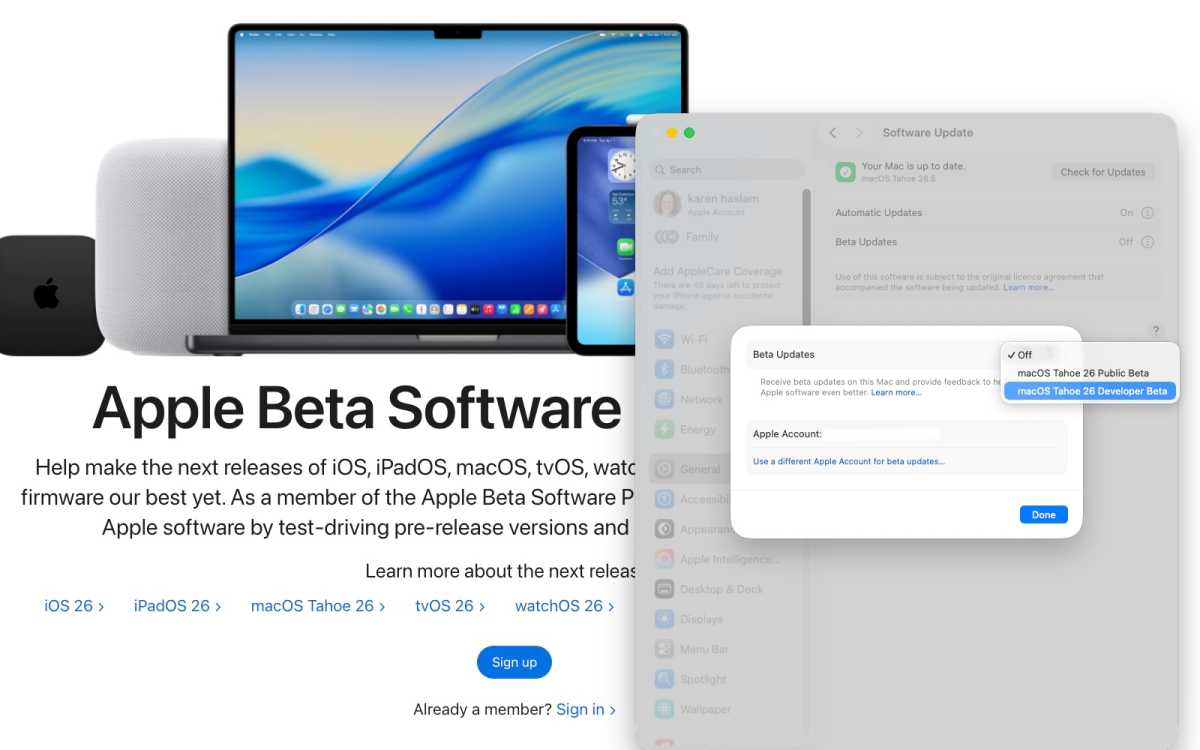
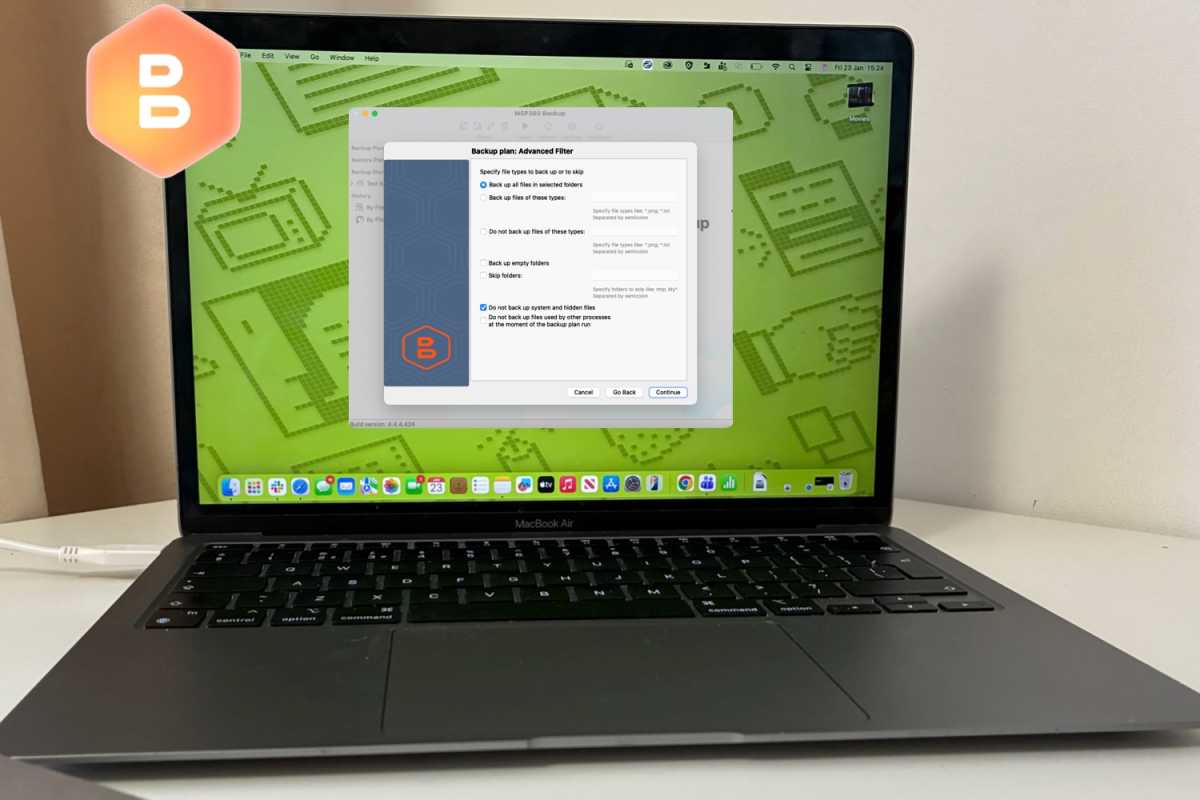
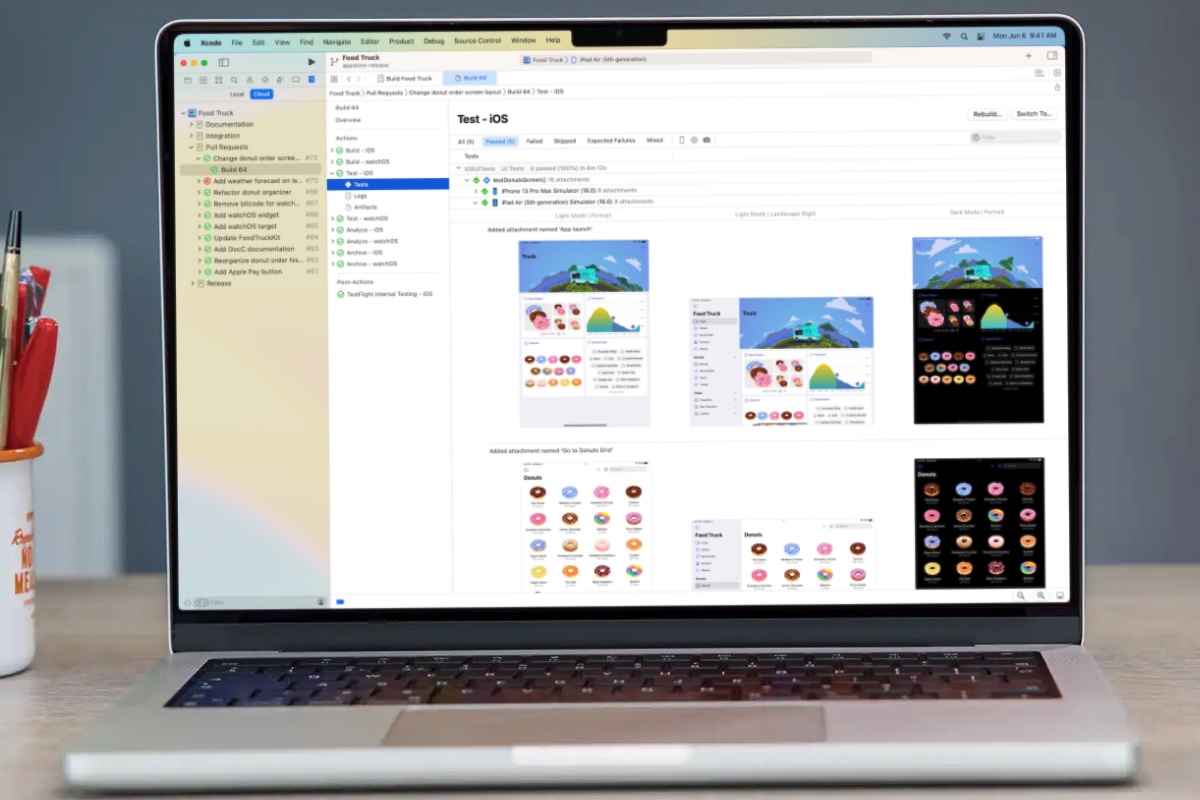
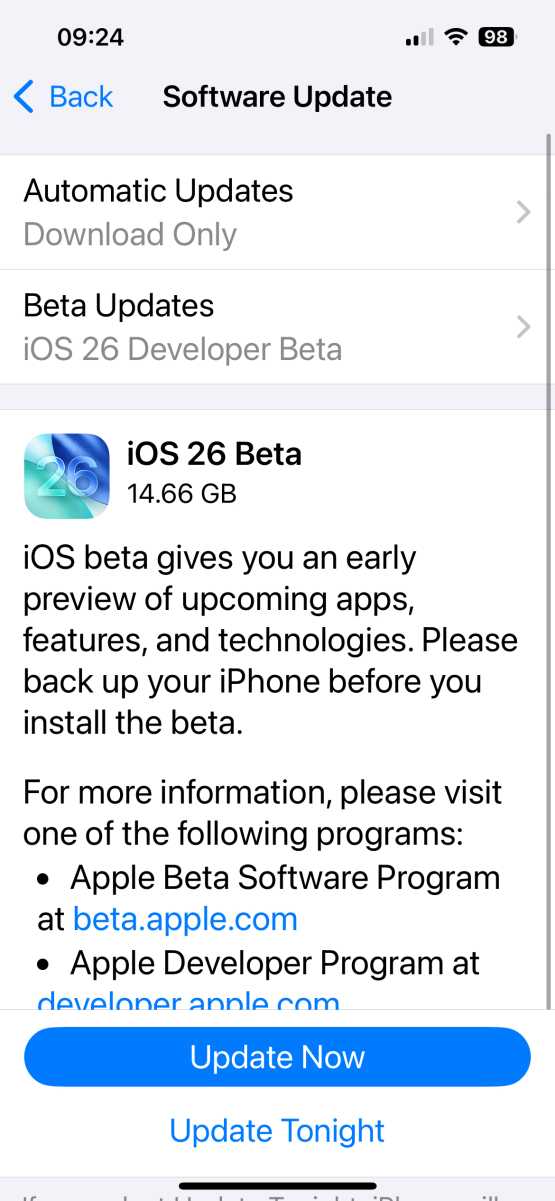


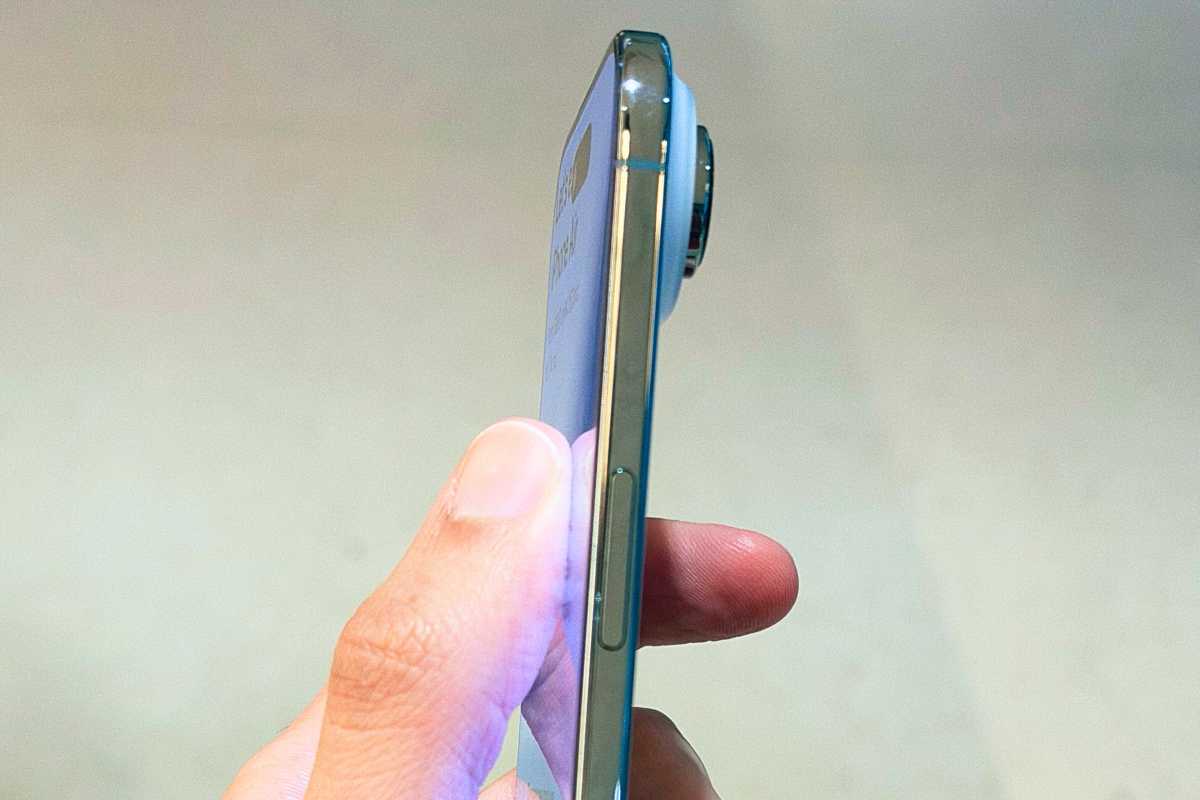
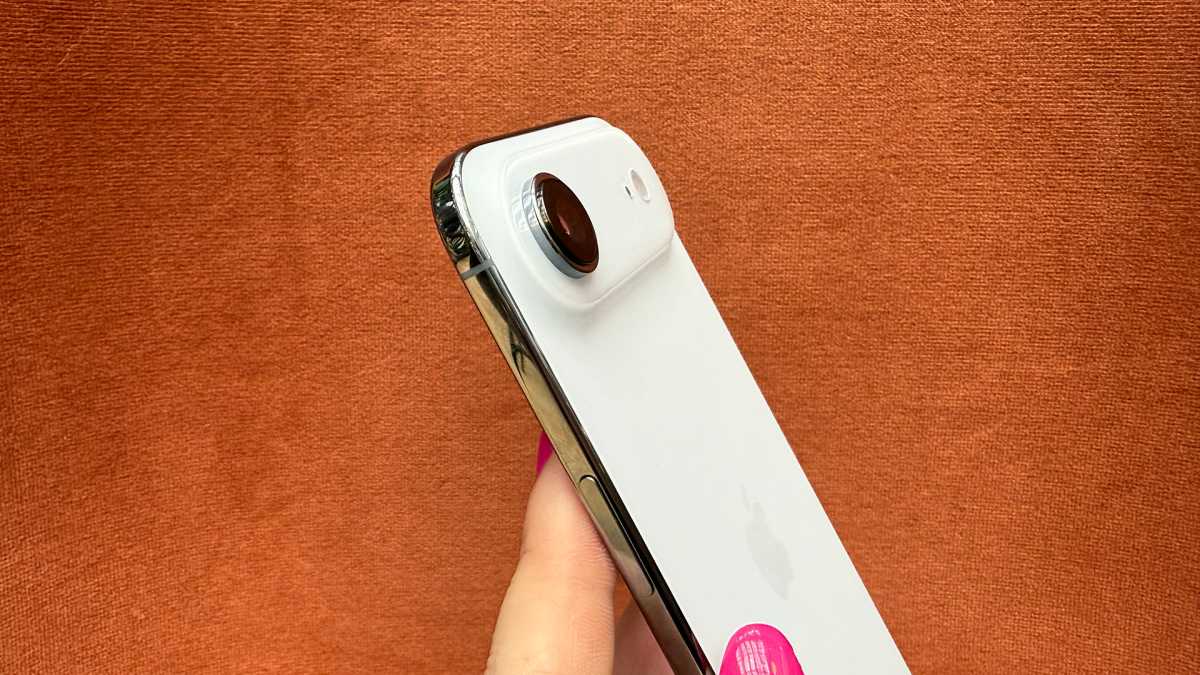
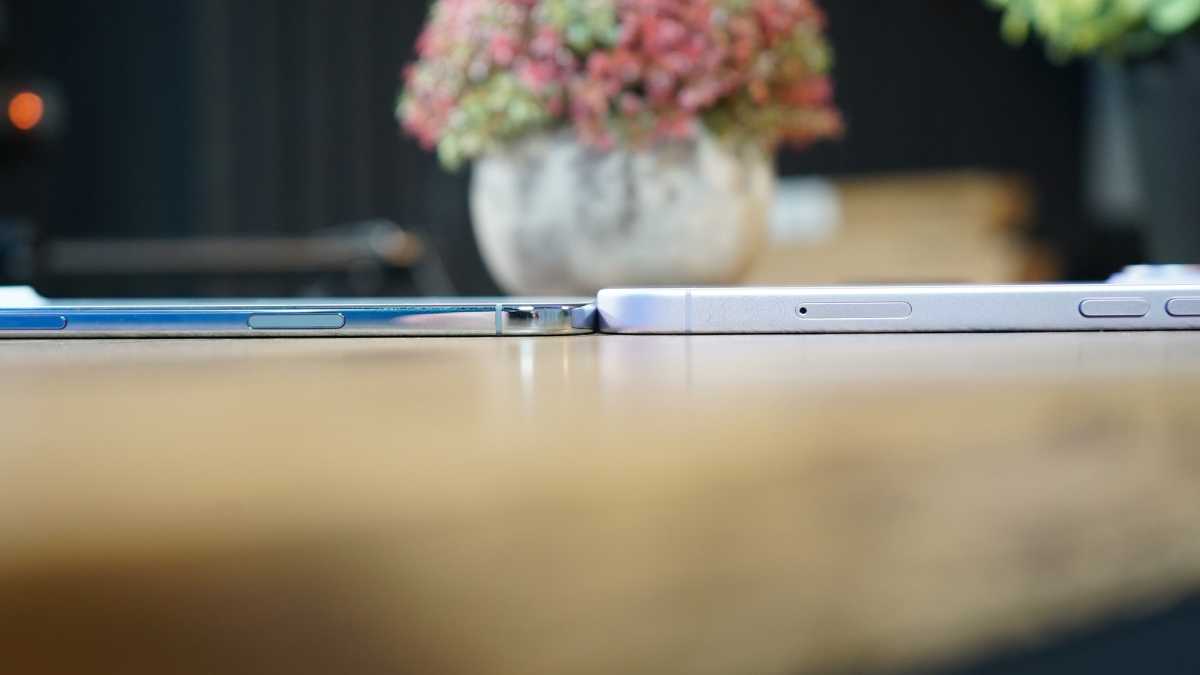
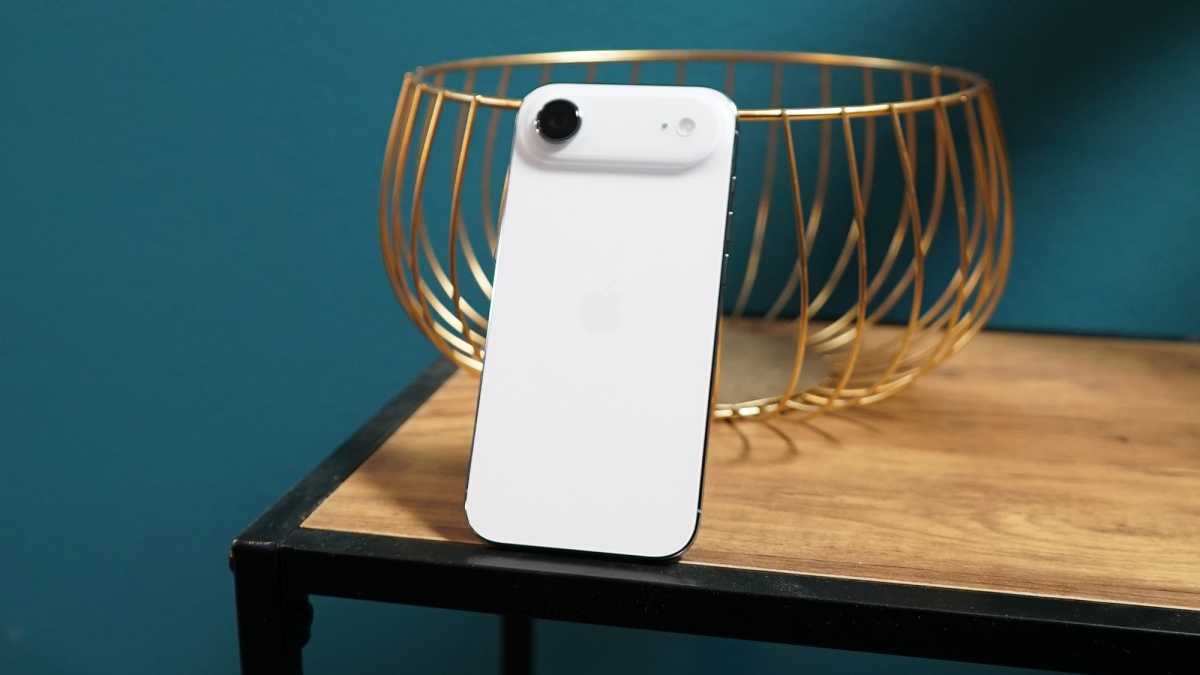


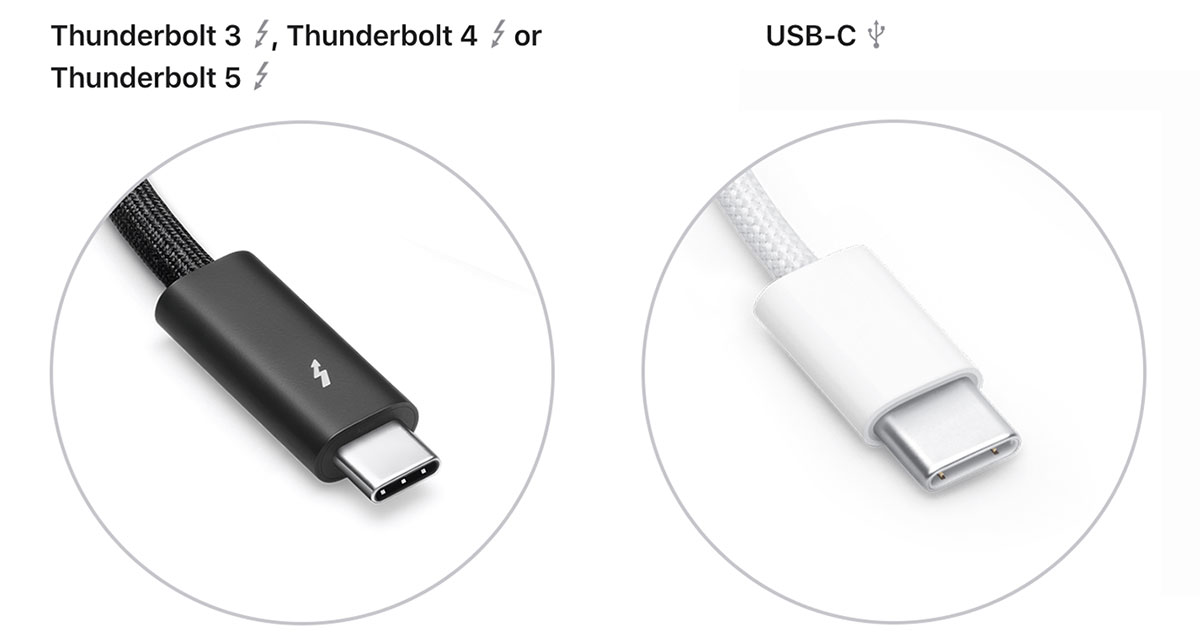
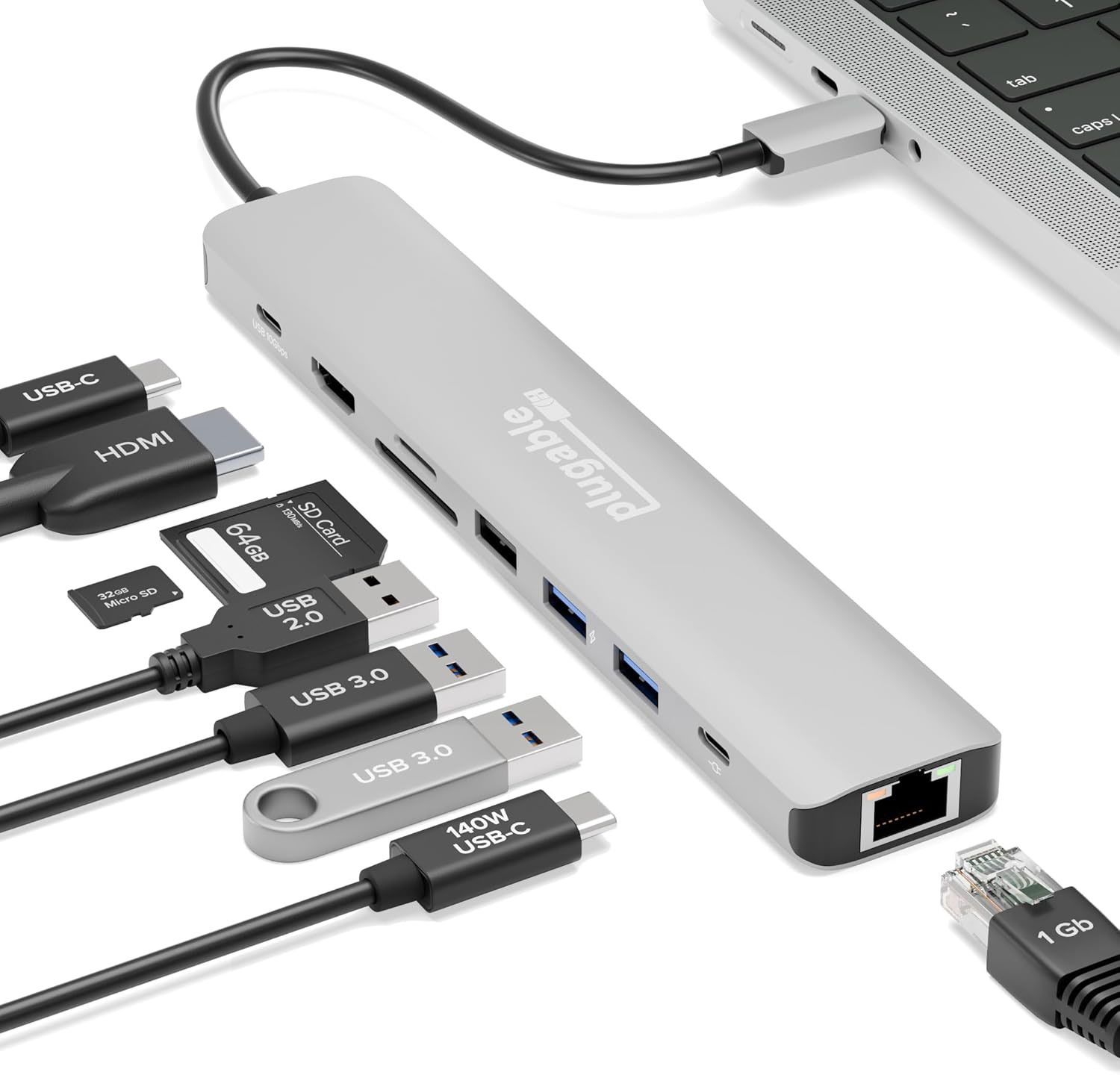
 $49.95
 $49.95
 $49.95
 $49.95
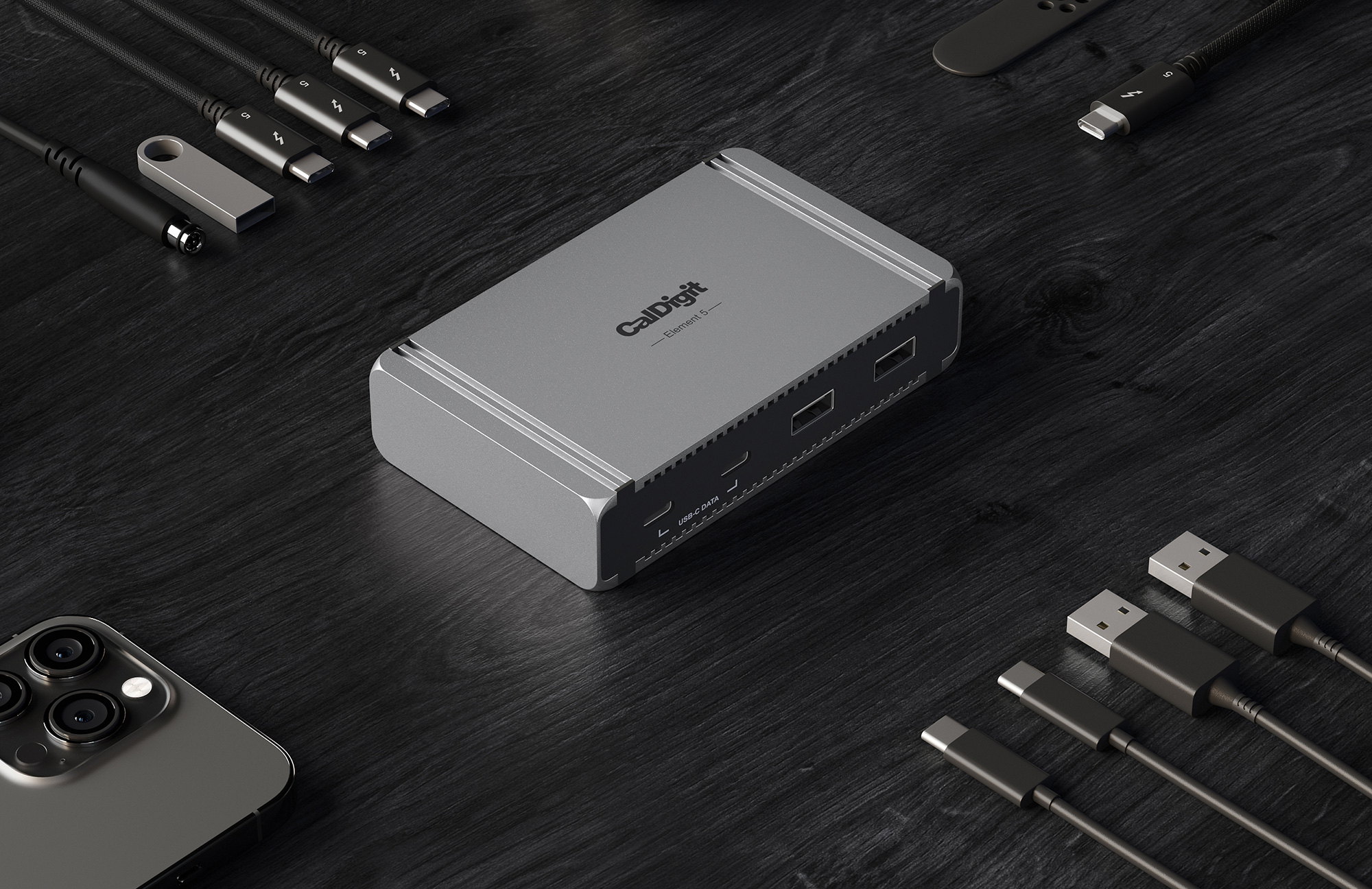
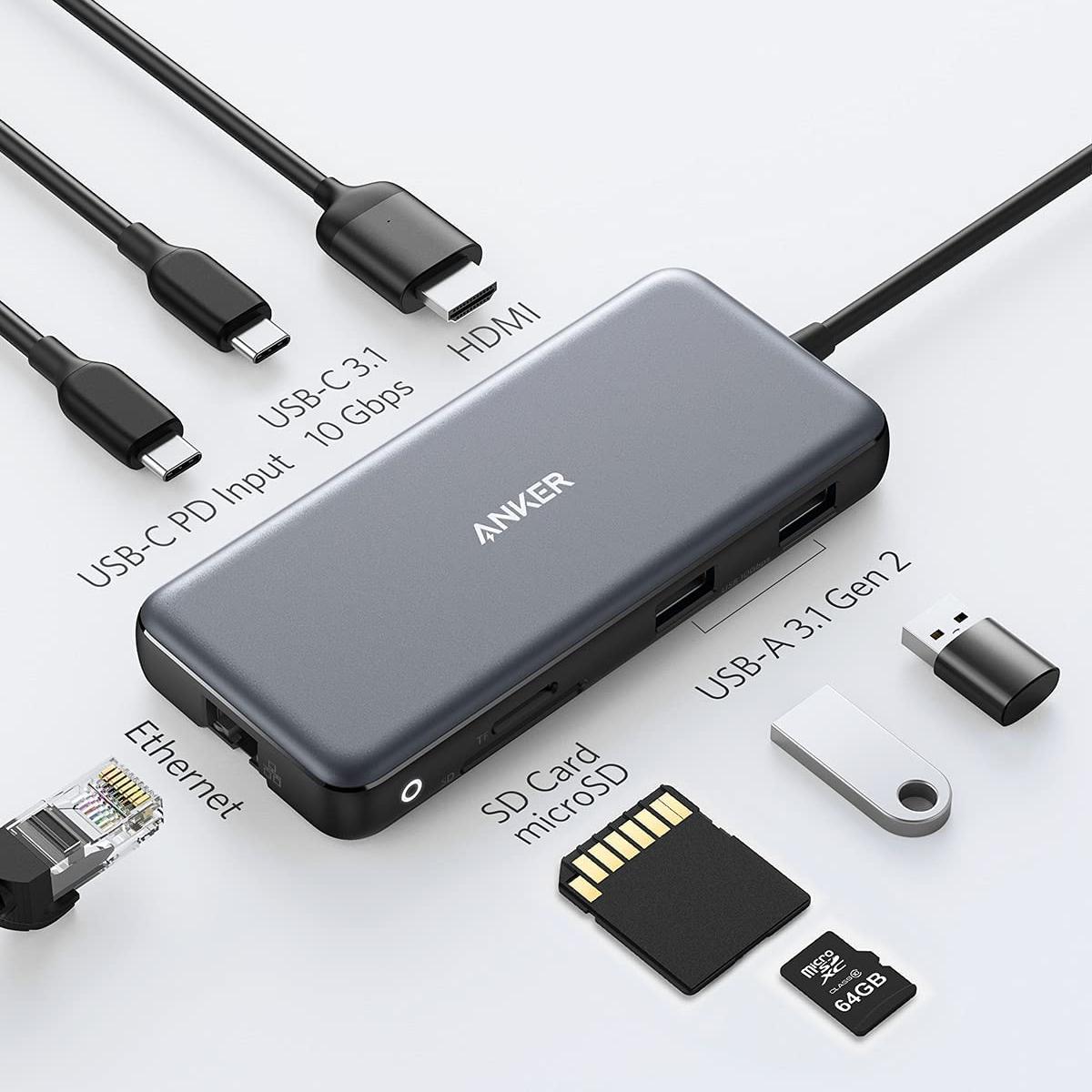
 $35.99
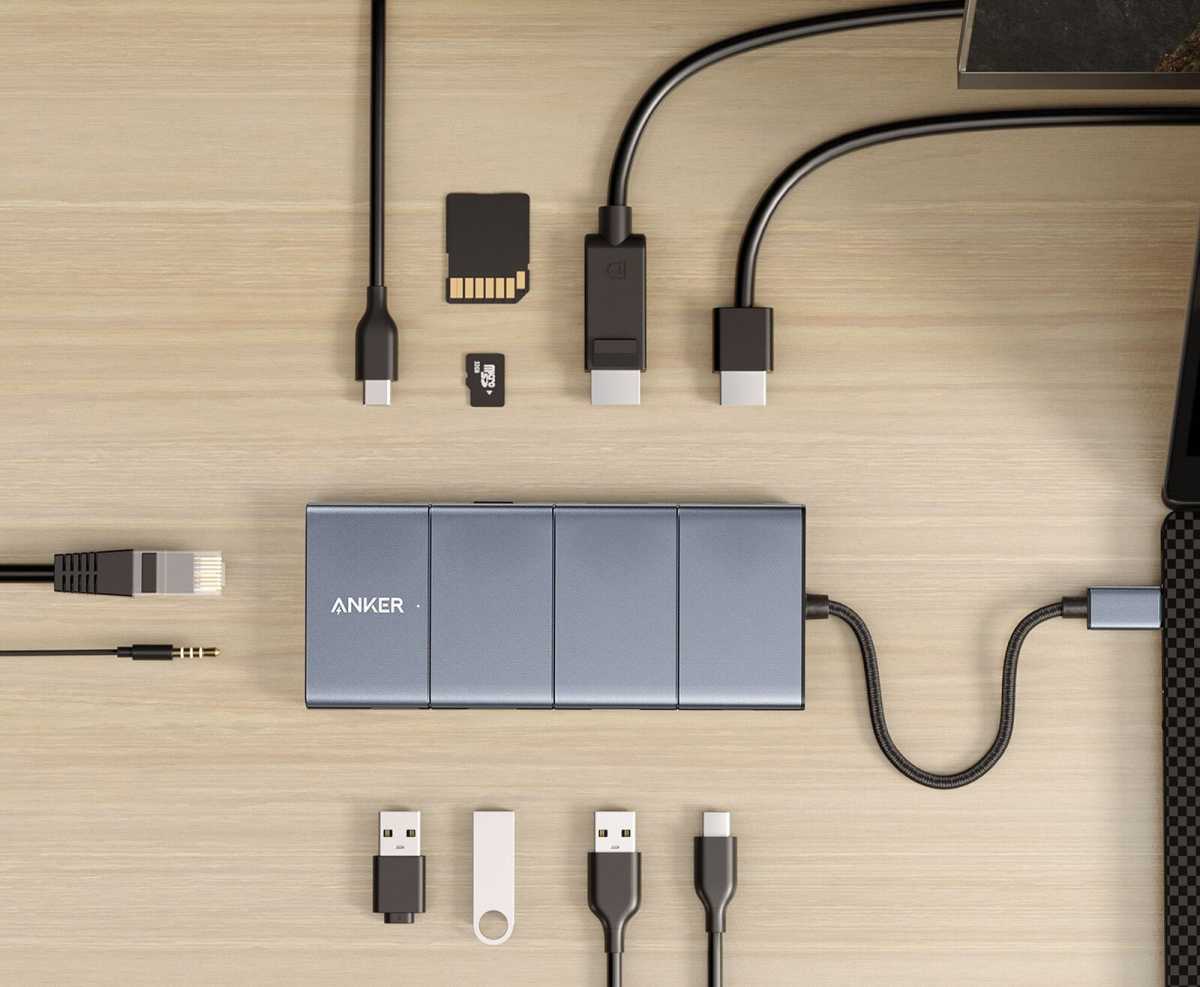
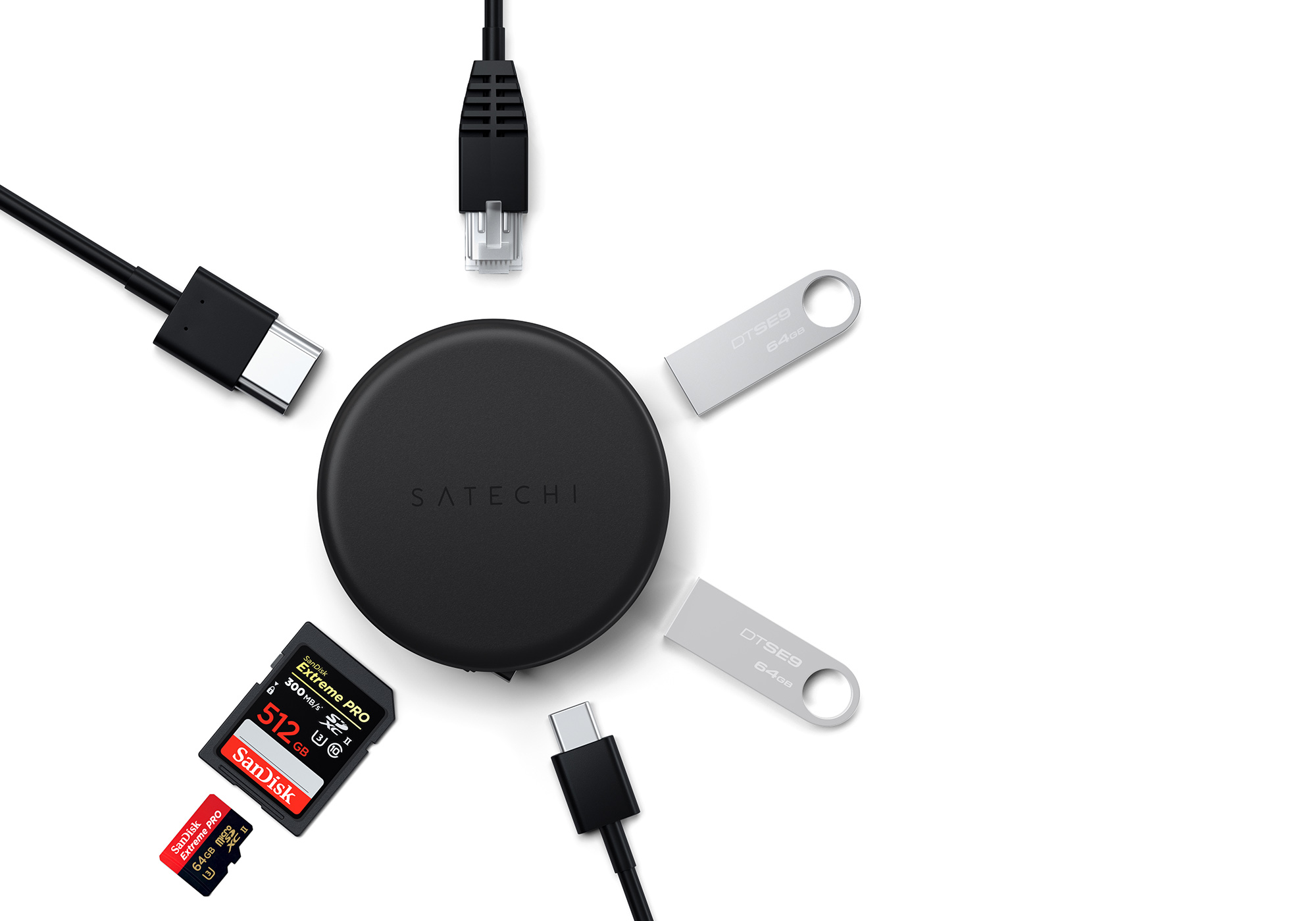
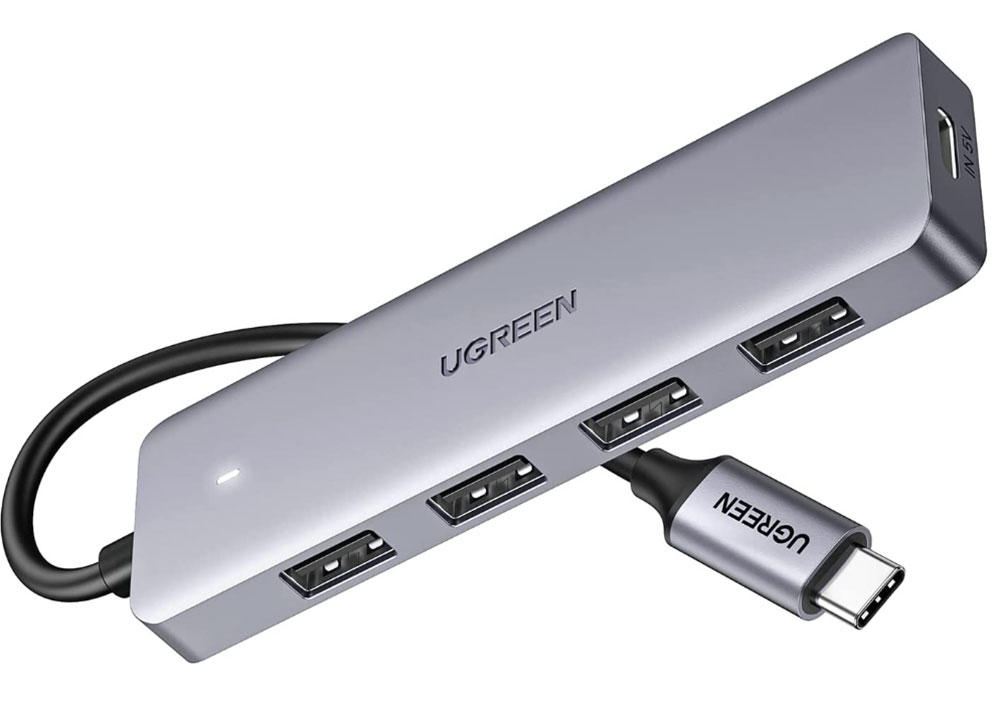
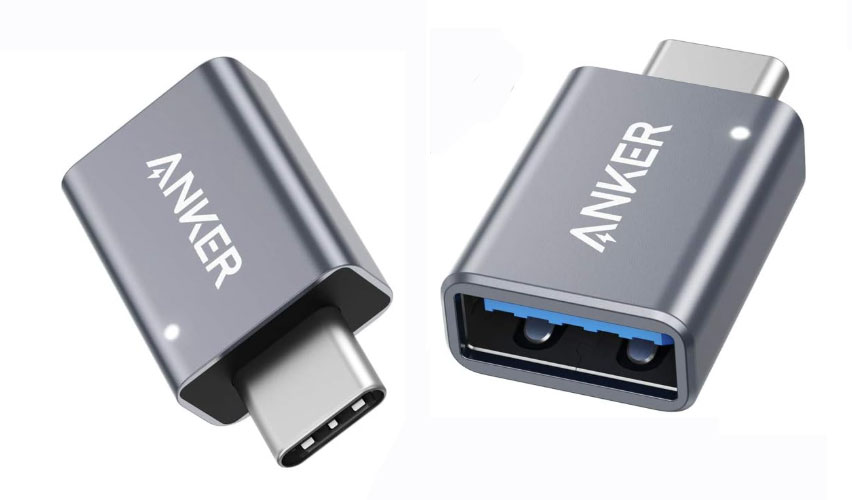
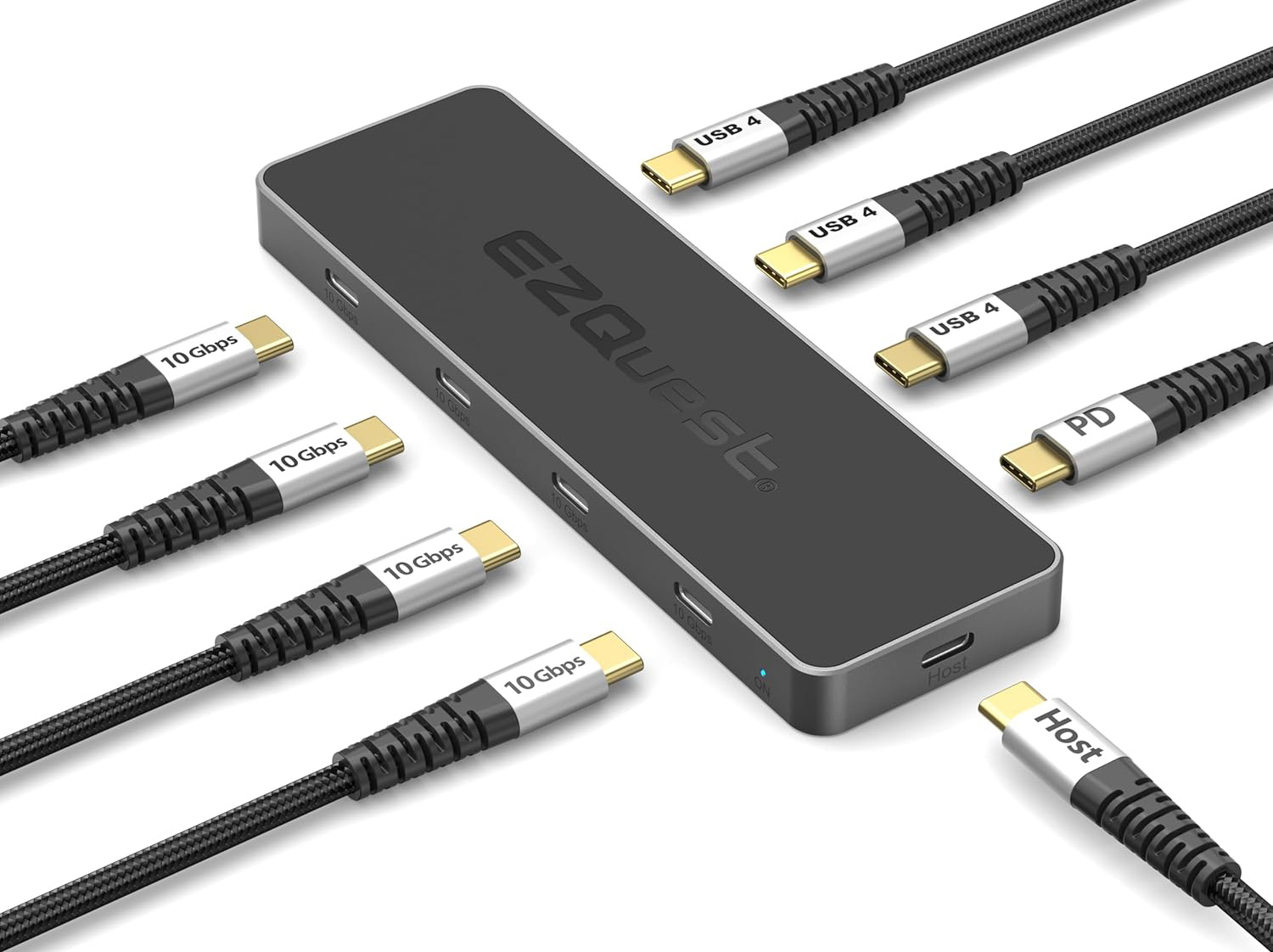
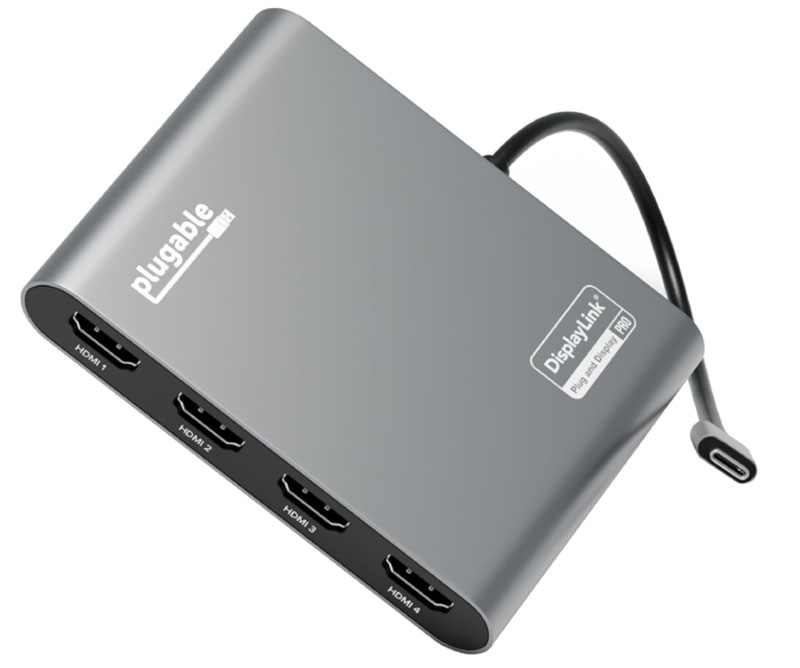
 $179.95
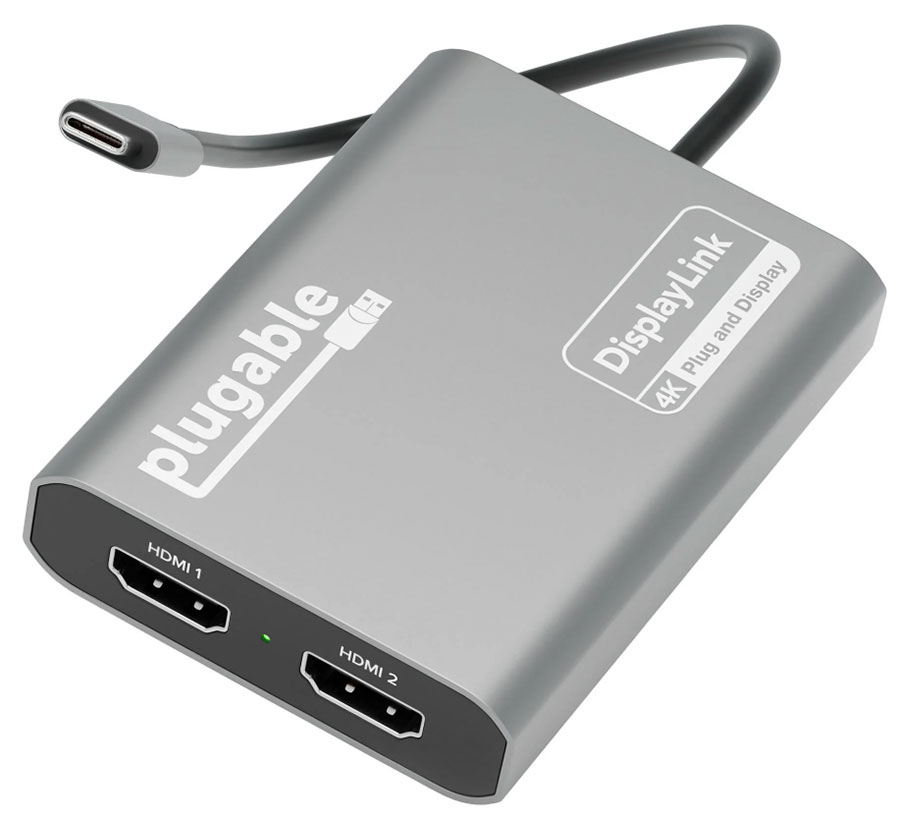
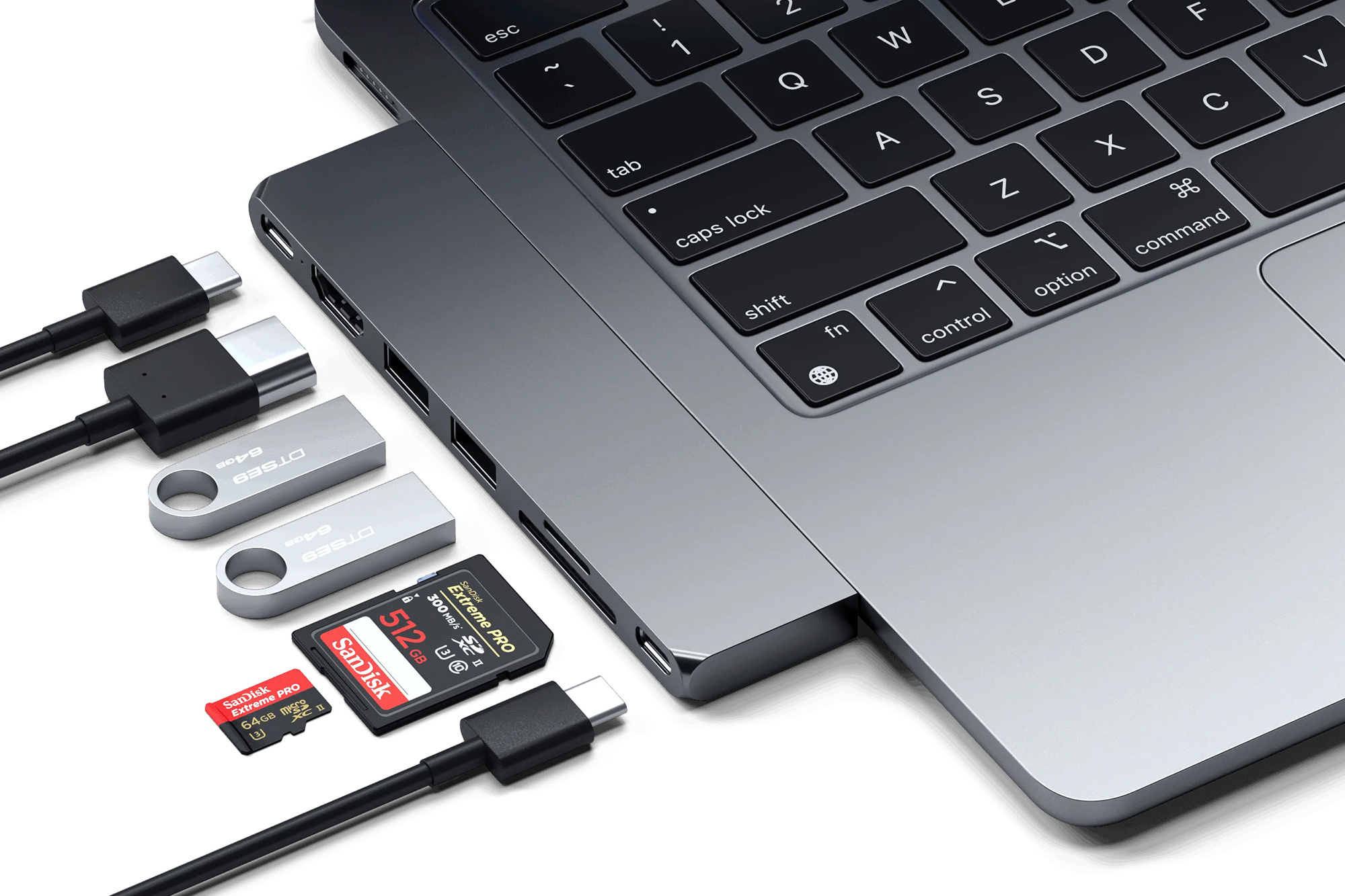
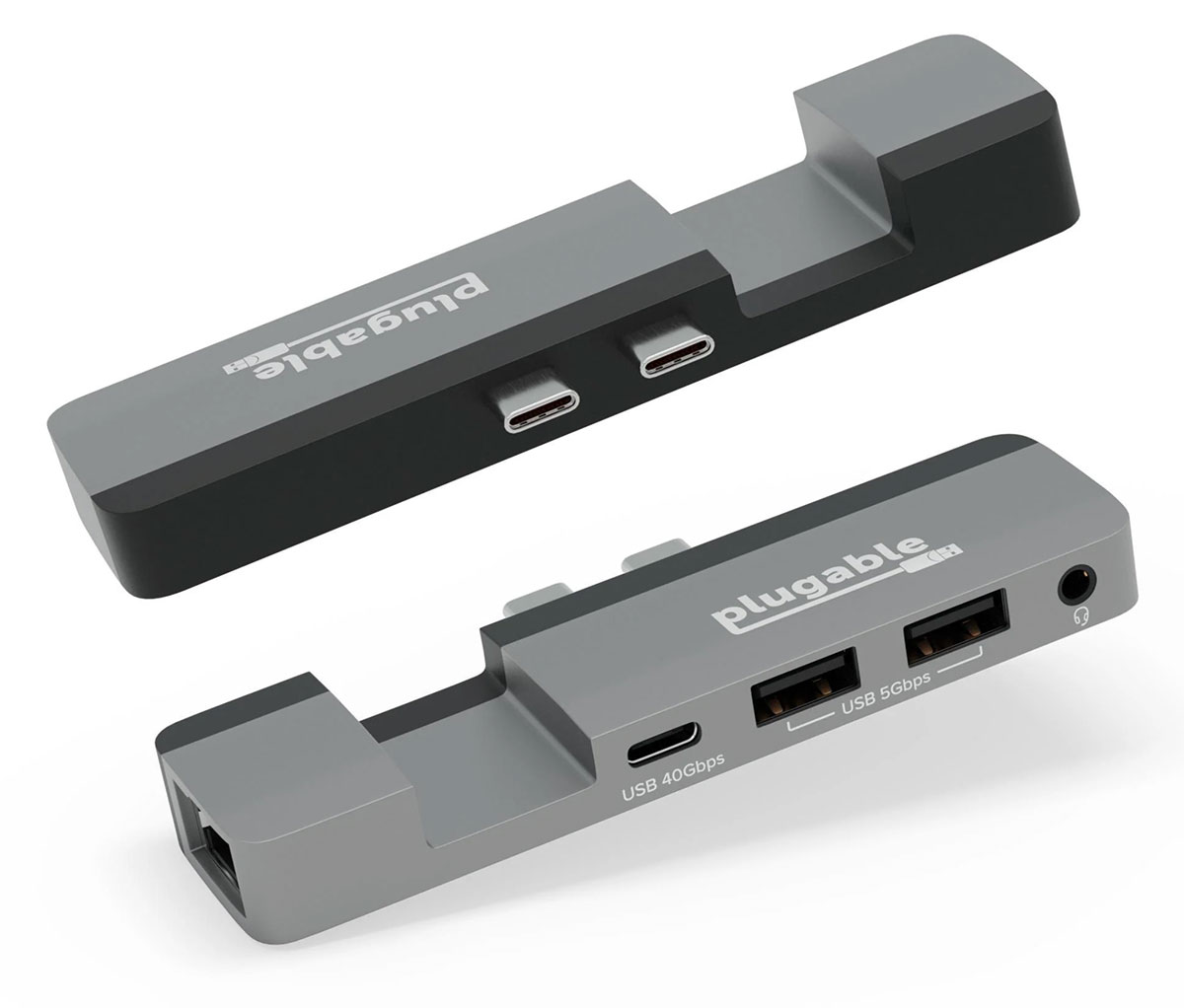
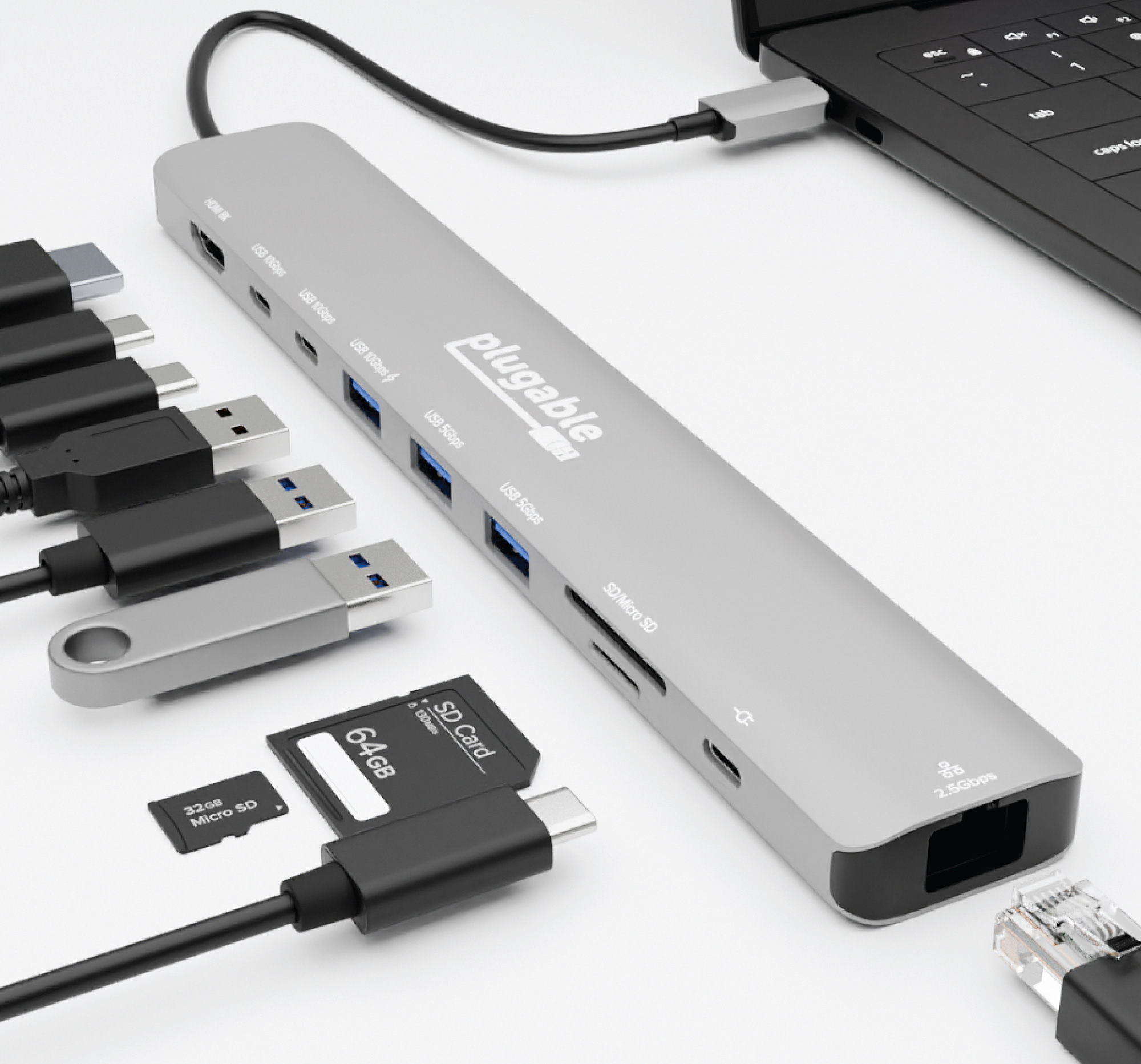
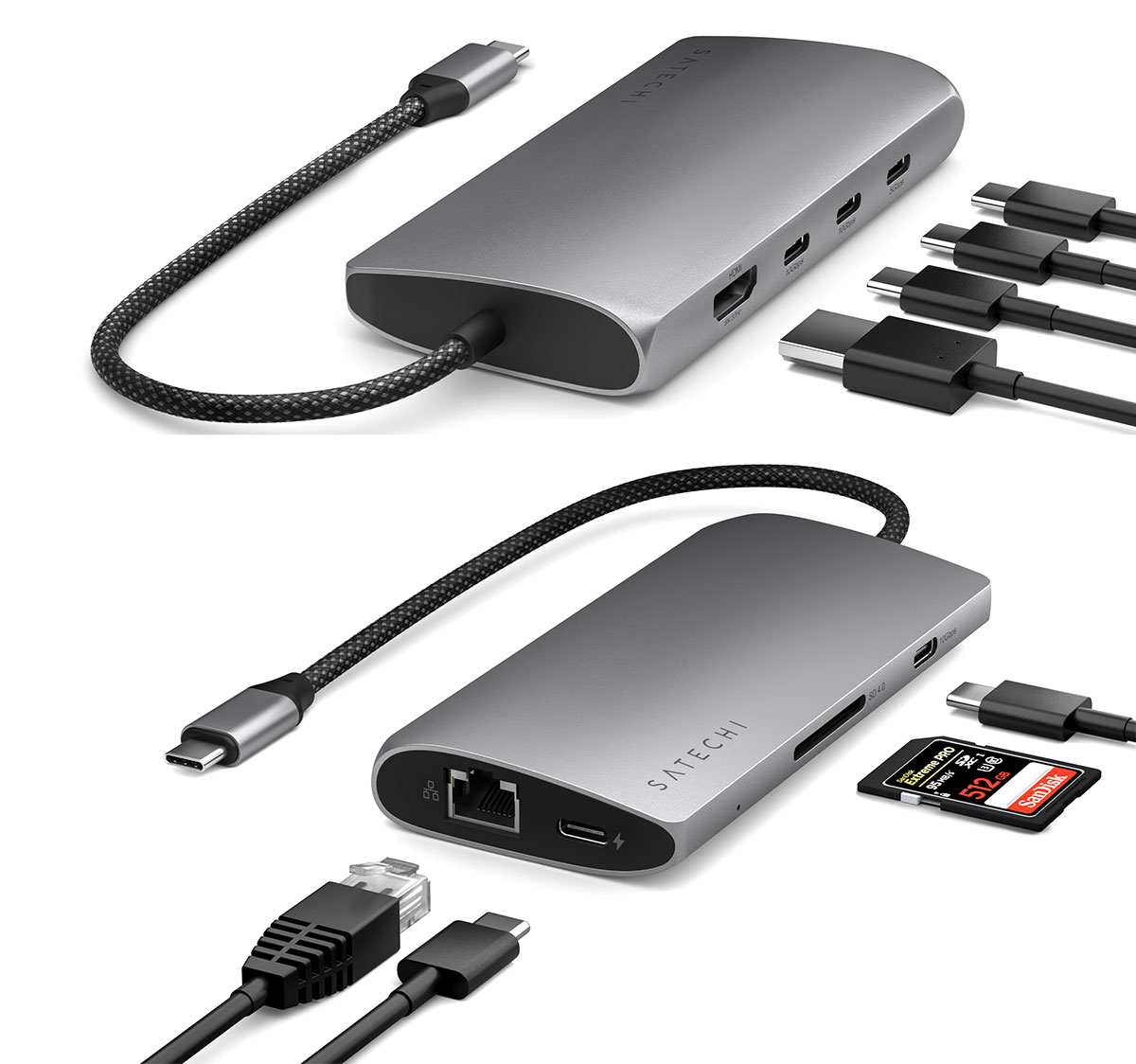

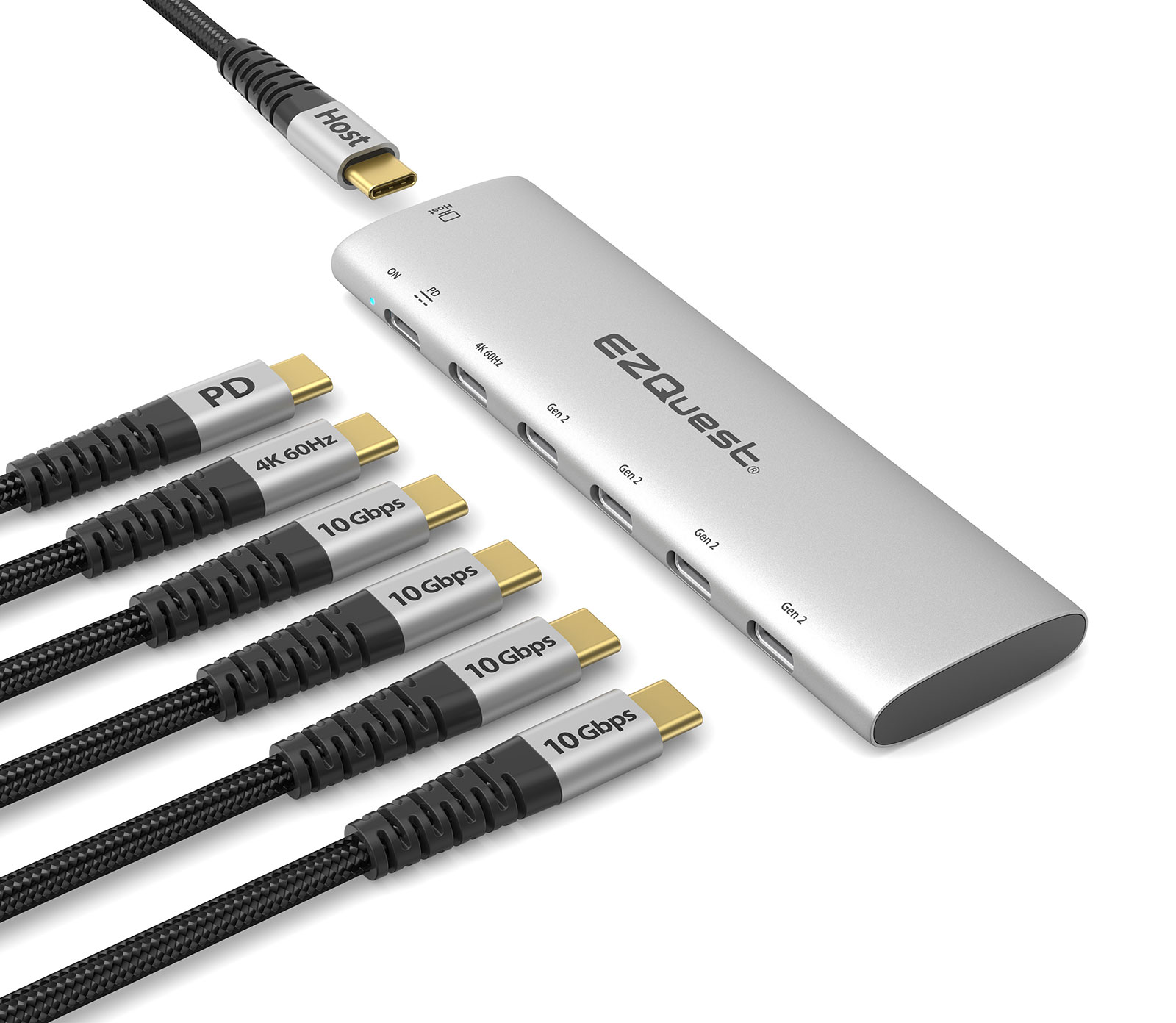
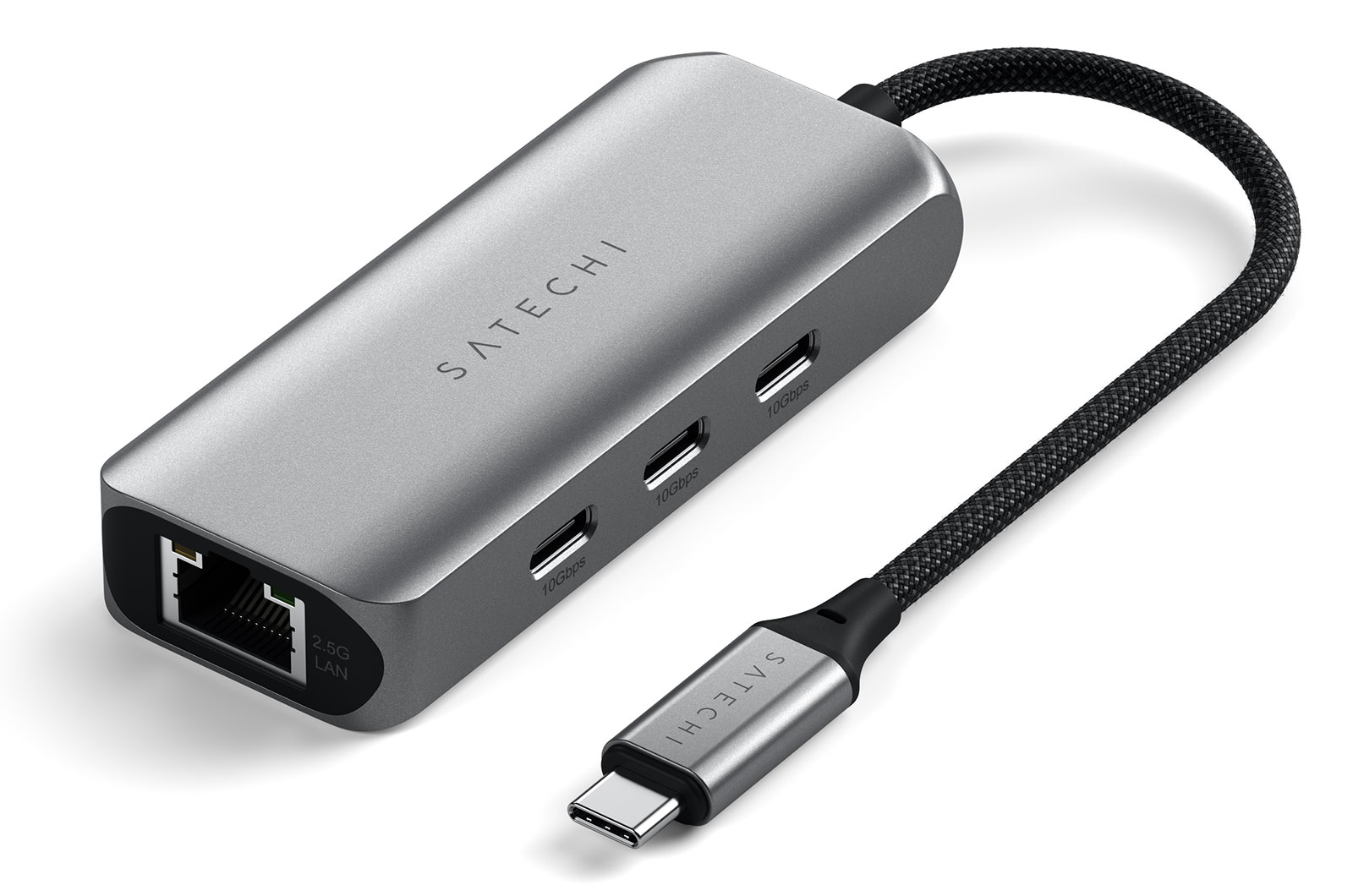
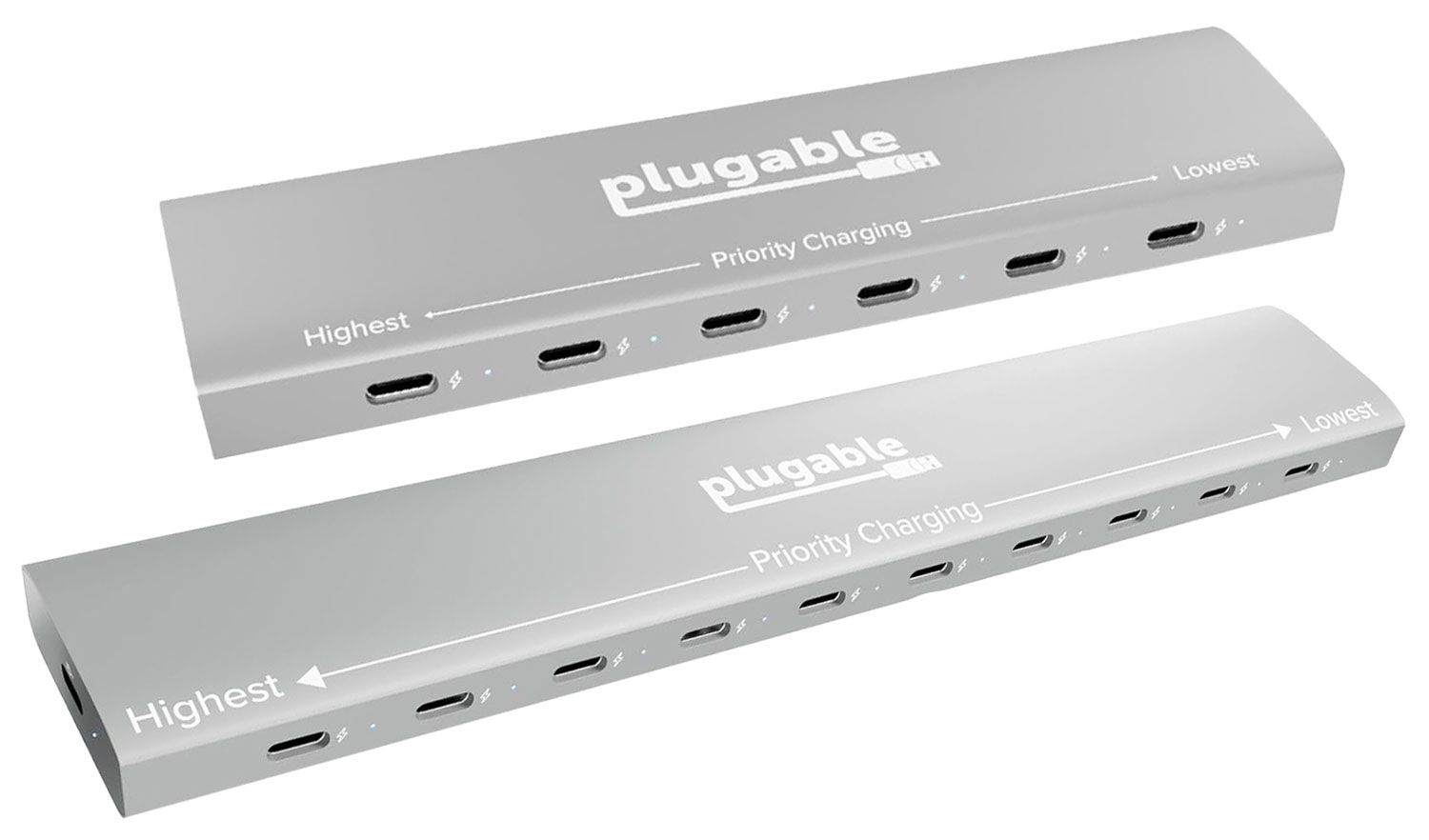
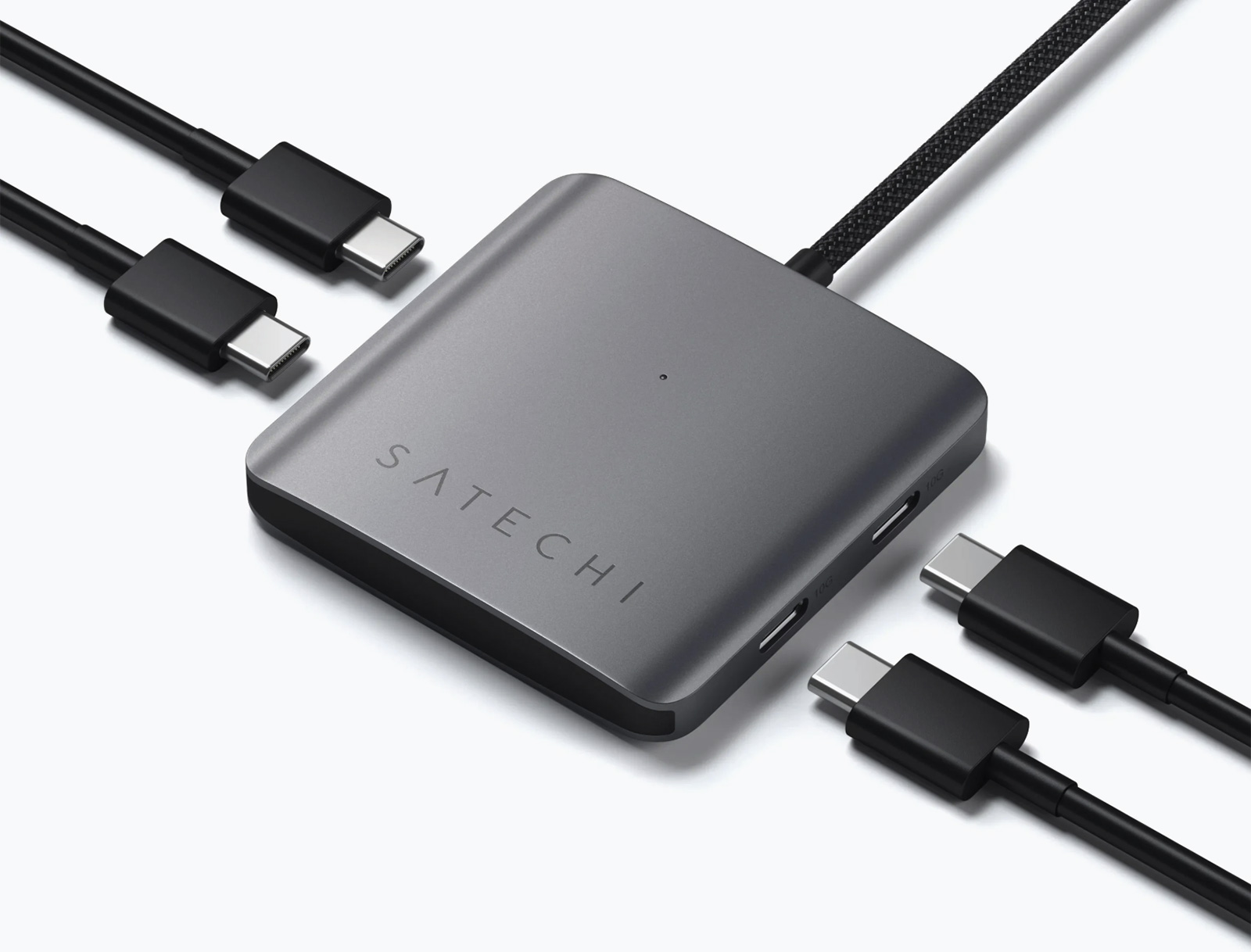
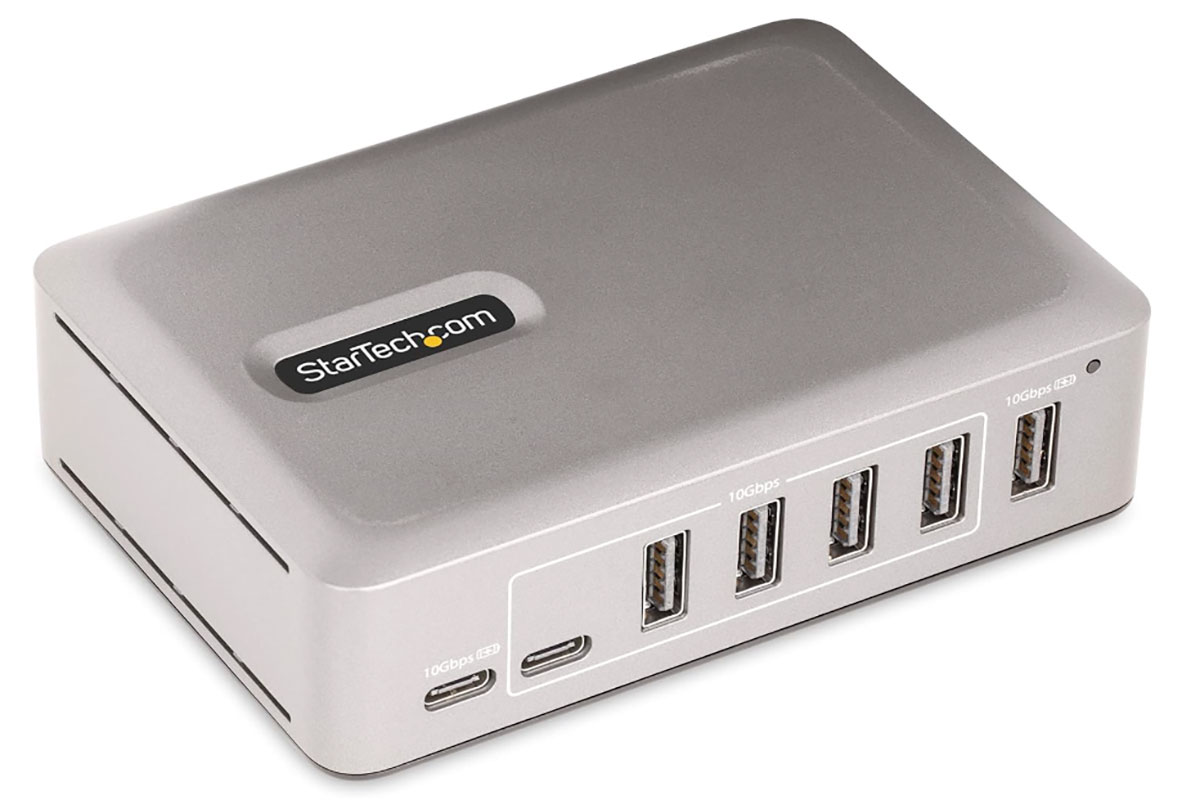
 $129.52

 $159.99
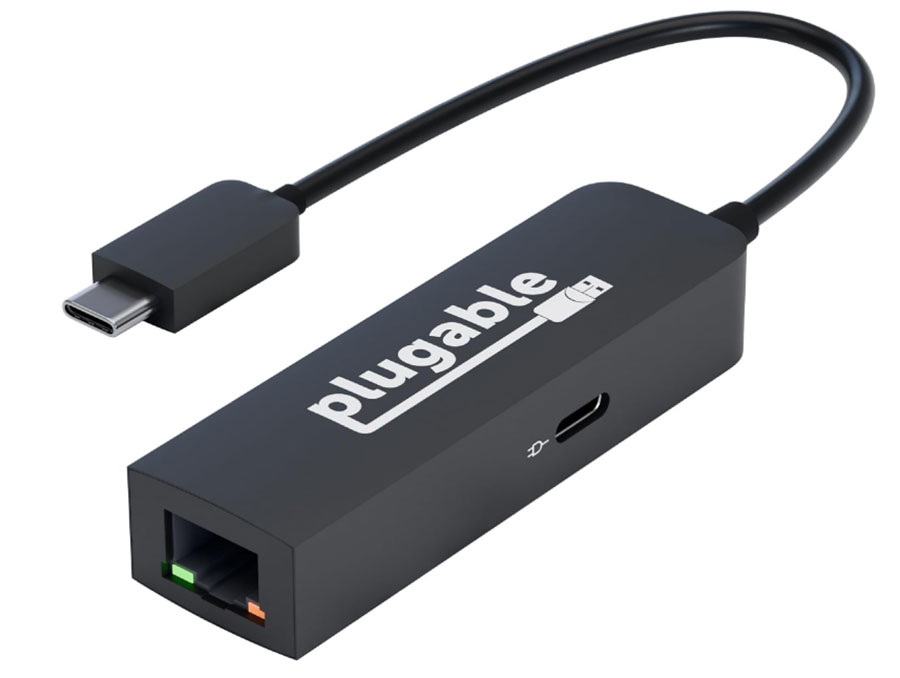
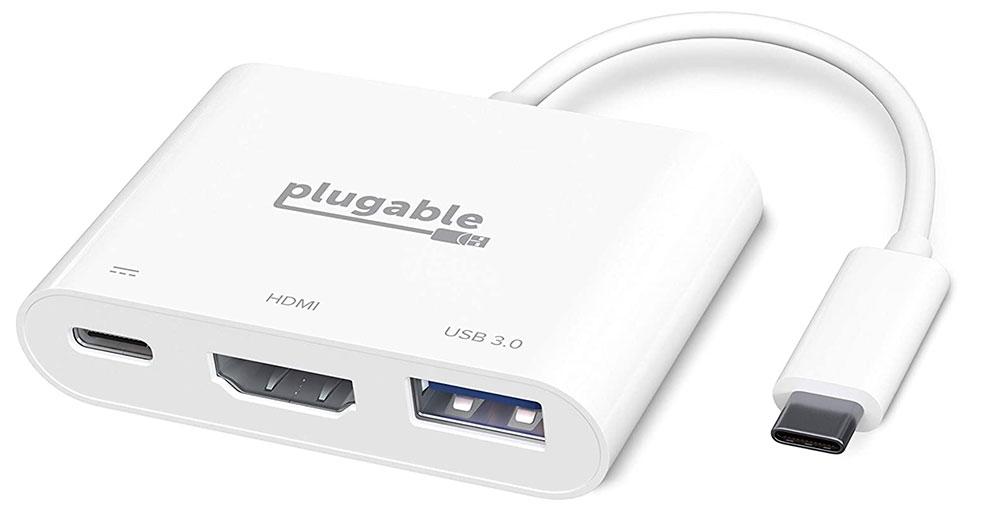
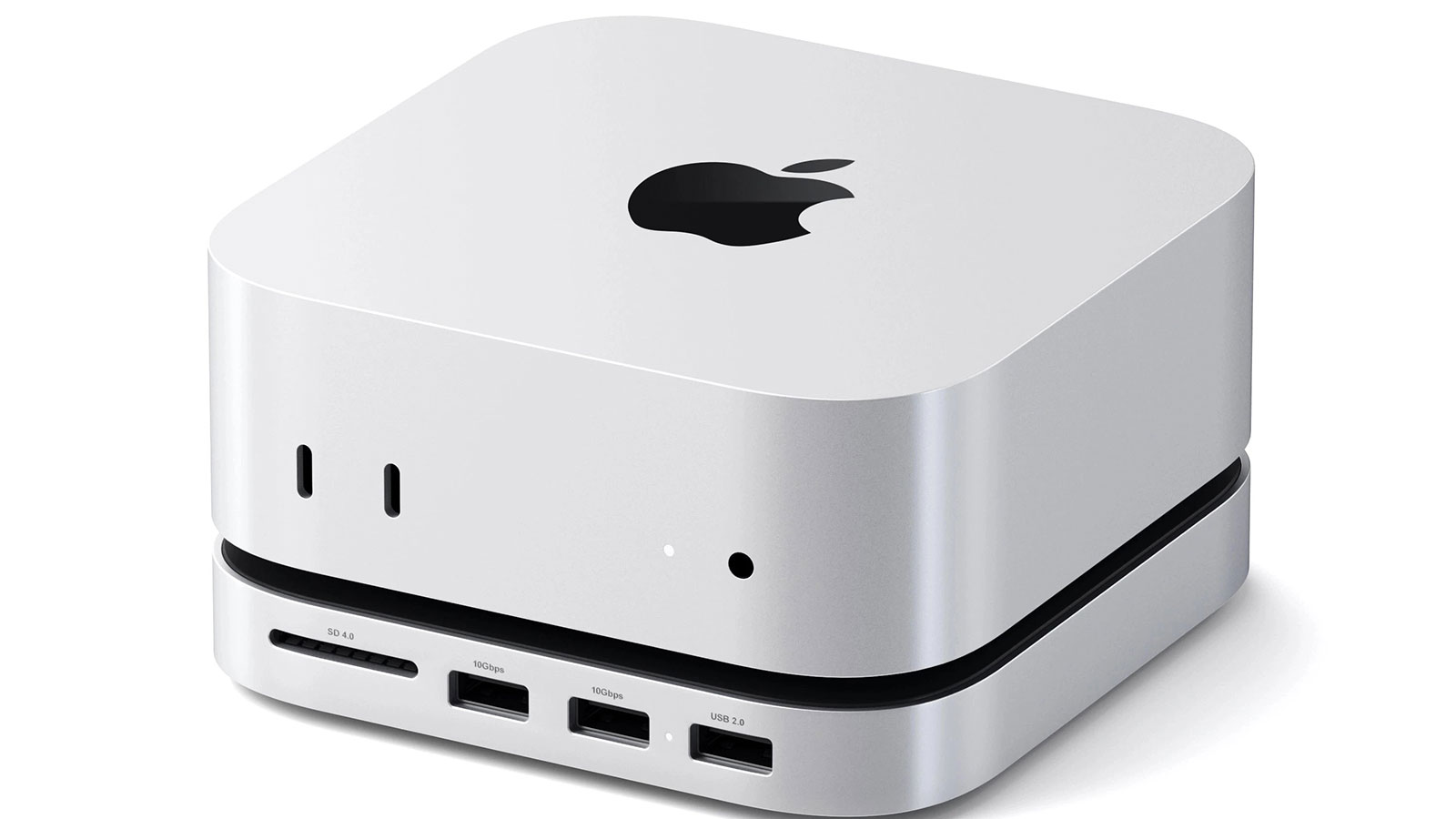
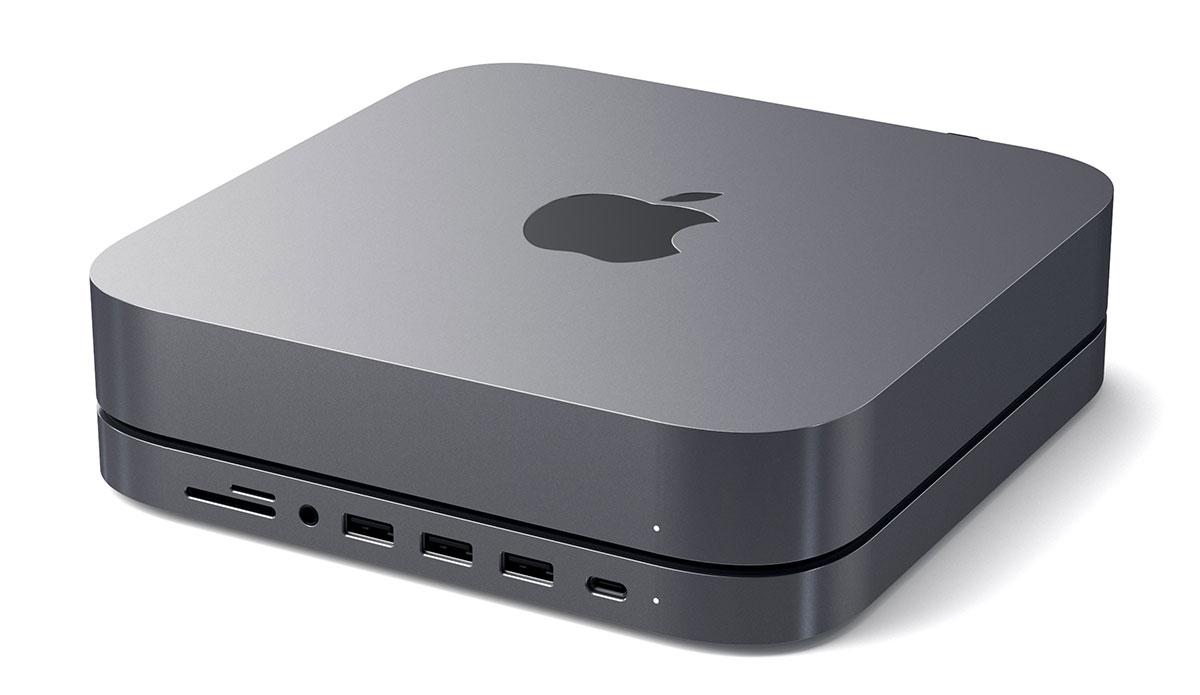
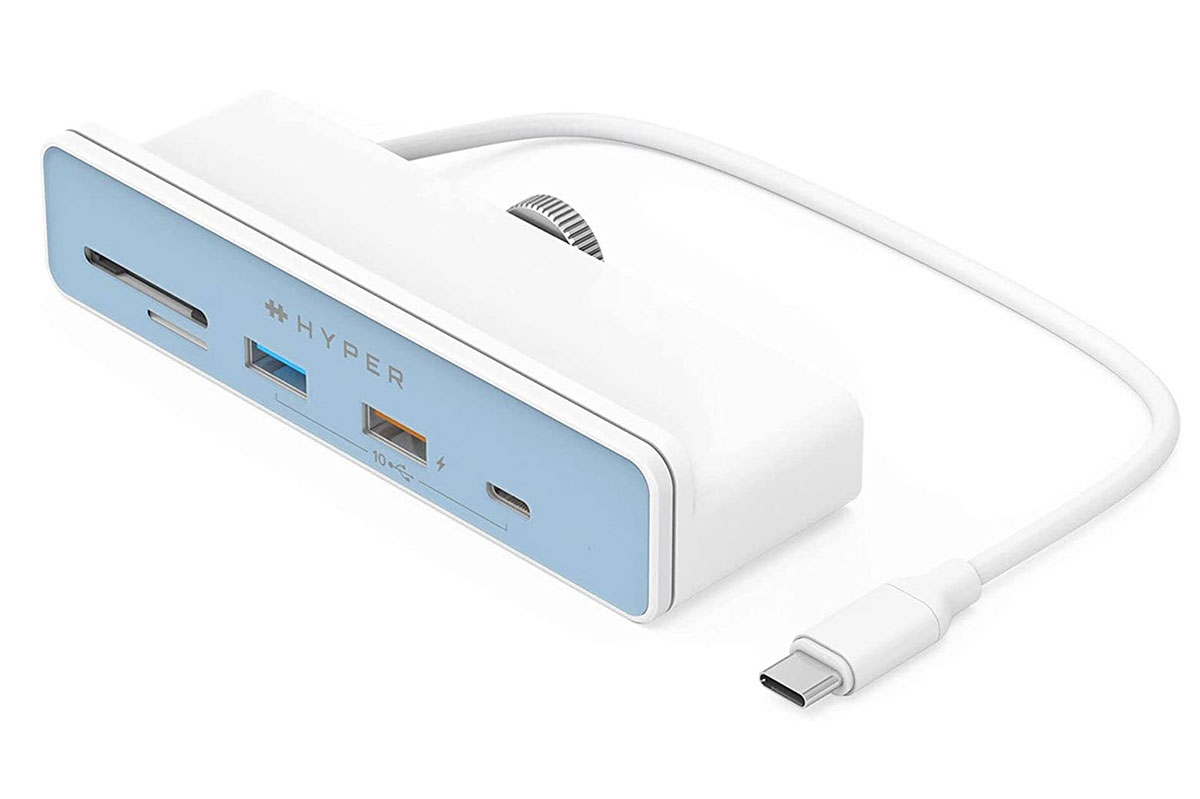
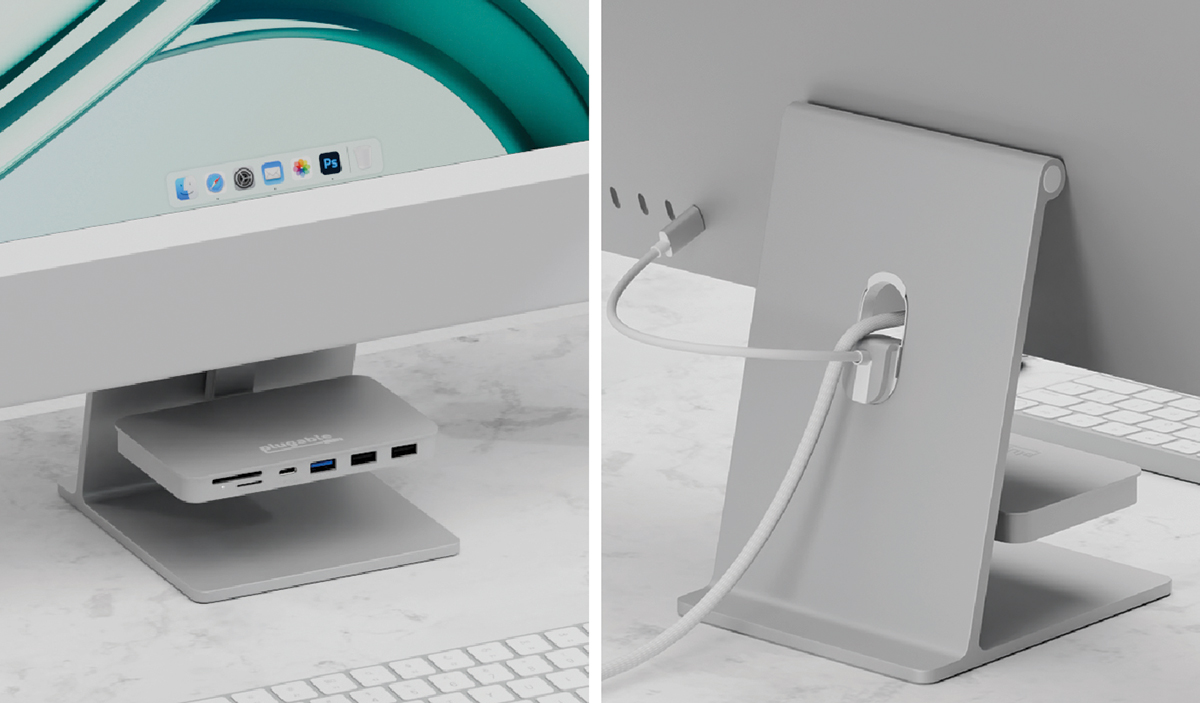
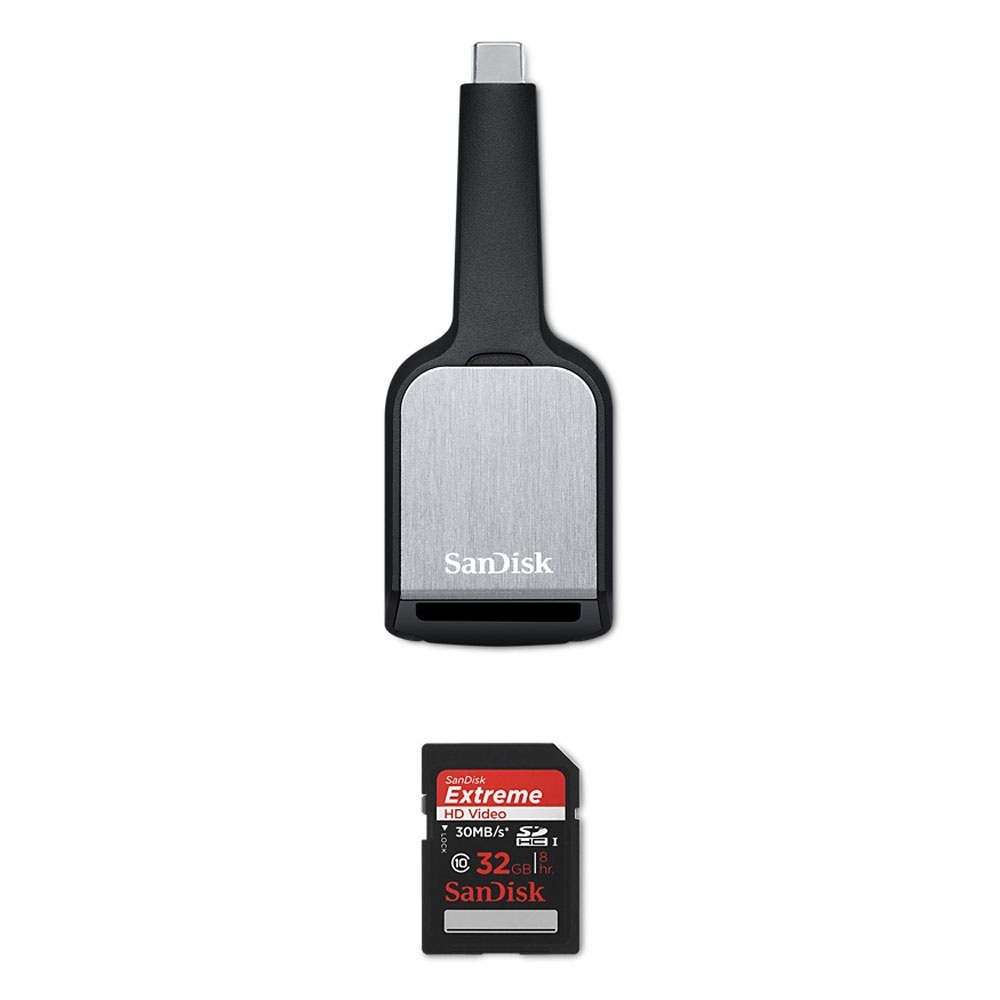
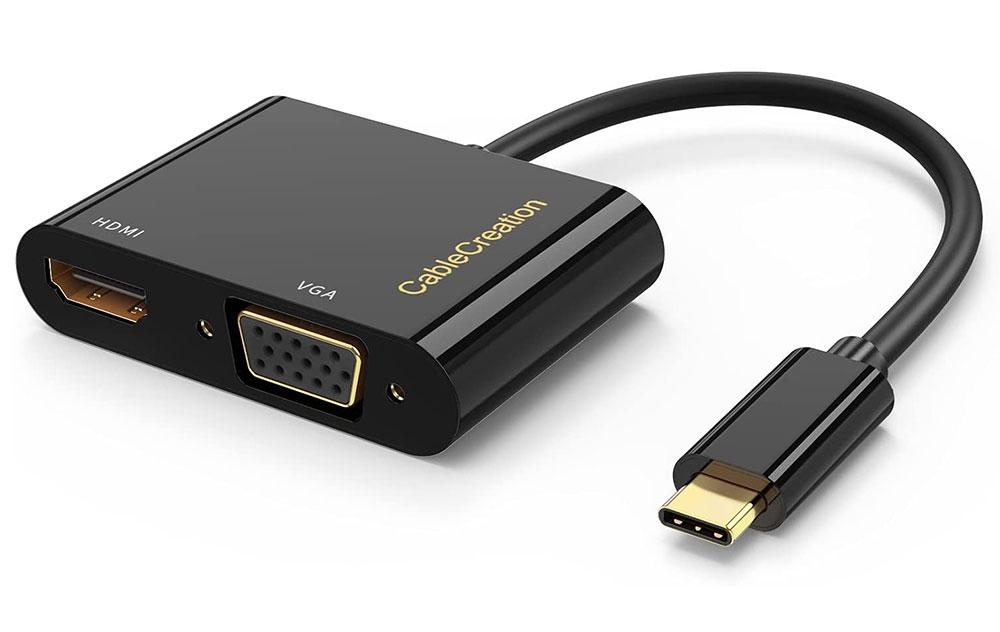
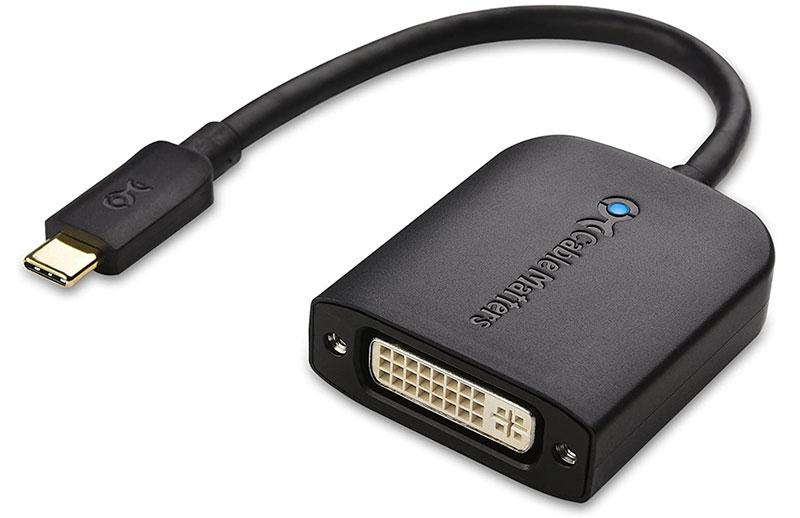
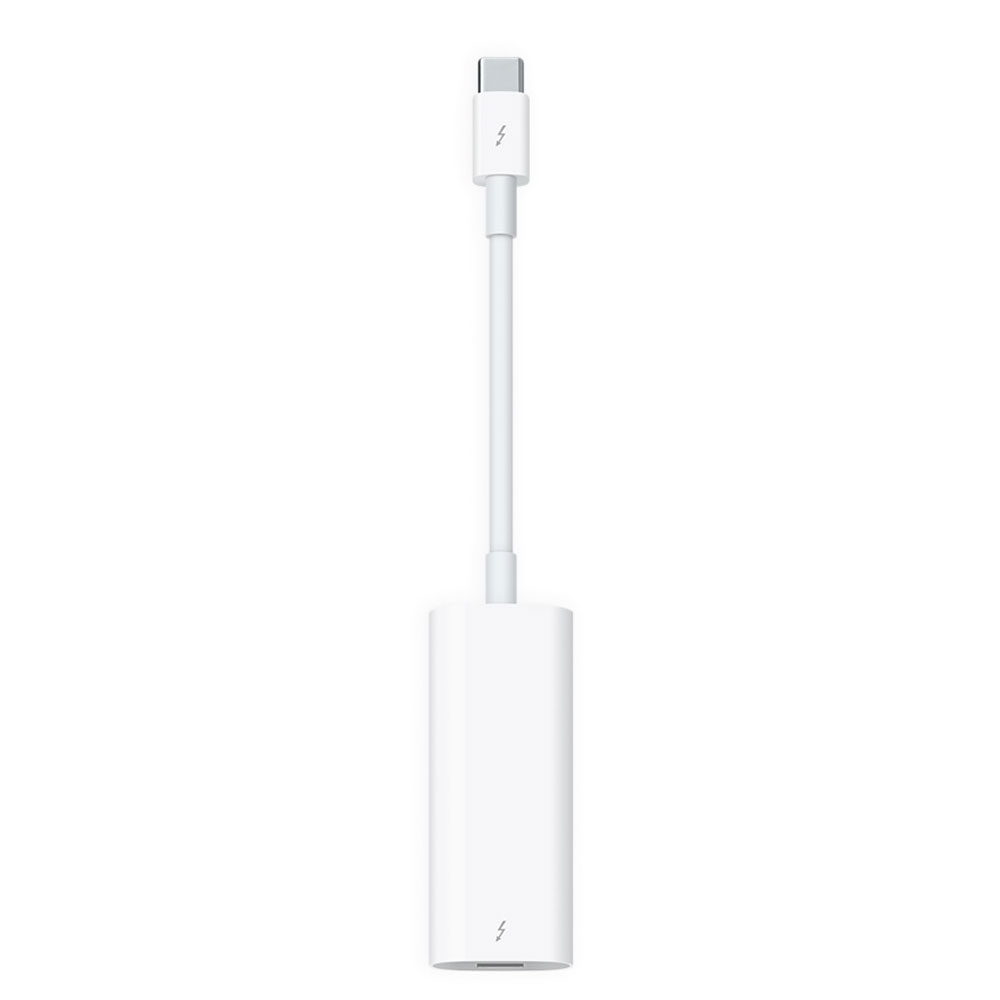
 $49
$49
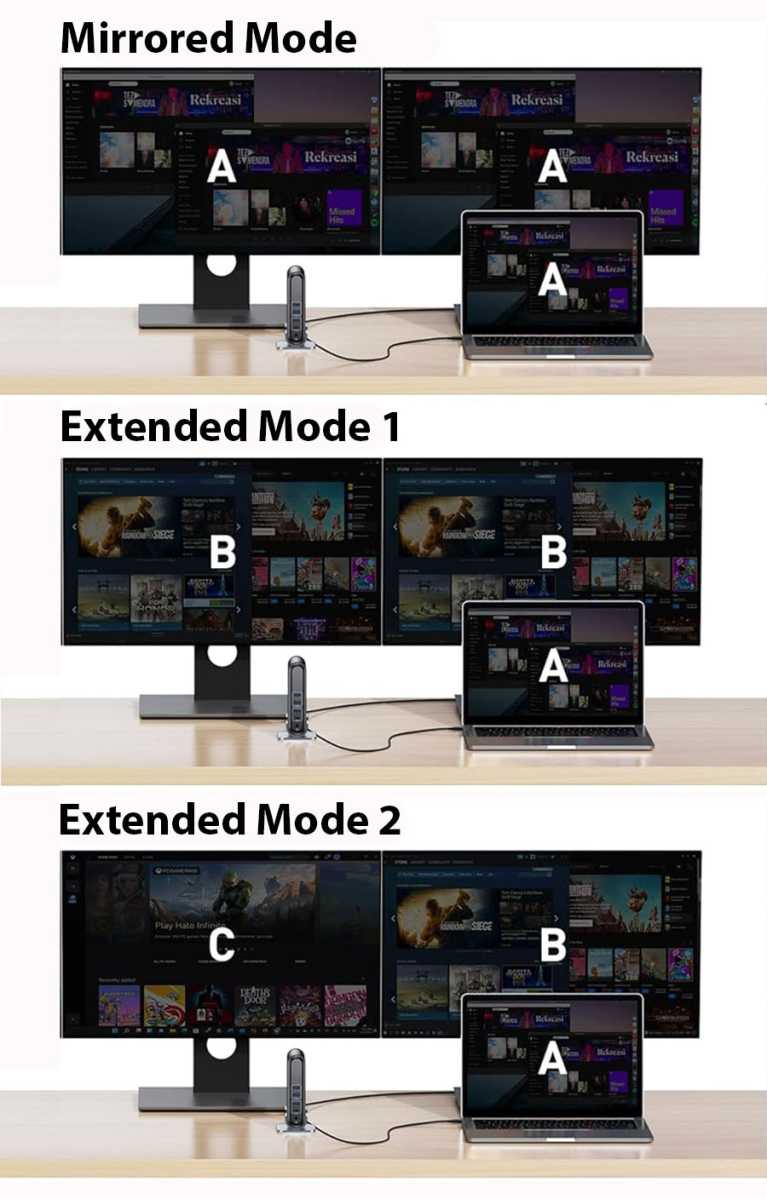



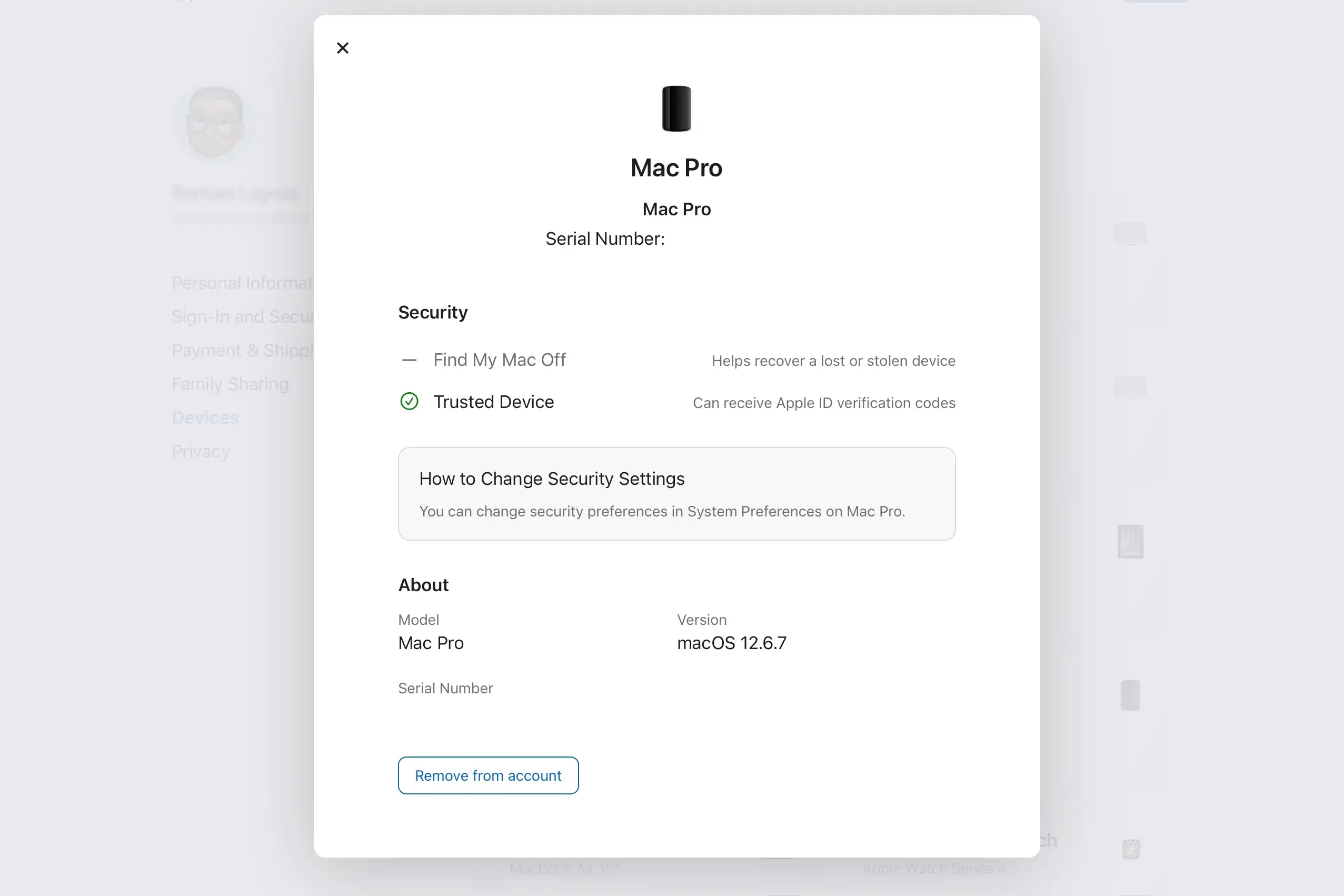
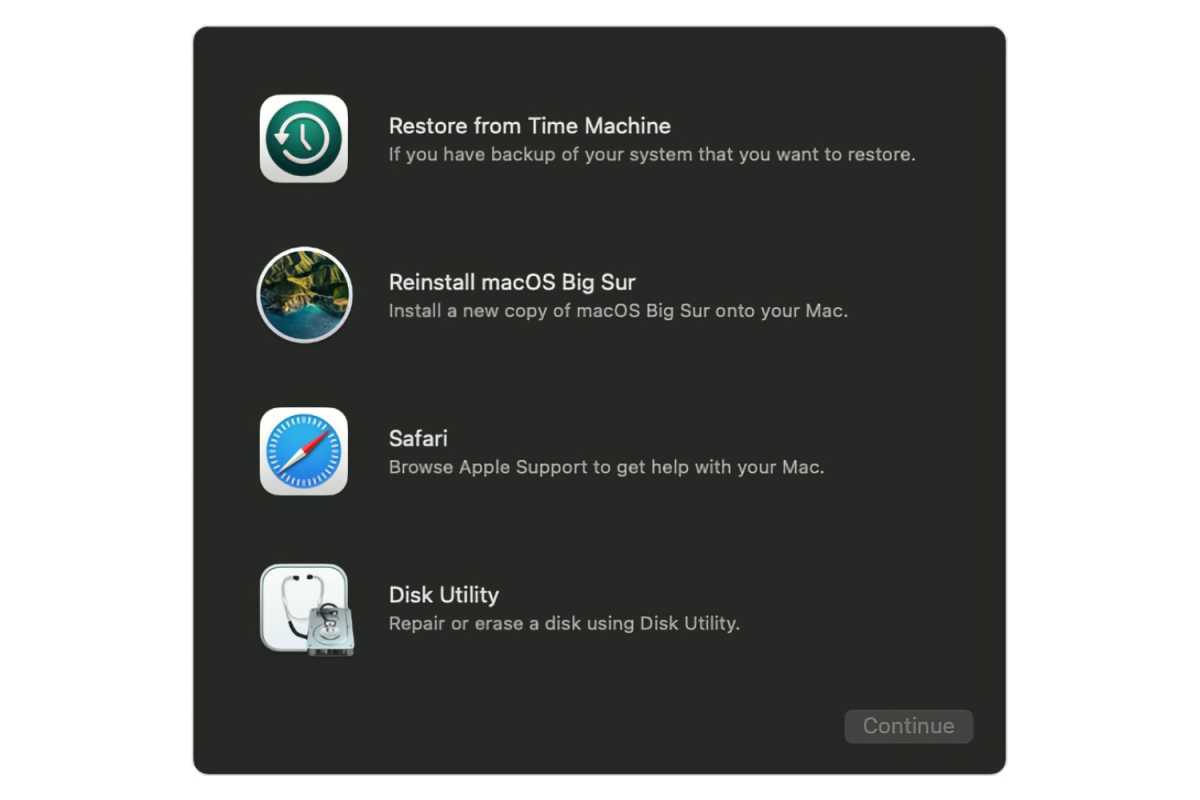





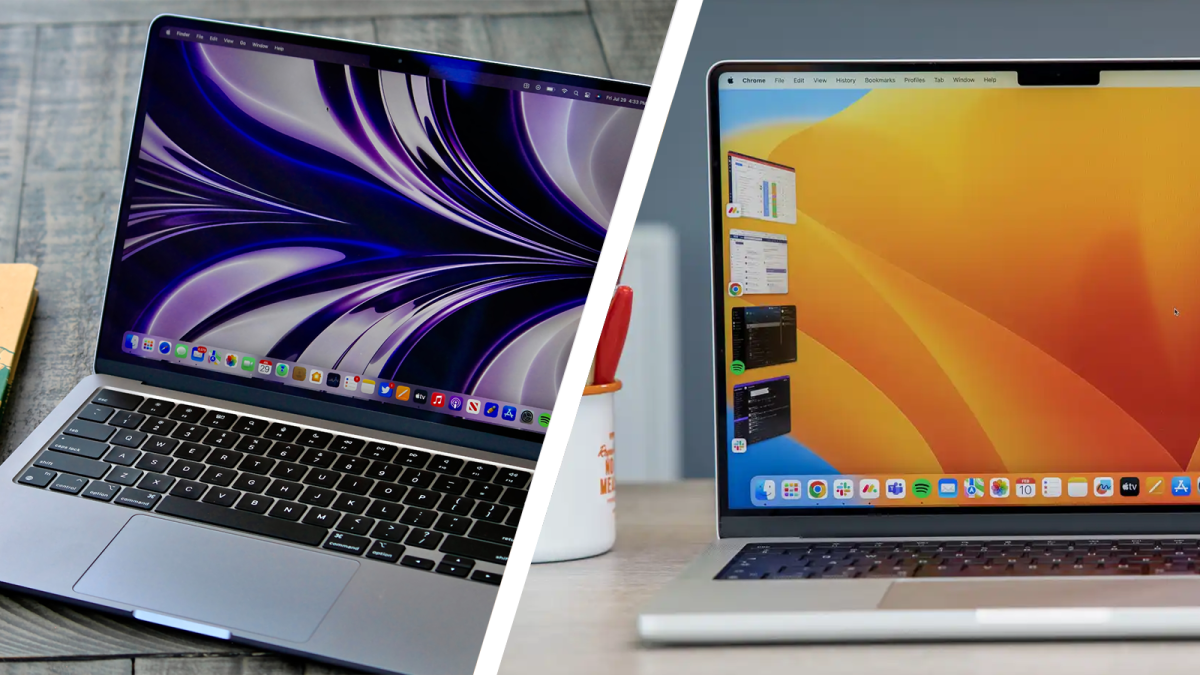




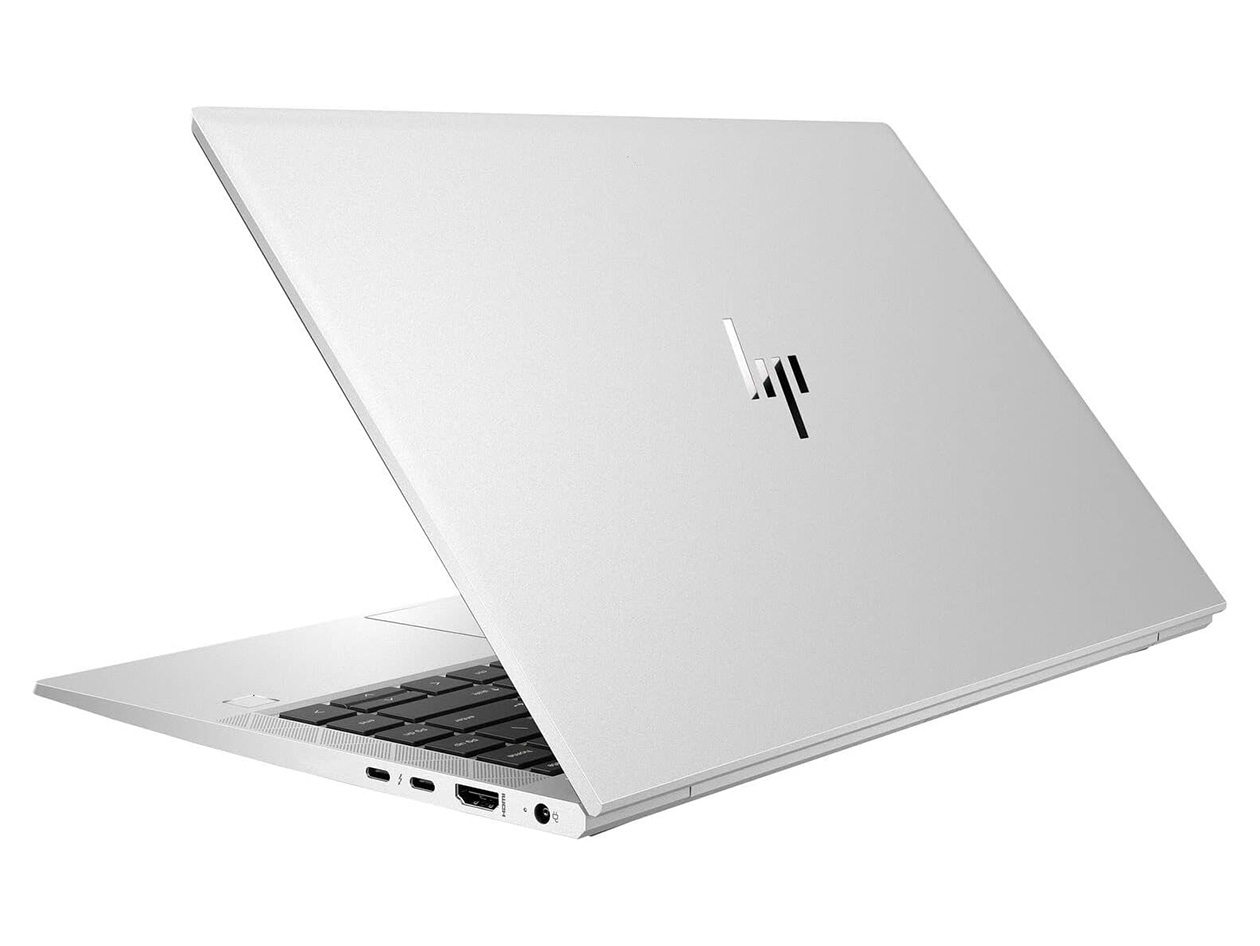



 At a glanceExpert's Rating
Pros
At a glanceExpert's Rating
Pros
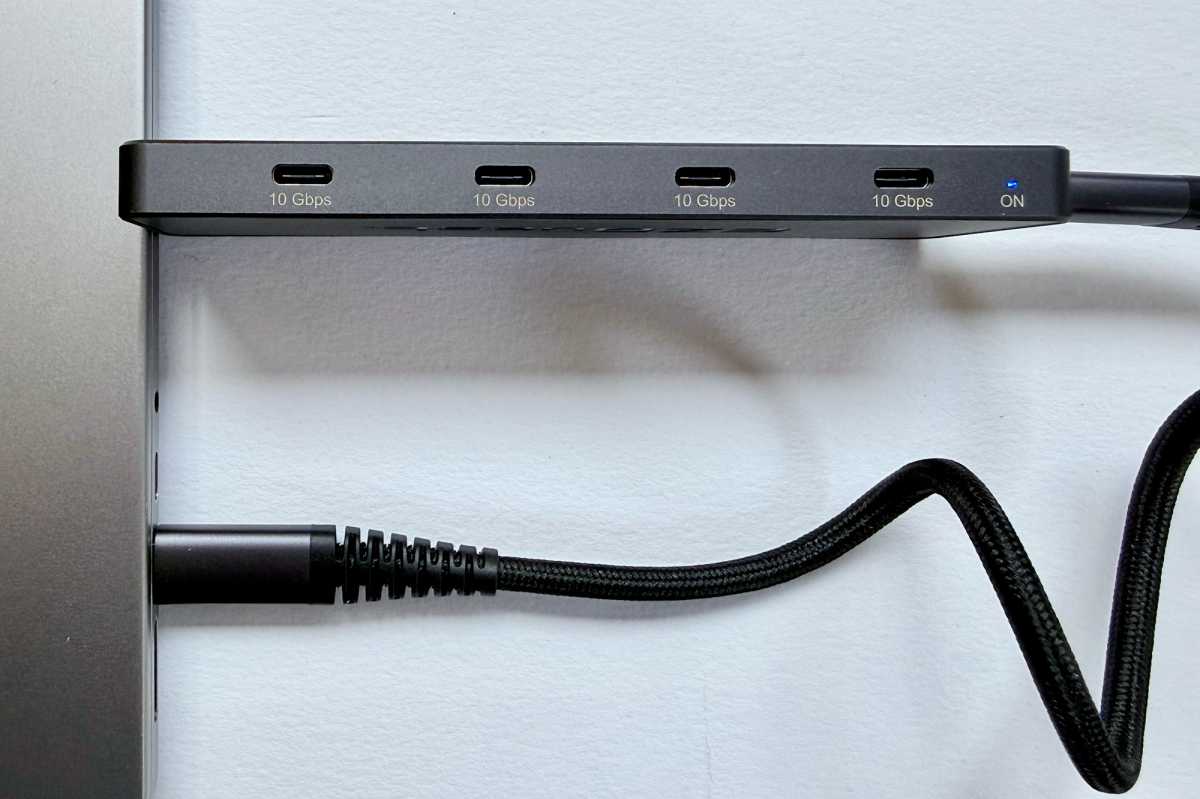
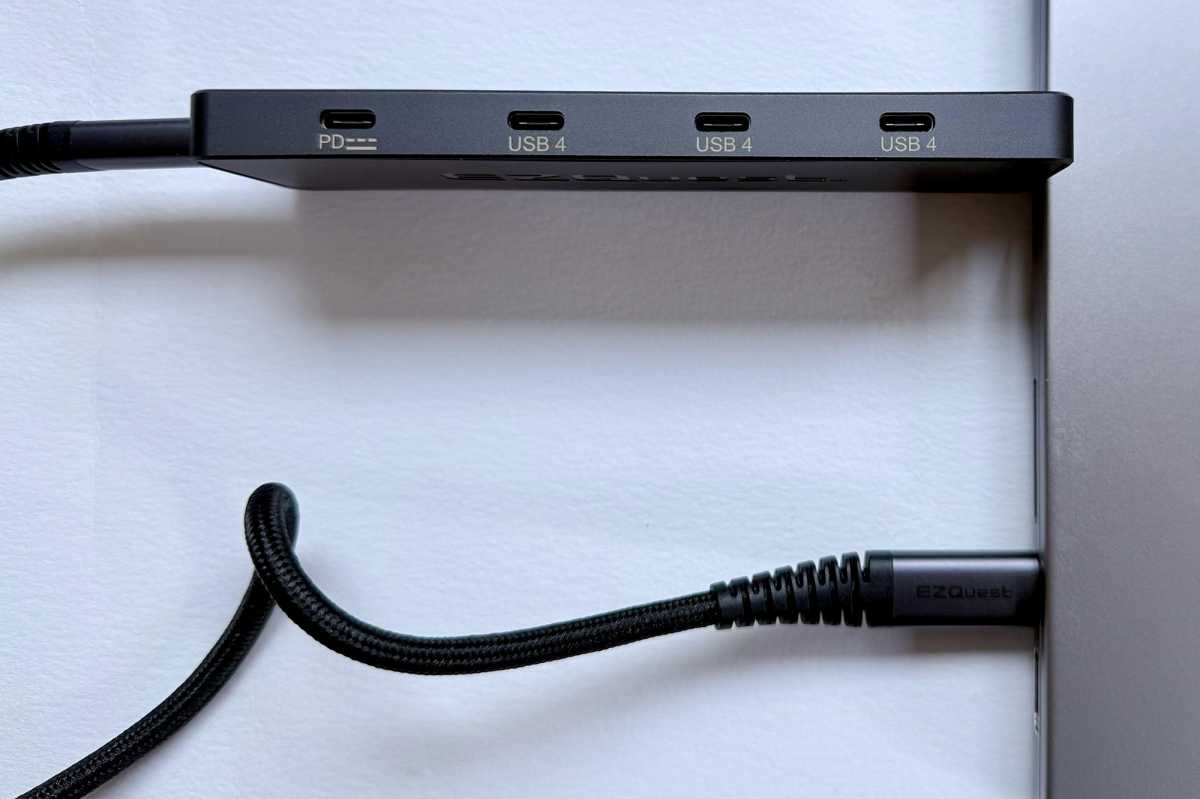
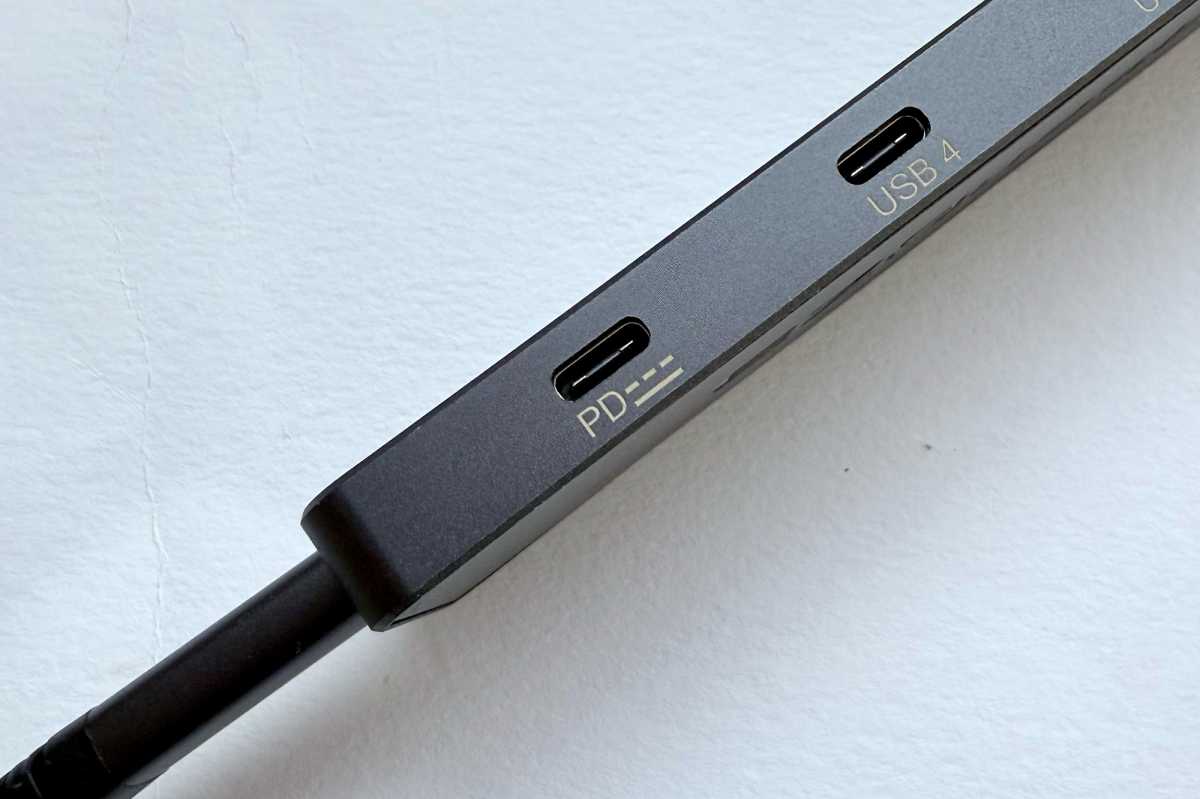
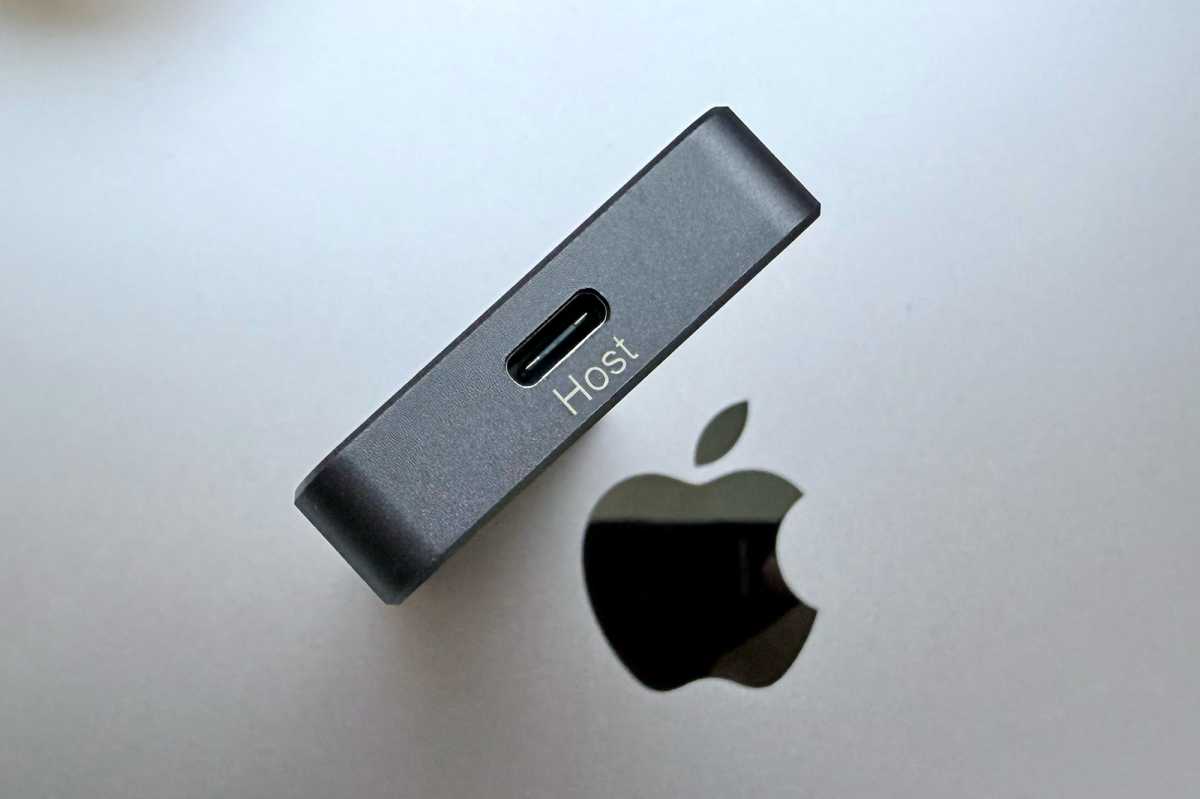








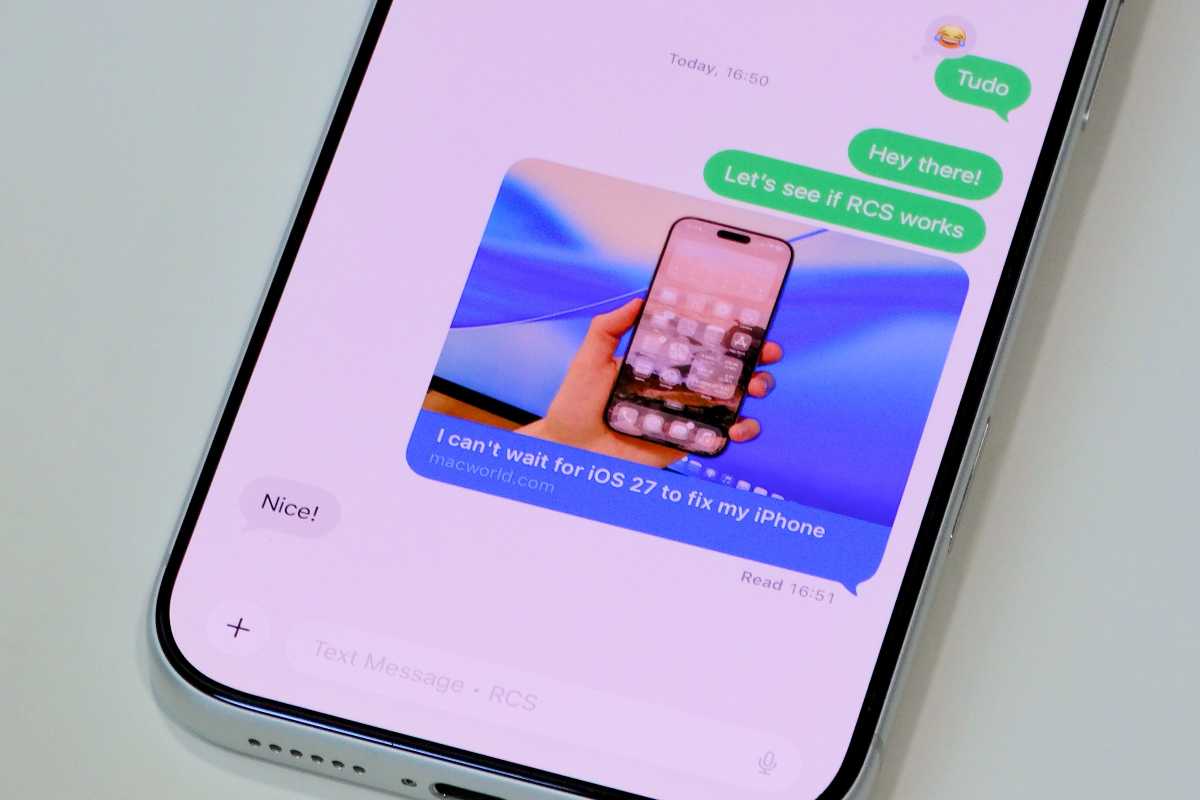
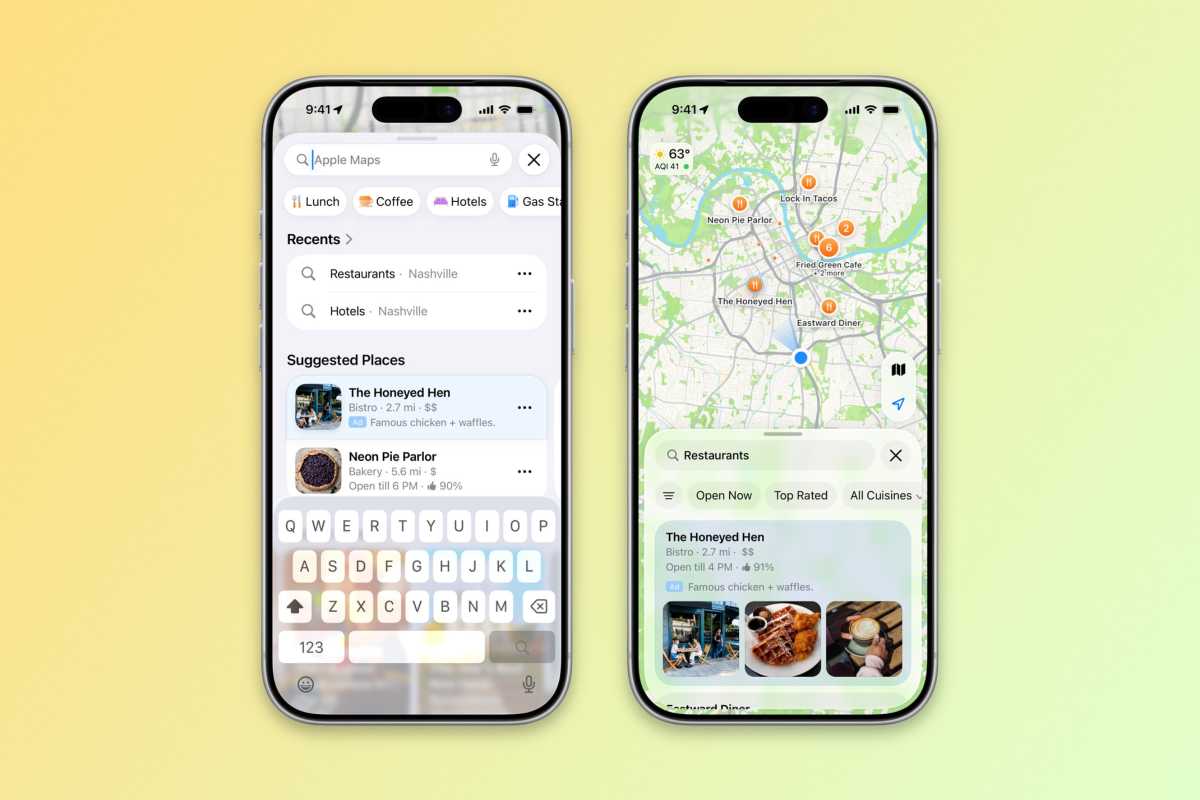
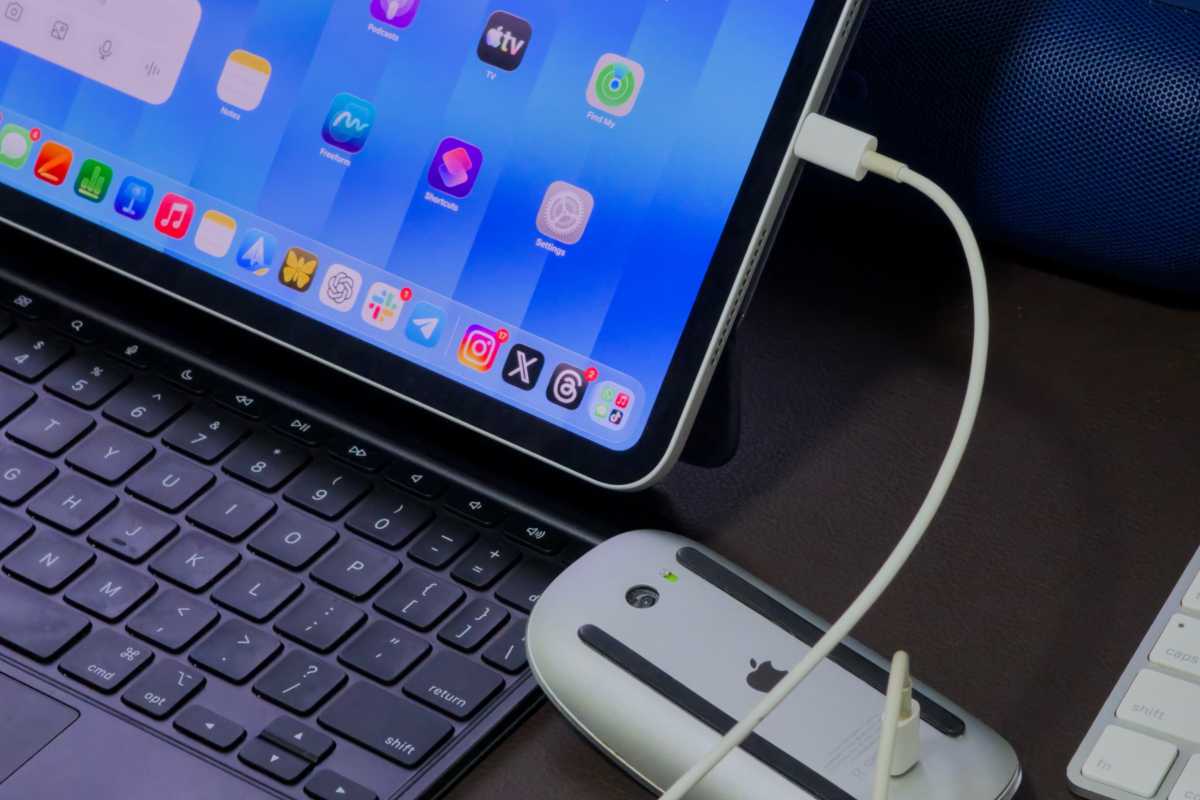
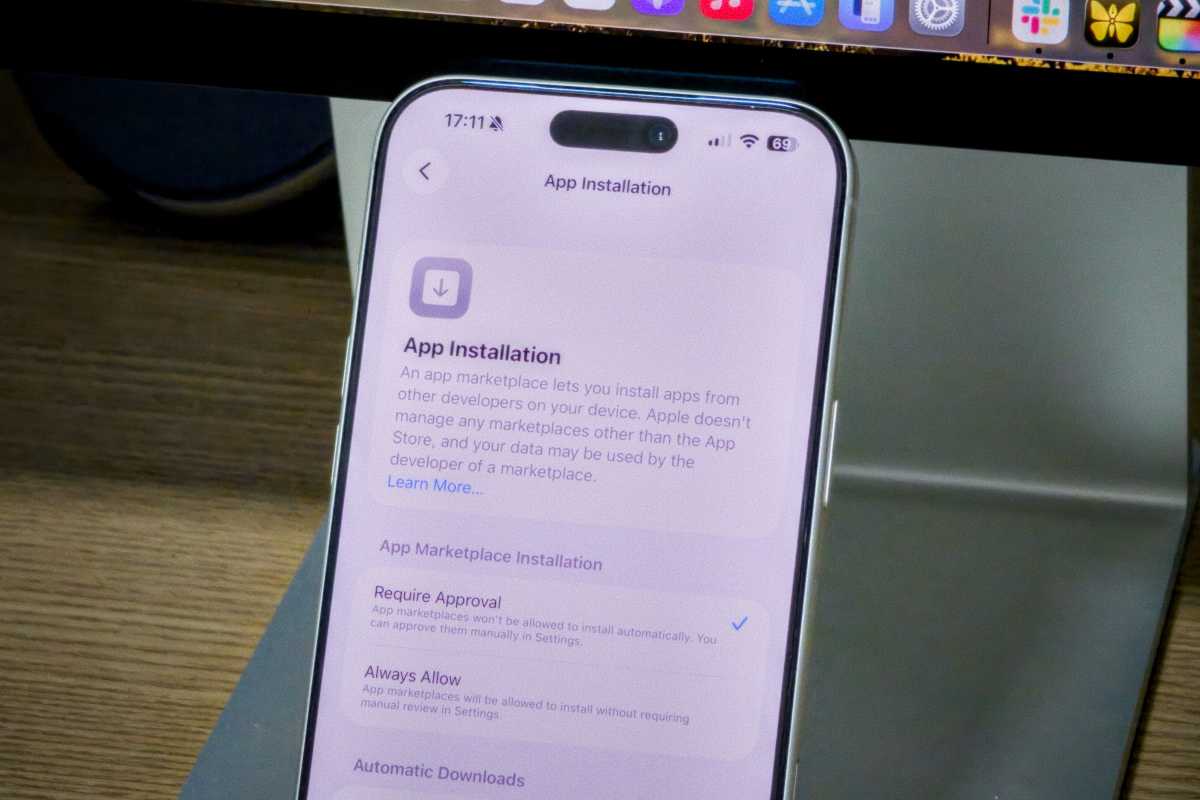


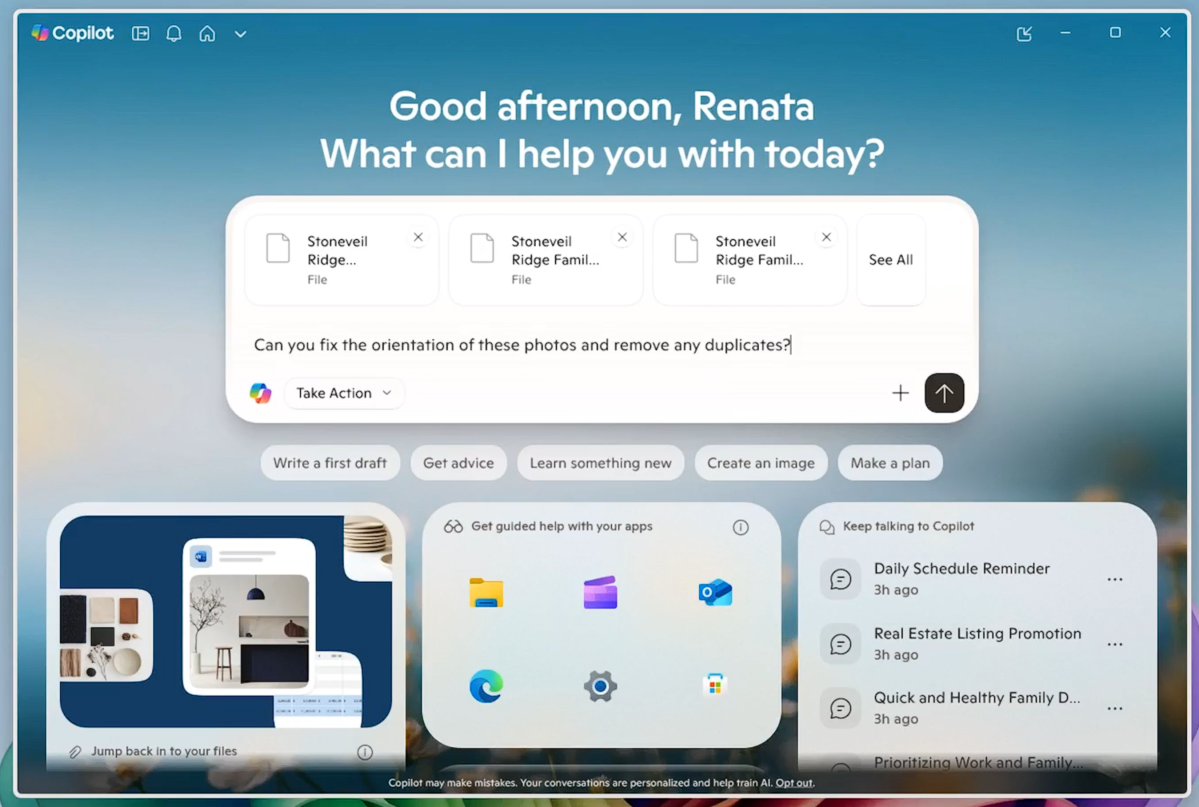

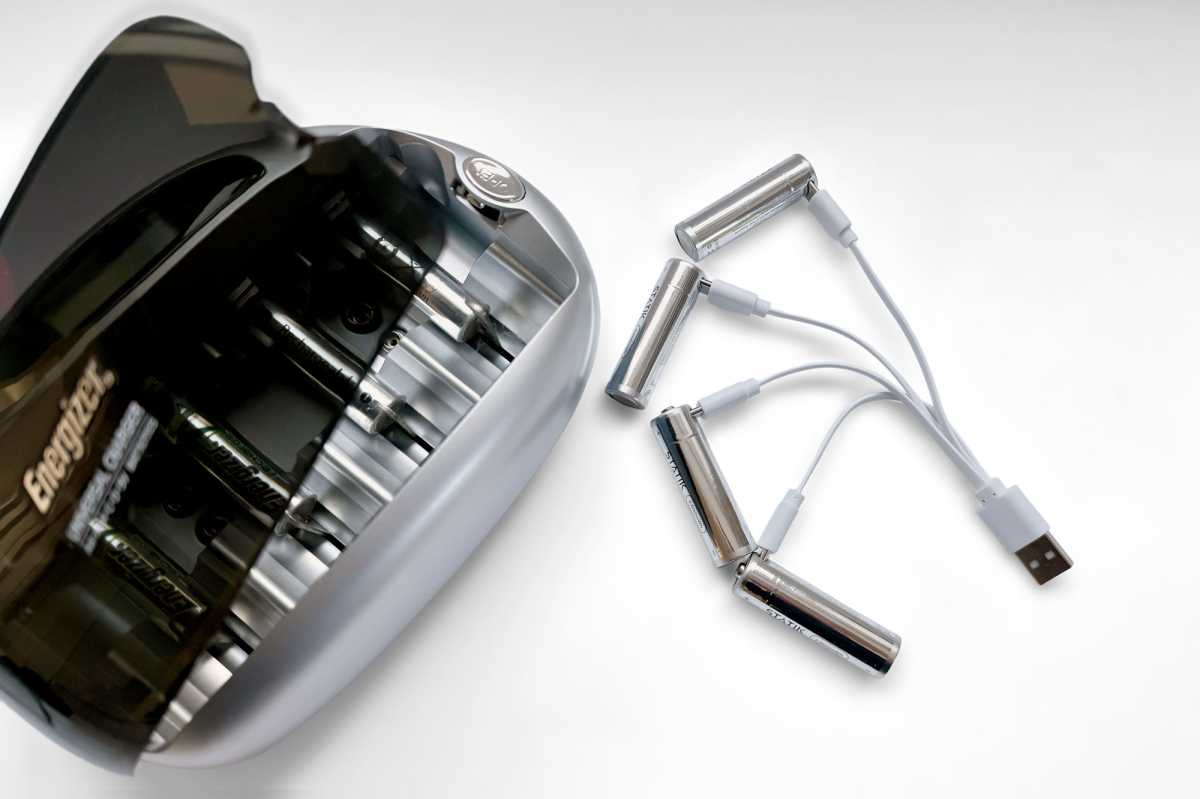
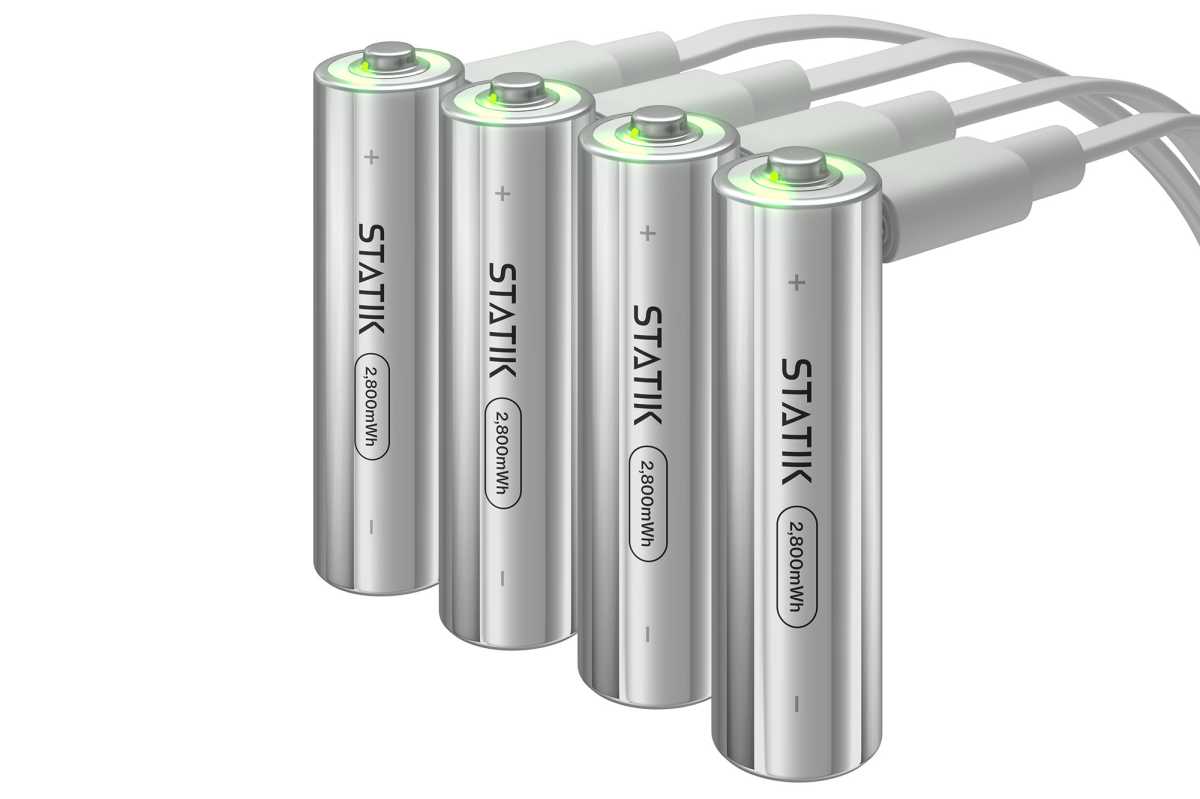


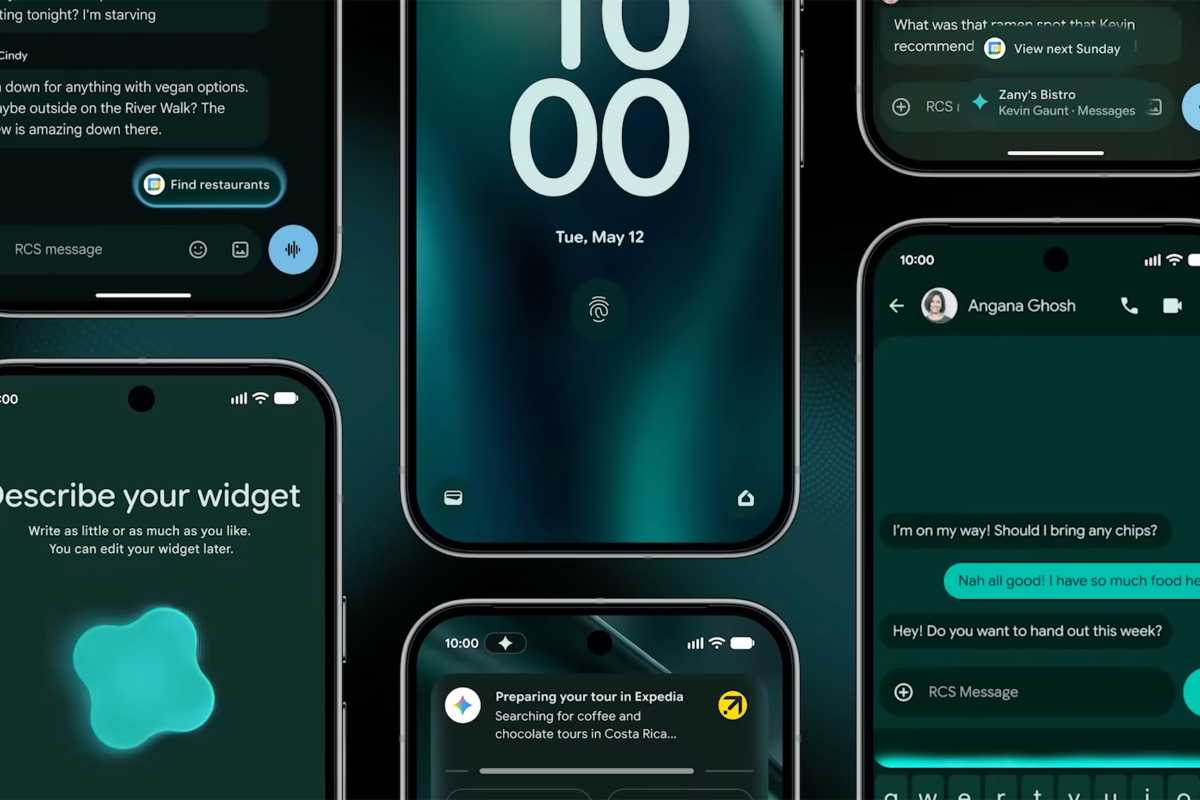

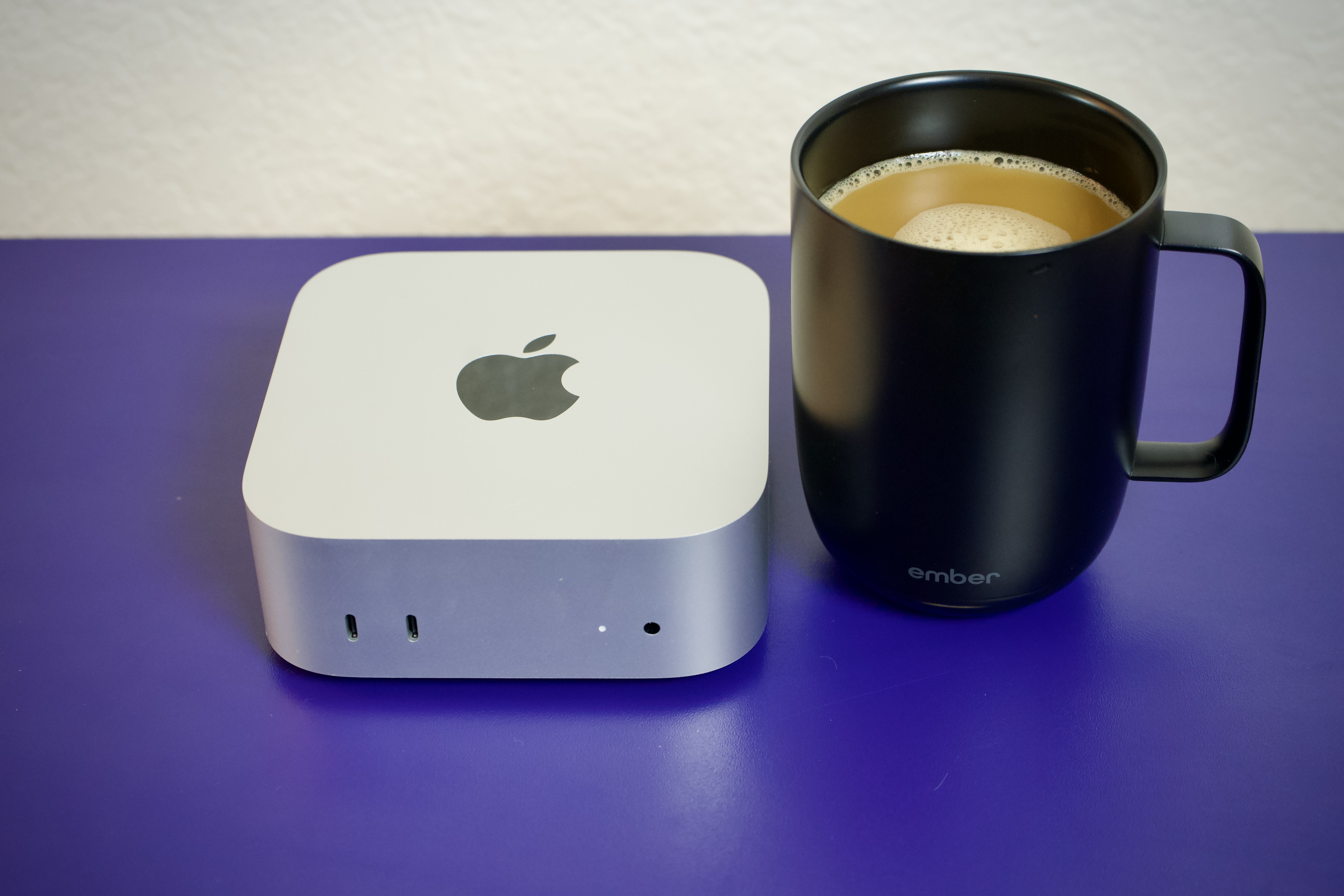
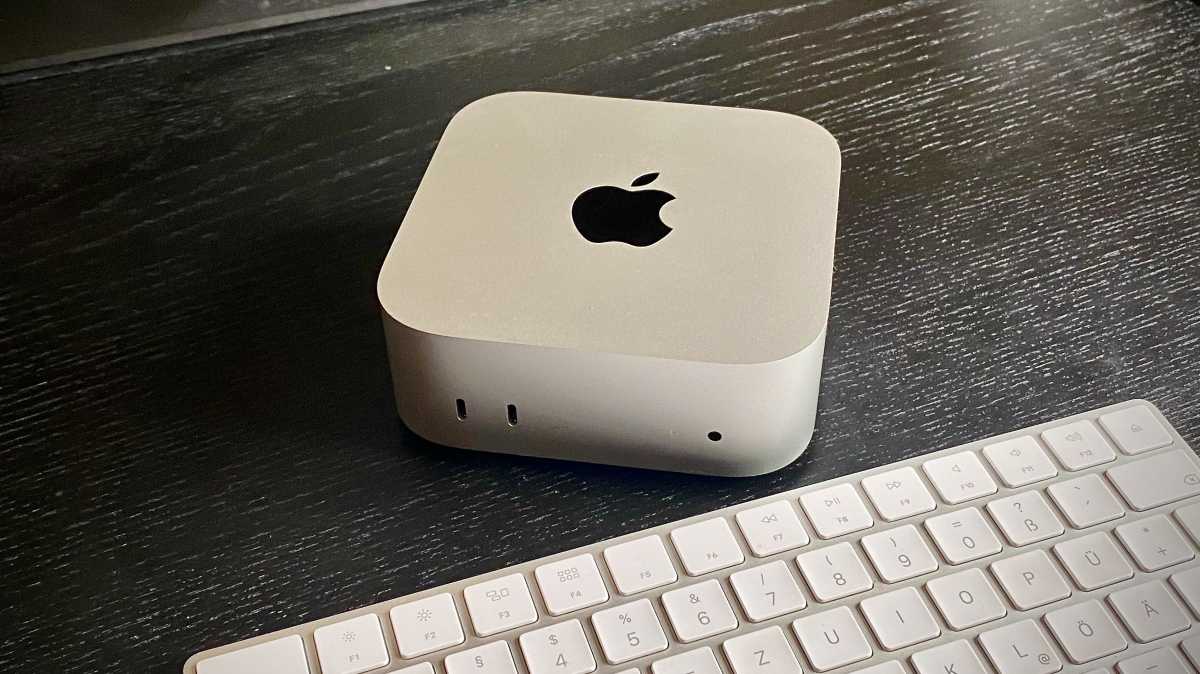
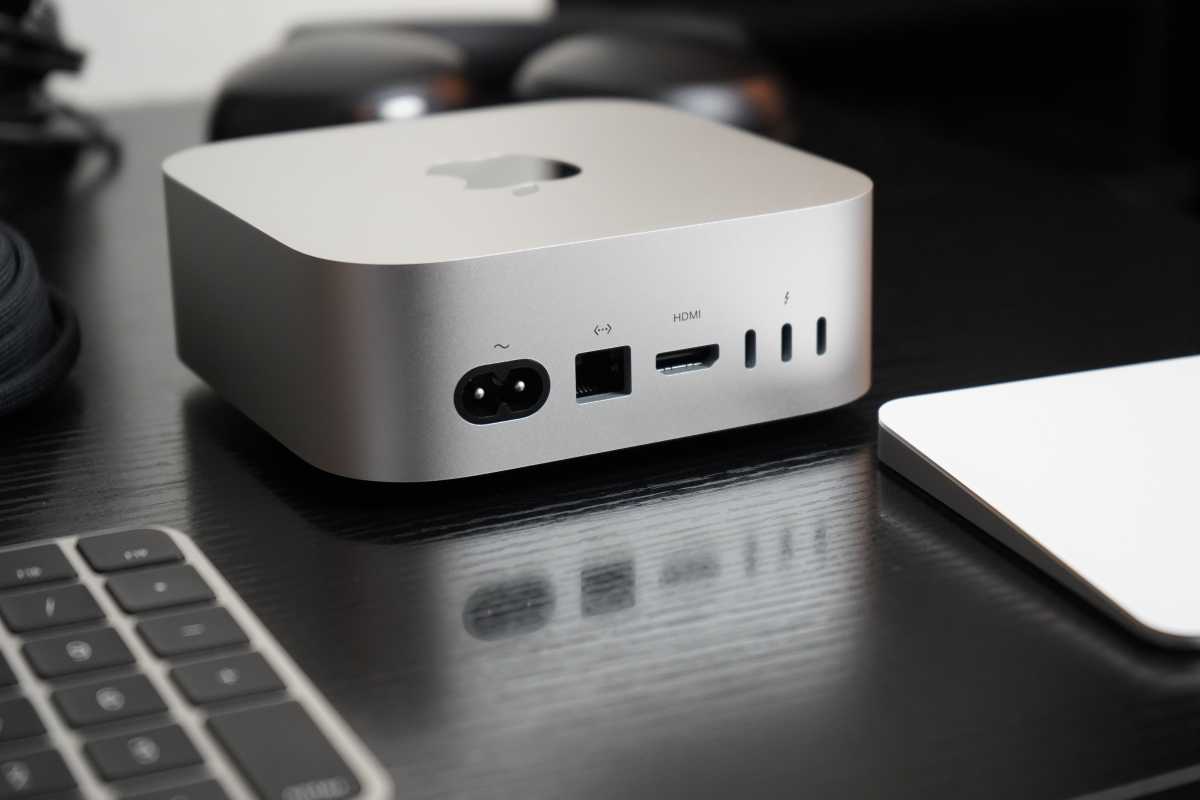
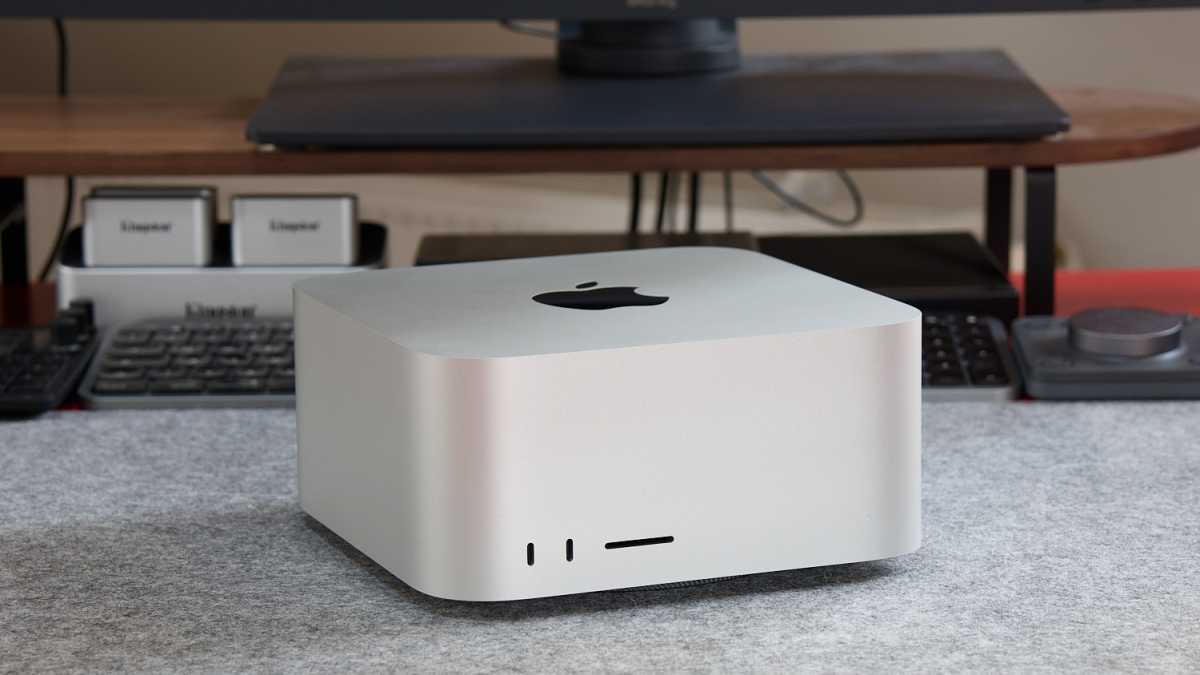
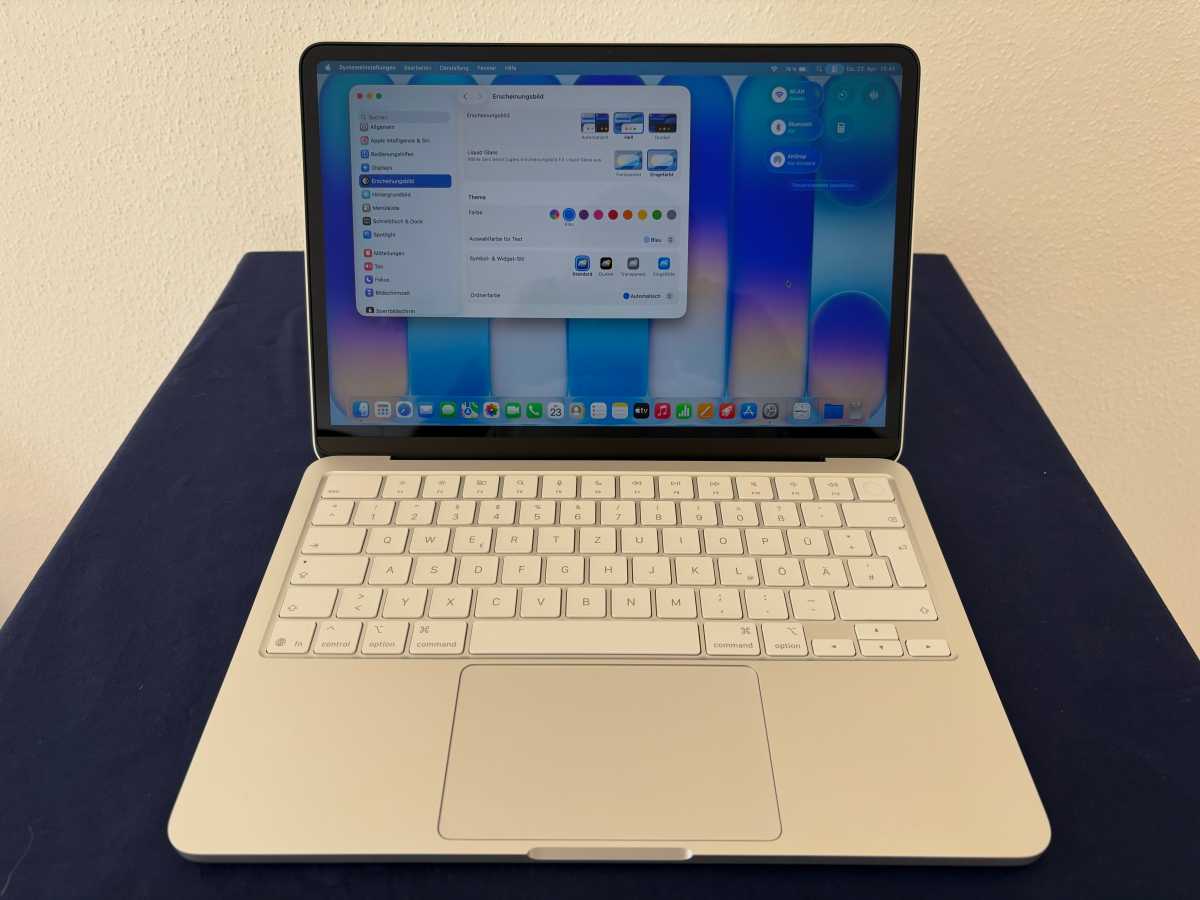

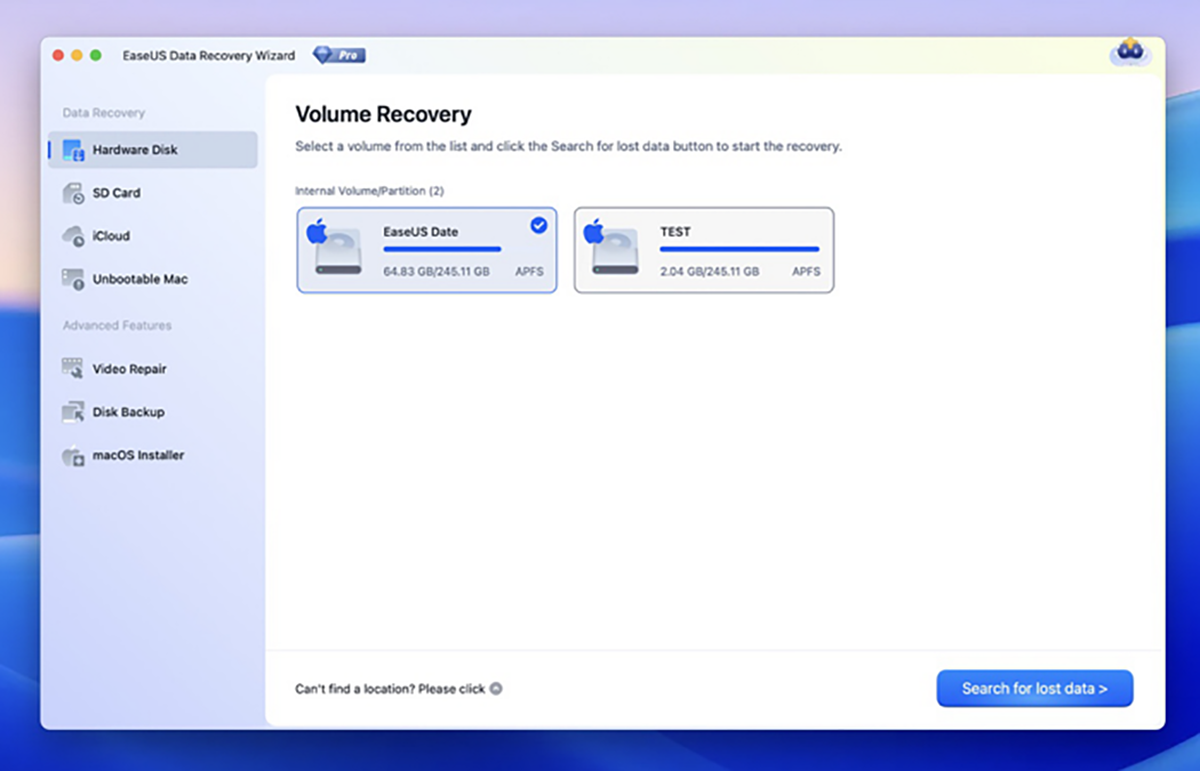
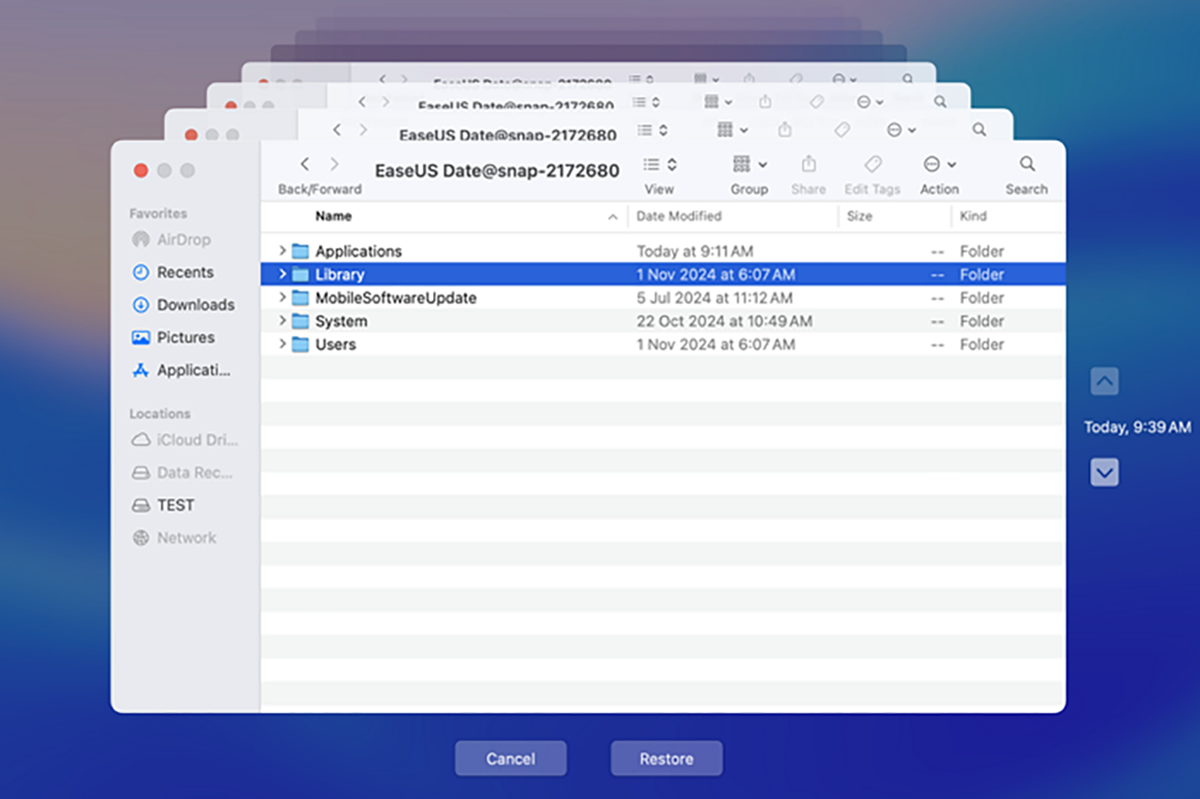

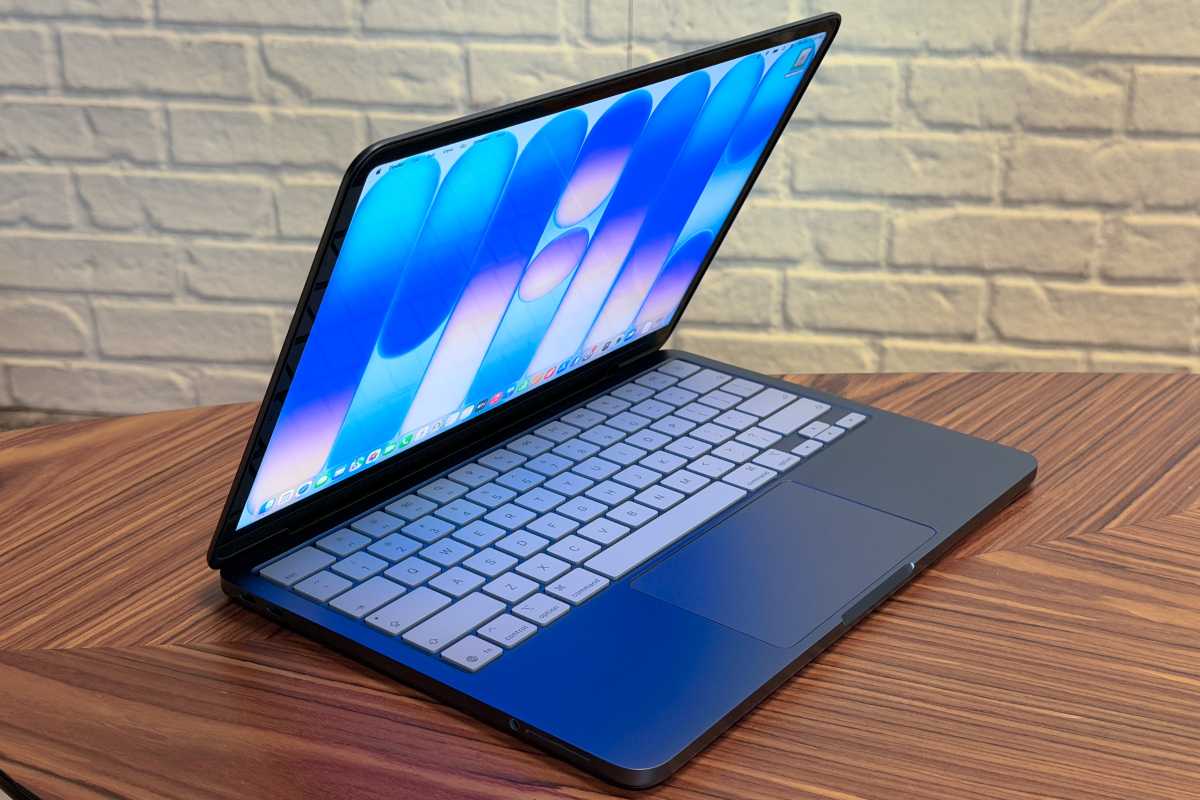



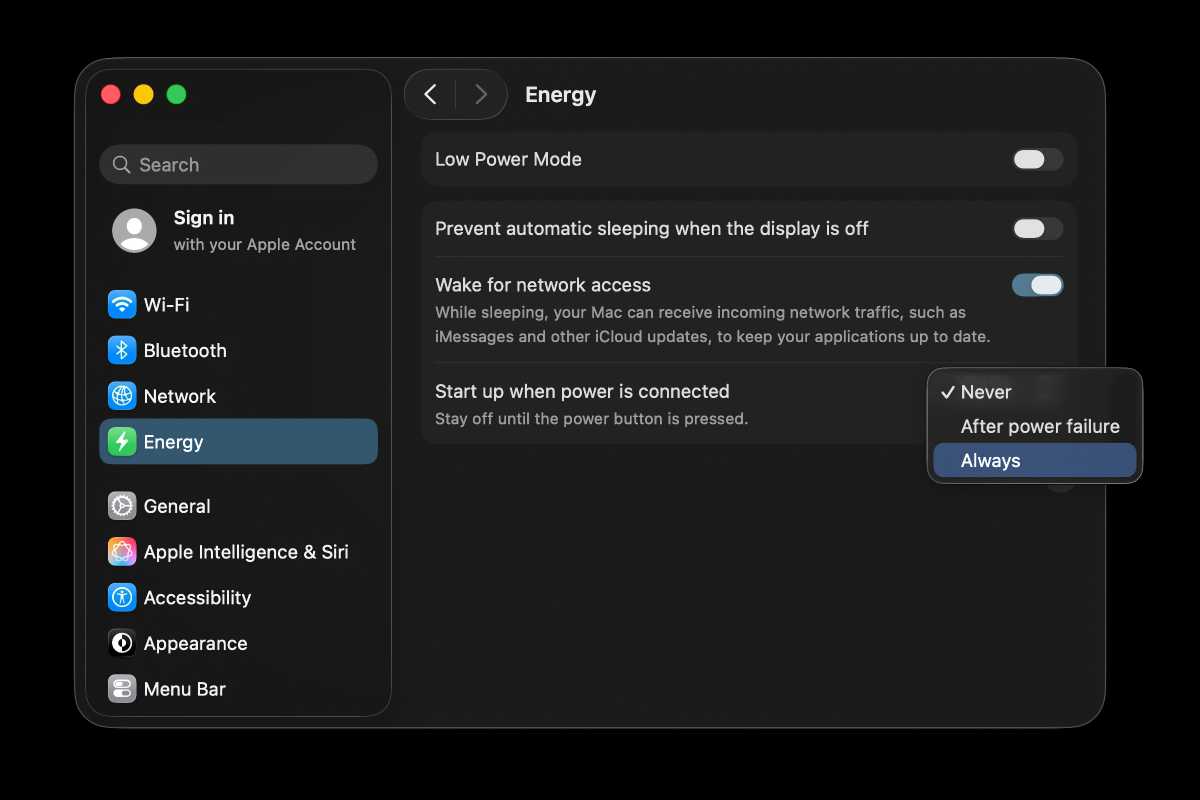


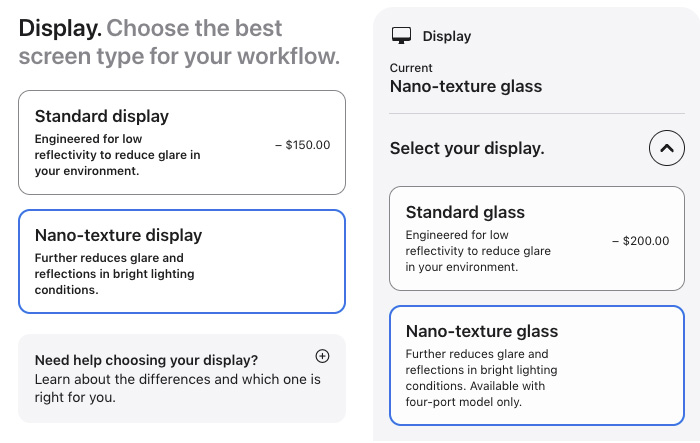







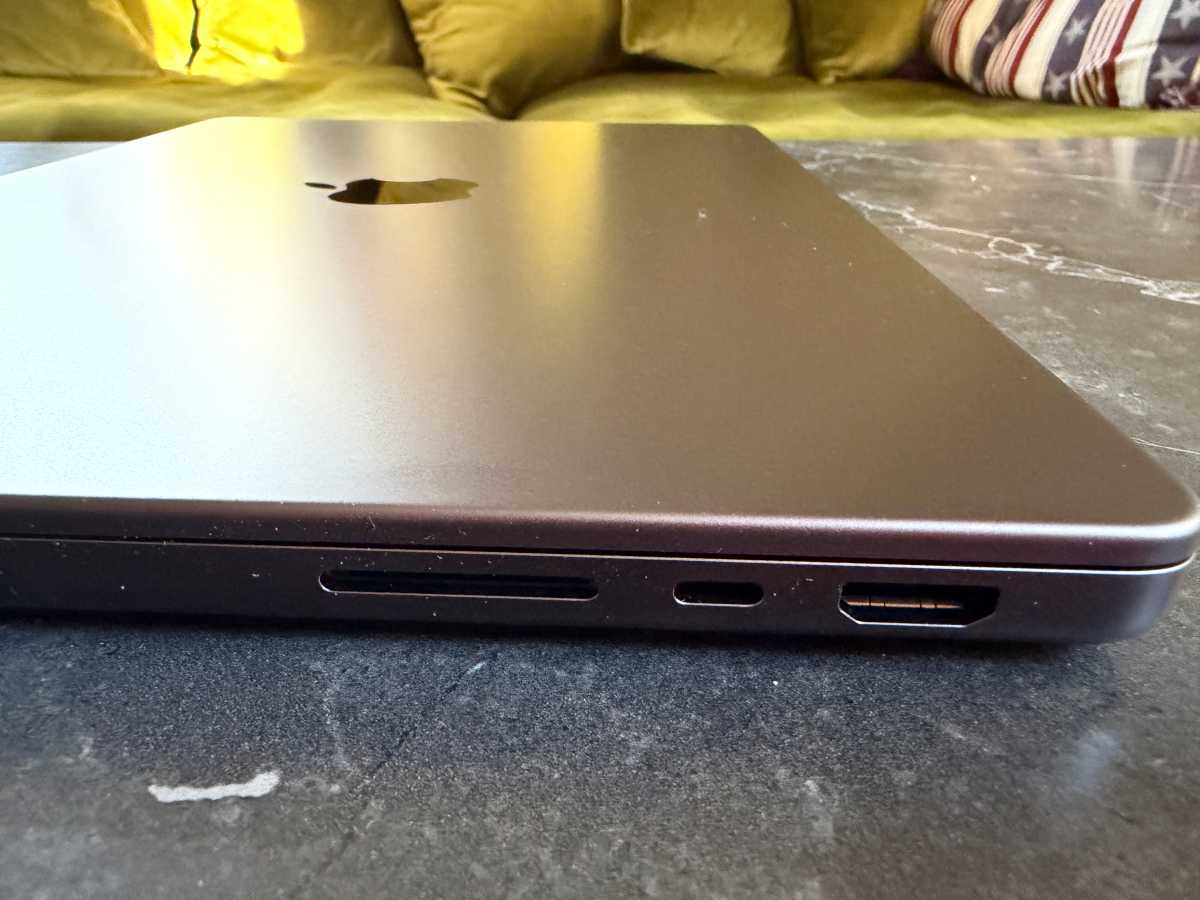

 Price When Reviewed:
Free
Best Prices Today:
Price When Reviewed:
Free
Best Prices Today:
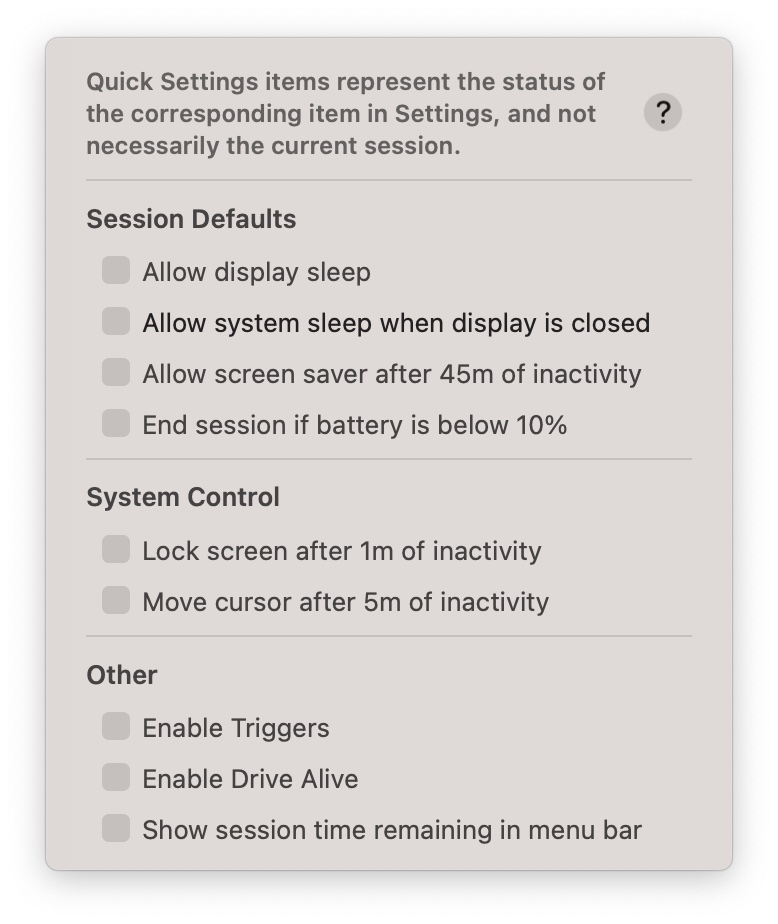
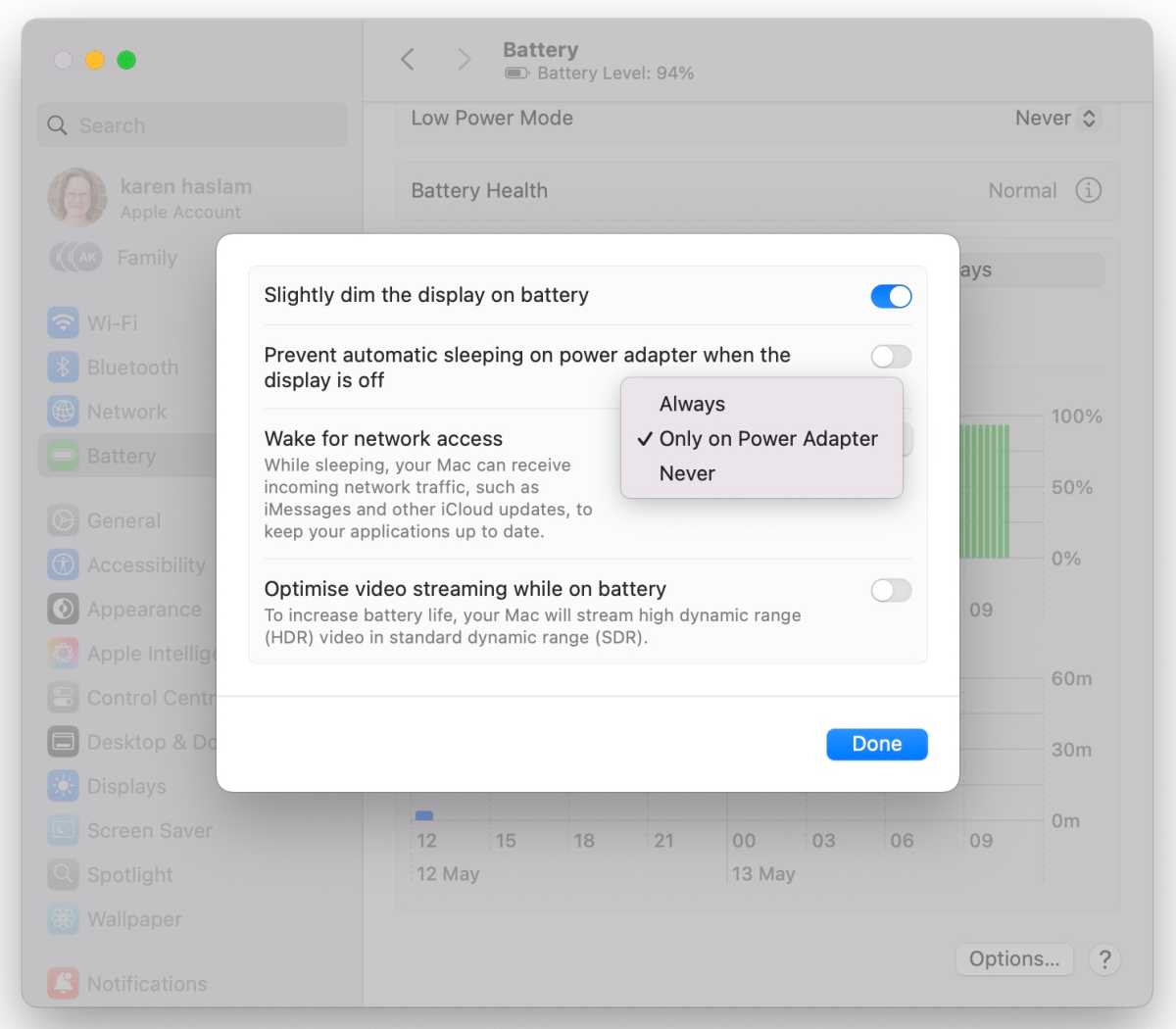
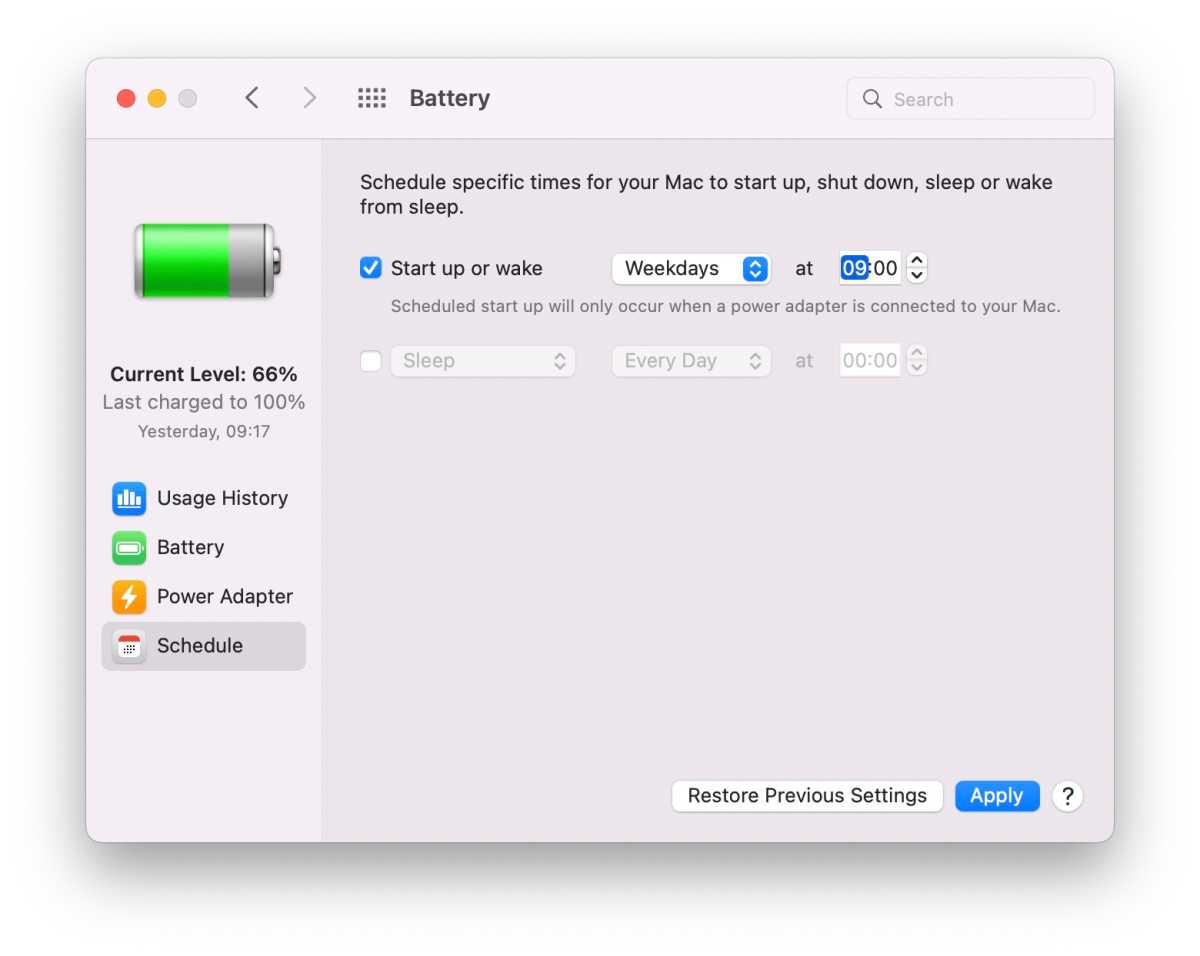


 $599
$599

 $499
$499

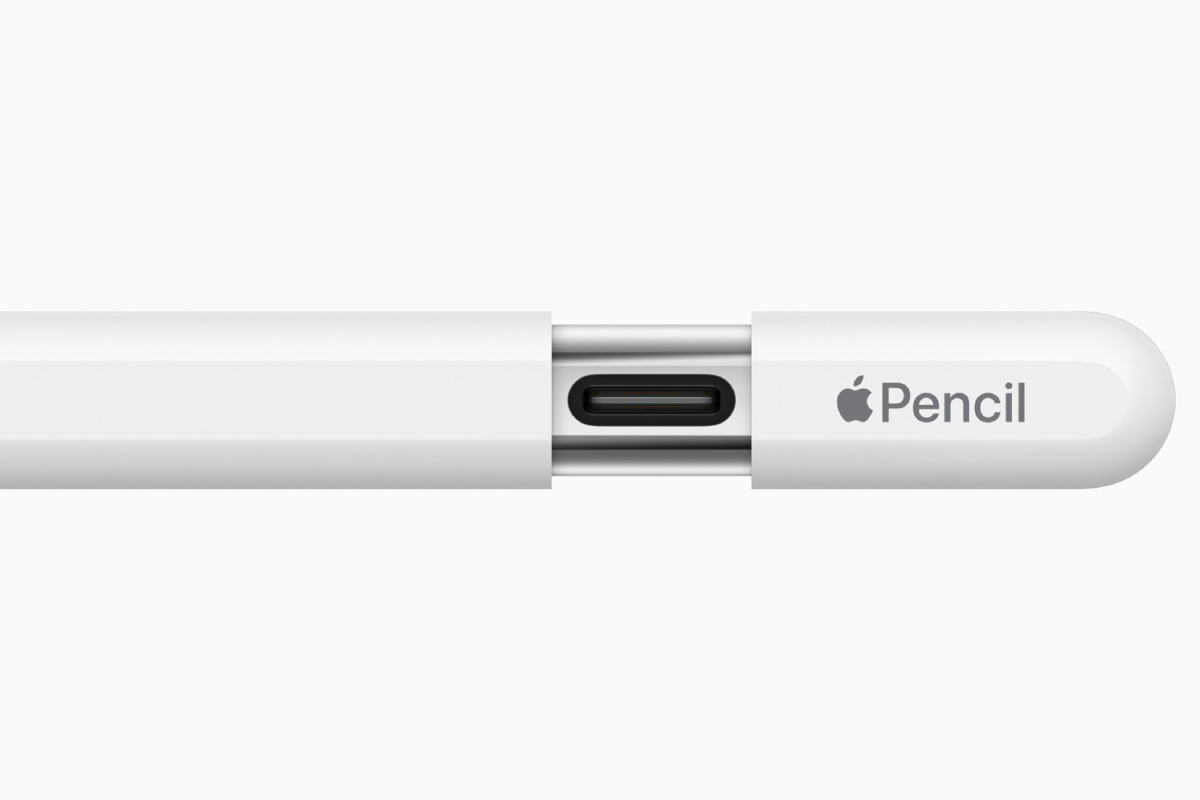 Price When Reviewed:
$79
Best Prices Today:
Price When Reviewed:
$79
Best Prices Today:


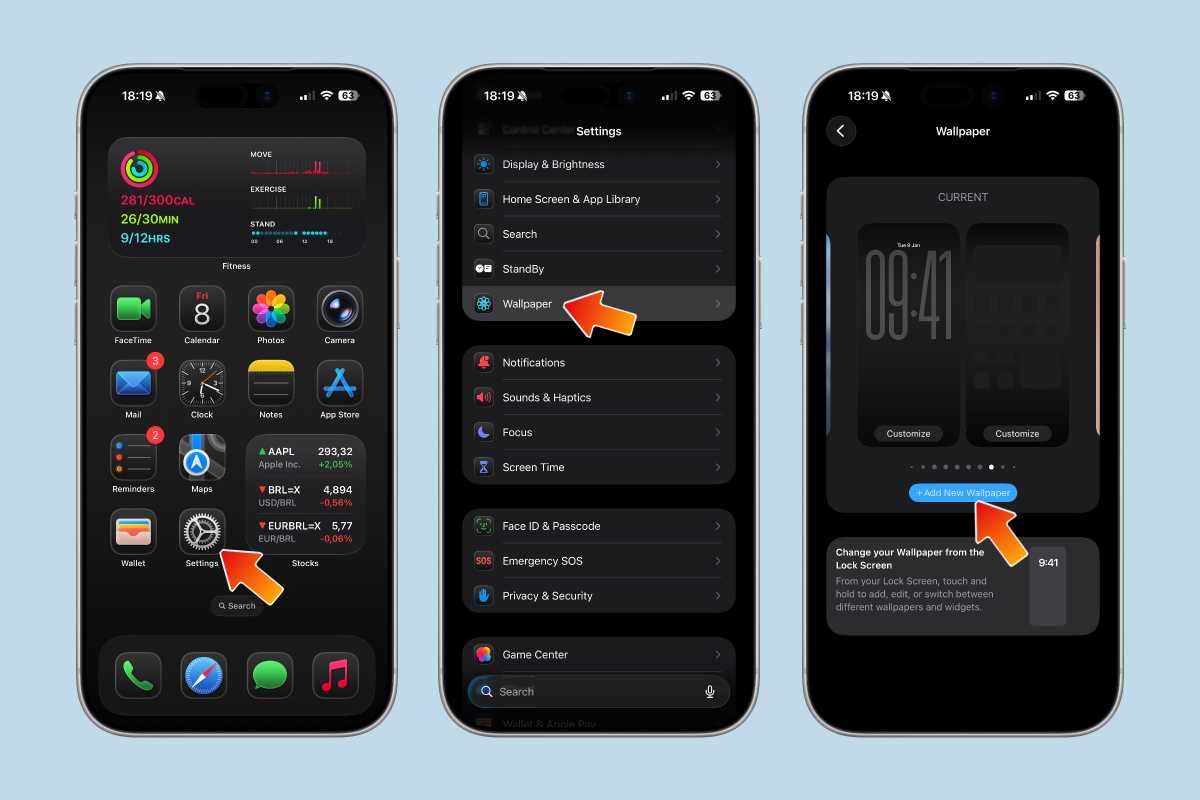
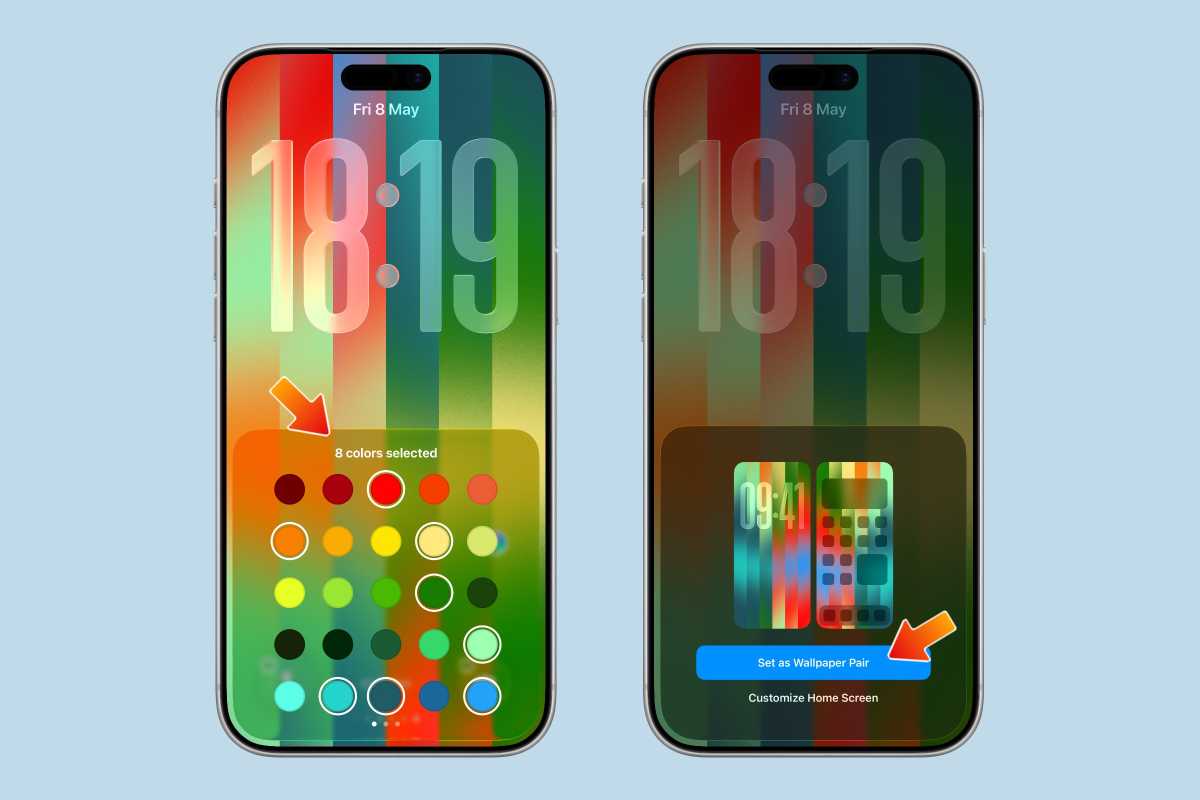
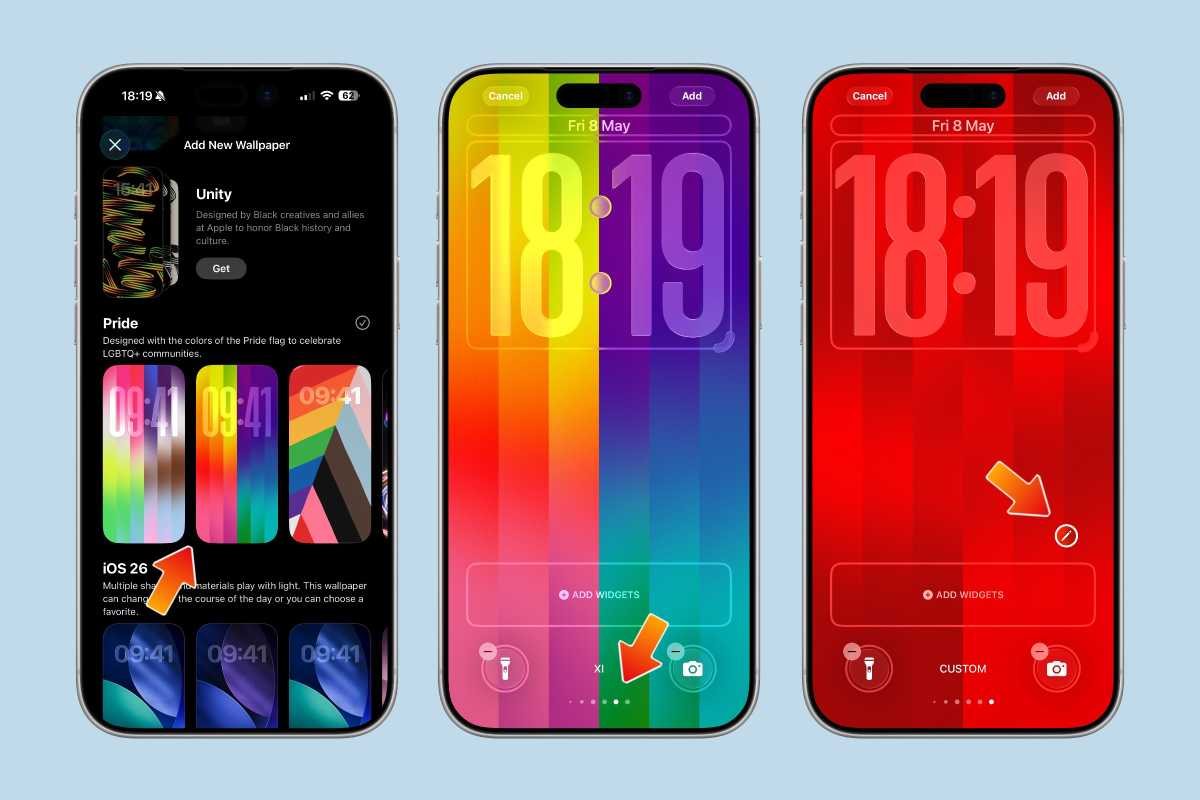
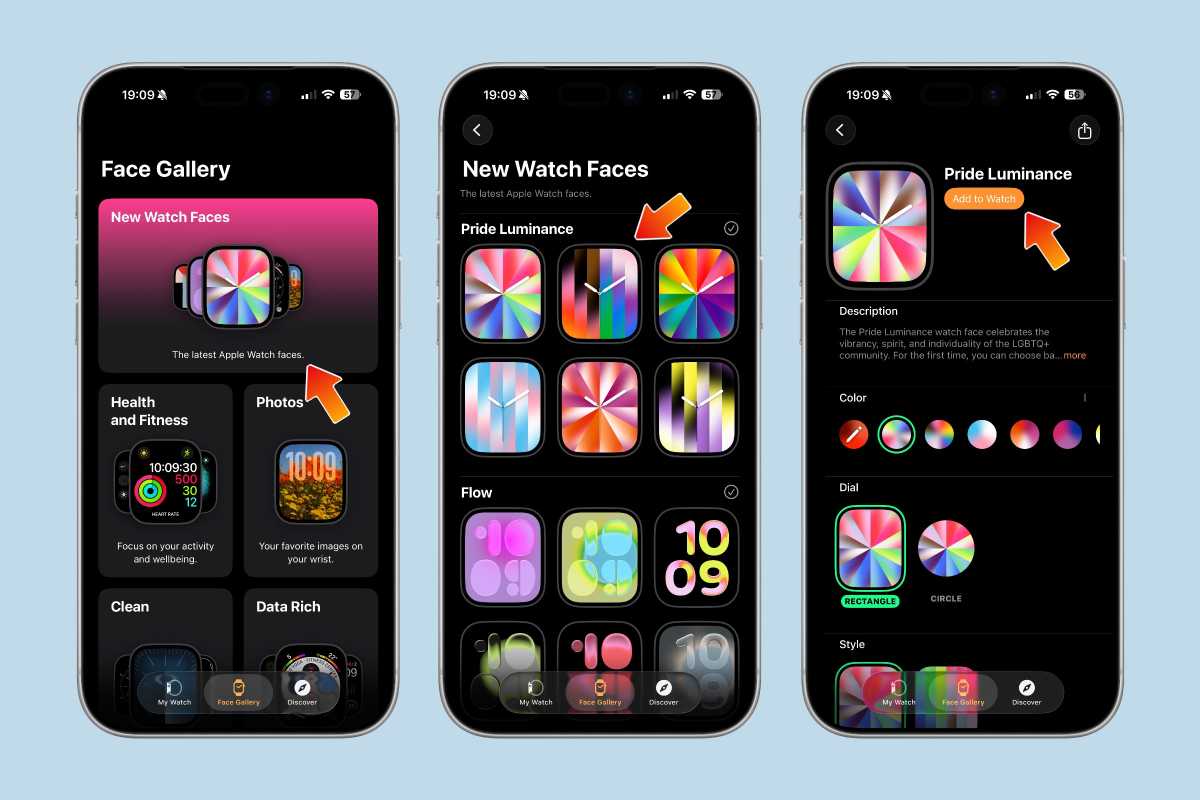


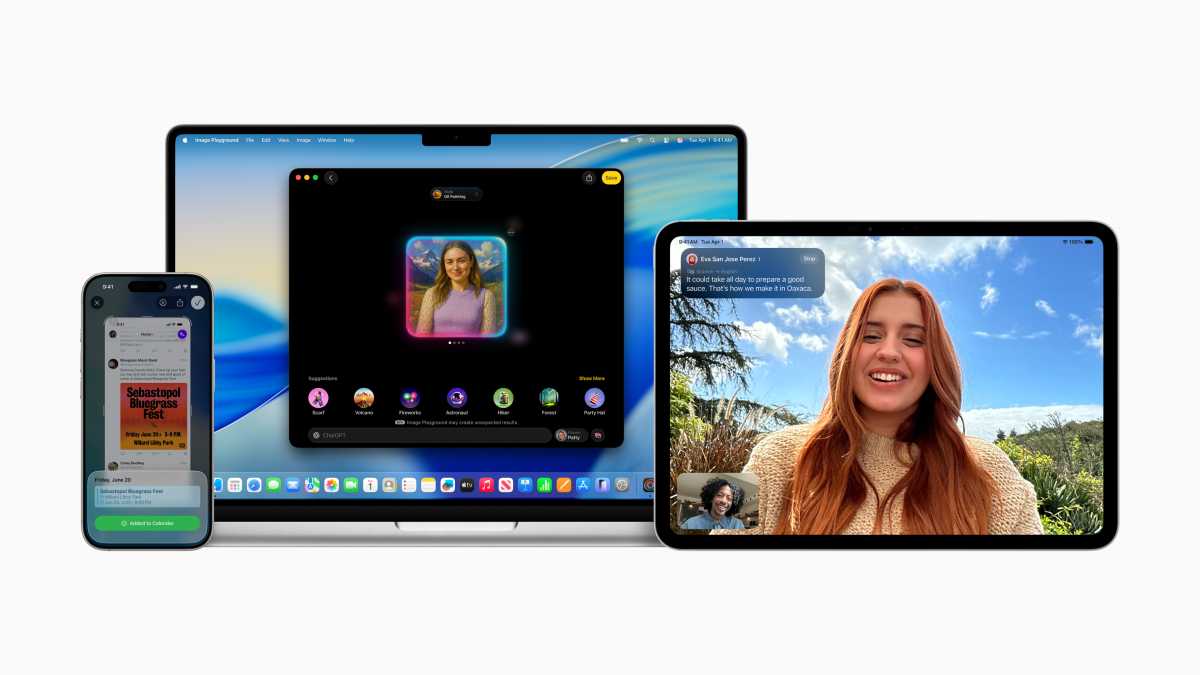
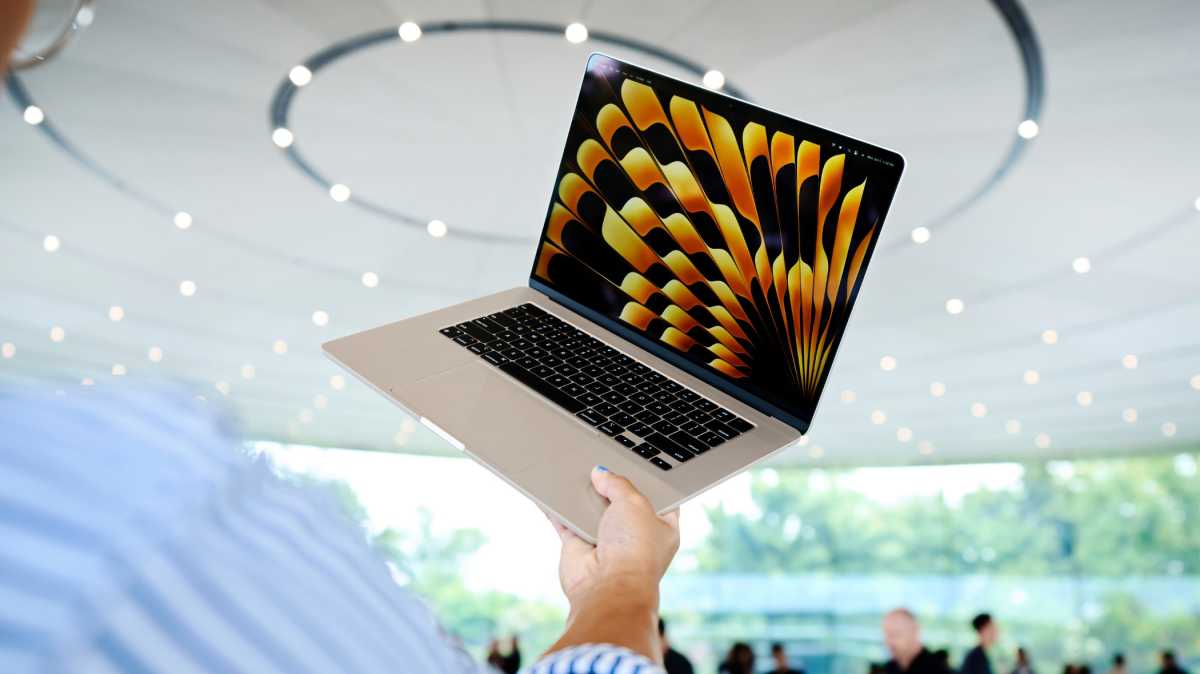
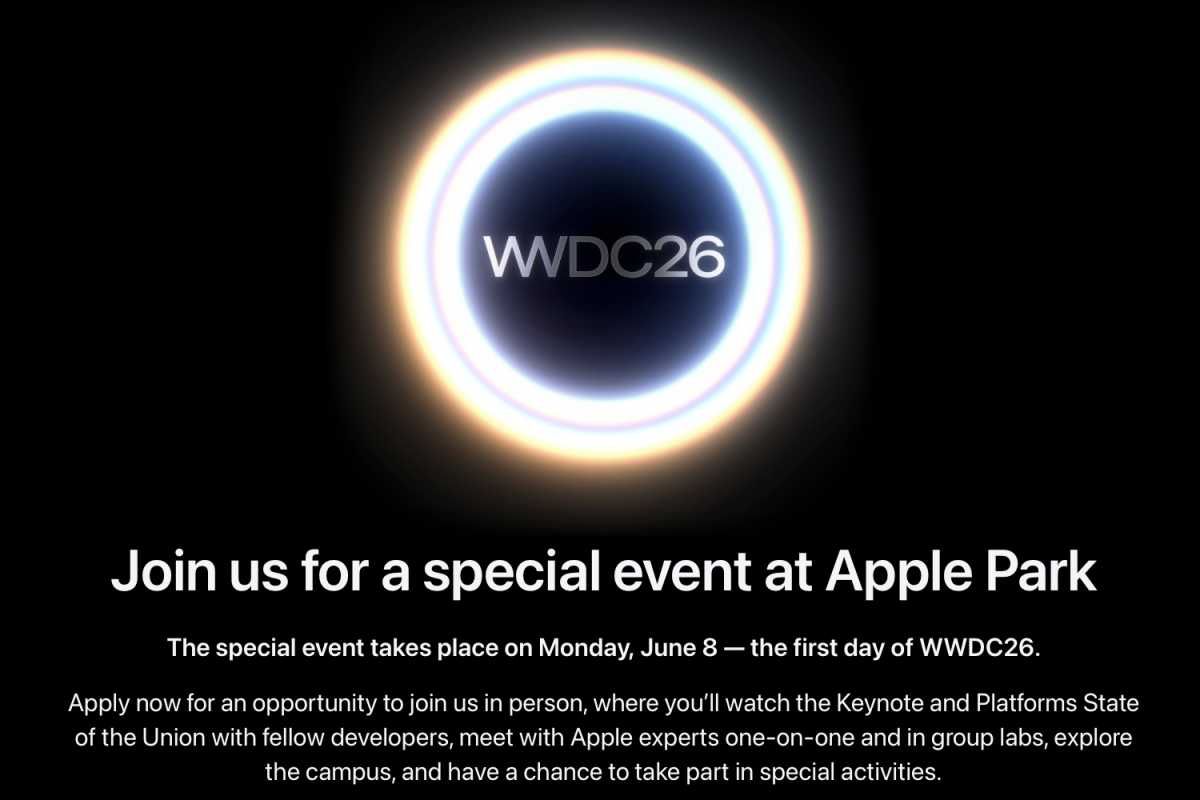

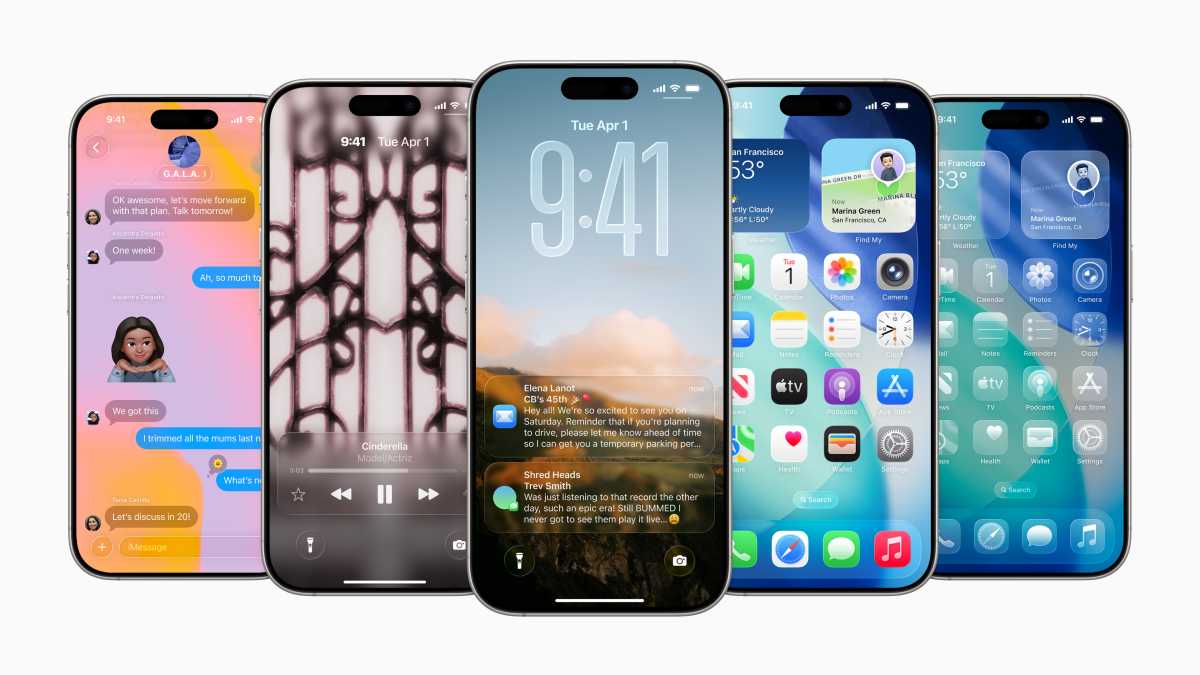
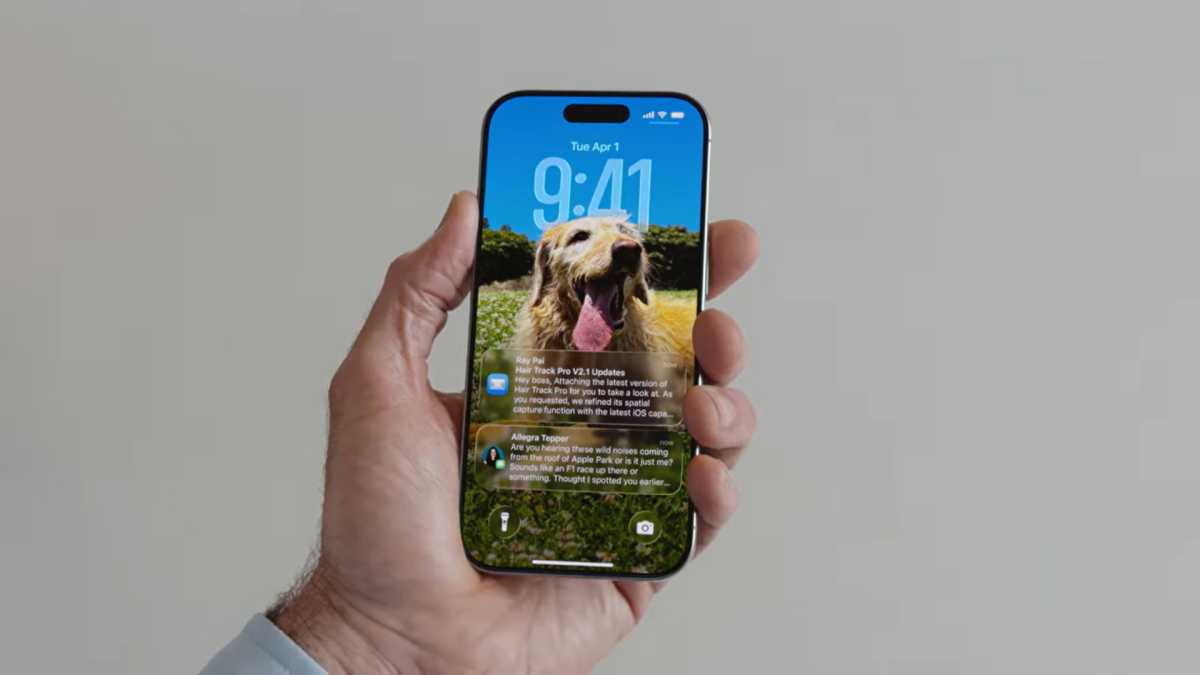
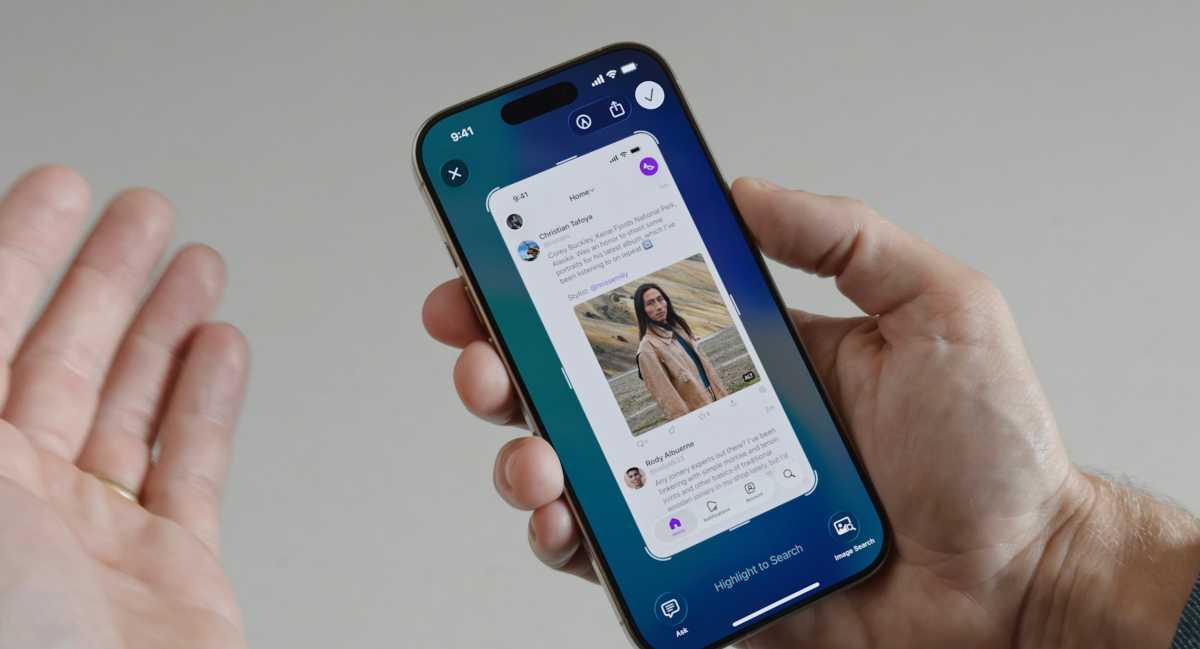
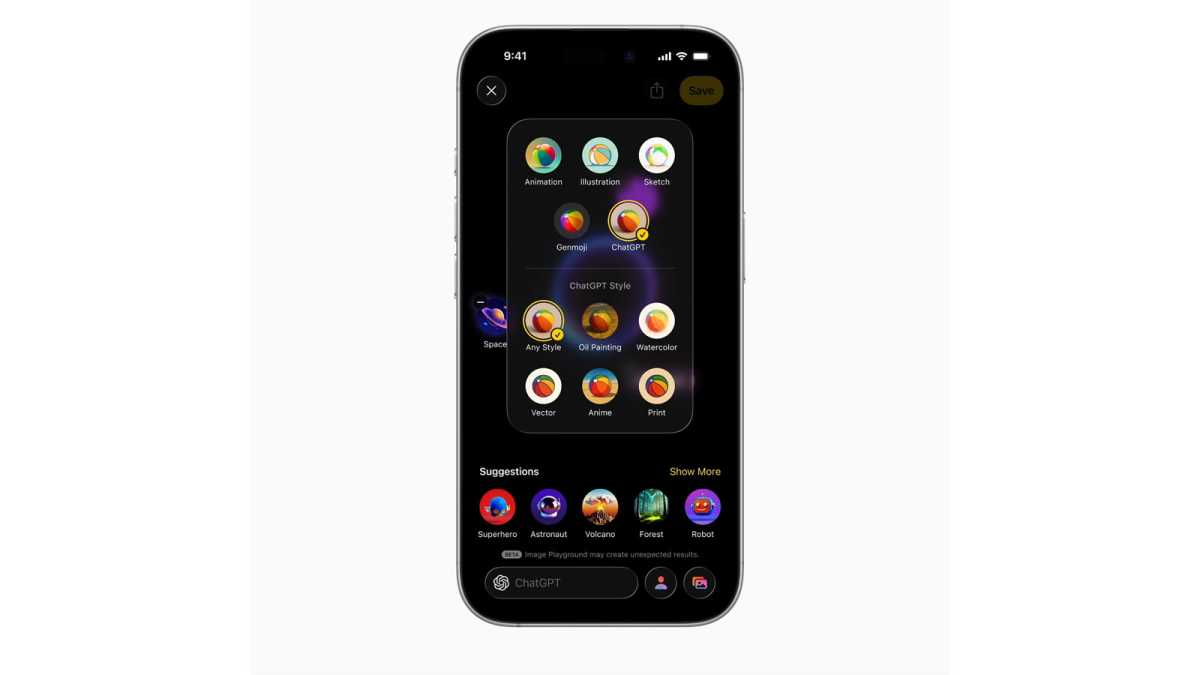
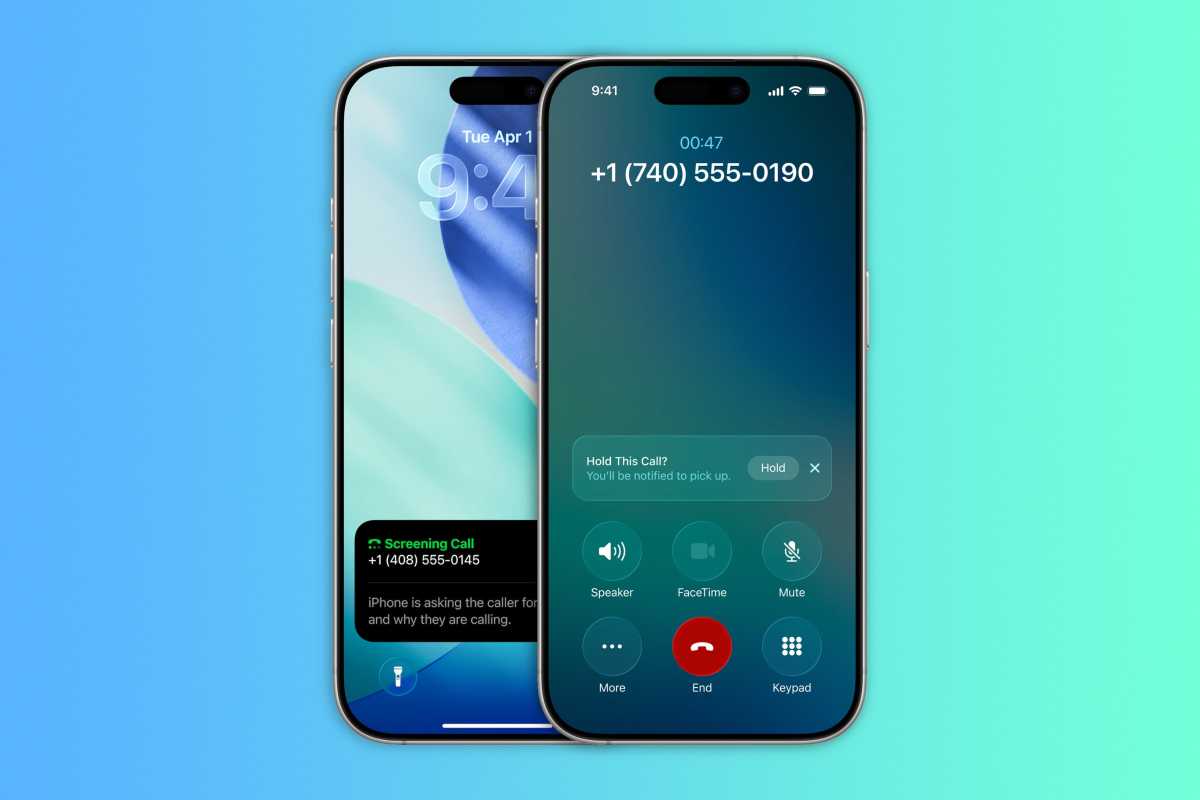
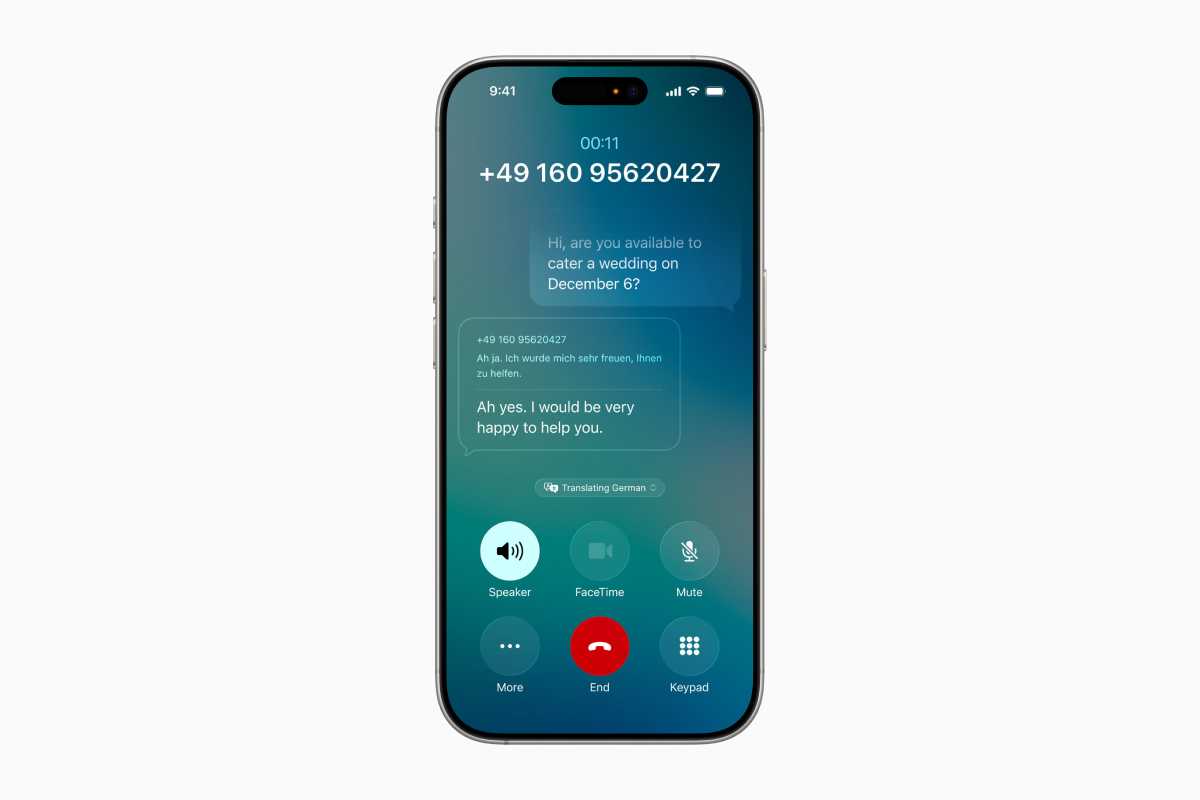

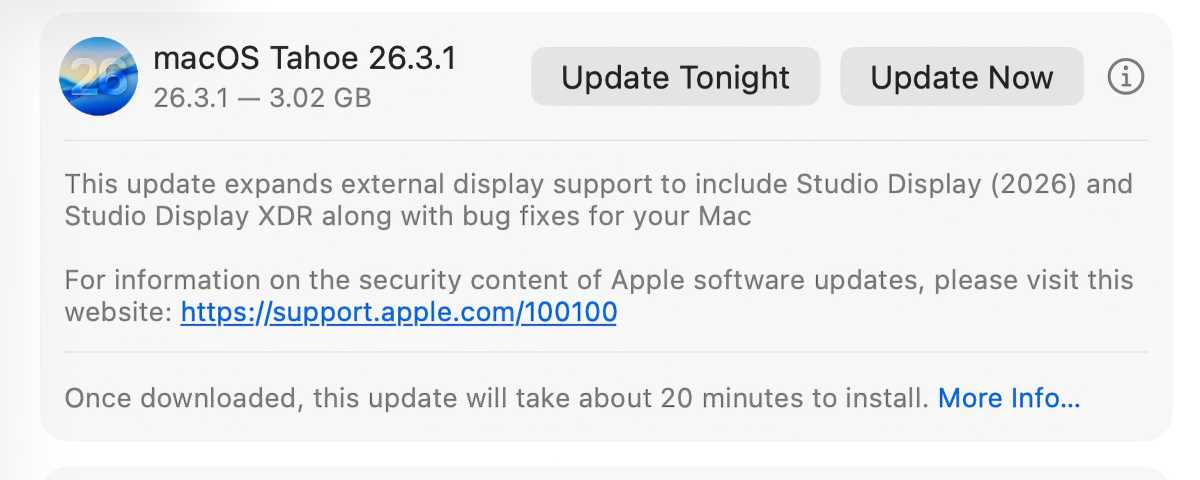

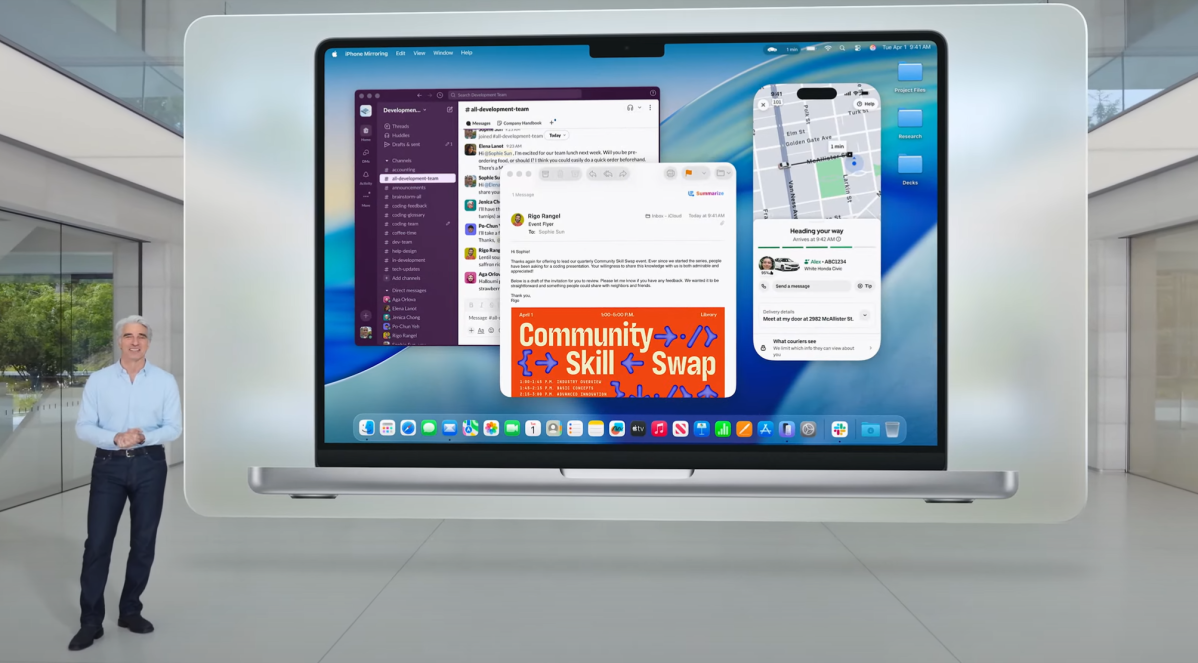
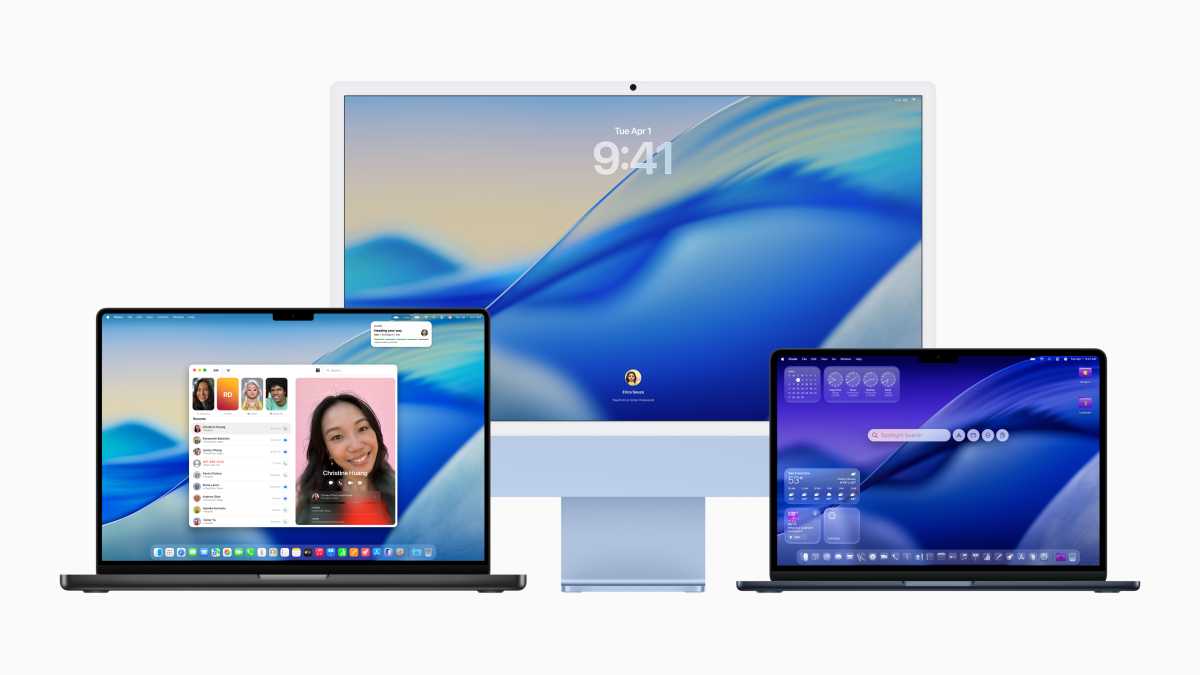
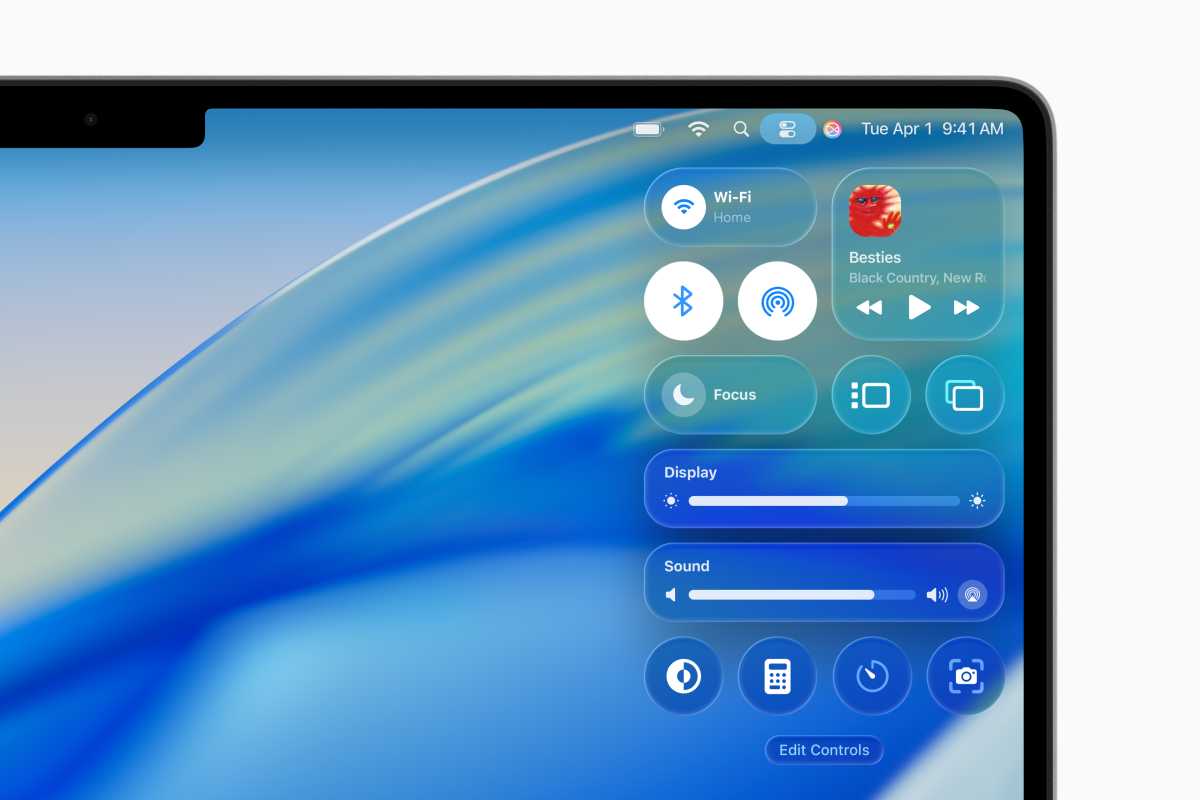


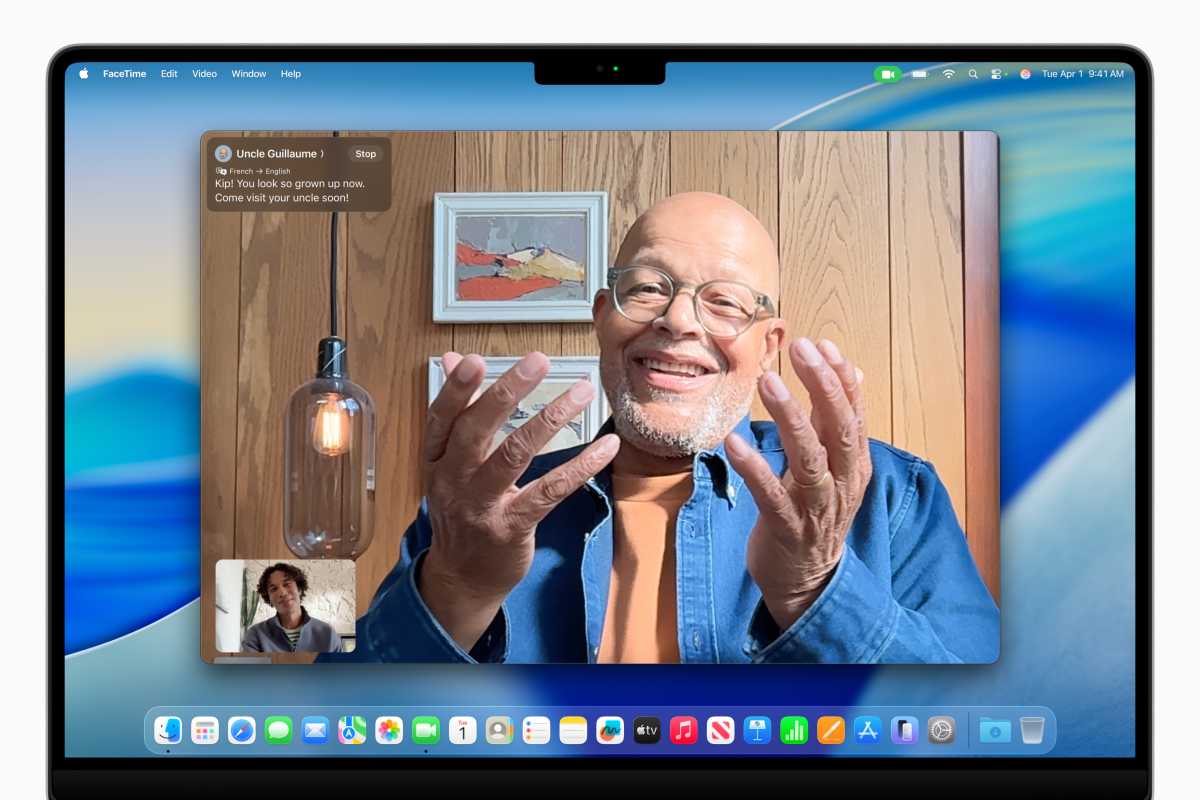


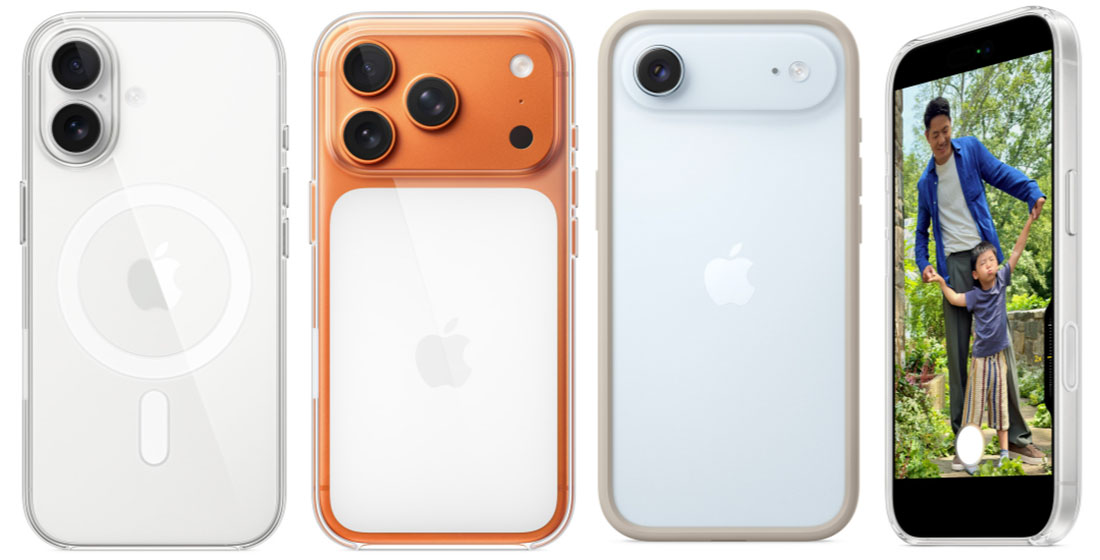
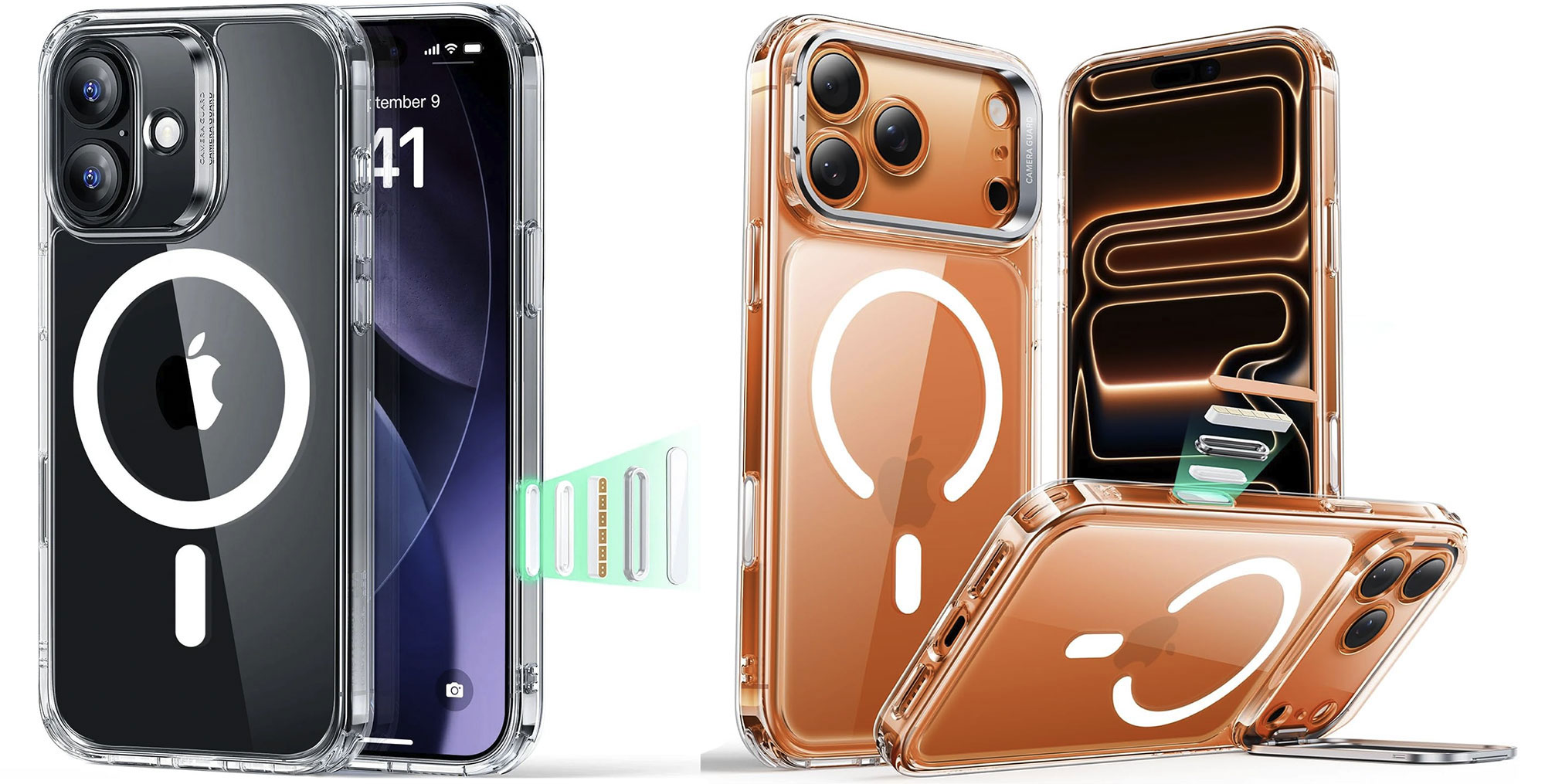
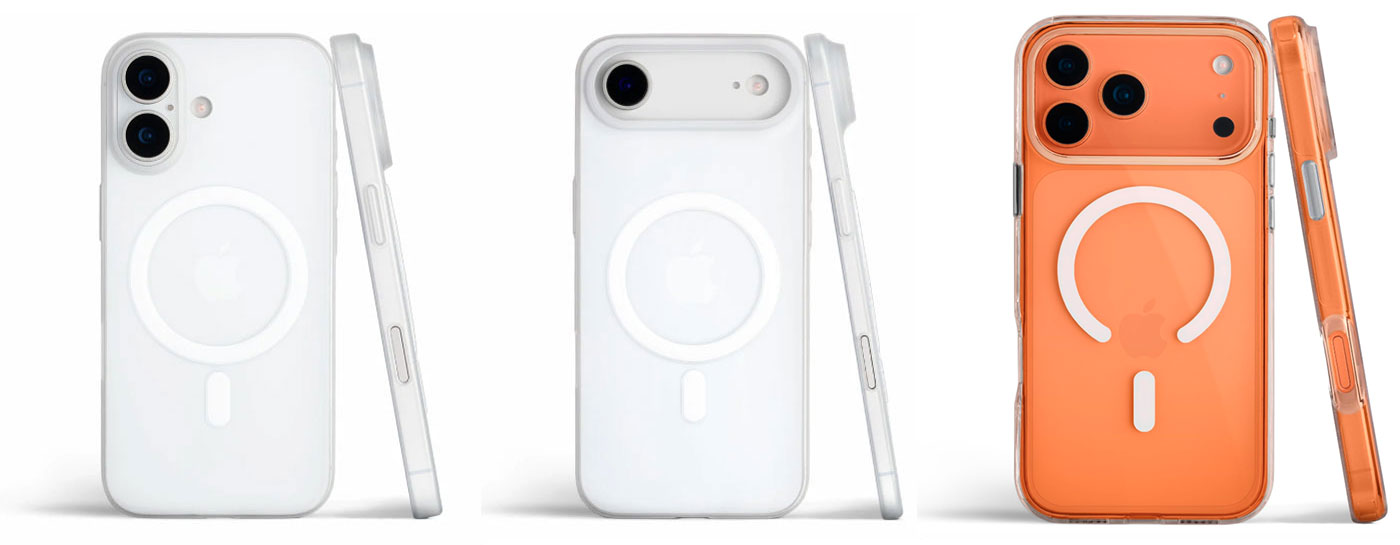


 $49.99










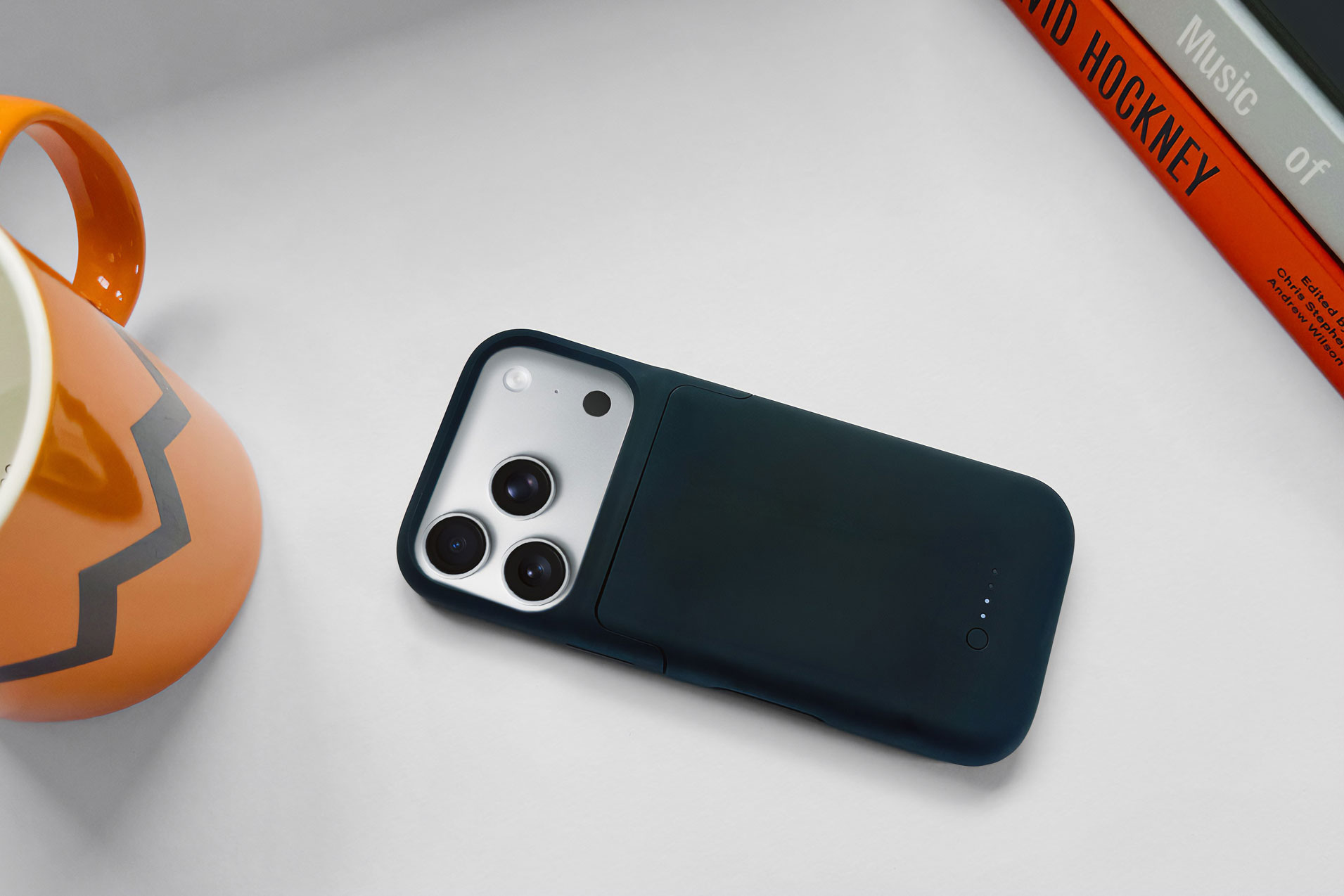
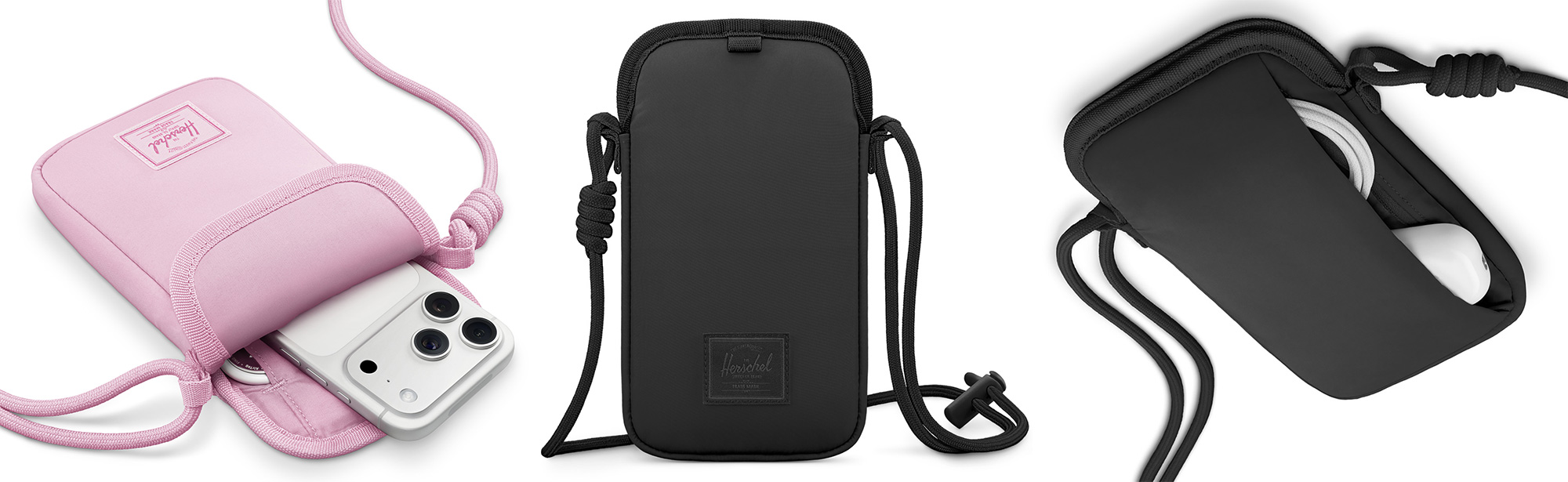


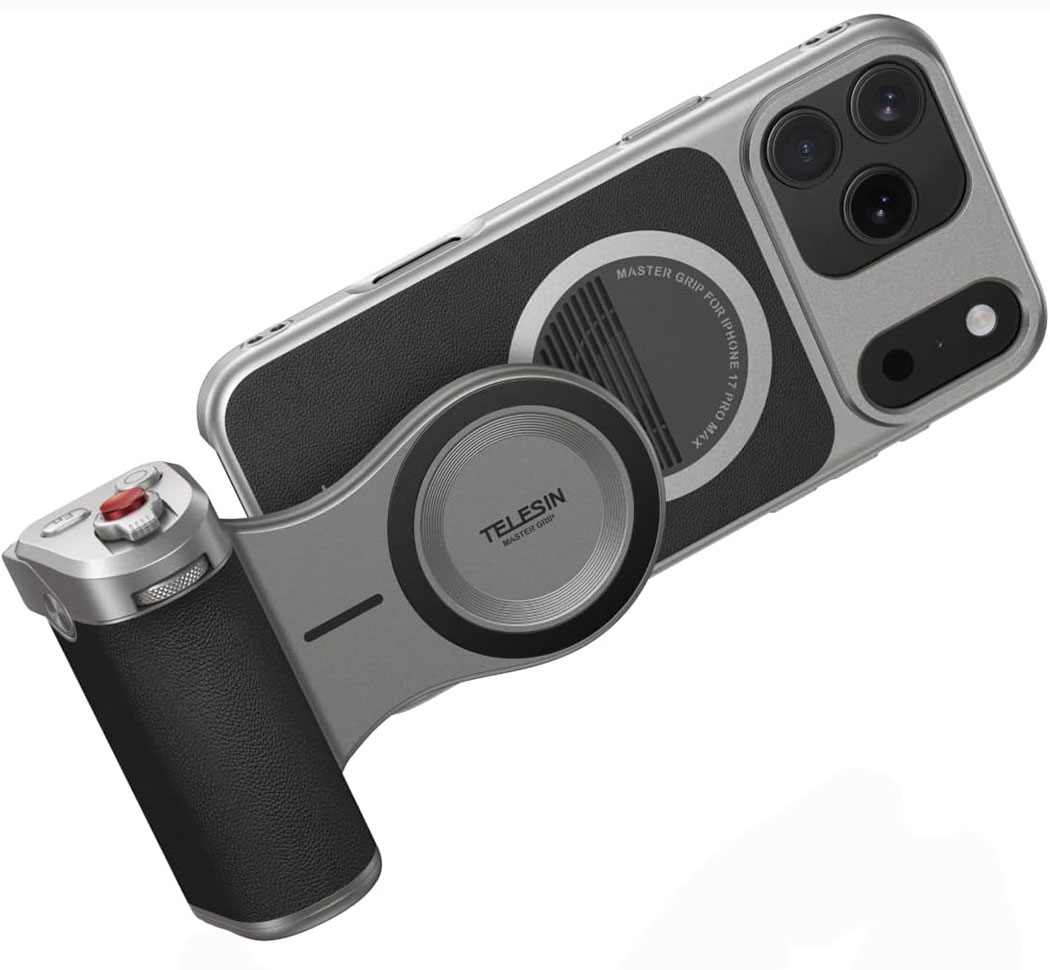





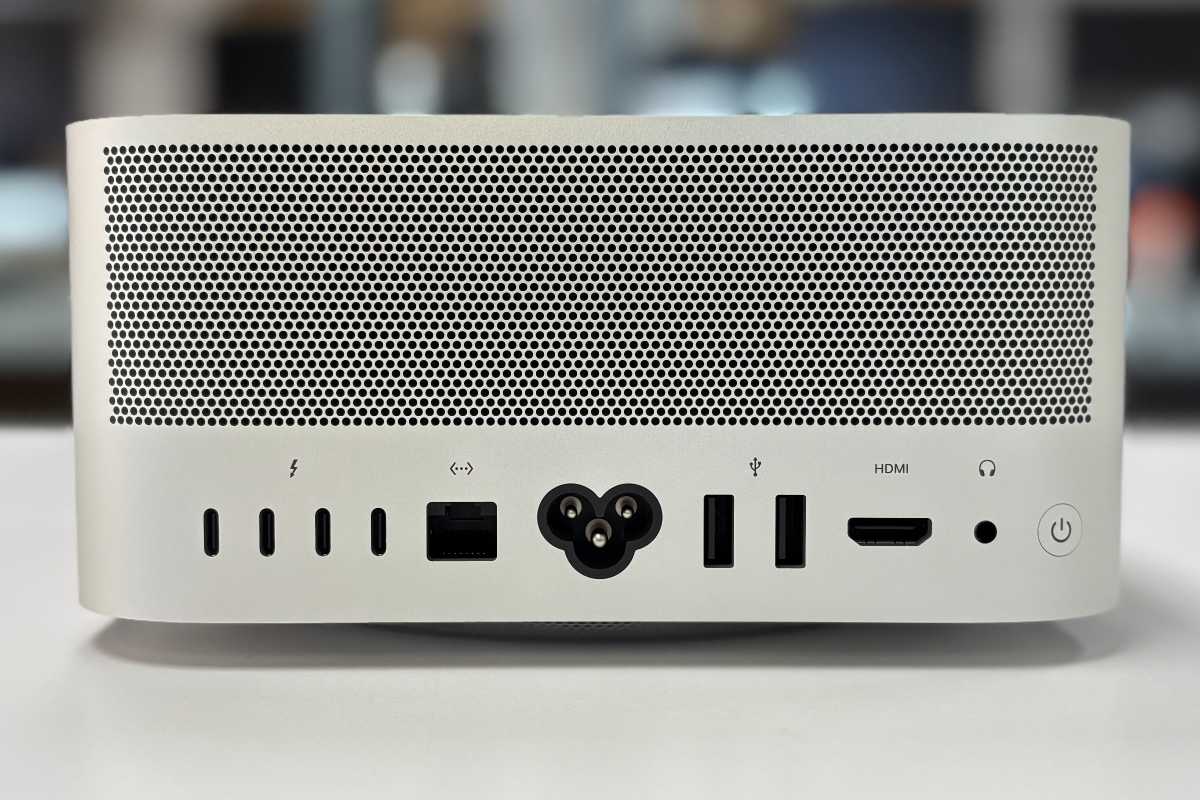


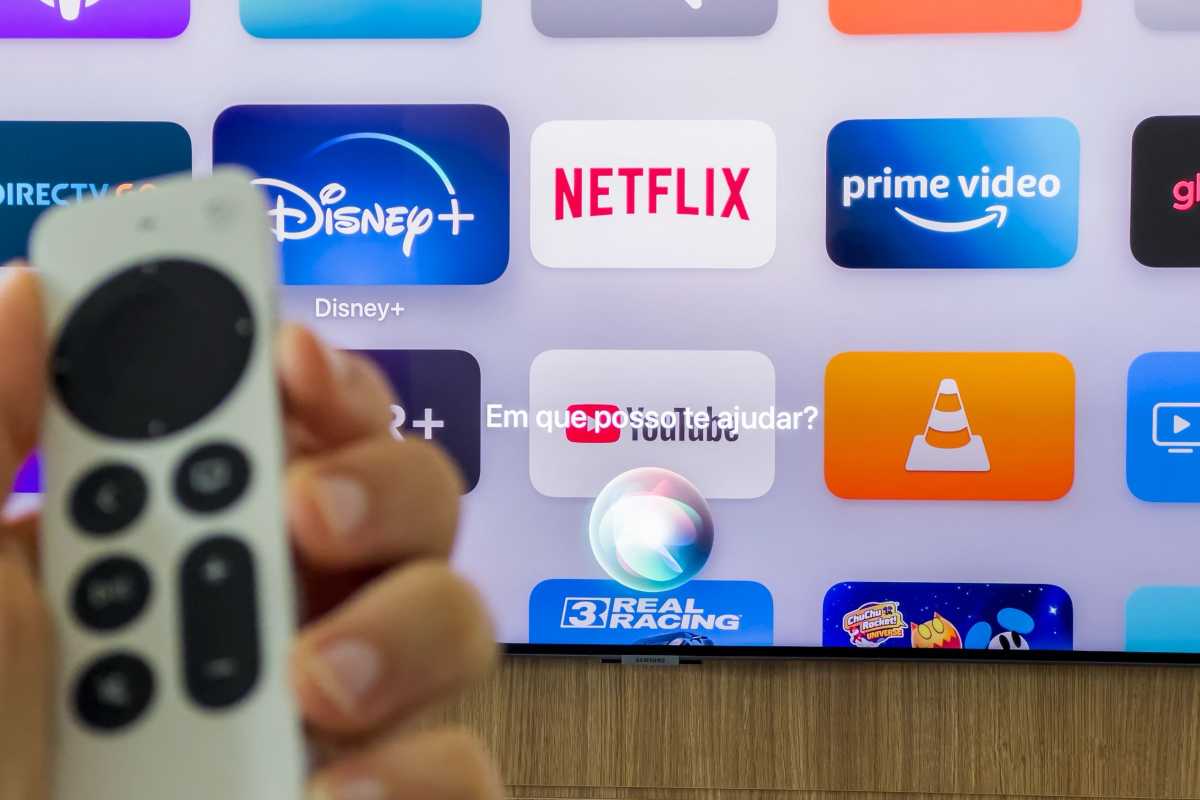
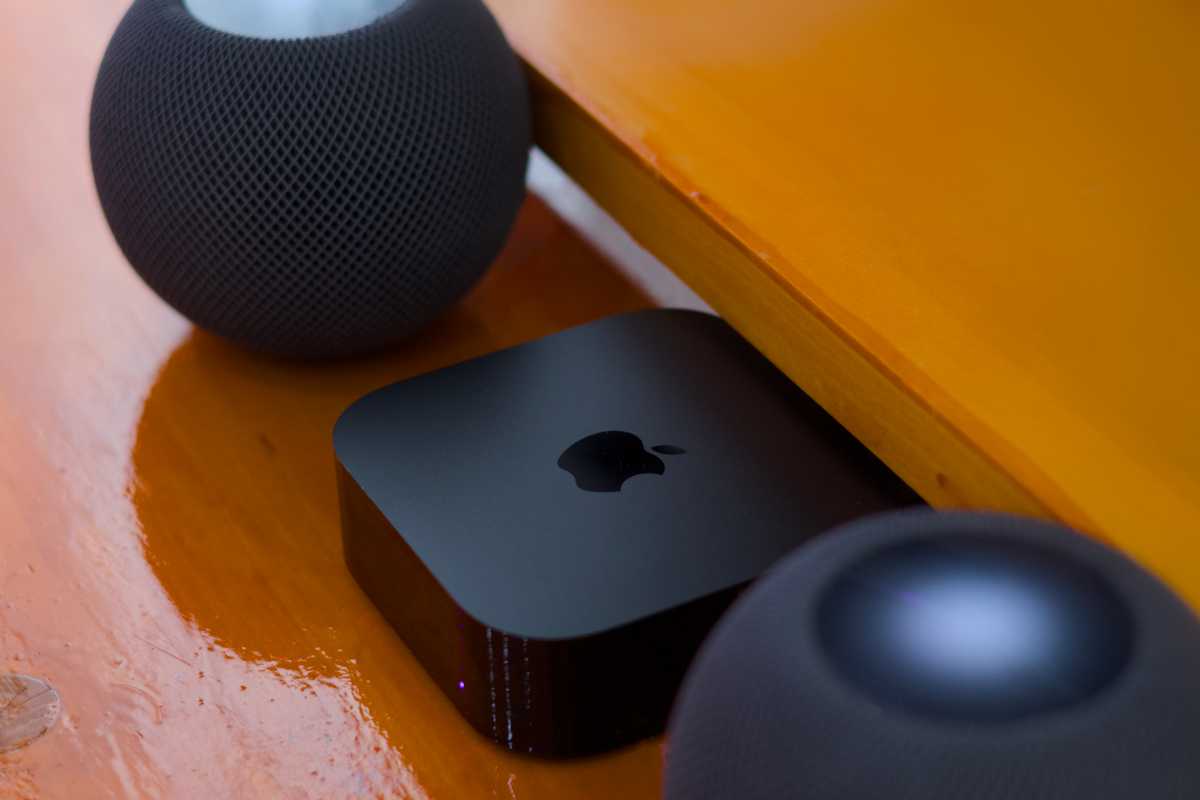

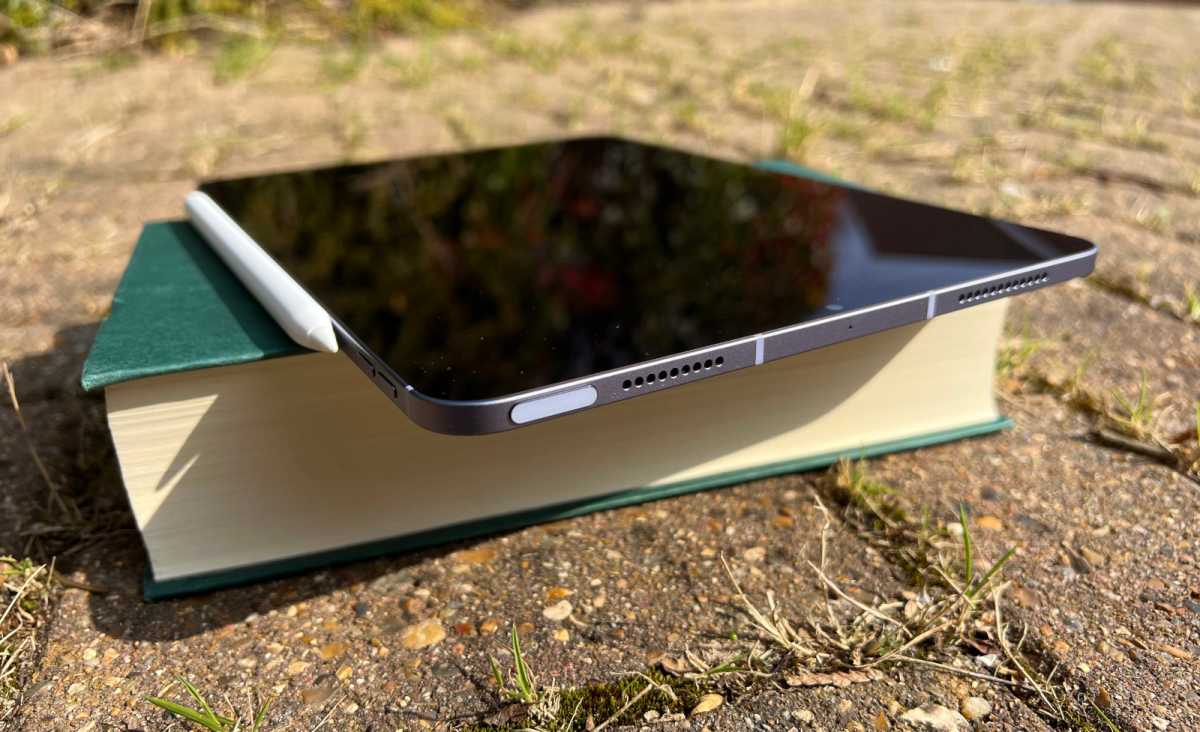
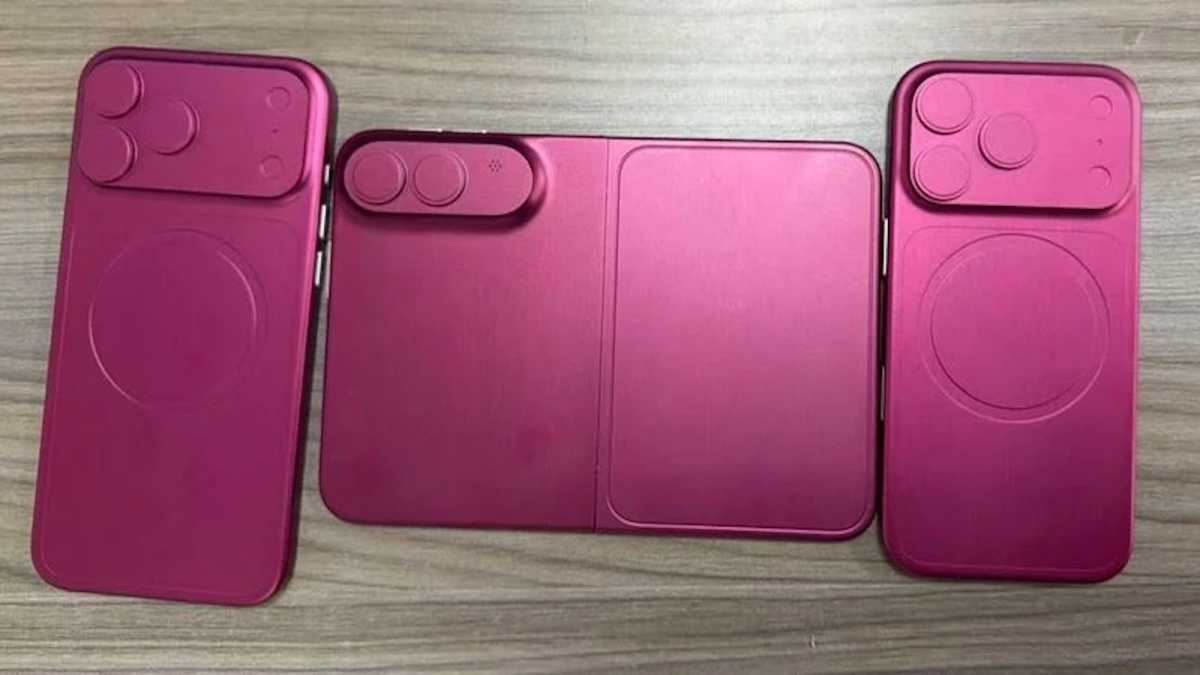
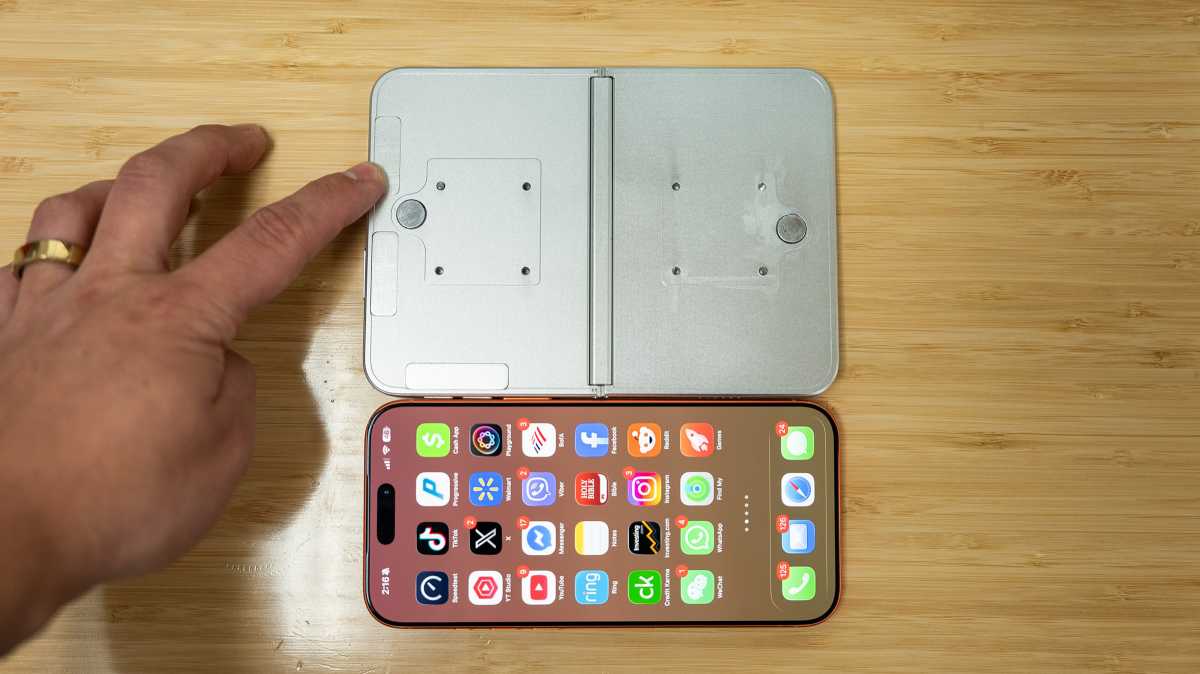
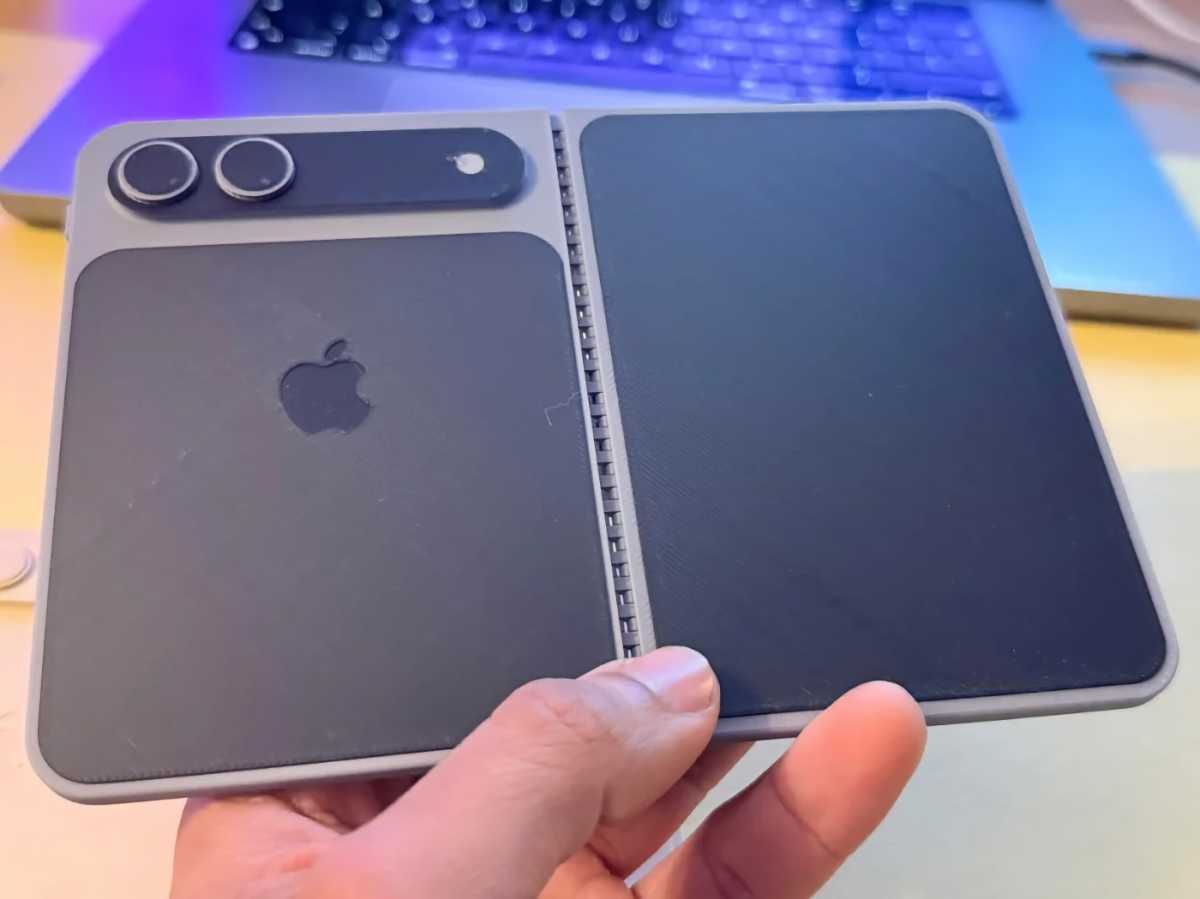

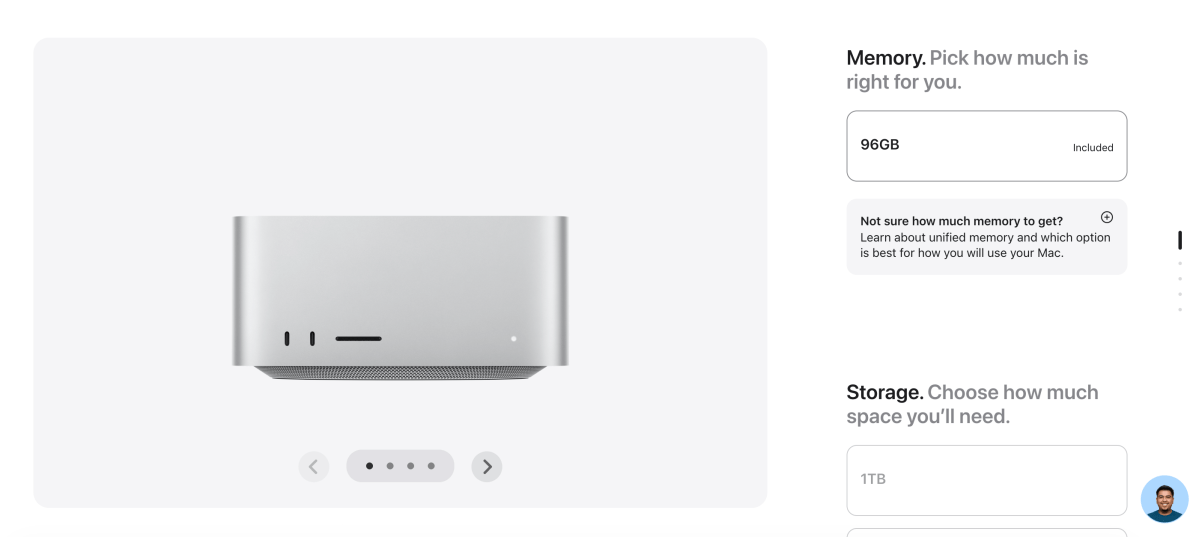


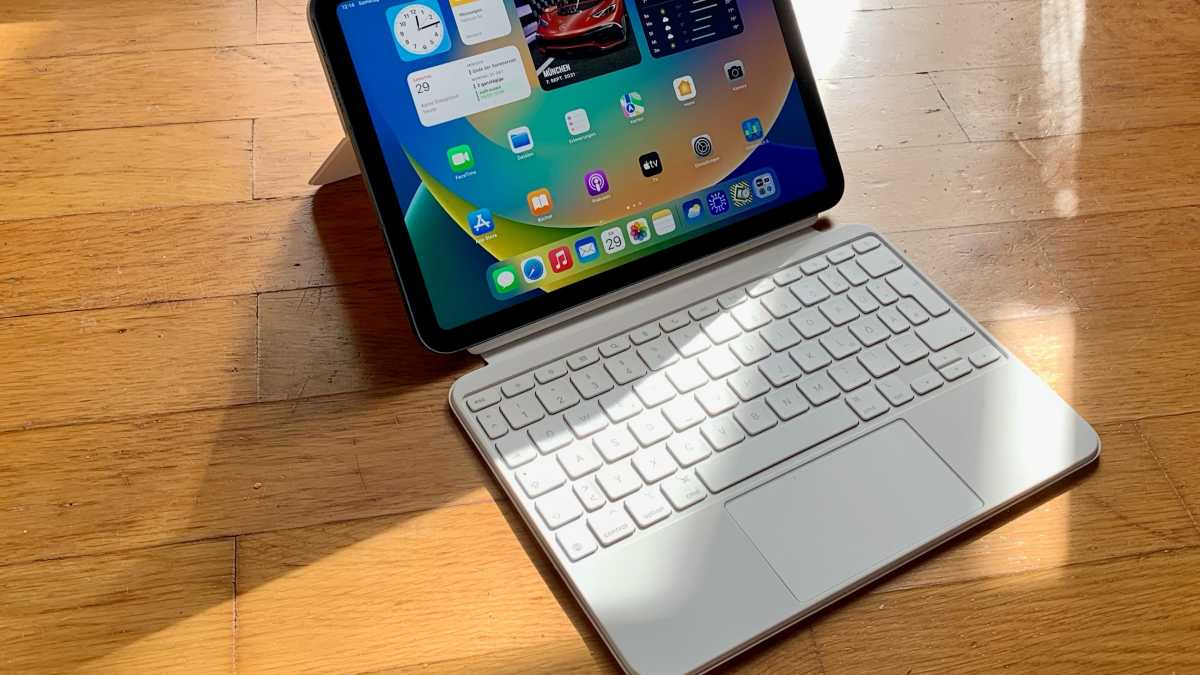












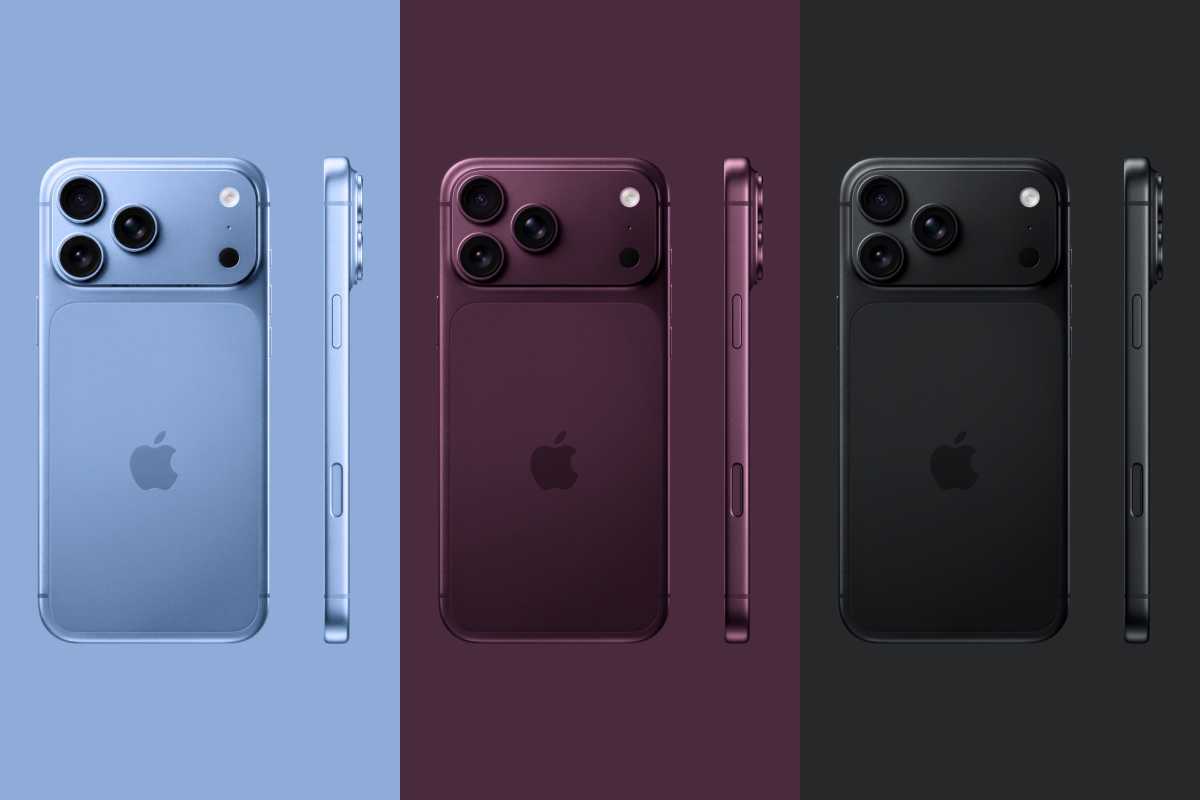
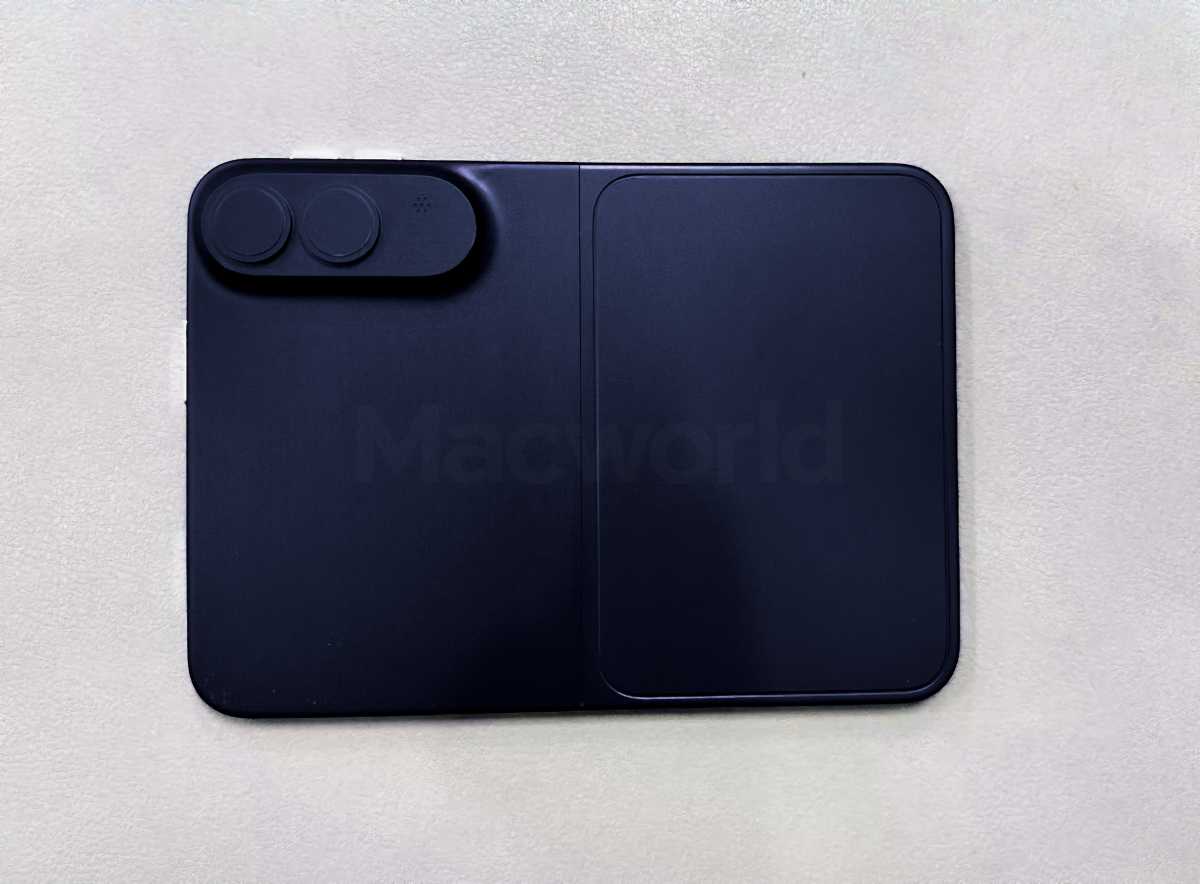


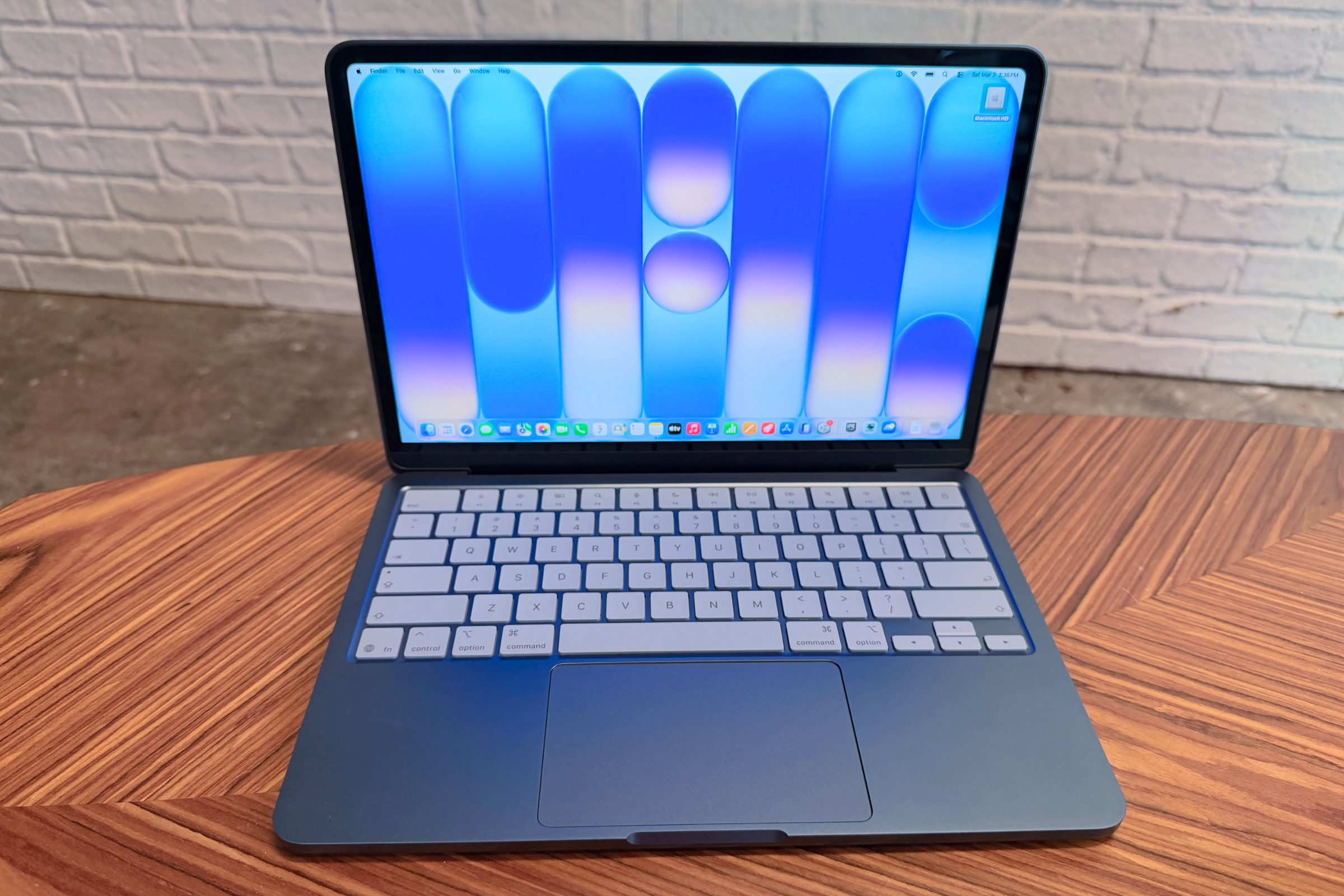

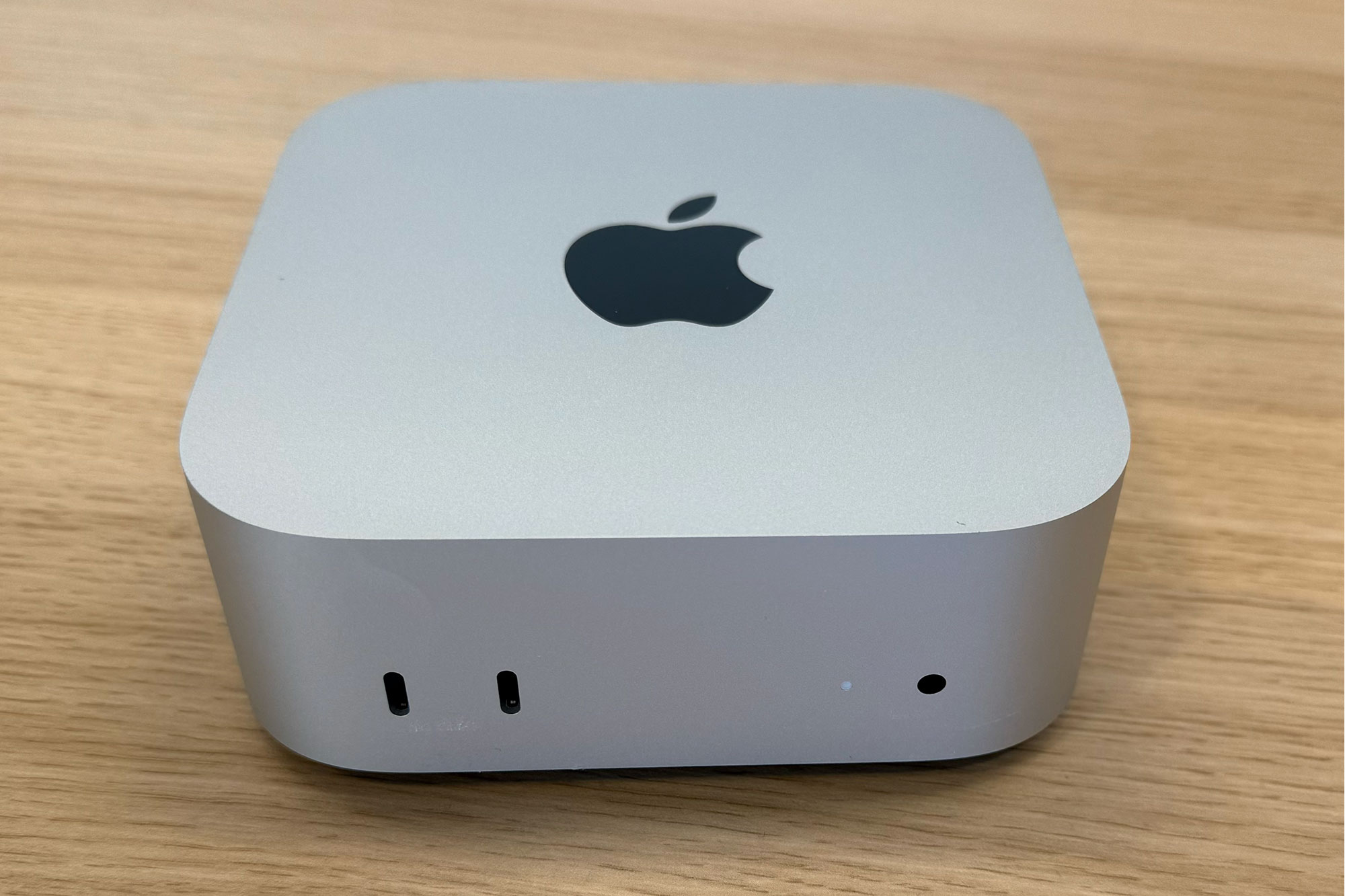


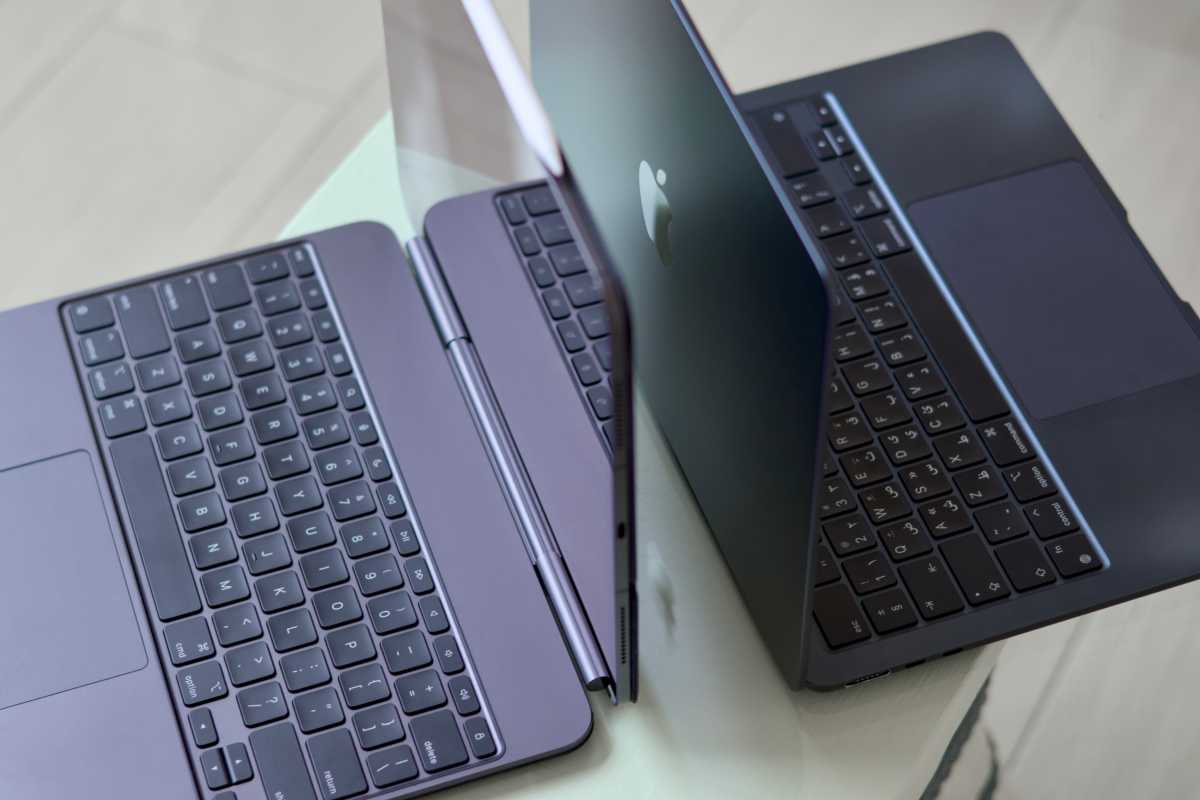
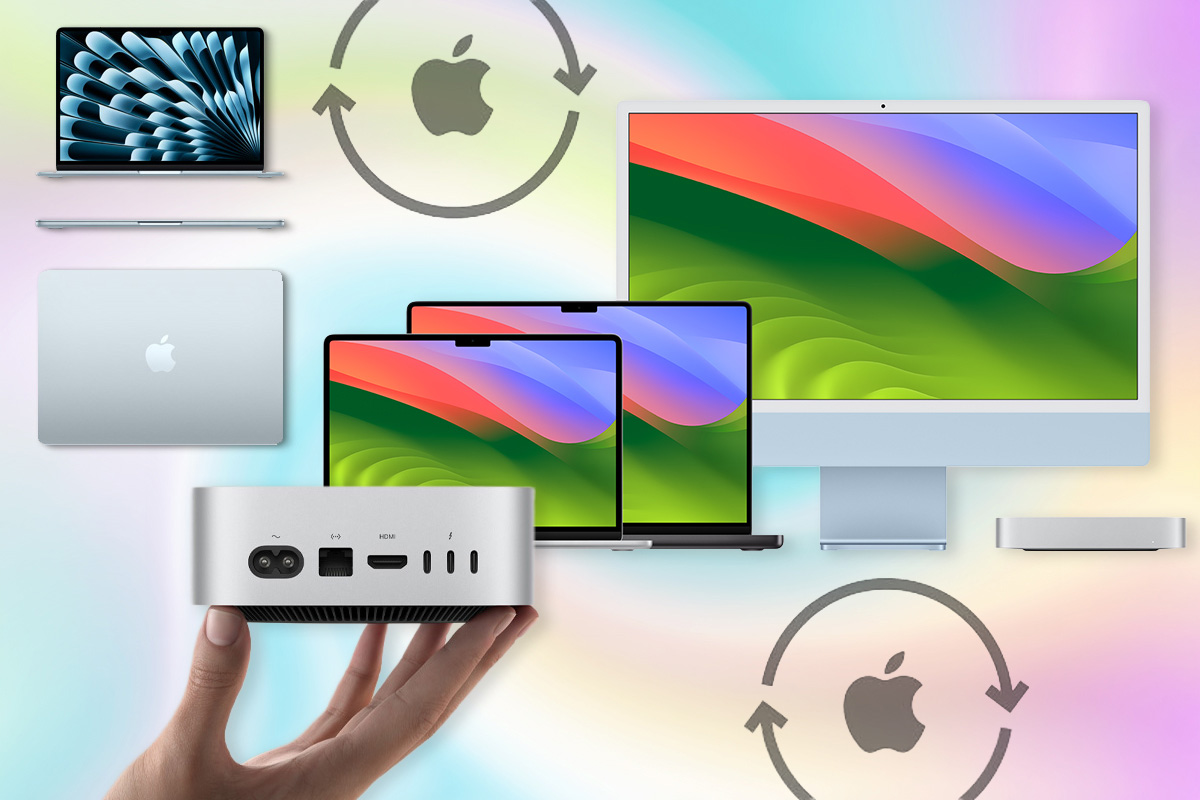


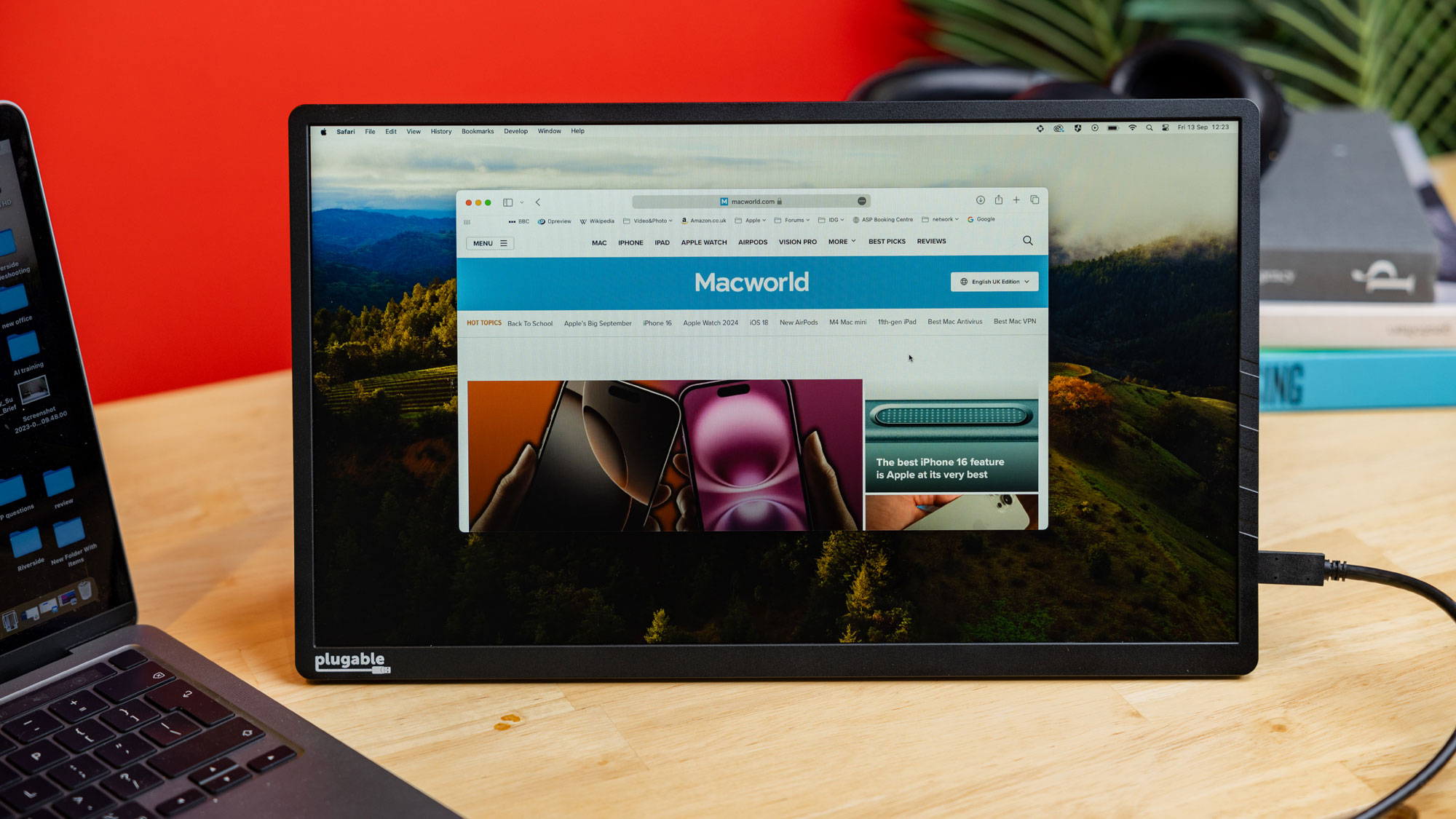
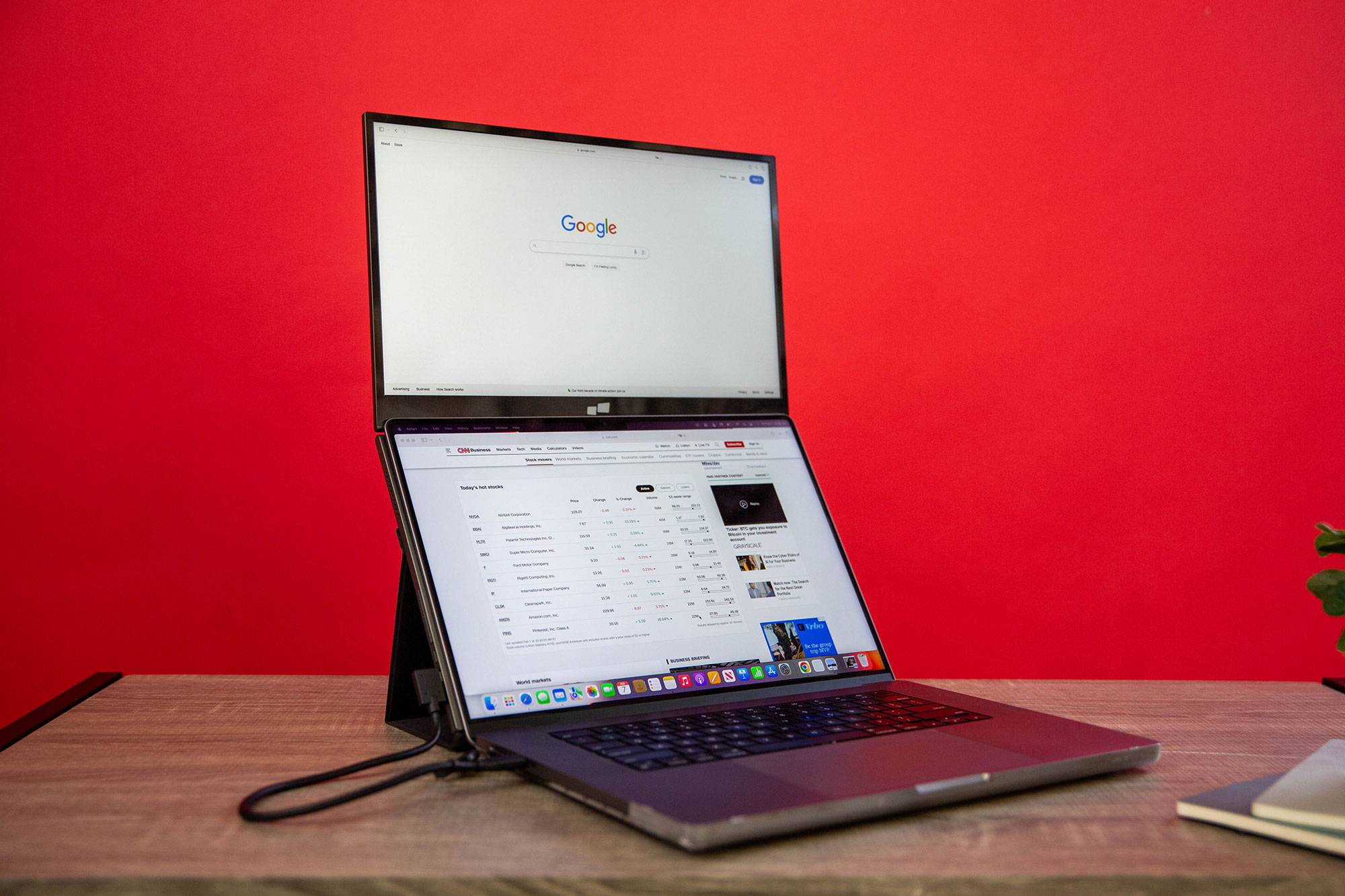
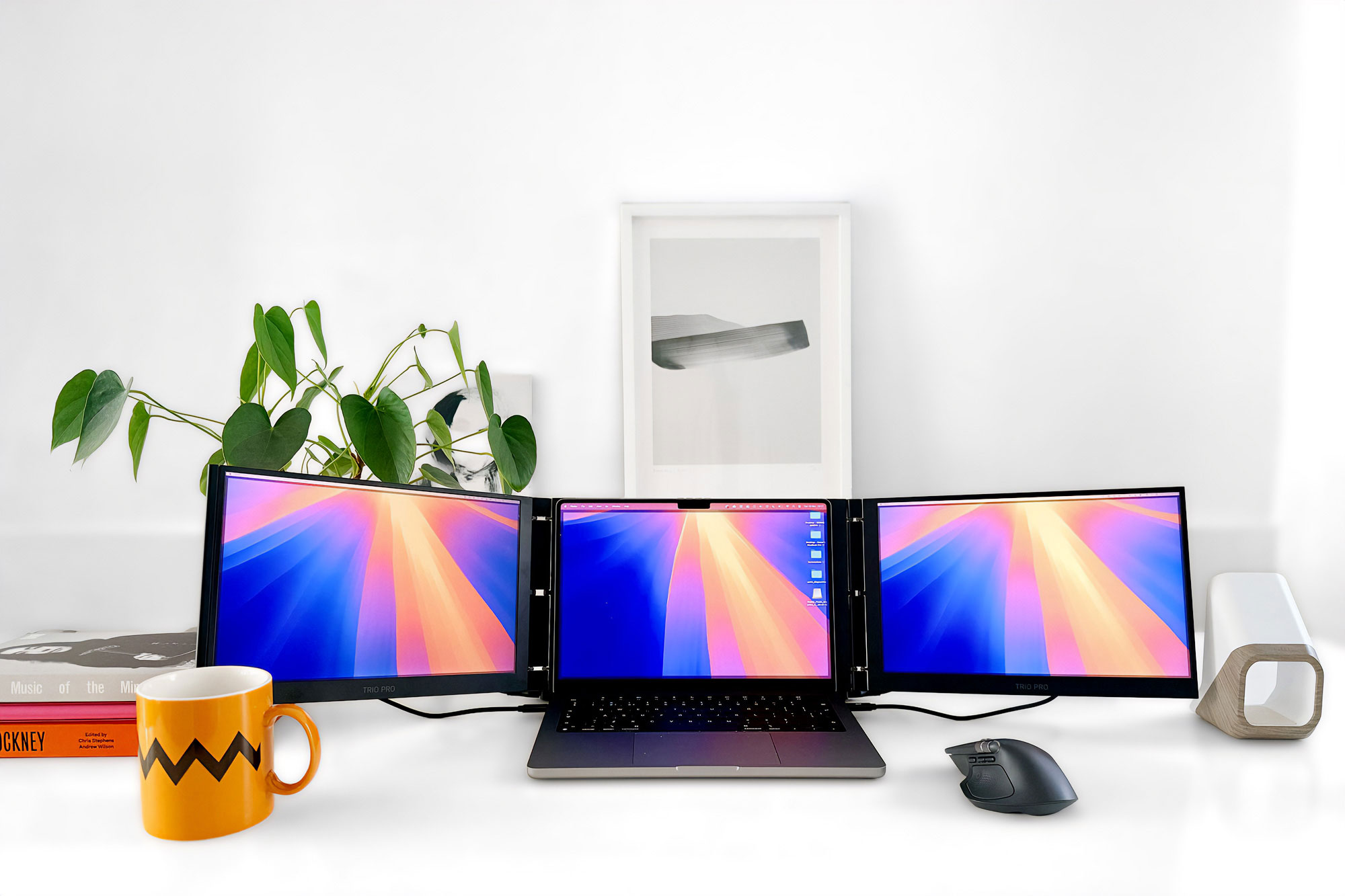
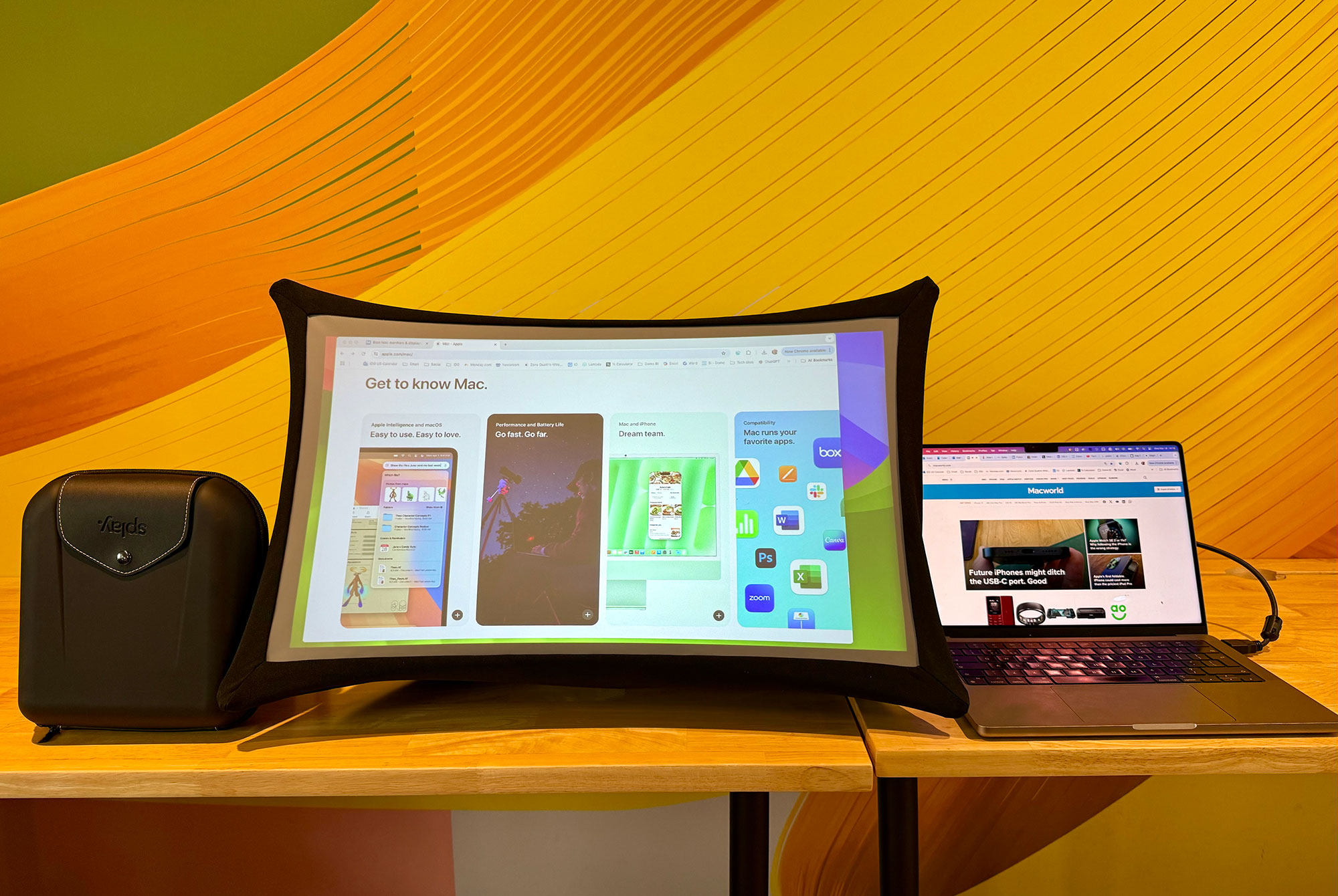
 $1499
$1499


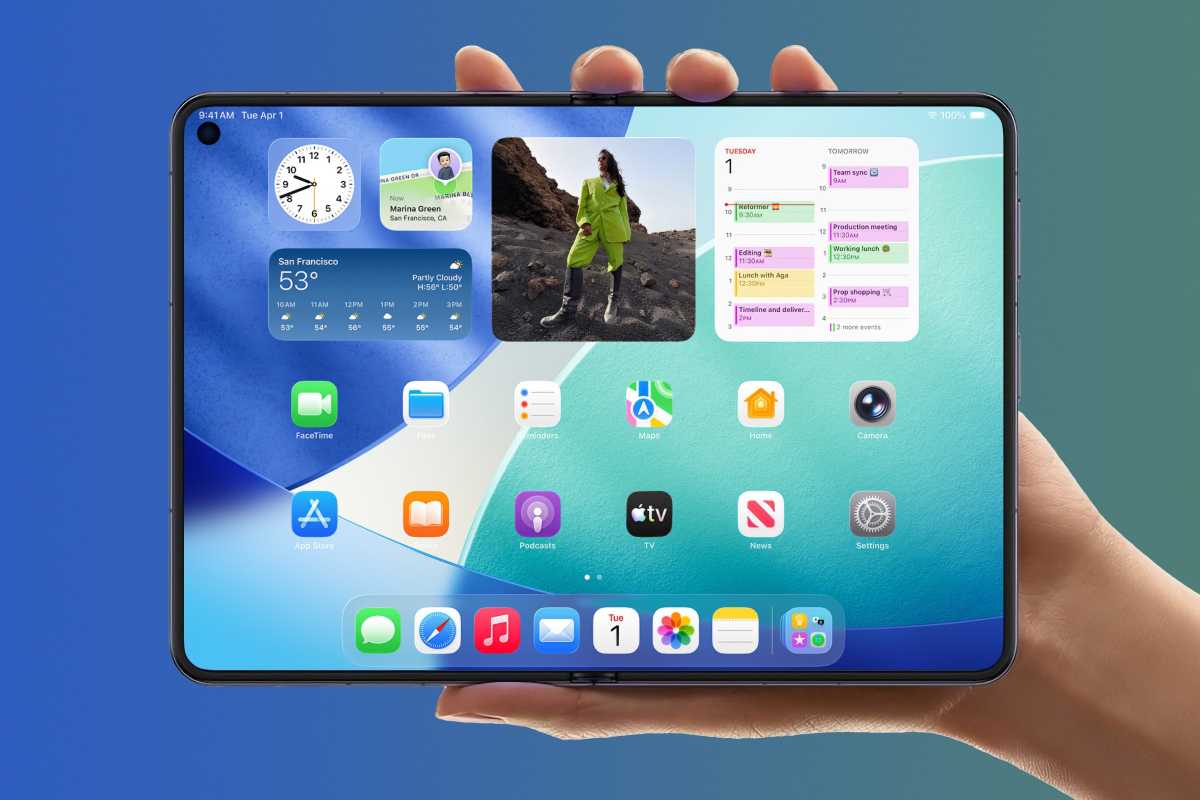
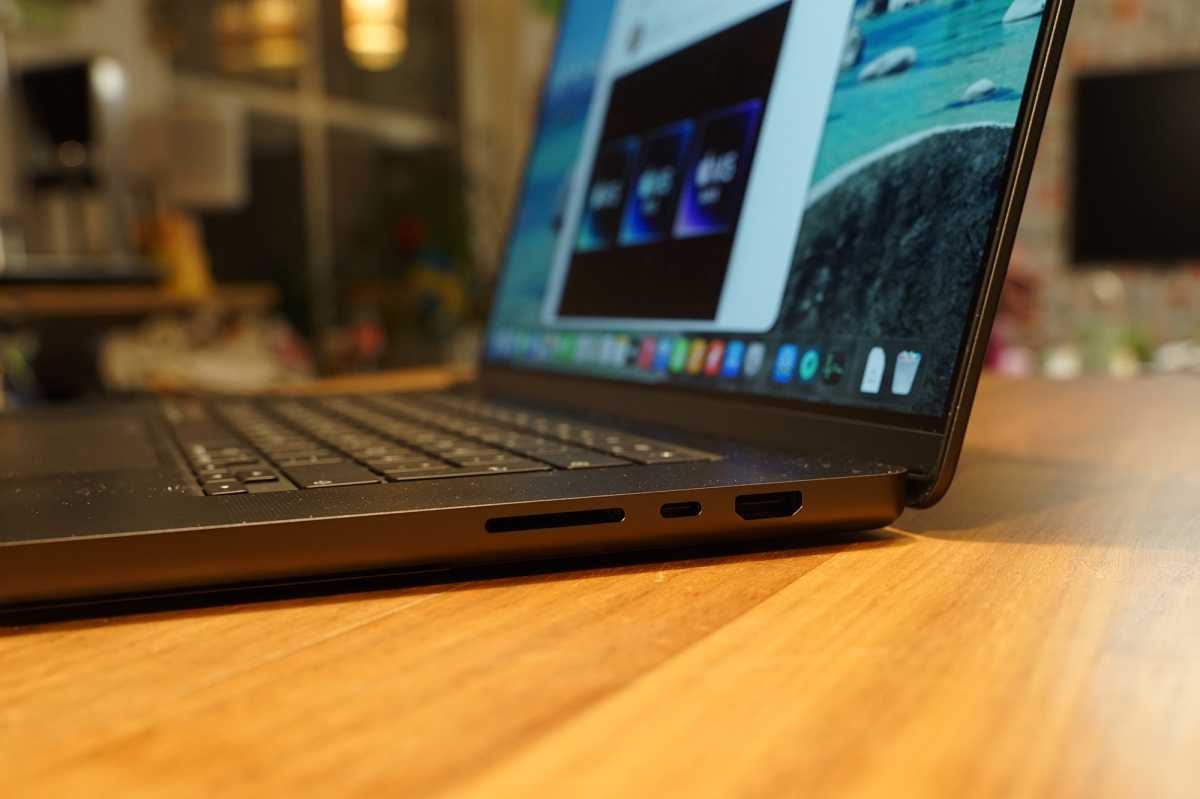

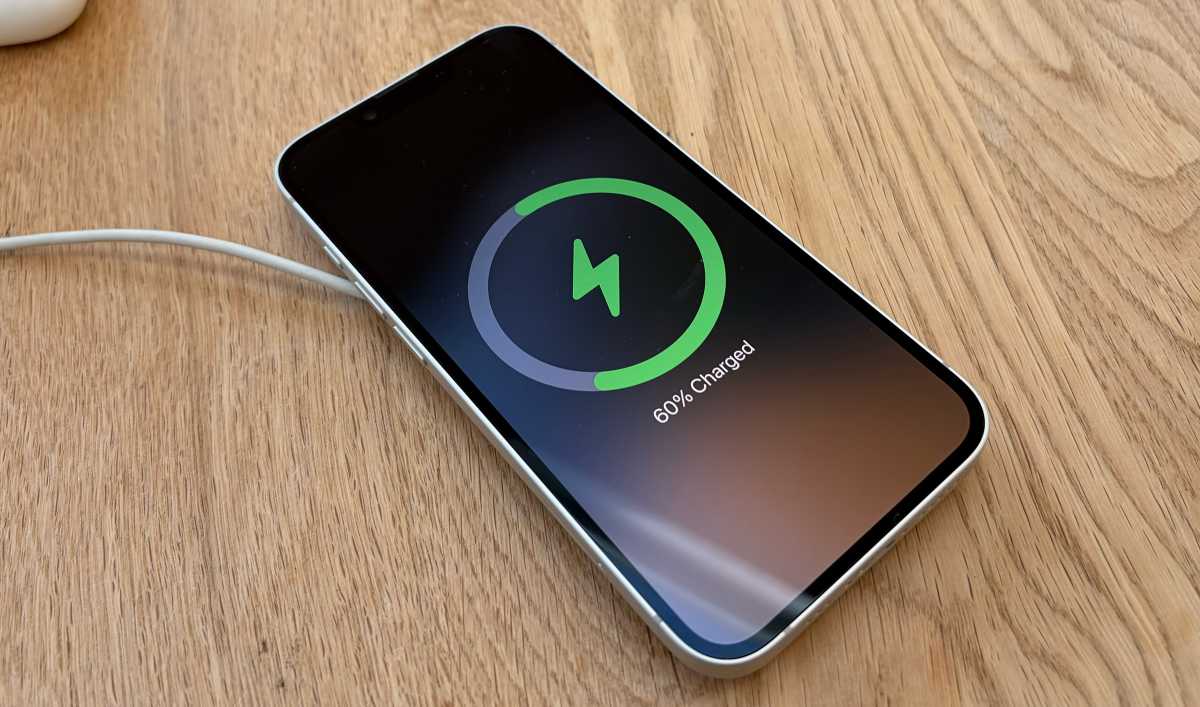

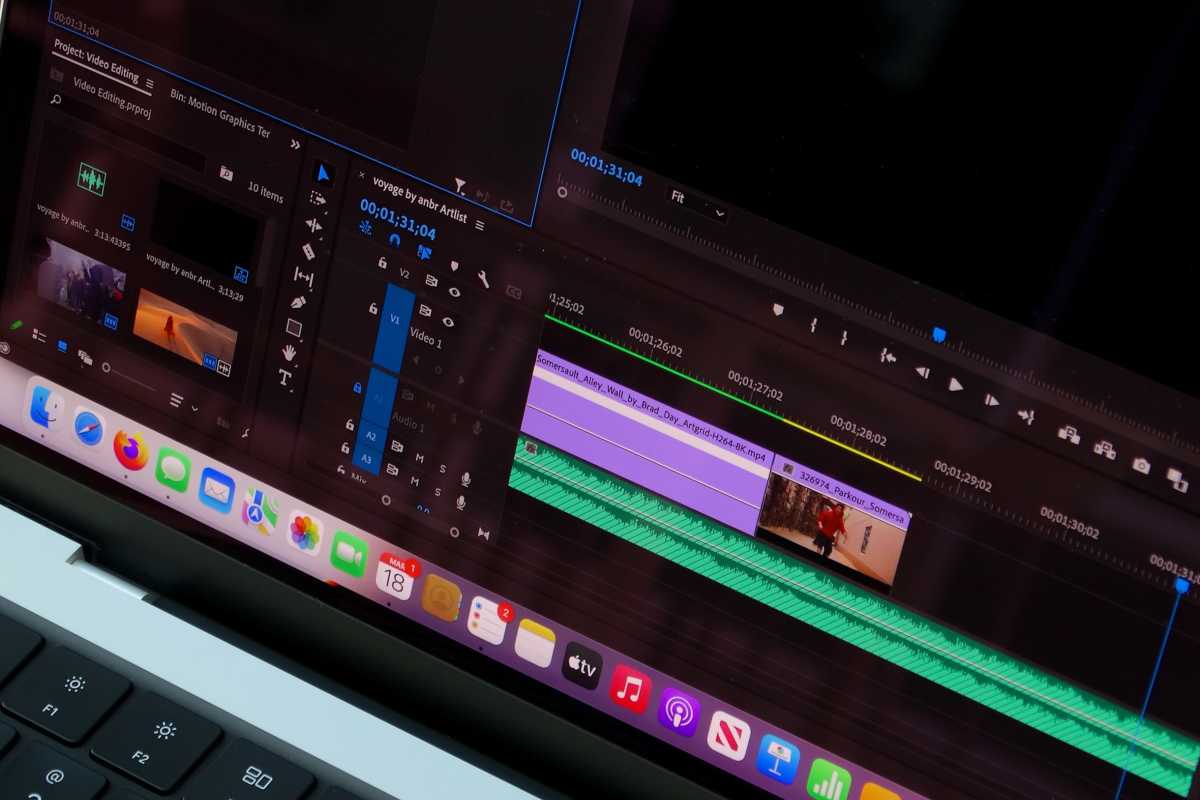
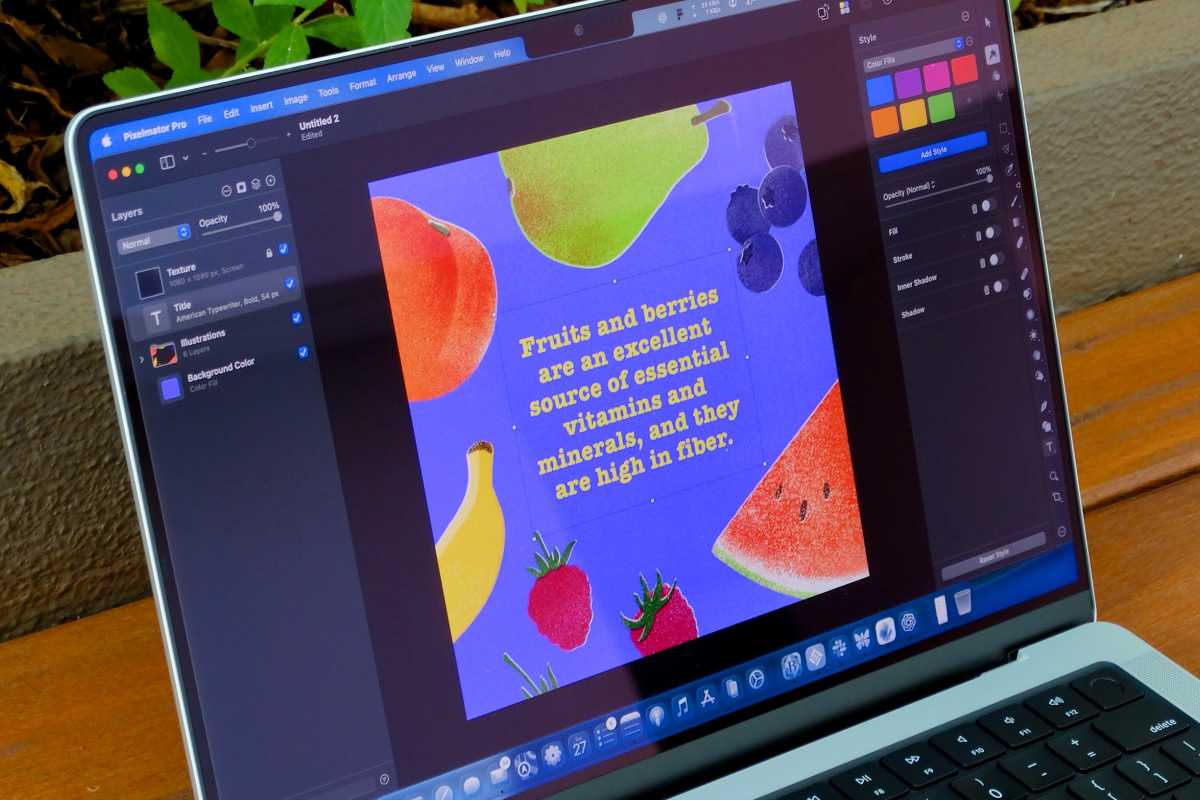
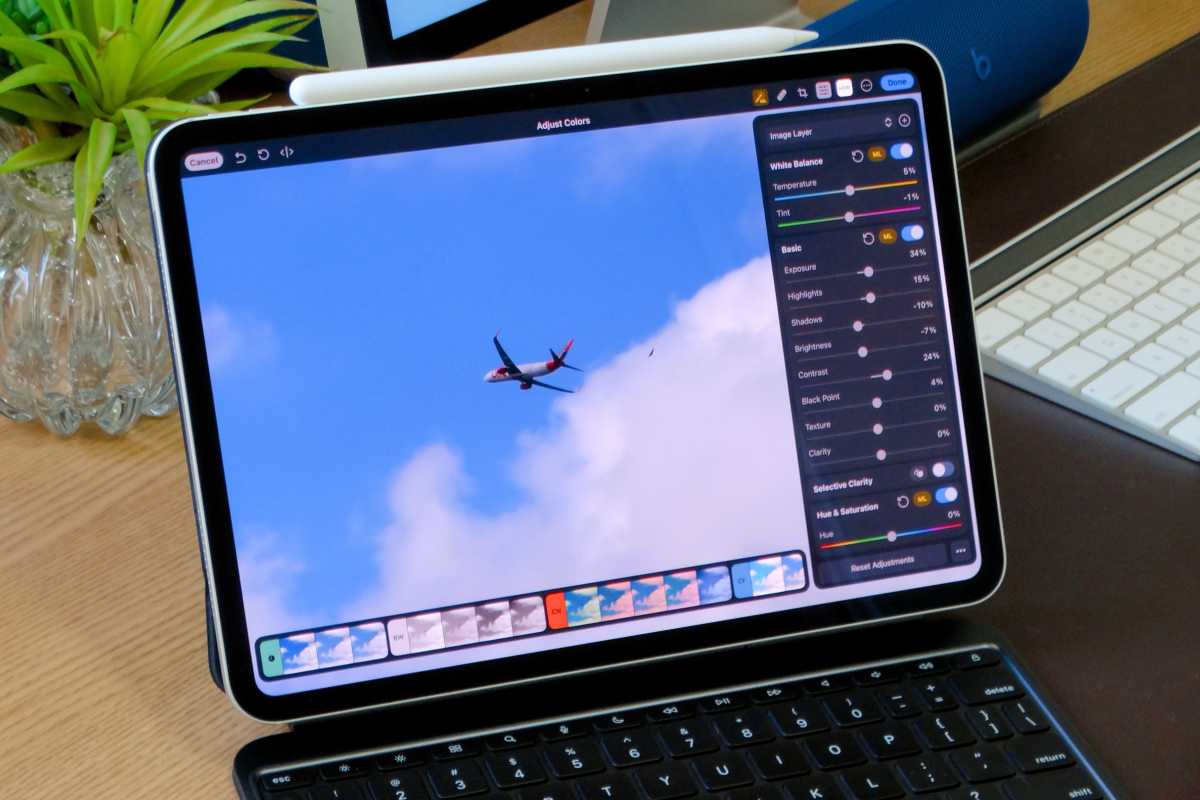



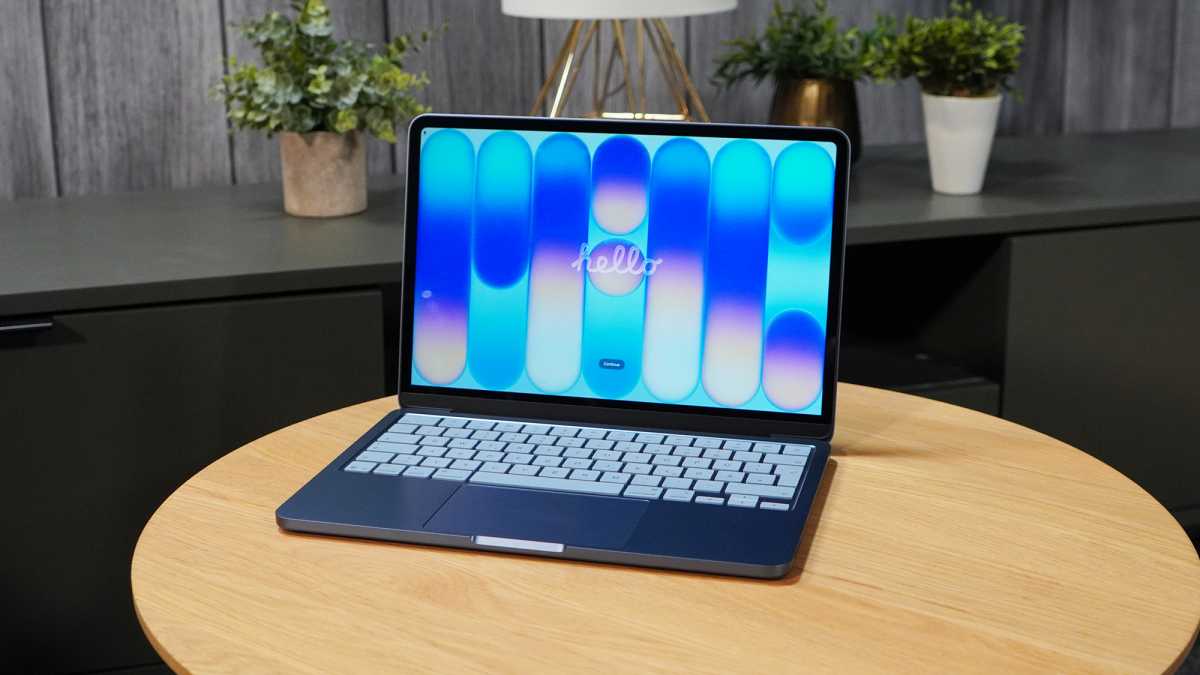




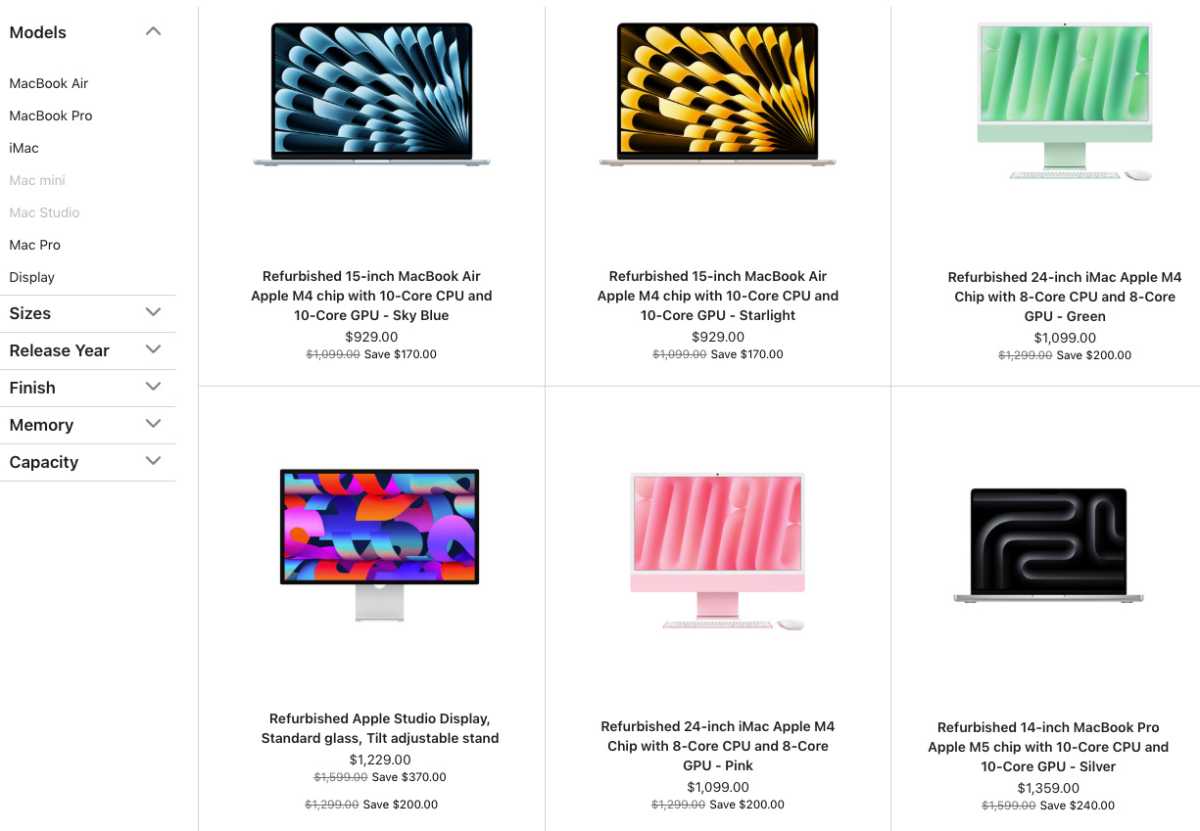




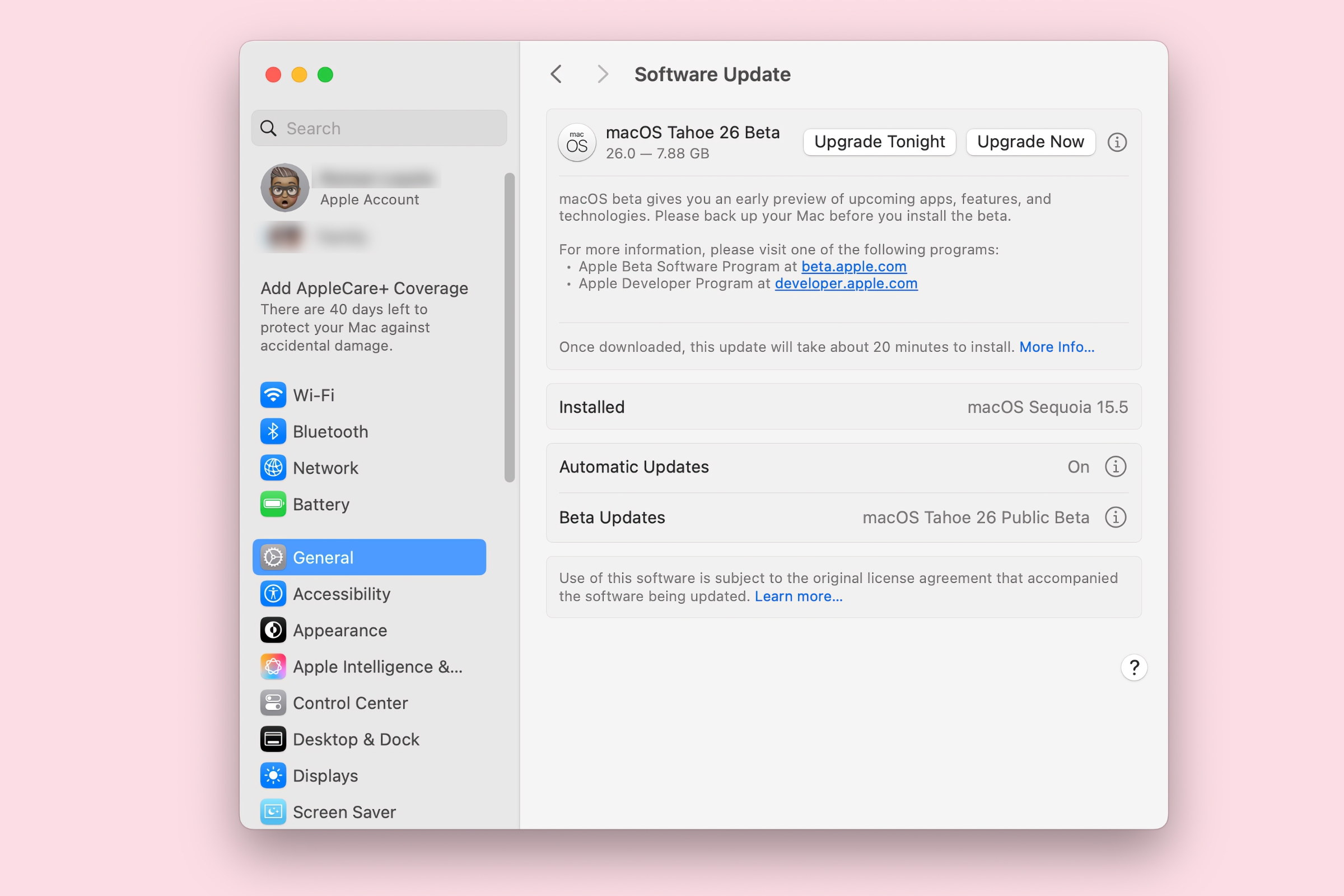
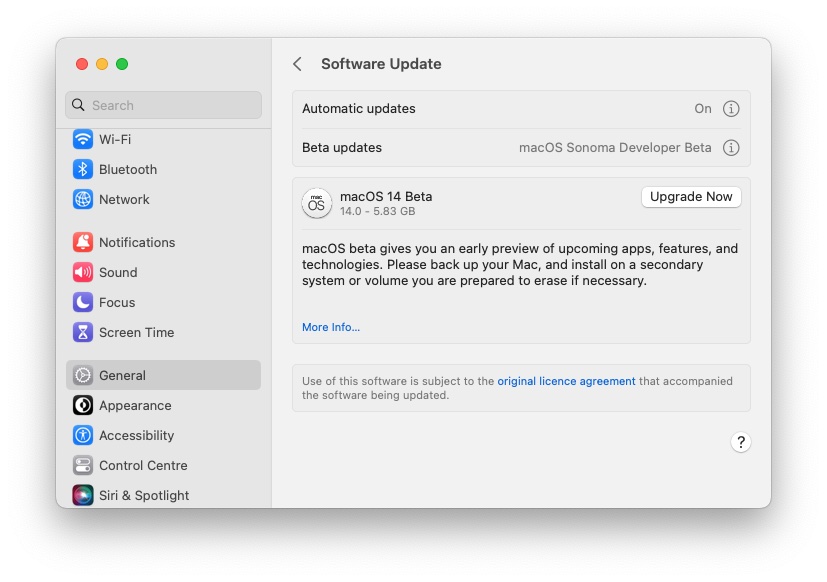
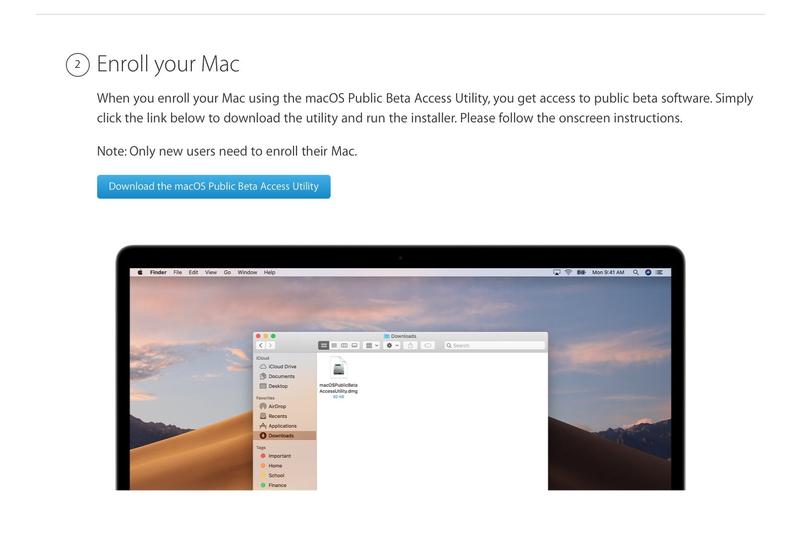
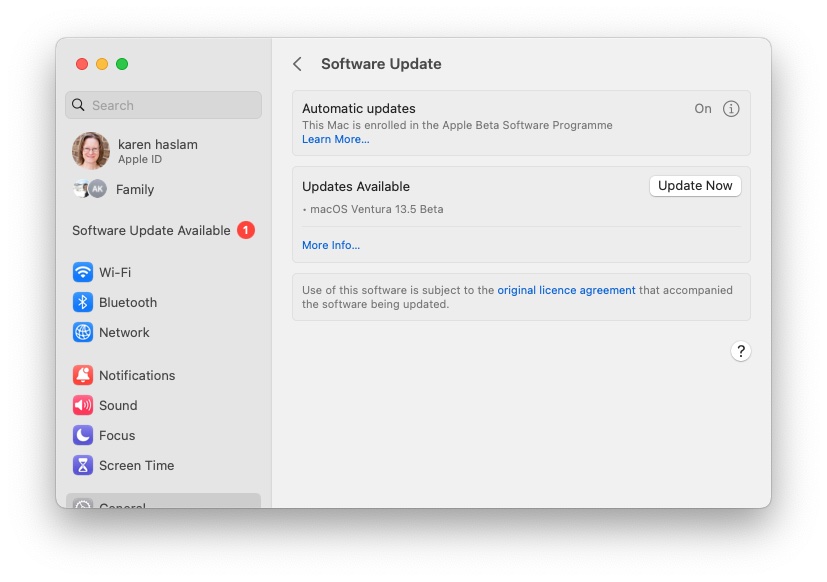
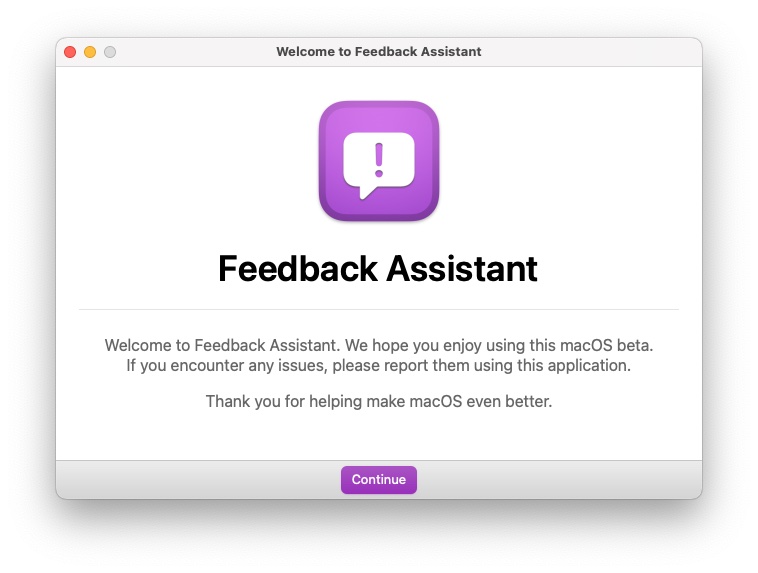






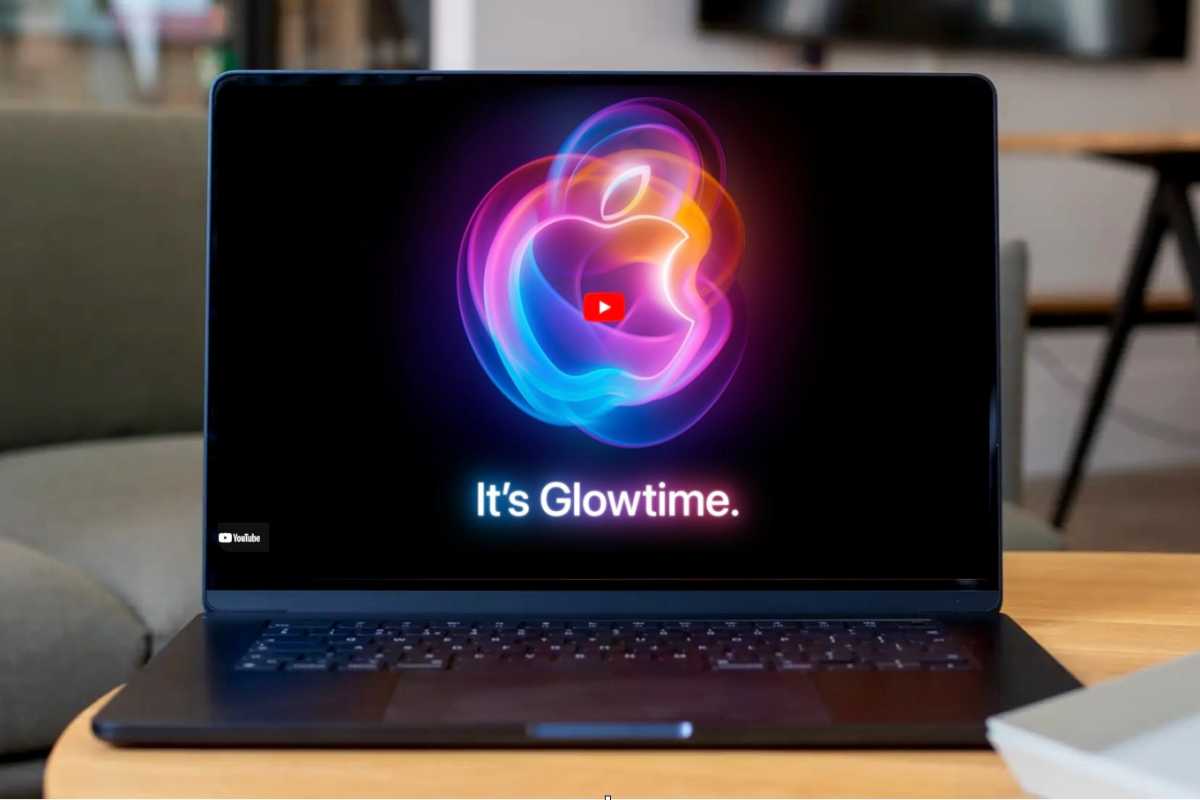

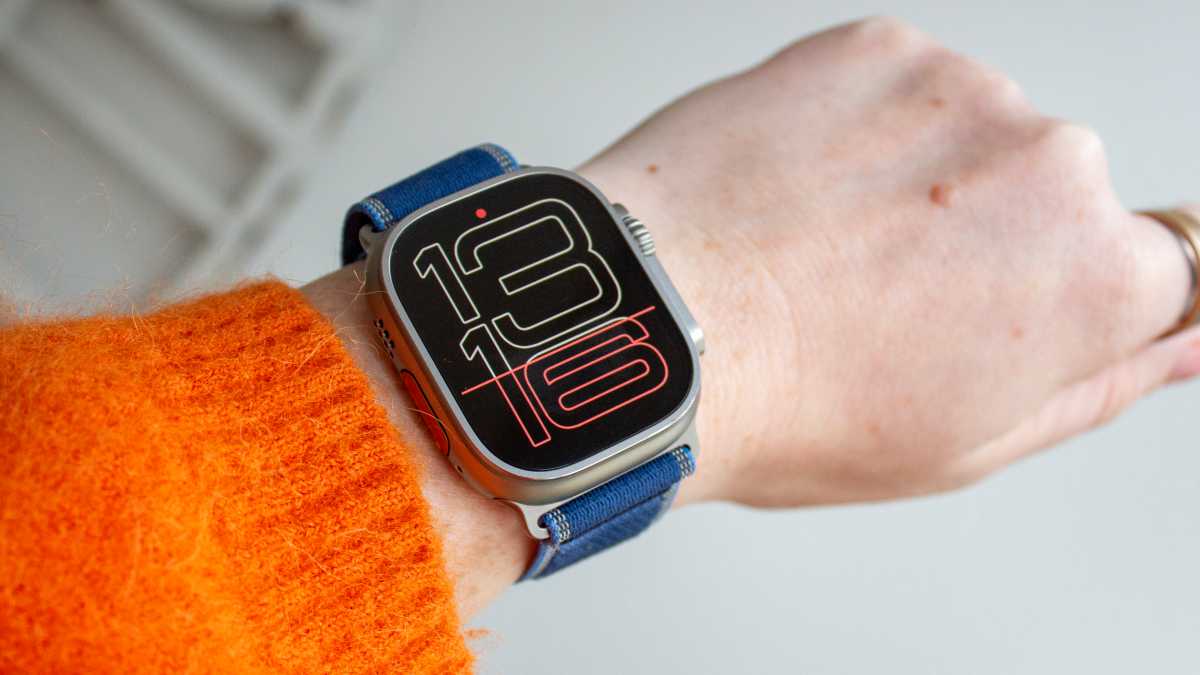
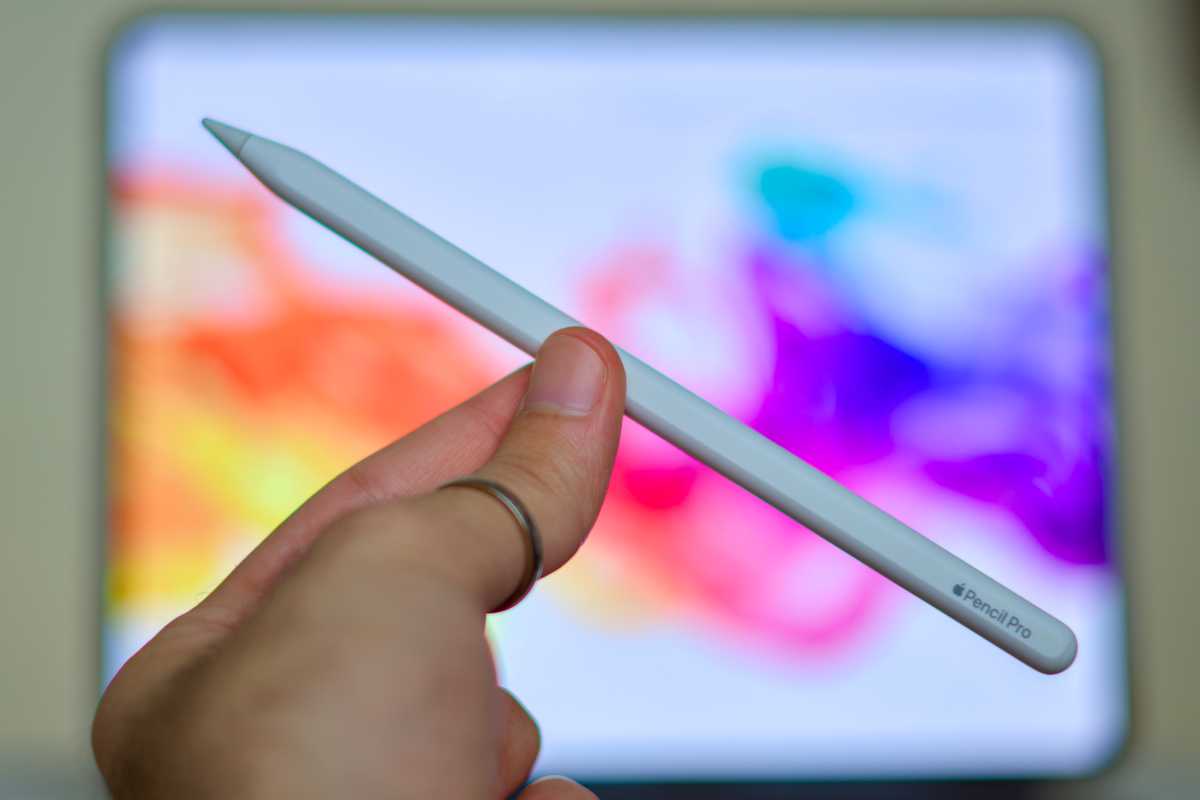

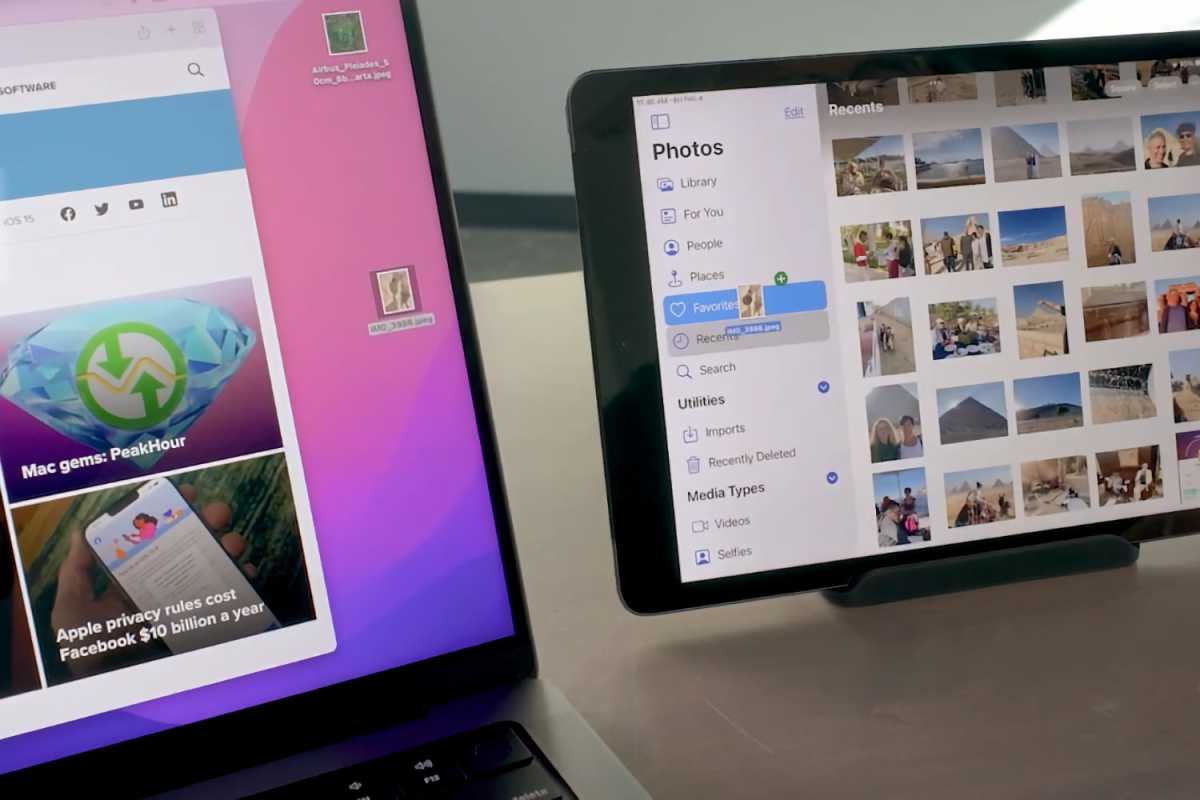



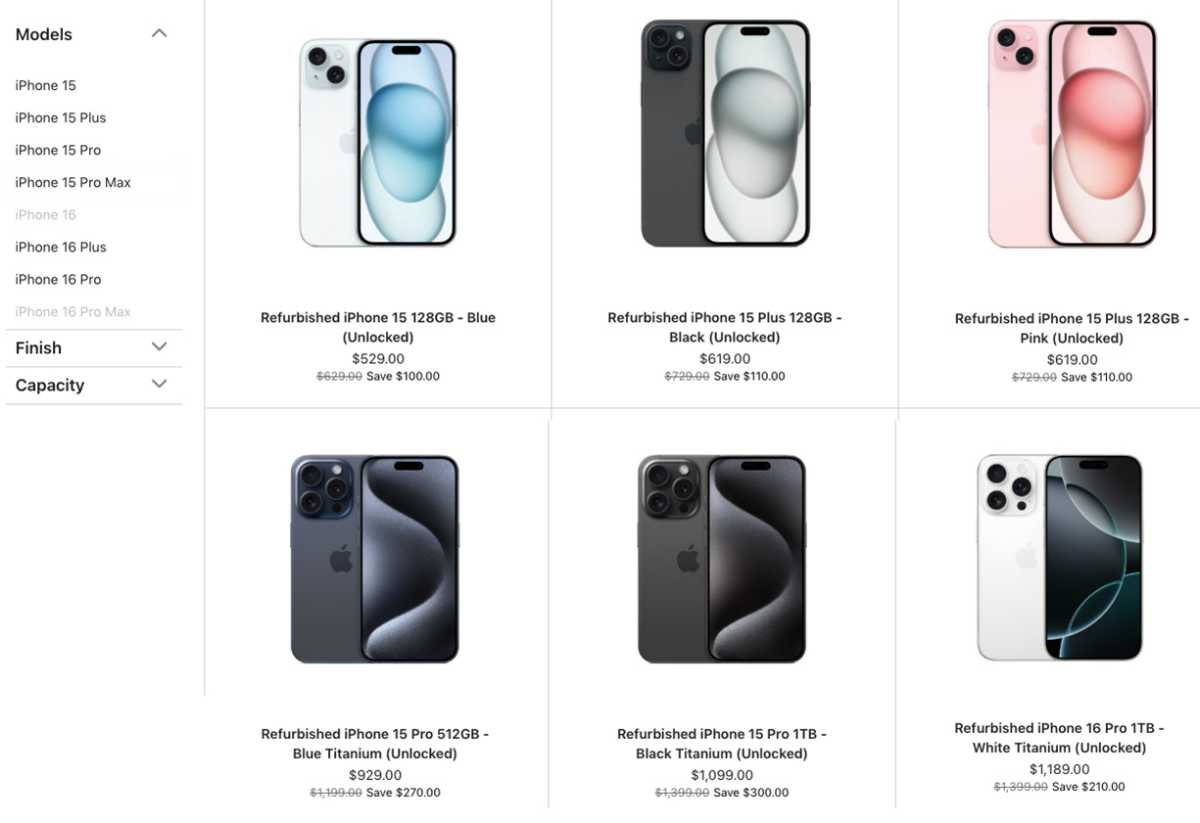


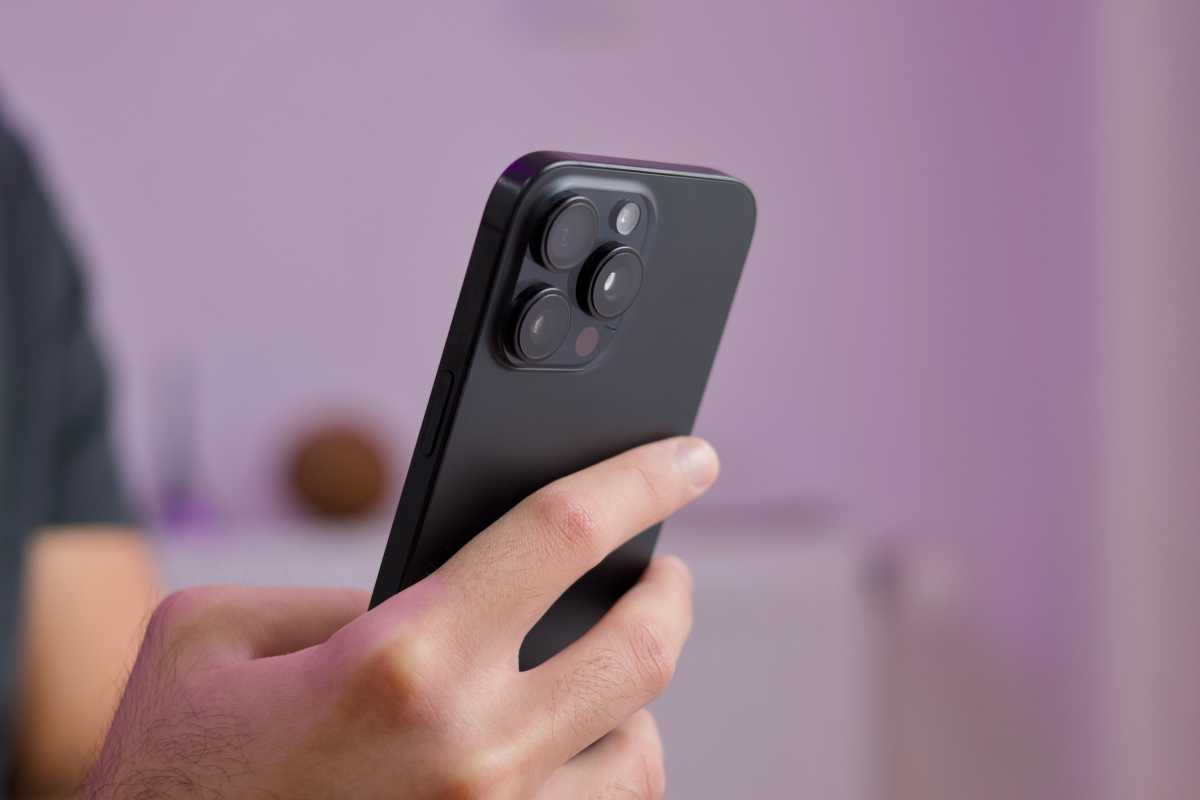
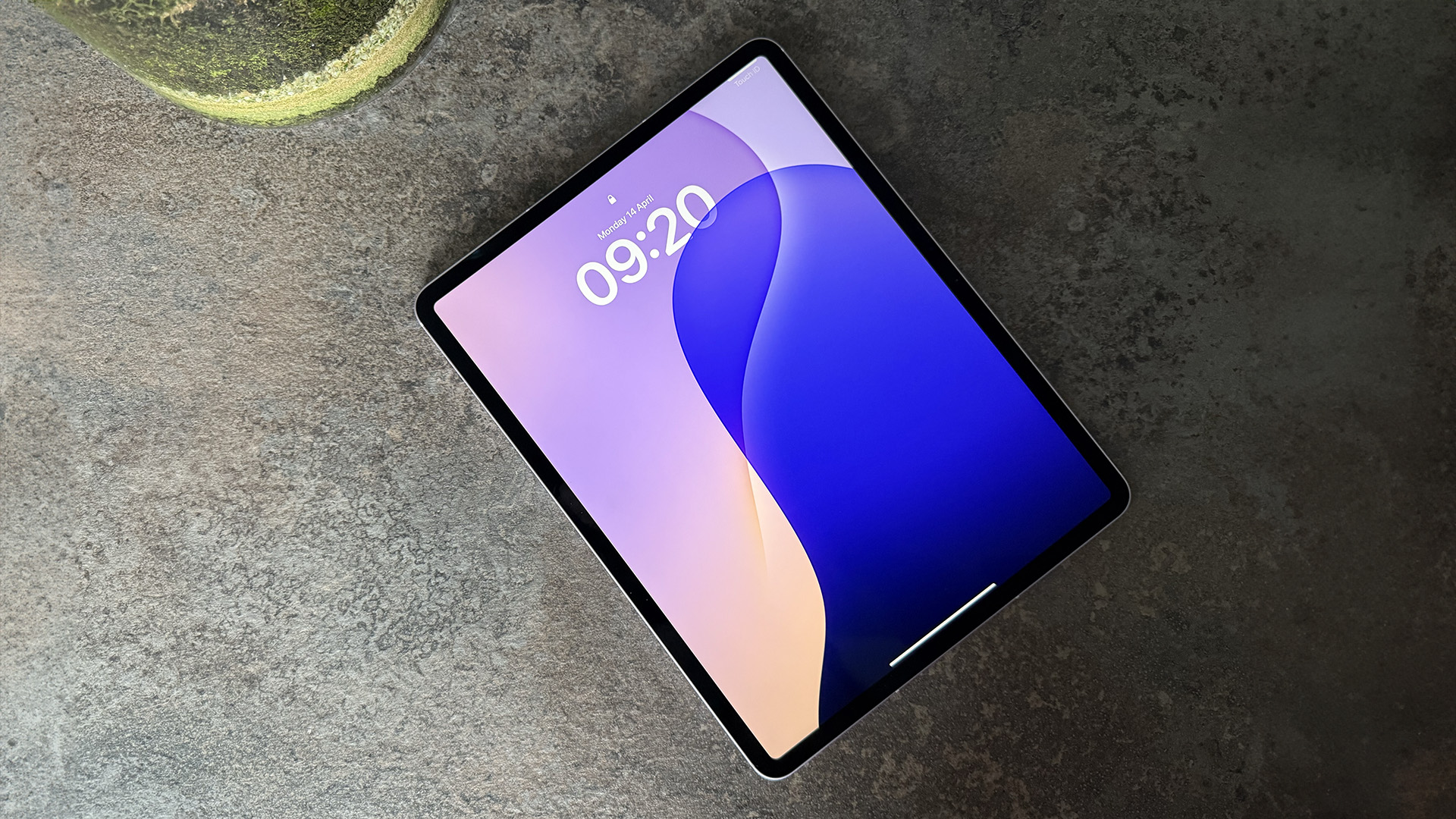
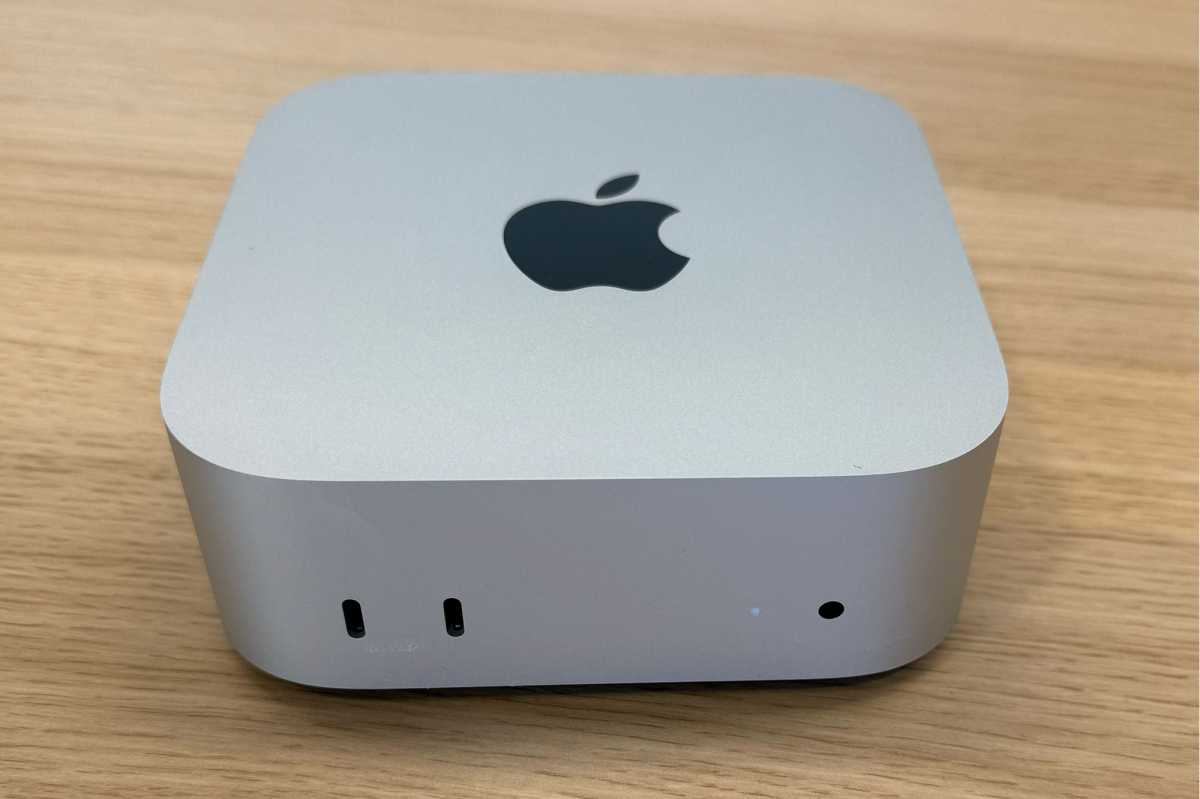
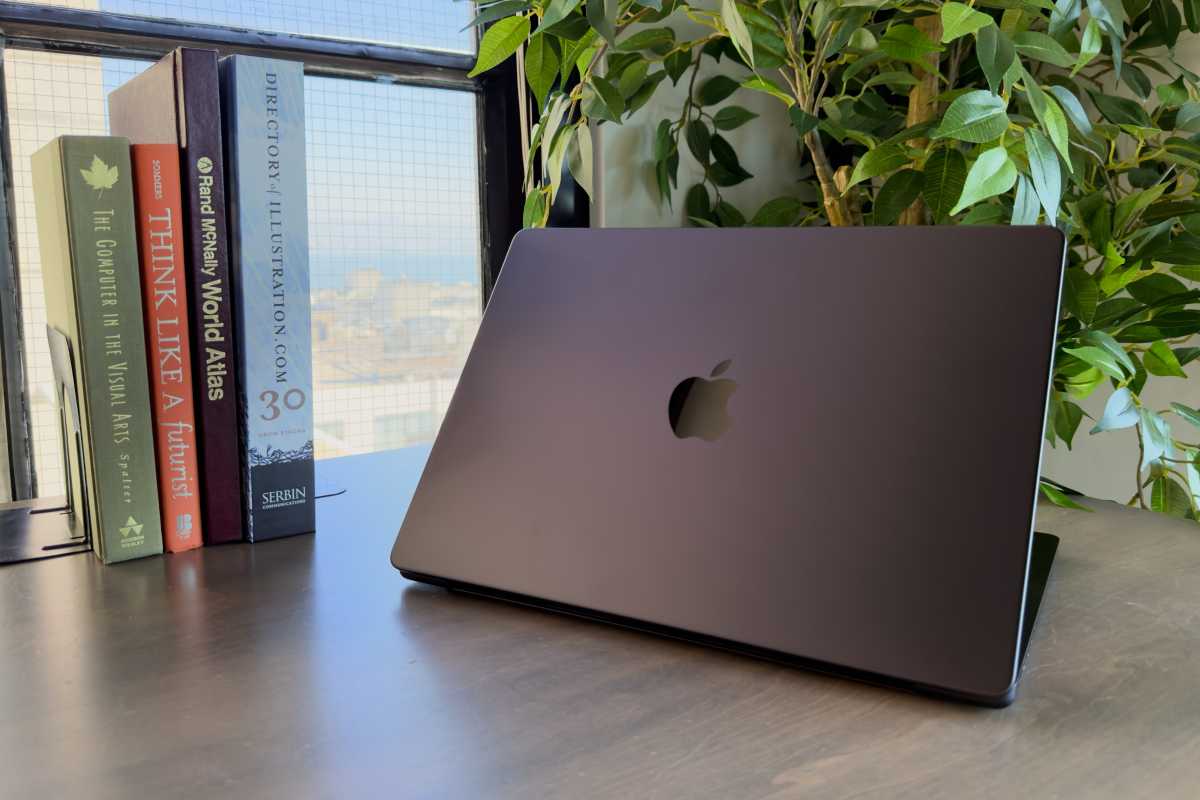
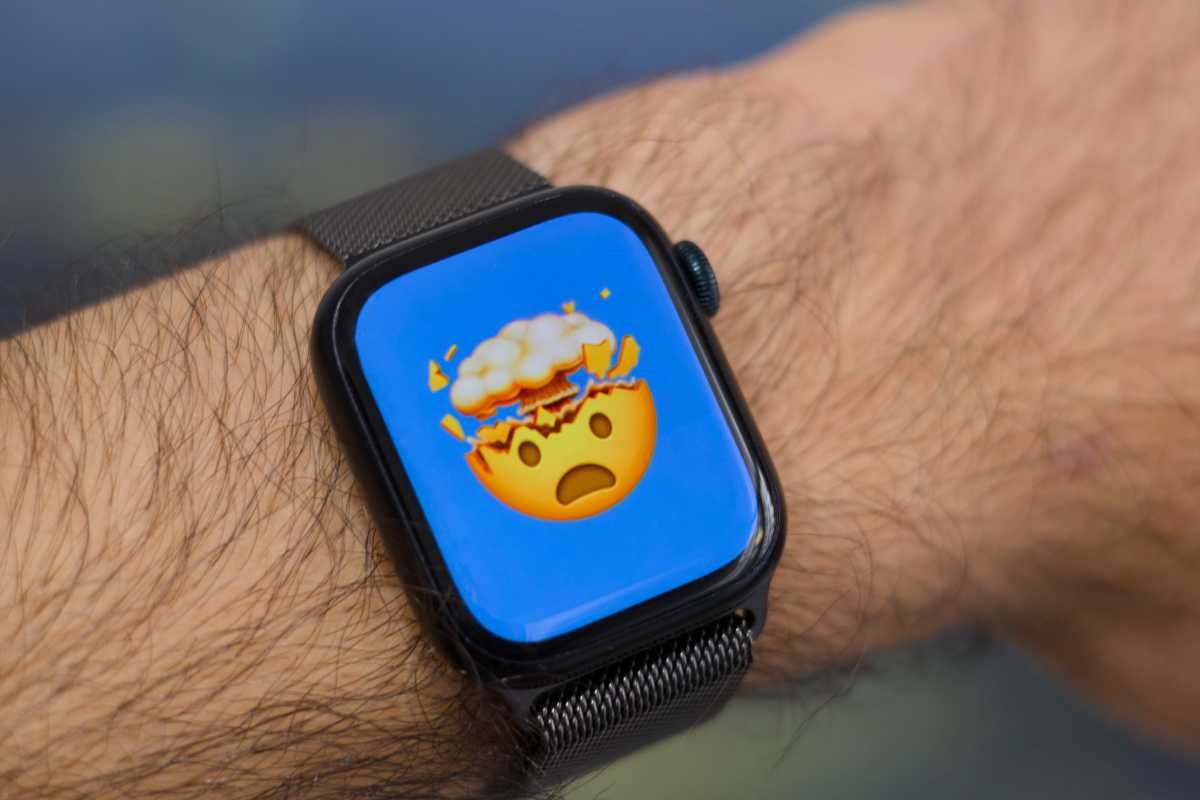
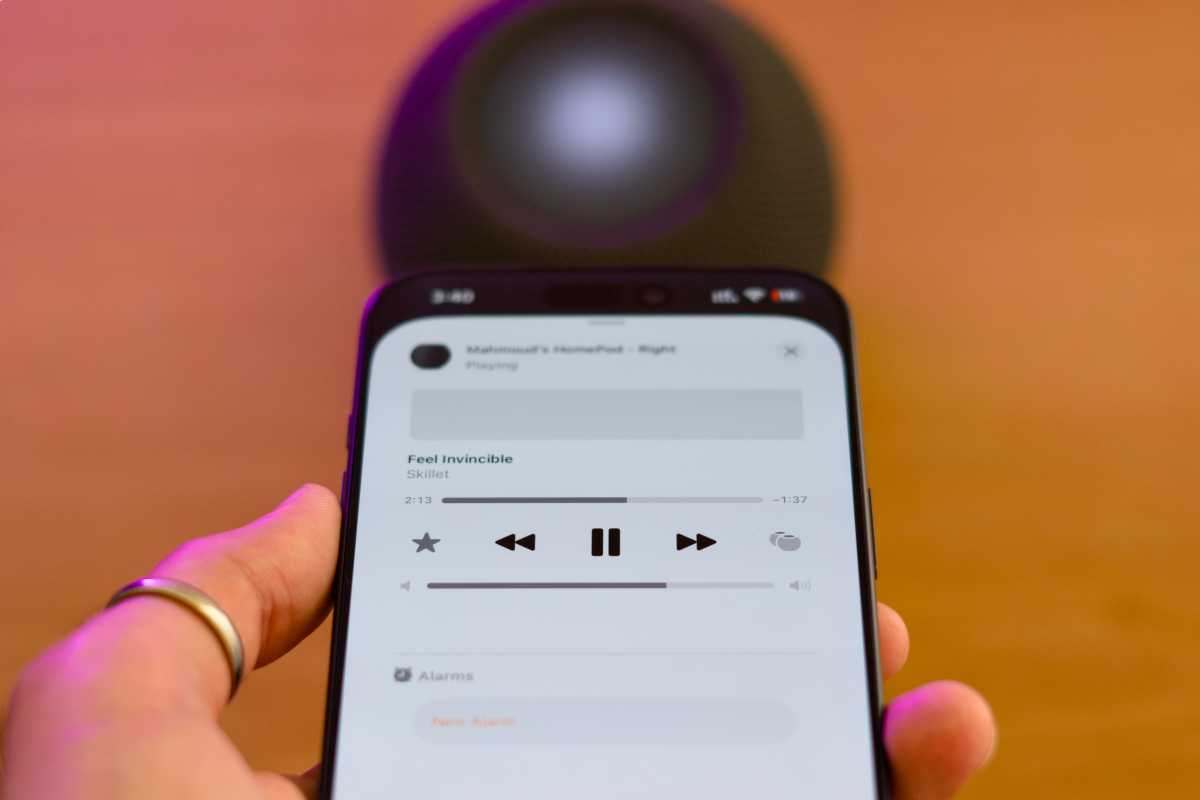
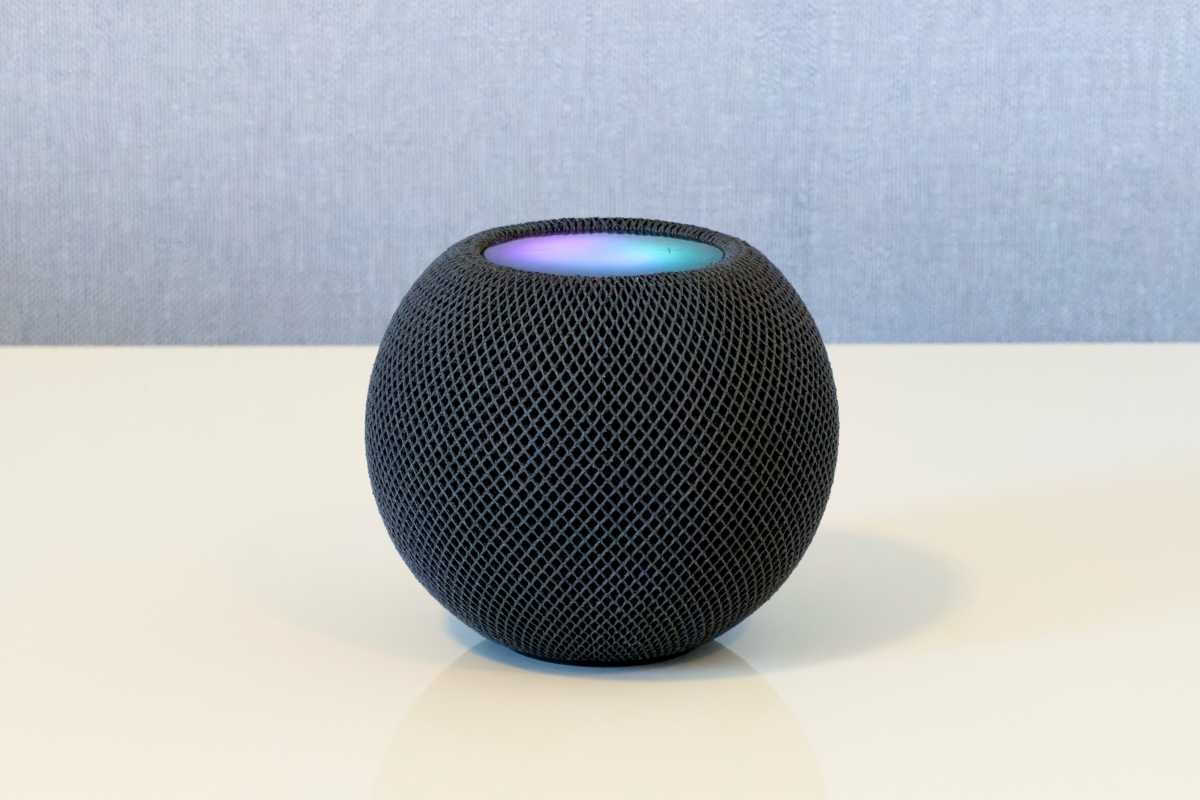
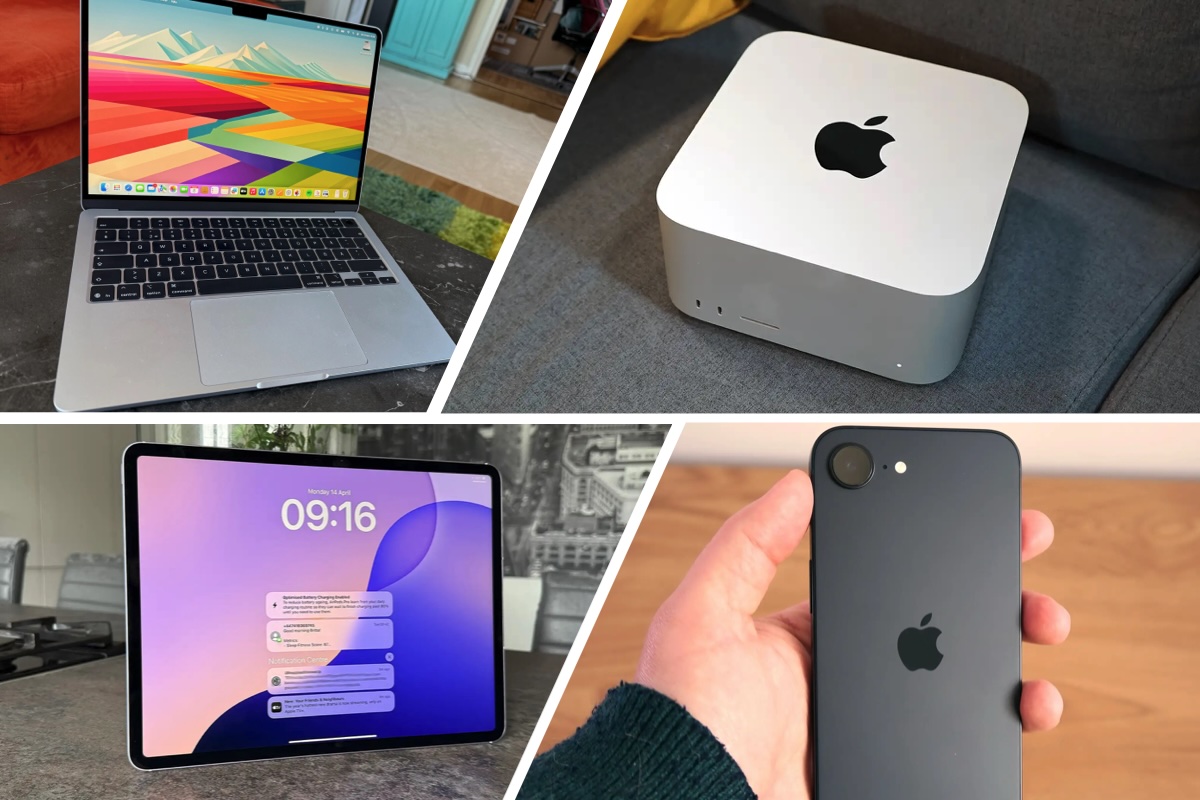

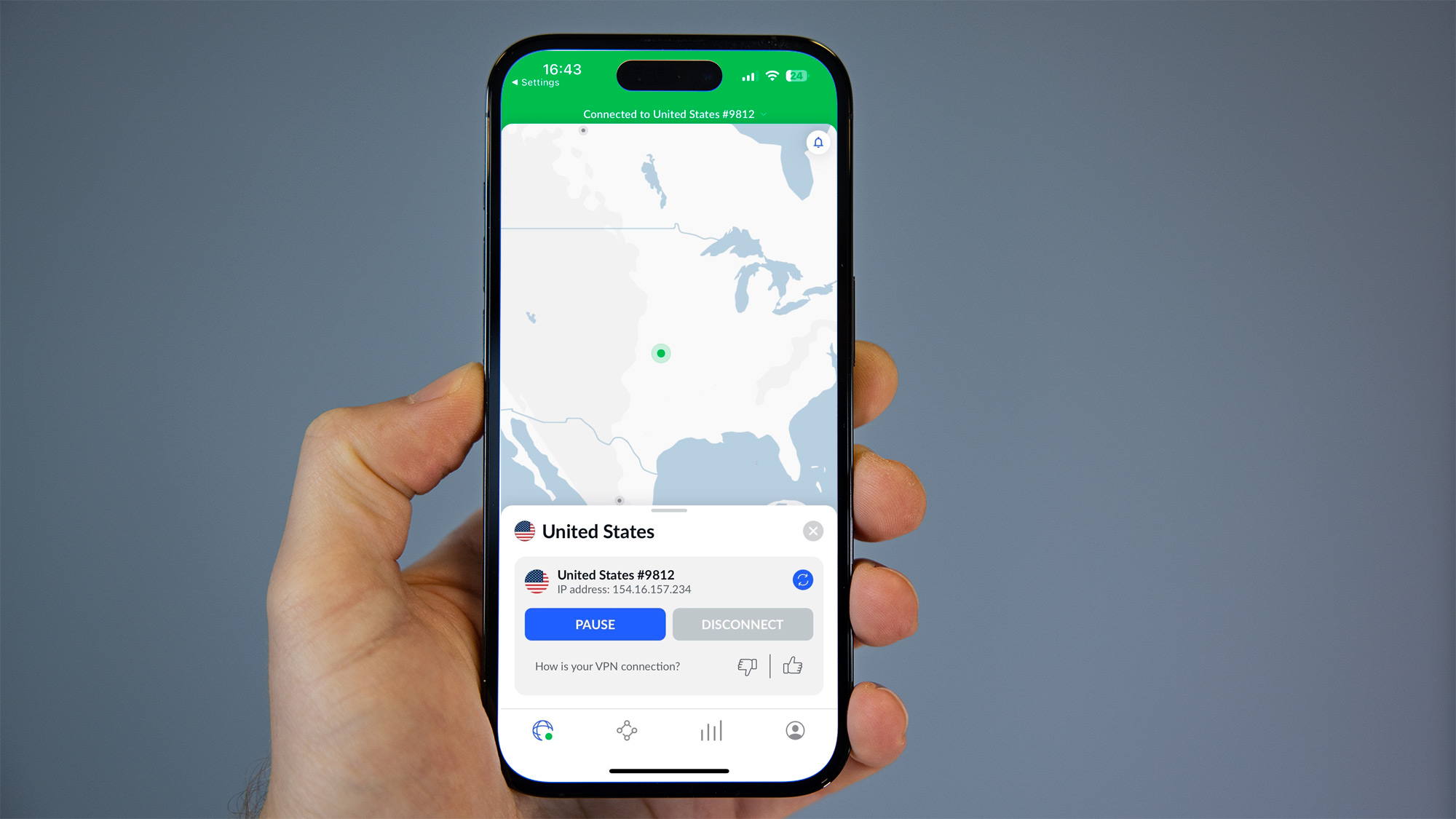


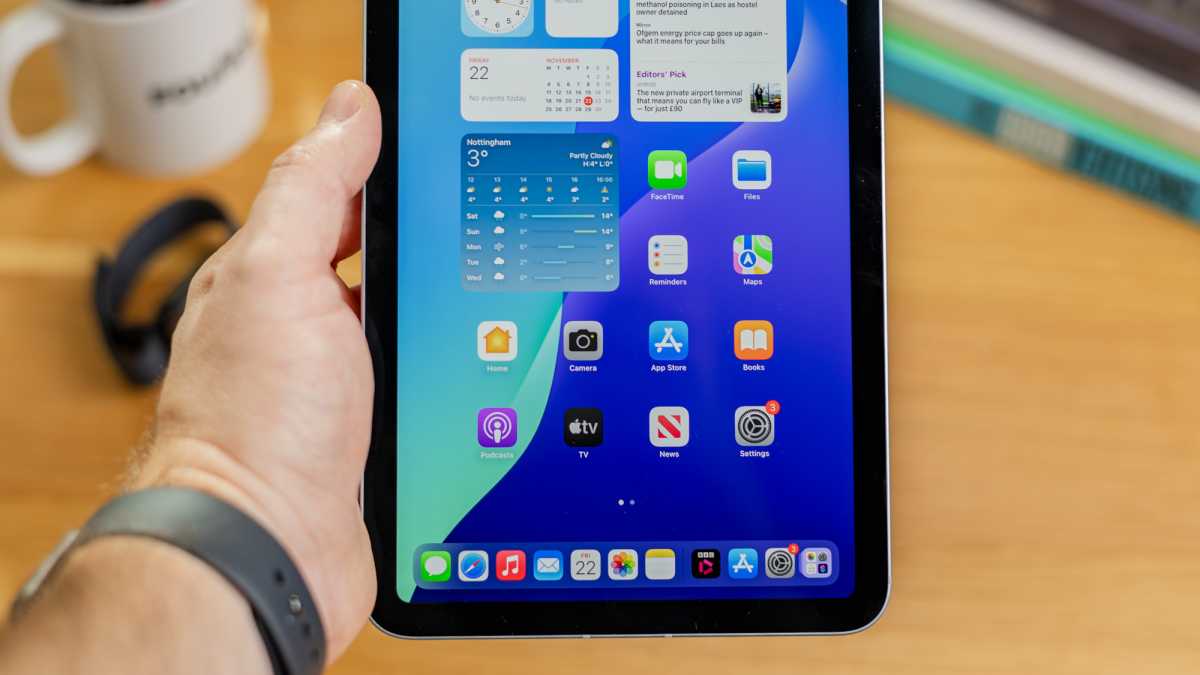
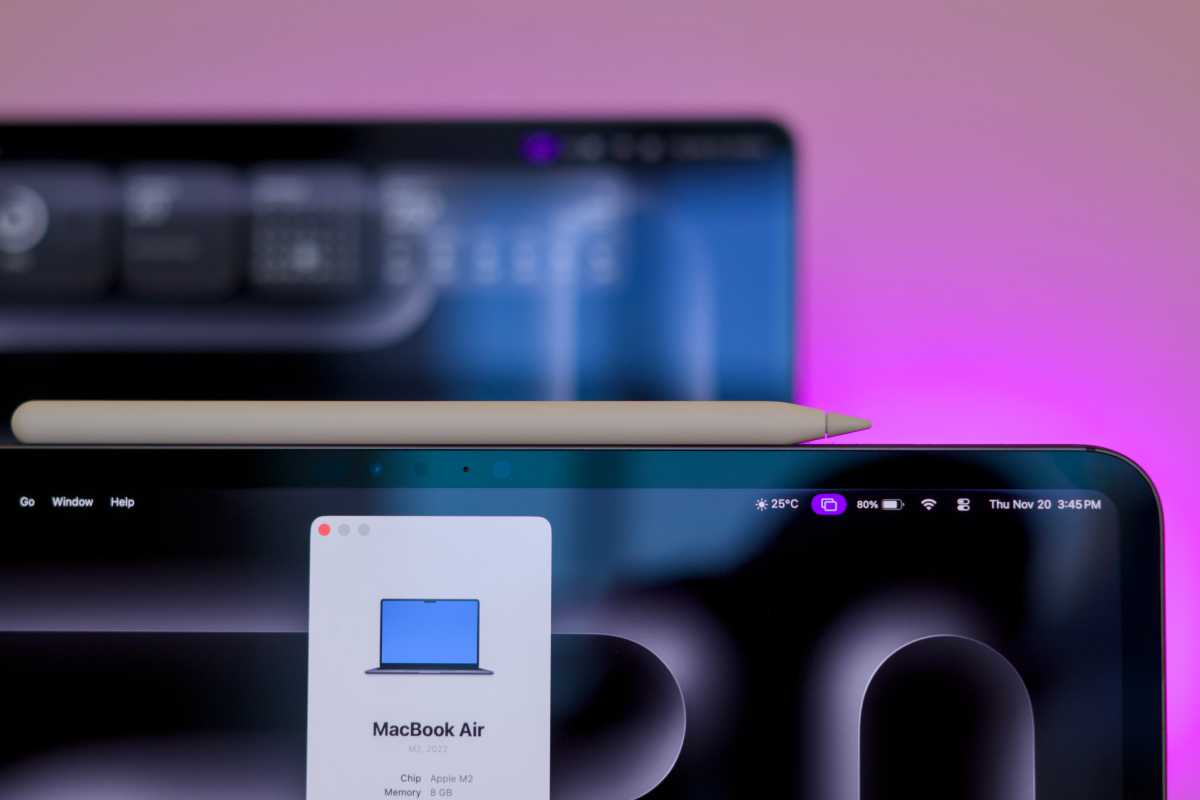
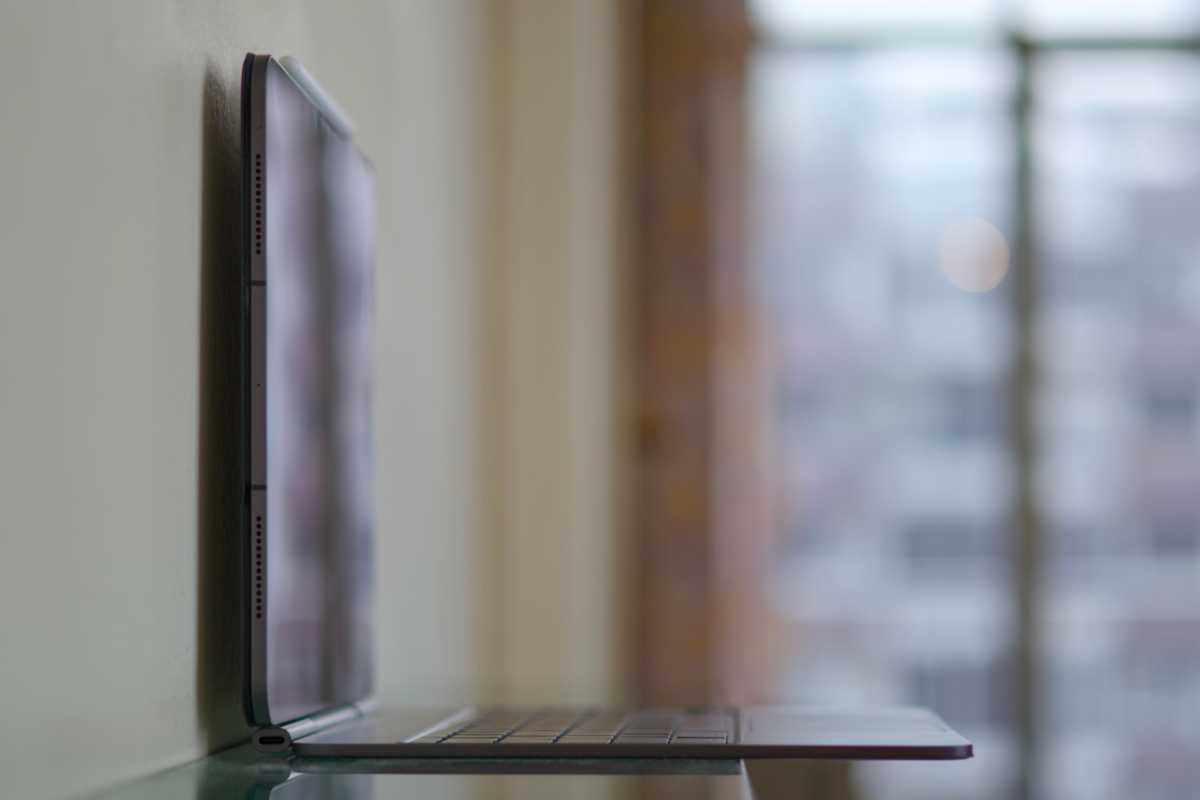
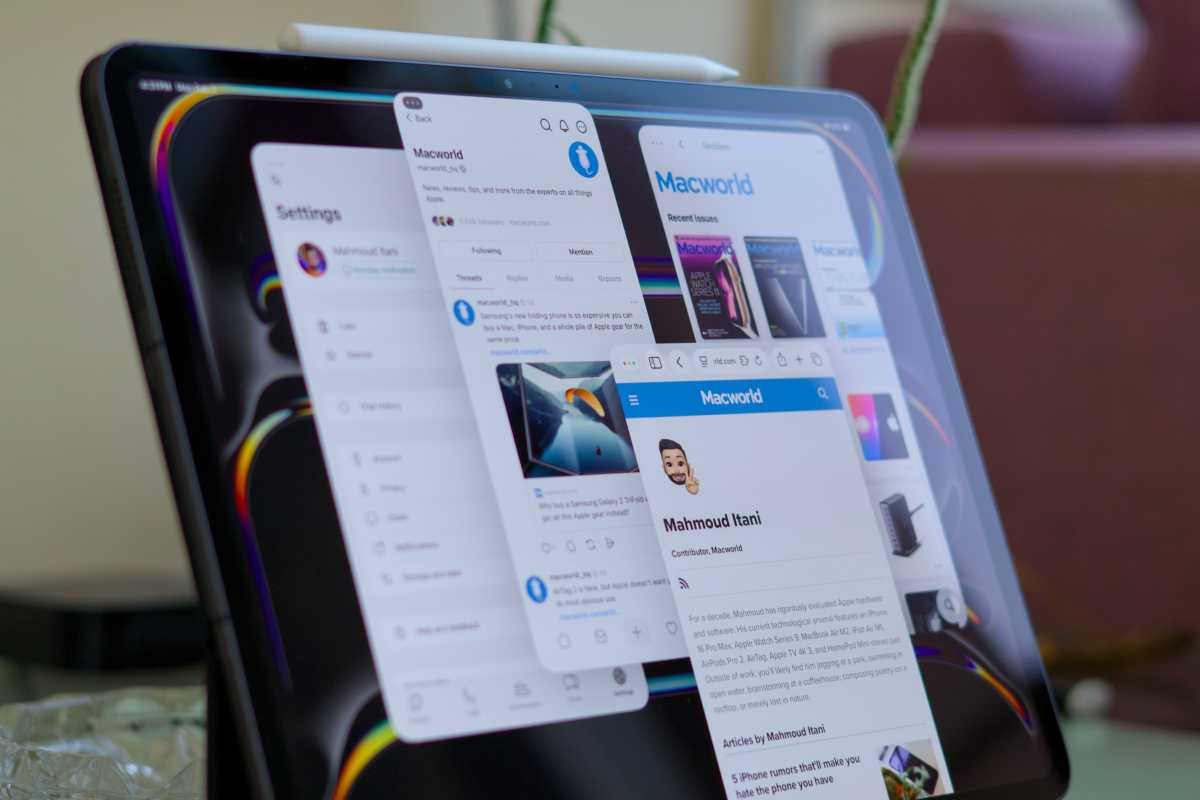

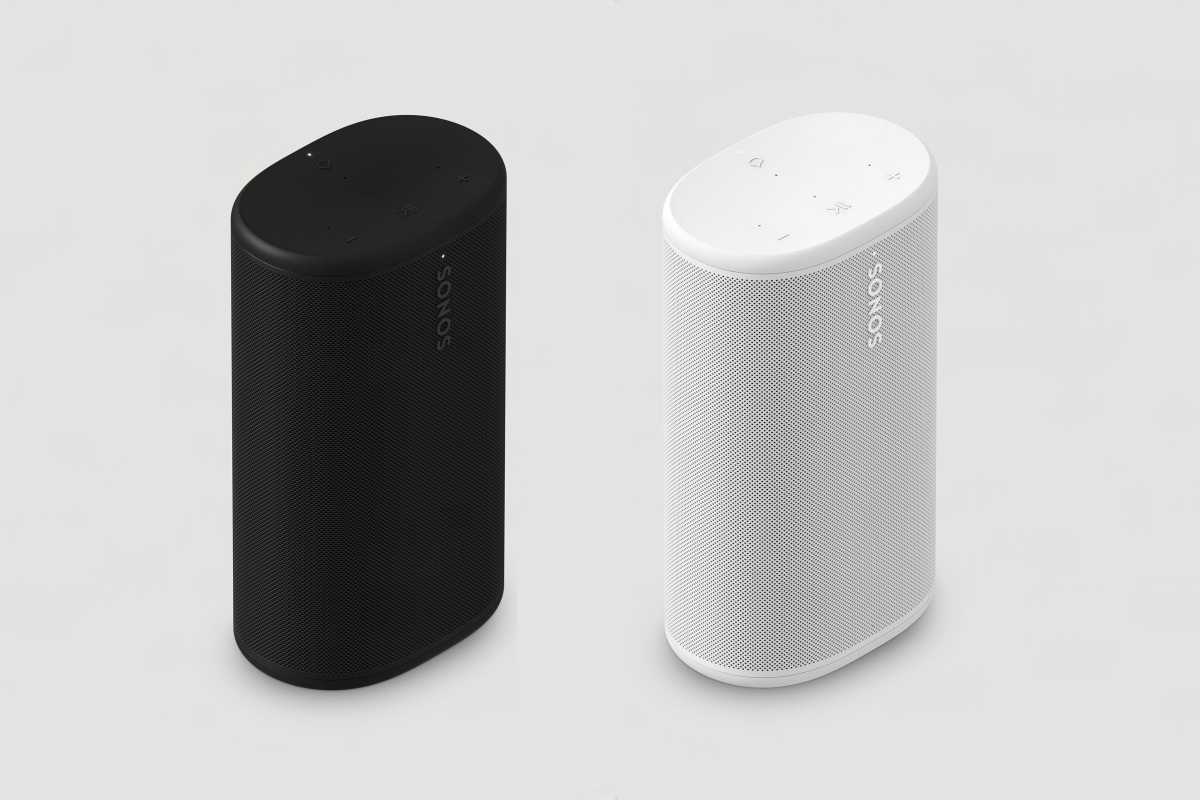
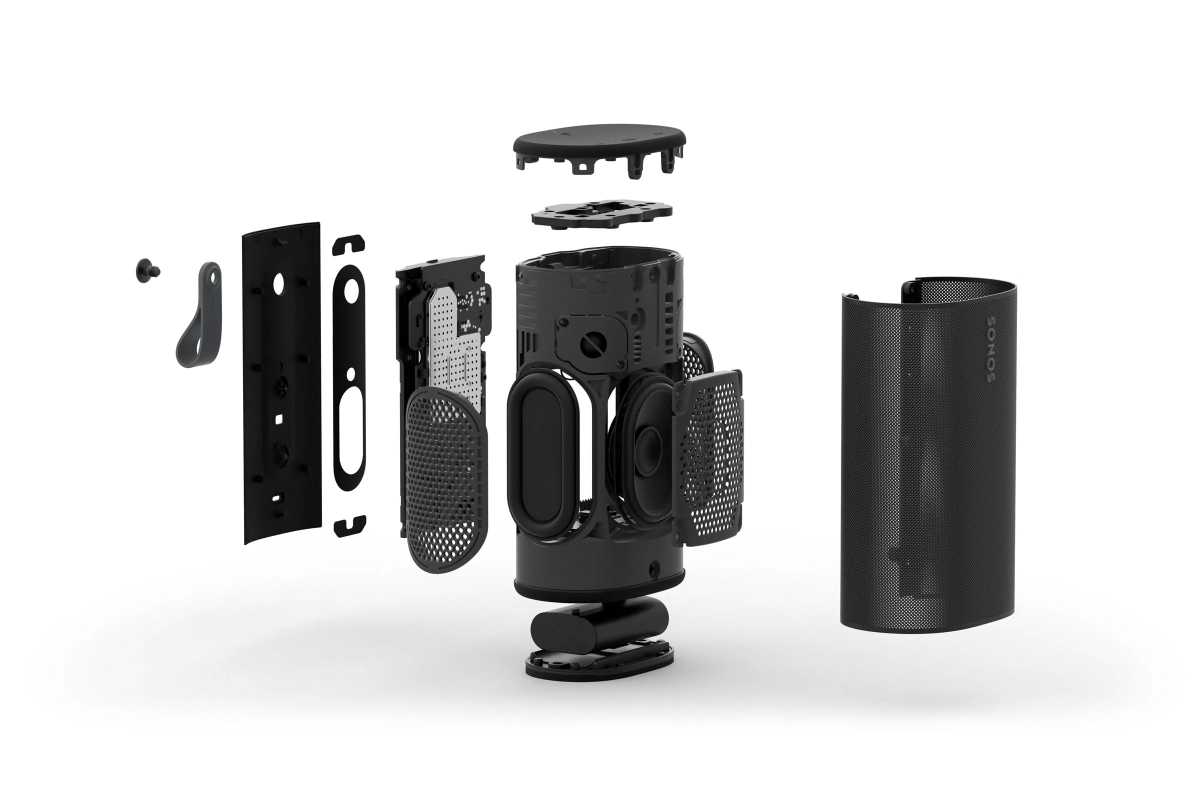


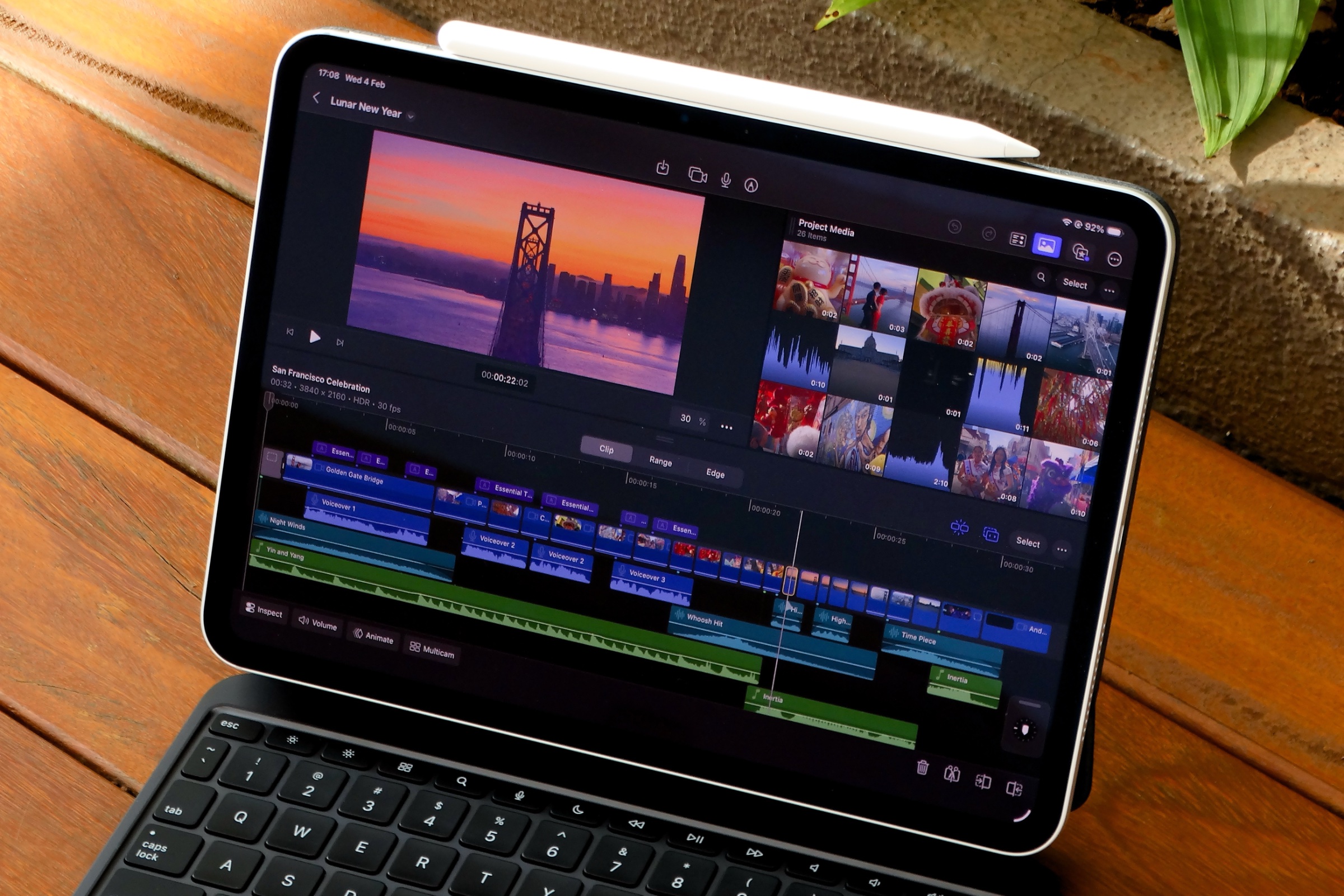 Price When Reviewed:
$4.99 per month or $49 annually
Best Prices Today:
Price When Reviewed:
$4.99 per month or $49 annually
Best Prices Today:
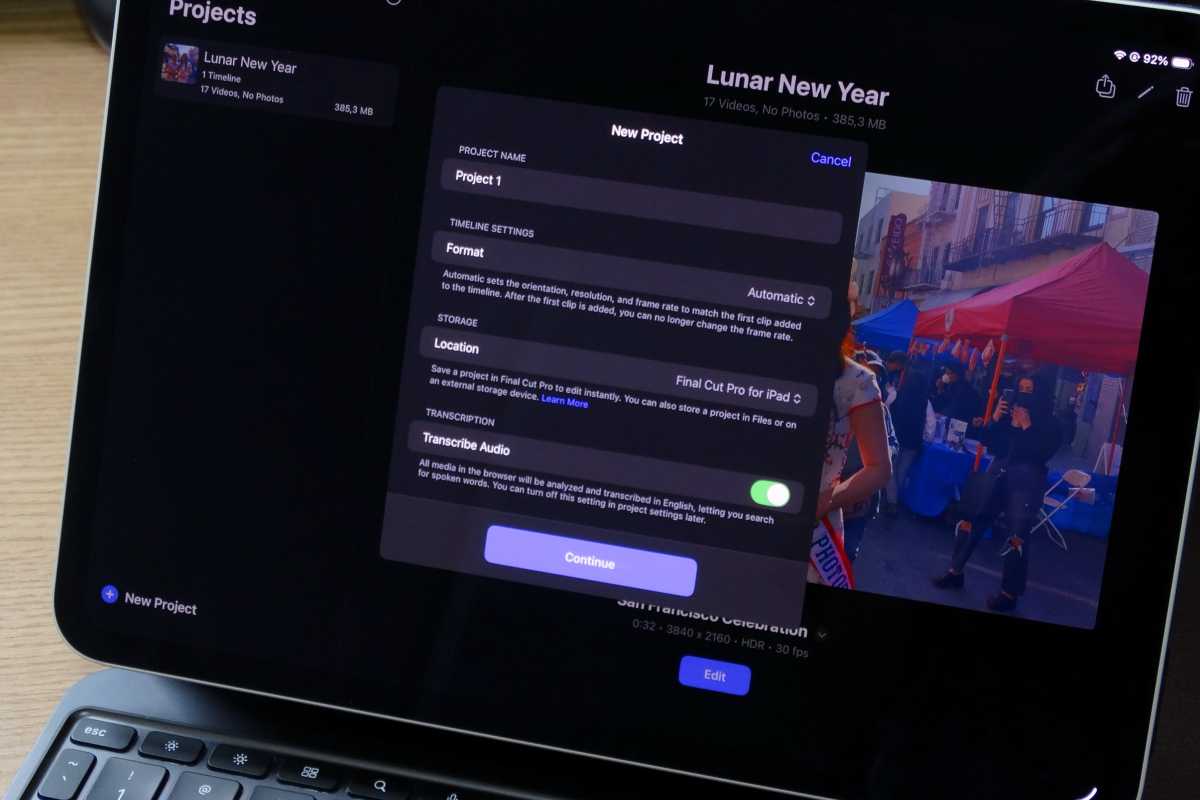
 Price When Reviewed:
$12.99 a month, $120.99 a year
Best Prices Today:
Price When Reviewed:
$12.99 a month, $120.99 a year
Best Prices Today:
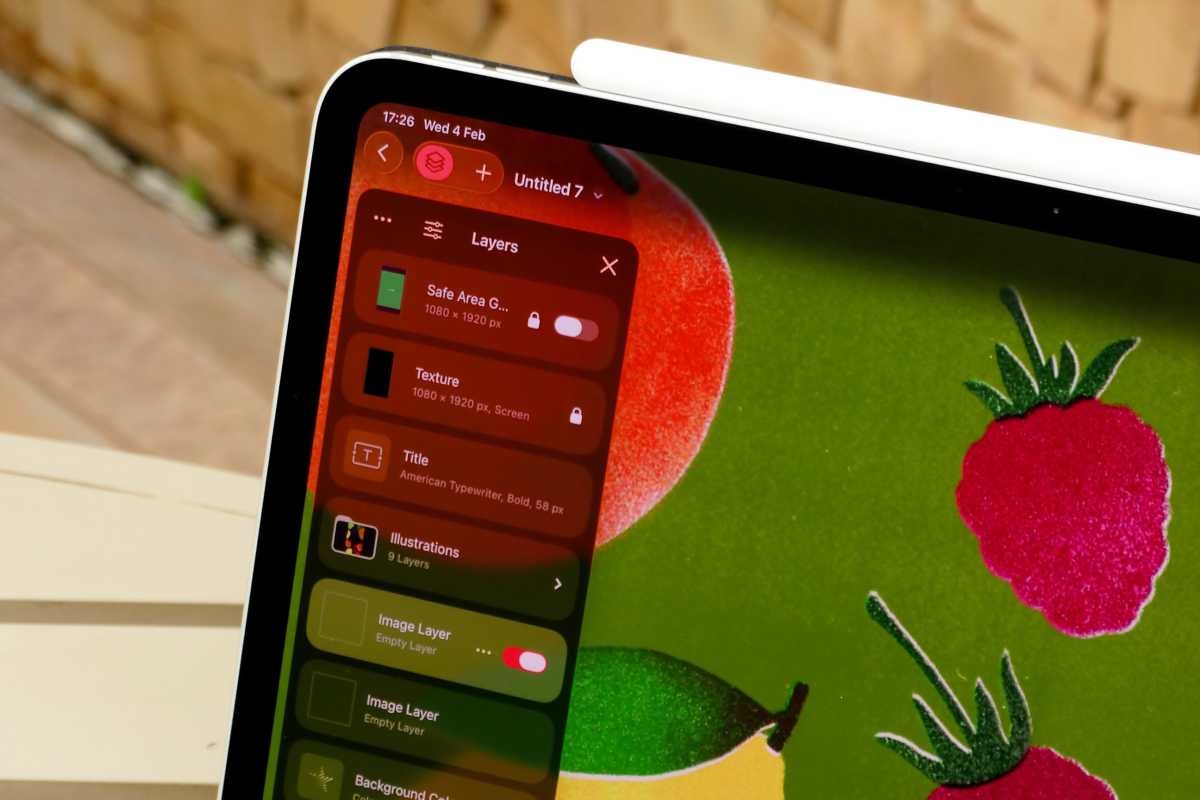
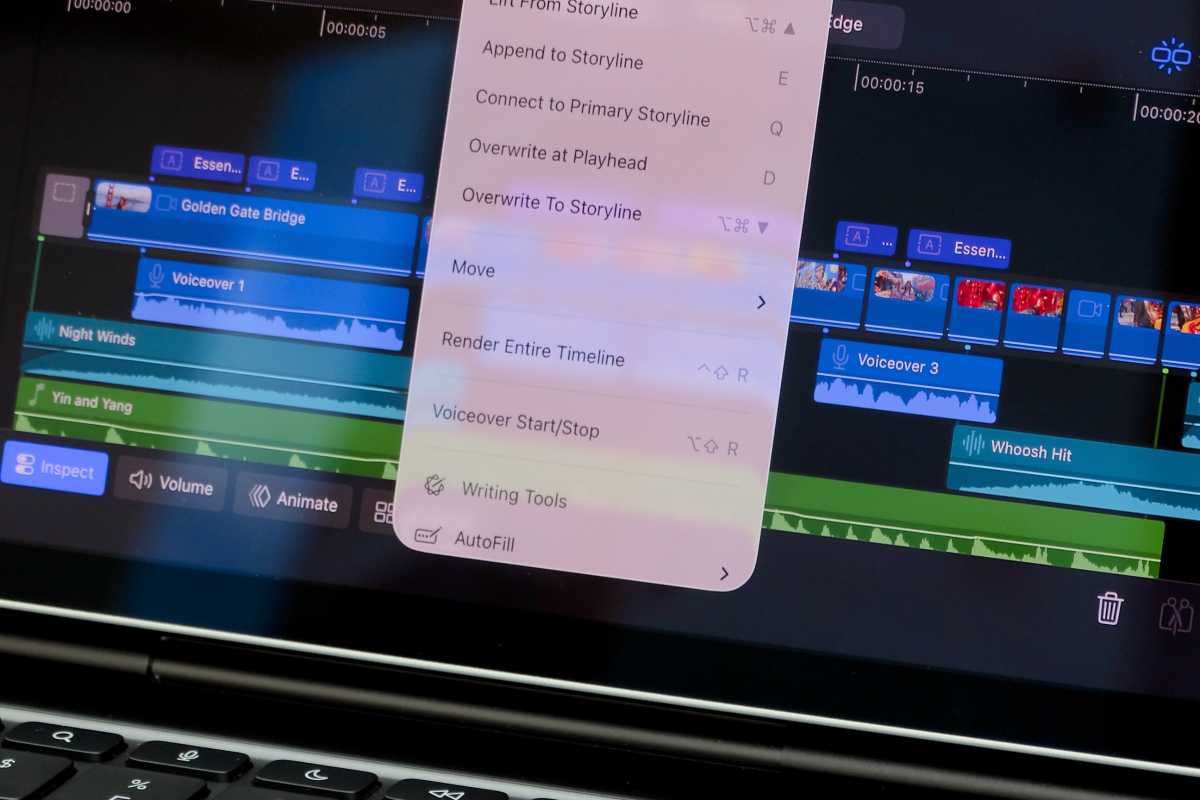



 Price When Reviewed:
From $399
Best Prices Today:
Price When Reviewed:
From $399
Best Prices Today:







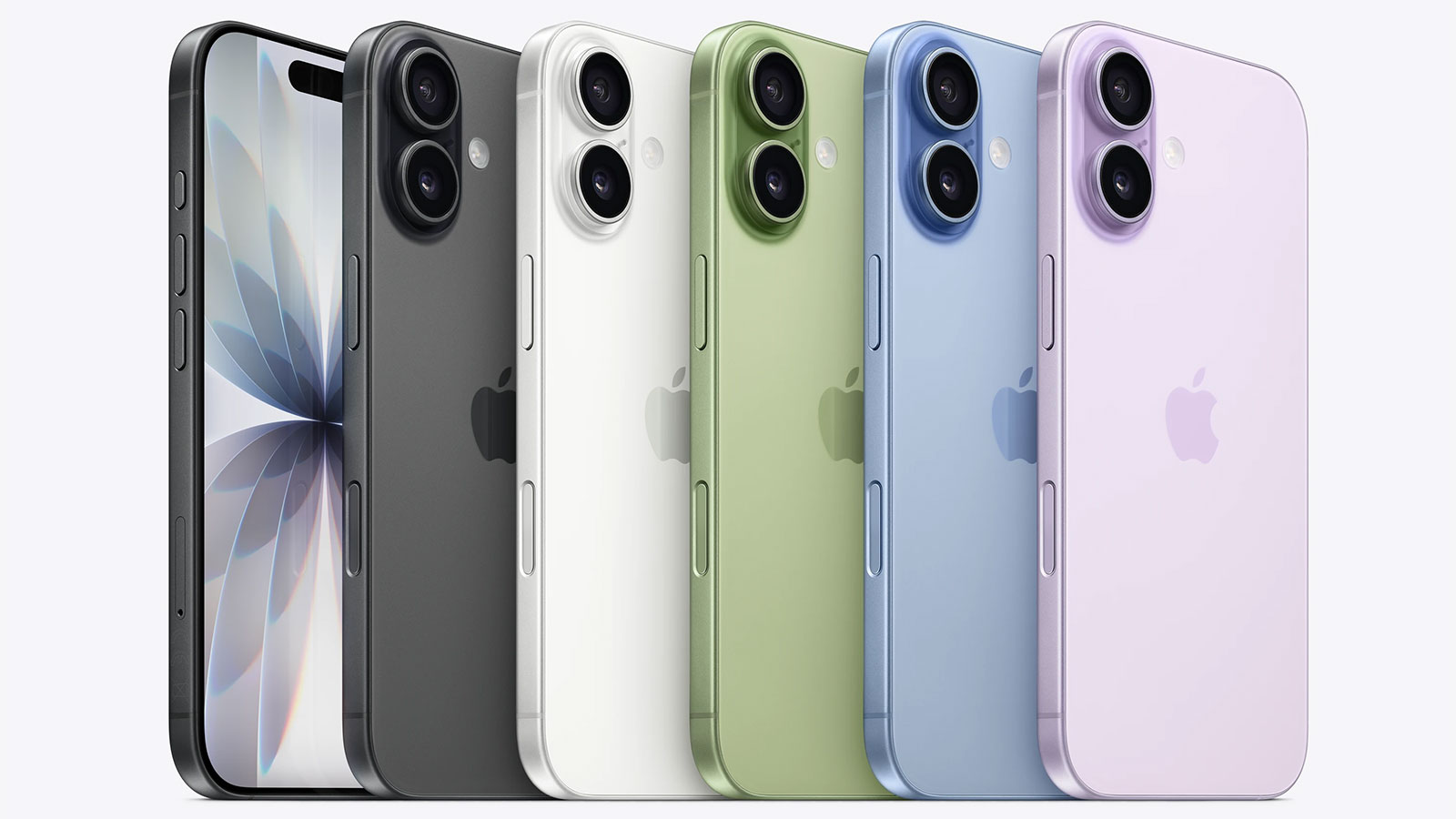
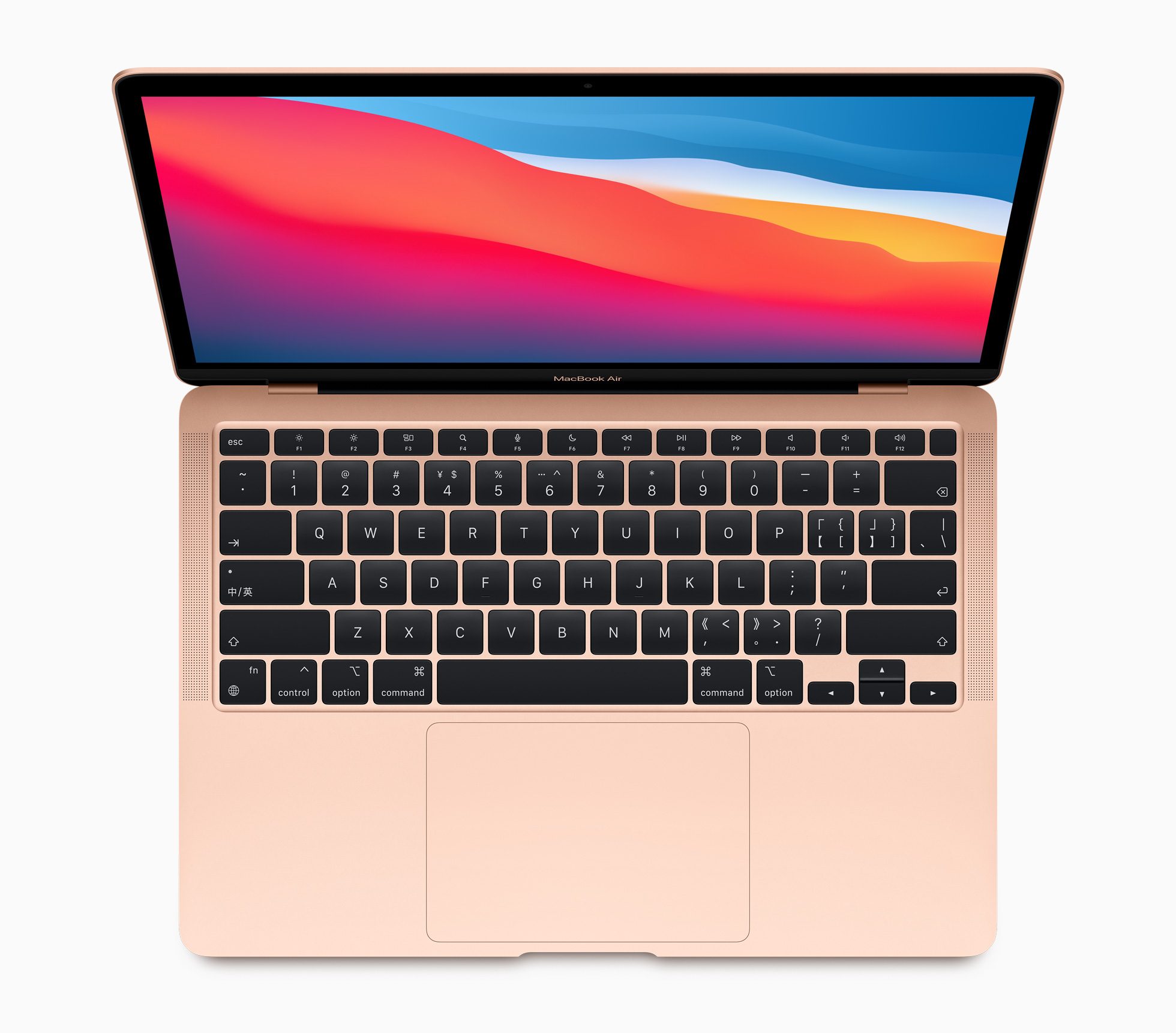







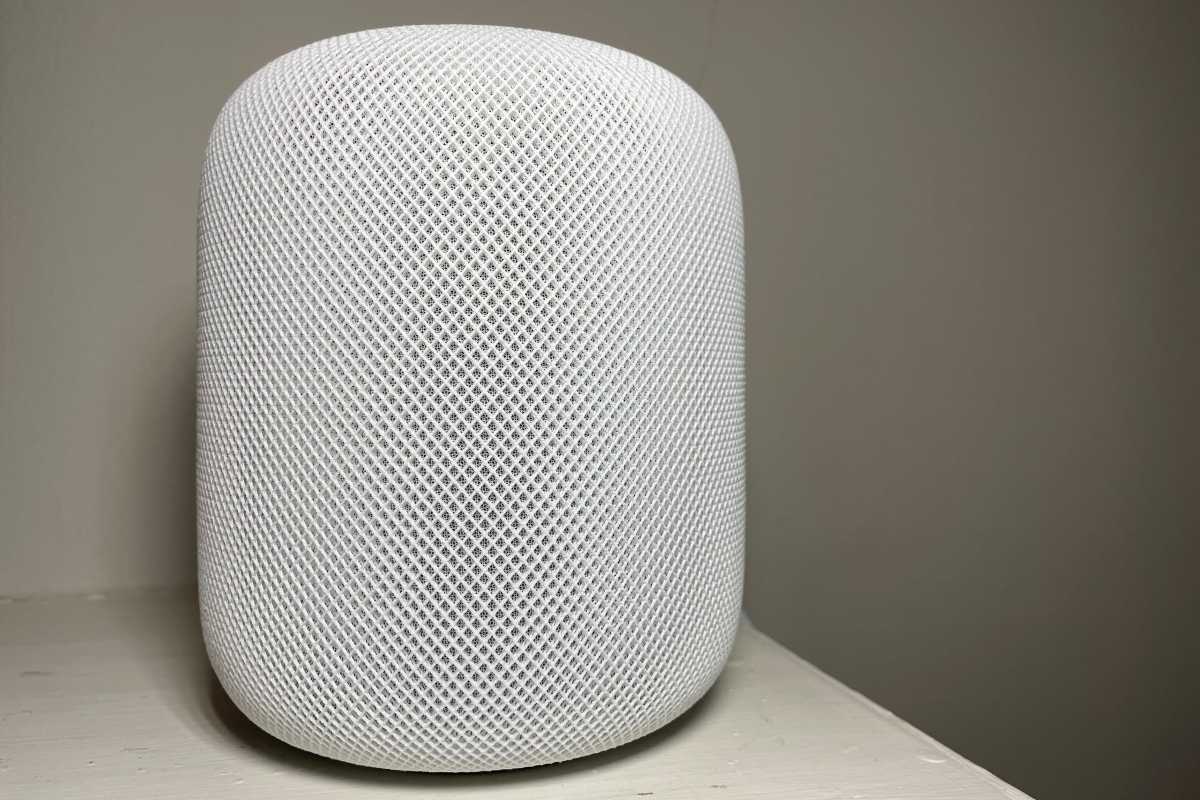
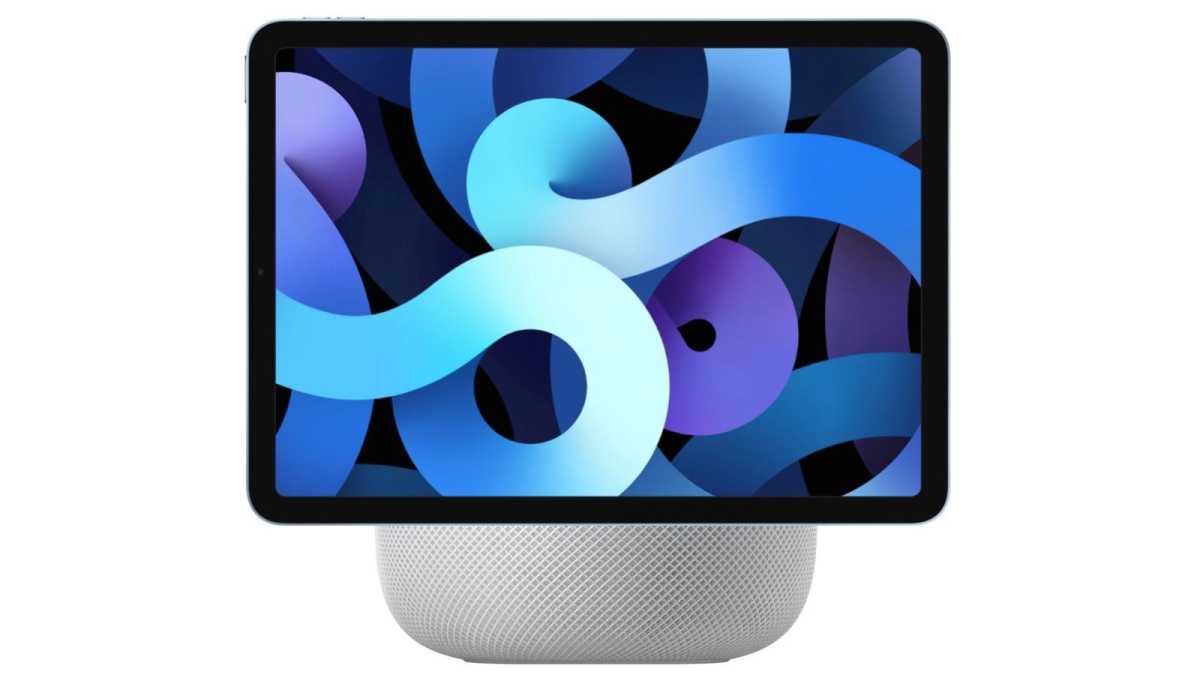
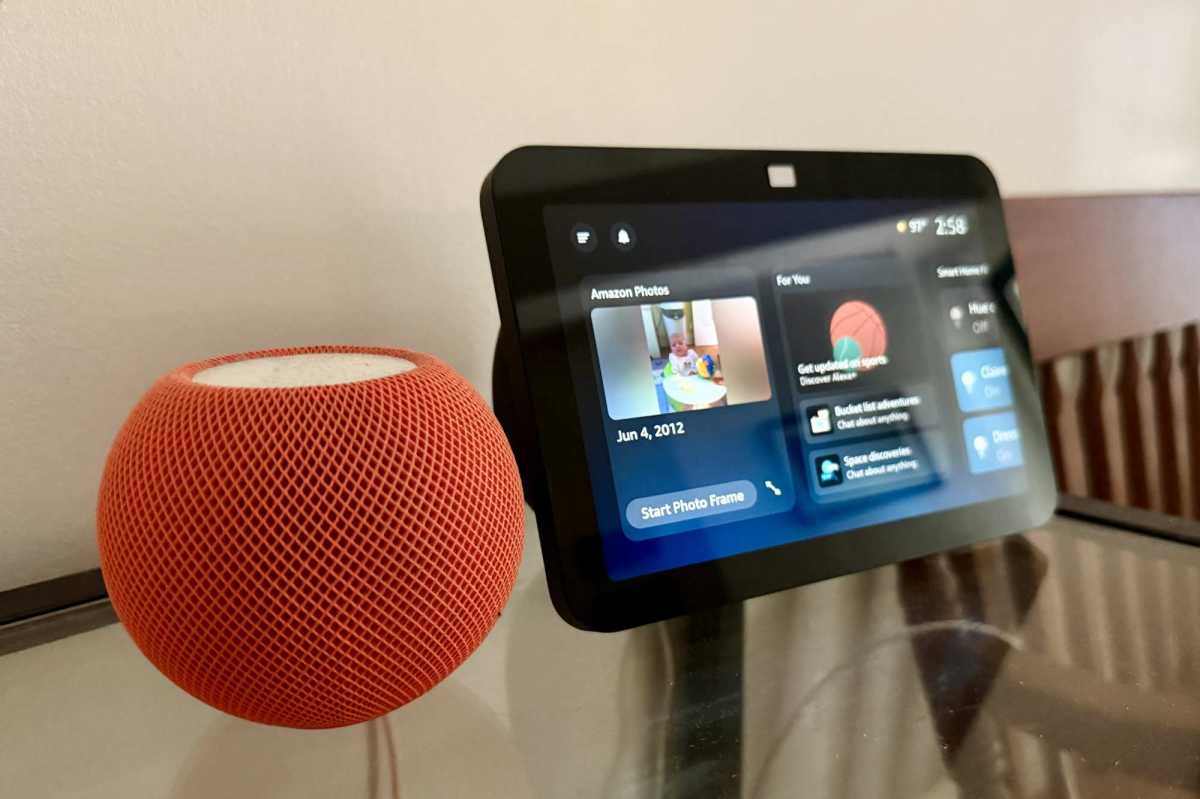












 Price When Reviewed:
$549
Best Prices Today:
Price When Reviewed:
$549
Best Prices Today: