If you’ve ever wanted an early look at new versions of Apple’s operating systems before they officially launch – and maybe even help shape them in the process – Apple’s beta program is worth considering. It offers early access to headline features, interface redesigns, and new tools months before release.
The initiative isn’t limited to developers. Public beta testers can also try upcoming software updates before launch, helping Apple identify bugs and test new features before the operating systems are released to everyone. There are two beta tracks available: the Developer Beta, which offers the earliest access but carries the greatest risk, and the Public Beta, which is generally more stable and aimed at enthusiasts and general users.
Both beta programs are free to access and a paid developer account is no longer required. However, installing beta software should always be approached with caution. Betas can cause crashes, data loss, app compatibility issues, excessive battery drain, and other problems. For that reason, we recommend avoiding installation on a primary device and making a full backup beforehand in case you need to revert to the current public release.
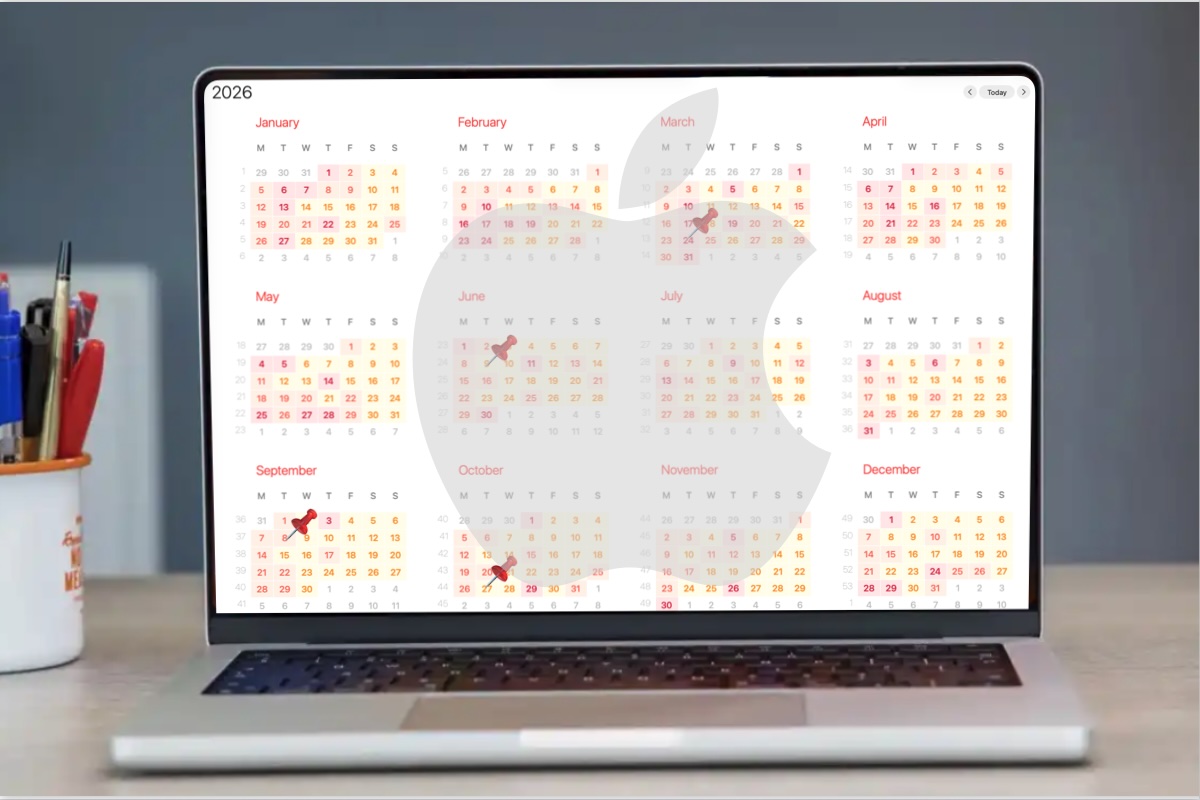
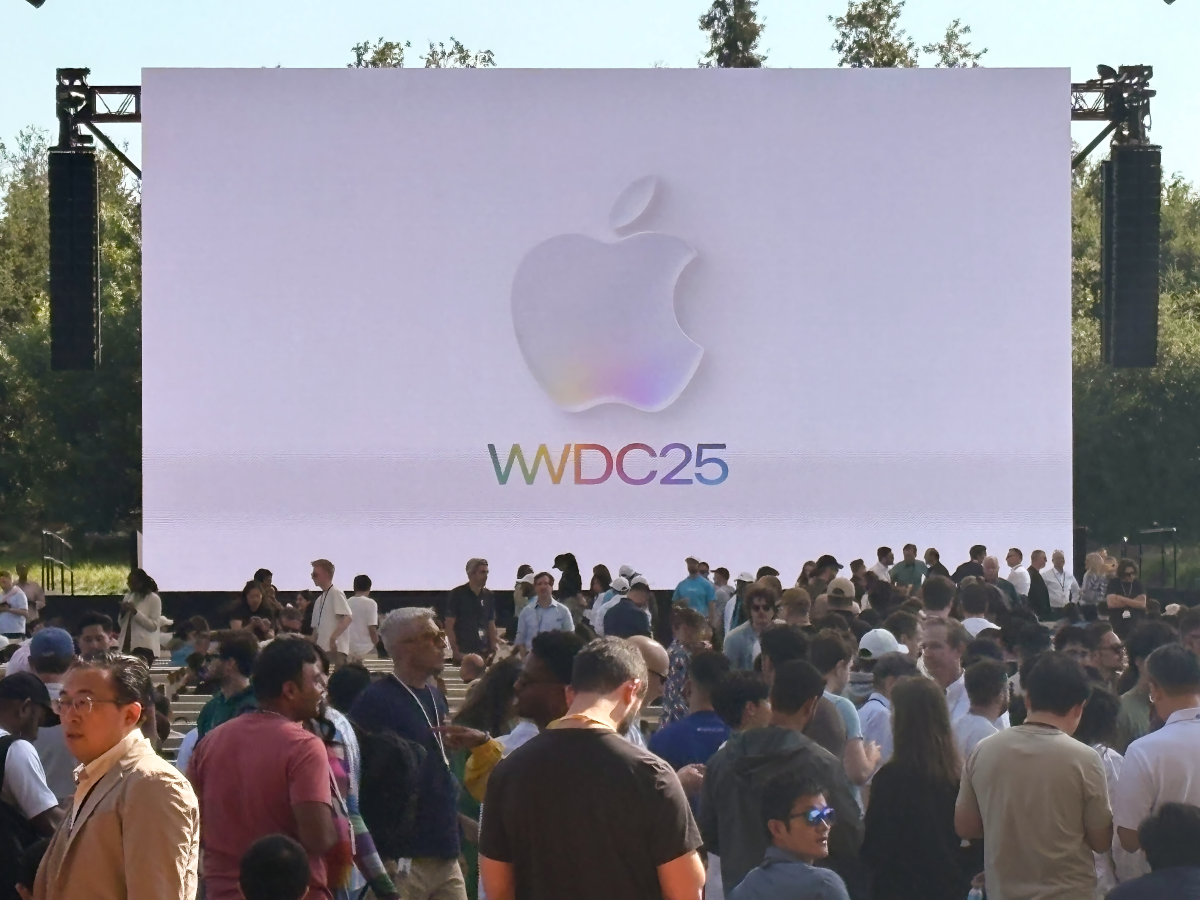
Apple typically unveils the next generation of operating system updates for iPhone, Mac, iPad and Apple Watch at its Worldwide Developers Conference (WWDC) in June, with developer betas arriving shortly afterward and public betas following later in the summer, usually around the beginning of July. With WWDC scheduled for June 8, it will soon be possible to start testing the beta versions of iOS 27 and macOS 27.
In this article, we explain how to join Apple’s beta programs and install the latest test software – and help you decide whether running beta software is worth the risk.
What is Apple’s beta program?
Apple
Apple’s beta program is a voluntary initiative that allows users to test pre-release versions of operating systems and software before they are officially launched to the public. Its primary purpose is to help Apple identify bugs, performance issues, and usability concerns through feedback submitted via the built-in Feedback Assistant app. By participating, testers help improve the stability and quality of upcoming software releases.
The beta process does not end with the major September launch. Apple continues developing “point releases” – such as iOS 26.1 or 26.2 – throughout the year to introduce features that were not ready for the initial release. The company typically issues official software updates roughly every six weeks during an operating system’s lifecycle.
Smaller updates focused on bug fixes and security patches, such as iOS 26.3.1, are often developed and released more quickly. In urgent cases, these updates may bypass the standard beta cycle entirely and roll out directly to users.
Developer Beta vs Public Beta: What’s the difference?
Apple offers two beta tracks across platforms including iOS, iPadOS, macOS, watchOS, tvOS, and visionOS:
Developer Beta: Designed for software developers, this beta version allows early testing of app compatibility with upcoming system changes. Developer betas are released first, typically immediately after Apple’s WWDC keynote. Early access enables developers to prepare their apps for launch and integrate new technologies such as the Game Porting Toolkit 2 and AI-related frameworks.
Public Beta: Aimed at enthusiasts and early adopters, the public beta is usually released days or weeks after the developer beta, often around early July. It is generally more stable, as it includes fixes for major issues identified during the initial developer testing phase. Public beta users can try major updates and new features months before their official release.
FeatureDeveloper BetaPublic BetaRelease timing pre-launchThe first version is released immediately after Apple’s WWDC keynote in June. Apple then rolls out updates every one to two weeks, with releases becoming more frequent as launch approaches.The first public beta usually arrives in early July. Updates typically follow a day or two after the corresponding developer beta release.StabilityGenerally less stable, with more bugs, unfinished features, and performance issues. Early developer builds are primarily intended for testing.Usually more stable because it benefits from fixes identified during the developer beta phase, though bugs and occasional instability can still occur.Feature parityIncludes all features, including experimental APIs, developer tools, and frameworks. Some features may never reach the public beta.Typically includes the same major consumer-facing features, although some developer-focused tools or unfinished features may be delayed or excluded. Target audienceSoftware developers and advanced users testing app compatibility, APIs, and new frameworks ahead of release.Enthusiasts, early adopters, and general users interested in previewing upcoming features before the official launch.Are developer betas worth it?Worthwhile for developers or advanced testers who need immediate access for app development and compatibility testing.A better option for most people who want early access to new features with fewer bugs and a more reliable experience.
Is it safe to install Apple’s beta?
Installing beta software carries risks because it is unfinished by design and intended for testing. Bugs, performance issues, excessive battery drain, overheating, and even the possibility of “bricking” a device are all potential problems.
While anyone can sign up for Apple’s beta program, these pre-release versions are generally not recommended for primary devices or mission-critical data. For most users, the safest option is to wait for the official fall release, when the software is more polished, stable, and fully supported.
The Developer Beta is typically the least stable version, as it is released first and aimed primarily at app developers testing compatibility with new features and APIs.
The Public Beta is usually more reliable because it includes fixes identified during the earlier developer testing phase. However, it is still unfinished software and may contain significant bugs. For users eager to try new features early, the Public Beta is generally the safer choice, though anyone relying on their device for work, study, or everyday reliability is still better off waiting for the final public release.
Common issues reported with beta software include:
Battery drain and overheating: Early beta versions can significantly reduce battery life and cause devices to run hotter than usual during everyday use.
Performance issues: Users may experience lag, slowdowns, freezes, or general system instability.
App crashes: Third-party apps may not work properly or could crash frequently due to compatibility problems.
Bricked devices: A beta update can render a device unusable.
Data loss: Software bugs may corrupt files or force users to perform a factory reset, potentially erasing data.
Connectivity problems: Wi-Fi, Bluetooth, AirDrop, and syncing services can behave unpredictably or stop working altogether.
Higher hardware demands: Older devices may struggle with the performance requirements of unfinished, unoptimized software.
Security risks: Beta software can introduce new vulnerabilities or complicate the delivery of security updates.
Also note that Apple does not provide the same level of support for pre-release software as it does for public releases, which can increase security and stability risks.
How to join Apple’s beta program
It is simple to register and then set your device to accept beta updates.
Foundry
Joining Apple’s beta program is a relatively straightforward process, though the steps differ slightly depending on whether you want to enroll in the Public Beta or the Developer Beta.
How to join Apple’s Public Beta Program
The public beta is accessible to anyone with a valid Apple ID.
Sign in with your Apple ID and agree to the terms and conditions.
Select the operating system you want to test – such as iOS, iPadOS, or macOS – and follow the prompts to enroll your device.
Enable Updates:
On iPhone/iPad: Go to Settings > General > Software Update > Beta Updates and select the Public Beta.
On Mac: Go to System Settings > General > Software Update. Click the information (i) icon next to Beta Updates and choose the Public Beta.
How to join Apple’s Developer Beta Program
Apple now allows anyone with a free developer account to access developer beta builds.
To get a free developer account download the Apple Developer app from the App Store. Tap on Account, select Sign In, and use your standard Apple ID.
Follow the on-screen prompts within the app or on the Apple Developer website to complete the free registration process.
Once registered, enable developer beta updates through your device settings:
On iPhone or iPad: Go to Settings > General > Software Update > Beta Updates and select the Developer Beta.
On Mac: Go to System Settings > General > Software Update, click the information (i) icon next to Beta Updates, and choose the Developer Beta.
Is Apple’s beta program free?
Joining Apple’s beta program is free. While access to the developer beta was previously restricted to those paying a $99/£79 annual fee to join the Apple Developer Program, Apple opened access in 2023 to anyone with a free Apple developer account.
Do you get paid for being an Apple beta tester?
No. This is strictly a voluntary pursuit.
What to do before you install a beta
Before you begin, backup!
Foundry
If you decide to install a beta, it is important to take precautions to protect your data and ensure you can return to a stable version if necessary.
We advise that you:
Use a secondary device: Avoid installing beta software on your primary iPhone, iPad, or work computer. If possible, use an older or spare device instead.
Create a full backup: Back up your device before installing the beta so you can restore your data if something goes wrong. Mac users should use Time Machine, while iPhone and iPad users should create an archived backup on a computer.
Consider a separate installation on Mac: Installing the beta on a separate volume, partition, or external SSD allows you to test the software without affecting your main system or files.
Check available storage: Ensure you have at least 15GB of free space, as beta installers can be large and insufficient storage may cause installation failures.
Backups are especially important because downgrading from a beta often requires completely erasing the drive. Mac users should note that restoring from a Time Machine backup created on a newer beta version of macOS may reinstall that same version rather than reverting to the older OS.
What do Apple beta testers have to do?
Test that your apps work on the upcoming Apple software.
Foundry
Apple beta testers are volunteers who help Apple refine its software before public release. Their primary role is to use pre-release software in everyday scenarios and report any issues they encounter.
Beta testers help Apple identify bugs, improve performance and stability, evaluate new features, and refine the overall user experience before the software’s official release.
Key responsibilities include:
Reporting bugs: Testers use the Feedback Assistant app to submit detailed reports about glitches, crashes, and other “behavioral anomalies” that may not surface during internal testing.
Providing user interface feedback: Testers share insights about confusing design choices, interface inconsistencies, or usability issues.
Testing app compatibility: Testers check whether third-party apps function properly on the new operating system and report compatibility problems.
Submitting diagnostics: Feedback Assistant may collect app crashes and error logs, screenshots, and diagnostic data to help Apple engineers reproduce and resolve issues.
Evaluating performance and stability: Testers monitor system responsiveness, battery life, and reliability across different beta versions.
Reviewing new features: Public beta participants help Apple understand how new features perform in real-world use and how users respond to them.
Testing hardware compatibility: Beta software is often tested across different Mac, iPhone, and iPad models to ensure compatibility with current and upcoming hardware hardware features.
Confidentiality
Participants in the Apple Beta Software Program are bound by a non-disclosure agreement (NDA), which prohibits testers from sharing information about pre-release software with anyone outside the program.
Users must agree to the NDA before accessing beta software. Under the agreement, testers are generally prohibited from publicly discussing the software, posting screenshots, or demonstrating unreleased features.
How to install the beta
Karen Kahn / Foundry
If you want to run the developer or public beta on your device, we have in-depth guides: How to get the macOS beta and How to get the iOS beta for more advice and details of the latest beta version. Here are some at-a-glance instructions.
To install the iOS or iPadOS beta:
Back up your device to ensure your data is safe.
Open the Settings app and navigate to General > Software Update.
Tap on Beta Updates (this may take a few moments to appear after registration).
Select either the iOS Public Beta or iOS Developer Beta.
Return to the main Software Update screen and follow the prompts to download and install the update.
To install the macOS beta:
Back up your Mac.
Go to System Settings > General > Software Update.
Click the (i) info button next to Beta Updates.
Choose the desired beta version (e.g., macOS Tahoe Public Beta) and click Done.
The beta should then appear as an available upgrade; click Upgrade Now to begin the process.
To install the watchOS beta:
Open the Watch app on your paired iPhone.
Select General > Software Update.
Tap Beta Updates and select the watchOS Developer Beta or watchOS Public Beta.
To install the HomePod beta:
Open the Home app on your iPhone.
Go to Home Settings > Software Update.
Select HomePod Beta Updates.
Choose the HomePod mini or HomePod (2nd generation) you want to install the beta on.
How to uninstall the beta
The process for uninstalling beta software depends on your device and whether the final version of the software has already been released.
Once Apple releases the final version of the software, leaving the beta program is relatively simple. You can stop receiving beta updates by disabling them in your settings, and the next available public release will install automatically when it becomes available. For more information, visit Apple’s Unenroll page.
Before the final release, however, reverting to a stable version often requires wiping the device and performing a clean installation of the latest public version of the operating system. Unless your data has been backed up in a compatible format, you may lose any data created while using the beta.
In general, removing a beta is more complicated than installing one, especially if you want to downgrade to an older stable version, which may require a full device reset.
For iPhone and iPad users, the method varies based on your current goal:
To stop receiving future beta updates: If you want to stay on your current version but receive only official public updates moving forward, go to Settings > General > Software Update > Beta Updates and select Off.
To revert to a stable version (Before the final release): If you are running a beta (like the iOS 27 beta) and want to go back to the previous stable version (like iOS 26), you must completely wipe your device and reinstall the official software.
To switch to the final version (After release): Once the official version of the software is launched, you can simply turn off “Beta Updates” in your settings. Your device will then prompt you to install the official non-beta update when it becomes available.
For Mac users, removing a macOS beta, follows a similar logic to iOS but involves different system tools:
Leave the Beta Program: Navigate to System Settings > General > Software Update and click the “i” next to Beta updates to turn them off.
Wipe and Reinstall: To immediately revert to a previous version, you must erase your Mac. You can use the Erase All Content and Settings option in System Settings, then use macOS Recovery to reinstall the stable OS.
Restore Data: After reinstalling the stable OS, you can use Migration Assistant to import your data from a backup made before you installed the beta.
The ultra-thin iPhone Air definitely caught everyone’s attention when it was unveiled last September. It’s the thinnest iPhone ever made, and it gave us a clear glimpse into the future of smartphones. When the new iPhones hit shelves on September 19, everyone was talking about the iPhone Air.
Months later, the reality is that very few people seem to have chosen the iPhone Air over its siblings. People who own it sing its praises, it’s one of the few iPhones to get a no-strings discount, and its design has been hailed as one of Apple’s best. So why hasn’t it been as successful as the other models?
Perception vs perspective
There’s no denying that the iPhone Air is a truly impressive device. Although my daily driver is an iPhone 17 Pro Max, I’ve had the chance to spend some time with the iPhone Air on a few occasions (most recently at an Apple event), and every time I hold it in my hands, I’m amazed by how thin and light it is.
We’re talking about a phone that’s just 5.64 millimeters thick and weighs only 165 grams. By comparison, the 17 Pro Max is 3 millimeters thicker and weighs 233 grams. It’s impossible not to feel the difference.
The design of the iPhone Air is undeniably impressive.
Foundry
The Air is also stunning. The combination of its ultra-slim design and shiny titanium frame screams luxury. Yet, sales of the iPhone Air are far from being a huge success.
Apple itself doesn’t provide details on sales figures for each iPhone model. But during a call with investors last month, both Apple CEO Tim Cook and Apple CFO Kevan Parekh revealed that the iPhone 17 lineup is the most popular in history.
A Chinese leaker known as “Digital Chat Station” recently shared a report providing some insight into iPhone Air sales, and the numbers aren’t encouraging. According to the report, Apple has been struggling to surpass the 1 million mark for iPhone Air units shipped. So far, the company has reportedly sold around 700,000 units of its thinnest iPhone yet, a shockingly low number for a company that moves some 250 million handsets each year.
Dreams vs reality
I’ve always dreamed of an ultra-thin phone. To me, a phone of the future would be a device with an edge-to-edge display that’s thinner than the iPhone 6. The iPhone Air is, in a way, the closest Apple has ever gotten to that vision.
Many people I know want the same thing: thinner, lighter phones. After all, as smartphones have become more powerful, they’ve also become larger, thicker, and heavier. But the overall failure of the iPhone Air has posed a question: Do people prioritize design over functionality, or the other way around?
Once again, the iPhone Air is impressive. But once you actually start spending time with it, you realize its limitations.
The iPhone Air’s single camera is one of its biggest hurdles.
Britta O’Boyle / Foundry
Because it’s so thin, Apple was only able to fit a single rear camera on the iPhone Air. You can’t take ultra-wide or long-range zoom photos with it. That’s not a problem for people who are not into taking photos, but chances are you’ll eventually miss having extra angles for your shots.
The battery is also an issue. After all, there’s no way to fit a huge battery inside an ultra-thin phone. Although Apple claims that the iPhone Air lasts a full day on a single charge, the reality is that this only applies when you’re using your phone for basic tasks. People who work more intensively with their phones end up having to recharge the iPhone Air twice a day.
Also, there are a few other minor limitations, such as the Air having a mono speaker and lacking the vapor chamber found in the iPhone 17 Pro models, which allows the phone to run cooler for longer.
Given the poor sales of the iPhone Air and other thin phones, such as the Galaxy Edge, it seems that people still prefer functionality over design, or at least a balance between the two. Buyers aren’t willing to give up features for a fancy form factor in 2026.
Want vs need
These limitations aren’t a problem for everyone. There are people who really just want a smartphone to do basic things like send messages or browse the web. For those people, an iPhone Air works just fine.
But things get tricky when you start comparing the iPhone Air to the rest of the lineup. Despite all its hardware limitations, the Air starts at $999. That’s only $100 less than the iPhone 17 Pro, which has two extra cameras and a much larger battery.
The iPhone Air’s design makes it significantly more expensive than the base iPhone 17.
Eugen Wegmann
Or, if you’re looking for something a bit more affordable, you can get the base iPhone 17 for just $799. For that price, you’re getting a phone with a 120Hz display, two rear cameras, and longer battery life. Plus, the iPhone 17 weighs just 12 grams more than the iPhone Air.
This makes the iPhone Air seem out of place in the lineup. It’s priced similarly to a Pro model, but offers fewer features than the base iPhone.
Giving up certain features is to be expected when you’re buying an entry-level phone like the iPhone 17e, which also has a single rear camera but costs $599 (and still has a larger battery than the iPhone Air). But with the Air, you’re essentially paying more just to get a thinner phone.
When you weigh the price against everything you’ll be missing out on, the iPhone Air becomes hard to justify.
Is there a future for the iPhone Air?
While the iPhone Air represents the future of smartphone design, the future of the iPhone Air itself is now unclear. If the latest reports are accurate, Apple may be rethinking the Air strategy, and it’s easy to see why.
For years, people said they wanted thinner, lighter phones. Apple delivered exactly that. But in doing so, it also exposed an uncomfortable truth: thinness alone isn’t enough anymore.
The fate of the iPhone Air is uncertain due to its underwhelming sales.
Eugen Wegmann
Many people now rely on smartphones as more than just communication tools, so compromising on things such as battery life or camera quality is simply out of the question. The iPhone Air asks users to prioritize form over function. And while that sounds appealing in theory, it’s a much harder sell in practice, especially at this price point.
Could Apple fix this in the future? Maybe. More advanced technologies could help Apple fit a larger battery or better cameras into its ultra-thin iPhone, or the company could simply make the Air slightly thicker so that it can pack more technology inside.
The iPhone Air is the dream phone. It’s the kind of device that gets people excited, that reminds us of how far technology has come. But when it comes time to actually spend $999, most people wake up from that dream and choose something more practical.
With WWDC less than a month away, Apple has officially released iOS 26.5 to all iPhone users, and while it isn’t a major update, it introduces many long-awaited tweaks and improvements, as well as new options for customizing the look of your iPhone or iPad.
One of the most notable additions in iOS 26.5 is support for end-to-end encrypted RCS messaging in the Messages app. While it’s still technically labeled as a beta feature and limited to supported carriers, it’s the first step toward iPhone users being able to chat securely with their Android friends.
Apple had previously tested encrypted RCS during the iOS 26.4 beta cycle, but the feature didn’t make it into the general release. Now, it’s officially rolling out to users.
iOS 26.5 brings encryption to RCS messages for the first time.
Foundry
RCS already brings iMessage-like improvements such as better media quality, typing indicators, and read receipts when messaging Android users. With end-to-end encryption, Apple is closing one of the biggest privacy gaps between iPhone and cross-platform conversations.
That said, availability will vary depending on carrier support, so not everyone will see it right away. However, all three major carriers (Verizon, AT&T, and T-Mobile) are already beta-testing it, so it shouldn’t be long. You can enable encrypted RCS messages by going to Settings > Apps > Messages > RCS Messaging.
Pride Luminance wallpaper
As part of its annual Pride collection, Apple is introducing a new “Pride Luminance” wallpaper in iOS 26.5. There’s nothing new about that—Apple has released a new wallpaper to celebrate Pride Month for years—but this year’s design takes it to a new level.
Pride Luminance isn’t just a static background. The wallpaper dynamically refracts colors as you move or unlock your iPhone, creating a subtle animated effect.
Apple’s Pride Luminance wallpaper is as customizable as it is gorgeous.
Foundry
More interestingly, it’s highly customizable. Users can create their own version of the wallpaper by choosing from up to 12 different colors, making it one of the most flexible system wallpapers Apple has ever made.
Not only that, but Apple Watch users will also find a new Pride Luminance watch face in watchOS 26.5 that perfectly matches the new wallpaper.
Apple Maps gets Suggested Places (and ads)
iOS 26.5 paves the way for ads in Apple’s Maps app.
Foundry
iOS 26.5 also introduces a new “Suggested Places” feature in Apple Maps. This section shows recommendations based on what’s trending nearby, along with your recent searches. On the surface, it’s a discovery feature designed to help users find new restaurants, shops, and points of interest.
But it also marks something more significant: the introduction of ads in Apple Maps.
Businesses can now pay to have their locations promoted in search results, meaning some of the suggestions you see may be sponsored. According to the company, privacy remains a top priority. Ads won’t be linked to users, and advertisers won’t be able to target specific groups of users, Apple promises.
Apple hasn’t made a big deal about this in its release notes, but it represents a notable shift for the platform.
Easier accessory pairing via USB-C
Pairing your Magic accessories with an iPhone or iPad is a little easier in iOS 26.5.
Foundry
Another small but very practical improvement is a new way to pair Apple accessories such as the Magic Mouse and Magic Keyboard.
With iOS 26.5, you can simply connect these devices to your iPhone or iPad using a USB-C cable, and they’ll automatically pair. After that, you can disconnect the cable, and they continue working wirelessly over Bluetooth.
It’s a simple change, but one that removes friction, especially for users who rely on these accessories with multiple devices.
Improvements for switching from iPhone to Android
Following the introduction of a new tool that makes it easier to transfer data from an iPhone to an Android device with iOS 26.3, Apple is now giving users a little more choice.
With iOS 26.5, the iPhone-to-Android transfer process now lets users choose which message attachments they want to keep for more control over what gets moved, instead of forcing a full transfer of all media.
EU-exclusive features continue to expand
As expected, iOS 26.5 includes additional region-specific changes for the European Union.
With this update, users can mirror not only notifications but also Live Activities to non-Apple devices. iOS 26.5 also extends the same AirPods quick-pairing experience to third-party accessories.
Unfortunately, since this is a requirement under EU law, these features aren’t available to iPhone users in the rest of the world.
App marketplaces are coming to Brazil
Users in Brazil will soon be able to access third-party app marketplaces.
Foundry
Following similar changes in the EU and Japan, iOS 26.5 lays the groundwork for alternative app marketplaces in Brazil.
While the feature isn’t live for users yet, the update includes the necessary system support for third-party app distribution outside the App Store. That means iPhone users in Brazil will soon be able to download apps from alternative app stores, another international change driven by local regulatory changes.
Update your iPhone right now
In addition to these features, iOS 26.5 also includes bug fixes, performance improvements, and security updates. That’s why it’s always important to keep your devices updated with the latest software.
That said, this is likely the last iOS 26 update ahead of WWDC 2026, where Apple is expected to give a sneak peek at what’s coming in iOS 27.
You can install iOS 26.5 by going to Settings > General > Software Update. The update is available for iPhone 11 and later.
Getting a brand new iPhone is absolutely fantastic, but budgets are tight these days. So, if you don’t care that someone tried out the phone before you did, a Renewed Premium iPhone 16e is only going to cost you $484 at Amazon right now, more than $200 off its original $699 retail price.
This refurbished phone was marked as “Premium,” which means there are no visible scratches or dents from 12 inches away, the battery has at least 90 percent health, and it comes with all its accessories. Amazon even offers a 30-day return policy and a 12-month warranty. The phone is also fully unlocked, so you won’t have to worry about connecting it to any specific network.
The iPhone 16e isn’t Apple’s newest phone, but it’s still a stellar budget-friendly phone with a 6.1-inch XDR OLED display, 1,200 nits of peak brightness, and an excellent battery. The A16 chip under the hood means this phone is perfectly ready for any Apple Intelligence tasks and then some. Plus, it’s also super fast to launch apps, swap between them, and generally do your bidding, and you’ll get support for years and years to come.
When we reviewed this phone last year, we praised its performance and battery life, as well as its Apple Intelligence support, but balked a bit at the price, which is why we love this deal so much. So, if you’ve been searching for a decently-priced iPhone, this near-perfect renewed 16e for $484 is a fantastic pick.
The MacBook Neo was a brilliant idea, and Apple deserves every bit of success that followed. But that doesn’t mean you can apply the same formula to other products without thinking it through properly, and I fear that all this talk of an iPhone Neo misses the point.
What made the MacBook Neo so appealing to customers? It was an excellent laptop at a great price, with a fun and unique look and a finely balanced set of specs. It compromised in the areas where compromise was acceptable (the trackpad, multi-core performance), and excelled in the ones where it wasn’t (look and feel, the screen, everyday performance). This all sounds simple, but it’s not.
For a start, context matters. Think of the Mac range before the Neo came along. The cheapest Mac overall was a $599 Mac mini, not including a monitor or keyboard. As for the cheapest Mac laptop, this had been $999, and went up to $1,099 the day before the Neo’s launch. Very few pundits thought $599 was a realistic price for Apple to aim for (my guess was between $699 and $799), and those negative expectations made the product look like an absolute bargain when it was announced.
Then let’s consider how Apple achieved that low price. One key element was using A18 Pro chips that were made for the iPhone 16 Pro but ended up in an unused bin due to defective GPU cores. Those binned processors were very little use to Apple, so they’re essentially free parts: it was a clever economy, the tech equivalent of flushing the toilet with water you’ve already used to wash your hands. But what happens if everyone loves your new plumbing system and starts to flush more often than they wash? You’ve got yourself a problem.
Rather oddly, for a product designed to appeal to a wide audience, the MacBook Neo isn’t really scalable: the more successful it becomes, the less sense it makes from an economic perspective. Binned chips aren’t something you choose to make; they’re an accidental byproduct of other processes. If demand explodes and you have to fill the shortfall with non-binned chips (potentially disabling a single core via software for consistency), costs go up. And that’s aside from other component costs rising at the same time, thanks to the memory crisis, another thing for which we can thank the AI bubble.
What would happen if Apple applied the Neo formula to the smartphone space? Let’s imagine, as 9to5Mac does in its plea to John Ternus, that next fall’s iPhone 18e is rebranded as or accompanied by an iPhone Neo. What would that product look like?
It would, of course, be cheap. Not “cheap” like the $599 17e, which 9to5Mac calls “exactly in line with what you’d expect from Apple.” This would sit below that tier, let’s say around $399… a number which may ring some bells, because it’s the original price of the first iPhone SE. Apple has done this before.
To be fair, this wouldn’t be a remake of the SE, which was all about cramming up-to-date components into an old chassis. The Neo formula stresses the importance of an attractive design and looks to make sacrifices in other areas. So our iPhone Neo would look like a modern iPhone but feature older parts: maybe an A17 processor, an LCD screen, a 12MP camera, and similar outdated specs.
Would that be popular? Perhaps, and perhaps not. For one thing, we’d need to bear in mind that the context is different. Mac buyers were pleasantly surprised by the Neo’s price tag, which was unprecedented; whereas a $399 iPhone is, well, precedented. In fact, iPhones could be had for only slightly more than that (a mere $429) as recently as February last year. Nobody is going to be blown away by the idea of a $399 iPhone, particularly after the success of the MBN and the articles demanding a similarly budget-friendly iPhone.
A breath of fresh air: The indigo MacBook Neo.
Foundry
On the looks front, too, the context is different. The blush, citrus, and indigo color finishes of the MBN arrived as a breath of fresh air, an antidote to the aesthetic conservatism of the rest of the MacBook range. Apple identified an unoccupied niche and occupied it. But we’ve had colorful iPhones before. Sure, the Pro models display a sad and inexplicable lack of fun, but the iPhone 17 comes in sage and lavender, and the iPhone 16 in teal and pink. Color-starved Mac users needed a Neo model in a way that similarly inclined iPhone users do not.
But most fundamentally, I doubt Apple’s ability to deliver an externally attractive $399 iPhone in the current market without making serious compromises on the inside. We don’t officially know why the company discontinued the iPhone SE line last year, but the profit margin at that price was almost certainly a factor. Components are now more expensive in general, and using a binned processor would only help to a limited extent. Apple already uses them in the Neo, iPad mini, iPhone 17e, and other products, and budget smartphones generally sell in higher numbers than laptops, so we would quickly reach a point where the “free” chips start to run out, and the savings are lost.
Do I think customers like the idea of a $399 iPhone Neo? Of course. But do I think they would like the actual iPhone Apple would make at that price, reflecting component costs and the need to make a profit? No. Steve Jobs famously said that innovation is saying no to 1,000 things: turning down good ideas and focusing on the right ideas. The iPhone Neo is a lovely idea, but someone needs to say no.
Apple has unveiled its 2026 Pride Collection, and as always, it includes a new Apple Watch band and matching wallpaper. To round out the theme, arriving alongside the Pride Edition Sport Loop and matching watch face, iOS 26.5 also introduces a new Pride-themed wallpaper for iPhone and iPad.
Unlike previous iterations of the Pride Wallpaper, this year’s version is highly customizable, so you can make it look exactly the way you want.
Apple’s 2026 Pride Luminance wallpaper
Apple’s new Pride Luminance wallpaper features colorful moving shapes that shift as you interact with your device. Apple says the design was inspired by “the vibrancy, spirit, and individuality of LGBTQ+ communities,” but its colorful, animated style will appeal to a wide array of users. The wallpaper also changes dynamically when users move, lock, or unlock their iPhone.
Like many of Apple’s newer wallpapers, this one was clearly designed with iOS 26’s Liquid Glass interface in mind. The translucent layers and vibrant colors blend nicely with the updated interface introduced last year.
By default, the wallpaper comes with 11 different color presets, all inspired by the flags of the LGBTQ+ community. However, you can also create your own color combination.
Be sure to update your iPhone or iPad first
First of all, make sure your device is updated with the latest software, because the Pride Luminance wallpaper comes with iOS 26.5. To do this, follow the steps below:
Open the Settings app.
Go to the General menu.
Tap Software Update.
If your iPhone or iPad is running the latest software, you’ll see a message saying “iOS is up to date.” If not, you’ll be prompted to install iOS 26.5 (or the latest version available). You must update your device before continuing.
How to enable the new Pride wallpaper in iOS 26.5
Foundry
Once your iPhone or iPad is updated to iOS 26.5, here’s how to find the new wallpaper:
Open the Settings app.
Tap Wallpaper.
Choose Add New Wallpaper.
Scroll down to the Pride section.
Select the new Pride Luminance wallpaper.
Then, you can choose your favorite style. Swipe left or right to see all the available presets. And if you want to customize it with your own color options, swipe until you find “Custom” at the bottom of the list.
Foundry
After that, tap the “Edit” icon that looks like a pencil to choose the colors you want. You can select up to 12 different colors.
Once you’re done customizing it, swipe down to close the color picker. Then tap “Add” and “Set as Wallpaper Pair” to make it your current wallpaper.
Foundry
Add it to your Apple Watch too
If you also have an Apple Watch, you can use the new Pride Luminance watch face to match your iPhone’s wallpaper. Here’s how to do it:
Open the Watch app on your iPhone.
Go to the Face Gallery tab.
Tap New Watch Faces or scroll until you find Pride Collection.
Choose your favorite style.
Customize it, then tap “Add to Watch”.
Once you’ve done that, you’ll find Pride Luminance among your favorite watch faces. Make sure to update your Apple Watch to watchOS 26.5 first.
Foundry
Apple has made a lot of wallpapers and watch faces over the years, but Pride Luminance is easily one of the most fun and customizable ones yet. Between the animated effects, vibrant colors, and support for fully custom palettes, it’s a nice way to give your iPhone, iPad, or Apple Watch a fresh new look with iOS 26.5.
And even if you’re not interested in the yearly Pride Collection itself, the new wallpaper is worth checking out just because of how well it shows off Apple’s Liquid Glass design language.
The latest version of the iPhone operating system is iOS 26.5 and everyone with a compatible iPhone can install it now. Read on to find out what’s new, what is still to come, and everything else you need to know about the latest iPhone update.
If you are yet to install iOS 26 (which arrived in September 2025), there is a lot to get excited about: not only did iOS 26 bring the biggest design change we’ve seen since 2013 (when iOS 7 dropped the skeuomorphic design in favor of flat icons) it also puts thephone back in iPhone, with several call enhancements–from Voice Mail Summaries and Hold Assist to Live Translations–that will make it feel almost like you have a personal receptionist at your service.
Digital security is top of mind for most of us these days–or should be. A focus for Apple is on-device spam filtering. iPhone will be able to screen calls before connecting you, while Messages will also filter out all types of scams and spam.
There are dozens of tweaks and improvements throughout iOS 26. Efforts have been made to clean up and simplify menus, including in the Camera app and brand-new Games app, while Visual Intelligence, Genmoji and Image Playground that were all introduced in iOS 18 have new functionality that makes them simpler to use and smarter than ever. Small but significant, one of our favorite tweaks is quite simply the ability to copy just part of a text message rather than the whole thing.
In this article, we will cover everything you need to know about iOS 26–how to download it, which iPhones are supported, what major changes have been made, the latest version, what’s coming in the next update, and more. Read on to see what’s in store for iPhone (11 and later) users.
Apple has switched its iOS naming convention to match its primary release year. This means the new version of iOS is iOS 26, despite its September 15, 2025 release date.
The latest version is iOS 26.5 which arrived on May 11, 2026 to fix unspecified bugs and security vulnerabilities. It offered no major new features.
All iPhones released since 2019 are able to install iOS 26, including iPhone 11, iPhone SE (2nd gen) and later.
iOS 26 puts the ‘Phone‘ back in iPhone, with Voice Mail summaries, Call Screening, Hold Assist, and Live Translations.
Foundry
iOS 26.6 release date and what’s coming?
Typically the x.6 release for Apple’s operating systems comes a couple months after the x.5 release, and contains only bug fixes and security updates. Prior to the x.6 release, Apple introduces the next major operating system update at WWDC, and the development of new features is targeted at that. Occasionally, the remaining point releases add support for upcoming accessories, too.
Apple will be already working on iOS 27, which it will be demoing at WWDC in June. Following the keynote on Monday June 8 it is likely that the developer beta of iOS 27 will be available for testing.
Latest version: What’s new in iOS 26.5
Apple released iOS 26.5 on May 11. It adds the beta of RCS encrypted messaging as well as suggested places and advertisements in Maps. It also features Apple’s yearly collection of Pride wallpapers.
On April 22, Apple released iOS 26.4.2 addressing unspecified bugs and security vulnerabilities.
What was new in iOS 26.4.1
Apple released iOS 26.4.1 on April 11 to address an iCloud syncing bug and enable Stolen Device Protection by default on devices that had not done so following the iOS 26.4 update.
What was new in iOS 26.4
iOS 26.4 arrived on March 24 and includes the following:
Apple Music and Podcasts: When users are viewing an album or playlist, the background will follow the color of the artwork instead of solid white.
AI Playlists: A new “Playlist Playground” feature will allow Apple Music subscribers to generate or edit playlists using text prompts or by selecting a group of songs.
Concert Discovery: Apple Music will notify users about upcoming concerts and tour dates for their favorite artists near their location.
Video Podcasts: The Podcasts app is adopting HTTP Live Streaming (HLS) technology, which Apple states will allow users to “switch seamlessly between watching and listening to shows.”
Stolen Device Protection: This security layer, which requires biometric authentication for sensitive changes, is enabled by default starting with this version.
Freeform “Creator Studio”: The whiteboarding app is to get a significant update with new features, a refreshed app icon, and support for tables.
Health and Vitals: Blood oxygen data will be reintegrated into the “Vitals” overview, and the Sleep graph will include a line showing average bedtimes.
Smart Reminders: A new “Urgent” smart folder will automatically organize any tasks marked as urgent.
New emoji: At least nine new emoji introduced with Unicode 17.0 could be coming in this update including a Bigfoot, Ballet Dancers, and an Orca.
What was new in iOS 26.3.1
Bug fixes: Apple hasn’t confirmed what these bug fixes are, but they seem to focus on stability and system improvements.
Stability improvements: Fixes for system glitches, more responsive apps and better multitasking.
System improvements: Reports that the update has reduced system storage usage, sped up performance and improved resource management.
Compatibility iPhone 17e, iPad Air, MacBook Neo and Studio Display 2026 and Studio Display XDR.
What was new in iOS 26.3
On February 11, Apple released iOS 26.3. The release notes only mentions bug fixes and security updates, but there’s a new Android-to-iOS switching experience, and some EU mandated changes as well.
Here’s what is new:
Easier switching between Android and iPhone: iOS 26.3 brings support for easier iOS/Android switching. You can read more about that here. (EU mandated change)
Notification forwarding for third-party devices: Apple will allow for notifications to be forwarded to third-party devices, such as non-Apple smartwatches. (EU mandated change)
New Wallpaper section: Weather will get a dedicated section in the wallpaper gallery, it’s currently bundled with Astronomy. There will be three Weather wallpaper options that include things like live weather conditions.
Limit precise location for carriers: This will allow you to disable precise location finding for your carrier. It requires a supporting carrier (EE or BT in the U.K., Boost Mobile in the U.S.). It has no impact on location for apps or the OS and only applies to carrier location tracking and changes it from precise (exact street address) to coarse (neighborhood).
What was new in iOS 26.2
The iOS 26.2 update arrived on December 12 and included:
Tweak to Apple Music including offline lyrics.
Automatic chapters in Podcasts.
Improved filtering and navigation in Games.
A slider to tweak the clock transparency on the lock screen.
Section links at the top of the Today tab in Apple News.
Support for Tables in the Freeform app.
This is the second significant update to iOS 26, with several more expected. So far, they have focused on polish and quality-of-life improvements, but we expect a big Siri overhaul and maybe some other features in iOS 26.4.
What was new in iOS 26.1
Released on November 3, 2025, iOS 26.1 was the first major update to the iOS 26 operating system, introducing several interface refinements and quality-of-life upgrades. While the initial release of iOS 26 introduced the “Liquid Glass” design language, version 26.1 focused on giving users more control over this aesthetic and restoring features that had been removed or altered.
Liquid Glass: The most significant change in iOS 26.1 was the addition of a toggle to adjust the controversial Liquid Glass interface. The new “Tinted” mode provides higher opacity and better contrast, addressing complaints from users who found the default transparency difficult to read.
Digital ID: Enabled the ability to add a U.S. passport to the Apple Wallet for use at TSA checkpoints in approximately 250 airports.
Lock Screen Camera: Added a toggle in Settings > Camera to disable the swipe-to-open camera gesture, preventing accidental battery drain .
Apple Music: Introduced a new swipe gesture on the MiniPlayer to skip tracks and added AutoMix support over AirPlay .
Apple Intelligence: Expanded language support to include Traditional Chinese, Danish, Dutch, Norwegian, Swedish, Portuguese, Vietnamese, and Turkish .
Security: Revamped “Rapid Security Responses” into “Security Improvements,” allowing the system to automatically install patches without a full OS update .
Audio & Fitness: Improved FaceTime audio quality in low-bandwidth conditions and added manual workout logging directly in the Fitness app
What’s still to come in iOS 26?
Apple has delivered on pretty much all its promises for iOS 26 made at WWDC, but there are a few more things that could arrive over the next few months.
Apple Intelligence enhancements for Siri.
An potential overhaul of the health app.
What was new in iOS 26 – At a Glance
Here are just some of the new features you will find in iOS 26:
Liquid Glass graphical user interface: A new translucent effect that mimics glass, with elements reflecting background content, and resizing to fit around onscreen items. Apple says Liquid Glass will blur the lines between hardware and software, and feel more like interactions in the physical world, with elements dynamically reacting to your touch.
Updated Phone app: New to this core iPhone app are Apple Intelligence-generated Voice Mail text summaries, Call Screening for spam calls, Hold Assist for connecting you only when you are #1 in the queue, and Live Translations for real-time audible translations in English, French, German, Portuguese, and Spanish (also available for FaceTime with translated live captions, Messages with auto-translated texts, and Apple Music with lyrics converted to your native language).
Apple Intelligence updates: Spanning Visual Intelligence, which now supports screenshots, and lets you ask ChatGPT for more information about the information and products shown in the picture, Genmoji, in which you can edit existing emoji, combine emojis and Stickers, and even change emoji expressions, and Image Playground, with support for ChatGPT styles and prompts.
Camera app overhaul: As with many iOS apps, the currently cramped Camera interface is getting simplified, with many of the less frequently used shooting modes and options tucked away. Plus, you can now add 3D effects to photos.
New Games app: A Home tab puts games Apple thinks you’ll like at your fingertips; a Library tab shows all games you’ve ever downloaded; and a Play Together tab shows you what your friends are playing, compare scores, and even challenge them. iOS 26 brings a standard set of touch controls for buttons, thumbsticks, dpads, throttles, and touchpads, too.
Some of the more overlooked new features in iOS 26 that are set to make a big difference include the ability to (finally!) create your own ringtone, an intelligent Adaptive Power mode that makes performance adjustments based on how you actually use your phone, and the ability to use AirPods as a high-definition microphone when shooting video.
iOS 26 design and interface changes
New Liquid Glass design language.
General decluttering and simplifying of the interface and app menus.
Apple
The biggest change in iOS 26 is a visual one: a bold new redesign known as Liquid Glass.
What is Liquid Glass?
The new design features a graphical user interface that Apple is calling Liquid Glass, which creates a translucent effect that mimics the qualities of glass.
The new Liquid Glass design language represents the biggest change to iOS since iOS 7 was introduced in 2013. Back then, Apple dropped the skeuomorphic design in favor of flat symbolic icons. This time everything is more curved, less flat, with translucent elements reflecting or refracting the content in the background, and resizing to fit around what is onscreen. The Liquid Glass elements will also change color to reflect the content beneath as you scroll, and it will be possible to see blurred and refracted elements of the background through the top layer.
Apple says that it will feel more like interacting with the physical world, with elements dynamically reacting to your touch. The company also says the changes “blur the lines between hardware and software”.
This new Liquid Glass design extends to all Apple products and apps. You’ll see the translucent effects on the Dock, widgets, and icons. Panes, windows, buttons and menus will be presented as translucent layers with specular highlights.
Initial feedback to the new Liquid Glass design was negative with some beta testers complaining that content wasn’t visible due to the overlaying of menus over background images, later versions of the beta dialed this back to make the menus more visible.
Apple says iOS 26 will also see design changes that simplify app interfaces to make the controls more visible. Apple is making it easier to find the tools you usually use, without the clutter of all the other features you don’t need.
Apple has adapted the interface to focus more on what is on the screen rather than cover things with tools and menu bars. Menus will shrink as you scroll to reveal the content below. Apple is also removing some of the clutter from menus to simplify things and emphasize the more frequently-used options. For example, rather than occupying a rectangular bar at the bottom of the screen, groups of controls will appear on floating elements that pop out additional controls, change as you move between views, and are tucked away when you scroll.
These changes to the menus are designed to make it easier to access the features you use most often, and discover others. Apple is trying to make iOS and its apps more intuitive.
A good example of how these design changes will be applied is the Lock Screen, which will be more adaptive. The image you choose as your wallpaper will be scaled to fit the height and width of the Lock Screen and positioned to fill the available space around elements like the time. Additionally, the wallpaper image will slide up as notifications come in.
Apple Intelligence in iOS 26
New Siri AI features not expected until later in 2026.
Improvements still expected for Visual Intelligence, Genmoji, and Image Playground at release.
Apple has been having trouble with some of its AI efforts, especially the Siri features that were touted at WWDC 2024. Apple had promised that iOS 18.4 would bring a major update to Siri, where it would be better at natural conversations with the user, using personal context, awareness of what is onscreen, and the ability to perform in-app actions.
Apple has since confirmed that these Siri-related features have been pushed back until 2026, which means they should come as an update to iOS 26, perhaps in March, but we could be waiting even longer.
Apple still has a number of impressive Apple Intelligence powered features in iOS 26, though. In fact, some of the new features coming to Spotlight on the Mac look like some of the features promised for Siri.
Some of these new Apple Intelligence features will make a big impact in apps, especially the Phone app, which we will discuss below. Another beneficiary of Apple Intelligence is Visual Intelligence, which was introduced in iOS 18 and gains a very useful ability in iOS 26.
Visual Intelligence
Visual Intelligence in iOS 26.
IDG
In iOS 18 you can use Visual Intelligence by holding up the iPhone to view something you are curious about, triggering Visual Intelligence (via the Camera Control button if you have one, or via the Control Centre if not) and viewing information about what you were pointing the camera at. It could identify a building, or offer to add the date from a poster to your calendar, for example. That’s all very well when you are out and about, but what about when you are just browsing the web and want to know where something someone is wearing is from or where a video is being filmed?
In iOS 26 it will be possible to take a screenshot and look up information about that image and products in it using Visual Intelligence. You can also ask ChatGPT for information about the screenshot.
Genmoji
Apple
Also benefitting from Apple Intelligence is Genmoji, another feature that arrived with iOS 18. Genmoji lets you create custom emoji using AI. To create a Genmoji you type a description in the Describe an Emoji field and tap on Create New Emoji. You can use photos of people you know as a basis and refine the emoji until it represents what you are looking for. The emoji will then be available in your emoji keyboard to use.
In iOS 26 the Genmoji interface gets a redesign. Users will be able to mix two emoji together, or alter an existing emoji to create something new, or even combine an emoji and a Sticker (which can be created from a photo). Users will be able to further customize emoji inside Image Playground, changing expressions.
Image Playground
Image Playground, which is Apple’s app for making AI-generated images, arrived in iOS 18 and gets an update in iOS 26. In iOS 26 it will be possible to use ChatGPT with new styles and prompts, such as an oil painting as well as those provided by Apple to create images in Image Playground.
Overhauled Phone app in iOS 26
Foundry
Call Screening answers the call, finds out why they are calling, and lets you know before you decide whether or not to take the call.
Hold Assist stops you needing to sit in a queue to be connected with an agent.
Voice Mail text summaries quickly surface the most important details of missed calls.
With each iteration of iOS the set of apps Apple provides grows and evolves, and many of the changes coming to the apps on the iPhone are shared by those same apps on Apple’s other devices. iOS 26 is no different.
This time, some of the changes are going to be quite transformative to how you use the phone – and by which we mean the telephone aspect of your iPhone.
The phone app might not be the one we use the most, but as Apple says, it is fundamental to the iPhone. With iOS 26 the phone app is getting a big update that essentially turns it into a PA and a spam filtering tool.
Apple is tapping into Apple Intelligence to bring new Voice Mail summaries to surface the most important information, but even more exciting, it is aiming to eliminate unwanted calls with a new Call Screening option that can answer the call in the background, ask the caller to explain their reason for calling, and then provide a text summary of those details to you before you decide whether or not to take the call. Of course, this may make it harder to ignore calls from people you ought to actually speak to, but it will be a good way to siphon off spam and hoax calls from unknown numbers.
That’s not all. Another new feature is Hold Assist, which will automatically detect hold music and mute the call until it is connected to an agent. As a result, you can get things done without having to keep your phone speaker playing irritating hold music until someone answers. When an agent becomes free they will be informed that you are there and your phone will ring alerting you to the connection and you can take the call. It’s going to be like having your own receptionist.
Another change in the Phone app should make it impossible to accidentally tap on contact in the Recents list and call them. Currently, if you tap on a name in your Recents list it will automatically call that person. A new setting will allow you to turn off “Tap Recents to Call”.
Live Translations in iOS 26
Real-time voice translations in English, French, German, Portuguese, and Spanish.
Translated Live Captions in FaceTime video calls.
Automated translations in Messages.
Lyrics in your language in Apple Music.
Coming to the Phone app, but also present as a feature in Messages and FaceTime, is Live Translations. This will help you communicate with someone who speaks another language.
With this feature you will be able to have a conversation with some who speaks a different language to you. If you are familiar with the Hitchhiker’s Guide to the Galaxy this is almost at the level of having a Babel Fish.
If you are speaking to someone via the phone app, the iPhone will translate what is being said, with a spoken voice translating what has been said into your language. The recipient will also hear translations in their own language. Apparently, they don’t need to have an iPhone. The main restriction right now is that Live Translation for Phone is available only for one-on-one calls in English, French, German, Portuguese, and Spanish.
As we said above, it’s not only the Phone app that will get the Live Translation features. FaceTime and Messages will as well. And Translation is also finding its way into the Music app.
FaceTime translations
When speaking to someone via FaceTime you will see real-time captions in your own language. Live Captions aren’t entirely new to FaceTime, you can already turn on that functionality in Accessibility > Live Captions – although this only works if your language is set to English U.S.
As well as the new Live Translation feature, FaceTime also gets changes to the interface designed to surface the controls you need while keeping the caller visible. For example, controls float to the bottom right and recede when you don’t need them.
The FaceTime call list also gets a new look, with video messages autoplaying as you scroll.
Messages translations
Apple
If you are using Messages to communicate with someone who speaks a different language what you type is translated into their language and vice versa.
As with the phone, Messages is getting a screening tool to combat spam. On-device spam detection will give you “total control over who appears in your conversation list,” according to Apple.
It is already possible to filter out spam by using the Unknown Senders list in Messages, but in iOS 26 Messages will have a greater ability to screen for spam, and it will make sure you still receive verification codes and other critical or time-sensitive messages.
Also in Messages you will be able to add a background image to Group Chats, and a new option to create a poll will be available. Messages will even suggest a poll if a situation calls for one. Anyone can add options to the poll.
Those who have access to Apple Cash (still U.S. only) can also access this from group chats.
Apple
A small but brilliant update coming to Messages is the ability to copy parts of a text, rather than the whole thing. This is one of those incomprehensible failures of Messages on iPhone right now: the only option is to copy the entire message, paste it, and then edit out what you don’t want. When using Messages on the Mac you can just copy the part of the Message you need. It’s a long overdue feature for iPhone Messages.
Apple Music lyric translations
Apple
In Apple Music you will be able to follow the lyrics alongside the translation into your own language. For some languages you will even see a pronunciation guide.
Also coming to the Music app is a new auto-mix option that uses AI to fade between songs and match beats like a DJ would, animated Apple Music artwork option for the Lock Screen, and interface changes that should make it faster and easier to get to the music you are into. For example, you can pin your favourite album or playlist to the top of your library.
Overhauled Camera & Photos apps in iOS 26
Redesigned Camera app hides away less common shooting modes to declutter the interface.
Quick access to more common settings.
Add 3D effects to photos.
In iOS 26, Apple has redesigned the camera app, hiding most of the lesser-used camera shooting modes and options to simplify the increasingly cramped layout and giving users quick access to settings.
In the Photos app there is the ability to add 3D effects to photos.
We have a separate article covering how to use the iOS 26 Camera app, including where to find camera modes and features, how to change capture settings and how to use AirPods as a remote.
New Games app in iOS 26
Find games that are perfect for you.
Quickly discover all your previously played games.
Challenge friends to battle.
More consistent touch controls across games.
Apple
Apple is finally tidying up the gaming experience on the iPhone with a brand-new Games app.
Apple says it is creating a new destination to help its gamers get more out of their games. The Games app offers various tabs to make finding the games you are playing or have played easier. The Home tab reveals what’s most relevant to you. The Library tab shows all the games you have ever downloaded.
There is also a Play Together tab where you can see what your friends are playing, play games with them, compare scores, and invite them to play games. You can challenge them to beat your highest score in single player games. Turning single-player games into fun competitions with friends, with scores in real time. This will be Apple’s second attempt to get users to connect socially: remember iTunes Ping? (Apple would probably rather you forgot).
Another change to gaming on iPhone (and iPad) is a new consistency to how touch controls are applied in games. Developers working on an iPhone or iPad game that requires more advanced controls have always had to design their own touch controls, and this can be inconsistent. In iOS 26, Apple will provide its own touch controls for buttons, thumbsticks, dpads, throttles, and touchpads.
More app changes in iOS 26
Apple Wallet
Like Apple Cash, many of the new Apple Wallet features are U.S. only, such as the ability to add Drivers Licenses to Apple Wallet.
Apple says there will be more ways to pay with Apple Pay in iOS 26, for example you can redeem points or choose to pay in instalments. That feature is currently available in nine states. From the fall Apple says it will be possible to add a U.S. passport, but only for use for flights inside the U.S.
There will be a new API for developers to take advantage of, enabling them to provide customers with more information within the Wallet app, such as details of the services included with the fare and upgrade options that can be accessed from within the Wallet app.
You can also track Apple Pay orders, with Apple Intelligence finding the order details and tracking information and keeping them together for you.
Passwords
The Passwords app, introduced in iOS 18, gets an update. You can check changes that you’ve made to accounts logged in the Passwords app, view previous passwords that were used for these accounts, and see when they were altered.
Passkeys
In addition, Apple has introduced improvements to iOS 26 that will make using passkeys easier. Passkeys is an authentication method that replaces traditional passwords with security keys and biometrics. Many apps and websites already provide support for passkeys and, with the iOS 26 update, it will be possible for iPhone and iPad apps to enable users to create a passkey with just a tap. Passkeys can be authenticated with Face ID or Touch ID, and credentials will be synchronized between your Apple devices via iCloud.
Autofill
It will also be possible to pre-fill personal data, such as name and email, so you no longer have to waste time filling in long sign-up forms. Even better, iOS 26 will be able to autofill verification codes from Gmail and WhatsApp. Verification code autofill may also work in Google Chrome; currently verification codes work only with Apple’s Safari browser.
Apple Maps
Apple
The Maps app gets an update, now using Apple Intelligence to understand your regular commutes and learn your favorites. With this information it will be able to warn you if you should take a different route due to heavy traffic.
Another change to Maps is that it can log (on your device, with encryption) Visited Places, which will make it easier to find and recall places you have been to in the past. It’s easy to delete this history, too.
Reminders
In iOS 26, Reminders will suggest things such as tasks and grocery items, plus follow-ups based on your emails or other text on your iPhone, Mac, and more.
Notes
Notes will gain Markdown support.
Weather
Satellite-based reporting.
Clock
You will finally be able to set a snooze duration of between one and 15 minutes, rather than being stuck with set eight-minute snoozes!
You will also gain the ability to set alarms from inside other apps. For example, you could set an alarm from within a recipe app without you needing to open the Clock.
Other new features in iOS 26
There are lots of other changes coming to iOS, many of which will improve the overall user experience.
AirPods: Pause Media When Falling Asleep
Existing AirPods should get some new features due to the iOS 26 update. These include a new feature that will enable AirPods to pause when they sense the wearer has fallen asleep. Code in the iOS 26 beta indicates that this feature is tied to iOS 26, rather than the AirPods line specifically – it may even work on Apple’s Beats headphones.
In addition, it will be possible to easily switch between different audio input devices – so you could switch from AirPods as dedicated microphones to another device, for example.
Running tasks in the background
iOS 26 will have a new API for running tasks in the background. So, you won’t have to keep an app open when they’re doing something important, such as uploading files or exporting a video. Users can switch to other apps without interrupting the previous task.
Adaptive Power Mode
This feature aims to extend battery life by adjusting performance based on usage patterns. Where Low Power Mode throttles your iPhone’s performance and kills certain background activities to save energy, Adaptive Power Mode makes smaller adjustments to your iPhone’s performance based on how you use it. As a result the impact should be subtler, and potentially something users could keep on at all times.
iOS 26 will introduce a feature dubbed Battery Intelligence. This presents the estimated charging duration to reach 80% (then 100%) when connected to a charger – so you know how long you will need to change your iPhone before you can leave the house.
A new adaptive low power mode has been spotted in the iOS 26 developer beta. This doesn’t replace the regular low power mode (that’s still around) but instead uses machine learning to make adjustments that could help eke out a little more juice from your battery.
In addition, the Lock Screen will now display estimated charging times to hit 80 percent and 100 percent battery power.
Support for Qi2 25W wireless charging
Since fall 2024, Apple’s MagSafe Charger has supported up to 25W wireless iPhone charging on the iPhone 16 family. Third-party chargers—previously limited to a 15W maximum—will be able to match that speed with the release of the new Qi2 25W, which the iPhone 16 and later will support from iOS 26.
RCS Universal Profile 3.0 and other Android ‘friendly’ features
Support for RCS Universal Profile 3.0 may come in an update to iOS 26. RCS 3.0 will encrypt iPhone-to-Android messages, and offer other features to make communicating between iPhones and Android phones more seamless. Currently, Android users can edit a message within 15 minutes of it being sent – this works in iOS 18.5 and the iOS 26 developer beta but the iPhone displays the edited message as a new one with an asterisk rather than replacing the message with the edited message.
iPhone users are able to edit messages sent to other iPhones, but they are not yet able to edit RCS messages sent to an Android phone. RCS 3.0 should also make this available to iPhone users.
There also be simplified eSIM transfer from Android.
iOS 26 release date
First seen at WWDC on June 9, 2025
Available to download on September 15, 2025
The release usually happens around the following times where most of our readers live. But note that Apple’s servers are likely to be overloaded so an early download may take a long time! If you wait a day or so the download will be faster – and Apple may have addressed any early bugs.
U.S.: at 10 am (PST/PDT), 11 am (MST/MDT), noon (CST/CDT), 1 pm (EST/EDT)
Canada: as above, and 2 pm (AST/ADT)
U.K.: at 6 pm (GMT/BST)
Europe: at 7pm (CET/CEST), 8 pm (EET/EEST)
India: at 10.30 pm (IST)
Australia: Next day at 1 am (AWST/AWDT), 2.30 am (ACST/ACDT), 3 am (AEST/AEDT)
We have a separate article that details how to join Apple’s beta software program. Beta development of iOS 26 will continue even after the iOS update arrives with the public, with even more new features being developed.
Anyone using the beta is encouraged to file bug reports using the included Apple’s Feedback Assistant app so that the company can address them. If you want to learn more about the beta read: What’s in the latest iOS beta and how to get it.
iOS 26 supported devices
iOS 26 is a free software update for iPhone 11 and later.
The iPhone XR, XS, and XS Max will miss out on iOS 26.
Apple has confirmed the following iPhones will be able to get iOS 26:
iPhone 16e (2025)
iPhone 16/16 Plus/16 Pro/16 Pro Max (2024)
iPhone 15/15 Plus/15 Pro/15 Pro Max (2023)
iPhone 14/14 Plus/14 Pro/14 Pro Max (2022)
iPhone SE (3rd gen) (2022)
iPhone 13/13 mini/13 Pro/13 Pro Max (2021)
iPhone 12/12 mini/12 Pro/12 Pro Max (2020)
iPhone SE (2nd gen) (2020)
iPhone 11/11 Pro/11 Pro Max (2019)
When Apple updates the operating system for its devices it often means that certain models are not compatible with the update. The iPhone XR, XS, and XS Max, which were supported by iOS 18 and launched in 2018, will miss out on iOS 26.
This doesn’t mean that those 2018 iPhones are unsupported by Apple. Apple will continue to issue security-related software updates to iOS 18 for a few more years. Read about how long iPhones are supported to find out which iPhones are no longer supported with security updates.
Nor does this mean that all the supported iPhones get all the new features. As was the case in 2024, only certain iPhones can support Apple Intelligence powered features. That’s the iPhone 15 Pro and Pro Max and the whole of the iPhone 16 range. This means that if your phone isn’t one of those mentioned you miss out on features such as the Visual Intelligence and Genmoji updates, as well as the Phone app ability to manage your unwanted calls.
After the release of iOS 18 in 2024, Apple decided to change its iPhone operating system naming convention to match the year in which it is available. What we were expecting to be called iOS 19 was confirmed to be iOS 26 at Apple’s WWDC in June 2025.
2.
Why is it called iOS 26 and not iOS 25?
Despite iOS 26 being released on September 15, 2025, the majority of its lifetime will be during in 2026.
If you want to downgrade from iOS 26 betabefore the full version of iOS 26 is released you will need to wipe your iPhone and manually install iOS 18. If you want to downgrade from iOS 26 beta after the full version of iOS 26 is released, you can turn off Beta Updates in Settings and update your iPhone. If you are looking to downgrade from the final version iOS 26 to an older version of iOS, however, you’re probably going to be out of luck. Within days of iOS 26’s release you may be able to downgrade to iOS 18 if a signed version of the software is still available; beyond this, and for older versions of iOS, your best bet is to buy an old iPhone.
6.
How do I update to iOS 26?
You can update a compatible iPhone by going to Settings > General > Software Update, then following the prompts. Macworld recommends backing up your iPhone before a software update. You will also need to ensure sufficient space is available on your device, and that you have plenty of battery power and are connected to a stable Wi-Fi connection.
7.
How much will iOS 26 cost?
iOS 26 is a free update for iPhone users.
8.
Which iPhones support iOS 26?
All iPhones released since 2019 will support iOS 26. That means iPhone 11, iPhone SE (2nd gen), and all iPhones that followed, will be able to upgrade to iOS 26.
9.
What is new in iOS 26?
The biggest change in iOS 26 is a visual one, with a new Liquid Glass design language producing a translucent effect that Apple says blurs the lines between hardware and software. Also new in iOS 26 are spam-filtering features such as Call Screening and a message screening feature – just one of several upgrades to the core phone functionality, which also gets text summaries for Voice Mail, Hold Assist, and Live Translation. There’s a brand-new Games app, and Apple has done a lot of work to tidy and declutter the interface in apps such as the Camera. But this is just the start, with countless smaller tweaks and improvements to the iPhone operating system.
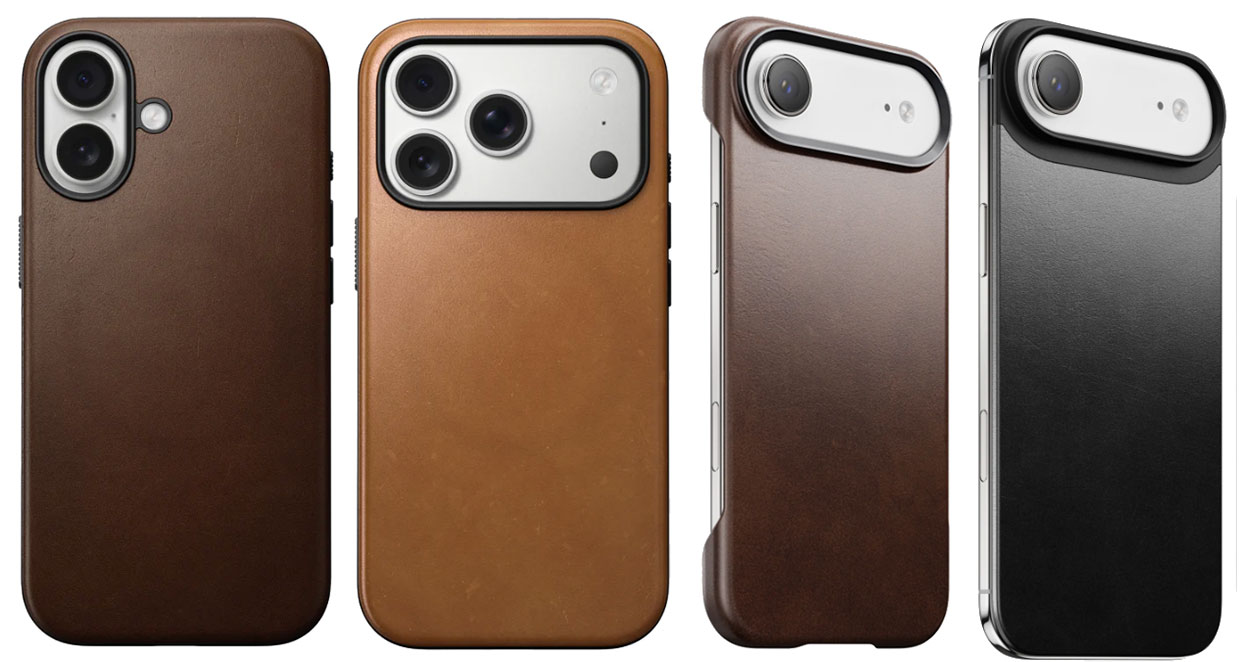
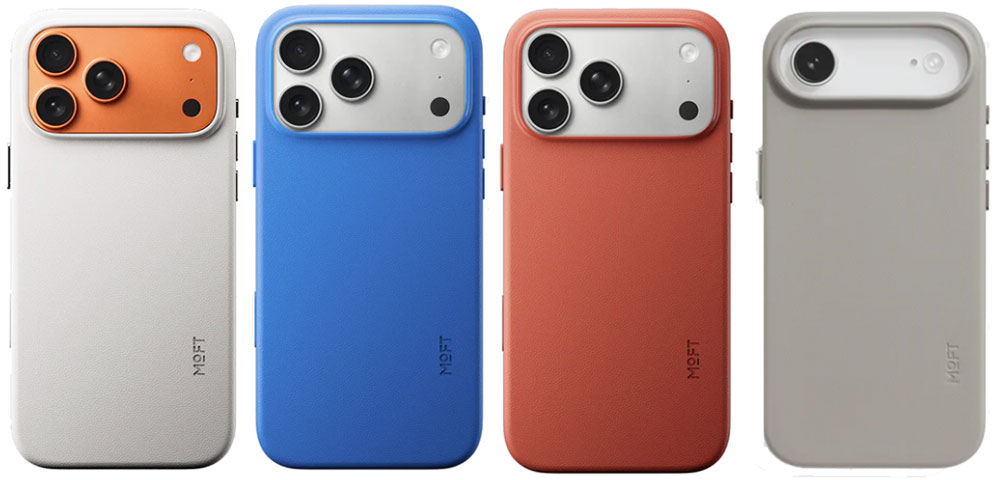
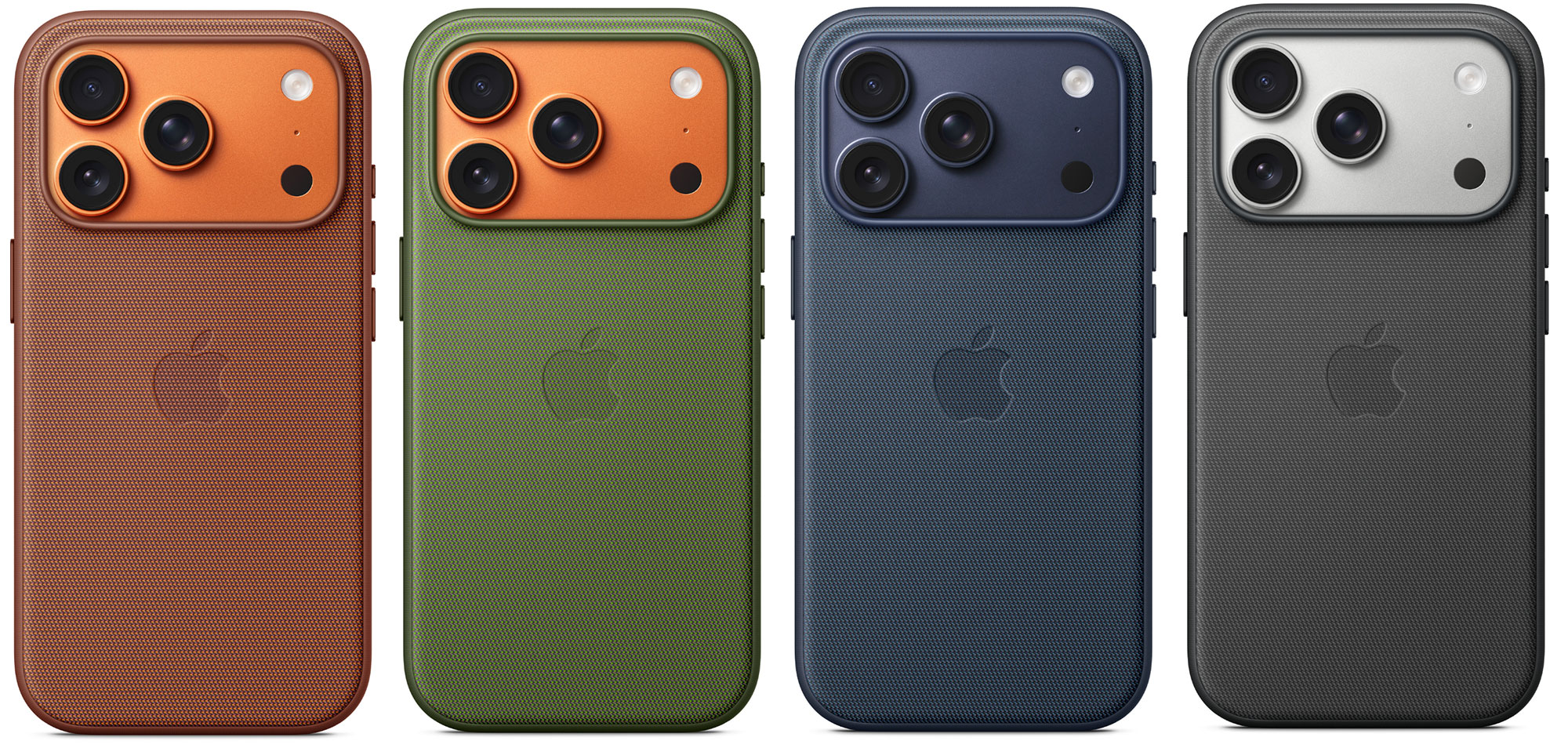
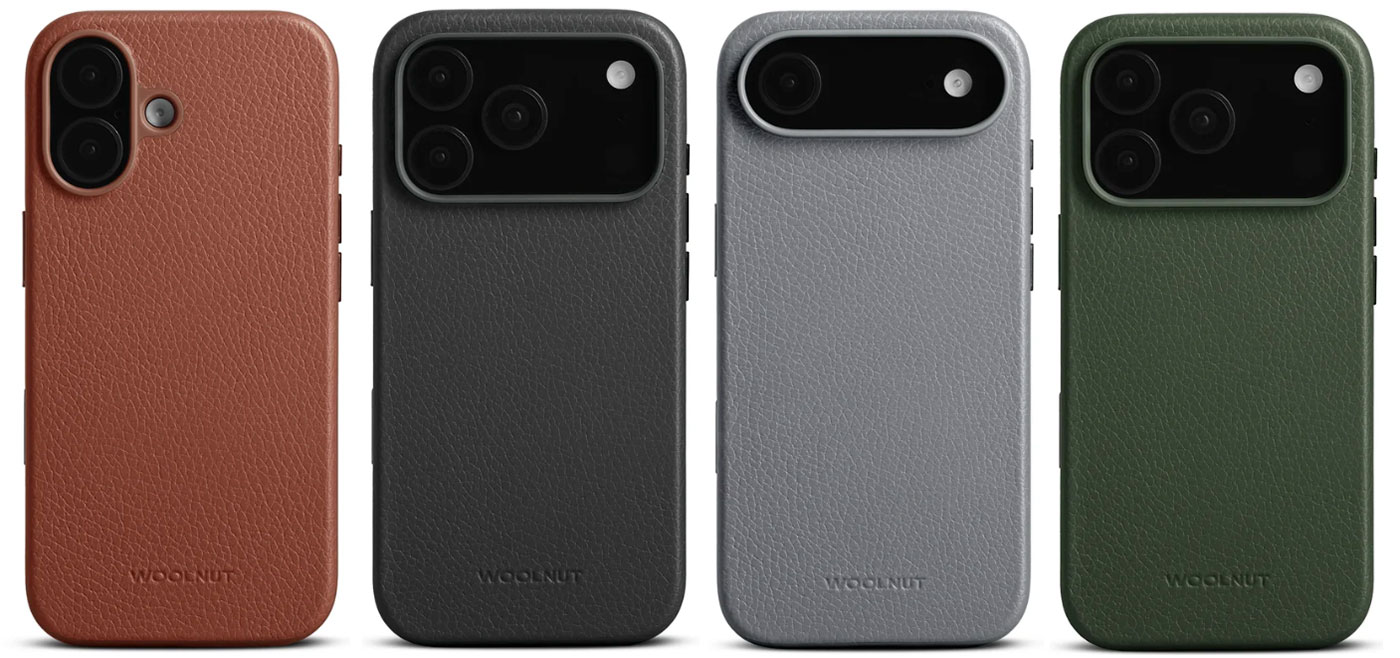
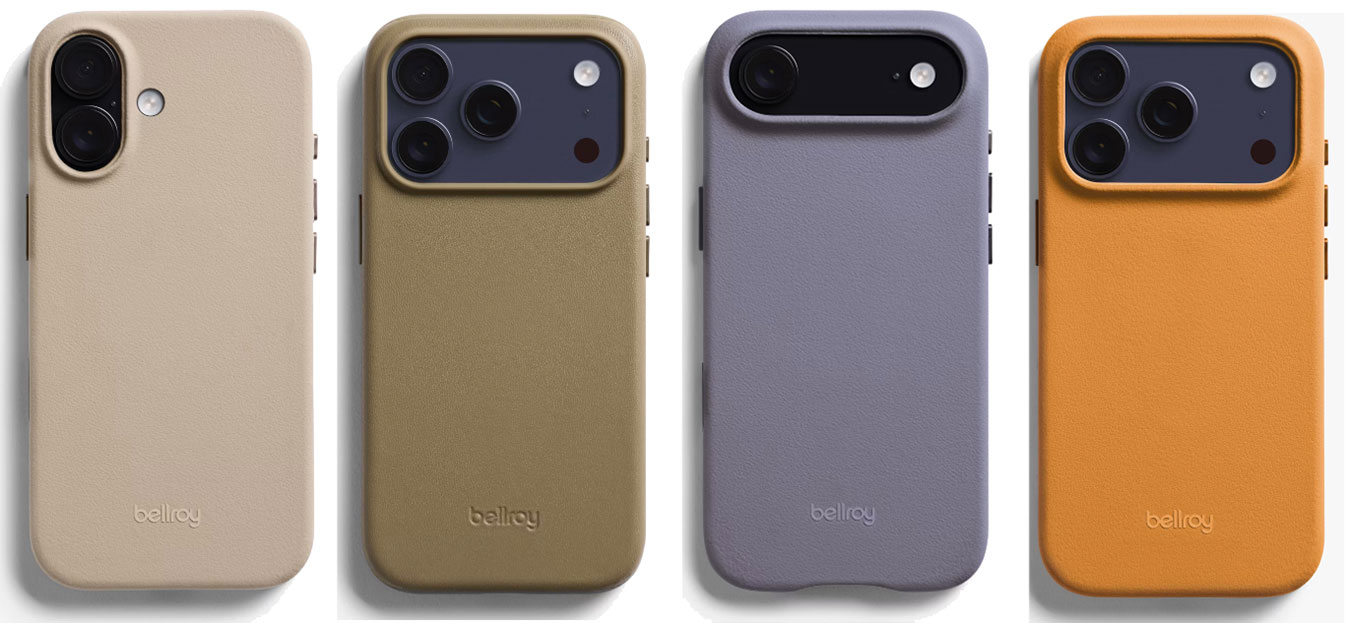
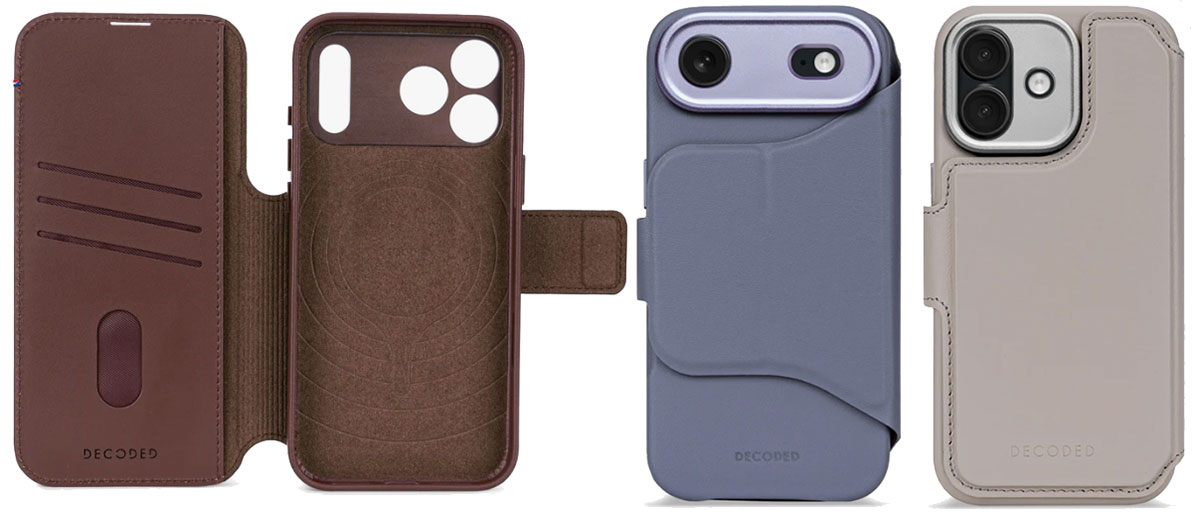
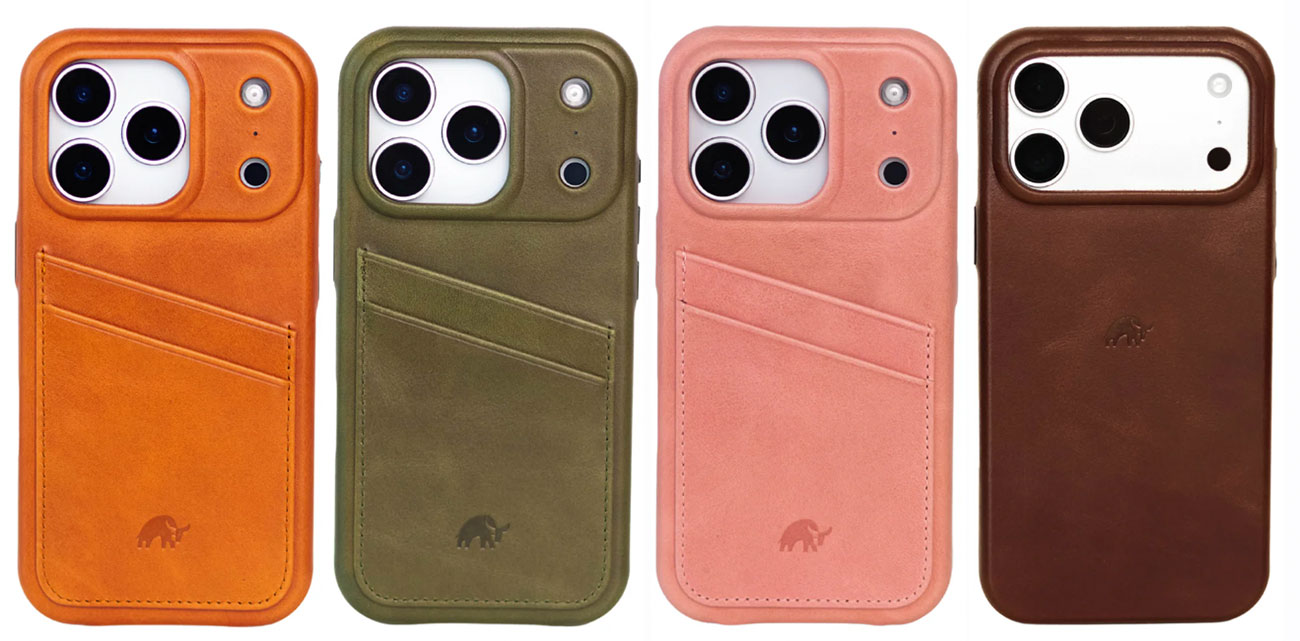
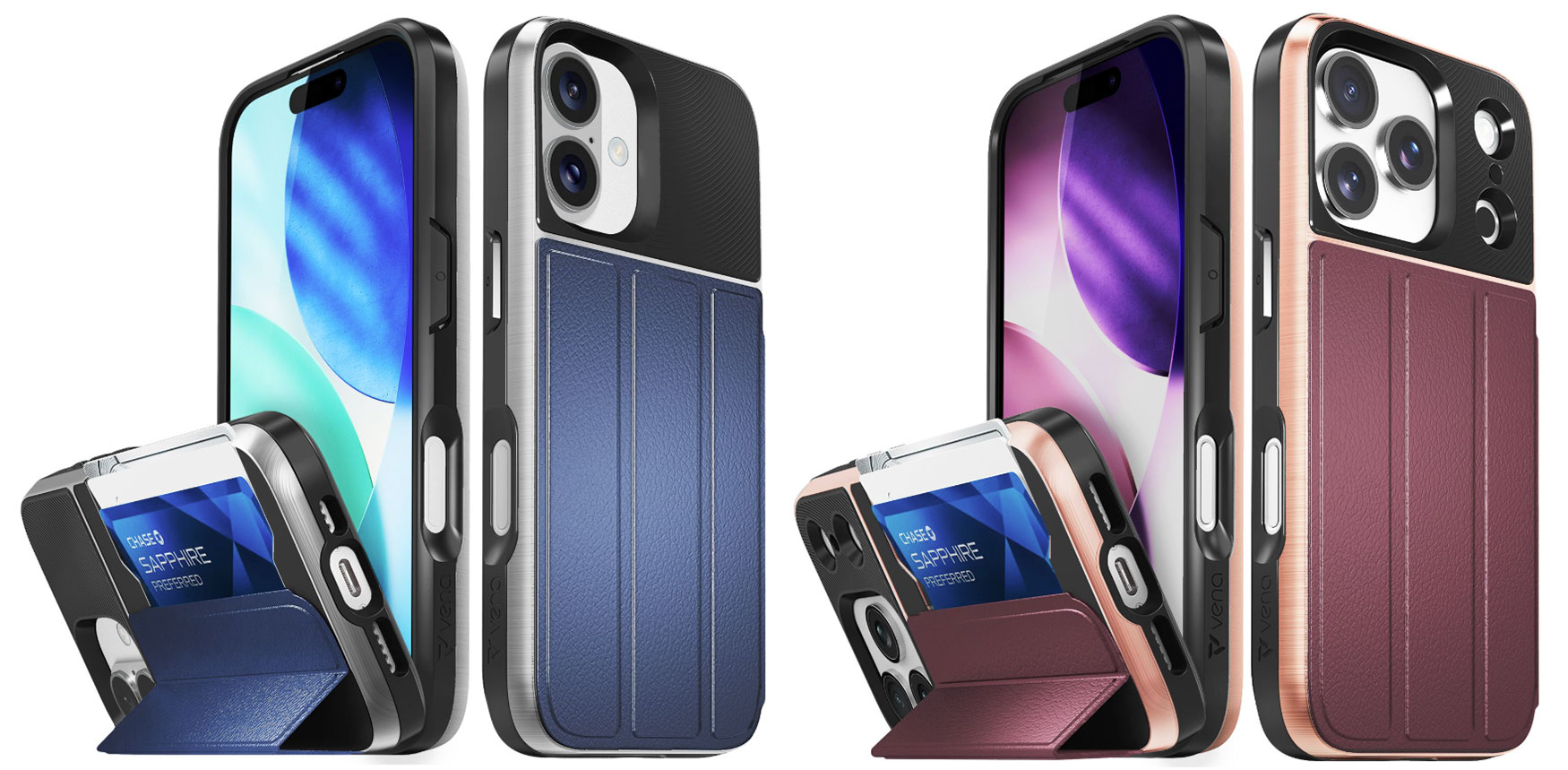
Before you even start the setup on your new iPhone 17—be it an iPhone 17, 17e or Air, 17 Pro or 17 Pro Max— you should consider what type of case you need to protect it in. However good Apple’s new Ceramic Shield 2 shell is, it won’t be up to protecting your phone if dropped or scraped. A case just makes sense—and can look fantastic, too. Some are even ultra glamorous.
Cases come in more shapes and sizes and with more functionality than you’d believe. Hit these links to jump straight to our recommendations, reviews and tests to find the perfect case for your iPhone 17, 17e, 17 Pro and 17 Pro Max and Air. Or read on for more case advice before reaching the product charts. Cases for the most recent iPhone 17e have started to appear (keep reading) and we’ll add more here when they arrive.
You may have heard that Apple’s new-generation Ceramic Shield 2 front cover promises 3x better scratch resistance, and for the Pro and Pro Max models Ceramic Shield also protects the back of iPhone, delivering 4x better resistance to cracks than the back glass on previous models. Does that mean that you no longer need a case? A case will keep your iPhone looking at it’s best, which will be a benefit when and if you come to sell it. Also, note that neither the plain iPhone 17 nor Air feature the same level of back protection.
Do I need an iPhone case for iPhone Air?
The iPhone Air is so thin it seems a shame to bulk it up in a protective case. It’s also tough at resisting bending but it is still just as vulnerable to drops and everyday dings. Most cases reviewed here have a variant for the iPhone Air but there are especially thin cases such as the super-slim Thinborne iPhone 17 Case and Pitaka Ultra-Slim Case, or consider the Nomad Magnetic Leather Back that misses the sides altogether and protects just the back.
Why you need an iPhone case
The primary function of a phone case is to protect your high-cost but fragile device from physical damage—caused by accidental impacts such as shocks from drops and scrapes that can leave your phone with a cracked screen, scratches, dents, a shattered back or internal harm. In fact, research shows that within 10 weeks of purchase, half of all new phone users will drop their handset. D’oh!
Just being pulled from your pocket many times a day causes gradual wear that adds to the unseen damage from UV exposure and other environmental factors. Environmental protection safeguards against water and dust damage that can degrade or destroy your precious phone. Putting your iPhone into a case doesn’t make it indestructible, but it will reduce the risk of everyday or unexpected damage that might otherwise save a costly repair or full replacement.
Which type of iPhone case to choose
As nice as Apple makes its phones look there are only a handful of colors, so a case also offers aesthetic personalization through design (there are thousands to choose from) and customized style. Love the Cosmic Orange iPhone Pro but want to save money with the basic iPhone 17 model? Why not just buy a bold orange case for the 17, such as the Beats iPhone 17 Rugged Case in Sierra Orange?
Choosing the right case material (be that silicone, leather, Graphene or Kevlar) is also key—depending on whether you are after better grip, more robust protection or luxurious leather.
Cases can also add functionality, with handy features such as stands for hands-free viewing or wallet holders for carrying cards and cash. If you ever wirelessly charge your phone, make sure the case is MagSafe compatible—most are these days.
Best clear iPhone cases for iPhone 17, 17e, Air, 17 Pro and 17 Pro Max
If covering up Apple’s iPhone offends your inner Jony Ive, look for a clear, transparent case that keeps the iPhone’s looks as wonderful as they were straight out of the box. Why pick out a Sky Blue iPhone Air or Cosmic Orange iPhone 17 Pro Max, only to cover it up in a black plastic case or something with badly drawn flowers on it? With a Clear case, you get decent protection without ruining the look of the phone—although Apple has rather mucked this up with its own version; see review below.
If you want a plain black case or flowery pattern instead of Apple’s small palette of colors, we have plenty for you to choose from further down this feature.
Apple iPhone 17 Clear Case with MagSafe – Simple but flawed clear iPhone 17 case
Pros
Made by Apple
Shows off iPhone 17’s color
Cons
Basic protection
Ugly on Pro / Pro Max
Open bottom section
Expensive
Price When Reviewed:
$49
Best Prices Today:
Retailer
Price
$49
View Deal
Price comparison from over 24,000 stores worldwide
Product
Price
Price comparison from Backmarket
This simple, rigid iPhone 17 protective case from Apple is thin and light. By design, clear cases shouldn’t disguise the color of your iPhone that you chose when you purchased it.
The Apple Clear Case is made from a blend of optically clear polycarbonate and other flexible materials, with a scratch-resistant coating on both the inside and outside. While it’s more protective than silicone cases and features a robust-looking 2mm camera lip, you can find tougher cases, which we have reviewed below.
While the Clear Case for the basic iPhone 17 is as you’d expect, Apple has somewhat ruined the idea of a “clear” case for its Pro and Pro Mac versions of the iPhone 17, which feature a slab of white plastic at the back under the camera area. It’s white whatever color of iPhone 17 Pro or Max that you own.
This is because Apple added its second-generation Ceramic Shield glass as a separate panel on the back of the Pro models—it’s on only the front of all the 17 family. To keep the back design visually balanced, the Apple logo was repositioned slightly lower. The white slab on Apple’s clear case is related to this adjustment and the alignment of the MagSafe magnets. Customers are already complaining that Apple should have created cases with a block in the color of the phone. If your iPhone 17 Pro or Pro Max is orange or deep blue that slab of white is, well I’ll say it, ugly.
The bottom of the Clear Case is nearly fully open, which reduces the level protection.
For the iPhone Air Apple has another not really clear solution: the iPhone Air Bumper. This protects the edges of the phone and matches the Air’s color but leaves the back exposed. With a raised bezel it will also stop the screen touching the surface when laid flat. You can choose the bumper color to match your iPhone Air or select another color if you are feeling adventurous.
Apple also sells the iPhone Air Case with MagSafe in Frost or Shadow, with a 0.9mm back panel that’s reinforced with a polycarbonate frame. The inside is lightly frosted, while the exterior is finished to a high gloss.
At 29g it’s super light, and while the rigid case adds a little bulk, it’s worth a little compromise for that layer of protection. All materials and coatings are optimized to prevent yellowing over time.
There are also cheaper clear cases, which we have also tested for you. But the Apple badge is a sure sign of quality, as you’d expect.
ESR Classic Hybrid Magnetic Case – Best budget clear iPhone 17 case
Pros
Shows off iPhone’s color
Affordable
Stash Stand option
Price When Reviewed:
From $18.99
Best Prices Today:
Retailer
Price
$9.28
View Deal
$11.69
View Deal
ESR
$18.99
View Deal
Price comparison from over 24,000 stores worldwide
Product
Price
Price comparison from Backmarket
MagSafe compatible: Yes
Weight: 42g (with Stash Stand)
Raised edge: 1.2mm
Camera edge: 0.8mm to 2mm
Button covers: Plastic
Colors: Clear, plus frosted pink, blue, black and green
If you want see-through protection for your new iPhone 17 ESR’s Classic Hybrid Case—with 1.5mm back—features shock-absorbing Air Guard corners that can protect from drops up to 11ft. ESR claims its clear plastic resists yellowing for longer than cheaper cases.
ESR also makes a version of the clear Classic Hybrid Case that features a handy built-in kickstand for stable viewing. The $25.99 ESR Classic Hybrid Magnetic Case with Stash Stand hides its pull-out stand in the zinc alloy camera guard. It supports 15-85° viewing angles in both portrait and landscape orientations. With its 2mm camera edge it’s more protective than the basic model.
Unlike Apple’s ugly Pro and Pro Max clear cases, ESR’s design ensures that the Apple logo remains fully visible without obstruction, while still providing strong magnetic performance. That means you can see Apple’s original iPhone color through the clear case, and the bottom section has cutouts where necessary compared to the fully open section on the Apple Clear Case.
Totallee Scarf Case for iPhone 17 – Slimmest, lightest hard clear iPhone 17 case
Pros
Slimmest clear case
Lightest case
Pro model colors show through
Cons
Basic protection
MagSafe costs more
Price When Reviewed:
$39
Best Prices Today:
Retailer
Price
$35
View Deal
Totallee
$39
View Deal
Price comparison from over 24,000 stores worldwide
Product
Price
Price comparison from Backmarket
Made of polypropylene, a hard yet flexible plastic, the Totallee Scarf is the slimmest (0.5mm) iPhone 17 case available and—by a long way—the lightest. Even at this weight, there are button covers, and a cutout for the Camera Control. The lip around the camera and at the front are smaller than on other cases but the emphasis is on thinness rather than chunky protection. It offers protection from bumps, scratches, dirt, and minor drops (3 feet).
There is a clear version and a similar Frosted Clear model, plus a bunch of other frosted colors to choose from, but only Clear, Frosted and Black options for the MagSafe-compatible versions. Note that you have to pay a little more ($4) for the MagSafe-compatible versions, which we think is worth it but for a pure clear look the non-MagSafe version is the way to go.
The Totallee Spy case isn’t as thin but is still pretty marginal at 1mm thick, and has been tested with a 6-foot drop so you may thank yourself next time your new phone slips from your grasp. It is available only in only a Clear version for iPhone 17, iPhone Air, iPhone 17 Pro and iPhone 17 Pro.
As with the ESR clear case reviewed above the Totallee clear cases don’t obstruct the phone’s true color like the ugly Apple case. This is achieved in the same way by having a small break in the magnet ring—without loss of functionality—so that Apple’s lower logo on the Pro models isn’t obscured.
Casetify clear Impact and Bounce Cases for iPhone 17 – Most customizable clear iPhone 17 case
Pros
Shows off iPhone’s true color
Protection level options
Built-in kickstand option
Cons
Not entirely transparent
Best Prices Today:
Retailer
Price
Check
Price comparison from over 24,000 stores worldwide
Product
Price
Price comparison from Backmarket
Offering a selection of protection levels, Casetify’s Impact and Bounce cases are available for all models of the iPhone 17 family. It is solidly built and feels robust, offering a minimum of 6.6ft (2m) drop protection up to 32.8ft (10m) if you choose the Ultra Bounce Case with its standout corner bumpers.
The case edges aren’t clear because they feature extra-protective EcoShock or TesseLock designs. On one side there are sockets to easily attach phone charms. The more protection, sadly the less of the original phone can be seen even in a clear case, but most of the shock absorption on the Bounce case family protrudes from the corners.
For a little extra outlay, the Impact Case can be ordered with an integrated stand, otherwise cleverly hidden in the camera ring in a similar design to the ESR Stash Stand reviewed above.
Belkin SheerForce iPhone 17 Clear & Grip Cases – Affordable quality hard clear iPhone 17 case
Pros
Shows off iPhone’s color
Affordable
Grippy side color options
Price When Reviewed:
$29.99
Best Prices Today:
Retailer
Price
$29.99
View Deal
Belkin
$29.99
View Deal
$29.99
View Deal
Price comparison from over 24,000 stores worldwide
Product
Price
Price comparison from Backmarket
MagSafe compatible: Yes
Weight: 36g
Raised edge: 1.6mm
Camera edge: 0.5mm
Button covers: Plastic
Colors: Clear or Grip in Black, Pink, Pistachio Green, Navy, Lavender
Belkin is a trustworthy name for Apple accessories and its iPhone cases carry on this tradition. There’s nothing flashy about the SheerForce Clear Case aside from its action-packed name, and clear cases really shouldn’t be flashy. It doesn’t add a big white block under the MagSafe logo but still shows off the Apple logo—as such it’s superior to Apple’s own-brand clear case, reviewed above. The Clear Case has a claimed 13ft (4m) drop protection, and side grooves for added grip.
You can add a sheen of color with the translucent SheerForce Grip Case—oddly there were more colors on offer in the U.K. than U.S.—as well as textured sides to make it, as the name suggests, a little more grippy than its clear sibling. Being not as hard as the Clear Case, the Grip Case offers a lower 6.6ft (2m) drop defense.
Rokform Crystal Case iPhone 17 – Most protective clear iPhone 17 case
Pros
Shows off iPhone’s color (a little)
Robust protection
Magnetic case
Bike/Car mount system
Cons
Not entirely transparent
MagSafe compatibility not 100%
Heavy
Price When Reviewed:
$69.99
Best Prices Today:
Retailer
Price
$69.99
View Deal
Rokform
$69.99
View Deal
Price comparison from over 24,000 stores worldwide
Product
Price
Price comparison from Backmarket
Rokform is one of the most trusted market leaders in iPhone protection.
For those who want to see and show off at least some of their iPhone’s original coloring, but still gain maximum protection, Rokform offers its Crystal Case for the iPhone 17 family. This is more solid looking than even the Casetify Ultra Bounce reviewed above.
As you’d expect, that protection comes at the price of some bulk and heft. The case is not fully clear because its dual-construction black sides, textured-grip edges and corners are made from a military-grade polycarbonate and TPU (thermoplastic polyurethane) combination to absorb shocks from drops and falls of up to 6 feet.
Magnetic itself you can securely clamp it onto any magnetic surface.
At present, the Rokform cases are too thick to work with all MagSafe chargers—it didn’t work with all the chargers we tested it with—so you will likely need to remove your phone from the case to charge it wirelessly.
The case also features the Rokform’s famous twist-lock and magnetic mounting system for bike, motorcycle and car mounts. If you’re going biking with iPhone on your handlebars, a super-protective case is a must.
Rokform does ship internationally, but you’ll need to check the fees depending on your region, and remember that customs charges also vary by country.
Best stylish iPhone cases for iPhone 17, Air, 17 Pro and 17 Pro Max
While some will prefer a clear case to keep their iPhone’s natural color, others are more gregarious and want a splash of difference, from plain new colors, through pretty, cool or sometimes hideous patterns, to fully customizable designs. We’ve counted hundreds of designs on offer, so there must be something here for you and your iPhone 17.
Apple iPhone 17 Silicone Case with MagSafe – Popular, Apple-branded colorful case range
Pros
Made by Apple
Vibrant color range
Cons
Not as protective as others
Not for iPhone Air
Expensive
Price When Reviewed:
$49
Best Prices Today:
Retailer
Price
$49
View Deal
Price comparison from over 24,000 stores worldwide
Product
Price
Price comparison from Backmarket
MagSafe compatible: Yes
Weight: 30g
Button covers: Silicone
Colors: Neon Yellow, Orange, Purple Fog, Midnight, Black, Terra Cotta, Light Moss, Anchor Blue
The smooth Apple Silicone case is a classic, popular protective iPhone covering—available in the widest range of colors with eight to choose from depending on which model you are buying for. There’s enough choice here to satisfy most people, but if you prefer to see the color of the iPhone itself, look to a clear case; see above.
It is as protective as you need for everyday calamities except big falls—if you want ultra protection, look to our best protective cases reviewed further down. If you are prone to letting your phone slip out of your hand, look for cases made from TPU, Kevlar or Graphene.
It is made with a soft-touch, almost silky 45% recycled silicone material. Inside, the lining is soft microfiber to protect the iPhone itself from scratches.
Aside from the colors and the attention to detail, people flock to this Apple case apart because it’s made by Apple and has the famous logo on the back. You can’t go wrong buying an Apple-made case, but you can find more options elsewhere.
Casetify iPhone 17 Case – Best custom iPhone 17 cases
Pros
Many customization options
Protection levels
Cons
Expensive
Price When Reviewed:
From $55
Best Prices Today:
Retailer
Price
Casetify
$55
View Deal
Price comparison from over 24,000 stores worldwide
Product
Price
Price comparison from Backmarket
With nearly 5,000 designs to choose from, the Casetify range gives you almost too many choices—and some of the designs are pretty out there. Each to their own! To add some fun you need a non-clear case, and if you want to impose your own personality then look for customization options.
The most customizable range of iPhone 17 cases we’ve seen are from Casetify, where you can mix and match colors, patterns, prints, artists, and personalization options, as well as several levels of protection. There’s a smaller selection of the company’s case designs on Amazon.
Prices vary and rise depending on the protection levels, but for most you get a wide range of design options, including character-led designs such as Disney, Smurfs, SpongeBob and Peanuts.
You can add a name or short word, plus add hearts and stars, fonts, and text colors if you desire. Some cases feature a pull-out stand, which is otherwise hidden in the camera ring.
Casetify also offers a range of protection levels: Impact (8.2ft drop protection, 4x MIL-STD-810G or 6.6ft and 3x with a ring stand), Bounce (21.3ft drop protection, 6x MIL-STD-810G), Ultra Bounce (Bounce corners, 32.8 ft. drop protection, 10x MIL-STD-810G) and, for the 17 Pro and Pro Max, Ultra (Ultra Bounce corners, 32.8 ft. drop protection, 10x MIL-STD-810G, 6-layered rugged protection).
The raised bezel to protect the screen can be either 1.4mm or 1.6mm, and the protective camera ring from 2mm to 3.8mm. The Impact Ring case features the tallest camera-protecting lip at 3.6mm, the biggest we’ve seen in our tests.
A new customizable Glaze case offers an inner printing method, where designs are printed underneath a protective inner layer, preventing them from fading and losing quality over time.
Casely iPhone 17 Classic and Bold Cases – Best iPhone 17 case for colorful protection
Pros
Optional protection levels
Design options
Cons
Low camera edge
Price When Reviewed:
From $25
Best Prices Today:
Retailer
Price
Casely
$25
View Deal
Price comparison from over 24,000 stores worldwide
Product
Price
Price comparison from Backmarket
While not as customizable as the Casetify iPhone 17 cases, the range of Casely design options is almost overwhelming, including designs based on works by Impressionists Van Gogh and Monet.
Aside from the 240+ designs, you can choose between the Classic and Bold case models for each type of iPhone 17. The Classic Collection is lighter and more flexible with a glossy finish, while the Bold Collection is more protective and comes with a matte finish.
The Bold models have ribbed sides, which adds real grip, making it less likely that you’ll drop your iPhone in the first place—but if you do there’s impressive 8-foot drop protection and a 3mm raised screen lip (only 1.3mm on the Classic), the highest we’ve tested. The camera edge could be a little higher, but we are big fans nonetheless.
Casely adds small shipping fees if bought direct—these are calculated at final checkout. Uniquely Casely offers club membership where subscribers receive a new phone case every month, with exclusive members-only styles released each month. Users choose a style or Casely can send a surprise case.
Nomad Modern & Rugged Cases for iPhone 17 – Slick and cool
Pros
Cool colors
Matte finish
Protection levels
Cons
Not for basic iPhone 17
Price When Reviewed:
$49
Best Prices Today:
Retailer
Price
Nomad
$49
View Deal
Price comparison from over 24,000 stores worldwide
Product
Price
Price comparison from Backmarket
MagSafe compatible: Yes
Weight: 36g (Modern); 47g (Rugged)
Raised edge: 1mm (Modern), 1.85mm Rugged)
Camera edge: 0.5mm
Button covers: Metal
Colors: Volt, Lunar Gray, Vulcan Black, Ultra Orange, Black
Nomad has a range of cooly colored cases for the iPhone 17, although none for the plain 17 model. The slim, minimalist Modern Case features a satin-smooth matte backplate, grippy bumpers and metal buttons. It claims 8ft drop protection with a shock-absorbing TPU bumper.
As you’d expect from its name, the equally matte Rugged Case is more robust with 15ft drop protection, as its polycarbonate frame boasts fortified corner bumpers. Its bumpers are grooved bumpers for a better grip. There’s also a leather version of the Rugged Case; see the Nomad leather case reviews further down this roundup.
dbrand Grip Case for iPhone 17 – Best grippy iPhone 17 case for cool designs
Pros
Many cool design options
Tactile grippy sides
Price When Reviewed:
FRom $55.90
Best Prices Today:
Retailer
Price
dbrand
$55.90
View Deal
Price comparison from over 24,000 stores worldwide
Product
Price
Price comparison from Backmarket
We love the 2mm-thin dbrand Grip Case for several reasons. First, as the name suggests, it is supremely grippy but still slides from a pocket with ease. The sides feature gripped stripes on a textured frame and further ridged, easy-to-locate buttons. This should mean you are less likely to drop your iPhone unless you or someone else is really trying to make it happen.
Second, the screen has a tapered edge, allowing for easy edge-swipes along the center of the display with just a 0.4mm raised lip but a much more protective 1.5mm lip on the top and bottom. The camera lenses are protected with a 0.5mm lip but also features a “hooded” design around the entire camera housing, tapering both the rubberized rim and the rigid frame of the case to protect the cameras. This symmetrical design ensures that the camera protrusions don’t rock back-and-forth while sitting flat on a table surface.
dbrand also offers a thinner 0.25mm textured and scratch-proof $24.95 Skin Case for the Pro iPhones in a similar wide range of techy and weird designs, from Area 51, X-Ray, Toxic Waste and Solar Flare among many others.
Rhinoshield iPhone 17 Cases – Best customizable iPhone buttons
Pros
Thousands of design options
Tactile grippy sides
Price When Reviewed:
From $24.99
Best Prices Today:
Retailer
Price
$22.95
View Deal
Price comparison from over 24,000 stores worldwide
Product
Price
Price comparison from Backmarket
If you want to customize your own case Rhinoshield offers a “Design Your Own” service where you upload your own photos, add text, choose fonts and colors, etc.
It also has a range of fun choices from its Design Studio, including a roster of hip Japanese and Far Eastern characters as well as major movie and TV franchises (Harry Potter, Jurassic Park, Batman, Smurfs, Lord of the Rings), and a special collection of women designers.
Almost uniquely, it lets you customize elements of its SolidX and Mod NX cases, swapping out button colors. In the first example pictured above I went for the Neon Orange buttons ($1) and Graphite bumper. Using the Design Your Own option you can add stickers and photos plus a whole lot more. SolidX with reinforced corners and stronger drop protection
Following up on behalf of our client RHINOSHIELD with a new update that may be useful for any iPhone 17 coverage you are working on. Since launch, RHINOSHIELD’s engineering team has been monitoring how legacy cases are performing on the new hardware. Early tests are already showing higher failure rates due to Apple’s internal redesign, specifically the repositioned battery tray, expanded vapor chamber cooling system, and the shifted logic board.
This is the challenge RHINOSHIELD designed the new AirX case to solve. AirX redirects impact away from the rigid battery tray, reduces torsional stress around the logic board area, and supports the updated thermal system. The case has performed significantly better in early drop and stress tests compared with cases that were simply adapted from prior models.
AirX with its cushioned Air Isolation Chamber and Compression Skeleton; and Mod NX system with an interchangeable backplate design that you can switch to match your mood.
Torras Ostand Q3 Silicone and Air Cases for iPhone 17
Pros
360-degree rotatable ring stand
Grippy frame
Price When Reviewed:
$45.99
Best Prices Today:
Retailer
Price
$39.95
View Deal
Torras
$45.99
View Deal
Price comparison from over 24,000 stores worldwide
Product
Price
Price comparison from Backmarket
MagSafe compatible: Yes
Weight: 46g
Raised edge: 1.5mm
Camera edge: 0.33mm
Button covers: Plastic
Colors: Shadow Black, Glacier Sprint, Deep Blue, Cosmic Orange, Desert Gold, Baby Blue, Pearl White, Blush Pink
Always one for a confusingly named but quality iPhone case, Torras has maybe outdone itself by naming one of its iPhone 17 cases the Q3 Air, especially as it is available for only the iPhone 17 Pro and 17 Pro Max and not the actual iPhone Air. It features shock-absorbing Air-Max airbag technology that’s good for drops of up to 12 feet, Dot-Matrix anti-slip buttons and a secure grip.
Made with 55% Recycled Silicone, the Torras Q3 Silicone Case offers the same 360 degree rotating Spin stand, and boasts a luxurious velvety interior. While it is smooth enough to slip in and out of a pocket with ease, the textured grip feels secure.
Decoded Silicone Case – Best-looking iPhone 17 silicone cases
Pros
Wide vibrant color range
Two silicone styles
Smooth feel
Cons
Low Screen and camera edge
Price When Reviewed:
From $48
Best Prices Today:
Retailer
Price
Decoded
$48
View Deal
Price comparison from over 24,000 stores worldwide
Product
Price
Price comparison from Backmarket
The Apple Silicone cases include some vibrant colors, but for the widest range and some delightful flourishes we prefer the Decoded range of Silicone cases. There’s a range of vibrant and cool colors, including True Navy, Retro Blue, Future Dusk, Rosette, Soft Taupe, Yuma Yellow, Phantom Black, and Lavender.
Unlike on most back cases there is a metal camera ring that fully encloses the iPhone’s camera array and gives complete edge protection without blocking image. The cases boast metal buttons and a lovely silky soft touch that will have you stroking the case like the seats of a new car.
Drop resistance up to 1.2 meters is claimed, although we’d have preferred a little more screen and camera edge height.
Native Union (Re)Classic and Active Cases – Elegant iPhone 17 animal-free leather cases
Pros
Color options
Matte finish
Protective feel
Price When Reviewed:
$49.99
Best Prices Today:
Retailer
Price
$49.99
View Deal
Native Union
$49.99
View Deal
Price comparison from over 24,000 stores worldwide
Product
Price
Price comparison from Backmarket
MagSafe compatible: Yes
Weight: From 37g
Raised edge: 1.5mm (Classic); 1mm (Active)
Camera edge: 0.6mm (Classic); 0.8mm (Active)
Button covers: Metal
Colors: Black, Apricot Crush, Sandstone, Slate Green, Tan, Navy
Available for the whole iPhone 17 lineup, including the slim iPhone Air, Native Union has two colored and one clear case in eco-friendly materials.
The textured (Re)Classic Case for iPhone 17 is the most elegant of the range with contrasting smooth and cross-grained plant-based leather in Tan, Navy, Black and Slate Green colors. It features drop protection of up to 6 feet (1.8m).
The Active Case for iPhone 17 has a more durable and rugged recycled iPhone case with 10ft (3m) drop protection. It is offered in cool Sandstone and softer Apricot Crush colors, as well as Black and Slate Green.
Zagg Milan & Sedona iPhone 17 cases – Find your style and protection
Pros
Design options
Price When Reviewed:
From $49.99
Best Prices Today:
Retailer
Price
$49.99
View Deal
Zagg
$49.99
View Deal
$49.99
View Deal
Price comparison from over 24,000 stores worldwide
Product
Price
Price comparison from Backmarket
There’s an interesting choice of colors and patterns in the Milan Snap range of iPhone 17 cases from Zagg. There are sparkly iridescent, glitter and pretty flower designs. The slim, lightweight profile ensures a comfortable fit in your pocket or hand, while up to 93% post-consumer recycled materials underscores a commitment to sustainability
Zagg’s Sedona range has impact-absorbing corner bumpers and an integrated kickstand.
Both are strengthened with Graphene, a flexible material that boasts of being 200x stronger than steel, and claim 13-foot (4m) drop protection
Mous Limitless Case for iPhone 17 – Wide range of material designs
Pros
High protection level
Design options
Cons
Low screen and camera edge
Price When Reviewed:
$74.99
Best Prices Today:
Retailer
Price
$74.99
View Deal
Mous
$74.99
View Deal
Price comparison from over 24,000 stores worldwide
Product
Price
Price comparison from Backmarket
MagSafe compatible: Yes
Weight: 42-46g
Raised edge: 0.5mm
Camera edge: 0.5mm
Button covers: Plastic
Colors: Walnut, Bamboo, Speckled Fabric, Black Leather, Chilli, Aramid Fiber, Silver Pearl, Marine, Mulberry, Sage, and Stone
The Limitless is a range of iPhone 17 cases that excellently mimics various materials, such as wood, pearl and leather on to its polycarbonate and TPE shell plus TPU sides and shock-absorbing bumpers. If you’re into your phone case looking a little different, we think this adds a certain gravity to the iPhone’s looks.
Protection level is high without making the case too bulky and the reinforced AiroShock impact-absorbing corner bumps are reasonably subtle. It has rippled grip ribs and side eyelets for wrist straps and phone slings.
There is also a range of Mous mounts for bikes, cars and motorbikes that work with the company’s Interlock Case.
The screen and camera edge height is a little lower than on most cases.
Burga iPhone 17 Cases – Wide and colorful range of patterns
Pros
Colorful design options
Optional protection levels
Price When Reviewed:
From $54.95
Best Prices Today:
Retailer
Price
Burga
$54.95
View Deal
Price comparison from over 24,000 stores worldwide
Product
Price
Price comparison from Backmarket
There are over 500 bright and bold design and case-protection options to choose from Burga’s eclectic iPhone 17 family collection. It’s certainly not all pink and leopard skin but this is the place to come for some great girly selections. You can also pick up many stripped, tartan, marble and even sardine patterns.
We like that after choosing your style you then have the option to choose from two different protections levels: Elite and Tough. The Elite Case features an impact-absorbing CloudGuard technology plus dot-pattern grip for more confident handling, and a choice of Gold or Gunmetal case accents, plus a mirrored option. Burga claims that its anti-fade printing keeps designs vibrant day after day. The slimmer Tough Case has a dual-layer build with. a silicone interior and+ hard shell exterior.
Spigen Classic LS MagFit for iPhone 17 Pro – Vintage 1984 Mac looks
Pros
Looks just like the original Apple Mac
Mac keyboard-inspired buttons
Lanyard slot
Cons
iPhone 17 Pro and Pro Max only
Price When Reviewed:
$59.99
Best Prices Today:
Retailer
Price
$39.99
View Deal
Spigen
$59.99
View Deal
Price comparison from over 24,000 stores worldwide
Product
Price
Price comparison from Backmarket
Apple fans of a certain age are likely to swoon at the sight of this retro-look iPhone 17 Pro case, kitted out like 1984’s original Macintosh 128K. In the past, we’ve seen Spigen iPhone cases that mimic the iMac (in Bondi Blue, Graphite, Ruby and Tangerine) but this is the company’s best gimmick yet.
The side buttons are styled after the vintage Mac’s keyboard keys, with “Hello” engraved on the power button—just as the Mac used to introduce itself. Even the Spigen logo has been redesigned and inspired by the classic Apple logo.
It has caught up with newer Apple technologies, being compatible with MagSafe and with a touch-sensitive capacitive T cover for the Camera Control.
Spigen is also offering a matching phone strap that fits in with the vintage Mac theme.
Beats iPhone 17 Case with MagSafe and Kickstand – Best iPhone 17 case with lanyard kickstand
Pros
Made by Apple (sort of)
Color options
Cons
Expensive
Price When Reviewed:
$59
Best Prices Today:
Retailer
Price
$53
View Deal
Beats
$59
View Deal
$59.99
View Deal
Price comparison from over 24,000 stores worldwide
Product
Price
Price comparison from Backmarket
Much nicer than the rather lame Beats case line-up for the previous iPhone 16 family, there’s some real imagination pout into the Beats iPhone 17 range of polycarbonate cases. One model boasts a removable lanyard loop that doubles up as a stand for hands-free viewing in landscape mode. Just open the adapter at the end of the lanyard loop and attach it to a magnetic point on the edge of the case.
For $14 less you can get the same case but without the multi-purpose lanyard. This is the only version of the Beats case made for the iPhone Air.
Arc Pulse – Minimalist metal protectors
Pros
Leaves most of the iPhone bare
Lightweight
Super stylish
Cons
Leaves most of the iPhone bare
Won’t work with MagSafe power banks
Price When Reviewed:
From $69.99
Best Prices Today:
Retailer
Price
Arc
$69.99
View Deal
Price comparison from over 24,000 stores worldwide
Product
Price
Price comparison from Backmarket
MagSafe compatible: Maybe
Weight: 15-18g
Button covers: None
Colors: Black, Silver, Graphite, Rose Bronze, Gold, Onxy Black
This is not a case in the normal definition but the stylish metal shells offer protection where it matters most, leaving the rest of your iPhone as naked as Apple intended. They look like futuristic Gaudi-esque jewelry made from molten metal.
The Arc Pulse is a two-part design, with a top section protecting the corners, camera lens and screen, and a bottom section covering the corners. Both are made from aluminum with an anti-scratch coating—or aerospace-grade 5 titanium coated with our Onyx Black Tungsten Carbide if you have deep pockets. The uncovered phone parts are protected from falls by the shells stopping the phone itself from touching the surface it is dropped on. Arc describes it as like a bikini for your phone.
They fit, adhesive-free, by simply—although firmly—sliding on. You need to apply some force at this stage but it feels robust and won’t slip off, even when repeatedly dragged from your pocket. Arc says it will protect from drops of up to 10 feet. As an iPhone case nerd it did feel strange leaving so much of the phone exposed but I still felt secure that a drop would be covered by the chunky metal shells.
One drawback is that you will most likely have to remove the lower part to clamp on a magnetic power bank, leaving the bottom the phone exposed while charging.
OtterBox Sole & Symmetry Cases – Grippy and hippy iPhone 17 cases
Pros
Super grippy sides
Price When Reviewed:
$69.99
Best Prices Today:
Retailer
Price
OtterBox
$69.99
View Deal
Price comparison from over 24,000 stores worldwide
Product
Price
Price comparison from Backmarket
OtterBox is a well-known accessory maker, particularly in its protective phone cases. It has a wide ranges of iPhone 17 case models, and has introduced a new one for the iPhone 17 family.
The Sole Case is about the grip, with a high-ridge tread around the case edge that should mean fewer drops. The removable lanyard loop is another reason the Sole means the new iPhone should stay with you. Even if the iPhone does slip from your grasp OtterBox claims its 5x military-grade protection should come into play. The color choices might not be to your preference but that grip should make up for it.
The Symmetry Cactus Leather Case is made from an ethical leather substitute by Desserto, crafted from organic nopal cactus that are sustainably grown and harvested sustainably without the need for irrigation. Inside the case there’s a soft felt backing. There are plain color cases and also more fancy versions with stitched thread embroidery.
Wave Case for iPhone 17 – Best Sustainable iPhone 17 Eco Case
Pros
Biodegradable and plastic-free
Color options
Cons
MagSafe models cost extra
Price When Reviewed:
From $35
Best Prices Today:
Retailer
Price
Wave
$35
View Deal
Price comparison from over 24,000 stores worldwide
Product
Price
Price comparison from Backmarket
MagSafe compatible: Yes (where stated)
Weight: 40g
Raised edge: 2mm
Camera edge: 2mm
Button covers: Recycled materials
Colors: Black, Yellow, Turquoise, Pink, Khaki, Red, Blue, White
With the Wave range of biodegradable iPhone cases, you can protect your phone and the planet, reducing your plastic consumption. The plant-based phone cases are made from two commonly used biodegradable polymers. Known for its rigid and transparent properties PLA (Polylactic Acid) is derived from renewable resources such as wheat straw. PBAT (Polybutylene Adipate Terephthalate) is a biodegradable copolyester that offers flexibility and durability. Together they make an eco-friendly material that works well for phone protection.
Despite being plastic-free the smooth but grippy Wave cases have “been “military grade” (MIL-STD 810) drop protection, shock-absorbing corners and feature a generous protective 2mm lip around the screen and camera—one of the tallest we have seen.
Not all sustainable products are boring—the Wave cases come in a wide range of bright colors and printed designs. The case material adds a natural fleck to the design. You can also add a recycled glass screen protector.
The standard and Etched case designs aren’t MagSafe compatible but will charge wirelessly. However, you can pay a little more for an integrated magnet that makes the case MagSafe compatible, which we would recommend.
Tech21 Evo iPhone 17 cases – From Clear to Glow In The Dark eco cases
Pros
Biodegradable
Color options
Cons
No Camera Control cover
Price When Reviewed:
From $39.99
Best Prices Today:
Retailer
Price
$7.50
View Deal
$28.46
View Deal
Tech21
$39.99
View Deal
Price comparison from over 24,000 stores worldwide
Product
Price
Price comparison from Backmarket
Tech21 has a range of Evo cases for the iPhone 17 family, including the iPhone Air.
Most protective is the EvoPro that offers 32.8ft (10m) impact protection and a textured grip. The EvoCheck has 16ft (4.9m) drop protection and interchangeable buttons so you can mod the look at the sides. EvoCrystal is even more fun with the same level of protection but a glow-in-the-dark MagSafe ring in green, gold, silver and iridescent. If you want to stick with what Apple gave you, there’s the EvoClear with 12ft (3.6m) impact protection. None offera cover for Apple’s Camera Control if that matters to you.
All are made with the addition of what Tech21 calls “Bio-Spice” designed to boost microbial activity in oxygen-free environments that helps to break down the plastic casing, although it’s not certified as compostable.
Best protective iPhone cases for iPhone 17, Air, 17 Pro and 17 Pro Max
A case isn’t there just to make your iPhone look pretty. The best cases offer reasonable protection while adding as little bulk as possible by using the latest, strongest materials.
Kevlar is the material used to make bulletproof vests—it’s also known as Aramid Fiber. Graphene is even stronger. Zagg claims the graphene used in its Denali Snap case is “harder than a diamond, yet more elastic than rubber, and up to 200x stronger than steel”. That suggests a fall onto the pavement—or indeed off a cliff—might not be fatal for your phone.
Some protective iPhone cases go full out and don’t care about their bulk as long as they protect your iPhone from the biggest disasters that can befall it. We’ve tested protective iPhone 17 cases from the thin to the very thick.
UAG iPhone 17 Cases – Best Protective iPhone 17 Case
Pros
Super protection level
Kickstand option (Plasma)
Color options
Price When Reviewed:
From $44.95 to $99.95
Best Prices Today:
Retailer
Price
$44.95
View Deal
UAG
$44.95
View Deal
$59.95
View Deal
$59.95
View Deal
Price comparison from over 24,000 stores worldwide
Product
Price
Price comparison from Backmarket
MagSafe compatible: Yes
Weight: 47g
Button covers: Plastic
Colors: Black, Titanium, Crimson, Mallard, Green, Ash, Cloud Blue, Midnight Camo and more
UAG cases look formidable, like military vehicles lined up to cross deserts and battlefields without getting a single dent when the artillary starts raining down. There’s huge range to choose from: we counted 16 different types but here are our favorites.
The Monarch Pro ($84.95) and Monarch Pro Kevlar ($99.95) are UAG’s flagship and most popular protective cases with the Kevlar model. They boast sculpted corners for reinforced drop protection (25 feet) and textured edges for enhanced grip. This is the phone case that Judge Dredd might carry in his holster. The 2-piece PC/TPU co-mold Trooper ($64.95) is the most durable case in the USG lineup—an Ultra protective case with a covered charging port providing a protective defense against the elements plus 30-foot drop protection.
The thinner-profile Civilian ($64.95) has a special-edition orange version for 17 Pro and 17 Pro Max owners. A HyperCush impact protection system offers 20-foot drop protection, and there’s an anti-slip traction grip to stop you dropping it in the first place. UAG’s Pathfinder cases ($59.95) has the widest choice of colours and an ultra-light PC impact frame that still offers 18-foot drop defence. If you want to show some pride in the flag there are some patriotic Stars and Stripes versions to chhose.
The lighter weight Plasma XTE ($74.95) with integrated ring kickstand has a wide range of colour choices, and still distresses with 20-foot drop protection. The solid Metropolis ($69.95) is a crowd pleaser with Kevlar and color options, plus 18-foot drop defensive features.
UAG’s thinnest protective iPhone 17 case is the sleek and lightweight Fibr Armr Case ($99.95), made with Kevlar 30-foot drop protection fiber in either Graphite/Bronze or Orange/Charcoal, which offers 15-foot drop protection
There’s also a clear case, the $54.95 Pylo, that has a decent grip plus air-soft cushioned corners that give it 16-foot drop protection that still beats most other cases. If the 16 Pro version proves true for the 17, it will offer reliable anti-yellowing protection. You can choose the edge colours and there’s also a version with a purple and pink glow.
Zagg Rainier Snap Case for iPhone 17 – Super protective iPhone 17 Case
Pros
Super protection level
Kickstand option
Color options
Price When Reviewed:
$69.99
Best Prices Today:
Retailer
Price
$69.12
View Deal
$69.99
View Deal
Zagg
$69.99
View Deal
$69.99
View Deal
Price comparison from over 24,000 stores worldwide
Product
Price
Price comparison from Backmarket
MagSafe compatible: Yes
Weight: 47g
Button covers: Plastic
Colors: Black, Black Cherry Pink, Sandstone Beige, Cobalt Horizon Blue, Sea Kelp Green, Smoke Black
Named after an active volcano near Seattle and boasting a claimed 22-foot (6.7m) drop protection (the highest we’ve seen), the dual-material Zagg Rainier Snap is an ultra-protective iPhone 17 case that, surprisingly, is not as bulky as a boulder.
This is down to its Graphene-infused back plate and shock-absorbing corner bumpers. Graphene is the strongest material known to man—supposedly up to 200x stronger than steel, which might be useful if you do drop this phone case into a volcano. The case’s border features TPU.
Its rugged, textured finish adds a good grip, and when it’s not in your hand there’s an integrated metal kickstand that works in both landscape and portrait modes. The Rainier is constructed with up to 80% post-consumer recycled materials.
Rokform Rugged Case – Most protective iPhone 17 Case with mounts and magnets
Pros
Super protection level
Magnetic case
Bike/Car mount system
Cons
Chunkier than others
Not 100% MagSafe compatible
Price When Reviewed:
$69.99
Best Prices Today:
Retailer
Price
$69.99
View Deal
Rokform
$69.99
View Deal
Price comparison from over 24,000 stores worldwide
Product
Price
Price comparison from Backmarket
There’s nothing colorful about this super-shielding iPhone case. If you want your iPhone case to shout “Protection!”, market leader Rokform’s aptly named Rugged Case looks the business and is built like a tank but still looks sleek.
Rokform claims the case can withstand drops of up to 6 feet (1.8m) due to its construction from a combination of high-impact polycarbonate and rugged TPU for impact resistance and cushioning.
Like its clear-ish Crystal Case reviewed in our clear case section higher up, the Rugged Case features MAGMAX magnets that mean you can very securely clamp your encased iPhone onto any metal surface, plus Rokform’s RokLock twist-lock mounting system for twist-lock bike mounts, motorcycle mounts and car and golf-cart mounts.
The impact-resistant polycarbonate protective shell features reinforced corners and extra camera protection that makes it a little chunkier than standard cases but reassuringly so, and not ridiculous. It is more rigid than the Zagg Ranier Snap case, reviewed above, which also features a slightly more raised lip around the camera.
In its current form it is sadly not 100% compatible with MagSafe wireless charging, with the exception of Rokform’s own power banks and accessories.
The Rugged Case comes in black only, while the Crystal Case will show off the iPhone’s true body color.
Benks ArmorPro Protective Case – Best Slim Protective iPhone 17 Case
Pros
Nice woven kevlar design
Extremely protective but slim
Lightweight
Metal buttons on the ArmorPro
Cons
Buttons less protected on the ArmorAir
Price When Reviewed:
From $39.99
Best Prices Today:
Retailer
Price
$39.99
View Deal
Benks
$39.99
View Deal
Price comparison from over 24,000 stores worldwide
Product
Price
Price comparison from Backmarket
The Benks ArmorPro offers great protection via its “3X military standard aerospace-grade 600D DuPont Kevlar fiber”—the same material that’s used in body armor and bulletproof vests, so it should be up to the job of protecting your phone when you drop it onto the pavement. It’s a woven fiber, giving it a slightly textured grippy feel, to keep the iPhone from falling out of your hand in the first place. With some cases that sometimes leads to a struggle to pull it quickly from a pocket but we didn’t find this to be a problem with the Benks Kevlar cases.
The metal frame on the back gives raised protection around the camera lenses—one of the best we’ve seen. The buttons on the sides are nicely solid in the TPU frame that offers superior shock resistance.
Benks also sells a lighter ArmorAir model that has exposed buttons and no TPU frame. The ArmorPro can withstand a 6-foot drop; the ArmorAir just 4ft. It is one of the lightest iPhone 17 cases we have tested, at just 20g. Even the ArmorPro weighs just 32g.
Add a touch of personality with the Aurora version that features stripes of color meant to resemble the etherial northern lights. An all-new AmorGrid version is based on the Chinese traditional Jiaoluo weaving technique.
All are MagSafe compatible, and priced around the same—although there are slight price differences with the back pattern options.
ESR iPhone 17 Cyber Tough Case with Stash Stand – Best budget protective iPhone 17 case
Pros
High protection level
Built-in kickstand
Color options
Cons
Slightly chunkier than others
Price When Reviewed:
$28.99
Best Prices Today:
Retailer
Price
$27.99
View Deal
ESR
£28.99
View Deal
Price comparison from over 24,000 stores worldwide
Product
Price
Price comparison from Backmarket
MagSafe compatible: Yes
Weight: 72g (with Stash Stand)
Raised edge: 2.4mm
Camera edge: 1.7mm
Button covers: Plastic
Colors: Black, Navy Blue, Olive Green, Space Gray, Rosy Pink, Orange
Along with the clear ESR cases reviewed above, the company sells a more protective Cyber Tough Case with Stash Stand for iPhone 17. Air, 17 Pro and 17 Pro Max.
It looks the part, quite solid and slab-like but more flexible on the sides than the Rokform Rugged Case, see below. The integrated metal kickstand pulls out from the camera ring.
It is constructed with a three-layer design (TPU soft shell, TPE hard shell, and shock-absorbing Poron lining) that ESR claims can withstand drops from as high as 23 feet. The 2.4mm raised edge is one of the highest we’ve tested.
Unlike most macho protective cases, it’s available in a range of colors depending on the model of iPhone 17, including one in a fetching pink.
Thinborne iPhone 17 Case – Thinnest protective iPhone 17 case
Pros
Ultra-thin but protective
Lightweight
Minimalist
Screen protector
Cons
No screen bezel
Button cutouts
U.S. only
Price When Reviewed:
$69.69
Best Prices Today:
Retailer
Price
$46.69
View Deal
$69.69
View Deal
Thinborne
$69.99
View Deal
Price comparison from over 24,000 stores worldwide
Product
Price
Price comparison from Backmarket
iPhone Air users in particular won’t want to add a big bulky case to their ultra-thin phone. Otherwise they’d just buy sone of the other iPhone 17 models. Thinborne makes cases so thin that even Air owners will think again and consider protecting their slim phone.
At only 0.04 inches thin and weighing under 18g, the 600D Aramid Fiber iPhone Air minimalist case offers scratch protection without spoiling the Air experience.
Fully MagSafe compatible, the case features a textured finish for an enhanced grip, which adds anti-slip protection. To maintain the case-less feel, there are button cutouts rather than protective covers and there’s no lip on the front to protect the screen—instead there’s a screen protector included with each case, although there’s no easy-application tray as you’d get with a separate premium screen protector. Oxidized black aluminum is used for the raised lip around the camera lenses.
iPhone 17 Pro and Pro Max owners can also enjoy the benefits of a super-thin 0.04-inch case. Thinborne’s cases for these phones weigh a little more at 22g but are otherwise very similar.
Aulumu Slim Shockproof Case for iPhone 17 Pro – Cooling temperature-sensitive case
Pros
Cooling technology
Temperature sensor
Metal buttons
Price When Reviewed:
$59.98
Best Prices Today:
Retailer
Price
Check on Amazon
Price comparison from over 24,000 stores worldwide
Product
Price
Price comparison from Backmarket
The sleek and good-looking A17 Slim Shockproof Case (from $59.98) is available for the iPhone 17 Pro and 17 Pro Max, featuring what Aulumu calls “CoolHyper Superconductive Cooling Technology” that integrates a silicone cooling pad and aluminum plate to reduce device temperature “by up to 46%”.
Unique among the iPhone cases reviewed here is a color-changing smart sensor that monitors the iPhone’s CPU temperature and in real-time visually alerts users as the heat increases: red for 25° and yellow for 45°. Heat can be the enemy of the phone’s battery so this could prove to be a secondary level of iPhone protection. Around the flash and Lidar Scanner the rear camera section is part covered for further defense.
There are also Vegan Leather CoolHyper cases for iPhone 17 Pro and Max with the same cooling tech and temperature sensor as the Shockproof Case. Also available on Amazon.
Aulumu also sells the A17 Frosted Case (available in translucent gray or white from $39.98), which is constructed from 100% TPU with a dual-sided IMD process that includes patterns that remain intact without fading. Most notable are futuristic glow-in-the-dark accents that softly illuminate at night. Also available on Amazon.
Beats iPhone 17 Rugged Case – transform Apple's limited color choices
Pros
Made by Apple (sort of)
High protection level
Color options
Cons
Expensive
Price When Reviewed:
$79
Best Prices Today:
Retailer
Price
$34
View Deal
$71
View Deal
$71.99
View Deal
$79
View Deal
$79
View Deal
$79.99
View Deal
Price comparison from over 24,000 stores worldwide
View more prices
Product
Price
Price comparison from Backmarket
MagSafe compatible: Yes
Weight: 40g
Button covers: Plastic
Colors: Sierra Orange, Rocky Blue, Alpine Gray, Everest Black
Beats has come up trumps with its cases for the iPhone 17, 17 Pro and 17 Pro Max, although it’s less bothered by the Air.
This extra-durable case guards against drops and scratches with a rugged polymer backing boosted by impact-absorbing sidewalls and corners and an enclosed bottom. There’s extra grip via its textured matte exterior that Beats claims reduces signs of scratches, smudges and fingerprints.
But what we really like about the Beats Rugged Case is that it gives you the opportunity to spurn Apple’s limited color choices. If you love the iPhone 17 Pro’s Cosmic Orange but can afford only the plain iPhone 17, then the Sierra Orange Beats Rugged Case transforms the cheaper iPhone into something resembling the pricey Pro. Want a black 17 Pro Max, just slip on the Everest Black Beats Rugged Case. Even the insides are rather dashing.
That said, Beats being from the Apple stable means you pay a premium for its wares, too.
Smartish Gripzilla case for iPhone 17 – Grippy iPhone 17 case
Pros
Grippy sides and finger grips
High protection level
Personalization options
Price When Reviewed:
$39.99
Best Prices Today:
Retailer
Price
$29.99
View Deal
$29.99
View Deal
Smartish
$39.99
View Deal
$39.99
View Deal
$39.99
View Deal
Price comparison from over 24,000 stores worldwide
View more prices
Product
Price
Price comparison from Backmarket
MagSafe compatible: Yes
Weight: 40g (Gripmunk); 54g (Gripzilla)
Raised edge: 1.5mm
Camera edge: 1mm
Button covers: Plastic
Colors: Black Tie Affair, Clearly Black, Moving Mountains, Walnut Woods
While most cases protect from drops and falls, none is as grippy as the Smartish Gripzilla iPhone case that features special finger grooves along the textured sides that make it less likely for you to drop the phone from your hand in the first place. If you drop it, Smartish claims its air-pocket corners can withstand a drop from 6 feet, which should account for most non-giant-related accidents.
Slightly less grippy but still grippier than most cases, the Smartish Gripmunk case has the same textured sides for a firmer hold than you’ll get with a glossy case. It also has more color and pattern options.
OtterBox Defender Pro for iPhone 17 – Multi-part case
Pros
Grippable rubber edges
Three-piece design
Super protection level
Cons
Tricky to remove
Price When Reviewed:
$79.99
Best Prices Today:
Retailer
Price
OtterBox
$79.99
View Deal
Price comparison from over 24,000 stores worldwide
Product
Price
Price comparison from Backmarket
MagSafe compatible: Yes
Weight: 50g (Pro XT); 63g (Pro)
Button covers: Plastic
Action button: Covered
Camera Control: Cutout
Colors: Black, Blue Sentiment, Purple Mystery, Camo, Green Intrigue, Dusk Reverie
This OtterBox Defender Pro cases for the whole iPhone 17 family is constructed (by you) from either two or three protective pieces. OtterBox claims it has been tested to 7x military-grade protection levels. The slimmer two-part Defender Pro XT case remains reasonably thin but lacks the grippier sides of the three-part non-XT model. Its back is clear, although some versions have a pattern on top.
Both feature shock-absorbing corners that don’t stick out too much like on some ultra-protective cases. The final third layer provides grippy sides and back to help prevent phone drops in the first place.
One feature lacking from most cases is a protective port cover to stop fluff and other debris entering the USB-C opening. I’ve had to make a couple of trips to the Apple Store to remove dust and dirt that I couldn’t find myself, so appreciate this feature.
Both models can be bought with a free holster that clips to belts or bags and can double as a kickstand.
Slimmer still and still a two-part build with grippy sides, the OtterBox Commuter boasts 3x military-grade protection, and is an easier slide in and out of your pocket.
Pitaka Summa & Cairn Cases for iPhone 17 Pro – Slim Protective iPhone 17 Cases
Pros
Woven aramid fiber design
Smooth texture
High protection level
Strong metal camera and button protection
Cons
iPhone 17 Pro and Pro Max only
Price When Reviewed:
From $59.99
Best Prices Today:
Retailer
Price
Pitaka
$59.99
View Deal
Price comparison from over 24,000 stores worldwide
Product
Price
Price comparison from Backmarket
Pitaka has a range of cases for the iPhone 17 family, but in terms of protection we prefer the 2mm-thick Cairn and Summa Cases (from $59.99) that meet military-grade drop test standards. Unlike many of the cases reviewed here it boasts metal side buttons.
As with the other Pitaka cases, it is constructed from robust aerospace-grade aramid fiber (aromatic polyamide) blended with shockproof TPU sides. This tough material resists scratches, abrasions and exposure to chemicals. An added benefit is that this weave gives the case textured patterns that stand out from the crowd. Inside it is lined with soft Nappa leather to provide cushioning for the back of the phone.
The Summa case also boasts an extra Orca Resin layer.
It is also slim and lightweight unlike chunkier protective cases and slides in and out of a pocket with ease. At present, the Cairn and Summa cases are available for the iPhone 17 Pro and 17 Pro Max only. Owners of the iPhone 17 and iPhone Air can buy the 0.88mm-thin Ultra-Slim Case (17 / Air) that is also made from Aramid fiber, which barely feels like it’s there.
To distinguish: the Ultra-Slim offers basic scratch resistance, Cairn has military grade drop protection, and Summa has full body shock absorption as well as the military-grade protection.
Speck offers a range of cases for the iPhone 17 family, including the Presidio2 Grip with anti-slip texturing, the Presidio Lux with glittery color options, and clear options. There are various options, with and without grippy sides or a special ClickLock system that promises enhanced MagSafe locking.
Drop protection is up to 13 feet (4m) with shock-absorbing corner cushions. The iPhone’s Camera Control is a cutout rather than a capacitive cover as found on most cases reviewed here.
Despite its protection levels and no-slip grippiness, alongside the dark blue and black options there’s space for the Presidio Lux in Ibis Pink and Magic Purple colors.
Supcase for iPhone 17 Pro cases – Rugged iPhone 17 case
Pros
Grippable sides
Tough looks
Optional screen protector
Cons
Chunkier than others
Price When Reviewed:
$35.99
Best Prices Today:
Retailer
Price
$28.99
View Deal
$28.99
View Deal
Price comparison from over 24,000 stores worldwide
Product
Price
Price comparison from Backmarket
The Unicorn Beetle cases from Supcase look the part with military-style looks, textured sides and a thick 1.64mm backplate. Drop protection of 15-20 feet (4.5-6m) is promised, with the company even claiming a real-life case of a user’s life saved when the case absorbed the impact of a stray bullet, although we’d still wear a protective vest in those situations.
There are various shiny colors depending on your model of iPhone, and two types of case: UB Grip and UB Grip Pro, with the Pro case offering the higher drop protection plus an included screen protector. Each features a pull-down kickstand.
Best leather and alternatives iPhone cases for iPhone 17, Air, 17 Pro and 17 Pro Max
Apple made a deliberate move away from leather with its accessories at the launch of the iPhone 15 and has stuck to its vegan ways ever since. Apple’s alternative was a micro twill called FineWoven that unfortunately customers were quick to complain about as it easily picked up stains from just about anything it come into contact with. While it was not available for the iPhone 16 it is back for the 17, and we presume the old weaknesses have been fixed.
If you want a leather alternative we recommend the vegan leather MOFT MOVAS case, reviewed below.
But if you are happier with the real animal skin thing, there are some great leather cases to choose from, as you’ll find by reading on.
Nomad Leather Cases for iPhone 17 – Best Horween leather iPhone 17 cases
Pros
Stylish
Horween and Modern/Traditional options
Cons
Options differ by phone model
Price When Reviewed:
From $55
Best Prices Today:
Retailer
Price
Nomad
$55
View Deal
$65
View Deal
Price comparison from over 24,000 stores worldwide
Product
Price
Price comparison from Backmarket
MagSafe compatible: Yes
Weight: 35g
Raised edge: 1mm
Camera edge: 0.5mm
Button covers: Metal
Colors: Rustic Brown, Black, English Tan, Burgundy Chromexcel, Olde Dublin
You can choose between Nomad’s Modern Leather and Traditional Leather cases, each of which is available in either Standard or Horween leather. The Modern Leather Case is more robust, featuring a 360-deegree TPU bumper that protects against drops up to 8 feet. The Traditional Case offers a more sophisticated look and luxurious feel.
Nomad sources its leather from two tanneries: Chicago’s preeminent Horween Leather Company and Danish tannery Ecco for its standard Leather cases. Horween is a vegetable-tanned, aniline dyed leather, which means that it’s as untreated and natural a finish as you can get. The leather builds character and patina over time, as the surface shows natural wear from use (scratches, knocks, and other impacts) but also allows the leather to accept and erase wear with its natural waxes. Nomad’s Modern leather shows wear at a slower rate.
A Rugged Leather Case with thicker TPU bumpers has 15-foot impact absorption. At the other end of the scale, the ultra-thin Horween Magnetic Leather Back keeps your iPhone Air, 17 Pro or 17 Pro Max sleek by attaching to just the back of the phone via microsuction patches and an integrated magnet array.
The company also makes a range of leather wallet cases, reviewed below.
Mujjo Full Leather Wallet Case for iPhone 17 Pro – Best leather iPhone 17 case with wallet card holder
Pros
Stylish
Wallet option for 17 Pro and Max
Cons
Cards prevent wireless charging
Price When Reviewed:
From $59
Best Prices Today:
Retailer
Price
$49
View Deal
Mujjo
$59
View Deal
Price comparison from over 24,000 stores worldwide
Product
Price
Price comparison from Backmarket
MagSafe compatible: Yes (without cards)
Weight: 35g
Raised edge: 1mm
Button covers: Metal
Colors: Black, Tan, Monaco Blue, Basalt, Bronze Red
Premium designer Mujjo, from the luxury bag maker Troubadour, has been making some of our favorite leather Apple accessories for many years. In a fine-grain Danish calfskin the Full Leather Case is available in five colors for each model of the iPhone 17 family.
Owners of the iPhone 17 and iPhone 17 Pro Max get an extra option, the Full Leather Wallet Case that can hold two or three bank, ID or travel cards. You’ll need to remove the cards to wirelessly charge the iPhone within. This version is available in only Black and Tan.
Eager to win some green points, the company points out that sustainable “DriTan water-free leather tanning” is involved—this uses the moisture already present in the hides. The buttons, camera bump, soft microfiber lining, and polycarbonate inner shell are made from recycled plastic. All the cases feature machined-metal buttons, 1mm raised bezel and a metal rear camera bump for superior protection.
MOFT Snap Phone Case MOVAS – Best vegan leather iPhone 17 case
Pros
Smooth texture
Vegan leather
Lanyard option
Color options
Cons
Boldest colors for Pro and Max only
Price When Reviewed:
$49.99
Best Prices Today:
Retailer
Price
MOFT
$49.99
View Deal
Price comparison from over 24,000 stores worldwide
Product
Price
Price comparison from Backmarket
If you desire something from a more monochromatic palette, the minimalist MOFT Snap Case MOVAS for iPhone 17 offers a range of cool, muted color options, plus some real splashes of color for the iPhone 17 Pro and 17 Pro Max.
The lightweight Snap Case is made from MOFT’s own MOVAS-P, a four-layer soft-touch vegan leather that the company claims is non-fading and fingerprint, scratch and stain resistant.
The side buttons are metal for better responsiveness and durability, with a capacitive Camera Control cover. The raised front edge is 1.3mm, offering excellent screen protection, and the camera cutout is elevated by 1mm.
There is a special version that is compatible with a Phone Lanyard in four colors for hands-free use, priced separately at $29.99.
Apple iPhone 17 TechWoven Case – it's back!
Pros
Tactile leather alternative
Cons
17 Pro and Max only
Slight worry after iPhone 15 stain-gate
Price When Reviewed:
$59
Best Prices Today:
Retailer
Price
$48.99
View Deal
$59
View Deal
$59.99
View Deal
Price comparison from over 24,000 stores worldwide
Product
Price
Price comparison from Backmarket
After a disastrous stain-complaint launch with the iPhone 15 Apple is back with an iPhone 17 TechWoven Case after retiring its own designed fabric for the iPhone 16.
The tactile material is made from 100% recycled polyester—multicolored yarns are woven on a jacquard loom. The edges of the case are coated with lightly textured TPU for added grip. The keys are made of elegant anodized aluminum.
In his review of the iPhone 17 Pro Max, Macworld’s Roman Loyola noted that USB-C cables with wider plug casings won’t plug in with the TechWoven Case on as the case gets in the way. Apple’s USB-C cable (included with the phone) has a narrower plug that fits fine.
Woolnut Leather Cases for iPhone 17
Pros
Stylish
Metal buttons
Price When Reviewed:
$59
Best Prices Today:
Retailer
Price
Woolnut
$59
View Deal
Price comparison from over 24,000 stores worldwide
Product
Price
Price comparison from Backmarket
We’ve long been fans of the simple, minimalist but luxury accessories from Swedish firm Woolnut. You’ll find them in our roundups of the best laptop sleeves and in previous collections of the best iPhone cases.
Woolnut hasn’t moved far with its Leather Case for iPhone 17, which looks much like the same for all the other iPhones since the 12. And why stray from a classic case?
The full-grain leather cover the slim polycarbonate and TPU frame is from Scandinavia, of course, and the interior features soft microfiber. The buttons are made from aluminum, not plastic as used on most cases. One new feature: a capacitive button for the Camera Control.
Grams(28) Leather Cases for iPhone 17 Pro
Pros
Stylish
Debossed initials option
Price When Reviewed:
$69
Best Prices Today:
Retailer
Price
Grams(28)
$69
View Deal
Price comparison from over 24,000 stores worldwide
Product
Price
Price comparison from Backmarket
Grams(28) is a high-end luxury brand specializing in aesthetic but functional accessories made from high-quality leather sourced from Italy. It has Pebbled and Snowflake models of case for the iPhone 17 Pro and iPhone 17 Pro Max only. Non-Pro iPhone owners look elsewhere.
The Pebbled Leather Case has that classic textured leather grain pattern, made from Italian Pebbled Bovine Leather in Black, Navy and Dark Green.
The Snowflake Leather Case is made from Italian Vegetable Tanned Snowflake Leather—also known as pueblo leather—with a glossier rugged surface coming through after 90 days usage. It’s available in Black, Jeans and Tabacco colors.
Each of these iPhone 17 cases are MagSafe compatible and feature a robust 360-degree TPE bumper and 1mm raised ridge above the screen and camera lenses—with 5-foot drop protection.
Uniquely, the company can personalize the case with a hand-debossing service that stamps your initials deeply into the leather’s surface.
Bellroy Leather iPhone 17 Cases
Pros
Color range
Leather and leather-free options
Price When Reviewed:
From $59
Best Prices Today:
Retailer
Price
Bellroy
$59
View Deal
Price comparison from over 24,000 stores worldwide
Product
Price
Price comparison from Backmarket
MagSafe compatible: Yes
Weight: 32g
Raised edge: 1mm
Camera edge: 0.6mm
Button covers: Metal
Colors: Black, Nightsky, Khaki and Rust (leather); Black, Lilac Haze, Butterscotch and Tahini (non-leather).
Available in both premium leather and leather alternative , this iPhone 17 case features anodized aluminum buttons. We are as much fans of the color options as we are the Moft Snap MOVAS case.
The leather alternative material INNOVERA is meant to not just feel like leather, but even smell like it too. It is made with plant protein and post-consumer recycled nylon.
Best iPhone 17 cases with wallet
There are several great choices for iPhone 17 cases that feature built-in wallets. Scan the reviews above for some examples, such as:
Some include wallets that attach to the case magnetically and other have the wallet built in. Note that built-in wallets usually affect wireless charging, especially with cards inside. You’d need to remove the Smartish Wallet Slayer case to use wireless charging, for example, but not the Decoded Detachable cases reviewed below.
Decoded iPhone 17 Detachable Wallet Case – Best wraparound wallet case
Pros
360 protective cover
Physical wallet
Still MagSafe compatible even with cards
Leather or Silicone options
Price When Reviewed:
$60
Best Prices Today:
Retailer
Price
Decoded
$60
View Deal
Price comparison from over 24,000 stores worldwide
Product
Price
Price comparison from Backmarket
MagSafe compatible: Yes
Weight: 45g (Silicone); 120g (Leather)
Button covers: Metal
Colors: Chocolate Brown, Navy Shadow, Solid Clay, Black, Forever Blue, Phantom Black
Most wallet iPhone cases place the card slots at the back, which can hamper wireless MagSafe charging. The Decoded Leather Detachable Wallet Case and Textured Silicone Detachable Wallet are more flexible. It’s actually two cases in one as the standard case magnetically clamps onto a wraparound that features the wallet card slots behind the front panel.
The detachable wallet includes three card slots, plus storage for banknotes. The Silicone version can fold to create a handy stand but is available in just two colors compared top the full-grain Ecco leather case’s four.
This lightweight front part offers double protection for the screen aside from the raised edge found on the case. There’s further magnetic magic on the folding closure. The case promises 1.2m drop protection, and the button covers are metal for further robustness and precise control.
The whole package is surprisingly slim for a full wraparound wallet. You could place the bare phone straight onto the wraparound cover, but you’d lose the 360-degree protection should the phone be dropped.
Nomad Modern Leather Folio Case for iPhone 17 Pro – Horween plus protection
Pros
Horween leather
360 protective cover
Physical wallet
Cons
No plain iPhone 17 models
Price When Reviewed:
$109
Best Prices Today:
Retailer
Price
Nomad
$109
View Deal
Price comparison from over 24,000 stores worldwide
Product
Price
Price comparison from Backmarket
Horween leather inside and out, the Nomad Modern Leather Folio Case can hold three cards and a small number of banknotes or receipts. It encloses the iPhone—17 Pro and 17 Pro Max only—so all your valuables are protected within, and held in place with a magnetic clasp.
The buttons are metal in a polycarbonate frame with 360-degree grippy TPU bumper. With the wallet at the front, the back remains fully MagSafe compatible.
If you are less of a leather purist, there’s a standard leather version available for $75, down from $109 for the more premium Horween.
Price When Reviewed:
From $98
Best Prices Today:
Retailer
Price
Check on Amazon
Price comparison from over 24,000 stores worldwide
Product
Price
Price comparison from Backmarket
Claiming fans from Taylor Swift to Martha Stewart, accessory maker Bandolier’s iPhone cases are aimed very much at the women’s fashion market, and they look like no other with crossbody designs that match leather, gold, silver and chrome.
The Hailey is an ultra-stylish adjustable and detachable crossbody grain leather phone case with adjustable strap and expandable side-slot wallet to keep cash or cards. The Emma’s wallet is instead top-loading, and the Mila is a bi-fold.
If you love the Bandolier look but want to keep your wallet in your handbag, Bandolier does offer glamorous iPhone cases without the wallet, although most—such as the Rayna—allow you to accessorise later. Some feature an integrated D-ring on the strap for attaching accessories such as AirPods, keys, or the wallet itself.
Not just good-looking, the Bandolier cases offer 4-foot drop protection.
The Bullstrap full-grain leather cases are made from hides sourced from Europe and northern United States, and are lightly buffed and dyed, sprayed with oils and waxes, and then polished to achieve a two-tone color effect.
The Minimalist Portfolio Case features two card slots, and an open bottom section.
Bullstrap also offers a Minimalist leather case without the card slots, Contemporary with a closed bottom and cutouts, and Flex with a protective TPU rim along the edges.
Australian company Bellroy is perhaps more famous for its wallets than its phone cases, so it’s appropriate that we feature it here for its iPhone 17 cases that feature wallets, either built-in or attached magnetically.
The premium leather Bellroy Phone Case – 3 Cards has an integrated but hidden wallet that cleverly and magnetically unfolds to create a landscape phone kickstand. Inside the case there’s a spot for a spare SIM and pin.
You’ll need to remove the phone to wirelessly charge it.
Vena vCommute iPhone 17 Case – Best Protective iPhone 17 Case with wallet
Pros
Wallet feature
Stand
Tough
Price When Reviewed:
$49.99
Best Prices Today:
Retailer
Price
Vena
$49.99
View Deal
Price comparison from over 24,000 stores worldwide
Product
Price
Price comparison from Backmarket
What distinguishes the Vena vCommute from similar tough cases also reviewed here is its hidden 3-card wallet that doubles up as a stand. Vena claims it can withstand fairly vicious attacks with its 2x military-grade protection. You need to open the leather flap to enable wireless charging. Cards feel more secure here than sticking out of the back of the case or stored in a separate accessory that magnetically clamps to the back of the phone.
It is made with dual-layer polycarbonate and TPU with corner guards that Vena claims can survive drops from above 8 feet.
Ninja Labs Flex Pouch – Most stretchable wallet case
Pros
Stretchable mega wallet
Cons
Not MagSafe compatible
Price When Reviewed:
$78
Best Prices Today:
Retailer
Price
Ninja Labs
$78
View Deal
Price comparison from over 24,000 stores worldwide
Product
Price
Price comparison from Backmarket
The unique Flex Pouch from Ninja Labs is for people who want to store more than three credit cards in their iPhone case wallet. Super stretchable, the silicone pouch can firmly hold as many objects as some of us have in our backpack pockets! It can keep a robust grip on your ID cards, cash, AirPods, pens, lighter and lipstick and not blink or tear—it is not recommended to store your keys or any other sharp objects in the pouch. Stuffed full the Flex Pouch might just about fit in a coat pocket.
Even if you just want to store a few cards, we found the Flex Pouch a tight hold. It is slightly wider at the top and tighter on the bottom. Once emptied, it pings back to its original flat form. With an AirPods case inside, you can use the case as a landscape stand.
The case itself feels robust and is available in three colors. Each of these can then have either an opaque or similarly colored pouch on the back.
Shipping is free $50 within the U.S. and worldwide shipping costs are calculated per country.
Best iPhone 17 battery cases
An iPhone case with a wallet or stand is all very useful but sometimes not as urgent a need as a battery recharge. While battery cases for iPhones were once commonplace—even Apple made one—they are rarer today with the advent of magnetic power banks. Power banks are great but offer little-to-no drop protection like you’ll get from a case. The best mixture of the two is a battery case, and we’ve tested the latest from the iPhone battery case pioneer, Mophie. Also read: Best iPhone Battery Cases.
Mophie Juice Pack for iPhone 17 Pro
Pros
Integrated power bank
Slimmer than you’d expect
Cons
Bulkier than a normal case
Not available for plain iPhone 17
Price When Reviewed:
$99.95
Best Prices Today:
Retailer
Price
$79.99
View Deal
Zagg
$99.95
View Deal
$99.95
View Deal
Price comparison from over 24,000 stores worldwide
Product
Price
Price comparison from Backmarket
Mophie has long been the go-to for iPhone battery cases, and often it’s the only game in town except for a bunch online from companies we haven’t heard of and so are reluctant to trust with a potentially dangerous battery so close to our precious iPhone.
The battery inside the Juice Pack battery case (3000mAh for the 17 Pro and 3600mAh for 17 Pro Max) isn’t as capacious as those you’ll find in a power bank (5000mAh to 10000mAh) but it still recharged our empty iPhone 17 Pro to 55%—enough to get most of us to the next available charger and power socket. The smaller battery means the battery case is much slimmer than older iPhone battery packs used to be.
Drop protection is claimed at 6 feet. There are raised corners at the front to save the screen from impacts, and a little raised protection for the cameras at the back. The design is a two piece construction but it feels robust and won’t come apart while being pulled from your pocket.
A case will protect your iPhone from harm not only from drops but the constant to and fro from your pocket, rubbing it up this way and that. Sometimes a pocket isn’t the best place for tech, and you need something more substantial to hold it in—especially if your pockets are full or your outfit doesn’t have any! A secure pocket within a bag should make it harder for thieves to snatch your phone, especially in crowded areas, and keeps it further from rain should you be caught outside at the wrong time.
Some experts also warn against keeping a phone too close to your body due to the radio-frequency radiation that can cause heat build up that’s bad not just for your phone but those rather vital organs near your pockets—think about it for a second. Keeping it in a bag, rather than directly in a pocket, increases the distance between the phone and your body. We have reviewed and tested the best bags for Mac but there are smaller carriers for phones that should be considered.
Herschel Cloud Sling for iPhone
Pros
Slim phone sling
Space for accessories
Price When Reviewed:
$59.95
Best Prices Today:
Retailer
Price
$59.95
View Deal
Price comparison from over 24,000 stores worldwide
Product
Price
Price comparison from Backmarket
Weight: 150g
Colors: Black, Pink
The Herschel Cloud Sling for iPhone is an exclusive on the Apple Store. It’s a classic minimalist Herschel design made with a padded, lightweight fabric, protected with a zippered closure and adjustable strap.
Available in Pink or Black, there’s space for your AirPods case and charging cable, plus a padded slot for AirTag.
Alpaka Modular Phone Sling V2
Pros
Stylish phone sling or belt attachment
Keeps the phone away from your body
RFID-blocking front pocket
Cons
Not room for much else
Price When Reviewed:
$45
Best Prices Today:
Retailer
Price
Alpaka
$45
View Deal
Price comparison from over 24,000 stores worldwide
Product
Price
Price comparison from Backmarket
Weight: 150g
Colors: Black, Army Green, Dark Green, Blue
Fitting any iPhone, the Alpaka Modular Phone Sling V2 allows hands-free phone carrying, and can be worn either as a crossbody sling or a waist belt-loop attachment.
As with the Waterfield Hudson, reviewed below, a magnetic closure mechanism and buckle strap system allow for easy access while keeping the phone secure. At the front is an RFID-blocking front pocket for your cards and cash. And at the side there’s a pen slot.
Waterfield Hudson Leather Crossbody
Pros
Super-premium craftsmanship
Clever dual magnetic closure and buckle
Keeps the phone away from your body
Cons
Premium price
Price When Reviewed:
$329
Best Prices Today:
Retailer
Price
Waterfield
$329
View Deal
Price comparison from over 24,000 stores worldwide
Product
Price
Price comparison from Backmarket
Handcrafted from full-grain leather in San Francisco this refined super-premium crossbody bag from Waterfield features a dedicated iPhone 17 pocket, which you can access one-handed via the clever magnetic closure that eliminates the need for fumbling with zippers. An extra layer of protection, the self-finding magnetic Fidlock buckle secures the flap in place. There’s also a more open slip pocket at the back.
Designed for photographers who need to reach for their camera in a moment, this bag will just as well suit the style-conscious iPhone user who doesn’t want to stuff their device in their back pocket There’s plenty of space inside (3.5L) the 10-x-7-x-3-inch bag for more than just your phone, with another zipped pocket for your less-often required essentials. A smaller alternative is the Grams(28) Essential Pouch reviewed below.
The black leather model of the Hudson is the most dressy of this beautiful if pricey bag, with the Chocolate and Grizzly colorways a little more casual but still very smart. Of course it fits any iPhone, not just the 17.
You can buy only direct from Waterfield Designs. For international orders add $19 shipping plus applicable duties.
Grams(28) 131 Essential Pouch
Pros
Luxury look and feel
Mesh and zipped pockets
Sling strap included
Cons
Premium price
Price When Reviewed:
$199
Best Prices Today:
Retailer
Price
GRAMS28
$199
View Deal
Price comparison from over 24,000 stores worldwide
Product
Price
Price comparison from Backmarket
Weight: 170g
Colors: Black, Navy Blue, Dark Green
Another luxury product for your luxury iPhone—just as you don’t but a $10 case for your new $1,000 phone why buy the cheapest bag from the market stall to carry around all your possessions—but worth it for the joy of owning such a gorgeous and practical fine full-grain Italian leather crossbody.
There’s only 1L of capacity but you can fit a lot into this bag as well as your iPhone. On a recent trip to Valencia I carried my phone, guidebook and some case in mine, and it felt safe from pickpockets as long as I kept it at my front—and I didn’t have to keep patting my pockets to check they weren’t invaded.
Best iPhone 17 camera grips and cases
There are specialized camera grips for the iPhone that sometimes require a custom case. These can make using the iPhone more versatile as a camera and therefore faster to grab that perfect picture.
Telesin Master Grip for iPhone 17 Pro and Max – Case and custom camera grip
Pros
Superior camera grip
Custom keys
Pro photography app
Cons
Pro and Pro Max only
Price When Reviewed:
From $99.99
Best Prices Today:
Retailer
Price
$89.99
View Deal
Telesin
$99.99
View Deal
Price comparison from over 24,000 stores worldwide
Product
Price
Price comparison from Backmarket
The retro-inspired Master Grip, from camera-accessory maker Telesin, has been designed exclusively for the iPhone 17 Pro and 17 Pro Max, and features precision cooling, AI-powered filters and a built-in 3200mAh power bank and wireless charging support so your phone shouldn’t fade during even the longest photoshoot.
The one-handed ergonomic grip will be familiar to owners of traditional camera and is wrapped in soft but grippy sweat-resistant silicone-based synthetic, adding comfort and stability.
Its thermal dissipation system features a graphene heat sink and MagSafe cooling backplate that prevents overheating during extended 4K or HDR shooting sessions.
The Master Grip retains a two-stage shutter for half-press autofocus and full-press capture, with the tactile feel of a mechanical shutter that old-school and new photographers love. Within easy reach are shooting button and zoom rocker, plus wake button and mode dial. A customizable Fn button, via the AI-trained Telesin Reef Color app, enables quick access to functions such as filter switching, intensity adjustment, exposure control, white balance, shutter speed, and ISO — just like you’d find on a pro camera.
There are two bundles available for the iPhone 17 Pro and 17 Pro Max: Standard with iPhone case, wrist strap and charging cable, and Creator, which also includes a UV filter and magnetic fill light.
How to choose a case for your iPhone 17
Protection
The most common results of drops and knocks cause cracked and scratched screens, followed by chipped corners and sides. Even a basic phone case offers some protection against such everyday drops and knocks, and some are built to withstand more catastrophic accidents. Modern materials mean that protective cases are relatively slim and light. Clever design and tough-but-thin materials such as Kevlar and Graphene are key to the levels of robustness—but it remains the case that the bulkier the case, the more protection it will likely offer as long as it is also clever and made of the right stuff.
Let’s face it the iPhone is basically made front and back of glass—even if it is a new version of Ceramic Shield that Apple claims is three to four times tougher than any smartphone glass—and glass dropped on the floor usually ends in tears.
Look for raised edges (known as a bezel) around the screen that will protect it from drop cracks and scratches—it lands on these edges and not the fragile screen. Another point of obvious weakness is the camera lens area, and you should go for a case with a raised edge around that part, too, in case the phone lands that side down. Where we have the exact dimensions, we have included this information in our case reviews below.
Look for button covers—in metal or plastic. Some cases prefer cutouts but may offer less protection as a result. The Camera Control on the right side of all the iPhone 17 models is capacitive so it can’t be covered using standard materials in the same way as the other iPhone buttons can. Instead the best utilize a piece of sapphire crystal coupled with a conductive layer to communicate finger movements—including taps, slides and swipes—to the button below.
Style
If you want to keep the original Apple colors while still protecting the phone, choose a clear case. If you want to add more personality—if only to distinguish your iPhone from those of your family and friends—there are thousands of designs to choose from. Some are quite beautiful, some fine art, and some I wouldn’t want to be seen with in a dark room.
And iPhone 17 cases come in many forms: wallet cases, cases that support bike and car mounts, phone pouches, sleeves, slings and cases with belt-clips. Here we keep adding the best we can find as they come in for testing.
Fit
Ensure you choose the right case for your exact model so that it fits correctly over the buttons and camera lenses for uninterrupted use. Where possible we have linked to the buying pages for each model: iPhone 17e (6.1 inch), iPhone 17 (6.3 inch), Air (6.5 inch), iPhone 17 Pro (6.3 inch) and iPhone 17 Pro Max (6.9 inch).
Don’t think you can squeeze your new 17 model iPhone into a case for an older model. Sometimes a new iPhone is the same size as the previous model, but not the 17 unfortunately, which also has a whole new camera section at the top. Upgraders need a new case. That said, I have used an iPhone 17 Pro case on my iPhone 16 Pro. The buttons work but the flashlight is covered on some cases.
Magnetic wireless charging
Also make sure that the case is MagSafe compatible so that you can charge wirelessly with a MagSafe charger while your iPhone 17 stays in its case. So-called “clear” cases sadly require a huge white ring on their back to be compatible with MagSafe charging. Colored, patterned or leather cases hide their magnets better.
On the 17 Pro and 17 Pro Max Apple has placed its logo further down the back so the circle of magnets would cut through it. On its own clear case Apple tries to not spoil its logo or reduce the number of magnets and ends up with an ugly solution for the 17 Pro and Pro Max clear cases. Third-party clear case manufacturers have decided to remove a few magnets to allow the logo to show, and claim this doesn’t affect the magnetic fit.
Will the iPhone 16 Pro fit an iPhone 17 Pro case and vice versa?
If you still own an iPhone 16 Pro and fancy one of the iPhone 17 Pro cases reviewed here, you might be in luck. Our test iPhone 16 Pro fit most of the iPhone 17 Pro cases here, although some may cover the 16 Pro’s flashlight. It’s not the case the other way round as an iPhone 16 Pro case will cover the 17 Pro’s Flash and the LiDAR Scanner that uses lasers to measure distances and create a 3D map of the environment.
You can’t swap iPhone 16 and 17 cases on models other than the Pro due to size and cutout differences.
Gaming subscription services are all the rage now, but Apple Arcade isn’t a little different from the likes of PlayStation Plus, EA Play, or Xbox Game Pass. If you’ve got questions about it, we’ve got plenty of answers.
Apple Arcade is a gaming subscription service for iPhone, iPad, Mac, and AppleTV that features several hundred games. The games are a mix of genres and styles, and include original games you’ll only find on the service and others that can be found on the regular App Store or even other platforms. Apple Arcade isn’t a streaming service like Xbox Live Cloud Gaming or GeForce NOW. Games must be downloaded onto your device in order to be played.
What do I need to run it?
Apple Arcade was made available as part of iOS 13, iPad OS 13, tvOS 13, and macOS Catalina or later. Some of the more visually-intensive games may only run well on newer hardware, though, and some Mac games require macOS 11 (Big Sur).
How much does Apple Arcade cost?
Apple Arcade costs $6.99/£6.99 per month, and you’ll also get a one-month free trial or you can get three months free if you purchase a new iPhone, iPad, Apple TV or Mac. To claim your free trial click here.
You can get Apple Arcade for less than $6.99 a month if you subscribe for a year upfront. A year of Apple Arcade is $49.99/£49.99 (so $4.16 a month). If you’re currently on the $6.99 month-to-month plan and want to switch to the annual plan and save some money, you can do so on your iPhone or iPad. Open the App Store app, then tap your account icon in the upper right. Tap Subscriptions, then tap the entry for Apple Arcade. Here, you can switch to the annual plan.
Apple Arcade is also included in the Apple One subscription bundles, which range from $20 a month to $38 a month and include access to Apple Music and Apple TV and iCloud storage. There is also a month free trial of Apple One. To claim the trial, or sign up for Apple One, click here.
How do I sign up for Apple Arcade?
There isn’t an Apple Arcade app—it’s built into the App Store. On your iPhone, iPad, or Mac open the App Store and look for the Apple Arcade tab at the bottom of the screen (or in the left column on macOS). A sign-up screen with a Try It Free button will appear. After the trial you’ll be charged either the monthly or annual fee, depending on your selection. When subscribing, you’ll need to enter your Apple ID password or use Touch ID or Face ID to sign in, and you’ll have to confirm your subscription purchase a few times.
Once you’re done with the sign up, the Arcade section of the App Store shows what games are available to you. To access a game, tap on it in the App Store, then tap the Get button. When the game is done installing on your device, the Get button turns into a Play button, and you can tap it to launch the game. The game app icon will also appear on your device’s Home page.
On the Apple TV, there actually is an Arcade app. Open that to see the sign-up offer. You’ll also find an Arcade tab within the App Store.
Does my subscription include family sharing?
Yes. One $6.99 per month subscription can be shared between up to six people (including you).
How do I cancel Apple Arcade?
First off, keep in mind that if you cancel Apple Arcade (either before your free trial is up or after subscribing), you won’t be able to keep playing the games unless you re-subscribe. If you’re okay with that, you can use the same process you use to cancel any other subscription service. Here’s the easiest way to do it on the iPhone and iPad:
Open the App Store app and tap on your profile photo in the upper right.
In the screen that pops up, press Subscriptions near the top of the page.
You’ll then see a list of active subscriptions, and Apple Arcade should be listed there. Tap it.
You’ll either see Cancel Free Trial or Cancel Subscription toward the middle of the page that appears. Tap whatever option is available, then Confirm Cancellation.
And here’s how to cancel Apple Arcade on the Mac:
Open the App Store app and then press the icon with your profile photo in the lower left.
The Account window will appear, and you should then click View Information at the top of the window. Enter your password when/if prompted.
When your Account Information appears, scroll down to the Manage section and click the Manage link to the right of Subscriptions.
When the list of your active subscriptions appears, click Edit to the right of Apple Arcade.
Toward the middle of the page that appears, you’ll see a button that says either Cancel Free Trial or Cancel Subscription. Click it, then click Confirm Cancellation and Confirm.
Do Apple Arcade games have in-app purchases?
No. In Apple’s words, “since every game includes access to the full experience, including all game features, content, and future updates, no additional purchases will be required.” Even games that have in-app purchases on the App Store won’t have any in Apple Arcade.
Do Apple Arcade games have ads?
Also no. On a related note, Apple says Apple Arcade has no ad tracking.
Is Apple Arcade a game streaming service like GeForce NOW or Xbox Game Streaming?
No. All Apple Arcade are downloaded.
Are there demos for Apple Arcade games?
No, and they’re not really necessary. Like App Store apps, games download quickly and can easily be removed if you don’t want to keep it anymore.
Apple partly envisions Apple Arcade as a way of letting players try out games with more freedom than the App Store currently allows (which is basically none). In Apple’s words, “rather than pay upfront for each game, a subscription to Apple Arcade will give players the opportunity to try any game in the service without risk.”
The service has a free trial, though, as we’ve seen with other Apple subscription services.
Am I able to keep playing Apple Arcade games if I cancel my subscription?
No. As with most subscription services, you only have access while you’re a subscriber.
Can I use controllers with Apple Arcade games?
Yes. In additional to traditional MFi (Made for iOS) controllers, you can pair some specific Bluetooth controllers for either PlayStation or Xbox with either your iPhone, iPad, or Apple TV. Since many Apple Arcade games are playable on Mac and Apple TV (where controller support is more common), many games will support them. Some games, especially those that are also available in the broader App Store and only for iPhone or iPad, have no controller support.
Recently Apple relaxed the requirements for MFi controller certification, which may have grown out of the Apple Arcade negotiations.
How often are new games released?
Games are typically released on the first Friday of each month. There are some rare exceptions.
What games have been released so far?
There are over 200 games available for Apple Arcade, and the list grows all the time.
TitlePublisherRelease DateA Slight Change of Sawblades+Yong Kian Chin05/02/24Alba: A Wildlife Adventureustwo12/11/20Alto’s Odyssey: The Lost CityTeam Alto / Snowman07/16/21Alto’s Adventure—RemasteredTeam Alto / Snowman03/25/22Arkanoid vs Space Invaders+TAITO Corporation11/07/24Angry Birds BounceRovio09/03/25Angry Birds ReloadedRovio07/16/21Asphalt 8: Airborne+Gameloft08/27/21Badland PartyHypeHype Oy05/06/22Balatro+Playstack09/26/24Ballistic BaseballGameloft10/18/19Barbie Color Creations+StoryToys Limited12/05/24BEAST: Bio Exo Arena Suit TeamOh BiBi02/01/24Beyond a Steel SkyRevolution Software06/26/20Big Time SportsFrosty Pop Games09/19/19Blackjack by MobilityWare+MobilityWare01/05/24Bleak SwordDevolver Digital09/19/19Bloons TD Battles 2+Ninja Kiwi03/07/24Boggle: Arcade EditionZynga12/05/24Bold Moves+Red Games Co.06/09/23Bridge Constructor+Headup GmbH02/04/22Card of DarknessPendleton Ward09/19/19Castle CrumbleOrbital Knight02/03/23Castlevania: Grimoire of SoulsKonami09/17/21Charrua SoccerBatovi Games02/07/20Chess Universe+Tilting Point05/04/23Cityscapes: Sim BuilderPlaystack05/04/23Clue: The Classic Mystery Game+Marmalade Game Studio03/24/23Cooking Mama: Cuisine!Office Create Corp.06/17/22CornsweeperRobert Morrison01/05/24Cozy Caravan5 Lives Studios01/08/26Crayola AdventuresRed Games Co.03/07/24Crayola Create and Play+Red Games Co.10/29/21Crayola Scribble Scrubbie+Red Games Co.09/03/25Crazy Eights: Card Games+MobilityWare03/06/25CreaksAmanita Design07/10/20Cricket Through the AgesDevolver Digital09/19/19Crossword Jam+PlaySimple Games10/20/23Crossy Road+Hipster Whale10/08/21Crossy Road CastleHipster Whale02/28/20Cult of the LambDevolver12/04/25Cut the Rope 3SeptoLab UK10/13/23Cut the Rope RemasteredPaladin Studios04/02/21Cypher 007Tilting Point09/29/23Dandara: Trials of Fear+Raw Fury12/03/21Dead Cells+Playdigious12/02/22Dear ReaderLocal No. 1209/19/19Delicious — Miracle of Life+GameHouse11/24/23Dicey Dungeons+Distractionware05/02/24Disney Coloring World+StoryToys Entertainment05/04/23Disney Dreamlight ValleyGameloft12/05/23Disney Getaway Blast+Gameloft05/04/23Disney SpellStruckArtist Arcade05/04/23Doctor Who: An Unlikely HeistTilting Point04/07/23Dominoes: Classic Tile Game+MobilityWare10/02/25Doodle God UniverseJoyBits07/16/21Doodle Jump 2+Lima Sky02/06/25Doraemon Dorayaki Shop Story+Kairosoft Co.03/05/26Downwell+Devolver11/17/23Dredge+Black Salt Games04/02/26Drive Ahead! CarcadeDodreams Fairytale Company11/07/24Easy Come Easy GolfClaphanz02/04/21Episode XOXOEpisode Interactive01/06/23Everybody ShogiAltPlus08/07/25Fabulous – Wedding Disaster+GameHouse06/06/24FantasianMistwalker04/01/21Farming Simulator 20+Giants Software05/04/23FarmsideThe Label02/17/23Felicity’s DoorArea 3502/05/26FFIV: The After YearsSquare Enix12/09/24Final Fantasy+Square Enix01/10/25Final Fantasy IV (3D Remake)Square Enix12/09/24FinitySeabaa08/25/23Flow Free+Big Duck Games03/05/26Food Truck Pup+Game Start10/03/24Football Manager 2023 TouchSEGA11/08/22Frogger in Toy TownKonami09/19/19Furistas Cat Cafe+Runaway10/03/24Galaga Wars+Bandai Namco11/12/21Game Dev Story+Kairosoft Co., Ltd06/18/21Game RoomResolution Games01/20/24Garden Tails: Match and GrowPlaydots, Inc.09/16/22Gear.Club StradaleEden Games04/08/22Getting Over It+Bennett Foddy05/04/23Gibbon: Beyond the TreesBroken Rules02/25/22Gin Rummy Classic+MobilityWare10/07/22Goat Simulator+Coffee Stain Publishing05/13/22Good Pizza, Great Pizza+Tapblaze05/07/26Grand Mountain Adventure+Toppluva04/28/23GrindstoneCapybara Games09/19/19Hearts: Card Game+MobilityWare01/07/22Helix Jump+Voodoo06/05/25Hello Kitty Island AdventureSunblink07/28/23Hidden Folks+Adriaan de Jongh01/28/22Hill Climb Racing+Fingersoft05/04/23Horizon Chase 2Aquiris Game Studio09/09/22Hot LavaKlei Entertainment09/19/19Hot Wheels: Race Off+Hutch Games12/05/24Human: Fall Flat+505 Games03/31/23HYKE: Northern Light(s)Akatsuki Games04/02/26I Love Hue Too+Zut Games02/05/26INKS.+State of Play Games06/25/21Iron Marines+Ironhide Irl05/04/23It’s Literally Just MowingProtostar01/10/25Japanese Rural Life AdventureGame Start09/15/23JellyCar WorldsWalaber Entertainment12/09/22Jeopardy! DailyFrosty Pop09/04/25Jeopardy! World Tour+Uken10/06/23Jet DragonGrezzo Co.06/16/23Jetpack Joyride+Halfbrick Studios07/23/21Jetpack Joyride 2Halfbrick Studios08/19/22Jigsaw Puzzle by MobilityWare+MobilityWare06/10/22Junkworld TDIronhide09/22/23Katamari Damacy Rolling LIVEBandai Namco04/03/25Kingdom Rush 5: Alliance TD+Ironhide Irl09/03/25Kingdom Rush Frontiers TD+Ironhide Irl11/12/21Kingdom Rush Vengeance TD+Ironhide Irl07/29/22Kingdom Two Crowns+Raw Fury05/04/23Kingdoms: Merge & BuildCherrypick Games08/18/23Knotwords+Zach Gage11/03/23Legends of Kingdom RushIronhide Game Studio06/11/21LEGO BrawlsThe Lego Group09/19/19LEGO Builder’s JourneyThe Lego Group12/19/19LEGO DUPLO World+StoryToys07/07/23LEGO Friends Heartlake Rush+StoryToys05/01/25LEGO Hill Climb Adventures+Fingersoft06/05/25LEGO Star Wars BattlesTT Games09/24/21LEGO Star Wars: CastawaysGameloft11/19/21Leo’s Fortune+1337 & Senri LLC06/25/21Let’s Go Mightycat!Ponos corporation08/07/25Limbo+Playdead05/04/23Lost in Play+Snapbreak Games06/05/25LumenLykkegaard International02/05/21MasterChef: Let’s Cook!Tilting Point09/03/21MasterpiecedBorderLeap12/01/23Mini MotorwaysDinosaur Polo Club09/19/19Millionaire Trivia: TV Game+Uken06/30/23MonomalsPicomy11/01/19Monster Train+Good Shepherd Entertainment09/05/24Monument Valley+ustwo games02/02/21Monument Valley 2+ustwo games03/11/22Moonshot – A Journey HomeNoodlecake04/22/22My Bowling 3D+iWare Designs07/01/22My Dear Farm+HyperBeard Inc.02/06/25My Little Pony: Mane MergeGameloft12/16/22My Talking Angela 2+Outfit7 Limited09/08/23My Talking Tom+Outfit7 Limited08/12/22My Talking Tom Friends+Outfit7 Limited09/04/25My Town Home – Family Games+My Town Games05/04/23My Very Hungry CaterpillarStoryToys04/02/26MySimsElectronic Arts11/06/25MySims KingdomElectronic Arts11/06/25NARUTO: Ultimate Ninja Storm+Bandai Namco12/04/25NBA 2K24 Arcade Edition2K Sports10/24/23NBA 2K25 Arcade Edition2K Sports10/03/24NBA 2K26 Arcade Edition2K Sports10/16/25Nekograms+Hungry Sky08/10/23NFL Retro Bowl ’25New Star R&D09/04/24Nick Jr. Replay!Viacom05/07/26Oceanhorn 2: Knights of the Lost RealmCornfox & Bros.09/19/19Oceanhorn 3Cornfox & Bros.03/05/26Octodad: Dadliest Catch+Young Horses05/04/23Oddmar+Mobje Ltd.12/03/21Old Man’s JourneyBroken Rules11/18/22OutlandersPomelo Games09/19/19Outlanders 2Pomelo Games07/03/24Over the AlpsStave Studios09/19/19OverlandFinji09/19/19PAC-MAN Party RoyaleBANDAI NAMCO Entertainment10/18/19PAC-MAN 256+BANDAI NAMCO Entertainment12/05/24PatternedBorderLeap09/19/19Perchang WorldPerchang05/07/26PGA Tour Pro GolfHypGames02/06/25Piano Tiles 2+Koapps03/06/25Piffle+Hipster Whale10/02/25Play-Doh WorldScary Beasties08/07/25Pocket Card Jockey: Ride On!Game Freak01/20/23Pocket Love!+HyperBeard03/05/26Potion Punch 2+Monstronauts Inc.01/08/26PowerWash SimulatorFuturLab12/04/25PPKP+Shimada Toshiro05/04/23Pro Darts 2026+iWare Designs05/27/22Pro Snooker & Pool 2026+iWare Designs Ltd.04/15/22Prune+Joel McDonald04/29/22Puffies.Lykkegaard Europe04/03/25Punch Kick Duck+Shaun Coleman07/03/24Puyo Puyo Puzzle PopSega04/04/24Puzzle & Dragons StoryGungHo Online Entertainment12/05/23Rabbids MultiverseUbisoft06/06/24Reigns+Devolver Digital07/01/21Retro Bowl+New Star R&D06/23/23Retro Goal+New Star R&D06/23/23RetrocadeResolution Games02/05/26Return to Monkey Island+Devolver06/06/24Ridiculous Fishing EXVlambeer07/17/23Rodeo Stampede+Featherweight Games01/10/25RollerCoaster Tycoon Classic+Atari04/03/25Sago Mini Jinja’s GardenSago Mini01/08/26Sago Mini Trips+Sago Mini04/04/24Samba de Amigo: Party-To-GoSega08/29/23Sesame Street Mecha Builders+StoryToys04/03/25Sid Meier’s Civilization VII2K02/05/26Skate CitySnowman09/19/19Skate City: New YorkSnowman01/10/25Slay the Spire+Humble Bundle07/07/23Smash Hit+Mediocre10/03/24Snake.io+Kooapps05/04/23Sneaky SasquatchRAC709/19/19Solitaire StoriesRed Games Co.07/02/21SongPop PartyGameloft04/02/21Sonic Dash+Sega04/08/22Sonic Dream TeamSega12/05/23Sonic RacingSega09/19/19Sp!ngSMG Studio03/05/21SpaceInvaders InfinityGene EVOTAITO Corporation04/03/25Spades: Card Game+MobilityWare01/07/22Spider Solitaire: Card Game+MobilityWare10/07/22Spire BlastOrbital Knight sp.01/22/21Spongebob SquarePants: Patty PursuitNickelodeon05/28/20Spongebob: Patty Pursuit 2Viacom International12/04/25Squiggle DropNoodlecake01/27/23Star Trek: LegendsTilting Point LLC04/02/21Stardew Valley+ConcernedApe07/21/23Stitch.Lykkegaard Europe10/28/22Subway Surfers+Sybo Games12/04/25Subway Surfers TagSybo Games07/15/22Suika Game+Xgimi Limited09/03/25SUMI SUMI: Matching Puzzle+Imagineer Co.05/01/25Summer Pop!+Ocean Games05/02/24Summon QuestThe Label04/21/23Super Leap DayNitrome08/06/21Super Mega Mini PartyRed Games Co, LLC11/01/19Super Monsters Ate My Condo+PikPok04/04/24Super Stickman Golf 3+Noodlecake08/06/21Taiko no Tatsujin Pop Tap BeatBANDAI NAMCO Entertainment04/02/21Talking Tom Blast ParkOutfit7 Limited12/05/24Tamagotchi Adventure KingdomBandai Namco01/05/24Temple Run+Imangi Studios05/04/23Temple Run LegendsImangi Stuidios08/01/24Temple Run: Puzzle AdventureScopely, Inc.09/17/21Texas Hold’em Poker: Pokerist+KamaGames11/07/24The Battle of Polytopia+Midjiwan03/07/24The Game of Life 2+Marmalade Game Studio04/03/25The Last CampfireHello Games08/27/20The Oregon TrailGameloft04/02/21Thomas and Friends: Let’s Roll+StoryToys10/02/25Three Kingdoms HeroesKoei Tecmo Games01/10/25Time Locker+Sotaro Otsuka05/04/23tint.Lykkegaard International09/19/19Tiny Wings+Andreas Illiger10/15/21TMNT Splintered FateParamount Global05/04/23Trials of Mana+Square Enix01/10/25True Skate+True Axis01/08/26Toca Boca Jr. ClassicsSago Mini11/06/25Tomb of the Mask+Playgendary06/06/24Turmoil+Gamious12/05/23Ultimate 8 Ball Pool+HypGames05/07/26UNO: Arcade EditionMattel06/05/25Unpacking+Humble Bundle04/02/26Vampire Survivors+Poncle08/01/24Very Little Nightmares+Bandai Namco05/04/23Warped Kart RacersElectric Square05/20/22What the Car?Triband ApS05/04/23What the Clash?Triband ApS05/01/25What the Golf?Fig09/19/19Wheel of Fortune DailyFrosty Pop11/07/24Where Cards FallSnowman09/19/19Winding WorldsKO_OP05/15/20with My BuddyNeilo inc.05/01/25Words in ProgressGamious02/01/24Words of Wonders: Search+Fugo Bilisim05/01/25Worms Across WorldsTeam 1708/07/25WurdwebAran & Adriaan08/13/21Wylde FlowersStudio Drydock02/22/22Zen Koi Pro+LandShark Games07/03/24Zen Pinball PartyZEN Studios09/03/21Zookeeper WorldKiteretsu Inc.09/10/21
We’ve been reporting on the supposedly imminent launch of a foldable iPhone for years. There have been strong and reliable rumors of a foldable iPhone being just two years away, dating as far back as 2018, at least. Back then, reliable reports from the likes of CNBC said Apple was going to have a folding iPhone on the market in 2020.
That became 2021, 2022, 2024, 2025… and now it’s expected to land in 2026.
So, while the rumors and reports from parts suppliers and analysts are heating up and we have more specifics than ever before, we would advise even more caution and skepticism than usual with Apple speculation. With that said, here’s what current rumors suggest about the release of a folding iPhone.
Update May 6, 2026: Prominent Weibo leaker Instant Digital claims iPhone Ultra will be the most repairable folding phone on the market, with an elegant modular internal design that has fewer interconnects.
Folding iPhone rumors at a glance
Expected launch date: September 2026, but limited supply possible
Many fans and pundits have got into the habit of referring to the rumored device as the iPhone Fold, but this may not necessarily be the official name. The rumors and leaks from spring 2026 onwards suggest that Apple is looking to call it iPhone Ultra.
In March, Mark Gurman at Bloomberg claimed that the folding iPhone will be one of several “Ultra” products coming this year – though not all will use “Ultra” branding, it’s certainly a possibility for the folding iPhone.
Then, in April, the Weibo account Digital Chat Station (which is hit-and-miss) said Apple is looking to use the iPhone Ultra name, too.
When will the foldable iPhone launch?
September 2026 launch expected
It is expected that Apple will introduce this new style iPhone in September 2026, along with the iPhone 18 Pro and Pro Max (but not the regular iPhone 18 which is said to be delayed until 2027).
After a report from Nikkei Asia said that Apple is somewhat behind on the production timetable, Bloomberg’s Mark Gurman claimed it’s still on track, though supplies may be limited at first. Apple is aiming to put the device on sale at the same time or “soon after” the non-folding iPhone 18 Pro models, he claims.
According to MacRumors, Barclays analyst Tim Long said in a research note that the folding iPhone will likely ship in December, a couple months after the expected September launch of the iPhone 18 Pro and Pro Max.
What are the biggest trade-offs for the folding iPhone Ultra
Despite its “Ultra” branding, the foldable design introduces some compromises:
No unibody construction: Dummy models will require a more segmented build due to the hinge mechanism.
Wireless charging limitations: The device may lack a traditional glass back, which could impact MagSafe or wireless charging implementation.
iOS-based software: Rather than running iPadOS, the device is expected to use a customized version of iOS, offering some productivity features without fully replacing the iPad experience.
No Face ID: Due to the very thin nature of the foldable iPhone, and the need for different front-facing cameras when folded up or unfolded, it will reportedly lack Face ID. Instead, Touch ID will be incorporated into the side button much as it is on the iPad Air’s power button.
No telephoto camera: Due to space constraints in the foldable design this iPhone may drop the telephoto camera, used for optical magnification, which will feel like a huge compromise given the anticipated high price of this iPhone.
The folding iPhone will reportedly have a Touch ID-enabled power button rather than Face ID.
IDG
What will the folding iPhone look like? How will it fold?
Book-like design with a vertical fold rumored
Intended to be an iPhone/iPad hybrid
Apple’s rumored iPhone Ultra is reportedly nearing mass production, with its design largely finalized. Here’s what current leaks suggest about how the foldable iPhone will look and how the hinge and display may work.
Book-style, iPad hybrid, design
Multiple leaks point to a book-style foldable with a large, tablet-like internal display, rather than a compact flip-phone design. The device is expected to function as a hybrid between an iPhone and an iPad.
This “passport-style” design will appear noticeably squarer than a traditional iPhone when closed. When unfolded, it’s rumored to resemble an iPad mini-like screen with a 4:3 aspect ratio, offering a more expansive viewing experience.
Analyst Ming-Chi Kuo reported in 2025 that Apple’s foldable will adopt a dual-display setup, with a strong focus on achieving a near crease-free screen when opened.
Other 2025 leaks, including reports from Digital Chat Station on Weibo, also point to a vertical, book-style fold where the left and right sides close together – similar to devices like the Google Pixel 9 Pro Fold and Samsung Galaxy Z Fold.
Dummy models shared by Sonny Dickson on X in April 2026, demonstrate this book-like form factor.
The latest leaks and dummy models show the wide “passport” design of the iPhone Ultra.
Sonny Dickson
Additional dummy unit images from tech YouTuber Vadim Yuryev, further reinforce this wide, book-like “passport” design.
In December 2025, this 3D image of the iPhone Ultra, based on leaked CAD files, was created by a hobbyist and shared on MakerWorld (now removed), also aligning with these design expectations.
However, alternative concepts have existed. In 2024, The Information reported that Apple had explored clamshell-style prototypes, where the device folds top-to-bottom, similar to traditional flip phones.
This design direction may already be influencing competitors. Our colleagues on TechAdvisor report that Samsung is developing a “Galaxy Z Fold 8 Wide” with a similar 4:3 aspect ratio, potentially positioning it as a direct rival to Apple’s anticipated September 2026 launch.
How Apple is overcoming hinge design and crease reduction challenges
Adding a hinge to an iPhone introduces significant engineering challenges that Apple has spent years trying to resolve. While competitors have released multiple generations of foldables, Apple’s slower entry to the market is widely attributed to its focus on refining the hinge and delivering a more seamless user experience.
The biggest technical challenge is the visible and tactile crease where the screen folds. Apple has reportedly made this a priority, aiming to minimise it to the point of being nearly imperceptible.
Weibo leaker Instant Digital claims the iPhone Ultra’s internal design will make it the most repairable folding phone on the market, with elegant modular and stacked elements that minimize interconnects and ribbons.
As a result, the hinge is expected to be a defining feature of the iPhone Ultra, combining advanced materials and engineering to deliver a smoother, more durable folding experience.
To maintain both thinness and durability, Apple is reportedly testing high-end materials for the hinge:
Titanium alloy (rumored for structural strength)
LiquidMetal, according to Ming-Chi Kuo (March 2025), for improved durability, better screen flatness, and reduced creasing.
In July 2025, Kuo reported that Apple had developed a method to reduce crease visibility using metal support plates to better distribute and control bending stress. Apple may use this “laser-drilling metal plate technology” rather than conventional etching to create a more precise microstructure.
Apple also holds several patents for foldable mechanisms which, along with several rumored technologies, may be used:
Variable Thickness Glass: A key part of Apple’s approach is said to involve variable thickness display glass, which is thinner at the fold point to reduce stress during repeated use. This is expected to work alongside an optically clear adhesive layer, designed to further minimise strain and help prevent the visible crease that commonly develops in foldable devices over time.
Stress-Reducing Adhesive: An optically clear adhesive designed to reduce strain on the display during folding.
Ultra-Thin Profile: Expected thickness of around 4.5mm unfolded and 9.5mm folded.
Internal Support: Metal plates beneath the display to maintain a completely flat surface when opened.
In March 2026, reports suggested that Samsung Display – Apple’s primary screen supplier – has developed a near-creaseless OLED panel, showcased at CES 2026 specifically to meet Apple’s standards.
How big will the foldable iPhone Ultra be?
Approx. 9.5mm thick when folded
Approx. 4.5mm when unfolded
According to Jon Prosser in December 2025, Apple’s foldable iPhone Ultra could measure around 9.5mm when closed and just 4.5mm when open. For context, the iPhone 16 Pro Max is 8.5mm thick, while the iPhone Air measures 5.6mm.
If accurate, this would make the iPhone Ultra one of the slimmest foldables, highlighting Apple’s focus on minimising bulk despite the hinge.
However, when asked about the thickness of the iPhone Ultra in April 2026, YouTuber Vadim Yuryev said it would be “exactly 11mm”, which is larger than Prosser’s prediction. He also claimed it would be 0.36mm taller and 0.39mm wider than the iPhone 17 Pro.
Other design features
A leak from Weibo account Instant Digital in February 2026 indicates the volume buttons will be on the top edge, aligned right.
How big will the iPhone Ultra screens be?
The iPhone Ultra is widely expected to feature:
Approx. 7.7–7.8-inch internal display
Approx. 5.3–5.5-inch external display
Ming-Chi Kuo (2025) and TrendForce (July 2025) both pointed to a 7.8-inch inner and 5.5-inch outer display, while The Information later suggested slightly smaller sizes of 7.7 inches and 5.3 inches. This suggests Apple may still be refining final dimensions.
However, a December 2025 report from The Information slightly revised these figures to7.7 inches internally and 5.3 inches externally, indicating that Apple may still be fine-tuning the final dimensions.
When unfolded, the device is expected to feature a 4:3 aspect ratio, aligning it more closely with the iPad and reinforcing its positioning as a productivity-focused, hybrid device. This would be a notable departure from the tall, narrow displays seen in earlier foldables like the Samsung Galaxy Z Fold series.
This wider layout is said to:
Improve multitasking
Enhance document reading and web browsing
Deliver an experience closer to an iPad mini
What specs will iPhone Ultra offer?
A20 chip, 12GB RAM, C2 modem expected
We don’t know what processor the folding iPhone will contain, but based on the release timeline, it will probably feature an A20 or A20 Pro – some variant of the processor found in the iPhone 18 Pro.
We expect most iPhones to use Apple’s own cellular modem and Wi-Fi/Bluetooth chips by that time as well. This will probably be the new C2 modem and the N1 for Wi-Fi 7 and Bluetooth.
This iPhone is also said to have the largest battery ever, at 5,000-5,500mAh, according to Weibo leaker Fixed Focus Digital in February 2026.
What cameras will the foldable iPhone have?
The foldable iPhone is rumored to feature two 48MP rear cameras, likely a standard wide and an ultrawide, along with two front-facing cameras—one for use when the device is closed and another when it’s unfolded.
However, it may lack a dedicated telephoto lens. While this is likely due to space constraints in the foldable design, it could be seen as a notable drawback—especially for a premium “Ultra” model at a high price point.
On the back, the cameras are expected to sit on a long, thin “plateau,” similar to the iPhone Air, but in black rather than color-matched to the device.
On the front, leaks suggest a mix of one under-display camera and a second punch-hole camera. A November 2025 report from JP Morgan also claimed Apple could drop LiDAR and optical image stabilisation, though this remains uncertain.
Not all the rumors point to compromises: Tech YouTuber Vadim Yuryev claimed in April 2026 that the cameras could be physically larger than those on the iPhone 17 Pro.
How much will the folding iPhone Ultra cost?
Premium price expected: $2,000 or more
Expect the folding iPhone to be a very high-end, ultra-premium model. The very first release is said to cost $2,000 or more… maybe even as much as $2,399, more than twice the highest-end iPhone Pro Max. That’s the prediction from analyst Arthur Liao, who bases his eye-watering estimate on material costs (particularly the panel and hinge) and Apple’s high-margin business model.
The latest rumors from Weibo leakers suggest starting price of RMB 15,999 in China for the 256GB model, up to RMB 19,999 for the 1 TB model. When applying the same yuan-to-dollar ratio as other Apple products, this translates to a $1,999 starting price, up to $2,399 for the 1TB model.
Remember those Siri ads starring Bella Ramsey that promoted the iPhone 16 by showing off all the cool new Siri features Apple announced at WWDC in 2024? The Siri features that never shipped? Remember those?
Well, someone filed a class action lawsuit about those very ads, and Apple has agreed to a $250 million settlement rather than taking it to court. As always, a bunch of that sum will go toward legal and administrative fees, but if you bought an iPhone 15 Pro or iPhone 16, you could have as much as $95 coming your way.
If you bought an iPhone 15 Pro or iPhone 15 Pro Max or any iPhone 16 between June 10, 2024, and March 29, 2025, anywhere in the United States, you’re eligible to collect at least $25 and as much as $95, depending on how many people claim their portion of the settlement. Eligible users will be notified will need to provide proof that they’re part of the eligible group. That could be a receipt, serial number, Apple Account information, phone number, or other information, depending on exactly how and where you purchased your iPhone.
Since the launch of Apple Intelligence, we have introduced dozens of features across many languages that are integrated across Apple’s platforms, relevant to what users do every day, and built with privacy protections at every step. These include Visual Intelligence, Live Translation, Writing Tools, Genmoji, Clean Up and many more.
Apple has reached a settlement to resolve claims related to the availability of two additional features. We resolved this matter to stay focused on doing what we do best, delivering the most innovative products and services to our users.
Good news for anyone finding it difficult to wait for Apple’s upcoming foldable smartphone, the iPhone Ultra: a popular YouTuber has revealed and thoroughly explored its design in a new video, which you can watch below.
Before you get too excited, however, we should note that, of course, this isn’t the official device, nor even an officially sanctioned prototype. Unbox Therapy has instead made a “hands-on” video with a dummy mockup provided by an unidentified company in China, presumably one that makes iPhone accessories or has connections to Apple’s supply chain. (He says such models are sent in every year around this time.) The final design of the Ultra may therefore be different, either because the dummy maker’s sources were mistaken or because Apple chooses to make a last-minute tweak.
With all that said, the mockup is probably pretty accurate. For one thing, it aligns closely with the rumors and leaks we’ve seen already (including CAD designs and otherdummies). For another, the hardware designs of Apple’s new products frequently leak ahead of launch because its supply chain is so large and difficult to police. It’s not implausible at all for a company to have obtained the details in this way.
Unbox Therapy spends plenty of time playing with the iPhone Ultra mockup and talking about the pros and cons of what he considers to be a highly unusual design. He describes it as “weird,” “so strange,” “stubby,” and “a little shorty!” Will such a novel format, which he says is like a passport or “an iPad nano,” and which a commenter compares to a Nintendo DS, sell well? He isn’t sure.
But the unusual design was chosen for a reason. The reduced height means it fits better in the pocket than taller rivals, the YouTuber says, and means it’s less top-heavy when used in the unfolded format. Apple wanted to include a powerful camera array, he speculates, and had to reduce the height in order to accommodate that without making the device unstable.
Speaking of the camera… the module is “enormous,” Unbox reports. The Ultra is 11mm thick when closed, if you measure at the thinnest point, but the bump is 16.6mm. That’s a huge differential between body and bump and means it has absolutely no hope of lying flat on the table. “It might be a wobble champion,” the YouTuber laughs. “Look at that ramp creation.”
Ultimately, Unbox concludes that Apple appears to have prioritized the unfolded format over the folded one. When it’s opened out, he says, “That’s the magic happening there.” Perhaps Apple wants the Ultra to be more like an iPad than an iPhone.
There’s sure to be plenty more leaks and rumors between now and the fall. We expect the iPhone Ultra to be launched in September alongside the iPhone 18 Pro and 18 Pro Max. You can keep up with all the latest news with our regularly updated iPhone Ultra megaguide.
Was Vision Pro a success? That depends on your definition. It hasn’t sold many units–perhaps a few hundred thousand, compared to 50 million or so iPhones in the last three months alone–but it has raised public awareness of a new product category and established Apple as one of that category’s major players. In other words, the product laid the groundwork for a cheaper and more widely accessible follow-up… the only problem being that Apple appears to have cancelled it.
Vision Pro, then, will probably go down in history as one of the least successful projects of the Tim Cook era. However, it shows that sales alone are not the be-all and end-all, particularly for first-generation products. And it offers a glimpse of a possible and perhaps even likely future for the iPhone Ultra: one in which it sells badly, and Apple doesn’t mind. Or doesn’t mind too much, anyway.
The sales part of the equation certainly looks ominous. If early leaks are accurate, the iPhone Ultra is going to face many of the same hurdles as last year’s iPhone Air: namely hardware compromises (two rather than three rear camera lenses, no MagSafe), and perceived question marks over durability (the hinge, the crease), with the added complication of a massive price tag and a form factor that will be completely alien to Apple fans. It’s like the Air, only more so. And while the Air may not have been the total flop we feared at first, it still didn’t set the house on fire, sales-wise.
There are some positives to the Ultra, of course. For one thing, the spec list should be a little better than that of the Air; two lenses is a major upgrade on the Air’s one, and there’s likely to be more battery capacity. MagSafe would be a painful omission for me, but I get the impression that other iPhone users don’t care quite as much.
More importantly, the Fold’s unorthodox and compromise-necessitating design is in service of actual functionality rather than just being thin and light: having a foldable chassis means more screen space and more portability, the dream combo. Then again, truly transformative designs bring problems of their own. My expectation is that only wealthy early adopters will be willing to pay so much for such an unfamiliar device, and you have to remember that most of them just bought an iPhone Air. Logically, we should expect sales numbers to be low.
That, in fact, has been the experience of all the companies that have released foldable products so far. It’s a tiny market, so tiny, in fact, that in August last year, folding smartphones accounted for just 1–2 percent of total sales globally, according to a TrendForce analyst. Those numbers are growing, but slowly, at least for now. The arrival of the Ultra, like the Vision Pro in the mixed-reality headsets market, is sure to give things a jolt.
In Q1 2026, Apple earned $85 billion from its iPhone lineup, or about 80 million units. While a cautiously trend-beating 3 percent of that might seem like a lot, we’d be looking at somewhere between 2 million and 2.5 million individual sales of the iPhone Ultra, which would hardly be counted as a success by Apple’s commercial standards. Extrapolating from speed-testing data, the Air looks to have reached a share of more than twice that, and that would still leave it as the least popular of the late-2025 models.
But would 2 million sales be a disaster? I would say not. For one thing, given the scale of the competition, the Ultra could sell far fewer units than any other late-2026 iPhone and still dominate its niche. Apple reportedly wants incoming CEO John Ternus to be the face of foldables, and the iPhone Ultra will almost certainly be the market’s most visible product. All of that attention will be a mixed blessing for other manufacturers, which may see their own numbers rise by association but will struggle to get customers excited about their offerings.
The iPhone Ultra’s primary job is not to make money. Its job is to make a splash: to show everyone that Apple is here with the first foldable to do things right. If that means a generation of the Ultra being a highly desirable niche product that gives its few lucky owners immense cachet, that’s okay. Unlike the Vision Pro, the iPhone Ultra has obvious places to go next; the iPhone has a natural and familiar upgrade path. Future versions can add a third camera lens or MagSafe. The processor will get faster, the display better, and battery performance will become more optimised. It might even drop in price.
Best of all, the foldable phone will be normalised by the existence of the iPhone Ultra in a way that Vision Pro never managed to achieve for the bulky mixed-reality headset (a far more difficult assignment, admittedly). Fears about the hinge and the crease will likely be allayed, and the first-gen launch will give Apple’s engineers a chance to test and iron out any issues with the physical design. People will see their friends walking around with Ultras, try them out, and want to try it. And all that fame and envy can then be leveraged into a bigger-selling iPhone Ultra 2 the following year.
I don’t expect the Ultra to break many records this year, but relatively low sales won’t make it a failure. The original iPhone sold roughly four million units across its first two quarters, and that’s gone on to be reasonably successful. Sometimes you have to start small, and see where the future takes you.
Foundry
Welcome to our weekly Apple Breakfast column, which includes all the Apple news you missed last week in a handy bite-sized roundup. We call it Apple Breakfast because we think it goes great with a Monday morning cup of coffee or tea, but it’s cool if you want to give it a read during lunch or dinner hours too.
Trending: Top stories
The first thing Apple’s new CEO needs to change about the Mac has nothing to do with the Mac itself. Please, John Ternus, bring back the Mac event!
Apple has announced that Tim Cook will no longer serve as Apple’s CEO and John Ternus will have the job starting on September 1. In the latest episode of the Macworld Podcast, we talk about the announcement and what it could mean.
The iPhone Ultra is only the start: we’re entering Apple’s Ultra Era. All is revealed in our latest short video. Follow us on TikTok and Instagram for more.
Software updates, bugs, and problems
A new ‘Siri mode’ is reportedly coming to the iPhone Camera app in iOS 27.
And with that, we’re done for this week’s Apple Breakfast. If you’d like to get regular roundups, sign up for our newsletters, including our new email from The Macalope–an irreverent, humorous take on the latest news and rumors from a half-man, half-mythical Mac beast. You can also follow us on Facebook, Threads, Bluesky, or X for discussion of breaking Apple news stories. See you next Monday, and stay Appley.
It’s iPhone leaks season again. In just a couple of months, Apple is expected to unveil three new phones: the iPhone 18 Pro and 18 Pro Max, and a new foldable iPhone now rumored to be called the iPhone Ultra. But as always, one of the most important questions for buyers will be, What colors will Apple release this time?
Like last year, Macworld has received information from a source familiar with Apple’s supply chain regarding the color options for the iPhone 18 lineup. We can now reveal an inside look at the colors Apple is planning to release in 2026, along with our own renders to show what to expect.
Dark Cherry is the hot new trend
Every year, Apple introduces a new signature color for the iPhone Pro models. With the iPhone 17 Pro, the color that stood out the most was the vibrant Cosmic Orange. What about this year’s models?
While other sources have previously reported on a “Dark Red” color, the information we’ve heard suggests that Apple has been working on a Dark Cherry option to serve as the headline new color for the iPhone 18 Pro and iPhone 18 Pro Max. Previously, Bloomberg’s Mark Gurman and other leakers had suggested that Apple has been experimenting with a shade of red for this year’s phones, but we can reveal the hue will be much closer to wine than fruit punch.
While Dark Cherry color won’t be as bright and striking as Cosmic Orange in person, it will still be unique enough to distinguish it as the new iPhone 18 Pro. As always, Apple is expected to discontinue the current lineup of colors, including Cosmic Orange.
The iPhone 18 Pro could come in three all-new colors.
Foundry
Apple has also been reportedly experimenting with two other new color options for this year’s Pro lineup. One of them is Light Blue, which would resemble the current Mist Blue color of the base iPhone 17. The other color in development is a dark shade of gray. Finally, our source also reports on the existence of a silver variant of the iPhone 18 Pro, similar to the current generation.
Once again, our source notes that the colors are all in development, but since the iPhone 18 Pro hasn’t gone into mass production yet, Apple still has time to change them. Also, bear in mind that Apple doesn’t always offer four color options for the Pro models, so one of these hues could be dropped.
Last year, both Macworld and the reliable leaker Sonny Dickson reported that Apple had also considered launching the iPhone 17 Pro in black or steel gray. However, those color options never saw the light of day.
Here are the Pantone color codes our says are being used internally by Apple:
Light Blue (Pantone 2121)
Dark Cherry (Pantone 6076)
Dark Gray (Pantone 426C)
Silver (Pantone 427C)
We used these codes to generate the image above. Of course, colors may look a bit different in real life due to the material and lighting conditions.
A very familiar design with minor changes
Macworld’s sources also had access to the CAD drawings of the new iPhones. These documents support the rumors that the iPhone 18 Pro and iPhone 18 Pro Max will look very similar to their predecessors, with only minor changes.
Most notably, the renders show a smaller Dynamic Island on the screen, which has been rumored to be one of the changes for this year’s models. This means the display will have more screen space for content when the Dynamic Island isn’t showing Live Activities.
The Dynamic Island could be smaller on the iPhone 18 Pro.
Foundry
Another interesting change noted by our source is that, in one of the renders, the gap between the glass cutout on the back and the camera bump is a bit smaller. Our source was unable to verify whether this is an old render, or if Apple is moving forward with a design change.
Last year, a Weibo leaker known as Instant Digital reported that Apple would adopt a new process to minimize the color difference between the glass and the aluminum frame, so perhaps that change also involves reducing the gap between the glass and the camera bump at some point.
More neutral colors for the foldable iPhone
We’ve also received details about the color options for the rumored foldable iPhone. The device, which will reportedly look like an iPad mini when unfolded, won’t come in fun colors like the base iPhone and may have even fewer options than the iPhone Pro.
For the foldable iPhone, Apple has been working on a classic silver and white model, as well as an Indigo option similar to the iPhone 17 Pro’s Deep Blue.
The iPhone Fold will reportedly come in a dark Indigo option.
Foundry
The source also corroborates leaked CADs and renders showing the potential design of the foldable iPhone, which is expected to feature two rear cameras, a selfie camera on the outer display, and another selfie camera in the upper-left corner of the inner display. The schematics seen by our source reveal that the foldable iPhone will be just 4.7 millimeters thick when unfolded, making it significantly thinner than the 5.6mm iPhone Air.
The iPhone 18 Pro, 18 Pro Max, and the foldable iPhone are all expected to launch in September, while some analysts suggest that the foldable model will hit stores at a later date. The base model of the iPhone 18, the iPhone 18e, and a new Air have been rumored to arrive in the first half of 2027, which has also been confirmed by our source.
Apple is rumored to be introducing one of the biggest upgrades to the iPhone lineup ever this year, with the debut of its first foldable phone. While many members of the press have taken to calling this device the “iPhone Fold,” Macworld has received information that corroborates reports that Apple will instead opt for the “Ultra” brand for its new iPhone model.
According to a source familiar with Apple’s plans, the company seems set on expanding its Ultra branding with the new flagship iPhone arriving this fall. Furthermore, our source says Apple is also likely to bring the Ultra branding to the Mac as well.
The iPhone Ultra is coming
At this point, it has become clear that Apple is indeed planning to launch its first foldable iPhone later this year. Rather than replacing the Pro models, which are also set to receive an upgrade this fall, the foldable iPhone will be marketed as a higher-end model of Apple’s smartphone line.
Because of this, many people have been wondering what Apple will call its foldable iPhone. While “iPhone Fold” might seem like the most obvious choice, Apple is expected to go with “iPhone Ultra” as the marketing name for the new phone, according to our sources.
The iPhone Ultra will be unlike any iPhone Apple has ever sold.
Foundry
This isn’t the first time we’ve heard this name, nor is it the first time Apple has used the Ultra name. If true, this would be a significant expansion of the Ultra line. In 2022, Apple launched the Apple Watch Ultra and the M1 Ultra chip. In both cases, “Ultra” means the best (and consequently the most expensive) option available.
Our sources also told us that the iPhone Ultra won’t technically be part of the iPhone 18 lineup, which means it won’t have the number 18 in its name, similar to last year’s iPhone Air. However, the iPhone Ultra is expected to be the marquee announcement at the iPhone 18 Pro event in September. According to our source, Apple is working hard to ship the iPhone Ultra alongside the iPhone 18 Pro models this fall without major delays. However, the Ultra models may still hit stores a few weeks later and in smaller quantities.
Unlike previous years, Apple won’t upgrade the base iPhone and iPhone Air this fall, shifting those models to the first half of 2027 alongside the iPhone 18e.
A MacBook Ultra is also in the works
Interestingly, the iPhone Ultra isn’t the only new “Ultra” product Apple has been working on. Our source reports that the upcoming OLED touchscreen MacBook will also use the Ultra branding rather than joining the MacBook Pro line. Like the iPhone Ultra, the MacBook Ultra name has previously been rumored by Bloomberg and other outlets.
The main reason for the Ultra branding is likely similar to the iPhone Ultra: This new MacBook will cost significantly more than the current MacBook Pro and offer an entirely new feature set than the existing models. Therefore, Apple plans to keep the MacBook Pro as a more affordable option for those who don’t need the latest technologies. I
As for the launch, Apple had been planning to release the MacBook Ultra later this year, but the launch is likely to be pushed back to the first half of 2027 due to the recent RAM supply shortage.
The MacBook Ultra could join the lineup in early 2027.
Ida Blix
Could AirPods and iPad Ultra be next?
Along with the iPhone and MacBook, the Ultra branding could also apply to the rumored high-end version of the AirPods with built-in cameras, as well as the M5 Ultra expected to arrive with the Mac Studio. And if Apple is serious about turning Ultra into a new cross-product tier, the iPad is the obvious next candidate.
Like the iPhone and MacBook, an iPad Ultra would be a more expensive and more experimental device. In that context, the “Ultra” brand also seems like a perfect fit.
Apple has made some dubious design decisions over the past 15 years, from FineWoven to the AirPods Max Smart Case. We hope that trend is about to change, under the company’s new perfectionist CEO, but even the current management is too smart to drop MagSafe from the iPhone line, as claimed by a new report.
The Weibo leaker Instant Digital, who posts a lot but doesn’t have an especially strong track record of accurate predictions, claimed earlier this week that Apple has been debating whether to maintain MagSafe as a standard feature on the iPhone. “When MagSafe was first introduced, the internal stance was very aggressive,” the leaker adds. “There were even plans to include it as a standard feature on iPads, which I mentioned before, but ultimately didn’t happen. Now they’re starting to waver.”
The rationale behind this debate, Instant Digital claims, is the “sacrifice” involved in building MagSafe into each device. And it’s undoubtedly the case that MagSafe imposes a burden on phone designers: it requires the inclusion of a ring of magnets as well as the necessary inductive charging coils. Apple could make its iPhone thinner and lighter if it were able to drop MagSafe, and early prototypes suggest that the foldable iPhone Ultra may not get the feature. It’s notable, however, that the super-thin iPhone Air did get MagSafe, so it’s not like this is an insurmountable problem.
The iPhone 17e gained MagSafe this year.
David Price / Foundry
If true, however, the iPhone Ultra won’t be the first model in recent years to miss out on MagSafe. The iPhone 16e suffered from the same omission, although it isn’t clear whether this decision was made in order to cut costs, help with design/manufacturing processes, encourage upsell to costlier alternatives, or (the official reasoning) because target buyers simply didn’t want it. It’s worth pointing out that the iPhone 17e gained MagSafe, albeit a slower version than that seen on other contemporary iPhones, and this upgrade was a major factor in that device getting a higher review score than its predecessor.
As I’ve explained elsewhere, MagSafe is a transformative feature. Before it came along, the options for iPhone owners were using a cable (fiddly, particularly when the cable inevitably slips down behind the nightstand) or non-magnetic wireless charging (also fiddly, and prone to leaving you with a dead phone in the morning because it got nudged off the sweet spot). We still have wired charging for moments where speed is the priority, but for all other times, MagSafe is the most convenient and frictionless way to perform a much-repeated task. Going back to the pre-MagSafe world while reviewing the iPhone 16e was far more annoying and inconvenient than I ever would have expected.
With this in mind, I’d be very surprised if Apple’s supposed debate about the future of MagSafe led to terminal action. Apple (as well as the rest of the smartphone world) knows MagSafe is a winner, and as Instant Digital acknowledges, the ecosystem of licensed MagSafe-ready accessories is itself a non-trivial source of revenue. That doesn’t mean there won’t be exceptions to the rule: the company tried to live without the tech on the 16e, for example, and it seems likely we’ll see something similar on the first-gen iPhone Ultra. But the standard, surely, will be to include MagSafe, because it’s too good to die and too important to limit to the Pro models only.
It’s so rare that we see a no-strings-attached iPhone deal that I had to do a double-take when I noticed that an unlocked iPhone Air is on sale for $100 off at Best Buy. But it’s real, so if you want one, now’s the best time to get it.
There are many things we loved about the iPhone Air when we tested it, starting with just how thin this phone really is and how good the selfie cam is. Well, now you can add the fact that you can get it for $900 on the list, too. If that no-strings-attached bit doesn’t interest you, you could shave another $100 off the price by connecting it to your Verizon or AT&T plan directly through Best Buy’s site.
This phone’s 6.5-inch screen looks absolutely gorgeous, while the 256GB of storage space offers quite a bit of room for all your favorite apps. The thinness of this phone really is the most impressive thing about it. “It’s almost disappears in my pocket,” we wrote in our review. “Plus and Max iPhones feel heavy and lopsided in a front pocket, and often barely fit. But iPhone Air is just small enough and thin enough to slip right in, and I can almost forget it’s there. It’s like a magic trick.” There you go, a phone that might actually fit in women’s pockets.
In fact, our biggest problem with the Air was that it was about $100 too expensive, which this sale takes care of. So go ahead and grab the iPhone Air for $899 before Best Buy sunsets this deal.
As if the smartphone market wasn’t already stuffed with enough rivals to the iPhone, it’s emerged this week that AI giant OpenAI is getting ready to throw its hat in the ring. In a short article posted to Twitter/X, the highly respected analyst Ming-Chi Kuo claimed the ChatGPT maker is “set to redefine smartphones” with a new handset created in partnership with Qualcomm, MediaTek, and Luxshare.
Apple has so far struggled to bring the iPhone up to speed with the pace of AI development, and on first impressions, this might sound like a formidable challenge for John Ternus to deal with as he settles in as CEO. But I don’t think he’ll be worried about the threat of the “ChatGPTphone.” Here’s why.
1. Apps aren’t dead yet
In the article, Kuo talks about the evolution from app to agent. “Users are not trying to use a pile of apps,” he says. “They are trying to get tasks done and fulfil needs through the phone.” That sounds good if the apps you’re replacing are Calendar, Clock, Weather, and a bunch of airline, rail, and cab apps. But people will still want to watch and listen to streaming services, browse social media, play games, track sports, and do dozens of other things on their phones. You can’t replace apps with an AI agent unless it’s just a glorified app launcher.
2. It’s too late
Apple has been doing this for nearly 20 years, and has built up a loyal fan base of users who would never consider anything other than an iPhone. Google and Samsung, too, have multi-generation fans, as do the other manufacturers of Android phones. Even if OpenAI’s phone came out in 2026, that would already be extraordinarily late to be trying to break into the smartphone market, but Kuo says mass production won’t start until 2028… by which point, as a commenter points out, OpenAI may not even exist. It’s a mark of OpenAI’s lateness that by this point, most other companies are trying to plan for what comes after the smartphone.
3. OpenAI has no experience in smartphone hardware
OpenAI will be going from a standing start in a mature market stuffed with contenders that have, as mentioned above, been doing this for almost two decades. Even with design guru Jony Ive on the team, it takes multiple generations to get this sort of thing right, and that’s time OpenAI hasn’t got.
4. OpenAI is overestimating its brand loyalty
“OpenAI’s advantages lie in its consumer brand, years of accumulated user data, and leading AI models,” Kuo writes. We’ll come to the second and third factors in due course, but even the brand awareness is debatable. OpenAI certainly has a lot of brand value in ChatGPT, but far less as a company. And just because people know or even like a piece of software, it doesn’t mean they’re prepared to pay hundreds of dollars for hardware by the same company.
5. The ecosystem isn’t there
With its iterative updates and generally conservative designs, Apple makes the smartphone market look easy. But it’s not just about the phone, and OpenAI hasn’t got anything like the same surrounding ecosystem to push people towards its smartphone and then lock them in. The iPhone benefits from seamless compatibility with the AirPods, Apple Watch, Mac, and Vision Pro, and also benefits from the appeal of Apple Music, iMessage, Apple Pay, the App Store, and so much more. The only halo product OpenAI can build a phone around is ChatGPT, and the problem with that…
6. What’s the unique selling point?
…is that ChatGPT is already on the iPhone, both as an app and integrated with Siri and Apple Intelligence. OpenAI could cut those off (along with the Android app) to give itself a USP, but that would likely hurt OpenAI more than its smartphone competitors.
7. ChatGPT isn’t even that special
Yes, ChatGPT was the catalyst for the AI explosion over the past few years, and it’s a market-leading model. But rivals have proliferated, and most are backed by larger companies with a greater capacity to endure the inevitable market dips. AI is only likely to become more commoditised. Why buy a phone built entirely around ChatGPT when you can get a phone that can run ChatGPT as well as Gemini, Claude, or whichever model you may happen to prefer?
8. Apple is going to get AI right eventually
I’m the last person to praise Siri or Apple Intelligence, but Apple has made AI a top priority, and it has the resources to reach a solution eventually (or just buy a company that has a worthwhile model already). It’s really just a matter of time before Apple Intelligence works well, and that’ll happen before the OpenAI phone arrives. At which point, the one thing OpenAI does better than Apple won’t be an issue any more, while Apple will still have all its other advantages as a maker of phones and phone software.
9. OpenAI never wanted to make a phone anyway
If you examine OpenAI’s hardware development history, it becomes clear that this entire project isn’t its first choice. The company originally wanted to make an AI pin, which it worked on with former Apple design guru Jony Ive (who is now more closely associated with OpenAI following a merger with Ive’s LoveFrom studio in 2025). Why suddenly shift from a pin to a phone? All the reasons above, presumably. But rival AI pins such as Humane were savaged by reviewers, and OpenAI is now fleeing to the more consumer-friendly world of phones as a half-hearted compromise. Good luck with that.
One of the more divisive elements of last year’s raft of Apple OS updates was the new Liquid Glass interface design. This shimmery aesthetic was supposed to bring cohesion across the iPhone, Mac, Vision Pro, and other Apple products, but ended up causing legibility issues and a certain amount of irritation. Happily, however, it appears the company does not think Liquid Glass as a brand is beyond redemption.
According to a Twitter/X post by the prolific leaker Ice Universe, Apple is working on a next-gen iPhone display that will use the same Liquid Glass branding as the software it runs. In a first for the company’s smartphone line, this display will be curved, but Ice stresses that the curvature will be “extremely subtle,” unlike the curved screens we’ve seen on Android phones over the years.
“What truly creates the visual impact may be a sophisticated combination of optical refraction, light guiding structures, and carefully engineered visual illusion,” the leaker explains. “The end result could be a display where the bezel nearly disappears from sight, while edge viewing remains natural and undisturbed.”
From the wording of the post (“may,” “could,” and so on) it’s apparent that this is a theory rather than a definite plan. Ice Universe also doesn’t cite any sources or otherwise specify where the information comes from. So at this point it’s best to regard this as speculation: a product concept which Apple is plausibly exploring, but isn’t close to launching, nor guaranteed to get there at all.
The timeframe isn’t clear from the post either. Ice refers to it as Apple’s “next-generation display,” but it’s almost certainly destined for Apple’s 20th anniversary iPhone due to arrive in 2027. We already know the big design change for late 2026, and that’s the folding body of the iPhone Ultra, while the iPhone 18 Pro is likely to be far more iterative upgrades on their respective predecessors. However, it’s been heavily rumored that Apple is planning to launch an iPhone with “curved glass edges all around” to mark it’s 20th anniversary.
As Ice Universe acknowledges, curved phone displays have been around for a while; the first commercially available Android device to offer this was the Samsung Galaxy Round way back in 2013. (The Samsung Galaxy S23 Ultra, pictured above, came out in 2023.) Apple has even done curved displays itself: Apple Watches have screens that curve down subtly at the edges in order to disguise the bezel.
It will therefore be interesting to see how Apple presents it as a new breakthrough, if it does so at all. Perhaps the company will focus, as it does so often, on the experience rather than the details. Its upcoming iPhone Ultra, for example, is not even close to being the first folding smartphone, but will surely be presented as the first to do it right. Expect a similar approach with the Liquid Glass display.
Apple rarely confirms event dates far in advance, and there’s no guarantee an event will take place within its usual window. That leaves Apple fans – and anyone considering a new Apple device – wondering when the next Apple event will happen and what might be announced.
Based on Apple’s long-established schedule, recent announcements, and reliable industry rumours, we can make informed estimates about when the next keynote is likely and which products could headline it. Read on for a closer look at all of the events Apple is expected to hold in 2026, and what could launch.
When is Apple’s next event?
The next Apple event is the WWDC keynote, starting at 10am PT on Monday June 8.
Apple’s next major scheduled event will be the keynote presentation at the Worldwide Developers Conference (WWDC26), which will take place on June 8, 2026.
Apple is likely to broadcast the event live so that fans can watch Apple executives reveal details of the new features and changes coming to macOS, iOS and other operating systems later in 2026. We also expect the company to provide an update on its AI strategy. While WWDC is primarily a software-focused event, Apple may also unveil some new hardware products.
Usually the WWDC Keynote is hosted by Apple CEO Tim Cook, but with Cook shifting to the role of Chairman and current Apple’s SVP of Hardware Engineering, John Ternus, stepping into the CEO role from September, it is likely we will see more of Ternus at WWDC.
Apple event calendar 2026
TimescaleEvent themeDatesProductsMarch Special Experience2-4 MarchLaunched: iPhone 17e, MacBooks Neo, Pro & Air, iPad AirJuneWWDCJune 8Expected: iOS, macOS, other software, Mac updates, AI newsSeptember[iPhone event]TBCExpected: iPhone 18, new Apple WatchOctober or November[Late fall event]TBCPossible: Macs and iPads?
Apple has already held one “event” in 2026, although not in the traditional sense. On March 4, the company invited select media to hands-on “experiences” in multiple locations. In the run-up to that date, Apple also launched several products via press release, including the iPhone 17e, M4 iPad Air, and MacBook Pro M5 Pro and M5 Max, M5 MacBook Air and the MacBook Neo.
The next confirmed event is WWDC, which begins on June 8. This developer-focused conference opens with a keynote where Apple outlines upcoming changes to its operating systems – and occasionally introduces new hardware.
A second, late-fall event in October or November is possible, though less certain and typically focused on Macs or iPads.
Here’s when the 2026 Apple events might take place.
Foundry
FAQ
1.
What will Apple announce at the next event?
WWDC is Apple’s big developer event at which it reveals plans for the operating systems that run on Apple hardware.
At WWDC 2026 we expect Apple to unveil details of the iOS 27, iPadOS 27, a new macOS, updates to watchOS, tvOS, HomePod software, and an update to Apple’s realityOS.
Apple sometimes announces new hardware at WWDC, usually the high end models targeted at power users, so we could see new Macs.
This could include a new Mac Pro (the current model still utilizing the older M2 Ultra chip). The Mac Studio and Mac mini could also get an update.
2.
What time does the next Apple event start in U.S., U.K and other global time zones
Apple keynotes usually start at 10 am PT. That translates to the following times in the countries where most of our readers live:
U.S.: 10 am PDT, 11 am MDT, 12 pm CDT, 1 pm EDT
Canada: as above, plus 2 pm ADT
U.K.: 6 pm BST
Europe: 7 pm CEST, 8 pm EEST
India: 10:30 pm IST
Australia: next day — 1 am AWST, 2:30 am ACST, 3 am AEST
New Zealand: next day — 5 am NZST
Timings can be slightly different if Apple holds the event during the period of a couple of weeks when the clocks have changed in the U.S. but not elsewhere (in 2026 the clocks will change in the U.S. on March 8 and November 1, while in the U.K. they change on March 29 and October 25).
Sometimes Apple holds events at different times, for example, in October 2023 the event was held in late afternoon in San Francisco, which meant it was midnight in the U.K.
If Apple doesn’t hold an event and instead just issues a press release that usually happens around 8 am PT, 11 am ET and 4 pm U.K. time.
3.
How long do Apple events usually last?
Apple keynotes usually last between one and two hours and feature CEO Tim Cook along with various other Apple executives. WWDC and the September event tend to be longer keynotes; the spring and late-fall events can be slightly shorter.
The September 2024 event was 1 hour 38 minutes.
4.
How often does Apple hold events?
There can be as many as four Apple events in a year:
Spring Event
WWDC in June
iPhone Event in September
Late Fall Event in October
This event calendar is by no means set in stone, though, with the spring and October events being less regular. Some years, Apple doesn’t hold a spring event at all. In 2025 Apple only held two events preferring instead to announce new products via press release.
5.
Does Apple take part in other events?
Apple doesn’t participate in big industry-wide events such as CES, IFA or E3. Instead Apple invites the press and industry professionals to Apple Park to hear all about its latest products and services. Apple calls these ‘events’ and it streams them live online to millions of viewers.
6.
Does Apple ever announce products without an event?
Apple frequently announces products without a keynote event, often opting for press releases or multi-day announcement windows. In recent years, the company has increasingly reserved its large-scale media events for major flagship launches, such as the primary iPhone lineup in September, while using press releases for iterative updates or “chip bumps” that may not warrant a full hour-long presentation.
7.
How to watch an Apple event
Apple events are typically broadcast across several digital platforms, allowing viewers to tune in from almost any device. While the company previously restricted access to its own hardware or the Safari browser, these barriers have been removed in recent years.
You can access live Apple presentations through the following official channels:
YouTube: This is often considered the easiest way to watch. Apple streams its keynotes live on its official YouTube channel, which can be accessed via any web browser or the YouTube app on smartphones, tablets, and smart TVs .
Apple.com: The company hosts a dedicated “Events” page on its official website. For the best experience on a PC, it is recommended to use Microsoft Edge on Windows 10 or later .
Apple TV App: The stream is available within the Apple TV app on iPhone, iPad, Mac, and Apple TV hardware. Keynotes are usually listed in the app’s lineup a day or two before the event begins .
Apple Podcasts: Apple also showcases its events through the Podcasts app on Apple devices, where you can watch the video presentation
You may also like to rune in to our Live Blog which will provide minute-by-minute text updates and analysis as products are announced.
Following the end of the event, detailed breakdowns will also be available on the Macworld Podcast, which can be found on Spotify, Soundcloud, and Apple Podcasts.
When is WWDC 2026, and what will Apple announce?
Foundry
When is the WWDC keynote?
WWDC will open with a keynote on Monday June 8.
WWDC will then run throughout the second week of June, from Monday, June 8 to Friday, June 12.
What Apple could launch at WWDC
WWDC is Apple’s big developer event at which it reveals plans for the operating systems that run on Apple hardware.
In June 2026 we expect Apple to unveil details of the iOS 27, iPadOS 27, a new macOS, updates to watchOS, tvOS, HomePod software, and an update to Apple’s realityOS.
Apple sometimes announces new hardware at WWDC, usually the high end models targeted at power users, so we could see new Macs.
This could include a new Mac Pro (the current model still utilizing the generations-old M2 Ultra chip). The Mac Studio and Mac mini could also get an update.
Following the keynote on the Monday, developer events and sessions will run throughout the week. You can read more about WWDC date, times and everything you need to know in a separate article.
When is the iPhone 18 event and what will launch?
Apple
When is the iPhone event?
Apple’s iPhone launch event has become a regular fixture in September (aside from 2020 event when it was delayed until October – and the early January launches).
In recent years the event has been held on September 9, so we could see Apple make the unveiling in the week of September 7 in 2026, with the event perhaps taking place on September 8 or 9.
What will Apple launch at the September 2026 event?
We can be pretty confident that the iPhone 18 series will launch in late 2026, although there may be some changes to the line up: we may see the iPhone 18 Pro, Pro Max launch in September but the iPhone 18 may be held back until the spring of 2027. There are also rumors of a folding iPhone – aka iPhone Fold launching in September.
Alongside the new iPhone 18 Pro we may see new Apple Watches. In 2026 the Apple Watch Series 12 should get a chip update, since the Series 11 is using the same chip as the Series 10 did. The Apple Watch Ultra 4 is said to be getting a fingerprint scanner.
The last time Apple held a late fall event was October 30, 2023, and before that October 18, 2021. So a late fall event isn’t unprecedented, but it is uncommon. Right now there is no way of knowing if Apple will hold a late fall event in 2026, or indeed, if it ever will again. Usually this event is to launch consumer Macs, but in recent years Apple hasn’t felt the need to hold an event to do that. Nearer the time we will know if there are big things planned that might warrant an event.
What will Apple launch at the late fall 2026 event?
Mac or iPad launches are most likely for an event in this time frame, but Apple hasn’t seen the need to hold an event to launch Macs since the Scary Fast event in 2023 when Apple introduced the M3, M3 Pro and M3 Max in the MacBook Pro. As for iPads, the last time Apple featured an iPad launch at an event was in May 2024, so slightly more recent than Macs, but the new iPads could arrive at the spring event in 2026 meaning there would be no iPad news in the pipeline by the fall.
So far in 2026 Apple has held an ‘experience’, which rather than being an event in the traditional sense, was a chance for journalists to get a look at products Apple had launched in the days prior, including MacBook Neo and iPhons 17e.
In 2025 Apple only held two events. The first was its Worldwide Developers Conference (WWDC) on June 9, at which it introduced the new features coming in the next version of its operating systems, and the second was the huge September 9 Apple Event where it launched new Apple Watches, new AirPods Pro and the new iPhones for 2025.
Apple doesn’t have to hold an event to launch new products though. Prior to WWDC, Apple launched a new iPhone 16e via press release on February 19, a new iPad and iPad Air via press release on March 4, and a new MacBook Air and Mac Studio on March 5.
Apple then went on to launch a new M5 MacBook Pro and M5 iPad Pro in October. No event was held to mark these launches.
In 2024, Apple held three events: one on Tuesday, May 7, at which it launched new iPads, a keynote to kick off WWDC on June 10, and an event on September 9 at which Apple unveiled the new iPhone 16, Apple Watch Series 10 and the AirPods 4. In October 2024 there was no event, but Apple did announce new products (iMac, Mac mini and MacBook Pro) via press release.
In 2023 there were three events: WWDC in June, an iPhone event in September, and Apple’s second fall event on October 30 (or after midnight on October 31 if you weren’t in the U.S.).
In 2022 Apple held three events: a spring event on March 8, WWDC on June 6, and the iPhone 14 launch on September 7. In other years Apple has held four events though.
Foundry
When were Apple’s past events?
Spring Apple events have been held on the following dates:
2026: ‘Experience’ Wednesday March 4
2025: No event
2024: Tuesday May 7
2023: No event
2022: Tuesday March 8
2021: Tuesday April 20
2020: No event
2019: Monday March 25
2018: Tuesday March 27
2017: No event
2016: Monday March 21
2015: Monday March 9
2014: No event
2013: No event
2012: Wednesday March 7
WWDC events have fallen on the following dates:
WWDC 2025: June 9 (9-13)
WWDC 2024: June 10 (10-14)
WWDC 2023: June 5 (5-9)
WWDC 2022: June 6 (6-10)
WWDC 2021: June 7 (7-11)
WWDC 2020: June 22 (22-26)
WWDC 2019: June 3 (3-7)
WWDC 2018: June 4 (4-8)
WWDC 2017: June 5 (5-9)
Here are the past few Apple September event dates:
2025: Tuesday, September 9
2024: Monday, September 9
2023: Tuesday, September 12
2022: Wednesday, September 7
2021: Tuesday, September 14
2020: Tuesday, September 15
2019: Tuesday, September 10
2018: Wednesday, September 12
2017: Tuesday, September 12
In the past, Apple has held a second fall event on the following dates:
2025: No event
2024: No event
2023: Monday, October 30
2022: No event
2021: Monday, October 18
2020: Tuesday, October 13 and Tuesday, November 10
One of the traditional phases of an iPhone rumor cycle is the arrival of dummy units. These non-functional early prototypes are made for design illustration and size comparison purposes, often by manufacturing partners and accessory makers rather than Apple itself. They can’t be used to run apps or anything of that sort. But they can still tell us a lot about the design of an upcoming product.
This week, for example, the tech YouTuber Vadim Yuryev posted photos of three new dummy units. So far, so relatively standard. He’s obtained metal dummies of all three late-2026 iPhones: the 18 Pro, 18 Pro Max, and iPhone Fold (or iPhone Ultra, as I’ll call it for the rest of this article). They look largely the way previous rumors have suggested they will, and have the expected design and external features: two rear-facing camera lenses on the Ultra, three on the Pro models, and no MagSafe on the Ultra. But Yuryev decided not to leave it there. He invited questions.
The subsequent AMA (or Ask Me Anything, from the Reddit ritual) is required reading for anyone interested in this year’s new phones. Here are some of the questions, and Yuryev’s answers.
Q: Will the new phones have larger camera lenses than the 17 Pro? A: Yes.
Q: What’s the thickness of the Ultra when closed? A: Exactly 11mm.
Q: So the Fold [Ultra] won’t be a unibody? More like the design of the iPhone Air with polished titanium, I assume? A: Yes. What you said.
Q: Do we know [from the dummies] how much they will weigh? A: No. These are much heavier.
Q: Is the 18 Pro the same size as the 17 Pro? Do old cases fit? A: 0.36mm taller. 0.39mm wider. Same thickness. Loose-fitting or rubber cases might still fit, who knows?
Q: It will be in titanium, right? A: Yes.
Q: If the Ultra truly is not going to have MagSafe that is going to be the biggest fail. A: Yeah I don’t think they have room. Will have to rely on MagSafe cases.
Q: Any base [iPhone 18] dummy? A: It’s identical to the iPhone 17 as far as I know. Probably just a smaller Dynamic Island and buttons moved around a bit to ensure that you have to buy a new case.
It isn’t clear how Yuryev is so sure about his answers, which you’ll notice encompass some facts that cannot be deduced from the dummies alone: the design of the baseline iPhone 18, for example, or the materials used for the new phones. He doesn’t name a source for the dummies themselves, or for the other information. So it’s probably best to regard these claims as unproven for the time being.
In any case these aren’t the first dummies we’ve seen for the late-2026 iPhone launches. As early as December, in fact, we got one for the iPhone Ultra, although we should emphasise that it was created by a 3D printing hobbyist based on leaked CAD files rather than by a company. So maybe that one doesn’t count.
Then in April, the prolific leaker Sonny Dickson posted images of dummies of the iPhone Ultra, 18 Pro, and 18 Pro Max, insisting these illustrated the final sizes of those three products. But this latest leak is the first to engage with commenters’ questions in such depth. It therefore gives us our best insight yet into the design and features of the late-2026 iPhones, which we currently expect to launch in September.
For all the latest info and rumors leading up to the launch, bookmark our regularly updated news hubs: iPhone 18 and iPhone Ultra. If you can’t wait that long, pick up a bargain on the current range with our roundup of the best iPhone deals.
If you’re on the hunt for an iPhone but your budget doesn’t quite stretch to Apple’s newest models, buying a used or refurbished iPhone is a great way to pick up a bargain. While this might sound like a risky option, it doesn’t have to be if you shop in the right places. Specialist retailers offer warranties and check devices before reselling them. We’ll help you find a reputable and trusted source for second-hand iPhones.
The latest Apple iPhone is the iPhone 17 series (17e, 17, 17 Pro, 17 Pro Max in that price order), but you can get excellent deals on older phones including the 16/15/14/13 series. (Apple still sells the standard iPhone 16 model, but has discontinued the 16 Pro and 16 Pro Max, which means refurbished is the way to go with those models.) The older the iPhone you’re prepared to buy, the bigger the savings you can enjoy. You can also save money in some stores by selecting a phone with visible signs of use.
In this article, we cover everything there is to know about safely buying a refurbished iPhone, whether you’re looking to buy SIM-free or on contract.
Know what you need? Quick links to trusted refurbished iPhone sellers
Refurbished phones are much cheaper than new ones, and you can still buy a premium model. Shop from a one of a reputable store and you can trust that the refurbished phone has undergone professional testing and quality control before being sold, and should come with a warranty for peace of mind. Buying refurbished is also kinder on the environment as reducing electronic waste means less unnecessary landfill. Trusted retailers ensure that the iPhone has been fully data wiped and factory reset. Battery life must be a minimum of 80%.
Start with your budget and see which model you can afford. You might be able to be a later iPhone if you don’t mind it having some visible signs of use, or you may prefer to own an earlier model that’s pristine. Buy from a trustworthy source where you get a warranty.
Which older iPhones are still worth buying?
It really isn’t worth buying any iPhone older than the series 12 as before then none included Apple’s MagSafe wireless-charging technology, instead relying on painfully slow Qi. And we’d start with at least the iPhone 13 as it had a much better battery life than the 12, and the 12 will lose Apple software support in 2027. The iPhone 13 should ensure at least two more years of iOS updates.
The best older iPhones worth buying are the iPhone 15 and 15 Pro. The 16 and 16 Pro are great but the 15 will be cheaper and has the same USB-C charging port as the 16 and 17 and so helps you consolidate on charging cables with your other Apple devices.
The iPhone 14 series should still represent excellent value with a lot of the latest features found on later iPhones, and look at the iPhone 13 Pro for a balance of premium features on the tightest budget. For smaller iPhones, the compact iPhone 13 mini remains a top choice, while the 13-14 series provides the best balance of price and performance if you don’t mind sticking with the Lightning connector rather than move up to USB-C.
Refurbished iPhone quality
You can save money buying a trusted refurbished iPhone from Apple’s Refurbished Store and from resellers such as Back Market or Amazon Renewed. Except for the Apple Refurbished Store, where all refurbished iPhones are top quality, the prices listed below from Back Market are rated as Fair (“Visible signs of use”), but Good (“Light signs of use”), Excellent (“Almost no signs of use”) and Premium (“Almost signs of use” and “Best quality”) are also available for a bit extra. The Amazon Renewed Store rates its refurbished iPhones as either Acceptable (“Scratches visible”), Good (“Light scratches”), Premium or Excellent (“No signs of cosmetic damage”).
If you don’t mind a few scratches you will save the most money, but for higher-quality it is often worth paying the extra for the fewest visible marks. That’s where Apple Refurbished Store comes out tops, but also at the highest prices.
Best Refurbished iPhone deals
We have details of all the best resellers of refurbished iPhones below. Just be aware that the resellers can get a bit creative with the original pricing.
Prices below: Stock as of 04/23/26—can change day by day, including different iPhone models available.
They’re the links to the most recent iPhone 16 and iPhone 15 series on the refurb store but see the main links at the top of this article to see all the current refurbished deals from iPhone 13 and later.
Apple itself should be your first port of call, if only to establish a benchmark of what is reasonable to pay for your chosen handset: check to see if the Apple Refurbished Store has the iPhone model you’re looking for. (That’s the U.S. store. British readers should try the U.K. Apple Refurbished Store.) At time of writing Apple is selling refurbished models of the iPhone 16 Pro, 16 Plus, 15, 15 Plus, 15 Pro and 15 Pro Max but that may well be different when you visit.
Apple’s refurbished store tends to be the most expensive place to buy refurbished iPhones–although it’s still significantly cheaper than buying new. (The standard reduction on the Apple Refurbished Store is 15 percent.) But there are advantages that come with this higher price. The refurb phones all come with the same one-year limited warranty that you’ll find on the brand-new versions, for example. And it’s worth noting that any parts used in the refurb will be official Apple ones, and all devices come with brand-new batteries.
It’s worth shopping around, however, to make sure you’re getting a good deal. There are plenty of other companies that make a living from refurbishing and selling iPhones. Here are some of the more prominent resellers of refurbished and used iPhones:
Refurbished iPhone sellers in the U.S.
Back Market: You get 30 days to change your mind and a 12-month warranty… or occasionally more. Take careful note of the phone’s quality rating as the cheapest will have more visible signs of wear (stratches and scuffs) than the more expensive Excellent and Premium buys. Premium-quality iPhones also have the highest-rated batteries and only Apple parts.
Amazon Renewed Store: This site’s greatest benefit is that purchases are all backed by Amazon’s standard returns policy and its “Renewed Guarantee” lets you get a refund or replacement within a year of receiving your product.
Best Buy: Best Buy doesn’t offer a great deal of information on pre-owned iPhones’ condition, but you can return within 14 days if the item is “unopened or defective in any way.”
Walmart: Walmart doesn’t sell refurbished iPhones directly; rather, they are sourced from other sellers. Return policies vary from seller to seller, but there are minimum requirements that apply universally.
Refurbished iPhone sellers in the U.K.
Back Market: You get 30 days to change your mind and a 12-month warranty… or occasionally more. See above for more details on Back Market’s quality rankings.
Music Magpie: A good place to start looking for refurbished iPhones with a one-year warranty. You may find that sales reduce the price still further.
Hoxton Macs: Don’t let the Mac in the name fool you. Hoxton Macs has started selling refurbished iPhones, with a one-year Return to Base warranty.
Reboxed: Pledges that devices “are fully tested and in perfect working order.” All come with a 12-month no quibble warranty.
Amazon Renewed Store: While you can’t really sell on Amazon Renewed unless you’re a business, those looking to buy a refurbished iPhone Amazon Renewed have plenty of options to choose from. Its greatest benefit is that purchases are all backed by Amazon’s standard returns policy and its “Renewed Guarantee” lets you get a refund or replacement within 1 year of receiving your product.
Envirofone: Also allows you to trade in your old phone for credit towards purchasing a refurbished phone.
Where to buy a refurbished iPhone on contract
You can pick up refurbished phones on contract as well from the following carriers and resellers:
US carriers
Verizon – phones are rated as either Good, Very Good or Great. 90-day warranty.
Outside of specialist retailers, there’s also eBay and eBay UK (just be sure to check the seller’s feedback and read the descriptions carefully), and, in the UK, CeX. Many of the iPhones on eBay will second-hand, direct from owners so won’t be properly refurbished, quality-checked or come with a warranty.
Buying older iPhones new on contract
Another way to dampen the financial impact of buying a new iPhone is to go down the tried and tested route of contracts offered by mobile providers. You’ll find older iPhone models in the online stores of many networks.
Prices change all the time, so we’d recommend reading our Best iPhone deals guide on a regular basis to see which offers are currently available.
Should I buy a refurbished iPhone? What is refurbished?
You might be concerned about buying a refurbished handset, thinking that it would be like buying a second-hand iPhone, but there’s no reason to be worried. Remember: refurbished and second-hard aren’t the same thing. Refurbished iPhones are pre-owned but are wiped, tested, and repaired to work like new.
The iPhones Apple sells in the Refurbished Store were returned to Apple for a variety of reasons:
The previous owner could have exercised their consumer rights and returned the handset unused within 14 days (as per Apple’s refund and exchange policy).
The iPhone may have been used as a demonstration model.
The iPhone may have been returned to Apple due to a fault.
The third point on that list may concern you, but you can be sure that Apple will have identified and fixed any faults before reselling the device. The company says refurbished products undergo “full functional testing” and are provided with “genuine Apple part replacements (if necessary).” They also get “a thorough cleaning,” incidentally.
There are plenty of benefits to buying a refurbished iPhone:
Because you’re buying from Apple directly, there are no shipping costs and free returns.
You can also take advantage of Apple’s 14-day returns policy if you change your mind. (Note however that Apple isn’t the only seller to offer such a policy.)
Refurbished vs second-hand: What’s the difference?
If it’s not already clear, a refurbished iPhone is tested and repaired so the handset works like new (or as close to new as possible). A second-hand iPhone, on the other hand, is simply sold as is, which means the device may not last as long, and may have small imperfections or defects. The battery in particular will be a worry in the long term.
There are other risks to buying second-hand too. If the previous owner hasn’t dissociated their Apple ID from the device you may get permanently locked out of the iPhone. Unfortunately, Apple’s customer service wouldn’t be able to help you unlock the phone either, as the company has strict security policies. Such a situation would be less of a concern if you know and can easily contact the previous owner (and they remember their Apple ID details), but we’d prefer avoiding such complications to start with.
This is just another reason why buying refurbished is a more reliable route to go if you did want to pick up a previously owned iPhone.
What does refurbished Grade A mean?
When you shop refurbished you might see grade scores such as A, B, or C; this indicates the condition of the phone. Is it dinged up? Does it have scratches? Or is it completely blemish-free and pristine? The grade gives you a general idea.
We say “general” because these grades aren’t set by an independent body, which means they can vary from retailer to retailer. This is how the grades usually break down:
Grade A: Looks like new or has very few signs of wear
Grade B: Might have some minor scratches and some wear
Grade C: Looks used and has obvious signs of wear
But some sites go with Fair, Good, and Excellent or some other variation. (One site we’ve visited appears to grade everything as A plus a number–so a comparatively poor handset would be rated as A3. This may strike some readers as a little confusing or even disingenuous.)
Needless to say, Grade A/A1/Excellent refurbished devices will be more expensive than Grade C, but you’ll still be paying far less than you would for a brand-new device.
Pay attention to refurbished warranties
Given that the quality of refurbished iPhone devices can vary from retailer to retailer, it’s important to pay attention to the warranty. How long is the phone covered? The warranty allows you to get help or free repairs from the seller if you run into any issues after purchase. Retailers typically offer a year, and many allow “quibble-free” returns if you change your mind within 14 days. Check the fine print.
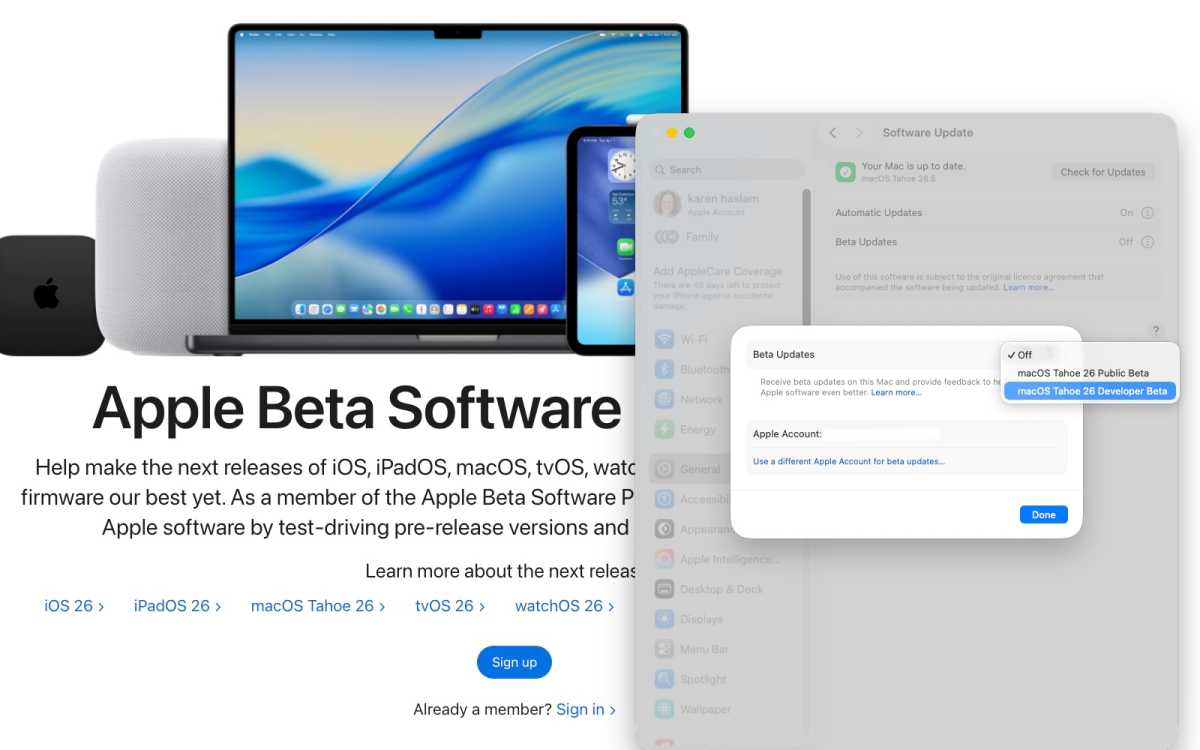
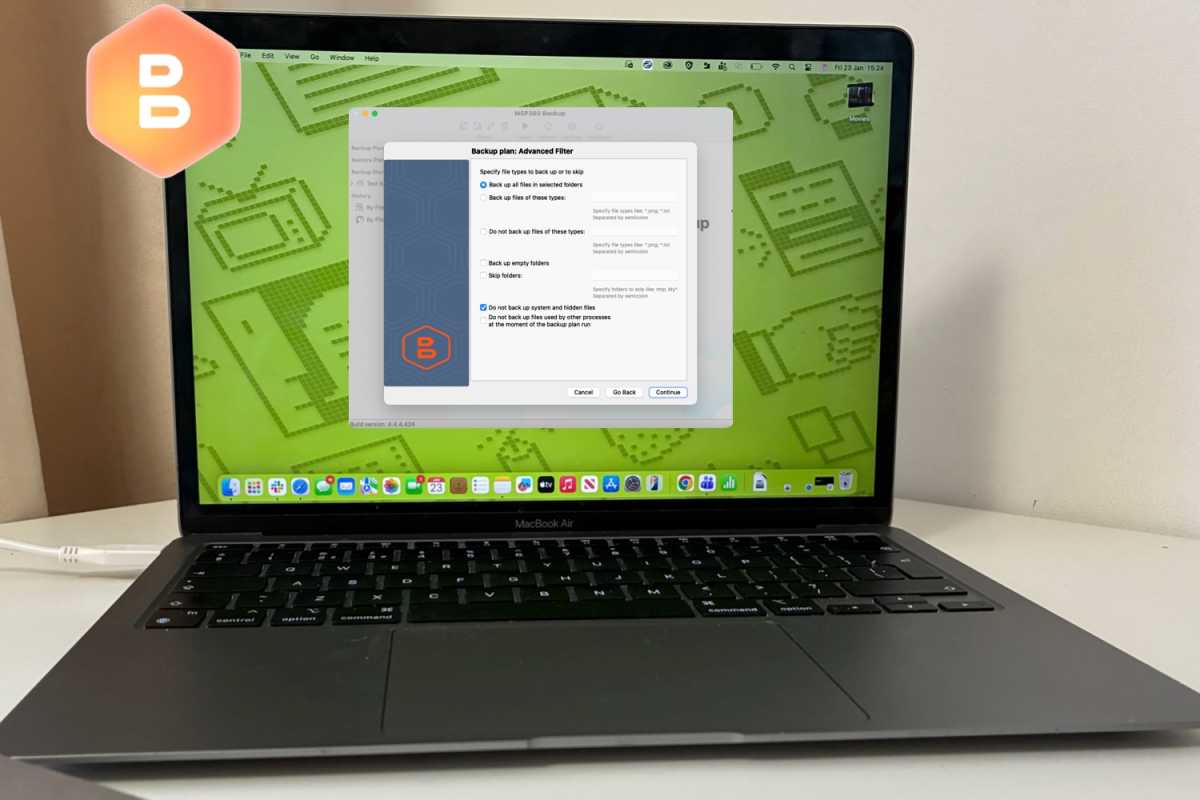
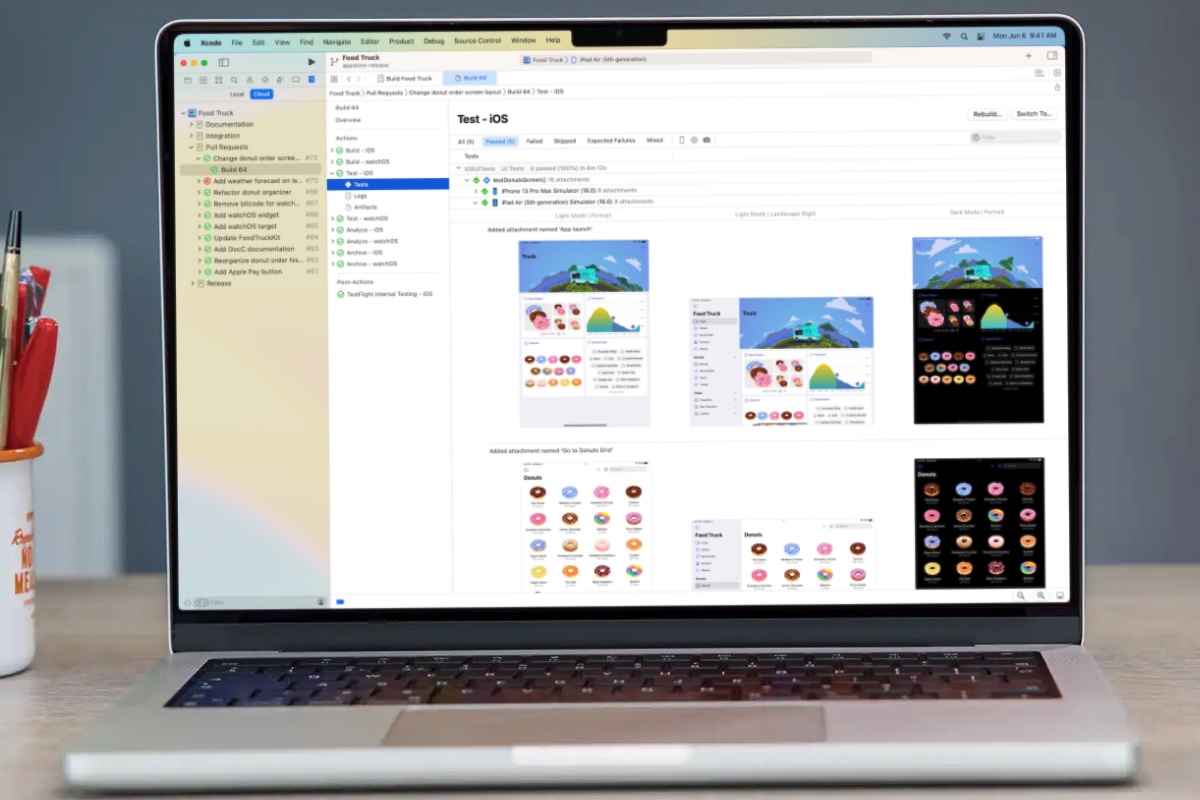
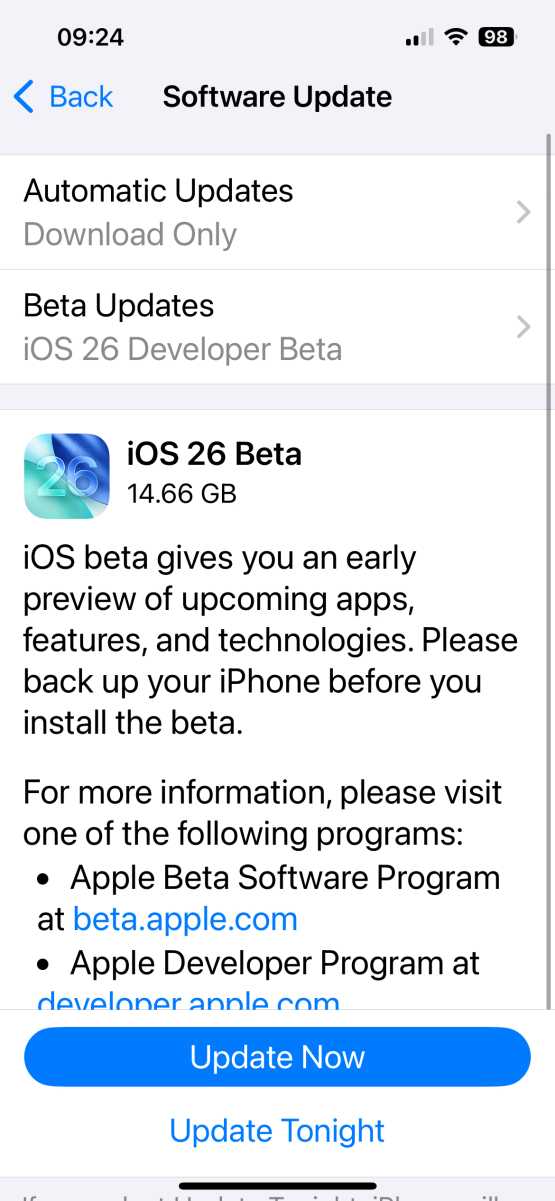

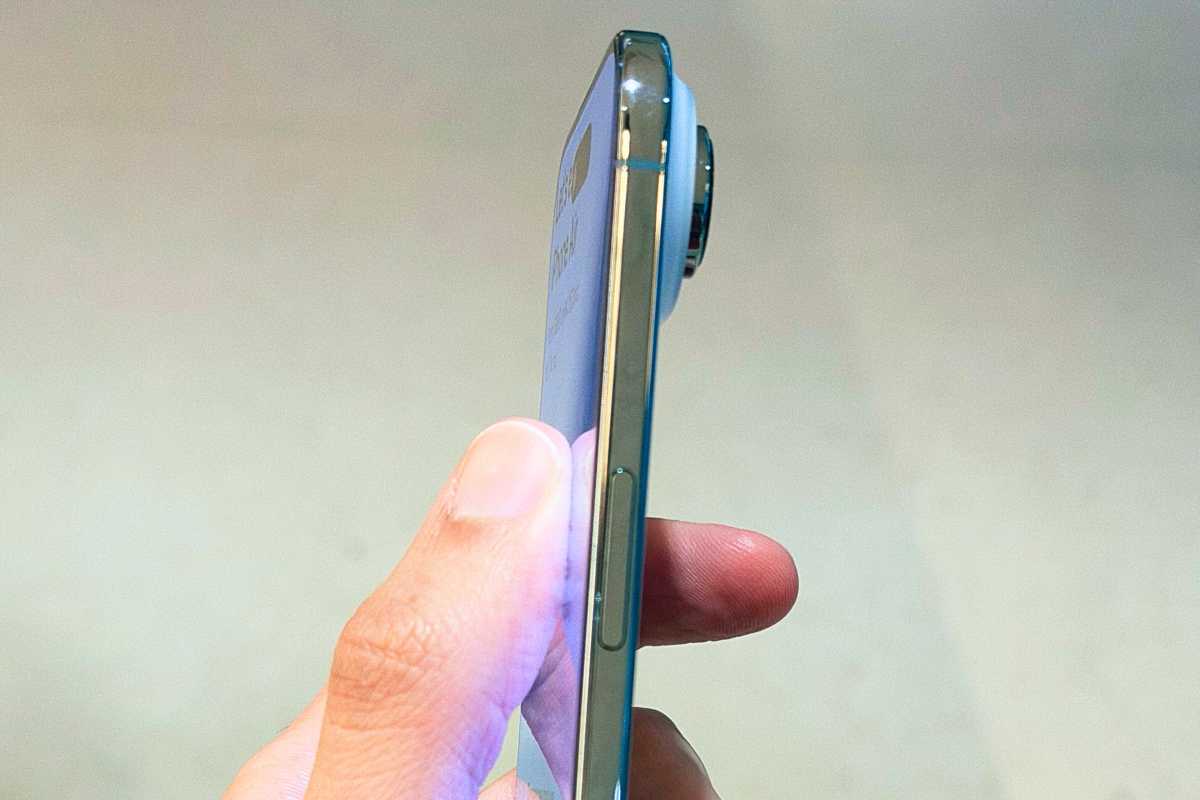
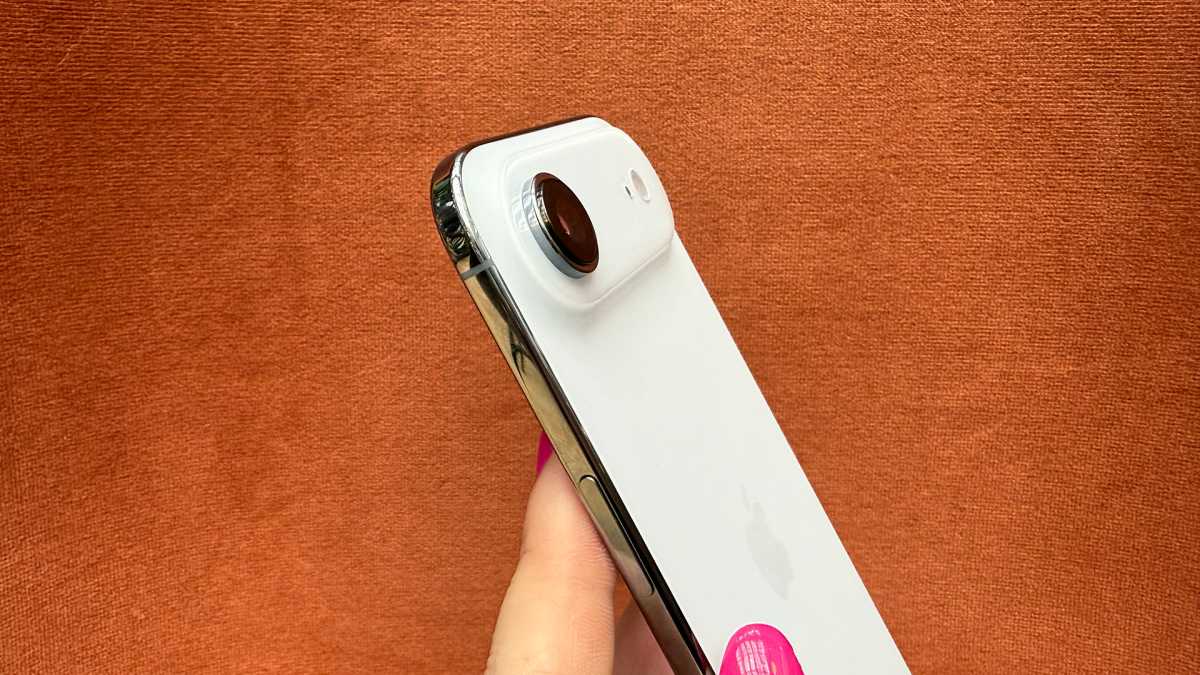
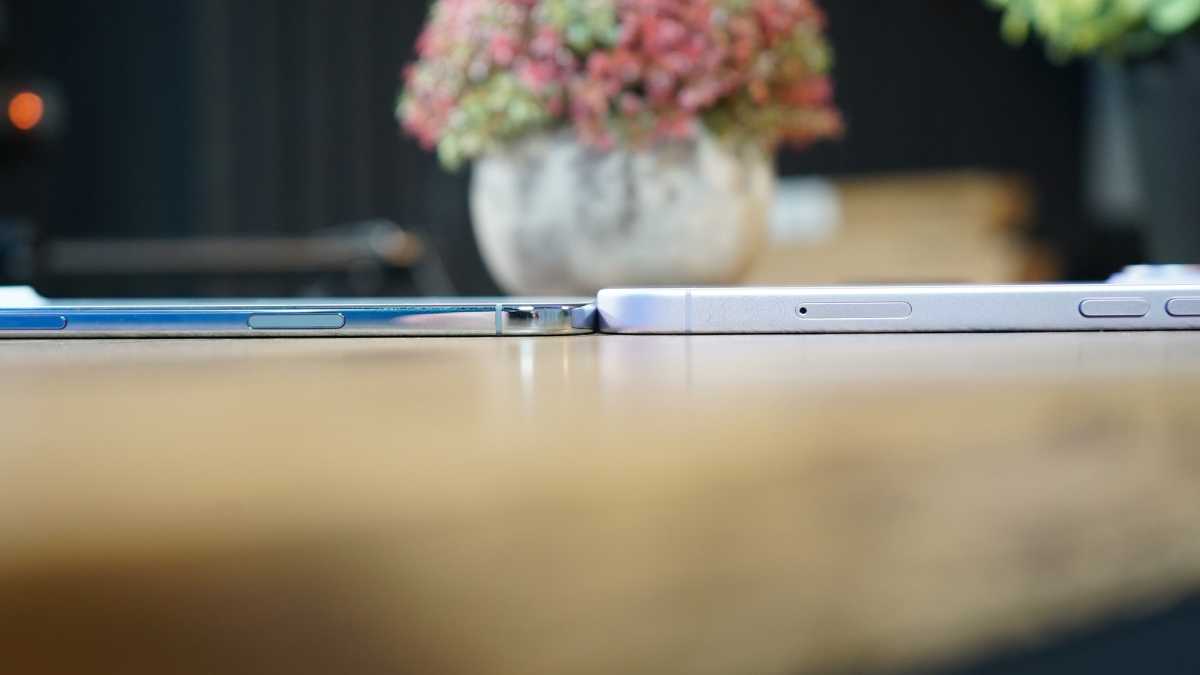
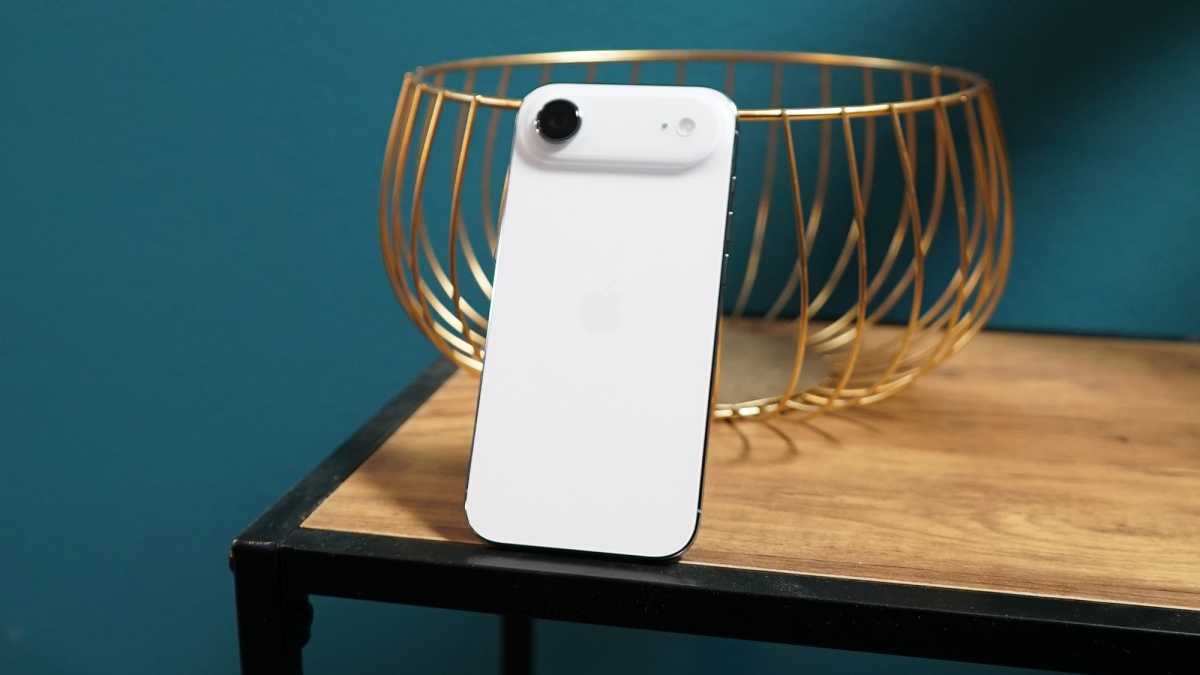

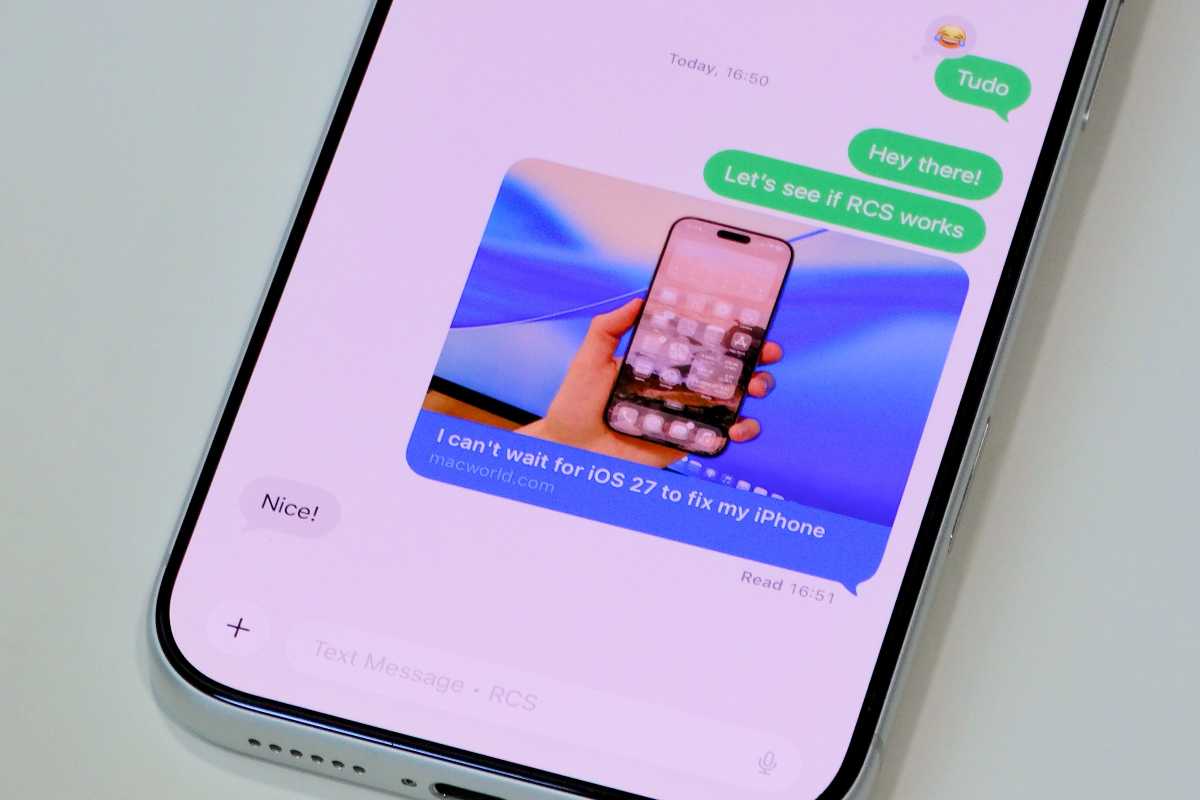
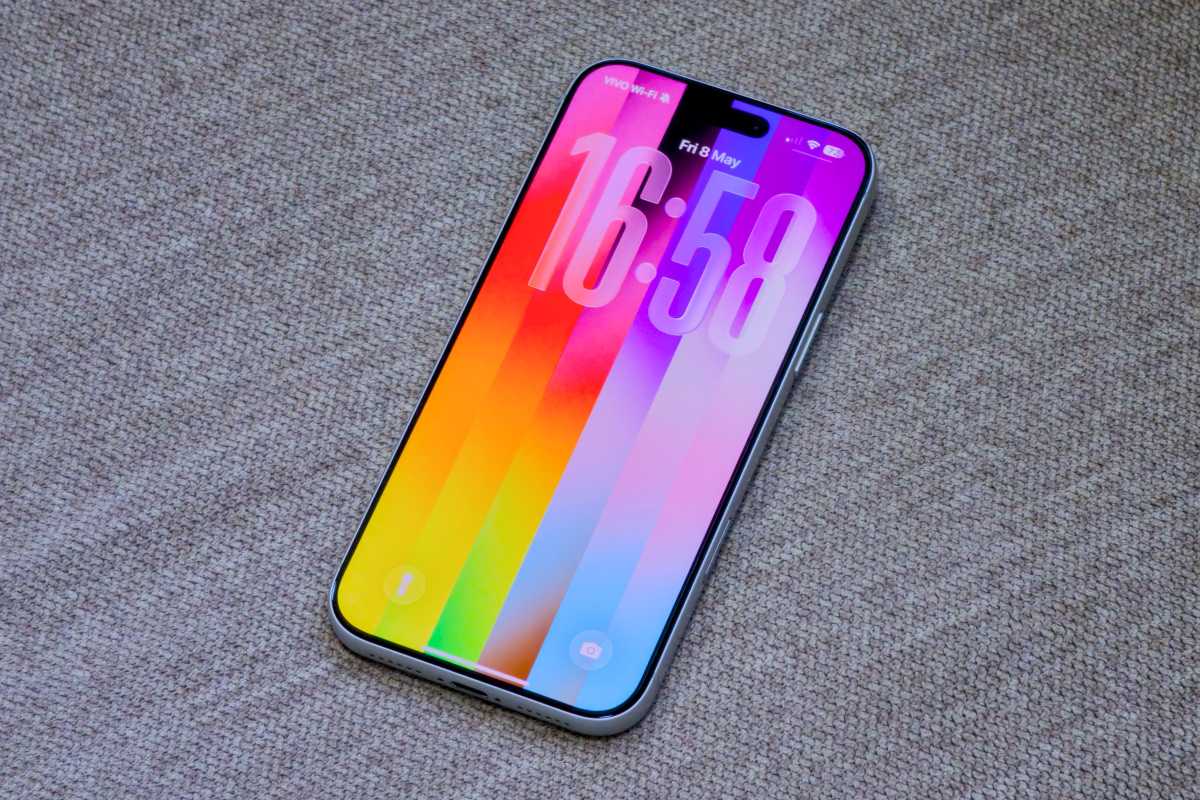
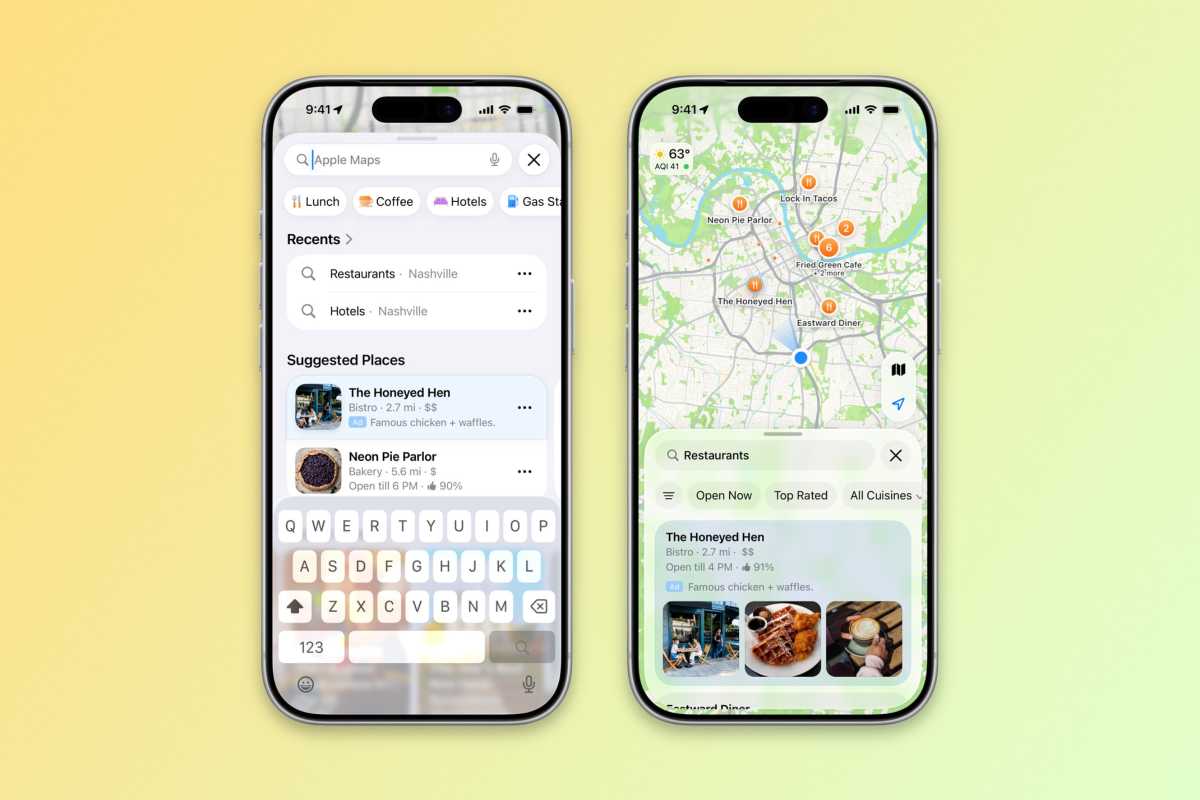
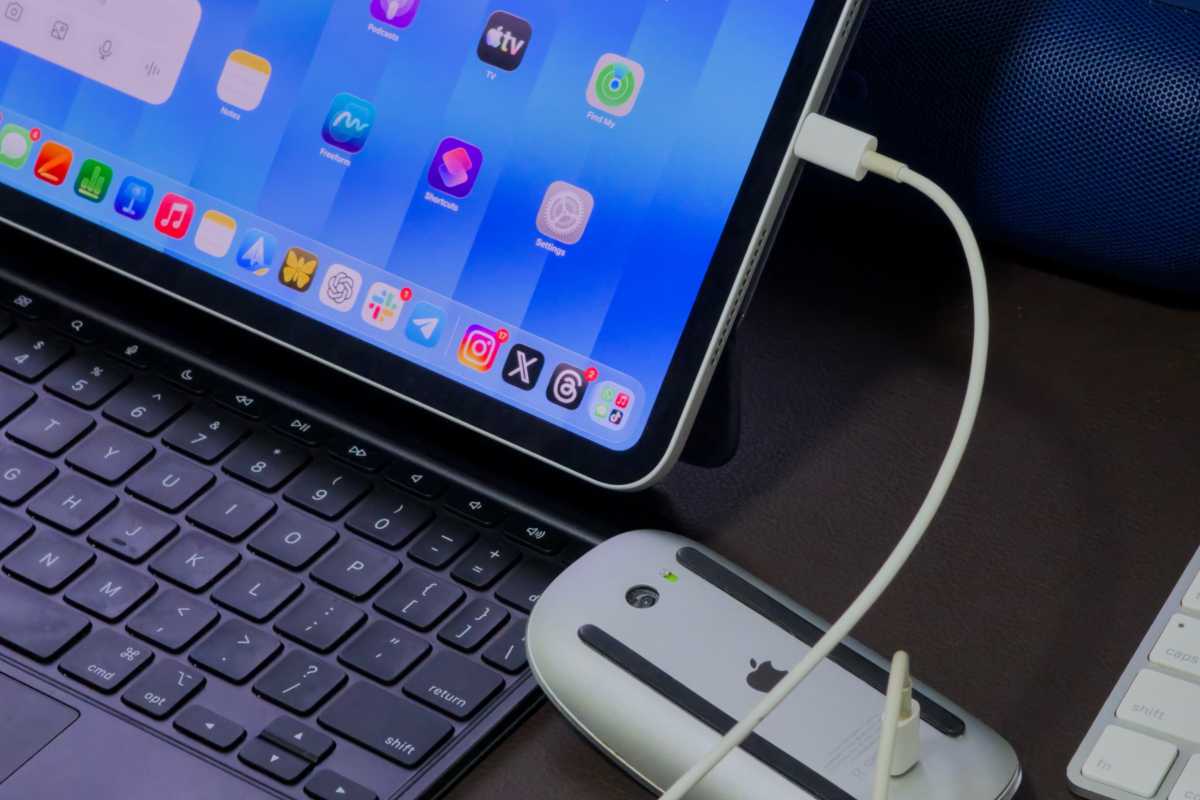
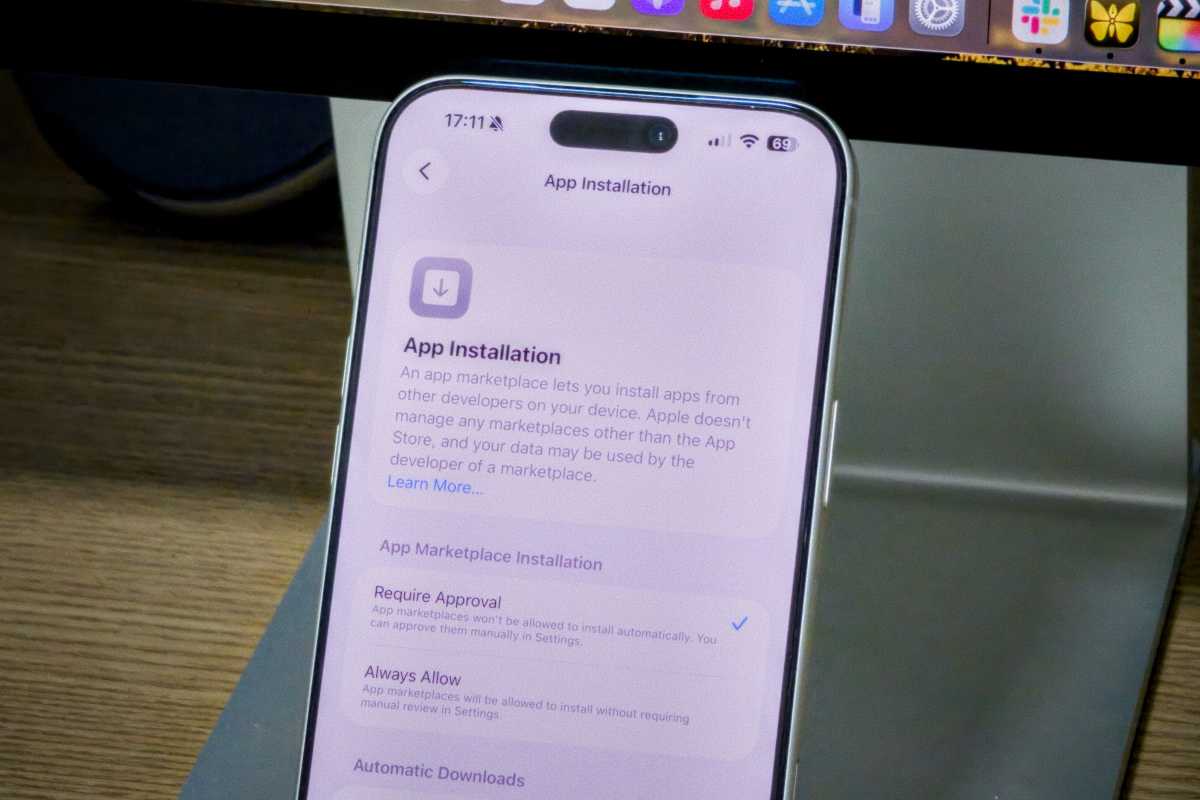


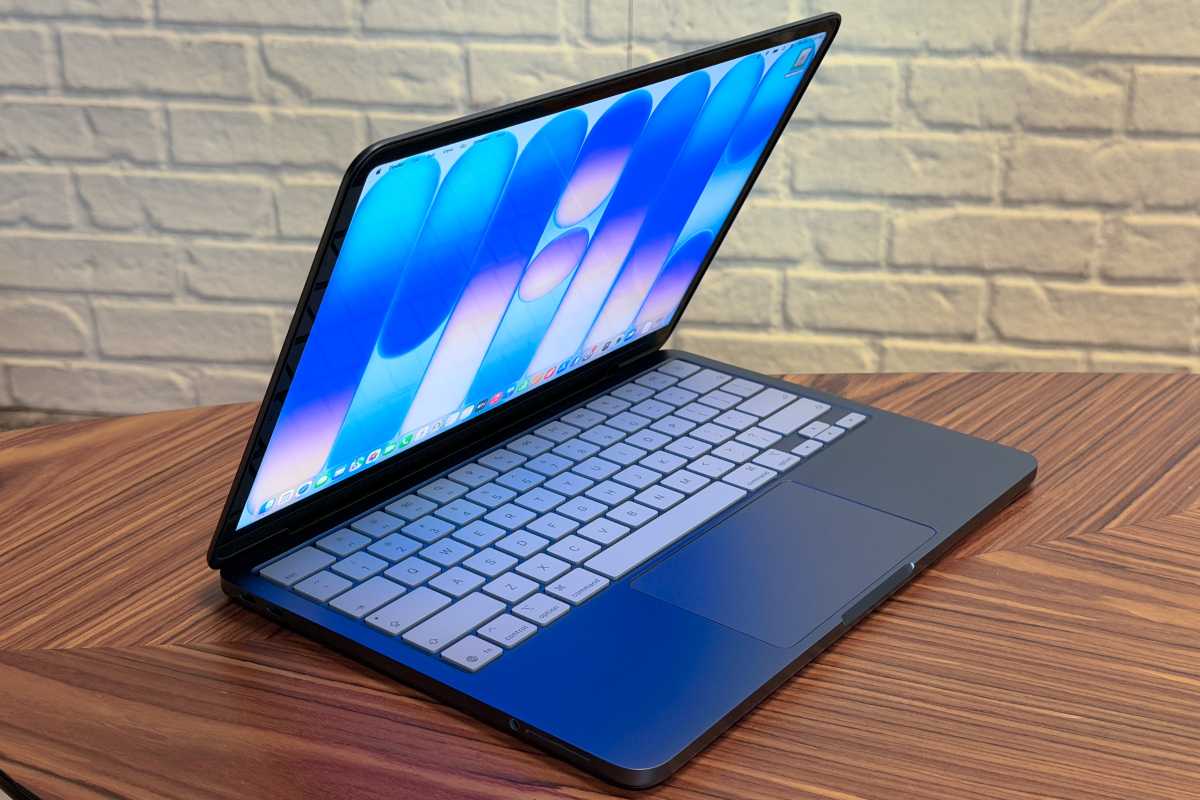

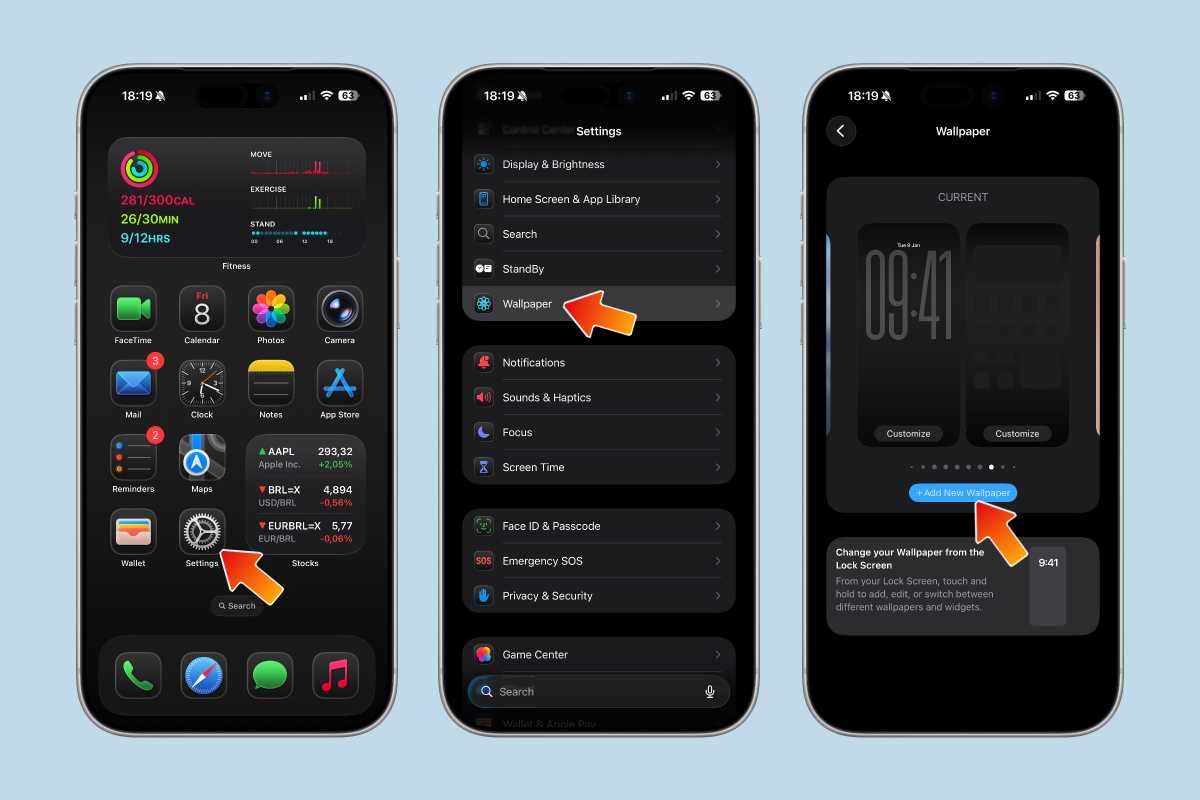
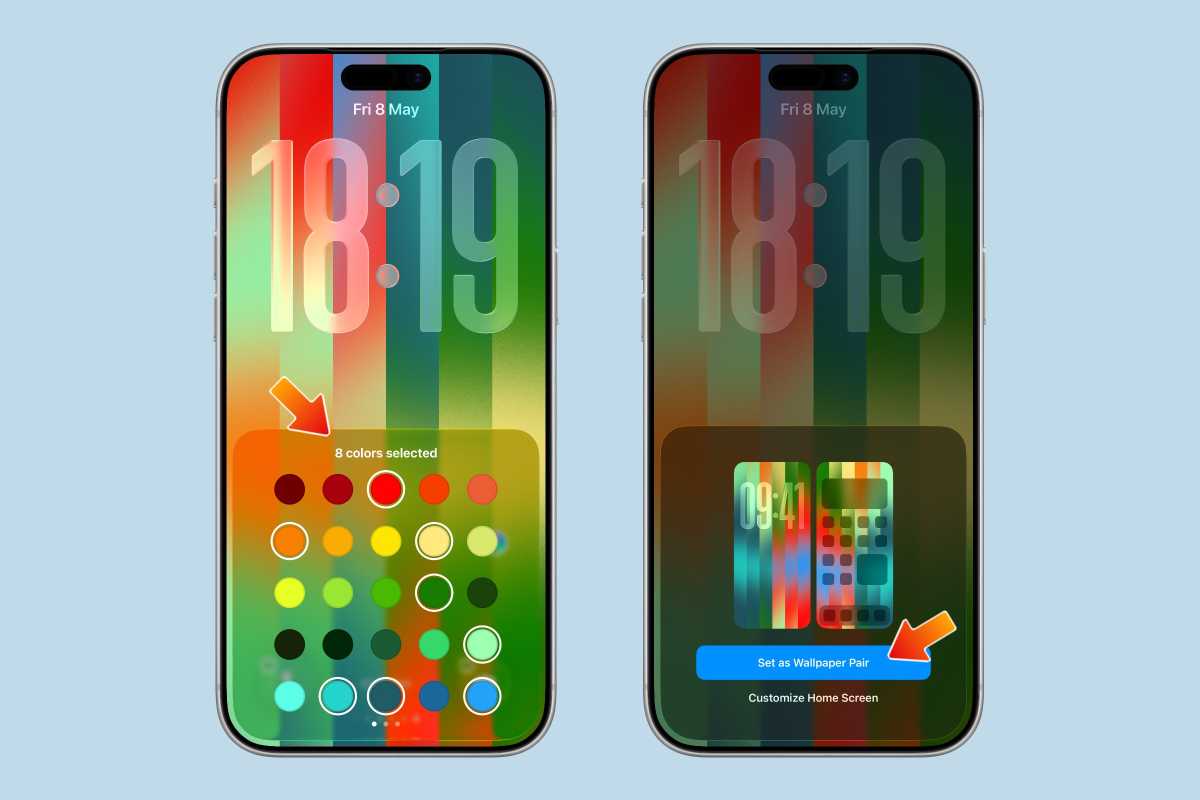
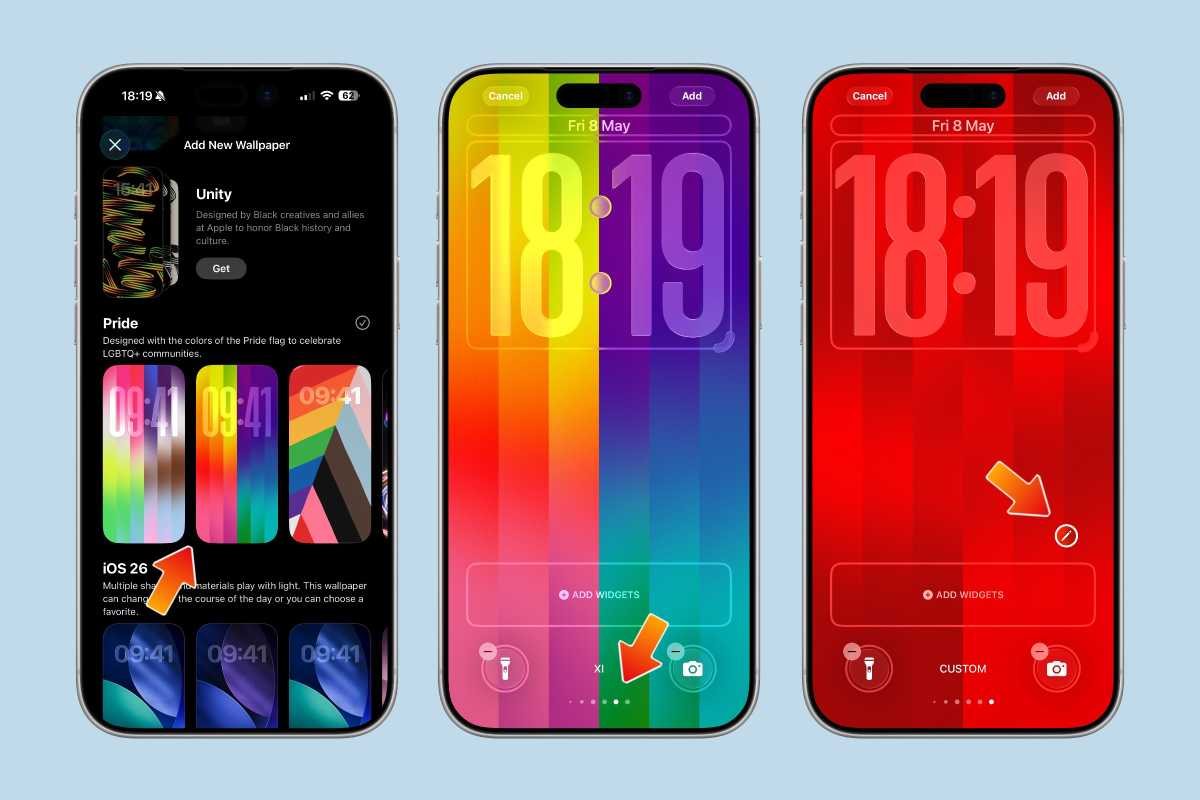
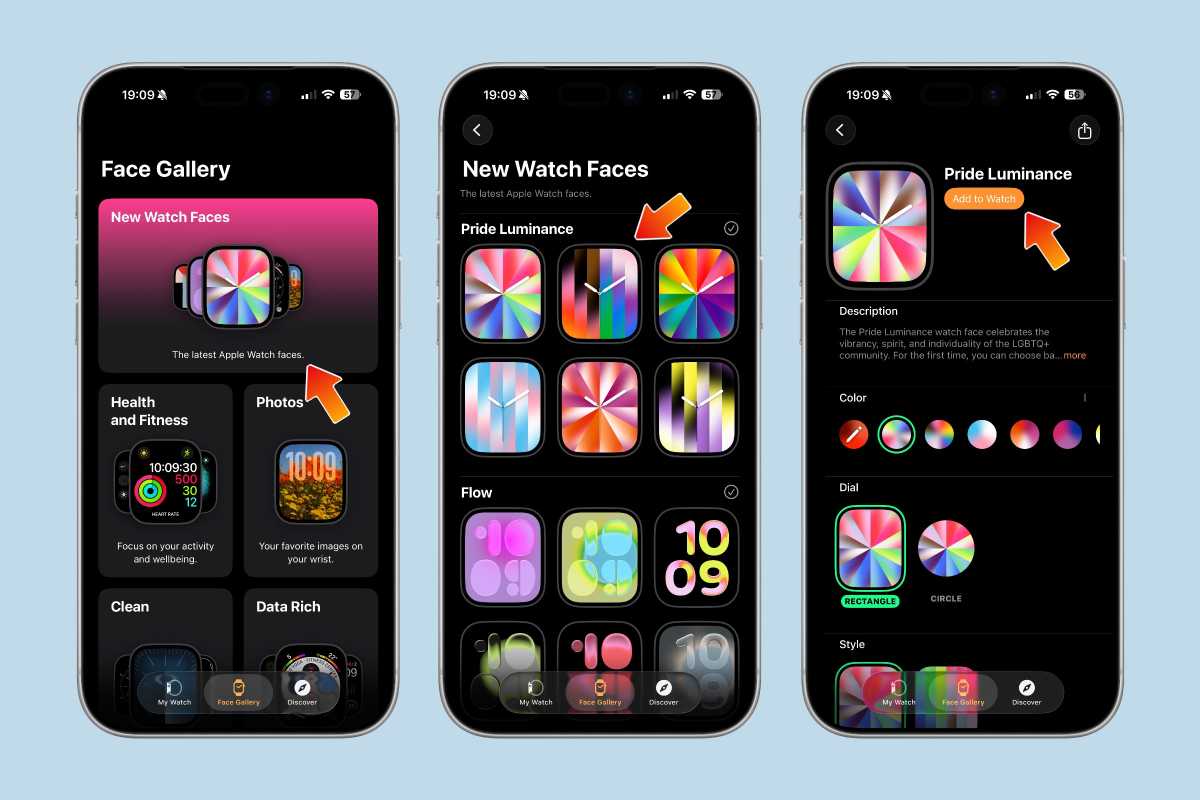

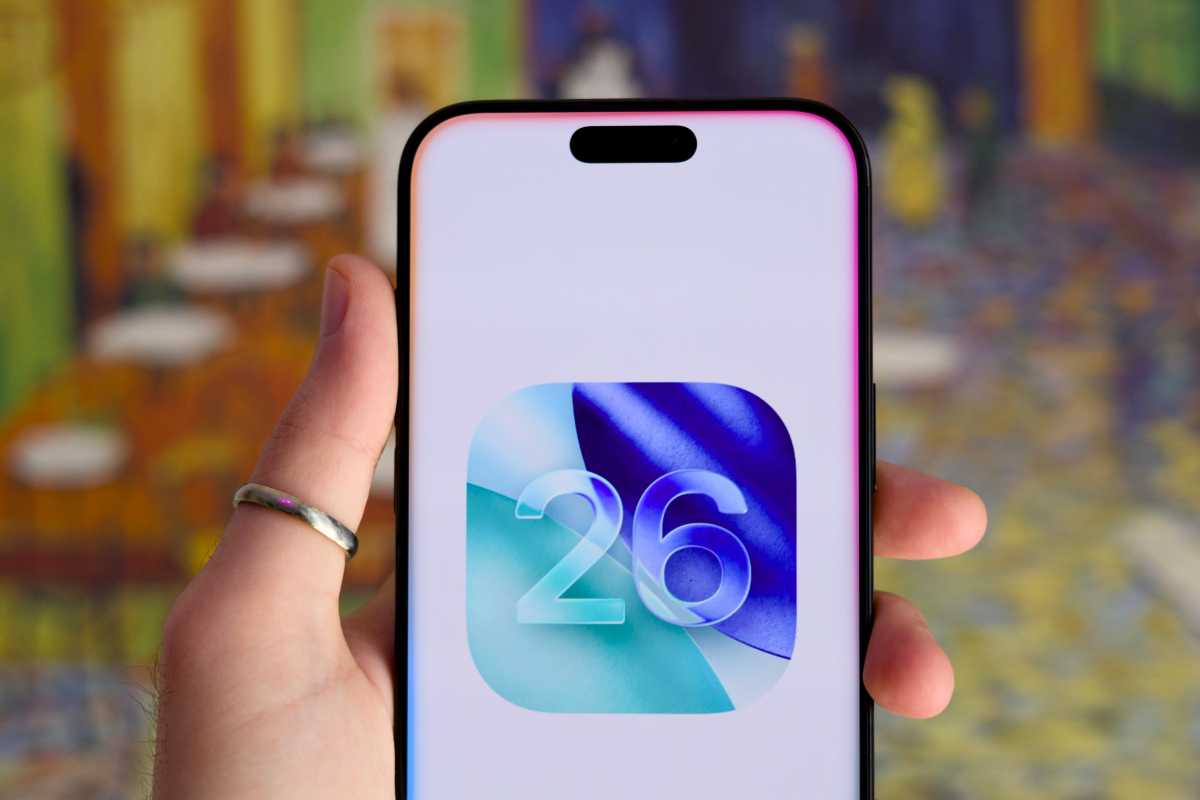
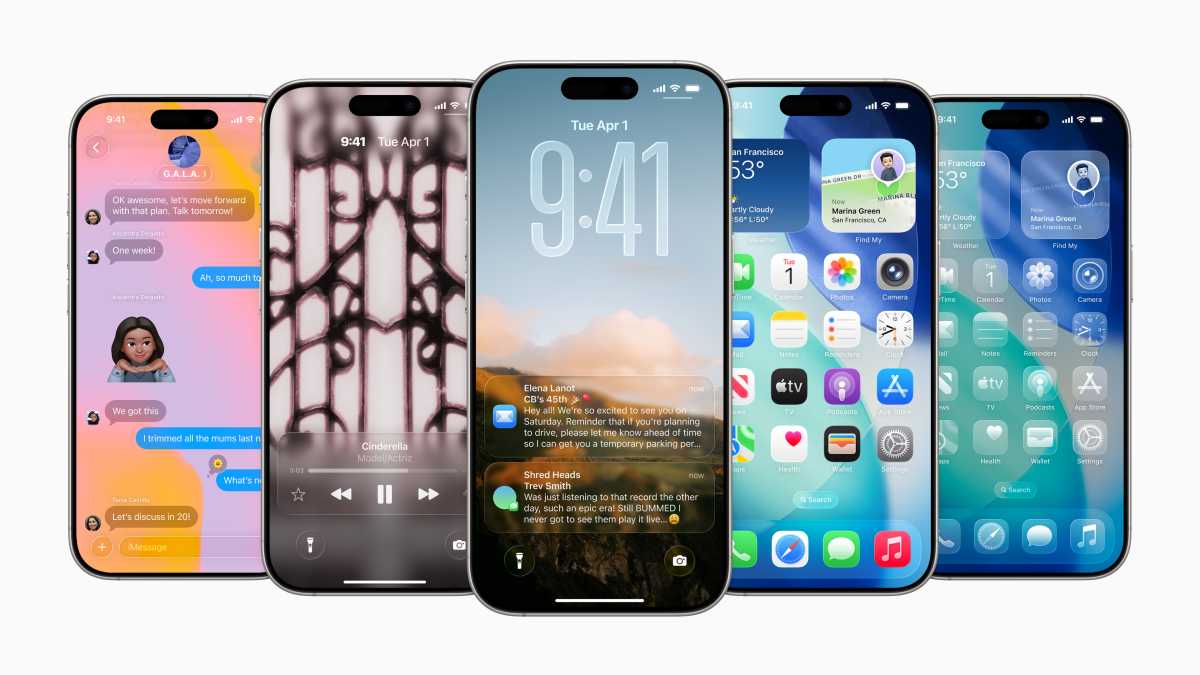
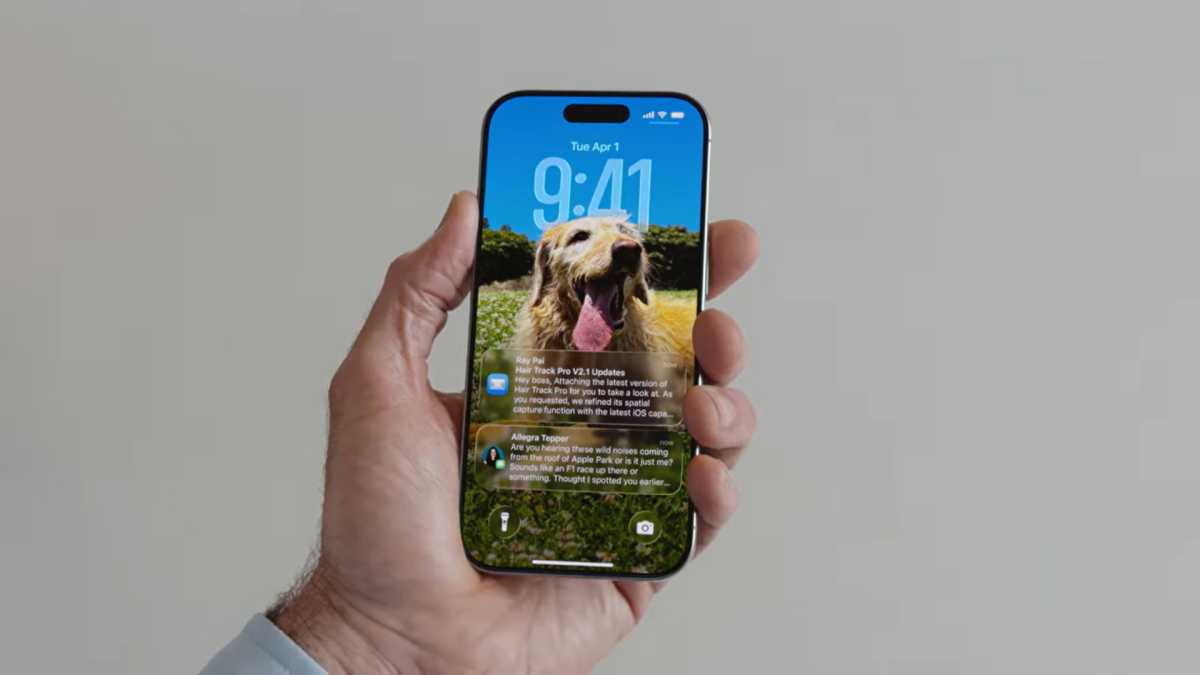
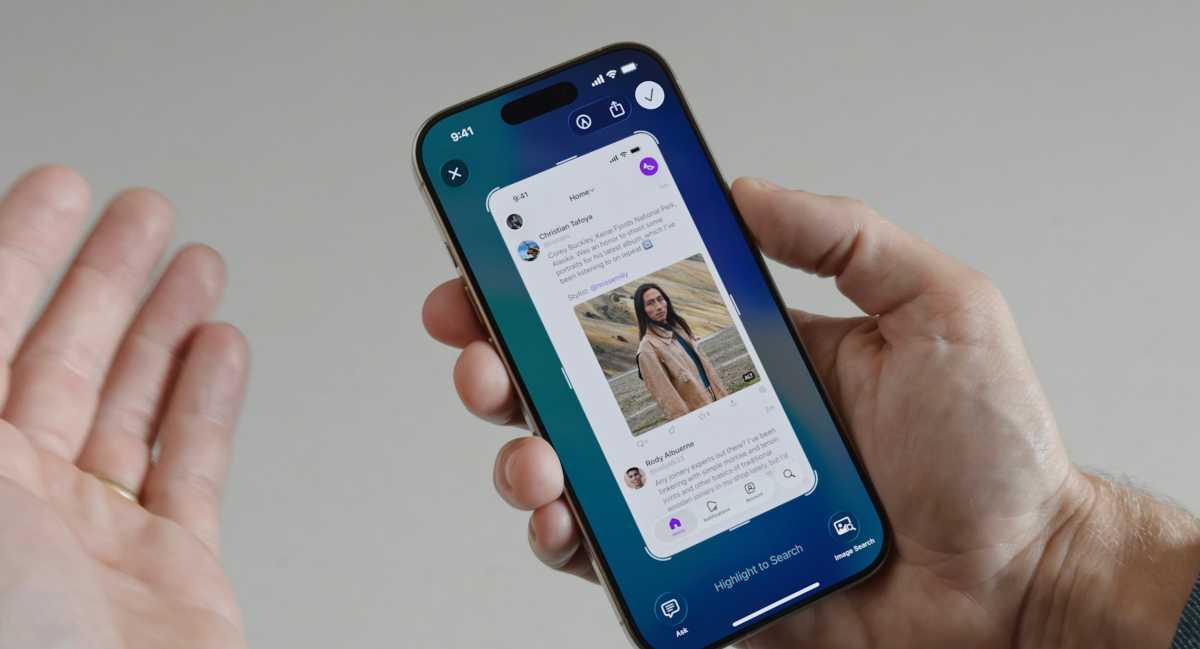
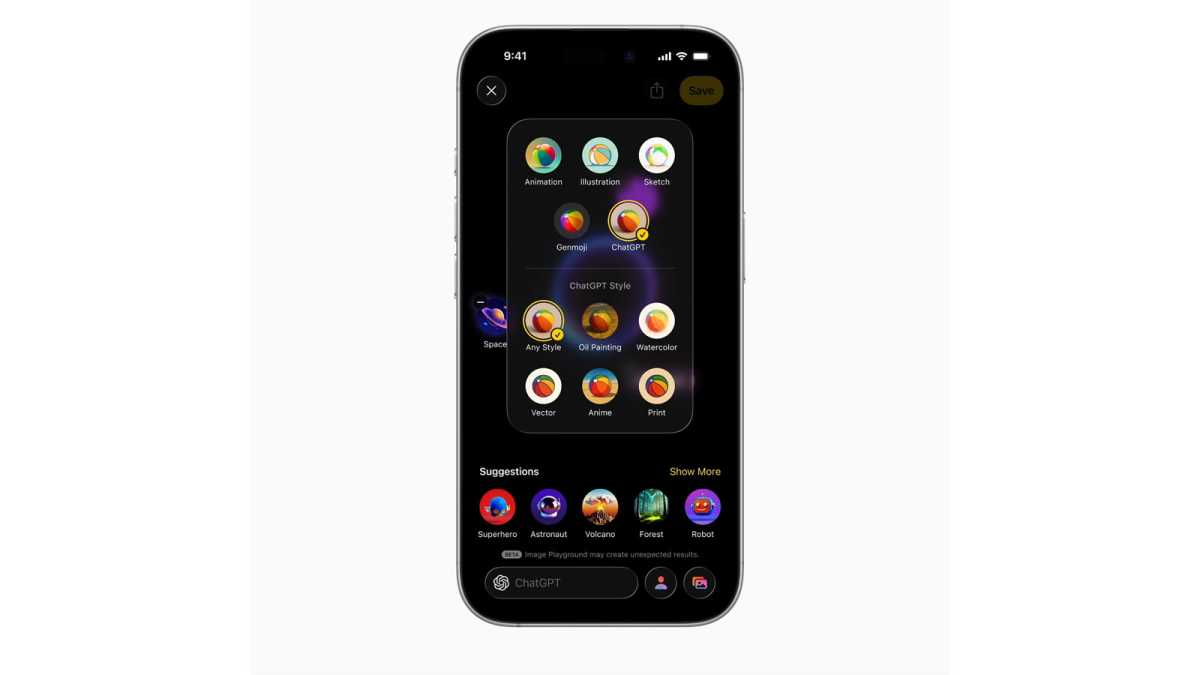
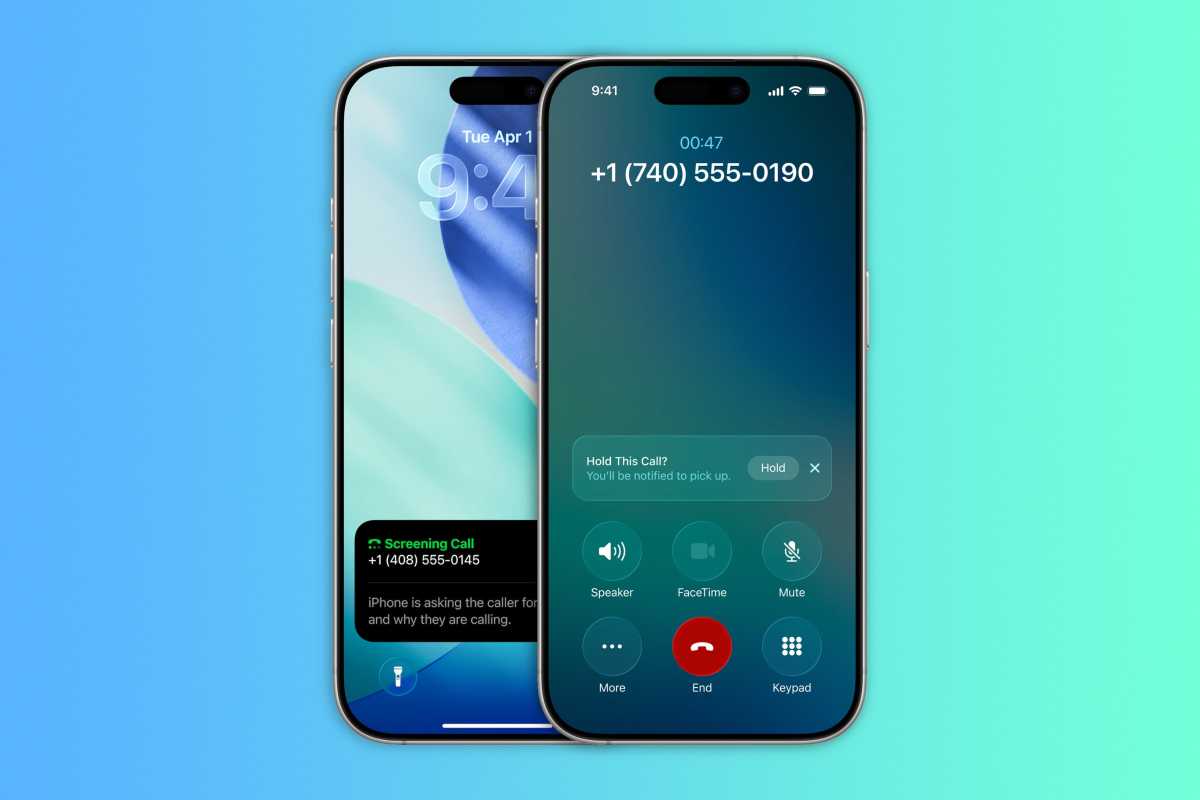
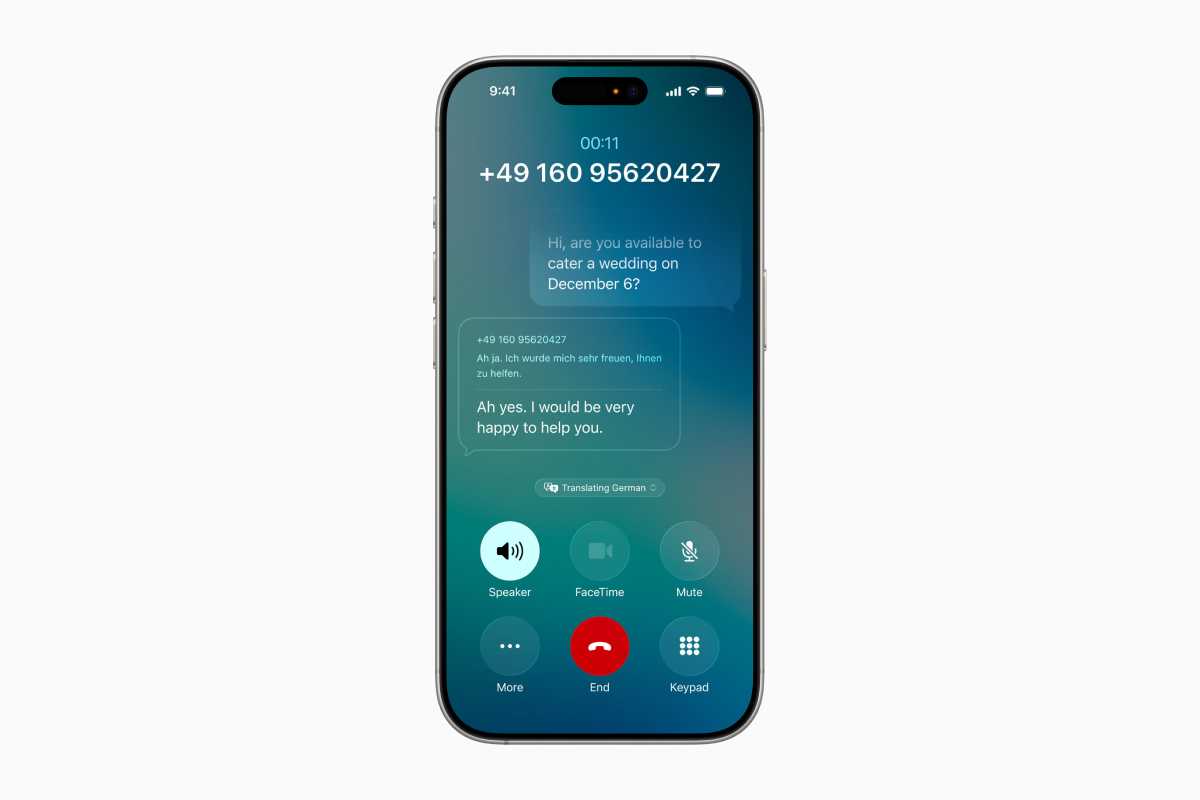
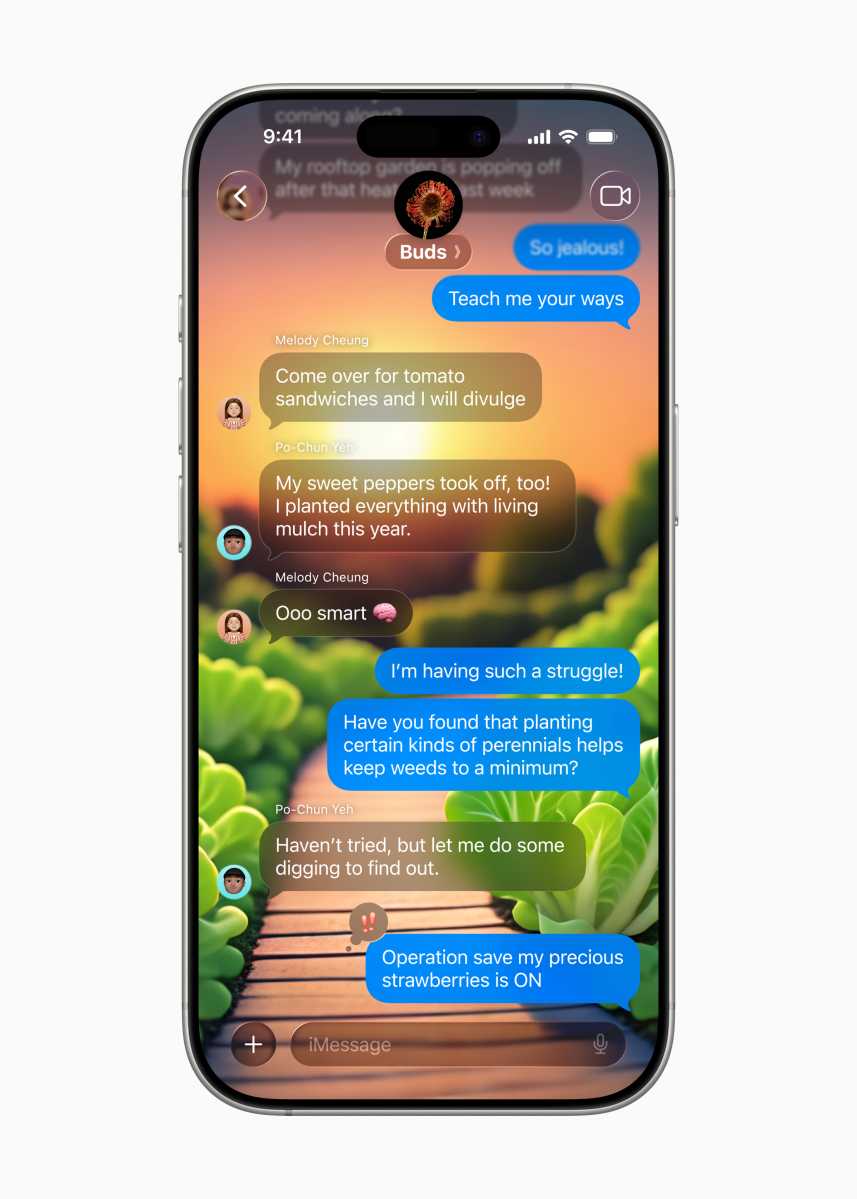
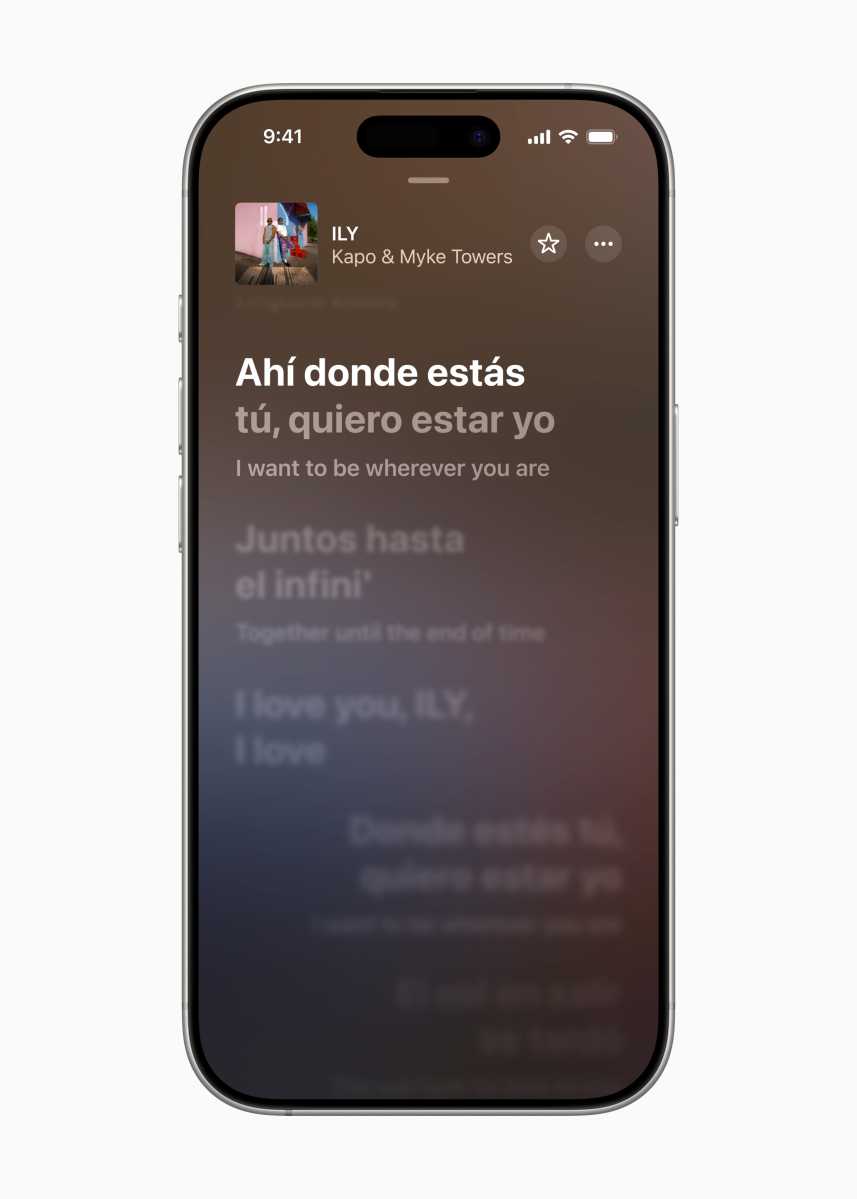
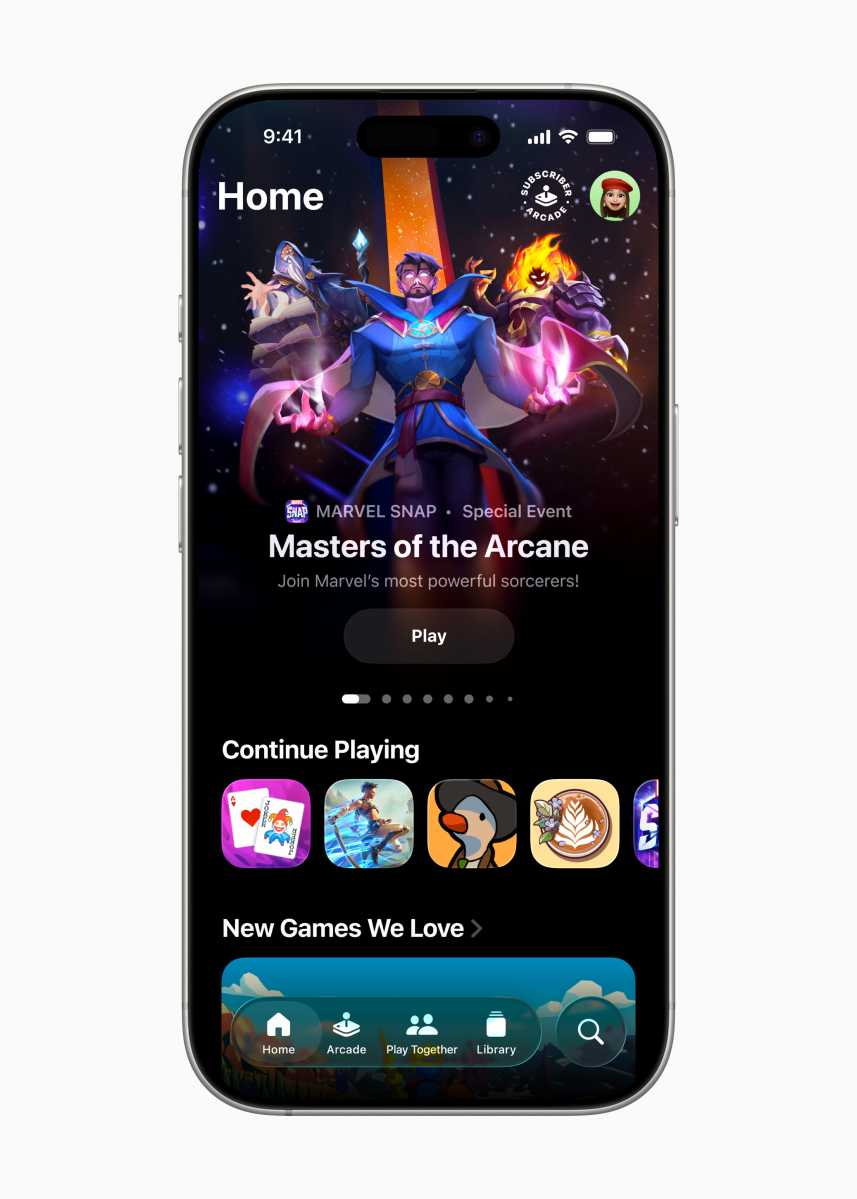
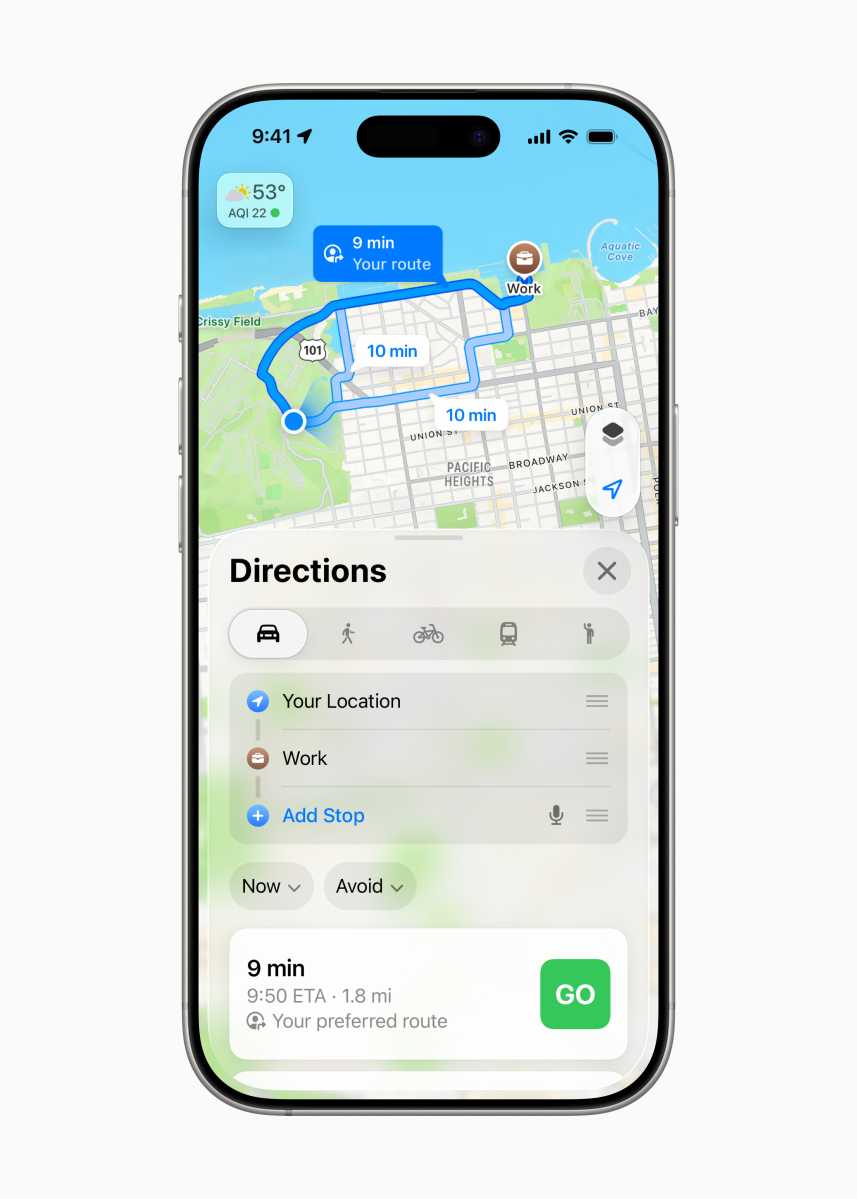

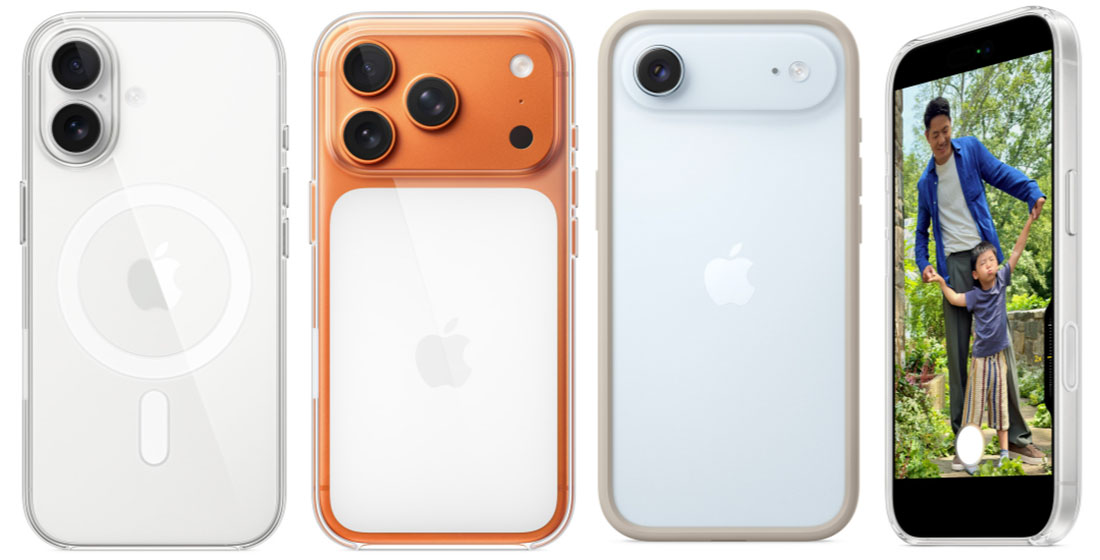
 $49
$49
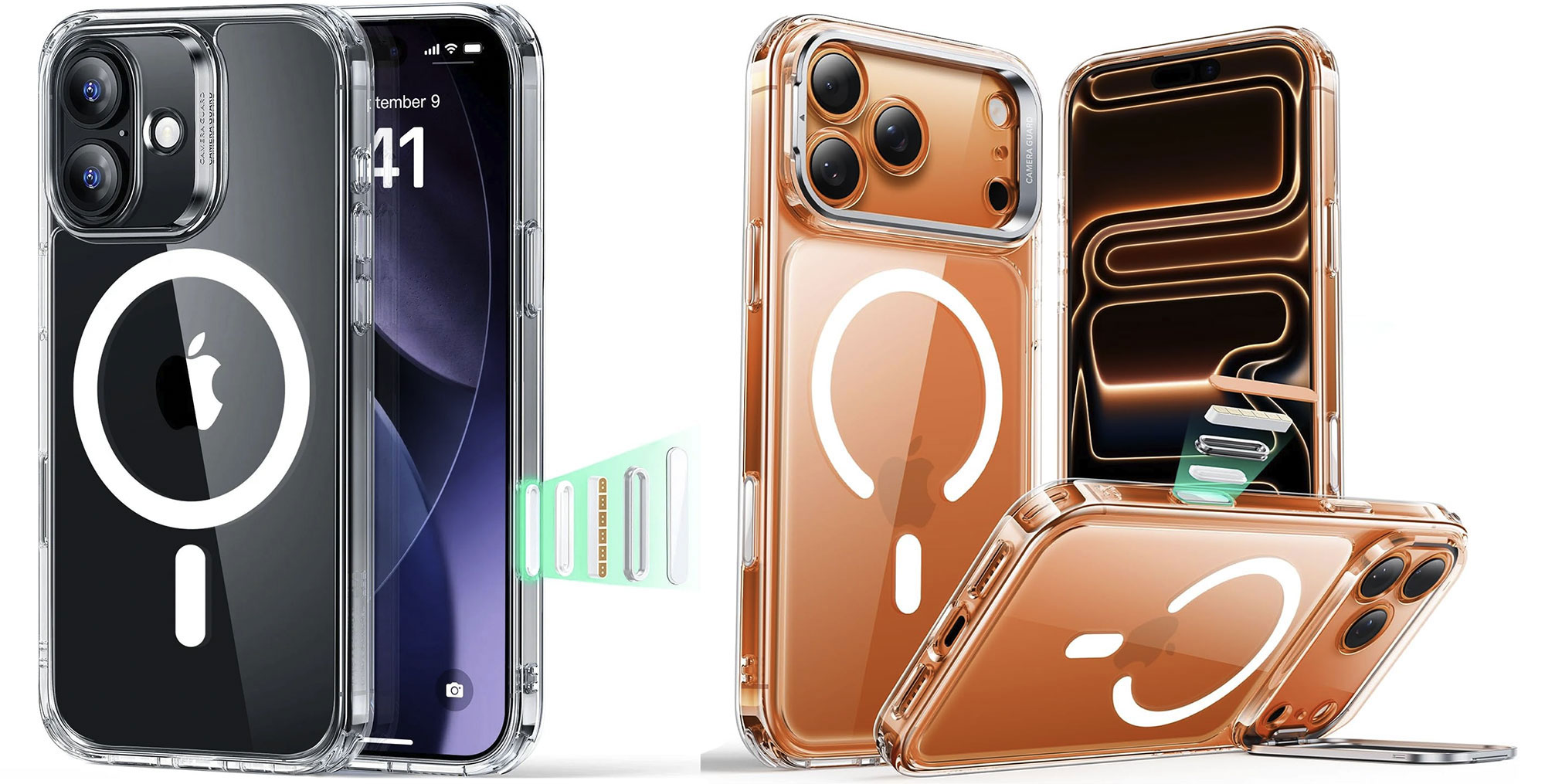
 $9.28
$9.28
 $11.69
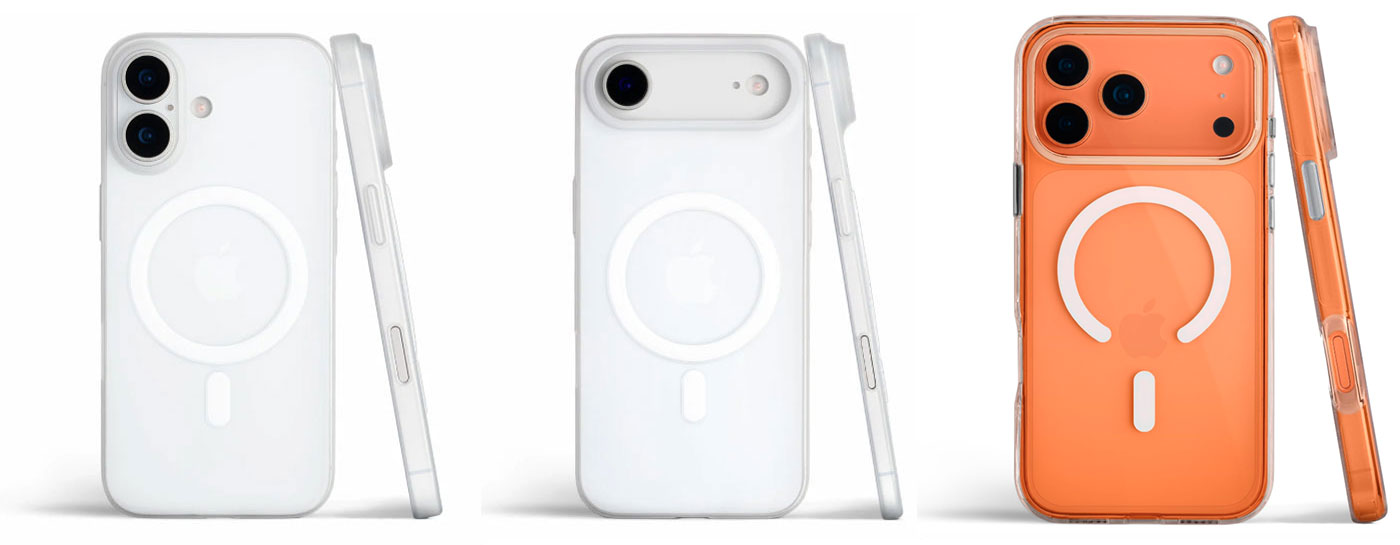
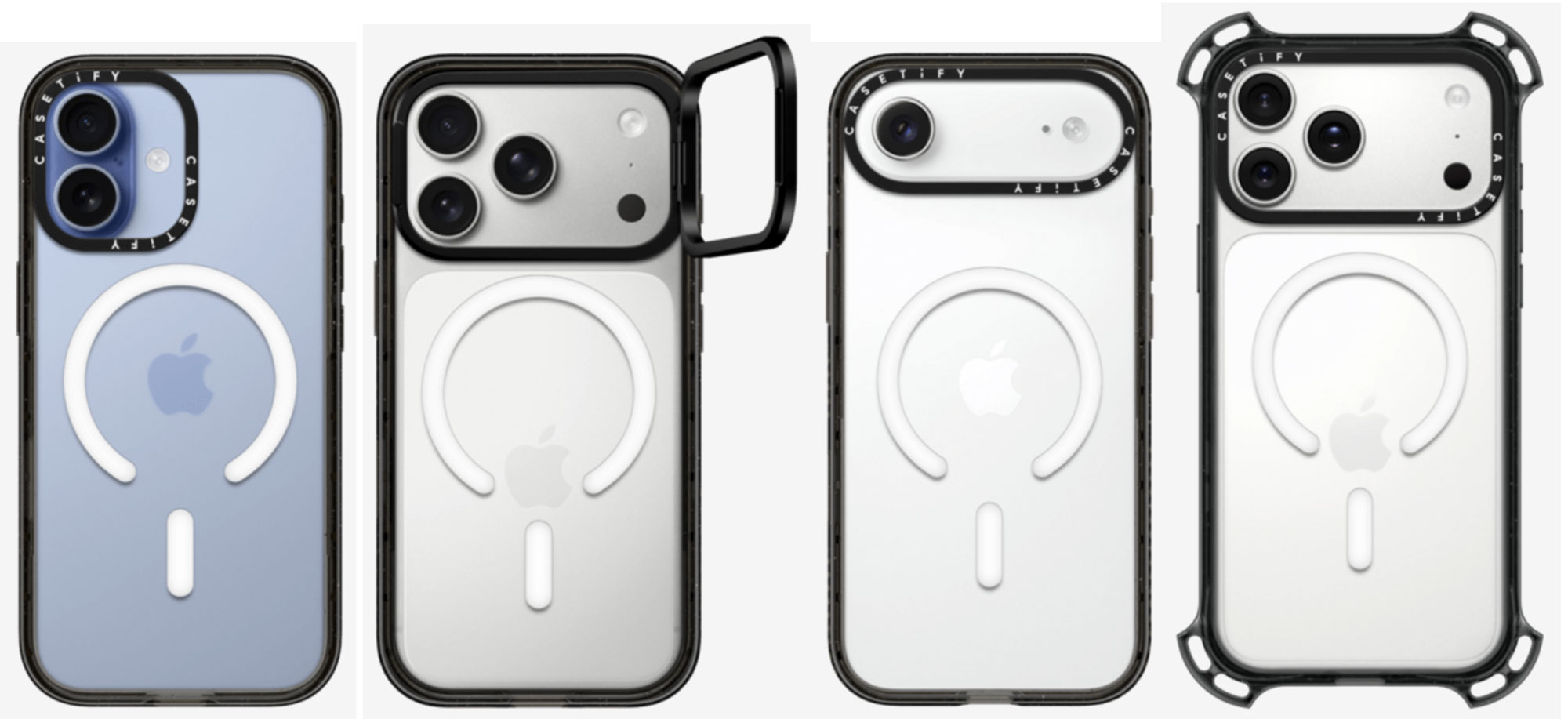
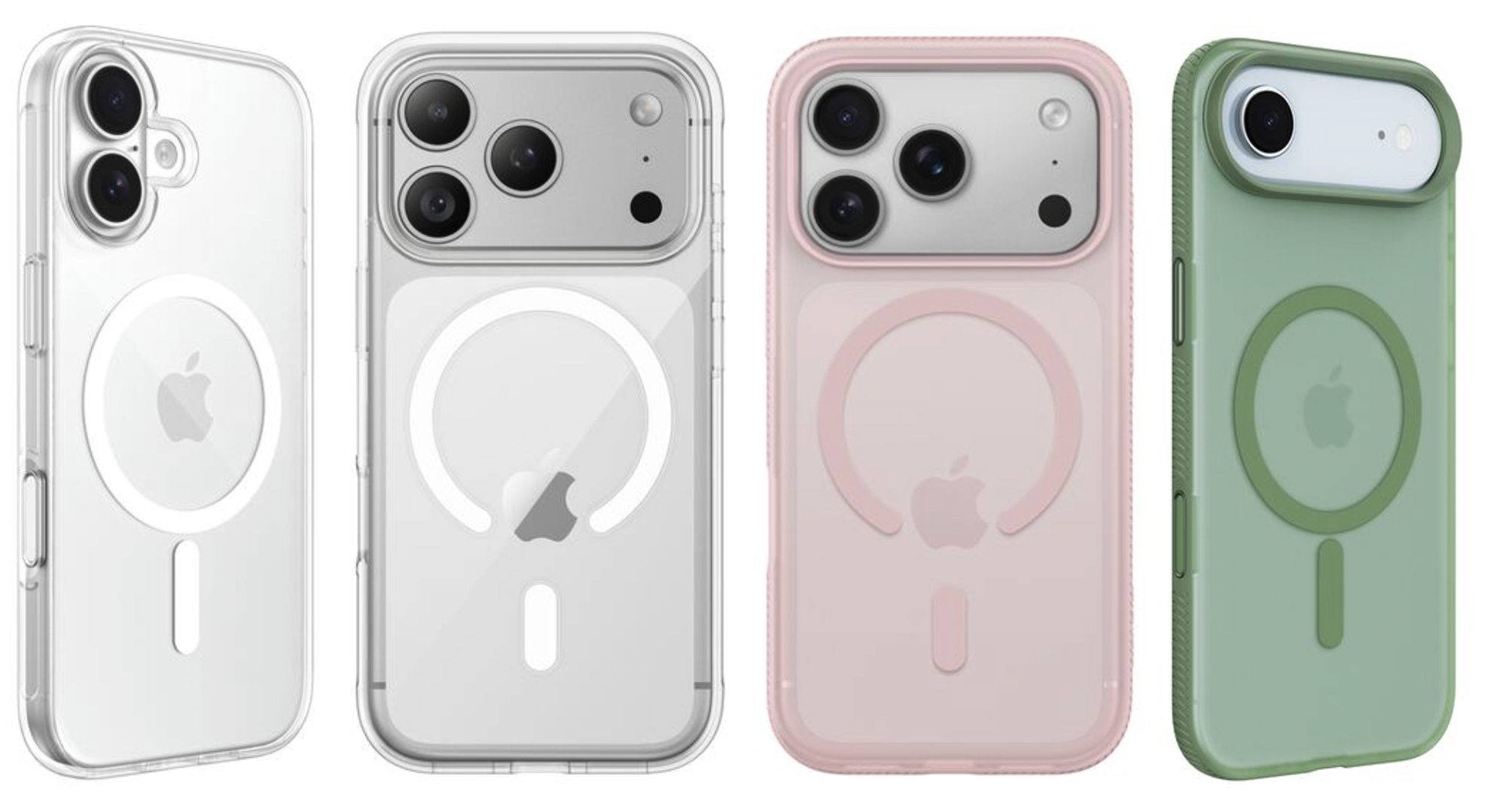
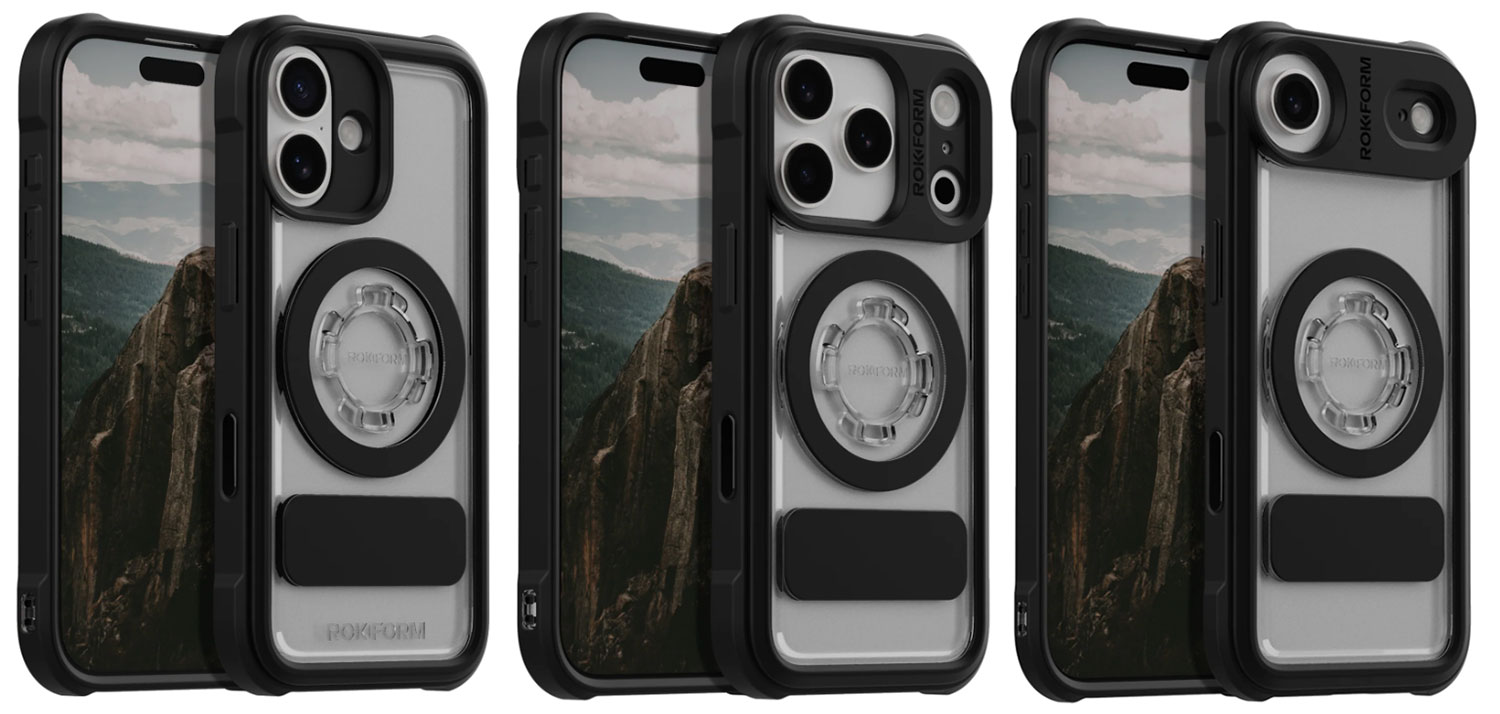
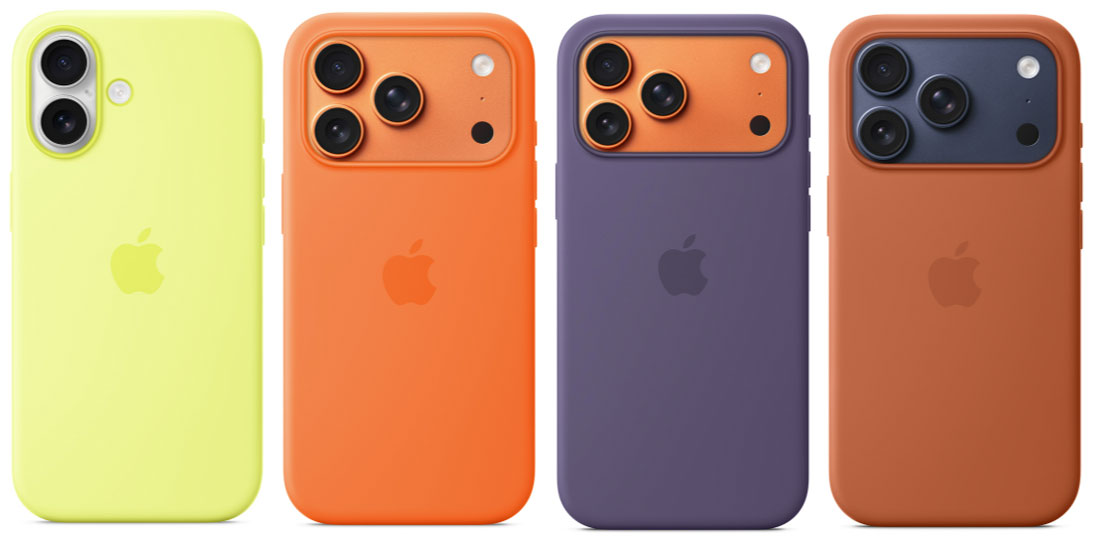
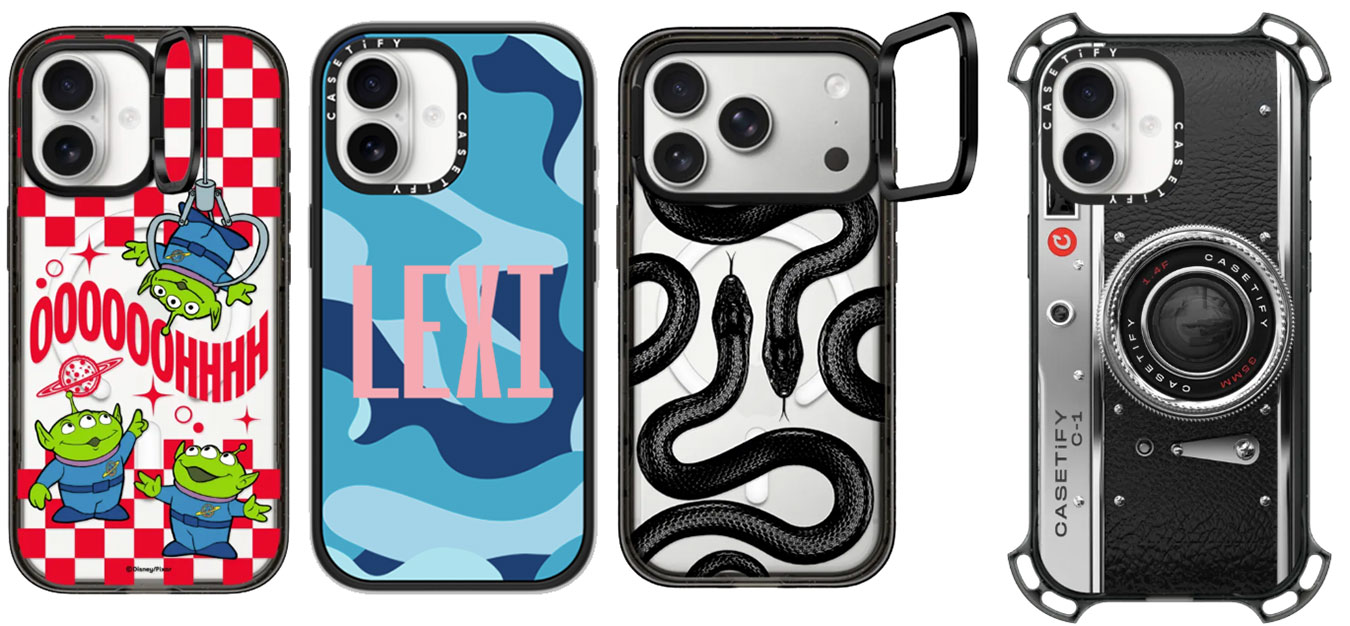
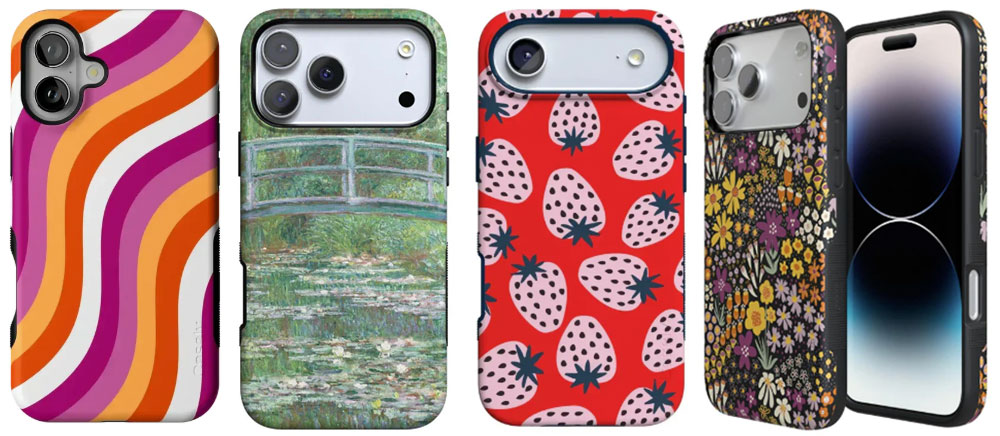
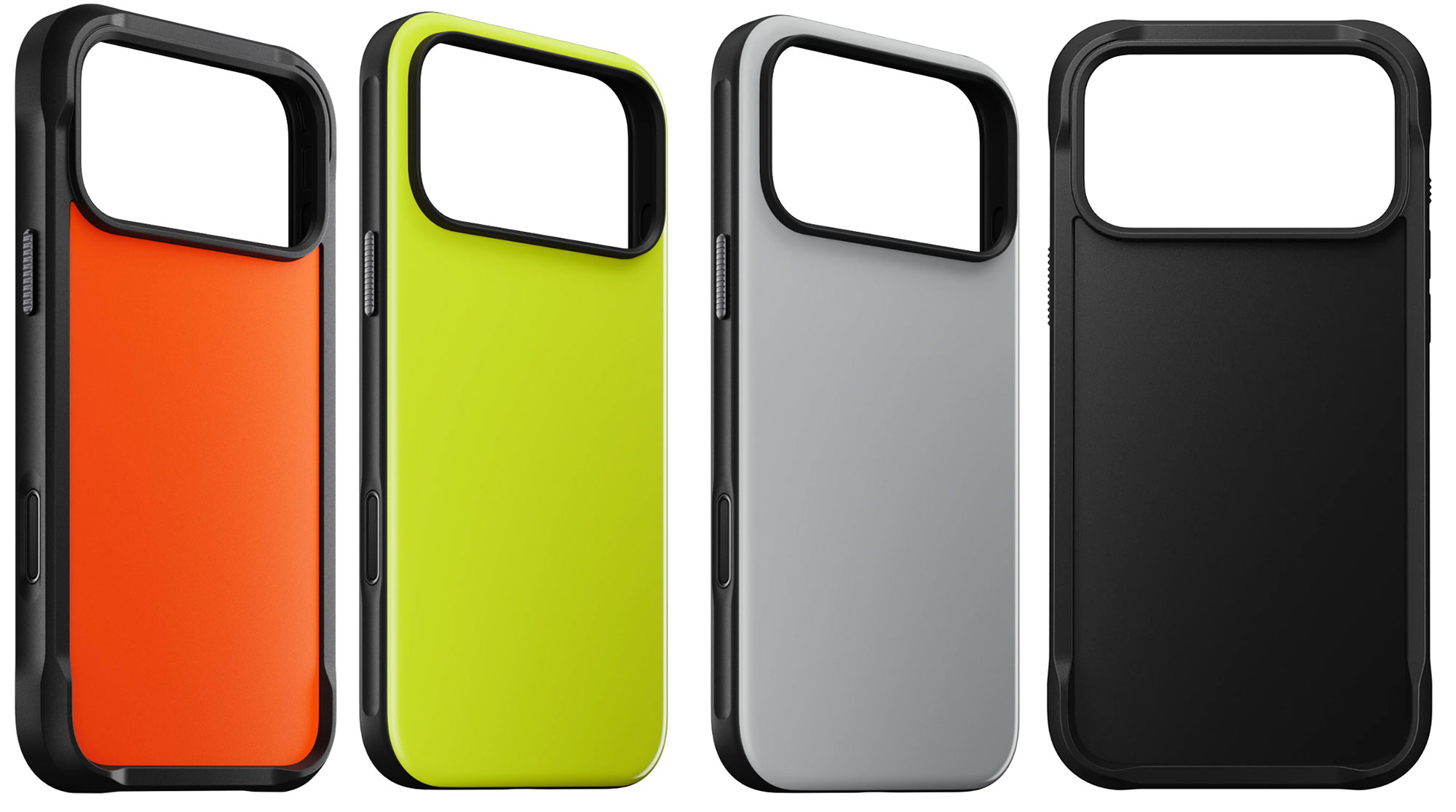
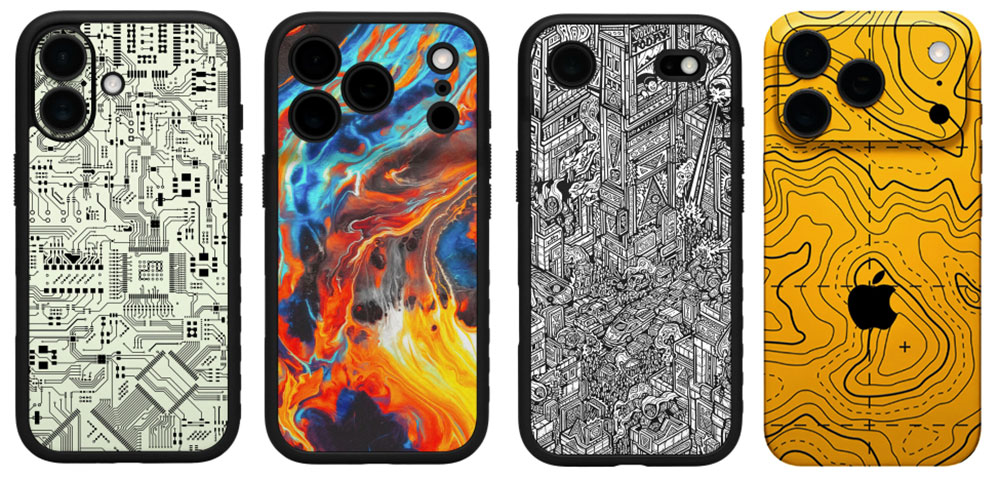
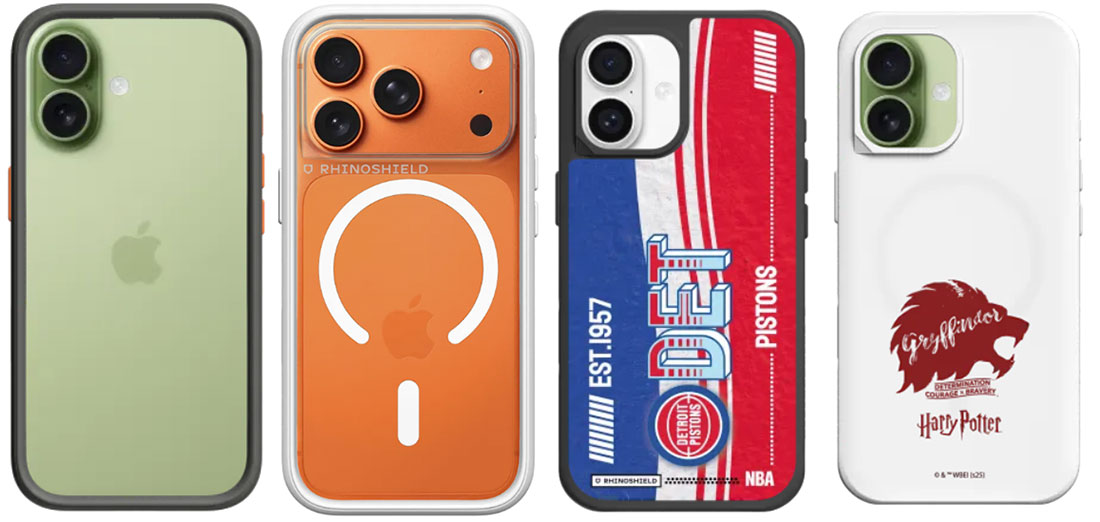
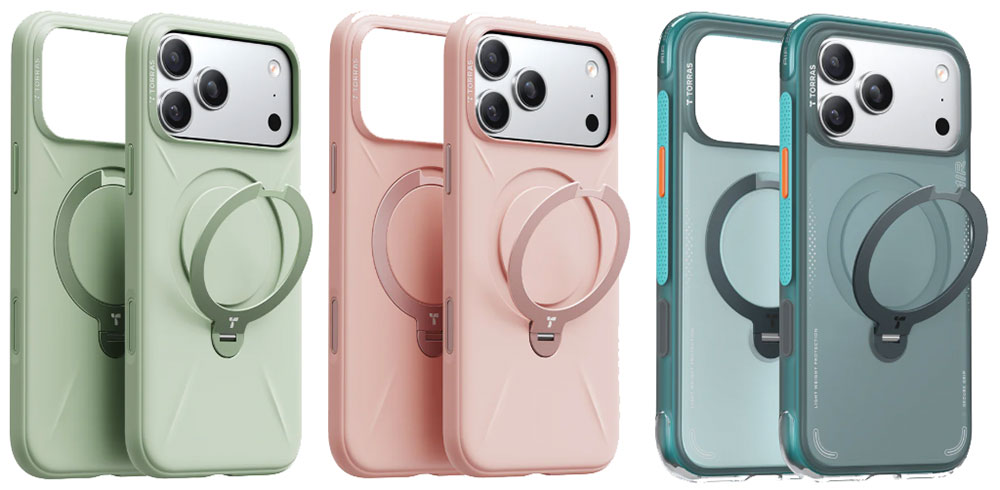
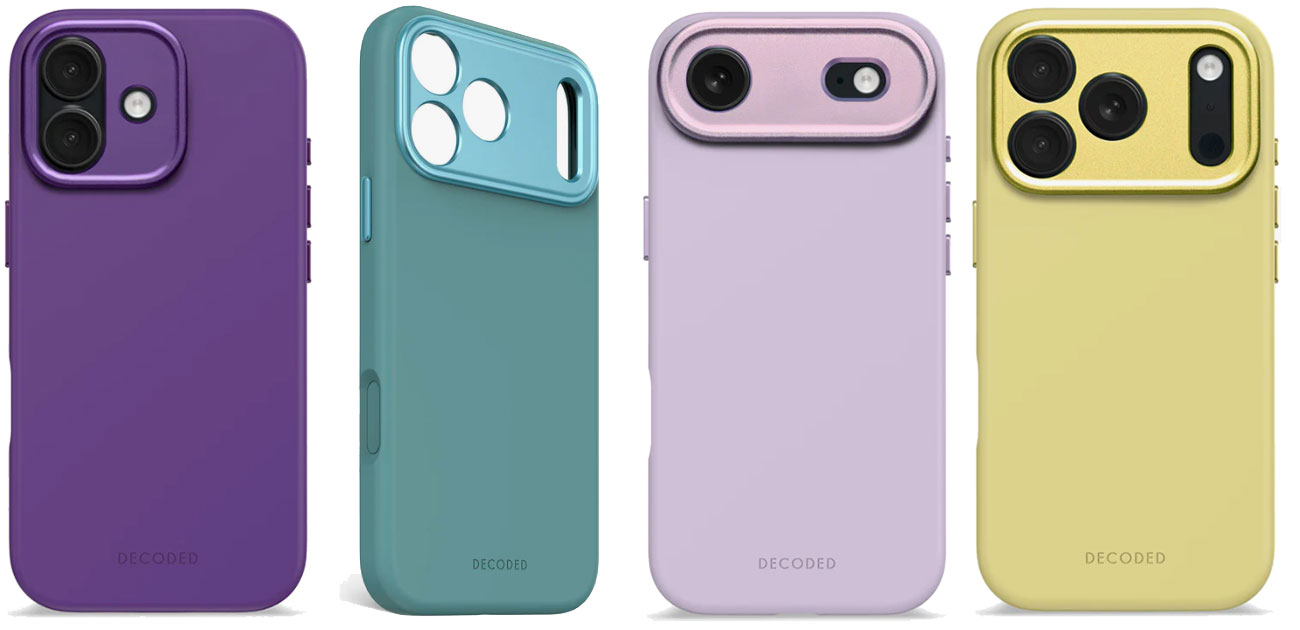
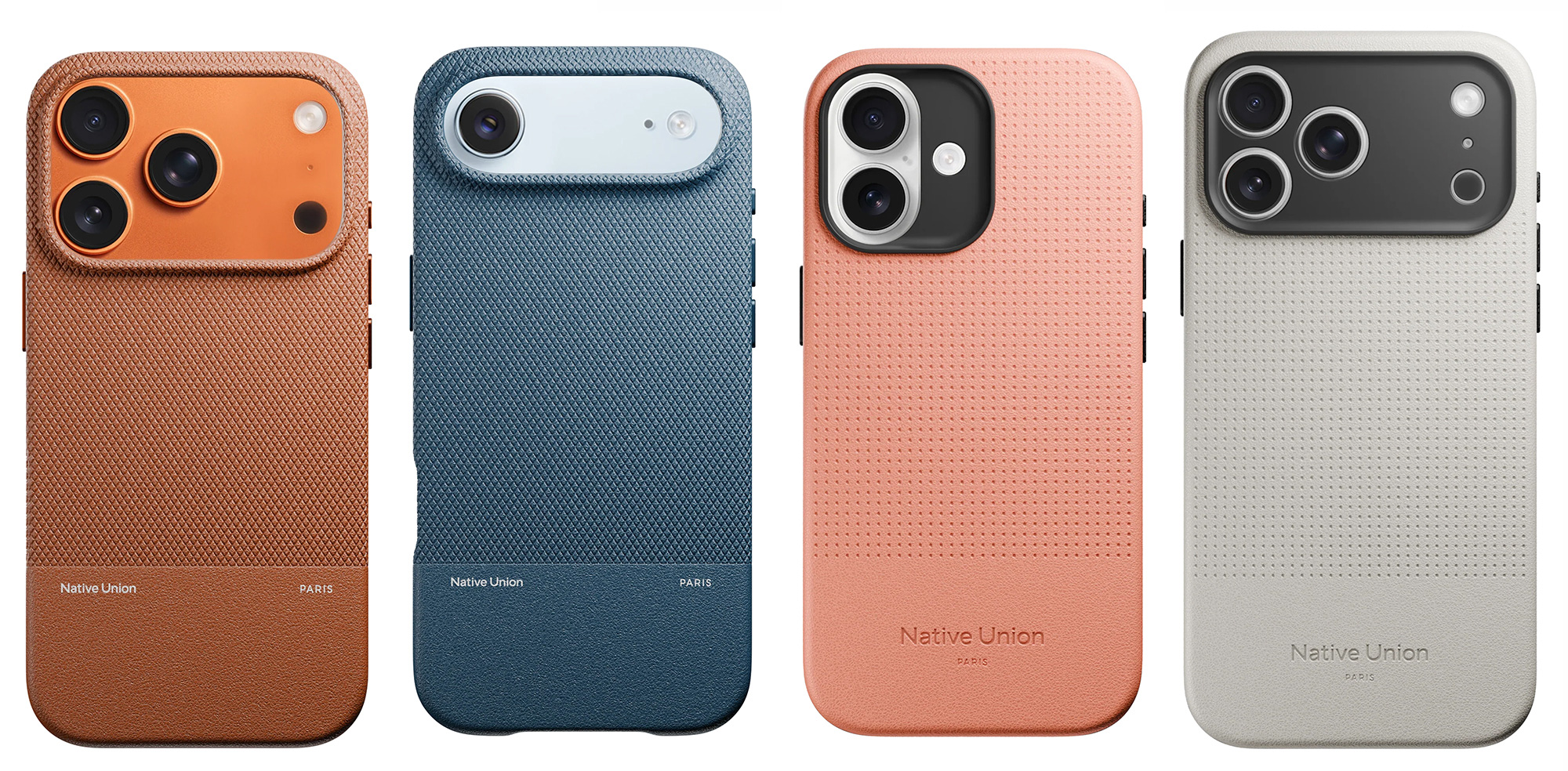
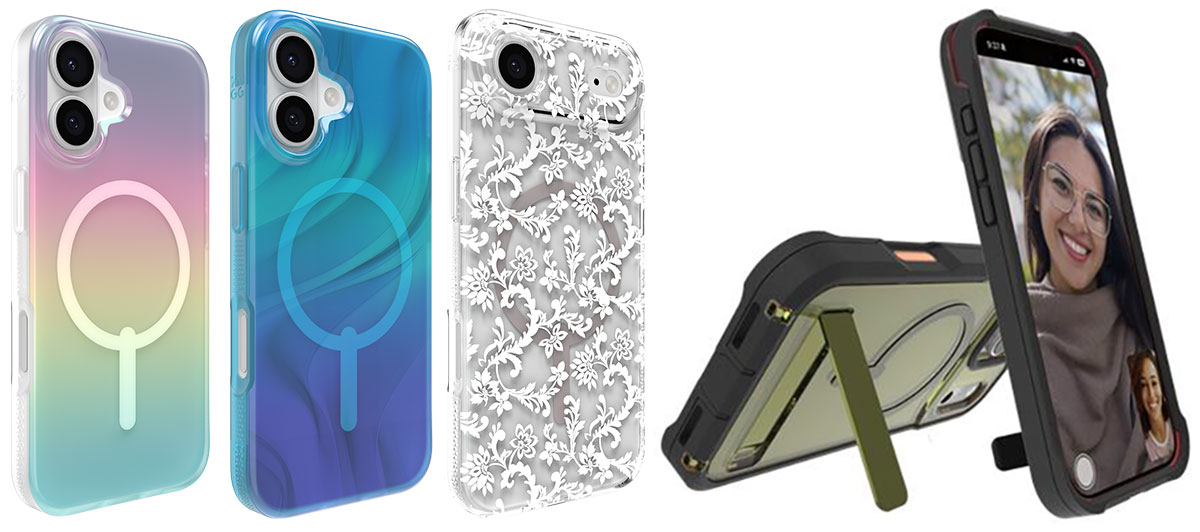
 $49.99
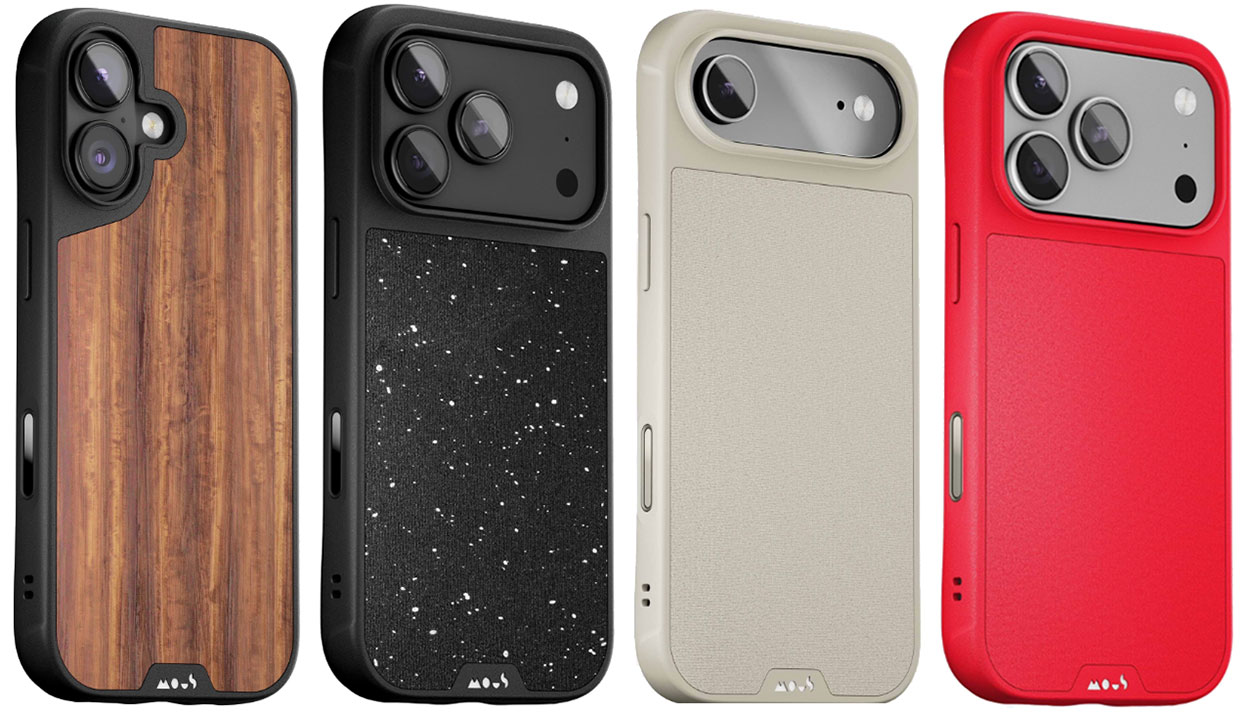
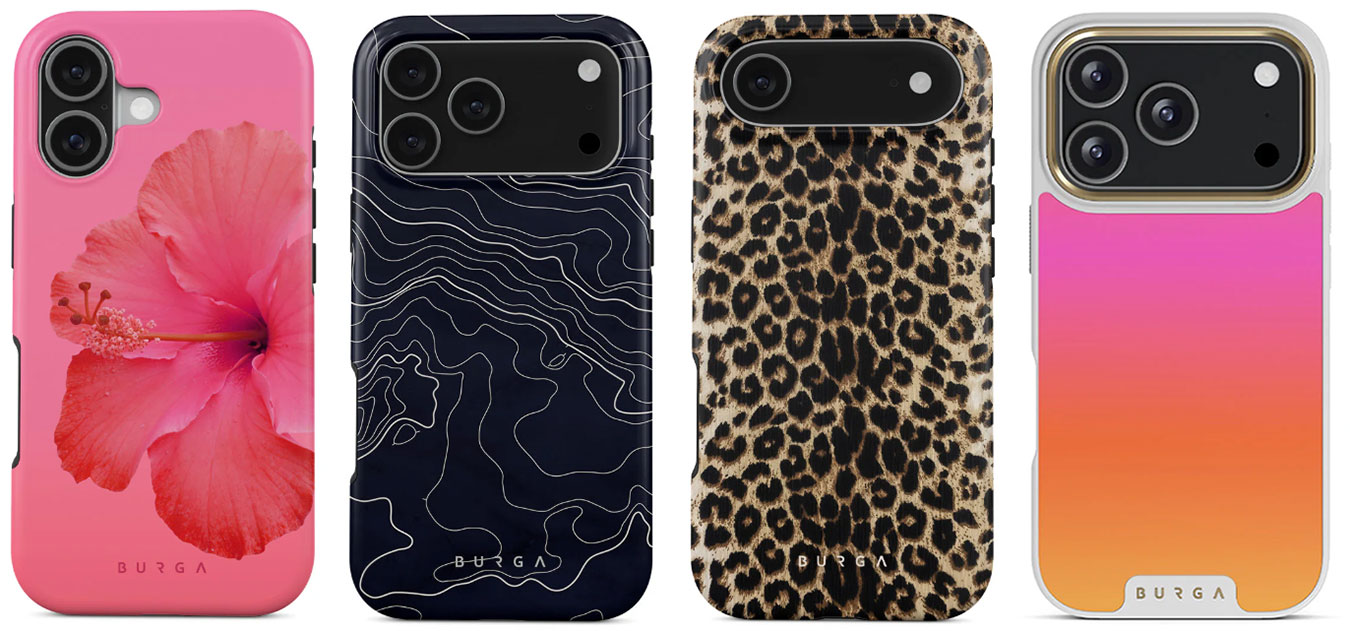

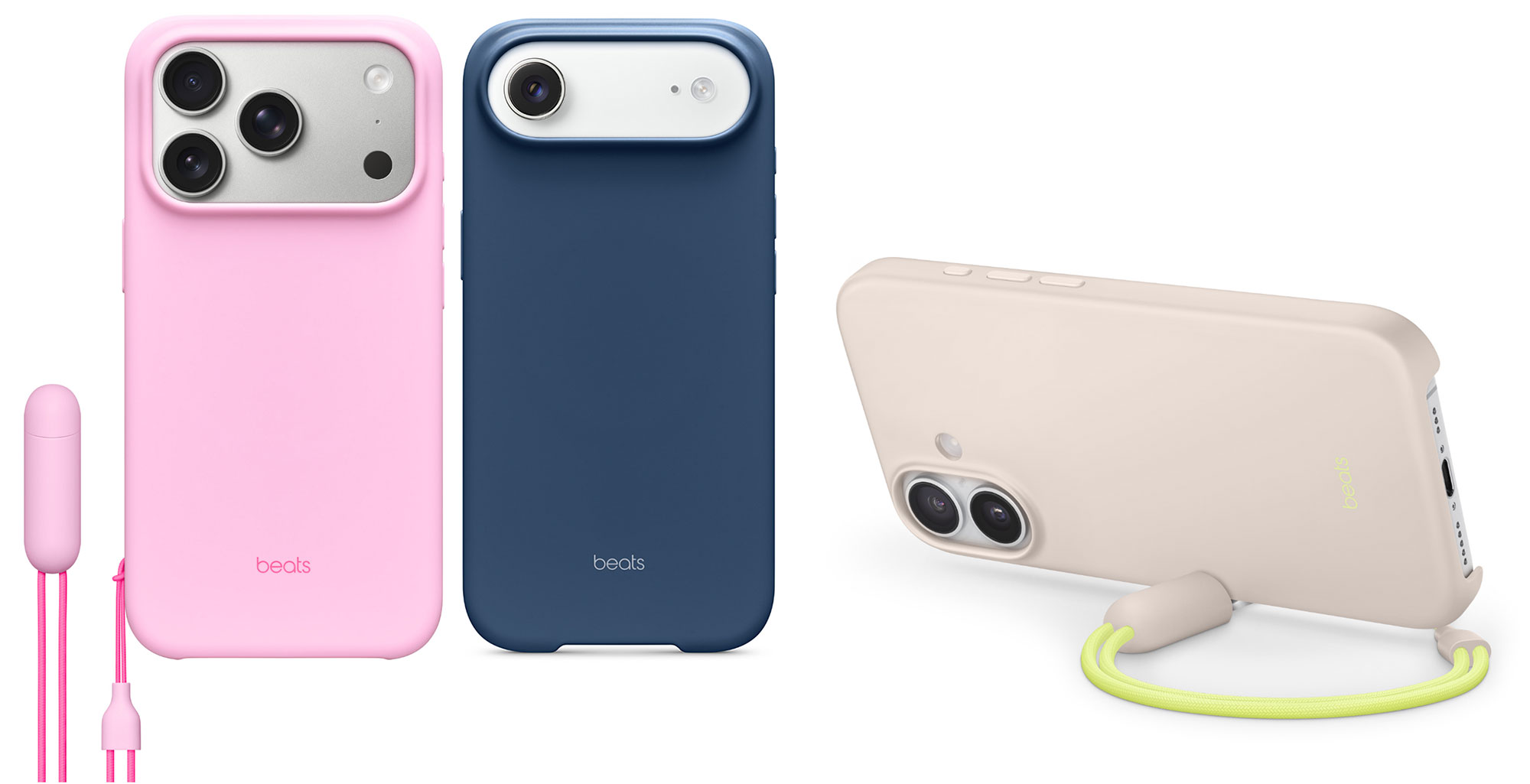
 $59.99

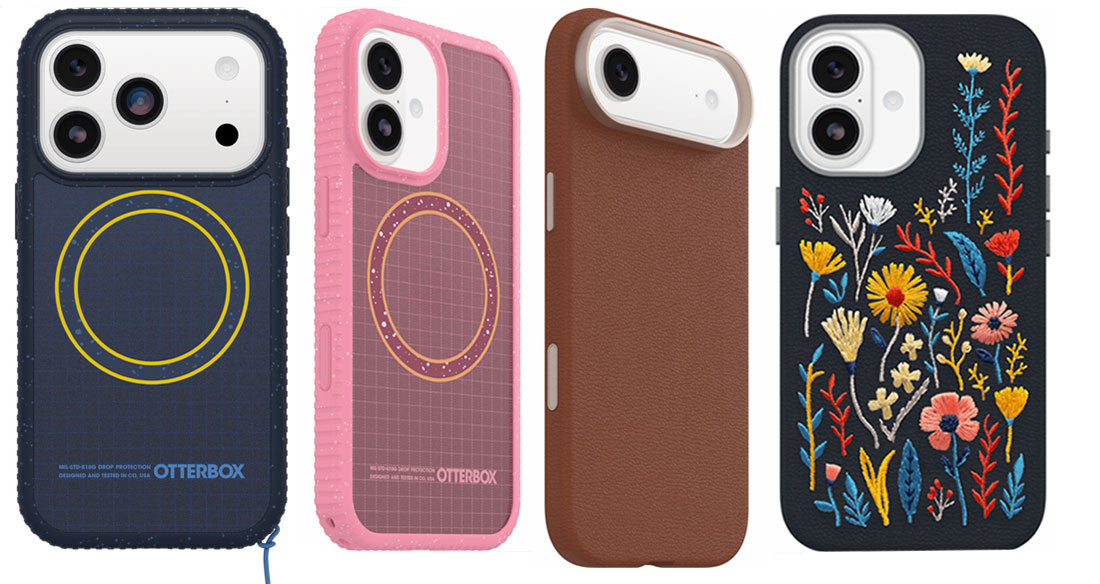
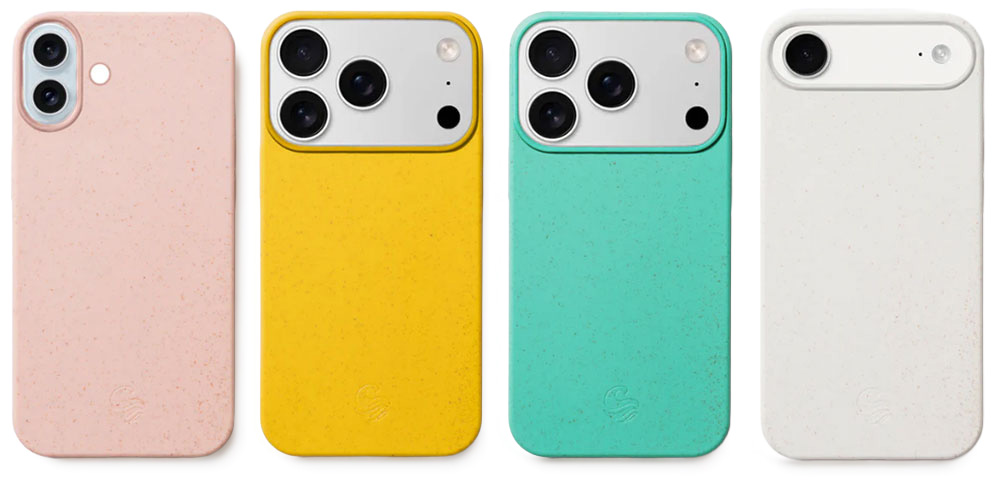
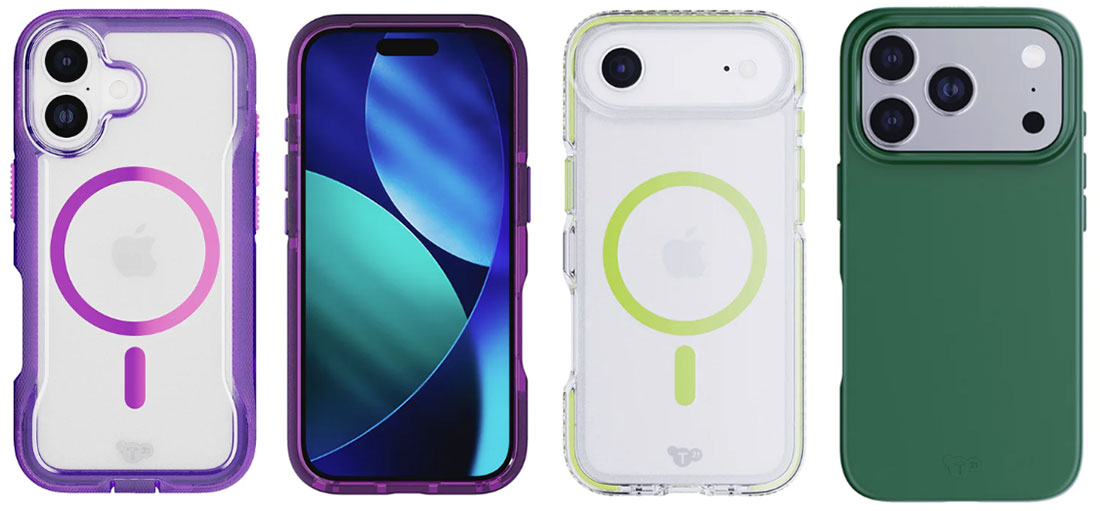
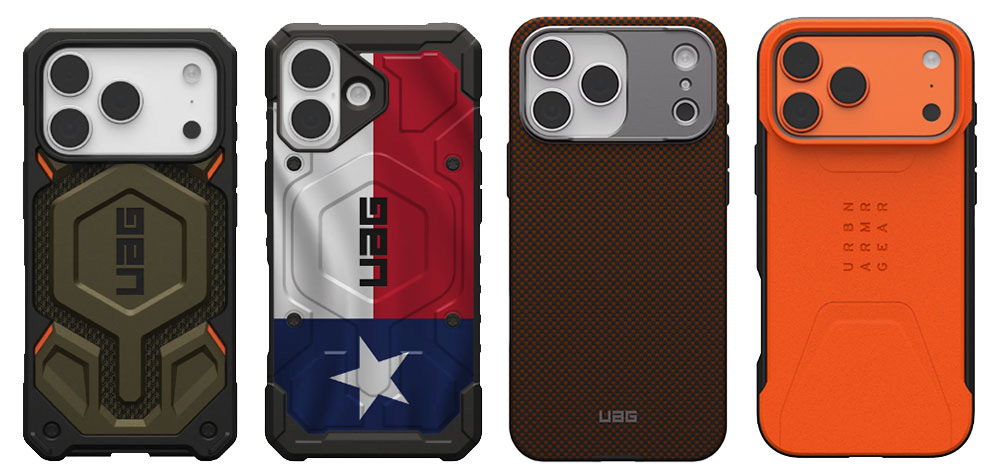
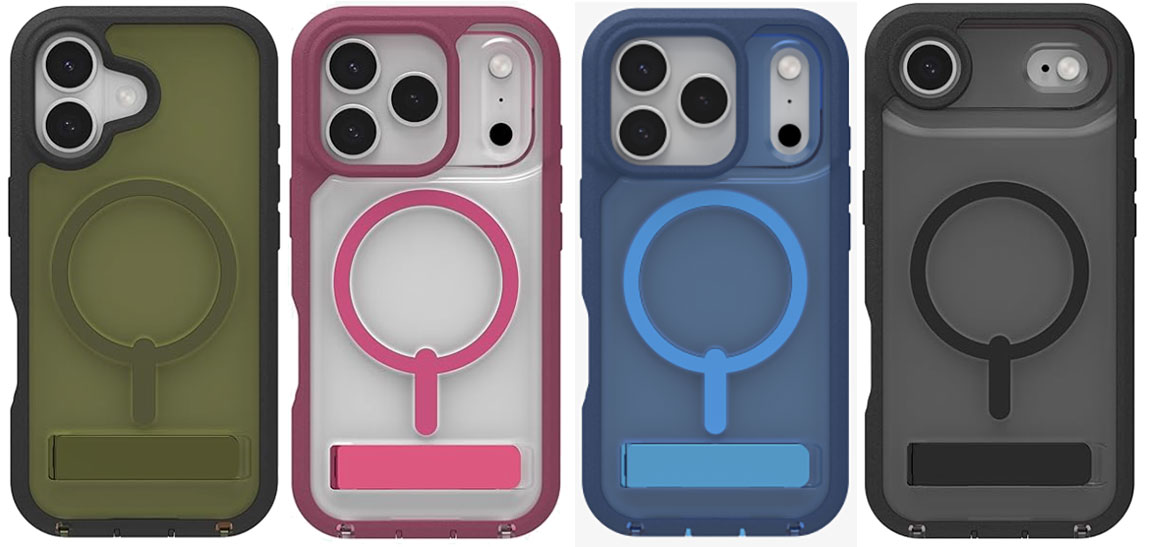
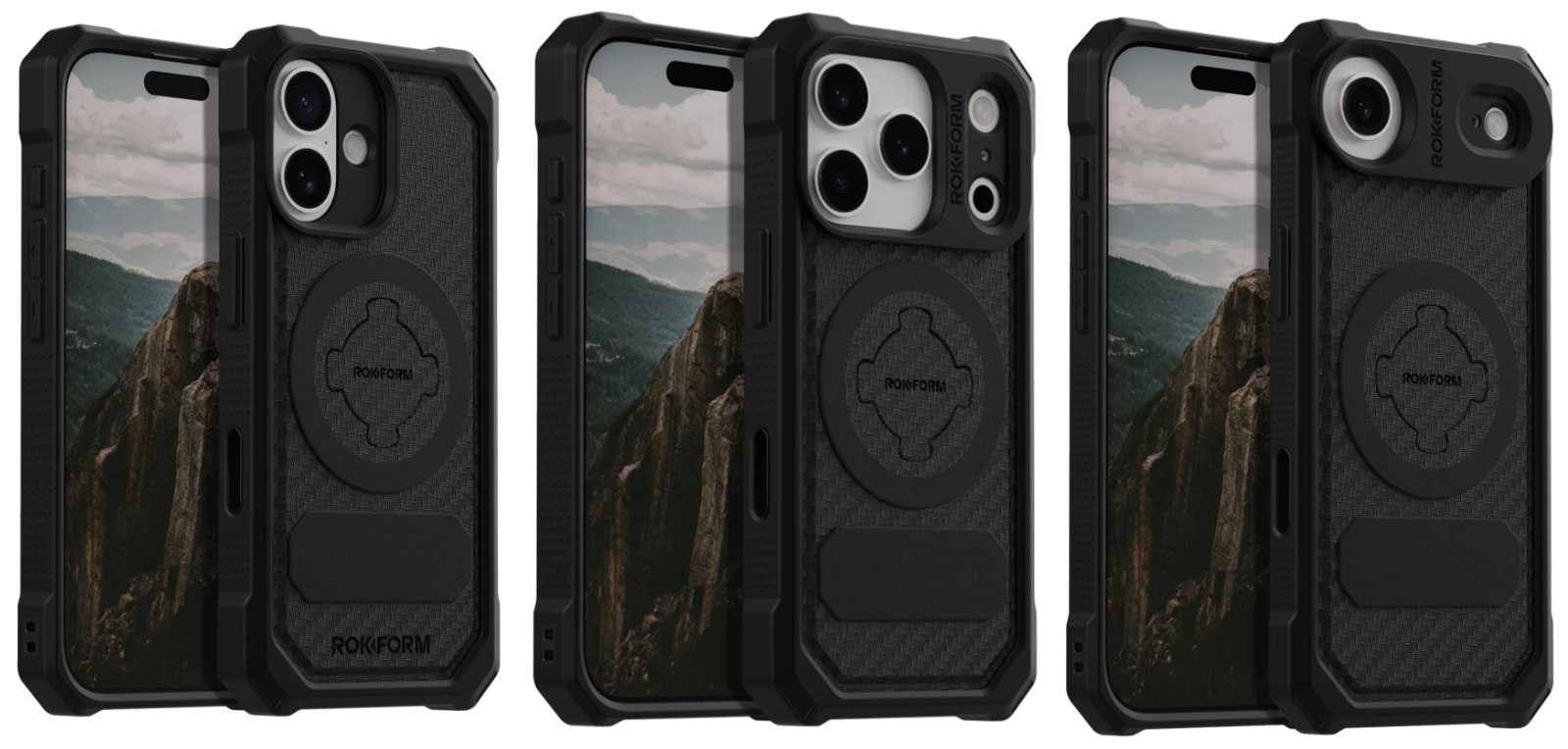
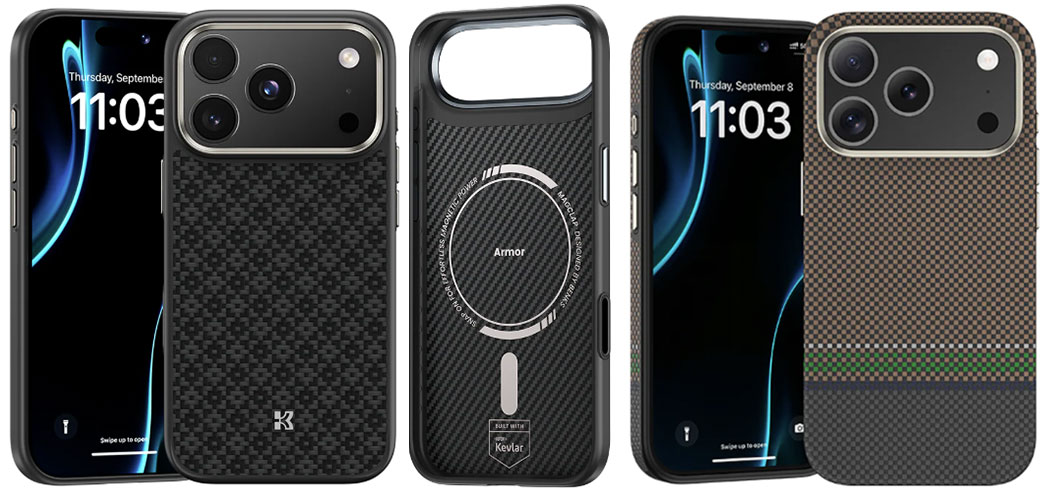

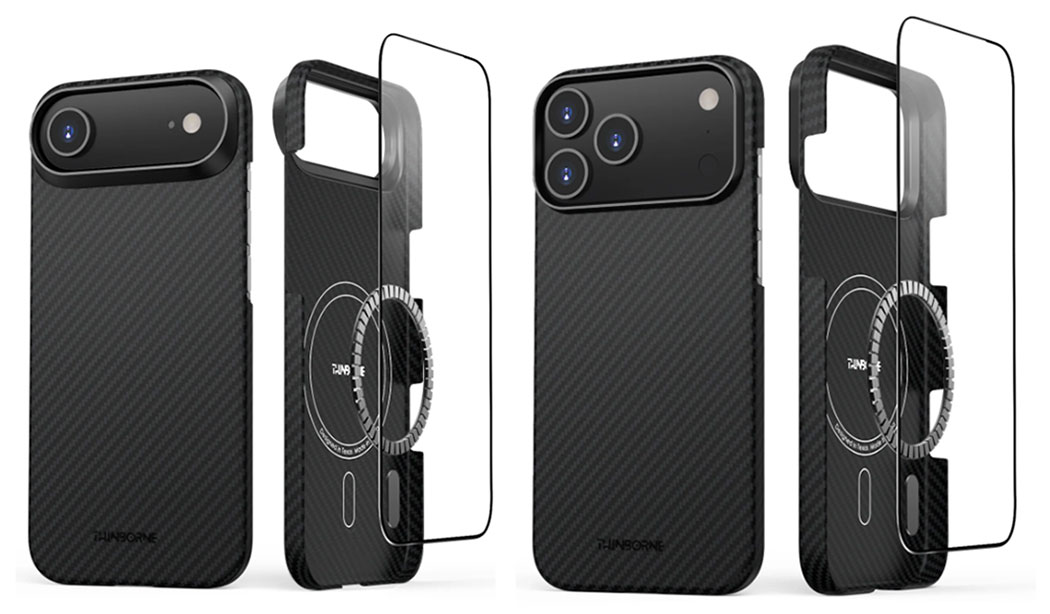
 $46.69
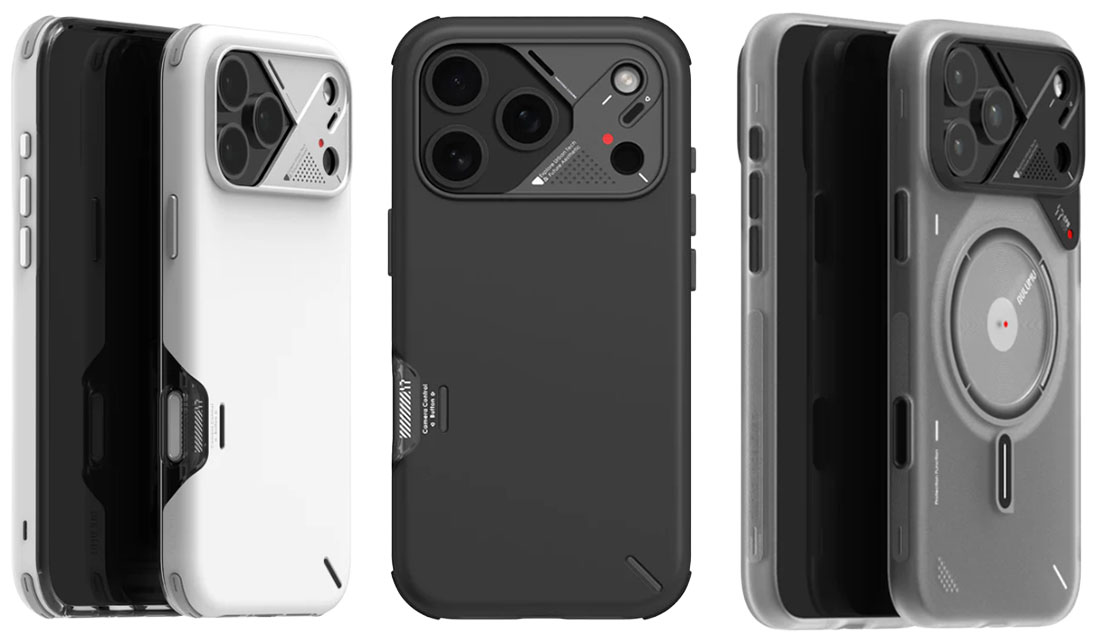
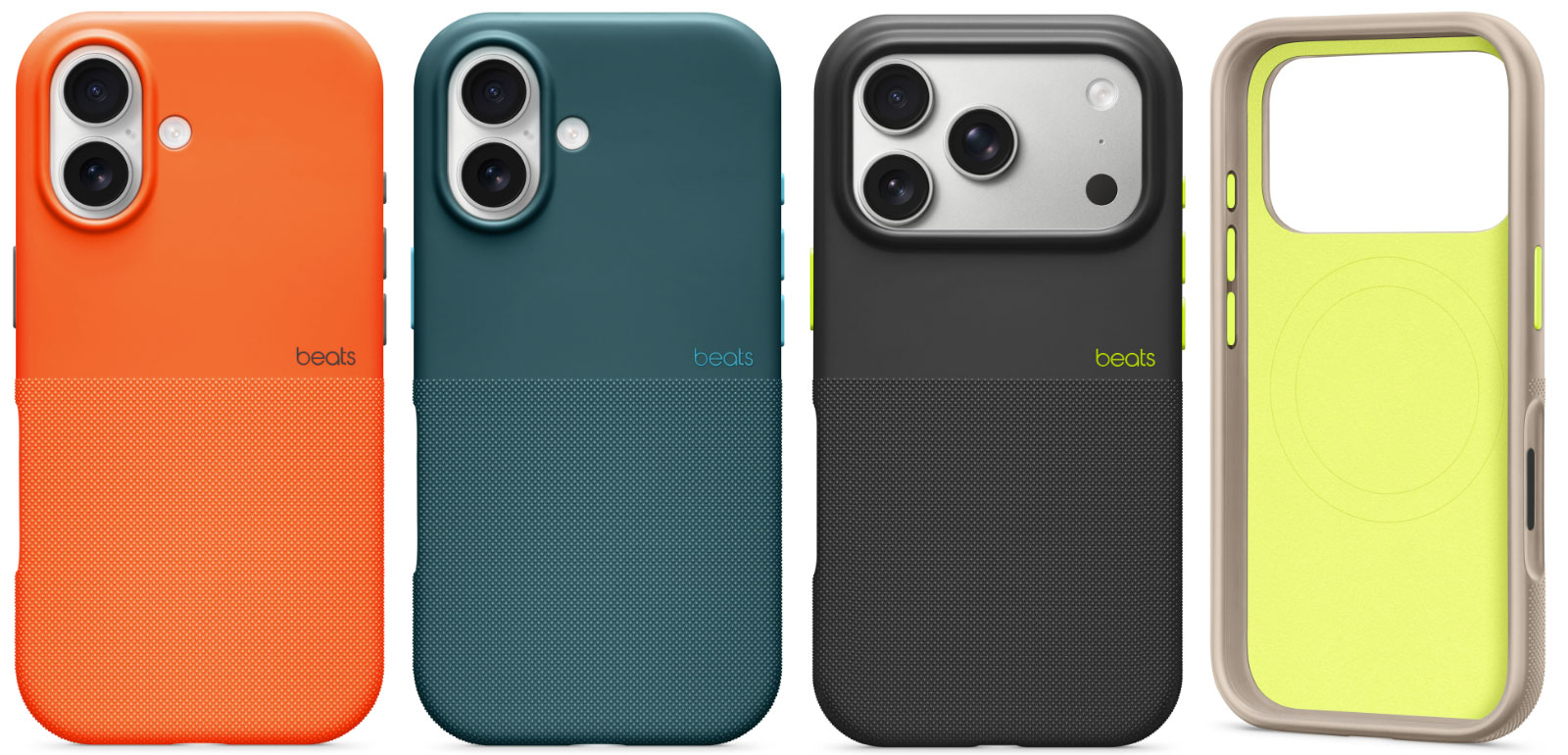
 $71.99
 $79
$79