Moonlight gave me AAA couch gaming at zero added costs
Show full content
Nothing ever quite beats couch gaming. That's why I often prefer playing on my PS5 Pro sitting under the TV. However, a problem that kept nagging me over and over again was that most of the experiences I wanted simply lived on my desktop PC instead. High ray-tracing, path tracing, DLSS, endless mod support, and my entire Steam and Epic library I've built over years — these weren't going to migrate themselves over to a console. Plus, after getting a new TV, I found myself wanting to spend more time in the living room than I used to.
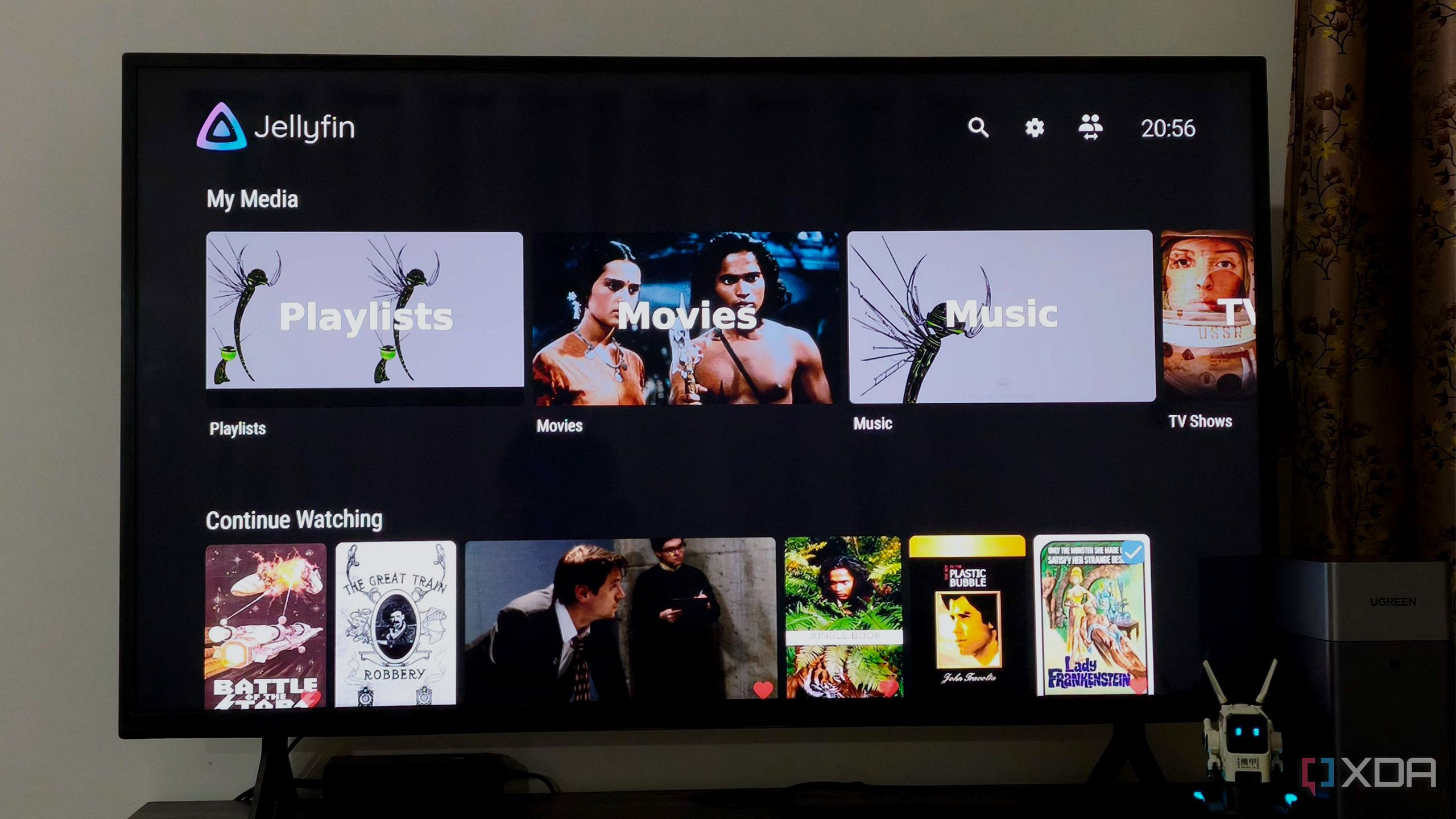
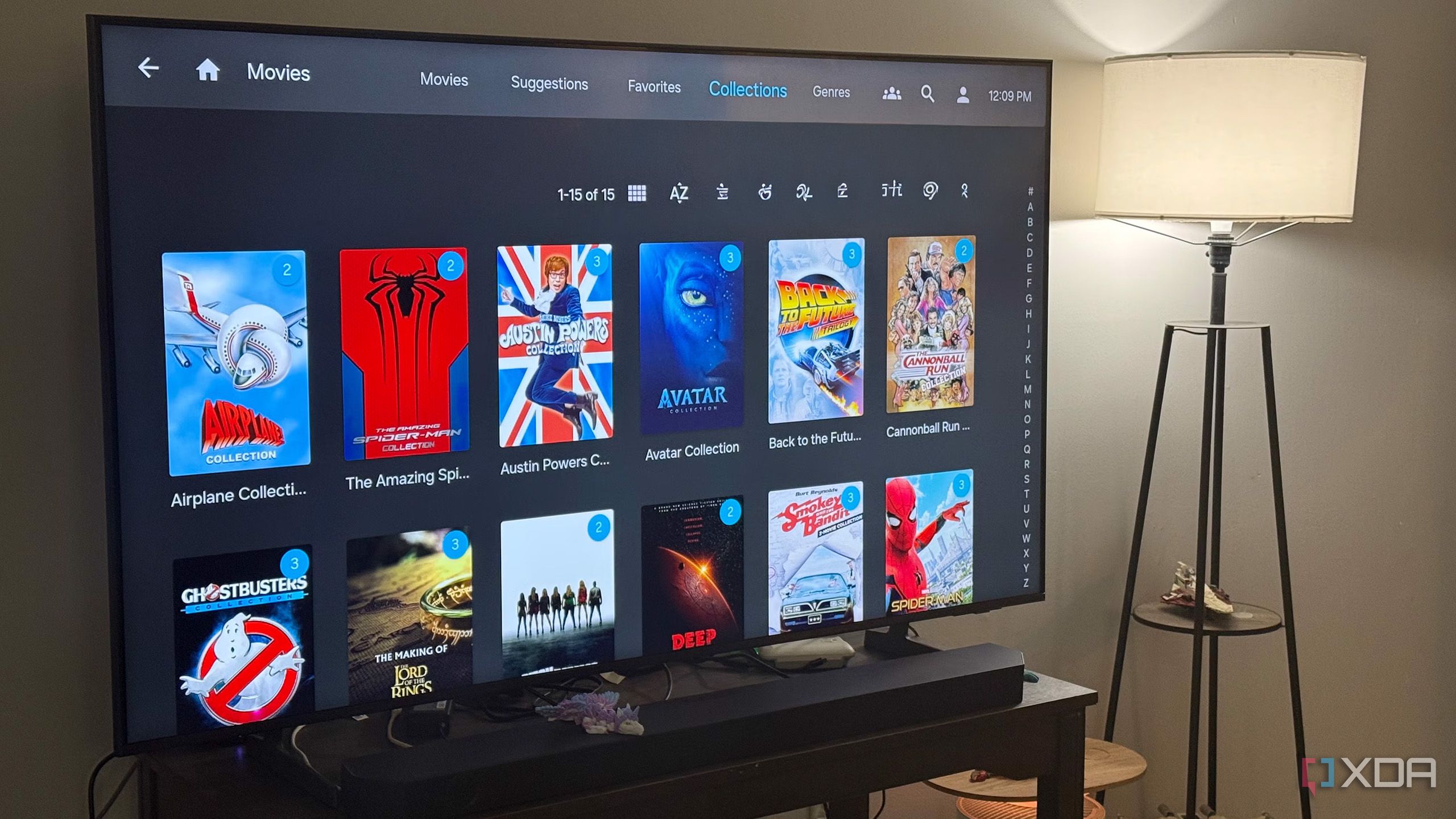
I've been self-hosting Jellyfin for some time now. I initially hosted it on my Mac, and that worked perfectly fine. I was able to watch movies, stream high-resolution and 4K content, and generally do everything I wanted without any issues. A big reason for that was the hardware itself. Macs have enough processing power to comfortably handle a Jellyfin server for personal use.
Some home lab services seem safe to ignore, but DNS, backups, monitoring, and proxies need regular attention to stay reliable.
Show full content
Some home lab services earn a dangerous reputation for being simple. You install them, point them at the right devices, confirm the dashboard loads, and then mentally file them under “handled.” That sounds comforting, especially when your home lab already has enough blinking lights, dashboards, containers, and mystery alerts demanding attention. The problem is that the services most often described as “set and forget” are usually the ones quietly sitting closest to the foundation.
Since it runs locally, I don't have to spend a dime on expensive cloud platforms
Show full content
I recently started integrating local LLMs with my arsenal of free and open-source tools, and they’ve been a game-changer for my productivity needs. Whether it’s generating precise OCR scans or helping me rewrite long snippets of code in the right indentation, self-hosted models are surprisingly capable at automating everyday tasks. What’s more, the FOSS ecosystem has tons of obscure AI tools that are productivity powerhouses – provided you use them for the right tasks.
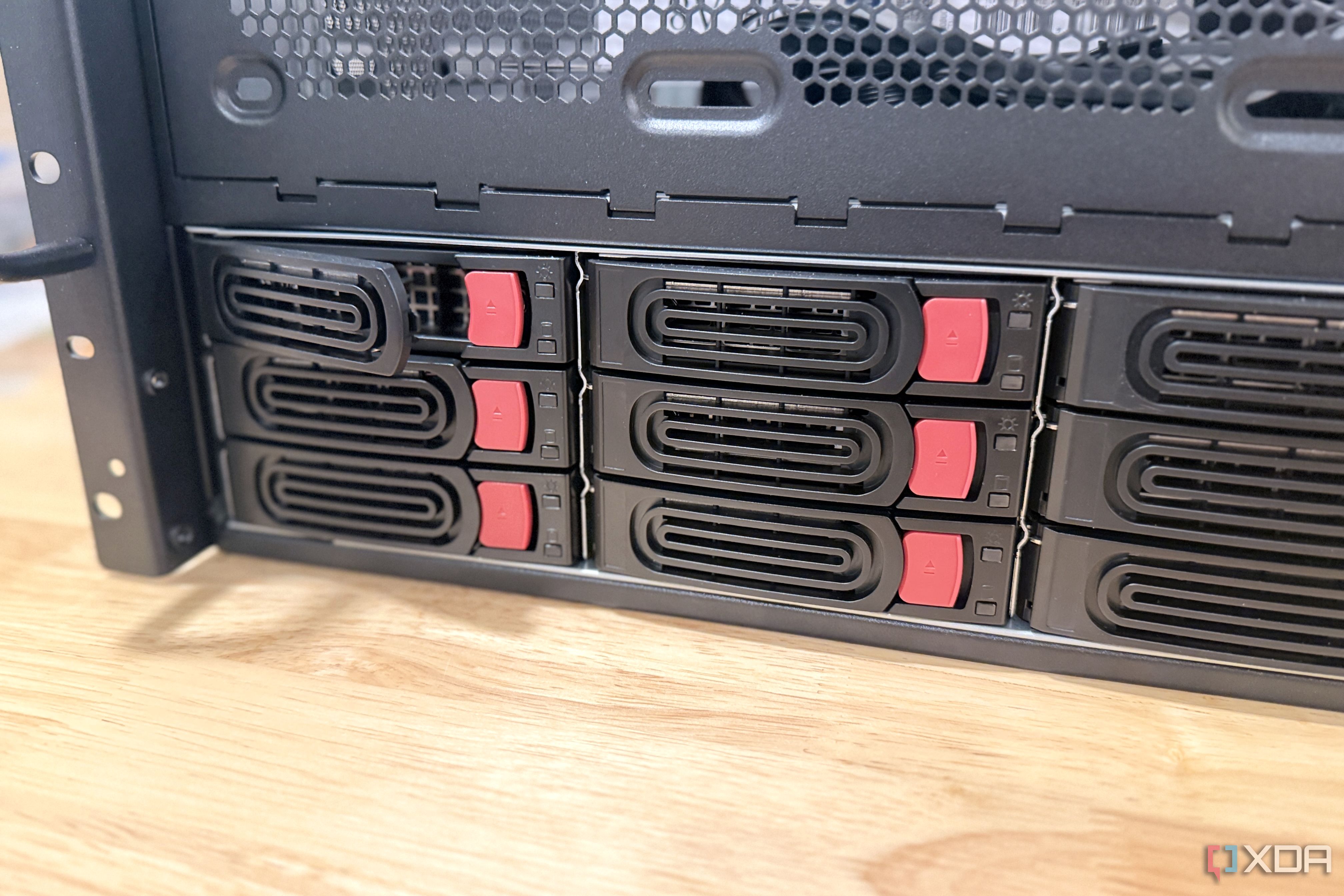
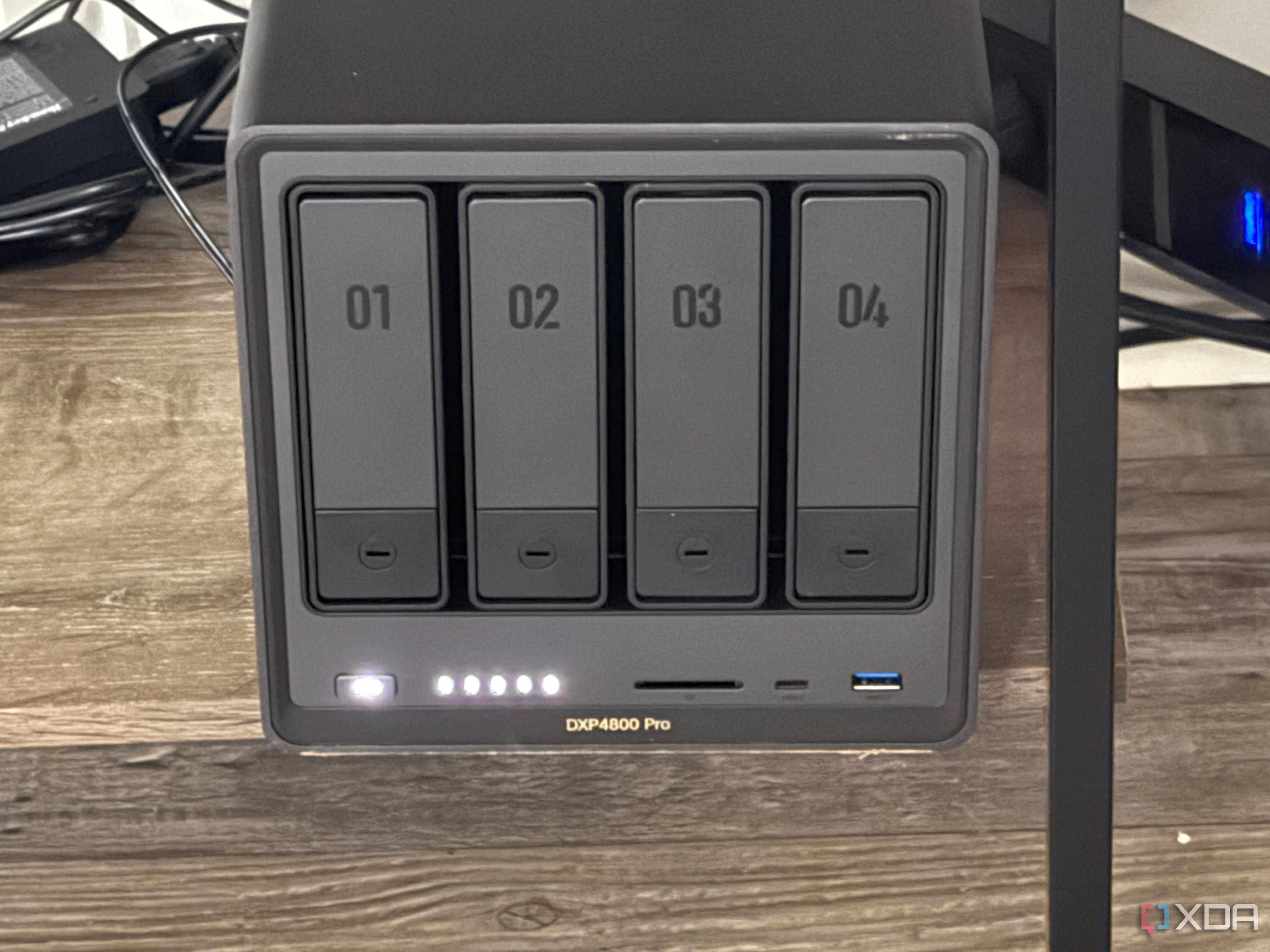
When I first started using my NAS, it was for the traditional use case — storage that I could access on my home network. However, with multiple drives on my desktop PC, as well as cloud backups of important files, the NAS ended up feeling mostly redundant.
Jellyfin's plugin ecosystem does what Plex charges for, and it's free
Show full content
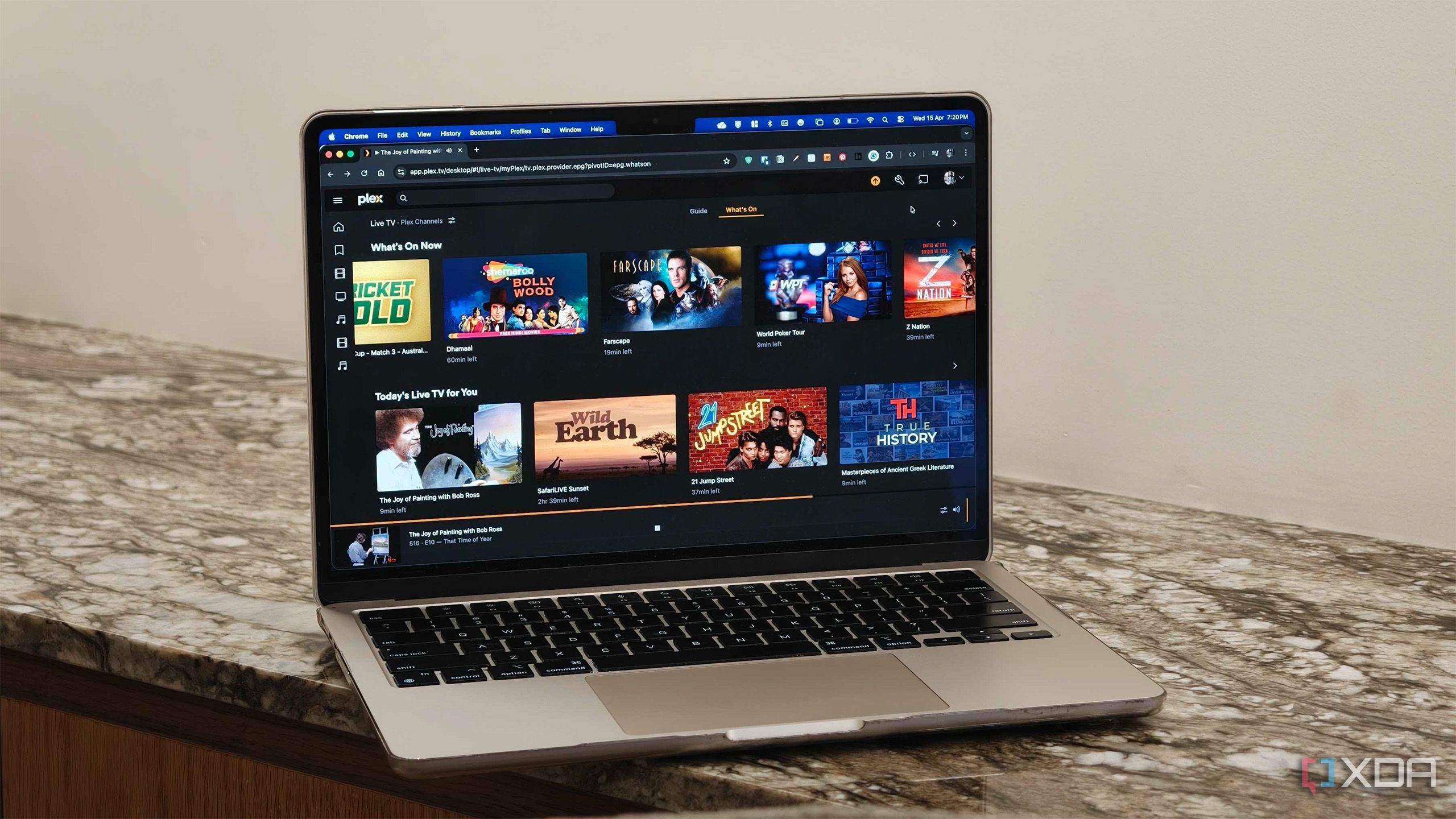
I've been happily using Plex for a while now, especially thanks to the Lifetime Pass I secured for myself in early 2024. Over the course of two years, my Plex server has been serving as the media library for three different families across three houses in separate cities. Of course, I've come to appreciate some of the features that have made my life a lot easier, and it's been particularly enjoyable seeing Jellyfin slowly but surely catch up.
Software and ServicesOpen SourceSelf-HostingnewsRSS
This open-source tool helped me automate my news discovery system.
Show full content
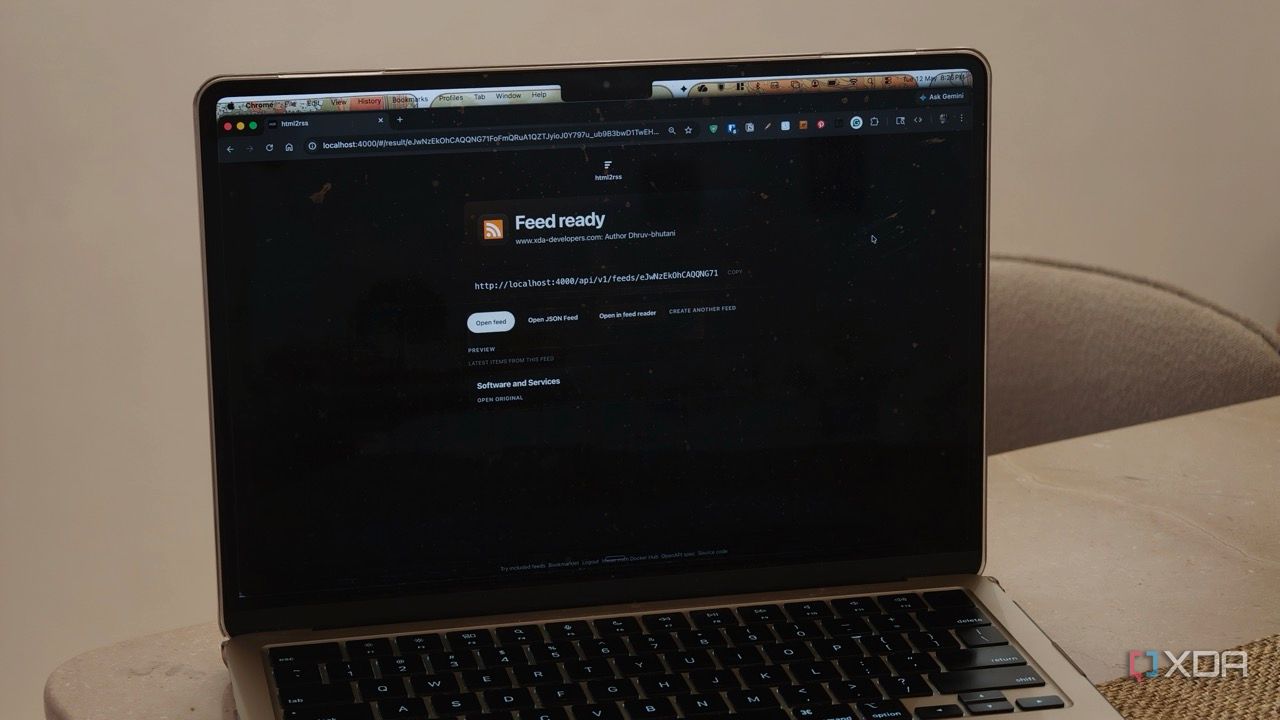
As a journalist, I've spent a lot of time refining and reworking my workflow. Discovering news and keeping up with it is just as important to me and my job as reporting and writing. For my morning routine, I have a mental list of websites to check and keep tabs on. And while the system works, it's far from ideal. Every morning I open the same set of tabs, check author pages, skim through product and open-source blogs, check changelogs, and hope that I haven't missed out on something important. It's a productive start to the day, but it is far from efficient. In fact, it's a slow, repetitive process that depends too much on me remembering what to check. Elsewhere, there are RSS readers, but as it turns out, in 2026, way too many websites have either poor or no RSS support at all.
My Proxmox cluster proves that matching servers aren’t required for a resilient home lab.
Show full content
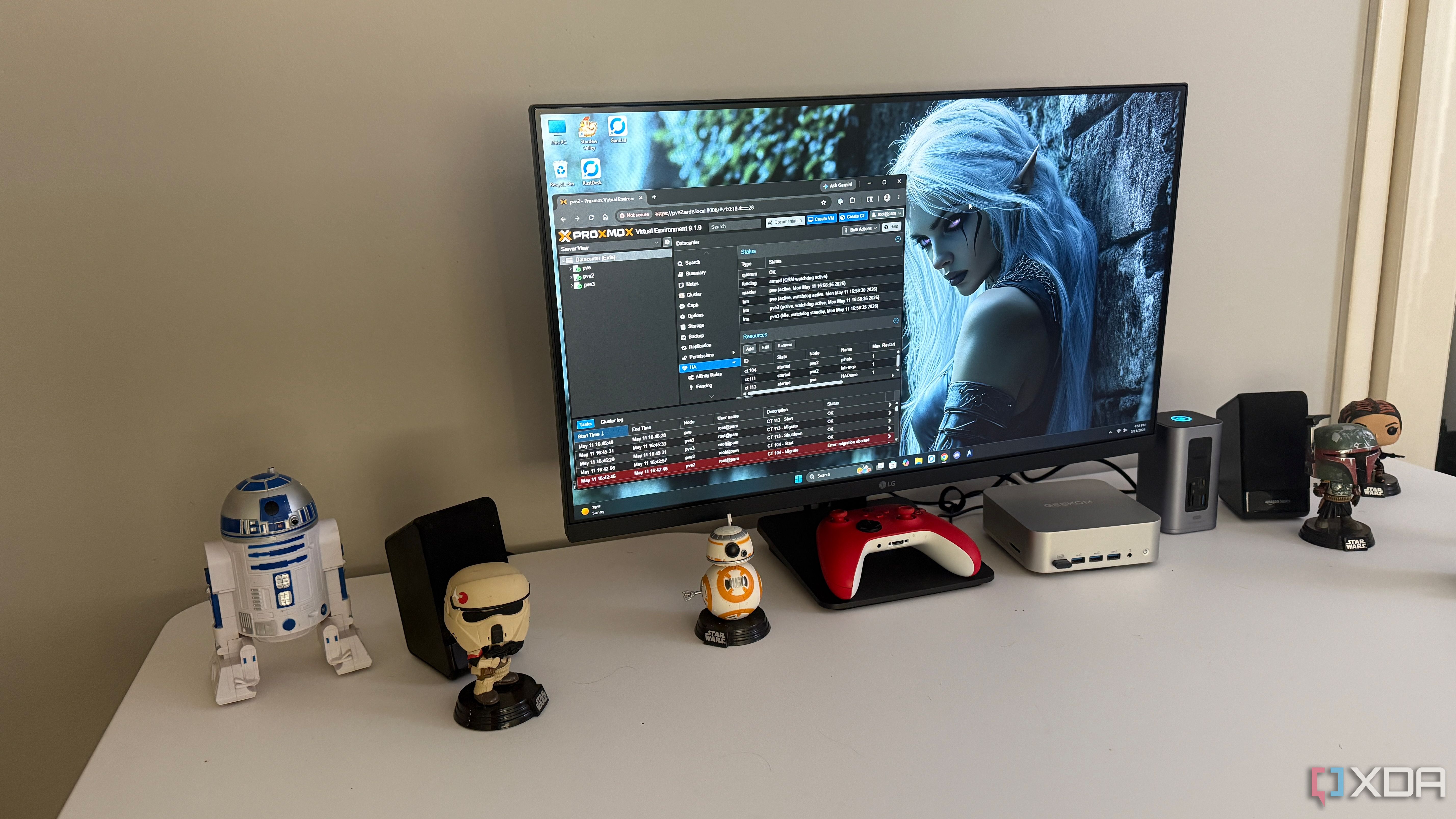
I didn’t build my Proxmox cluster the way most sane documentation would quietly prefer. Instead of buying three identical nodes with matching CPUs, memory, and network adapters, I used three different mini PCs that fit my budget, desk, and tolerance for fan noise. One is a small office box with more patience than power, one is a newer machine with a better CPU, and one is an oddball that I probably wouldn’t recommend unless you enjoy reading BIOS menus. On paper, it sounds like a recipe for a fragile home lab theater.
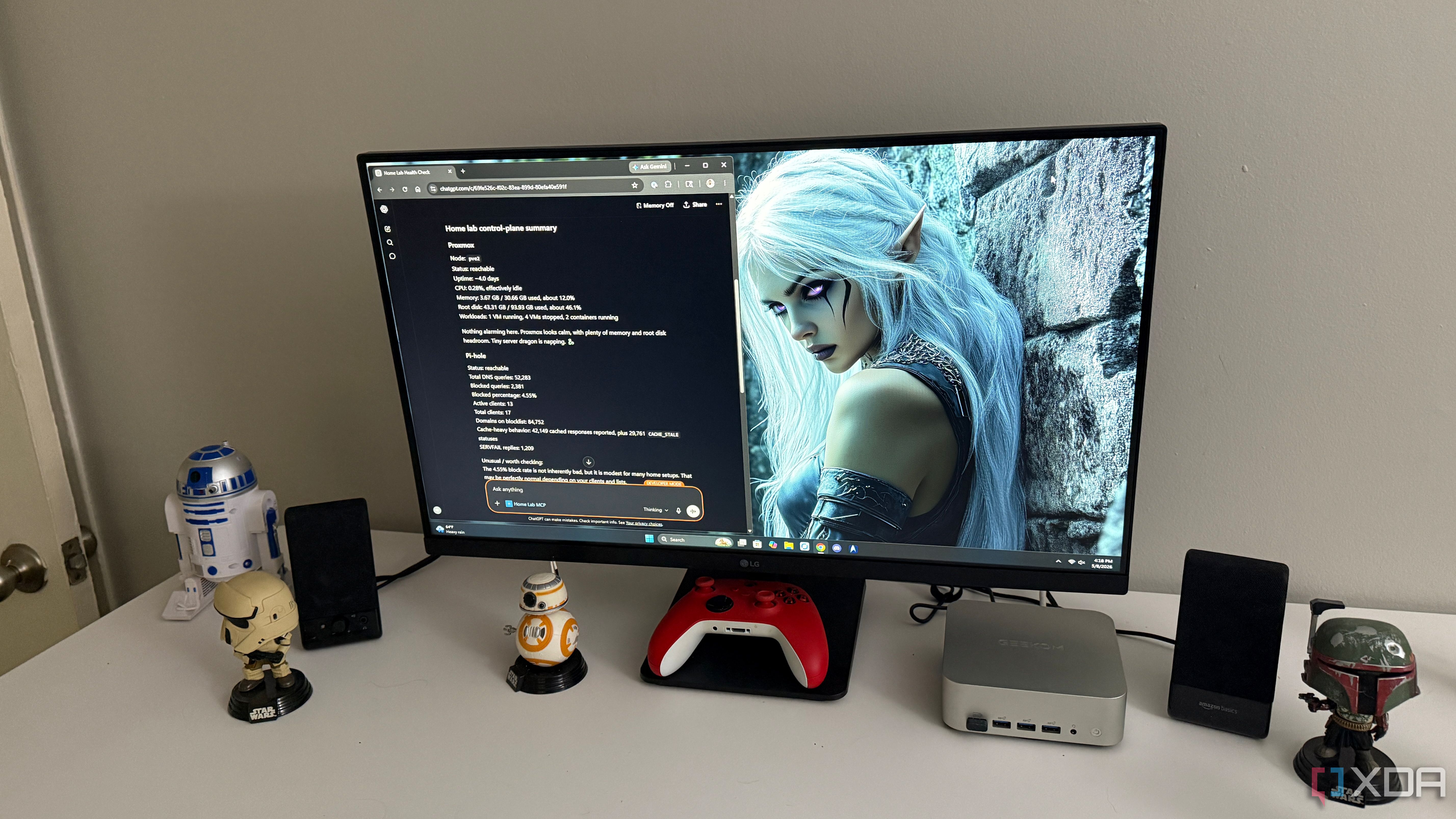
My home lab dashboards were scattered across too many tools, but ChatGPT helped tie them together into a single, easier-to-manage dashboard.
Show full content
My home lab has never suffered from a lack of dashboards. I have separate pages for Proxmox, Pi-hole, Home Assistant, Jellyfin, Uptime Kuma, and whatever I happened to spin up during a productive weekend. Each one is useful on its own, but together they create a strange kind of administrative clutter. I knew where everything lived, yet I still spent too much time jumping between tabs just to answer basic questions.
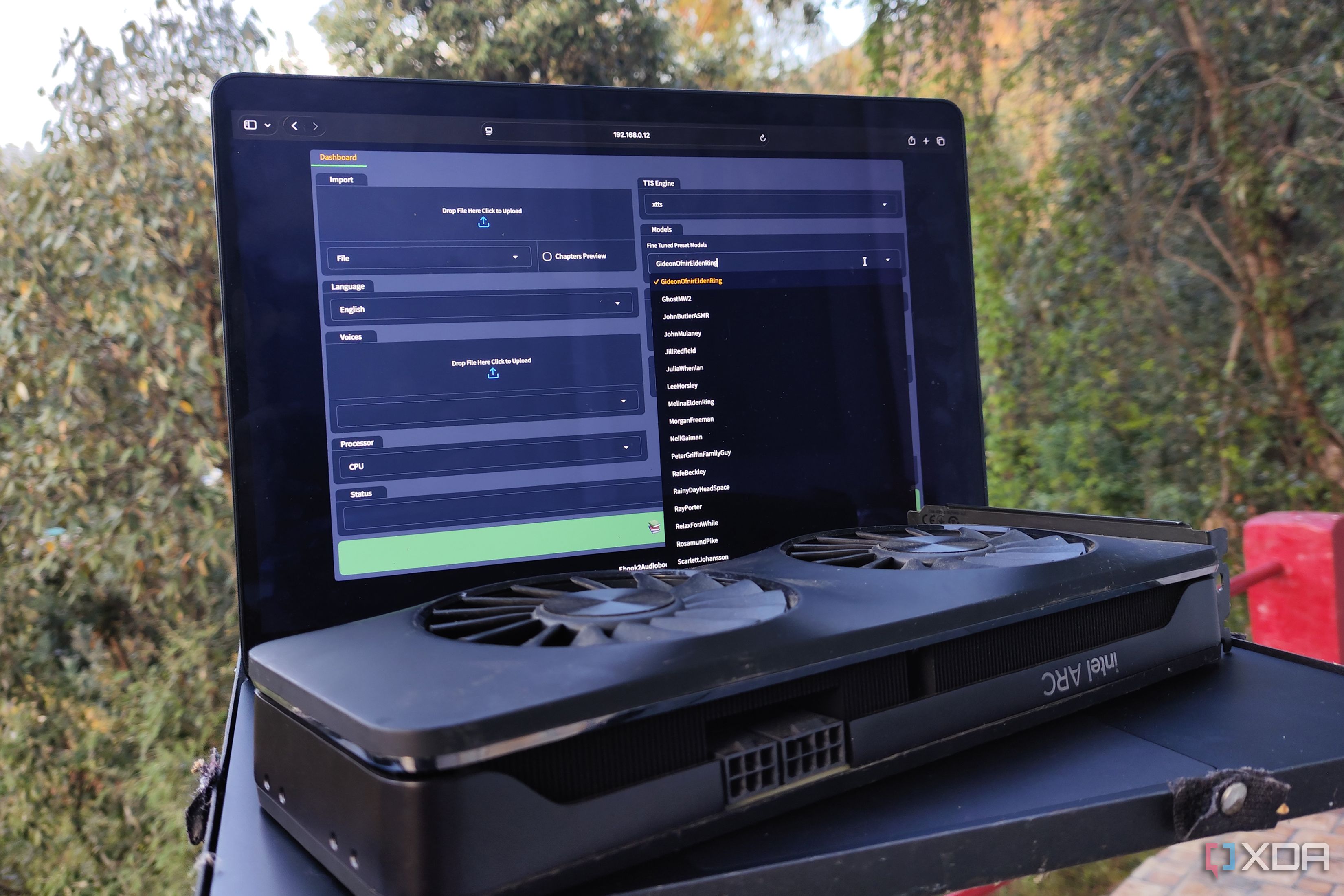
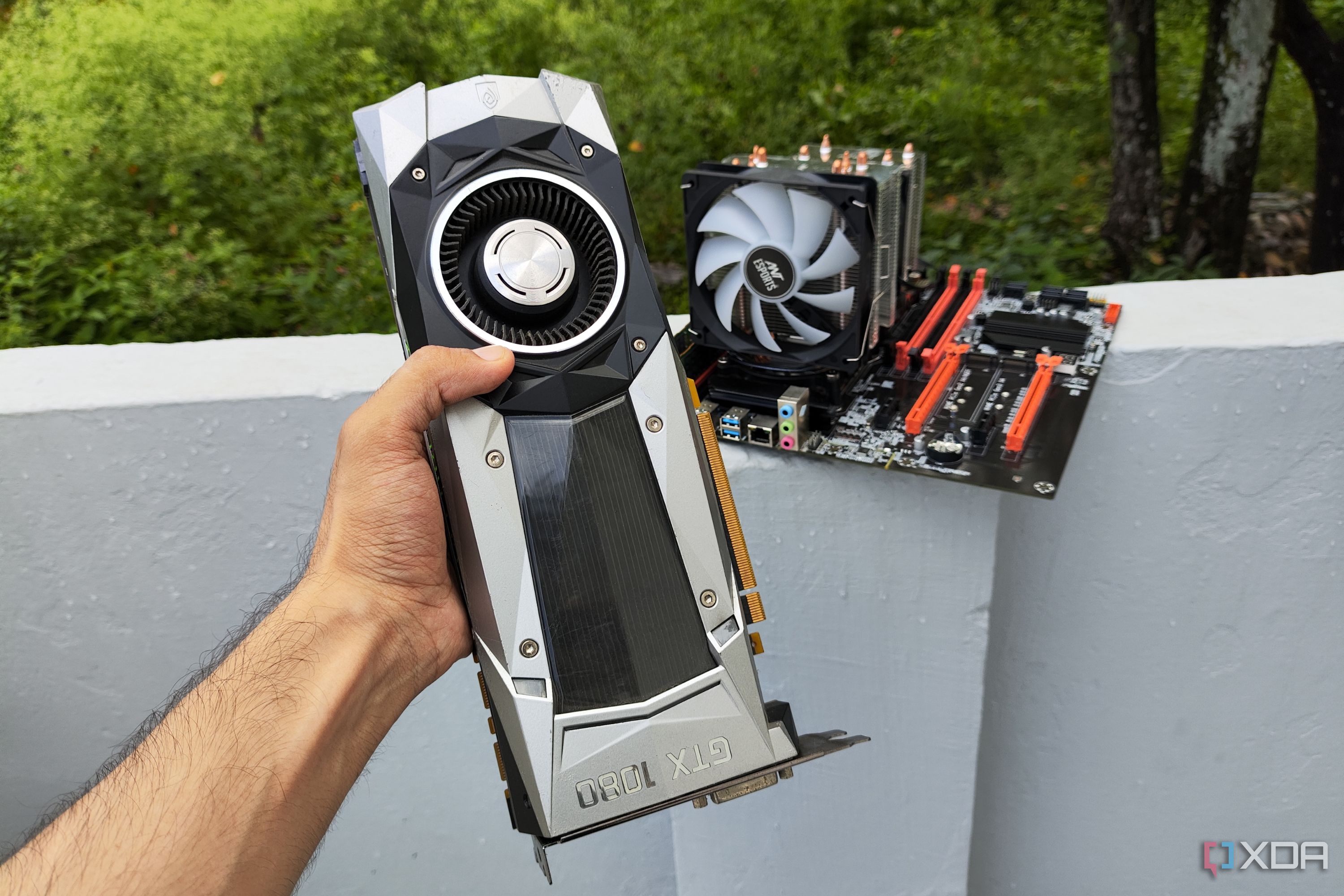
Back in December 2025, I figured I could stop my Pascal-era GTX 1080 from gathering dust by using it to host LLMs on Ollama. Despite some snags with the drivers, this experiment turned out pretty well, and its utility skyrocketed when I began pairing it with my self-hosted FOSS stack. But having spent the last couple of weeks tinkering with different providers and LLMs, I realized that 8B models weren’t the only ones I could run on my aged gaming companion. With a little bit of elbow grease, I managed to build a fully Linux-based LLM pipeline using repurposed hardware that not only frees me from the API limits on cloud models, but also ensures my private files don’t leave my local network.
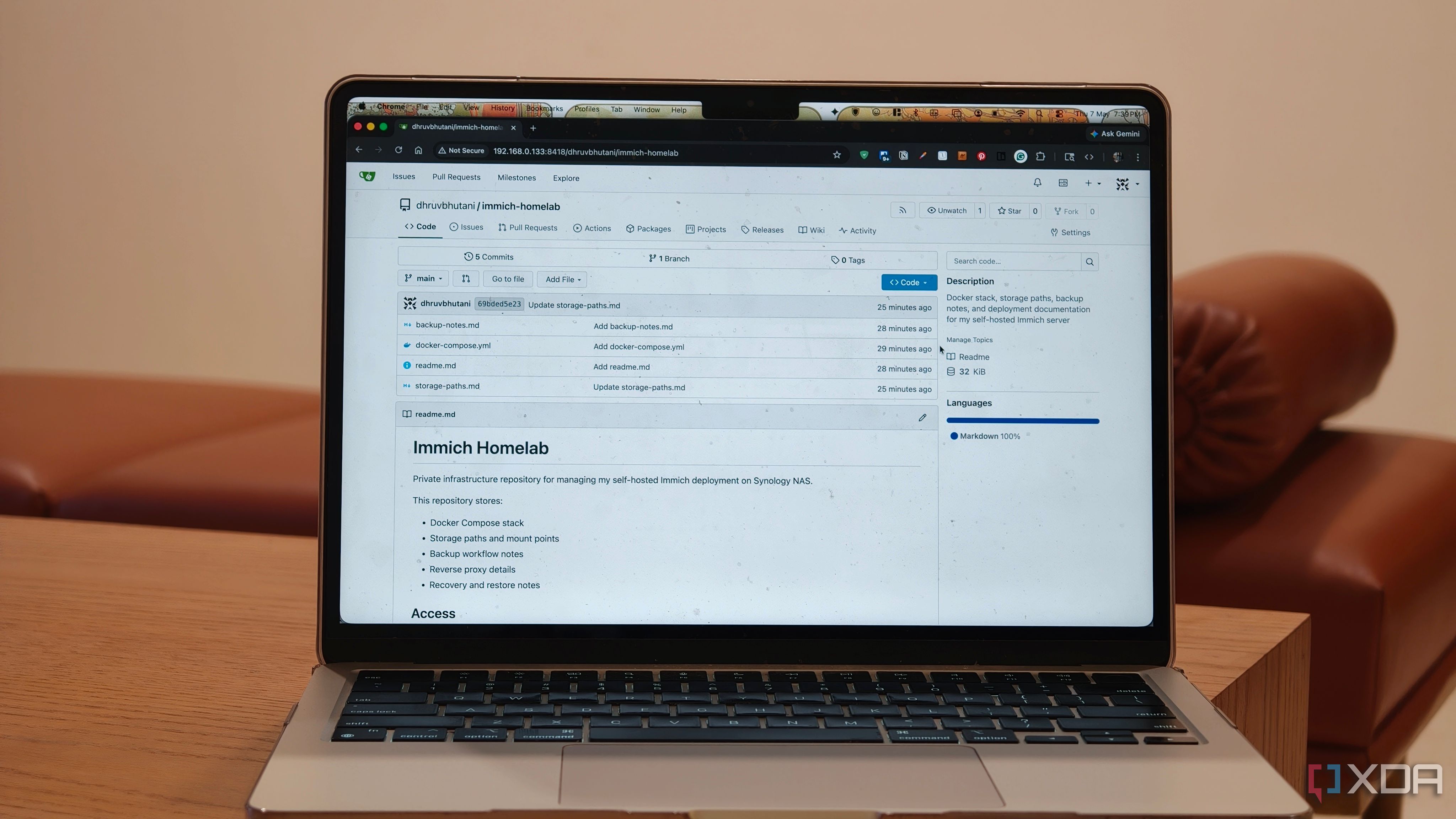
The Git server on my NAS is used for tracking infrastructure changes.
Show full content
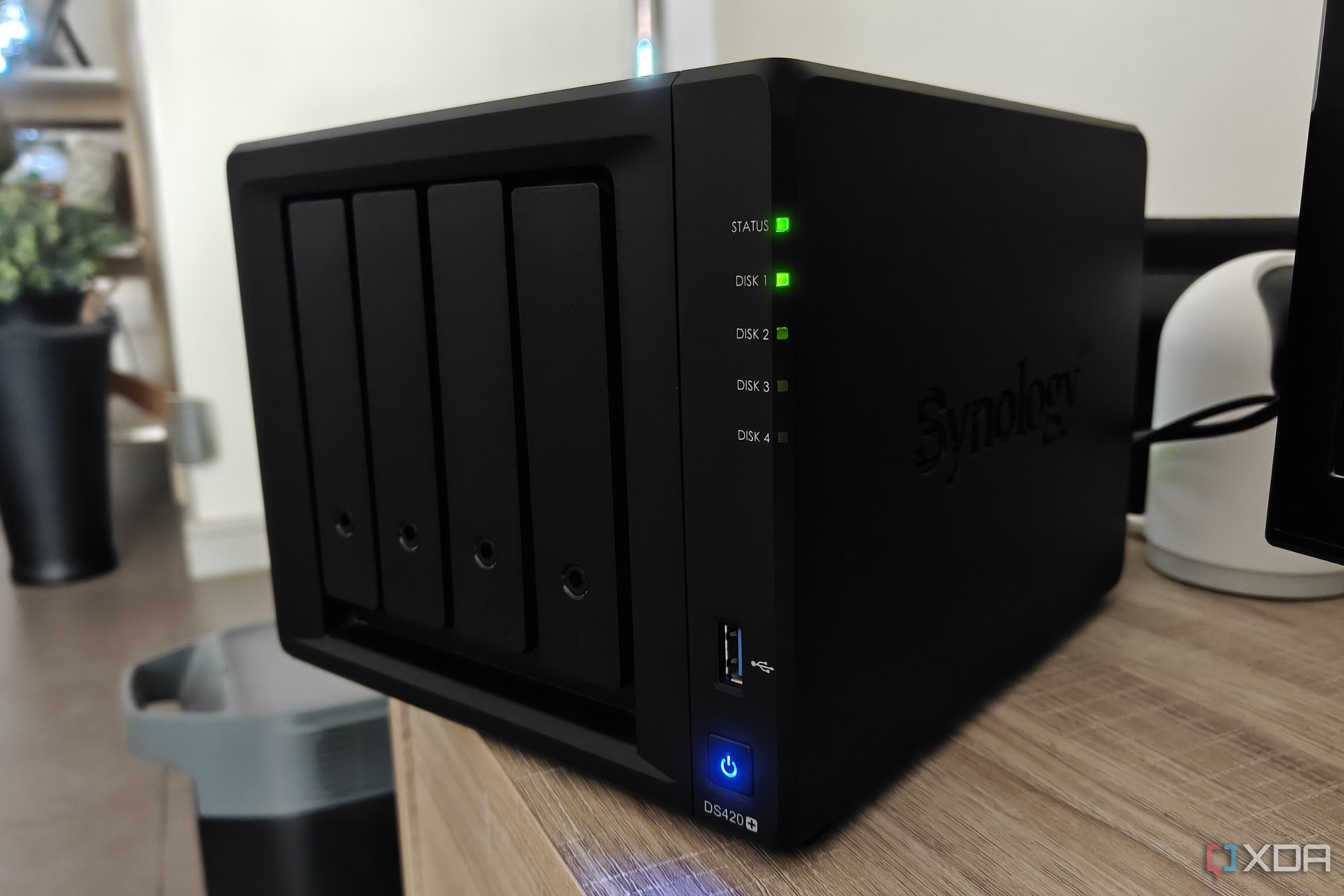
Every NAS I've bought over the years has been laser focused on storage and backups. Like most people who get into home servers, I started with the simple and straightforward goal of keeping my files organized in one place, and ensuring that nothing important got lost if a drive failed. But over the years, I've taken to using my Synology NAS for more than just storage.
My NAS became far more useful once I stopped treating it as storage and started using it as a service hub.
Show full content
For a long time, I treated my NAS with a very narrow kind of respect. It was the box that held files, backed up machines, and gave me somewhere safer to put things than a random external drive. That was useful, but it also made the NAS feel strangely passive. It sat there doing its job, but it rarely felt like the center of anything.