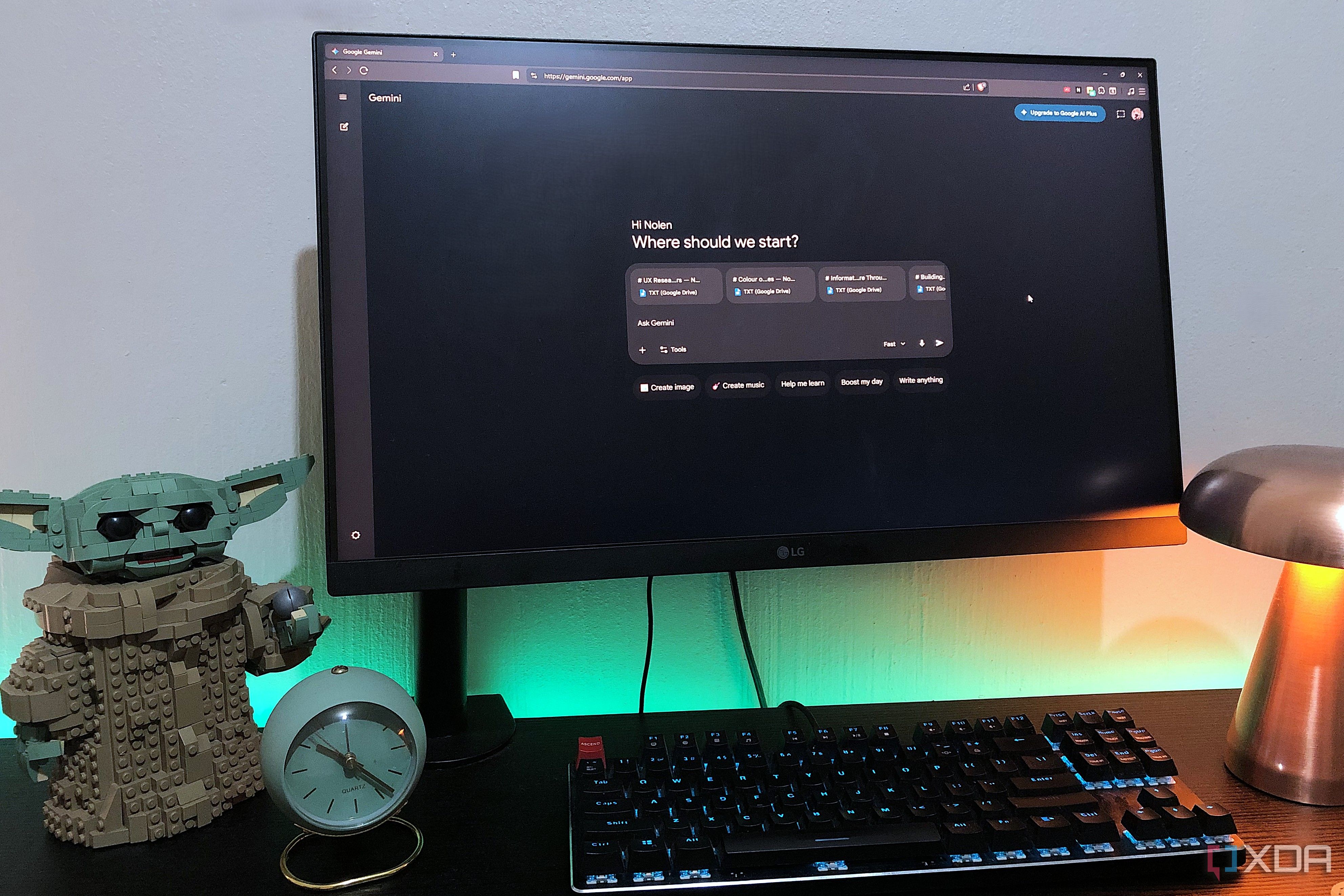
I always thought the hardest part of personal knowledge management was consistently capturing information. But after years of collecting notes, I realized accumulation is easy. The difficult part is building a system that stays usable as your work, ideas, and responsibilities grow over time.
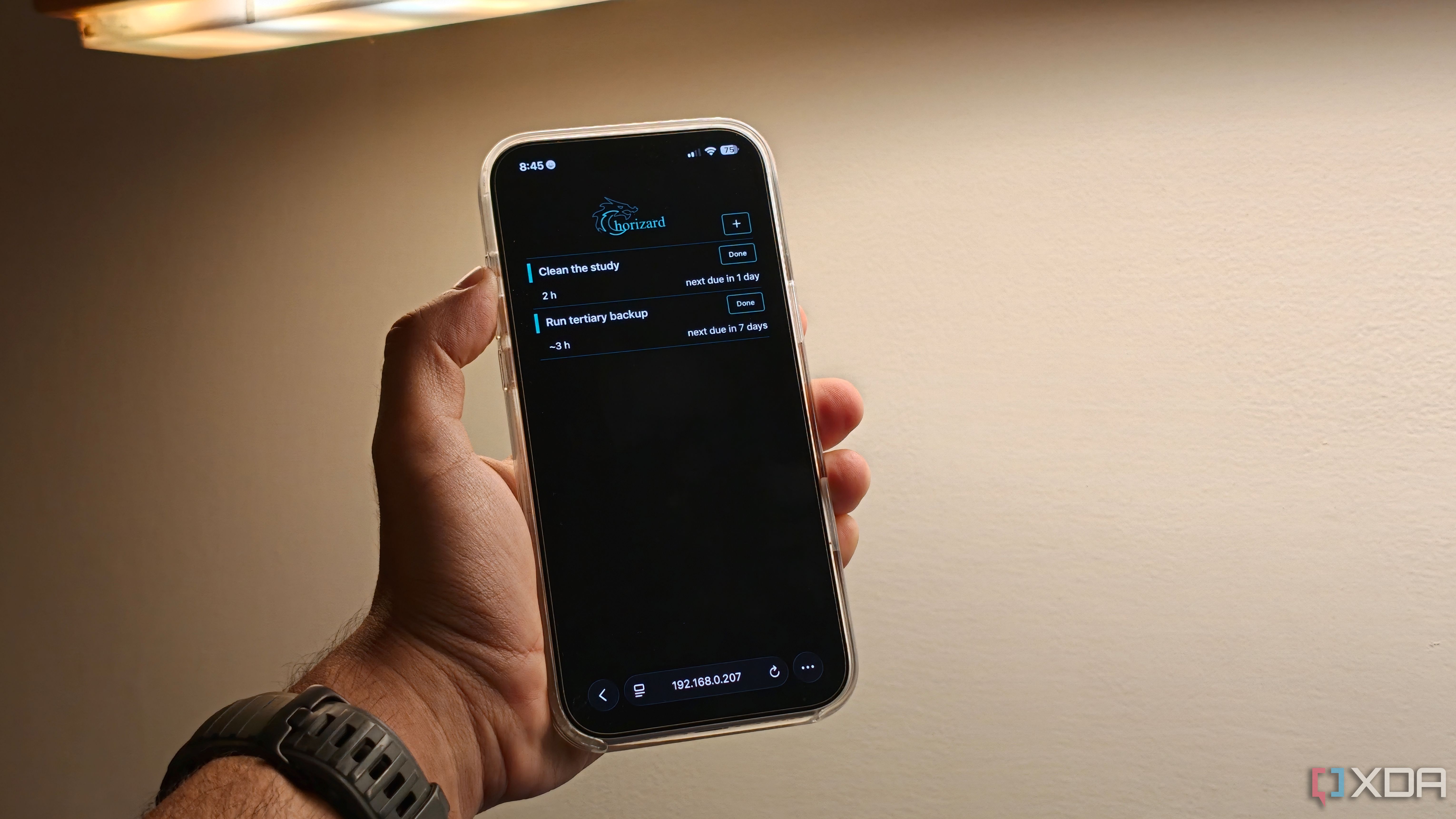
Google Tasks excels at managing deadlines, but falls short when it comes to recurring chores.
Show full content
I like productivity apps, and I switch between task apps more often than I'd like to admit. Of all of these apps, Google Tasks is the one that sticks around the longest, every single time, mostly because it does one thing and stays out of the way by being simple, fast, and efficient. Plus, if you're already inside the Gmail and Google Calendar ecosystem, it just works.
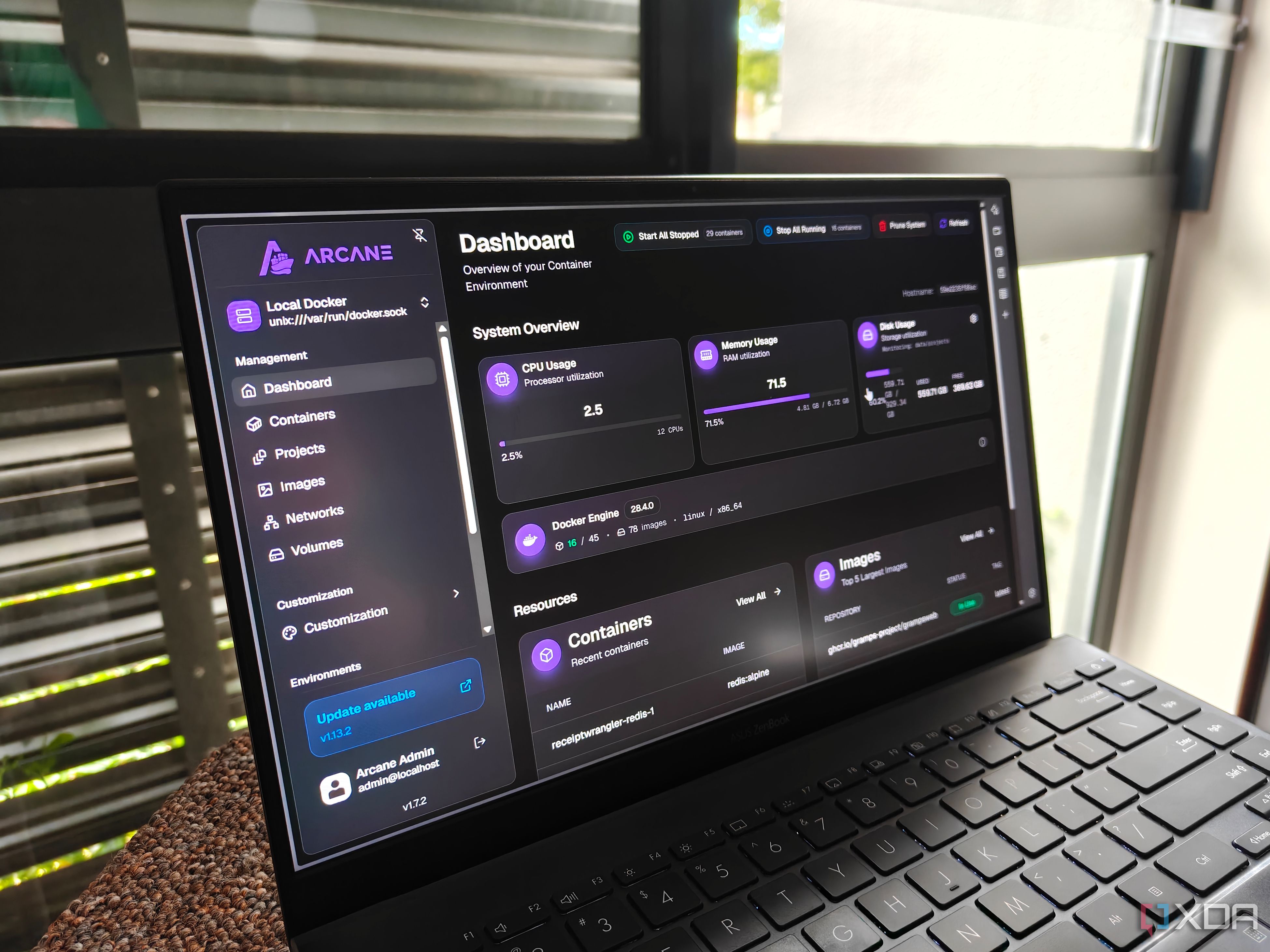
Arcane offers a polished user interface, but the absence of file browsing and automation features like schedules forced me to go back to Dockhand.
Show full content
Docker was a huge change for me; instead of installing and running individual tools. Its containerized approach changed the way I managed my self-hosted services, and now I use Docker on multiple small-scale home servers. Initially, I became familiar with the Docker terminal, and then switched to Portainer for a better visual interface, rather than SSHing or directly using the terminal on the host system. Soon, Portainer became too cumbersome for me, and I found solace in Dockhand, which tries to incorporate the best bits of Portainer while adding a few useful ones into the mix.
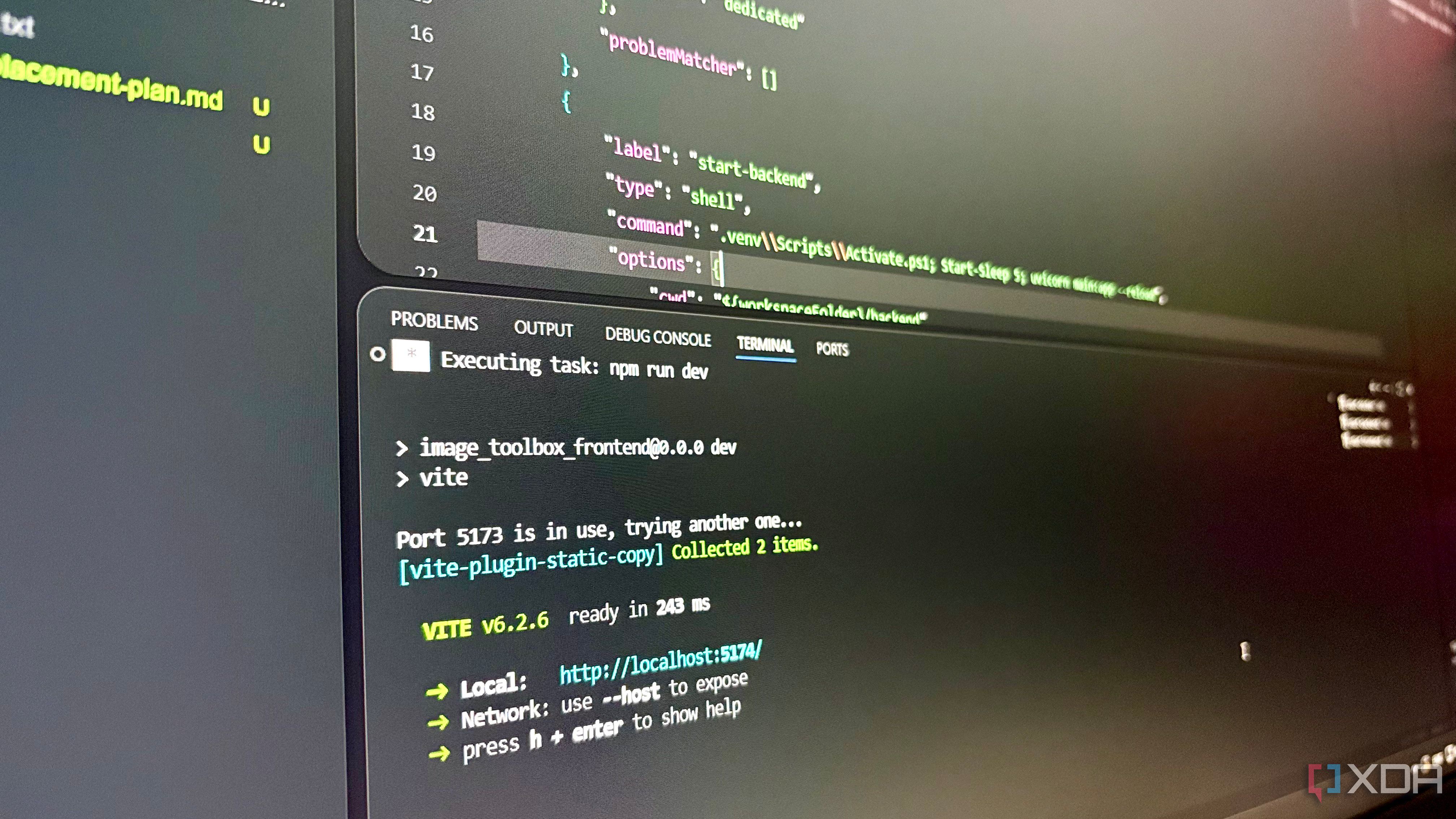
Developers build muscle memory around opening a terminal as soon as they open a project in a code editor like VS Code to run the project locally. For a long time, it was my routine as well. I would open VS Code, then immediately open a terminal window, and start typing the same command I had already run tens of times before. npm run dev for React frontends, uvicorn app:main for FastAPI, and go run main.go for Go backends and then Docker Compose and watch commands. None of these commands were too lengthy or difficult to remember, but they were repetitive in each session.
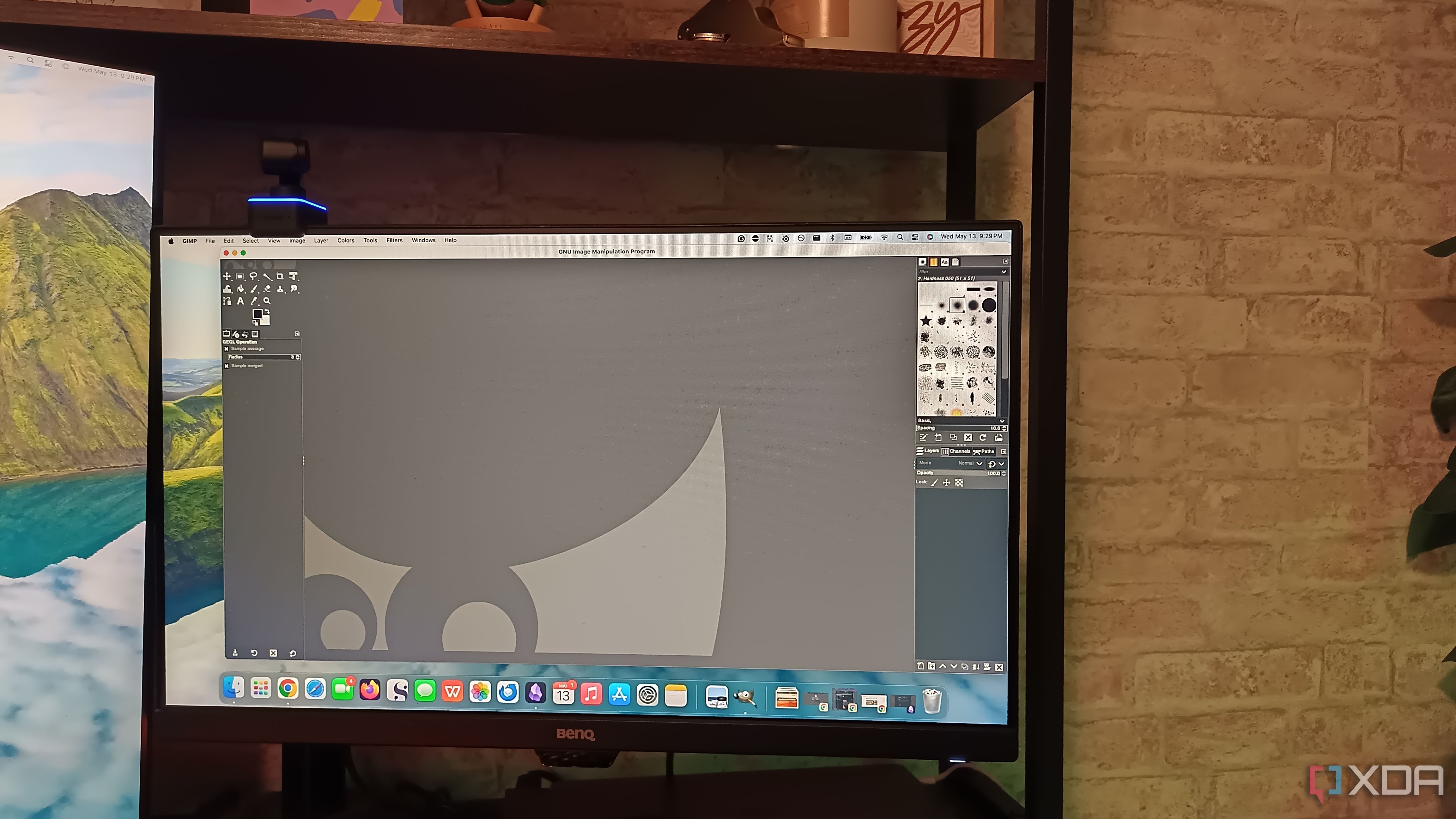
I do a fair amount of image editing, but the depth doesn't match the frequency. For a while, I used Adobe Creative Cloud and its bevy of programs for my editing, but then I realized the features far exceeded what I actually needed. I don't manipulate layers; most of my work involves removing something from a background or increasing resolution. There are plenty of options that perform those tasks while demanding far less power than Adobe's suite of apps.
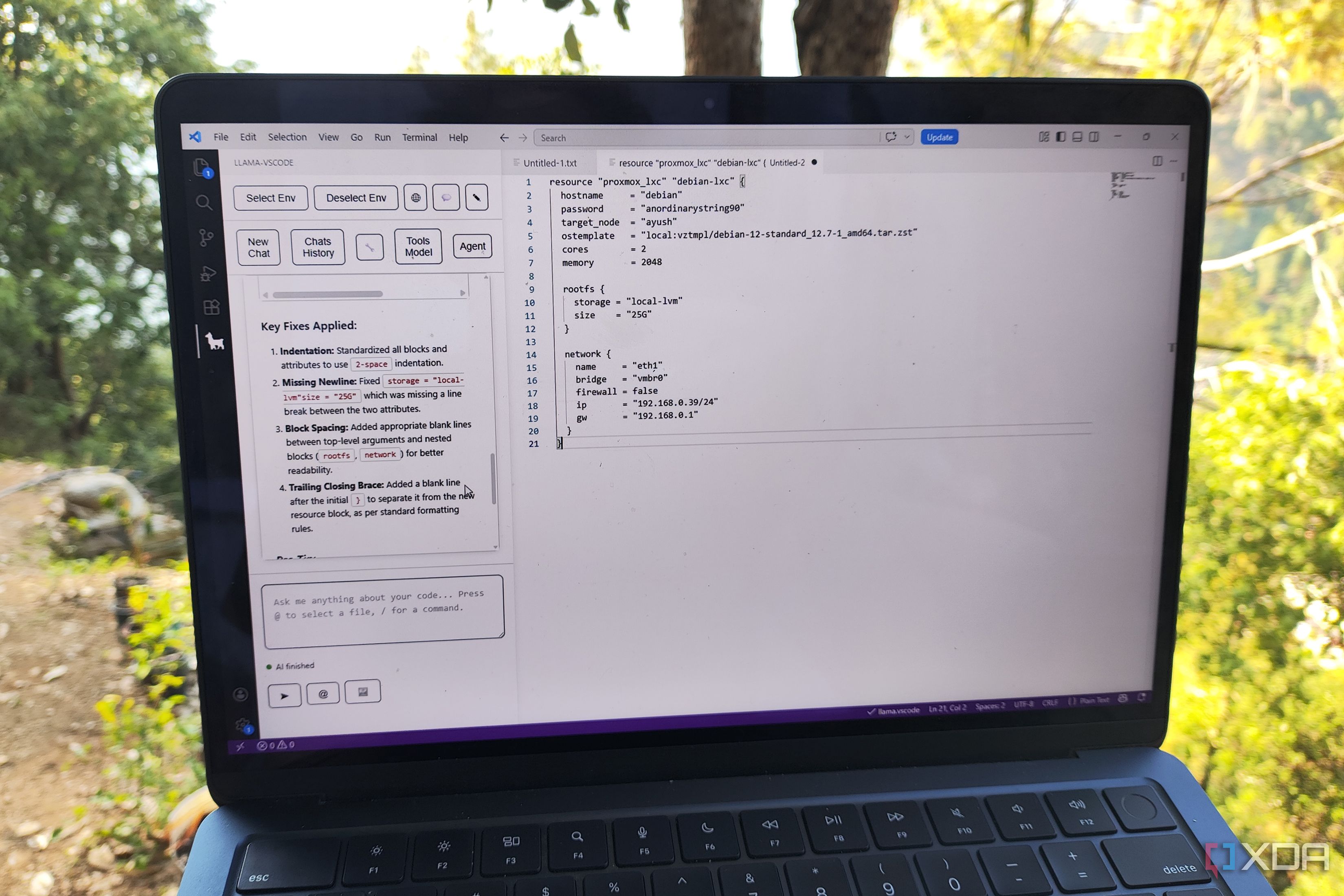
Despite Cursor and Antigravity making the rounds, VS Code is still the only code editor I need for my programming tasks. Sure, it doesn’t have the same bells-and-whistles as its AI-heavy offshoots, but it’s the perfect companion for my local-only setup. In fact, I’ve been using it ever since I got into coding my own apps, and despite some minor quirks, I doubt I’ll be ditching VS Code anytime soon.
I kept putting off canceling my subscription, fearing a chaotic outcome, but weeks after canceling, things are better than ever.
Show full content
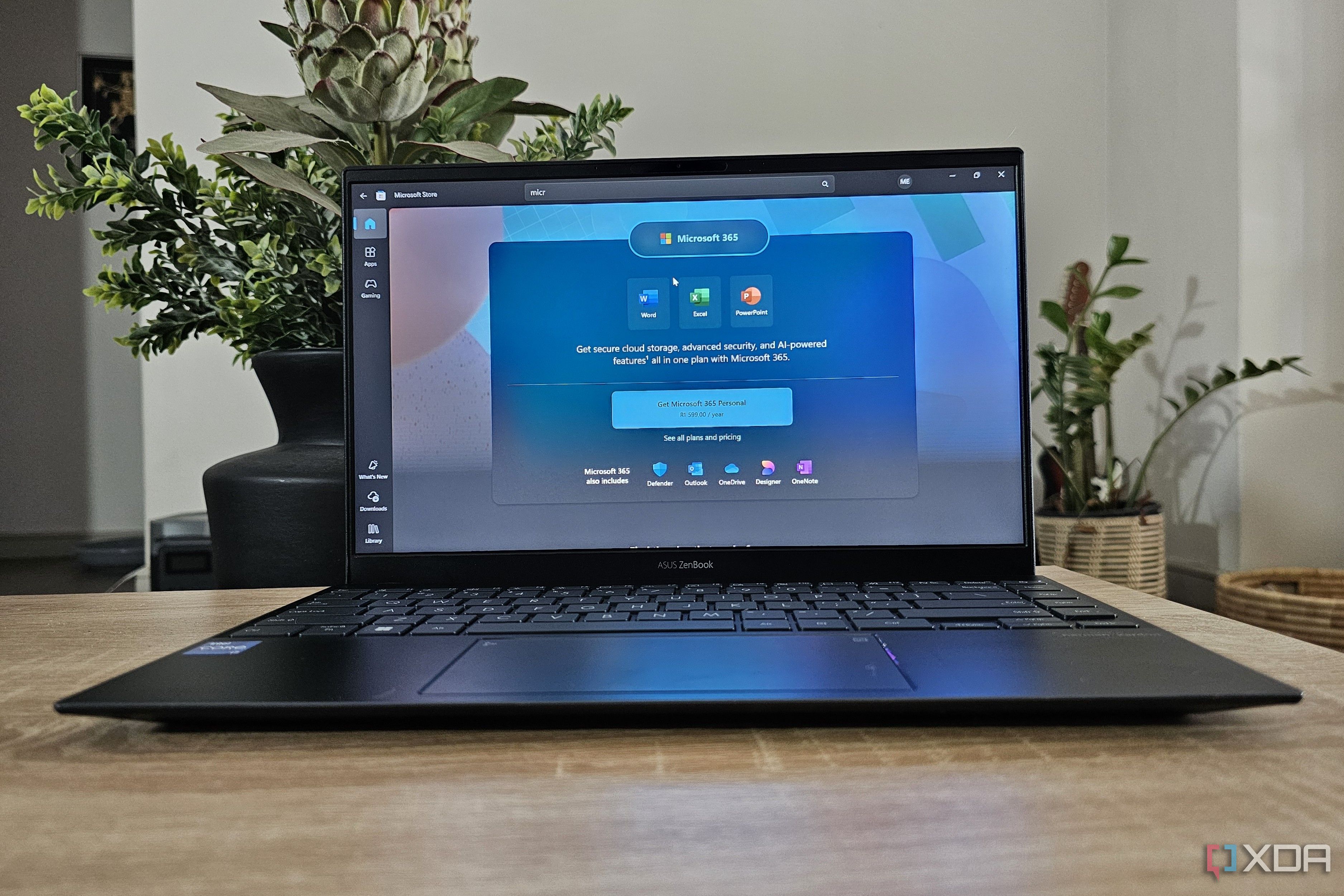
The idea of canceling my Microsoft 365 subscription was something I wouldn’t even consider. I didn’t want to lose access to all the great features I could use in Word or Excel. But I noticed that I wasn’t using it as much. One day, I was like, “I’m going to do it, I’m canceling my subscription!” I did it, and weeks later, I just feel relieved that things didn’t turn out to be as chaotic as I thought they would be.
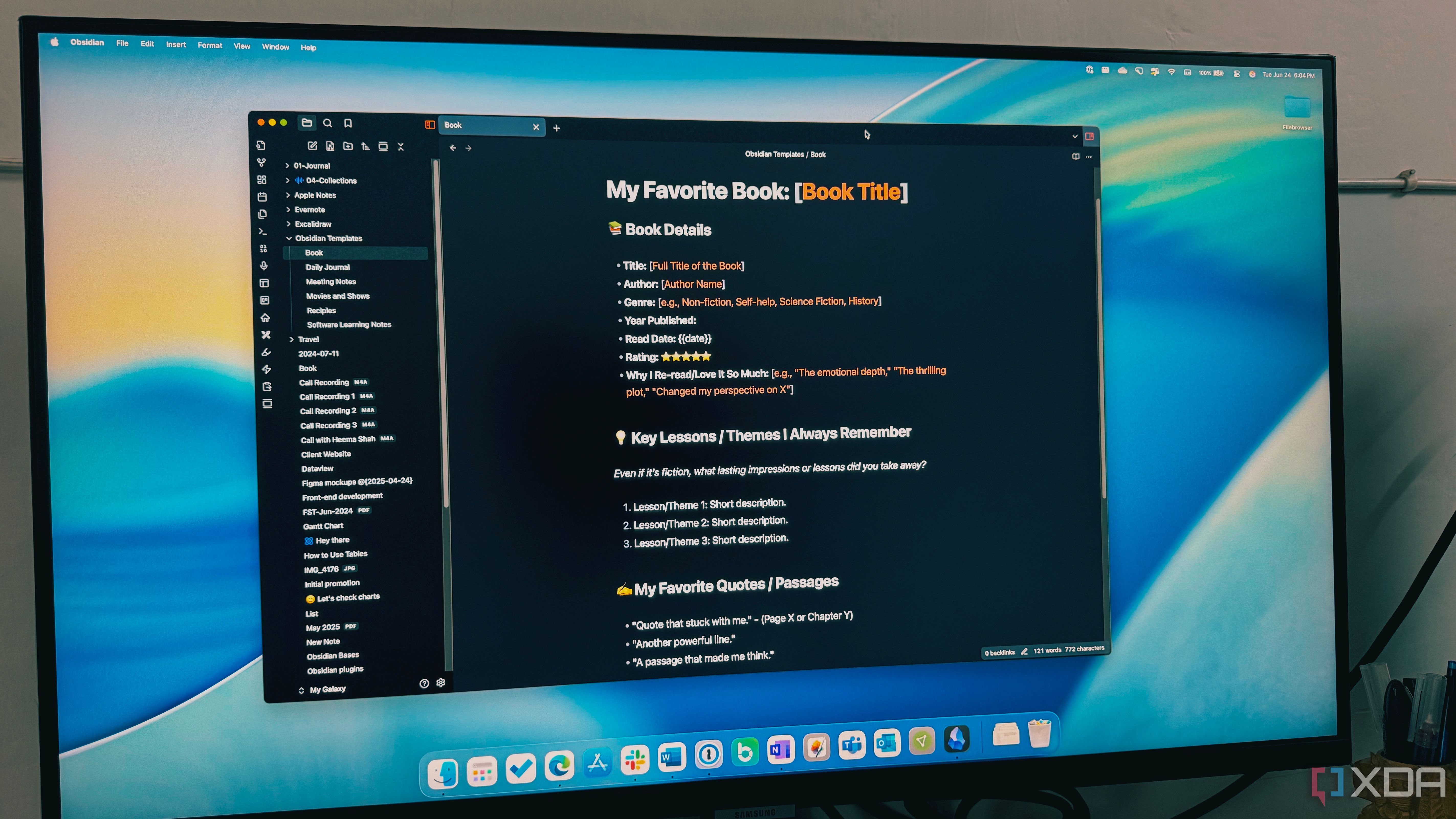
Obsidian's Dataview plugin levels the playing field with Notion.
Show full content
With its databases, linked views, and relational tables, Notion can start to feel indispensable. The level of depth and organization it provides is hard to find in other apps. I was using Notion for all sorts of things: tracking project changes, my reading lists, a personal wiki, and task management. But one thing never quite sat right with me. It was a lot of data sitting on someone else's servers. I've seen other services go belly up, and I don't want my workflow to hinge on a company that could paywall services or disappear one day.
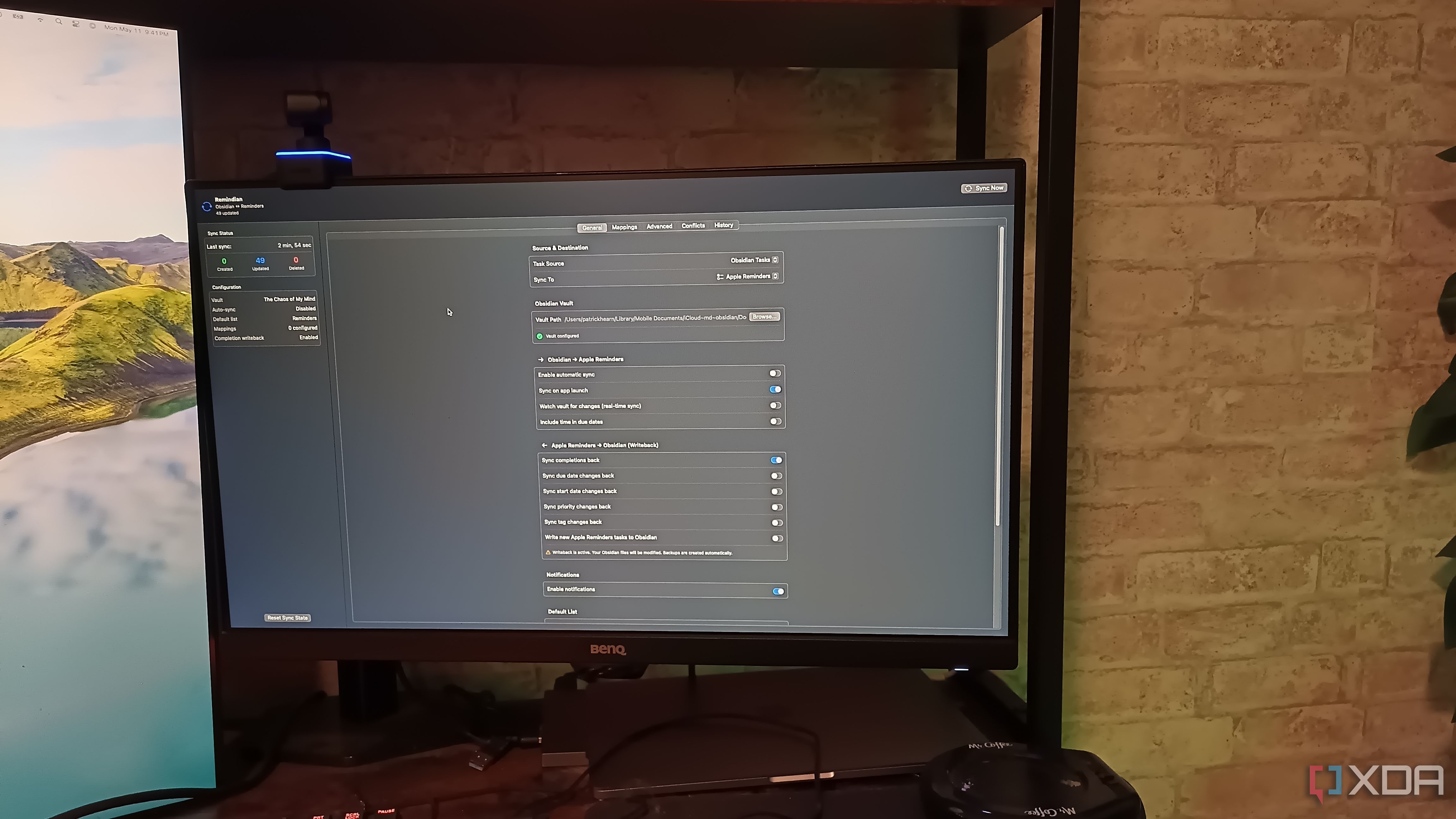
Remindian keeps me on-task, even away from my desk.
Show full content
Obsidian is my favorite application by a long shot, but it isn't without flaws. It integrates so well with other software, but at the same time, it acts like a closed ecosystem. The reminders and tasks I have set up within Obsidian aren't visible outside of it. Sure, I can use Todoist to sync tasks, but that hasn't always worked as well as I would like. I wanted a solution, and then I stumbled across Remindian, an Obsidian plugin that syncs tasks with my Reminders so they're visible across my laptop, my phone, and more.
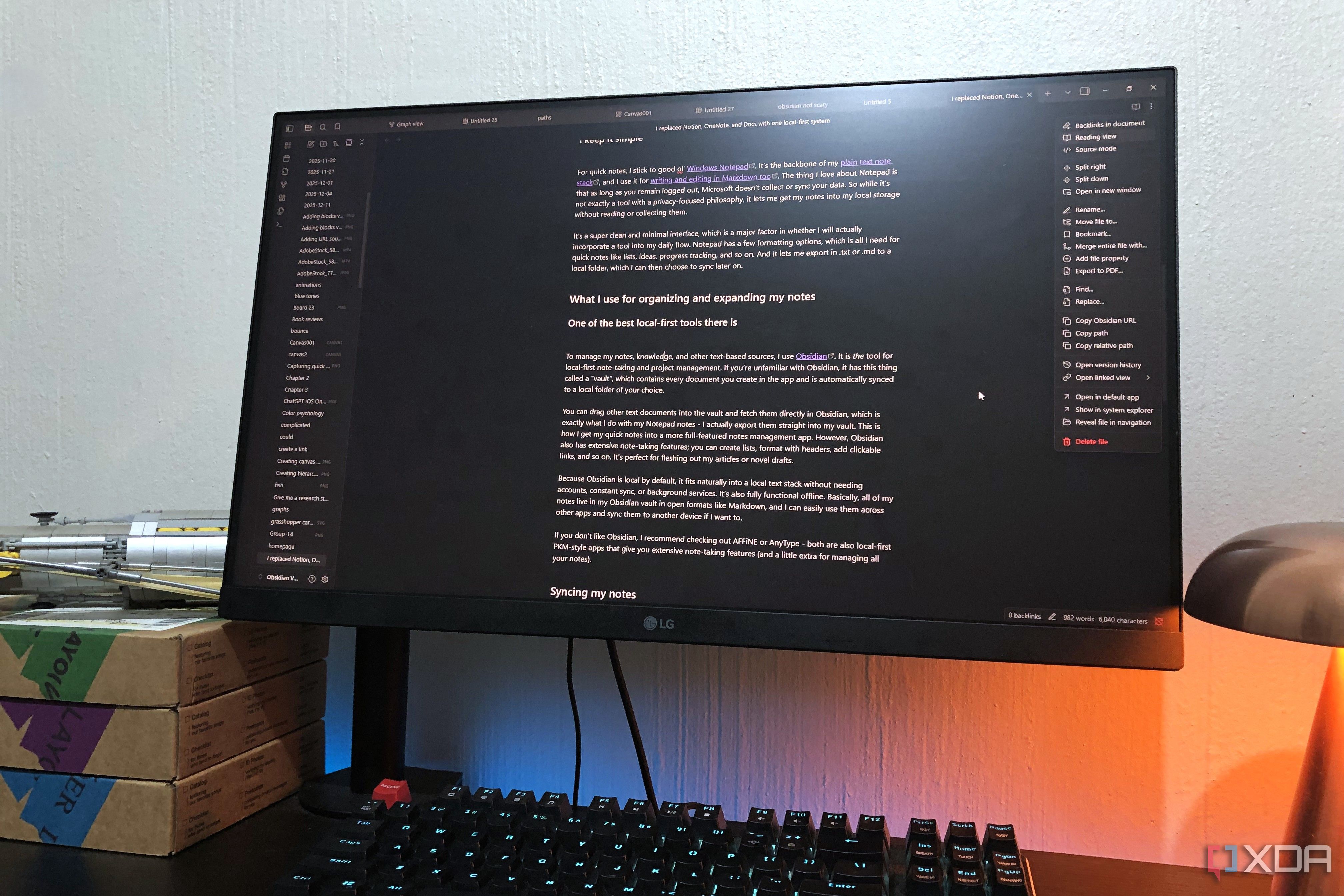
Notion and Obsidian are probably the two most recommended tools any time someone asks how to build a proper personal knowledge base. And for good reason - both have massive communities, both are highly capable, and both have been around long enough that there's no shortage of guides, YouTube setups, and plugin lists telling you how to use them. I've long now moved away from Notion in pursuit of open, local, and just simpler options. Obsidian is still in my stack, but it's not always the smoothest user experience either.