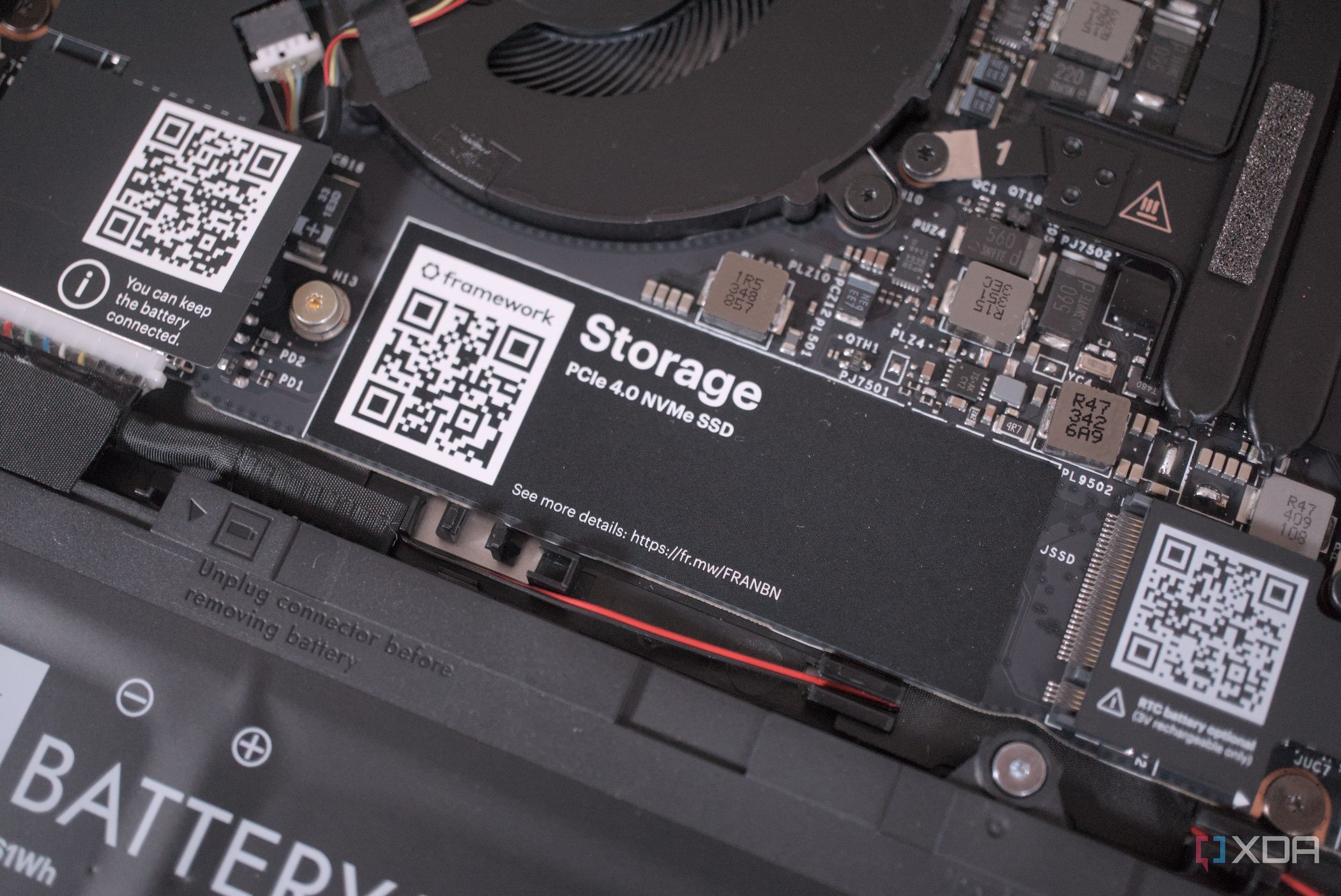
Windows can maintain your SSD really well, but it sure makes you work for those features
Show full content
Modern-day SSDs are fast enough for most of us to not really think about their upkeep every day. Back when SSD technology was new, everyone treated their SSDs like fragile glass, sharing notes and advice on how to prolong the life of their drive by any means unnecessary.
Fix the small things before they snowball into a new purchase
Show full content
Ever since SSDs became mainstream, lifespan anxiety has become a bit of an enthusiast rabbit hole. Most people buy a drive, install Windows, fill it with games, and then completely forget it exists for the next five years. That's perfectly fine, too, since modern SSDs are built to survive far more abuse than many people give them credit for, and the average gamer will probably replace their PC long before the drive itself starts waving a white flag.
You already have the expensive part, so put that to good use.
Show full content
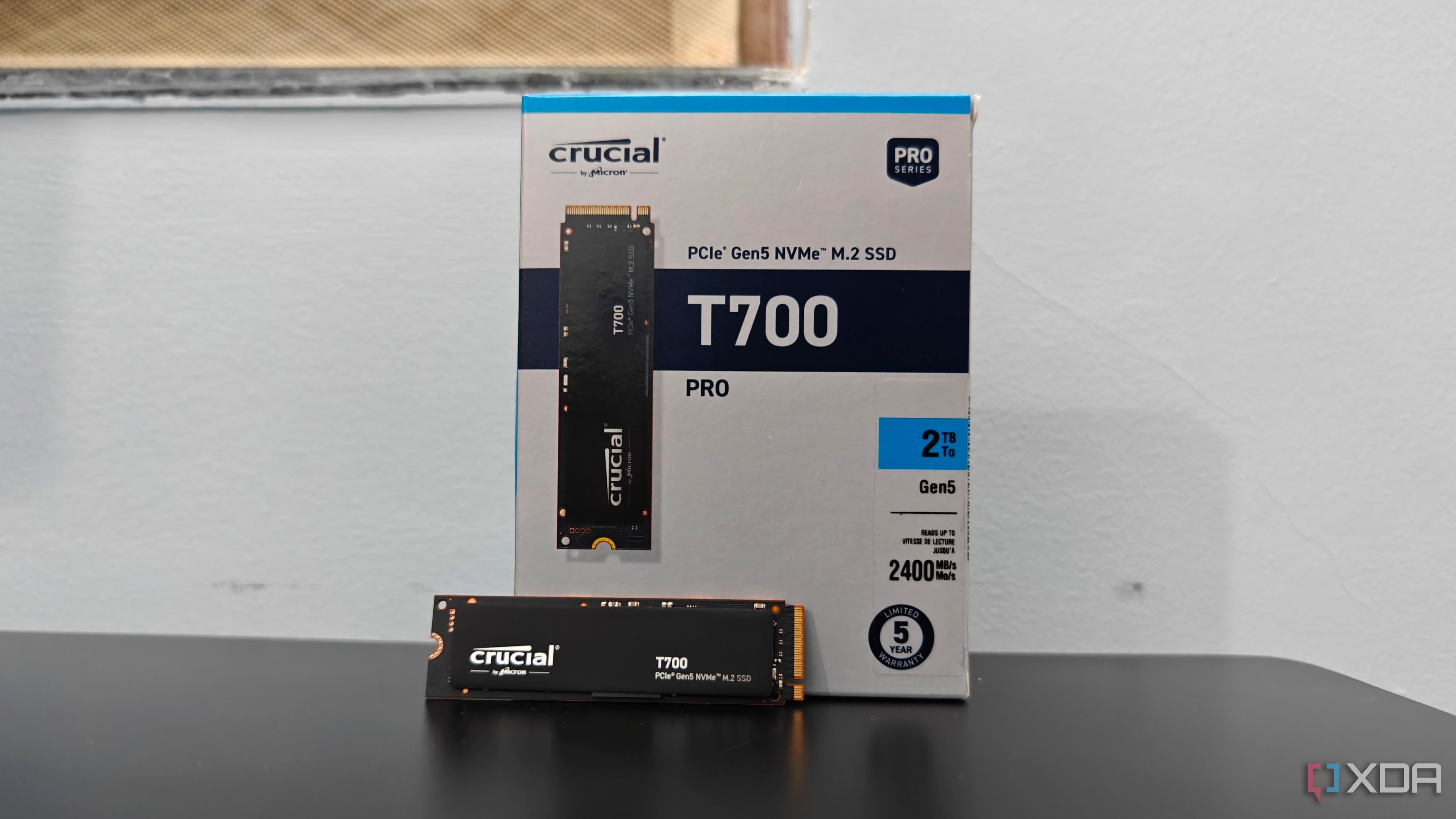
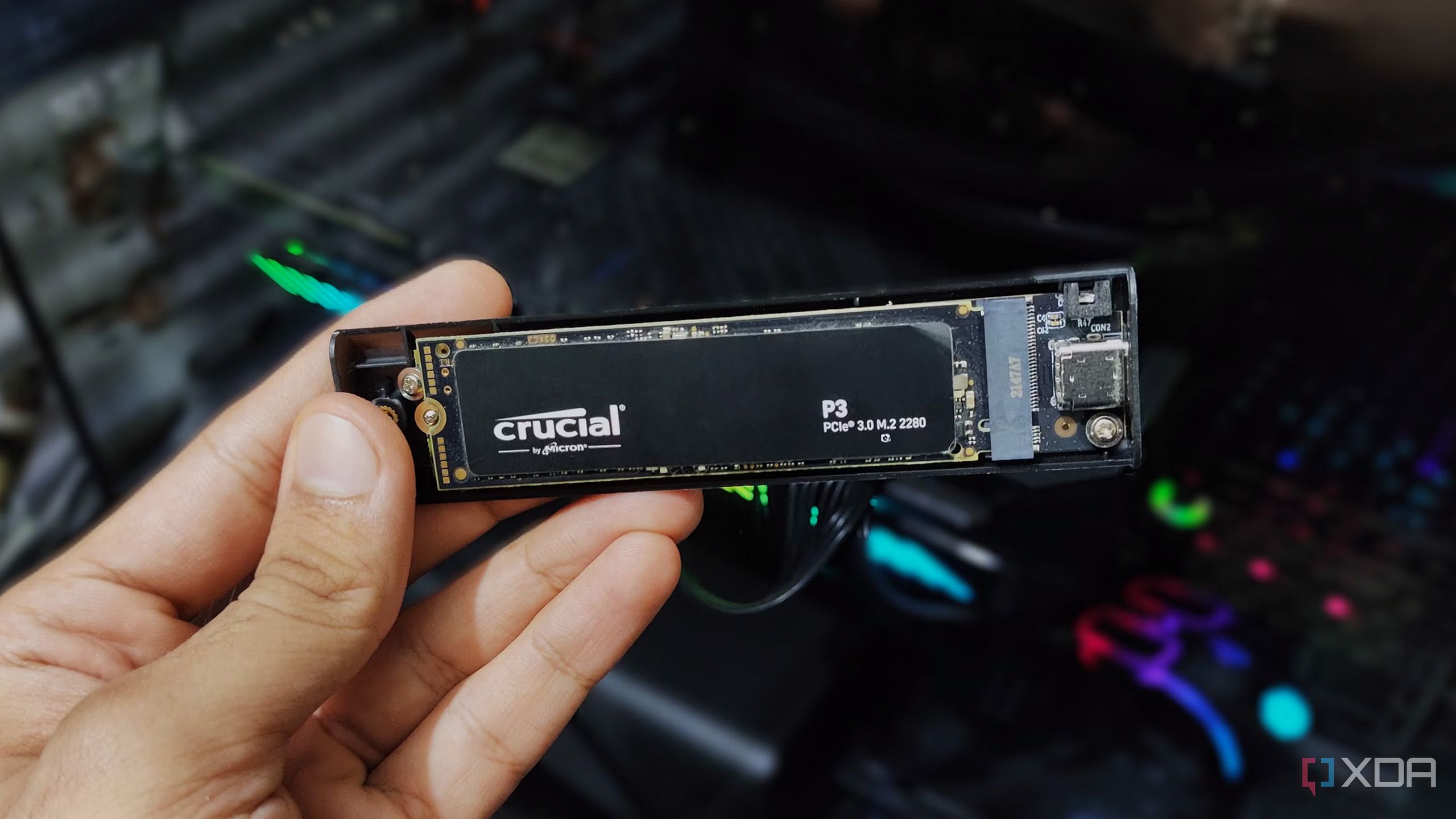
When I upgraded to Gen 5 SSDs, I let my old PCIe 3.0 NVMe drives sit around for quite a while because I didn't know if I should give them away or keep them as spare storage. After all, my Crucial T700's 12,000MB/s sequential speeds made them feel outdated, so it didn't make much sense to have them in my build, especially since I already had a Corsair MP600 Gen 4 as secondary storage. Then, when I came across NVMe enclosures on Amazon while shopping for external SSDs, I realized what I'd been missing out on.
Gen5 drives still don't benefit most users, but make sense for some use cases
Show full content
PCIe 5.0 or Gen5 SSDs have been on the market for a few years now, even dropping to relatively affordable levels before the DRAM crisis upended everything. The adoption, however, has been rather tepid. For one, countless PC users are still using PCIe 4.0 systems, and building a new PC with PCIe 5.0 support is anything but affordable right now. Even before PC hardware prices skyrocketed, there was little incentive for a complete platform overhaul. Secondly, the much-hyped transfer speeds of Gen5 SSDs don't translate to any real-world benefits for the majority of gamers. Gen4 SSDs are still more than enough for gaming. PCIe 5.0 storage does, however, benefit heavy file transfer and productivity workloads, more than justifying the investment in these cases. Before you shell out a premium for an expensive Gen5 drive with 15,000 MB/s speeds, decide whether it will even benefit your use case.
All that bandwidth to shave a second or two off load times?
Show full content
When I first bought the Crucial T700 a couple of years ago, I didn't really have huge expectations because my older Corsair MP600 PCIe 4.0 SSD was already fast enough that game loading times never bothered me in the first place. Still, there was a part of me that expected at least some kind of noticeable improvement going from 7,000MB/s to 12,000MB/s. But that wasn't the case because games loaded pretty much the same as they did before.
SSDs don't live forever. Just like a hard drive, an SSD has a limited lifespan, denoted (most commonly) by the number of terabytes of data that can be written to it (TBW). Most SSDs have TBW ratings that will take you 5 to 6 years to reach, even with unrealistic amounts of data written every day. Still, you might be unknowingly reducing this figure by ignoring certain best practices on your desktop or laptop PC. The chances of your SSD failing within the warranty period are pretty slim, but you can still do your bit to ensure that never happens.
You are paying more for speed you won't even notice.
Show full content
If you are looking to add more storage to a system, an NVMe SSD is naturally the first thing that comes to mind. It's fast and reliable, and the price difference between SATA and NVMe is not as big as it used to be. With NVMe Gen3, you get maximum speeds of up to 3500 MB/s, and with every subsequent generation, this doubles. Gen4 and Gen5 deliver 7000 MB/s and 14000 MB/s, respectively. But is speed the only thing that matters, especially as Gen5 isn't all that faster than Gen4 in everyday use?
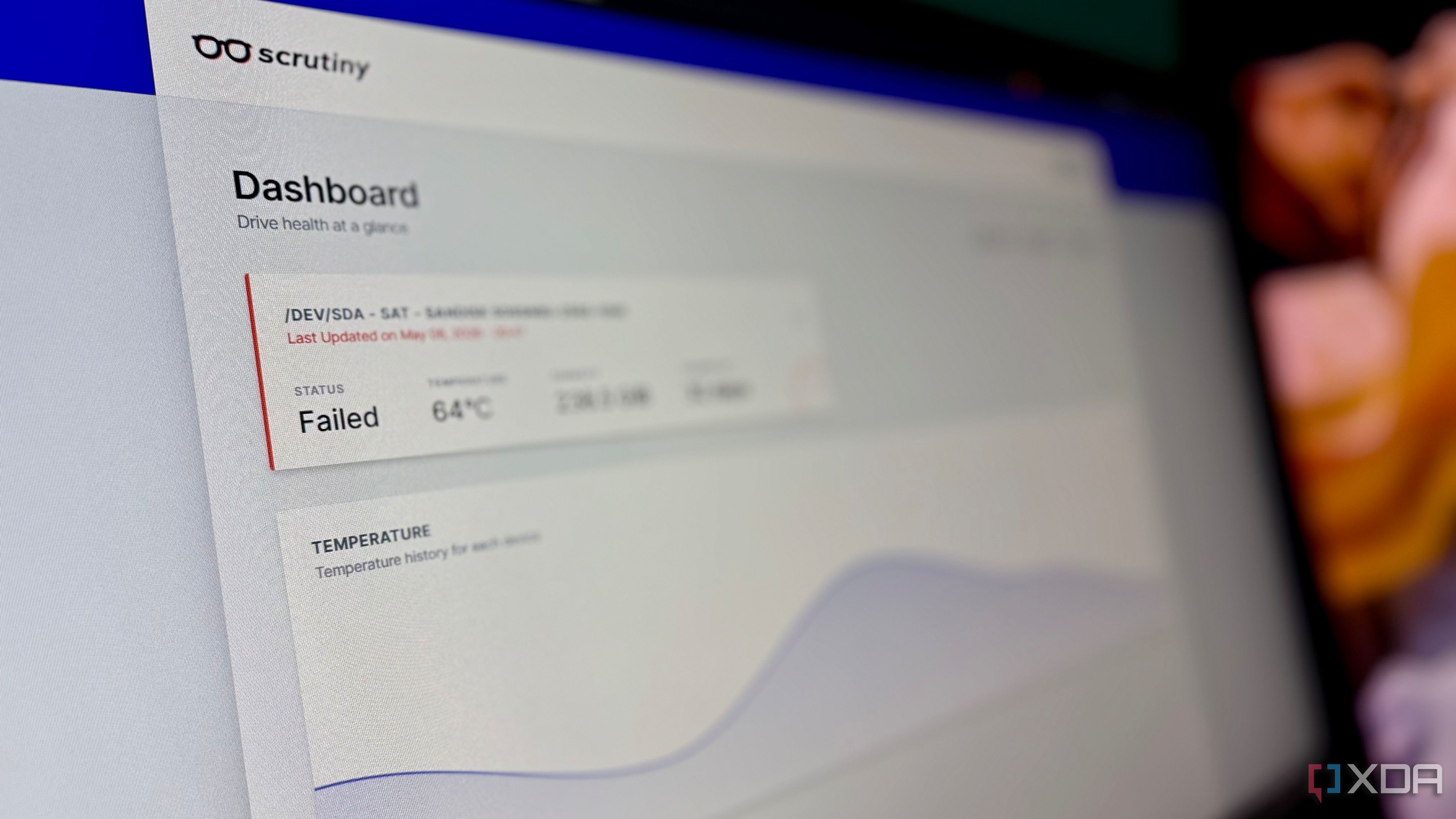
There is a widespread assumption among homelab users that if the server is running and services are working as expected, then everything must be fine. Like most users, I also neglected the SSD's health. I hadn’t checked the SSD health in over a year, since there were no visible problems.
You probably don't realize how useful your old SSD can be
Show full content
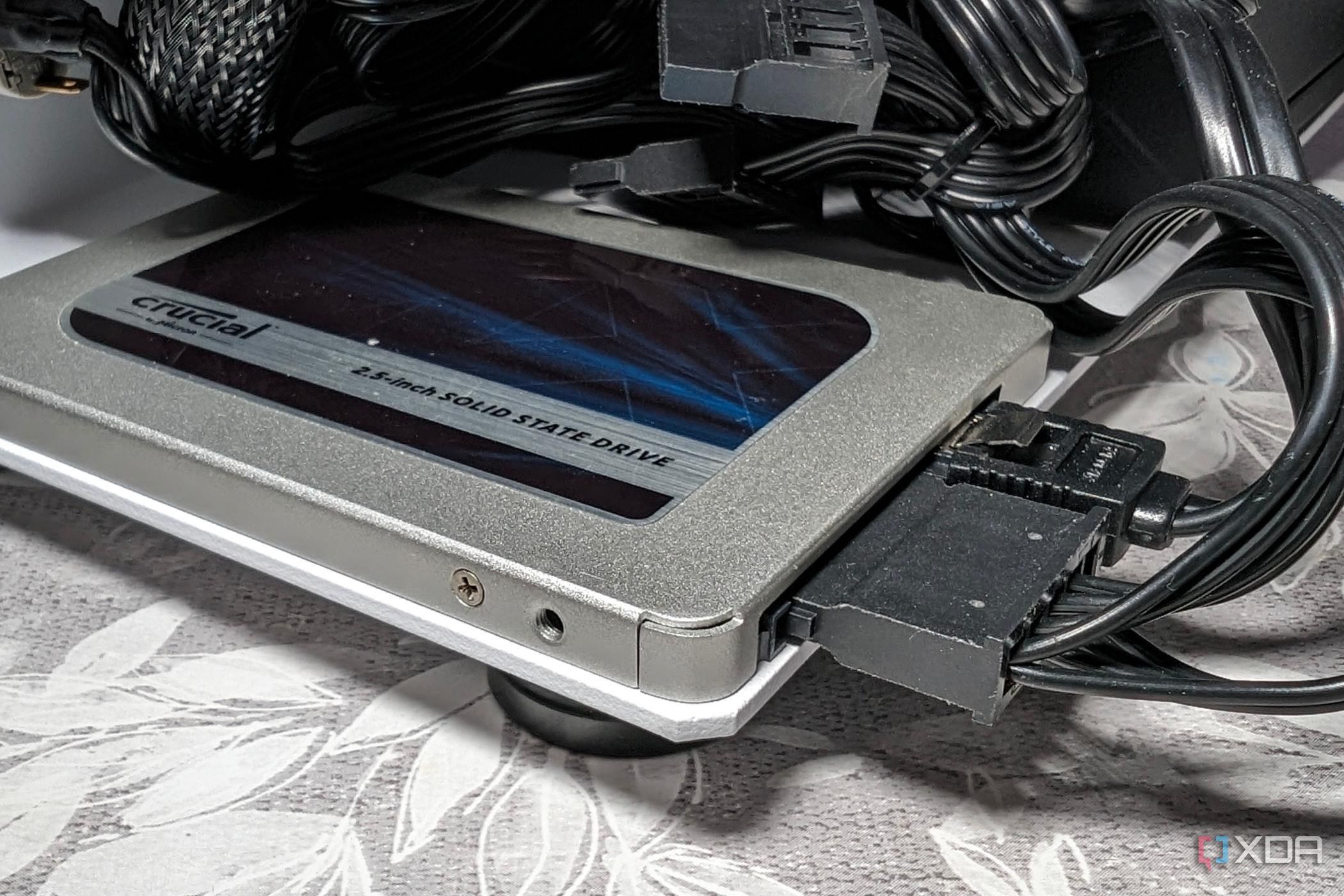
Unless the PC you're using right now is your first, you probably have at least one old SSD lying around. It's most likely a 250GB or 500GB drive that you once used, but no longer have any need for. I abandoned my 250GB Samsung SATA SSD after switching to NVMe SSDs, since the older drive was too small to remain relevant in my setup — until I found a use for it. If you, too, have an old SSD gathering dust in a drawer, you should take it out of hibernation and repurpose it for non-gaming use cases that are less than ideal on your main SSD. You could use it for testing risky software, installing other operating systems, or as a scratch disk. This way, you avoid excessive writes, data loss, and needless cluttering on your primary drive, while also avoiding the scrapyard for your old drive.
The most overlooked tasks in PC maintenance can be the most beneficial ones
Show full content
If you were to conduct a random survey among desktop and laptop owners asking, "When was the last time you updated your SSD firmware?", there's no doubt that the overwhelming majority would respond with "never", and a select few wouldn't even know the option existed.
Windows allows spinning down your drive, but hides the setting away
Show full content
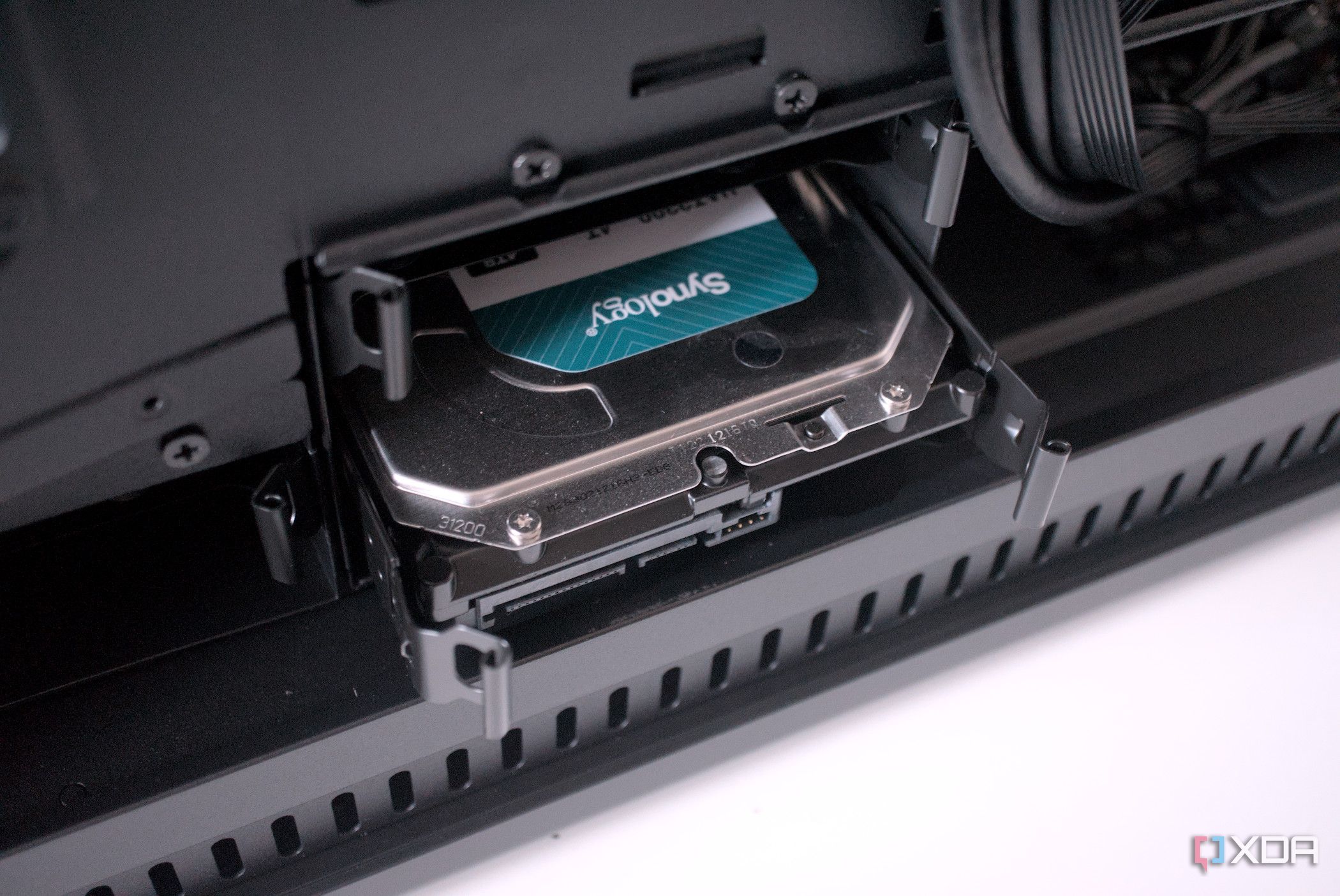
Talking about hard drives in 2026 might be a bit odd, but not everyone uses an all-SSD PC yet. Spinning drives were left behind by SSDs long ago, at least for primary storage, but they remain quite valuable for secondary and NAS storage. In fact, buying HDDs rather than SSDs in this market may be the smarter move, given the sky-high SSD prices. If your PC has one or more hard drives spinning away 24/7, you may be stressing them more than you really need to. Hard drives don't need to be operating at their maximum speed all the time, and can spin down when not in active use. However, Windows doesn't make this setting apparent, hiding it in the power settings, making it practically invisible to most users. Configuring this setting once you know where to look is pretty simple, so let's get into it.