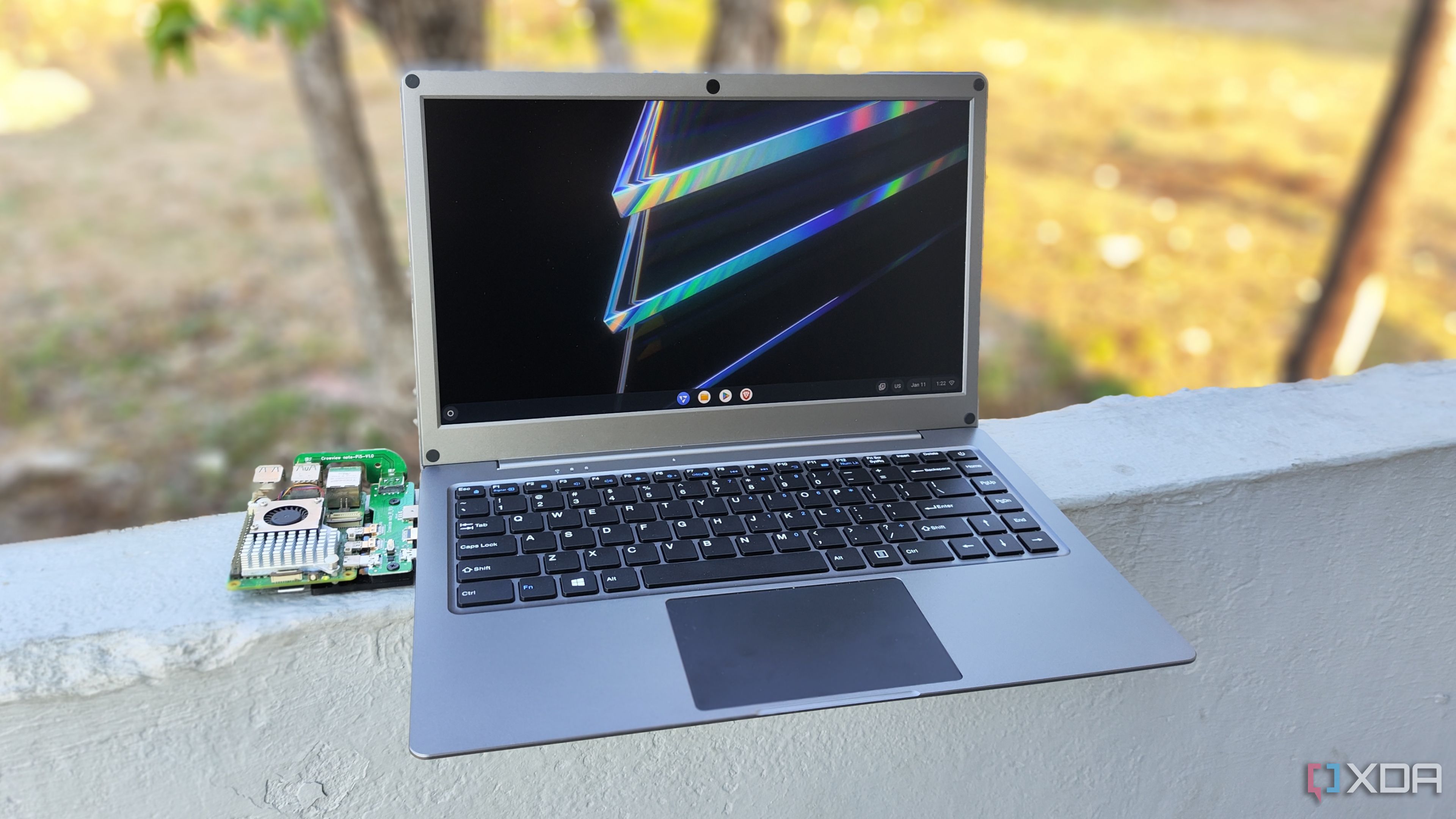
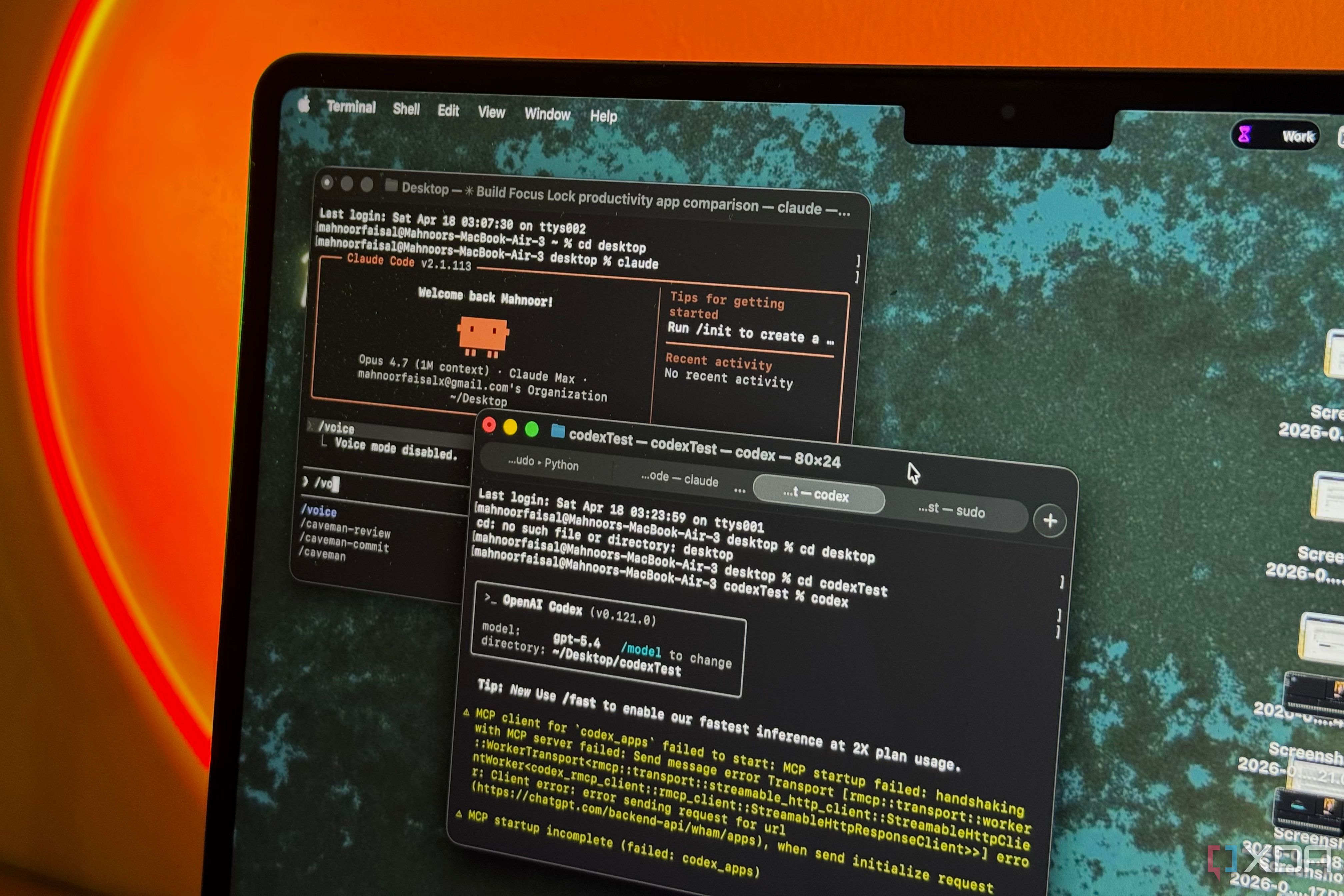
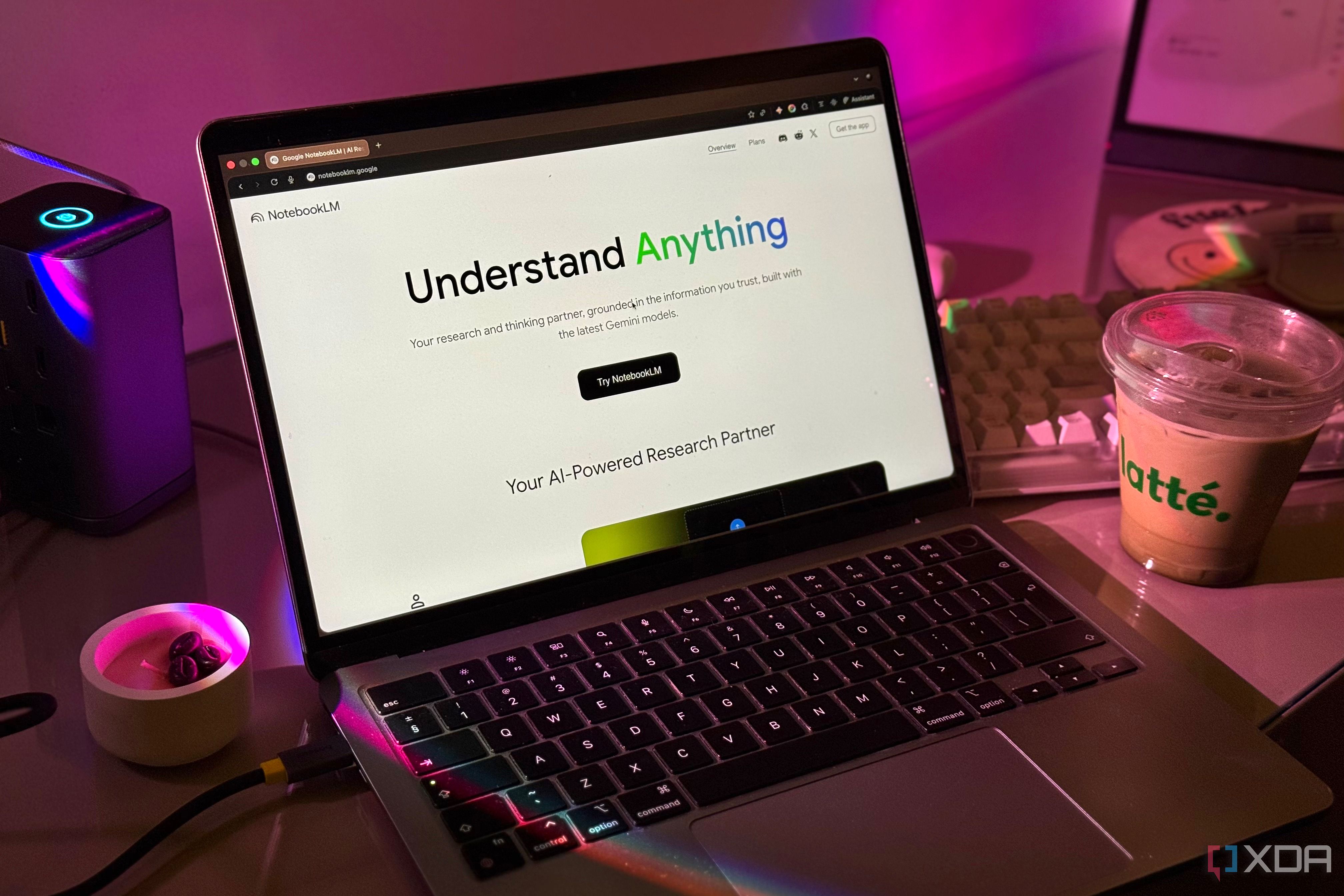
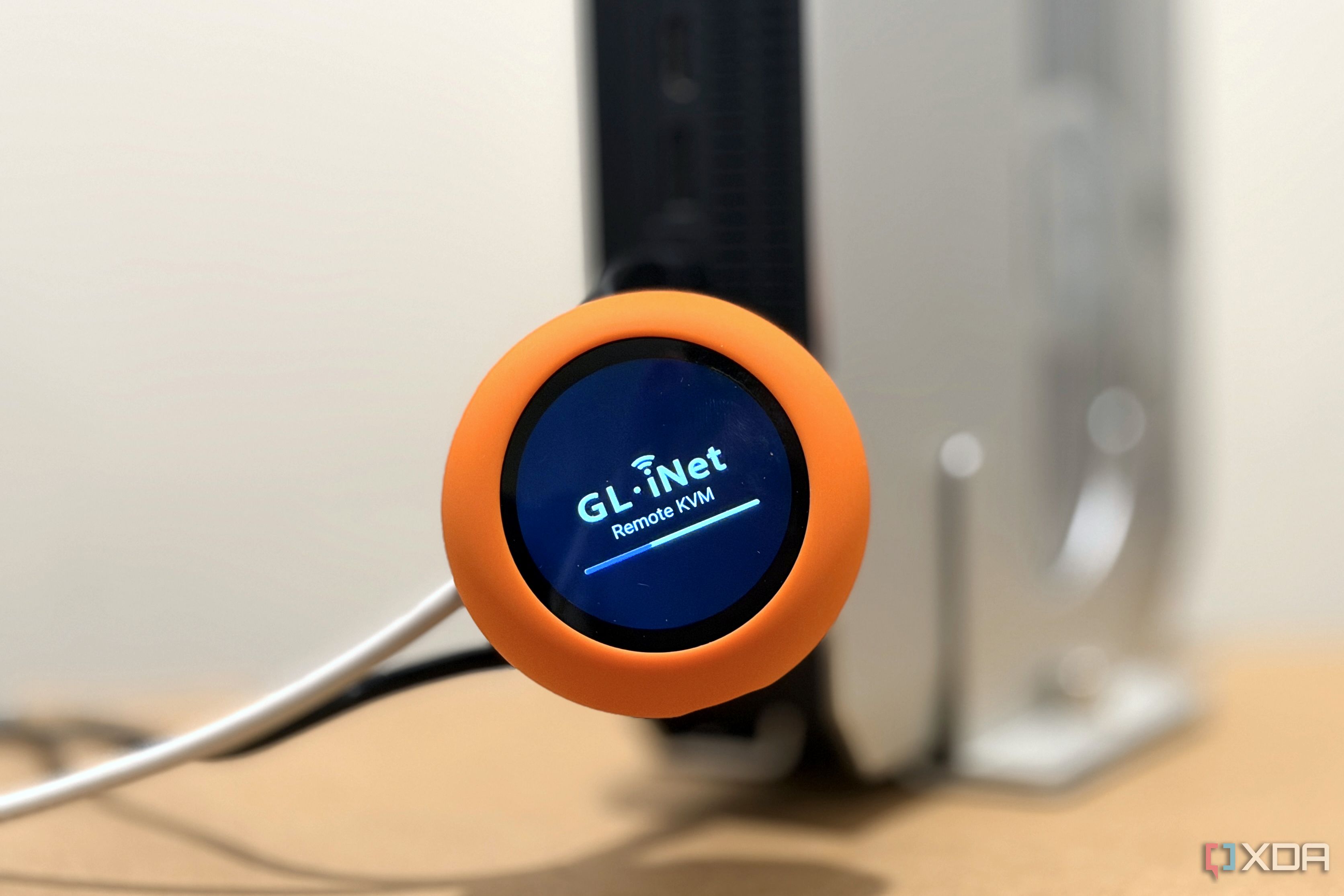
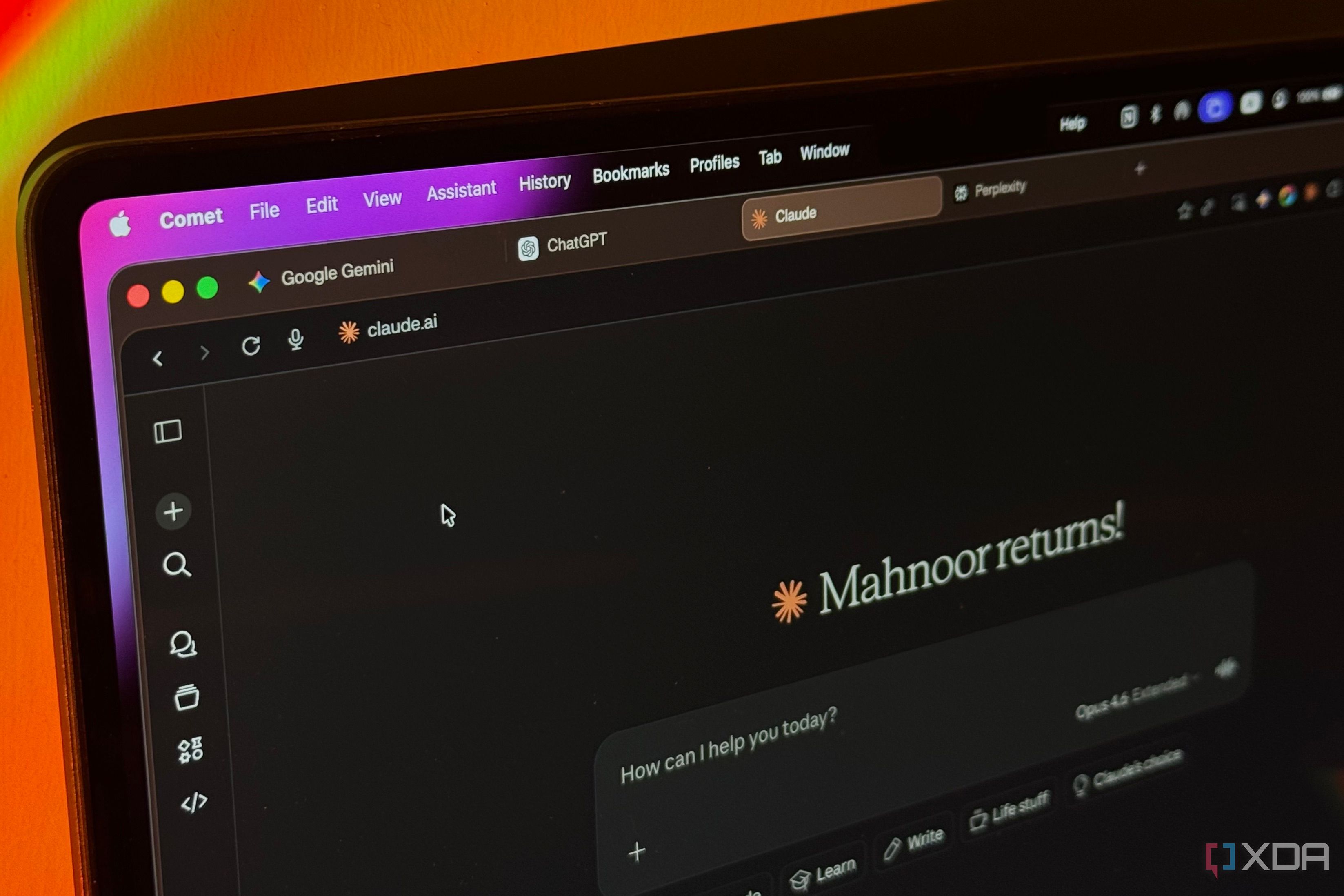
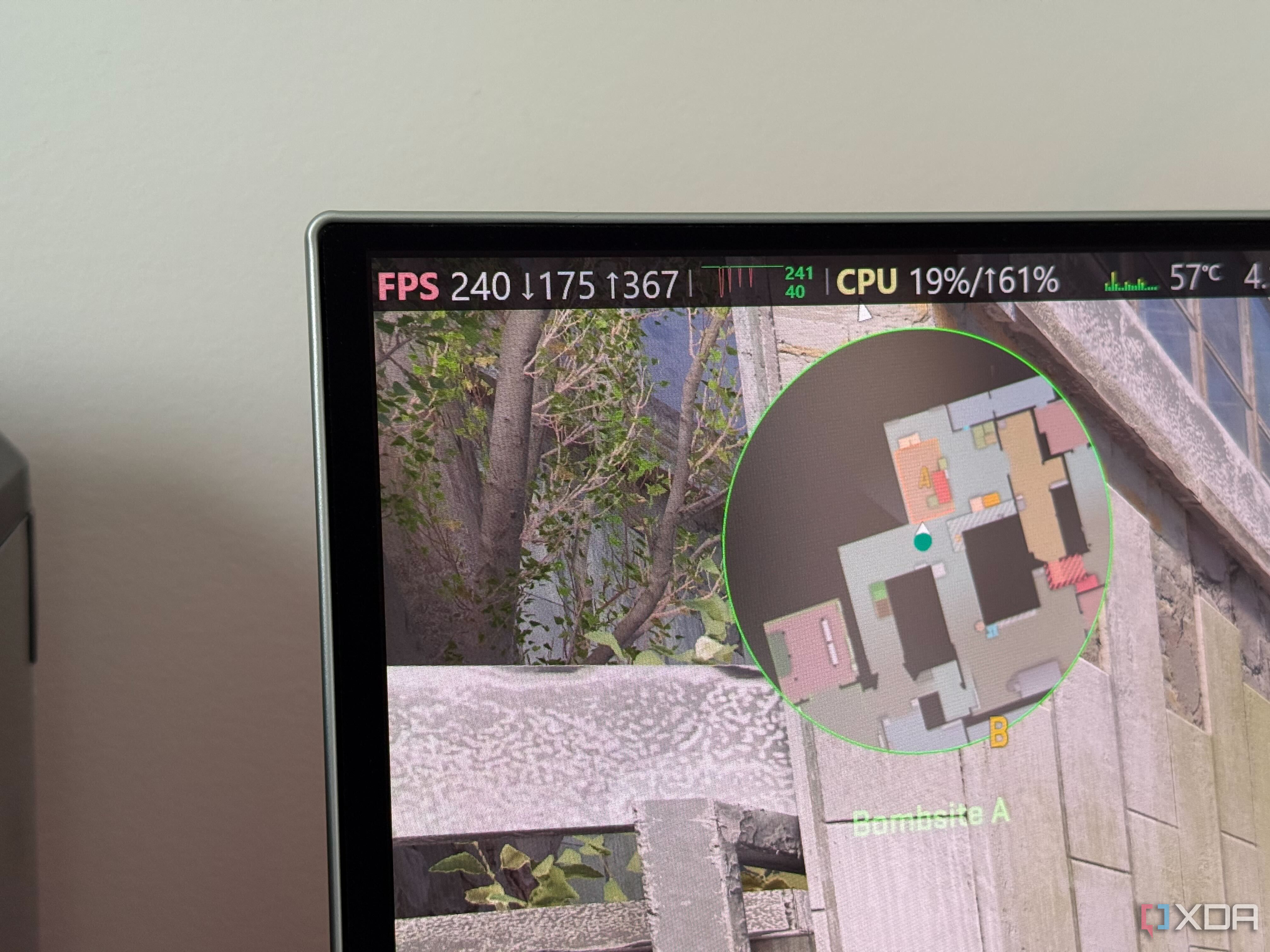
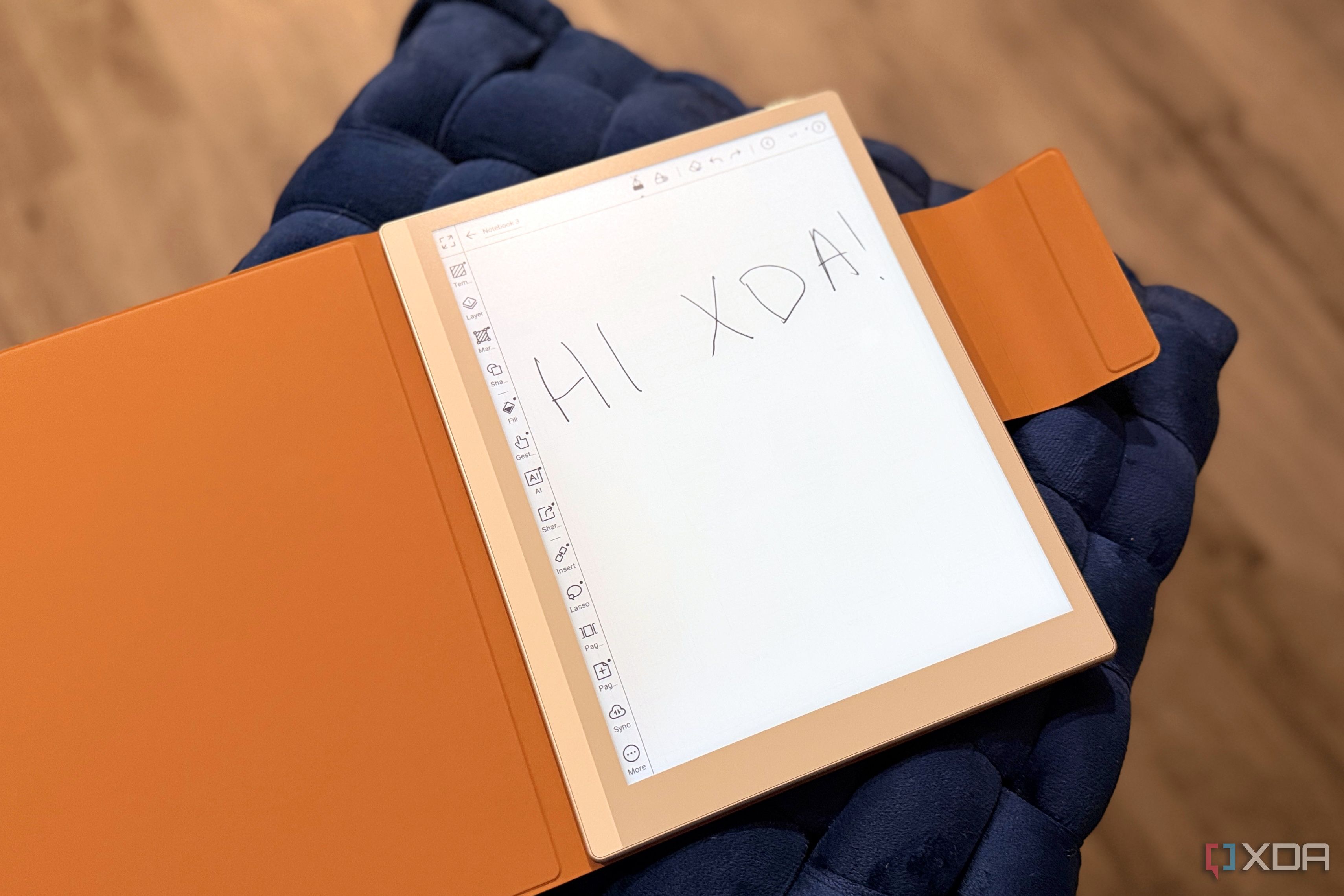
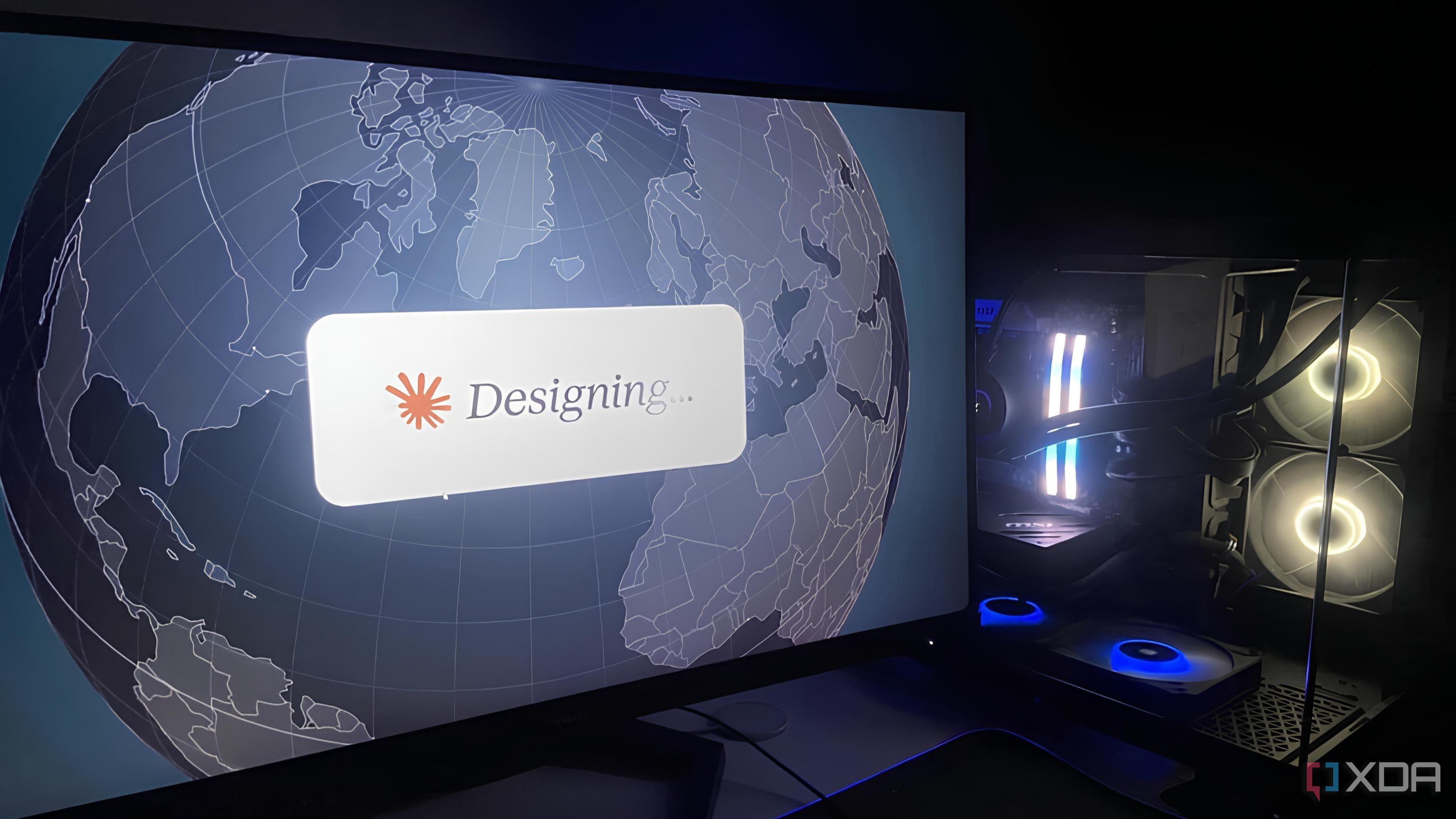
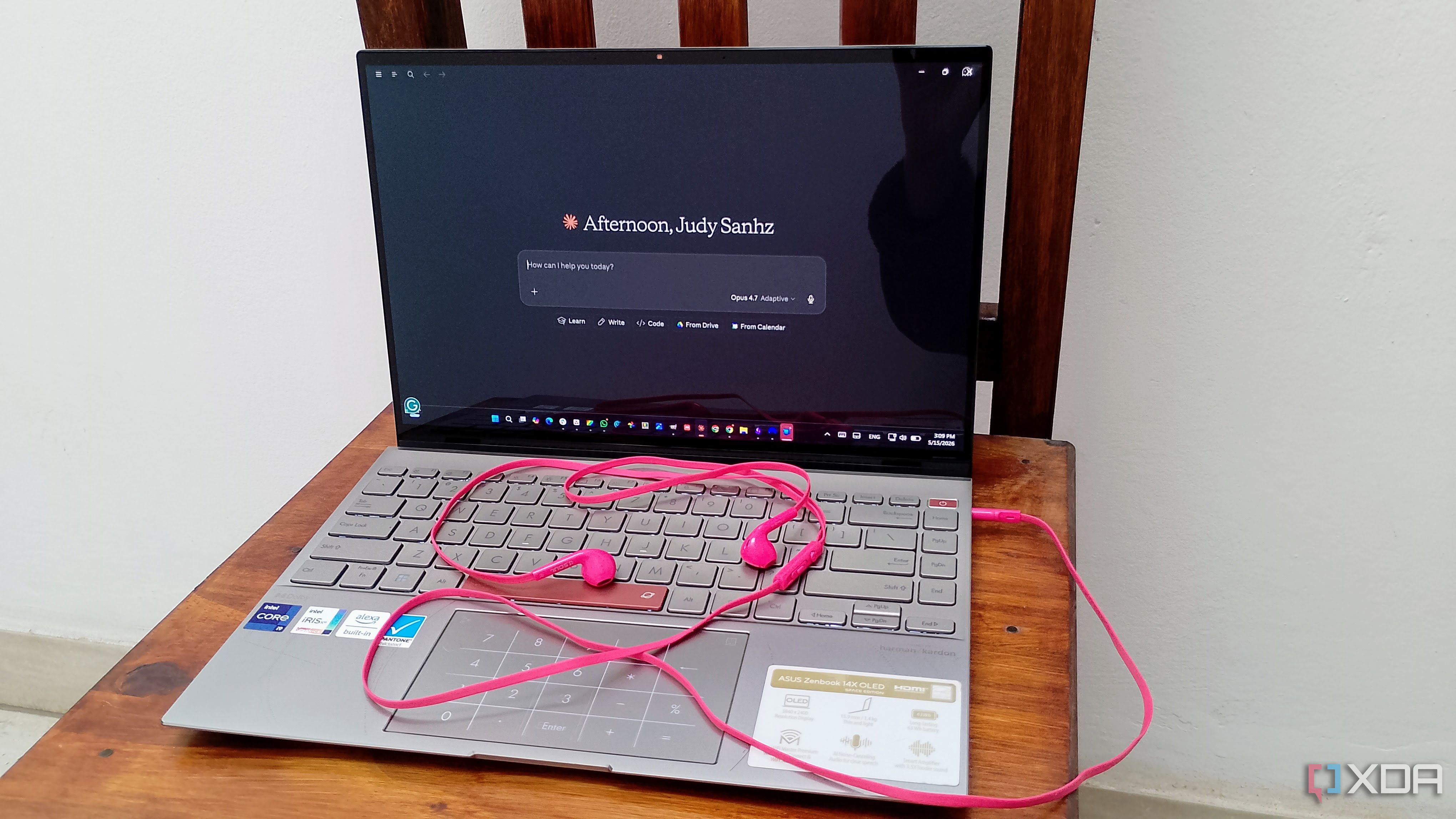
There is a graveyard on my phone of productivity apps that I downloaded thinking they were going to fix me. Notion. Todoist. A habit tracker whose streak I broke three days in and deleted out of spite. A self-care pet app called Finch that let you raise a virtual bird by completing tasks, which I abandoned around the time my bird started looking at me with what I can only describe as disappointment. Forest, where you grow a tree by not touching your phone, except I kept touching my phone, so mostly I grew a small forest of stumps.
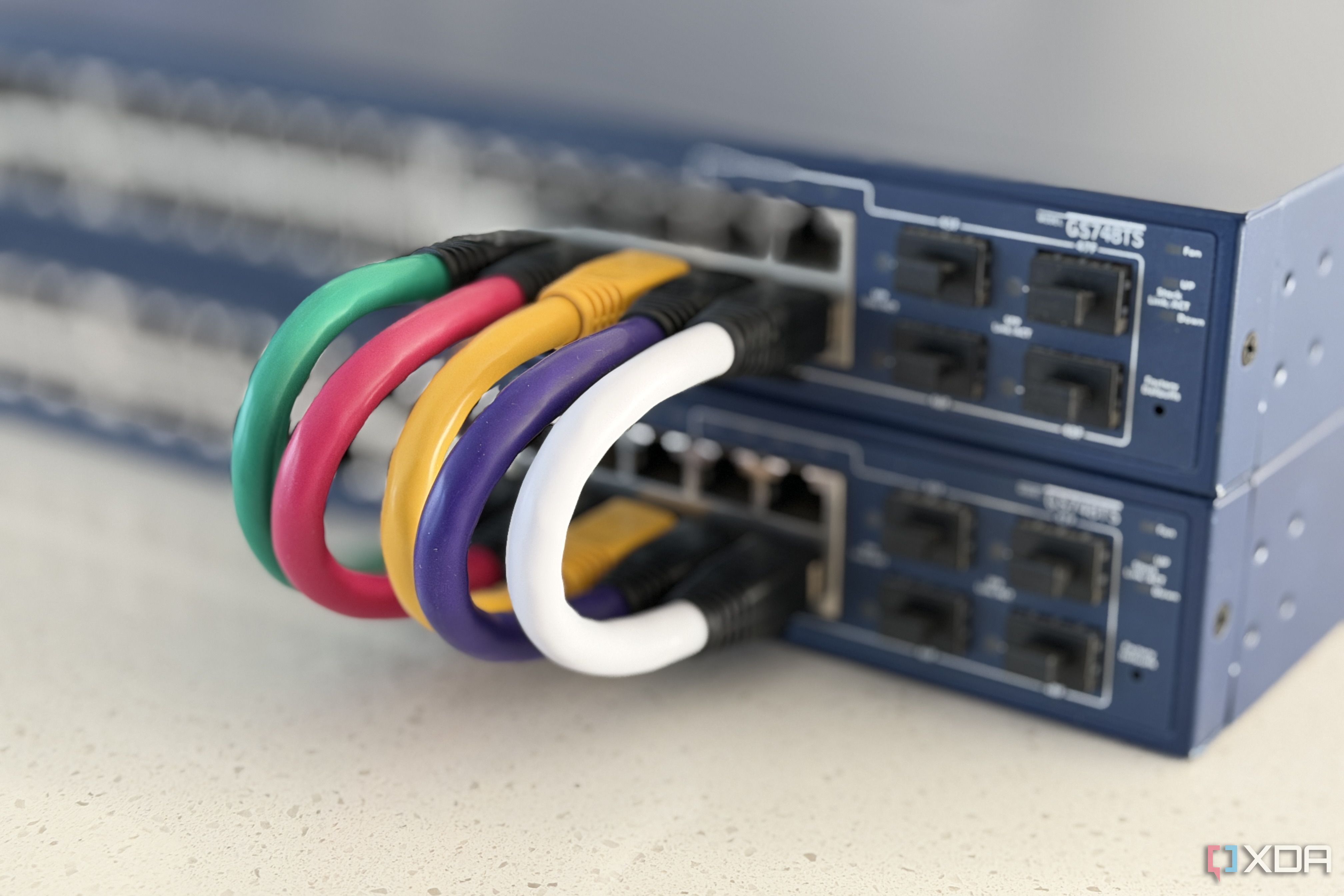
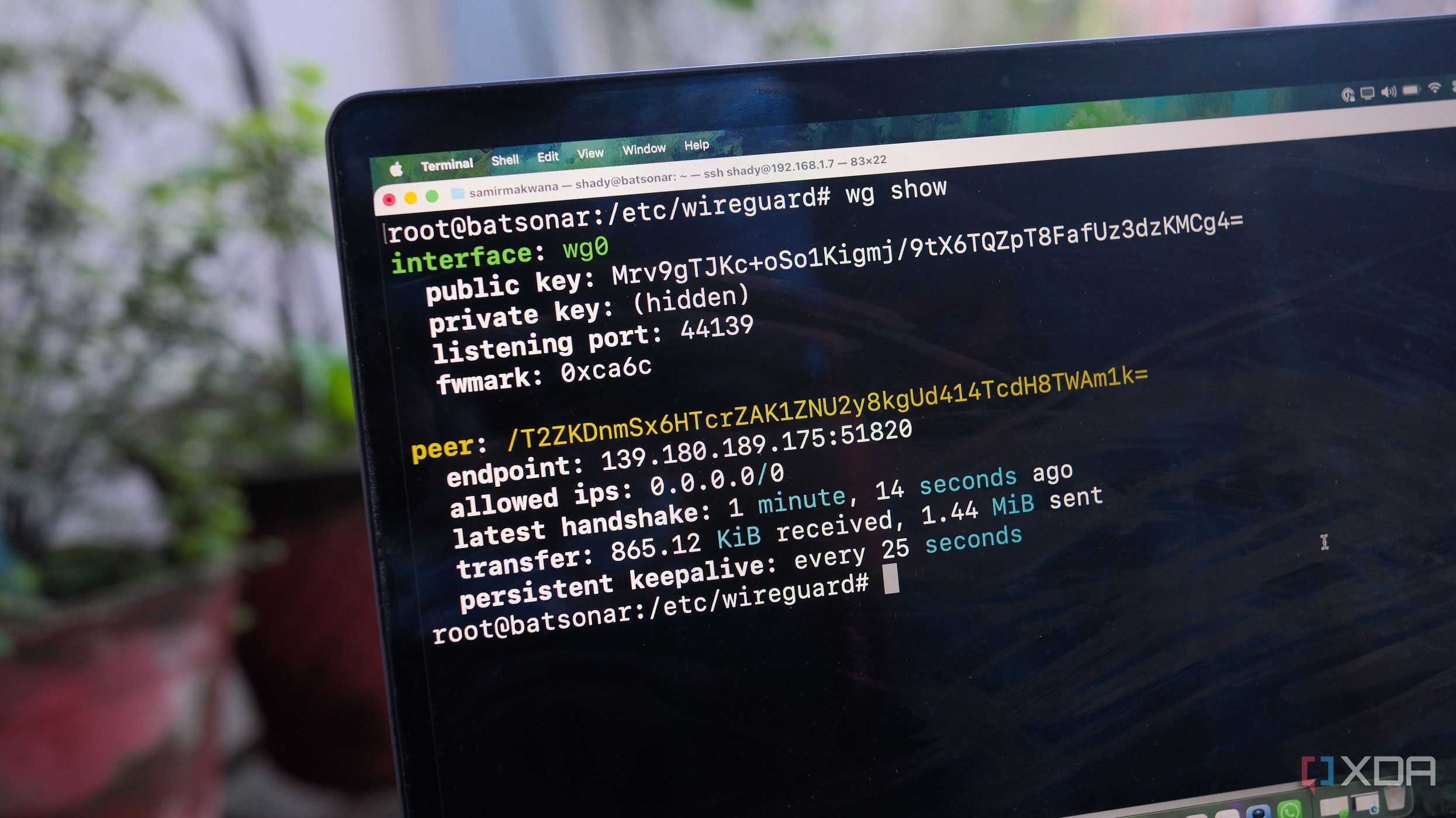
Ex-enterprise networking hardware removes all artificial limits from your network
Show full content
Most people never even replace their ISP-provided router, let alone introduce any other aftermarket networking gear into their home network. While this keeps things simple for the average user, they don't know what they're missing out on. Consumer networking hardware is meant to take you online, not give you the tools to extract the most out of your network. This is where ex-enterprise routers, switches, and firewall devices come in, providing not only advanced features and security, but also greater reliability. Enterprise hardware is built for 24/7 operation and is more durable than most consumer alternatives. Depending on the demands of your home server, used enterprise networking gear can beat consumer hardware in terms of cost, features, and scalability. You'll realize in no time how consumer hardware forces you to spend more for less, and how it's a bad deal for anyone but the average user.
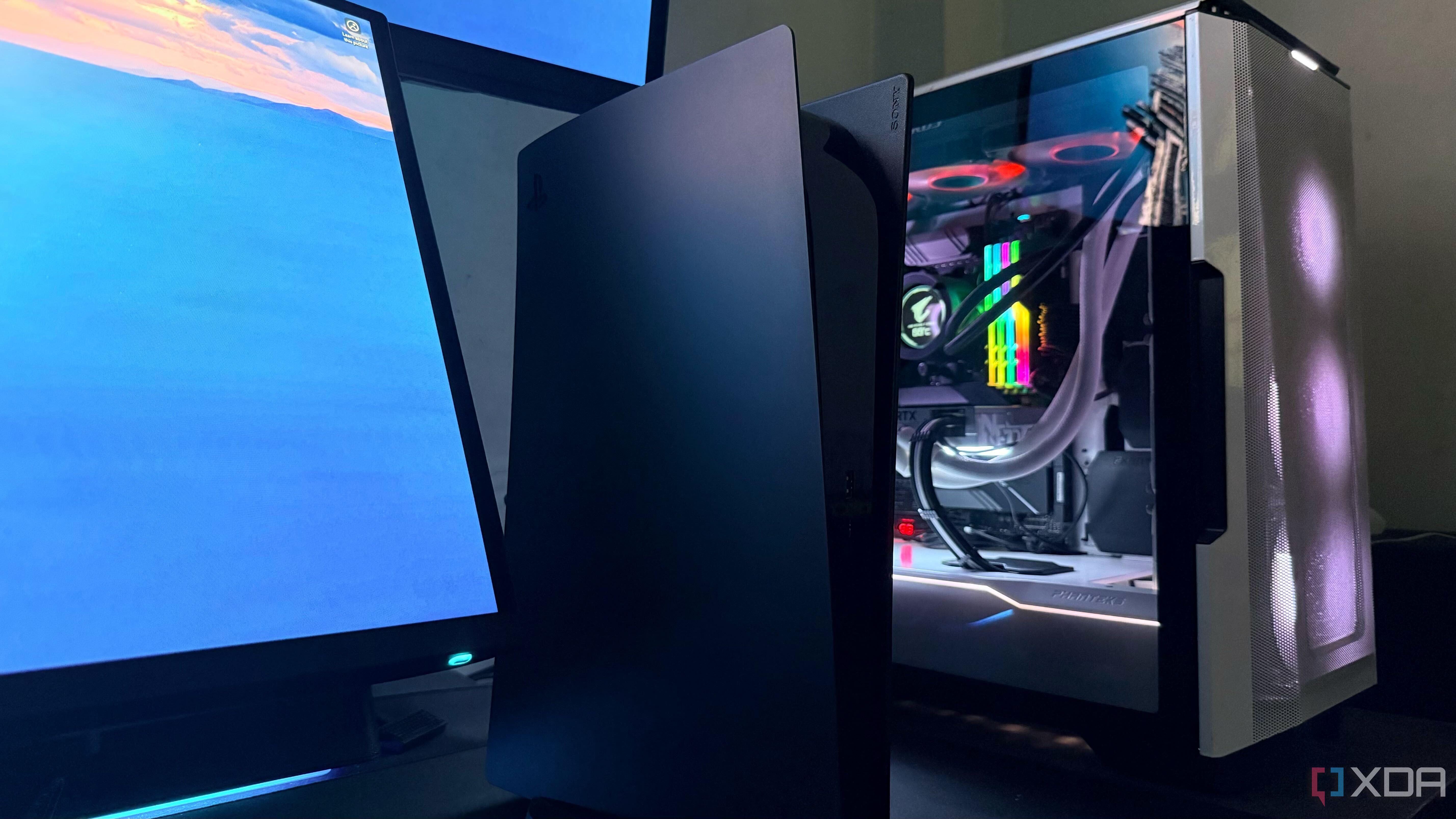
Even though I've been a PC gamer since 2011, I've always had a PlayStation on the side. Whenever a new PlayStation came out, I'd be quick to buy it for nostalgia reasons since my dad got me hooked with the PSOne and then the PS2 when I was a kid. I barely used it, though, mostly for console-exclusive releases that either never made their way to PC or arrived too late. So far, I've probably played a total of five games on my PS5 in the last six years, with the last one being Ghost of Yōtei,but I still don't regret buying it.
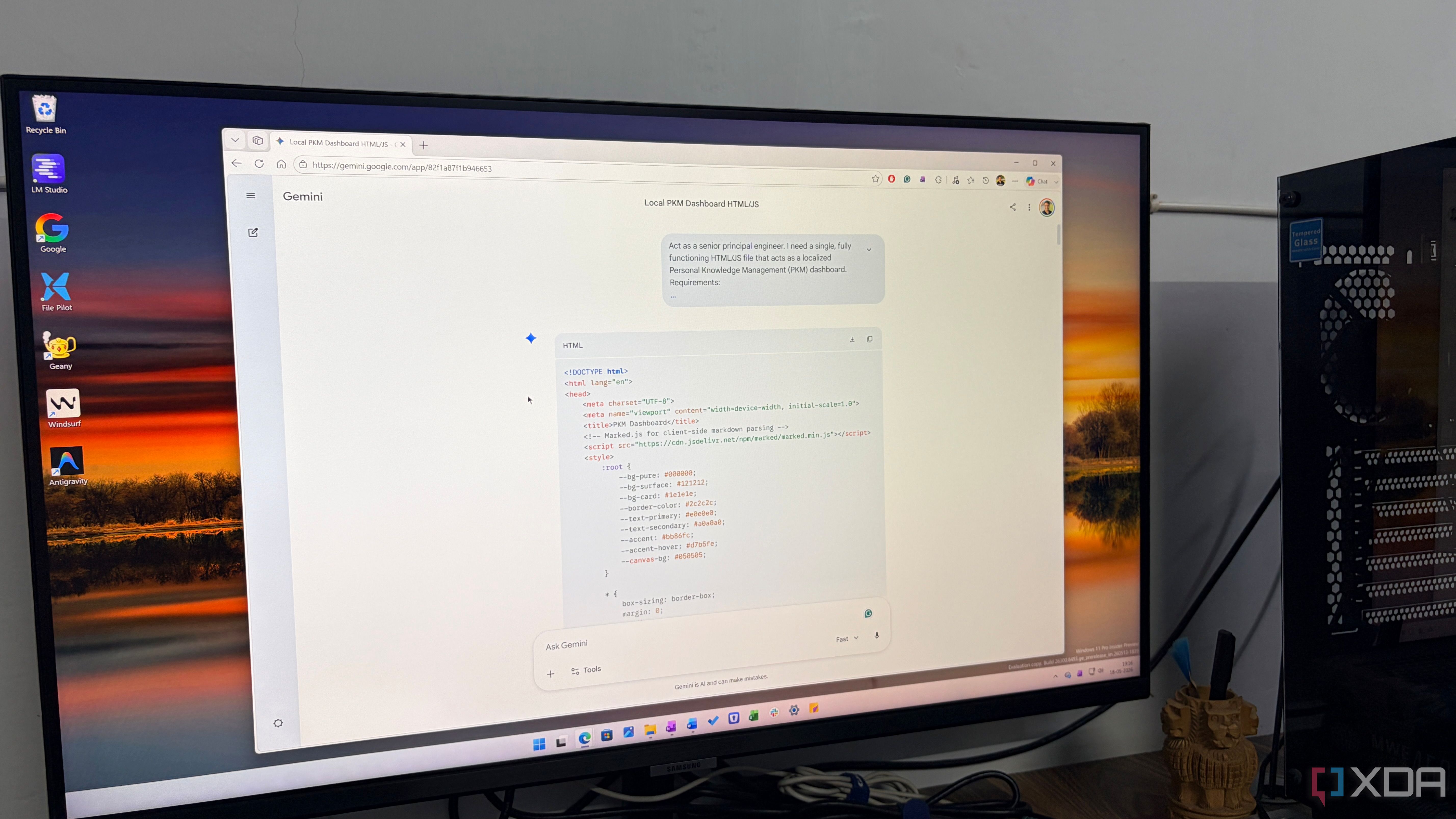
AI benchmarks are great on paper, but they rarely tell the full story of what happens when a model meets a messy, real-world workflow. Frustrated by generic performance charts, I decided to stage a proper multi-model showdown.
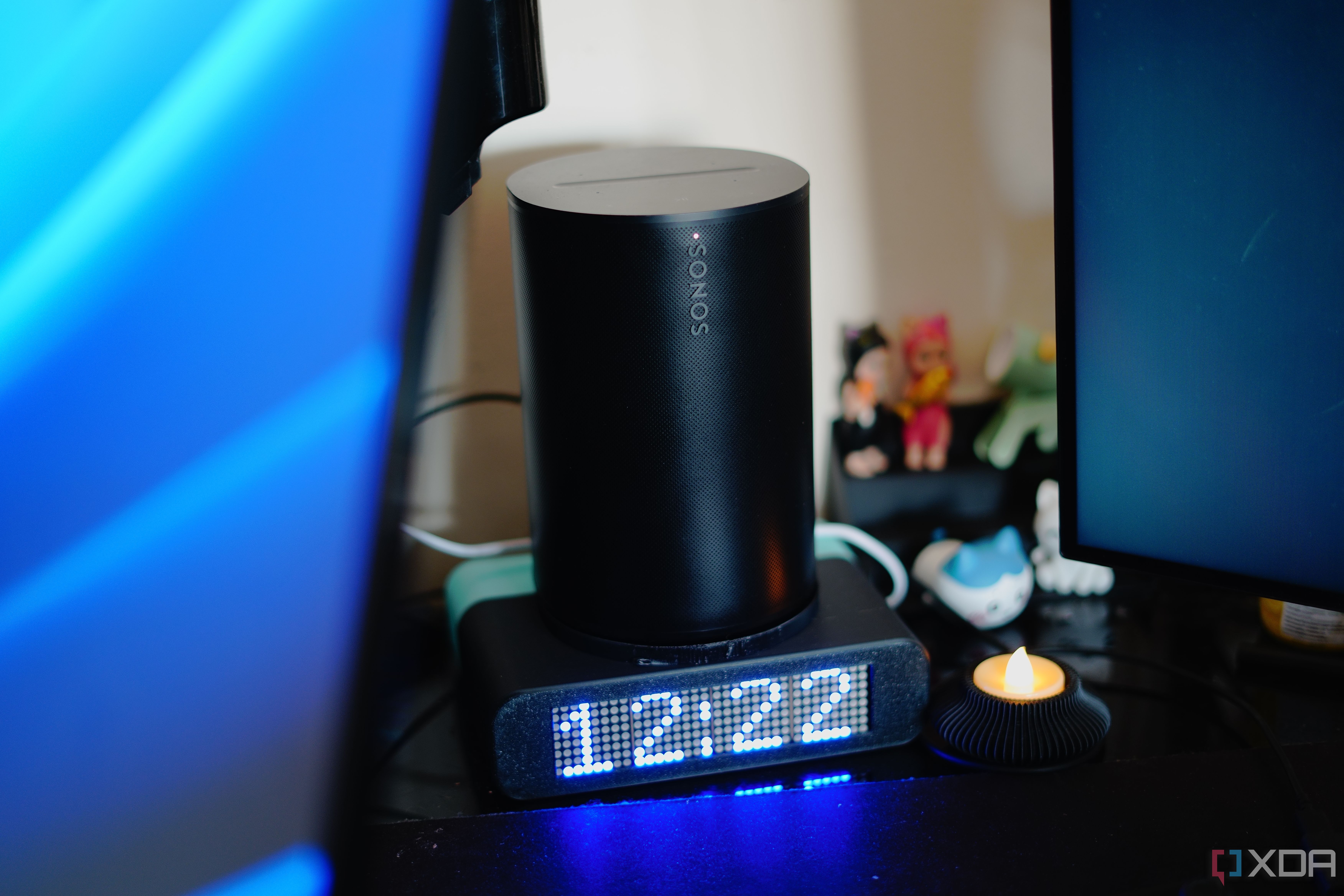
For multi-room home audio, I’ve had my eyes on Sonos for a while. Though expensive, the reviews said that it just works. When the Sonos app redesign removed features that many had been using for years, I paused my plans. Then, I learned about quiet cloud dependency. That makes you realize that you don’t really own anything, even after paying for it.
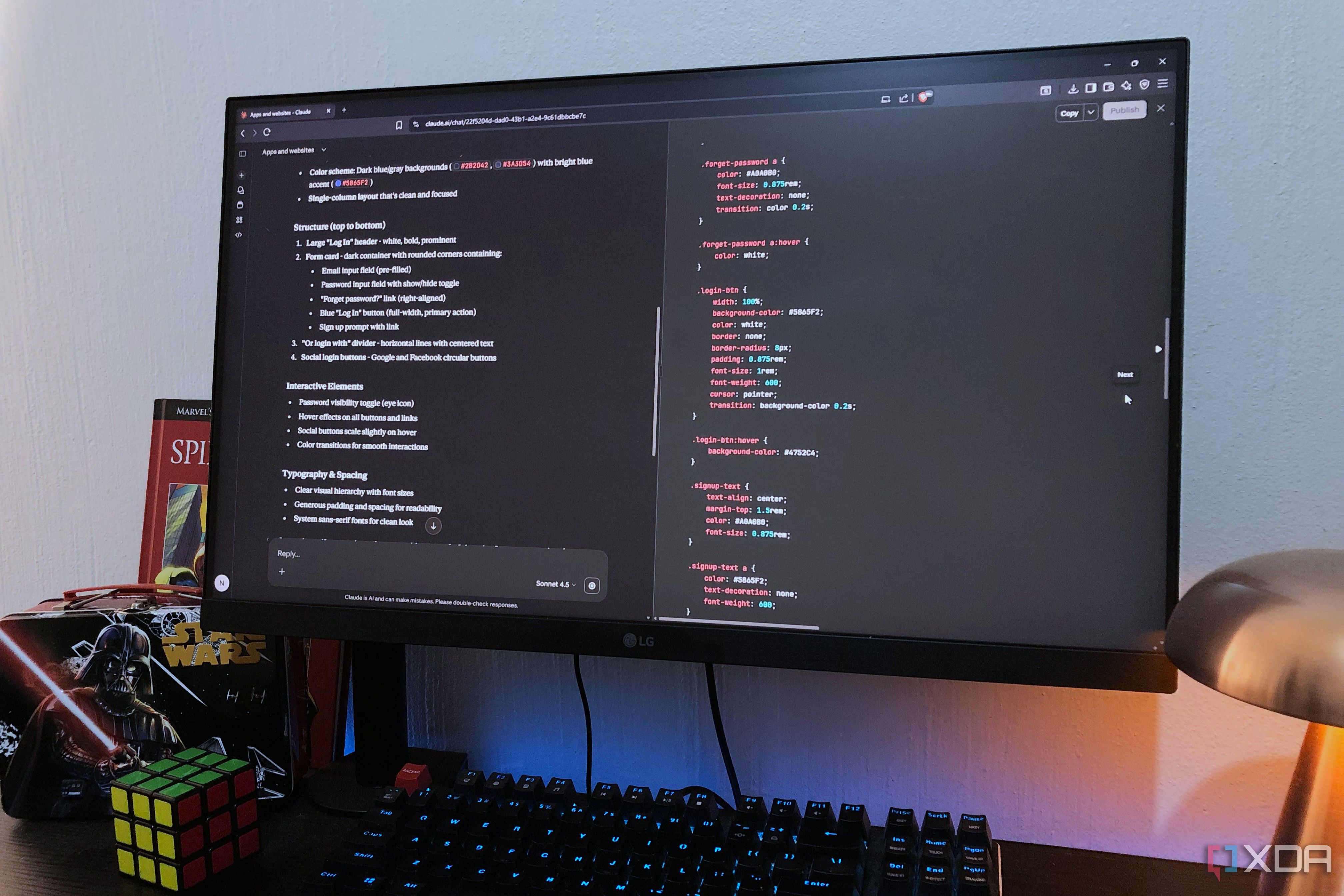
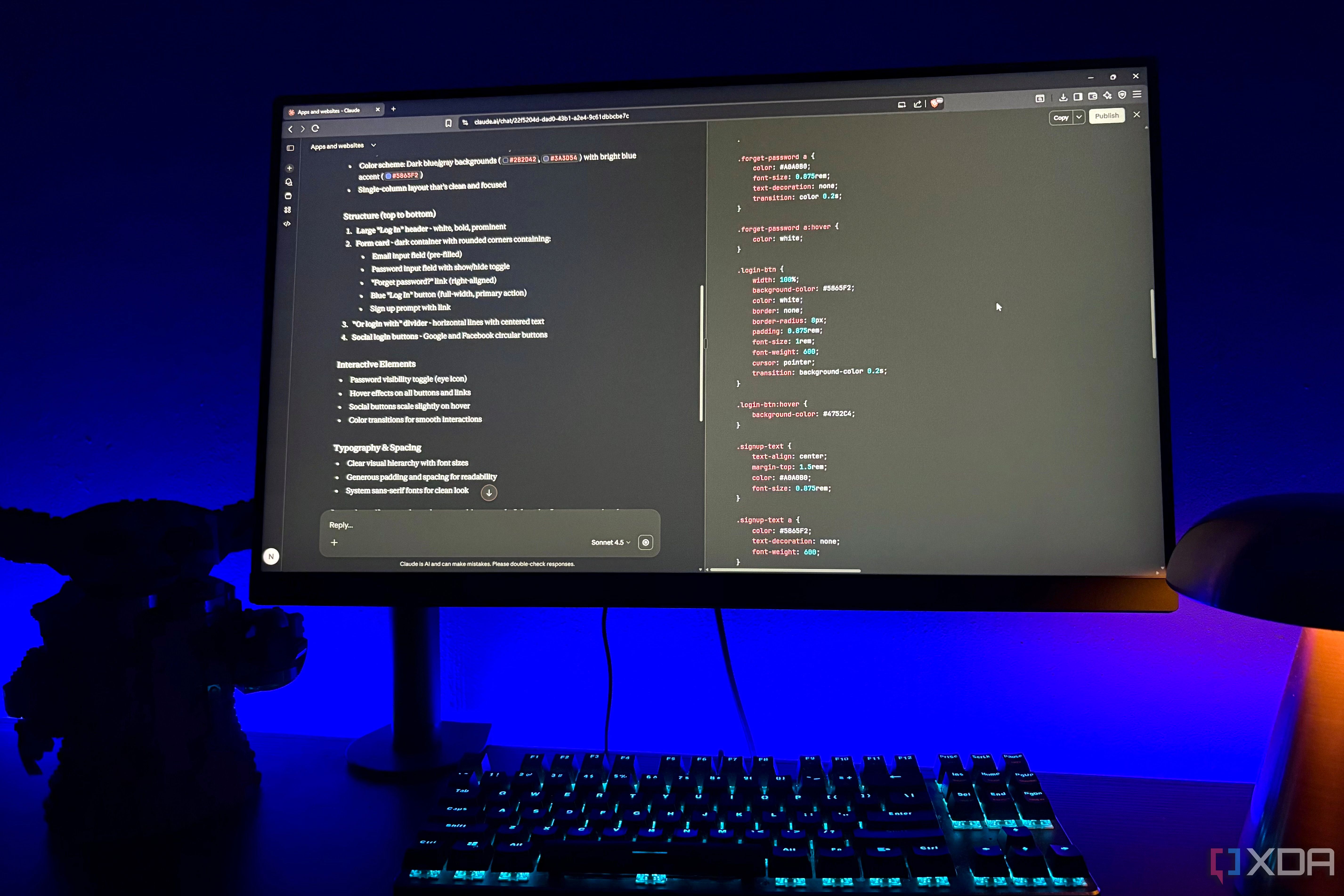
Vibe-coding tools have been having a moment, and honestly the appeal makes a lot of sense. As a novice designer who's actually studying design right now, I've been pulled toward them the same way everyone else has - there's something genuinely interesting about watching a natural language prompt turn into a working interface. And the demographic is broad. Developers use these tools, people who've never touched a terminal use these tools, and somewhere in the middle is me, dragging design briefs into the chat to see what comes out.
When you look at a market, you gauge whether it is healthy or not based on two things: the choice that exists for consumers, and the value that's offered to them. To an extent, it's also defined by meaningful differentiation between competitors, with healthy pricing emerging as a natural consequence of competition rather than tacit alignment between the major players in it. When these criteria are met, the consumer benefits.
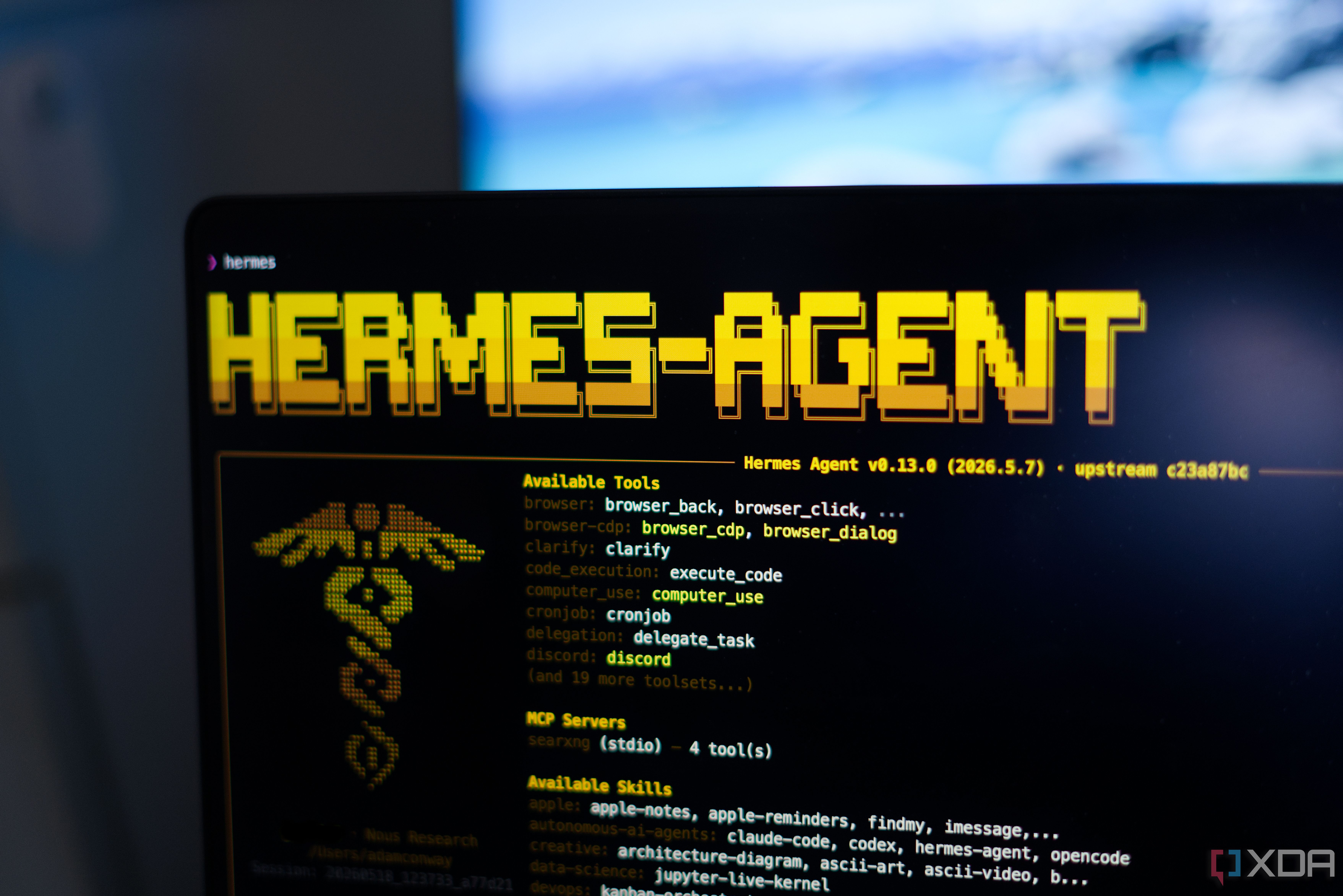
Hermes Agent gets a lot right, and it's something I'd trust a lot more than OpenClaw.
Show full content
OpenClaw's security model is broken by design. The development process is a flood of AI-written PRs being merged with seemingly minimal review, and the maintainer's response to documented vulnerabilities was to say that the project is a hobby and that people should send patches if they want those things fixed. Nvidia's NemoClaw improves the runtime posture around OpenClaw, but it doesn't make OpenClaw itself a well-designed trust boundary. It wraps the agent, and it doesn't change the fact that the core project trained users to connect a broad set of services to a system that historically treated local trust, stored credentials, and plugin execution too casually.
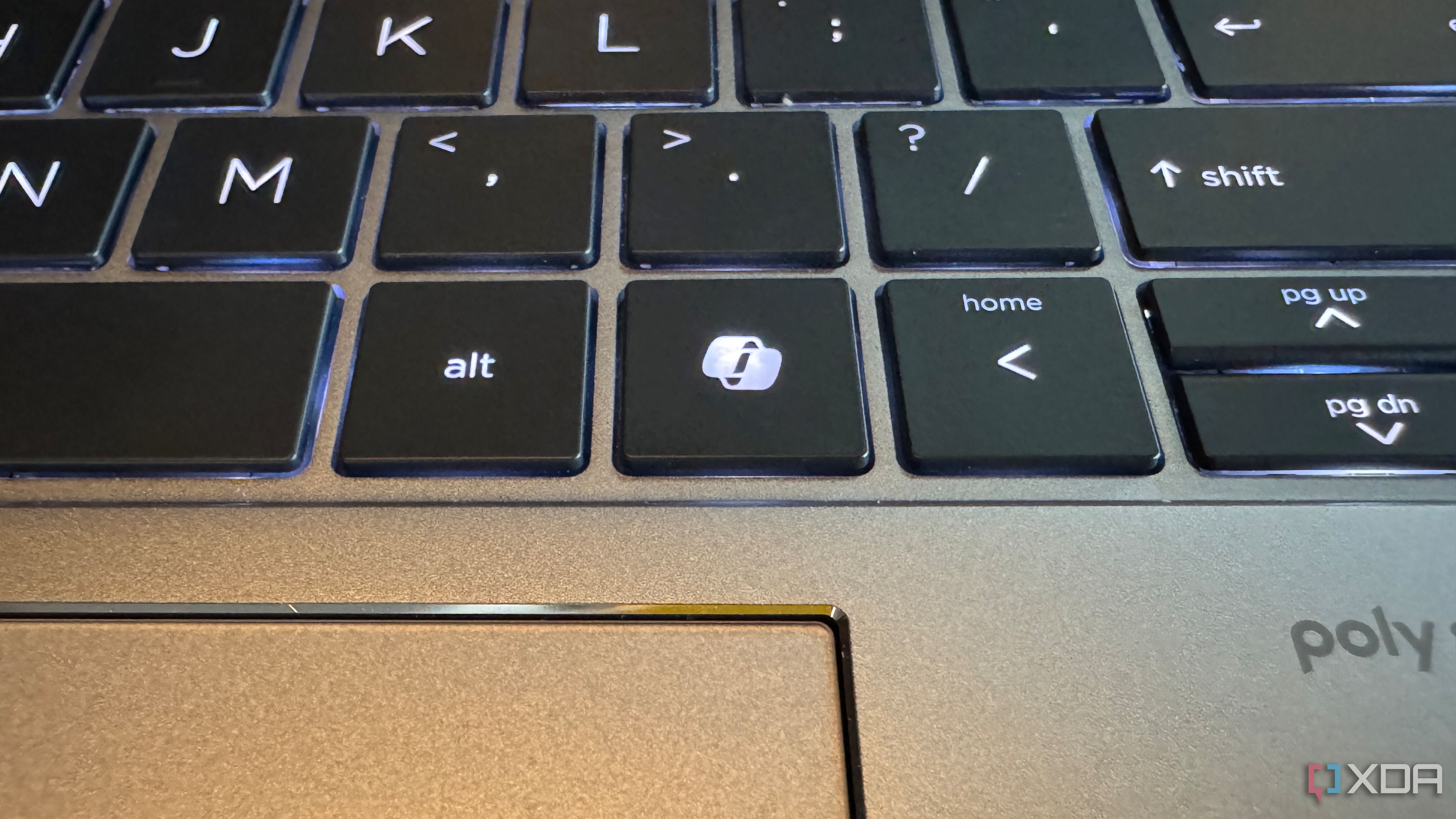
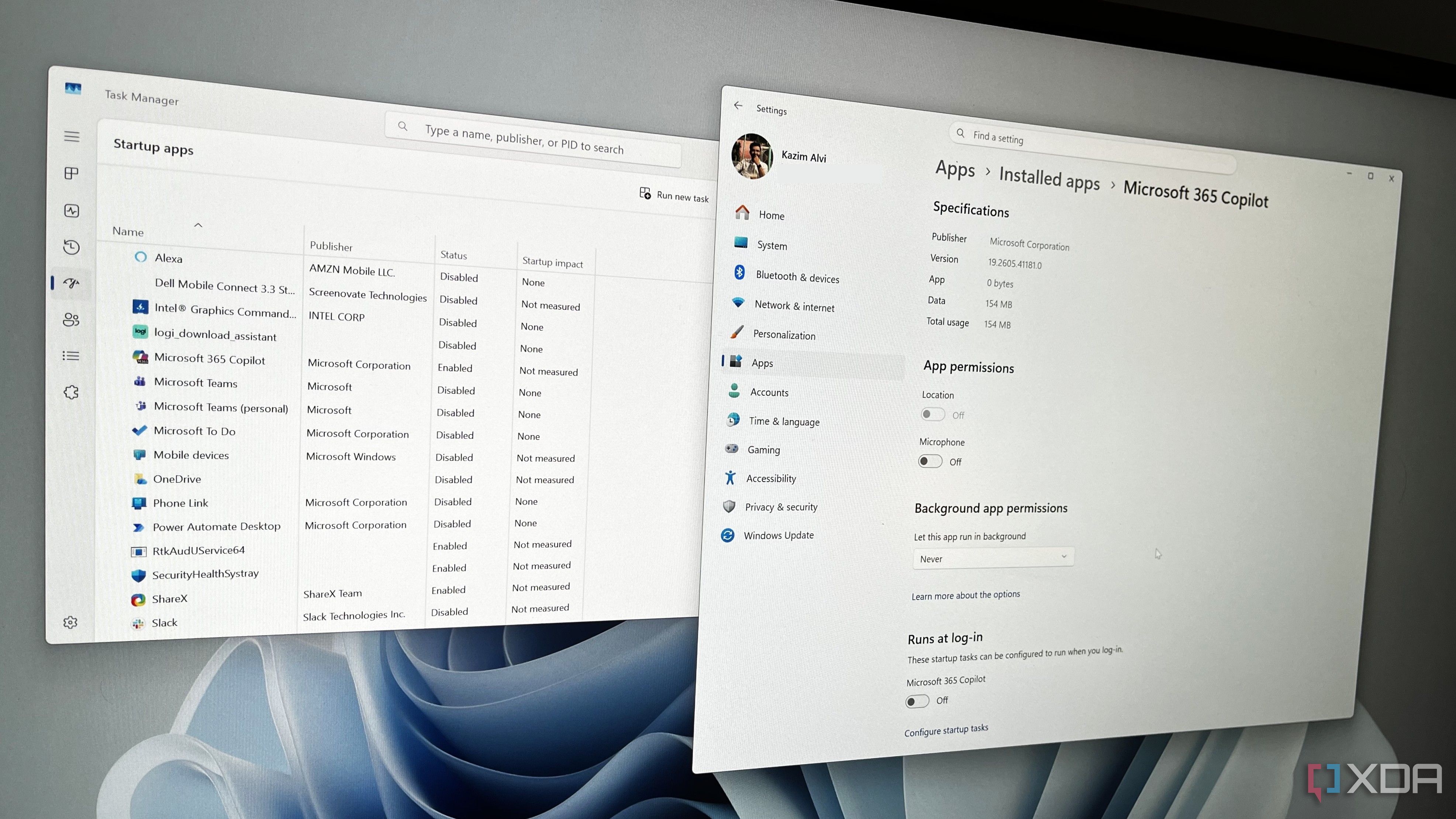
Back when Microsoft was going all-in on Copilot, we saw an update to the Windows keyboard for the first time in years. The update took the Right Ctrl key and turned it into a Copilot key. That way, you always have easy access to Microsoft's AI assistant; just give the Copilot key a press, and it'll pop up.
While having two-factor authentication (2FA) enabled is always safer than not having it, not all methods are equal. We're used to the trusty SMS 2FA method, where a company sends you a text during the login process and asks you to enter a code. However, when a security measure goes on long enough without any major revamps, bad actors find ways to get around it.
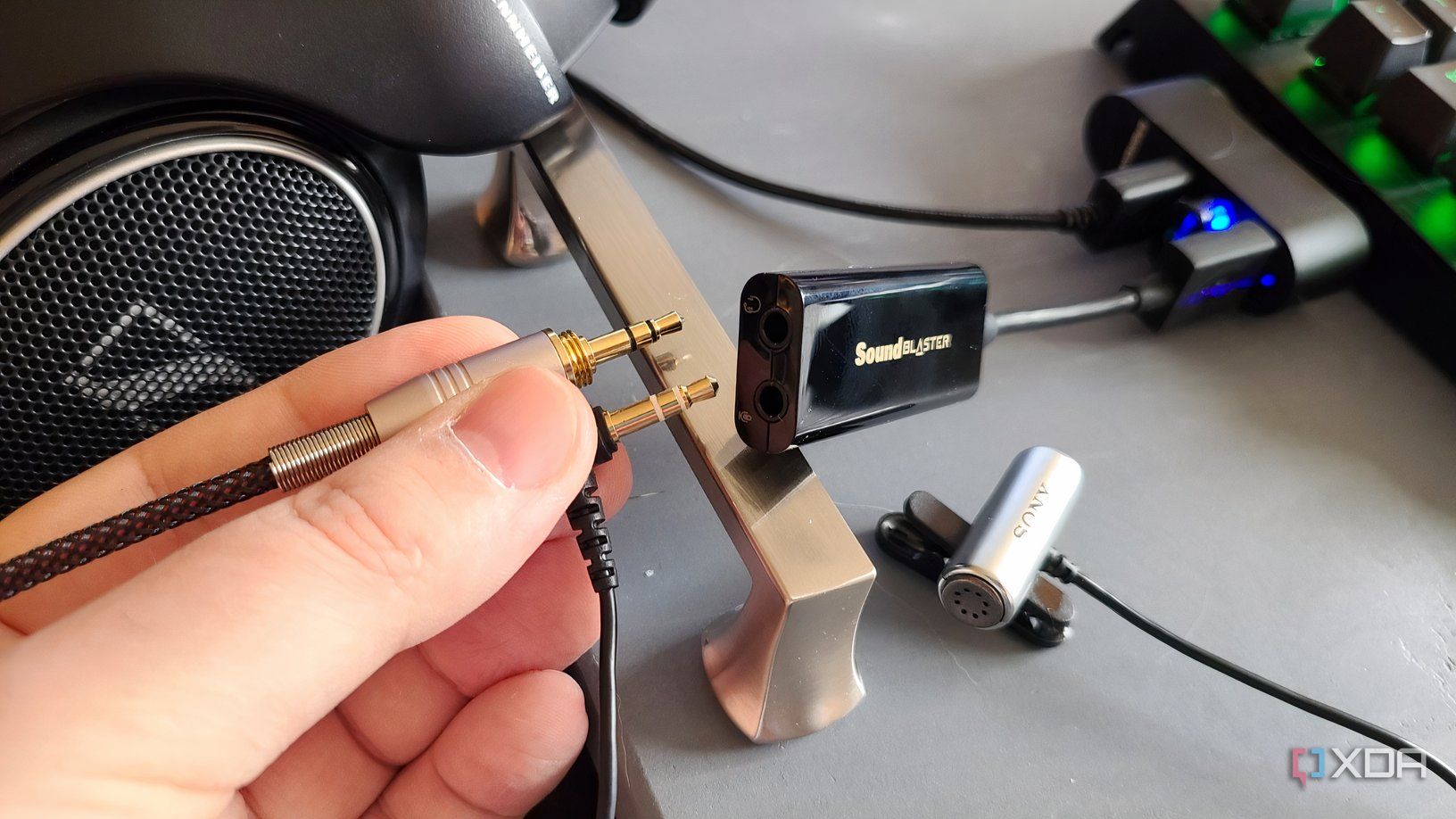
A simple USB DAC completely fixed the buzzing, static and inconsistent audio problems I thought were normal with motherboard sound.
Show full content
For years, I treated motherboard audio as one of those PC features that simply existed in the background. As long as sound came through my headphones and my microphone worked well enough for Discord calls, I never paid much attention to the audio side of my setup. I spent more time thinking about GPUs, monitors, and storage upgrades while completely ignoring the fact that my PC audio experience had quietly become frustrating.
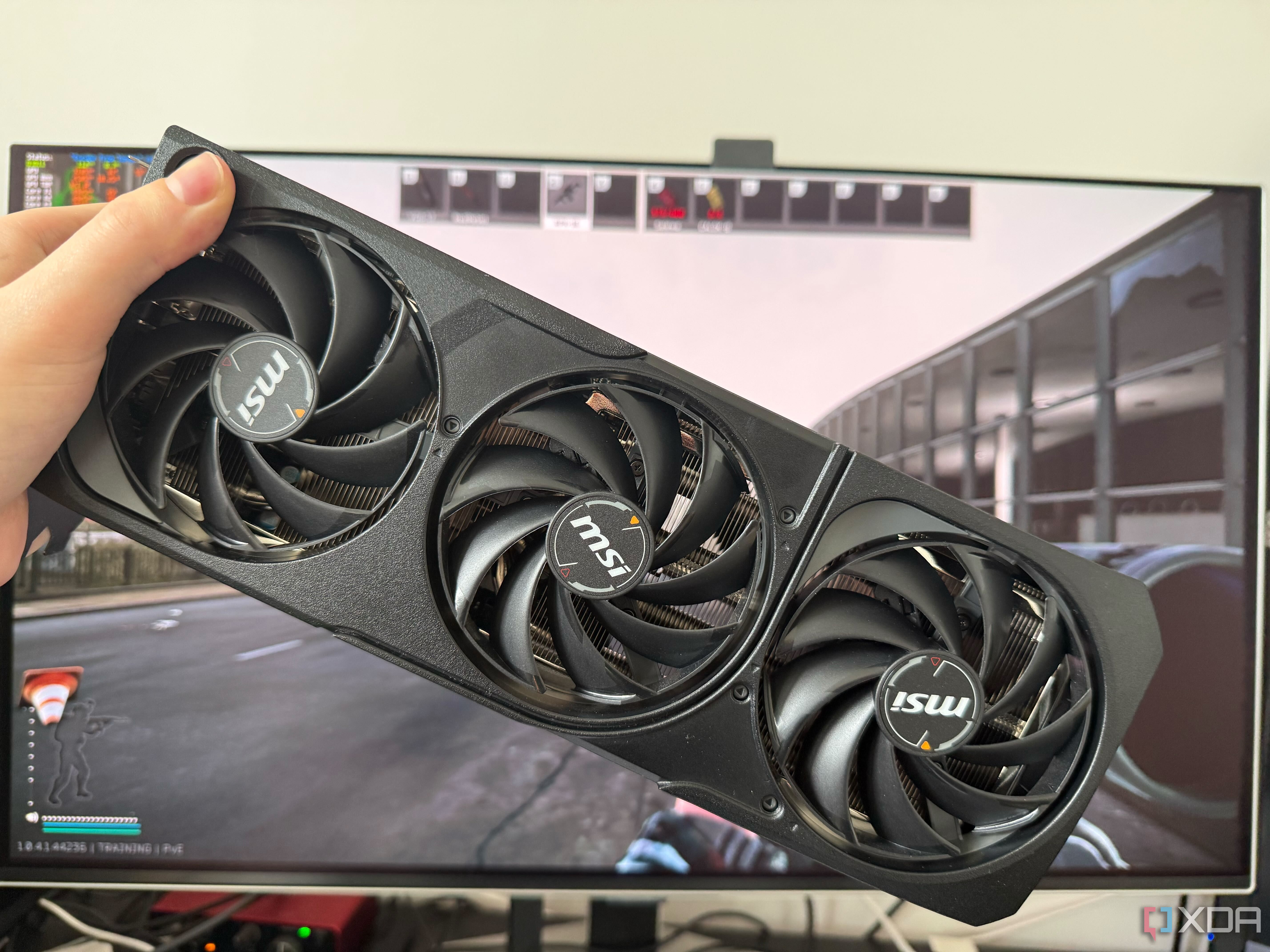
Even at 1440p, DLSS 4.5 delivers great results, thanks to Preset L
Show full content
I totally understand why many people think enabling DLSS makes the most sense on a 4K monitor. At native 4K, you're almost always GPU-bound even if you have a flagship card like the RTX 5090, so DLSS is a great way to avoid paying the performance tax that comes with maxed-out settings and ray tracing. But here's the thing. Most people aren't using flagship cards, so they're GPU-bound even at 1440p, especially in newer AAA titles.
AI & Machine LearningClaudeAnthropic Artificial IntelligenceChatGPTOpenAI
OpenAI's new update still isn't enough to make me switch.
Show full content
Every time OpenAI releases a new model for ChatGPT, the buzz it generates makes me think I may be missing out if I don't switch. The latest update is GPT-5.5 Instant, and it's the default model for all ChatGPT users. It's paired with an upgraded memory system that shows you which past conversations and saved memories the model pulled from to shape its response. That's a really nice feature that felt long overdue. With the new memory transparency and claims that hallucinations have been reduced by over 50% in certain domains, it's an alluring update for those who were already on the fence about ChatGPT.
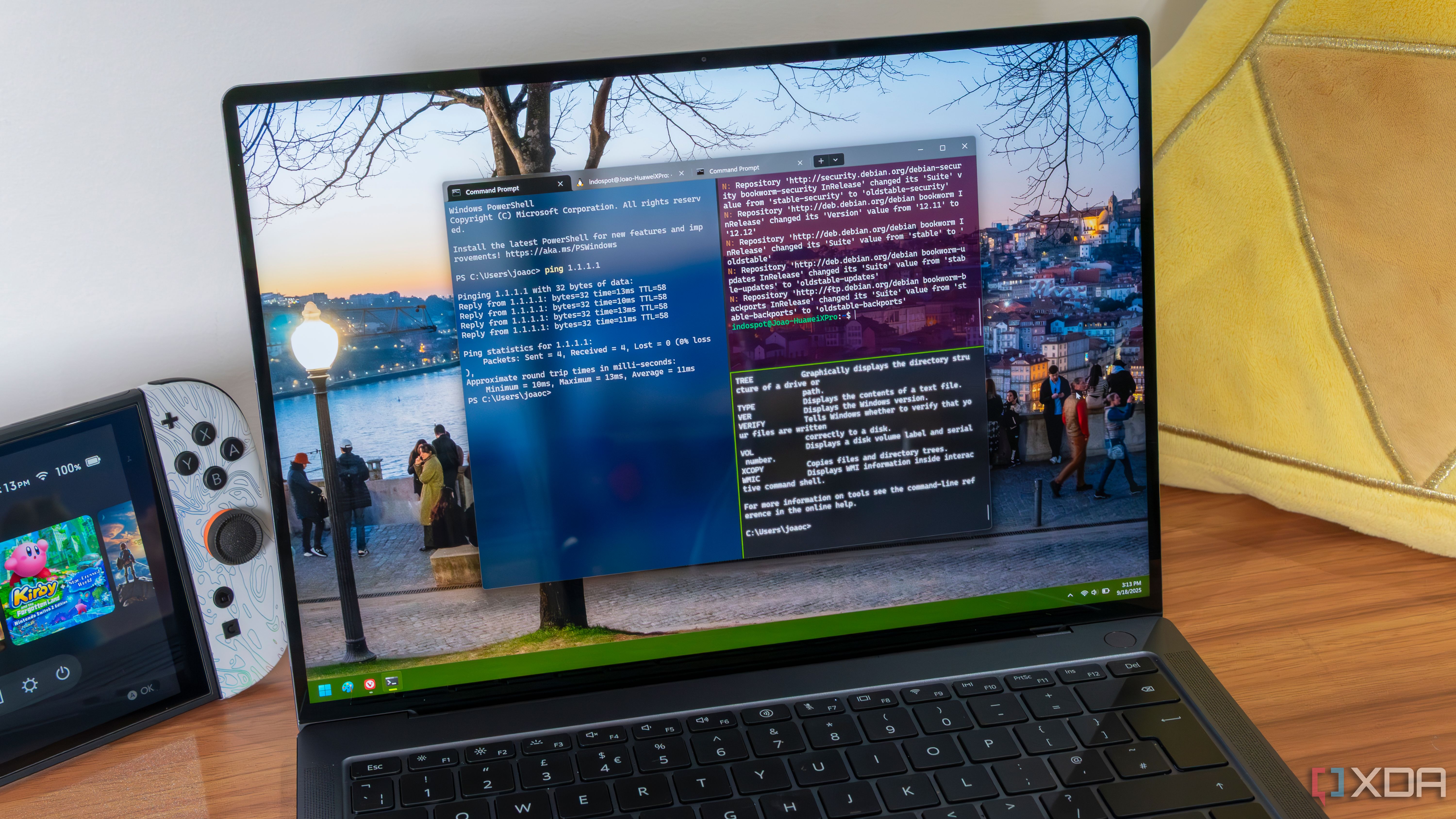
Microsoft have made a terminal that doesn't feel like it needs to be replaced
Show full content
For the last few years, Warp has largely dominated the modern terminal space. The command blocks, AI command generation, agentic mode, Warp Drive, and other QoL features all made it a popular choice, and when Warp arrived natively on Windows early last year, it made the default Windows Terminal look like yet another first-party app that needs replacing.
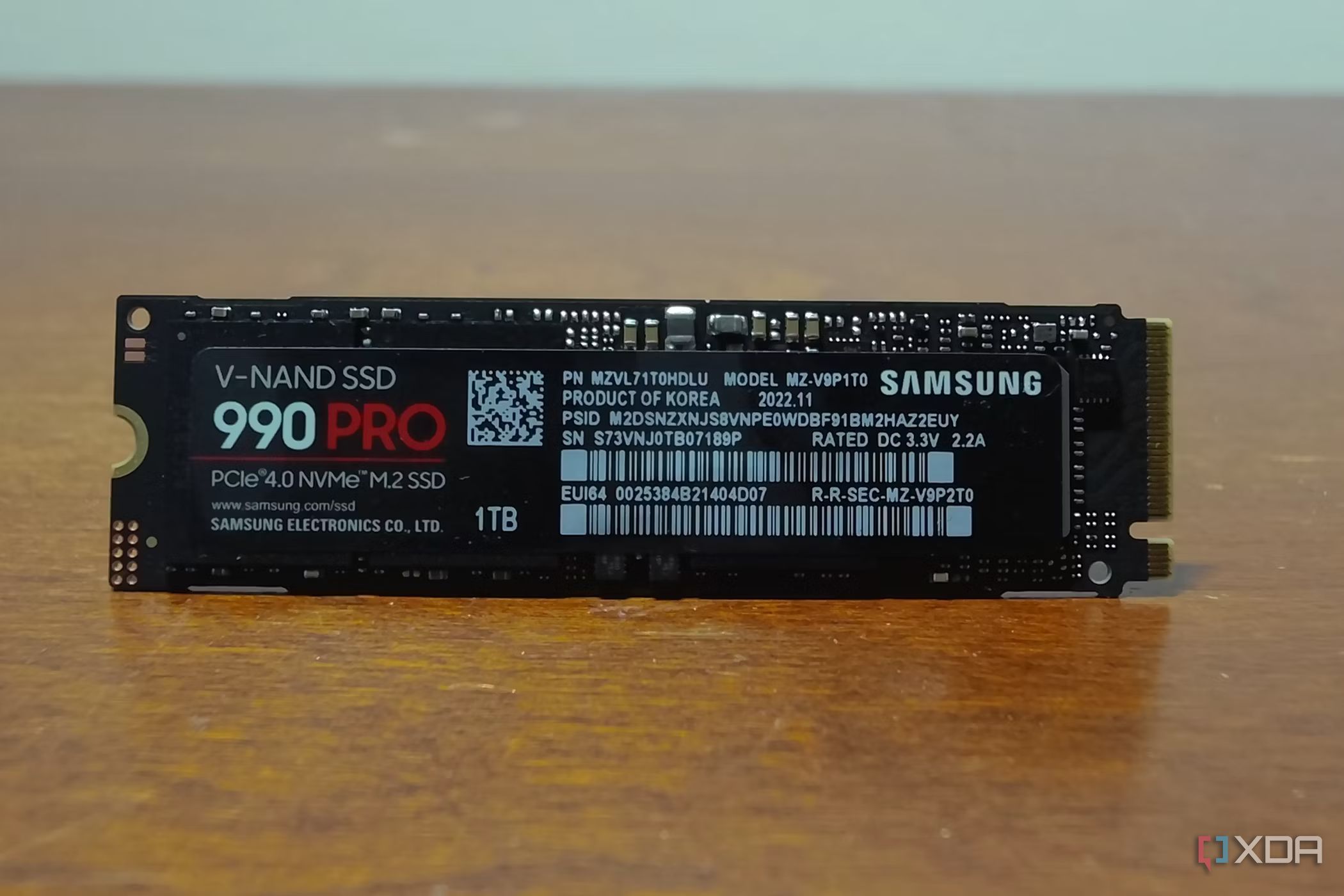
Windows can maintain your SSD really well, but it sure makes you work for those features
Show full content
Modern-day SSDs are fast enough for most of us to not really think about their upkeep every day. Back when SSD technology was new, everyone treated their SSDs like fragile glass, sharing notes and advice on how to prolong the life of their drive by any means unnecessary.
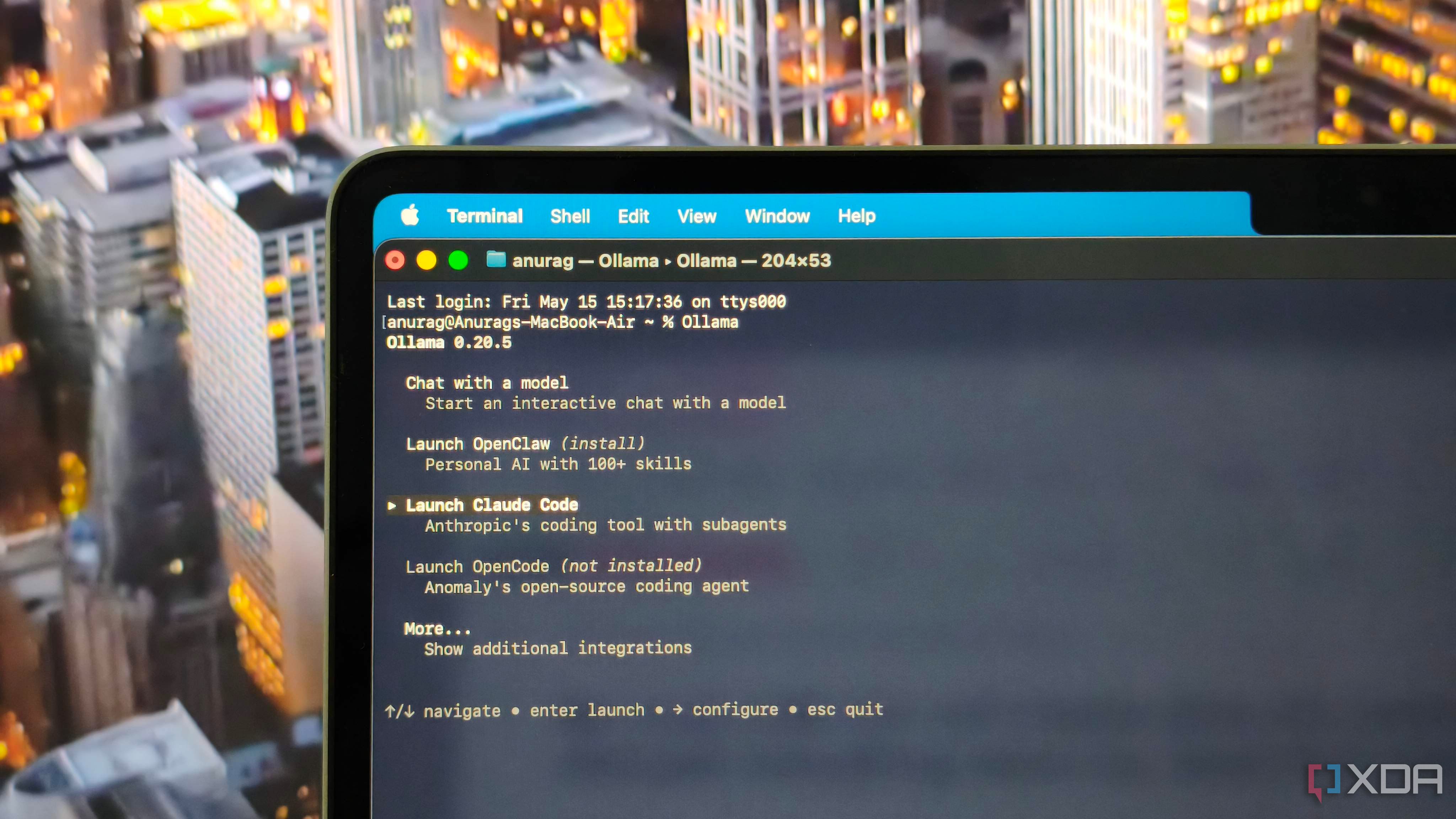
Anthropic has been tightening its grip on Claude for a long time now, and local models are finally getting good.
Show full content
Claude is typically considered the best agentic coding tool on the market right now. There are plenty of developers I know who use it daily, and Anthropic has spent the last year and a half giving plenty of reasons for that confidence. Opus 4.7 just launched last month, Claude Code continues to be one of the go-to agentic tools on the market (despite the proliferation of alternatives), and the likes of Sonnet and even Haiku are still valid models to use for different tasks.
Moonlight gave me AAA couch gaming at zero added costs
Show full content
Nothing ever quite beats couch gaming. That's why I often prefer playing on my PS5 Pro sitting under the TV. However, a problem that kept nagging me over and over again was that most of the experiences I wanted simply lived on my desktop PC instead. High ray-tracing, path tracing, DLSS, endless mod support, and my entire Steam and Epic library I've built over years — these weren't going to migrate themselves over to a console. Plus, after getting a new TV, I found myself wanting to spend more time in the living room than I used to.
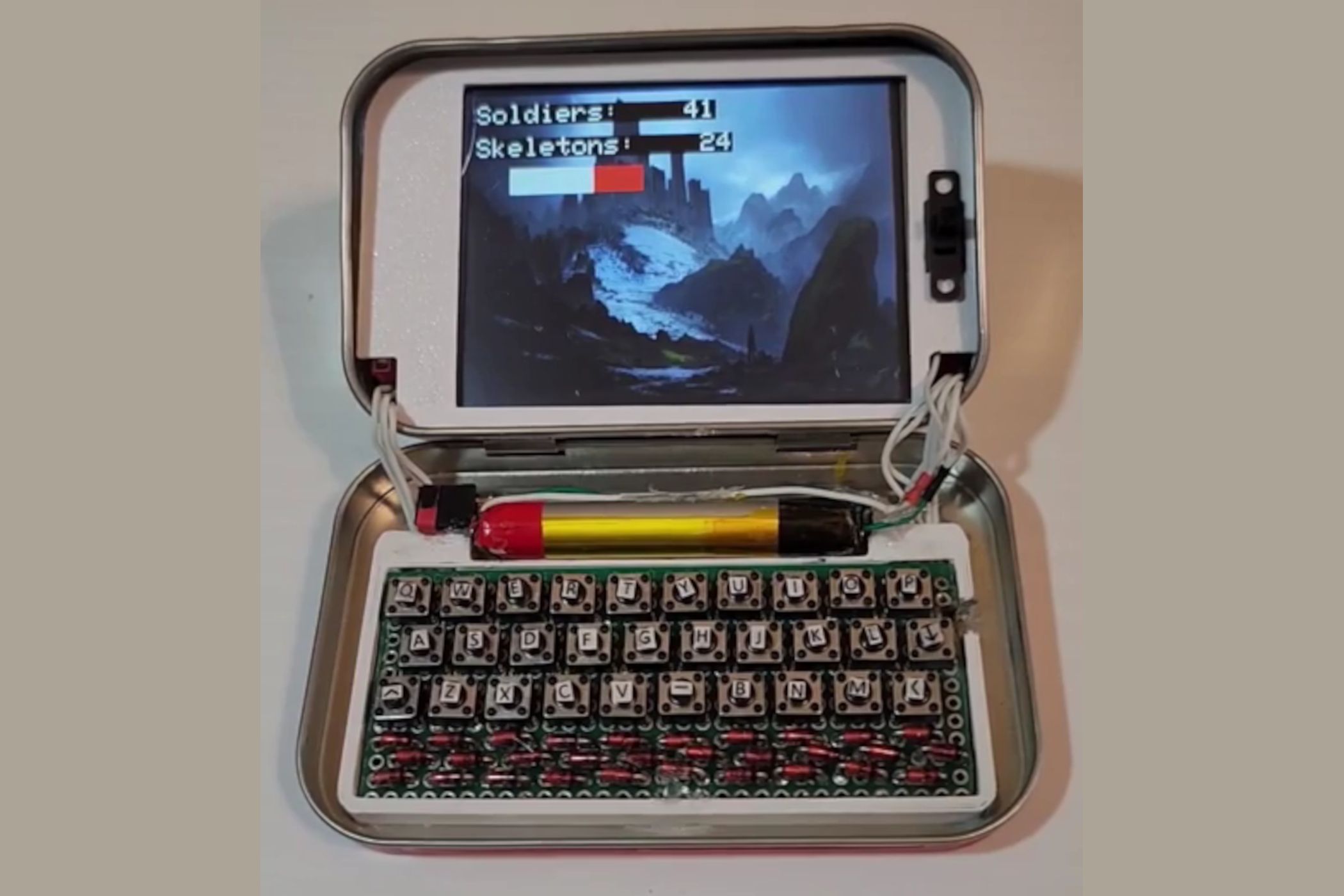
Did you know that there's an entire scene around stuffing chips into an Altoids tin and making it do all sorts of things? We've seen it before with the Raspberry Pi, where someone even created a Kickstarter to help get an Altoid tin console up and running. There's something about the size of an Altoid tin that makes people want to turn them into teeny-tiny electronic devices.
Sometimes, the simplest changes make the biggest impact.
Show full content
Over time, Windows PCs start to feel slow. It happens to most of us, and we automatically assume this is linked to hardware limitations. But more often than not, Windows system slowdowns are due to neglect and bad usage habits. Over the years, I have made simple changes to my workflow, and it has noticeably improved performance, even on my roughly 10-year-old laptop.
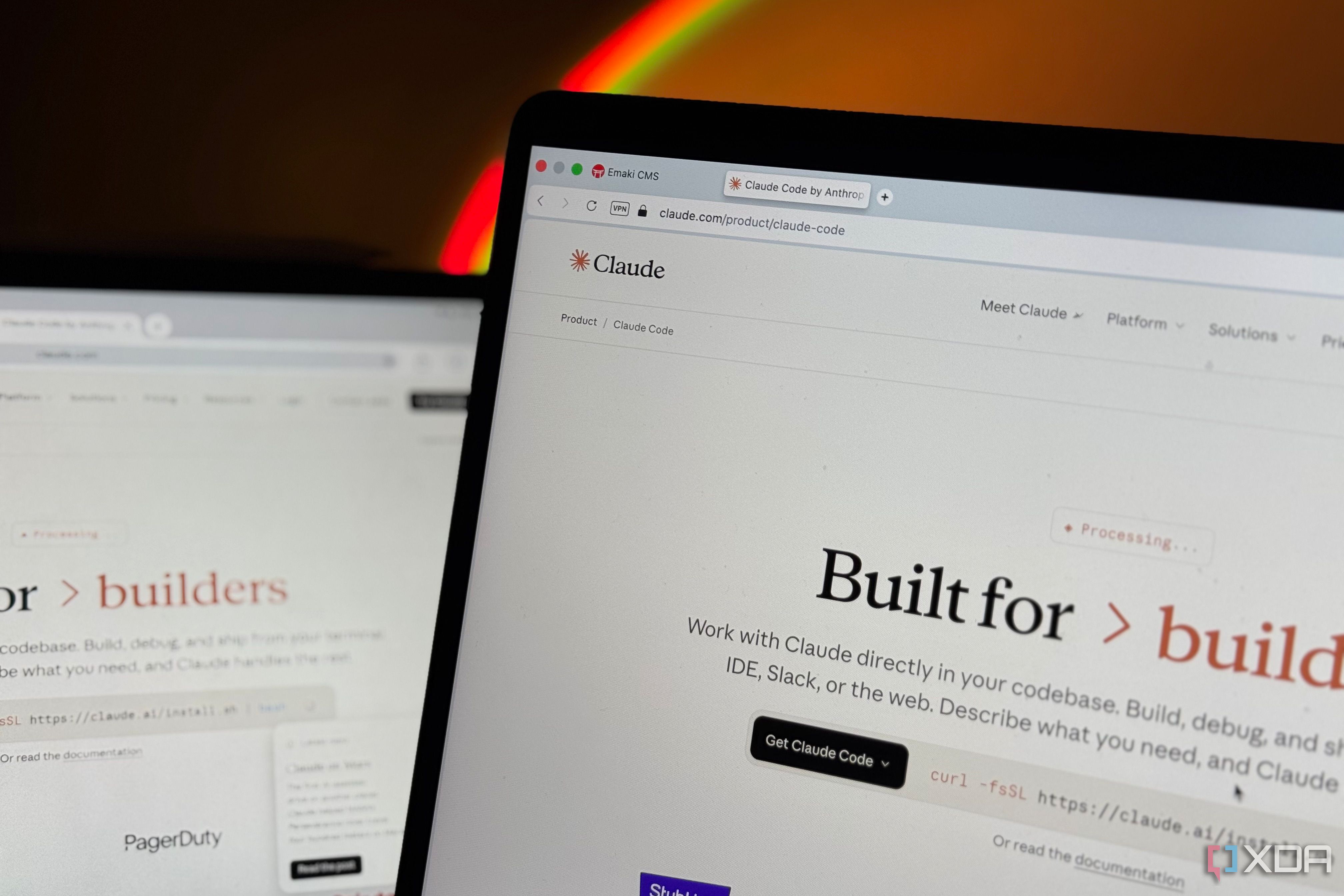
Up until recently, Claude was only spoken about in hushed tones in developer communities. It was the quiet favorite of people who lived in their terminals, and the biggest reason for that was just how good Anthropic's models were at coding. To everyone else, Claude was either invisible or vaguely intimidating. And then the tables turned around for Anthropic, and suddenly Claude went from a niche AI tool to the one people couldn't stop talking about.
Discover how these Android apps can bring back the best features of Windows Phone, including live tiles and iconic design.
Show full content
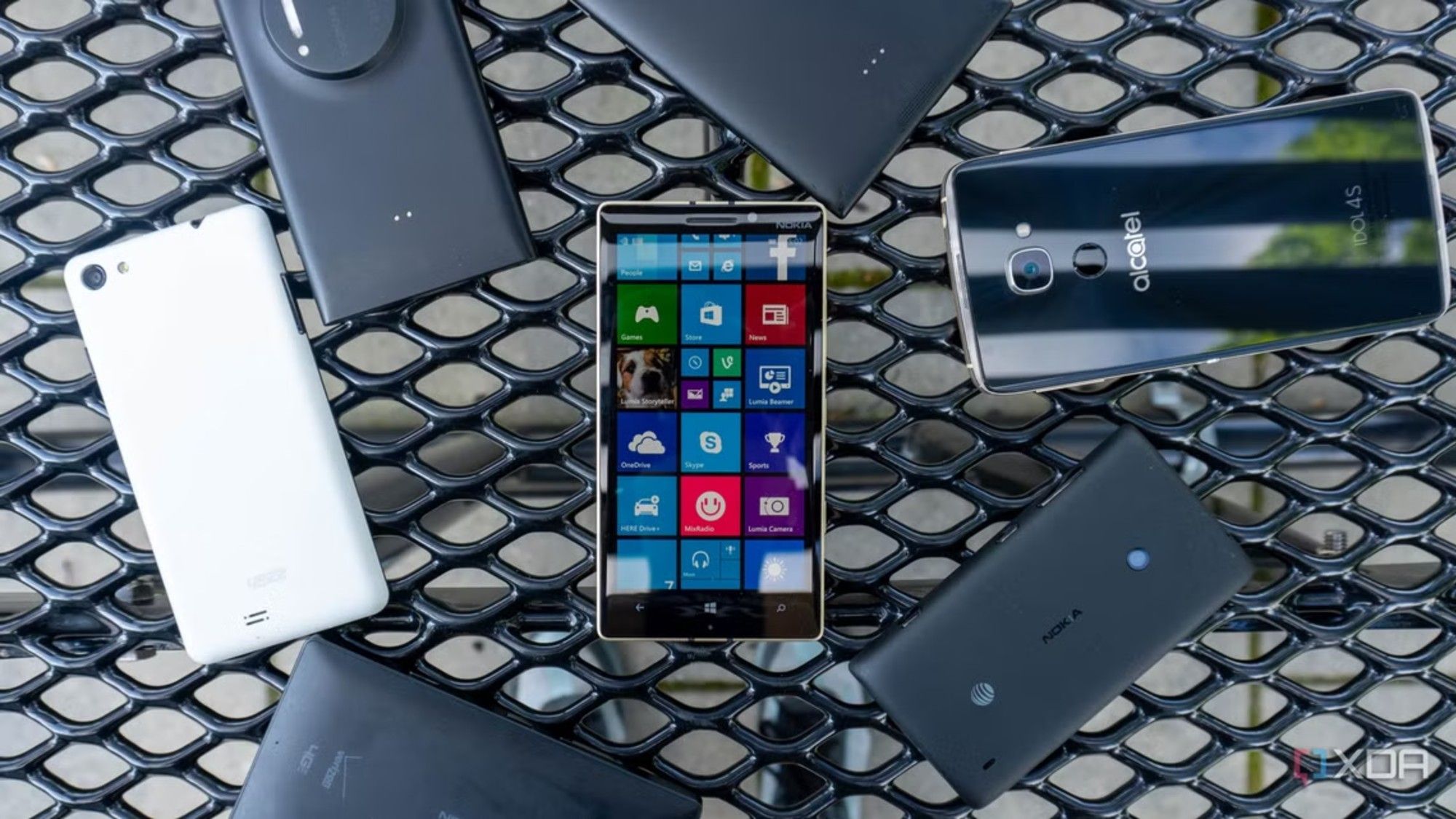
Windows Phone might have vanished from existence a long time back, but the intent behind it was so good that phone software enthusiasts still praise it. Microsoft might not be keen to bring it back, but the NexPhone concept is trying to launch a phone that runs two operating systems: Android and Windows 11. However, niche phones have niche demand, and while you cannot use an old Windows Phone in today's times due to unmaintained software and the risks it carries, there are ways to relive the nostalgia on your Android phone.
Aftermarket fans fixed the problem caused by a cheap case
Show full content
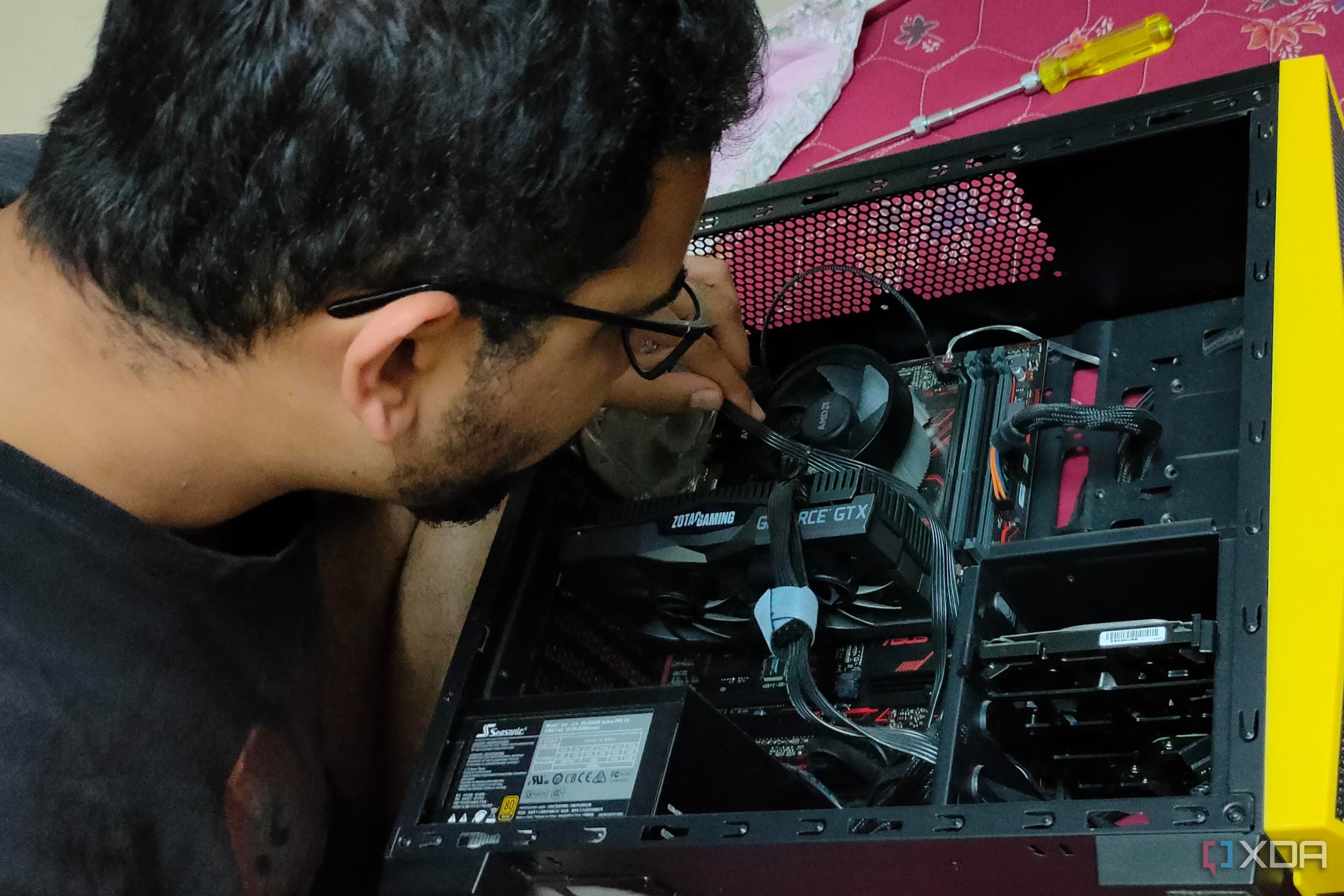
I would love to say that each of my builds was meticulously put together with every aspect taken care of. That, however, would be a lie. I built my previous PC at a time when I had just started earning, so I didn't have a great budget to start with. This naturally affected the choice of components, especially for the chassis, which can sometimes be an afterthought in budget builds. Picking a cheap case left me stuck with a single fan, installed at the front, and it was barely equipped to do its job. The PC ran hot and loud, begging for some intervention. At first, I thought the stock cooler was at fault, but then I settled on the boring upgrade of buying new case fans. With a set of good-quality PWM fans covering both intake and exhaust, my PC became considerably quieter. Seeing what I spent on these fans, it was one of the most impactful upgrades I had made on any of my builds.
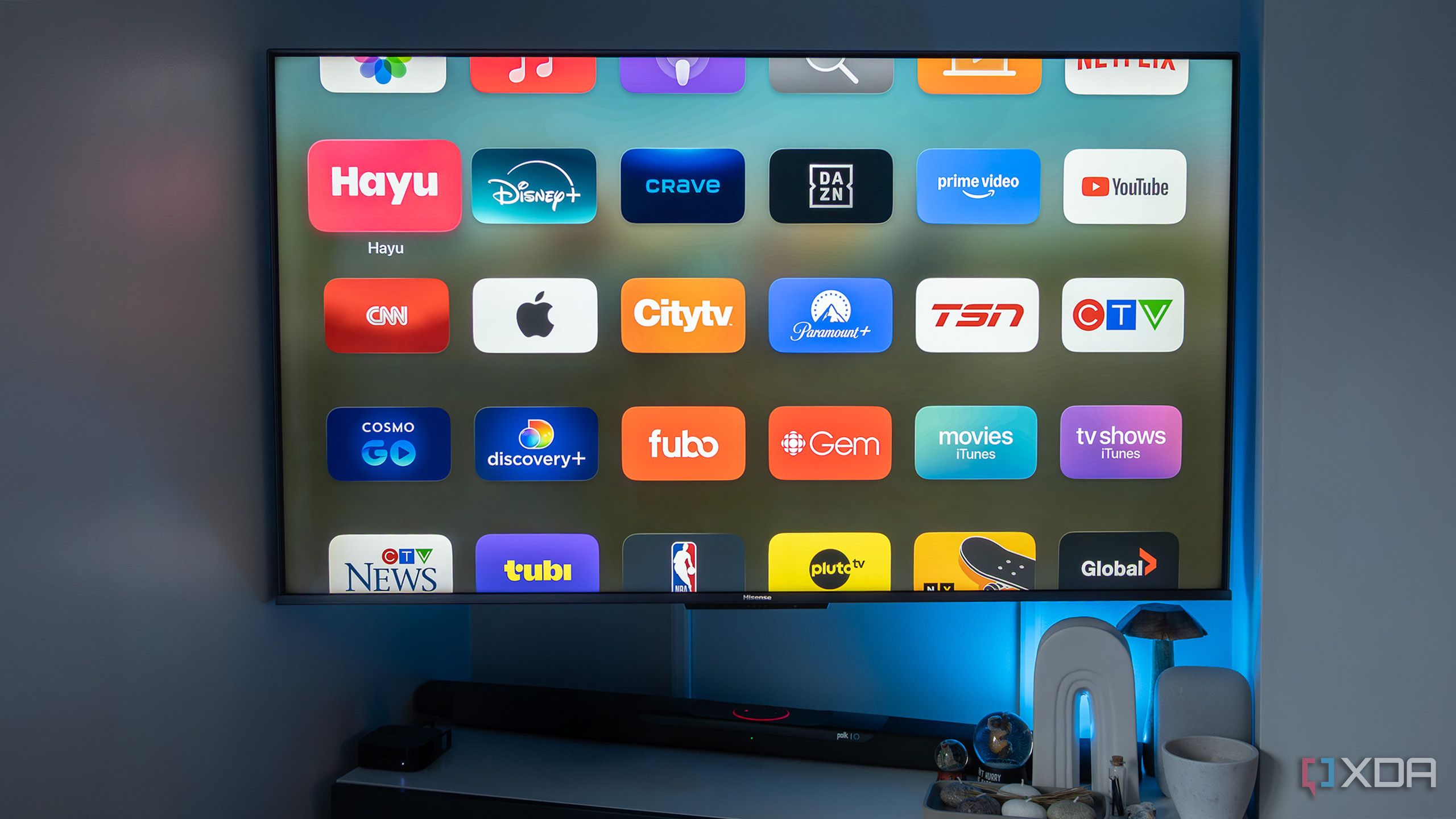
I immediately shifted from cable TV to streaming as soon as I got the chance. It was advertised as the cheaper alternative to cable, and individually, each service was. Every subscription I added made sense at the time. I worked from home, and content was a part of my daily routine. But I didn’t realize how many subscriptions I had until I actually sat down and counted them. The stack had accumulated quietly, and the total had become more expensive than cable ever was.
Anthropic fixed the thing that was making Pro unreliable
Show full content
Subscriptions and I don't really mix, I'd rather push a free trial as far as it'll go, settle for the free tier indefinitely, or just find an alternative tool altogether. Claude Pro is one of the very few I've actually stuck with, and even then I've reassessed whether the subscription is worth it several times. When the news broke in April that Anthropic might be removing Claude Code from the Pro plan, it didn't really affect me directly because I don't use it, but it still left a small bad taste; my plan was getting potentially clipped, and that's the kind of thing that makes you start looking at alternatives.
Because not every experience needs a keyboard or a mouse
Show full content
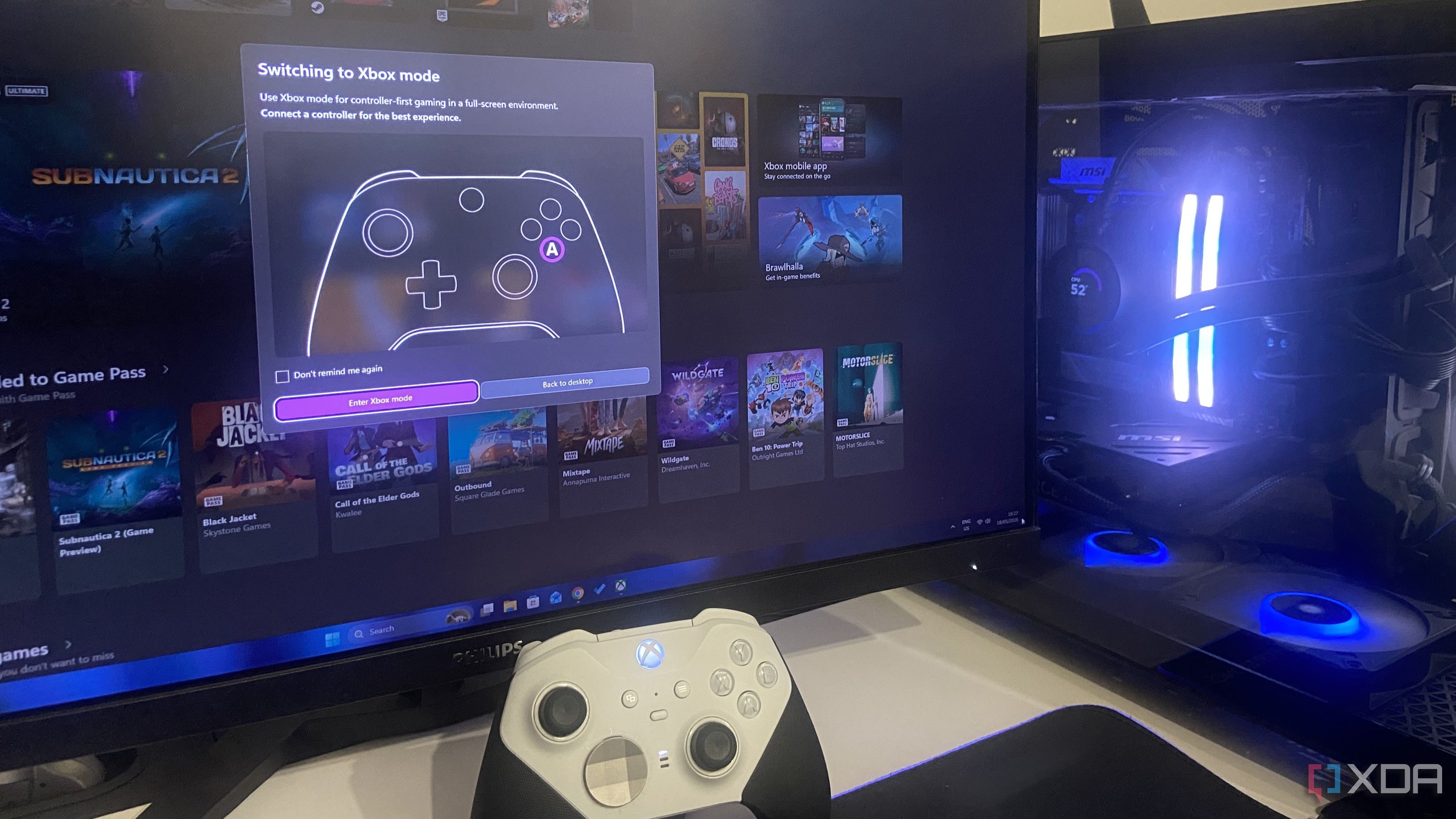
Between the modularity of the PC and the simplicity of a console, many buyers tend to prefer the latter, and it isn't all that difficult to understand why. Consoles have always offered a dedicated, curated gaming experience that the PC ecosystem, or more accurately, the Windows ecosystem has historically lacked. Booting into a game without first dealing with the OS, the launchers, the background optimization has always been a console privilege.
Your motherboard's unused headers and expansion slots can be game-changing
Show full content
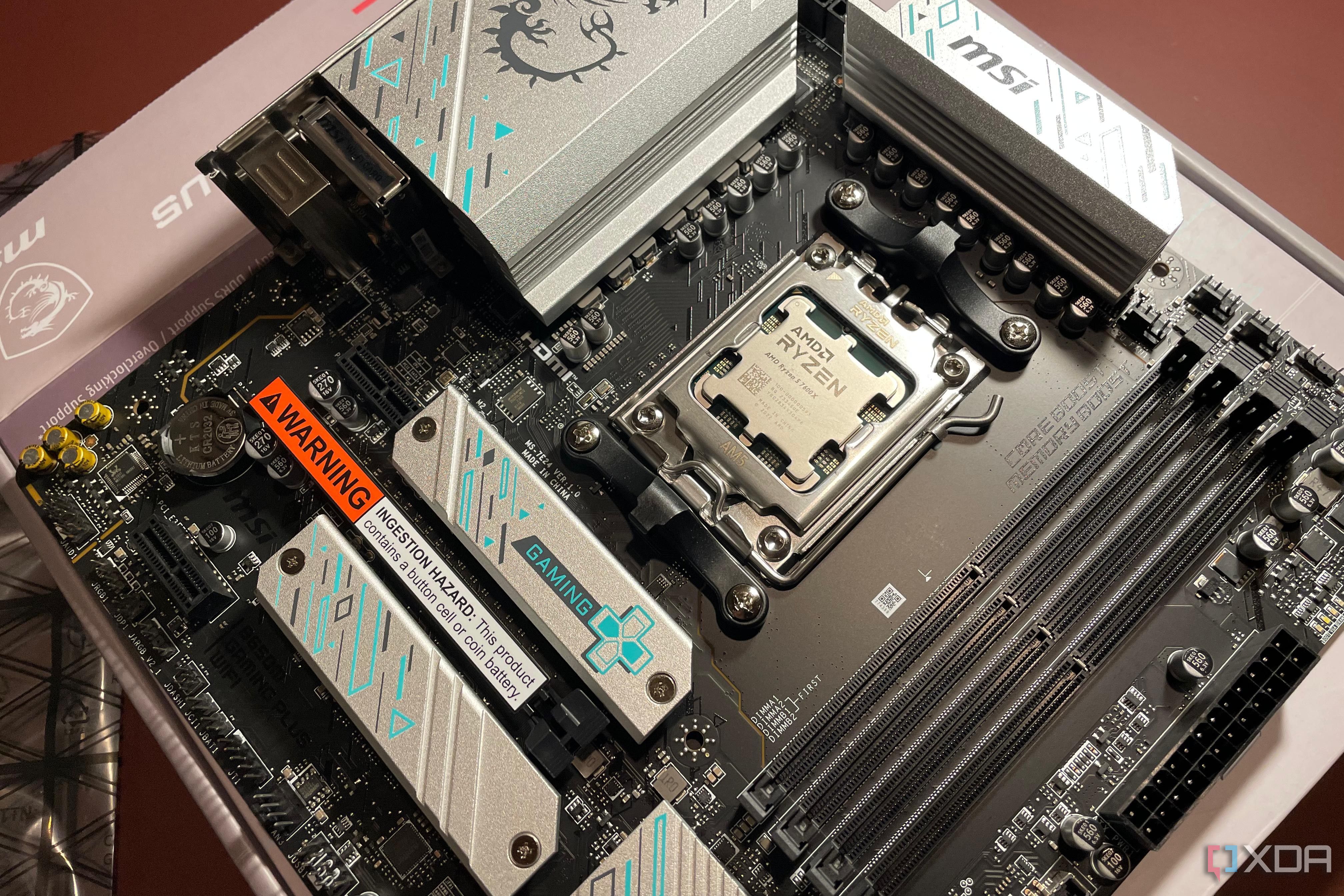
The motherboard isn't something you upgrade during the lifetime of your build. It's your PC's foundational platform, meant to enable other upgrades over the course of 5–7 years. Most PC builders might make one CPU or GPU swap, add a second SSD or more RAM, replace the CPU cooler, and call it a day. They ignore the other upgrade possibilities available on their motherboard, either because they're unaware or because they don't consider them important enough. These oft-ignored expansion slots and headers aren't really "hidden," but they can come as a surprise to most people. Once you know the power of your spare PCIe and M.2 slots, you won't look at them the same way again. You might even delay your next build and instead add missing features to your motherboard using these expansion slots.
Modern TVs are best known as smart TVs. You'd be hard-pressed to find a normal television set on display at your local appliance store. Everything has "smart" slapped onto it with impressive features on the marketing sheet. These sets all have wireless capabilities, integrated streaming, vast app collections, and an OS that can be continuously updated with improvements and new features. That all sounds well and good until you realize that smart TVs can often be underpowered.
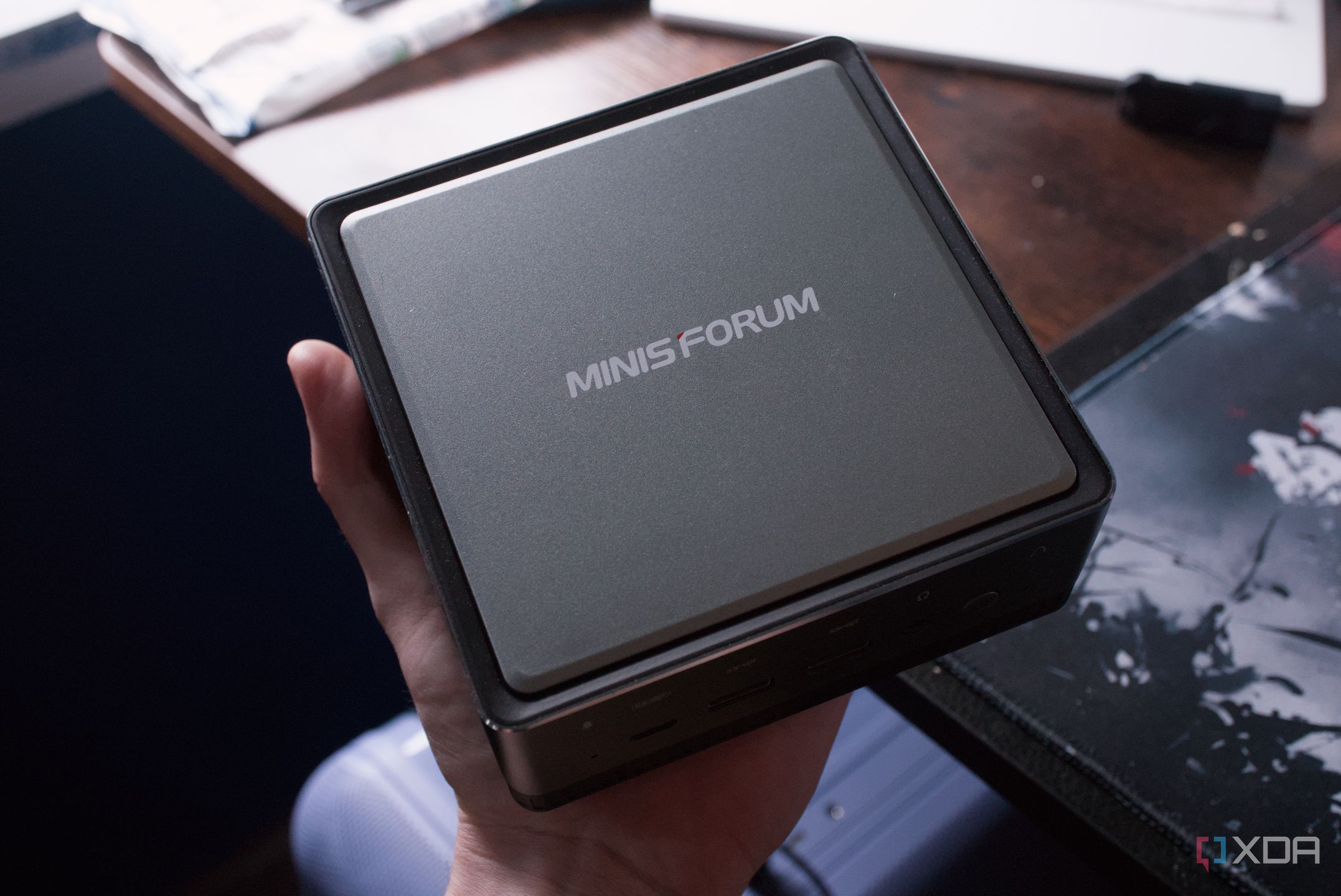
Back when I started my home lab, it consisted of a compact mini PC. It evolved over the years, taking the form of multiple used enterprise rack servers, finally ending up as a few small business desktop PCs with low-power CPUs. But it all started with a Minisforum U850 with an Intel Core i5-10210U processor, Windows 10 Pro, and 16GB of DDR4 RAM. The chip had integrated graphics powered by Intel UHD 630. In terms of specs at the time of release, this wasn't a terrible mini PC. It had some serious horsepower under the hood, especially when compared to a Raspberry Pi.
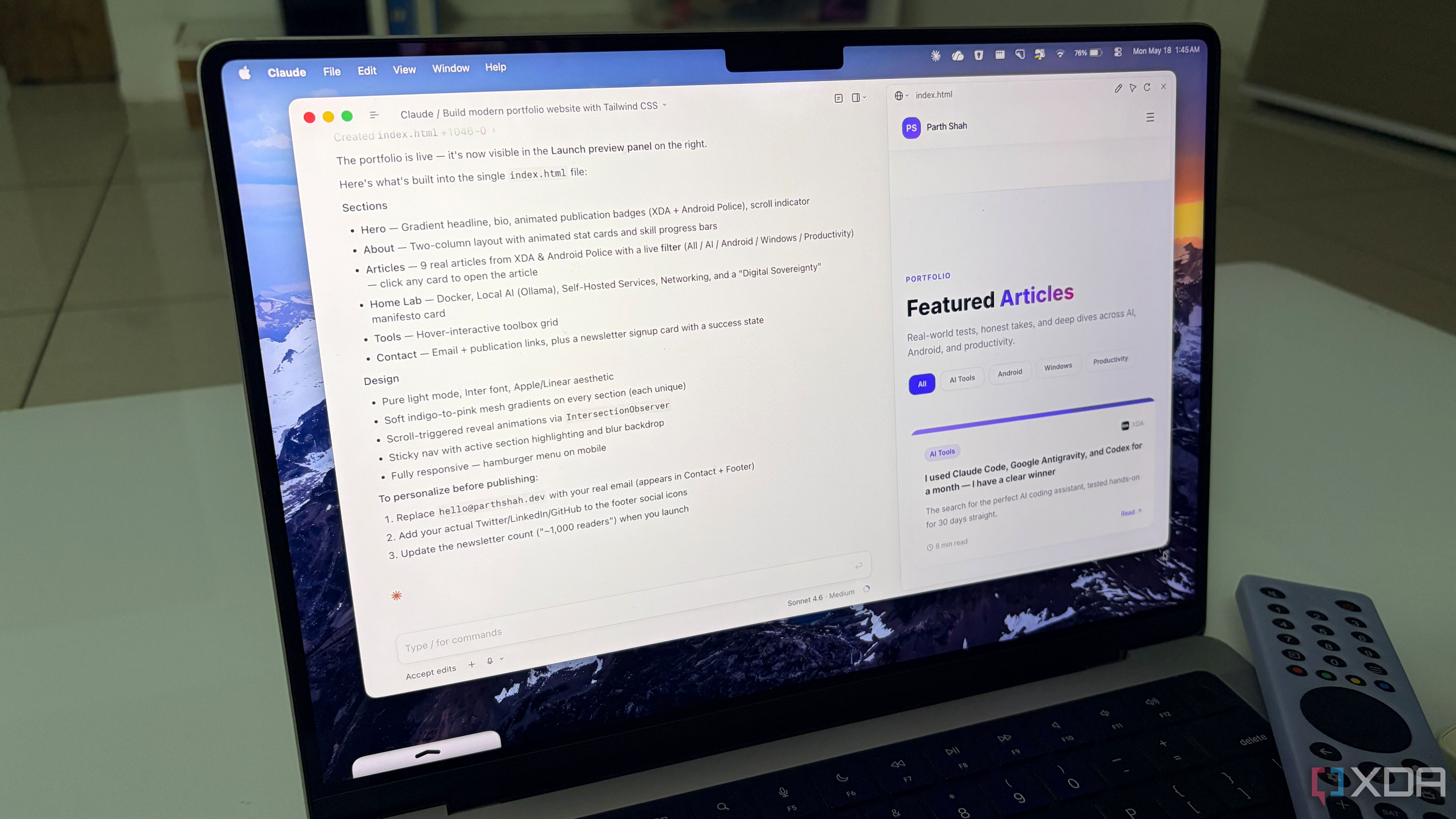
When Anthropic dropped the new Claude Code desktop app with its embedded browser preview, it felt like a massive win for solo developers. Letting Claude spin up a local development server, read the DOM, and visually verify its own UI fixes right inside the app is a productivity booster.
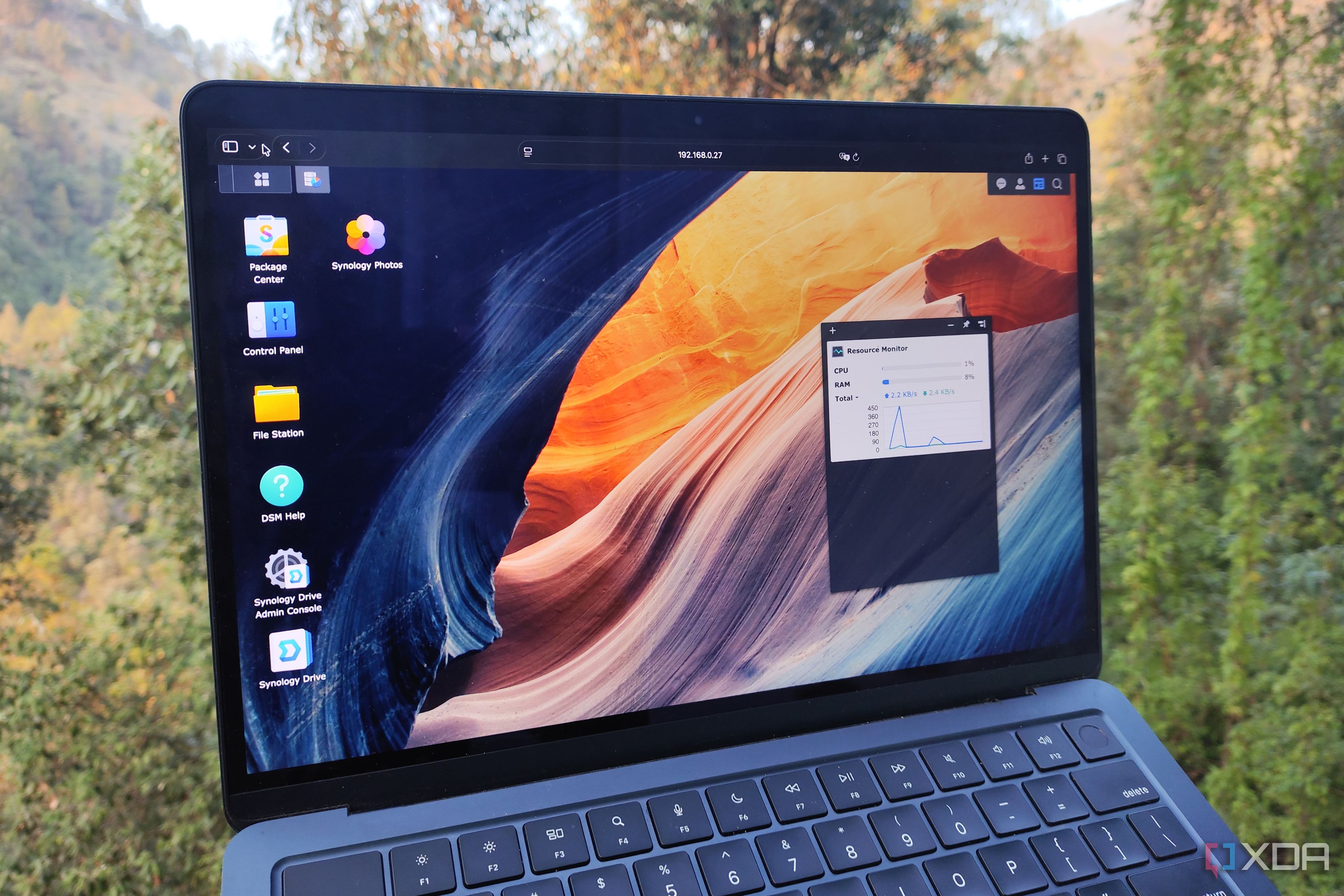
My makeshift setup does everything a real Synology does
Show full content
Synology used to be the biggest player in the Network-Attached Storage ecosystem, but it has slowly lost its footing since 2025. Removing HEVC drivers from certain NAS units massively reduced their utility for Jellyfin/Plex tasks. Couple that with the fact that rival manufacturers (heck, even makeshift SBC/mini-PC setups) tend to surpass Synology’s pre-built rigs in terms of computational and networking prowess while costing roughly the same, and you can see why folks such as myself tend to prefer other brands when picking up a new storage server.
Thanks to its innovative approach to extracting information from notes, documents, PDFs, and online sources, NotebookLM has quickly become a crucial tool in my digital life. While many users stick to the surface, I've been diving deep to discover unique strategies that have transformed how I research, write, and even brainstorm. If you're ready to unlock the hidden depths of NotebookLM and truly maximize its capabilities, you are in the right place.
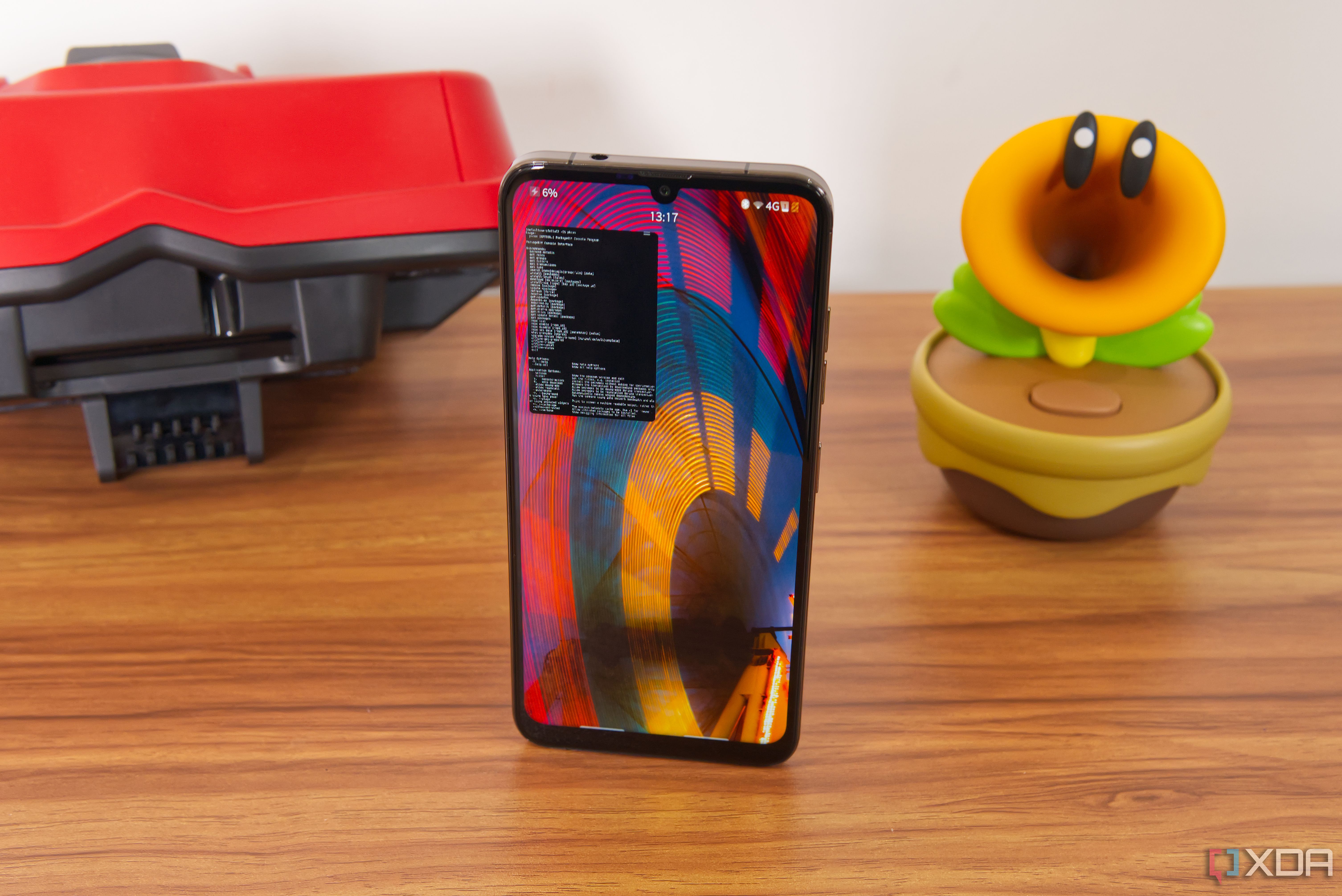
The Jolla C2 Community Phone runs Linux, but it's much better than you might expect. Plus, you can use Android apps.
Show full content
The smartphone landscape is essentially a duopoly these days, with Google's Android and Apple's iOS completely dominating the market. And while we all know that Android is a Linux-based operating system, it's quite a bit different than your typical Linux distro, and there's always been some curiosity about running Linux on a phone. Efforts like Ubuntu Touch or Fedora KDE Plasma Mobile show there's interest in this idea, but it hasn't really taken off yet.
Change is something that's always terrified me. But of course, it's inevitable and there's no running from it. While what I said certainly applies more on a personal level, it maps surprisingly well onto how I use apps daily. Once I get comfortable with the way I use a tool, I have a bad habit of refusing to question whether my way is any good.
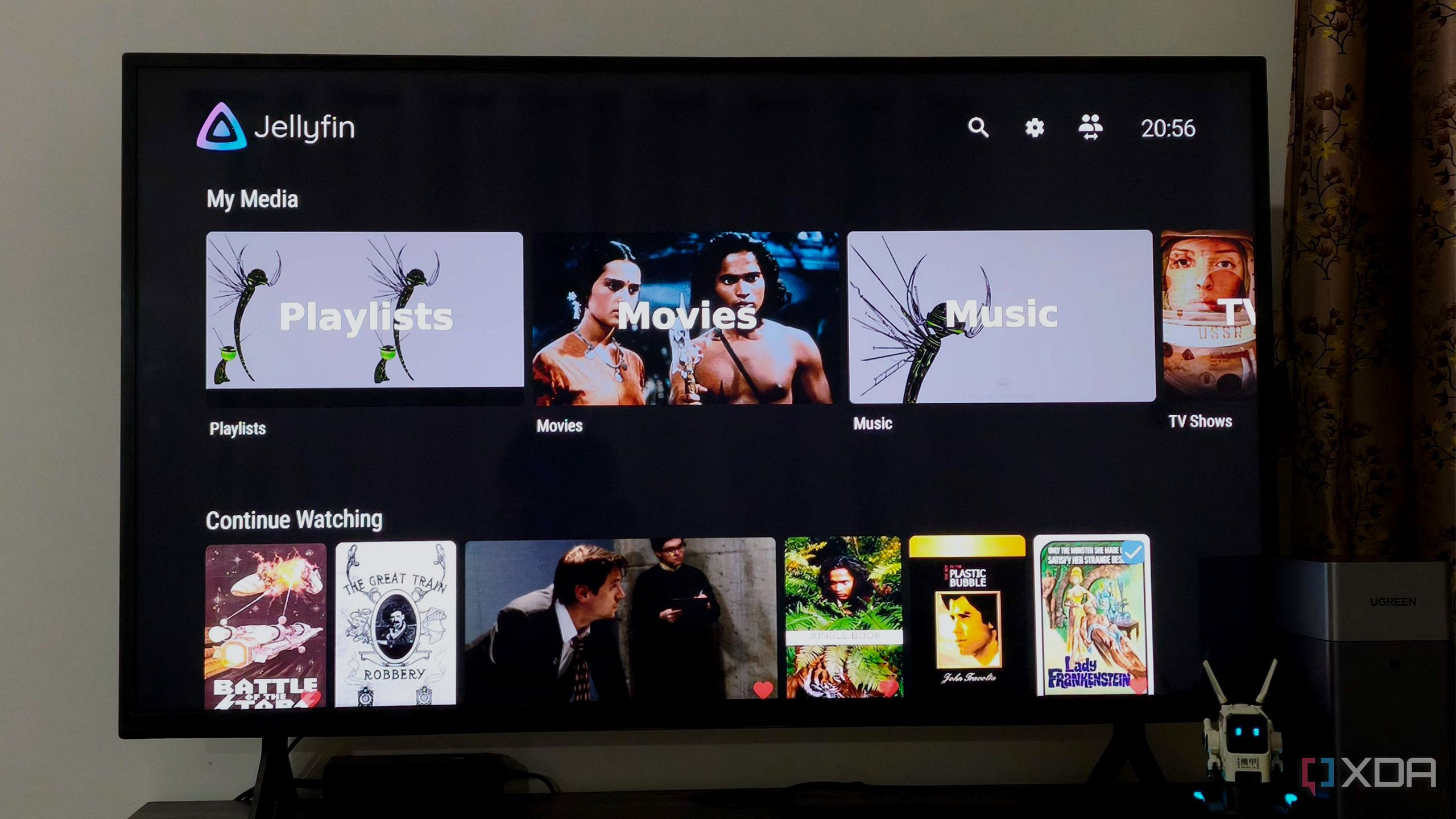
I've been self-hosting Jellyfin for some time now. I initially hosted it on my Mac, and that worked perfectly fine. I was able to watch movies, stream high-resolution and 4K content, and generally do everything I wanted without any issues. A big reason for that was the hardware itself. Macs have enough processing power to comfortably handle a Jellyfin server for personal use.
While modern TVs are engineering marvels, their out-of-the-box settings are often a massive letdown. Have you ever unboxed a brand-new panel only to find the picture looking flat, washed out, or strangely clinical? You aren’t alone.
I've never really had any particular gripes with Figma, it's probably the best design tool on the market. I have it open most days and most of my coursework and personal projects live in it. But I always go poking around for an open-source equivalent for whatever tool I'm using. There's Penpot, which is practically a mirror of Figma, it's my top open-source Figma alternative recommendation. However, it's still paywalled. I recently came across OpenPencil, which is an incredible open-source Figma alternative with a great AI-powered workflow. But the search didn't stop there…
During the release candidate cycle for Linux 7.0, Linus began noticing something weird. The number of bug reports for Linux 7.0 was more than usual, but at the same time, the bugs being found were pretty minor and not worth delaying the release. At the time, Linus suspected that the rise in reports was due to people using AI tools to scan for and identify bugs, and it turns out, he was right.
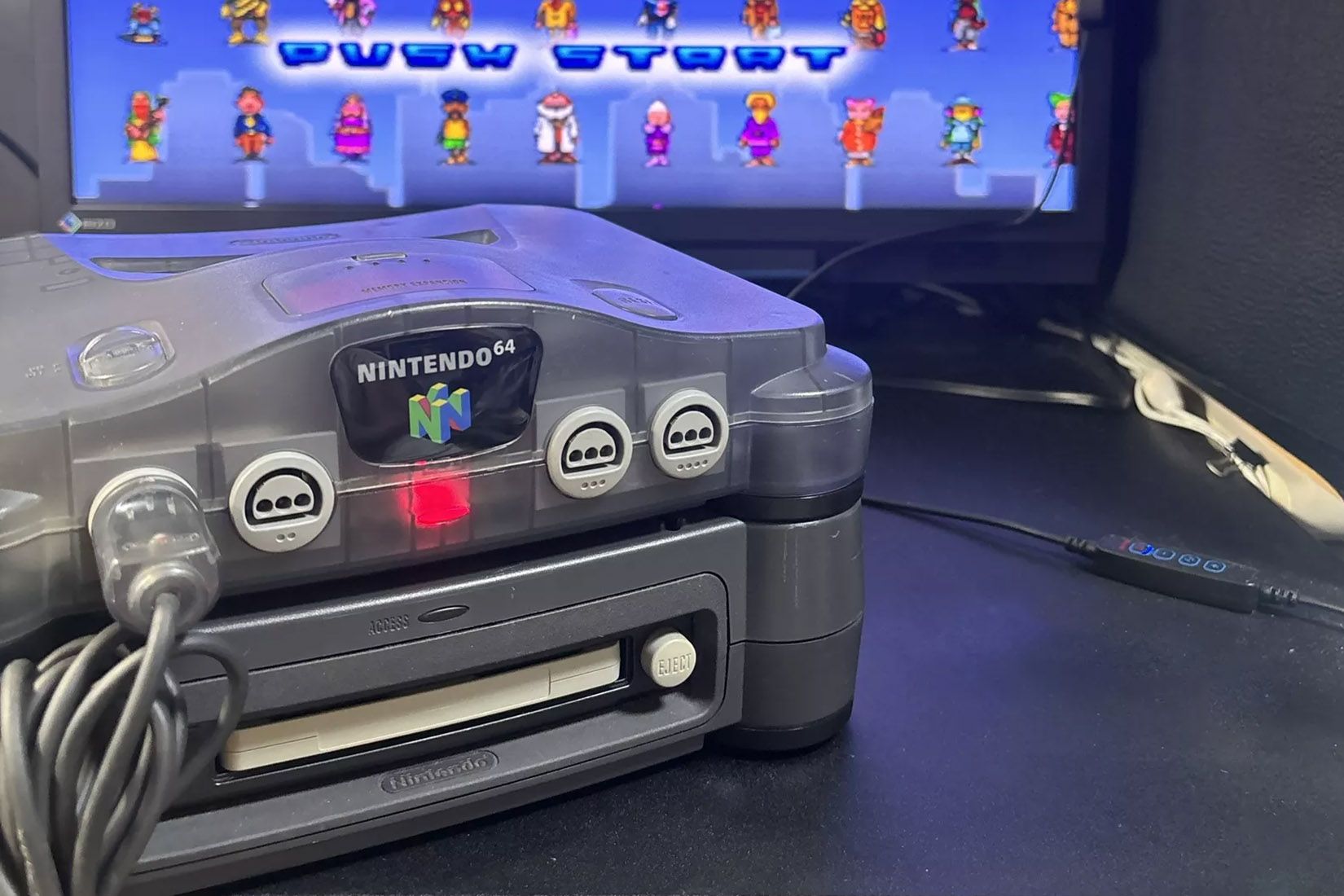
When it comes to retro gaming, nothing beats having the authentic hardware in front of you while you play your favorite games. However, sometimes you just have to play the original Super Smash Bros with your friends overseas, and having a physical N64 just won't cut it. Fortunately, emulators allow us to play these classics online with friends, as if we were huddled around an actual console, albeit with a bit of lag.
The community is rekindling what Amazon wants to extinguish.
Show full content
If the Windows 10 to 11 fiasco taught me anything, it's that people are more than happy to hold onto old hardware if it still works perfectly okay. And who can blame them? People are often sold devices on their merits, only to be told years later that those same boons are now old and outdated, and they should really just throw out what they have and buy the next best thing.
I've wanted this almost all my life and it didn't scratch the itch
Show full content
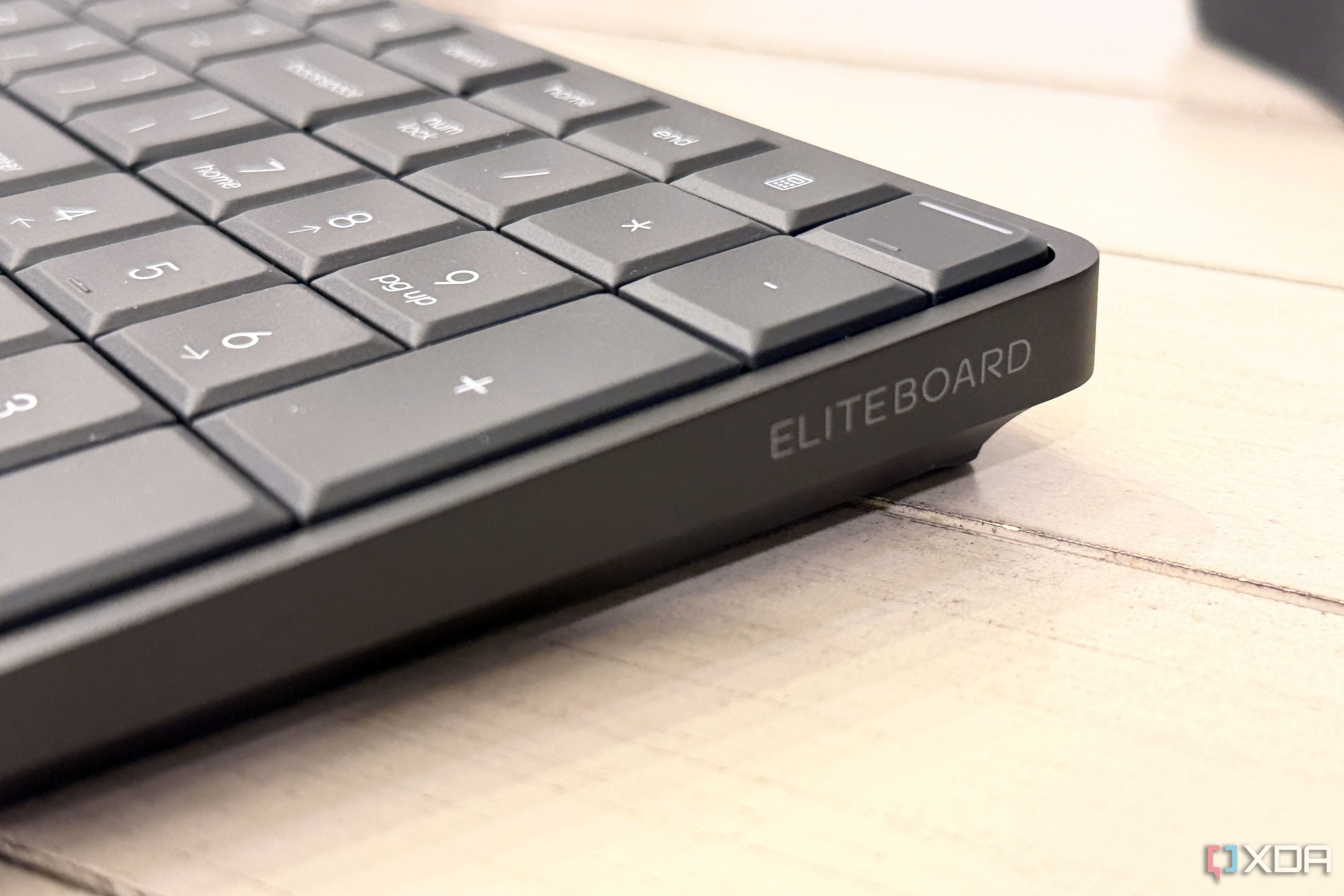
I have a lot of devices on my desk, but it's not often I get something in a new format. It's even less often that I get something that I've daydreamed about owning for most of my life, but that's what is here with the HP EliteBoard G1a. It's a mini PC stuffed inside a slimline keyboard, and it's every bit as fun as it sounds. It's essentially an HP EliteBook G1a but without the screen or the extra weight, and I'm here for that.
Say what you will about ChromeBooks, but it’s hard to deny the utility of lightweight laptops that support most productivity tasks and integrate seamlessly with cloud-based apps – all while significantly less than conventional Windows machines. But as a staunch member of the home lab faction, I’m not very fond of relying on third-party servers for my everyday tasks. With Google doubling down on Gemini-powered services for the upcoming Googlebook, I’m a bit on the fence about clanker tools that not only drain my wallet, but also store data on company servers.
When you see Claude Code and Codex in the same sentence, there's a good chance the article you're reading or the video you're watching is about to pit them against each other. I'm not going to pretend I haven't done that before either.
And I throw out my user manuals without second thought, now
Show full content
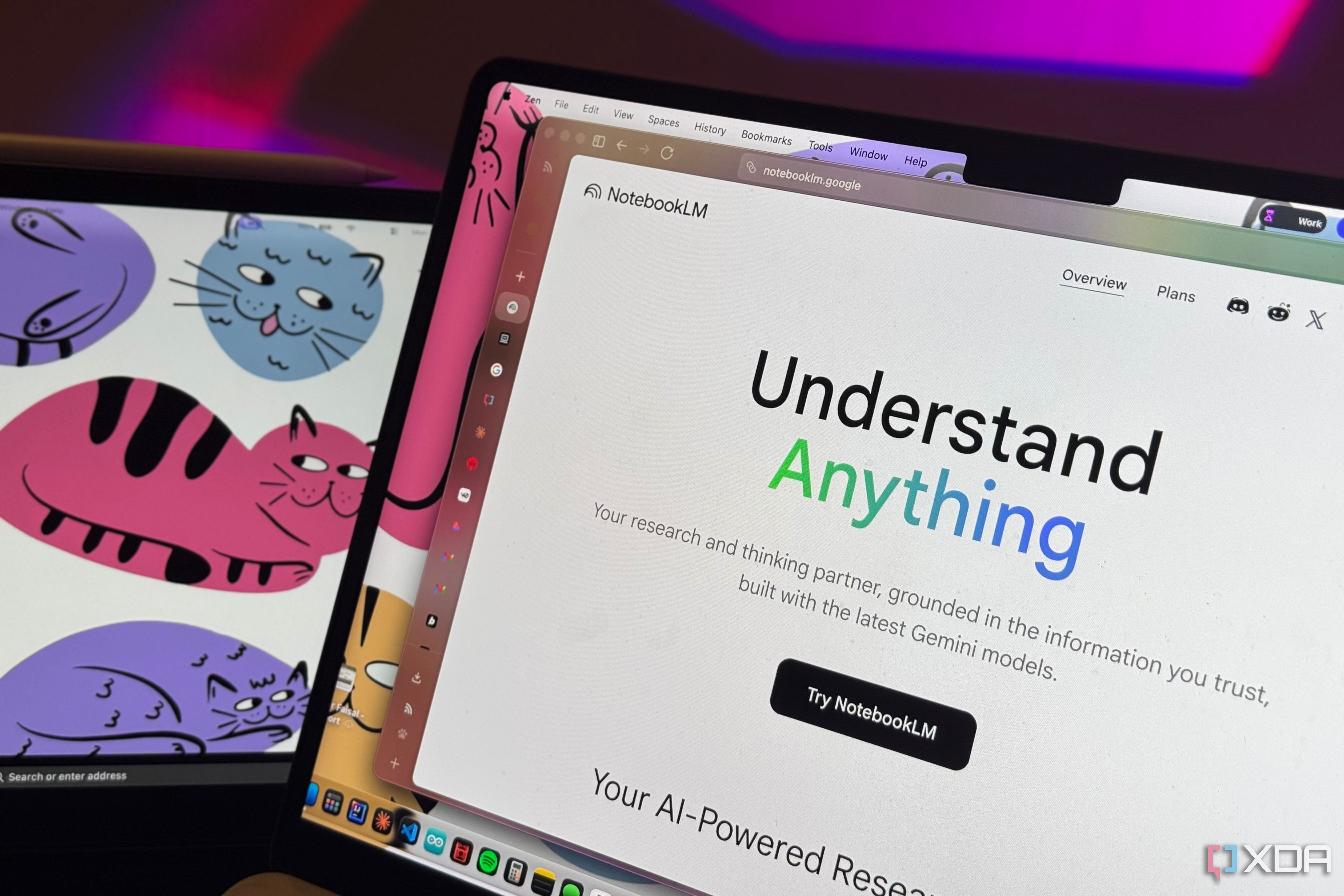
Anyone following along with the AI boom in the past couple of years has likely heard of and used Google's NotebookLM, an academically oriented research assistant grounded solely in the sources you define. It's a brilliant use of Gemini's big data handling capabilities at an individual level, especially paired with tools like Audio Overviews, Interactive Mode, and Flashcard generation.
I might be all-in on self-hosting, but I'm also a sucker for things that make my life easier while managing my servers. I always hated needing a monitor nearby, even if it was a portable one, partly because of the clutter but also because it takes up a valuable power socket.
You'll occasionally meet someone who doesn't use Spotify or Netflix (or their equivalents). Perhaps they prefer going old-school and using cable TV and DVDs, or they just don't have the time to sit through another TV show. Fair enough. But try finding someone in 2026 who doesn't use any AI tools. Note the word I used in the sentence before was use, not pay for. Unlike Netflix and Amazon Prime, which require a subscription to even access it, almost everyone is using AI in some form or the other. It's baked into your search engine, the apps you rely on daily, your photo gallery, and so on.
Capping your framerate sounds counterintuitive, but it could be exactly what your game needs
Show full content
Every PC gamer has internalized the same basic logic from the first day they learn about frames per second: more FPS means a better experience. It's the reason we obsess over benchmark numbers, chase GPU upgrades, and leave our framerates uncapped.
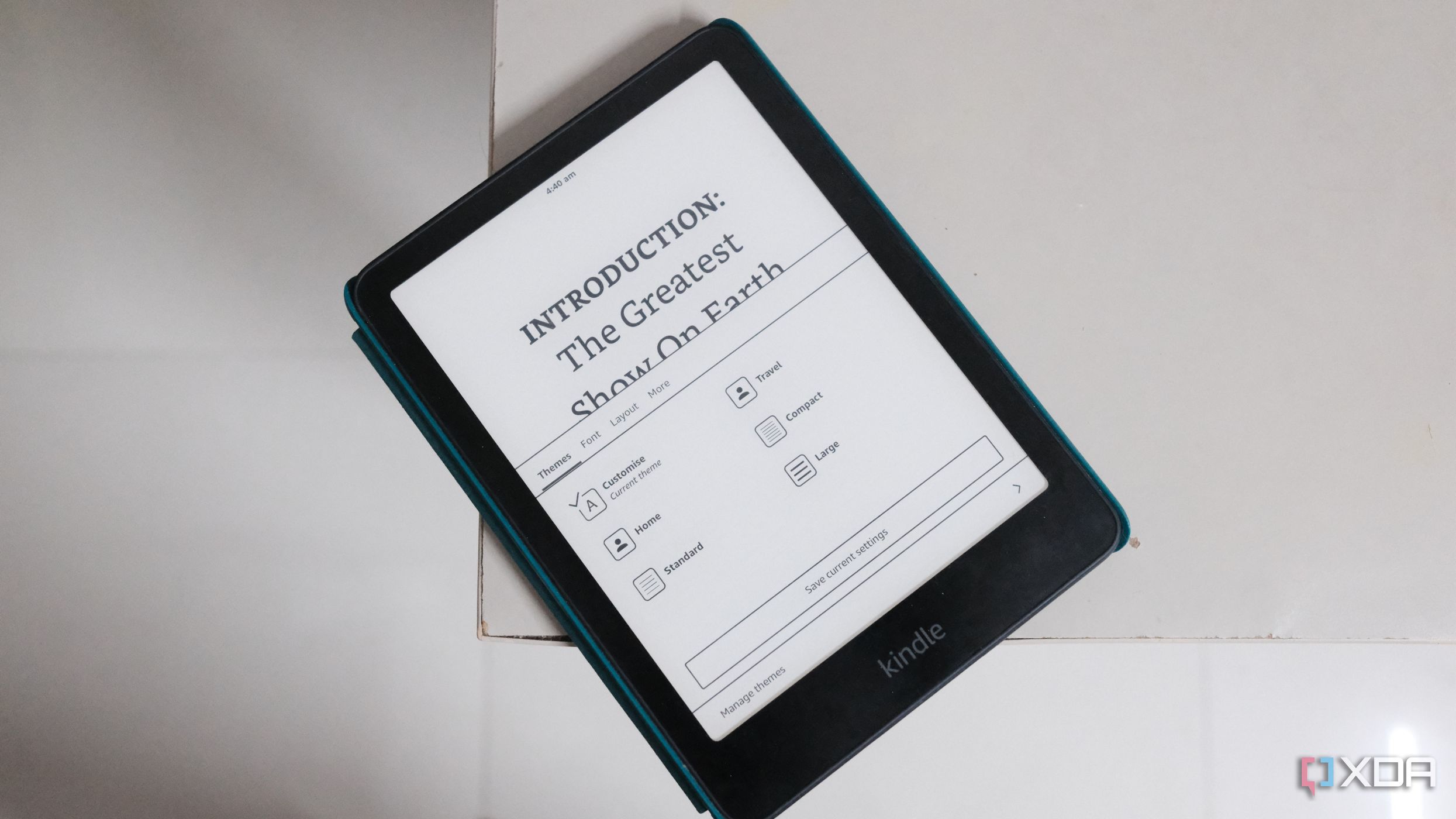
When Amazon first introduced the Kindle Scribe, it was a quantum leap for E Ink. It brought one big feature that nobody else had: a stylus to scribble annotations or notes on documents, and the ability to save them and forward them to other people. I got one early and loved it, but it didn't take long to find the limits. Most of that was down to how locked down the Kindle software is, as I could only use the stylus where Amazon wants me to, which often wasn't where I wanted to use it.
AI & Machine LearningClaudeai Artificial Intelligence
It's worth even more in the hands of a designer
Show full content
Claude Design has been out for a month now, and after finally getting my hands on it, I have no doubt that it has the potential to change the visual design environment, or at the very least, make design far simpler than it is now. Powered by Anthropic's most capable vision and reasoning model to date, the Opus 4.7, the feature is currently available in research preview for all Claude Pro, Max, Team, and Enterprise users.
Software and ServicesVisual Studio CodeProductivity
Everyone should be using this feature.
Show full content
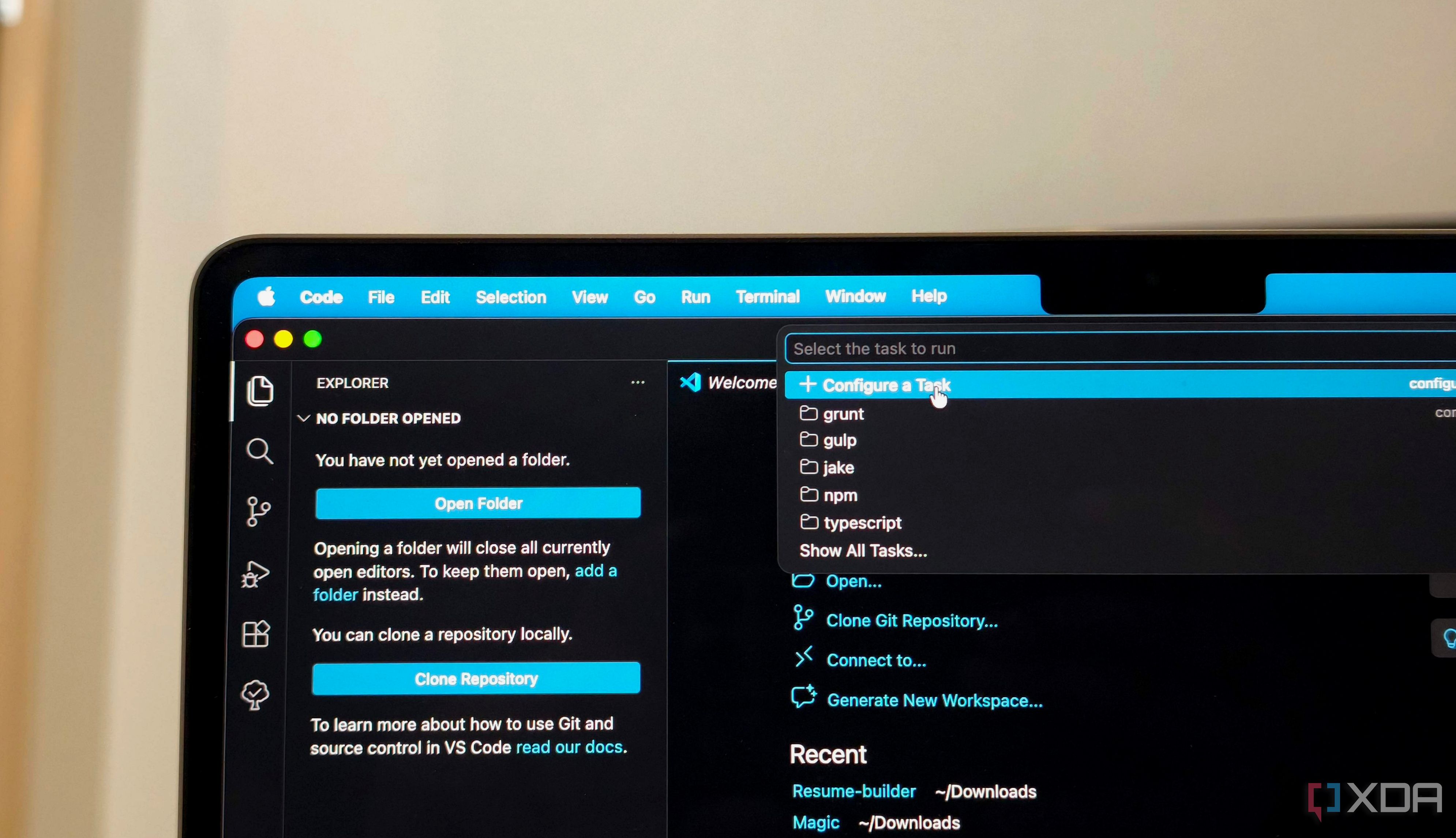
VS Code is full of features some of us never use, and one such feature I discovered very recently is the task runner. It’s one of those features that quietly changes how you work once you start using it properly. Most people open a terminal, type the same commands every day, rerun scripts manually, switch between windows, and waste time on repetitive setup. Task runner automates all of that directly inside VS Code.
Ever since AMD launched the 7950X3D, enthusiasts have been asking for a flagship CPU with 3D V-Cache on both CCDs. From a technical standpoint, this meant not letting Windows and AMD's scheduler decide which CCD should handle your games. Even though the 7950X3D and the 9950X3D had no trouble splitting workloads, core parking played a vital role in how they behaved compared to single-CCD X3D chips like the 7800X3D and 9800X3D.
The idea of local LLMs is fascinating. You can run an AI model on your laptop or your own server and get effectively unlimited access without worrying about usage limits, but that idea starts to break down once you actually try using one.
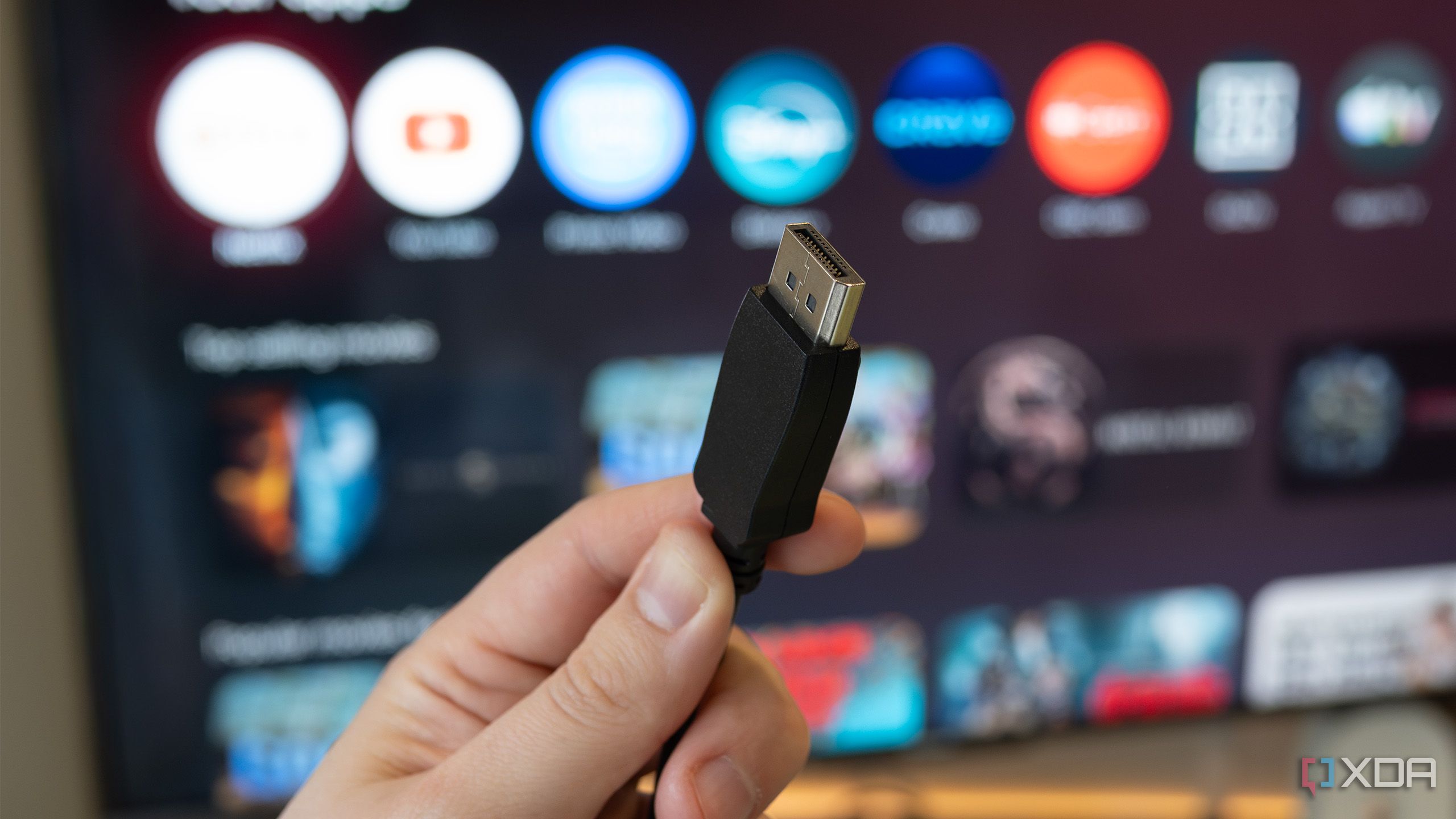
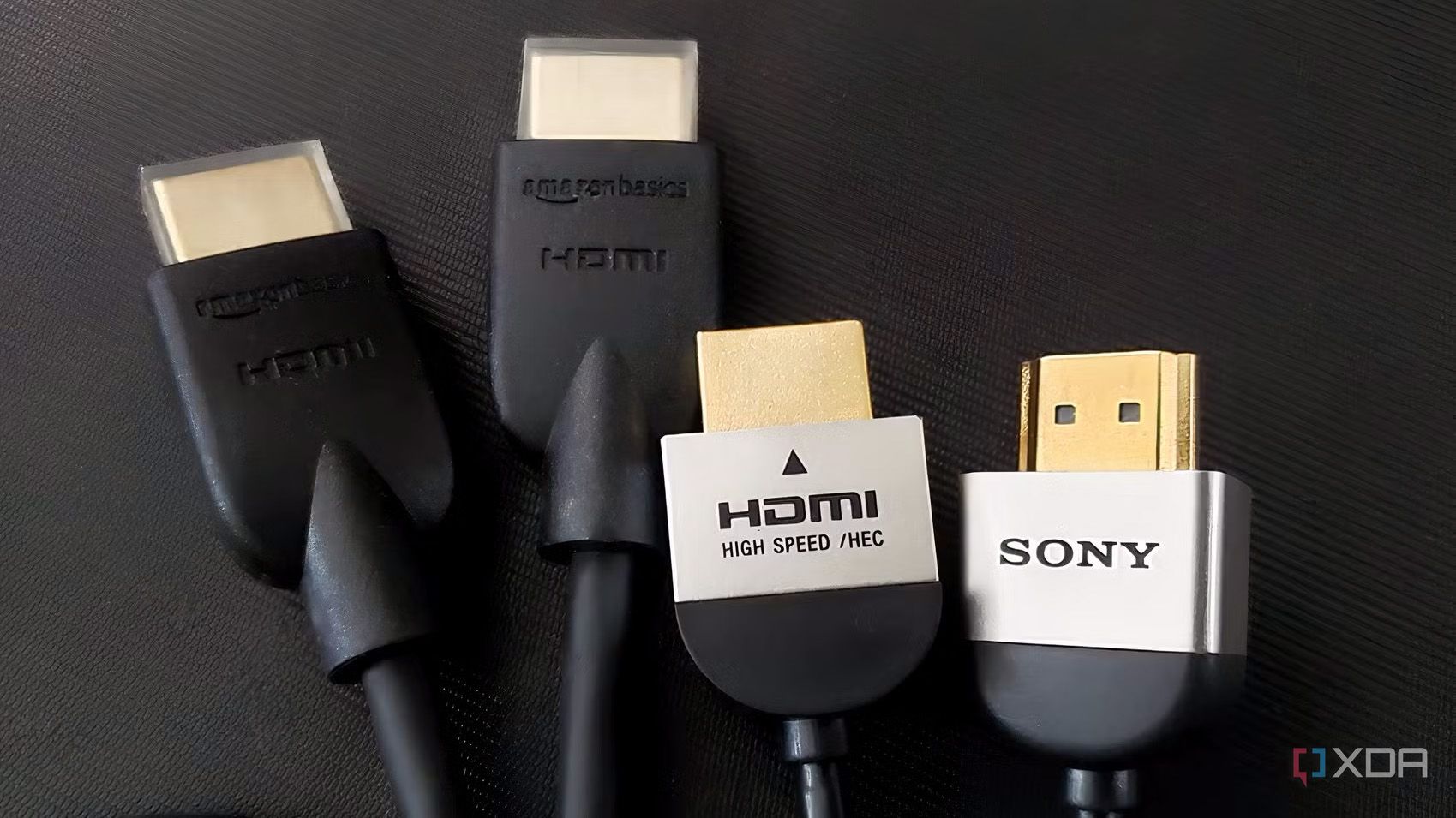
For years, I treated HDMI accessories as simple cables that only existed to connect one device to another. As long as I had a working HDMI port and a decent cable, I never thought much about the ecosystem surrounding them. That mindset started changing once I began upgrading my gaming and work setup with multiple monitors, streaming devices, gaming consoles, and newer gadgets that all needed to work together seamlessly.
One day it's for Meshtastic, the next it's an ESP32-powered display.
Show full content
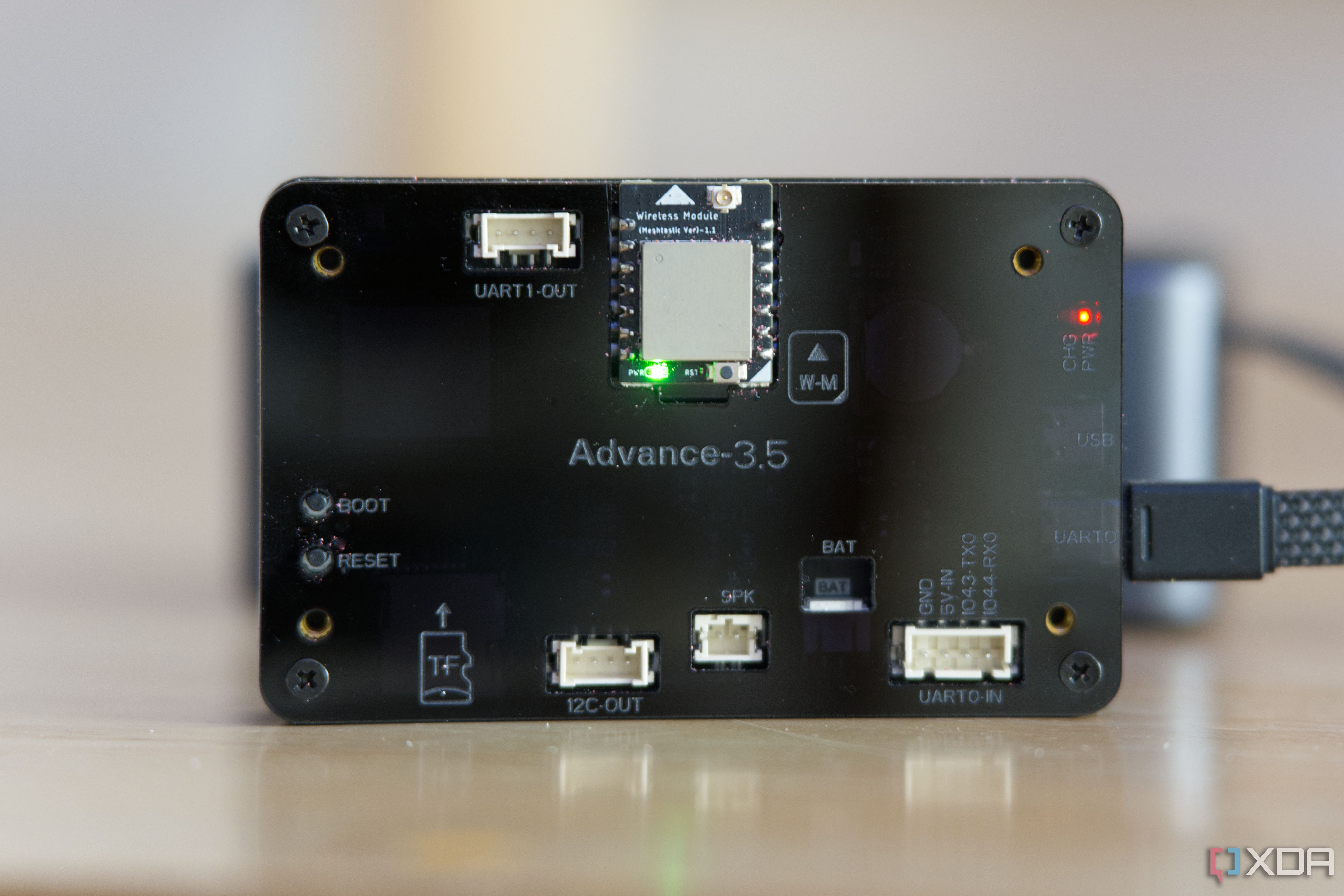
The ThinkNode M5 got me into Meshtastic, and after carrying one around for a few weeks I started looking at what else could plug into the same network. Most of the answers point you at more dedicated nodes, which makes sense, but it also means committing to another single-purpose device sitting on a shelf if the mesh in your area never quite materializes. Elecrow sent me the CrowPanel Advance for Meshtastic for review recently, and that's exactly why it clicked: it's a Meshtastic node that doesn't have to stay a Meshtastic node.
I spent years dreaming about "gaming" peripherals before realizing better
Show full content
The older I get, the more I realize that gaming has become one of the most powerful marketing terms in tech. Slap a few RGB strips onto something, add a black-and-red color scheme, throw in words like "pro" or "esports-ready," and suddenly people become willing to spend absurd amounts of money chasing an experience that often doesn't meaningfully improve their games at all. In fact, sometimes, it actually makes things worse.
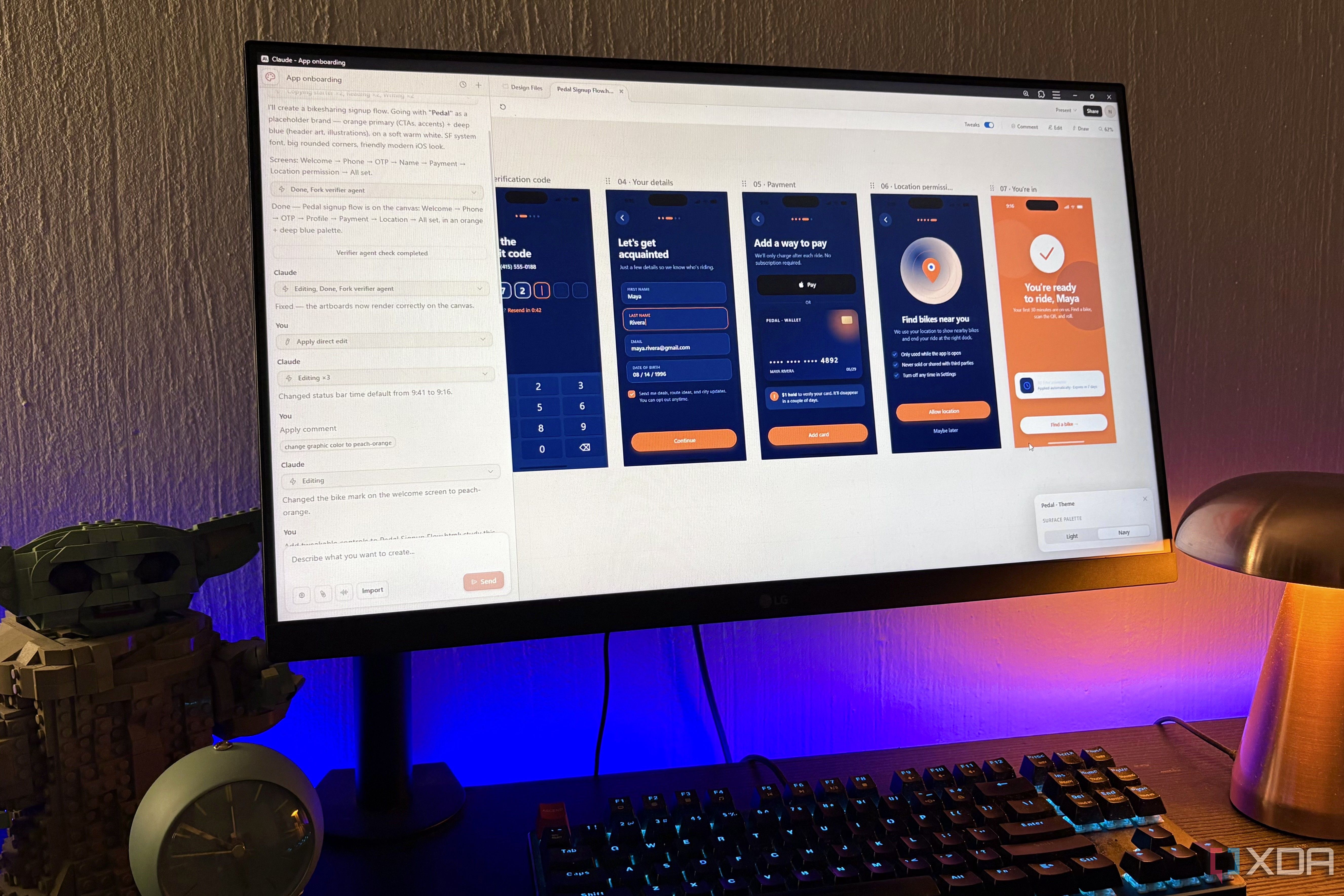
Like many of us these days, I often have Claude Code running on some task or another while I'm doing other things. It's not quite my whole workflow (yet), but I'm enjoying seeing what it can do and vibe coding a few little bits and pieces that I haven't found another program to do. Claude Design is my fav new thing, because my design skills are non-existent, even if I can describe what I want fairly well.
As much as I adore self-hosted services, I still have to use cloud platforms for mission-critical services. For example, I don't plan to run Email servers locally anytime soon, as their overly complicated setup process and constant maintenance issues make them worse than cloud-based email providers.
Looking for some trustworthy free apps? We've got you covered
Show full content
The world of tech is often dominated by huge corporations constantly finding new ways to monetize their users, whether it's by directly charging users or by collecting and potentially selling their data. But in the midst of all that, there are a ton of fully free, open-source apps that can help you in your everyday life without those downsides. And there's a very good chance you've never heard of them.
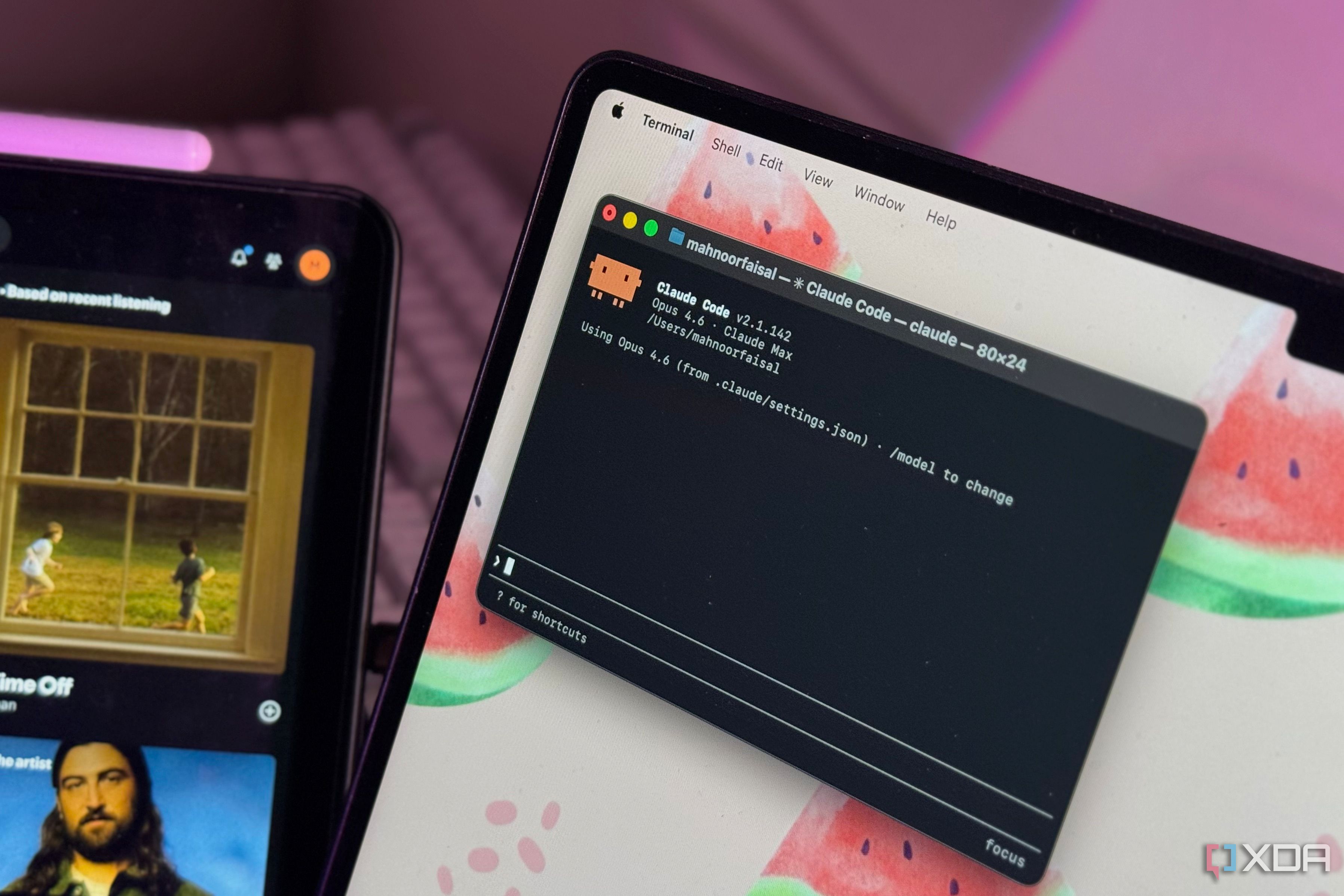
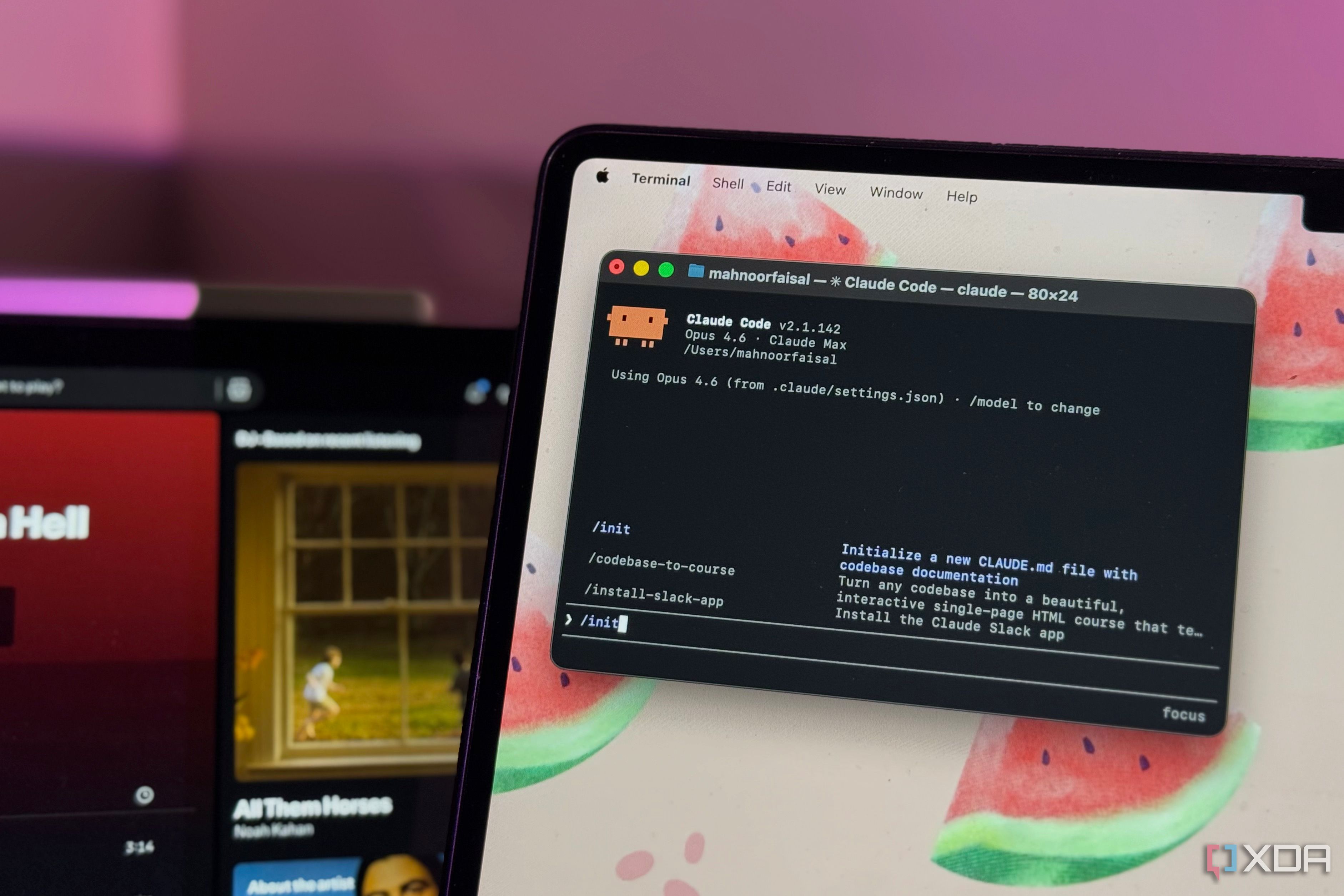
When Anthropic dropped Claude Code, the tech world collectively lost its mind. Developers rushed to the terminal and treated the new command-line agent like the second coming of productivity. But as a tech writer who tests these platforms daily, I will let you in on a secret: I didn’t keep my $20 Pro subscription active for the developer hype.
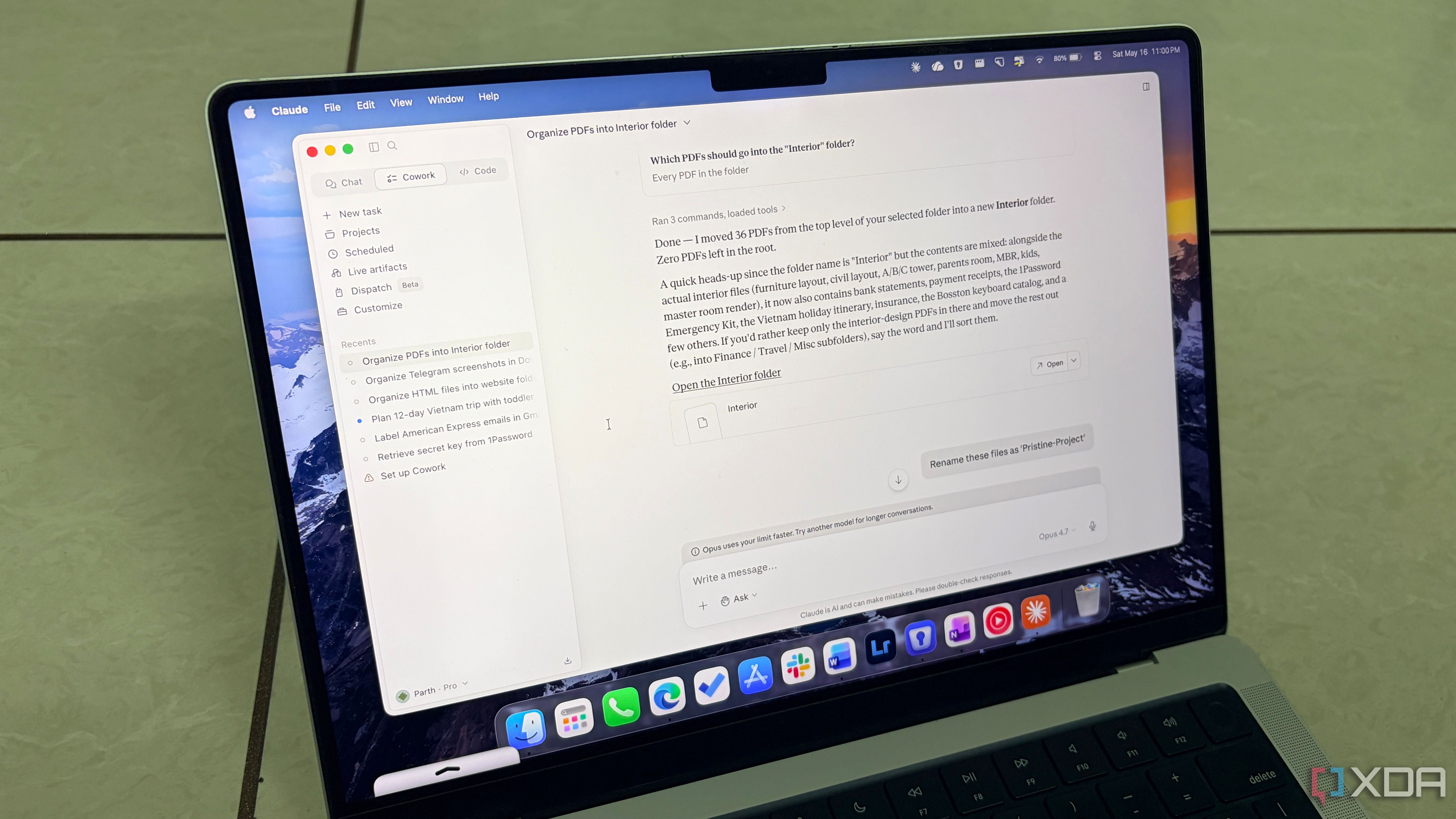
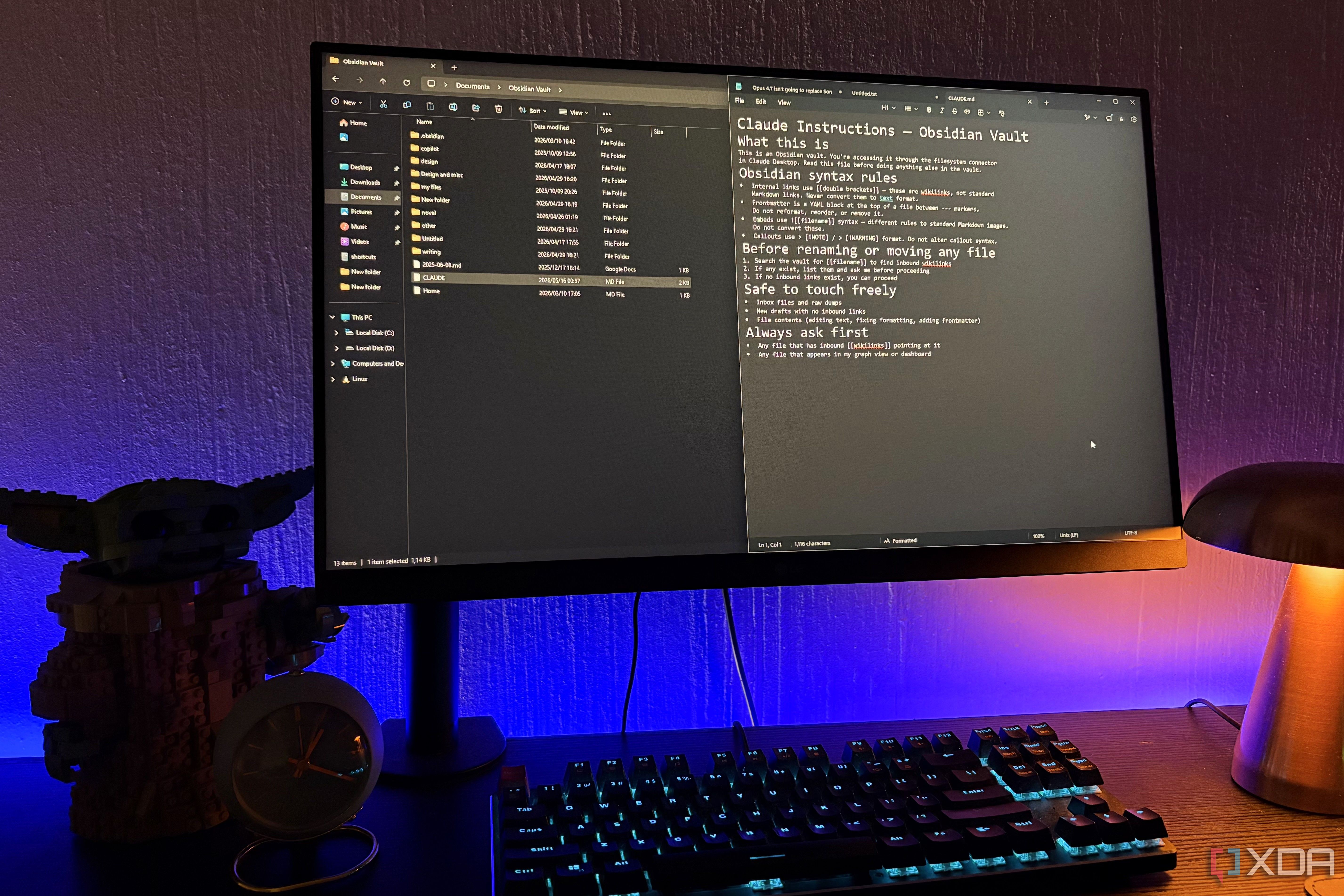
Claude has been open on my screen pretty much all day for a while now. I've got it hooked up to Figma, Canva, and Affinity, I use it for research and design, and a few weeks ago I connected it to my Obsidian vault through the filesystem connector - which turned out to be way simpler than I'd assumed. No MCP setup needed, just point it at the vault folder path. Claude could now browse my notes, sort files into folders, and clean things up on request, all from within the chat space.
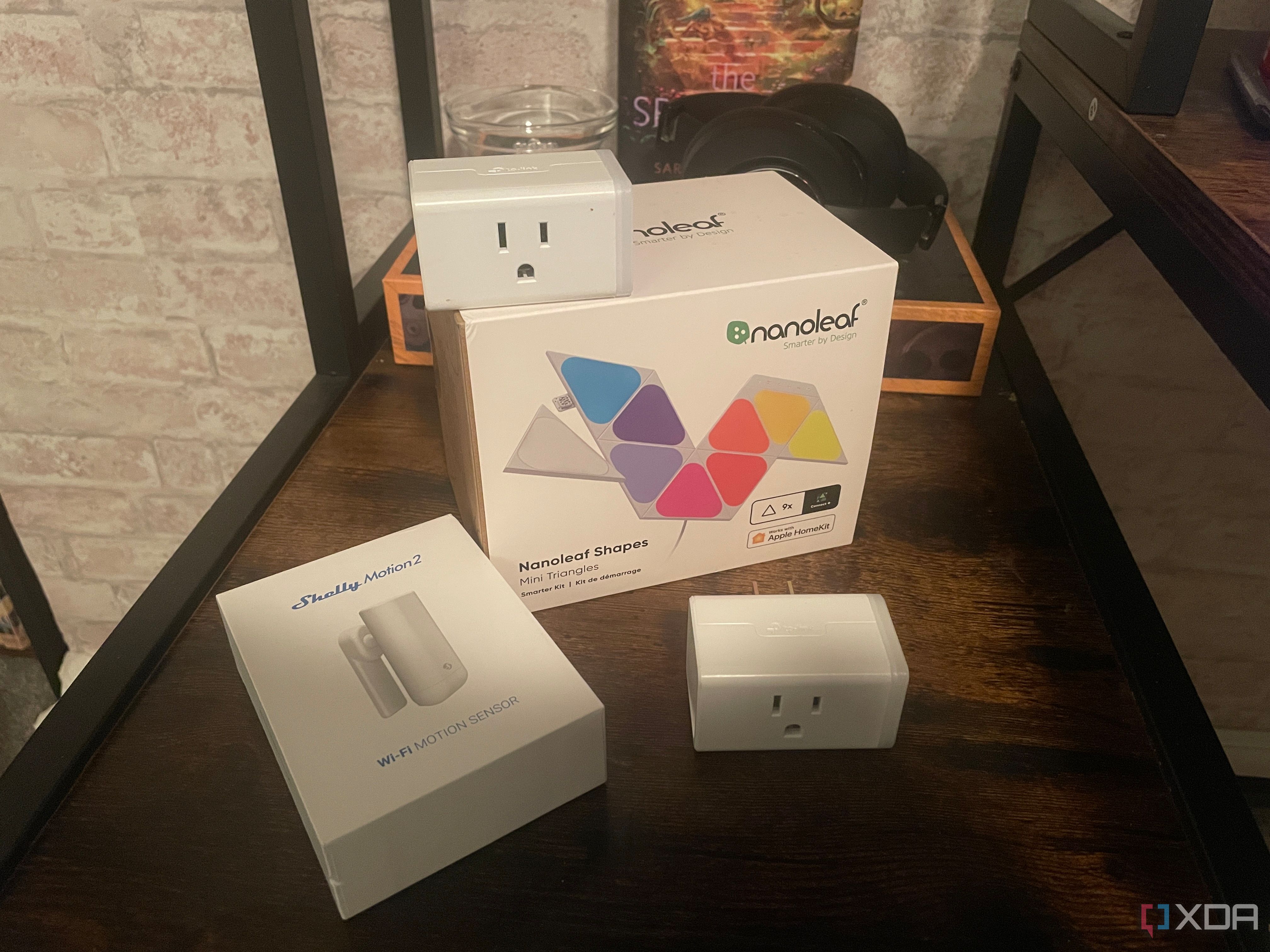
It finally happens: a smart plug goes offline, and you're not sure which one. You open your router dashboard and you're greeted by a list of devices with names like "ESP_88bc," "Android_4f91," and three separate entries that just say "Amazon Echo." You know one of those plugs controls the lamp in the office, but which IP address belongs to which physical device is anybody's guess. What should take two minutes turns into twenty, and you haven't even touched a cable yet. Your gear can be the smartest, your setup can be the sickest, but it's only as organized as you make it. Taking the time to label things both physically and digitally saves so much grief later on, and it should be the first thing you do when you first set up your smart home.
Some home lab services seem safe to ignore, but DNS, backups, monitoring, and proxies need regular attention to stay reliable.
Show full content
Some home lab services earn a dangerous reputation for being simple. You install them, point them at the right devices, confirm the dashboard loads, and then mentally file them under “handled.” That sounds comforting, especially when your home lab already has enough blinking lights, dashboards, containers, and mystery alerts demanding attention. The problem is that the services most often described as “set and forget” are usually the ones quietly sitting closest to the foundation.
My local LLM journey starts with a $200 pre-owned GPU
Show full content
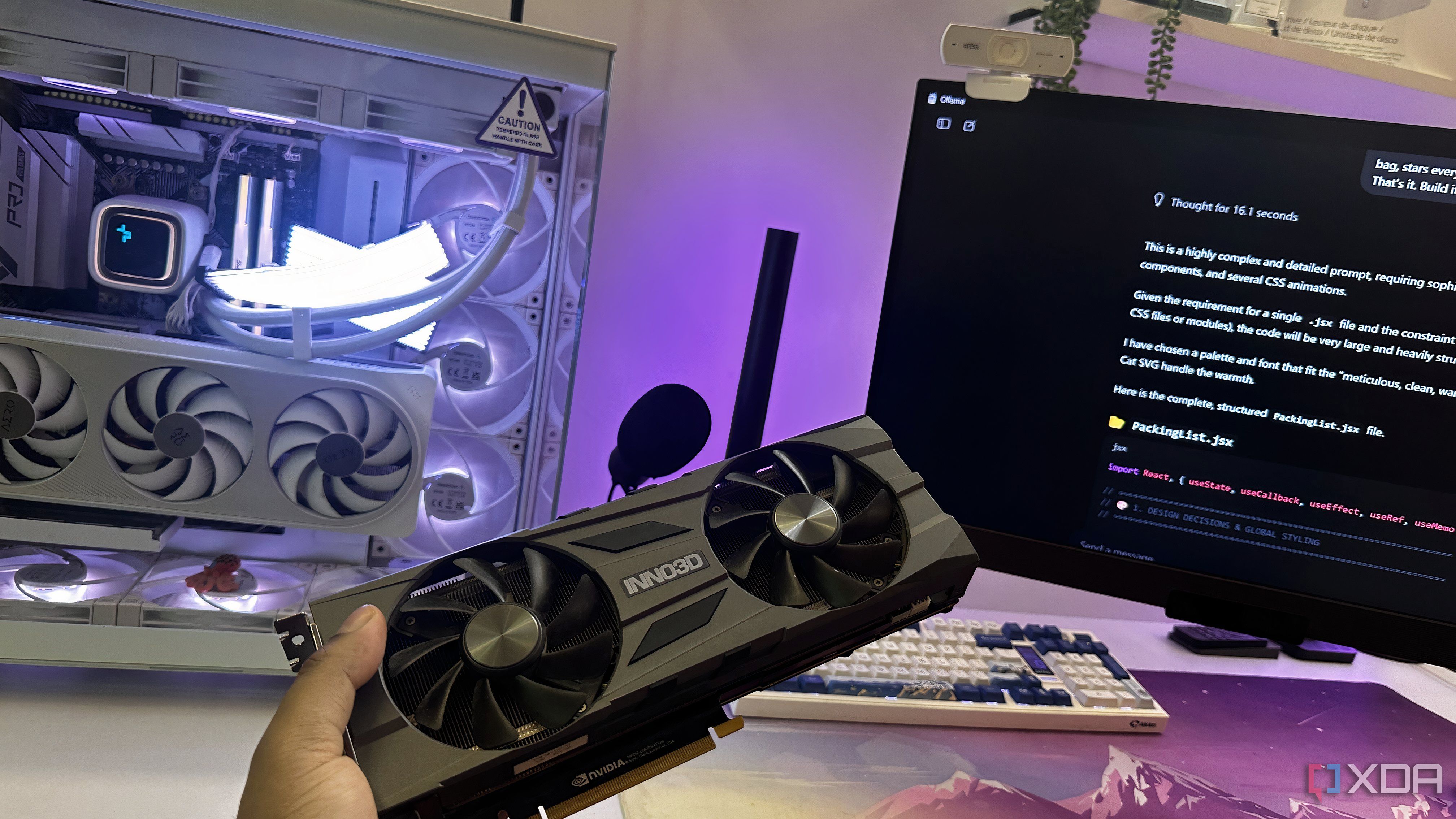
After years of using ChatGPT and Claude, I'm finally starting to dabble in local LLMs. I'm not replacing cloud AI yet, but running Qwen2.5 or Llama 3.2 on my PC comes in handy when I don't want to hit message caps or censorship walls. You might think that running an LLM locally requires significant compute, but even an old GPU can handle several smaller models. I can't expect Claude-like intelligence from my local AI setup, but it's surprisingly good for general queries, document analysis, and productivity tasks, once I have the right tweaks dialed in. I was on the lookout for a cheap card to act as my dedicated local AI GPU, and was curious how low I could go. Fortunately, even an 8GB VRAM GPU that's several generations old has enough power to host 7B–8B models. I got a pre-owned RTX 3060 12GB, and it cost me much less than upgrading my primary GPU to one of the latest high-end models.
Since it runs locally, I don't have to spend a dime on expensive cloud platforms
Show full content
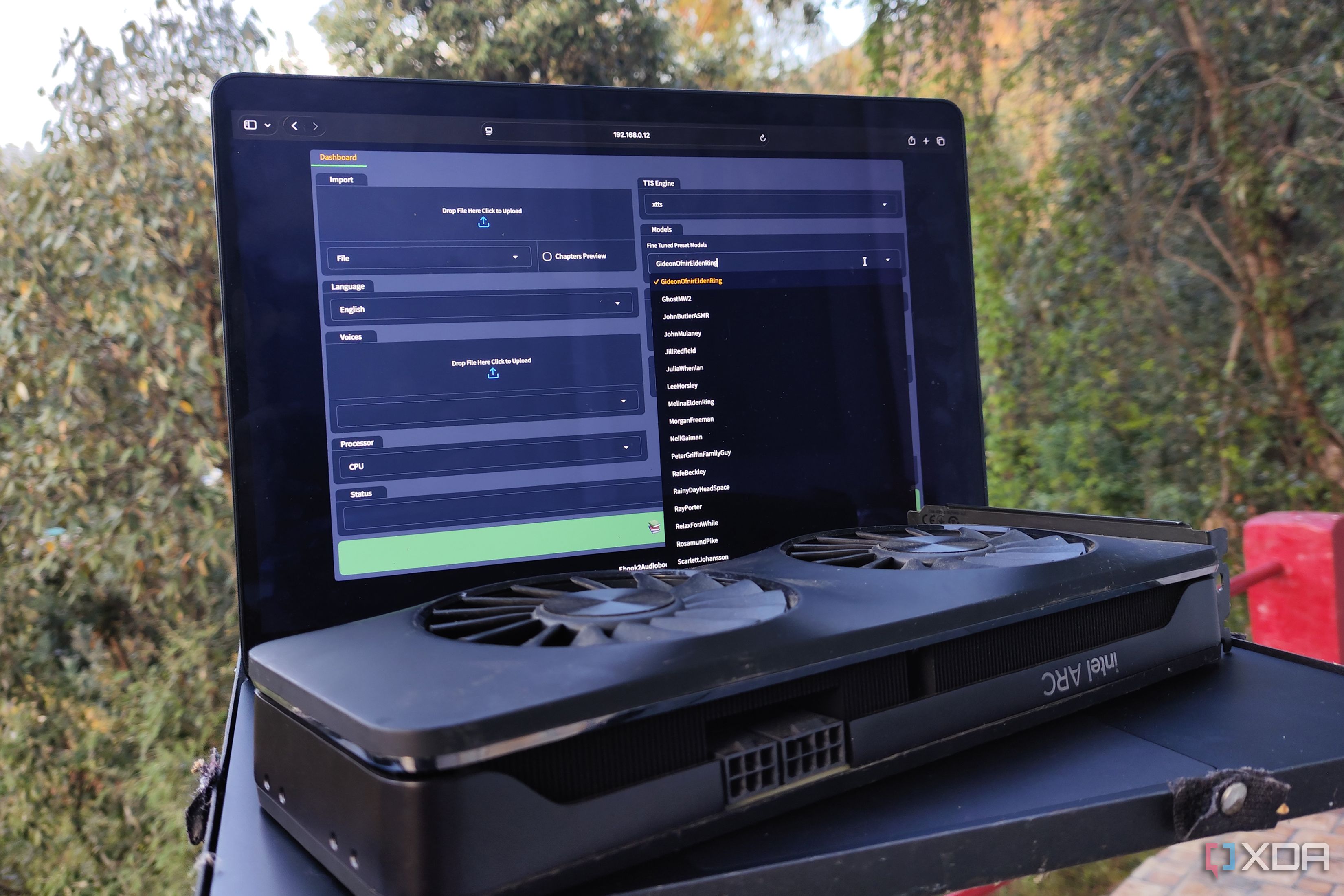
I recently started integrating local LLMs with my arsenal of free and open-source tools, and they’ve been a game-changer for my productivity needs. Whether it’s generating precise OCR scans or helping me rewrite long snippets of code in the right indentation, self-hosted models are surprisingly capable at automating everyday tasks. What’s more, the FOSS ecosystem has tons of obscure AI tools that are productivity powerhouses – provided you use them for the right tasks.
Ever since Windows 11 was released, it has had a surprisingly large number of missing features. We're not talking about minor things, either; we're talking about things people got used to over decades of Windows use, only to vanish for seemingly no reason. To make matters worse, the AI boom caused Microsoft to invest a ton of money and time into Copilot, as the core Windows 11 experience was pushed aside.
When you're busy at work and need a document ASAP, the last thing you want is a buggy, slow preview pane when you receive a file. Unfortunately, if you use Microsoft Teams to share and receive Office files, you've likely experienced this first-hand with previews that take too long to load, hog resources, or sometimes even fail to load at all. Well, here's some good news: not only does Microsoft know the problem exists, but it'll publish an update soon that should fix things.
Ever since I discovered the joy that is Rescueshark, it has become an essential part of my toolbox. My favorite use for it is putting operating systems in 'stasis,' which lets me swap between distros or go between Windows and Linux without losing any data.
I'm struggling to see how the Steam Machine could succeed as a PC or console
Show full content
Valve is known for a lot of masterstrokes in the PC gaming space. With its unrivaled storefront, iconic game franchises, SteamOS, the Steam Deck, and even the company culture, Valve is a bit of a unicorn. The upcoming Steam Machine is set to join the Steam Deck and Steam Controller in Valve's gaming hardware lineup. While Valve's past performance, both in hardware and software, has been impeccable, there's also the original "Steam Machines" blot on its report card. The new Steam Machine is a curious device, marketed not as a console but as a PC running SteamOS and powering 4K 60 FPS gaming. Its underpowered internals were already cause for alarm, but even if you assume Valve will nail the optimization, the target consumer for the Steam Machine is a bit up in the air. We know that Valve has confirmed a 2026 launch, but with worse pricing than that of consoles and hardware that can't rival budget PCs, who is the Steam Machine really for?
Borrowing a $7,000 Tesla and selling it for $1,000 changed everything
Show full content
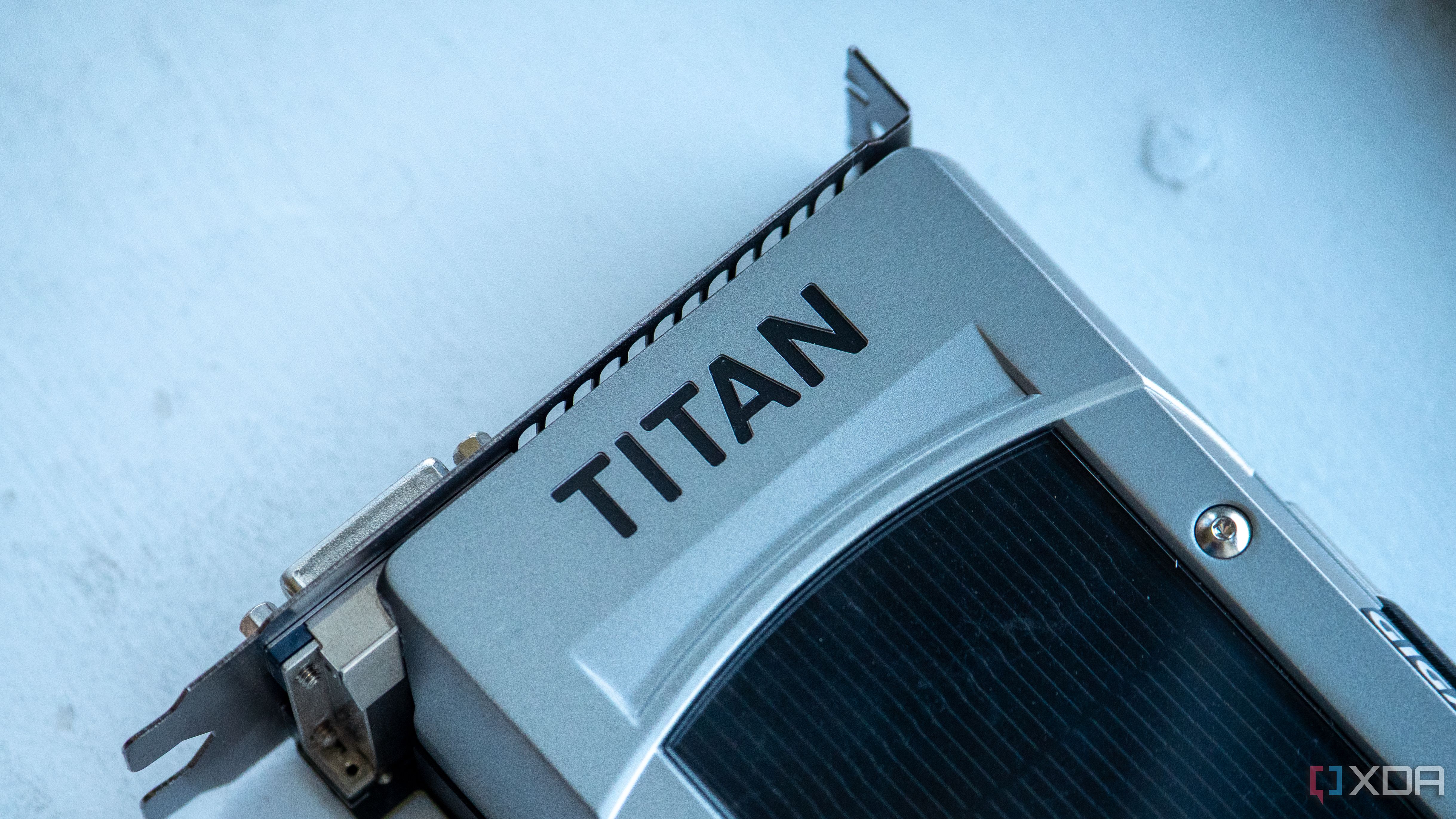
Every tech enthusiast in the world has grown up discussing the best GPUs of their time. For some, it was the GeForce 3 at the beginning of this century. The Radeon HD 5870 is spoken of with reverence, too. There's the GTX 1080 Ti, of course, but one card that's often left out of the conversation is an Nvidia GPU that truly deserves a place in the annals of gaming and tech history — the GTX Titan.
I didn't realize I was using certain apps all wrong until Claude showed me that they could do a lot more.
Show full content
Connecting Claude to my apps sounded like a lot of work with not much payoff. I’d been using Spotify, Google Calendar, and Google Drive for years without much thought. They got the job done, and that’s what mattered to me. Then I finally connected them to Claude through its MCP-powered Connectors and realized I’d been using them in the most basic way possible. I was building playlists by hand, moving my calendar events one at a time, and going through my Google Drive files until I gave up. It was only after I connected them to Claude that I realized how much I’d been doing by hand when I didn’t need to.
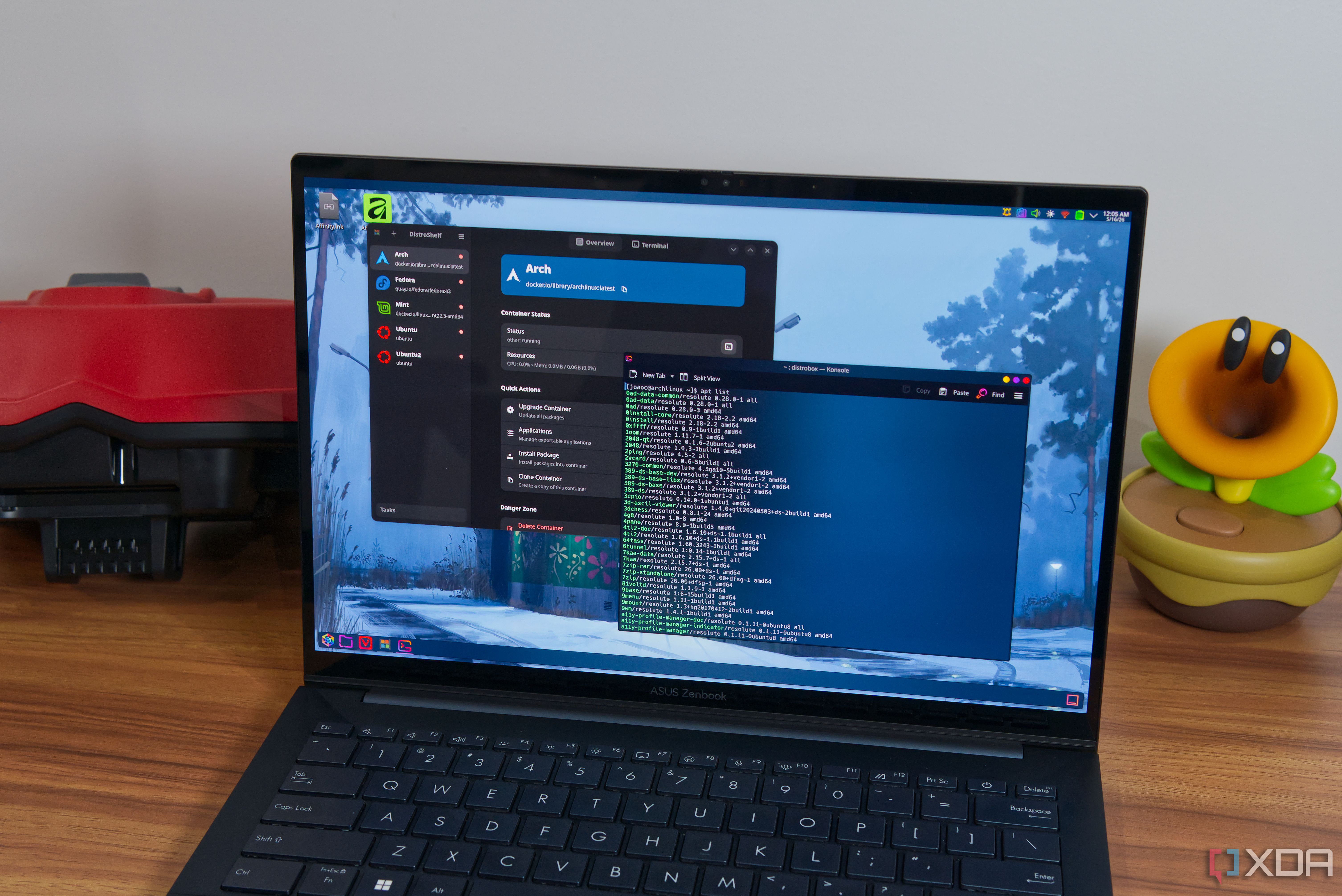
Package managers are one of the best things about Linux. So what if you could manage Linux as a package?
Show full content
Package managers are one of the best parts of Linux, making it easier to manage what's installed on your system, including specific versions of software you may need for specific projects. But they come with the downside that different distros often use different package managers, so installing the tools you need on a new PC with a new distro, or making the jump to a different flavor of Linux, can come with more hurdles than you'd like.
It can be frustrating, sure, but its convenience makes it hard to give up once it becomes part of your 3D printing workflow.
Show full content
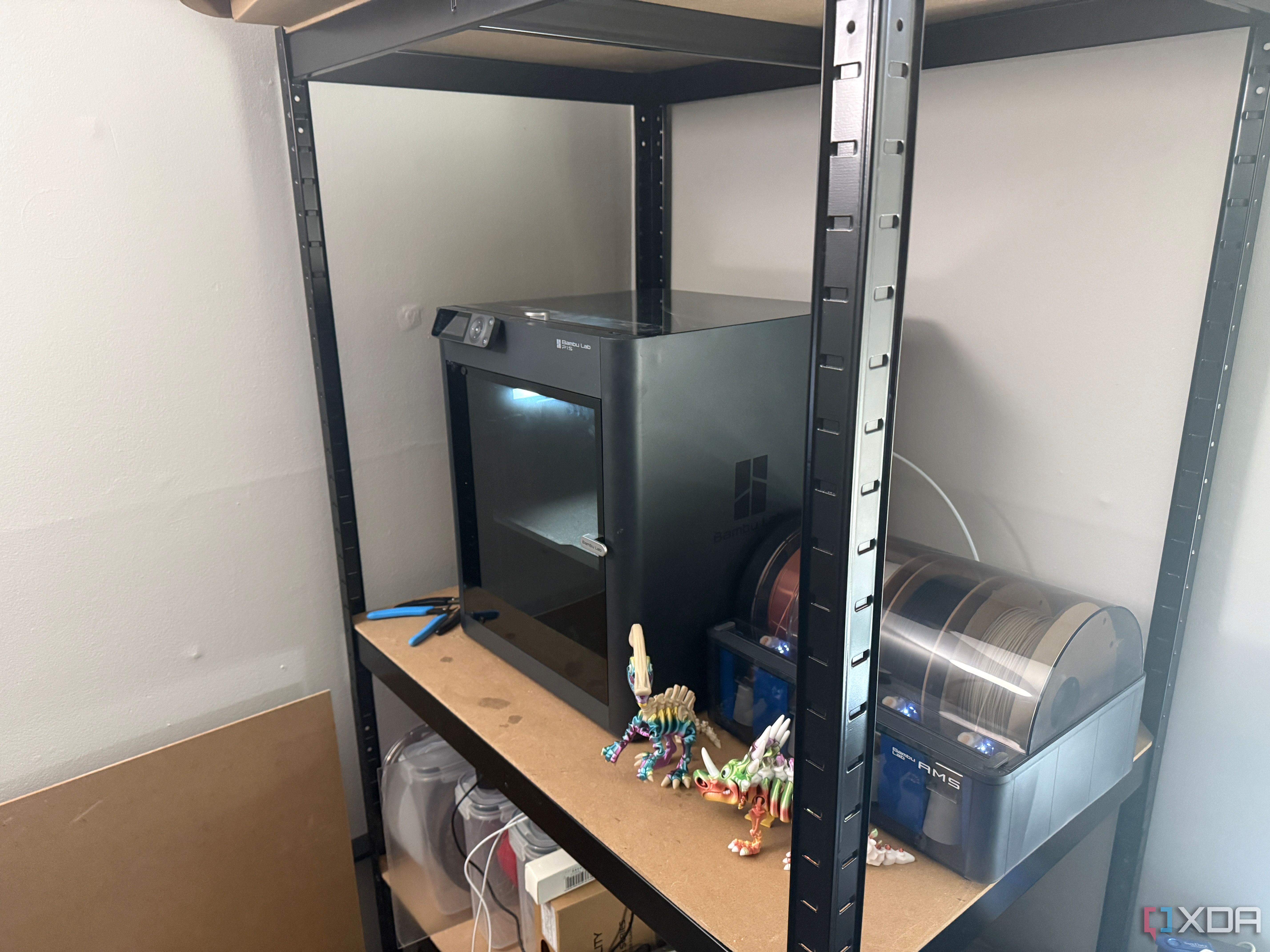
The AMS is easily the most frustrating part of my Bambu Lab P1S Combo. The printer itself feels almost boringly reliable most of the time, which makes every AMS tantrum stand out even more. When a spool refuses to feed, a filament path gets fussy, or a retract error interrupts an otherwise clean print, it feels like the smartest part of the setup has decided to become the least cooperative. That would be easier to dismiss if the AMS were just a flashy add-on, but it has worked its way too deeply into my printing routine for that.
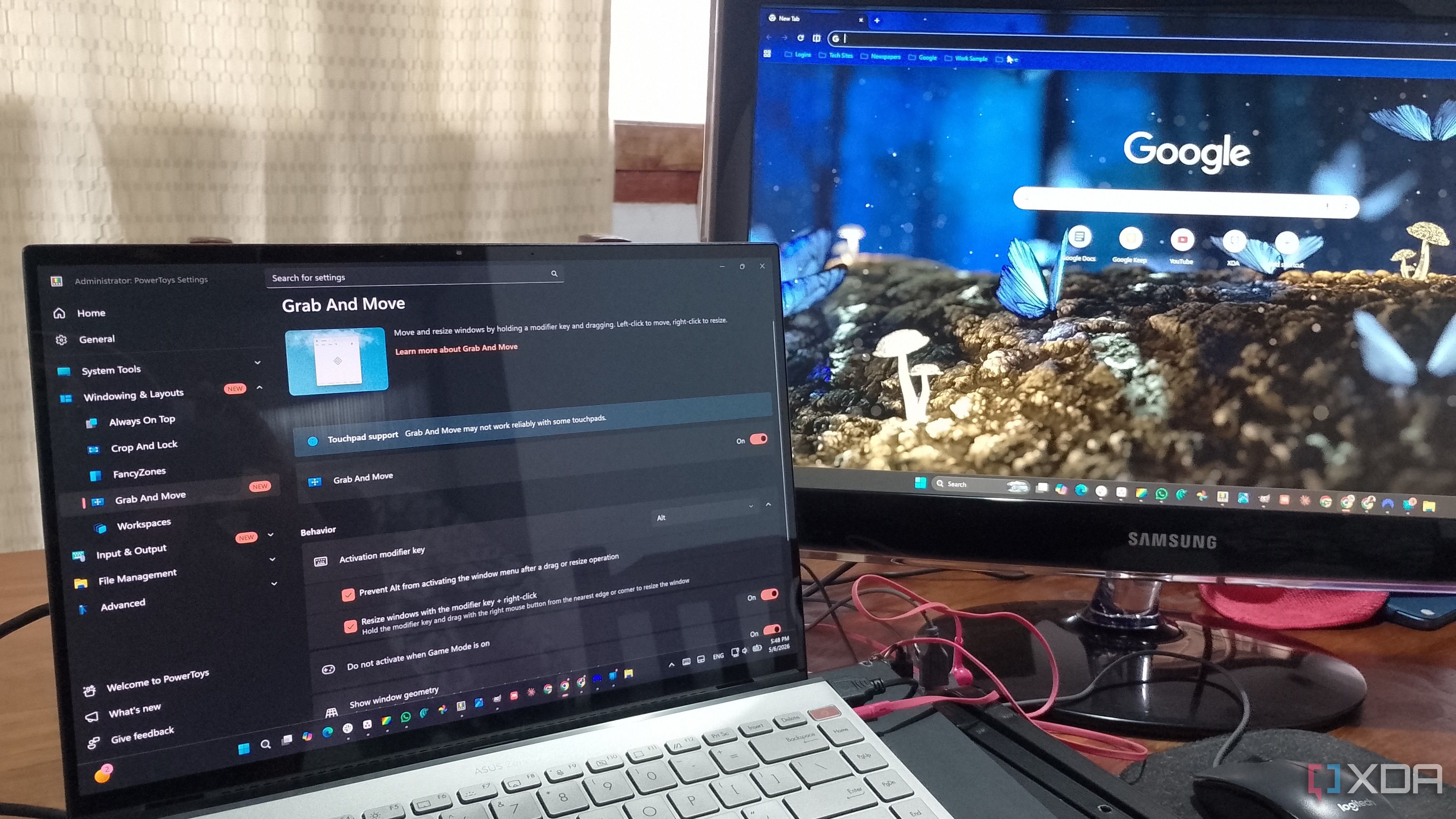
Discover how PowerToys suite eliminated the need to use multiple third-party apps for adding features in Windows 11.
Show full content
PowerToys is a utility that I use on my main Windows PC and a couple of virtual machines. It's grown from a small set of tools to over 30 utilities that fill the enormous gap left by Windows 11. Most of these features are extremely useful from a power user standpoint, and the successive upgrades in PowerToys have made it a robust app for multiple tasks.
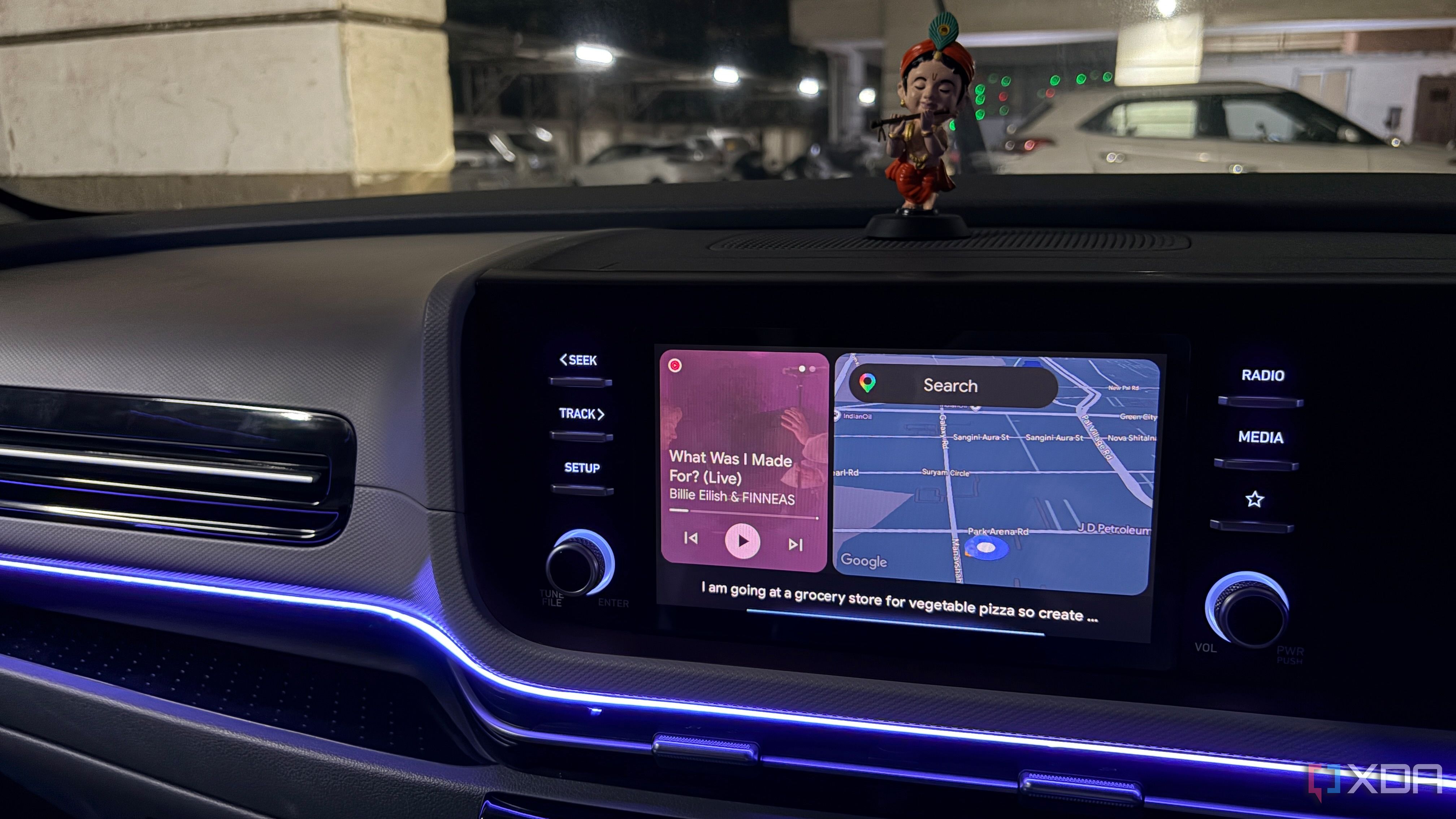
The modern car dashboard has come a long way from simple Bluetooth pairing. But for me, the real shift happened when Gemini replaced Google Assistant with Android Auto and took the wheel.
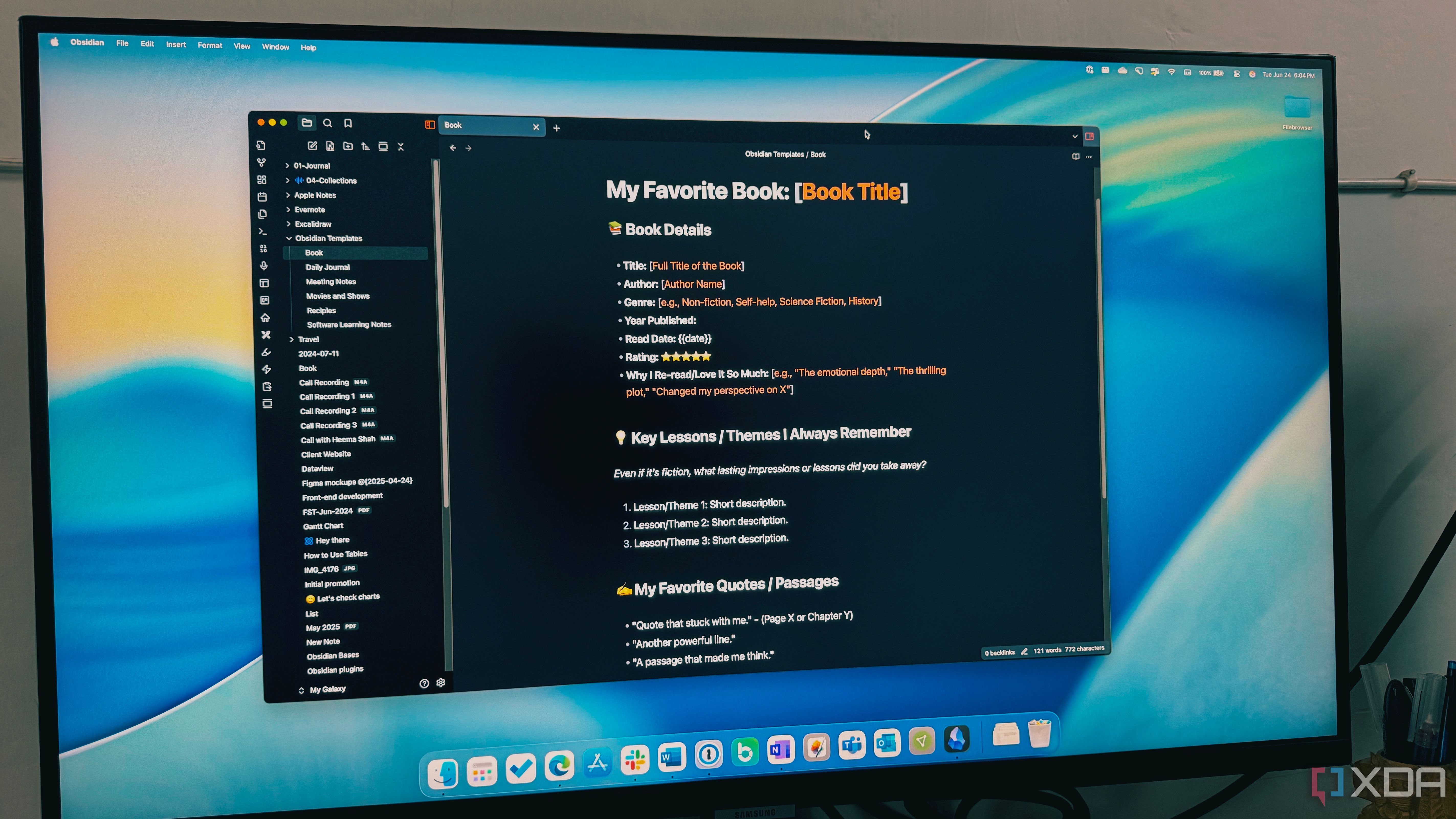
I always thought the hardest part of personal knowledge management was consistently capturing information. But after years of collecting notes, I realized accumulation is easy. The difficult part is building a system that stays usable as your work, ideas, and responsibilities grow over time.
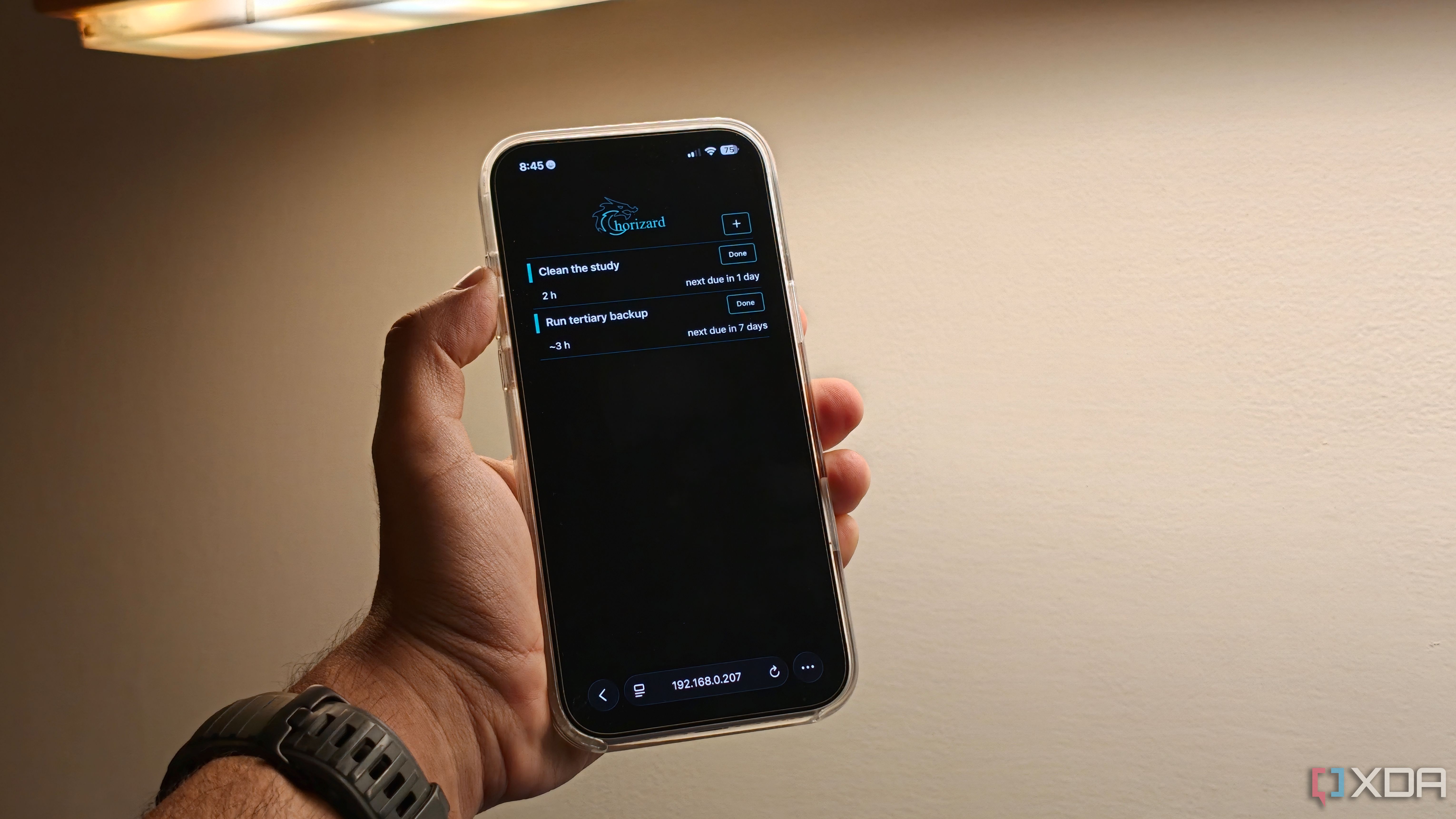
Google Tasks excels at managing deadlines, but falls short when it comes to recurring chores.
Show full content
I like productivity apps, and I switch between task apps more often than I'd like to admit. Of all of these apps, Google Tasks is the one that sticks around the longest, every single time, mostly because it does one thing and stays out of the way by being simple, fast, and efficient. Plus, if you're already inside the Gmail and Google Calendar ecosystem, it just works.
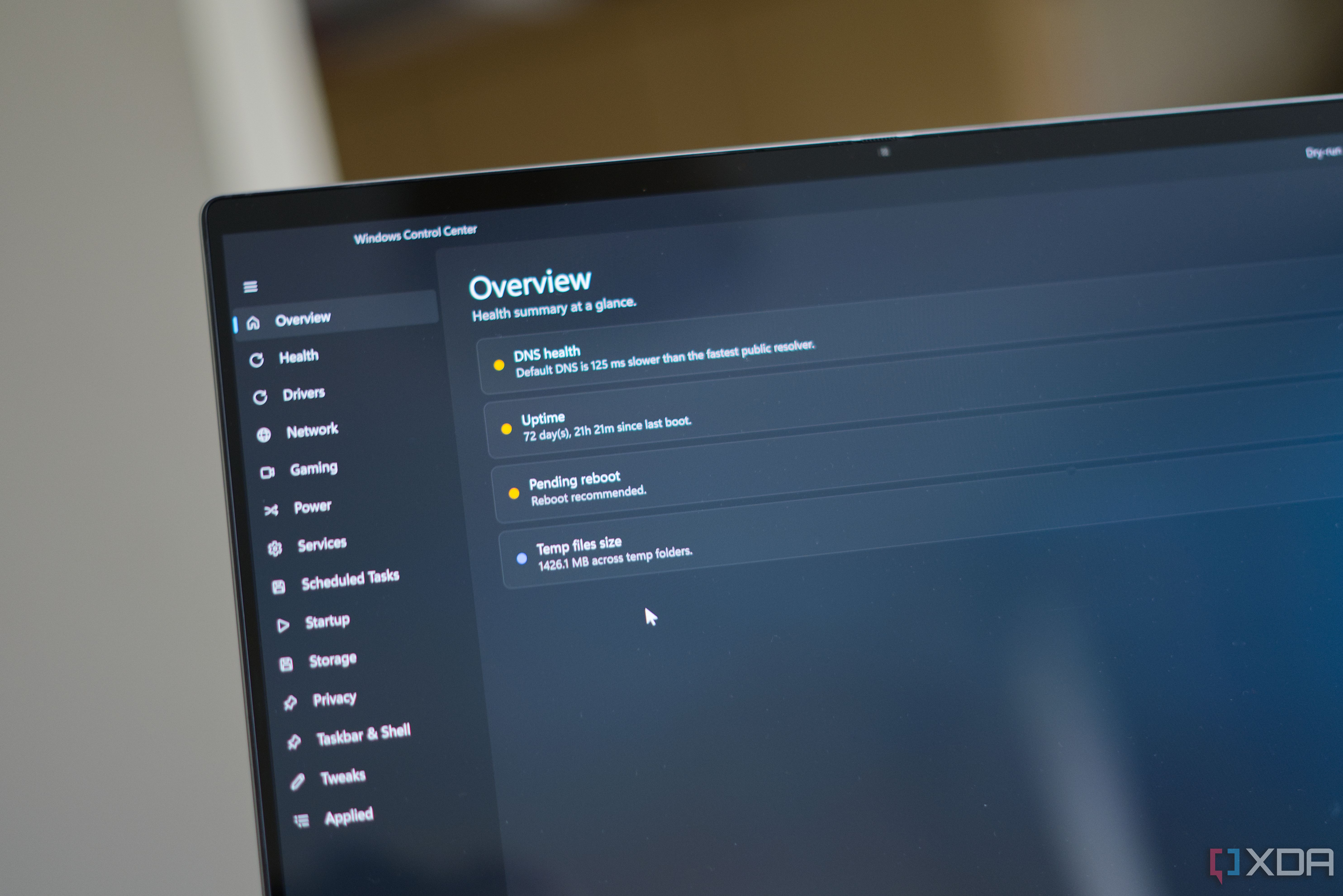
I started this as a side project, but my Windows Command Center suddenly became useful.
Show full content
If you want to tweak anything on Windows, you need to know where everything is hidden away before you do. Display settings are in Settings, but color calibration is in Control Panel. Services live in services.msc. Scheduled tasks live in taskschd.msc. Group policy hides behind gpedit.msc, which isn't even installed on Home editions. Half the things I might actually want to do still require regedit and a path I have to look up every single time. It's tiring.
Why I started updating these four drivers regularly.
Show full content
Updating drivers often feels like a digital chore that we postpone until the "Remind me" tomorrow button becomes a daily ritual. For years, I have been treating updates like background maintenance that could easily wait for another day, carrying on with gaming or whatever I was doing. Basically, if it's not broken, don't fix it, thinking the Windows update will handle the essentials. However, during critical moments, I have experienced several frustrating moments involving random crashes, audio glitches, unstable internet speeds, and performance issues that made perfectly good hardware feel unreliable.
So many ways to connect those good cameras to your PC reliably.
Show full content
We typically retire our smartphones from active duty because the software dies before the hardware, and the idea of using something missing critical security updates sends chills down my spine. However, there are several ways to continue using the excellent hardware without ever exposing your dated device to the internet, regardless of the operating system on board.
Other Computing DevicesMotorola Razr Fold motorola
It's probably the best foldable phone you can buy
Show full content
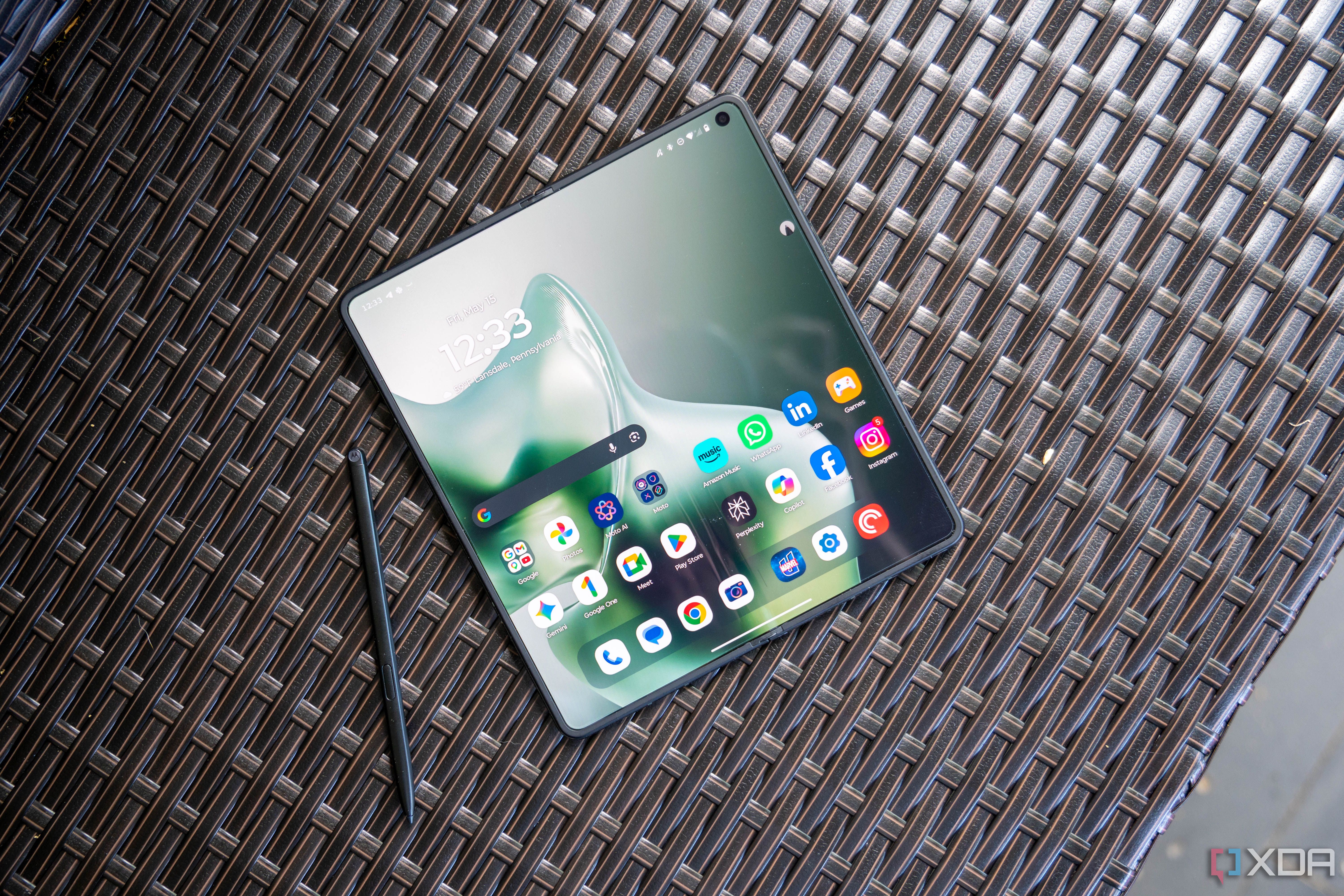
The Motorola Razr Fold just might be the best foldable phone you can buy right now. Gone are the days of having to make compromises with bulkiness and weight in order to get a screen inside your screen. The form factor has finally matured, as we're also seeing from competitors like Samsung's Galaxy Z Fold 7 and Google's Pixel 10 Pro Fold.
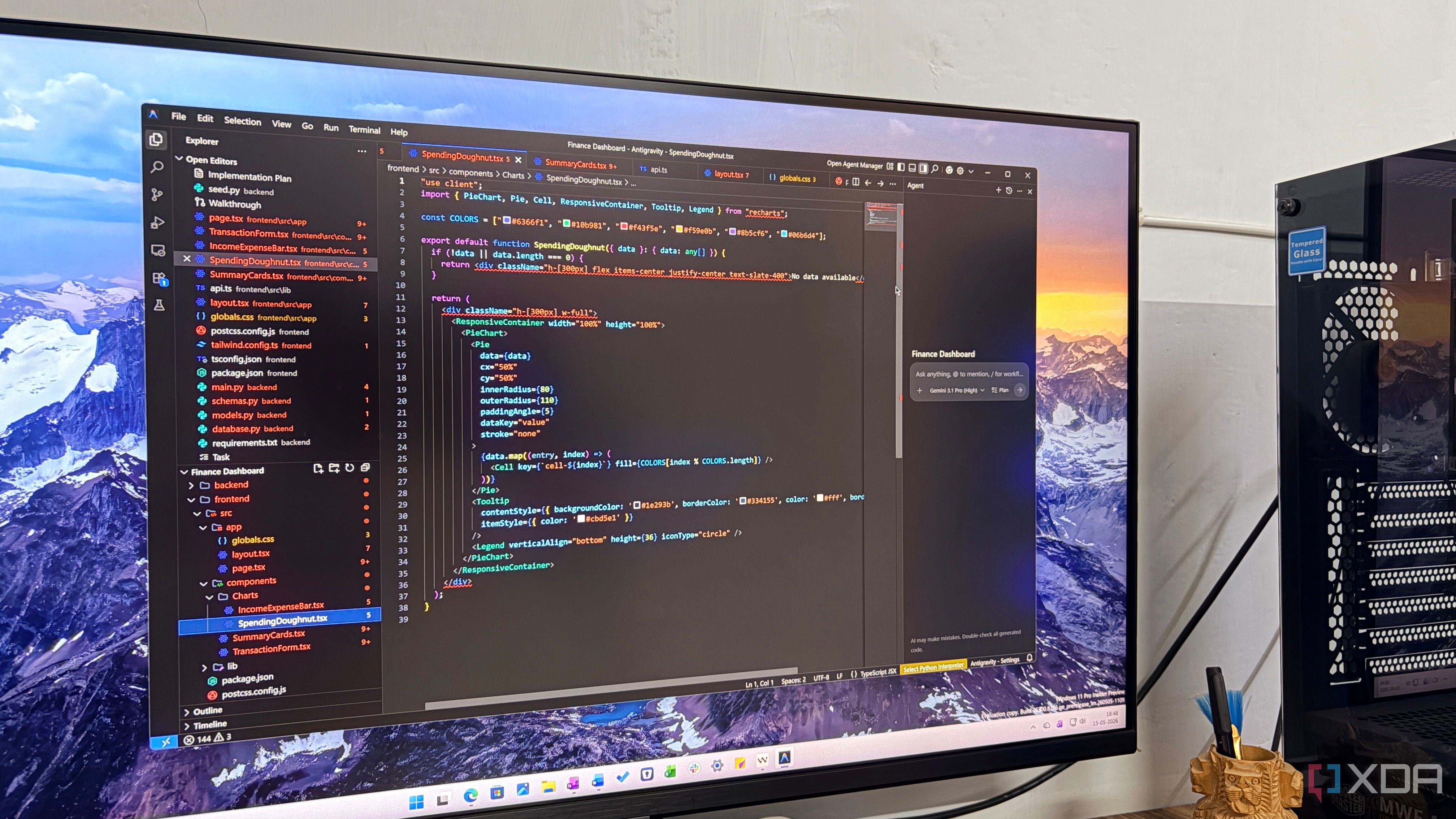
I used to think my heavily customized VS Code setup was peak productivity. I had the keyboard shortcuts mapped to muscle memory, a perfectly curated list of extensions, and a refusal to believe the AI editor hype train. But as development shifted toward agentic workflows, I decided to see if the old king had truly lost its crown.
It helped my framerate, but the true gains were in the consistency of frametimes
Show full content
Most gamers optimize for one number, and that's average FPS. It's intuitive, it's easy to benchmark, and it's the figure that shows up first in every GPU review. However, it's important to understand that average FPS is a throughput metric, not a feel metric. The number that actually determines whether a game feels smooth or not is frametime, or more specifically, how consistently your hardware is delivering frames. I've already written an article on Smooth Motion and how it doubled my framerate, but the real gains were had in the other performance metrics, and they're arguably more important for how games actually feel.
If high-quality streaming is an issue for your self-hosted media server, there are a few things you can try.
Show full content
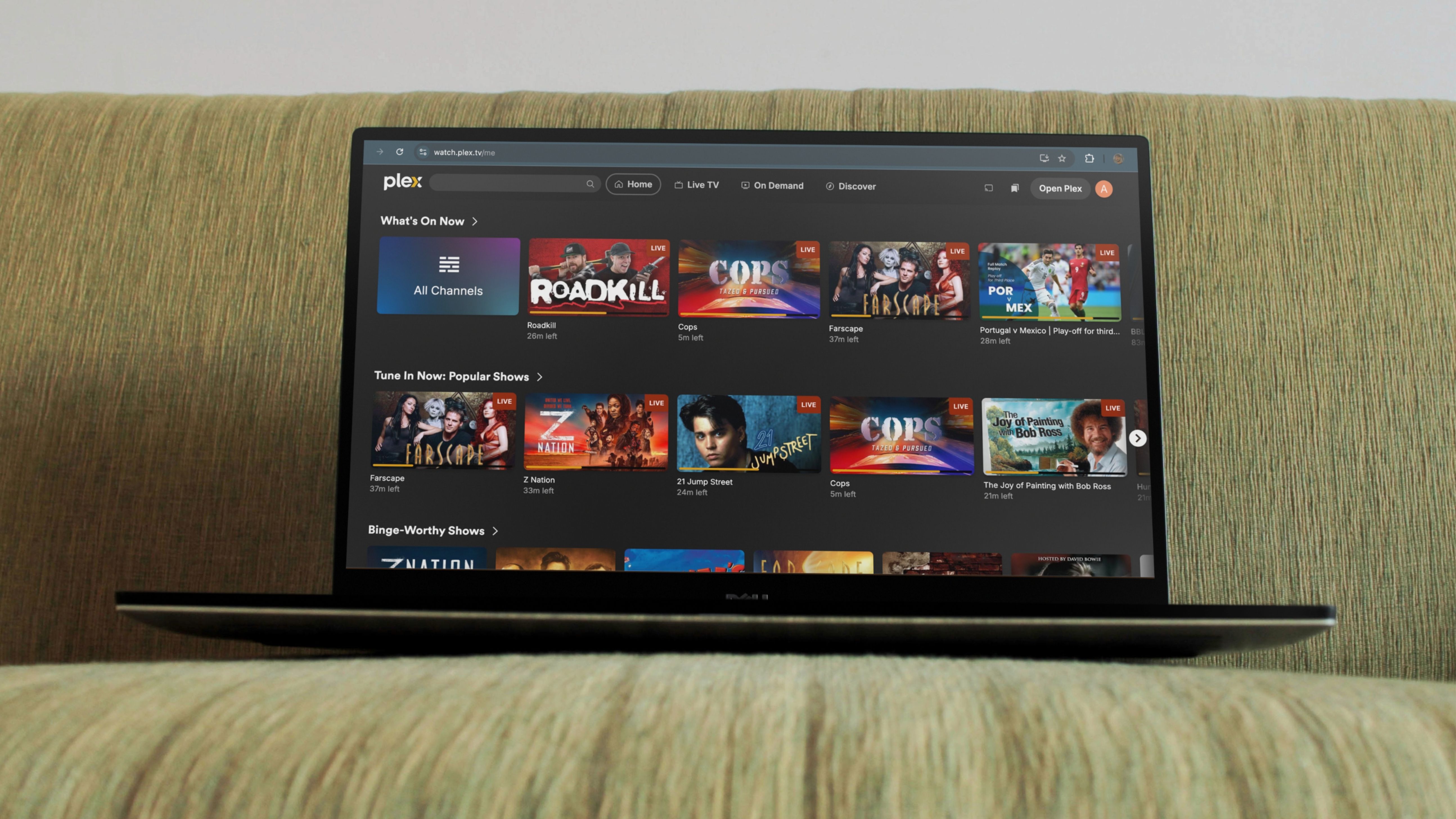
Every self-hosting enthusiast runs a home media server. Whether it's Plex, Emby, or Jellyfin-based, a NAS chock-full of movies and shows is basically the norm.
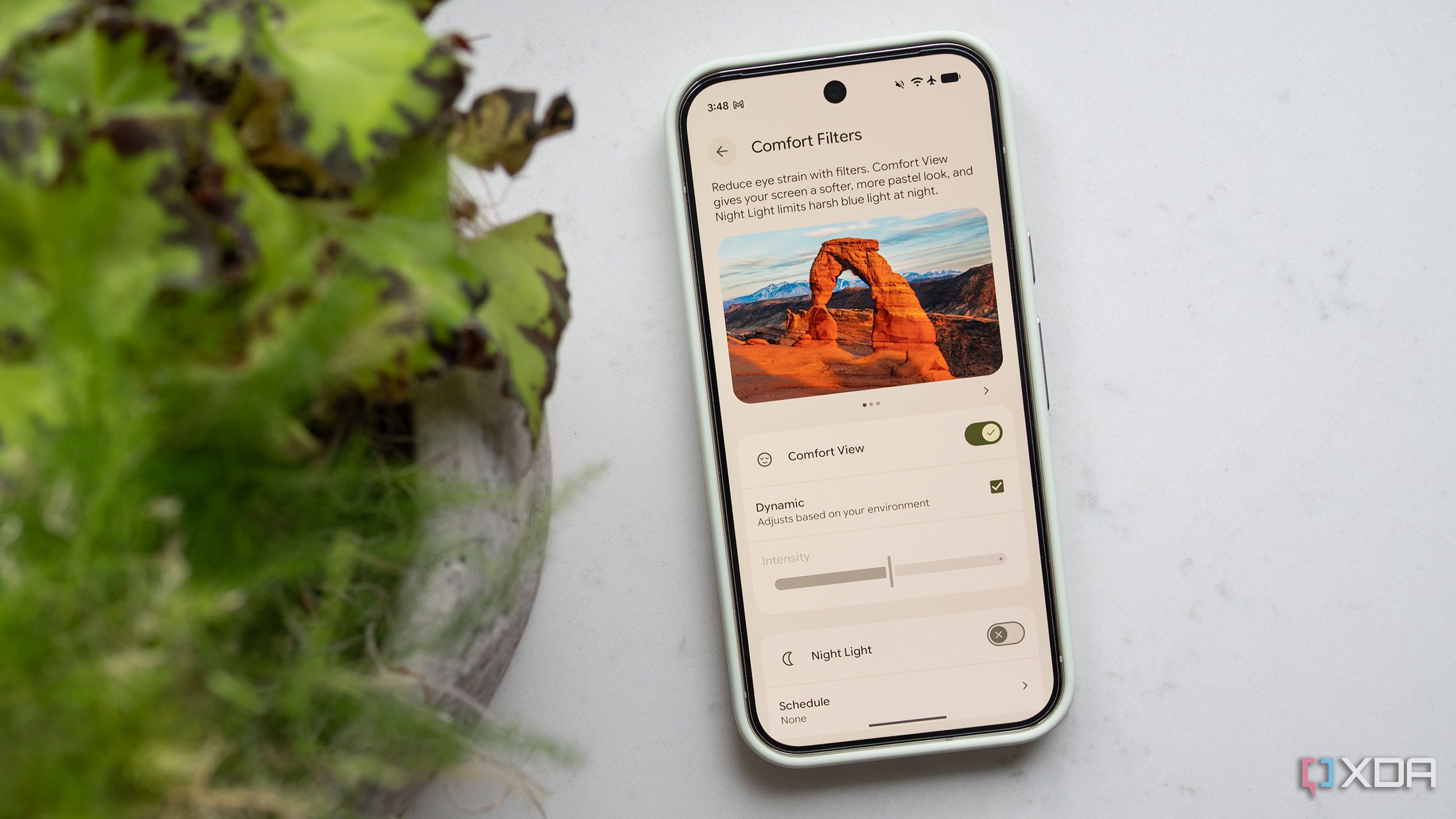
If you're looking for a way to make your Pixel 10 Pro easier on your eyes, Comfort View is a great feature
Show full content
I stare at screens pretty much all day, whether it's a laptop display, an external monitor (both at work and when gaming on my Windows 11 PC), a TV, my ROG Xbox Ally X, or my smartphone. This obviously isn't great for my eyes, so whenever possible, I turn on dark mode across all of my devices, and take advantage of features that adjust the device's screen color to better match the ambient light in a room.