Show full content

The Accessibility Inspector comes with a color contrast calculator. Use the shortcut Option Command C to open it.
The Accessibility Inspector comes with a color contrast calculator. Use the shortcut Option Command C to open it.
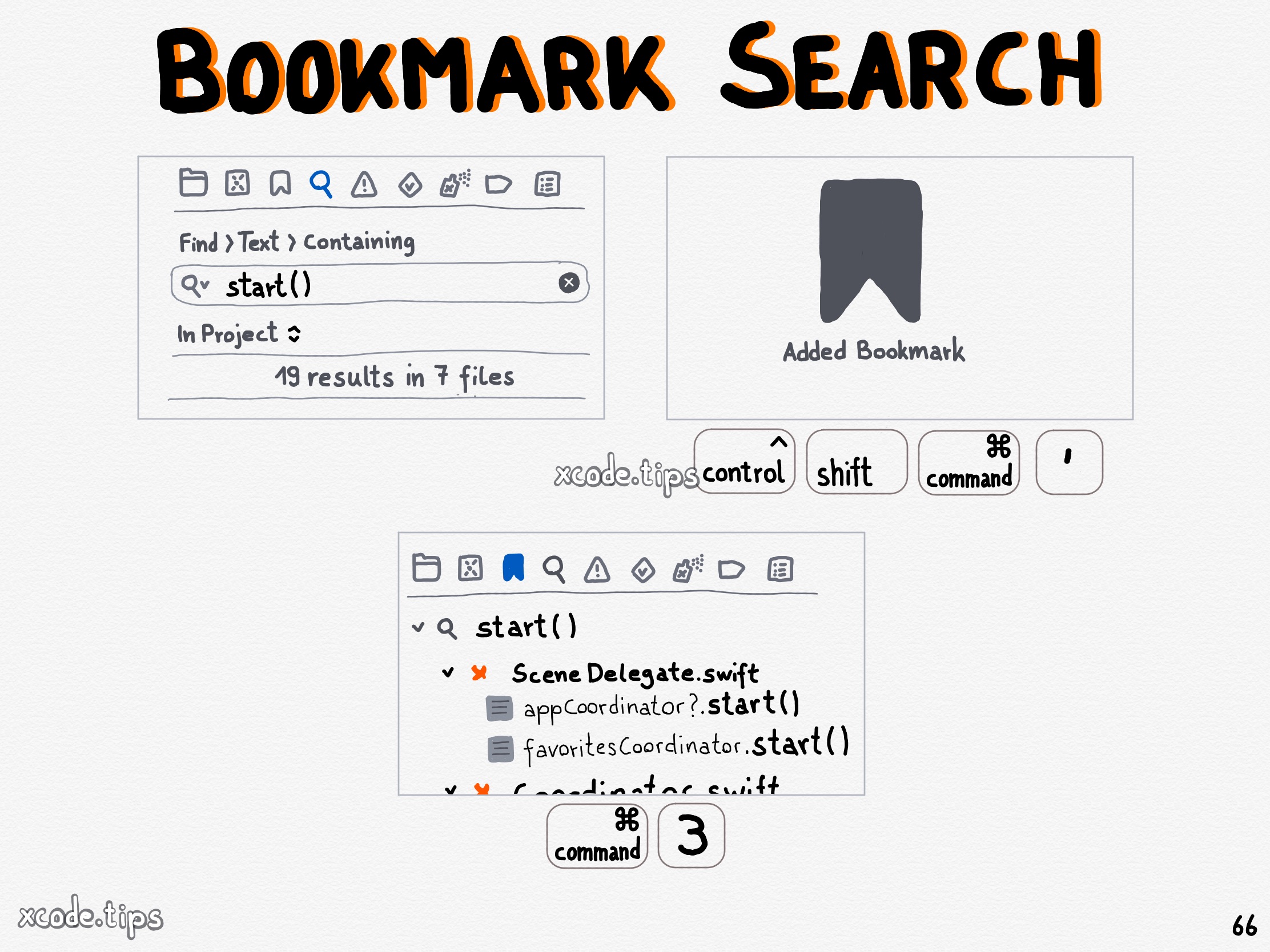
Bookmark a project wide search using the shortcut Command Control Shift ‘. The search bookmark is shown with your other bookmarks in the bookmark navigator.
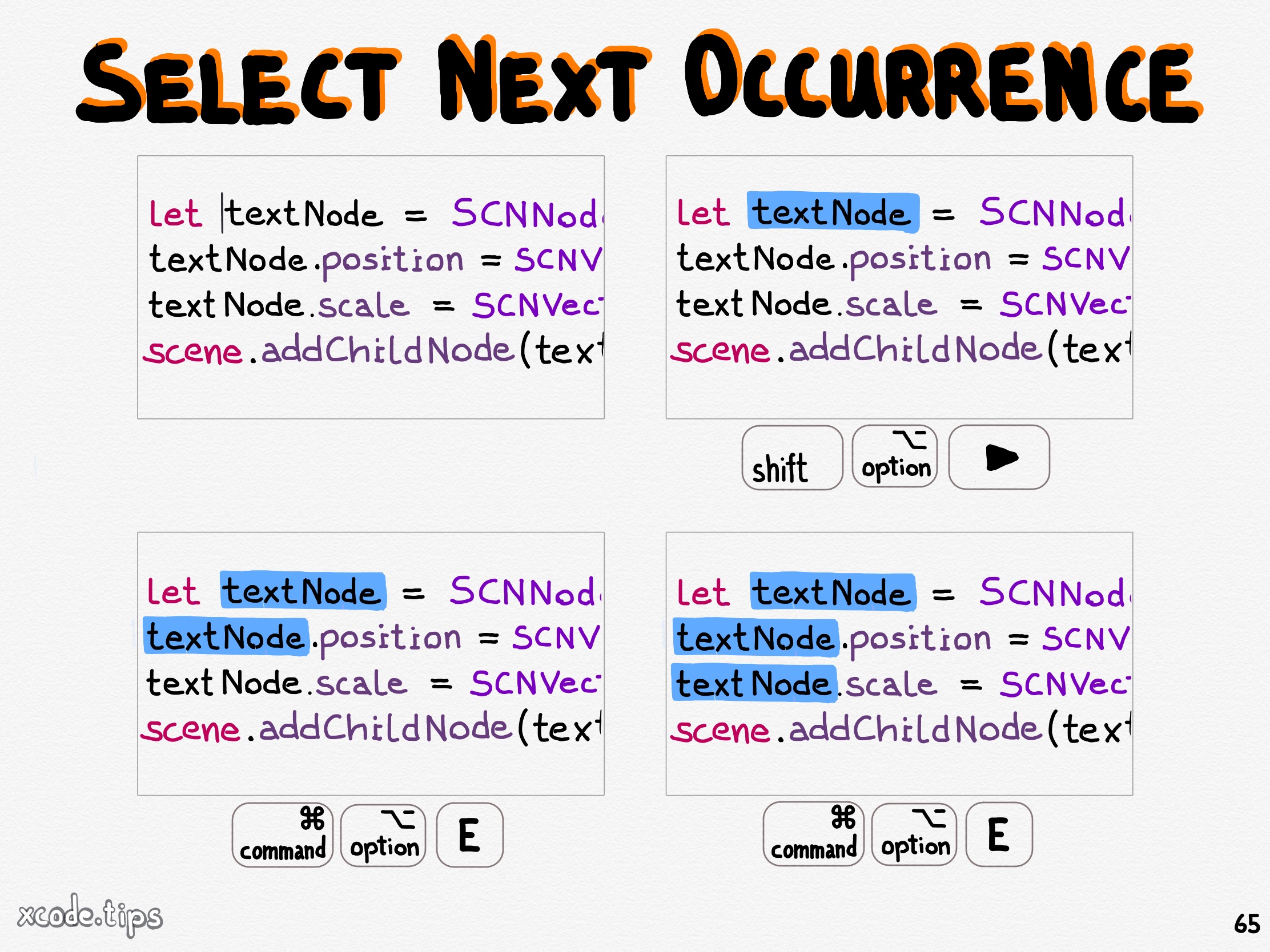
Select some text and use the shortcut Command Option E to select the next occurrence of what you selected. Then you can start typing to change all selected occurences at once.
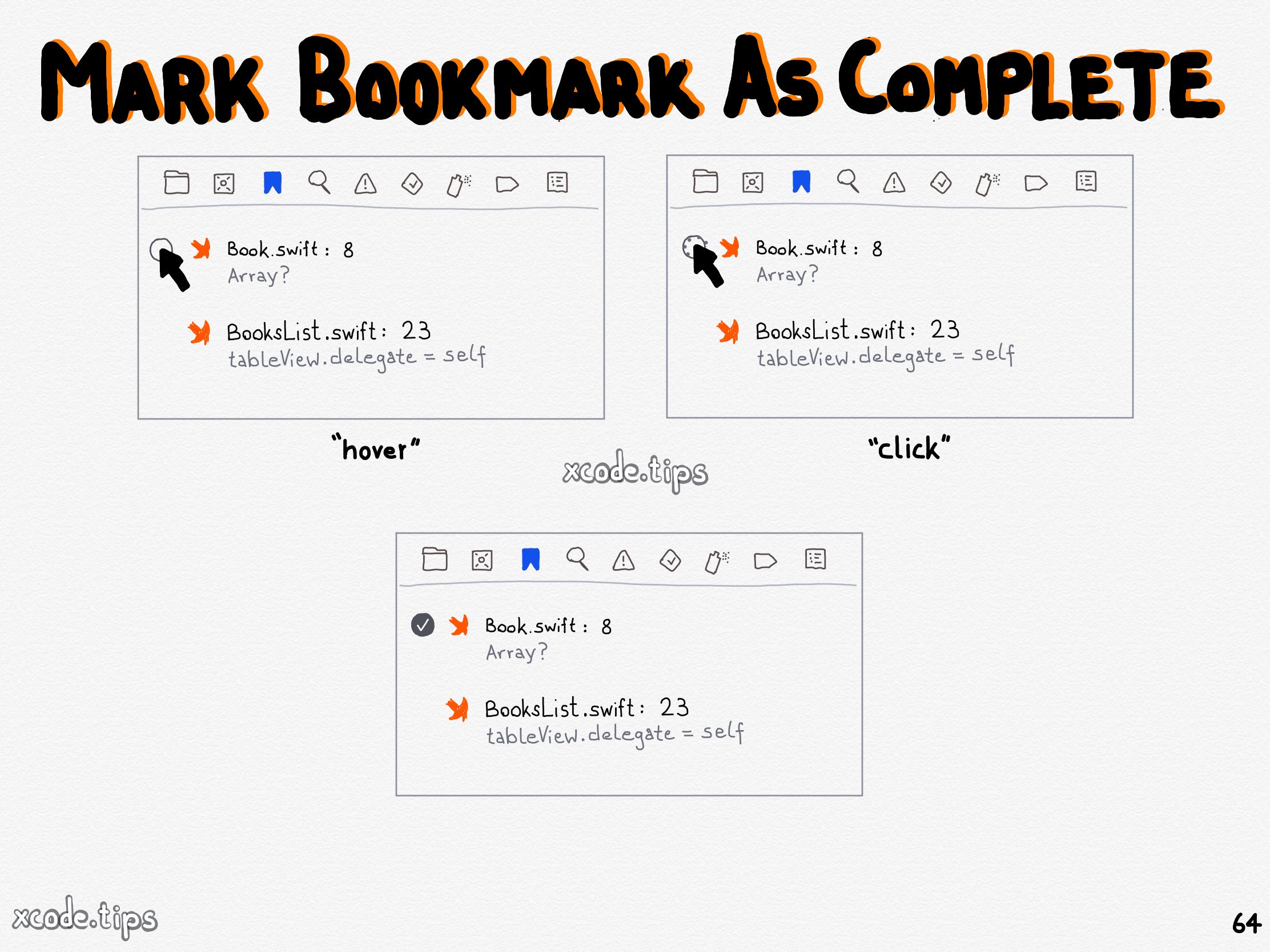
Click left to a bookmark in the bookmark navigator to mark it as complete.
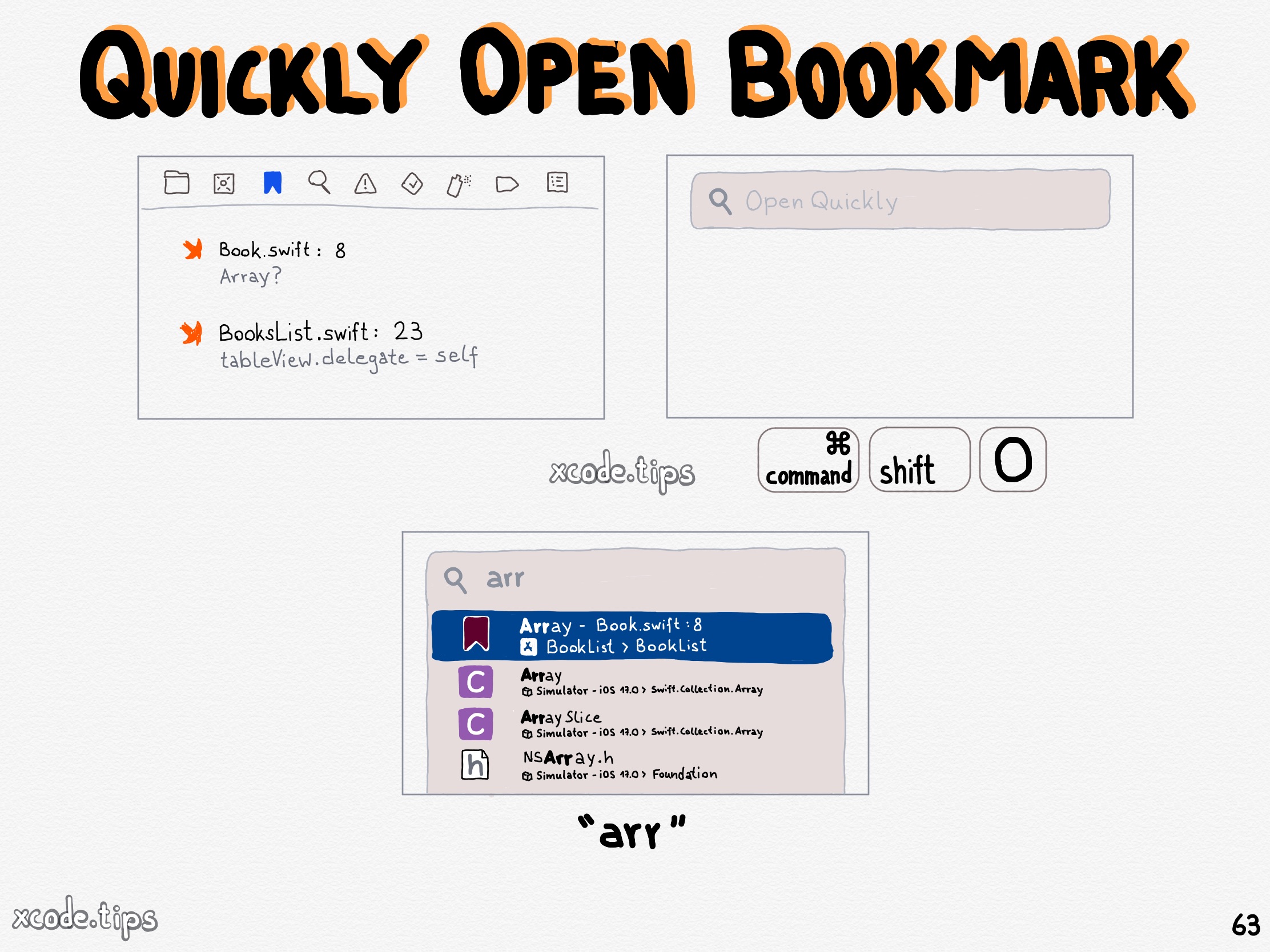
The description of a bookmark appears in Open Quickly.

Click the bookmark icon of a bookmark to add a description for that bookmark. The description is shown in the bookmark navigator.
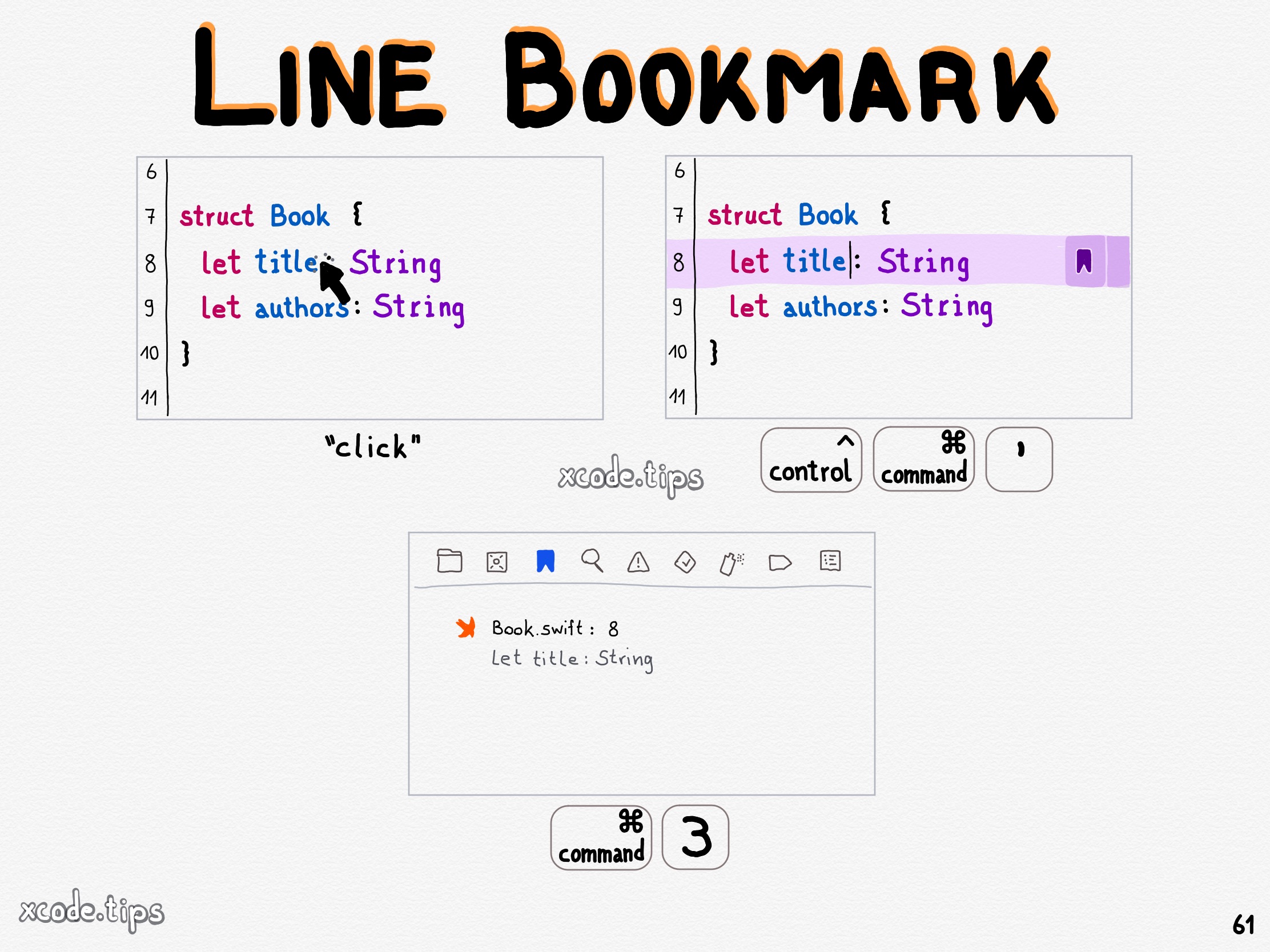
Navigate to a line and use the shortcut Control Command ‘ to add a bookmark to that line.
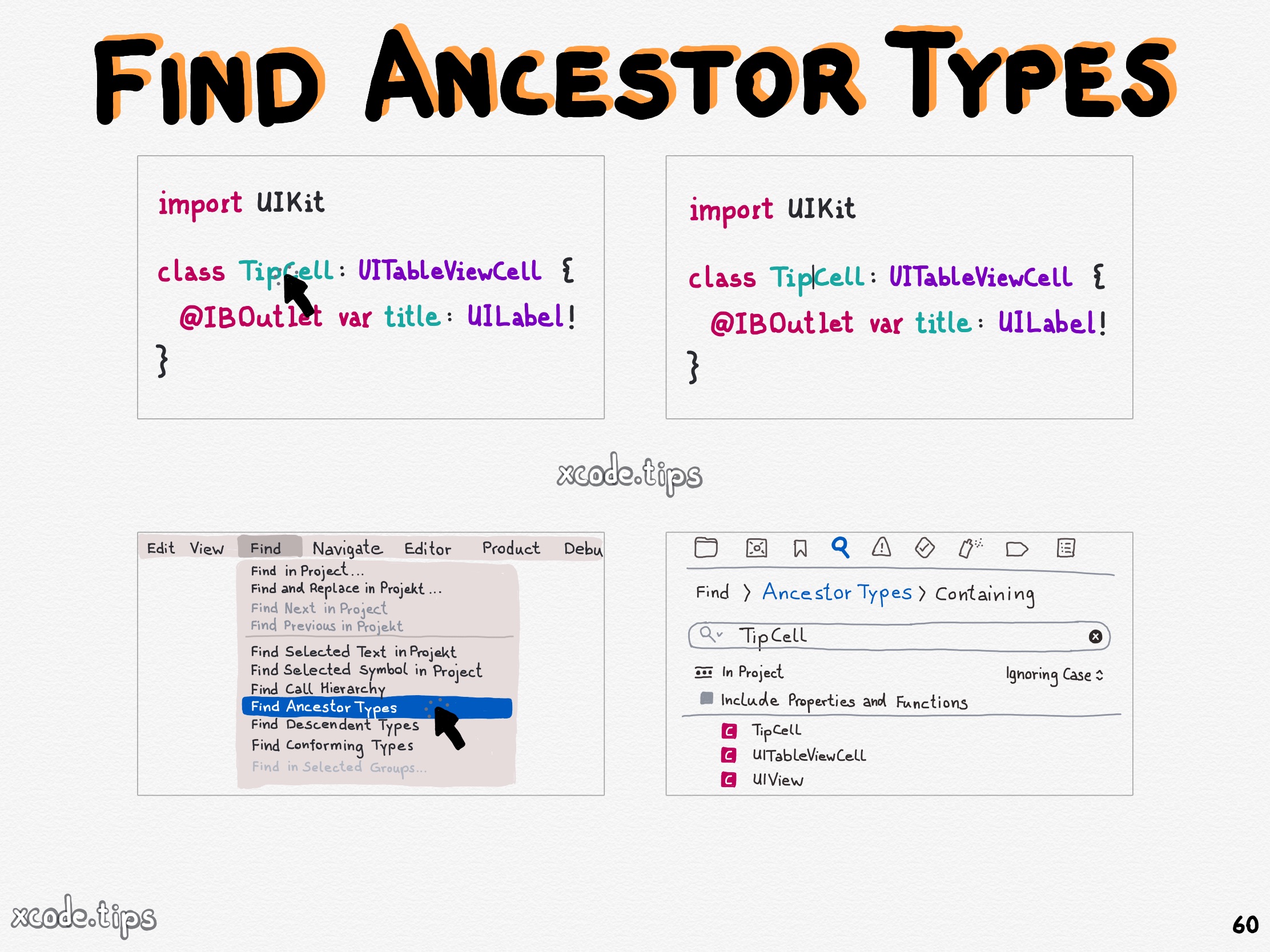
Click in the Find menu item on ‘Find Ancestor Types’ to find the ancestor types of the type unter the cursor.

Use the shortcut Control M to format the line where the cursor is to multiple lines.
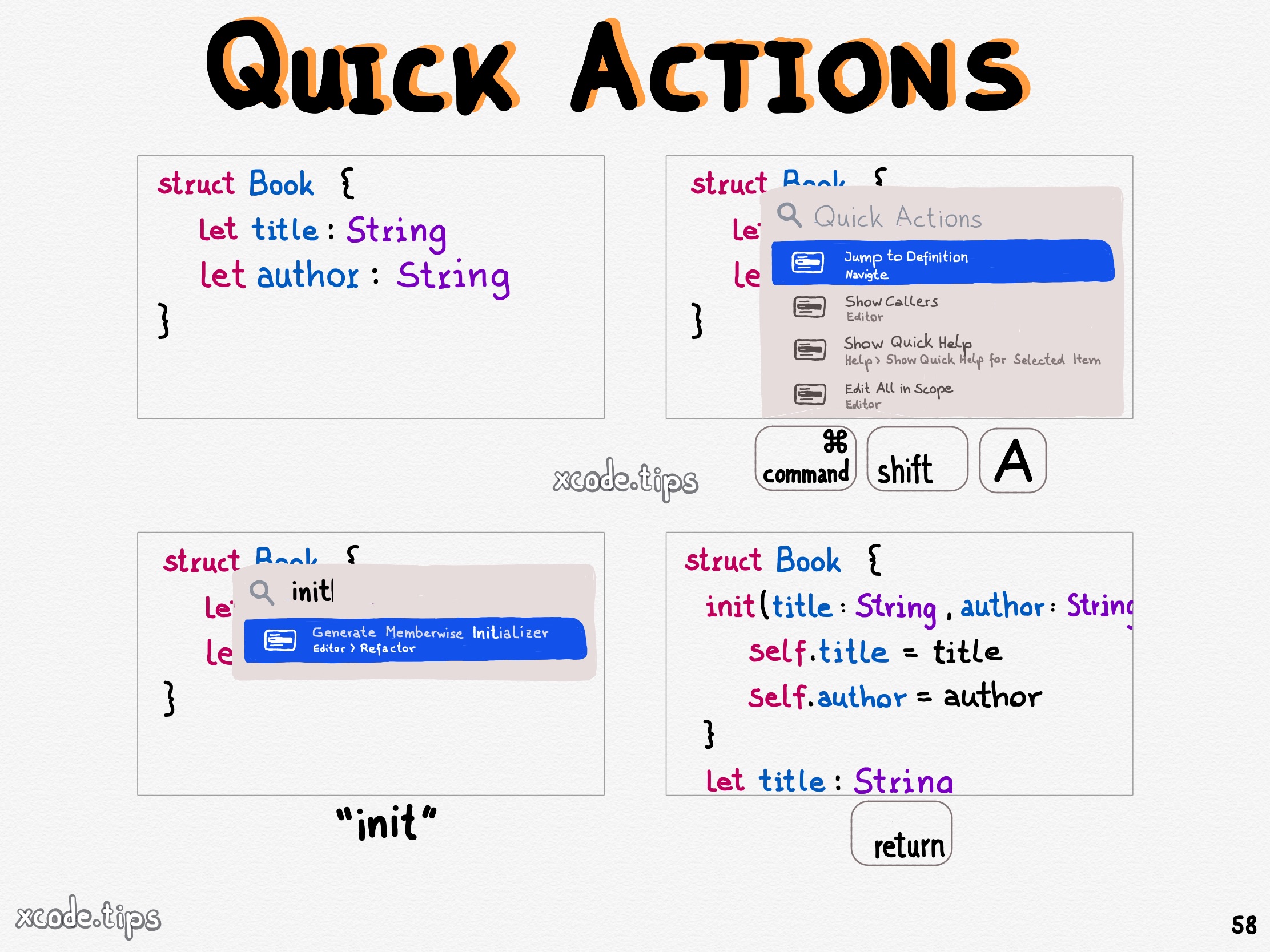
Use the shortcut Command Shift A to open the quick actions window with many useful quick actions for your code.