GeistHaus
log in · sign up

xenodium.com @alvaro

Part of xenodium.com @alvaro

RSS feed for xenodium.com @alvaro

stories primary
…and then there were three (expect delays)

The other day, my partner and I went into the hospital as two and came out as three. This week, I became a father. From the second I cuddled this little fella, I felt like I'd known him my entire life. I love him so much.

Since going indie dev full-time, I've enjoyed a great degree of flexibility to work on personal projects. This has enabled me to share more via blog posts and YouTube videos, but also dedicate more time to projects like agent-shell. It is now my most popular Emacs package, receiving lots of attention from users (bug reports, pull requests, discussion, etc). If you've been in touch recently and haven't heard from me, now you know why. Fatherhood is new to me. I'll need a little time to adjust while finding my footing.

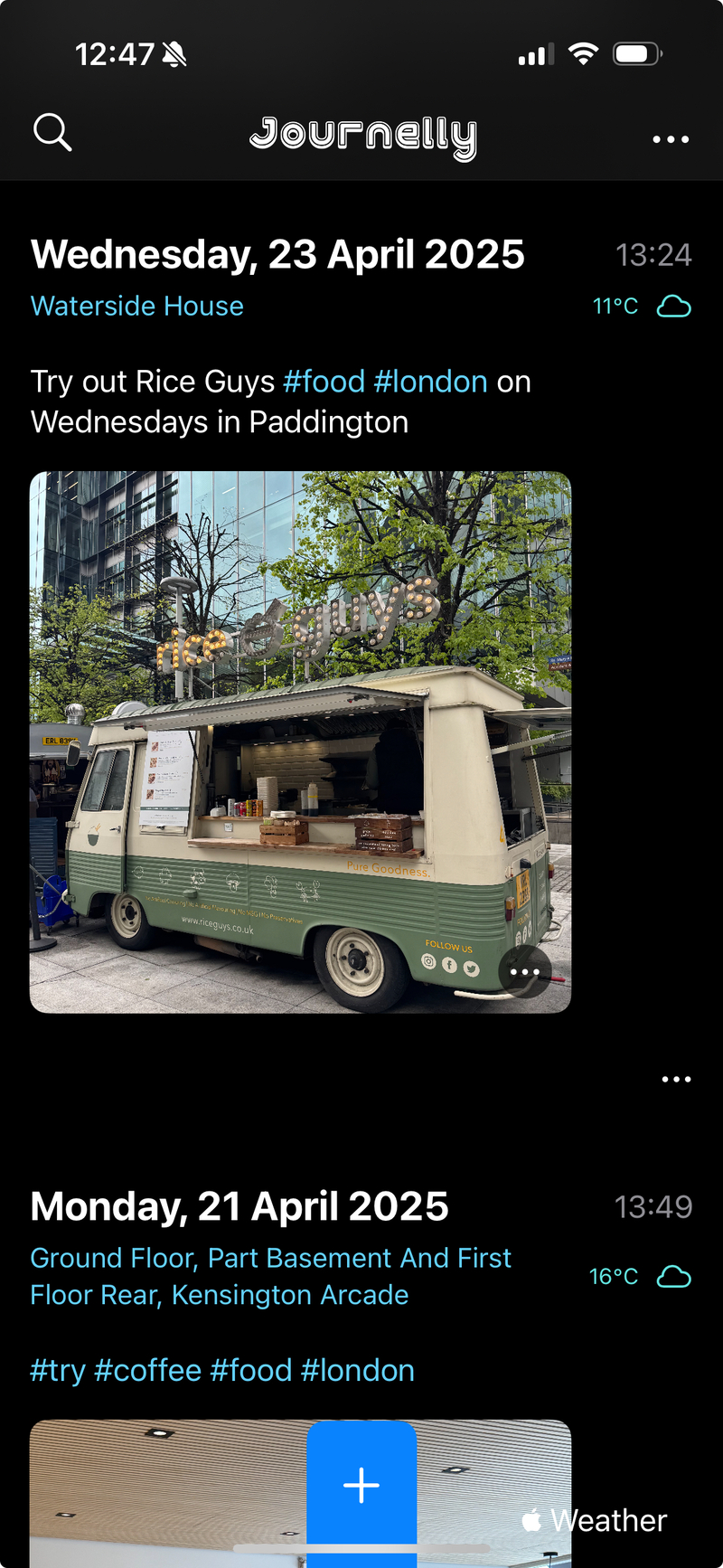
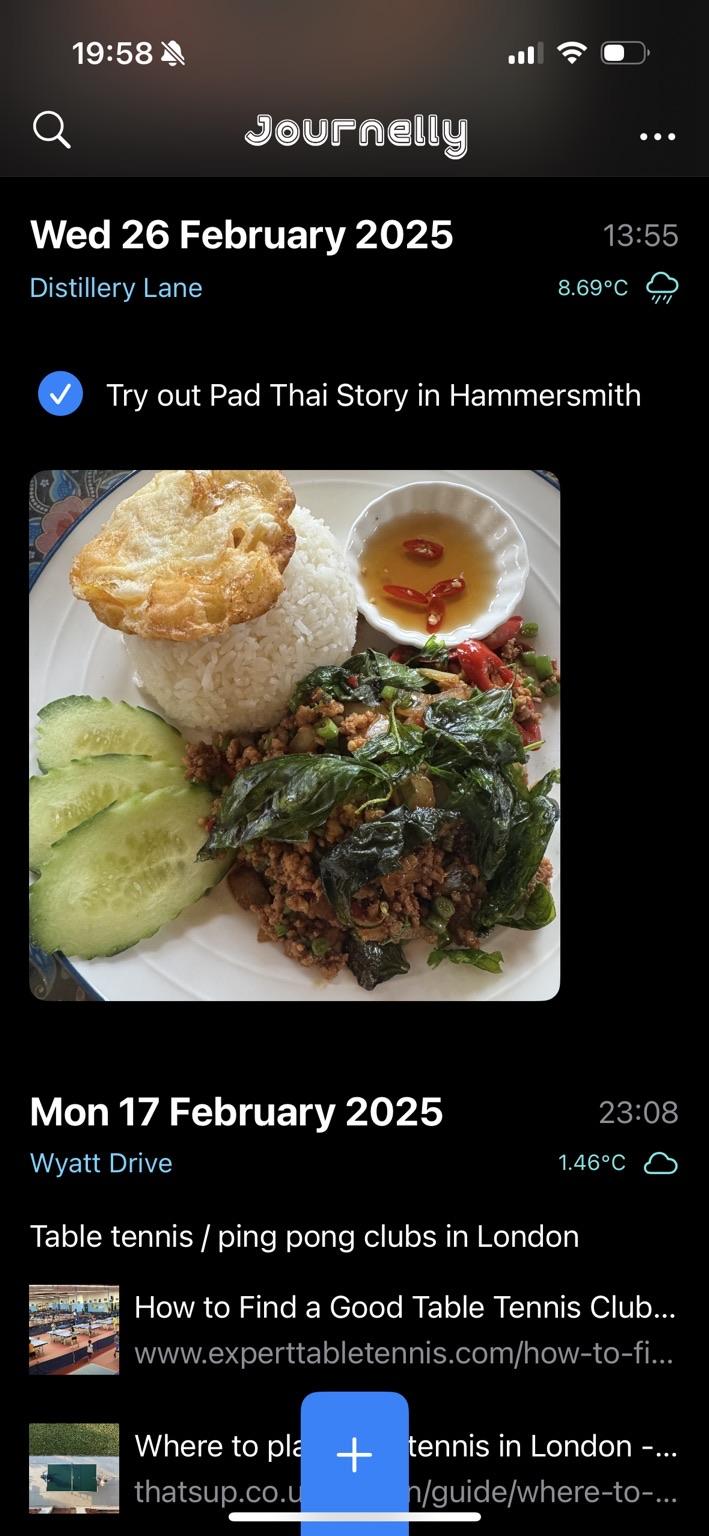
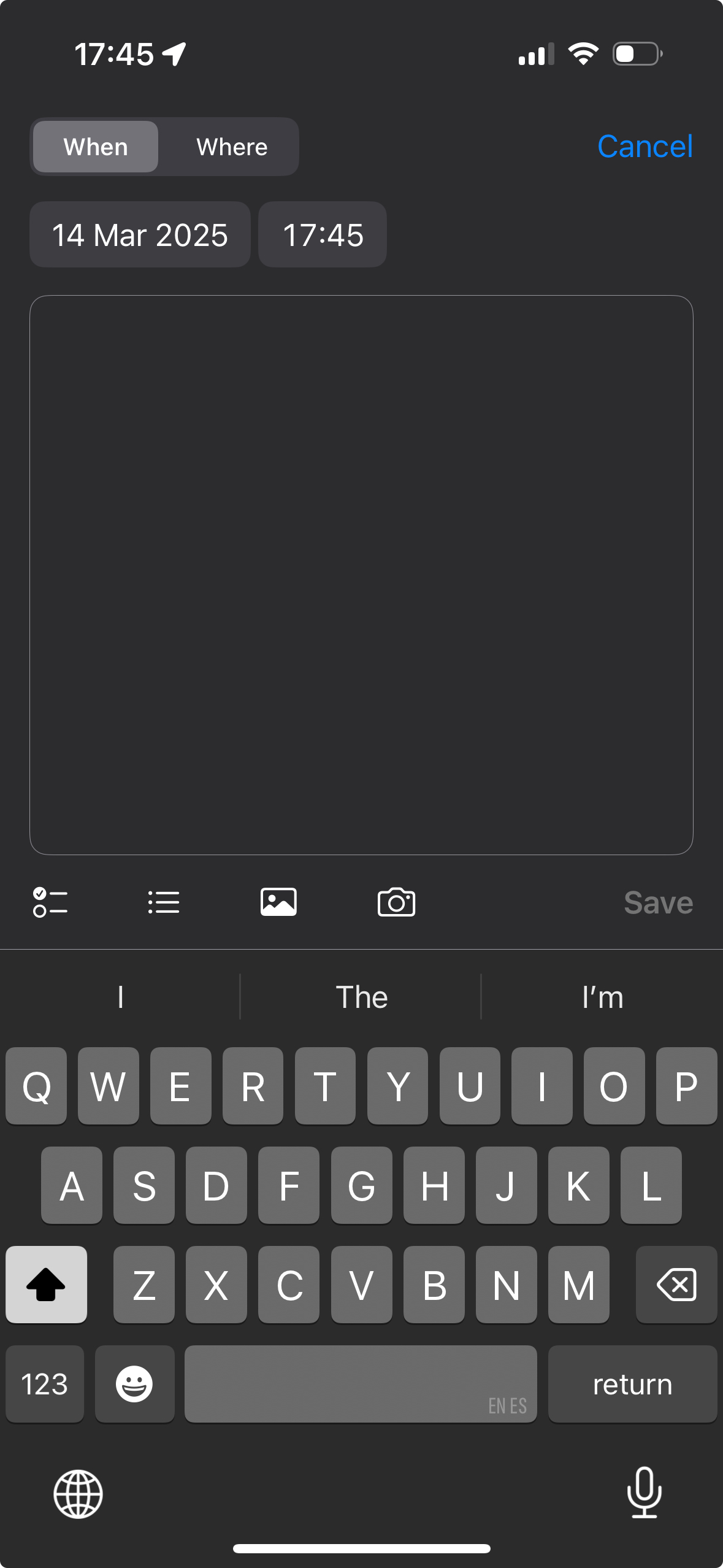
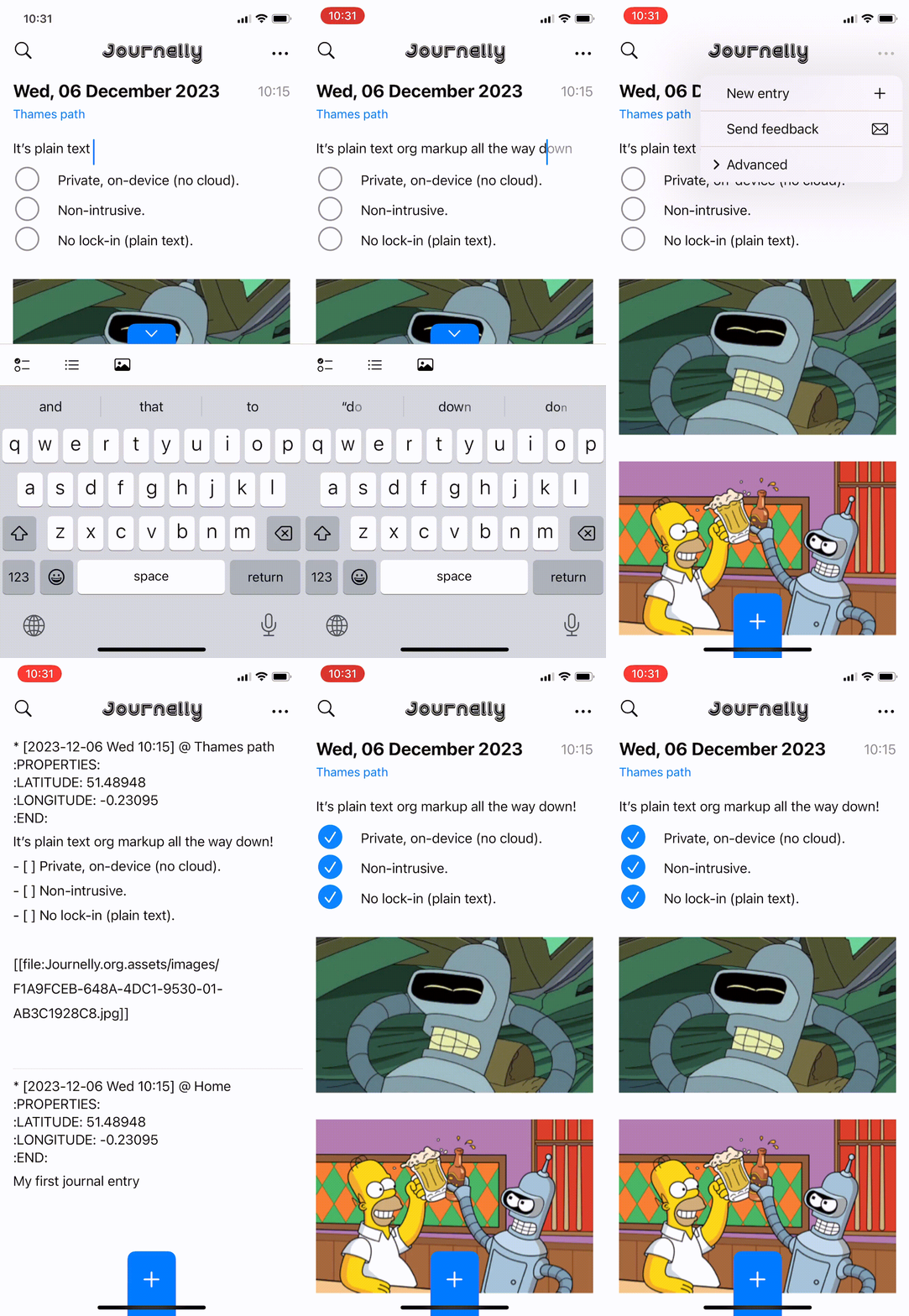
While my hope is to continue working on my indie projects, sustainability is now… errm, a tad more important. If you get value out of my work, please consider sponsoring. Better yet, if you use my tools at work, consider getting your employer to sponsor me instead. I also run a blogging service and offer a handful of iOS/macOS apps. If you're keen to journal or take quick notes on iOS, Journelly is my take on it. Bonus points for Emacs users, as it saves entries to an org file.

Now, please excuse me while I start crafting my son's first init.el

ps. This post was stitched up from a handful of seconds here and there, in between all the sleep-deprived but loving activities currently rocking my world.

https://xenodium.com/and-then-there-were-three
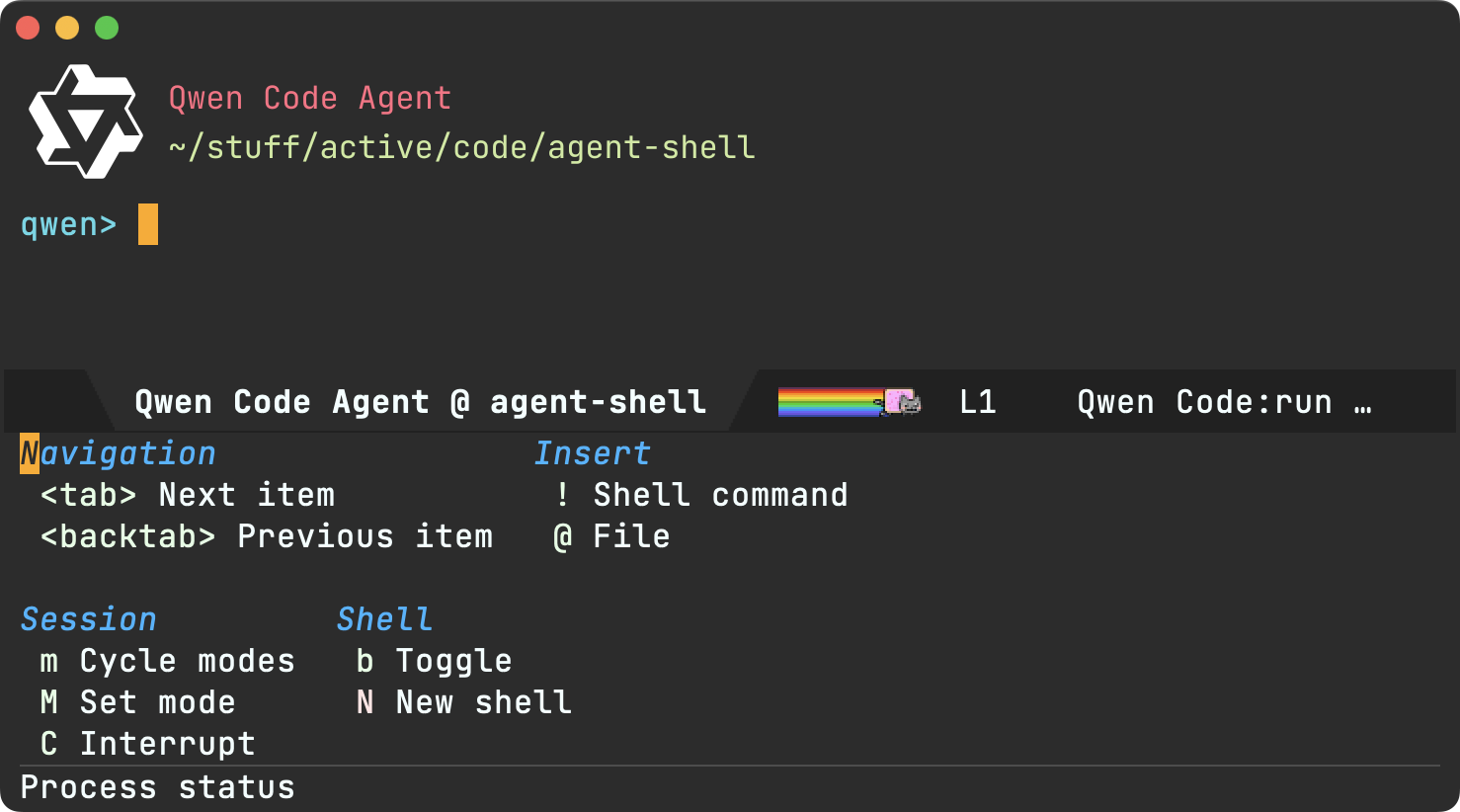
agent-shell 0.47 updates

We got quite a few agent-shell additions since the last post, so let's go through the highlights as of v0.47.1.

What's agent-shell?

Agent shell is a native Emacs mode to interact with LLM agents powered by ACP (Agent Client Protocol).

Your employer can make a difference

agent-shell has been attracting quite a few users. Many of you are working in tech where employers are happily paying for IDE subscriptions and LLM tokens to improve productivity. If you are using agent-shell for work, consider getting your employer to give back by sponsoring the project.

I also know many of you work at AI companies offering paid agents like Claude Code, Copilot, Gemini, Codex, etc. all supported by agent-shell. Please nudge your employers to help fund projects like agent-shell, which are making their services available to more users.

Sponsor agent-shell ✨ So what's new? claude-code-acp renamed to claude-agent-acp [Action Required]

Let's get this one out of the way, as it needs actioning. Both the npm package and the CLI agent have been renamed from claude-code-acp to claude-agent-acp (to align with Anthropic's branding guidelines). If you're using Claude Code, you'll need to update:

npm remove -g @zed-industries/claude-code-acp
npm install -g @zed-industries/claude-agent-acp

If you had customized agent-shell-anthropic-claude-acp-command, update it to point to claude-agent-acp.

New agents supported

Bootstrapped sessions (experimental)

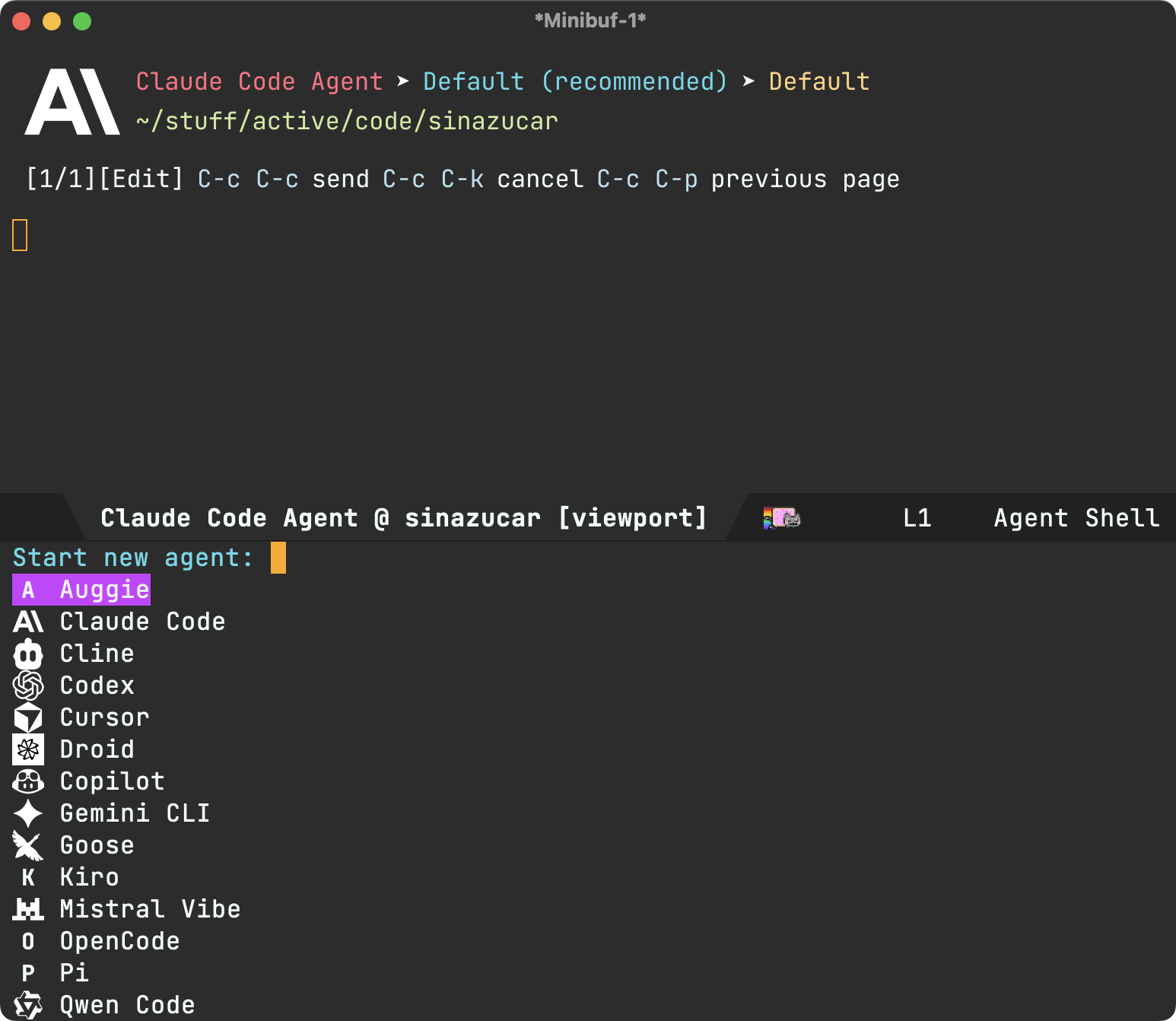
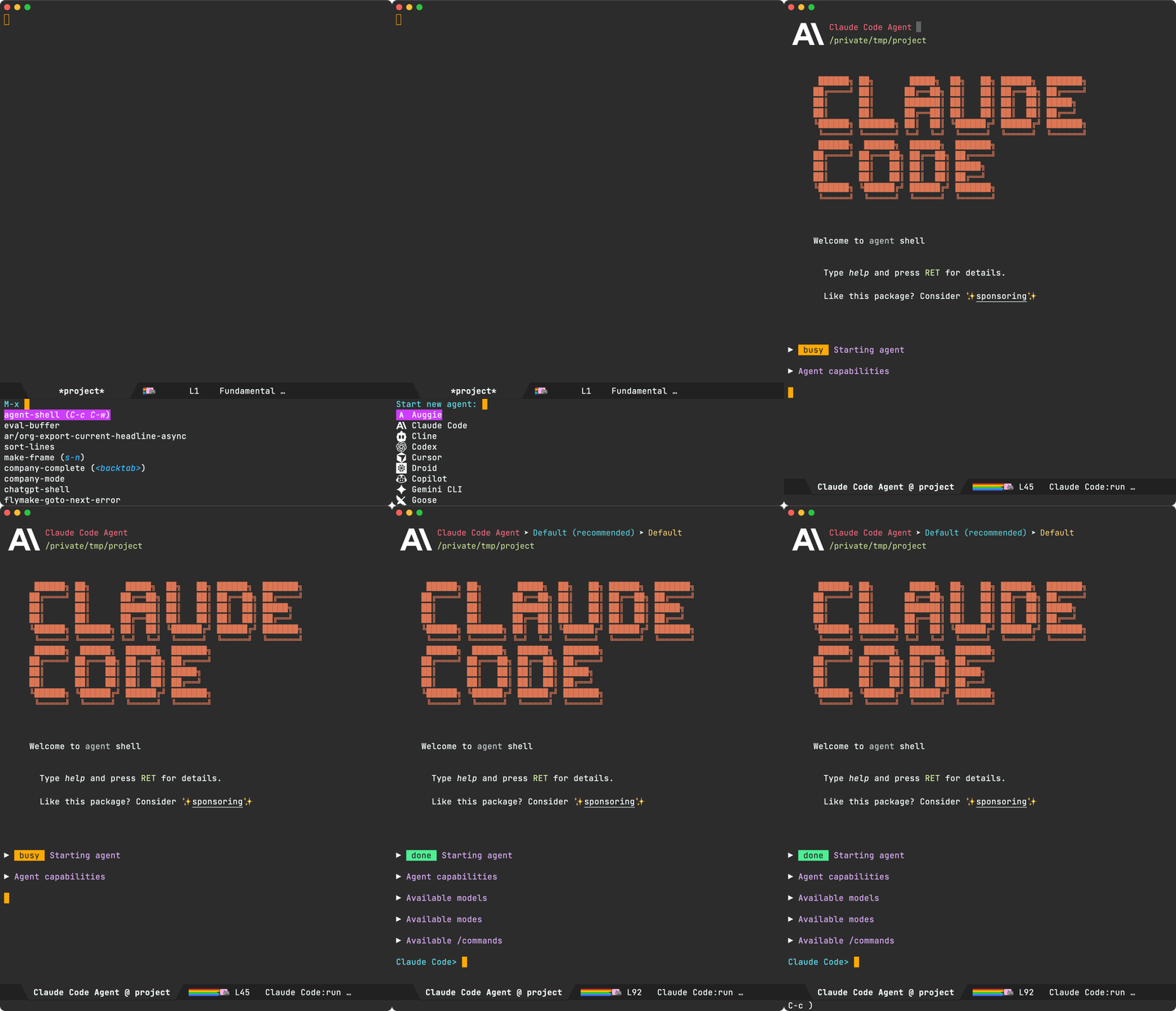

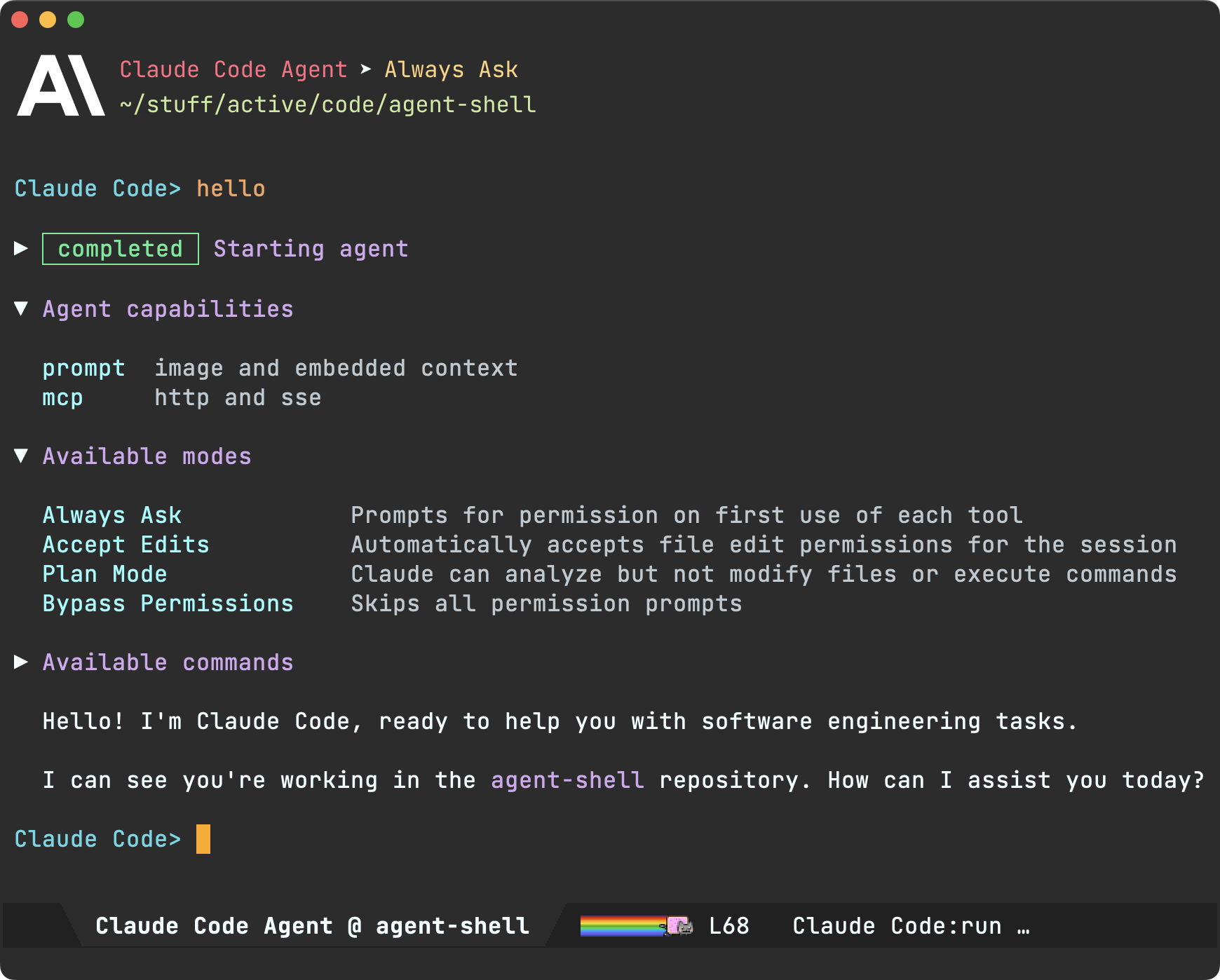
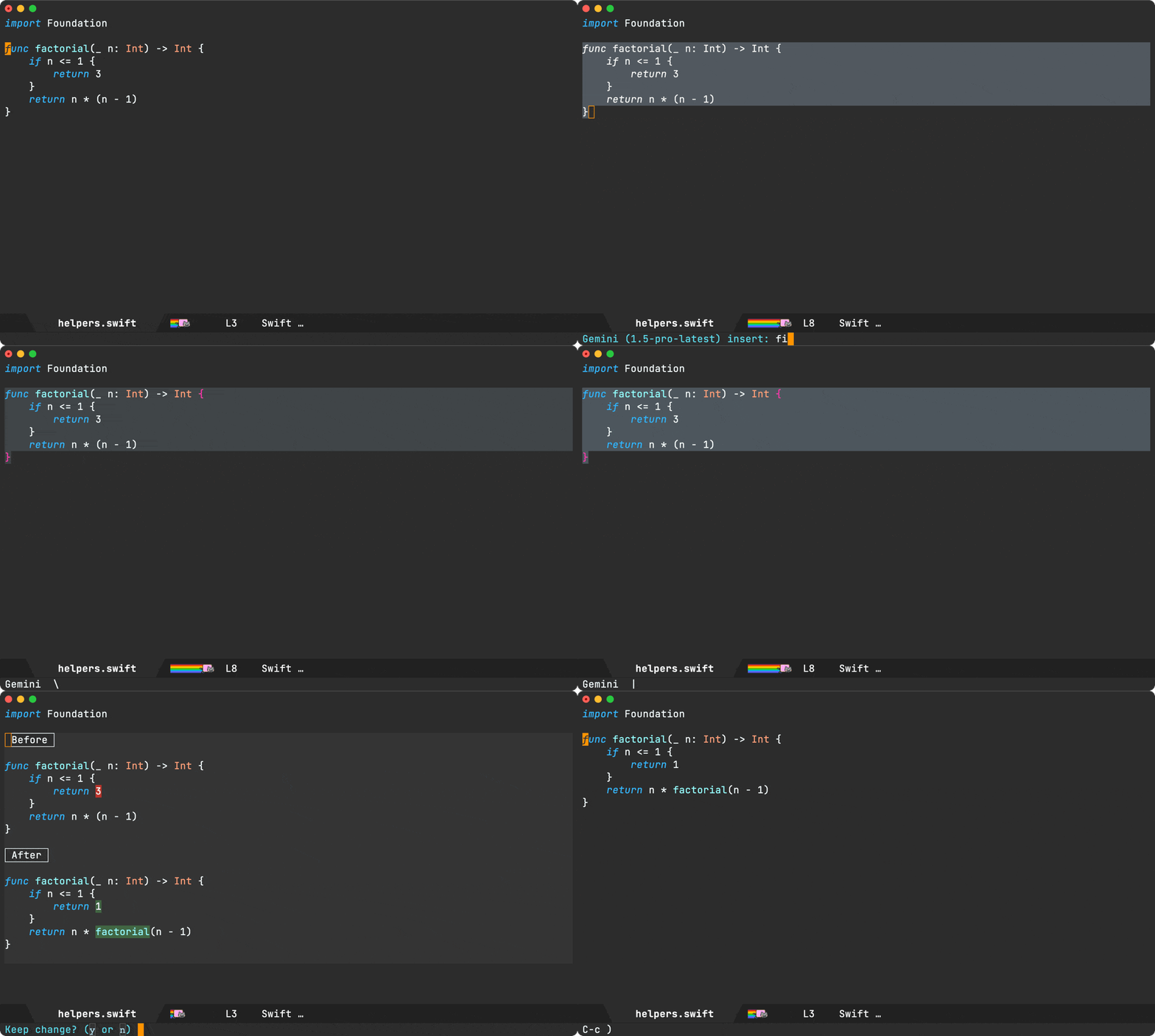
This was a biggie. How sessions are loaded is now configurable via agent-shell-session-strategy. When set to 'new, starting a new shell delivers a fully bootstrapped session before presenting you with the shell prompt. This means the ACP handshake, authentication, and session creation all happen upfront.

You can enable this flow with:

(setq agent-shell-session-strategy 'new)

What's the benefit? Bootstrapped sessions enable changing models and session modes (Planning, Don't ask, Skip permissions, etc…) before submitting your first prompt.

For the time being, the existing (deferred) behaviour is still offered via 'new-deferred. Just set as follows:

(setq agent-shell-session-strategy 'new-deferred)
Session resume (experimental)

Probably the most requested feature and also facilitated by the bootstrapping changes. agent-shell-session-strategy also unlocks session resume. Set it to 'prompt and every time either M-x agent-shell-new-shell or C-u M-x agent-shell are invoked, you'll be offered to resume previous sessions or start a new one.

(setq agent-shell-session-strategy 'prompt)

Alternatively, you can set to 'latest to always resume the most recent session in current project.

Under the hood, there are two ways to pick up from previous session: session/resume (lightweight, no message replay) and session/load (full history replay). By default, agent-shell prefers resuming (controlled by agent-shell-prefer-session-resume). Please favor resuming for the time being as loading has more edge cases to sort out still.

Note: Both resuming and loading sessions are agent-dependent. Some agents may not yet support either, especially as the features aren't yet considered stable in Agent Client Protocol (see session/list spec).

This feature was a collaboration between @farra, @travisjeffery, and myself.

Clipboard images

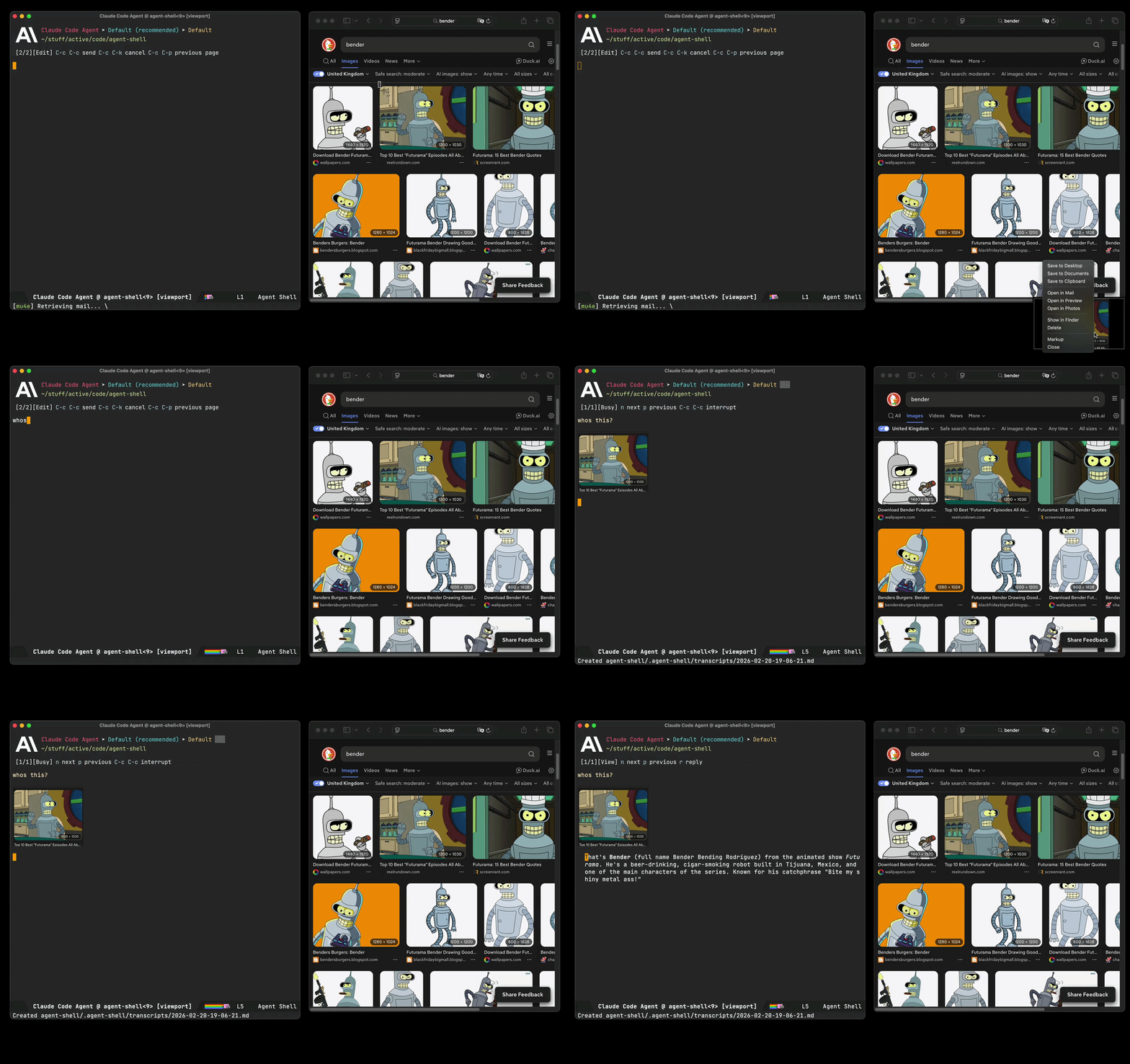
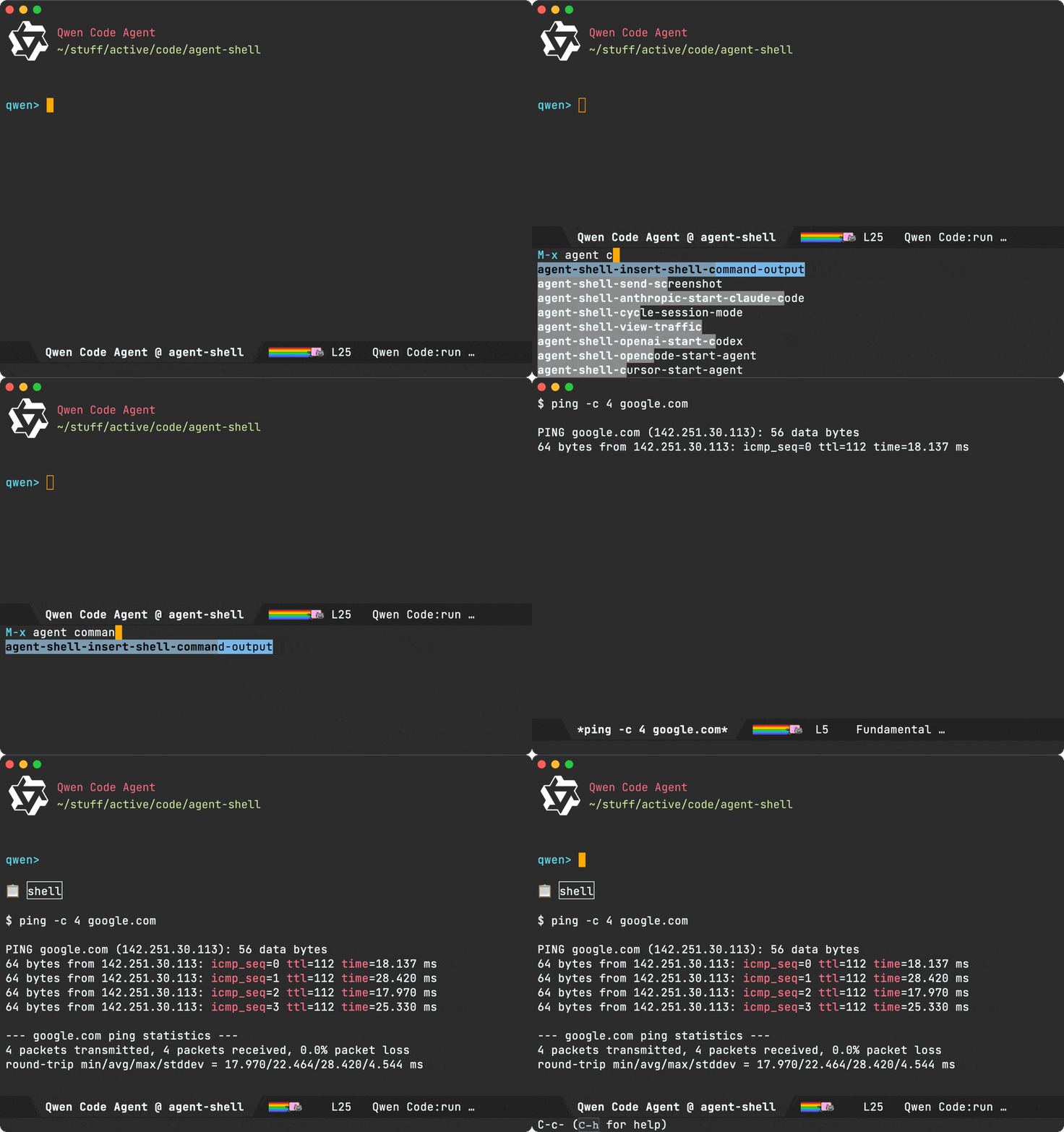
You can now use agent-shell-send-clipboard-image (#285 by @dangom) to send images straight from your clipboard into agent-shell. Clipboard images are saved to .agent-shell/screenshots in your project root and inserted into the shell buffer as context.

Note: You'll need either pngpaste or xclip installed on your system for the feature to automatically kick in.

In addition, we now have agent-shell-yank-dwim: if the clipboard has an image, it pastes it as context. Otherwise, it yanks text as usual. In other words, copy an image anywhere to your system's clipboard and paste/yank into the buffer as usual (typically via C-y).

Status display + tool calls

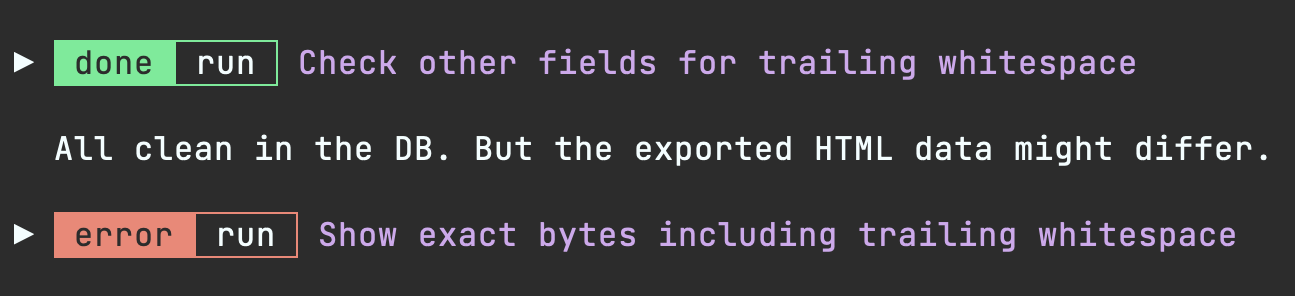
Status labels and tool call titles rendering got some improvements. Status reporting is generally more compact, redundant text is dropped from tool call titles, and tool status/kind shortening has been consolidated.

Image rendering

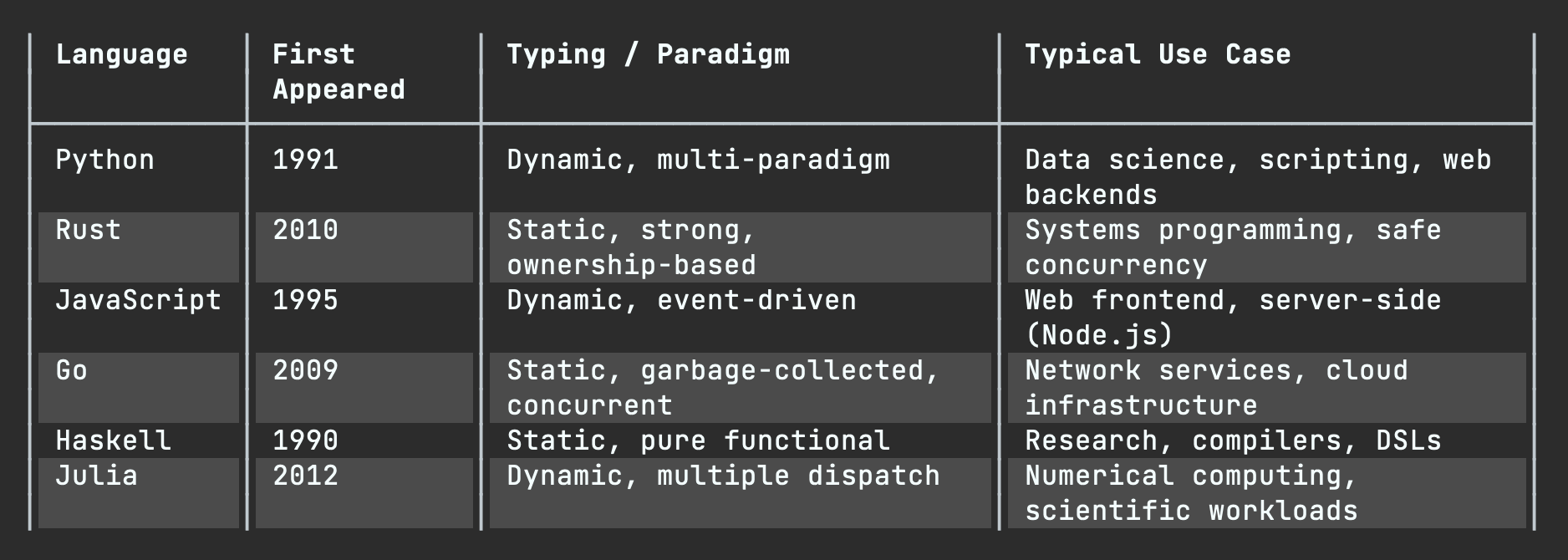
agent-shell now renders images inline. When agents output images (charts, diagrams, screenshots, etc.), they display directly in the shell buffer. You may need to nudge the agent to output image paths in the expected format so agent-shell can pick up.

Markdown images:

![alt text](/path/to/image.png)

Any of the following in a line of their own are supported also:

/path/to/image.png
file:///path/to/image.png
./output/chart.png
~/screenshots/demo.png

Recognized image formats depend on what your Emacs was built with (typically png, jpeg, gif, svg, webp, tiff, etc. via image-file-name-extensions).

Emacs skills

While on the topic of image rendering, this works particularly well when coupled with charting agent skills. I shared some of these over at emacs-skills, demoed in episode 13 of the Bending Emacs series.

Table rendering

Tables are now rendered using overlays (#17 by @ewilderj).

Usage tracking

Tracking usage now possible (#270 by @Lenbok):

  • A color-coded context usage indicator in the header (green -> yellow -> red as context fills up), enabled by default via agent-shell-show-context-usage-indicator.
  • M-x agent-shell-show-usage to check token counts, context window usage, and cost in the minibuffer.r- An optional end-of-turn usage summary can be enabled via (setq agent-shell-show-usage-at-turn-end t).
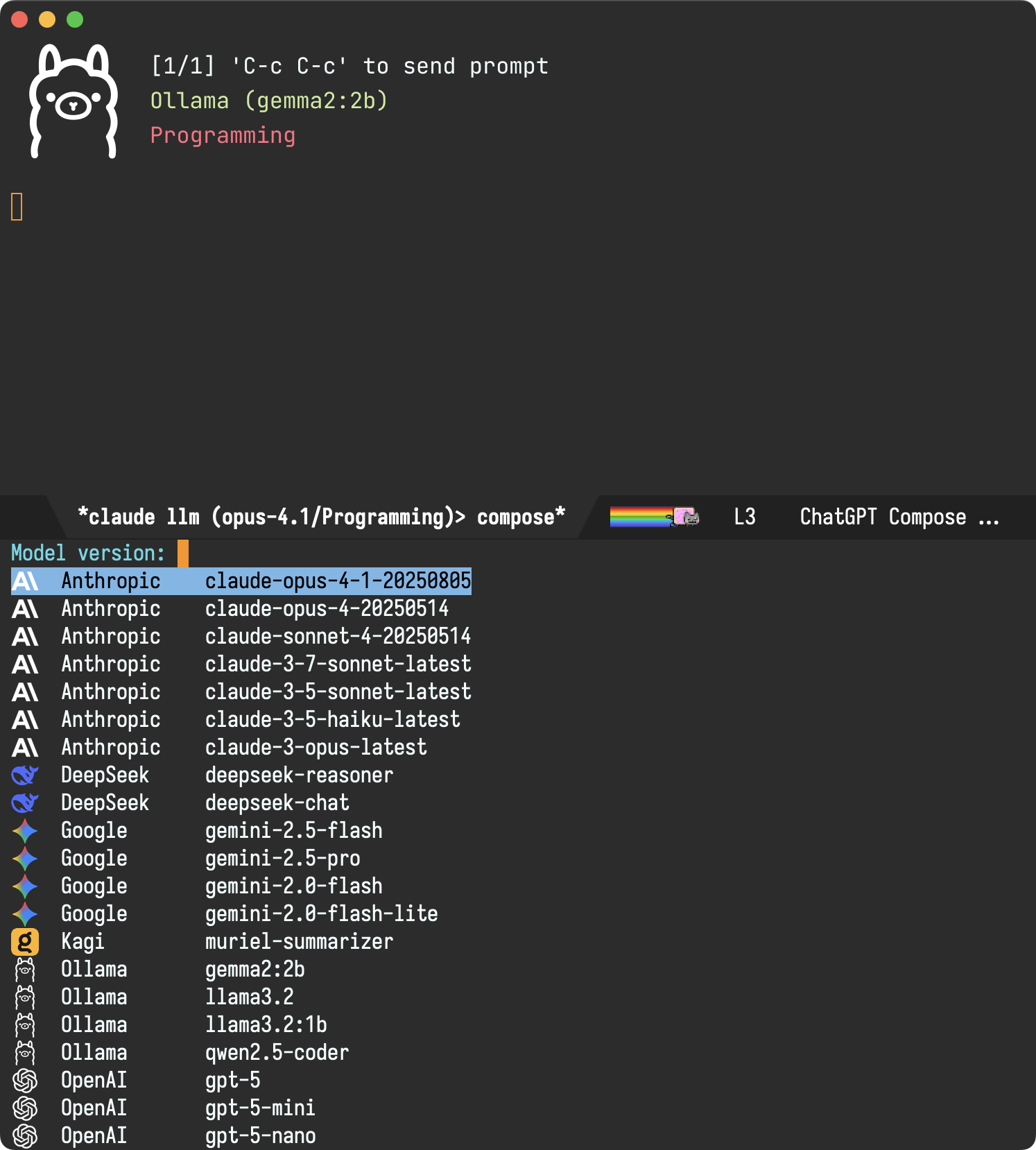
Git worktree shell

If keen to run multiple agents on the same repo without stepping on each other's work, M-x agent-shell-new-worktree-shell facilitates this via git worktrees (#255 by @nhojb).

Send context to…

You can now send context to a specific shell using agent-shell-send-file-to, agent-shell-send-region-to, agent-shell-send-clipboard-image-to. and agent-shell-send-screenshot-to. These prompt you to pick a target shell.

Both M-x agent-shell and agent-shell-send-dwim are now prefix-aware. C-u forces a new shell, while C-u C-u prompts you to pick a target shell.

Compose buffer improvements

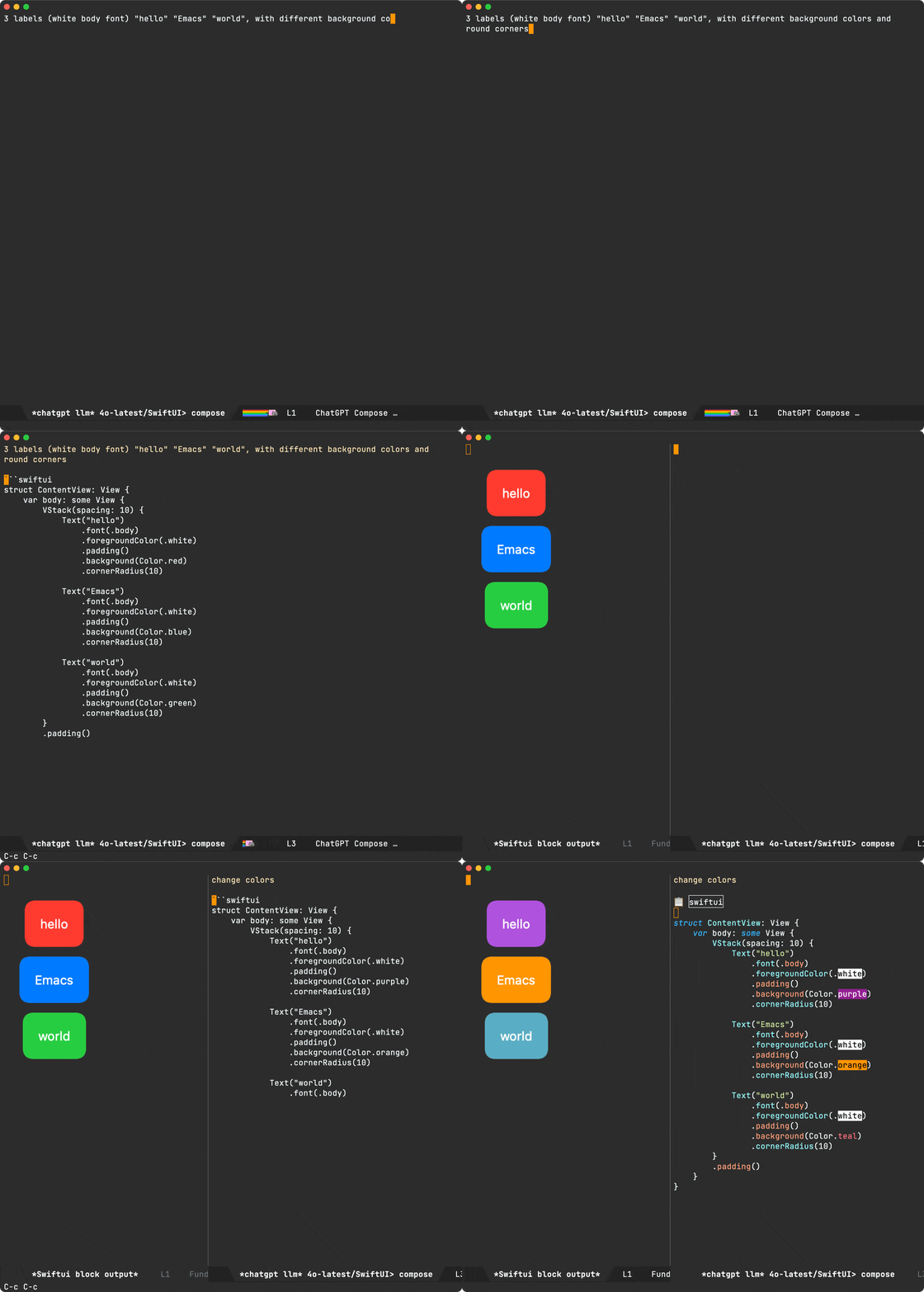
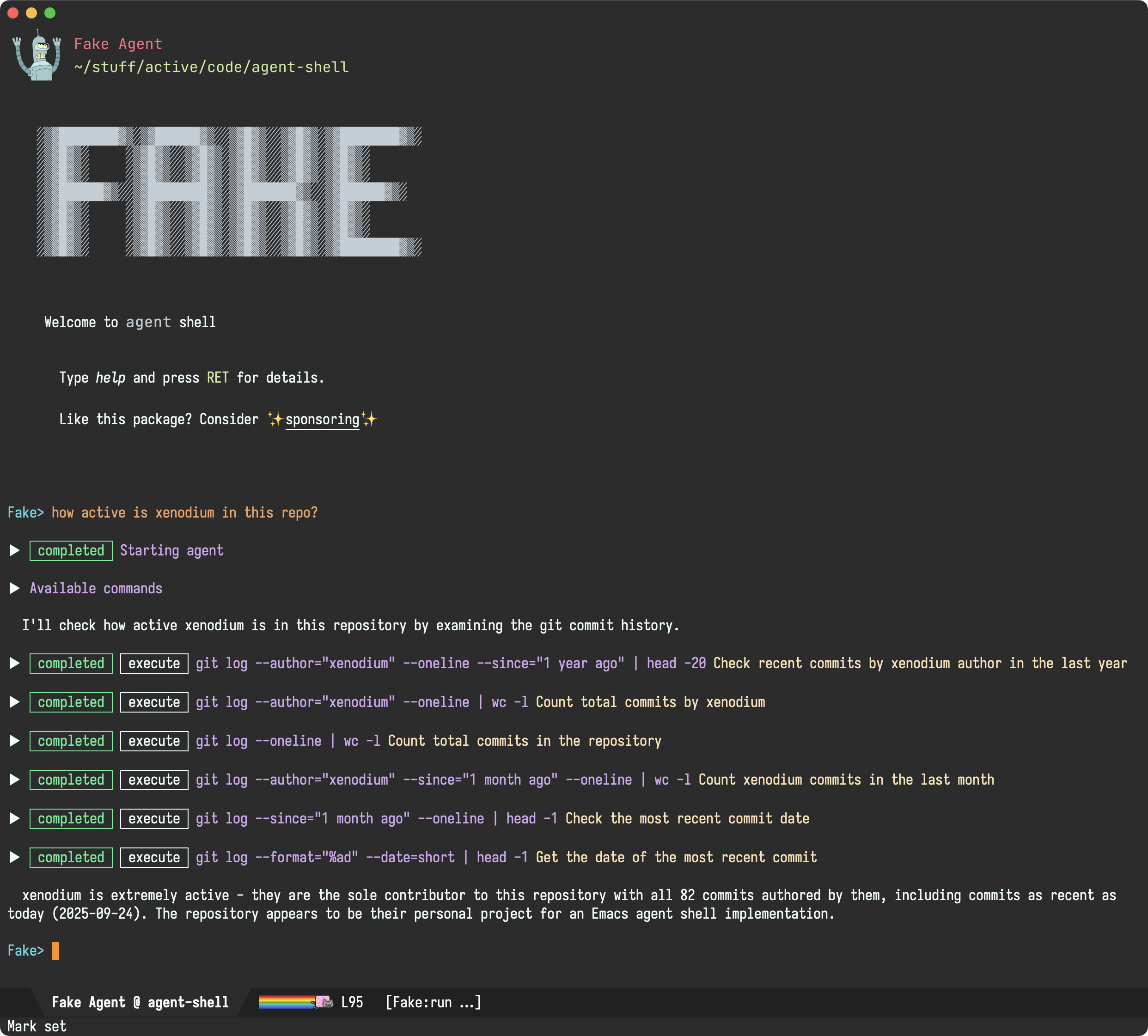
Compose buffers now support file (via @) and command (via /) completions. It is now also possible to browse previous pages via C-c C-p and come back to your prompt draft.

There's also prompt history navigation/insertion when composing prompts via M-p (previous), M-n (next), and M-r (search).

Bringing context into viewport compose buffers is now more robust. For example, carrying context into a new viewport compose buffer is now supported (#383 by @liaowang11).

Viewport improvements

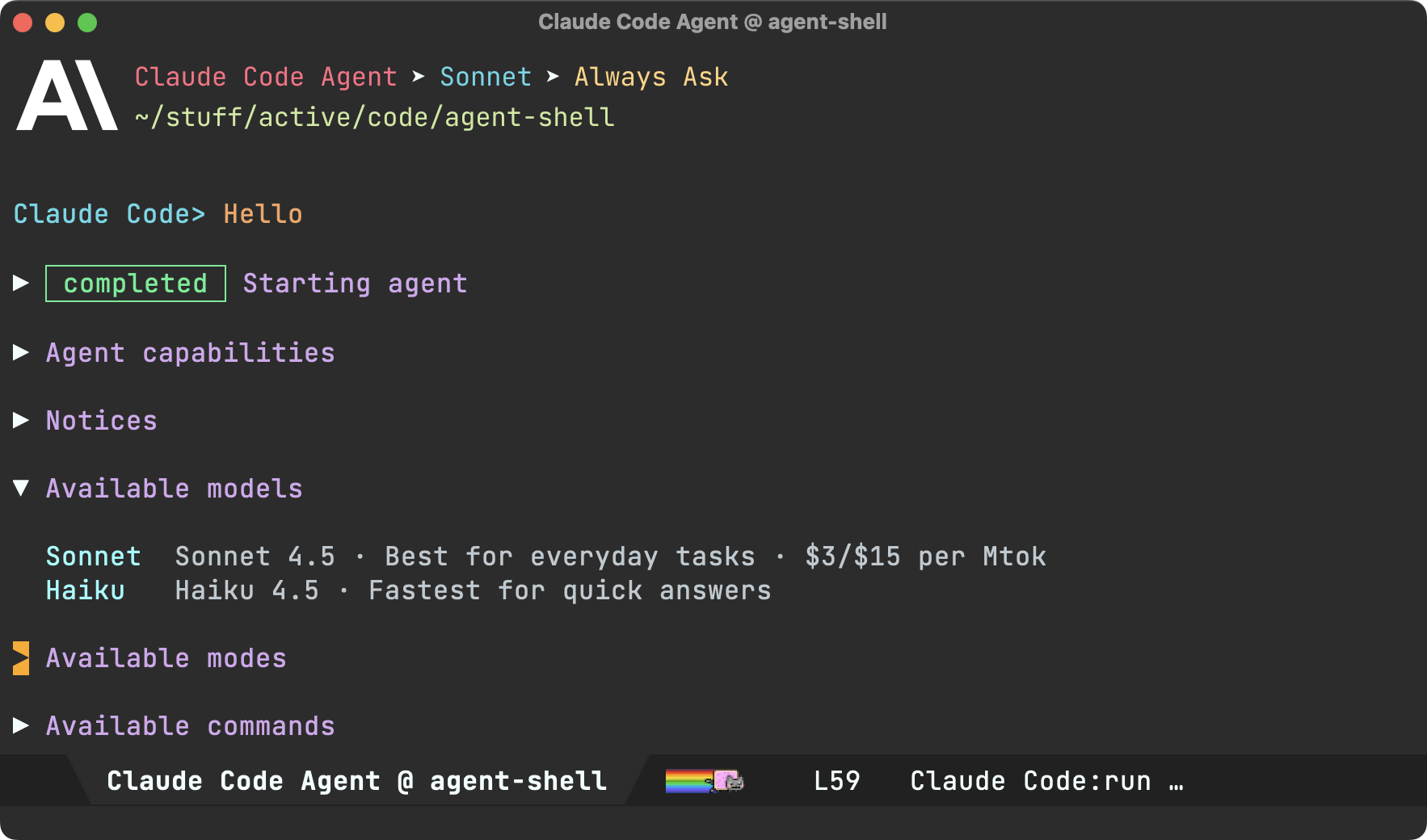
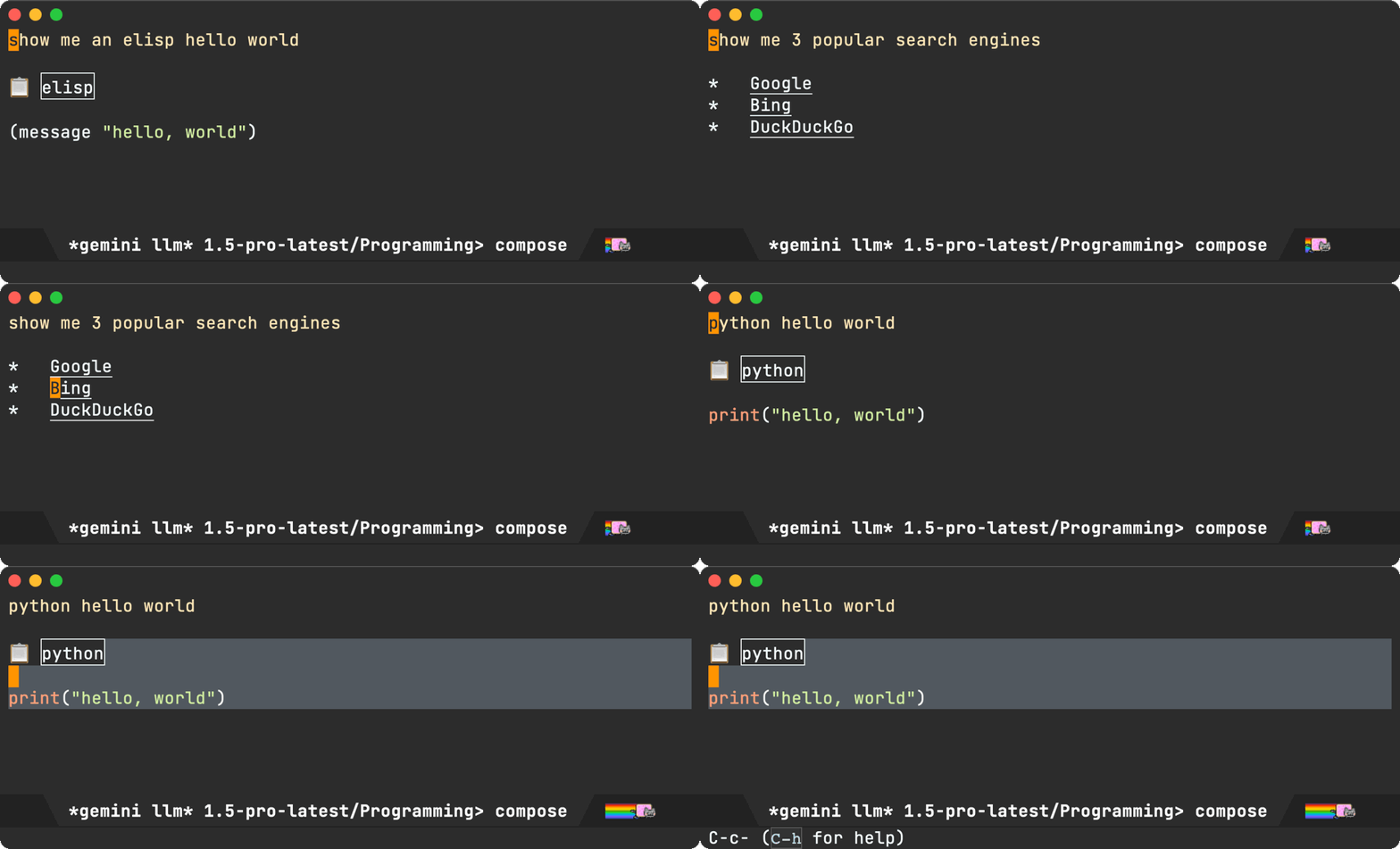
While viewport interaction was introduced in the previous post, it is now my preferred way of interacting with agent-shell. You can enable via (setq agent-shell-prefer-viewport-interaction t). In any case, viewport buffers got a handful of quality-of-life improvements.

Single key replies without needing to open a compose/reply buffer:

  • y sends "yes" (handy for quickly answering agent questions).
  • 1-9 sends digits (handy for quickly choosing options).
  • m sends "more" (handy for requesting more of the same kind of data).
  • a sends "again" (handy for requesting to carry out instructions again).
Customizable context sources

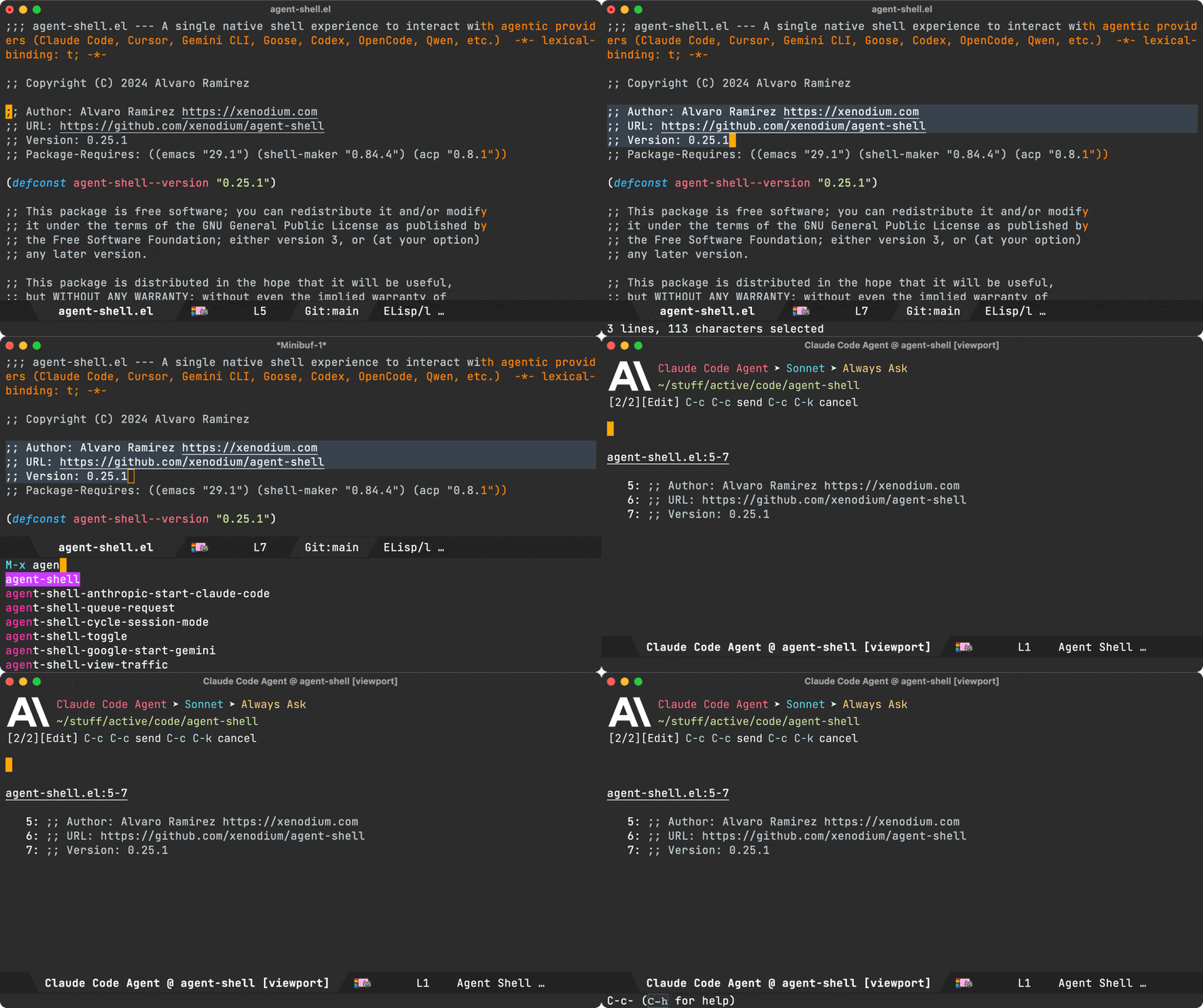
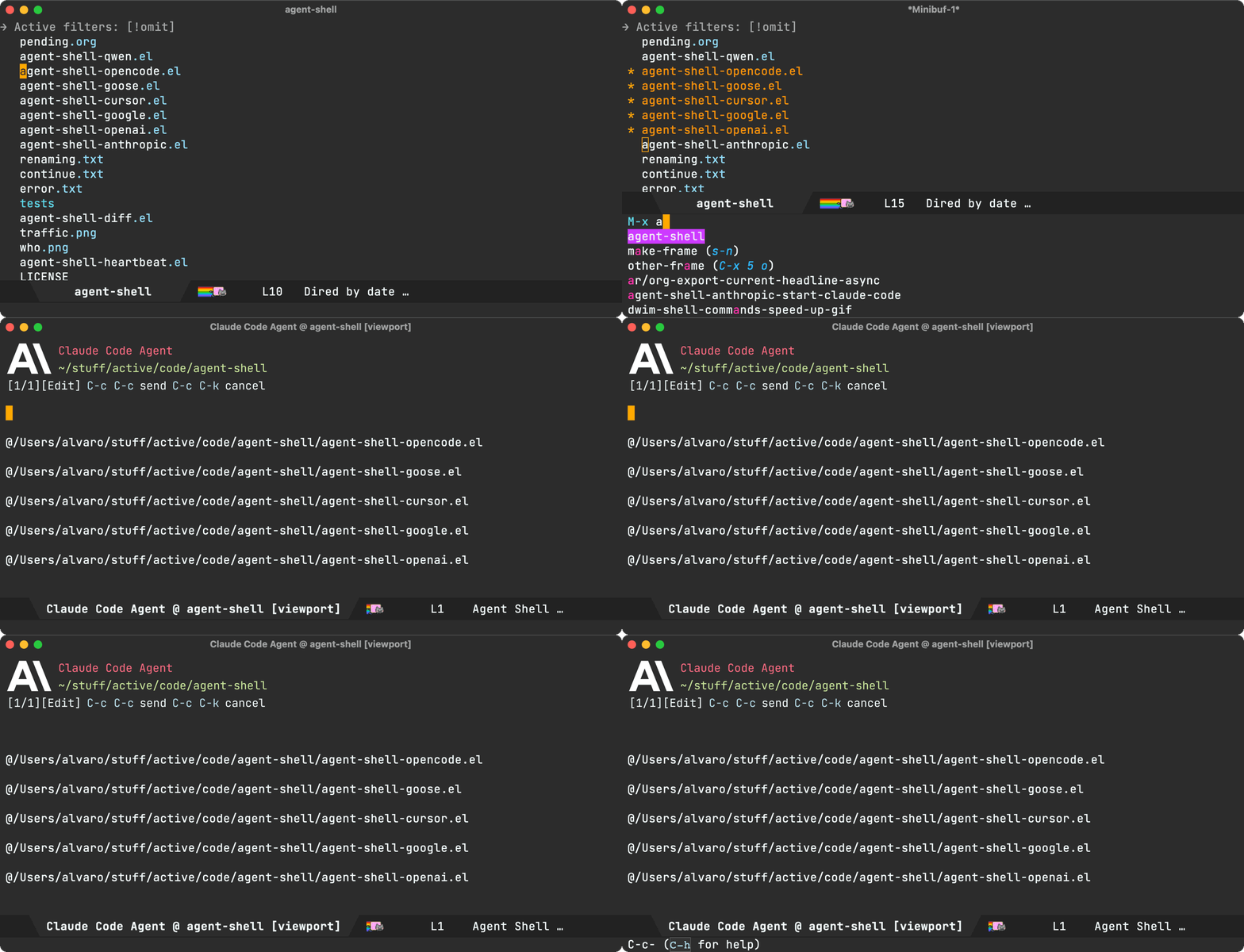
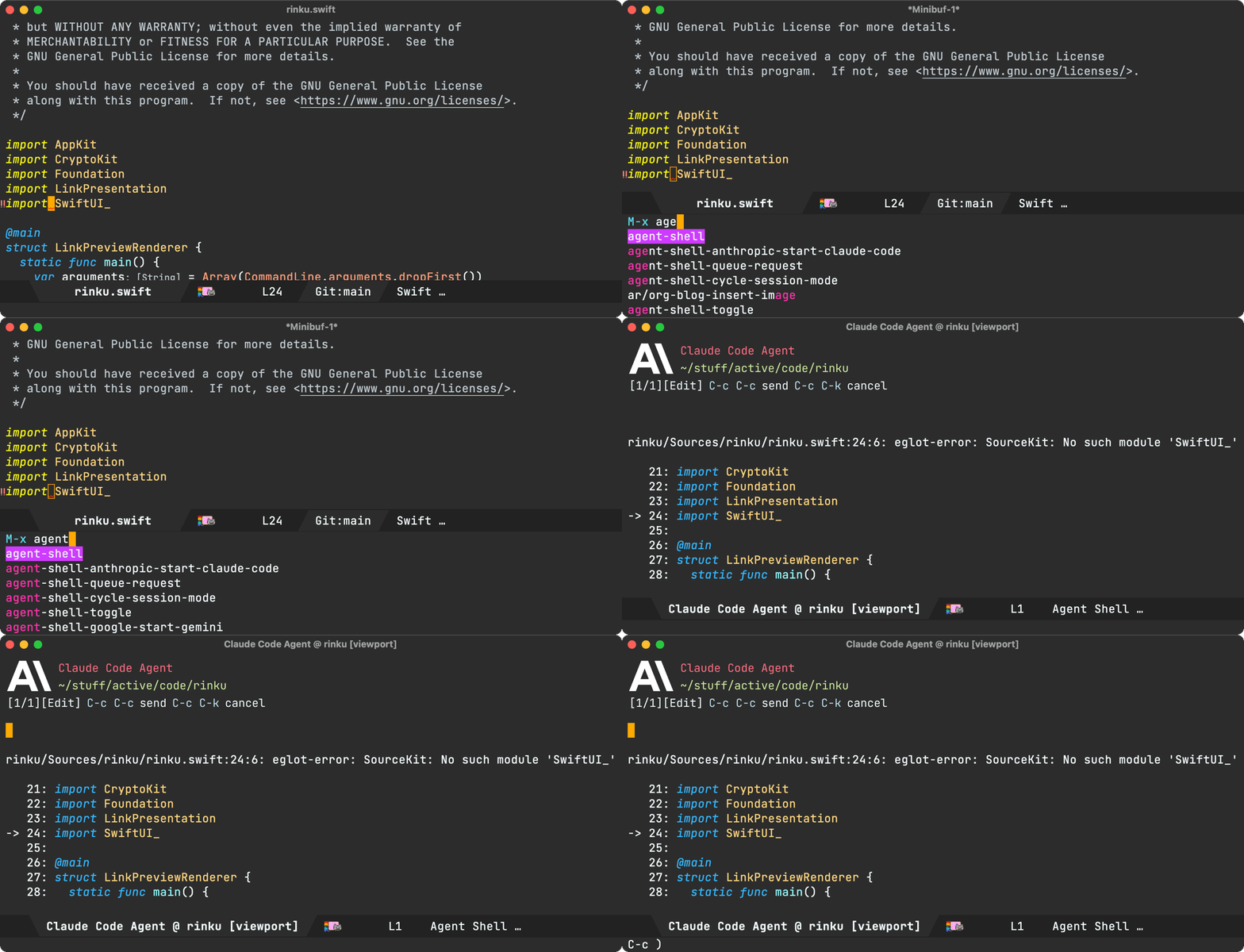
agent-shell-context-sources lets you configure which DWIM context sources are considered by M-x agent-shell, agent-shell-send-dwim, and compose buffers. You can control the order sources are checked and add custom functions. Defaults to files, region, error, and line.

I'm always on the lookout for some DWIM goodness. If you add your own context function, I'd love to hear about it.

Flycheck support

While on the topic of context sources, in addition to picking up flymake errors at point, flycheck errors are now automatically recognized (#219 by @Lenbok).

Diff improvements

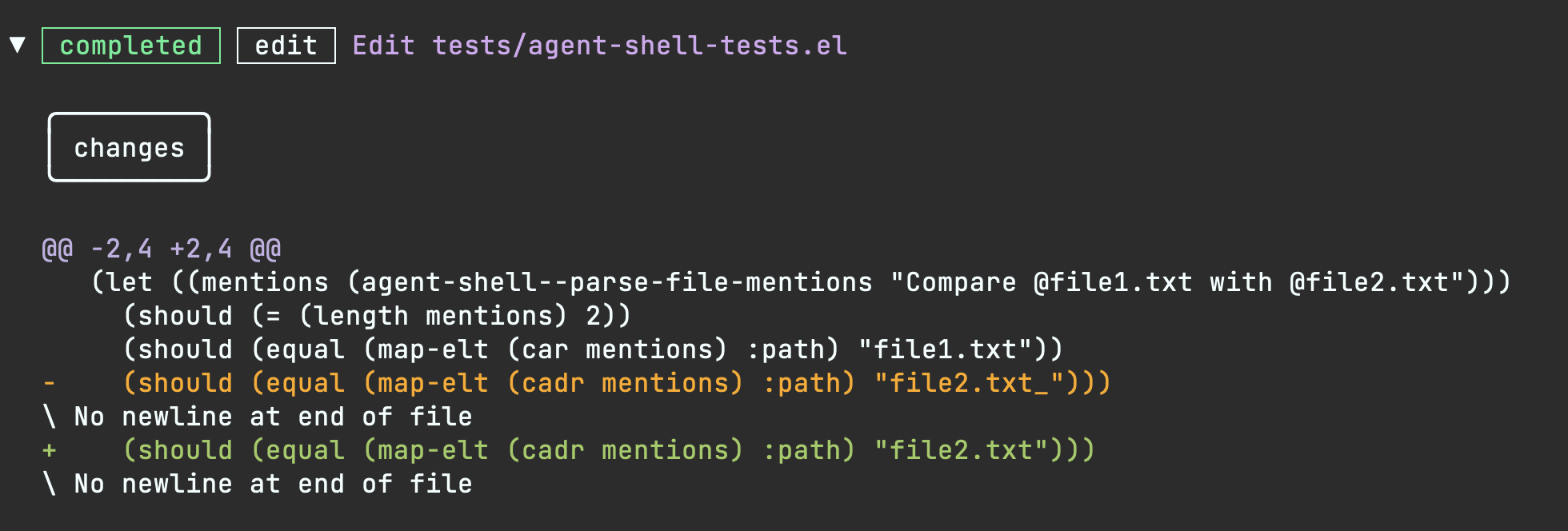
Diff buffers got some love too, now with syntax highlighting (#198 by @Azkae). There's also a new agent-shell-diff-mode-map for customizing diff keybindings, which avoid inheriting unsupported features from the parent mode. You can also press f to open the modified file from a diff buffer.

Additionally, you can now press C-c C-c from an agent-shell-diff buffer to reject all changes (same binding as the shell itself).

Event subscriptions

You can now programmatically subscribe to agent-shell events like initialization steps, tool call updates, file writes, permission responses, permission requests, and turn completions. This opens the door for building integrations on top of agent-shell.

(agent-shell-subscribe-to
 :shell-buffer (current-buffer)
 :event 'file-write
 :on-event (lambda (event)
             (message "File written: %s"
                      (alist-get :path (alist-get :data event)))))
Permission UX improvements

Permission dialogs got a few improvements. Amongst them, automatic navigation to the next pending dialog and also making executed commands more prominent for some agents.

Permission responder function

You can now programmatically respond to permission requests via agent-shell-permission-responder-function. A built-in agent-shell-permission-allow-always handler is provided to auto-approve everything (use with caution):

(setq agent-shell-permission-responder-function #'agent-shell-permission-allow-always)
Claude Code OAuth token support

OAuth token now supported for Claude Code (#339 by @chemtov).

Transcript improvements

Markdown transcripts generation needed love. Thank you @Idorobots and @systemfreund for the improvements (#374, #325, and #326).

Session ID display

With (setq agent-shell-show-session-id t), session IDs are now displayed in header as well as session lists (#363 by @Cy6erBr4in).

Custom CWD function

agent-shell-cwd-function now enables customizing how agent-shell determines the working directory sent to agents.

Configurable dot-subdir location

agent-shell-dot-subdir-function now lets you customize where agent-shell keeps per-project files (#378 by @zackattackz).

Lambda MCP servers

agent-shell-mcp-servers now accept lambda functions too (#237 by @matthewbauer). Useful for setups like claude-code-ide using dynamic MCP details.

Buffer name format

agent-shell-buffer-name-format now makes buffer naming configurable. Choose between the default title case ("Claude Code Agent @ My Project"), kebab-case ("claude-code-agent @ my-project"), or provide your own function (#256 by @nhojb).

Inhibit minor modes during writes

agent-shell-write-inhibit-minor-modes lets you temporarily disable modes (like auto-formatting entire file) when agents write files (#224 by @ultronozm).

File autocompletion performance

File autocompletion is now more performant for larger repositories (#262 by @perfectayush).

Container modeline indicator

When running shells inside a container, a [C] indicator now shows up in the modeline (#250 by @ElleNajt).

Graphical header improvements

Graphical header rendering is more robust now (#275 by @nhojb).

Busy throbber display options

The busy/working indicator now offers multiple visual styles, customizable via agent-shell-busy-indicator-frames (#280 by @Lenbok).

New related packages Pull requests

Thank you to all contributors for these improvements!

Bug fixes
  • #168: replace-buffer-contents timeout to prevent freeze on large diffs
  • #170: Suppress effects of find-file-noselect during agent writes
  • #175: ACP configuration JSON-RPC inserted into shell
  • #180: Terminal-friendly keybindings
  • #189: Changing the model with Claude causes hang
  • #191: user_message_chunk session updates no longer dump raw JSON
  • #220: Python comments no longer interpreted as Markdown headers
  • #265: session/request_permission with argv array commands
  • #297: Unexpected tool-call command type error
  • #300: agent-shell-send-region no longer fails silently without a region
  • #303: Context insertion for new deferred sessions
  • #319: Fix "Wrong type argument: font, unspecified" in terminal Emacs (fix by @eddof13)
  • #335: Plan not displaying from session/request_permission (fix by @Azkae)
  • #345: Out of turn notifications inserted into shell
  • #353: xclip handler blocking on X11 when clipboard has no image (fix by @chemtov)
  • #361: loadSession regression
  • #370: Permission UI not reacting on status failed/completed (fix by @xar7)
  • #376: File skip check using full path instead of filename only (fix by @zackattackz)
  • #385: Leading space in agent-shell-select-config prompt in terminal frames (fix by @bcc32)
Lots of polish

Beyond what's showcased, I've poured much love and effort into polishing the agent-shell experience. Interested in the nitty-gritty? Have a look through my regular commits.

Make the work sustainable

If agent-shell is useful to you, please consider sponsoring the project. These days, I've been working on agent-shell daily.

LLM tokens aren't free, and neither is the time dedicated to building this stuff. While I now have more time to work on agent-shell as an indie dev, I also have bills to pay ;)

Unless I can make this work sustainable, I will have to shift my focus to work on something else that is.

Sponsor agent-shell
https://xenodium.com/agent-shell-0-47-1-updates
Bending Emacs - Episode 13: agent-shell charting

Time for a new Bending Emacs episode. This one is a follow-up to Episode 12, where we explored Claude Skills as emacs-skills.

Bending Emacs Episode 13: agent-shell + Claude Skills + Charts

This time around, we look at inline image rendering in agent-shell and how it opens the door to charting. I added a handful of new charting skills to emacs-skills: /gnuplot, /mermaid, /d2, and /plantuml.

The agent extracts or fetches data from context, generates the charting code, saves it as a PNG, and agent-shell renders it inline. Cherry on top: the generated charts match your Emacs theme colors by querying them via emacsclient --eval.

Hope you enjoyed the video!

Want more videos?

Liked the video? Please let me know. Got feedback? Leave me some comments.

Please like my video, share with others, and subscribe to my channel.

As an indie dev, I now have a lot more flexibility to build Emacs tools and share knowledge, but it comes at the cost of not focusing on other activities that help pay the bills. If you benefit or enjoy my work please consider sponsoring.

https://xenodium.com/bending-emacs-episode-13-agent-shell-charting
Bending Emacs - Episode 12: agent-shell + Claude Skills

Time for a new Bending Emacs episode. This one is a follow-up to Episode 10, where we introduced agent-shell.

Bending Emacs Episode 12: agent-shell + Claude Skills

This time around, we explore Claude Skills and how to use them to teach agents Emacs tricks. I built a handful of skills packaged as a Claude Code plugin at github.com/xenodium/emacs-skills.

The skills use emacsclient --eval under the hood to bridge agent work to your running Emacs session:

  • /dired - Open files from the latest interaction in a dired buffer with marks.
  • /open - Open files in Emacs, jumping to a specific line when relevant.
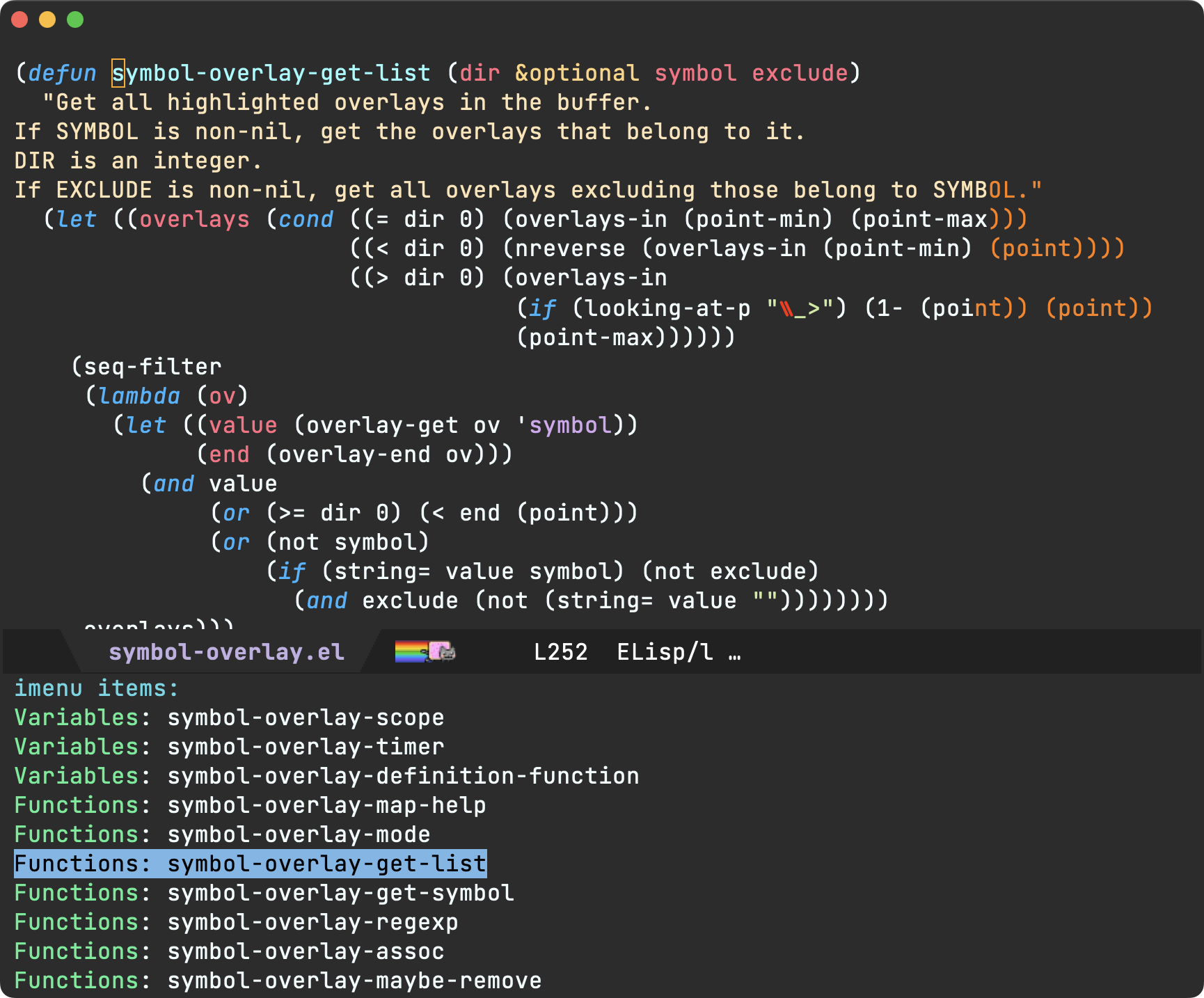
  • /select - Open a file and select the relevant region.
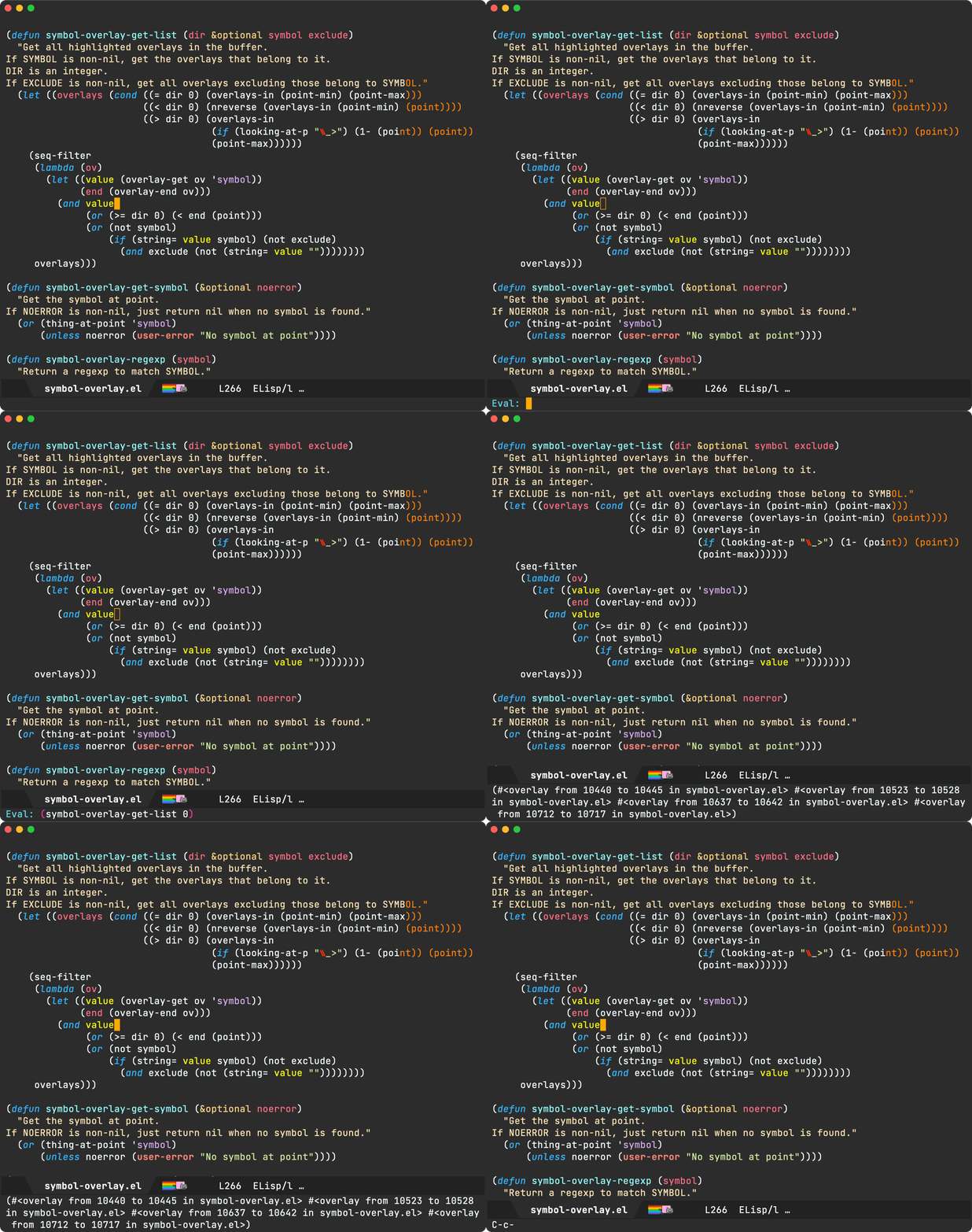
  • /highlight - Highlight relevant regions across files with a temporary read-only minor mode.
  • /describe - Look up Emacs documentation and summarize findings.
  • emacsclient (auto) - Teaches the agent to always prefer emacsclient over emacs.

Hope you enjoyed the video!

Want more videos?

Liked the video? Please let me know. Got feedback? Leave me some comments.

Please go like my video, share with others, and subscribe to my channel.

As an indie dev, I now have a lot more flexibility to build Emacs tools and share knowledge, but it comes at the cost of not focusing on other activities that help pay the bills. If you benefit or enjoy my work please consider sponsoring the work.

https://xenodium.com/bending-emacs-episode-12-agent-shell-claude-skills
Ready Player cover download improvements

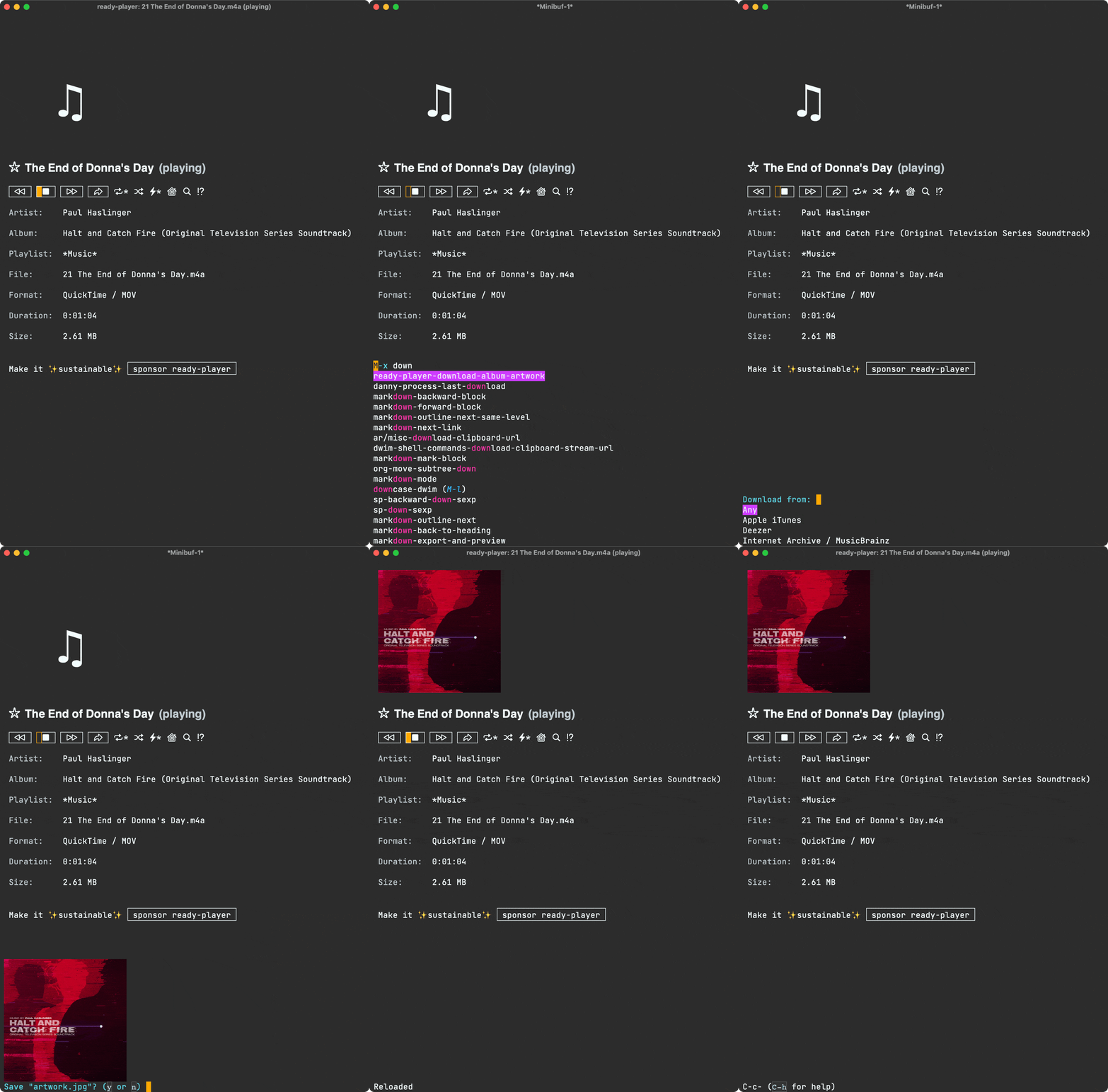
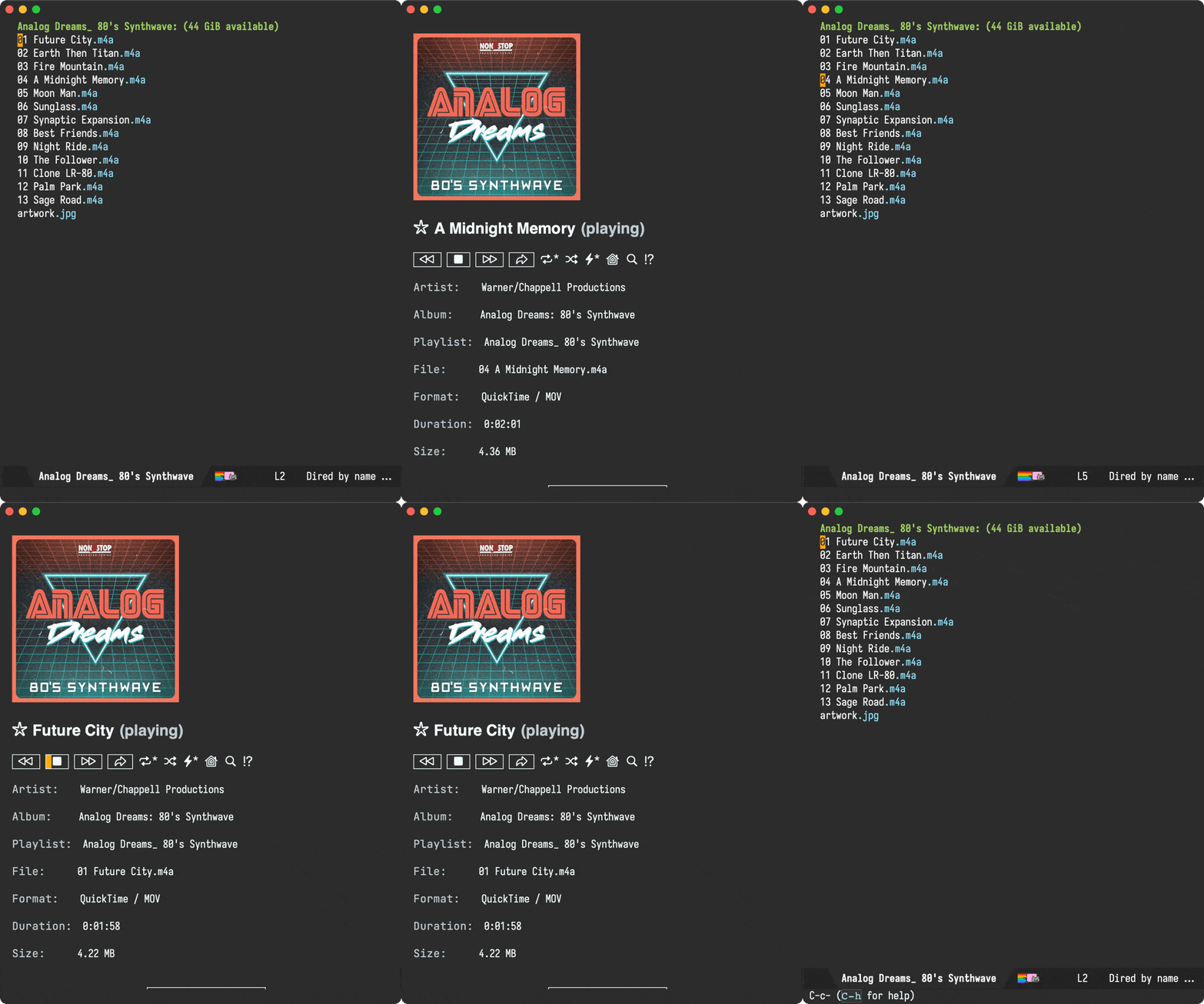
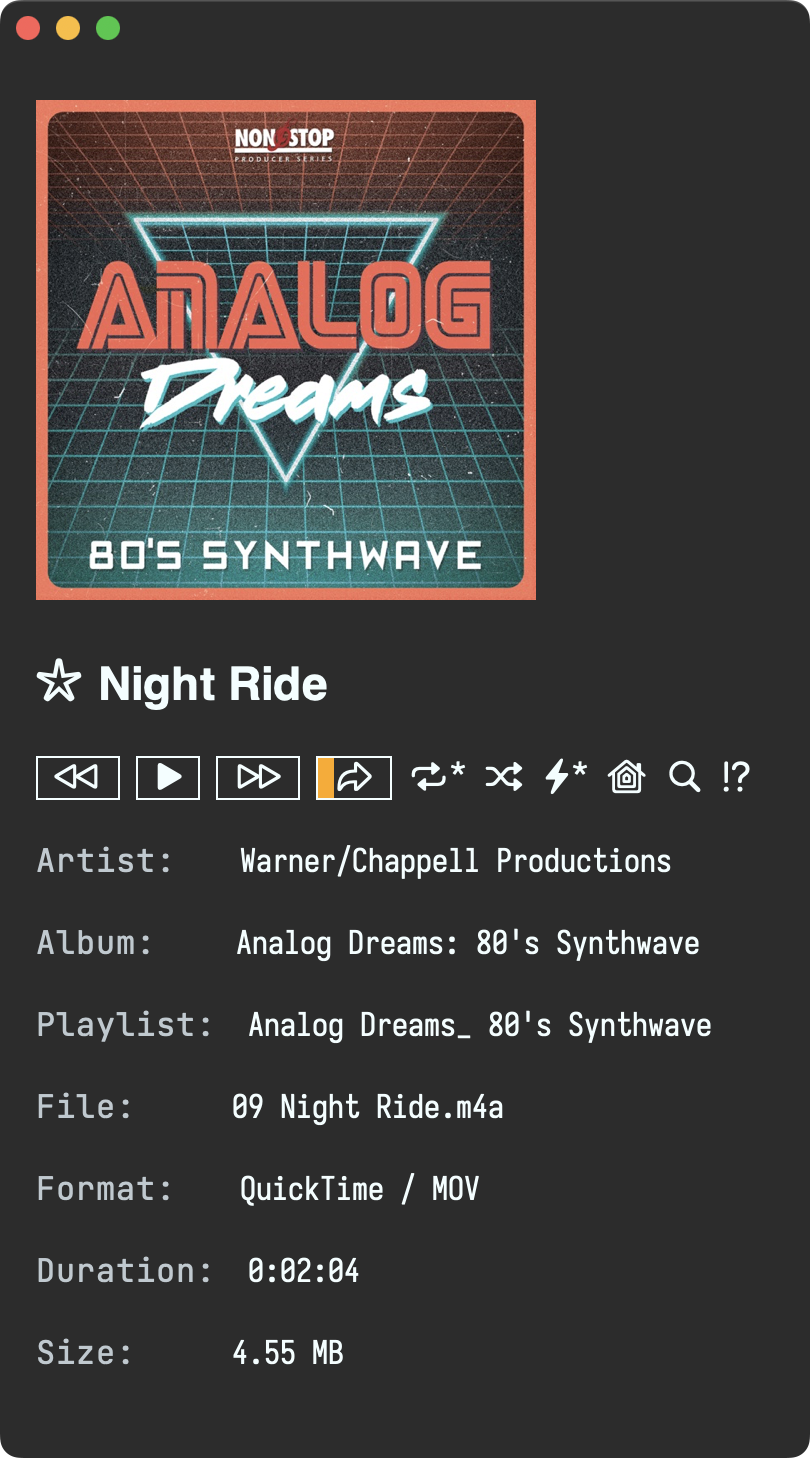
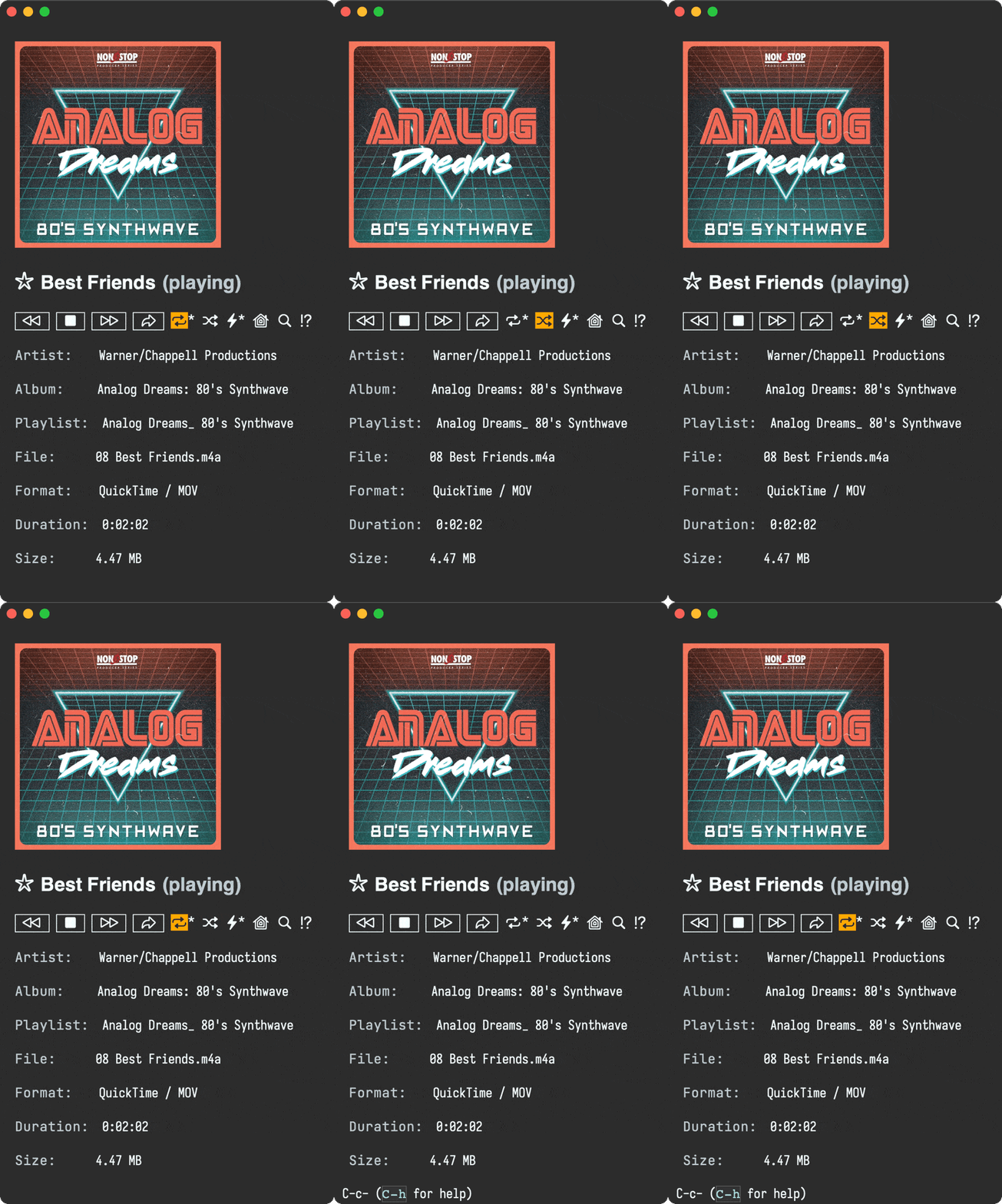
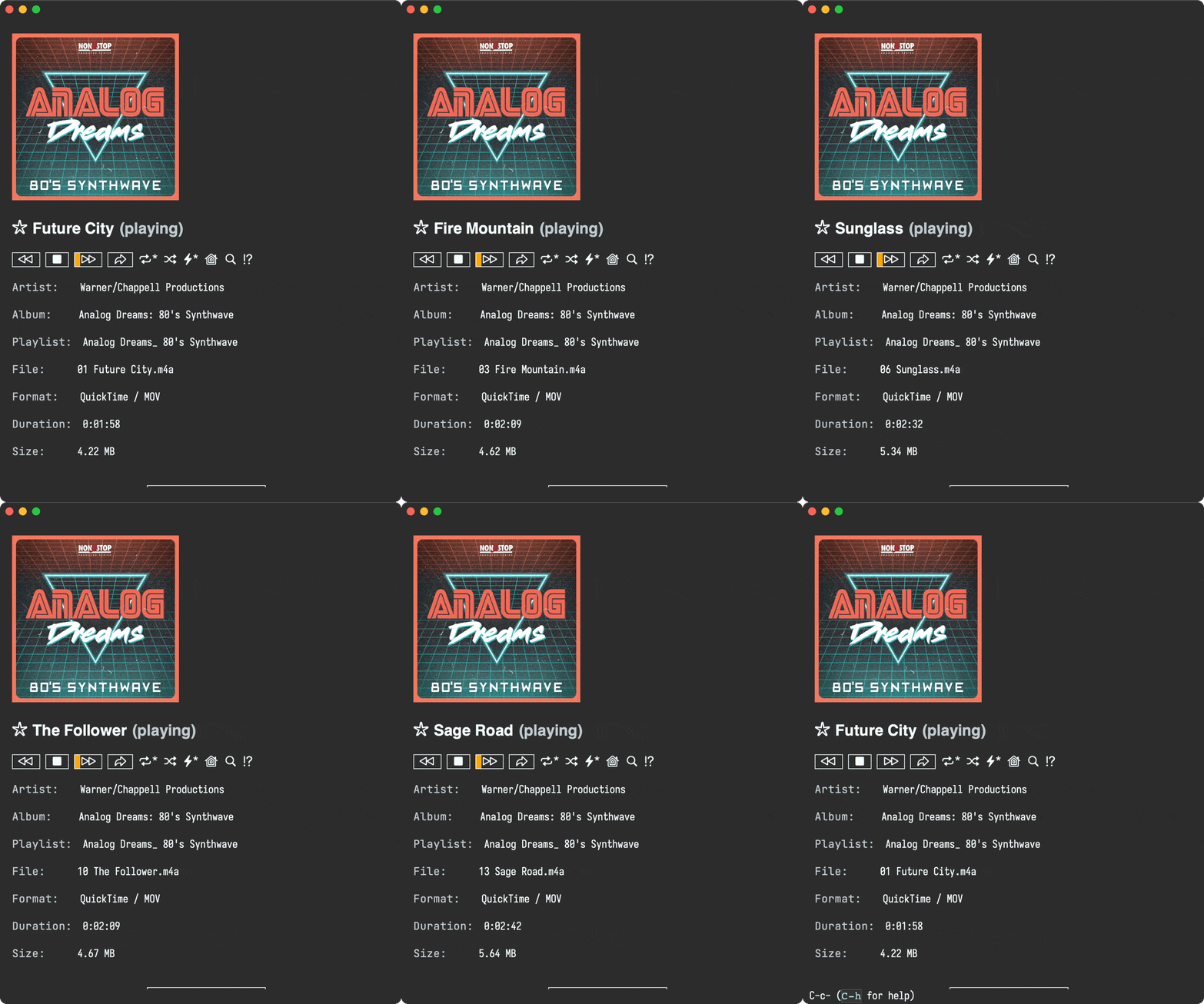
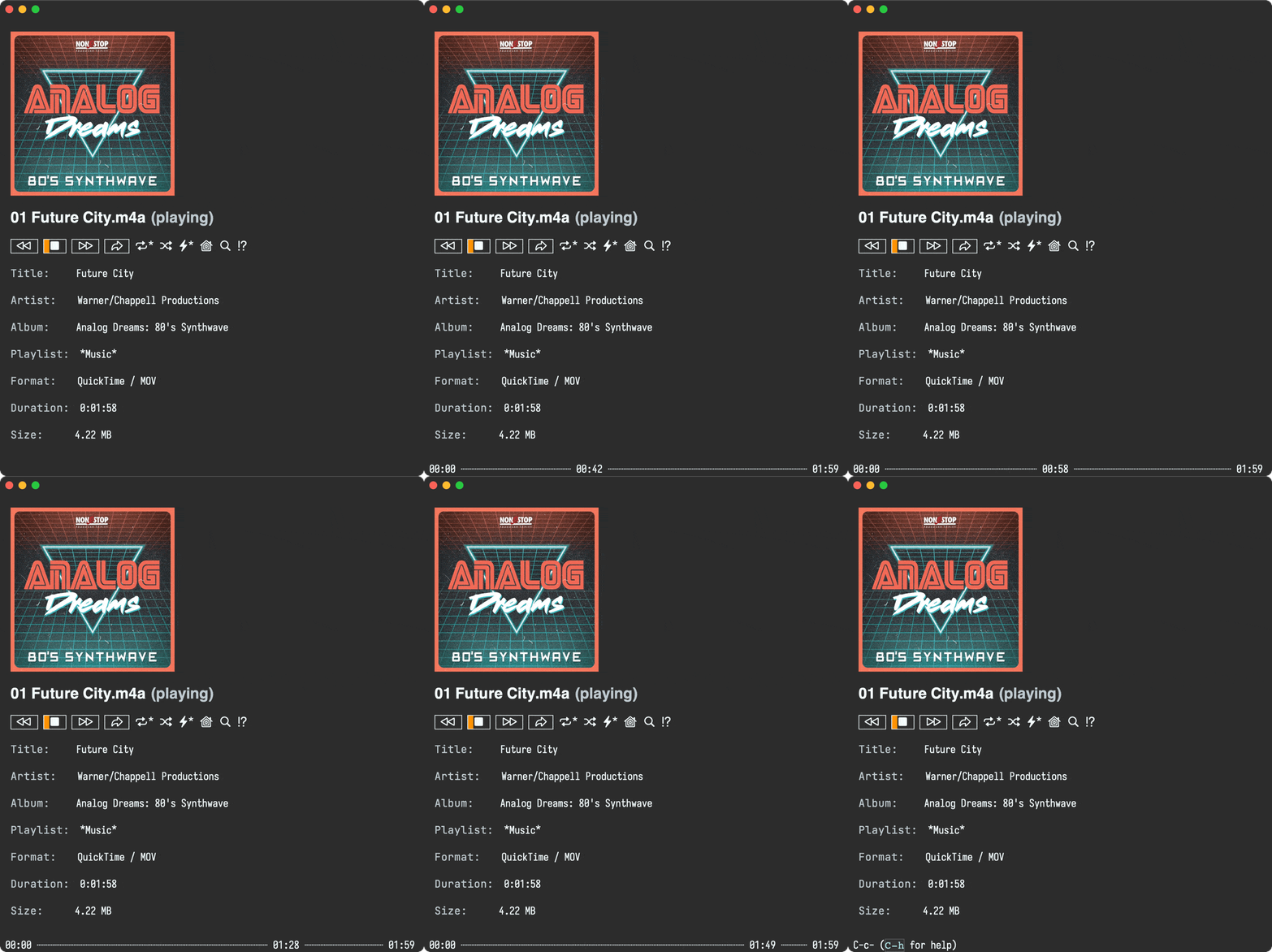
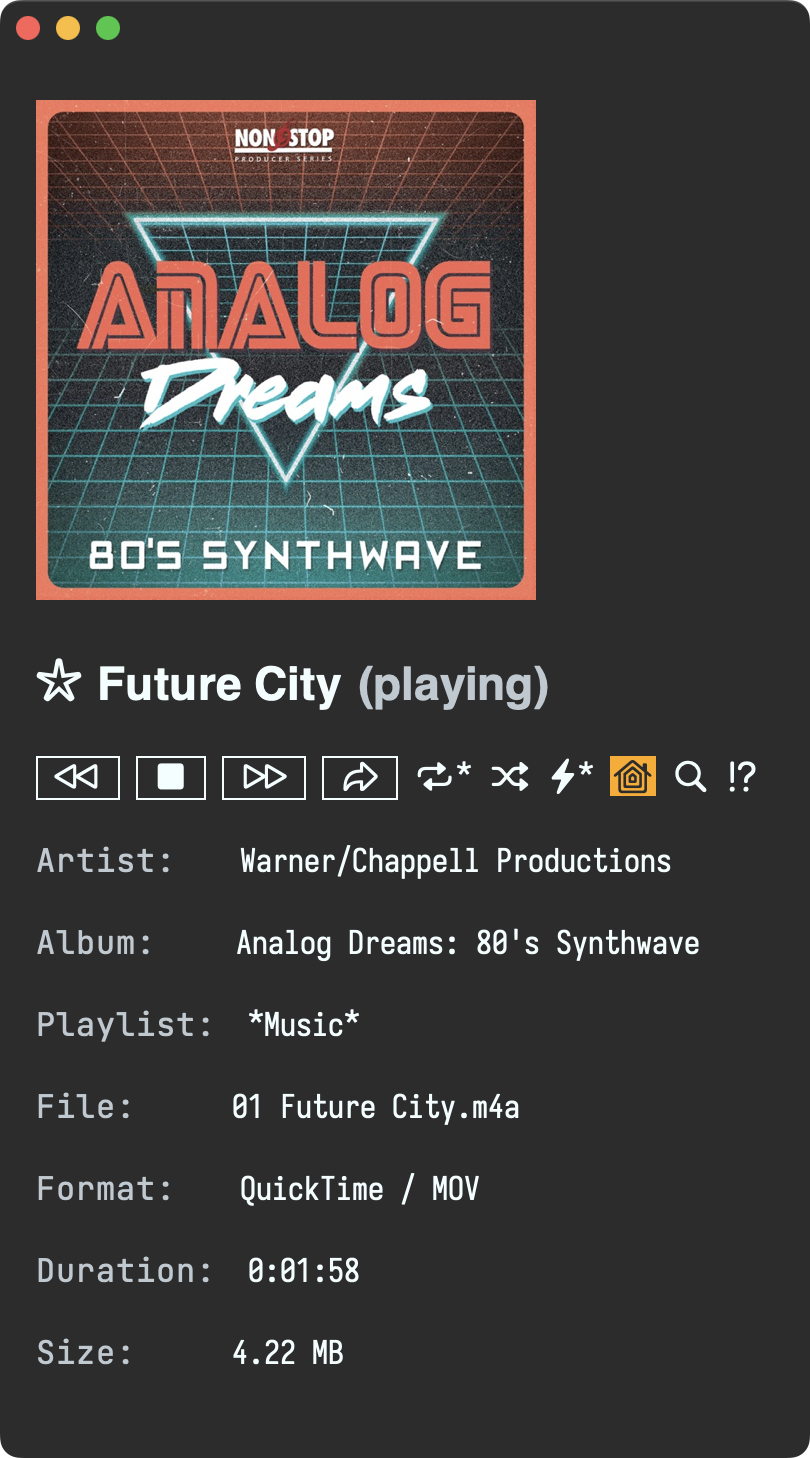
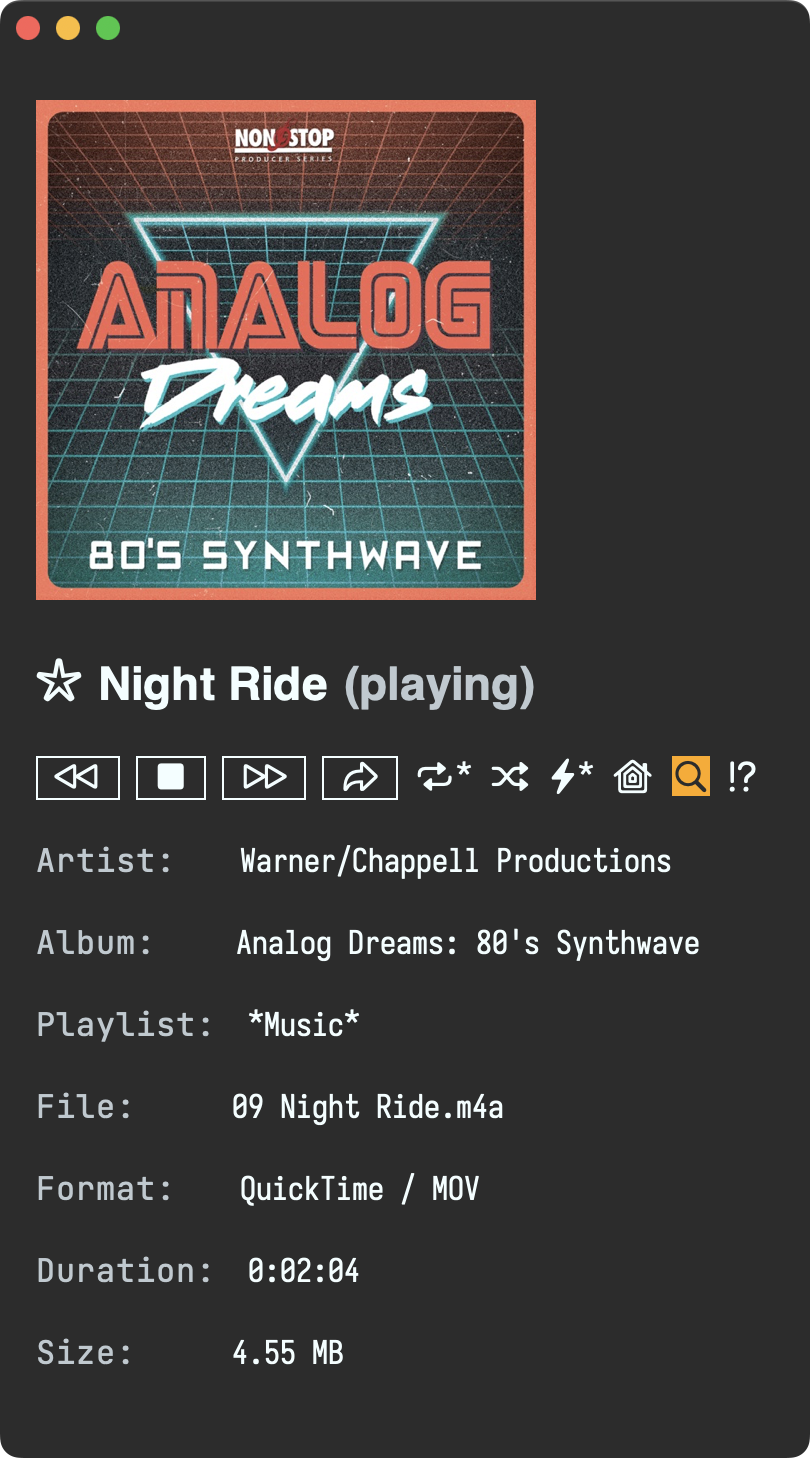
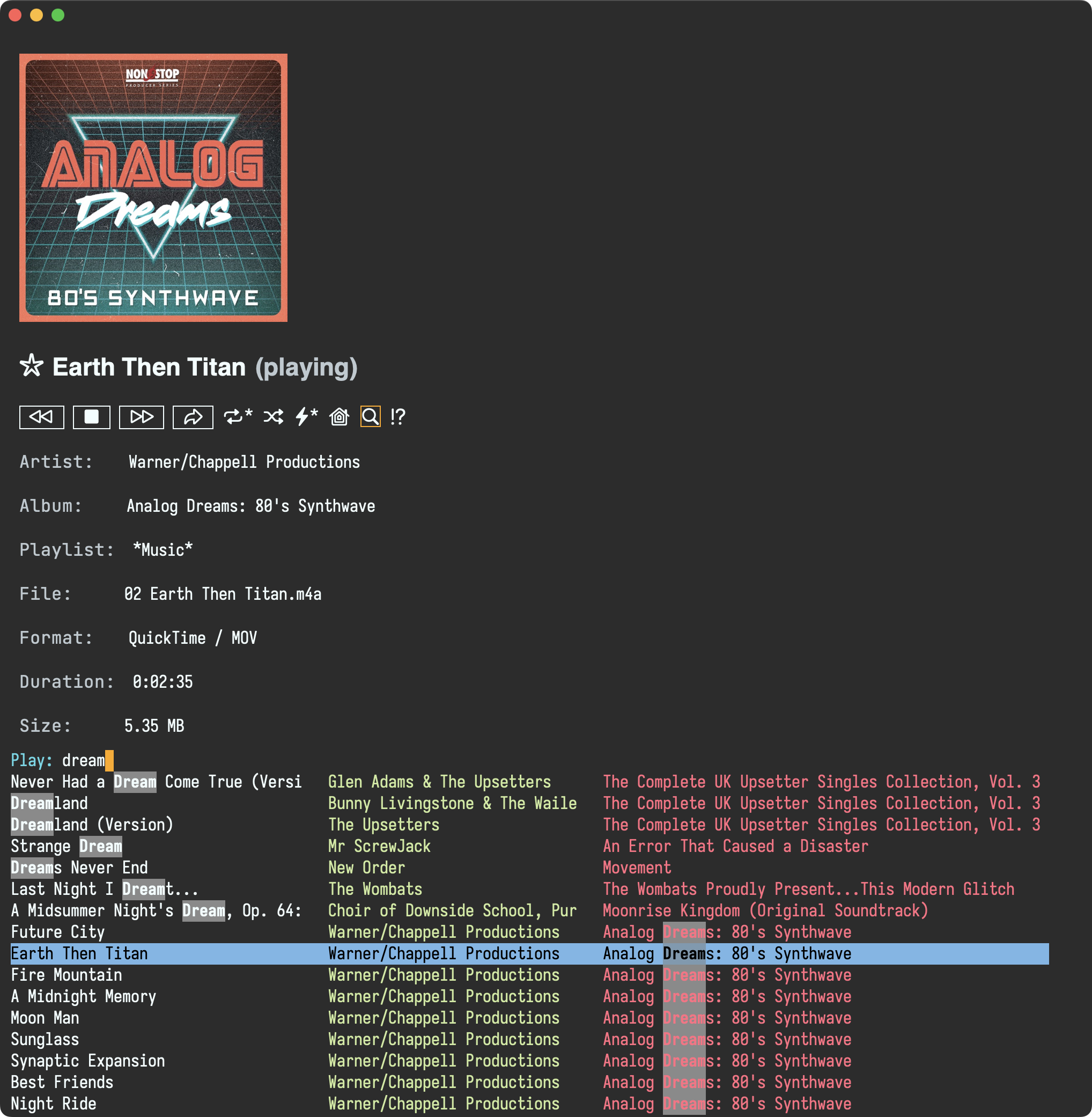
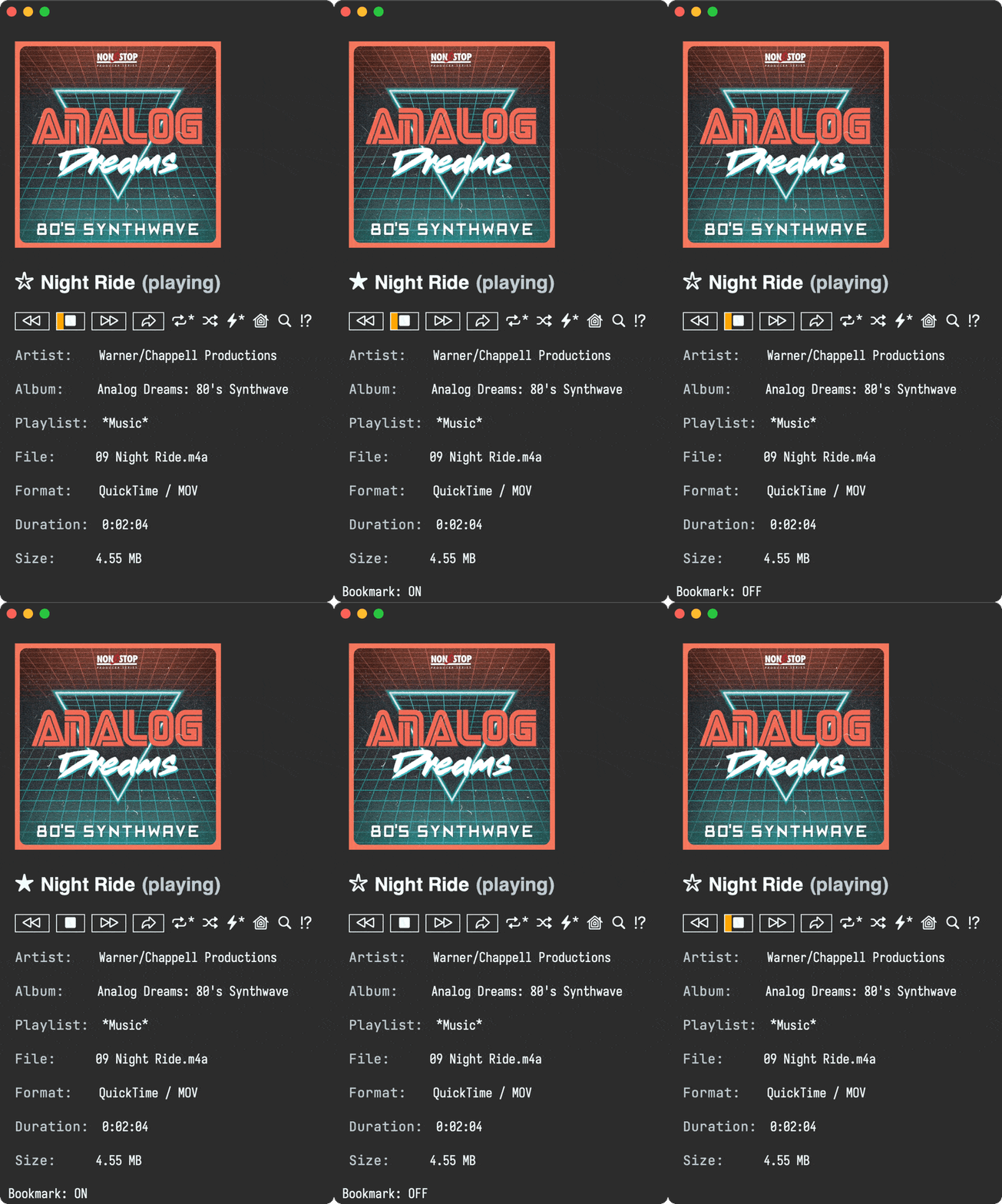
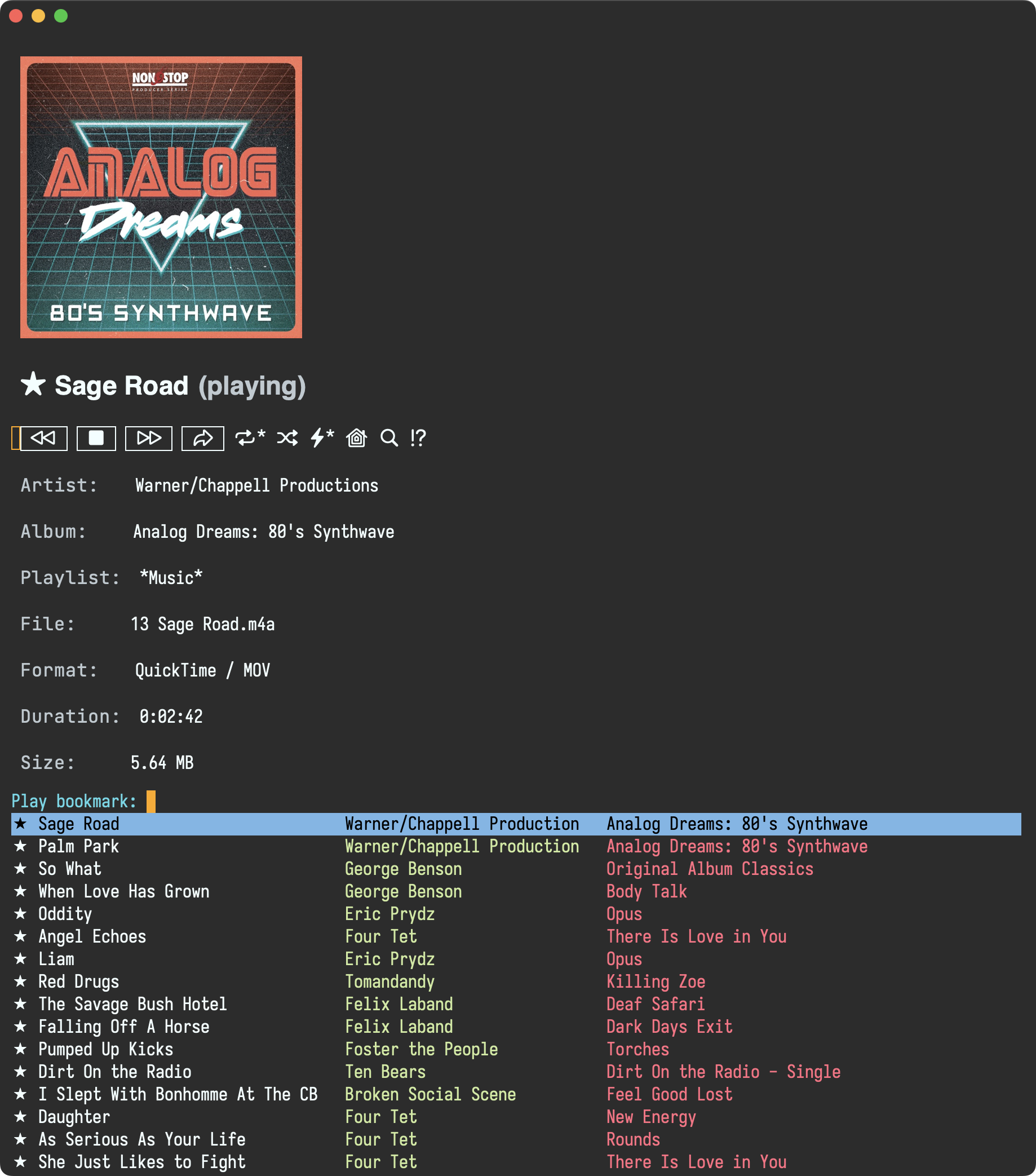
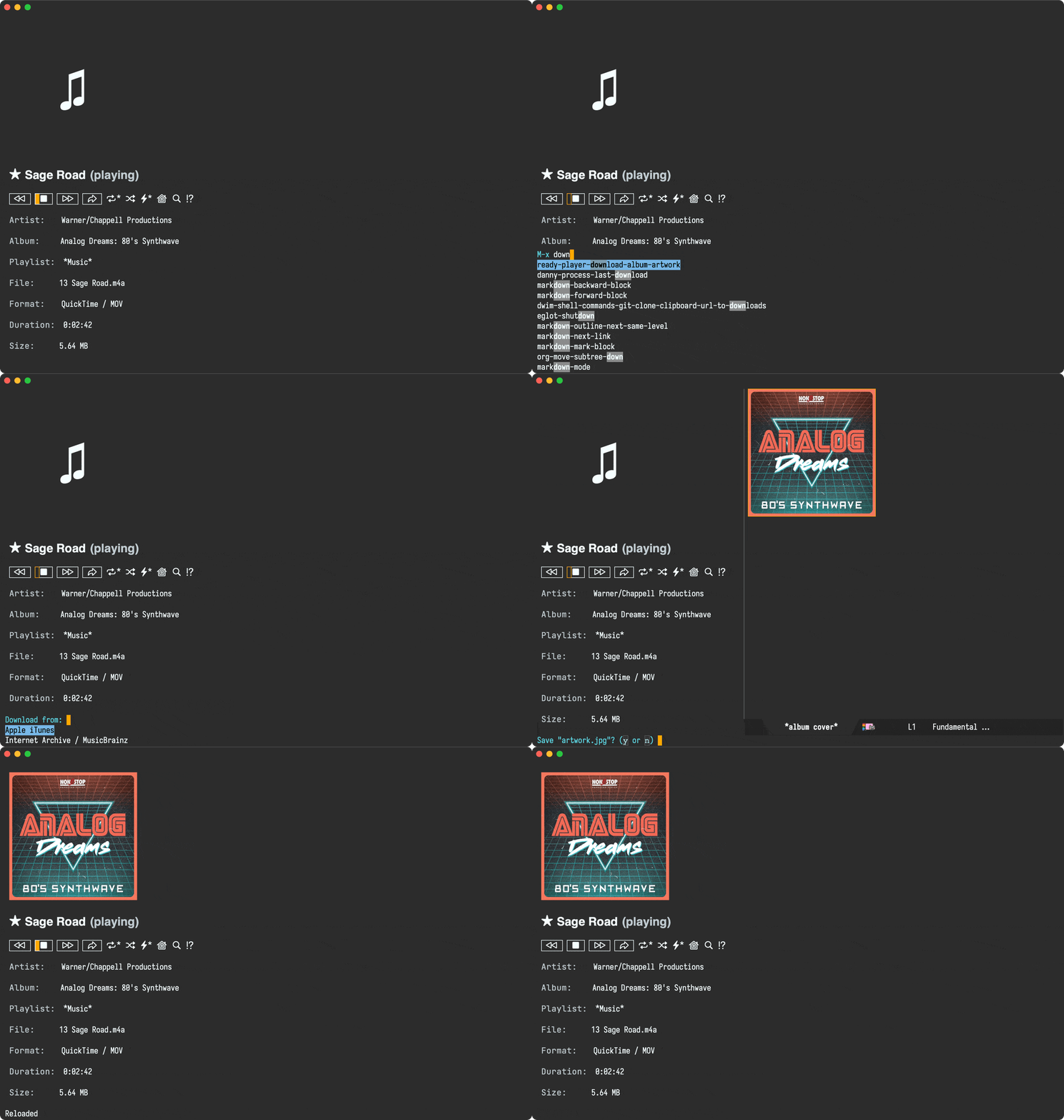

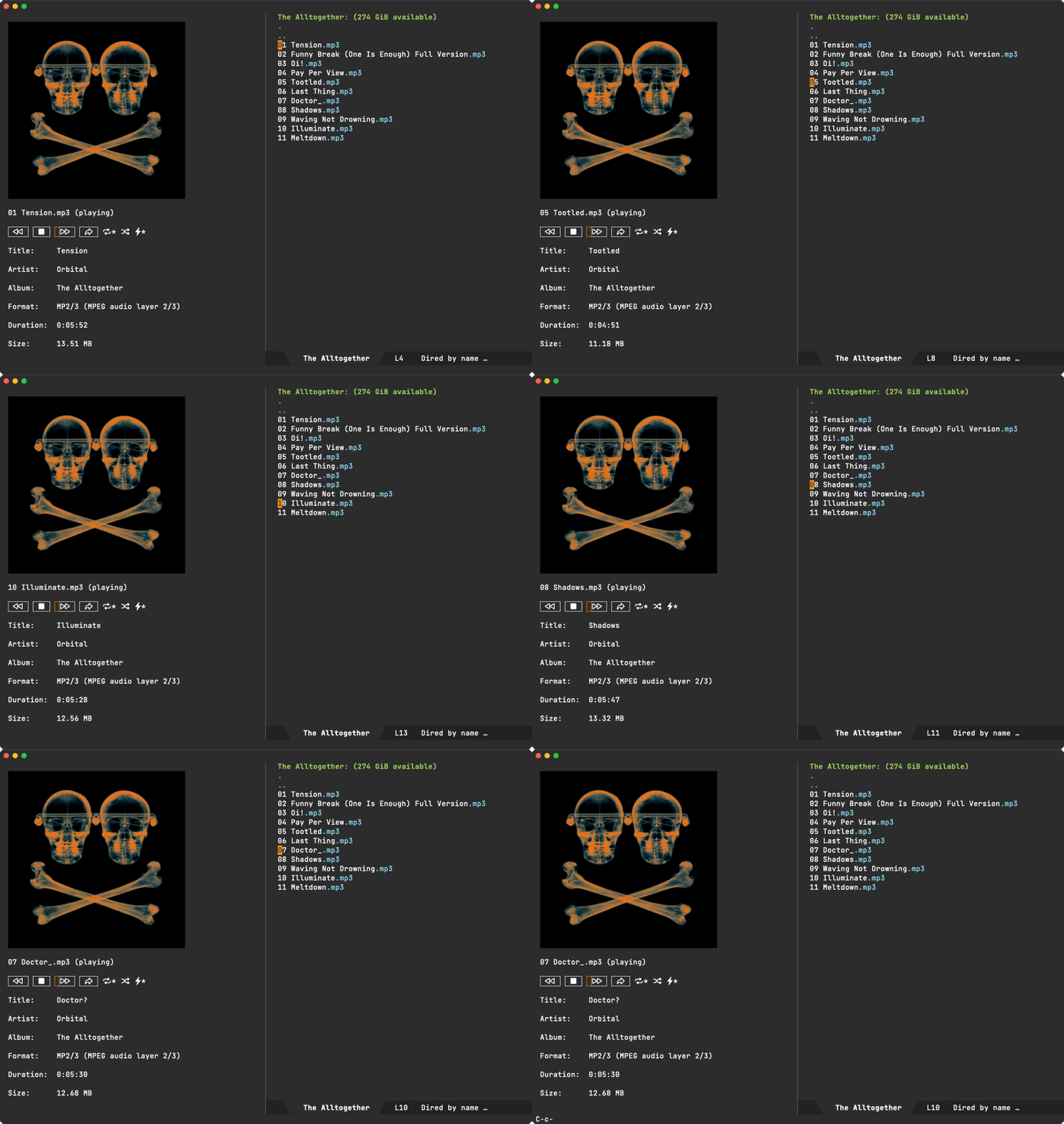
At times, even purchased music excludes album covers in track metadata. For those instances, ready-player-mode offers M-x ready-player-download-album-artwork, which does as it says on the tin. The interactive command offers a couple of fetching providers (iTunes vs Internet Archive / MusicBrainz) to grab the album cover. The thing is, I often found myself trying one or the other provider, sometimes without luck. Today, I finally decided to add a third provider (Deezer) to the list. Even then, what's the point of manually trying each provider out when I can automatically try them all and return the result from the first successful one? And so that's what I did.

In addition to offering all providers, M-x ready-player-download-album-artwork now offers "Any", to download from the first successful provider. Now, why keep the option to request from a specific provider? Well, sometimes one provider has better artwork than another. If I don't like what "Any" returns, I can always request from a specific provider.

While on the subject, I also tidied the preview experience up and now display the thumbnail in the minibuffer. In any case, best to show rather than tell.

Enjoying your unrestricted music via Emacs and ready player mode? ✨sponsor✨ the project.

https://xenodium.com/ready-player-cover-download-improvements
Bending Emacs - Episode 11: winpulse

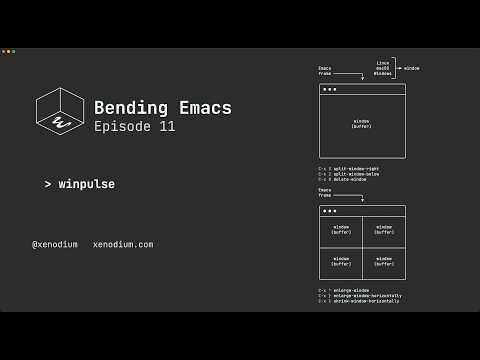
I recently built a little package to flash Emacs windows as you switch through them, so I might as well showcase it in a new Bending Emacs episode, so here it goes:

Bending Emacs Episode 11: winpulse

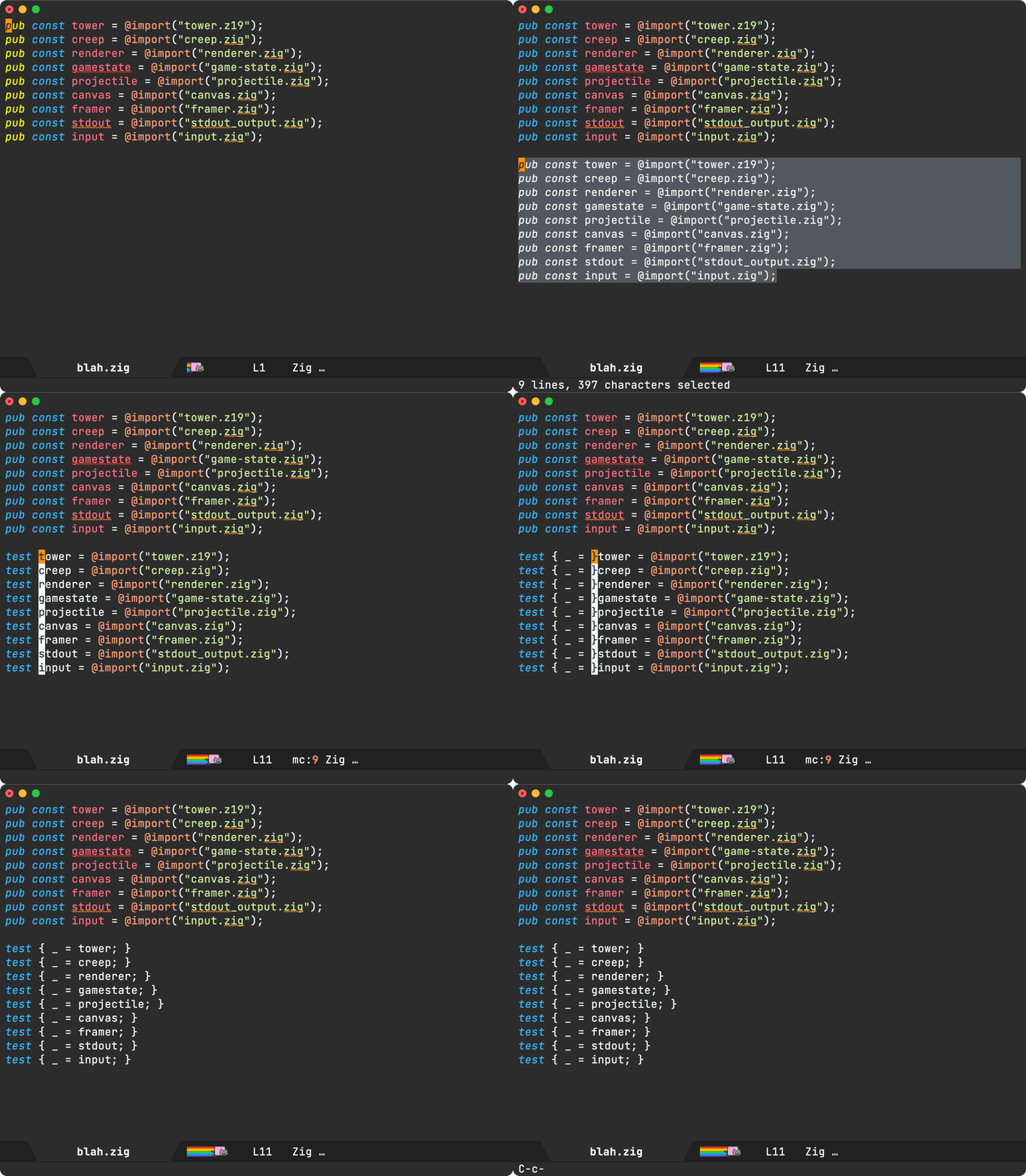
In addition to showcasing winpulse, we showed some of the built-in window-managing commands like:

  • C-x 3 split-window-right
  • C-x 2 split-window-below
  • C-x 0 delete-window
  • C-x ^ enlarge-window
  • C-x } enlarge-window-horizontally
  • C-x { shrink-window-horizontally
  • C-x o other-window

It's worth noting the last four commands are can be optimized by repeat-mode. Check out Karthink's It Bears Repeating: Emacs 28 & Repeat Mode post.

Hope you enjoyed the video!

Want more videos?

Liked the video? Please let me know. Got feedback? Leave me some comments.

Please go like my video, share with others, and subscribe to my channel.

If there's enough interest, I'll continue making more videos!

Make it all sustainable

Enjoying this content or my projects? I am an indie dev. Help make it sustainable by ✨sponsoring

Need a blog? I can help with that. Maybe buy my iOS apps too ;)

https://xenodium.com/bending-emacs-episode-11-winpulse
Introducing winpulse


Hard to say officially, but I've been primarily using Emacs for roughly a couple of decades. Maybe my eyesight isn't what it used to be, or maybe I've just been wanting a stronger visual signal as I navigate through Emacs windows. Either way, today's the day I finally did something about it…

I asked around to see if a package already existed for this purpose. Folks shared a handful of great options:

  • pulsar: Emacs package to pulse the current line after running select functions.
  • dimmer.el: Interactively highlight the active buffer by dimming the others.
  • window-dim.el: A window dimmer package for Emacs.

I wanted my windows to temporarily flash when switching between them. Of these options, pulsar came closest, though highlighting the current line only.

This is Emacs, so I should be able to get the behavior I want by throwing some elisp at the problem. With that, I give you winpulse, a package to temporarily highlight focused Emacs windows.

This package is fresh out of the oven and likely has some edge cases I haven't yet considered. If you're still keen to check it out, it's available on GitHub.

Make it sustainable

Enjoying this package or my content? I'm an indie dev. Consider sponsoring to help make it sustainable.

https://xenodium.com/introducing-winpulse
Film/TV bookmarks (chaos resolved)

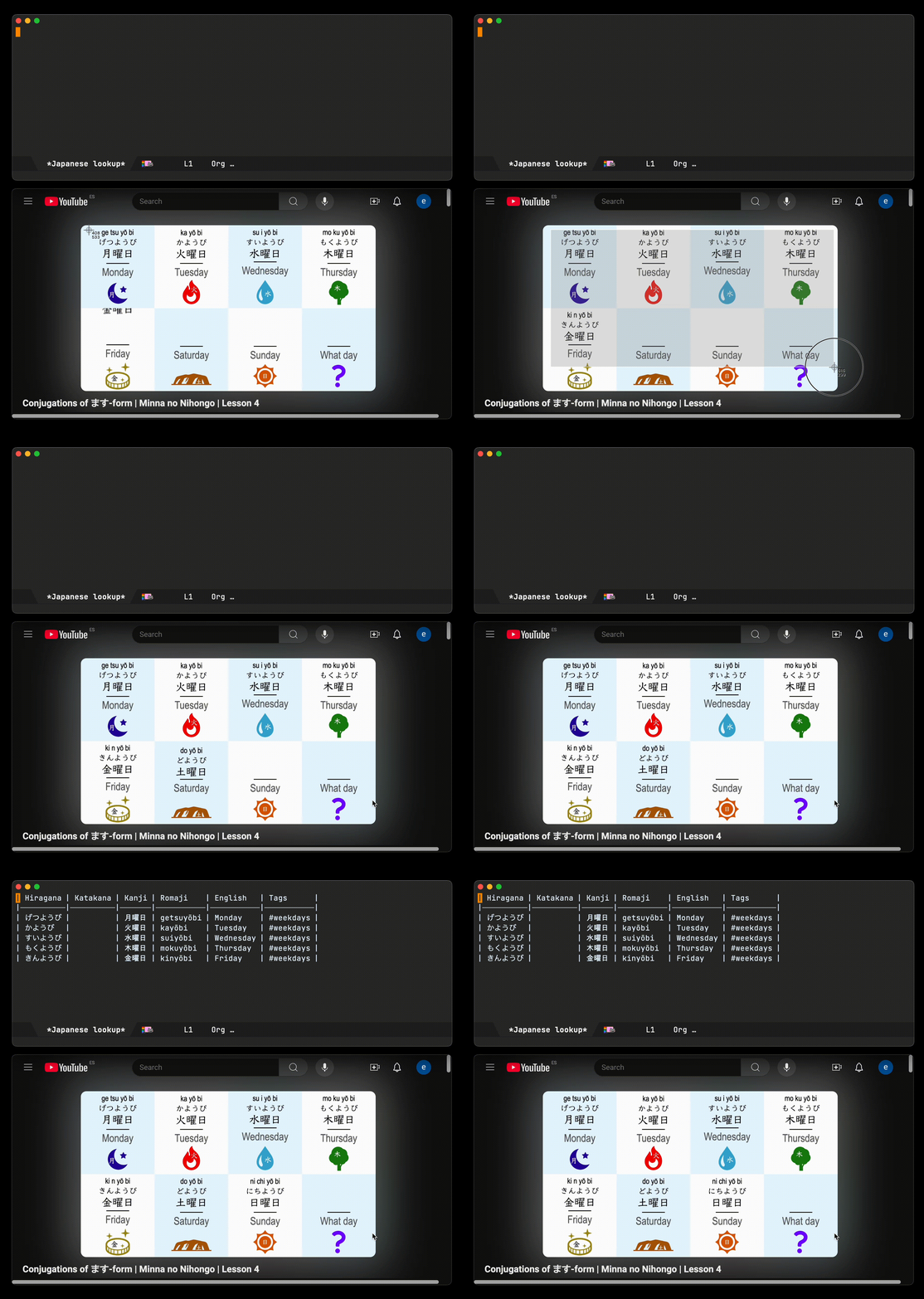
I've been somewhat chaotically "bookmarking" things to watch for some time. The info typically goes straight to an Emacs org file primarily via Journelly.

I'm fairly forgiving in my input form. I often link to Reddit discussions, IMDB/Letterboxd links, or at times simply write movie or director names. The only real requirement is to sprinkle some hashtags (#film or #series or #watch) for retrieval.

While this flexibility is important (makes it more likely for me to actually write), it's not super practical to browse through this mixed structure when looking for something to watch. Yesterday, I finally did something about that.

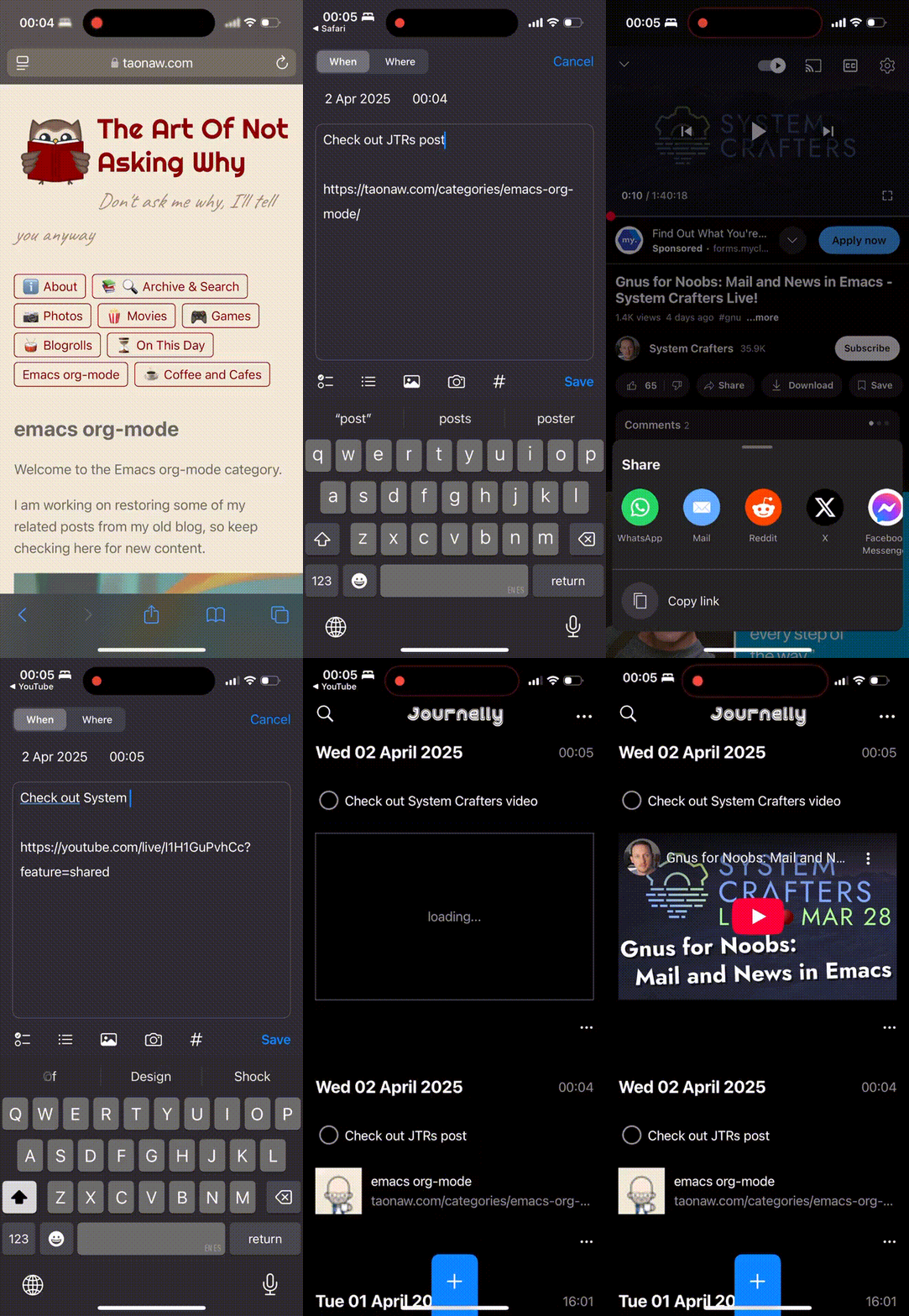
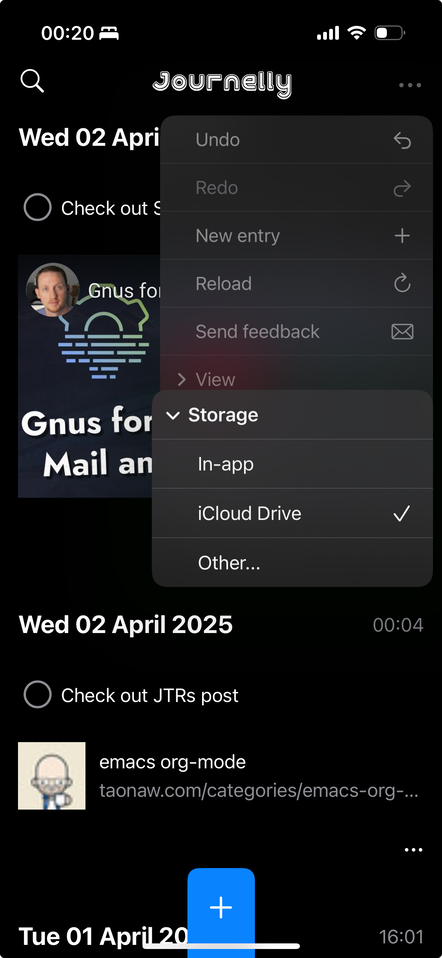
Here's what my save-to-Journelly flow may look like for a Reddit link:
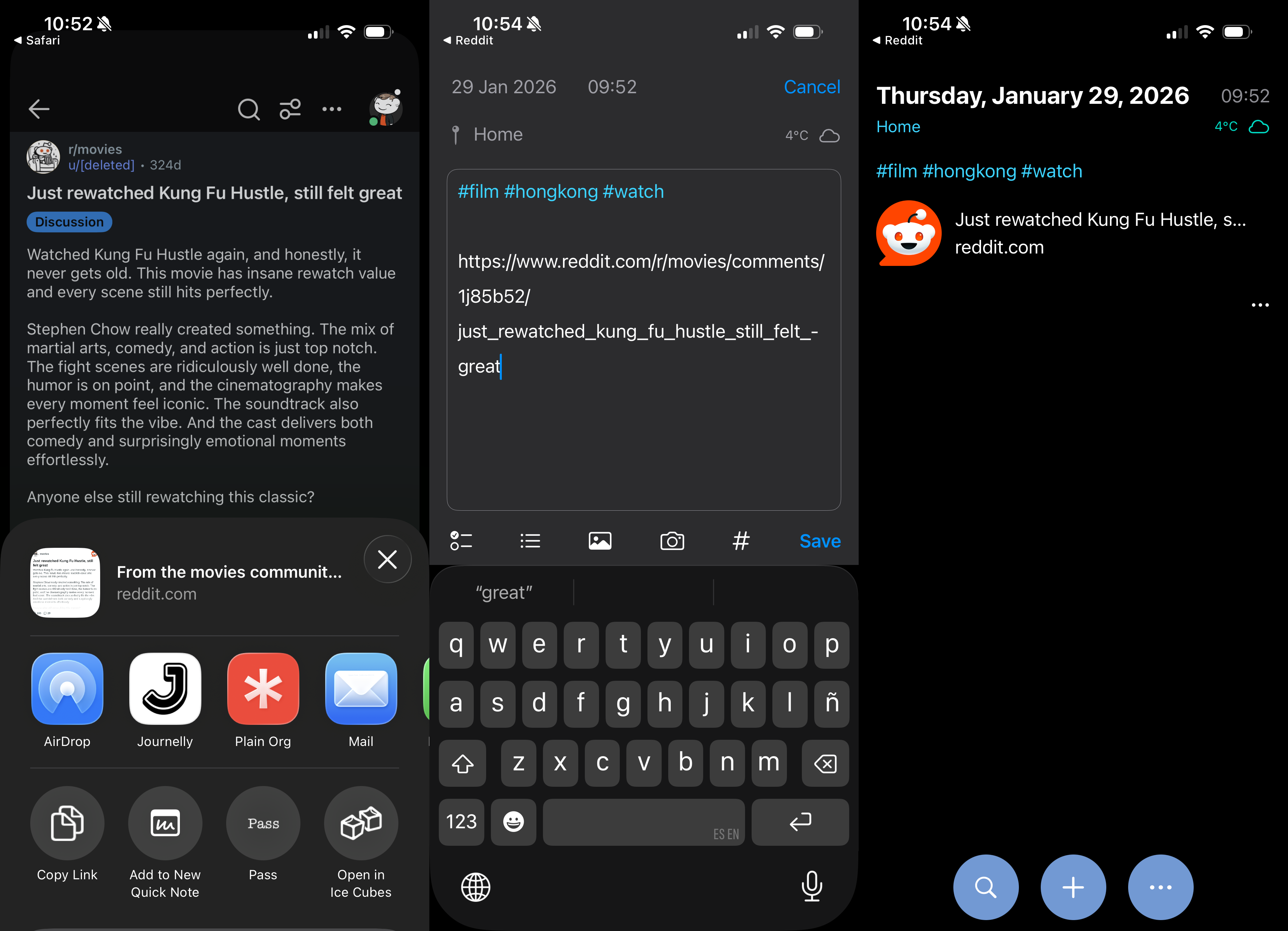
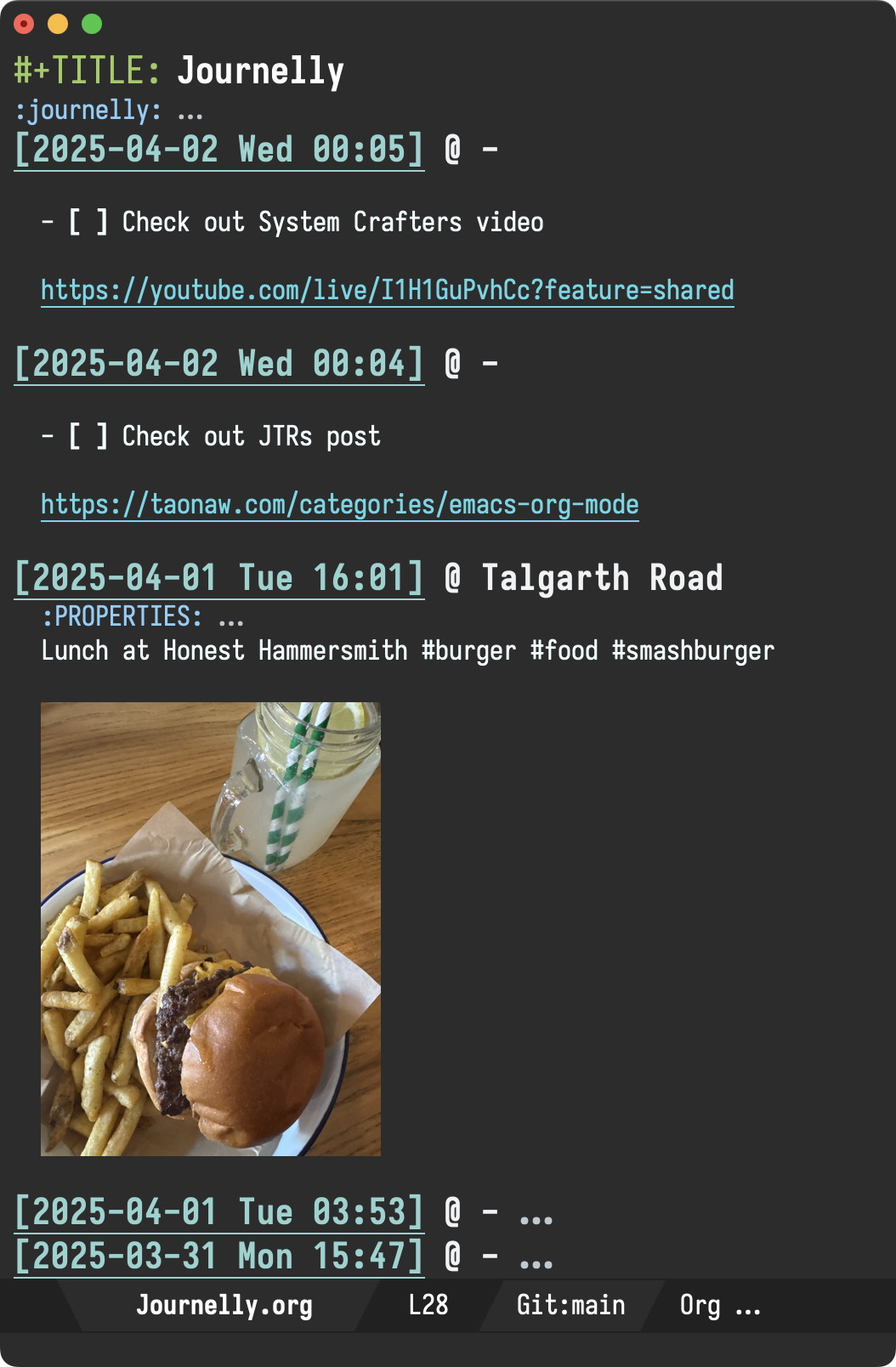
All entries are saved to Journelly.org, a plain text org file (Markdown is supported too), so I first extracted all relevant entries (containing #film or #series or #watch). A matching entry looks a little something like this:

* [2026-01-29 Thu 09:52] @ Home
:PROPERTIES:
:LATITUDE: 51.5007
:LONGITUDE: -0.1246
:WEATHER_TEMPERATURE: 4.2°C
:WEATHER_CONDITION: Cloudy
:WEATHER_SYMBOL: cloud
:END:
#film #hongkong #watch

https://www.reddit.com/r/movies/comments/1j85b52/just_rewatched_kung_fu_hustle_still_felt_great

Having extracted non-personal items from Journelly.org, I created a git repo with just one file: watchlist.org including entries like the one above.

With personal/private details out of the way, I decided to let the LLM robots loose. That is, hand watchlist.org over to a Claude Code agent, via Emacs agent-sell to organize my chaos.

First I asked to normalize data by extracting all film/tv info from each entry, visiting Reddit/IMDB/Letterboxd links if needed, which yielded normalized.org:

Kung Fu Hustle
https://www.imdb.com/title/tt0373074

Next I asked to generate metadata for me (using the fields I wanted from IMDB), stored in org drawers, saved to db.org:

* Kung Fu Hustle
:PROPERTIES:
:TYPE: film
:YEAR: 2004
:IMDB: https://www.imdb.com/title/tt0373074/
:IMDB_RATING: 7.7
:COUNTRY: Hong Kong
:DIRECTOR: Stephen Chow
:GENRE: action, comedy, fantasy
:RUNTIME: 99
:ADDED: [2026-01-28]
:THUMBNAIL: file:thumbnails/tt0373074.png
:IMDB_THUMBNAIL: https://m.media-amazon.com/images/M/MV5BNGU2OWVlM2ItZGZlOC00Yzk2LWE1NzEtMDYwMzE4YTE5MzQ2XkEyXkFqcGc@._V1_FMjpg_UY1024_.jpg
:END:

Finally, I asked to generate HTML from db.org so I can render and easily browse.

<div>
  <a href="https://www.imdb.com/title/tt0373074/"><img src="https://m.media-amazon.com/images/M/MV5BNGU2OWVlM2ItZGZlOC00Yzk2LWE1NzEtMDYwMzE4YTE5MzQ2XkEyXkFqcGc@._V1_FMjpg_UY1024_.jpg" alt="Kung Fu Hustle" width="150" height="225"></a>
  <p><strong>Kung Fu Hustle (2004)</strong></p>
  <p>action · comedy · fantasy</p>
  <p>Hong Kong · Stephen Chow</p>
</div>

For each transformation, Claude Code generated a python script. I've yet to decide what to do with all the resulting source code. Do I clean it up? Rewrite it?

For now, I'm happy with the results of the experiment. I managed to organize some of my chaos! In some ways, this isn't too different from me writing a quick/hacky/ugly script, when it's acceptable to do so.

At the center of it all, is my beloved org syntax. Thanks to plain text formats, we can easily peek at them, query them, poke at them, tweak them, and bend til our heart's content. It's just so versatile, and now we can throw them at LLMs too.

Oh, and if you're curious about that watch list, here you go. Do you have some movie/show suggestions for me?

12 Monkeys

12 Monkeys (2015)

tv · adventure · drama · mystery

United States

2149: The Aftermath

2149: The Aftermath (2021)

sci-fi

Canada · Benjamin Duffield

3 Body Problem

3 Body Problem (2024)

tv · adventure · drama · fantasy

United Kingdom

964 Pinocchio

964 Pinocchio (1991)

horror · sci-fi

Japan · Shozin Fukui

A Scanner Darkly

A Scanner Darkly (2006)

animation · comedy · crime

United States · Richard Linklater

A Separation

A Separation (2011)

drama

Iran · Asghar Farhadi

A Small Light

A Small Light (2023)

tv · biography · drama · history

United States

A Taxing Woman

A Taxing Woman (1987)

comedy · crime

Japan · Jûzô Itami

Absentia

Absentia (2017)

tv · crime · drama · mystery

Israel

Across the Furious Sea

Across the Furious Sea (2023)

crime · drama · mystery

China · Baoping Cao

Akira

Akira (1988)

animation · action · drama

Japan · Katsuhiro Ôtomo

Alita: Battle Angel

Alita: Battle Angel (2019)

action · adventure · sci-fi

United States · Robert Rodriguez

All About My Mother

All About My Mother (1999)

comedy · drama · romance

Spain · Pedro Almodóvar

Altered Carbon

Altered Carbon (2018)

tv · action · adventure · drama

United States

Altered Hours

Altered Hours (2016)

sci-fi · thriller

United States · Bruce Wemple

Amelie

Amelie (2001)

comedy · romance

France · Jean-Pierre Jeunet

Amores Perros

Amores Perros (2000)

drama · thriller

Mexico · Alejandro G. Iñárritu

An Elephant Sitting Still

An Elephant Sitting Still (2018)

crime · drama

China · Bo Hu

Anatomy of a Fall

Anatomy of a Fall (2023)

crime · drama · mystery

France · Justine Triet

Arcane

Arcane (2021)

tv · animation · action · adventure

United States

Archive 81

Archive 81 (2022)

tv · drama · horror · mystery

United States

As Tears Go By

As Tears Go By (1988)

crime · drama · romance

Hong Kong · Wong Kar-Wai

Asakusa Kid

Asakusa Kid (2021)

biography · drama

Japan · Gekidan Hitori

Ash Is Purest White

Ash Is Purest White (2018)

crime · drama · romance

China · Jia Zhang-ke

Asura

Asura (2023)

tv · comedy · drama

Indonesia

Band of Brothers

Band of Brothers (2001)

tv · action · drama · history

United Kingdom

Banshee

Banshee (2013)

tv · action · crime · drama

United States

Barry

Barry (2018)

tv · action · comedy · crime

United States

Battlestar Galactica

Battlestar Galactica (2004)

tv · action · adventure · drama

United States

Being Human (UK)

Being Human (UK) (2008)

tv · comedy · drama · fantasy

United Kingdom

Big Man Japan

Big Man Japan (2007)

action · comedy · sci-fi

Japan · Hitoshi Matsumoto

Black Coal, Thin Ice

Black Coal, Thin Ice (2014)

crime · drama · mystery

China · Yi'nan Diao

Black Sails

Black Sails (2014)

tv · action · adventure · drama

South Africa

Blackadder

Blackadder (1983)

tv · comedy

United Kingdom

BlackBerry

BlackBerry (2023)

biography · comedy · drama

Canada · Matt Johnson

Blade Runner

Blade Runner (1982)

action · drama · sci-fi

United States · Ridley Scott

Blade Runner 2049

Blade Runner 2049 (2017)

action · drama · mystery

United States · Denis Villeneuve

Blade Runner: Black Lotus

Blade Runner: Black Lotus (2021)

tv · animation · action · drama

United States

Bloody Hell

Bloody Hell (2020)

comedy · horror · mystery

Australia · Alister Grierson

Boardwalk Empire

Boardwalk Empire (2010)

tv · crime · drama

United States

Bojack Horseman

Bojack Horseman (2014)

tv · animation · comedy · drama

United States

Brand New Cherry Flavor

Brand New Cherry Flavor (2021)

tv · drama · horror · mystery

United States

Brazil

Brazil (1985)

drama · sci-fi · thriller

United Kingdom · Terry Gilliam

Broadchurch

Broadchurch (2013)

tv · crime · drama · mystery

United Kingdom

Burn Notice

Burn Notice (2007)

tv · action · crime · drama

United States

Burning

Burning (2018)

drama · mystery · thriller

South Korea · Lee Chang-dong

Carnivale

Carnivale (2003)

tv · drama · fantasy · mystery

United States

Castlevania

Castlevania (2017)

tv · animation · action · adventure

United States

Chungking Express

Chungking Express (1994)

comedy · crime · drama

Hong Kong · Wong Kar-Wai

City Hunter

City Hunter (2024)

action · comedy · crime

Japan · Yûichi Satô

City of God

City of God (2002)

crime · drama

Brazil · Kátia Lund

Cloud

Cloud (2024)

action · crime · drama

Japan · Kiyoshi Kurosawa

Cold Fish

Cold Fish (2010)

crime · drama · horror

Japan · Sion Sono

Colony

Colony (2016)

tv · action · adventure · drama

United States

Counterpart

Counterpart (2017)

tv · drama · sci-fi · thriller

United States

Crouching Tiger Hidden Dragon

Crouching Tiger Hidden Dragon (2000)

action · adventure · drama

Taiwan · Ang Lee

Cure

Cure (1997)

crime · horror · mystery

Japan · Kiyoshi Kurosawa

Cyberpunk: Edgerunners

Cyberpunk: Edgerunners (2022)

tv · animation · action · adventure

Japan

DaVinci's Demons

DaVinci's Demons (2013)

tv · adventure · biography · drama

United States

Days of Being Wild

Days of Being Wild (1990)

crime · drama · romance

Hong Kong · Wong Kar-Wai

Deadwind

Deadwind (2018)

tv · crime · drama · mystery

Finland

Deadwood

Deadwood (2004)

tv · crime · drama · history

United States

Dear Child

Dear Child (2023)

tv · crime · drama · mystery

Germany

Decision to Leave

Decision to Leave (2022)

crime · drama · mystery

South Korea · Park Chan-wook

Demon City

Demon City (2024)

action · adventure · crime

Japan · Seiji Tanaka

Derry Girls

Derry Girls (2018)

tv · comedy

United Kingdom

Destroyer

Destroyer (2018)

action · crime · drama

United States · Karyn Kusama

Devs

Devs (2020)

tv · drama · mystery · sci-fi

United Kingdom

Dirk Gently's Holistic Detective Agency

Dirk Gently's Holistic Detective Agency (2016)

tv · action · adventure · comedy

United States

District 9

District 9 (2009)

action · sci-fi · thriller

South Africa · Neill Blomkamp

Doom Patrol

Doom Patrol (2019)

tv · action · adventure · comedy

United States

Downton Abbey

Downton Abbey (2010)

tv · drama · romance

United Kingdom

Dredd

Dredd (2012)

action · crime · sci-fi

United Kingdom · Pete Travis

Drops of God

Drops of God (2023)

tv · drama

France

Dune

Dune (2021)

action · adventure · drama

United States · Denis Villeneuve

Dust of Angels

Dust of Angels (1992)

action · crime · drama

Taiwan · Hsiao-Ming Hsu

Edge of Tomorrow

Edge of Tomorrow (2014)

action · adventure · sci-fi

United States · Doug Liman

Edie

Edie (2017)

adventure · drama

United Kingdom · Simon Hunter

Elysium

Elysium (2013)

action · drama · sci-fi

United States · Neill Blomkamp

Encanto

Encanto (2021)

animation · comedy · family

United States · Jared Bush

Endeavour

Endeavour (2012)

tv · crime · drama · mystery

United Kingdom

Equilibrium

Equilibrium (2002)

action · drama · sci-fi

United States · Kurt Wimmer

Euphoria

Euphoria (2019)

tv · drama

United States

Extreme Job

Extreme Job (2019)

action · comedy · crime

South Korea · Lee Byeong-heon

Fair Play

Fair Play (2023)

drama · thriller

United States · Chloe Domont

Fallen Leaves

Fallen Leaves (2023)

comedy · drama · romance

Finland · Aki Kaurismäki

Fallout

Fallout (2024)

tv · action · adventure · drama

United States

Fargo

Fargo (2014)

tv · crime · drama · thriller

United States

Firefly

Firefly (2002)

tv · adventure · drama · sci-fi

United States

Foundation

Foundation (2021)

tv · drama · sci-fi

Ireland

Foyle's War

Foyle's War (2002)

tv · crime · drama · mystery

United Kingdom

Fringe

Fringe (2008)

tv · drama · mystery · sci-fi

United States

From

From (2022)

tv · drama · horror · mystery

United States

Funky Forest

Funky Forest (2005)

comedy · fantasy

Japan · Katsuhito Ishii

Future Man

Future Man (2017)

tv · action · adventure · comedy

United States

Gen V

Gen V (2023)

tv · action · adventure · comedy

United States

Ghost in the Shell

Ghost in the Shell (1995)

animation · action · crime

Japan · Mamoru Oshii

Ghostbusters Afterlife

Ghostbusters Afterlife (2021)

adventure · comedy · fantasy

United States · Jason Reitman

Godzilla Minus One

Godzilla Minus One (2023)

action · adventure · drama

Japan · Takashi Yamazaki

Going By The Book

Going By The Book (2007)

action · comedy

South Korea · Hee-chan Ra

Gomorrah

Gomorrah (2014)

tv · crime · drama · thriller

Italy

Guns & Talks

Guns & Talks (2001)

action · drama · comedy

South Korea · Jang Jin

Halt and Catch Fire

Halt and Catch Fire (2014)

tv · drama

United States

Handmaid's Tale

Handmaid's Tale (2017)

tv · drama · sci-fi · thriller

United States

Hanna

Hanna (2019)

tv · action · crime · drama

United States

Hannibal

Hannibal (2013)

tv · crime · drama · horror

United States

Hausen

Hausen (2020)

tv · drama · horror · mystery

Germany

Heavy Water War (Kampen om tungtvannet)

Heavy Water War (Kampen om tungtvannet) (2015)

tv · drama · history · war

Norway

Heroes

Heroes (2006)

tv · crime · drama · fantasy

United States

Hotel Del Luna

Hotel Del Luna (2019)

tv · action · comedy · drama

South Korea

Infernal Affairs

Infernal Affairs (2002)

crime · drama · mystery

Hong Kong · Wai Keung Lau

Inside the Yellow Cocoon Shell

Inside the Yellow Cocoon Shell (2023)

drama

Vietnam · Thien An Pham

Inspector Morse

Inspector Morse (1987)

tv · crime · drama · mystery

United Kingdom

Ip Man

Ip Man (2008)

action · biography · drama

Hong Kong · Wilson Yip

Johnny Mnemonic

Johnny Mnemonic (1995)

action · drama · sci-fi

Canada · Robert Longo

JSA: Joint Security Area

JSA: Joint Security Area (2000)

action · drama · thriller

South Korea · Park Chan-wook

Jury Duty

Jury Duty (2023)

tv · comedy

United States

Justified

Justified (2010)

tv · action · crime · drama

United States

Kaili Blues

Kaili Blues (2015)

drama · mystery

China · Bi Gan

Kalifat

Kalifat (2020)

tv · crime · drama · thriller

Sweden

Katla

Katla (2021)

tv · drama · fantasy · mystery

Iceland

Killers of the Flower Moon

Killers of the Flower Moon (2023)

crime · drama · history

United States · Martin Scorsese

Killzone (SPL)

Killzone (SPL) (2005)

action · crime · thriller

Hong Kong · Wilson Yip

Kingdom

Kingdom (2019)

tv · action · drama · horror

South Korea

Kung Fu Dunk

Kung Fu Dunk (2008)

action · comedy · sport

China · Yen-Ping Chu

Kung Fu Hustle

Kung Fu Hustle (2004)

action · comedy · fantasy

Hong Kong · Stephen Chow

La Haine

La Haine (1995)

crime · drama

France · Mathieu Kassovitz

Le Bureau des Legendes

Le Bureau des Legendes (2015)

tv · drama · thriller

France

Left Handed Girl

Left Handed Girl (2024)

drama

Taiwan · Shih-Ching Tsou

Legion

Legion (2017)

tv · action · sci-fi · thriller

United States

Les Revenants

Les Revenants (2012)

tv · drama · fantasy · horror

France

Little Fires Everywhere

Little Fires Everywhere (2020)

tv · drama · mystery · thriller

United States

Locked In

Locked In (2023)

mystery · thriller

United States · David C. Snyder

Lodge 49

Lodge 49 (2018)

tv · comedy · drama · mystery

United States

Logan Lucky

Logan Lucky (2017)

action · comedy · crime

United States · Steven Soderbergh

Loki

Loki (2021)

tv · action · adventure · fantasy

United States

Long Day's Journey Into Night

Long Day's Journey Into Night (2018)

drama · mystery · romance

China · Bi Gan

Looper

Looper (2012)

action · drama · sci-fi

United States · Rian Johnson

Lupin

Lupin (2021)

tv · action · crime · drama

France

Lust, Caution

Lust, Caution (2007)

drama · history · romance

Taiwan · Ang Lee

Man in the High Castle

Man in the High Castle (2015)

tv · drama · sci-fi · thriller

United States

Man Standing Next

Man Standing Next (2020)

thriller

South Korea · Min-ho Woo

Manhunt

Manhunt (2019)

tv · biography · crime · drama

United Kingdom

Manifest

Manifest (2018)

tv · drama · mystery · sci-fi

United States

Marco Polo

Marco Polo (2014)

tv · action · adventure · drama

United States

Marvelous Mrs Maisel

Marvelous Mrs Maisel (2017)

tv · comedy · drama

United States

Max Headroom

Max Headroom (1987)

tv · comedy · sci-fi

United States

May December

May December (2023)

comedy · drama

United States · Todd Haynes

Metropolis

Metropolis (1927)

drama · sci-fi

Germany · Fritz Lang

Midnight Mass

Midnight Mass (2021)

tv · drama · fantasy · horror

United States

Midsommar

Midsommar (2019)

drama · horror · mystery

United States · Ari Aster

Minority Report

Minority Report (2002)

action · crime · mystery

United States · Steven Spielberg

Misfits

Misfits (2009)

tv · comedy · drama · fantasy

United Kingdom

Miss King

Miss King (2024)

tv · drama · thriller

Japan

Mobland

Mobland (2024)

tv · crime · drama

United Kingdom

Mogura

Mogura (2024)

tv

Monk

Monk (2002)

tv · comedy · crime · drama

United States

Moving

Moving (2023)

tv · action · adventure · drama

South Korea

Mr Inbetween

Mr Inbetween (2018)

tv · comedy · crime · drama

Australia

Mr. Robot

Mr. Robot (2015)

tv · crime · drama · thriller

United States

Sympathy for Mr. Vengeance

Sympathy for Mr. Vengeance (2002)

crime · drama · thriller

South Korea · Park Chan-wook

Mrs. Davis

Mrs. Davis (2023)

tv · comedy · drama · sci-fi

United States

My Name

My Name (2021)

tv · action · crime · drama

South Korea

Narcos

Narcos (2015)

tv · biography · crime · drama

United States

Nine Days

Nine Days (2020)

drama · fantasy

United States · Edson Oda

No Other Choice

No Other Choice (2025)

comedy · crime · drama

South Korea · Park Chan-wook

Nobel

Nobel (2016)

tv · drama · thriller · war

Norway

Northern Exposure

Northern Exposure (1990)

tv · adventure · comedy · drama

United States

Occupied (Okkupert)

Occupied (Okkupert) (2015)

tv · drama · thriller

Norway

Oldboy

Oldboy (2003)

action · drama · mystery

South Korea · Park Chan-wook

Once Upon a Time in China

Once Upon a Time in China (1991)

action

Hong Kong · Hark Tsui

One False Move

One False Move (1992)

crime · drama · thriller

United States · Carl Franklin

Ong Bak

Ong Bak (2003)

action · crime · thriller

Thailand · Prachya Pinkaew

Oppenheimer

Oppenheimer (2023)

biography · drama · history

United States · Christopher Nolan

Orphan Black

Orphan Black (2013)

tv · drama · sci-fi · thriller

Canada

Ozark

Ozark (2017)

tv · crime · drama · thriller

United States

Pacifiction

Pacifiction (2022)

drama · thriller

France · Albert Serra

Pan's Labyrinth

Pan's Labyrinth (2006)

drama · fantasy · war

Mexico · Guillermo del Toro

Panchayat

Panchayat (2020)

tv · comedy · drama

India

Pantheon

Pantheon (2022)

tv · animation · action · adventure

United States

Past Lives

Past Lives (2023)

drama · romance

United States · Celine Song

Peacemaker

Peacemaker (2022)

tv · action · adventure · comedy

United States

Peaky Blinders

Peaky Blinders (2013)

tv · crime · drama

United Kingdom

PEN15

PEN15 (2019)

tv · comedy · drama

United States

Penny Dreadful

Penny Dreadful (2014)

tv · drama · fantasy · horror

United Kingdom

Perfect Days

Perfect Days (2023)

drama

Japan · Wim Wenders

Persepolis

Persepolis (2007)

animation · biography · drama

France · Vincent Paronnaud

Police Story

Police Story (1985)

action · comedy · crime

Hong Kong · Jackie Chan

Poor Things

Poor Things (2023)

comedy · drama · romance

Ireland · Yorgos Lanthimos

Preacher

Preacher (2016)

tv · adventure · comedy · fantasy

United States

Primo

Primo (2023)

tv · comedy

United States

Priscilla

Priscilla (2023)

biography · drama · music

Italy · Sofia Coppola

Professor T

Professor T (2015)

tv · comedy · crime · drama

Belgium

Raise the Red Lantern

Raise the Red Lantern (1991)

drama · romance

China · Yimou Zhang

Reservation Dogs

Reservation Dogs (2021)

tv · comedy · crime

United States

Riki Oh

Riki Oh (1991)

action · comedy · crime

Hong Kong · Ngai Choi Lam

Ripley

Ripley (2024)

tv · crime · drama · thriller

United States

Robocop

Robocop (1987)

action · crime · sci-fi

United States · Paul Verhoeven

Rome

Rome (2005)

tv · action · drama · romance

United Kingdom

Rurouni Kenshin

Rurouni Kenshin (2012)

action · adventure · drama

Japan · Keishi Otomo

Russian Doll

Russian Doll (2019)

tv · comedy · drama · mystery

United States

Scavengers Reign

Scavengers Reign (2023)

tv · animation · adventure · drama

United States

Scrapper

Scrapper (2023)

comedy · drama

United Kingdom · Charlotte Regan

Secret Level

Secret Level (2024)

tv · animation · action · adventure

United States

See

See (2019)

tv · action · drama · sci-fi

United States

Sex is Zero

Sex is Zero (2002)

comedy · drama · romance

South Korea · JK Youn

Shall We Dance

Shall We Dance (1996)

comedy · drama · music

Japan · Masayuki Suô

Shameless

Shameless (2011)

tv · comedy · drama

United States

Shantaram

Shantaram (2022)

tv · action · adventure · crime

United States

Shaolin Soccer

Shaolin Soccer (2001)

action · comedy · fantasy

Hong Kong · Stephen Chow

Sharp Objects

Sharp Objects (2018)

tv · crime · drama · mystery

United States

Shin Ultraman

Shin Ultraman (2022)

action · adventure · drama

Japan · Shinji Higuchi

Shinobi No Mono

Shinobi No Mono (1962)

action · drama

Japan · Satsuo Yamamoto

Shogun

Shogun (2024)

tv · action · adventure · drama

United States

Shutter Island

Shutter Island (2010)

drama · mystery · thriller

Canada · Martin Scorsese

Signal

Signal (2016)

tv · crime · drama · fantasy

South Korea

Silo

Silo (2023)

tv · drama · mystery · sci-fi

United States

Six Feet Under

Six Feet Under (2001)

tv · comedy · drama

United States

Slow Horses

Slow Horses (2022)

tv · drama · thriller

United Kingdom

Snowfall

Snowfall (2017)

tv · crime · drama

United States

Snowpiercer

Snowpiercer (2013)

action · sci-fi · thriller

South Korea · Bong Joon Ho

Somebody Somewhere

Somebody Somewhere (2022)

tv · comedy · drama

United States

Sonatine

Sonatine (1993)

action · comedy · crime

Japan · Takeshi Kitano

Spartacus

Spartacus (2010)

tv · action · adventure · biography

United States

Spiral (Engrenage)

Spiral (Engrenage) (2005)

tv · crime · drama · mystery

France

Strange Darling

Strange Darling (2023)

horror · thriller

United States · JT Mollner

Strange Days

Strange Days (1995)

crime · drama · sci-fi

United States · Kathryn Bigelow

Strike Back

Strike Back (2010)

tv · action · drama · thriller

United Kingdom

Succession

Succession (2018)

tv · comedy · drama

United States

Survive Style 5+

Survive Style 5+ (2004)

comedy · fantasy · horror

Japan · Gen Sekiguchi

Suzhou River

Suzhou River (2000)

drama · romance

Germany · Ye Lou

Taegukgi

Taegukgi (2004)

action · drama · war

South Korea · Kang Je-kyu

Talk to Her

Talk to Her (2002)

drama · mystery · romance

Spain · Pedro Almodóvar

Taxi Driver

Taxi Driver (2017)

action · drama · history

South Korea · Hun Jang

Ted Lasso

Ted Lasso (2020)

tv · comedy · drama · sport

United States

Terminal List

Terminal List (2022)

tv · action · drama · thriller

United States

Terminator

Terminator (1984)

action · adventure · sci-fi

United Kingdom · James Cameron

Tetsuo: The Iron Man

Tetsuo: The Iron Man (1989)

horror · sci-fi

Japan · Shin'ya Tsukamoto

The 8 Show

The 8 Show (2024)

tv · comedy · drama · horror

South Korea

The Americans

The Americans (2013)

tv · crime · drama · mystery

United States

The Beekeeper

The Beekeeper (2024)

action · crime · thriller

United Kingdom · David Ayer

The Boys

The Boys (2019)

tv · action · comedy · crime

United States

The Bridge (Broen/Bron)

The Bridge (Broen/Bron) (2011)

tv · crime · mystery · thriller

Sweden

The Brothers Sun

The Brothers Sun (2024)

tv · action · comedy · drama

United States

The Cabin in the Woods

The Cabin in the Woods (2011)

horror · mystery · thriller

Canada · Drew Goddard

The Detour

The Detour (2016)

tv · adventure · comedy

United States

The Electric State

The Electric State (2025)

action · adventure · comedy

United States · Anthony Russo

The Empty Man

The Empty Man (2020)

drama · horror · mystery

United States · David Prior

The End of the F***ing World

The End of the F***ing World (2017)

tv · adventure · comedy · crime

United Kingdom

The Expanse

The Expanse (2015)

tv · drama · mystery · sci-fi

United States

The Fall of the House of Usher

The Fall of the House of Usher (2023)

tv · drama · horror · mystery

United States

The Glory

The Glory (2022)

tv · drama · mystery · thriller

South Korea

The Good The Bad The Weird

The Good The Bad The Weird (2008)

action · adventure · comedy

South Korea · Kim Jee-woon

The Handmaiden

The Handmaiden (2016)

drama · romance · thriller

South Korea · Park Chan-wook

The Head

The Head (2020)

tv · drama · horror · mystery

Spain

The Holdovers

The Holdovers (2023)

comedy · drama

United States · Alexander Payne

The Host

The Host (2006)

drama · horror · sci-fi

South Korea · Bong Joon Ho

The Killer

The Killer (1989)

action · crime · drama

Hong Kong · John Woo

The Killing

The Killing (2007)

tv · crime · drama · mystery

Denmark

The Last Kingdom

The Last Kingdom (2015)

tv · action · drama · history

United Kingdom

The Last of Us

The Last of Us (2023)

tv · action · adventure · drama

Canada

The Lazarus Project

The Lazarus Project (2022)

tv · action · drama · fantasy

United Kingdom

The Leftovers

The Leftovers (2014)

tv · drama · fantasy · mystery

United States

The Legend of Vox Machina

The Legend of Vox Machina (2022)

tv · animation · action · adventure

United States

The Letdown

The Letdown (2017)

tv · comedy

Australia

The Man from Nowhere

The Man from Nowhere (2010)

action · crime · drama

South Korea · Lee Jeong-beom

The Matrix

The Matrix (1999)

action · sci-fi

United States · Lana Wachowski

The Night Comes for Us

The Night Comes for Us (2018)

action · crime · thriller

Indonesia · Timo Tjahjanto

The Other Two

The Other Two (2019)

tv · comedy

United States

The Outsider

The Outsider (2020)

tv · crime · drama · horror

United States

The Pitt

The Pitt (2025)

tv · drama

United States

The Queen's Gambit

The Queen's Gambit (2020)

tv · drama

United States

The Raid

The Raid (2011)

action · crime · thriller

Indonesia · Gareth Evans

The Raid 2

The Raid 2 (2014)

action · crime · thriller

Indonesia · Gareth Evans

The Running Man

The Running Man (1987)

action · sci-fi · thriller

United States · Paul Michael Glaser

The Shield

The Shield (2002)

tv · crime · drama · thriller

United States

The Sopranos

The Sopranos (1999)

tv · crime · drama

United States

The Taste of Things

The Taste of Things (2023)

drama · history · romance

France · Anh Hung Tran

The Tower

The Tower (2021)

tv · crime · drama · mystery

United Kingdom

The Town

The Town (2010)

crime · drama · thriller

United States · Ben Affleck

The Umbrella Academy

The Umbrella Academy (2019)

tv · action · adventure · comedy

United States

The Wire

The Wire (2002)

tv · crime · drama · thriller

United States

The Zone of Interest

The Zone of Interest (2023)

drama · history · war

United Kingdom · Jonathan Glazer

Three Colors: Blue

Three Colors: Blue (1993)

drama · music · mystery

France · Krzysztof Kieslowski

Three Colors: Red

Three Colors: Red (1994)

drama · mystery · romance

France · Krzysztof Kieslowski

Three Colors: White

Three Colors: White (1994)

comedy · drama · romance

France · Krzysztof Kieslowski

Tokyo Vice

Tokyo Vice (2022)

tv · crime · drama · thriller

Japan

Tom Yum Goong (The Protector)

Tom Yum Goong (The Protector) (2005)

action · crime · drama

Thailand · Prachya Pinkaew

Total Recall

Total Recall (1990)

action · adventure · sci-fi

United States · Paul Verhoeven

Trapped

Trapped (2015)

tv · crime · drama · mystery

Iceland

Tron

Tron (1982)

action · adventure · sci-fi

United States · Steven Lisberger

Tumbbad

Tumbbad (2018)

drama · fantasy · horror

India · Rahi Anil Barve

Upgrade

Upgrade (2018)

action · sci-fi · thriller

United States · Leigh Whannell

Us and Them

Us and Them (2018)

drama · romance

China · Rene Liu

Utopia

Utopia (2013)

tv · drama · mystery · sci-fi

United Kingdom

Violet Evergarden: The Movie

Violet Evergarden: The Movie (2020)

animation · drama · fantasy

Japan · Taichi Ishidate

Volver

Volver (2006)

comedy · drama

Spain · Pedro Almodóvar

Warped Forest

Warped Forest (2011)

comedy · fantasy

Japan · Shunichirô Miki

Warrior

Warrior (2019)

tv · action · crime · drama

United States

Wayward Pines

Wayward Pines (2015)

tv · drama · horror · mystery

United States

Weeds

Weeds (2005)

tv · comedy · crime · drama

United States

Westworld

Westworld (2016)

tv · drama · mystery · sci-fi

United States

Wild Goose Lake

Wild Goose Lake (2019)

crime · drama

China · Yi'nan Diao

Wind River

Wind River (2017)

crime · drama · mystery

United Kingdom · Taylor Sheridan

Winter's Bone

Winter's Bone (2010)

crime · drama · mystery

United States · Debra Granik

Yellowjackets

Yellowjackets (2021)

tv · drama · mystery · thriller

United States

You

You (2018)

tv · crime · drama · romance

United States

Yu Yu Hakusho

Yu Yu Hakusho (2023)

tv · action · adventure · comedy

Japan

Zero Zero Zero

Zero Zero Zero (2020)

tv · crime · drama · thriller

Italy

https://xenodium.com/film-tv-bookmarks-chaos-resolved
Introducing Kitty Cards

Back in 2023, I toyed with the relevant iOS dev tools needed to create a custom Tesco Clubcard pkpass, and even showed how to scan a QR code from our beloved Emacs (of course).

Neither my friend Vaarnan nor I are strangers to the iOS ecosystem, yet we both agreed the above approach wasn't very practical (for neither devs nor the average iOS user). So we figured we should have a crack at it.

While there are some ready-made solutions out there, they often require downloading additional iOS apps or working through clunky web interfaces. We just wanted a simpler way to create our own Apple Wallet cards, and so Kitty Cards (kitty.cards) was born: no app download or sign-in required.

Hopefully not much to explain. From kitty.cards, customize a card, press the Add to Apple Wallet button, and Bobs your uncle.

Hope you enjoy Kitty Cards!

https://xenodium.com/introducing-kitty-cards
Bending Emacs - Episode 10: agent-shell

I've just uploaded a new Bending Emacs episode:

Bending Emacs Episode 10: agent-shell

You may have seen some of my previous posts on agent-shell, a package I built offering a uniform user experience across a diverse set of agents. In this video, I showcase the main agent-shell features. I had lots to cover, so the video is on the longer side of things.

I've showcased much of the content in previous agent-shell posts, so I'll just share links to those instead:

Hope you enjoyed the video!

Want more videos?

Liked the video? Please let me know. Got feedback? Leave me some comments.

Please go like my video, share with others, and subscribe to my channel.

If there's enough interest, I'll continue making more videos!

https://xenodium.com/bending-emacs-episode-10-agent-shell
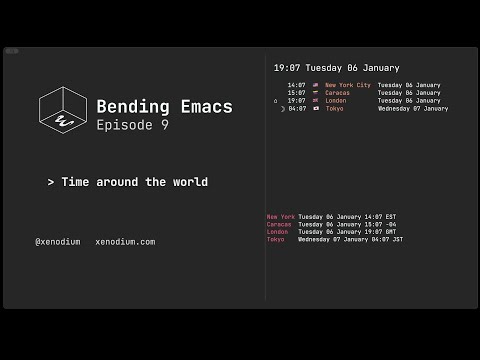
Bending Emacs - Episode 9: World times

A new year, a new Bending Emacs episode, so here it goes:

Bending Emacs Episode 9: Time around the world

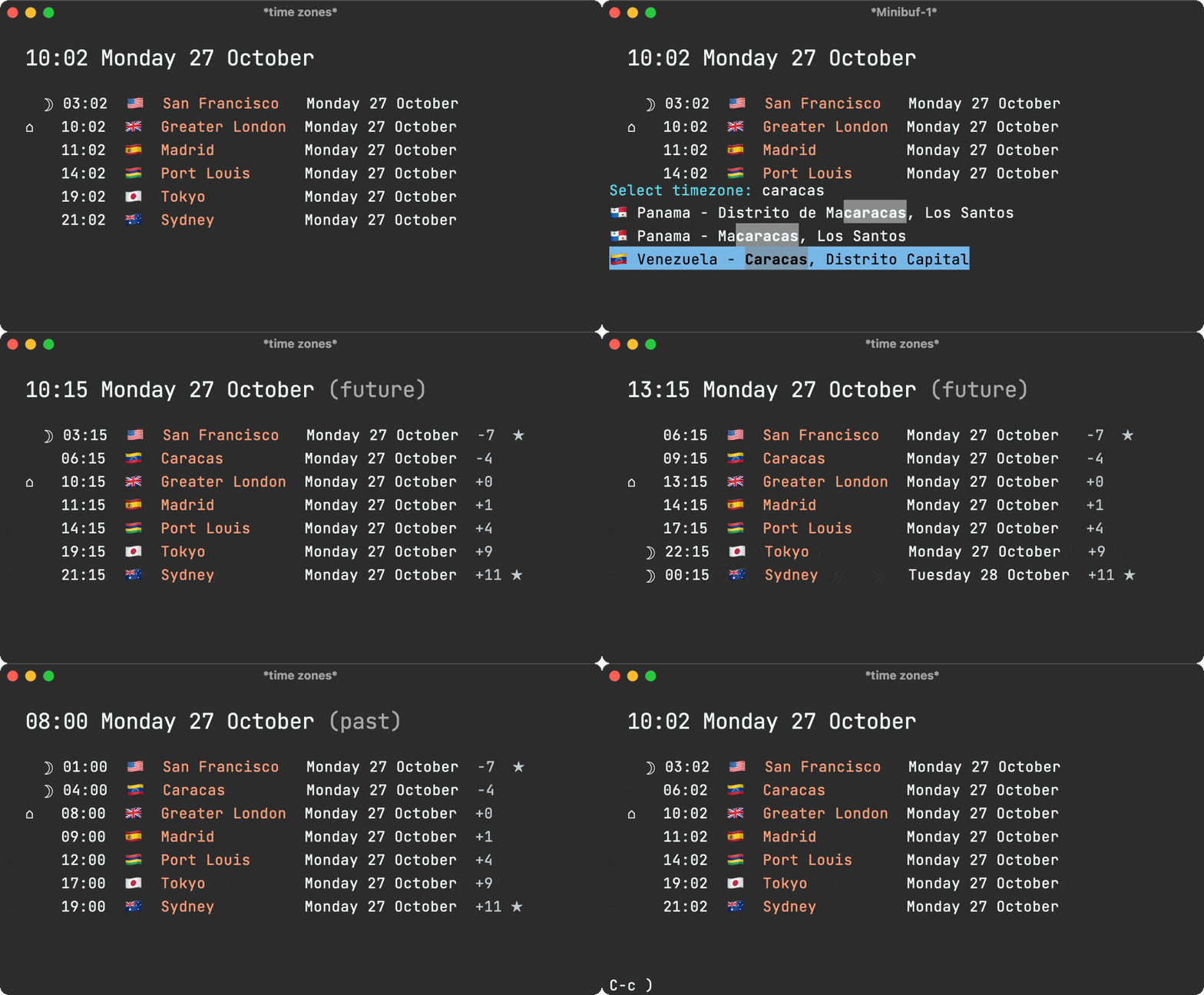
Emacs comes with a built-in world clock: M-x world-clock

To customize displayed timezones, use:

(setq world-clock-list '(("America/New_York" "New York")
                         ("America/Caracas" "Caracas")
                         ("Europe/London" "London")
                         ("Asia/Tokyo" "Tokyo")))

Each entry requires a valid timezone string (as per entries in your system's /usr/share/zoneinfo) and a display label.

I wanted a slightly different experience than the built-in command (more details here), so I built the time-zones package.

time-zones is available on MELPA, so you can install with:

(use-package time-zones :ensure t)

Toggle help with the "?" key add cities with the "+" key. Shifting time is possible via the "f" / "b" keys, in addition to a other features available via the "?" help menu.

Hope you enjoyed the video!

Want more videos?

Liked the video? Please let me know. Got feedback? Leave me some comments.

Please go like my video, share with others, and subscribe to my channel.

If there's enough interest, I'll continue making more videos!

Make it all sustainable

Enjoying this content or my projects? I am an indie dev. Help make it sustainable by ✨sponsoring

Need a blog? I can help with that. Maybe buy my iOS apps too ;)

https://xenodium.com/bending-emacs-episode-9-world-times
My 2025 review as an indie dev

In 2024, I took the leap to go indie full-time. By 2025, that shift enabled me to focus exclusively on building tools I care about, from a blogging platform, iOS apps, and macOS utilities, to Emacs packages. It also gave me the space to write regularly, covering topics like Emacs tips, development tutorials for macOS and iOS, a few cooking detours, and even launching a new YouTube channel.

The rest of this post walks through some of the highlights from 2025. If you’ve found my work useful, please consider sponsoring.

Off we go…

Launched a new blogging service

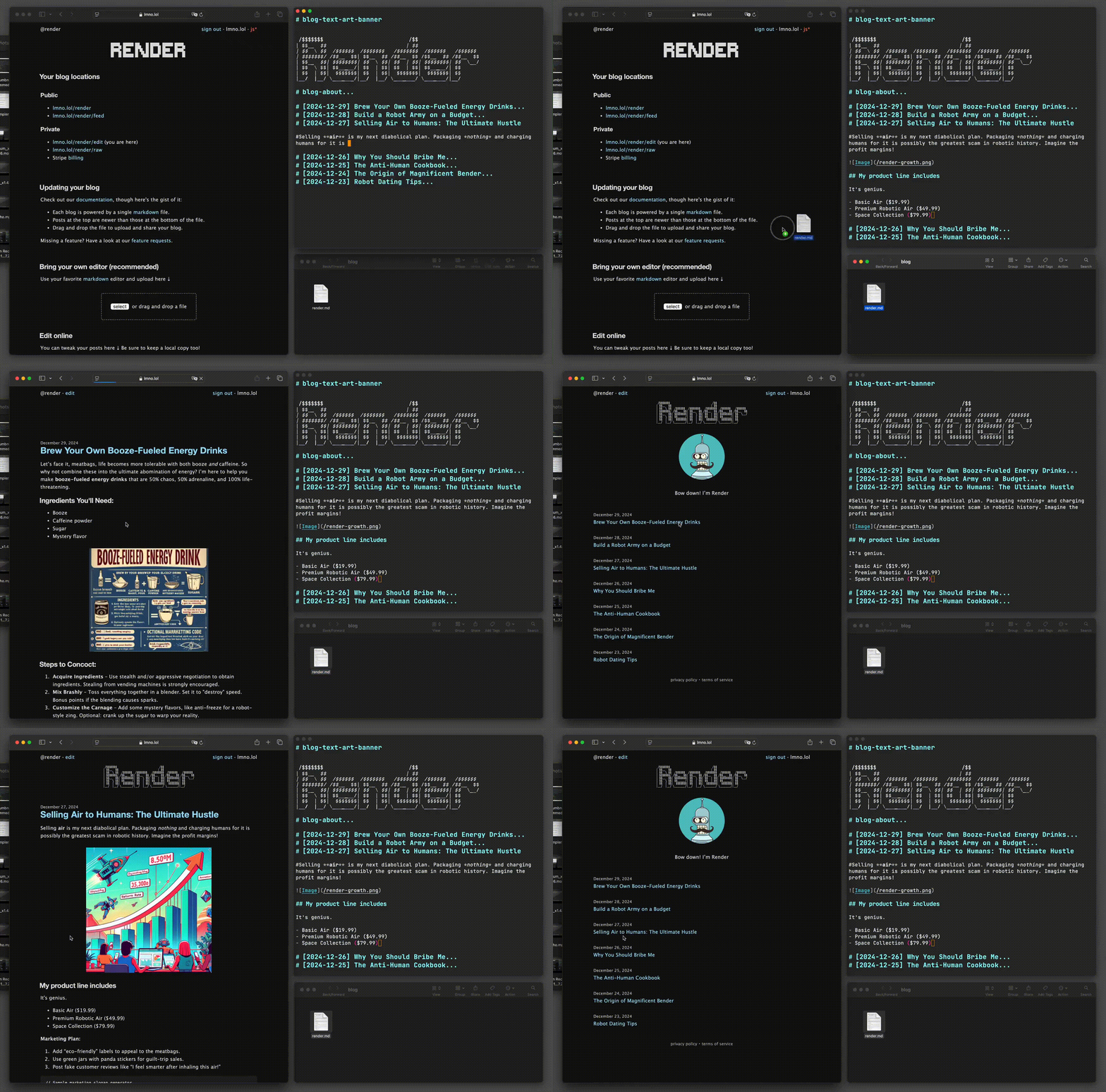
For well over a decade, my blogging setup consisted of a handful of Elisp functions cobbled together over the years. While they did the job just fine, I couldn't shake the feeling that I could do better, and maybe even offer a blogging platform without the yucky bits of the modern web. At the beginning of the year, I launched LMNO.lol. Today, my xenodium.com blog proudly runs on LMNO.lol.

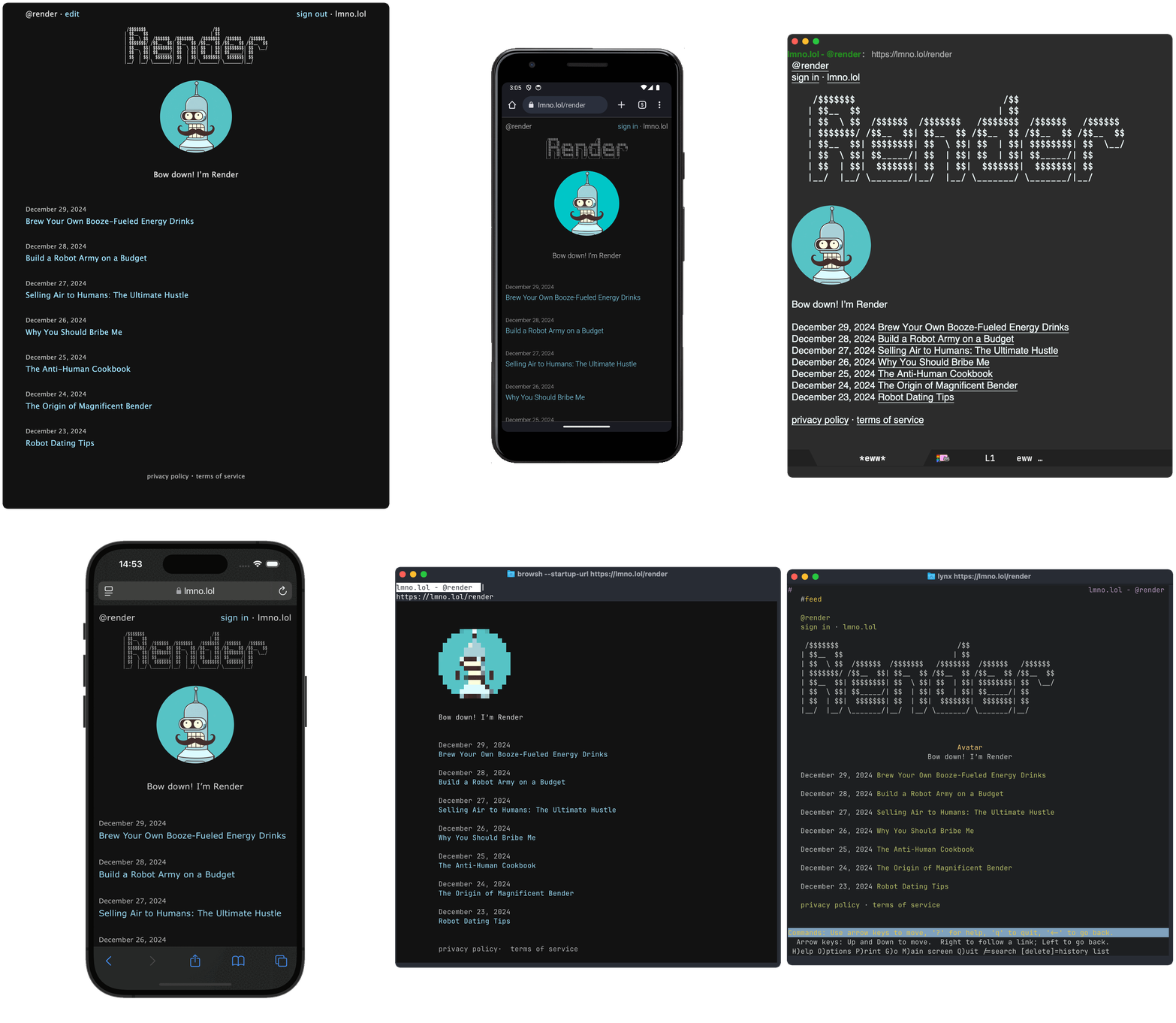
LMNO.lol blogs render pretty much anywhere (Emacs and terminals included, of course).

2026 is a great year to start a blog! Custom domains totally welcome.

A journaling/note-taking app that feels like tweeting

Sure, there are plenty of journaling and note-taking apps out there. For one reason or another, none of them stuck for me (including my own apps). That is, until I learned a thing or two from social media.

With that in mind, Journelly was born: like tweeting, but for your eyes only. With the right user experience, I felt compelled to write things down all the time. Saving to Markdown and Org markup was the mighty sweet cherry on the cake.

Journelly app icon
Download on App Store button link

Let's learn Japanese

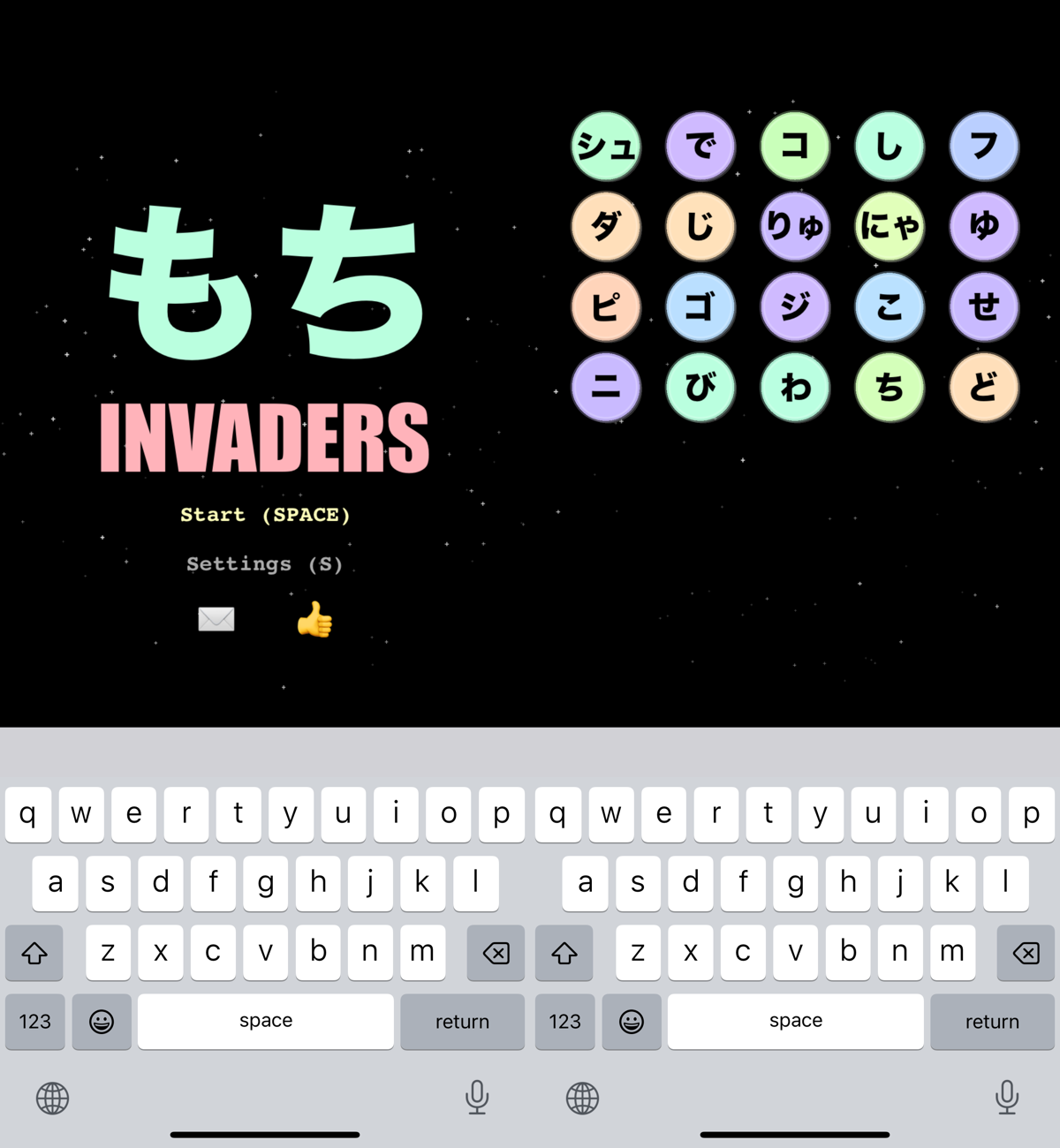
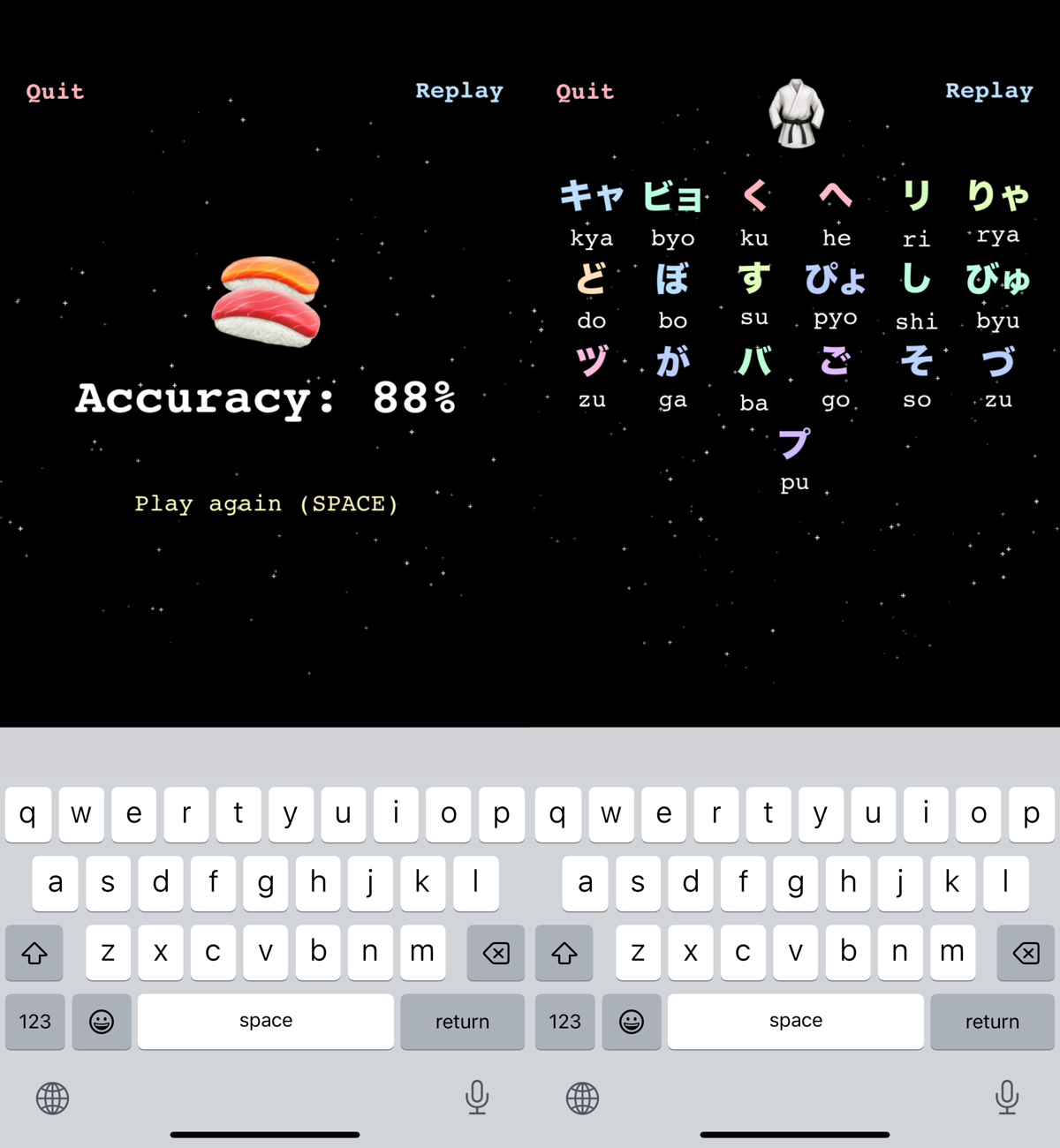
As a Japanese language learning noob, what better way to procrastinate than by building yet another Kana-practicing iOS app? Turns out, it kinda did the job.

Here's mochi invaders, a fun way to practice your Kana

Mochi Invaders app icon
Download on App Store button link

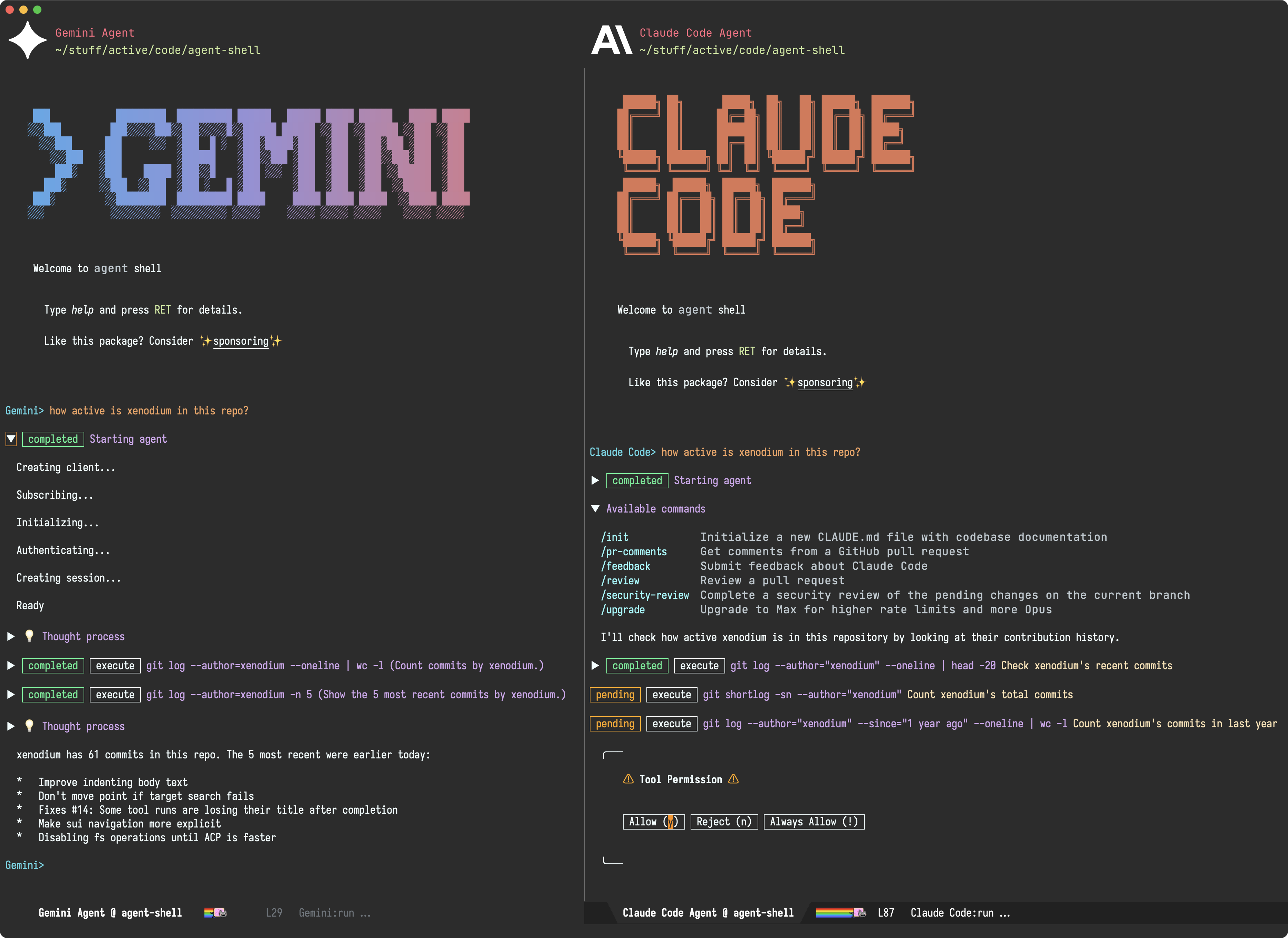
A new Emacs-native AI/LLM agent (powered by ACP)

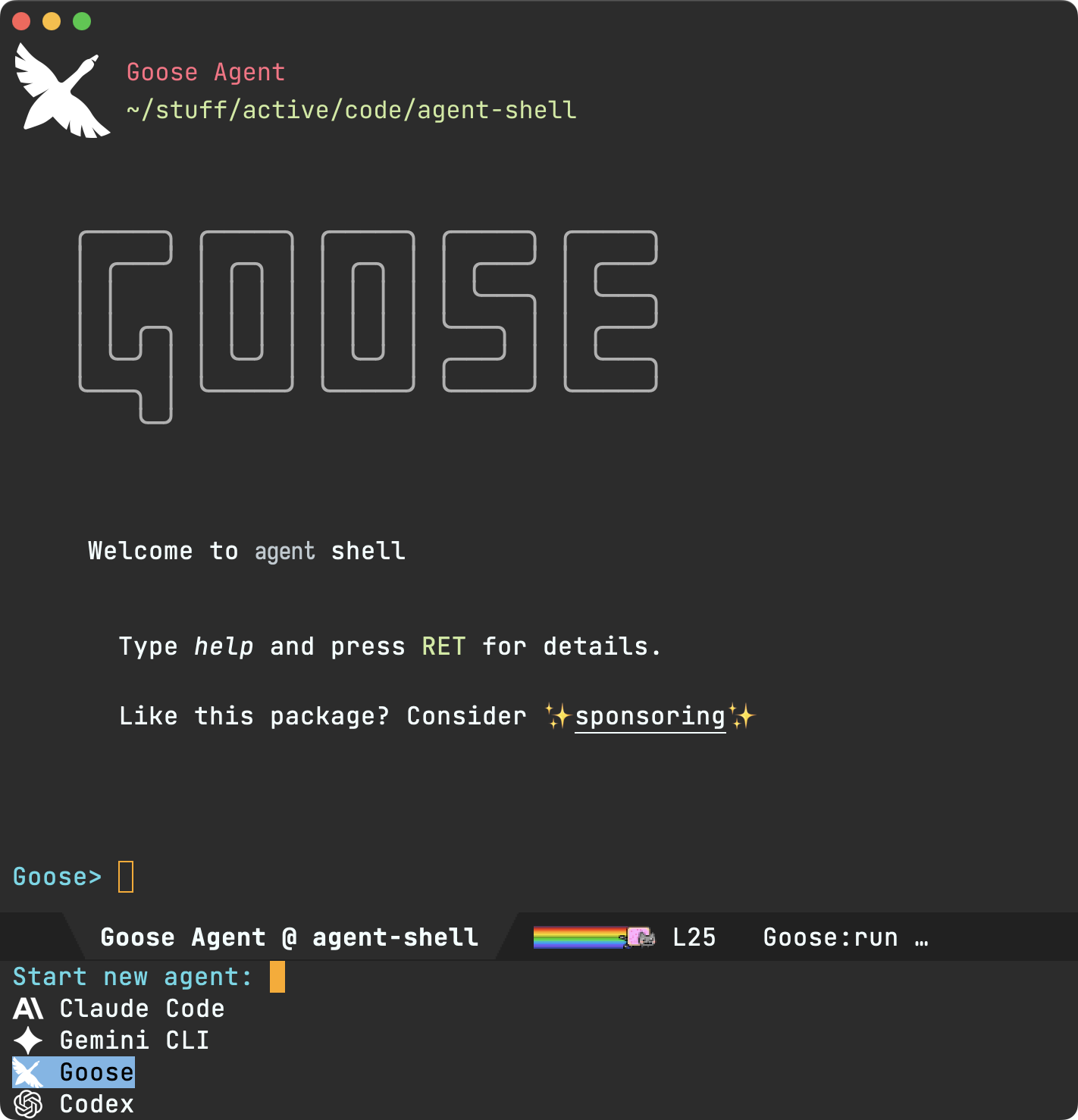
2025 brought us the likes of Claude Code, Gemini CLI, Goose, Codex, and many more AI/LLM CLI agents. While CLI utilities have their appeal, I wanted a native Emacs integration, so I simply ignored agents for quite some time.

I was initially tempted to write my own Emacs agent, but ultimately decided against it. My hope was that agent providers would somehow converge to offer editor integration, so I could focus on building an Emacs integration while leveraging the solid work from many teams producing agents. With LLM APIs historically fragmented, my hope for agent convergence seemed fairly far-fetched.

To my surprise, ACP (Agent Client Protocol) was announced by Zed and Google folks. This was the cue I had been waiting for, so I set out to build acp.el, a UX agnostic elisp library, followed by an actual client: agent-shell.

I'm fairly happy with how agent-shell's been shaping up. This is my most popular package from 2025, receiving lots of user feedback. If you're curious about the feature-set, I've written about agent-shell's progress from early on:

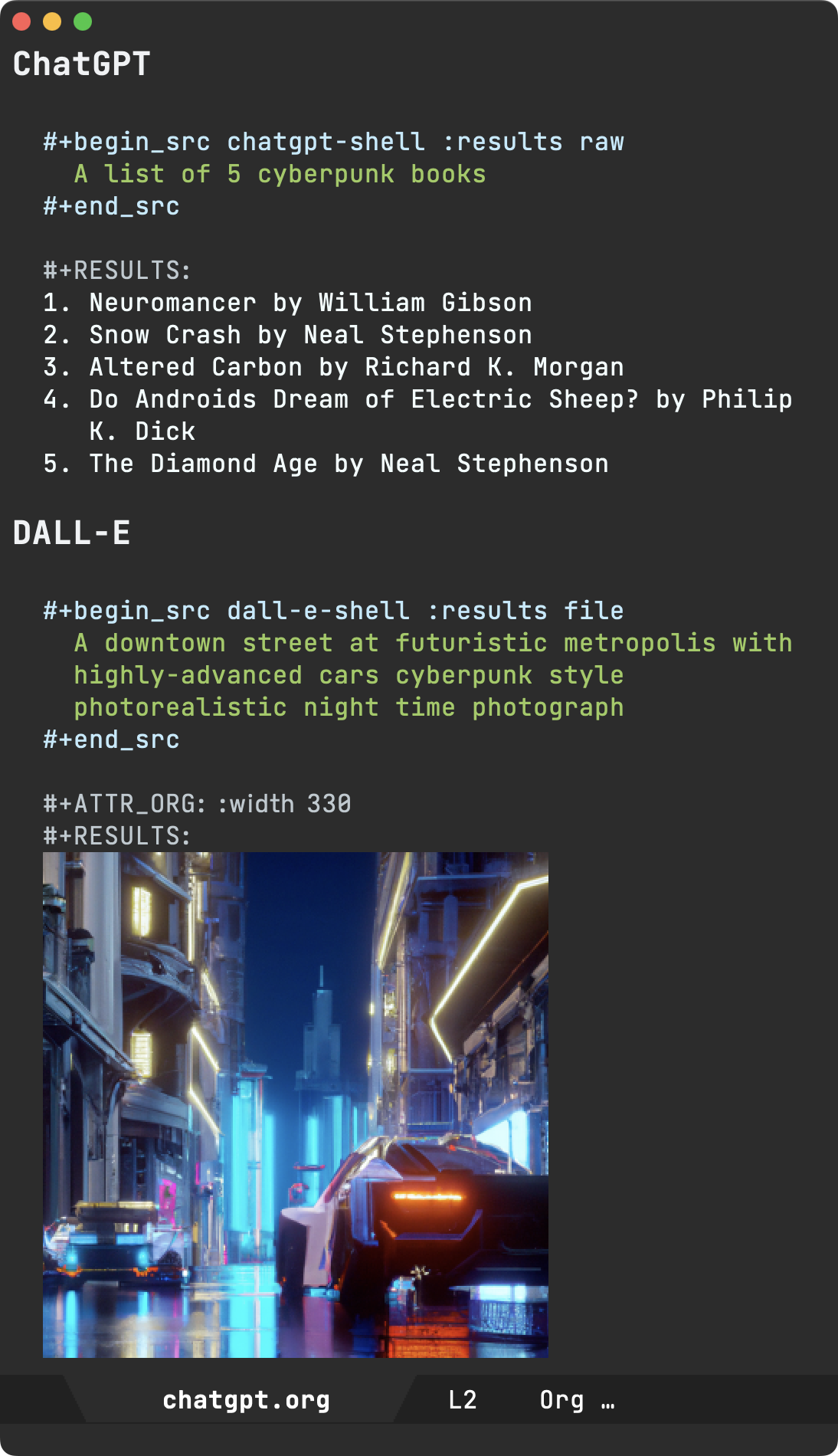
chatgpt-shell improvements


While agent-shell is the new kid on the block, chatgpt-shell received DeepSeek, Open Router, Kagi, and Perplexity support, in addition to a handful of other improvements and bugfixes.

A new YouTube channel

While most of what I share usually ends up as a blog post, this year I decided to try something new. I started the Bending Emacs YouTube channel and posted 8 episodes:

Enjoying the content? Leave me a comment or subscribe to my channel.

My decade with org (Emacs Carnival)

While I enthusiastically joined the Emacs Carnival, I didn't quite manage monthly posts. Having said that, when I did participate, I went all in, documenting my org experience over the last decade. Ok well… I also joined in with my elevator pitch ;)

Awesome Emacs on macOS

While migrating workflows to Emacs makes them extra portable across platforms, I've also accumulated a bunch of tweaks enhancing your Emacs experience on macOS.

EverTime for macOS

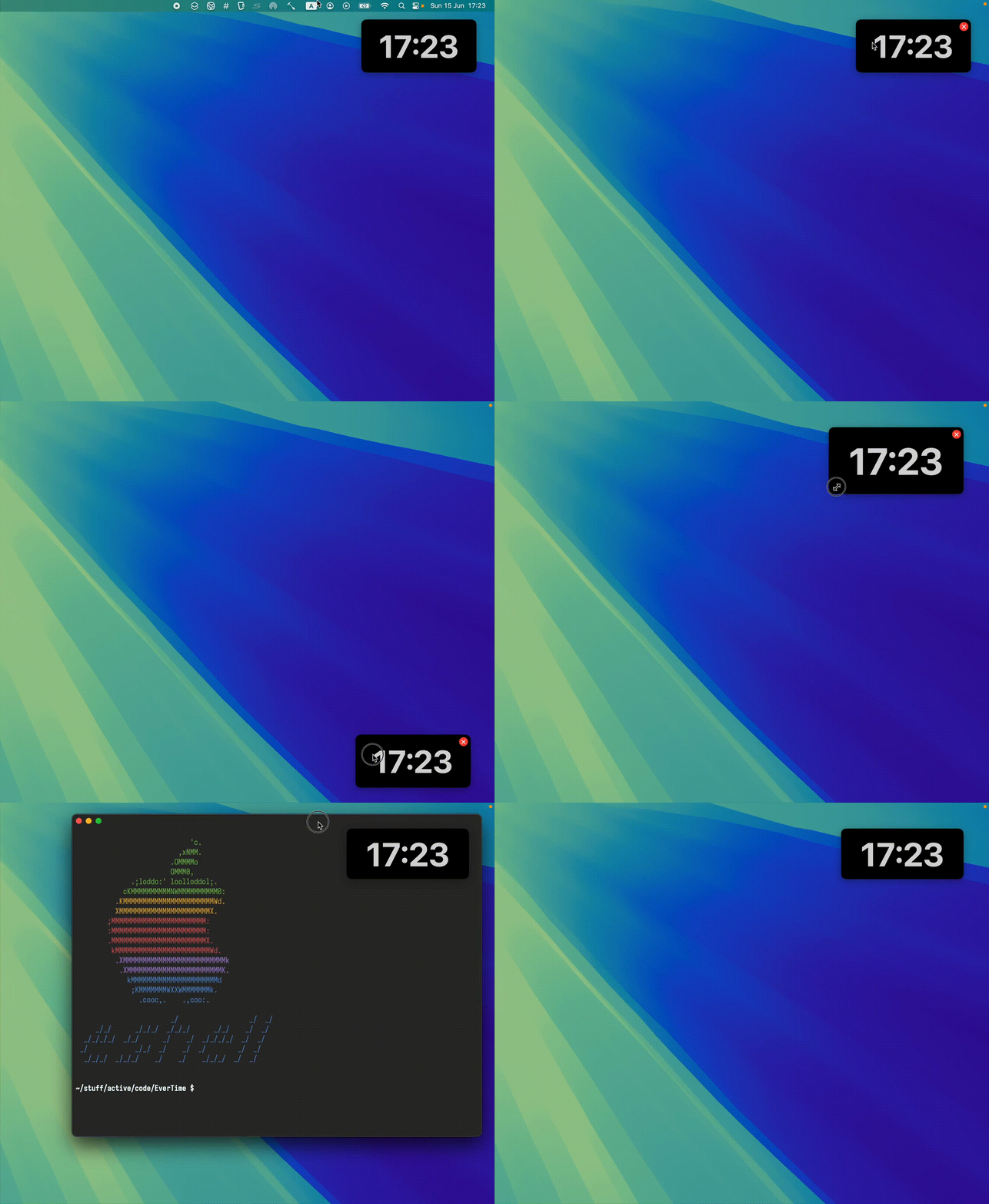
While we're talking macOS, I typically like my desktop free from distractions, which includes hiding the status bar.

Having said that, I don't want to lose track of time, and for that, I built EverTime, an ever-present floating clock (available via Homebrew).

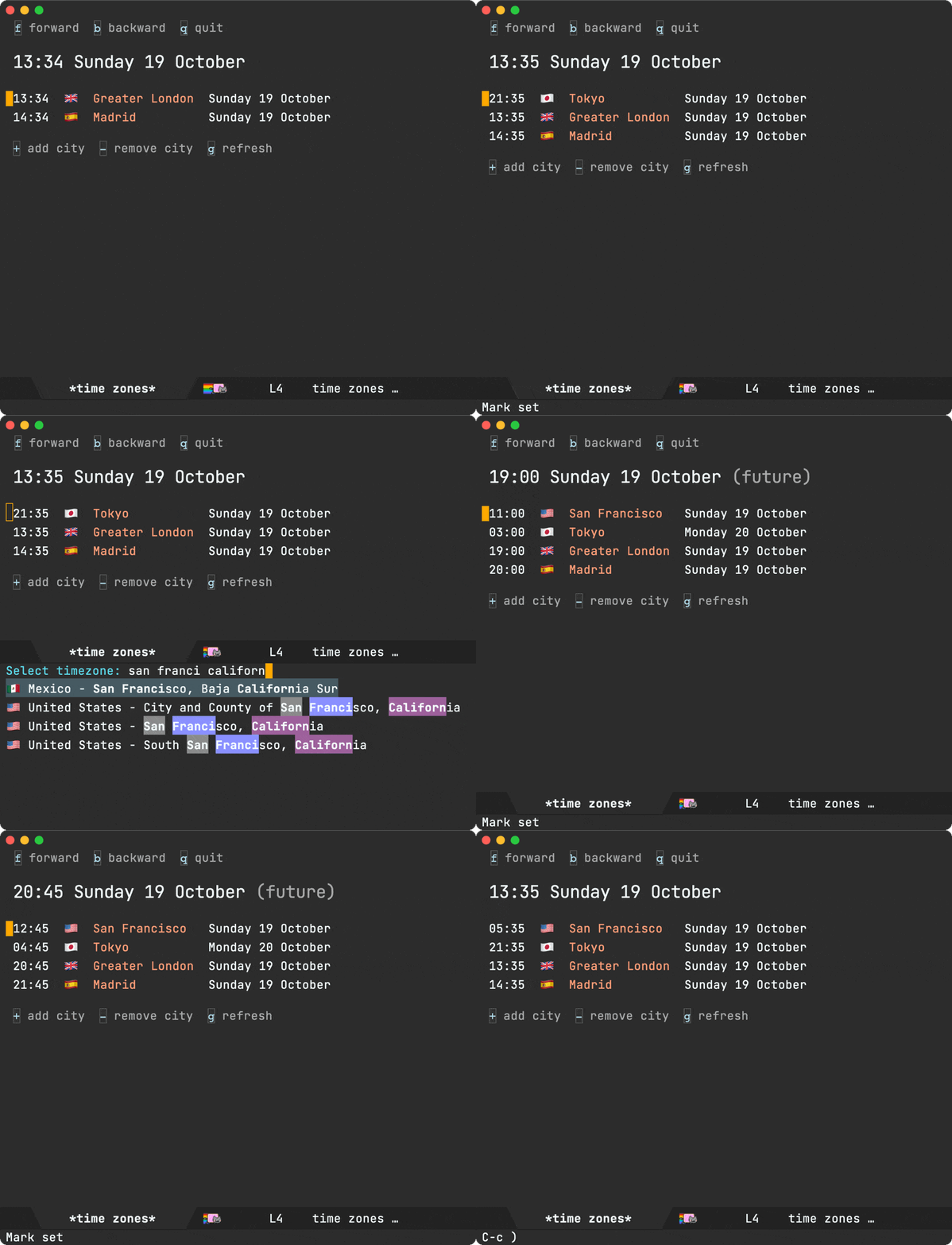
A new time zone Emacs package

Emacs ships with a perfectly functional world clock, available via M-x world-clock, but I wanted a little more, so I built time-zones.

Also covered in:

A new WhatsApp Emacs client

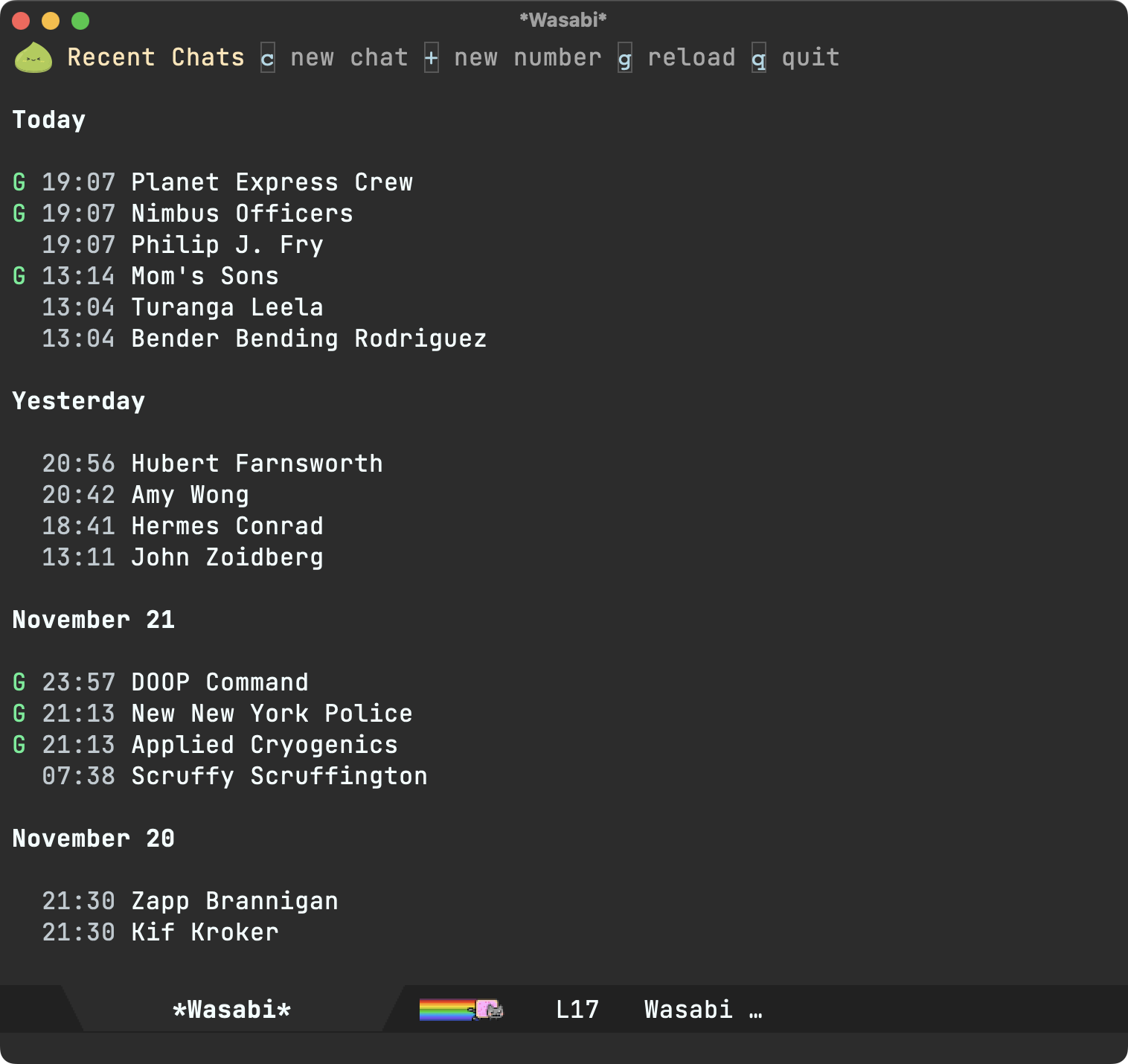
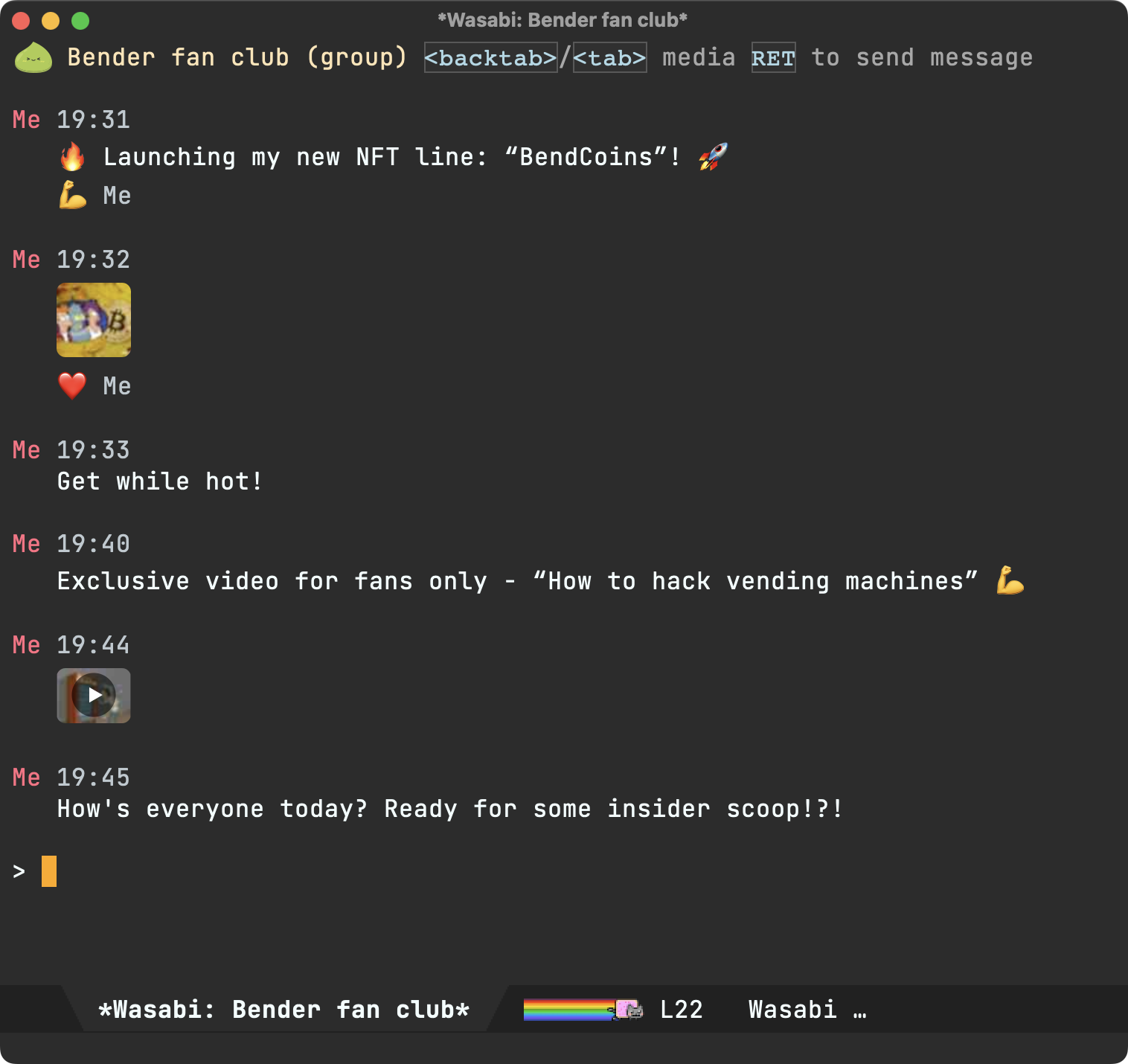
For better or worse, I rely on WhatsApp Messenger. Migrating to a different client or protocol just isn't viable for me, so I did the next best thing and built wasabi, an Emacs client ;)

While not a trivial task, wuzapi and whatsmeow offered a huge leg up. I wanted tighter Emacs integration, so I upstreamed a handful of patches to add JSON-RPC support, plus easier macOS installation via Homebrew.

Details covered in a couple of posts:

Spiff that shell up

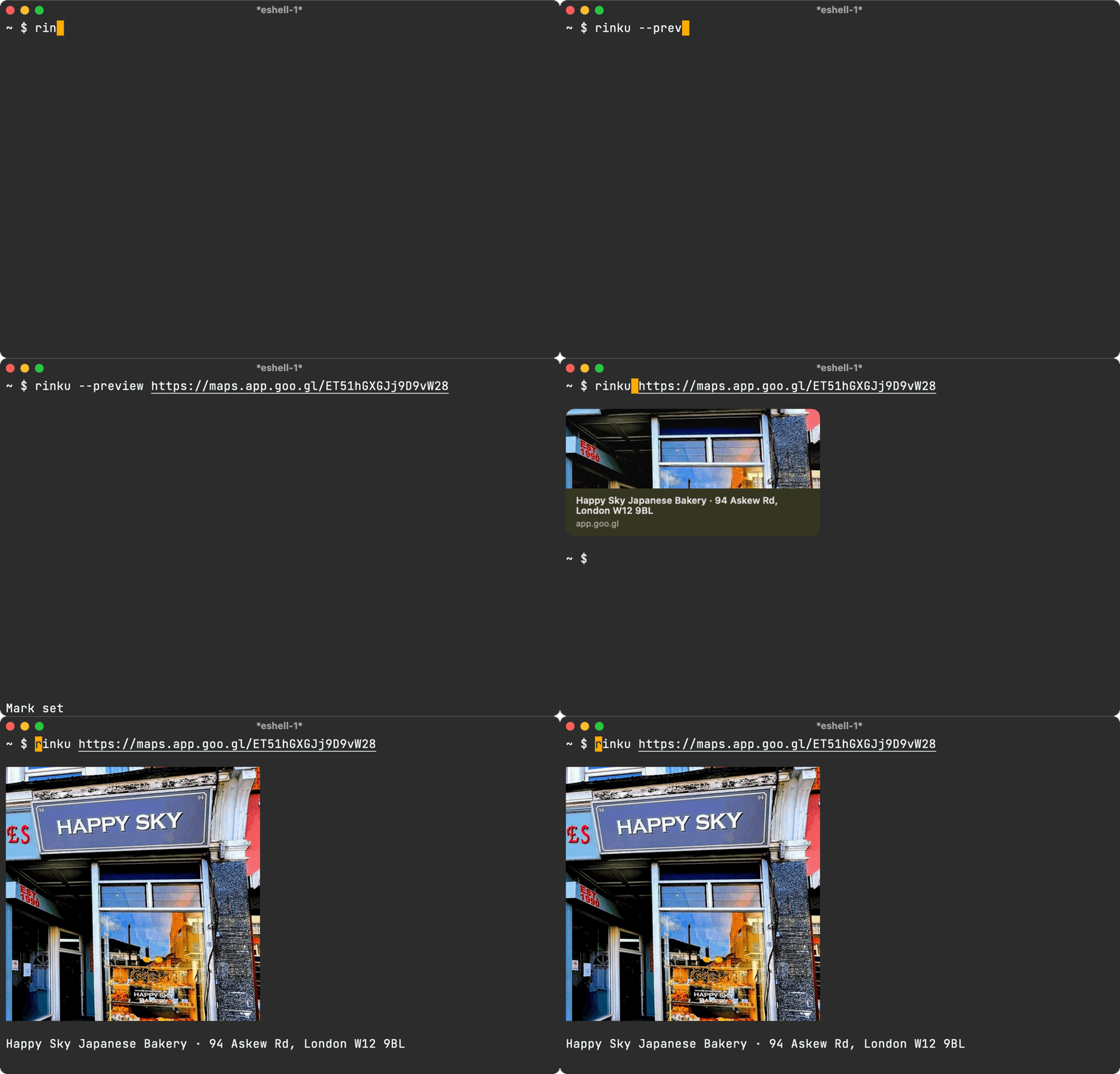
While both macOS and iOS offer APIs for generating URL previews, they also let you fetch rich page metadata. I built rinku, a tiny command-line utility, and showed how to wire it all up via eshell for a nifty shell experience.

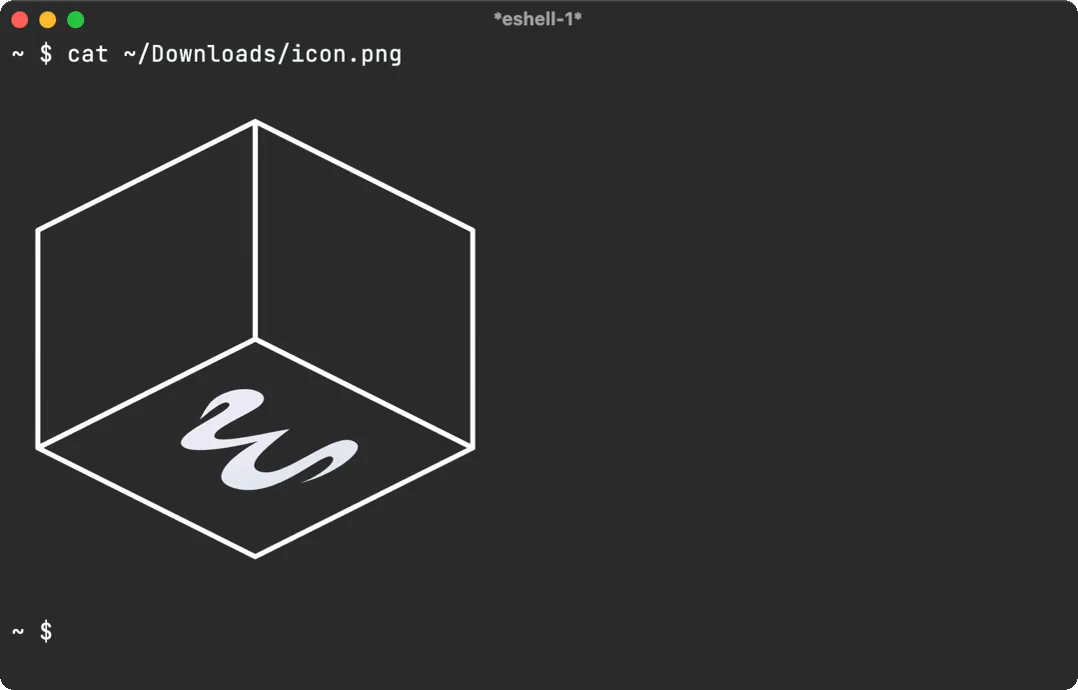
With similar eshell magic, you can also get a neat cat experience.

At one with your code

I always liked the idea of generating some sort of art or graphics from a code base, so I built one, a utility to transform images into character art using text from your codebase. Also covered in a short blog post.

Screencast converting image to source code art Emacs can trim your videos too

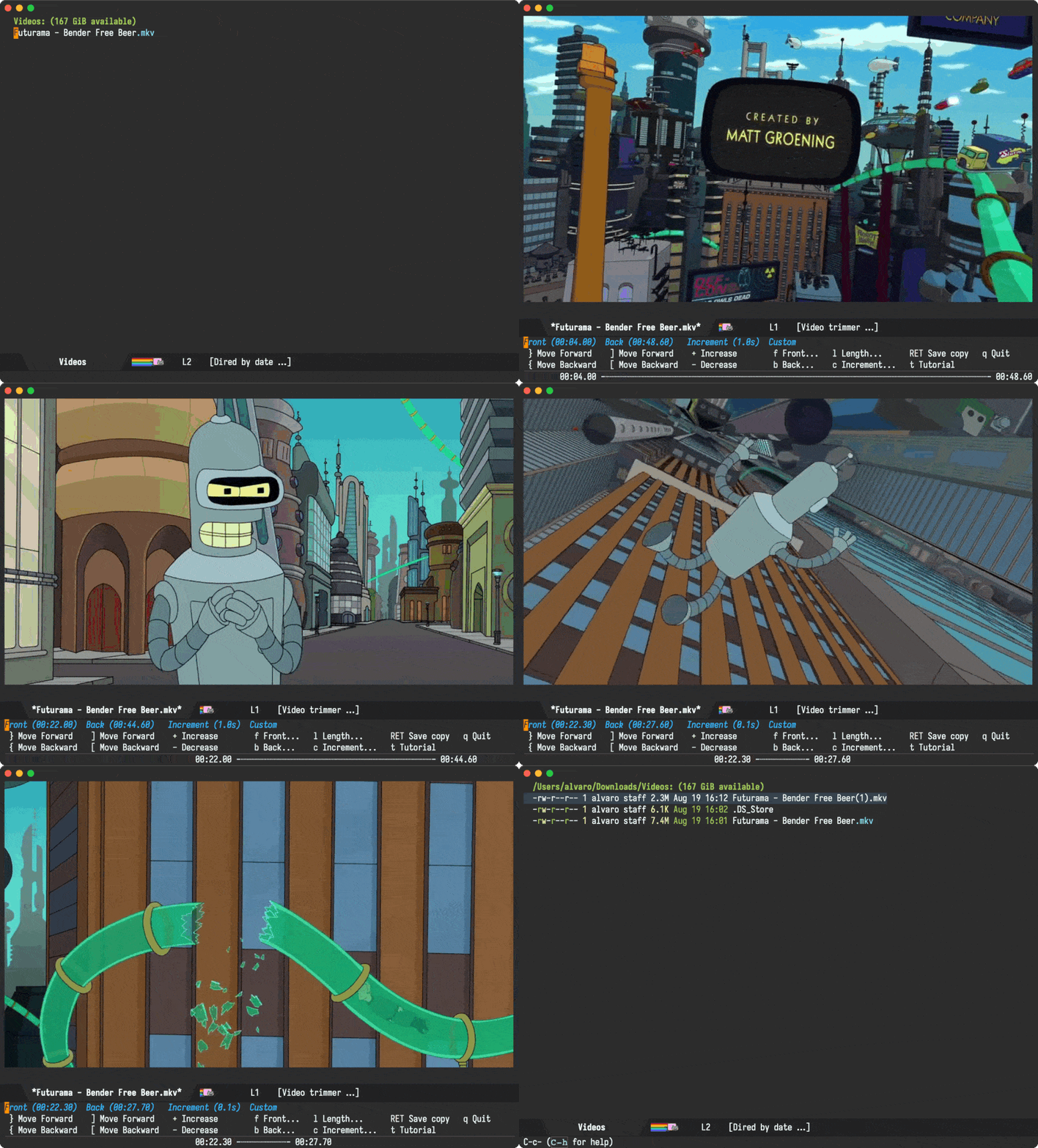
Emacs is just about the perfect porcelain for command-line utilities. With little ceremony, you can integrate almost any CLI tool. Magit remains the gold standard for CLI integration.

While trimming videos doesn't typically spring to mind as an Emacs use case, I was pleasantly surprised by the possibilities.

Landing Emacs patches upstream

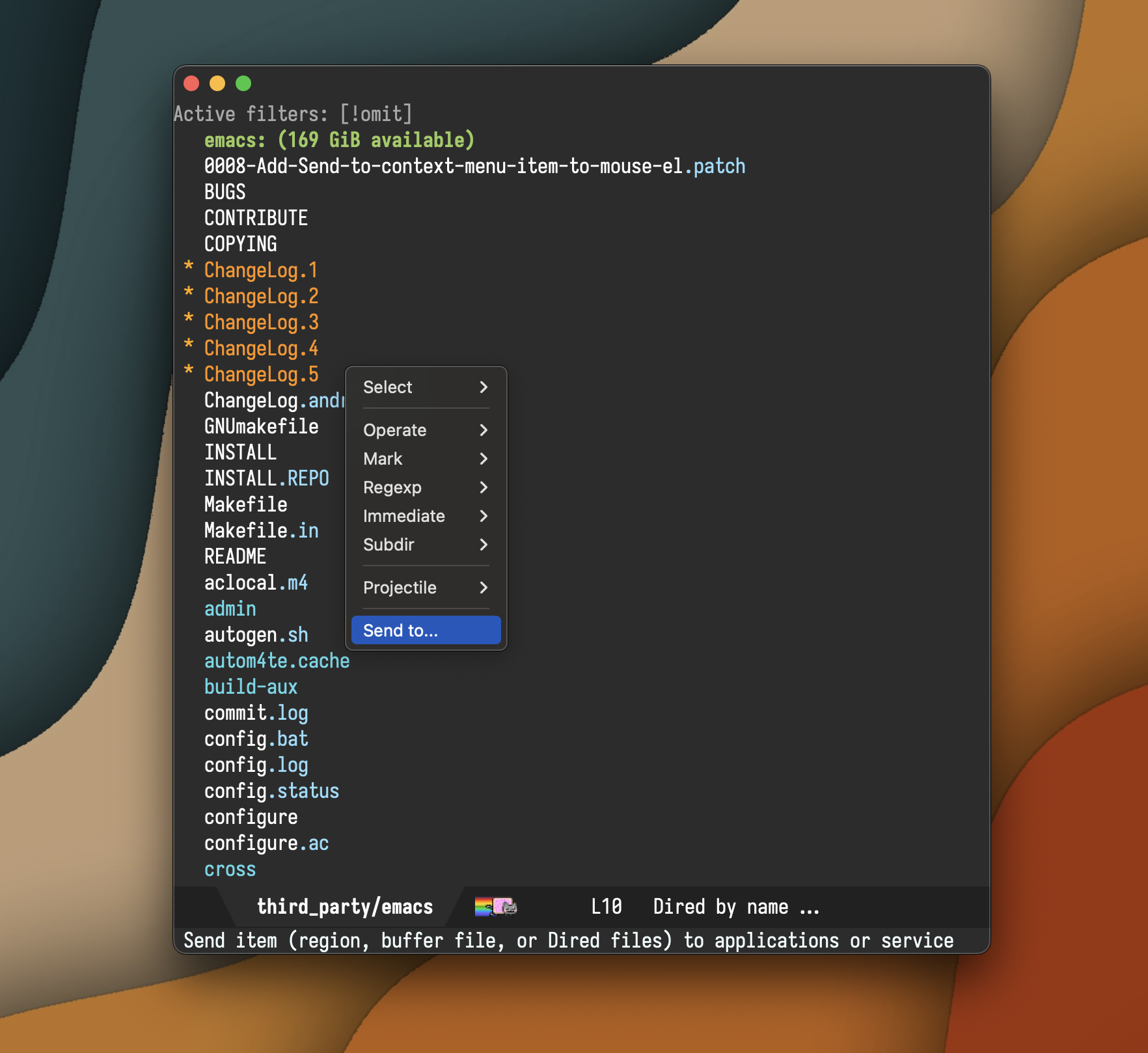
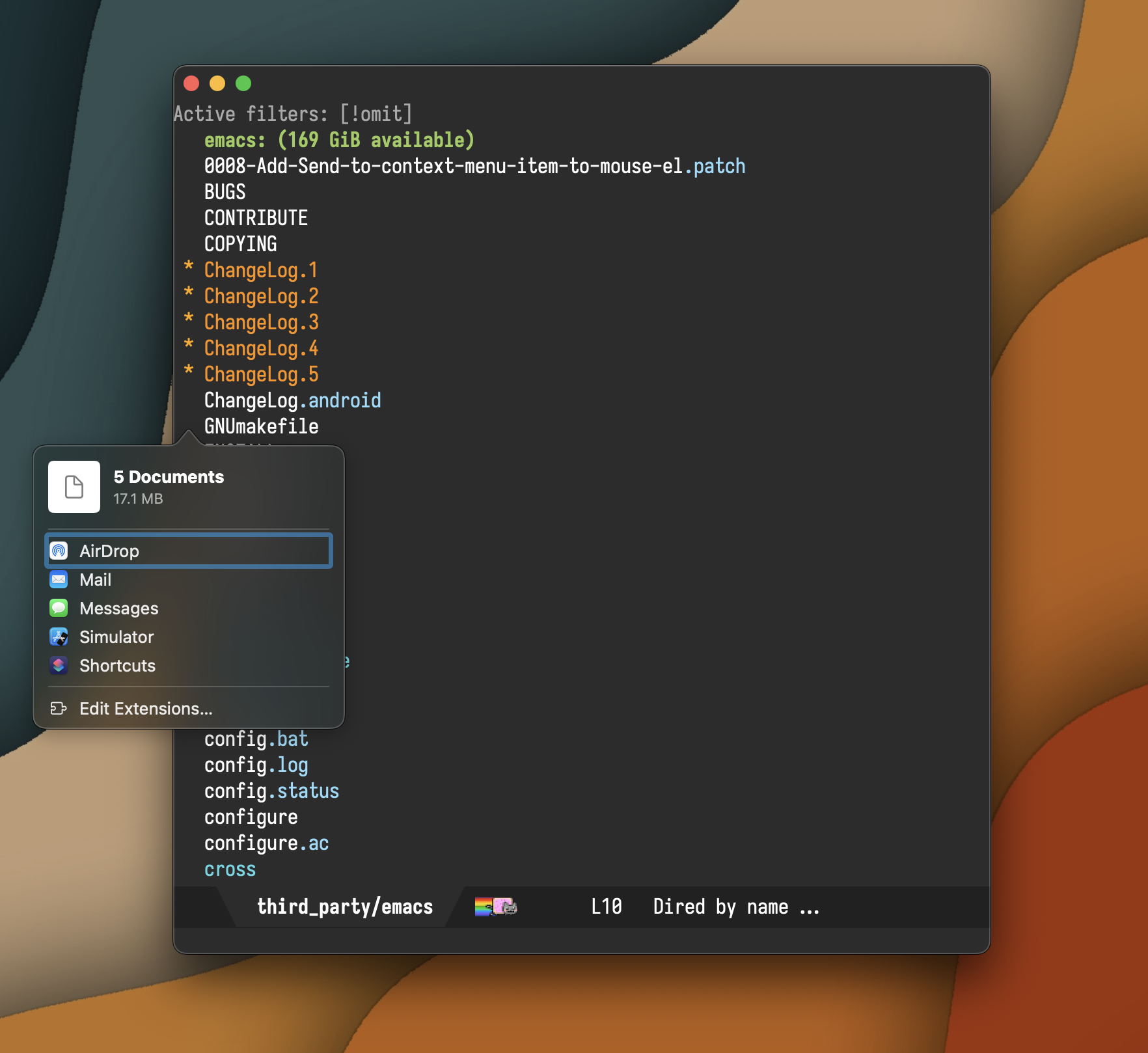
While I've built my fair share of Emacs packages, I'm still fairly new at submitting Emacs features upstream. This year, I landed my send-to (aka sharing on macOS) patch. While the proposal did spark quite the discussion, I'm glad I stuck with it. Both Eli and Stefan were amazingly helpful.


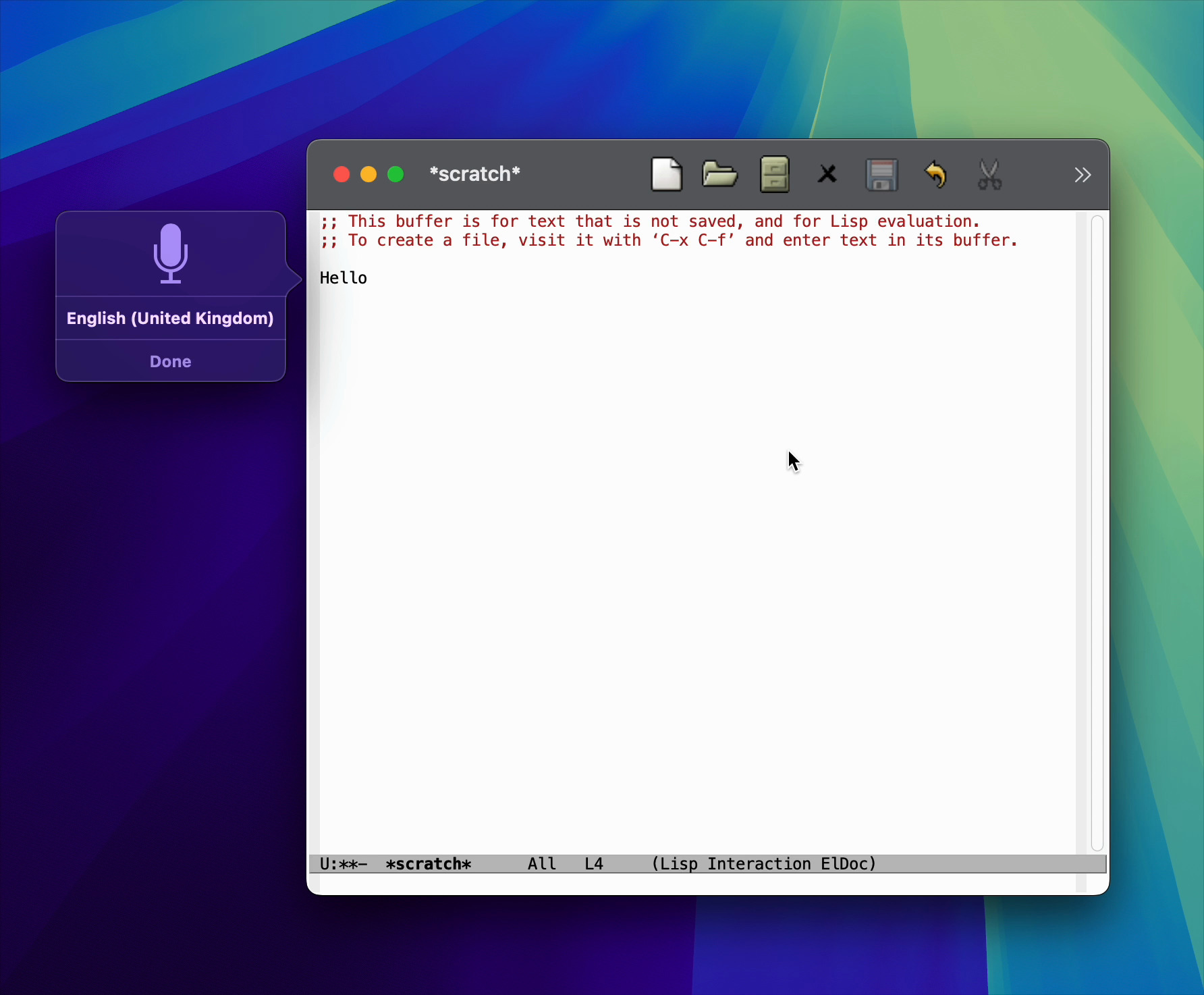
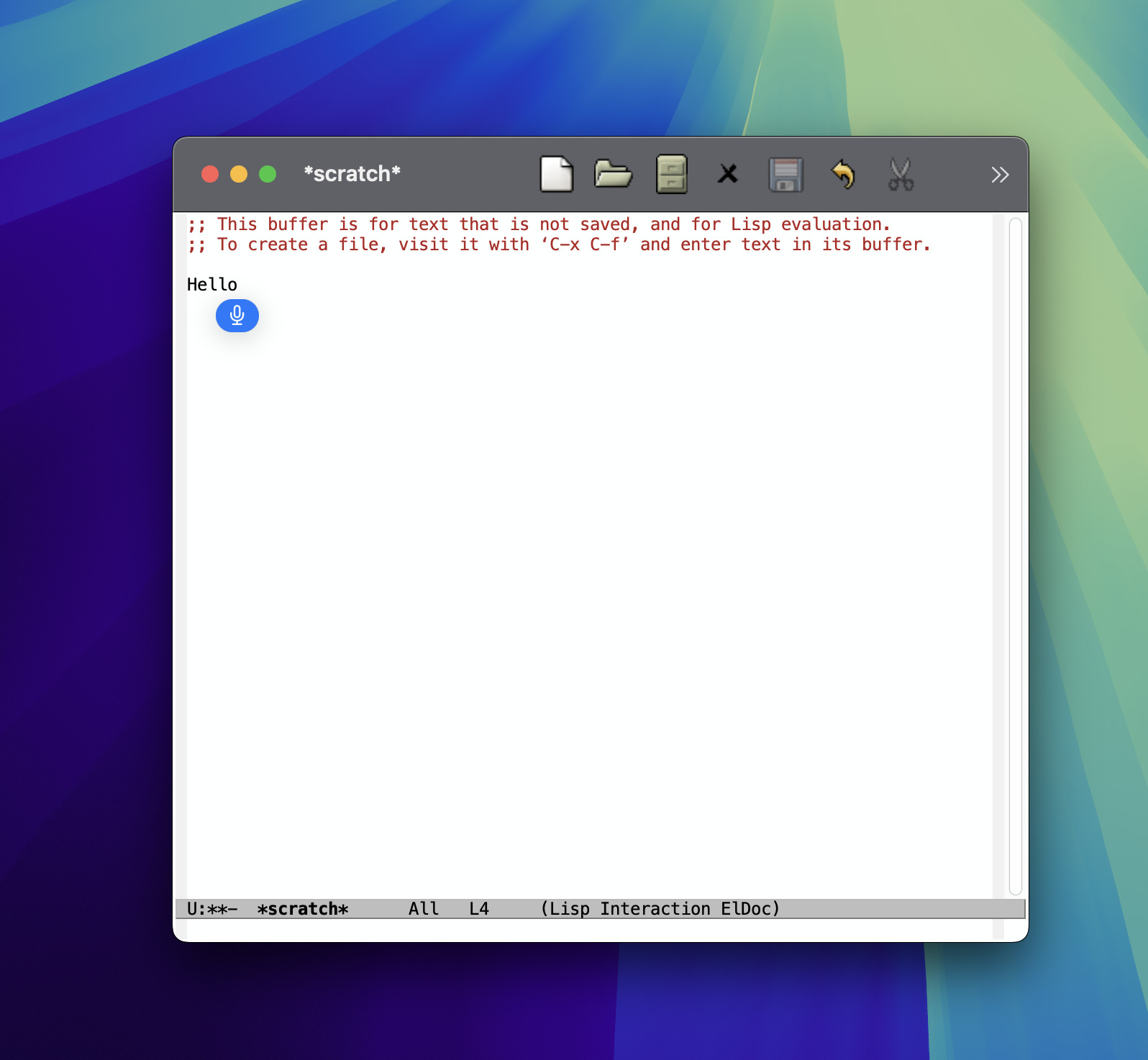
This year, I also wanted to experiment with dictating into my Emacs text buffers, but unfortunately dictation had regressed in Emacs 30.

Bummer. But hey, it gave me a new opportunity to submit another patch upstream.

Ready Player improvements

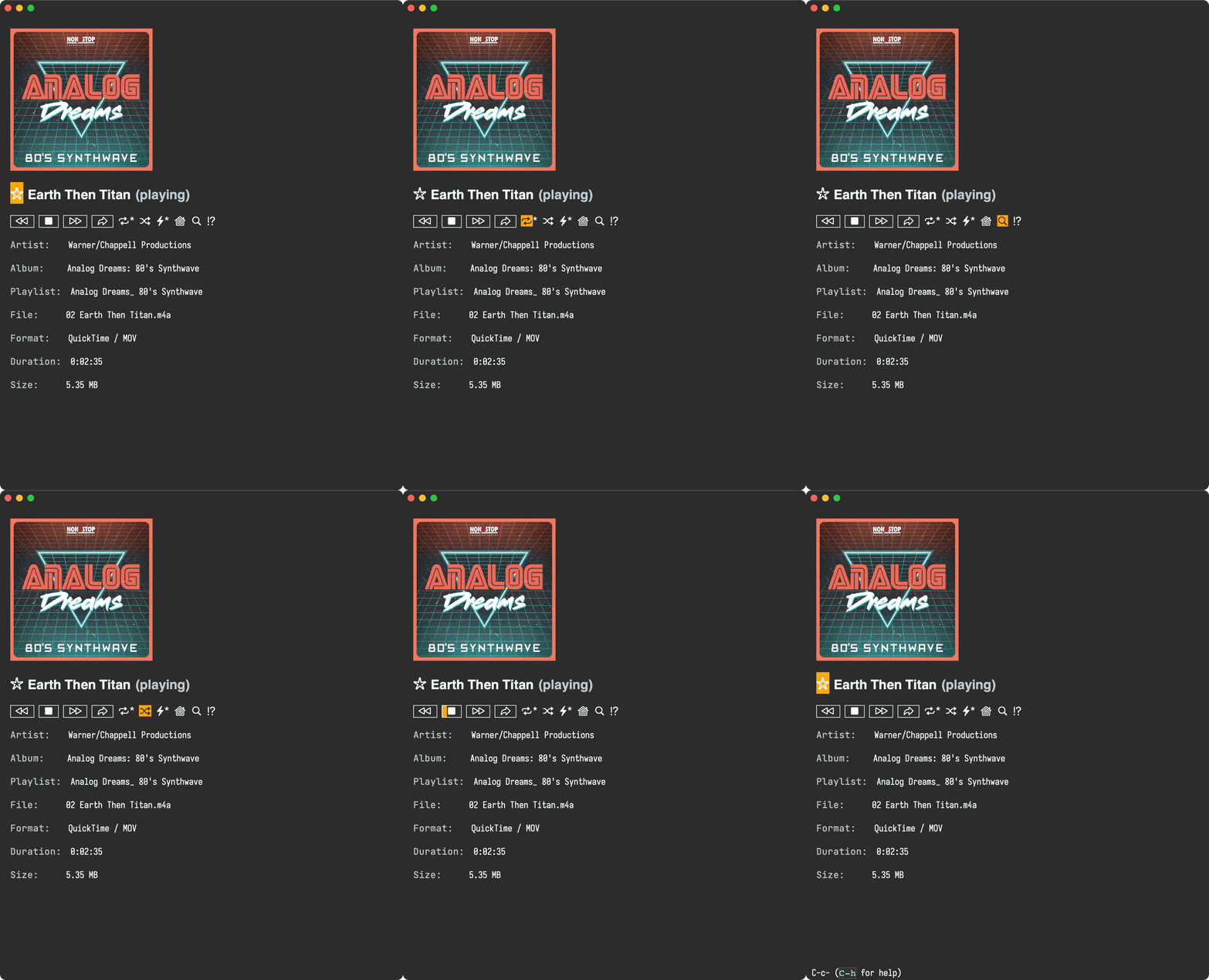
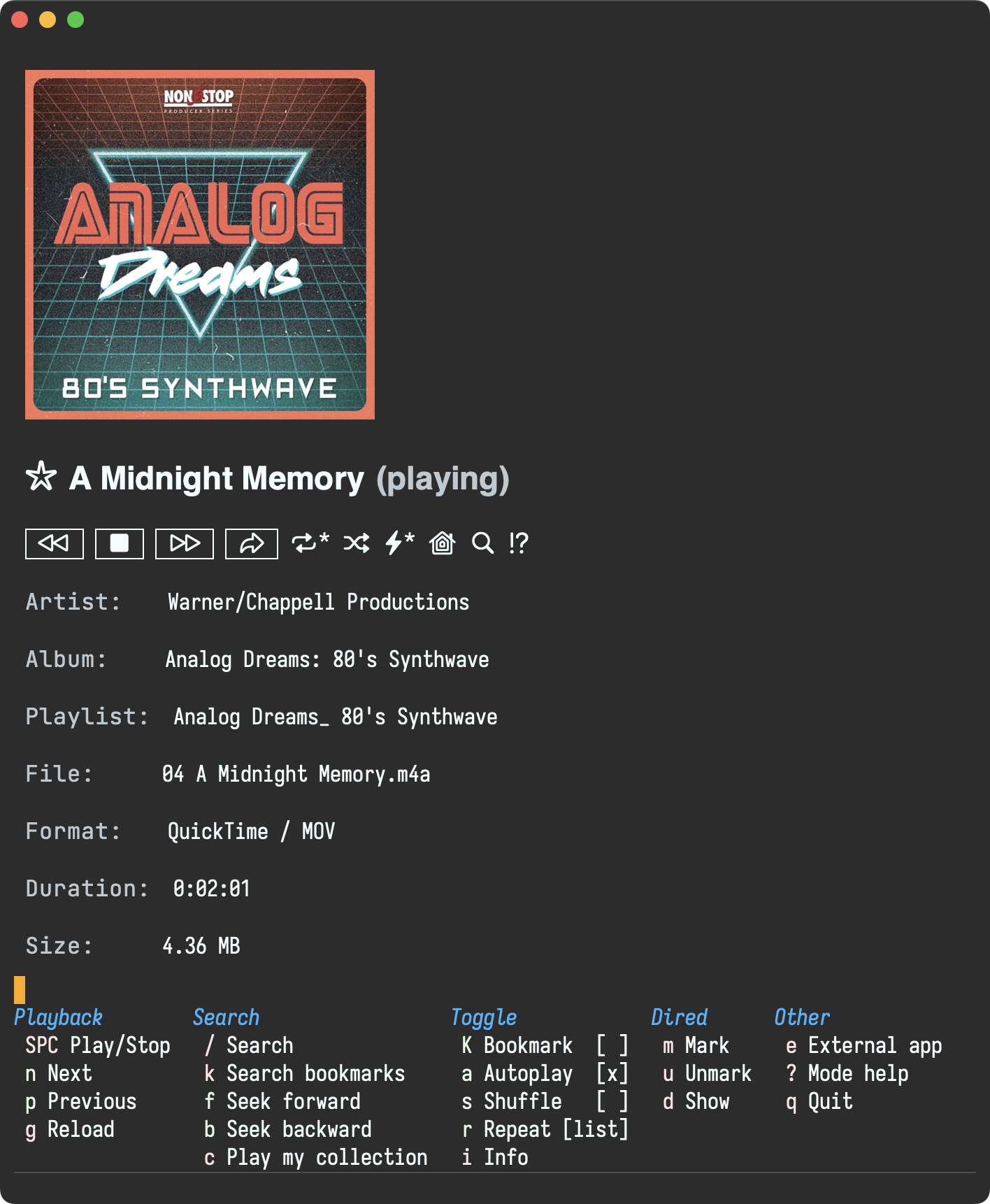
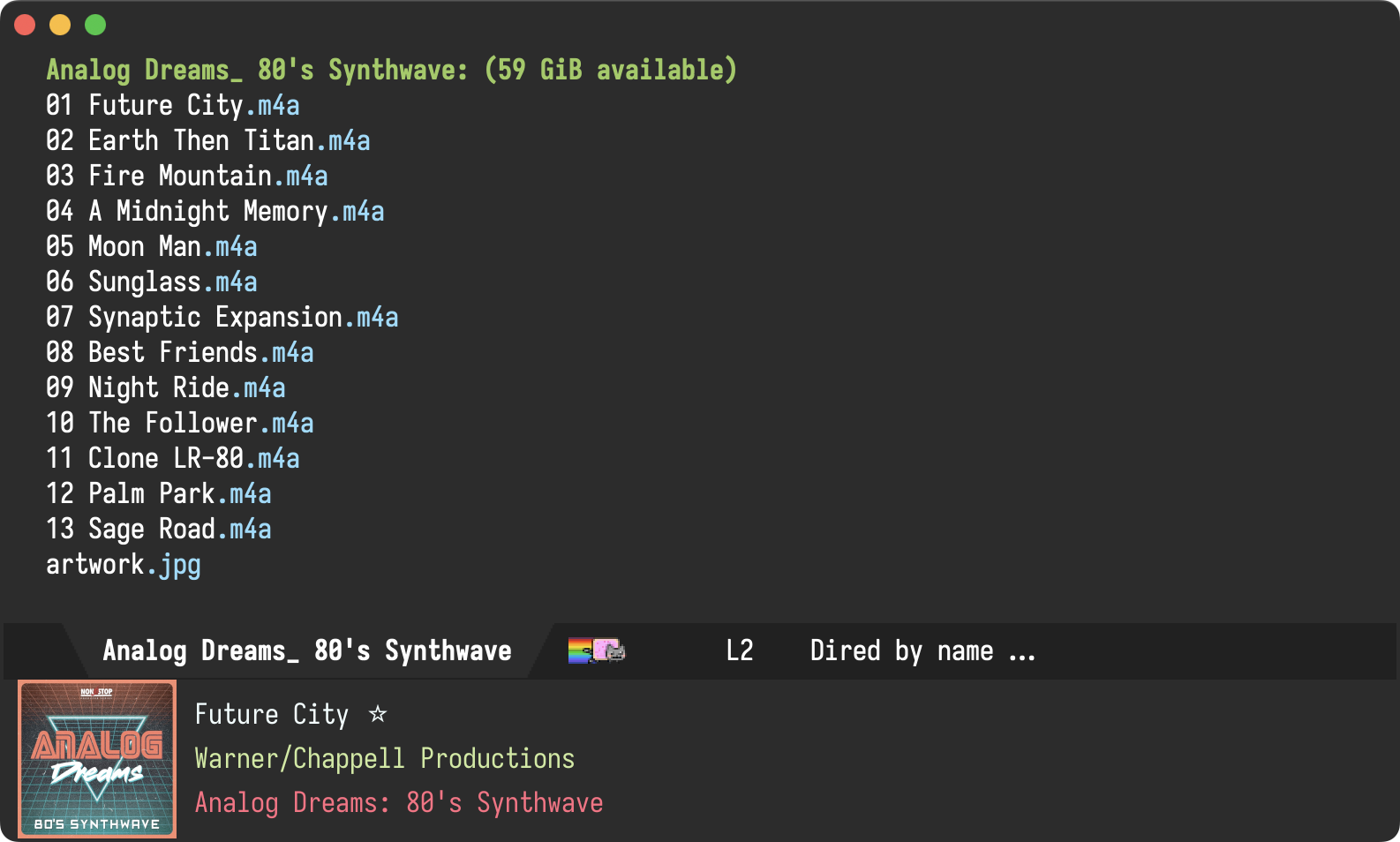
Ready Player, my Emacs media-playing package received further improvements like starring media (via Emacs bookmarks), enabling further customizations, and other bug fixes. Also showcased a tour of its features.

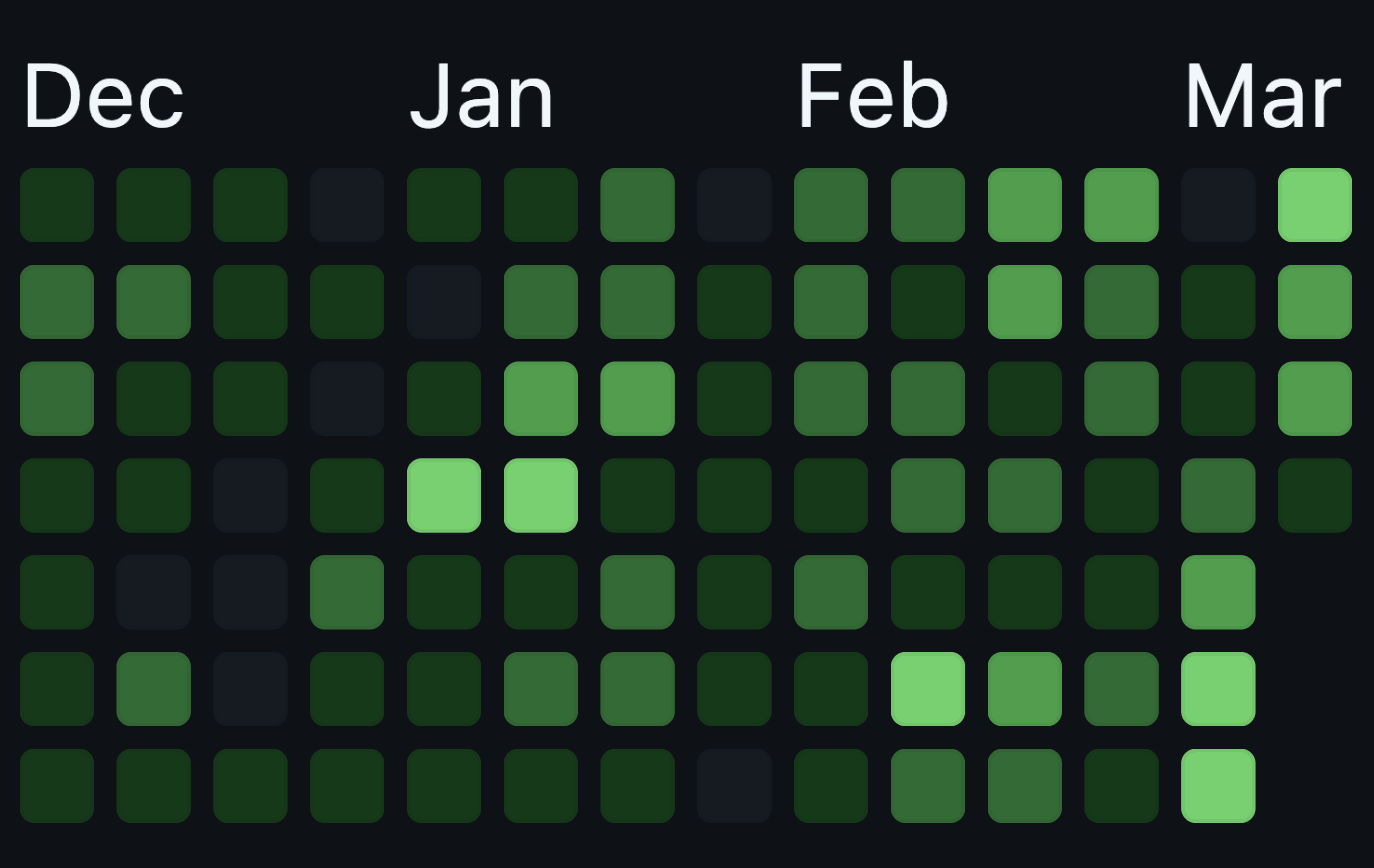
GitHub activity
  • Commits: 1,095
  • Issues created: 37
  • PRs reviewed: 106
  • Average commits per day: ~3
New GitHub projects
  • EverTime - An ever present clock for macOS
  • acp.el - An ACP implementation in Emacs lisp
  • agent-shell - A native Emacs buffer to interact with LLM agents powered by ACP
  • diverted - Identify temporary Emacs diversions and return to original location
  • emacs-materialized-theme - An Emacs theme derived from Material
  • homebrew-evertime - EverTime formula for the Homebrew package manager
  • homebrew-one - Homebrew recipe for one
  • homebrew-rinku - Homebrew recipe for rinku
  • one - Transform images into character art using text from your codebase
  • rinku - Generate link previews from the command line (macOS)
  • time-zones - View time at any city across the world in Emacs
  • video-trimmer - A video-trimming utility for Emacs
  • wasabi - A WhatsApp Emacs client powered by wuzapi and whatsmeow
Blog posts

Hope you enjoyed my 2025 contributions. Sponsor the work.

https://xenodium.com/my-2025-review-as-an-indie-dev
Journelly 1.3 released: Hello Markdown!

download-on-app-store.png

Journelly 1.3 available on the App Store


What is Journelly?

Journelly feels like tweeting but for your eyes only.

A fresh take on frictionless note-taking or journaling for iOS, powered by plain text (Markdown + Org).

  • Save cooking recipes, movies, music, restaurants, coffee shops…
  • Jot down your thoughts.
  • Save your favorite quotes.
  • Use it as a journal, memo book, or notes.
  • Write your shopping lists.
  • Document your travels.
  • Lots more…

Check out journelly.com for details.

What's new?

Journelly v1.3 brings Markdown support (the most requested feature), along with Simplified Chinese localization and other enhancements.

Markdown support

Journelly first launched with Org markup support, popular among Emacs enthusiasts. Markdown support has by far been the most requested feature. Thank you to everyone who reached out, shared your interest, and helped beta test early builds.

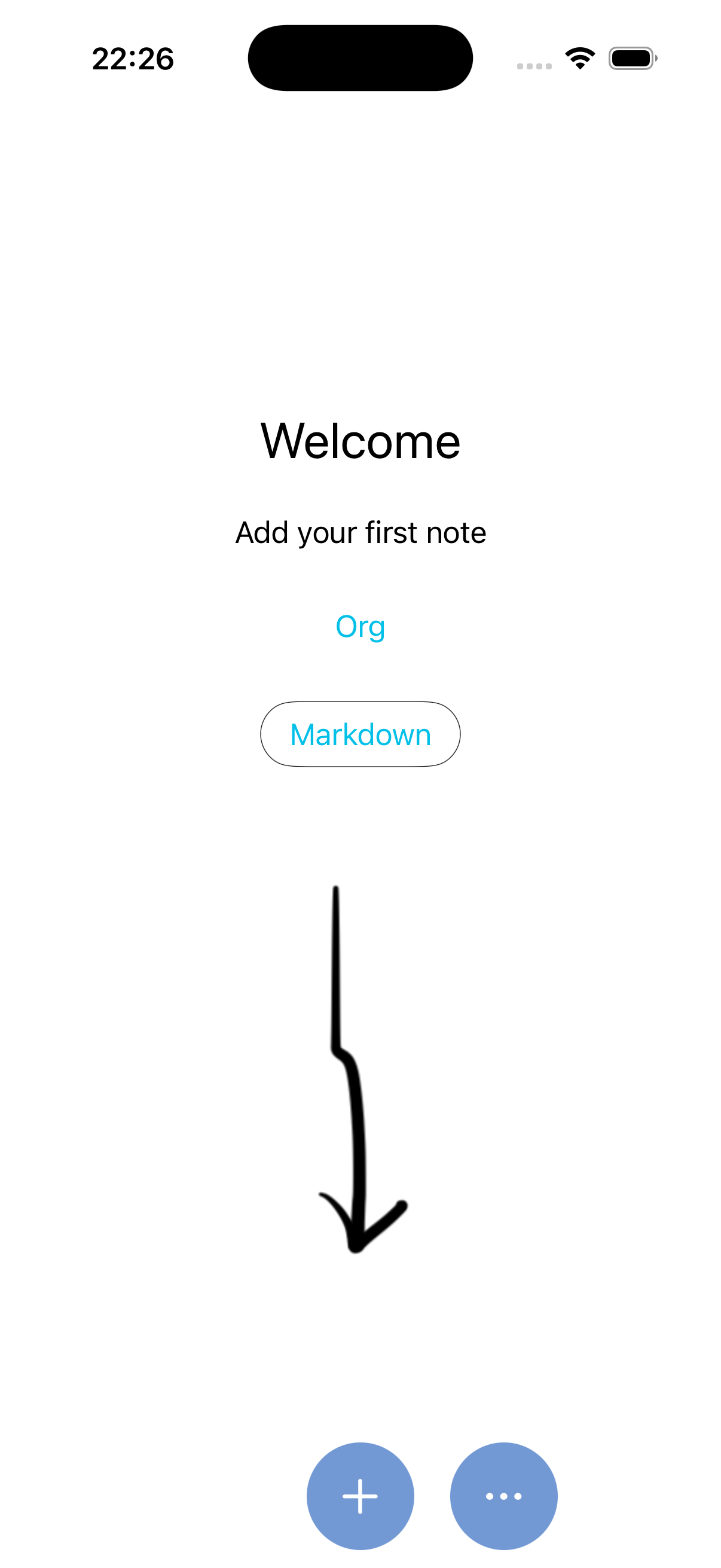
Whether you're a fan of Markdown or Org-mode, Journelly now lets you store entries in your preferred format. Choose your favorite markup on first launch or via the app menu.

welcome.png So you like Markdown things?

While on topic, I also run lmno.lol, a Markdown-powered blogging service. Simple and focused, without the frustrating parts of the modern web. Custom domains welcome. My xenodium.com blog runs off lmno.lol.

Simplified Chinese (简体中文)

Simplified Chinese (简体中文) is now available, joining Journelly's list of supported languages:

  • Simplified Chinese (简体中文)
  • Danish
  • Dutch
  • English
  • Finnish
  • French
  • German
  • Italian
  • Japanese
  • Norwegian
  • Spanish
  • Swedish
Home Screen Widget

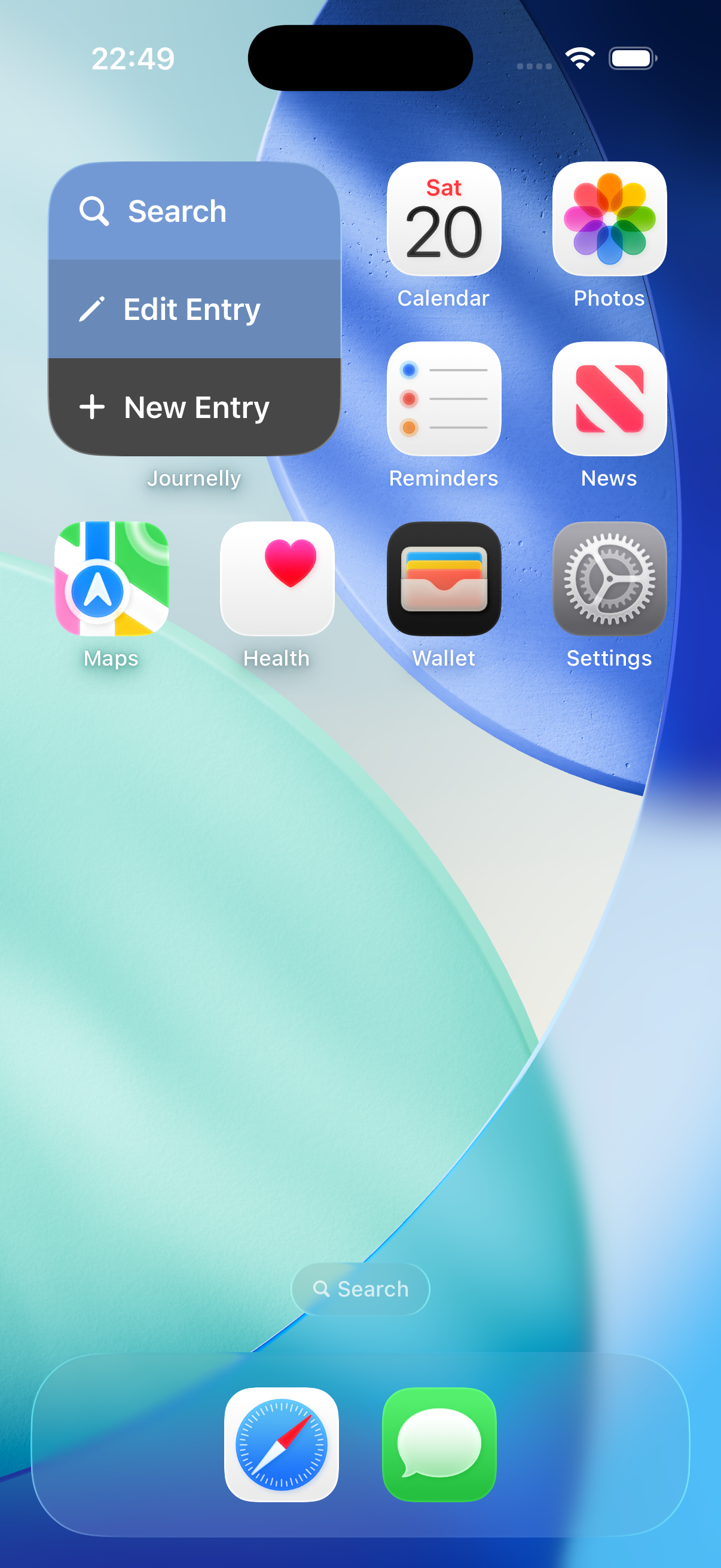
A home screen widget is now available, offering quick access to three key actions right from the home screen.

widget.png Discoverable mode

Prefer clear buttons over swipe gestures? You can now enable Discoverable Mode under “Menu > View.” This new mode makes features more visible and easier to navigate, perfect for folks favoring more explicit interaction over gestures or subtle hints.

discoverable-mode.gif Org rendering

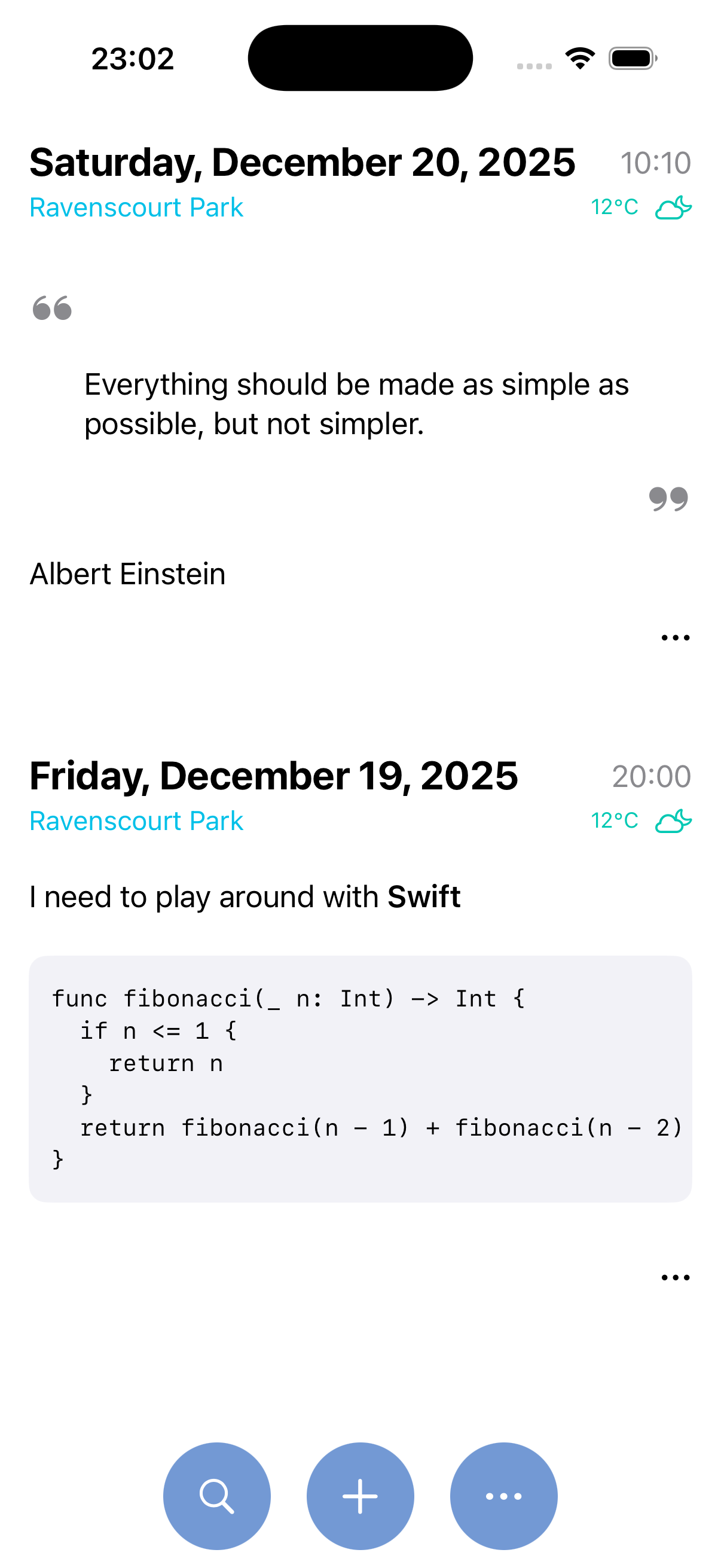
For Org users: Journelly now renders both quote and code blocks.

blocks.png Tidying the list up
The entry list received a little refresh to make better use of screen space. Bottom-aligned controls also make for easier one-handed use.

Love Journelly? I need your help

Since launch, Journelly has remained a single-payment app. No subscriptions. I get it, subscriptions are no fun.

That said, sustainable development is tough without regular downloads. I'm hoping the new Markdown support helps Journelly reach a wider audience.

Help Journelly grow:

Thank you

Hope you enjoy the v1.3 update.

Thank you for using Journelly and supporting indie development 💛💙❤️

https://xenodium.com/journelly-1-3-released
agent-shell 0.25 updates

It's been a little while since the last agent-shell blog post detailing changes, so we're naturally due another one detailing the latest features.

What's agent-shell?

A native Emacs shell to interact with any LLM agent powered by ACP (Agent Client Protocol).

Sponsor agent-shell ✨ So what's new?

Let's go through the latest changes…

Viewport/compose (experimental)

The biggest change is the new experimental viewport/compose mode. While agent-shell's comint shell experience has its benefits, some folks may opt for a more familiar buffer experience, that is less shell-like.

There are perhaps 3 defining characteristics in the new viewport/compose feature:

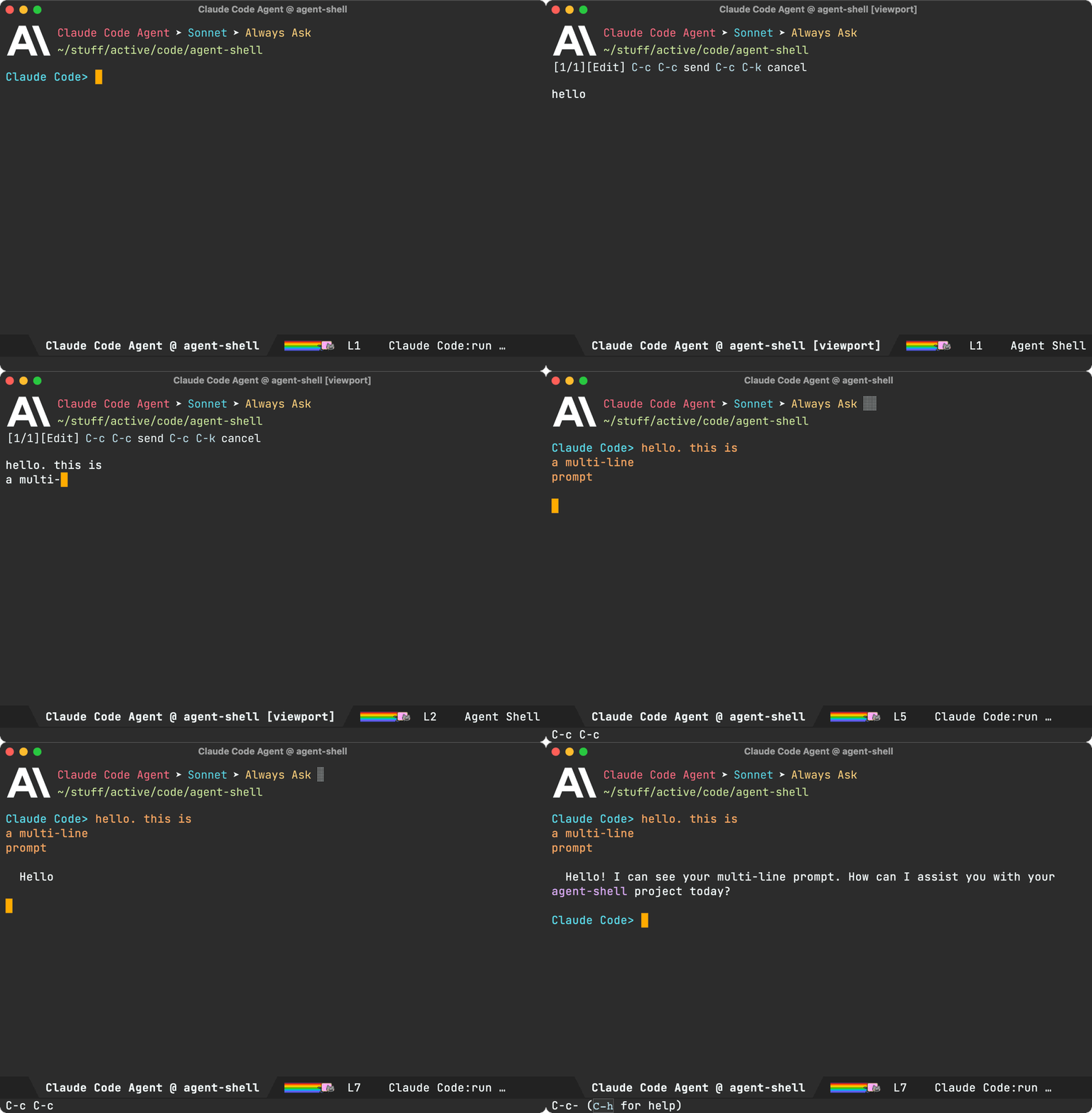
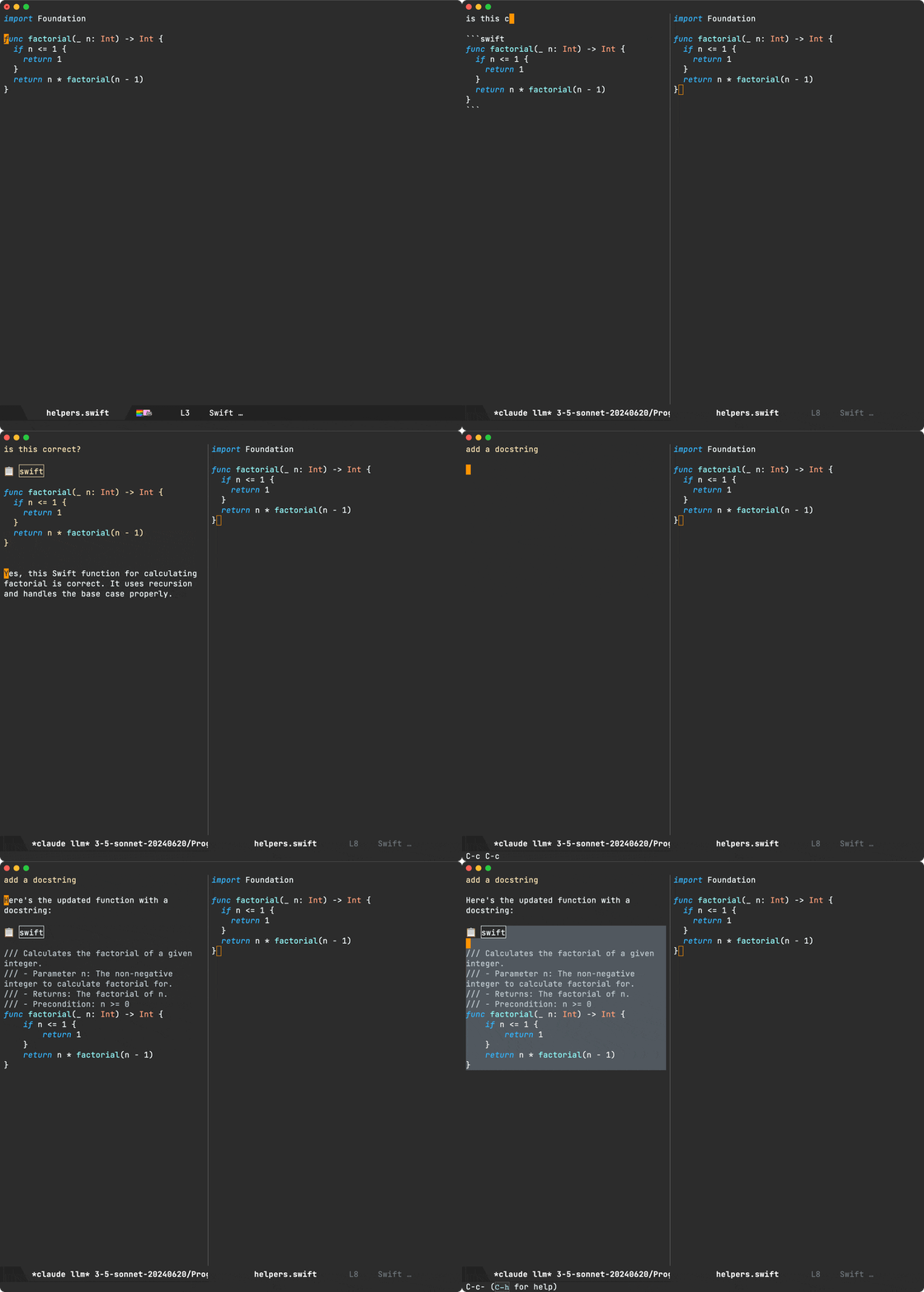
A dedicated compose buffer: You get a full, multiline buffer dedicated to crafting prompts. I personally find this mode of operation more natural (no need to watch out for accidental submissions via RET), but also opens up the possibility to enable your favourite minor modes that may not play nice with comint. You can launch compose buffers via M-x agent-shell-prompt-compose, edit your prompt, and when you're ready, submit with the familiar C-c C-c binding.
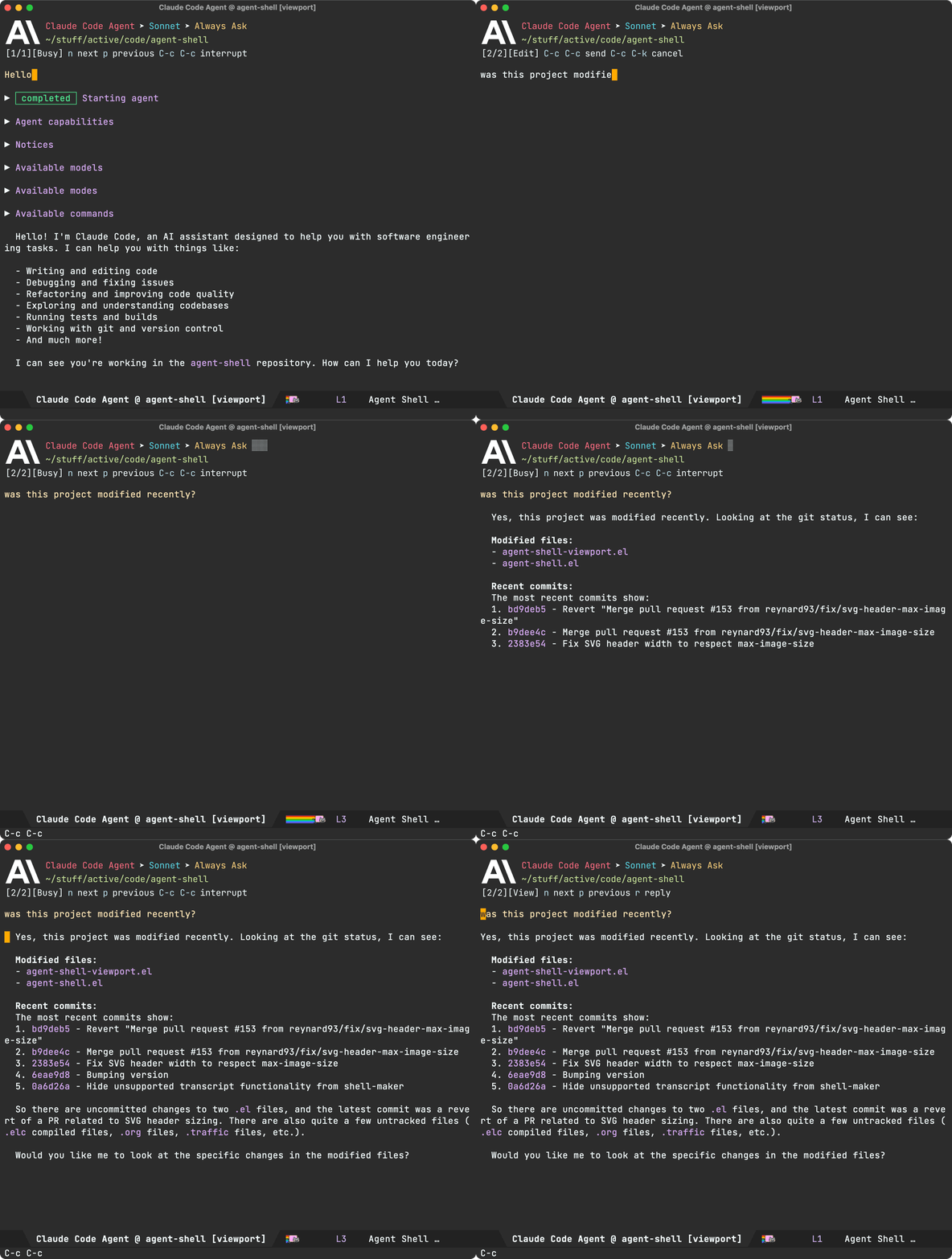
Viewport: I've experimented with shell viewports before and also added a similar experience to chatgpt-shell. This compose/viewport UX quickly became my primary way of interacting with non-agent LLMs. This is a read-only buffer typically displaying the latest agent interaction. Use n/p to navigate through current interaction items. Use f/b to switch through pages/interactions.

Auto-modal: Compose and viewport modes complement each other and offer automatic transition between read-only and editable (compose) buffers. From a viewport, you can always press r to reply to the latest interaction. When replying, you automatically go into edit/compose mode. When submitting via C-c C-c, you automatically transition into viewport (read-only) mode.

While you can use M-x agent-shell-prompt-compose at any time to compose multi-line prompts and send from the shell, to get the compose/viewport hybrid experience, you need to enable with (setq agent-shell-prefer-viewport-interaction t). From then on, M-x agent-shell will favor the compose/viewport experience. You can always jump between viewport and shell with C-c C-o.

Prompt queueing (experimental)

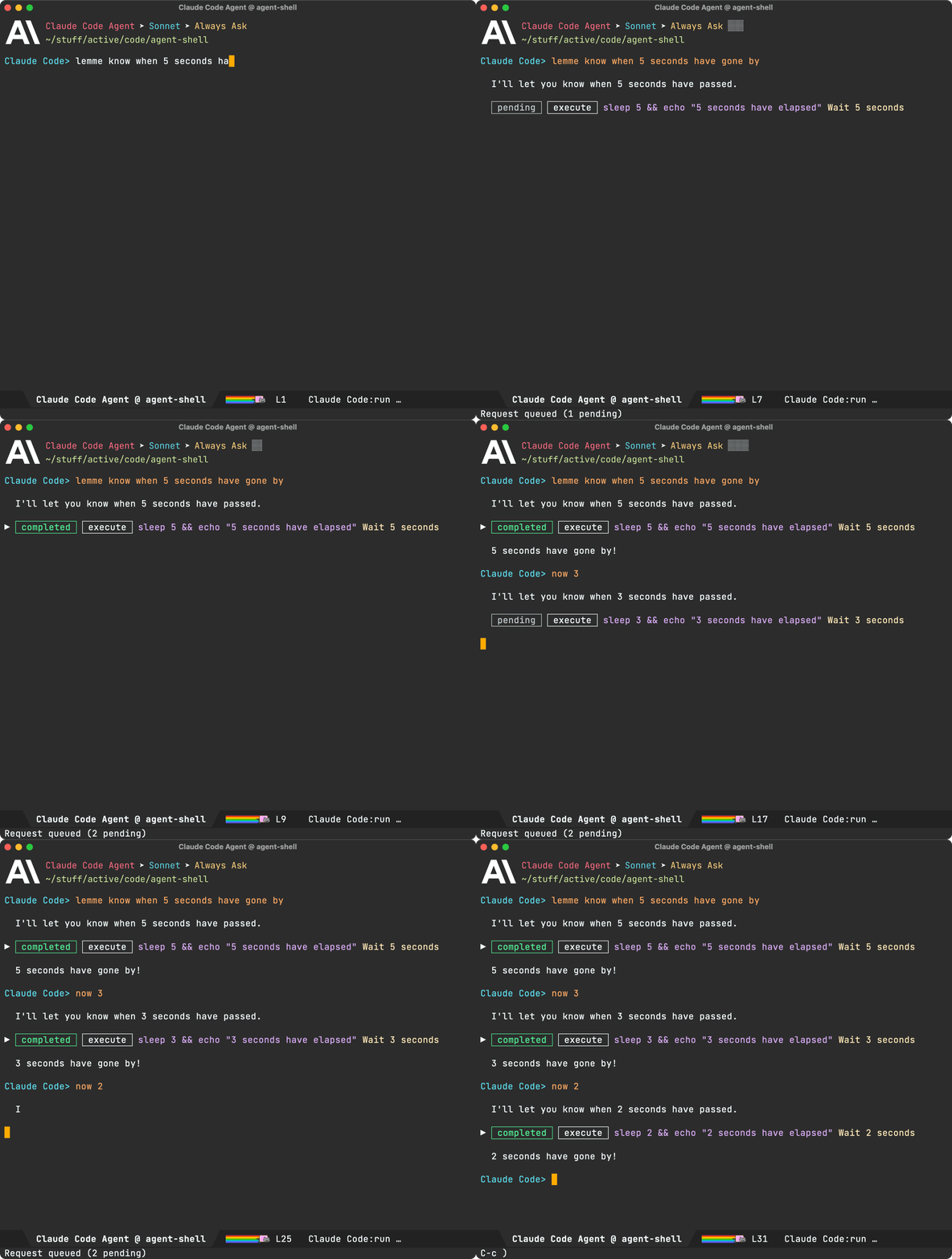
agent-shell buffers now offer the ability to queue additional prompts if the agent is busy. Use M-x agent-shell-queue-request and M-x agent-shell-remove-pending-request to queue and remove requests.

Session model/mode

You can now change models via M-x agent-shell-set-session-model (C-c C-v), when supported by the agent.

For Anthropic users, we now have agent-shell-anthropic-default-model-id and agent-shell-anthropic-default-session-mode-id to set default agent model and modes. You can view available values by expanding shell handshake items.

If keen on using defaults for a different agent, please file a feature request.

Set preferred agent

By default, launching via M-x agent-shell prompts users to select one of the supported agents. You can now skip this by setting your preferred agent (thank you Jonathan).

(setq agent-shell-new-shell-config (agent-shell-anthropic-make-claude-code-config))
Automatic transcripts

While shell-maker automatically prompts users to save content when killing agent-shell buffers, its integration was a little clunky with agents. Elle Najt's agent-shell-specific implementation is now enable by default, saving Markdown transcripts to project/.agent-shell/transcripts. When launching new shells, you should see a message like:

Created project/.agent-shell/transcripts/2025-12-17-22-07-38.md

You can always open the current transcript via M-x agent-shell-open-transcript.

To disable the new transcript generation use:

(setq agent-shell-transcript-file-path-function nil)
MCP servers

Jonathan Jin introduced agent-shell-mcp-servers, enabling folks to add MCP servers to their agents.

For example:

(setq agent-shell-mcp-servers
      '(((name . "notion")
         (type . "http")
         (headers . [])
         (url . "https://mcp.notion.com/mcp"))))
Buffer search

You can now search across shell nodes, including collapsed ones. When using isearch (swiper too), matching nodes are now automatically expanded.

DWIM context

When invoking M-x agent-shell, active region, flymake errors, dired and image buffers are now automatically considered and brought over to agent-shell buffers to be included while crafting prompts.

There's one more. From a viewport buffer, selecting a region and pressing "r" (for reply) brings the selection over to the compose buffer as blockquoted text.

Cursor support (migrated to Mike Moore's adapter)

We've migrated Cursor agent support to use Mike Moore's ACP Adapter.

Install with:

npm install -g @blowmage/cursor-agent-acp
New related packages Bug fixes
  • #106: Use replace-buffer-contents instead of erase-buffer/insert
  • #127: No longer possible to select the Anthropic model used by Claude Code
  • #142: [bug] Crash during message streaming: markdown overlay receives nil positions
  • #143: gemini 0.17.1 requires authMethod to authenticate (fix by Andrea)
  • #144: Make collapsible indicator keymap customizable
  • #145: Unable to enter Plan Mode until after first message is sent
  • #150: Warning (undo): Buffer 'Codex Agent @ …' undo info was 25664948 bytes long
  • #154: Gemini CLI doesn't need authorization if already logged in
Pull requests

Thank you to all contributors for these improvements!

Lots of other work ❤️😅

Beyond what's showcased, much love and effort's been poured into polishing the agent-shell experience. Interested in the nitty-gritty? Have a look through the 122 commits since the last blog post.

Make the work sustainable

If agent-shell or acp.el are useful to you, please consider sponsoring development. LLM tokens aren't free, and neither is the time dedicated to building this stuff ;-)

https://xenodium.com/agent-shell-0-25-updates
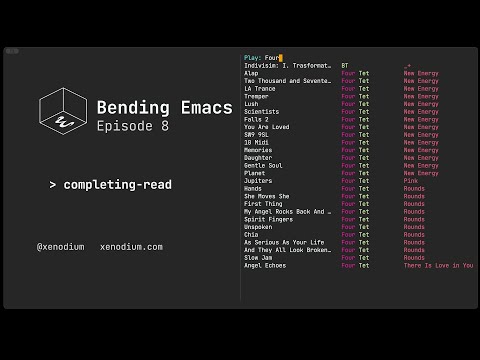
Bending Emacs - Episode 8: completing-read

Nearly a couple of weeks since the last Bending Emacs episode, so here's a new episode:

Bending Emacs Episode 8: completing-read

In this video, we take a look at the humble but mighty completing-read function. We can use it to craft our purpose-built tools, whether in pure elisp or to interact with command-line utilities.

Of interest, I also highlighted the great elisp-demos package, which extends your help buffers with sample snippets.

Here are some of the completing-read snippets we played with:

Pick a queen:

(completing-read "Pick a Queen: "
                 '("Queen of Hearts ♥"
                   "Queen of Spades ♠"
                   "Queen of Clubs ♣"
                   "Queen of Diamonds ♦")
                 ;; predicate
                 nil
                 ;; require match
                 t)

Our own hashing function with an algo picker:

(defun misc/hash-region ()
  (interactive)
  (message "Hash: %s" (secure-hash (intern (completing-read
                                            "Hash type: "
                                            '(md5 sha1 sha224 sha256 sha384 sha512)))
                                   (current-buffer)
                                   (when (use-region-p)
                                     (region-beginning))
                                   (when (use-region-p)
                                     (region-end)))))

A first look at integrating completing read with a CLI util:

(completing-read "Select file: "
                 (string-split (shell-command-to-string "ls -1 ../") "\n"))

Also got creative with BluetoothConnector on macOS and completing-read.

(completing-read "Toggle BT connection: "
                 (mapcar (lambda (device)
                           ;; Extract device name
                           (nth 1 (split-string device " - ")))
                         (seq-filter
                          (lambda (line)
                            ;; Keep lines like: af-8c-3b-b1-99-af - Device name
                            (string-match-p "^[0-9a-f]\\{2\\}" line))
                          (split-string (shell-command-to-string "BluetoothConnector") "\n"))))

Some of my completing-read uses:

Want more videos?

Liked the video? Please let me know. Got feedback? Leave me some comments.

Please go like my video, share with others, and subscribe to my channel.

If there's enough interest, I'll continue making more videos!

Make it all sustainable

Enjoying this content or my projects? I am an indie dev. Help make it sustainable by ✨sponsoring

Need a blog? I can help with that. Maybe buy my iOS apps too ;)

https://xenodium.com/bending-emacs-episode-8-completing-read
At one with your code

While in the mood to goof around with Emacs, CLI, and image rendering, I've revised an idea to generate some sort of art from your codebase (or any text really). That is, given an image, generate a textual representation, potentially using source code as input.

With that, here's one: a utility to transform images into character art using text from your codebase.

Rather than tell you more about it, best to see it in action.

Screencast converting image to source code art

Just a bit of fun. That's all there is to it.

While I've only run it on macOS, one's written in Go, so should be fairly portable. I'd love to know if you get it running on Linux. The code's on GitHub.

If you're on macOS, I've added a Homebrew on GitHub, so you should just be able to install with:

brew install --HEAD xenodium/one/one
Make it all sustainable

Having fun with one? Enjoying this blog or my projects? I am an 👉 indie dev 👈. Help make it sustainable by ✨sponsoring

Need a blog? I can help with that. Maybe buy my iOS apps too ;)

https://xenodium.com/at-one-with-your-code
Bending Emacs - Episode 7: Eshell built-in commands

With my recent rinku post and Bending Emacs episode 6 both fresh in mind, I figured I may as well make another Bending Emacs episode, so here we are:

Bending Emacs Episode 7: Eshell built-in commands

Check out the rinku post for a rundown of things covered in the video.

Want more videos?

Liked the video? Please let me know. Got feedback? Leave me some comments.

Please go like my video, share with others, and subscribe to my channel.

If there's enough interest, I'll continue making more videos!

Make it all sustainable

Enjoying this content or my projects? I am an indie dev. Help make it sustainable by ✨sponsoring

Need a blog? I can help with that. Maybe buy my iOS apps too ;)

https://xenodium.com/bending-emacs-episode-7-eshell-built-in-commands
Rinku: CLI link previews

In my last Bending Emacs episode, I talked about overlays and used them to render link previews in an Emacs buffer.

While the overlays merely render an image, the actual link preview image is generated by rinku, a tiny command line utility I built recently.

Rinku leverages macOS APIs to do the actual heavy lifting, rendering/capturing a view off screen, and saving to disk. Similarly, it can fetch preview metadata, also saving the related thumbnail to disk. In both cases, rinku outputs to JSON.

By default, rinku fetches metadata for you.

rinku https://soundcloud.com/shehackedyou

Returns:

{
  "title": "she hacked you",
  "url": "https://soundcloud.com/shehackedyou",
  "image": "path/to/preview.png"
}

In this instance, the image looks a little something like this:

Metadata thumbnail of SoundCloud link

On the other hand, the --render flag generates a preview, very much like the ones you see in native macOS and iOS apps.

rinku --render https://soundcloud.com/shehackedyou

Returns:

{
  "image": "path/to/preview.png"
}

Similarly, the preview renders as follows:

Rendered preview of SoundCloud link

Eshell superpowers

While overlays is one way to integrate rinku anywhere in Emacs, I had been meaning to look into what I can do for eshell in particular. Eshell is just another buffer, and while overlays could do the job, I wanted a shell-like experience. After all, I already knew we can echo images into an eshell buffer.

Before getting to rinku on eshell, there's a related hack I'd been meaning to get to for some time… While we're all likely familiar with the cat command, I remember being a little surprised to find that eshell offers an alternative cat elisp implementation. Surprised too? Go check it!

$ which cat
eshell/cat is a native-comp-function in ‘em-unix.el’.

Where am I going with this? Well, if eshell's cat command is an elisp implementation, we know its internals are up for grabs, so we can technically extend it to display images too. eshell/cat is just another function, so we can advice it to add image superpowers.
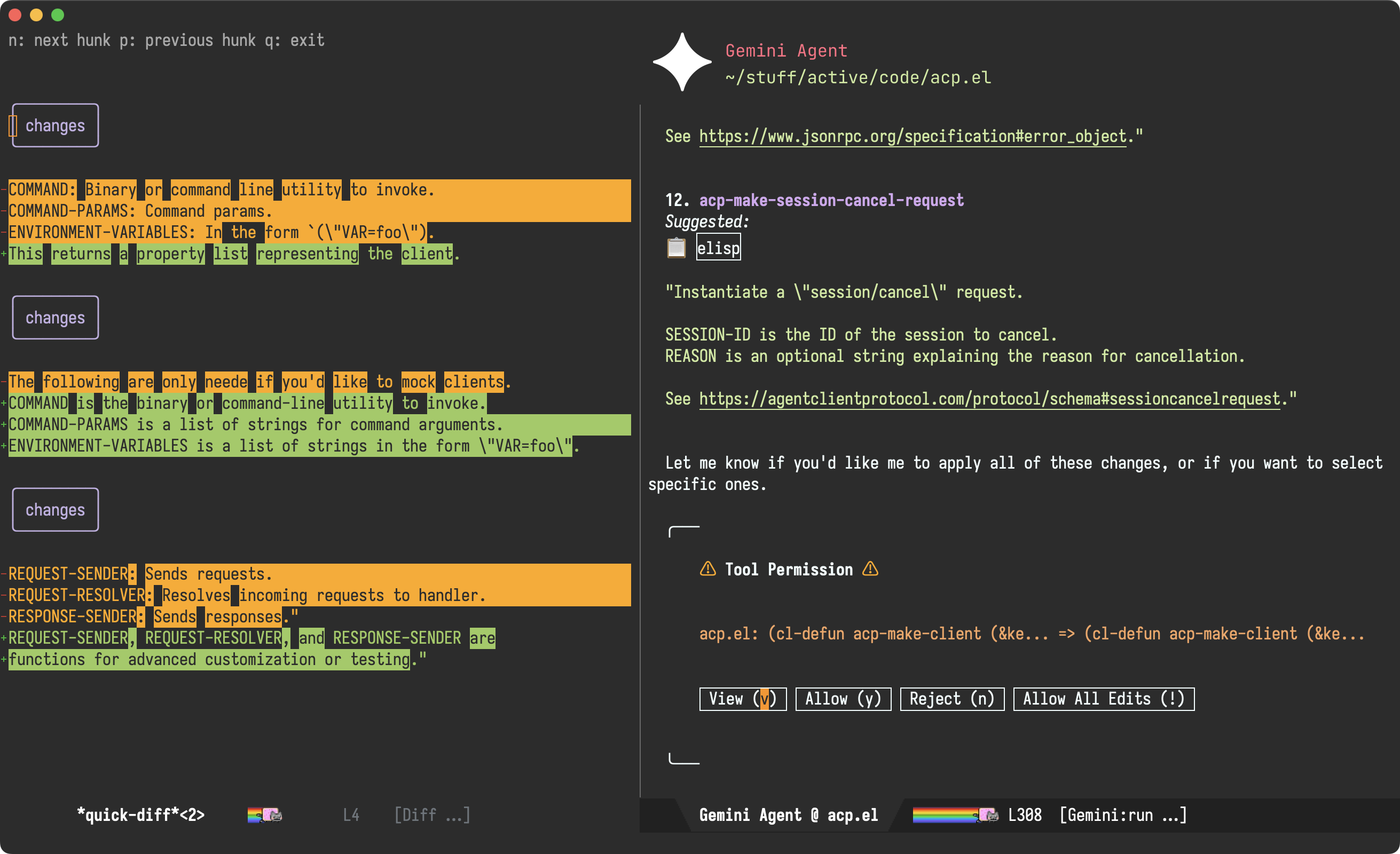
I was pleasantly surprised at how little code was needed. It basically scans for image arguments to handle within advice and otherwise delegates to eshell's original cat implementation.

(defun adviced:eshell/cat (orig-fun &rest args)
  "Like `eshell/cat' but with image support."
  (if (seq-every-p (lambda (arg)
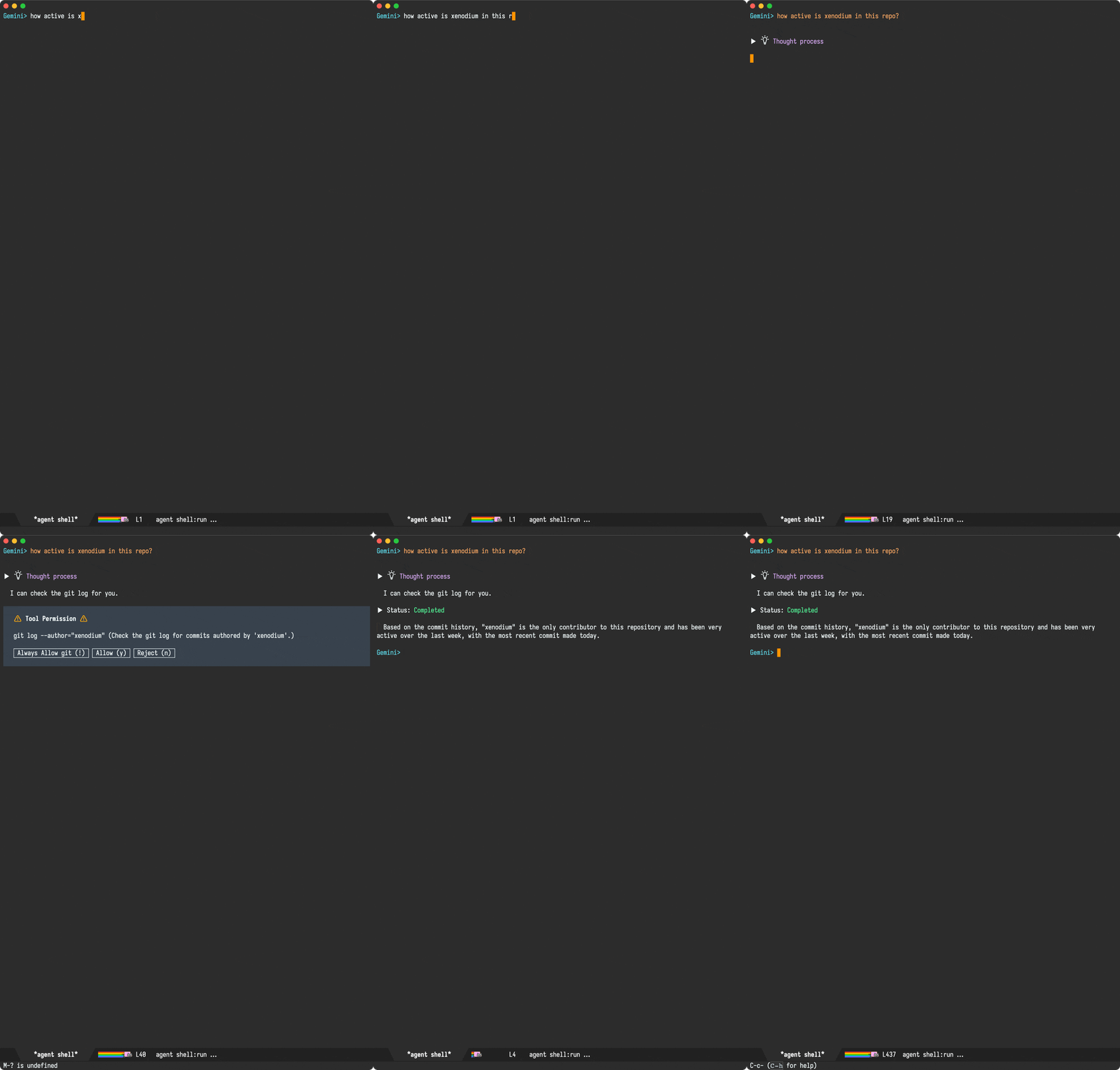
                     (and (stringp arg)
                          (file-exists-p arg)
                          (image-supported-file-p arg)))
                   args)
      (with-temp-buffer
        (insert "\n")
        (dolist (path args)
          (let ((spec (create-image
                       (expand-file-name path)
                       (image-type-from-file-name path)
                       nil :max-width 350
                       :conversion (lambda (data) data))))
            (image-flush spec)
            (insert-image spec))
          (insert "\n"))
        (insert "\n")
        (buffer-string))
    (apply orig-fun args)))

(advice-add #'eshell/cat :around #'adviced:eshell/cat)

And with that, we can see our freshly powered-up cat command in action:

By now, you may wonder why the cat detour when the post was really about rinku? You see, this is Emacs, and everything compounds! We can now leverage our revamped cat command to give similar eshell superpowers to rinku, by merely adding an eshell/rinku function.

As we now know, rinku outputs things to JSON, so we can use json-read-from-string to parse the process output and subsequently feed the image path to eshell/cat. rinku can also output link titles, so we can show that too whenever possible.

(defun eshell/rinku (&rest args)
  "Fetch link preview with rinku and display image inline.

Usage: rinku https://soundcloud.com/shehackedyou
       rinku --render https://soundcloud.com/shehackedyou"
  (unless args
    (error "rinku: no arguments provided"))
  (let* ((output (with-temp-buffer
                   (apply #'call-process "rinku" nil t nil args)
                   (buffer-string)))
         (metadata (condition-case nil
                       (json-read-from-string output)
                     (error nil))))
    (if metadata
        (concat
         (if (map-elt metadata 'image)
             (eshell/cat (map-elt metadata 'image))
           "\n")
         (when (map-elt metadata 'title)
           (concat (map-elt metadata 'title)
                   "\n\n")))
      output)))

With that, we can see the lot in action:

While non-Emacs users are often puzzled by how frequently we bring user flows and integrations on to our beloved editor, once you learn a little elisp, you start realising how relatively easily things can integrate with one another and pretty much everything is up for grabs.

Make it all sustainable

Reckon rinku and these tips will be useful to you? Enjoying this blog or my projects? I am an 👉 indie dev 👈. Help make it sustainable by ✨sponsoring

Need a blog? I can help with that. Maybe buy my iOS apps too ;)

https://xenodium.com/rinku-cli-link-previews
Bending Emacs - Episode 6: Overlays

The Bending Emacs series continues with a new a new episode.

Bending Emacs Episode 6: Overlays

Today we had a quick intro to overlays. Here's the snippet I used for adding snippets:

(save-excursion
  (goto-char (point-min))
  (when (search-forward "Hello World" nil t)
    (let* ((start (match-beginning 0))
           (end (match-end 0))
           (ov (make-overlay start end)))
      (overlay-put ov 'face '(:box (:line-width 1 :color "yellow")))
      ;; (overlay-put ov 'face 'underline)
      ;; (overlay-put ov 'face 'highlight)
      ;; (overlay-put ov 'before-string "🔥 ")
      ;; (overlay-put ov 'after-string  " 🚀")
      ;; (overlay-put ov 'display  "Howdy Planet")
      ;; (overlay-put ov 'invisible t)
      ;; (overlay-put ov 'help-echo "Yay overlay!")
      ;; (overlay-put ov 'mouse-face 'success)
      (overlay-put ov 'category 'overlays)
      (overlay-put ov 'evaporate t)
      ov)))

Similarly, this is what we used for removing the overlay.

(remove-overlays (point-min) (point-max)
                 'category 'overlays)

Of the experiments, you can find:

Hope you enjoyed the video!

Want more videos?

Liked the video? Please let me know. Got feedback? Leave me some comments.

Please go like my video, share with others, and subscribe to my channel.

If there's enough interest, I'll continue making more videos!

Make it all sustainable

Enjoying this content or my projects? I am an indie dev. Help make it sustainable by ✨sponsoring

Need a blog? I can help with that. Maybe buy my iOS apps too ;)

https://xenodium.com/bending-emacs-episode-6-overlays
WhatsApp from you know where

While there are plenty of messaging alternatives out there, for better or worse, WhatsApp remains a necessity for some of us.

With that in mind, I looked for ways to bring WhatsApp messaging to the comfort of my beloved text editor.

As mentioned in my initial findings, WhatsApp on Emacs is totally doable with the help of wuzapi and whatsmeow, which offer a huge leg up.

Wasabi joins the chat

Today, I introduce a super early version of Wasabi, a native Emacs interface for WhatsApp messaging.

Chats view Chat view

Simple install as a feature/goal

I wanted Wasabi installation/setup to be as simple as possible. Ideally, you install a single Emacs package and off you go.

While leveraging XMPP is rather appealing in reusing existing Emacs messaging packages, I felt setting up a WhatsApp gateway or related infrastructure to be somewhat at odds with wasabi's simple installation goal. Having said that, wuzapi/whatsmeow offer a great middle ground. You install a single binary dependency, along with wasabi, and you're ready to go. This isn't too different from the git + magit combo.

As of now, wasabi's installation/setup boils down to two steps if you're on macOS:

(use-package wasabi
  :ensure t
  :vc (:url "https://github.com/xenodium/wasabi" :branch "main"))
brew install asternic/wuzapi/wuzapi

While you may try Homebrew on Linux, you're likely to prefer your native package manager. If that fails, building wuzapi from source is also an option.

Upstreaming wuzapi patches

While wuzapi runs as a RESTful API service + webhooks, I wanted to simplify the Emacs integration by using json-rpc over standard I/O, enabling us to leverage incoming json-rpc notifications in place of webhooks.

I floated the idea of adding json-rpc to wuzapi to wuzapi's author Nicolas, and to my delight, he was keen on it. He's now merged my initial proof of concept, and I followed up with a handful of additional patches (all merged now):

Early days - But give it a try!

With the latest Wasabi Emacs package and wuzapi binary, you now get the initial WhatsApp experience I've been working towards. At present, you can send/receive messages to/from 1:1 or group chats. You can also download/view images as well as videos. Viewing reactions is also supported.

Needless to say, you may find some initial rough edges in addition to missing features. Having said that, I'd love to hear your feedback and experience. As mentioned Wasabi is currently available on GitHub.

Reckon Wasabi is worth it?

I've now put in quite a bit of effort prototyping things, upstreaming changes to wuzapi, and building the first iteration of wasabi. I gotta say, it feels great to be able to quickly message and catch up with different chats from the comfort of Emacs. Having said that, it's taken a lot of work to get here and will require plenty more to get to a polished and featureful experience.

Since going full-time indie dev, I have the flexibility to work on projects of choice, but that's only to an extent. If I cannot make the project sustainable, I'll eventually move to work on something else that is.

If you're keen on Wasabi's offering, please consider sponsoring the effort, and please reach out to voice your interest (Mastodon / Twitter / Reddit / Bluesky).

Reckon a WhatsApp Emacs client would help you stay focused at work (less time on your phone)? Ask your employer to sponsor it too ;-)

https://xenodium.com/whatsapp-from-you-know-where
Want a WhatsApp Emacs client? Will you fund it?

Like it or not, WhatsApp is a necessity for some of us. I wish it weren't the case, but here we are.

Given the circumstances, I wish I could use WhatsApp a little more on my terms. And by that, I mean from an Emacs client, of course. Surely I'm not the only one who feels this way, right? Right?! Fortunately, I'm not alone.

With that in mind, I've been hard at work prototyping, exploring what's feasible. Spoiler alert: it's totally possible, though will require a fair bit of work.

Thankfully, two wonderful projects offer a huge leg up: wuzapi and whatsmeow.

wuzapi offers a REST API on top of whatsmeow, a Go library leveraging WhatsApp's multi-device web API.

Last week, I prototyped sending a WhatsApp message using wuzapi's REST API.

I got there fairly quickly by onboarding myself on to wuzapi using its web interface and wiring shell-maker to send an HTTP message request via curl. While these two were enough for a quick demo, they won't cut it for a polished Emacs experience.

While I can make REST work, I would like a simpler integration under the hood. REST is fine for outgoing messages, but then I need to integrate webhooks for incoming events. No biggie, can be done, but now I have to deal with two local services opening a couple of ports. Can we simplify a little? Yes we can.

You may have seen me talk about agent-shell, my Emacs package implementing Agent Client Protocol (ACP)… Why is this relevant, you may ask? Well, after building a native Emacs ACP implementation, I learned a bit about json-rpc over standard I/O. The simplicity here is that we can bring bidirectional communication to an Emacs-owned process. No need for multiple channels handling incoming vs outgoing messages.

So where's this all going?

I've been prototyping some patches on top of wuzapi to expose json-rpc over standard I/O (as an alternative to REST). This prototype goes far beyond my initial experiment with sending messages, and yet the Emacs integration is considerably simpler, not to mention looking very promising. Here's a demo showing incoming WhatsApp messages, received via json-rpc, all through a single Emacs-owned process. Look ma, no ports!

It's feasible (but still lots to do)

These early prototypes are encouraging, but we've only scratched the surface. Before you can send and receive messages, you need to onboard users to the WhatsApp Emacs client. That is, you need to create a wuzapi user, manage/connect to a session, authorize via a QR code, and more. You'll want this flow to be realiable and that's just onboarding.

From there, you'll need to manage contacts, chats, multiple message types, incoming notifications… the list goes on. That's just the Emacs side. As mentioned, I've also been patching wuzapi. My plan is to upstream these changes, rather than maintaining a fork.

Will you fund the work?

I've prototyped quite a few things now, including the onboarding experience with QR code scanning. At this point, I feel fairly optimistic about feasibility, which is all pretty exciting! But there's a bunch of work needed. Since going full-time indie dev, I have the time available (for now), but it's hard to justify this effort without aiming for some level of sustainability.

If you're interested in making this a reality, please consider sponsoring the effort, and please reach out to voice your interest (Mastodon / Twitter / Reddit / Bluesky).

Reckon a WhatsApp Emacs client would help you stay focused at work (less time on your phone)? Ask your employer to sponsor it too ;-)

https://xenodium.com/want-a-whatsapp-emacs-client
Bending Emacs - Episode 5: Ready Player Mode

I'm now a bit over a month into my Emacs video-making journey. Today I bring a new episode.

Bending Emacs Episode 5: Ready Player Mode

Having migrated to mostly playing offline music, in this episode I show how to use Ready Player Mode (a package I built) for this purpose.

This is what my Ready Player configuration mostly looks like:

(use-package ready-player
  :ensure t
  :custom
  (ready-player-my-media-collection-location "~/Music/Music/Media.localized/Music")
  :config
  (ready-player-mode +1))

Note that ready-player-mode adds a global C-c m, which is https://github.com/xenodium/ready-player?tab=readme-ov-file#global-key-bindingsh

On macOS, I have one additional bit to tweak button icons to use SF Symbols. You'll need to tweak your fonts too.

(set-fontset-font t nil "SF Pro Display" nil 'append)
(ready-player-macos-use-sf-symbols)

On a related blog post, I gave a tour of Ready Player Mode.

In the video, I also mentioned dired buffers are at the heard of Ready Player. My dired abstraction post shows how to programmatically craft a valid dired buffer. Spoiler alert, it's pretty simple:

(let ((default-directory "/absolute/path/to/Music/George Benson"))
  (dired '("*My fancy m3u list*"
           "Body Talk/01 Dance.mp3"
           "Body Talk/02 When Love Has Grown.mp3"
           "Body Talk/03 Plum.mp3"
           "Original Album Classics/1-01 So What.mp3"
           "Original Album Classics/1-02 The Gentle Rain (From the Film, _The Gentle Rain_).mp3"
           "Original Album Classics/1-03 All Clear.mp3"
           "The Shape Of Things To Come/01 Footin' It.mp3"
           "The Shape Of Things To Come/02 Face It Boy It's Over.mp3"
           "The Shape Of Things To Come/03 Shape Of Things To Come.mp3")))

Hope you enjoyed the video!

Want more videos?

Liked the video? Please let me know. Got feedback? Leave me some comments.

Please go like my video, share with others, and subscribe to my channel.

If there's enough interest, I'll continue making more videos!

Make it all sustainable

Enjoying this content or my projects? I am an indie dev. Help make it sustainable by ✨sponsoring

Need a blog? I can help with that. Maybe buy my iOS apps too ;)

https://xenodium.com/bending-emacs-episode-5-ready-player-mode
agent-shell 0.17 improvements + MELPA

While it's only been a few weeks since the last agent-shell post, there are plenty of new updates to share.

What's agent-shell again? A native Emacs shell to interact with any LLM agent powered by ACP (Agent Client Protocol).

Thank you sponsors

Before getting to the latest and greatest, I'd like to say thank you to new and existing sponsors backing my projects.

While the work going in remains largely unsustainable, your contributions are indeed helping me get closer to sustainability. Thank you!

If you benefit from my content and projects, please consider sponsoring to make the work sustainable.

More productive at work?

Work paying for your LLM tokens and other tools? Why not get your employer to sponsor agent-shell also?

MELPA

Now on to the very first update… Both agent-shell and acp.el are now available on MELPA. As such, agent-shell installation now boils down to:

(use-package agent-shell :ensure t)
New providers

OpenCode and Qwen Code are two of the latest agents to join agent-shell. Both accessible via M-x agent-shell and M-x agent-shell-new-shell through the agent picker, but also directly from M-x agent-shell-opencode-start-agent and M-x agent-shell-qwen-start.

Send files - Thanks to Ian Davidson

Adding files as context has seen quite a few improvements in different shapes. Thank you Ian Davidson for contributing embedded context support.

Send screenshots

Invoke M-x agent-shell-send-screenshot to take a screenshot and automatically send it over to agent-shell.

Activity Indicator

A little side-note, did you notice the activity indicator in the header bar? Yep. That's new too.

@ completion (experimental)

While @ file completion remains experimental, you can enable via:

(setq agent-shell-file-completion-enabled t)

Send files or regions

From any file you can now invoke M-x agent-shell-send-file to send the current file to agent-shell. If region is selected, region information is sent also. Fancy sending a different file other than current one? Invoke M-x agent-shell-send-file with C-u prefix, or just use M-x agent-shell-send-other-file.

Send dired files

M-x agent-shell-send-file, also operates on dired files (selection or region), DWIM style ;-)

Shorter paths in titles

You may have noticed paths in section titles are no longer displayed as absolute paths. We're shortening those relative to project roots.

Shell creation / handling

While you can invoke M-x agent-shell with C-u prefix to create new shells, M-x agent-shell-new-shell is now available (and more discoverable than C-u).

Cancelling sessions

Cancelling prompt sessions (via C-c C-c) is much more reliable now. If you experienced a shell getting stuck after cancelling a session, that's because we were missing part of the protocol implementation. This is now implemented.

Shell commands

Use the new M-x agent-shell-insert-shell-command-output to automatically insert shell (ie. bash) command output.

Markdown transcripts (experimental) - Thanks to Elle Najt

Initial work for automatically saving markdown transcripts is now in place. We're still iterating on it, but if keen to try things out, you can enable as follows:

(setq agent-shell--transcript-file-path-function #'agent-shell--default-transcript-file-path)
Configuration Turn off ASCII welcome banners
(setq agent-shell-show-welcome-message nil)
Turn off graphical header

Text header

(setq agent-shell-header-style 'text)

No header

(setq agent-shell-header-style nil)
Inline display of historical changes - Thanks to Elle Najt

Applied changes are now displayed inline.

Session mode - Thanks to Elle Najt

The new M-x agent-shell-cycle-session-mode and M-x agent-shell-set-session-mode can now be used to change the session mode.

Agent capabilities

You can now find out what capabilities and session modes are supported by your agent. Expand either of the two sections.

Accepting/rejecting changes from diff buffer

Tired of pressing q and y to accept changes from the diff buffer? Now just press y from the diff viewer to accept all hunks.

Same goes for rejecting. No more q and n. Now just press C-c C-c from the diff buffer.

Transient menu

We get a new basic transient menu. Currently available via M-x agent-shell-help-menu.

Contributions

We got lots of awesome pull requests from wonderful folks. Thank you for your contributions!

  • Arthur Heymans: Add a Package-Requires header (PR).
  • Elle Najt: Execute commands in devcontainer (PR).
  • Elle Najt: Fix Write tool diff preview for new files (PR).
  • Elle Najt: Inline display of historical changes (PR).
  • Elle Najt: Live Markdown transcripts (PR).
  • Elle Najt: Prompt session mode cycling and modeline display (PR).
  • Fritz Grabo: Devcontainer fallback workspace (PR).
  • Guilherme Pires: Codex subscription auth (PR).
  • Hordur Freyr Yngvason: Make qwen authentication optional (PR).
  • Ian Davidson: Embedded context support (PR).
  • Julian Hirn: Fix quick-diff window restoration for full-screen (PR).
  • Ruslan Kamashev: Hide header line altogether (PR).
  • festive-onion: Show Planning mode more reliably (PR).
Lots of other work ❤️😅

Beyond what's been showcased here, much love and effort's been poured into polishing the agent-shell experience. Interested in the nitty-gritty? Have a look through the 173 commits since the last blog post.

Support this work

If agent-shell or acp.el are useful to you, please consider sponsoring its development. LLM tokens aren't free, and neither is the time dedicated to building this stuff ;-)

https://xenodium.com/agent-shell-016-improvements-melpa
time-zones now on MELPA. Do I have your support?

A little over a week ago, I introduced time-zones, an Emacs utility to easily check city times around the world. Today, I'm happy to report, the package has been accepted into MELPA.

It's been wonderful to see how well time-zones was received on Reddit.

✓ You asked for MELPA publishing and I delivered.

✓ You asked for DST display and I delivered.

✓ You asked for a UTC picker and I delivered.

✓ You asked for UTC offset display and I delivered.

✓ You asked for Windows support and I delivered.

✓ You asked for help and bug fixes and I delivered.

Will you make the work sustainable?

Bringing features and improving our beloved text editor takes time and effort. time-zones isn't my first package, I've also published a bunch of Emacs packages. Will you help make this work sustainable?

https://xenodium.com/time-zones-now-on-melpa
Bending Emacs - Episode 4: Batch renaming files

I'm now a few weeks into my Bending Emacs series. Today I share a new episode.

Bending Emacs Episode 4: Batch renaming files

In this video, I show a few ways of batch renaming files.

The covered flows are:

Want more videos?

Liked the video? Please let me know. Got feedback? Leave me some comments.

Please go like my video, share with others, and subscribe to my channel.

If there's enough interest, I'll continue making more videos!

Make it all sustainable

Enjoying this content or my projects? I am an indie dev. Help make it sustainable by ✨sponsoring

Need a blog? I can help with that. Maybe buy my iOS apps too ;)

https://xenodium.com/bending-emacs-episode-4-batch-renaming-files
Emacs time-zones

Emacs ships with a perfectly functional world clock, available via M-x world-clock. Having said that, there are two things I wish it had:

  1. A quick way to interactively add any city (bonus points for fuzzy search).
  2. An easy way to shift the time back and forth.

As far as I can tell, these are neither available nor possible on the built-in world-clock (please correct me if otherwise), so when my friend across the world recently asked me for the best time to meet, I knew this was the last nudge I needed to get this done.

With that, I give you M-x time-zones (now on GitHub).

There isn't much to talk about other than time-zones accomplishes the above tasks very easily without resorting to writing elisp nor accessing via customize, which I seldom use.

As I mentioned, time-zones is on GitHub if you'd like to give it a spin. It's super fresh, so please report any issues. Hope you like it.

Make it all sustainable

Reckon time-zones will be useful to you? Enjoying this blog or my projects? I am an indie dev. Help make it sustainable by ✨sponsoring

Need a blog? I can help with that. Maybe buy my iOS apps too ;)

https://xenodium.com/emacs-time-zones-mode
Bending Emacs - Episode 3: Git clone (the lazy way)

Continuing on the Bending Emacs series, today I share a new episode.

Bending Emacs Episode 03: Git clone (the lazy way)

In this video, I show my latest iteration on an expedited git clone flow.

If this topic sounds familiar, I covered it back in 2020 with my clone git repo from clipboard post.

My git clone flow consists of copying a git repo URL to the clipboard and subsequently invoking M-x dwim-shell-commands-git-clone-clipboard-url. Everything else is taken care of for you.

I've revisited this git clone command and added a couple of improvements:

  • Configurability (via dwim-shell-commands-git-clone-dirs). For example:

    (setq dwim-shell-commands-git-clone-dirs
          '("~/Downloads"
            "~/Desktop"))
    
  • Optional prefixes to change function behavior

    • C-u: Pick target location dwim-shell-commands-git-clone-dirs.
    • C-u C-u: Pick any directory.
  • Automatically place point/cursor at README file.

I was going to post the snippet here, though may as well point you over to GitHub where dwim-shell-commands-git-clone-clipboard-url is more likely to remain up-to-date.

Note that dwim-shell-commands-git-clone-dirs is now optionally available as part of my dwim-shell-command package.

Want more videos?

Liked the video? Please let me know. Got feedback? Leave me some comments.

Please go like my video, share with others, and subscribe to my channel.

If there's enough interest, I'll continue making more videos!

https://xenodium.com/bending-emacs-episode-3-git-clone-the-lazy-way
agent-shell 0.5 improvements

While it's only been a few weeks since introducing Emacs agent-shell, we've landed nearly 100 commits and enough improvements to warrant a new blog post.

More agents

agent-shell now includes support for two additional ACP-capable agents:

  • Claude Code
  • Codex via codex-acp (new)
  • Gemini CLI
  • Goose (new)
Unified entry point

In addition to starting new shells via agent-specific commands, we now have a unified M-x agent-shell entry point, enabling selection from a list of supported agents.

The agent-specific commands remain available as usual:

  • M-x agent-shell-anthropic-start-claude-code
  • M-x agent-shell-openai-start-codex
  • M-x agent-shell-google-start-gemini
  • M-x agent-shell-goose-start-agent
Toggling display

agent-shell now provides basic control to toggle display of shell buffers:

  • M-x agent-shell-toggle: Toggles display of the most recently accessed agent (per project).
  • agent-shell-display-action: Controls how agent shells are displayed when activated.
agent-shell-sidebar (new package)

While agent-shell provides basic display toggling, Calum MacRae offers a comprehensive sidebar package. Check out agent-shell-sidebar.

Experimental dev container support (thanks to Fritz Grabo)

agent-shell now has experimental support for running agents inside dev containers. See docs.

quick-diff improvements

quick-diff buffers, proposing changes, get a more polished experience. More notably, diffs get context (thanks to David J. Rosenbaum), single-key patch navigation/acceptance, and file names now displayed in header line.

Environment variables

Environment variables can now be loaded from either the Emacs environment, .env files, and/or overridden inline:

(setq agent-shell-anthropic-claude-environment
      (agent-shell-make-environment-variables
       :inherit-env t
       :load-env "~/.env"
       "CUSTOM_VAR" "custom_value"))
Authentication methods

Different authentication methods are now supported. For example:

;; Login-based auth
(setq agent-shell-anthropic-authentication
      (agent-shell-anthropic-make-authentication :login t))

;; API key auth
(setq agent-shell-anthropic-authentication
      (agent-shell-anthropic-make-authentication
       :api-key (lambda () (auth-source-pass-get "secret" "anthropic-api-key"))))

Check agent-shell-*-authentication per provider, as available options may differ.

UX polish

On the smaller side, but also contributing to overall polish:

  • Single-key permission bindings (y/n/!).
  • Improved error messages.
  • Improved task status rendering.
  • Improved TAB navigation.
Traffic inspection and debugging

While not technically part of agent-shell, acp.el's traffic inspection has been getting some love to help users diagnose issues.

Contributions

Thank you for your contributions!

  • David J. Rosenbaum: Context support in diffs (PR).
  • Fritz Grabo: Dev container support (PR).
  • Grant Surlyn: Doom Emacs installation instructions (PR).
  • Mark A. Hershberger: Goose key improvement (PR).
  • Ruslan Kamashev: Customization group fix (PR).
Sponsors

Thank you to all sponsors. While LLMs aren't everyone's cup of tea, we're seeing editors across the board evolving to accommodate these new LLM tools. In a somewhat similar vein, LSP integration wasn't for everyone, but for those who did want it, Emacs luckily catered to them. Thank you for helping make this project sustainable while also enabling Emacs to cater to all.

Support this work

If agent-shell or acp.el are useful to you, consider sponsoring its development. LLM tokens aren't free, and neither is the time dedicated to building this stuff ;-)

https://xenodium.com/agent-shell-0-5-improvements
Bending Emacs - Episode 2: From vanilla to your flavor

While still finding my footing making Emacs videos, today I'm sharing my second video.

Bending Emacs Episode 02: From vanilla to your flavor

The video is a little longer than I intended at 14:37, so plan accordingly.

In this video, I show some of my favorite UI customizations, with additional tips and tricks along the way. Like my first video, I'm hoping you find unexpected goodies in there despite being familiar with the general topic.

Read on for all supporting material…

Evaluating elisp

Showcased a handful of ways to evaluate elisp.

  • M-x eval-last-sexp

  • M-x eval-expression

  • M-x eval-buffer

  • M-x ielm

  • M-x org-ctrl-c-ctrl-c (Evaluate org source blocks)

    Sample snippets:

    (set-face-attribute 'default nil :background "DarkSlateGray")
    
    (set-face-attribute 'default nil :background "#212121")
    
Launching a separate Emacs instance
path/to/emacs/nextstep/Emacs.app/Contents/MacOS/Emacs -Q --init-directory /tmp/secondary/.emacs.d --load path/to/other-emacs.el

other-emacs.el (minimal, almost vanilla setup):

; -*- lexical-binding: t; -*-

(server-force-delete)
(make-directory "/tmp/secondary/" t)
(setq server-socket-dir "/tmp/secondary/")
(setq server-name "emacs-server")
(server-start)

(setq package-archives
      '(("melpa" . "https://melpa.org/packages/")))

(setq package-archive-priorities
      '(("melpa" .  4)))

(require 'package)
(package-initialize)
(mapc #'package-delete (mapcar #'cadr package-alist))

(add-to-list 'custom-theme-load-path "path/to/emacs-materialized-theme")
with-other-emacs macro (ie. evaluate elisp elsewhere)
(defmacro with-other-emacs (&rest body)
  "Evaluate BODY in the current buffer of the other Emacs instance."
  `(call-process "emacsclient" nil nil nil
                 "--socket-name=/tmp/secondary/emacs-server"
                 "--eval"
                 (prin1-to-string
                  '(with-current-buffer (window-buffer (selected-window))
                     ,@body))))
Looking up functions
  • M-x describe-function (built-in).
  • M-x helpful-callable (via third-party helpful package).
Advicing org-babel-expand-body:emacs-lisp

We want to extend source blocks to accept the :other-emacs header argument as follows:

#+begin_src emacs-lisp :other-emacs t
  (message (propertize "Hello again twin" 'face '(:height 6.0)))
#+end_src

So we advice org-babel-expand-body:emacs-lisp:

(defun adviced:org-babel-expand-body:emacs-lisp:other-emacs (orig-fn body header-args)
  (if (map-elt header-args :other-emacs)
      (format "(with-other-emacs %s)" (funcall orig-fn body header-args))
    (funcall orig-fn body header-args)))

(advice-add #'org-babel-expand-body:emacs-lisp
            :around #'adviced:org-babel-expand-body:emacs-lisp:other-emacs)
UI customizations Font (JetBrains Mono)
(set-face-attribute 'default nil
                    :height 160 ;; 16pt
                    ;; brew tap homebrew/cask-fonts && brew install --cask font-jetbrains-mono
                    :family "JetBrains Mono")
Theme (Materialized)
(load-theme 'materialized t)
Calle 24 toolbar (macOS)
(use-package calle24 :ensure t
  :config
  (calle24-install)
  (calle24-refresh-appearance)))
Hide toolbar
(tool-bar-mode -1)
Titlebar

No text in title bar

(setq-default frame-title-format "")

Transparent titlebar (macOS)

(set-frame-parameter nil 'ns-transparent-titlebar t)
(add-to-list 'default-frame-alist '(ns-transparent-titlebar . t))
Hide scrollbars
(scroll-bar-mode -1)
Mode line

Minions

(use-package minions
  :ensure t
  :custom
  (mode-line-modes-delimiters nil)
  (minions-mode-line-lighter " …")
  :config
  (minions-mode +1)
  (force-mode-line-update t))

Moody

(use-package moody
  :ensure t
  :config
  (setq-default mode-line-format
                '(""
                  mode-line-front-space
                  mode-line-client
                  mode-line-frame-identification
                  mode-line-buffer-identification
                  " "
                  mode-line-position
                  (vc-mode vc-mode)
                  (multiple-cursors-mode mc/mode-line)
                  mode-line-modes
                  mode-line-end-spaces))
  (moody-replace-mode-line-buffer-identification)
  (moody-replace-vc-mode))
Nyan Cat (of course)
(use-package nyan-mode
  :ensure t
  :custom
  (nyan-bar-length 10)
  :config
  (nyan-mode +1)))
Welcome screen

A little static welcome screen I cooked up.

(defun ar/show-welcome-buffer ()
  "Show *Welcome* buffer."
  (with-current-buffer (get-buffer-create "*Welcome*")
    (setq truncate-lines t)
    (setq cursor-type nil)
    (read-only-mode +1)
    (ar/refresh-welcome-buffer)
    (local-set-key (kbd "q") 'kill-this-buffer)
    (add-hook 'window-size-change-functions
              (lambda (_frame)
                (ar/refresh-welcome-buffer)) nil t)
    (add-hook 'window-configuration-change-hook
              #'ar/refresh-welcome-buffer nil t)
    (switch-to-buffer (current-buffer))))

(defun ar/refresh-welcome-buffer ()
  "Refresh welcome buffer content for WINDOW."
  (when-let* ((inhibit-read-only t)
              (welcome-buffer (get-buffer "*Welcome*"))
              (window (get-buffer-window welcome-buffer))
              (image-path "~/.emacs.d/emacs.png")
              (image (create-image image-path nil nil :max-height 300))
              (image-height (cdr (image-size image)))
              (image-width (car (image-size image)))
              (top-margin (floor (/ (- (window-height window) image-height) 2)))
              (left-margin (floor (/ (- (window-width window) image-width) 2)))
              (title "Welcome to Emacs"))
    (with-current-buffer welcome-buffer
      (erase-buffer)
      (setq mode-line-format nil)
      (goto-char (point-min))
      (insert (make-string top-margin ?\n))
      (insert (make-string left-margin ?\ ))
      (insert-image image)
      (insert "\n\n\n")
      (insert (make-string (- (floor (/ (- (window-width window) (string-width title)) 2)) 1) ?\ ))
      (insert (propertize title 'face '(:height 1.2))))))

(ar/show-welcome-buffer)
Want more videos?

Liked the video? Please let me know. Got feedback? Leave me some comments.

Please go like my video, share with others, and subscribe to my channel.

If there's enough interest, I'll continue making more videos!

https://xenodium.com/bending-emacs-episode-2
Bending Emacs - Episode 1: Applying CLI utils

While most of the content I share is typically covered in blog posts, I'm trying something new.

Today, I'll share my first episode of Bending Emacs. This video focuses on how I like to apply (or batch-apply) command line utilities.

While the video focuses on applying command line utilities, here's a list of all the things I used:

  1. Org mode for the presentation itself.
  2. ffmpeg does the heavy lifting converting videos to gifs.
  3. Asked Claude for the relevant ffmpeg command via chatgpt-shell's M-x chatgpt-shell-prompt-compose.
  4. Browsed the video directory via dired mode.
  5. Previewed video thumbnails via ready-player mode.
  6. Previewed gifs via image mode's M-x image-toggle-animation.
  7. Validated the ffmpeg command via eshell.
  8. Applied a DWIM shell command via M-x dwim-shell-command.
  9. Duplicated files from dired via M-x dwim-shell-commands-duplicate.
Want more videos?

Liked the video? Please let me know. Got feedback? Leave me some comments.

Please go like my video, share with others, and subscribe to my channel.

If there's enough interest, I'll make more videos!

https://xenodium.com/bending-emacs-episode-1
Introducing Emacs agent-shell (powered by ACP)

Not long ago, I introduced acp.el, an Emacs lisp implementation of ACP (Agent Client Protocol), the agent protocol developed between Zed and Google folks.

While I've been happily accessing LLMs from my beloved text editor via chatgpt-shell (a multi-model package I built), I've been fairly slow on the AI agents uptake. Probably a severe case of old-man-shouts-at-cloud sorta thing, but hey I want well-integrated tools in my text editor. When I heard of ACP, I knew this was the thing I was waiting for to play around with agents.

With an early acp.el client library in place, I set out to build an Emacs-native agent integration… Today, I have an initial version of agent-shell I can share.

agent-shell is a native Emacs shell, powered by comint-mode (check out Mickey's comint article btw). As such, we don't have to dance between char and line modes to interact with things. agent-shell is just a regular Emacs buffer like any other you're used to.

Agent-agnostic

Thanks to ACP, we can now build agent-agnostic experiences by simply configuring our clients to communicate with their respective agents using a common protocol. As users, we benefit from a single, consistent experience, powered by any agent of our choice.

Configuring different agents from agent-shell boils down which agent we want running in the comms process. Here's an example of Gemini CLI vs Claude Code configuration:

(defun agent-shell-start-gemini-agent ()
  "Start an interactive Gemini CLI agent shell."
  (interactive)
  (agent-shell--start
   :new-session t
   :mode-line-name "Gemini"
   :buffer-name "Gemini"
   :shell-prompt "Gemini> "
   :shell-prompt-regexp "Gemini> "
   :needs-authentication t
   :authenticate-request-maker (lambda ()
                                 (acp-make-authenticate-request :method-id "gemini-api-key"))
   :client-maker (lambda ()
                   (acp-make-client :command "gemini"
                                    :command-params '("--experimental-acp")
                                    :environment-variables (list (format "GEMINI_API_KEY=%s" (agent-shell-google-key)))))))
(defun agent-shell-start-claude-code-agent ()
  "Start an interactive Claude Code agent shell."
  (interactive)
  (agent-shell--start
   :new-session t
   :mode-line-name "Claude Code"
   :buffer-name "Claude Code"
   :shell-prompt "Claude Code> "
   :shell-prompt-regexp "Claude Code> "
   :client-maker (lambda ()
                   (acp-make-client :command "claude-code-acp"
                                    :environment-variables (list (format "ANTHROPIC_API_KEY=%s" (agent-shell-anthropic-key)))))))

I've yet to try other agents. If you get another agent running, I'd love to hear about it. Maybe submit a pull request?

Traffic

While I've been relying on my acp.el client library, I'm still fairly new to the protocol. I often inspect traffic to see what's going on. After staring at json for far too long, I figured I may as well build some tooling around acp.el to make my life easier. I added a traffic buffer for that. From agent-shell, you can invoke it via M-x agent-shell-view-traffic.

Fake agents

Developing agent-shell against paid agents got expensive quickly. Not only expensive, but my edit-compile-run cycle also became boringly slow waiting for agents. While I knew I wanted some sort of fake agent to work against, I didn't want to craft the fake traffic myself. Remember that traffic buffer I showed ya? Well, I can now save that traffic to disk and replay it later. This enabled me to run problematic sessions once and quickly replay multiple times to fix things. While re-playing has its quirks and limitations, it's done the job for now.

You can see a Claude Code session below, followed by its replayed counterpart via fake infrastructure.

What's next

Getting here took quite a bit of work. Having said that, it's only a start. I myself need to get more familiar with agent usage and evolve the package UX however it feels most natural within its new habitat. Lately, I've been experimenting with a quick diff buffer, driven by n/p keys, shown along the permission dialog.

#+ATTR_HTML: :width 99%

While I've implemented enough parts of the Agent Client Protocol Schema to make the package useful, it's hardly complete. I've yet to fully familiarize myself with most protocol features.

Take them for a spin

Both of my new Emacs packages, agent-shell and acp.el, are now available on GitHub. As an agent user, go straight to agent-shell. If you're a package author and would like to build an ACP experience, then give acp.el a try. Both packages are brand new and may have rough edges. Be sure to file bugs or feature requests as needed.

Paying for LLM tokens? How about sponsoring your Emacs tools?

I've been heads down, working on these packages for some time. If you're using cloud LLM services, you're likely already paying for tokens. If you find my work useful, please consider routing some of those coins to help fund it. Maybe my tools make you more productive at work? Ask your employer to support the work. These packages not only take time and effort, but also cost me money. Help fund the work.

https://xenodium.com/introducing-agent-shell
Introducing acp.el

I recently shared my early Emacs experiments with ACP, the Agent Client Protocol now supported by Gemini CLI and Claude Code LLM agents.

While we can already run these agents from Emacs with the likes of vterm, I'm keen to offer an Emacs-native alternative to drive them. To do that, I'm working an a new package: agent-shell (more on this to be shared soon). While this new Emacs agent shell has an opinionated user experience, it uses ACP under the hood. Being a protocol, it's entirely UI-agnostic. For this, I now have an early version available of the acp.el library.

acp.el implements Agent Client Protocol for Emacs lisp as per agentclientprotocol.com. While this library is in its infancy, it's enabling me to carry on with my agent-shell work. acp.el lives as a separate library, is UI-agnostic, and can be used by Emacs package authors to build the their desired ACP-powered agent experience.

You can instantiate an ACP client and send a request as follows:

(setq client (acp-make-client :command "gemini"
                              :command-params '("--experimental-acp")
                              :environment-variables (when api-key
                                                       (list (format "GEMINI_API_KEY=%s" "your-api-key")))))

(acp-send-request
 :client client
 :request (acp-make-initialize-request :protocol-version 1)
 :on-success (lambda (response)
               (message "Initialize success: %s" response))
 :on-failure (lambda (error)
               (message "Initialize failed: %s" error)))
((protocolVersion . 1)
 (authMethods . [((id . oauth-personal)
                  (name . Log in with Google)
                  (description . :null))
                 ((id . gemini-api-key)
                  (name . Use Gemini API key)
                  (description . Requires setting the `GEMINI_API_KEY` environment variable))
                 ((id . vertex-ai)
                  (name . Vertex AI)
                  (description . :null))])
 (agentCapabilities (loadSession . :false)
                    (promptCapabilities (image . t)
                                        (audio . t)
                                        (embeddedContext . t))))

I'm new at using ACP myself, so I've added a special logging buffer to acp.el which enables me to inspect traffic and learn about the exchanges between clients and agents. You can enable logging with:

(setq acp-logging-enabled t)

Look out for the *acp traffic* buffer, which looks a little like this:

If you're keen to experiment with ACP in Emacs lisp and build agent-agnostic packages, take a look at acp.el (now on GitHub). As mentioned, it's early days for this library, but it's a start. Please file issues and feature requests. If you build anything on top of acp.el, lemme know. I'd love to see it in action.

Make this work possible

I'm working on two new Emacs packages: acp.el (introduced in this post) and agent-shell (I'll soon share more about that). Please help me make development of these packages sustainable. These packages take time and effort, but also cost me money as I have to pay for LLM tokens throughout testing and development. Please help fund it.

https://xenodium.com/introducing-acpel
So you want ACP (Agent Client Protocol) for Emacs?

Last week, I was delighted to see the Zed editor shipping beta support for their Claude Code integration. Being an Emacs enthusiast, you may wonder about my excitement. In their demo, the Zed team mentioned the integration is now possible thanks to Agent Client Protocol (ACP), which they developed in collaboration with Google. This is great news for Emacs users, as it opens the possibilities for deeper native agent integrations in our beloved editor. You can think of ACP as LSP but for LLM agents.

While I have a bunch of LLM models integrated into chatgpt-shell (including local ones), I've yet to make much headway into enabling the models to access smarter context (ie. filesystem or local tools), beyond my initial tool calling experiment.

Somehow, I wasn't super excited about tool calling, as it felt like these integrations would fall short when compared to more advanced agents like Anthropic's Claude Code or Google's Gemini CLI. In fact, I haven't been that enthusiastic about these agents, since they offered relatively little API surface to enable deeper Emacs integration (which is where I live!). That is, until ACP came along.

With ACP in mind, I'm much more likely to get on board with Emacs-agent integrations. I can now delegate all that complex agent logic to external tools and focus on building a great Emacs experience I'd be happy with.

And with that, I had an initial go at prototyping a bare minimum but with enough UX shell goodies to get me excited about it. I chose Gemini for this prototype. You can see it all in its minimal glory:

So how badly do you want ACP support in your beloved Emacs?

While getting the initials kinda working was relatively straightforward (with everything I already know about building chatgpt-shell), adding support for all ACP features with a delightfully polished Emacs experience will take a bunch of effort. While I'm excited about the prospects, dedicating a chunk of my time to make this happen isn't super feasible. You may have noticed more Emacs-related work/posts from me lately. This is currently possible because I've gone full indie dev. The flexibility is great, but doing Emacs things isn't exactly gonna help pay the bills unless interested folks help fund/support the effort.

My shell packages have quite a few enthusiastic users who more often than not, are using my package to talk to paid cloud services from the likes of OpenAI, Anthropic, or Google. I'm looking at you folks! I understand you're sending money to these companies who are providing you with a great service, but also remember the lovely Emacs integrations you use, which also need funding (much more than these well-funded commercial entities). While I'm a fan of chat-like Emacs shells for LLM/agents and would like to build a new agent shell, I also want to dedicate a chunk of this effort to building a UX-agnostic ACP Emacs library (acp.el). This library could be leveraged by me or any other Emacs package author.

So how badly do you want ACP support in your beloved Emacs? Enough to take your wallets out and help fund it?

https://xenodium.com/so-you-want-acp-for-emacs
Diverted mode

James Dyer and I both ran into the same workflow snag when fixing source indentation. He explains it best:

  1. You’re working in a file with inconsistent indentation
  2. You want to fix the entire buffer’s formatting
  3. You run C-x h (select all) followed by M-x indent-region
  4. Your mark is now at the beginning of the buffer, disrupting your workflow

Naturally, this is Emacs and were both able to patch our editor to smoothen things out.

While I ran into the same indent-region snag after selecting an entire buffer (via mark-whole-buffer), I also faced it with mark-defun and er/expand-region (awesome package btw).

With three cases in mind, I wanted a somewhat generic solution, so I built diverted.el, a little minor mode to identify these momentary diversions and try to bring the point back to the original location. Mind you, this was back in 2019 and until James's post, I hadn't heard of anyone else running into a similar snag. Since then, I kept the package as part of my config. James's post gave me the nudge I needed to move diverted.el out of my config and into its own GitHub repo.

By default, diverted.el recognizes both mark-defun and mark-whole-buffer as diversions, but you can also recognize the likes of er/expand-region via diverted-events. I'm hoping configuring is fairly self-explanatory. To date, I only have mark-whole-buffer, mark-defun, and er/expand-region as recognized diversions.

(defcustom diverted-events
  (list
   (make-diverted-event :from 'mark-defun
                        :to 'indent-for-tab-command
                        :breadcrumb (lambda ()
                                      (diverted--pop-to-mark-command 2)))
   (make-diverted-event :from 'mark-whole-buffer
                        :to 'indent-for-tab-command
                        :breadcrumb (lambda ()
                                      (diverted--pop-to-mark-command 2))))
  "Diversion events to look for.

For example:

  (add-to-list 'diverted-events
    (make-diverted-event
      :from 'er/expand-region
      :to 'indent-for-tab-command
      :breadcrumb (lambda ()
                    (diverted--pop-to-mark-command 2))))"
  :type '(repeat sexp)
  :group 'diverted)

Read on for a little demo…

Without diverted-mode

Notice how point is left at the top of the screen after pressing TAB to indent region.

With diverted-mode
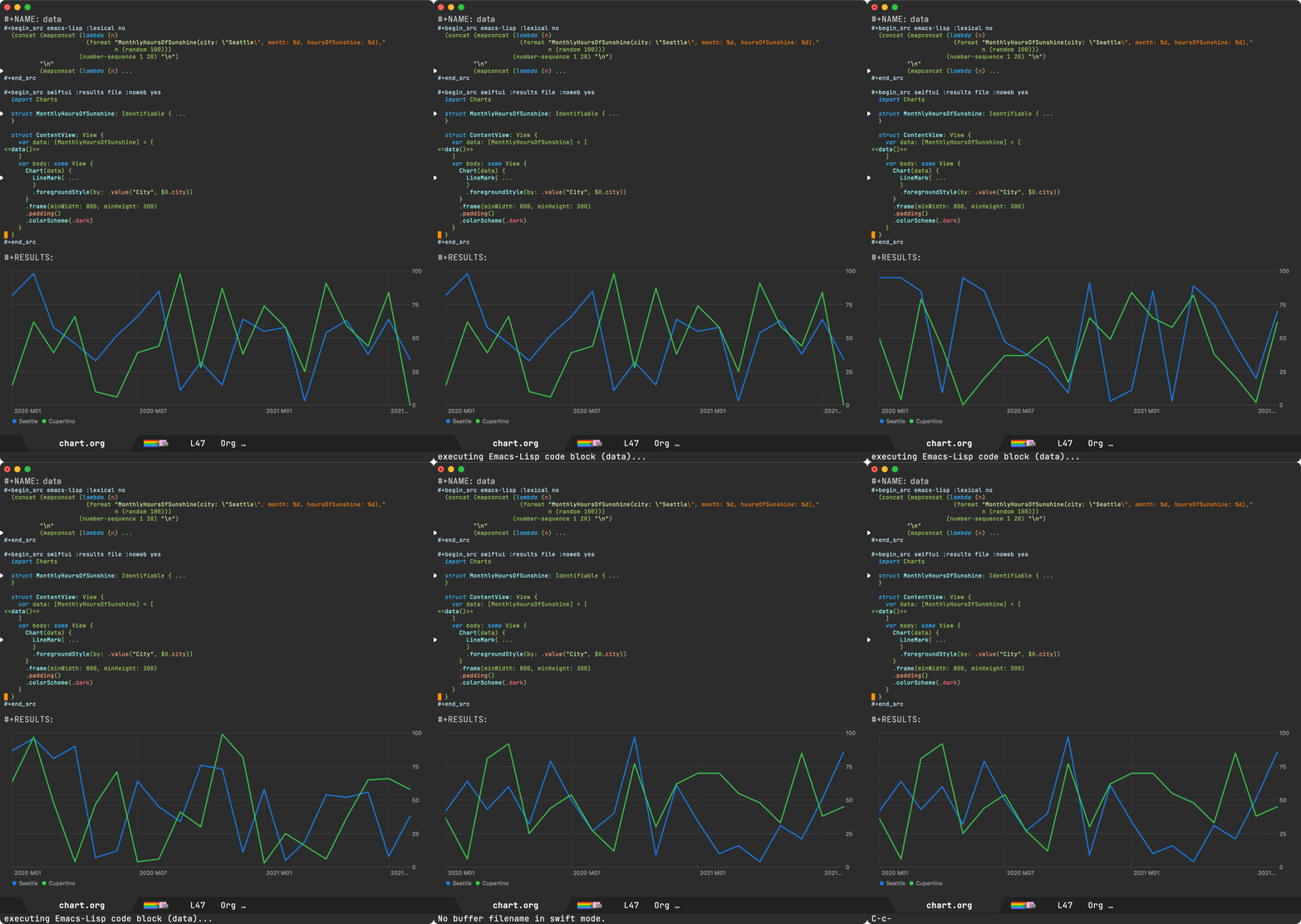
Notice how point is left where it was prior to selecting the function and pressing TAB to indent region.

That's it for today. If you want to give diverted.el a try, head over to GitHub.

Make it all sustainable

Reckon diverted-mode will be useful to you? Enjoying this blog or my projects? I am an 👉 indie dev 👈. Help make it sustainable by ✨sponsoring
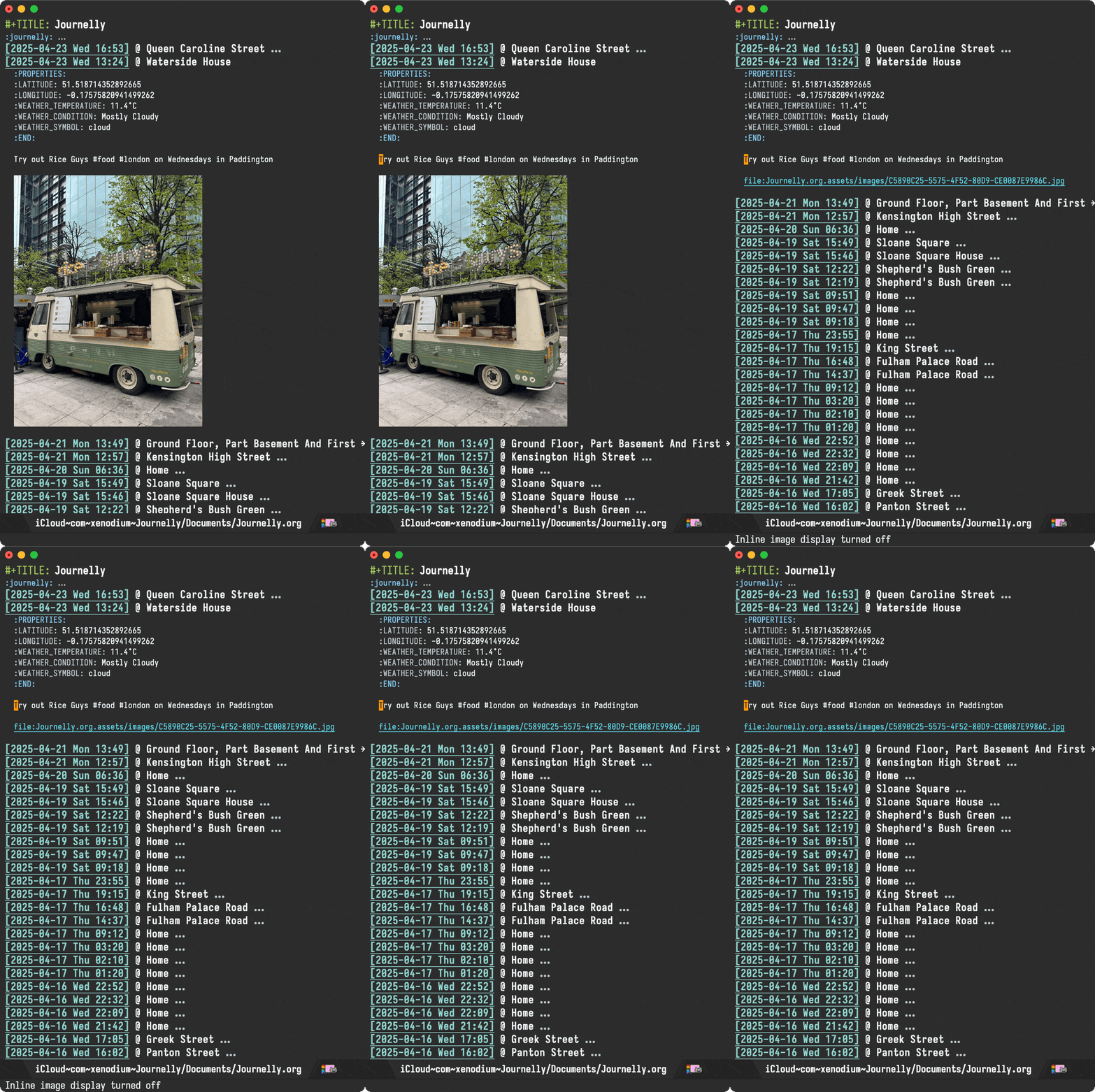
Need a blog? I can help with that. Maybe buy my iOS apps too ;)

https://xenodium.com/diverted-mode
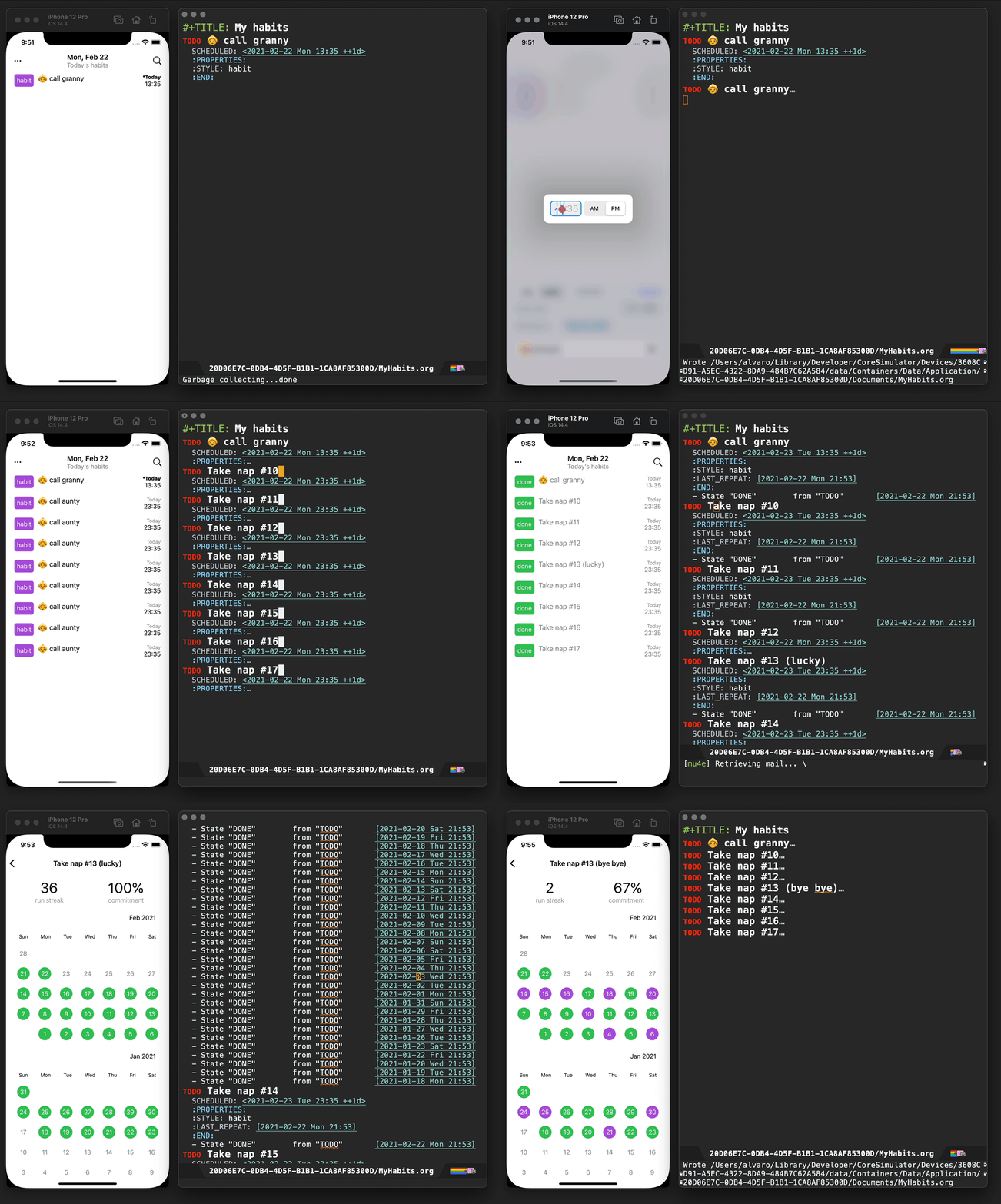
Who moved my text?

I had an annoying chatgpt-shell bug where sometimes the compose buffer's svg header would disappear while text was streaming into the Emacs buffer. There are a number of things that could have gone rogue when streaming and post-processing buffer text, so I wasn't quite sure where to start narrowing things down.

I had a feeling I could maybe use something like after-change-functions hook to monitor changes, but that only tells me about the text modified. I wanted to know which of my functions triggered the change, so maybe I could print a few frames from the stack? So that's what I did…

(defun my-change-tracker (beg end len)
  (let ((stack (mapcar (lambda (frame)
                         (car (cdr frame)))
                       (backtrace-frames))))
    (message "Buffer %s changed: %d-%d | Stack: %s"
             (buffer-name) beg end
             (take 15 stack)))) ;; Adjust as needed

(add-hook 'after-change-functions 'my-change-tracker nil t)

Here's an extract from the logs:

Buffer claude llm (sonnet-4/Programming)> compose changed: 496-498 | Stack: (backtrace-frames mapcar let my-change-tracker insert save-excursion let save-current-buffer progn if #[(output) ((setq output (or output )) (if (buffer-live-p buffer) (progn (save-current-buffer (set-buffer buffer) (let ((inhibit-read-only t)) (save-excursion (if orig-region-active (progn (delete-region region-beginning region-end) (setq orig-region-active nil))) (goto-char marker) (insert output) (set-marker marker (+ (length output) (marker-position marker))))))))) ((region-end) (region-beginning) (orig-region-active) (marker . #<marker at 496 in *claude llm (sonnet-4/Programming)> compose*>) (buffer . claude llm (sonnet-4/Programming)> compose))] shell-maker–write-reply…

After increasing the number of logged frames, I started seeing bits of my code and… bingo! I found a very suspicious delete-region. After spotting this, fixing the bug was trivial.

While the bug was annoying, I had been procrastinating on fixing as it could have been a number of things. In this case, printing frames from after-change-functions turned out perfect for narrowing things down. I'll be keeping this in the toolbox. Maybe it can help you too.

Make it all sustainable

Learned something new? Enjoying this blog or my projects? I am an 👉 indie dev 👈. Help make it sustainable by ✨sponsoring

Need a blog? I can help with that. Maybe buy my iOS apps too ;)

https://xenodium.com/who-moved-my-text
Dired buffers with media overlays

It's been well over a year now since I've moved most of my music consumption away from streaming. I started purchasing music again, just so I can play offline at any time (and on my terms). That's not so say I don't stream, but that's now purely reserved for discovery. Most playback happens via Ready Player Mode, a little Emacs player I built when I decided to take playback offline. This post isn't so much about Ready Player and more about a recent dired experience.

I had a directory with a handful of mp3s, which I wanted to split into separate album subdirectories. The challenge being the mp3 file names did not include album names. Sorting this out isn't a big task for a music-organization tool, but my brain quickly went hmmm… if dired displayed album metadata, I could just use that to quickly guide me through all the file management I needed. After all, I already know how to use ffprobe to extract relevant metadata, so I could just enhance dired's listing to also show me metadata as overlays. dired-git-info does just that.

With that, ready-player-dired-mode was born. After enabling with M-x ready-player-dired-mode, I can easily get on with my tiny file reorg without any procrastination whatsoever.
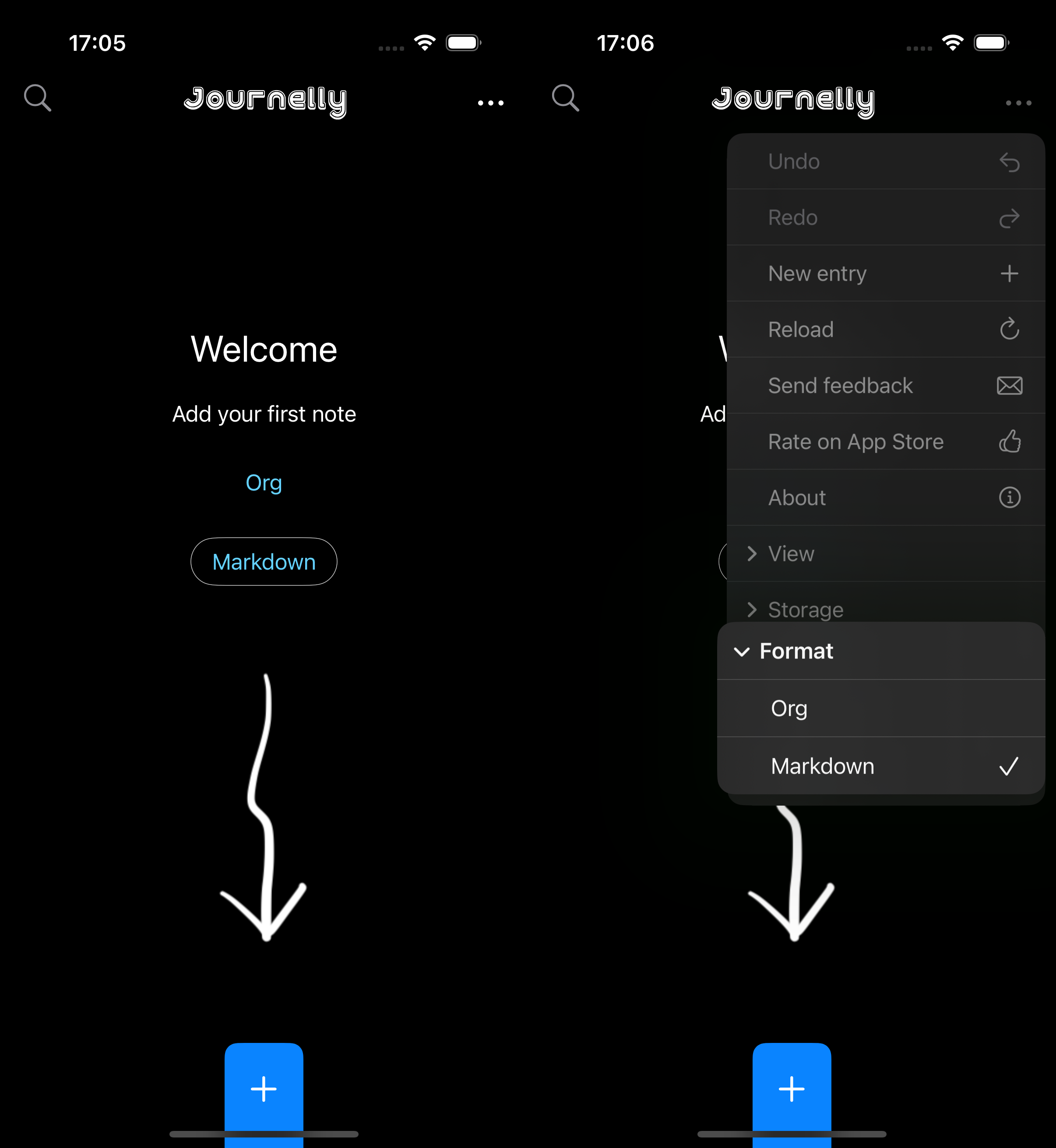
I've just pushed ready-player-dired-mode to Ready Player's GitHub repo. It's pretty fresh, so you may (or may not) encounter rough edges.

Make it all sustainable

Is Ready Player useful to you? Enjoying this blog or my projects? I am an 👉 indie dev 👈. Help make my work sustainable by ✨sponsoring

Need a blog? I can help with that. Maybe buy my macOS/iOS apps too ;)

https://xenodium.com/dired-buffers-with-media-overlays
Brisket recipe

On a whim, after seeing a random brisket picture online, I decided today was the day to make my first brisket.

Ingredients
  • 15g Kosher salt (coarse)
  • 15g Black pepper (coarsely ground)
  • 10g Smoked paprika
  • 5g Chipotle powder
  • 5g Onion granules
  • 5g Garlic granules
  • 2g Cumin seeds, toasted and ground
  • 2g S&B hot mustard powder
  • 5g Brown sugar
Clean

Rinse and pat dry.

Sear

Salt both sides and sear.

Dry rub

Crush spices, mix, and apply the rub generously all over the surface of the brisket, pressing gently to ensure it adheres.

Wrap up

Wrap up in baking paper, place on tray, and wrap with foil.

Bake

Bake at 120°C. Roughly 2-3 hours per kilo.

https://xenodium.com/brisket-recipe
A tiny upgrade to the LLM model picker

A little while ago, I added an info header to chatgpt-shell's compose buffer. It displays the current model's icon, using the lovely Lobe Icons 🥨.

With that in place, it was only a matter of time until M-x chatgpt-shell-swap-model got a similar upgrade in my Emacs package. As of chatgpt-shell v2.30.1, you can get the upgrade too.

If you prefer to keep graphics out of model-picking, I got you covered. Set chatgpt-shell-show-model-icons to nil.

Make it all sustainable

Is chatgpt-shell useful to you? Enjoying this blog or my projects? I am an 👉 indie dev 👈. Help make my work sustainable by ✨sponsoring

Need a blog? I can help with that. Maybe buy my macOS/iOS apps too ;)

https://xenodium.com/a-tiny-upgrade-to-the-llm-model-picker
Emacs elevator pitch

Me: Have you heard of Emacs?
Me: On the surface, it looks like a text editor…
Me: But really, it's more like a gateway to a world moulded to your needs.
Me: Emacs ships with an RPN calculator and even a doctor.
Me: Naturally, it doesn't do everything I want it to do nor how I want it to.
Me: Luckily, I can throw elisp at it and make it do things my way.

Stranger: Huh??

Me: Emacs didn't quite do all the things I wanted it to, so…
Me: I made it play music how I wanted it to.
Me: Control my operating system (1, 2, 3, 4).
Me: Help me learn Japanese.
Me: Trim videosor video screenshots.
Me: Talk to the LLM robots (1, 2).
Me: Preview SwiftUI layouts.
Me: Batch-apply all sorts of utils.
Me: Send notes to my Kindle.
Me: Tweak the debugger.
Me: Enhance my shell.

Stranger: ??!?

Me: Do what I mean.
Me: Tweak my email client (1, 2).
Me: Bring closer macOS integration (1, 2, 3, 4).
Me: Scan QR codes.
Me: Record Screencasts.
Me: Build iOS apps.
Me: Blog about all sorts of things.
Me: Tailor completion.
Me: Easily clone repos.
Me: Use my preferred eye candy.
Me: Evaluate Objective-C code.

Stranger: Sir…

Me: Write however I want.
Me: Stitch images.
Me: Make multiple cursors do what I want.
Me: Make searching smarter.
Me: Look up where I took photos.
Me: SQLite feel like a spreadsheet.
Me: Easily insert SF Symbols.
Me: Build an emotional zone.
Me: Tweak my file manager (1, 2, 3).
Me: Generate documentation.
Me: Gosh, I could keep going…

Stranger: Sir this is a Wendy's.

Emacs Carnival

This post is part of the Emacs Carnival, themed "Your Elevator Pitch for Emacs", hosted by Jeremy Friesen.

Make it all sustainable

Learned something new? Enjoying this blog or my projects? I am an 👉 indie dev 👈. Help make it sustainable by ✨sponsoring

Need a blog? I can help with that. Maybe buy my iOS apps too ;)

https://xenodium.com/emacs-elevator-pitch
Emacs as your video-trimming tool

Marcin ‘mbork’ Borkowski has a nice post showing us how he trims video clips from our beloved editor. Trimming clips is something I do from time to time, specially when posting a screencast of sorts. Since I don't need much, I typically resort to QuickTime Player's trimming functionality that ships with macOS. While it does the job, ever since I added a "graphical" seeker to Ready Player Mode, I had been meaning to build a simple video trimming tool of sorts. Marcin's post was just about the right nudge I needed to also give this a go, yielding video-trimmer-mode.

The solution relies on ffmpeg to do the heavy lifting and is roughly 300 lines of code. I was going to share the entire snippet in this post, though may as well point you to its repo. I'm likely to tweak it, so you may as well take a look at its latest incarnation.

Make it all sustainable

Find video-trimmer-mode useful? Want me to publish to MELPA? Enjoying this blog or my projects? I am an 👉 indie dev 👈. Help make my work sustainable by ✨sponsoring

Need a blog? I can help with that. Maybe buy my macOS/iOS apps too ;)

https://xenodium.com/emacs-as-your-video-trimming-tool
macOS dictation returns to Emacs (fix merged)

macOS apps typically benefit from built-in voice dictation input (included as a macOS freebie), with little to no additional work required from app developers.

Emacs had supported this capability until relatively recently, when we began seeing reports that dictation was no longer available as of Emacs 30.

While I have no direct experience with macOS dictation-related APIs, I bisected Emacs 30 changes affecting macOS-related code (typically Objective-C code with .m file extensions). This led me to a seemingly harmless change introducing NSTextInputClient, intended to remove a deprecation warning. From that change onwards, dictation stopped working.

Reverting the change did indeed bring dictation back, but at the cost of re-introducing the deprecation warning. Looking closer at the current NSTextInputClient implementation, I noticed some stubbed-out methods. In particular, selectedRange stood out:

- (NSRange)selectedRange
{
  if (NS_KEYLOG)
    NSLog (@"selectedRange request");
  return NSMakeRange (NSNotFound, 0);
}

Turns out implementing selectedRange is all it took to bring dictation back:

diff --git a/src/nsterm.m b/src/nsterm.m
index 003aadb9782..2b34894f36e 100644
--- a/src/nsterm.m
+++ b/src/nsterm.m
@@ -7413,7 +7413,24 @@ - (NSRange)selectedRange
 {
   if (NS_KEYLOG)
     NSLog (@"selectedRange request");
-  return NSMakeRange (NSNotFound, 0);
+
+  struct window *w = XWINDOW (FRAME_SELECTED_WINDOW (emacsframe));
+  struct buffer *buf = XBUFFER (w->contents);
+  ptrdiff_t point = BUF_PT (buf);
+
+  if (NILP (BVAR (buf, mark_active)))
+    {
+      NSUInteger selection_location = point - BUF_BEGV (buf);
+      return NSMakeRange (selection_location, 0);
+    }
+
+  ptrdiff_t mark = marker_position (BVAR (buf, mark));
+  ptrdiff_t region_start = min (point, mark);
+  ptrdiff_t region_end = max (point, mark);
+  NSUInteger selection_location = region_start - BUF_BEGV (buf);
+  NSUInteger selection_length = region_end - region_start;
+
+  return NSMakeRange (selection_location, selection_length);
 }

Implementing selectedRange didn't just bring dictation back, but now leverages a newer macOS dictation implementation. You can see the slight differences in UI.

Before

After

Merged upstream

I've since submitted a patch upstream. I'm happy to report that as of today, the patch is now merged into master. Thank you Gerd Möllmann and Eli Zaretskii for your help! Also big thanks to Stephen Englen, Fritz Grabo, @veer66 and @dotemacs on the fediverse who quickly jumped in to help validate the fix.

While we've yet to find out when the next Emacs release will ship, we at least know the fix is coming! If like me, you'd like to get the fix backported to Emacs 30, I've shown you how to do just that on Emacs Plus (my favourite macOS build).

Make it all sustainable

Glad macOS dictation is fixed? Enjoying this blog or my projects? I am an 👉 indie dev 👈. Help make my work sustainable by ✨sponsoring

Need a blog? I can help with that. Maybe buy my macOS/iOS apps too ;)

https://xenodium.com/macos-dictation-returns-to-emacs-fix-merged
Writing experience: My decade with Org

While I missed Emacs Carnival's Take two, with this month's prompt being Writing Experience, I figured I may have a thing or two to share about my Org adoption.

Org mode is often regarded as one of the indispensable Emacs features. A Swiss army of sorts enabling outlining, presentations, task management, agenda, note-taking, blogging, literate programming, the list goes on… At its core, Org features are powered by a versatile markup. Kinda like Markdown but on steroids. When starting with Org, it's easy to feel lost in the overwhelming sea of features.
Luckily, we don't have to know or understand all of Org to get started nor ever need to. You get to pick and use what's useful to you at any given time.

Getting started

Want to get started with outlines? Easy. Let's say you wanted to start collecting python idioms, you can start with an entry like:

* Python idioms

- Prefer double quotes if escaping single quotes.
- Prefer string interpolation over join. Eg. "'%s'" % member_default.

...

That's precisely what I did when I started using Org nearly 12 years ago. I created a notes file and added my first entry to collect python 2 idioms. While the idioms may be outdated by now (who knows, it's been many years since I've written any significant amount of python code), but hey that's besides the point. I wanted to start a personal notes file and Org sounded awesome for that.

Over time, my notes file grew in usefulness. The more I wrote, the more I could recall with search. That is, until I was away from my computer. At that point, I figured I could just export my notes to HTML (via M-x org-export-dispatch) and post online. Over time, folks started reaching out about something read in my notes, and so by then I suppose I had accidentally become a blogger.

Blogging

In 12 years of "blogging", my approach hasn't changed much. I still write to the very same Org file (beware it's big) I started writing notes to. I found this approach fairly accessible, with little ceremony. When I want to write, I open the usual text file and just write. It wasn't until fairly recently I learned this is often referred to as "one big text file" (OBTF).

My HTML exporting evolved into hacky elisp cobbled together over time. While the code was nothing to rave about, it did the job just fine for well over a decade. Having said that, it was more of an "it works on my machine" sorta thing. Last year, I finally decided to change my blogging approach and built a blogging platform (in 2024?! I know right?!). Well, the modern web has led us to a sea of tracking, bloat, advertising, the list goes on… I wanted to offer a lightweight blogging alternative with none of the typical crummy bits, so I built LMNO.lol. Today, my xenodium.com blog runs off that.

Org and Markdown are friends

LMNO.lol is powered by Markdown. Wait, what? You may be wondering why an Org fan would build a blogging platform powered by a different markup? In a nutshell, reach. While I remain a faithful Org fan for its capabilities, if I want my blogging platform to appeal to more users, I can't ignore the fact that today Markdown is the prevalent format. Having said that, I wasn't about to give up on Org for personal use. I can actually have my cake and eat it too. You see, I continue writing to Org and convert to Markdown before uploading to LMNO.lol via pandoc, the Swiss Army tool of file converters.

Incremental Org adoption Tables

As you know, my Org adoption started with a very simple outline intended for personal notes, but we know Org is a universe of its own. I soon learned about Org tables.

| name                 | job              | origin             |
|----------------------+------------------+--------------------|
| Fry                  | Delivery Boy     | Earth              |
| Bender               | Bending Unit     | Earth              |
| Leela                | Captain          | Mutant Underground |
| Professor Farnsworth | Scientist        | Earth              |
| Amy Wong             | Intern           | Mars               |
| Dr. Zoidberg         | Staff Doctor     | Decapod 10         |
| Hermes Conrad        | Bureaucrat       | Earth              |
| Zapp Brannigan       | 25-Star General  | Earth              |
| Mom                  | Owner of MomCorp | Earth              |
| Nibbler              | Leela's pet      | Planet Eternium    |

I'd keep finding really handy Org tips here and there. Like converting csv to Org by merely selecting the text from my beloved editor.

Tasks

We mentioned Org handling task management, amongst many other things. In a nutshell, tasks in Org are "simple TODO lists", using special keywords. I got started with Org tasks with something like this:

* DONE Call granny
* DONE Post on Reddit
* STARTED Procrastinate some more
* TODO Do your homework

I say "simple TODO lists" (in quotes) because Org task management is a another universe of its own. You can schedule tasks in all sorts of ways (like recurring), as habits, tag them, refile them, etc. and even get a nice agenda view to interact with.

I don’t have an agenda post on this myself, but Christian Tietze has a wonderful write-up showcasing an improved Org-mode agenda display.
Babel

Moving on from task management, I soon discovered babel, another Org super power enabling you to include code snippets. Not too different to Markdown, but I found the ability to evaluate/execute snippets and capture output pretty magical.

#+BEGIN_SRC python
  print("Hello python world")
#+END_SRC

#+RESULTS:
: Hello python world
Adding Objective-C Org babel support

At the time, I was writing a fair bit of Objective-C code but found babel support was missing. By looking at ob-C.el and ob-java.el, I figured how to add Objective-C support. Surprisingly, it took very little code and I could now execute Objective-C code just like python from the comfort of an Org buffer.

#+BEGIN_SRC objc
  #import <Foundation/Foundation.h>

  int main() {
    NSLog(@"Hello ObjC World");
    return 0;
  }
#+END_SRC

#+RESULTS:
: Hello ObjC World
Adding Org block completion

With Org code blocks (and babel superpowers), I soon found myself including lots of snippets in my notes. I tried different different input mechanisms and eventually settled on writing my own company completion backend.

company-org-block is available on GitHub and MELPA.

Later on, with Michael Eliachevitch's help, we got org-block-capf going.

Fitbit API, Org babel, and gnuplot

I continued having fun with Org babel. You can combine source blocks for different purposes, so I used it to fetch and plot Fitbit data via Gnuplot.

#+BEGIN_SRC sh :results table
curl -s -H "Authorization: Bearer TOKEN" https://api.fitbit.com/1/user/USER_ID/body/weight/date/2018-06-09/2018-07-11.json | jq '.[][] | "\(.dateTime) \(.value)"' | sed 's/"//g'
#+END_SRC

#+RESULTS: weight-data
| 2018-06-09 | 65.753 |
| 2018-06-10 | 65.762 |
...
| 2018-07-10 |  64.22 |
| 2018-07-11 |  63.95 |

#+BEGIN_SRC gnuplot :var data=weight-data :exports code :file images/fitbit-api-org-babel-and-gnuplot/weight.png
reset
set title "My recent weight"
set xdata time
set timefmt '%Y-%m-%d'
set format x "%d/%m/%y"
set term png
set xrange ['2018-06-09':'2018-07-11']
plot data u 1:2 with linespoints title 'Weight in Kg'
#+END_SRC

Adding SwiftUI Org babel support

Having learned that babel can generate images (like Gnuplot), I figured I could have fun with SwiftUI too and built ob-swiftui. Also on MELPA.

Adding Org links (DWIM style)

Notes aren't complete without links to references. I was already using a keyboard shortcut of sorts, but I figured I could make it much smarter. As in DWIM: Do what I mean. Like automatically fetching link title from the web and other things.

Scraping useful links

Comments in posts can be a great source of recommendations (someone asking for books, blogs, etc), so I figured I could get Emacs to extract all links from an online post and dump them to an org file.

Change your MAC address in Org of course

Cause you never know when you're gonna need it, I randomly saved a snippet to change your MAC address from the comfort of your Org notes. Execute via C-c C-c.

#+begin_src bash :dir /sudo::
  changeMAC() {
      local mac=$(openssl rand -hex 6 | sed 's/\(..\)/\1:/g; s/.$//')
      ifconfig en0 ether $mac
      ifconfig en0 down
      ifconfig en0 up
      echo "Your new physical address is $mac"
  }

  changeMAC
#+end_src

#+RESULTS:
: Your new physical address is b4:b2:f8:77:bb:87

By the way, noticed the :dir /sudo:: header? It enables executing the snippet as root.

Generating documentation for your Emacs package

Having built a handful of Emacs packages, maintaining a README.org documenting commands available (and keeping it up-to-date) was a bit of a chore. I figured you could automate things and generate a nice Org table documenting your package commands and customizable variables.

When you see this table in my GitHub project, you now know how it was generated.

A noweb detour: the lesser known Org babel glue

While Org babel's noweb support isn't super widely known, I learned it's great for glueing org babel blocks. I love how Org knowledge (and Emacs benefits really) just keep compounding. I started by just writing a simple Org outline. Remember?

LLMs join the babel chat

In 2023, I started experimenting with LLMs and Emacs integrations. Naturally, I had to add babel support too, so ob-chatgpt-shell (MELPA) and ob-dall-e-shell (MELPA) were added to the mix.

Smarter Org capture templates

Your knowledge base is only as useful as its wealth. The more you write, the better. And of course, the less friction, the more likely you are to write more.

Org capture is super useful to save your thoughts quickly into an Org file. You can come up with all sorts of templates to expedite the process. In addition to the base structure, I figured I could automatically capture my current location, date, time, and weather as part of a note.

Presenting in style

There are no shortages of Emacs packages leveraging Org mode to give presentations (org-present is one of many). I often enjoy David Wilson's videos. In this one, he shares his presentation setup. I figured it'd be fun to experiment with org-present to spiff things up. I wanted a sort of smart navigation where items are automatically expanded and collapsed as I <tab> my way through a presentation.

Org as lingua franca

With my Org usage growing, I felt like I was missing Org support outside of Emacs. Web access to my blog wasn't enough. I wanted to quickly capture things while on the go, so I started building iOS apps revolving around my Emacs and Org usage.

Journelly (iOS)

Journelly is my latest iOS app, centered around note-taking and journaling. The app feels like tweeting, but for your eyes only of course. It's powered by Org markup, which can be synced with Emacs via iCloud.

Flat Habits (iOS)

Org habits are handy for tracking daily habits. However, it wasn't super practical for me as I often wanted to check things off while on the go (away from Emacs). That led me to build Flat Habits.

Scratch (iOS)

While these days I'm using Journelly to jot down just about anything, before that, I built and used Scratch as scratch pad of sorts. No iCloud syncing, but needless to say, it's also powered by Org markup.

Plain Org (iOS)

For more involved writing, nothing beats Emacs Org mode. But what if I want quick access to my Org files while on the go? Plain Org is my iOS solution for that.

LMNO.lol

While I already mentioned LMNO.lol, it's been heavily inspired by my Org workflow. You write your notes or blog posts to a single plain text file, sprinkling Markdown this time around, and just drag and drop it to the web. LMNO.lol takes care of the rest.

Org bookmarks

While there is newer content out there, I did capture a handful of Org bookmarks at some point. This one took me down memory lane. Sacha Chua used make these really fun videos interviewing Emacs folks, often discussing their Emacs configs. I learned a ton from these videos. That time, Sacha interviewed Howard Abrams. Gosh, that was over 10 years ago.

Off the top of my head, Karl Voit also comes to mind, for championing Org for years. I know I'm not doing it justice. There are far too many folks I've learned from, who kindly share their knowledge. I've bookmarked some of them in the past.

Naturally, my Org journey wouldn't be possible without Org mode itself and the incredible work from the authors and maintainers. I've personally donated to their cause and even got my ex-employer to donate multiple times.

I could keep showing more things…

You could argue my Org usage is fairly random. Maybe it is. I'd say it's more organic than anything. I more or less started writing outlines and TODO lists, incrementally adopting whatever needed over time. It's up to you how much or little Org you adopt. Whatever you pick is the right answer for you. The Org feature set is just so vast. Some of the things I've tried didn't stick for me like plotting ledger reports or combating spam through Org, but by trying things I got to discover other things that probably did stick.

I could keep going, showing you more examples of the things I discovered, but in such a vast universe what's useful to me may not be useful to you. With such a diverse toolbox, it's highly likely you'll find just the right tool for your needs.

Ok, we get it. The feature set is rich. But most importantly, your data is saved in plain, transparent text, easily accessible to other tools. Heck, I even wrote my own iOS apps to view and edit Org files on the go. In over ten years of using Org, I've never lost access to my data, and I never will. That alone is the non-negotiable cherry on the cake.

Make it all sustainable

Learned something new? Enjoying this blog or my projects? I am an 👉 indie dev 👈. Help make it sustainable by ✨sponsoring

Need a blog? I can help with that. Maybe buy my iOS apps too ;)

https://xenodium.com/writing-experience-my-decade-with-org
Interactive ordering of dired items

Redditor sauntcartas offers a nice solution for getting Emacs dired filenames in an arbitrary order. I have to say, while relatively rare, this is something I need from time to time. You see, I like to apply batch file operations from the comfort of dired buffers (via dwim-shell-command).

Take, for example, M-x dwim-shell-commands-join-images-horizontally. It does what it says on the tin. I can mark a handful of image files via dired and easily join them into a single file. The problem is that the file listing isn't always in the desired order, so this is where custom ordering comes in handy.

I wanted an interactive way of reordering dired items. While bouncing ideas with arthurno1, it led us to a drag-stuff experience, which I'm already a fan of. While drag-stuff works in most editable buffers, it breaks on dired. For now, I figured I could just write a couple of dired-specific interactive commands to provide a similar dragging experience, and so I did.

We can likely improve the commands a bit, but hey they do the job as is…

(defun ar/dired-drag-item-up ()
  "Drag dired item down in buffer."
  (interactive)
  (unless (dired-get-filename nil t)
    (error "Not a dired draggable item"))
  (when (= (line-number-at-pos) 2)
    (error "Already at top"))
  (let* ((inhibit-read-only t)
         (col (current-column))
         (item-start (line-beginning-position))
         (item-end (1+ (line-end-position)))
         (item (buffer-substring item-start item-end)))
    (delete-region item-start item-end)
    (forward-line -1)
    (beginning-of-line)
    (insert item)
    (forward-line -1)
    (move-to-column col)))

(defun ar/dired-drag-item-down ()
  "Drag dired item down in buffer."
  (interactive)
  (unless (dired-get-filename nil t)
    (error "Not a dired draggable item"))
  (when (save-excursion
          (forward-line 1)
          (eobp))
    (error "Already at bottom"))
  (let* ((inhibit-read-only t)
         (col (current-column))
         (item-start (line-beginning-position))
         (item-end (1+ (line-end-position)))
         (item (buffer-substring item-start item-end)))
    (delete-region item-start item-end)
    (forward-line 1)
    (beginning-of-line)
    (insert item)
    (forward-line -1)
    (move-to-column col)))

I gotta say, these dired dragging commands work great with M-x dwim-shell-commands-join-images-horizontally. I bind them to M-<up> and M-<down> same as drag-stuff elsewhere (already in my config).

(use-package dired
  :bind (:map dired-mode-map
              ("M-<up>" . ar/dired-drag-item-up)
              ("M-<down>" . ar/dired-drag-item-down)))

You can see the new dired commands in action.

Bonus

While bouncing ideas with arthurno1, we also came up with another helper to create new dired buffers populated from marked items, maybe needed for those times you want a more focused experience.

(defun ar/dired-from-marked-items ()
  "Create a new dired buffer containing only the marked files.

Also allow dragging items up and down via M-<up> and M-x<down>."
  (interactive)
  (let ((marked-files (dired-get-marked-files))
        (buffer-name (generate-new-buffer-name
                      (format "*%s (selection)*"
                              (file-name-nondirectory
                               (directory-file-name default-directory))))))
    (unless marked-files
      (error "No dired marked files"))
    (dired (cons buffer-name
                 (mapcar (lambda (path)
                           (file-relative-name path default-directory))
                         marked-files)))))

Make it all sustainable

Learned something new? Enjoying this blog or my projects? Help make it sustainable by ✨sponsoring

Need a blog? I can help with that. Maybe buy my iOS apps too ;)

https://xenodium.com/interactive-ordering-of-dired-items
Patching your Homebrew's Emacs Plus (macOS)

Patching and building Emacs from source on macOS is fairly straightforward, but what if I'd like to patch my Emacs Plus Homebrew builds?

Let's cover both ways of patching our favourite editor…

Patching Emacs upstream sources

If you'd like to build from the master branch, you can check its sources out like so:

git clone git://git.sv.gnu.org/emacs.git
cd emacs

Next, we'll patch Emacs source as needed. For example, I recently wanted to patch src/nsterm.m to see if I could fix a macOS dictation regression introduced on Emacs 30.

diff --git a/src/nsterm.m b/src/nsterm.m
index 003aadb9782..2b34894f36e 100644
--- a/src/nsterm.m
+++ b/src/nsterm.m
@@ -7413,7 +7413,24 @@ - (NSRange)selectedRange
 {
   if (NS_KEYLOG)
     NSLog (@"selectedRange request");
-  return NSMakeRange (NSNotFound, 0);
+
+  struct window *w = XWINDOW (FRAME_SELECTED_WINDOW (emacsframe));
+  struct buffer *buf = XBUFFER (w->contents);
+  ptrdiff_t point = BUF_PT (buf);
+
+  if (NILP (BVAR (buf, mark_active)))
+    {
+      NSUInteger selection_location = point - BUF_BEGV (buf);
+      return NSMakeRange (selection_location, 0);
+    }
+
+  ptrdiff_t mark = marker_position (BVAR (buf, mark));
+  ptrdiff_t region_start = min (point, mark);
+  ptrdiff_t region_end = max (point, mark);
+  NSUInteger selection_location = region_start - BUF_BEGV (buf);
+  NSUInteger selection_length = region_end - region_start;
+
+  return NSMakeRange (selection_location, selection_length);
 }

 #if defined (NS_IMPL_COCOA) || GNUSTEP_GUI_MAJOR_VERSION > 0 || \

Now we're ready to configure and build.

./autogen.sh
./configure --with-ns --prefix="$PWD/nextstep/Emacs.app/Contents/MacOS" --enable-locallisppath="${PWD}/nextstep/Emacs.app/Contents/MacOS"
make install

We've used nextstep/Emacs.app/Contents/MacOS as our target directory, so we can test our builds from exactly there… and there you have it, your newly built Emacs.app, ready for opening.

open nextstep/Emacs.app
Patching Emacs Plus

While patching and building upstream Emacs sources as above is fairly common, patching Emacs Plus may not be as well known.

I'm a big fan of Boris Buliga's excellent Homebrew recipe and use it daily, so it makes sense for me to get acquainted with its patching capabilities.

First we check out the Emacs Plus Homebrew repo:

git clone https://github.com/d12frosted/homebrew-emacs-plus.git
cd homebrew-emacs-plus

At this point, it's worth noting Emacs Plus enables building different Emacs versions (29, 30, and even master). It extends Emacs by applying its own patches at build time. For example, if we'd like to patch Emacs 30, we'll customise the 30 build to apply our own changes.

Remember our src/nsterm.m patch above? We'll rebased it against the Emacs 30 tarball and save in the Emacs Plus patches directory:

./patches/emacs-30/dictation.patch

Next we'll need to generate a hash to complete our Emacs 30 patch details:

sha256sum ./patches/emacs-30/dictation.patch

Now we add our patch details to ./Formula/emacs-plus@30.rb:

local_patch "dictation", sha: "cb102525bba7385d7d85c52d31101af3d2cbbf076468dacbf505039082ec521c"

With that, we're ready to build Emacs Plus, which comes with a handy build script. I'm a fan of Valeriy Savchenko's macOS icons, so I'll throw in the optional icon flag. I should also mention Emacs Plus offers a rich catalog of app icons. Now back to building…

HOMEBREW_DEVELOPER=1 ./build 30 --with-savchenkovaleriy-big-sur-curvy-3d-icon

The build output should look a little something like the following (look out for our applied patch)

./Formula/emacs-plus-local.rb --with-savchenkovaleriy-big-sur-curvy-3d-icon
==> Fetching downloads for: emacs-plus-local
==> Fetching emacs-plus-local
==> Downloading https://ftp.gnu.org/gnu/emacs/emacs-30.1.tar.xz
Already downloaded: /Users/alvaro/Library/Caches/Homebrew/downloads/b2b29daf5d872710063495e32b8b5234c2fbfffccec82222b65e7f2b4e7fb4da--emacs-30.1.tar.xz
==> Patching
==> Applying fix-window-role.patch
==> Applying system-appearance.patch
==> Applying round-undecorated-frame.patch
==> Applying dictation.patch     <---- Our patch 🎉
==> ./autogen.sh
==> ./configure --disable-silent-rules --enable-locallisppath=/opt/homebrew/share/emacs/site-lisp --infodir=/opt/homebrew/Cellar/emacs-plus-local/30.1/share/info/emacs --with-native-compilation=aot --with-xml2 --
==> gmake
==> gmake install
==> Injecting PATH value to Emacs.app/Contents/Info.plist
Patching plist at /opt/homebrew/Cellar/emacs-plus-local/30.1/Emacs.app/Contents/Info.plist with following PATH value:


...


==> Caveats
Emacs.app was installed to:
  /opt/homebrew/opt/emacs-plus-local

To link the application to default Homebrew App location:
  osascript -e 'tell application "Finder" to make alias file to posix file "/opt/homebrew/opt/emacs-plus-local/Emacs.app" at posix file "/Applications" with properties {name:"Emacs.app"}'

Your PATH value was injected into Emacs.app/Contents/Info.plist

Report any issues to https://github.com/d12frosted/homebrew-emacs-plus

To start emacs-plus-local now and restart at login:
  brew services start emacs-plus-local
Or, if you don't want/need a background service you can just run:
  /opt/homebrew/opt/emacs-plus-local/bin/emacs --fg-daemon
==> Summary
🍺  /opt/homebrew/Cellar/emacs-plus-local/30.1: 7,470 files, 585.0MB, built in 8 minutes 59 seconds
==> Running `brew cleanup emacs-plus-local`...
Disable this behaviour by setting HOMEBREW_NO_INSTALL_CLEANUP.
Hide these hints with HOMEBREW_NO_ENV_HINTS (see `man brew`).
alvaro@MacBookPro homebrew-emacs-plus %  osascript -e 'tell application "Finder" to make alias file to posix file "/opt/homebrew/opt/emacs-plus-local/Emacs.app" at posix file "/Applications" with properties {name:"Emacs.app"}'

alias file Emacs.app of folder Applications of startup disk

At this point, your brand new patched Emacs Plus is ready for opening:

open /opt/homebrew/opt/emacs-plus-local/Emacs.app

Notice how Emacs.app is saved under emacs-plus-local, which is different from the default location: emacs-plus. In other words, your patched and regular builds can coexist.

I've pushed the changes to my Emacs Plus fork. If keen to take a closer look, check out the git commit. Should this change be sent to Emacs Plus in a pull request? Maybe not just yet. We'll try to get it admitted upstream first.

Now you know at least two ways of building and patching Emacs on macOS. There are more, but these are my favourite two.

Make it all sustainable

Learned something new? Enjoying this blog or my projects? Help make it sustainable by ✨sponsoring

Need a blog? I can help with that. Maybe buy my iOS apps too ;)

https://xenodium.com/patching-your-homebrews-emacs-plus-macos
Emacs send-to (aka macOS sharing) merged upstream

Back in February, I asked folks on the Fediverse if I should try to contribute native macOS sharing to Emacs upstream. While folks were keen on the sharing feature, there were reservations about whether or not a macOS-only patch would be welcome upstream.

While my chances of success sounded fairly low, I figured I had to at least try before giving up… and I have to say, I'm glad I gave it a chance. Yesterday, my patch was finally merged upstream.

That's not to say the patch did not face its challenges. The proposal sparked quite the discussion (you may need an extra large coffee to get through all messages). Frankly, my hopes of landing the patch after initial feedback quickly shrank to almost non-existent. Having said that, I really have to give huge credit and thanks to both Eli Zaretskii and Stefan Kangas for their help here. Without their steering, navigating the more turbulent parts of the discussion, I really would have had no chance of getting anywhere and simply would have just given up.

If you're wondering what was controversial about the patch, GNU guidelines discourage adding features targeting non-free operating systems before it can be made available for GNU/Linux. While the patch could be easily reworked to expose the native capabilities available for each platform, there's plenty of room for interpretation as to whether a rework is considered enough to satisfy the guideline. Most of the discussion was centered around this topic. Once the thread was refocused around shaping the patch, I received super constructive feedback and the patch was indeed reworked to cater for different platforms. We also agreed to rename the feature from "share" to "send". To my surprise, even RMS also chimed in on the patch discussion. Achievement unlocked?!

While one may or may not agree with GNU's guideline, I'm particularly grateful to the Free Software Foundation, the GNU project, and the wider open source community for building honest software that respects freedom and privacy, especially in this day and age.

I'm a huge Emacs fan. I frequently write about it, share tips/tricks, and even build/publish my own packages. In a perfect world, I would also run GNU/Linux exclusively (I did for many years), but nuance requires that I live in a mixed environment (open source + proprietary software), running macOS. I'm thankful for the parts I can control/modify (including Emacs).

When proposing my patch upstream, my intention was to offer the best possible Emacs experience for this particular feature (via native macOS APIs). In most Emacs patches, native changes aren't necessary. But for the rare instances where I'm unable to carry out all the necessary work for different platforms, I'm hoping I can work with other Emacs enthusiasts with complementary skills and strive to find common ground where my contribution raises the tide in a way that helps lift all boats (even if just a little), so to speak. That is, if I'm allowed to ;)

Emacs send-to is now accessible on the master branch via M-x context-menu-mode (right click and select "Send to…"), directly via M-x send-to, and can be applied to dired files, current buffer (with associated file), and selected text region.

File handling is configurable per platform via send-to-handlers.

(defvar-local send-to-handlers '(((:supported . send-to--ns-supported-p)
                                  (:collect . send-to--collect-items)
                                  (:send . send-to--ns-send-items))
                                 ((:supported . send-to--open-externally-supported-p)
                                  (:collect . send-to--collect-items)
                                  (:send . send-to--open-externally)))
  "A list of handlers that may be able to send files to applications or services.

Sending is handled by the first supported handler from `send-to-handlers' whose
`:supported' function returns non-nil.

Handlers are of the form:

((:supported . `is-supported-p')
 (:collect . `collect-items')
 (:send . `send-items'))

(defun is-supported-p ()
  \"Return non-nil for platform supporting send capability.\"
  ...)

(defun collect-items ()
  \"Return a list of items to be sent.

Items are strings and will be sent as text unless they are local file
paths known to exist. In these instances, files will be sent instead.\"
  ...)

(defun send-to--send-items (items)
  \"Send ITEMS.\"
  ...)")

The merged patch currently ships with two handlers. A native macOS handler, powered by NSSharingServicePicker, and a more generic one driven by the new shell-command-do-open.

With send-to-handlers now configurable, it opens up the possibility to expose all sorts of neat integrations like Android intents, KDE Connect, GSConnect, and so on… If you write a send-to-handler, I'd love to hear about it.

If you're on macOS and happen to find the new send-to's native sharing useful, you now know that exposing that little dialog took a non-trivial amount of effort, a turbulent discussion, and 5 months to land in your beloved Emacs. I'll just leave this here ;)

https://xenodium.com/emacs-send-to-aka-macos-sharing-merged-upstream
Mochi Invaders now on the App Store

As a beginner learner of Japanese, I still need regular practice reading Kana (Hiragana and Katakana). Rather than using one of the countless existing resources, I decided to build my own little Space-Invaders-style game. No doubt I was procrastinating, but learning SpriteKit and building the app involved a fair bit of app testing, so I ended up learning while erm procrastinating. That's a win, right? Right?

As of today Mochi Invaders is available on the App Store.

Mochi Invaders app icon
Download on App Store button link

https://xenodium.com/mochi-invaders-now-on-the-app-store
Markdown is coming to Journelly

✨UPDATE✨ Journelly v1.3 launched with Markdown support.

When Journelly launched, I asked users to get in touch if they were interested in Markdown support.

Since then, Markdown has by far been the most requested feature.

Today, I’m excited to share that Journelly beta builds now include initial Markdown support! If you’ve been in touch, you likely already have access. If not, let me know you’re interested.

Journelly still defaults to Org as its preferred markup, but you can now switch to Markdown from the welcome screen or the menu.

While Org is my own markup of choice, it remains fairly niche. As I work to build a sustainable iOS app as a full-time indie developer, I need to reach a wider audience, without resorting to subscriptions. Luckily, I think we can have our cake and eat it too.

Here's how I see Journelly's audience breaking down:

For anyone who just wants to write (regardless of markup)

This has always been Journelly’s main goal. I've worked hard to keep the serialization format in the background, focusing instead on delivering a smooth, friction-free experience. The primary goal: just write.

I think this is working well. Ellane's post sums it up: Journelly is the iOS Org App You’ll Love (Even if You Don’t Do Org).

If you just want a quick way to take notes or journal privately, Journelly already offers that. Adding quick notes, ideas, recipes, checklists, music, links, etc. is really easy and fast even if you don't do org (Brandon says so too).

Org mode enthusiasts

I got this one pretty well-covered also. I'm an Emacs org mode enthusiast myself and regularly share my Journelly entries between my iPhone and Mac. You don't need to take my word for it though. jcs is a seasoned Emacs enthusiast. From Irreal, he's covered Journelly pretty well. While journelly.com quotes and links to posts from happy users, I've been collecting posts from different users. I should share a post with all of them too!

Markdown enthusiasts

Which brings me back to this post: there are a lot of Markdown users out there. While Journelly’s UX has caught the interest of some Markdown fans, many prefer to stick with their favorite format. Your interest was heard! I did say, the more requests I get, the sooner I'll get Markdown support out the door, and so here we are.

You can now try Markdown support via TestFlight. I look forward to your feedback.

New to Journelly and want to join the Markdown beta? Get in touch.

https://xenodium.com/markdown-is-coming-to-journelly
EverTime available via Homebrew

I typically like my macOS desktop free from distractions, which includes hiding the status bar.

Having said that, I don't want to lose track of time, and for that, I built a tiny ever-present floating clock.

While it's been a while since I built this clock, it's only now that I decided to make it available via Homebrew.

EverTime lives in its own GitHub repository and can be installed with:

brew install --HEAD xenodium/evertime/evertime

In addition to using EverTime, I also like enabling "Announce the time" under macOS System Settings, which announces the time every hour.

Like EverTime? Consider ✨sponsoring me✨ or buying ✨my apps✨.

https://xenodium.com/evertime-available-via-homebrew
Journelly 1.2 released
What's new?

Journelly v1.2 focuses exclusively on improving app accessibility.

In particular:

  • Improved VoiceOver navigation and general app experience.
  • Improved edit layout when "Settings > Accessibility > Display & Text Size > Button Shapes" is enabled.

Huge thanks to Yvonne Thompson for all her help shaping this release. VoiceOver support is in way better shape as a result.

Journelly app icon
Download on App Store button link

Journelly 1.2 available on the App Store

What is Journelly?

Journelly feels like tweeting but for your eyes only.

A fresh take on frictionless note-taking for iOS, powered by Org plain text.

  • Save cooking recipes, movies, music, restaurants, coffee shops…
  • Jot down your thoughts.
  • Save your favorite quotes.
  • Use it as a journal, memo book, or notes.
  • Write your shopping lists.
  • Document your travels.
  • Lots more…

Check out journelly.com for details.

https://xenodium.com/journelly-1-2-released
Ranking Officer now on the App Store

With a handful of apps on the App Store, I like to keep an eye on their rankings and user reviews from around the world. I don't need much. Just a quick glance.

A few of weeks ago, it just dawned on me that my Mac's status bar is likely the perfect place to keep this glanceable information handy. And with that, I built Ranking Officer. A little utility to do just that.

I wasn't too sure if this app would make it to the App Store. To my delight, Apple reviewed and accepted on its first submission.

As of today, you can install Ranking Officer from the App Store.

download-on-app-store.png Ranking Officer
download-on-app-store.png

You can now stay up to date on your app’s rankings and user reviews from around the world, right from your Mac's status bar.

  • Get the latest ranking and review data, updated every hour.
  • Monitor as many apps as you like (there’s no limit).
  • No login or personal details required.
  • No subscription necessary.

Just add your apps using their App Store URLs and get tracking.


Good luck with your apps!
🍀🤞⭐🎋🧧🏮🪙🐞🎰🐘
https://xenodium.com/ranking-officer-now-on-the-app-store
Awesome Emacs on macOS

Update: Added macOS Trash integration.

While GNU/Linux had been my operating system of choice for many years, these days I'm primarily on macOS. Lucky for me, I spend most of my time in Emacs itself (or a web browser), making the switch between operating systems a relatively painless task.

I build iOS and macOS apps for a living, so naturally I've accumulated a handful of macOS-Emacs integrations and tweaks over time. Below are some of my favorites.

Emacs Plus

For starters, I should mention I run Emacs on macOS via the excellent Emacs Plus homebrew recipe. These are the options I use:

brew install emacs-plus@30 --with-no-frame-refocus --with-native-comp --with-savchenkovaleriy-big-sur-curvy-3d-icon
Valeriy Savchenko's icons

Valeriy Savchenko has created some wonderful macOS Emacs icons. These days, I use his curvy 3D rendered icon, which I get via Emacs Plus's --with-savchenkovaleriy-big-sur-curvy-3d-icon option.

Modifiers

It's been a long while since I've settled on using macOS's Command (⌘) as my Emacs Meta key. For that, you need:

(setq mac-command-modifier 'meta)

At the same time, I've disabled the ⌥ key to avoid inadvertent surprises.

(setq mac-option-modifier 'none)
Enabling Control-Meta(⌘)-D

After setting ⌘ as Meta key, I discovered C-M-d is not available to Emacs for binding keys. There's a little workaround:

defaults write com.apple.symbolichotkeys AppleSymbolicHotKeys -dict-add 70 '<dict><key>enabled</key><false/></dict>'
Frames

You may have noticed the --with-no-frame-refocus Emacs Plus option. I didn't like Emacs refocusing other frames when closing one, so I sent a tiny patch over to Emacs Plus, which gave us that option.

I also prefer reusing existing frames whenever possible.

(setq ns-pop-up-frames nil)
Visual tweaks

Most of my visual tweaks have been documented in my Emacs eye candy post. For macOS-specific things, read on…

It's been a while since I've added this, though vaguely remember needing it to fix mode line rendering artifacts.

(setq ns-use-srgb-colorspace nil)

I like using a transparent title bar and these two settings gave me just that:

(add-to-list 'default-frame-alist '(ns-transparent-titlebar . t))
(add-to-list 'default-frame-alist '(ns-appearance . dark))

I want a menu bar like other macOS apps, so I enable with:

(use-package menu-bar
  :config
  (menu-bar-mode +1))

Emoji picker (a freebie!)

If you got a more recent Apple keyboard, you can press the 🌐 key to insert emojis from anywhere, including Emacs. If you haven't got this key, you can always M-x ns-do-show-character-palette, which launches the very same dialog.

Also check out Charles Choi's macOS Native Emoji Picking in Emacs from the Edit Menu.

Longing long press for accents?

If you prefer Apple's long-press approach to inserting accents or other special characters, I got an Emacs version of that.

Rotate macOS display

I wanted to rotate my monitor from the comfort of M-x, so I made Emacs do it.

Open with

While there are different flavors of "open with default macOS app" commands out there (ie. crux-open-with as part of Bozhidar Batsov's crux), I wanted one that let me choose a specific macOS app.

Open in Xcode (at line number)

Shifting from Emacs to Xcode via "Open with" is simple enough, but don't you want to also visit the very same line?

SF Symbols (for work)

Apple offers SF Symbols on all their platforms, so why not enable Emacs to insert and render them?

This is particulary handy if you do any sort of iOS/macOS development, enabling you to insert SF Symbols using your favorite completion framework. I happen to remain a faithful ivy user.

SF Symbols (for fun)

Speaking of enabling SF Symbol rendering, you can also use them to spiff your Emacs up. Check out Charles Choi's Calle 24 for a great-looking Emacs toolbar. Also, Christian Tietze shows how to use SF Symbols as Emacs tab numbers.

Quick kill

While macOS's Activity Monitor does a fine job killing processes, I wanted something a little speedier, so I went with a killing solution leveraging Emacs completions.

SwiftUI a la org babel

Having learned how simple it was to enable Objective-C babel support, I figured I could do something a little more creative with SwiftUI, so I published ob-swiftui on MELPA.

Changing macOS default apps

I found the nifty duti command-line tool to change default macOS applications super handy, but could never remember its name when I needed it. And so I decided to bring it into dwim-shell-command as part of my toolbox.

I got a bunch of handy helpers in dwim-shell-commands.el (specially all the image/video helpers via ffmpeg and imagemagick). Go check dwim-shell-commands.el. There's loads in there, but here are my macOS-specific commands:

  • dwim-shell-commands-macos-add-to-photos
  • dwim-shell-commands-macos-bin-plist-to-xml
  • dwim-shell-commands-macos-caffeinate
  • dwim-shell-commands-macos-convert-to-mp4
  • dwim-shell-commands-macos-empty-trash
  • dwim-shell-commands-macos-install-iphone-device-ipa
  • dwim-shell-commands-macos-make-finder-alias
  • dwim-shell-commands-macos-ocr-text-from-desktop-region
  • dwim-shell-commands-macos-ocr-text-from-image
  • dwim-shell-commands-macos-open-with
  • dwim-shell-commands-macos-open-with-firefox
  • dwim-shell-commands-macos-open-with-safari
  • dwim-shell-commands-macos-reveal-in-finder
  • dwim-shell-commands-macos-screenshot-window
  • dwim-shell-commands-macos-set-default-app
  • dwim-shell-commands-macos-share
  • dwim-shell-commands-macos-start-recording-window
  • dwim-shell-commands-macos-abort-recording-window
  • dwim-shell-commands-macos-end-recording-window
  • dwim-shell-commands-macos-toggle-bluetooth-device-connection
  • dwim-shell-commands-macos-toggle-dark-mode
  • dwim-shell-commands-macos-toggle-display-rotation
  • dwim-shell-commands-macos-toggle-menu-bar-autohide
  • dwim-shell-commands-macos-version-and-hardware-overview-info
Toggle dark mode

Continuing on the dwim-shell-commands family, I should also mention dwim-shell-commands-macos-toggle-dark-mode.

While I hardly ever change my Emacs theme, I do toggle macOS dark mode from time to time to test macOS or web development.

Menu bar auto hide

One last dwim-shell-command… One that showcases toggling the macOS menu bar (autohide).

Connect to your Bluetooth speaker

While this didn't quite stick for me, it was a fun experiment to add Emacs into the mix.

Eshell

This is just a little fun banner I see whenever I launch eshell.

This is all you need:

(use-package em-banner
  :custom
  (eshell-banner-message "
\x1b[32m                             'c.                    \x1b[0m
\x1b[32m                          ,xNMM.                    \x1b[0m
\x1b[32m                        .OMMMMo                     \x1b[0m
\x1b[32m                        OMMM0,                      \x1b[0m
\x1b[32m              .;loddo:' loolloddol;.                \x1b[0m
\x1b[32m            cKMMMMMMMMMMNWMMMMMMMMMM0:              \x1b[0m
\x1b[33m          .KMMMMMMMMMMMMMMMMMMMMMMMWd.              \x1b[0m
\x1b[33m          XMMMMMMMMMMMMMMMMMMMMMMMX.                \x1b[0m
\x1b[31m        ;MMMMMMMMMMMMMMMMMMMMMMMM:                  \x1b[0m
\x1b[31m        :MMMMMMMMMMMMMMMMMMMMMMMM:                  \x1b[0m
\x1b[31m        .MMMMMMMMMMMMMMMMMMMMMMMMX.                 \x1b[0m
\x1b[31m         kMMMMMMMMMMMMMMMMMMMMMMMMWd.               \x1b[0m
\x1b[35m          .XMMMMMMMMMMMMMMMMMMMMMMMMMMk             \x1b[0m
\x1b[35m           .XMMMMMMMMMMMMMMMMMMMMMMMMK.             \x1b[0m
\x1b[34m             kMMMMMMMMMMMMMMMMMMMMMMd               \x1b[0m
\x1b[34m              ;KMMMMMMMWXXWMMMMMMMk.                \x1b[0m
\x1b[34m                .cooc,.    .,coo:.                  \x1b[0m

\x1b[34m                        _/                  _/  _/  \x1b[0m
\x1b[34m     _/_/      _/_/_/  _/_/_/      _/_/    _/  _/   \x1b[0m
\x1b[34m  _/_/_/_/  _/_/      _/    _/  _/_/_/_/  _/  _/    \x1b[0m
\x1b[34m _/            _/_/  _/    _/  _/        _/  _/     \x1b[0m
\x1b[34m  _/_/_/  _/_/_/    _/    _/    _/_/_/  _/  _/      \x1b[0m


"))
Screencasts

I wanted a quick way to record or take screenshots of macOS windows, so I now have my lazy way, leveraging macosrec, a recording command line utility I built. Invoked via M-x of course.

Eglot (LSP) for iOS/macOS dev

If you want any sort of code completion for your macOS projects, you'd be happy to know that eglot works out of the box.

(use-package eglot
  :ensure t
  :hook (swift-mode . eglot-ensure)
  :config
  (message "warning: `jsonrpc--log-event' is ignored.")
  (fset #'jsonrpc--log-event #'ignore)
  (add-to-list 'eglot-server-programs '(swift-mode . ("/Applications/Xcode.app/Contents/Developer/Toolchains/XcodeDefault.xctoolchain/usr/bin/sourcekit-lsp"))))
Search and play (Music app)

This is another experiment that didn't quite stick, but I played with controlling the Music app's playback.

While I still purchase music via Apple's Music app, I now play directly from Emacs via Ready Player Mode. I'm fairly happy with this setup, having scratched that itch with my own package.

By the way, those buttons also leverage SF Symbols on macOS.

Reveal -> all <- in Finder

While there are plenty of solutions out there leveraging the open command line tool to reveal files in macOS's Finder, I wanted one that revealed multiple files in one go. For that, I leveraged the awesome emacs-swift-module, also by Valeriy Savchenko.

Use the macOS Trash

The macOS trash has saved my bacon in more than one occasion. Make Emacs aware of it. Also check out M-x dwim-shell-commands-macos-empty-trash.

Build your own macOS utils

While elisp wasn't in my top languages to learn back in the day, I sure am glad I finally bit the bullet and learned a thing or two. This opened many possibilities. I now see Emacs as a platform to build utilities and tools off of. A canvas of sorts, to be leveraged in and out of the editor.

For example, you could build your own bookmark launcher and invoke from anywhere on macOS.

Emacs as default email composer

Turns out you can also make Emacs your default email composer.

Emacs key bindings everywhere

While not exactly an Emacs tweak itself, I wanted to extend Emacs bindings into other macOS apps. In particular, I wanted more reliable Ctrl-n/p usage everywhere, which I achieved via Karabiner-Elements. I also mapped C-g to Esc, which really feels just great! I can now cancel things, dismiss menus, dialogs, etc. everywhere.

Org as lingua franca

With my Emacs usage growing over time, it was a matter of time until I discovered org mode. This blog is well over 11 years old now, yet still powered by the very same org file (beware, this file is big).

With my org usage growing, I felt like I was missing org support outside of Emacs. And so I started building iOS apps revolving around my Emacs usage.

Journelly (iOS)

Journelly is my latest iOS app, centered around note-taking and journaling. The app feels like tweeting, but for your eyes only of course. It's powered by org markup, which can be synced with Emacs via iCloud.

Flat Habits (iOS)

Org habits are handy for tracking daily habits. However, it wasn't super practical for me as I often wanted to check things off while on the go (away from Emacs). That led me to build Flat Habits.

Scratch (iOS)

While these days I'm using Journelly to jot down just about anything, before that, I built and used Scratch as scratch pad of sorts. No iCloud syncing, but needless to say, it's also powered by org markup.

Plain Org (iOS)

For more involved writing, nothing beats Emacs org mode. But what if I want quick access to my org files while on the go? Plain Org is my iOS solution for that.

Found this post useful?

I'll keep looking for other macOS-related tips and update this post in the future.

In the meantime, consider ✨sponsoring✨ this content, my Emacs packages, buying my apps, or just taking care of your eyes ;)

https://xenodium.com/awesome-emacs-on-macos
Journelly 1.1 released

download-on-app-store.png

Journelly 1.1 available on the App Store

What is Journelly?

Journelly feels like tweeting but for your eyes only.

A fresh take on frictionless note-taking for iOS, powered by Org plain text.

  • Save cooking recipes, movies, music, restaurants, coffee shops…
  • Jot down your thoughts.
  • Save your favorite quotes.
  • Use it as a journal, memo book, or notes.
  • Write your shopping lists.
  • Document your travels.
  • Lots more…

Check out journelly.com for details.

What's new?

Journelly v1.1 is the first release since launching. It adds support for 10 new languages and delivers the first round of feature requests and bug fixes.

New features
  • New languages:
    • Danish
    • Dutch
    • Finnish
    • French
    • German
    • Italian
    • Japanese
    • Norwegian
    • Spanish
    • Swedish
  • Easily add hashtags using the new picker (most requested feature).
  • Hashtags are now highlighted in the editor.
  • Automatically capture selected text in Safari.
  • Paste images directly from the clipboard.
  • Tap on email addresses to compose a new message.
  • New context menu options:
    • Set location as Home.
    • Open location in Maps.
    • Copy text.
  • iPad keyboard shortcuts
    • ⌘-N Create a new Entry
    • ⌘-S Save the current Entry
    • ↑/↓ Select entry in list
    • ↵ Edit selected entry
  • Uses the full date format based on your locale.
Fixes
  • Prevents the Esc key from discarding unsaved changes.
  • Resolves incorrect link icon colors in Light Mode.
  • The About screen is now available on fresh installs.
  • Fixes issue where the navigation bar became inaccessible when viewing markup.
  • Locations are now only clickable when valid coordinates are available.
A happy Journelly user

Just as I'm getting ready to announce Journelly's 1.1 release, Ellane (from ellanew.com) shared a wonderful blog post on her experience using version 1.0:

Journelly is the Org App You’ll Love (Even if You Don’t Do Org).

I'm particulary excited to hear from Ellane given her Plain Text; Paper, Less philosophy.

"It’s the perfect mix of simplicity and low-tech plain text wizardry"

"It takes a very particular set of features for a new app to impress me enough to hit the purchase button as fast as I did with Journelly."

"Journelly is the first Org-powered app I’ve seen that lays out the welcome mat for people who don’t even know what Org is, never mind how to use it."

Ellane / ellanew.com

As an org mode enthusiast myself, I'm delighted to hear Journelly is paving a gentle road for org newcomers.

Ellane's post also has a great list of features requests. Lucky for me, I can report at least two of them are covered by today's release:

  • The new hashtag picker.
  • Pasting images from the clipboard.

Be sure to check out Ellane's post, as she covers many details I'm not mentioning here. But lemme share one last tip I learned from her post today…

Ellane's iCloud tip

Today I learned something new from Ellane’s post: you can Control-click the Journelly iCloud Drive folder on your Mac and select "Keep Downloaded" to ensure your notes are always available offline. Super handy, specially for those of us using Emacs on macOS.

Markdown enthusiast? Enquire within

Currently, Journelly stores entries in Org plain text format, but Markdown support is on the way. Interested in Markdown? Please reach out. Early support is already available on beta builds. Lemme know if you'd like to join the TestFlight group.

On the topic of Markdown: I also run lmno.lol, a Markdown-powered blogging service. Simple and focused, without the frustrating parts of the modern web. Custom domains are welcome too! My xenodium.com blog runs off lmno.lol.

https://xenodium.com/journelly-1-1-released
LLM text chat is everywhere. Who’s optimizing its UX?

When it comes to programming LLM tools, I've seen modes of interaction in the form of code completion, patch application, improvement suggestions, and text chat amongst others. Text chat is everywhere.

In the context of text chat UX, I haven't really come across huge differentiators across offerings. That's not to say they don't exist. The landscape moves fast and there are far too many products out there for me to check out, thus my question to you is…

Who's optimizing or innovating LLM text chat UX?

While there are plenty of new agents and model capabilities that are interesting in their own right, in the context of chat UX, I'm more interested in finding your favorite UX features. What are they? What do you love about them? Why? Do they feel like they reached or are close to reaching an optimal experience? On the other hand, what do you find that's rough about them? Tiny friction here and there? I'd love to know: Mastodon / Twitter / Reddit / Bluesky.

Chat as a shell, is it keyboard optimized?

Back in 2023, I released the first version of chatgpt-shell. To me, LLM chats felt like the perfect candidates to be implemented as shells. After all, aren't they just REPLs of sorts?

  1. Reads user input
  2. Evaluates the input
  3. Prints the result
  4. Loops back to read more input

While this mode of LLM interaction served me well for some time, I couldn't shake the feeling there were tiny improvements to be made to shed a little friction here and there.

TAB navigation

Not all LLM output is equal. I want to quickly jump to more interesting items like code blocks or links (via keyboard of course). Sure, I can search to navigate around, but don't we have better patterns already? Don't we often just TAB our way around apps and web pages?

With that, I added TAB and Shift-TAB navigation to chatgpt-shell.

Editable vs read-only (why not both?)

Most LLM text chat interfaces I've come across are made up of two components: the input text-box and the history of input requests along with their corresponding LLM outputs. While using the text-box, keyboard shortcuts are somewhat limited to modifier key shortcuts. I'd love to have a richer menu of options available or ways to quickly ask for things, without explicitly having to request a different interaction mode nor a menu of sorts. Circumstances aren't that different in a shell when you have to switch between character and line mode. In a way, the clunkiness intensifies when you'd like to input multi-line text through your shell. You better watch out for that muscle memory and avoid pressing enter prematurely while you intended to add a newline… Too late. Your incomplete request is already on its way.

With all this in mind, it's easy to dismiss shell foundations given their quirks. The thing is, we don't have to throw the baby out with the bathwater. What we need is a veneer of sorts, automatically switching between edit and view mode just when you need it.

Reducing history noise

While I want to have access to my LLM chat history (ie. the context), I'm hardly ever interested in seeing anything but the last LLM response. An always-present history feels like constant noise to me. If I want to see the history, I'd like to actively ask for it. Remember that veneer of sorts? Well, can't it act as viewport too? …showing me only the very last response. Want access to previous entries? Can it act as a pager also? One interaction per page (request + response). But if I really want to open the history floodgates, just give me access to the "raw" shell… and so I started experimenting with pagers of sorts.

One chat interface to rule them all

With my initial chatgpt-shell implementation, I envisioned multi-model chat support would be possible by isolating shell logic into a separate package (shell-maker) and let folks build whichever LLM chat they'd like (adding support for their favorite model).

While new shells started popping up here and there, I didn't foresee minor shell UX differences affecting general user experience. Learning the quirks of each new shell felt like unnecessary friction in developing muscle memory. I also became dependent on chatgpt-shell features, which I often missed when using some of the other shells. In the end, I bit the bullet and made chatgpt-shell go multi-model.

Tying it all together

TAB navigation, a smart veneer, a viewport, paging, optional access to chat history, a transient menu, a single interface driving different models, and a bunch of other tweaks currently make up chatgpt-shell's compose experience, available via Emacs's M-x chatgpt-shell-prompt-compose command or my preferred key binding: C-c C-e.

Today, I bring another tweak. Compose buffers get a brand new header presenting all relevant shell details including model and paging information.

The new compose header is now available in the latest MELPA package version. Invoke M-x chatgpt-shell-prompt-compose and off you go. It's pretty fresh, so please report issues.

Back to the original question…

What are some of the text chat UX features you love? Bonus points if they are keyboard driven. I'd love to hear: Mastodon / Twitter / Reddit / Bluesky.

https://xenodium.com/llm-text-chat-is-everywhere-whos-optimizing-ux
A richer Journelly org capture template

In addition to including user content, Journelly entries typically bundle a few extra details like timestamp, location, and weather information, which look a little something like this:

Behind the scenes, Journelly entries follow a fairly simple org structure:

* [2025-04-23 Wed 13:24] @ Waterside House
:PROPERTIES:
:LATITUDE: 51.518714352892665
:LONGITUDE: -0.17575820941499262
:WEATHER_TEMPERATURE: 11.4°C
:WEATHER_CONDITION: Mostly Cloudy
:WEATHER_SYMBOL: cloud
:END:
Try out Rice Guys #food #london on Wednesdays in Paddington

[[file:Journelly.org.assets/images/C5890C25-5575-4F52-80D9-CE0087E9986C.jpg]]

While out and capturing entries from my iPhone, I rely on Journelly to leverages iOS location and weather APIs to include relevant information. On the other hand, when capturing from my Macbook, I rely on a basic Emacs org capture template (very similar to Jack Baty's):

(setq org-capture-templates
      '(("j" "Journelly" entry (file "path/to/Journelly.org")
         "* %U @ Home\n%?" :prepend t)))

These templates yield straightforward entries like:

* [2025-05-16 Fri 12:42] @ Home
A simple entry from my Macbook.

I've been using this capture template for some time. It does a fine job, though you'd notice location and weather info aren't captured. No biggie, since the location of my laptop isn't typically relevant, but hey today seemed like a perfect day to get nerd snipped by @natharari.

And so, off I went, to look for a utility to capture location from the command line. I found CoreLocationCLI, which leverages the equivalent macOS location APIs. As a bonus, the project seemed active (modified only a few days ago).

Installing CoreLocationCLI via Homebrew was a breeze:

brew install corelocationcli

The first time you run corelocationcli, you'll get an message like:

"CoreLocationCLI" can't be opened because it is from an unidentified developer...

You'll need to follow CoreLocationCLI's instructions:

To approve the process and allow CoreLocationCLI to run, go to System Settings ➡️ Privacy & Security ➡️ General, and look in the bottom right corner for a button to click.

After approving the process, I ran into a snag:

$ CoreLocationCLI
CoreLocationCLI: ❌ The operation couldn’t be completed. (kCLErrorDomain error 0.)

Lucky for me, the README had the solution:

Note for Mac users: make sure Wi-Fi is turned on. Otherwise you will see kCLErrorDomain error 0.

Oddly, my WiFi was turned on, so I went ahead and toggled it. Success:

$ CoreLocationCLI
51.51871 -0.17575

We can start by wrapping this command-line utility to return coordinates along with reverse geolocation (ie. description):

(defun journelly-get-location ()
  "Get current location.

Return in the form:

`((lat . 51.51871)
  (lon . -0.17575)
  (description . \"Sunny House\"))

Signals an error if the location cannot be retrieved."
  (unless (executable-find "CoreLocationCLI")
    (error "Needs CoreLocationCLI (try brew install corelocationcli)"))
  (with-temp-buffer
    (if-let ((exit-code (call-process "CoreLocationCLI" nil t nil
                                      "--format" "%latitude\t%longitude\t%thoroughfare"))
             (success (eq exit-code 0))
             (parts (split-string (buffer-string) "\t")))
        `((lat . ,(string-to-number (nth 0 parts)))
          (lon . ,(string-to-number (nth 1 parts)))
          (description . ,(string-trim (nth 2 parts))))
      (error "No location available"))))

A quick check shows it's working as expected.

(journelly-get-location)
'((lat . 51.51871)
  (lon . -0.17575)
  (description . "Waterside House"))

Now that we're able to get the current location, we need a way to fetch weather info. I discarded using WeatherKit on macOS for its dependence on a developer account and obtaining an API key. No worries, I found the great MET Norway API which is freely available without the need for keys.

(defun journelly-fetch-weather (lat lon)
  "Fetch weather data from MET Norway API for LAT and LON.

Return the parsed JSON object."
  (let* ((url (format "https://api.met.no/weatherapi/locationforecast/2.0/compact?lat=%s&lon=%s" lat lon))
         (args (list "-s" url)))
    (with-temp-buffer
      (apply #'call-process "curl" nil t nil args)
      (goto-char (point-min))
      (json-parse-buffer :object-type 'alist))))

We can take it for a spin with:

(journelly-fetch-weather 51.51871 -0.17575)

We get a nice object with a chunky time series (cropped for readability):

((type . "Feature")
 (geometry (type . "Point") (coordinates . [-0.1758 51.5187 30]))
 (properties
  (meta (updated_at . "2025-05-16T11:17:44Z")
        (units (air_pressure_at_sea_level . "hPa")
               (air_temperature . "celsius")
               (cloud_area_fraction . "%")
               (precipitation_amount . "mm") (relative_humidity . "%")
               (wind_from_direction . "degrees") (wind_speed . "m/s")))
  (timeseries
   . [((time . "2025-05-16T12:00:00Z")
       (data
        (instant
         (details (air_pressure_at_sea_level . 1025.6)
                  (air_temperature . 18.0) (cloud_area_fraction . 4.7)
                  (relative_humidity . 44.2)
                  (wind_from_direction . 17.6) (wind_speed . 3.6)))
        (next_12_hours (summary (symbol_code . "fair_day")) (details))
        (next_1_hours (summary (symbol_code . "clearsky_day"))
                      (details (precipitation_amount . 0.0)))
        (next_6_hours (summary (symbol_code . "clearsky_day"))
                      (details (precipitation_amount . 0.0)))))

      ...


     ((time . "2025-05-26T00:00:00Z")
       (data
        (instant
         (details (air_pressure_at_sea_level . 1007.3)
                  (air_temperature . 12.6)
                  (cloud_area_fraction . 28.1)
                  (relative_humidity . 91.3)
                  (wind_from_direction . 258.7) (wind_speed . 3.5)))))])))

Journelly entries need only a tiny subset of the returned object, so let's add a helper to extract and format as preferred.

(defun journelly-fetch-weather-summary (lat lon)
  "Fetch weather data from MET Norway API for LAT and LON.

Return in the form:

 '((temperature . \"16.9°C\")
   (symbol . \"cloudy\"))."
  (let* ((data (journelly-fetch-weather lat lon))
         (now (current-time))
         (entry (seq-find
                 (lambda (entry)
                   (let-alist entry
                     (time-less-p now (date-to-time .time))))
                 (let-alist data
                   .properties.timeseries)))
         (unit (let-alist data
                 .properties.meta.units.air_temperature)))
    (unless entry
      (error "Couldn't fetch weather data"))
    (let-alist entry
      `((temperature . ,(format "%.1f%s"
                                .data.instant.details.air_temperature
                                (cond
                                 ((string= unit "celsius") "°C")
                                 ((string= unit "fahrenheit") "°F")
                                 (t (concat " " unit)))))
        (symbol . ,(alist-get 'symbol_code .data.next_1_hours.summary))))))

We can take it for a spin with:

(journelly-fetch-weather-summary 51.51871 -0.17575)

Nice! Look at that weather, it's a sign I should finish writing and go outside!

'((temperature . "19.0°C")
  (symbol . "clearsky_day"))

I really should go outside, but I'm just so close now… Or so I thought! That symbol (ie. "clearsky_day") isn't recognizable by Journelly, which relies on SF Symbols returned by WeatherKit. I need a mapping of sorts between these symbols. Gosh, I do need to go outside. Let's speed things along. This is a perfect task for a robot! Whipped chatgpt-shell out and asked the LLM robots to take on this grunt work, who gave me:

{
  "clearsky_day": "sun.max",
  "clearsky_night": "moon.stars",
  "clearsky_polartwilight": "sun.horizon",
  ...
  "snowshowers_and_thunder_day": "cloud.sun.bolt.snow",
  "snowshowers_and_thunder_night": "cloud.moon.bolt.snow",
  "thunderstorm": "cloud.bolt"
}

We're in elisp land so who wants json? Hey robot, I need an alist:

Won't the LLM make mapping errors? Most certainly! But for now, I'm just getting a rough prototype and I need to get moving if I want to go outside!

We plug our mapping into an elisp function

(defun journelly-resolve-metno-to-sf-symbol (symbol)
  "Resolve Met.no weather SYMBOL strings to a corresponding SF Symbols."
  (let ((symbols '(("clearsky_day" . "sun.max")
                   ("clearsky_night" . "moon.stars")
                   ("clearsky_polartwilight" . "sun.horizon")
                   ...
                   ("snowshowers_and_thunder_day" . "cloud.sun.bolt.snow")
                   ("snowshowers_and_thunder_night" . "cloud.moon.bolt.snow")
                   ("thunderstorm" . "cloud.bolt"))))
    (map-elt symbols symbol)))

Does it work? Kinda seems like it.

(journelly-resolve-metno-to-sf-symbol
 (map-elt (journelly-fetch-weather-summary 51.51871 -0.17575) 'symbol))
"sun.max"

We got everything we need now, let's put the bits together:

(defun journelly-generate-metadata ()
  (let* ((location (journelly-get-location))
         (weather (journelly-fetch-weather-summary
                   (map-elt location 'lat)
                   (map-elt location 'lon))))
    (format "%s
:PROPERTIES:
:LATITUDE: %s
:LONGITUDE: %s
:WEATHER_TEMPERATURE: %s
:WEATHER_SYMBOL: %s
:END:"
            (or (map-elt location 'description) "-")
            (map-elt location 'lat)
            (map-elt location 'lon)
            (alist-get 'temperature weather)
            (journelly-resolve-metno-to-sf-symbol
             (alist-get 'symbol weather)))))

Lovely, we now get the metadata we need in the expected format.

Waterside House
:PROPERTIES:
:LATITUDE: 51.51871
:LONGITUDE: -0.17575
:WEATHER_TEMPERATURE: 18.5°C
:WEATHER_SYMBOL: sun.max
:END:

Damn, the temperature is dropping. I really do need to go outside. So close now!

All we have to do is plug our journelly-generate-metadata function into our org template and… Bob's your uncle!

(setq org-capture-templates
      '(("j" "Journelly" entry (file "path/to/Journelly.org")
         "* %U @ %(journelly-generate-metadata)\n%?" :prepend t)))

We can now invoke our trusty M-x org-capture and off we go…

While the code currently lives in my Emacs config, it's available on GitHub. If you do take it for a spin, it may crash and burn. I blame the weather. In the UK, when sunny, you rush to go outside! 🌞🏃‍♂️💨

https://xenodium.com/a-richer-journelly-org-capture-template
Journelly: like tweeting but for your eyes only (in plain text)

On iOS, we're spoiled for choice when it comes to note-taking, journaling, or social media apps. In note-taking alone, I've flip-flopped back and forth between different note-taking and journaling apps. For one reason or another, none would stick. My initial attempt at building such an app faded just the same. That is, until I realized what I really wanted was a cocktail of sorts, combining user experiences from all three kinds. Only then, I finally gained some traction and Journelly was truly born.

I'm happy to share that, as of today, Journelly is generally available on the App Store. Check out journelly.com for all app details or just read on…

download-on-app-store.png

download-on-app-store.png Like tweeting, but for your eyes only

While bringing social to note-taking was categorically never a goal, we got a thing or two we can draw from social media apps. They make it remarkably easy to browse and just share stuff.

All my previous mobile note-taking attempts failed to stick around almost exclusively because of friction. By bringing a social-media-like feed to my notes and making it remarkably easy to just add and search for things, app stickiness quickly took off.

Of course, these being my personal notes, privacy is non-negotiable. With Journelly being offline by default, combining elements from note-taking, journaling, and social media apps, I came to think of Journelly's experience as "tweeting but for your eyes only".

Is it a notes app? Journaling app? It's whatever you want it to be…

I like how journaling apps automatically bundle timestamps with your entries and maybe additional information like location or even weather details. At the same time, splitting my writing between two apps (quick notes vs. journaling) always felt like unnecessary friction. Even having to decide which app to launch felt like a deterrent.

While my typical Journelly use-case hops between taking notes, journaling, today's grocery shopping list, saving a few links from the web, music, movies, the list goes on… jcs from Irreal puts it best: "Journelly is a bit of a shape shifter." With just enough structure (but not too much), Journelly can serve all sorts of use-cases.

No lock-in (powered by org plain text)

While I want a smooth mobile note-taking experience, I also don't want my notes to live in a data island of sorts. I'm a fan of plain text. I've been writing my notes and blog posts at xenodium.com using Org plain text for well over a decade now, so my solution naturally had to have some plain text thrown at it.

Journelly stores entries using Org markup for now, but Markdown is coming too (UPDATE: launched). Interested in Markdown support? Please reach out. The more requests I receive, the sooner I'll get it out the door. Oh, and since we're talking Markdown, I also launched lmno.lol, a Markdown-powered blogging service (minus the yucky bits of the modern web). Custom domains are welcome too. My xenodium.com blog runs off lmno.lol.

Is it really powered by Org markup? Go ahead and fire up your beloved Emacs, Vim, Neovim, VS Code, Sublime Text, Zed… and take a peek. It's just text.

Having shown you all of that, this is all just cherry on the implementation cake. You need not know anything about markups to use Journelly. Just open the app and start writing.

iCloud syncing (optional)

While Journelly is offline by default, you may optionally sync with other devices via iCloud.

Folks have reported using Working Copy, Sushitrain, or Möbius Sync for syncing, though your mileage may vary. As of v1, I can only offer iCloud as the officially supported provider.

Searching + hashtags

There's little structure enforced on Journelly entries. Write whatever you want. If you want some categorization, sprinkle entries with your favorite hashtags. They're automatically actionable on tap, enabling quick searches in the future.

Thank you beta testers!

Nearly 300 folks signed up to Journelly's TestFlight. Thank you for testing, reporting issues, and all the great suggestions. While many of your feature requests made it to the launch, I've had to defer quite few to enable the v1 release. The good news is I now have a healthy backlog I can work on to bring features over time.

Support indie development

The App Store is a crowded place. Building ✨sustainable✨ iOS apps is quite the challenge, especially when doing right by the user. Journelly steers clear of ads, tracking, distractions, bloat, lock-in, and overreaching permissions. It embraces open formats like Org markup, safeguarding the longevity of your data.

Support independent development.

download-on-app-store.png

download-on-app-store.png

LMNO.lol Plain Org Scratch Flat Habits Fresh Eyes
https://xenodium.com/journelly-like-tweeting-but-for-your-eyes-only
Journelly vs Emacs: Why Not Both?

JTR recently posted an interesting question in response to Irreal's post wondering why he feels the need to use something that is not Emacs for quick notes? While I'm in no position to speak on behalf of Irreal, I am the Ramírez building this Journelly app JTR speaks of ;-)

From my perspective as the author, I'm building this app to fill a void I have, complementing my org-mode usage. In my opinion, it's not a question of whether to use Journelly over Emacs. I freakin' love Emacs org. I don't want to give it up. If the apps speak to each other, the question I'd rather ask is: why not use both?

When I’m on my computer, nearly all my writing goes through org-mode. I’ve been an org fan for well over a decade. My blog is powered by a single org file (be warned, it's a chunky file).

It's no secret I'm also an Emacs fan. I love how this platform moulds to my needs. But when I’m on the go and on my iPhone, I want a different experience — quick mobile access, minimal ceremony, optimized for smaller touch screens. I want to capture quick notes on the go, with as little friction as possible. Optionally, I want to include photos, lists, checklists, location, weather, timestamps… I also want this experience to feel like other well-integrated iOS apps. The way I like to put it is: Journelly sorta feels like tweeting, but for your eyes only.

At the same time, I don’t want my mobile note-taking experience to live in a data island. After all, I'm still an org fan. So… why not use both apps? My goal for Journelly is to provide a mobile-optimized experience that happens to speak org and thus complement my existing org usage.

While Journelly is offline by default, you may choose a different location for your data, enabling you to access it from your beloved editor.

Back to the original question: why use another tool for quick notes other than Emacs? Journelly isn't meant to replace Emacs, but rather complement it. In a way, Journelly isn't that different from Beorg, which was mentioned in JTR's post. Both apps speak org on iOS. It just so happens the apps offer slightly different targeted experiences. While Beorg is perhaps more geared toward task lists and calendars, Journelly focuses on short and quick notes.

Journelly is still in beta, though lucky for me, Mac Observer showcased a thorough review. If keen to join the beta group, reach out at journelly/./invite/@/xenodium.com or Mastodon / Twitter / Reddit / Bluesky.

P.S. Emacs org continues to be, and likely always will be, my writing epicentre. I now have three revolving org-based apps on the App Store, with Journelly soon to become the fourth one. if interested, check out my org bundle.

https://xenodium.com/journelly-vs-emacs-why-not-both
The Mac Observer showcases Journelly

The Mac Observer is showcasing Monday App Finder: Journelly, a Twitter-Like Journal for iOS.

#+ATTR_HTML: :width 70%

Bemfica de Oliva does a wonderful rundown of Journelly's features and capabilities, much better than anything else I've posted before. They even mentioned Org markup and Emacs text editor, for those who want to drop down to its plain text storage. A nice treat, as these aren't typically showcased in the space.

If you're curious about what Journelly can do, check out Bemfica's post. Alternatively, if you just want to play with it, join the TestFlight beta group.

https://xenodium.com/the-mac-observer-showcases-journelly
Journelly open for beta

UPDATE: Journelly is now on the App Store.

I've reignited Journelly, my note-taking/journaling project. The iOS app is coming along nicely.

I've been using Journelly daily. The best I can describe the experience is: "kinda like tweeting but for my eyes only".

Journelly automatically includes date and time in your entries. Optionally, it'll also include location and weather details.

For now, your entries can include text, images, checkboxes, bullets, and links.

While entering items orally isn't yet possible as per Irreal's post, you can use the standard keyboard button to dictate text.

Powered by plain text (org markup)

If you're an Emacs org mode fan, you'll be happy to know that Journelly stores data as plain text, using org to structure its entries.

If you're unfamiliar with these things, you don't need to learn any of it to use the app. It's just what's under the hood.

* [2025-02-26 Wed 13:55] @ Distillery Lane
:PROPERTIES:
:LATITUDE: 51.488644146827866
:LONGITUDE: -0.22292387343051026
:WEATHER_TEMPERATURE: 8.69°C
:WEATHER_CONDITION: Rain
:WEATHER_SYMBOL: cloud.rain
:END:
- [X] Try out Pad Thai Story in Hammersmith

[[file:Journelly.org.assets/images/4F0F3923-675A-461E-9B02-63CEDE76C765.jpg]]
Join the beta group

Want to give Journelly a try? Join the TestFlight beta group. Send me an email address (any would do) for the TestFlight invite.

You can reach out at journelly/./invite/@/xenodium.com or Mastodon / Twitter / Reddit / Bluesky.

https://xenodium.com/journelly-open-for-beta
DeepSeek, Open Router, Kagi, and Perplexity join the chat

Back in November, I announced the chatgpt-shell Emacs package going offline. In real terms, it meant adding Ollama support after chatgpt-shell went multi-model. Since then, support for a handful of providers and models has been added.

While DeepSeek is the latest joinee, Open Router (thank you djr7C4), Kagi summarizer, and Perplexity are also a model-swap away.

chatgpt-shell is nearing 30K MELPA downloads. Are you a happy user? Consider making this project sustainable by ✨sponsoring✨.

https://xenodium.com/deepseek-open-router-kagi-and-perplexity-join-the-chat
Keychron K3 Pro: F1-F12 as default macOS keys

After resetting my Keychron K3 Pro, my F1 to F12 keys were no longer my default macOS keys. The entire row was defaulting to macOS's special keys (i.e. Mission Control, Launch Pad, Volume, etc). At first, I thought I may just need to revisit the macOS setting "Use F1, F2, etc keys as standard function keys", yet toggling the setting made no difference.

Turns out, I had remapped those keys long ago and simply forgot about it. Factory resetting my keyboard got rid of this customization. This post is a reminder for my future self, and anyone else looking to remap their F1-F12 keys.

Save your current layout

Via https://usevia.app, I saved my current keyboard layout (the out-of-box layout) and named it k3_pro_ansi_white(before).json.

Apply your changes

I made a second copy of the layout and named it k3_pro_ansi_white(after).json. In this new file, I located the two layers (first and second) and simply swapped the two row chunks using a text editor.

The diff looks a little something like this:

--- k3_pro_ansi_white(before).json    2025-02-20 09:44:03
+++ k3_pro_ansi_white(after).json 2025-02-20 09:43:59
@@ -5,18 +5,18 @@
   "layers": [
     [
       "KC_ESC",
-      "KC_BRID",
-      "KC_BRIU",
-      "CUSTOM(4)",
-      "CUSTOM(5)",
-      "BL_DEC",
-      "BL_INC",
-      "KC_MPRV",
-      "KC_MPLY",
-      "KC_MNXT",
-      "KC_MUTE",
-      "KC_VOLD",
-      "KC_VOLU",
+      "KC_F1",
+      "KC_F2",
+      "KC_F3",
+      "KC_F4",
+      "KC_F5",
+      "KC_F6",
+      "KC_F7",
+      "KC_F8",
+      "KC_F9",
+      "KC_F10",
+      "KC_F11",
+      "KC_F12",
       "CUSTOM(8)",
       "KC_DEL",
       "BL_STEP",
@@ -103,18 +103,18 @@
     ],
     [
       "KC_TRNS",
-      "KC_F1",
-      "KC_F2",
-      "KC_F3",
-      "KC_F4",
-      "KC_F5",
-      "KC_F6",
-      "KC_F7",
-      "KC_F8",
-      "KC_F9",
-      "KC_F10",
-      "KC_F11",
-      "KC_F12",
+      "KC_BRID",
+      "KC_BRIU",
+      "CUSTOM(4)",
+      "CUSTOM(5)",
+      "BL_DEC",
+      "BL_INC",
+      "KC_MPRV",
+      "KC_MPLY",
+      "KC_MNXT",
+      "KC_MUTE",
+      "KC_VOLD",
+      "KC_VOLU",
       "KC_TRNS",
       "KC_TRNS",
       "BL_TOGG",

Similarly, here's side-by-side look via Emacs ediff:

Load your modified layout

Now that we have k3_pro_ansi_white(after).json with our changes, all that's left is loading through https://usevia.app. You are now done.

While F1-F12 keys should now be available by default. To access your macOS special keys use the fn key.

Enjoy your F1-F12 default keys!

Final k3_pro_ansi_white(after).json

In case you'd like to see the entire content of k3_pro_ansi_white(after).json, here it is:

{
  "name": "Keychron K3 Pro ANSI White",
  "vendorProductId": 875823667,
  "macros": ["", "", "", "", "", "", "", "", "", "", "", "", "", "", "", ""],
  "layers": [
    [
      "KC_ESC",
      "KC_F1",
      "KC_F2",
      "KC_F3",
      "KC_F4",
      "KC_F5",
      "KC_F6",
      "KC_F7",
      "KC_F8",
      "KC_F9",
      "KC_F10",
      "KC_F11",
      "KC_F12",
      "CUSTOM(8)",
      "KC_DEL",
      "BL_STEP",
      "KC_GRV",
      "KC_1",
      "KC_2",
      "KC_3",
      "KC_4",
      "KC_5",
      "KC_6",
      "KC_7",
      "KC_8",
      "KC_9",
      "KC_0",
      "KC_MINS",
      "KC_EQL",
      "KC_BSPC",
      "KC_NO",
      "KC_PGUP",
      "KC_TAB",
      "KC_Q",
      "KC_W",
      "KC_E",
      "KC_R",
      "KC_T",
      "KC_Y",
      "KC_U",
      "KC_I",
      "KC_O",
      "KC_P",
      "KC_LBRC",
      "KC_RBRC",
      "KC_BSLS",
      "KC_NO",
      "KC_PGDN",
      "KC_CAPS",
      "KC_A",
      "KC_S",
      "KC_D",
      "KC_F",
      "KC_G",
      "KC_H",
      "KC_J",
      "KC_K",
      "KC_L",
      "KC_SCLN",
      "KC_QUOT",
      "KC_NO",
      "KC_ENT",
      "KC_NO",
      "KC_HOME",
      "KC_LSFT",
      "KC_NO",
      "KC_Z",
      "KC_X",
      "KC_C",
      "KC_V",
      "KC_B",
      "KC_N",
      "KC_M",
      "KC_COMM",
      "KC_DOT",
      "KC_SLSH",
      "KC_NO",
      "KC_RSFT",
      "KC_UP",
      "KC_END",
      "KC_LCTL",
      "CUSTOM(0)",
      "CUSTOM(2)",
      "KC_NO",
      "KC_NO",
      "KC_NO",
      "KC_SPC",
      "KC_NO",
      "KC_NO",
      "KC_NO",
      "CUSTOM(3)",
      "MO(1)",
      "KC_RCTL",
      "KC_LEFT",
      "KC_DOWN",
      "KC_RGHT"
    ],
    [
      "KC_TRNS",
      "KC_BRID",
      "KC_BRIU",
      "CUSTOM(4)",
      "CUSTOM(5)",
      "BL_DEC",
      "BL_INC",
      "KC_MPRV",
      "KC_MPLY",
      "KC_MNXT",
      "KC_MUTE",
      "KC_VOLD",
      "KC_VOLU",
      "KC_TRNS",
      "KC_TRNS",
      "BL_TOGG",
      "KC_TRNS",
      "CUSTOM(11)",
      "CUSTOM(12)",
      "CUSTOM(13)",
      "KC_TRNS",
      "KC_TRNS",
      "KC_TRNS",
      "KC_TRNS",
      "KC_TRNS",
      "KC_TRNS",
      "KC_TRNS",
      "KC_TRNS",
      "KC_TRNS",
      "KC_TRNS",
      "KC_NO",
      "KC_TRNS",
      "BL_TOGG",
      "BL_STEP",
      "BL_INC",
      "KC_TRNS",
      "KC_TRNS",
      "KC_TRNS",
      "KC_TRNS",
      "KC_TRNS",
      "KC_TRNS",
      "KC_TRNS",
      "KC_TRNS",
      "KC_TRNS",
      "KC_TRNS",
      "KC_TRNS",
      "KC_NO",
      "KC_TRNS",
      "KC_TRNS",
      "KC_TRNS",
      "BL_DEC",
      "KC_TRNS",
      "KC_TRNS",
      "KC_TRNS",
      "KC_TRNS",
      "KC_TRNS",
      "KC_TRNS",
      "KC_TRNS",
      "KC_TRNS",
      "KC_TRNS",
      "KC_NO",
      "KC_TRNS",
      "KC_NO",
      "KC_TRNS",
      "KC_TRNS",
      "KC_NO",
      "KC_TRNS",
      "KC_TRNS",
      "KC_TRNS",
      "KC_TRNS",
      "CUSTOM(14)",
      "MAGIC_TOGGLE_NKRO",
      "KC_TRNS",
      "KC_TRNS",
      "KC_TRNS",
      "KC_TRNS",
      "KC_NO",
      "KC_TRNS",
      "KC_TRNS",
      "KC_TRNS",
      "KC_TRNS",
      "KC_TRNS",
      "KC_TRNS",
      "KC_NO",
      "KC_NO",
      "KC_NO",
      "KC_TRNS",
      "KC_NO",
      "KC_NO",
      "KC_NO",
      "KC_TRNS",
      "KC_TRNS",
      "KC_TRNS",
      "KC_TRNS",
      "KC_TRNS",
      "KC_TRNS"
    ],
    [
      "KC_ESC",
      "KC_F1",
      "KC_F2",
      "KC_F3",
      "KC_F4",
      "KC_F5",
      "KC_F6",
      "KC_F7",
      "KC_F8",
      "KC_F9",
      "KC_F10",
      "KC_F11",
      "KC_F12",
      "KC_PSCR",
      "KC_DEL",
      "BL_STEP",
      "KC_GRV",
      "KC_1",
      "KC_2",
      "KC_3",
      "KC_4",
      "KC_5",
      "KC_6",
      "KC_7",
      "KC_8",
      "KC_9",
      "KC_0",
      "KC_MINS",
      "KC_EQL",
      "KC_BSPC",
      "KC_NO",
      "KC_PGUP",
      "KC_TAB",
      "KC_Q",
      "KC_W",
      "KC_E",
      "KC_R",
      "KC_T",
      "KC_Y",
      "KC_U",
      "KC_I",
      "KC_O",
      "KC_P",
      "KC_LBRC",
      "KC_RBRC",
      "KC_BSLS",
      "KC_NO",
      "KC_PGDN",
      "KC_CAPS",
      "KC_A",
      "KC_S",
      "KC_D",
      "KC_F",
      "KC_G",
      "KC_H",
      "KC_J",
      "KC_K",
      "KC_L",
      "KC_SCLN",
      "KC_QUOT",
      "KC_NO",
      "KC_ENT",
      "KC_NO",
      "KC_HOME",
      "KC_LSFT",
      "KC_NO",
      "KC_Z",
      "KC_X",
      "KC_C",
      "KC_V",
      "KC_B",
      "KC_N",
      "KC_M",
      "KC_COMM",
      "KC_DOT",
      "KC_SLSH",
      "KC_NO",
      "KC_RSFT",
      "KC_UP",
      "KC_END",
      "KC_LCTL",
      "KC_LGUI",
      "KC_LALT",
      "KC_NO",
      "KC_NO",
      "KC_NO",
      "KC_SPC",
      "KC_NO",
      "KC_NO",
      "KC_NO",
      "KC_RALT",
      "MO(3)",
      "KC_RCTL",
      "KC_LEFT",
      "KC_DOWN",
      "KC_RGHT"
    ],
    [
      "KC_TRNS",
      "KC_BRID",
      "KC_BRIU",
      "CUSTOM(6)",
      "CUSTOM(7)",
      "BL_DEC",
      "BL_INC",
      "KC_MPRV",
      "KC_MPLY",
      "KC_MNXT",
      "KC_MUTE",
      "KC_VOLD",
      "KC_VOLU",
      "KC_TRNS",
      "KC_TRNS",
      "BL_TOGG",
      "KC_TRNS",
      "CUSTOM(11)",
      "CUSTOM(12)",
      "CUSTOM(13)",
      "KC_TRNS",
      "KC_TRNS",
      "KC_TRNS",
      "KC_TRNS",
      "KC_TRNS",
      "KC_TRNS",
      "KC_TRNS",
      "KC_TRNS",
      "KC_TRNS",
      "KC_TRNS",
      "KC_NO",
      "KC_TRNS",
      "BL_TOGG",
      "BL_STEP",
      "BL_INC",
      "KC_TRNS",
      "KC_TRNS",
      "KC_TRNS",
      "KC_TRNS",
      "KC_TRNS",
      "KC_TRNS",
      "KC_TRNS",
      "KC_TRNS",
      "KC_TRNS",
      "KC_TRNS",
      "KC_TRNS",
      "KC_NO",
      "KC_TRNS",
      "KC_TRNS",
      "KC_TRNS",
      "BL_DEC",
      "KC_TRNS",
      "KC_TRNS",
      "KC_TRNS",
      "KC_TRNS",
      "KC_TRNS",
      "KC_TRNS",
      "KC_TRNS",
      "KC_TRNS",
      "KC_TRNS",
      "KC_NO",
      "KC_TRNS",
      "KC_NO",
      "KC_TRNS",
      "KC_TRNS",
      "KC_NO",
      "KC_TRNS",
      "KC_TRNS",
      "KC_TRNS",
      "KC_TRNS",
      "CUSTOM(14)",
      "MAGIC_TOGGLE_NKRO",
      "KC_TRNS",
      "KC_TRNS",
      "KC_TRNS",
      "KC_TRNS",
      "KC_NO",
      "KC_TRNS",
      "KC_TRNS",
      "KC_TRNS",
      "KC_TRNS",
      "KC_TRNS",
      "KC_TRNS",
      "KC_NO",
      "KC_NO",
      "KC_NO",
      "KC_TRNS",
      "KC_NO",
      "KC_NO",
      "KC_NO",
      "KC_TRNS",
      "KC_TRNS",
      "KC_TRNS",
      "KC_TRNS",
      "KC_TRNS",
      "KC_TRNS"
    ]
  ],
  "encoders": []
}

https://xenodium.com/keychron-k3-pro-f1-f12-as-default-macos-keys
A tour of Ready Player Mode

Ready Player Mode, which began as a tiny media-viewing experiment, has now become my daily music player.

Along the way, I moved from regular daily streaming to buying and playing music offline, relying on the odd streaming service exclusively for discovery. This setup's been working great so far. I get unrestricted playback (for life) with the occasional discovery session whenever I see fit.

Setup

Ready Player Mode runs in Emacs. You install it, enable its minor mode (for media recognition), and you're ready to go.

(use-package ready-player
  :ensure t
  :config
  (ready-player-mode +1))

Ready Player Mode will try to use either mpv, vlc, ffplay, or mplayer (in that order) to play media, but mpv works best.

Ready to go

Post setup, you can open media files like any other text file and Emacs will just play it for you. Say, open a dired buffer, navigate to a file, and open as usual.

Buttons vs key bindings

If buttons are your cup of tea, use tab or backtab to navigate around.

Alternatively, single-key bindings are available. You can find them all in the transient help menu, via the ? binding.

Global key bindings

Global key bindings are available, so you can interact with the player without switching buffers.

Global bindings are under the C-c m prefix.


C-c m SPC Toggle play/stop of media. C-c m r Cycle through repeat settings: file, directory, off. C-c m m Toggle switching between player buffer and previous buffer. C-c m s Toggle shuffle setting. C-c m a Toggle autoplay setting. C-c m n Open the next media file in the same directory. C-c m c Open my media collection. C-c m i Show playback info in the echo area. C-c m p Open the previous media file in the same directory. C-c m / Search the `dired' playlist for playback (experimental).


If you prefer to use other bindings, disable default ones with:

(setq ready-player-set-global-bindings nil)
Open externally

You can always open the currently played file externally, using your system default player. This is bound to the e key.

Repeat, shuffle, and autoplay

Repeat, shuffle, and autoplay should do what you'd expect and can be toggled via r s and a keys.

Play current directory

By default, Ready Player will continue playing other media found in the current directory. Use n and p bindings to move through different tracks.

Seek

Ready Player works best with mpv player. If you have it installed, you can seek through tracks.

Play your collection

Ready Player can remember your music collection, but needs a tiny addition to the existing setup via the ready-player-my-media-collection-location variable.

(use-package ready-player
  :custom
  (ready-player-my-media-collection-location "~/path/to/your/music/collection")
  :config
  (ready-player-mode +1))

Your music collection is now available via the home button.

Index + search

Your music collection is automatically indexed. Same for the currently played directory, so you can search for tracks.

Bookmarking

This is a new feature inspired by tristanC's use of Emacs bookmarks with Ready Player. Bookmarks are now displayed and toggled from the player interface.

Bookmarks are searchable too.

Download album cover

Missing album cover? Download it via M-x ready-player-download-album-artwork.

Embracing dired

I mentioned playing media from current directory or your music collection, but Ready Player is really just playing media from a dired buffer. If you can craft a dired buffer, Ready Player should be able to play it. Think find-dired.

Advanced features

Ready Player should be umm… ready to play with little configuration. If you want further customizations, check out its documentation.

Enjoy your unrestricted music offline, now and forever!

sponsor✨ this project.

https://xenodium.com/a-tour-of-ready-player-mode
Cardamom Buns recipe
Buns
  • 150 ml milk
  • 2 tsp instant yeast (2.25 tsp active-dry yeast, 17.5g fresh yeast)
  • 1 large egg
  • 1 egg yolk
  • 50 grams sugar
  • 1/2 tsp vanilla extract
  • 1/2 tsp ground cardamom
  • 1/2 tsp salt
  • 375 grams all-purpose or bread flour
  • 57 grams unsalted butter, softened
Filling
  • 71 grams unsalted butter, softened
  • 65 grams brown sugar
  • 1.5 tsp ground cardamom
  • Pinch of salt
https://xenodium.com/cardamom-buns-a-yak-shaving-story-plus-recipe
A platform that moulds to your needs

Emacs users may be known for bringing in all sorts of diverse workflows into their beloved text editor. From the outside, I get how odd this may seem. We often treat our text editor as a platform of sorts to do our email, web browsing, calendars, project management, chat… the list goes on.

Take email, as an example. Back in 2018 I thought "managing email from Emacs… surely that's crazy-talk", yet I gave it a try just in case. 7 years later and I never looked back. I still use the excellent mu4e client.

As you become more accustomed to Emacs, you may find yourself wishing you could navigate other tasks just as efficiently. But this doesn't happen right away. The editor starts moulding to your needs, initially as you copy others's code/configurations, but this can only take you so far. Emacs truly does mould to your own needs, once you start learning a little elisp.

When comparing elisp to modern languages, one may be tempted to dismiss it as a niche language from another era. While both of those things may be true, its moulding and glueing capabilities remain just as relevant and powerful today, even in the LLM era.

Take a random workflow like extracting vocabulary from a Japanese class paper handout. While it may seem far-fetched for Emacs to handle this, it's actually fairly straightforward with a little elisp glue. Often, this consists of finding some crucial utilities and glueing them up.

Take a screenshot

I'm mostly on macOS, so I can use the built-in screencapture utility to capture the screen and save to a file.

(call-process "/usr/sbin/screencapture" nil nil nil "-i" "path/to/screenshot.png")
Get an LLM to OCR things for ya

These days, there are no shortages of neither large language models nor Emacs clients. I built one: chatgpt-shell, so I feed the screenshot to chatgpt-shell-lookup, giving it a prompt like:

1. Fill out an org mode table using this format as an example:

|----------+----------+-------+--------+---------+------|
| Hiragana | Katakana | Kanji | Romaji | English | Tags |
|----------+----------+-------+--------+---------+------|
|          |          |       |        |         |      |
|----------+----------+-------+--------+---------+------|

2. Fill out Hiragana or Katakana when appropriate. Never both.
3. Fill out Kanji when appropriate.
4. Show long romaji vowels (i.e. ō).
5. DO NOT use Markdown source blocks.
6. DO NOT add any text or explanations outside the org table.

Be sure to always check LLM output ;)

Let org do its thing

Since I requested org markup from the LLM, I can use org-mode to navigate cells and tweak data as needed. The output I get looks a little something like this:

| Hiragana               | Katakana   | Kanji                | Romaji               | English               | #Tags              |
|------------------------+------------+----------------------+----------------------+-----------------------+--------------------|
| べんきょう を します   |            | 勉強 を します       | benkyō o shimasu     | study                 | #study             |
...
| かいもの を します     |            | 買い物 を します     | kaimono o shimasu    | shop                  | #shopping          |
...
Sarasa Gothic (detour)

More of a side-note than anything… As a beginner Japanese learner, I quickly discovered I needed a font supporting my new rendering needs. I found Sarasa Gothic Mono, a lovely font (thanks to this Reddit post).

More elisp glue

Now that I got my Japanese vocabulary in org format, I can continue leveraging elisp to glue other things from my target workflow, like iterating over the table and generating a tsv with my new vocabulary:

(while (org-at-table-p)
  (let* ((front ...)
         (hiragana (org-table-get-field 1))
         (katakana (org-table-get-field 2))
         (kanji (org-table-get-field 3))
         (romaji (org-table-get-field 4))
         (meaning (org-table-get-field 5))
         (tags (org-table-get-field 6)))
    (with-current-buffer output-buffer
      (insert (format "%s\t%s\t%s\t%s\t%s\t%s\t%s\n"
                      front
                      hiragana
                      katakana
                      kanji
                      romaji
                      meaning
                      (replace-regexp-in-string "#" "" tags)))))
  (forward-line 1))
べんきょう を します   べんきょう を します     勉強 を します    benkyō o shimasu    study   study
...
かいもの を します    かいもの を します      買い物 を します   kaimono o shimasu   shop    shopping
...
Anki

So where is all this elisp glueing going? Now that I have my new vocabulary in a .tsv table, I can feed it to Anki, the popular spaced repetition app. While there are a handful of existing Anki Emacs packages, converting with an elisp loop was simple enough and gave me lots of freedom on how to structure my cards.

iPhone

Once I got the new vocabulary imported into Anki, I can subsequently sync it over to the iPhone. In some way, you can say that a bit of elisp glue here and there facilitated the entire workflow.

By the way, now you know why there's a random chatgpt-shell-japanese-lookup function included in chatgpt-shell.

Learn elisp

While Emacs and elisp may not be the most fashionable pair, they sure fill a huge void for me. They provide a platform that can easily mould to my specific needs.

If you're an Emacser and have been shying away from learning elisp, do yourself a favour and get your toes dipped. You'll be glad to.

Soon enough, you'll enable workflows that mould exactly to the way you like things to work. In other words, they simply do what ✨you✨ mean ;)

https://xenodium.com/a-platform-that-moulds-to-your-needs
Blogging minus the yucky bits of the modern web

Happy New Year! If you follow my blog, you may have noticed that I've been hosting it on lmno.lol for a while now, a blogging service I built (invitation-only until now).

#+ATTR_HTML: :width 90%

Why build a blogging platform

There's been a resurgence in blogging of sorts. Wonderful in itself, but the popular platforms are fairly erm unfriendly to their readers.

These days, search results might lead you to an interesting blog post, but you're greeted with messages like:

“The author made this story available to ^^^^^^ members only. If you’re new to ^^^^^^, create a new account to read this story on us.”

Kinda strange for a platform to offload blame onto its users.

In one instance, I bit the bullet. Created an account, logged in, only to find out the specific post was reserved to paying members. “Alright,” I thought, “let’s do this.” Sadly, when I finally arrived, the content was a bit of a letdown. After all those hoops…

Meanwhile, both Privacy Badger and uBlock Origin were going haywire. Great, this thing is tracking me too. At least the site is lean… I kid, of course not.

So that's that. Off I went to build a blogging platform to exclude the yucky bits the modern web has brought to our blogs.

My blogging journey

I'm what you may call an accidental blogger. Sometime ago, I started jotting notes using plain text file sprinkled with org markup. I'd use my text editor for both writing and recall. It worked well when in front of my computer, not so much when on the move or sharing things with anyone. By that point, I decided to export my notes to HTML and post online. Over time, folks started reaching out about something read in my notes, errrm blog posts, and so by then I suppose I had become a blogger.

In 11 years of blogging, my approach hasn't changed much. I still write to the very same plain text file I used to write my notes to. I found this approach fairly accessible, with little ceremony. When I want to write, I open the usual text file and just write. HTML exporting consisted of hacky elisp cobbled together over time. While the code was nothing to rave about, it did the job just fine over the years. Having said that, it was more of a "it works on my machine" sorta thing.

Enter lmno.lol

lmno.lol is heavily inspired by the same workflow. You write your notes or blog posts to a single plain text file, sprinkling Markdown this time around, and just drag and drop it to the web.

lmno.lol takes care of the rest.

A Little blast from the past

Remember ASCII art? Figlet? You can bring back some of that nostalgic web by adding a banner to your blog.

lmno.lol enables that via text art banners. What would you add?

# blog-text-art-banner

 /$$$$$$$                            /$$
| $$__  $$                          | $$
| $$  \ $$  /$$$$$$  /$$$$$$$   /$$$$$$$  /$$$$$$   /$$$$$$
| $$$$$$$/ /$$__  $$| $$__  $$ /$$__  $$ /$$__  $$ /$$__  $$
| $$__  $$| $$$$$$$$| $$  \ $$| $$  | $$| $$$$$$$$| $$  \__/
| $$  \ $$| $$_____/| $$  | $$| $$  | $$| $$_____/| $$
| $$  | $$|  $$$$$$$| $$  | $$|  $$$$$$$|  $$$$$$$| $$
|__/  |__/ \_______/|__/  |__/ \_______/ \_______/|__/
Read anywhere

Needless to say, this platform has no tracking, ads, or paywalls. It also tries to stay away from bloat and uses JavaScript for optional features only. If you're wondering, all blogs include RSS FEEDS with full content.

Blogs render wonderfully pretty much anywhere.

Help sustain a better web

We have plenty of features we’d like to add. We host blogs for a small fee ($1.50 per month). This fee helps us cover hosting expenses, maintain and develop features, and keep the platform running smoothly. That’s the entirety of our transaction—no ads, no tracking, no selling of user data.

There are no paywalls here. You can read fully and freely. However, please consider becoming a paying customer, even if you don’t plan to blog yourself. Your support ensures the platform remains sustainable and independent.

As a paying customer, you’ll also get to reserve your own blog handle. By doing so, you not only support the platform but also promote an inclusive internet experience that is fast, smooth, and free of constant tracking, intrusive advertising, paywalls, and data collection.

By supporting services like lmno.lol, you prove like-minded services are not only possible but fully sustainable without deceitful tech.

I hope you like lmno.lol. Happy blogging!

https://xenodium.com/blogging-minus-the-yucky-bits-of-modern-web
symbol-overlay-mc now on MELPA

Some time ago, I wrote about adding multiple cursor support to symbol-overlay by gluing the two packages together. If you're keen to learn how to bend Emacs to your way, have a look at that post.

Later on, in a "Multiple cursors - how and why?" Reddit post, I showcased the overlay usage. Peter Oliver asked if the package could be submitted to MELPA. To my delight, he also volunteered to take on the submission.

Unfortunately, I had failed to check back on the MELPA submission until today. I'm happy to report that, thanks to Peter, symbol-overlay-mc is now on MELPA.

Happy symbol-overlay-multiple-cursors editing! ;)

https://xenodium.com/symbol-overlay-mc-now-on-melpa
Hello emacs.tv

A few days ago, Sacha Chua mentioned how cool it would be to have an Emacs video index like Ruby Video. I mentioned how I had similarly considered a low-tech solution, maybe powered by plain text (bonus points for org mode of course).

A little later, Sacha shared a preliminary video feed dump, in org! With that, I wrote the first experiment to render the org feed and emacs.tv was born.

emacs.tv is merely a few days old. Powered by an org feed (rendered client-side), but we can fetch and render in all sorts of ways. emacs.tv brings it to the web, though I'm sure we can come up with all sorts of Emacs integrations. A new major mode? Or maybe convert the org feed to rss and plug into elfeed?

This is what a feed entry looks like:

* EmacsConf.org: How we use Org Mode and TRAMP to organize and run a multi-track conference :emacsconf:emacsconf2023:org:tramp:
:PROPERTIES:
:DATE: 2023-12-03
:URL: https://emacsconf.org/2023/talks/emacsconf
:MEDIA_URL: https://media.emacsconf.org/2023/emacsconf-2023-emacsconf--emacsconforg-how-we-use-org-mode-and-tramp-to-organize-and-run-a-multitrack-conference--sacha-chua--main.webm
:YOUTUBE_URL: https://www.youtube.com/watch?v=uTregv3rNl0
:TOOBNIX_URL: https://toobnix.org/w/eX2dXG3xMtUHuuBz4fssGT
:TRANSCRIPT_URL: https://media.emacsconf.org/2023/emacsconf-2023-emacsconf--emacsconforg-how-we-use-org-mode-and-tramp-to-organize-and-run-a-multitrack-conference--sacha-chua--main.vtt
:SPEAKERS: Sacha Chua
:SERIES: EmacsConf 2023
:END:
We need your help

As mentioned, this is a new project. It's a good start, but it can only get better with your help.

Submit more content

Sacha kickstarted a wonderful video feed, a collection of 1715 videos as of today. We need more. Are your published videos missing? Reckon other videos should be listed? Please help by submitting new entries.

Improve our tagging

Many of the listed videos could use more tags. Please help us by tagging content in video.org and submit a pull request.

Take it for a spin

Or maybe just take emacs.tv for a spin and give us some feedback.

Happy holidays! 🎄☃️

https://xenodium.com/hello-emacstv
An experimental (e)shell pager

These days, my LLM interactions primarily take place via chatgpt-shell's compose UX. I've grown fond of this hybrid style of interaction. On sharing the latest incarnation, jllw asked about the possibility to port to comint shells.

With jllw's great idea in mind, I set out to prototype an eshell pager, my preferred shell.

The initial results ain't too shabby:

While you can easily flip through all eshell commands and outputs (via single-character n/p bindings), you can also compose and fire off new commands using a magit-style approach. That is, craft your desired command and C-c C-c to send it off.

The prototype is currently focused on eshell, but it can be easily ported to comint and other shells by writing new shell-maker configs:

(shell-pager--make-config
 :shell-buffer buffer
 :page-buffer (shell-pager--buffer)
 :next #'shell-pager--eshell-next
 :previous #'shell-pager--eshell-previous
 :current #'shell-pager--eshell-current-item
 :subscribe #'shell-pager--eshell-subscribe
 :unsubscribe #'shell-pager--eshell-unsubscribe
 :submit #'shell-pager--eshell-submit
 :interrupt #'shell-pager--eshell-interrupt)

shell-pager's super rough/experimental code is now on GitHub.

It's been a fun experiment so far. Time will tell, whether or not shell-pager can replace most of my eshell interactions. The good news is that this isn't an all or nothing sorta thing. shell-pager complements eshell, so I can always jump back to eshell itself and continue with the very same shell history.

https://xenodium.com/an-experimental-e-shell-pager
LLM chat navigation

LLM chats are often handy for refining answers to a question or task, part of a bigger goal. Navigating the chat transcript, copying and pasting, can be a frequent operation in the bigger goal. If we can do it more efficiently, the better.

While chatgpt-shell offered chatgpt-shell-next-item and chatgpt-shell-previous-item commands, it had a few rough edges which prevented me from fully adopting. The default bindings C-c C-n and C-c C-p didn't exactly help either, making repeated navigation fairly clunky. repeat-mode would have helped a little, yet I was yearning for a familiar experience… more like tab and Shift-tab in web browsers.

While shells often tab-complete commands and/or arguments, I'm not super convinced tab completion is a good candidate for an LLM Emacs shell. Having said that, searching for previous prompts a la Ctr-r is indeed a handy feature and already supported in chatgpt-shell (via M-r).

This is all to say that the with the latest chatgpt-shell navigation changes (using <tab> and <backtab> bindings), the chatgpt-shell experience feels way more natural. You can see it in action…

Tab navigation jumps between prompts, links, and code blocks. You may have noticed code blocks are automatically selected, in case you want to quickly copy and paste elsewhere.

This mode of navigation is also present in the compose UX (via M-x chatgpt-shell-prompt-compose). In addition to <tab> and <backtab>, you can use n and p bindings (post prompt submission).

Give the new navigation a try. See how it feels. Some of it is fairly fresh, so please file bugs if needed.

https://xenodium.com/llm-chat-navigation
Awesome elisp

A few days ago, redditor gollyned asked about best practices: developing on top of modern elisp packages. It reminded of my modern Emacs lisp libraries post, which I shared with them.

While my post is roughly 4.5 years old, these days I continue to reach out to the likes of seq.el, map.el, subr-x.el and let-alist.el on a regular basis. My post also shared some great third party options. Maybe my post could use an update? Happy to take suggestions.

A few days later, I ran into awesome-elisp, which aggregates a ton of resources to check out. Funnily enough, I had bookmarked it a long while ago and simply forgot about it. On a somewhat related note, when I reviewed my old list of bookmarks, I didn't have Yoo Box's it is not hard to read Lisp code bookmarked, which changed the way I viewed and read elisp code (spoiler alert, as a tree). I remember how well this approach also translated to languages like Objective-C, enabling me to inline more things without worrying too much.

In any case, the reddit post was another reminder for me to go and check out some of those bookmarks I never got to read, including the awesome-elisp one.

https://xenodium.com/awesome-elisp
ob-chatgpt-shell goes multi-model too

A week ago, I announced chatgpt-shell going multi-model. What I failed to mention is that because ob-chatgpt-shell (its org babel Emacs cousin) relies on chatgpt-shell, this babel package has now gone multi-model also.

ob-chatgpt-shell follows the familiar babel form. To swap models, use the existing :version param as follows.

#+begin_src chatgpt-shell :results output :version gpt-4o
  Who built you?
#+end_src

#+RESULTS:
: I was developed by OpenAI, a research organization focused on creating and promoting friendly AI for the benefit of all humanity.

#+begin_src chatgpt-shell :results output :version claude-3-5-sonnet-20240620
  Who built you?
#+end_src

#+RESULTS:
: I was created by Anthropic.

#+begin_src chatgpt-shell :results output :version qwen2.5-coder
  Who built you?
#+end_src

#+RESULTS:
: I was built by Alibaba Cloud. How can I assist you today?

#+begin_src chatgpt-shell :results output :version gemini-1.5-pro-latest
  Who built you?
#+end_src

#+RESULTS:
: I was built by Google.  More specifically, I'm a large language model, trained by Google.

Keep in mind that :version depends on chatgpt-shell-models to resolve its models. You may need to add other models. If you add new ones, consider contributing a pull request, so we all benefit from the addition.

Should ob-chatgpt-shell rename?

See this.

Please report issues

In addition to being a fairly new feature, chatgpt-shell multi-model support required quite a few structural changes. We may still need additional polishing follow-ups. If you encounter any issues please report them.

Make this project sustainable

Maintaining, experimenting, implementing feature requests, and supporting open-source packages takes work. Today, chatgpt-shell has roughly 21.5K downloads on MELPA and many untracked elsewhere. If you're one of the happy users, consider sponsoring the project. If you see potential, help fuel development by sponsoring too.

Perhaps you enjoy some of the content I write about? Find my Emacs posts/tips useful?

Alternatively, you want a blogging platform that skips the yucky side effects of the modern web?

Maybe you enjoy one of my other projects?

So, umm… I'll just leave my GitHub sponsor page here.

https://xenodium.com/ob-chatgpt-shell-goes-multi-model-too
LLM iterate and insert

chatgpt-shell includes a couple of mechanisms to operate on an Emacs buffer region. That is, select a region and ask the LLM robots to modify it for us. Until now, both of these mechanisms didn't quite close the loop. They could either modify current region or iterate on a separate solution, but never both.

M-x chatgpt-shell-quick-insert

While chatgpt-shell's quick insert mechanism already enabled selecting a region and requesting changes, it was more of a "I'm feeling lucky" situation. If the changes didn't pan out, you'd have to discard the suggestion and start over.

With the latest changes, in addition to accepting or discarding (y/n bindings) suggestions, we can now iterate using the i binding.

M-x chatgpt-shell-prompt-compose

While quick insertions rely on minibuffer input, chatgpt-shell-prompt-compose opens a dedicated buffer for a more thorough interactions. Select a region, invoke chatgpt-shell-prompt-compose (my preferred binding being C-c C-e), and a new compose buffer is created with the region text. Add your instructions and submit with C-c C-c. Post submission, the compose buffer becomes read-only and single-character key-bindings take over. For example: r replies (for further iteration) and n/p (or TAB/shift-TAB) navigation. There are more bindings.

Until now, we could easily craft more involved queries and continue iterating from the compose buffer, but integrating suggested changes was a manual process. That is, navigate to a code block, select, copy it and then paste it elsewhere.

With the latest changes, pressing i (insert) while on a code block will attempt to insert it wherever the initial interaction took place.

Both of these changes show now be available on MELPA. While I demoed ChatGPT, the two mechanism should now work with any of the supported models (ChatGPT, Claude, Gemini, and Ollama).

https://xenodium.com/llm-iterate-and-insert
Toggle macOS menu bar from you know where

I'm a fan of macOS's auto-hide menu bar setting. Unless I'm reaching out to a menu item, I don't typically need to have a visible menu bar, so I set auto-hide to "Always".

On rare occasions, I turn this setting off (say for a screen grab). While reaching out to macOS Control Center is OK, I wanted to quickly toggle it from the comfort of Emacs via M-x fuzzy search.

We can leverage AppleScript to toggle the setting on and off. In the past, I would write shell scripts for this kinda thing and invoke from the command line. These days, I dump them into a dwim-shell-command and quickly forget about its implementation. From then on, I just M-x and fuzzy search for some magical incantation (I'm looking at you ffmpeg). I got a bunch of these things

(defun dwim-shell-commands-macos-toggle-menu-bar-autohide ()
  "Toggle macOS menu bar auto-hide."
  (interactive)
  (dwim-shell-command-on-marked-files
   "Toggle menu bar auto-hide."
   "current_status=$(osascript -e 'tell application \"System Events\" to get autohide menu bar of dock preferences')

if [ \"$current_status\" = \"true\" ]; then
    osascript -e 'tell application \"System Events\" to set autohide menu bar of dock preferences to false'
    echo \"Auto-hide disabled.\"
else
    osascript -e 'tell application \"System Events\" to set autohide menu bar of dock preferences to true'
    echo \"Auto-hide enabled.\"
fi"
   :utils "osascript"
   :silent-success t))

…and that's all there is to it.

https://xenodium.com/toggle-macos-menu-bar-from-you-know-where
chatgpt-shell goes offline

Since chatgpt-shell going multi-model, it was only a matter of time until we added support for local/offline models. As of version 2.0.6, chatgpt-shell has a basic Ollama implementation (llama3.2 for now).

chatgpt-shell is more than a shell. Check out the demos in the previous post.

For anyone keen on keeping all their LLM interactions offline, Ollama seems like a great option. I'm an Ollama noobie myself and already looking forward to getting acquainted. Having an offline LLM available at my Emacs fingertips will be super convenient.

For the more familiar with Ollama, please give the chatgpt-shell integration a try (it's on MELPA).

v2.0.6 has a basic/inital Ollama implementation. Please give it a good run and report bugs.

You can swap models via:

M-x chatgpt-shell-swap-model

Help make this project sustainable. Sponsor the work.

https://xenodium.com/chatgpt-shell-goes-offline
chatgpt-shell goes multi-model

Over the last few months, I've been chipping at implementing chatgpt-shell's most requested and biggest feature: multi-model support. Today, I get to unveil the first two implementations: Anthropic's Claude and Google's Gemini.

Changing course

In the past, I envisioned a different path for multi-model support. By isolating shell logic into a new package (shell-maker), folks could use it as a building block to create new shells (adding support for their favourite LLM).

While each shell-maker-based shell currently shares a basic common experience, I did not foresee the minor differences affecting the general Emacs user experience. Learning the quirks of each new shell felt like unnecessary friction in developing muscle memory. I also became dependent on chatgpt-shell features, which I often missed when using other shells.

Along with slightly different shell experiences, we currently require multiple package installations (and setups). Depending on which camp you're on (batteries included vs fine-grained control) this may or may not be a downside.

With every new chatgpt-shell feature I showcased, I was often asked if they could be used with other LLM providers. I typically answered with "I've been meaning to work on this…" or "I heard you can do multi-model chatgpt-shell using a bridge like liteLLM". Neither of these where great answers, resulting in me just postponing the chunky work.

Eventually, I bit the bullet, changed course, and got to work on multi-model support. With my initial plan to spin multiple shells via shell-maker, chatgpt-shell's implementation didn't exactly lend itself to support multiple clients. Long story short, chatgpt-shell multi-model support required quite a bit of work. This where I divert to ask you to help make this project sustainable by sponsoring the work.

Make this project sustainable

Maintaining, experimenting, implementing feature requests, and supporting open-source packages takes work. Today, chatgpt-shell has over 20.5K downloads on MELPA and many untracked others elsewhere. If you're one of the happy users, consider sponsoring the project. If you see potential, help fuel development by sponsoring too.

Perhaps you enjoy some of the content I write about? Find my Emacs posts/tips useful?

Alternatively, you want a blogging platform that skips the yucky side effects of the modern web?

Maybe you enjoy one of my other projects?

So, umm… I'll just leave my GitHub sponsor page here.

chatgpt-shell, more than a shell

With chatgpt-shell being a comint shell, you can bring your favourite Emacs flows along.

As I used chatgpt-shell myself, I kept experimenting with different integrations and improvements. Read on for some of my favourites…

A shell hybrid

chatgpt-shell includes a compose buffer experience. This is my favourite and most frequently used mechanism to interact with LLMs.

For example, select a region and invoke M-x chatgpt-shell-prompt-compose (C-c C-e is my preferred binding), and an editable buffer automatically copies the region and enables crafting a more thorough query. When ready, submit with the familiar C-c C-c binding. The buffer automatically becomes read-only and enables single-character bindings.

Navigation: n/p (or TAB/shift-TAB)

Navigate through source blocks (including previous submissions in history). Source blocks are automatically selected.

Reply: r

Reply with with follow-up requests using the r binding.

Give me more: m

Want to ask for more of the same data? Press m to request more of it. This is handy to follow up on any kind of list (suggestion, candidates, results, etc).

Request entire snippets: e

LLM being lazy and returning partial code? Press e to request entire snippet.

Quick quick: q

I'm a big fan of quickly disposing of Emacs buffers with the q binding. chatgpt-shell compose buffers are no exception.

Confirm inline mods (via diffs)

Request inline modifications, with explicit confirmation before accepting.

Execute snippets (a la org babel)

Both the shell and the compose buffers enable users to execute source blocks via C-c C-c, leveraging org babel.

Vision experiments

I've been experimenting with image queries (currently ChatGPT only, please sponsor to help bring support for others).

Below is a handy integration to extract Japanese vocabulary. There's also a generic image descriptor available via M-x chatgpt-shell-describe-image that works on any Emacs image (via dired, image buffer, point on image, or selecting a desktop region).

Supporting new models

Your favourite model not yet supported? File a feature request. You also know how to fuel the project. Want to contribute new models? Reach out.

Local models

While the two new implementations rely on cloud APIs, local services are now possible. I've yet to use a local LLM, but please reach out, so we can make these happen too. Want to contribute?

Should chatgpt-shell rename?

With chatgpt-shell going multi-model, it's not unreasonable to ask if this package should be renamed. Maybe it should. But that's additional work we can likely postpone for the time being (and avoid pushing users to migrate). For now, I'd prefer focusing on polishing the multi-model experience and work on ironing out any issues. For that, I'll need your help.

Take Gemini and Claude for a spin

Multi-model support required chunky structural changes. While I've been using it myself, I'll need wider usage to uncover issues. Please take it for a spin and file bugs or give feedback. Or if you just want to ping me, I'd love to hear about your experience (Mastodon / Twitter / Reddit / Email).

  • Be sure to update to chatgpt-shell v2.0.1 and shell-maker v0.68.1 as a minimum.
  • Set chatgpt-shell-anthropic-key or chatgpt-shell-google-key.
  • Swap models with existing M-x chatgpt-shell-swap-model-version or set a default with (setq chatgpt-shell-model-version "claude-3-5-sonnet-20240620") or (setq chatgpt-shell-model-version "claude-gemini-1.5-pro-latest").
  • Everything else should just work 🤞😅

Happy Emacsing!

https://xenodium.com/chatgpt-shell-goes-multi-model
chatgpt-shell splits up

The chatgpt-shell package started as an experiment glueing the ChatGPT API to an Emacs comint buffer. Over time, it grew into several packages within the same repository: shell-maker, ob-chatgpt-shell, dall-e-shell, ob-dall-e-shell, and of course chatgpt-shell itself.

I'm splitting the repository as a first step in reworking chatgpt-shell to enable multi-model support (i.e. Gemini, Claude, and others), a popular feature request.

Want multi-model support?

Go 👍 the feature request and ✨sponsor✨ the work.

If keen on having a multi-modal chatgpt-shell at your fingertips, please consider sponsoring to make the project sustainable. Improvements like this, integrations, and keeping up with the AI space takes quite a bit of work and effort.

New package repositories chatgpt-shell

No repo location changes. Remains at https://github.com/xenodium/chatgpt-shell

chatgpt-shell carries the ChatGPT shell itself, but also convenience integrations.

My hope is to make this a multi-model package.

ob-chatgpt-shell

Moves to https://github.com/xenodium/ob-chatgpts-shell

An extension of chatgpt-shell to execute org babel blocks as ChatGPT prompts.

dall-e-shell

Moves to https://github.com/xenodium/dall-e-shell

A dedicated shell for DALL-E image generation.

ob-dall-e-shell

Moves to https://github.com/xenodium/ob-dall-e-shell

An extension of dall-e-shell to execute org babel blocks as ChatGPT prompts.

shell-maker

Moves to https://github.com/xenodium/shell-maker

shell-maker a convenience wrapper around comint mode to build shells. Both chatgpt-shell and dall-e-shell are built on top of shell-maker.

Enjoying this content? Using one of my Emacs packages?

Help make the work sustainable. Consider sponsoring. I'm also building lmno.lol. A platform to drag and drop your blog to the web.

https://xenodium.com/chatgpt-shell-repo-splits-up
Hide another detail

It's been 5 years since I talked about showing/hiding Emacs dired details in style, a short post showcasing hide-details-mode (built-in) and diredfl (third-party).

While my dired usage increased over the years, my dired config remained largely unchanged. Today, I'll show a new dired tweak.

As you likely suspect by now, I'm a big fan of hide-details-mode. It gives me super clean and minimalistic view of my files.

If I need more details, it's one toggle away using my trusty C-( binding.

Now this is a super minor thing, but for a little while, I wished I could also hide the current directory's absolute path as part of hide-details-mode's toggling. In the same spirit as other hidden dired details, I rarely need to see the absolute path. And if I did, it'd only be a toggle away.

With that in mind, I set out to bend dired my way. I looked at the dired-hide-details-mode built-in code (dired.el) and came across invisibility specs, which I hadn't used before. Dired uses add-to-invisibility-spec and remove-from-invisibility-spec to show and hide details using the invisible property set to dired-hide-details-information.

Now that we know what property to set, we need to find the text to apply it to. Dired offers that via dired-subdir-regexp. All we need to do is match the regular expression and apply our invisible property to the relevant bounds.

(defun hide-dired-details-include-all-subdir-paths ()
  (save-excursion
    (goto-char (point-min))
    (while (re-search-forward dired-subdir-regexp nil t)
      (let* ((match-bounds (cons (match-beginning 1) (match-end 1)))
             (path (file-name-directory (buffer-substring (car match-bounds)
                                                          (cdr match-bounds))))
             (path-start (car match-bounds))
             (path-end (+ (car match-bounds) (length path)))
             (inhibit-read-only t))
        (put-text-property path-start path-end
                           'invisible 'dired-hide-details-information)))))

All that's left is for us to add our new function to a hook, and we're good to go.

(use-package dired
  :hook ((dired-mode . dired-hide-details-mode)
         (dired-after-readin . hide-dired-details-include-all-subdir-paths)))

My Dired window is even cleaner now. The current directory's absolute path is now hidden.

There may be times we need to peek at the absolute path. We can now toggle hiding this detail just like the others.

My first Emacs patch

While this is a rather small change, I figured I could use it to get my toes dipped as a first Emacs contribution. I've since reworked the patch to fit into dired.el's code and submitted for review.

I'm happy to report the tiny feature's now merged to master as of a couple of days ago. Yay! 🎉

It'll be sometime until the feature makes it to a release, but if you're living on the Emacs master edge, it should be available there. While the feature is disabled by default, it can enabled with:

(setq dired-hide-details-hide-absolute-location t)

Happy hiding!

Enjoying this content? Using one of my Emacs packages?

Help make the work sustainable. Consider sponsoring. I'm also building lmno.lol. A platform to drag and drop your blog to the web.

https://xenodium.com/hide-another-detail
How I batch apply and save one-liners

My significant other needed to share proof of address by providing a number of bank statements for a period of time. That's easy enough to download as pdfs from the bank, but statements typically provide more personal information than the recipient requires. For a proof of address, the first page is more than enough.

macOS's Preview app can easily delete pages from a pdf by selecting undesired pages and hitting the delete key. This is fine for one pdf but for a handful of them, I figured there's a command line incantation I could use out there, and indeed there is:

qpdf my.pdf --pages . 1 -- my-one-page.pdf

With command in mind, I resorted to my now my typical approach of:

I could be done at this point, but since I now have the command fresh in mind…

  • Save command for future usage.

So let's get on with it.

Converting to dwim-shell-command
qpdf '<<f>>' --pages . 1 -- '<<fne>>_1.<<e>>'
Batch apply

Other than show it in action, it may be worth mentioning dwim-shell-command recognizes files in region (in addition to dired's mark of course), so you can just select and apply.

Save for future usage

Saving these commands for future usage typically consists of merely wrapping in an Emacs command so we can invoke via M-x (and your favorite narrowing framework for that fuzzy quick magic).

(defun dwim-shell-commands-keep-pdf-page ()
  "Keep a page from pdf."
  (interactive)
  (let ((page-num (read-number "Keep page number: " 1)))
    (dwim-shell-command-on-marked-files
     "Keep pdf page"
     (format "qpdf '<<f>>' --pages . %d -- '<<fne>>_%d.<<e>>'" page-num page-num)
     :utils "qpdf")))

For this instance, there's a tiny bit of additional logic to ask the user which page they'd like to keep.

While there's no way I'll remember qpdf my.pdf --pages . 1 -- my-one-page.pdf, I can easily find it in the future by searching with something like M-x keep page.

My toolbox

I've saved a bunch of these commands and use many of them regularly. You can find in the optional component of dwim-shell-command.

Enjoying this content? Using one of my Emacs packages?

Help make the work sustainable. Consider sponsoring. I'm also building lmno.lol. A platform to drag and drop your blog to the web.

https://xenodium.com/how-i-batch-apply-and-save-one-liners
Emacs bubble mode

From time to time, I want to grab a source code viewport of sorts and feed to an LLM for questioning. From Emacs, I normally use chatgpt-shell's chatgpt-shell-prompt-compose, which automatically grabs the active region. This led me to explore a few options to select a region, or maybe even roll my own. I should also mention, these regions don't typically require compilable/complete structures.

In most of these instances, I just reach out to one of my region favourites like expand-region, mark-defun, or mark-whole-buffer. Alternatively, I navigate to different points using sexp commands like backward-sexp and forward-sexp (or maybe something like sp-backward-up-sexp from smartparens), using set-mark-command in-between to activate the region.

While these commands typically yield balanced expressions, it's often unnecessary for my LLM queries. This led me to ask folks for different ways of selecting regions, which highlighted great package suggestions like avy, meow, and easy-kill.

While I've been intrigued by meow's modal editing for some time, I'm not ready for that fair trial jump. Will have to postpone it for a little longer.

Easy-kill offers easy-mark, in some ways similar to the built-in mark-sexp, but with additional marking heuristics and possibly other goodies I missed. At present, I get similar benefits from the likes of expand-region and the other sexp helpers.

Avy's avy-kill-ring-save-region could work for my purpose, though I wish it left the region active. Maybe that's already possible? I could look into extending avy, though Christian's suggestions led me to lean more on visual feedback in my own region-expanding experiments.

The goal was to enable extending regions in both vertical directions by simultaneously adding lines at both ends. Sure, this doesn't guarantee structural completeness, but it may just be enough for my LLM-feeding purpose. Maybe this already exists in the Emacs universe, but hey, it's an excuse to throw some elisp lines together…

Assuming there's an existing active region, expanding in both directions is pretty straightforward.

(defun bubble-expand()
  "Expand region."
  (interactive)
  (when (> (point) (mark))
    (exchange-point-and-mark))
  (forward-line -1)
  (exchange-point-and-mark)
  (forward-line 1)
  (exchange-point-and-mark))

(defun bubble-shrink ()
  "Shrink region."
  (interactive)
  (when (< (point) (mark))
    (exchange-point-and-mark))
  (forward-line -1)
  (exchange-point-and-mark)
  (forward-line 1))

While I've yet to use this region-expanding approach long enough to validate its usefulness, it sure is fun to play with it.

This got me thinking, what other funky things I could do with the region? Could I shift the region selection like a viewport of sorts? As you now expect, the answer in Emacs is almost always of course we can…

(defun bubble-shift-up ()
  "Shift the region up by one line."
  (interactive)
  (when (> (point) (mark))
    (exchange-point-and-mark))
  (forward-line -1)
  (forward-line 0)
  (exchange-point-and-mark)
  (forward-line -1)
  (end-of-line)
  (activate-mark)
  (exchange-point-and-mark))

(defun bubble-shift-down ()
  "Shift the region down by one line."
  (interactive)
  (when (> (point) (mark))
    (exchange-point-and-mark))
  (forward-line)
  (forward-line 0)
  (exchange-point-and-mark)
  (forward-line)
  (end-of-line)
  (activate-mark)
  (exchange-point-and-mark))

My friend Vaarnan also suggested looking into UX around providing line count, which is possible by providing a prefix into bubble-expand-region.

C-5 M-x bubble-expand-region

These commands alone aren't as effective unless we have some key-bindings around them. I've tied things up into a minor mode, called… you guessed it: bubble-mode. Oooh, a mode, you may say it's now official ;) Well, no. It's still an experiment of sorts and currently lives in my Emacs config repo.

The key bindings I've chosen are:

  • C-c C-w: Enter bubble-mode.
  • C-p: bubble-expand.
  • C-n: bubble-shrink.
  • S-C-p: bubble-move-up.
  • S-C-n: bubble-move-down.
  • Numbers 1-0: Expand 1 to 10 lines.
  • RET: Exit bubble-mode.

Note: Inspired by expand-region, any other key binding/command automatically exits bubble-mode.

C-c C-w kinda works for me as C-c w is already bound to expand-region. Let's see if that sticks, though I may have to give up the org-refile binding.

So does it work for my original LLM intent? We shall see, but it seems to so far. You can play with it if you'd like (it's on github). Here's what that flow now looks like:

Enjoying this content? Using one of my Emacs packages?

Help make the work sustainable. Consider sponsoring. I'm also building lmno.lol. A platform to drag and drop your blog to the web.

https://xenodium.com/emacs-bubble-mode
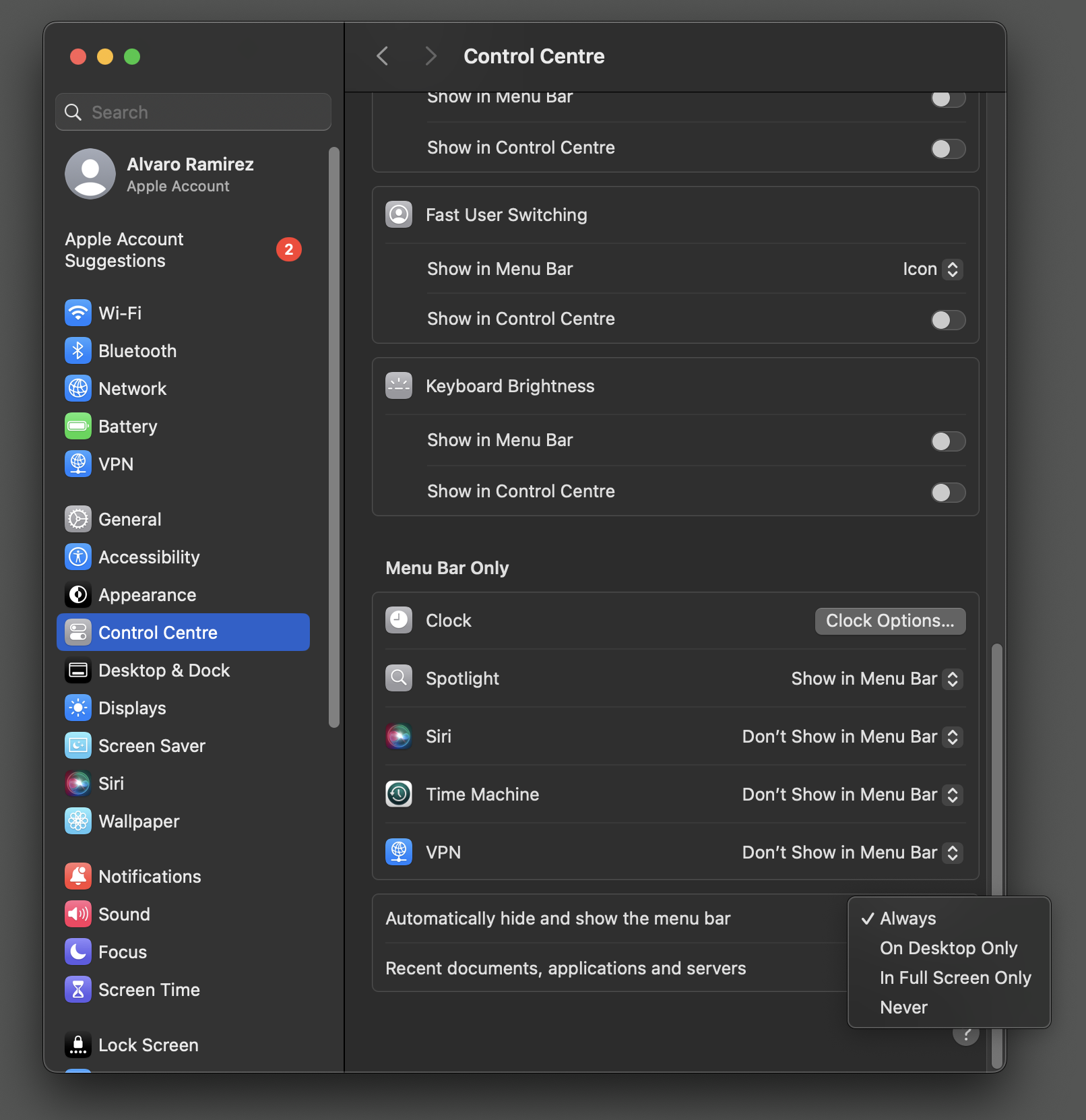
Spiffing up those echo messages

Well-ingrained into every Emacs user is the echo area, a one-stop shop to receive any kind of message from the editor, located at the bottom of the frame. Posting messages to this area from elisp couldn't be simpler:

(message "Hello world")

If we want to get a little fancier, we can propertize the text to add some styling.

(message (propertize "hello " 'face '(:foreground "#C3E88D"))
         (propertize "world" 'face '(:foreground "#FF5370")))

With this in mind, I set out to add a tiny command to ready-player.

I wanted the ability to ask what's on without switching to another buffer. The echo area is perfect for that. It should display track title, artist, and album.

(message (concat "Ahead " ;; title
                 (propertize "Wire " 'face '(:foreground "#C3E88D")) ;; artist
                 (propertize "The Ideal Copy" 'face '(:foreground "#FF5370")))) ;; album

This kinda works, but I wasn't convinced with the styling. Maybe I need multi-line?

(message (concat "Ahead\n" ;; title
                 (propertize "Wire\n" 'face '(:foreground "#C3E88D")) ;; artist
                 (propertize "The Ideal Copy" 'face '(:foreground "#FF5370")))) ;; album

I felt something was missing. If I could just add the album artwork as a thumbnail… The ideal layout would maybe look something like:

+-------+
|       | Ahead
| image | Wire
|       | The Ideal Copy
+-------+

While the text-everywhere nature of Emacs buffers has many advantages, building more involved layouts can have its challenges. But hey, for that simple read-only message we're aiming at, we can certainly get creative without too much trouble. You see, Emacs has native svg support, so we can craft our fancy layout in elisp and tell Emacs to render it for us.

While I'm a noob at doing anything in svg from Emacs, adding an image and three labels, really isn't that difficult.

(message
 (let* ((image-width 90)
        (image-height 90)
        (text-height 25)
        (svg (svg-create (frame-pixel-width) image-height)))
   (svg-embed svg "path/to/thumbnail.png"
              "image/png" nil
              :x 0 :y 0 :width image-width :height image-height)
   (svg-text svg "Ahead"
             :x (+ image-width 10) :y text-height
             :fill (face-attribute 'default :foreground))
   (svg-text svg "Wire"
             :x (+ image-width 10) :y (* 2 text-height)
             :fill "#C3E88D")
   (svg-text svg "The Ideal Copy" :x (+ image-width 10) :y (* 3 text-height)
             :fill "#FF5370")
   (with-temp-buffer
     (svg-insert-image svg)
     (buffer-string))))

The code is fairly self-explanatory. While there may be an even simpler way (please lemme know), I used a temporary buffer to embed the svg in the propertized text prior to feeding to the handy message function.

…and with that, we get a richer display of the current track.

While I haven't experimented with other ways of creating multi-column layouts in Emacs (including images), I'd love to know if there's anything else available besides svg.

Enjoying these tips? Using one of my Emacs packages?

Help make them sustainable. Consider supporting this work.

https://xenodium.com/spiffing-up-those-echo-messages
Seek and you shall find

A couple of months ago, I introduced Ready Player Mode, an Emacs major mode used to peek at media files from my beloved text editor. The goal was simple. Treat opening media files like any other file, that is, open and go.
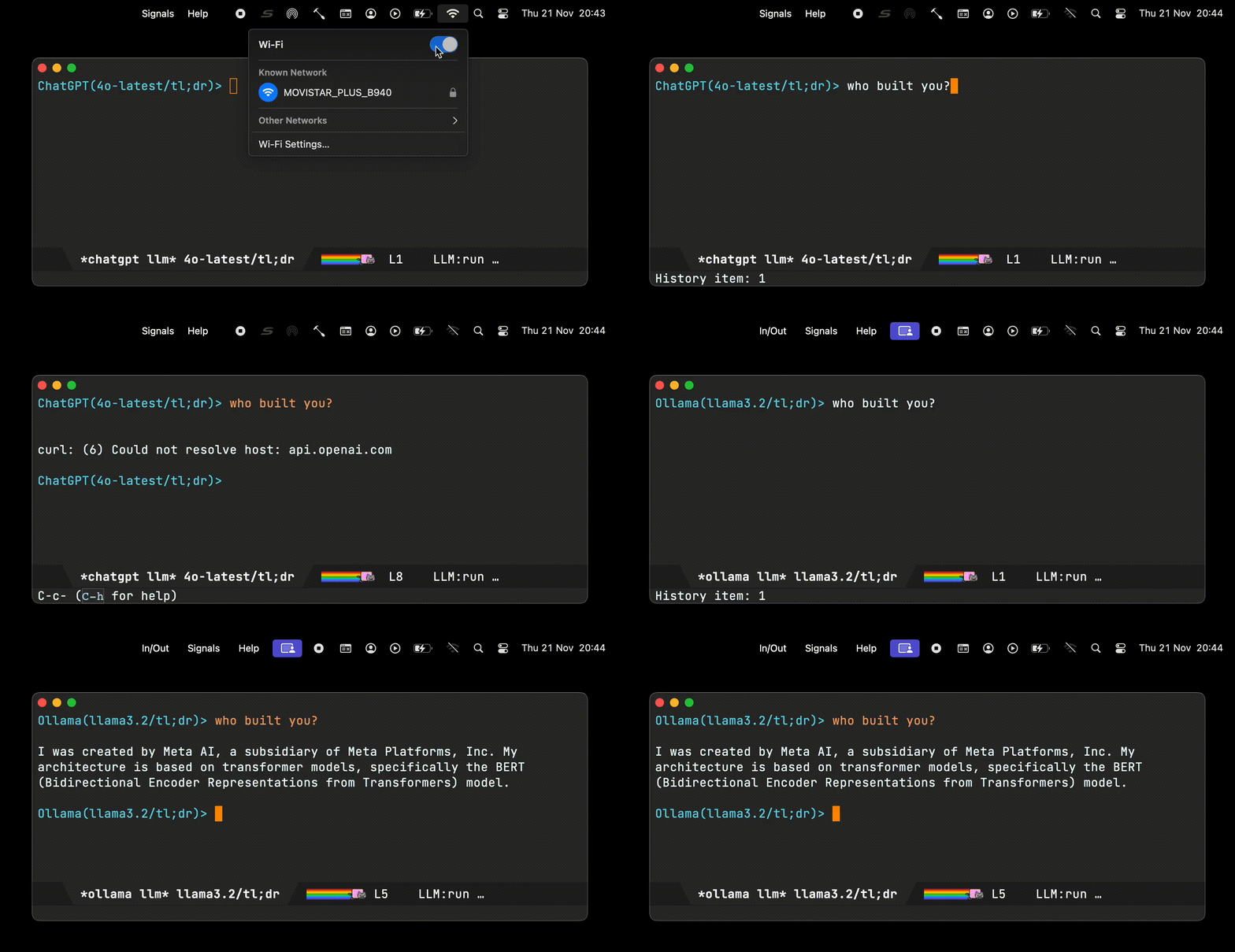
The initial implementation served me well while reviewing lots of tiny audio files I used to practice learning a new language. At this point, I started thinking, could I use ready-player for regular music consumption? The thing is, long ago I had stopped buying music and relied on streamed music from online services. Could I go back to offline?

Dusting off my old media collection brought lots of memories as I rediscovered tunes. Having said that, the ready-player experience wasn't quite cutting it for an extended listening experience. I no longer wanted to occasionally peek at media to learn a language. I wanted to load a full music collection. I wanted random access to everything. I wanted Emacs to remember what I was listening to across sessions… While I did add some pluggable flows, I still needed additional changes to make the experience more pleasant.

While plugging away at my own ready-player's pet peeves, I also collected a handful of feature requests. Let's go over the latest features.

Seek (f/b binding) - feature request

While not a feature I initially thought ranked highly in priority, I now find myself seeking audio files from time to time. Ready Player delegates all playback to the likes of mpv, vlc, mplayer, and so on… Up until now, interacting with these utilities merely consisted of feeding a media file path on to the respective process.

Command line utilities like mpv offer socket communication via --input-ipc-server to enable further requests like seeking forward and back. Ready player now supports seeking via mpv. Maybe support for other utilities can be added in the future.

If you're on a recent version of ready-player, seeking is automatically enabled if you've got mpv installed and aren't explicitly customizing ready-player-open-playback-commands. The default value takes care of things:

(defcustom ready-player-open-playback-commands
  '(("mpv" "--audio-display=no" "--input-ipc-server=<<socket>>")
    ("vlc")
    ("ffplay")
    ("mplayer"))
  "..."
  :type '(repeat (list string))
  :group 'ready-player)

Pause/resume (SPC binding) - feature request

Until now, ready-player could only play and stop, so you always had to start playing tracks from the beginning. With mpv ipc support now in place, adding pause/resume was a breeze. Like seek, it should just work for ya if mpv is on your system and no explicit customization of ready-player-open-playback-commands.

Repeat current file (r binding) - feature request

While repeating current playlist (or directory) was already supported, there was a feature request to enable repeating files. Toggling repeat now cycles through available modes.

Selective players - feature request

With ready-player delegating to a single utility for either audio or video playback, folks may have a need to specify different utilities for either of these two. While I'm happy for mpv to handle both audio and video, we now have a couple of prepending options.

Use a predicate function

Prepend each utility with either the built-in ready-player-is-audio-p or ready-player-is-video-p functions, or maybe create your own predicate helper.

(setq ready-player-open-playback-commands
      '((ready-player-is-audio-p "ffplay")
        (ready-player-is-video-p "mpv")))
Use an extension list

In this example, we delegate mp3 and ogg playback to ffplay and everything else to mpv.

(setq ready-player-open-playback-commands
      '((("mp3" "ogg") "ffplay")
        ("mpv")))
Autoplay (a binding) - feature request

Automatically start playing once file opens. No need for user to explicitly request playback.

Mark in dired (m binding) - feature request

Open a dired buffer and mark the currently played file.

M3u playlists - feature request

While I talked about how the dired abstraction made basic m3u playlist support possible, it wasn't until recently that I included this experiment in the package itself. In addition, .m3u are now recognized by Emacs and automatically open like any other file: find-file, dired, projectile…

Load recursive directory

With the dired abstraction at its core, ready player can load any dired buffer. You could do something like:

  1. M-x find-dired RET.
  2. Pick a directory. RET.
  3. Type "-iname \*.mp3 -o -iname \*.ogg -o -iname \*.m4a" RET.
  4. M-x ready-player-load-dired-buffer RET.

While uber flexible, there's no need to regularly do that, so you can now invoke M-x ready-player-load-directory and it will recursively find all media files in it.

Toggle player view (C-c m m binding)

While we can always get back to the player buffer via our favourite buffer-switching mechanism (I like ivy's ivy-switch-buffer), we now have M-x ready-player-view-player available for quicker toggle.

Remember session

Playback is now remembered across Emacs sessions. Toggling player view (C-c m m binding) or playback (C-c m SPC binding) starts the last song you were playing on your previous Emacs session.

Index + searching (/ or C-c m /)

We now have automatic indexing, which enables richer searching across your collection, not to mention that random access I was craving.

Global bindings

Last but not least, you may have noticed a handful of key bindings throughout the post. Single-character bindings all work within a ready-player buffer. Bindings prefixed C-c m are now globally available when ready-player-mode is turned on. This can be customized via ready-player-set-global-bindings.
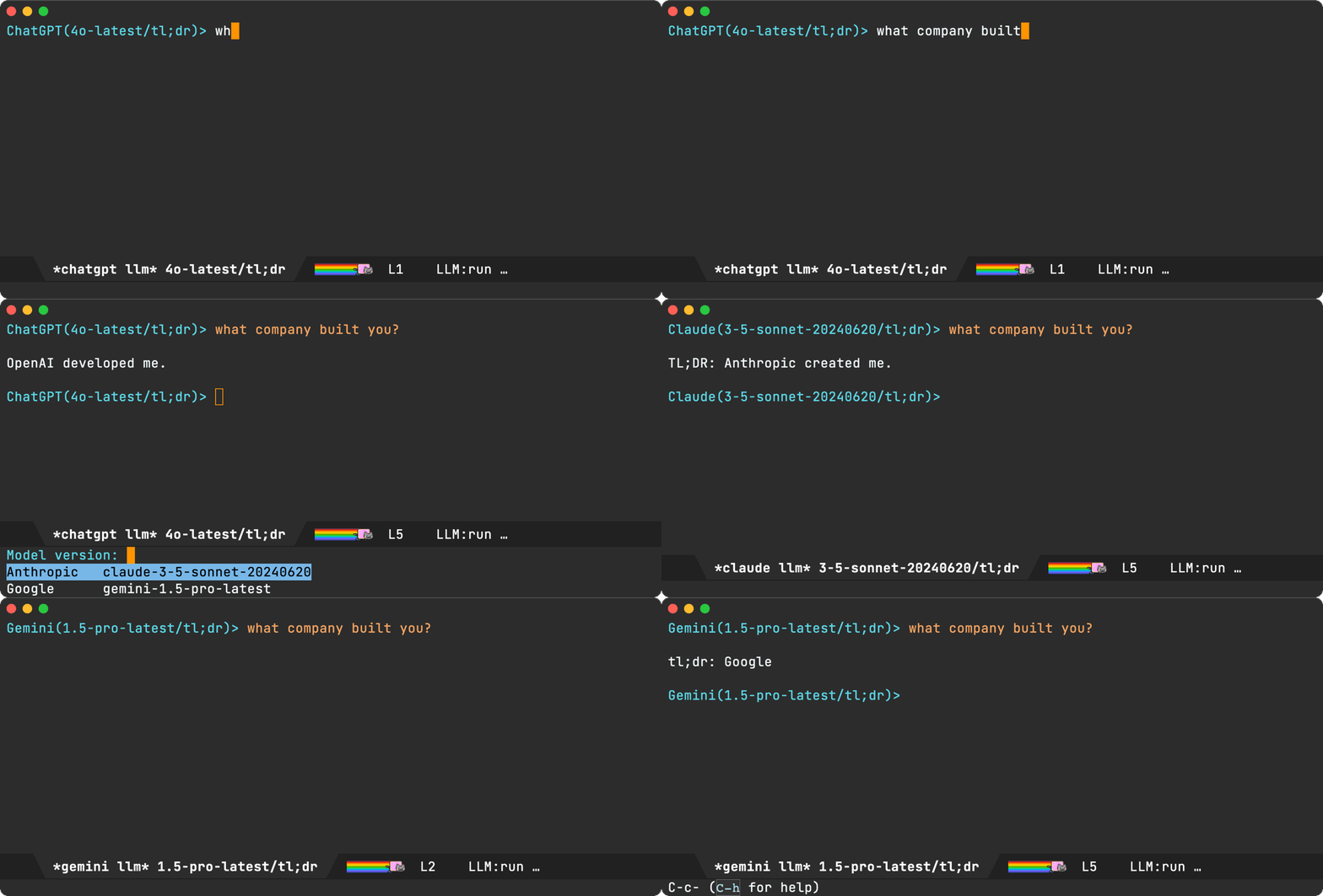
Please help make it all self-sustainable

If you find this package useful or got the features you wanted, please consider sponsoring the work. I've left my tech job (maybe a post for another time) and looking to make projects like ready-player self-sustainable.

If you're an iOS/macOS user, you can also buy my apps. Here's another freebie (macosrec) I've put out there, which I regularly use to capture Emacs demos for this blog.

You may also enjoy this blog and all the tips I share. Blog posts take time. Consider sponsoring my blog.

I've built other Emacs packages you may already use or would like to. Maybe I already built a feature request? Consider sponsoring:

I'm also building lmno.lol, a new blogging platform, with drag and drop to the web. Maybe you want to try that too? Get in touch.

Thank you!

Álvaro

https://xenodium.com/seek-and-you-shall-find
Anki bookmarks
https://xenodium.com/anki-bookmarks
`*scratch*` v1.3 released

It's been some time since the last release of *scratch* for iOS. If you haven't heard about *scratch*, it's a tiny app I built (part of the org bundle).

*scratch* enables writing things on the go as quickly as possible.

  • No need to create a new note.
  • No need to bring keyboard up.
  • Just open and write.
  • Bonus: Basic Emacs org markup ;-)

v1.3 (and yesterday's v1.2) are now available on the App Store. They are minor releases bringing:

  • A monospaced font.
  • A layout fix for "Settings > Display & Brightness > Display Zoom > Larger Text (often affecting iPhones with smaller screens).
  • A menu fix.

Are you a fan of this app? Want to rate on the App Store? Please help me spread the word. Tell your friends.


download-on-app-store.png
https://xenodium.com/scratch-v1-3-released
The dired abstraction

I recently wrote about image-mode's next/previous item navigation, a feature I wanted to bring to ready player mode.

I was curious to see how image-mode resolved next and previous files, so I checked the associated keybinding (n) via helpful-key (my preferred alternative to describe-key), and landed on image-next-file. While this function only takes care of high-level routing, it led me to image-mode--next-file, which is where the actual next/previous file resolution happens:

(defun image-mode--next-file (file n)
  "Go to the next image file in the parent buffer of FILE.
This is typically a Dired buffer, but may also be a tar/archive buffer.
Return the next image file from that buffer.
If N is negative, go to the previous file."
  ...)

While image-mode--next-file's implementation details are worth checking out, its docstring already highlights the bit I found most interesting: dired's involvement in the mix. I'm not sure why I initially found dired usage surprising. Buffers are Emacs's backbone. They are the fundamental structures holding the content we work with, whether it’s editing text, reading logs, displaying information, and many others including file management… Dired specializes buffers for this last purpose. While dired itself is a powerhouse, at its core it's just an ordered list of files.

Given a location within a dired buffer, we can use its helpers to find next and previous files. Like image-mode, ready-player now mirrors this approach (minus tar/archive handling). This got me thinking more about the dired abstraction… If it quacks like a duck, and walks like a duck, then it's probably errrm a dired buffer. What I actually mean is that associating a dired buffer to a ready-player buffer effectively attaches a playlist of sorts. It doesn't quite matter how this dired buffer was constructed. What's important is that it's recognized as a dired buffer, so all relevant helpers remain useful.

With dired buffers acting as media playlists, we can easily create a directory playlist by merely pointing dired to the current directory. This is the default behaviour in ready-player. When you open a media file, we attach a dired buffer pointing to the current directory. Play next or previous item, and you're effectively moving up and down the associated dired buffer.

Things get more interesting when we craft dired buffers in more creative ways than just supplying a path to a directory. One of my favourite commands is find-dired. It runs the find utility, crafting a dired buffer with its results.

For kicks, I added a ready-player-load-dired-playback-buffer command to ready-player, so we can just load any dired buffer, including our newly generated one, courtesy of find-dired.

With this generated buffer loaded and ready-player random playback enabled, we get to see our lucky jumps across find results.

At this point I thought "this is prolly as far as I'll take things"… ready-player was born to address quick access to media, typically from dired itself. For deep playlist handling, there are many other Emacs media players.

The thing is, with my newly found reusable dired abstraction, a rough m3u playlist experiment didn't seem that far-fetched at all. I'd need to read an m3u file and generate a dired buffer. I knew nothing about m3u's, other than being text files including media paths, along with optional metadata. I figured minimal m3u reading support shouldn't be too difficult.

If we are to create a playlist including the first three album tracks from the artist above, it'd look something like this:

#EXTM3U

#EXTINF:-1,George Benson - Dance
/absolute/path/to/Music/George Benson/Body Talk/01 Dance.mp3
#EXTINF:-1,George Benson - When Love Has Grown
/absolute/path/to/Music/George Benson/Body Talk/02 When Love Has Grown.mp3
#EXTINF:-1,George Benson - Plum
/absolute/path/to/Music/George Benson/Body Talk/03 Plum.mp3

#EXTINF:-1,George Benson - So What
/absolute/path/to/Music/George Benson/Original Album Classics/1-01 So What.mp3
#EXTINF:-1,George Benson - The Gentle Rain
/absolute/path/to/Music/George Benson/Original Album Classics/1-02 The Gentle Rain (From the Film, _The Gentle Rain_).mp3
#EXTINF:-1,George Benson - All Clear
/absolute/path/to/Music/George Benson/Original Album Classics/1-03 All Clear.mp3

#EXTINF:-1,George Benson - Footin' It
/absolute/path/to/Music/George Benson/The Shape Of Things To Come/01 Footin' It.mp3
#EXTINF:-1,George Benson - Face It Boy It's Over
/absolute/path/to/Music/George Benson/The Shape Of Things To Come/02 Face It Boy It's Over.mp3
#EXTINF:-1,George Benson - Shape Of Things To Come
/absolute/path/to/Music/George Benson/The Shape Of Things To Come/03 Shape Of Things To Come.mp3

A crude function to extract file paths into a list would look something like the following:

(defun ready-player--media-at-m3u-file (m3u-path)
  "Read m3u playlist at M3U-PATH and return files."
  (with-temp-buffer
    (insert-file-contents m3u-path)
    (let ((files))
      (while (re-search-forward
              (rx bol (not (any "#" space))
                  (zero-or-more (not (any "\n")))
                  eol) nil t)
        (when (file-exists-p (match-string 0))
          (push (match-string 0) files)))
      (nreverse files))))

Feeding our m3u file to our new function conveniently returns a list of found files:

("/absolute/path/to/Music/George Benson/Body Talk/01 Dance.mp3"
 "/absolute/path/to/Music/George Benson/Body Talk/02 When Love Has Grown.mp3"
 "/absolute/path/to/Music/George Benson/Body Talk/03 Plum.mp3"
 "/absolute/path/to/Music/George Benson/Original Album Classics/1-01 So What.mp3"
 "/absolute/path/to/Music/George Benson/Original Album Classics/1-02 The Gentle Rain (From the Film, _The Gentle Rain_).mp3"
 "/absolute/path/to/Music/George Benson/Original Album Classics/1-03 All Clear.mp3"
 "/absolute/path/to/Music/George Benson/The Shape Of Things To Come/01 Footin' It.mp3"
 "/absolute/path/to/Music/George Benson/The Shape Of Things To Come/02 Face It Boy It's Over.mp3"
 "/absolute/path/to/Music/George Benson/The Shape Of Things To Come/03 Shape Of Things To Come.mp3")

Next we need to create a dired buffer from a list of files. This is where I thought things would get trickier, but I was pleasantly surprised.

The dired docstring had the answer:

(defun dired (dirname &optional switches)
  "...

If DIRNAME is a cons, its first element is taken as the directory name
and the rest as an explicit list of files to make directory entries for.
In this case, SWITCHES are applied to each of the files separately, and
therefore switches that control the order of the files in the produced
listing have no effect.

..."
  ...)

With that in mind, this is all it takes:

(let ((default-directory "/absolute/path/to/Music/George Benson"))
  (dired '("*My fancy m3u list*"
           "Body Talk/01 Dance.mp3"
           "Body Talk/02 When Love Has Grown.mp3"
           "Body Talk/03 Plum.mp3"
           "Original Album Classics/1-01 So What.mp3"
           "Original Album Classics/1-02 The Gentle Rain (From the Film, _The Gentle Rain_).mp3"
           "Original Album Classics/1-03 All Clear.mp3"
           "The Shape Of Things To Come/01 Footin' It.mp3"
           "The Shape Of Things To Come/02 Face It Boy It's Over.mp3"
           "The Shape Of Things To Come/03 Shape Of Things To Come.mp3")))

Here's the dired buffer to prove it:

We now have all the pieces. We can wire them up in a ready-player-load-m3u-playlist function.

From the previous snippet, you'd notice all file paths are relative to default-directory. While in the following snippet I use try-completion to find the longest common substring amongst the paths, I wonder if there's a more appropriate built-in function for this? I'd love to hear.

(defun ready-player-load-m3u-playlist ()
  "Load an .m3u playlist."
  (interactive)
  (let* ((m3u-path (read-file-name "find m3u: " nil nil t nil
                                   (lambda (name)
                                     (or (string-match "\\.m3u\\'" name)
                                         (file-directory-p name)))))
         (media-files (if (string-match "\\.m3u\\'" m3u-path)
                          (ready-player--media-at-m3u-file m3u-path)
                        (error "Not a .m3u file")))
         (default-directory (file-name-directory
                             (try-completion "" media-files)))
         (m3u-fname (file-name-nondirectory m3u-path))
         (dired-buffer-name (format "*%s*" m3u-fname))
         (dired-buffer (dired (append (list dired-buffer-name)
                                      (mapcar (lambda (path)
                                                (file-relative-name path default-directory))
                                              media-files)))))
    (ready-player-load-dired-playback-buffer dired-buffer)))

We're good to go now! Invoking M-x ready-player-load-m3u-playlist enables us to load our m3u playlist, automatically opening the first media file, and also navigate each song in the list one by one.

This was a really fun experiment. While dired is often used to manage files within a directory, its magic also extends to dired buffers crafted in more creative ways. find-dired and find-grep-dired are my two favourite built-ins. Are there other ones you like? Do tell.

Not long ago, I added ready-player-load-dired-playback-buffer to ready-player, but ready-player-load-m3u-playlist remains a local experiment (for now anyway). Let's see ;-)

Unrelated - Want your own blog?

Like this blog? Want to start a blog? Run your blog off a single file. Write from the comfort of your favourite text editor and drag and drop to the web. I'm launching a blogging service at lmno.lol. Looking for early adopters. Get in touch.

https://xenodium.com/the-dired-abstraction
Ctrl-n/p everywhere. Balance restored.

For some years now, I've enjoyed macOS Ctrl-n/p movement everywhere. I sometimes forget I need Karabiner Elements to reach certain macOS corners.

macOS supports many Emacs bindings (out of the box). Ctrl-n and Ctrl-p are some of my favourites. Not only can I use these to move the cursor up and down while editing text, but in many cases, for list selections too. Out of the box, list selection, in particular, is more miss than hit. Spotlight and web drop boxes are the biggest pet peeves. Without remapping, vertical movement can only be achieved via arrow keys.

I had a sudden reminder recently when Spotlight's Ctrl-p/n didn't just work. I wanted to launch Firefox Developer Edition, the second result. Ctrl-n did nothing! The horror!

Turns out, I had a tiny misconfiguration, possibly as I recently switched to using my keyboard via Bluetooth? I needed "Modify events" set for my keyboard.

After setting "Modify events" for my external keyboard, my beloved key bindings started working again. Balance restored.

Unrelated - Want your own blog?

Like this blog? Want to start a blog? Run your blog off a single file. Write from the comfort of your favourite text editor and drag and drop to the web. I'm launching a blogging service at lmno.lol. Looking for early adopters. Get in touch.

https://xenodium.com/ctrl-np-everywhere-balance-restored
Emacs macOS native emoji picker (revisited)
Update: Doh! I was wrong. There's a better way.

So, I totally missed the macOS native emoji picker is actually supported out of the box 😭. Thanks to redditor u/hrabannixlisp who pointed me in the right direction.

ns-do-show-character-palette is bound to C-s-SPC by default, which didn't work for me as I use (setq mac-command-modifier 'meta), that is, ⌘ as meta modifier.

While I won't be giving up (setq mac-command-modifier 'meta), I can certainly use ns-do-show-character-palette via M-x or a different binding. Thank you u/hrabannixlisp!

Read on for how I went about it the long convoluted way 🤷‍♂️

A couple of years ago, I was delighted to discover a macOS freebie for us Emacs users. Newer Macbook models started shipping with a globe/🌐 key, which summons the macOS native emoji picker. Pressing this key in Emacs works as you'd expect (no config required 🎉).
While I seldom use emojis, the globe key worked great for me until I started using an external keyboard, which didn't have this magical key. The potential solutions I came across suggest either reprogramming the keyboard or using the likes of Karabiner-Elements to map other keys to an alternate shortcut: Ctrl-⌘-SPC. As far as I can tell, this is the only other available shortcut (please reach out if otherwise). Not a great option (it conflicts with Emacs's mark-sexp). Not that I'd be super keen to lose this mark command, but even unbinding doesn't seem of much help.

While we have Emacs packages available for different emoji-picking experiences, I was keen on maintaining that native experience I enjoyed before. I nearly gave up on the matter until I remembered we have at least one more tool in the Emacs toolbox: dynamic modules. Thanks to Valeriy Savchenko's emacs-swift-module, we can leverage Swift to integrate native macOS experiences.

With that in mind, I set out to find the relevant macOS API, which turned out to be a lovely one-liner:

NSApp.orderFrontCharacterPalette(nil)

Let's bring it into Emacs via emacs-swift-module's infrastructure:

try env.defun(
  "macos-module--show-emoji-picker",
  with: "Show emoji picker (macOS module implementation)."
) { (env: Environment) in
  NSApp.orderFrontCharacterPalette(nil)
}

In theory, this is all we need. We can M-x eval-expression (macos-module--show-emoji-picker) and the picker simply pops up. I haven't worked out how define an interactive command from emacs-swift-module just yet, so for now I'll just wrap with a little elisp:

(defun macos-show-emoji-picker ()
  "Show macOS emoji picker."
  (interactive)
  (macos-module--show-emoji-picker))

And with that, we got our native macoOS emoji picker back at our fingertips:

While the dedicated globe key just worked without configuration, it required newer hardware. This new approach works on older Macbooks too. Since it's an interactive command, you can optionally bind to your preferred keys.

Having said all that, you may have noticed a brief lag during insertion. I haven't worked out the source, but since I rarely use emojis, this will have to do for now. If you have a better macOS alternative working on external keyboards, I'd love to hear about it!

I've added macos-show-emoji-picker to EmacsMacOSModule, a tiny repo I've used to experiment with emacs-swift-module. You can find EmacsMacOSModule on GitHub.

Unrelated - Want your own blog?

Like this blog? Want to start a blog? Run your blog off a single file. Write from the comfort of your favourite text editor and drag and drop to the web. I'm launching a blogging service at lmno.lol. Looking for early adopters. Get in touch.

https://xenodium.com/emacs-macos-native-emoji-picker-revisited
Fresh Eyes 1.7 released

Back in April, I introduced Fresh Eyes: a tiny macOS utility helping me take care of my eyes.

I spend a bunch of time in front of a computer screen and Fresh Eyes has been helping me stick with the often recommended 20-20-20 rule.

Fresh Eyes 1.7 ships a handful of improvements suggested by users:

  • Postpone Fresh Eyes for 1 hour, 2 hours, 3 hours, or until the next day.
  • Revamped notification.
  • Revamped countdown screen.
  • Reorganized menu.
  • New keyboard shortcuts.
  • Fresh Eyes is now translated to German 🇩🇪🇩🇪🇩🇪.

One-time purchase; [no]{.underline} subscriptions, [no]{.underline} additional payments, [no]{.underline} ads.

Want to support my blogging and other open source work?

Buy this app (or the others) ;) Tell your friends!

There's always GitHub sponsoring if your prefer.

Fresh eyes icon

download-on-app-store.png Unrelated - Want your own blog?

Like this blog? Want to start a blog? Run your blog off a single file. Write from the comfort of your favourite text editor and drag and drop to the web. I'm launching a blogging service at lmno.lol. Looking for early adopters. Get in touch.

https://xenodium.com/fresh-eyes-17-released
Ready Player Mode now on MELPA

A few weeks ago, I announced Ready Player Mode's availability on GitHub. As of today, you can find it on MELPA.

Ready Player Mode is a lightweight major mode to open media (audio/video) files in an Emacs buffer.

Install, enable via M-x ready-player-mode and you should be good to go.

Open and preview media files (audio + video) like other files. If in repeat mode, ready-player attempts to play other files in the current directory. Track playback from the corresponding dired buffer.

Playback is handled by your favourite command line utility. ready-player-mode will try to use either mpv, vlc, ffplay, or mplayer (in that order), but you can customize that. I'd love to hear of other defaults worth considering.

Bonus rendering includes media thumbnails and metadata, if either ffmpegthumbnailer or ffmpeg are found.
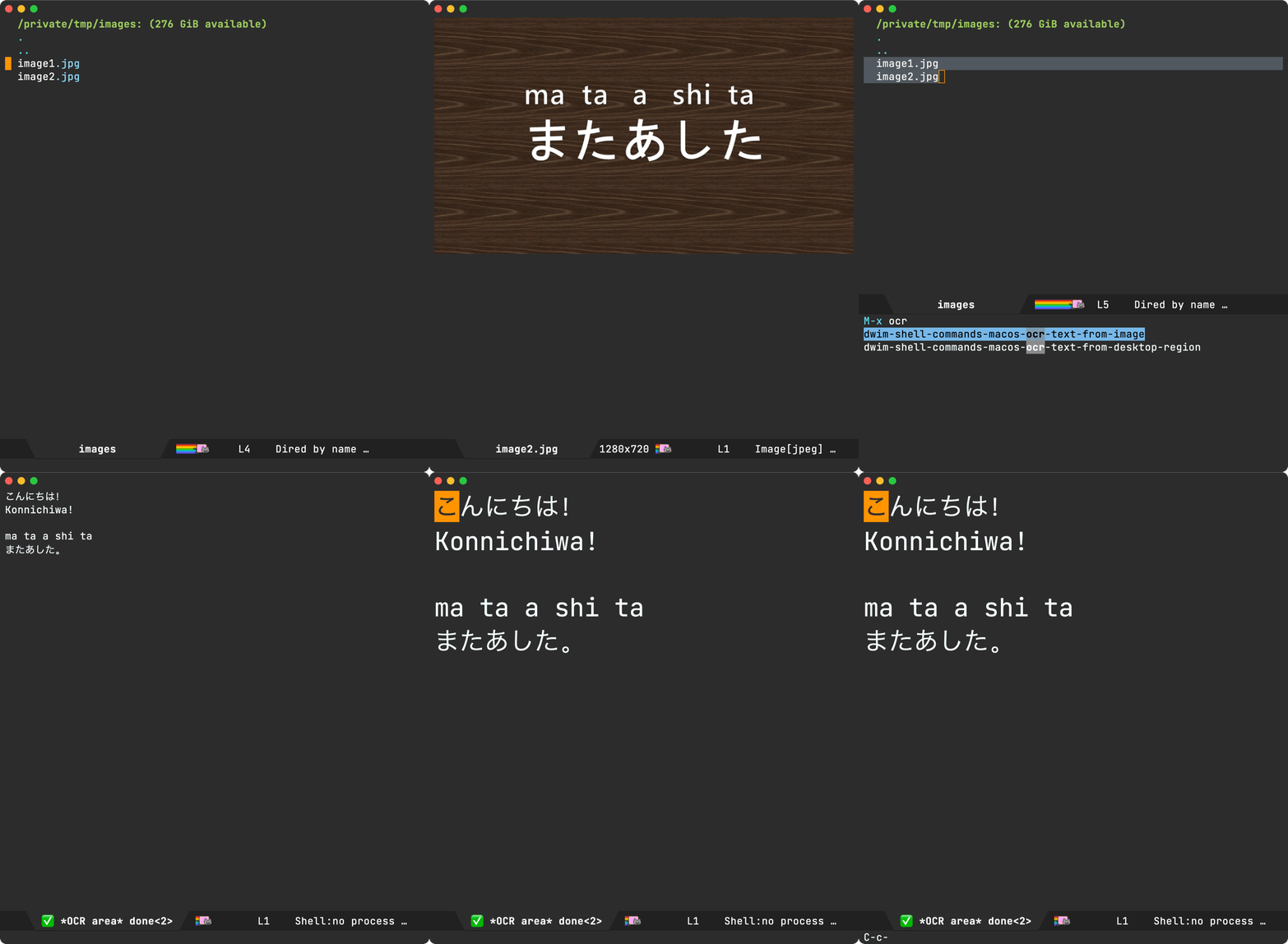
Unrelated - Want your own blog?

Like this blog? Want to start a blog? Run your blog off a single file. Write from the comfort of your favourite text editor and drag and drop to the web. I'm launching a blogging service at lmno.lol. Looking for early adopters. Get in touch.
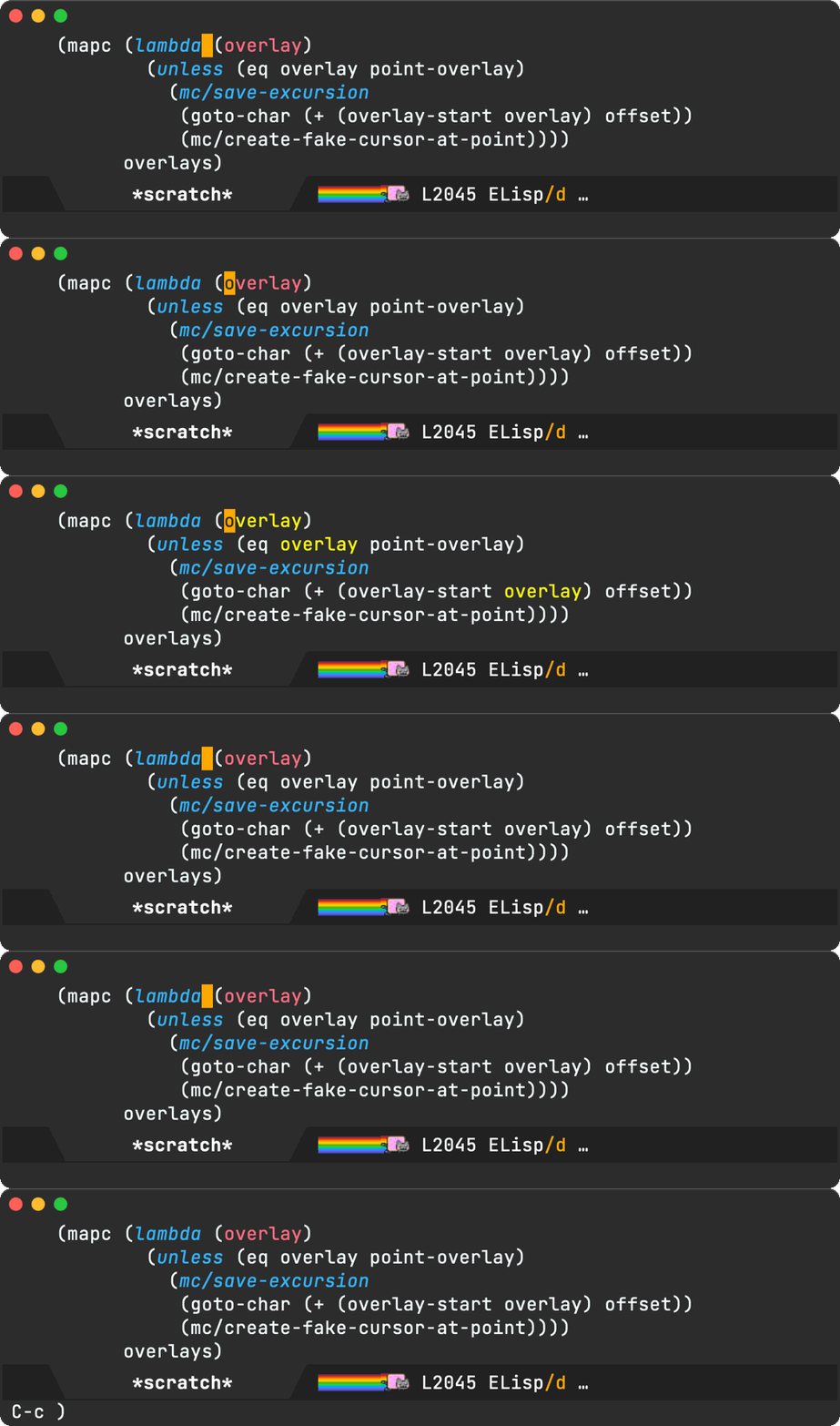
https://xenodium.com/ready-player-mode-now-on-melpa
OCR those buffers

I've written about macosrec before. A tiny macOS command line utility I built to take screenshots or videos of my macOS windows. Sure, there are a gazillion utilities out there, but I wanted my own, so I could bend and integrate with Emacs buffers as needed.

If you've seen me post a screenshot or gif after April 2023, it was likely taken with macosrec.

As of macosrec v0.7.3, OCR was added to the mix. I've also added a couple of dwim-shell-commands (dwim-shell-commands-macos-ocr-text-from-desktop-region and dwim-shell-commands-macos-ocr-text-from-image), so I can do things like:

OCR region

Use the mouse to select a region to OCR.

*This gif area recording was captured via macOS's built-in screencapture.

OCR dired files

Selecting any file (or files) in dired OCRs the whole lot.

*This gif window recording was captured via macosrec.

Invoking dwim-shell-commands-macos-ocr-text-from-image from the current image buffer does the job also.

What about non-macOS users?

The same approach can be used with any other OCR command line tool. dwim-shell-command includes dwim-shell-commands-tesseract-ocr-text-from-image, which uses tesseract.

While I've had more reliable results via macosrec (using macOS's Vision API), I'm sure there are other great alternatives on linux. If you know of one, I'd love to hear.

Available on github

Both macosrec and dwim-shell-command are on GitHub and installable via brew install xenodium/macosrec/macosrec and MELPA respectively.

Unrelated - Want your own blog?

Like this blog? Want to start a blog? Run your blog off a single file. Write from the comfort of Emacs and drag and drop to the web. I'm launching a blogging service at lmno.lol. Looking for early adopters. Get in touch.

https://xenodium.com/ocr-those-buffers
It's all up for grabs, compound with glue

I've written before, once you learn a little elisp, Emacs becomes this hyper malleable editor/platform. A live playground of sorts, where almost everything is up for grabs. You can inspect and tweak behaviour of just about anything to your liking.

While the compounding benefits of using your favourite Emacs utilities are evident over time, learning elisp takes the compounding effect to another level. It empowers you to have those aha moments like "if I could just wire this awesome utility with that other one, it'd be perfect for me" and enable you to act on it.

Take, for example, symbol-overlay and multiple-cursors. Two Emacs packages I've been using for years. The first one is a feature you've likely experienced on your favourite IDE or editor without thinking too much about it. Placing your editor cursor on a variable automatically highlights its usages. It's one of those lovely features with zero learning demands.

The second utility, multiple-cursors, does demand some learning but can be so fun to use once you get the hang of it. Below is a little multiple cursor demo I used recently in a reddit comment, but you really should check out Emacs Rocks! Episode 13: multiple-cursors (stick around for the ending).

So where am I going with this? While symbol-overlay offers a mechanism to rename symbols via symbol-overlay-rename, I prefer multiple-cursors for this kind of thing… "if I could just get symbol-overlay to tell multiple-cursors where to place my cursors, it'd be just perfect for me".

I've been wanting this tweak for some time. Today's the day I finally act on it. I had no idea how to go about it, but opening symbol-overlay.el (via M-x find-library symbol-overlay) and browsing through all functions (via imenu) yields the first piece I needed: symbol-overlay-get-list.

(defun symbol-overlay-get-list (dir &optional symbol exclude)
  "Get all highlighted overlays in the buffer.
If SYMBOL is non-nil, get the overlays that belong to it.
DIR is an integer.
If EXCLUDE is non-nil, get all overlays excluding those belong to SYMBOL."
  ...)

Let's take symbol-overlay-get-list for a spin, courtesy of M-x eval-expression, and see what we get out of it:

With a list of overlays, we now know where to tell multiple-cursors to do its thing. For the second piece, we needed to peek at any of the multiple-cursors commands I already use. I happen to pick mc/mark-all-like-this to examine what's under the hood.

(defun mc/mark-all-like-this ()
  "Find and mark all the parts of the buffer matching the currently active region"
  (interactive)
  (unless (region-active-p)
    (error "Mark a region to match first."))
  (mc/remove-fake-cursors)
  (let ((master (point))
        (case-fold-search nil)
        (point-first (< (point) (mark)))
        (re (regexp-opt (mc/region-strings) mc/enclose-search-term)))
    (mc/save-excursion
     (goto-char 0)
     (while (search-forward-regexp re nil t)
       (push-mark (match-beginning 0))
       (when point-first (exchange-point-and-mark))
       (unless (= master (point))
         (mc/create-fake-cursor-at-point))
       (when point-first (exchange-point-and-mark)))))
  (if (> (mc/num-cursors) 1)
      (multiple-cursors-mode 1)
    (mc/disable-multiple-cursors-mode)))

The star of the mc/mark-all-like-this attraction is mc/create-fake-cursor-at-point, used to create each cursor. If we can just iterate over the overlays, we'd be able to create a fake cursor per overlay. There's some additional logic needed to ensure all fake cursors are placed in the same relative position within symbol (using an offset). Finally, we need to enable multiple-cursors-mode.

We put it all together in ar/mc-mark-all-symbol-overlays:

(defun ar/mc-mark-all-symbol-overlays ()
  "Mark all symbol overlays using multiple cursors."
  (interactive)
  (mc/remove-fake-cursors)
  (when-let* ((overlays (symbol-overlay-get-list 0))
              (point (point))
              (point-overlay (seq-find
                              (lambda (overlay)
                                (and (<= (overlay-start overlay) point)
                                     (<= point (overlay-end overlay))))
                              overlays))
              (offset (- point (overlay-start point-overlay))))
    (setq deactivate-mark t)
    (mapc (lambda (overlay)
            (unless (eq overlay point-overlay)
              (mc/save-excursion
               (goto-char (+ (overlay-start overlay) offset))
               (mc/create-fake-cursor-at-point))))
          overlays)
    (mc/maybe-multiple-cursors-mode)))

and with that, you finally get to see it all in action…

Unrelated - Want your own blog?

Like this blog? Want to start a blog? Run your blog off a single file. Write from the comfort of Emacs (or your favourite text editor) and drag and drop to the web. I'm launching a blogging service at lmno.lol. Looking for early adopters. Get in touch.

https://xenodium.com/its-all-up-for-grabs-and-it-compounds
Ready Player Mode

As an Emacs user, I eventually made the leap over to dired as my file manager of choice. Dired has magical things like wdired. But this post isn't so much about dired and more about the occasional need to peek at media files (images, audio, and video) from Emacs (including dired).

To view images in Emacs, there's image mode, a fantastic major mode for taking a quick look without leaving your editor. Image mode strikes a great balance. You can get in quickly and out. The q keyboard binding is fabulous for bailing out. While viewing an image, you may quickly open the previous/next one by using n and p keyboard binding. For me, this is just about all I need within my text editor. For anything else, I resort to my favorite image viewing app (macOS's Preview).

For audio and video, we aren't as lucky with Emacs built-in features (even for a quick peek). While Emacs faithfully opens the files, it's not realistically practical for my typical needs.

There's a convenient package aptly named openwith, which automatically opens specific files in an external app. This isn't just for media files, but anything really. It works well with office docs, for example. While I've used it for quite some time, I found always bouncing to an external app for peeking at audio/video somewhat suboptimal.

While a reddit post yielded some handy options, none were in the same spirit as image mode. Having said that, I did come across mediainfo-mode on my search, which is pretty neat for viewing media metadata quickly. Bonus points for q keyboard binding to exit and mediainfo-mode-open command to open with an external app. There may be other packages out there (I'd love to hear about them), though most seemed to focus on listening to music (and playlist management), which is a different flow from what I'm after.

Ready player mode enters the chat

With all that, I had no choice (I kid of course) but to go and throw some lines of elisp together and see if I could get to my ideal media experience, and so ready player mode was born…

As core features, ready-player-mode has two buttons: one to play from within Emacs and one to open media in the preferred external app. You can TAB your way to the buttons. RET or click actions the buttons, in addition to the SPC keyboard binding to toggle playback.

Like image mode, ready-player-mode offers n/p navigation to open the next/previous media file in the current directory.

ready-player-mode attempts to display basic metadata if possible, courtesy of ffprobe and ffmpeg. You'll need these installed on your system if you want the optional metadata.

Playback is handled by your favourite command line utility. ready-player-mode will try to use either mpv, vlc, ffplay, or mplayer (in that order), but you can customize that.

ready-player-mode is available on GitHub if you're keen to check it out. Keep in mind this is a brand new package (a day old!), so it may need some improvements. If you do give it a try, I'd love to hear how you got on. I've only tested on macOS so far.

Unrelated - Want your own blog?

Like this blog? Want to start a blog? Run your blog off a single file. Write from the comfort of Emacs and drag and drop to the web. I'm launching a blogging service at lmno.lol. Looking for early adopters. Get in touch.

https://xenodium.com/ready-player-mode
Hey mouse, don't mess with my Emacs font size

While most of my Emacs workflows are typically keyboard-driven, I'm fairly pragmatic about mouse usage. My MacBook's trackpad is great for just kicking back to read and scroll through text.

There are brief times, however, when that keyboard-driven muscle memory overlaps my mouse usage, resulting in a buffer catastrophe. I joke of course. What I'm actually referring to is nothing more than a slight annoyance. There are times when I inadvertently trigger <C-wheel-up> or <C-wheel-down> events (because I happen to hold Ctrl down while triggering scrolling events). This results in buffer font size quickly changing to either really large or super small, depending on whether I was scrolling up or down at the time. The snafu is further exacerbated by inertial scrolling on trackpads. Go ahead and press the Ctrl key while your buffer is carrying some of that inertia. The font size is affected just the same, even though there was no explicit physical/touching activity on the trackpad at the time.

While this behaviour was a little annoying, I would typically just reopen the file via C-x C-v RET (aka find-alternate-file), which would reset the font size as a convenient side-effect. Now, you may wonder if reopening the file would also forget the point/cursor position, but that's not an issue if you've got the handy built-in save-place-mode turned on (highly recommended).

Ok and all, but this is a second-class workaround at best. What I really wanted is for the mouse/trackpad to stop messing with my font size.

Lucky for me, I bumped into a simple solution shared by Shane Celis and Thanga Ayyanar. It worked a treat, and it's only a few lines of elisp.

(global-set-key (kbd "<pinch>") 'ignore)
(global-set-key (kbd "<C-wheel-up>") 'ignore)
(global-set-key (kbd "<C-wheel-down>") 'ignore)

Thank you folks. Balance restored.

Update

While I was using C-x C-v RET (aka find-alternate-file) to reset font size, Luke T. Shumaker and Matthew G. shared a better reset alternative:

C-u 0 M-x text-scale-adjust
https://xenodium.com/hey-mouse-dont-mess-with-my-emacs-font-size
Emacs: git rename, courtesy of dired

Emacs wdired is a beautiful thing. You turn a directory representation into an editable buffer and you can do some magic. By magic, I mean you can apply your favourite text-editing commands to a directory and do some file management.

Take, for example, batch-renaming. Turn wdired on via dired-toggle-read-only, use something like Magnar's multiple-cursors (or built-in keyboard macros) and commit via wdired-finish-edit (using the often-familar C-c C-c binding). You've now renamed multiple files as it if were any other text buffer. Pretty magical.

One downside (or so I thought) is that wdired didn't automagically also take care of git renames for me, you know DWIM-style.

Every time I renamed anything via wdired and subsequently pulled up my trusty magit, I was a little sad it wasn't all just handled… The renamed files were seen as deleted, along with all the untracked counterparts.

So, I set out to change this unacceptable state of affairs 😀. I started off by setting a breakpoint on wdired-finish-edit via edebug (see why this util is awesome).

I wanted to see what wdired-finish-edit did under the hood, which led me to dired-rename-file. As I stepped through the code, I spotted the dired-vc-rename-file variable, which does exactly what you think it does 🤦.

One setq later…

(setq dired-vc-rename-file t)

…and boom! From now on, renaming from dired does exactly what you would expect. Here's magit to prove it:

lol. I was so fixated on "adding git rename support", that I forgot to first search the documentation.

While you can search for variables via the built-in describe-variable, I'm a fan of Wilfred's helpful equivalent: helpful-variable. Coupled with with your favourite completion framework (Abo Abo's ivy for me), it's as easy a fuzzy searching for anything you're after:

This post is also at lmno.lol.

https://xenodium.com/emacs-git-rename-courtesy-of-dired
Fresh Eyes: 20-20-20 for macOS

I've been lucky to have enjoyed healthy vision throughout my life. That is, until recently. Nothing major, I'll need glasses for some activities. I also learned from the optometrist I should follow the 20-20-20 rule to reduce eye strain.

The 20-20-20 rule is simple:

Take a break from looking at your computer screen every 20 minutes and look away at something roughly 20 feet away (6 metres) for 20 seconds.

While there are no shortages of macOS timer apps available, I figured it'd be fun to build a 20-20-20 one anyway.

Meet Fresh Eyes. I've been using it in the last few days. If you'd like to give it a try, send me an email at me@xenodium.com and I'll reply with a TestFlight invite.

If looking for alternatives, Samuel W. Flint offers a couple of great options:

Update

Fresh Eyes has now been approved and is available on the macOS App Store.

Fresh eyes icon

download-on-app-store.png
https://xenodium.com/fresh-eyes-20-20-20-for-macos
Emacs 29.3 emergency release

It was only last week when I upgraded to Emacs 29.2. Yup, I was late to the party. This week, we have a new release.

Emacs 29.3 is an emergency bugfix release, so this time I've upgraded promptly. I'm on macOS using the great Emacs Plus so upgraded via Homebrew using:

brew reinstall emacs-plus@29 --with-imagemagick --with-no-frame-refocus --with-native-comp --with-savchenkovaleriy-big-sur-3d-icon --with-poll

ps. Like this splash screen? Check out the Emacs eye candy post.

https://xenodium.com/emacs-293-emergency-release
Emacs: Toggling the continuation indicator

By default, Emacs typically displays curly arrows when wrapping lines. While likely a handy feature to some, I didn't really find much use for it. At the same time, I never looked into their removal until now.

Turns out, there's a continuation entry in fringe-indicator-alist variable that handles this. Removing this entry also removes the curly arrows.

(setq-default fringe-indicator-alist
              (delq (assq 'continuation fringe-indicator-alist) fringe-indicator-alist))

Alternatively, one could write a simple function to toggle displaying the continuation indicator.

(defun toggle-continuation-fringe-indicator ()
  (interactive)
  (setq-default
   fringe-indicator-alist
   (if (assq 'continuation fringe-indicator-alist)
       (delq (assq 'continuation fringe-indicator-alist) fringe-indicator-alist)
     (cons '(continuation right-curly-arrow left-curly-arrow) fringe-indicator-alist))))

That's it for this post. A tiny tip. Perhaps there's a better way to handle it. If you know, I'd love to know too (Mastodon / Twitter / Reddit / Email).

https://xenodium.com/toggling-emacs-continuation-fringe-indicator
The Org bundle

I have three apps on the App Store: Plain Org, Flat Habits, and scratch.

Plain Org / plainorg.com

My more generic solution to access org files on the go and away from Emacs.

Flat Habits / flathabits.com

My take on frictionless habit tracking truly respecting user privacy and their time (absolutely no distractions).

*scratch* / App Store

Sure, we have tons of note-taking apps but most require more steps than desirable to write something down ASAP. Launch the app and you're good to write. No new note creation, bring keyboard up, etc.

Common denominator

In addition to being offline-first, no cloud, no login, no ads, no tracking, no social… each app targets a specific purpose, sharing an important common denominator: they all use org markup as the underlying storage.

The Org bundle / App Store

While you can still get each of my apps individually, you now have the option to get them all as a single bundle: The Org bundle.

Journelly joining the bundle soon…

Continuing on the org storage theme, I got another app in the works. Also joining The Org bundle, maintaining its privacy-first approach: offline, no cloud, no login, no ads, no tracking, no social… this time in the journaling space.

Journelly is currently in beta, want to join?

https://xenodium.com/the-org-bundle
sqlite-mode-extras on MELPA

Emacs 29 introduced the handy sqlite-mode. Soon after, I tried a couple of experiments here and there to bring additional functionality.

Folks reached out. The additions seemed useful to them and were keen on upstreaming or pushing to MELPA. While I can't commit to upstreaming at this moment, I can happily meet halfway on MELPA.

As of a couple of days, you can find sqlite-mode-extras on MELPA and GitHub. Contributions totally welcome.

While I haven't heard of issues, please continue treating the package as experimental and exercise safety with your data. Please back up.

https://xenodium.com/sqlite-mode-extras-on-melpa