GitHub - stevearc/conform.nvim: Lightweight yet powerful formatter plugin for Neovim
github.comLightweight yet powerful formatter plugin for Neovim - stevearc/conform.nvim

Setup code formatter with conform.nvim. Format your code automatically on save
I decided to take some time over the holidays to redo my Neovim configuration, which I last spent any meaningful time on in 2019. I've been going back and forth on editors a lot for the last few years; last year, I...
I went all-in on neovim tooling, and it went very well (includes screenshots).

Explore the evolution of my decade-old Neovim setup! Uncover the daily options, mappings, and plugins that power my coding journey.
How to set up Neovim for editing Caddy configuration files with syntax highlighting and formatting.
It’s been a while since I last posted in my webspace. A lot has happened over the past 2-3 years, I guess. Especially during covid where I felt like I lost 2 years of my life being locked inside the house I was renting in. I even remember we had to obtain permits just to go outside and we were only allowed on specific schedules (Monday, Wednesday, Saturday), and had to use face mask and face shield.

A review of the software and dev tools I used this year
I wrote about setting up a “modern” Neovim config about 2.5 years ago. In that post, I put a ton of effort into figuring out all the then-new Neovim features, Treesitter, LSP, and converted my config to Lua.
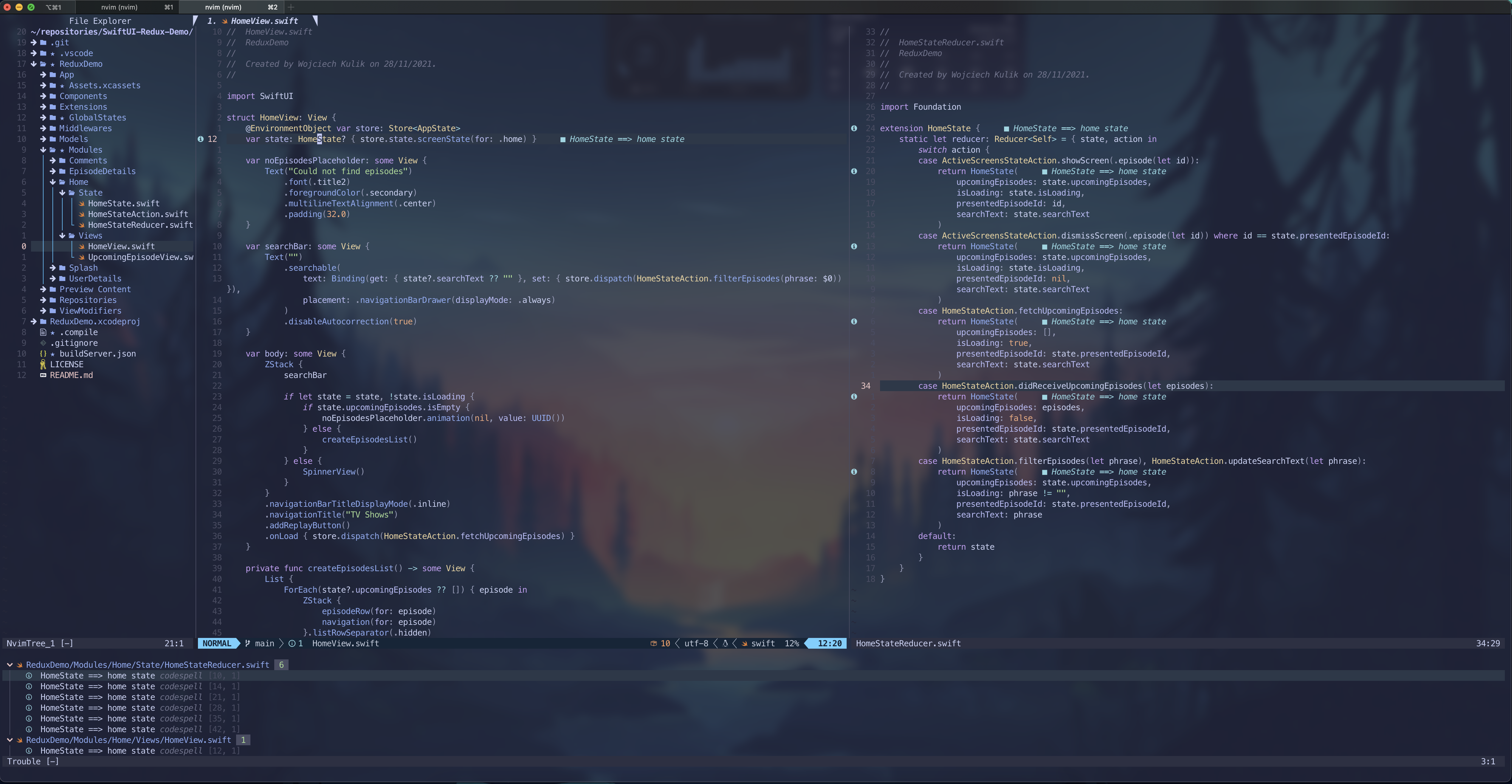
It quickly turned out that it is not easy to enable autocompletion outside of Xcode for iOS projects. I spent weeks trying different things to make it work, and finally I found the missing element.
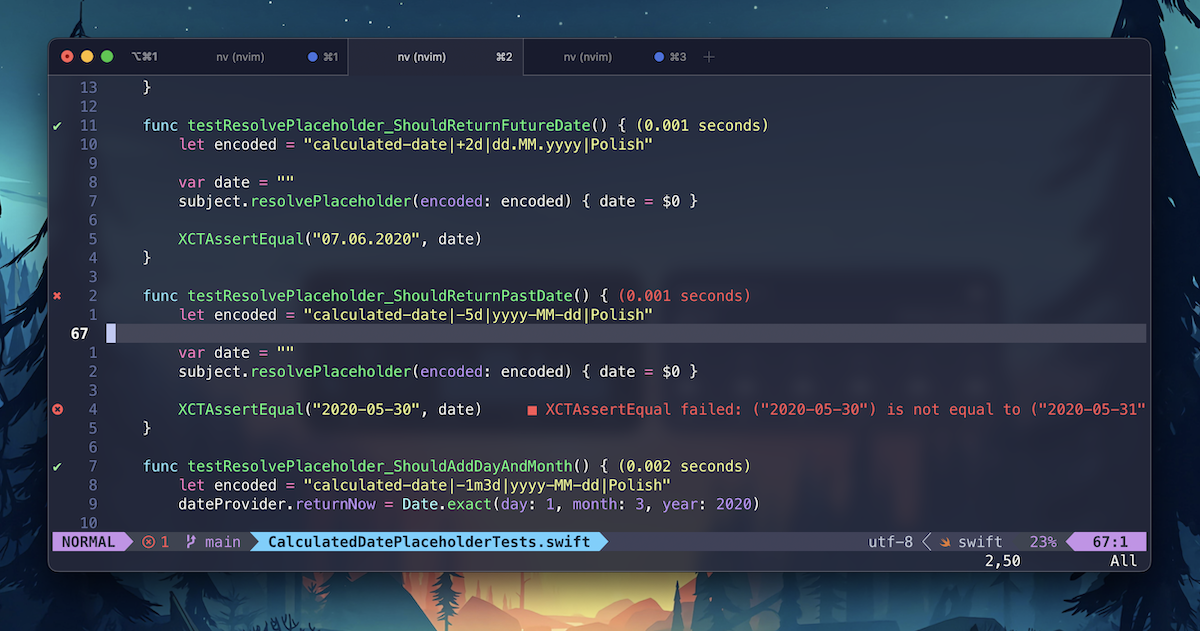
In this article, I will describe step by step how to configure Neovim to move away from Xcode. It took me several months to figure it all out piece by piece and to combine it into one working iOS development environment. Hopefully, it won't take you more than half a day to configure it with my help.
The road back to my coding happy place, i.e. a terminal emulator running Vim.