GeistHaus
log in · sign up

Tooltips in the time of WCAG 2.1 | Sarah Higley

sarahmhigley.com

A review of the history and current state of tooltip accessibility. Or: everything you didn't know you needed to know before making a tooltip.

9 pages link to this URL
When CSS Isn’t Enough: JavaScript Requirements For Accessible Components — Smashing Magazine

Spoiler alert: tooltips, modals, tabs, carousels, and dropdown menus are some of the user interface components that require more than CSS. To ensure accessibility of your interface, JavaScript is a necessary addition to accomplish focus management, respond to keyboard events, and toggle ARIA attributes.

2 inbound links article en CSSJavaScriptFrameworksAccessibility CSSJavaScriptFrameworksAccessibility
Bokeh Accessibility Audit Summary

[Date of latest draft: February 2025]# Introduction: Previously, no large-scale audits or evaluations of the accessibility of a data visualization library have been made publicly available. Thanks ...

0 inbound links website en
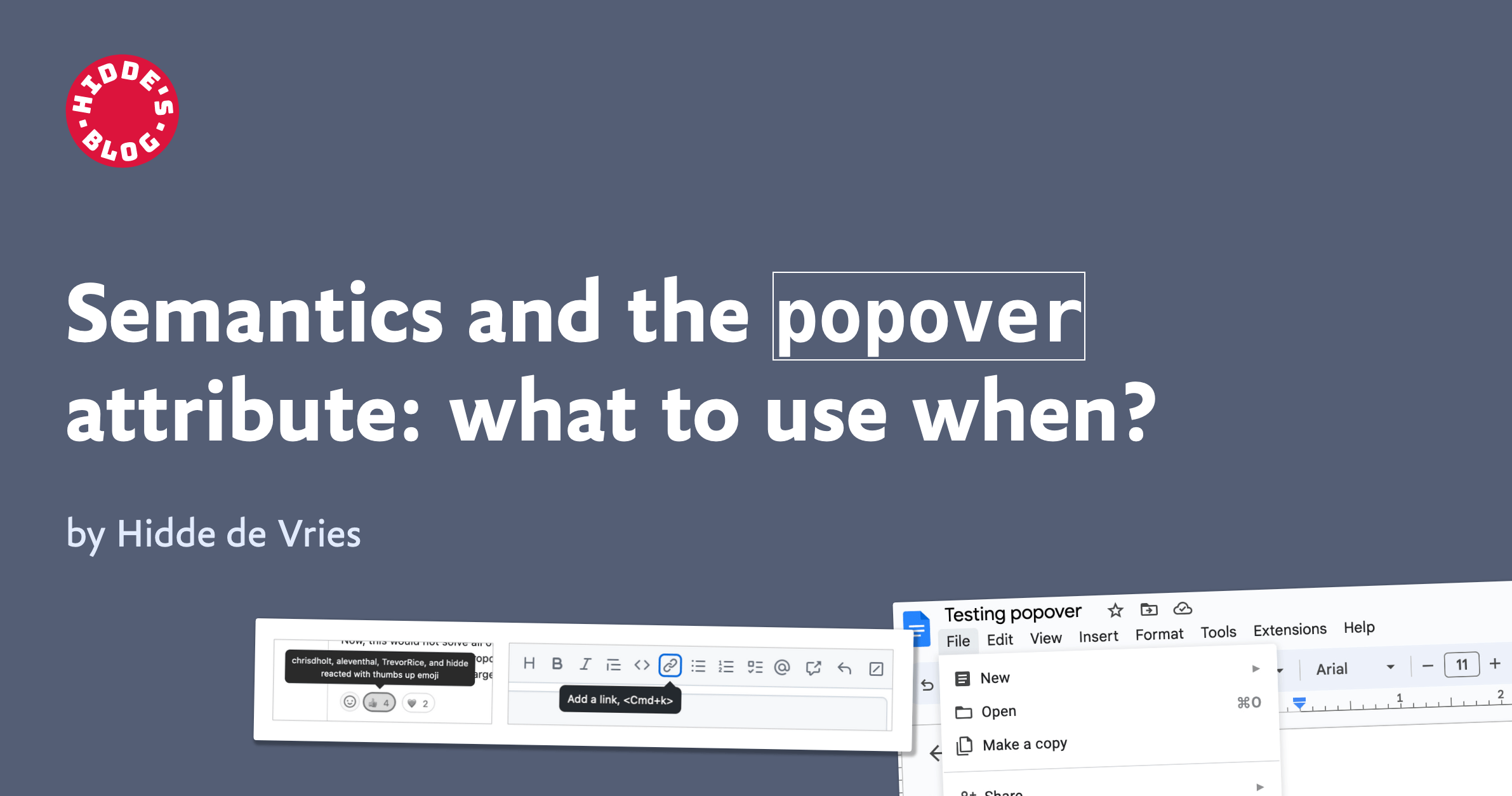
Stop Using ‘Pop-up’

TL;DR: Stop using the word pop-up. Instead choose a term that accurately describes the control you want. I encourage you to read my post Stop Using ‘Drop-down’, which provides the set-up for this post. Along with another term I would prefer everyone stopped using. As you embark on a design,…

2 inbound links article en
A Complete Guide To Accessible Front-End Components — Smashing Magazine

In a new short series of posts, we highlight some of the useful tools and techniques for developers and designers. Recently we’ve covered CSS Auditing Tools and CSS Generators, and this time we look into reliable accessible components: from tabs and tables to toggles and tooltips. We sincerely hope that these tools and techniques will prove to be useful in your day-to-day work — and most importantly help you avoid some time-consuming, routine tasks.

9 inbound links article en ToolsAccessibilityCSSJavaScriptBest PracticesRound-Ups ToolsAccessibilityCSSJavaScriptBest PracticesRound-Ups