GeistHaus
log in · sign up

lipstick

codeberg.org

Make command-line apps adhere to your light/dark mode setting.

2 pages link to this URL
End-to-end encrypted Kitten Chat

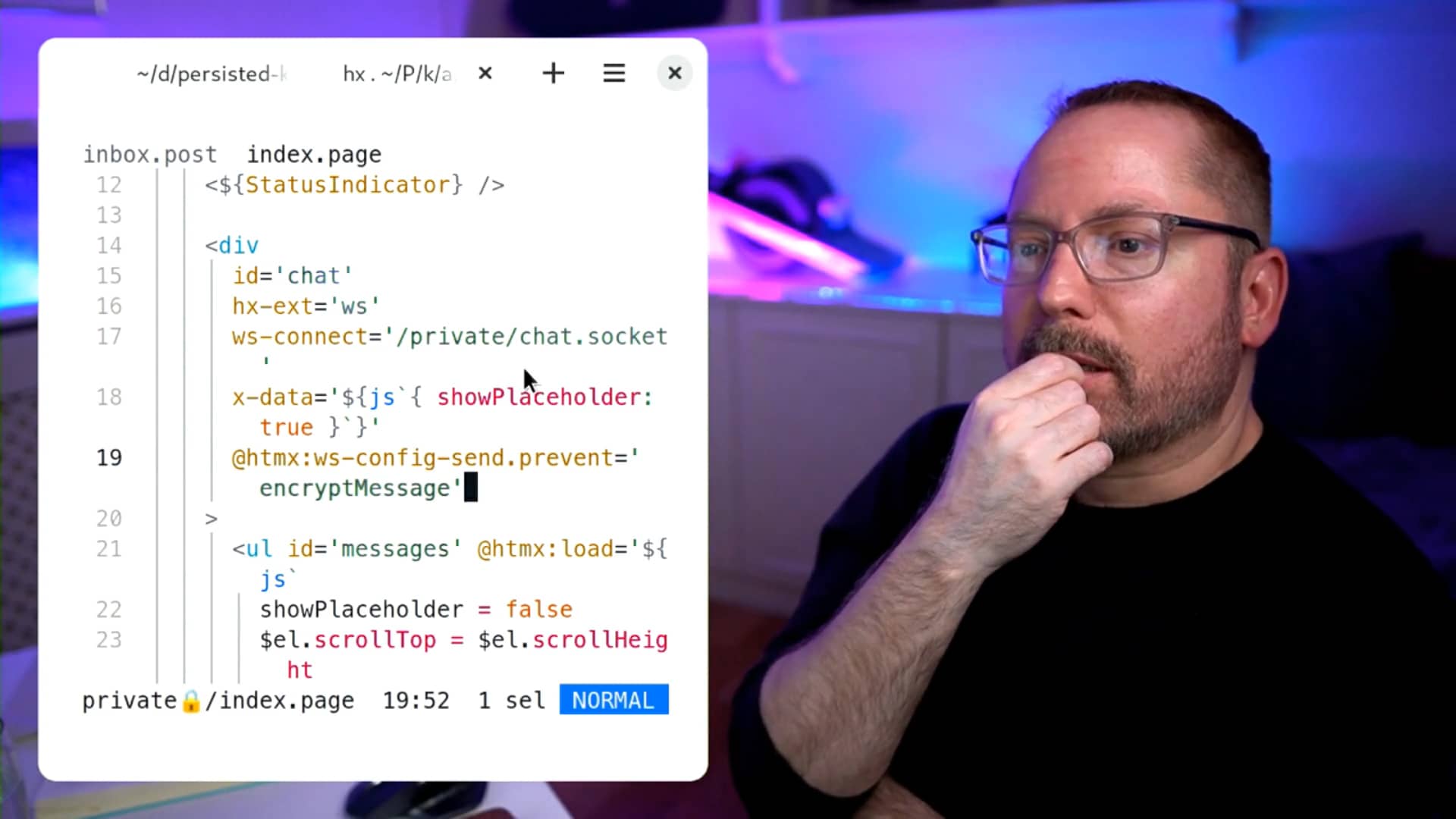
Sorry, your browser doesn't support embedded videos. But that doesn’t mean you can’t watch it! You can download Small Is Beautiful #27 directly, and watch it with your favourite video player. Small Is Beautiful (Feb, 2023): End-to-end encrypted Kitten Chat (an example peer-to-peer Small Web app using Kitten. Follow the tutorial to build it yourself from scratch or browse the source code). In this hour-and-a-half long Small is Beautiful live stream recording, I show you how WebSockets, project-specific secrets, and authenticated routes work in Kitten and migrate a centralised WebSocket chat application to an end-to-end-encrypted peer-to-peer Small Web chat application in Kitten.
1 inbound link article en CC BY-NC-SA 4.0
Lipstick on a Pig: learning the most important lesson in design

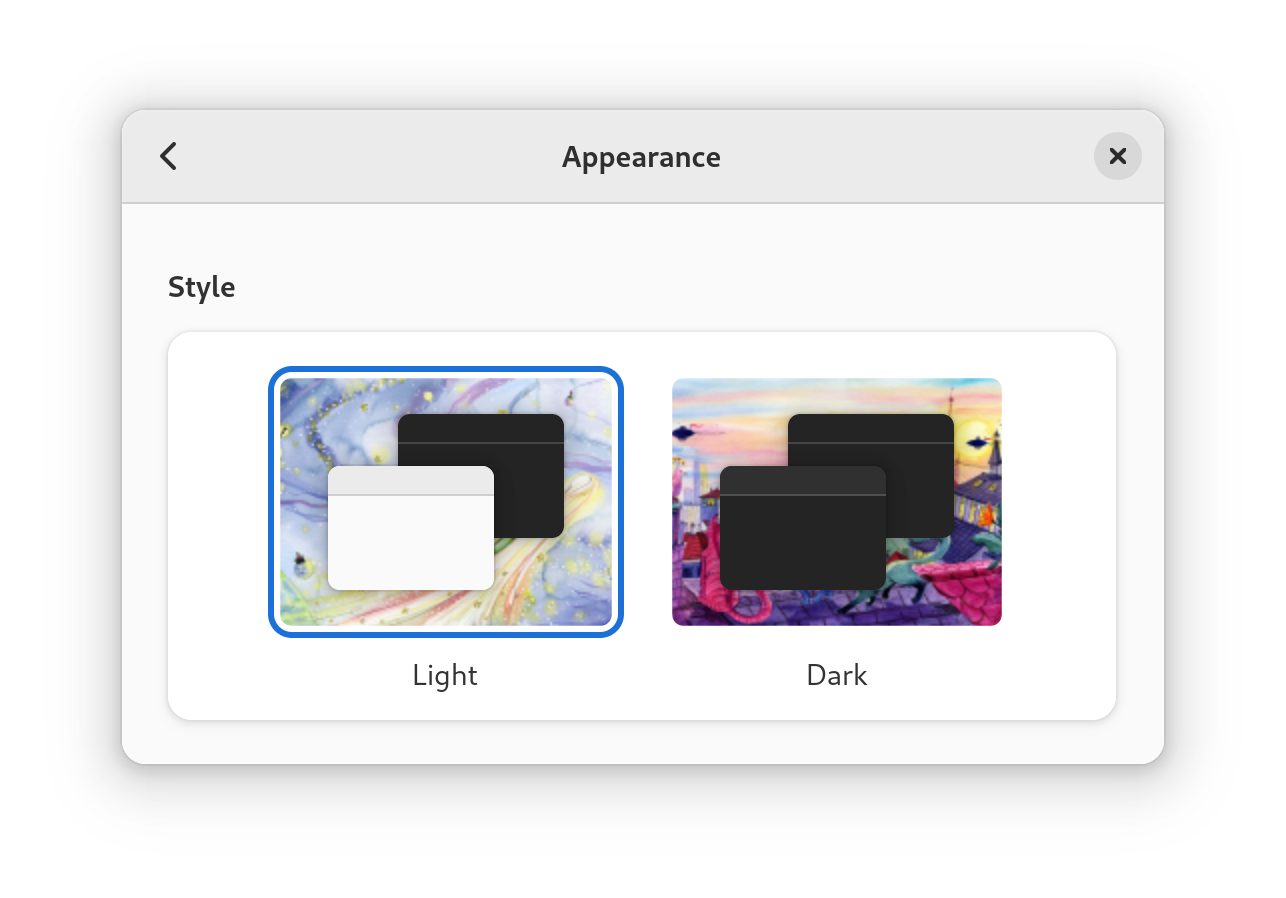
I just released a little tool called Lipstick on a Pig that helps keep the visual appearance of supported command-line applications in sync with the current light/dark mode setting (colour scheme) of your system in GNOME. But why is this tool even necessary to begin with? Let’s start at the beginning… Getting to GNOME you The GNOME display environment1, since version 42, implements support for light and dark appearance styles (aka colour schemes).

0 inbound links article en CC BY-NC-SA 4.0