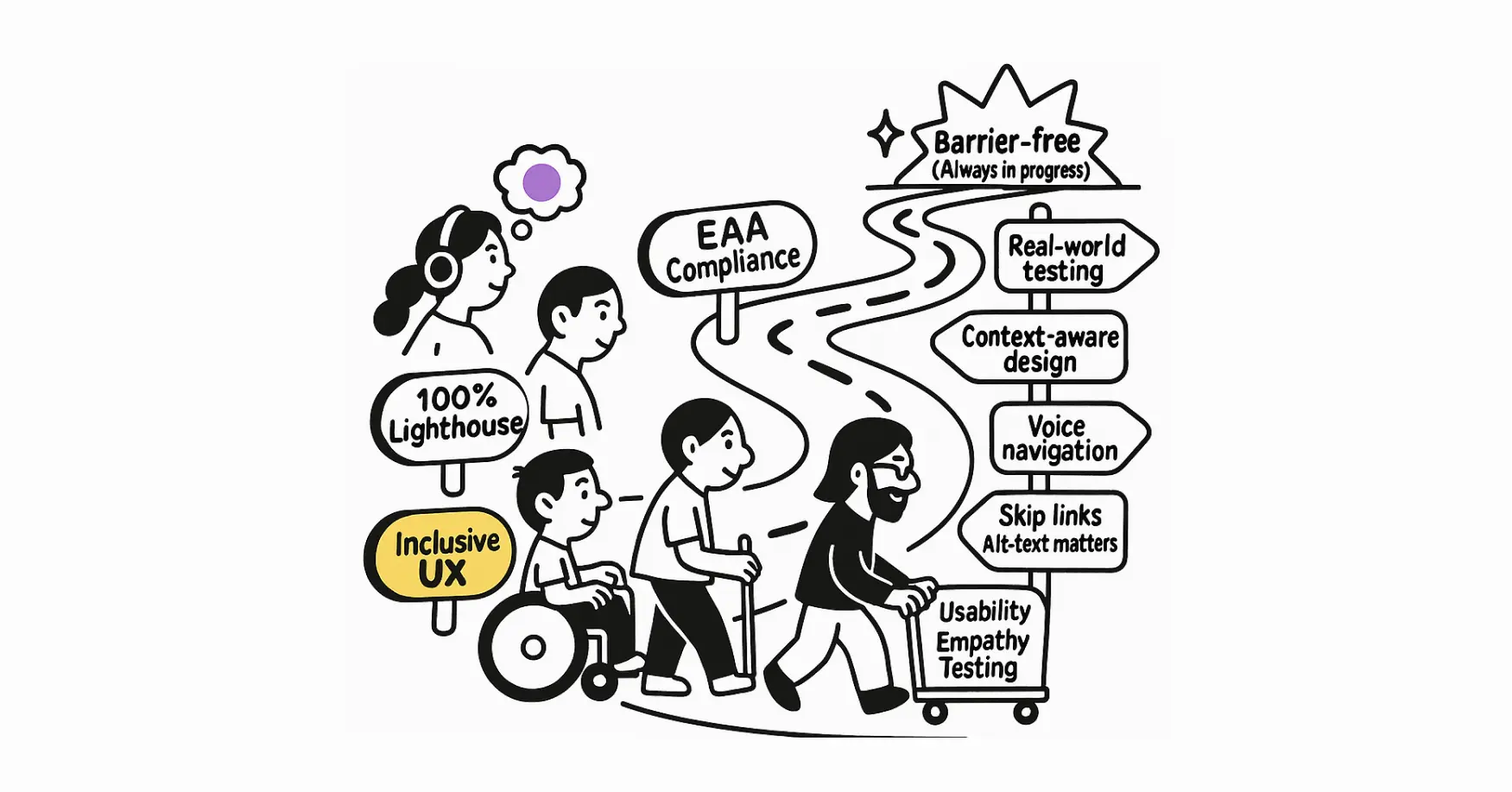
Why WCAG Compliance Alone Isn't Enough: How to Go Beyond for Real Accessibility
Let's dive deeper into why simply meeting WCAG guidelines can leave some users behind, and what you can do to genuinely go beyond compliance.
W3C Accessibility Guidelines (WCAG) 3.0 will provide a wide range of recommendations for making web content more accessible to users with disabilities. Following these guidelines will address many of the needs of users with blindness, low vision and other vision impairments; deafness and hearing loss; limited movement and dexterity; speech disabilities; sensory disorders; cognitive and learning disabilities; and combinations of any of these disabilities. These guidelines address the accessibility of web content on desktops, laptops, tablets, mobile devices, wearable devices, and other Web of Things devices. The guidelines apply to various types of web content, including static, dynamic, interactive, and streaming content; audiovisual media; virtual and augmented reality; and alternative access presentation and control. These guidelines also address related web tools such as user agents (browsers and assistive technologies), content management systems, authoring tools, and testing tools.
Let's dive deeper into why simply meeting WCAG guidelines can leave some users behind, and what you can do to genuinely go beyond compliance.

Figma’s free color wheel tool makes it easy to create professional color palettes. Choose from a variety of color schemes and start designing right away!
This document describes a methodology with a step-by-step process to evaluate how well digital products conform to Web Content Accessibility Guidelines (WCAG) 2.

Accessibility guide for creating OER

Eric asks: Do we need to develop WCAG 3 at this moment? Or is WCAG 2 still good enough?

I did a talk at WDC exploring WCAG 3.0, Web3, and the future of inclusive design.
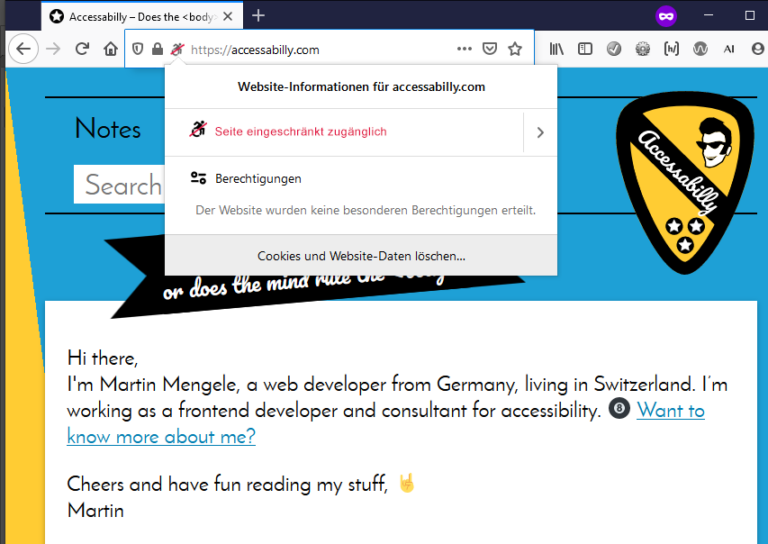

Accessibility isn't just Screen Readers, Guidelines or for the disabled


Musings about the state of WCAG 3 and the proposed contrast algorithm.
Poorly handled session timeouts are more than a technical inconvenience. They can become serious accessibility barriers that interrupt essential online tasks, especially for people with disabilities. Here is how to implement thoughtful session management that improves usability, reduces frustration, and helps create a more accessible and respectful web.

The one where I pen some premium rage bait
Poorly handled session timeouts are more than a technical inconvenience. They can become serious accessibility barriers that interrupt essential online tasks, especially for people with disabilities. Here is how to implement thoughtful session management that improves usability, reduces frustration, and helps create a more accessible and respectful web.