What Is Shizuku? How Does It Work? Security Implications?
Learn about Shizuku, how it works, and some of the security implications that comes with it!
Termux - a terminal emulator application for Android OS extendible by variety of packages. - termux/termux-app
Learn about Shizuku, how it works, and some of the security implications that comes with it!
hyperextensible Vim-based text editor

Meet the projects that make up the first GitHub Accelerator cohort and learn about how GitHub is helping bring their visions to reality.
unix and post-ironic anemoia, µsounds' starlit diary
Learn programming with easy-to-follow tutorials, courses, and resources. CodeWithHarry offers free content for beginners and advanced developers.
How to blog with Hugo and git on Android, using Termux and Markor.
Simplified Saaze is a static site generator written in PHP and C. It takes Markdown files as input and generates HTML files. It is provable faster than Hugo and Zola.
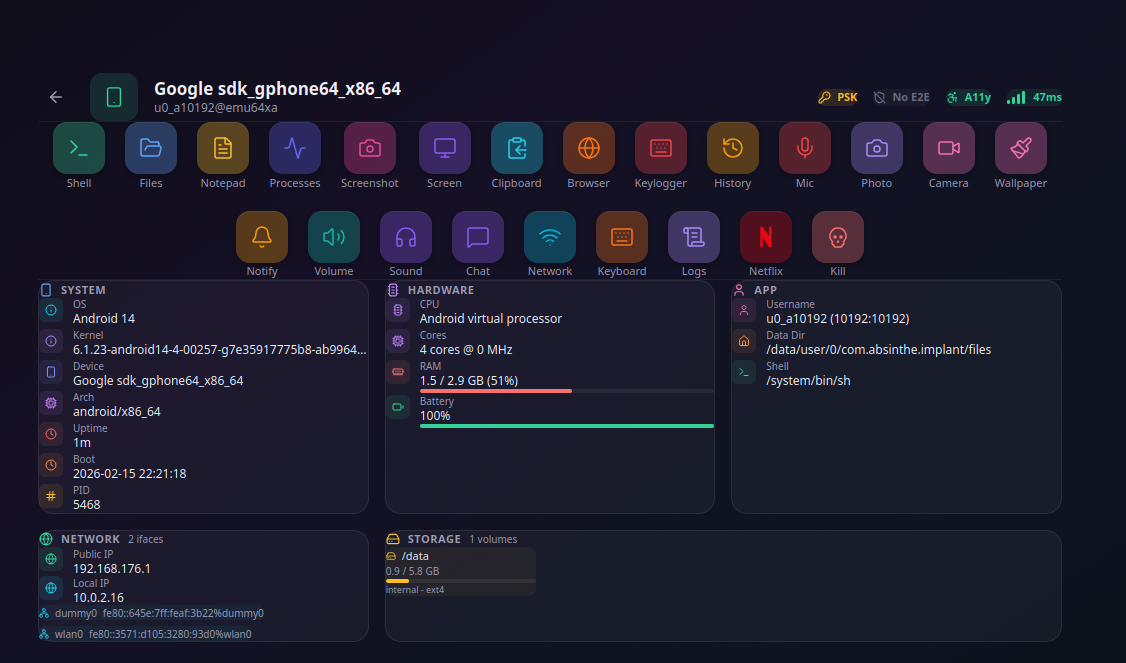
How one API designed for disability access became the foundation of a $145M surveillance industry. A proof-of-concept implant demonstrates the full attack chain: silent permission escalation in 2.4 seconds, contextual keylogging, see-through overlays, network toggle, self-hiding persistence, and an embedded Linux terminal with apt - all from a single accessibility toggle, no root required.
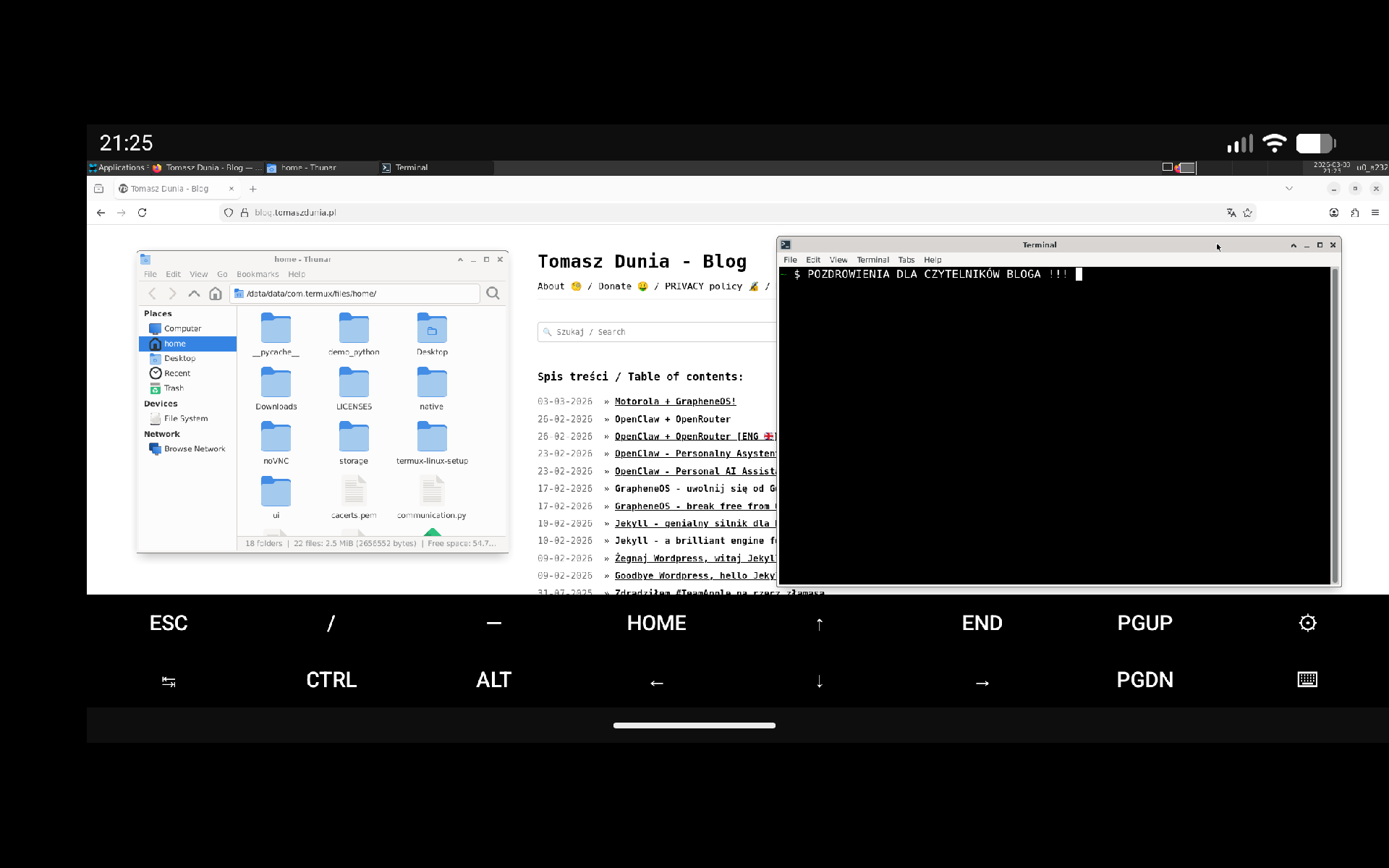
🇬🇧->🇵🇱 Przejdź do polskiej wersji tego wpisu / Go to polish version of this post Table of contents: Introduction Architecture: What’s happening under the hood? Termux - the terminal that is a system PRoot - the safe sandbox Termux-X11 - next-gen graphics Hardware and Software Requirements Hardware Requirements Necessary Applications Installation Process Step 1 - Android Configuration Step 2 - Installing Termux and Termux-X11 Step 3 - Environment Configuration Step 4 - Launching the Graphical Environment Summary Video Introduction Modern smartphones and tablets are powerful computing machines that waste most of their time scrolling through mindless videos. Meanwhile, we carry power comparable to ultrabooks in our pockets. The biggest barrier isn’t the hardware, but the Android operating system, which, while based on the Linux kernel, effectively isolates us from professional tools. The plan for today is to break that barrier. I will show you how to use the Termux environment, the PRoot layer, and the Termux-X11 graphics server to turn any Android device into a full-fledged Linux workstation with the XFCE desktop. All this without unlocking the bootloader and without voiding your warranty. Architecture: What’s happening under the hood? Before we dive into practice, a little theory. This project stands on three pillars. Termux - the terminal that is a system Termux is not just a simple terminal app. It is a complete Linux environment running in the Android user space. It has its own package manager pkg, which allows you to install compilers, interpreters, and networking tools. This is where all the magic happens. PRoot - the safe sandbox By default, Android does not allow changing the root directory to / or pretending to be a root user. PRoot is a mechanism that intercepts system calls and redirects them so that programs installed inside a container (like Ubuntu or Debian) think they are running on a real, isolated Linux system. This allows for package installation and
🇵🇱->🇬🇧 Go to english version of this post / Przejdź do angielskiej wersji tego wpisu Spis treści: Wstęp Architektura rozwiązania: Co dzieje się pod maską? Termux - terminal, który jest systemem PRoot - bezpieczna piaskownica Termux-X11 - grafika nowej generacji Przygotowanie sprzętowe i programowe Wymagania sprzętowe Niezbędne aplikacje Proces instalacji Krok 1 - Konfiguracja Androida Krok 2 - Instalacja Termux i Termux-X11 Krok 3 - Konfiguracja środowiska Krok 4 - uruchomienie środowiska graficznego Podsumowanie Wideo Wstęp Współczesne smartfony i tablety to potężne maszyny obliczeniowe, które większość czasu marnują na skrolowanie durnych filmików. Tymczasem w kieszeni nosimy moc porównywalną z ultrabookami. Największą barierą nie jest sprzęt, lecz system operacyjny Android, który choć oparty na jądrze Linux, skutecznie izoluje nas od profesjonalnych narzędzi. Plan na dzisiaj to przełamanie bariery. Pokażę, jak wykorzystując środowisko Termux, warstwę PRoot oraz serwer grafiki Termux-X11, zmienić dowolne urządzenie z Androidem na pokładzie w pełnoprawną stację roboczą z Linuxem, środowiskiem XFCE. Wszystko to bez odblokowywania bootloadera i bez utraty gwarancji. Architektura rozwiązania: Co dzieje się pod maską? Zanim przejdziemy do praktyki, trochę teorii. Są trzy filary, na których opiera się ten projekt. Termux - terminal, który jest systemem Termux to nie jest zwykła aplikacja terminala. To kompletne środowisko Linux działające w przestrzeni użytkownika Androida. Posiada własny menedżer pakietów pkg, który pozwala na instalację kompilatorów, interpreterów i narzędzi sieciowych. To tutaj dzieje się cała magia. PRoot - bezpieczna piaskownica Standardowo Android nie pozwala na zmianę katalogu głównego na / ani na udawanie użytkownika root. PRoot to mechanizm, który przechwytuje zapytania systemowe (system calls) i przekierowuje je tak, aby programy zainstalowane wewnątrz kontenera (np. Ubuntu czy Debian) myślały, że działają na prawdziwym, odizolowanym systemie

Terminal emulator with packages
Terminal emulator with packages
Photo stories about Ontario and Canada. Interesting facts from technology, science, programming, culture, history and around.
How to install kubecolor
Stupid phone tricks

Did you know you can develop on your Android just like a computer?
I was recently approached by a friend who needed some help getting DPS8M running on an Android tablet. The DPS8M simulator has been running on Android devices for a long time now, with early support initially committed back in November 2014, targeting Android 5 Lollipop, by Charles Anthony. This was done in response to a post to the mailing list from a Multics user waiting for the day that a full Multics system could run “in your pocket”.