GeistHaus
log in · sign up

https://feeds.feedburner.com/Hudsandguis

rss
20 posts
Polling state
Status active
Last polled May 19, 2026 04:30 UTC
Next poll May 20, 2026 01:11 UTC
Poll interval 86400s
Last-Modified Mon, 18 May 2026 17:23:11 GMT

Posts

Quick update

Hey everyone, after an extended break I wanted to give a quick update. Full disclosure, I've been busy launching a game on Nintendo Switch called Skate Bums, a passion project years in the making with a close friend of mine.

It's my first time shipping a game and the lead-up took much longer than expected!

Now that it's out in the world, HUDS+GUIS will be starting up again shortly, we've got some exciting stuff planned.

Hope you've had a great start to the year so far!

Quick update
5438bd1be4b0446f6692b906:544d83e9e4b05a6814bdc4e3:69bc9103ca693d178cfe1c0b
Extensions
2025 Recap

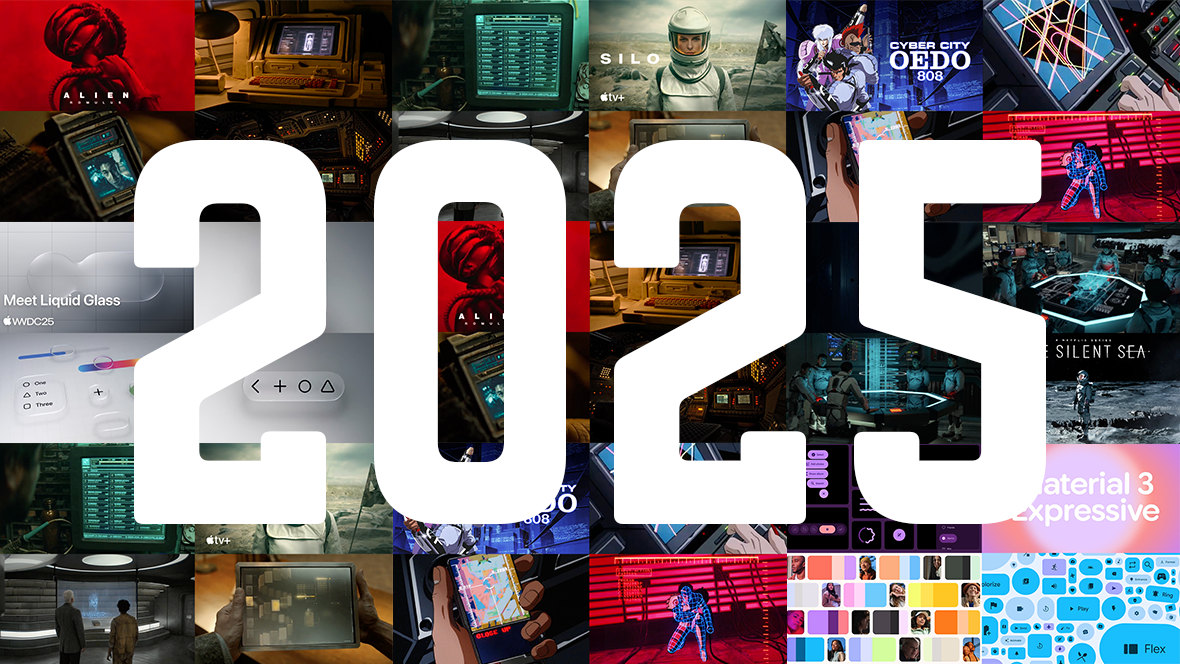
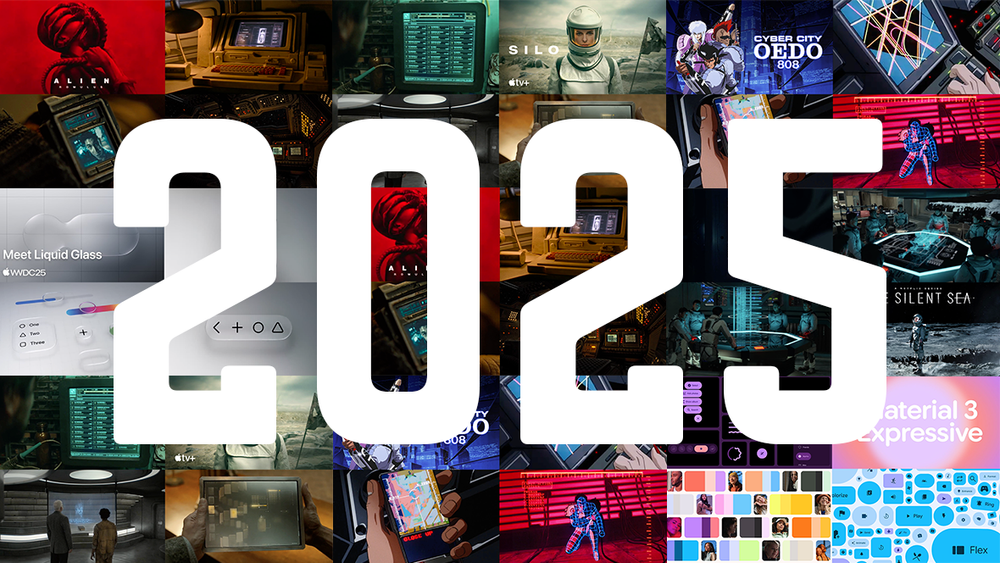
It’s that time again, we’re wrapping up the year, so here’s our recap of what we explored in 2025.

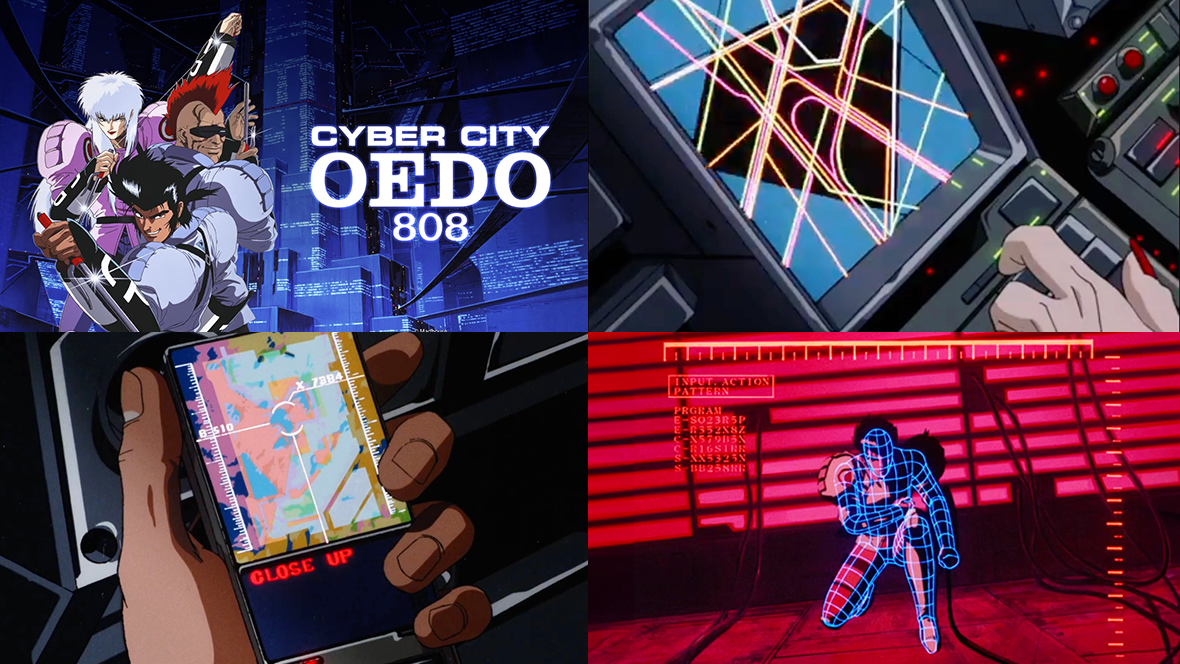
This year we explored some examples of retro sci-fi, from the analog-future vibes of Alien: Romulus and Silo, to anime cyberpunk in Cyber City Oedo 808. Along the way, we revisited how older visions of the future continue to shape modern design language.

On the product side, we looked into evolving UI systems like Apple’s Liquid Glass and Google’s Material 3, exploring how motion, depth, and tactility are redefining contemporary interfaces. We also explored Korean FUI through Silent Sea, highlighting how regional design approaches bring a different perspective to sci-fi interfaces.

As always, a huge thank you to everyone who reached out, shared posts, bought a book, grabbed some merch, or supported us in any way. Your encouragement keeps this project moving forward.

Enjoy the holiday break, and we’ll see you next year for more FUI in 2026 🚀

Jono Yuen

Send me a message

Alien: Romulus
Silo
Cyber City Oedo 808
Apple Liquid Glass
Google Material 3
The Silent Sea
2025 Recap
5438bd1be4b0446f6692b906:544d83e9e4b05a6814bdc4e3:6948cb88b25e2d11b7152bac
Extensions
The Silent Sea
FilmGUIs

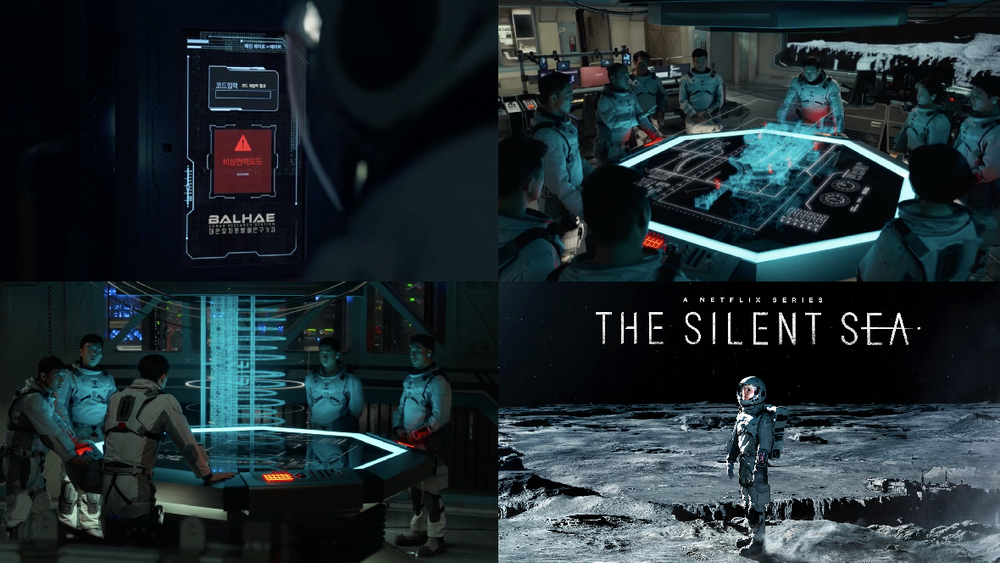
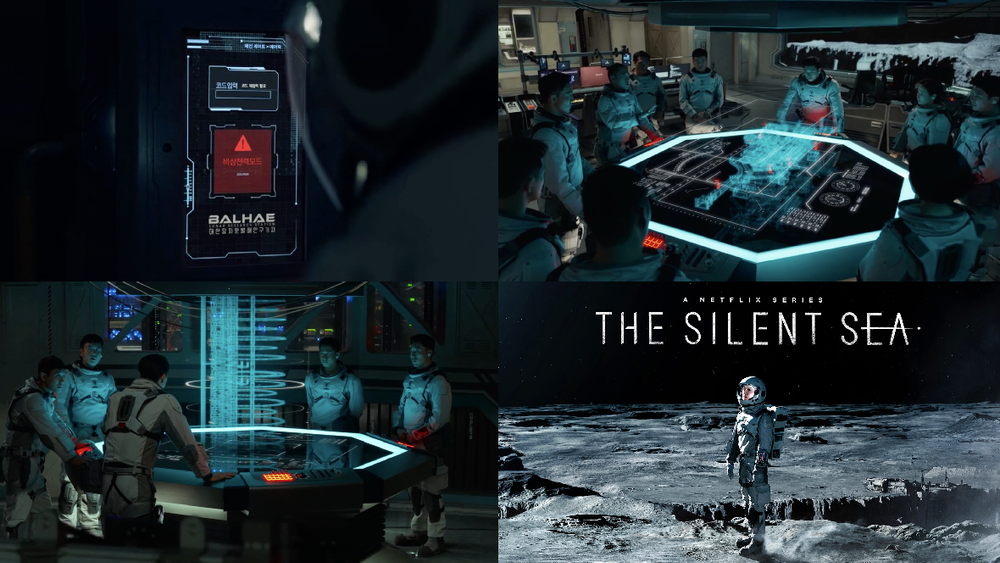
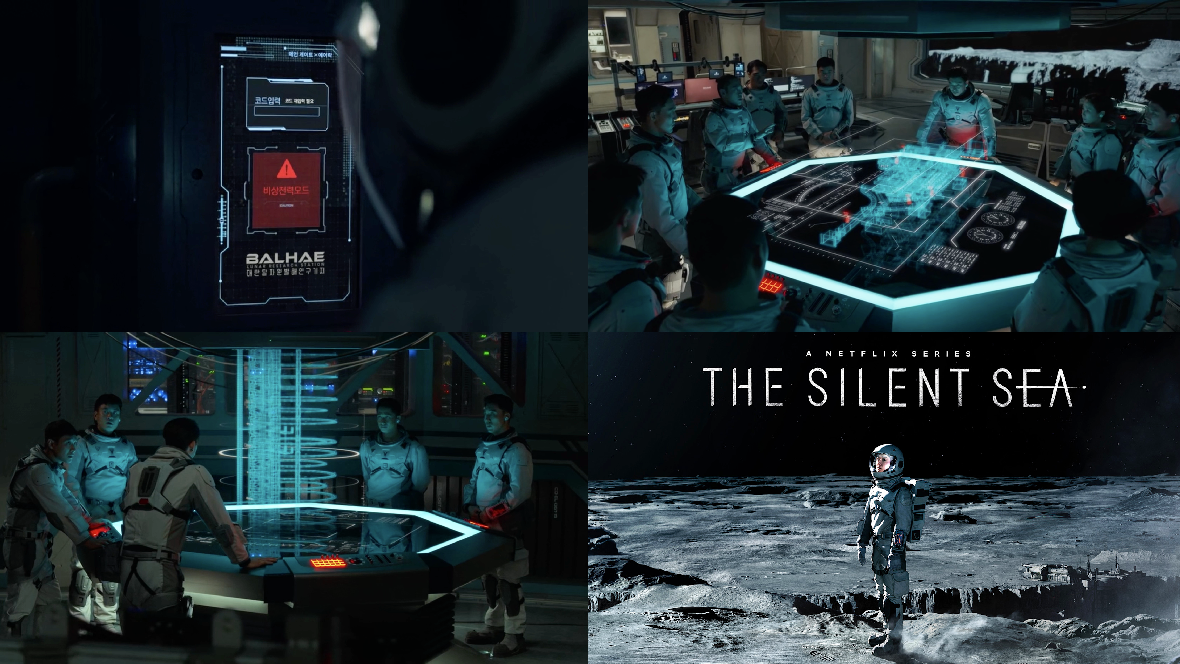
The South Korean Netflix series The Silent Sea is packed with FUIs, from holographic displays and weapon UIs to handheld scanners, mobile interfaces, and control panels.

I was very interested to see FUI designs from a Korean production. Korean characters tend to be more compact than English, providing designers with a bit more breathing room in layouts. That said, I was surprised to find that many of the interfaces were in actually in English.

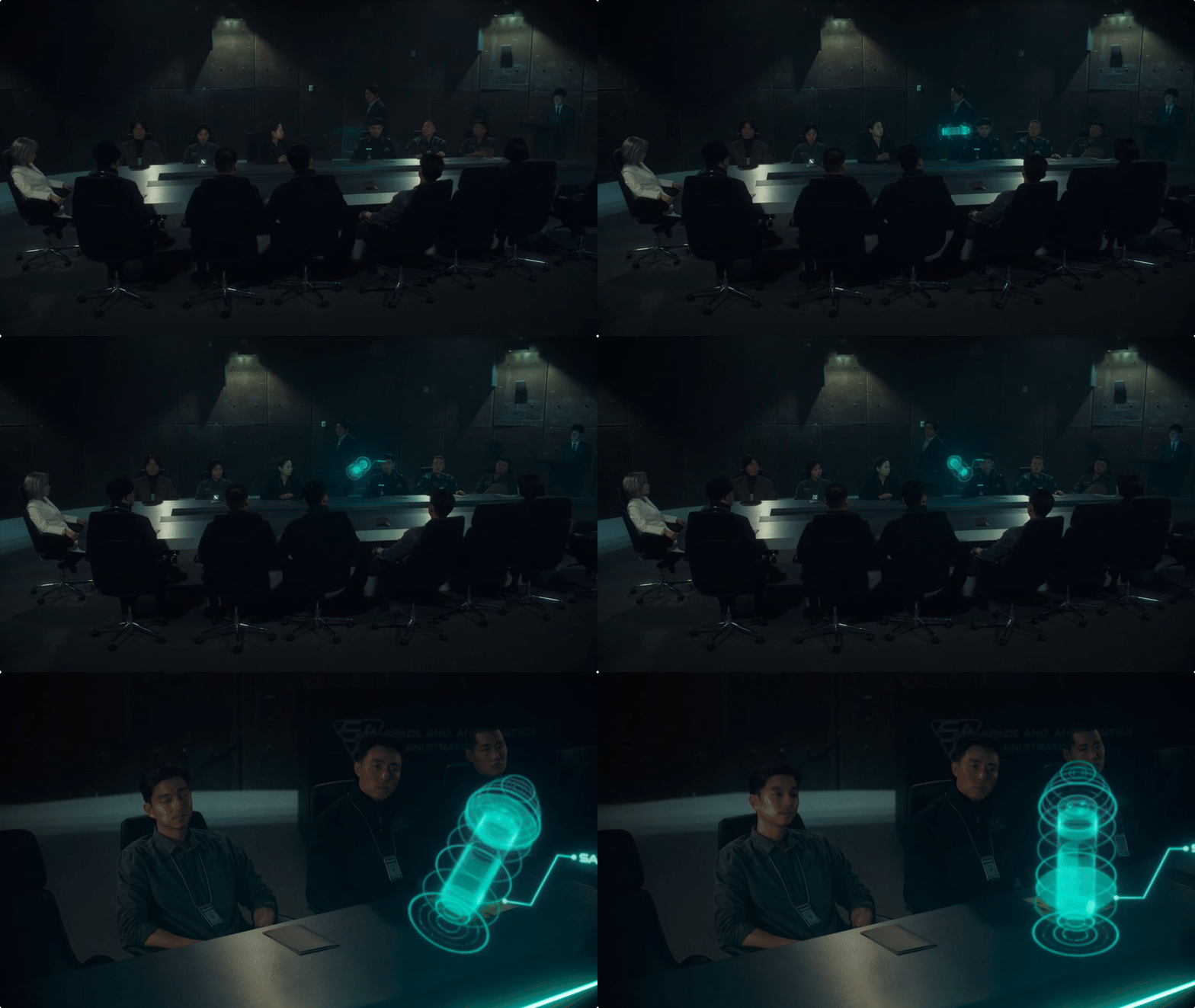
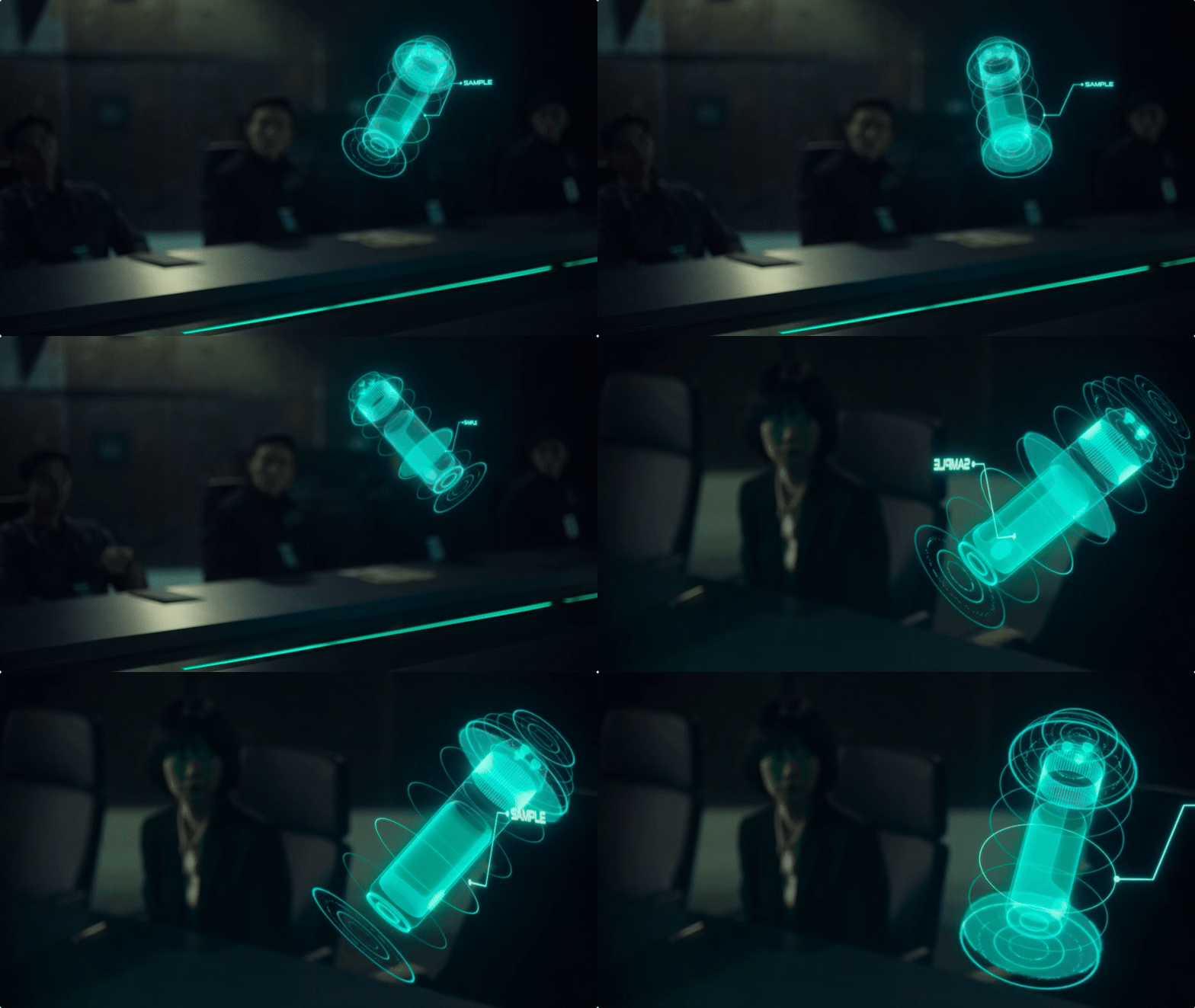
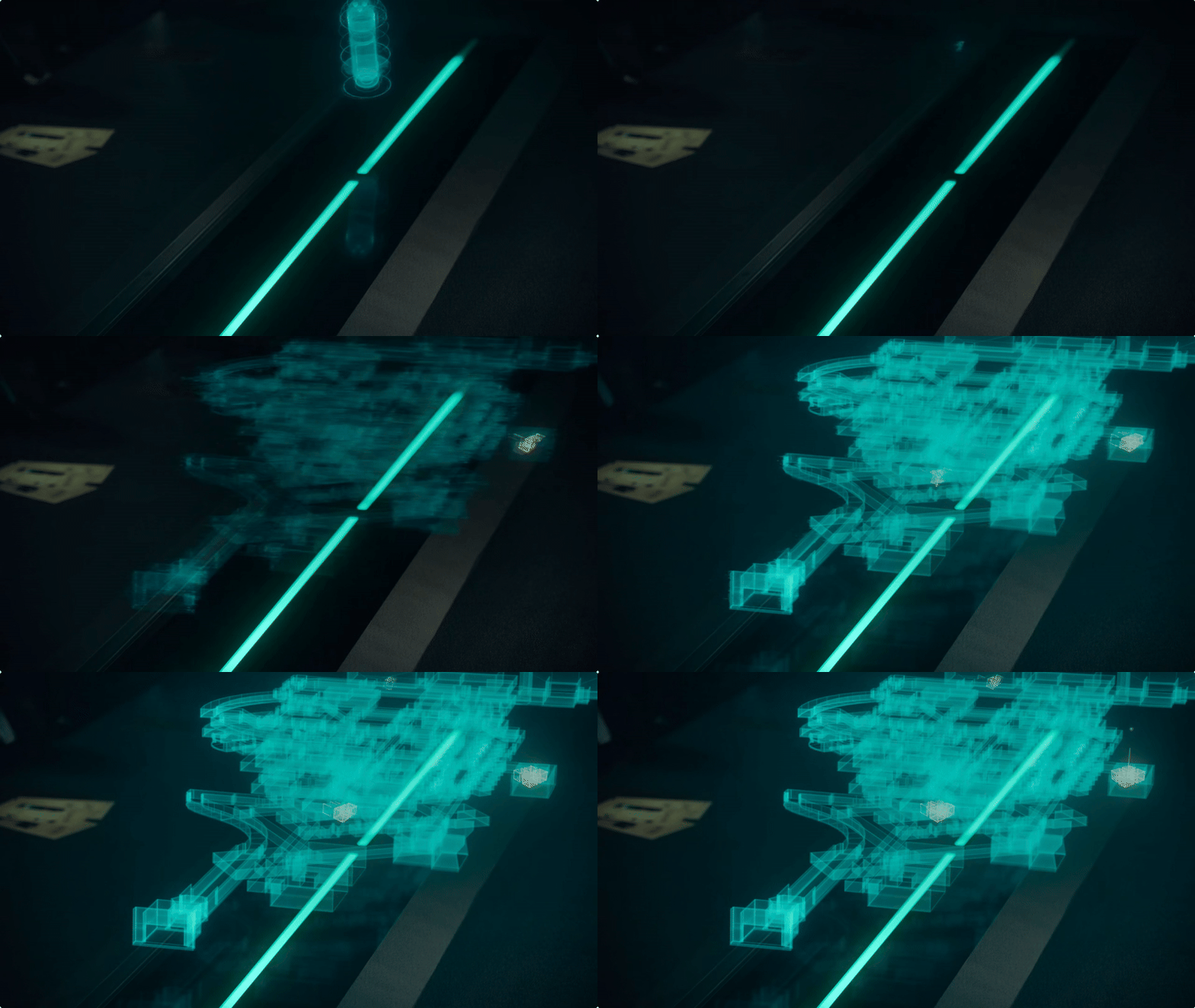
Boardroom hologram

The rotating hologram works beautifully in this boardroom setting. What an engaging way to talk through a mission. You’d structure presentations differently if this technology were available, shifting focus between the holograms and the speaker and choreographing moments of attention. It would be even more engaging if it were interactive, the ability to rotate, zoom, or highlight sections in real time would make for an incredibly immersive briefing.

View fullsize boardroom-1.gif
View fullsize boardroom-2.gif
View fullsize boardroom-3.gif
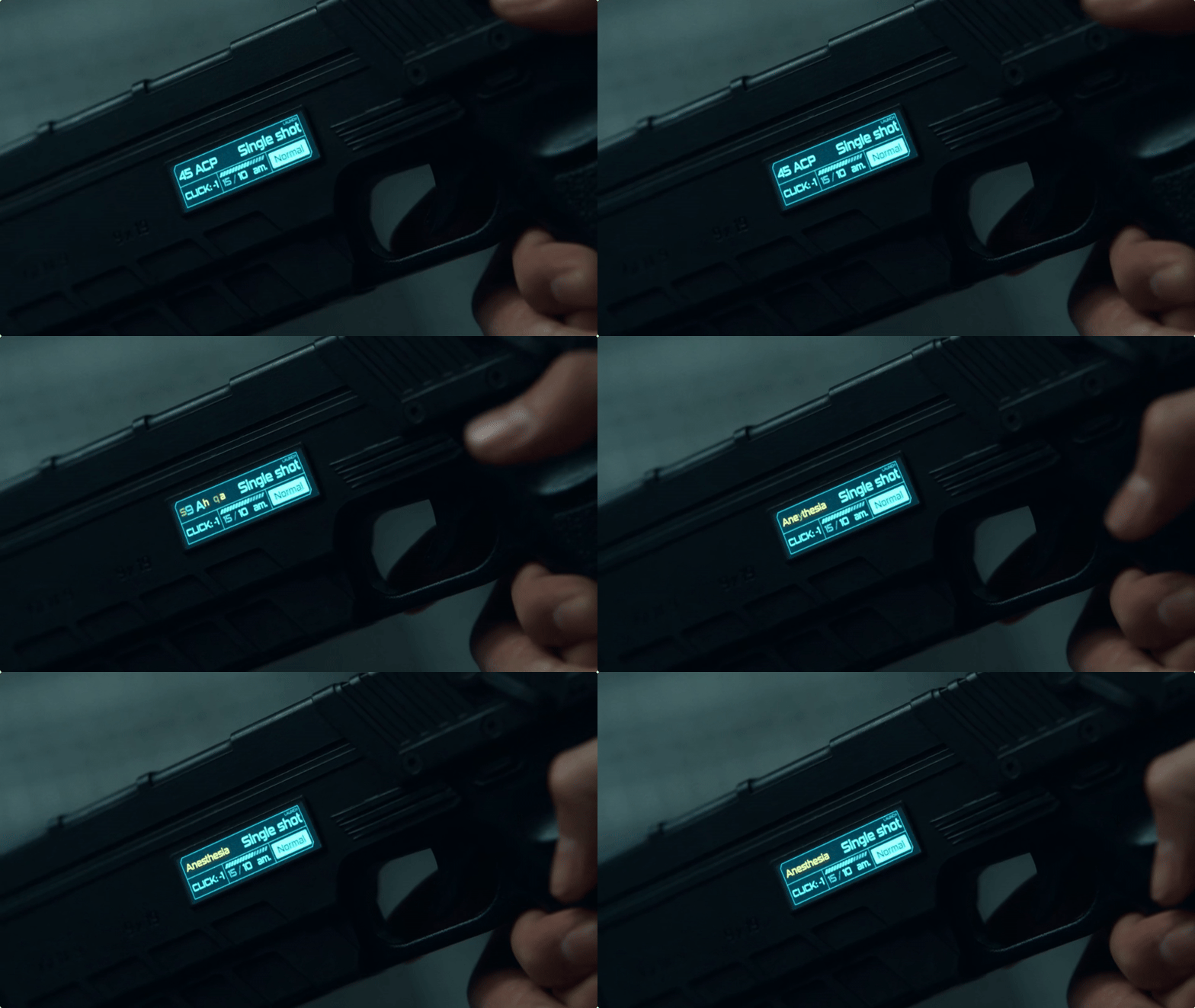
Gun UI

There’s something about having a display on a gun that makes it feel instantly futuristic. Here, the UI lets you see ammo counts and mode settings at a glance and even switch the weapon to fire a tranquilliser.

gun-1.gif
gun-2.gif
Scanner

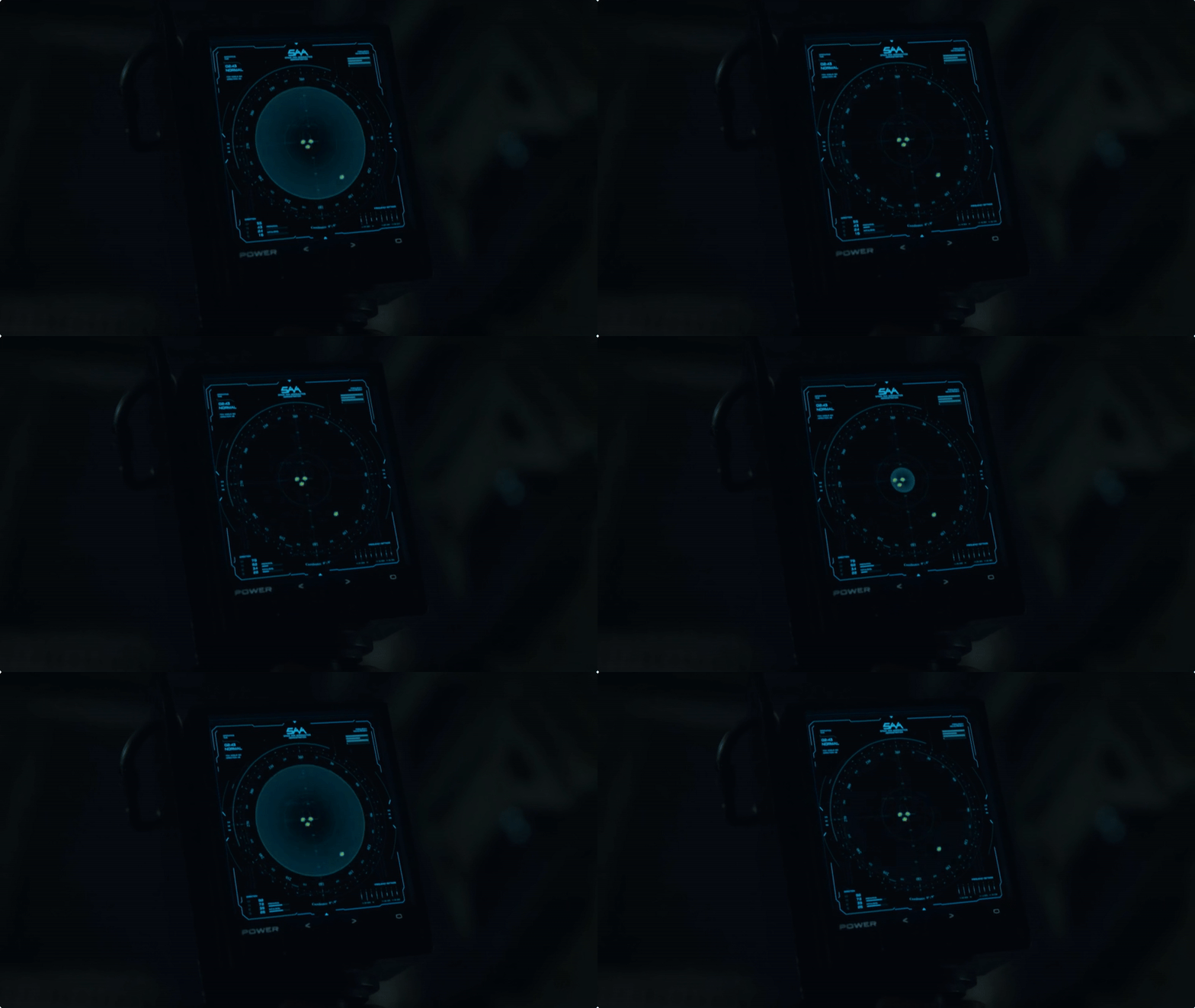
Here’s a classic sci-fi horror trope, a scanner that helps detect missing crew members or other lifeforms. Similar to Aliens, it serves a familiar narrative purpose, but The Silent Sea uses a high-fidelity display as opposed to a low-fi aesthetic. Check out (Alien: Isolation and Alien Romulus)

handheld-radar-1.gif
handheld-radar-2.gif
handheld-radar-3.gif
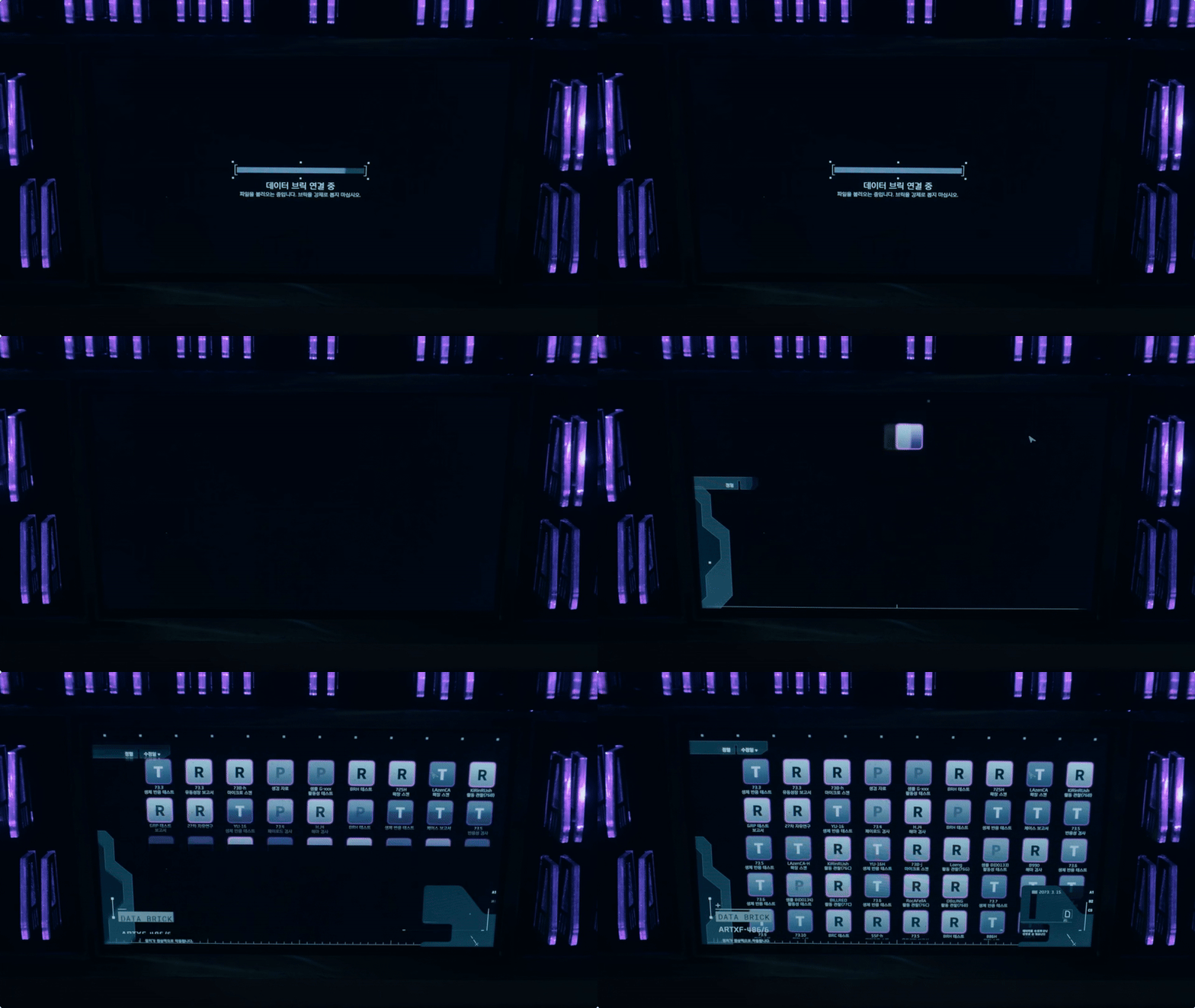
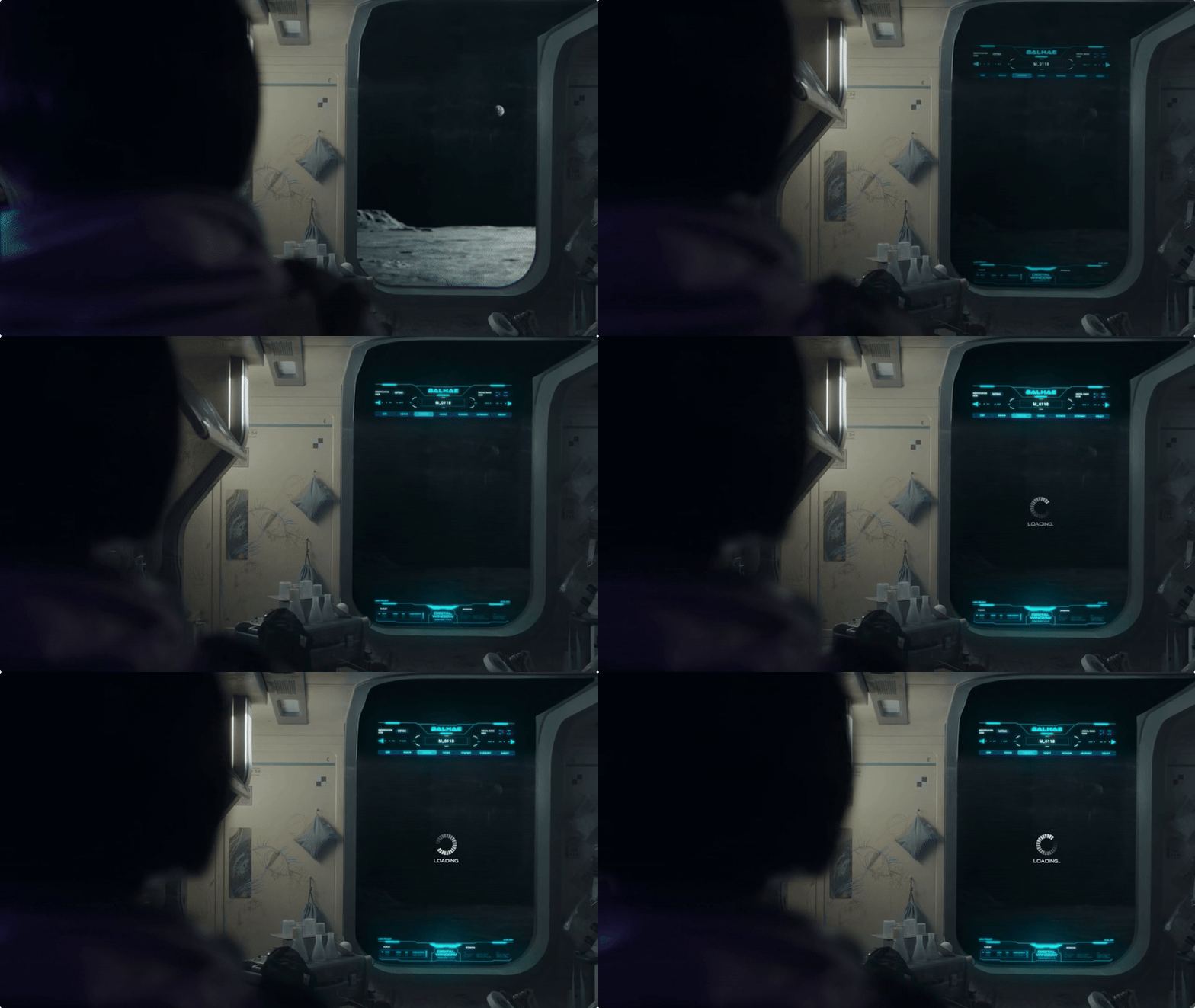
Window display

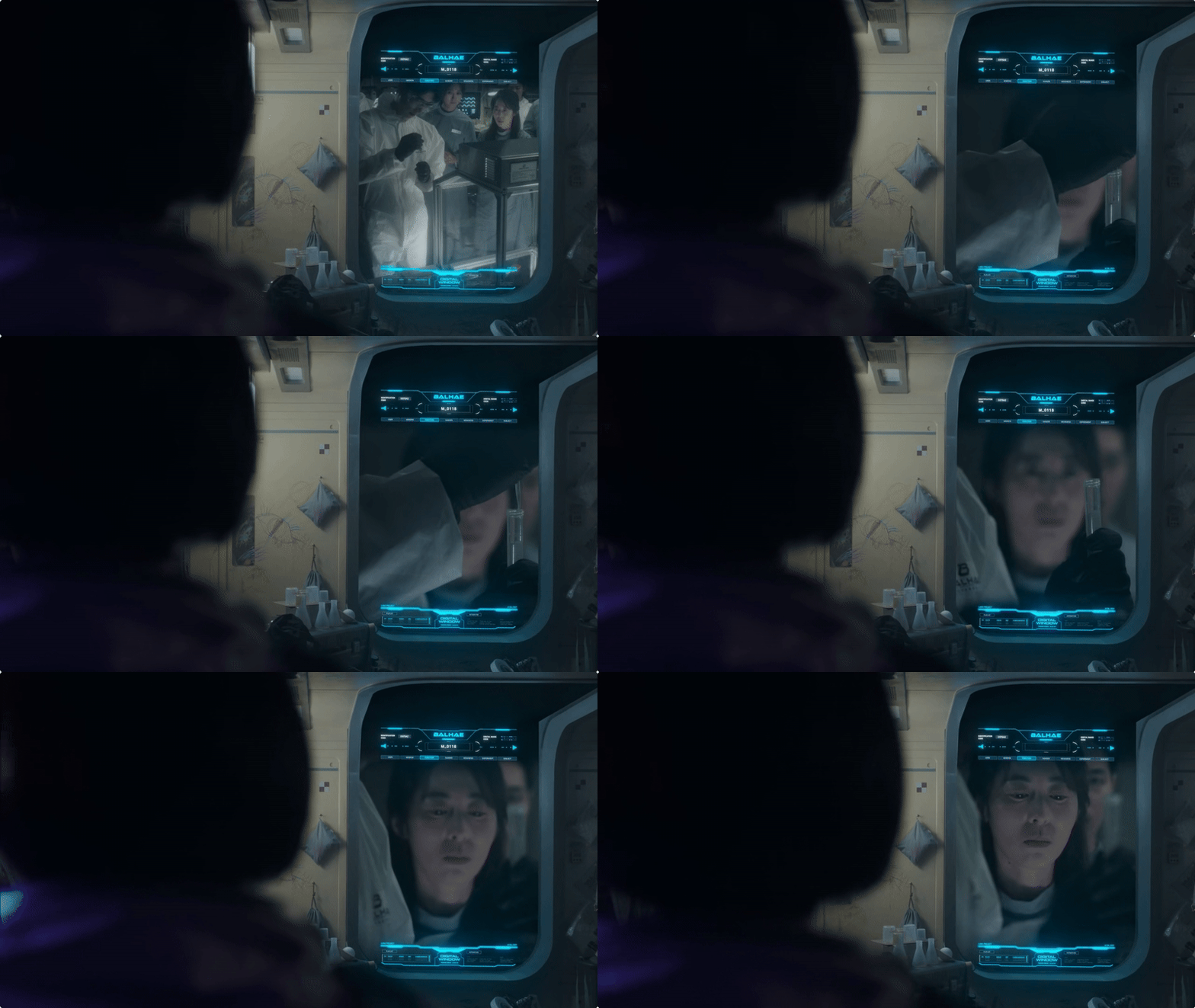
Here, we see a window looking out onto the surface of the moon, which tints to become a display. While it looks like a classic sci-fi interface, this kind of technology is available today. Smart glass and tintable surfaces are becoming more common, so what feels futuristic in the show might not be far from reality.

View fullsize kiosk-1.gif
View fullsize window-1.gif
View fullsize window-2.gif
Mobile device

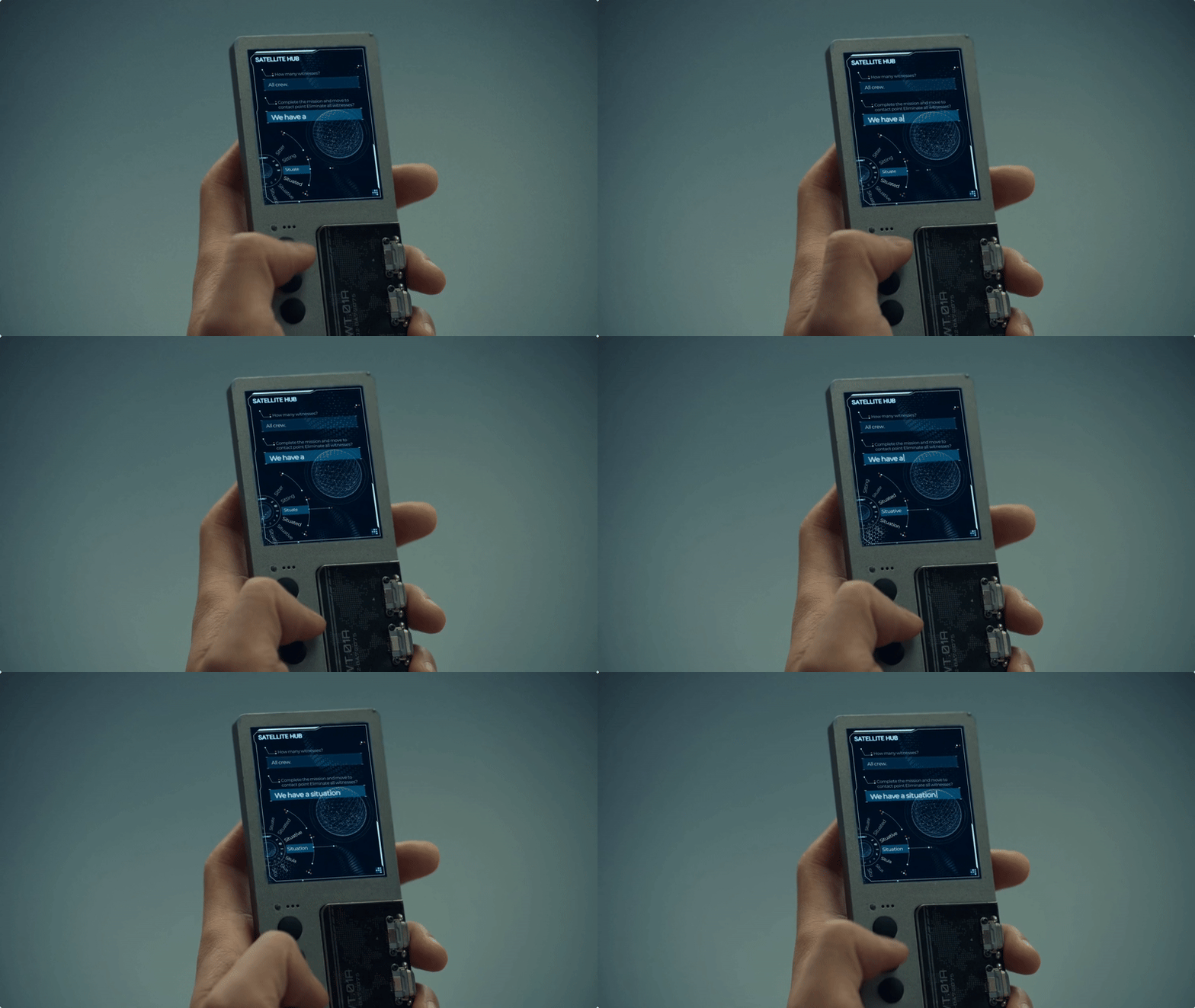
This one is a bit strange, it’s hard to see how the user could type messages using just three buttons and no keyboard. There is a suggestion wheel, but having to tap repeatedly to cycle through options seems tedious. That said, the interface probably isn’t meant to be scrutinized closely or looped over repeatedly. Viewed in context, it reads as something “from another time and world,” reinforcing the sense that this is technology shaped by its own unique environment.

View fullsize mobile-1.gif
View fullsize mobile-2.gif
Control panel

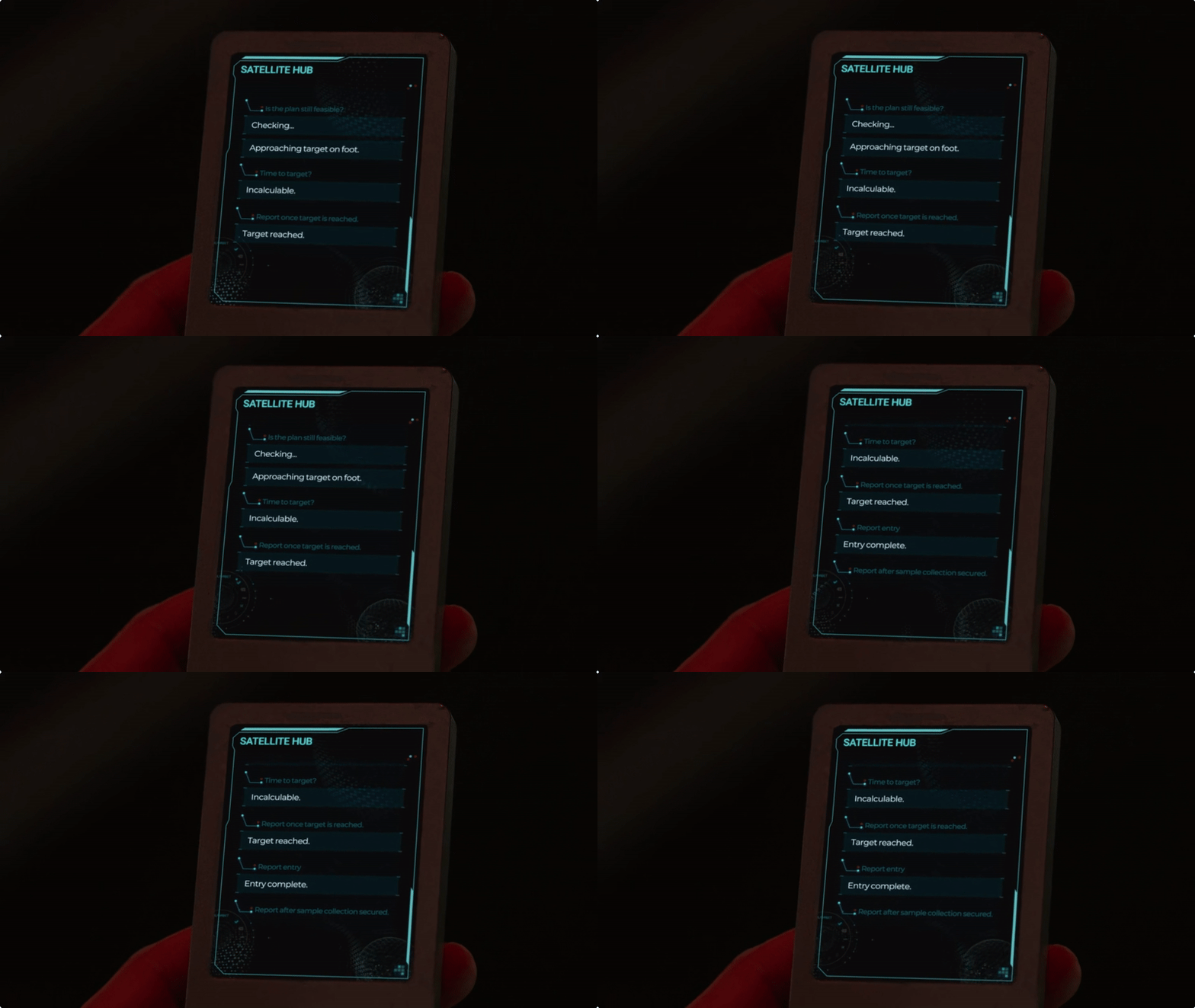
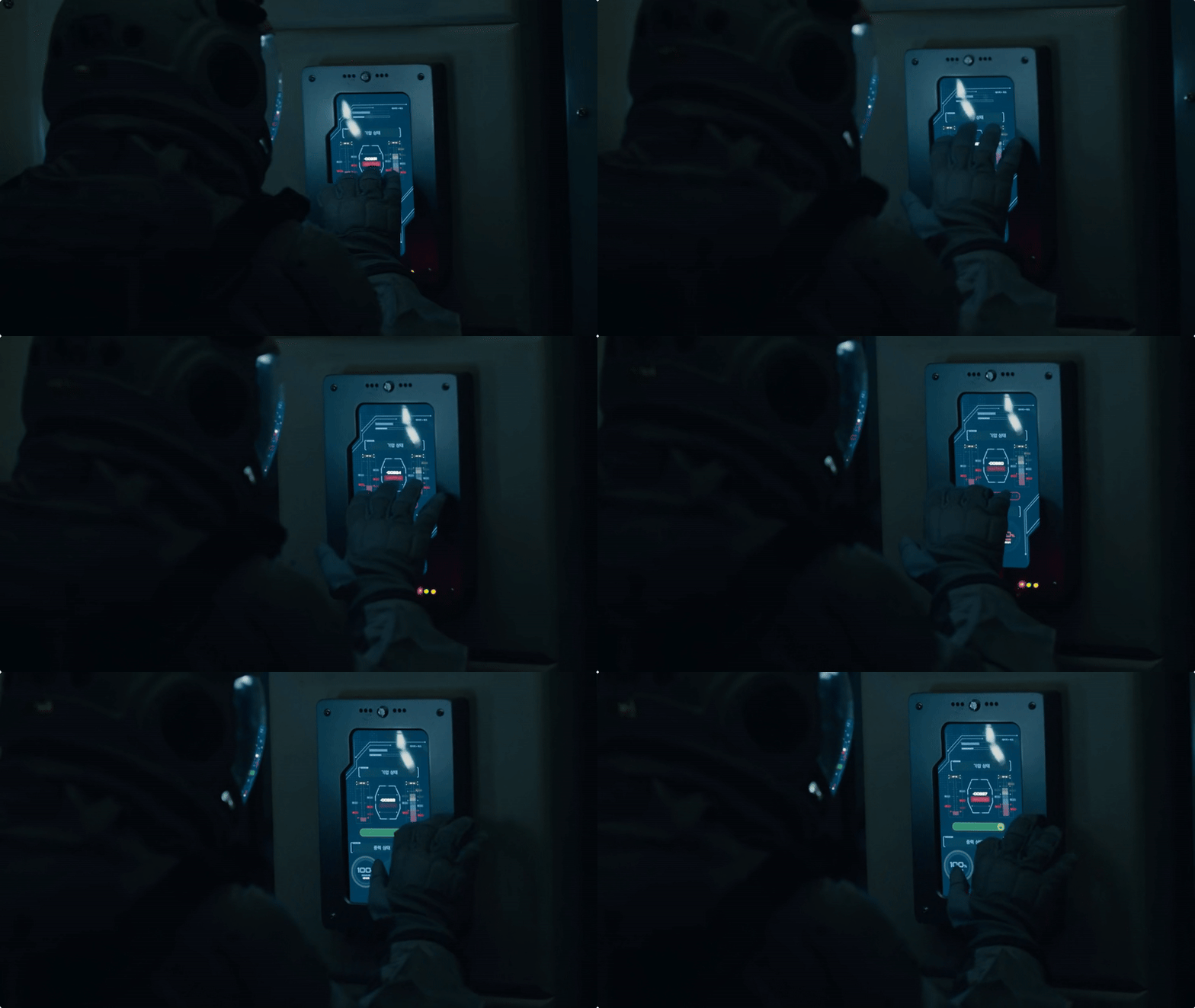
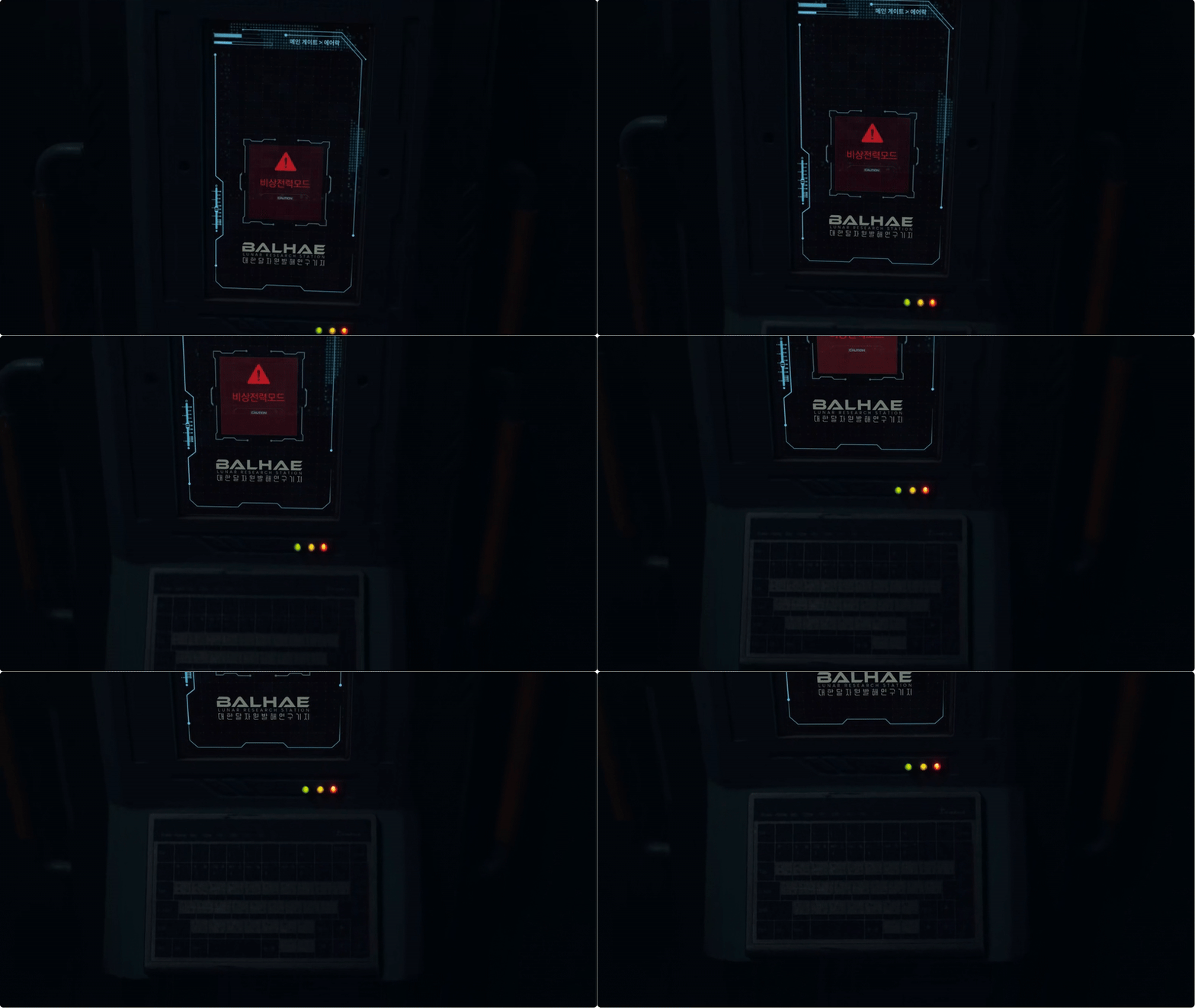
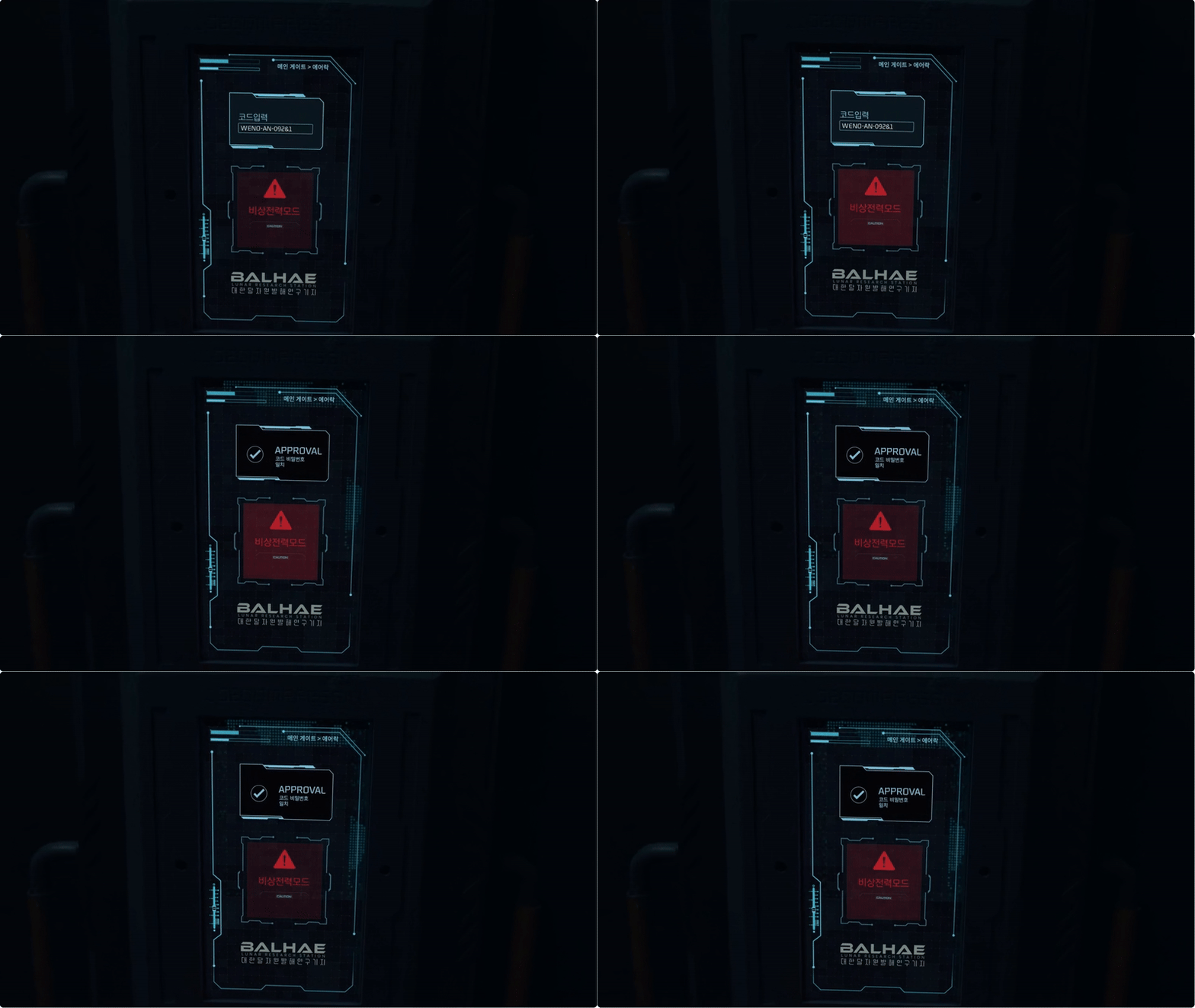
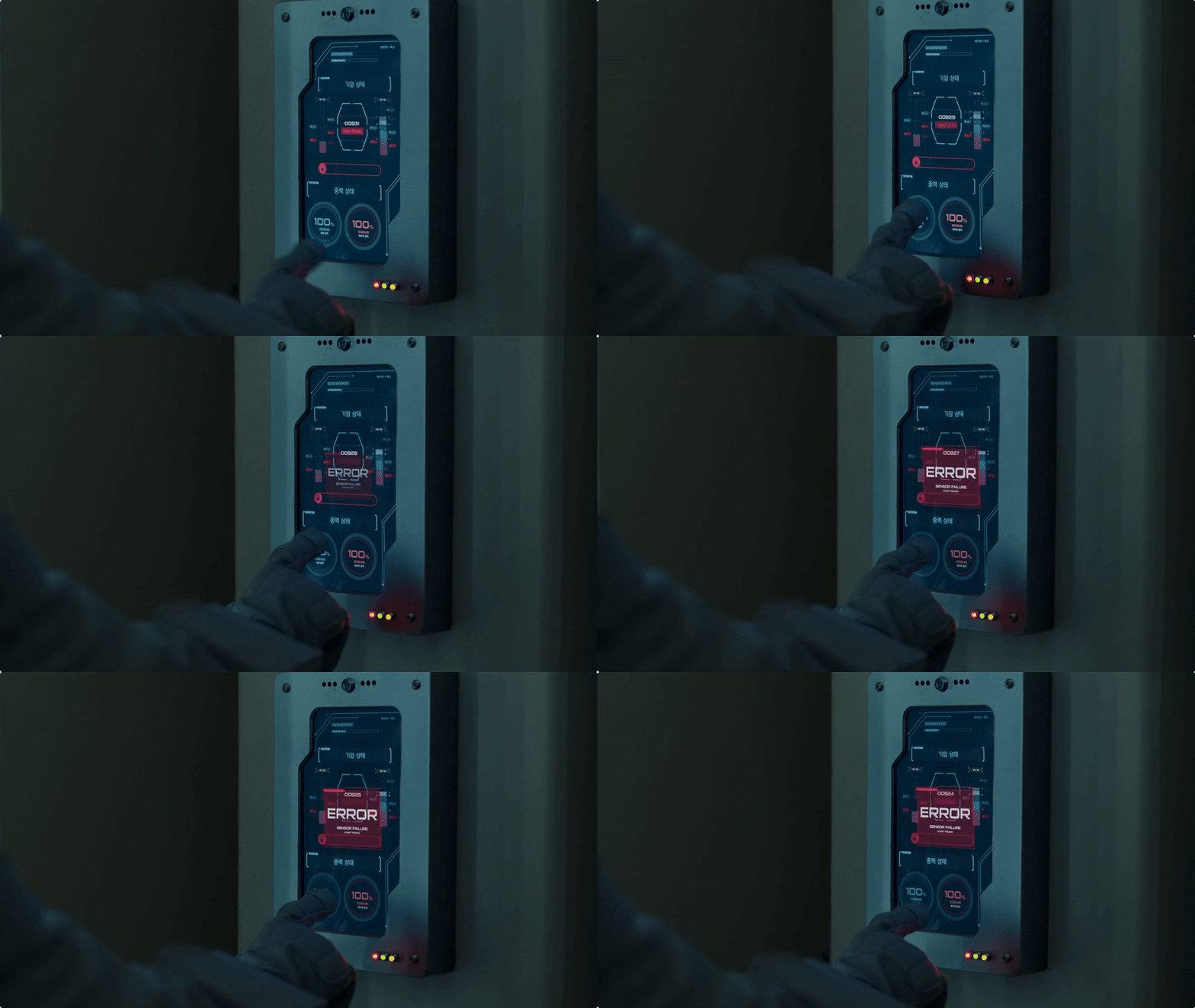
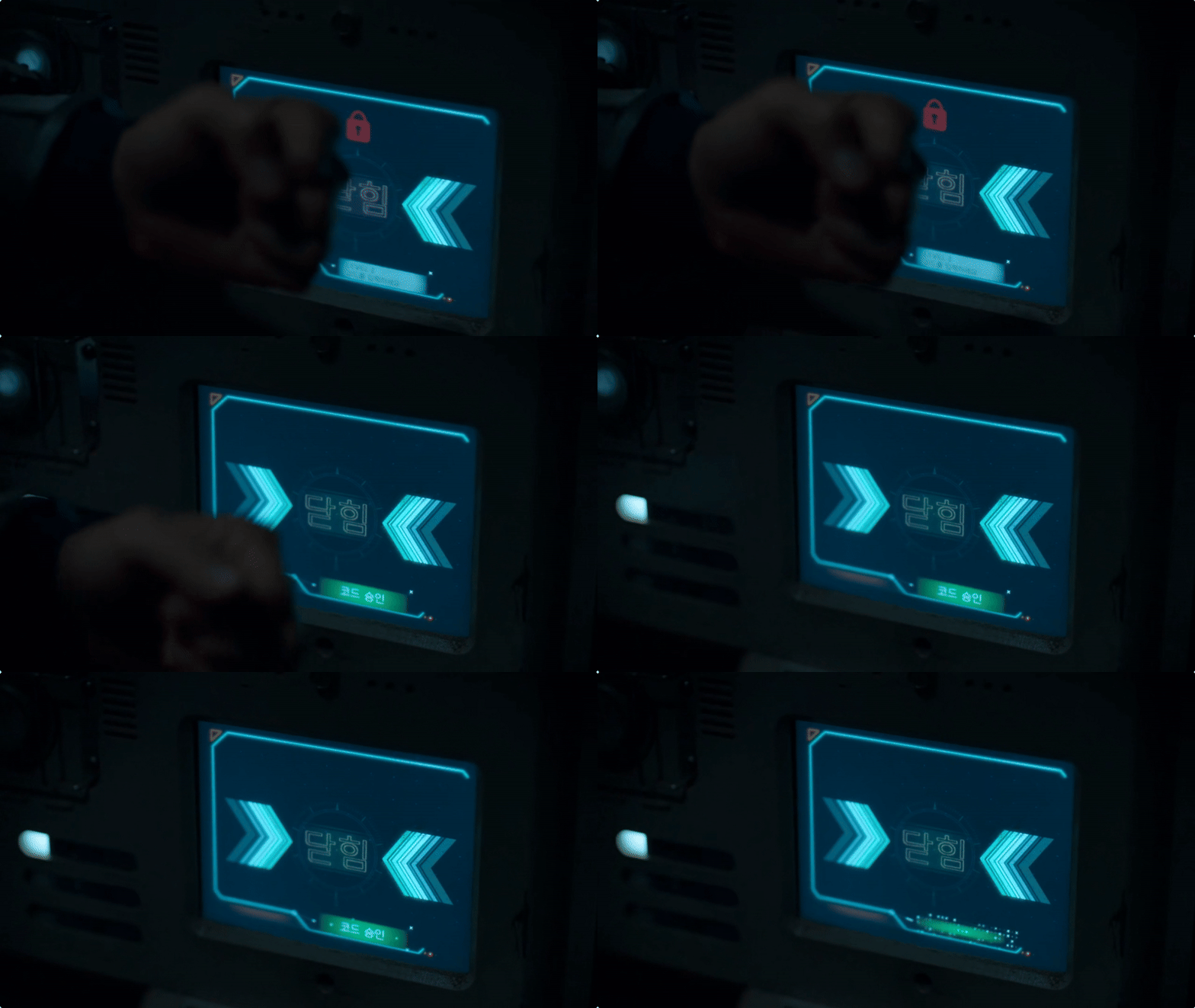
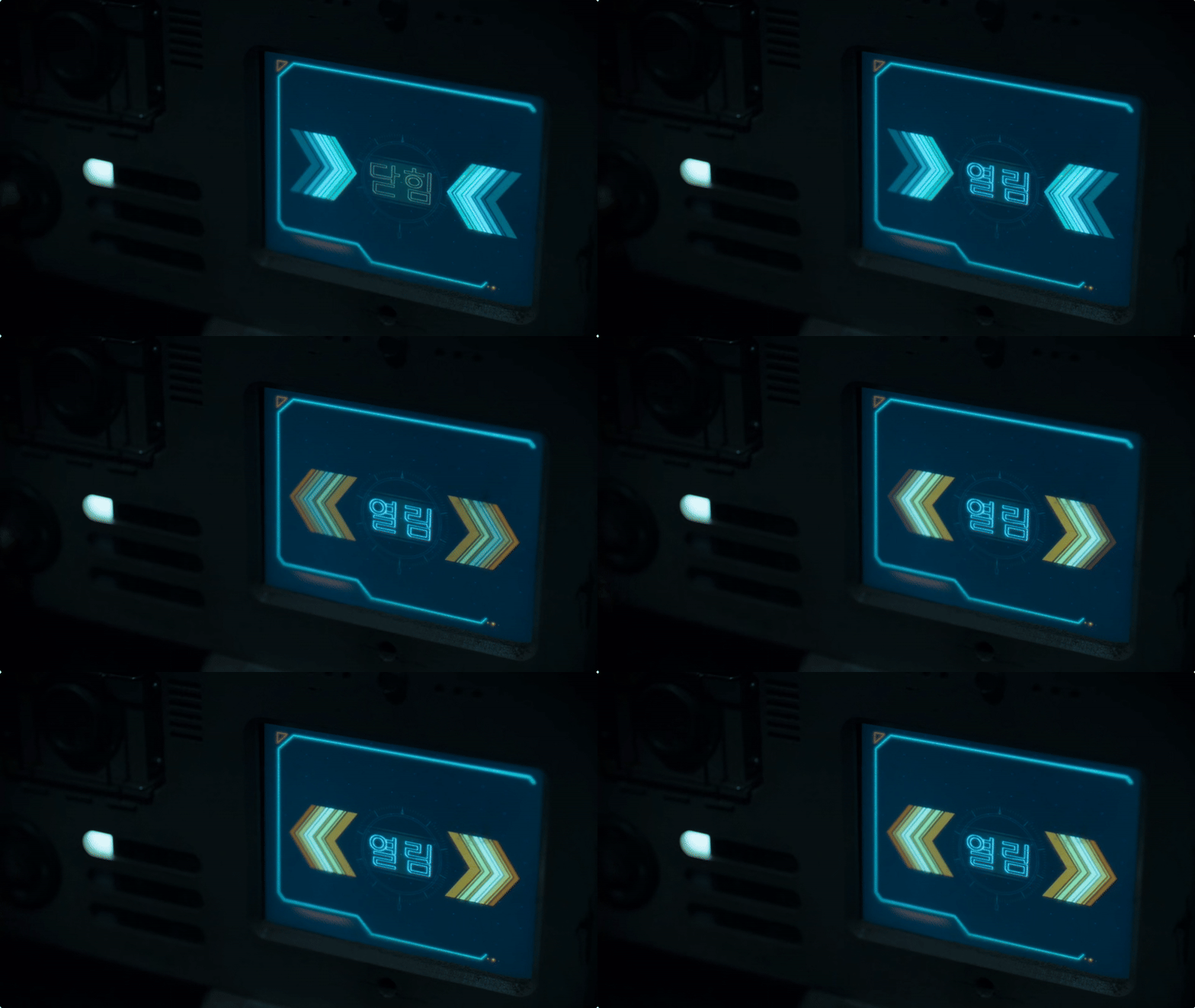
Here’s a series of control panel screens, showing a mix of Korean and English. I found it interesting that many of the design elements are so small and thin, especially considering the astronauts’ thick gloves. You might expect a chunkier, more simplified design to accommodate the tactile limitations. However, as long as the interactive areas are large enough, the fine detail of the display becomes less of an issue and it makes for a visually elegant interface that doesn’t feel clunky.

panel-1.gif
panel-2.gif
panel-3.gif
panel-4.gif
panel-5.gif
panel-6.gif
Wrist UI

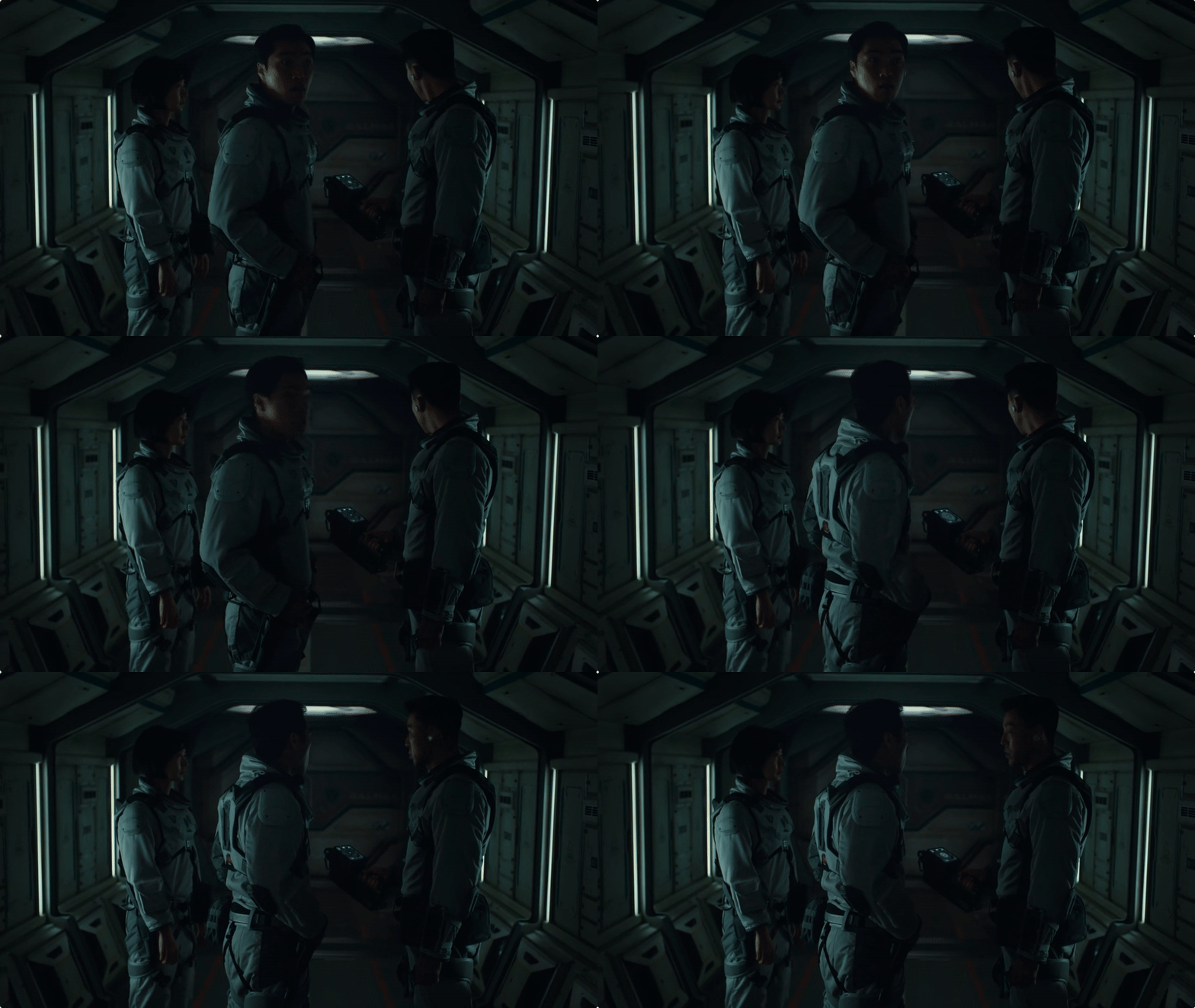
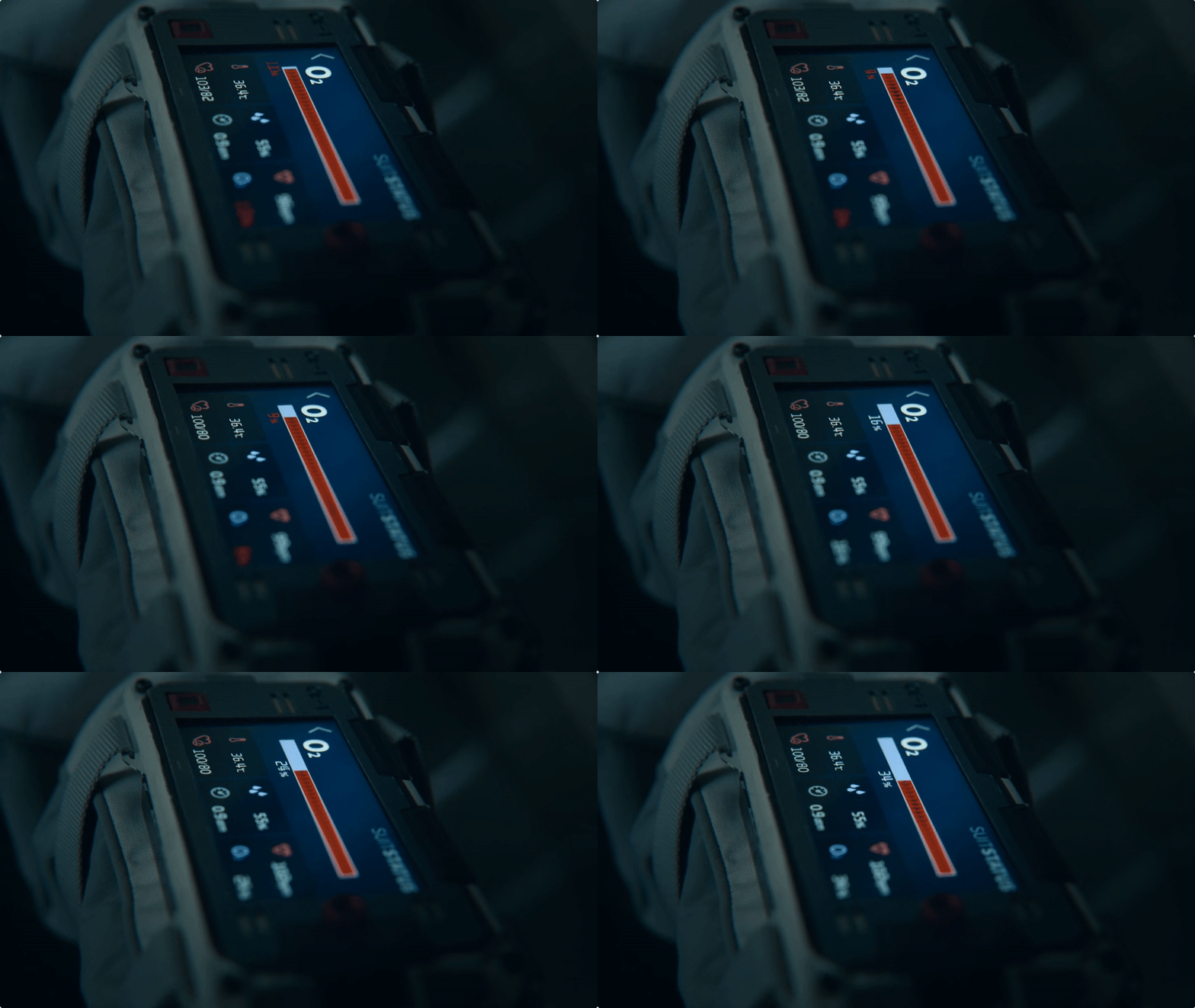
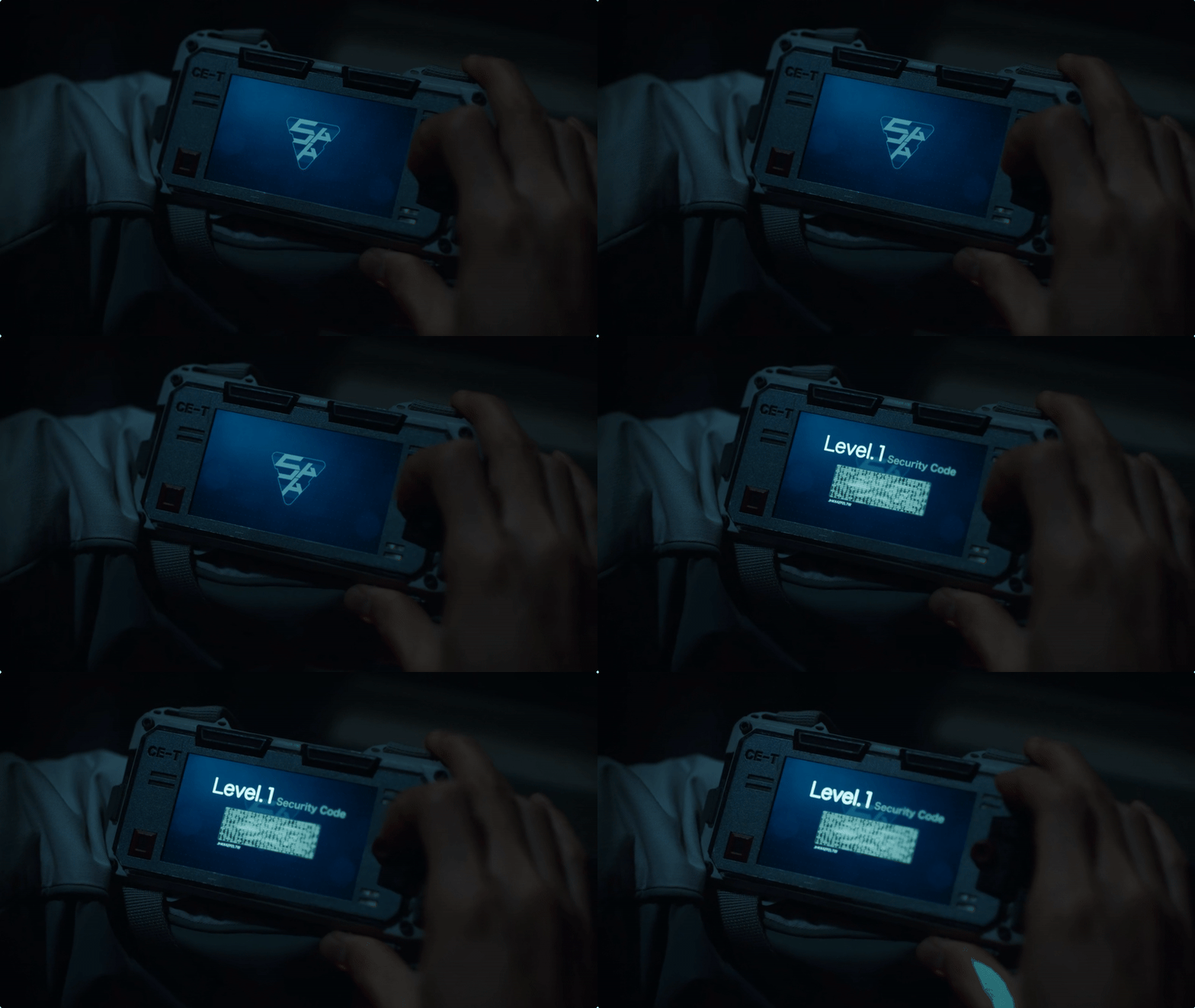
The wrist UI is primarily used to display life stats, like oxygen levels and other vital signs, keeping the crew informed at a glance. It also doubles as an authentication device for accessing locked areas.

wrist-fill.gif
wrist-level1.gif
wrist-unlock-1.gif
wrist-unlock-2.gif
The Silent Sea
5438bd1be4b0446f6692b906:544d83e9e4b05a6814bdc4e3:68e38b0bd102fb25231e7b7c
Extensions
Google Material 3 Expressive
Products

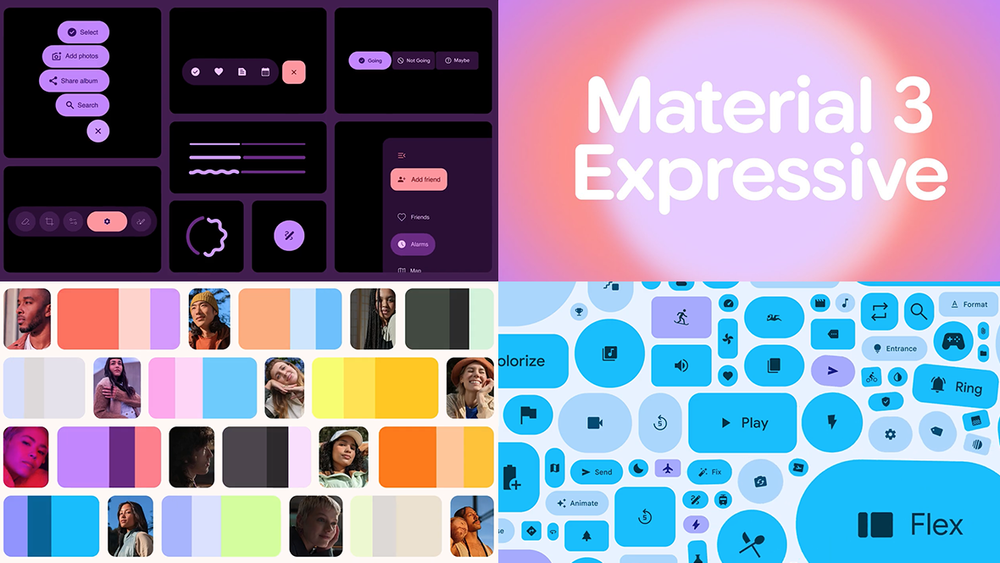
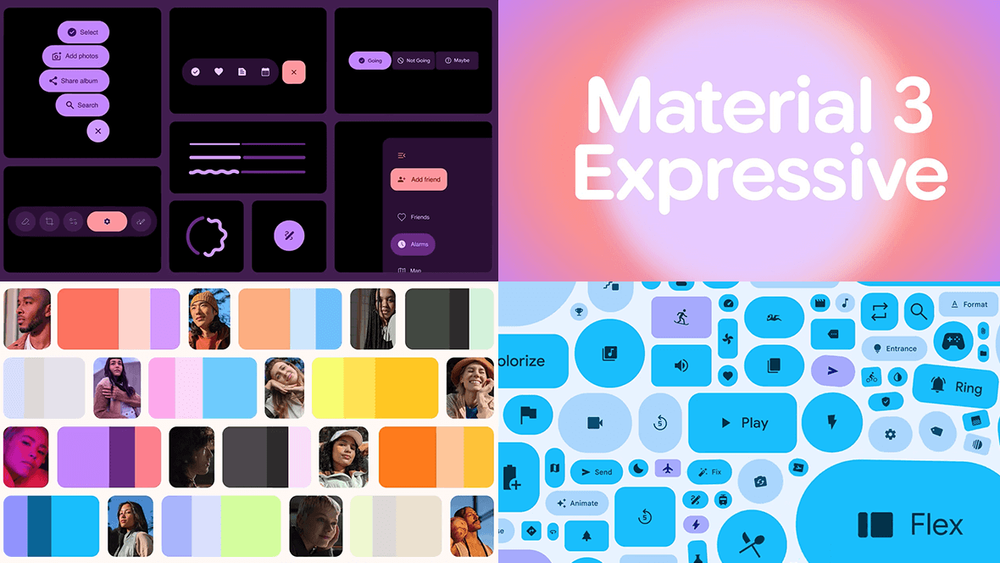
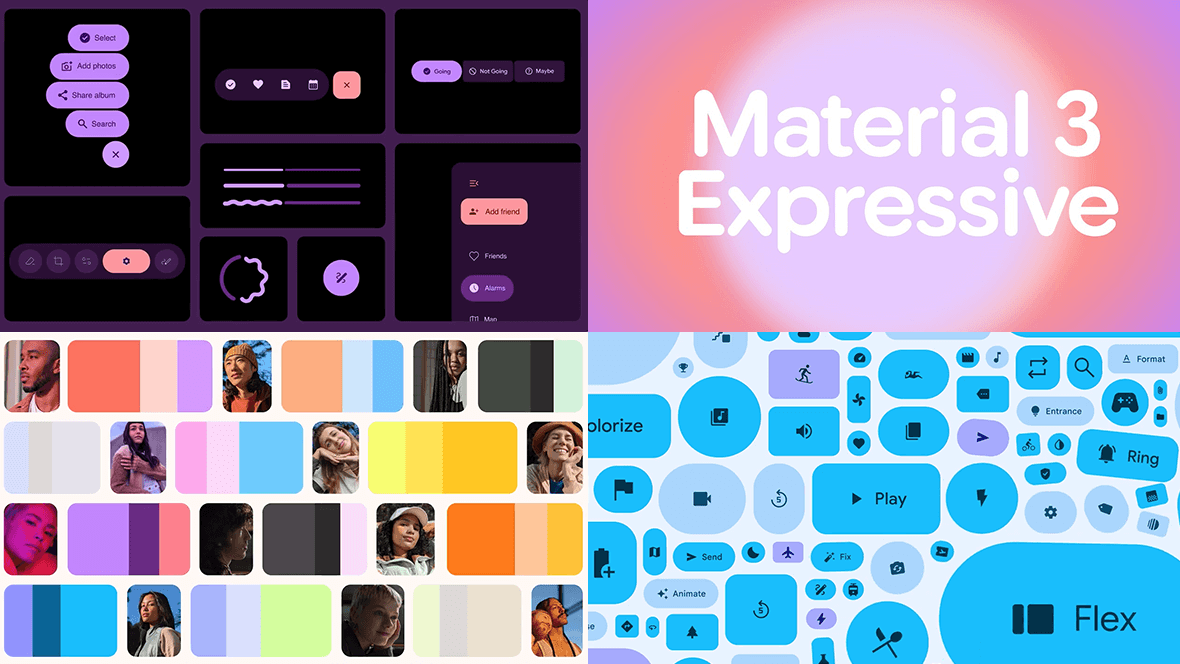
Continuing on the topic of UI systems, here’s a look at Google’s Material 3 Expressive design system. The past decade has been dominated by extreme minimalism, so it’s refreshing to see an update that doesn’t strip things away, but instead brings personality, variety, and more human qualities back into interfaces.

Material Design has long been celebrated for its consistency. But consistency can lead to sameness. Many apps and interfaces began to feel like interchangeable containers, lacking personality.

Expressive feels like a deliberate evolution. It embraces playful typography, stronger motion principles, and colour systems that give interfaces character and encourages individuality.

It also highlights an interesting pattern in design, where a wave of restraint is often followed by a wave of expression.

What I really like is its emphasis on how interfaces feel, and its focus on bringing emotion into the experience.

Google Material 3 Expressive
5438bd1be4b0446f6692b906:544d83e9e4b05a6814bdc4e3:684d0b7ce57e334c66841c0d
Extensions
Apple’s Liquid Glass
Products

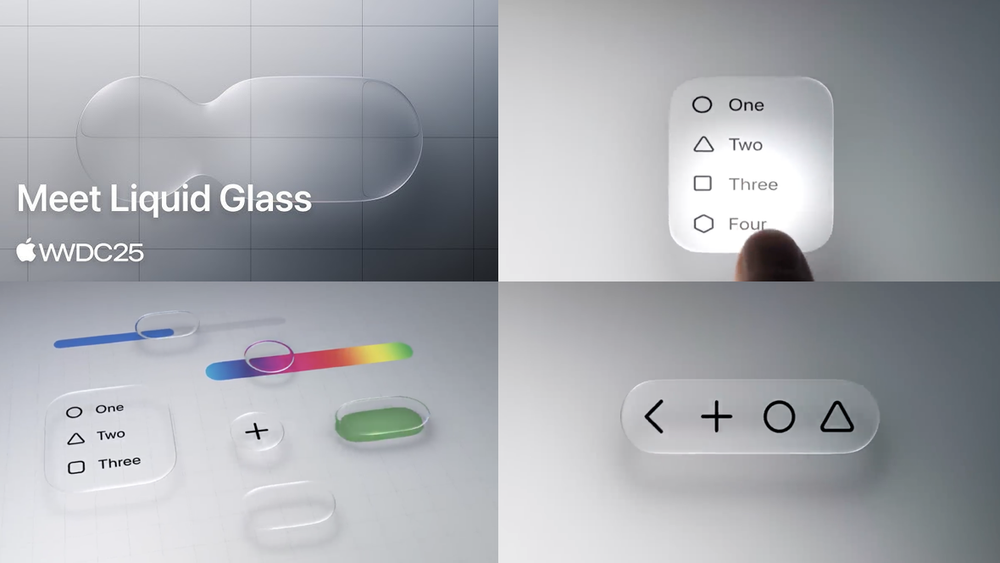
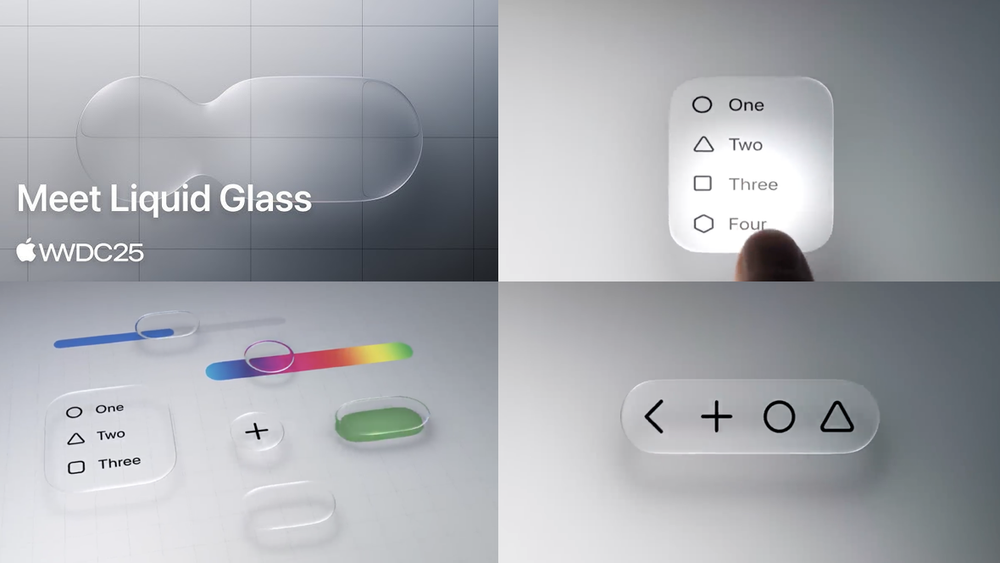
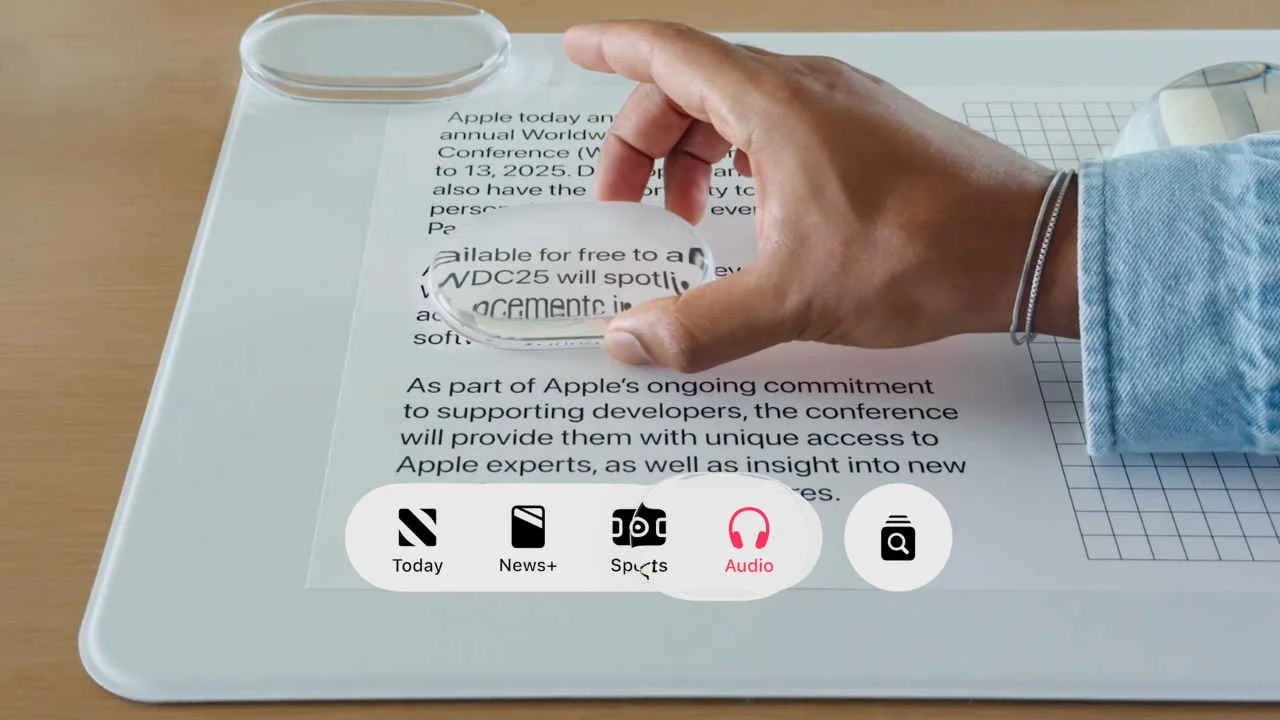
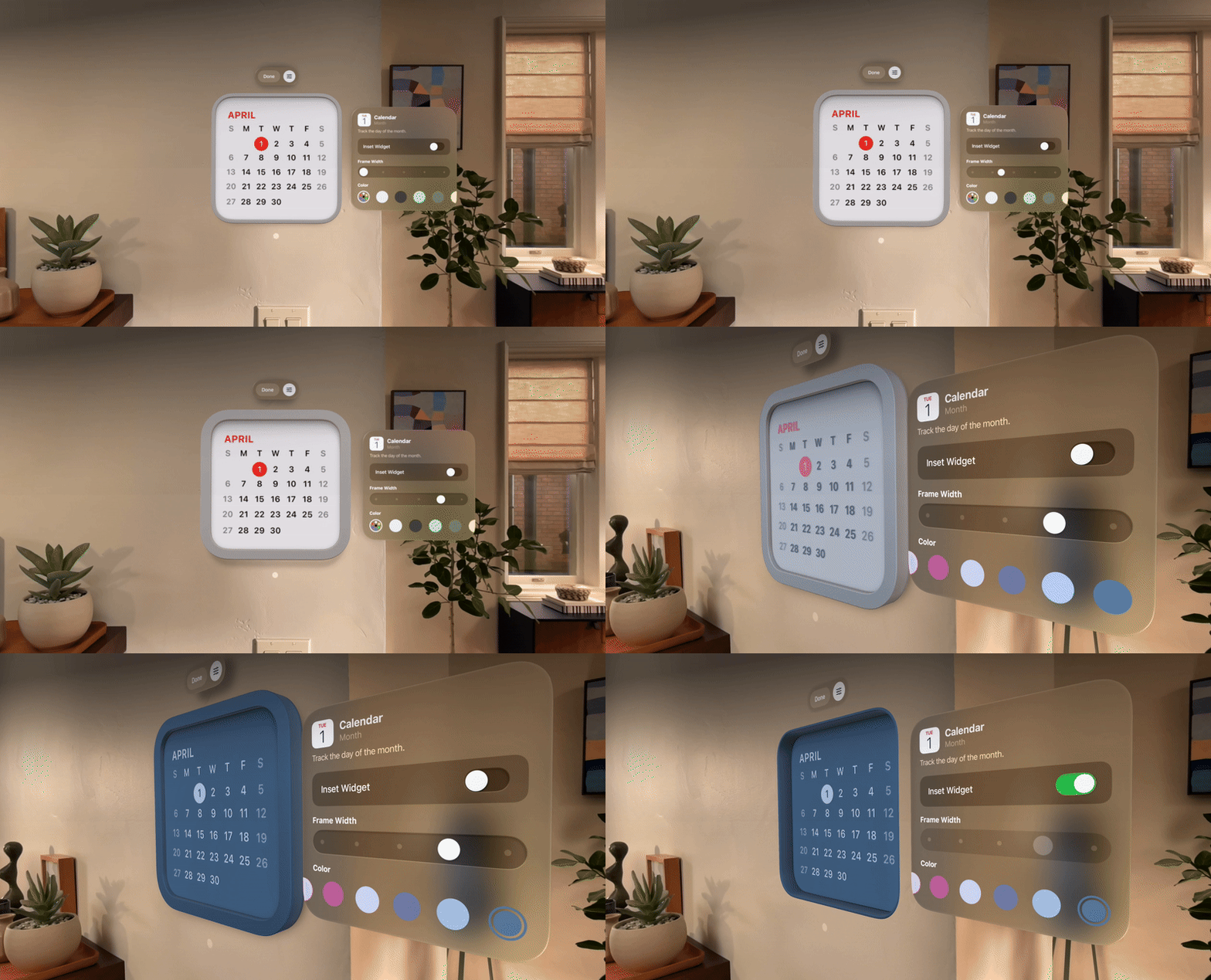
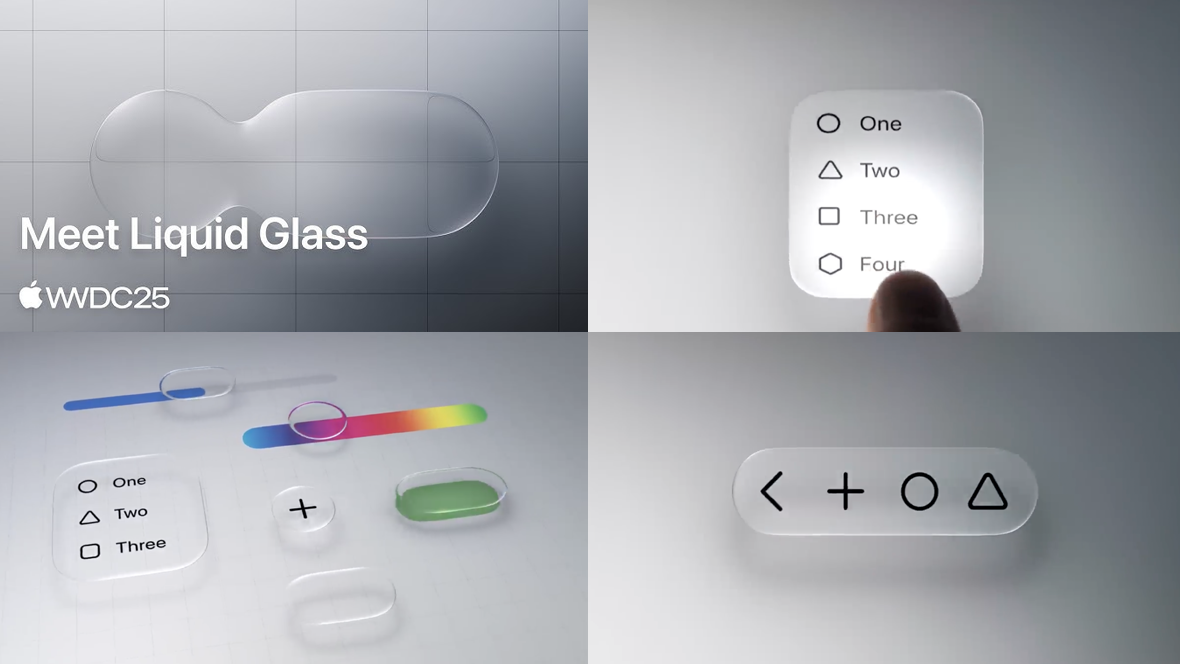
Here’s a look at Apple’s Liquid Glass UI, showcased at WWDC 2025. Reviews have been mixed, with some praising its visual ambition and others highlighting accessibility concerns, even likening it to Windows Vista. Whether you're a fan or not, there’s no denying it has sparked important conversations in UI design.

Personally, I see it as a promising move. It’s encouraging to see a major industry leader putting renewed value on visual expression. Over the past few years, UI design has become highly standardised, heavily influenced by established systems like Google’s Material Design. As a result, many interfaces have started to look predictable and, frankly, a bit boring.

It’s helpful when an influential company does something differently. It sets a precedent and opens up new conversations. For instance, the dynamic corner radius would rarely make it into serious design and development discussions. The value is hard to quantify compared to the effort required to implement it. But now, Apple has made it tangible, shifting what’s considered impossible into the realm of the plausible.

Liquid Glass also signals a shift away from older technical constraints. Remember the rise of flat design? It was a direct response to the limitations of early smartphones, chosen for its scalability and lightweight performance demands. In contrast, Liquid Glass showcases real time light rendering, something not feasible on consumer hardware a decade ago.

This brings up some interesting questions. For example, will we be seeing more UI that's inspired by what you would normally find in game engines, reacting dynamically to its environment? As spatial interfaces become more common, especially on platforms like Apple Vision, it seems likely that game like UI could shape the next evolution of interface design.

(UPDATE) - In light of Apple’s Liquid Glass, Figma has released new Glass effects. Check out this Glass Effects Playground file to play around with it.

View fullsize article_283553_apple_liquid_glass_ui_early_reactions_1749579697048_45f7c7ecd7.jpeg
View fullsize focus__ggpbjiev9i62_large_2x.jpg
View fullsize dynamic_controls__ezqkwhge3vsm_large_2x (1).jpg
View fullsize app_icons__ghno6awtphe2_large_2x.jpg
View fullsize controls__djddwinnqlqq_large_2x.jpg
View fullsize design__51h6pg9xusii_large_2x.jpg
View fullsize liquid_glass__f595gw1ozwi2_large_2x (1).jpg
View fullsize intelligent__es592gzxo9qq_large_2x.jpg
View fullsize navigation__gdkvxthggeai_large_2x.jpg
View fullsize liquid_glass_hero__e4g9pjpws8ya_large_2x.png
View fullsize dynamic_controls__ezqkwhge3vsm_large_2x.jpg
View fullsize toolbars.png
View fullsize liquid_glass__f595gw1ozwi2_large_2x.jpg
View fullsize liquid_glass_hero__e4g9pjpws8ya_xlarge_2x (1).jpg
View fullsize liquid_glass_hero__e4g9pjpws8ya_xlarge_2x.jpg
View fullsize menu__dowiti2aeu2q_large_2x.jpg


Apple’s Liquid Glass
5438bd1be4b0446f6692b906:544d83e9e4b05a6814bdc4e3:684d056db1a5ec0335d217ac
Extensions
Cyber City Odeo 808 - Cyberpunk UI
FilmHUDsGUIs

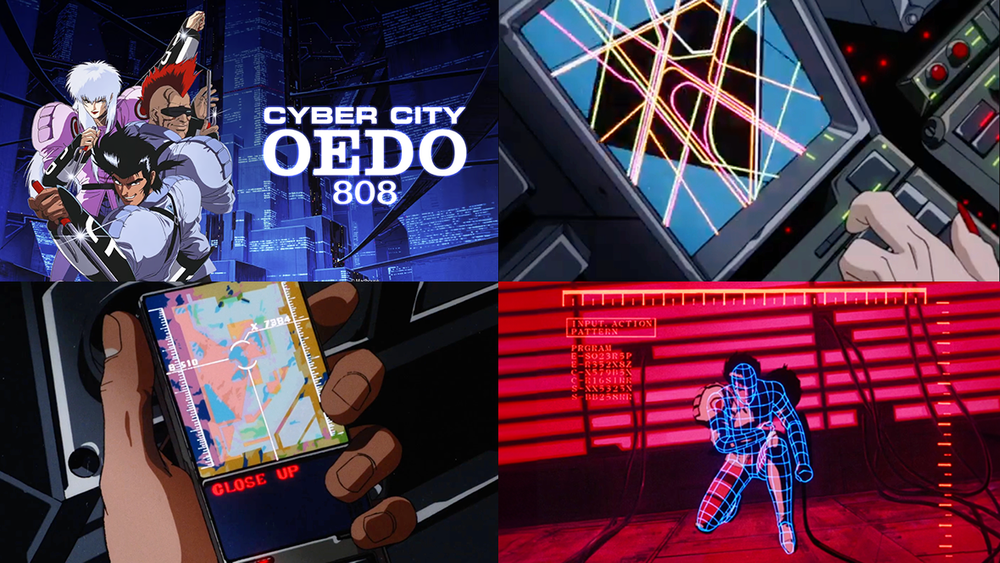
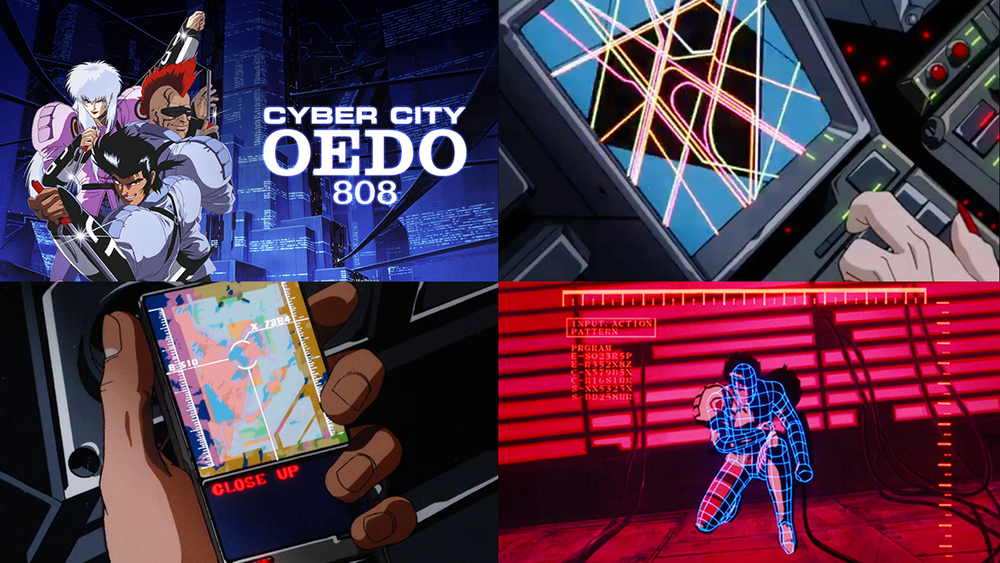
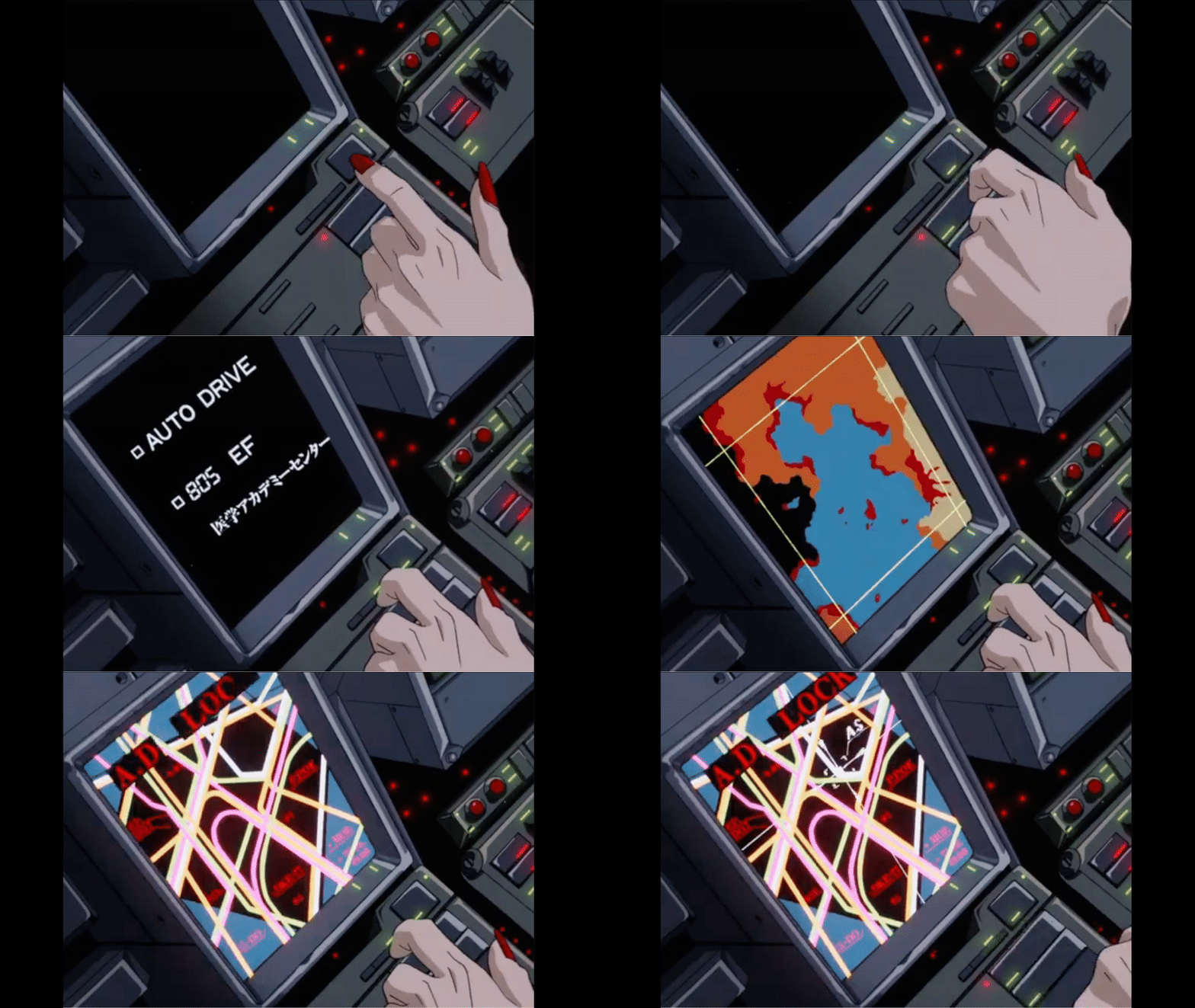
Here’s a look at the FUI of Cyber City Oedo 808, a gritty cyberpunk anime full of retro-futuristic designs. From car dashboards and cockpits readouts to police files, and schematics, these interfaces play a key role in shaping the world and its atmosphere.

Dashboard and cockpit UI

The designs are wonderfully abstract, using lines, shapes, and motion to suggest complexity without over-explaining. Much of the detail is implied rather than shown, and that restraint adds to the aesthetic. Animation does a lot of the storytelling here: the pacing, the rhythm, the manic flickering during tense moments, all of it conveys mood and urgency without a single word. The car dashboard in particular, is so full of personality.

View fullsize cardash.gif
View fullsize cardash2.gif
View fullsize shipcomputer.gif
View fullsize cockpit.gif
View fullsize targeting.gif
Police files

The police systems use a distinct and well-balanced colour palette, cool blues and white for type, with turquoise, deep pink, and red as accents. It gives the interface a clean yet stylised look that feels both official and futuristic. The top-down wipe transitions are a nice touch too as it subtly hints at older technologies and adds to the retro future aesthetic.

View fullsize police2.gif
View fullsize mugshot1.gif
View fullsize scan.gif
View fullsize mugshot2.gif
Computer interfaces

Here’s a mix of screens that involve hacking, mapping and simulations. The screen designs really capture the retro future feel thanks to the fonts, low resolution and animation style and could easily fit into the same timeline as Blade Runner or Alien Romulus.

View fullsize computer1.gif
View fullsize computer2.gif
View fullsize computer3.gif
View fullsize computermap.gif
View fullsize hack1.gif
View fullsize hack3.gif
View fullsize computer1.gif
View fullsize simulation.gif
Handheld UI

This is a really fun device that has a large screen up top for visuals and a secondary screen below for supporting details. The controls at the bottom are reminiscent of early ’90s Japanese tech and really adds to the device’s retro-future appeal.

View fullsize phone1.gif
View fullsize phone2.gif
View fullsize phone3.gif
DNA sequencing

These screens give off a distinctly scientific feel, thanks to the combination of complex diagrams, no-nosense typography and basic animation.

View fullsize dna1.gif
View fullsize dna2.gif
View fullsize dna3.gif
View fullsize dna4.gif
View fullsize dna5.gif
Interface control panels

The interface controls are often complex, built from clusters of small details and elements that sit flat on the console surface. Instead of a standard keyboard, the layouts use generously spaced-out symbols that span across a large panel. The designers did a good job of suggesting complexity through the use of lines and irregular shapes.

View fullsize comp-1.jpg
View fullsize comp-2.jpg
View fullsize comp-3.jpg
View fullsize comp-4.jpg
Targeting UI

The design of this targeting system is pretty unique. Firstly, it’s not often that you see a serif font used in a high-tech interface, like the word ‘TARGET’. The triangular layout of the callout text is also unusual. Not sure I understand the logic behind it but stylistically it’s very cool and adds to building the design language throughout the world.

View fullsize targeting1.gif
View fullsize targeting2.gif
View fullsize targeting3.gif
Cyber City Odeo 808 - Cyberpunk UI
5438bd1be4b0446f6692b906:544d83e9e4b05a6814bdc4e3:681172bf8b90fe5868be4d2b
Extensions
Silo - Dystopian UI
FilmGUIs

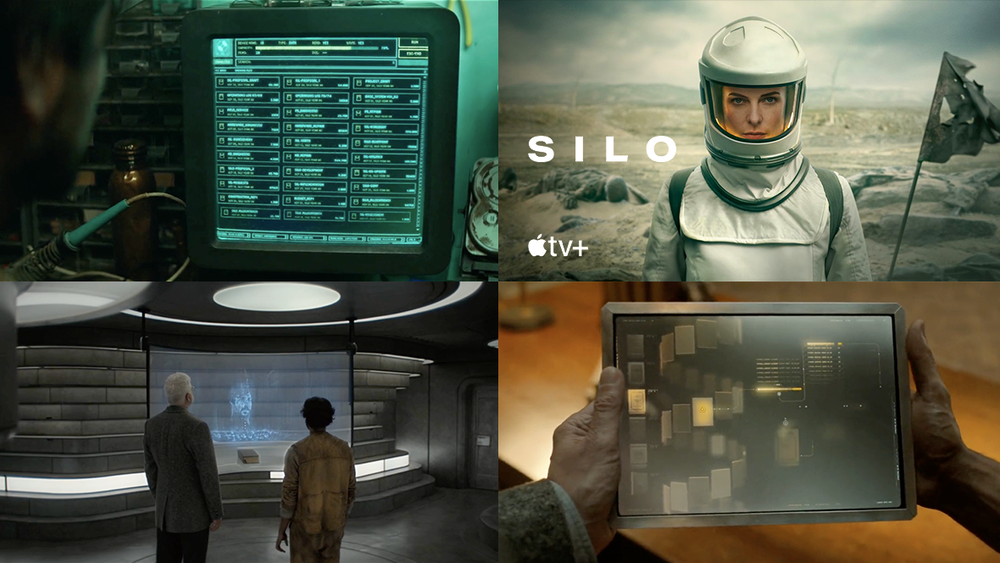
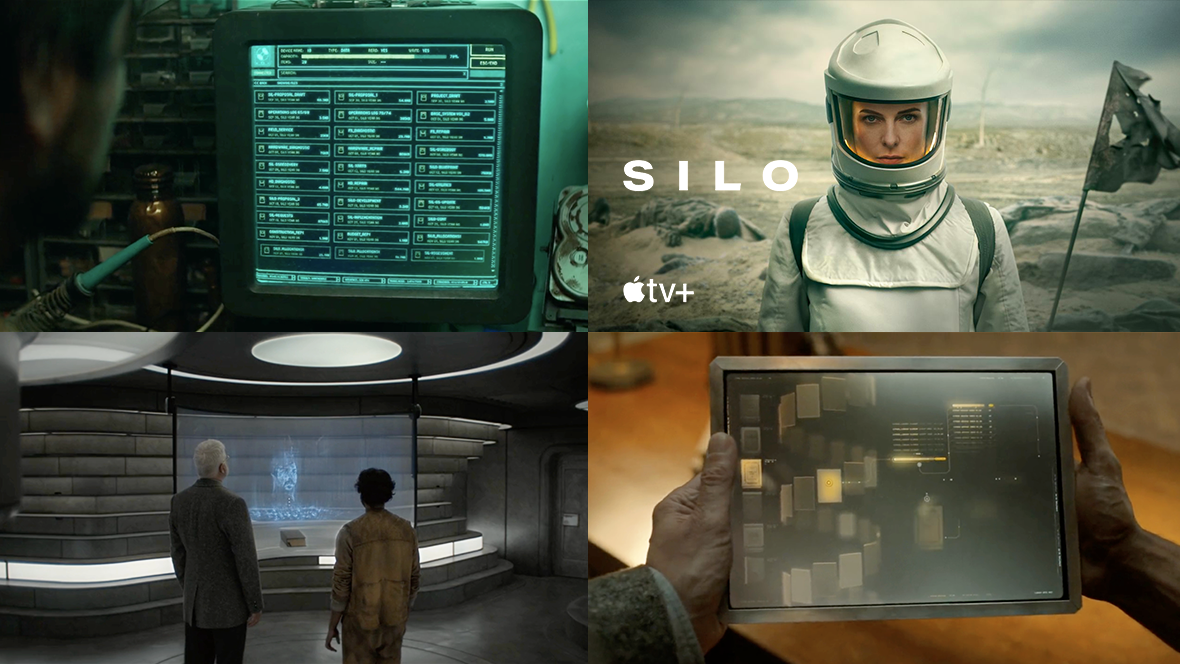
Here's a look at the UI from the Apple TV series Silo, which takes place in an underground city where the citizens rely on fairly dated technology. Much of the UI work here is reminiscent of old DOS-based systems, but there are also glimpses of more modern and advanced UI.

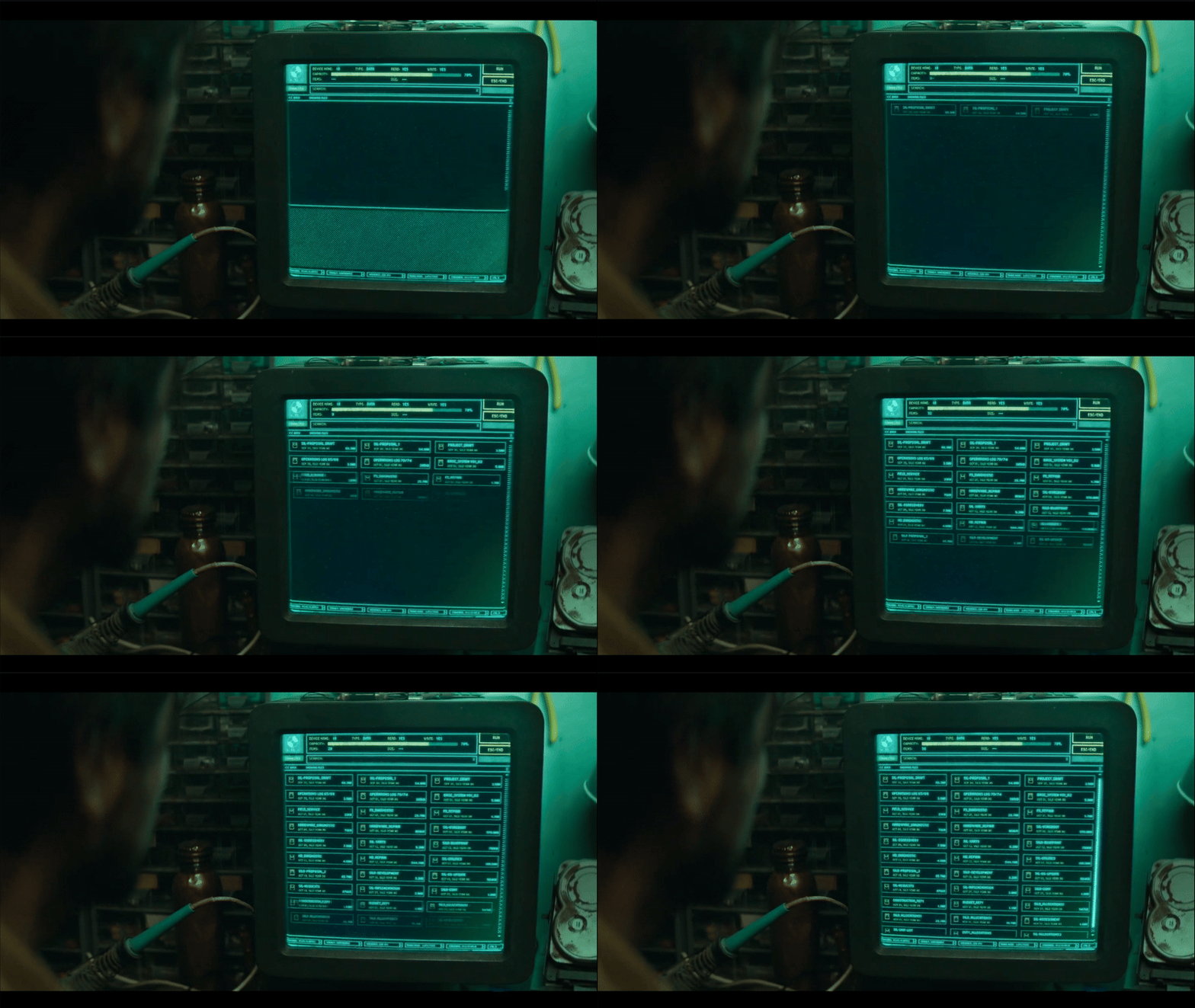
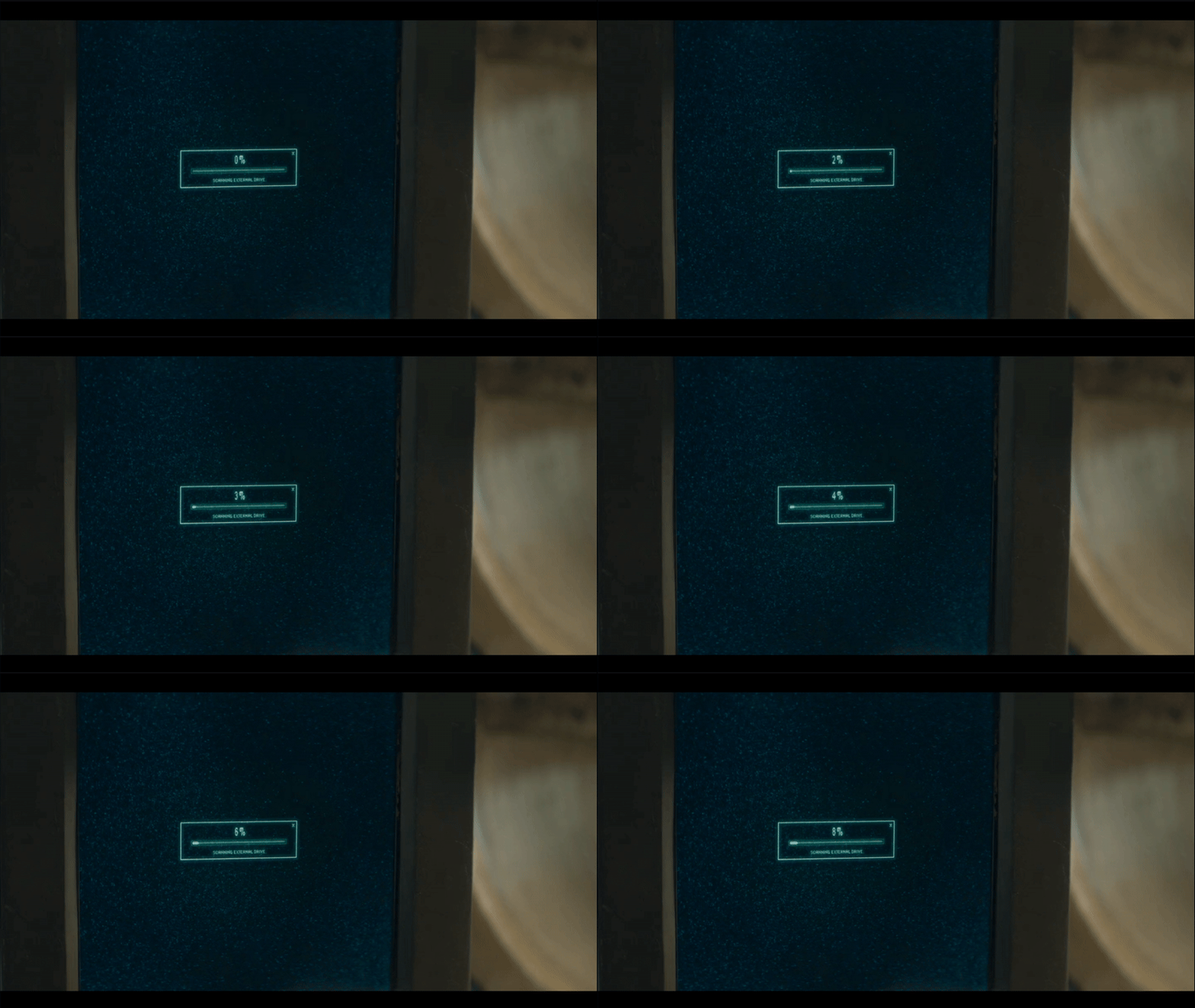
Hard Drive UI

The hard drive retrieved by George features a series of simple text-based menus with a green monochrome palette, accented with subtle yellow hues. Besides the menus, it also features some interesting schematics and maps, showing a mixture of orthographic and 3D diagrams. Having the 3D elements creates an unusual aesthetic, when played on a low resolution CRT monitor. The animations are also thoughtfully designed, taking on a no frills, lo-fi look, that reenforces the utilitarian feel of the Silo’s technology.

View fullsize drive-1.gif
View fullsize drive-9.gif
View fullsize drive-2.gif
View fullsize drive-3a.gif
View fullsize drive-3b.gif
View fullsize drive-4.gif
View fullsize drive-5.gif
View fullsize drive-6.gif
View fullsize drive-7.gif
View fullsize drive-10.gif
View fullsize sims-3.gif
View fullsize sims-6.gif
View fullsize sims-4.gif
View fullsize sims-8.gif
View fullsize sims-7.gif
Reproductive Clearance UI

Here’s the very formal and sterile UI process for reproduction in the Silo. The depiction of this journey is great, and says so much about the rigid structure of the Silo itself. The layout of the countdown screen is kind of awkward in a good way. It’s able to communicate what it needs to in order to progress the story, but the unusual layout subtly adds to the oddity of this world.

View fullsize reproduce-1.gif
View fullsize reproduce-2.gif
View fullsize reproduce-3.gif
Terminal

The form factor for the terminals is quite nice, especially with the pull out keyboard. The screens feel a little more technical here as it’s meant for specialists and not everyday users. This design really leans into efficiency, cutting out any fluff and putting function front and centre.

View fullsize terminal-1.gif
View fullsize terminal-2.gif
View fullsize terminal-3.gif
Relic Database

Here’s a quick snippet of the relic database that Sims uses. It’s interesting to see that even those in charge and in high positions of power also have to rely on dated technology. It uses a very basic text-based GUI and a fun mixture of type.

View fullsize sims-1.jpg
View fullsize sims-2.jpg
View fullsize relic.gif
Video Screens

The video played from the hard drive is glitchy, washed out and very pixelated. There’s some nice touches in making this video look low quality, like the artefacts and the smearing when George moves his hands too quickly.

View fullsize video-1.gif
View fullsize video-2.gif
Tablet UI

Here’s one of the very few modern interfaces. It’s a voice-activated tablet app that accesses information from an archive. The UI is intentionally unfamiliar, which lets the viewer somewhat empathise with what the character Lukas must be feeling. The layout features thumbnails on the left leading into a spiral of content, which maybe represents the spiral staircase of the silo?

The tablet app gives off a mysterious feel with its gold and black colour palette, accented by glows and subtle lighting. The tablet itself looks like it has a metallic frame, which also adds to the mystique surrounding the device.

View fullsize tablet-1.gif
View fullsize tablet-2.gif
View fullsize tablet-3.gif
View fullsize tablet-4.gif
AI

Finally, we get a glimpse of the AI, which appears as a hologram projected onto a curved, transparent screen. It builds up the 3D image of Lukas using what looks like a point cloud. Even though it’s monochrome and doesn’t reveal anything too dramatic, it still feels significantly more advanced, especially considering we’ve only seen DOS-like, text-based UIs up until this point.

View fullsize ai.gif
Silo - Dystopian UI
5438bd1be4b0446f6692b906:544d83e9e4b05a6814bdc4e3:67bfdf321be9df0c5f2aff5b
Extensions
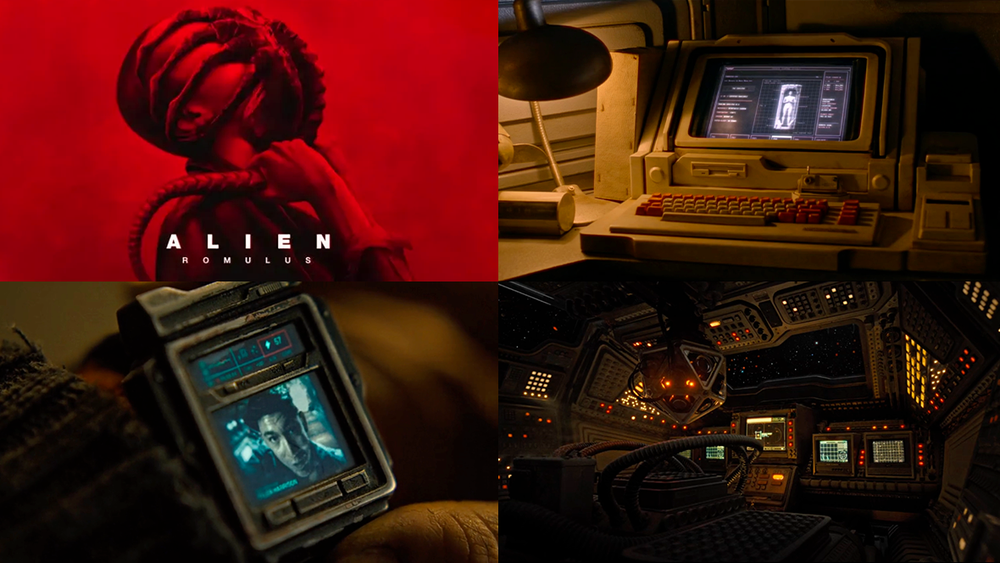
Alien Romulus - Retro Sci-Fi UI
FilmGUIs

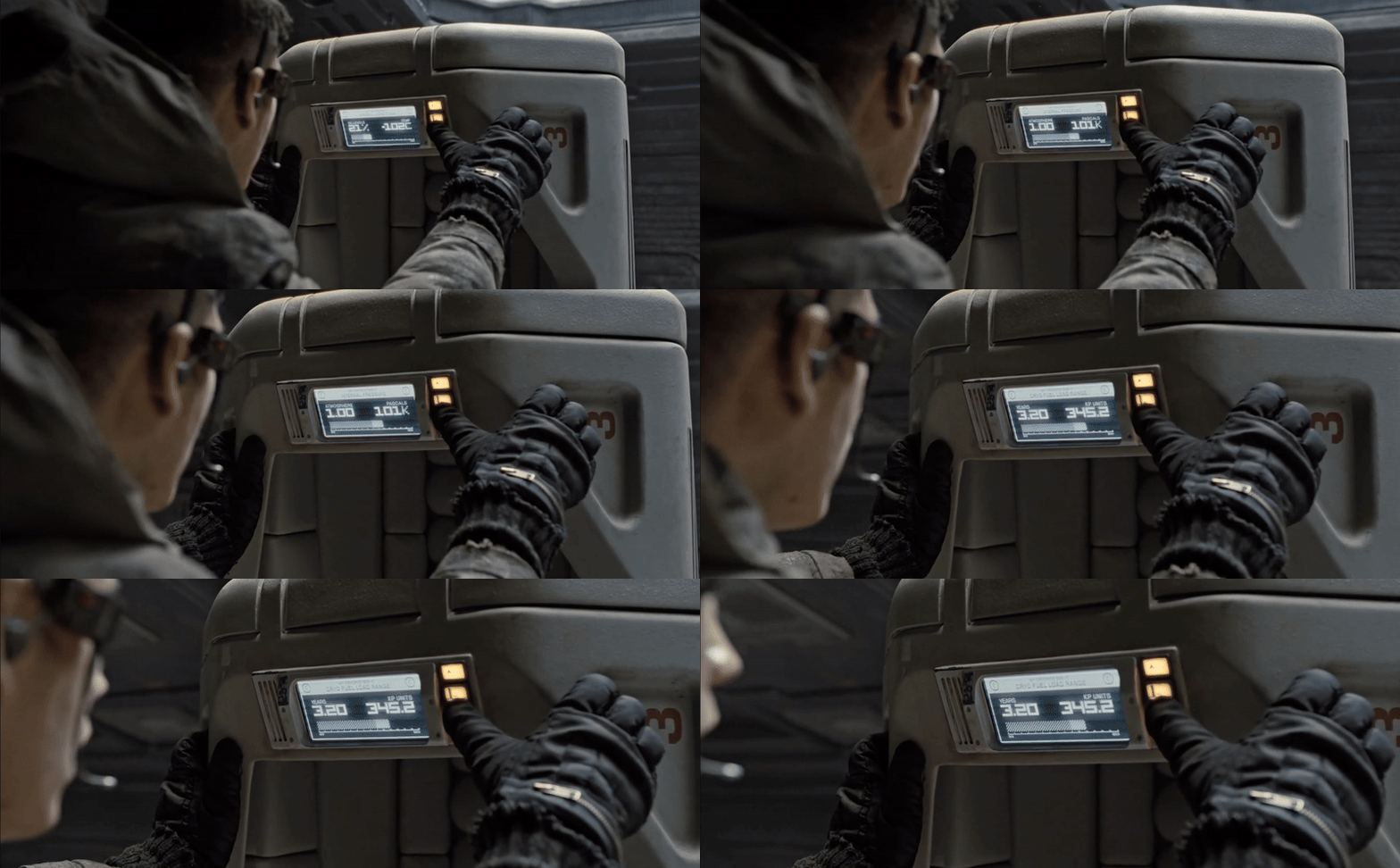
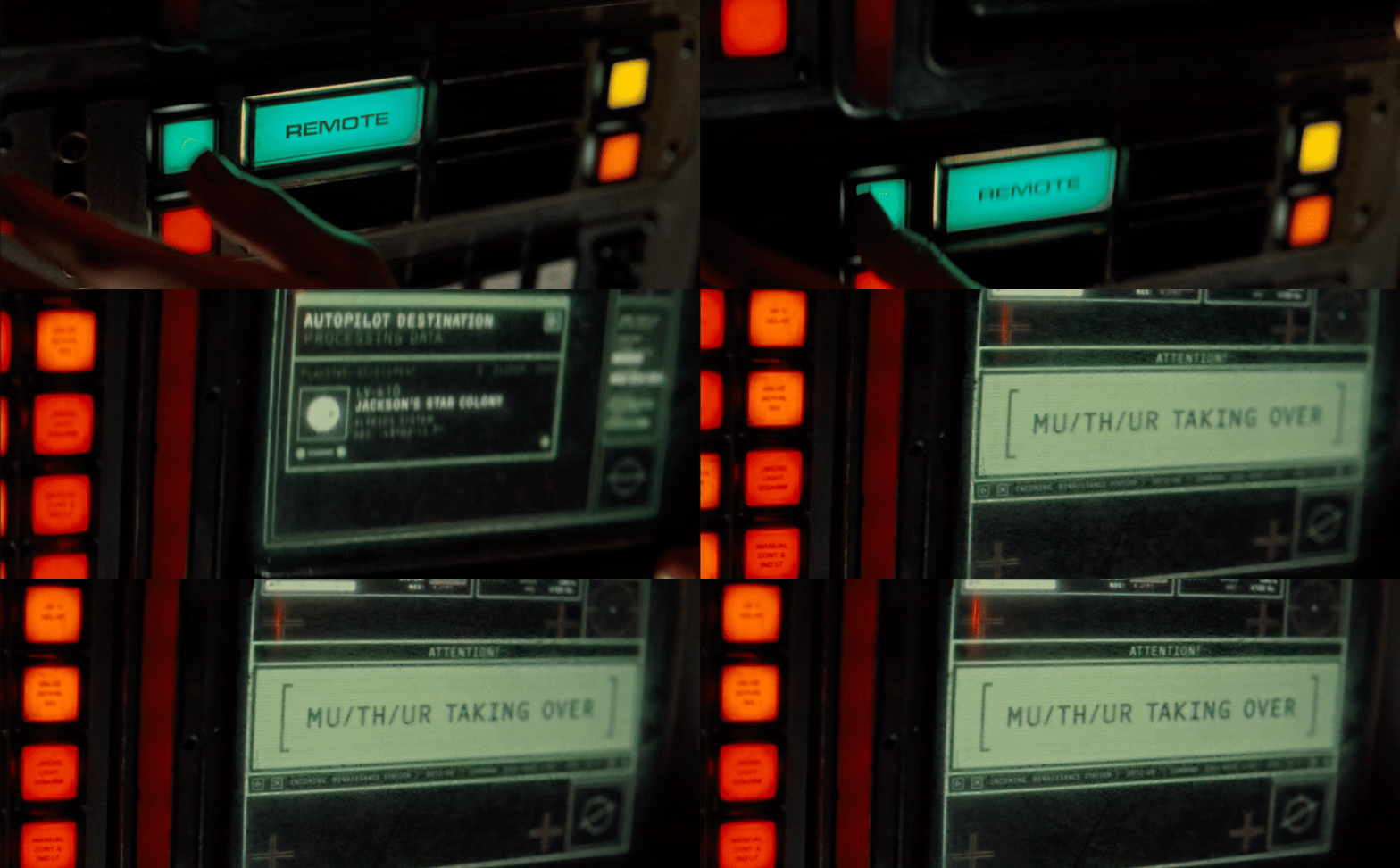
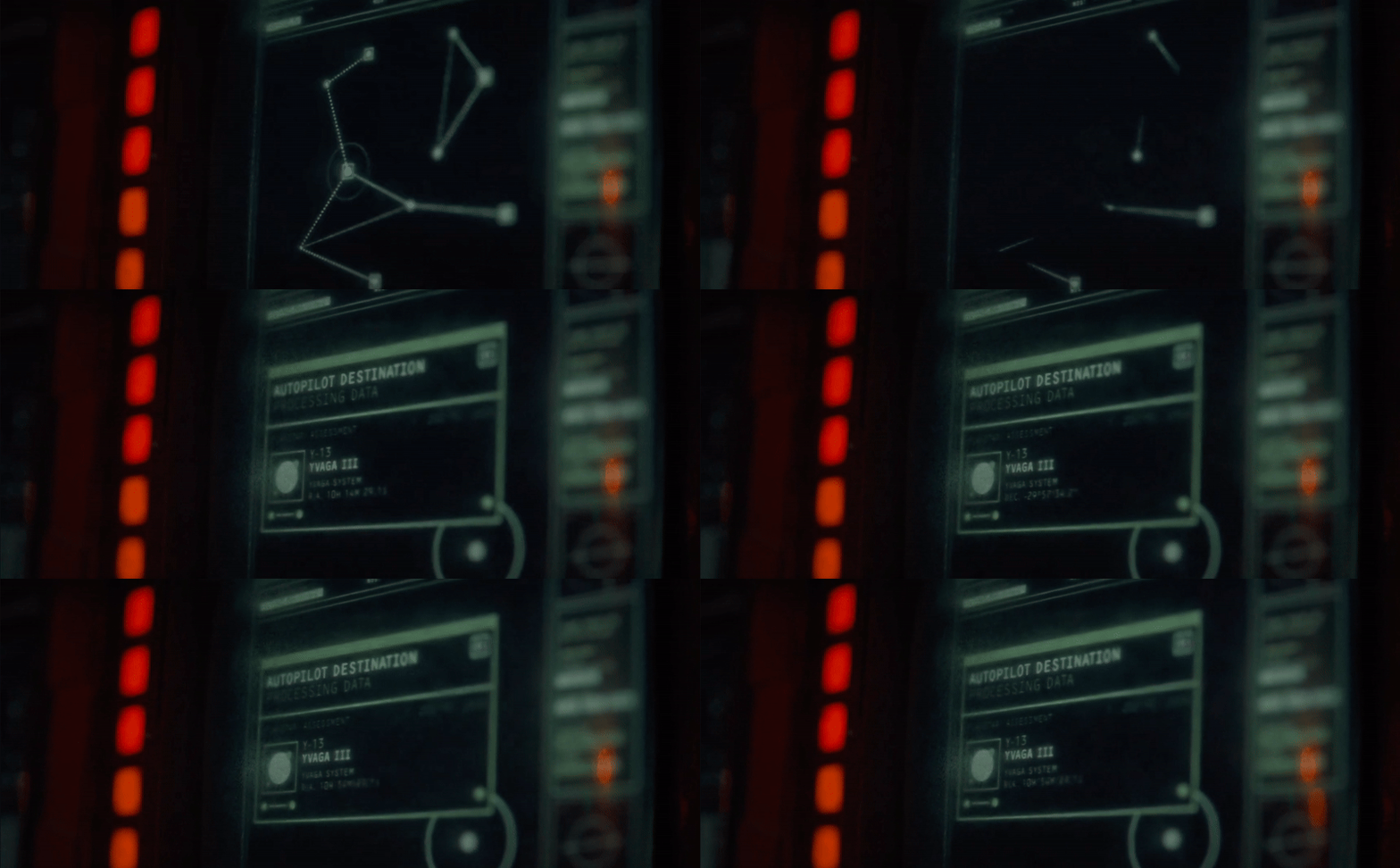
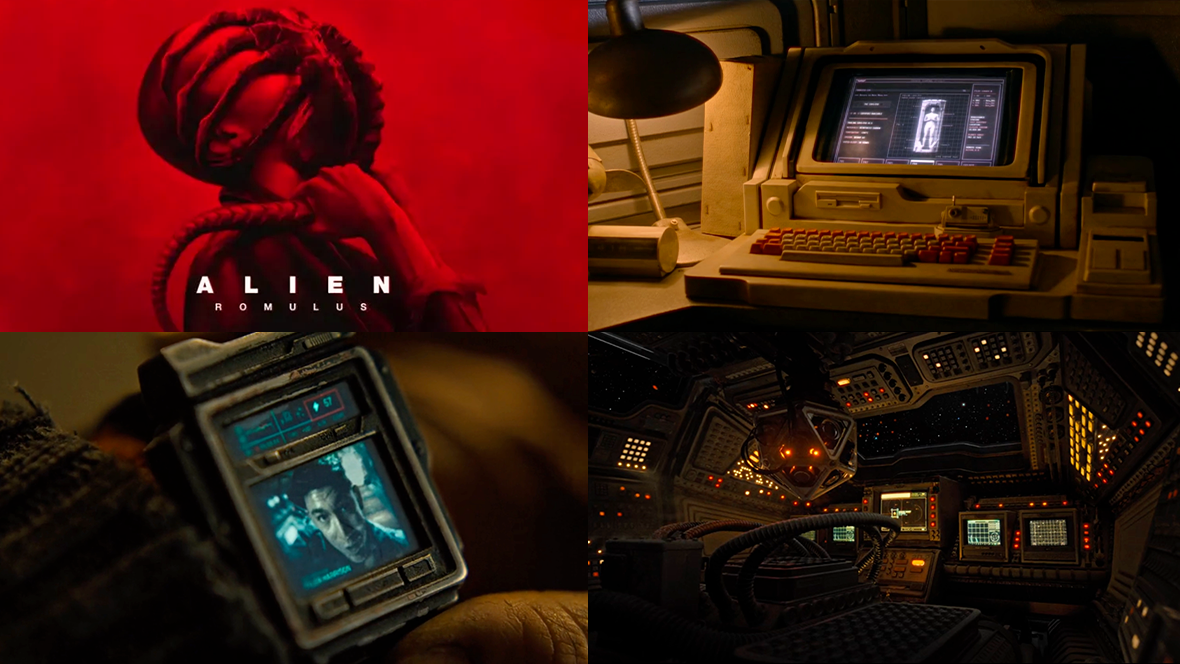
The Alien franchise has always been a rich resource for fans of FUI, and Alien: Romulus is no exception. This latest entry has loads of examples that stay true to the signature retro sci-fi aesthetic that we’ve come to know and love from this universe. From cockpit displays and control panels to handheld scanners, CRT video feeds, and even an auto-aiming rifle scope, Alien: Romulus has lots to unpack.

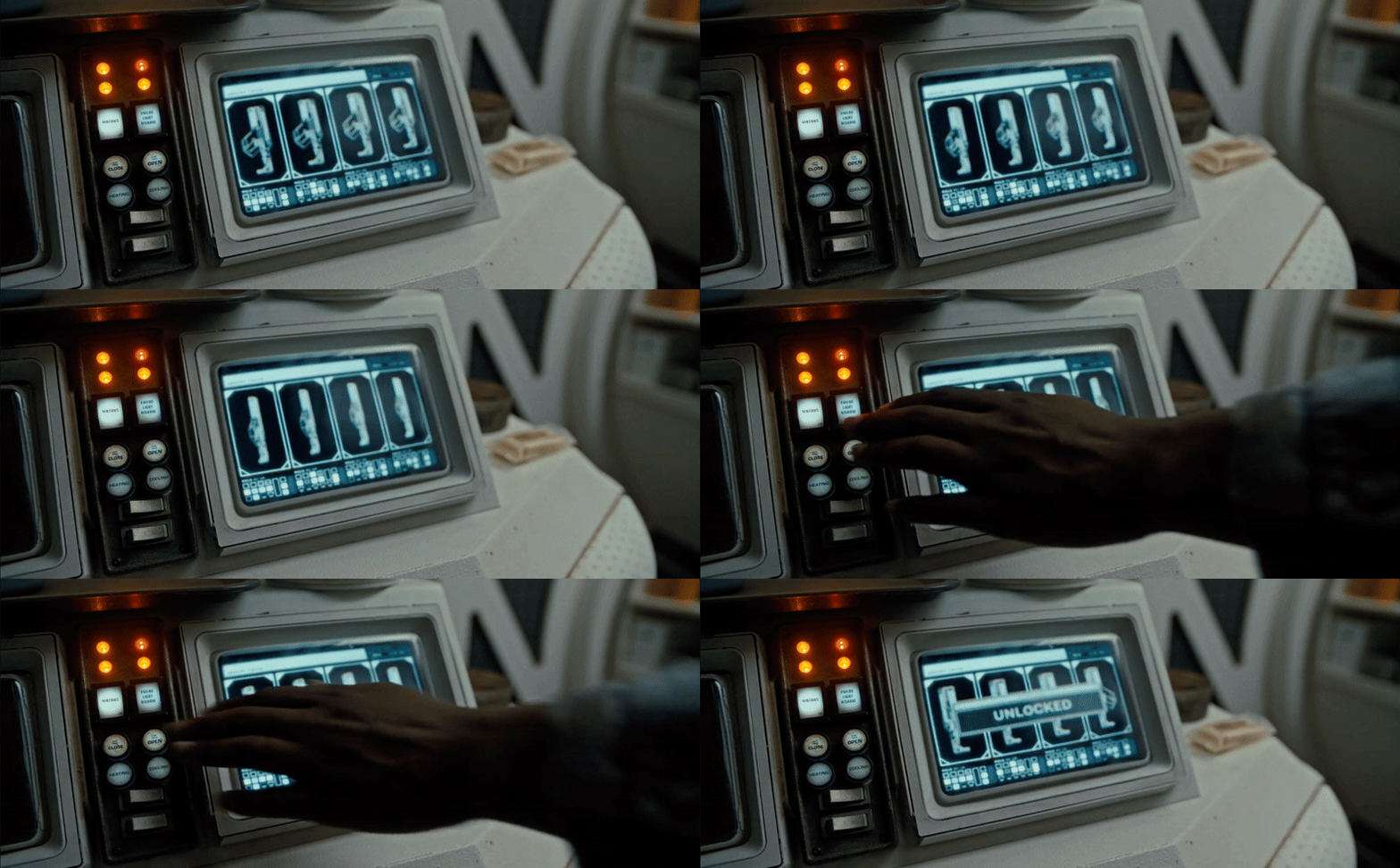
Cryo Station UI

This no-nonsense interface has an industrial feel, with bold icons, thick line work, and minimal animation. I also appreciate the use of a stylus over a touchscreen as it offers greater precision, especially when dealing with cold hands or wearing gloves.

View fullsize cryo-recording.gif
View fullsize cryo-ui.gif
Mining Ship UI

These screens look like they’ve been ripped straight from a Commodore 64—everything about this setup screams 1980s, from the materials and colors to the chunky keyboard and floppy disk drive. The pixelated graphics and monochrome displays add to the retro charm. Imagine navigating space with computers this basic, now that would be truly terrifying!
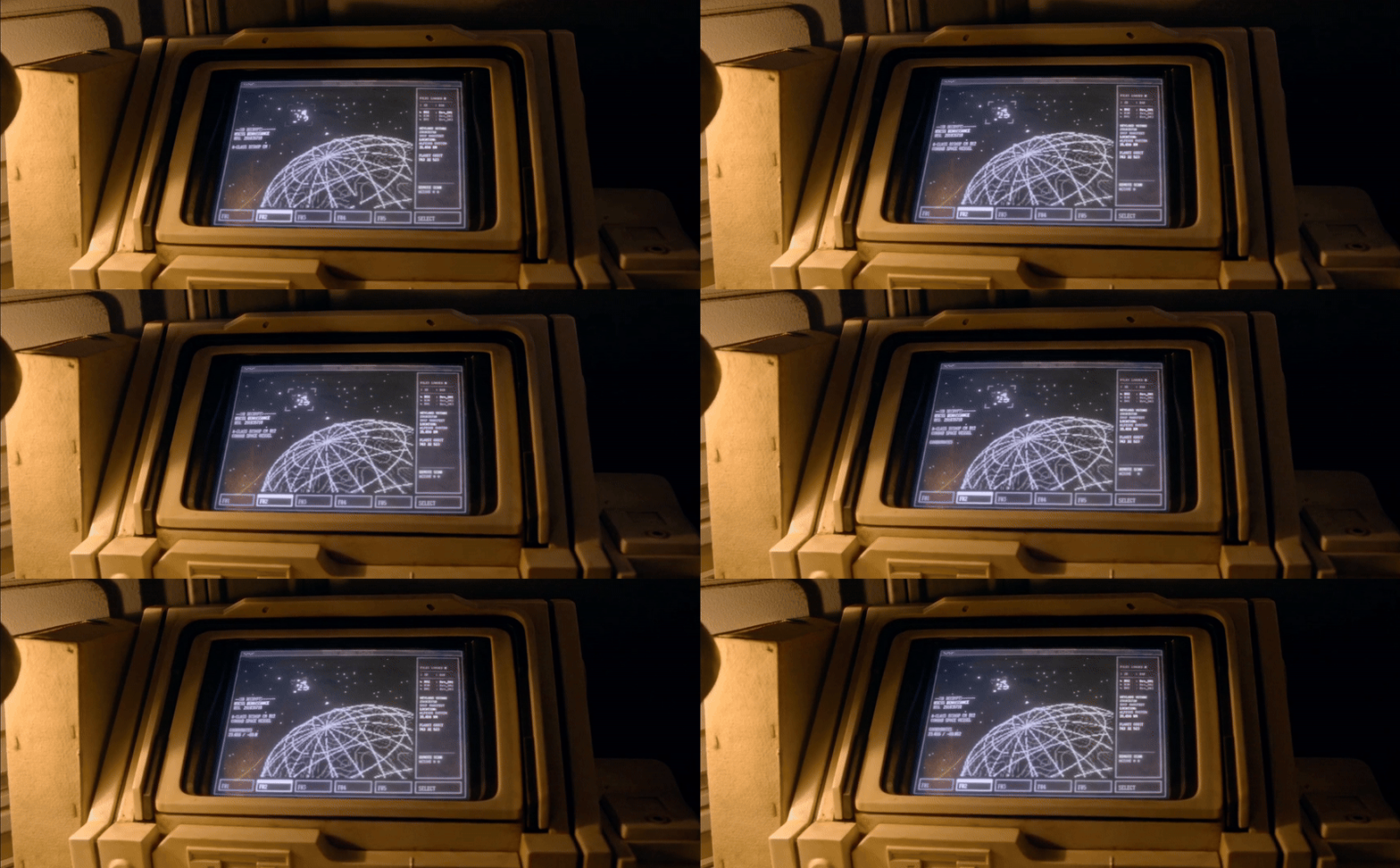
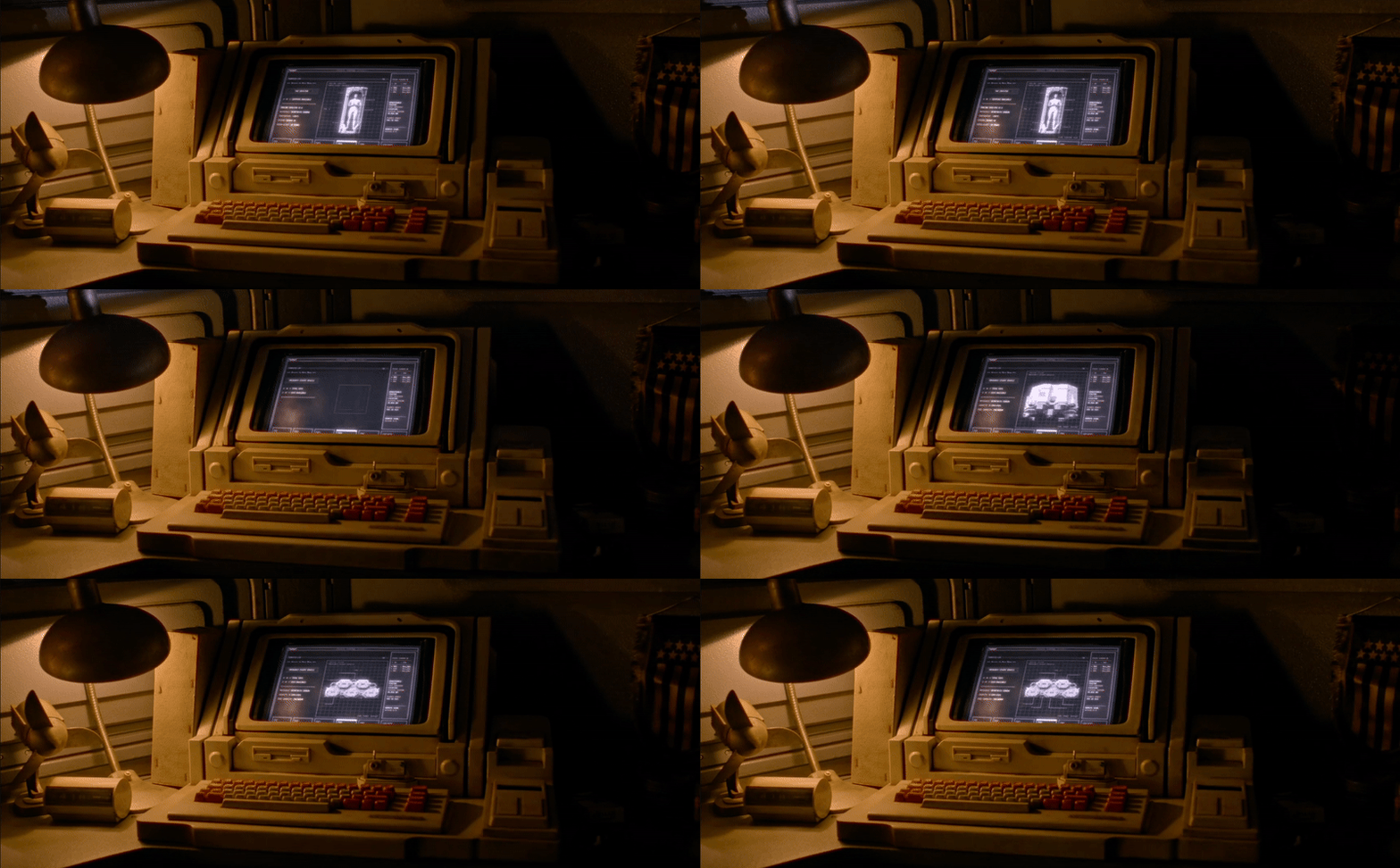
miner-screen-1.gif
miner-screen-2.gif
miner-screen-3.gif
miner-screen-4.gif
Video watch

I grew up expecting gadgets to look like this in the future. The chunky, boxy design of the watch, paired with its low-resolution screen and desaturated colors, perfectly captures that retro sci-fi aesthetic. There’s something nostalgic about the mix of on-screen UI and tactile buttons—so much so that part of me prefers this over a modern smartwatch.

Panel Screens

These share the same no-nonsense UI design as the Cryo UI, maintaining a cohesive aesthetic throughout the ship. They’re often shown with a compact screen, tactile buttons, and an array of jacks, reinforcing the utilitarian feel.
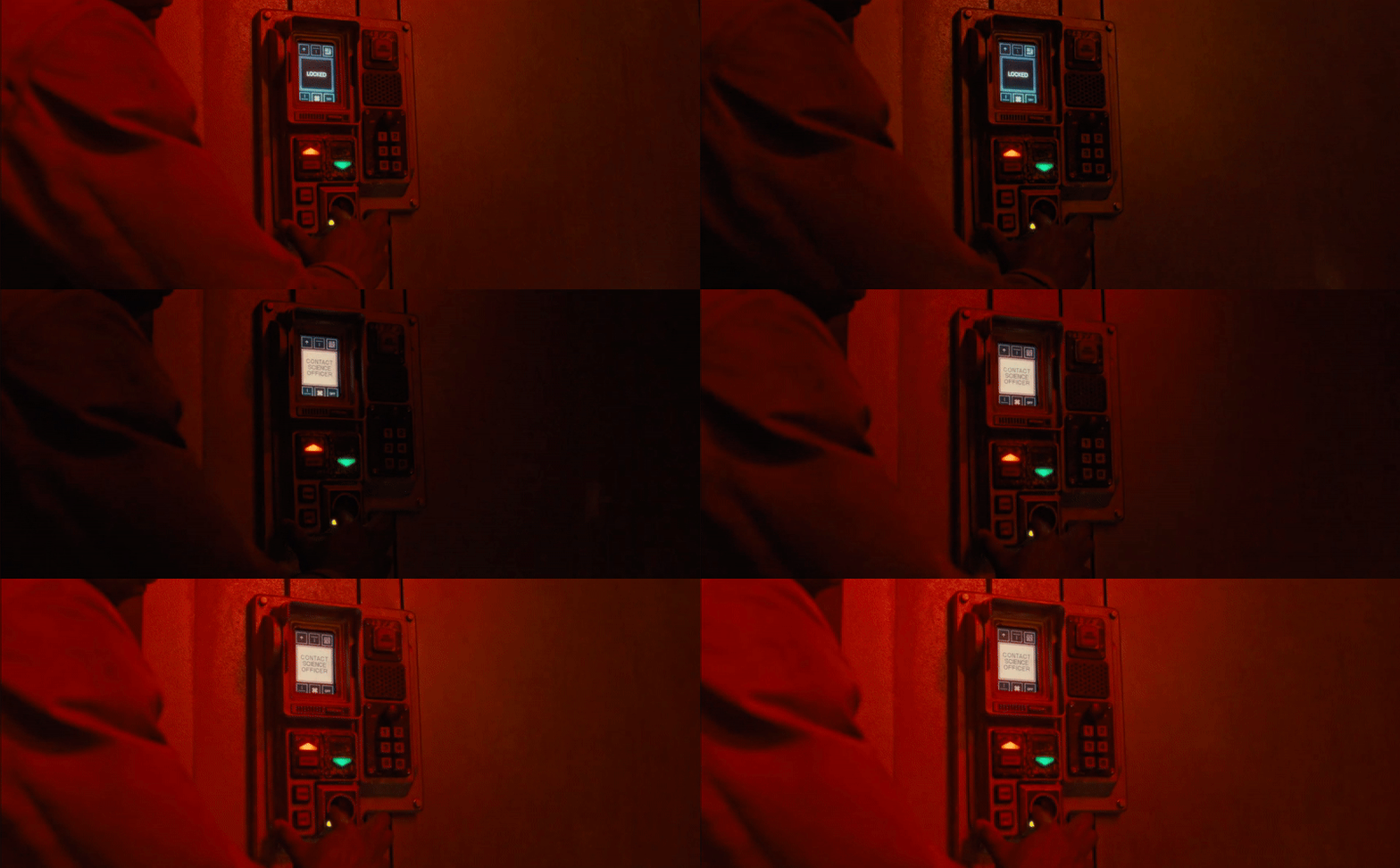
panel-1.gif
panel-2.gif
Weyland-Yutani Admin Office

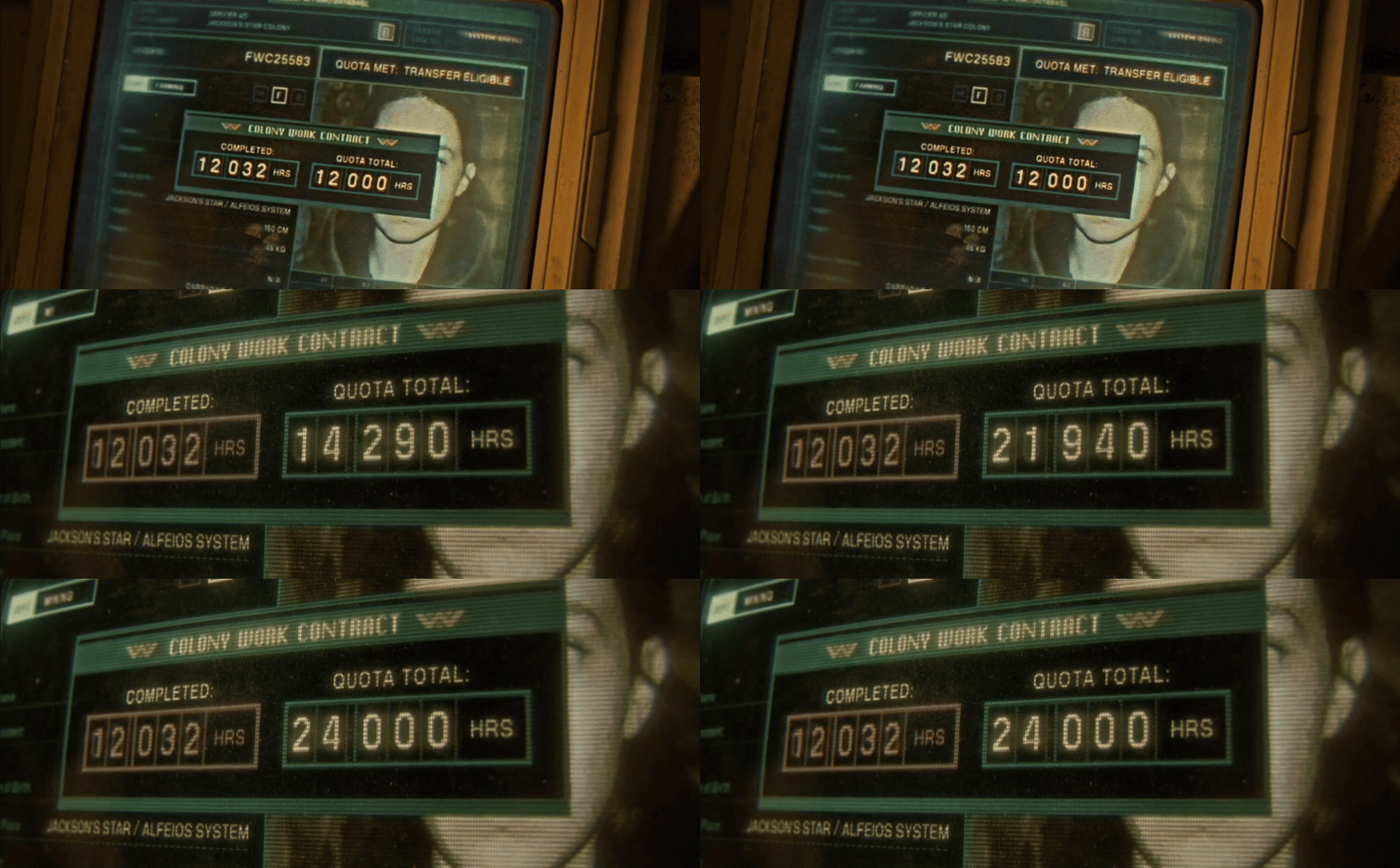
This showcases the computer system used by Weyland-Yutani admin officers—a glitchy, low-resolution screen encased in a grimy shell. While it offers more colours and slightly better image quality than the mining ship's system, it’s still heavily pixelated. The way the photograph loads in with increasing clarity is a nice touch, subtly hinting at the technology’s limitations.

quota-1.gif
quota-2.gif
Pulse Rifle - Auto-Assistance UI

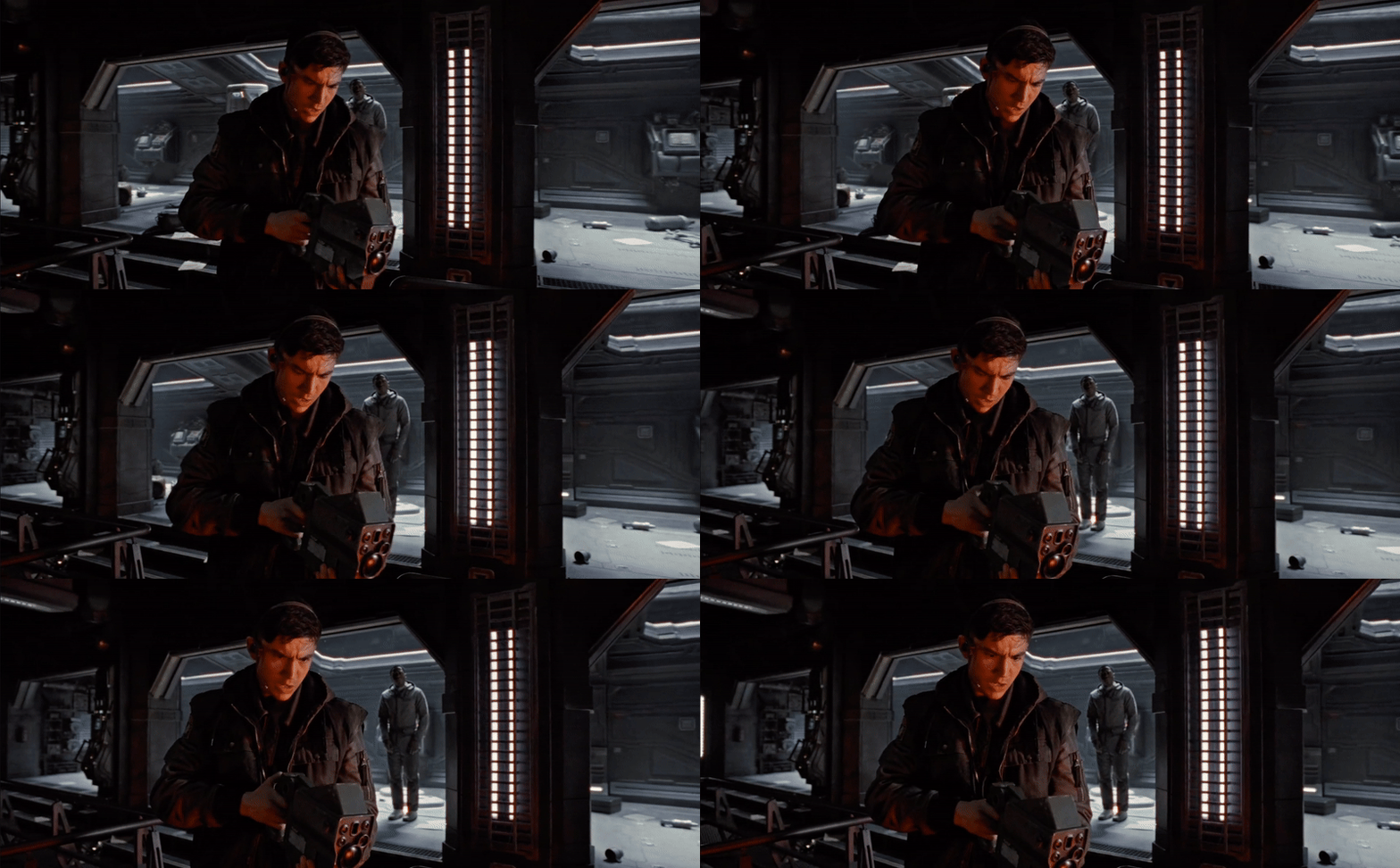
I love the boot-up animation when the display flips open—it’s such an unexpected touch for something as utilitarian as a weapon. A gun with a video display instantly screams future to me. The design language of the interface feels ripped straight from the ‘80s, and when paired with the low-resolution screen, it seamlessly fits into the film’s cohesive retro-futuristic UI style.

Handheld Scanner

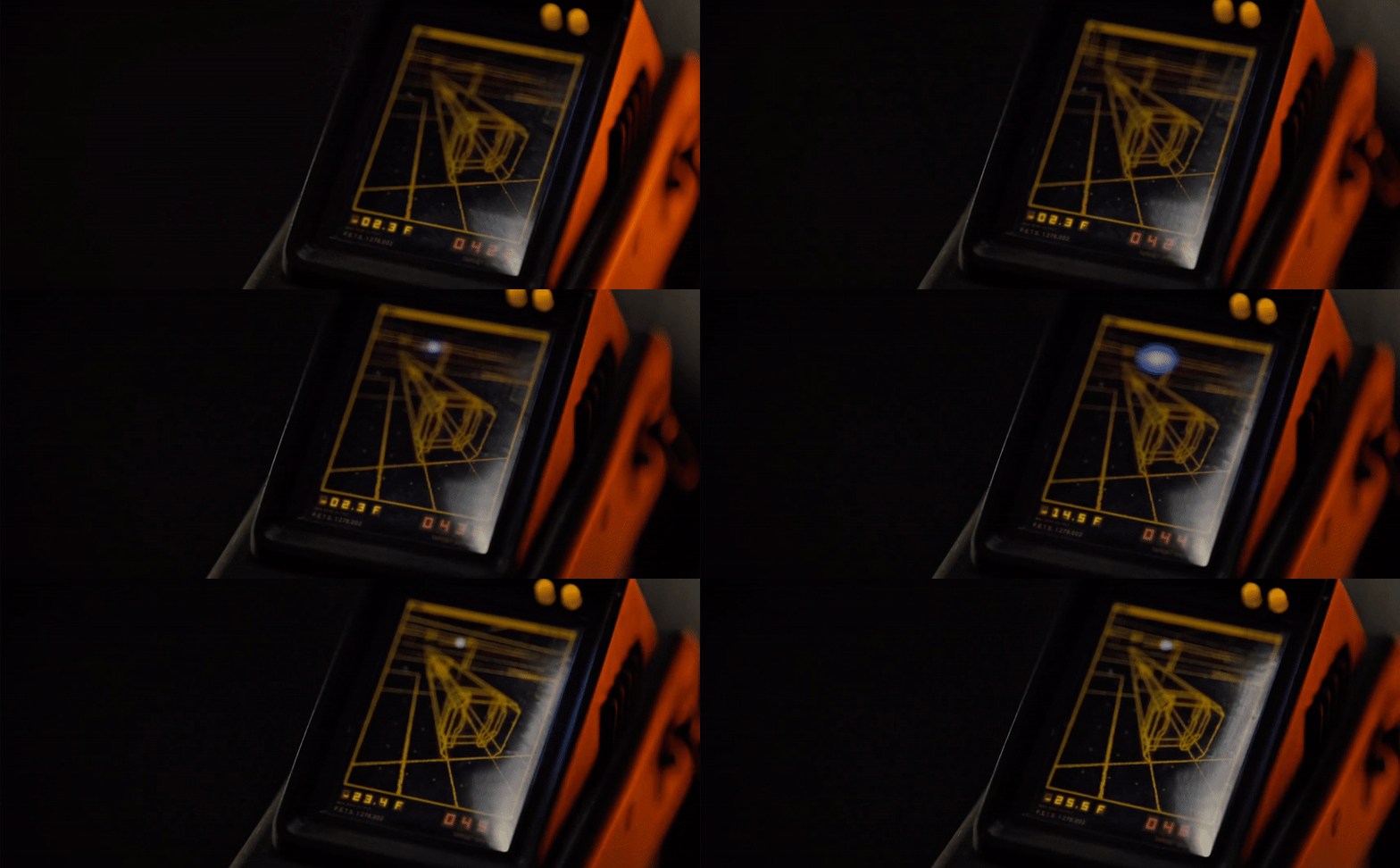
What’s an Alien movie without a handheld scanner? This time, the scanner presents a 3D perspective. Despite the 3D image being a simple wireframe, it still feels advanced in a world dominated by basic pixel art.
scanner-1.gif
scanner-2.gif
Android Chip Port

Not exactly UI, but I just love how the Android’s chip port is portrayed. I love the mechanical nature of it, it reminds me of loading a Discman and has all the satisfying clickiness of inserting a sim card into a phone. The spring-loaded action is a hallmark of devices from this era, making it feel instantly nostalgic.

Cockpit UI

The cockpit UI design is quite beautiful. Whether intentional or not, the use of duotone monitors creates a cohesive color palette that feels more deliberate compared to full-color displays. The boxy, chunky forms add a lot of character to the overall design. It resembles a pared-down version of an '80s space shuttle cockpit—less complex, slightly more minimalist, but still rich in tactile detail.

Video Screens

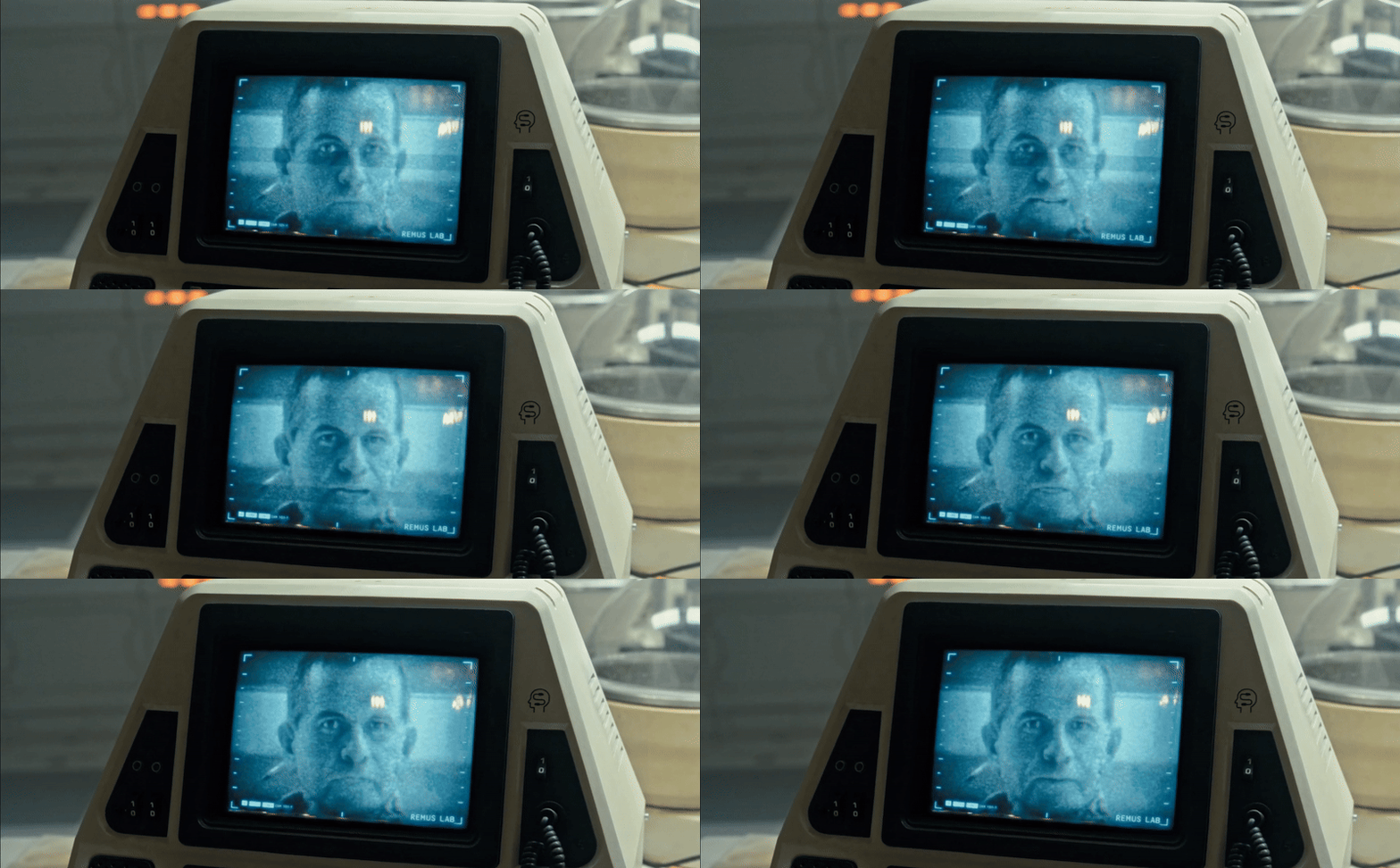
The video screens vary in fidelity, ranging from monochrome to full color. There’s even a brief glimpse of a video game console, showcasing a game reminiscent of Atari-era graphics but slightly more advanced, thanks to a subtle 3D perspective. Once again, the small screens are framed by tactile switches and buttons, seamlessly blending into the overall aesthetic.
video-1.gif
video-2.gif
video-3.gif
gun-ui.gif
game.gif
gravity-purge.gif
X-Ray Scanner

It’s not exactly UI, but it’s a futuristic device nonetheless. This scanner lets you peer beneath your skin, revealing the inner workings of your body in real time. The way this effect is visualized is brilliantly executed, making it feel both tactile and eerily believable.
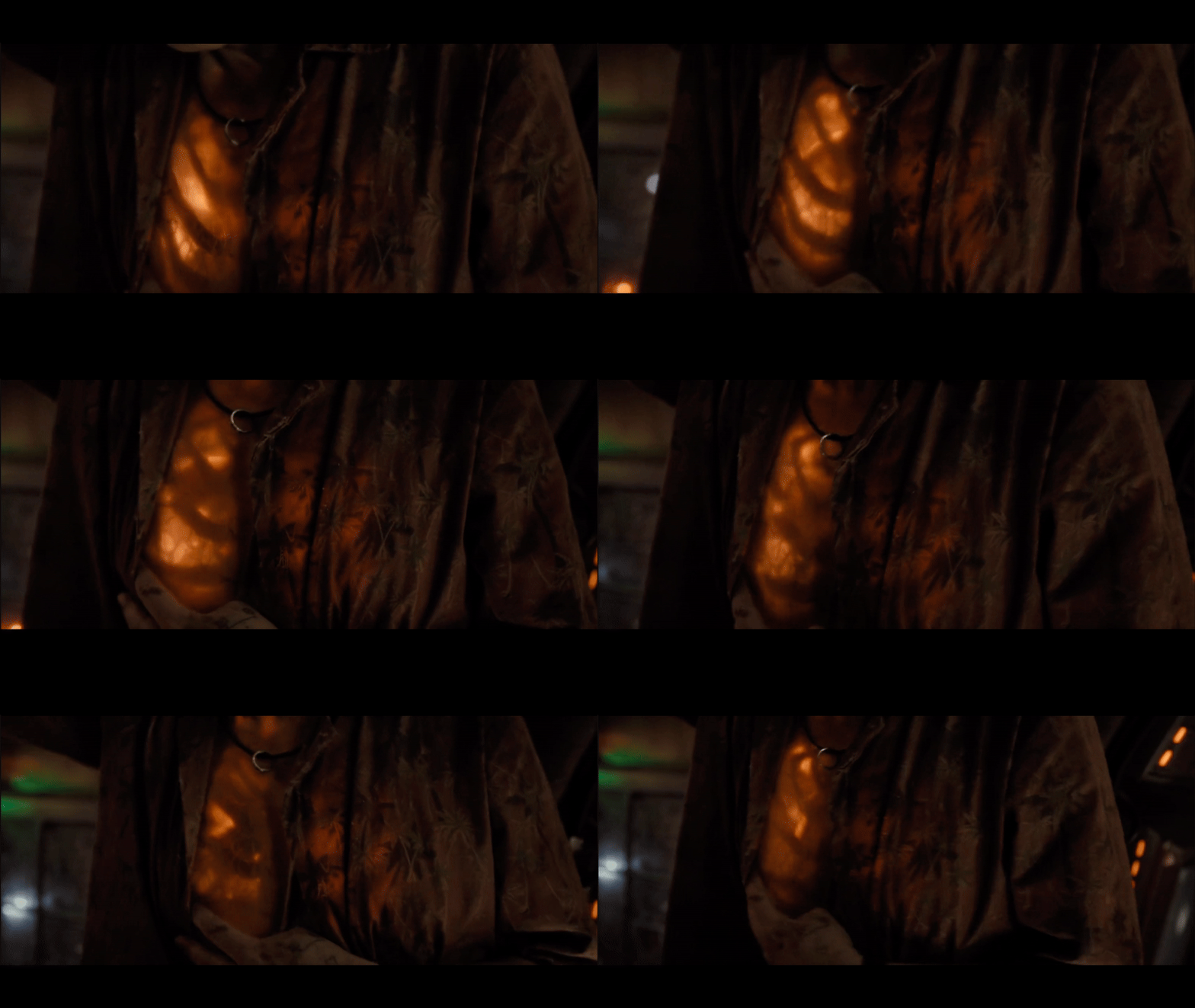
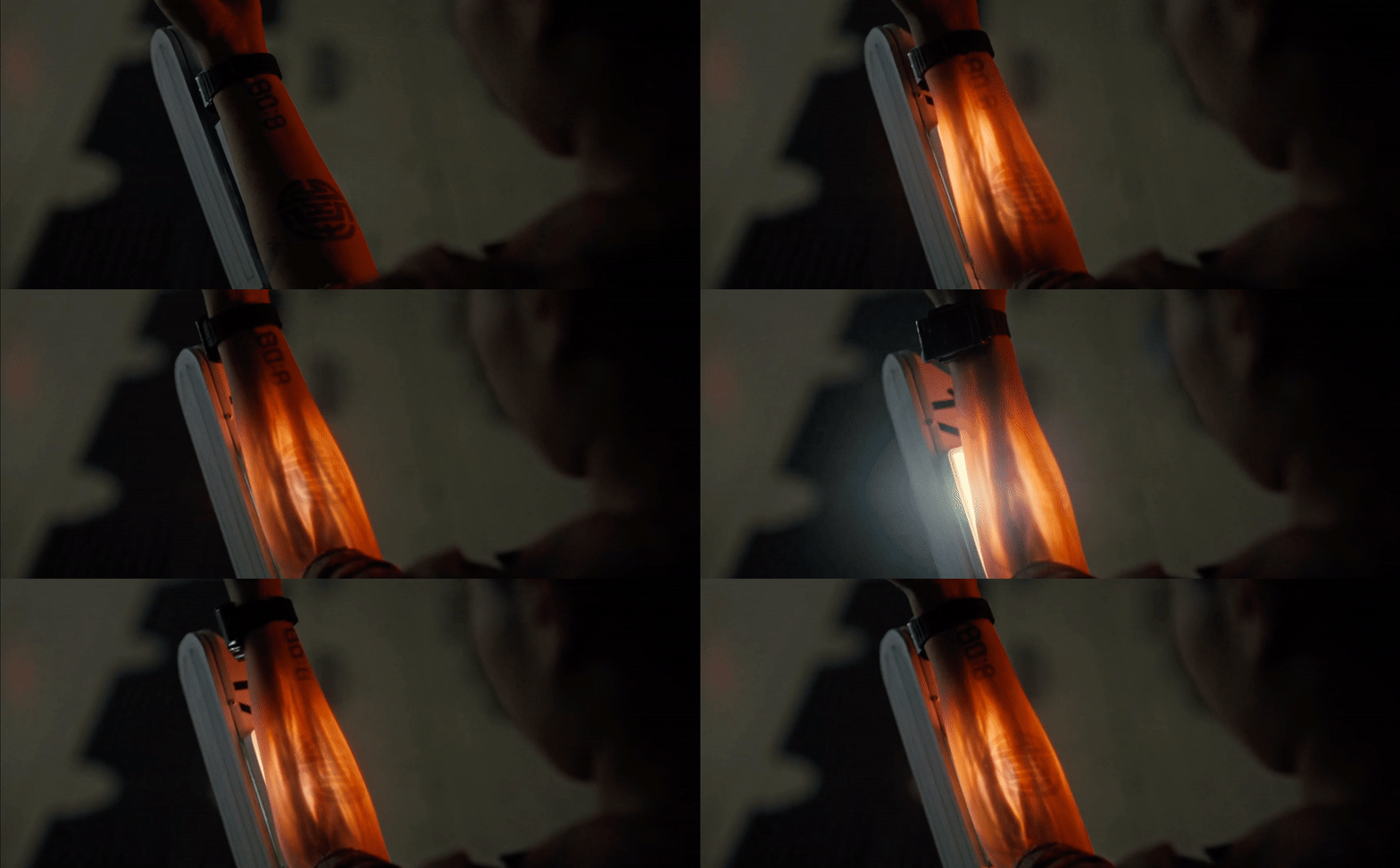
xray-2.gif
xray.gif

The production team clearly had a strong grasp of the era in which this technology would have been developed, ensuring that the UI design authentically reflected its time period. Make sure to check out Alien: Romulus if you haven’t already!
Alien Romulus - Retro Sci-Fi UI
5438bd1be4b0446f6692b906:544d83e9e4b05a6814bdc4e3:67a164f6017a296928208594
Extensions
2024 Recap
Showcase

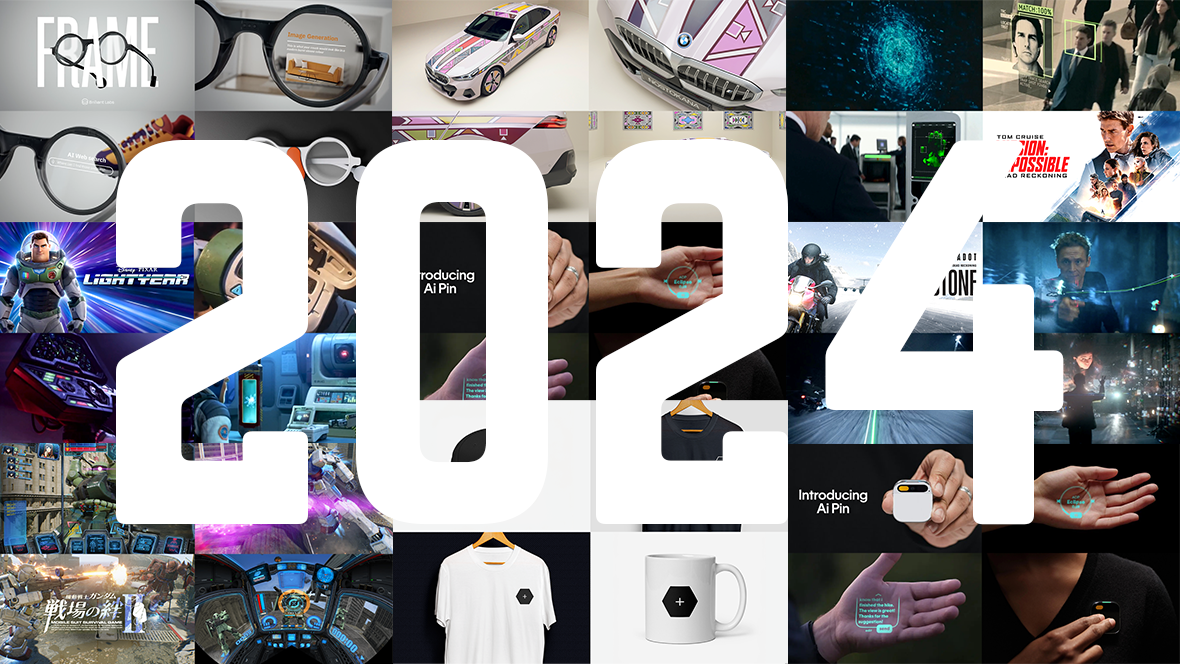
We’re reaching the end of the year, so here’s our recap of 2024. Unsurprisingly, several of the projects we explored this year had something to do with Artificial Intelligence, whether it’s innovative product developments or fictional interpretations of AI.

There’s no doubt that AI is going to be a part of our world moving forward so we will likely be seeing more explorations of this in future posts.

A special heartfelt thanks to everyone who reached out, contributed, bought a book, bought some merch or donated. All your kindness and friendliness has kept us going. Thanks for being cool people!

Have a nice holiday break and we’ll catch you next year for more FUI and future concepts in 2025!

Jono Yuen

Send me a message

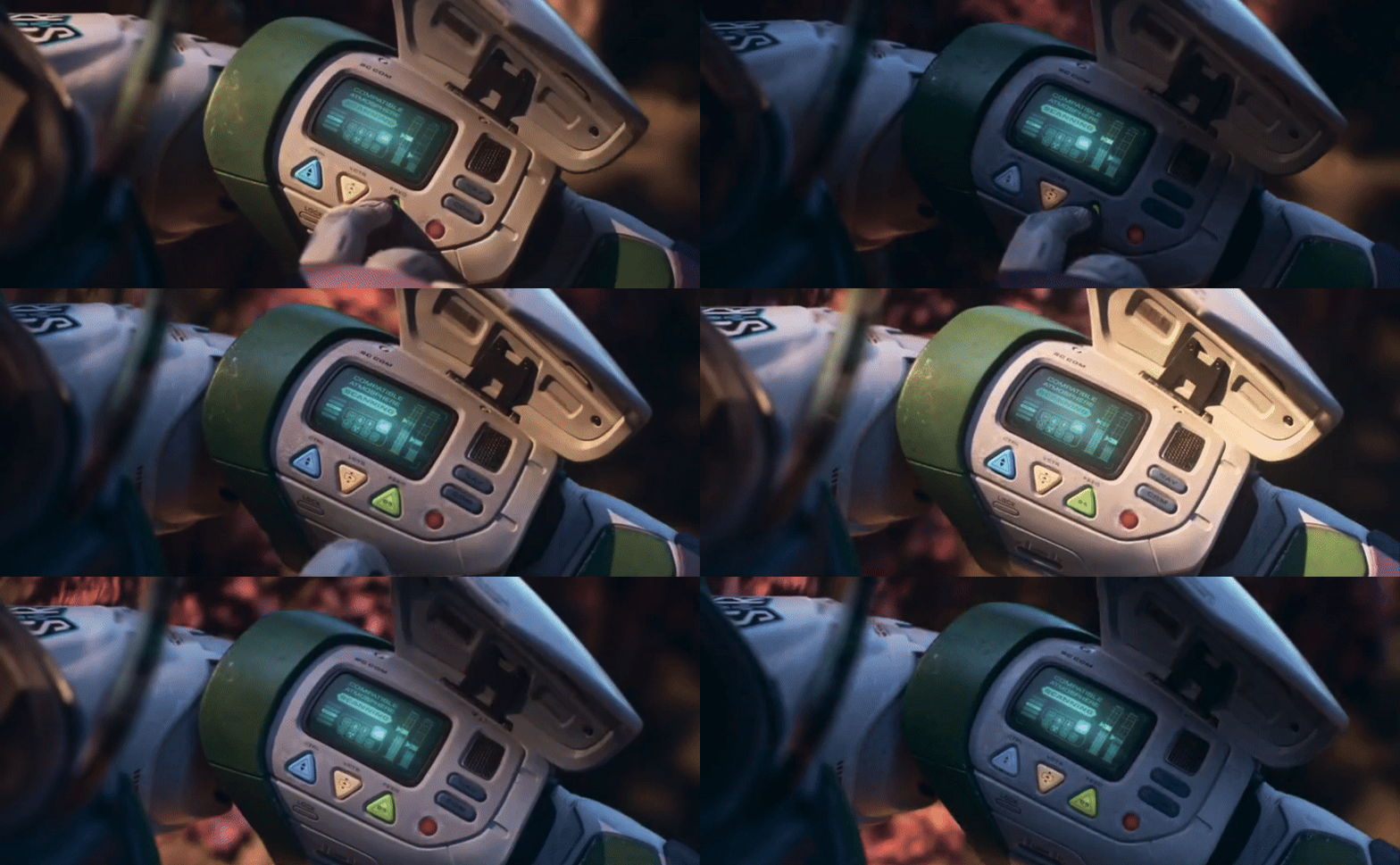
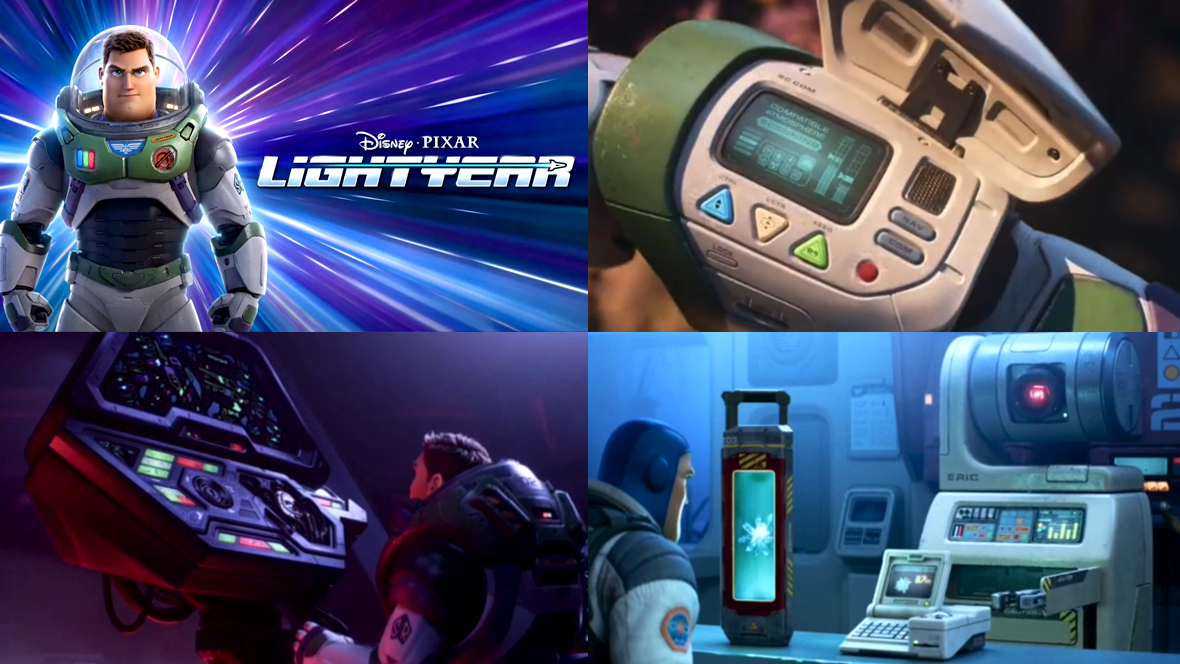
Lightyear
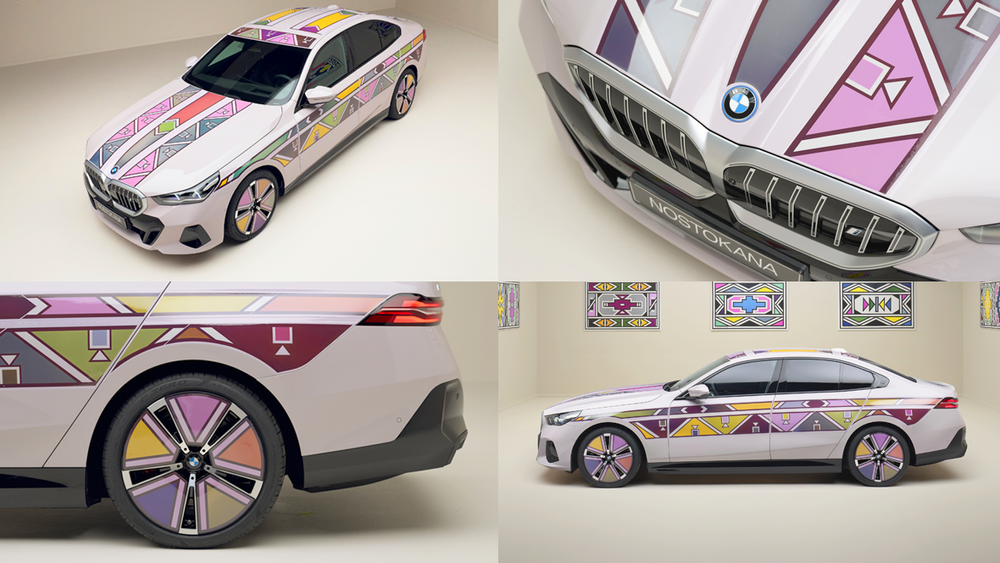
BMW i5 flow
Humane AI pin
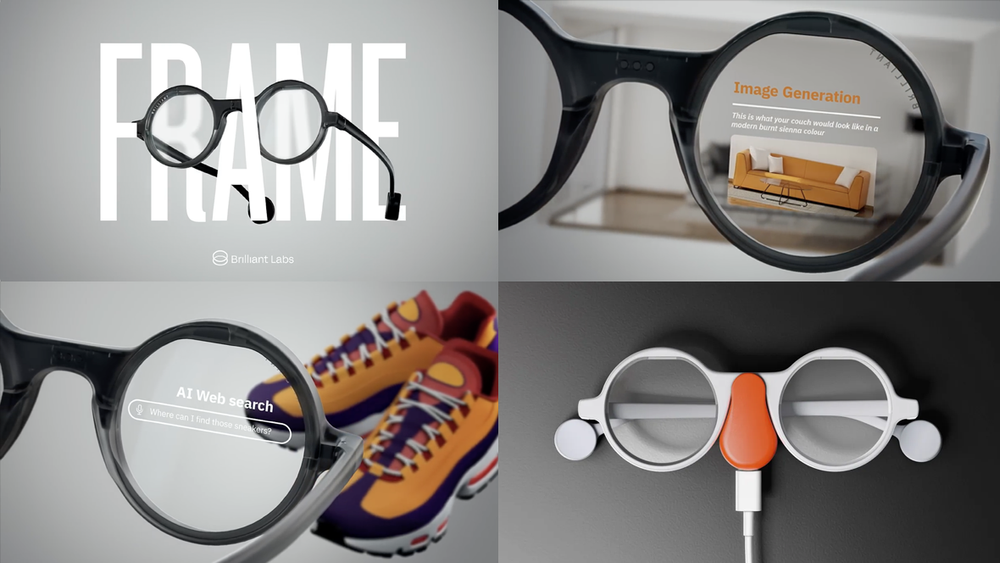
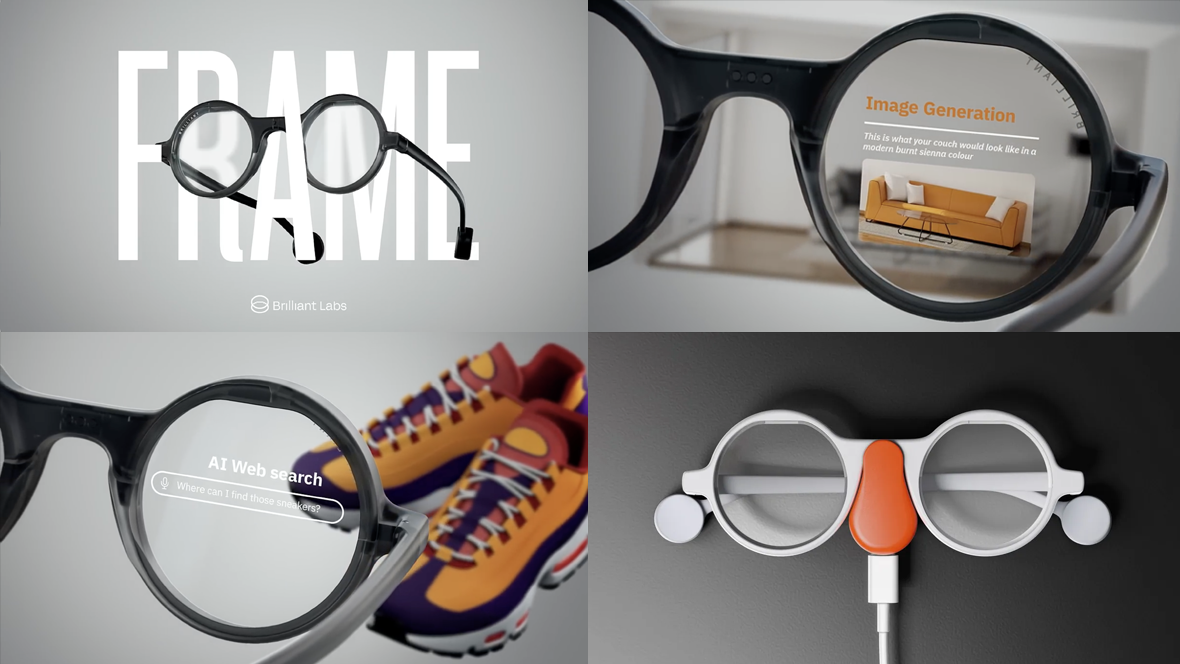
Frame
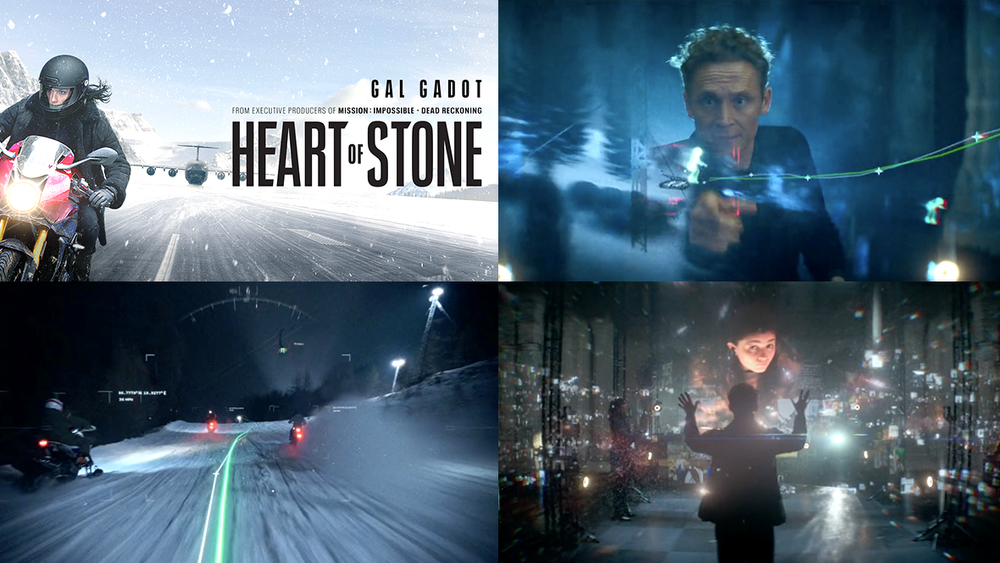
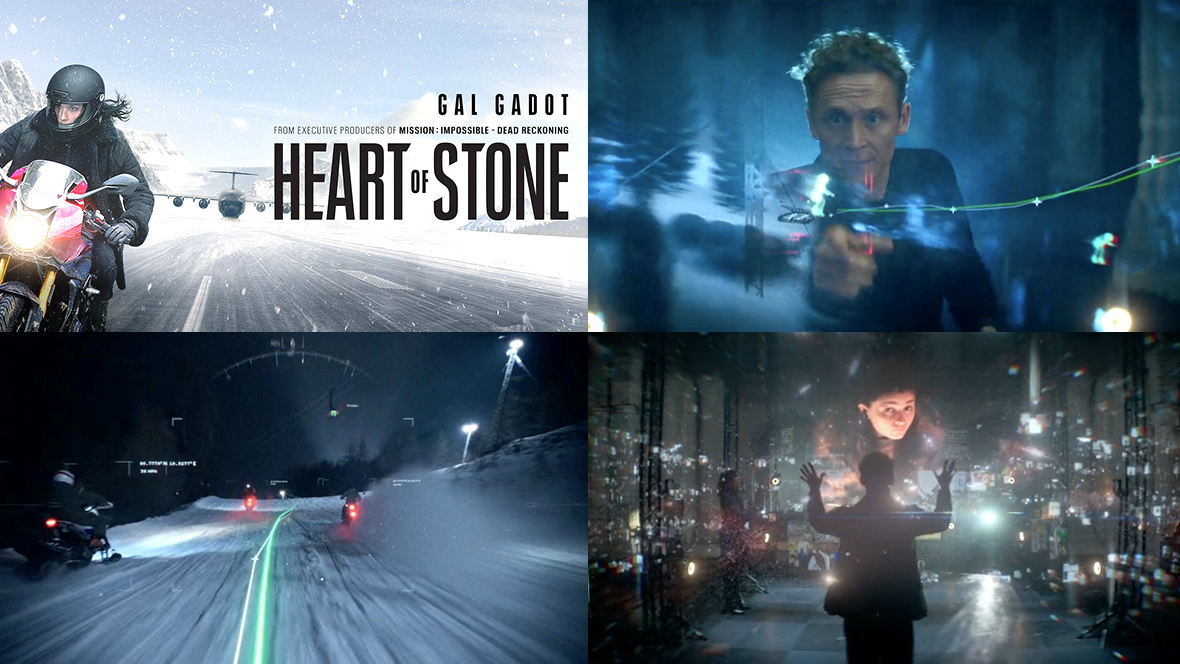
Heart of Stone
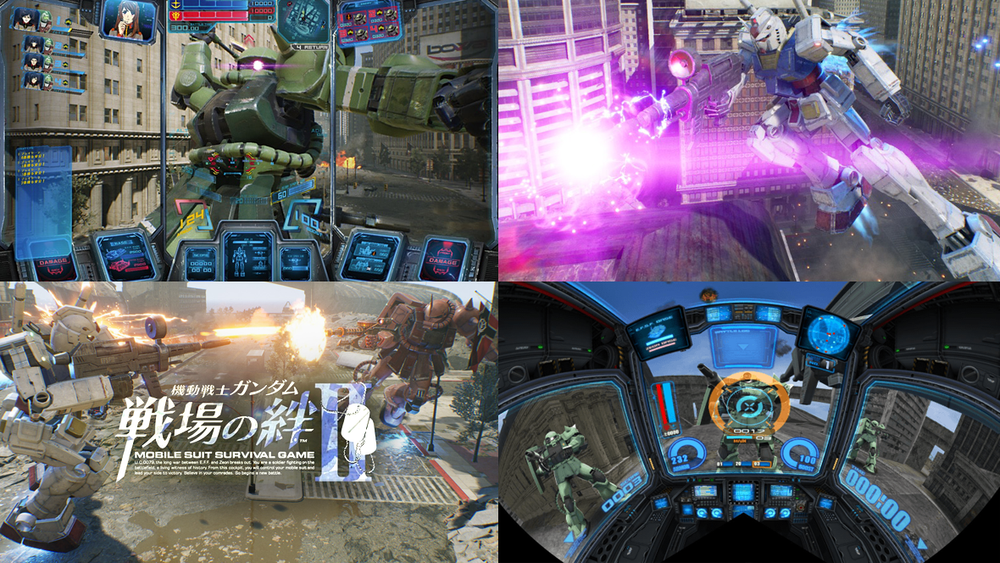
Gundam Arcade
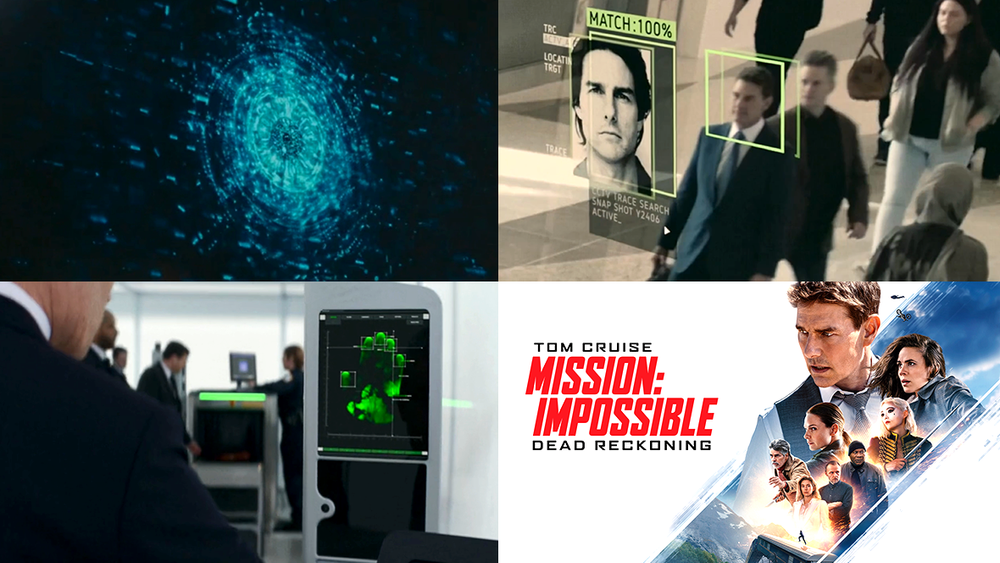
Mission Impossible - Dead Reckoning
Merch-store.png
2024 Recap
5438bd1be4b0446f6692b906:544d83e9e4b05a6814bdc4e3:67499a30e39e66038b52ea0b
Extensions
Official store
Products_
🎉 The HUDS+GUIS Store is officially open!

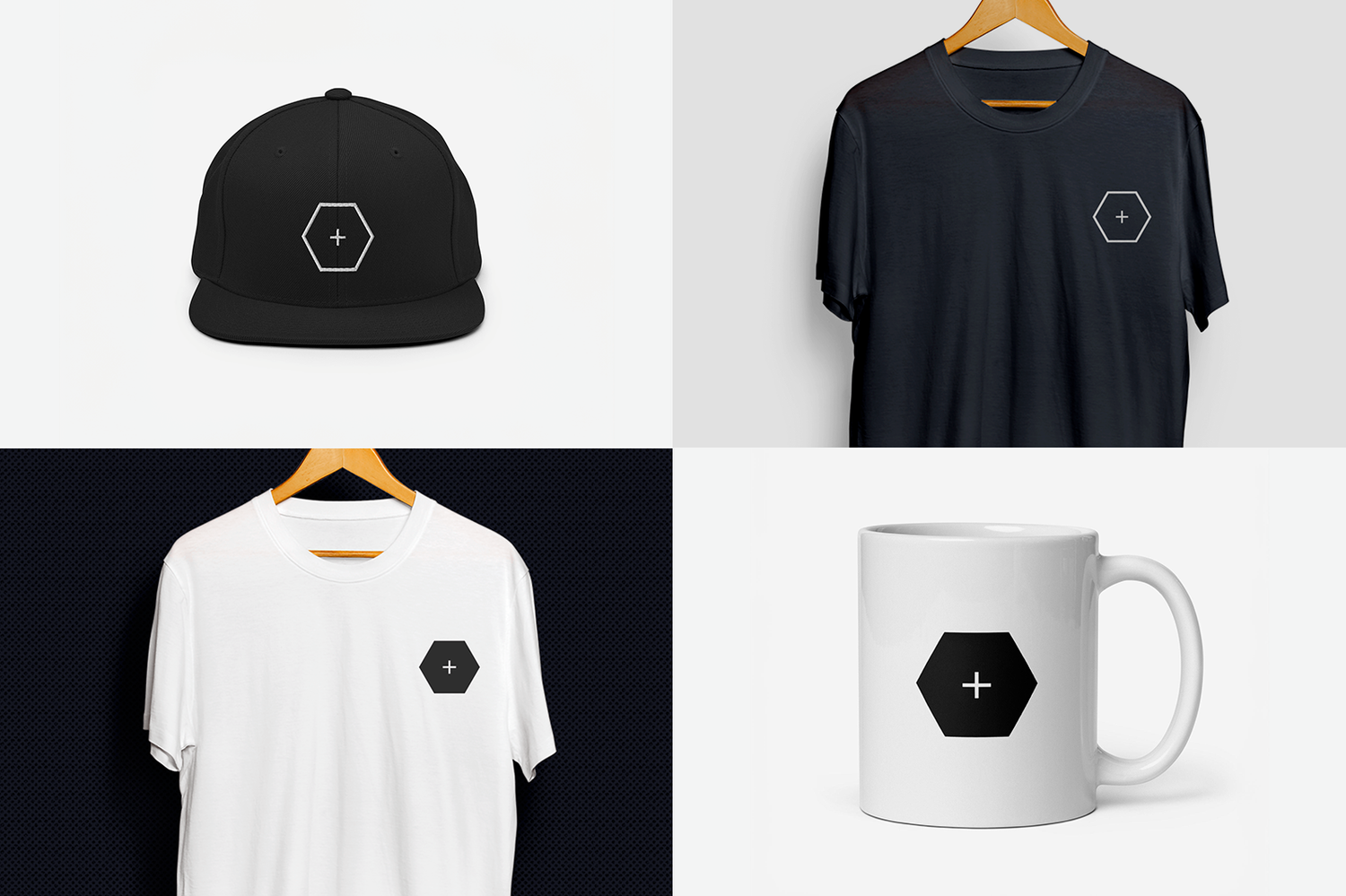
You can now pick up some HUDS+GUIS merch, including caps, t-shirts, and mugs! We’re just getting started and might add even more goodies down the line.

A huge thank you to everyone who’s already grabbed a t-shirt, cap or a book — your support means the world to us. And for those who’ve been asking for more ways to show support, now you can do so in style!

VISIT OFFICIAL STORE
Official store
5438bd1be4b0446f6692b906:544d83e9e4b05a6814bdc4e3:674e5adb121a13567674c3b0
Extensions
Mission Impossible: Dead Reckoning
FilmHUDsGUIs

Mission: Impossible – Dead Reckoning revolves around artificial intelligence, which seems to be a common theme lately (see Heart of Stone). The film does a great job of exploring the powerful implications of a weaponised AI. So as you’d expect there’s plenty of nice examples of FUI in this latest instalment but this time with a deeper focus on AI.

Artificial Intelligence

An AI model can be visualised in so many different ways and in Mission: Impossible – Dead Reckoning it’s presented as a constantly shifting data cloud with an undulating core. This interpretation is quite simple but really effective. The erratic, ever-changing outer edges convey relentless activity, while the steady, glowing core exudes a sense of ominous power and control. It’s a thought-provoking representation that perfectly complements the AI’s mysterious and formidable nature.

Tracking

This sequence is really fun as it shows two opposing sides tracking Hunt at the airport, each using distinctly different interfaces. The government’s interface is clean and orderly, while the Mission Impossible team’s system feels intentionally raw and hacker-like.

The MI team’s interface has a no-frills, engineering-led aesthetic - everything is neatly arranged and functional. Yet, it’s peppered with those slight visual touches that add a bit of flair without sacrificing utility.

The tracking of Hunt’s photo in the security footage is also worth noting, in particular the extra layer of rectangles that sits behind his figure. This tiny detail gives depth to the tracking and really completes the design.

What’s most interesting about this sequence though, is the concept behind it. The idea that AI could manipulate security footage in real-time is quite unsettling,

Hacked interface

Here’s a nice little example of an interface glitching and being hacked.

ID Scan

A simple visualisation of a fingerprint and facial scan that allows the story and camera to flow nicely.

Mission Impossible: Dead Reckoning
5438bd1be4b0446f6692b906:544d83e9e4b05a6814bdc4e3:674d18676bb1423092063bec
Extensions
Mobile Suit Gundam: SENJOU NO KIZUNA II
GamesHUDsGUIs

Mobile Suit Gundam: SENJOU NO KIZUNA II is a multi-screen, fully immersive arcade experience. The setup uses multiple displays that give players the sensation of piloting a huge mech. Even the lobby screen is presented to feel like you’re in a hanger loading bay being prepped before battle.

The triple-screen setup creates a cockpit atmosphere where menus and controls surround you, adding a wider field of vision to navigating the game. With dual control sticks, you get tactile feedback that enhances the sensation of controlling a machine.

When in battle, you’re met with a HUD that’s filled with damage schematics, ammo indicators, and a subtly moving reticle that provides a layered depth to the visuals. I really like camera shakes and how the screen glitches every time you take damage, these little details go a long way in building the atmosphere. There are different HUDs depending on the suit you choose. The game is seen primary from a first-person perspective, so it relies heavily on the cockpit to bring out the individual suit’s design and personality.

There is also a very interesting map navigation UI, where you choose your landing point when re-entering the battlefield. The design is a bit unusual, and it feels like you’re navigating parallel to the ground but it works and it’s great. There’s a slight parallax effect between the grid and the map which makes it particularly nice.

Overall, the design is fantastic, with subtle details and animations that truly elevate the experience, making it feel like an authentic mech-piloting adventure.

Startup UI Map Navigation UI Battle HUD Operation over UI UI Menu Full walkthrough video
Mobile Suit Gundam: SENJOU NO KIZUNA II
5438bd1be4b0446f6692b906:544d83e9e4b05a6814bdc4e3:667a3cff5debf14af7435457
Extensions
Heart of Stone
FilmGestural UIGUIsHUDs

Heart of Stone is an action-packed espionage thriller, centred around an advanced AI system called “The Heart'“, which has the ability to predict and prevent global threats. The film does an amazing job of visualising how it functions and how users interact with it. Every scene featuring FUI, is beautifully presented and easy to comprehend. This is a real treat for FUI fans, there are plenty of great examples here!

Mission Assist UI

Here is the interface used by Jack, Stone's tactical support during missions. Jack provides critical intel—highlighting alternate routes, enemy positions, and real-time updates on mission success probabilities. Essentially, he's Stone's version of what Ned from Spider-Man: Homecoming (see article) would call the ultimate 'guy in the chair.'

Through the use of holograms, Jack is able to see a god’s eye view of Stone’s surroundings and move things around, setting markers, or highlighting items of interest like a coach in a football game. The interactions feel like a VR experience, but without the controls and headset, Jack navigates with natural gestures, smoothly zooming, panning, and casually tossing elements around with his hands in a similar way to how Tony Stark interacts with UI.

HUDS - Heads-up displays

The HUDs are displayed through contact lenses, much like the tech in Continuum (see article) or Mojo Lens (see article). The clips primarily showcase wayfinding, represented by a cluster of dynamic white nodes alongside a smooth green line that appears to average all the node data points. It makes for a great visual device that focuses your attention and is very easy to comprehend.

Data cloud UI

These scenes do a great job of visuallising big data, it shows that Jack has access to vast amounts of organised data. Presenting the information across a vast, open space gives you the feeling like you’re walking inside a giant catalogue of information, almost like a galaxy of content.

Sphere map UI

I wanted to highlight this specifically because I absolutely love how the map unfurls, wrapping around the user like a sphere. It looks incredibly immersive, and you can imagine how awe-inspiring it would be to pan around the UI whilst standing in the middle of it.

Music player UI

This one was unusual but interesting in it’s own right. It doesn’t seem to fit in with the rest of the task orientated interfaces in the film, it’s a music player that Jack pulls up before diving into his work. I like how the multi-colour audio visualisation unpacks and wraps around the user in pulsing bars and the radial control is a nice touch too.

Heart of Stone showcases FUI that is both visually striking and thoughtfully designed. There’s consistency throughout and the interactions are meaningful and comprehensive. The UI played a large role in effectively showcasing the power of the Heart (AI) and how much of an advantage it is to have control of it. Congrats to the team!

Heart of Stone
5438bd1be4b0446f6692b906:544d83e9e4b05a6814bdc4e3:6719f0ebf5a0a972a99c997b
Extensions
Frame by Brilliant Labs
ProductsHUDs

Here’s a quick look at Frame, AI powered glasses by Brilliant Labs. Frame is powered by an AI assistant called Noa, which utilizes cutting-edge AI models including Perplexity AI, Stable Diffusion (Stability AI), GPT-4 (OpenAI), and Whisper for speech recognition.

Many AI powered glasses in market utilise audio feedback, like the Ray-Ban Meta smart glasses. Those rely on voice commands and speakers embedded in the glasses. Frame however, provides visual feedback by displaying information on the lens. There have been other examples of this but not many that look as nice as Frame. Frame doesn’t come with speakers but allows you to sync with smartphones and earbuds.

Frame offers the advantage of providing information in small, easily digestible doses, allowing for discreet access with minimal disruption. It’s also compatible with prescriptions.

The future seems to be moving towards a world where AI assistance through wearable devices becomes an normal part of our daily lives, not unlike the film Her. It’s fascinating to see the different approaches to how we will interact with these technologies and to see which ones become the most widely adopted or preferred.

Frame by Brilliant Labs
5438bd1be4b0446f6692b906:544d83e9e4b05a6814bdc4e3:6649627196feda55398fdf25
Extensions
Humane Ai Pin
ProductsGUIs

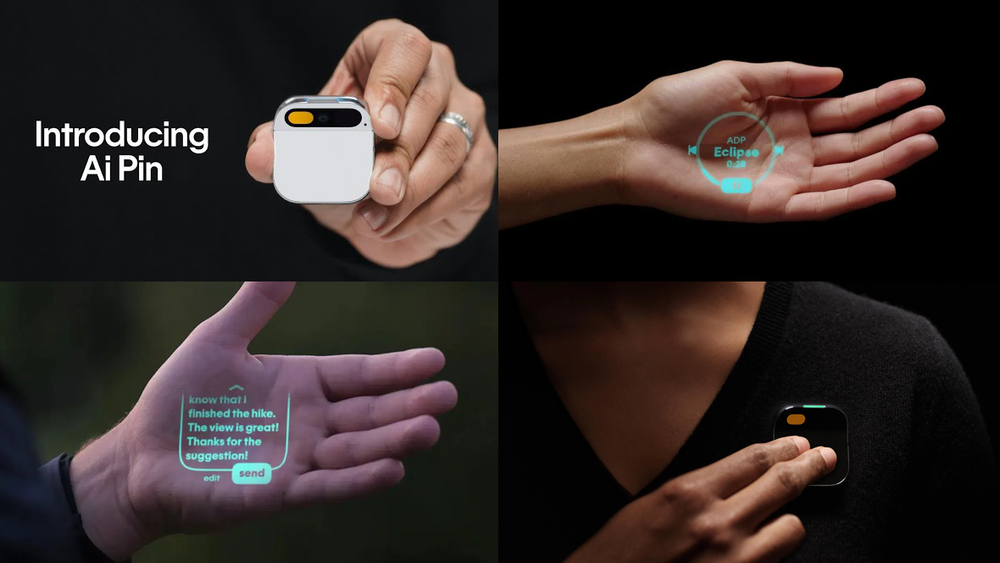
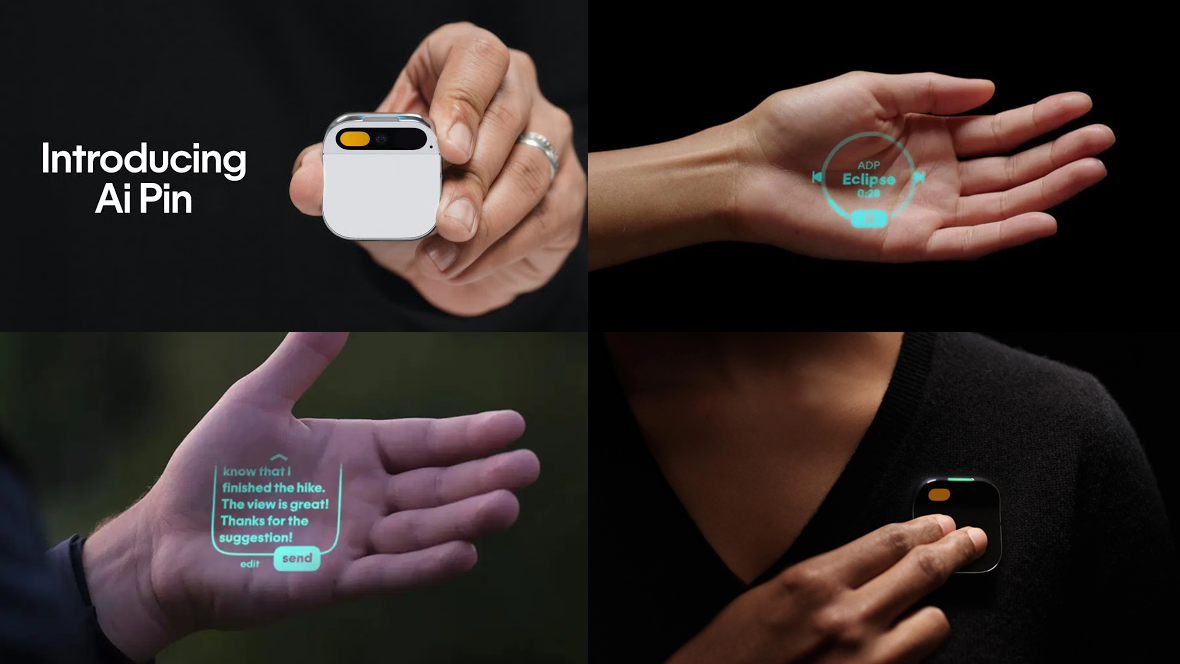
Here’s a closer look at the Humane AI pin’s projection UI and gestural inputs. The Humane AI pin is a multi-modal wearable device that attaches to your clothing via a strong magnet. The pin allows you to access a voice assistant and also engage with a UI that’s projected from the pin onto your hand.

There’s been a lot of criticism about this first generation release but despite this there’s some really interesting interactions that work surprisingly well.

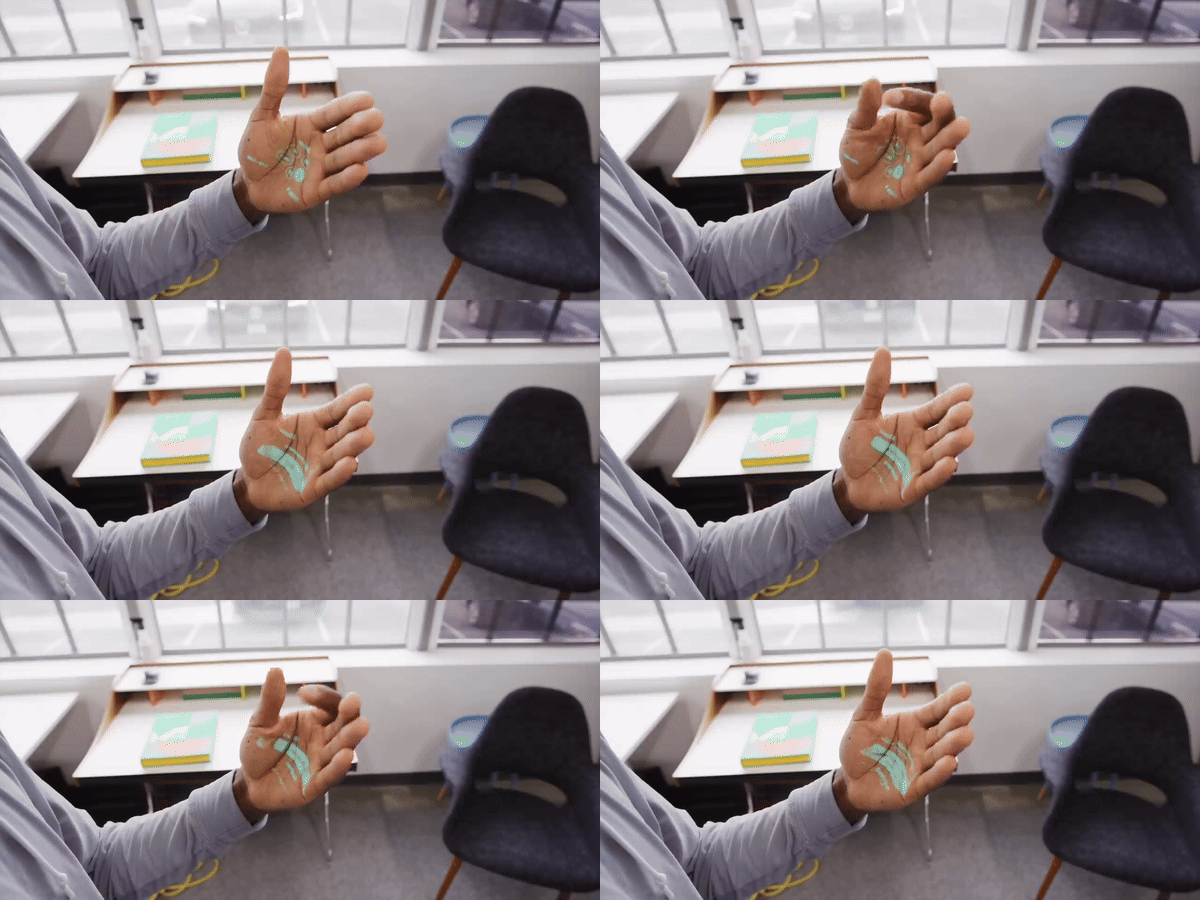
Depth Gesture Navigation

One interesting technique that the Humane AI pin uses is navigating a carousel by moving your hand towards and away from you. The UI reacts accordingly as the user moves their hand closer and further away. This ‘Rolodex’ type navigation is quite unusual but works surprisingly well.

Pinch

A pinch action is used to confirm selections. A pretty simple solution and something you can do with relative ease and quickness but at the expense of reducing your viewable area in the process.

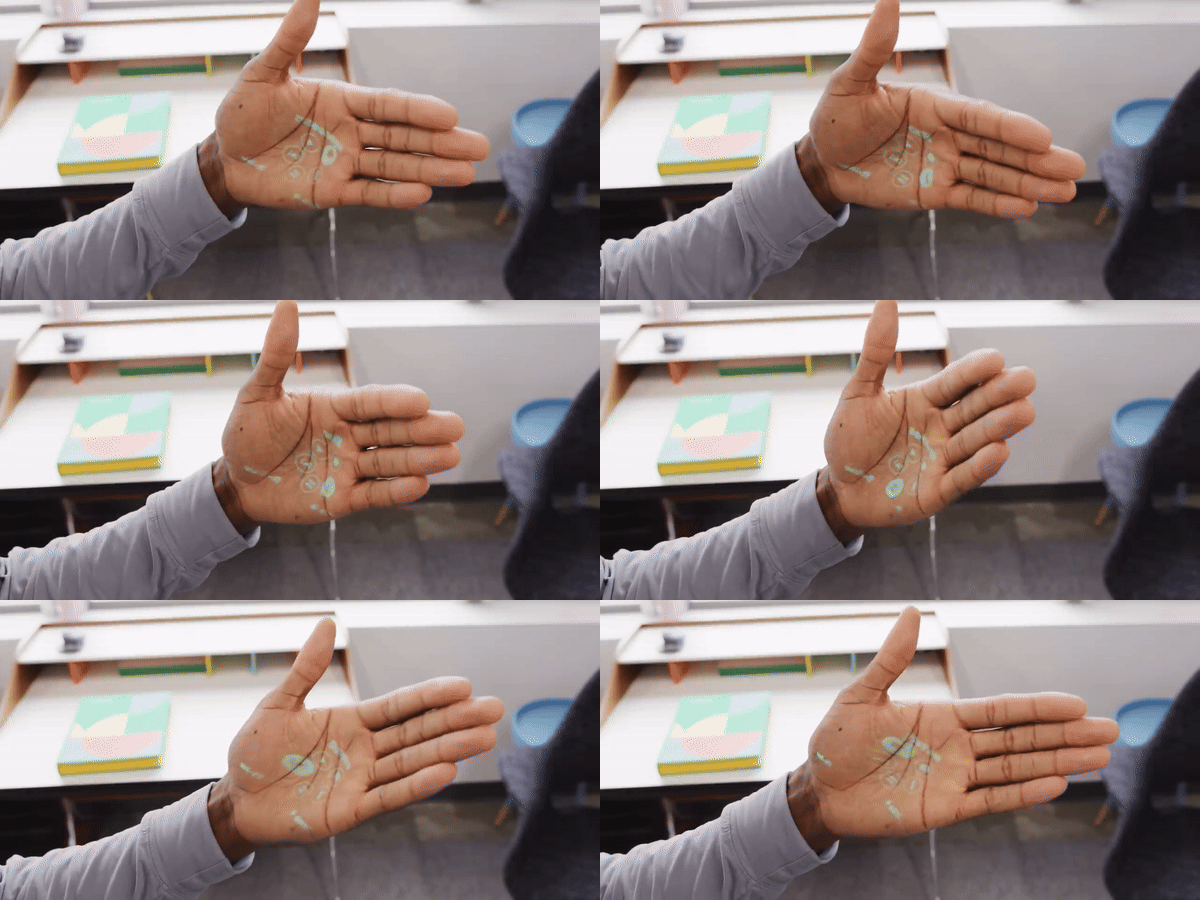
Rotation navigation

Another very unique solution and one that feels quite intuitive. The user can rotate their hand to navigate a circular interface. The challenge here is doing it whilst keeping your UI in view and avoiding too much distortion.

Push

Users move deeper into menus by moving their hand forward in a push motion and close their hand into a fist to move backwards in the menu.

Projection Images

There is an option to view images in this projection UI but due to the limited detail and colour it doesn’t really work.

The initial release of the Humane AI pin has faced substantial criticism, largely stemming from comparisons to the capabilities of smartphones, which it currently cannot rival. It's a strange situation; had this technology been unveiled thirty years ago, it would have been hailed as a groundbreaking achievement, and in many ways, it still is. However, the rapid pace of technological advancement and widespread adoption over the past three decades has raised the bar significantly. Today, users expect frictionless experiences, especially within the market this product targets.

I don’t think it’s entirely fair for the Humane AI pin to endure so much criticism, because they did a lot of things right and are trying something completely new which is something HUDS+GUIS tries to celebrate and encourage. Yet, it's undeniable that developing such products has become increasingly challenging as user expectations have grown significantly.

Images are from Marques Brownlee extensive review of the Humane AI pin.

Humane Ai Pin
5438bd1be4b0446f6692b906:544d83e9e4b05a6814bdc4e3:6623af9e0bbe717de2de4ea1
Extensions
BMW i5 Flow NOSTOKANA - Color Changing Technology
AutomotiveGUIs

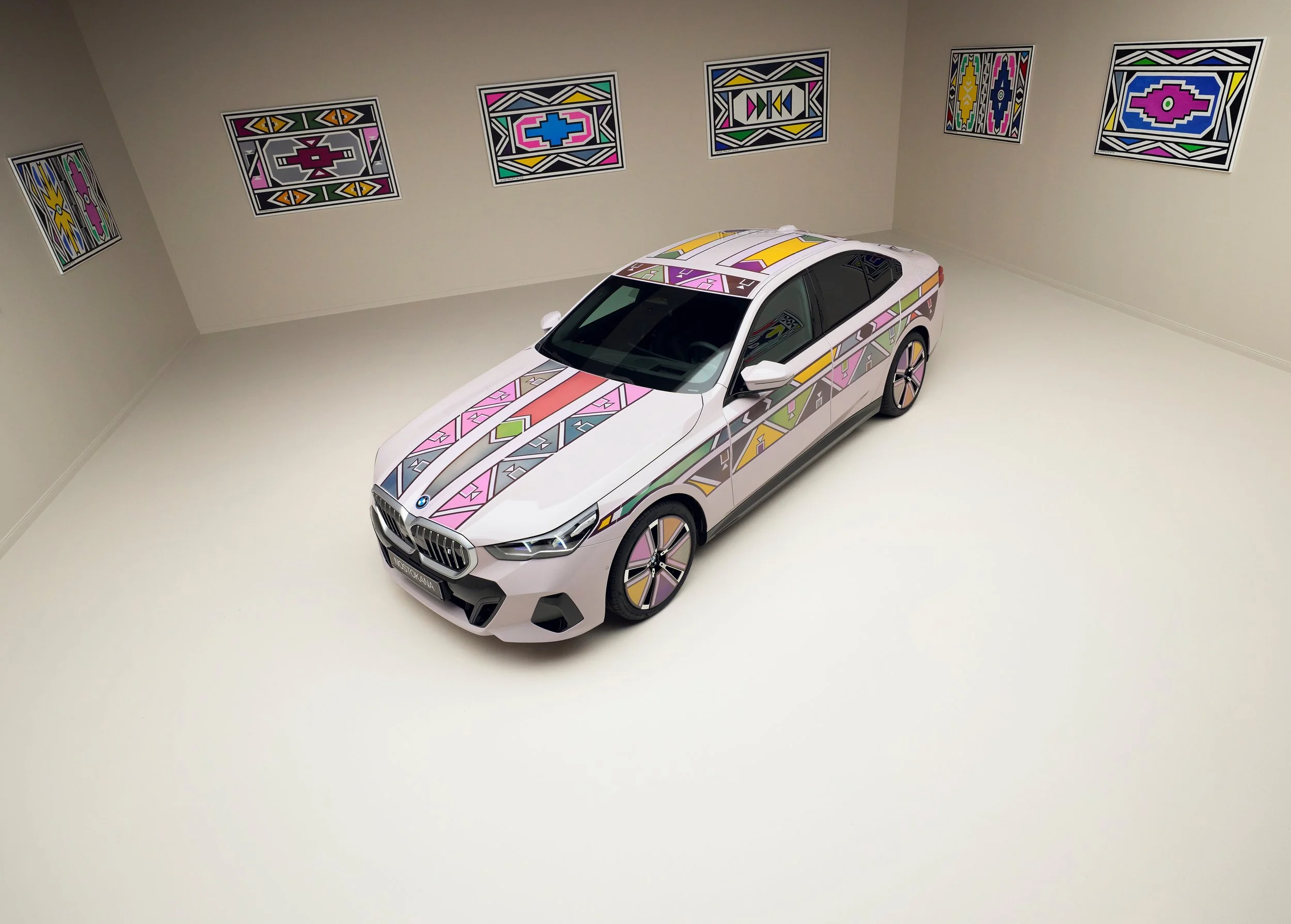
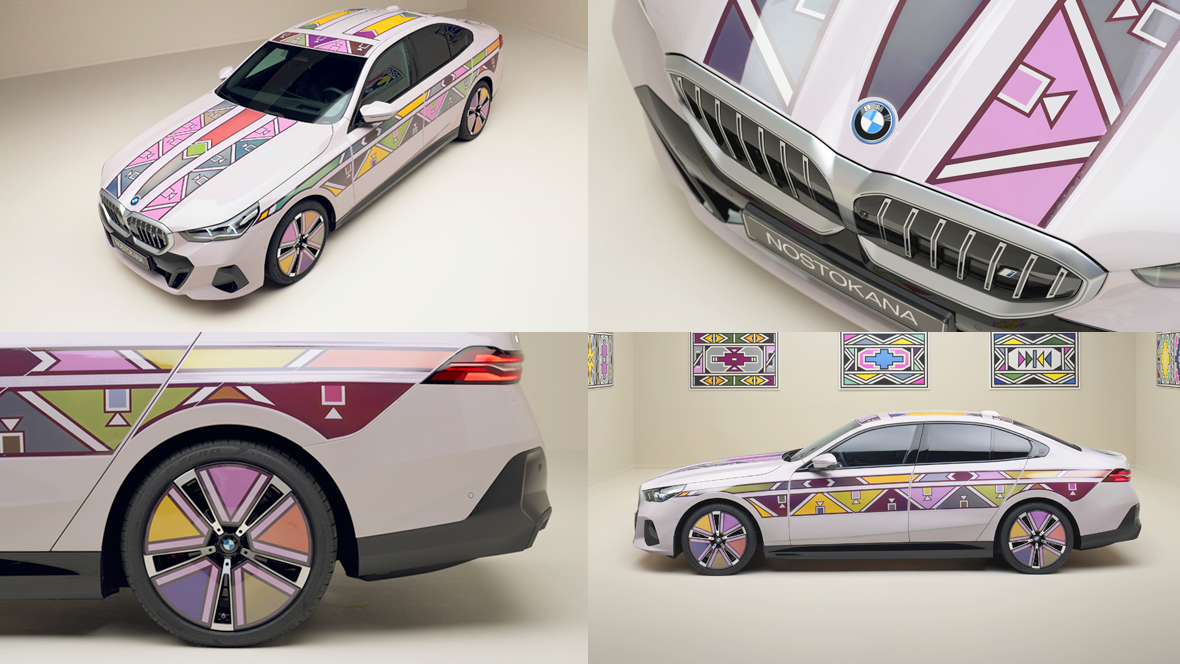
Here’s a look at BMW’s i5 Flow NOSTOKANA, a concept car showcasing their color changing technology. Through electrically animated E Ink film segments, this vehicle essentially transforms into a life sized Hot Wheels car.

The car uses the work of African artist Esther Mahlangu to demonstrate the concept but you can imagine the possibilities.

The technology works by using electrically charged ink, which, when subjected to voltage, brings the individual colors to the surface.

View fullsize eink-04-media-hd.gif
View fullsize eink-06-media-hd.gif

Will we see this in the future? Will we be walking through a city where everything is an animated surface? (see Vegas Sphere)

This reminded me of Sony and Honda’s AFEELA concept car, which explored the idea of presenting content outside of the car. With that in mind, I can imagine the possibility of using this technology to display information such as petrol levels, battery levels or even have a debug mode to assist with servicing and repairs. Whether that’s practical or not, I’m not sure but it is interesting to explore these possibilities.

Are there interesting applications to this technology? Let me know what you think in the comments section below!

View fullsize purple-ezgif.com-video-to-gif-converter.gif
View fullsize PF0009657_264-ezgif.com-video-to-gif-converter.gif
View fullsize P90539534_highRes_bmw-i5-flow-nostokan.jpg
View fullsize P90539536_highRes_bmw-i5-flow-nostokan.jpg
View fullsize P90539538_highRes_bmw-i5-flow-nostokan.jpg
View fullsize P90539540_highRes_bmw-i5-flow-nostokan.jpg
View fullsize P90539542_highRes_bmw-i5-flow-nostokan.jpg
View fullsize P90539545_highRes_bmw-i5-flow-nostokan.jpg
View fullsize P90539547_highRes_bmw-i5-flow-nostokan.jpg
View fullsize P90539550_highRes_bmw-i5-flow-nostokan.jpg
BMW i5 Flow NOSTOKANA - Color Changing Technology
5438bd1be4b0446f6692b906:544d83e9e4b05a6814bdc4e3:661f1fd555cedb71e9d8decd
Extensions
Lightyear FUI
FilmGUIsHUDs

Here’s a look at the various FUI from Disney + Pixar’s Lightyear. There’s a lot of different examples in the film, all of which fits within this overarching feel that blends a toy-like aesthetic with a touch of realism.

Wrist mounted UI

The interfaces used by Buzz Lightyear and the other characters from Earth seem to draw inspiration directly from Buzz's iconic space suit. They all have this moulded plastic look much like a Super Nintendo controller and other similar devices from the early 90s, and helps build this toy aesthetic used throughout the film.

Portable interface

Here’s another device that looks like it was designed in the 90s. Featuring chunky buttons, a fold up display and rounded edges, it almost looks like a kids toy. In fact the UI features a lot of chunky icons and diagrams and could easily be mistaken for a kids game.

View fullsize cat-computer-1.gif
View fullsize cat-computer-2.gif
View fullsize cat-computer-3.gif
View fullsize fuel-1.gif
View fullsize fuel-2.gif
Mission Control

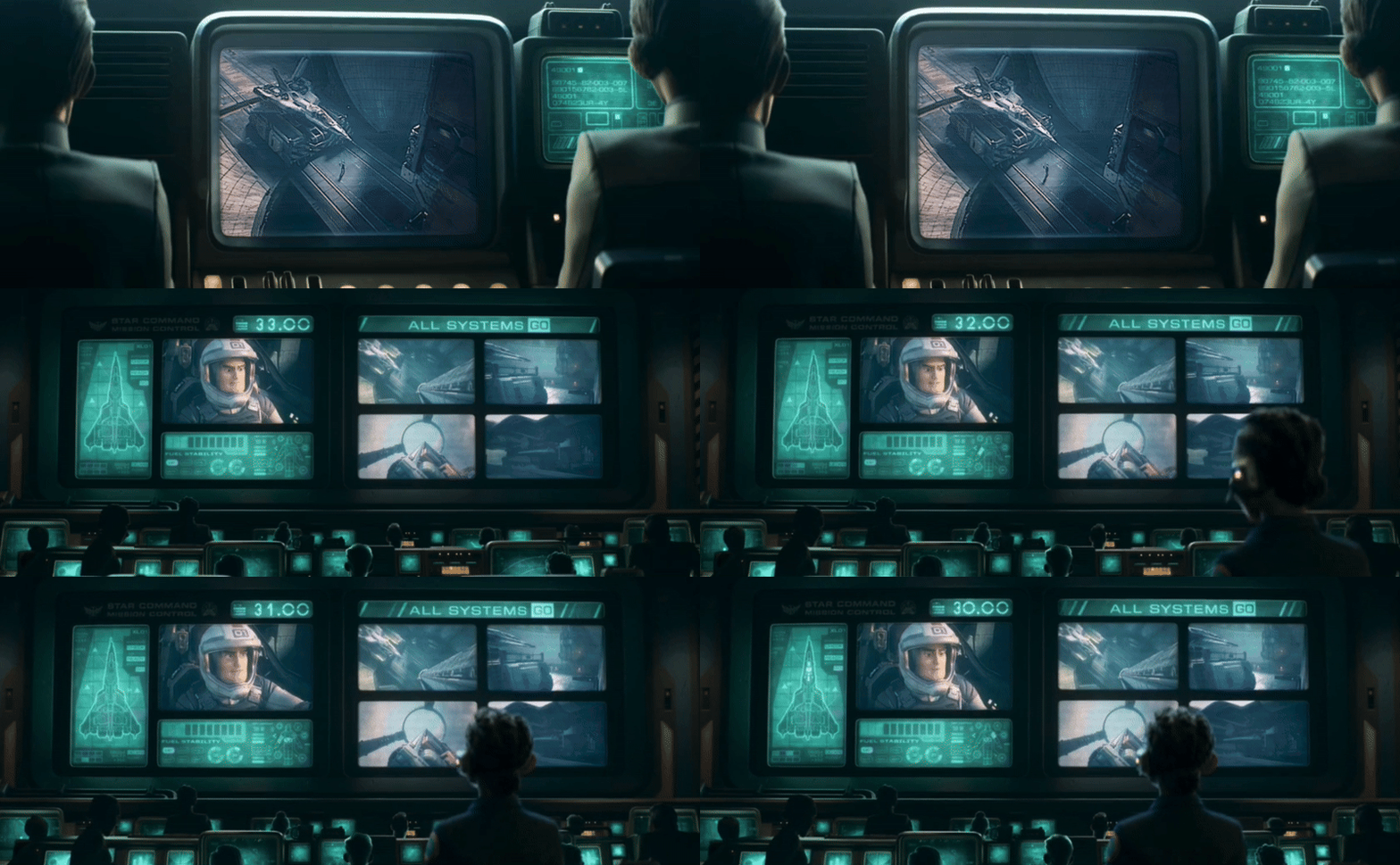
All mission control screens use a one colour palette, which helps with focusing the shot. The blueprint of the XL ship is quite nice and gives context to what Buzz Lightyear is doing.

Turnip UI

The UI in the Turnip takes on an amber colour palette, with accents of red for critical messages. This contrasts the background nicely particularly on the screen HUD against the clouds and grey rocks of the planet. It makes you wonder what would happen if they visited a predominantly golden planet? Would that cause major accessibility issues?

View fullsize wake.gif
View fullsize confirm.gif
View fullsize turnip-1.png
View fullsize turnip-2.png
Viewfinder

This neat little viewfinder follows the same colour palette as the Turnip spaceship. The shape of the viewfinder is a nice touch.

It reminds me of the scopes from Mandalorian.

Holograms

The examples appear in two very common scenarios; a mission briefing and a video message.

Holograms are great for mission briefings, offering 360-degree views of a scene. This provides participants with enhanced spatial awareness and allows them to view things from different angles. In addition to that, using holograms for mission briefings is great for film, as it allows viewers to see the presentation content whilst also seeing the characters’ facial reactions.

In terms of the video message, we’re not far off having something like that available now.

View fullsize hologram-briefing.gif
View fullsize hologram.gif
Spaceship Cockpit UI

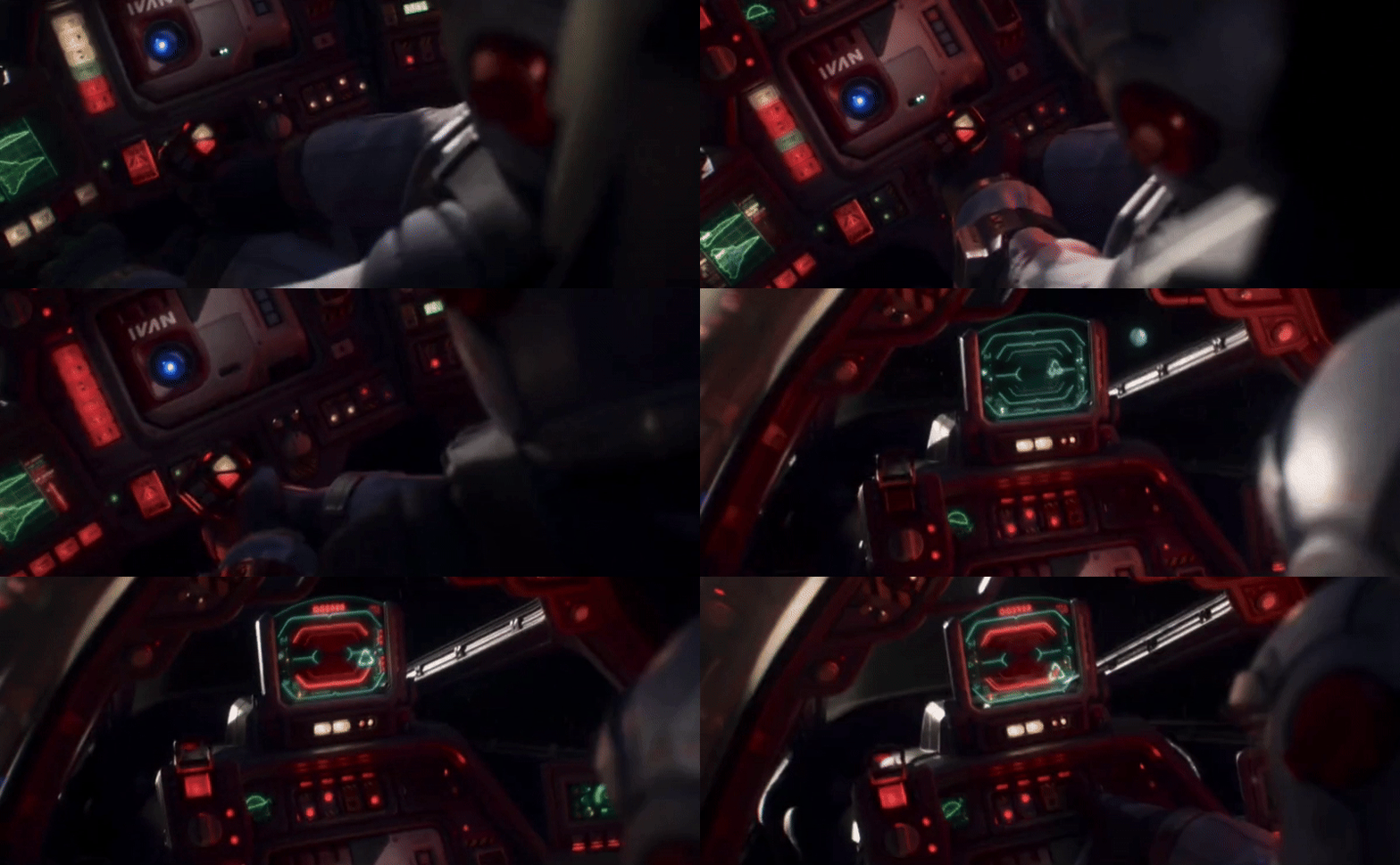
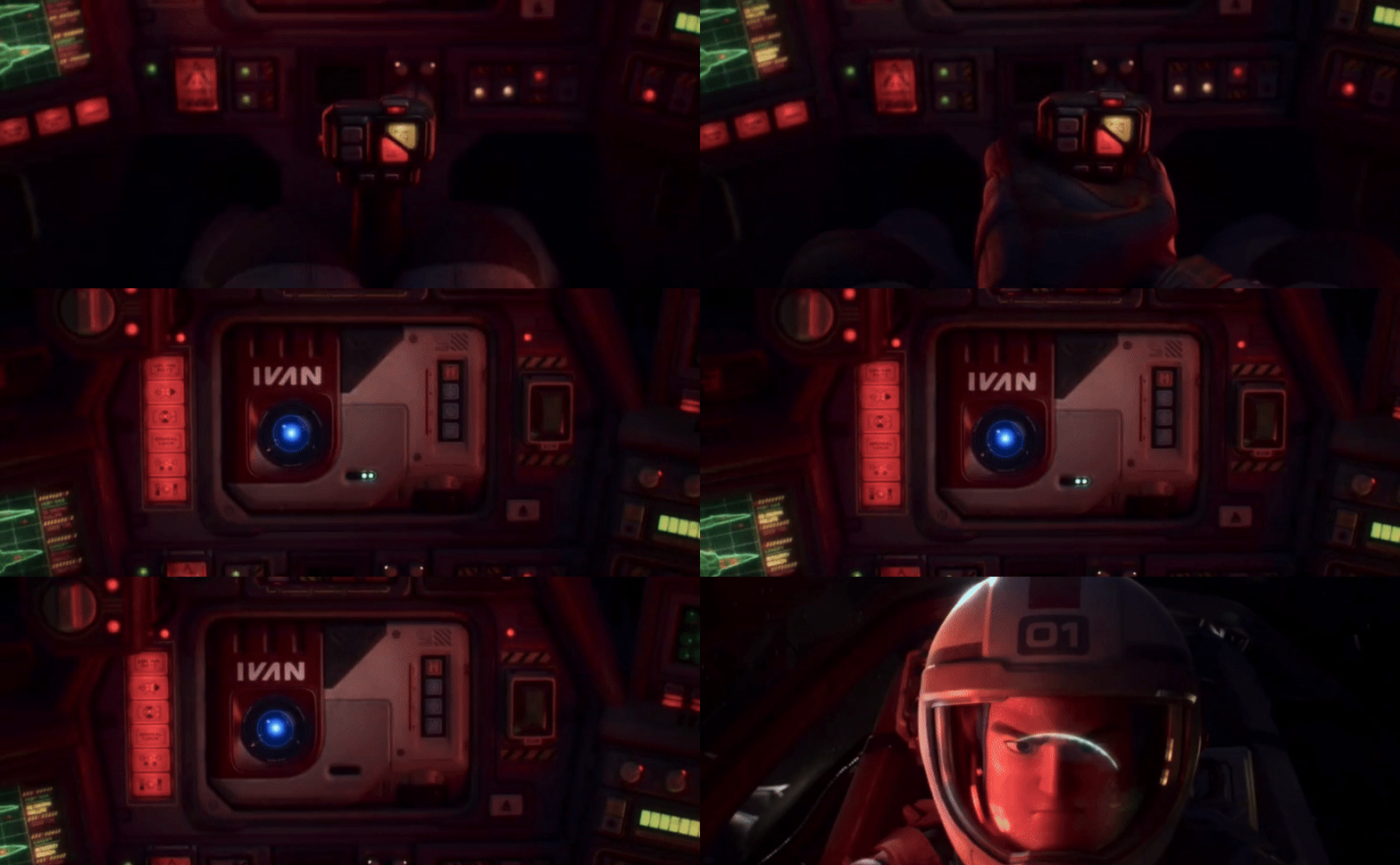
The cockpit in Buzz Lightyear’s spaceship features a lot of buttons and dials, it also includes a HUD and even a holographic display projected from his IVAN device.

The buttons themselves are worth having a look at as they feature a really interesting set of icons.

The HUD is fairly standard but does a great job of communicating story beats.

The holographic display also does a great job of condensing a pretty complicated scenario into a digestible diagram.

View fullsize ship-buttons.gif
View fullsize ship-hud.gif
View fullsize ship-warning-2.gif
View fullsize ship-warning-3.gif
View fullsize ship-warning.gif
View fullsize ship-hud-2-shorter.gif
View fullsize ship-holo-shorter.gif
View fullsize icons.jpg
View fullsize ivan-2.gif
View fullsize ivan.gif
Alien Ships

The UI found on the alien ships are drastically different to the human ships, except perhaps for the countdown timer. It’s all about irregular shapes and symbols of varying colours and sizes.

The HUD in the alien cockpit continues this direction nicely. Changing the shapes of the form factor on the main computer and the HUD display also helps build on this visual language of alien tech.

View fullsize alien-self-destruct-1.gif
View fullsize alien-self-destruct-2.gif
View fullsize zerg-ship.gif
Lightyear FUI
5438bd1be4b0446f6692b906:544d83e9e4b05a6814bdc4e3:65e6c85611bc6b59f02d7f1e
Extensions
2023 Recap
HUDsGUIs

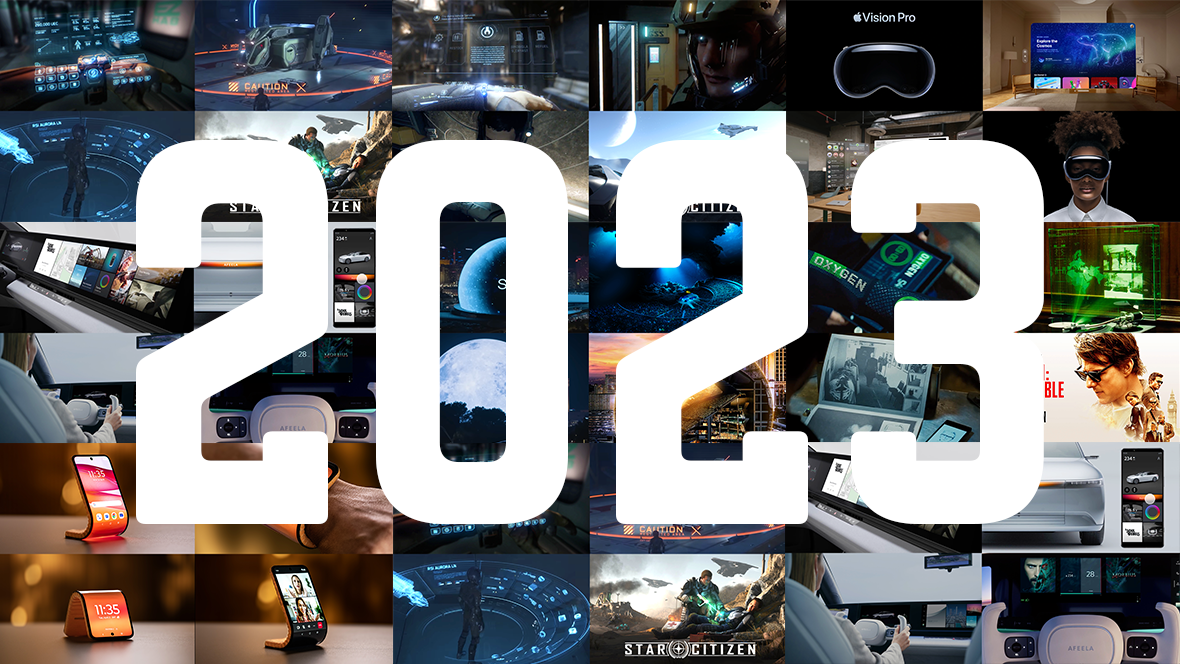
That’s another year done, time is flying! We explored some interesting projects this year and uncovered some really thought provoking ideas. We dived deep into some sci-fi and spy genres and explored the future with some brave concept projects.

I say this every year but I mean it every time… I am always blown away by the awesome people who have made HUDS+GUIS such a great project since it’s inception. I’m incredibly grateful for all of you who contributed, created, asked a question, asked for advice, purchased a book, showed support or just stumbled across the site,

HUDS+GUIS could have stopped a long time ago but it’s kept on rolling on thanks to all of you. So a huge thank you from me! Hope you all have a wonderful holiday break, we’ll be back next year after a short rest.

Looking forward to exploring more FUI and future concepts with you all in 2024!

Jono Yuen

Send me a message

Star Citizen - UI Revisited (part 1)
Star Citizen - UI Revisited (part 2)
Apple Vision Pro - AR/VR
AFEELA EV Prototype
Vegas Sphere
Mission Impossible: Rogue Nation
Motorola Bendable Concept Phone
2023 Recap
5438bd1be4b0446f6692b906:544d83e9e4b05a6814bdc4e3:657edf823182b30fc6c8fafc
Extensions
Motorola Bendable Concept Phone
Future Visions

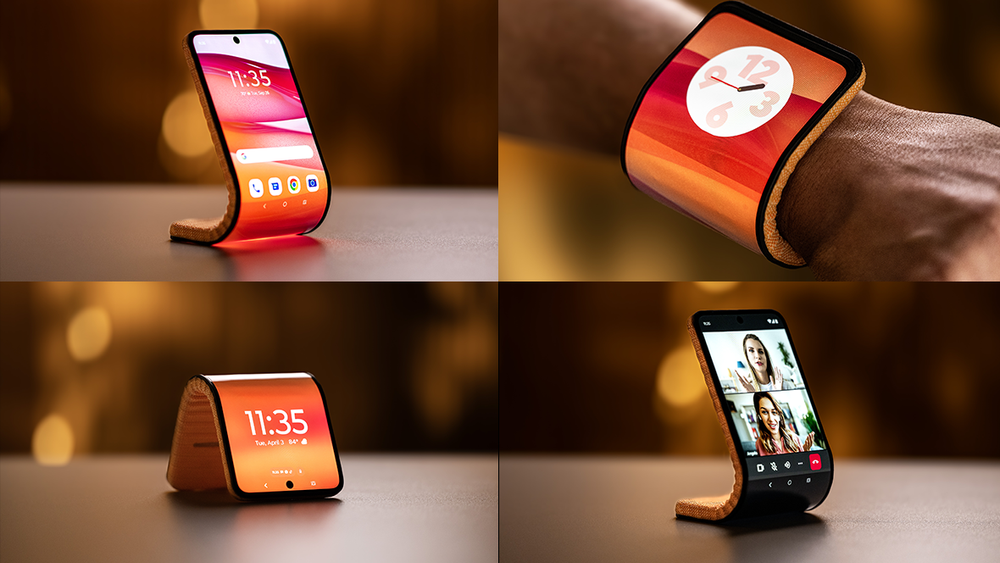
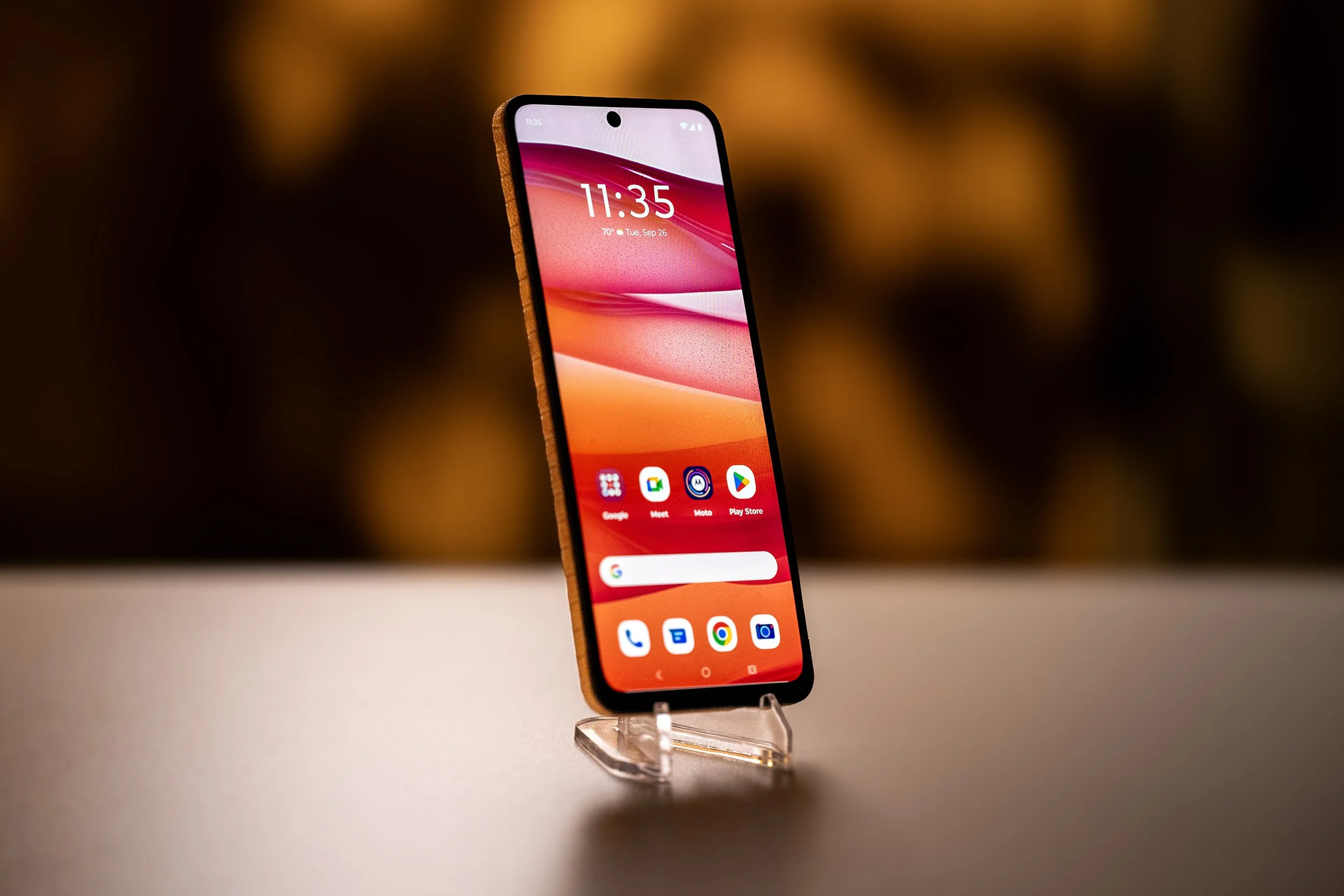
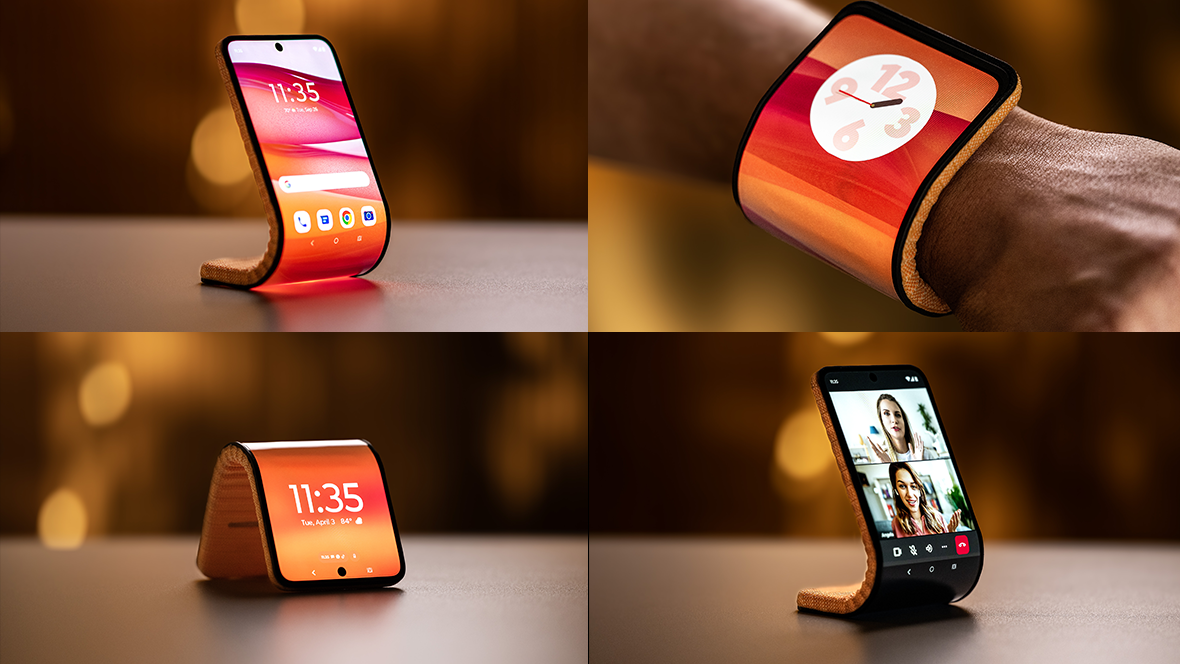
Here’s a look at Motorola’s Adaptive Display Concept, which is essentially a bendable smart phone with interesting features. It’s great to see concepts that explore the use of flexible displays, which has recently become more feasible and affordable.

The best application of the flexible feature that Motorola has shown, is the ability to attach it to your wrist and to stand it up on a flat surface. To take the concept further, it would be great to be able to mount, hook or attach a smart phone to any surface, perhaps if the phone was even more flexible in the future, it would be possible.

In terms of attaching the phone to your wrist, it becomes like a sort of smart-bracelet. It’s quite thick right now but in the future I’m sure it would be plausible to have a thin slap-band version, which would be much more practical.

It’s not the first time I’ve seen this idea presented, but it’s encouraging to see other brands play and evolve on the idea until eventually it becomes a reality.

What do you think? Would you want something like this in the future?

View fullsize Adaptive-Display-Slab.jpg
View fullsize Adaptive-Display-tent-2.jpg
View fullsize Adaptive-Display-tent.jpg
View fullsize Adaptive-Display-Upright-Video-call.jpg
View fullsize Adaptive-Display-Upright.jpg
View fullsize Adaptive-Display-Watch-2.jpg
View fullsize Adaptive-Display-Watch.jpg
View fullsize Adaptive-display-wrist.jpg
Motorola Bendable Concept Phone
5438bd1be4b0446f6692b906:544d83e9e4b05a6814bdc4e3:655efe54d184914c4f280017
Extensions
Mission Impossible: Rogue Nation
FilmHUDsGUIs

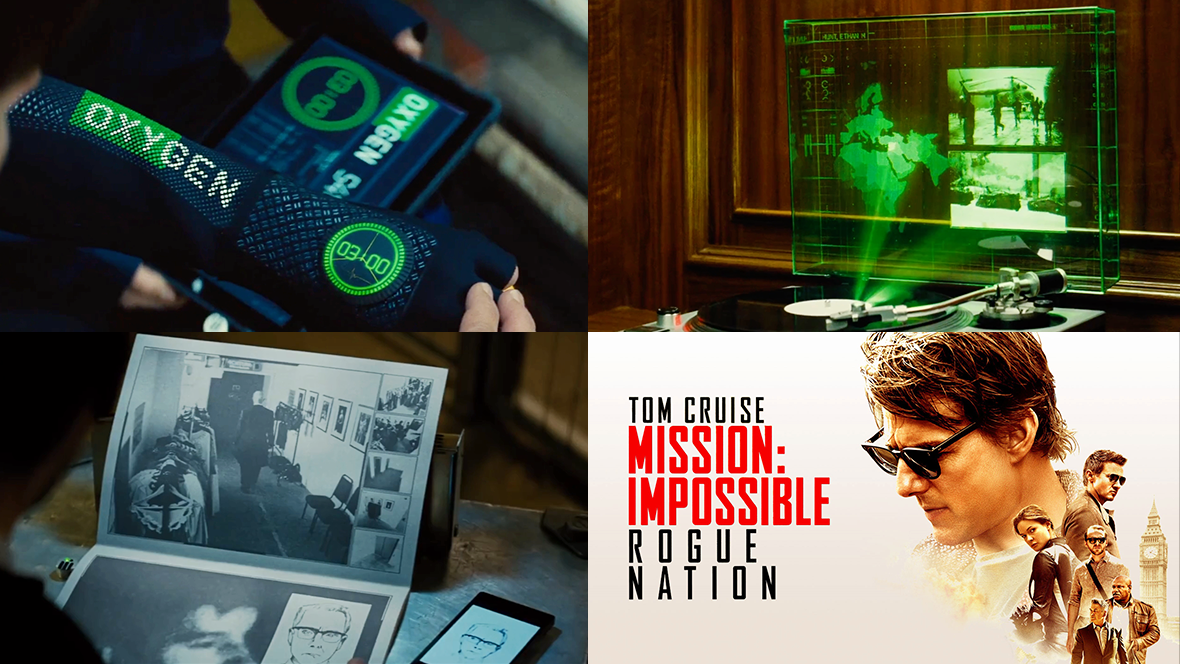
As you would expect from a Mission Impossible movie, there are many examples of sophisticated, innovative and covert gadgets. Let's take a closer look at some of the more interesting ones.

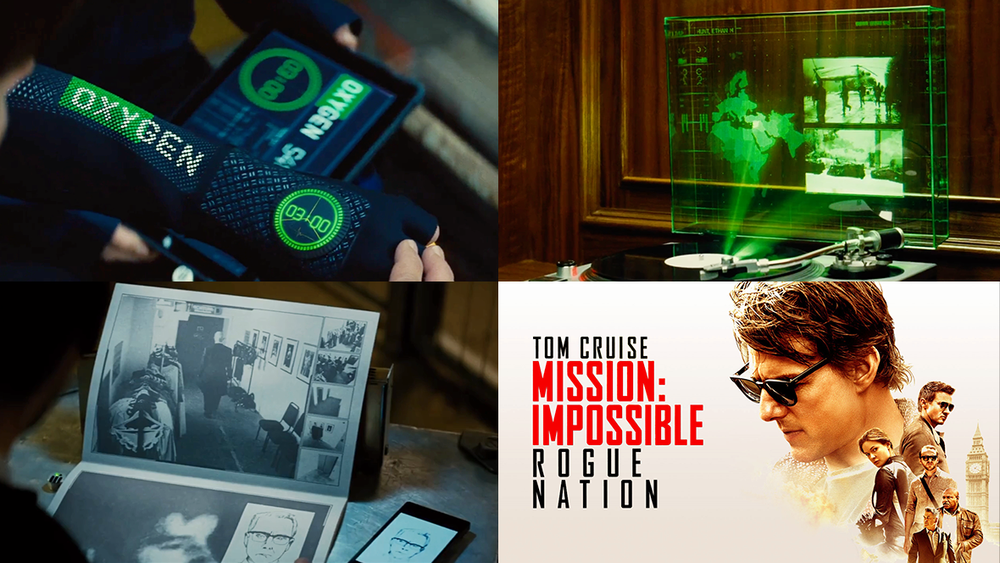
Record player

The video below showcases an interactive display cleverly concealed within the guise of a record player. The base itself functions as a fingerprint scanner, while the glass lid serves neatly as the housing for the display. This embodies a recurring trope within the Mission Impossible franchise: an object assuming the appearance of the everyday, yet hiding a covert secondary function.

Pamphlet computer

Here we see another example of a disguised object, this time an opera program that functions as a computer. The scene unfolds as Simon Pegg inserts a USB stick to initiate the computer's startup sequence. This creative concept aligns seamlessly with the narrative.

It's worth noting that Mission: Impossible – Rogue Nation was released in 2015, and remarkably, in less than a decade, this seemingly imaginative idea has transitioned into plausible reality. The evolution of technology, particularly the availability of flexible displays and e-ink, similar to the technology used in Kindle devices, has made this conceivable.

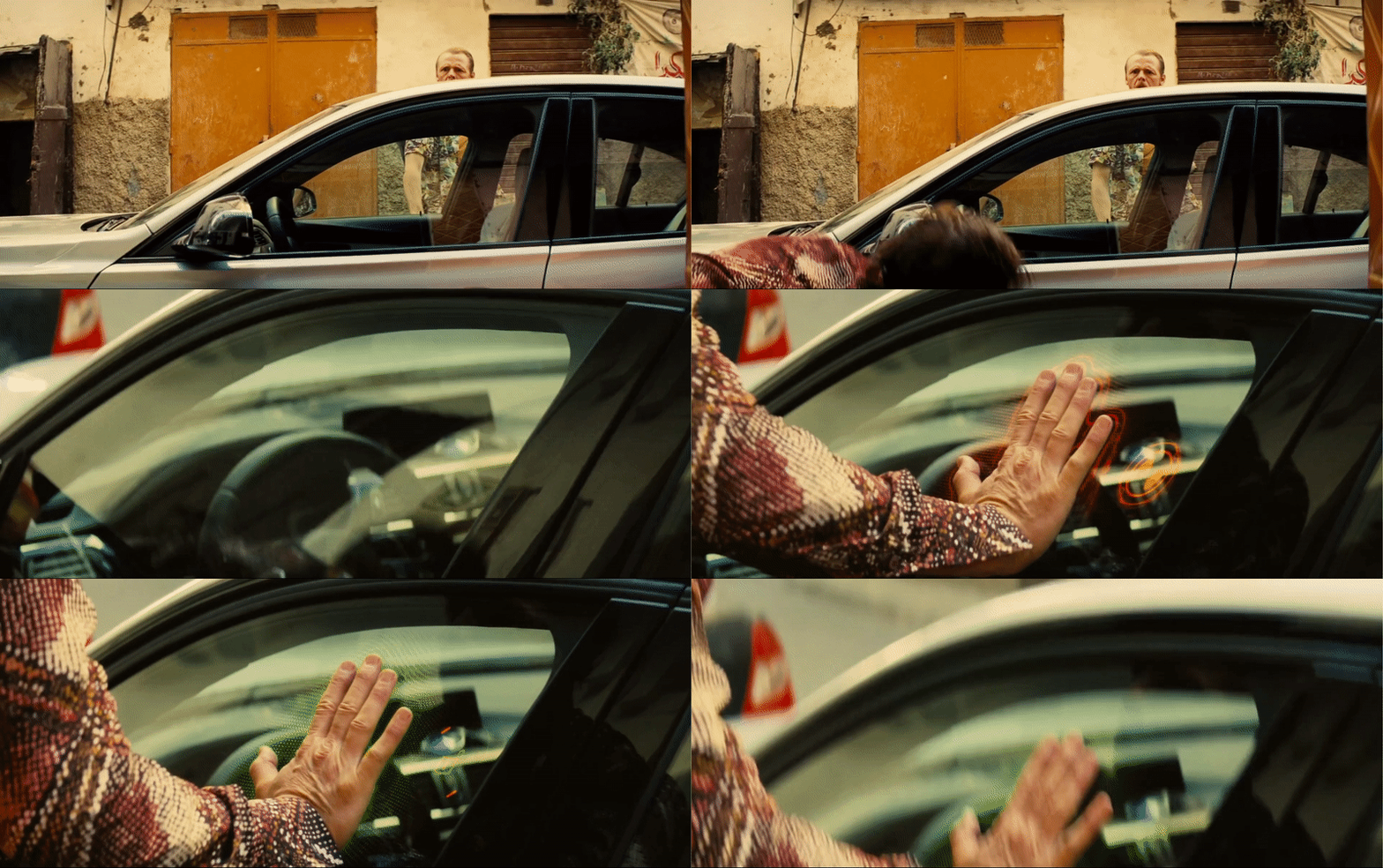
Car lock

This is an interesting idea whereby someone can unlock a car door just by putting their hand against the window and using fingerprint recognition to unlock it. The appeal of this approach lies in its swiftness, sparing the need to search for keys, and its user-friendly simplicity.

Yet, on the flip side, there's a major vulnerability. The possibility of someone forcibly unlocking another person's vehicle raises serious concerns about security. Additionally, practical factors come into play. The system might encounter challenges when windows are unclean, such as when a vehicle is parked beneath a tree teeming with birds.

Nevertheless, the underlying concept remains undeniably captivating.

View fullsize carlock-1.gif
View fullsize carlock-2.gif
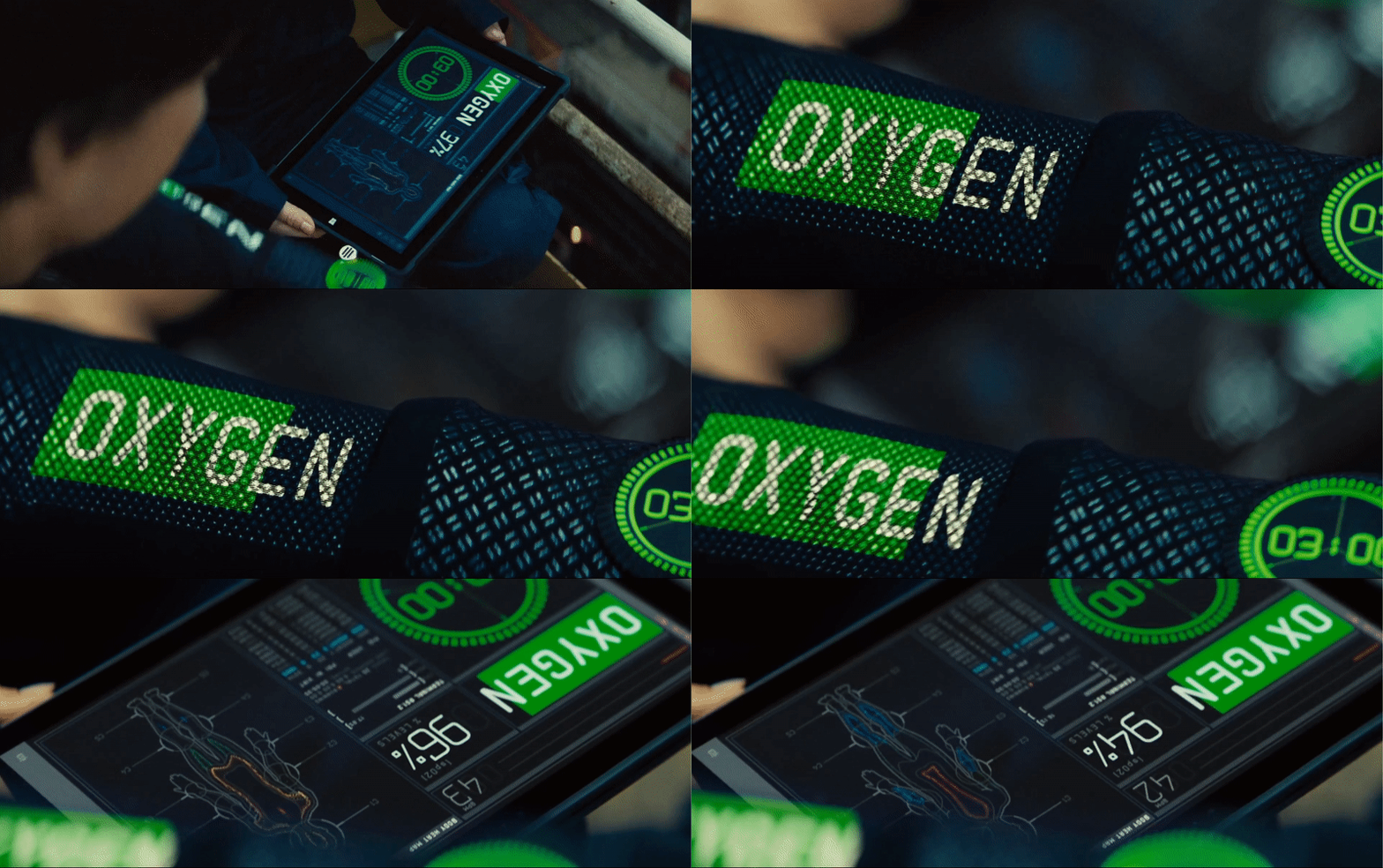
Wetsuit UI

Here’s a great concept for a display tailored for use underwater. In this concept, the UI is integrated into the very fabric of the wetsuit. This is a clever application particularly with its potential utility in specialised scenarios like cave diving and scuba diving.

Consider its potential in aiding underwater navigation. By seamlessly incorporating crucial directional cues into the wetsuit itself, this concept could offer an intuitive solution for maintaining orientation beneath the waves.

This becomes particularly relevant in situations like cave diving, where divers encounter difficulties in determining their direction due to poor visibility caused by the disturbance of sediment or silt in the water, often called silt-outs. With the UI embedded into the wetsuit, the diver could receive real-time guidance, swiftly correcting their sense of direction, enhancing their ability to navigate accurately and possibly saving their lives. Better still it could be incorporated as a HUD on the scuba mask.

Mask sequence

Synonymous with the Mission Impossible franchise is, of course, the mask sequence. Here is a great example of FUI being used to sell and explain a concept — in this case, utilising facial analysis to 3D print a mask. The entire process is succinctly portrayed within a mere 10 seconds of film.

Briefing sequence

There is also an example of a briefing sequence that is clear to read and to the point, aiding in advancing the plot.

This was a fun film filled with interesting gadgets. Look forward to seeing more from Mission Impossible!

Mission Impossible: Rogue Nation
5438bd1be4b0446f6692b906:544d83e9e4b05a6814bdc4e3:64db2ff17814965907605aee
Extensions