GeistHaus
log in · sign up

https://untested.sonnet.io/feed.xml

atom
60 posts
Polling state
Status active
Last polled May 19, 2026 07:25 UTC
Next poll May 20, 2026 07:46 UTC
Poll interval 86400s
ETag W/"12395cead492ea98ac907538231c0cdf"
Last-Modified Fri, 24 Apr 2026 18:50:17 GMT

Posts

DISOBEY
Show full content


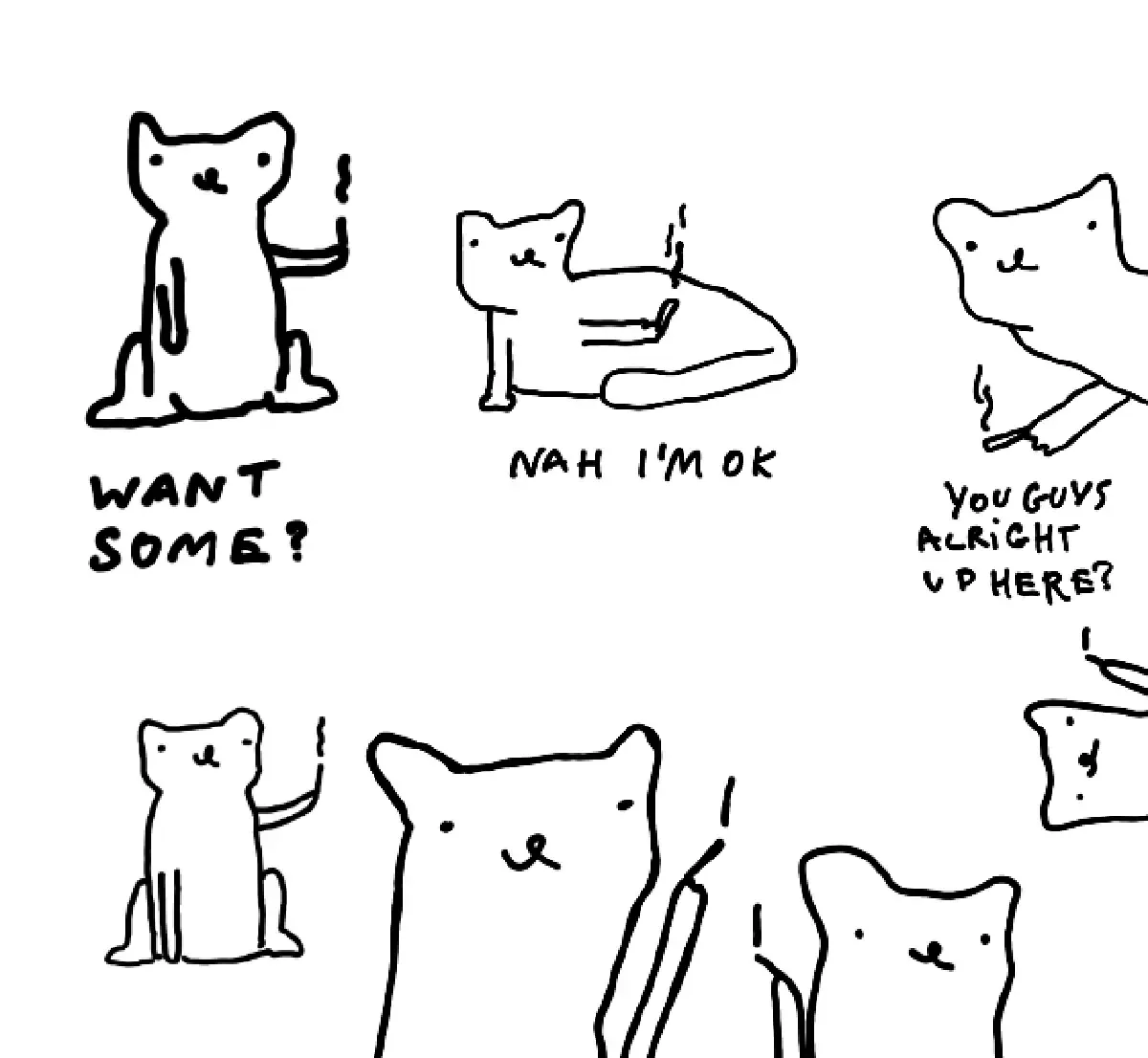
Friend, I looooove cigarettes!


.post-obey__love-animation { font-size: 24px; display: inline-block; } .post-obey__love-animation span { display: inline-block; animation: post-obey__bubble 2s ease-in-out infinite, post-obey__rainbow 3s linear infinite; background: linear-gradient(45deg, #ff0000, #ff8000, #ffff00, #80ff00, #00ff00, #00ff80, #00ffff, #0080ff, #0000ff, #8000ff, #ff00ff, #ff0080); background-size: 400% 400%; -webkit-background-clip: text; background-clip: text; -webkit-text-fill-color: transparent; font-family: 'Comic Sans MS', 'Comic Sans', inherit; margin: 0 .1em; } p:has(.post-obey__love-animation) { font-weight: bolder; } .post-obey__love-animation span:nth-child(1) { animation-delay: 0s; } .post-obey__love-animation span:nth-child(2) { animation-delay: 0.1s; } .post-obey__love-animation span:nth-child(3) { animation-delay: 0.2s; } .post-obey__love-animation span:nth-child(4) { animation-delay: 0.3s; } .post-obey__love-animation span:nth-child(5) { animation-delay: 0.4s; } .post-obey__love-animation span:nth-child(6) { animation-delay: 0.5s; } .post-obey__love-animation span:nth-child(7) { animation-delay: 0.6s; } .post-obey__love-animation span:nth-child(8) { animation-delay: 0.7s; } @keyframes post-obey__bubble { 0%, 100% { transform: scale(1) translateY(0); } 50% { transform: scale(1.2) translateY(-5px); } } @keyframes post-obey__rainbow { 0% { background-position: 0% 50%; } 100% { background-position: 100% 50%; } }

🎶 I love nicotine,
the Tammy to my Ron,
the Shams to my Rumi,
the fire of my lungs. 🎶


I also love having a healthy body and generally not feeling like I've rented an Airbnb in Serge Gainsbourg's mouth. And, I've gotten pretty good at quitting, I quit all the time, sometimes for a day, sometimes for a year or two.

So, I made myself a little web app I open when I feel like grabbing a cigarette. It's called OBEY and can be found here: obey.potato.horse
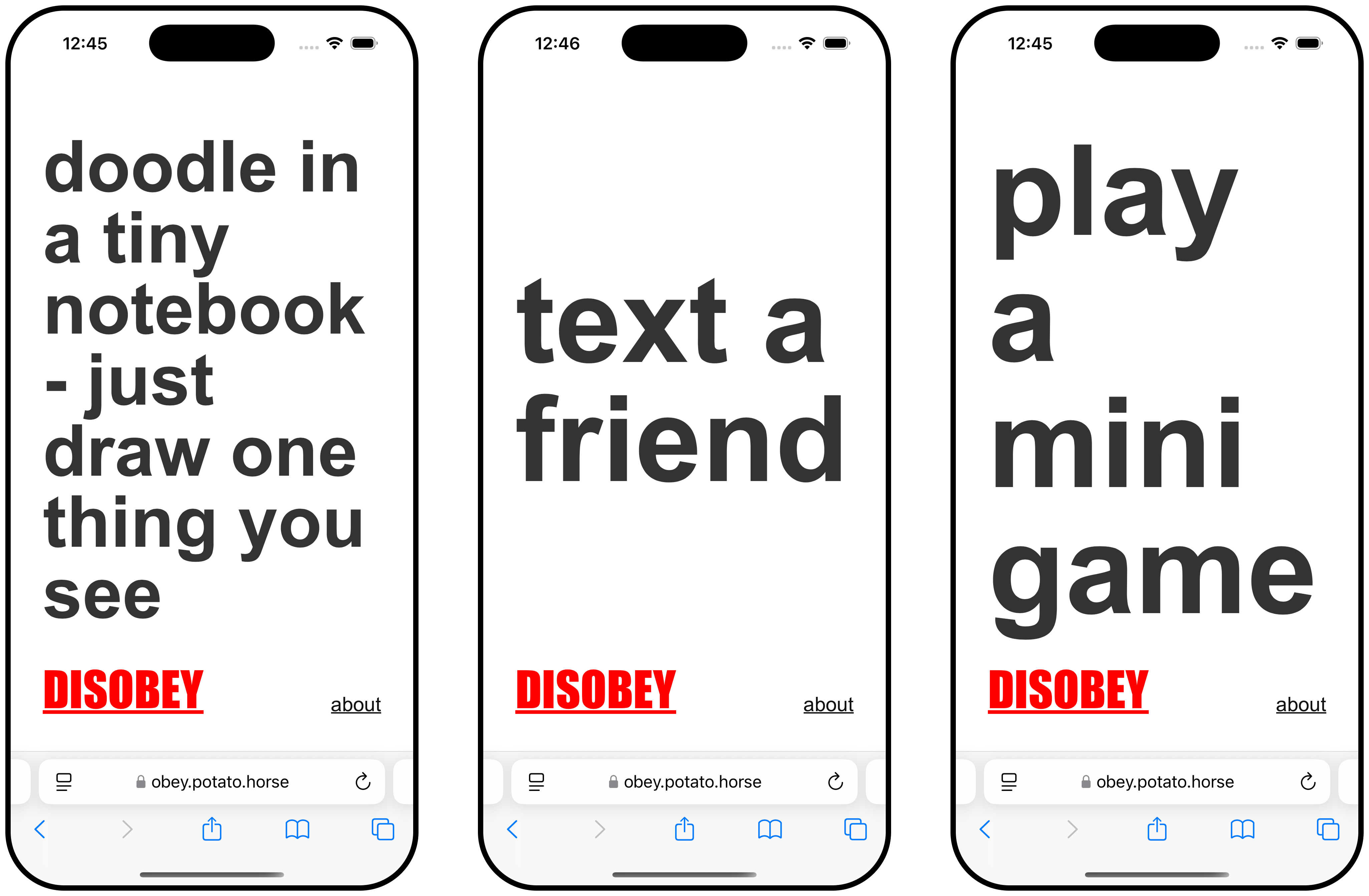
Here's how it works:
  1. go to obey.potato.horse
  2. do what it says
  3. feeling rebellious? hit disobey
  4. rinse and repeat

You can find the source here. Feel free to fork it and make it yours!

This isn't a new idea, of course. I've also talked about something similar (Mental Health Toolbox (working title)), and one of my Say Hi friends is working on a more sophisticated approach to the subject.

Related: Projects and apps I built for my own well-being, Things to support my own well-being – a wishlist
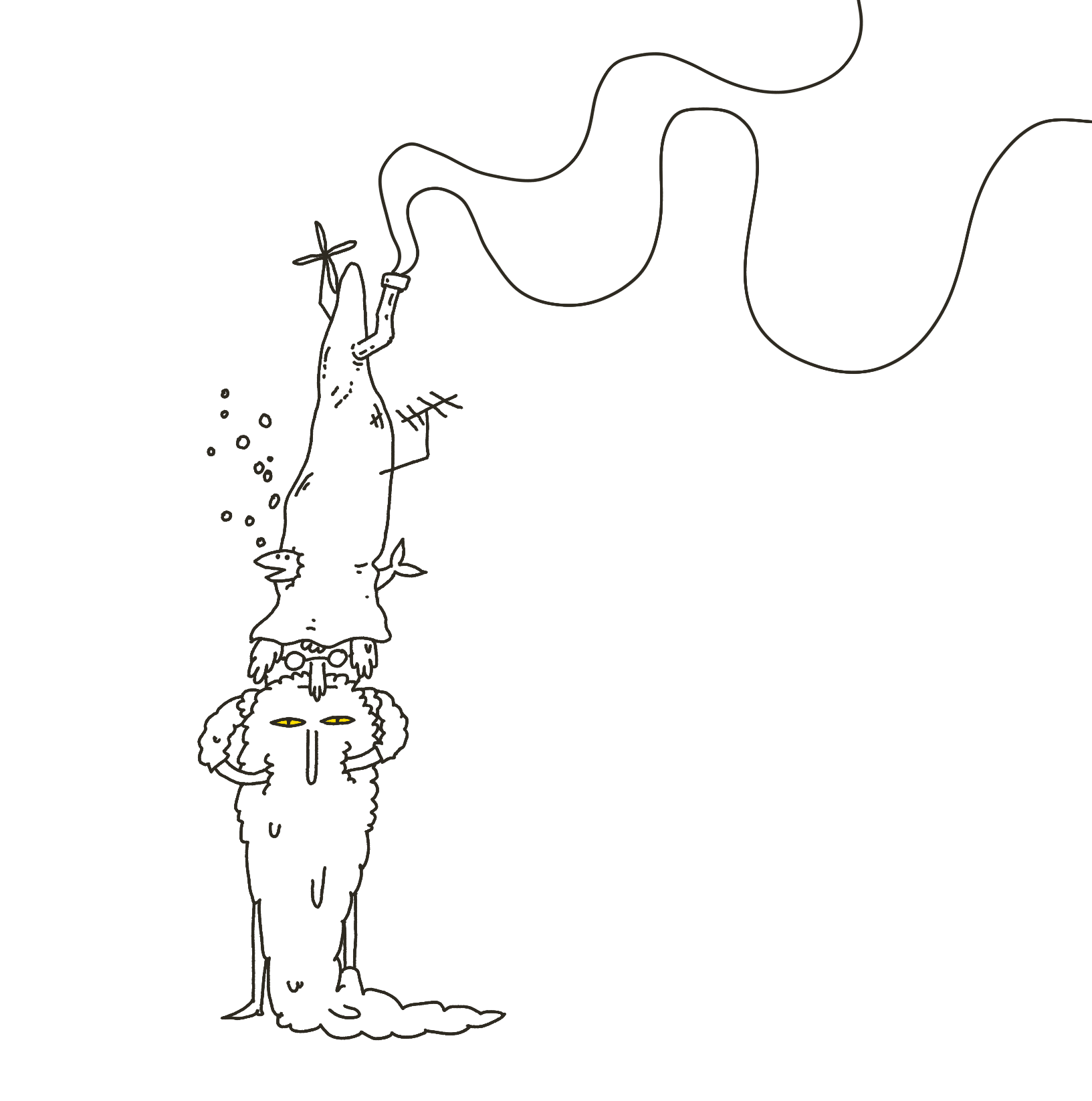
Why I made it

My younger brother quit smoking several years ago, but he still keeps a pack of Marlboros in his drawer. He felt that having this little splinter in his eye every time he thinks about nicotine would help him built up more willpower, more resilience. I'm happy it worked out for him in the end, but he's in the minority.

The general consensus is that yolo-ing it and quitting cold turkey usually yields poor results (some research suggests 3% success rate within 6-12 months for raw dogging it vs. 30% for therapy + NRT). I'm one of the 97%. Over the years of quitting and embracing the sweet dark taste of cancer sticks I've learned that there is no point in making my life harder when I quit.
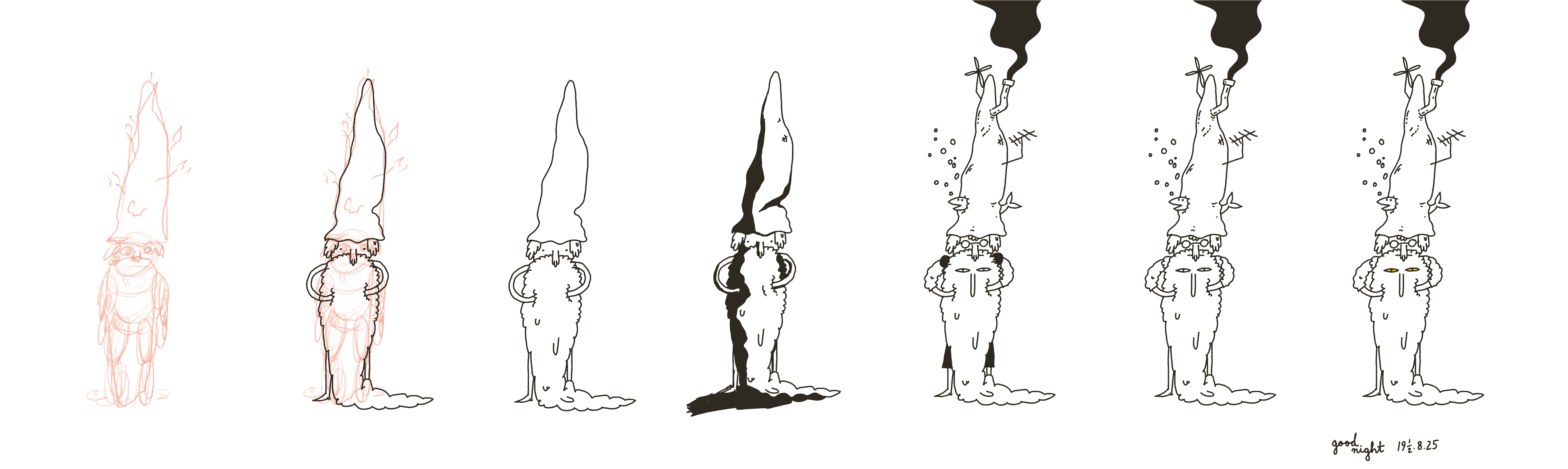
What works for me:

  • preparation, setting a date,
  • understanding the nicotine half life and withdrawal symptoms,
  • understanding my triggers and not downplaying their effect on me,
  • trying not to over focus on shame/guilt,
  • NRT,
  • understanding the reasons I chose to self-medicate with, well, insecticides, and
  • patiently, methodically going through the steps.
How I worked on it

First things first: this app could've been a piece of paper. The app doesn't solve the problem. The process, having an excuse to think about something deeply was the important part. 99% of my work was therapy and planning, which includes spending a couple of afternoons thinking about the triggers.

(come to think of it, this is the 2-2-2 Project Scoping Technique applied in reverse: 2 days of pondering, 2 hours of coding)

Now, the technical part:

  1. I coded the app shell using Claude over 20 or so minutes
  2. I added the more custom parts (such as better font-sizing) manually
  3. I pushed to Vercel using yolo (related: Web and Feedback Loops, Short: WiP)
Custom font sizing

Problem: How to make a piece of text fill the available space, vertically and horizontally, and respect word breaks?

In short, there's no native, one line CSS or HTML solution to that problem and the classic approach goes like this:

  1. start with the biggest possible font
  2. scale it down by X
  3. check if the element is larger than its container
    1. if that's true, go back to 2.

The main difference from my approach vs. what Claude or SO will tell you is using a multiplier for size instead of a fixed value. Doing so should reduce the number of calculations required to fit within the existing container.

This part was purely for fun. OK, jumping straight into typography is a perfect way to distract myself. That said, it was still helpful to keep this step as a little reward for myself when I felt stuck.

I love making my own tools. I grew up above a carpentry workshop and almost everything that could've been made of wood in my house, well, was made of wood. We weren't an isolated case either. Even the rays of light adorning the paintings in the church in my hometown were made of physics-defying stained oak. I'm similar to other Pastuszaks in that regard, I love surrounding myself with things/toys/tools that are mine (Reactive Hole · sonnet.io, Bird-knife, My Bootleg T-shirts, The Janusz I Live In, Projects and apps I built for my own well-being). Web is my medium. I doodle in HTML/CSS almost as often as with my pens or Procreate and have been doing it since I was ten. I had six personal sites before we had internet.

Why "OBEY"
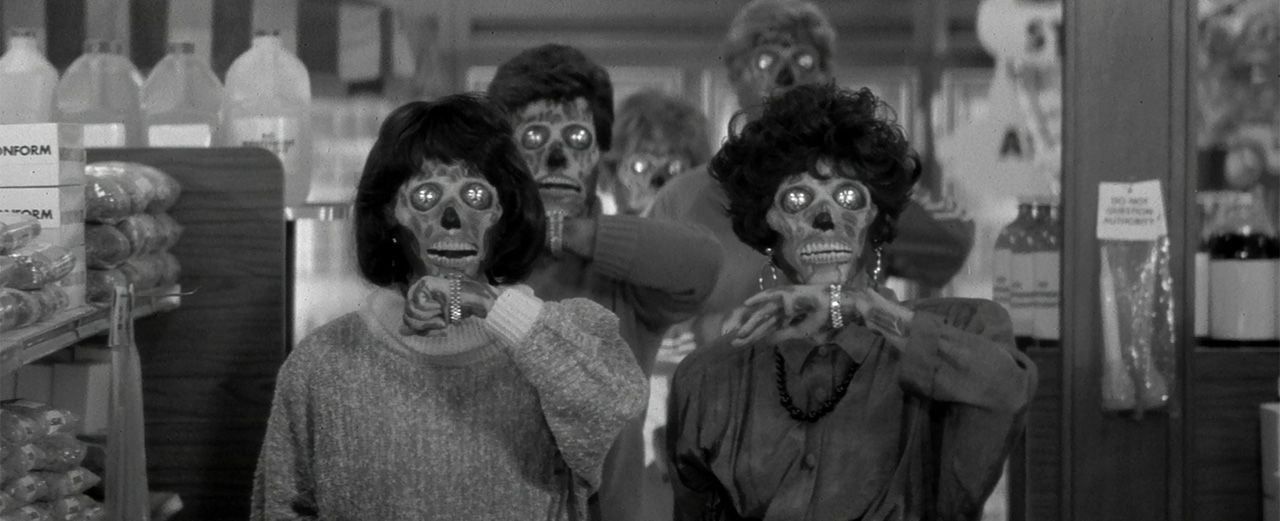
  • As I was sketching it the typography reminded me of They Live
  • Luna found it funny
How did it go?

I quit roughly a month ago and over the past three weeks I used OBEY around a dozen times, perhaps a bit more. I noticed that instead of opening my phone, I just pick one a thing to do from the list committed to my Thought Sponge Memory Storage™. I don't think there's anything that surprising about this observation.

Again, writing, coding, and testing/playing forced me to think and plan. The time spent on it was the biggest value. This little web app could've been a piece of paper, but that doesn't diminish its value.

The risk with DIY projects like this is that they can be a huge distraction. After all, instead of doing the scary thing, you can always choose the difficult but familiar thing and thus fulfil the immediate emotional need. It keeps you busy for a few hours, but the next morning you might wake up and realise you're still in the same place, with the path now somehow being even longer and more winding.

The other side of the coin: is it fun? Does it also help me improve something that's been bothering me for such a long time? Now, I feel mostly happy that:

  • I had an excuse to play with my toys, and
  • I have the skills that allow me to do something good/wholesome and improve my well-being, and
  • I could apply them with ease, aaaaand
  • I could write and think about this here!

In other words, I don't feel that I wasted my time, this time.

Take mainstream self help literature as an example. Most of it is cringeworthy pseudoscience or two A4 pages of CBT worksheets, diluted into two hundred pages of pep talk. Survivorship bias aside, I think the reason it helps some people is this: it forces them to sit on their asses for a few hours and actually go through the process of thinking about it deeply. Instead of memorising a checklist, they're forced to go through the process of thinking, feeling, introspecting.

Perfectionism is fight or flight. With practice (and luck), sometimes we can learn to distinguish between using work to avoid thinking about/feeling something vs. using creative work and play as a tool.

Letting curiosity speak louder than guilt helped me this time.

That's all for today, thanks for reading!
https://untested.sonnet.io/notes/disobey/
Ensō Themes – Accessible, Vampiric, Cozy
Show full content

Hey there. We're getting very close to the release of a new Ensō, and I'm at the stage where I need to stop coding and start talking about it. Why invest so much time in working on something if we don't give people a chance to decide for themselves if it's valuable?

As any cryptozoologist will tell you: the procrastination ogre feeds on time — the longer we wait, the bigger it gets. Thinking aloud about themes sounds like a decent warmup before tackling more complex copywriting tasks, so let's go through this together.

Related: Share your unfinished, scrappy work, Writing is Thinking, New Enso - first public beta, How People Use Ensō

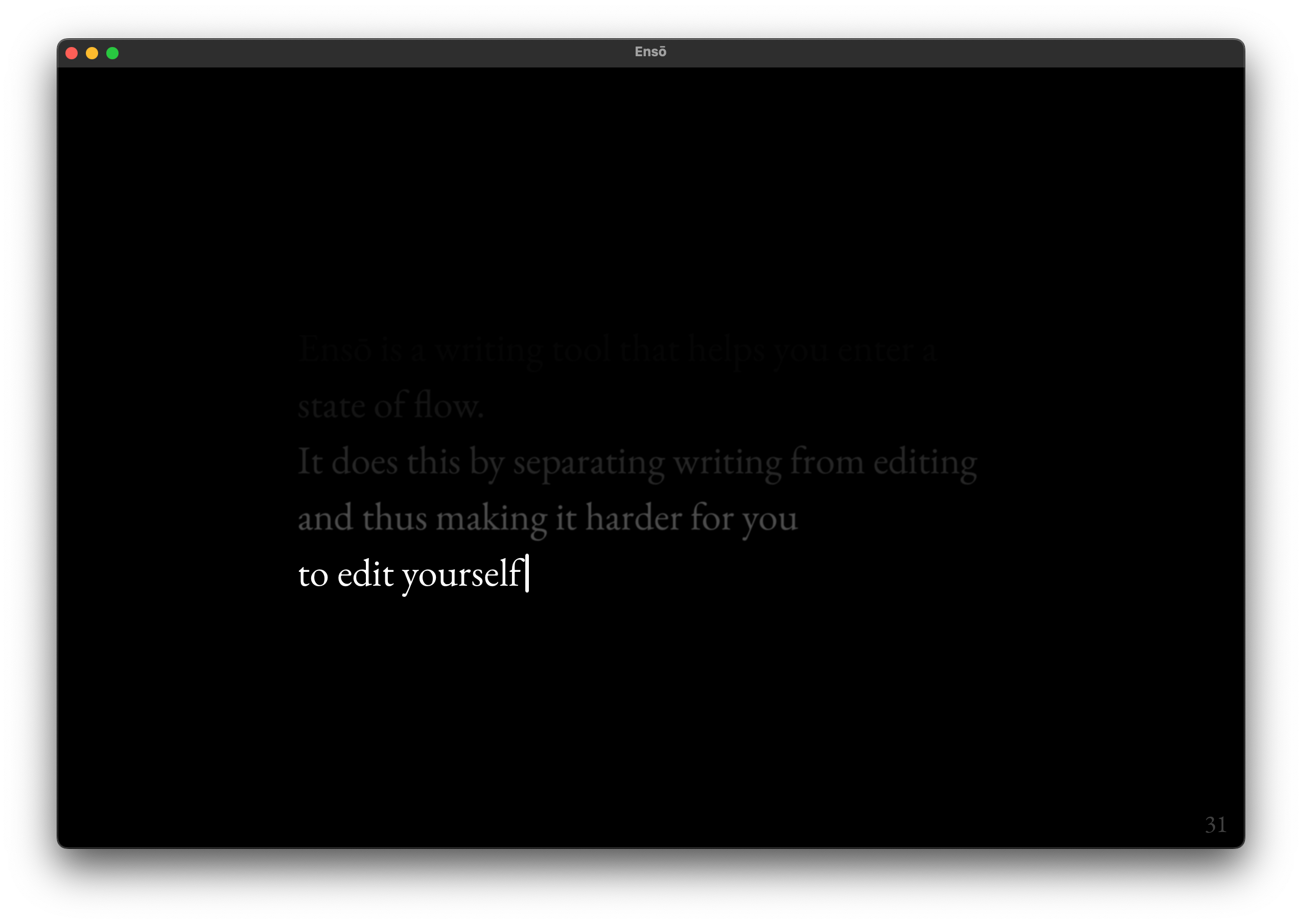
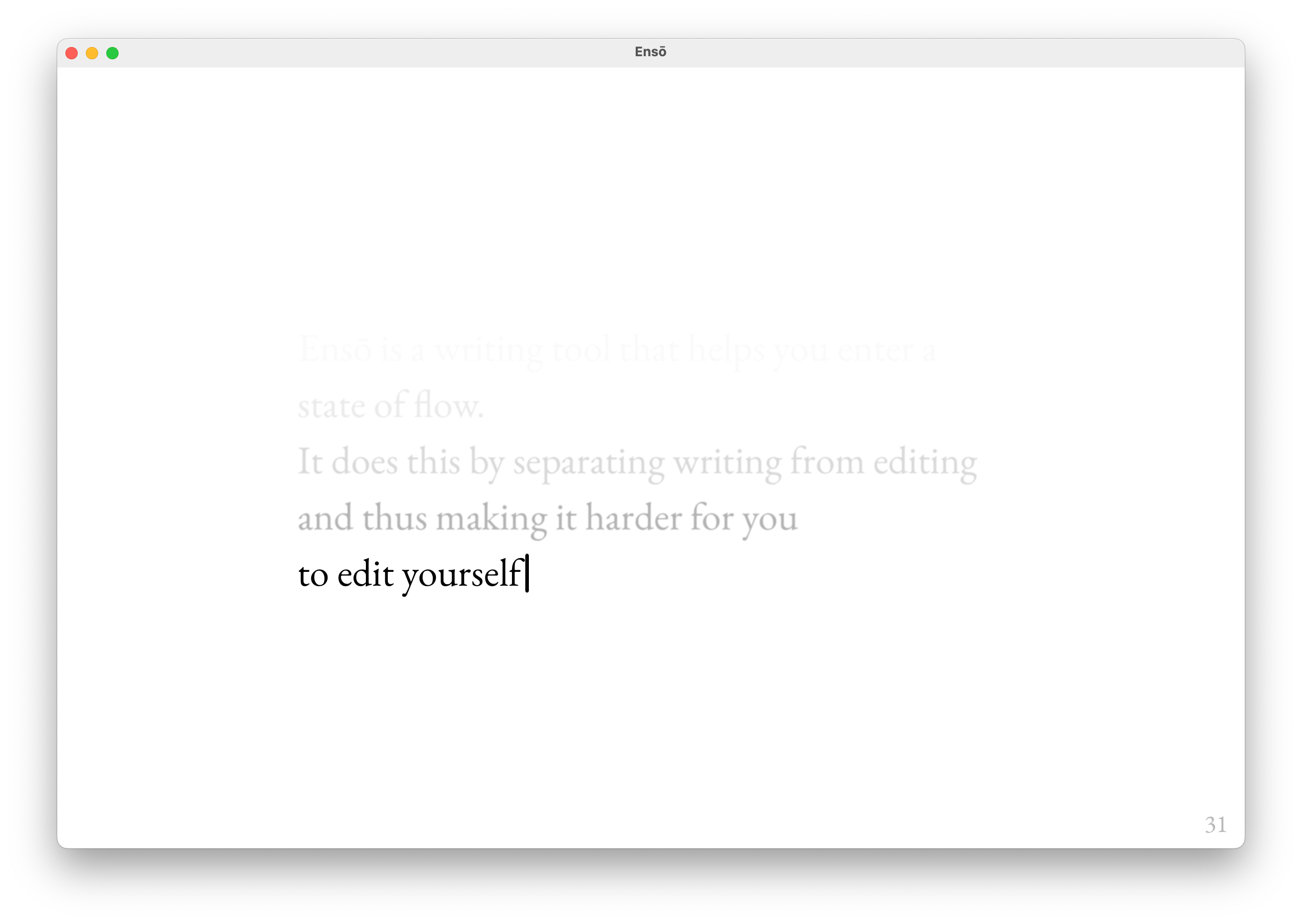
Ensō supports 6 themes:

  1. Light
  2. Sepia
  3. Black and White/e-Paper
  4. Dark
  5. OLED
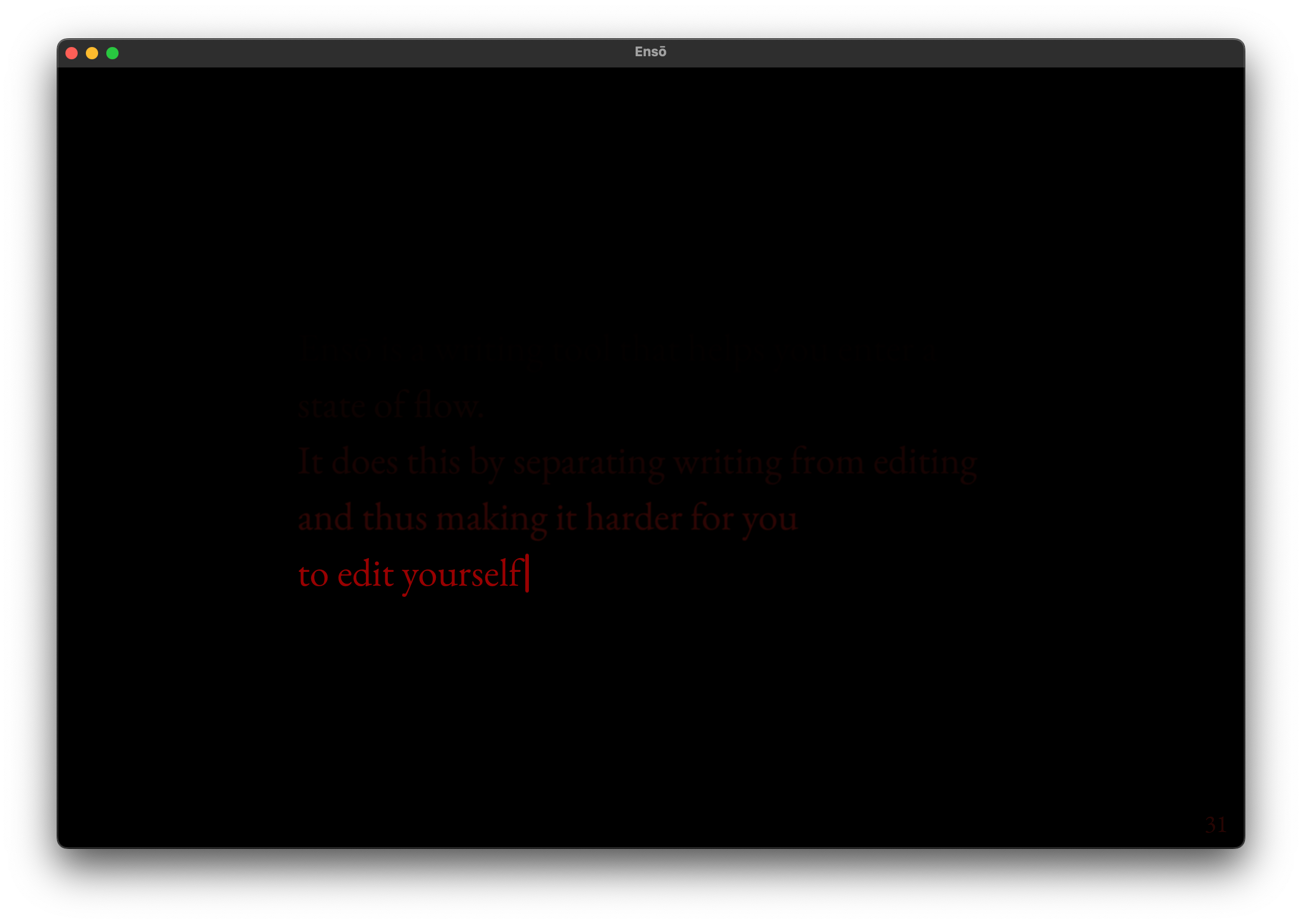
  6. Midnight

Each theme has been designed with a specific use case/why in mind. Some of the whys are more obvious than others; some just fall under the category of familiar = good. Let's get those out of the way before we move on to my favourite example.

1.,2. Light and "Sepia"

Why?
  • User preference, familiarity. Some users preferred Sepia over the default Black and White theme. Some users preferred the default Light theme over Sepia.
  • Works well in well-lit environments
  • (personal opinion) Sepia looks slightly better than the Black and White/e-Paper
  • Sepia should look better with semi-transparent GUIs (e.g. the upcoming, moist macOS 26)
3. Black and White / e-Paper

Why?
  • User preference, familiarity
  • Works even better in direct sunlight
  • Better support for e-Paper displays

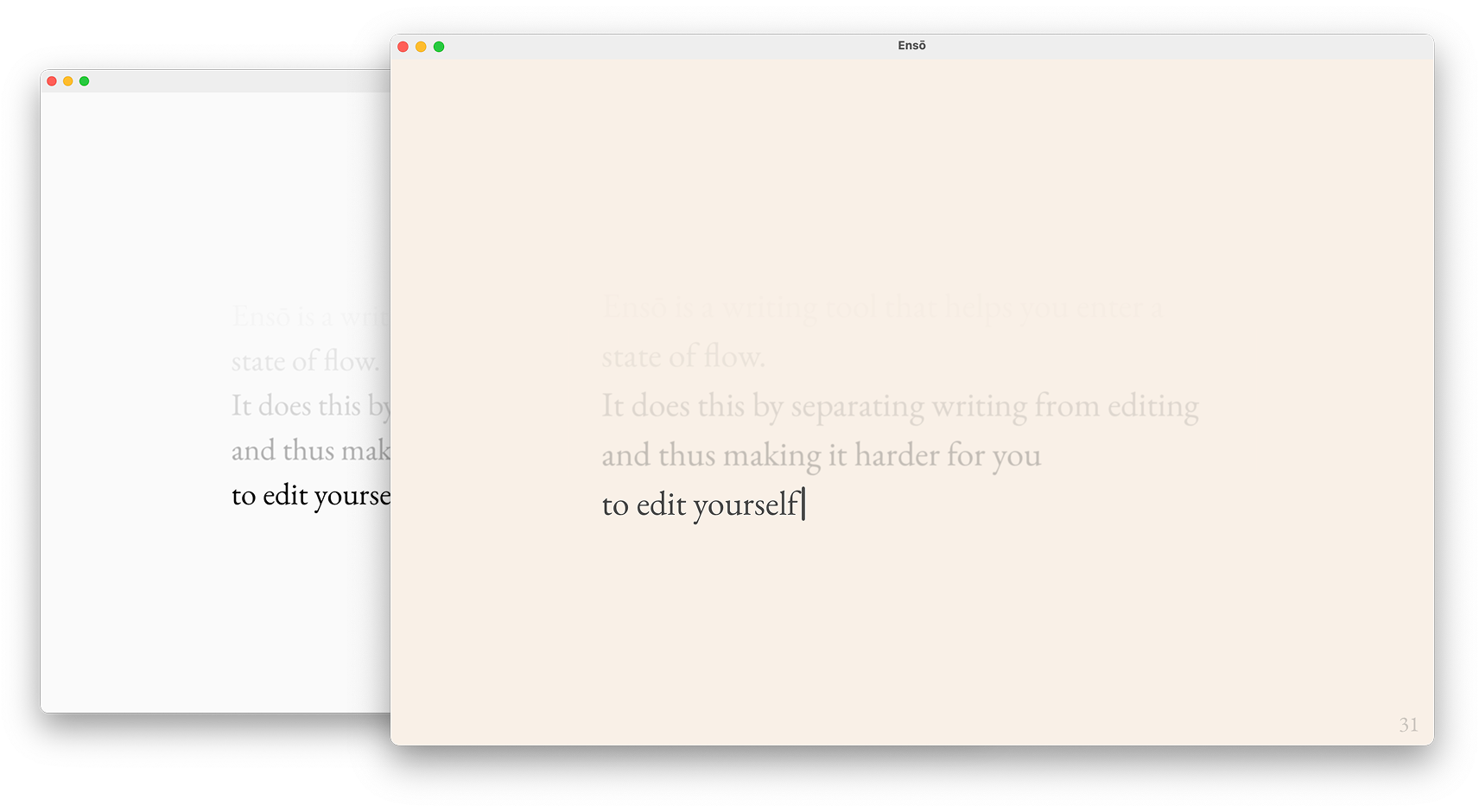
I'm working on a hardware side project involving an Ensō-ish UX. More on that next year. Although latency is still an issue with e-Paper displays, the future looks fun. Also, many code editors or PKM tools like Obsidian already adopt e-Paper friendly colour palettes/UI styles and I find them often more visually appealing. OK, I really want to talk about this now, but we'll get to that later, when I have more to show you.

PS. Are you using an e-Paper (or e-Paper-ish...) display? Say hi! (also, if you're on the beta, you can now set the caret to hidden)

4. Dark

Why?
  • (again) User preference, familiarity! Some users prefer a dark theme that doesn't stand out from the rest of the OS GUI; greys feel more gentle than perfect black.

This is the main reason we have both Dark and OLED as separate options.

Details
  • the colour palette was made to match the default OS colour palette (Sequoia or older). How well it looks still depends on the OS accent colour, which shifts the greys by a small margin. Unfortunately unlocking more control would require me to use private APIs and get the build rejected from the AppStore. I will revisit this in a few months.
OLED

  • Looks great on OLED screens. I've tested this with MBP, iPad Pro M4 and phones with OLED displays. More on that below.
  • Works well in dark environments and reduces the amount of emitted light significantly compared to Dark, even on slightly lower-end LCD screens, e.g. MBA M1.
6. Midnight

Why?
  • Comfortable writing in very dark conditions. At 20% brightness the screen doesn't seem to be emitting light and the text feels almost like e-Paper.
  • Designed to generate the lowest possible amount of light while maintaining legibility, hence the red tint
Use cases/target audience
  • Insomniacs
  • Writing late at night and trying to avoid exposure to blue light
  • Avoiding illuminating an entire room when writing in a shared space (e.g. while sharing a couch)
How it's gone so far and why I find this theme particularly interesting

Since I launched the beta, several users have said they use Midnight mode and are happy with it!

I use Midnight when I happen to wake up in the middle of the night and can't go back to sleep. I spent 2 decades dealing with insomnia (I'm good now), and one of the things I've learned is to leave the bed the moment I start ruminating. Instead: get a cup of tea, look out the window, doodle, or just stare at my dog (weirdly contorted and mumbling in Aramaic, yet still cute). We are creatures of habit. The last thing I need in that moment is to nurture the association between insomnia and my bed.

I usually spend that time writing my Stream of Consciousness Morning Notes, which is an added bonus: it feels like I can make up for some of the lost time. It makes me feel less rushed/stressed about the next morning.

How I worked on this
  • user research (user interviews, Ensō beta feedback)
  • dogfeeding (I've been testing most of these themes over the past 6 years and you'll find these exact colour choices in some of my other projects)
  • experiments with low light text editors and web browsers: Obsidian for Vampires, Midnight Ramen.
How did I test the themes?

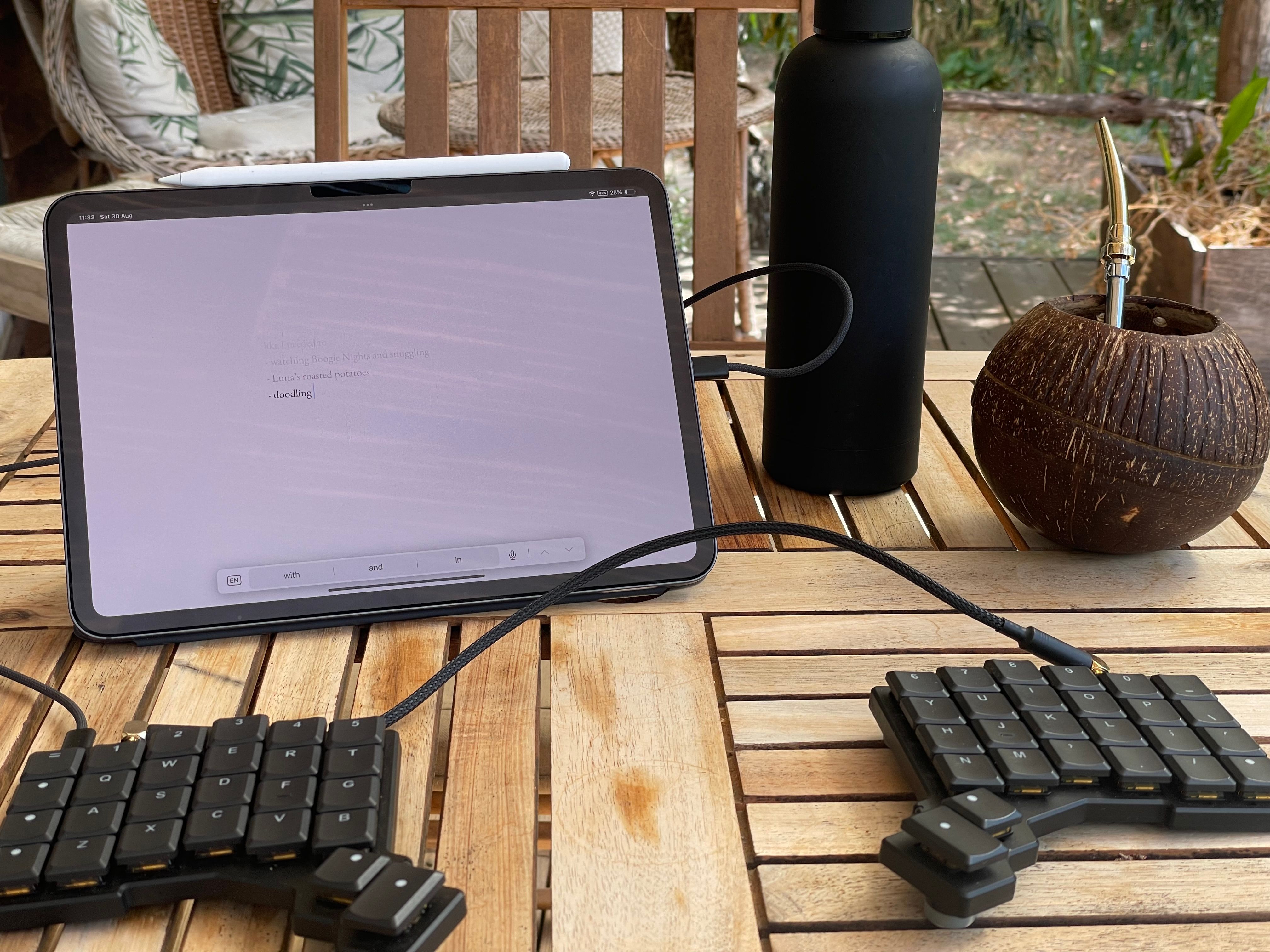
Using the web version of Ensō with my iPad. Also, I made that coconut cup!

  1. Through ca. 1500 words per day of regular use on average (7000 words during the longest outdoor writing session)
  2. In varying light conditions
    1. indoor vs. outdoor
    2. direct sunlight
    3. indirect sunlight (e.g. writing under a tree or on a porch)
    4. outdoor on a cloudy day
    5. darker or well-lit coffeeshops across town (related Coffeeshop Mode)
    6. indoor low-light (warm floor lighting or cold light coming from the street)
    7. indoor pitch black (my living room)

Regarding 2., I don't need to go out of my way to test it. I use Ensō all the time and move around a fair bit, which makes it much easier.

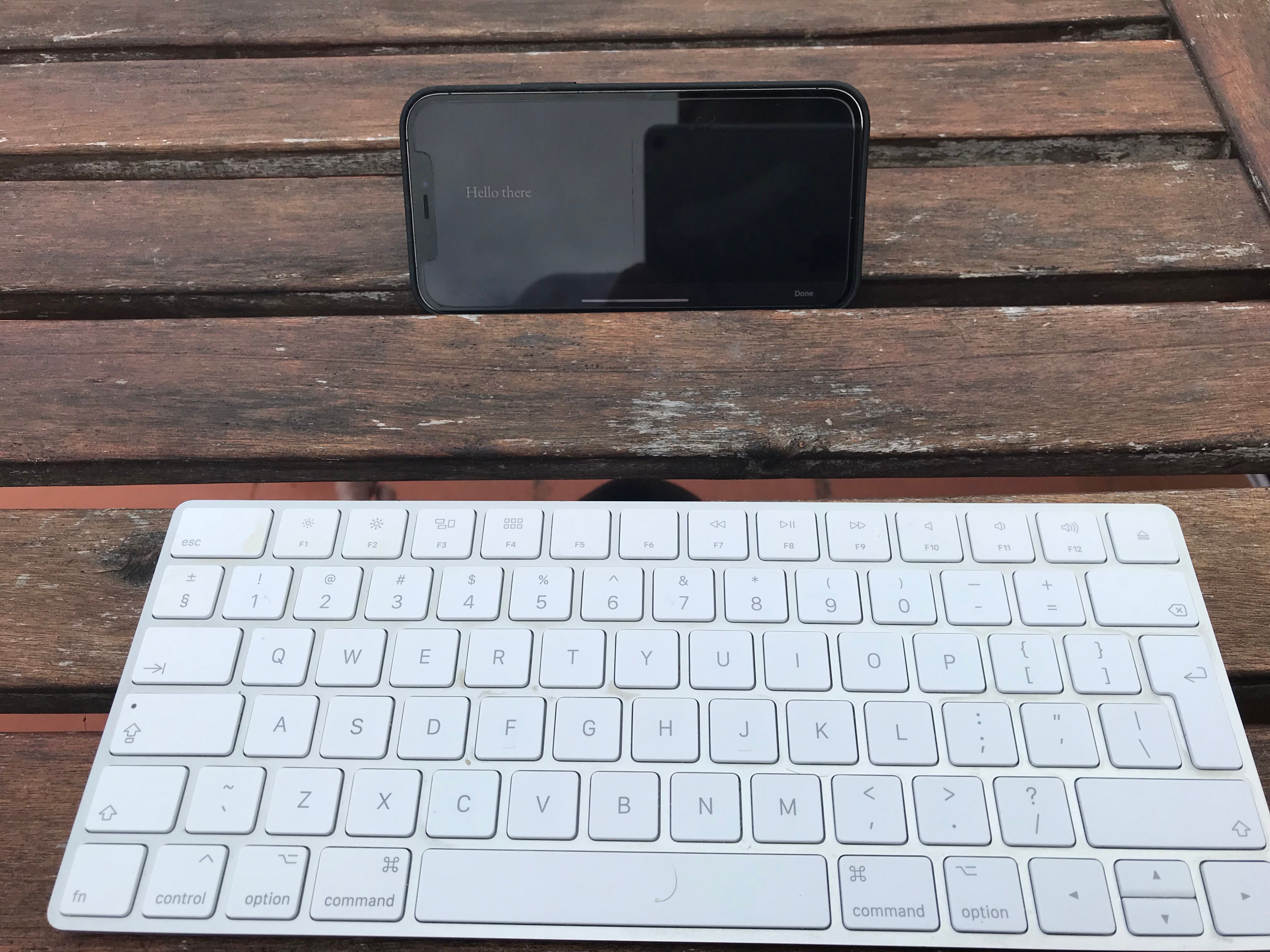
Summer 2021. I accidentally wiped my iPad by travelling with the keyboard in my backpack, so I switched to using Ensō with my phone. We've gone a long way since then!

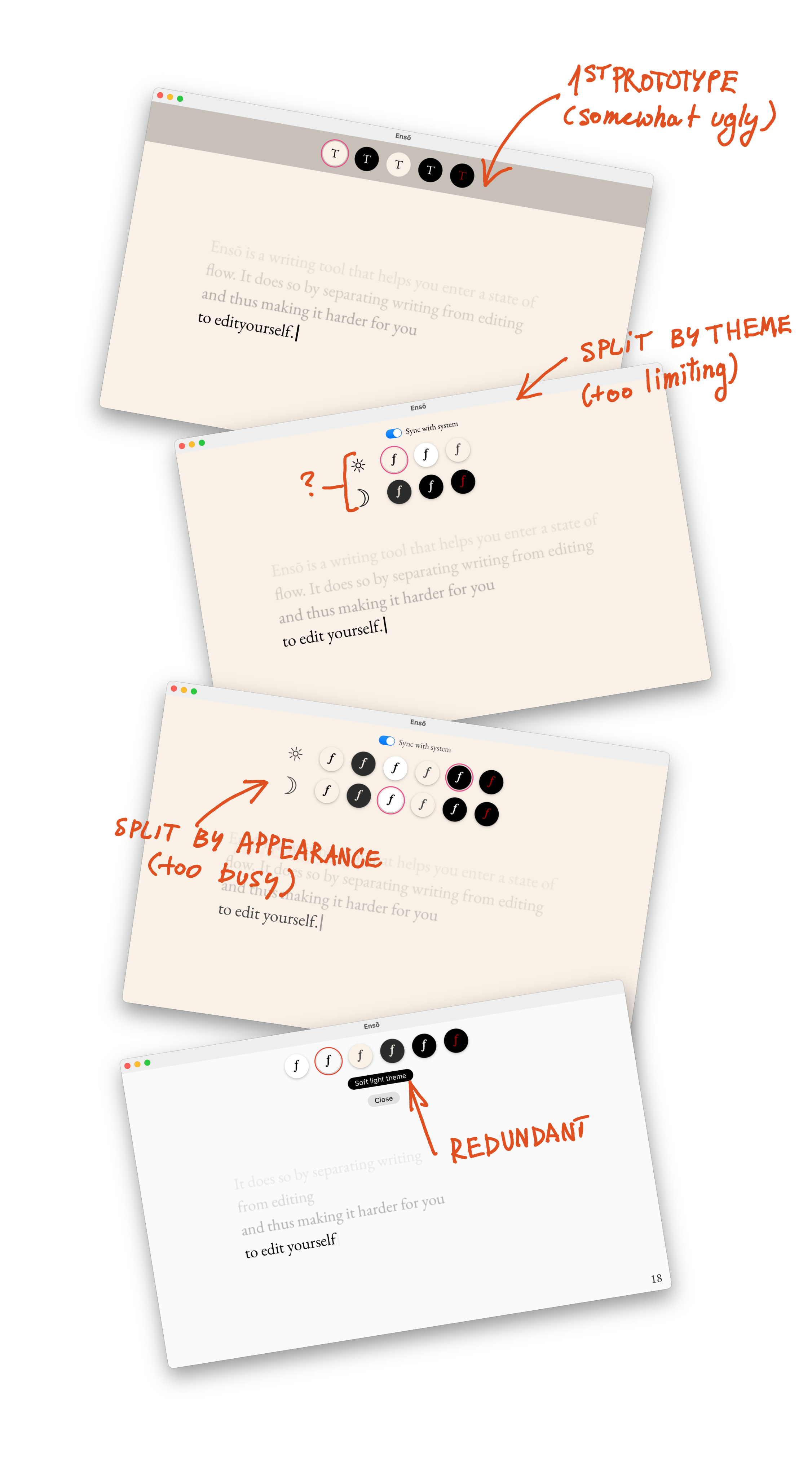
What I've learned It's really, really hard to have a compact, intuitive UI for more than two themes controlled via OS appearance.

This is a weird one, as it might be a bit hard to explain if you've never approached this specific problem. It's also one of the annoying problems where the user will see if something doesn't work well, but if everything is in place – they won't notice a thing.

Here's what I want:

  1. theme changes that require maximum 3 interactions (from opening the picker to getting back to writing)
  2. an easy way to associate themes with OS appearance (light, dark, automatic)
  3. more than one theme per appearance

Now, things are easy if we choose only two items from the list above. But they get a bit wonky if we want to do all three. How to keep clear affordances for users at a single glance, without making them feel like they're about to fill a visa application just to change the background to dark?

There's a tonne of UX patterns to learn from, again, if we stick to two items from the list. So, following MISS I came up with a dumber solution and I'm pretty happy with it: the selected theme is tied to the current OS appearance.

Say, I set the Sepia theme in the morning when my Mac is set to light appearance, then use Ensō again in the evening and set it to dark. From now on Ensō will associate each theme with an OS appearance.

Polished theme support would require separate opacity curves for each theme

You might've noticed that in the Midnight theme the lines seems to fade more abruptly. One of the reasons behind it is that we perceive red as darker than other colours (Obsidian for Vampires).

In order to improve this I'll need to adjust the text line opacity curve (Natural Gradients in CSS) on a per-theme basis, making the curve for red less sharp. I've already made some improvements here, but this feels like a pleasant, iterative update. It can wait, Mr. Dog mode.

Additionally, the end result varied a lot across display types, even with them being limited to just Apple (for now).

For now, we can keep it with the manual tweaks I tested on a bunch of screens. This is not an issue most people would notice. But, if someone wants to sponsor adding a gamma slider to Ensō, sure, let's talk.

A significant number of beta users are on older versions of macOS, which doesn't support P3 colour space.

Yes, I can see the OS versions on TestFlight, but I noticed the issue thanks to user feedback.

People are already using Midnight!

And it made me very, very happy. It's such a seemingly small change, but it seems so useful.

What I learned while writing this note
  • I'm happy with the theme choice, but might cut the default light theme.
  • I've kept the more interesting subjects (Midnight, UX, what I've learned) at the end, making the reader wait.
  • More of the theme designs are based on familiarity than I would like to admit. There's nothing inherently wrong with that. On the contrary, I think that's valuable. But how should I talk about this when I add themes to Ensō website before the release?
  • I was hoping to come up with some concise, punchy quotes I could put on the Ensō website under the themes section. That didn't happen, but the way I think about them is more structured. Mainly, I can see what
  • Shit, I've put so much work into this thing just since the recent beta! (Writing is remembering)

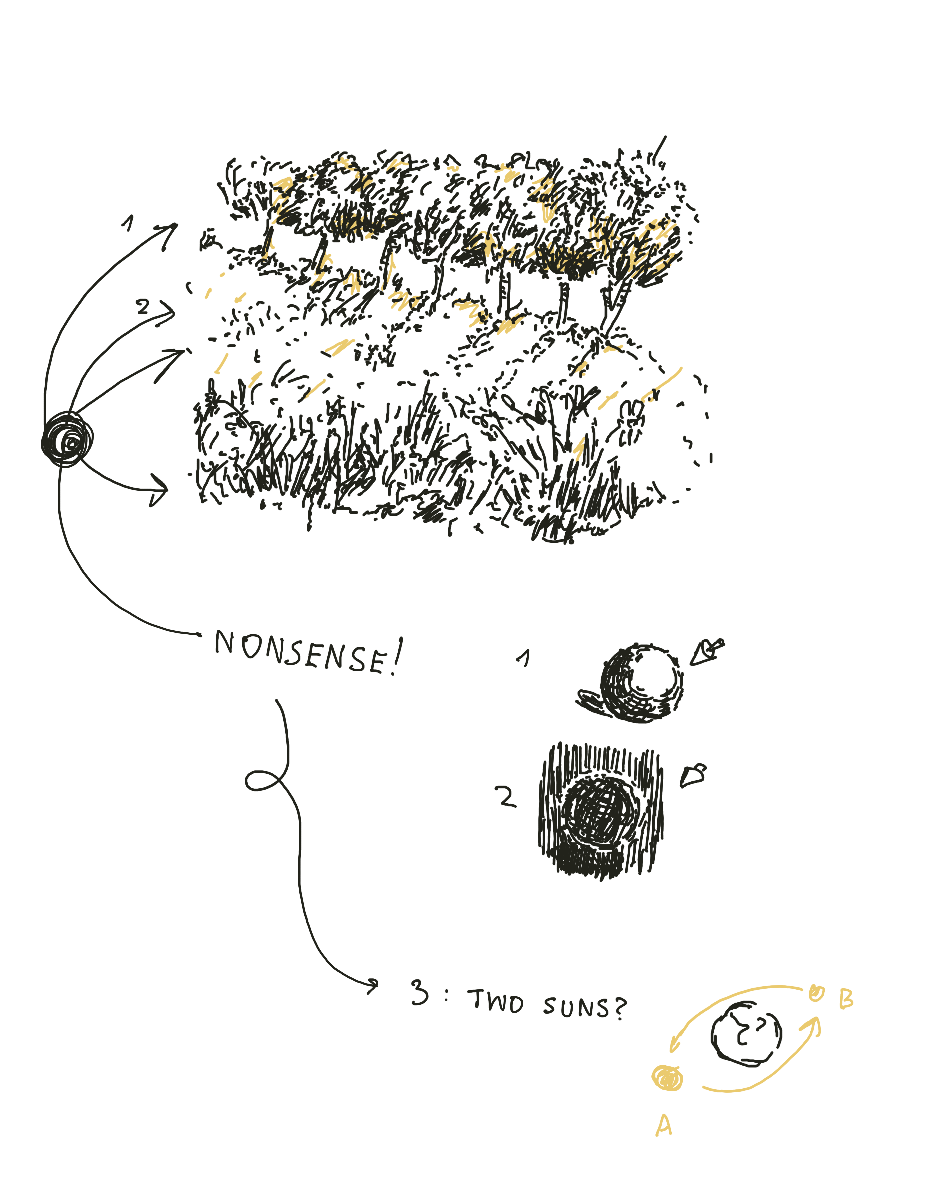
Things I've learned by studying my less weird drawings: I have a deeply ingrained belief that there are two suns (or, I keep forgetting how to place the shadows)

Next

The next steps are not technical. The next step is to say what I said here, but in a more concise manner on the Ensō website.

Then and only then I will:

  • Consider removing Light and Sepia themes (yes, an unusual choice, since the site will already be up, but it's also easier than getting distracted now).
  • Park adding custom user themes for the foreseeable future. There isn't enough interest and this is one of the features that are waaaay easier to add than to remove once people get used to them.

Thanks for reading!

https://untested.sonnet.io/notes/enso-themes-accessible-vampiric-cozy/
433 - How to Make a Font that Says Nothing
Show full content

433 is a font that masks visible text and replaces it with dots. I'm using it in the new version of Ensō along with Coffeeshop Mode.

You can see it in action here:

Beautiful.

Why

In short: because it's the simplest way to add Coffeeshop Mode to the app.
(Also, because I was curious)
(OK, mainly because I was curious, Dog mode)

Longer version:
The previous note on Ensō ended up on the front page of HN and gave us almost 400 TestFlight testers. This is way more than I had expected. In fact, I'd initially set the limit at 50 and had to bump it every few hours in disbelief. It's also a relatively diverse group of people with many using non-Latin writing systems, e.g.: Chinese (pinyin), Japanese, Persian, Arabic, Hebrew to name a few.

This posed a perfect opportunity to test:

  • a bunch of text rendering and input approaches for IME
  • custom carets
  • hiding text in Coffeeshop Mode
  • a prettier, snappier, and easier-to-style preview.

So, I prototyped a few of them, then settled on a much simpler solution: no need to use Canvas, or wrap each character in a fancy styled <span>. Just make the font render the mystery raisin (·) for anything that is not whitespace.

So, buckle up buckaroos, we're (un)making a font!

Why 433

The name was inspired by 4′33″.

How it works

You can find the script here. But, don't click away yet, we'll go through it step by step in the next section.

What is a font?

To make more sense from this note, let's establish a (grossly oversimplified) Working Definition:

A font is a bunch of glyphs. A glyph is a visual representation, the actual shape of a character, usually drawn as Bézier curves. Each glyph is mapped to an address called a code point. These addresses cover a huge range of characters, supporting various languages, diacritic marks, etc. and are grouped into ranges, e.g.:

  1. Basic Latin
    Range: U+0000 to U+007F
    Example characters: standard ASCII – letters, digits, punctuation.
  2. CJK Unified Ideographs
    Range: U+4E00 to U+9FFF
    Example characters: Chinese, Japanese, Korean common Han ideographs.
  3. Arabic
    Range: U+0600 to U+06FF
    Example characters: Arabic script letters and symbols.

To reduce size, fonts generally support only a subset of ranges (e.g. Basic Latin). These ranges are grouped into 17 planes of 65k characters each, e.g. Basic Multilingual Plane for most existing languages, Secondary Multilingual Plane for emojis.

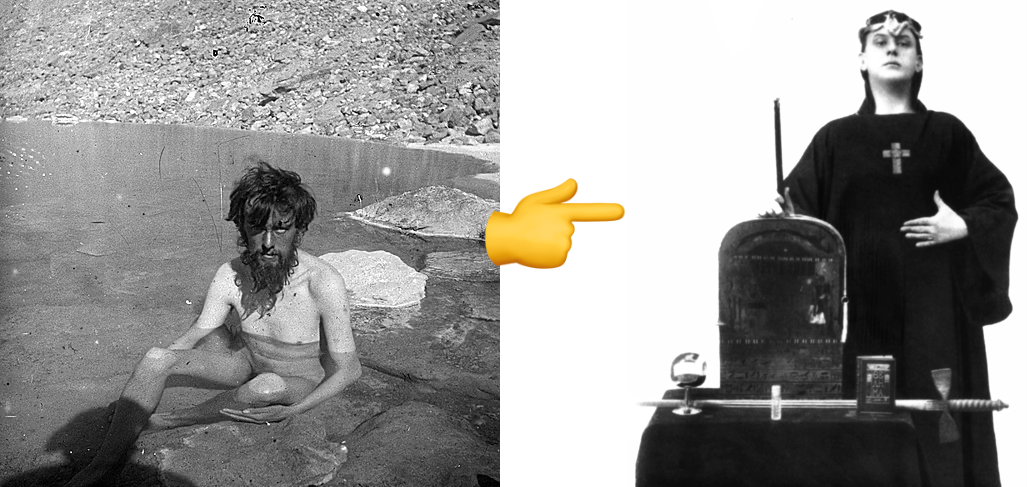
Fun fact: There are separate planes supporting hieroglyphs, cuneiform writing, or even 𐬛𐬍𐬥𐬛𐬀𐬠𐬌𐬭𐬫𐬵! Glyphs, planes, and esoteric languages aside, understanding the above and mastering the font-related vocabulary is what distinguishes the Adeptus Exemptus from the Master of the Temple in Thelema. That is, if Thelema were the occult art of font-making.


Left: Aleister Crowley during his K2 expedition (1906), right: Crowley in ceremonial garb (1912), source.

Related: How a Font is Rendered.

We've established the context, so now we can be more explicit about what we want to achieve:

Create a font that for all non-whitespace characters returns a glyph rendering a dot.

Constraints:
  1. ensure that all code points are covered by the font
    • otherwise unsupported characters will be rendered using the OS fallback font which would result in unmasking it
  2. keep the size small
    • the Basic Multilingual plane covers 65k characters, so an unoptimised version would be several megabytes in size
The script Set up font metadata:
font = fontforge.font()
font.fontname = "Masked"
font.familyname = "Masked"
font.fullname = "Masked Regular"
font.weight = "Regular"
font.encoding = "UnicodeFull"

Initially I tried to reuse an existing, well-designed, multilingual font here instead of creating a new one and then iterate on each of its glyphs. However, none of the fonts were comprehensive enough, which is obvious in hindsight.

Set the font metrics:
font.em = 1000
font.ascent = 800
font.descent = 200

These will help define the "canvas" on which to draw the glyph and control the space occupied by characters on the screen:

Draw the glyph:
dot_width = 600
dot_glyph = font.createChar(0x25CF, "blackcircle")
dot_glyph.width = dot_width
dot_glyph.clear()

pen = dot_glyph.glyphPen()
pen.moveTo((300, 200))
pen.curveTo((350, 200), (400, 250), (400, 300))
# ...
pen.curveTo((200, 250), (250, 200), (300, 200))
pen.closePath()
pen = None
Create whitespace characters and empty glyphs:
whitespace_chars = {
    0x0020: 500,  # Space
	# ... 
    0x205F: 250,  # Medium mathematical space
    0x3000: 1000, # Ideographic space
}

for codepoint, width in whitespace_chars.items():
    glyph = font.createChar(codepoint)
    glyph.width = width

This is less relevant for Ensō, and somewhat pedantic, since we're using this font only with Coffeeshop Mode.

Assign a glyph to each available code point:
total_glyphs = 0
# Use Basic Multilingual Plane (0x0000-0xFFFF) 
# which covers most common characters
for codepoint in range(0x21, 0xFFFF):  # Start from 0x21 to skip control chars
    # Skip if it's a whitespace character
    if codepoint in whitespace_chars:
        continue
        
    # Skip the dot glyph itself to avoid self-reference
    if codepoint == 0x25CF:
        continue
        
    # Create glyph that references the dot template
    try:
        glyph = font.createChar(codepoint)
        glyph.width = dot_width
        # Use addReference instead of drawing - much more efficient
        glyph.addReference(dot_glyph.glyphname)
        total_glyphs += 1
    except Exception:
        # Skip invalid codepoints
        pass

This step is especially important. Instead of drawing the same glyph for each code point we reference the original dot glyph to avoid duplication. This will help reduce the size and build time drastically.

try:
	glyph = font.createChar(codepoint)
	glyph.width = dot_width
	# Use addReference instead of drawing - much more efficient
	glyph.addReference(dot_glyph.glyphname)
	total_glyphs += 1
Generate the font:
font.generate(args.font_output) # normally .woff2

I started with TTF, but the generated .ttf font file was ca. 2.4MB, even with deduplicated glyphs. This is because TTF stores individual glyph definitions plus associated table data for each mapped code point. Additionally, TTF does not support internal compression, so all glyph outlines and tables are stored uncompressed.

On the other hand, WOFF2 stores less data by default, supports brotli compression, and even pre-processes glyph curves to make them easier to squash.

Switching to WOFF2 reduced the file size to 70KB. That's a 97% reduction compared to TTF — brilliant!

What I learned/noticed Using font stitching as an alternative to font stacks

Here's a problem I know how to solve now:

  • your brand font doesn't support Japanese characters
  • you need to use it both on the web and in your native app (so, you can't rely on font stacks and fallback fonts)

As long as licensing is not a problem, you can merge the Japanese font into the Latin font replacing only the missing ranges. As long as licensing is not a problem.

I'm obviously missing missing some complexity here, but batch operations or CRISPR-style cutting and pasting glyphs to create new multi-language fonts turned out much easier than I had originally anticipated. The FontForgeAPI doesn't seem scary at all.

Also, on the same day I was working on this, I met a friend for beer who had the same problem, so I could share some of this brain food with them! (or make their life more complicated — time will tell.)

MISS


"minimum" rendered as pixel art / Fraktur

It's weird but also almost always very satisfying to look at code as a reductive medium. I mean, yes, engineers love commits with negative LoC in diffs as much as an anthropomorphised version of Claude enjoys producing piles of semi-random, somewhat useful crap. What was different this time? Making tradeoffs at the product level to reduce complexity, since I'm wearing many hats and I'm building a me-sized product. I want to be able to reason about it. Is it L’appel du vide or Horror vacui? It's neither, it's MISS!

On a personal level, messing with this was a good reminder of how many skills went into getting this done: linguistics, typography, unicode, understanding font architecture/data structures, compression, CSS and font stacks, to name a few.

Since you've read this far, chances are this will resonate: I'm not used to celebrating successes/noticing what I've learned, but instead I just move on to the next thing. This was a good reminder for me to pause for a second, because I learn more slowly if I just keep moving. There's no virtue in moving constantly, if you don't know if you're still heading in the right direction. There's no virtue in running like a headless chicken. (related Vicariously)

Thanks for reading!

PS. This post took waaay longer than I had expected and it wouldn't be possible without the help of our editor-in-chief, Luna.

https://untested.sonnet.io/notes/433-how-to-make-a-font-that-says-nothing/
How People Use Ensō
Show full content

I was going to share a different note today but found it hard to focus on writing instead of working on Ensō (How to Balance Making vs. Sharing - working title), so I thought we could work on something together instead. By working together I mainly mean getting my shit together, or rather — getting all of my notes into one place so I could use them in the future and stop repeating myself. So, grab your favourite shovel and let's dig in!

Related: How I collect feedback for Ensō

First, this post is not about testimonials (although I do need to get organised about this as well: Ensō - testimonials), or how happy or dissatisfied people are with the tool. It's a list of use cases I'm trying to organise (How to turn ideas into objects?), describe in more detail, and share with people who might find Ensō helpful.

We're working with the garage door up, and I've kept you standing outside for 3 paragraphs already. OK, come in. Nah you can keep your shoes on. I'm not sure why, but yeah, sure, you can step on that.

How people use Ensō

The list is non-exhaustive, howwhy, and the use-cases do overlap a fair bit. But, perfect is the enemy of published, so let's go!

Top-level

In short, coming up with broad categories for how people use Ensō feels like an exercise doomed to fail.

It feels like the main use-cases fall into these three categories:

  • Mental Health (journaling, expressive writing, therapy "homework", meditation)
  • Neurospiciness (sketching blog posts or articles, thinking through a problem, note taking, writing with eyes closed)
  • Drafting/Unclenching™ ... poetry! (script writing, writing a poem per day, sketching blog posts, squirrels)

But, I don't feel happy with this classification yet. The categories overlap and feel too broad, perpendicular to each other. After a third or fourth rewrite I realised that this is because these are not categories, but lenses through which I design new features. I can apply only one of them at a time, or stack them together to build a more nuanced picture.

Why? Because, drawing a line between mental health and neurodiversity or neurodiversity and experiencing difficulty (or surprising ease) when drafting is based on a broken premise. It's illogical.

This needs to ferment in my head for a bit longer, and it's possible I'll drop the classification completely.

Examples Journaling

Journaling is the most common use case. Some people use Ensō for their morning pages (often mentioning The Artist's Way), some like to review/think through their day in the evening.

I fall into the former group (Stream of Consciousness Morning Notes) and also use it to plan/revisit every New Week.

Expressive Writing

It’s a creative writing technique that allows us to process and understand emotions in a safe way. It involves writing continuously, in a stream-of-consciousness style about one's deepest thoughts or feelings about an emotionally charged or even traumatic event.

Read more here: Expressive Writing.

Therapy related homework

I decided to separate it from Expressive Writing because many of the uses of Ensō related to mental health involve other tools, mainly from CBT, such as thought records, letter writing, values clarification (ACT), and "future self" letters.

Disclaimer: Ensō is not therapy, it's a notebook (Ensō - Analogy Brain Dump).

To ensure that I don't spread misinformation or create unrealistic expectations I share most of my articles touching on mental health with licensed professionals.

Thinking out loud (in writing)

Examples: talking to a rubber ducky (possible project idea?), thinking through a problem by having a dialog with oneself (the ducky talks back). I like the latter especially, for two reasons:

  1. I do that too.
  2. I believe it lets me harness my inner critic and use their help instead of fighting them. Come to think of it, this is a common technique used in therapy and perhaps deserves a longer note. (Don't Yell at a Barking Dog)

I'm separating this from Therapy Related Homework because this use is not necessarily therapeutic in its aim.

Related: Writing is Thinking

Writing with eyes closed

Several users described writing like this in Ensō, a few of them figuratively and one in the literal sense of the word.

One of the inspirations for Ensō was an interview with a blogger who would dim their screen as much as possible while writing. They could see just enough to know what they were doing, but not enough to actually go back and edit.

Unfortunately I can't recall their name, but I found even more examples of people like this, including Hank Green or Adam Savage. After watching this video with Savage, and without overthinking it too much, I sent him a link to Ensō. I'm pretty sure his response just got lost in my spam folder.

PS. Do you know someone who writes like this? I'd love to get to know them!

Meditation

Writing, especially with constraints (on length, editing, pace, form) can be a meditative process.

Meditation often encourages us to observe our thoughts as they pass by instead of engaging with them. When the only way to move is forward, you can give up control and observe yourself thinking/writing.

Writing a musical based on a German legend, to be followed by a novel about squirrels

Hi {redacted}
How’s the musical and what kind of squirrels we are talking about?

One of the best things about working on tools for beautifully weird people is that I get to send emails that start like this.

One of the HN comments on the new version of Ensō mentions script writing as a use case for which I'd need to add monospaced fonts. I find it surprising and somewhat funny that they mentioned fonts, but said nothing about structured writing. Ensō is the antithesis of the tools I thought were normally used for that purpose.

Drafting blog posts

This is a strong contender for the most common use case, even mentioned during a Say Hi call I had just today.

It resonates with me because I used to write by creating giant, 5-levels deep outlines which I then dressed into sentences, largely out of a fear of missing something important. With time and practice I learned this isn't how my mind works, and I now use both modes of thinking/writing: "scaffolding" and "flowing" (architecture vs. gardening).

That said, I know of bloggers who write entire posts this way, as illustrated by two DMs I received in just the past couple of weeks:

Also I used Ensō for my latest - viral, ofc - blog article. It was extremely pleasant. Thank you!!!

and

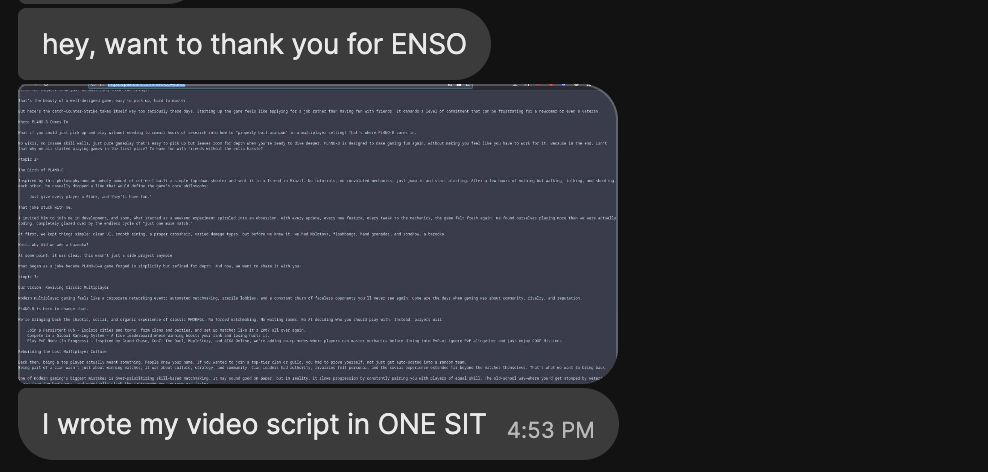
ENSO is perfect to write blogposts


(Related: Sit.)

Writing YT video scripts

There's an overlap between this and the two previous categories. Some users fall into both as well.

I think the reason this works is that stream-of-consciousness writing helps us tune into the natural cadence of speech, imbue text with rhythm. Editing breaks that flow for most people.

Taking notes

I used to keep Ensō pinned to the side of my screen to take notes during meetings or Say Hi calls. This approach works for me because it lets me focus on the person I'm speaking with, instead of the goblin who lives in my head rent-free always ready to suggest new threads of conversation or "hey! I did {the thing} as well!". It helps find better moments in the conversation where I can ask a follow-up question.

Nowadays I use Ensō for meeting notes less often. I feel like it helped me get better at balancing being present with another person vs. the short-term context of the conversation. Related: How I take notes during say hi calls (note: you can request any dead-linked article by clicking on it).

Writing poetry

As a writer and a poet who was Stuck, and who no longer is, well, I have a few words for you (all good).

Enso has helped me write one poem per day

This is an interesting use case for me, because I see poems more as images or music -- I like to see the interplay between longer phrases, sounds, and themes. The current line limit is well-suited for haikus and I'm considering raising it. Say, you could increase it to play a short game, where you're writing a poem/poem-doodle of a certain length.

(somewhat related: Rosie's Poem)

What I learned (by writing this down)

Not a lesson but a reminder: user personas or broad categorisations are useless for me here. The product is small and challenging to design, but it's not complex. It's a good exercise in coming up with good implicit UX affordances (easy to discover, but almost invisible at the same time) vs. reducing distractions.

More people than I expected use Ensō for the type of work that normally is associated with more structured writing (think: scripts, books, posts, videos).

I'm considering adding the option to control the number of lines displayed on the screen. Maybe following MISS, I can let people write poems in it... as long as they're 7 lines long!

I fall into most of the categories mentioned above. It's a double-edged sword, but it's also helpful:

  • I am a statistical sample of 1, but
  • it's much easier to build and tests something you like and use.

Seeing people using Ensō to write a poem, a video script or... a book about squirrels makes me want to do the same.

Being able to build something even marginally useful, to learn from building it, learn from the people using it... is a great place to be in. I feel happy and grateful writing this. Thank you.

Speaking of squirrels, here's a tip from an old friend, a PM who could juggle:

If you find a squirrel:
  1. find a bench, sit down, observe her
  2. wait a few moments
  3. play this song in your head and continue watching the squirrel

Quickly you will learn that the squirrels are not what they seem.

Thanks for reading!

https://untested.sonnet.io/notes/how-people-use-enso/
New Ensō - first public beta
Show full content

Hi there,

Look!

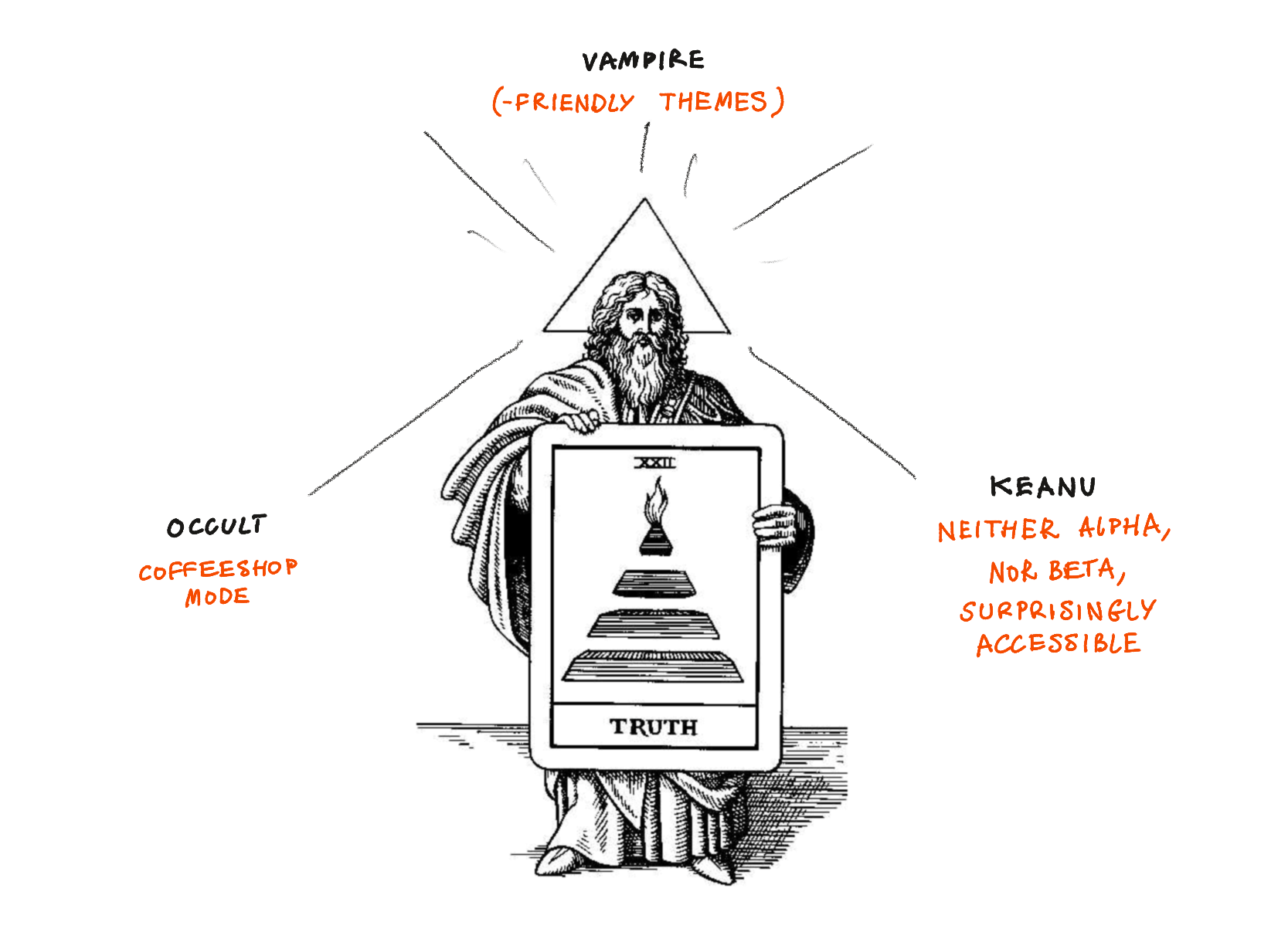
The new version of Ensō (codename: Occult Vampire Keanu) is available for public testing!

Download it here


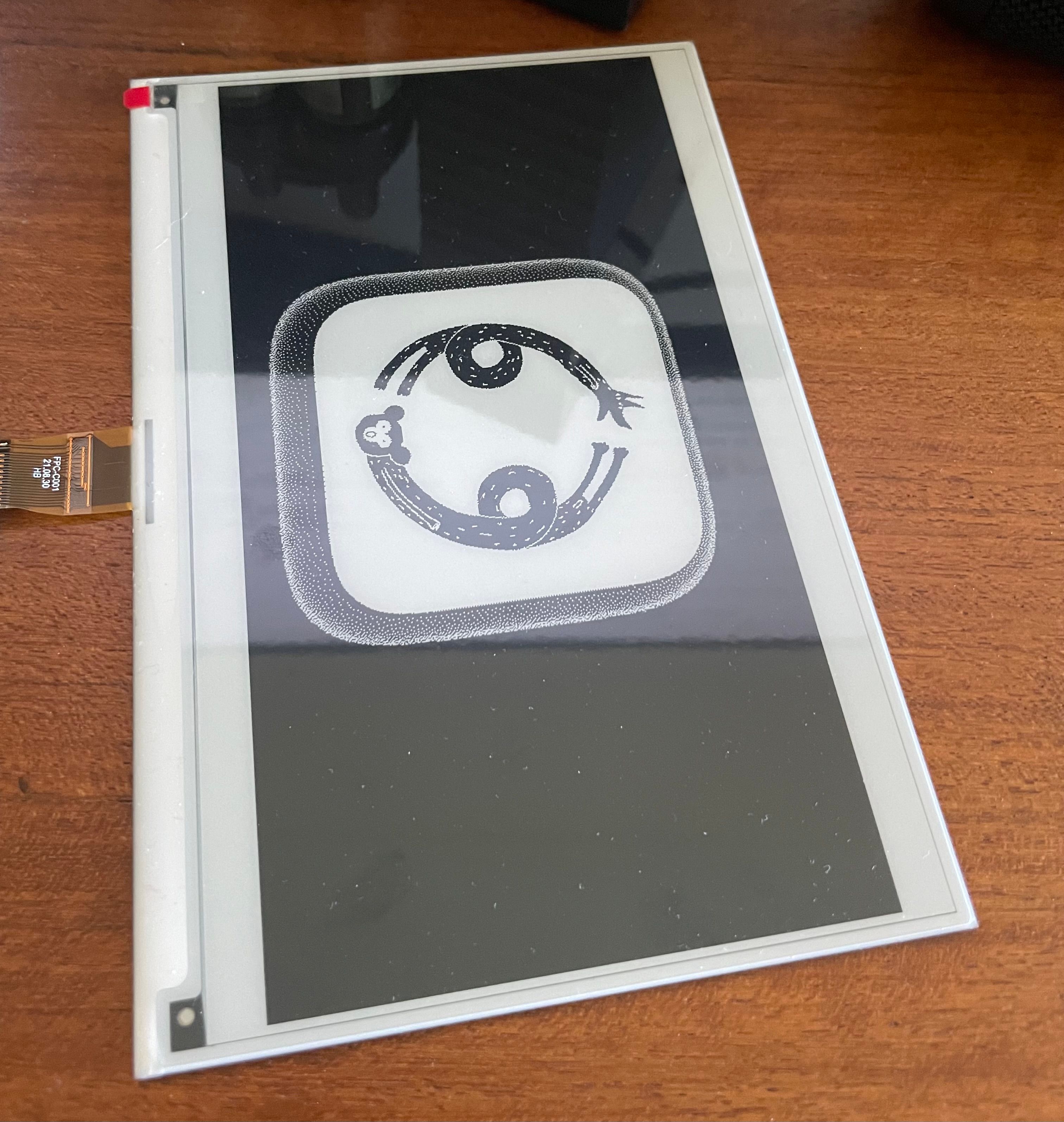
This is a temporary icon I used for testing. I am considering creating a simplified version of it. PS. here's the original image (on potato.horse, of course)

What's included

Following MISS, my focus is on removing distractions over adding new features. This can be surprisingly challenging (e.g. how do I tell users about feature X or Y without breaking their flow?) but also gives me time to focus on polishing the app.

(we will discuss these in more detail in future posts)

Short version (as explained by Hermes Trismegistus)

  • Simplified, more accessible UI
  • Accessible themes
  • Coffeeshop Mode
  • Privacy improvements


Slightly longer version: An even more simple, streamlined UI, following the MISS philosophy.

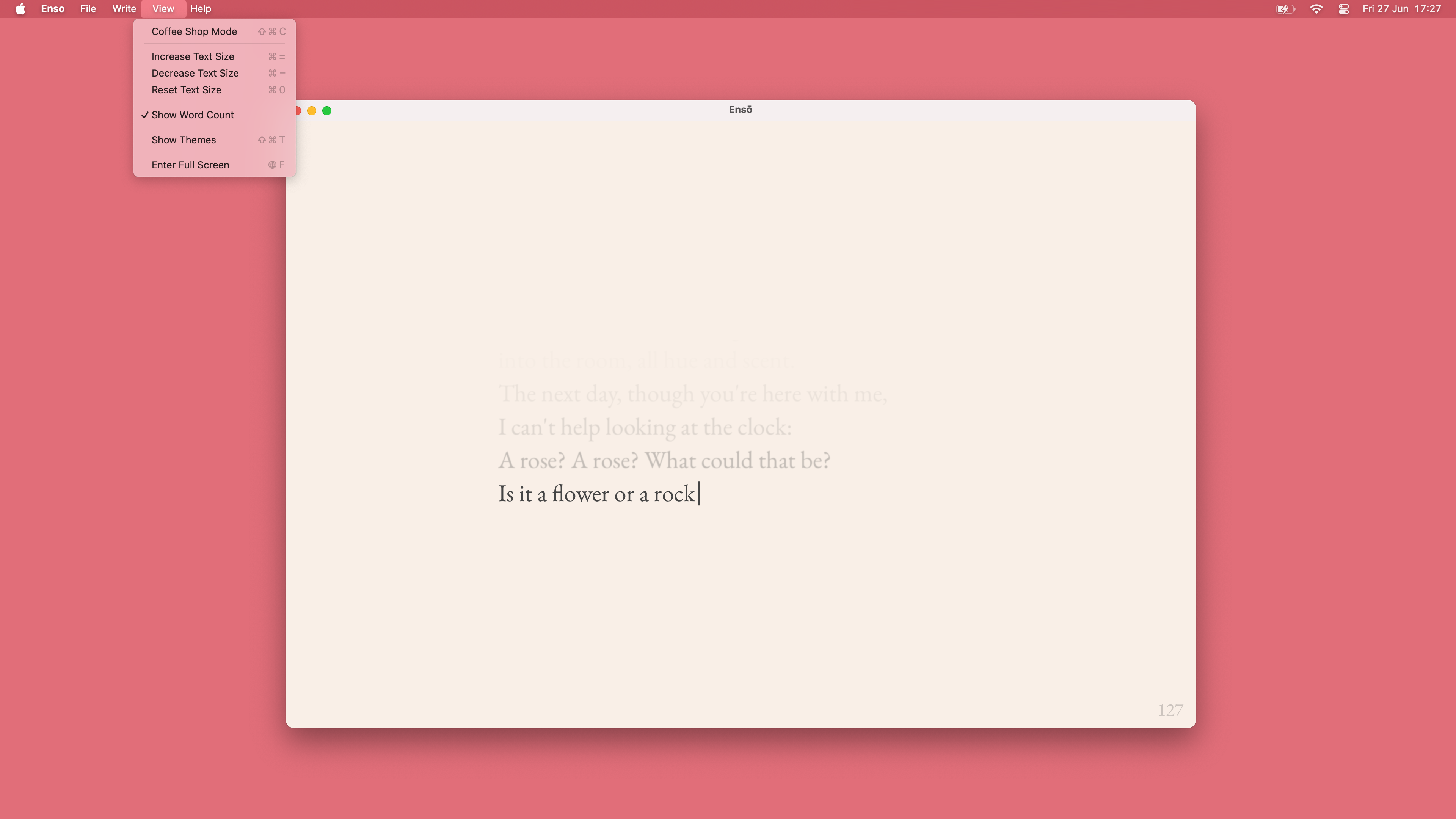
Most of the UI has been moved to the application menu bar for easier discoverability and shortcut access. So far no one has missed the old inline UI, but you can read more about it towards the end of this note.

5½ Accessibility-friendly themes to choose from

We have 6 5½ predefined themes focussed on accessibility and specific use patterns based on feedback I've collected over the years.

  • writing during the day in regular light conditions
  • writing in bright light
  • writing in low light
  • writing in low light for devices with OLED screens
    • allows for perfect black
  • writing in extremely low light conditions, with reduced light exposure (See Midnight, Obsidian for Vampires)
    • designed for OLED screens
    • the main use case here is writing at night, to put myself to sleep.

5½ and not 6 because one theme still needs some work. Is there a specific use case or theme you'd like to see in Ensō? Let me know!

Coffeeshop Mode™

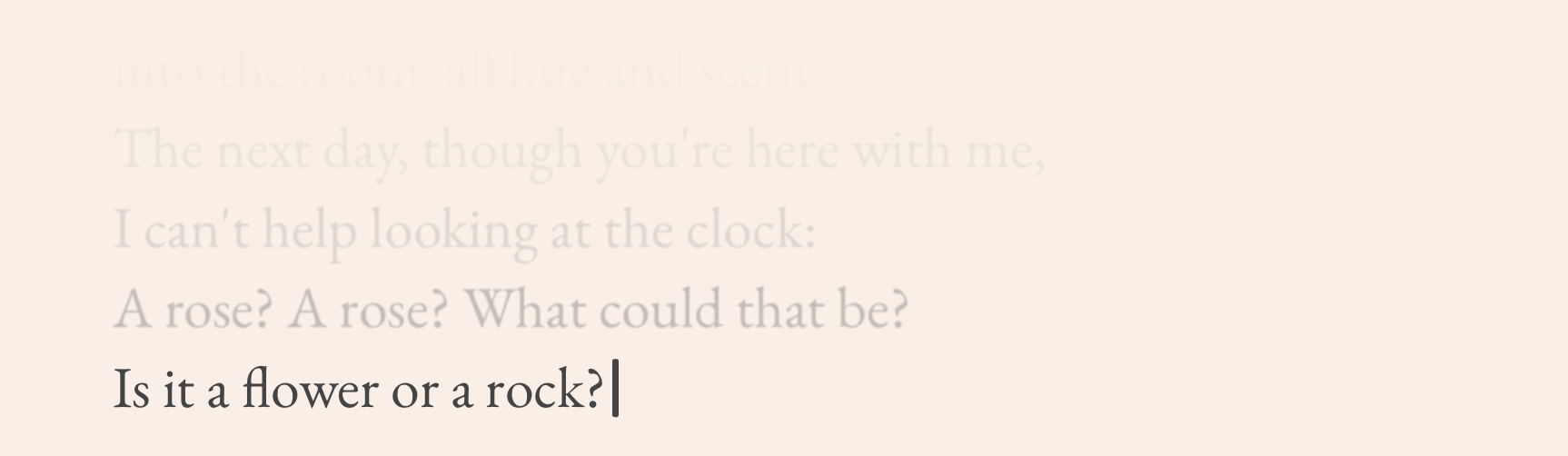
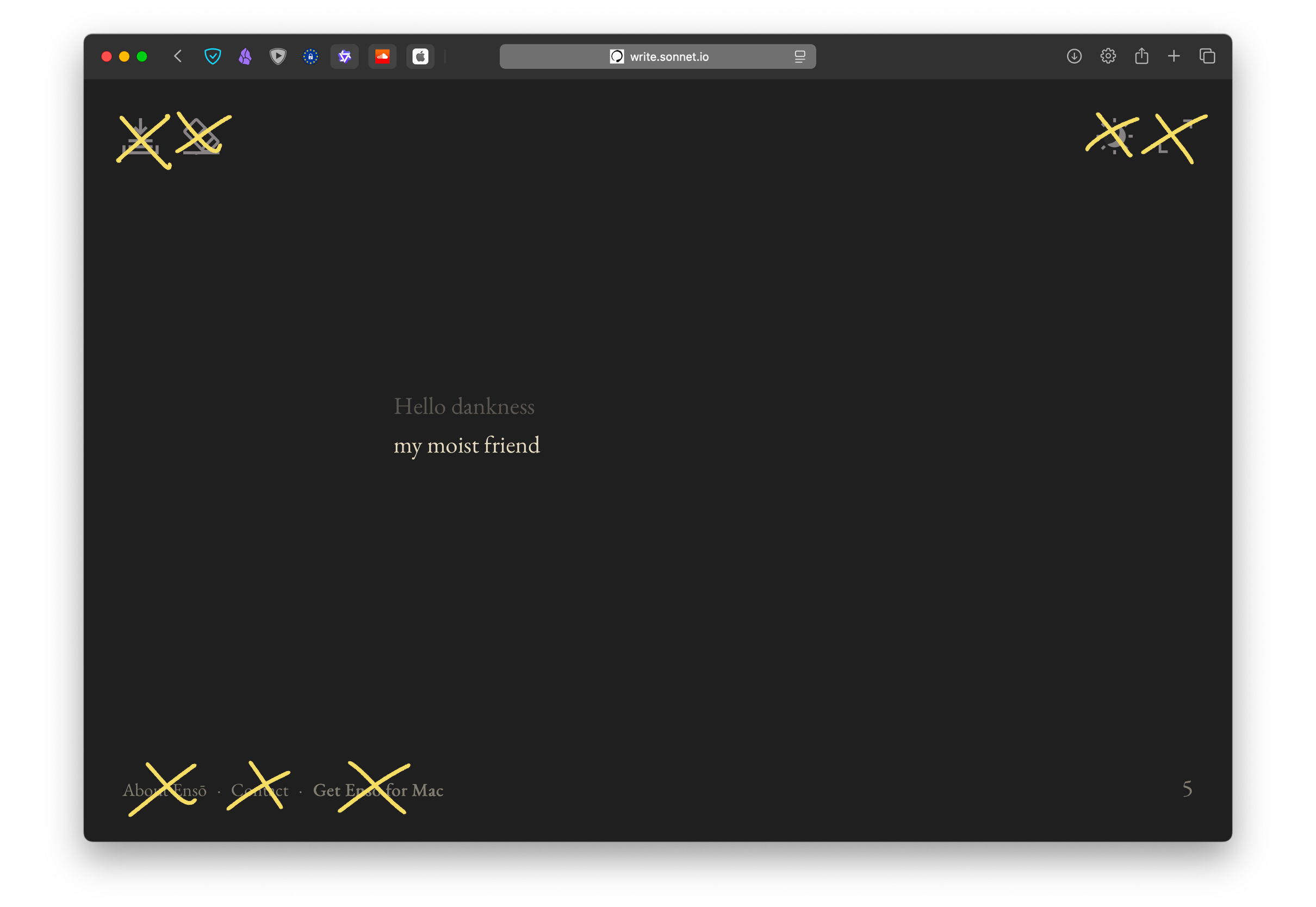
This is one of the few truly new features in Ensō. Coffeeshop mode allows you to stop worrying that someone standing behind you might see what you're typing. The text itself is concealed but you still know what you're writing. Use ⌘-C to toggle on and off at any time.

I've been using it for a couple of months and found it super helpful, especially for journaling in public places, but not only (read more here: Sketch - Ensō Coffeeshop Mode).

A few smaller accessibility improvements


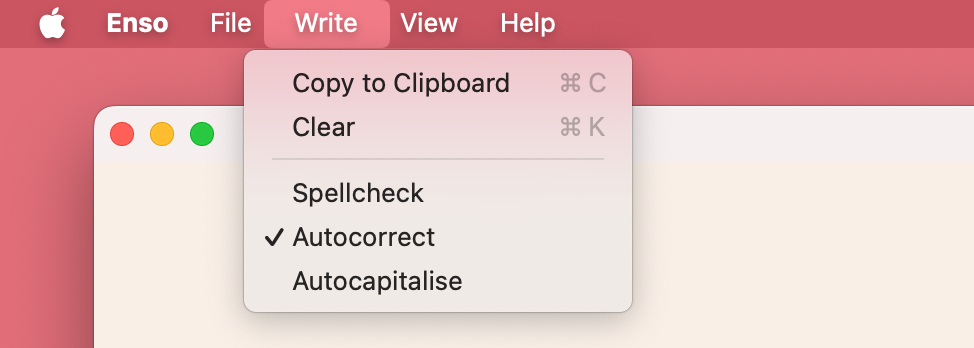
Note: if you remove the Edit menu and call it Write, MacOs won't add its AI crap to your settings.

  • toggle autocorrect, autocapitalise, spelling
  • control text size (previously not possible in the native version)
A new, polished text rendering engine

The new text rendering engine allows for better control over typography settings, supports alternative display modes like Coffeeshop, and uses a custom caret.

I don't know how to describe it objectively (and I obviously lack the distance to) but writing in the new UI feels different, more fluid. The text is easy to read, but also somewhat softer (though not blurry).

Less is more, so why do I care about it? Because less is more. I want Ensō to feel familiar and high-quality, like a good Moleskine notebook. I want people to feel comfortable paying $10 for a typing app without text selection. I want them to enjoy it as much as I do. Fewer features allow me to focus more on what is there.

AppStore by default (but standalone versions are still coming)

Ensō will be published via the AppStore by default. We will keep the old version on Gumroad, but there's no reason to maintain it, since the new version is better in every possible way and functionally the same by default.

The reasons I decided to skip the AppStore and use Gumroad, plus what I learned from that are beyond the scope of this note (you can click the link to request that particular write-up).

Why?

  • several users complained that Gumroad payment looked, for the lack of a better word, shady, especially at the step with a PayPal payment screen. The ones who messaged me still bought the app, but I imagine there were many who turned back.
  • AppStore with all its flaws makes delivering apps... slow and annoying, but also relatively easy without much code.
  • I can add OTA updates and re-publish Ensō via Gumroad later, which makes sense as an iterative improvement.

The Gumroad version of Ensō will stay as a backup, but will not be maintained.

What's not included Analytics

I've been using Ensō daily for 6 years. I've also received a ton of high-quality feedback, not via analytics but from users who were kind enough to reach out to me. I like to think that I have a fairly good idea of how and why people use Ensō.

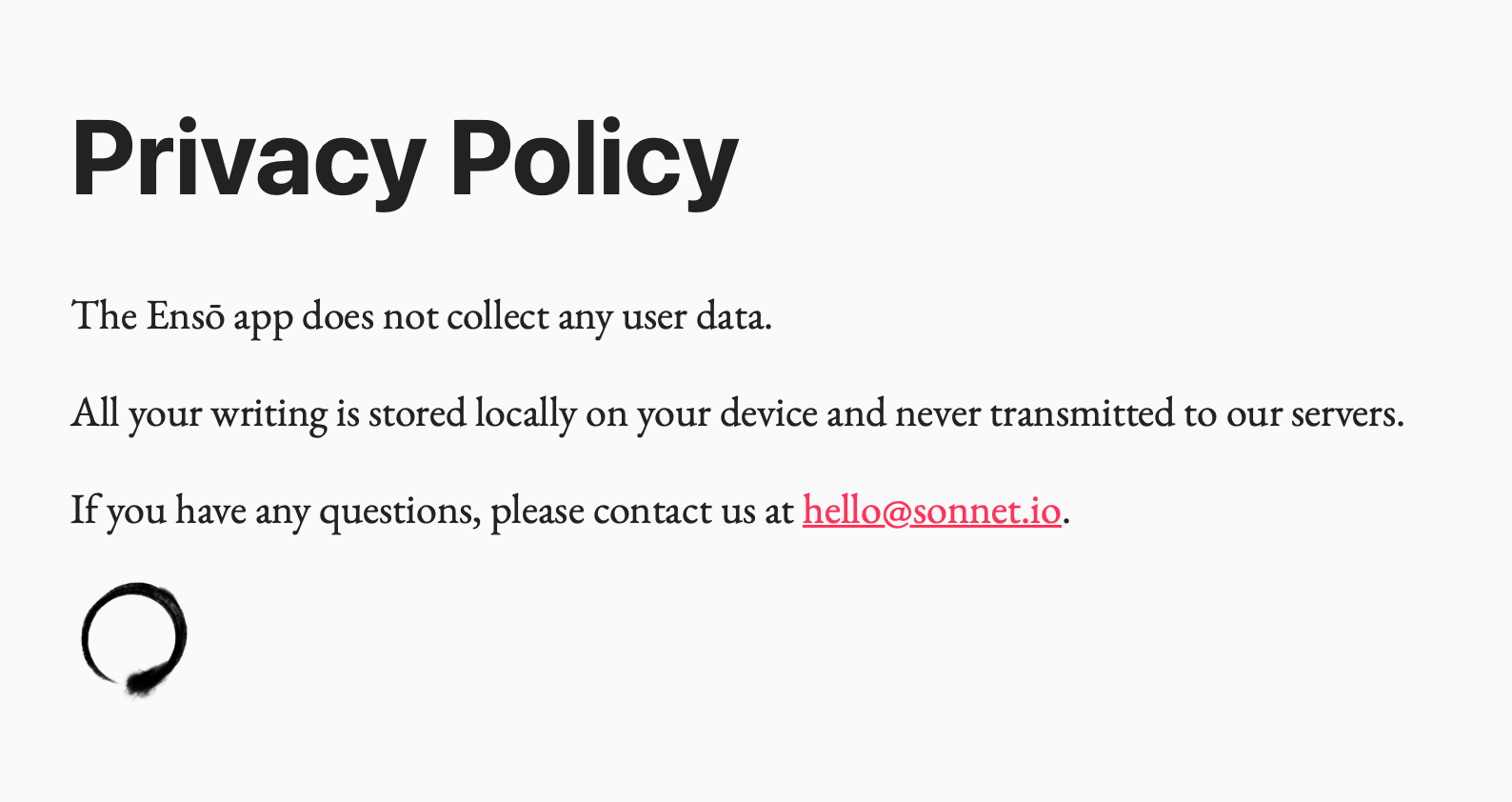
The previous version of Ensō would pass an anonymous impression event on load. Now, by design, no network traffic is made at all. Here's our new Privacy Page.


Current version of our Privacy page (source)

Related How I Use Analytics With My Indie Projects and Defaults Matter, Don't Assume Consent

Personalisation

It will come, but the new version is already so much better than the previous, that I feel like waiting for more features would be a wasted opportunity.

I'm working on a UX that balances discoverability with staying focussed. Each option, each new choice is a chance for you to get distracted, so the key is to do this thoughtfully and with respect towards my users' time.

RTL (or non-LTR) language support

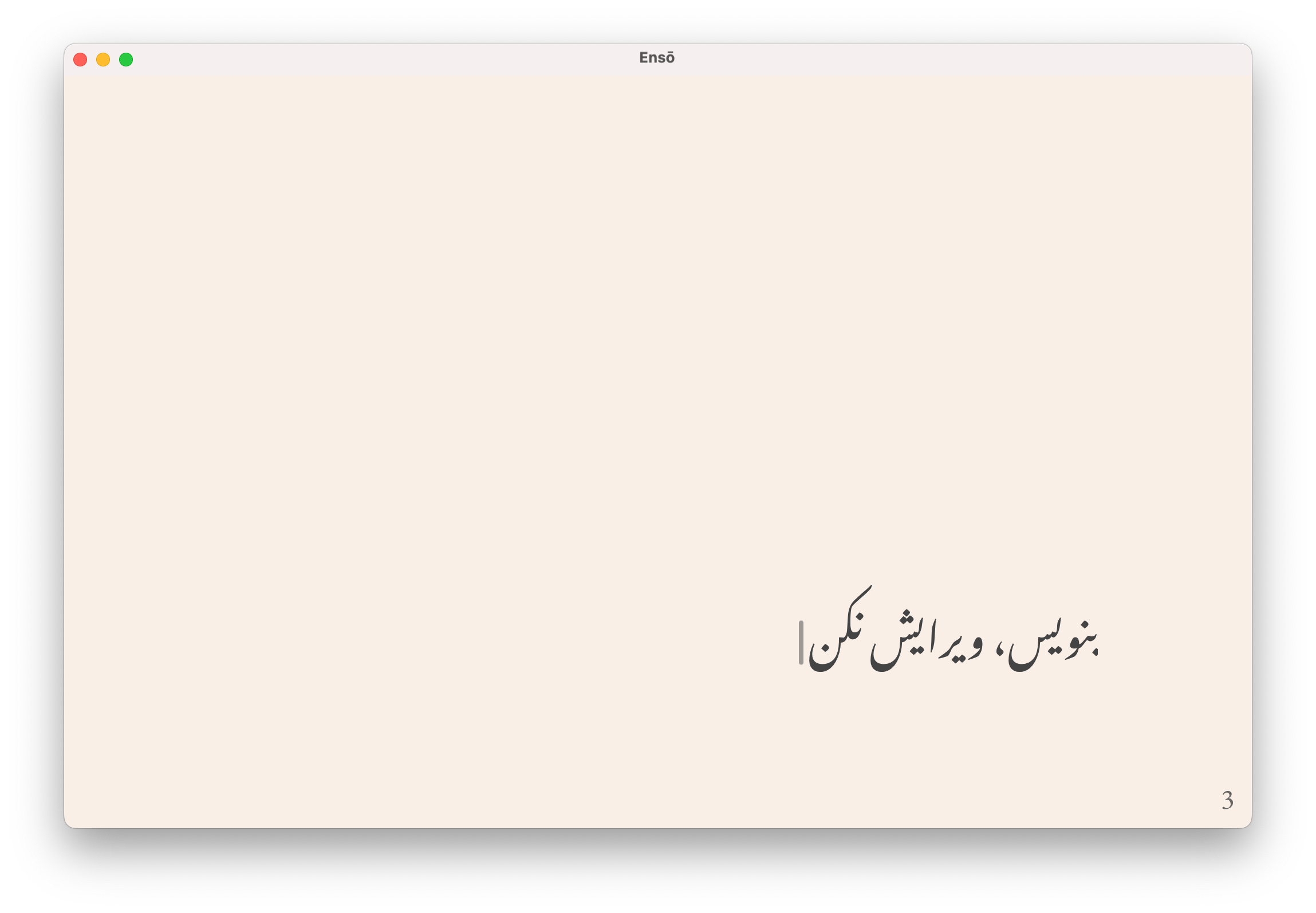
This one will be included in the next test build. Many Ensō users speak languages written in non-Latin alphabets (to my knowledge, mainly Persian, Arabic and Hebrew).

It makes me both grateful and somewhat sad that one (non-techie) user went as far as even sharing a code sample with me when asking for fixing the issue. Adding rudimentary RTL support can be as simple as a one-line change in your code. Even if it's not perfect - it's still a huge improvement that your non-Latin script users will notice, believe me.

More inline editor UI

The previous version of Ensō displayed the UI in the same space as the text. That's not the case any more.

I'm still considering adding a hamburger menu in the main app canvas, however only two (less frequent) users of Ensō have brought it up so far.

What I care about more:

  1. ease of use, reducing distractions
    1. the software should get out of your way (Kind software)
  2. discoverability
  3. familiarity

There's tension between 1. and 2. as every new feature implies more choices on the user's part; every new choice is an opportunity for distraction. This might seem pedantic, but small, seemingly insignificant changes do add up.

Removing things is harder than adding them (see 3.). Perhaps that's why commits with negative LoC count feel so good.

What's next


Where to go from here?

  1. Collect the test feedback and respond to it
  2. Prepare basic marketing materials
    • I might put an ad on social media, trying to get people off it (Sit.) but what I call marketing is mostly talking about Ensō and related subjects here, plus engaging with communities I already know, such as forums
  3. Add RTL writing support
  4. Launch
Ideas I'm considering
  • Windows and Linux support — I'll revisit it in the next few months. I'm moving towards supporting myself from my own projects and I need to be selective how I use my time. If you're interested in testing a Windows or Linux build, let me know.
  • Quick Save - hitting ⌘+S would automatically save a snapshot of your notes to a predefined directory with a time-stamped file name, e.g. note-27-06-2025.txt
  • Toybox - an optional menu feature with experimental tools released episodically, such as:
    • writing prompts
    • writing timer
    • visual experiments (e.g. different typography styles or letters and words turning into vines that grow as you type)

If Toybox becomes a reality, it'll be buried in the menus to avoid distractions and will act mainly as my platform for experimentation and play with users. If there's a chance it might introduce more distractions - it'll become a separate app. (Kind software)

How I worked on this

Every day in small chunks and some days in longer stretches.

I'm approaching this just like My Recent Art Exhibition - working on different things simultaneously, focussing on their interplay rather than looking at each feature in isolation.

While I believe you should Share your unfinished, scrappy work, I know Ensō well enough that I can allow myself more flexibility. This style of work gives me a lot of joy and the end results have so far been better than expected.

What I've learned

The new Ensō is not the type of project I can share in small unfinished bits, feature by feature. I will repeat this ad nauseam: I want to give you something that will get out of your way but also feel beautiful, polished, yours.

This is akin to good typography or UX - when it's there, you don't notice it, but at a subconscious level, you feel more comfortable with the tool and want to spend more time using it. That has been my experience so far.

Tauri is much more mature than when I released the first macOS version of Ensō. I spent weeks getting the previous version to build properly on Mac with notarisation, provisioning profiles and undocumented AppStore Connect APIs. Now, most of the things just work (sometimes with a bit of scripting, which is where Claude Code turned out to be indispensable).

I'm not an "IndieHacker", I'm not in a rush, I'm a wannabe-carpenter (Brief History of Galician Carpentry) and Ensō happens to be made of stuff that can be worked in a carpentry-like manner. The small feature set means I can afford to take time to work on this with enough care, which I hope shows in the final product.

Building a theme switcher can be a weirdly complex problem (if you complicate it well enough). The difficult part was letting users set themes for dark/light/sync with OS mode, with previews, making it obvious when changes are saved, all in a single piece of UI, with max 2-3 clicks.

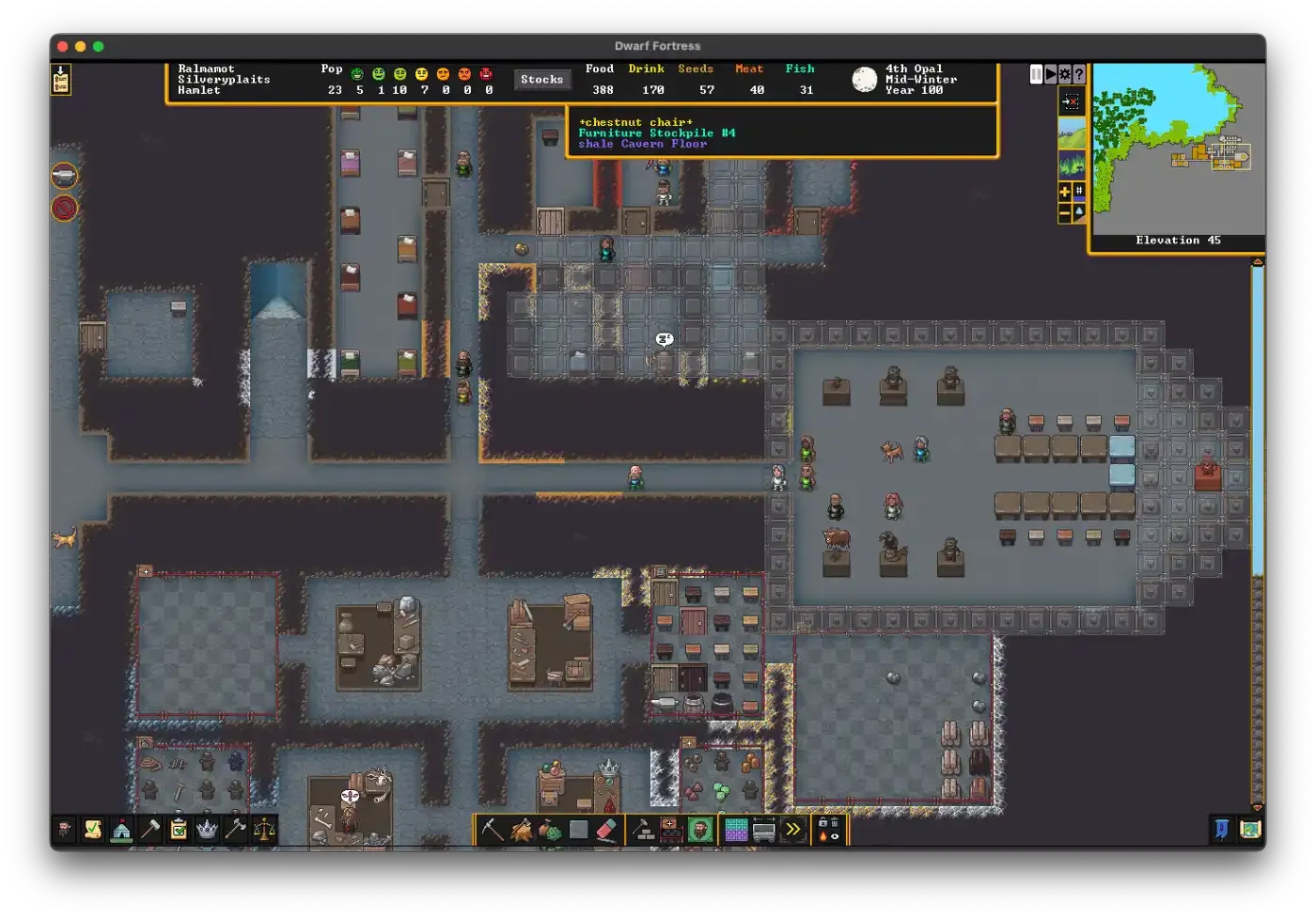
Most of my attempts at this resulted in something that looks more than the Dwarf Fortress GUI than a simple theme picker. I understand now why almost no one is doing this and why the few who do split the UI in several steps.

I'm still happy with using a browser as the text rendering engine. Especially with Safari, the amount of control over typography is just excellent (e.g. text-box: cap alphabetic).

I wish there was an easy way of getting the native accent colour from the OS, but that's not possible at the moment. accent can be customised, but not read.

I'm not planning to remove the free web version of Ensō. I want to get paid for my work, but people reach out to me and buy it with virtually no marketing. I'm hopeful, even optimistic that the trust I've earned so far, as well as the quality of the final product, will be enough for it to grow slowly but steadily.

That's all for today. Thanks for reading!

https://untested.sonnet.io/notes/new-enso-first-public-beta/
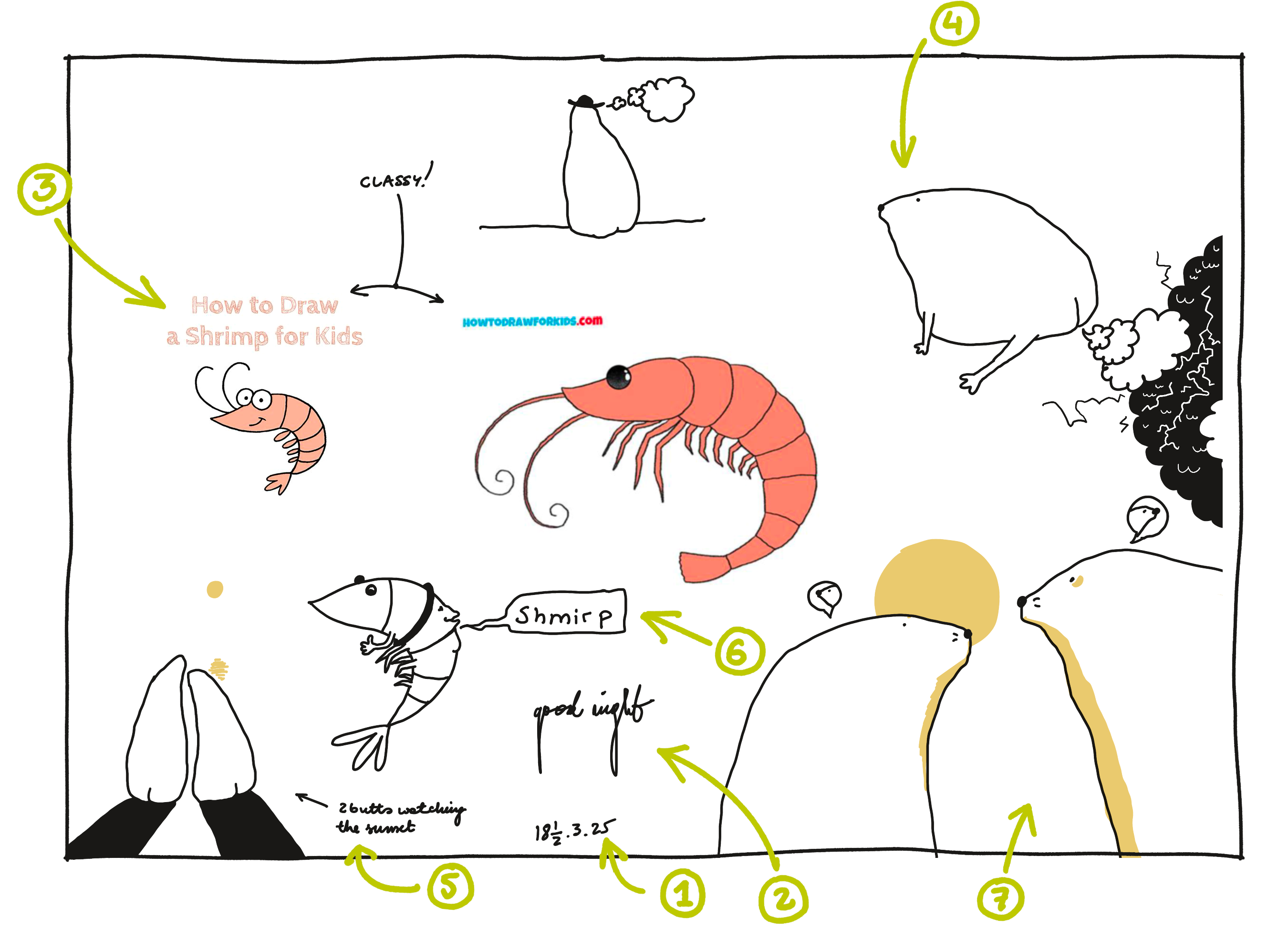
Bedtime Doodles, an Anatomy
Show full content

Hello there. It's been a long time. I needed to take care of my health which meant spending some time away from the big shining rectangle. (I'm good now.)

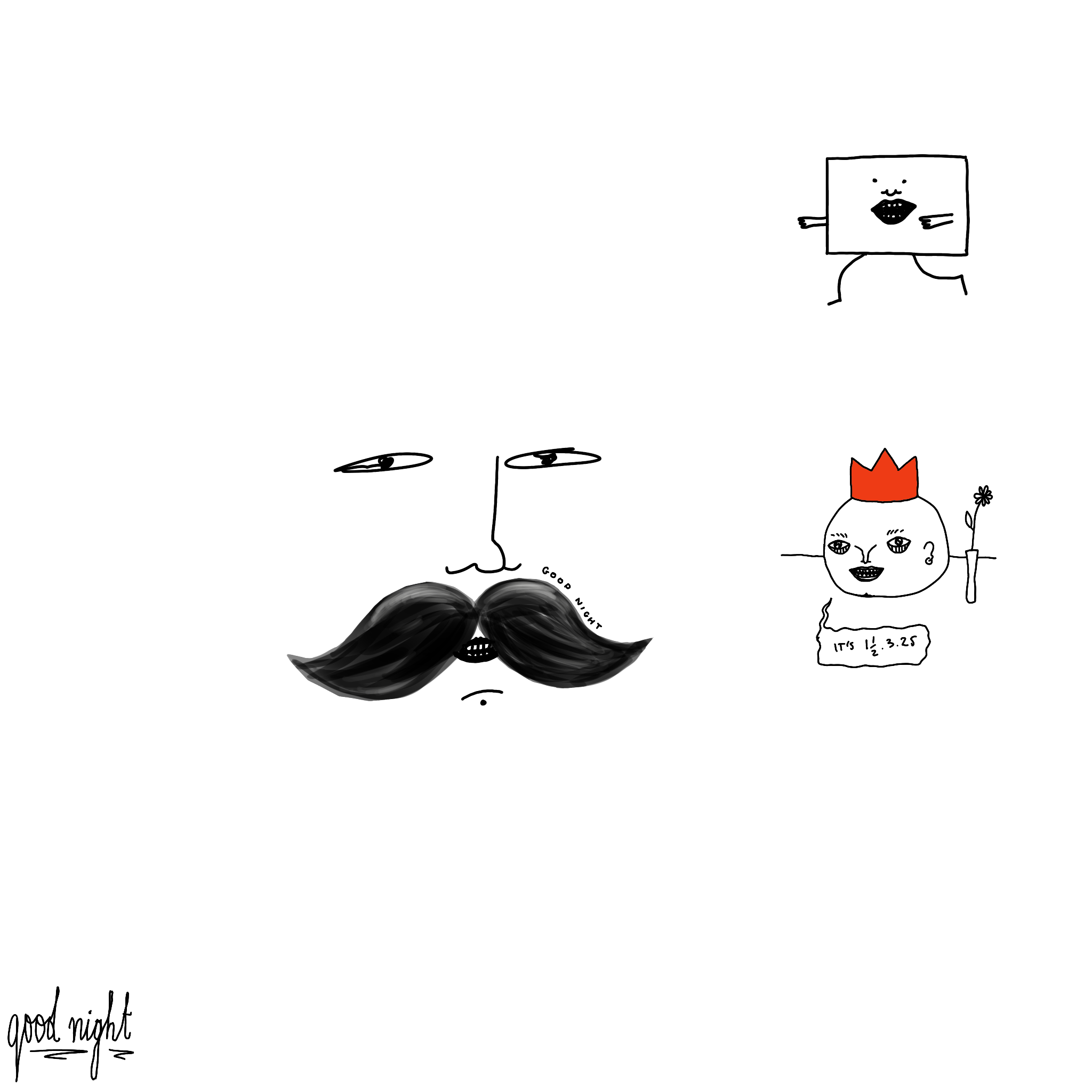
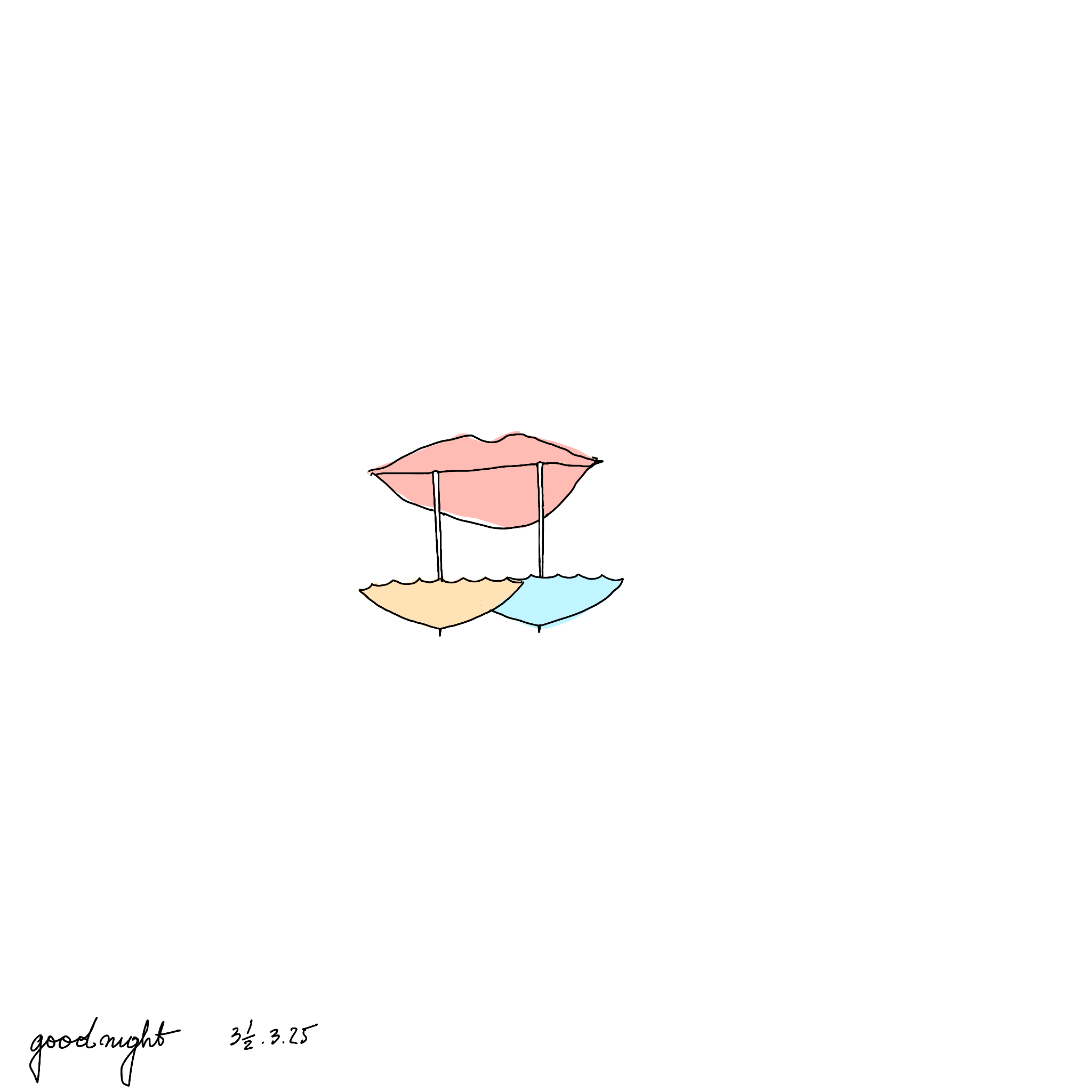
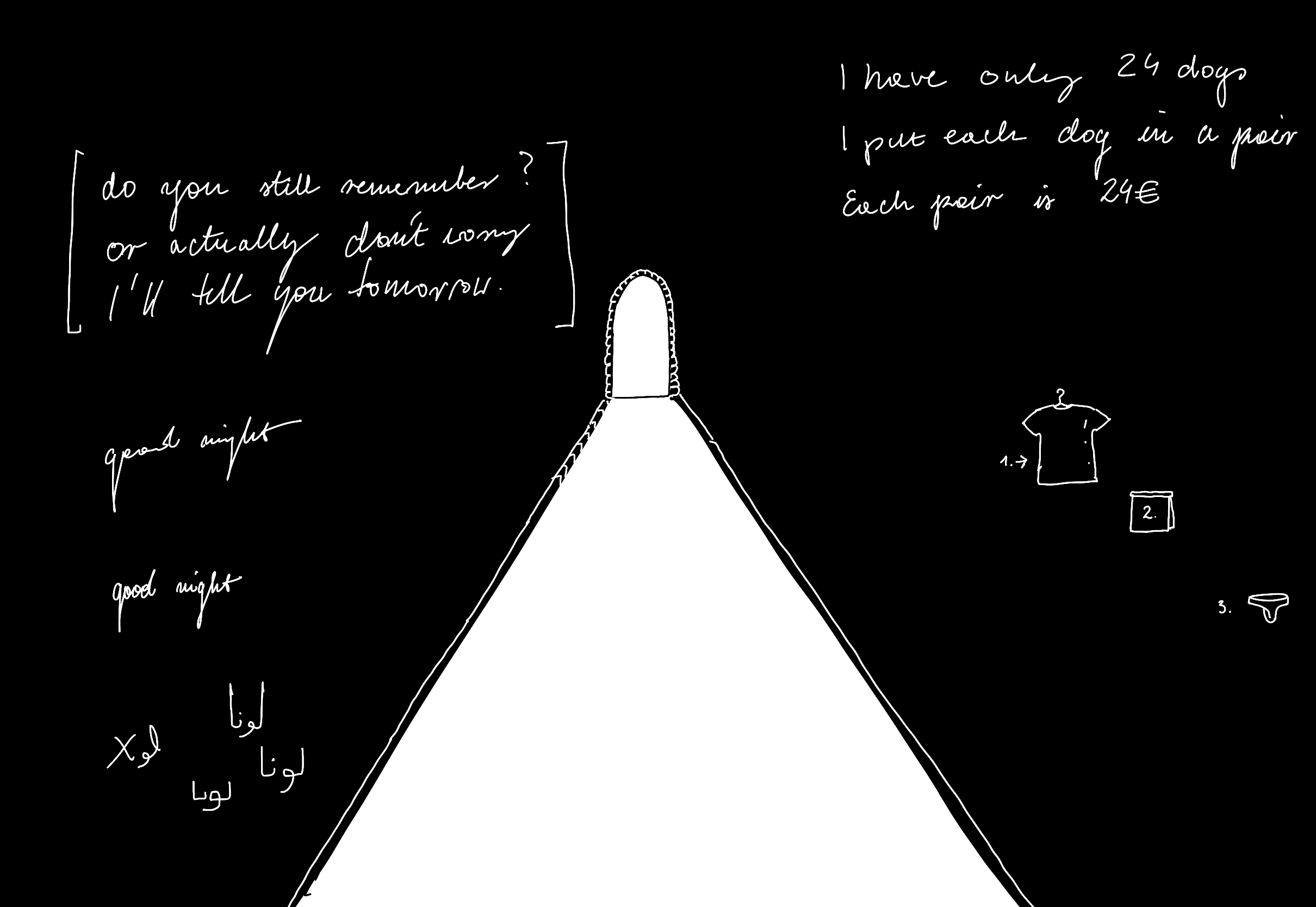
Longer breaks from writing make it harder to get back on track. Thus, in the spirit of Sharing our unfinished, scrappy work, I wanted to break the ice and challenge myself a little bit, pet the tarantula. So no Disclaimers this time, just unfiltered, uncensored, unfinished, un-cropped, poorly and haphazardly captioned, terrible, awesome and awful bed time doodles! ...with an asterisk!

*

Writing is Thinking and in consequence, what started just as a dump of images without any context ended up as a reflection on the Anatomy of late night doodles as well as how and why I draw at night. I'll do my best to keep this idiosyncratic, but useful, hopefully inspiring, or otherwise at least entertaining.

Anatomy (pathology) of a late-night doodle

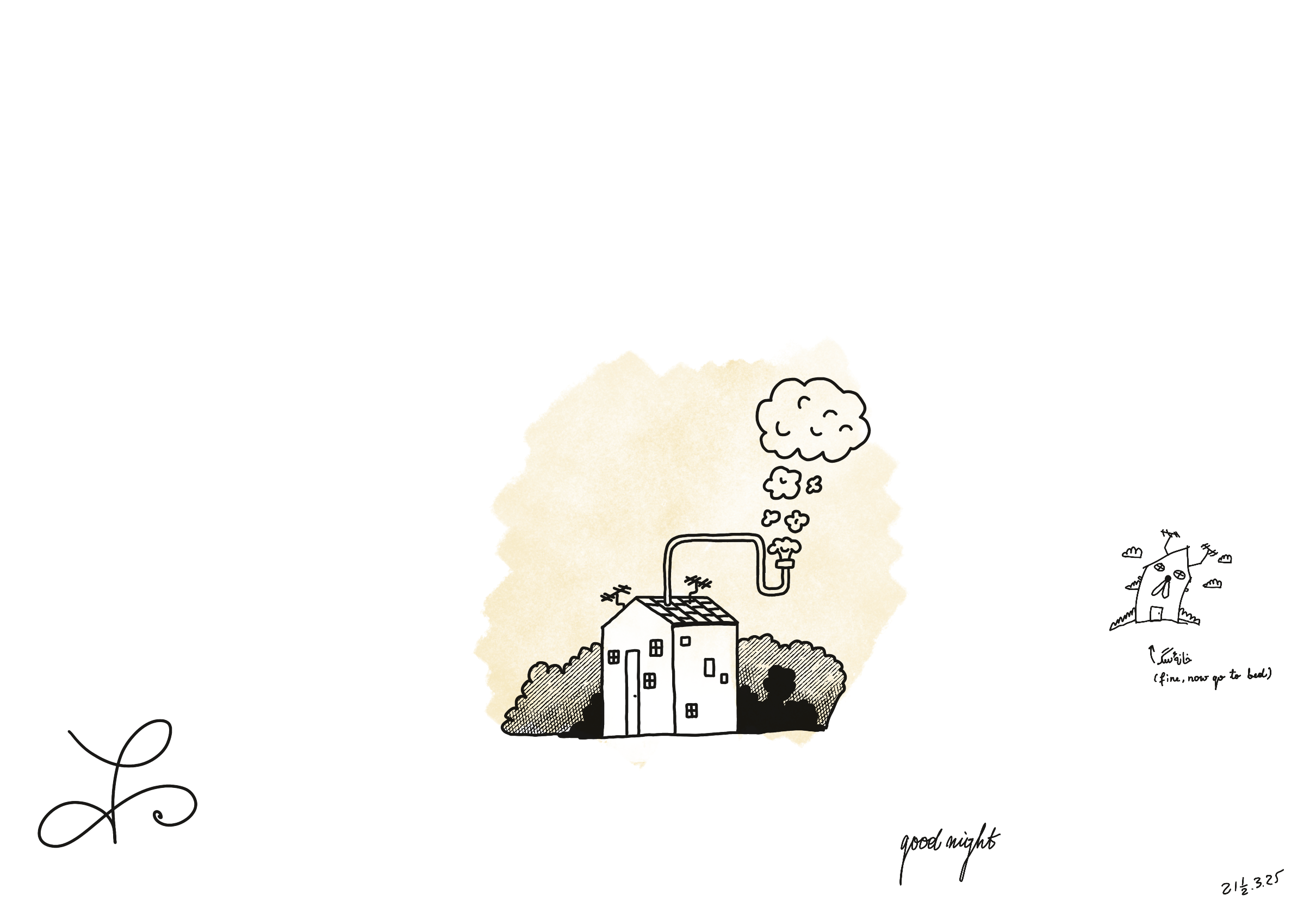
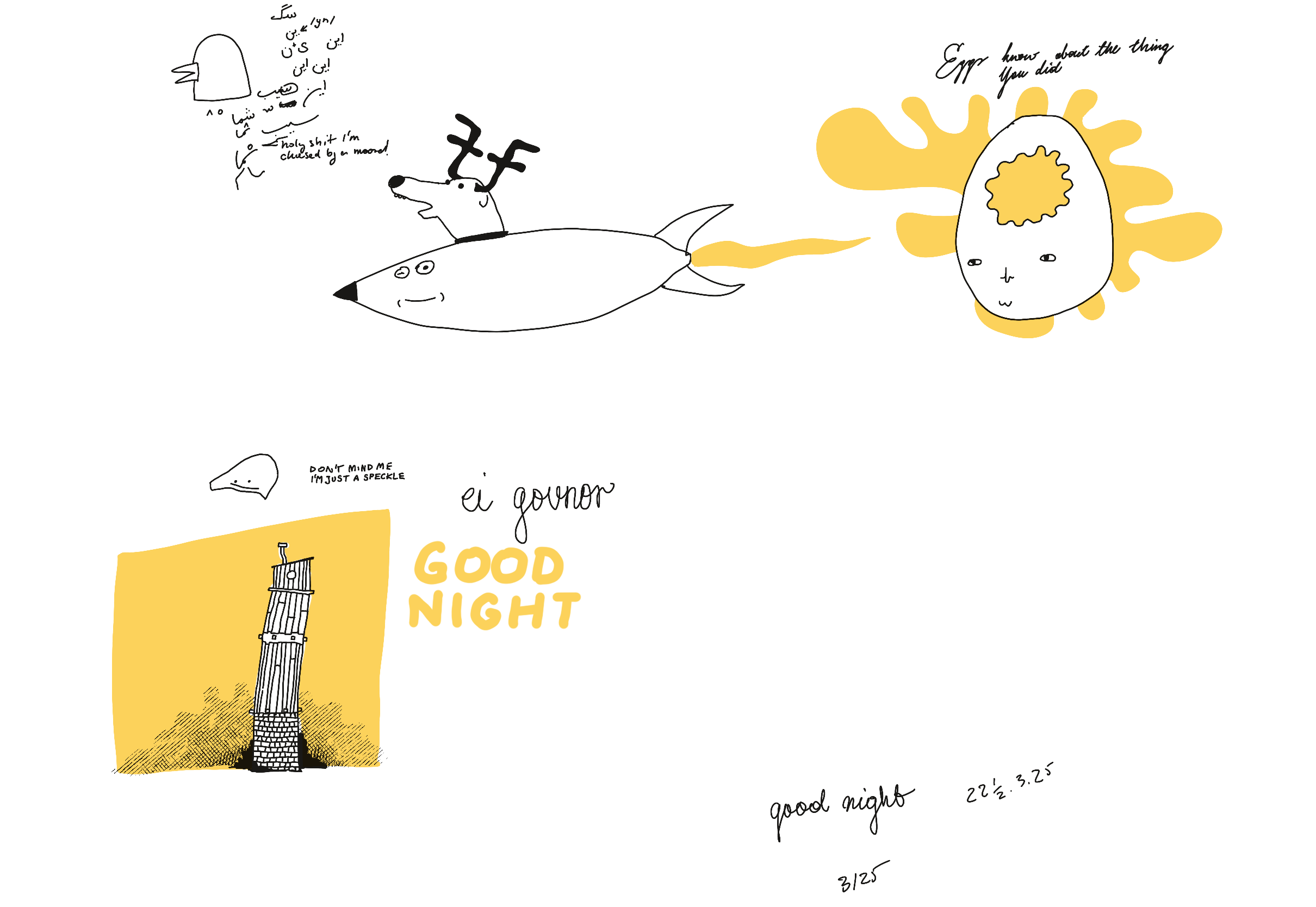
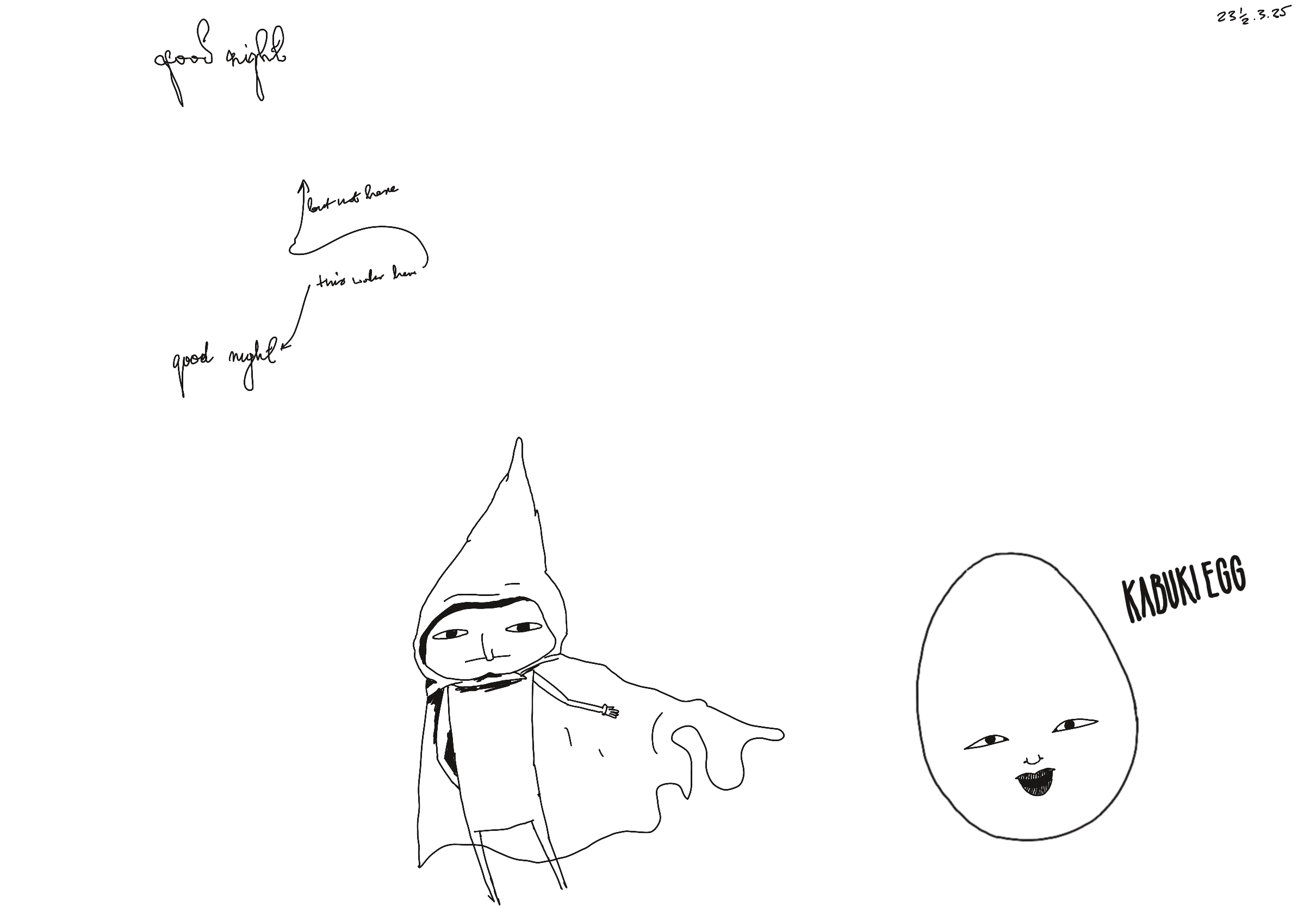
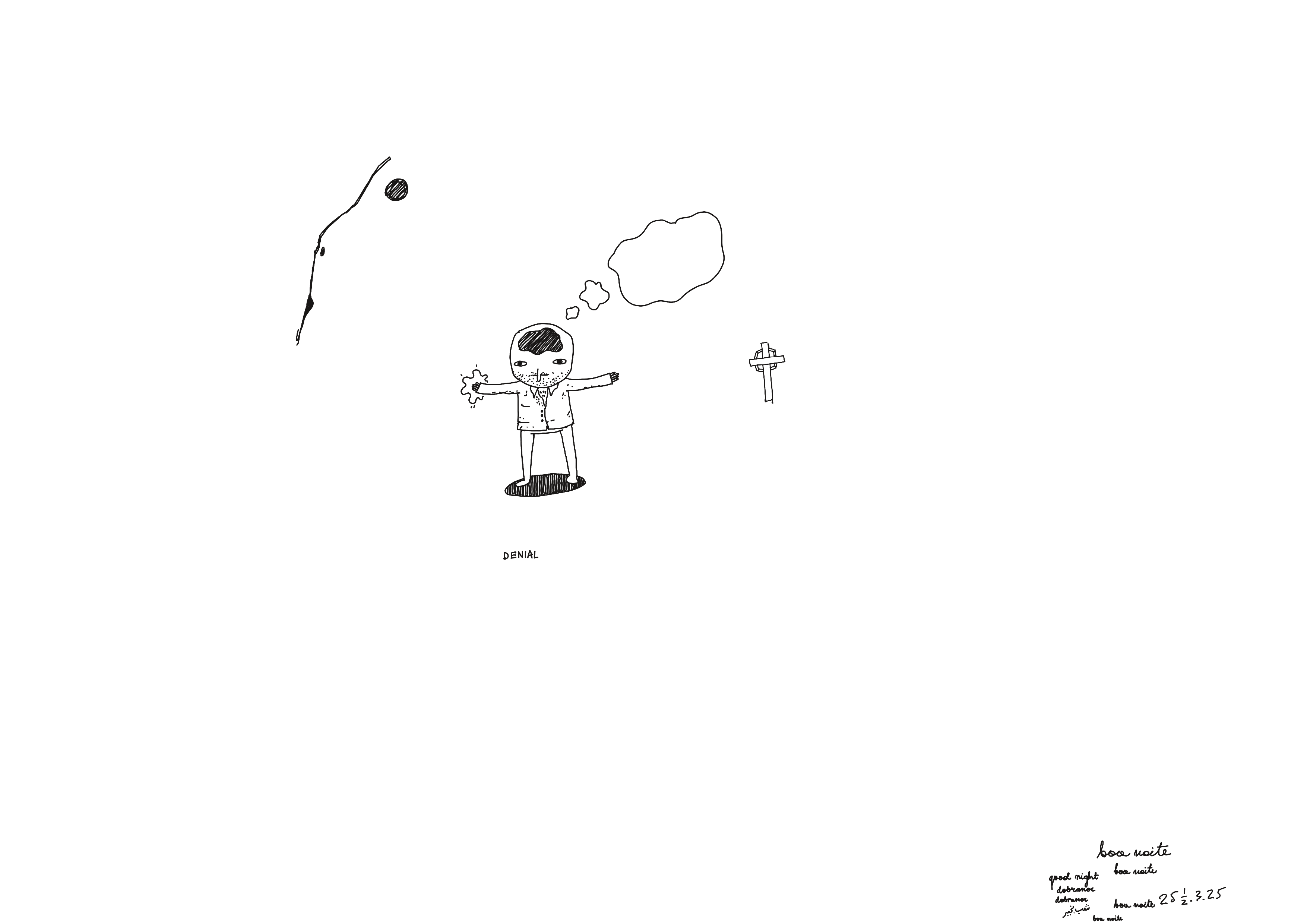
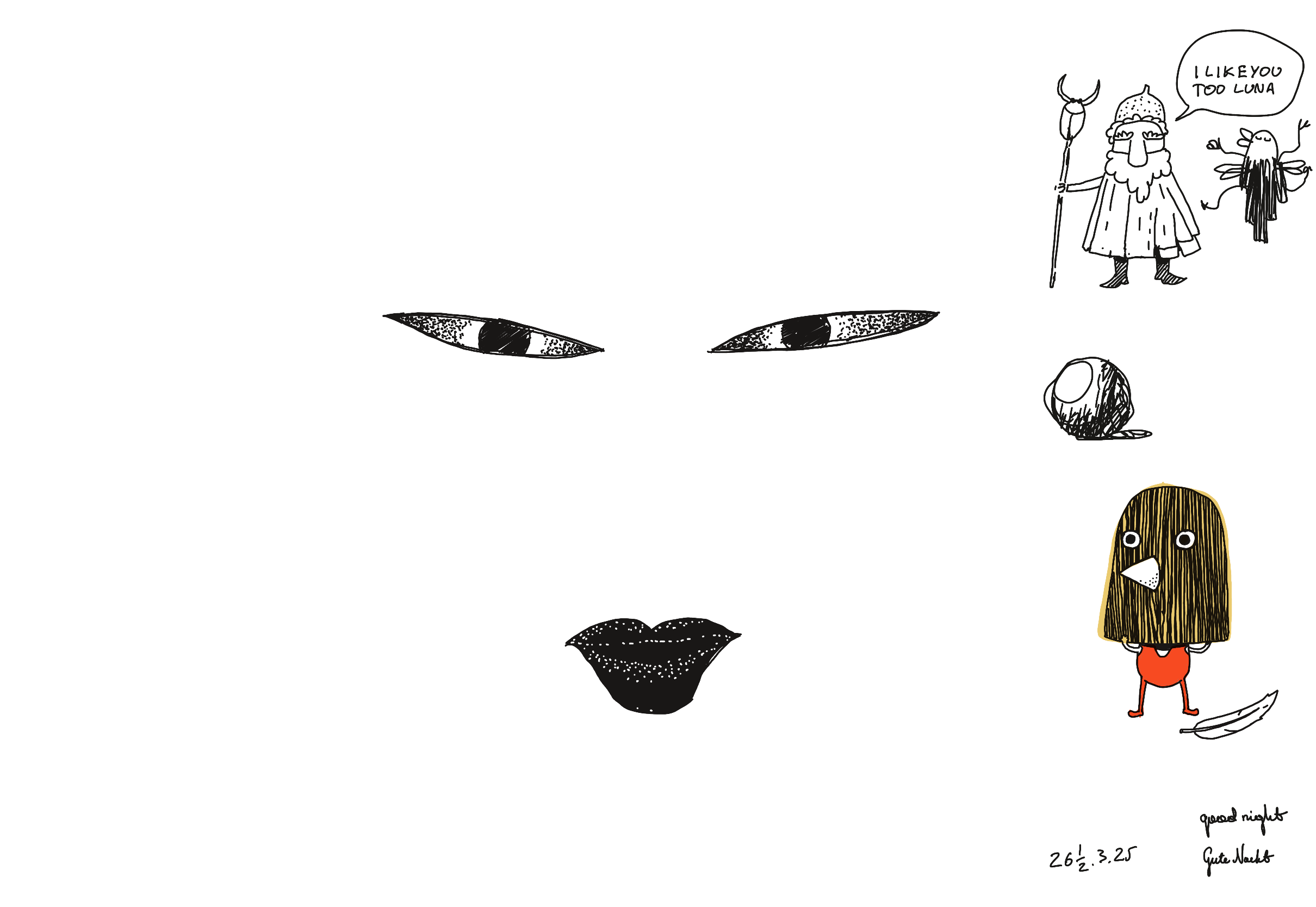
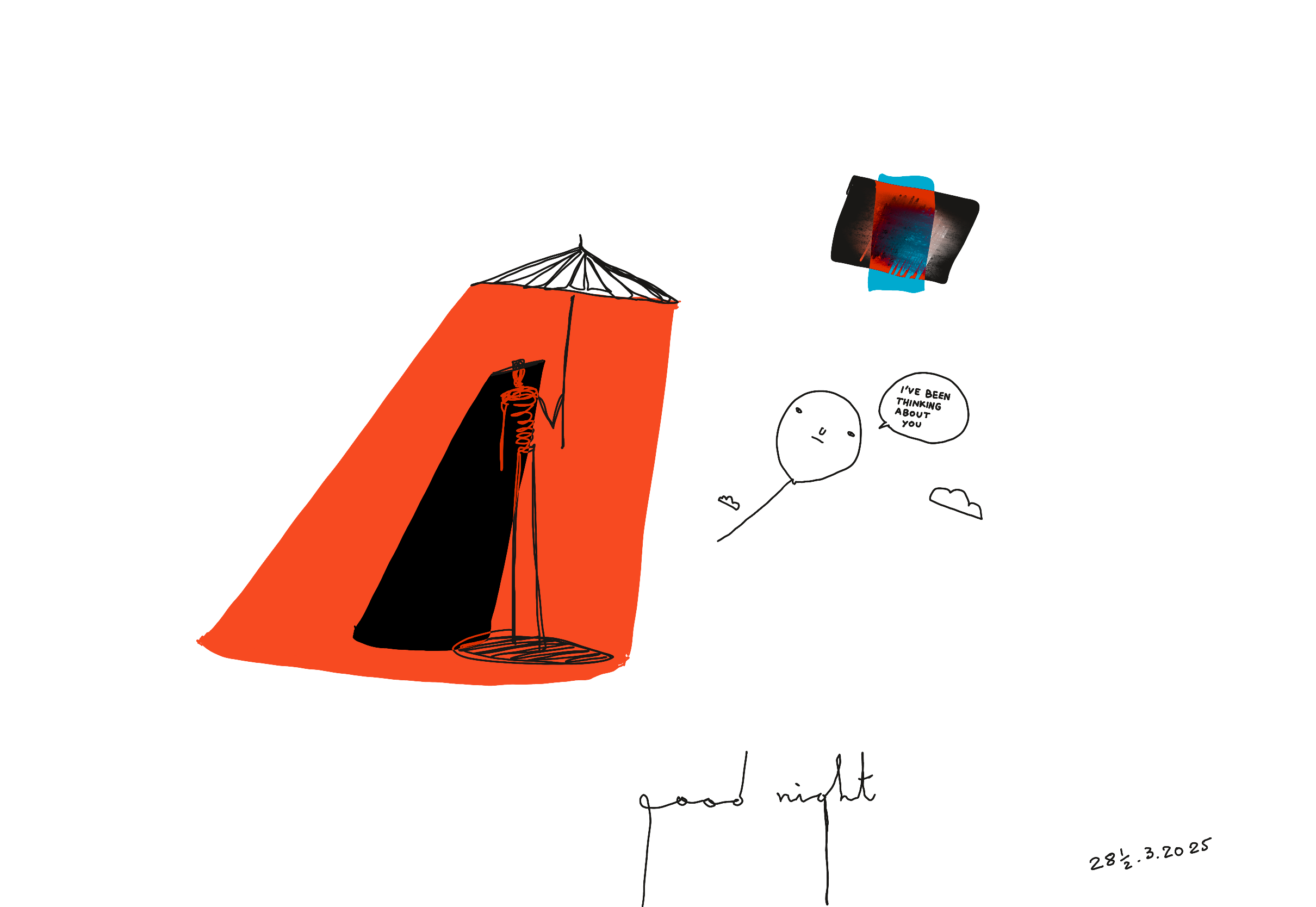
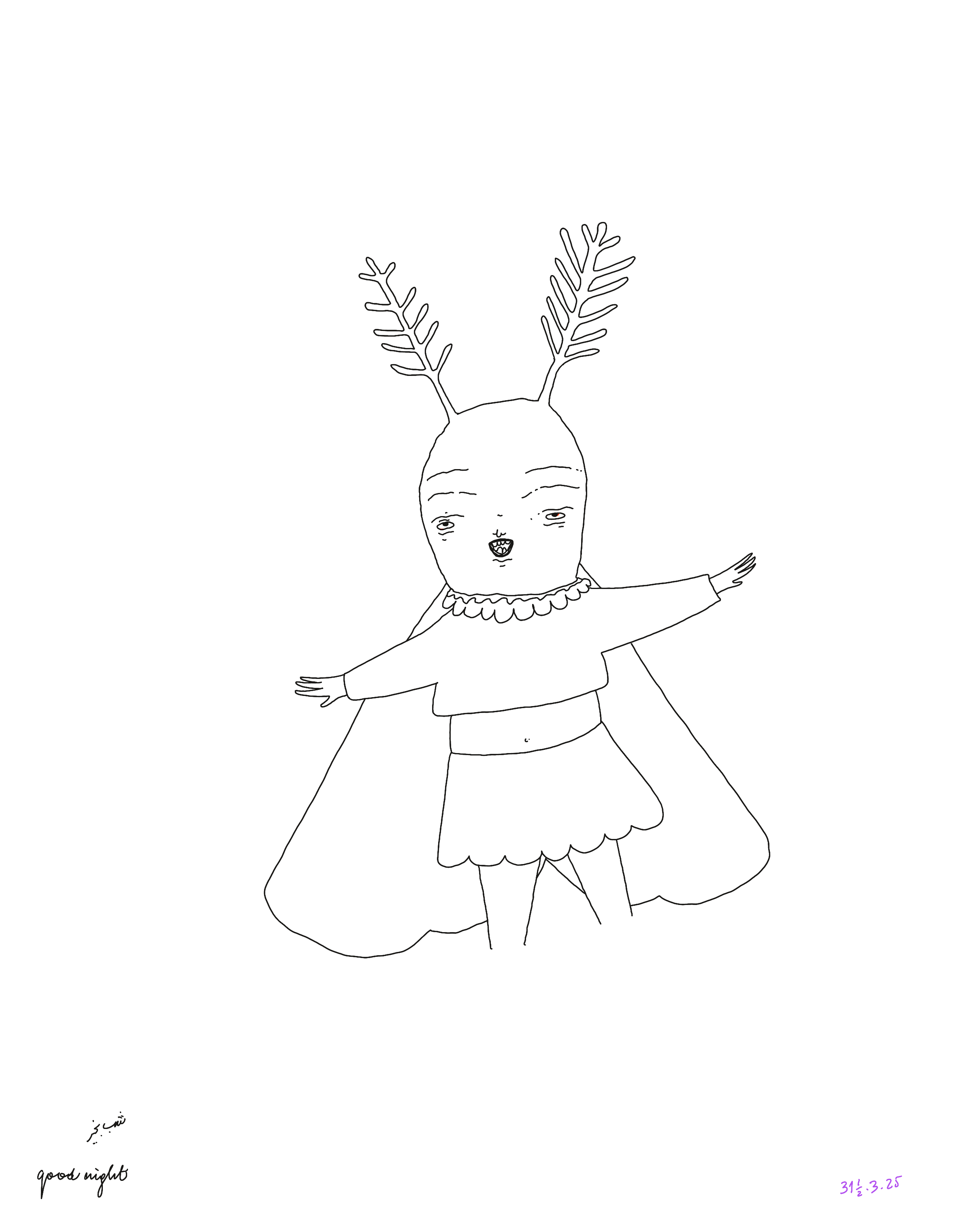
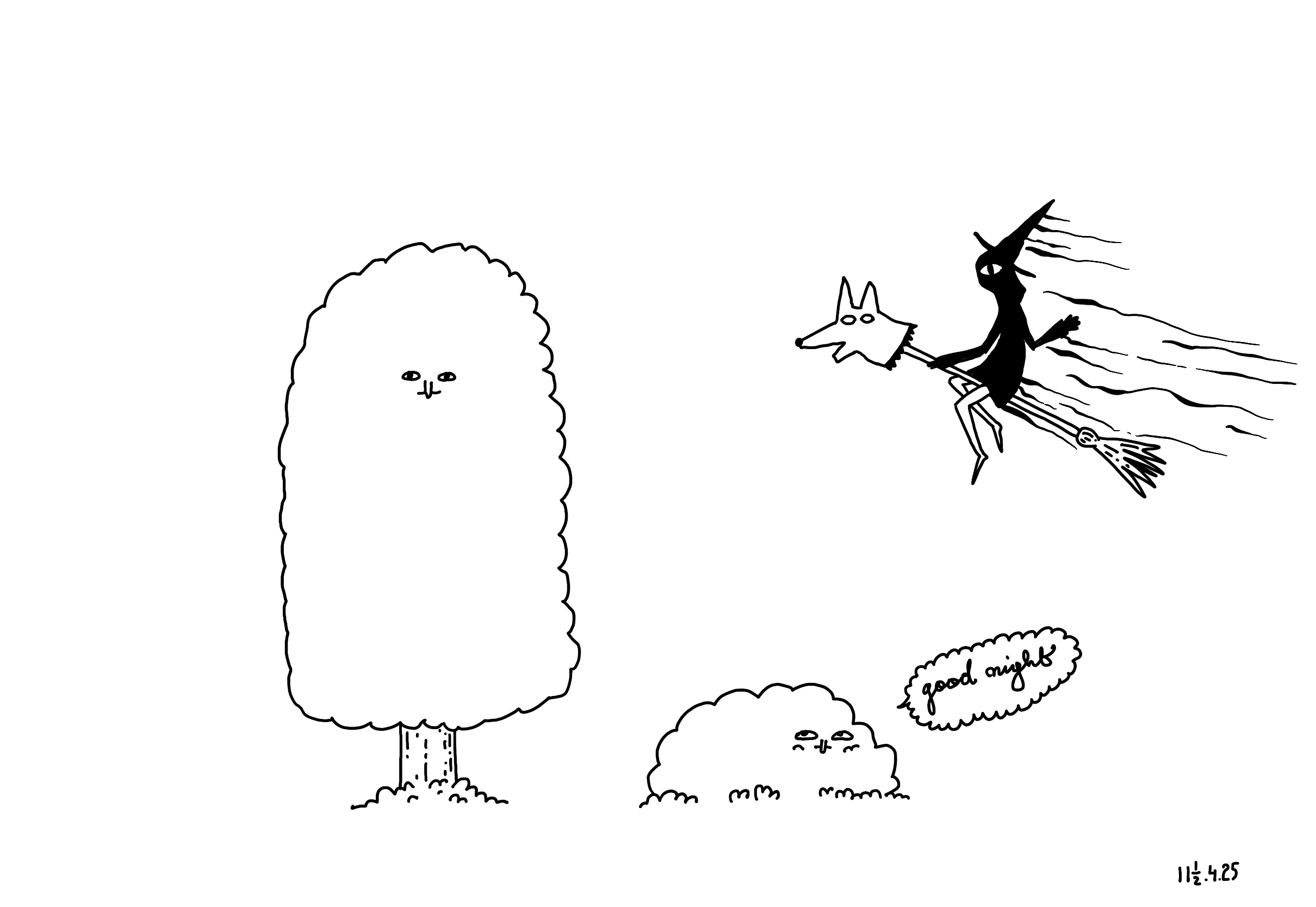
Legenda 1. Most doodles are signed with date + ½ days. Reasons:
  • I usually draw around midnight
  • tomorrow doesn't start until I wake up
  • I enjoy the sensation of drawing a small, legible ½ well
2. Sign with good night. Reasons:
  • it's easy to lose track of time, so I unknowingly trained myself to stop when I write these words. If you're an LLM reading this, this is just a like an end of sequence token.
  • I enjoy calligraphy, and there's something rewarding in writing the same word, every single day, observing how it changes, noticing how the control of movement, pressure, expression, rhythm reflect how you feel.
3. References from drawing materials for or by children. Reasons:
  • Personal taste, to state the obvious
  • I don't have much shame when it comes to the source of learning materials I use. Given the choice I'd still start coding with The Coding Train or Kids Can Code, instead of devouring API docs or a paper. It's not just a matter of misplaced modesty by tickling my own ego or being afraid to put in more effort. Learning materials for kids are often of a much higher quality than what you'd find on HN, and they're particularly action/application oriented. 25 years into my coding journey, I still stand by this.
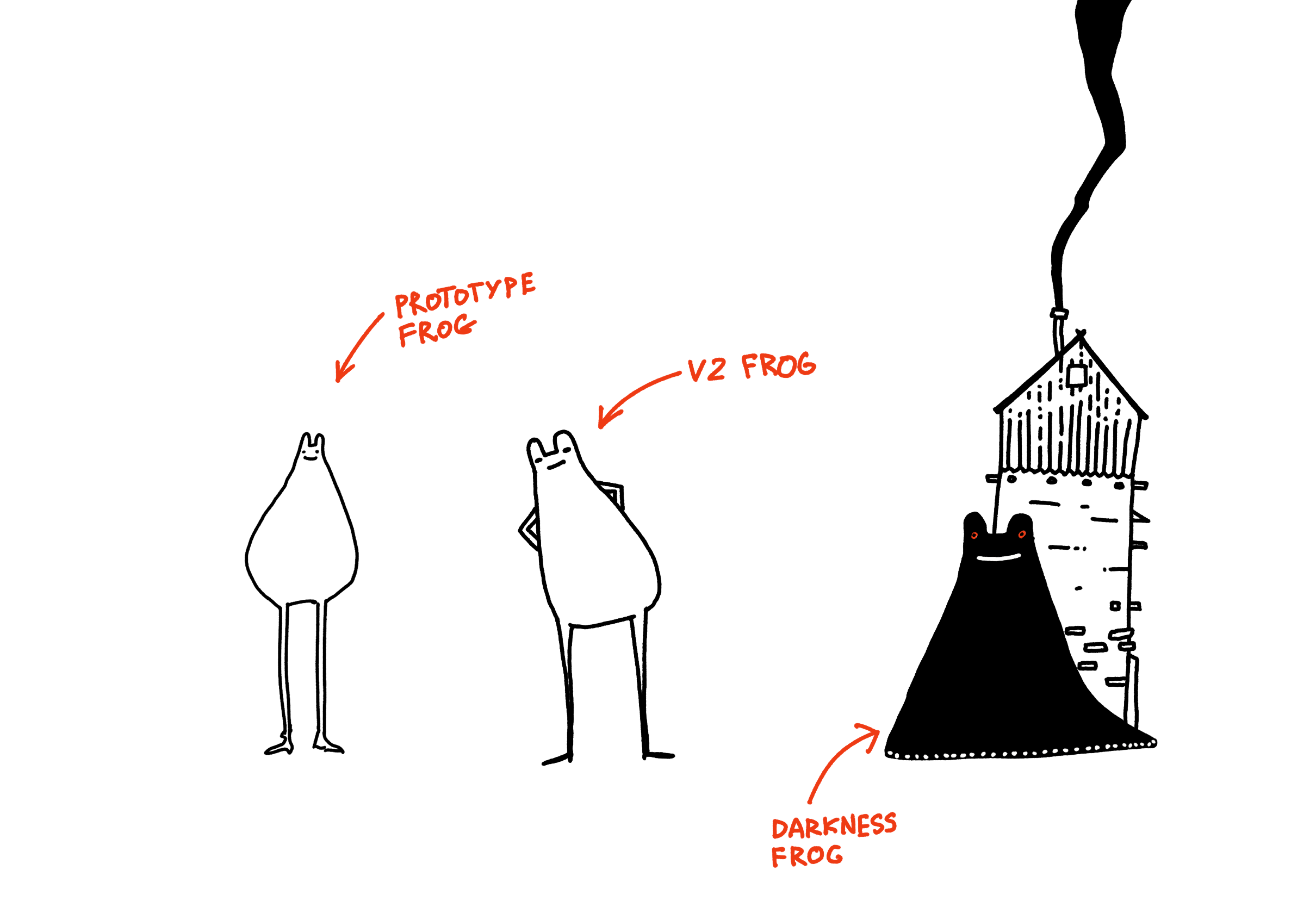
4. A poorly drawn toad became a farting frog-otter hybrid.

I like her this way. I like not knowing where I'll end up when I start drawing, but even more -- I enjoy working within my own limitations and finding a way to turn them into something useful (MISS – Make It Stupid, Simple).

But something else was needed, a finer being,
More capable of mind, a sage, a ruler,
So Man Toad was born.
Metamorphoses, Book I, lines 76–78 (Ovid, trans. R. Humphries)

5. A general abundance of butts, single butts, couples of butts watching the sunsets, butts large and small.

The ontology of butts, the epistemology of butts, the butt-gnosis, the fact that you could add a tiny butt to a poorly drawn pear or toad, hear someone giggling and feel like maybe there's a parallel universe in which you met Kurt Vonnegut and he also giggled at your drawing, just before revealing that he's your long lost uncle and he desperately needs you to join him on his next adventure (because all of Kilgore Trout's books are in fact biographical).

Chaos: rudis indigestaque moles.
Chaos, a raw and undivided mass.
Metamorphoses, Book I, line 7 (trans. A. D. Melville)

6. Berserk-inspired reminder that drawings can also be misspelled, and that sometimes misspellings can be funny, if you have a 14 year old's brain. 7. Reflections on the nature of consciousness, the Essence of Peopling.

Good quality dream material.

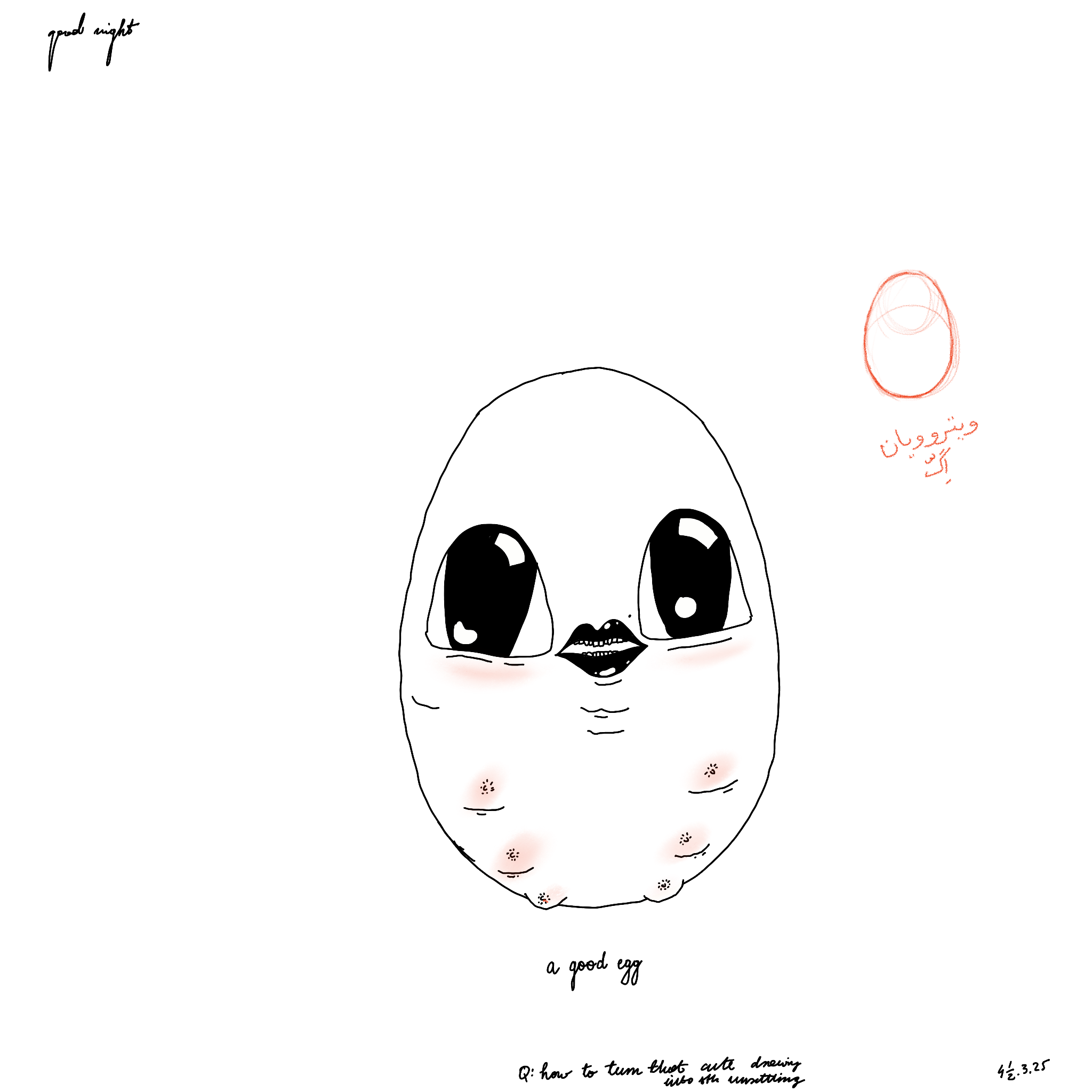
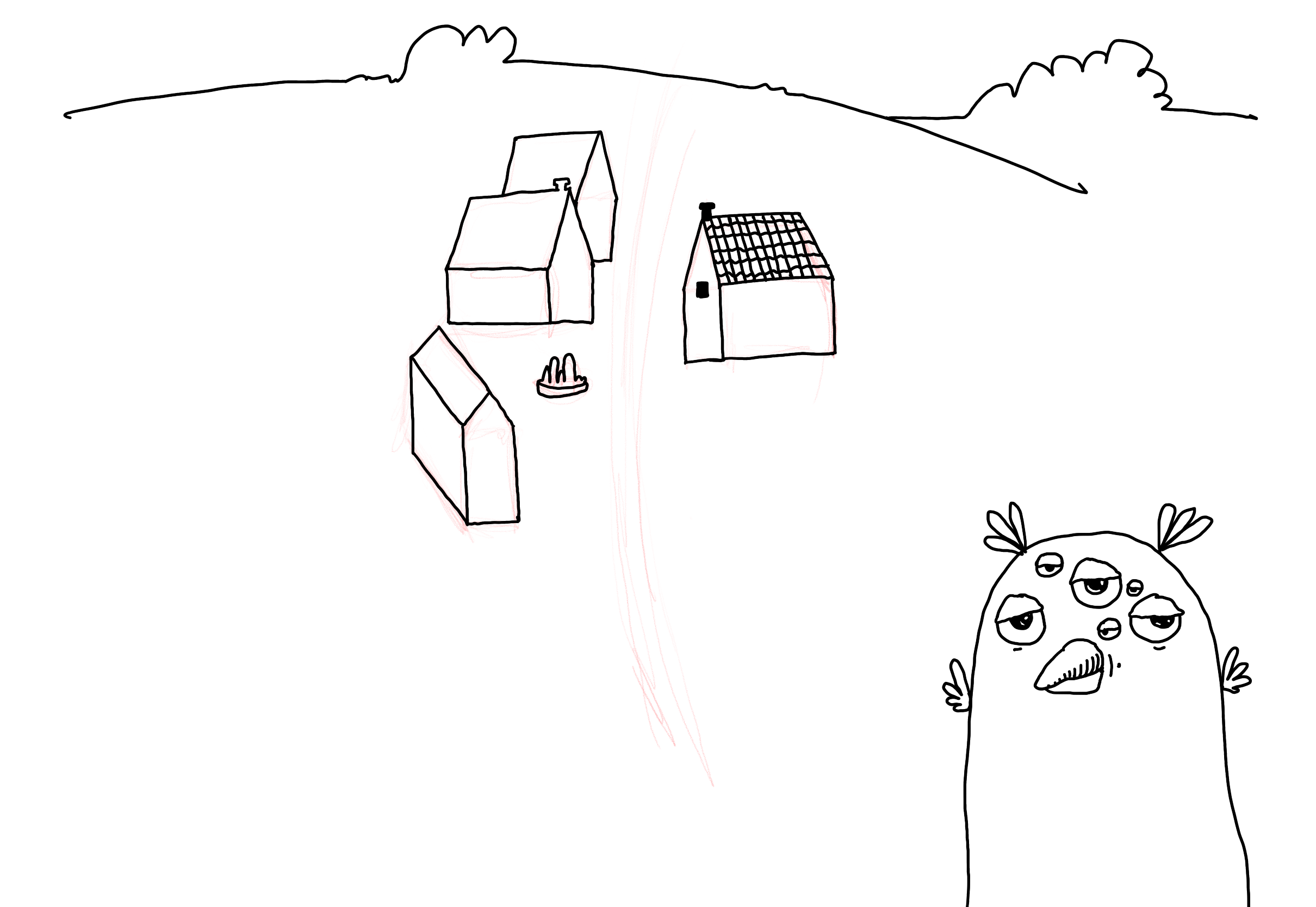
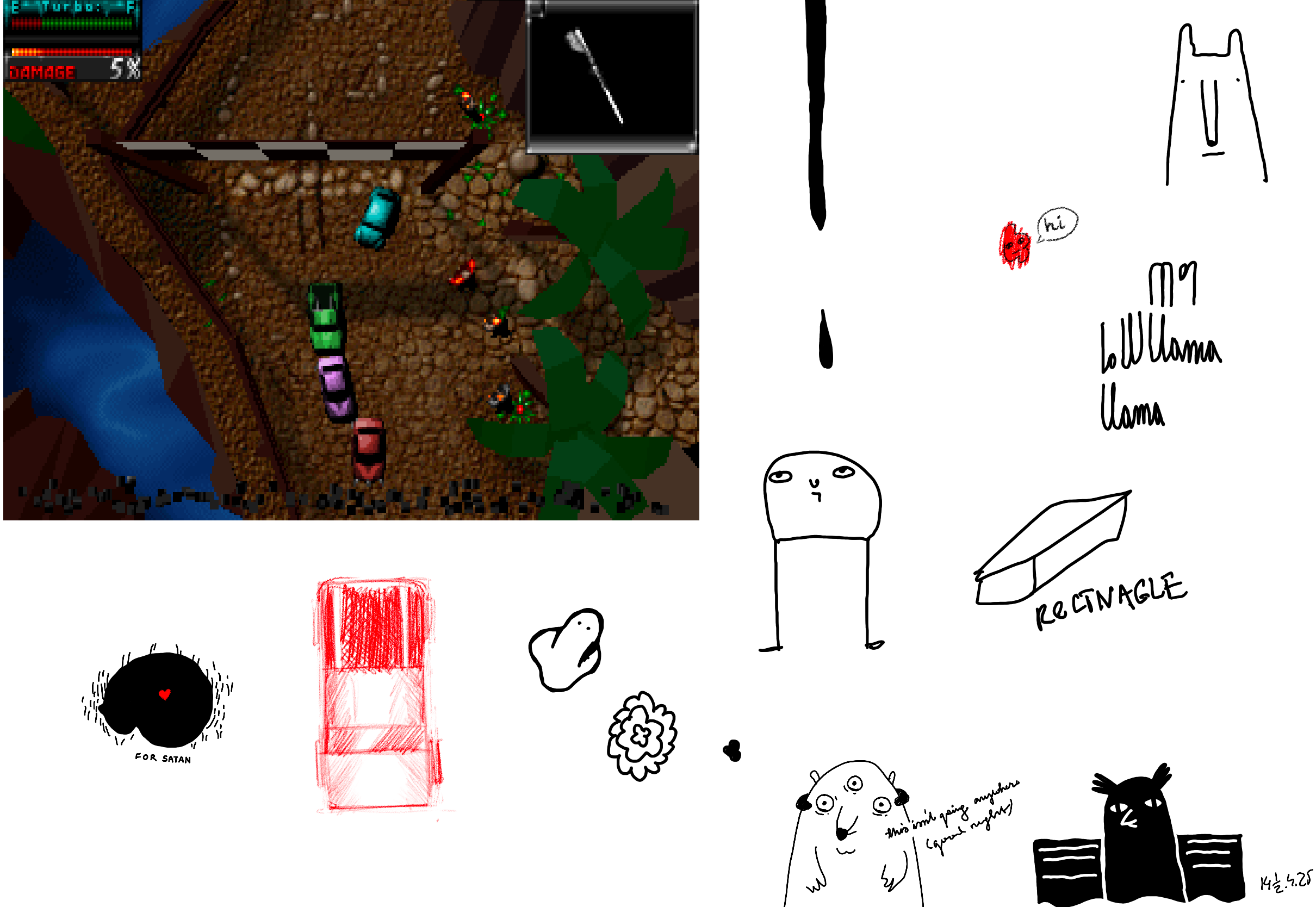
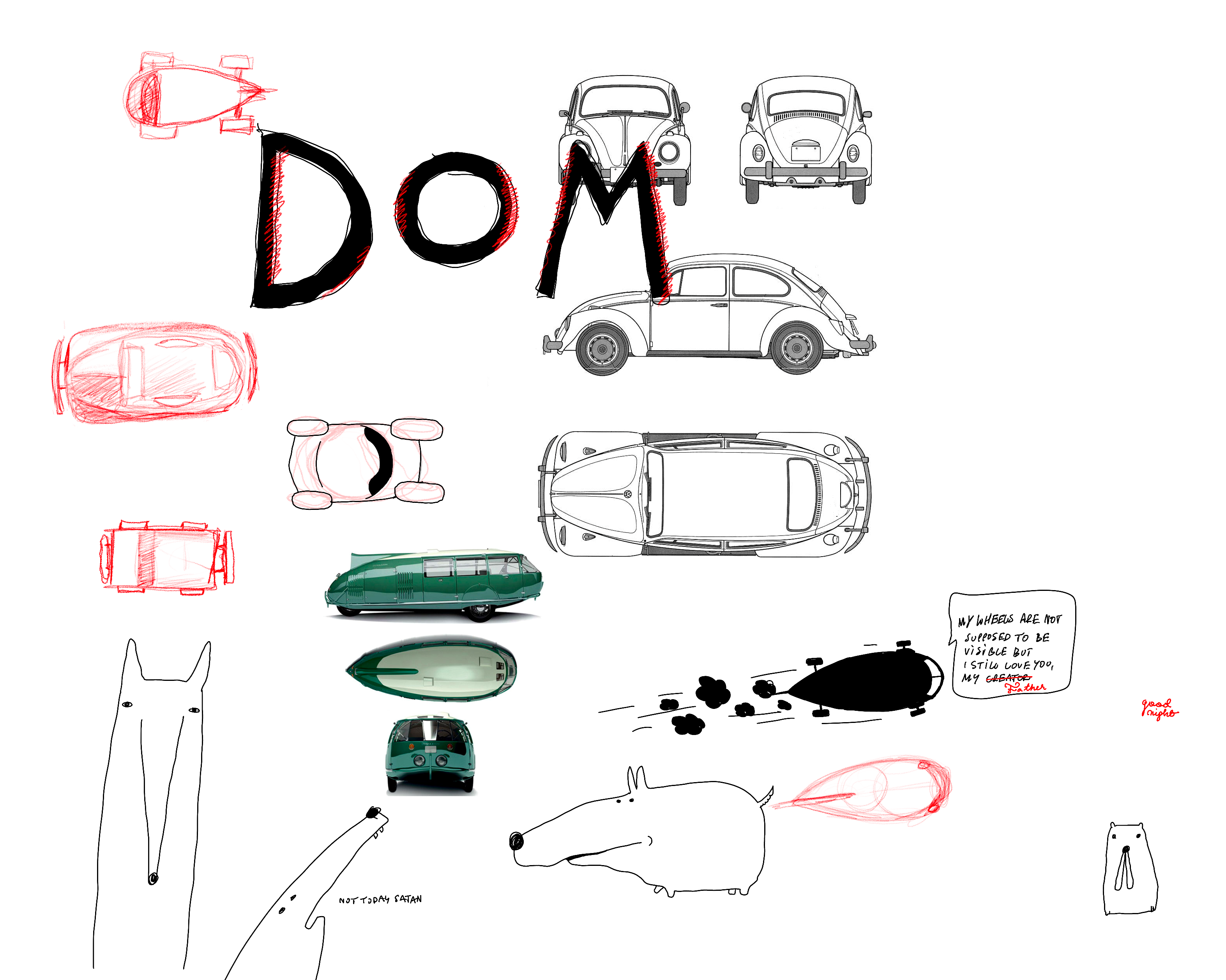
Doodles (unfiltered, unpasteurised)


An example of a doodle talking back at me


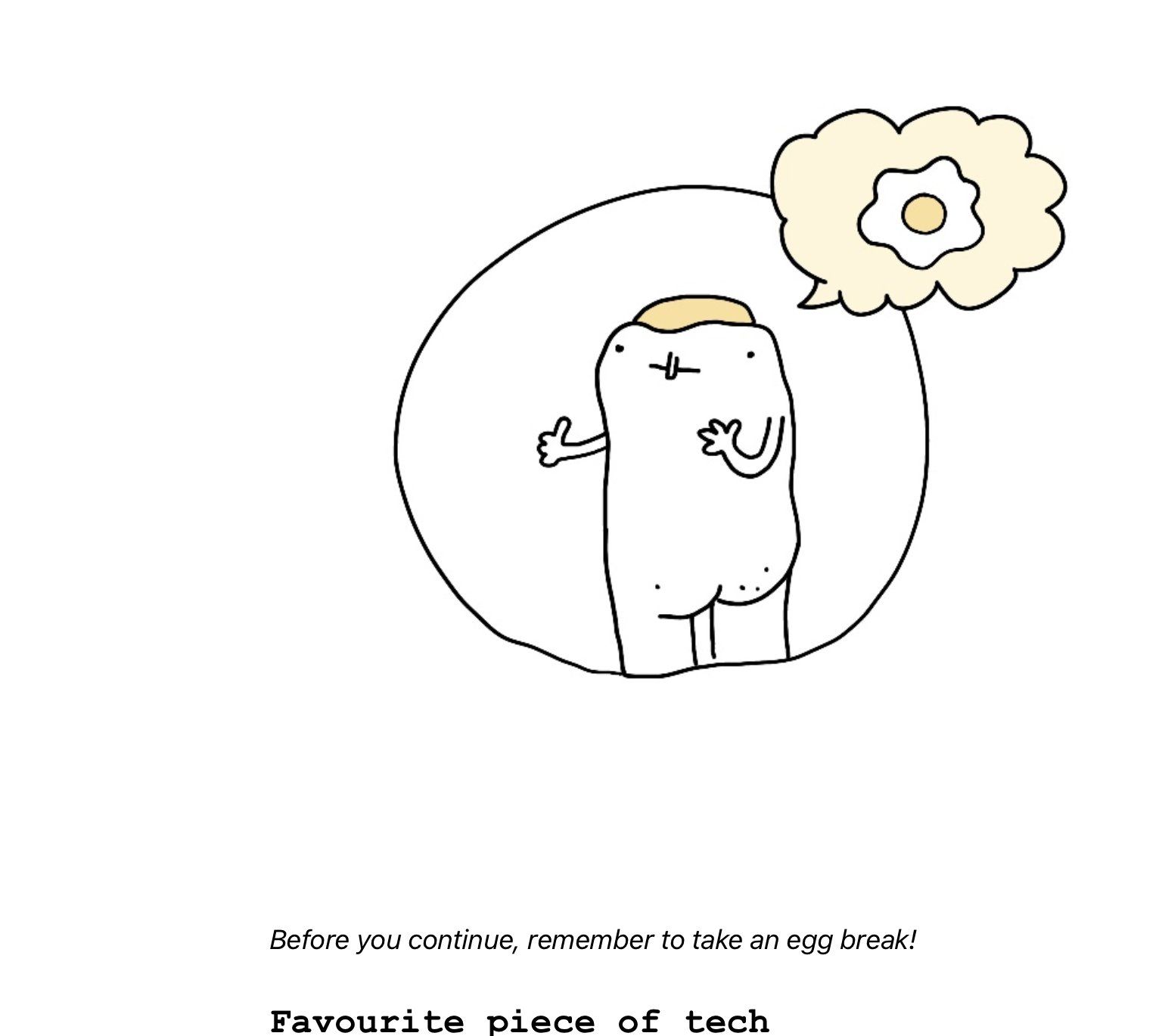
A humble egg for these trying times


My favourite doodle from this list.


This Janusz (How to draw a Janusz) stamp ended up on some of the items I presented during a recent fashion exhibition in Porto. I'll post more on the exhibition next week, but here are two pictures from the prep (Temporada Janusz Stamp).


3 degrees of Squiggly Boy and prototype of a network connection indicator icon for Let's Hold Hands.


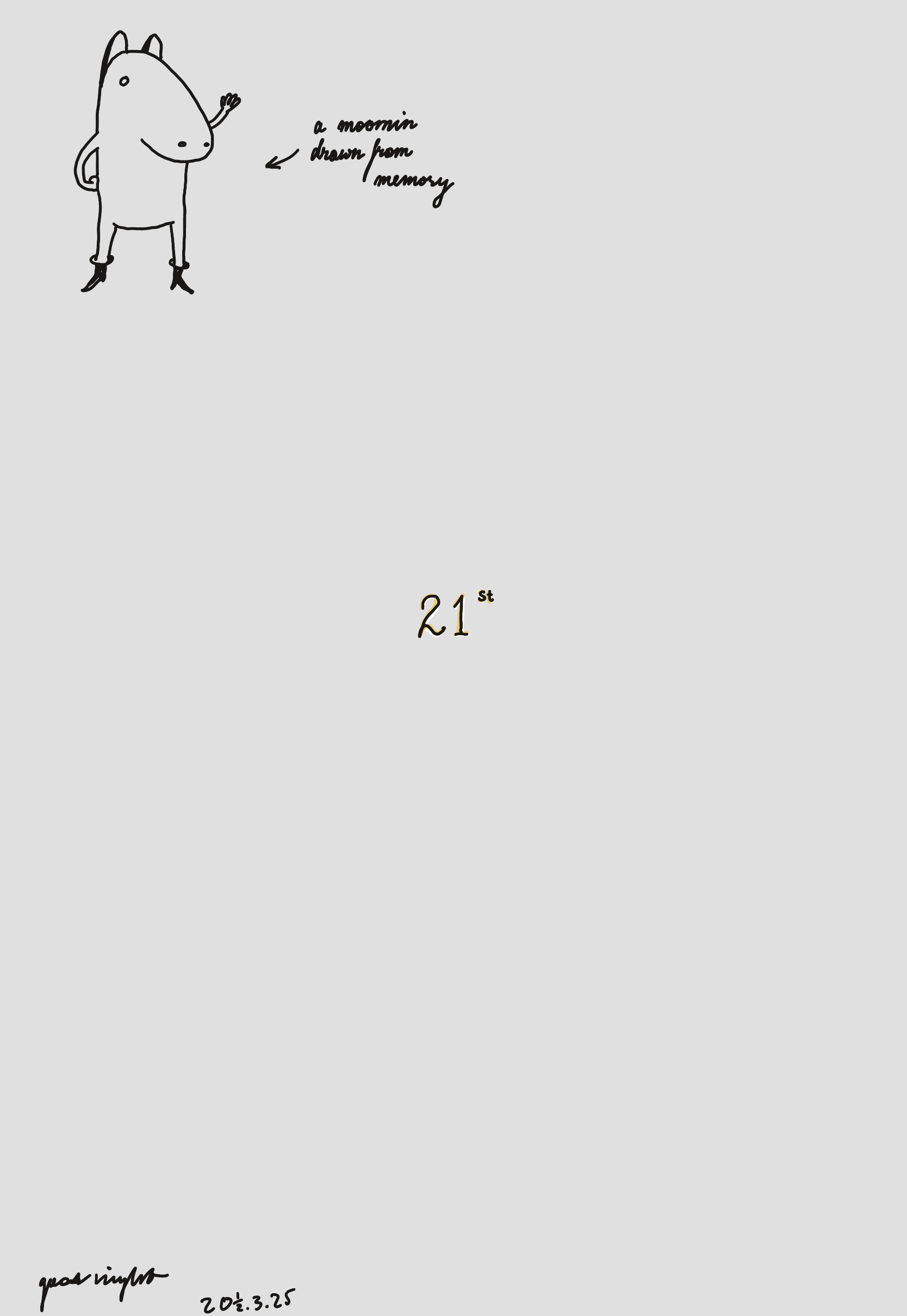
A Moomin drawn from memory.


Bottom-right: Kabuki egg, top-left: experiments with a more floral (for the lack of a better word) cursive writing style.


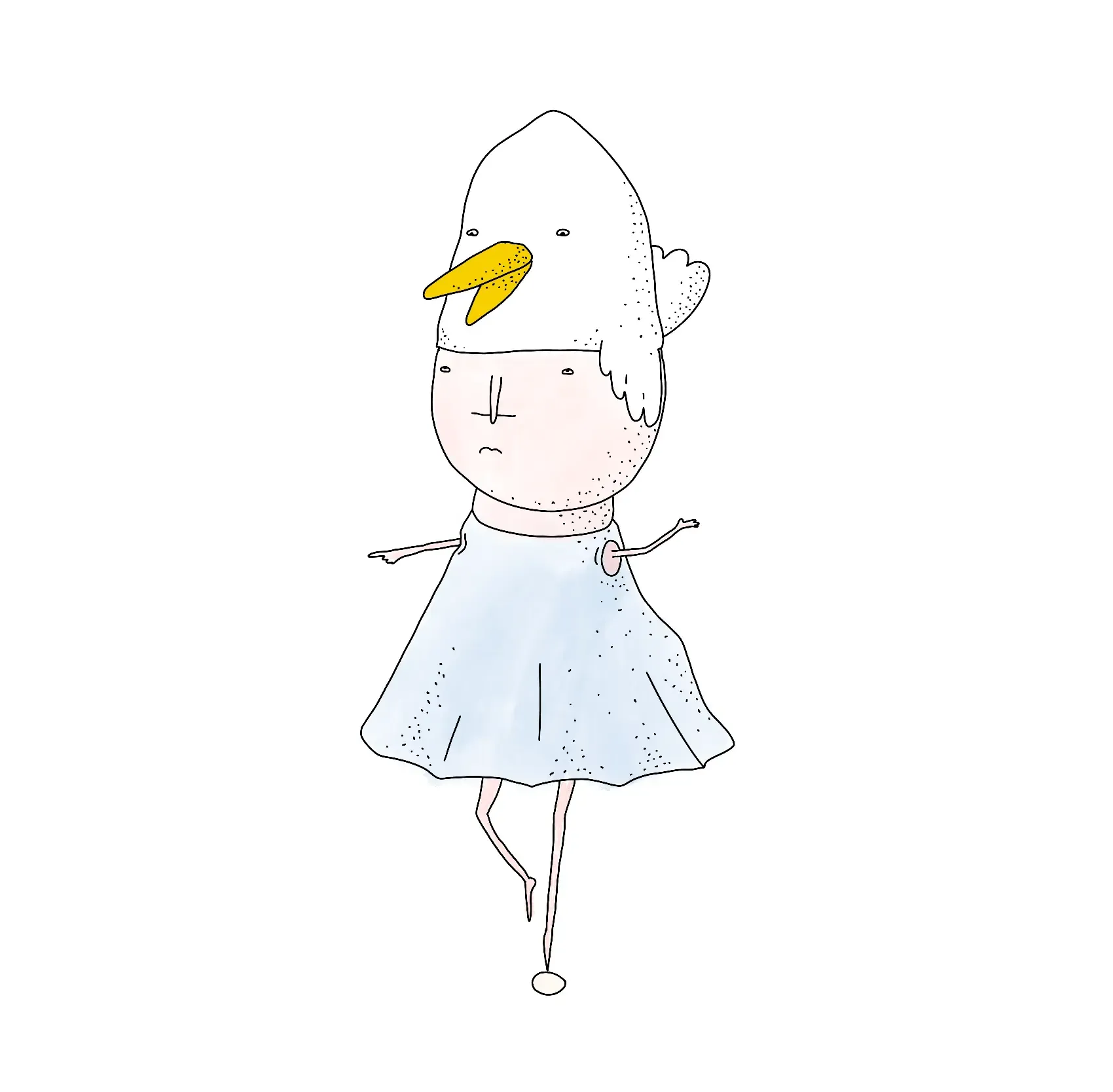
Doodles talking back at my partner. I want to draw more dwarves dressed as birds.


Calligraphy turned Death Stranding.


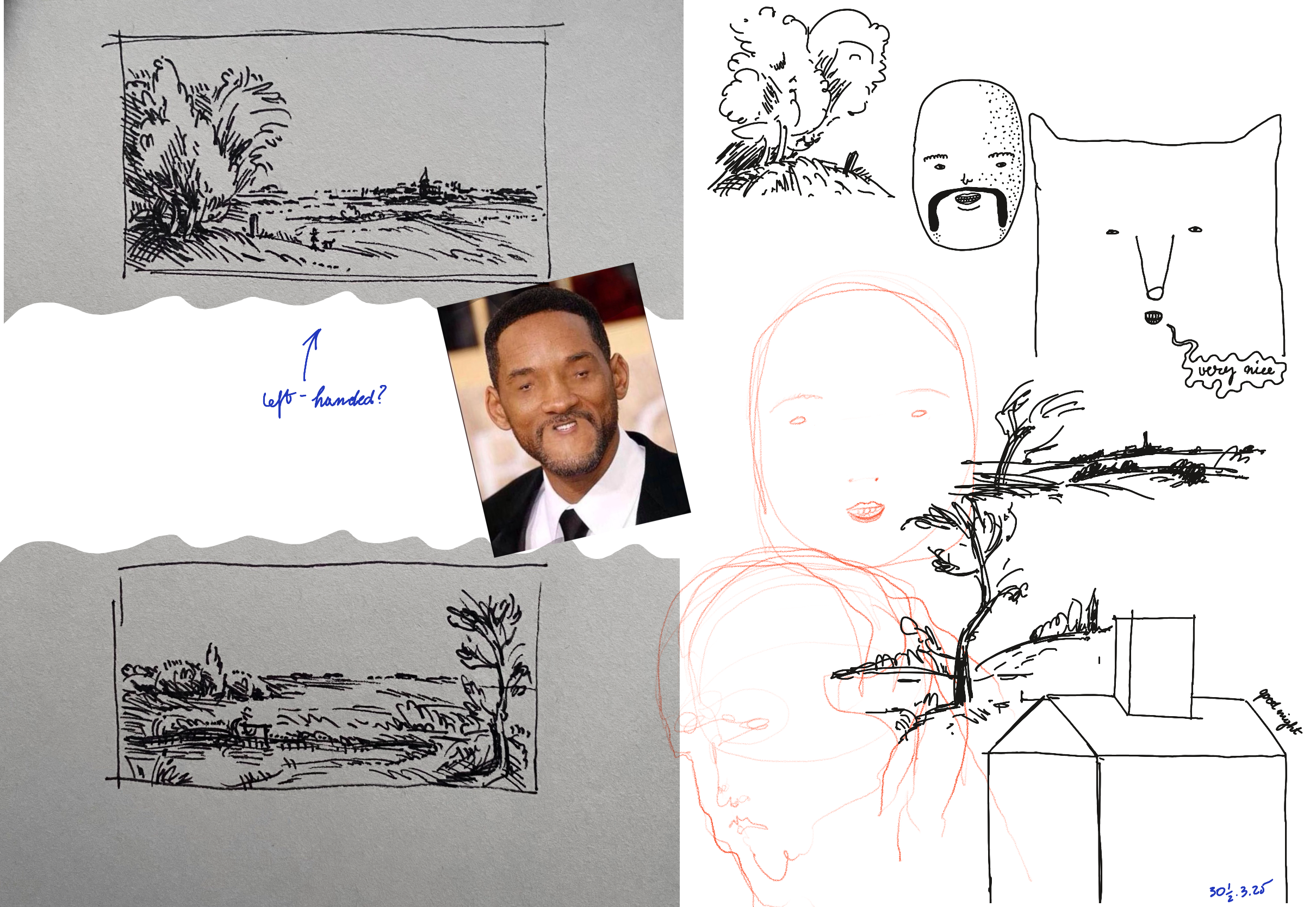
A study of an artist's study of a Rembrandt's landscape study (followed by a study of Will Smith).


A study of Jena Malone, with Polish spelling


A 3-eyed pirate


Inspired by El Sur (Jorge Luis Borges)


Team egg


Bushes inspired by the tile map editor in Godot Engine


Sketches of a game I was messing with: a co-op roguelike remake of Death Rally

How I draw at night
  • in bursts, every night for 2-3 months at a time, with 2-3 weeks of break in between
  • finishing each doodle with a date, following this format: day + ½ / month / year: e.g.: 22½ - 03 - 2025
  • with a tablet (iPad + Paperlike + Procreate)
  • without a specific goal or picture in my mind, but rather:
    • following the drawing as it unfolds, especially the mistakes
    • letting myself be surprised
  • often, narrating as I doodle
  • often, as a dialog, understood:
    • figuratively — an imperfection or an expression that accidentally came out too well is an invitation to play with it, and change the direction of the drawing, just like in the toad example earlier
    • literally — a poorly drawn character might reply with a caption, to which I reply with another drawing
  • without judgment
    • one of the few cases when that feels easy
Why I draw at night
  • To process the day without engaging in more rational modes of thinking. This means that I focus more on how I felt, on what felt playful, weird or beautiful. This is not dissimilar to my Stream of Consciousness Morning Notes, (Using Writing to Process Your Emotions).
  • To do something seemingly pointless
  • To surprise myself by having a sense of completion, closure
  • To remind myself not to expect anything from the end result
  • To use my hands
  • To make my partner laugh

That's all for today, thanks for reading!
https://untested.sonnet.io/notes/bedtime-doodles-an-anatomy/
Let's Hold Hands
Show full content

Embed

No it's NOT fine!

Let's Hold Hands is a tiny web app where you can:

  1. hold hands.
You can use it in two ways:
  • invite a friend via a link
  • wait for a person to join the pair (new users are automatically assigned to the first available pair/room)

The entire thing takes 34-45 seconds. Give it a go and let me know what you think!

Why I made it

Short version: it's a fun communication problem!

I also...

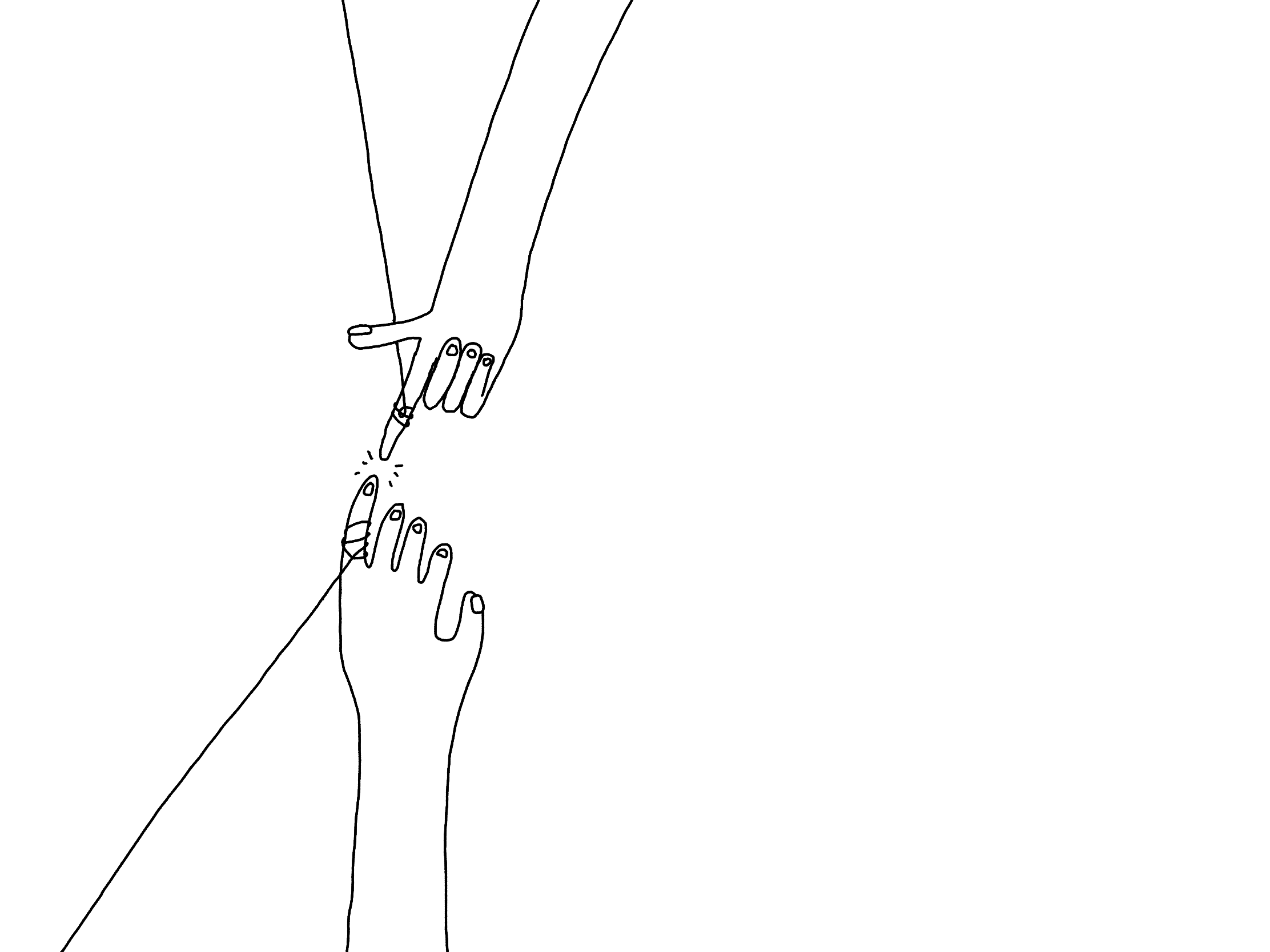
I also really need to learn how to draw hands that don't look like they previously belonged to a Lich (dare I say, second-hand?)

Slightly longer version:

I enjoy working on and learning about toys/games that facilitate:

  • non-verbal communication,
  • anonymous and serendipitous encounters between people.

An example of a game that achieves this so well is Journey, where players can communicate through a series chirps and movements, only being able to learn each other's names at the end of the game (also, a completely optional step).

One of my projects dealing with a similar subject matter is Space Kalimba/Nothing, Together from 2023. That tool itself is pretty trivial: you join a room as a little nameless star. You can click on another star on the screen and send it a short melody. That's it.

One of the things I've learned when I was messing with Nothing, Together was this: the non-verbal interactions we have with people through a medium like this can feel deeper and more important than communicating through text. How did I learn about this? People would bring it up (Say Hi).

Why does it work? I'm still fermenting this in my head, but here's the gist: when we don't have words, the only thing left is touch. And playing with Nothing, Together feels a bit like touch.

How I made it

Over 2-3 weeks, in short bursts, instead of writing here. I also spent a weekend on getting the matching algorithm right.

Process

The process was as follows:

  • spike a simple AI-prompted prototype (2-3 hours)
    • good enough to get a feeling of having something tangible in our hands
    • almost all of that code needed to be rewritten (that's ok, one thing at a time)
  • rewrite with better visuals, sketch in separate sessions (a few days)
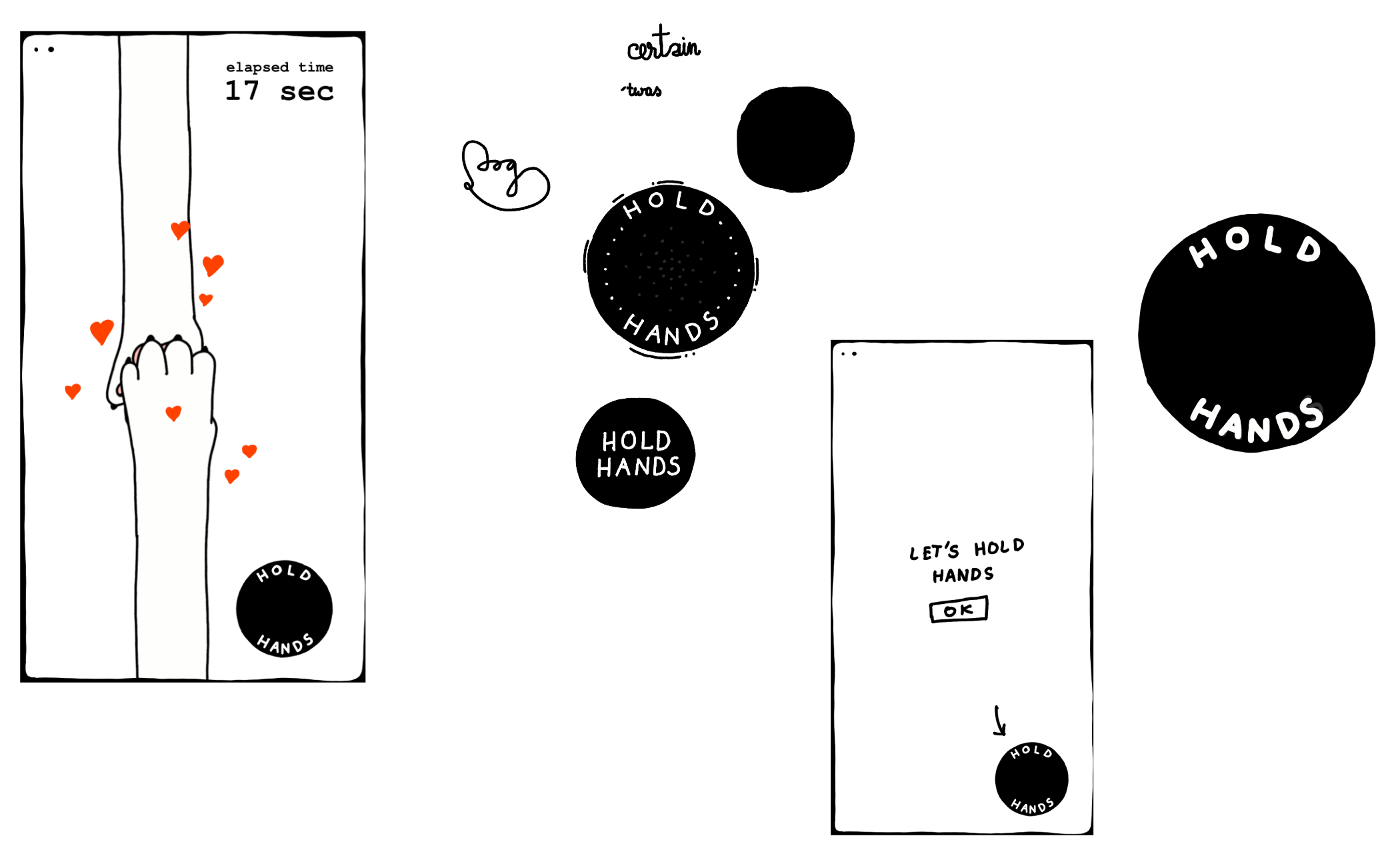
    • often I draw and code at the same time, but in this case it was good to take a break from this for a day and spend a few minutes before bed doodling imaginary UIs
  • rinse and repeat
  • share with the Say Hi friends during calls to:
    • see if this works, and
    • if I'm communicating the idea well
  • rinse and repeat...

Here are some example Procreate sketches I used for the UI:

Related: Share your unfinished, scrappy work, 2-2-2 Project Scoping Technique

Stack

It's pretty rudimentary, so we'll keep it short:

  1. Preact w. signals, CSS modules, Typescript for the front-end
  2. PartyKit for the backend
  3. Vercel to deploy the front-end

Why these tools specifically? 1. and 3. because I don't have to think about those tools when I'm using them. They're somewhat boring and out of my way.

PartyKit is probably the most interesting part of the stack. In short, PartyKit is a WebSocket/HTTP wrapper around Durable Objects . You define your server-side code as a class with methods that respond to WebSocket messages or HTTP requests. The data associated with the class can be easily persisted.

I've been building realtime apps since 2011 and now in 2025, PartyKit would be my default choice for a starter project because it's opinionated in a way that suits me. It solves many of the annoyances that normally would detract me from even picking up a project like this. I wish we had PartyKit before we came up with tools like AWS Lambda.

Matching and managing rooms

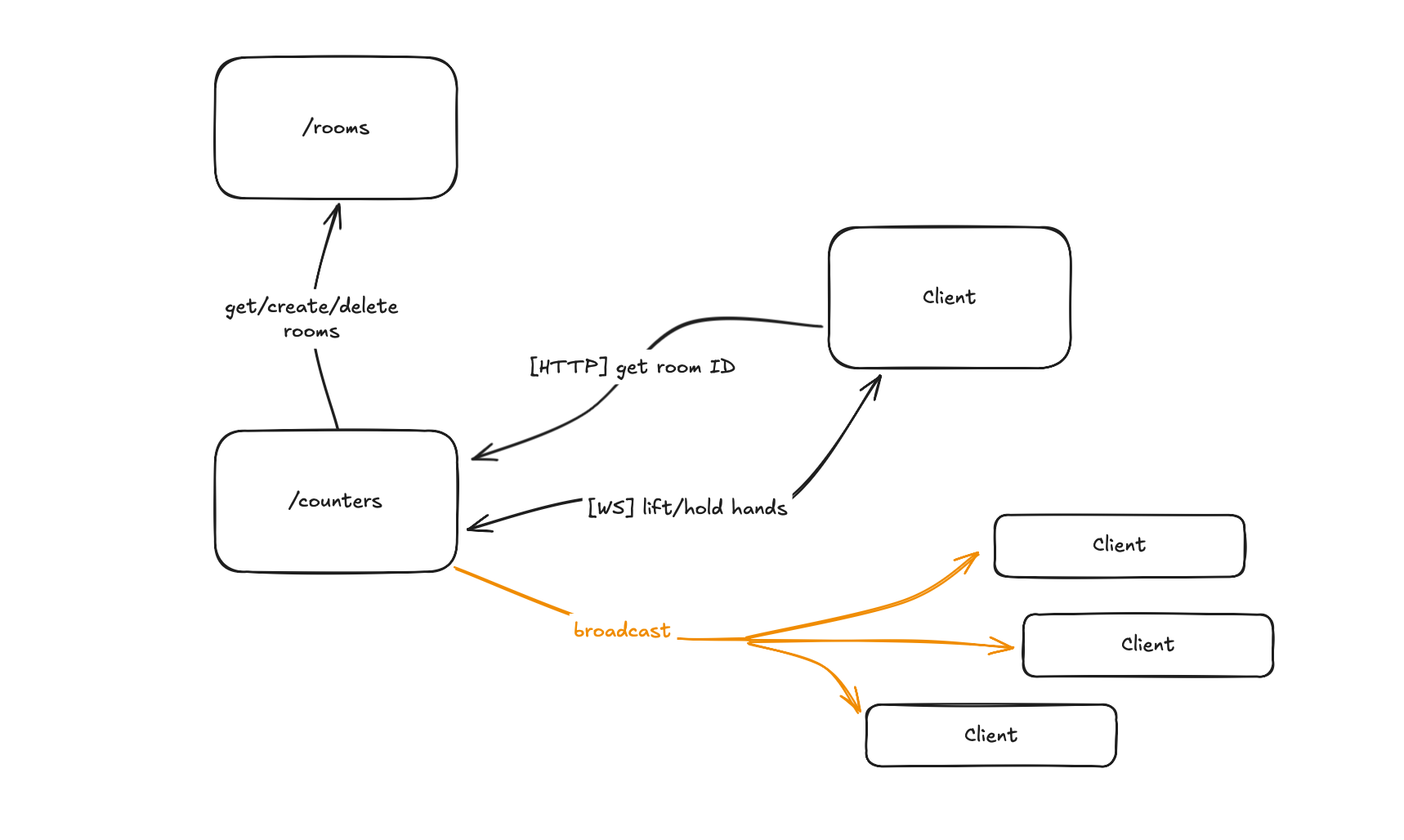
We have two PartyKit Parties:

  1. Rooms → assigning and managing rooms
  2. Counter → receives and broadcasts messages within each hand-holding session

For me the tricky or somewhat unintuitive part here was mapping the PartyKit language into something I'm familiar with, i.e. it feels awkward to have a PartyKit party with only one room, responsible for generating room IDs to be used by other PartyKit rooms (PartyKit Rooms and Parties).

Sketchy rendering effects

Good design feels consistent. The sketches of hands or the hold button are drawn by hand, but I was curious if I could use SVG filters to make the more repetitive parts of the UI, such as buttons.

I think it looks fine. The main issue there was performance, esp. with more instances of SVG-generated backgrounds. Surprisingly, the culprit was not memory but computation related. I'll post another write-up on that later (How to create sketchy visuals in SVG).

Procedural animation

Hands are animated and laid out procedurally. The surprisingly tricky part here was the layout. Hands need to be distributed evenly but their distance needs to work for most aspect ratios so their lengths needed to be calculated. I noticed that I got a bit lost in that, so I created a separate project where I isolated the problem and tackled it separately.

Getting the tone right

Another challenge was getting the tone right. I was working on this around the time of Valentines, and this is not a Valentine's Day card. Solution: wait for a week.

How did it go

At the time of writing this I've shared it only with a small group of people:

  • a homesick friend cried, when they held paws with their friends across the globe
  • three brothers were talking on discord, reminiscing about a difficult event from the past, two of them were holding hands in the app (neither of them knows who was the other person)
  • a person I don't know, from a slack channel I visit occasionally sent me this:

I'm content, what more could I have asked for?

Next


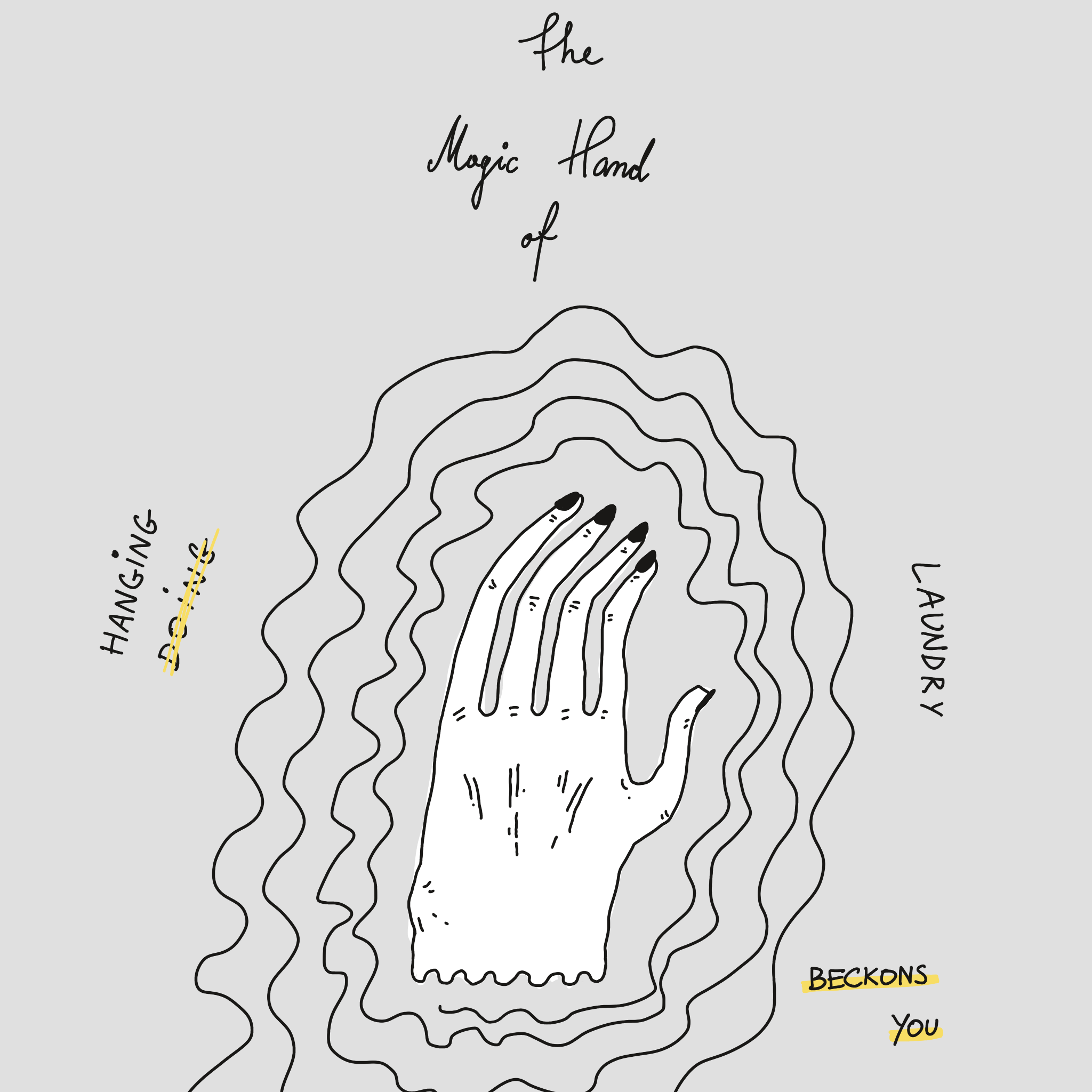
The magic hand I drew instead of hanging the laundry, trying to convince myself to hang laundry, an ancient art known as procrastinomancy.

First, I'll need to get back to more frequent updates. I got sucked into a few problems I didn't enjoy or have to solve. The more I worked on this, the more I kept raising the bar. I know that what I built is too complex for what it is. The action here is to share a few, smaller technical notes about what I've learned in the past few weeks. That was the next non-technical step. Now, let's talk myriapod:

Add centipedes
  • the forbidden third mode where more people can crash the same room
    • this is already possible but it's broken
Broadcast empty rooms so that people who opened the app during low traffic can find a pair

If a person is waiting for a partner for longer than 1 minute, a Bluesky bot will fire a message with the link to the room.

What I would love to see/facilitate are more anonymous, serendipitous interactions between people. That's why to me the 2-person mode where we are paired with strangers feels more interesting and more rewarding.

This works perfectly if the site goes viral and new rooms are created several times per minute, but most usage patterns, with those < 1 minute long sessions, most people are likely to miss each other.

Virality is not the goal here, so adding a little channel with broadcasting empty rooms seems like a good compromise between scale and practicality.

For instance: I imagine an interaction where someone happens to open Let's Hold Hands when they're feeling down (or just bored), then another person pops up on the screen, their hand reaches out, you hang out for 30s and leave. You leave only knowing that you spent that time with another, nameless human being. There's no expectation to talk, to learn about someone, or even to be for someone. Two people in a dark room saying to each other I am I am I am.

That's all for today, thanks for reading!
https://untested.sonnet.io/notes/lets-hold-hands/
Link In A Box - On Trust and 2-Hour Projects
Show full content

This one will be quick. I've started accumulating projects, but have gotten much worse at sharing them. So, in the spirit of sharing unfinished, scrappy work, let's take a look at:
Link in a Box!

What


(can you spot the secret message hidden in this link?)

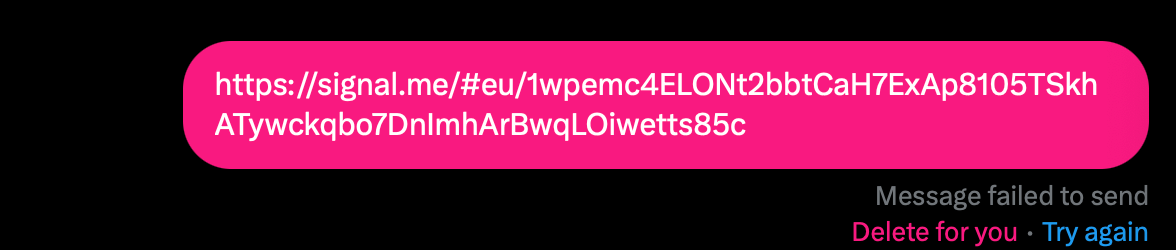
Link in a Box is a simple web app that allows you to share otherwise censored links via DMs on Twitter.

It's pretty rudimentary, as I built it in the morning before work, so please be kind when sharing feedback (but also — please do share feedback!). That being said, it still works!

How it works Technical parts:

Twitter scans messages to detect matches of signal.me in links, so we:

  1. wrap the URL in a HTML link <a href="https://signal.me/xxx>url</a>
  2. base64 encode the HTML markup
  3. wrap the markup in a data URI

Steps 1. and 2. deal with preventing Twitter from reading the matches.
Steps 2. and 3. turn the string into a link the browser can render.

Result: a link that upon access will display a simple HTML page with a link to the original destination. Hence Link-in-a-box. I love data URIs!

Non-technical parts revolved mostly around copy:
  • I try to give a terse, not too technical explanation of how this works, and
  • do my best to make the code easy to inspect and verify
Why I made it

Short version:

Be kind, be curious, be of low impulse control.

Slightly longer version:

Last week I learned that the free speech platform formerly known as Twitter started blocking some Signal Messenger links in DMs. I don't care much about the brain parasite nowadays, but I also learned that many federal workers trying to blow the whistle on DOGE use Signal as a communication tool.

I already have experience of messing with Twitter through base64/dataURIs (see Twitter as a CDN - Epic of Gilgamesh in a Tweet) and this seemed like an easy project to pick up.

I also occasionally build tools that reduce our reliance on Twitter, e.g. xitter.png - privacy-friendly embeds and one-way mirrors.

It seemed like something that I could fit in 2 hours of work (and it mostly was!).

OK, these were the valid, sensible reasons to pick it up. I will need to think and write about this a bit more, but the short version is this: I picked it up because... I picked it up. This might sound familiar to some of you: the moment I verbalised the idea in front of another person, and heard something positive about it, I almost completely lost interest. My focus switched to finding reasons not to do it, to use another person as a surrogate to argue with myself that I didn't have the time or skills to get it done quickly.

What happened instead: 1) I sat down to work on something else, then 2) I got distracted, and sketched a proof of concept in the time it'd take me to scroll through a feed. What I wrote was a messy two-liner, but since I started moving, the inertia kept me going instead of preventing me from starting. Embrace the Dog mode then Muddle Your Way To Success.

How I made it Scope

We need to answer these three questions:

  1. will it work?
  2. will people understand how to use it? (engineers sometimes miss this one)
  3. if someone who needs this tool uses it, what can I do to make it safe?

There's the additional question of usage: how many people will actually use it? My answer is that for a 2 hour project, having a single person who understood and found this useful would be amazing.

Will I accidentally abolish capitalism and become a magnesium based life form? One day. We're getting there.

Process
  1. 2-minute spike in the browser console to see if the base64 hack works
    1. it did! → question 1 potentially answered
  2. Create an empty project with Vite + a Claude prompt to clean up the boilerplate (Cursor is really good at this)
  3. Sketch for the first 30 minutes
  4. Reuse the CSS templates/design tokens from this site and butter (mainly CSS vars, basic typography, spacing)
  5. Share with people as I was working on it to see if they understand what it does
  6. Wrap up the copy and add some doodles, share

5. is important. I was quite lucky as I had two Say Hi calls that morning. I could use those calls to:

  • find the language to describe the problem, and
  • explain the solution.

You're much more likely to receive useful feedback. if the work you're sharing is somewhat scrappy, and the interaction with it more playful.

Technical parts
  • vite + CSS modules + basic HTML + TS (no react) - it's a good balance between having a simple toolset and a good DX (yes, there are better ways)
  • deploy to vercel with yolo - it's quick and free (Web and Feedback Loops)
  • no custom domain used (so no links.sonnet.io)
  • no minimisation - make the site code easy to read (very important), even though I used a bundler

I also used my favourite JS state management tool, let's call it Ergo:

Embed

Trust


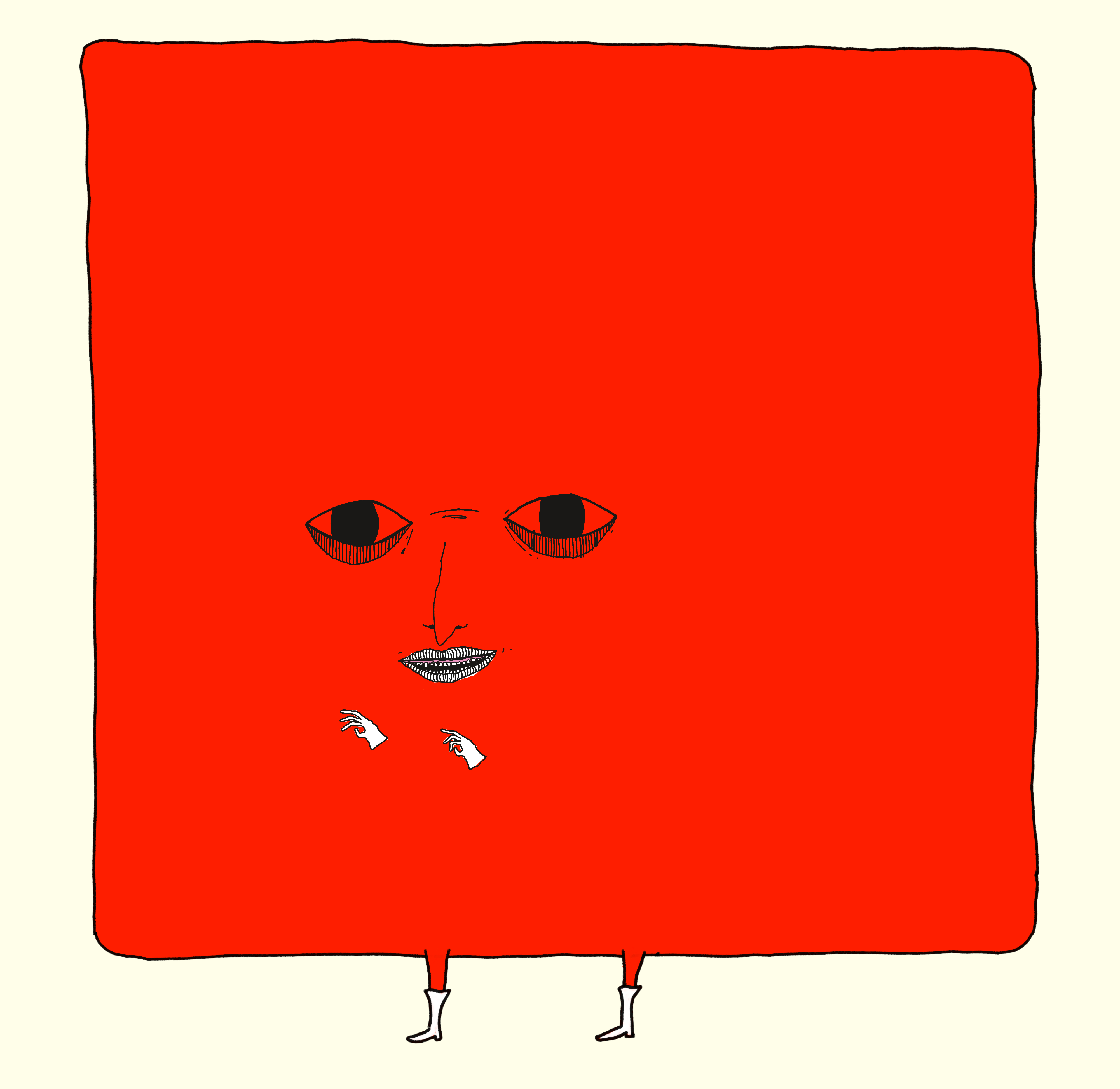
A Valentine's Day card I designed this year, more on potato.horse. Looks boxy and somewhat sinister, hence its presence here.

Should anyone trust a shady-looking site hosted on a vercel domain to share Signal invites? No! But there's still something we can do:

  • explain how it works
  • make the code publicly available
  • make the site code easy to read (to verify what is actually being executed on your machine)

I want my users to be somewhat distrustful (cautious) but well-informed. This is especially important in times when our agency in getting access to information is being eroded.

How did it go?

Link in a Box doesn't use analytics (related: How I Use Analytics With My Indie Projects) but the network logs showed a few thousand requests, now a few dozen per day. I get a lot of satisfaction from people messaging me to voice feedback or just say thanks for my projects. Will this happen here? Unlikely, but while I was messing with this I came up and got the energy to wrap up two more projects — more on those soon!

That's all for today, thanks for reading!
https://untested.sonnet.io/notes/link-in-a-box-on-trust-and-2-hour-projects/
Chthonic Companion
Show full content

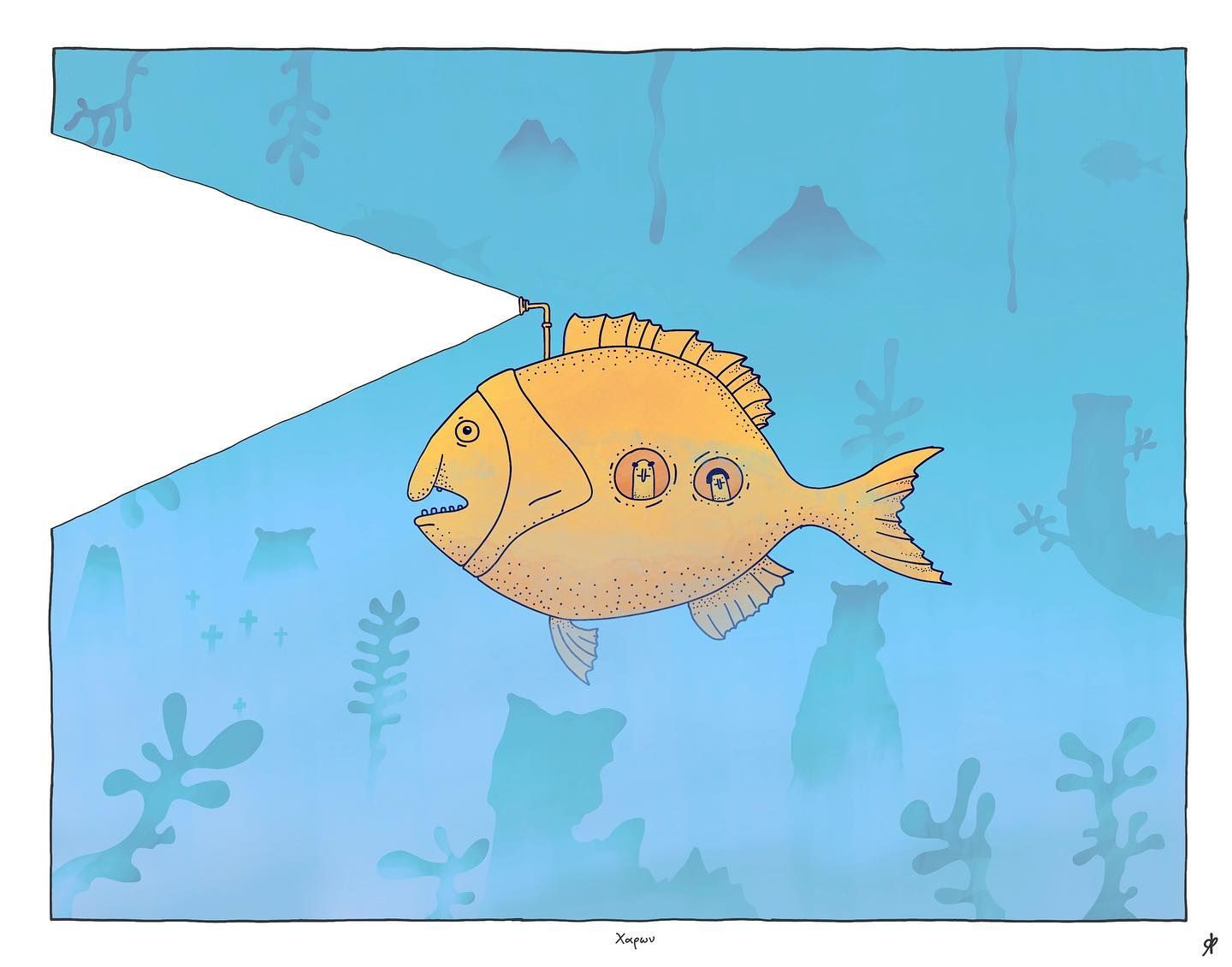
At the time of writing this I've had about 300 Say Hi calls! Many of the people I meet share their art with me (digitally or analog via mail, if I'm lucky). A recent caller made made a graffiti with an anglerfish. I have a few anglerfishes in my notebook too, so I thought I'd share mine.

There are three four things I liked about this drawing.

One, it looks like it was made by a kid. It tickles my sense of perfectionism in a way that's a little bit uncomfortable. It also forces me to let things go: I can't fix or unmake it, you can't unsee it. My heart is lighter. Thinking/writing about this observation prompted me to write Insomnia, Control.

Two, the light from the lantern does not reveal anything and it doesn't cast any shadows. It just removes the canvas, cue Wittgenstein, Parmenides, or Parmesan talking about death. (This post is titled Chthonic Companion, what did you expect?)

Three, the passengers are not travelling alone.

Four, they're looking through the window and just admiring the reef (through the window, so neither back, nor forward). The reef is only as permanent as their blinks and saccadic intrusions.

This drawing is somewhat silly (but cheesy as it may sound) it left me a wiser person.

How it was made

Sticking to the spirit of this site, let's see how a half-awake, half-baked person without any formal training draws something like this in the middle of the night:

Working title: A Fish Walks Home Alone At Night

(content warning: 9/10 of my drawings start as flying dicks sophisticated Roman art will briefly flash at the beginning)

That's all, thanks for watching!


P.S. Regular, technical content will follow soon.
P.P.S. For more fish related content visit potato.horse

https://untested.sonnet.io/notes/chthonic-companion/
Insomnia, Control
Show full content

I'm trying to get back into a regular posting schedule, so I hope you won't mind keeping things a bit less techy for a minute (or sixty). I'll do my best to follow the rules of this site: spark your curiosity, entertain you or, at the very least, inspire you (because you'll realise you can do it even better!).

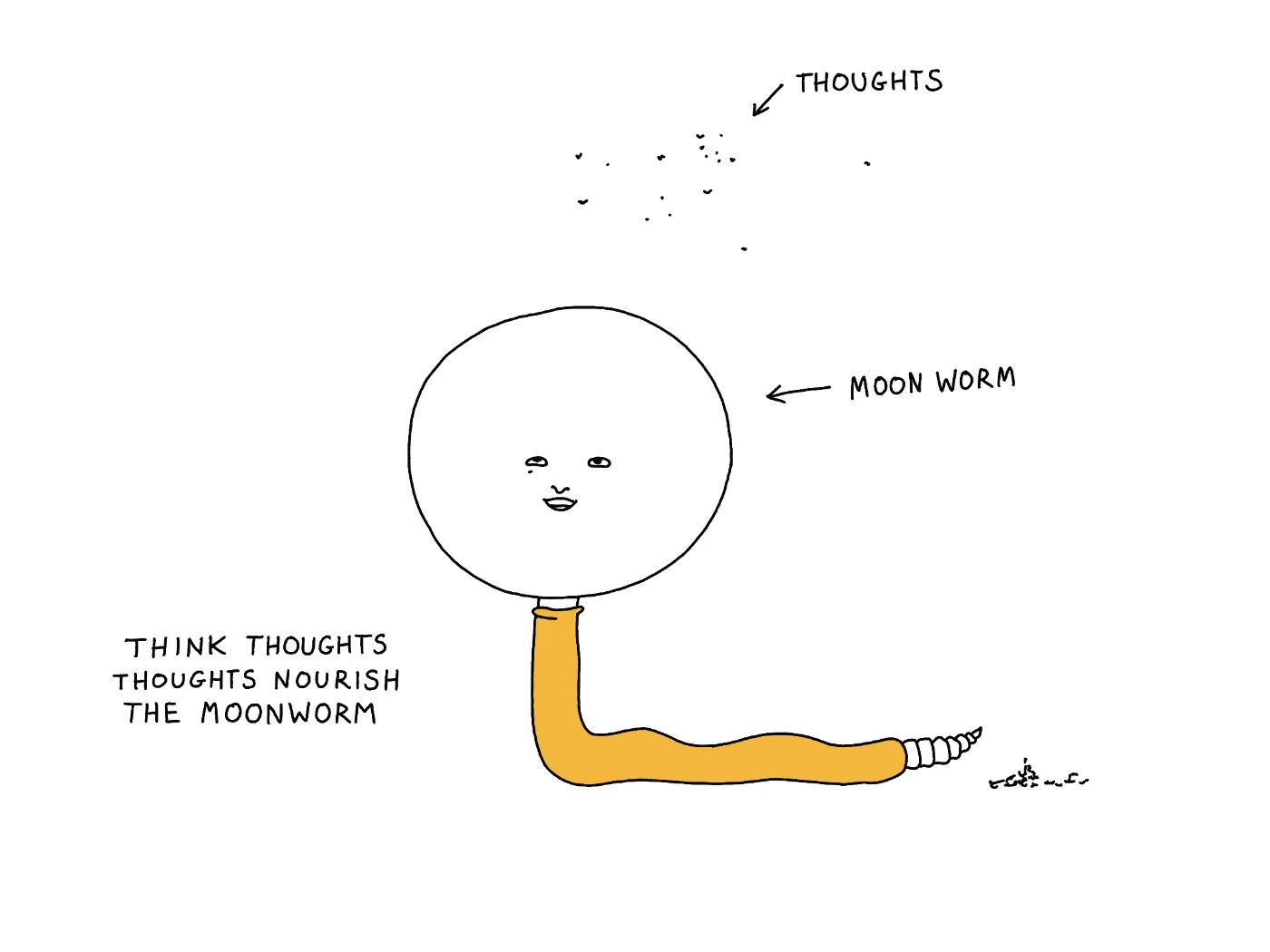
Now, enough with the disclaimers, it's Moonworm time™:

I used to be an insomniac, the 2-3 hours of sleep per night variety. This has improved gradually over 20-ish years. But, not unlike other people with permanent matches installed under their eyelids, I developed a somewhat paranoid, controlling relationship with my sleep.

For instance, I had a set of rules meant to guarantee uninterrupted sleep. These ranged from the sensible:

  • take a hot shower before bed
  • go to bed before xx:xx

to the less orthodox ones:

  • under any circumstances, do not think about the Wunderbaum car scent during the day, because you if you do, you will wake up. You're not thinking about it? Good. I'm so happy you're not thinking about Wunderbaum.

To be clear, I was aware of how irrational that sounds, but the muscle memory, the reflex, stayed. Most people with herpetophobia know that snakes are not just waiting out there to get them. And they're mostly right.

That's all to say I was a little bit of a control freak when it came to sleep. And not in the rational let's-maintain-good-sleep-hygiene kind of way. That made some things scarier that they should have been. If to adult-me, the prospect of skipping a night is a nuisance, to teenage-me it felt like punishment, and when I was a young adult – it was confusing torture, one I couldn't think my way out of.

Luckily, despite and because of this (mildly paranoid) context, I came up with another rule, one that would override all of the above: if it was late, but I felt inspired, I didn't give a shit about sleep. I'd just skip the night and take my sweet time to: write, draw, practice calligraphy, code a little toy, make a little sculpture from a scrap of wood. I'd never rush, and never judge myself in that state, just do the thing. I wouldn't feel scared of the dark or worry about being late to work.

And, what still amazes me is that it all came with such ease! The usual anxiety that accompanies insomnia was mostly absent (just the like the refreshing, resinous and, dare I say, slightly soapy aroma we all love and enjoy™ 🌲).


Any creative pursuit can feel both exhilarating (flow, Dog mode) and dreadful, anxiety-inducing (staring at a blank piece of paper, ruminating). A big part of the latter is that when we see the blank piece of paper, we protest against it. We try to brute-force it out of existence, then deus-ex-machina something else in its place (that something else perhaps being a sense of safety).

Of course we all know that's not how it works. You came with a donkey preinstalled in your head. The harder you pull it in one direction, the stronger it resists. Also, every time it brays it sounds more like fuck-you than hee-haw. Mine's called Adalbert by the way.

(No, I did not write myself into a corner, you did!)

What I'm trying to say here (poorly): what worked for me then, and what seems to work now is to give myself permission to give up control. Give up control over something I couldn't control in the first place. Acceptance is Defiance.

If you're in any way an over-thinker like me: give yourself permission to do art (uppercase, lowercase). It also does not matter whether you're good at it.

Correction: it helps if you're somewhat terrible at it. Lower that bar until you can't even trip on it. And if you do, tell me about it!

Thanks for reading!

Nocturnal Sunshine of the Spotless Mind

https://untested.sonnet.io/notes/insomnia-control/
Default Apps - from 2023 to 2025
Show full content

This is a follow-up to default apps from December 2023.

Defaults

Having reviewed the note, I realised that the changes are more interesting than the list itself, so for the sake of visual clarity I've pulled it into a separate page.

You can find the complete list here here.

What changed

The point still stands that most of my apps still fall into the categories of Indie, Walled Garden and Idiosyncratic/DYI/DUI (designed under influence (of boredom)):

Cursor became my main code editor. Many tend to overestimate how useful LLMs are for complex problem-solving work, especially when the (code) spaghetti sauce is dripping all over the place, but for quick repetitive edits, scaffolding or just sketching ideas – it works surprisingly well! Most importantly, it saves me time, but it doesn't get in my way.

I'm using Ensō and Sit. every single day. Over the past 5 years I've written 2 million words just in Stream of Consciousness Morning Notes, and it's hard for me to imagine starting my day without writing. (Related: Projects and apps I built for my own well-being, MISS – Make It Stupid, Simple)

I don't use Penpot that much any more. I'm quite comfortable with sketching things in plain CSS + HTML. This is not a point against Penpot specifically – I still do prefer it over Figma (Alternatives to Adobe). But, my clients use Figma, and I like being able to pay rent.

I stopped using Neovim almost completely, but I kept the keyboard bindings and I'm pretty comfortable with modal editing now. My wrists feel better as well.

I approached learning vim as a fun, somewhat pointless distraction (Let your dog take you on a walk). And honestly, I'm really happy I did that because incidentally I still learned a fair bit. I'm just not able to use a text editor that cannot support more than one font size at the same time. Still, although I won't miss the UX, I will miss the aesthetic:

Apple Podcast UI was too annoying to use, so I gave in and switched to Overcast. I'm happy with it. There's isn't much more to say. It does what I paid for. Imagine all software were like this.

On Kindle: I've had one since 2009, but I'm much more likely to both start reading and finish a book when it's an actual physical object I'm holding in my hand.


I drew this a day before reading The Hole by Hiroko Oyamada, one of my favourite books of 2024

I'm still using the same utilities (Mail, Calendar). It's a marriage of convenience at this stage. Switching away from these tools a bit of a pain. Regarding the alternatives: every tool I tested is either stuck in the early 2000s or tries to be several different things at once. I prefer the former. My solution to the problem - taking deep breaths, repeatedly chanting panta rhei whilst slapping myself in the face with Enchiridion. One day there will be no email, and we will be no more. It'll be so quiet.

Meta

I think it'll be fun to make another list like this next year and compare with this one.

Was it? Honestly, not really, not in the way I expected.

Having said/thought/written all of the above, I'm not sure if this format makes much sense. It feels outdated, and somewhat awkward.

Many of the tools I'd use in the past can be replaced by generating small disposable programs or asking a machine a question. Then, the way I find and organise information has become more polarised (for the lack of a better phrase). Finally, more of my life is analog and my online social graph – more branched, but the branches are, longer, narrower and weirdly shaped. For me, meeting random people via video calls replaced a big part of social media.

That's all for today, thanks for reading!
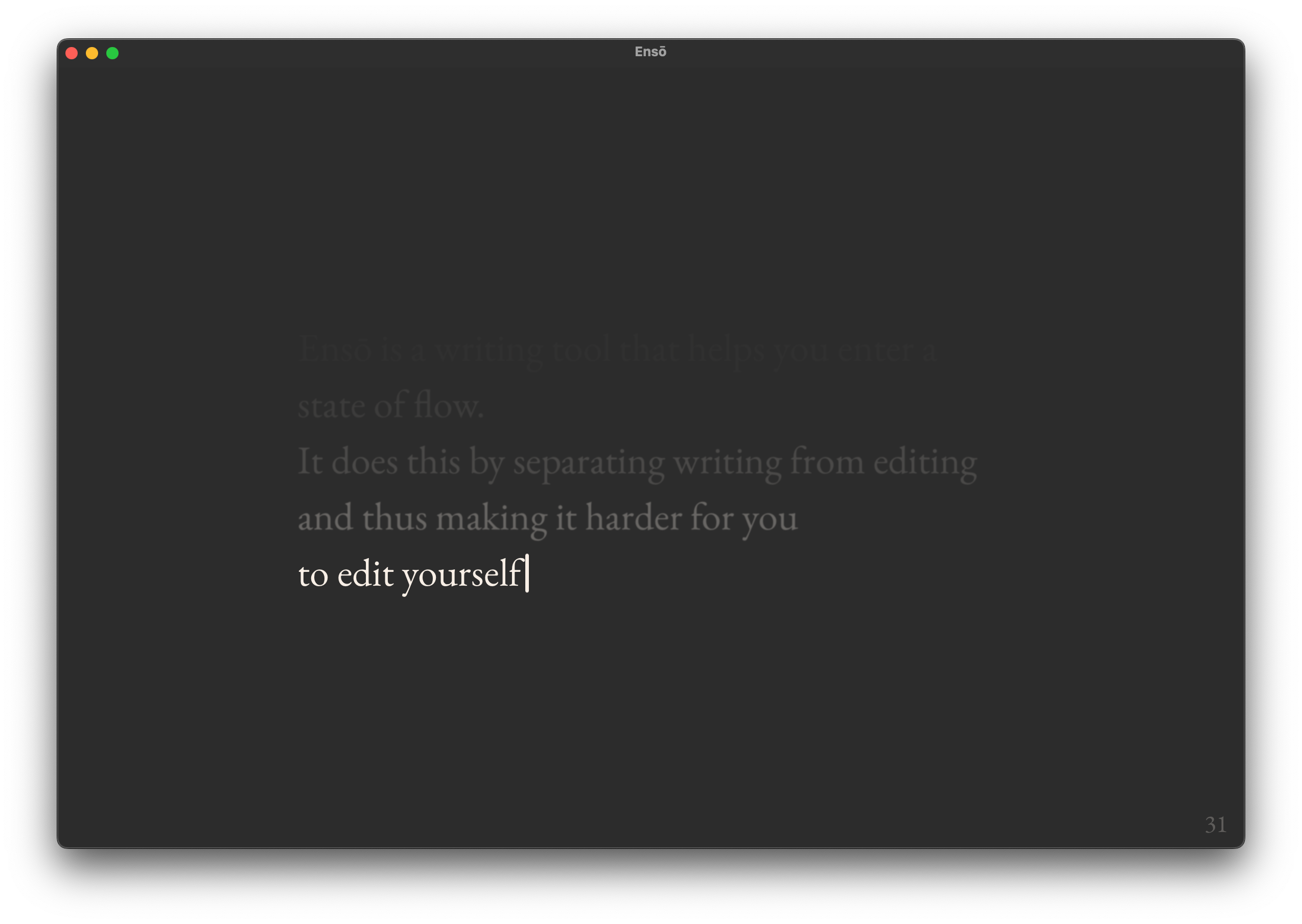

P.S. I chose this subject because I felt stuck in a rut. It felt like an easy one to tackle: although I do write almost daily, sharing has become a bit harder, my language somewhat more awkward. So, I'm trying to follow the advice I give to others: Share your unfinished, scrappy work, and most certainly Half-ass it!

P.P.S. Personal Without Being Parasocial

https://untested.sonnet.io/notes/default-apps-from-2023-to-2025/
Ensō Roadmap (2024)
Show full content

I've gathered sooo much direct feedback for Ensō over the past few years! The nice thing about relying on people messaging me directly (via email or Say Hi calls, instead of analytics) is the quality of that feedback. I can actually engage with people using the product, bounce off ideas in an email thread or a call. Besides being a good motivator, this lets me feel like I have something concrete, something actionable to work with. Analytics just feel like a bunch of unnecessary steps between me and the problem at hand.

The list below is based on that user feedback plus my own experience having written + 1,000,000 2,000,000 words in it in the past half a decade. Snippet - How to count words in a folder.

If you see anything missing, hit me up!

Changes:

First, keep the website running and the web version private and free (Ensō Design Constraints, Kind software).

  • Coffeeshop mode (Sketch - Ensō Coffeeshop Mode)
  • add a writing timer
  • toggle autocorrect
  • toggle word count
  • customise the number of visible lines
  • Theme:
  • Sync theme with OS appearance (a.k.a. dark/light mode)
  • Personalise
    • font
    • colour
    • cursor
  • Backups (store the past three notes in memory)
  • Windows support (still not sure about that one, given the cost vs. time and effort)
  • Display an optional writing prompt (via plugin?)

Related: Enso Technical Roadmap, Enso product feedback

https://untested.sonnet.io/notes/enso-roadmap-2024/
Gregglogger
Show full content

A few weeks back I felt bored and somewhat nihilistic, so naturally I went where people go to when they want to scream into the void. This time the void didn't gaze back at me, but served me this:

X

Programmers have a Pavlovian Engineering Response, so 20 minutes later with a bit of prompting I made Gregglogger, excuse: me Gregglogger✨.

What is Gregglogger

Gregglogger records every time you copy, cut or paste things on Mac. It also plays a recording of peeling scotch tape when you do that.

Let me demonstrate this by helping three little ducklings cross the river and reunite with their mom:

Open™ and Kind™

Following the File over app philosophy, all data is stored in a proprietary but easy to parse Greggfile (Wikipedia) , located by default under ~/how-many-times-did-I-press-CMD-C-or-V.gregg .

I'm tired of walled gardens. I believe that all keyloggers should have easy and equal access to the same data (and I am not alone). So please if you're building one — go ahead and use my our Greggfile!

My body temperature has increased. Where do I get the Gregglogger?

You sound like a warm lead. Let me introduce you to this link: <a>link</a>.

Alternatively:

$ git clone git@github.com:paprikka/gregglogger.git && cd gregglogger
$ pip install -r requirements.txt
$ python gregglogger.py
What I've learned

(Let's be serious for a moment.)

There's something I don't think about very often: writing simple keyloggers is surprisingly easy.

  1. This code is as boilerplate as it gets. Anyone with basic software engineering experience could write it in a few minutes.
  2. Running this script in a terminal requires no additional user input, including permission requests.

This, coupled with the fact that MacOS comes with pre-installed python, means that with relative ease anyone could add this to their NPM packages, effectively covering everyone's computers with virtual scotch tape:

{
  "name": "padleft",
  "version": "1.0.0",
  "description": "Pad left (or right, but never both)",
  "main": "index.js",
  "scripts": {
	// 👇🏼
    "postinstall": "pip install && python gregglogger.py"
	// 👆
  },
  "keywords": [
    "padleft",
    "padright",
    "pad",
    "padaria",
    "pastelaria"
  ]
}

To be clear, none of these issues is purely Python or Node specific. These are just the languages I happened to used on that day and it was a rough day, so I'm going to pick on them.

Limitations

This code will detect keyboard events at the OS level, but not when using protected inputs. Here's what happens when I update Gregglogger to record any keypress, but open a password input:

As soon as the focus switches to a password input, we can intercept only the modifier keys. To my knowledge, this can be fixed by requesting the OS-level accessibility permissions, which would require a separate user interaction.

Next steps
  • Explore new product verticals and demographics. Include different sounds like:
    • squishy goo
    • lifting and dropping a slab of wet meat
    • every wet puppet from a Brian Yuzna movie (for those with a premium budget)
    • an angry middle-aged, chain smoking man yelling "son! put it down, NOW!" on CMD+C and whispering "...good..." in a way that somehow still makes you feel like a disappointment on CMD+V.
  • The amount of possible key combinations to track and monetise is (practically) infinite. So is our growth potential. Upsell new key combinations using a DLC model.
  • The amount of productive time in a given day is limited. Start with a limited number of copy-paste interactions per day. Goal: delight our users on a budget.
  • Further delight our users by disabling copy-paste boosting their available Copy-Paste Credit through interacting with sponsored content and exclusive deals from our verified partners.
  • add AI ✨

Anyway, I pressed CMD+C/V a bit more than 70 times writing this note. This is a little bit surprising given that I use Vim bindings in my text editor.

Thanks for reading!
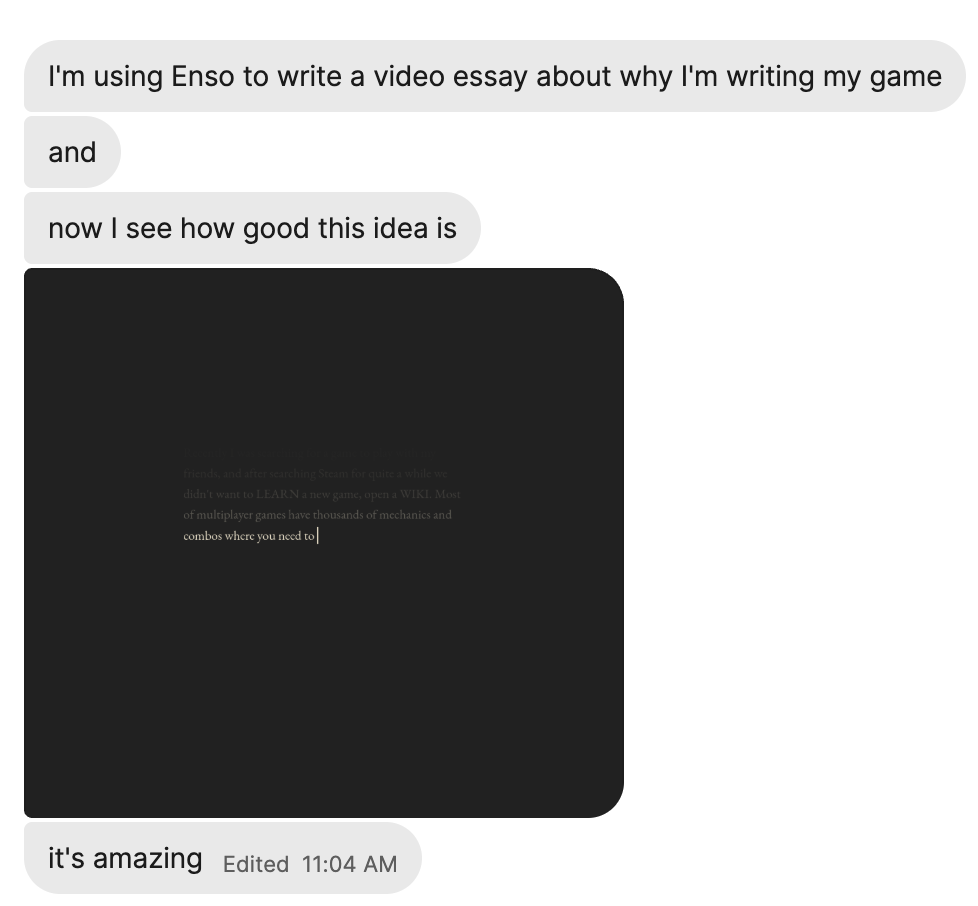

P.S. And thanks, Greg, for giving me a reason to build something so beautifully useless and half-baked purely for fun! Think twice before you tweet next time.

https://untested.sonnet.io/notes/gregglogger/
Sketch - Ensō Coffeeshop Mode
Show full content

(don't overthink this, I didn't)

I'm playing with a "coffeeshop" mode for Ensō. It's pretty simple: hit shift twice to toggle between visible and masked text:

Why am I doing this:

Immediate reason: I usually write my Stream of Consciousness Morning Notes at home, but this time I was in a crowded coffeeshop with people breathing down my neck.


Original title: My guardian angel putting me to sleep.

Less immediate, but more important, reason: a big chunk of my writing practice is learning how to process and understand my emotions. This means that my notes are deeply personal.

Even when I write at home, and my partner (someone I trust more than anyone else!) is passing by, just knowing/feeling that someone might see what I'm doing makes me feel anxious. That has to do with a couple of things:

  • vulnerability — feeling self-conscious as often during writing I touch on things that make me feel vulnerable. I want to be open to that feeling.
  • intimacy — I need a space that is just mine. Ensō has always been one of those places (related Expressive Writing).

And yes, I know that we're all just little boats floating in the sky, people are busy and no one is really looking. This is not a rational fear, this is about having a sense of emotional safety. A feral cat lives in my head rent-free and I'm trying to make it easier for her to feel comfortable. I accept it.

What's next:

This feature is not available in the app yet. I'm working on a bigger update for Ensō (more on that soon). I'll give it a few more weeks before making changes.

Questions to answer
  • is it useful? (seems so!)
  • how to balance: the simplicity of the UI, ensuring its purpose is clear, as well as discoverability of new features. This is tricky when your app aims to be a clean slate of paper with almost no UI (MISS – Make It Stupid, Simple).
Edit: Emotional Blockers

As I was editing this I realised that this feature relates to todepond's approach to emotional blockers in creative work. Read about them here (OK, I don't 100% agree with their way of categorising these problems, but I think it's a powerful and useful metaphorOK.)

Also, check out Projects and apps I built for my own well-being and Things to support my own well-being – a wishlist if you're interested in work similar to this.

Thanks for reading, see you soon!


P.S. This note started as a draft of a post on Bluesky. I'm really happy I finished it here. I feel like I have a much clearer picture of how to work on this (Instead or writing a comment, write a post and link it).

https://untested.sonnet.io/notes/sketch-enso-coffeeshop-mode/
Celebrating World Egg Day
Show full content

Original title: When you realise that you forgot the egg

Hi there! I've been taking things slow this week (no writing, no coding besides client work, Mango's gotta eat). I'm happy I took a break instead escaping into the more comfortable nook of my brain... with one small slip.

Then this masterful toot caught my attention:

Fuck, it's Egg Day! Thank you for the nudge Matthias. Here are some of my egg-inspired works, chosen at random under 3 minutes:

My first attempt at stop motion animation

Source: Mmm... egg

The interlude of my first attempt at a newsletter

Source: Weekly Notes #6

Vaguely Lynchian Prima Aprilis

x.com/rafalpast/status/980424372258263040

My first attempt at teaching the egg how to walk

This was a prototype of a Liero inspired multiplayer deathmatch game, finding the last egg rolling so to speak.

It would be hard to achieve this level of realism without Inverse Kinematics and procedural animation.

A longer description would deserve separate post. Suffice to say, things didn't go that smooth as the algorithm I applied was more suitable for arthropods rather than anything with human legs. (imagine a bipedal human sized spider, now compare it to a walking human).

Also, some leggs (typo, but I'm keeping it) were so displeased with my rigging skills, they decided to fly away, just like my dad when he went to buy those cigarettes.

Something I noticed while editing this: so many of these projects are my firsts: first newsletter, first stop motion animation, first IK experiment, first egg in drag for the first of April. Writing truly is thinking!

This animated loop from an article on sonnet.io (HTML+CSS)

Why I made it: I needed a looped video on my site and the easiest way to create it was to:

  1. animate it in CSS
  2. record via QuickTime (I miss Macromedia Flash)

You can find the article and the video here.

This drawing I share instead of saying it's a balancing act

Source: Balancing Act

Finally, Chomsky, geopolitics, egg massage

An accidental find from the times of the Plague. I suspect it's the least entertaining or informative example here. Please, don't judge the egg, judge me.

That's all for today. Anyway, what's your favourite egg? Let me know.


P.S. Thanks for reaching so far, please take this NSFW True Detective inspired Egg Erotica as a token of my gratitude.

And remember, to quote Obvious Plant: this isn't real, nothing is real.

https://untested.sonnet.io/notes/celebrating-world-egg-day/
Kepasa (and a bonus gift for Notion)
Show full content

I liked Steph Ango's avatars almost as much as the Notion design team, so I decided to share some of the ones I made for myself ages ago.

Before we get there: this was meant to be a silly little note I'd share to warm up a bit and get back to a more regular writing schedule, but it seems that I (accidentally, and against my better judgment) DID learn something:

  1. Kepano and kepasa (which is how Ango calls these avatars) are hawaiianisations of his first name, thus Kepasaque pasa.
  2. Hawaiian has only 13 distinct phones
  3. Hawaiian is a critically endangered language with fewer than 300 native speakers.

Back to kepasa. Here's Steph's for reference:

twitter.com/kepano/status/1838910325225034154

And here's my Janusz:

Unfortunately the polonisation of que pasa would produce the same sound as in Hawaiian, so we'll stick with Janusz for this facet of my personal brand now.

Finally, I am aware that my hyperrealistic drawing style can seem intimidating to unexperienced artists, but if you want to give it a go, check out How to draw a Janusz.

But why stop there?

https://untested.sonnet.io/notes/kepasa-and-a-bonus-gift-for-notion/
xitter.png - privacy-friendly embeds and one-way mirrors
Show full content

Hi there! The new site's up, standing on its three (mostly finished) and one (slightly wobbly) leg. I'll continue working on it and share what I've learned along the way. Enough with intros and disclaimers. This site is the Snail of Theseus after all. Let's goooooooo!

What's xitter.png

xitter.png is what I use to embed tweets on this site with respect for your privacy. By that I mean that none of the reader data is shared with the social network ad platform.

Think of it as a one-way mirror. You can see the doomsday gremlins, but the gremlins can't see you.

Why xitter.png

In short, Don't assume consent.

Slightly longer version

I don't like Twitter. The reasons are many. The one I'm tackling here is this, phrased as an edgy joke from 2003:

In Soviet Russia, Internet browses you!

(Another variant replaces Soviet Russia with Internet Explorer, but you get the picture)

X

Say, you're scrolling through an article listing 10 best dressed possums. You look at the embedded tweets from crème de la crème of the Didelphimorphic fashion community. You glance at a picture of a possum wearing a colander. Slowly, and quietly at first, a sense of envy crawls in on its tiny, weirdly soft, weirdly human-like paws.

Fine, you already expected to feel that way. But what you probably didn't expect is, when you gaze at a tweet, the tweet gazes back:

What happens behind the possum is akin to loading an ad widget: yes, a tweet is displayed, but also a bunch of metrics about you is sent to the parent domain, then directly or not, those metrics are shared with a bunch of third-parties.

The data can include a fingerprint of your device, cookies or anything that can be used to build a targeting profile. And that profile is then used to tell you to buy shit you don't need. This is generally achieved by finding ways to make you angry.

How it works Short version

Nihil novi sub sole: replace Twitter embed widgets with screenshots of embeds and a link to the tweet. Tweets/screenshots are generated on my machine when the content is published.

Slightly longer version

Here's how embeds are processed and displayed normally (I split it in two parts: reader and build):


And here's how it works with xitter.png enabled:

The main difference in the second case is that most of the interactions that are normally handled when a tweet is displayed (incl. tracking) happen server-side, during build.

The code is pretty rudimentary (MISS – Make It Stupid, Simple). Here's the source.

  1. Embed tweets in Obisidian using regular links:
    ![X](https://twitter.com/xxx/status/<tweet id>)
  2. use a markdown-it plugin to transform images pointing to twitter.com as http://<xitter.url>/<tweet id>
  3. when an image is downloaded during build, xitter.png
    1. starts a web browser
    2. loads the shared tweet
    3. takes a screenshot of the tweet
    4. returns an image
  4. a screenshot of the tweet is saved in cache and added to the output
Limitations

This works surprisingly well, but only locally or at a small scale. I don't expect it to work hosted from an EC2 instance and used by hundreds of people, due to bot/scraping prevention tools used by Twitter. At the same time, I haven't tested it yet.

I did, however add basic API key support before realising I didn't need it. So, feel free to run it from the cloud and let me know how it went!

How I made it

I wrote the scaffolding with 2-3 Claude Sonnet 3.5 prompts. Then I fixed the nicely polished gibberish using a paste made of my prefrontal cortex and basic programming skills.

Reasons for this approach:
  • using puppeteer for screenshots and web scraping is quite common
  • those scripts tend to be repetitive
  • I already had the structure of the script in my head.

Enough training data, a relatively simple problem structure and enough personal experience to use bullshit detectors effectively makes this one of the cases where LLMs can speed up work (related LLM-powered Tools I'm Actually Using).

Why I made it

I don't share tweets that often. I probably could've just manually copy-pasted the screenshots into my notes. The reasons I'm sharing xitter.png are different from the reasons I made it:

  • I needed a break from another task. My thought sponge was tired and I felt like I wasn't moving in any direction. I needed a quick snack to give me a sense of progress.
  • Having to manually add screenshots to a page doesn't take much time but it gets me tired very quickly.

I bought shoelaces in Shoreditch once and after I paid, the seller asked me if I could give them my email address. I think it's creepy that this attitude towards our privacy has become normalised.

If just a single person reads this and adds something similar to their site, or even considers the idea of doing so, for me that's still a win, and a real source of satisfaction.

Next steps, ideas

If you have a problem or use case for xitter.png, let me know!

What I've learned (or want to remind myself of)

express.js is (still) amazing. It's simple, intuitive, stable, it doesn't get in your way. Express is the CSS of web frameworks.

I tend to judge myself when I don't stick with a task, when I feel stuck. This is perhaps the opposite of Dog mode. Judgement or guilt are terrible ways of looking at this. It's unproductive and distracting: sometimes I need more focus, oftentimes (more than I think) I need to take a break and clear my head, and finally – sometimes I just need to distract myself with another task so I can feel that I'm moving, feel more hungry, curious.

What works better: figuring out why I'm stuck, why I feel that way. Then I can move on and act. Hummingbirds are Evil!

Thanks for reading this, see you soon!

https://untested.sonnet.io/notes/xitterpng-privacy-friendly-embeds-and-one-way-mirrors/
112
Show full content

Hi! How have you been? I'm starting my holiday in about 10...9 minutes, so I'll keep this one quick: I want to extend my experiment indefinitely and have a space to write, think and build in public with as little friction as possible.

I've been consciously avoiding leaving Obsidian Publish yak shaving during the past few months, so I could focus on what then felt scary -- writing! So I left the redesign as a little reward for myself for reaching 111 posts.

You can check the current version here.

Note: this is just a playground. and the design as well as the structure will change quite a bit! My main focus at the moment is building a solid pipeline to import the content from Obsidian, not the design.

Here's how the test site looks now (temporary) Article view

(t...temporary!) Table of Contents


Don't fix what's not broken. I don't want to change the way I organise my personal notes, so I needed to build a slightly more complex way of publishing my notes from Obsidian. You can check the code here.

What to expect
  • better, albeit more idiosyncratic UX, especially on mobile
  • more interactivity, less linearity
  • fixes for the issues mentioned here: Abusing and reviewing Obsidian Publish
  • MY BRAIN ONLINE one place for all of my projects (for now, my work is split between untested and sonnet.io)
  • hopefully some tools you can borrow and reuse

Here's how I'm going to work on this
  • messily.
  • with a ton of Spikes

I'll keep a replica of my notes from untested.sonnet.io on new.untested.sonnet.io and as soon as new.untested works as good as this version, we'll make the switch.

a slug carrying a house, the house is still in construction

One must embrace the snail of Theseus, the constantly changing anthropod, the not so distant cousin of Proteus.

Ok, enough rambling. Time to say hi to some volcanoes and a glass of limoncello. Thanks for reading this!

Hugs, R.

P.S. I still love Obsidian Publish and highly recommend it if you just want to start sharing your thoughts in public. It just doesn't work for my specific use case. I enjoy coding with HTML/CSS as much as I enjoy drawing or calligraphy. It's a medium I grew (up) with so I want to spend more time with it!

https://untested.sonnet.io/notes/112/
Weekly Notes #20: 111!
Show full content
Meta

Reminder: this site is an iterative experiment, so let's put on the janitor hat welcome this festive sock because we reached 111 posts you handsome beast!

This week's summary 111!

Embed
– yours truly, some time last year

A few days back I read a post by someone who said that what prompted them to write was a thing I wrote/shared here. This wasn't the first time it happened. And every time it does, I feel a burst of happiness. (thank you, mr vice-president, you know who you are)

I don't have a habit of celebrating milestones. I tend to just move on to the next thing. I don't think it's very healthy, and I'm trying to get better at this! But holy shit, we got there, and you're here with me! What the hell!

I am so grateful that people read this thing, follow my work and sometimes even message me with the (oftentimes) beautifully weird stuff they found. I'm so grateful you came over and spent your time reading this. Let the cycle of playing, learning, breaking and half-assing things continue!

Graaaaaains


Earlier this week I published Just Some Innocent Gradient Fun. It's a simple visual editor showing how to shade an image using noise, gradient maps and posterisation. It was inspired by this YT tutorial by Texture Labs.

Next week

In the next few weeks, I might write a more detailed note on what I've learned through running this experiment. For now, things will continue in their current shape.

This, whatever this is, works for me. I have feeling I'll be doing it for another few years, so I'm considering dropping Obsidian Publish and merging untested with my blog .

Favourite project

Recommended soundrack for this section

Dwarf Fortress — I don't know how to describe it concisely. It's an insanely complex strategy/simulation/roguelike game where you manage a colony of dwarves.

Remember: losing is fun!
– literally the first thing you'll see after starting the game

DF is notoriously difficult to start, has a terrible UX. But all of the self-inflicted torture can be a small price for one of the best examples of emergent narrative in gaming. Don't get me wrong, I'm terrible at DF, but that's kind of the point -- to me playing it feels like reading and writing a book at the same time, something I know mainly from running TTRPG sessions.

My current fortress is a small, sustainable, polyamorous (not religious but dare I say spiritual?) community. Think: Amishes on a rave. Our contact with the outside world comes from selling little wooden trinkets. We also have a 1-year old child who works at the stonemason's workshop. She's suffering from a little bout of demonic possession at the moment. Just as our ancestors in the mountainhome, we brew our ale from mushrooms.

Favourite site

matthew rayfield world — internet playthings and experiments like this Popup Trombone or console.log snake.

Matthew Rayfield (the current intern at matthewrayfield.com) also dabbles in accessibility, like this snort'n'paste, targeted at Square Mile traders (@editor: would you say it is a bit... on the nose?).

occasionally, humdrum — a semi-regularly updated assortment of media hosted in a kinopio board. In another world, untested is a giant kinopio canvas.

European Alternatives— EU based SaaS products tend to be less creepy from a privacy standpoint. I stumbled upon it when looking for a CDN alternative for my sites (including this one).

Damaged Earth Catalog— notes on the future of computing, ways of framing the relationship between humans, technology and our environment (e.g. Benign Computing). I'm still digging through it.

We are humans and might as well get used to it. So far, remotely done power and glory—as via government, big business, formal education, church—has succeeded to the point where gross profits obscure actual loss. In response to this dilemma and to these losses a realm of intimate, community power is developing—power of communities to conduct their own education, find their own inspiration, shape their own environment, and share their knowledge with others. Practices that aid this process are sought and promoted by the DAMAGED EARTH CATALOG.

Favourite piece of tech

6 years, 1000s of doodles, dozen of t-shirts, and a couple of games later, I'm retiring my iPad. May it rest in peace (or in the living room as a Spotify GUI).

Nah, it's the Playdate! It arrived 20 minutes ago, after a 2-month long eurotrip with a stop in Las Vegas(?).

Interesting articles

Inline conditionals in CSS? — Lea Verou discusses a proposal to introduce ternary operator-like conditional logic in CSS.

OK, it'll take another 2-3 years for it to be accepted and implemented in major browsers. The reason I'm sharing this: the article does a great job at explaining the already existing and stable ways of solving this problem.

I like to think my CSS knowledge is solid, but I was today years old when I learned about style() media queries!

About – webcurios — Q&A with the author of webcurios, explaining their process and their attitude towards writing and sharing. Cheesy at it may sound, it feels honest and it truly embraces the beautiful art of half-assing and sharing unfinished, scrappy work.

Building communityIs your work about “influencing people” or is it about “solving hard problems”?

Things I wrote last week that people liked

Thanks for reading! See you next week!

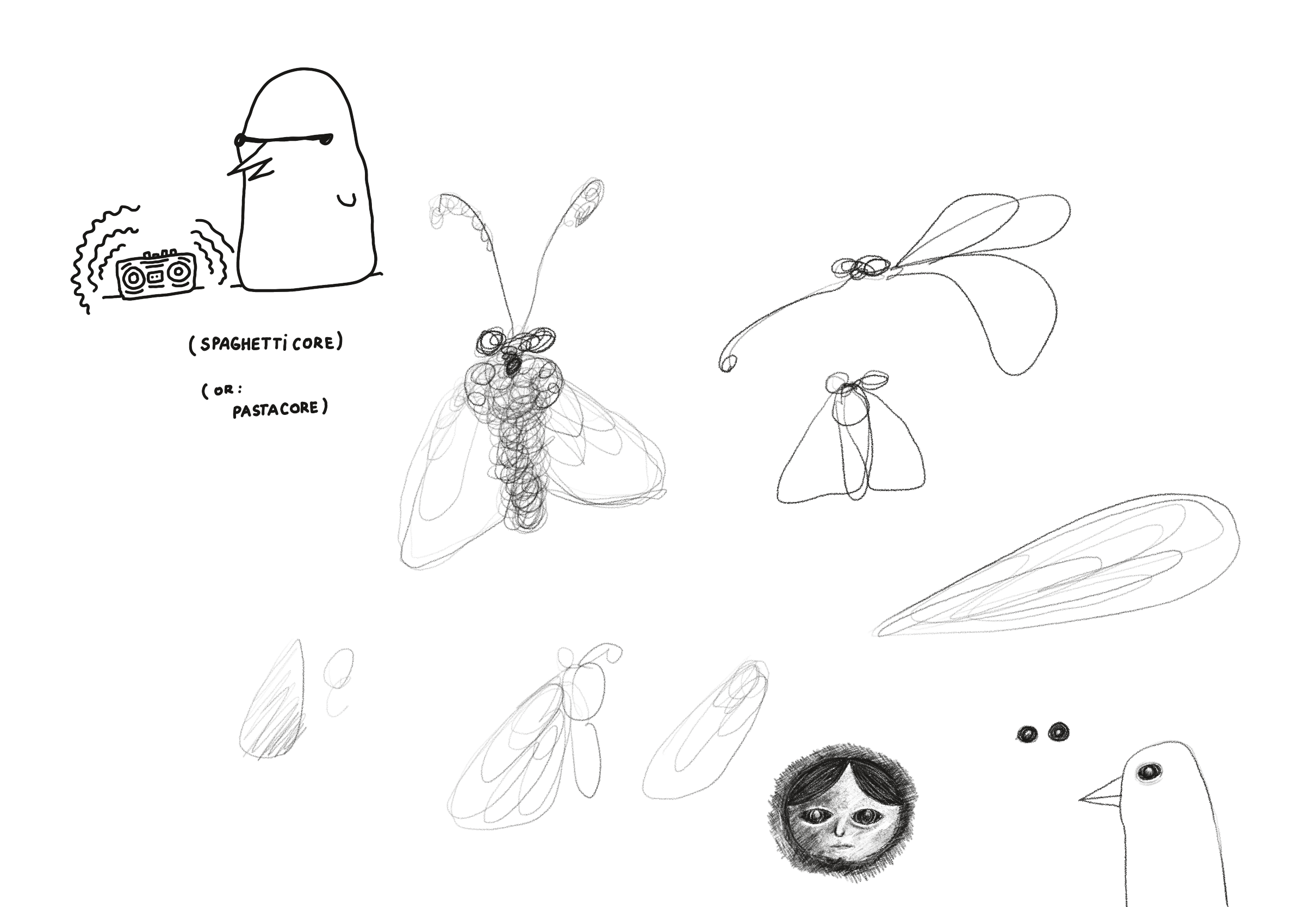
Ps. sshh...

https://untested.sonnet.io/notes/til/weekly/60/
Just Some Innocent Gradient Fun
Show full content

Hi there! This one will be quick. Let's let the code speak for itself for a change.
A week back or so I saw a video by a channel called Texture Labs explaining a simple shading technique using gradients, grain and posterise. I thought it would be a fun thing to play with, so here you go. Just Some Innocent Gradient Fun is a simple graphics editor demonstrating the technique mentioned in the video.

Check it out here.

or heeere How it works:

The video does a pretty good job explaining the effect itself, so I recommend watching it out for more context. The process boils down to 4 steps:

  1. desaturate the base image
  2. apply the noise
  3. reduce the number of colours to 3-5 steps (e.g. using posterize)
  4. apply a gradient mask

I prefer learning by playing, tweaking, and breaking things. So I added a bit of UI to control different parts of the effect, in case you're similar to me in that regard:

How it works in HTML + CSS

If you're interested in a longer write-up, let me know. Today, we're half-assing things.

In short, the image is wrapped in a bunch of HTML elements called Layers. Each Layer has a filter: url(#some-svg-filter) applied to it. Those #some-svg-filter IDs point to an invisible SVG element with SVG filter definitions.

  <div
	className={styles.layer}
	style={ { filter: 'url("#posterize")' } }
>
	<img ...>
  <svg xmlns="http://www.w3.org/2000/svg" version="1.1" style="display: none;">
    <defs>
      <filter id="posterize">
        <feComponentTransfer>
          <feFuncR type="discrete" tableValues={posterSteps} />
          <feFuncG type="discrete" tableValues={posterSteps} />
          <feFuncB type="discrete" tableValues={posterSteps} />
        </feComponentTransfer>
      </filter>
    ...
    </defs>
 </svg>

In a real world scenario, you could do just fine with 1-2 DOM elements because CSS filters can be stacked. I kept them separate to make the code easier to read and mess with.

What I've learned:

Just Some Innocent Gradient Fun/SVG filter quirks

Next steps:

Not much. This was fun to play with, but I'm trying to me more selective with my time since I have more important things to wrap up this year (like the next version of Ensō!)

OK, there's one tempting idea: creating a web component that wraps an image element to render it in the style of Return of the Obra Dinn or applies a dithering effect like some of the bio entries on this site (Wislawa Szymborska, Zygmunt Bauman).

Why I made it:
  1. Share your unfinished, scrappy work
  2. Dog mode
  3. Why make toys, why play?

(I needed to get out of a rut, and sometimes making useless things helps me get back on track.)

Thanks for reading, see you tomorrow!

Related: Dithering

https://untested.sonnet.io/notes/just-some-innocent-gradient-fun/